OBSBOT AI Cameras Are on Sale for Prime Day 2026, and the Tiny 2 Webcam Just Hit Its Lowest Price Ever

There is a camera brand that has shown up at International Broadcasting Conference, partnered with the Esports World Cup as an official camera provider, earned Editor’s Choice awards from music and DJ publications, and landed in the desk setups of remote workers, streamers, worship AV teams, and solo creators, all while keeping a relatively low profile compared to the legacy names in the category. OBSBOT, founded in 2016, has built its reputation the way durable hardware brands tend to: by making things that keep working, and keep getting better. Reviewers have consistently noted that firmware updates meaningfully improve OBSBOT cameras after purchase, which is a rarer quality in hardware than it should be.

Prime Day 2026 will put seven OBSBOT cameras on sale simultaneously, running through June 29 across Amazon and the OBSBOT official store. The lineup covers three distinct use cases: the Meet series for plug-and-play video calls and casual streaming, the Tiny series for creators and hybrid workers who want PTZ tracking at their desk, and the Tail 2 for anyone running a live production setup that used to require a full crew. The discounts range from around 15% on the newer Tiny 3 series to over 30% on the Tiny 2, which arrives at a price point that has not been seen before. Discounts hit on June 23rd – here is the full breakdown.

Click Here to Buy.

OBSBOT Tail 2 ($1088) – The AI Camera That Puts a Production Crew on Your Tripod
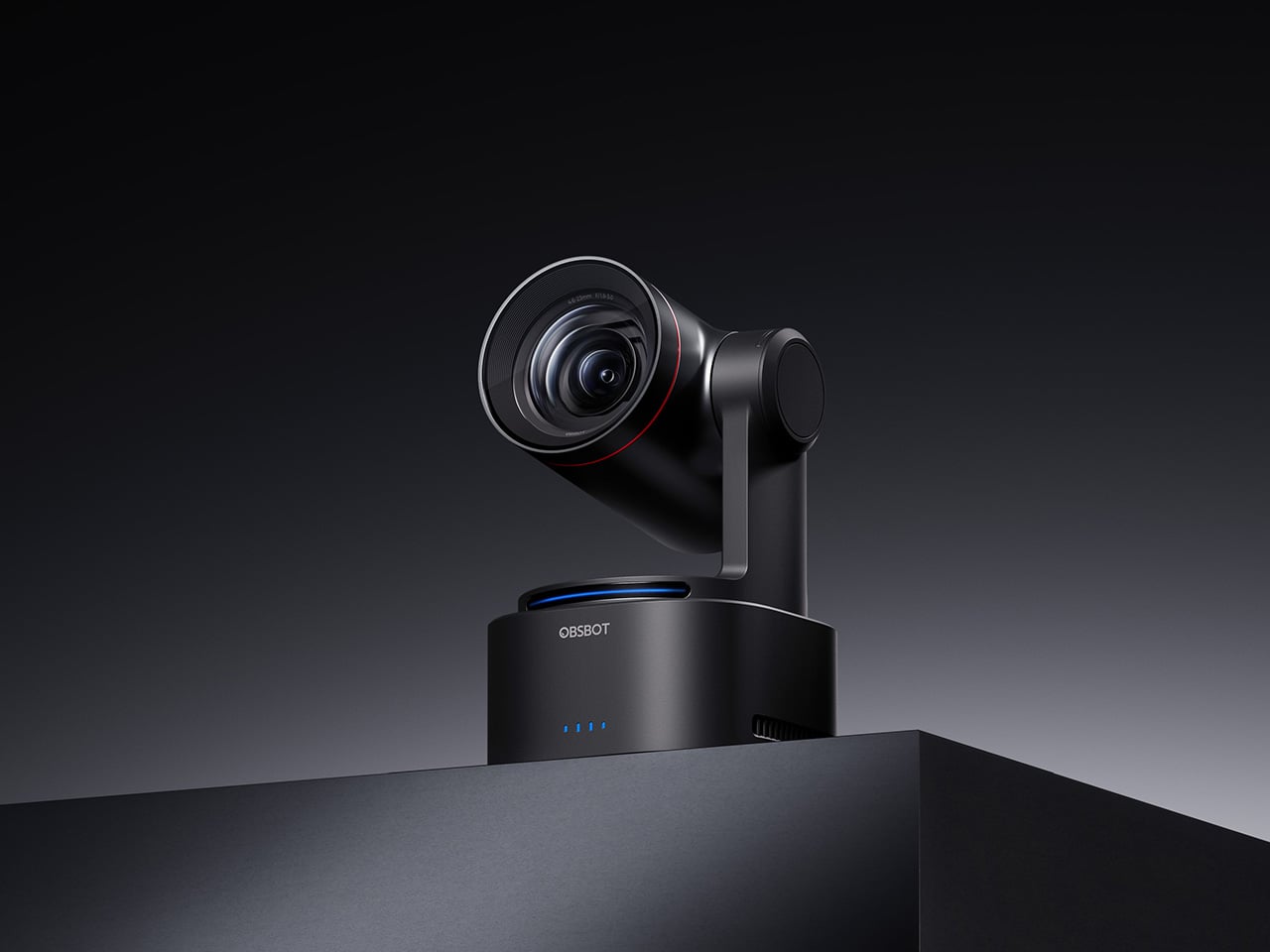
The OBSBOT Tail 2 is what happens when a camera is designed to solve the most persistent problem in solo and small-team video production: the need for a human operator. This is the company’s flagship live production camera, built around an advanced AI tracking system and a three-axis gimbal that does more than just pan and tilt. It is the world’s first PTZR (Pan-Tilt-Zoom-Roll) camera, with the Roll being a new game-changing feature that allows the entire lens and sensor assembly to rotate 90 degrees. This delivers true, uncropped vertical video, a clever piece of engineering that makes it immediately relevant for anyone creating content for mobile-first platforms. It pairs that mechanical intelligence with serious imaging hardware, including a large 1/1.5-inch CMOS sensor, a 5x optical zoom, and the ability to capture sharp 4K footage at a fluid 60 frames per second.

What separates the Tail 2 from a high-end webcam is how it fits into a professional workflow. It comes equipped with a full suite of broadcast-standard ports, including NDI, SDI, HDMI, and Ethernet, allowing it to integrate directly with live switching hardware and streaming software with minimal latency. For solo operators, the system works with gesture controls for hands-free adjustments, and a dedicated app provides granular remote control over framing and movement. This combination of broadcast-grade connectivity and intelligent automation is what makes the Tail 2 so versatile. It is equally at home as the primary camera for a DJ’s live stream, a dynamic tracking camera for a church service, or part of a multi-camera setup for a corporate event.

Why We Recommend

At its core, the Tail 2 is an investment in workflow efficiency. Tech reviewers have consistently framed it as a tool that can pay for itself, replacing the cost and complexity of hiring a camera operator for recurring shoots. The Prime Day discount reinforces that value proposition, knocking $200 off the price and bringing the non-NDI version down to $999. Breaking the thousand-dollar barrier is significant, shifting the Tail 2 from a niche professional tool to a much more accessible option for serious creators, small businesses, and organizations looking to upgrade their production quality. For anyone who needs cinematic, automated camera movement without a dedicated crew, this is the camera to get.

Click Here to Buy: $1088 $1298 ($210 off). Prime Day Deal starts on 23rd June 2026!

OBSBOT Tiny 3 ($296) – A Palm-Sized PTZ Camera with Full-Sized Ambition
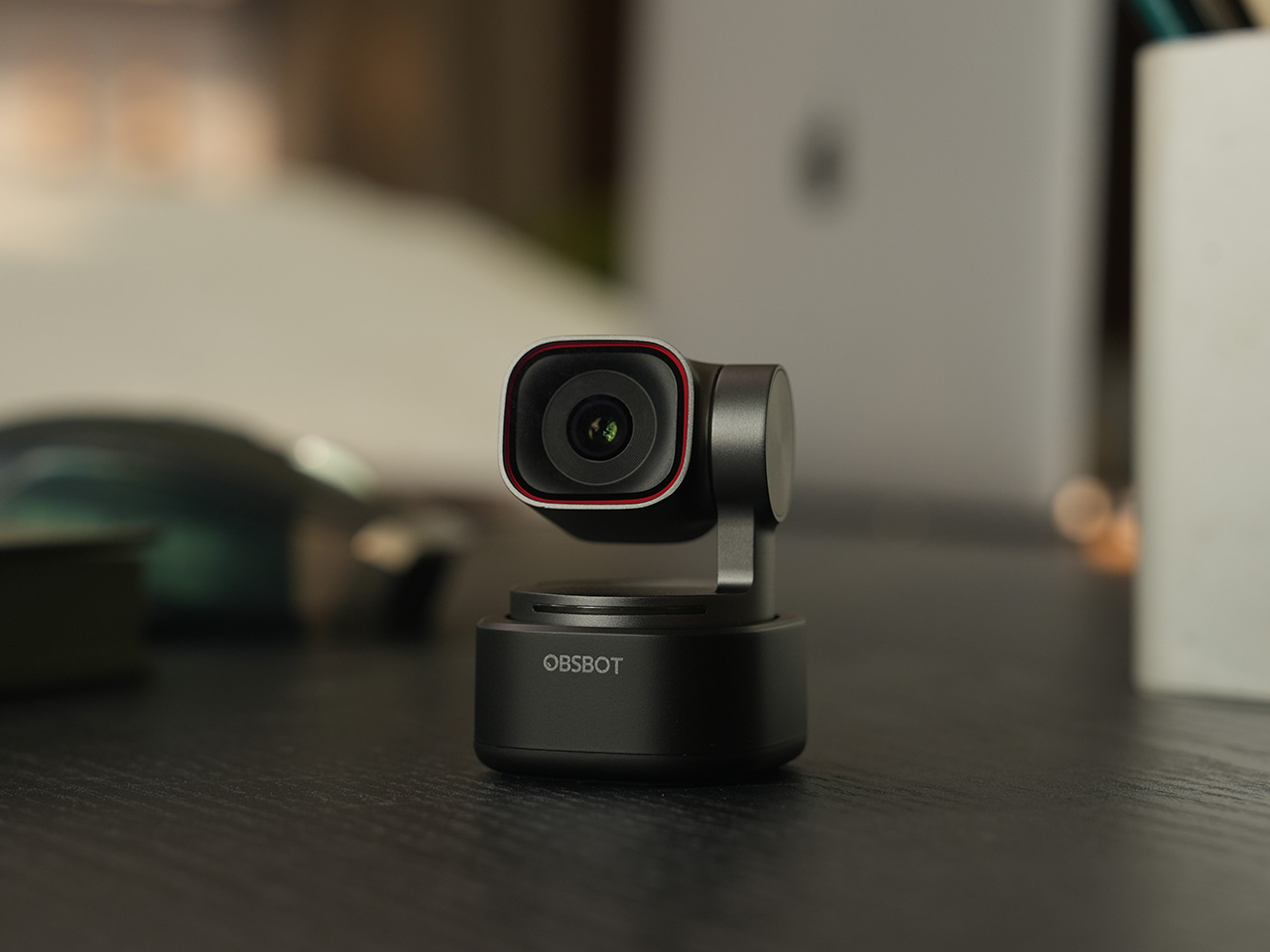
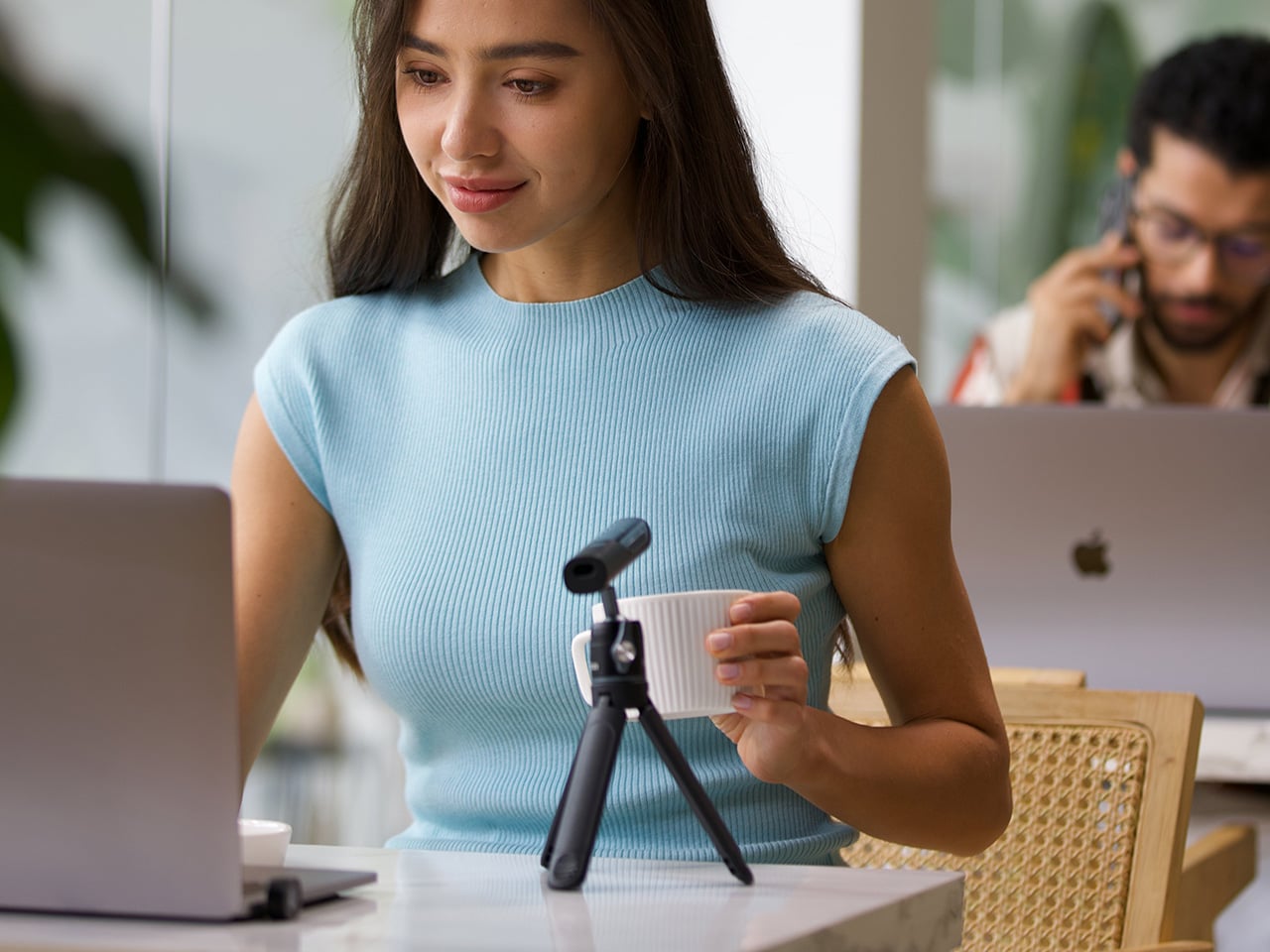
The OBSBOT Tiny 3 is the company’s answer to a simple question: how much professional-grade technology can you fit into a webcam that is smaller than a cup of coffee? The answer, it turns out, is quite a lot. This is the flagship of the Tiny series, designed for creators and hybrid workers who want the absolute best imaging and tracking performance in a desk-friendly format. It starts with a massive 1/1.28-inch CMOS sensor, which is exceptionally large for a webcam and allows it to capture more light for a cleaner, more detailed 4K image. That sensor is paired with a pan-tilt-zoom system that moves with near-silent precision, keeping the subject perfectly framed.

Where the Tiny 3 really shows its intelligence is in the software and processing that drive its hardware. It inherits the refined AI Tracking 2.0 from the larger Tail 2, making its auto-framing and subject tracking remarkably smooth and reliable. It also features Gesture Control 2.0, allowing users to manage zoom and tracking with simple hand signals, a feature that feels genuinely useful in practice. For streamers and power users, the native integration with Elgato’s Stream Deck is a critical addition, bringing PTZ controls directly into their existing workflow. OBSBOT even added creative tools like virtual avatars and improved the audio with a five-mode stereo microphone system, rounding out a feature set that feels both powerful and polished.

Why We Recommend

The Tiny 3 is the pick for anyone who prioritizes having the latest and most refined technology on their desk. While other models in the lineup offer steeper discounts, the Prime Day price drop brings this premium, current-generation flagship under the $300 mark. This is the camera for the user who wants the best sensor, the most advanced AI tracking, and the tightest software integration OBSBOT offers in a webcam. It represents the peak of the Tiny series, and this is the most affordable it has been since its launch.

Click Here to Buy: $296 $349 ($53 off). Prime Day Deal starts on 23rd June 2026!

OBSBOT Tiny 3 Lite ($169) – The Same Intelligence with a Focus on Value
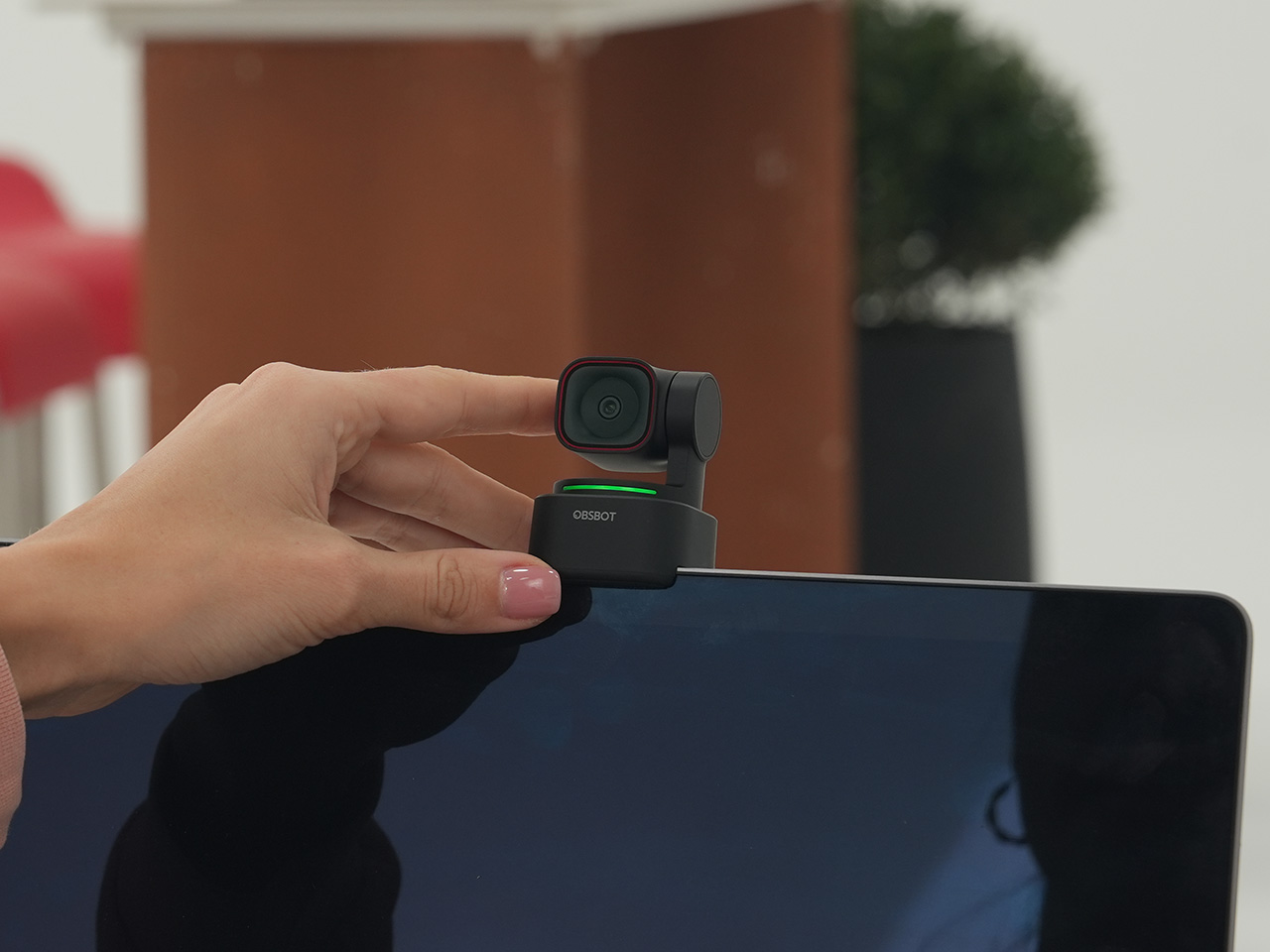
For many users, the appeal of the flagship Tiny 3 lies in its advanced AI brain, not necessarily its top-of-the-line sensor. OBSBOT created the Tiny 3 Lite for exactly that audience. This camera is built on the same intelligent foundation as its more expensive sibling, delivering the same seamless AI Tracking 2.0, responsive Gesture Control 2.0, and sharp 4K resolution. It is, for all practical purposes, the same smart user experience. The key difference, and the reason for its more accessible price, is the move to a slightly smaller 1/2-inch CMOS sensor. This strategic trade-off makes the Tiny 3 Lite an incredibly compelling option for anyone who works in a space with reasonably good lighting.

In practice, the Tiny 3 Lite feels nearly identical to the flagship during everyday use. It keeps you perfectly in frame during video calls, responds to hand gestures to zoom in on a whiteboard, and integrates with the same powerful OBSBOT software suite, including Stream Deck support. It also features a slightly different physical design with an integrated stand, making it incredibly simple to set up on any monitor or desk. By preserving the core software and AI features that define the Tiny 3 experience, OBSBOT has distilled the product down to its most important essentials, creating a camera that performs well above its price point.

Why We Recommend

The Tiny 3 Lite is the pragmatic choice in the Tiny 3 series. It offers access to OBSBOT’s latest-generation AI tracking and software ecosystem for a fraction of the flagship’s cost. The Prime Day deal, which brings the price down to $169, makes it one of the best values in the entire lineup for a current-generation product. If you want the smartest PTZ webcam on the market but do not need the absolute best low-light performance that the Tiny 3’s larger sensor provides, the Lite version is the smarter purchase. It delivers the features that matter most without the premium price tag.

Click Here to Buy: $169 $199 ($30 off). Prime Day Deal starts on 23rd June 2026!

OBSBOT Tiny 2 ($229) – The Champion Webcam Now Available at Under $250
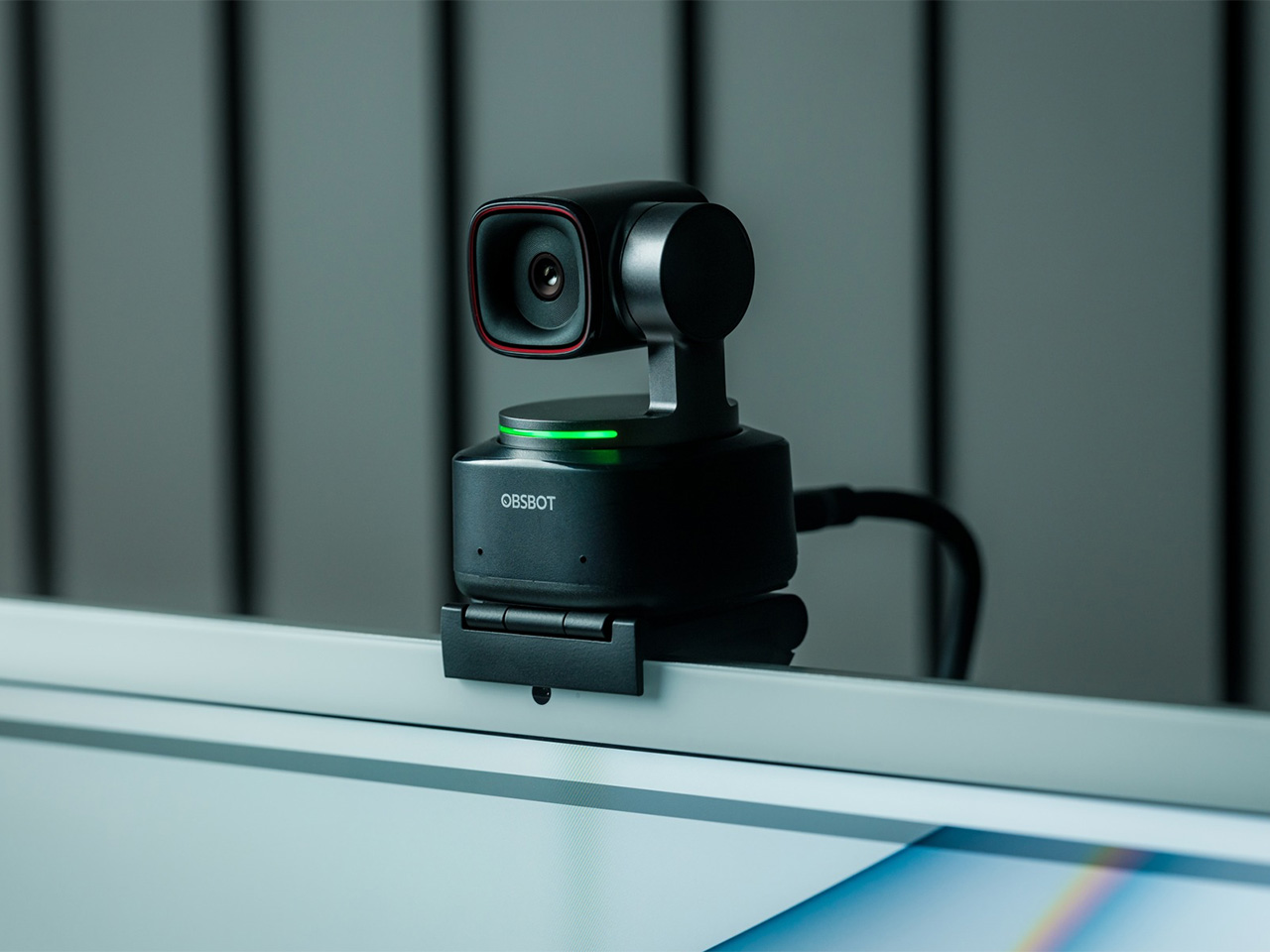
Before the Tiny 3 arrived, the Tiny 2 was OBSBOT’s undisputed flagship desk camera, and it remains a formidable piece of hardware. This is the camera that set the standard for what a premium AI webcam could be, pairing a huge 1/1.5-inch CMOS sensor with exceptionally fast autofocus and reliable AI tracking. That large sensor is a critical detail, as it gives the Tiny 2 excellent low-light capabilities and a natural depth of field that rivals even some of the newer models in the lineup. It established the features that now define the Tiny series, including effective auto-zoom, dynamic gesture controls, and even voice commands for a completely hands-free experience.

The Tiny 2 is a proven workhorse. It has benefited from years of firmware updates that have refined its performance, making it a stable and dependable choice for streamers, content creators, and professionals who need consistently great video. While it may not have every single new software feature from the Tiny 3 series, its core performance remains top-tier. The image quality from its large sensor and premium lens system is still a benchmark for the category, delivering a crisp, professional look that cheaper webcams simply cannot match. For many users, this level of raw performance is far more important than the latest software gimmicks.

Why We Recommend

This is arguably the single best deal of the entire Prime Day event. The Tiny 2 is seeing a massive price drop of $100, bringing it down to just $229, a discount of over 30% and its lowest price ever. This is a rare opportunity to get a former flagship product with a best-in-class sensor for the price of a mid-range webcam. For anyone prioritizing pure image quality over having the absolute newest model, the Tiny 2 offers a value proposition that is impossible to ignore. It is the smartest purchase for the performance-focused buyer.

Click Here to Buy: $229 $329 ($100 off). Prime Day Deal starts on 23rd June 2026!

OBSBOT Tiny 2 Lite ($129) – The Smartest Way to Get into AI-Powered PTZ
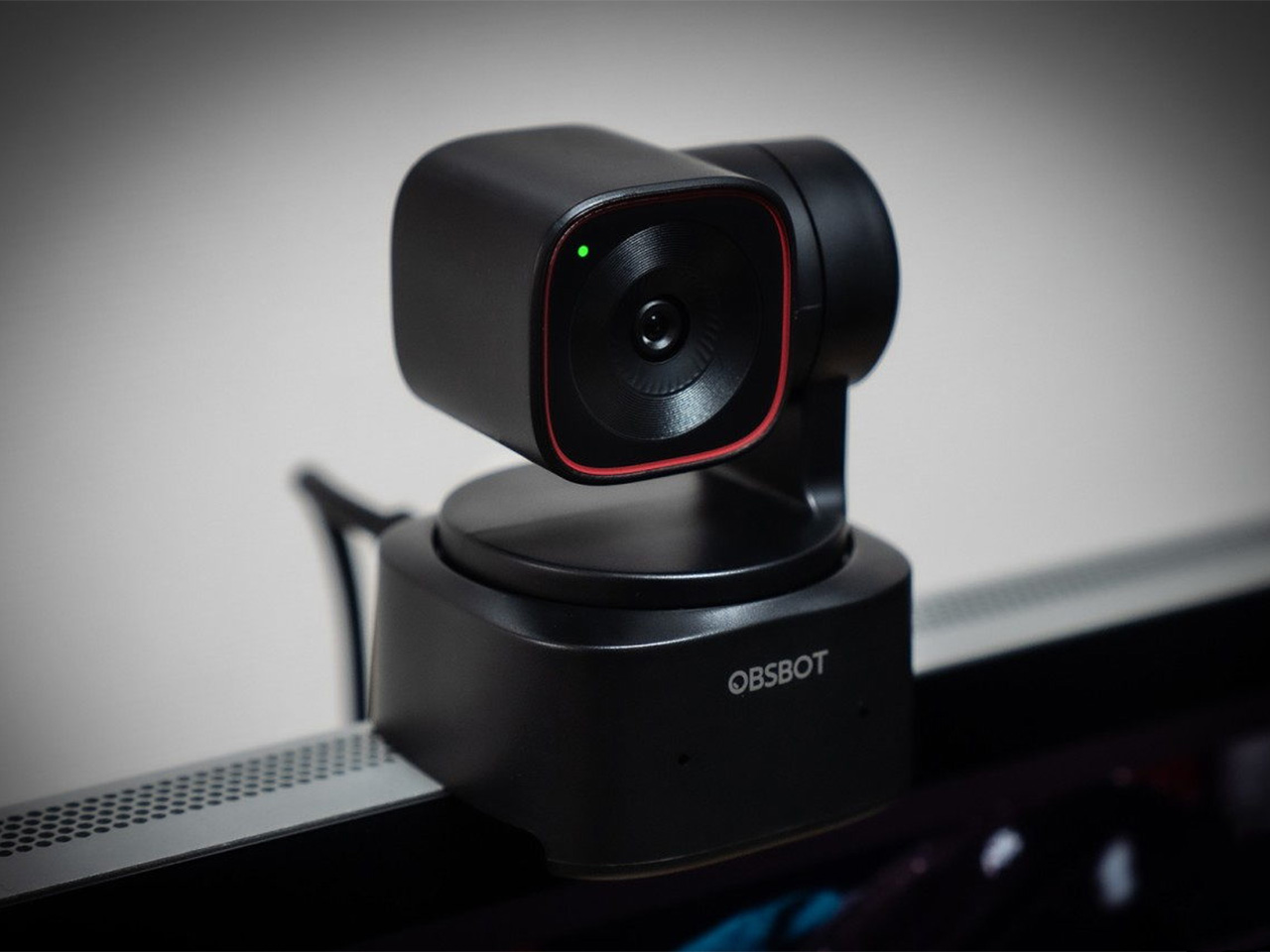
The OBSBOT Tiny 2 Lite takes the intelligent core of the celebrated Tiny 2 and packages it into an even more accessible and affordable design. This camera is built for the user who wants to step up from a static webcam to the world of AI-powered pan, tilt, and zoom without paying a premium. It delivers the essential features that made its bigger brother a success, including reliable AI tracking with auto-zoom, crisp 4K resolution, and multipurpose tracking modes that can follow a subject’s whole body or focus just on their head and shoulders. It is a streamlined experience focused entirely on delivering smart, automated framing.

While it does not have the same massive sensor as the standard Tiny 2, the Tiny 2 Lite still produces a clean, professional image that is a significant upgrade over nearly any built-in laptop camera or budget webcam. The real magic, however, is in the motion. For presenters, educators, or streamers who move around, the camera’s ability to smoothly follow them is a game-changer. It also includes useful features like preset PTZ positions, allowing users to instantly switch between a tight shot and a wide view with the press of a button, a function typically found on much more expensive hardware.

Why We Recommend

This is the ultimate entry point into intelligent webcams. With the Prime Day discount bringing its price down to just $129, the Tiny 2 Lite is in a class of its own. At that price, it competes with high-end static webcams while offering a full suite of AI and PTZ features that its rivals lack. For anyone who has been frustrated by fixed-frame cameras but felt priced out of the AI tracking market, this deal removes that barrier. It offers the most important features of the Tiny 2 generation at a cost that makes it an easy and obvious upgrade.

Click Here to Buy: $129 $179 ($50 off). Prime Day Deal starts on 23rd June 2026!

OBSBOT Meet 2 ($99) – The 4K Webcam That Makes Every Meeting Smarter
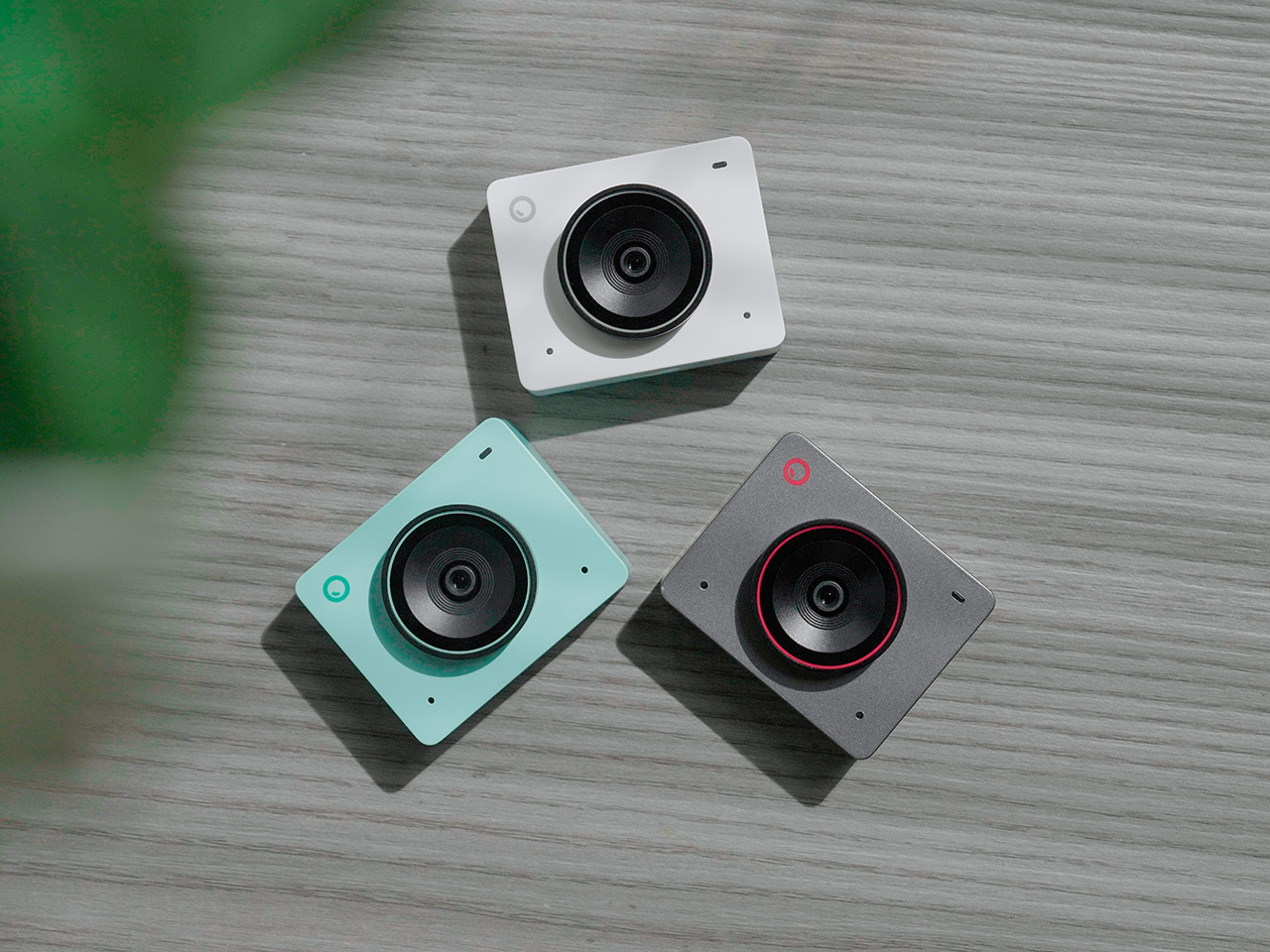
The OBSBOT Meet 2 is designed to solve a very specific, modern problem: making you look and sound as professional as possible on a video call with the least amount of effort. This is not a complex PTZ camera for creators; it is a sleek, intelligent webcam for the hybrid worker, the remote professional, and anyone who spends their day in virtual meetings. It delivers a sharp, vibrant 4K image at 30 frames per second, providing a significant leap in clarity over standard-issue laptop cameras. Its compact and lightweight design allows it to sit discreetly atop any monitor or laptop, instantly elevating the look of a desk setup.

The real intelligence of the Meet 2 lies in its automation. It features fast, reliable AI-powered auto-framing that keeps you perfectly centered in the shot, even if you shift or lean. It can also widen its frame to include a second person, making it ideal for small group meetings in a huddle room. This is paired with a fast autofocus system that keeps the image sharp and professional. The setup is pure plug-and-play; you connect it via USB, and it works seamlessly with Zoom, Microsoft Teams, Google Meet, and other major platforms without requiring any complicated software or drivers. It is designed to be an invisible upgrade that simply makes you look better.

Why We Recommend

The Meet 2 hits the sweet spot between performance and simplicity. It offers two of the most important features from high-end cameras, 4K resolution and AI auto-framing, in an accessible, user-friendly package. The Prime Day deal makes its value proposition even stronger, dropping the price to just $99. For under a hundred dollars, it provides a massive upgrade in video quality and intelligence for any professional. This is the ideal camera for anyone who wants to improve their virtual presence without adding the complexity of a PTZ system.

Click Here to Buy: $99 $129 ($30 off). Prime Day Deal starts on 23rd June 2026!

OBSBOT Meet SE ($58) – The Easiest and Most Affordable Upgrade for Any Setup
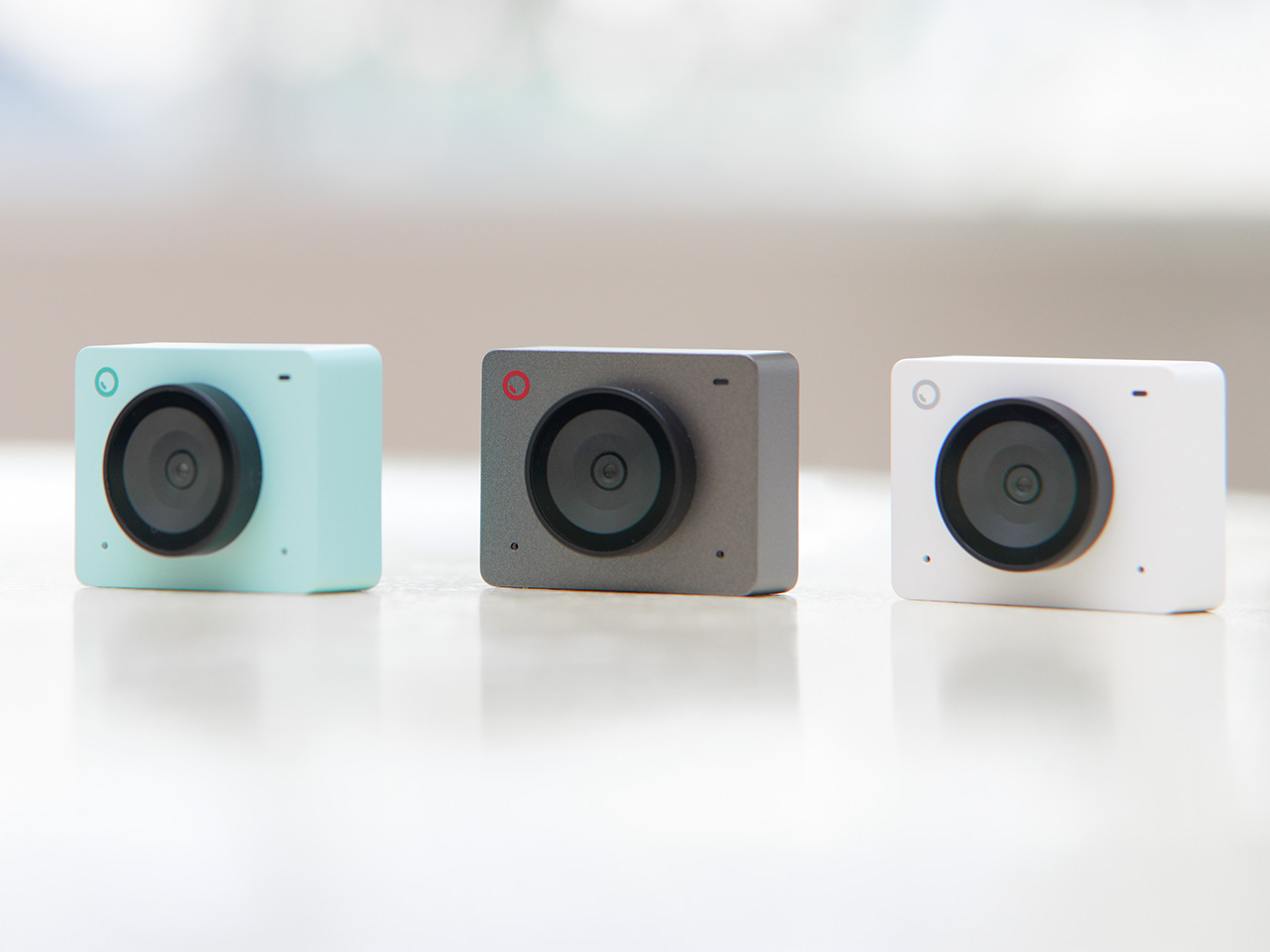
Sometimes, the best upgrade is the one you do not have to think about. The OBSBOT Meet SE is built on that principle. It takes the single most useful intelligent feature from its more expensive siblings, AI-powered auto-framing, and delivers it in a simple, incredibly affordable package. This camera is designed for anyone and everyone who is still using a basic, fixed-frame webcam and wants a better experience without any complexity. It captures clean, clear 1080p video and uses its AI brain to make sure you are always centered in the frame, looking professional and engaged.

The Meet SE is a masterclass in thoughtful, essentialist design. It is a true plug-and-play device that works the moment you connect it, with no drivers to install or complicated settings to configure. It even includes a physical privacy cover, a simple but crucial feature that provides peace of mind for remote workers and students. While its primary focus is on effortless video calls, OBSBOT also included a surprisingly capable 1/2.8-inch stacked CMOS sensor, which gives it better-than-expected image quality and even allows for high frame rate capture for smooth slow-motion effects, a rare bonus in a webcam at this price.

Why We Recommend

This is the definitive “no-brainer” upgrade. With its Prime Day price of just $58, the OBSBOT Meet SE is likely cheaper than the keyboard on your desk, yet it delivers a feature that was, until recently, reserved for premium cameras. It completely eliminates the problem of awkward, off-center framing on video calls for less than the cost of a nice dinner out. For students, remote workers, or anyone who simply wants to look better in their daily meetings without spending a lot of money or time, there is no better value to be found in this entire sale.

Click Here to Buy: $58 $69 ($11 off). Prime Day Deal starts on 23rd June 2026!

The post OBSBOT AI Cameras Are on Sale for Prime Day 2026, and the Tiny 2 Webcam Just Hit Its Lowest Price Ever first appeared on Yanko Design.

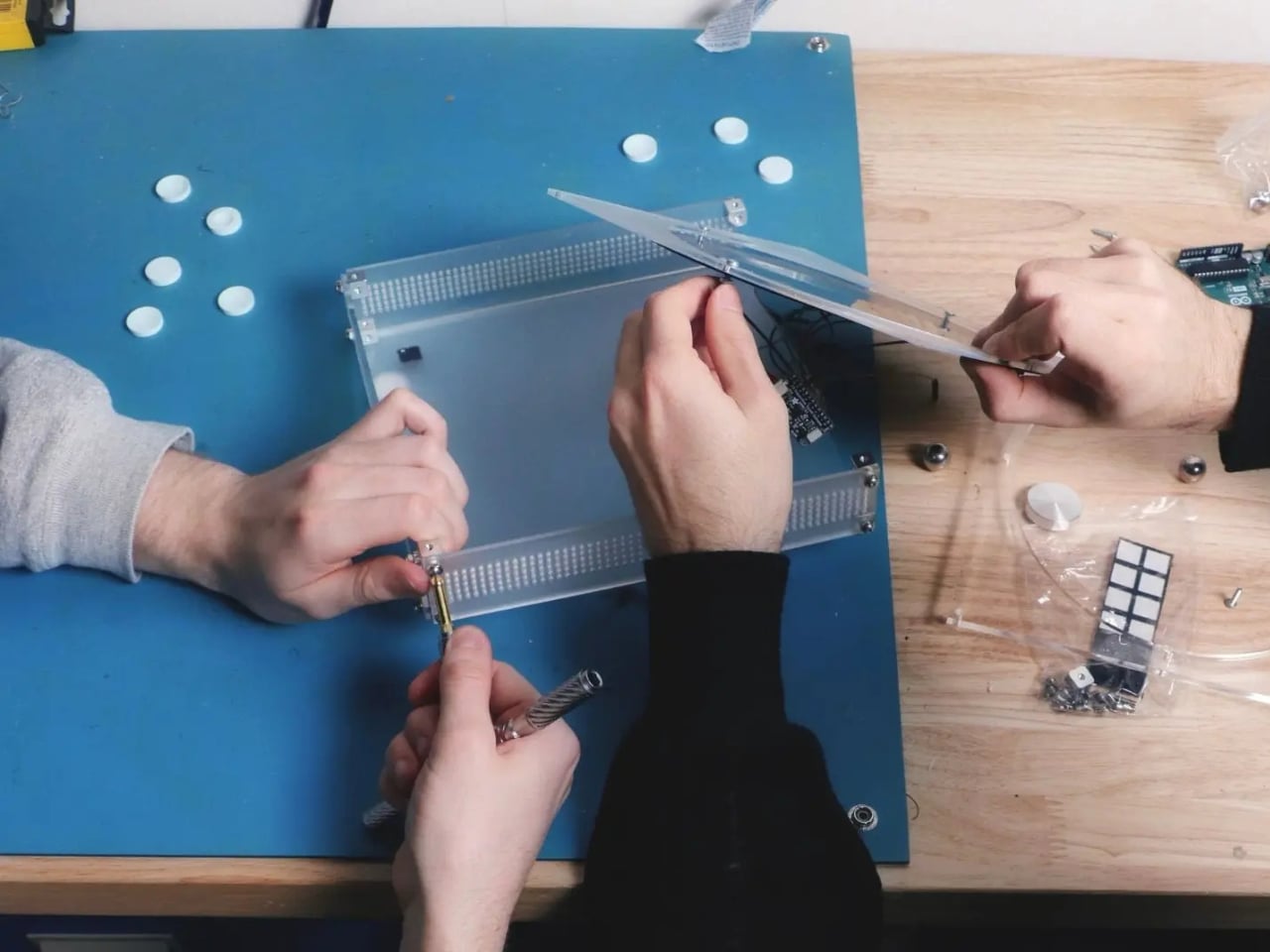
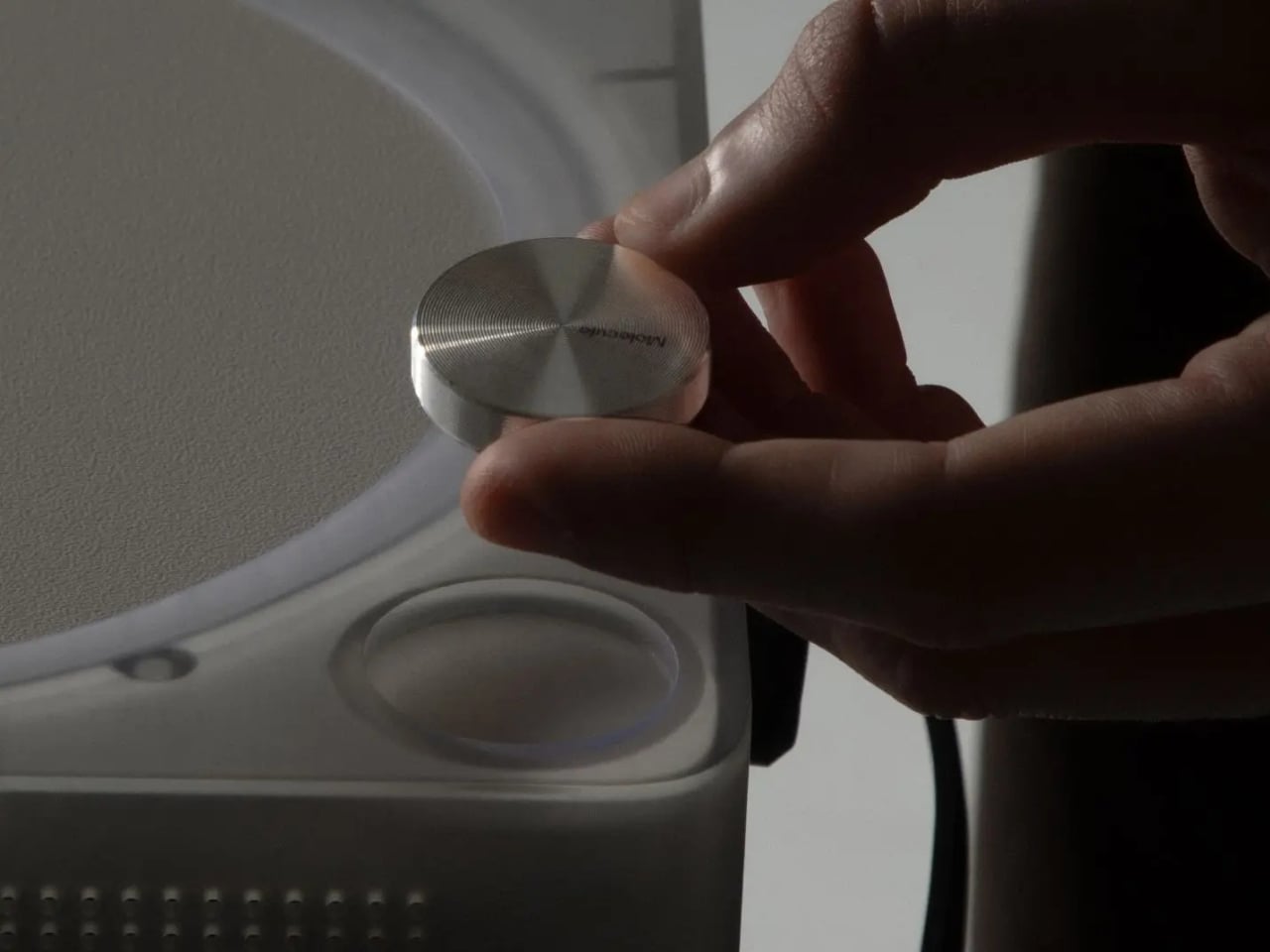
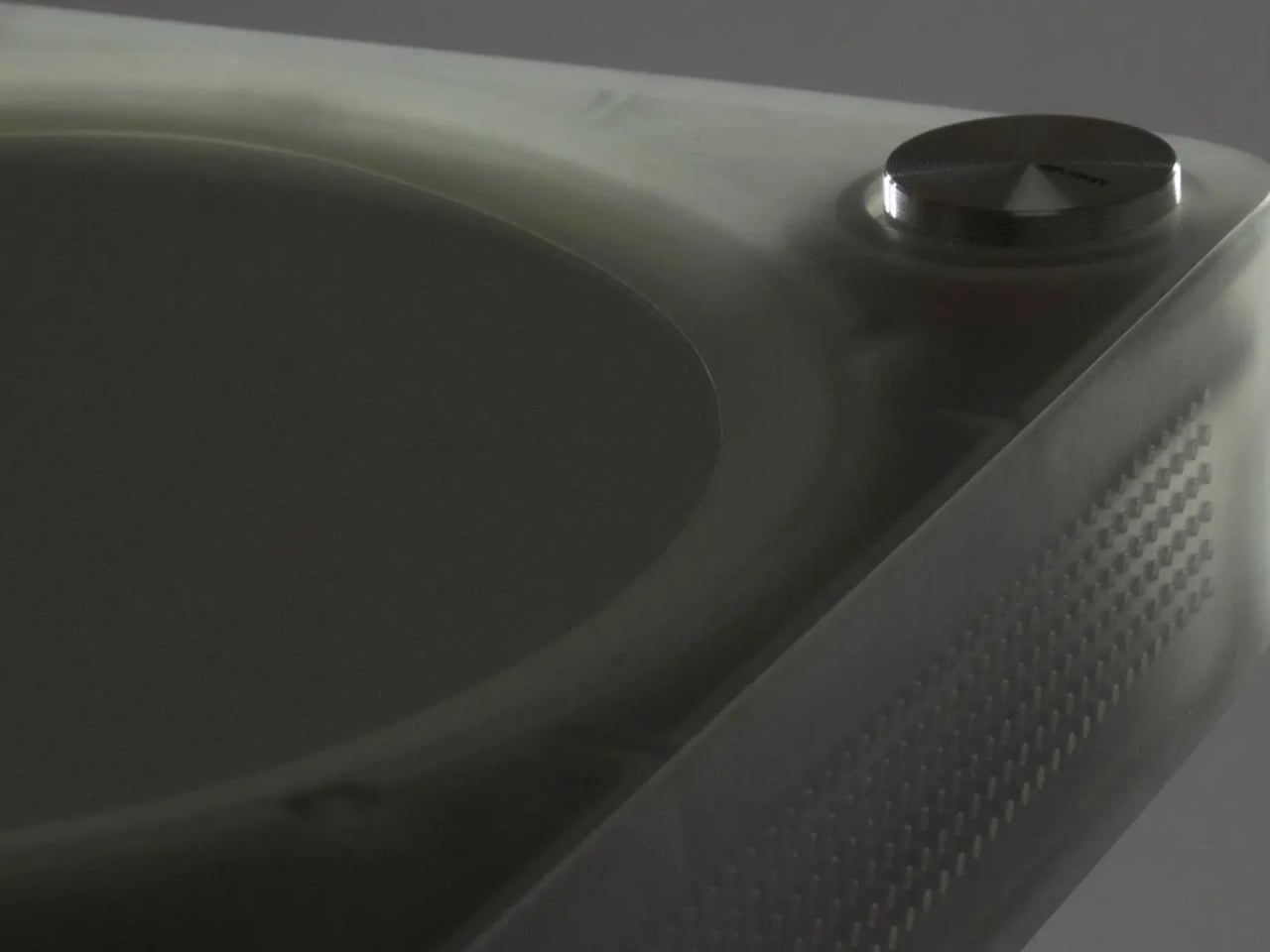
The AI Music Device That Finally Asked Artists First

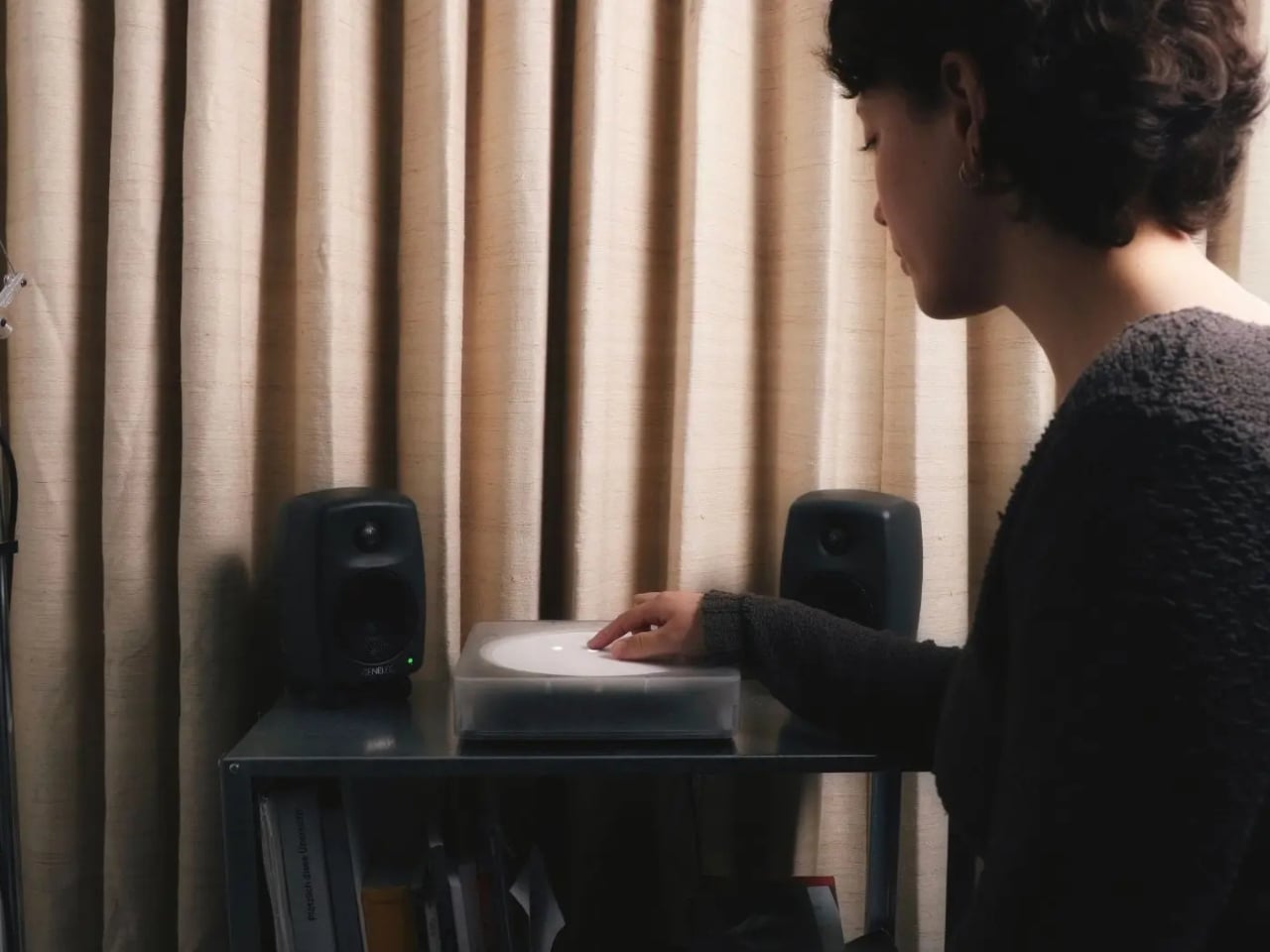
Most of us are passive music listeners now. We scroll, press shuffle, half-hear a song while doing something else entirely, and let algorithms decide what comes next. That’s not really listening, is it? IMAGO, a deep listening device created by designers Domenico Di Paolo and Kieran Feechan at Central Saint Martins, is taking direct issue with that kind of relationship with music and with the AI systems that have quietly normalized it.

The device is designed for a domestic setting, which is already an interesting choice. Home is intimate. Home is where you actually sit with things. By placing IMAGO in that kind of environment, Di Paolo and Feechan are deliberately steering users away from passive consumption and toward something more deliberate, more physical, more present. The design encourages bodily engagement with sound, not just background ambience you forget about before the track even ends.

Designers: Domenico Di Paolo and Kieran Feechan

But the more pressing issue IMAGO raises isn’t about listening habits. It’s about data. Most AI music systems today are trained on enormous datasets of songs scraped from the internet, with little or no compensation to the artists whose work feeds those models. It’s a system that benefits everyone except the people who actually made the music. IMAGO runs differently. It operates locally and uses artist-trained models, meaning the AI at its core was built with consent, not convenience.

That distinction matters more than it might initially seem. The conversation around AI and creative theft has been growing louder for years now, and for good reason. Artists, musicians, writers, and illustrators have spent considerable energy sounding alarms about models trained on their work without permission, without pay, and often without acknowledgment. What Di Paolo and Feechan have done is embed that ethical position directly into the design of an object. Not as a tagline. Not as an ethical framework document buried on a website. As the thing itself.

It’s a quietly bold position to take. Industrial design has always had the ability to make abstract ideas tangible, and IMAGO does exactly that. It takes the ongoing debate about AI ethics and turns it into something you can hold, operate, and sit with in your living room. The choice to run locally rather than in the cloud also carries weight. Local operation means no data is being siphoned off somewhere, no behavior tracked, no listening habits packaged and sold. Just you, the device, and music that an artist knowingly contributed to the model.

Central Saint Martins has consistently produced designers who treat objects as arguments, and this is clearly one of them. IMAGO feels less like a product pitch and more like a provocation, a physical question mark placed in front of an industry that has been moving too fast and asking too little. What if the default model for AI creativity wasn’t extraction? What if consent was the starting point instead of the afterthought?

I won’t pretend these questions are new. But packaging them this clearly, this beautifully, in something that functions as both a design object and a listening experience? That’s genuinely hard to do. Di Paolo and Feechan have managed it.

Whether IMAGO ever reaches mass production is almost beside the point. Its real value lies in what it models: a blueprint for how AI-powered design could look if we collectively decided that the people whose work trains these systems deserve a seat at the table. The device won’t fix the music industry’s complicated relationship with artificial intelligence on its own, but it makes the alternative feel possible and, more importantly, desirable.

The best design objects tend to do that. They don’t solve problems so much as they reframe them, make them feel answerable rather than overwhelming. IMAGO does that well. It asks whether deep listening and ethical AI can occupy the same space, and then it shows you what that space might actually look and feel like. That’s a harder question than most devices bother to ask.

The post The AI Music Device That Finally Asked Artists First first appeared on Yanko Design.
Forget Humanoids: Eno Might Be the Robot We Actually Need

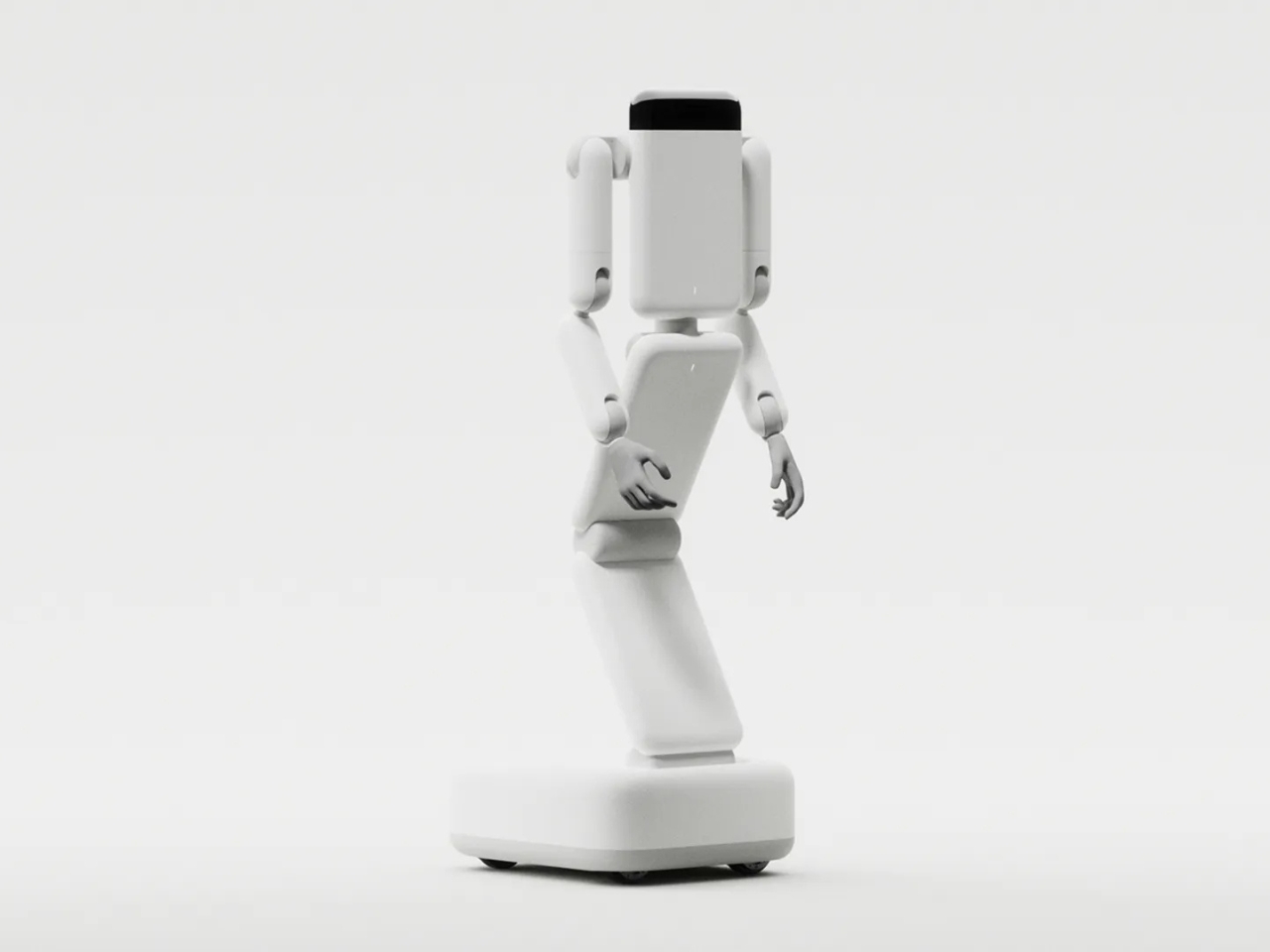
The robot race has been moving in one direction for a while now: two legs, a head, and a shape that clearly spent considerable time studying what a person looks like. It’s a logical instinct. Factories, hospitals, and homes were all designed with human proportions in mind, so a robot built like a human should, theoretically, slot right in. But a growing argument exists that this whole approach might be overthought, and Genesis AI’s new Eno robot is making that case louder than most.

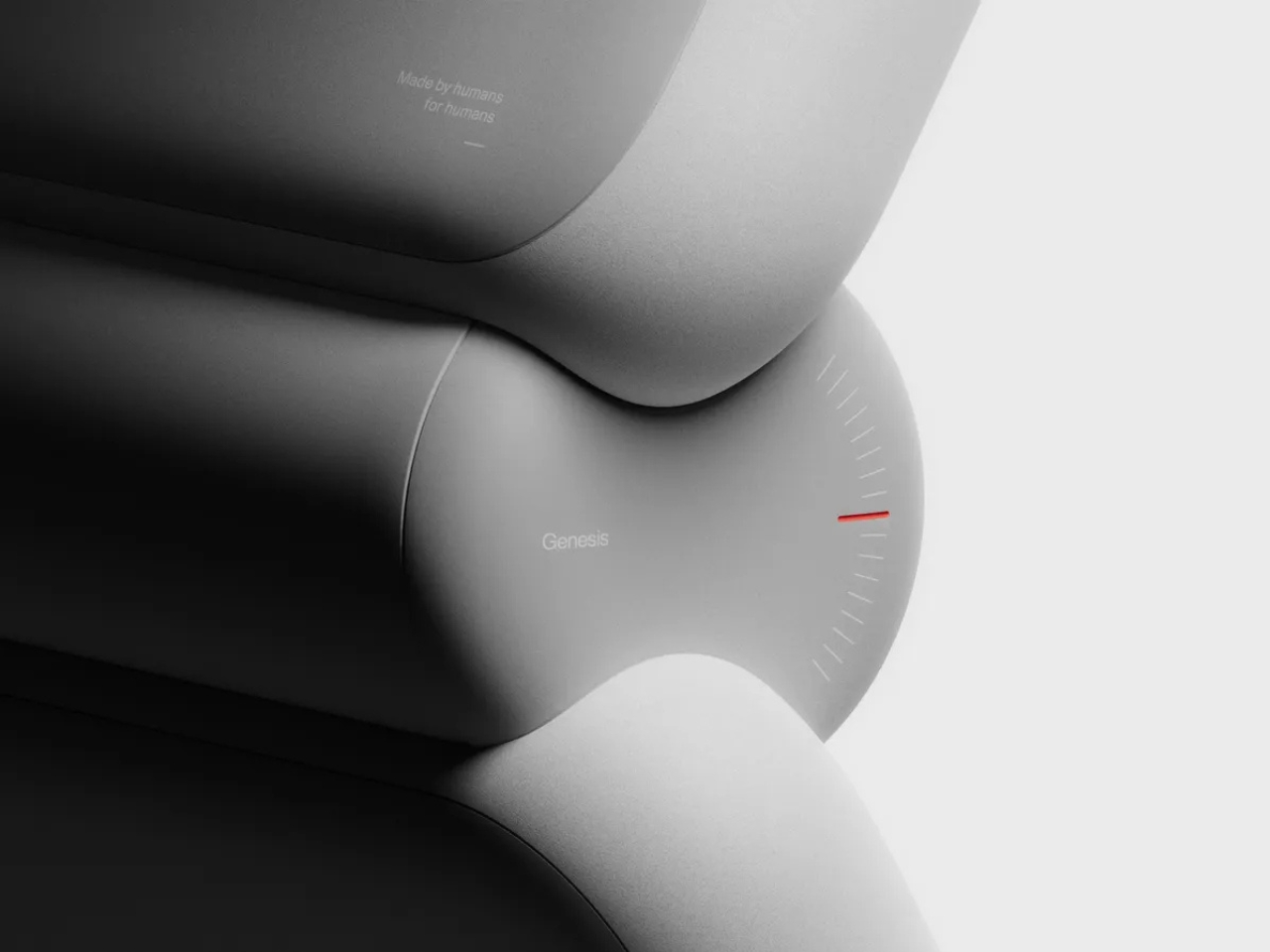
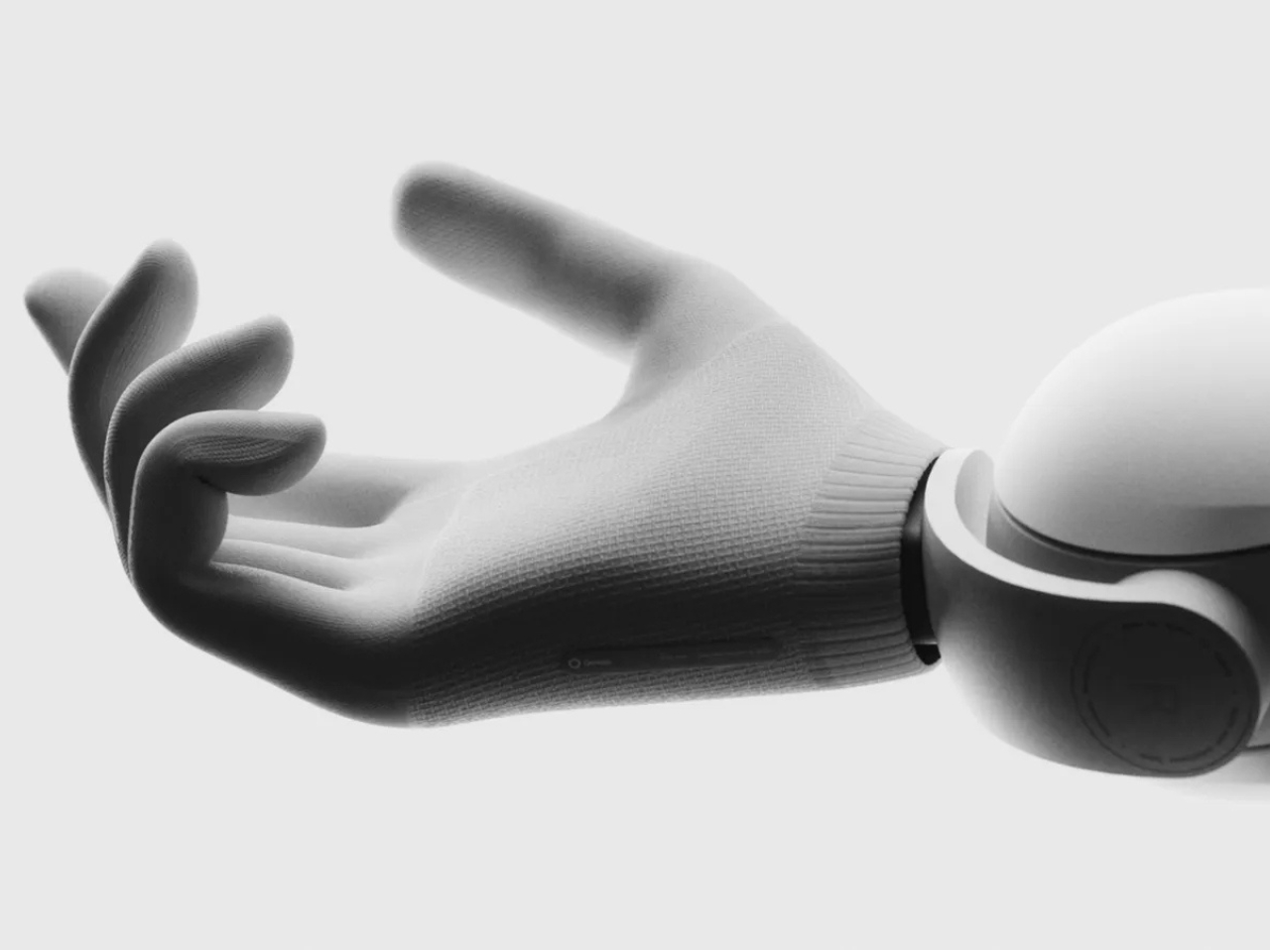
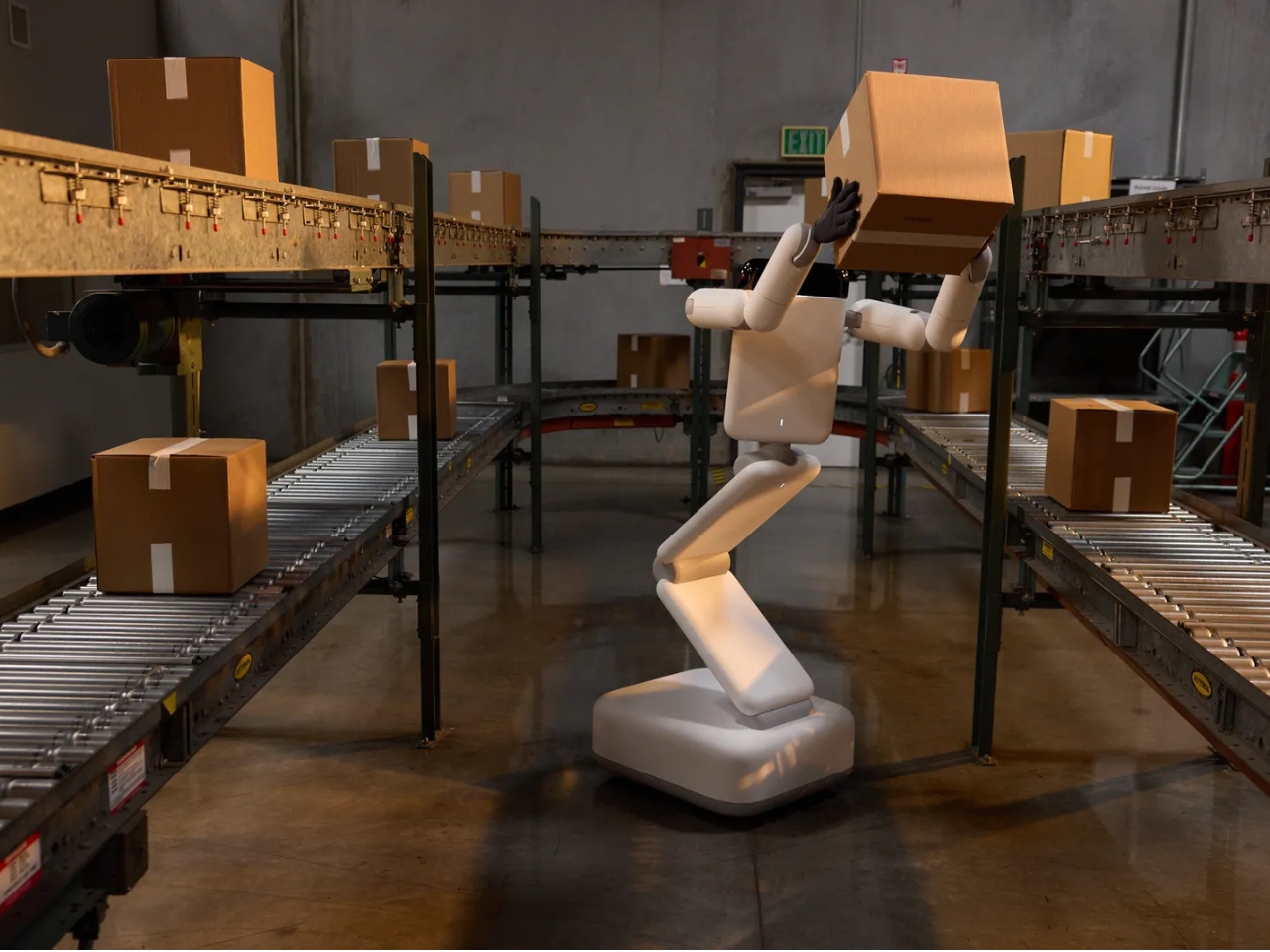
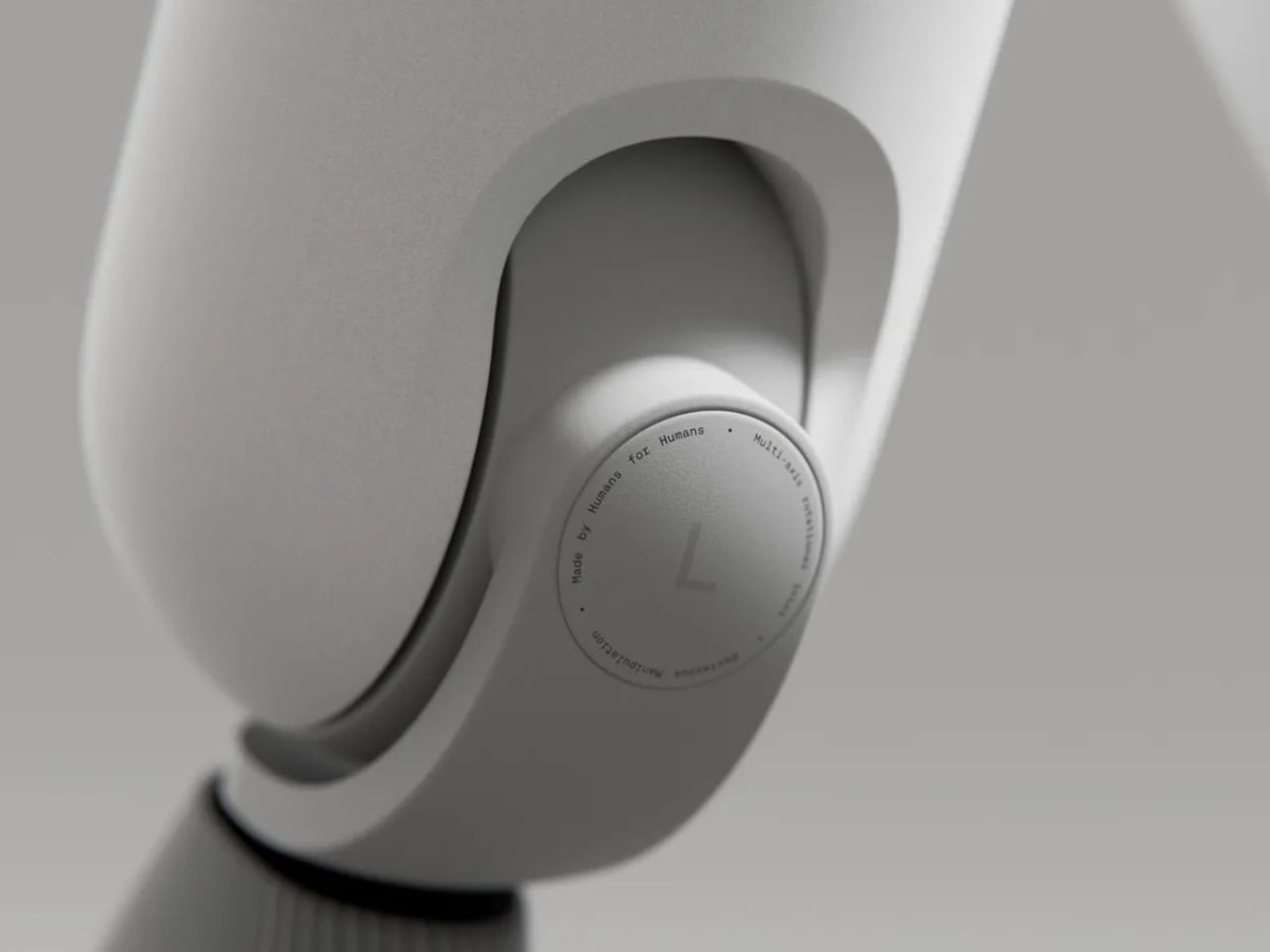
Unveiled this week, Eno is the debut robot from Genesis AI, a San Carlos-based startup that quietly raised $105 million in seed funding and spent that time building something genuinely different. Eno doesn’t walk. It rolls. Its body is a minimalist, articulated tower rising from a wheeled base, with no face and no head in sight. The form adjusts its height and reach as needed, folds down for storage, and carries a pair of proprietary dexterous hands designed to move with the kind of precision and range that human hands are capable of. The result looks more like a sleek industrial sculpture than any robot you’ve seen at a tech keynote.

Designer: Genesis AI

That feels completely intentional. Genesis AI’s head of design, Daniel Hundt, has said that Eno was built by asking a single question first: what does the robot actually need to be? The answer stripped away everything decorative and kept everything functional. No face, because a face isn’t a prerequisite for doing work well. No legs, because legs add cost, complexity, and a surprising number of ways for something to go wrong. What remained was a form built around capability, not aesthetics trying to pass as capability. That’s a meaningful distinction in an industry that sometimes confuses the two.

Eno runs on GENE, Genesis AI’s proprietary robotics-native AI foundation model, and the two were developed together as a single integrated system. This matters more than it might initially seem. A lot of robots in this space are essentially off-the-shelf AI bolted onto hardware that wasn’t designed with it in mind. GENE and Eno were built to complement each other, which means the robot can reason through multi-step tasks, adapt when conditions change, and plan across long time horizons rather than just responding to simple, pre-defined commands. That kind of sustained, adaptive thinking is what separates a useful robot from an expensive demo reel.

For those who want a deeper look at what’s happening under the hood, Genesis AI is offering an optional screen version of Eno featuring a cognitive interface that displays, in real time, what the robot is thinking and processing. It’s an unusual transparency move for a robotics company, and a genuinely smart one. Trust in AI systems tends to erode when people feel like they’re watching a black box make decisions. Showing the work, quite literally, is one way to build confidence in environments where precision matters, like hospitals, labs, or busy production floors.

Deployment is set to begin with industrial customers by the end of 2026, starting with manufacturing, logistics, and laboratory settings before moving into service industries like hotels and hospitals, with consumer and home use following down the line. That rollout sequence makes sense. Controlled industrial environments offer a much cleaner test case for a robot learning the real world than someone’s living room does, and it gives Genesis AI the chance to refine Eno where the stakes of a miscalculation are measured in efficiency rather than anything more personal.

Whether Eno ends up being the robot that finally makes good on the promise of general-purpose robotics remains to be seen. The industry has announced breakthroughs before and delivered timelines that stretched well past the original projections. But Eno feels different in at least one significant way: it isn’t trying to win you over with its looks. It’s making a functional argument, and that alone puts it in a category of its own right now. Sometimes the smartest design choice is knowing exactly what not to include.

The post Forget Humanoids: Eno Might Be the Robot We Actually Need first appeared on Yanko Design.
This Solar Smartwatch Ran 9 Months on Battery, Then the Panel Kicked In

The smartwatch category has a battery problem it can’t seem to shake. Despite years of incremental improvements, most wearables still need to be charged every day or two, which is exactly the opposite of what a watch is supposed to be. A watch is supposed to be on your wrist and working, not sitting on a charging pad because you forgot to plug it in before bed.

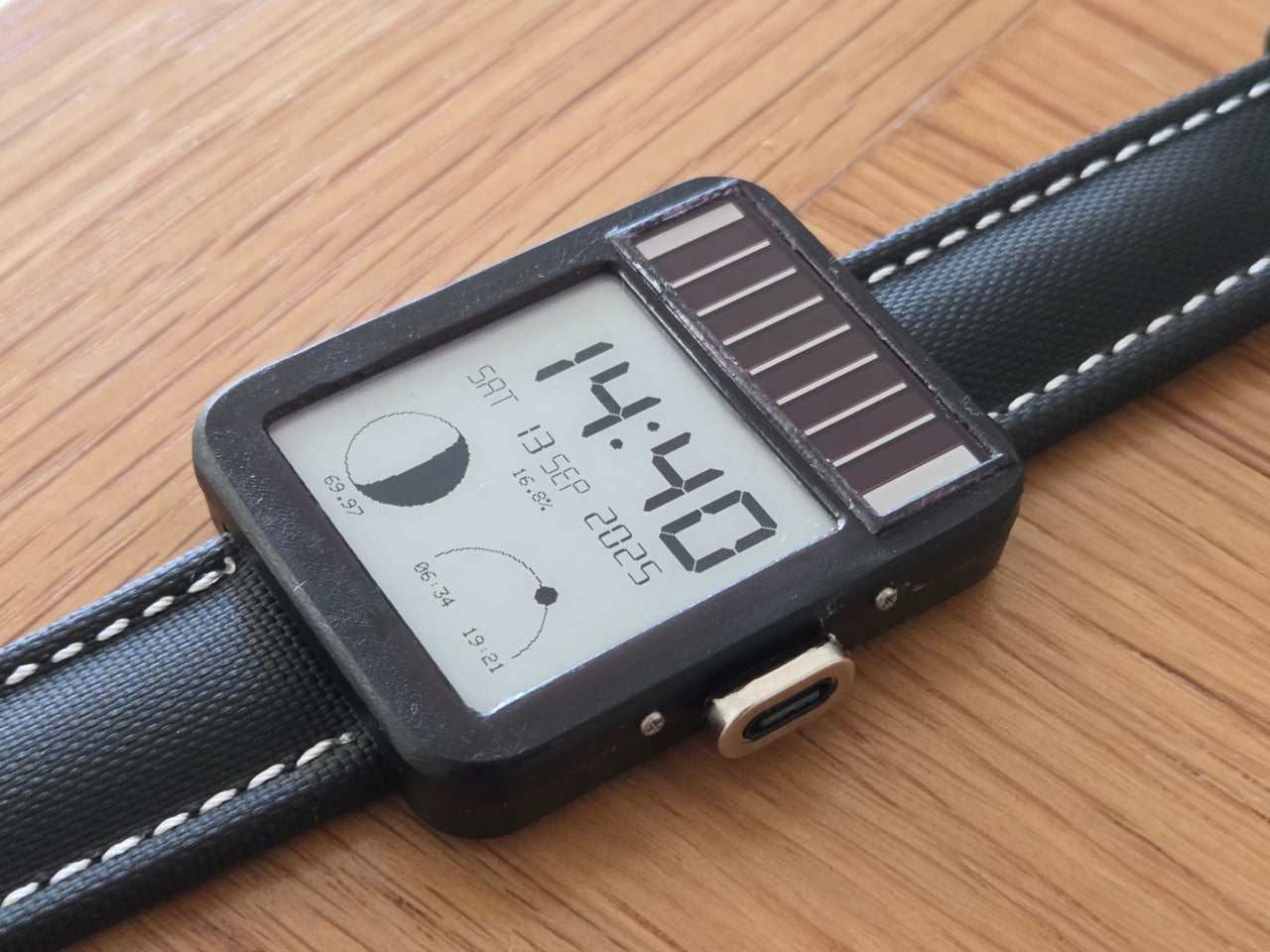
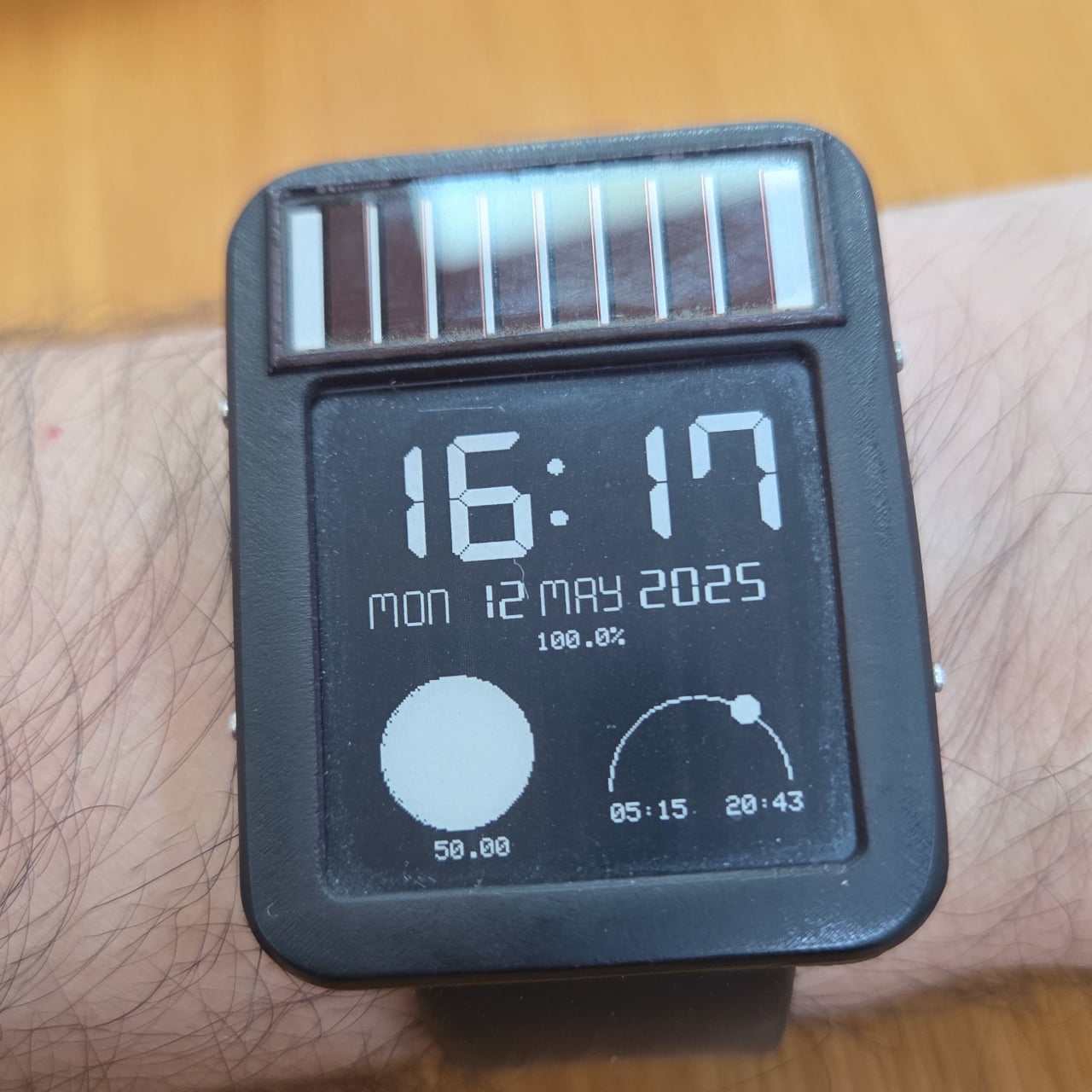
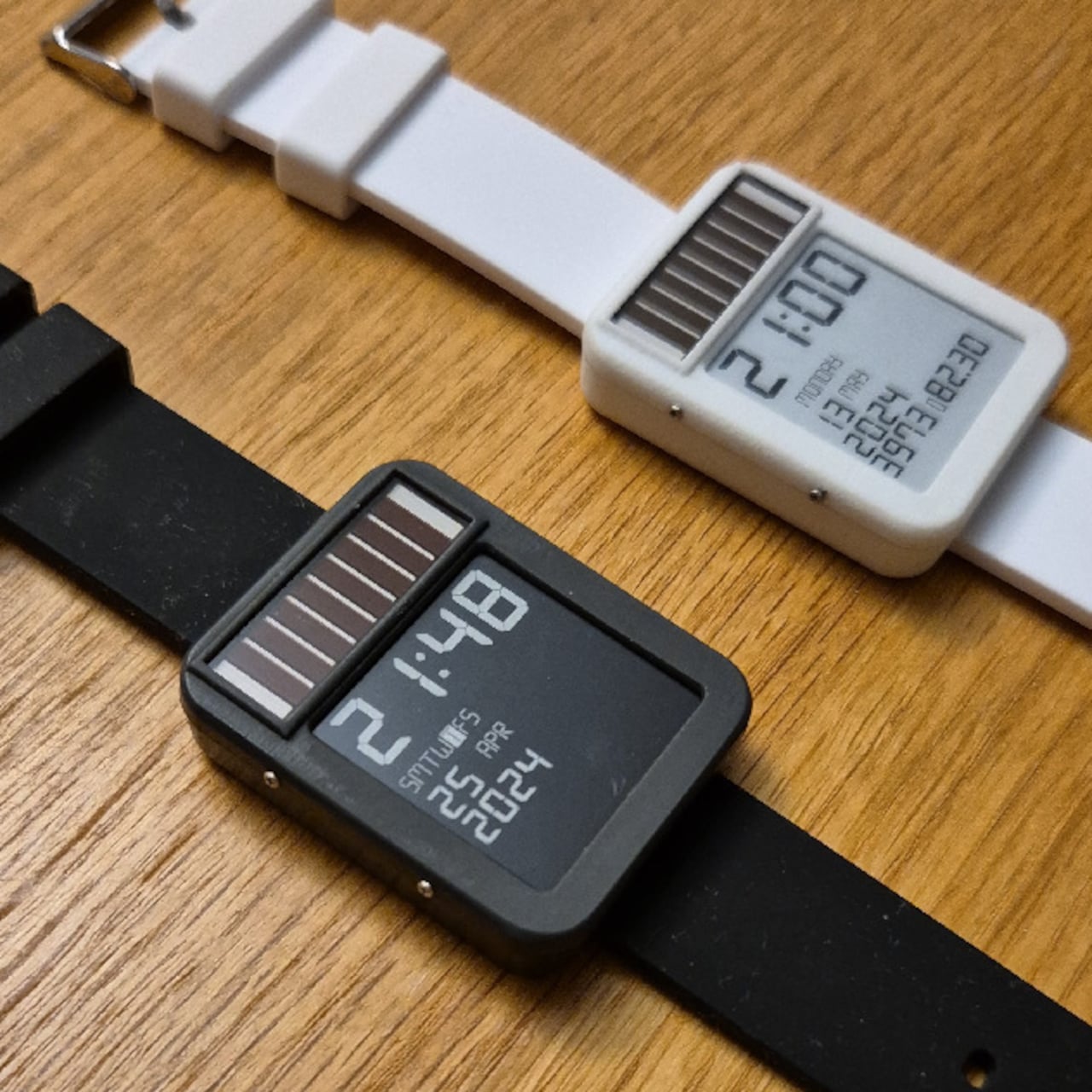
The LightInk is an attempt to solve that problem by going back to a design philosophy that worked decades ago: solar. The concept mimics the 90s solar digital watches that ran more or less indefinitely, but brings it into the present with an E-Ink display, an ESP32 microcontroller, WiFi, Bluetooth, LoRa radio, and a custom power management system built from scratch over several years.

Designer: Daniel Ansorregui

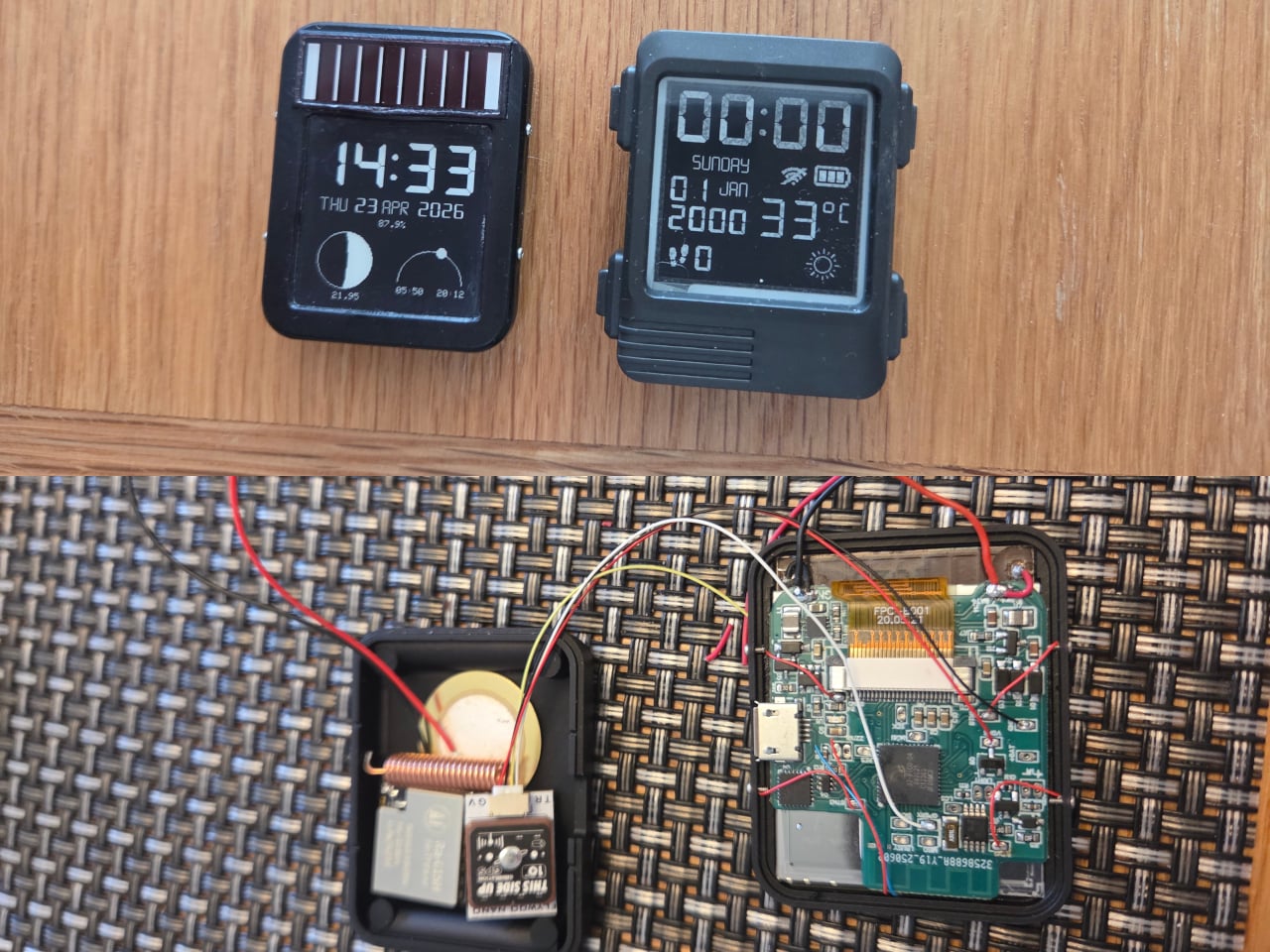
The project started in 2019 with a simple goal: build a solar-powered watch that could send LoRa packets to a receiver at home. After experimenting with early hardware and contributing display optimizations to the open-source Watchy project, the creator hit the limits of what off-the-shelf hardware could manage and built a custom PCB around a TPS63900 buck-boost converter, running the watch at 2.7V.

The biggest technical hurdle turned out to be the microcontroller itself. The ESP32 takes 28ms to boot, consuming around 1mA of current in the process, and that cycle was responsible for about 60% of the watch’s total power draw without contributing anything to the actual display update. The solution was to skip normal boot entirely and run code directly from the ESP32’s RTC memory via a wake stub.

That required reimplementing SPI communication from scratch within the RTC memory constraints, since no code outside that space can run during the stub phase. The payoff was significant: the entire boot, data send, and display update sequence now completes in under 1ms. Once the display is refreshed, the ESP32 immediately returns to deep sleep, saving an additional 1mA that would otherwise be consumed during light sleep.

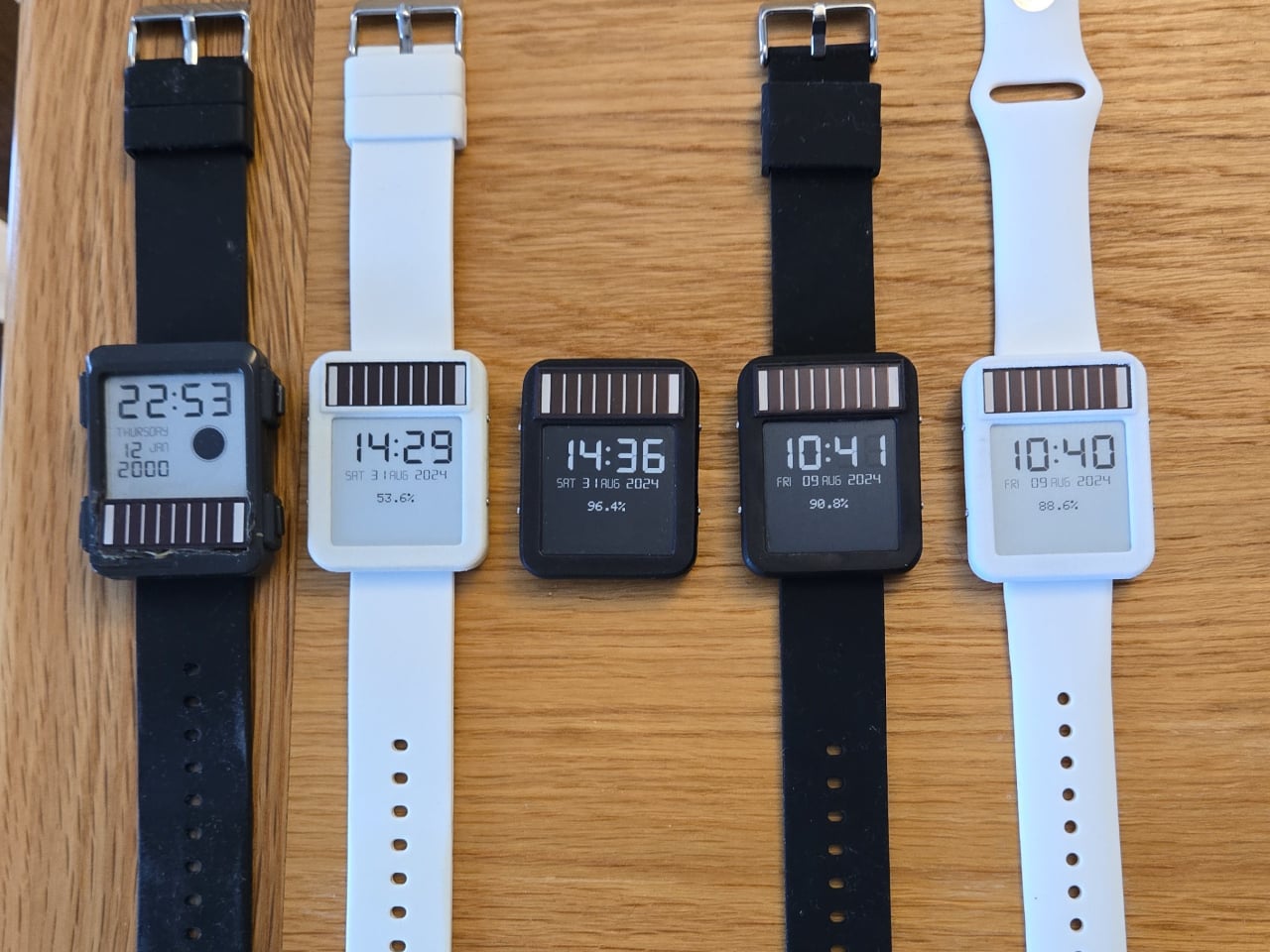
The result is a watch that runs for six to 10 months on a 100mAh battery, which is already an unusual number for a device this capable. Add the solar panel, similar in type to the kind found on pocket calculators, and the power equation starts to tilt toward indefinite. One hardware revision ran for nine months on battery alone before being retired for a newer build.

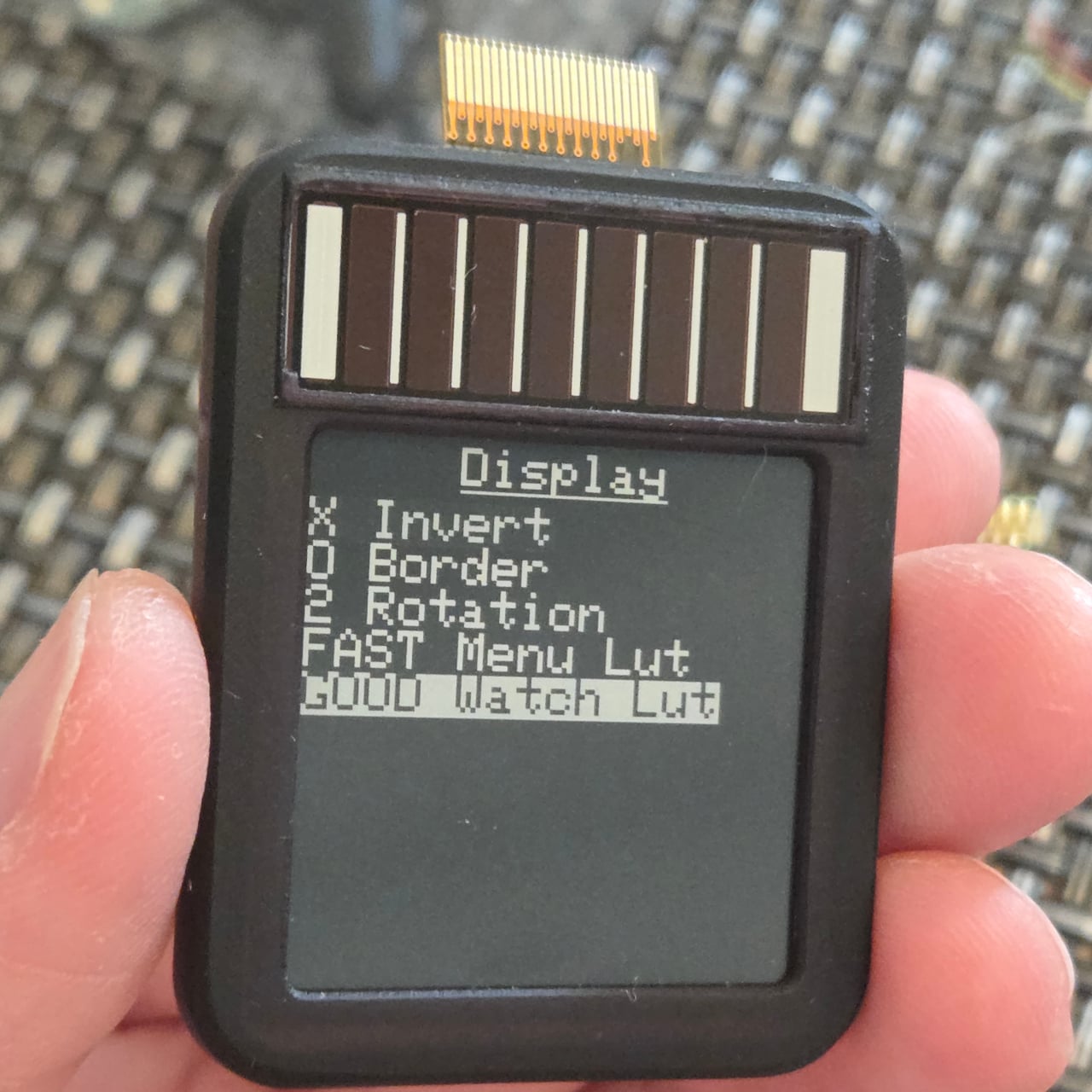
The 1.54-inch E-Ink display helps keep those numbers achievable. Electrophoretic displays only draw power when changing states and hold their image indefinitely without any power at all, which makes them an obvious fit for a watch face that updates once per minute rather than 60 times per second. Touch controls via the ESP32’s built-in capacitive touch capability handle navigation, making physical buttons unnecessary and allowing for a more compact case.

The watch supports WiFi, Bluetooth, and LoRa via a Wio-SX1262 radio module, and GPS can be added as an optional component, though the creator notes it wasn’t a particularly good idea given the space and power it consumes. The case is 3D printed in two pieces and accepts any standard 22mm wristband. Everything, including the firmware, PCB schematics, and case files, is open source and available on GitHub.

The post This Solar Smartwatch Ran 9 Months on Battery, Then the Panel Kicked In first appeared on Yanko Design.

A Designer Just Made a Water Purifier That Skips the Technician Call

Water purifiers are practically mandatory in modern Indian homes, but for a category that handles something as critical as drinking water, they’ve never been particularly pleasant to live with. Most demand frequent service calls that add to their long-term cost, look like they were designed to be hidden under a counter, and turn something as simple as filling a bottle into a minor exercise in patience.

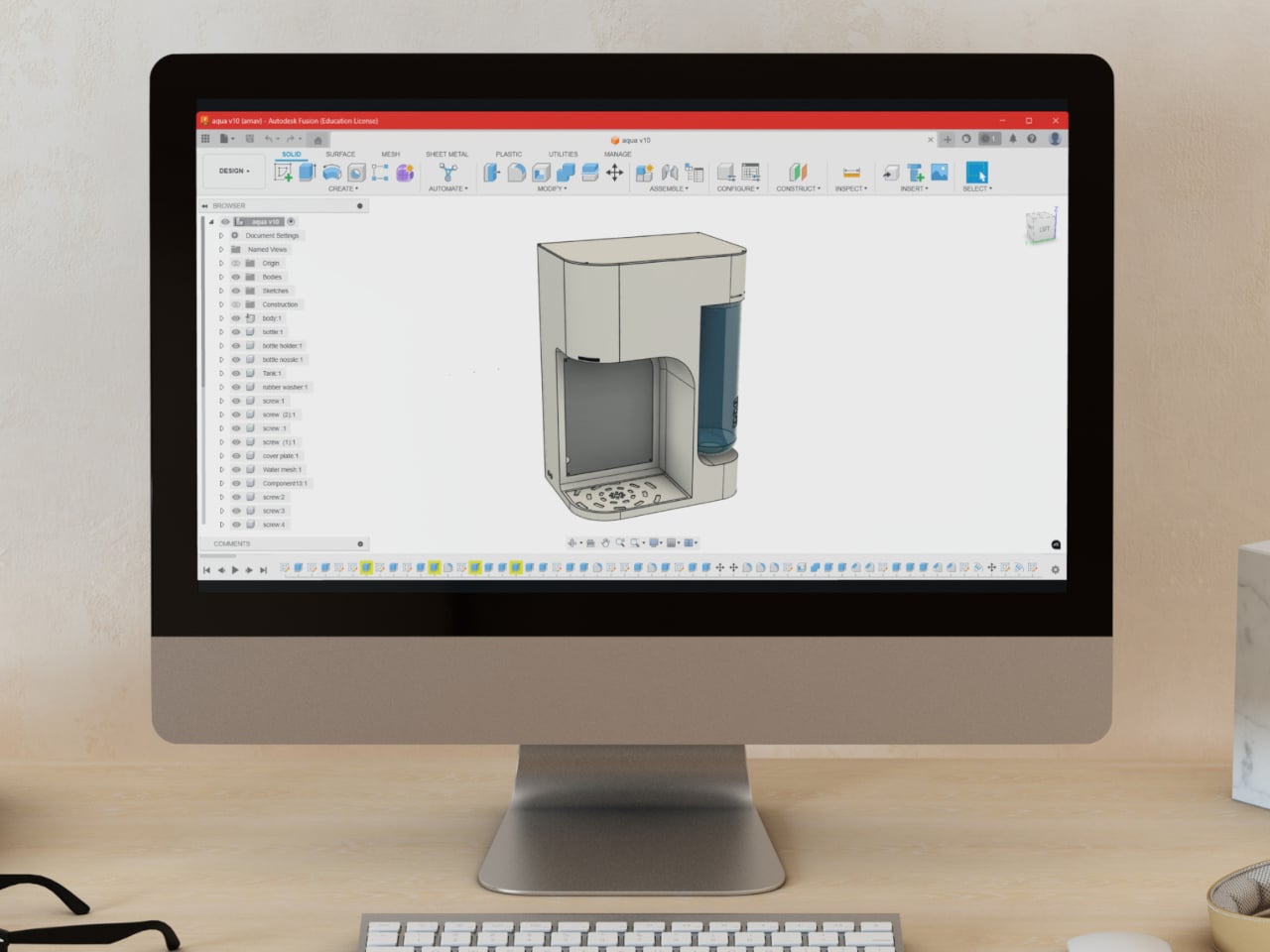
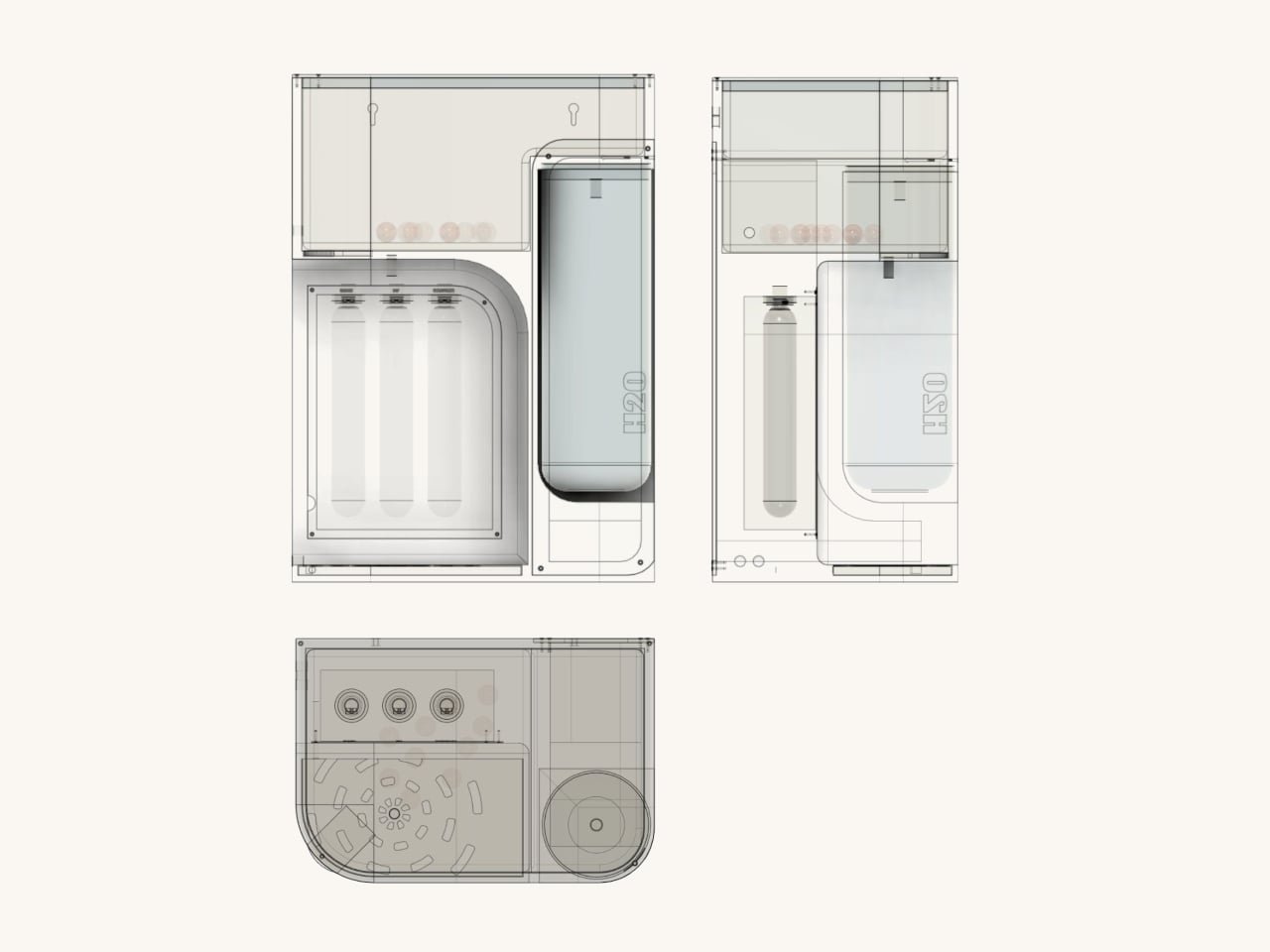
ATHERIA is a smart water purifier concept designed for modern Indian households, and it approaches the problem from multiple angles at once. Rather than improving a single element, it takes aim at several everyday friction points simultaneously, from how the unit looks on a kitchen counter to how easy it is to fill a bottle, replace a cartridge, or check water quality.

Designer: Arnav Ashwin

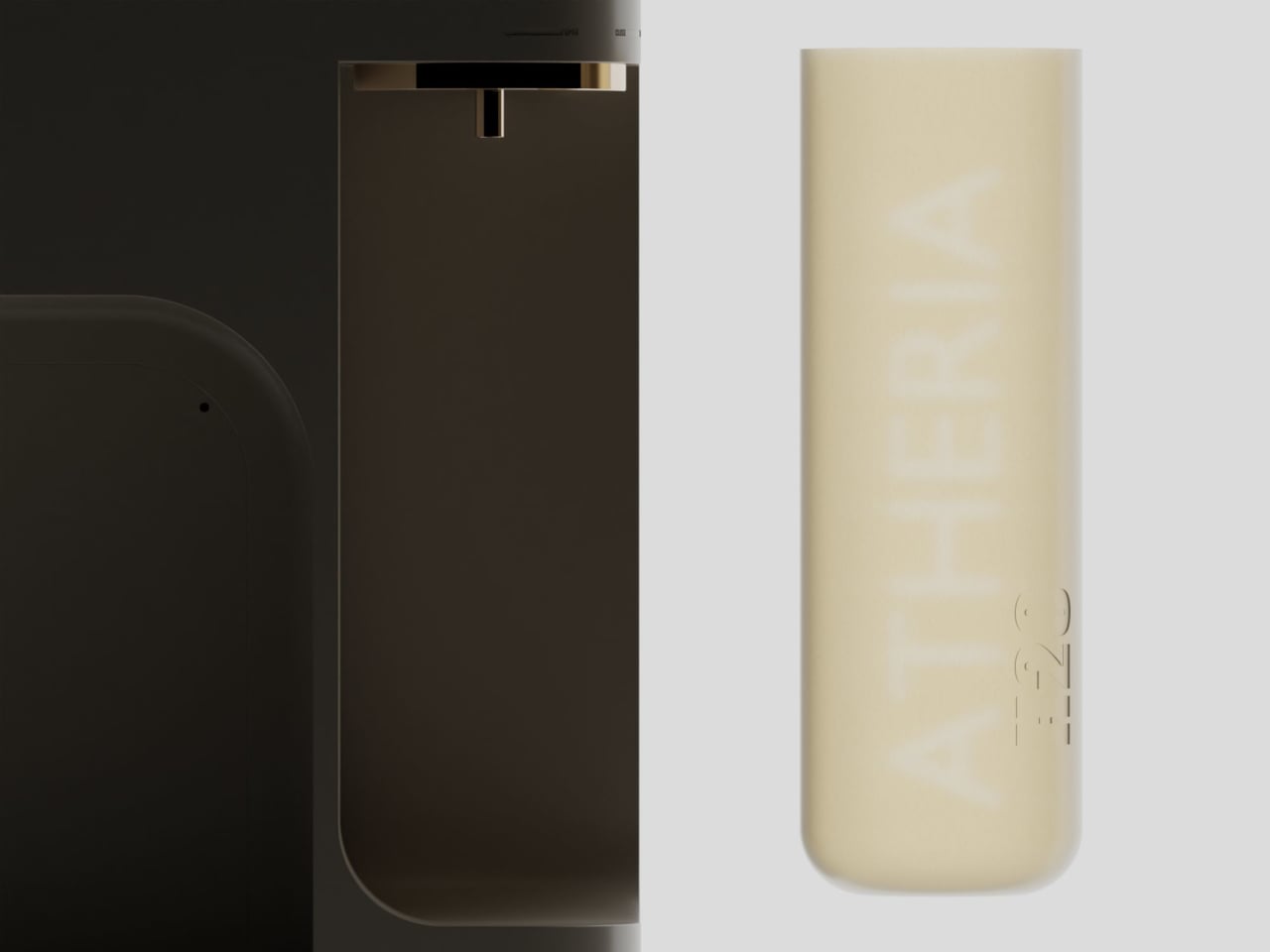
The design draws from Japandi principles, a blend of Japanese minimalism and Scandinavian sensibility focused on warmth, simplicity, and craftsmanship. The result is a compact, rounded purifier with a warm taupe and gold finish that reads more like a considered kitchen appliance than a water treatment machine. It comes in multiple colorways and sits on a countertop without dominating the space around it.

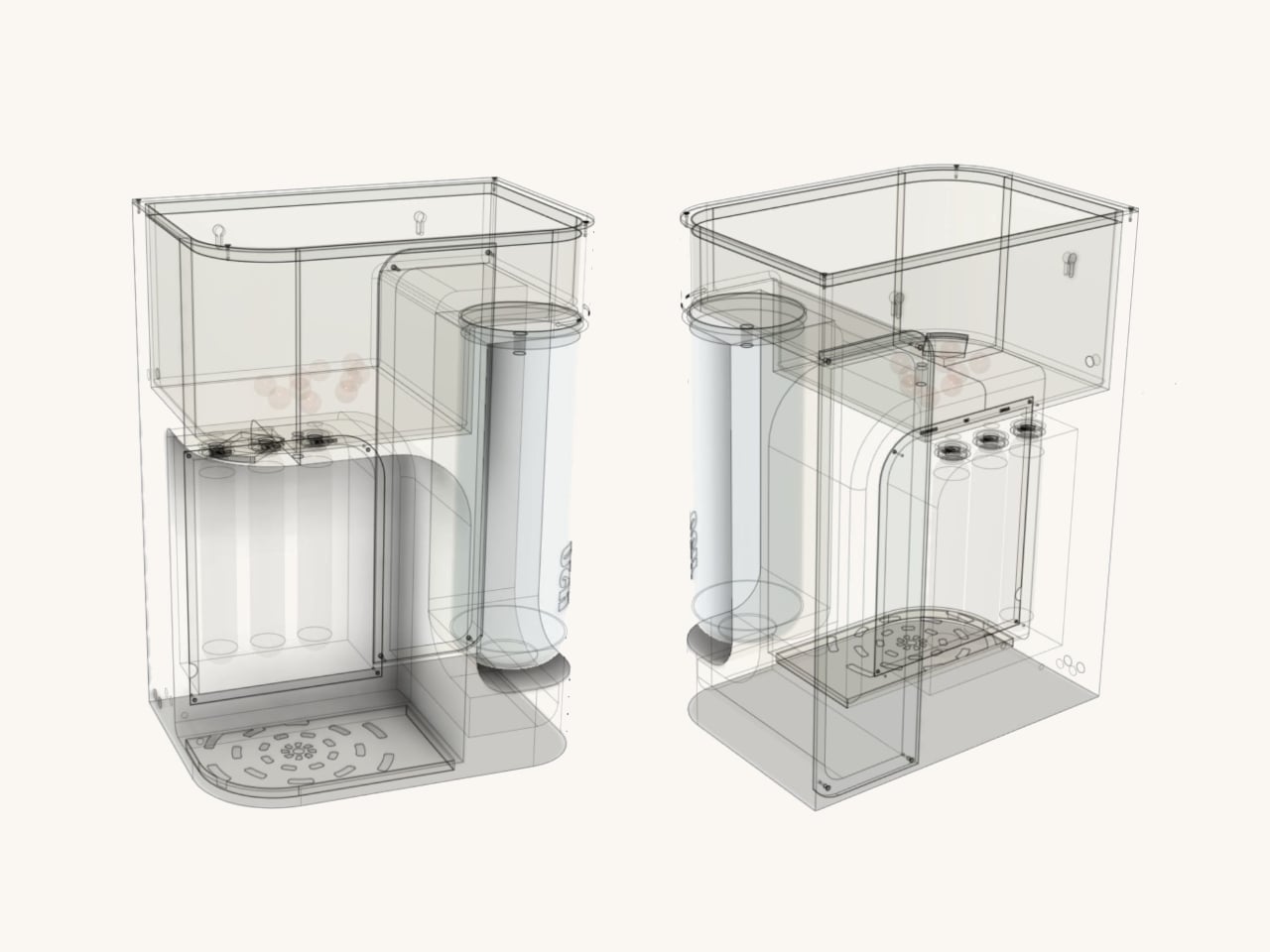
One of the more thoughtful additions is a 2.5-liter secondary detachable container. Filling a bottle or a cooking pot directly from a purifier tap can be slow and awkward, especially mid-cook. The container solves this by letting you pour pre-filled water directly into whatever you need, then reattach it to the purifier, which refills it automatically using analog weight sensors.

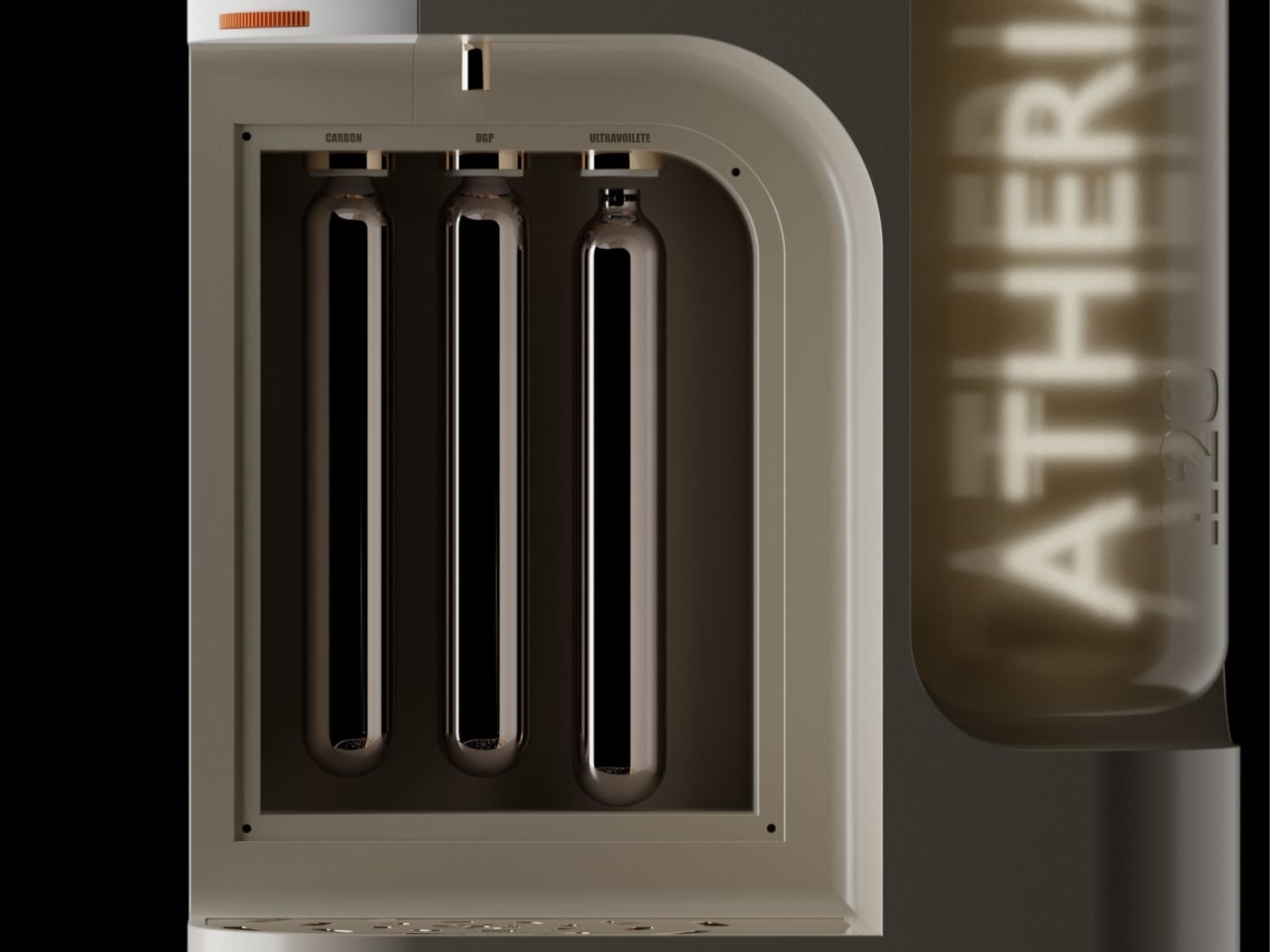
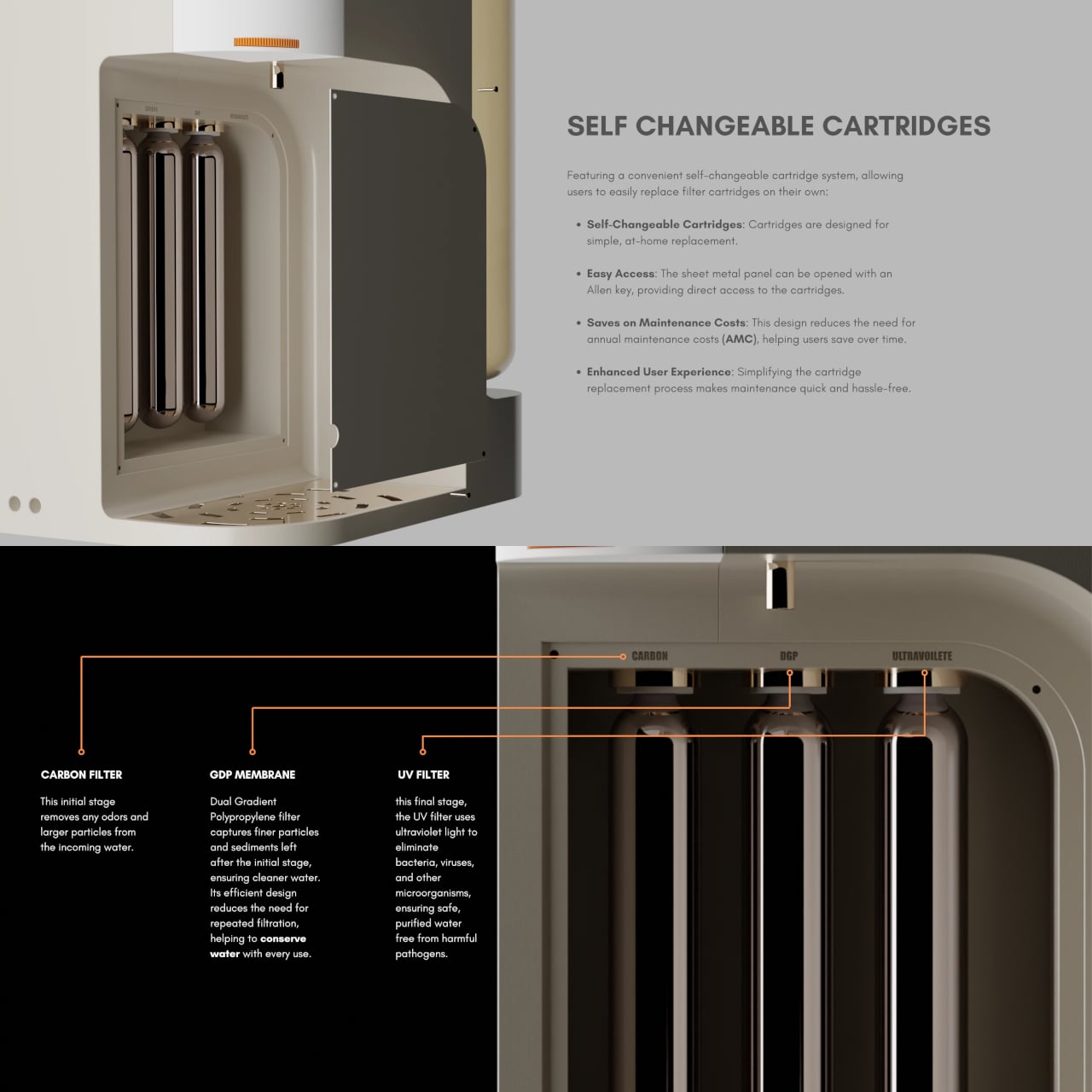
ATHERIA’s three-stage filtration runs water through a carbon filter to remove odors and larger particles, then a dual-gradient polypropylene membrane for finer sediment, and finally a UV filter to eliminate bacteria, viruses, and other microorganisms. The membrane’s efficient design reduces repeated filtration passes, conserving water in the process, which directly addresses a concern shared by 64% of users surveyed during the design research phase.

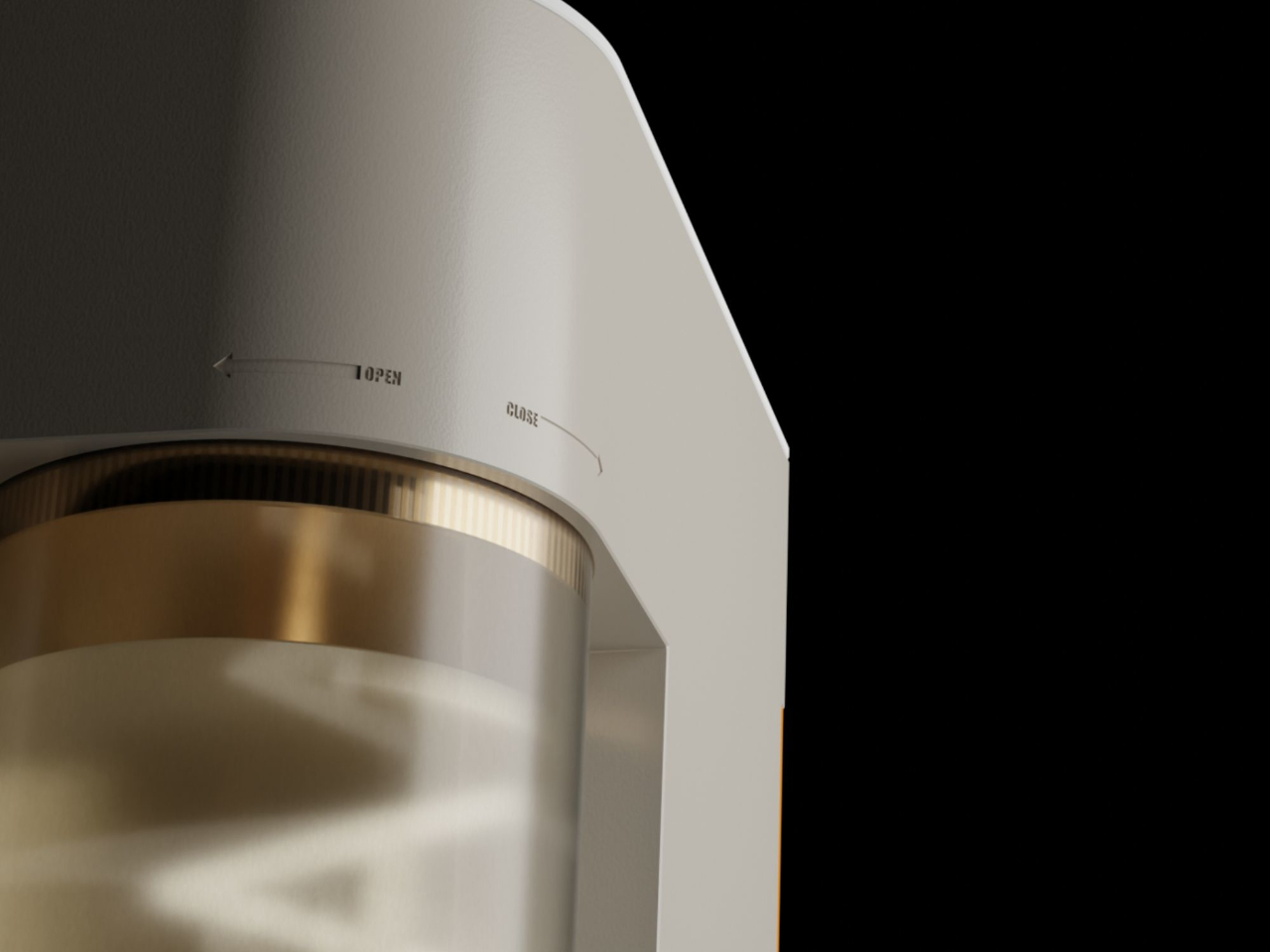
Maintenance usually drives up the long-term cost of owning a water purifier, mostly because replacing cartridges typically requires a paid technician visit. ATHERIA’s self-changeable cartridge system gets around that. The side panel opens with an Allen key, giving direct access to all three filter cartridges, each of which turns to fit or release. No service call needed, which cuts down on annual maintenance costs considerably.

The companion app displays tap TDS, output TDS, individual cartridge health, and daily water and energy usage. Output TDS is adjustable from the settings, and cartridge change reminders can be set manually. It also links to Google Nest, which can push voice alerts when TDS levels rise above safe standards or when a specific cartridge is approaching the end of its life.

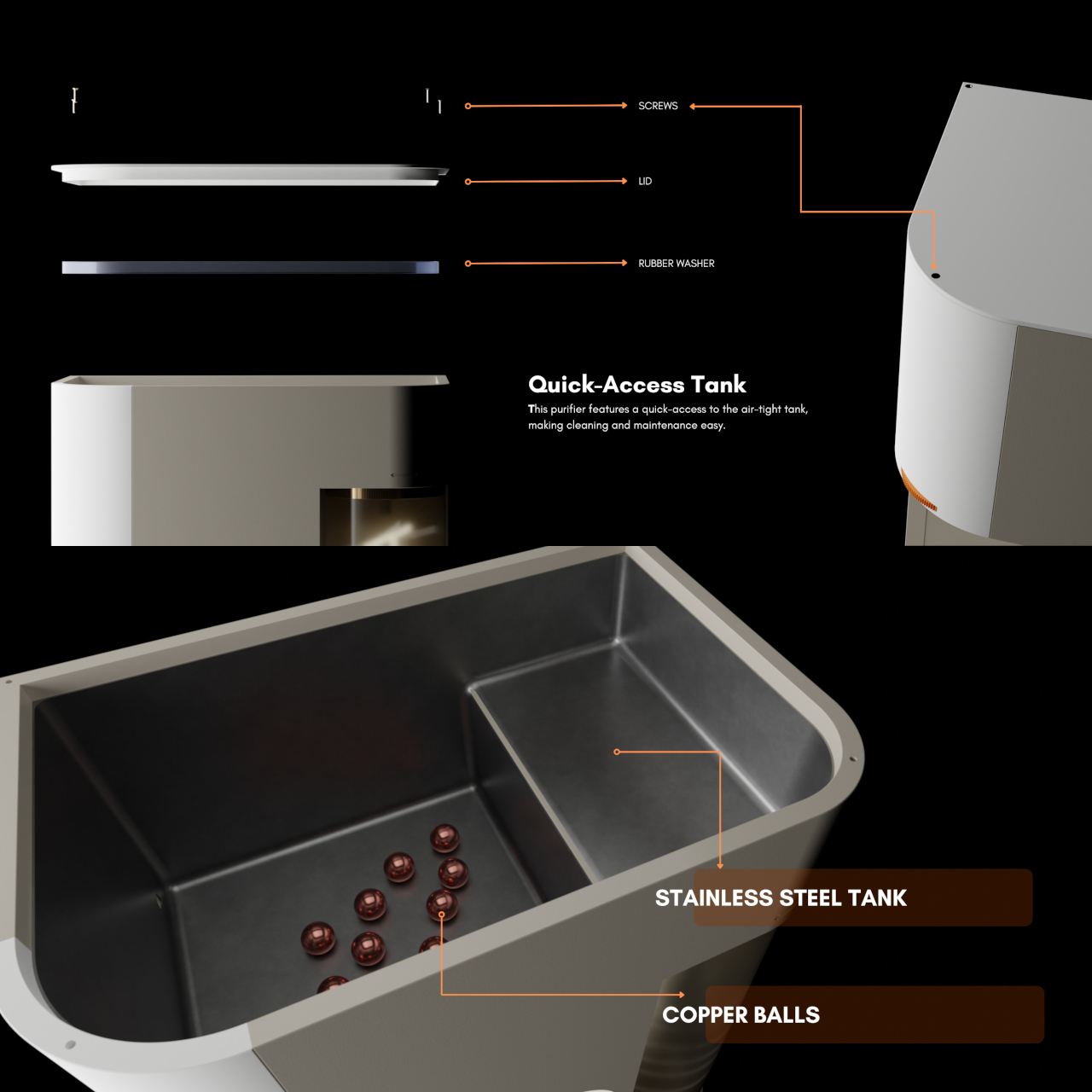
The stainless steel storage tank includes copper balls for natural antimicrobial contact, and the bi-directional ratchet tap controls flow speed by how far it’s turned, with built-in markings to minimize spillage. ATHERIA is still just a concept, but the depth of research behind each decision, from the detachable container to the cartridge access panel, gives every friction point in the experience a concrete answer rather than an afterthought.

The post A Designer Just Made a Water Purifier That Skips the Technician Call first appeared on Yanko Design.

Austria’s Clay Cooler Is the AC Killer Nobody Saw Coming

Every summer, the conversation around air conditioning goes roughly the same way. It’s hot, we turn on the AC, the electricity bill spikes, and we quietly wonder if there’s a better way while doing absolutely nothing about it. A design student from Austria named Katja Posch decided to actually do something about it. The result is MALU, a compact, low-tech cooling system built from terracotta and wood that is currently turning heads in the sustainable design world.

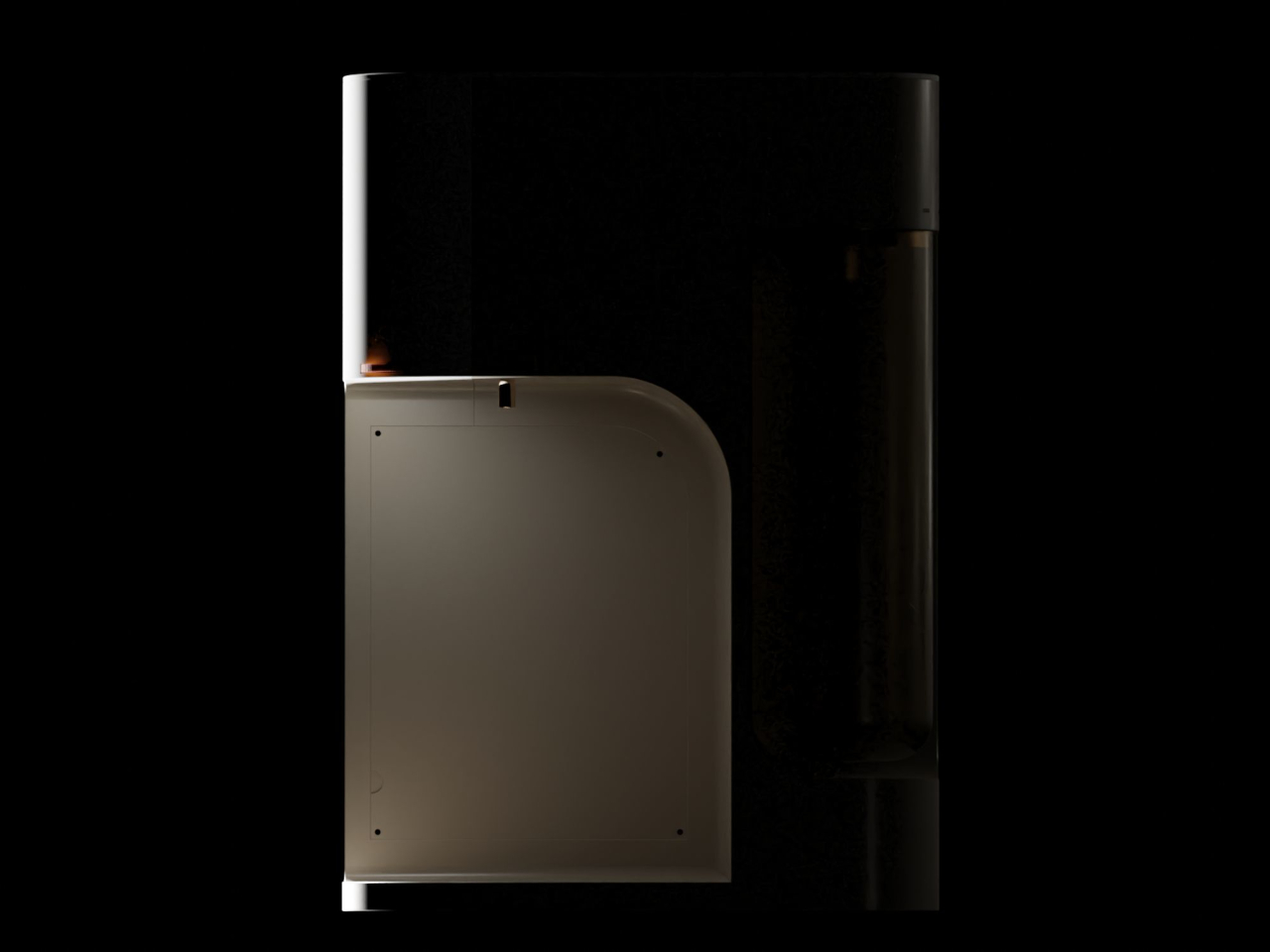
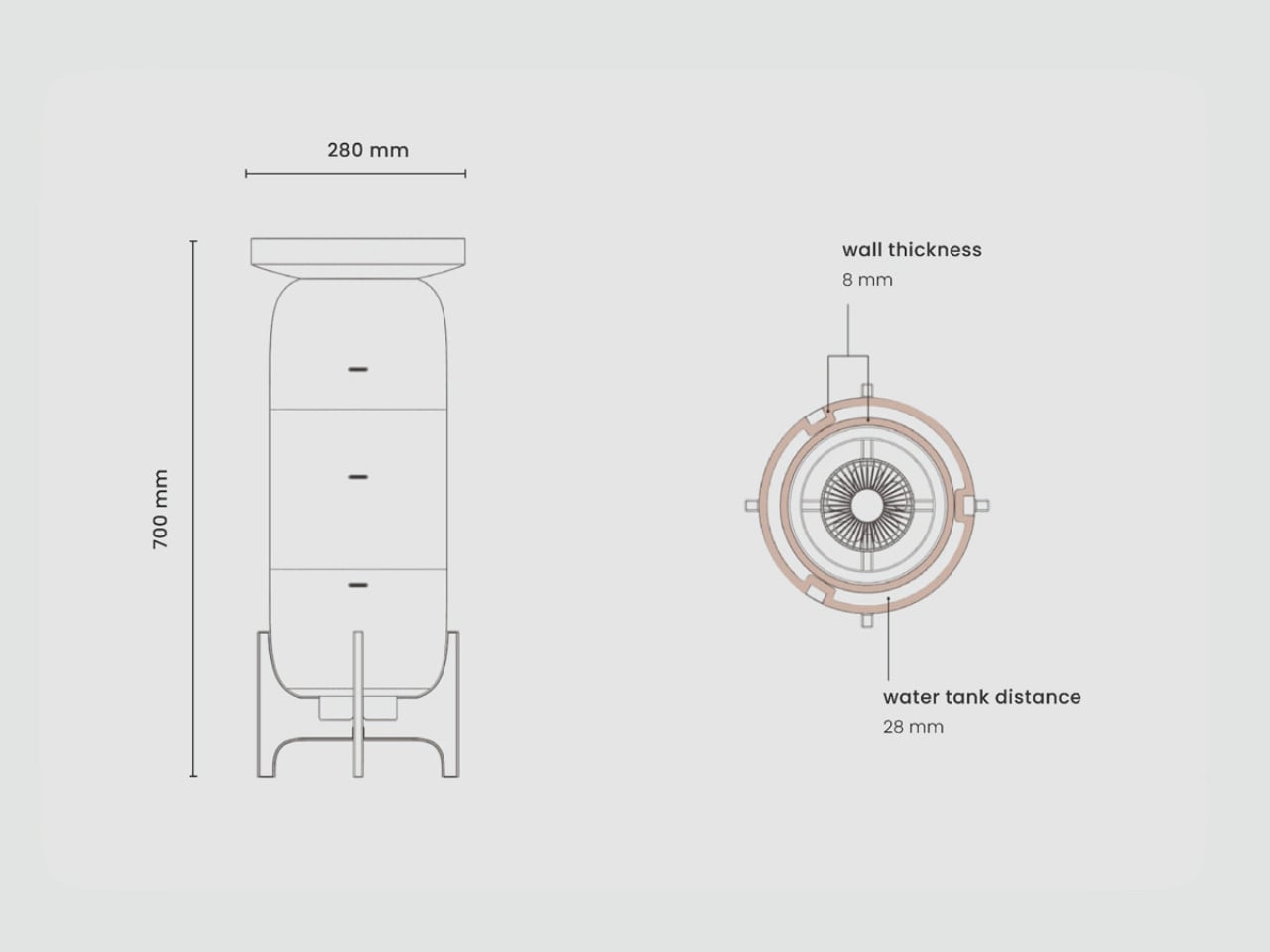
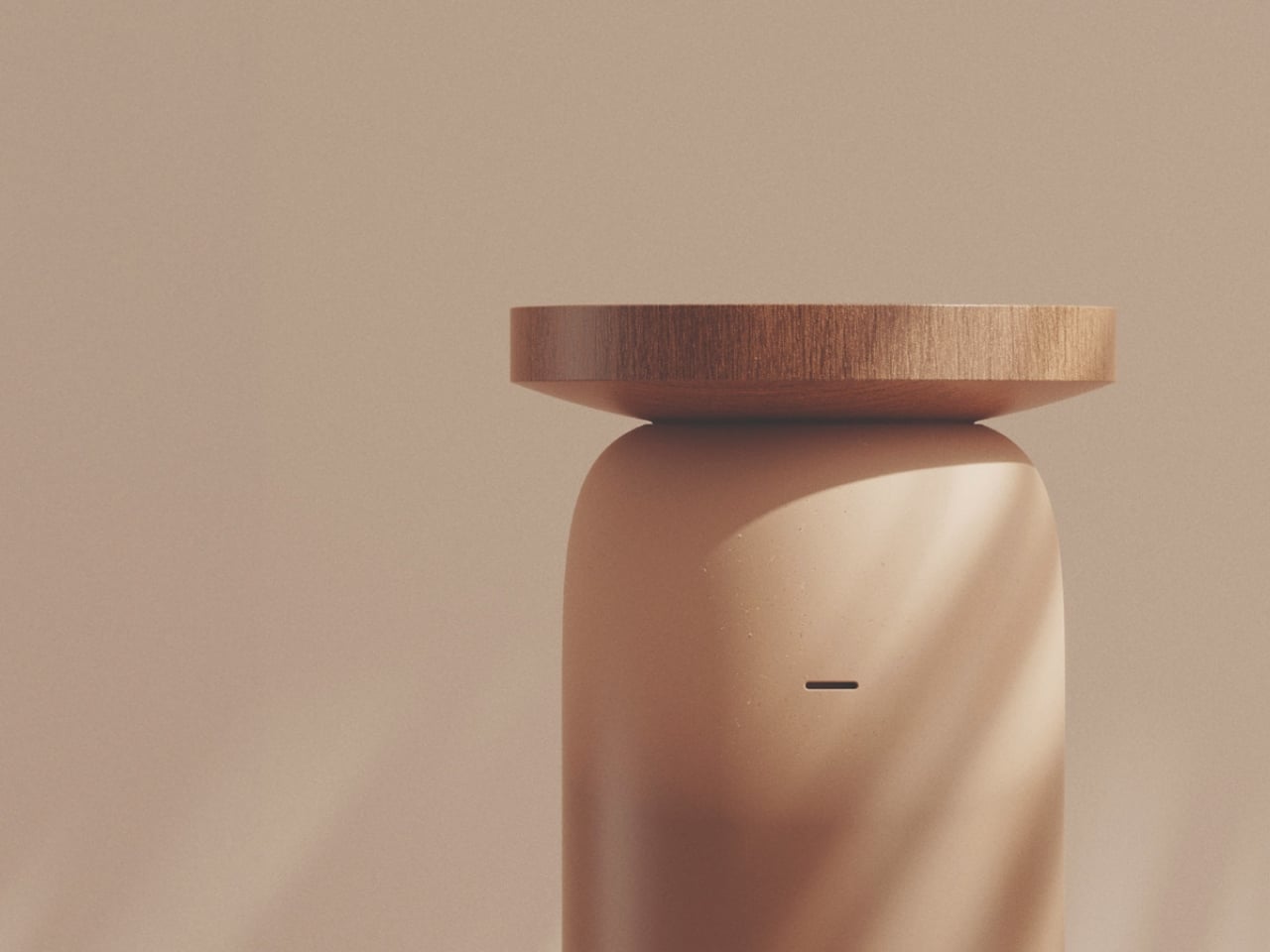
MALU is not trying to be a gadget. That is the first thing that struck me about it. Standing 700mm tall and 280mm wide, it looks far more like a considered piece of furniture than a household appliance. The form is a smooth, rounded terracotta cylinder in a warm sandy tone, topped with a wide circular wooden tray and elevated on a four-legged wooden cradle. It would look at home beside a sofa, and that is very much the point. The design is deliberately simple, rooted in the ancient science of evaporative cooling, the same principle that makes a wet cloth on your forehead feel so immediately refreshing.

Designer: Katja Posch

The mechanics are elegant in their restraint. Water is poured into the wooden tray at the top, which feeds slowly down through the porous terracotta body below. With walls just 8mm thick, the terracotta absorbs moisture readily and releases it through evaporation, drawing heat from the surrounding air in the process. Three narrow horizontal vents run along the body, allowing cooled air to escape into the room. At the base, nestled within the wooden stand, sits a small electric fan that draws air upward through the core of the cylinder and out through those vents. The gap between the fan and the terracotta wall is a precisely considered 28mm, enough to let air move through efficiently without overwhelming the passive cooling effect. The fan, however, is entirely optional. A small round controller sits on the floor at the end of a cord, but if you choose not to use it, MALU still works. It simply breathes on its own.

Posch completed MALU as her master’s thesis in Eco-Innovative Design at FH Joanneum in Graz. What she produced is a system that reframes the entire premise of modern cooling. Rather than asking how we make air conditioners more efficient, she asked whether we were solving the problem correctly in the first place. Historically, cultures across North Africa, the Middle East, and South Asia had already developed brilliant answers to that question, using clay, wind, and water to create comfortable spaces long before a single refrigerant was ever synthesized. MALU picks up that thread.

The irony of conventional air conditioning is by now well-documented. It cools your room while heating the planet, running on electricity that often comes from fossil fuels and using refrigerants with a warming potential thousands of times more potent than carbon dioxide. The more temperatures rise, the more we rely on AC; the more we rely on AC, the more temperatures rise. MALU does not claim to be a plug-and-play replacement for industrial HVAC systems, but it offers something the industry has largely forgotten: a way of thinking about comfort that does not come at the environment’s expense.

The material choices feel intentional beyond aesthetics. The terracotta body and wooden stand can be separated, repaired, and recycled independently. So much of our technology is designed around obsolescence. Cooling systems break down, become incompatible with updated refrigerant standards, or simply get swapped out for the next model. MALU is the opposite of that impulse. It is the kind of object you could understand, maintain, and eventually pass along.

MALU was recognized as a finalist for the Green Product Award 2026 and received a Special Prize for Design Concept at the Staatspreis Design 2026, Austria’s national design award. It is the kind of recognition that suggests the design community is genuinely warming to ideas that favor restraint over complexity, and that feels like a cultural shift worth paying attention to.

For those of us who have spent summers stacking fans in front of open windows and calling it a strategy, MALU is a genuinely exciting proposal. It will not cool a packed open-plan office on a 40-degree day, and it is not trying to. But as a rethinking of what personal cooling can look like in a hotter, resource-constrained world, it is one of the more compelling designs to come across my radar this year.

The post Austria’s Clay Cooler Is the AC Killer Nobody Saw Coming first appeared on Yanko Design.

Noble’s $199 Osprey Earbuds Aim Straight at Sony’s XM6

The $200 true wireless earbud market is crowded, but the brands filling it are mostly consumer electronics companies that tune for mass appeal rather than accuracy. Getting earbuds with any real audiophile pedigree under that threshold has historically meant compromising somewhere meaningful, whether on driver quality, build, or sound character. Most listeners have made their peace with that trade-off and gone with whatever Sony or Sennheiser had on the shelf.

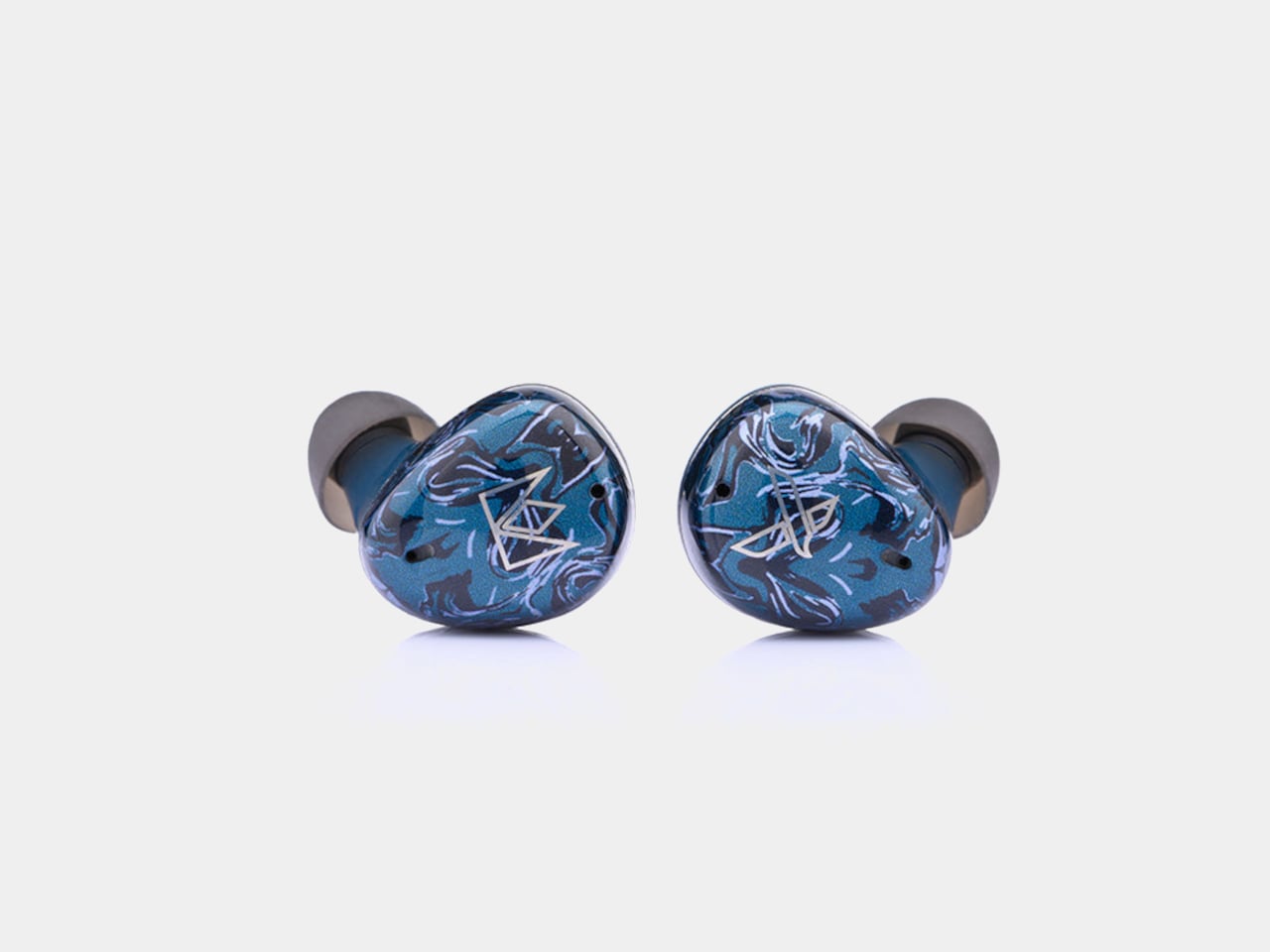
The Noble Audio Osprey debuted at High End Vienna 2026 and starts shipping at the end of June at $199. Noble has spent years building custom in-ear monitors that sell for four figures to listeners who argue about driver counts and cable geometry. Compressing that into a sub-$200 true wireless product is a considerable stretch, and the Osprey’s choices reflect what had to be preserved and what didn’t.

Designer: Noble Audio

The Osprey uses a hybrid dual-driver configuration, pairing a 10mm dynamic driver with a custom balanced armature. The dynamic driver handles low-end weight and warmth, delivering bass that’s smooth and thick rather than just punchy, while the balanced armature supports midrange detail and treble precision. The frequency response spans 20Hz to 40kHz, wider than most consumer earbuds at this price point.

That driver combination pays off most noticeably in the soundstage, which reviewers describe as genuinely expansive, with strong depth and layering that becomes especially clear in music with complex percussion. The signature leans slightly V-shaped, with the low end its most impressive range. Mids are full and anchoring rather than recessed, and highs are crisp and extended without tipping into harshness, a balance that works across most genres.

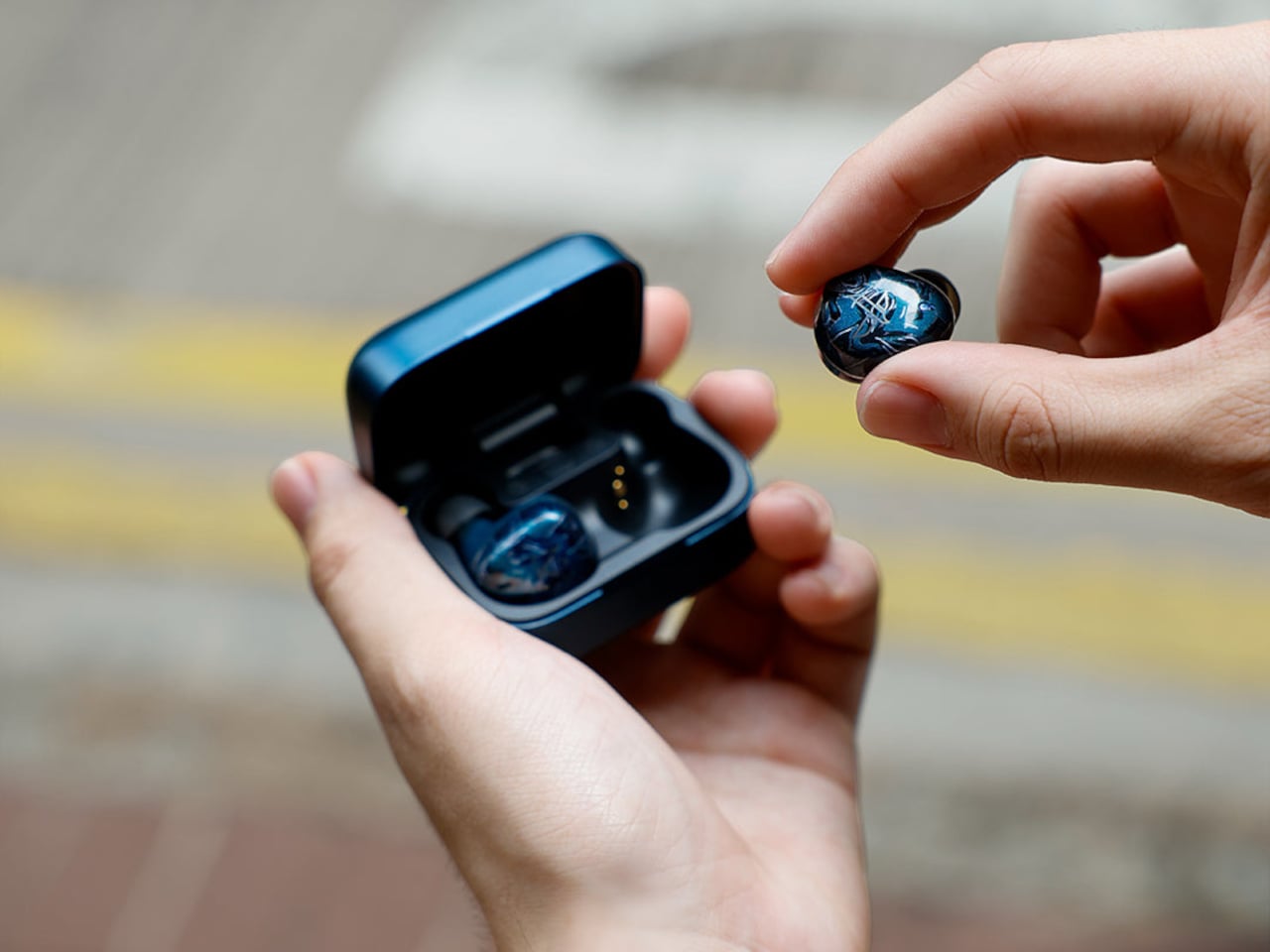
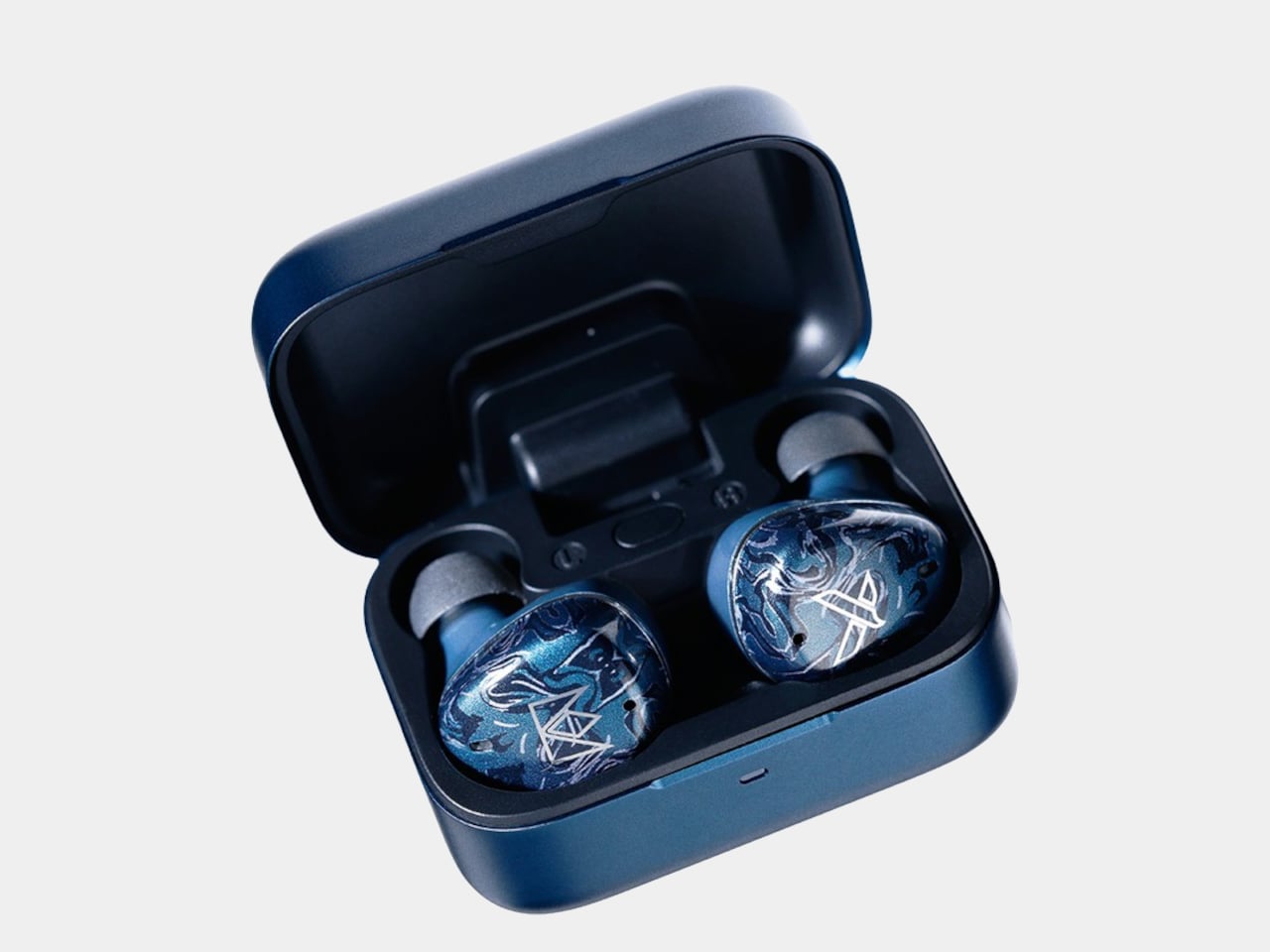
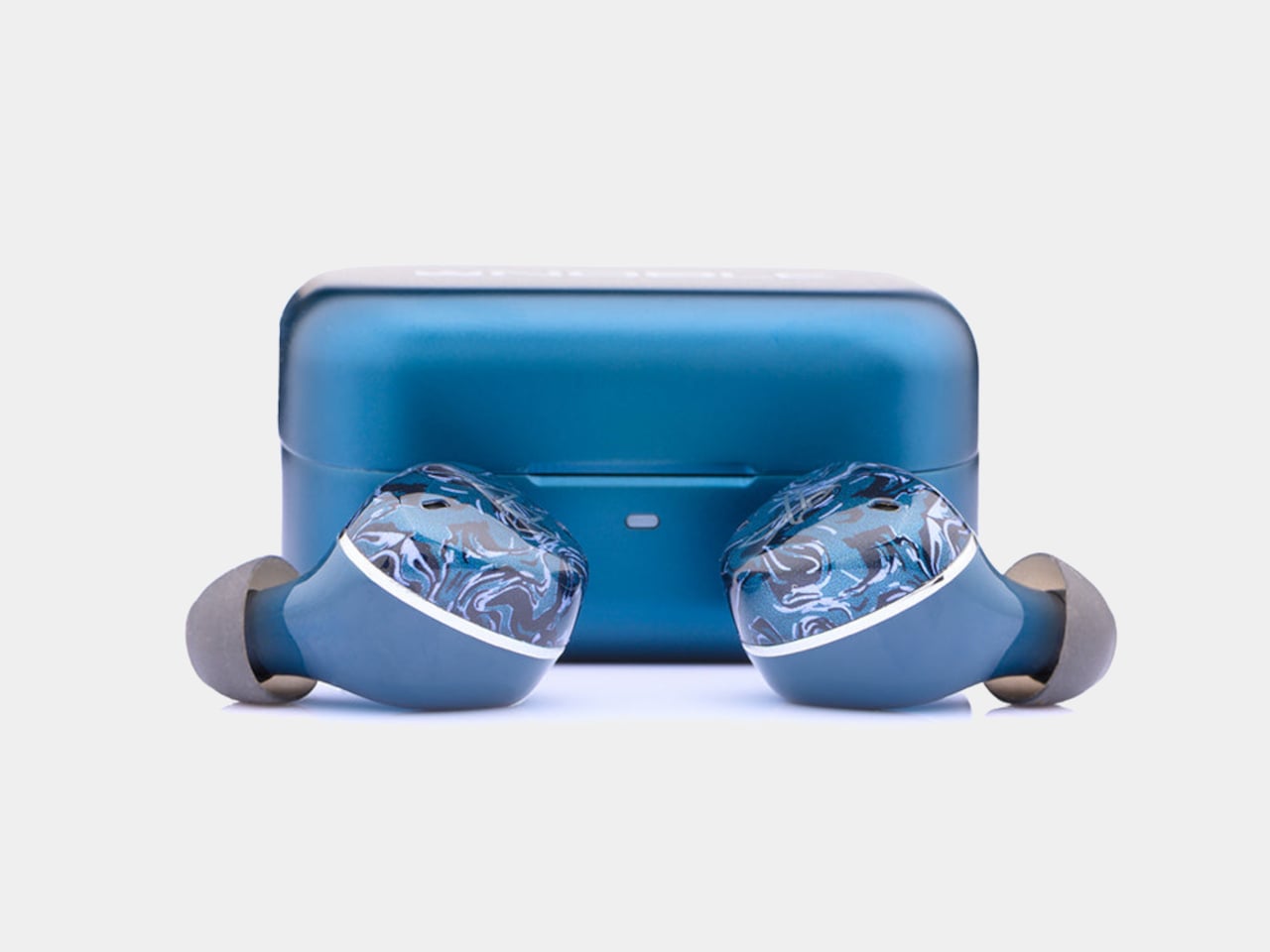
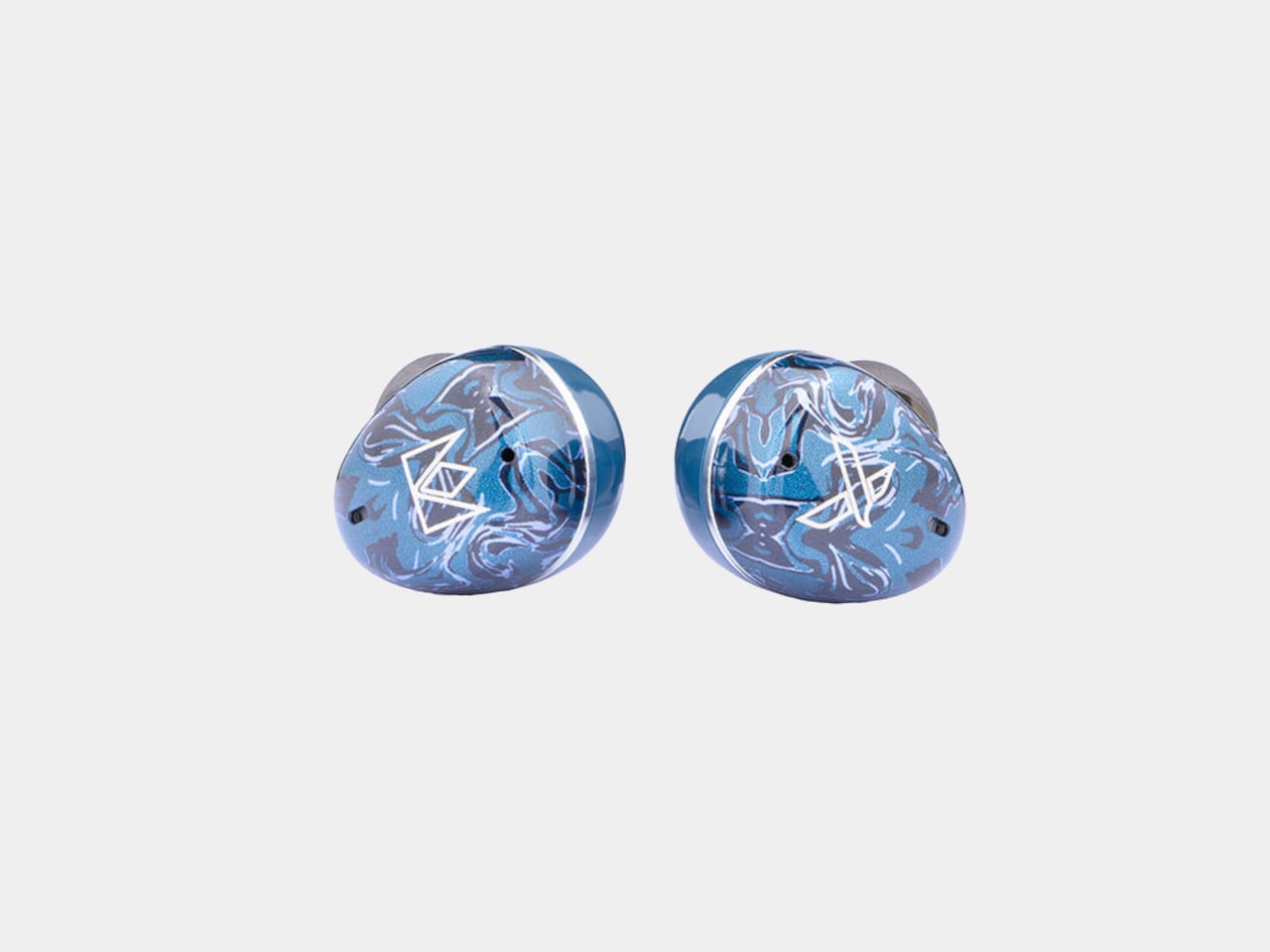
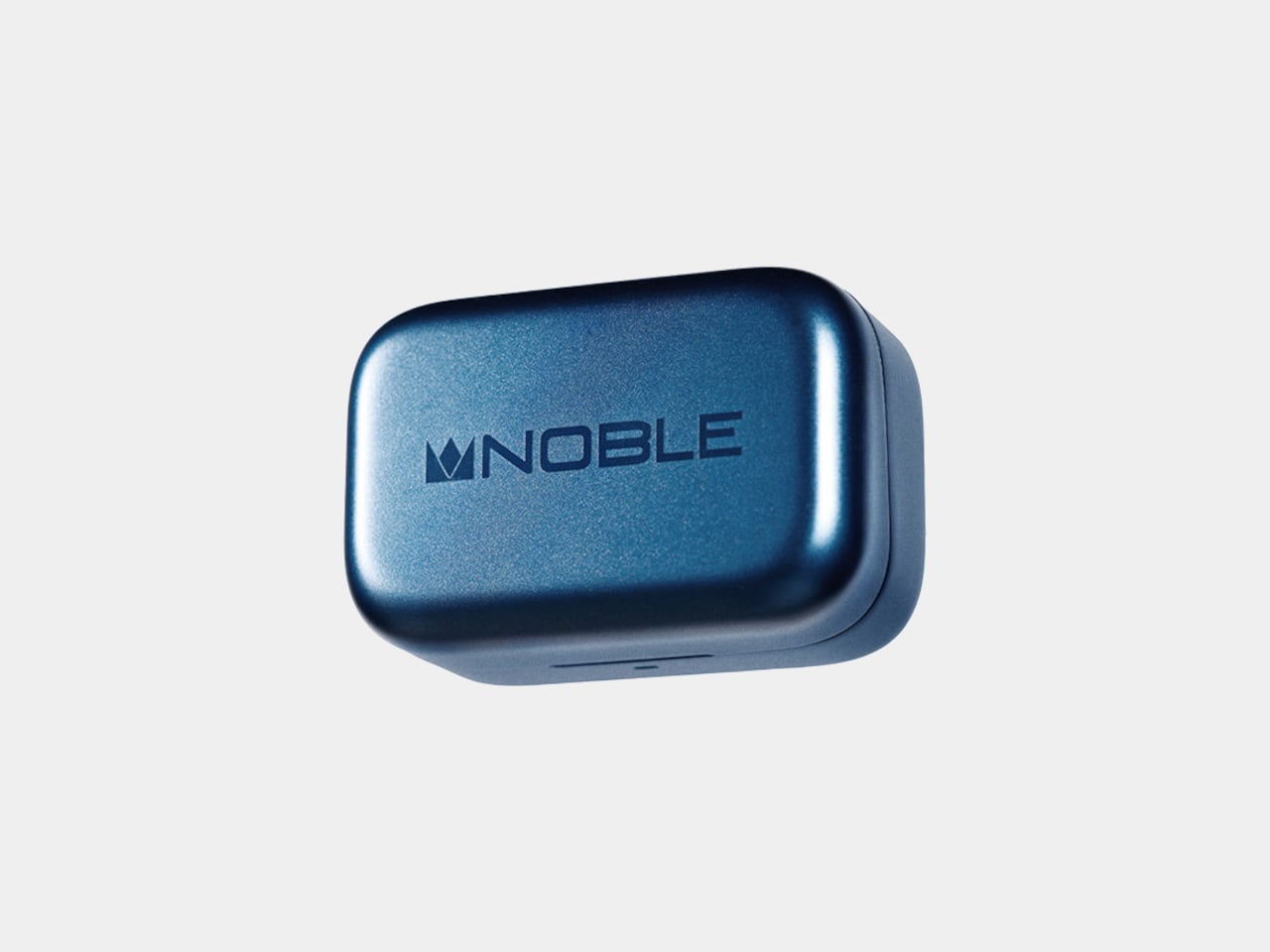
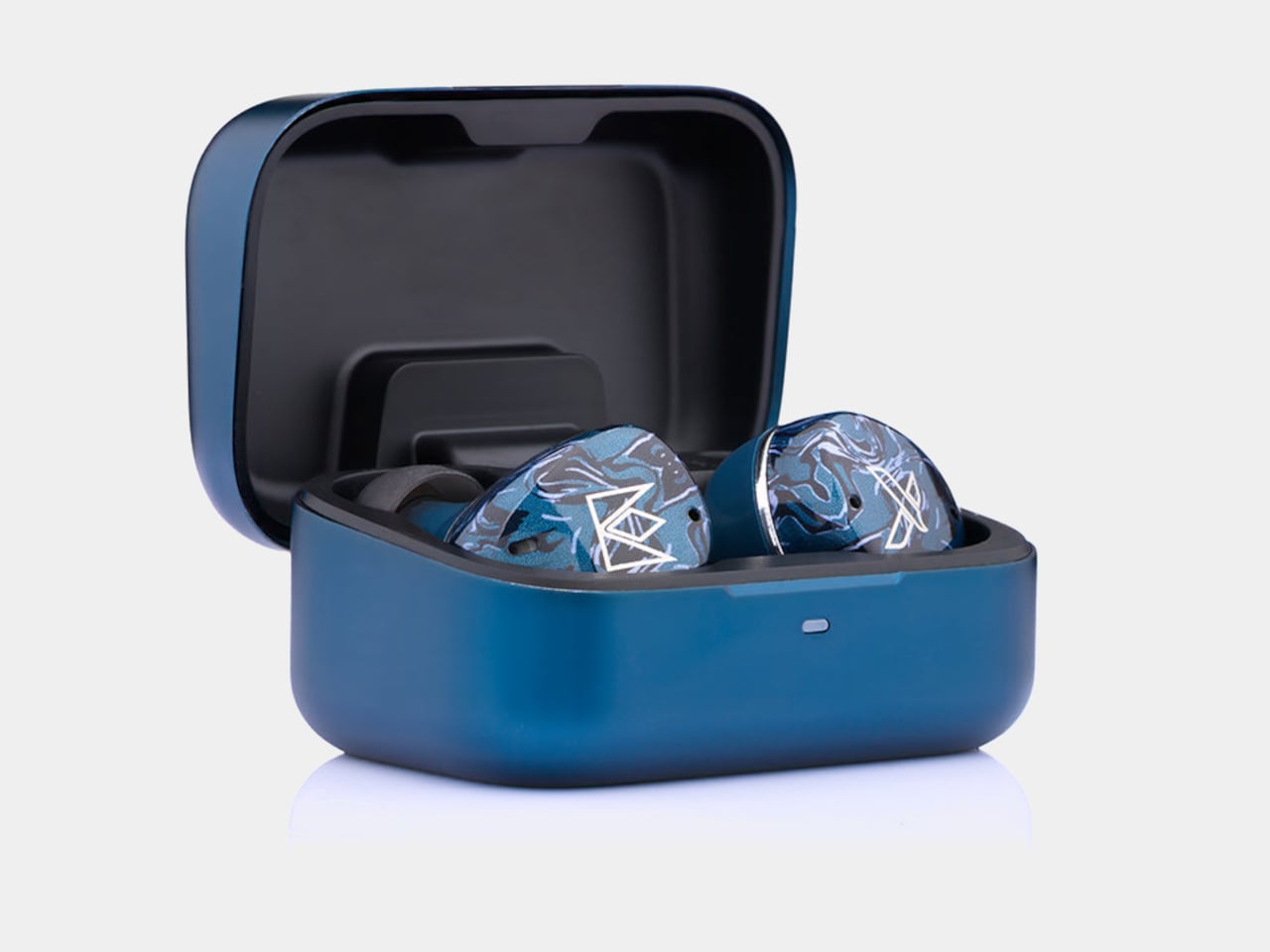
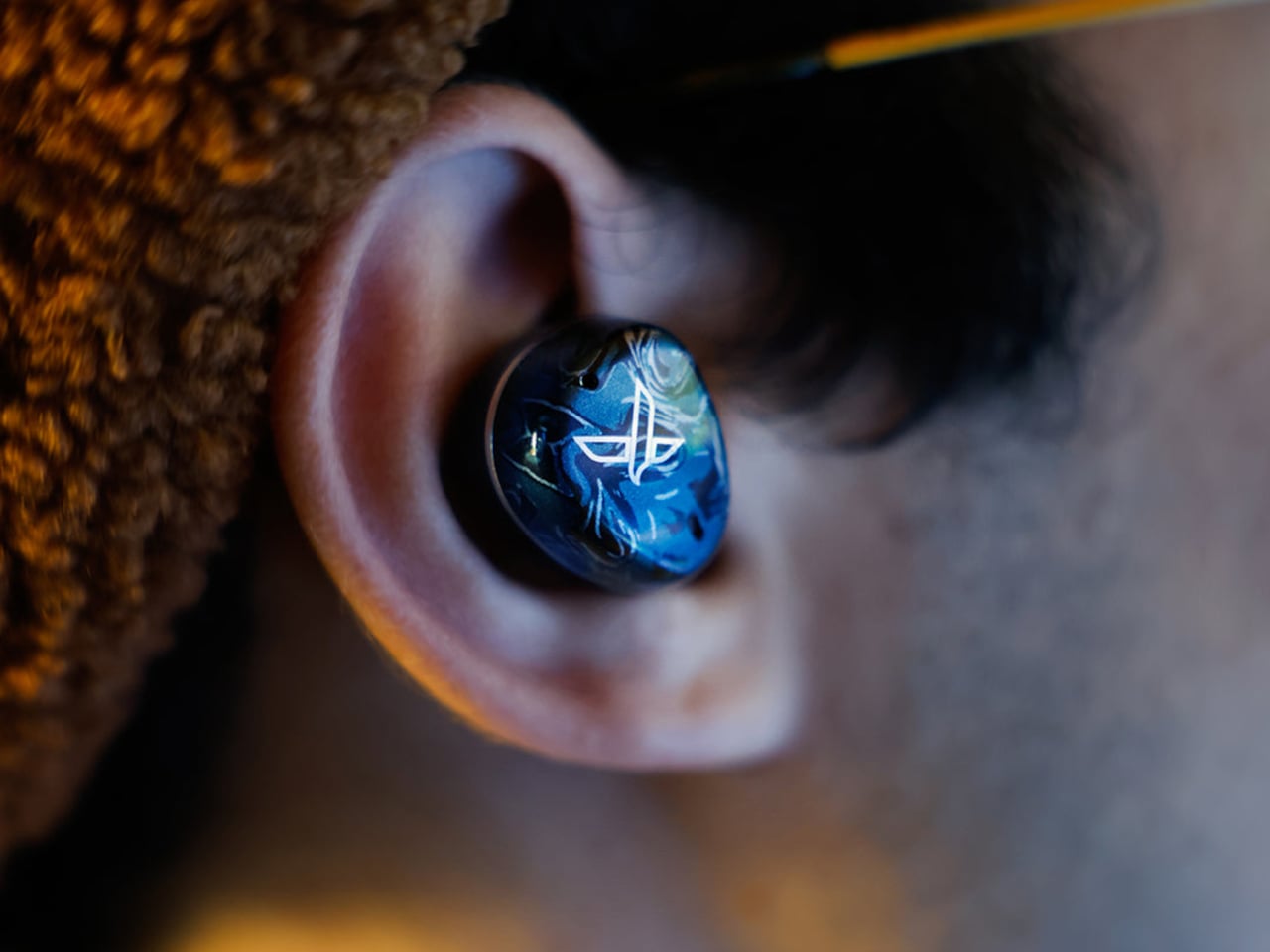
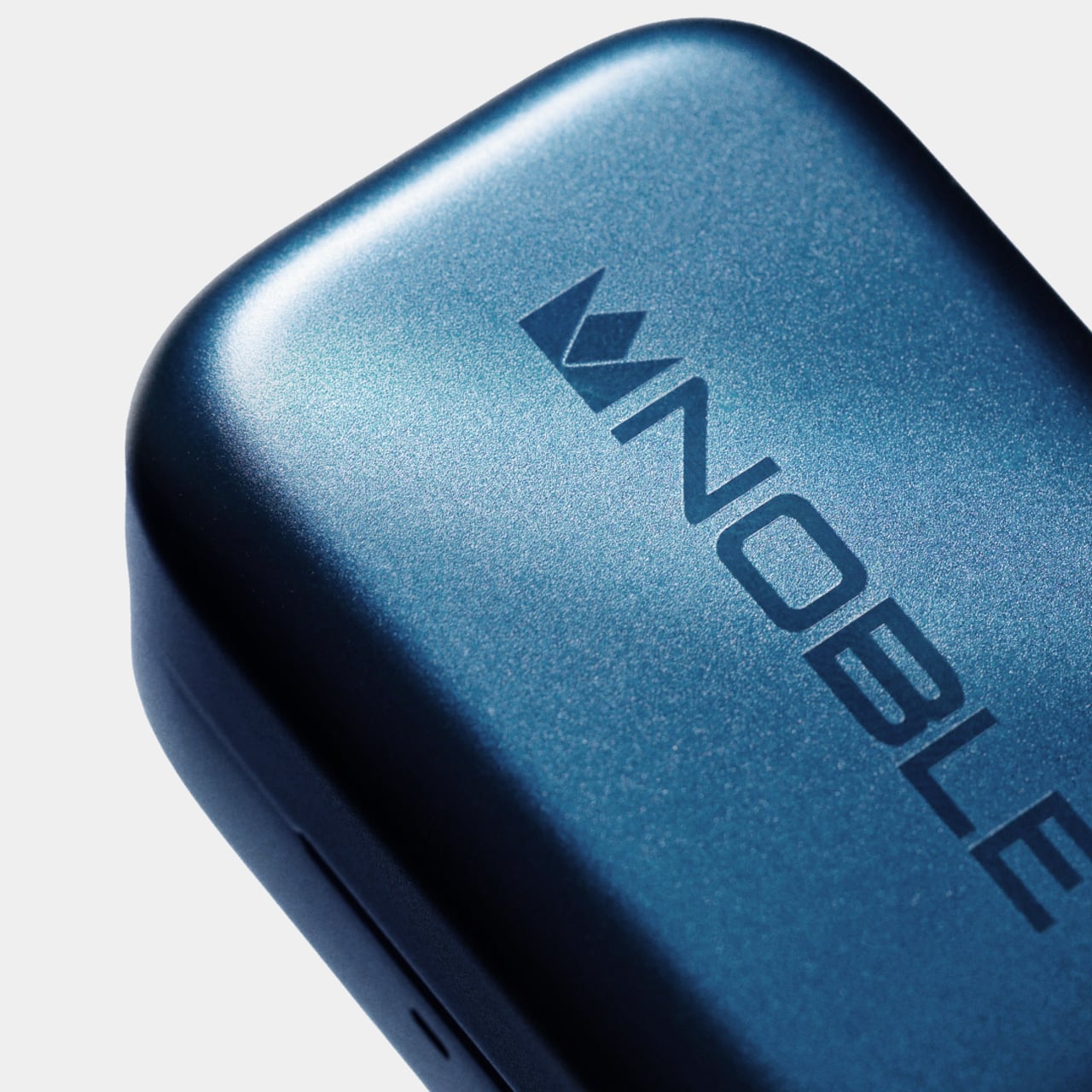
Noble kept most of its visual identity intact. The Osprey carries the marbled acrylic faceplate aesthetic from the FoKus line, with layered blues that read as deliberate rather than generic. The aluminum charging case matches the color and keeps the premium feel without adding bulk.

On the practical side, the Osprey includes hybrid ANC, a Hearing Through mode for ambient awareness, and multipoint connectivity for switching between two devices without re-pairing. ANC handles lower frequencies well, though some higher-pitched background noise still gets through. Dual microphones with cVc noise reduction handle calls, and Bluetooth 6.0 via the Airoha 1571 chipset holds a fast, stable connection even in busier wireless environments.

Battery life sits at seven hours with ANC off and five hours with it on, in line with most competitors. Quick charging is where the Osprey pulls ahead: 10 minutes in the case delivers roughly two hours of listening, a figure that outpaces several earbuds well above this price. The 500mAh aluminum case uses USB-C, and the Noble FoKus app adds a 10-band EQ, touch remapping, and over-the-air updates.

For context, Sony’s WF-1000XM6 retails at $329.95 and the Sennheiser Momentum True Wireless 4 at $299.95, putting the Osprey around $100 to $130 below either. LDAC support separates it further from mainstream earbuds at the same price, most of which cap out at AAC. Noble Audio opened pre-orders on June 4, with units shipping by the end of June, available directly at nobleaudio.com and through select retailers.

The post Noble’s $199 Osprey Earbuds Aim Straight at Sony’s XM6 first appeared on Yanko Design.
4 Best Wireless Audio Gadgets for Creators, Now Up to 20% Off For Prime Day

Most creator setups get built backwards. The camera comes first, the lighting comes second, and audio ends up being whatever fits in the bag. That compromise has a cost, and anyone who has sat through a well-shot video ruined by hollow, wind-wrecked, or flat dialogue knows exactly what it sounds like. The gap between professional-grade audio and genuinely portable gear has narrowed considerably in the last two years, and a lot of that credit goes to AI noise processing that actually delivers rather than just advertises.

BOYA has put forward Prime Day options that cover nearly every recording scenario a working creator runs into, at discounts that make this a reasonable time to close that gap. The five products span a wide range, from a thumb-sized lapel that disappears on clothing to a transformable four-mode wireless system to a button-sized transmitter that scales for multi-device team shoots. One of them, BOYA Notra, breaks from the creator audio format entirely and lands in the meeting room, turning live conversations into organized transcripts, summaries, and to-do lists in over 140 languages.

BOYA mini 2: the Ultra-Compact Everyday Mic

Where the BOYA Magic is built around transformation, the BOYA mini 2 is built around invisibility. Weighing only 5 grams, the transmitter is the lightest in this roundup, designed to be a set-it-and-forget-it solution for mobile creators, vloggers, and anyone who needs clean audio without the bulk. Its thumb-sized form factor clips onto clothing without pulling or weighing down fabric, making it ideal for casual shoots, social media content, and on-the-go recording where a larger microphone would be too conspicuous. The focus here is pure portability and ease of use, delivering a significant audio upgrade over a phone’s internal microphone in a package that is small enough to live in a pocket.

Despite its size, the mini 2 shares much of the same audio DNA as its larger counterparts. It features the same 48 kHz / 24-bit audio resolution and AI noise cancellation, with a “Strong” mode for loud environments and a “Light” mode to preserve natural room tone. The companion BOYA Central app allows for quick adjustments to volume, EQ, and noise cancellation levels directly from a smartphone. With a 30-hour battery life via its charging case and a robust 328-foot wireless range, the mini 2 is a surprisingly capable microphone that prioritizes convenience and discretion above all else.

Click Here To Buy Now: $47.99 with Coupon Code YD22

BOYA Magic: the 4-in-1 Transformable Creator Mic

BOYA Magic directly addresses the problem of carrying multiple microphones for different shooting styles. Instead of asking creators to choose between a lavalier, a handheld, a desktop, or an on-camera mic, it combines all four into one compact kit. The core of the system is a 7-gram transmitter that can be used as a discreet clip-on, but it also docks into a handheld grip for street interviews, mounts on a desktop stand for podcasts, and slides into a cold shoe adapter for on-camera use. This transformable design makes it the most physically versatile option in the lineup, built for creators who move between formats and do not want their gear to dictate their workflow.

The technical specifications are strong enough to support that flexibility. The system captures 48 kHz / 24-bit audio and uses AI noise cancellation to reduce ambient sound by up to 40 dB, which is more than enough to clean up dialogue in busy environments. It also includes thoughtful professional features like a smart limiter and a safety track to prevent audio clipping, an 80 dB signal-to-noise ratio, and up to 30 hours of total recording time with the charging case. For a creator who wants one kit that adapts to nearly any situation, from a desk recording to a field interview, the Magic is engineered to be a clever, all-in-one solution.

Click Here To Buy Now: $73.5 with Coupon Code YD24

BOYALINK 3: the Scalable Multi-Device Mic System

While mics like the mini 2 and Air SE are perfect for solo creators, the BOYALINK 3 is designed for more complex productions. This is the system for small teams, interviewers, and creators who need to feed audio to multiple devices at once. Its key feature is a 2TX-4RX expansion capability, which allows the system to scale up to support eight devices recording simultaneously. This makes it possible to run a two-person interview while sending clean audio to two different cameras and a backup recorder, all from one compact kit. It is a button-sized system that brings a level of workflow flexibility usually found in much larger, more expensive setups.

The BOYALINK 3 reinforces its professional credentials with a higher 85 dB signal-to-noise ratio for cleaner recordings and includes essential tools like automatic gain control, a limiter, and a safety track to protect against distortion. Each transmitter weighs just 9 grams and features a dustproof grille, making it durable enough for field use. With EQ tuning, real-time monitoring, and up to 30 hours of total battery life, the Link 3 is positioned as the upgrade for creators who are moving beyond basic setups and need a reliable, scalable audio hub for more demanding shoots.

Click Here To Buy Now: $77.2 with Coupon Code YD23

BOYA Notra: the AI Note Taker for Total Recall

The final product in the lineup takes the AI audio technology seen in the microphones and applies it to a completely different problem: remembering conversations. The BOYA Notra is not a creator tool, it is a dedicated AI note-taking device designed for professionals, students, and anyone who needs to capture meetings, lectures, or calls without losing focus. It records conversations from three sources, ambient room audio, phone calls, and Bluetooth earbuds, and then turns the raw audio into structured, usable information. This is a device built for productivity and memory relief, not for content production.

The Notra’s intelligence lies in its post-recording processing. It transcribes speech in over 140 languages, automatically identifies different speakers, and generates summaries, to-do lists, and mind maps from the conversation. All recordings are stored on its 64 GB of local storage with a private cloud backup. With up to 24 hours of continuous recording and a slim, magnetic design, the Notra is a powerful tool for anyone who has ever wished they had a perfect record of a conversation. It turns every discussion into organized, searchable knowledge, ensuring that no key details are ever missed.

Click Here To Buy Now: $119 with Coupon Code YD21

The post 4 Best Wireless Audio Gadgets for Creators, Now Up to 20% Off For Prime Day first appeared on Yanko Design.
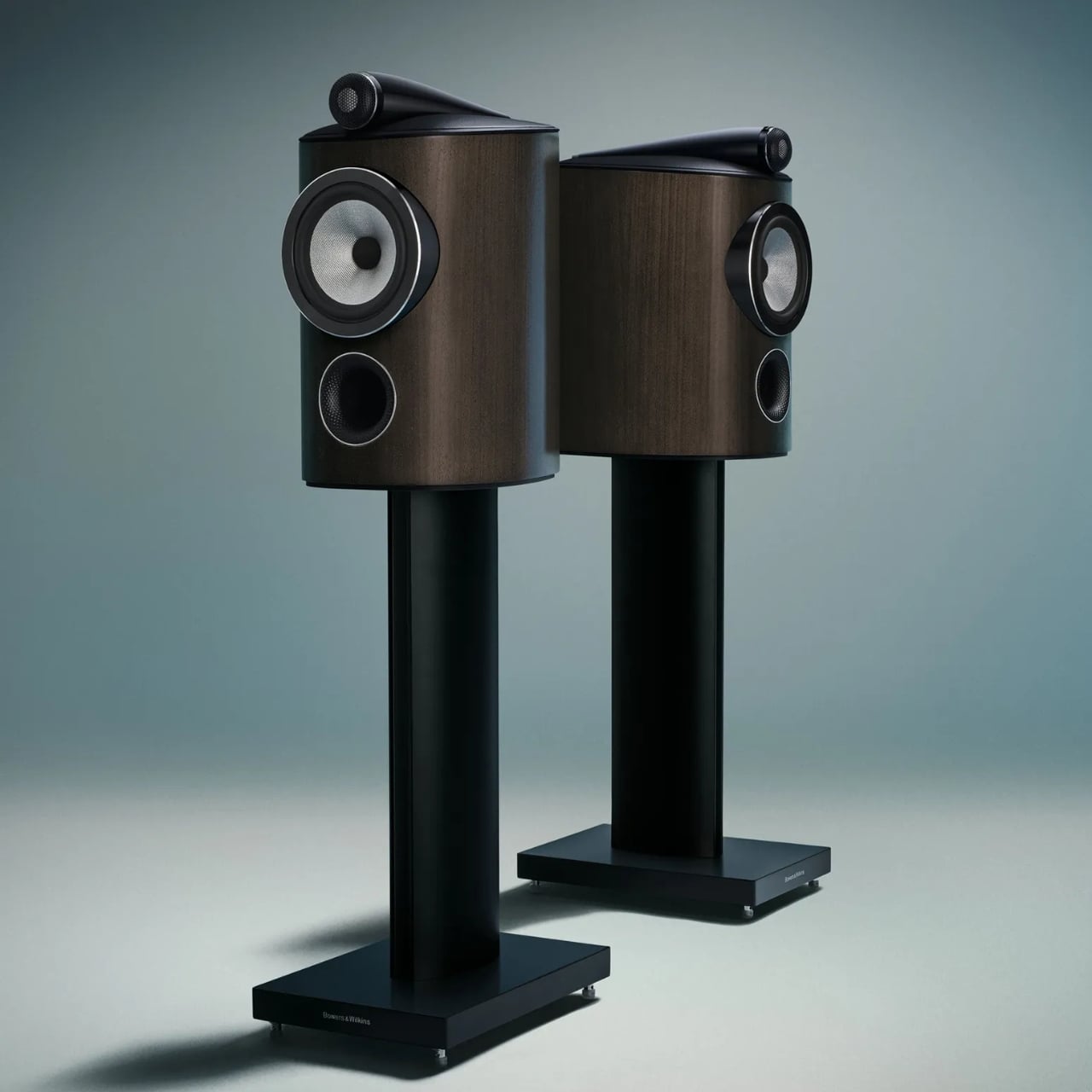
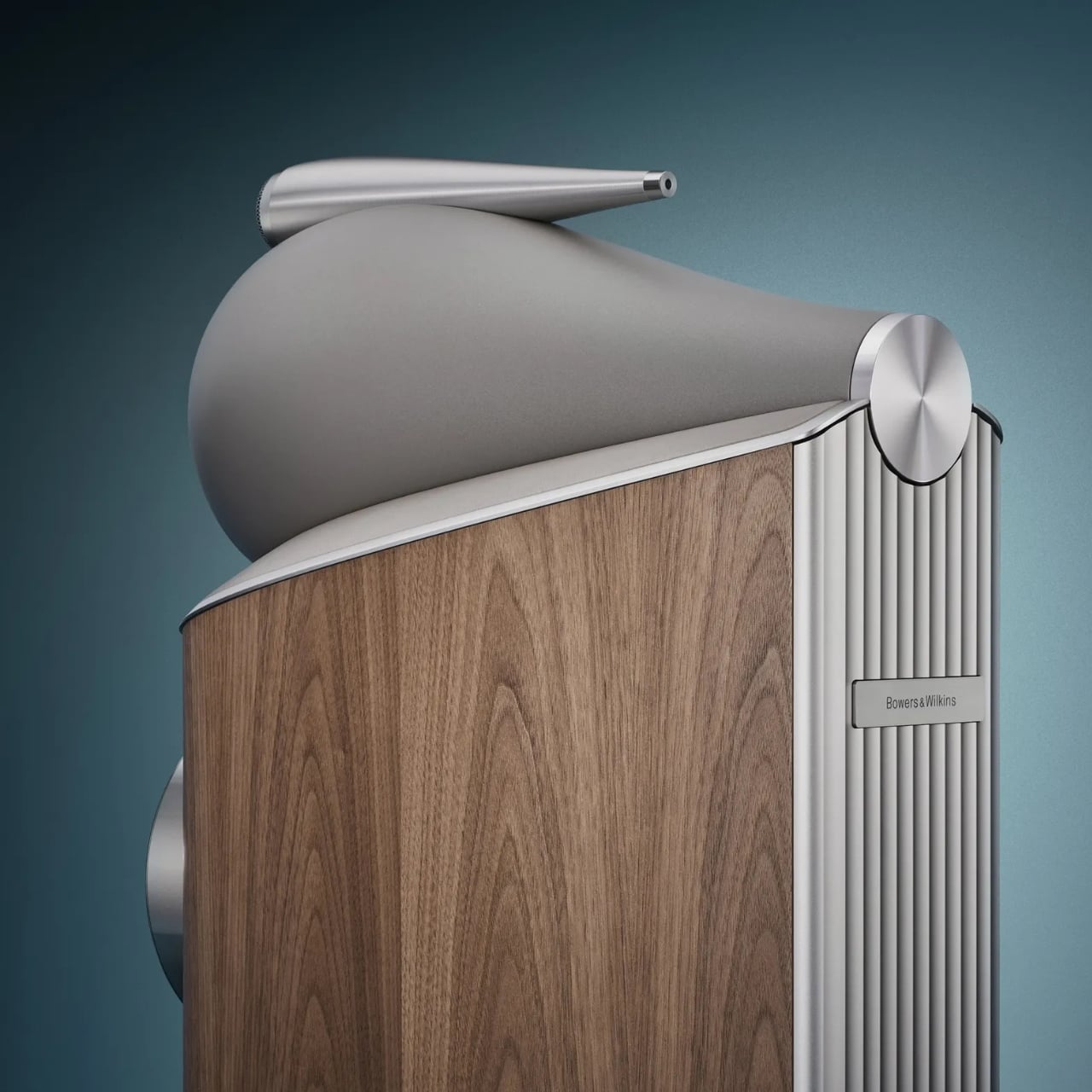
Bowers & Wilkins Spent 60 Years on These Speakers. It Shows.

Most brands celebrate a 60th anniversary with a retrospective book or a limited-edition colorway. Bowers & Wilkins celebrated theirs by unveiling what may genuinely be the most advanced loudspeaker range they have ever made. The 800 Series Diamond D5 arrived with that kind of quiet confidence that doesn’t need fanfare to make its point, even if it was announced to considerable fanfare.

I’ve always believed that truly great audio equipment occupies a strange place between technology and sculpture. The 800 Series has lived in that space for decades. It’s the kind of speaker you find in professional recording studios around the world, at Skywalker Ranch where teams have mixed and mastered legendary film soundtracks, and also in the living room of the person who just needs the room to sound exactly right. That dual citizenship, professional and deeply personal, tells you everything about what Bowers & Wilkins has been building toward.

Designer: Bowers & Wilkins

The D5 is the fifth generation of the Diamond series, and the tagline “60 years in the making” isn’t marketing hyperbole. It’s a mission statement rooted in John Bowers’ original True Sound philosophy: nothing added, nothing taken away. Every generation of 800 Series starts from the same question: what stands in the way of the music? The answers keep evolving. The ambition stays constant.

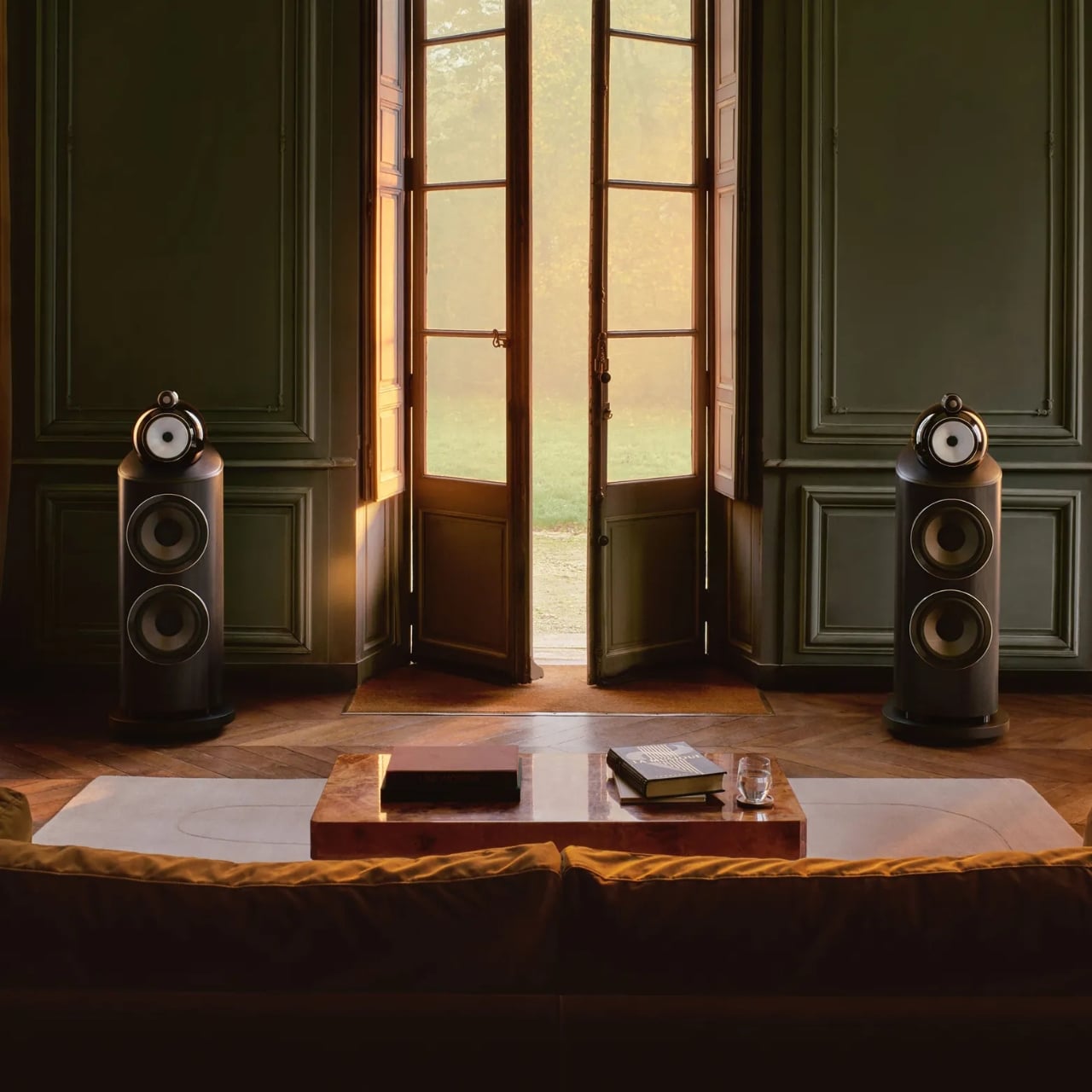
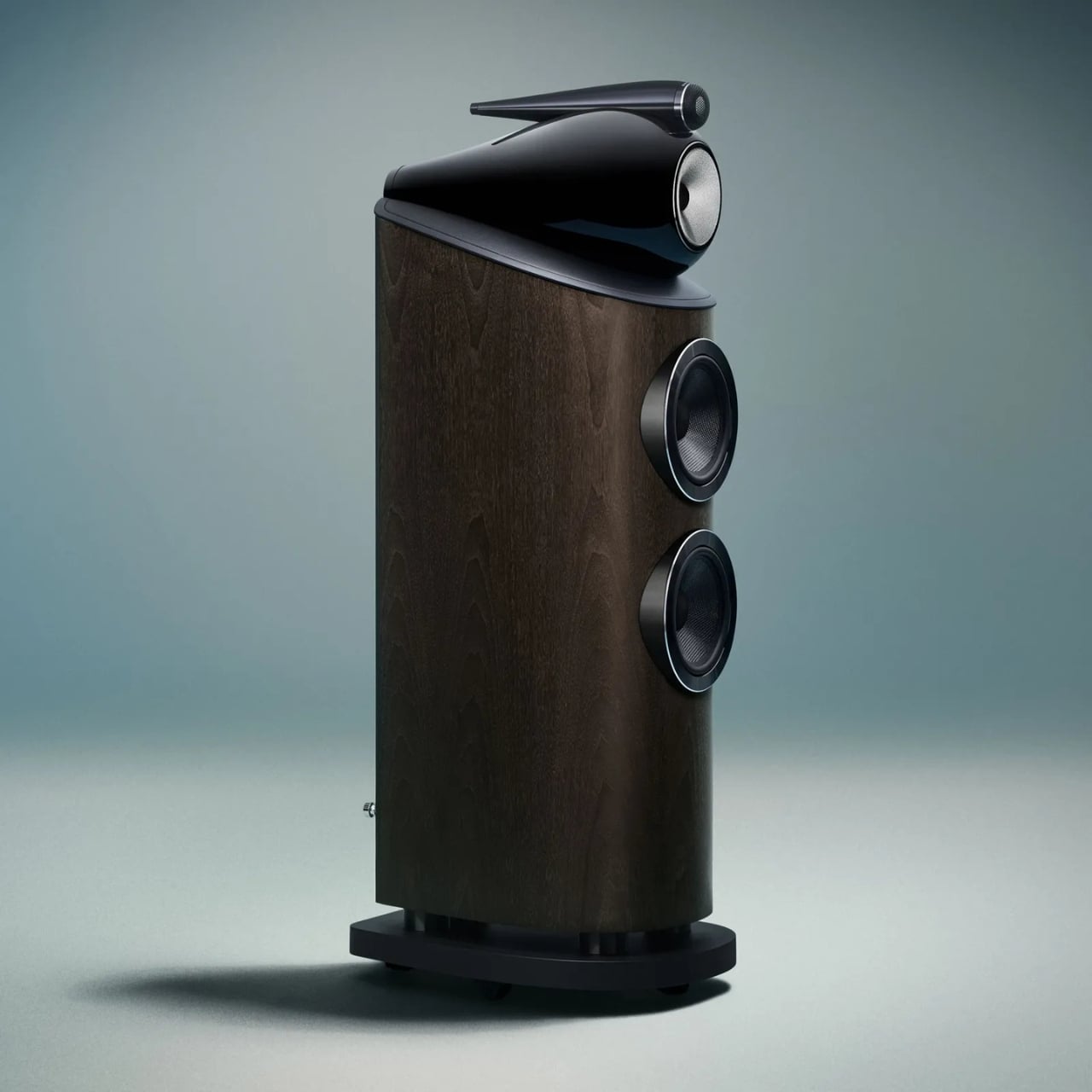
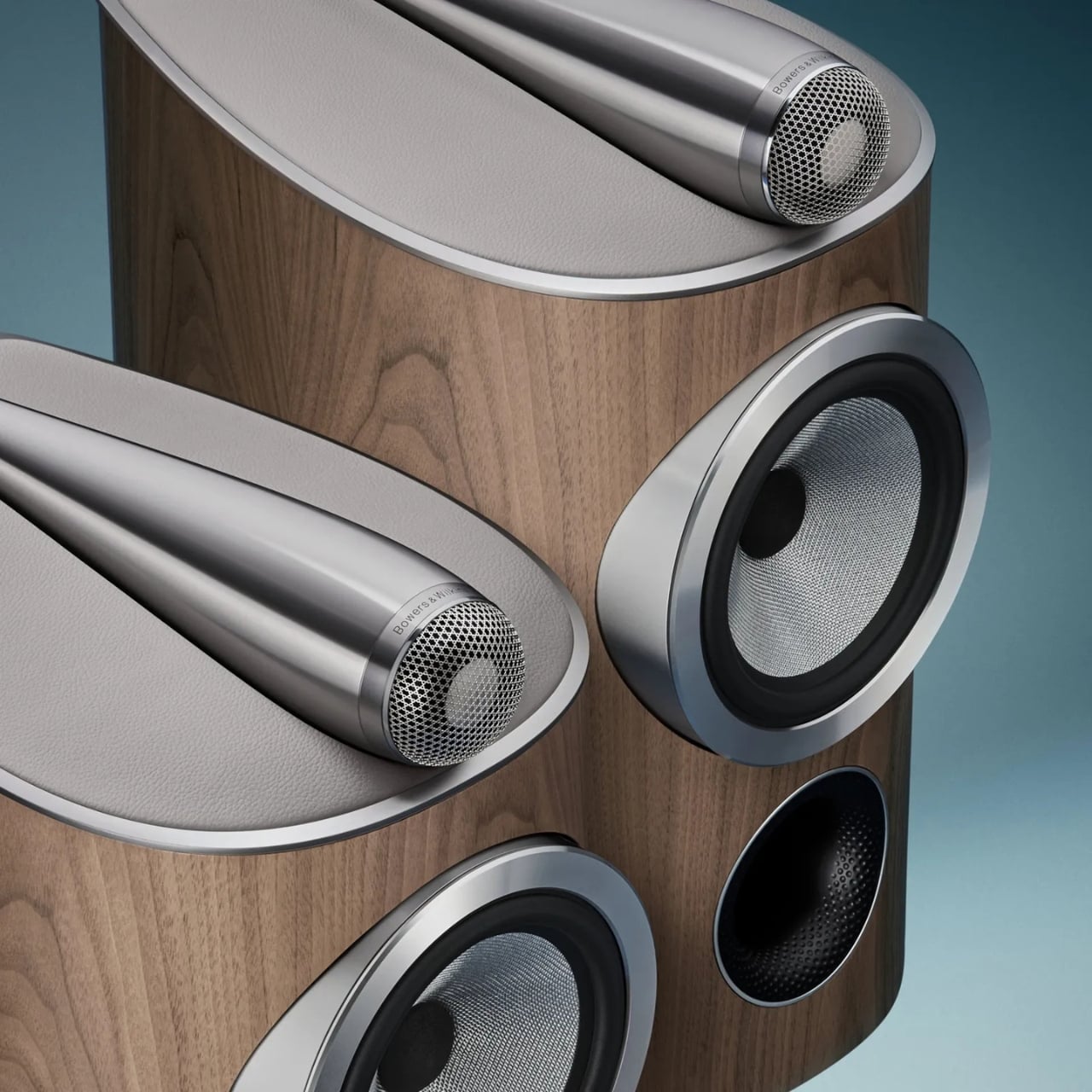
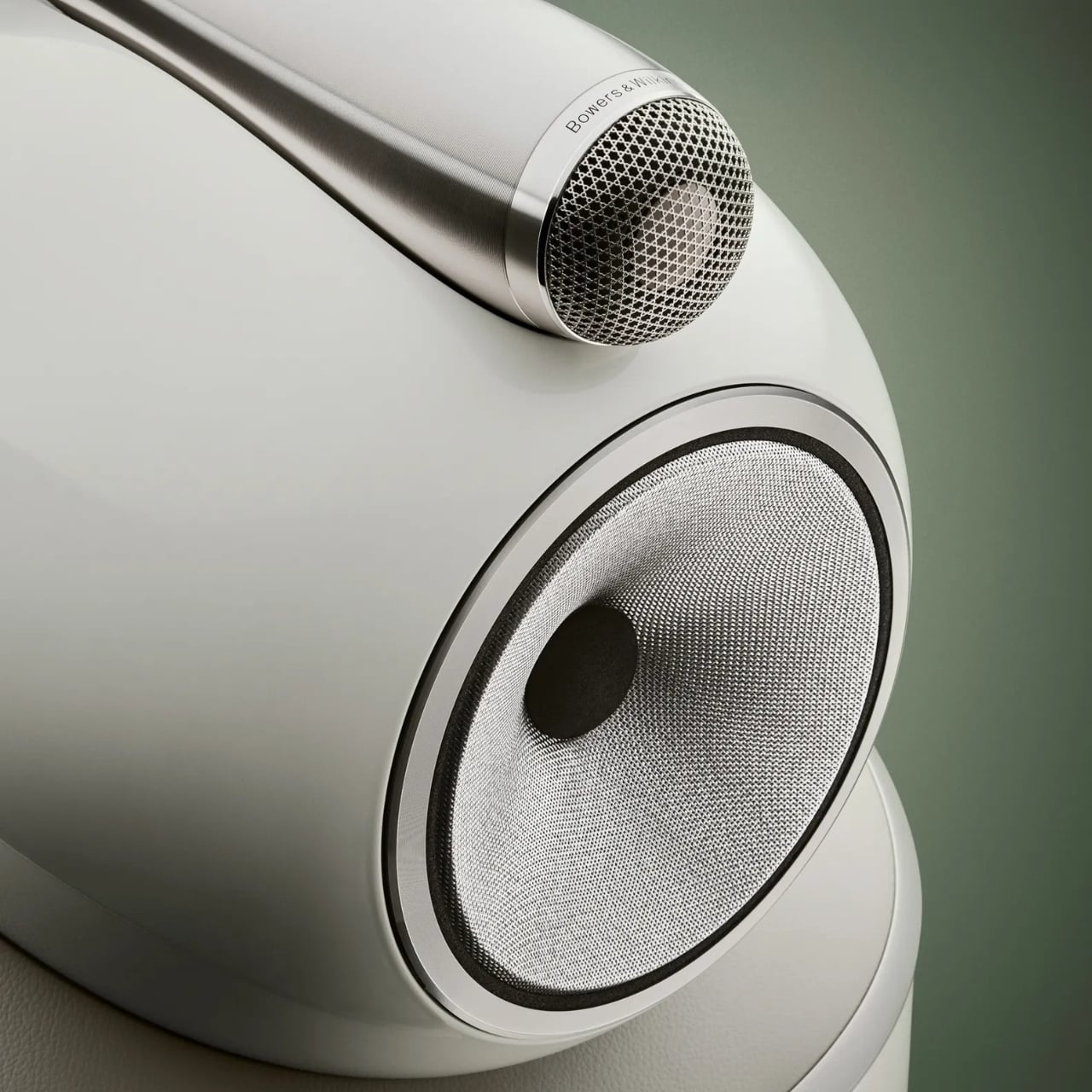
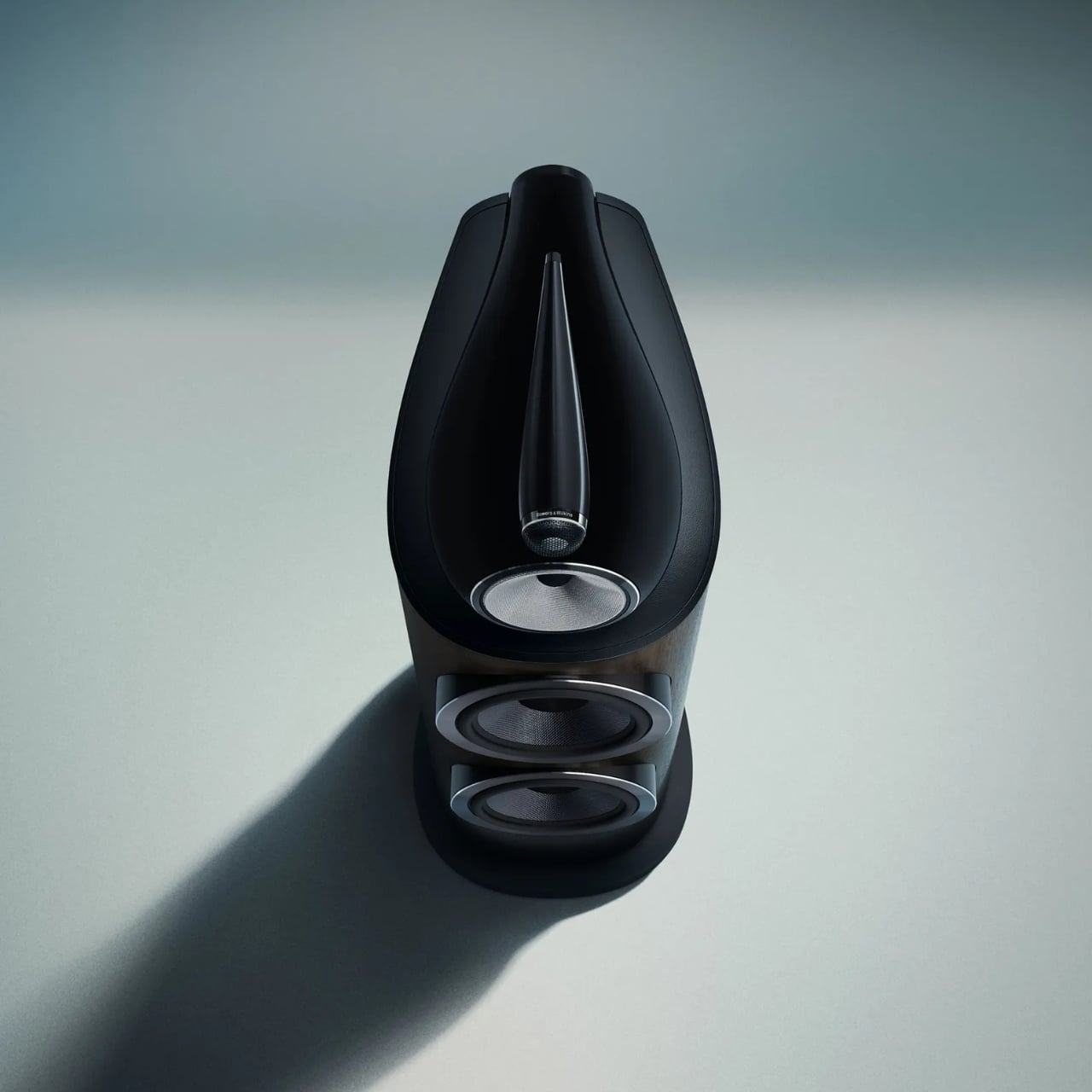
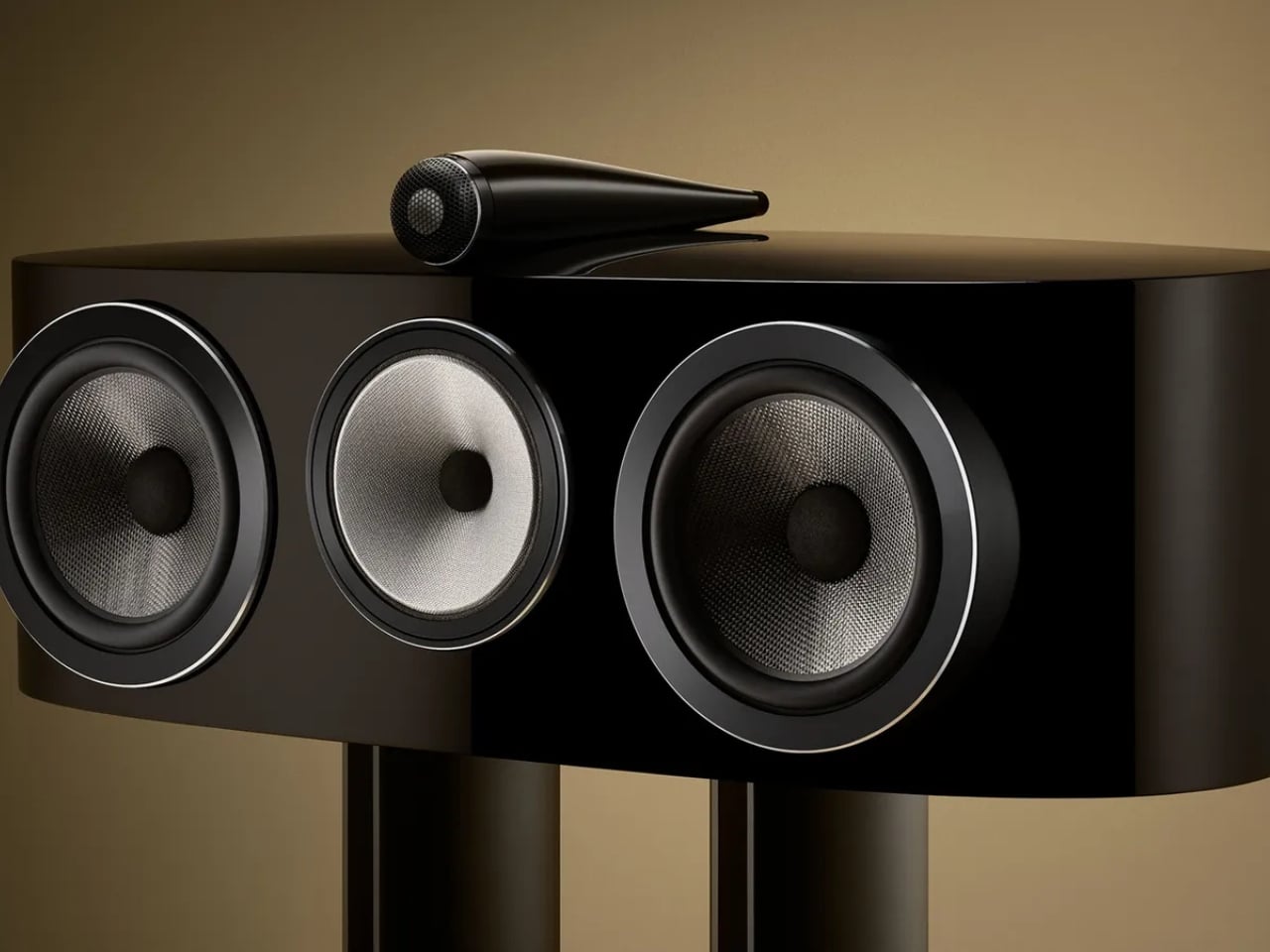
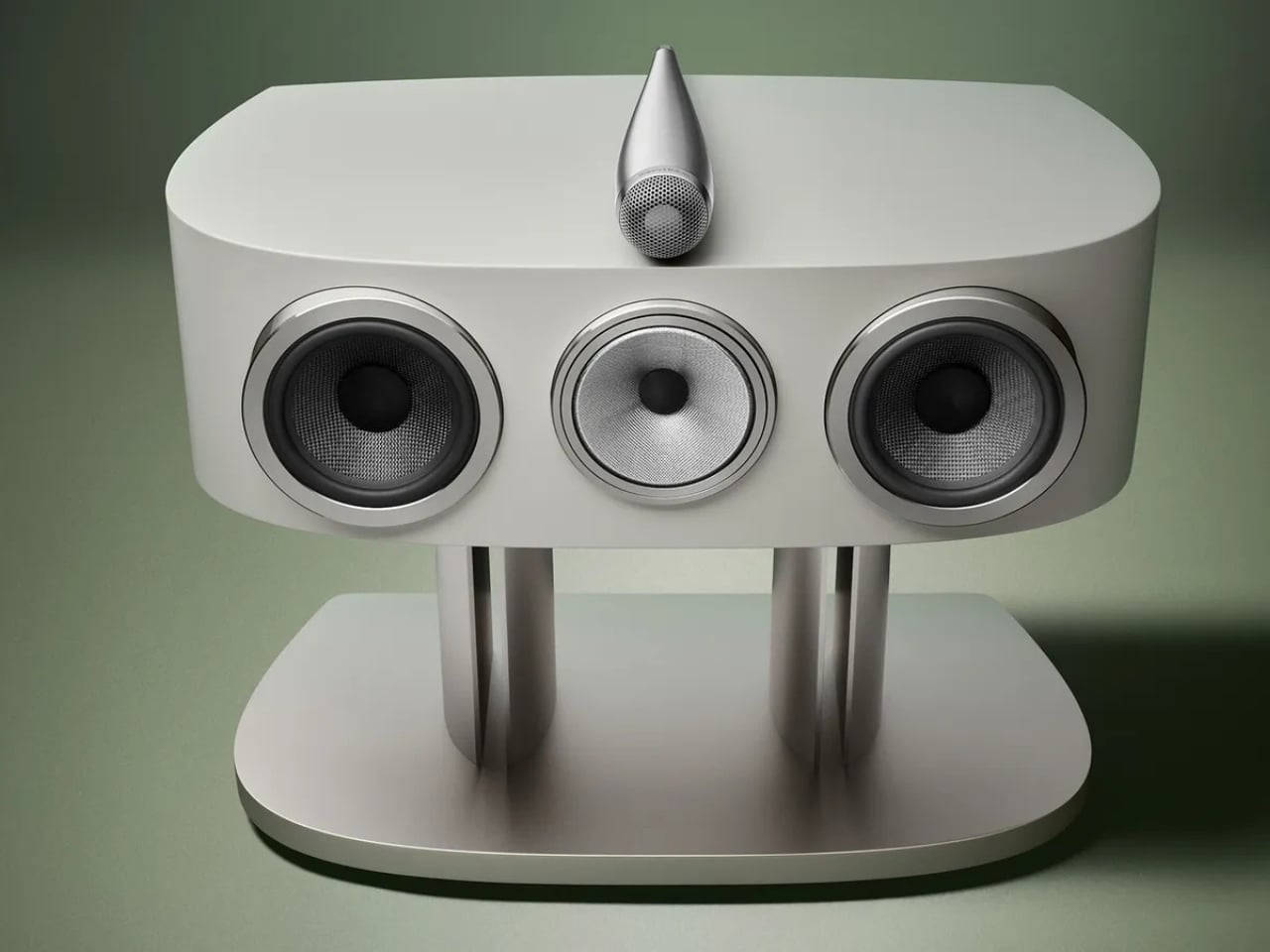
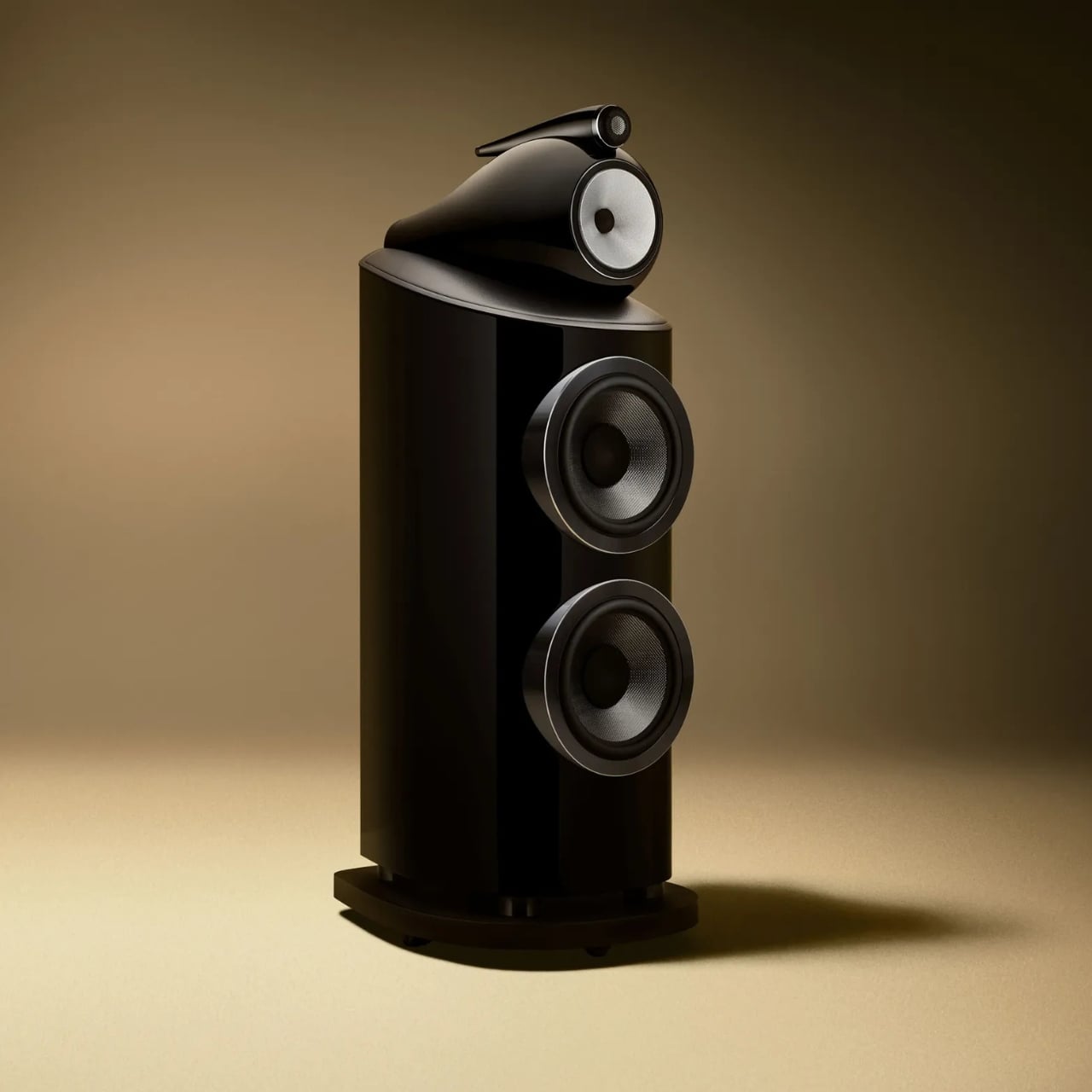
The range includes seven models, from the compact 805 D5 stand-mount to the flagship 801 D5 with its twin 10-inch bass drivers. The iconic Turbine Head, that distinctive aluminum sphere housing the midrange driver in complete acoustic isolation from the bass section, remains one of the most recognizable silhouettes in audio design. It was bold when it debuted, and it’s still striking today. It’s been refined here, not rethought, and I think that’s the right call. Some shapes earn the right to stay.

What’s new in D5 runs much deeper than the surface. The Space Frame Bracing system introduces parallel aluminum rails bolted directly to the rear Matrix cabinet bracing, making the enclosure significantly stiffer and mechanically quieter than its predecessor. A revised aluminum top plate, with thicker ribbing and updated decoupling mounts, better supports the Turbine Head and Solid-Body-Tweeter assemblies. The crossover components have been moved entirely outside the cabinet, mounted on aluminum rails at the rear, which eliminates internal air pressure fluctuations from affecting crossover behavior. As an added benefit, natural convection keeps those components running cooler during extended listening.

The Diamond Dome tweeter gets a new grille mesh, first developed for the acclaimed 801 D4 Signature, that’s more acoustically transparent while still protecting the dome. The result is better off-axis performance and noticeably improved resolution. Every midrange and bass driver across the range has also been upgraded with lower-distortion motor systems derived from Signature-grade components. That’s not a minor tune-up; that’s serious trickle-down engineering from the very top of the catalog.

Aesthetically, the D5 introduces four new finishes: Stealth Black, Warm White, Light Walnut, and Dark Walnut. The paint has been upgraded for greater depth and durability, and the design detailing across every surface, from the spine to the plinth to the drive unit pods, has been refined. These are speakers handcrafted in Worthing, UK, and they carry that provenance visibly. Luxurious isn’t too generous a word.

Where I land on all of this is that the 800 Series Diamond D5 represents something genuinely uncommon in a market crowded with premium pricing and thin justification: a product that earns its position through accumulated expertise and genuine craft. There’s real, demonstrable engineering here, the kind that takes decades to develop, and Bowers & Wilkins isn’t shy about showing their work. The D5 range is scheduled to ship in fall 2026, and the anticipation feels entirely warranted.

Sixty years of obsessive refinement, applied to a speaker that takes the living room as seriously as a professional studio, will do that. When the engineering is this thorough and the design this considered, the only question left is how loud you want to play it.

The post Bowers & Wilkins Spent 60 Years on These Speakers. It Shows. first appeared on Yanko Design.

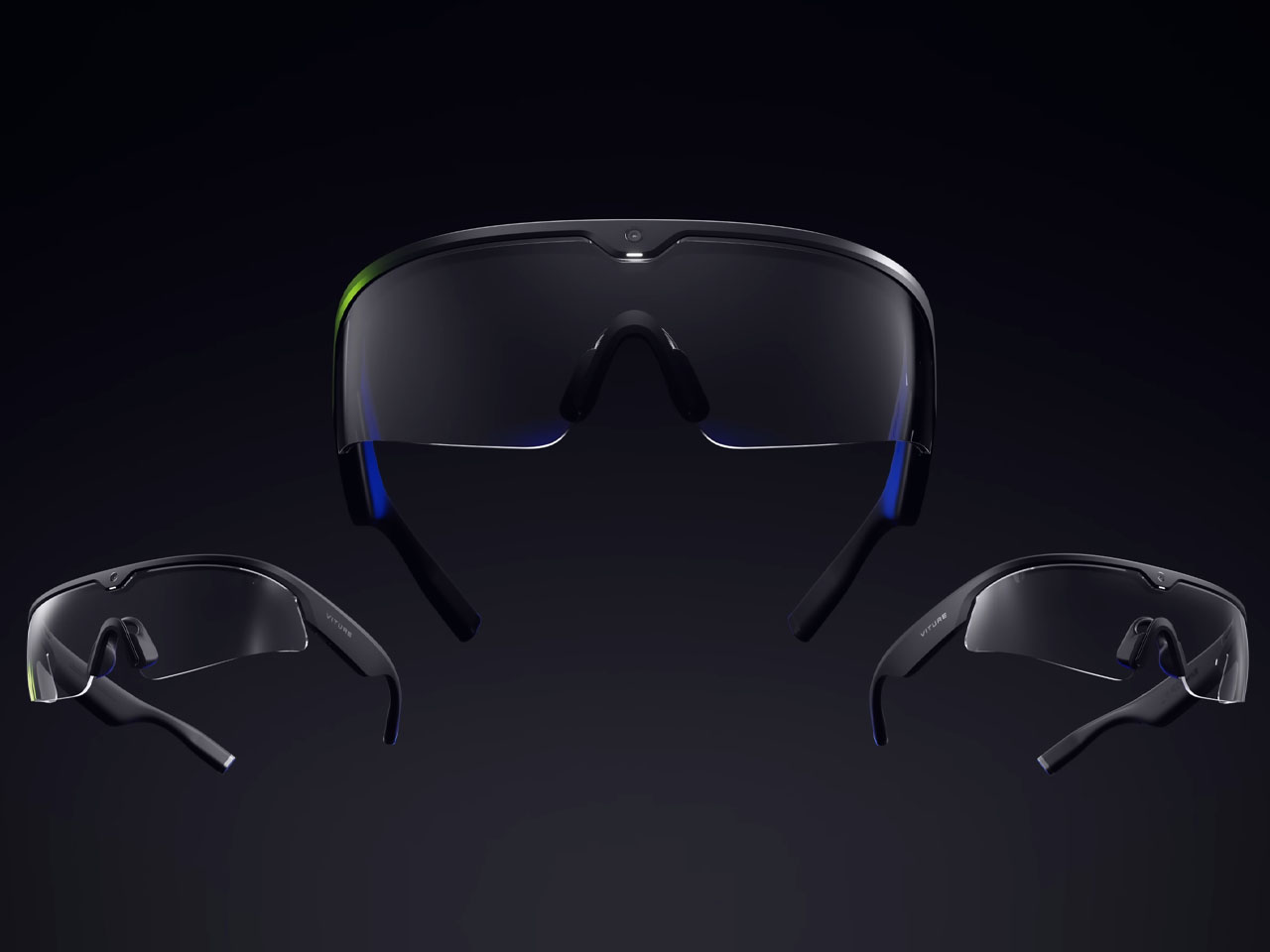
Nvidia-powered Viture Helix AI safety glasses give workers real-time guidance and security warnings

Smart glasses are having their time in the sun. Besides the fashion industry, there is a swing in the air to make things easier and interesting for the workforce with the use of AI. Primary evidence was the Innovative Eyewear’s Lucyd Armor, a smart safety eyewear designed to meet all prerequisite standards for workplace safety. Now, at the ongoing Augmented World Expo (AWE) 2026, Viture has introduced Helix, the first pair of AI safety glasses built on Nvidia’s XR AI solution.


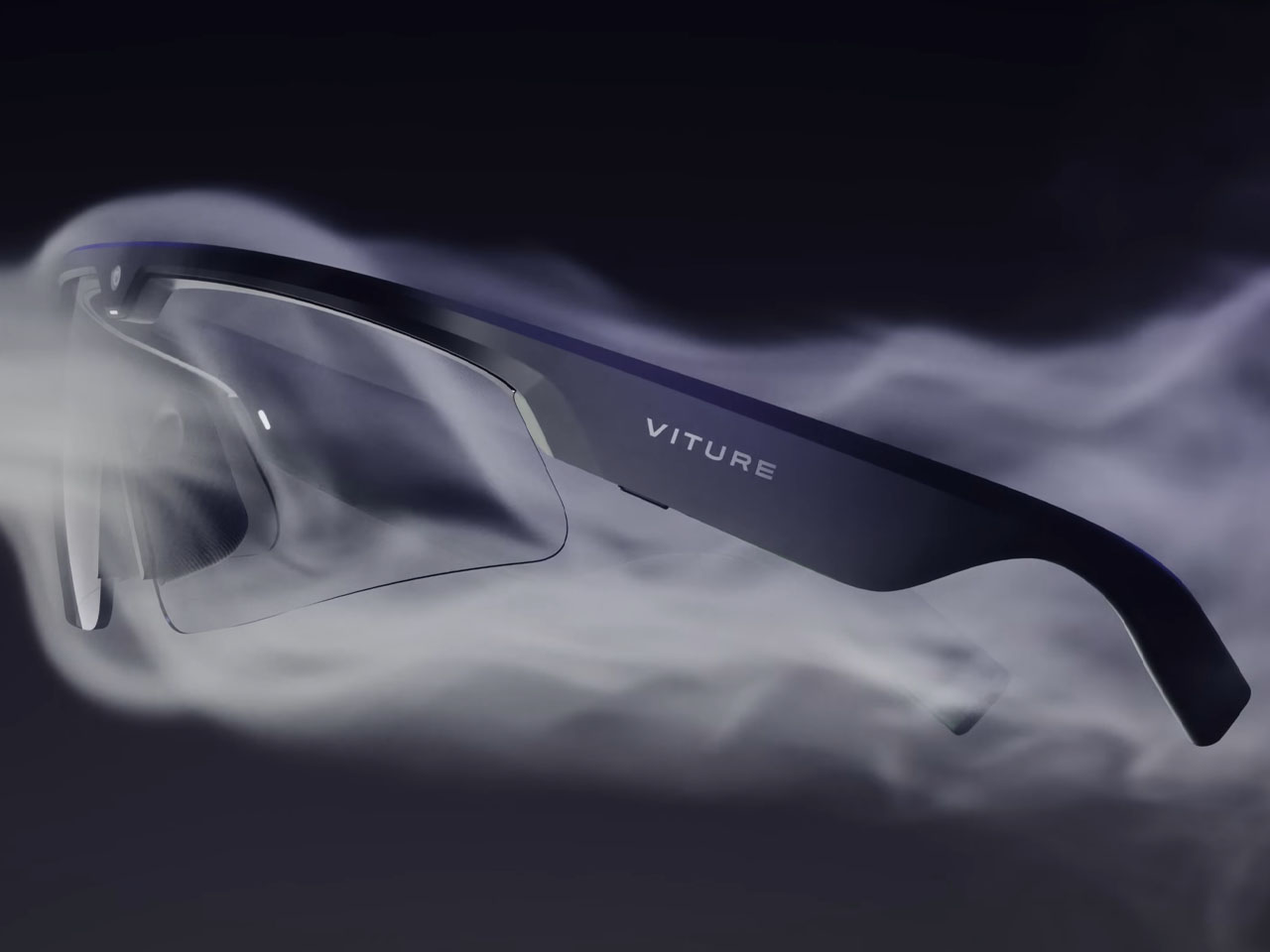
The safety eyewear powered by AI is engineered in accordance with industrial safety standards. After its certification, which is in progress at the time of writing, the eyewear will be safe to use in labs, factories, and other regulated workflows. With the use of Nvidia’s XR AI, Helix will stream a first-person perspective of the wearer – what they see or hear – and feed it to a multimodal AI in real time, enabling “AI-assisted coaching, compliance, and full-provenance capture of every shift worn.”

Designer: Viture

In industrial, scientific, and clinical use cases – that Viture is targeting with its Nvidia collaboration – the workforce has to ensure a lot more than their regular tasks. For instance, it’s imperative to note that the machine is locked before maintenance or the correct setting of the pressure gauge in the oxygen tank. Using the Helix smart glasses, the extras could be taken care of. The AI-powered glasses can watch what a worker sees and, in real time, provide live guidance and safety warnings. It can automatically record everything that happens during the job and provide AI-assisted input to help the wearer manage the workflow better.

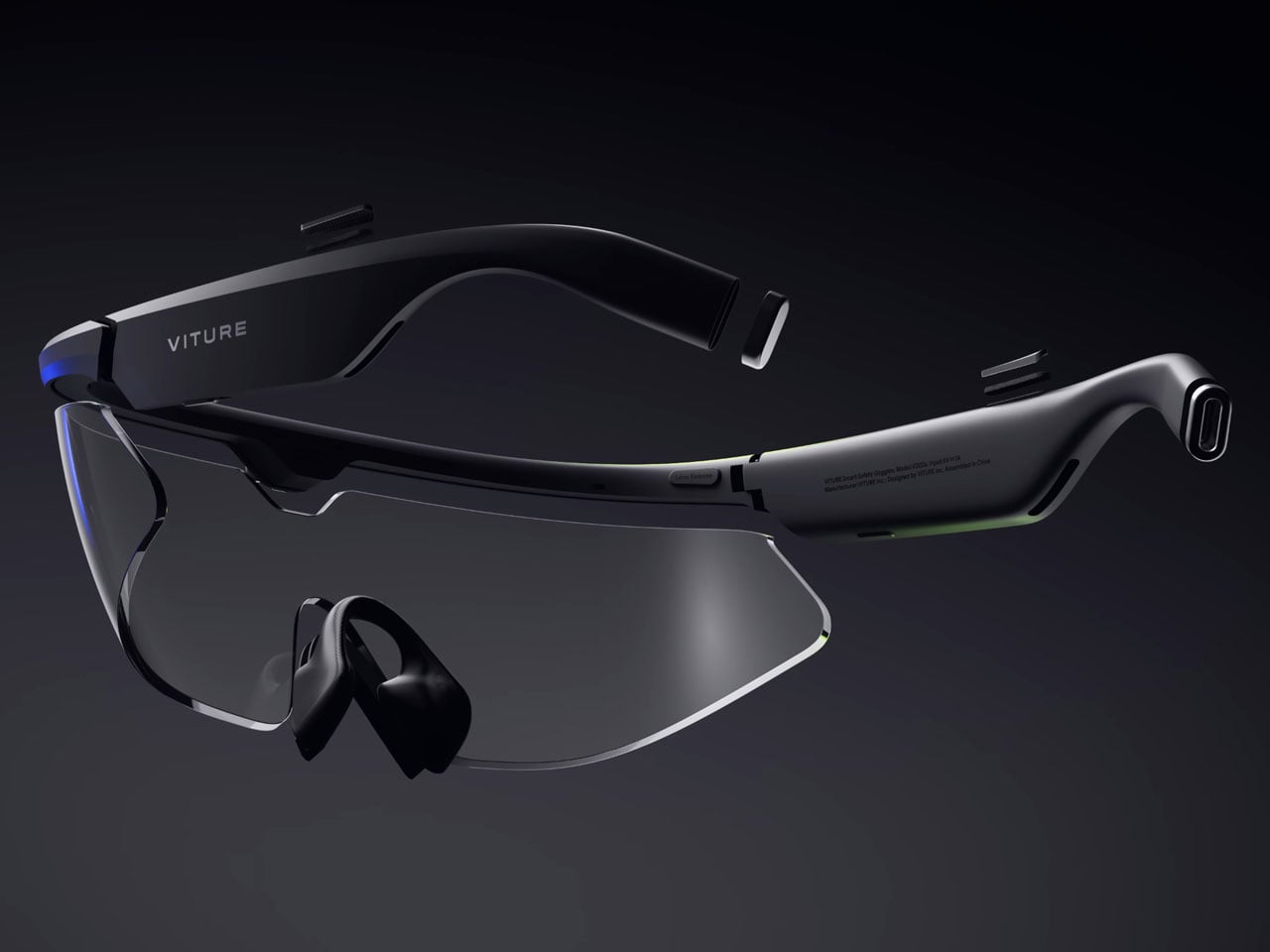
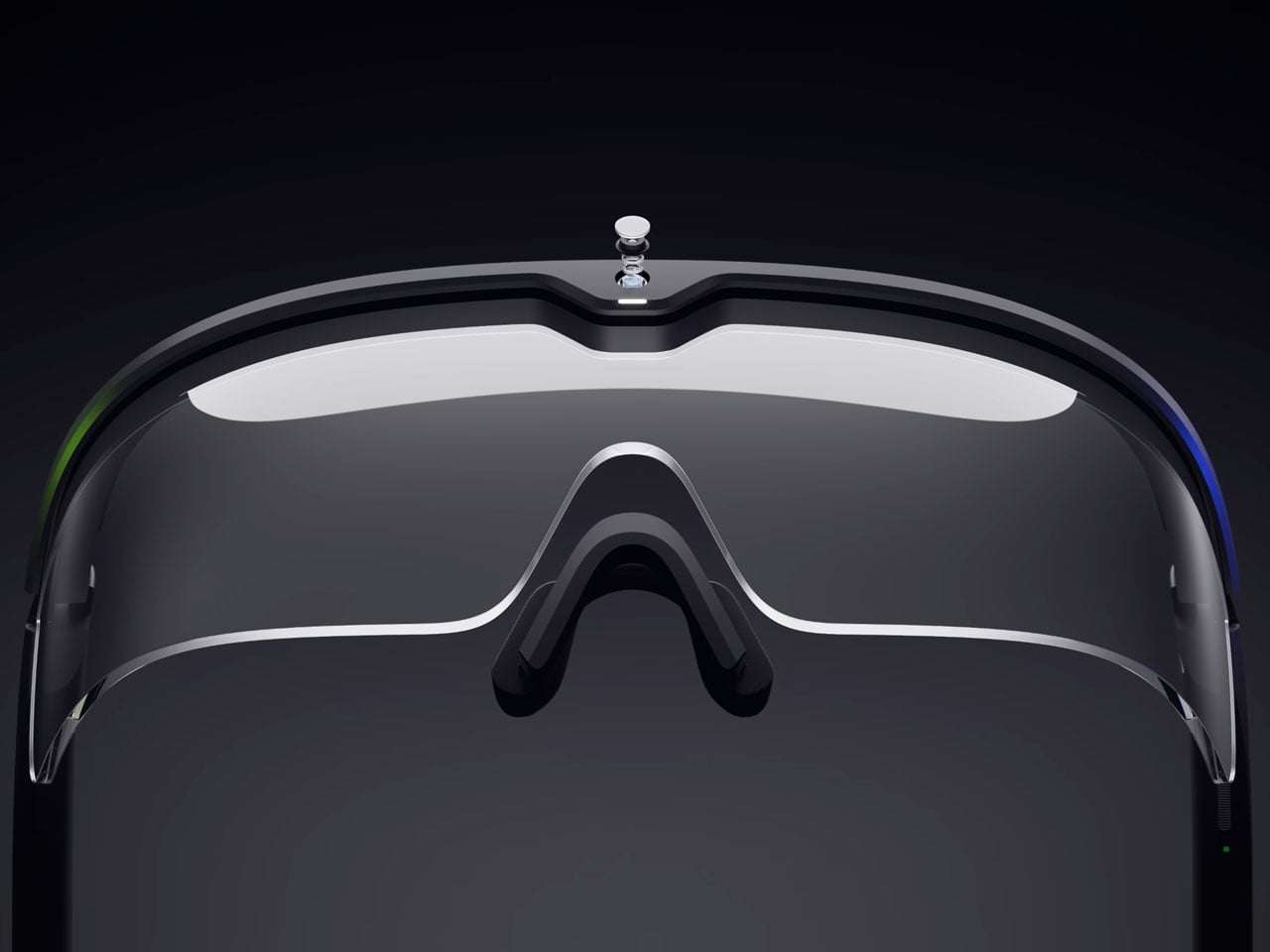
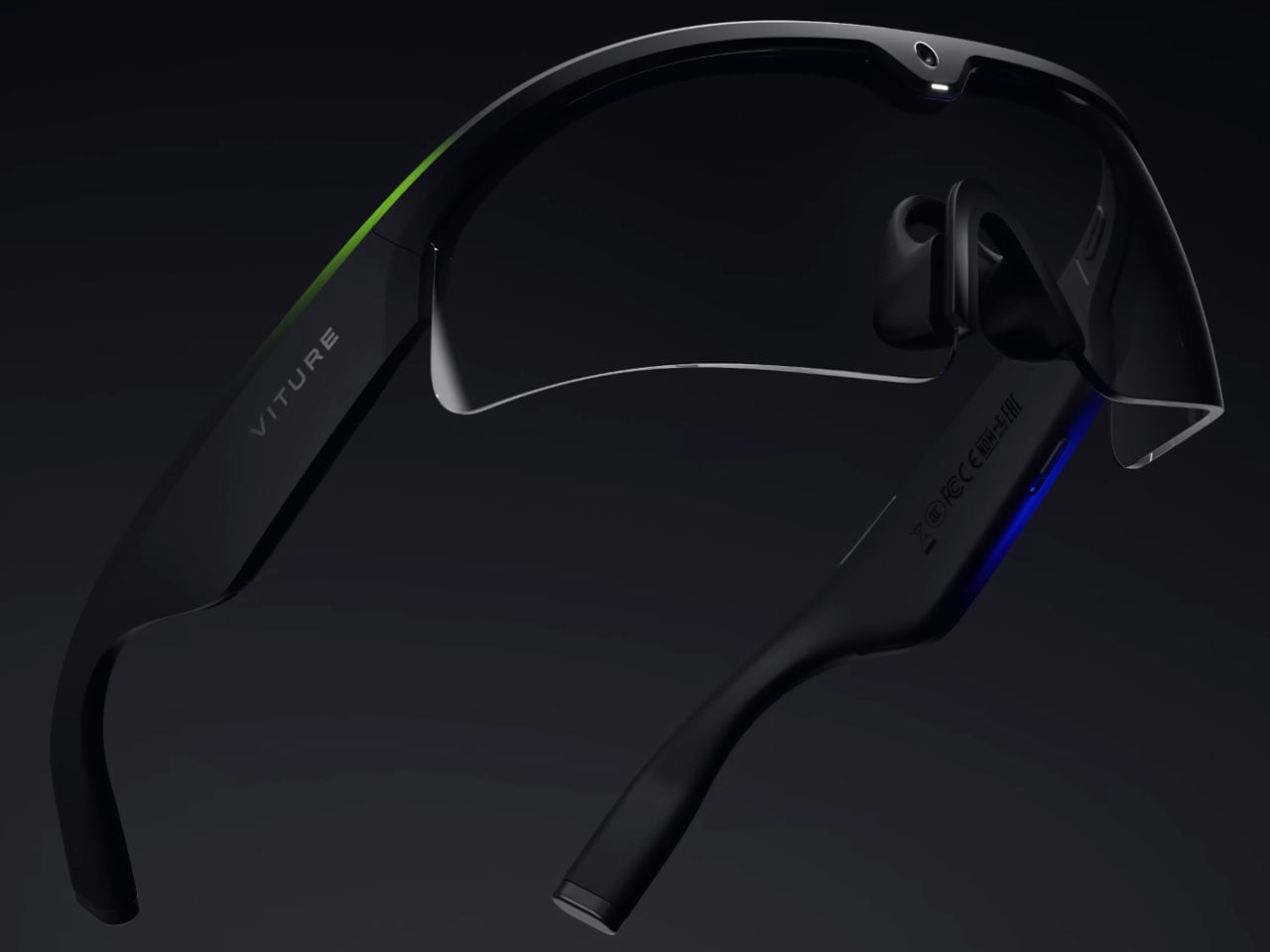
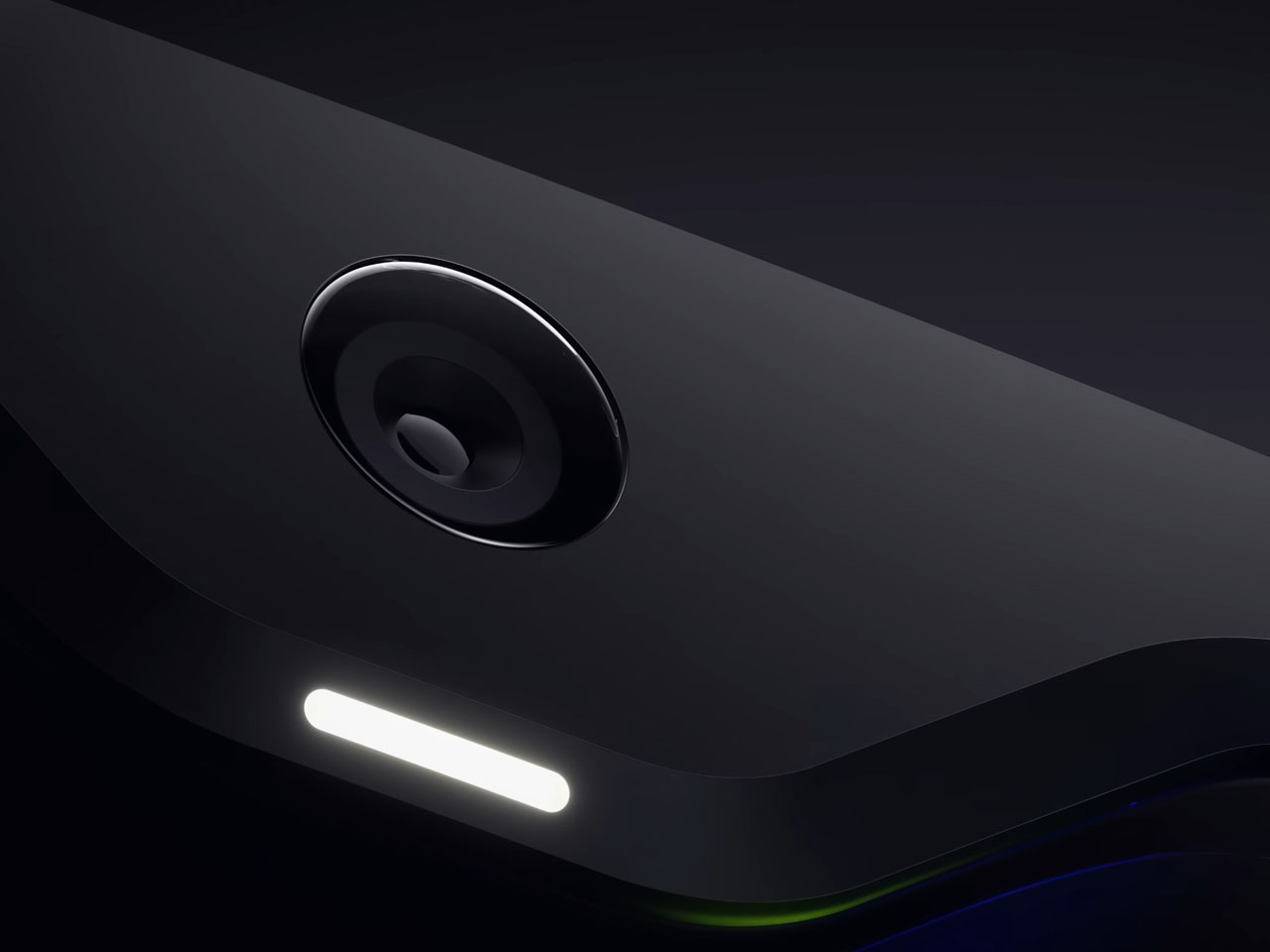
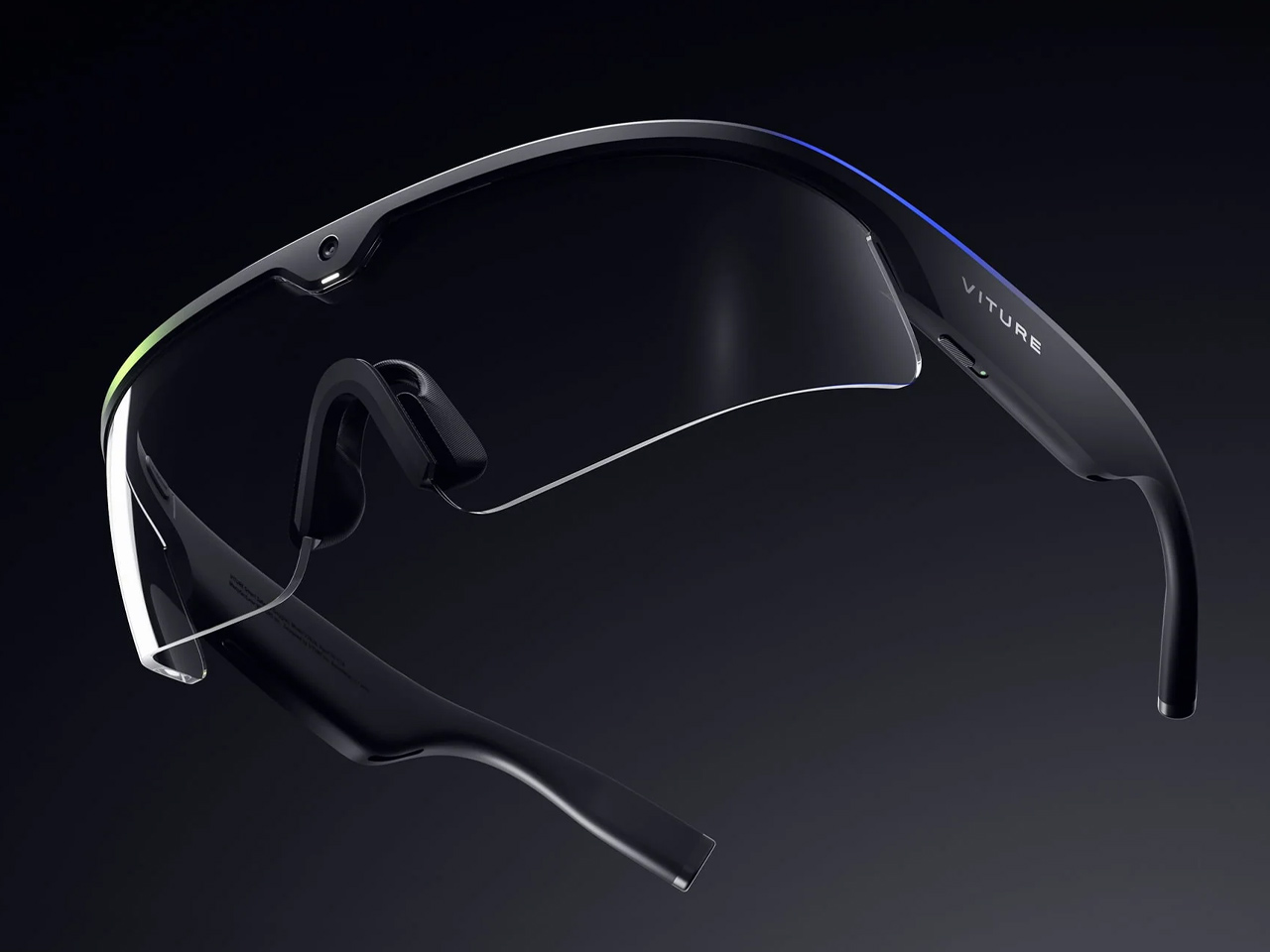
Helix is Viture’s entry into AI. It is a pair of fully transparent industrial-grade glasses without a display. Only input in live recording and voice. The glasses arrive with a 12MP first-person camera and an array of four microphones. Alongside the prerequisites for seeing and listening, the eyewear also features stereo speakers for sound, Wi-Fi, and Bluetooth 5.3 for connectivity. The glasses rely on a small battery that runs for slightly above 60 minutes on a full charge.

Viture ensures that Helix is completely independent of connectivity points and cables. It runs standalone without pairing to a companion phone to get the job done, furthering its useful capabilities for workers. Its field lenses are swappable without tools. According to press information, Viture and Nvidia worked closely over the past year, improving AI-assisted workflows to offer purposeful assistance in real-life applications.

Helix will be unveiled via a live demonstration held at the NVIDIA/Dell meeting room at AWE 2026, but the eyewear is likely to debut earliest at the beginning of next year. Viture is confident of meeting the timeline and is therefore taking early reservations for the device on its website for a $599 reservation price.

The post Nvidia-powered Viture Helix AI safety glasses give workers real-time guidance and security warnings first appeared on Yanko Design.