Unihertz Titan 2 Elite Review: Finally a QWERTY Phone Done Right

PROS:


  • Excellent QWERTY keyboard

  • Thoughtful software features

  • Sharp 4.03-inch AMOLED display

CONS:


  • 33W charging feels a little slow

  • Cameras are unremarkable

  • Mono speaker lacks depth

RATINGS:

AESTHETICS
ERGONOMICS
PERFORMANCE
SUSTAINABILITY / REPAIRABILITY
VALUE FOR MONEY

EDITOR'S QUOTE:

The Titan 2 Elite is not a keyboard phone for the sake of nostalgia. It is a thoughtfully modern take on a niche form factor that still offers something genuinely different.

Retro tech is back in fashion, and few categories capture that shift quite like the return of the QWERTY keyboard phone. With the market dominated by edge-to-edge glass slabs that all seem to blur into one another, the appeal of something tactile, distinctive, and a little nostalgic feels stronger than ever. But Unihertz is not simply chasing that renewed interest. The company has spent years building unusual smartphones around overlooked form factors, and the Titan 2 Elite feels more like a continuation of that mission than a sudden throwback play.

Since launching in 2017, Unihertz has focused on unusual and highly niche smartphones, often revisiting ideas that larger brands left behind long ago. The first Titan arrived in 2019, establishing the company’s QWERTY keyboard line and laying the groundwork for a series of devices aimed at enthusiasts who wanted something outside the touchscreen mainstream. The Titan 2 Elite feels like the clearest expression of that identity so far, combining Unihertz’s keyboard phone formula with more modern features like a 4.03-inch 120Hz AMOLED display, 5G, NFC, eSIM support, and dual 50MP cameras.

Designer: Unihertz

Aesthetics

The Titan 2 Elite makes a much stronger first impression in photos than you might expect from a niche keyboard phone. In black, it looks clean, understated, and surprisingly modern, with the glossy display flowing neatly into the keyboard below. The shape still carries that familiar BlackBerry-inspired DNA, but it feels less boxy and less utilitarian than its predecessors. The front has a nice sense of balance, with the display and keyboard split in a way that looks intentional rather than cramped.

It also feels like every brand is suddenly on the orange phone wave, and Unihertz is clearly not sitting that one out. Still, I cannot really complain when the result looks this good. The orange finish gives the Titan 2 Elite a more playful, more attention-grabbing personality, and it suits the phone’s retro-leaning concept surprisingly well. Paired with the sculpted keyboard and rounded corners, it gives the device a bolder, more expressive look that stands out immediately. Where the black version feels sleek and safe, the orange one feels much more full of character.

From the front, the Titan 2 Elite feels cohesive in a way some keyboard phones do not. The keyboard looks properly built into the design rather than tacked on as an afterthought, which helps the whole phone feel more intentional and visually balanced. Flip it over, though, and some of that charm fades. The large rectangular camera bump sticks out quite a lot, especially on the orange model, and the back just does not feel as refined as the front. I do like how subtle the Unihertz logo is, but overall, the rear design feels more ordinary and less resolved.

Ergonomics

The whole experience of using the Titan 2 Elite comes down to the keyboard. If you have been away from physical keys for years, there is definitely a short adjustment period, but once your fingers settle in, the appeal becomes easy to understand. Typing feels more deliberate, more tactile, and more engaging than tapping away on glass, even if, for me, an on-screen keyboard is still the faster option. That is worth saying because speed is not really the point here. The appeal is the feel of it, and the way it changes your interaction with the phone.

The keys have a faceted, slightly angled shape that makes them surprisingly comfortable to type on. In fact, this is one of the most comfortable QWERTY keyboards I have tested on a phone. The layout feels well judged, and while it still takes some adjustment, it does not come across as cramped or awkward in the way some smaller keyboard phones can.

At 117.8 × 75 × 10.4 mm and 163g, the Titan 2 Elite is compact in height and width, but it is definitely a thick phone by modern standards. You feel that extra depth the moment you pick it up, especially compared with today’s thin slab phones. Still, the weight is fairly modest, so it does not come across as heavy or cumbersome. If anything, the thicker body makes sense for this kind of device, giving the keyboard and overall shape a bit more substance in the hand.

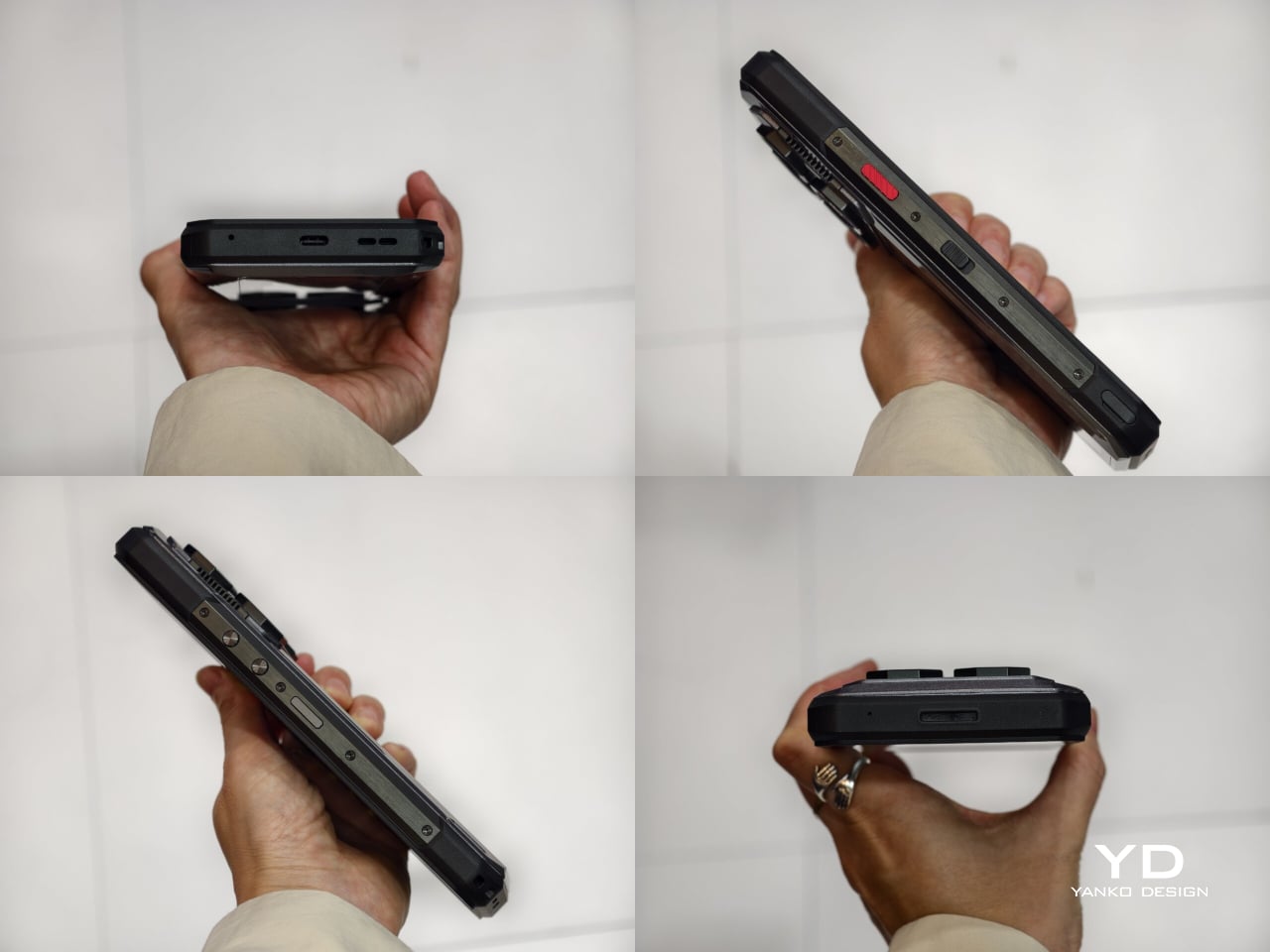
The rest of the button layout is pretty straightforward, but there are a few details worth noting. On the right side, you get the power button, which also doubles as a fingerprint scanner, along with Unihertz’s signature red programmable button. On the left, there is the volume rocker and the SIM tray, which supports either two SIM cards or one SIM card and one microSD card. It is a practical setup, and the red shortcut key in particular adds a bit of extra personality while giving power users one more tool to customize the phone around their habits.

Performance

The Titan 2 Elite is not the kind of phone you buy for raw speed, and I think that is important to establish early. If your priority is benchmark numbers, heavy gaming, or the kind of power you would expect from a mainstream flagship, this is probably not where your money should go. The appeal here is much more about the overall experience than outright performance, which feels perfectly in line with what this phone is trying to be.

It is powered by the Dimensity 7400, paired with 12GB of LPDDR5 RAM and 256GB of storage. In everyday use, that is more than enough for the kind of tasks this phone is clearly built around. Messaging, email, web browsing, note-taking, and general app navigation all feel smooth and reliable, and at no point did the phone feel like it was struggling to keep up.

That same sense of practicality carries over to the software. The review unit runs Titan 2 Elite_V02 based on Android 16, and thankfully, there is no bloatware to get in the way. A lot of the customization revolves around the keyboard and extra controls, which makes sense for a phone like this.

You can assign both short-press and long-press actions to keys, and there are also options to use the keyboard surface for scrolling, cursor control, or a combined touchpad and cursor mode. Better still, these can be set on an app-by-app basis, which gives the phone a level of flexibility that feels genuinely useful rather than gimmicky. The keyboard is also backlit, and the brightness can be adjusted, which is a small but genuinely helpful detail in lower light.

The 4.03-inch display also deserves some credit. On paper, it sounds small, and it is, but it is a surprisingly good panel with a 1080 x 1200 resolution, 120Hz refresh rate, 401 PPI, up to 1600 nits peak brightness, and 2160Hz PWM dimming. It looks sharp, bright, and much more modern than the phone’s form factor might suggest.

Where the screen becomes more complicated is in day-to-day use. The issue is not the quality of the panel itself, but the amount of space you have to work with. Some apps feel poorly formatted, and there are times when you simply want to see more vertical content at once. Unihertz tries to solve that with a Mini mode that switches the interface to a more traditional vertical aspect ratio, and it does help. I ended up setting a shortcut for it, and being able to switch quickly turned out to be genuinely useful.

Main, 1x

It also changed the way I used the phone. I spent less time mindlessly scrolling, and that is not because the phone is uncomfortable to hold or awkward to use. If anything, it is the opposite. The Titan 2 Elite just makes you a bit more intentional.

Telephoto, 2x

That more focused experience also shapes the rest of the phone. Audio, for example, is fine but unremarkable. The mono speaker gets loud enough for casual video watching or speakerphone use, but it lacks the fullness you would want for music or anything more immersive. It does the job, but not much more.

Main, 1x

Telephoto, 2x

The same goes for the camera setup. It is fairly limited, but that probably will not be a dealbreaker for the kind of person who would enjoy this phone in the first place. You get a 50MP main camera, a 50MP 2x telephoto camera, and a 32MP front camera. Image quality is good enough for quick shots and everyday moments, but it is not a camera system that stands out. Colors tend to look vivid and slightly overexposed, though still perfectly usable for casual snapshots.

Main, 1x

Telephoto, 2x

Battery life is better than the 4050mAh capacity might suggest. On paper, that number does not sound especially large, but because I spent less time idly using the phone, it still got me through a full day without much trouble. Charging is less impressive. At 33W, it feels a bit slow by today’s standards, especially when plenty of phones in this price range now refill much faster.

Sustainability

Sustainability is not a major part of the Titan 2 Elite’s pitch, but there are still a few positives worth mentioning. Unihertz says the phone uses an aerospace-grade aluminum mid-frame, offers IP54 protection, and promises five years of OS updates and security patches.

That is not the same as a full sustainability strategy, especially since there is no clear emphasis on recycled materials or repairability. Still, durability and longer software support do matter. If the Titan 2 Elite holds up well over time and stays secure for years, that gives owners more reason to keep it longer instead of replacing it early.

Value

At $489, the Titan 2 Elite is not cheap, but it also feels more thoughtfully made than a novelty device cashing in on nostalgia. Beyond the physical keyboard itself, you can tell Unihertz has put real thought into the overall experience, from the programmable keys and backlit keyboard to the display quality and software features built around this unusual form factor.

That is really where the value starts to make sense. You are not just paying for a keyboard stuck onto an Android phone. You are paying for a device that feels purpose-built for a certain kind of user, and one that tries to make that experience work in a modern way. It still will not be for everyone, but for people who genuinely want a keyboard phone and appreciate the care that has gone into making it usable day to day, the $489 price feels much easier to justify.

Verdict

The Unihertz Titan 2 Elite works because it does not try to compete like a normal smartphone. Instead, it fully embraces its niche, offering a physical keyboard experience that feels polished, distinctive, and genuinely enjoyable to use. Backed by a sharp display, thoughtful software features, and reliable everyday performance, it feels much more considered than a simple nostalgia play.

The trade-offs are still there. The cameras are only decent, the speaker is forgettable, and the small display can feel restrictive in some apps. Still, if you miss physical keys or just want a phone that feels more intentional and different from the crowd, the Titan 2 Elite makes a strong case for itself. It will not be for everyone, but for the right user, it is one of the most appealing niche phones you can buy.

The post Unihertz Titan 2 Elite Review: Finally a QWERTY Phone Done Right first appeared on Yanko Design.

Epilogue Just Turned the 1998 Game Boy Camera Into a Free Phone App

Lo-fi photography has quietly staged a comeback over the past several years. Grainy film shots and pixel-heavy images have become a sought-after look among photographers and casual snappers alike, partly as a reaction to the almost clinical sharpness of modern smartphone cameras. The Game Boy Camera, Nintendo’s cartridge-based accessory from 1998, sits at the center of this revival, beloved for its impossibly low resolution and four-shade grayscale.

Getting that Game Boy Camera experience has typically meant tracking down the original hardware through secondhand markets, often at a premium, with no guarantee the cartridge still works. Epilogue’s Flashback app changes that. It bridges the gap between a Nintendo accessory from the late ’90s and your current smartphone, letting you capture images in that pixelated, lo-fi style with or without the original cartridge, and it doesn’t cost a thing.

Designer: Epilogue

If you do have the original Game Boy Camera tucked away, Flashback has a Hardware Mode that pairs with Epilogue’s GB Operator, a $90 cartridge reader that connects to your phone via USB-C. Slot in the cartridge, plug it into your phone, and the app detects the camera automatically. No pairing is needed, and nothing is emulated: you’re shooting straight through the original Mitsubishi M64282FP sensor.

Not everyone held onto their Game Boy Camera from the ’90s, and Flashback accounts for that. Its Software Mode skips the hardware altogether, using your phone’s own camera and faithfully recreating the Game Boy Camera’s image processing pipeline. You get the same 128×112 pixel grid, the same dithering, and the same four-shade rendering, applied to whatever your lens captures. It’s a faithful recreation, not a generic retro filter.

You’re not limited to gray, either. Flashback comes loaded with 32 color palettes, ranging from the original grayscale to classic Game Boy green, plus creative options like Ice Cream, Tidewater, Spacehaze, and Velvet Cherry. In Software Mode, there’s also a Color Mode that dynamically builds a palette from whatever hues are actually in front of your lens, making the filter feel responsive rather than fixed.

For those who want to go further, Flashback opens up manual controls for shutter speed, gain, exposure, sharpness, dither, and grain. These aren’t decorative sliders. They map to the actual registers of the M64282FP sensor itself. Every shot you take gets stamped with its exact settings, so if you land on a combination you like, you’ve already saved the recipe for getting back to it.

Flashback isn’t limited to photos. It records video too, with audio captured through your phone’s microphone, giving the lo-fi aesthetic a moving dimension. Everything goes straight to your Camera Roll when you’re done. The app is free on the App Store and Google Play, available on iOS 17.2 and above, or Android 8.0 and above, and it also runs natively on Mac.

For anyone who grew up with a Game Boy, getting back to that same exact photographic experience today costs only a free app download and, if you still have the cartridge, a USB-C cable. It’s a combination that makes a sensor originally from 1998 feel unexpectedly relevant, and its lo-fi images strangely compelling for something that barely clocks 14 kilopixels.

The post Epilogue Just Turned the 1998 Game Boy Camera Into a Free Phone App first appeared on Yanko Design.

Motorola Edge (2026) Review: Beautiful, Brilliant, and an Acquired Taste

PROS:


  • Excellent compact form factor

  • Stylish and calm design

  • Sharp, vibrant 120Hz display

CONS:


  • 128Gb storage feels limiting

  • Software support is shorter than many rivals

RATINGS:

AESTHETICS
ERGONOMICS
PERFORMANCE
SUSTAINABILITY / REPAIRABILITY
VALUE FOR MONEY

EDITOR'S QUOTE:

The Motorola Edge 2026's compact size, clean software, and thoughtful design give it a charm that many rivals simply do not have, though it might not be the right fit for everyone.

Motorola’s comeback story is about more than nostalgia. The brand may still benefit from a familiar name and a long history in mobile, but its recent momentum has not come from recognition alone. Rather than simply trading on memory, Motorola has been building devices that feel stylish, approachable, and increasingly self-assured in a market that rarely makes room for second chances.

The Edge 2026 reflects that progress, even if it does not fully embody it. This is a phone with a clear sense of what it wants to prioritize, namely comfort, portability, and day-to-day ease, but it enters a crowded midrange field where those strengths have to work harder to justify the price. That makes the Edge 2026 easy to appreciate in some ways, but harder to justify in others. The real question is whether Motorola’s priorities here line up with what buyers at this price actually want.

Designer: Motorola

Aesthetics

There is something very Motorola about the way this device presents itself. The brand has become increasingly confident with phones that blend fashion-minded styling and mainstream usability, and the Edge 2026 continues that direction with ease. It looks premium without trying too hard, which is often one of the most difficult tricks to pull off in this category.

That confidence comes through clearly in the details. The back panel uses a twill-inspired finish in Pantone Martini Olive, and it gives the phone a softer, more composed visual character than the usual glossy midrange formula. Paired with the brushed gold camera bump, the centered Motorola logo, and the brushed finish frame, the whole design has a calm, almost zen-like quality. It feels restrained, but not plain, and that balance works in its favor.

It also looks strikingly close to Motorola’s flagship Signature, which is not currently available in the U.S. That resemblance gives the Edge 2026 a more elevated presence than its price might suggest, even if it also makes the phone feel a touch less distinctive on its own terms. Unlike the Signature, which comes in both Pantone Carbon and Pantone Martini Olive, the Edge 2026 is limited to just this one color option, though some buyers may wish Motorola had offered a bit more variety.

Ergonomics

This is one of the most defining parts of the Edge 2026 experience. Motorola shrank the Edge from 6.7 inches to 6.3 inches, and that change has a bigger impact than it might seem on paper. With its more compact body, the phone feels noticeably easier to manage than many of the larger devices around it in this price range. The difference may sound small in theory, but in daily use, it changes a lot.

The Edge 2026 is genuinely pleasant to hold. It is easier to grip, easier to reach across, and easier to use one-handed without constantly adjusting your hold. In fact, it is one of the most pleasant phones I have tested in a very long time. The finish also helps in everyday use, because it does a good job resisting fingerprint smudges and light scratches, which makes the phone easier to keep looking clean over time.

Personally, I do not mind a bulkier phone if that extra size delivers the best possible experience. I know not everyone feels the same way, though, and that is exactly why a phone like the Edge 2026 makes sense. What we want from smartphones is different, and for people who care more about getting the basics right in a device that feels super portable and genuinely comfortable in the hand, this one feels very well judged.

The one clear ergonomic drawback is the fingerprint scanner placement. It sits a little too close to the bottom edge, which can make it feel slightly awkward to reach at first. It is not a major flaw, and it becomes easier to adapt to over time, but it does stand out on a phone that otherwise feels so carefully shaped.

Performance

On paper, the Motorola Edge 2026 does not sound especially aggressive for the money. It runs on the MediaTek Dimensity 7450 chipset with 8GB of RAM and 128GB of storage in the U.S. model. While the chip is a modest upgrade over the previous generation, the drop from 256GB to 128GB feels less welcome.

In daily use, performance is solid without being especially impressive. Apps open quickly enough, scrolling feels smooth, and everyday tasks rarely cause much friction. For lighter users, 128GB should still be manageable, but anyone who takes lots of photos and videos, plays large games, or downloads media may run into storage limits sooner than expected.

Motorola’s software remains one of the phone’s more appealing strengths. The interface feels clean, light, and relatively uncluttered, and it was refreshing to use a phone that does not come buried under bloatware. I also liked Motorola’s added gestures and shortcuts, especially the double chop to turn the torch on and off, the double twist to quickly open the camera, and the option to flip the phone over to enable Do Not Disturb.

The company’s added features feel more useful than intrusive, which makes the software easy to settle into from the start. That said, I do wish Motorola included its own gallery app with built-in editing tools instead of relying entirely on Google Photos. Google Photos works well enough, but it does not feel as tailored or as seamless as a dedicated first-party gallery experience.

The 6.3-inch display is a big part of what makes the Edge 2026 feel great to use. With a resolution of 1216 x 2640 and a 120Hz refresh rate, the panel looks sharp, vibrant, and smooth, while the smaller size helps the phone feel more manageable without making the screen feel cramped. It also supports 1 billion colors and HDR10+, which gives content a richer and more lively look.

Colors have plenty of punch, and the display is enjoyable for everything from reading to streaming video. Audio is surprisingly rich and loud for such a compact phone, which adds to the overall media experience. Together, the screen and speakers make the Edge 2026 feel more immersive than its size might suggest.

Main Camera, 1x

The camera setup seems largely unchanged from its predecessor. The main camera uses a 50MP 1/1.56 inch Sony LYT 710 sensor with an f/1.8 aperture and OIS, while the 10MP telephoto camera offers 3x optical zoom with an f/2.0 aperture and OIS. The LYT 710 should bring modest improvements in light sensitivity and noise reduction over the sensor used in the previous model.

Main Camera, 1x

Main Camera, 2x

Main Camera, 3x

There is also a 50MP ultra-wide camera with a 122-degree field of view and an f/2.0 aperture, and it doubles as the macro camera. On the front, Motorola includes a 50MP selfie camera with an f/1.95 aperture. All cameras can record video at up to 4K at 30fps.

Ultra-wide

It is a well-rounded setup overall, and I was pleasantly surprised by it. It is not on the same level as a true flagship camera system, of course, but I found the color tuning more pleasing in some situations. The main camera handles dynamic range well enough to feel reliable for everyday use.

Main Camera, Portrait Mode (24mm)

Main Camera, Portrait Mode (35mm)

Telephoto Camera, Portrait Mode

The telephoto camera adds some welcome flexibility, even if its limitations become more obvious once you push beyond 3x. The phone automatically switches between the main and telephoto lenses depending on the scene, and while the telephoto camera is not especially detailed, it tends to get exposure right even in difficult lighting. Low light performance is solid too, though the shutter speed can be frustratingly slow even outside of Night mode, which makes it easier to end up with blur if your subject moves or your hand is not perfectly steady.

Telephoto Camera, 3x

Telephoto Camera, 3x

Main Camera, 6x

The battery has been reduced from 5200mAh on the previous model to 5000mAh, which is not especially exciting on paper. Even so, the phone remains efficient enough to last a full day comfortably, and light users may even be able to stretch it into a second day. That fits well with the Edge 2026’s broader focus on comfort and everyday ease.

Charging is solid, too. The 68W wired charging is quick enough to feel genuinely convenient, and 15W wireless charging adds a welcome bit of flexibility. Neither feature is especially headline-grabbing, but together they make the phone easy to live with.

Sustainability

The Motorola Edge 2026 makes a solid case for itself on durability. It is rated IP68 and IP69, uses Corning Gorilla Glass 7i, and also meets MIL-STD-810H standards. Motorola says it is designed to survive drops from up to 1.22 meters and handle extreme temperatures and high humidity.

That toughness helps its long-term appeal. The software support, however, is less impressive. Motorola promises two major OS upgrades and three years of security updates, which falls short of what many rivals now offer at this price.

Value

At $599.99, the Motorola Edge 2026 sits in a competitive part of the market, but its value becomes easier to understand once you look beyond the spec sheet. This feels like a phone aimed more at lighter users, especially with 128GB of storage, and its compact form factor is a big part of the appeal. The size, comfort, and ease of use give it an everyday charm that many rivals simply do not have.

That said, value is also shaped by how long a phone is likely to feel current. Motorola only promises two major OS upgrades and three years of security updates, which is not especially generous at this price. If you tend to keep your phone for many years, that shorter support window may matter more, even if the hardware itself feels pleasant and durable enough to last.

Verdict

The Motorola Edge 2026 knows exactly what it wants to be. It prioritizes comfort, portability, and everyday ease, and that gives it a clearer identity than many midrange phones. Its compact form factor is easily one of its best qualities, and for people who want a phone that simply feels great in the hand, it is a strong contender.

That said, it is not without compromise. The 128GB storage feels limiting, the software support is shorter than some rivals, and the performance is solid rather than standout. Still, for the right user, especially someone who values portability and comfort above all else, the Edge 2026 remains an appealing option.

The post Motorola Edge (2026) Review: Beautiful, Brilliant, and an Acquired Taste first appeared on Yanko Design.

Y2K-inspired Commodore Callback 8020 is a smart dumbphone to reclaim your life

Phone addiction has reached a point where doomscrolling is affecting our cognitive intelligence and already, dumbphones are trying to address this global problem. More often than not, these devices work for a while, eventually triggering the user to ditch them and get back to old ways.

Commodore, resurrected by YouTuber Peri Fractic (a.k.a. Christian Simpson), brought back the 1982 Commodore 64 keyboard, and the brand looks strong to capture a very niche segment of the nerdy market. Now, under his leadership, there’s yet another gadget that originates from the firsthand experience of the man himself. He made the shift to a dumbphone years ago but found a problem, as these devices took away more functionality than desired. This prompted him to create a “not dumb dumbphone.”

Designer: Commodore

The retro-futuristic vibe of the Commodore Callback 8020 flip phone is inspired by the Y2K era of the early 2000s, and the functionality culminating from his own experience. This phone is created to let the technology serve its original intended purpose, that is to serve the users and not compete for their attention 24×7. Designed in collaboration with Finnish company Jolla (venture by former Nokia employees), the smartphone runs a custom version of Sailfish OS (Linux-based platform), which has been in development for over a decade as a viable alternative to Android and iOS. The custom OS can sideload 99 percent of Android apps like WhatsApp, Spotify, Google Maps, QR Code Scanner, and more.

Callback 8020 is designed with easy modularity in mind, as the user can swap the 1,550 mAh battery or swap out covers. It’ll come with a 3.25-inch (480×640 resolution) main display and a 1.77-inch smaller display on the rear with a red glow, which is inspired by the classic Commodore calculators of the 70s. The device will be powered by the MediaTek Helio G81 SoC and paired with 4GB RAM. Since there’s not going to be a lot of multimedia being stored on the phone, the 64GB internal storage expandable via the included 32GB microSD card should suffice; however, the space can be beefed up to 256GB if desired.

For music lovers, the phone has FM radio, an audiophile-grade DAC, along with a 3.5mm headphone jack, and a pair of in-ear IEMs. You can listen to pre-loaded albums from artists like LukHash and Anders Enger Jensen to enjoy music out of the box. To get the nostalgic feel going, the device has chiptunes with a full 8-Bit SID music player and SID ringtones. Just that you don’t get bogged down in your free time, and accidentally make the shift back to a normal smartphone to doomscroll, the phone has a collection of Commodore 64 games, which are curated to avoid the addictive nature of modern games. To avoid any distracting notifications on the screen, the phone comes with a dome LED notification system. For times when you need to take pictures, the flip phone has a 48MP rear camera with flash and a selfie camera with autofocus when flipped open.

Commodore Callback 8020 flip phone is slated for June 30 release, when you can pre-order it in five color options: ProtoPET White, SX Silver, BASIC Beige, Starlight Edition, and Founders Edition. The first three colorways will come for $499.99, while the translucent Starlight Edition will set you back $549.99. The flagship (if I can call it that) PVD gold Founders Edition, having a 24K gold-plated “C=” button, will be priced at $640. Shipping, however, will take a little longer, scheduled for the fourth quarter of the year. People who join the waitlist will get a $50 discount on the smartphone.


The post Y2K-inspired Commodore Callback 8020 is a smart dumbphone to reclaim your life first appeared on Yanko Design.

The 2.6mm PopSocket That Didn’t Work in 2012 Is Finally Here for $39

Most phone grips stick around because they work, not because they’re easy to live with. The classic PopSocket has spent over a decade as one of the most recognizable phone accessories around, but its accordion-style pop-up design has always carried a trade-off. That bump on the back catches on every tight pocket, and for a certain kind of user, that’s been reason enough to never bother.

The Low-Pro Grip is PopSockets’ answer to that, but it’s also something more personal than a product update. An ultra-thin grip was actually what the brand’s founder envisioned first, before the accordion design ever existed. He taught himself CAD and printed a flat 2.1mm-thick disk as his original prototype, but it never opened up. That failure became the PopSocket. More than a decade later, the thin version finally works.

Designer: PopSockets (Apple Store)

At 2.6mm thick when collapsed, it adds almost nothing to the back of an iPhone and stays below the threshold where most grips start catching on tight pockets. The Low-Pro snaps magnetically onto any MagSafe-compatible iPhone case, so it goes on and comes off without adhesive or any ceremony. The mechanism underneath has also been completely rethought, abandoning the multi-ring accordion of the original entirely.

Instead of the familiar two-step expansion, the Low-Pro uses a single piece of flexible polymer that collapses flat and opens with one motion. What feels different about this approach is the texture. Where competitors rely on interlocking rigid arms that can dig into your fingers during long sessions, the softer polymer makes the Low-Pro more comfortable to hold at any angle, something that only becomes obvious after extended use.

The stand function has been redesigned, too. Instead of a button acting as the kickstand, an outer metal ring attached by a hinge folds out at any angle to prop the phone in either portrait or landscape orientation. That’s a meaningful step up from grip designs where the stand only works reliably sideways, and it covers the full range of how people use their phones away from a charging dock.

The magnetic base is strong enough to hold the phone against metal surfaces like a fridge door for hands-free use, and MagSafe wireless charging still works through it, though at reduced speeds. Despite the polymer being tested to withstand 30 lbs of tensile force and cycled open and closed 100,000 times, the Low-Pro is designed to be the PopSocket you can forget is there.

The Low-Pro Grip is priced at $39.99 and is launching exclusively at Apple in six colors, expanding to Best Buy and Target on July 12, and to all other retailers on July 29, when the full lineup of 12 colors will be available. It’s compatible with any MagSafe-compatible iPhone case and works with all existing PopSockets mounts, so it fits into an existing MagSafe setup without needing anything else.

The post The 2.6mm PopSocket That Didn’t Work in 2012 Is Finally Here for $39 first appeared on Yanko Design.

This BlackBerry Cyberdeck Brings Back the QWERTY Keyboard, Powered by an old Intel Compute Stick

Everyone has a drawer somewhere with a dead BlackBerry sitting at the bottom of it, wedged between a tangle of old chargers and a phone you swore you’d sell on eBay someday. Most of those BlackBerrys are never coming back to life, the batteries swollen and the software hopelessly outdated, fit only for nostalgia and the occasional TikTok unboxing. One Reddit user looked at that drawer of dead phones and saw raw material instead of trash. Rather than reviving an old BlackBerry as a phone, they ripped out just the keyboard and gave it an entirely new life and purpose. What came out the other end looks like a BlackBerry, types like a BlackBerry, and yet runs on hardware that has nothing to do with phones at all.

The build, posted by a Redditor going by thetechdoc, is currently named the blackberry cyberdeck while the comments section argues over something catchier. In place of a BlackBerry’s actual phone parts, the keyboard now sits on top of a tiny stick computer, the same kind of gadget people used to plug into a TV’s HDMI port to stream movies. It runs on a homemade power setup too, combining a charging circuit pulled from a phone charger with a battery salvaged from an old Android handheld, enough for about six hours of video so far. Everything is wrapped in a 3D printed shell that’s currently mint green, with a matte black version planned once the fit is finalized. There’s even talk of giving away the design for free, so anyone with a 3D printer and a soldering iron could build their own slice of BlackBerry nostalgia.

Designer: thetechdoc

BlackBerry’s keyboards were built for thumbs, with a slight curve on each key that helps you find letters without looking down. That shape is exactly why this build works, since the keys were already sized for something this small. We’ve covered cases like Clicks that bolt a similar keyboard onto an iPhone, though the phone grows noticeably longer to make room. This build skips that tradeoff by ditching the smartphone entirely and building a new device around just the keyboard. The footprint stays close to the keyboard’s own size, with a small screen stacked directly above it.

The project started as an attempt to retire an aging Palm Tx PDA, mainly for reliable alarms and a calendar. Small Android powered boards turned out to be a dead end, since none of them could properly sleep and wake. A rumored Palm OS port for the tiny Pi Pico chip also came up empty, with no public files anywhere. The fix ended up being an old Intel Compute Stick, a mini PC once meant for the back of a TV. It already has a working power button for sleep and wake, solving the one problem that kept derailing earlier attempts.

Crack the case open and it looks more like a tiny power station than a phone, with a charging board salvaged from a portable charger. A battery pulled from an old Android handheld powers it all, good for around six hours of video so far. A pair of USB ports and an HDMI output line the edge of the case for accessories or a monitor. Even the name is still up for grabs, with suggestions ranging from Deckberry to the slightly unfortunate Dickberry. Color is just as undecided, with the mint green prototype splitting opinion against the matte black finish planned for later.

What you can actually do with it once it’s finished is the more interesting question, since the x86 chip allows a real desktop operating system instead of the cut down mobile interfaces most pocket computers settle for. thetechdoc plans to run CentOS or Fedora as the main system, with an Android x86 build available as a secondary option for app heavy tasks. That means actual desktop software runs natively, browsers, terminal access, file managers, even basic coding tools, rather than a locked down phone interface pretending to be a computer. The original PDA goal of alarms and a calendar still works fine, but now it sits alongside the ability to SSH into a server, edit a document, or use the whole thing as a tiny desktop once it’s plugged into a monitor. What it adds up to is a genuinely useful pocket sized Linux machine that happens to type like a BlackBerry.

thetechdoc has floated releasing the design files for free, undercutting paid BlackBerry keyboard decks like the HackberryPi that sell for around $90 to $125 USD. All it would cost anyone else is a 3D printer, a soldering iron, and some patience. If the final version works, BlackBerry diehards finally have a good reason to dig that old keyboard muscle memory back out of storage.

The post This BlackBerry Cyberdeck Brings Back the QWERTY Keyboard, Powered by an old Intel Compute Stick first appeared on Yanko Design.

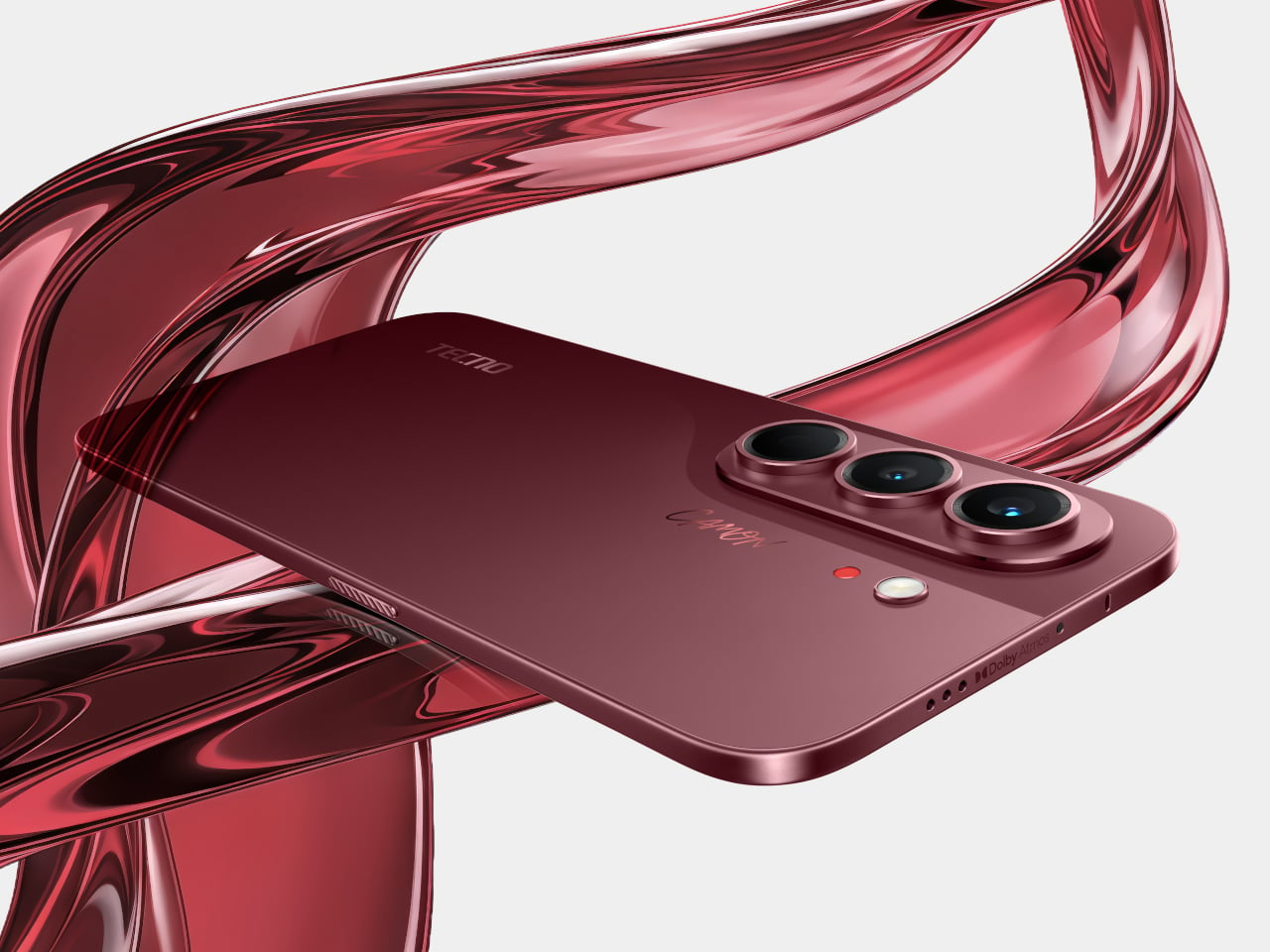
TECNO Just Built a Budget Phone With a Battery That Lasts 6 Years

Budget smartphones have gotten remarkably capable in recent years, but one persistent problem hasn’t gone away. They still feel disposable. Batteries degrade within a year or two, frames collect scratches quickly, and performance starts slipping right around the time the device is paid off. Most people accept this as part of the deal and cycle through handsets every couple of years without giving it much thought.

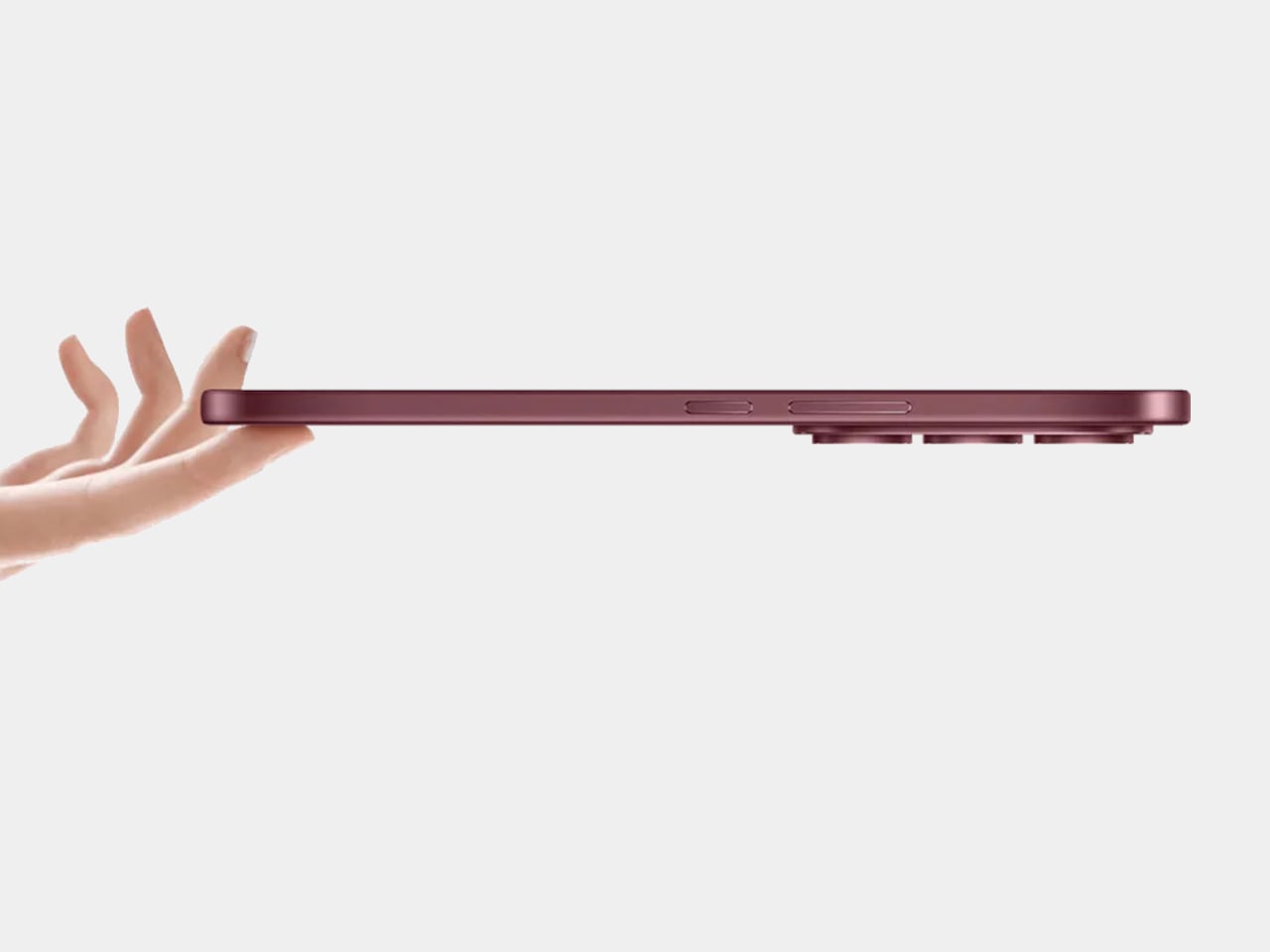
The TECNO SPARK 50 Pro tries to change that calculation. Rather than chasing raw benchmarks or stacking camera hardware, it focuses on something more practical: building a phone that holds up, physically and internally, over a long stretch of use. At just 7.8mm thin, it doesn’t look like a rugged device, but the specs and certifications beneath that slim exterior tell a different story.

Designer: TECNO

Battery longevity is one area where the SPARK 50 Pro makes a clear statement. It’s offered in two variants, a 5,600mAh dual-cell model and a 6,000mAh single-cell version, both certified to sustain more than 1,900 charge cycles while retaining over 80% of their original capacity. That’s roughly six years of daily charging without significant degradation, which is a genuinely unusual promise for a phone at this price point.

Keeping a large battery from being a chore to top up is 60W Super Charge support, which gets the device to 63% in 30 minutes and fully charged in 55. Three adaptive charging modes let users balance speed and heat, and bypass charging routes power directly to the motherboard during heavy use, keeping the battery from straining when the phone is plugged in while gaming or streaming.

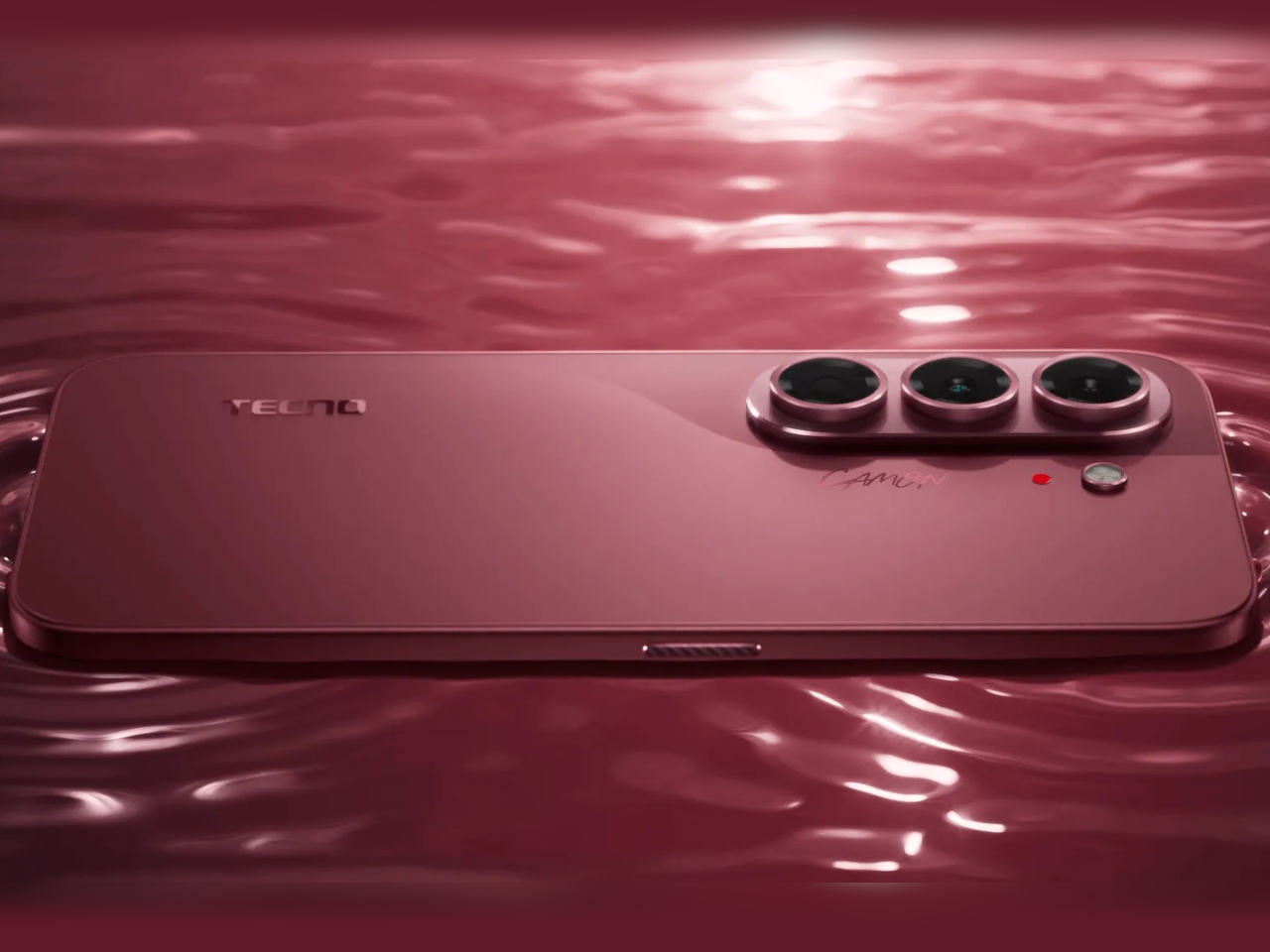
Performance comes from a MediaTek Helio G100 Ultimate processor scoring around 550,000 on AnTuTu, with Memory Fusion 4.0 pushing virtual RAM up to 24GB. The 6.78-inch IPS LCD runs at up to 120Hz, keeping scrolling and gameplay feeling fluid, while dual stereo speakers with DTS Sound lend more audio depth to videos and music than you’d typically get in this price bracket.

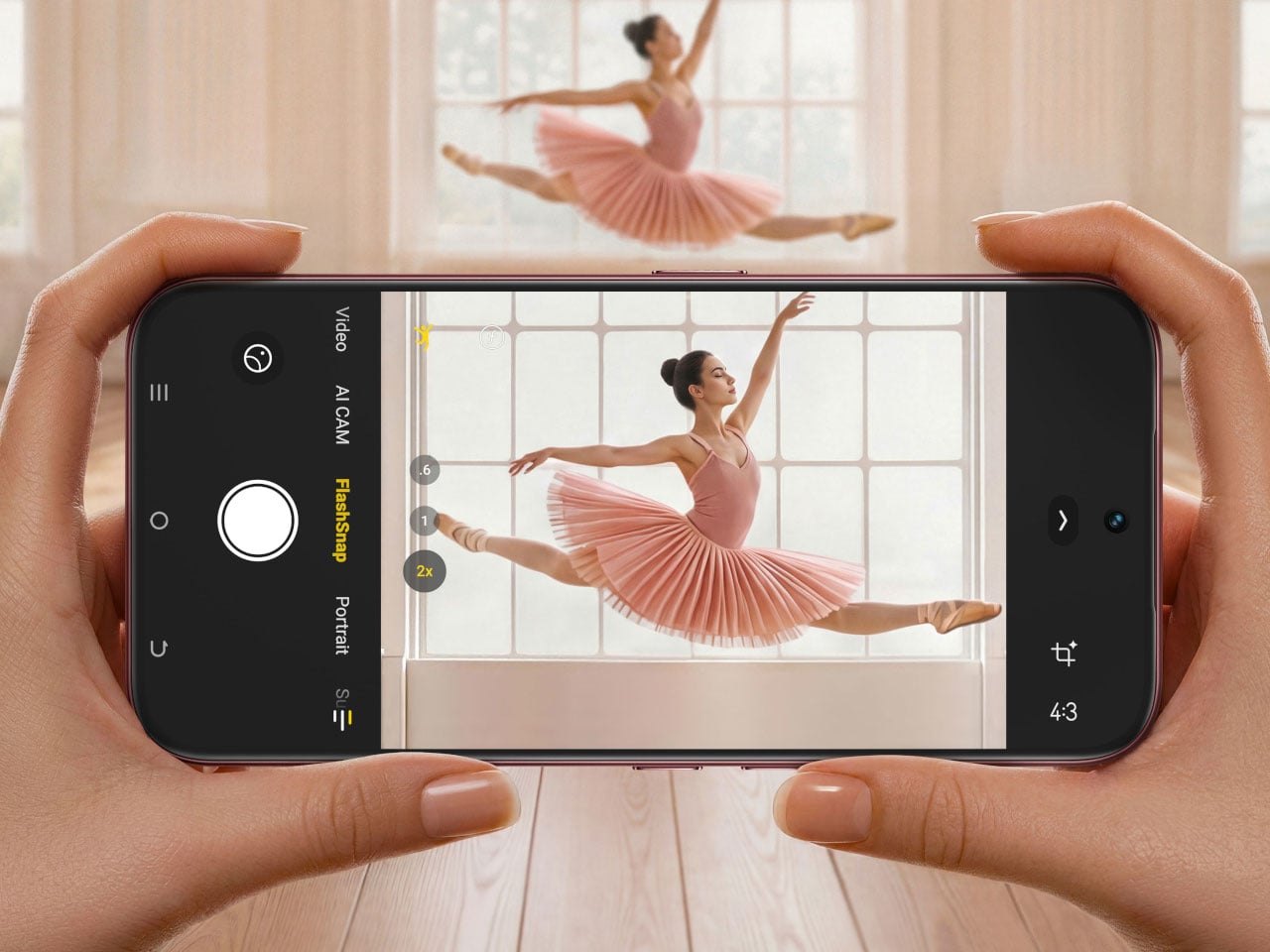
Photography centers on a Sony LYTIA 600 sensor with 50MP resolution, a 1/1.953-inch size, and an f/1.8 aperture, giving it a light-gathering advantage over the smaller sensors common in its class. FlashSnap technology pushes shutter speeds up to 1/10,000 of a second for catching fast-moving moments cleanly. AI Eraser 2.0 and AI Extender round out the imaging toolkit with cleanup and reframing options.

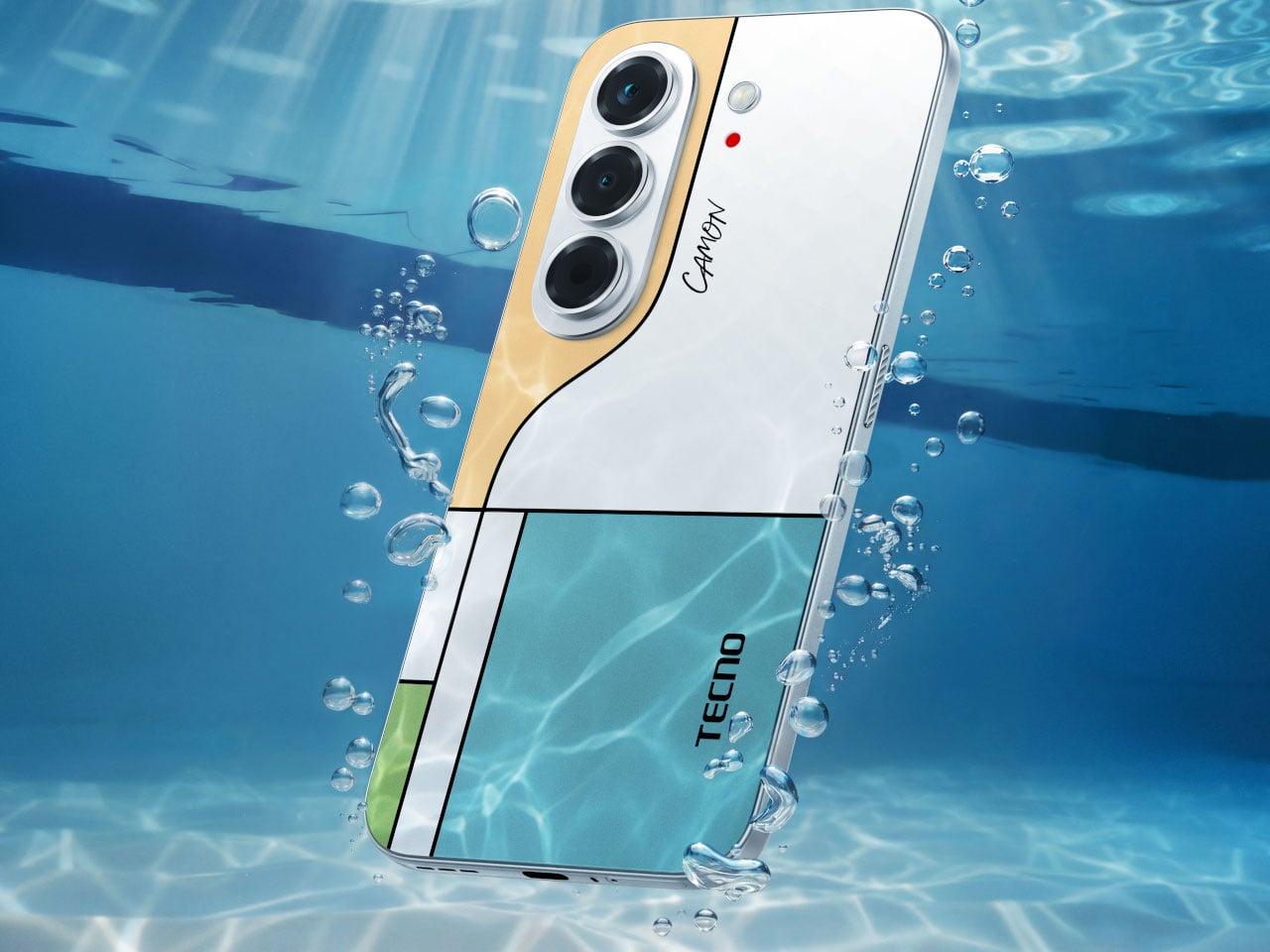
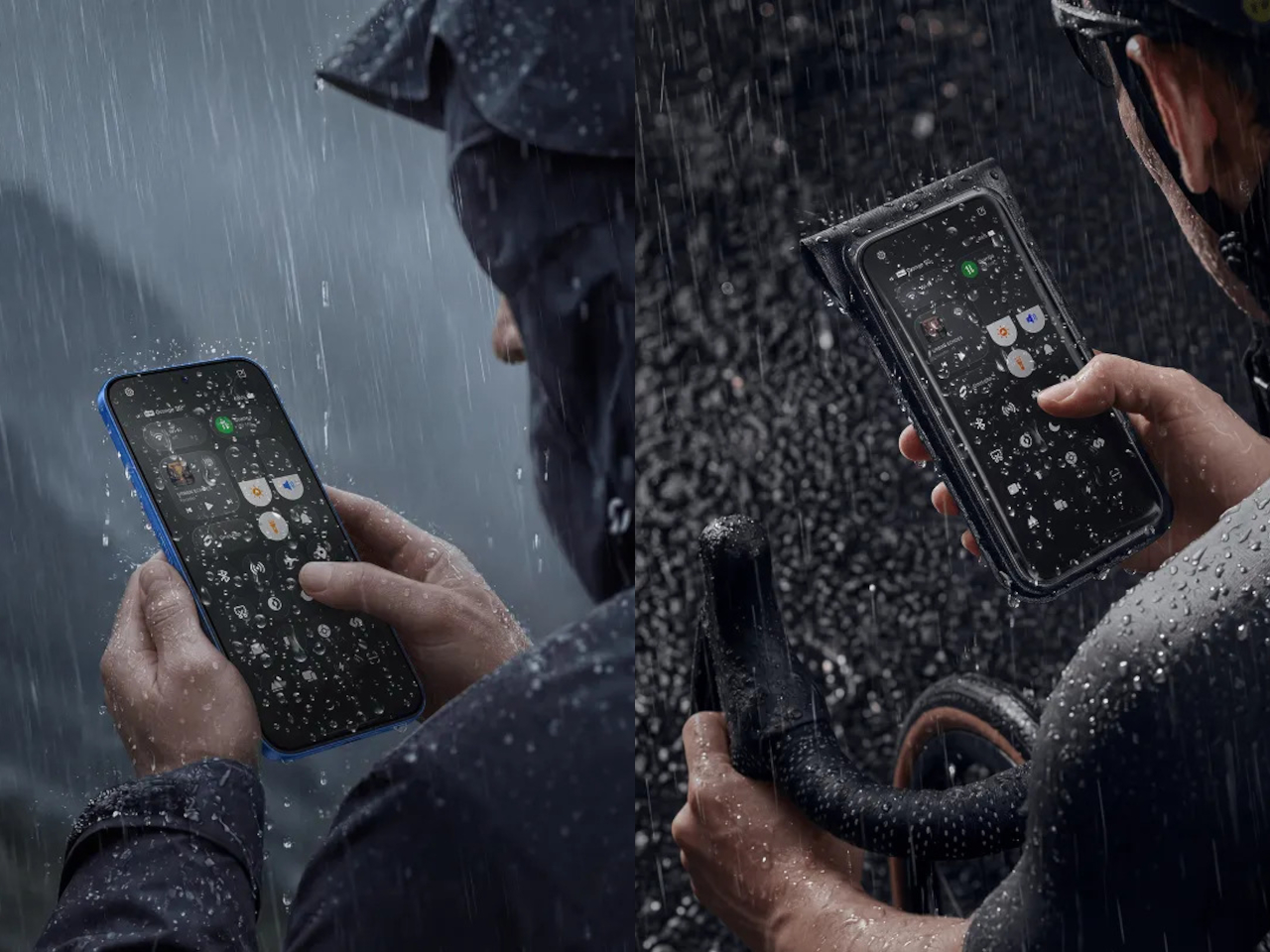
Physical protection is where the SPARK 50 Pro really sets itself apart from comparably priced options. IP68 and IP69 ratings cover it against dust, rain, spills, and high-pressure water jets, while SGS Five-Star Premium Drop Resistance certification means it’s been tested against multi-angle impacts and 41 independent drop scenarios. It comes in five finishes: Ink Black, Titanium Grey, Midnight Blue, Dynamic Orange, and Cloud White.

Running on HiOS 16 based on Android 16, the SPARK 50 Pro also brings the Ella AI Agent for daily assistance and an AI Health Assistant for health monitoring. FreeLink 2.0 enables off-grid messaging in supported situations, and AI Noise Cancellation cleans up calls in loud environments. It’s a package aimed at people who’d rather not think about buying a new phone anytime soon.

The post TECNO Just Built a Budget Phone With a Battery That Lasts 6 Years first appeared on Yanko Design.
Nothing 4a Pro with an E-ink Display Looks Way More Interesting than the Glyph Matrix

The Glyph Matrix is nice, but it’s not really useful, is it? How much value can you extract from spinning the bottle on the back of your phone, or playing unique patterns on it every time your phone rings? Sure, Nothing will have you believe that the Glyph Matrix is the natural evolution of the Glyph Lights – but one redditor had a different idea. Ditch the matrix instead, give the consumers an actual screen.

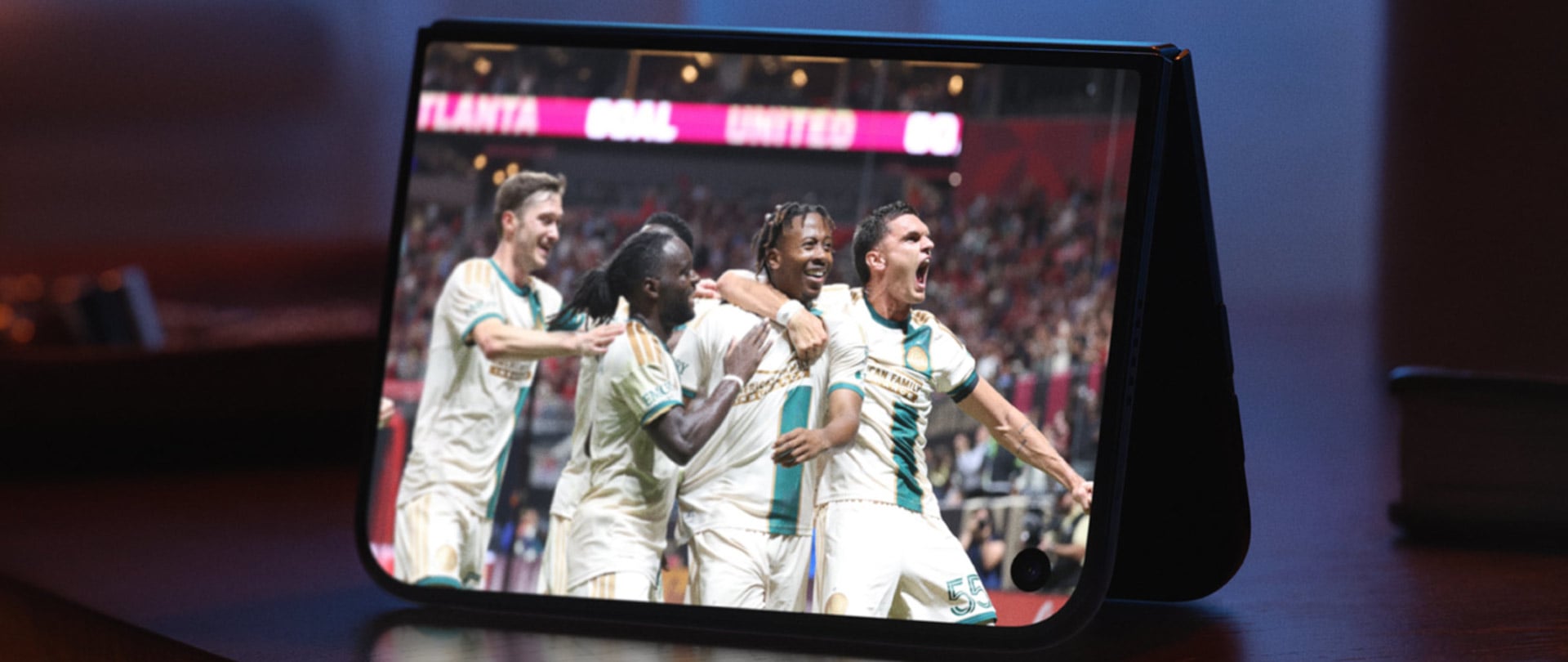
This Nothing 4a Pro revised concept features a full-fledged e-ink display on the back, serving as a useful second space for notifications, alerts, QR codes, etc. It’s a little less manic than the original with the flashing lights and all, but I kind of like the silent seriousness of a phone that sports an e-ink screen on the back. Everything else remains the same, the exact same triple-camera layout, the same Snapdragon 7 Gen 4 processor, the same screen. Just, less flashy, more useful.

Designer: Taweros

Here’s where Carl Pei would come in objecting to this entirely. The Glyph Matrix is supposed to be Nothing’s secret sauce, the thing that makes you look twice at a phone, the element of surprise. Ditching flashing lights for an e-ink screen feels a little less TikTok and a little more LinkedIn. That’s not Nothing’s brand, and I can understand. It’s more YotaPhone or TCL NXTPaper than Nothing. However, reddit user ‘Taweros’ has a case to make.

“I’ve been thinking about an alternative to the Glyph Matrix on a future Nothing phone: a small always-on E-Ink display integrated into the same area on the back. Instead of only showing animations, it could display useful information with no power consumption,” Taweros says. “The idea is to keep the minimalist Nothing aesthetic while making the space more practical. Since E-Ink only uses power when the image changes, it could stay visible all day without significantly affecting battery life.”

This new glyph replacement offers a more discreet, low-power, always-on alternative that can be used for a bunch of things. Aside from actually displaying information (instead of wonky patterns), it becomes this ambient second screen that you learn to rely on. Keep it displaying weather notifications, or have it show the face of someone who’s calling, or even use it to display the QR code of your business at a networking event – all this is stuff you CAN’T do with the current Nothing 4a Pro, and to be honest, that feels like a bit of a shame.

To be clear, I don’t hate the glyph matrix. I saw it first-hand at a launch and was blown by how beautiful it looked. I just think beauty without utility is just… art. It’s fun. It isn’t function. Here’s to hoping the Nothing 5 will surprise us!

The post Nothing 4a Pro with an E-ink Display Looks Way More Interesting than the Glyph Matrix first appeared on Yanko Design.

Infinix GT 50 Pro Review: Gaming Greatness With a Catch

PROS:


  • Distinctive design with LED accents and visible liquid-cooling

  • Strong gaming performance

  • Useful GT triggers and bundled MagCharge cooler


CONS:


  • Stereo speakers can sound slightly muffled at times

  • Price has gone up noticeably from the GT 30 Pro

RATINGS:

AESTHETICS
ERGONOMICS
PERFORMANCE
SUSTAINABILITY / REPAIRABILITY
VALUE FOR MONEY

EDITOR'S QUOTE:

Distinctive, capable, and clearly built with gamers in mind, the Infinix GT 50 Pro delivers a focused experience, even if tougher competition makes the value story less straightforward.

The Infinix GT 50 Pro continues a formula the GT series has followed since its debut with the GT 10 Pro in 2023. This has always been a gaming-focused smartphone line, both in how it performs and how it looks. With the GT 50 Pro, Infinix stays true to that identity while adding stronger hardware, a few thoughtful extras, and a more refined overall package.

There is plenty here that stands out immediately, from the Dimensity 8400 Ultimate and 144Hz AMOLED display to the GT triggers and bundled MagCharge cooler. At the same time, the GT 50 Pro arrives in a more competitive market and at a higher price than its predecessor. That makes it a more interesting phone to evaluate, because the question is no longer just whether it performs well, but whether it still does enough to stand out.

Designer: Infinix

Aesthetics

Ever since the GT 10 Pro debuted in 2023, Infinix has kept the GT series firmly anchored to one identity. This has always been a gaming phone line, and importantly, it has always looked the part. The GT 50 Pro continues that tradition with complete confidence, and the consistency gives the series a stronger sense of character.

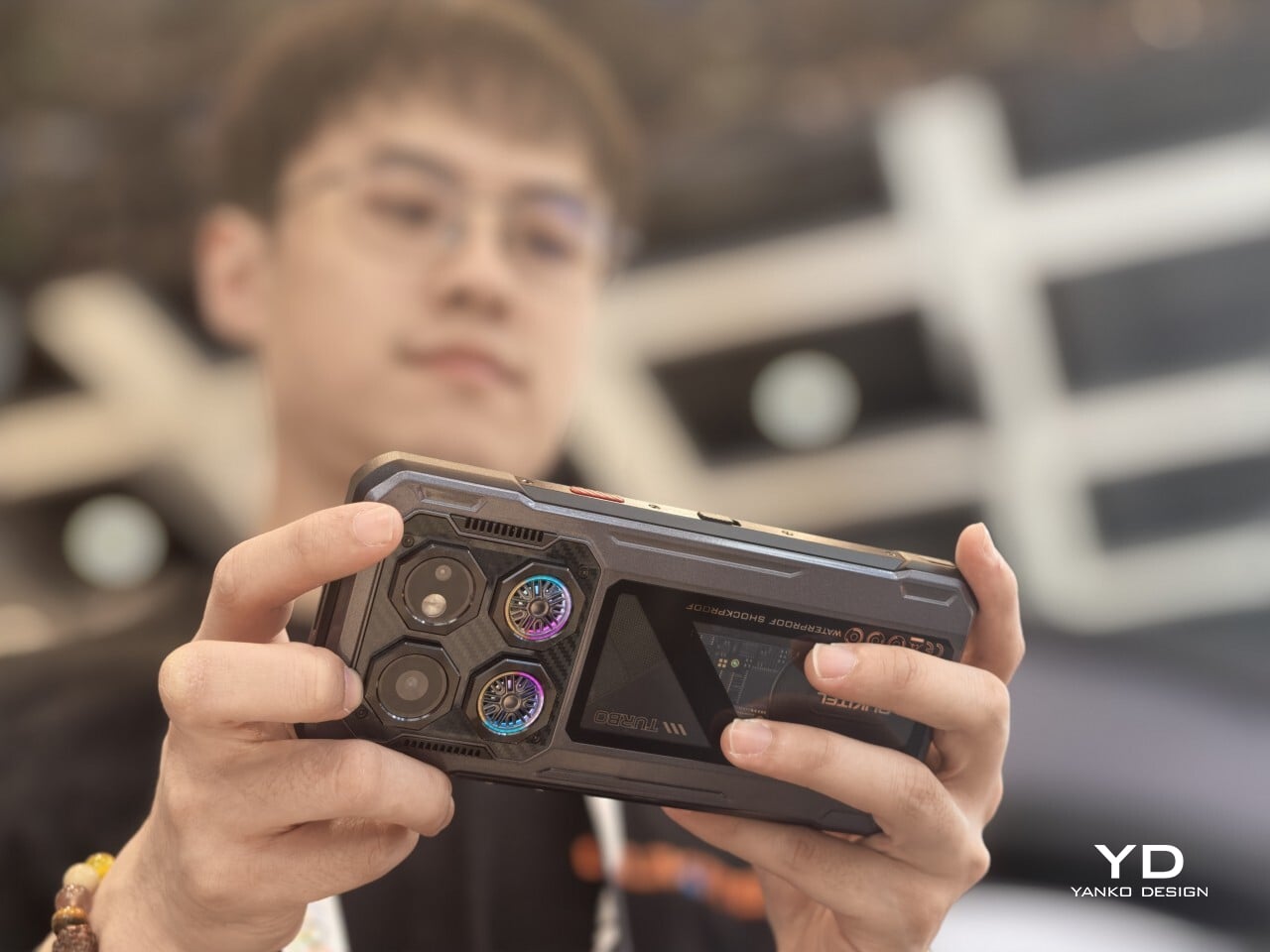
Flip the phone over, and there is no mistaking what it is. The rear panel embraces an aerodynamic, almost mechanical aesthetic, combining angular detailing, a carbon-fiber-like pattern, customizable LED accents, and a transparent section that showcases the liquid-cooling system underneath. There is a lot happening visually, but it feels controlled. Rather than coming across as excessive, the design feels cohesive and deliberately built around the phone’s gaming-first identity.

The camera module follows the same approach. Its two rear cameras are placed on a raised platform in the top-left corner, with each lens individually framed within a square border. It certainly adds to the industrial, structured look of the back, though I have never been particularly fond of this kind of layout since the separate frames tend to collect dust more easily and make the area slightly more annoying to wipe clean.

There are three color options, and each one changes the mood of the design. Black Abyss unit I received, paired with green liquid-cooling accents, looks the most understated while still retaining that gaming edge. Silver Glacier, with blue liquid cooling, comes across as the most futuristic of the lot. Red Blaze is easily the boldest finish here, and it is the variant for those who want the GT 50 Pro to attract attention instantly.

What ultimately stands out is the restraint behind the boldness. The GT 50 Pro is distinctive enough to feel special, but it never crosses into the kind of excess that would make it awkward to use in everyday life. More than anything, it feels like a more refined and self-assured evolution of the GT design language rather than a dramatic reset.

Ergonomics

For a phone that leans this heavily into gaming aesthetics, the Infinix GT 50 Pro is surprisingly manageable in the hand. It measures 162.44 x 72.33 x 8.15 mm and weighs 198g, which firmly places it in large-phone territory, but it never feels unnecessarily bulky or awkward. The proportions are well judged, and the phone carries its size with more balance than the numbers might suggest.

The flat sides do help with grip, especially during gaming or extended video sessions where a more secure hold matters. Paired with the glossy back, the GT 50 Pro still feels steady in the hand rather than overly slippery. The rear panel does pick up fingerprints quite easily, but thanks to the carbon-fiber-like pattern and the liquid-cooling visuals underneath, smudges are less obvious than they would be on a plain glossy surface. The included case, on the other hand, feels quite plasticky, though you will likely want to use it anyway if you plan on attaching the bundled MagCharge cooler, which I will get to later.

One of the more distinctive ergonomic features here is the pair of GT triggers. These customizable pressure-sensitive triggers add something genuinely useful to the physical experience of the phone, especially for gaming. In supported games, they can make actions like aiming, firing, or switching controls feel quicker and more tactile than relying entirely on the touchscreen. Even outside gaming, the fact that they are customizable gives them some practical value and keeps them from feeling like a one-note gimmick.

The rest of the layout is otherwise fairly standard. The power button and volume rocker are easy enough to reach, but the fingerprint sensor sits a bit too close to the bottom edge for comfort. It works quickly, but it is not the most natural placement. Overall, the GT 50 Pro feels built more around grip, control, and gaming comfort than one-handed ease, and that feels entirely appropriate for what it is.

Performance

The Infinix GT 50 Pro is powered by the MediaTek Dimensity 8400 Ultimate, paired with 12GB of RAM and either 256GB or 512GB of storage. On paper alone, that already puts it in a very comfortable position for a phone in this segment. In day-to-day use, the experience lives up to that promise. Animations are smooth, apps open quickly, and there is enough headroom here that the phone rarely feels like it is under any real strain, even when several things are happening at once.

Gaming is where the hardware starts to make the most sense. The GT 50 Pro handles demanding titles with the kind of confidence you would expect from a device built around this purpose. Frame rates feel stable, touch response is quick, and the GT triggers add a layer of physical control that makes certain games feel more intuitive than they do on a standard touchscreen-only phone. It is not just about having enough power to run games well. It is also about making the whole experience feel more deliberate and more enjoyable.

The bundled MagCharge cooler is part of the experience, too. Not everyone will need it all the time, but it does make the GT 50 Pro feel more complete as a gaming device. In my use, an hour of playing Delta Force at the highest settings kept the phone below 40 degrees Celsius, which is a reassuring result for extended sessions. It also works as a wireless charger while attached, so you can game for longer without having to put up with a cable jutting awkwardly out of the phone. The built-in lighting effects are a nice touch as well, and they fit neatly with the rest of the GT 50 Pro’s gaming-focused identity.

Software plays a major role in shaping that experience too. Running XOS 16 based on Android 16, the GT 50 Pro offers a wide range of gaming-focused features that fit the phone’s identity well. There is also a growing library of AI tools built into the system, though their usefulness will vary depending on how much you actually rely on those features in daily use.

The GT 50 Pro features a 6.78-inch AMOLED panel with a 1.5K resolution and a 144Hz refresh rate, and it is one of the phone’s biggest strengths. Everything looks sharp, motion is fluid, and the high refresh rate makes a difference not just in games but also in everyday scrolling and navigation. With a claimed peak brightness of 4,500 nits and 1,600 nits in high brightness mode, the screen is generally easy to see even under harsh sunlight. That said, I did run into a few moments where automatic brightness felt a little too conservative, leaving the display dimmer than expected until I adjusted it manually.

The audio experience is less convincing. The stereo speakers are decent enough for casual use, but they do not leave much of an impression. At times, some sounds come across as slightly muffled, which takes away a bit from the otherwise immersive gaming and media experience. It is not a deal-breaker, but it is one area where the phone feels less polished than its display.

Ultra-wide, 0.6x

Main, 1x

Main, 2x

The camera system on the Infinix GT 50 Pro is more practical than ambitious, which feels fitting for a phone like this. You get a 50MP main camera with OIS, an 8MP ultrawide, and a 13MP front camera. The main camera does most of the heavy lifting, and in good lighting, it is capable of producing sharp, pleasing shots for everyday use.

Main, 1x

Main, 2x

Up to 2x zoom, image quality remains decent, but beyond that, the limitations become more obvious. The phone can go as far as 15x, though that upper range feels more like a bonus than something genuinely useful. Color processing also tends to lean warm and vibrant, which gives photos a lively look even if they are not always the most natural.

Main, 1x

Main, 2x

Battery life is another area where the GT 50 Pro benefits from its gaming-first priorities. Depending on the market, the phone comes with either a 6,150mAh or 6,500mAh battery, and either way, that is a generous capacity by current standards. The unit I received came with the 6,500mAh battery, and its endurance is impressive, easily lasting a full day even with a couple of hours of gaming mixed in. Charging support is also solid, with 45W wired charging and 30W wireless charging adding a welcome layer of convenience.

Sustainability

Sustainability is not always the first thing people look for in a gaming-focused phone, but it still matters, especially for a device that is likely to be used heavily over time. With the Infinix GT 50 Pro, the discussion is less about environmental branding and more about durability and software longevity. Those may not be the most exciting parts of the package, but they are often the ones that shape the ownership experience in the long run.

On the hardware side, the GT 50 Pro uses Corning Gorilla Glass 7i for added screen protection and carries an IP64 rating for dust and splash resistance. That does not make it a rugged device, and it is still worth being cautious around water since the protection is limited to splashes rather than full immersion. Even so, these are useful safeguards for a phone that is likely to be handled often and used intensively.

Software support strengthens the picture further. Infinix promises three years of Android OS version updates and five years of security patches, which may not lead the class but still counts as a meaningful commitment at this level. It gives the GT 50 Pro a better shot at remaining secure, relevant, and worth holding onto for longer.

Value

Value is where the Infinix GT 50 Pro still holds up well, but it is also where the conversation gets a little more complicated. In the Philippines, the 12GB + 256GB variant is priced at PHP 25,999, or roughly USD 427, while the 12GB + 512GB version comes in at PHP 29,999, or about USD 493. That is a noticeable jump from the GT 30 Pro, whose 12GB + 256GB version launched at PHP 19,999, or roughly USD 328.

To be fair, the GT 50 Pro still offers a lot for the money. You are getting a Dimensity 8400 Ultimate chip, a 144Hz AMOLED display, GT triggers, a bundled MagCharge cooler, and a large battery, which makes it a well-equipped gaming phone at this price. The challenge is that the improvements over its predecessor feel more incremental than transformative, and it now enters a market with tougher competition. So while the pricing is still reasonable, the GT 50 Pro may not feel quite as disruptive as the GT line once did.

Verdict

The Infinix GT 50 Pro is a capable gaming phone with a clear identity. It offers strong performance, a sharp and fluid display, useful gaming features, and dependable battery life, all wrapped in a design that feels distinctive without becoming impractical.

Its compromises are fairly clear, too. The camera system is decent rather than exceptional, the speakers could be better, and the higher price means it no longer feels quite as disruptive as earlier GT models did. Even so, if your priorities are gaming, display quality, and overall performance, the GT 50 Pro remains a compelling option in its class.

The post Infinix GT 50 Pro Review: Gaming Greatness With a Catch first appeared on Yanko Design.
The 8,000 mAh Mid-Range Phone With a Live LED Light Show on Its Back

Budget and mid-range smartphones have gotten remarkably good at matching flagship features on paper, but battery life has remained one of the few areas where even expensive phones routinely disappoint. Most flagships are built thin at the cost of capacity, and charging cycles have become part of the daily routine rather than a secondary concern. For a growing number of users, particularly those who game, stream, and stay connected throughout the day, that calculus doesn’t quite add up.
The TECNO POVA 8 5G makes battery endurance its most unambiguous selling point. Its 8,000 mAh cell carries TÜV SÜD certification for two days of continuous use, and the numbers behind that claim are specific enough to take seriously: more than 60 hours of calls, more than 85 hours of music playback, or roughly 14 hours of Mobile Legends: Bang Bang on a single charge. That’s a full day of aggressive use and still having most of the battery left to show for it.

Designer: TECNO

The battery also holds up over time. It maintains over 80% of its original capacity after 2,000 complete charge cycles, which works out to roughly six years of battery life. When it does need a top-up, the 45W fast charging gets it to 50% in 35 minutes, and a 10 W reverse charging option means it can share that power with earbuds or other devices in a pinch.

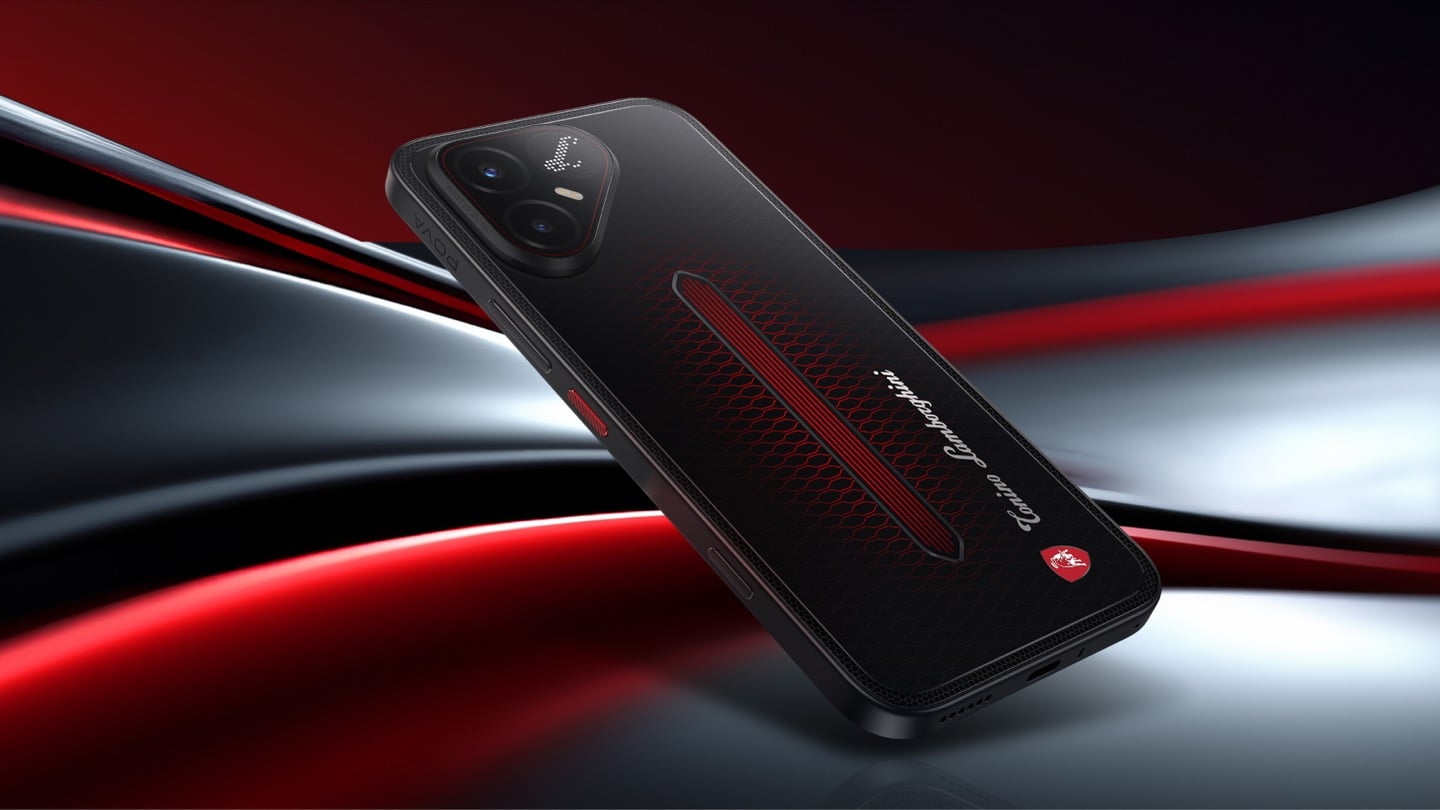
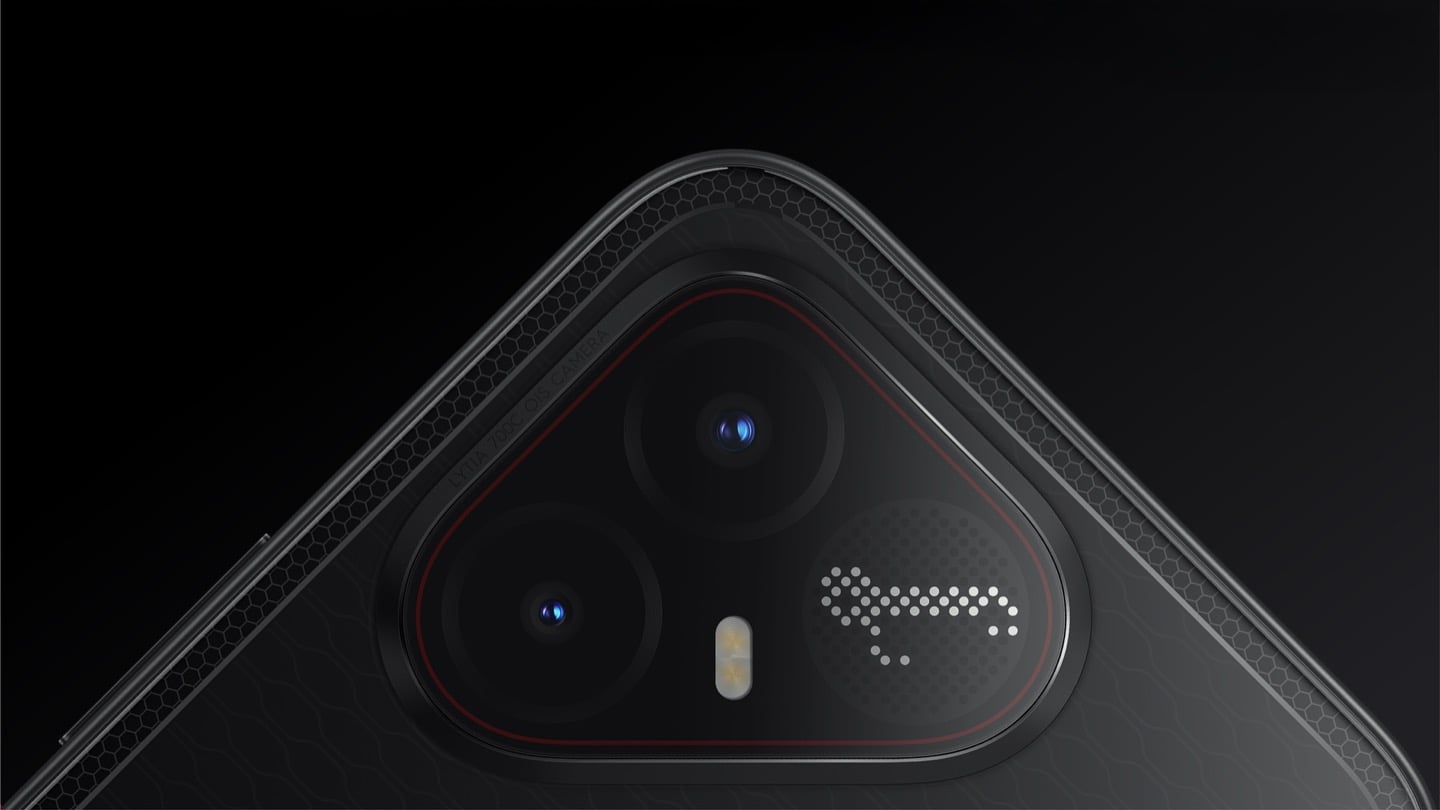
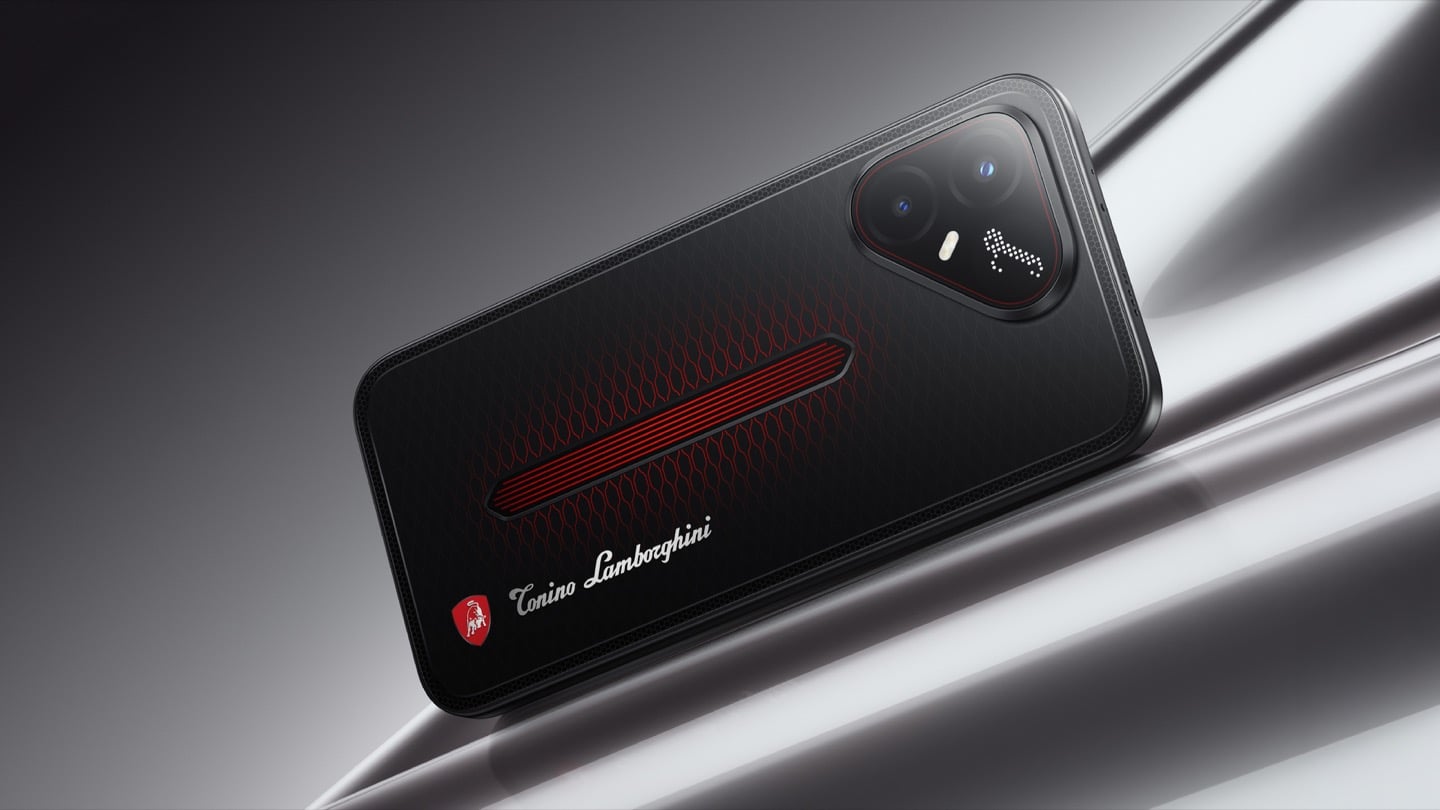
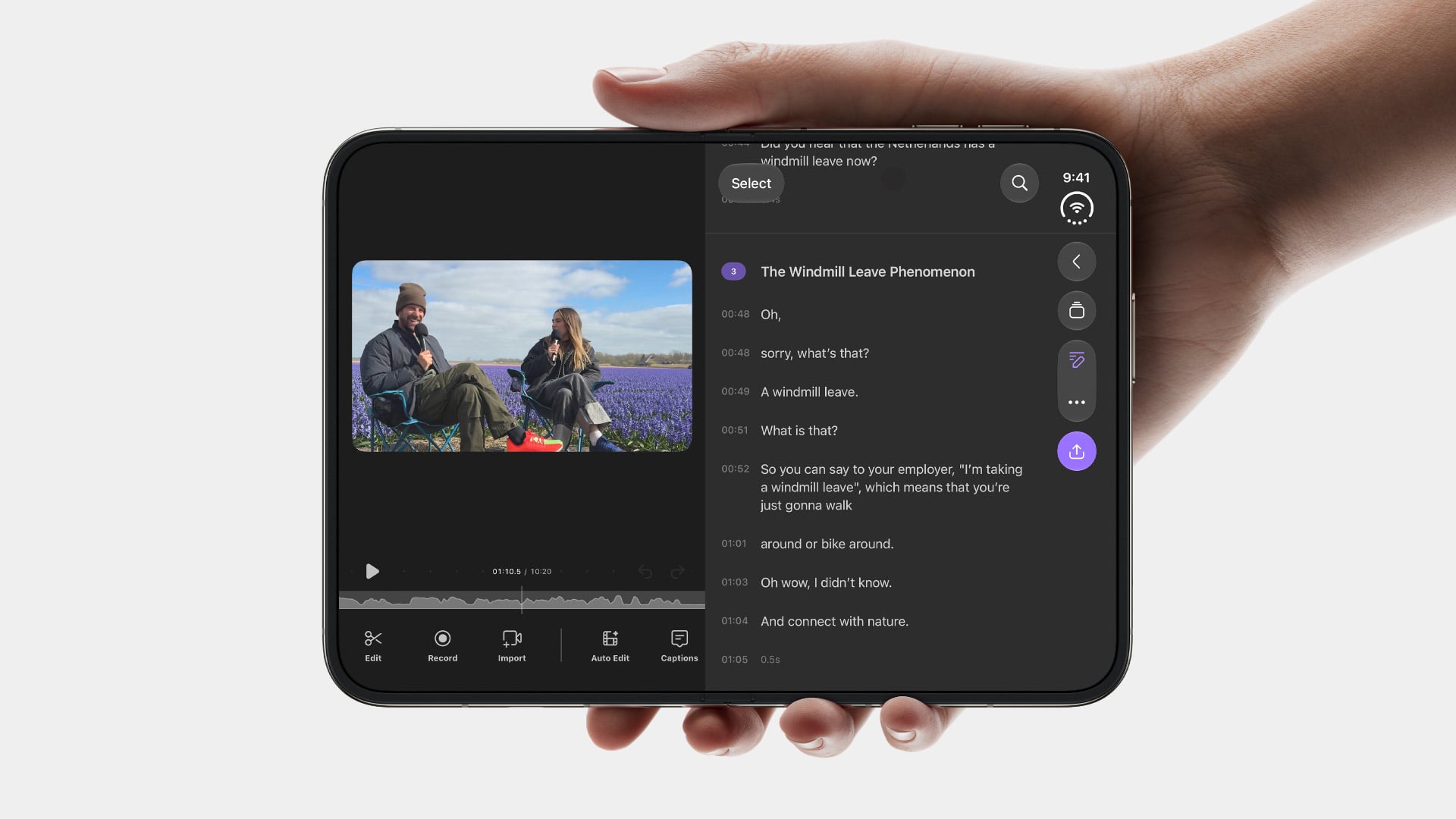
The POVA 8 5G’s most unexpected feature, though, is what’s happening on the back. The Alive Matrix Display transforms the smartphone’s rear panel into a fully customizable canvas of light. When an event is triggered, the display lights up with corresponding animations, allowing users to know what is happening without flipping the phone over. It covers 49 predefined scenarios spanning calls, notifications, music, gaming, and charging, and users can add their own lighting sequences on top of those. It’s a design detail that reads as gimmicky in description but lands differently when the phone is actually face-down on a table.

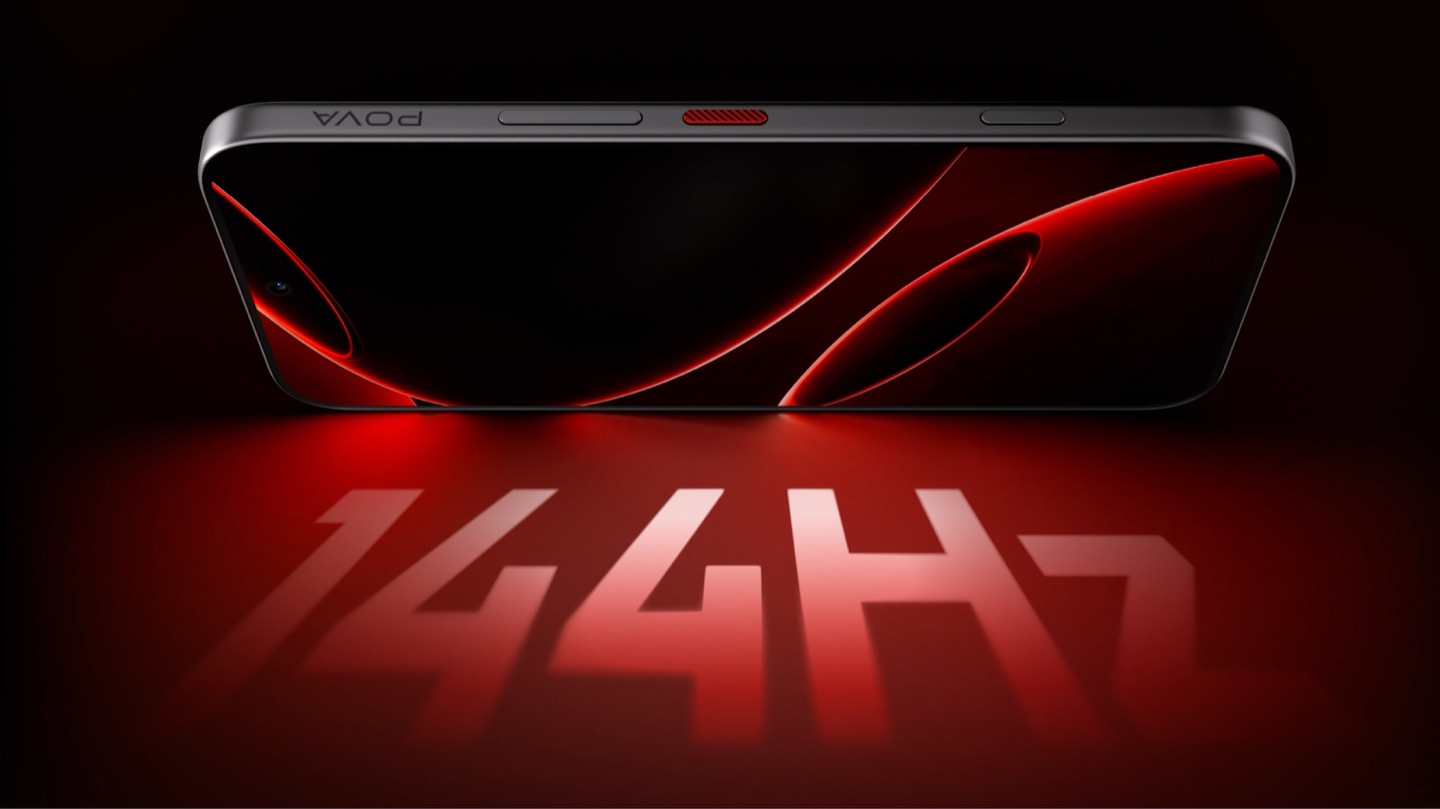
Performance comes from a triple-chipset setup. The MediaTek Dimensity 7100 handles core processing at a stable 90 FPS in games like Mobile Legends: Bang Bang, while TECNO’s own G1 Signal Enhancement Chip and SE1 Wi-Fi Enhancement Chip add 100% stronger cellular reception in difficult environments and a 60% boost in 2.4 GHz Wi-Fi strength, respectively. The 144Hz IPS display carries TÜV Rheinland low blue light certification, which matters for a phone clearly designed for extended screen time.

The main camera uses a 50 MP Sony LYTIA 600 sensor co-engineered with Sony, with enhanced light intake for more vivid images and 2x lossless zoom, sitting alongside a 13 MP front camera. On the software side, the AI features are practical: AI YouTube Summary converts copied video links into structured notes with timeline markers and key points, while All-Scenario Noise Cancellation identifies the intended speaker’s voiceprint and filters out background voices automatically.

The POVA 8 5G launches in India at INR 29,999 with a global rollout to follow. It comes in 16-Bit White, Terminal Green, and Plasma Orange for India, with Arc White, Graphite Black, Helios Orange, and Echo Green planned globally. The device will receive two major Android OS upgrades and three years of security patches, and comes with three years of free 256 GB cloud storage. For something sitting in the mid-range bracket, that’s a fairly long runway for a phone that already has more battery than most phones twice its price.

The post The 8,000 mAh Mid-Range Phone With a Live LED Light Show on Its Back first appeared on Yanko Design.