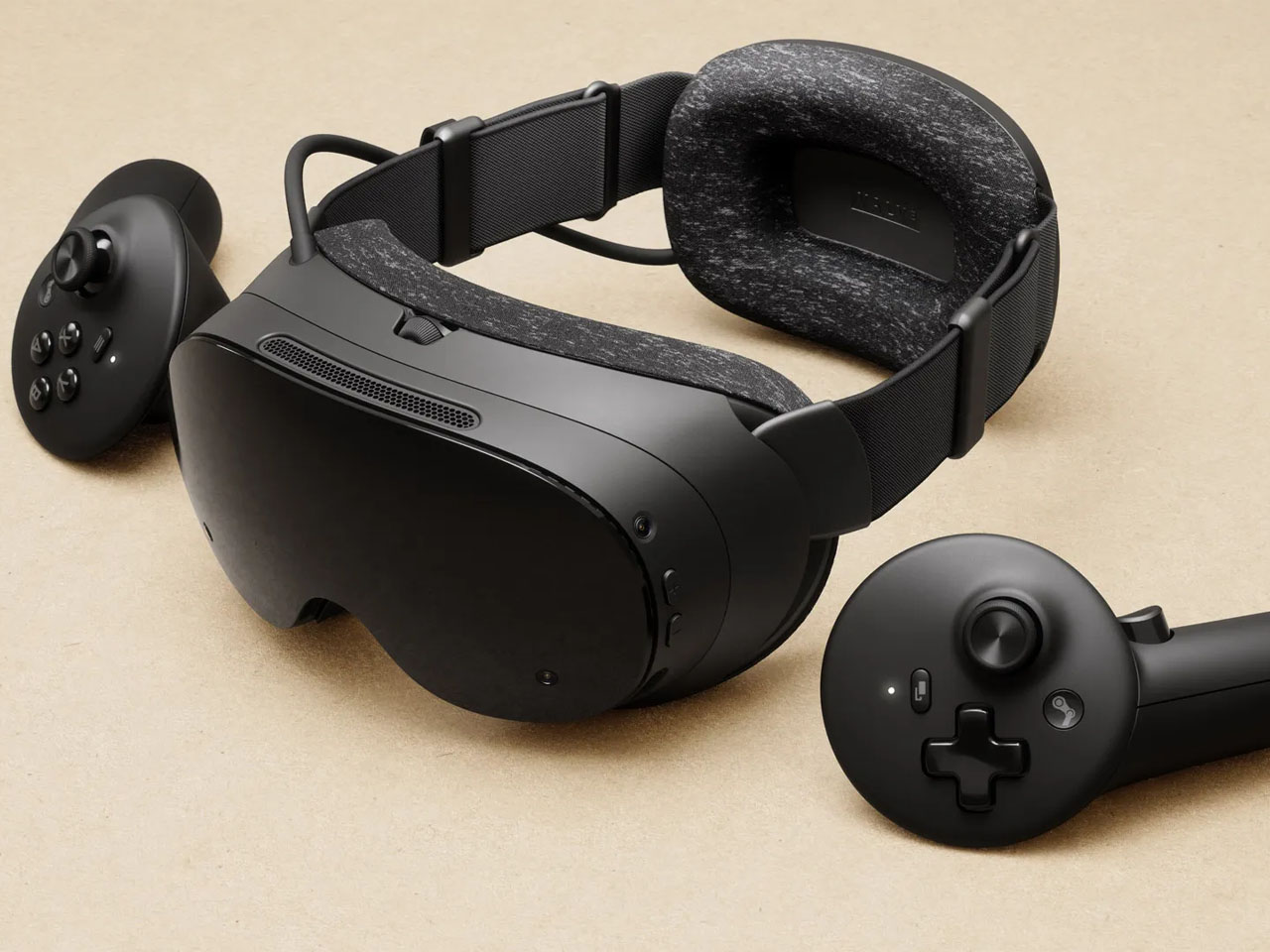
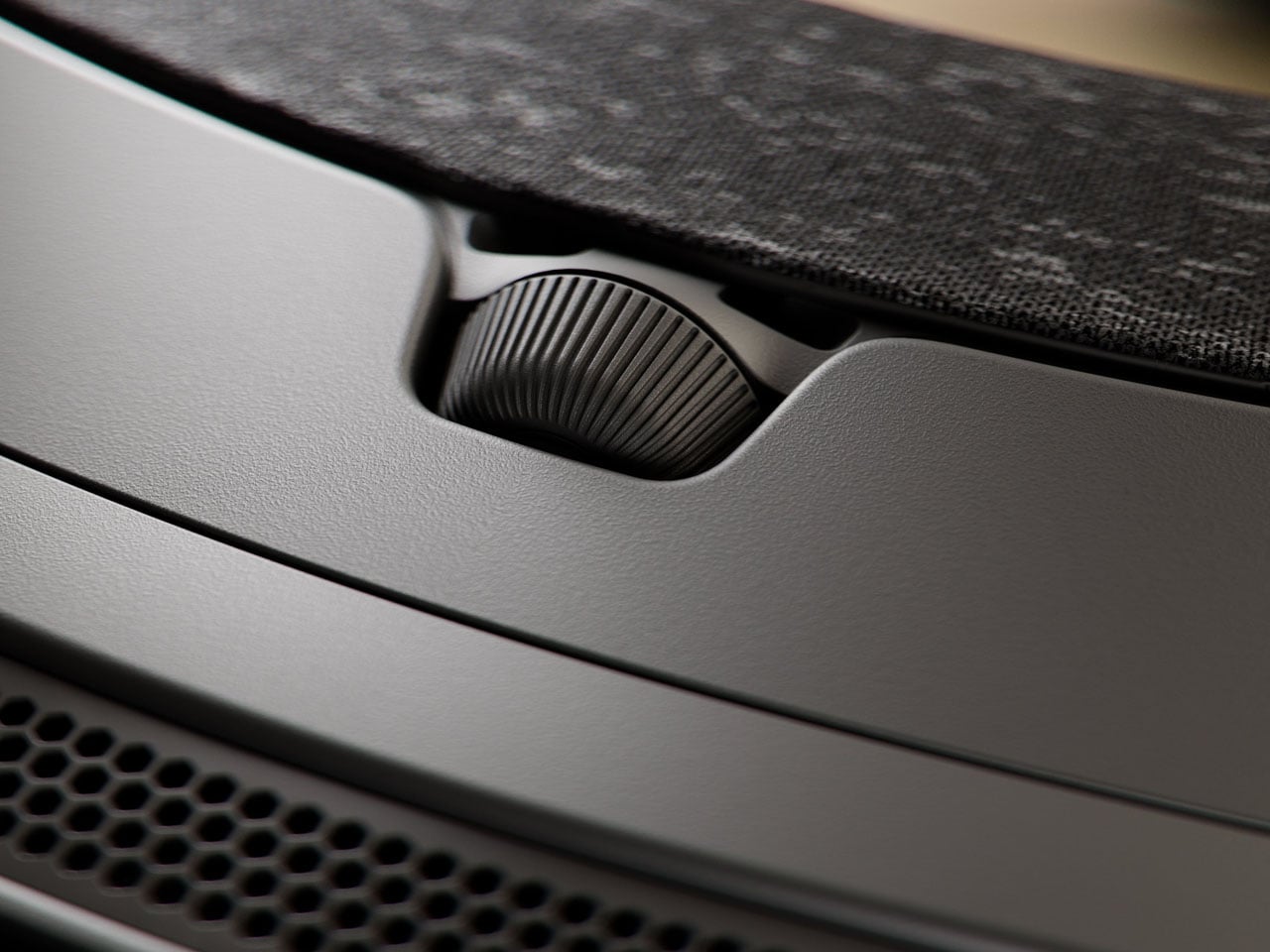
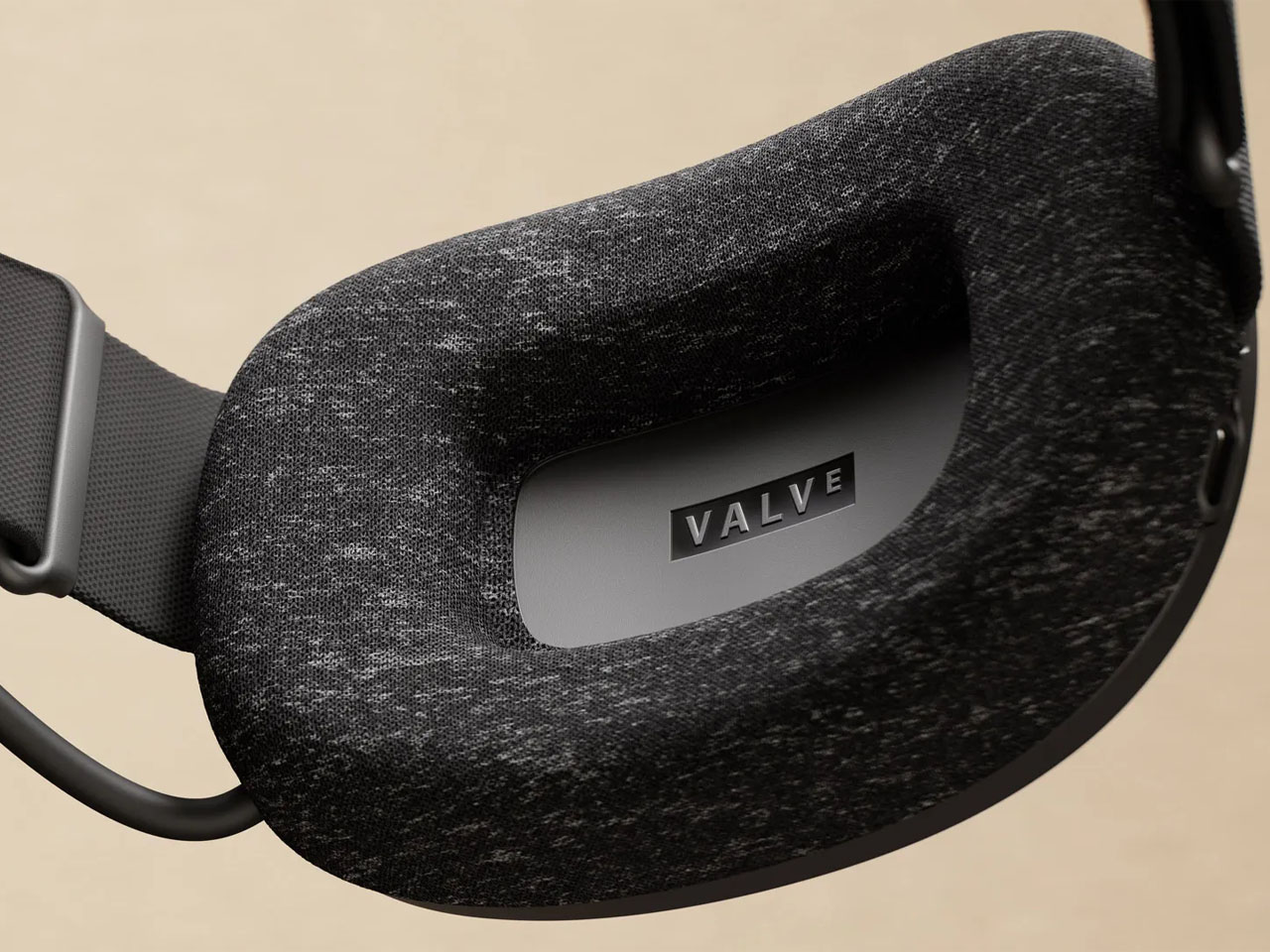
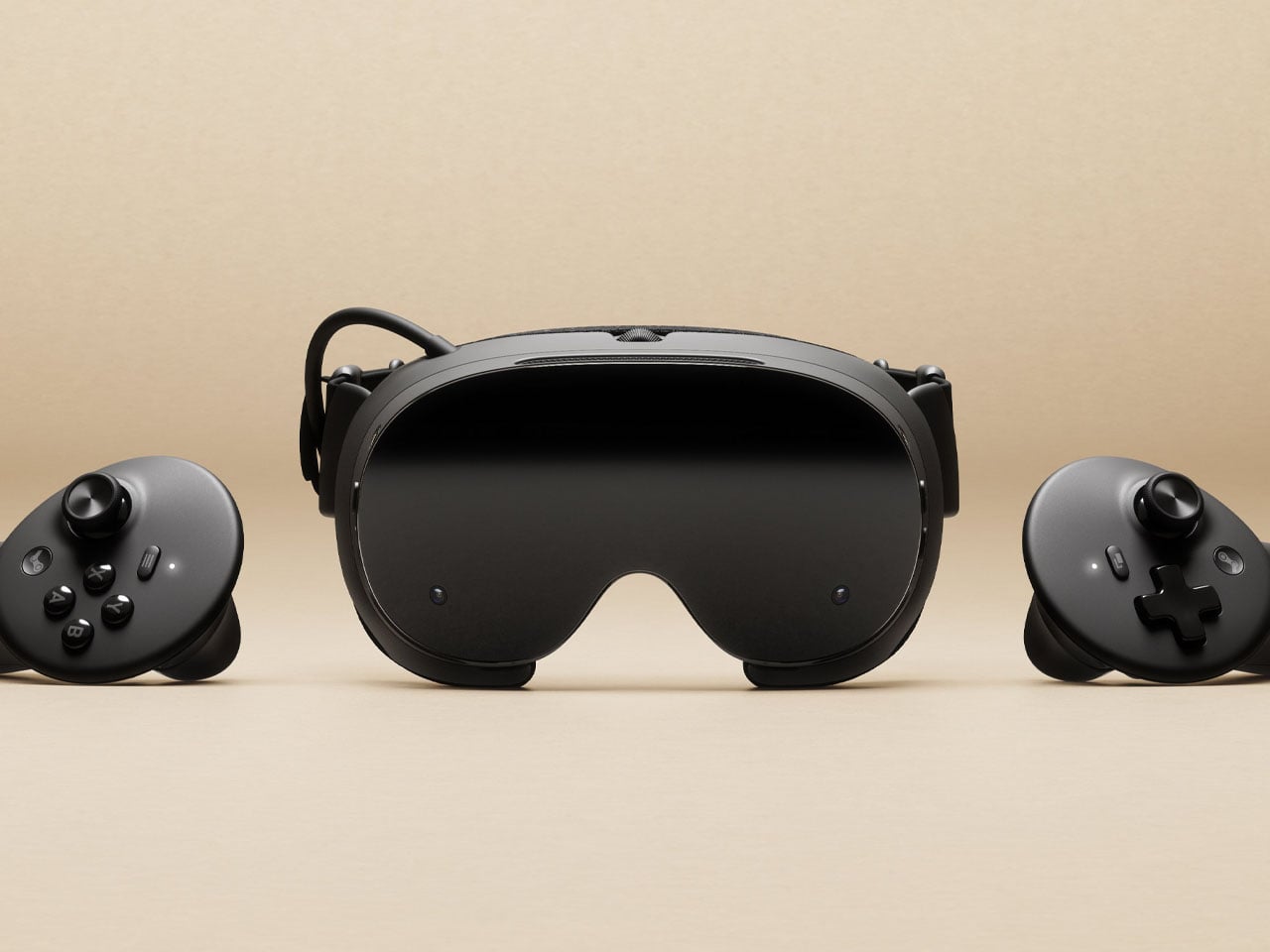
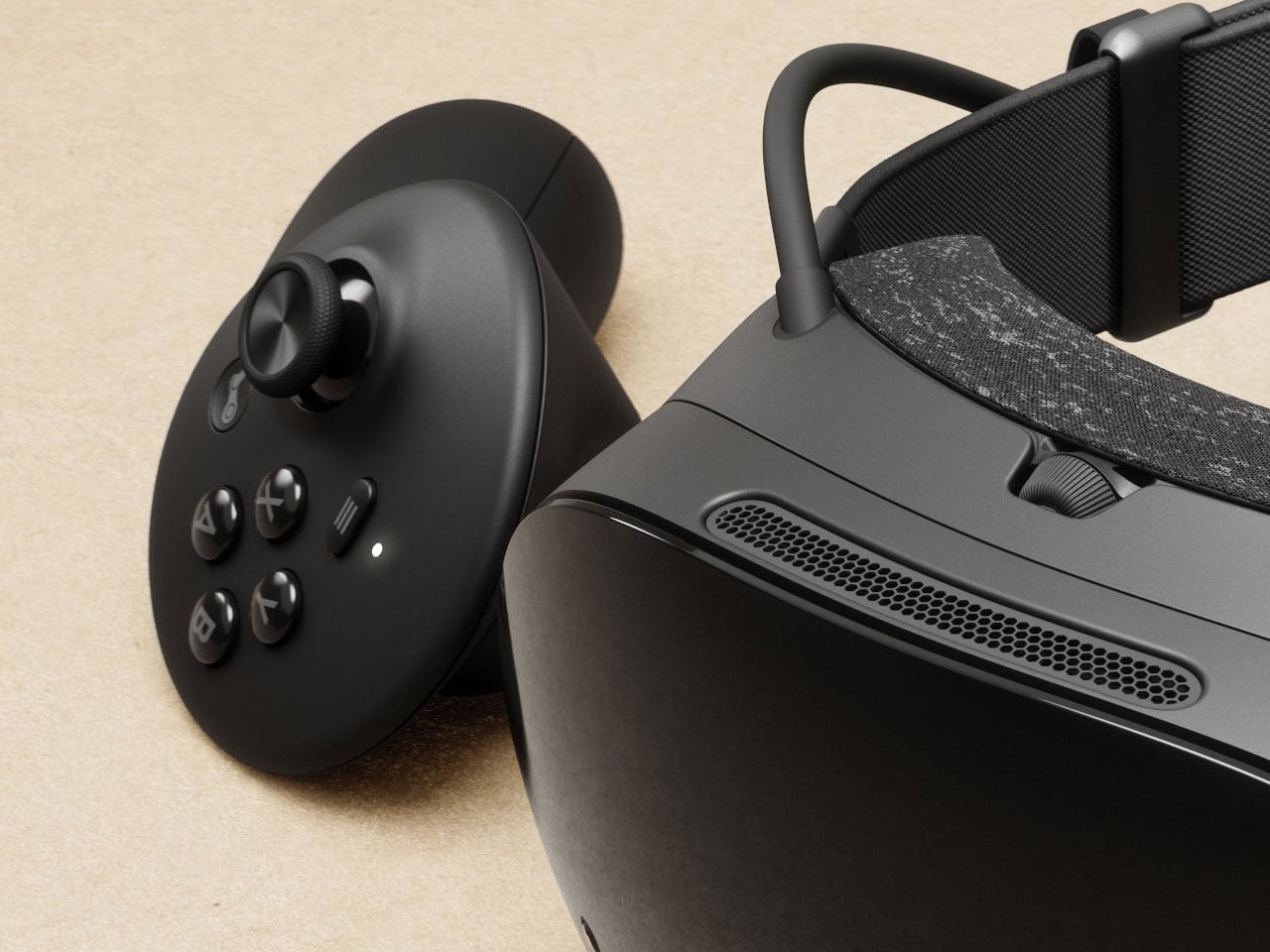
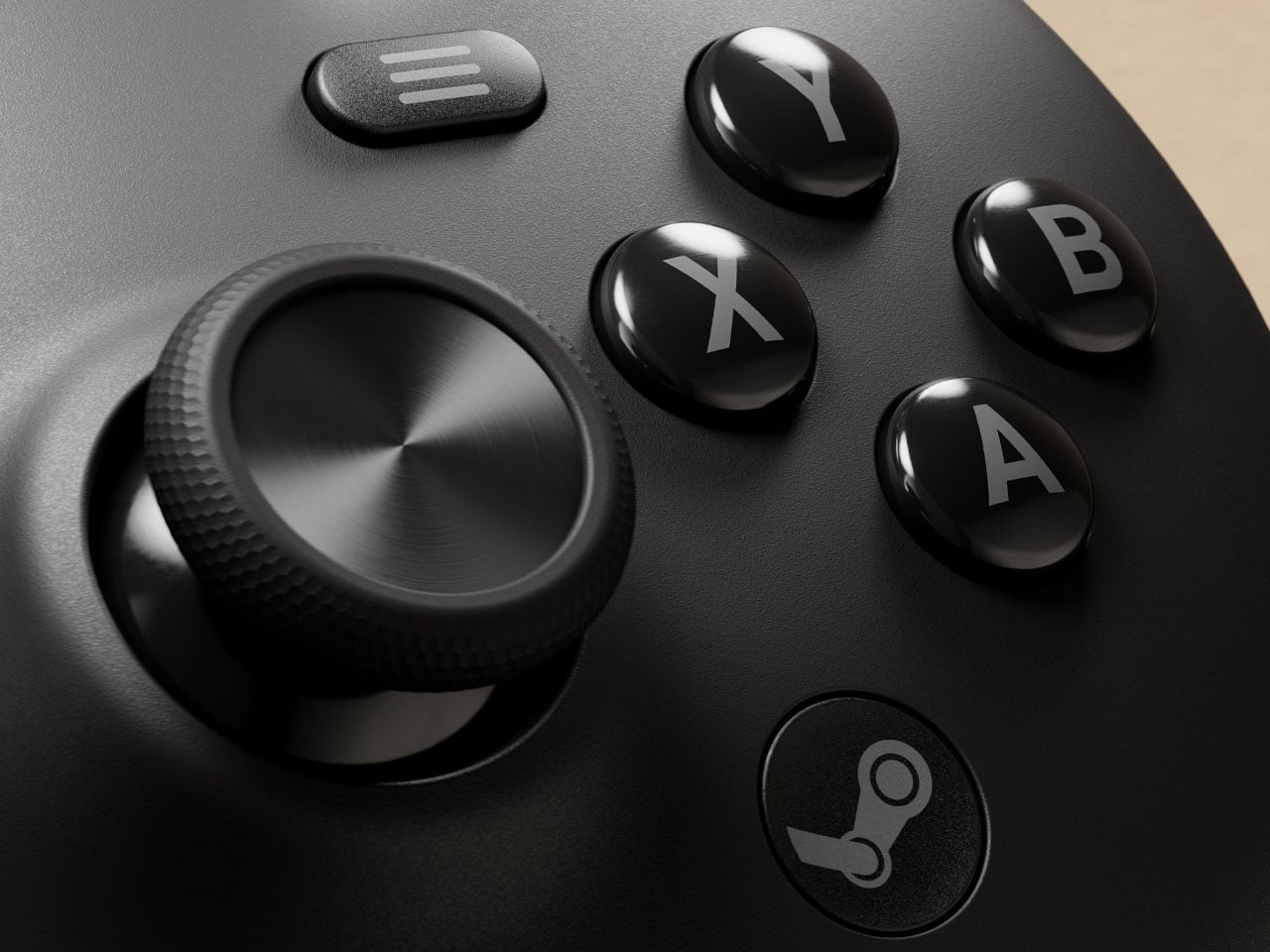
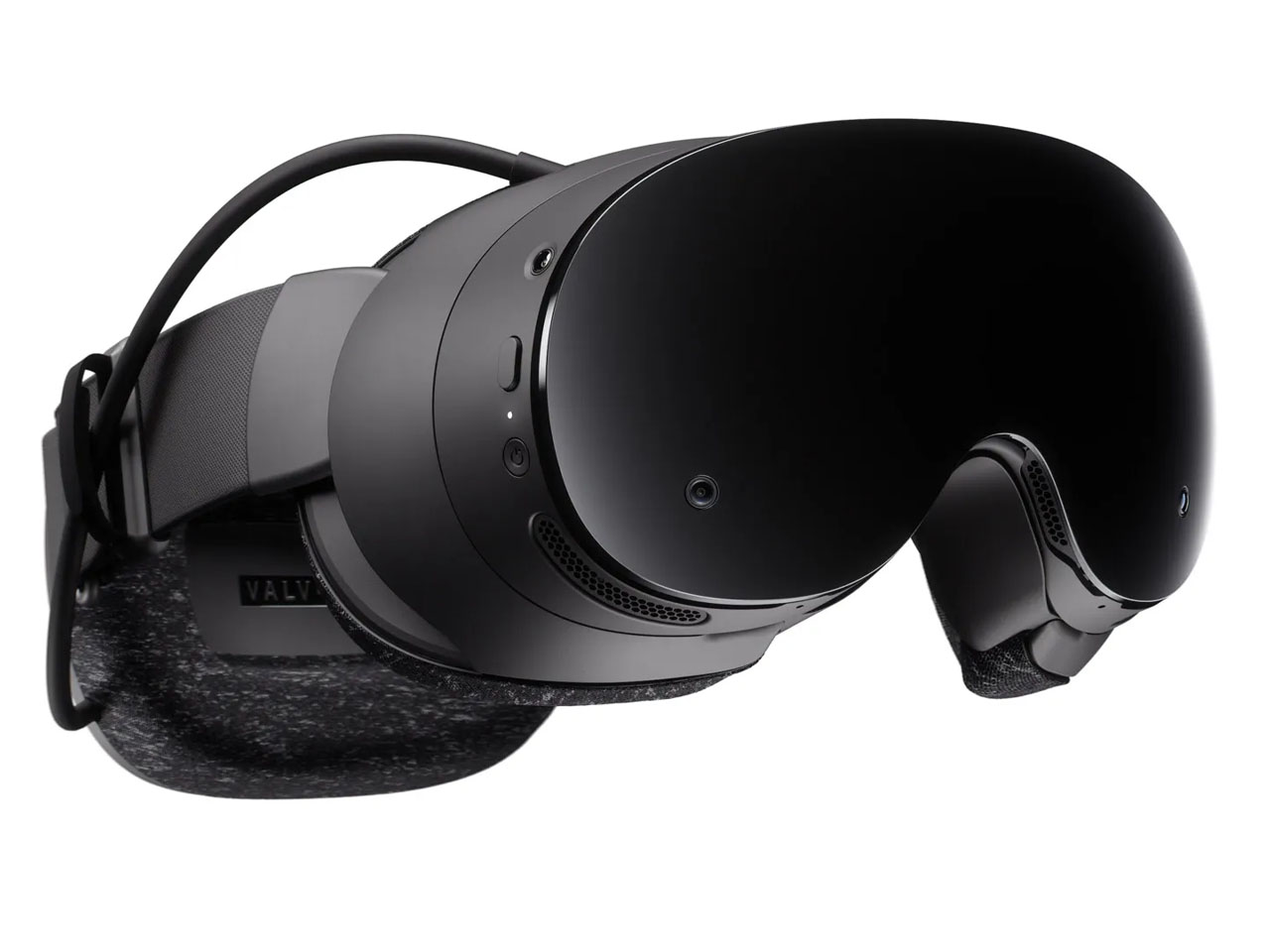
I can recall my experience strapping on a virtual reality headset for the first time. It promised me a new world experience, but the immersive presence was nothing more than stained eyes and a throbbing head. VR headsets have come a long way since then, and now the tech has advanced into a more comfortable and untethered domain. It has advanced beyond requiring cables and now connects to Steam wirelessly. Yes, this is made possible by the Steam Frame: a standalone VR headset that Valve Corporation has just announced silently on its website.
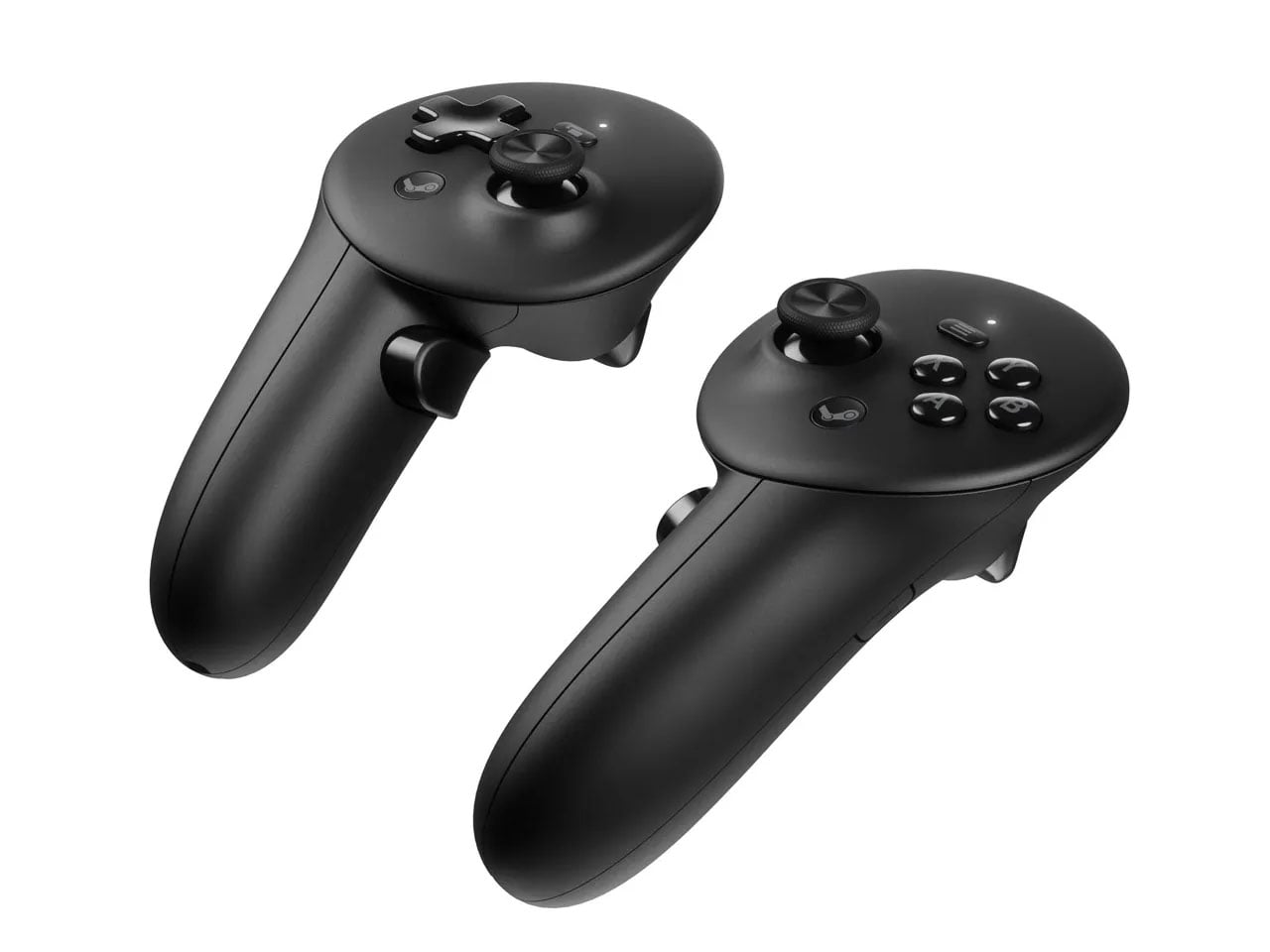
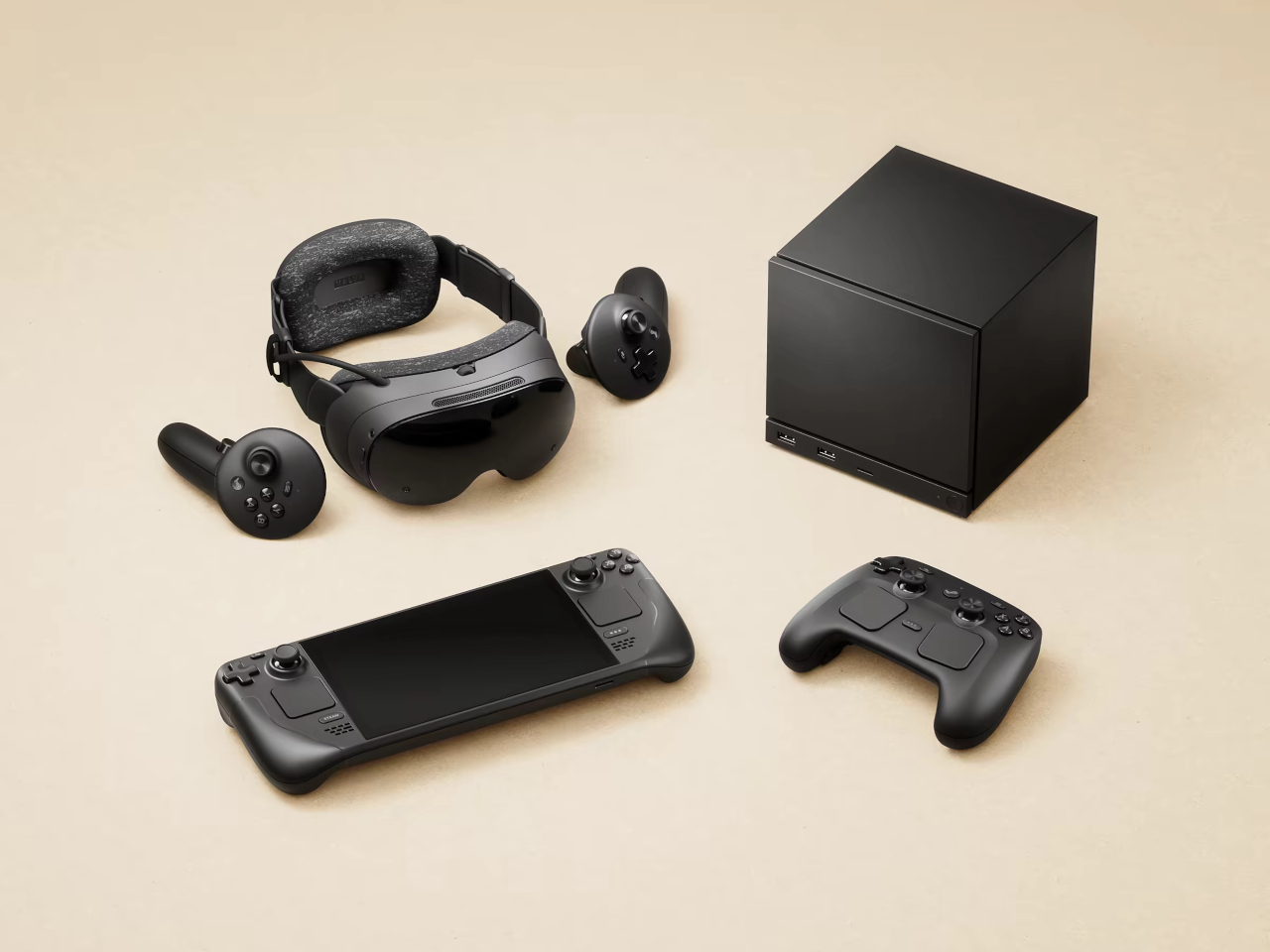
The new Steam Frame is designed to seamlessly connect with both PC and Steam games. You can also play games locally on the VR headset, thanks to an ARM chip onboard. After making its presence felt in the living room gaming scene, the American gaming giant, already recognized for its handheld Steam Deck, is now entering the immersive virtual reality gaming with the Steam Frame, which has been announced alongside the company’s gaming console, called the Steam Machine, and the Steam Controller featuring a cleaner design and a joystick.
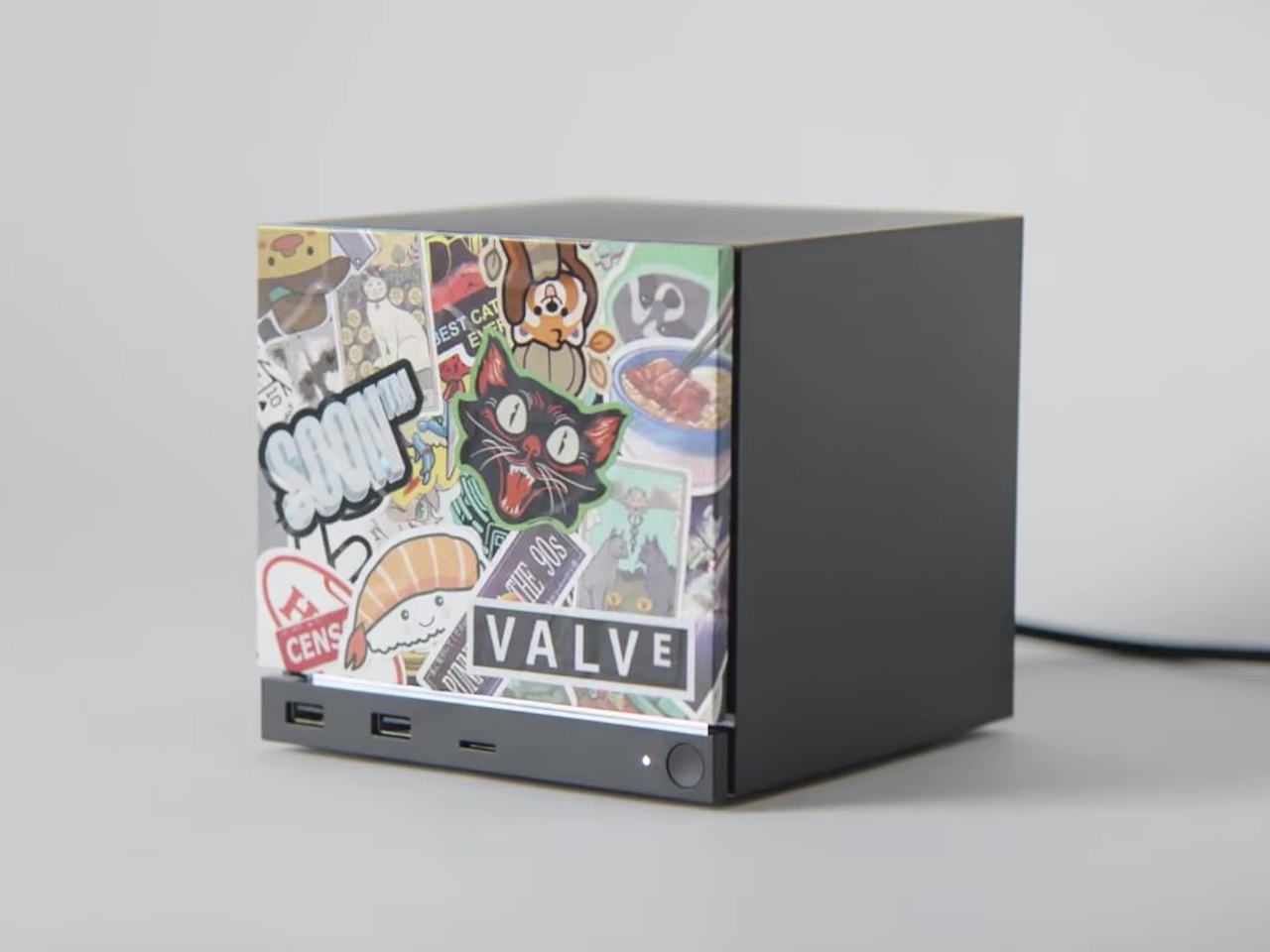
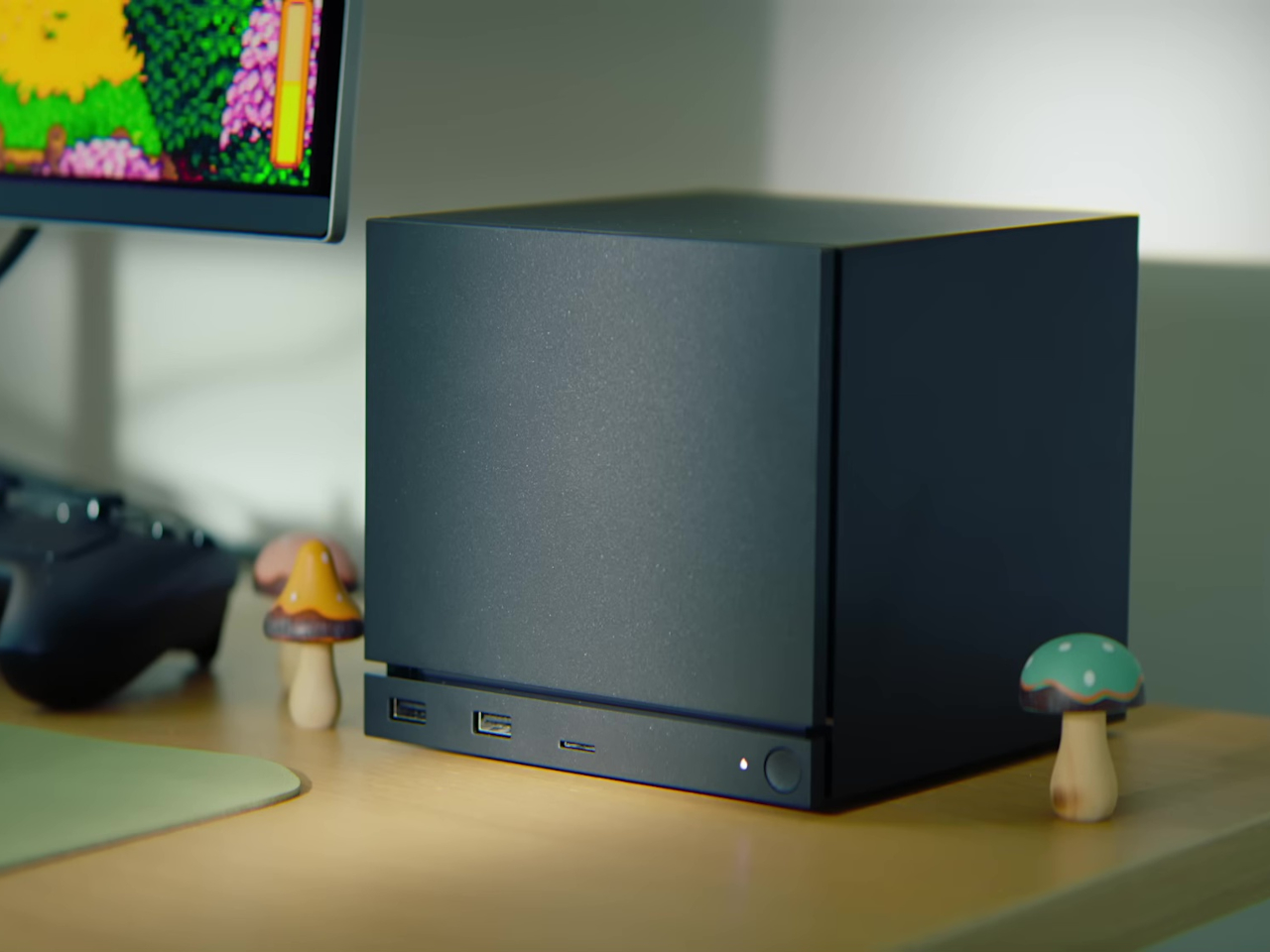
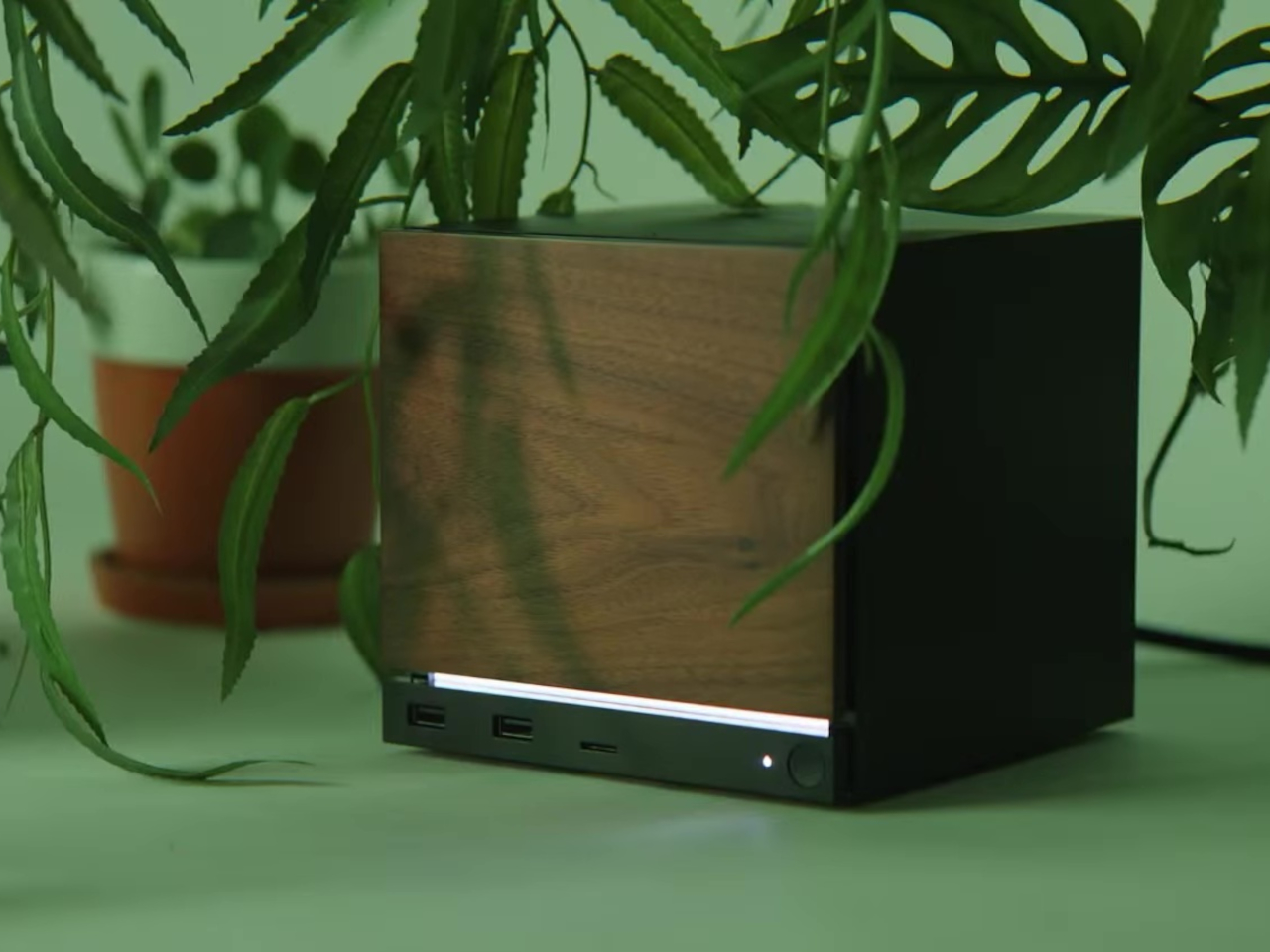
While the cube-shaped Steam Machine gaming console is created to take on the market dominated by the PlayStation 5 and Xbox. To that accord, it is built compact, but it does not compromise power, which is assured by the custom AMD Zen 4 CPU, RDNA 3 GPU paired with Linux-based SteamOS. We have a detailed report on the gaming console here. Coming back to the Steam Frame, let’s try and understand what the VR headset entails.
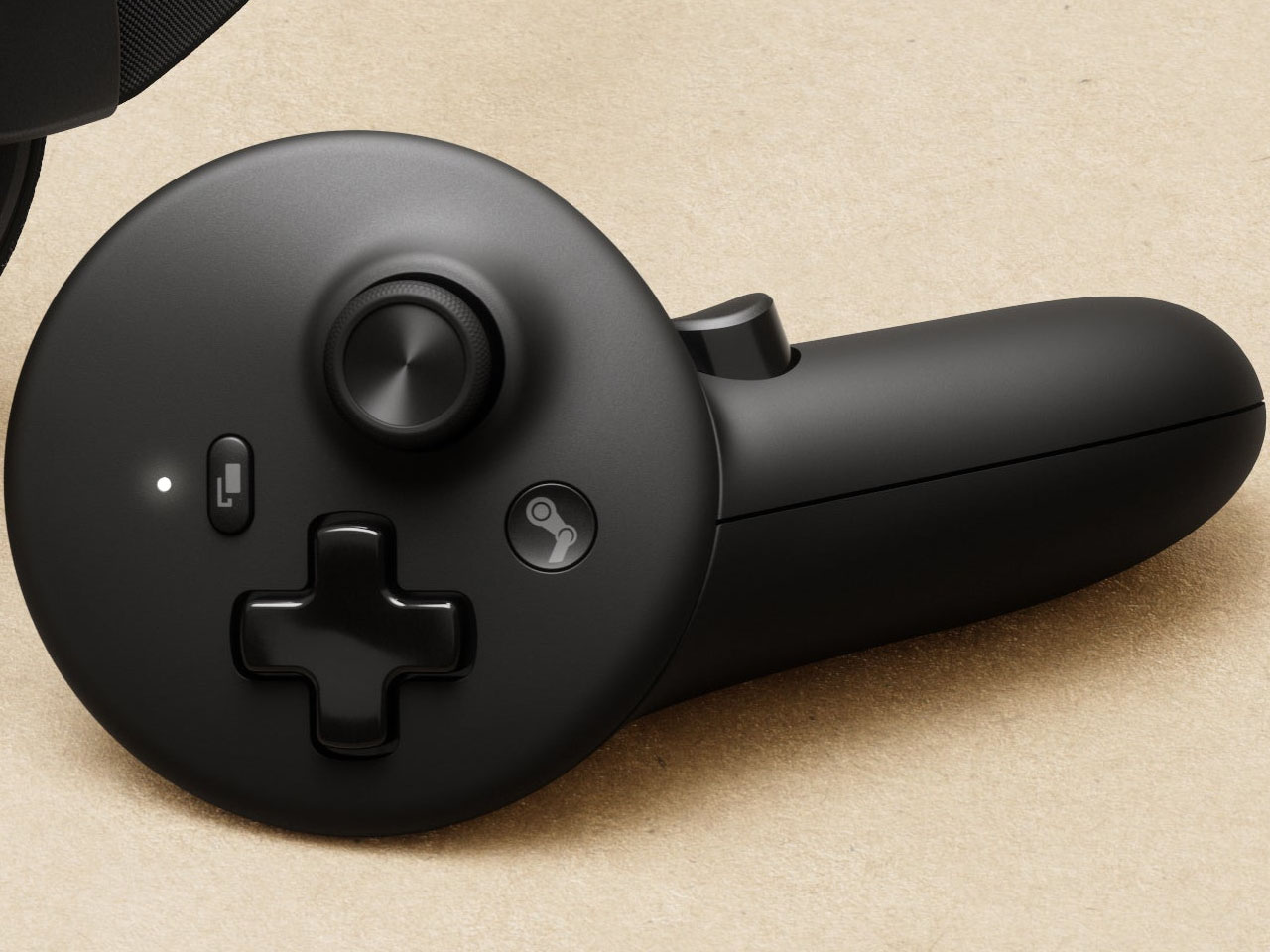
The first standalone, wireless Steam VR headset comes with its own hand controller and is designed to handle your entire Steam game library. Whether it’s an immersive VR or no VR game, the standalone headset supports both. Unlike those initial headsets, Steam Frame is designed with comfort and ease of use in mind, and it is powered by an ARM processor for local emulation of PC games as well. For streaming games directly from the computer, Valve provides a 6GHz wireless dongle, which it claims provides low latency and high bandwidth to ensure a smooth game experience.
The headset draws its processing power from a Snapdragon 8 Gen 3 chip onboard, which is paired with 16GB of LPDDR5X RAM. It is available in two storage variants: 256GB or 1TB of UFS internal storage, which can be expanded using a microSD card. The Steam Frame features a rechargeable 21.6Whr battery with 45W fast charging support, and the device runs on SteamOS 3.
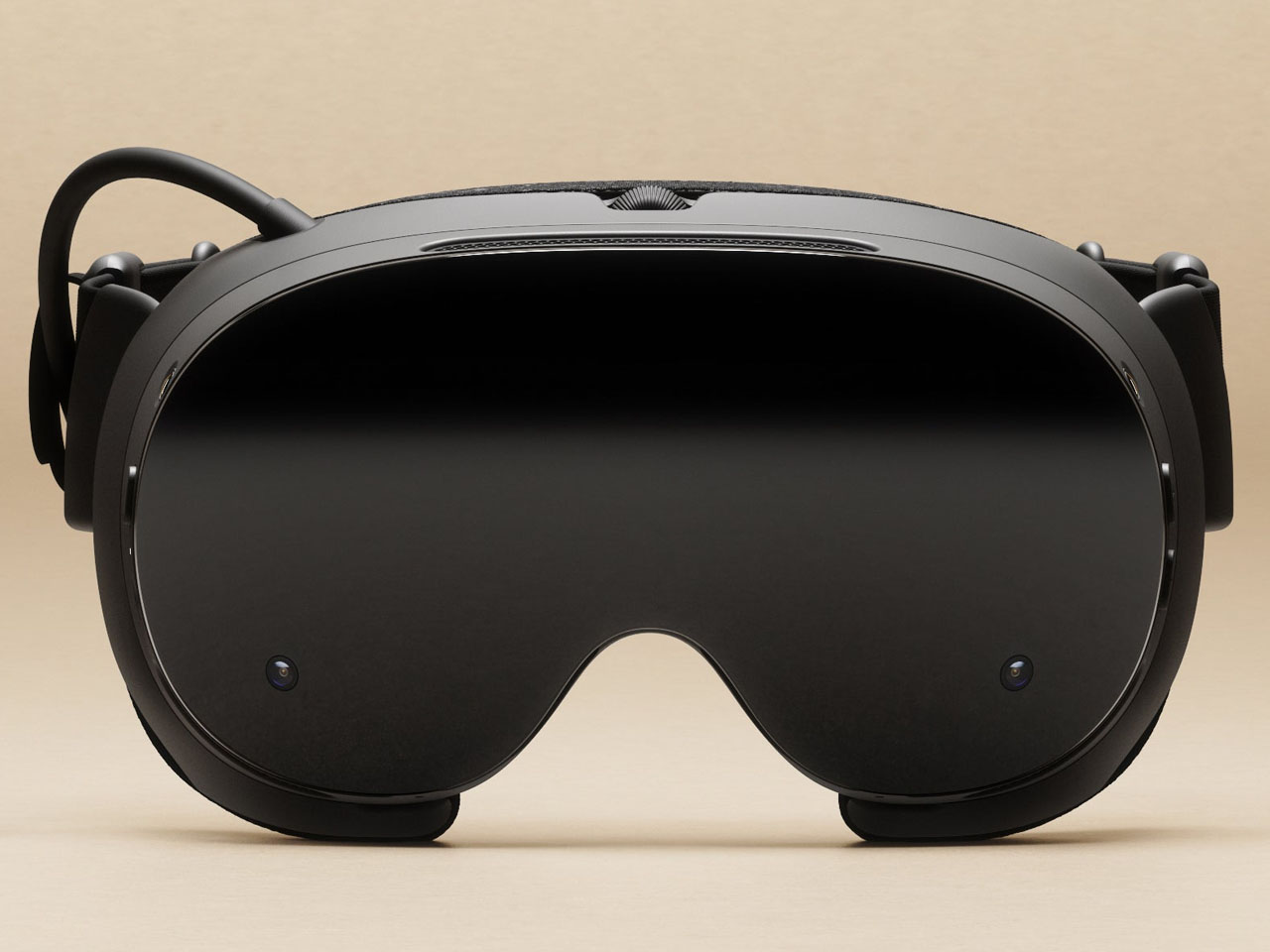
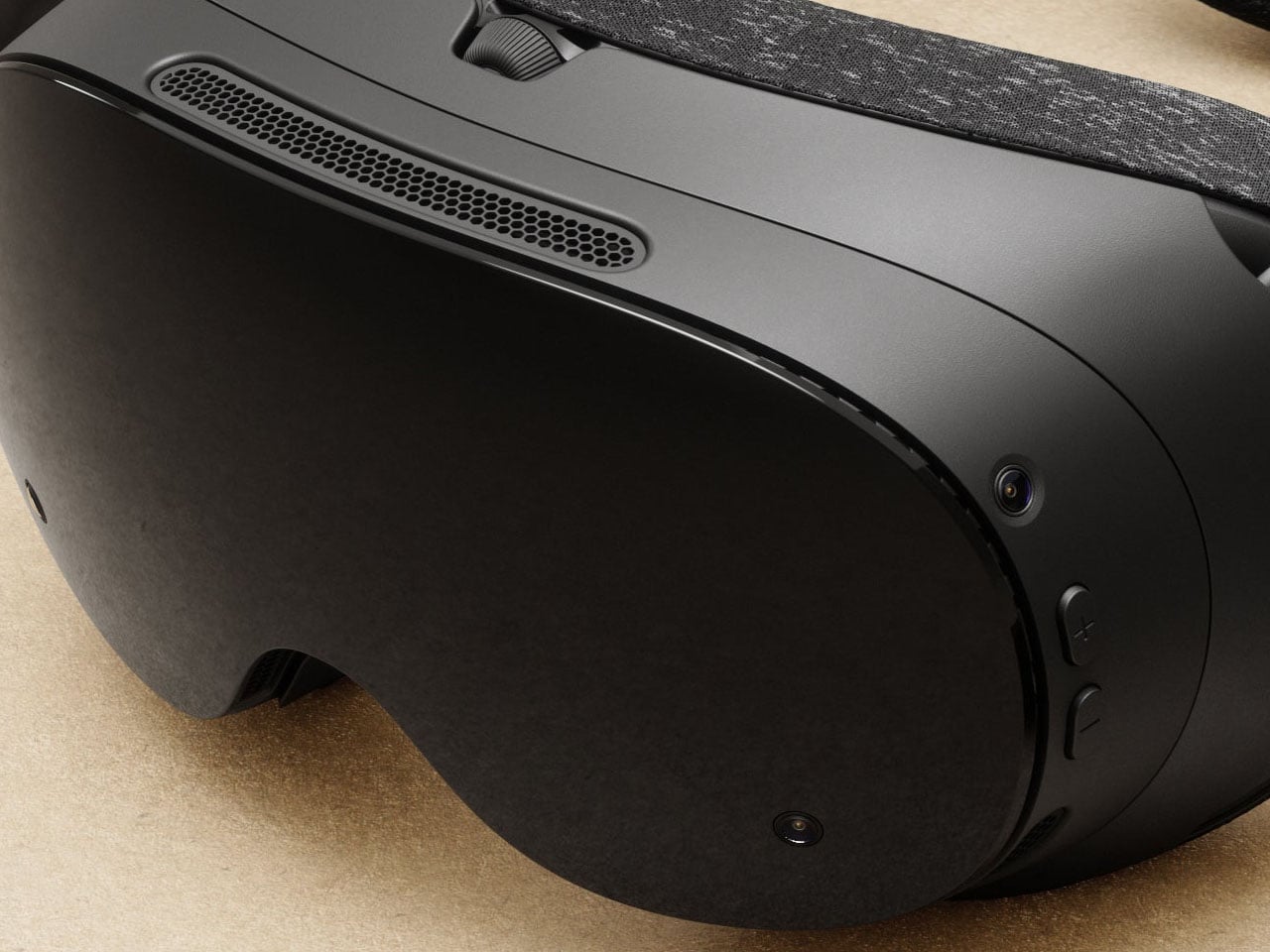
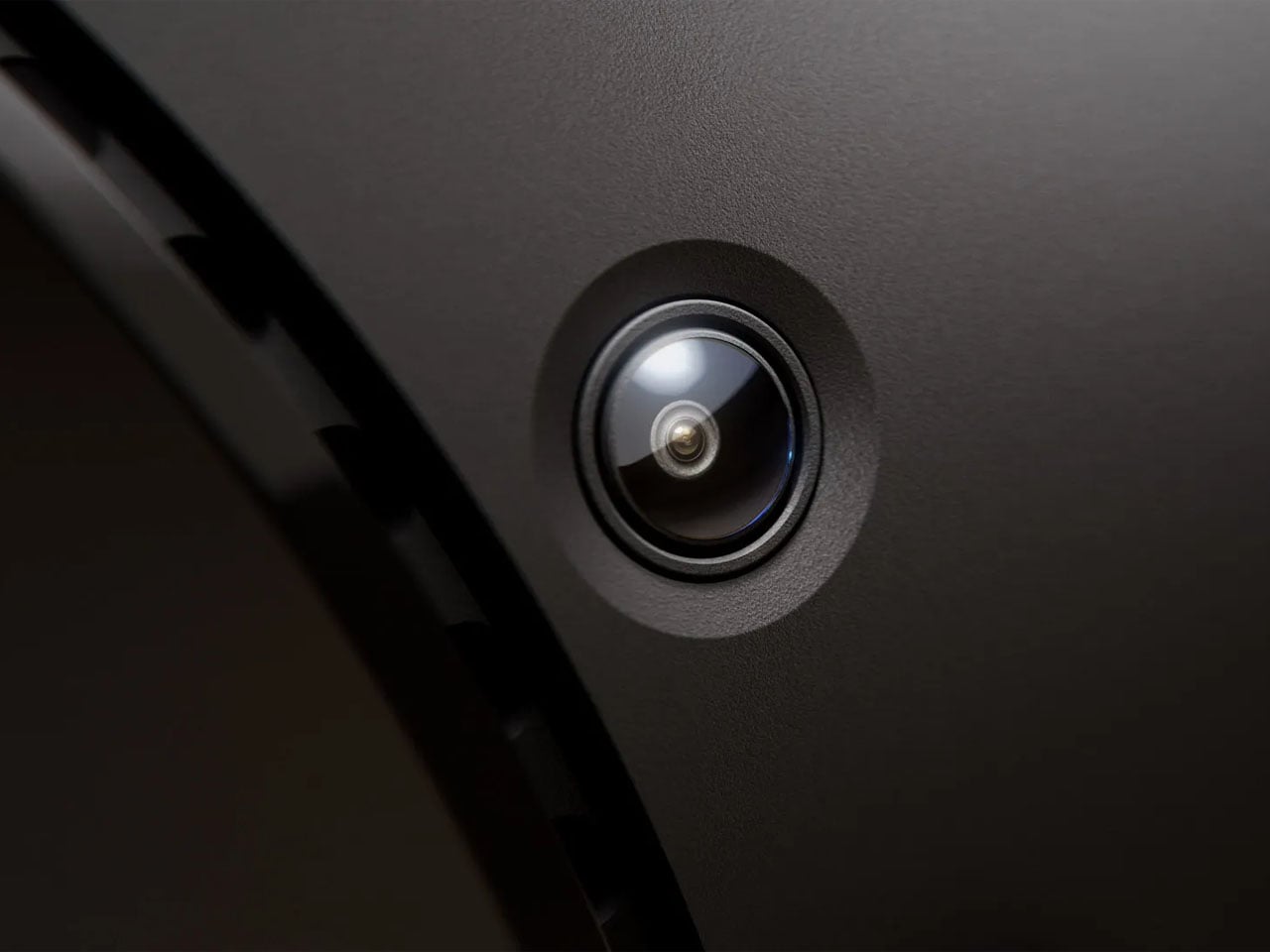
Starting off with the Steam Frame is as easy as lifting it up, strapping it around the head, and you’re right into the game. No setup, no wires required. The four high-res monochrome cameras are straight at tracking the headset and its controller, while the 2160 x 2160 LCD panels, one for each eye, with support for up to 144 Hz refresh rate make gameplay smooth and immersive. Thin and light custom pancake lenses provide up to 110 degrees FOV while infrared LEDs on the outside ensure the headset’s tracking right in all light conditions, even in a dark bedroom (letting you play quietly while your partner sleeps undisturbed).
The pricing structure of the Steam Frame VR headset remains unconfirmed at the time of writing, but rumors suggest a tentative $1,000 tag for it. What we know for certain is that the headset will ship in Spring 2026 with a detachable head strap featuring integrated dual-speakers, a battery that keeps it going for up to 40 hours, and its charging port. The 440g headset will support dual-band Wi-Fi 7 and Bluetooth 5.3 for connectivity. One of the biggest selling points of the Steam Frame could be the Steam Frame developer kit program that Valve is offering developers to bring their Android apps to Steam as well.
Living room gaming has always meant choosing between the simplicity of consoles and the raw power of PCs. Consoles offer plug-and-play convenience with hardware that fits neatly under your TV, but you’re locked into their ecosystems and performance limits. Gaming PCs deliver the horsepower and flexibility, but they’re often noisy, bulky, and require enough desk space to house a small village. Valve’s original Steam Machine experiment tried bridging this gap back in 2015, but awkward controllers and limited adoption meant the idea fizzled out before it could catch on.
Now Valve is trying again, and this time the pieces actually fit together. The new Steam Machine and Steam Controller arrive in early 2026 as part of a broader hardware ecosystem that includes the Steam Deck and Steam Frame VR headset. These aren’t just updated versions of old ideas; they’re built on years of learning from the Steam Deck’s success, with designs that finally deliver on the promise of powerful, flexible PC gaming in a package your living room won’t reject.
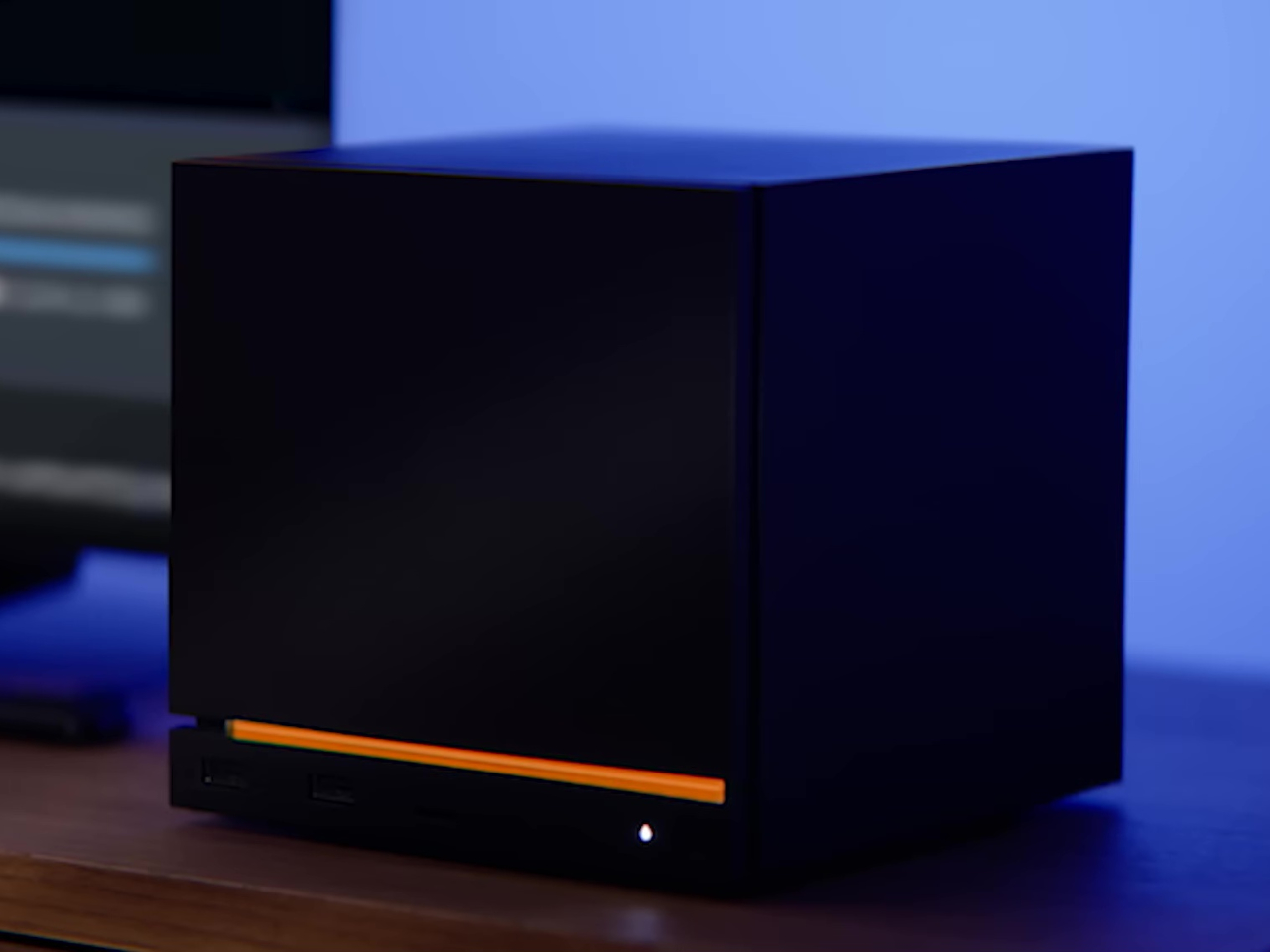
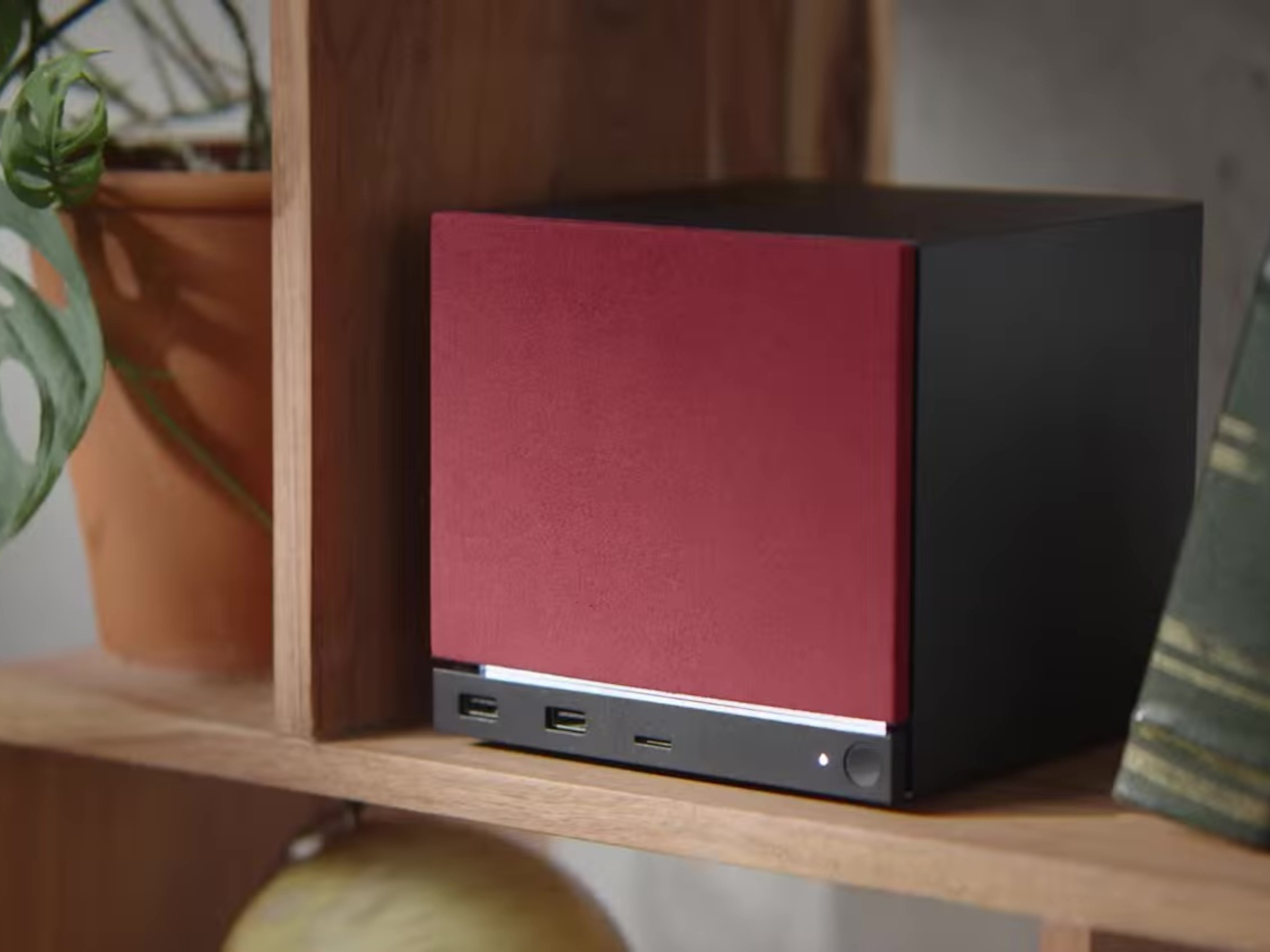
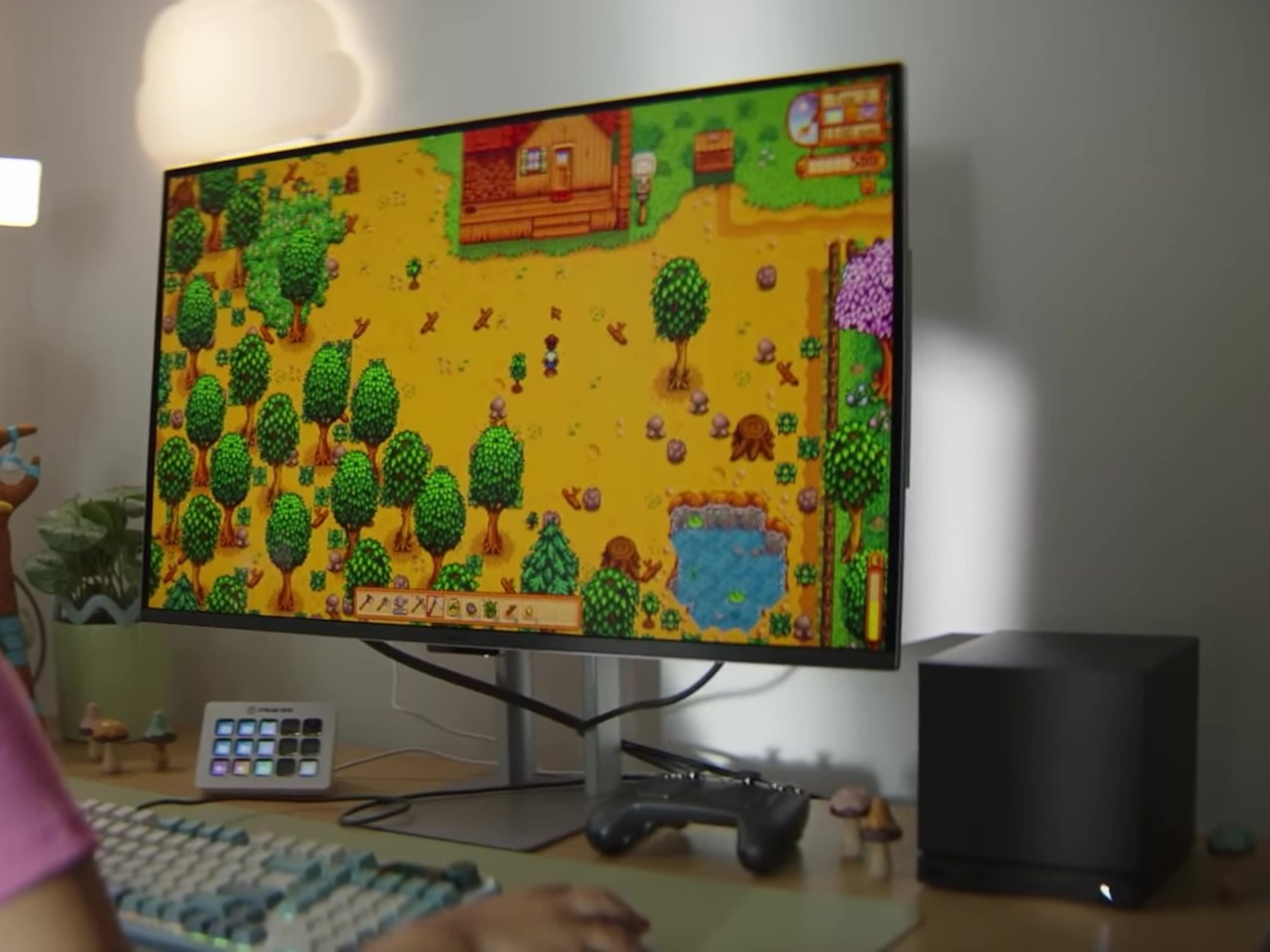
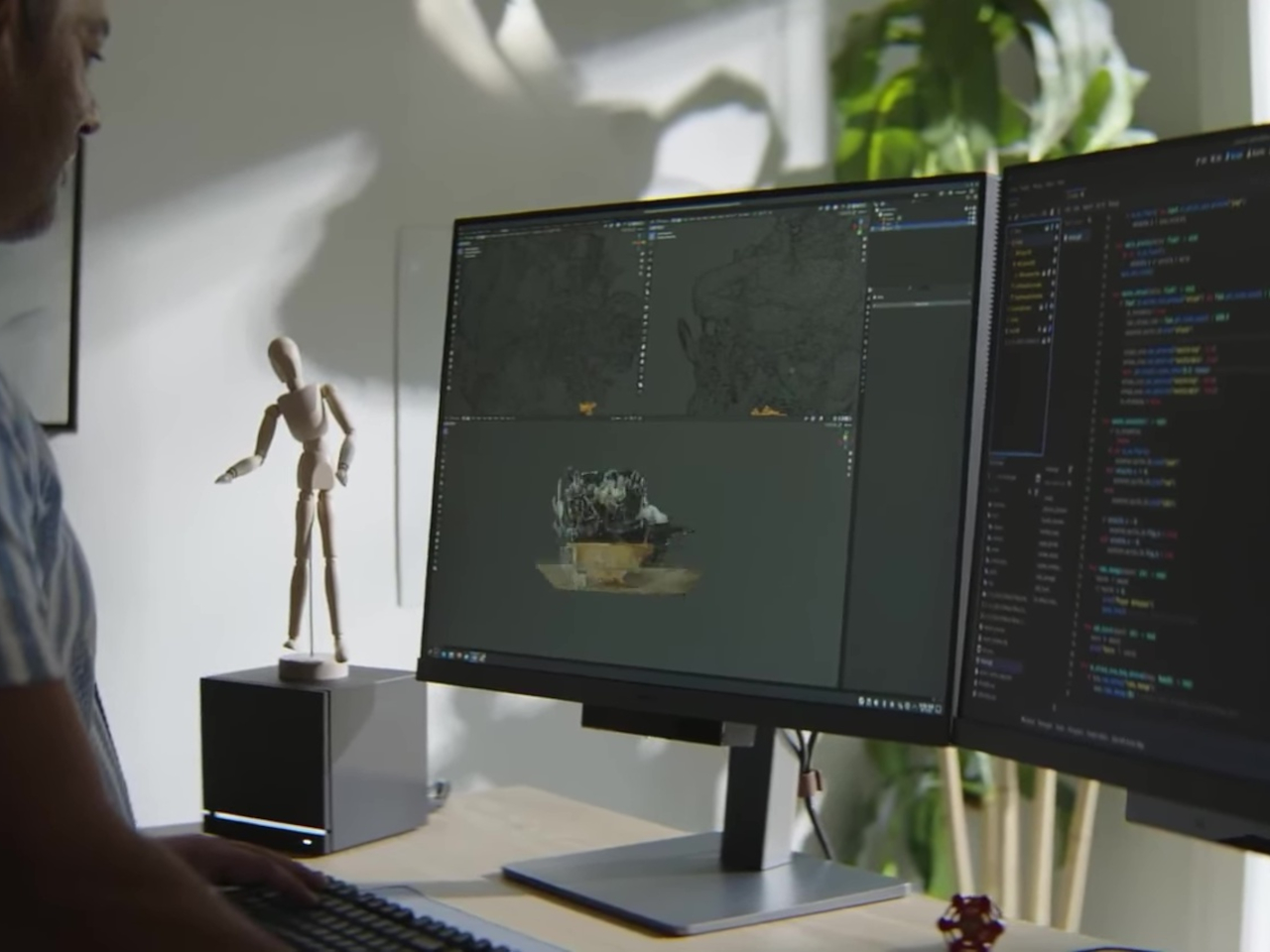
The Steam Machine packs desktop-class gaming into a cube that’s roughly six inches on each side. The matte black enclosure features a magnetically swappable front faceplate and a customizable LED strip that displays system status, download progress, or whatever color gradient suits your mood. It’s a minimalist design that hides pretty impressive hardware, including a semi-custom AMD Zen 4 CPU and RDNA3 GPU capable of 4K gaming at 60fps with FSR enabled. Valve claims it’s over six times more powerful than the Steam Deck, which should handle most AAA titles without breaking a sweat.
Inside, you get 16GB of DDR5 RAM plus 8GB of dedicated VRAM, with storage options of either 512GB or 2TB NVMe SSDs. Both models include microSD expansion if you need even more space. The internal power supply means no bulky external brick cluttering your entertainment center, and the whole thing runs whisper-quiet even under load. Valve designed the cooling system to handle demanding games without turning your living room into a wind tunnel, which is a thoughtful touch for something meant to sit in plain sight.
The I/O situation is refreshingly generous. You get DisplayPort 1.4 and HDMI 2.0 outputs for connecting to TVs or monitors, with support for resolutions up to 8K at 60Hz or 4K at 240Hz, depending on which port you use. There are five USB ports total, split between the front and back, plus Gigabit Ethernet and Wi-Fi 6E for connectivity. The Steam Machine also has a built-in wireless adapter that pairs directly with up to four Steam Controllers, letting you wake the system from your couch without fumbling for a keyboard.
Of course, the Steam Machine runs SteamOS, the same Linux-based operating system that powers the Steam Deck. The interface is designed for controllers rather than mice, with fast suspend and resume that works like a console. That said, it’s still a PC underneath, so you can install whatever apps or operating systems you want. Valve isn’t locking you into anything, which feels like a rare bit of freedom in hardware that’s otherwise pretty locked down these days.
Steam Controller
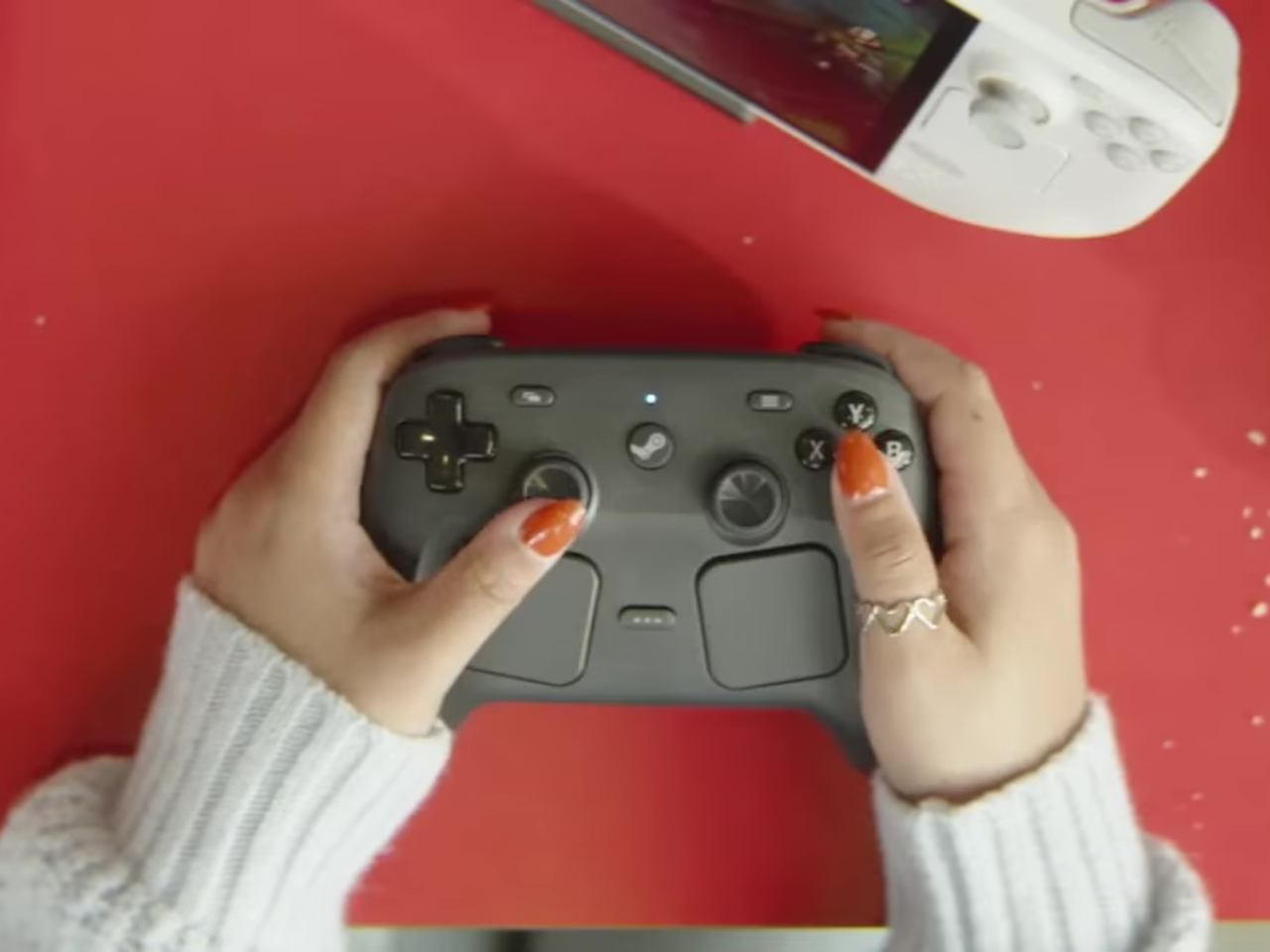
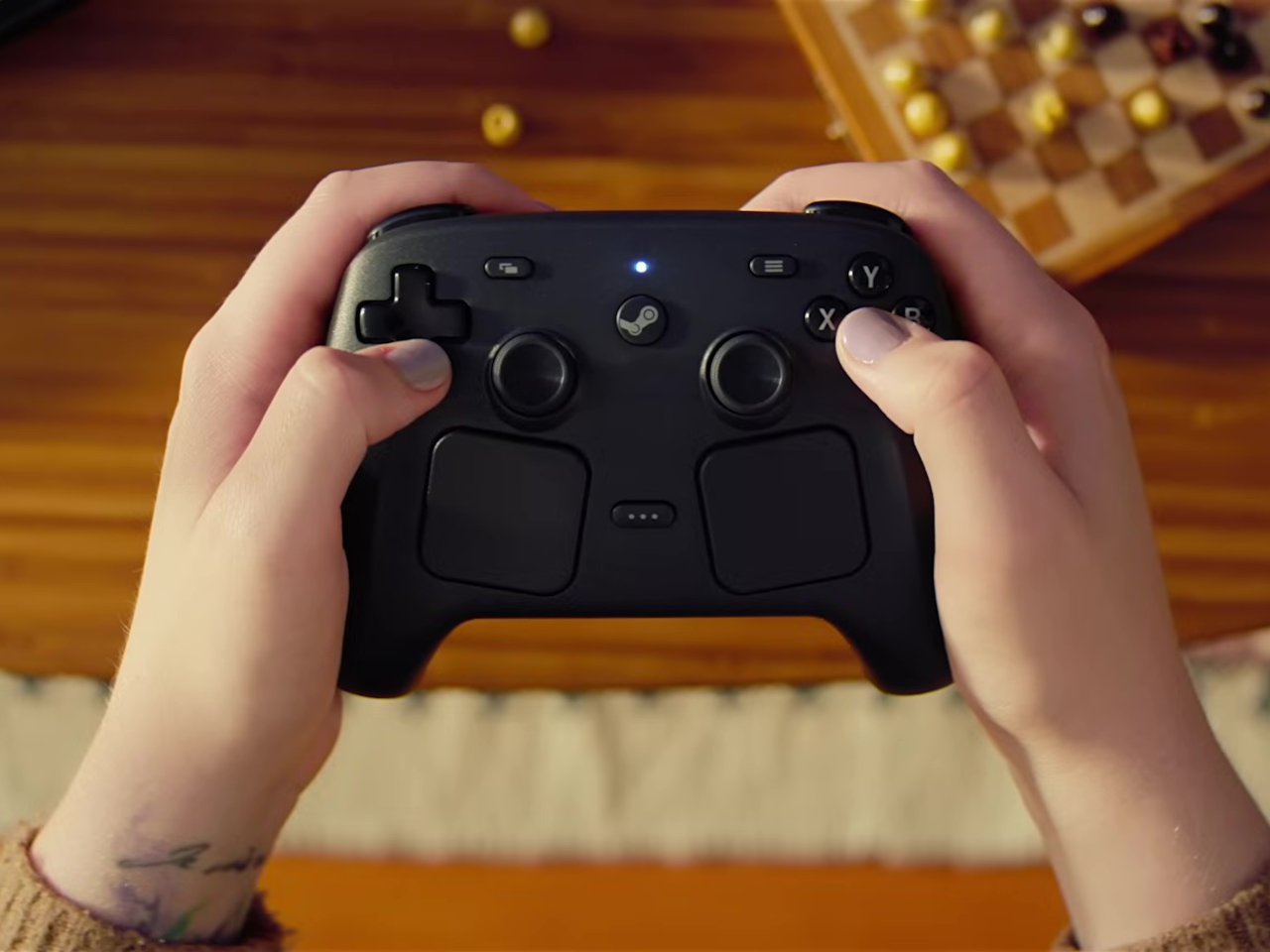
The new Steam Controller takes everything Valve learned from the Steam Deck’s controls and packages it into a standalone gamepad. The layout is familiar if you’ve used a Steam Deck, with two full-size magnetic thumbsticks, dual square trackpads, and all the standard buttons you’d expect. The thumbsticks use TMR technology for better durability and responsiveness, and they support capacitive touch for enabling motion controls. The trackpads are pressure-sensitive and include haptic feedback, making them viable for games that normally require a mouse.
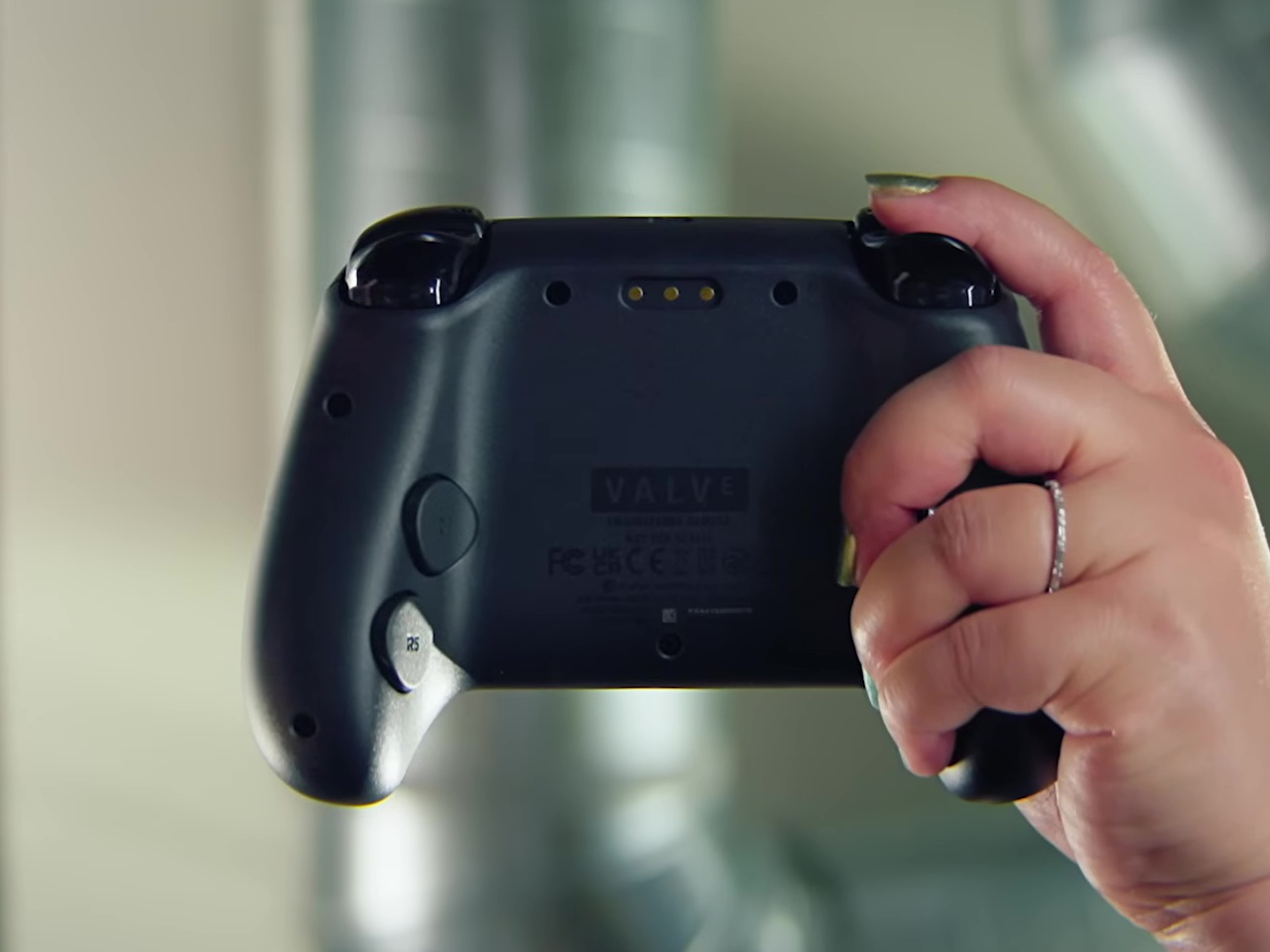
What sets this controller apart are the extras. Four assignable grip buttons sit on the back, letting you map additional controls without taking your thumbs off the sticks or pads. There’s also a feature Valve calls Grip Sense, which uses capacitive sensors along the handles to enable gyro aiming when you hold the controller and disable it when you let go. It’s a small detail that makes aiming in shooters feel more natural without requiring you to toggle a button every time you want precision.
The controller connects via a dedicated wireless puck that doubles as a magnetic charging dock. The puck uses a 2.4GHz connection with about 8ms latency, which is noticeably faster than Bluetooth and feels snappy during gameplay. You can also connect via Bluetooth or USB-C if you prefer, and the 8.39Wh battery is rated for over 35 hours of play. One puck can handle up to four controllers, which makes local multiplayer setups pretty straightforward.
Customization runs deep thanks to Steam Input, which lets you remap every button, adjust sensitivity, and tweak haptics to your liking. Community configurations are available from day one, so you can load presets for thousands of games or build your own and share them. The controller also works across Valve’s entire ecosystem, from PCs and laptops to Steam Deck and the new Steam Machine, with infrared LEDs that let the Steam Frame VR headset track it for mixed-reality gameplay.
Valve’s hardware lineup is expanding into a proper ecosystem rather than just scattered experiments. The Steam Machine and Steam Controller arrive as the cornerstones of that vision, offering power and flexibility without forcing you to choose between the simplicity of consoles and the openness of PCs. Whether that’s enough to pull gamers off the couch and away from their PlayStations remains to be seen, but the pieces are finally in place.
Power strips live beneath desks or behind furniture where nobody has to look at them. Black plastic housings with rows of identical outlets do their jobs without offering anything visually interesting or worth displaying. They’re purely functional objects designed to disappear, which works fine until you’re building a desk setup where aesthetics matter as much as keeping devices charged, and everything ends up looking generic and forgettable.
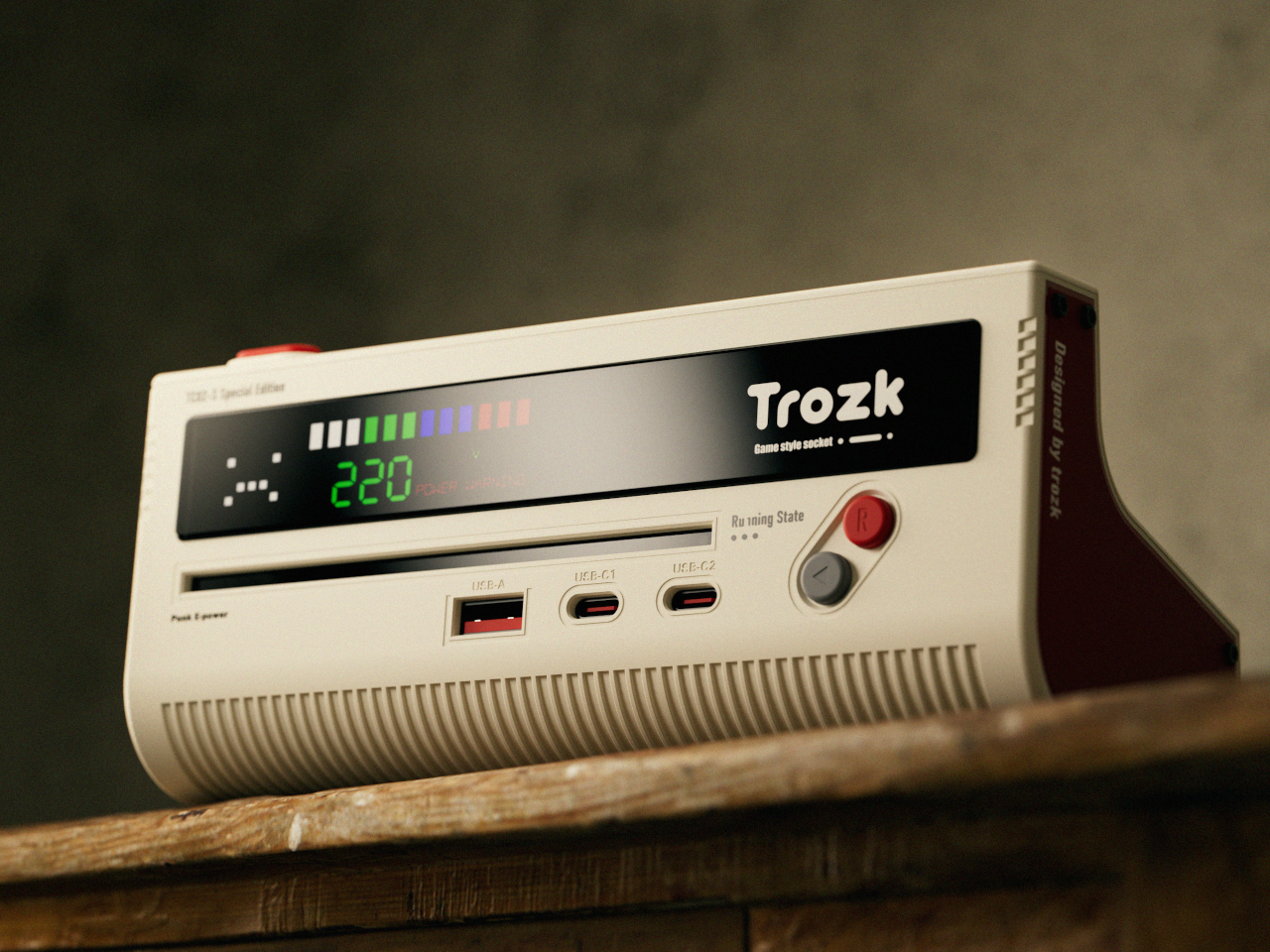
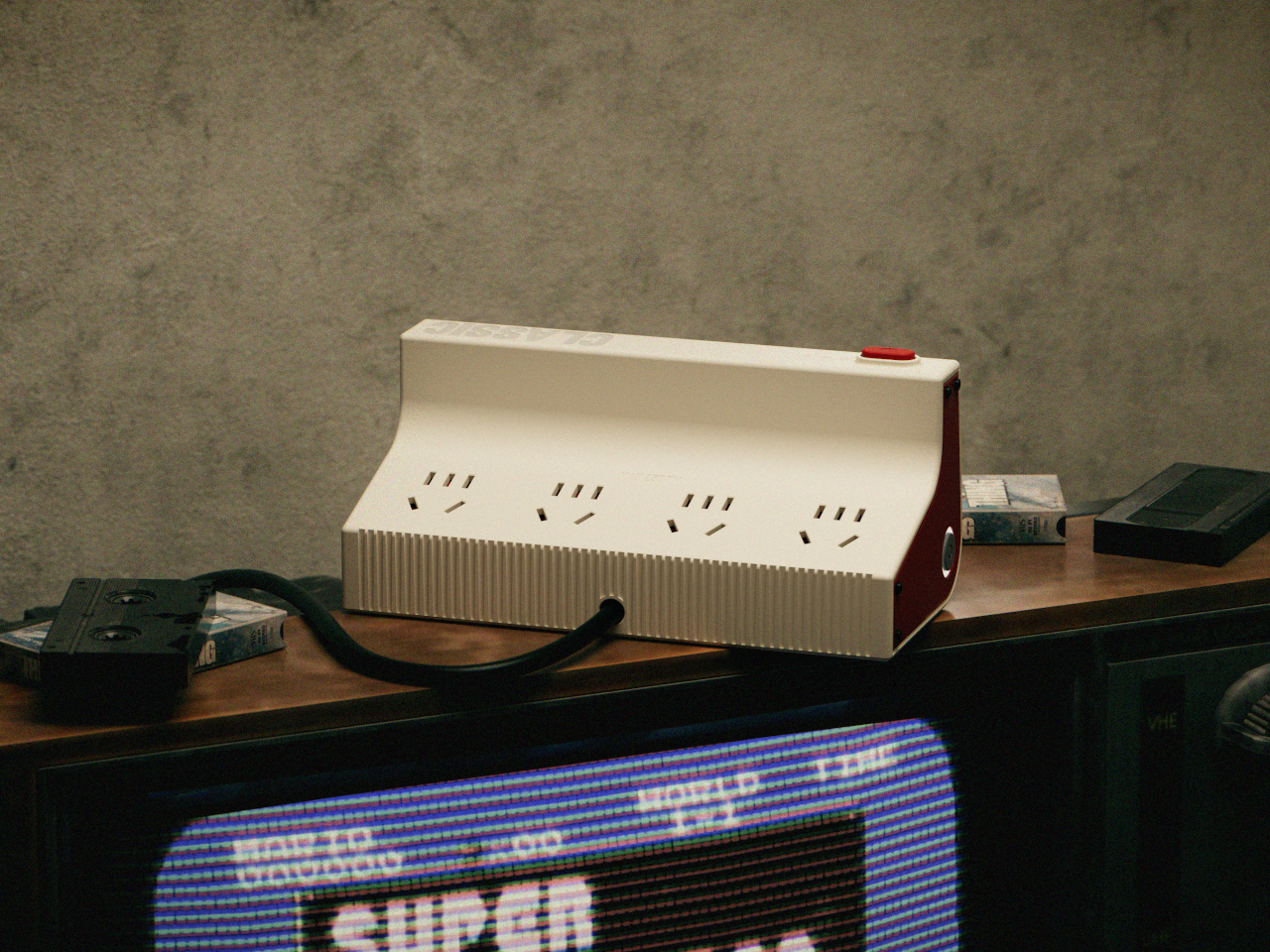
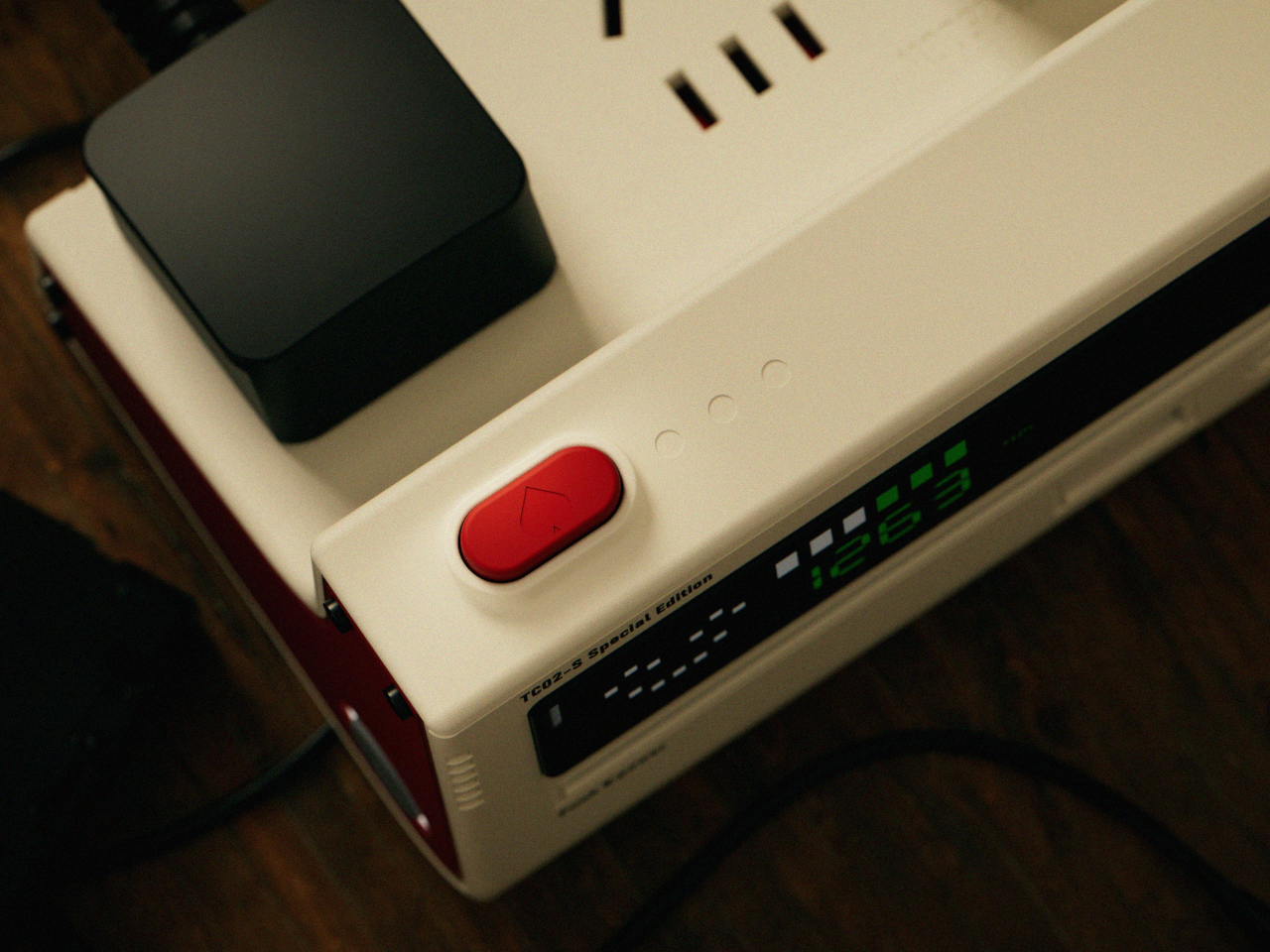
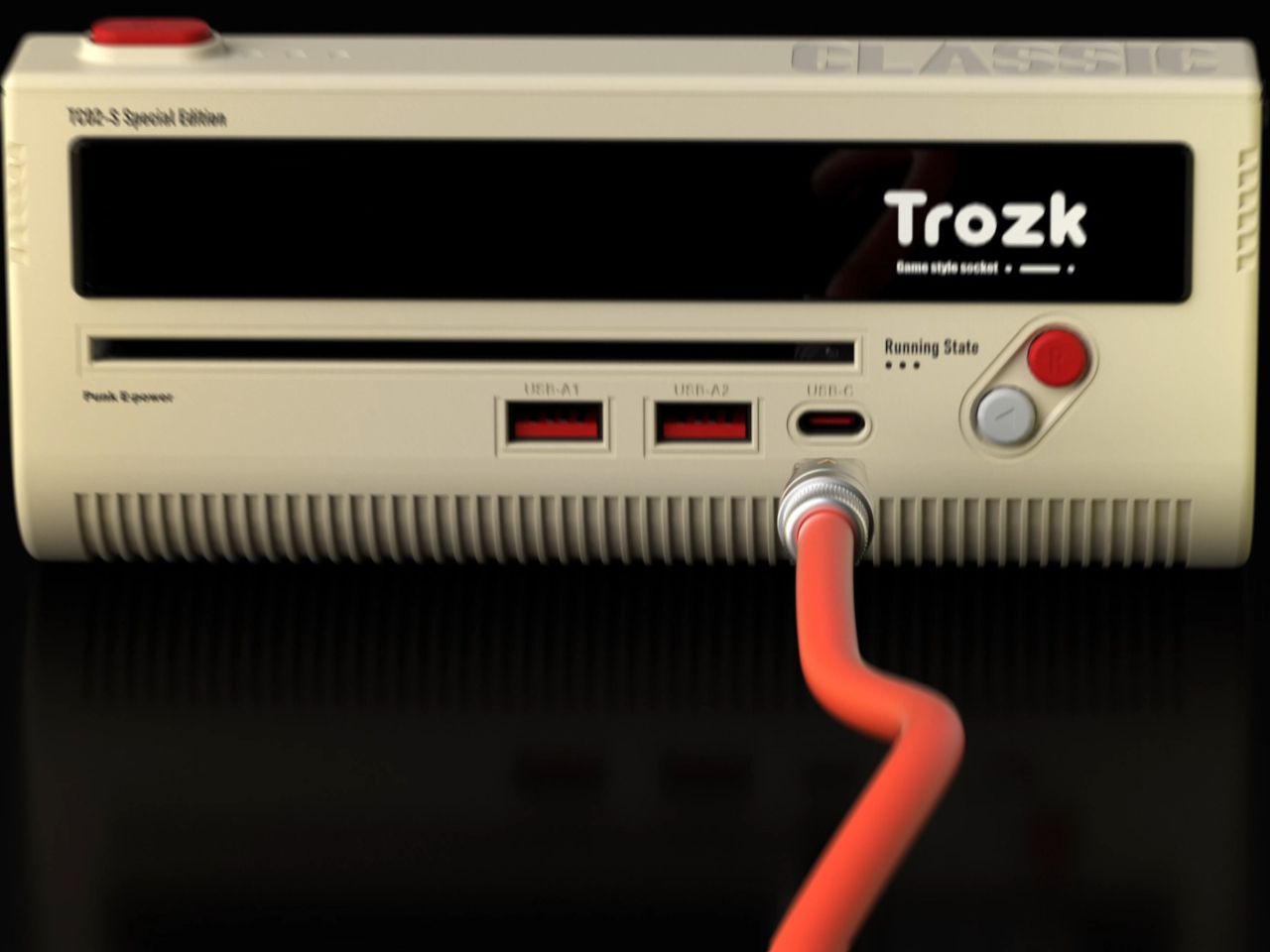
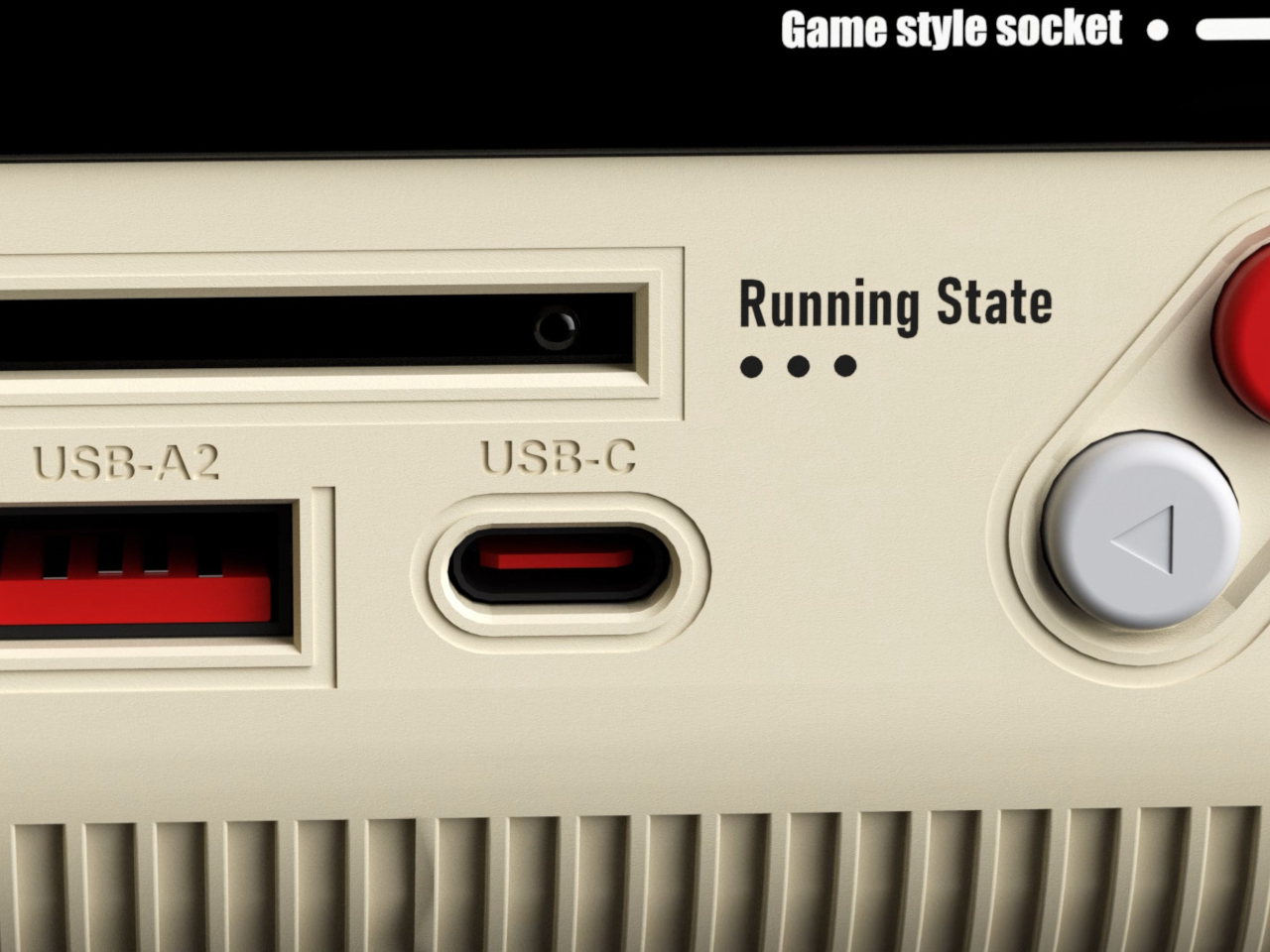
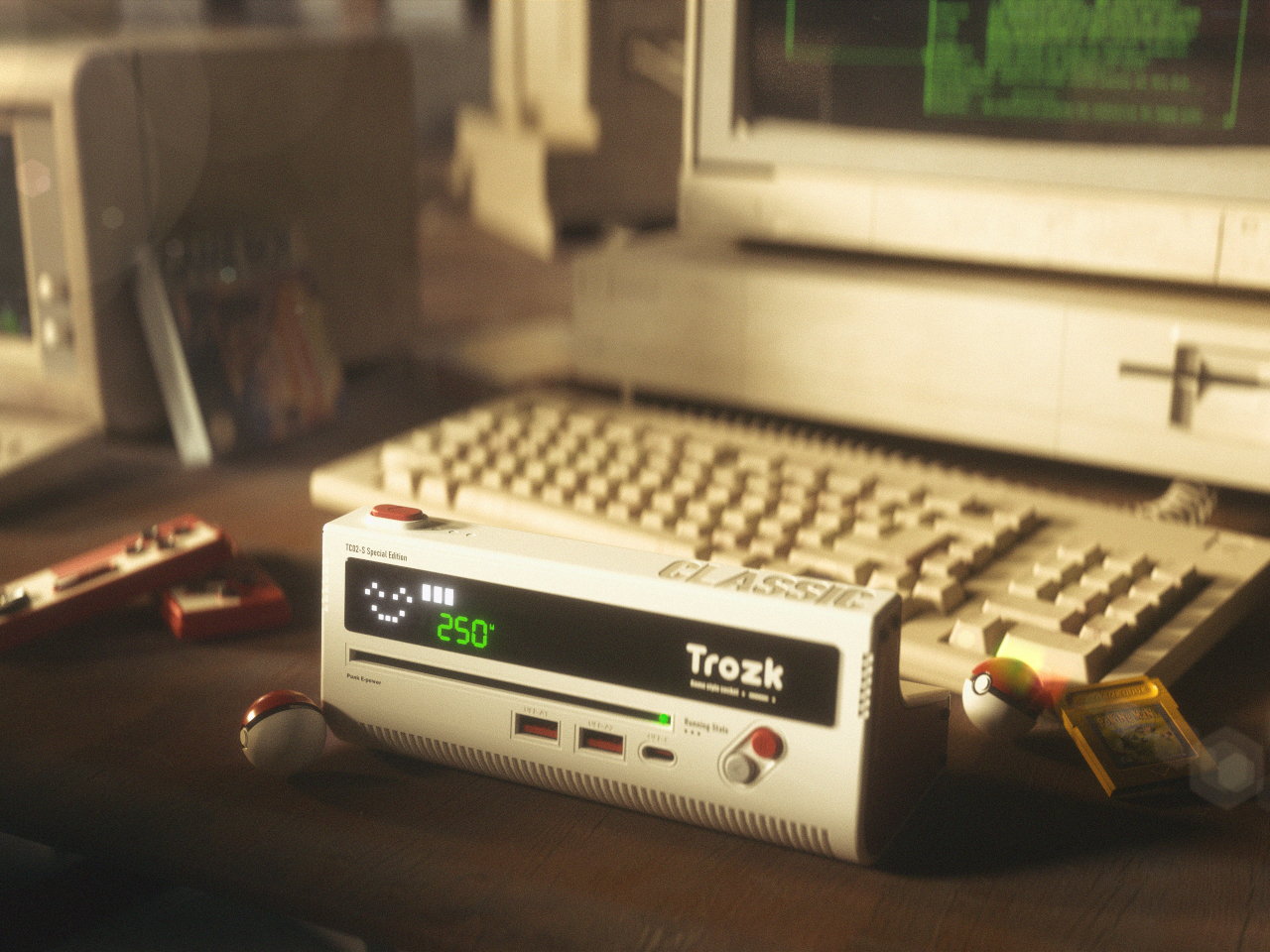
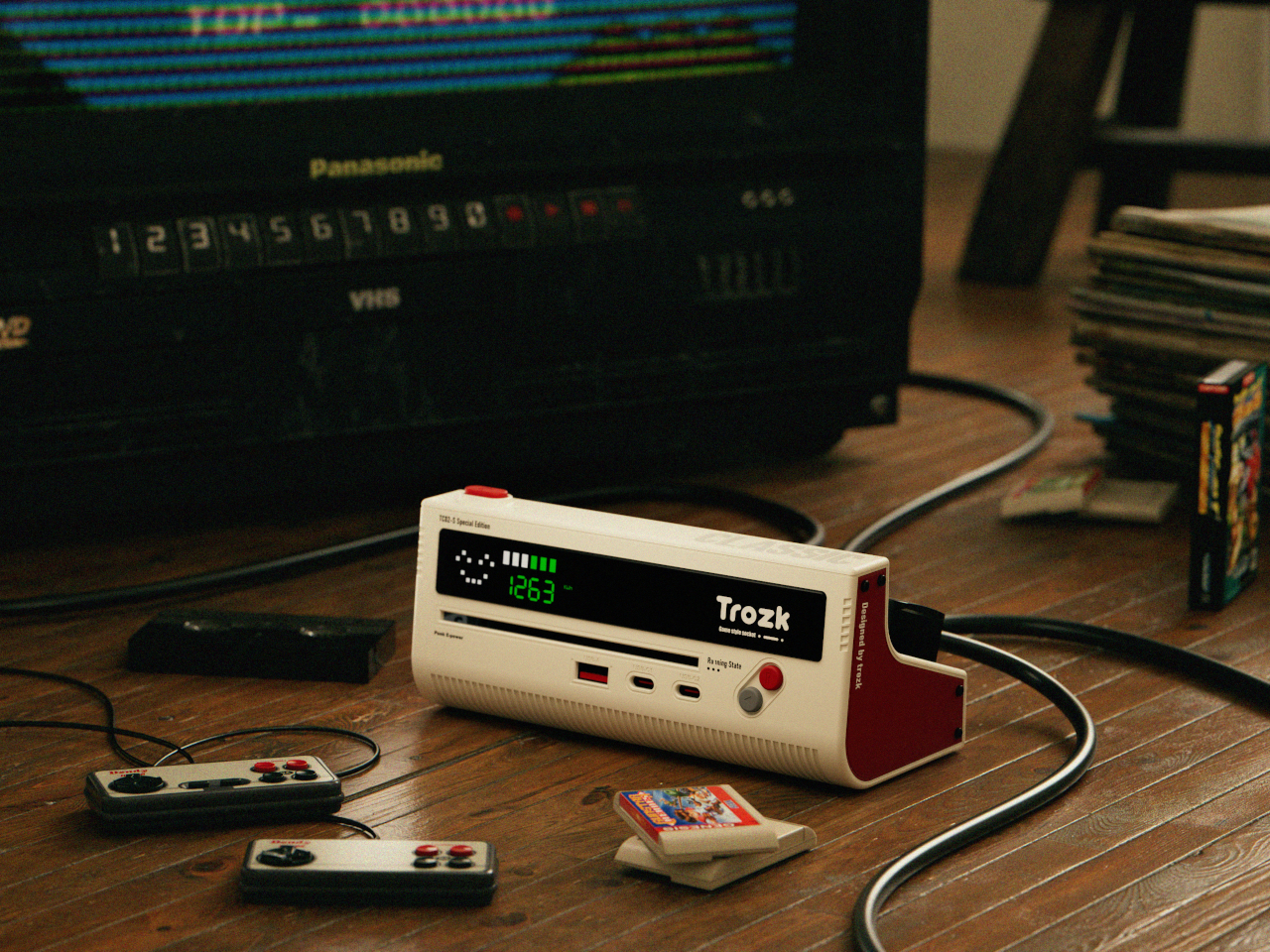
The Trozk Game Style Socket recreates the Nintendo Famicom console as a functional charging station, bringing the red and white color scheme and design language from 1983 directly onto modern desks. Instead of hiding, this power strip sits visibly where it becomes a conversation starter about childhood gaming memories while handling the practical work of powering laptops, phones, and whatever else needs electricity. The nostalgia hits immediately for anyone who remembers cartridge-based gaming.
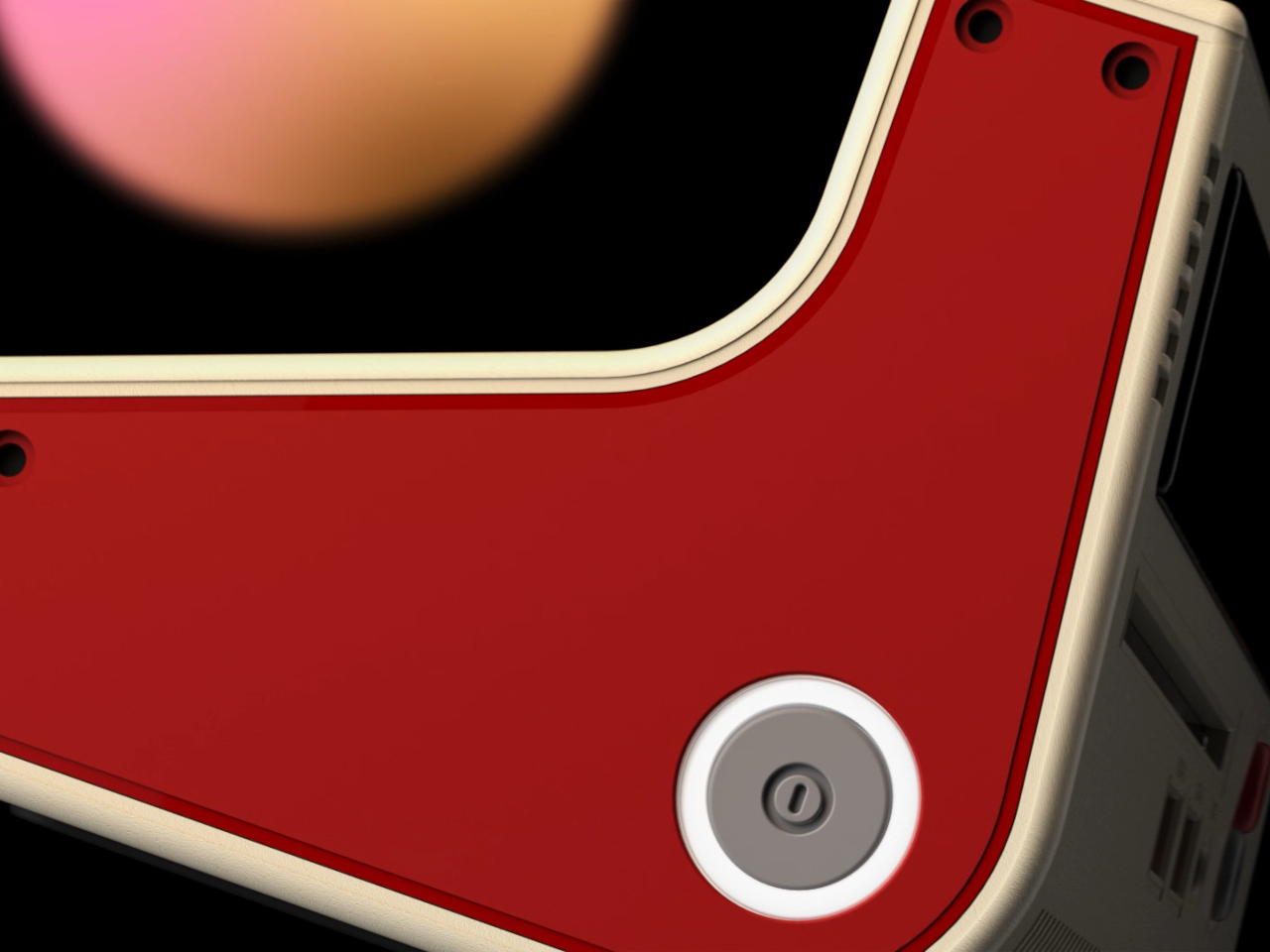
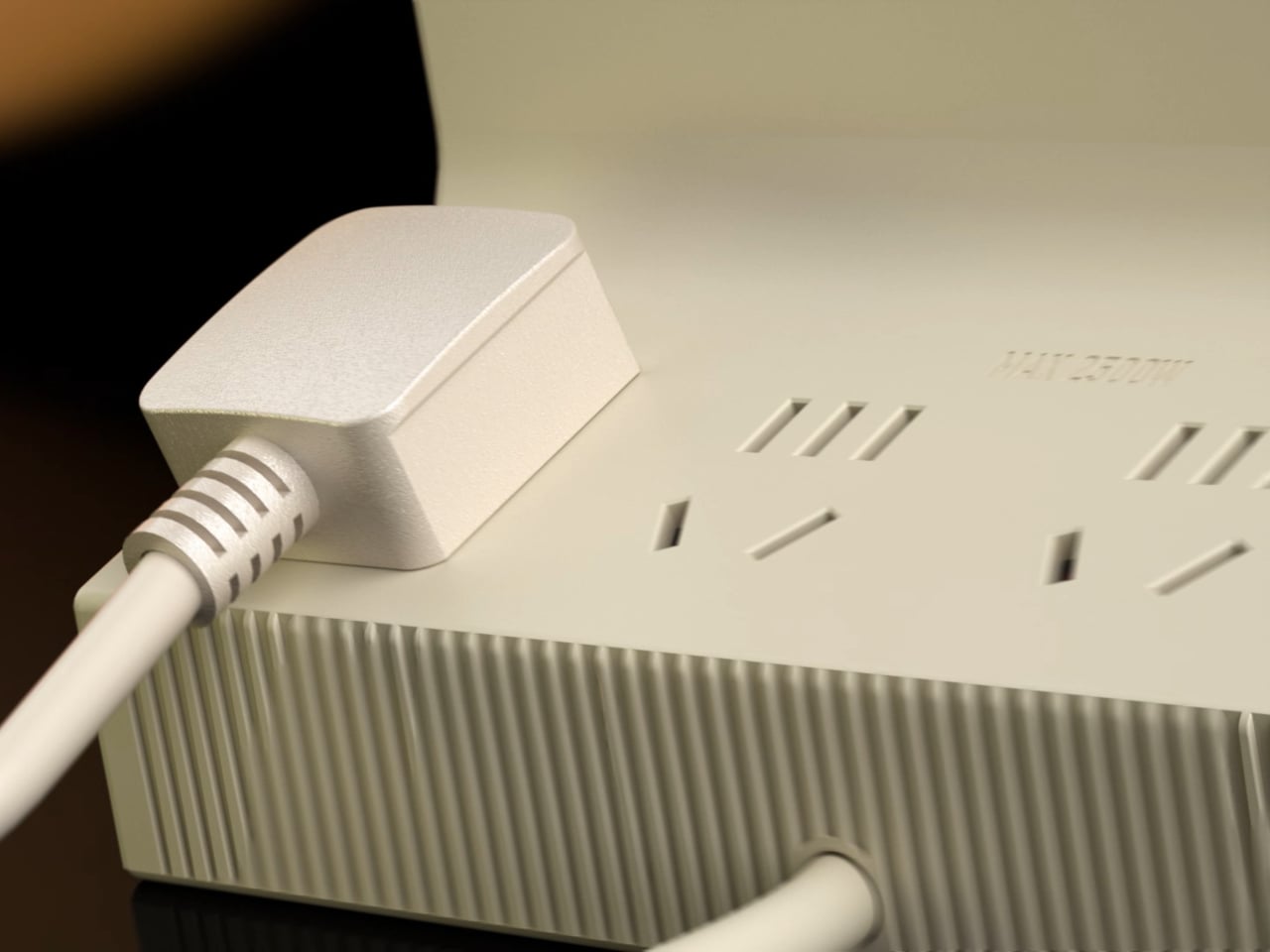
The body follows the Famicom’s rectangular shape with rounded edges and cream-colored plastic accented by deep red panels. Vertical ridges run along the sides like ventilation grilles from the original hardware. A large red power button sits on one side, positioned exactly where you’d expect a console’s main switch. The whole thing commits fully to looking like a game system from four decades ago instead of just borrowing surface details.
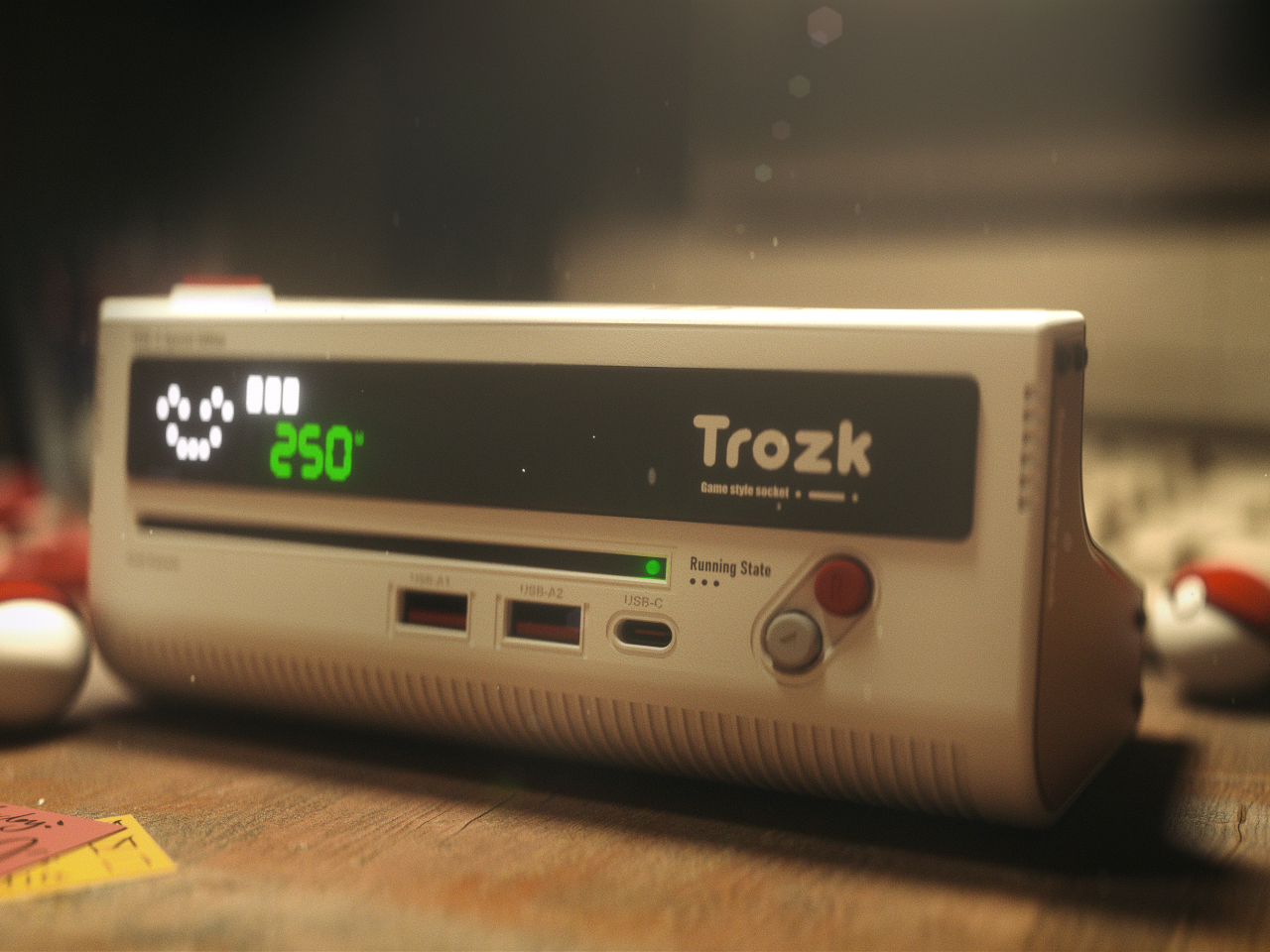
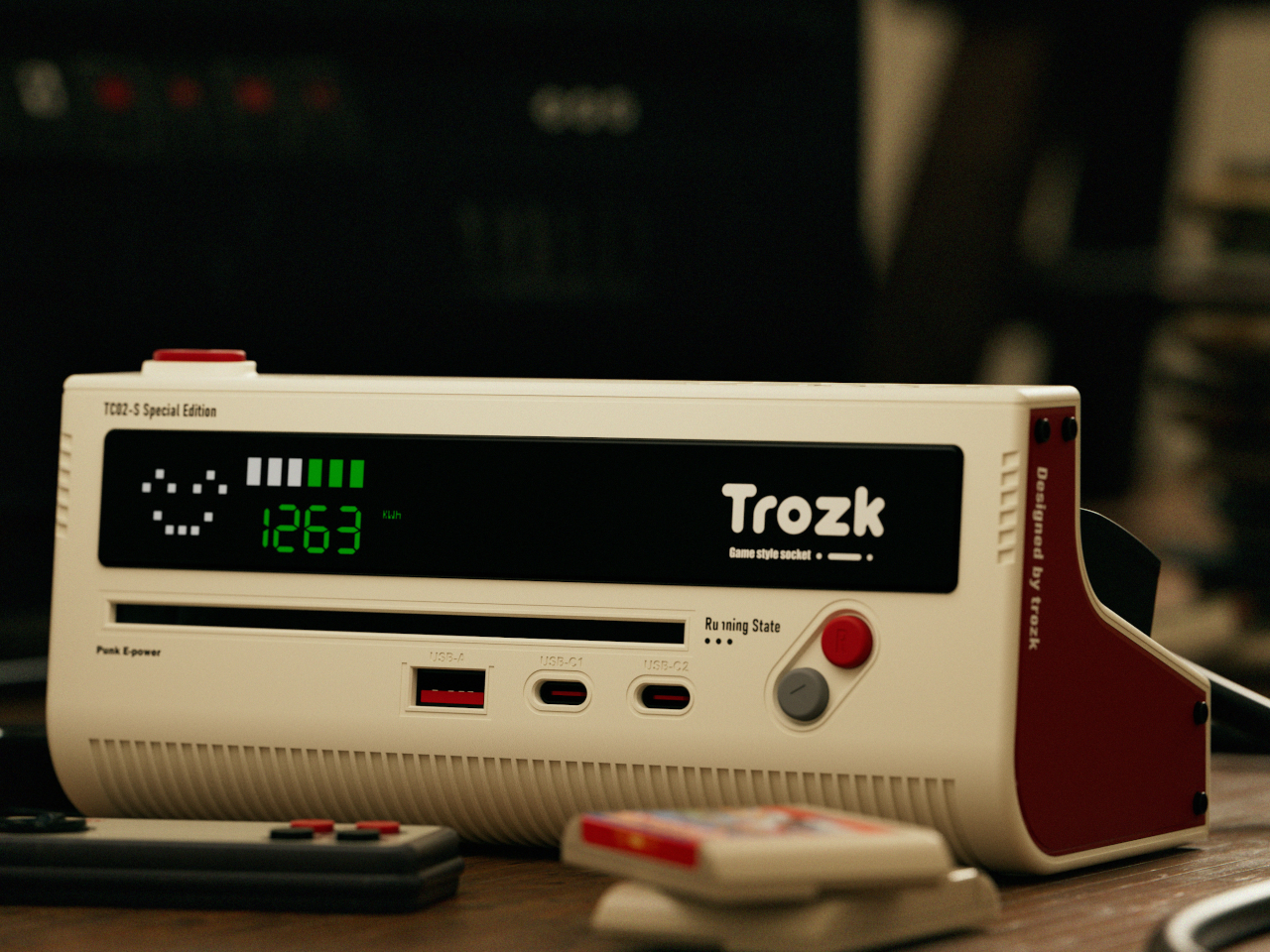
The front panel displays a pixel-style LED screen showing voltage, current draw, and operational status through green numbers and colored bar graphs pulled straight from early arcade interfaces. Small smiley face icons and retro graphics appear alongside the readings, making functional information feel playful. The screen provides genuinely useful data about power consumption while looking like something that should be showing your high score instead.
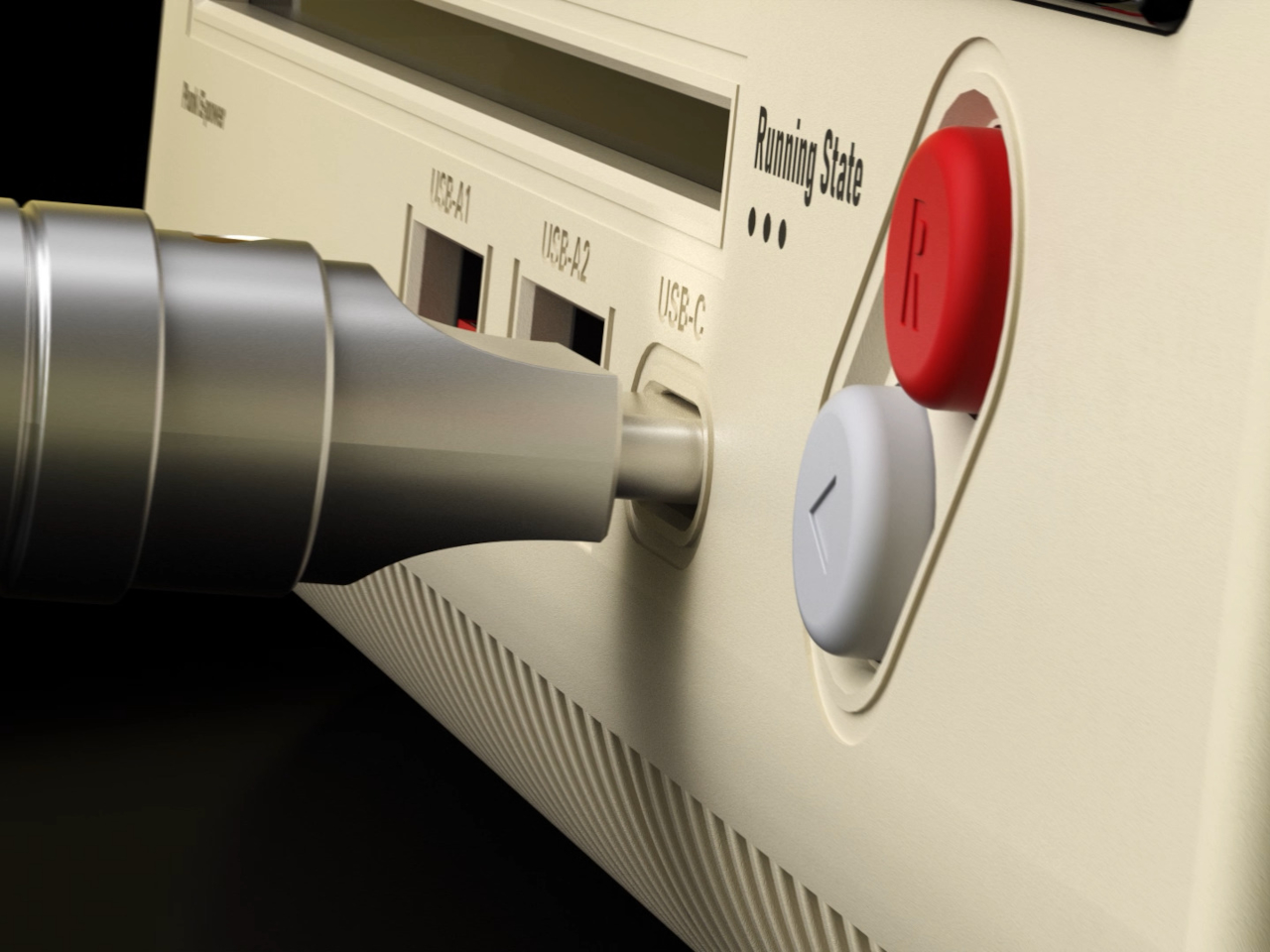
Multiple AC outlets cover the top and rear surfaces alongside two USB-A ports and one USB-C port for fast charging. The layout spaces everything out enough that bulky adapters don’t block neighboring outlets. The USB-C handles modern quick-charge protocols, while the AC sockets accept different plug types depending on your region. Everything you’d typically plug into a standard power strip works here, just with significantly more personality surrounding it.
Tactile buttons along the front feel satisfying to press like actual controller buttons instead of mushy switches that typical power strips use. The plastic housing looks and feels substantial rather than cheap. Internal construction visible in assembly diagrams shows thoughtful engineering with proper component spacing and secure mounting for all electrical elements. Surge protection and safety features likely come standard, though specific certifications aren’t detailed.
The socket works best on desks where the retro gaming aesthetic adds character to setups that would otherwise look like every other workspace filled with identical black rectangles. It organizes charging needs while referencing shared cultural memories. The Trozk Game Style Socket treats charging as an opportunity for design that carries emotional weight, making daily device management slightly more joyful for anyone who appreciates objects that tell stories.
The mechanical keyboard market has split into factions that rarely speak to each other. Gaming boards chase millisecond advantages with features most people will never configure, while design-focused options prioritize clean lines at the expense of functionality. Premium keyboards exist in both categories, but they seldom bridge the gap between looking appropriate in a minimalist workspace and delivering the kind of technical depth that competitive players actually use.
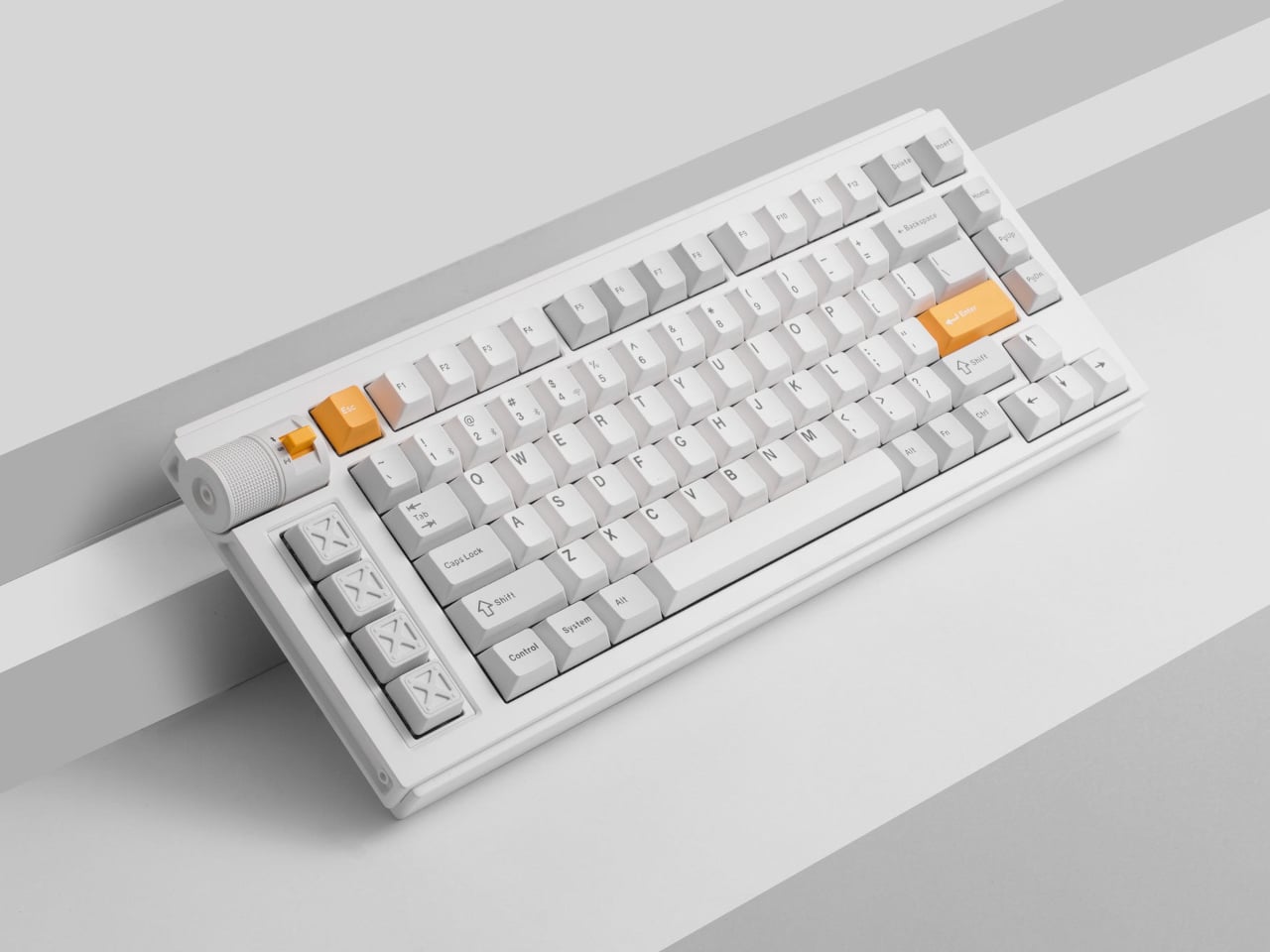
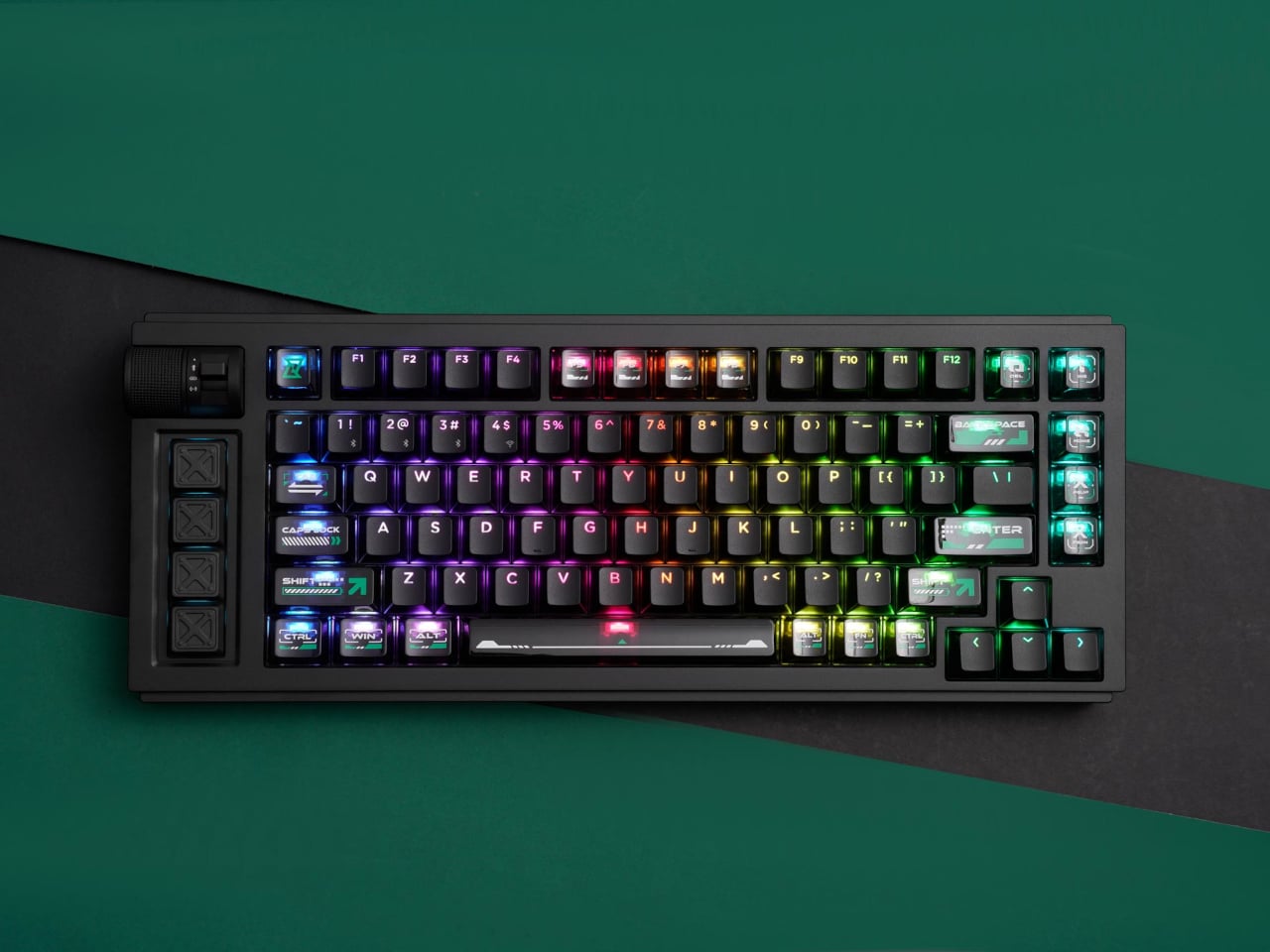
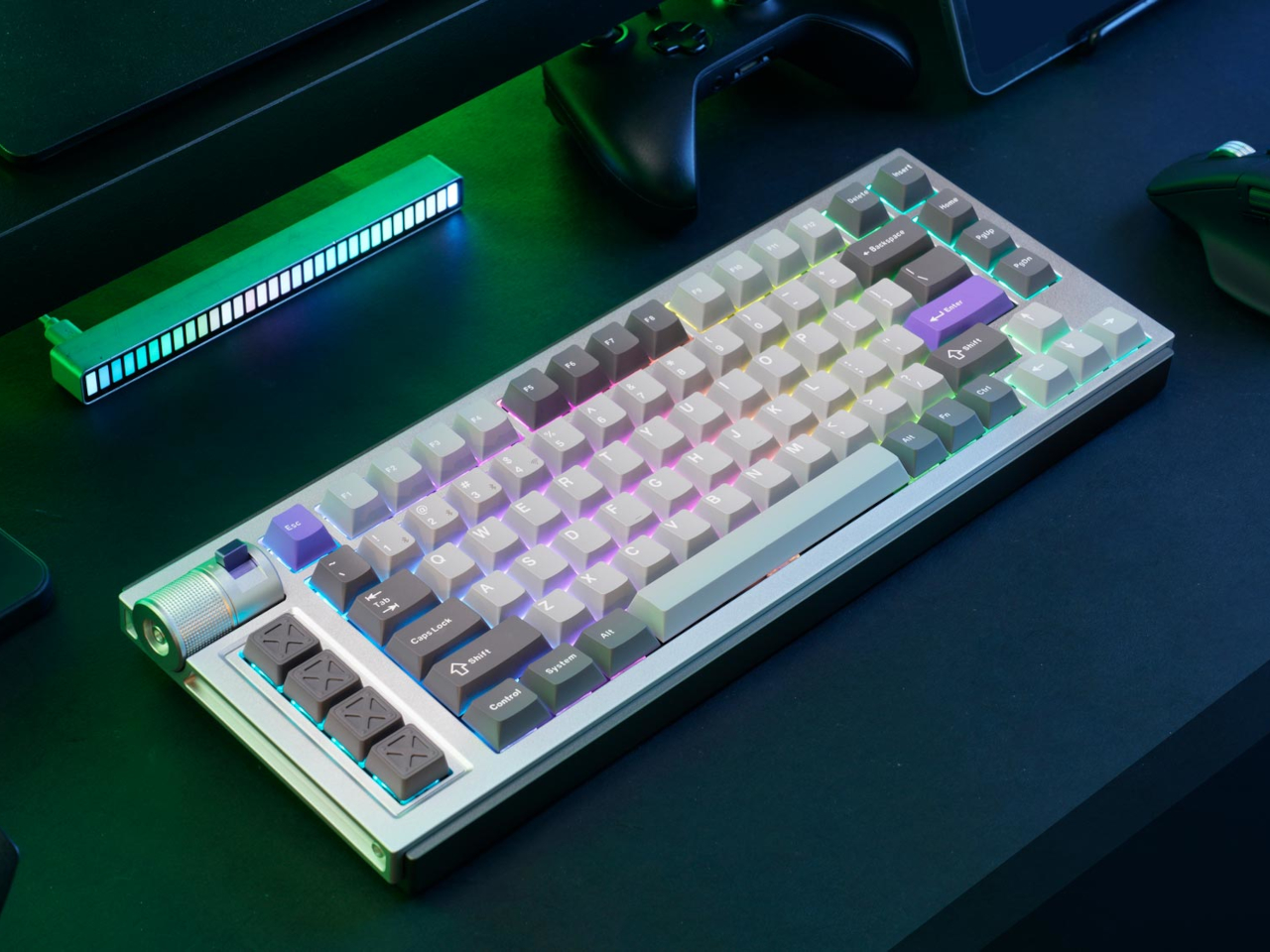
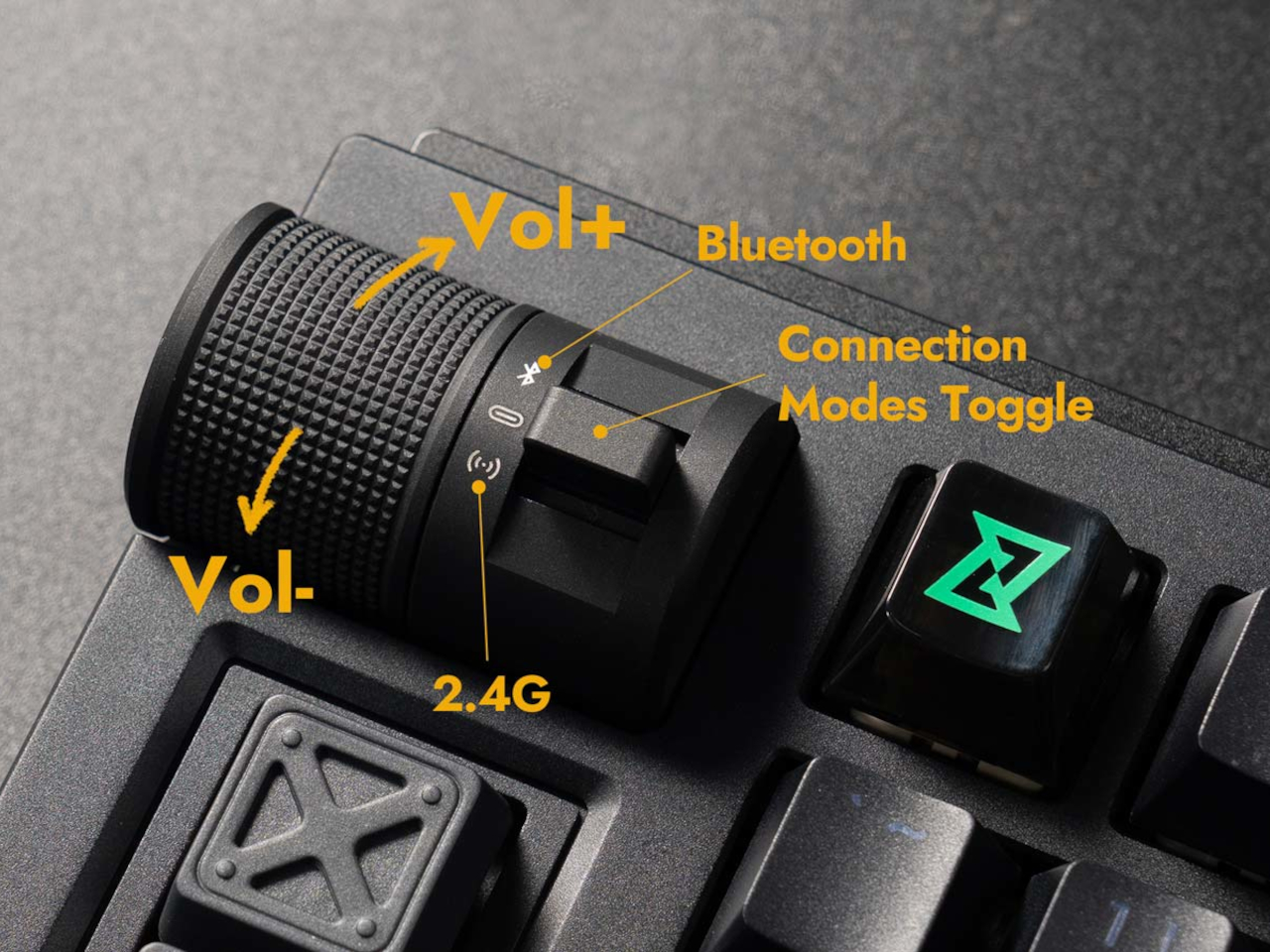
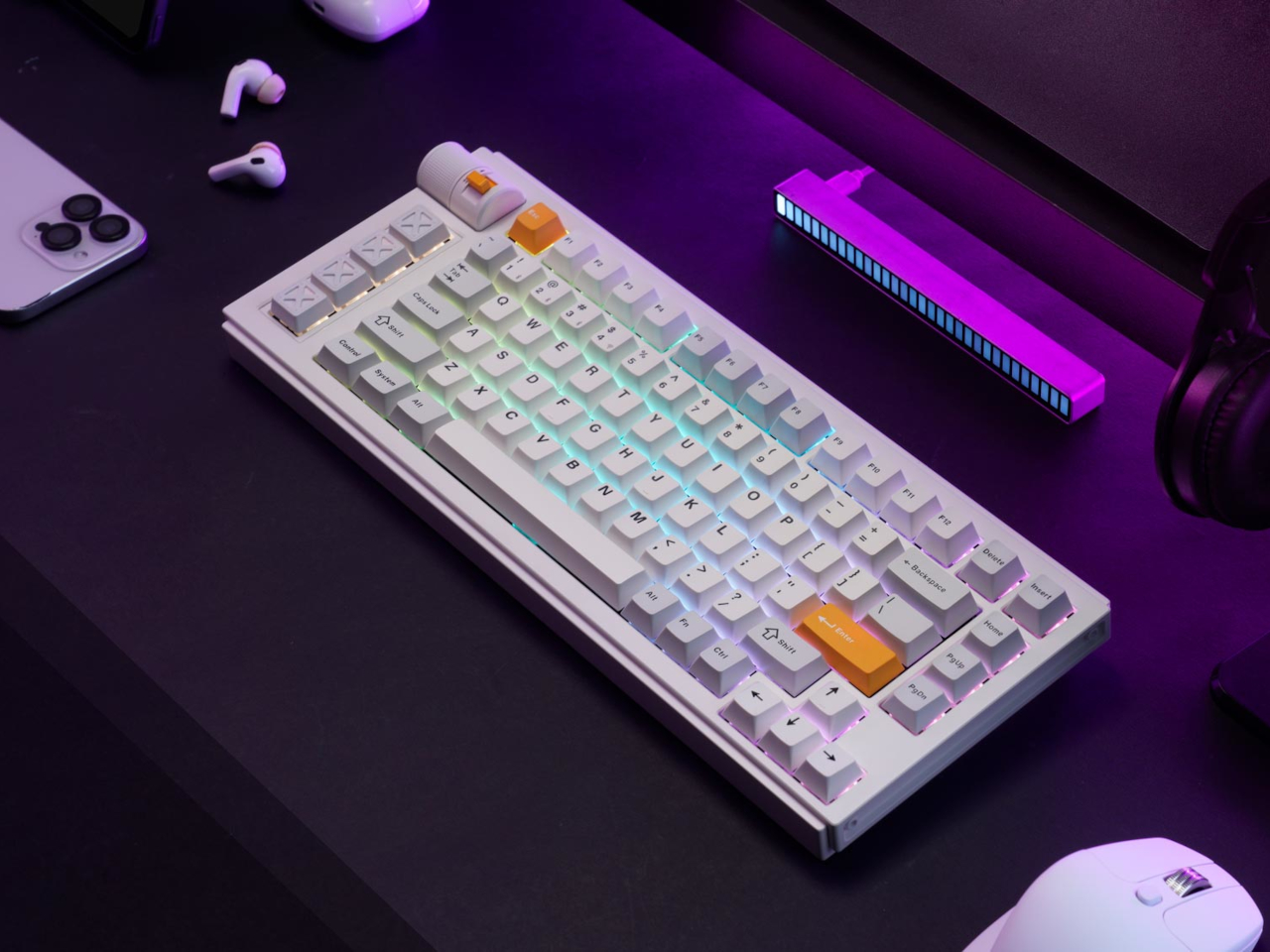
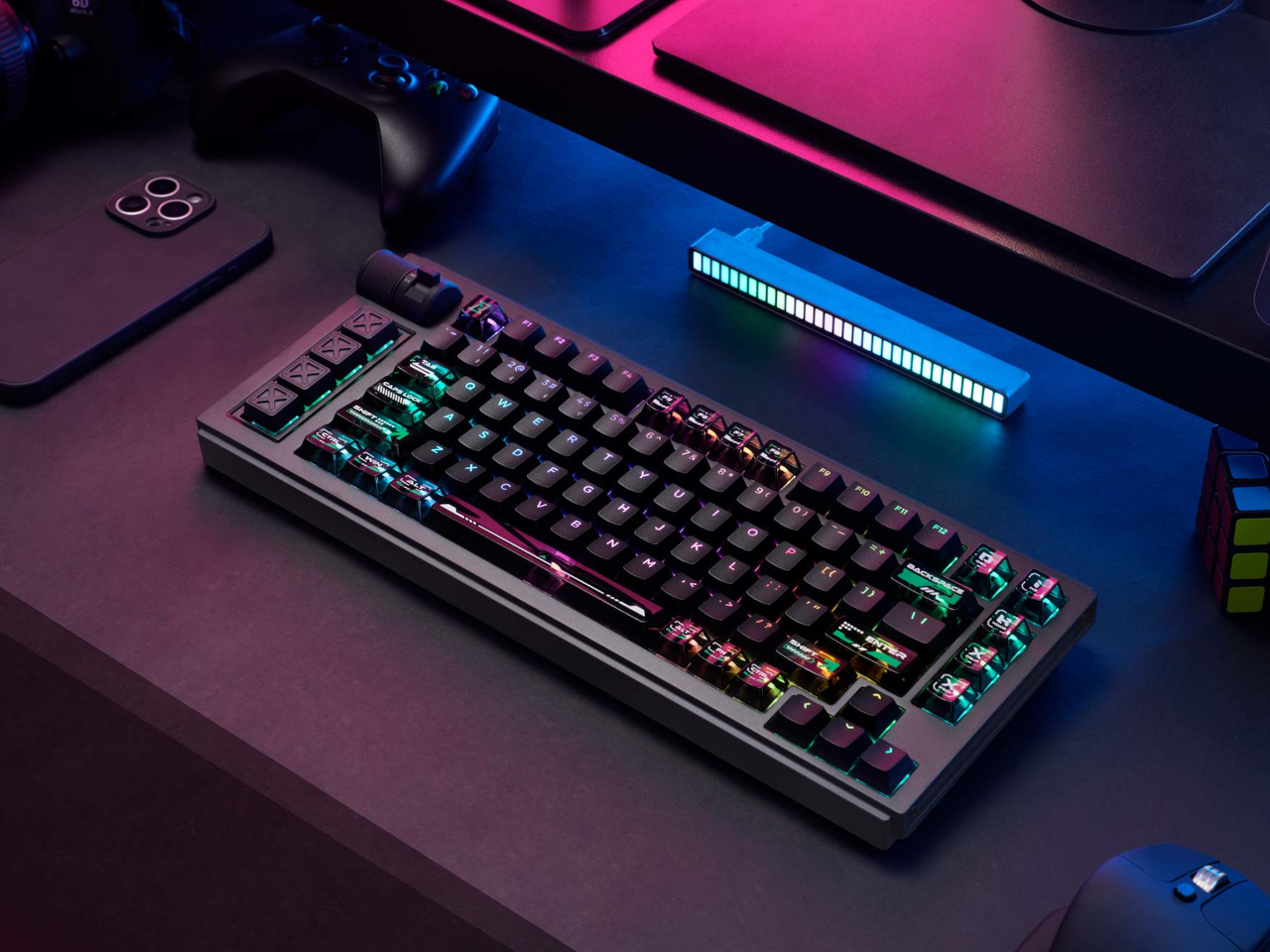
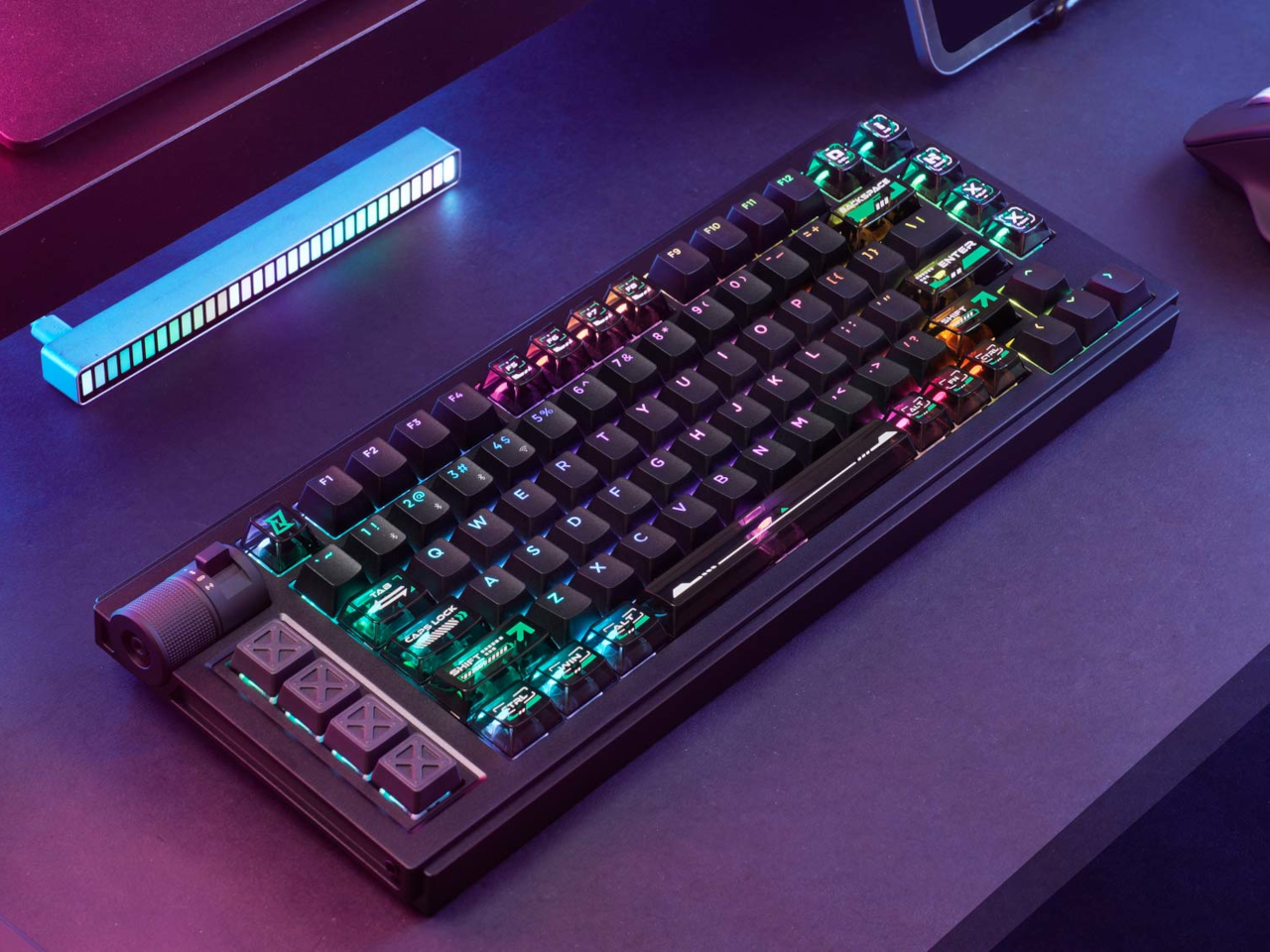
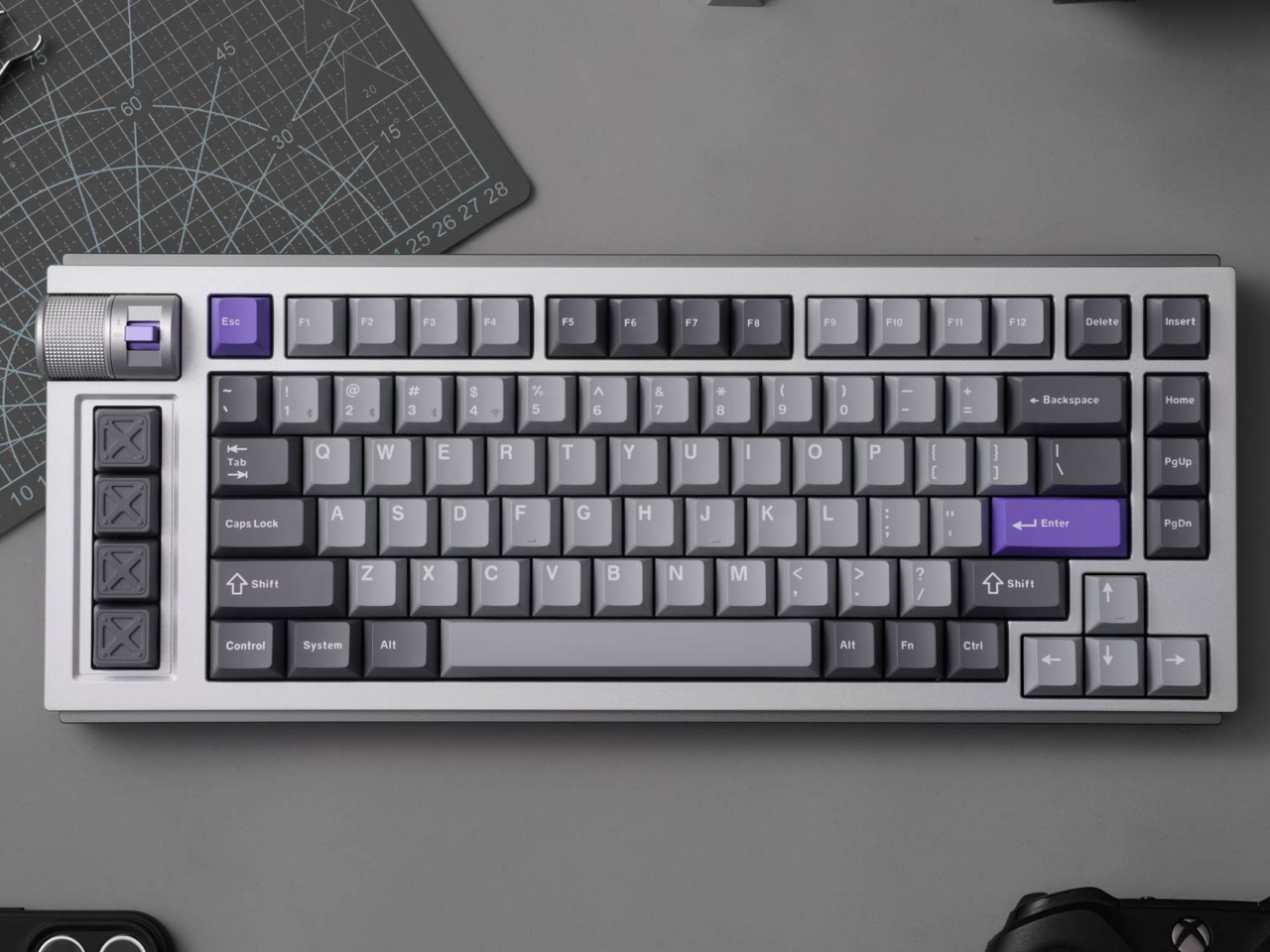
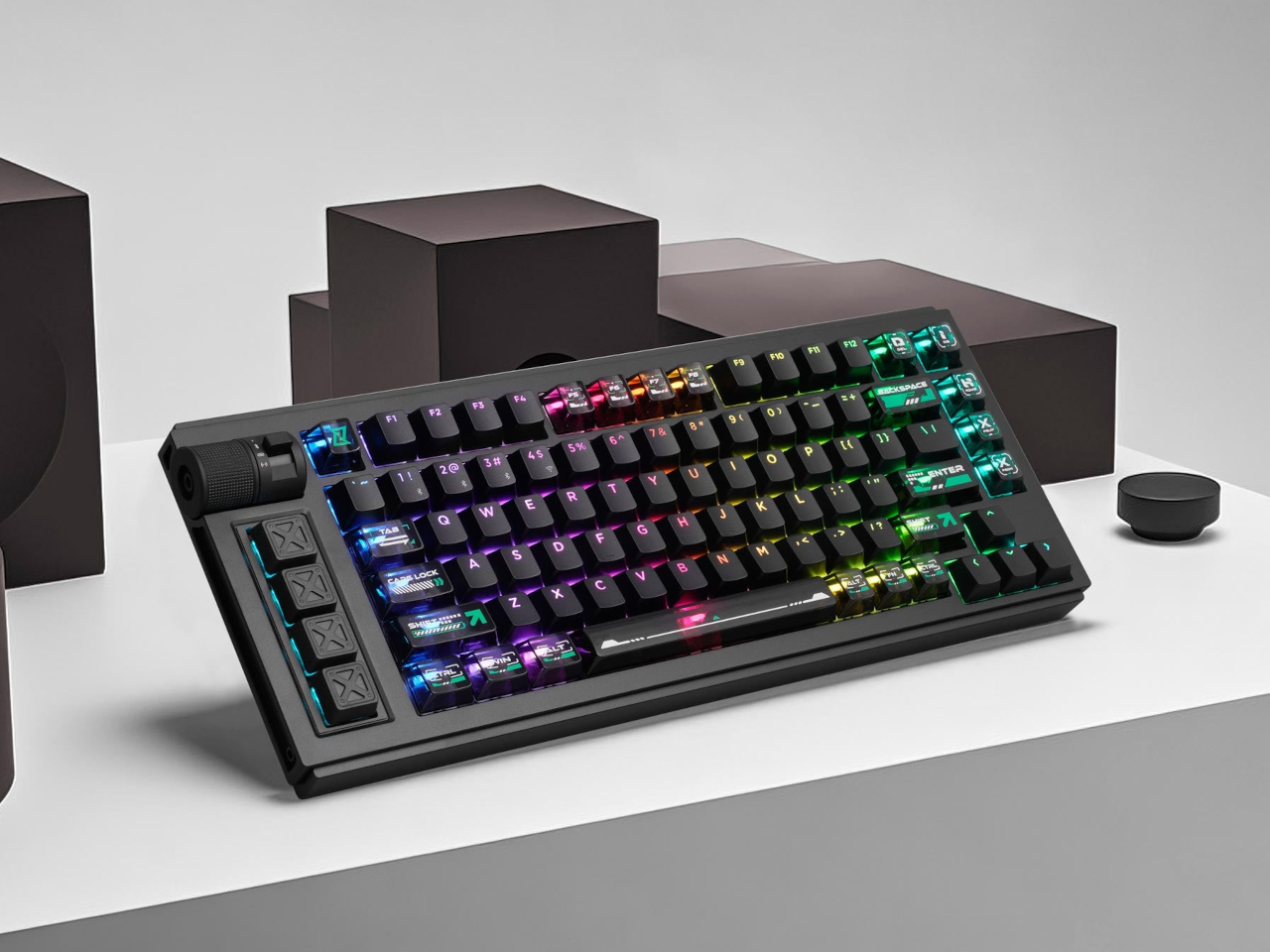
The Lemokey L1 HE addresses this gap with a CNC-milled aluminum chassis that weighs nearly two kilograms and looks deliberate rather than flashy. Available in white with yellow accents, black, or silver, the 75% layout includes macro keys and a programmable roller on the left side that defaults to volume control but accepts custom assignments. The metal construction and clean lines work on desks where aesthetics matter.
The switches underneath are where things get interesting. Gateron’s double-rail magnetic switches use Hall Effect sensors instead of physical contact points, which sounds technical until you realize what it enables. Every key’s activation point adjusts from feather-light to deliberate across a 3.6mm range. Set your movement keys to hair-trigger sensitivity. Configure typing keys deeper so resting fingers don’t accidentally fire off characters. The keyboard adapts to how you work rather than forcing adaptation the other way.
Press a key partway, and one action triggers. Press deeper, and a different command fires. Deeper still, another. Release at the right depth and a fourth activates. This isn’t theoretical; it changes how certain games and workflows operate once you stop thinking in binary keypresses. Walking versus running becomes pressure instead of separate keys. Multi-key shortcuts collapse into single presses with varying depth. Finger gymnastics get replaced by pressure control.
Switching to analog mode turns the keyboard into something closer to a controller. Racing games suddenly respond to how deeply you press acceleration keys, not just whether they’re pressed at all. The magnetic switches detect these pressure variations smoothly enough that steering feels genuine rather than approximated. People who prefer keyboards over controllers gain functionality that previously required switching input methods entirely.
The web-based configurator runs through any modern browser without installation, working identically across operating systems. Remapping happens quickly. Macros are built through straightforward menus. The keyboard connects wirelessly at 1000Hz polling for gaming or switches between three Bluetooth devices for productivity. Battery lasts long enough that charging becomes a weekly task rather than a daily concern.
Typing produces sounds that feel dampened and substantial rather than hollow or sharp. Multiple foam layers and gasket mounting create that quality, along with stabilizers that keep larger keys smooth. The double-shot PBT keycaps handle daily wear without developing shine, and the metal body prevents any flex during aggressive typing sessions. RGB lighting exists but stays subdued enough not to dominate the aesthetic.
The L1 HE occupies unusual territory between gaming keyboards and professional boards. It delivers rapid trigger modes and analog control alongside a build quality and appearance that work in spaces where RGB unicorn vomit would draw complaints. The programmable roller, magnetic switches, and four-action keys make it technically ambitious, while the design keeps it visually restrained.
There’s something magical about pocket-sized gaming that never gets old for those who grew up with handhelds in their backpacks and pockets. The thrill of squeezing a whole arcade into your palm, the nostalgia of pixel art and chiptunes, and the joy of discovering new games on the go bring genuine smiles that modern mobile gaming just can’t replicate. Most modern handhelds chase power and graphics, but sometimes it’s the simplicity and creativity of 8-bit gaming.
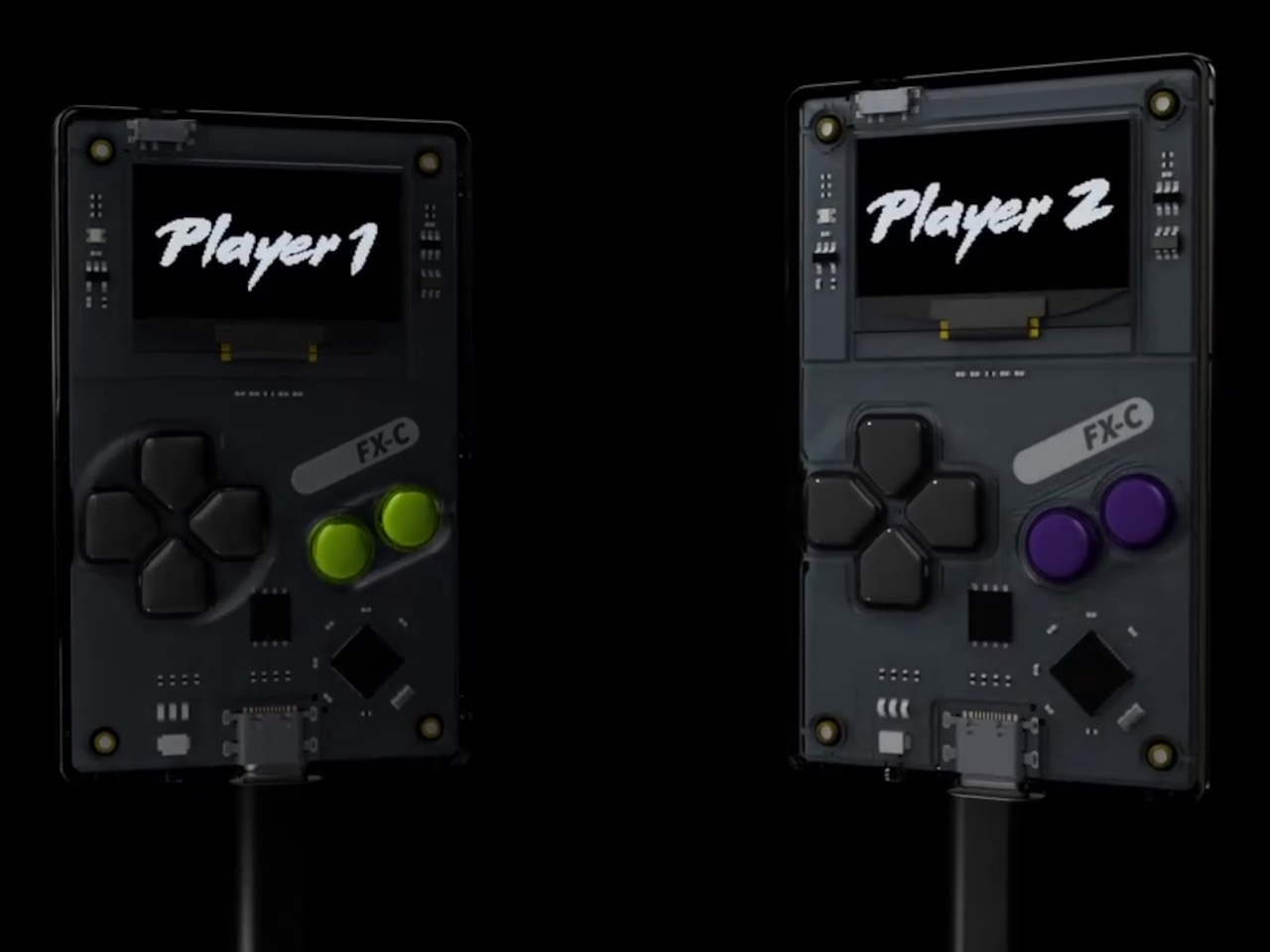
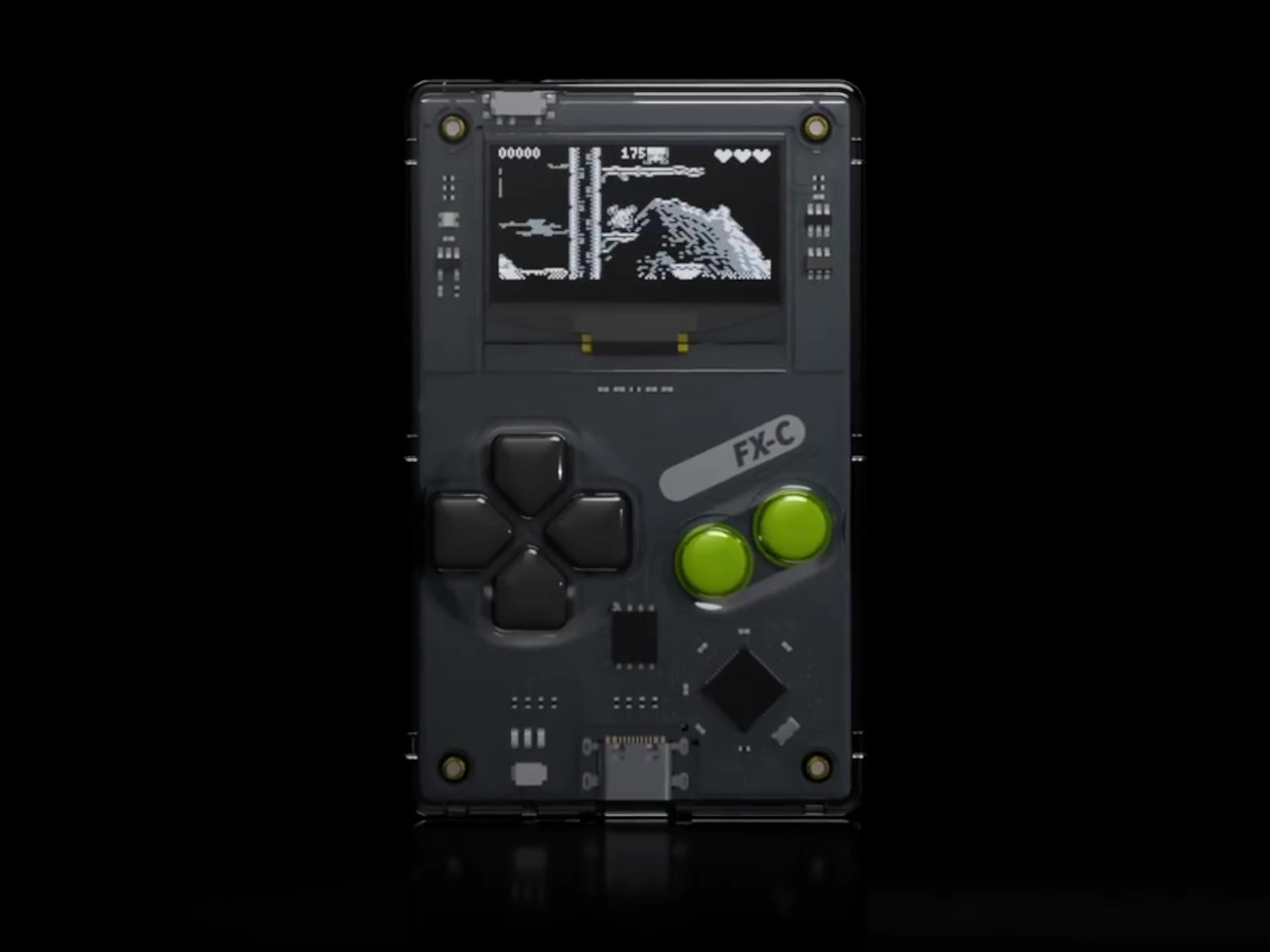
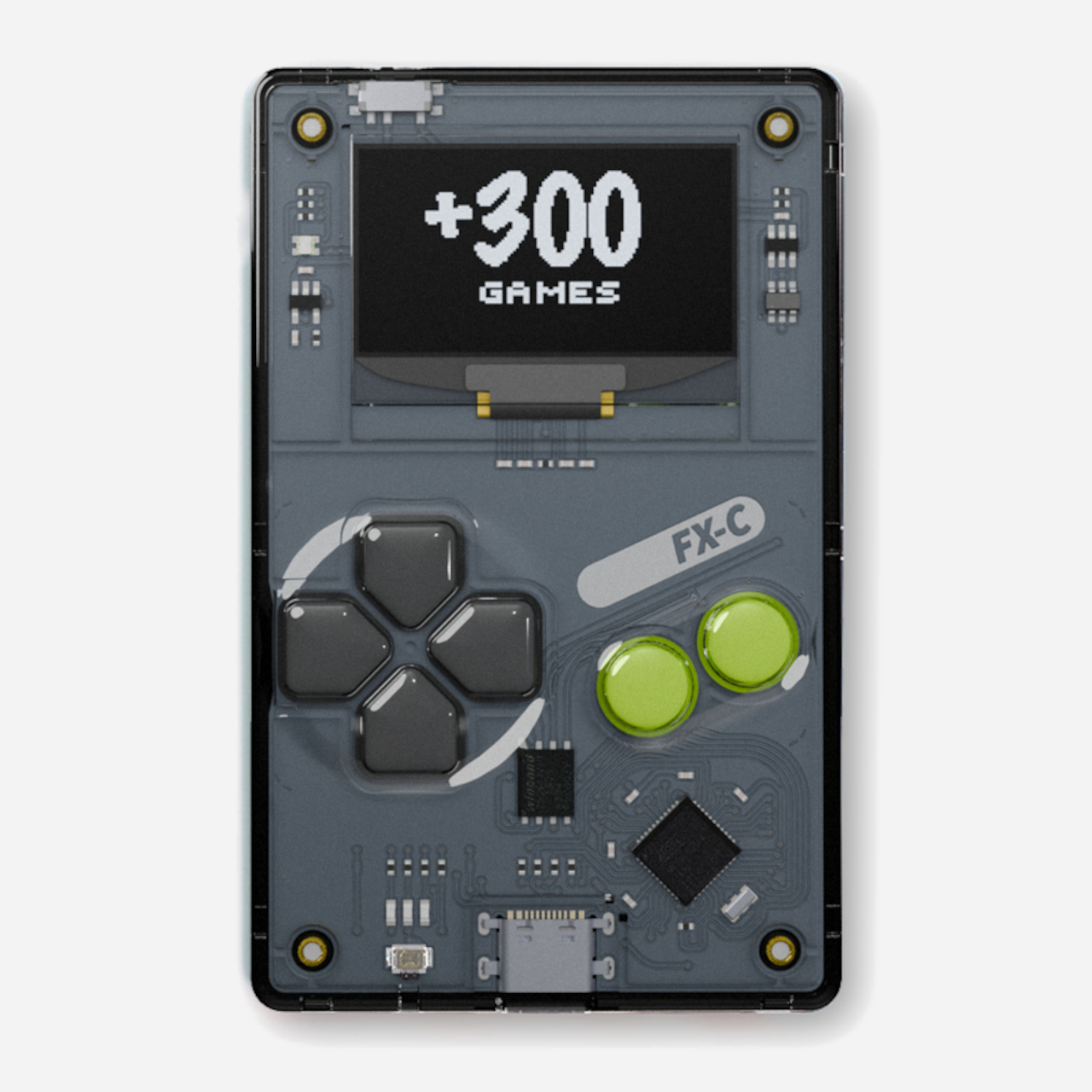
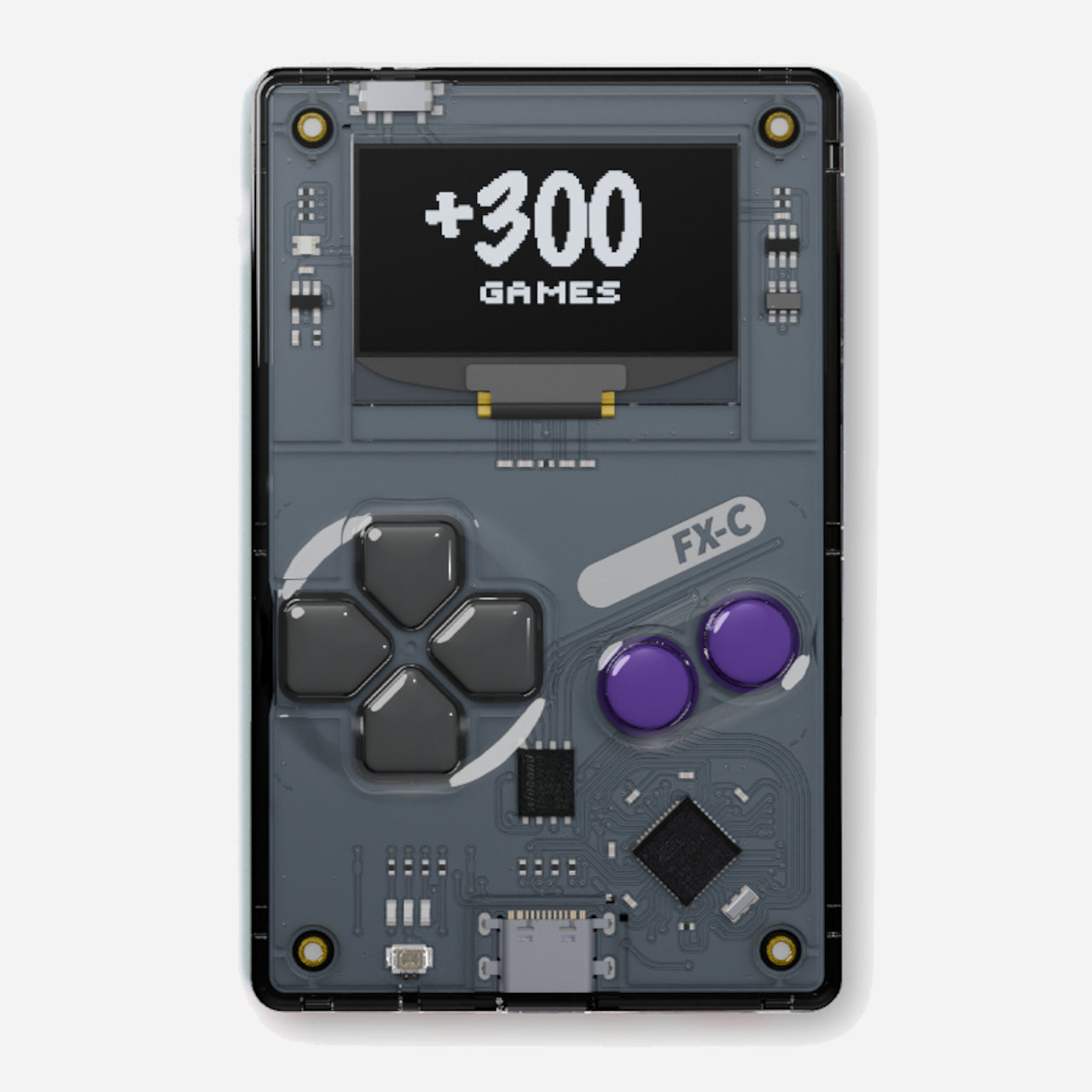
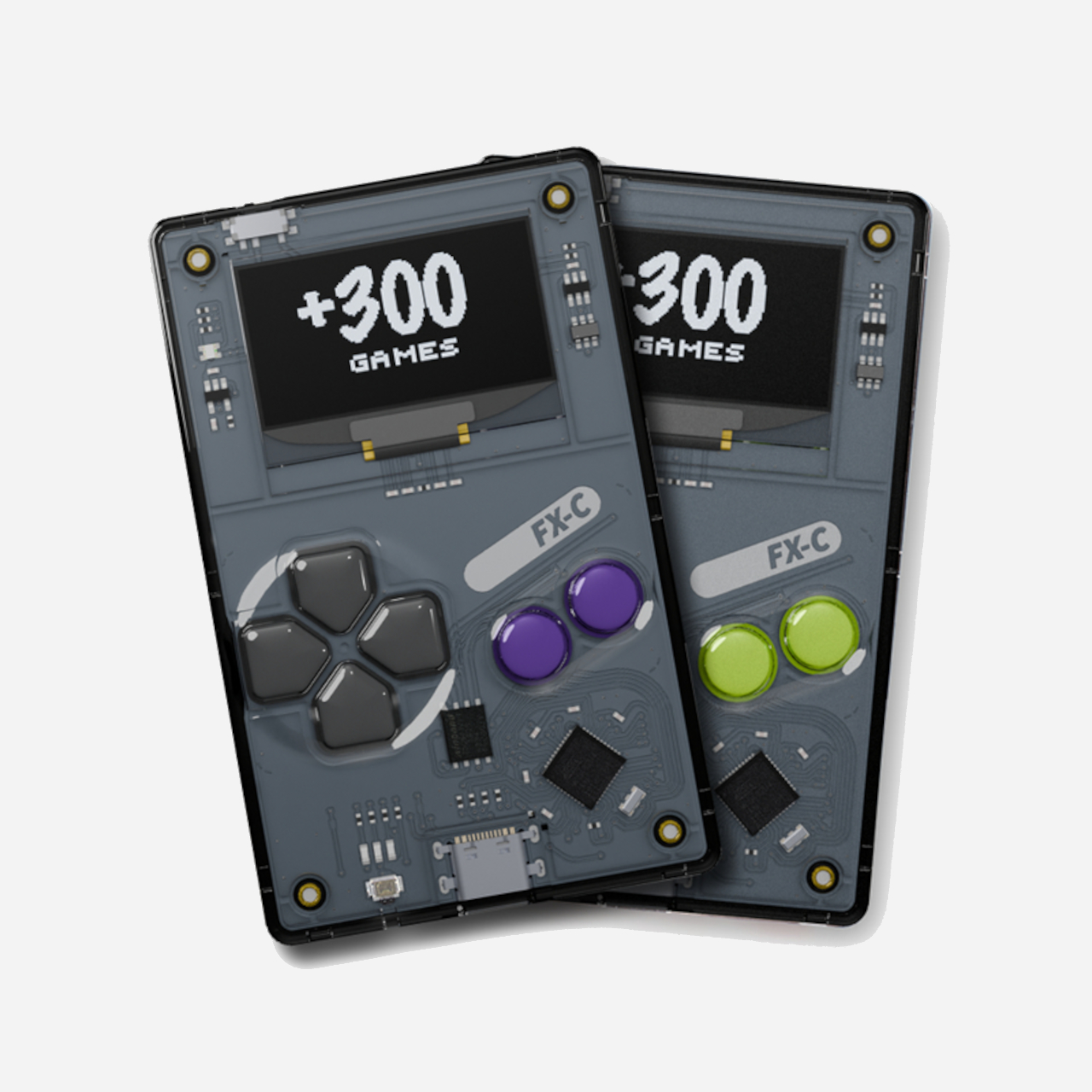
The Arduboy FX-C is a new take on that classic formula with a modern twist for contemporary gamers who appreciate retro aesthetics. It’s slim, open-source, and loaded with over 300 homebrew games, all ready to play on a device that’s barely thicker than a credit card you carry daily in your wallet. With USB-C charging and multiplayer support via link cable, it’s a retro playground for your pocket.
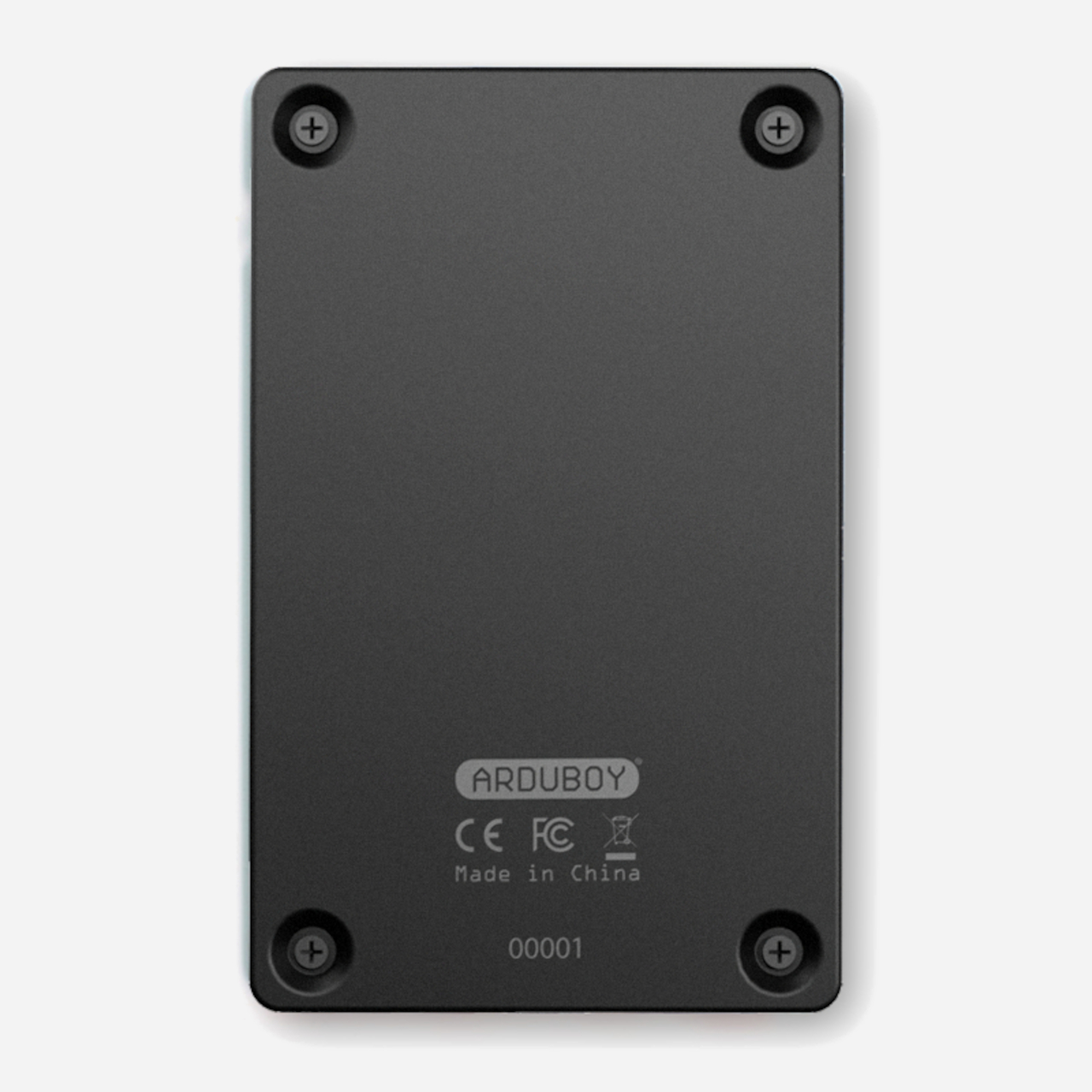
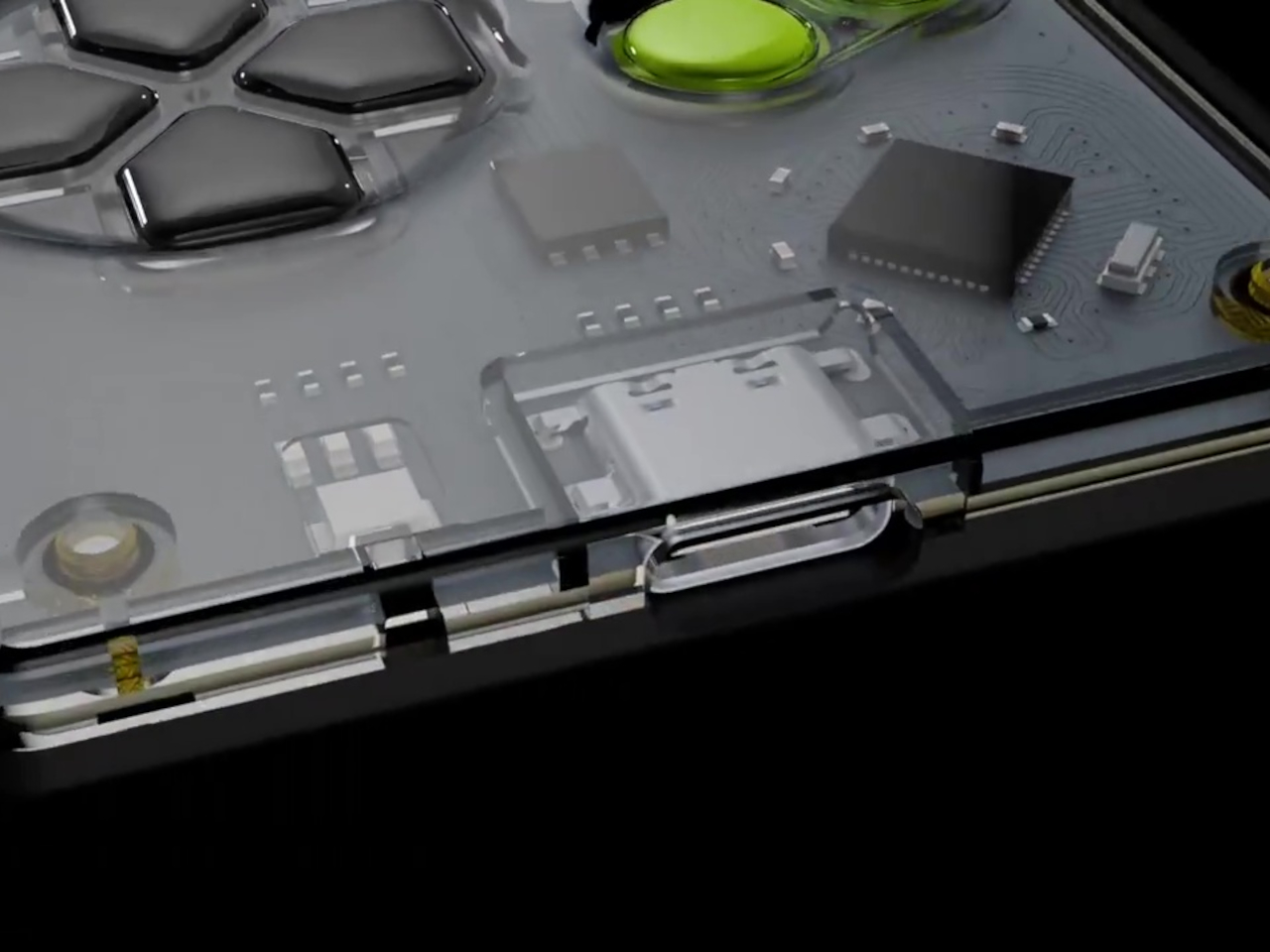
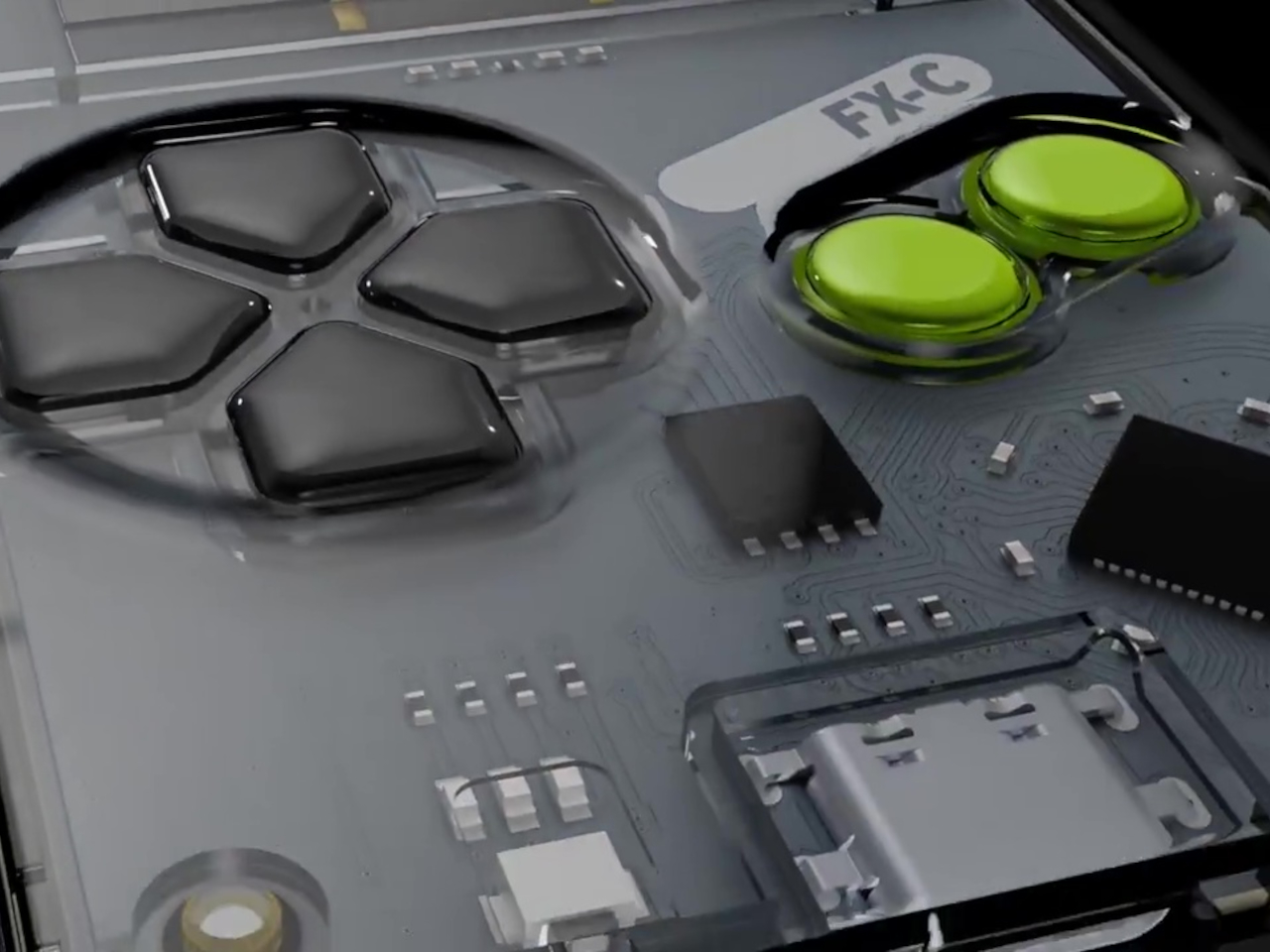
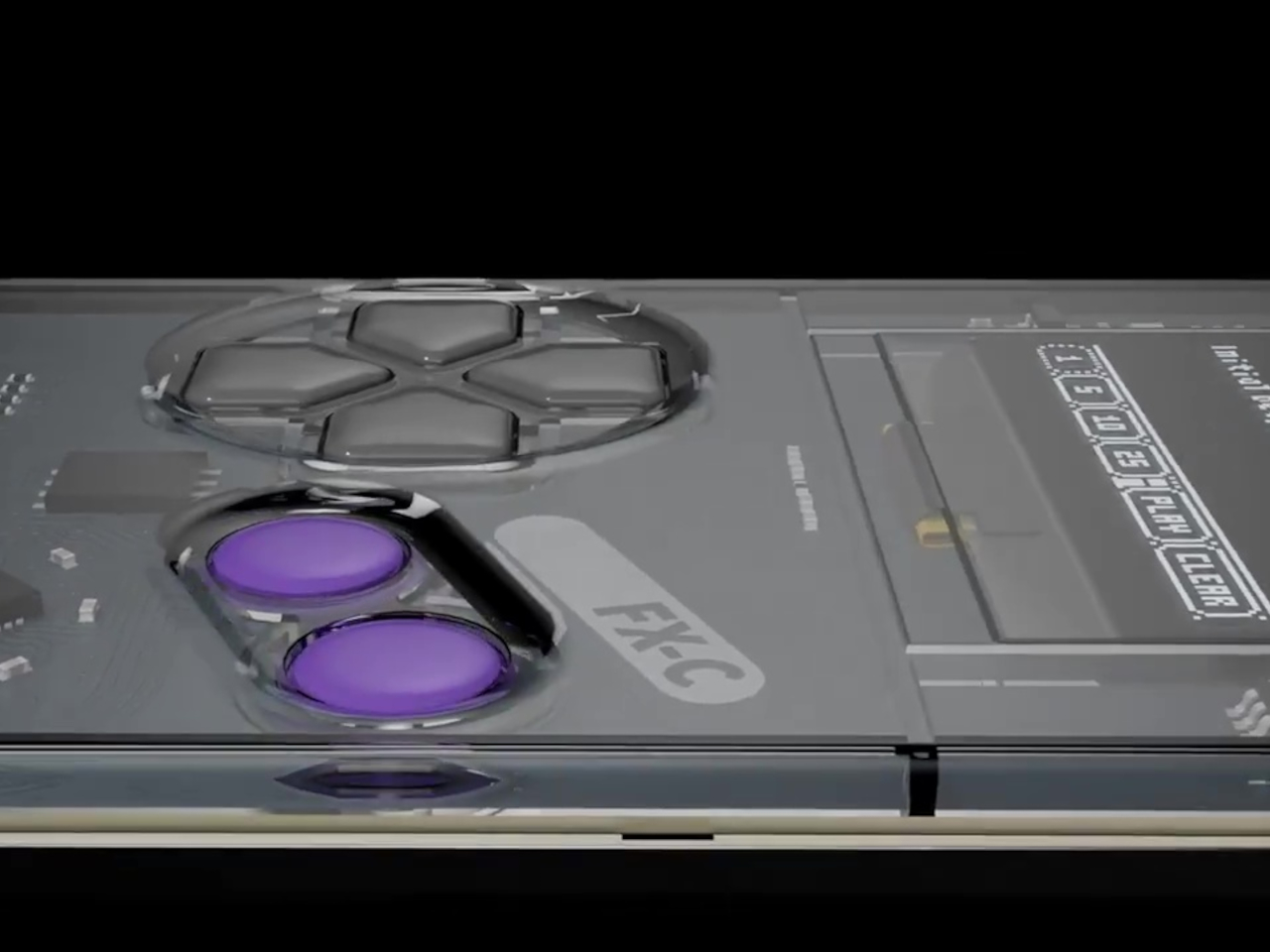
The FX-C is built specifically for portability, with a polycarbonate front, stamped aluminum back, and a transparent shell that shows off the ultra-thin circuit board inside for tech enthusiasts. At just 5mm thick, it slips into your wallet or pocket with room to spare for other essentials like keys and cards. The tactile buttons and crisp black-and-white 128 by 64 OLED screen channel the spirit of classic Game Boy handhelds.
Limited editions add a splash of color and personality to the minimalist design that collectors will appreciate. Purple buttons mark the Founders Edition, while electric green branding distinguishes the Standard Edition produced by Seeed Studio for wider distribution. The robust construction shrugs off daily bumps and scratches without showing wear, while the slim profile means you can carry it everywhere without thinking twice about added bulk.
The big upgrade is USB-C, making charging and programming easier than ever before for users who’ve moved to modern cables. But the real fun starts with the included USB-C link cable that enables local multiplayer battles. Connect two FX-Cs together and you unlock head-to-head multiplayer action, from classic Pong to new homebrew duels created by the passionate community. The same port supports external sensors and future mods for experimenters.
Inside, the ATmega32u4 chip and 16MB flash storage hold over 300 games, with instant switching between titles and no need to reflash the device constantly like earlier models. The 180mAh battery delivers over 8 hours of continuous play on a single charge, and the 4-channel piezo speaker brings retro soundtracks and sound effects to life. The entire system runs on open-source hardware and software that anyone can modify.
The FX-C comes preloaded with a sprawling library of platformers, shooters, puzzles, and more titles spanning every retro genre imaginable, each one crafted by a global community of open-source developers who contribute freely without commercial motivation. If you’ve ever wanted to build your own game or learn to code in a friendly environment, free tutorials and a thriving forum make it easy to get started without prior experience.
Whether you’re commuting on crowded trains, waiting in line at the coffee shop, or just need a break from your phone’s endless notifications and social media, the Arduboy FX-C delivers a burst of retro fun wherever you are throughout the day. For anyone who loves the spirit of classic gaming with a modern twist and open-source freedom, it’s proof that sometimes less really is more.
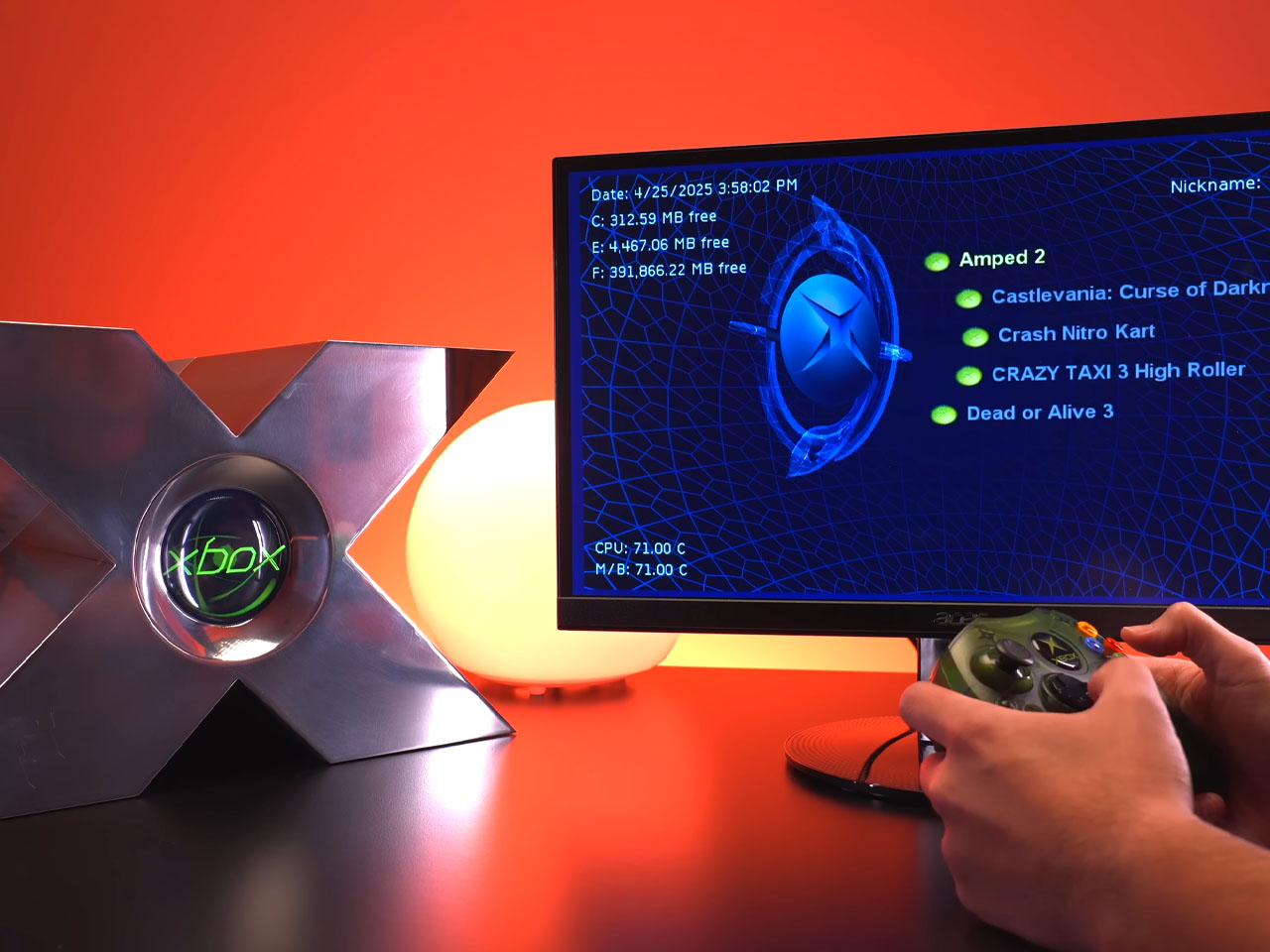
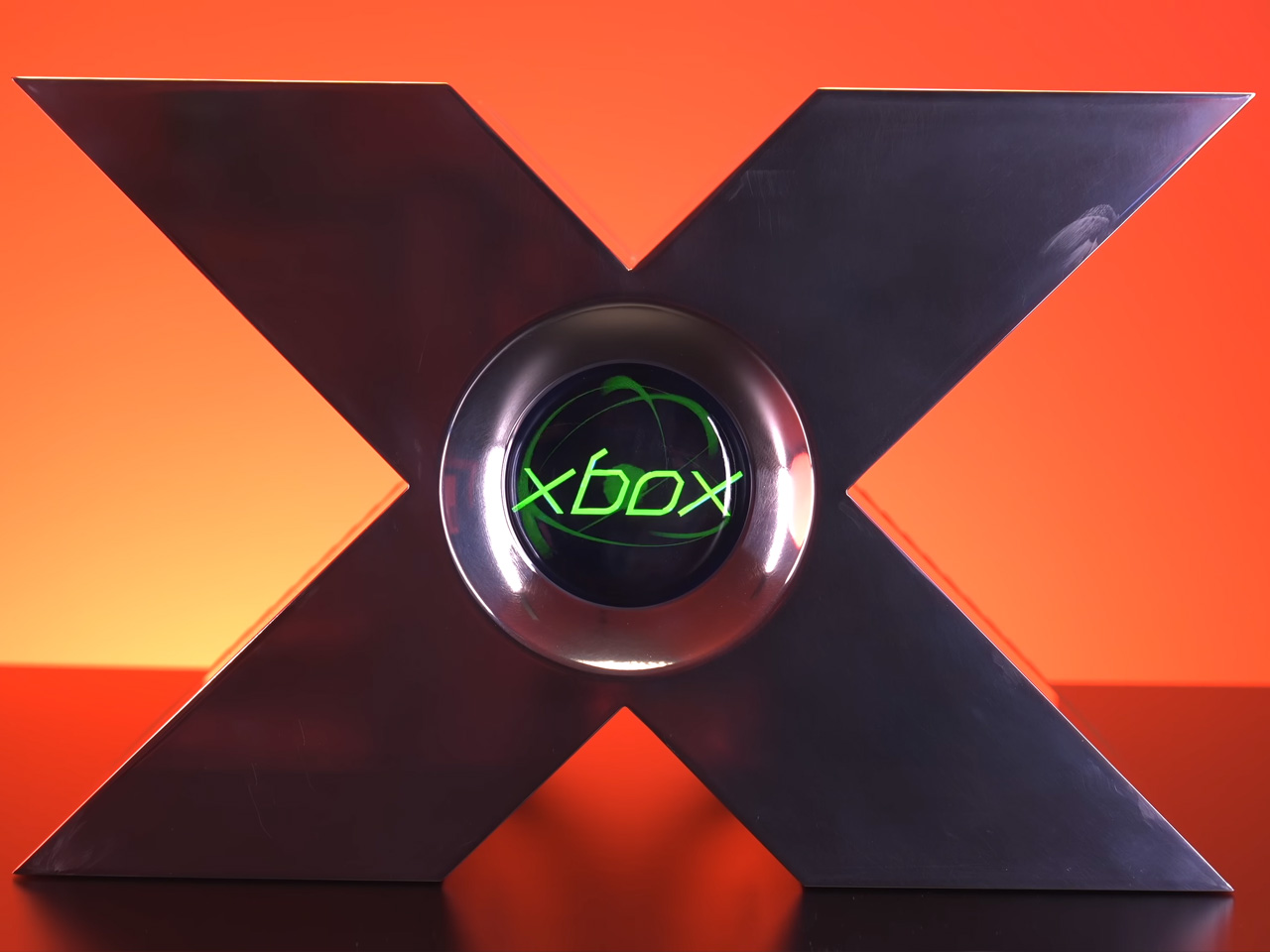
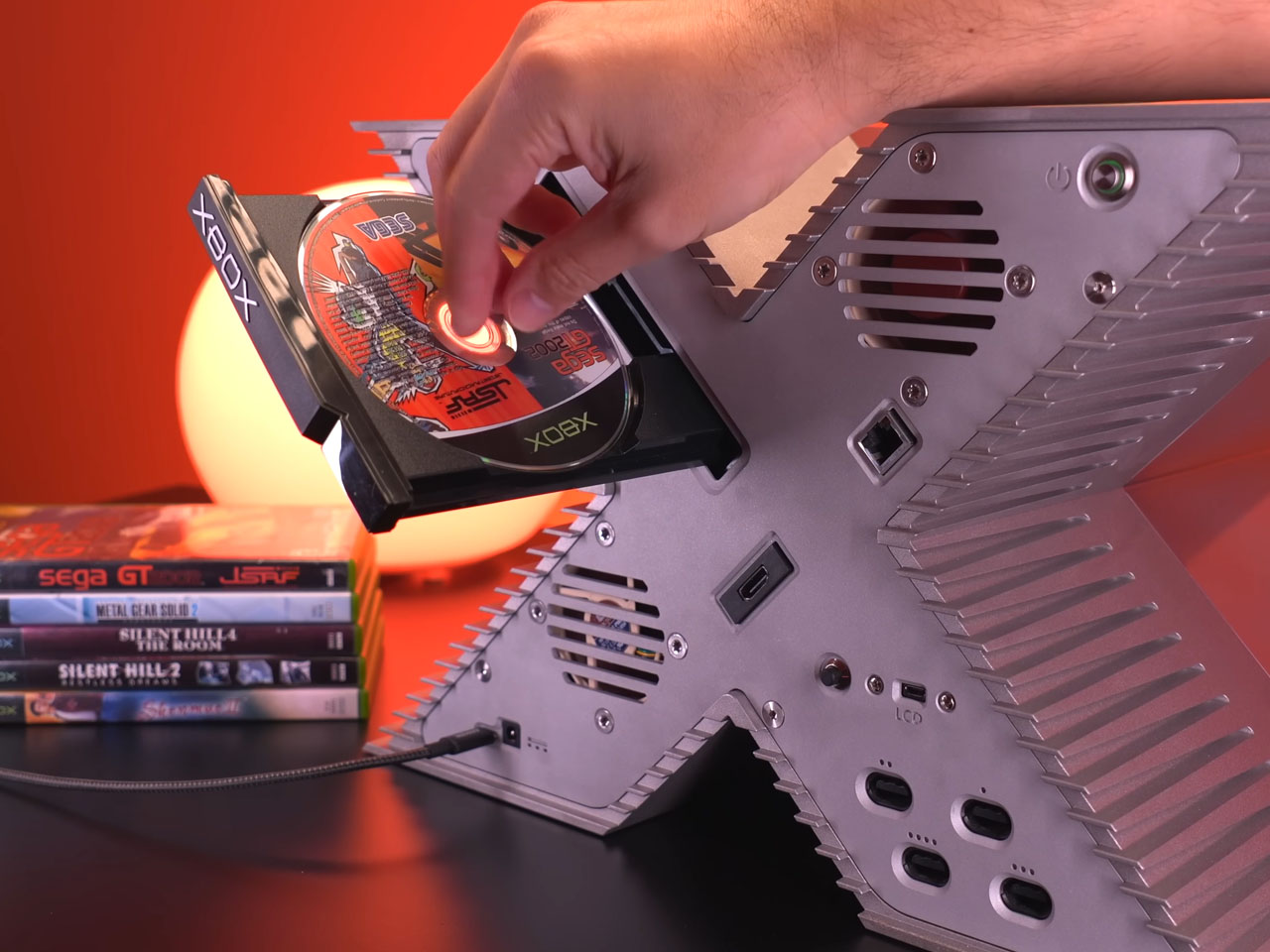
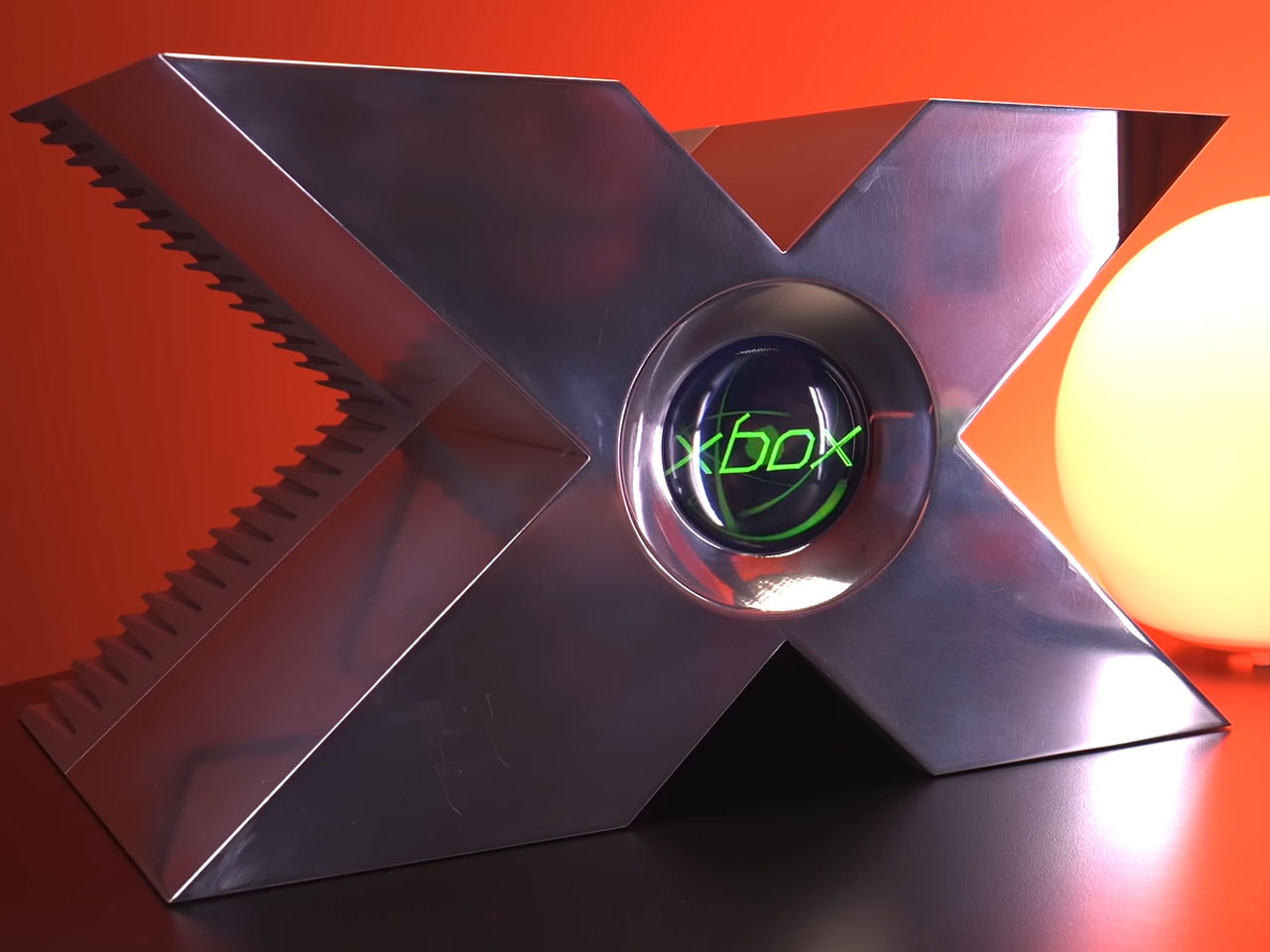
Before releasing the official Xbox console, Microsoft was skeptical whether prospective gamers would be able to keep their software image distinguishable from the new hardware venture. To ensure the inaugural gaming console would be perceived as a standalone product, the company created a prototype that looked radically different from a desktop product. At the 2000 Game Developers Conference, Bill Gates and Seamus Blackley showcased the X-shaped version to build the brand image.
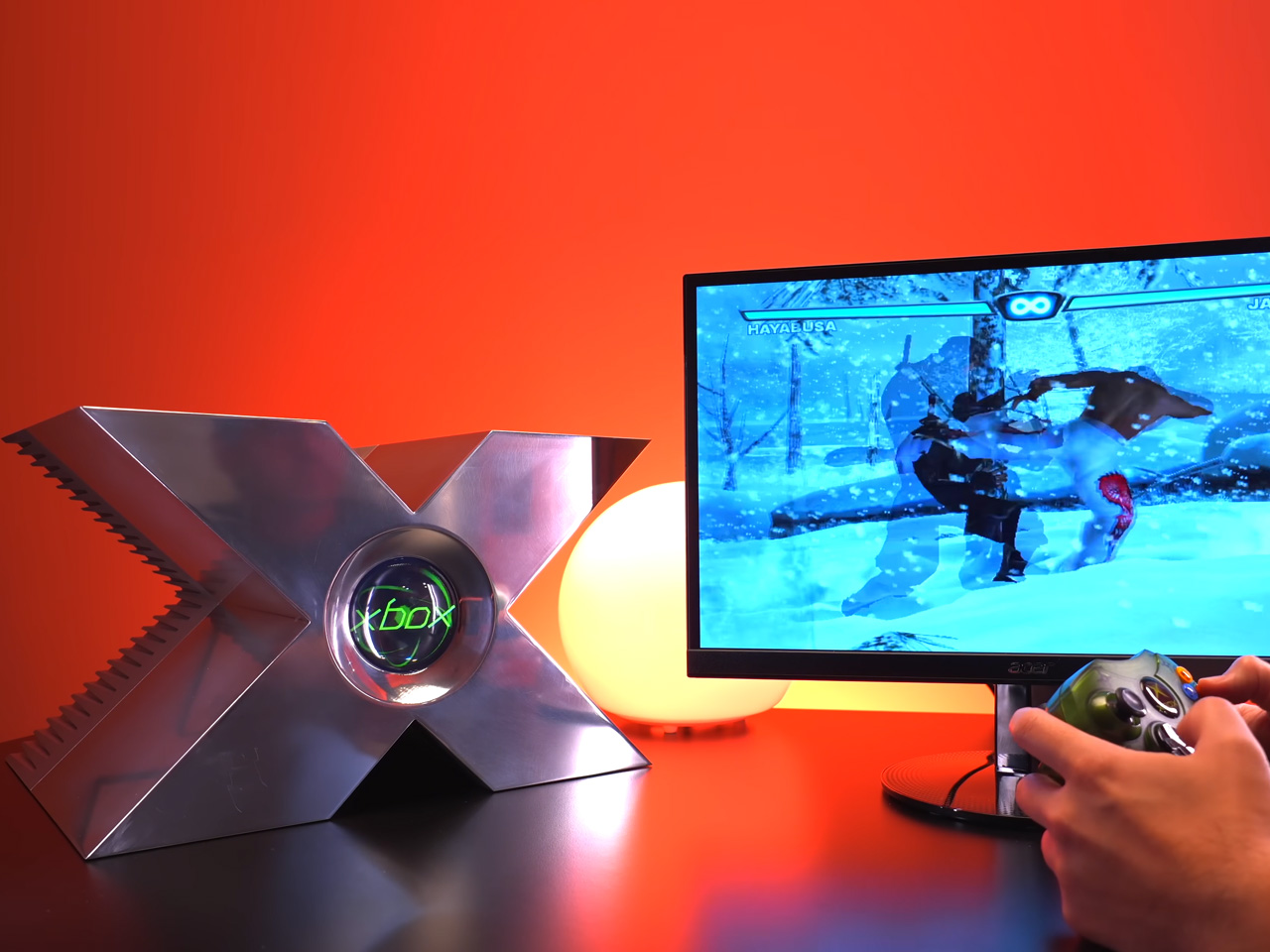
Made from solid aluminum, the prototype weighed 40 pounds and cost nearly $18,000 to manufacture at the time. It was not a functional gaming console and was only created to build the brand perception. The first-ever Xbox came a year after that, and the rest is history. Fast forward to the present day, as one DIYer wants to see if the X-shaped console would be an actual feasible product. The answer is yes, as this functional Xbox prototype-inspired console proves it.
Meet Tito Perez of the YouTube channel Macho Nacho Productions, who set out to make the functioning variant of the console prototype. The starting point for him was the reference images of the model taken from the rare one on display in New York. The next step involved building a 3D model of the prototype from the visual reference of every curve, screw hole, and other little details. Thereafter, the finalized file was sent to the PCBWay factory to craft the aluminum model, which cost him around six thousand dollars.
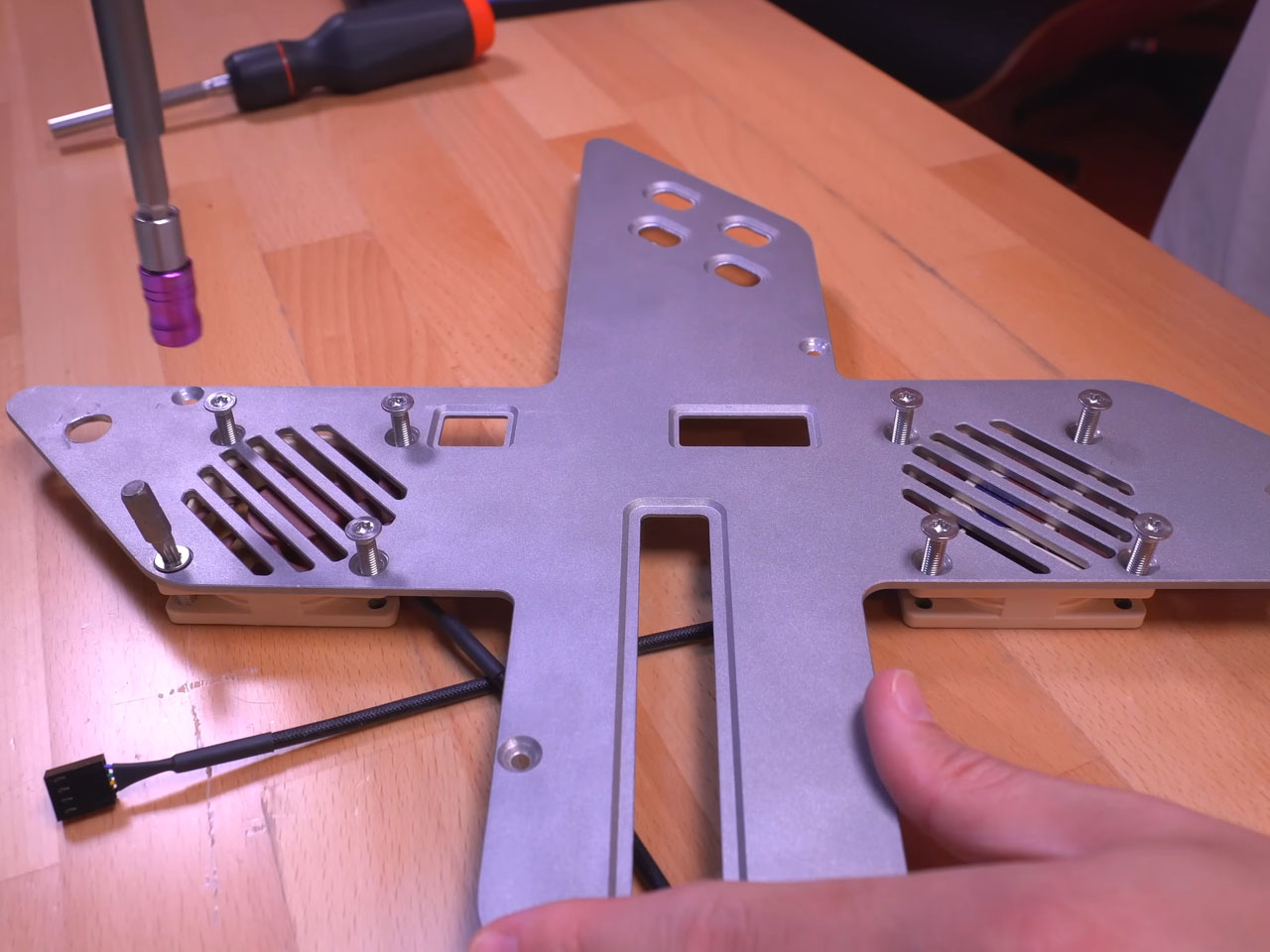
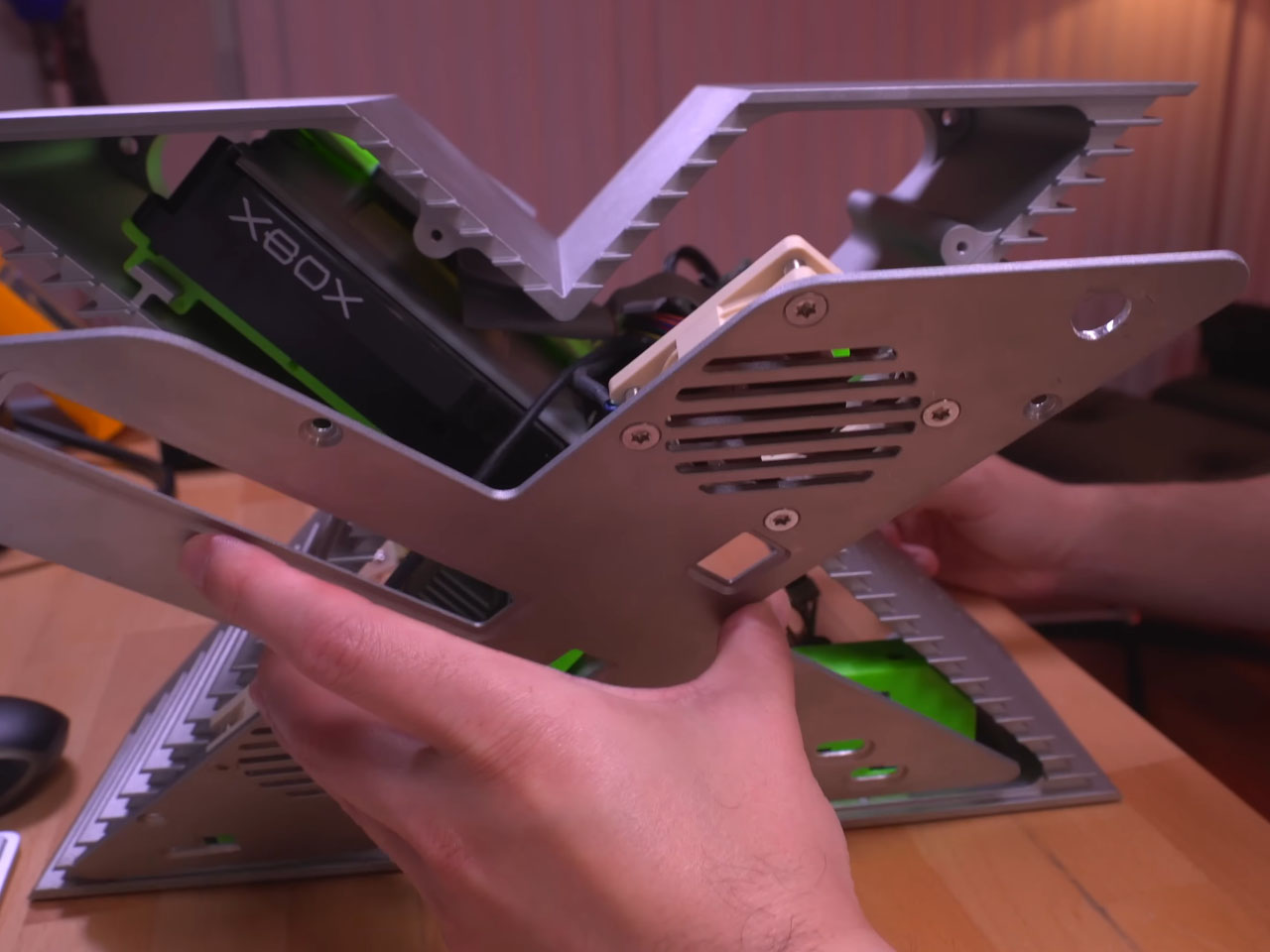
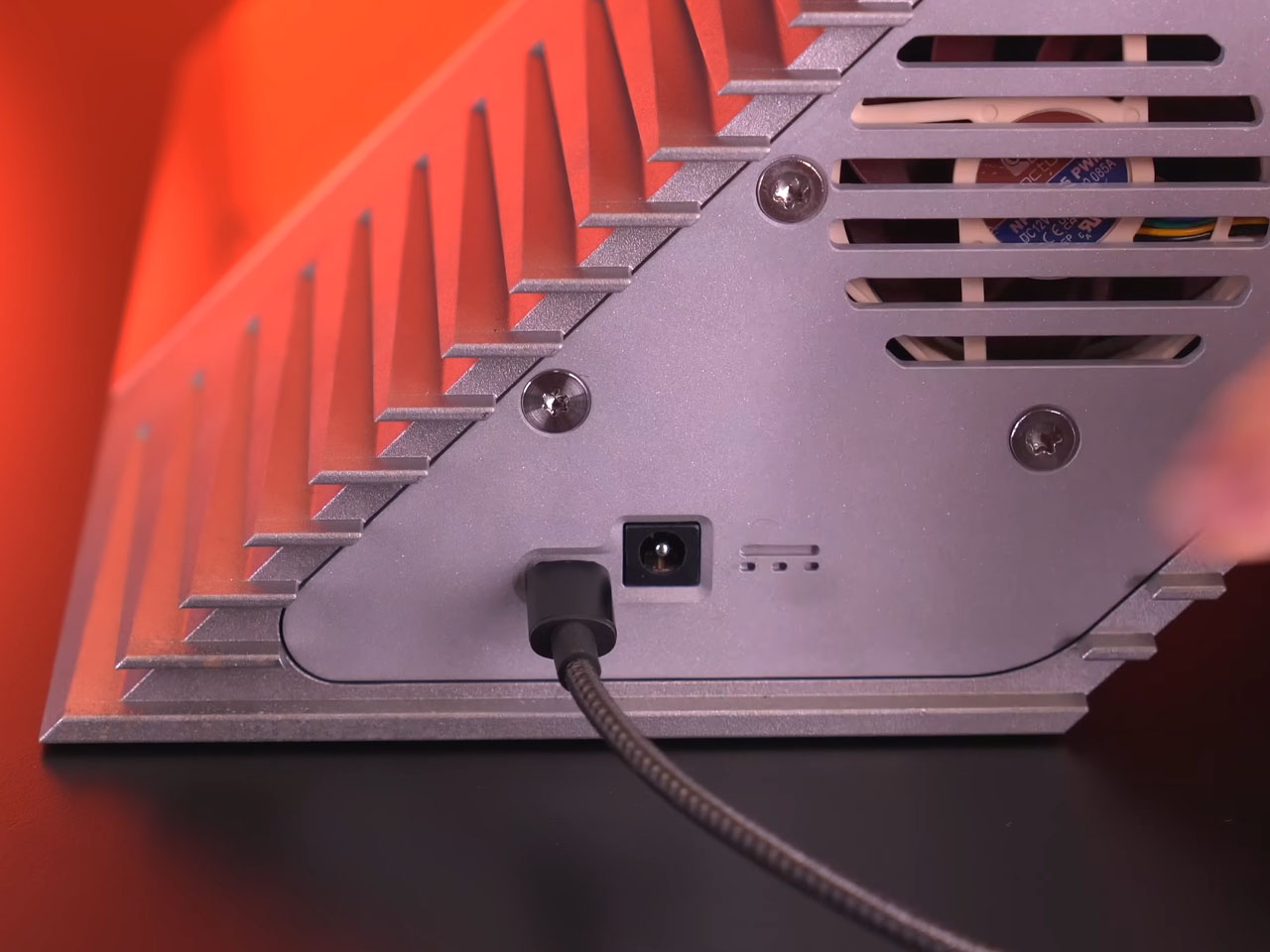
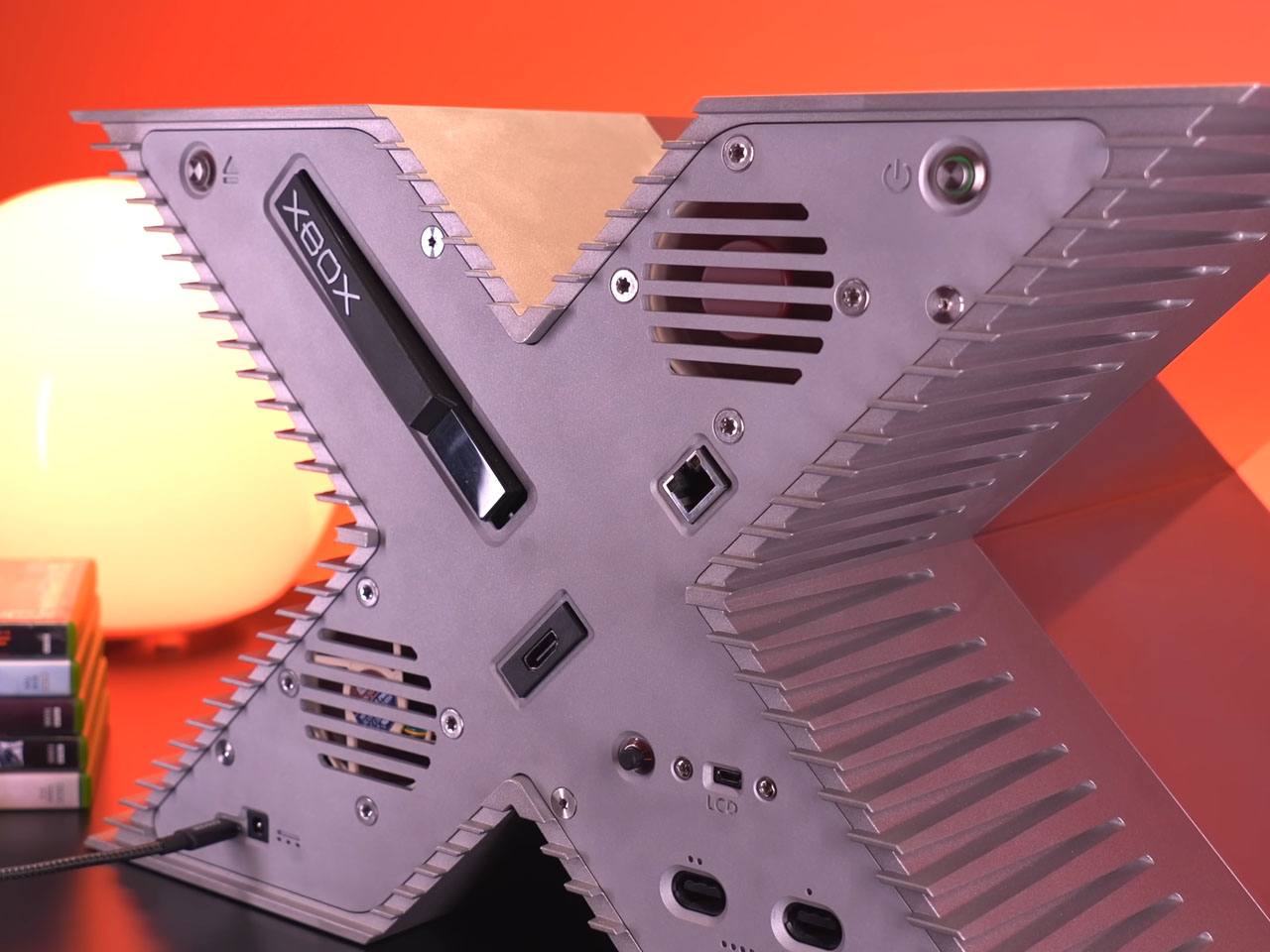
The thing was not as shiny as the original one, so Tito took on the task of polishing it himself to recreate the mirror look. Then he had to figure out a way to fit the hardware components inside the “X” form. The modder chose the original time-correct components and also added new components like HDMI, USB-C power supply, and a large-capacity SSD to the mix. To make this possible, he crafted 3D printed mounts and integrated rails to make use of every inch of space. One hardware component that posed a challenge for him emerged as the power supply unit, which was too big for the rig. For this, he took help from a modder friend who designed a custom USB-C power supply that supplied the needed power while being smaller in form factor.
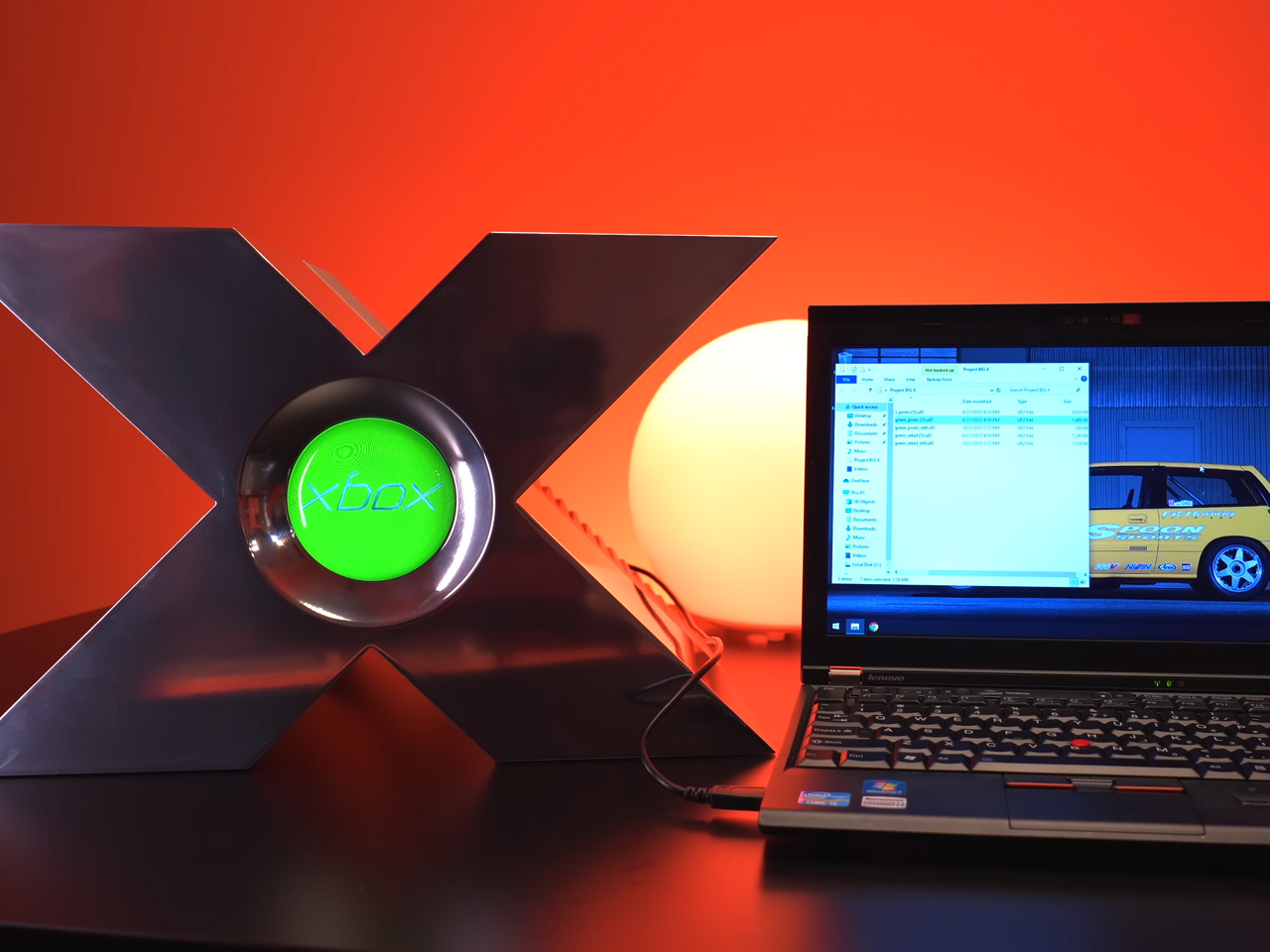
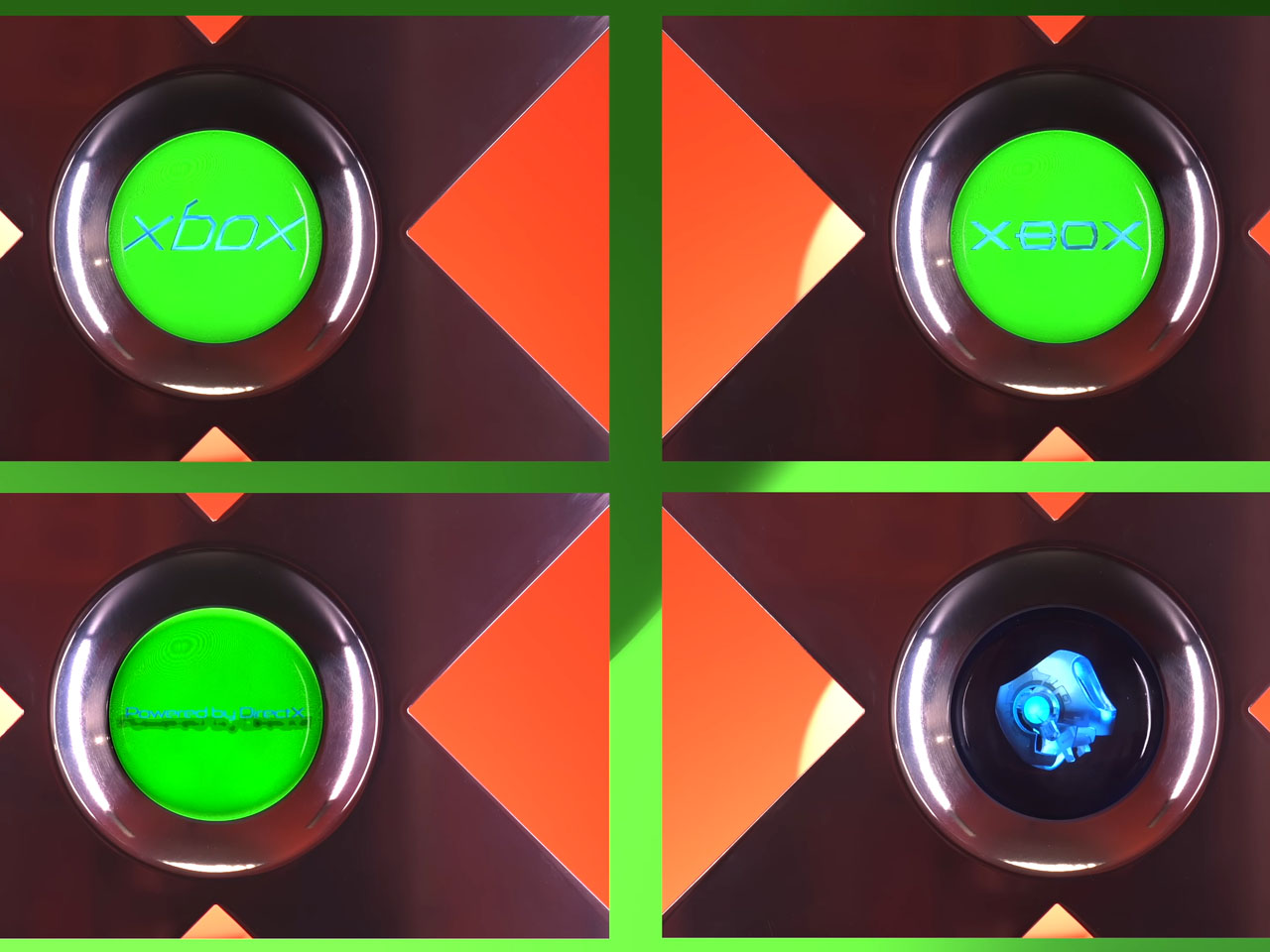
As a last modification, Tito decided to replace the center jewel with his own modernized version that looks much better than the original, to be honest. It is even more functional since the Xbox logo comes to life, or one can program it to show any custom video file as well. The one-of-a-kind console shell has all the ports and jacks on the rear arranged in a hypnotic layout. Gaming works as intended when connected to the console, and carrying it around is no hassle with the custom-built foam case that houses the Xbox console and the accompanying controllers. Tito wants to showcase his creation in conventions and gaming events, which is downright inviting, and I’m sure the gaming community will love this every bit.
Visible liquid cooling is only available on more expensive transparent designs
RATINGS:
AESTHETICS
ERGONOMICS
PERFORMANCE
SUSTAINABILITY / REPAIRABILITY
VALUE FOR MONEY
EDITOR'S QUOTE:
The REDMAGIC 11 Pro makes cooling beautiful with visible liquid pulsing through its transparent body.
Gaming smartphones have become a category unto themselves, but most either sacrifice design for performance or deliver great specs with boring looks that blend into the sea of generic slabs. For anyone who wants a phone that feels as exciting to hold as it is to use during competitive matches or daily tasks, the market has been surprisingly limited, forcing compromises that feel unnecessary given modern manufacturing capabilities and design possibilities.
The REDMAGIC 11 Pro enters the scene with a bold promise that challenges those compromises directly: flagship gaming performance wrapped in a design you’ll actually want to show off to friends and fellow gamers. With visible liquid cooling, a flat-back transparent body, and specifications that deliver the processing power, it’s a phone that promises visual impact as well as winning matches and dominating leaderboards. Let’s take a deeper look inside to see how well it actually performs in real-world use.
Designer: REDMAGIC
Aesthetics
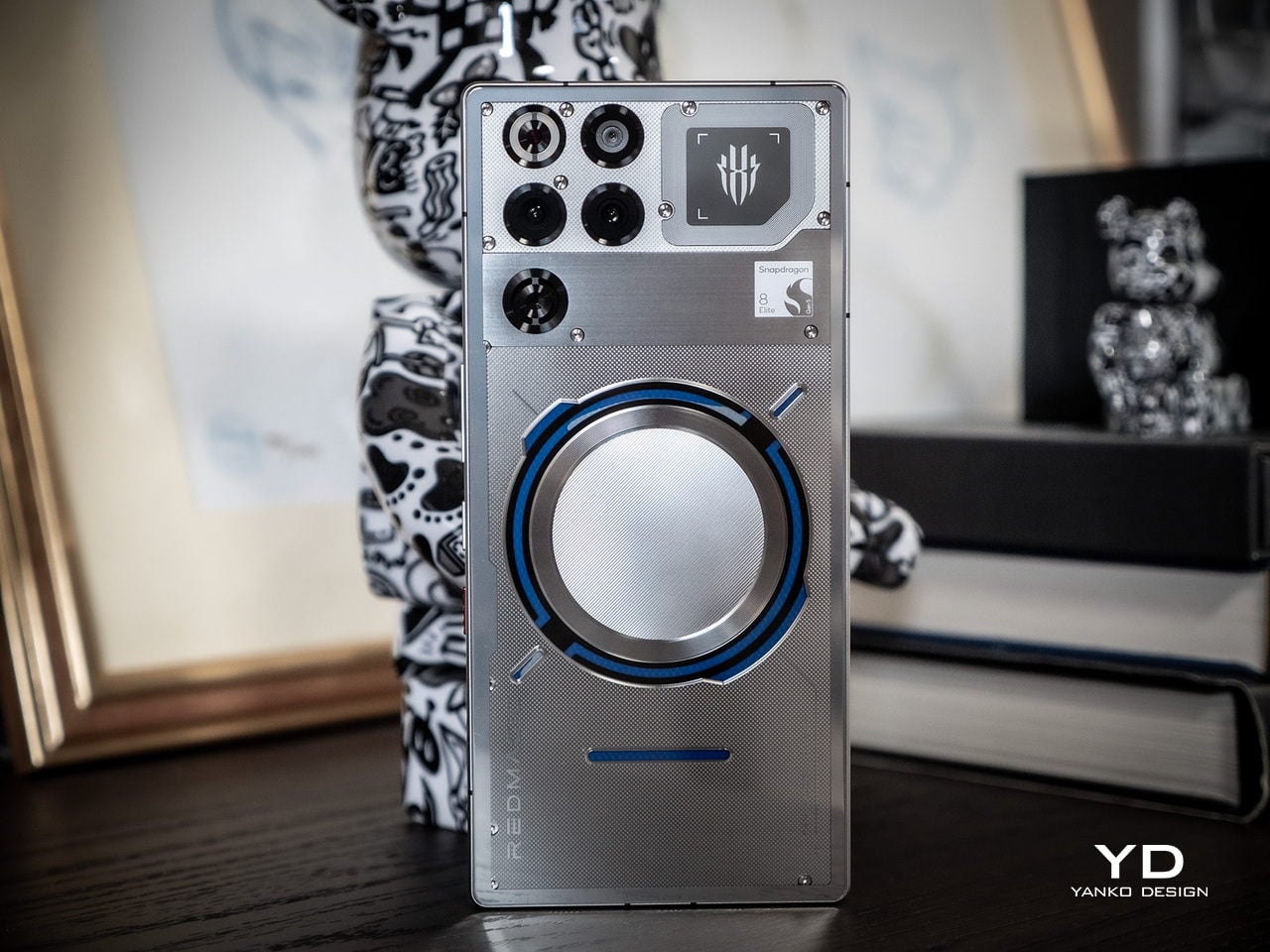
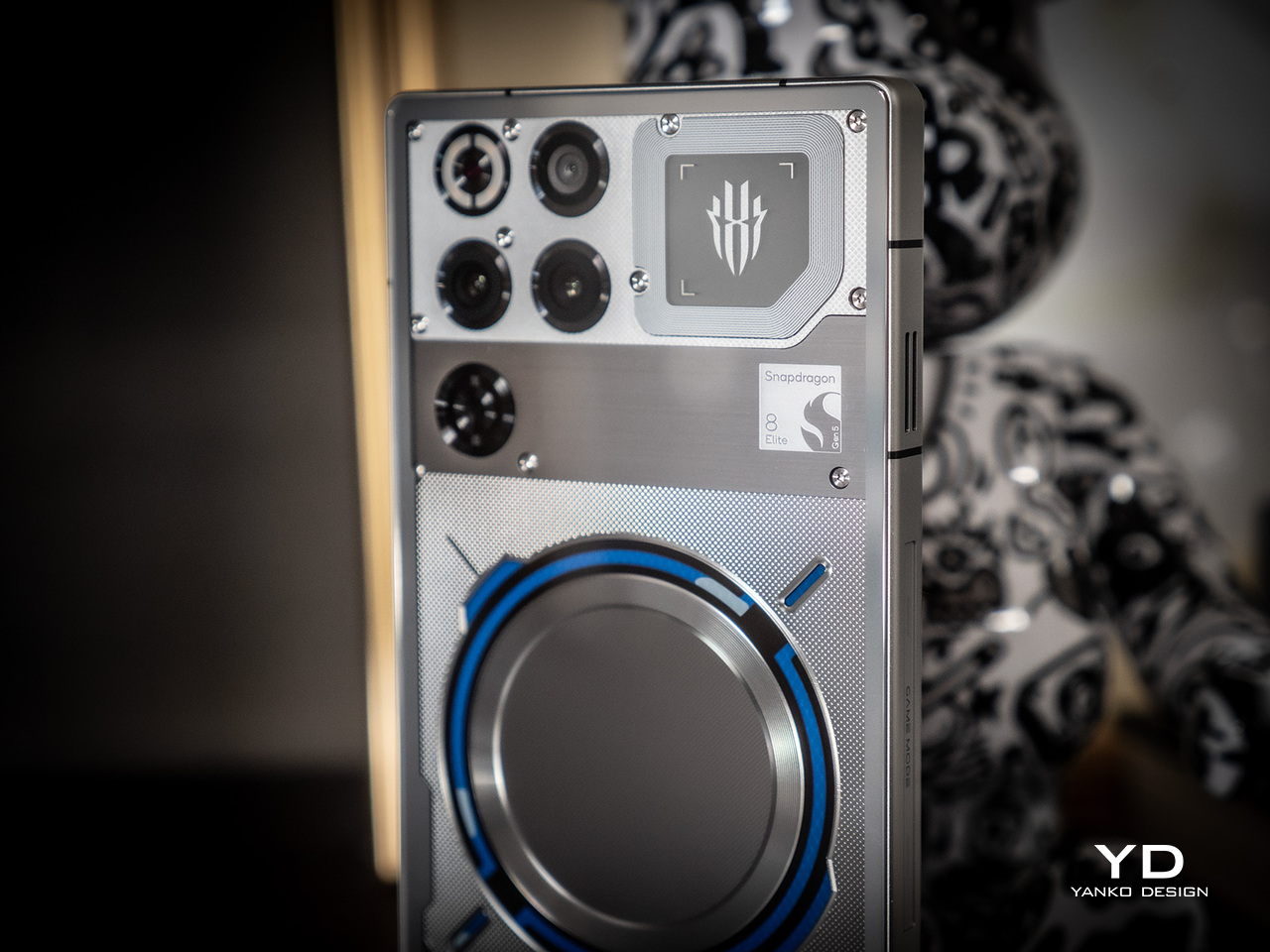
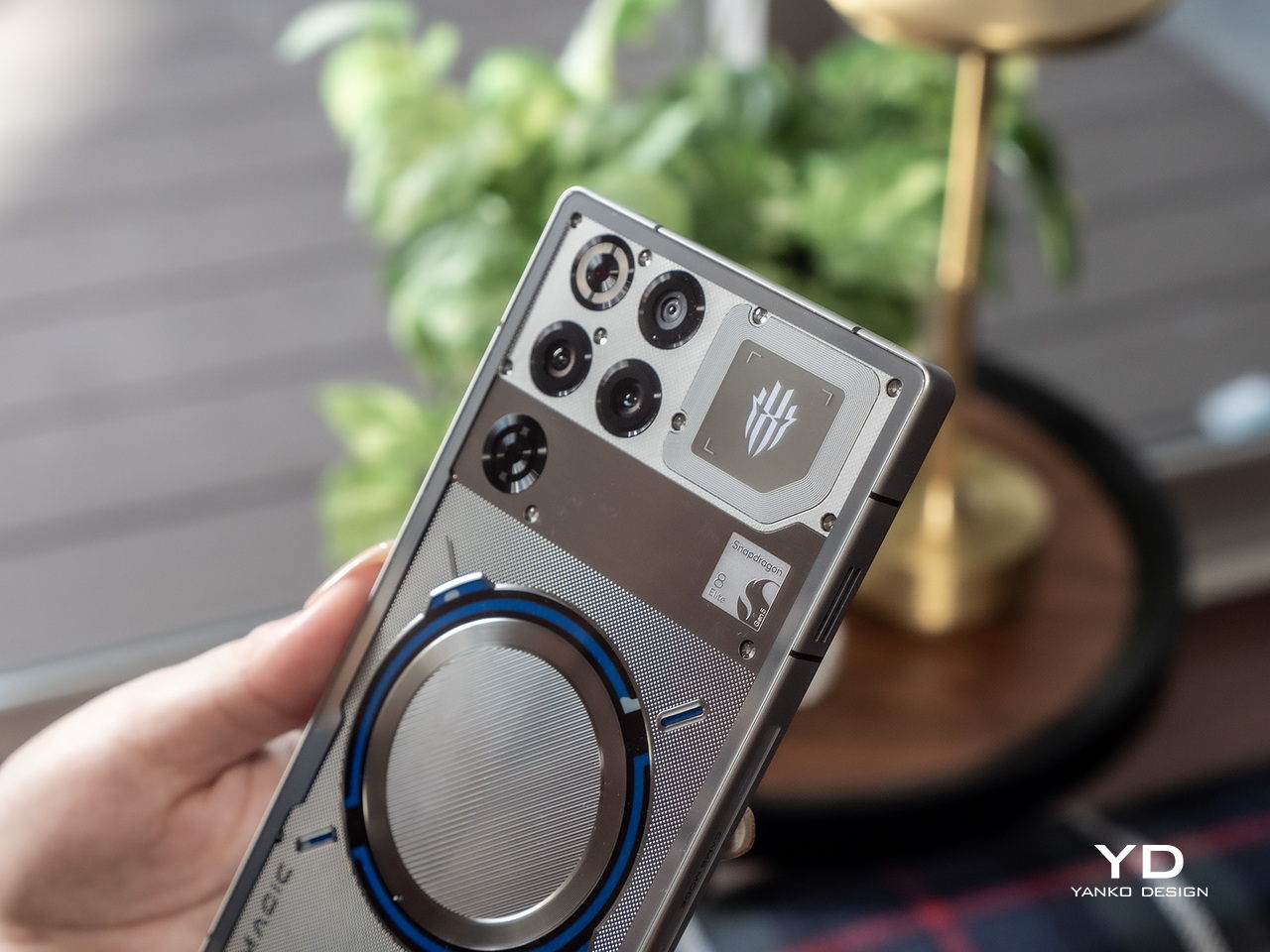
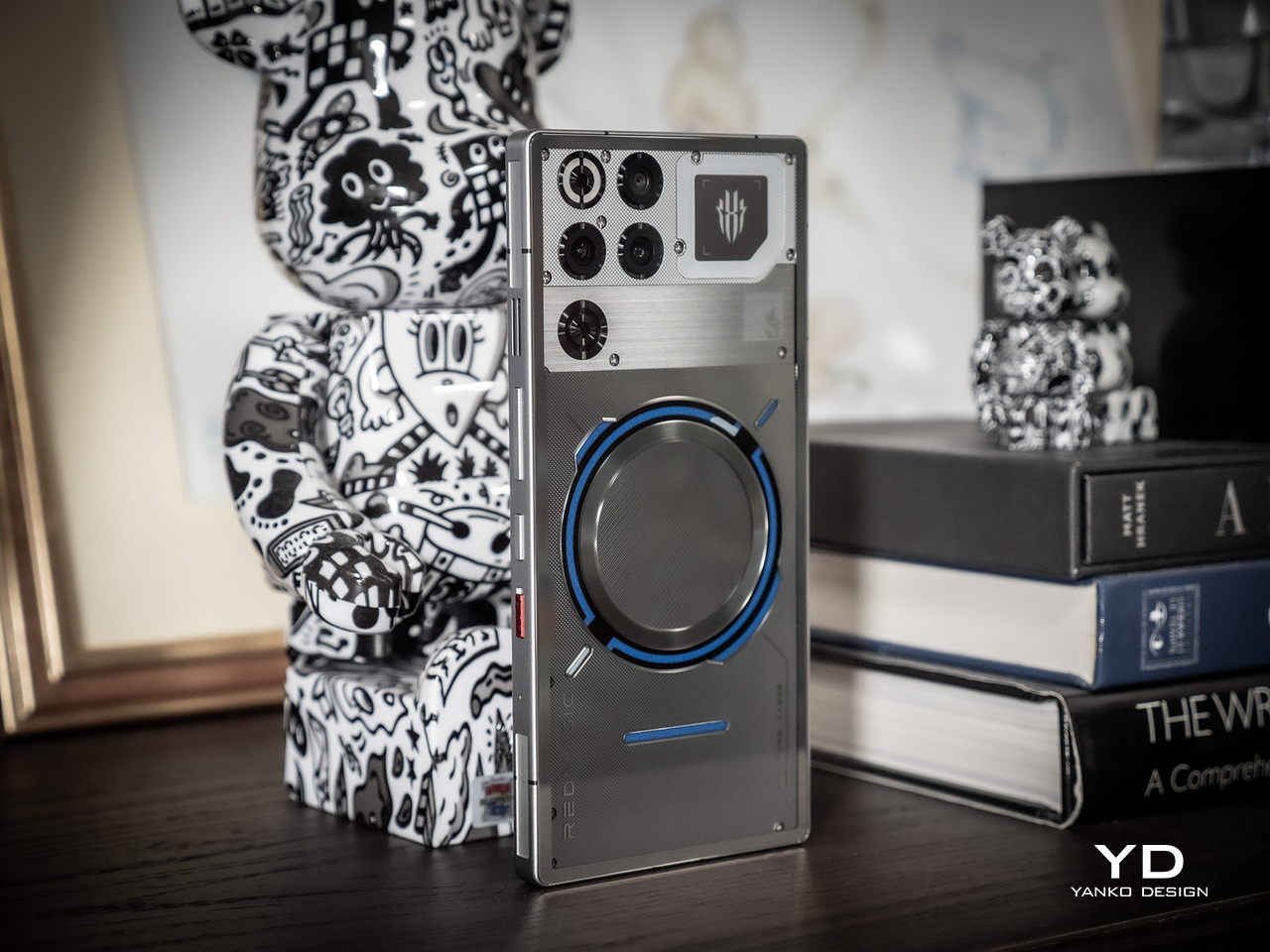
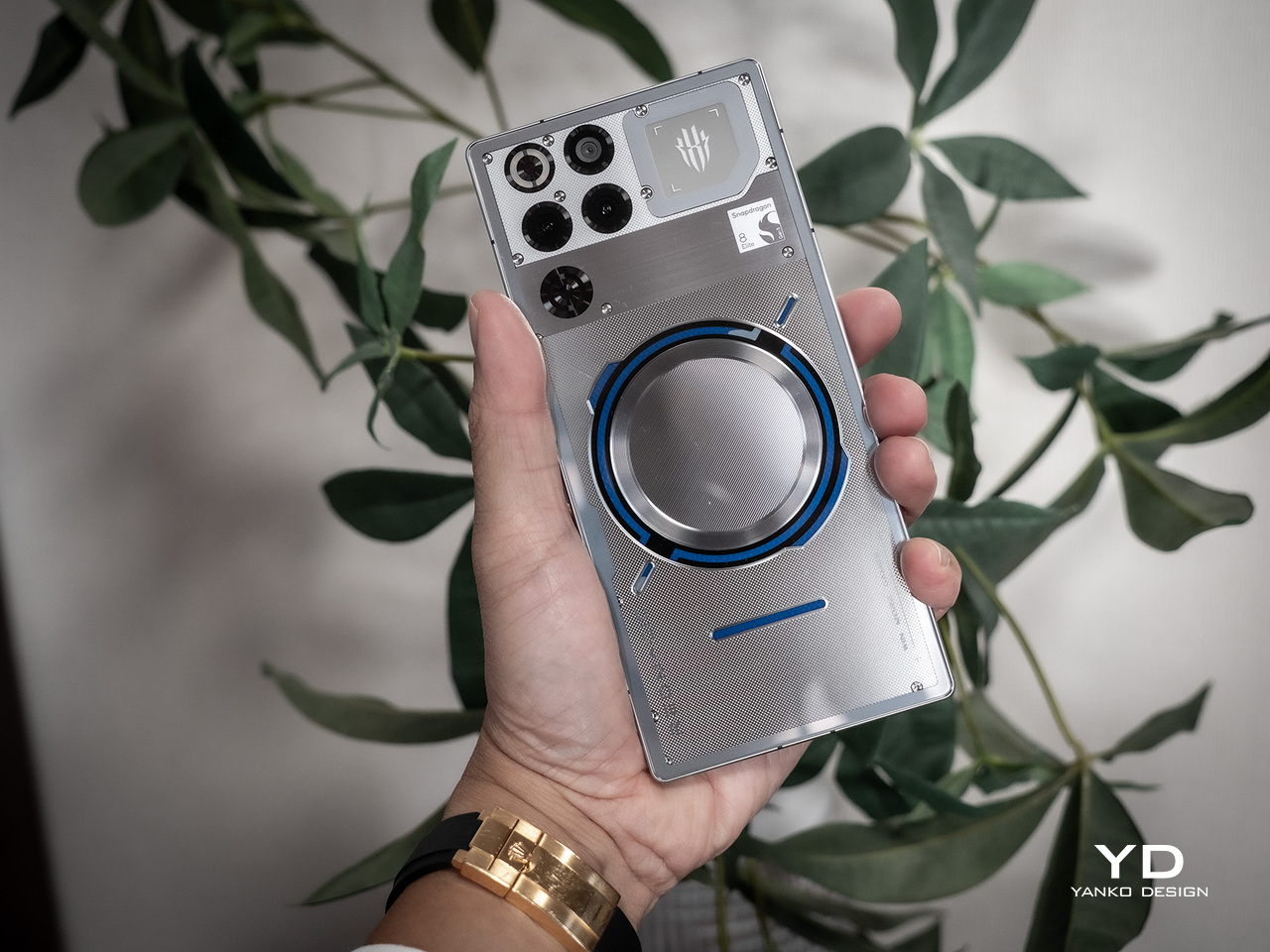
The REDMAGIC 11 Pro’s design is unapologetically futuristic, especially in the Nightfreeze and Subzero transparent versions that showcase some of the phone’s internal engineering like a piece of wearable art you can carry. The flat rear panel eliminates the camera bump entirely, creating a sleek profile that sits comfortably on desks without wobbling and feels balanced in hand during extended gaming sessions that stretch for hours.
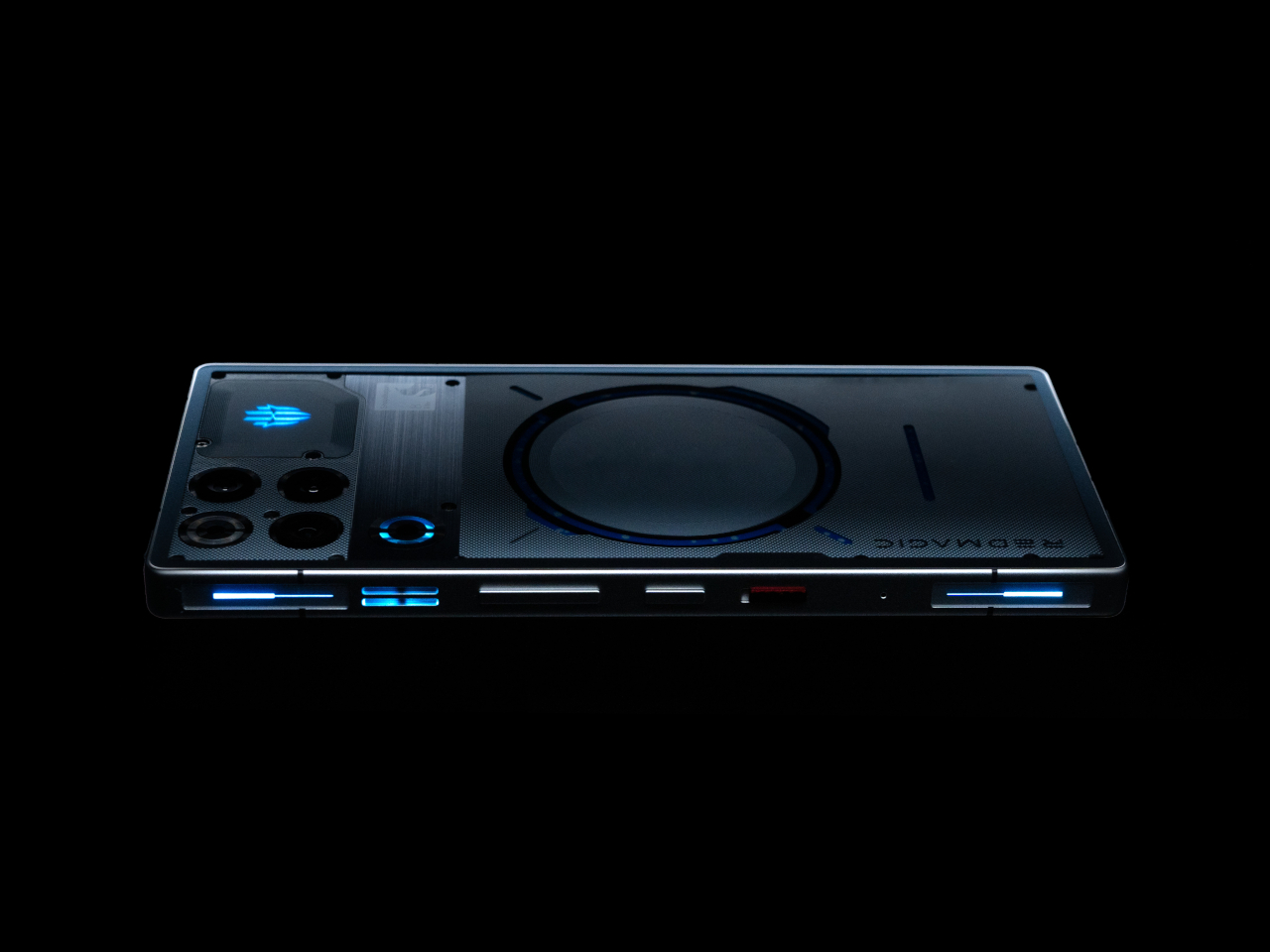
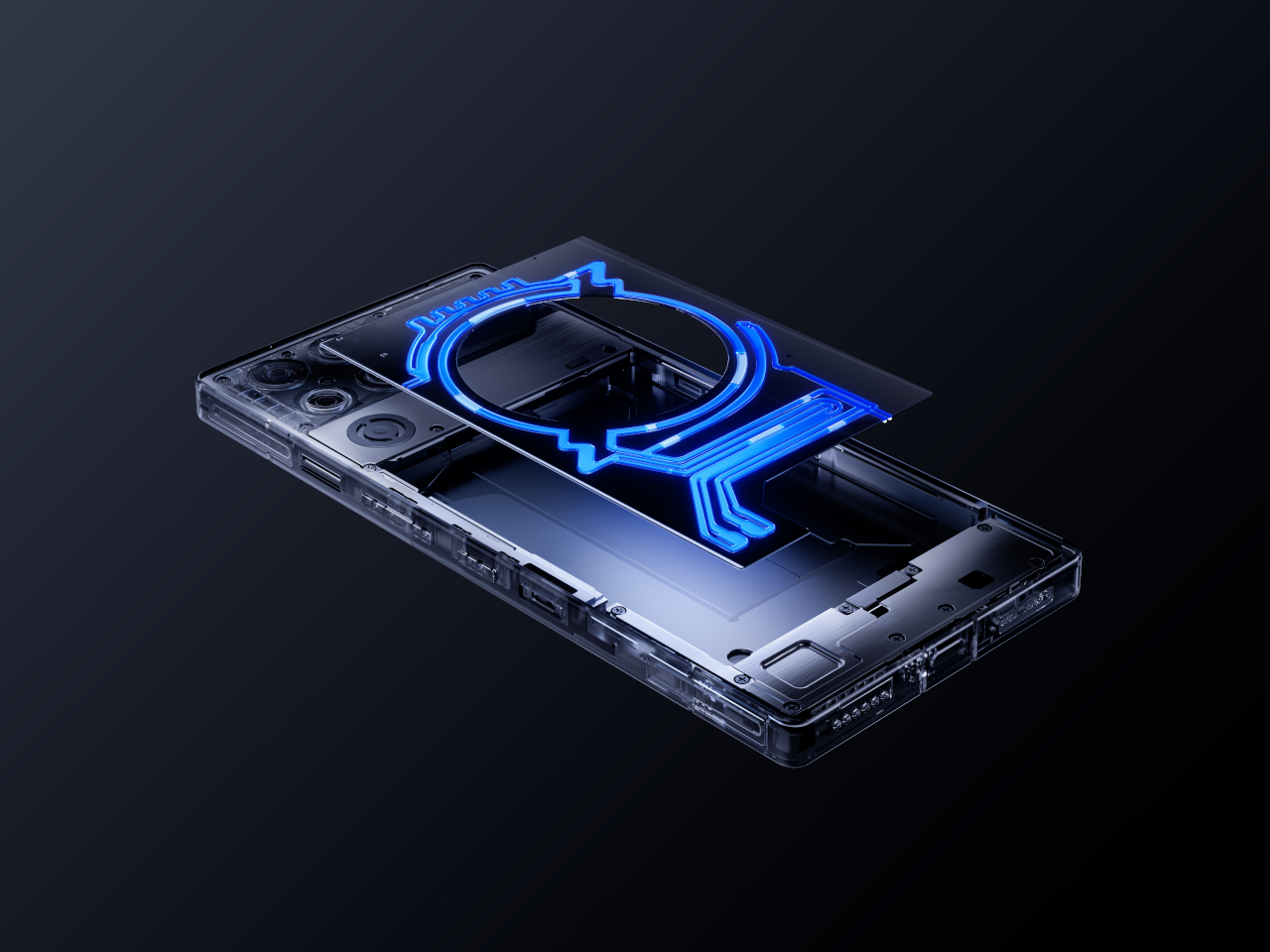
The most arresting detail is the visible liquid cooling system, particularly the circular Time-Space Ring window that reveals the AI server-grade fluorinated coolant pulsing through laser-cut microchannels beneath the transparent metal body. Watching the ice-blue liquid flow as the phone cools itself during intense gameplay creates a kinetic, sci-fi effect that’s both functional and mesmerizing, turning thermal management into visual theater that never gets old.
Dynamic RGB lighting frames the visible cooling loop and extends to a side strip that can be customized through software for different effects and colors. The transparent metal construction showcases intricate craftsmanship, revealing some of the components through the premium material. The effect is industrial yet refined, appealing to both gamers and design enthusiasts who appreciate engineering on display rather than hidden behind opaque shells.
Material choices reinforce the premium positioning throughout the device from every angle you examine it. Corning Gorilla Glass protects the display from scratches and impacts, while the aluminum alloy mid-frame provides structural rigidity without excessive weight that would make extended gaming uncomfortable. The matte Cryo version offers a more subdued look for those who prefer understated elegance, but the transparent models are where REDMAGIC’s design philosophy truly shines.
Ergonomics
Despite its futuristic looks and transparent internals packed with visible technology, the REDMAGIC 11 Pro remains remarkably practical for daily use and extended gaming sessions without causing discomfort. At 230 grams, the phone has a substantial feel without being uncomfortably heavy during one-handed use, and the weight distribution keeps it balanced during two-handed gaming grips that competitive gamers favor during intense matches requiring precision control.
The flat back and rounded corners create a comfortable grip that doesn’t dig into palms during marathon sessions lasting several hours. The absence of a camera bump means the phone sits flush on surfaces without rocking annoyingly, making it ideal for desk gaming, table use during video calls, or content consumption on flat surfaces where other phones wobble constantly from protruding cameras.
The phone’s 8.9 millimeter thickness makes it surprisingly pocketable for a gaming device with this much cooling hardware inside, fitting into most pants and jacket pockets without excessive bulk. The flat design actually helps here, distributing the phone’s footprint evenly rather than creating awkward bulges from protruding camera modules that plague most flagship smartphones today and make them uncomfortable to carry.
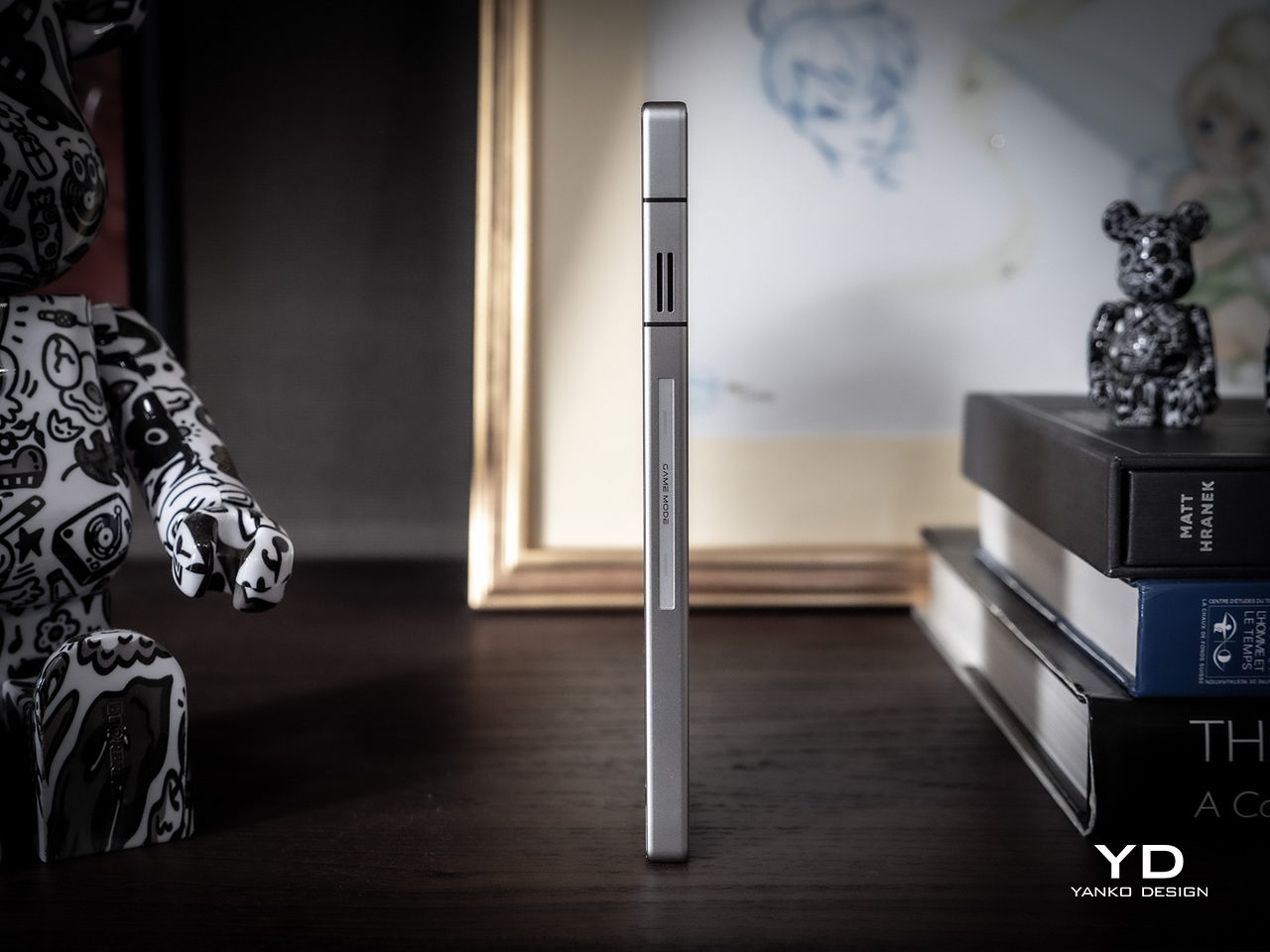
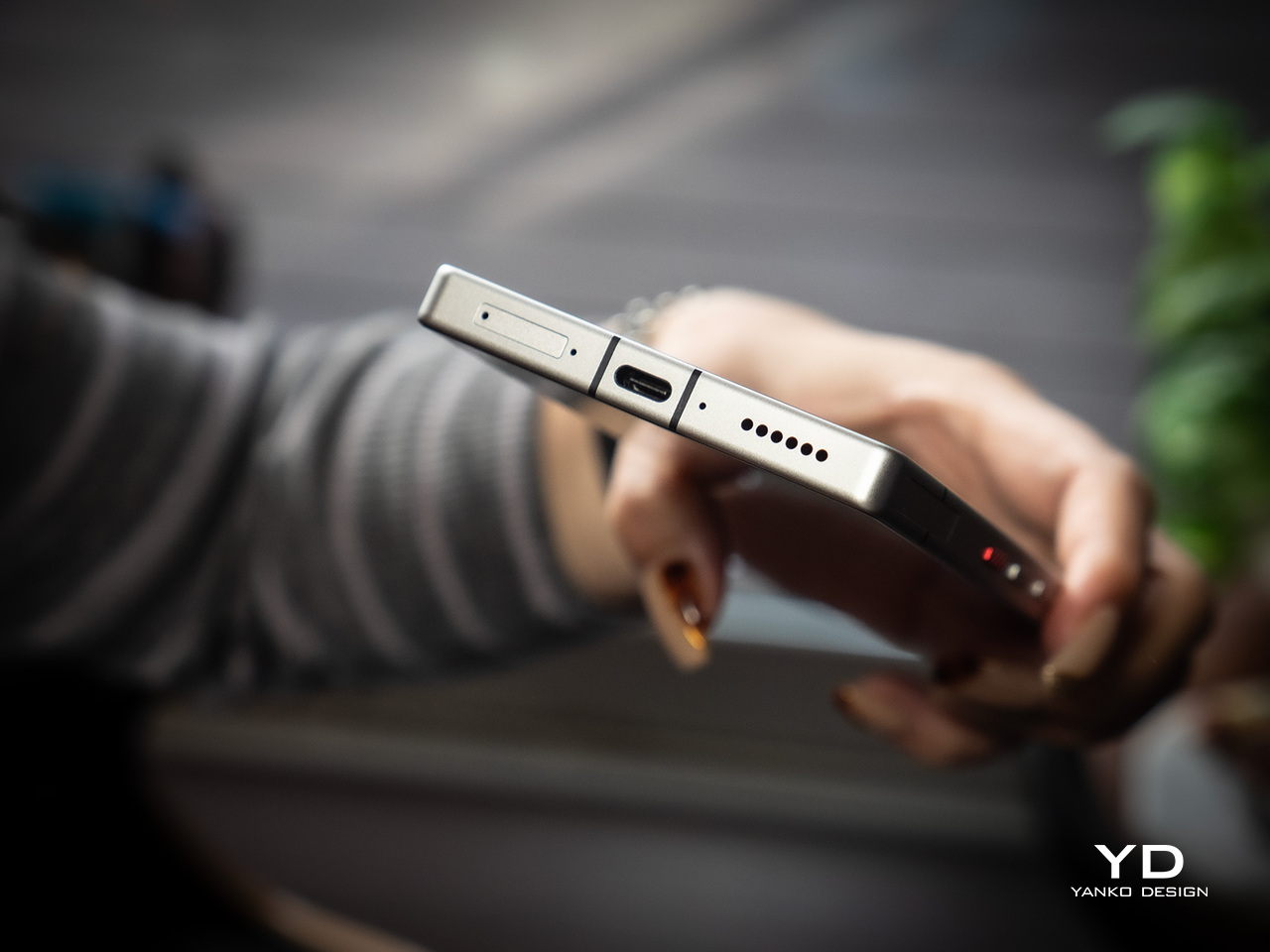
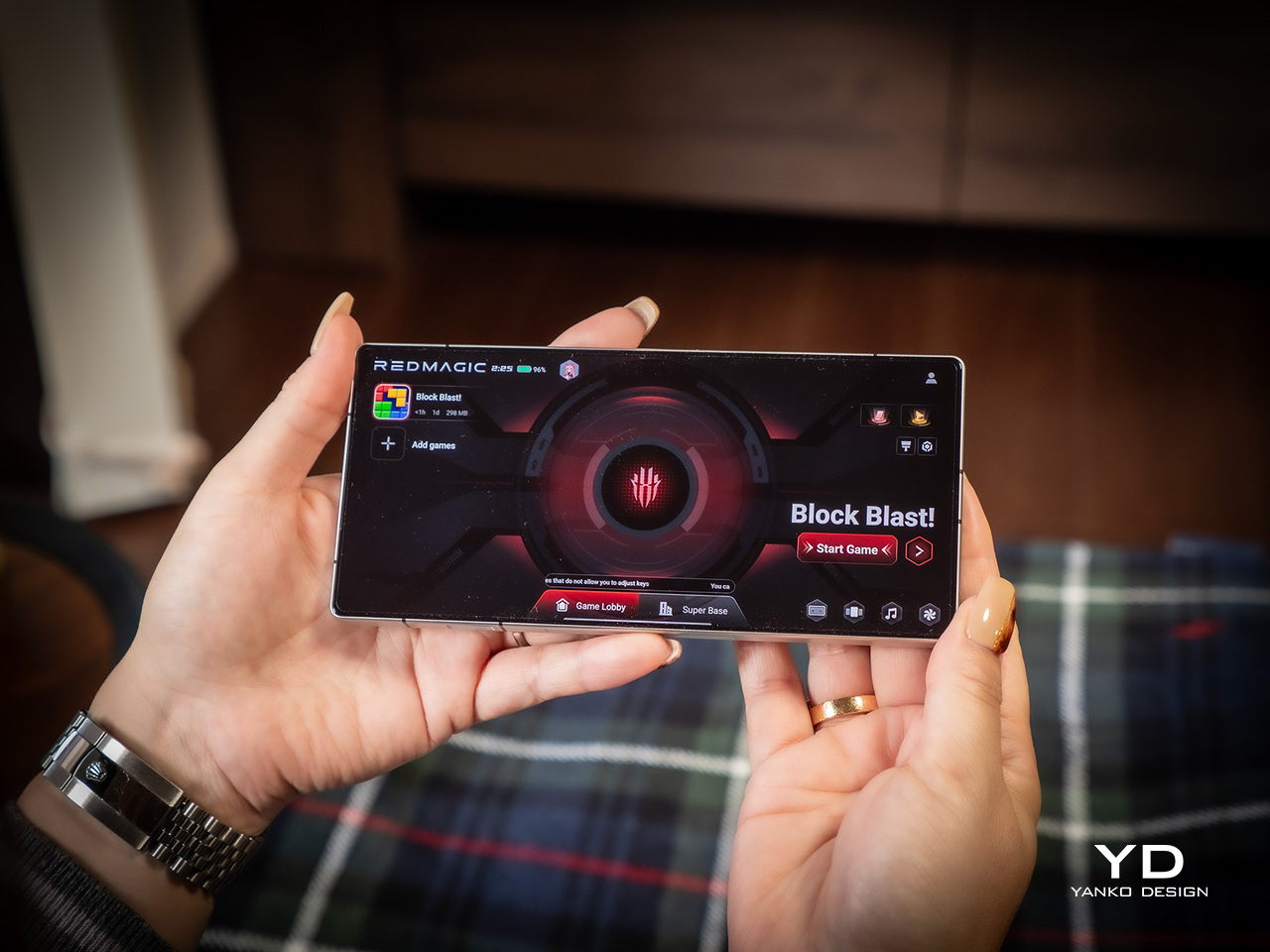
Button placement is thoughtfully considered throughout the design for both gaming and daily use scenarios. The power button and volume rocker are positioned for easy access, whether you’re gaming in landscape orientation or using the phone normally in portrait mode. The 3D ultrasonic fingerprint sensor works reliably even with wet hands, a practical detail for gamers who get sweaty during intense sessions. The customizable Magic Key on the side provides quick access to Game Space or other functions without interrupting gameplay or requiring menu navigation that pulls you out of immersion.
The 520Hz shoulder triggers are positioned perfectly for landscape gaming, offering tactile, responsive control that feels natural within seconds of picking up the phone for the first time. These physical buttons provide a significant advantage over touchscreen-only controls, especially in competitive shooters where split-second reactions determine outcomes and touchscreen delays can cost matches. The triggers support both landscape and portrait modes for versatility.
Performance
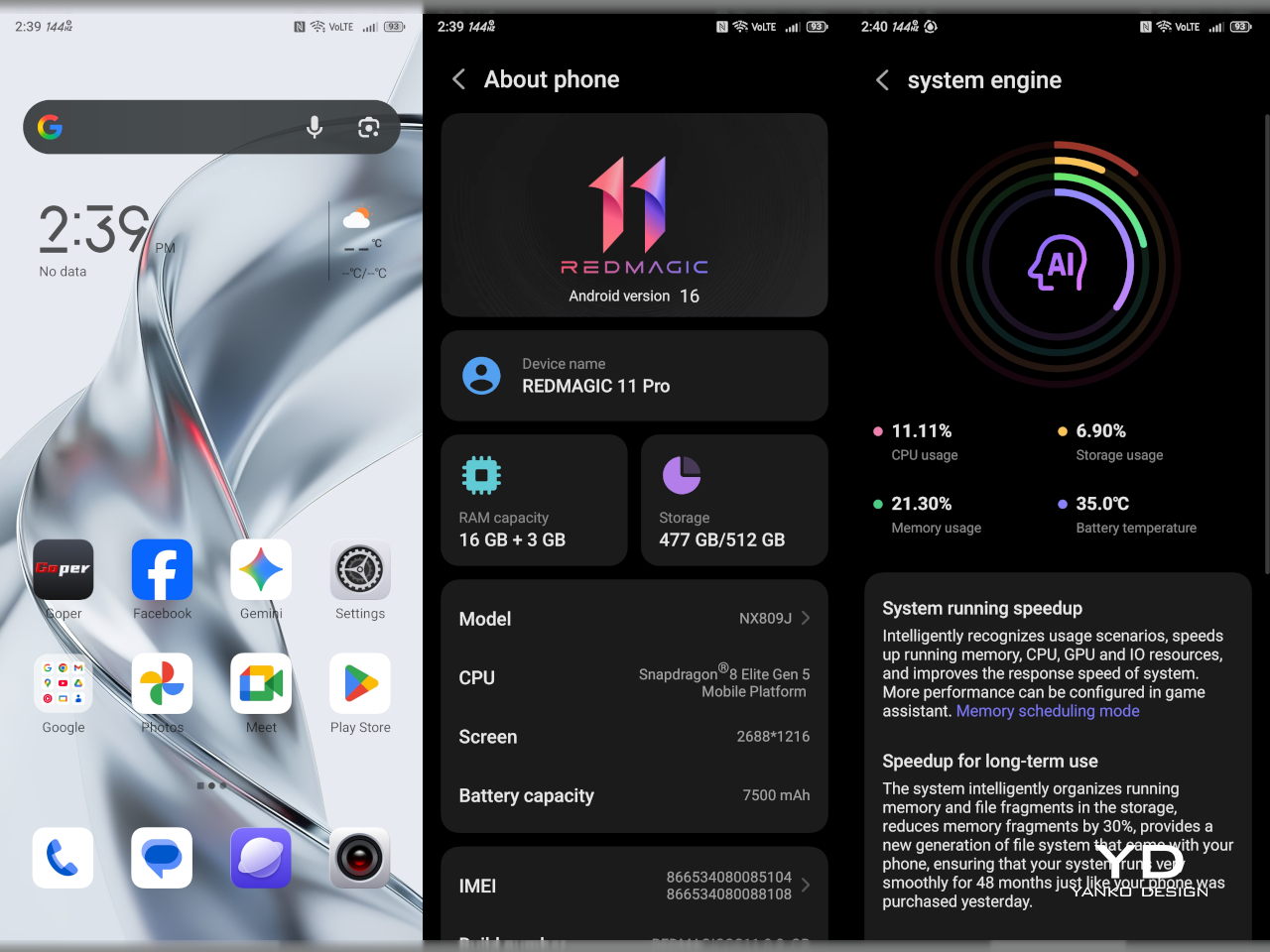
The REDMAGIC 11 Pro’s performance capabilities start with the Snapdragon 8 Elite Gen 5 processor, Qualcomm’s fastest mobile chipset built on a 3nm process with clock speeds reaching 4.6GHz across its cores. Paired with up to 24GB of LPDDR5T RAM and 1TB of UFS 4.1 Pro storage, this configuration handles anything you throw at it, from graphically demanding games to heavy multitasking across dozens of apps simultaneously without slowdowns.
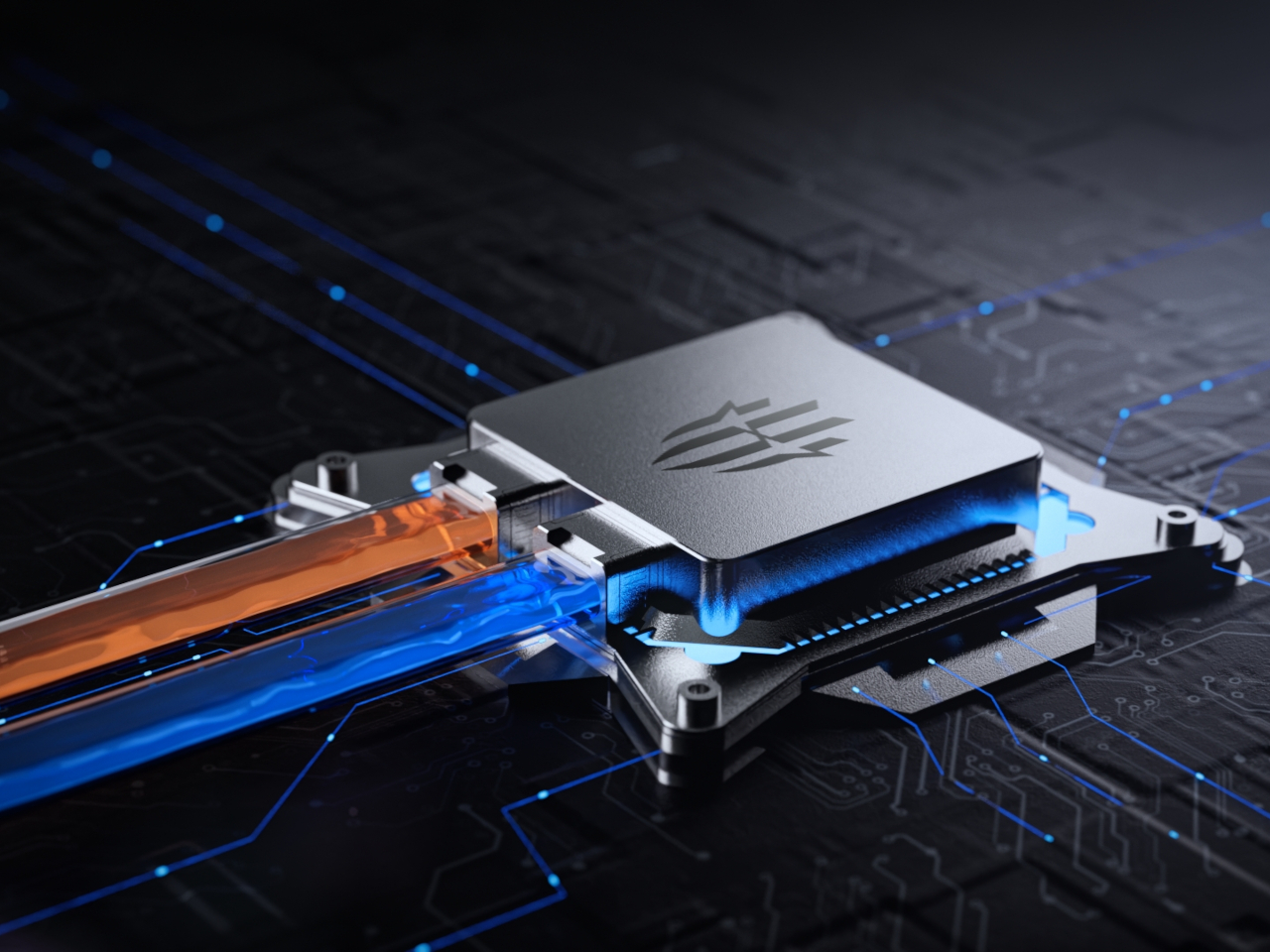
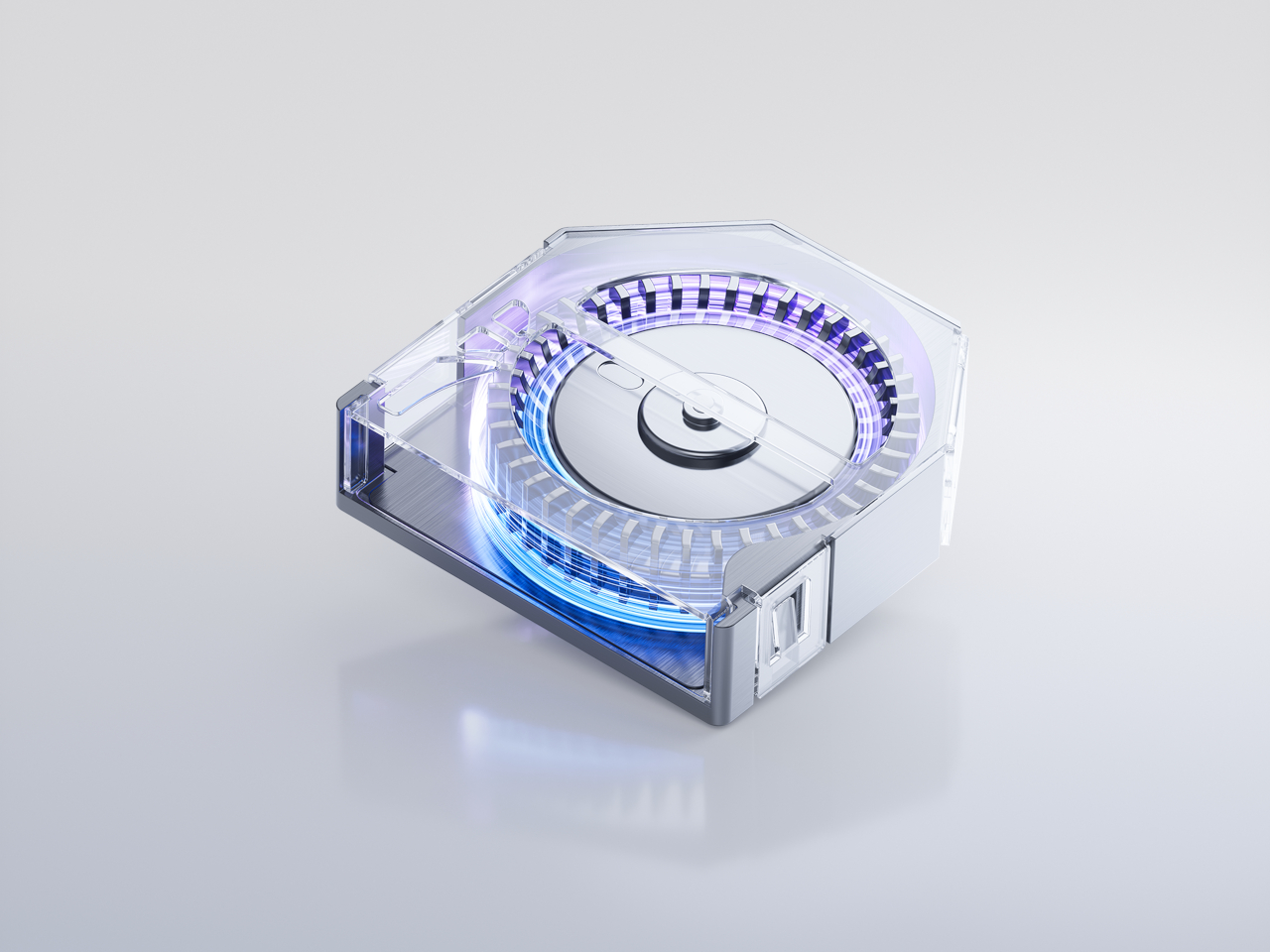
What truly separates the REDMAGIC 11 Pro from competitors is the revolutionary AquaCore Cooling System, the world’s first mass-produced smartphone implementation of flowing liquid cooling technology used in AI servers. This system uses non-conductive fluorinated liquid, circulating it through micron laser-cut channels to draw heat directly from the battery and processor during sustained high-performance use that would throttle most phones.
The cooling system combines four technologies working in concert to maintain optimal temperatures throughout extended sessions. Flowing liquid cooling provides direct heat extraction from hot spots, Liquid Metal 3.0 ensures rapid thermal conductivity between components, and the industry’s largest 13,116 square millimeter vapor chamber distributes heat evenly, and a waterproof 24,000 RPM TurboFan accelerates air circulation without failing in humid or dusty conditions.
Testing with demanding titles like Genshin Impact and Honkai Star Rail demonstrates the cooling system’s effectiveness in real-world gaming scenarios. The phone maintains consistent 60-plus frame rates with minimal variance over multi-hour sessions, while competing devices show significant performance degradation and frame stuttering as internal temperatures climb. Battery consumption during gaming is noticeably lower, extending playtime significantly beyond what other flagships achieve.
The 6.85-inch AMOLED display dominates the front with minimal bezels at just 0.7 millimeters thick, achieving a 95.3 percent screen-to-body ratio that creates an immersive viewing experience without distractions. The display’s 2688 by 1216 resolution and 144Hz refresh rate deliver fluid visuals for both gaming and everyday scrolling, while the under-display camera technology eliminates notches or punch holes entirely, maintaining clean lines across the entire screen surface.
The screen emphasizes the importance of the touch experience as much as it does the visuals. The Synaptics 3910v chip enables 2,592Hz instant touch sampling, making on-screen controls incredibly responsive and precise during competitive play where milliseconds matter. The new wet-hand mode ensures reliable touch recognition even in rain or immediately after washing hands. The 3D ultrasonic fingerprint sensor works reliably even with wet hands, a practical detail for gamers who get sweaty during intense sessions.
The 7,500mAh battery provides genuinely impressive endurance across all usage scenarios, delivering up to 34 hours of daily mixed use and over 7 hours of Genshin Impact gameplay at maximum settings without charging. The 80W wired and wireless fast charging reaches full capacity quickly enough to top up during short breaks, and the inclusion of reverse wireless charging means you can power up accessories.
The camera system handles daily photography needs competently without pretending to be a dedicated camera phone, which is perfectly fine for a gaming-focused device. The 50MP main sensor with optical image stabilization and anti-glare coating captures sharp, stable shots in good lighting, while the 50MP ultra-wide lens handles group photos and landscapes with natural perspective. The 16MP front camera, tucked beneath the display, delivers selfies enhanced by AI processing that keeps skin tones natural and details clear during video calls or casual shots.
Sustainability
The REDMAGIC 11 Pro approaches sustainability through durability and longevity rather than disposability, building a phone designed to remain relevant and functional for years rather than requiring replacement. The aluminum alloy mid-frame and Corning Gorilla Glass construction create a robust foundation that withstands daily wear, accidental drops, and the rigors of travel without showing excessive damage or requiring replacement after minor incidents.
The IPX8 water resistance rating and unique dust-proof design protect the phone’s internals from environmental damage that would compromise cheaper devices, extending its practical lifespan significantly. The waterproof and dust-proof mini fan is a REDMAGIC industry first, ensuring the active cooling system continues functioning reliably even in dusty or humid environments where conventional fans would fail or degrade rapidly, maintaining cooling efficiency.
The visible liquid cooling system, while visually striking, also serves a crucial sustainability purpose by preventing thermal degradation of internal components over time. By maintaining lower operating temperatures consistently during heavy use, the phone’s processor, battery, and other heat-sensitive components experience less thermal stress, extending their functional lifespan and maintaining performance consistency across years of heavy gaming.
Value
The REDMAGIC 11 Pro’s pricing positions it strategically within the high-end smartphone market, especially considering what you receive for the investment in terms of hardware and design. The transparent Nightfreeze and Subzero versions start at $849 for 16GB of RAM and 512GB of storage, while the top configuration with 24GB of RAM and 1TB of storage comes in at $999, offering flagship specs without flagship pricing.
When you compare these specifications and prices to other gaming phones and premium non-gaming flagships currently available in the market, the value proposition becomes compelling. Many similarly specced devices with advanced cooling systems, high-refresh displays, and large storage capacities often cost significantly more, sometimes well over the $1,000 mark, and frequently lack the visual flair, gaming-focused features, or transparent design aesthetic that makes the REDMAGIC 11 Pro distinctive.
When you factor in the visible engineering, waterproof active cooling, and gaming-specific features like shoulder triggers and dedicated gaming chips, the value equation tilts heavily in REDMAGIC’s favor. Throw in the 3.5mm headphone jack, 80W wireless charging, and reverse wireless charging, and you’re essentially getting desktop-class gaming performance in a pocketable form factor at prices competitive with conventional flagships.
The rare combination of visible engineering, industry-leading cooling technology, and thoughtful design choices makes the REDMAGIC 11 Pro stand out in ways that raw specifications alone cannot capture. You’re not just buying processing power and storage capacity; you’re investing in a device that celebrates its capabilities visually and functionally, making every gaming session and daily interaction feel intentional and exciting rather than routine.
Verdict
The REDMAGIC 11 Pro delivers on its promise to blend cutting-edge gaming performance with a futuristic design that turns heads and starts conversations wherever you use it publicly. The visible liquid cooling system is genuinely innovative beyond its aesthetic appeal, providing tangible thermal management advantages that translate to sustained performance during the gaming sessions that matter most to competitive players. Combined with the Snapdragon 8 Elite Gen 5, massive battery, and thoughtful gaming features, it’s a phone that respects your competitive aspirations.
For gamers, power users, and design enthusiasts who want their technology to look as advanced as it performs during daily use, the REDMAGIC 11 Pro offers a compelling package. The transparent design, waterproof cooling fan, and flat-back profile demonstrate that gaming phones can be both powerful and beautiful, setting a new standard for what’s possible when engineering and aesthetics receive equal priority in product development without compromise.
ASUS ROG GR70 Gaming Mini PC combines Ryzen 9 9955HX3D power and RTX 5070 graphics in a compact sub-three-liter design with WiFi 7 and up to 96GB DDR5 memory.
Although hardly the first of its kind, the Nintendo Switch definitely kicked off a handheld gaming renaissance. Now we have mini PCs letting us play all sorts of games on the go and innumerable projects that try to cobble up together their own handheld console. The latter has given rise to many unconventional designs, though most follow the standard combination of buttons and joysticks found on gaming controllers.
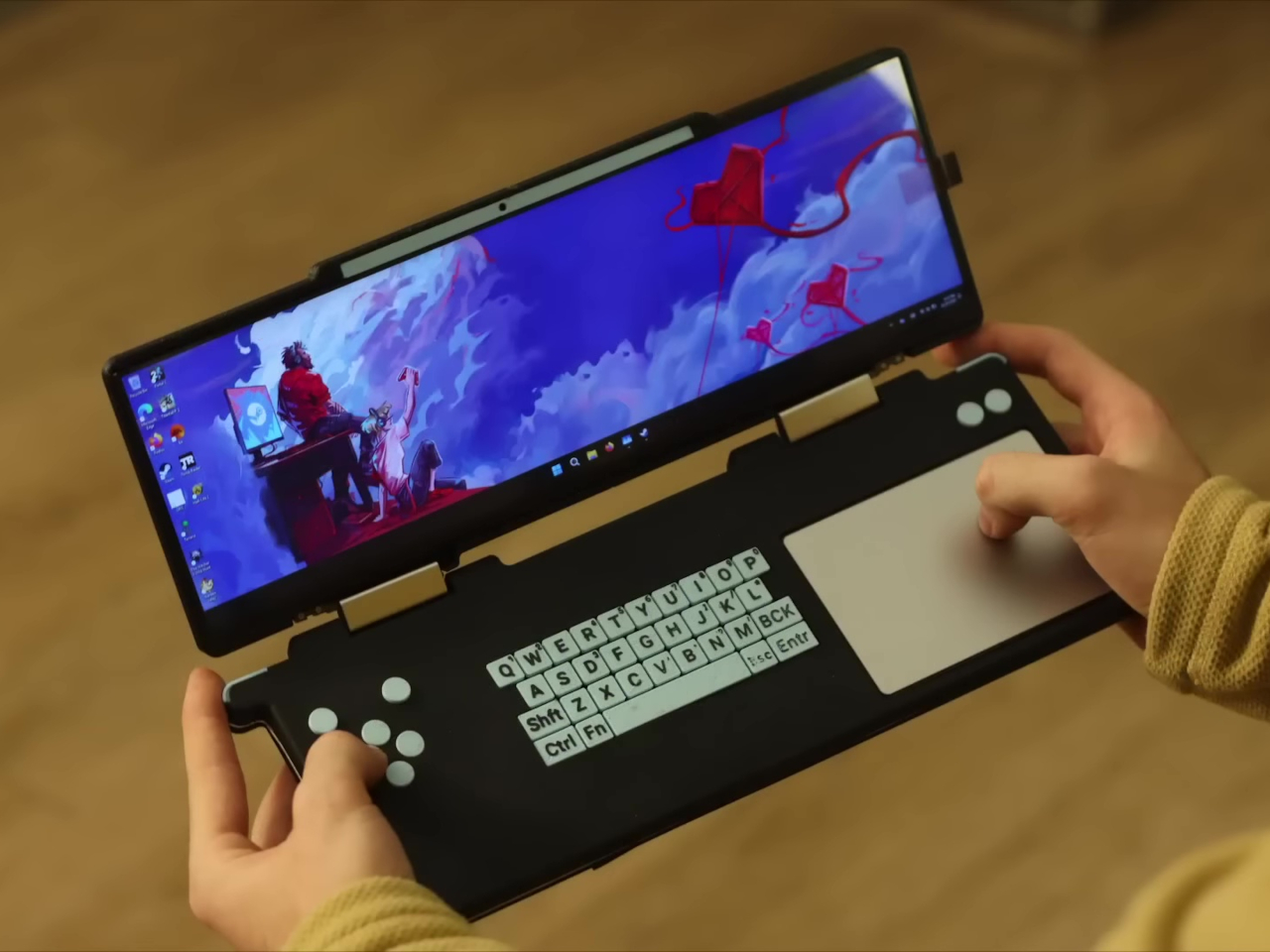
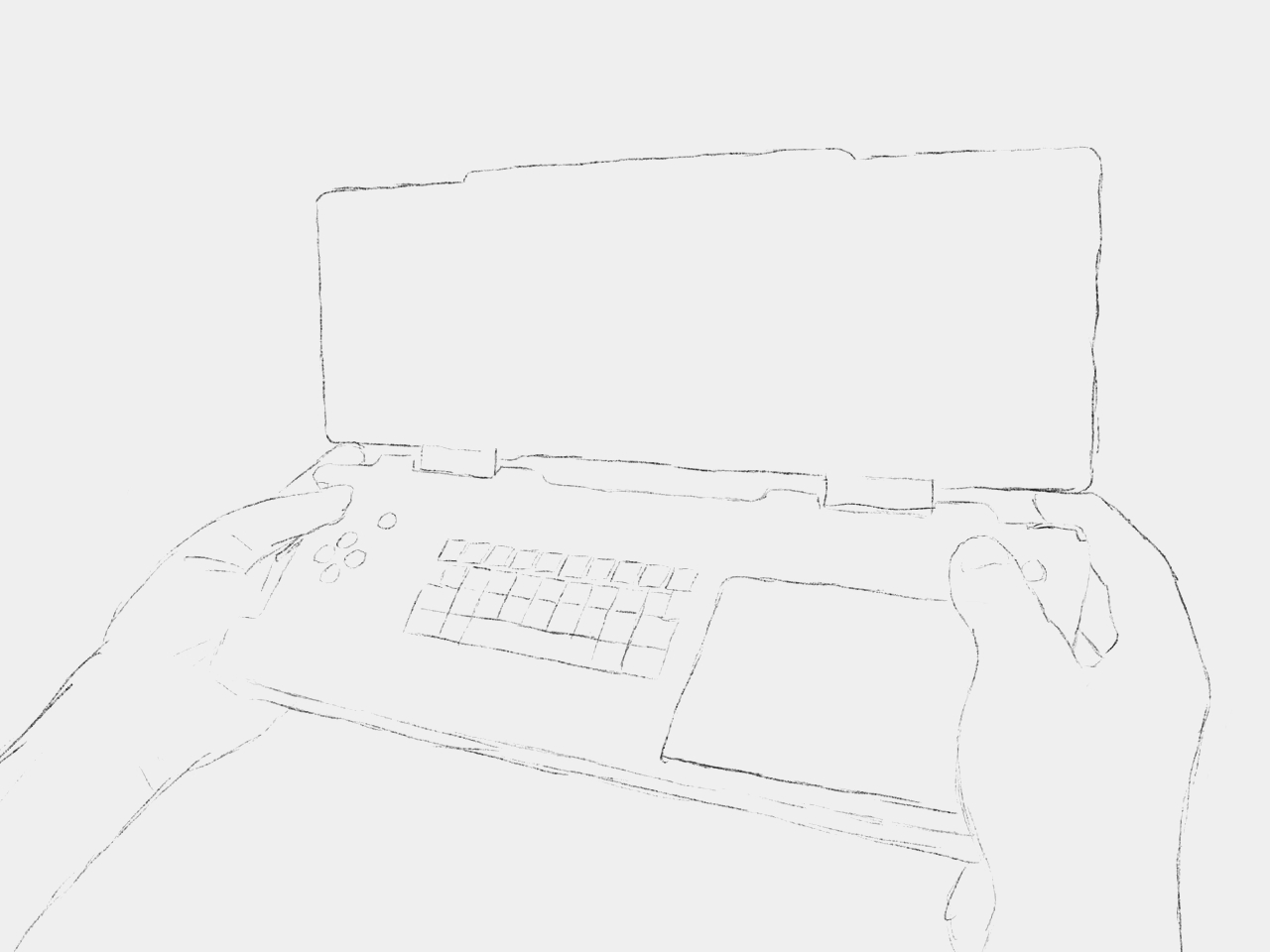
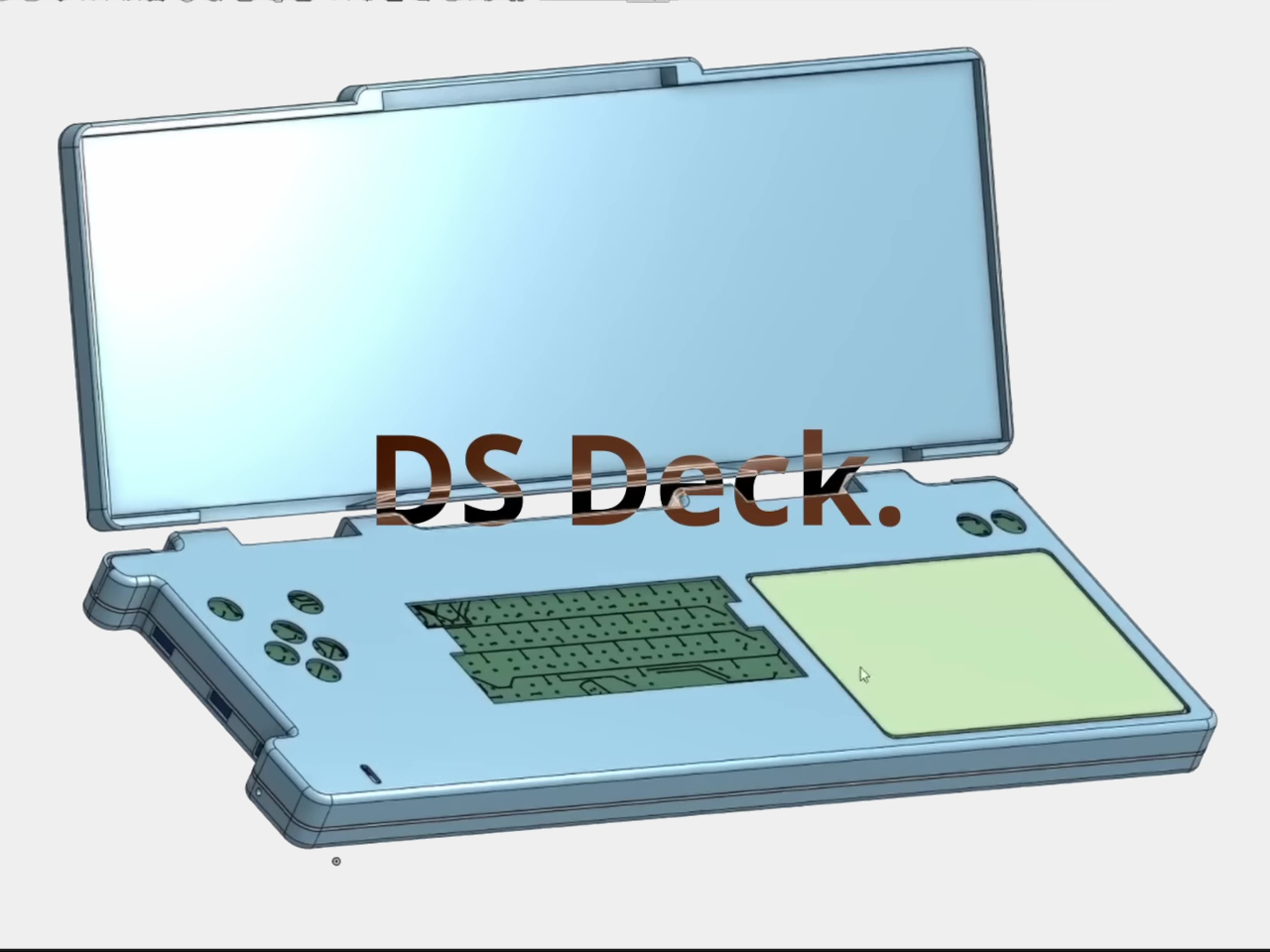
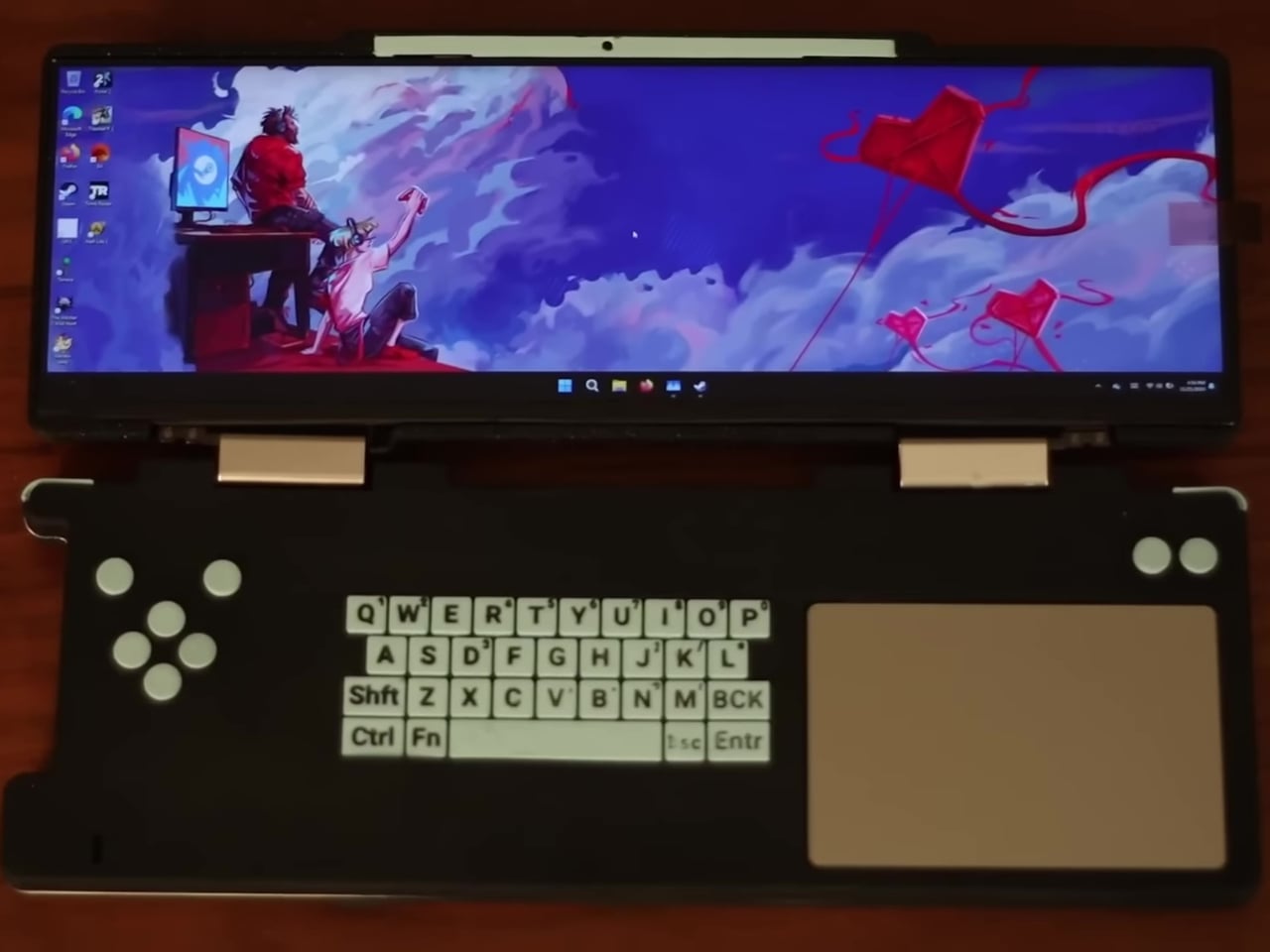
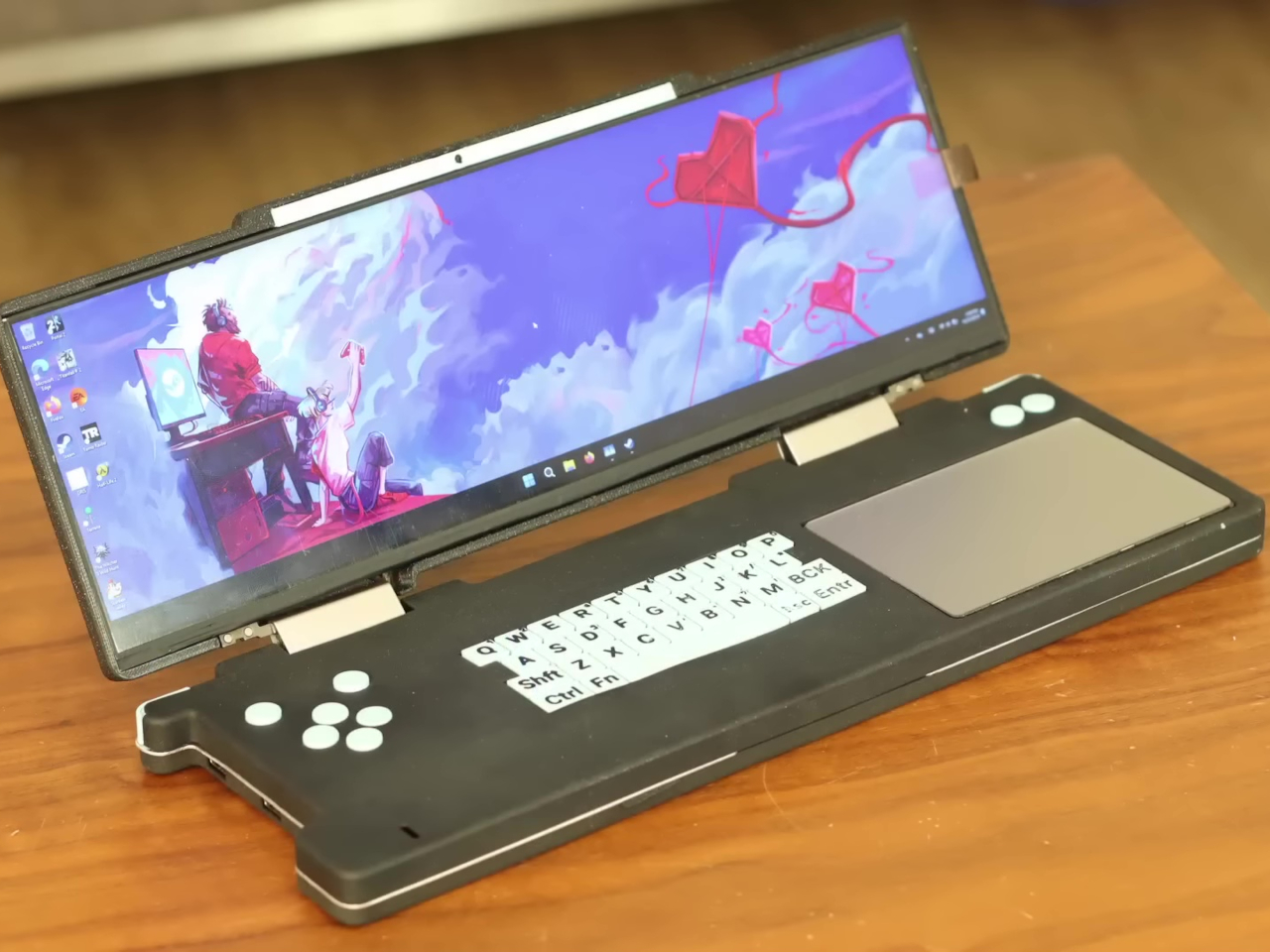
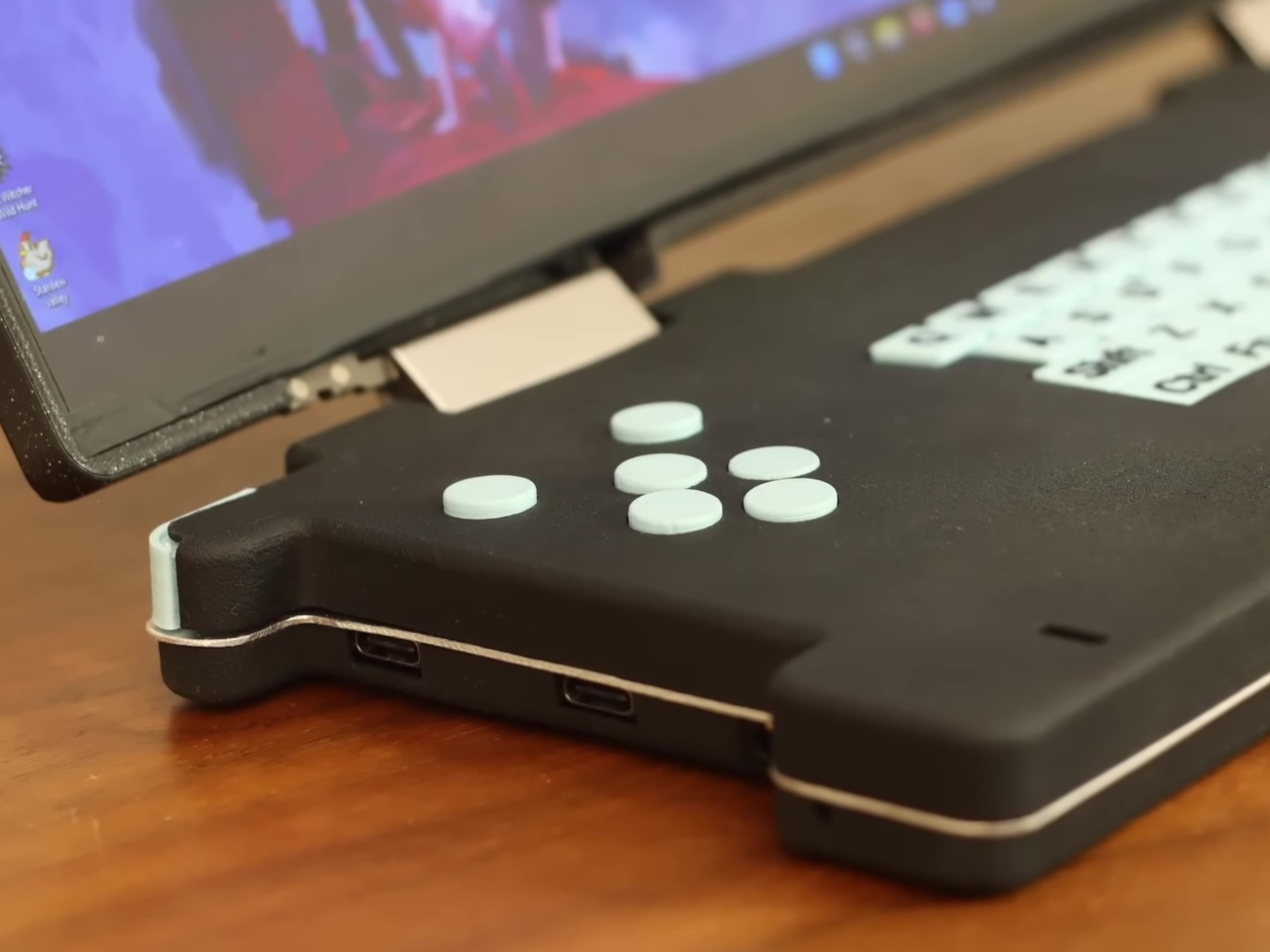
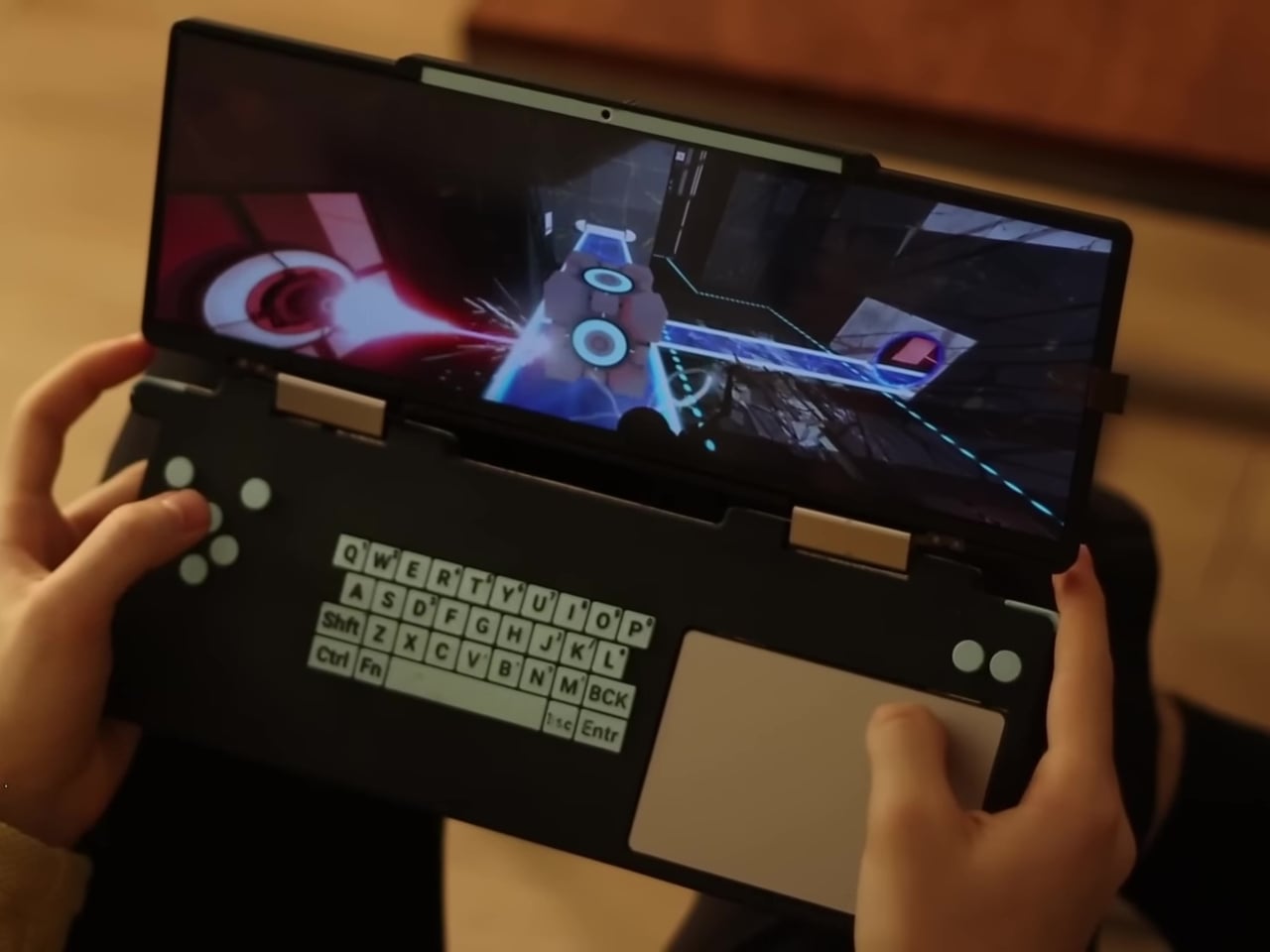
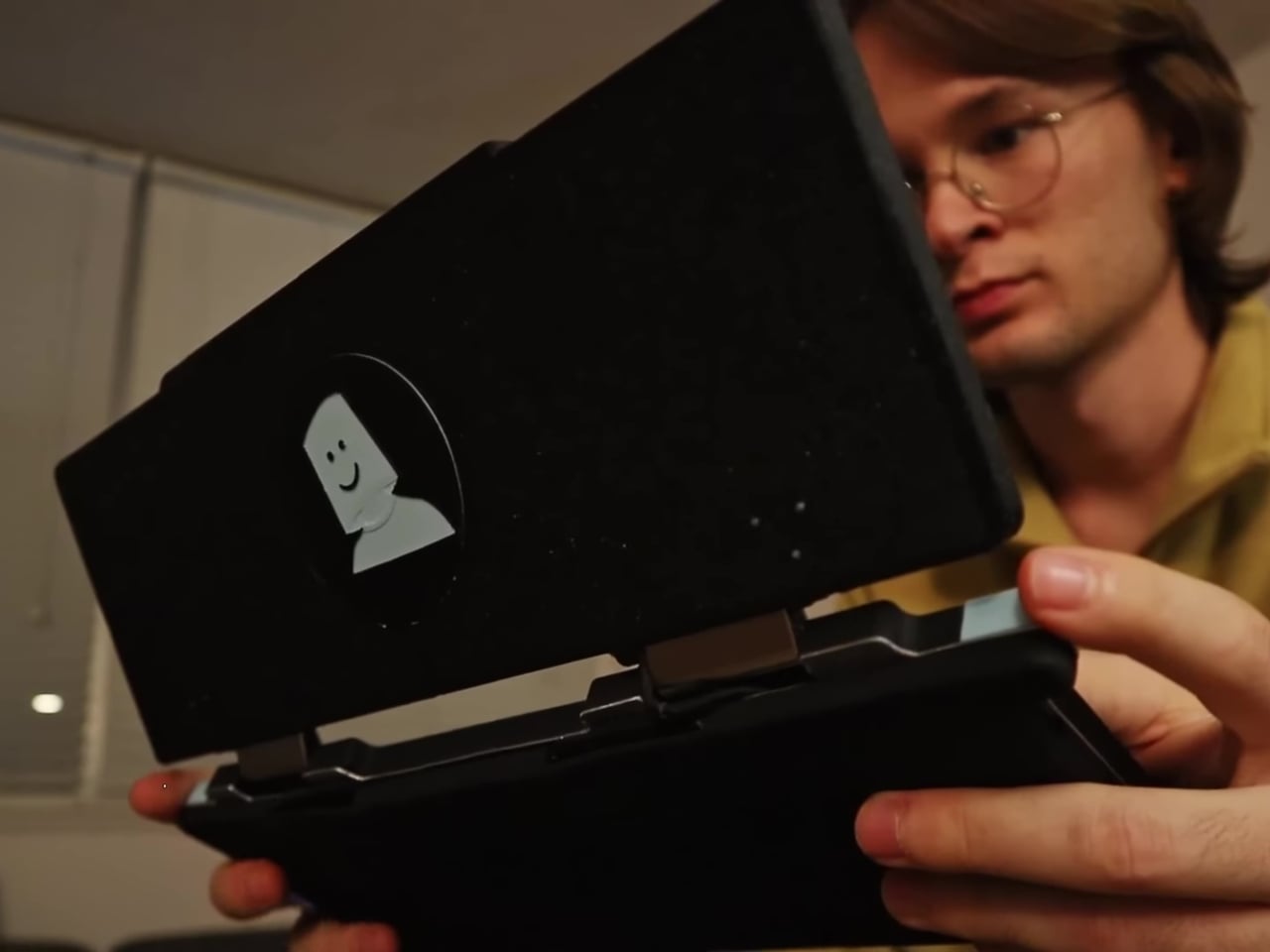
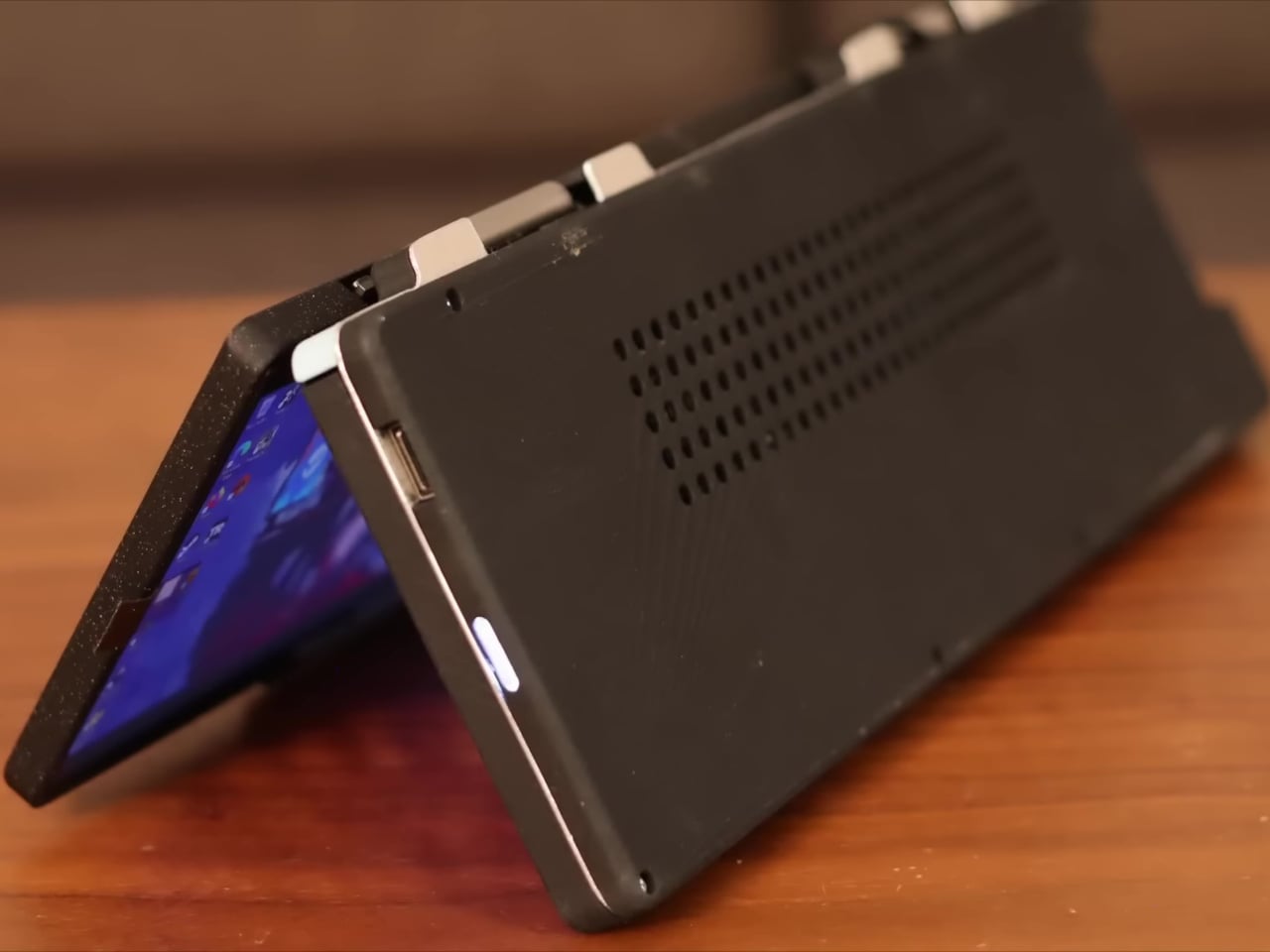
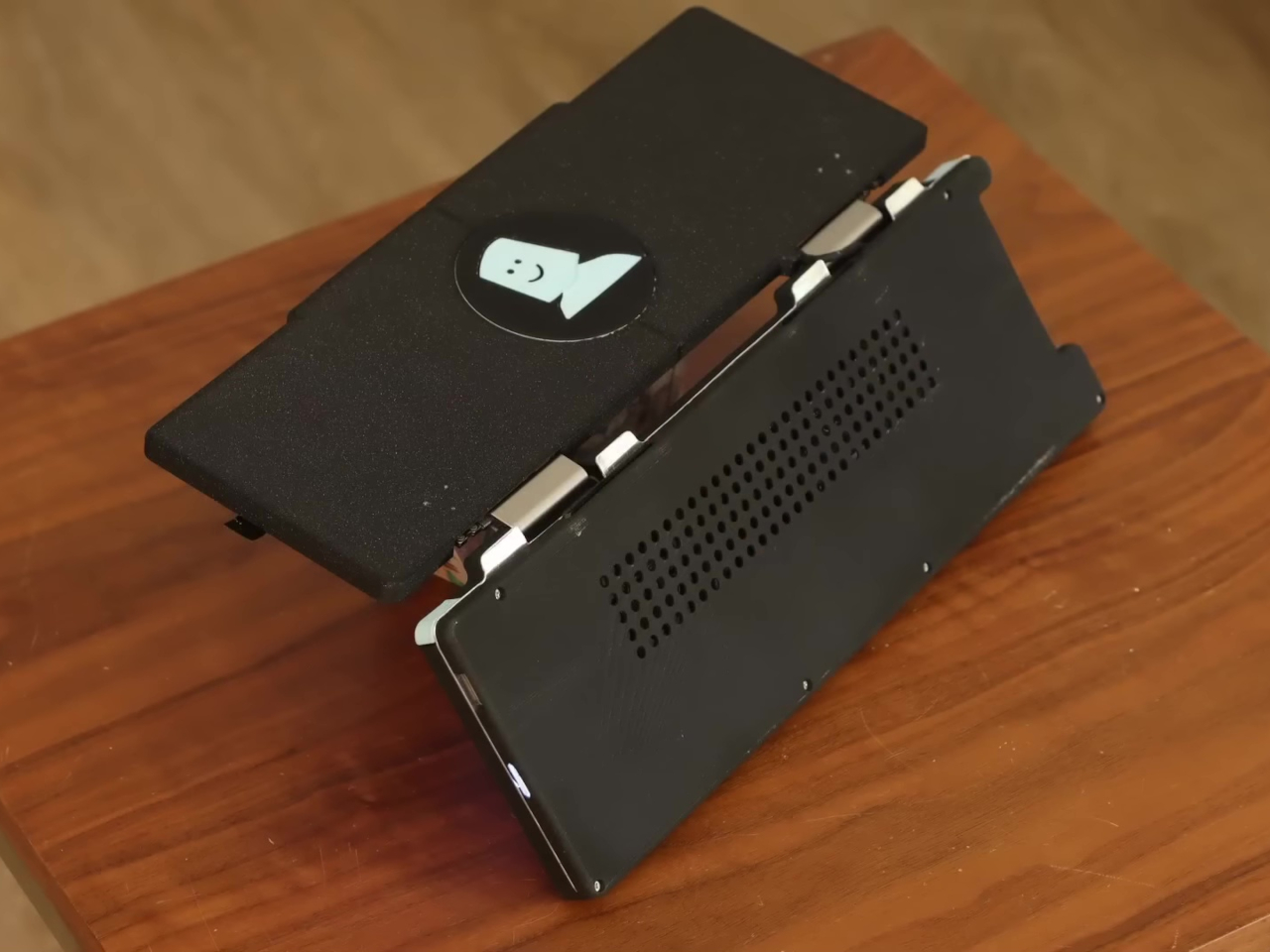
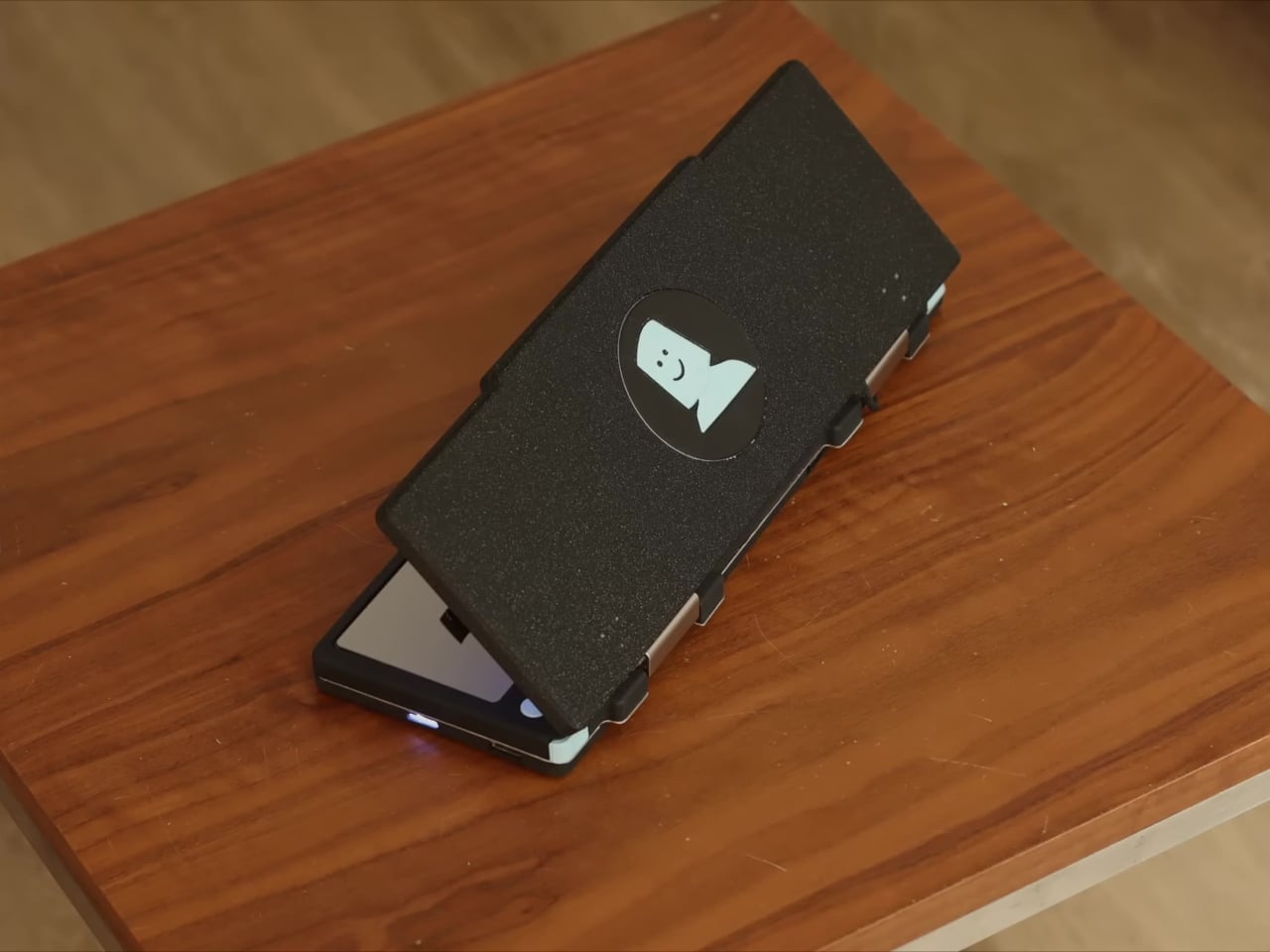
One designer, however, went out of his way to do something different thanks to his dislike of joysticks. The result is a unique and rather curious handheld device that combines the clamshell form factor of the Nintendo DS and the guts of a laptop, and then stretches it wide to a rather unusual degree.
Designer: Marcin Plaza
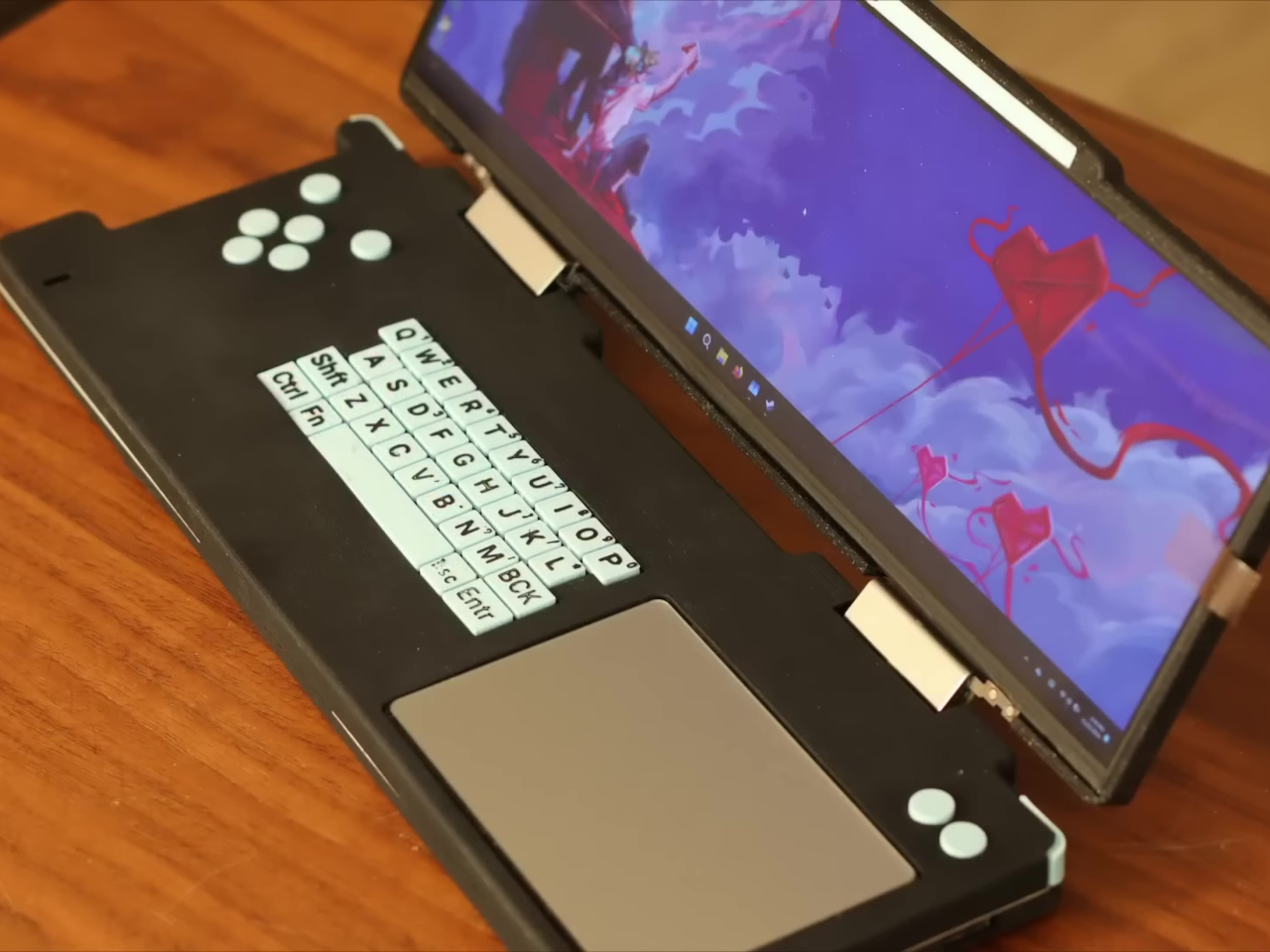
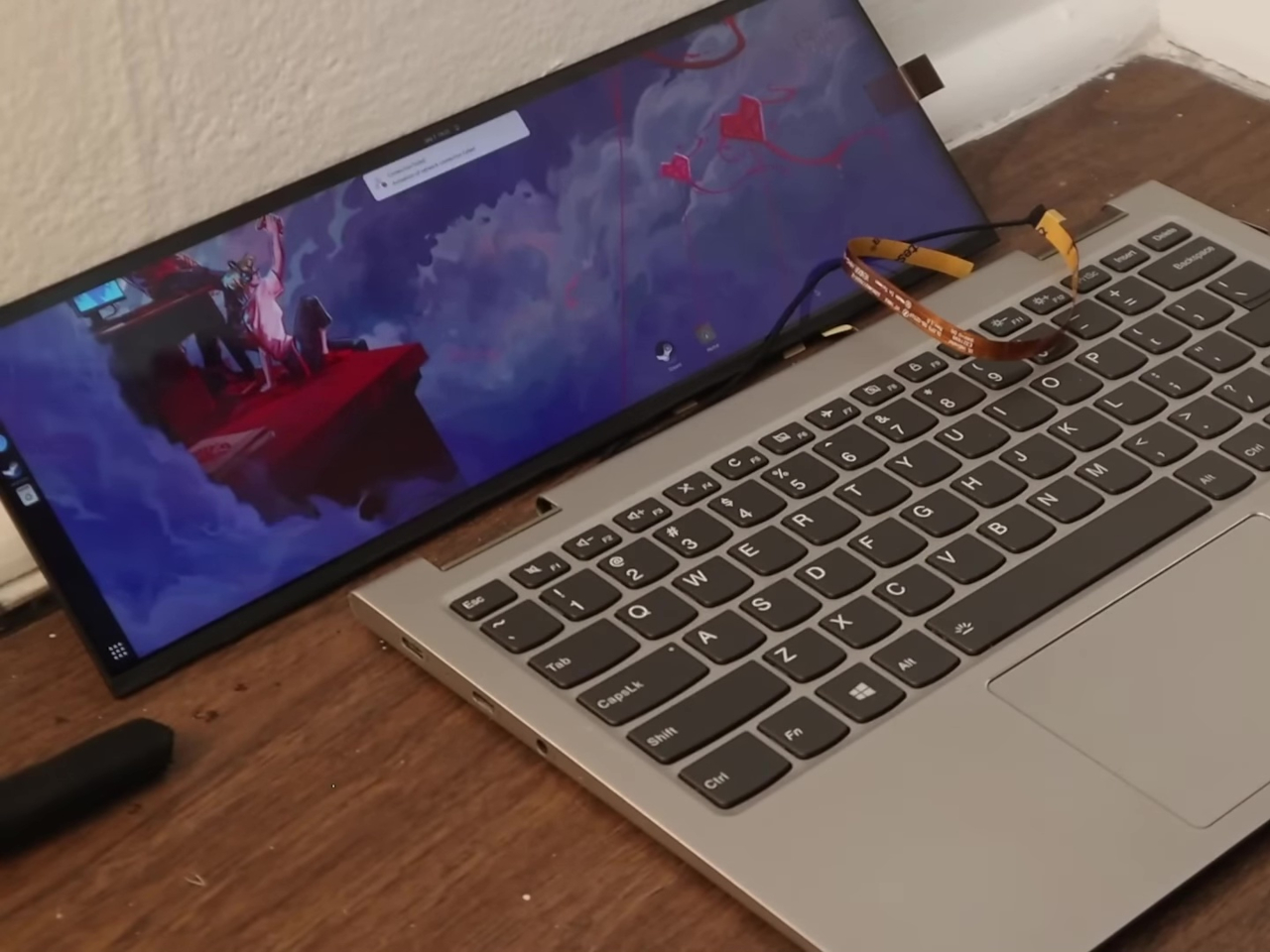
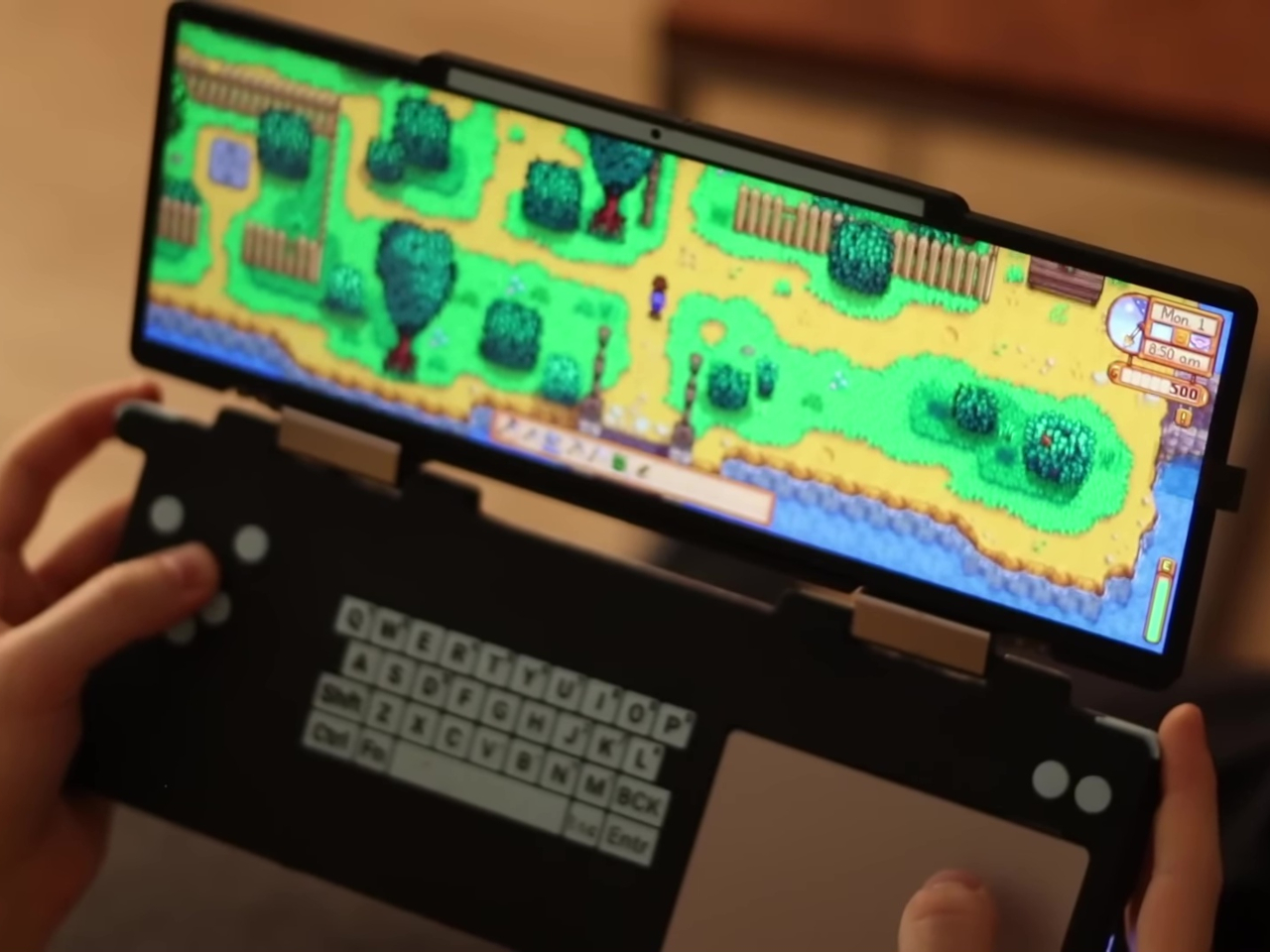
There are a few things quite unconventional about this ultra-wide Steam Deck Nintendo DS hybrid, not just its super-wide form factor. Actually, that shape was a result of the decision to repurpose the usable motherboard of a broken Lenovo laptop, which happened to be roughly 13 inches wide. But unlike another DIY Steam Deck that did the same with a modular Framework laptop motherboard, the “DS Deck” didn’t go the usual joysticks and buttons layout either.
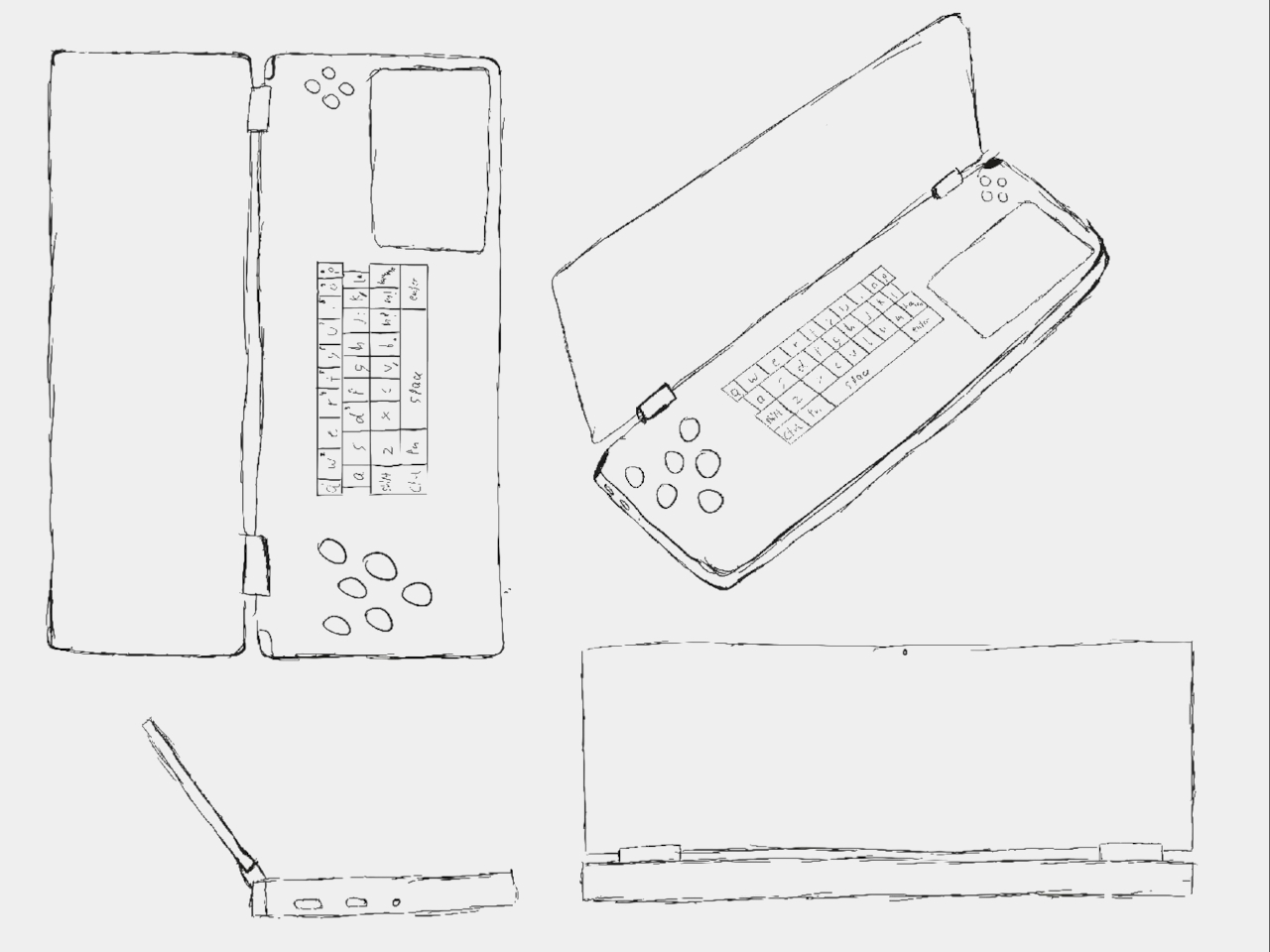
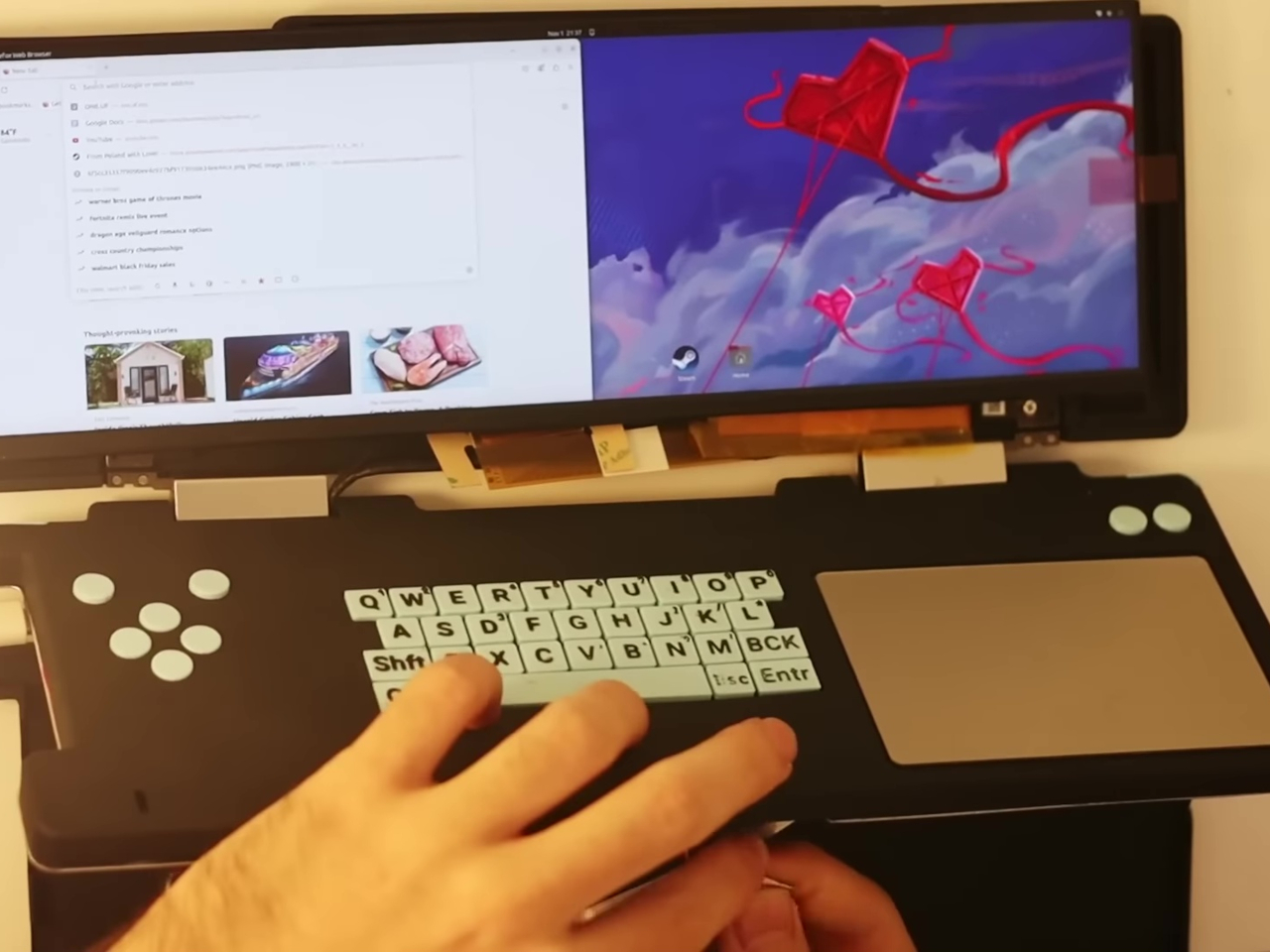
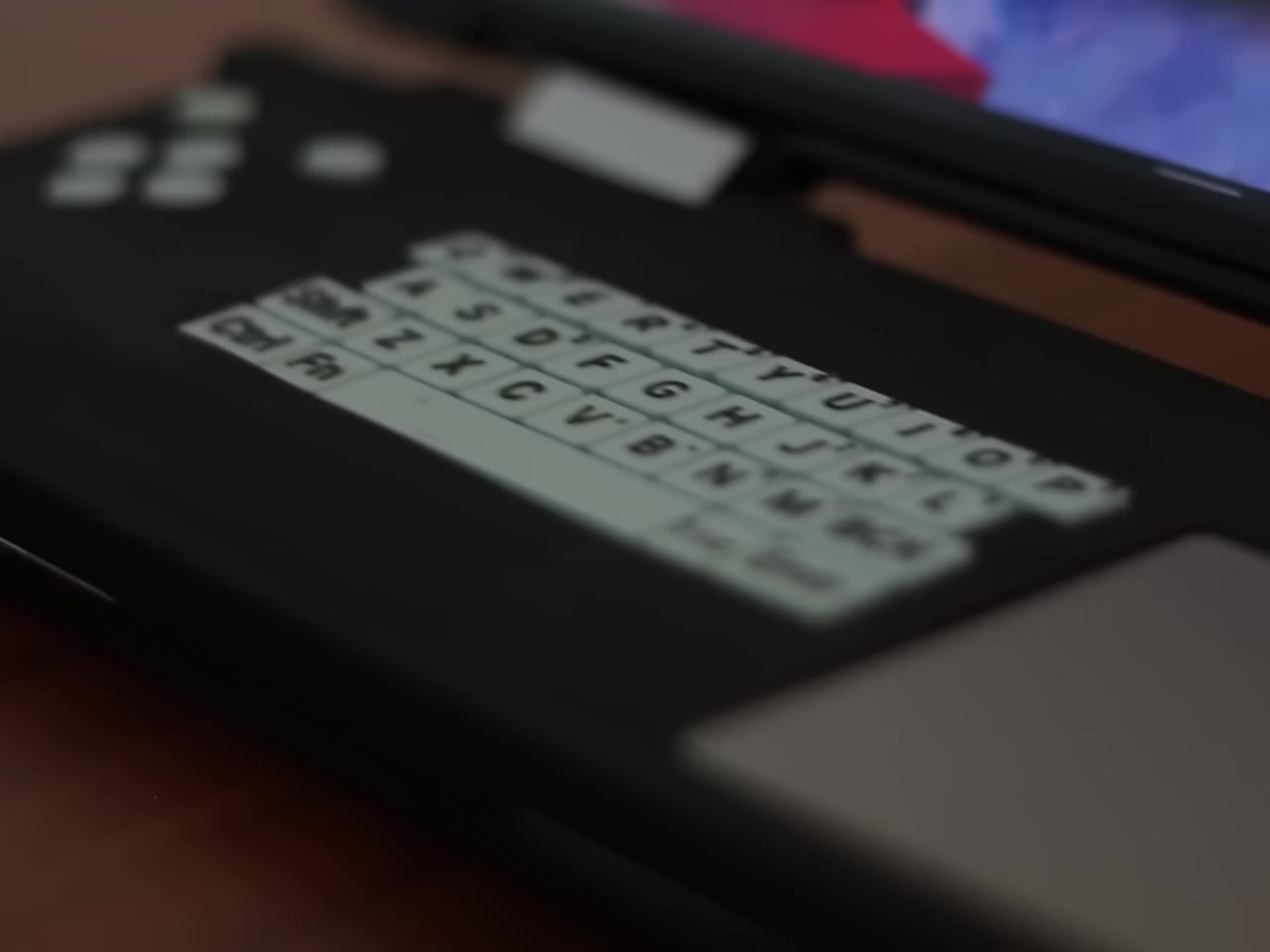
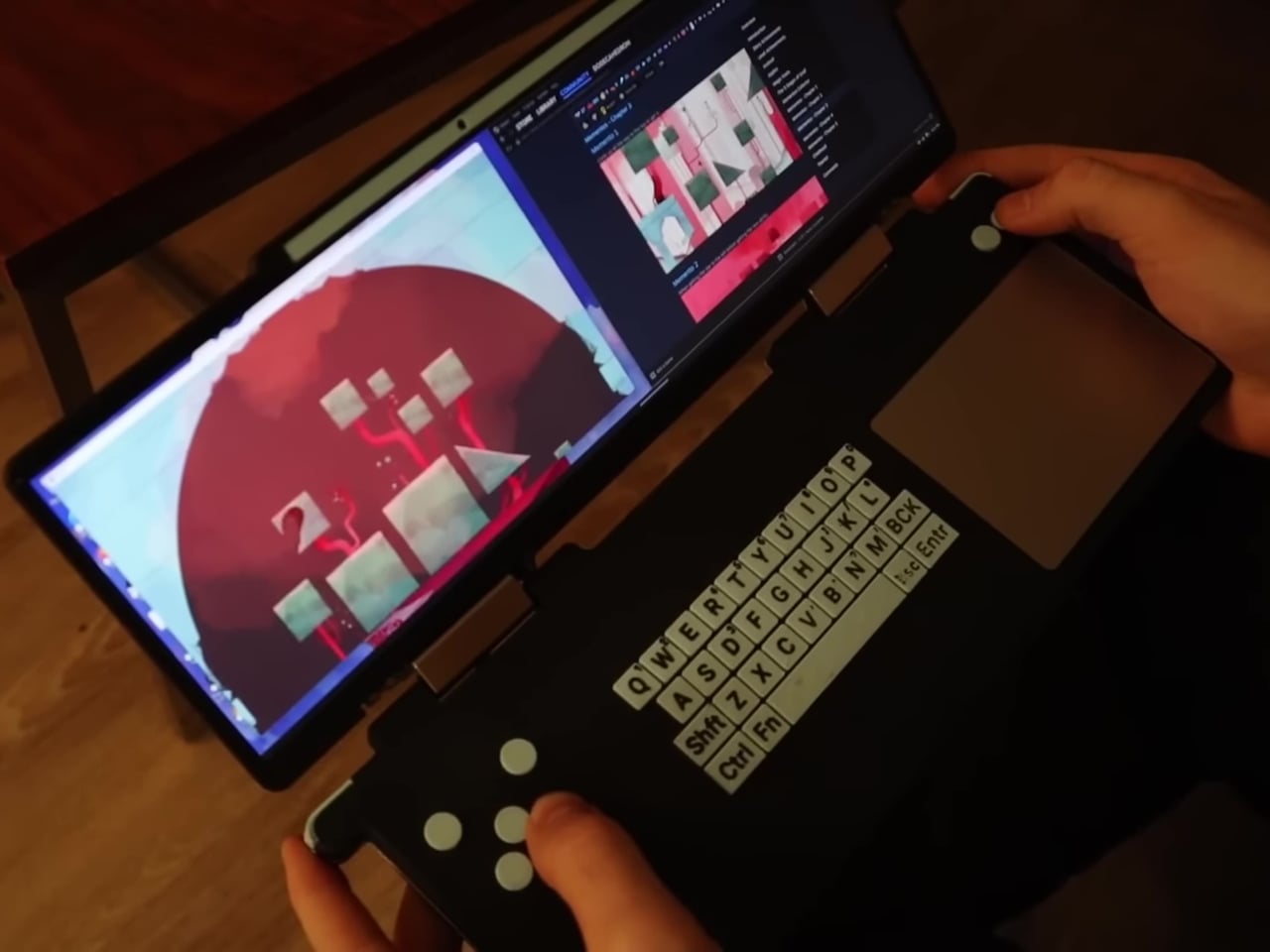
Since the goal was to ditch the joystick and replace it with a more PC-oriented keyboard and trackpad, a new kind of shell design was needed. Long story short, it required looking for a compatible 12.7-inch screen that happened to also be in an ultra-wide aspect ratio. These restrictions and requirements led to a design that followed the footsteps of the clamshell DS, which made for a rather interesting device.
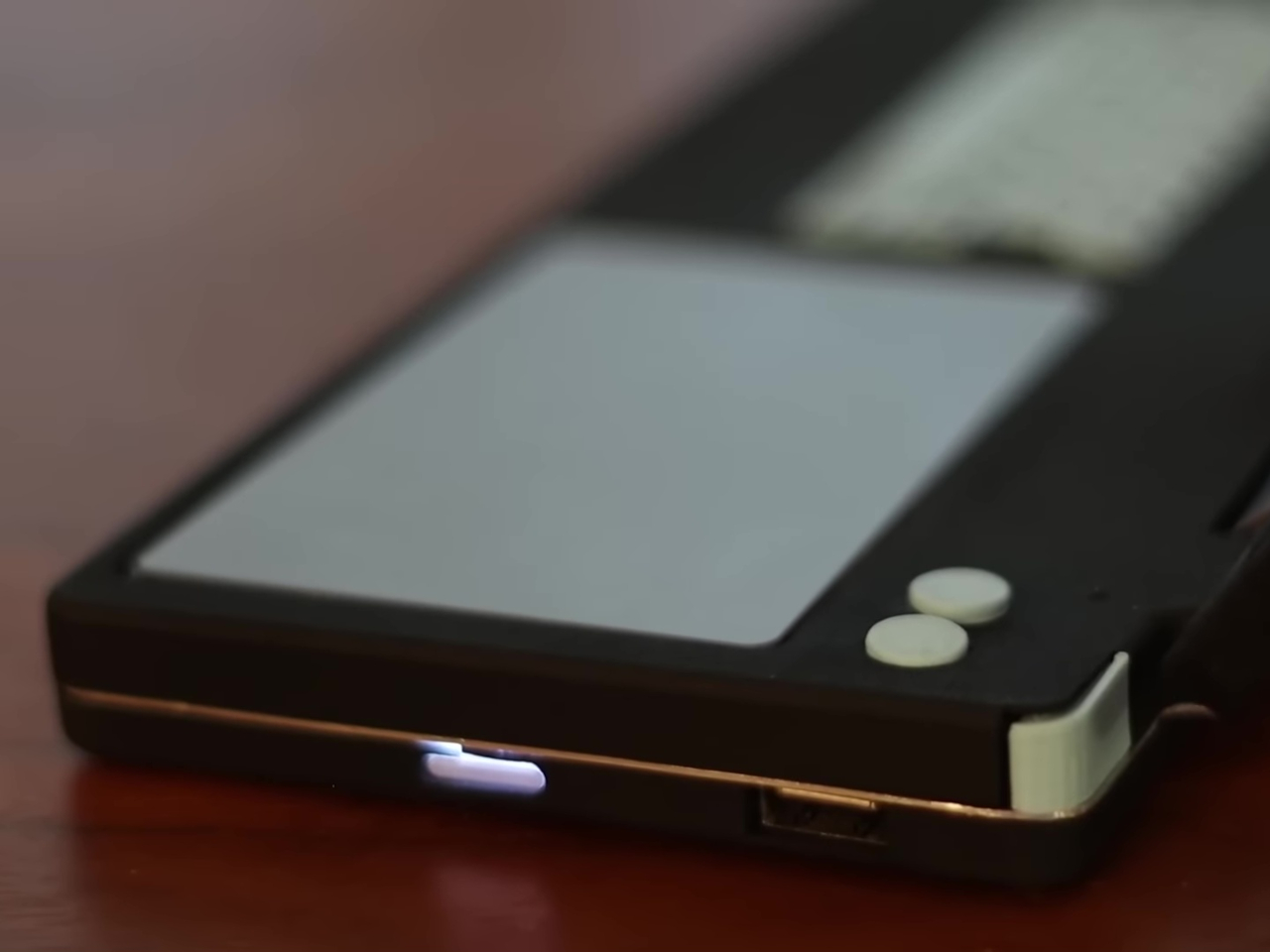
While time and effort were saved in using the laptop motherboard as-is, more time was spent designing a custom circuit board for the non-standard keyboard and button layout. There was plenty of soldering and assembly involved, not to mention repairs of data cables that were accidentally torn off. Suffice it to say, this is a project very few will be able to follow.
Still, the final result is just as interesting and special. The DS Deck is able to run a full operating system like Windows or Linux because it basically uses the same motherboard and battery as the source laptop. Widescreen compatibility with games is a mixed bag, but one can always run two windows side-by-side thanks to the screen size. The custom design definitely needs a lot of work, as it doesn’t take into account safety and heat management, but the fact that it even works is itself already a commendable accomplishment.
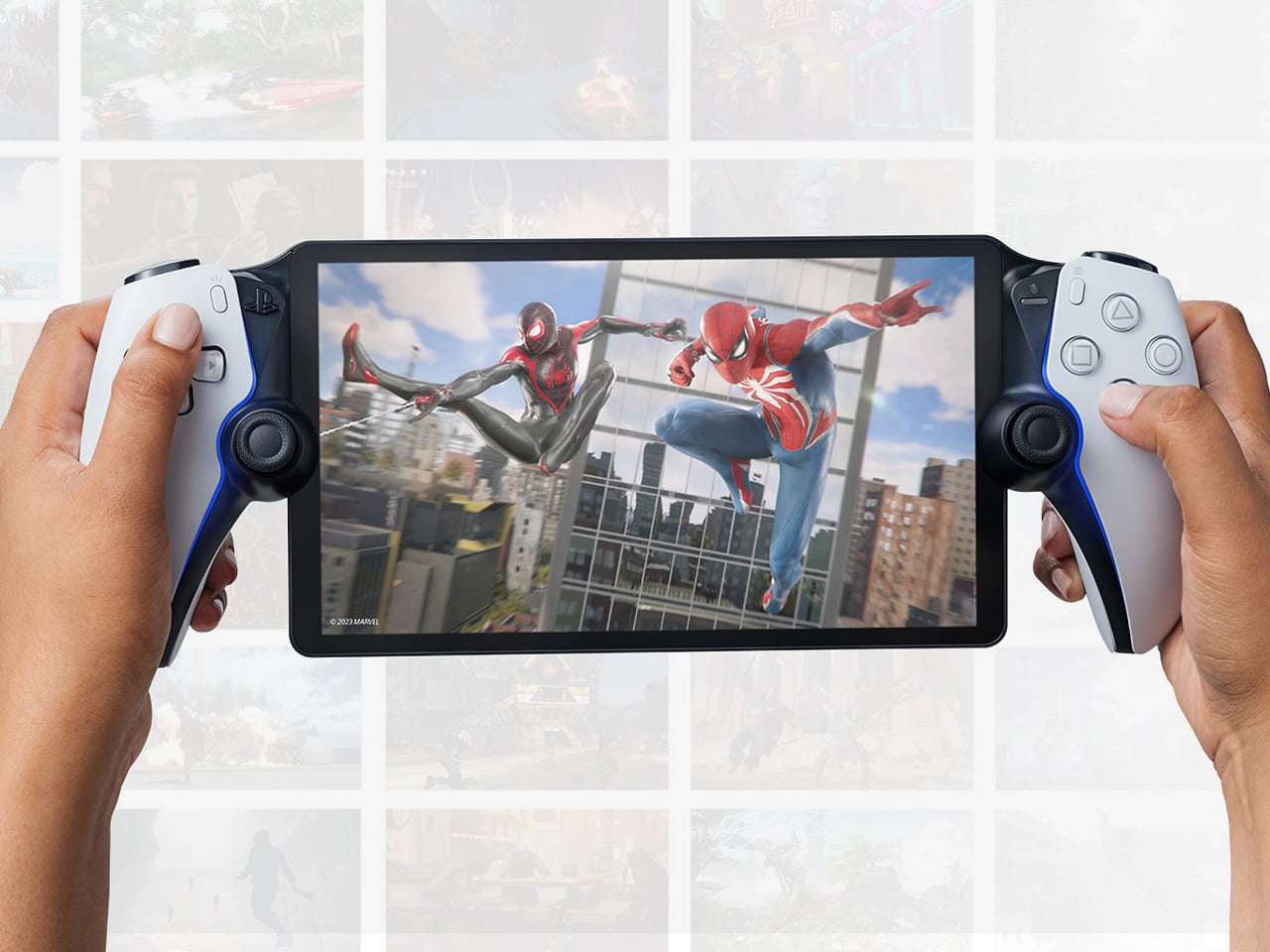
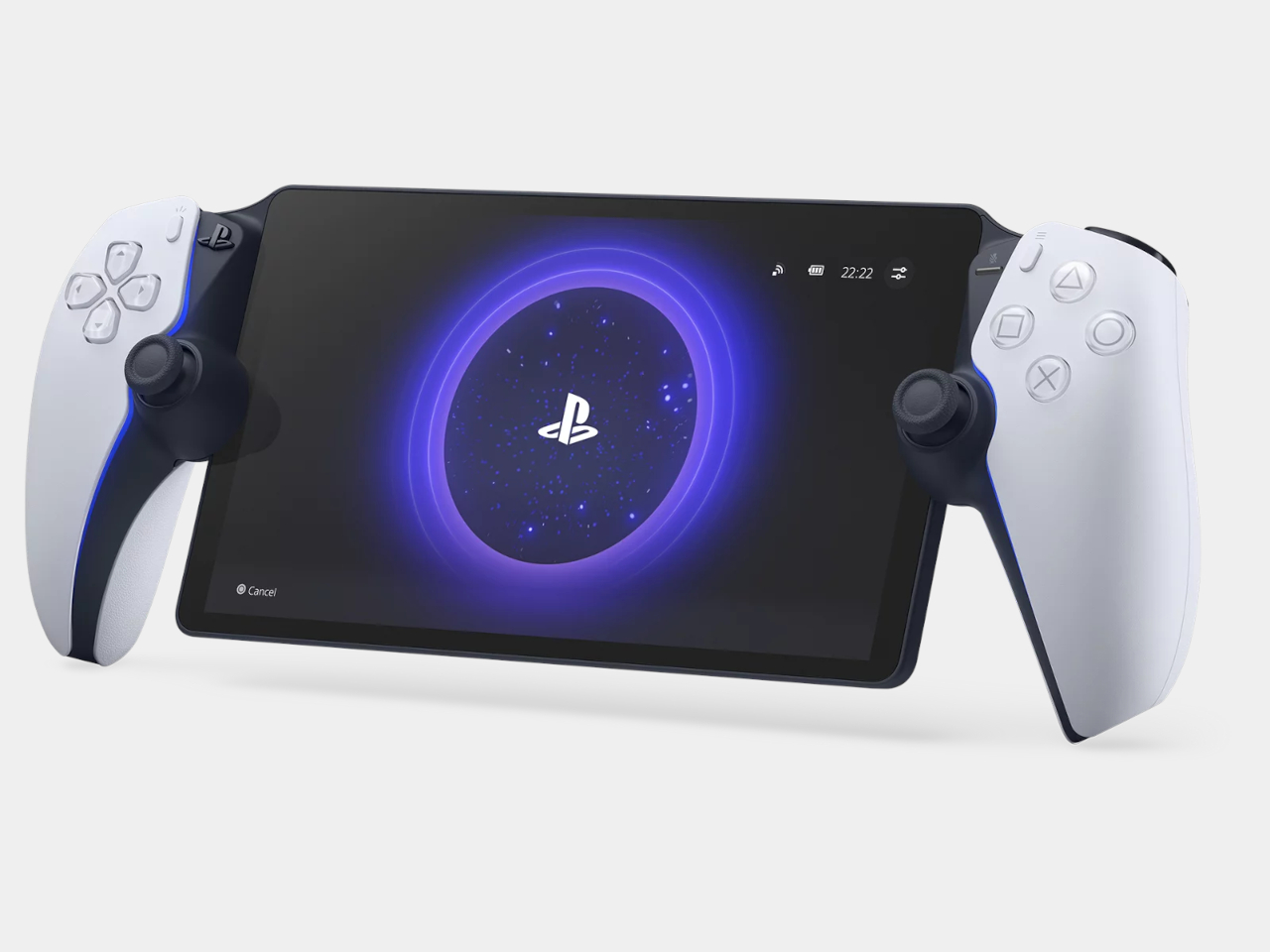
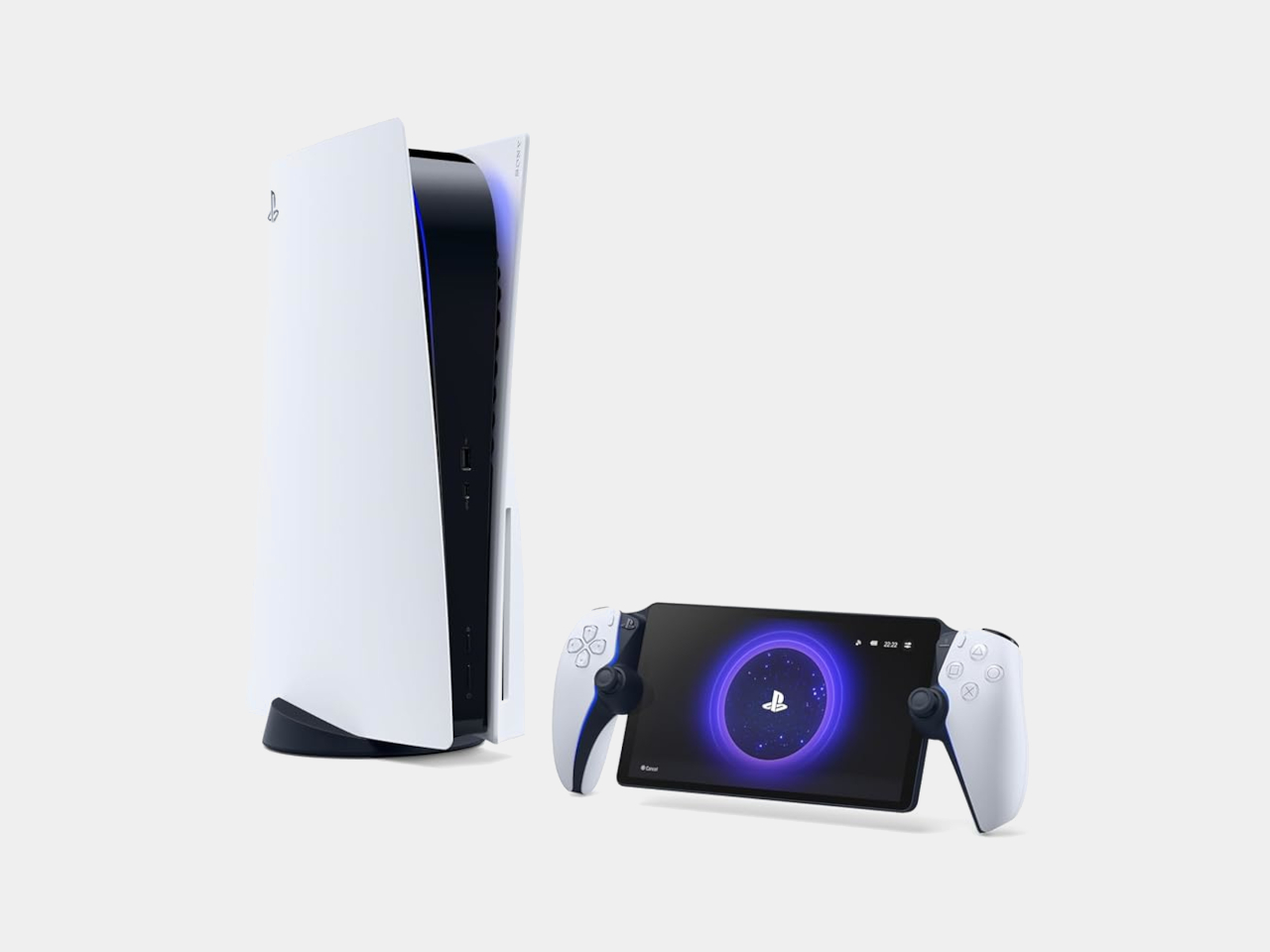
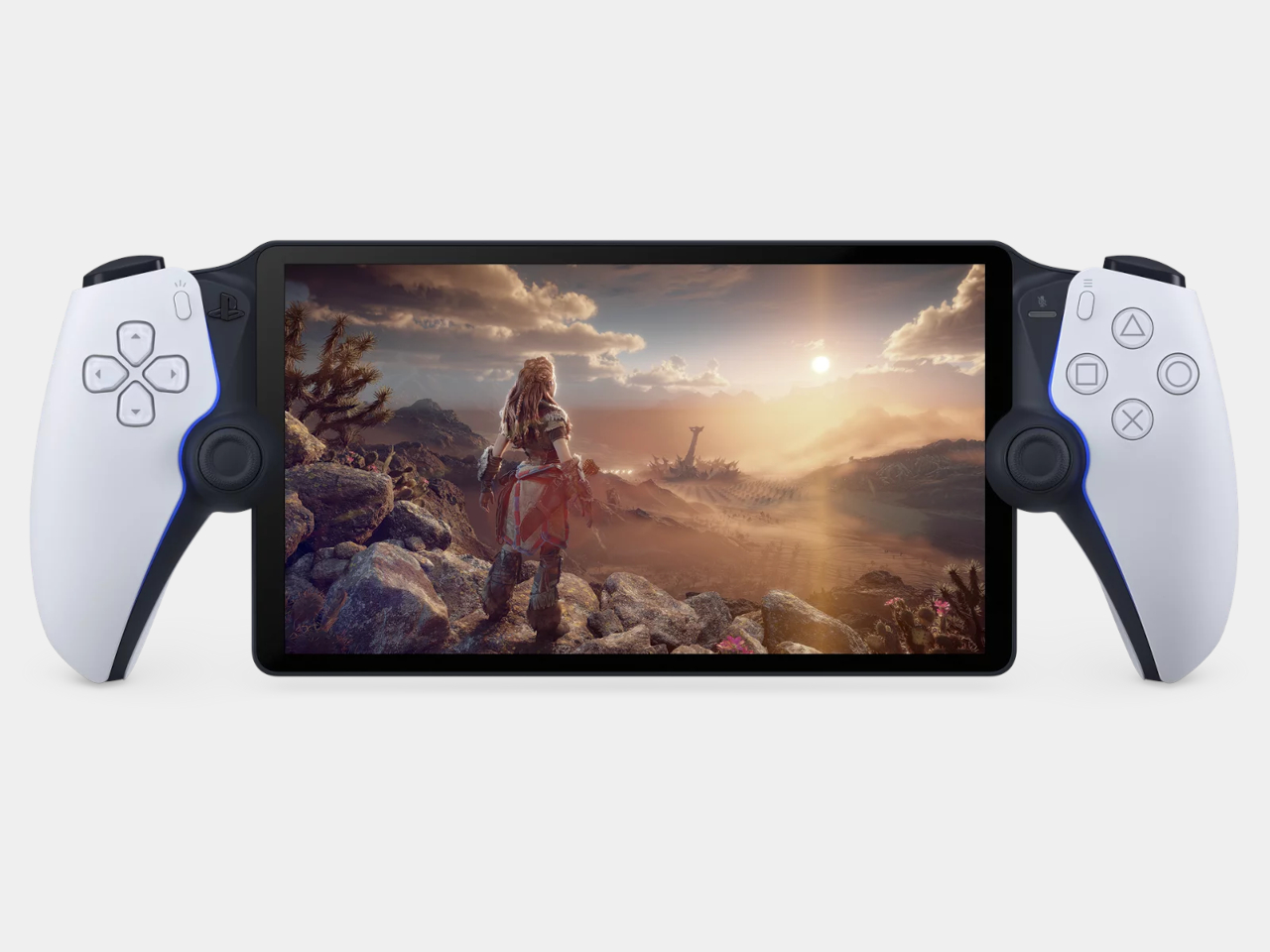
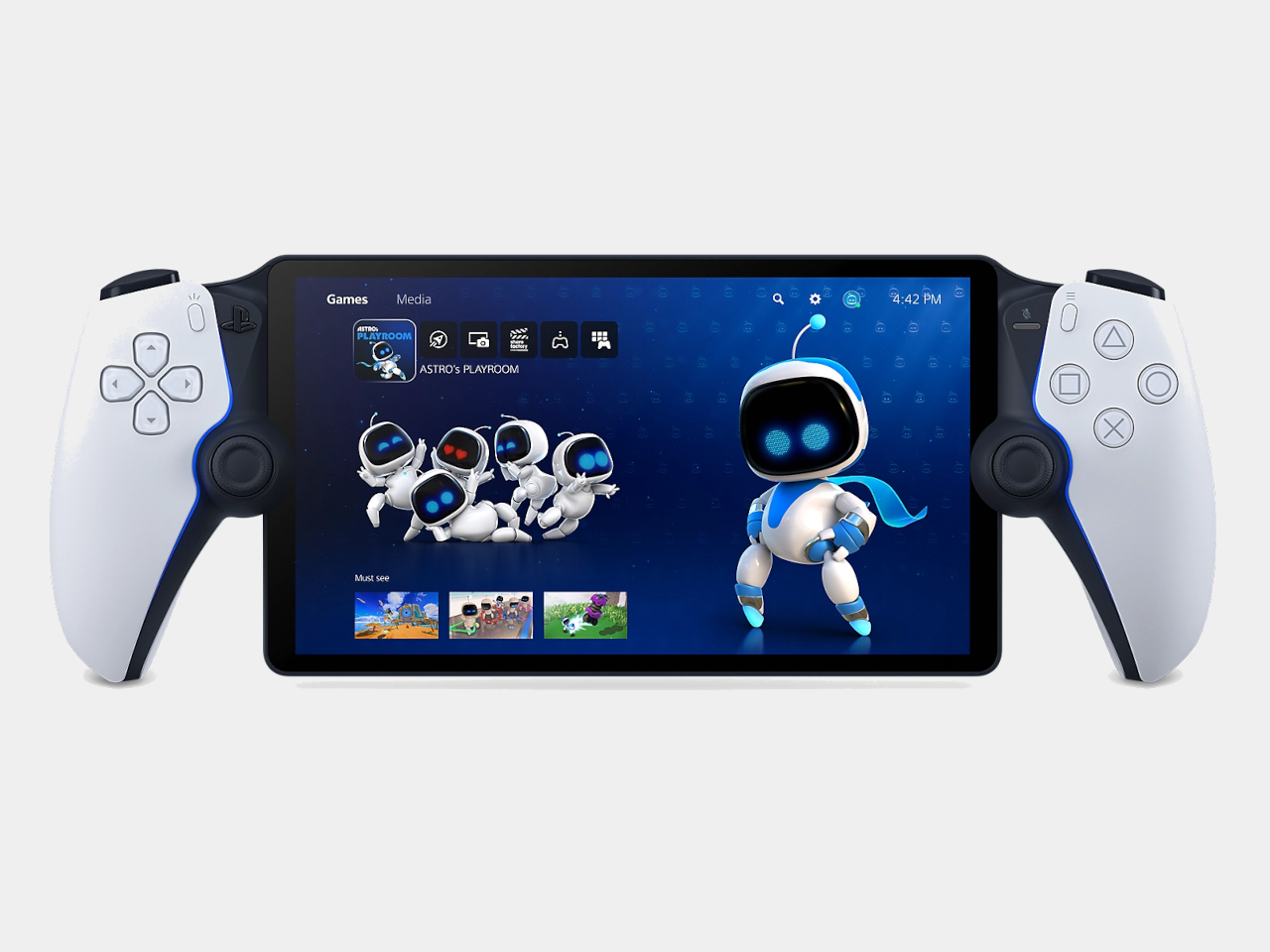
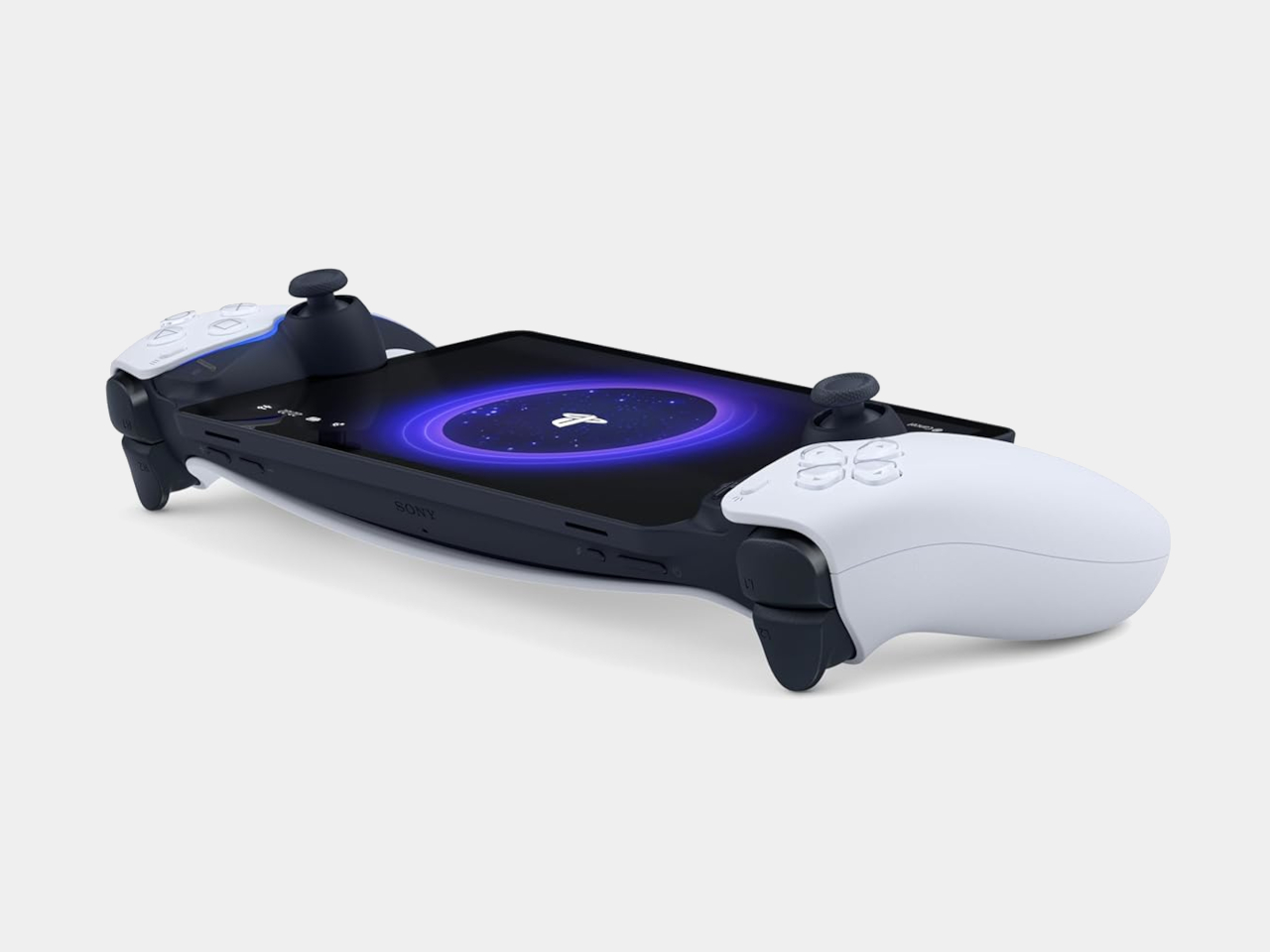
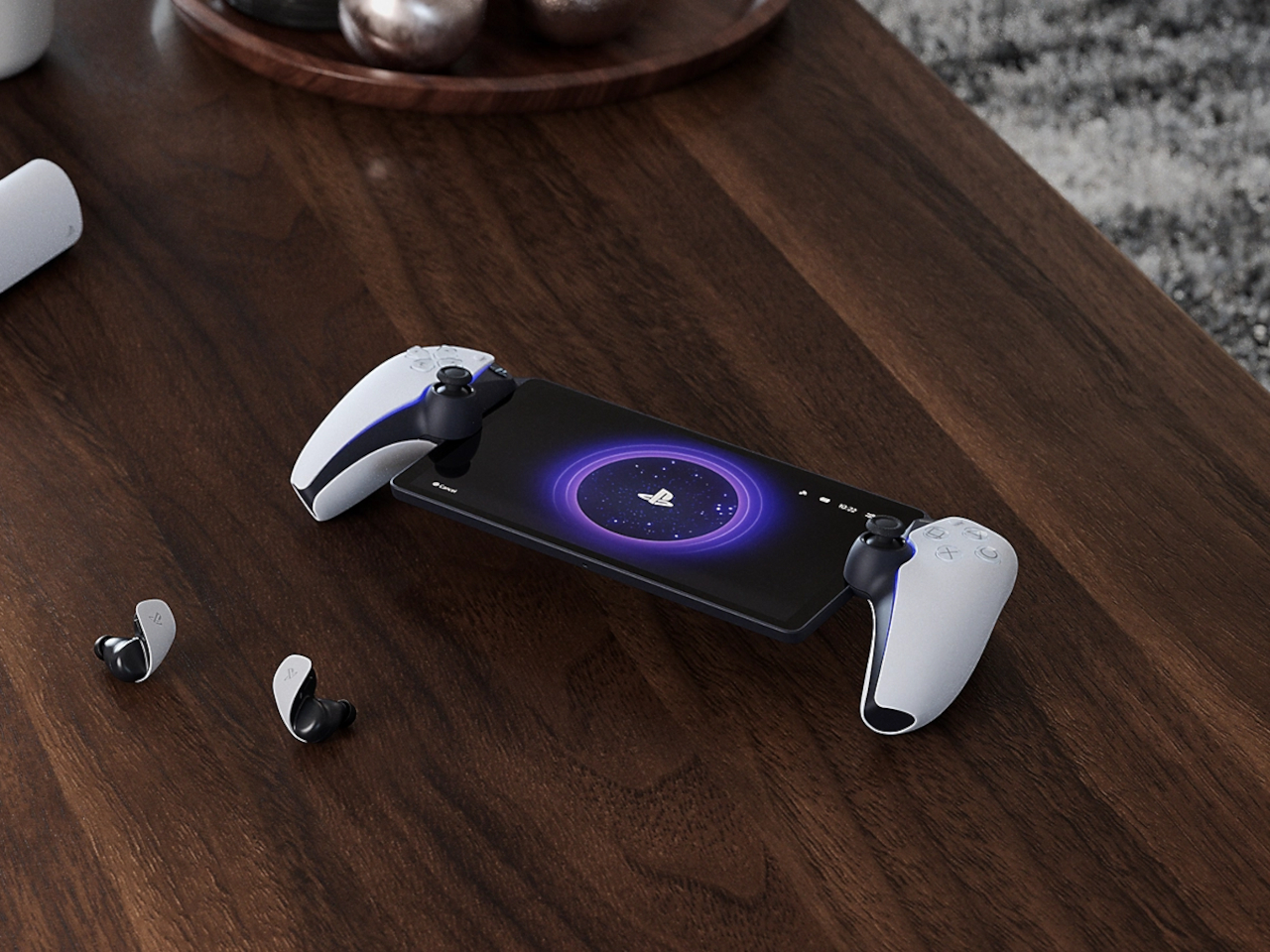
What is the point of being portable if you can’t exactly carry it everywhere? Granted, you can indeed bring the PlayStation Portal anywhere inside the house as long as it’s within range of a Wi-Fi network that’s connected to your PlayStation 5. That’s definitely fine if that’s all you ever want to do, but not in the age of gaming handhelds.
Launching after the Nintendo Switch, the Steam Deck, and a whole host of other gaming PC handhelds, the PS Portal definitely felt limiting and disappointing. Fortunately, it seems that Sony is finally giving what PS fans have been clamoring for, allowing remote cloud access to PlayStation games anywhere they are.
To be fair, the official branding of the PlayStation Portal calls it a “Remote Player for PS5 Console.” Its large size, practically an 8-inch tablet flanked by split DualShock controllers, isn’t something you can easily stash inside a bag anyway. Given the popularity of handheld consoles these days, not to mention the absence of an Xbox handheld as well, the limited “local network” functionality of the PS Portal still felt like a step backward.
A new system update for the remote player device is finally taking steps in the right direction. It is enabling cloud streaming support for PlayStation Plus Premium members, which practically means they’ll be able to play a select number of games from anywhere. Even better, they don’t even need to own a PS5 console since they will be streaming from Sony’s servers.
The feature is still in beta, so there are a few caveats like maxing out quality at 1080p/60fps and no access to PS4 or PS3 games in the catalog. A few PS Plus features are also not available, including party voice chat and in-game commerce, but these restrictions are to be expected during the early testing stages anyway.
Game streaming has its fair share of downsides, particularly when it comes to the required Internet bandwidth. Even streaming at just 720p requires a steady 7Mbps connection, while 1080p needs a good 13 Mbps speed. It still doesn’t have the true portability of other handheld consoles that let you play games installed locally, but it’s an acceptable compromise for the PlayStation ecosystem.