Almost every mobile controller assumes you want to play in landscape, snapping your phone into a wide handheld that feels great for modern shooters and racing games. This works for most titles, but when you fire up Game Boy-era platformers or vertical arcade classics, the experience feels slightly off, like forcing old games into a shape they were never meant to inhabit, holding them sideways while your thumbs reach for controls that never land right.
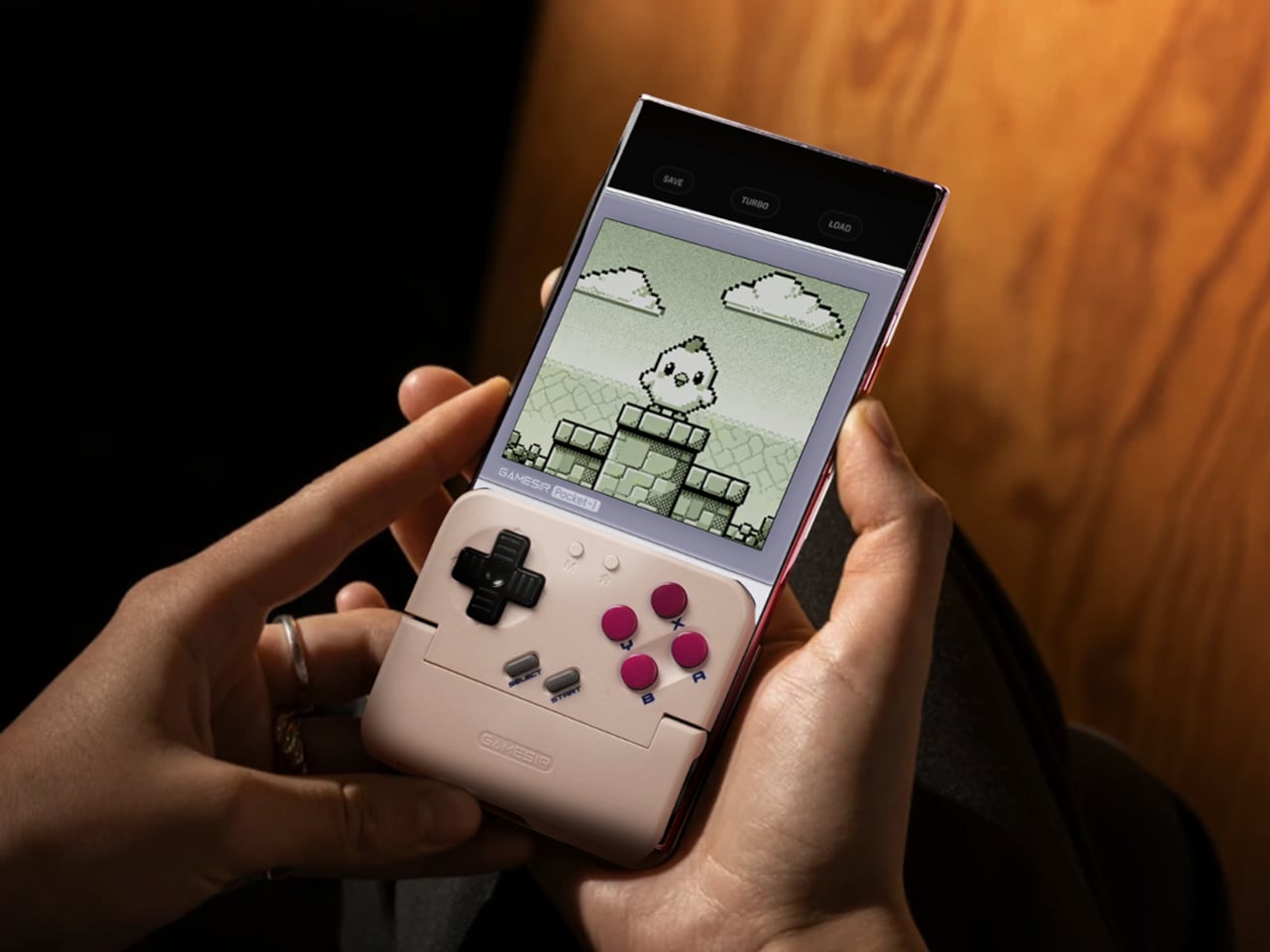
GameSir’s Pocket Taco leans into portrait play instead of fighting it, turning your phone into something closer to a classic handheld. It first appeared as the Pocket 1 at Tokyo Game Show, then resurfaced as Pocket Taco just as 8BitDo teased its own vertical FlipPad, setting up a clash of design philosophies aimed at people who want to hold their phones the way they held Game Boys.
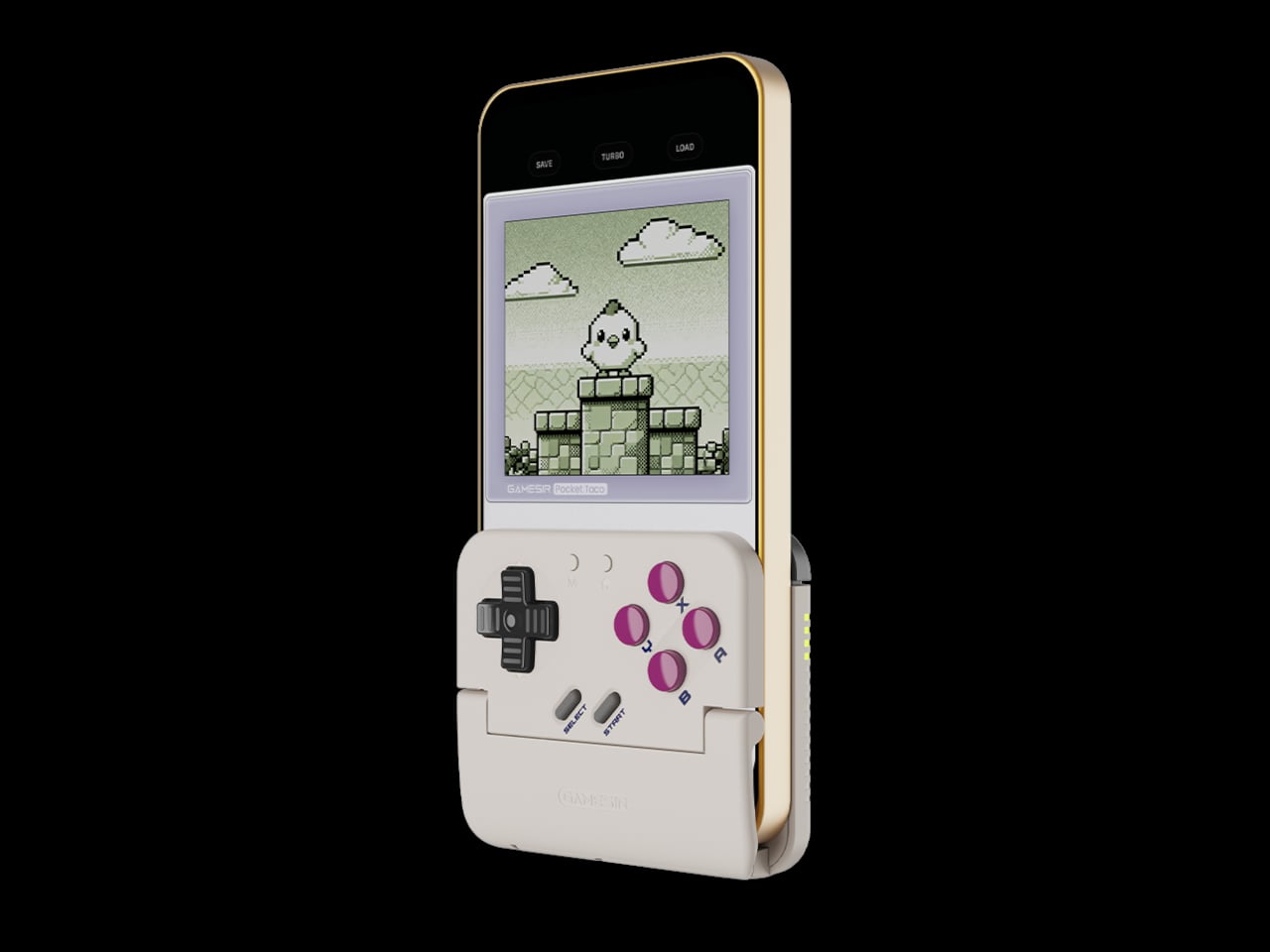
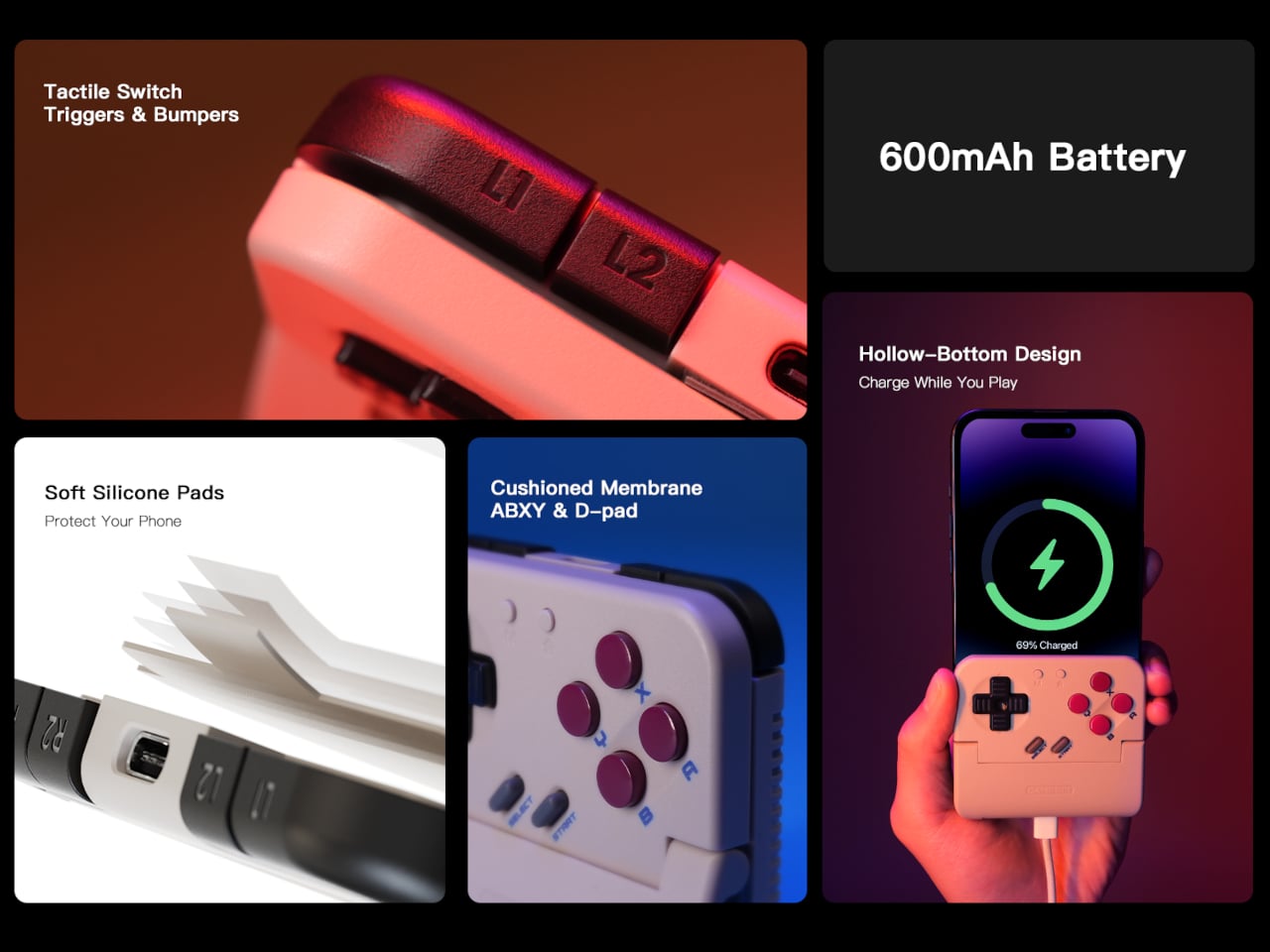
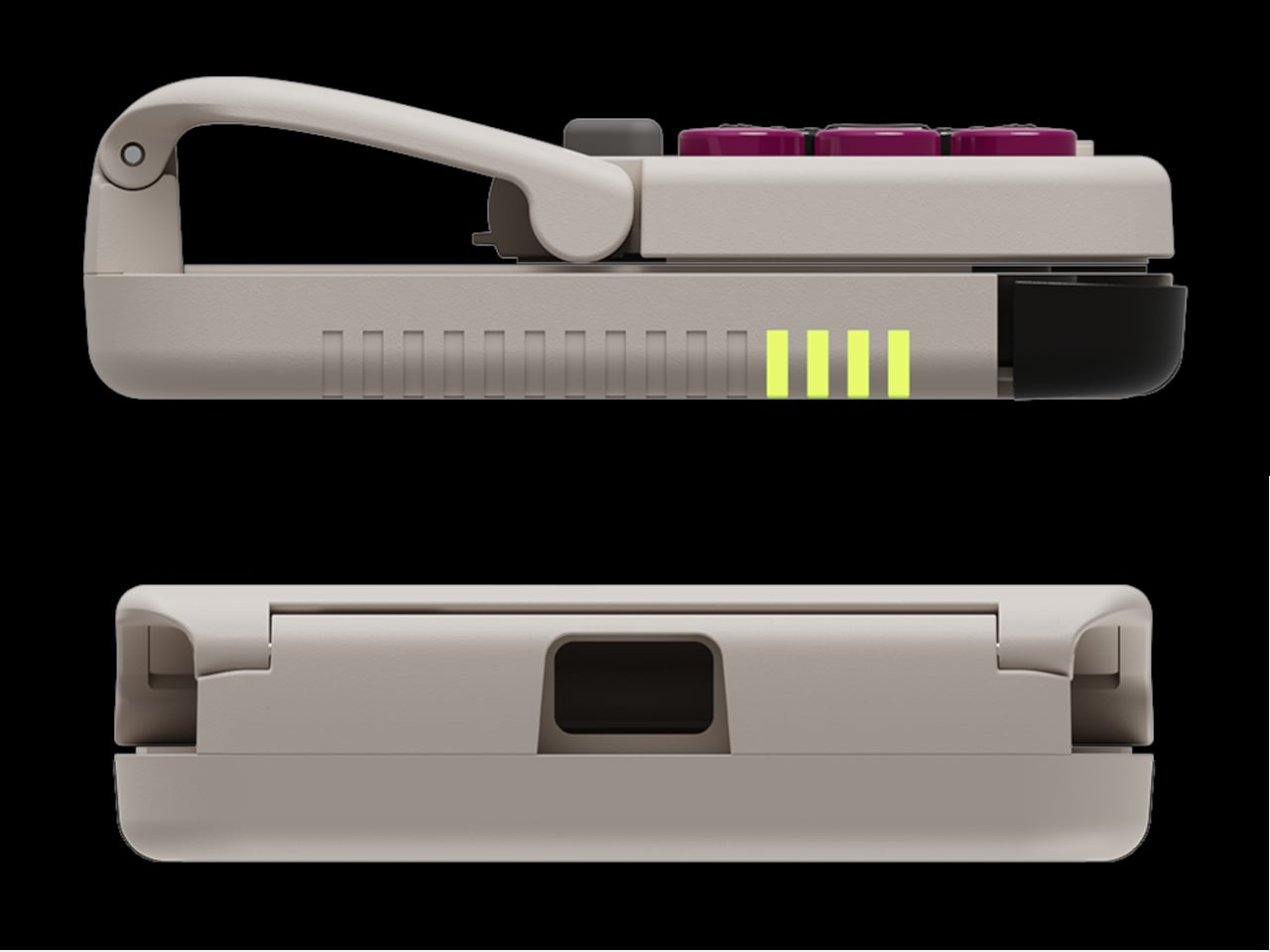
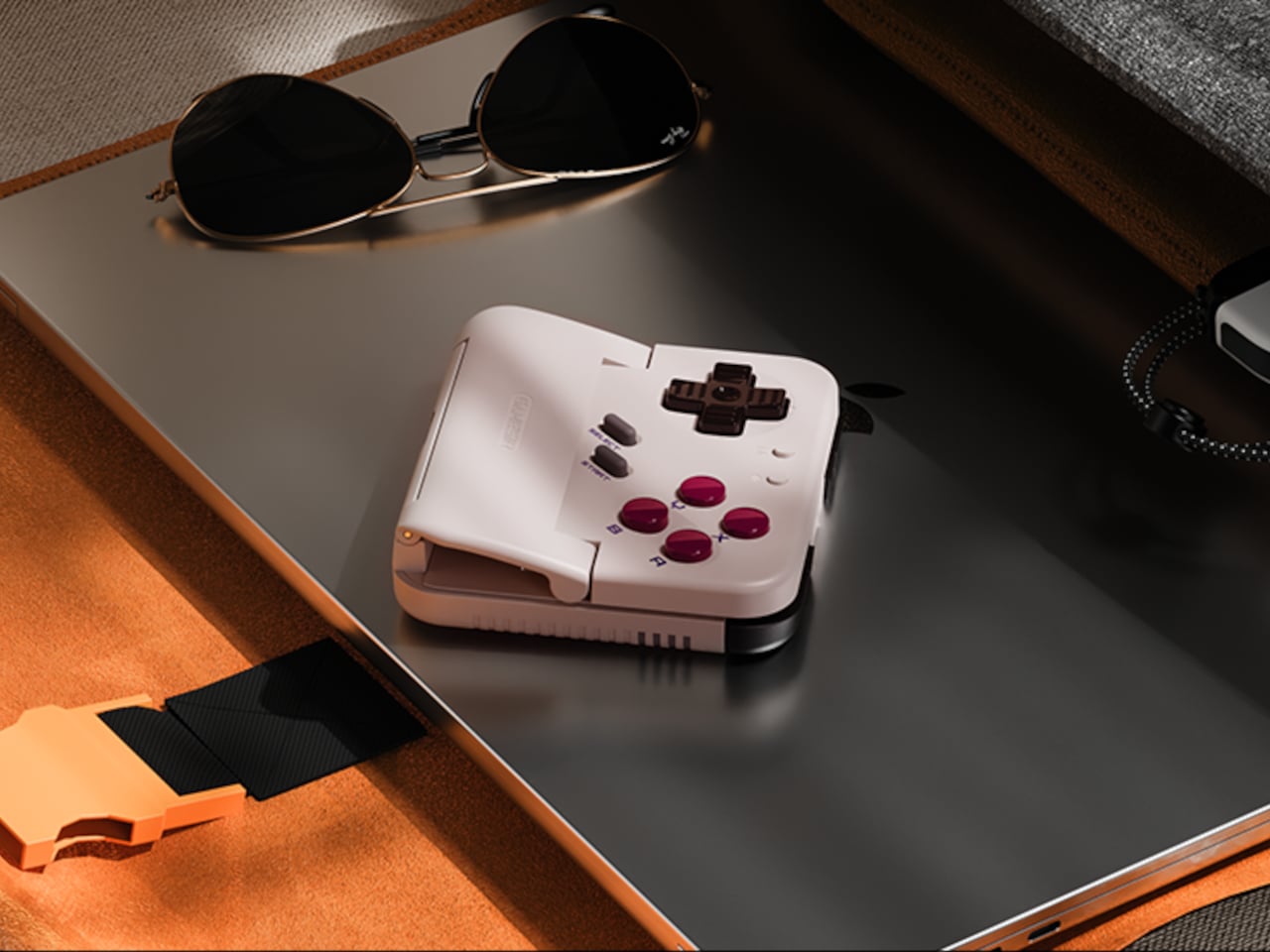
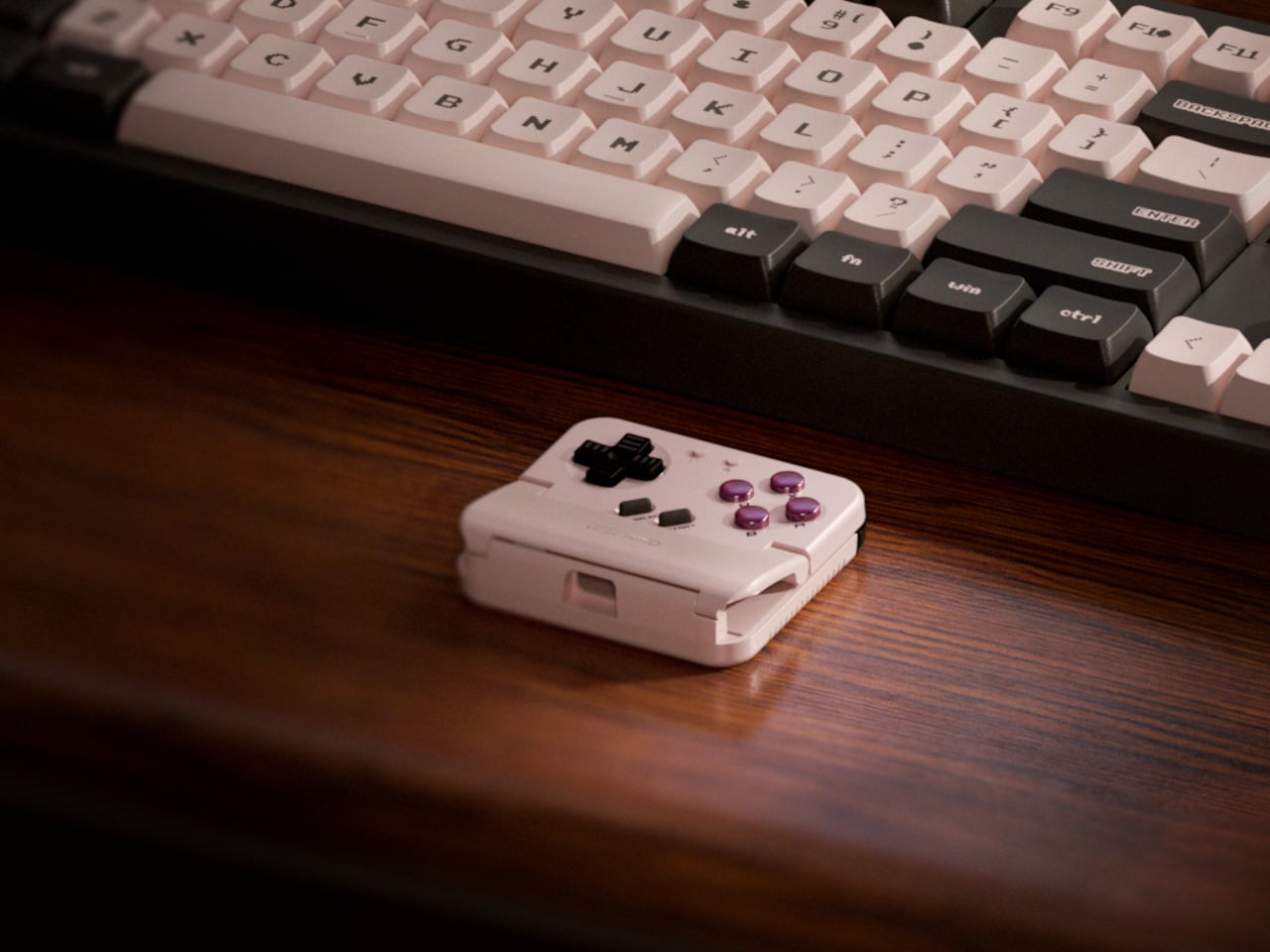
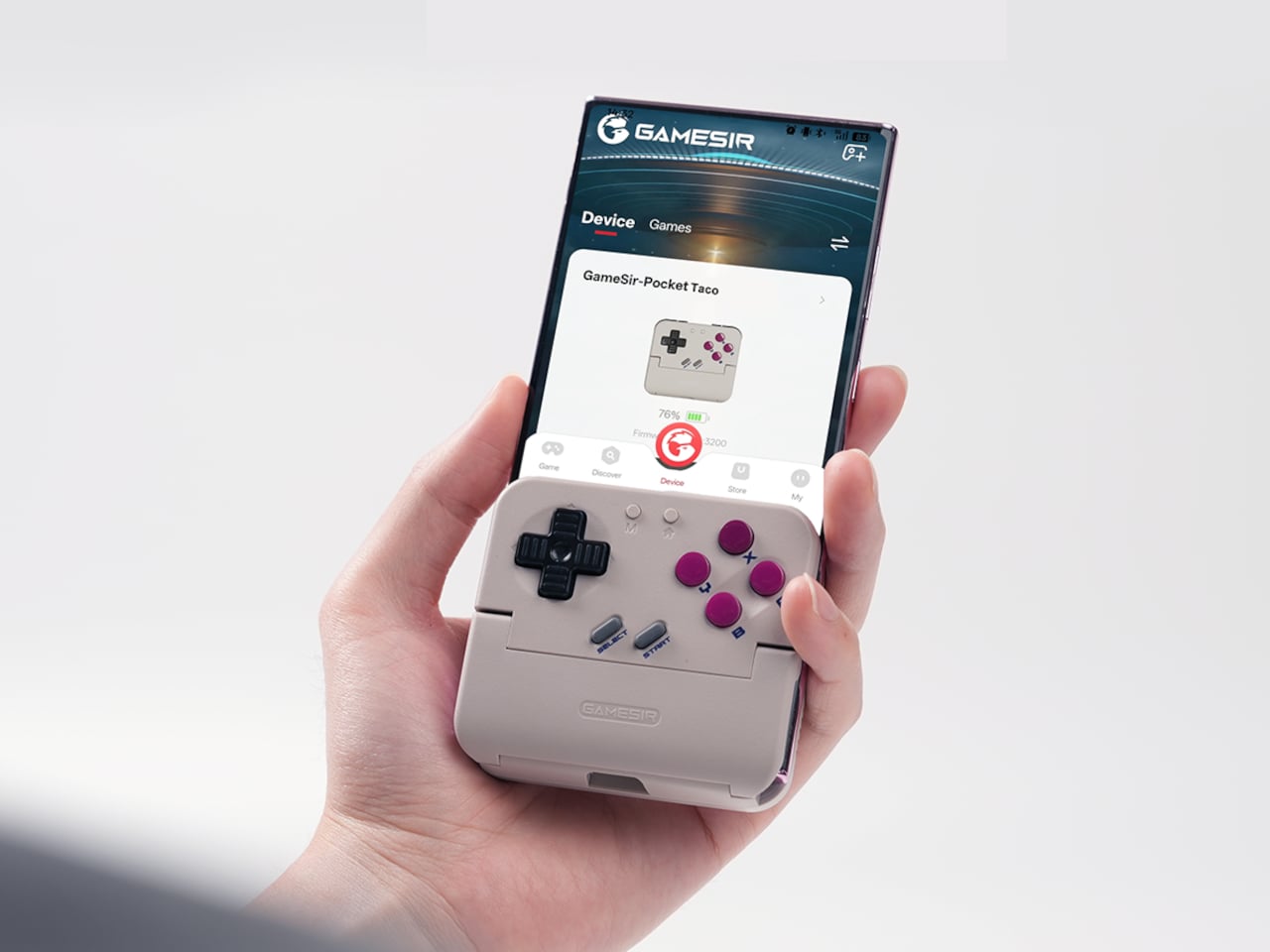
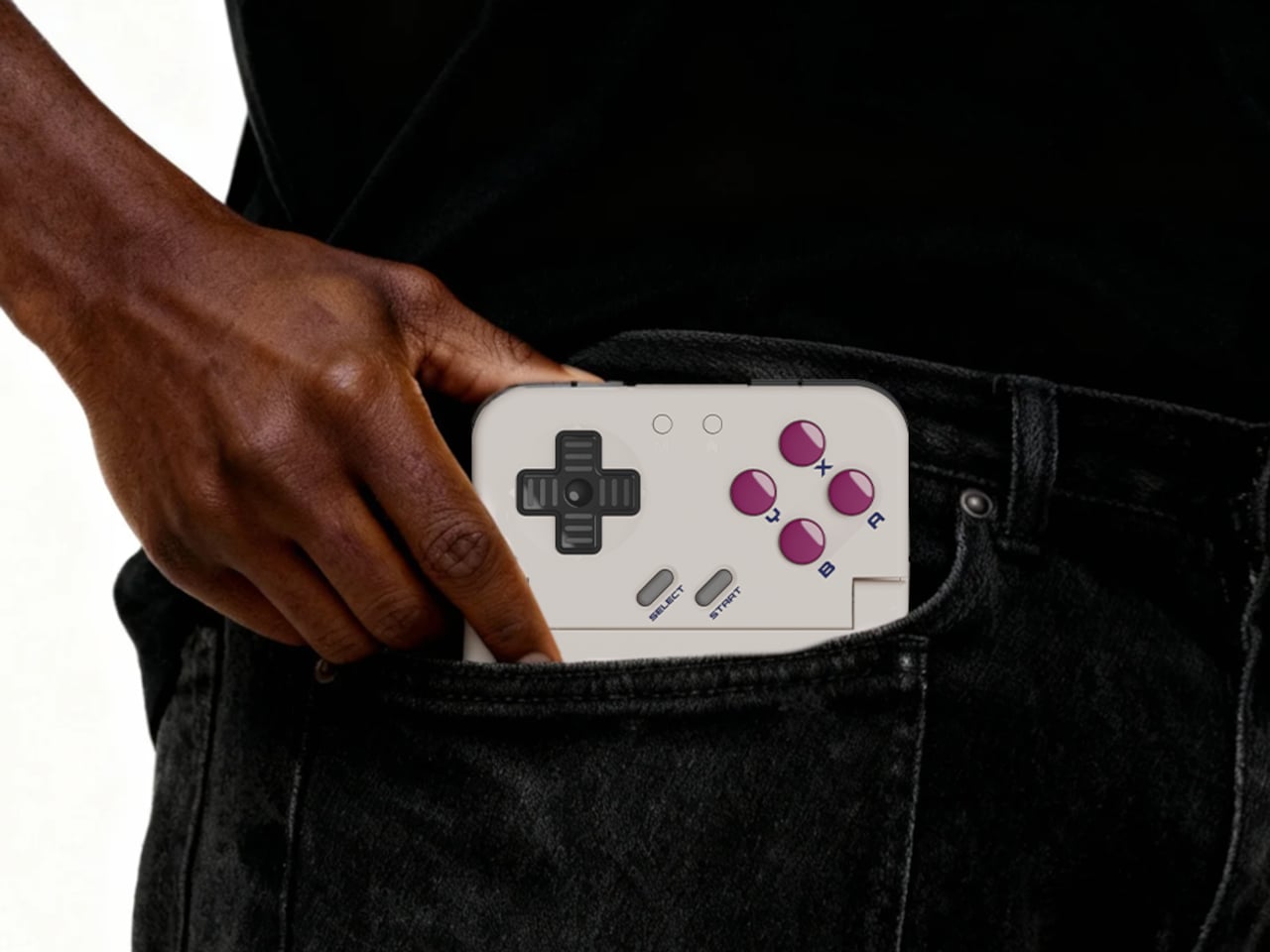
The rebrand to Pocket Taco fits the design; the controller clamps to the bottom of your phone like a taco shell. The foldable front accommodates different phone sizes, and soft silicone pads line the clamp area so you are not grinding plastic against glass every time you snap it on, which matters when you pull it out multiple times a day for quick sessions between meetings or commutes.
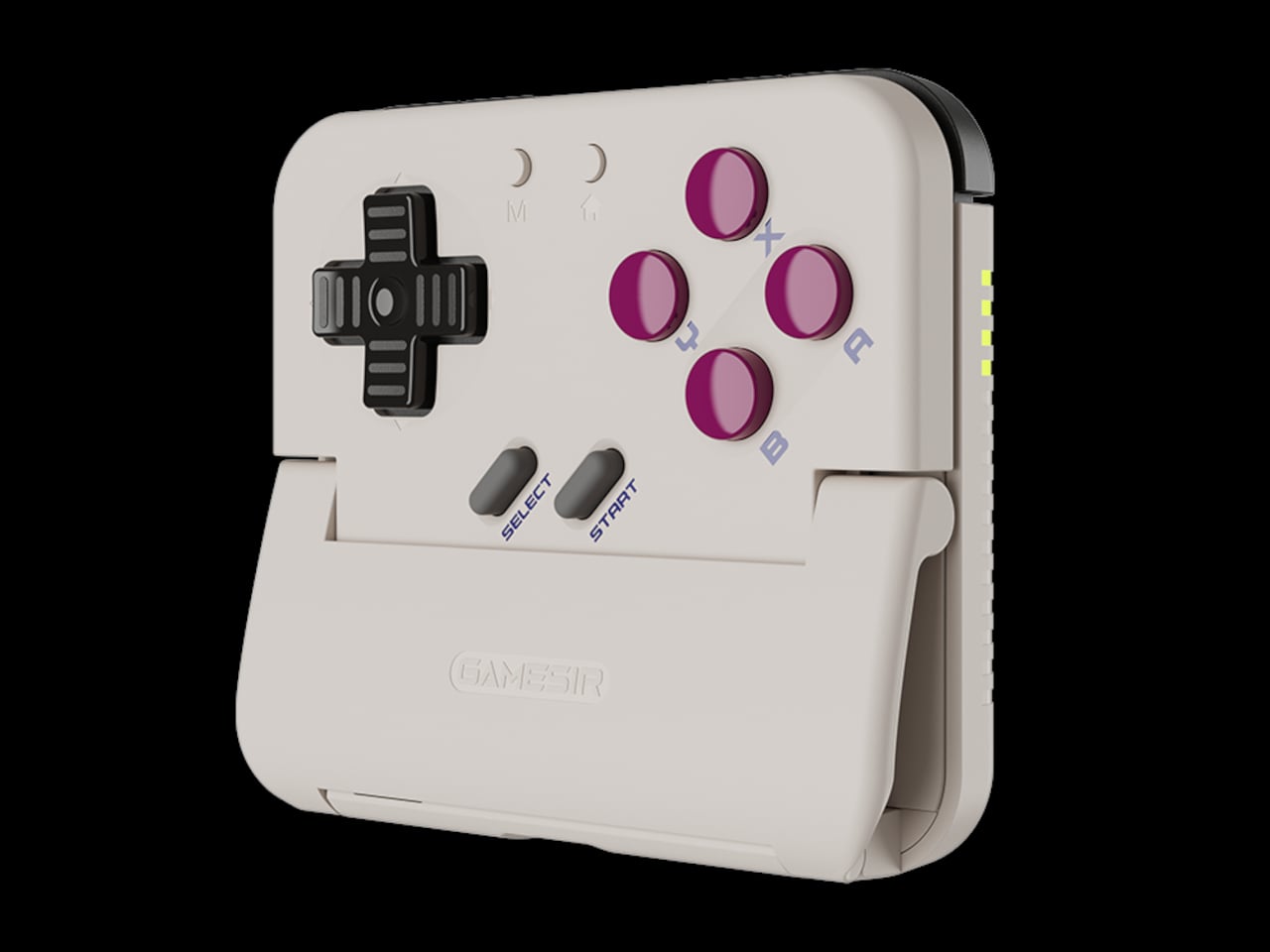
The control layout separates Pocket Taco from 8BitDo’s FlipPad. Pocket Taco gives you a traditional D-pad, ABXY face buttons, and actual triggers and bumpers on the back. FlipPad keeps everything on the front in a row of circular buttons, which is clever for compactness but less like the shoulder-button ergonomics many players expect from dedicated handhelds, especially during games with heavy simultaneous inputs.
Pocket Taco uses Bluetooth, so it can talk to Android and iOS phones, tablets, and other devices, and it still works when not clamped. FlipPad plugs in over USB-C, which keeps latency low and removes battery anxiety, but ties it to phones with that port and to a tethered style where the controller must stay attached to function at all.
One practical touch is the large cutout at the bottom that leaves your phone’s charging port accessible while the controller is attached, so you can plug in and keep going during long sessions. FlipPad occupies the USB-C port and does not offer passthrough charging, which is fine for short bursts but less ideal for marathon runs that drain the phone before you finish the dungeon.
Pocket Taco runs on a 600 mAh battery with smart power behavior, open to play, close to rest. The trade-off is one more battery to watch and slightly more bulk. FlipPad stays slimmer and battery-free, but leans on your phone for power, shifting the burden and adding a small drain to your phone’s battery during long play sessions.
Pocket Taco and FlipPad are two paths toward the same fantasy, turning a slab of glass into a dedicated retro handheld. Pocket Taco leans into wireless freedom, proper triggers, and charging-while-playing practicality, while FlipPad bets on wired simplicity and a flatter front. For anyone who grew up holding a Game Boy vertically, it is nice to have options that respect that muscle memory instead of pretending mobile gaming should feel like a miniature Xbox stuck in landscape.
Almost every mobile controller assumes you want to play in landscape, snapping your phone into a wide handheld that feels great for modern shooters and racing games. This works for most titles, but when you fire up Game Boy-era platformers or vertical arcade classics, the experience feels slightly off, like forcing old games into a shape they were never meant to inhabit, holding them sideways while your thumbs reach for controls that never land right.
GameSir’s Pocket Taco leans into portrait play instead of fighting it, turning your phone into something closer to a classic handheld. It first appeared as the Pocket 1 at Tokyo Game Show, then resurfaced as Pocket Taco just as 8BitDo teased its own vertical FlipPad, setting up a clash of design philosophies aimed at people who want to hold their phones the way they held Game Boys.
The rebrand to Pocket Taco fits the design; the controller clamps to the bottom of your phone like a taco shell. The foldable front accommodates different phone sizes, and soft silicone pads line the clamp area so you are not grinding plastic against glass every time you snap it on, which matters when you pull it out multiple times a day for quick sessions between meetings or commutes.
The control layout separates Pocket Taco from 8BitDo’s FlipPad. Pocket Taco gives you a traditional D-pad, ABXY face buttons, and actual triggers and bumpers on the back. FlipPad keeps everything on the front in a row of circular buttons, which is clever for compactness but less like the shoulder-button ergonomics many players expect from dedicated handhelds, especially during games with heavy simultaneous inputs.
Pocket Taco uses Bluetooth, so it can talk to Android and iOS phones, tablets, and other devices, and it still works when not clamped. FlipPad plugs in over USB-C, which keeps latency low and removes battery anxiety, but ties it to phones with that port and to a tethered style where the controller must stay attached to function at all.
One practical touch is the large cutout at the bottom that leaves your phone’s charging port accessible while the controller is attached, so you can plug in and keep going during long sessions. FlipPad occupies the USB-C port and does not offer passthrough charging, which is fine for short bursts but less ideal for marathon runs that drain the phone before you finish the dungeon.
Pocket Taco runs on a 600 mAh battery with smart power behavior, open to play, close to rest. The trade-off is one more battery to watch and slightly more bulk. FlipPad stays slimmer and battery-free, but leans on your phone for power, shifting the burden and adding a small drain to your phone’s battery during long play sessions.
Pocket Taco and FlipPad are two paths toward the same fantasy, turning a slab of glass into a dedicated retro handheld. Pocket Taco leans into wireless freedom, proper triggers, and charging-while-playing practicality, while FlipPad bets on wired simplicity and a flatter front. For anyone who grew up holding a Game Boy vertically, it is nice to have options that respect that muscle memory instead of pretending mobile gaming should feel like a miniature Xbox stuck in landscape.
For most designers and filmmakers, storage is the quiet problem that never gets a mood board. Projects start on phones, move through cameras and laptops, and end up scattered across drives and cloud folders that you half remember naming six months ago. CES 2026 is full of AI-driven devices and next-gen connectivity, but DigiEra’s booth is interesting because it treats storage as part of the creative environment, not just a spec to tick off on a spreadsheet.
The lineup tells a single story across four products. OmniCore is the modular, all-flash AI NAS that wants to be the studio’s private brain. Endura is the rugged field drive that can live in a bag without babying. Portable Hub SSD is the tiny block that turns a phone or camera into a serious capture and editing station. The Diamond Magnetic Portable SSD is the piece that lives on the back of an iPhone, turning storage into something closer to jewelry than IT gear.
Designer: DigiEra
OmniCore: AI NAS as a Private Studio Brain
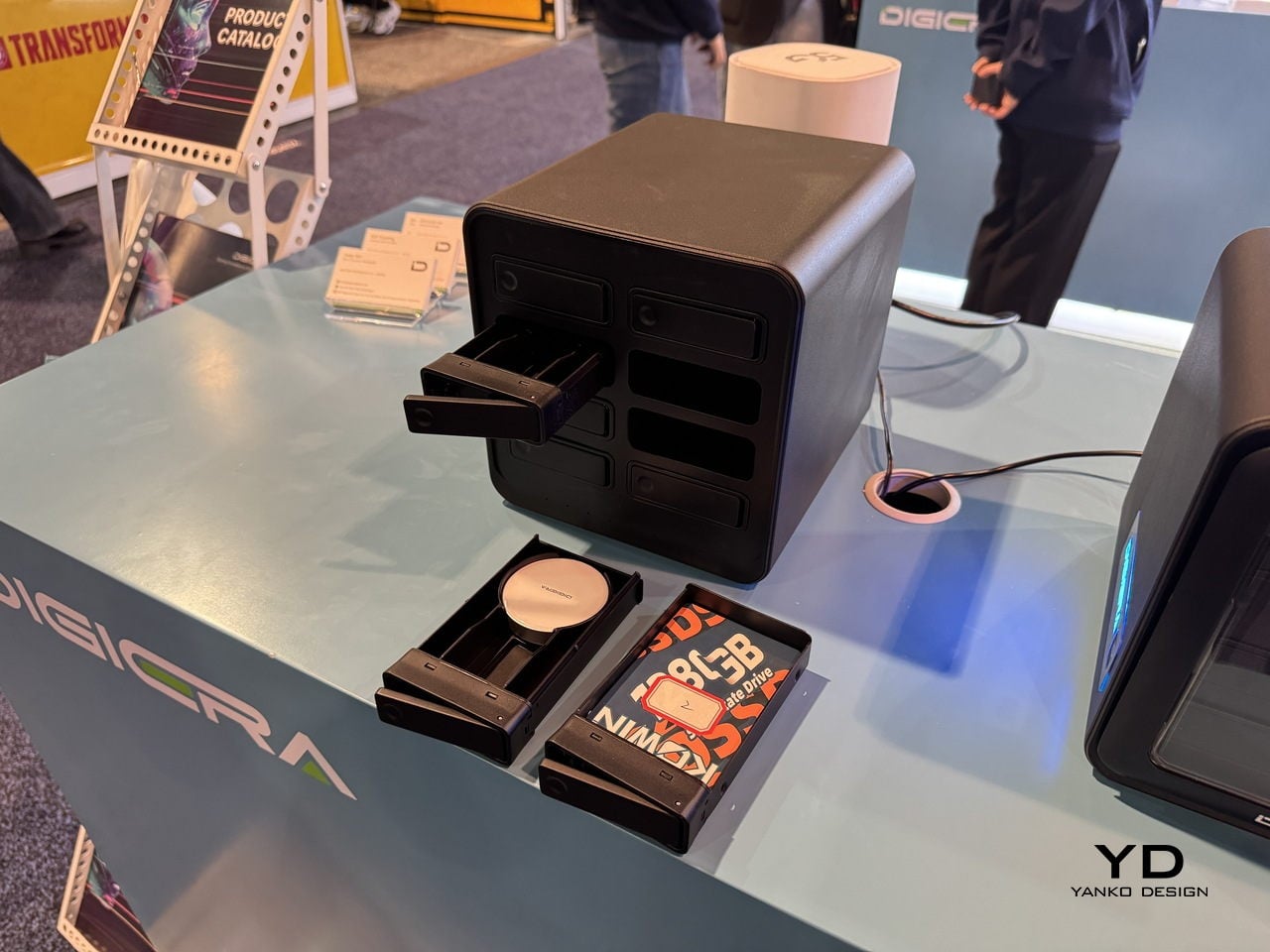
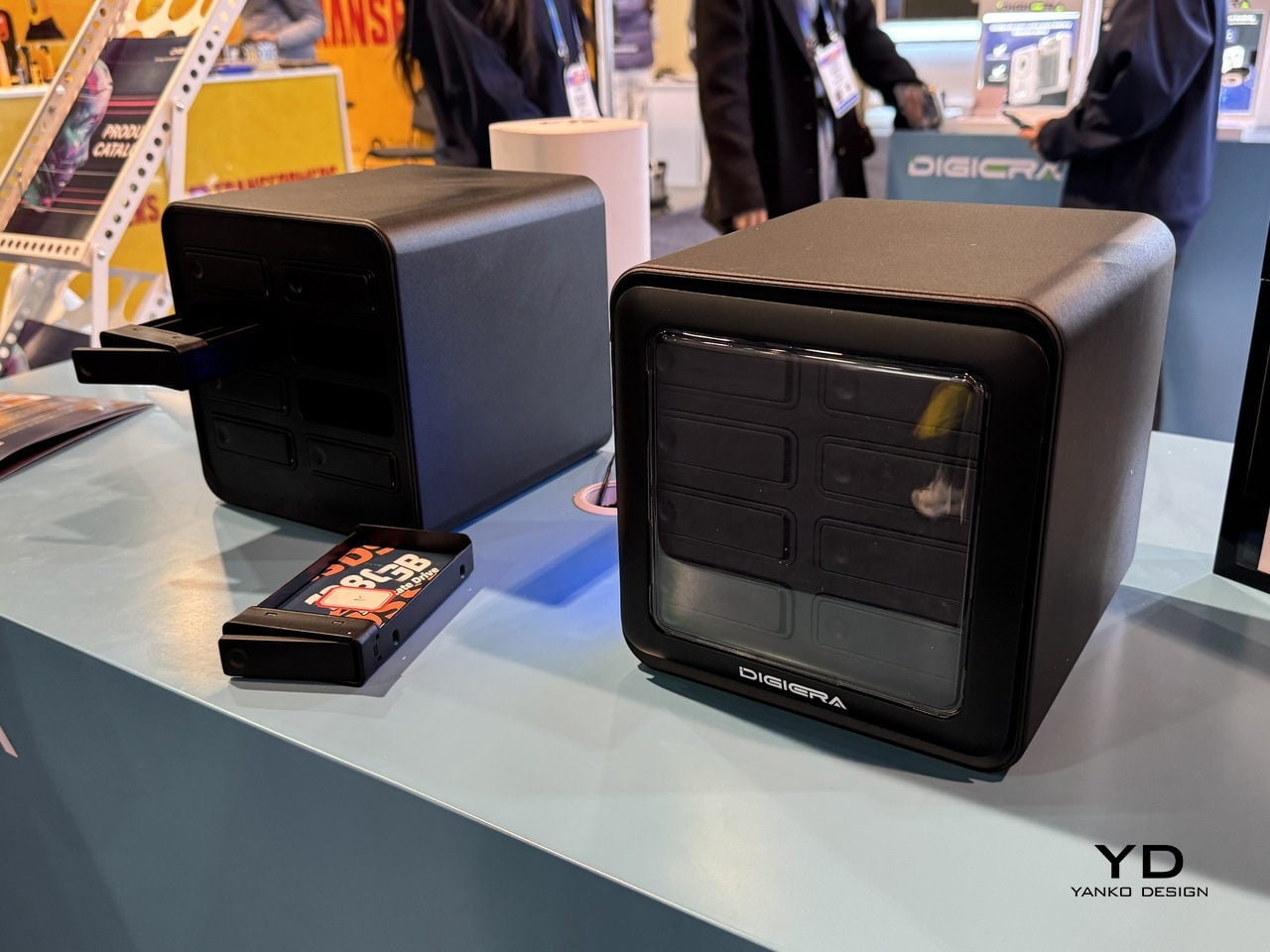
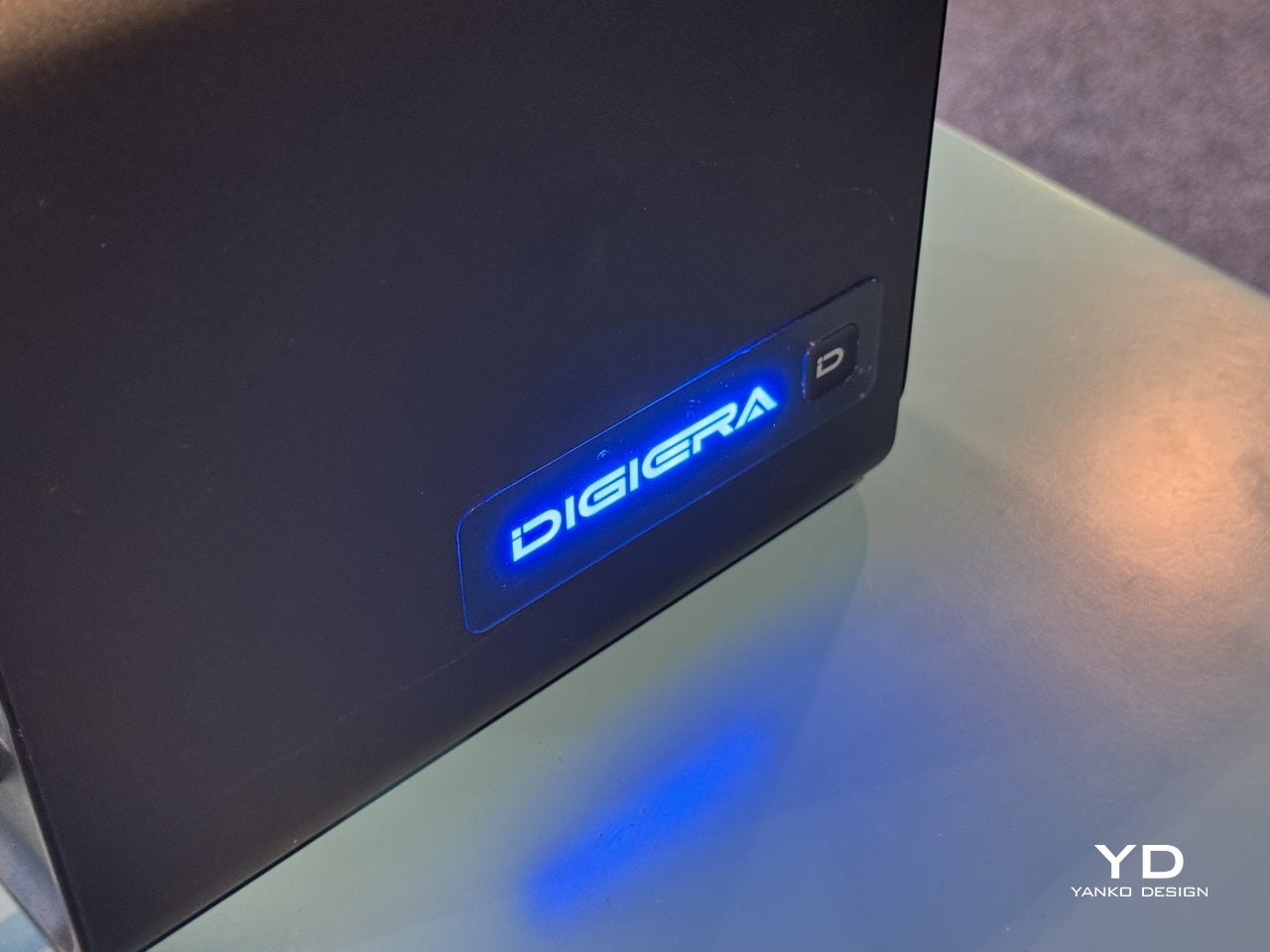
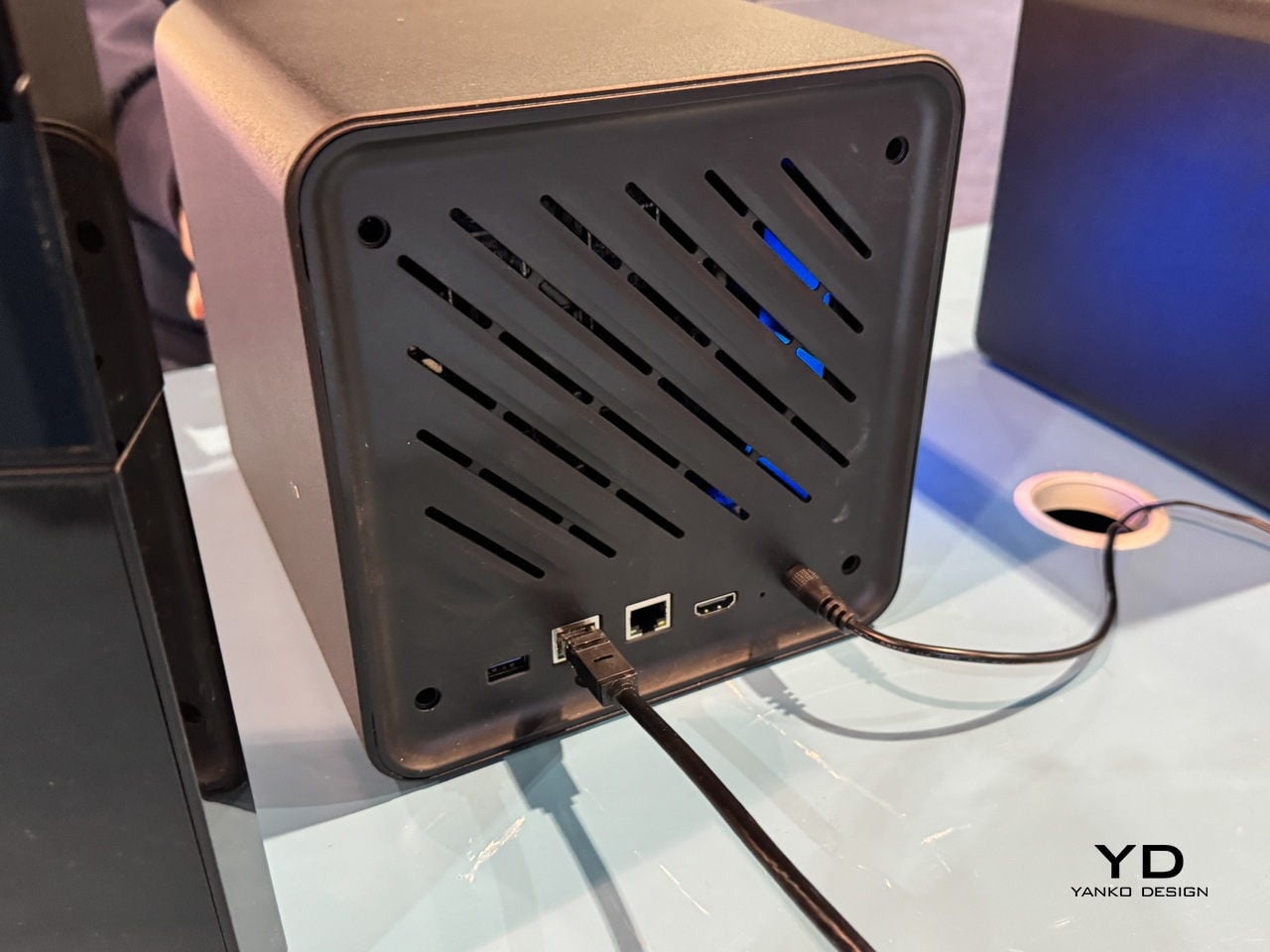
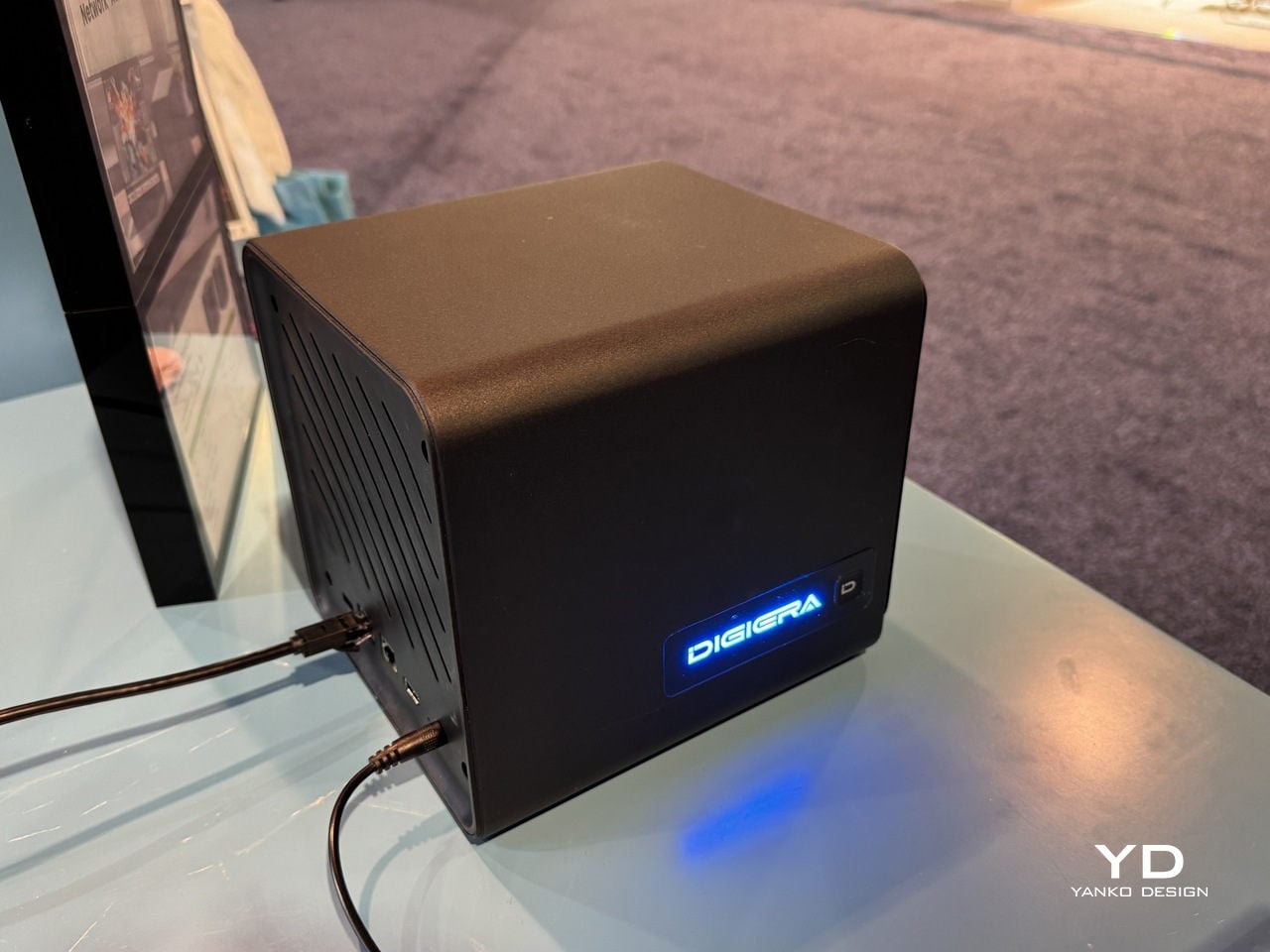
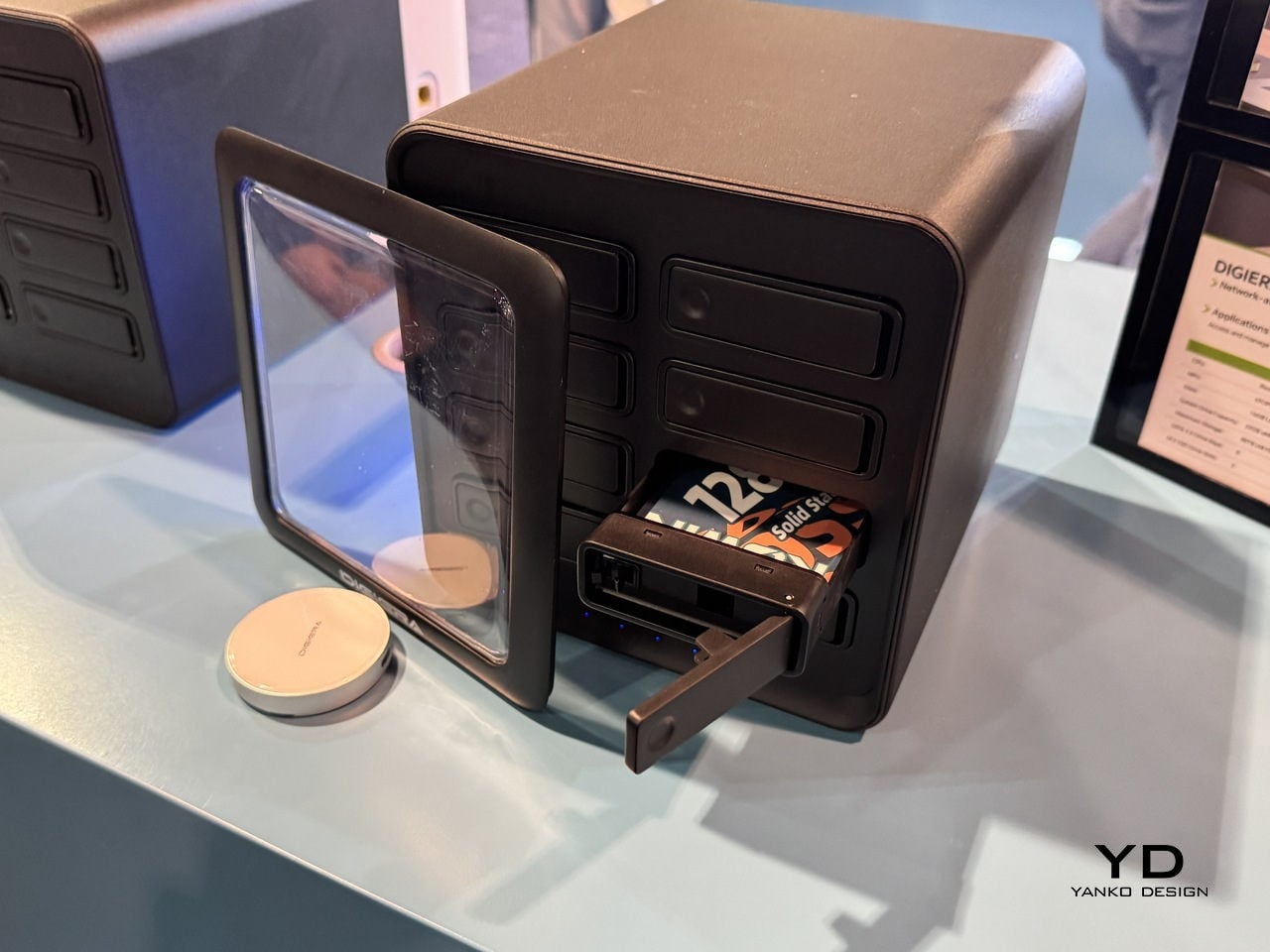
The pain of hunting for assets across old drives and cloud accounts is real. OmniCore is DigiEra’s answer, a modular all-flash AI NAS designed to sit in a studio and quietly index everything. It supports up to 80 TB of SSD storage across eight 2.5-inch SATA bays and two M.2 slots, all hot-swappable, so the box can grow with a studio instead of being replaced every time a project spikes in size or a client asks for all the raw footage from three years ago.
OmniCore is not just a fast box of drives. A Rockchip RK3588 CPU, 16 GB of LPDDR5 RAM, and a 6 TOPS NPU let it run AI tasks locally, from automatic image tagging and semantic search to transcription, document analysis, conversational chat, and clip generation. That means a designer can type “blue packaging concept with foil logo” and have the NAS surface relevant shots, instead of scrolling through folders named final underscore final underscore v3.
The privacy-first angle matters here. OmniCore is designed to work fully offline, with no cloud dependency, which is important when client work, unreleased campaigns, or personal archives cannot leave the building. Dual LAN ports, including 2.5 GbE, and Wi-Fi 6 support let it serve multiple editors or designers at once without feeling like a bottleneck, and Docker support means it can host custom tools alongside its own AI engine for people who need more than a basic file server.
The physical experience is part of the design. The cube-like form factor with front-loading SSD modules makes storage feel tangible and approachable, more like a card catalog than a server rack. Drives slide in and out on small trays, so expanding from a few terabytes to tens of terabytes is a matter of minutes, not a weekend migration project where everything has to stop. For small studios, that kind of modularity is as much a design decision as a technical one.
Endura Portable SSD: Rugged Speed with a Material Story
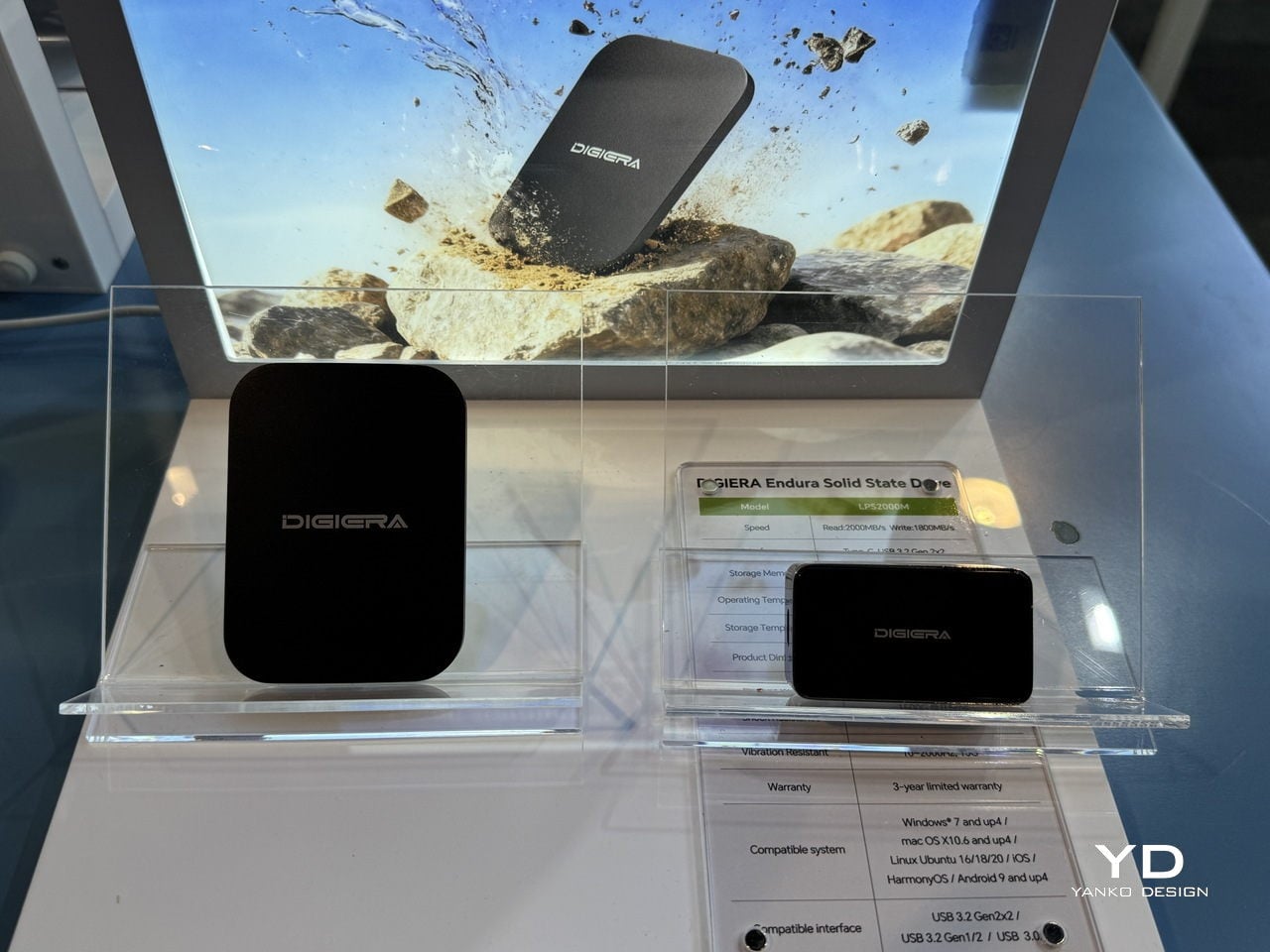
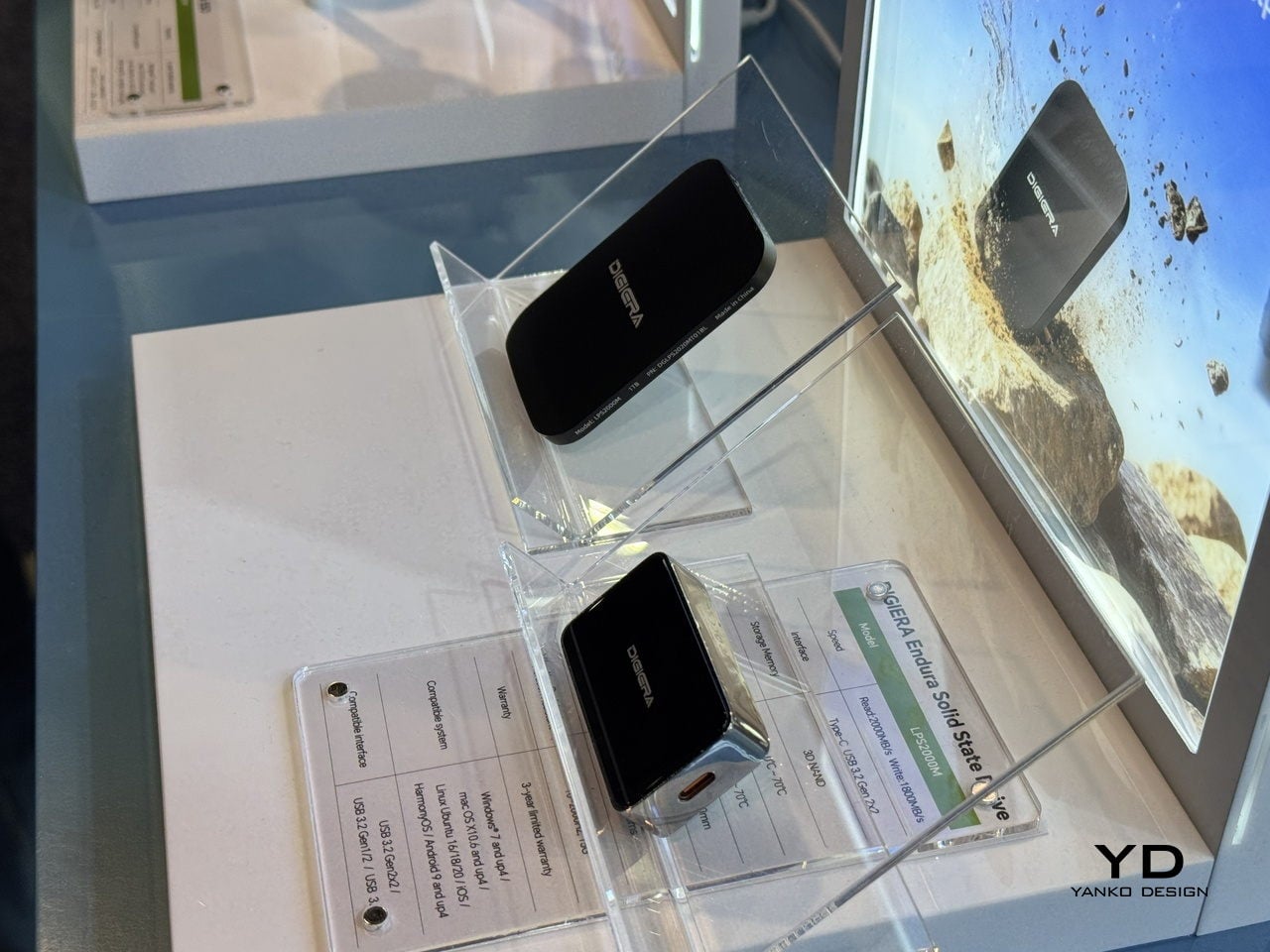
Endura is the drive that lives in the camera bag and follows people to shoots. DigiEra bills it as the world’s first portable SSD with an aluminum–carbon-fiber shell, rated IP65 for water, dust, and shock resistance. That combination of materials gives it a technical, motorsport-like feel, while also signaling that it can handle being tossed into a backpack, clipped to a rig, or dropped on a sidewalk without needing a protective case wrapped around a protective case.
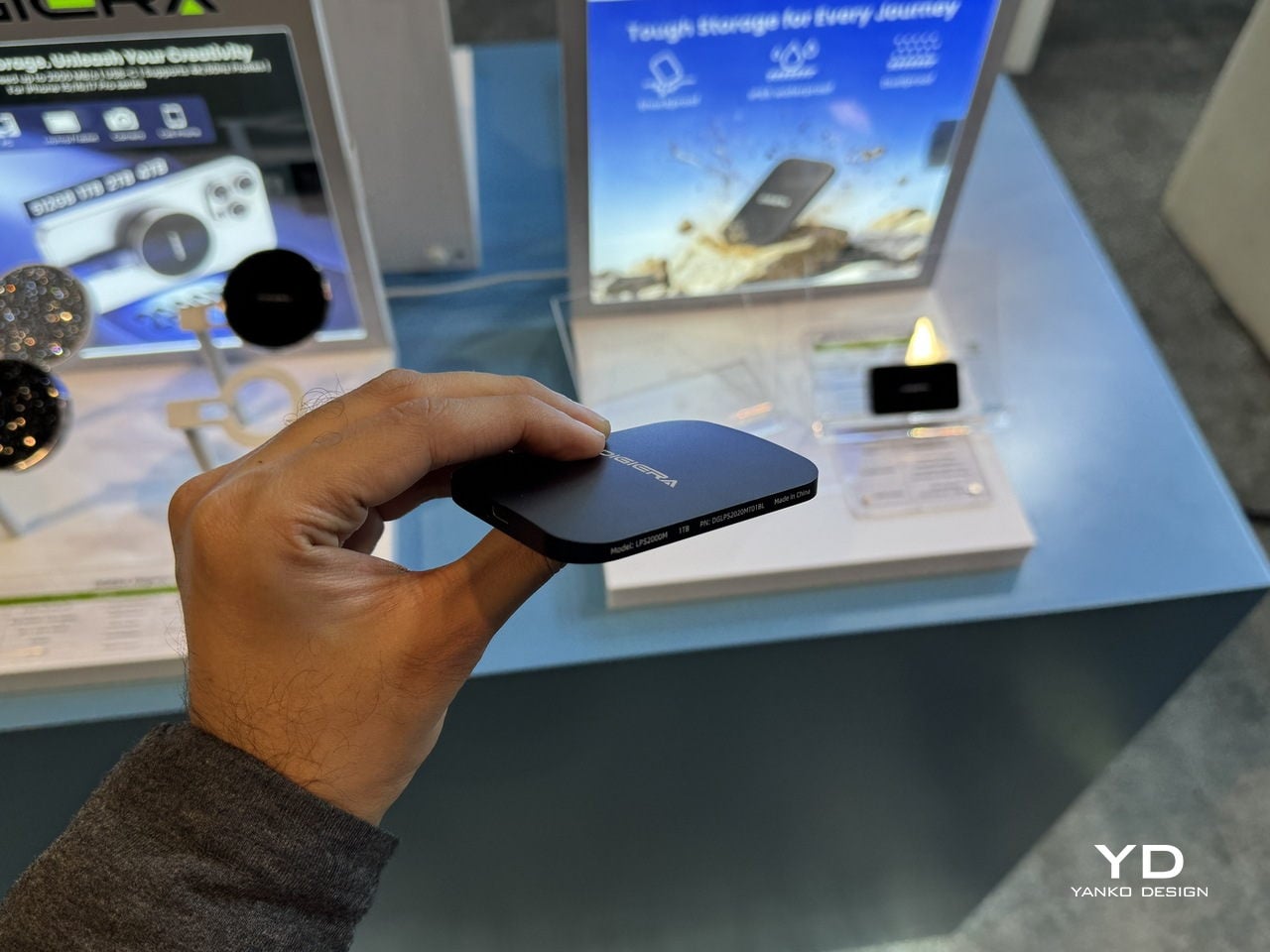
Under the shell, Endura uses USB 3.2 Gen 2×2 over USB-C, delivering up to 2,000 MB/s read and 1,800 MB/s write speeds in capacities from 512 GB to 4 TB. For photographers dumping RAW stills between locations or filmmakers backing up cards on set, that means less time watching progress bars and more time shooting, with a drive that looks like it belongs in a design-conscious kit and can survive the environments where most shoots actually happen.
Portable Hub SSD: One Block to Replace the Dongle Pile
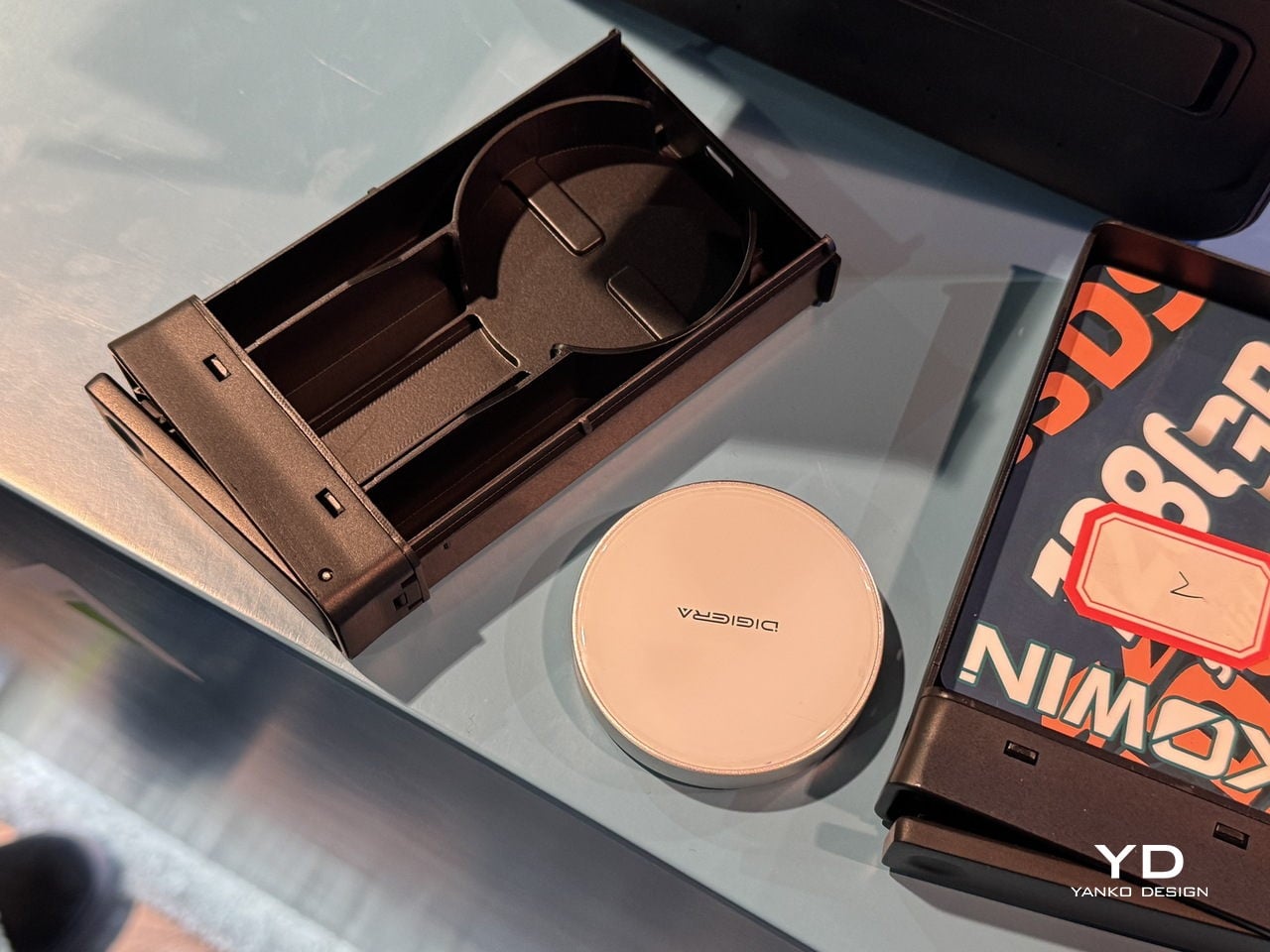
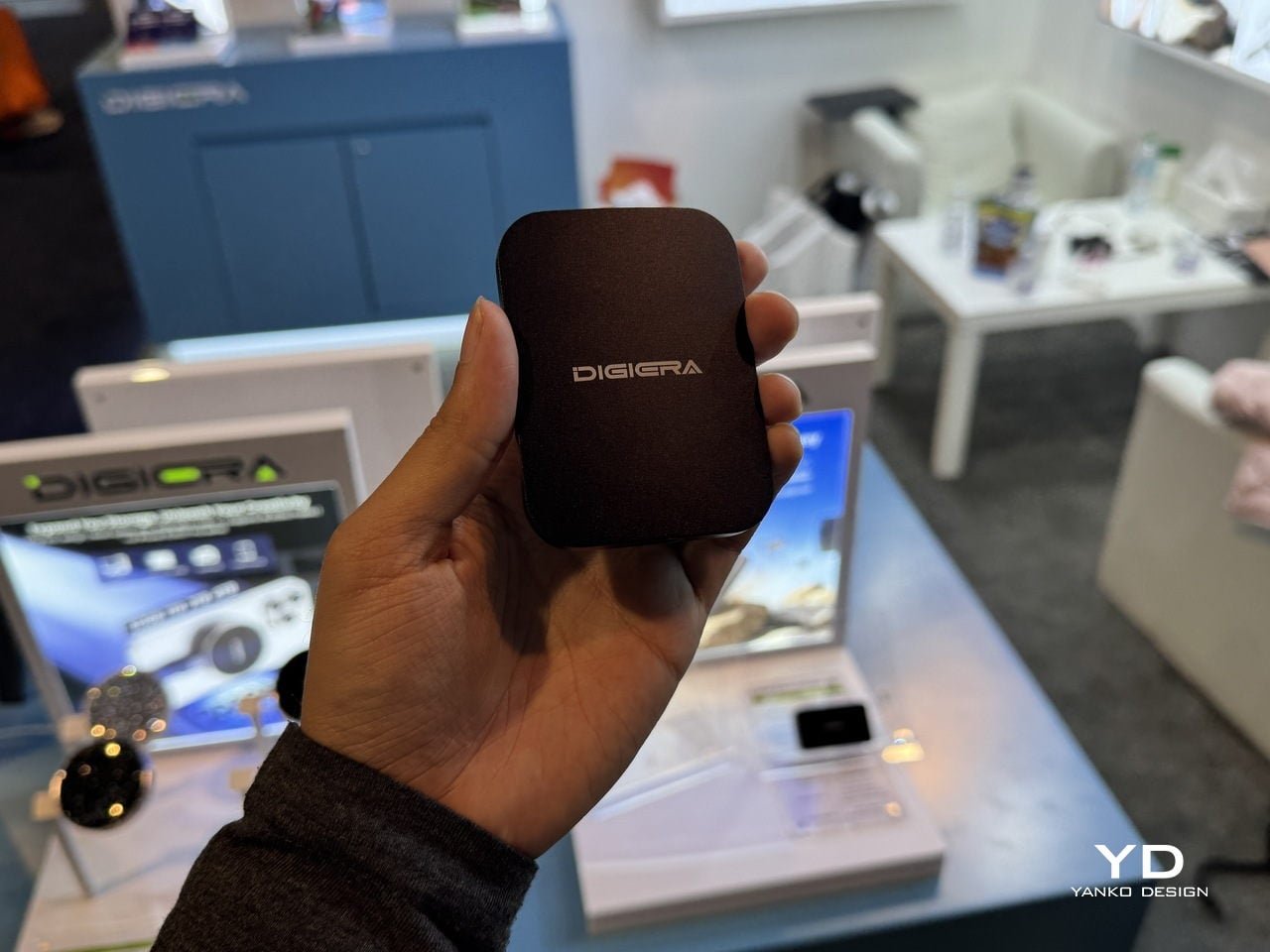
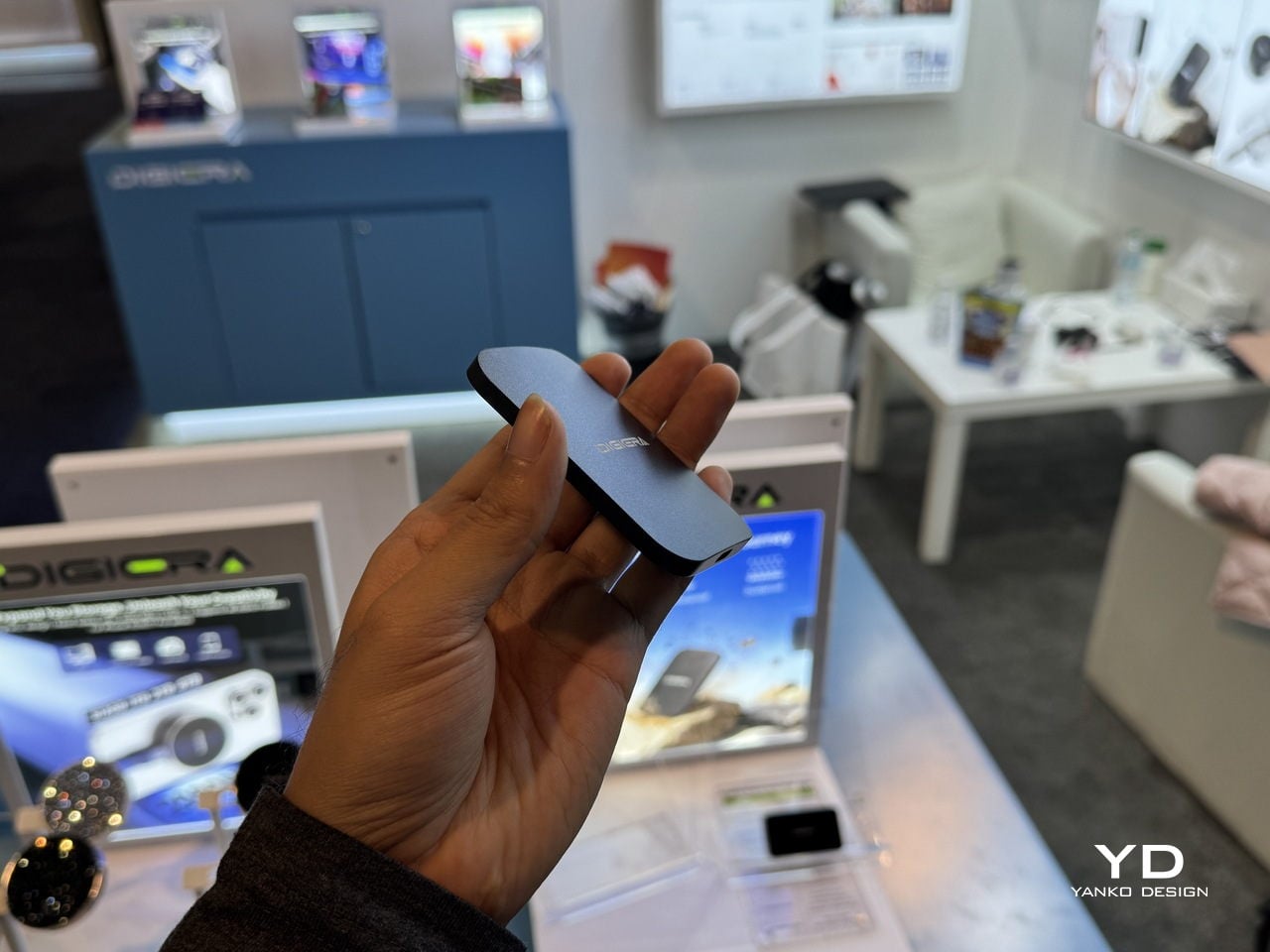
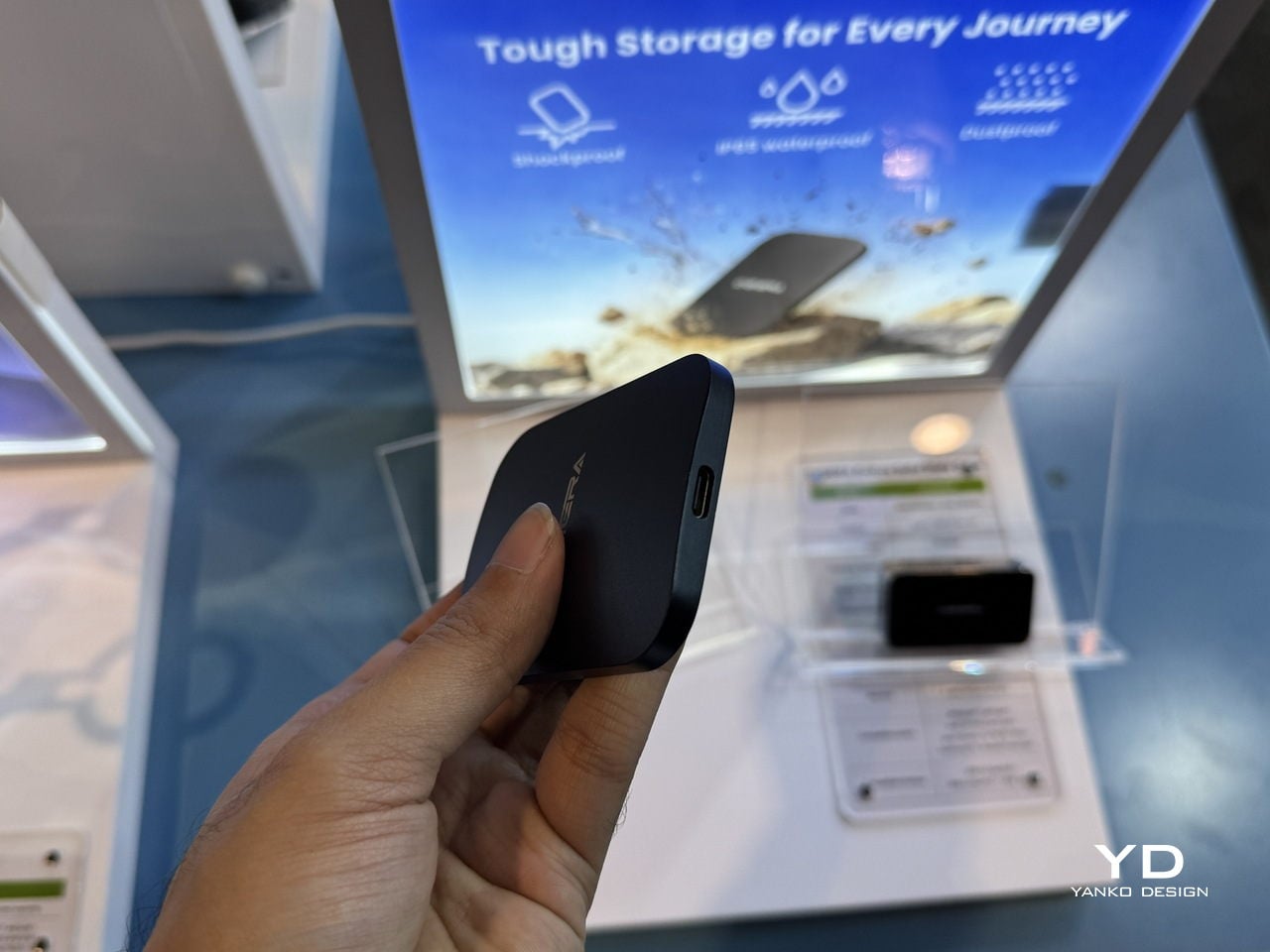
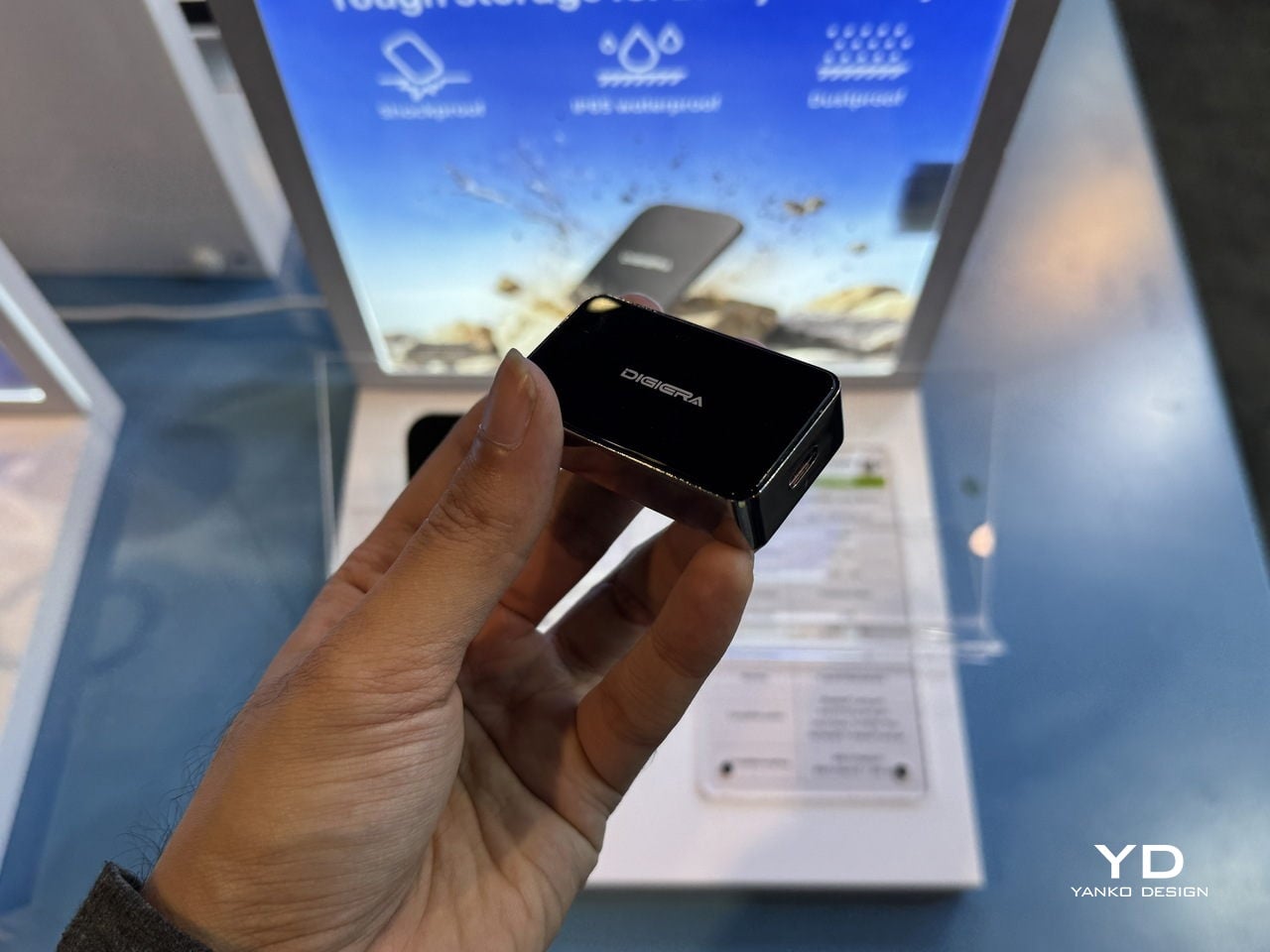
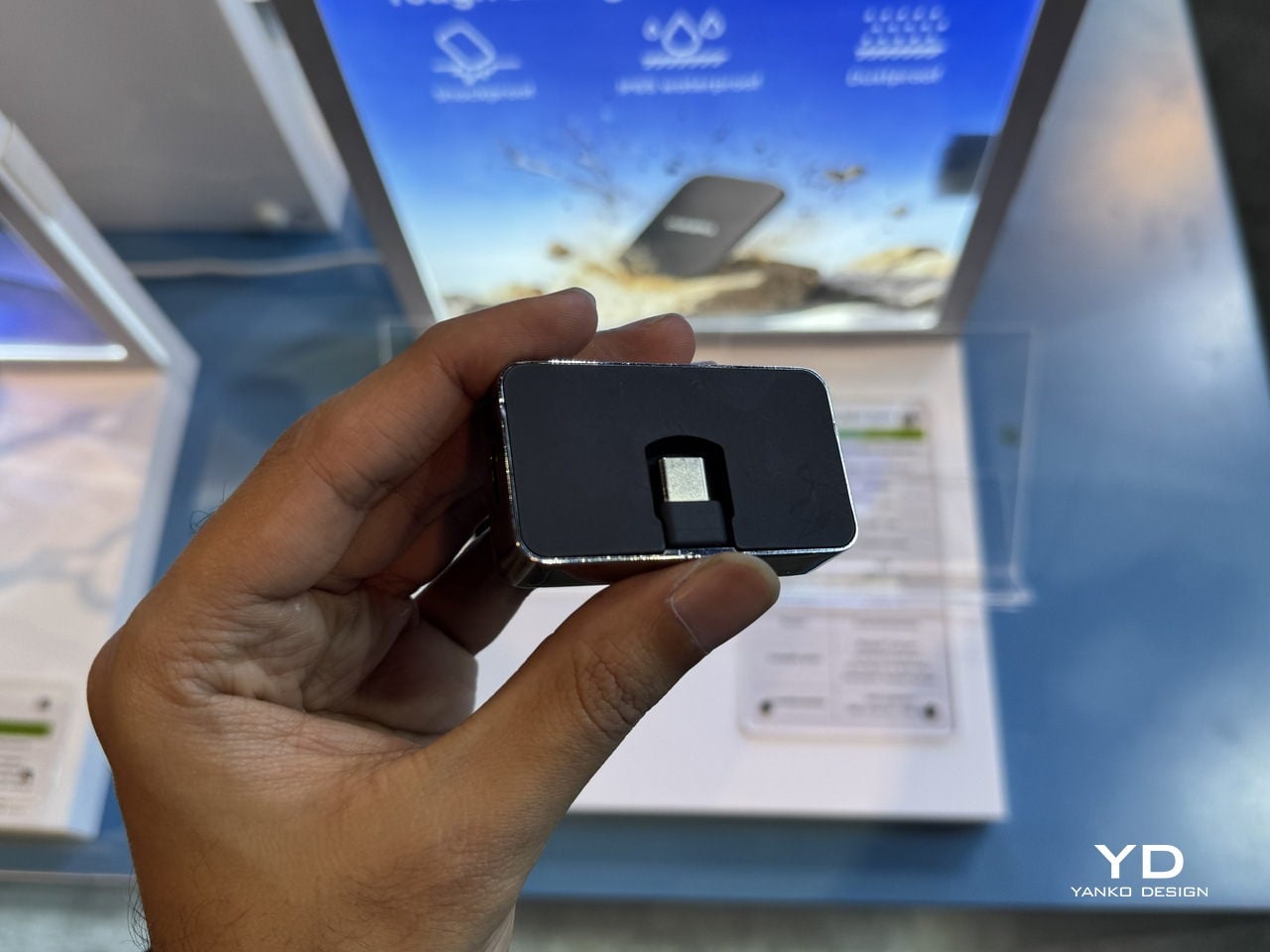
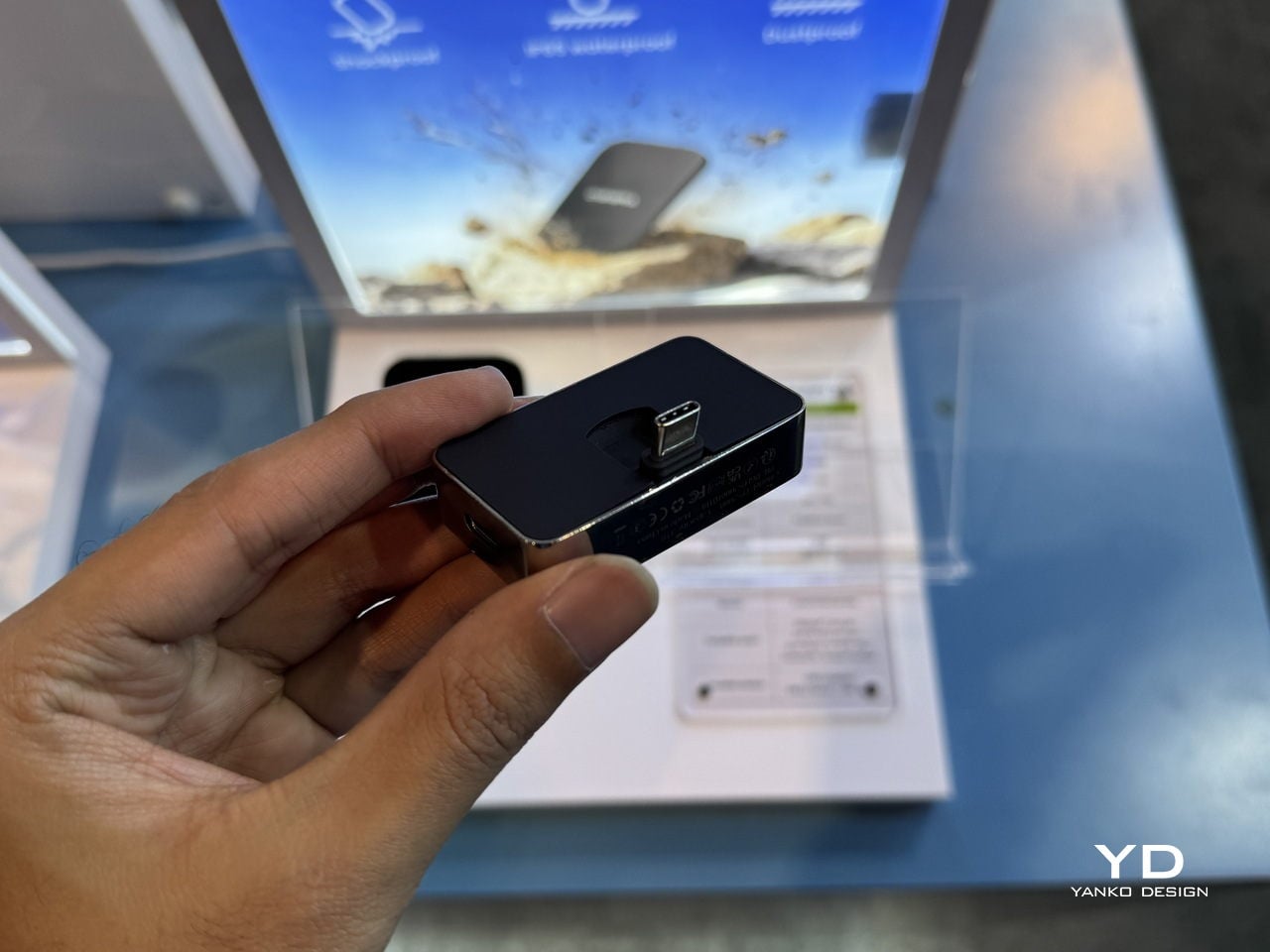
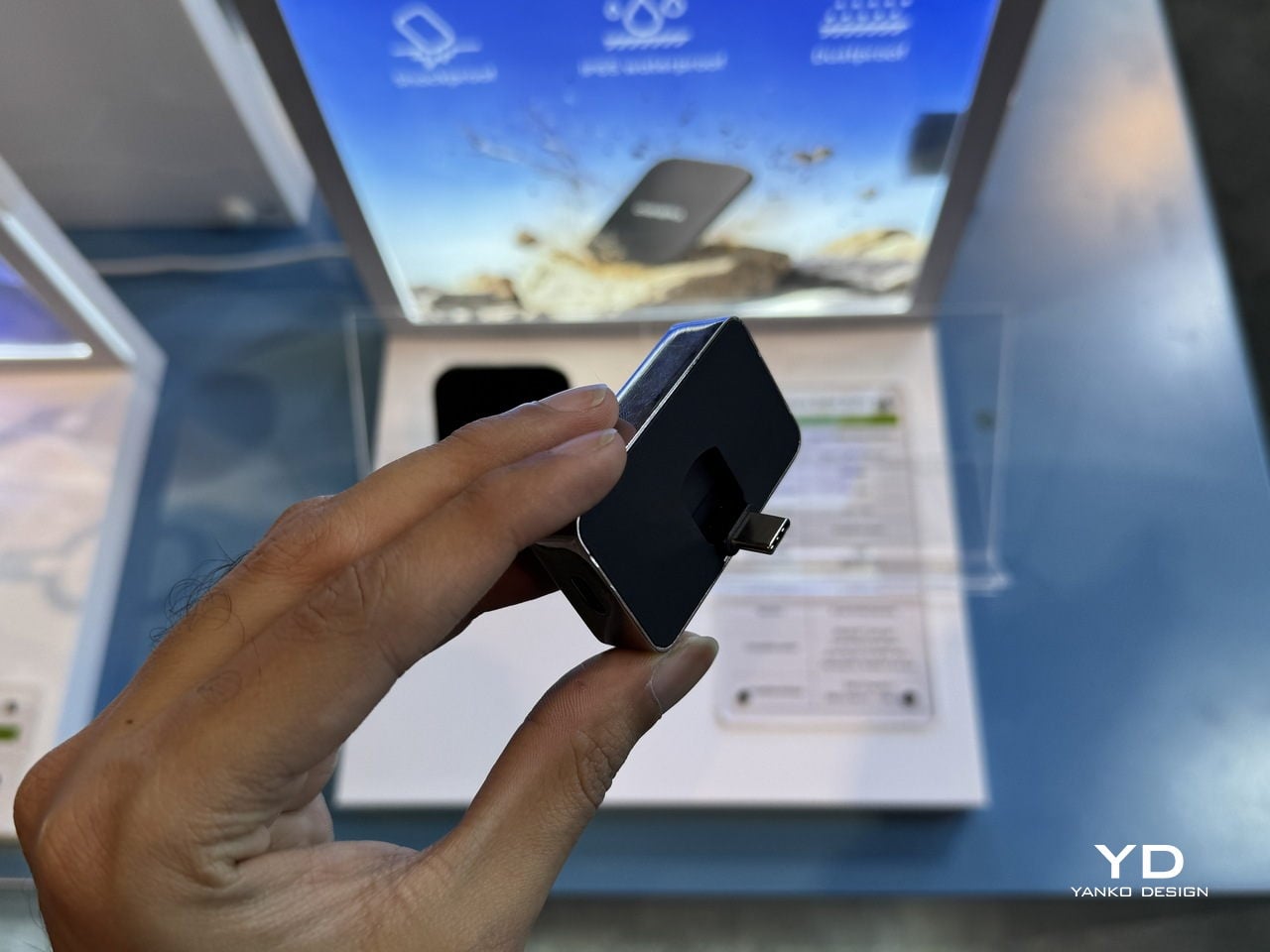
The Portable Hub SSD is the antidote to the usual tangle of hubs, drives, and chargers. It wraps the same 20 Gbps SSD core in a compact aluminum block that also acts as a hub, combining high-speed storage, PD fast charging, and extra USB-C connectivity. Plug it into a phone, tablet, or laptop, and it becomes both a scratch disk and an expansion port, turning one cable into a complete mobile workstation.
The fold-out USB-C plug and side ports make it particularly friendly to iPhones and USB-C cameras. Instead of hanging a drive and a hub off a gimbal or handheld rig, one block adds space for ProRes or LOG footage and passes power through to keep the phone or camera alive. For designers who sketch on tablets or edit on ultraportables, it is the kind of object that quietly simplifies the everyday carry, handling data and power from a single point without adding bulk or visual noise.
Diamond Magnetic Portable SSD: Storage as Visible Accessory
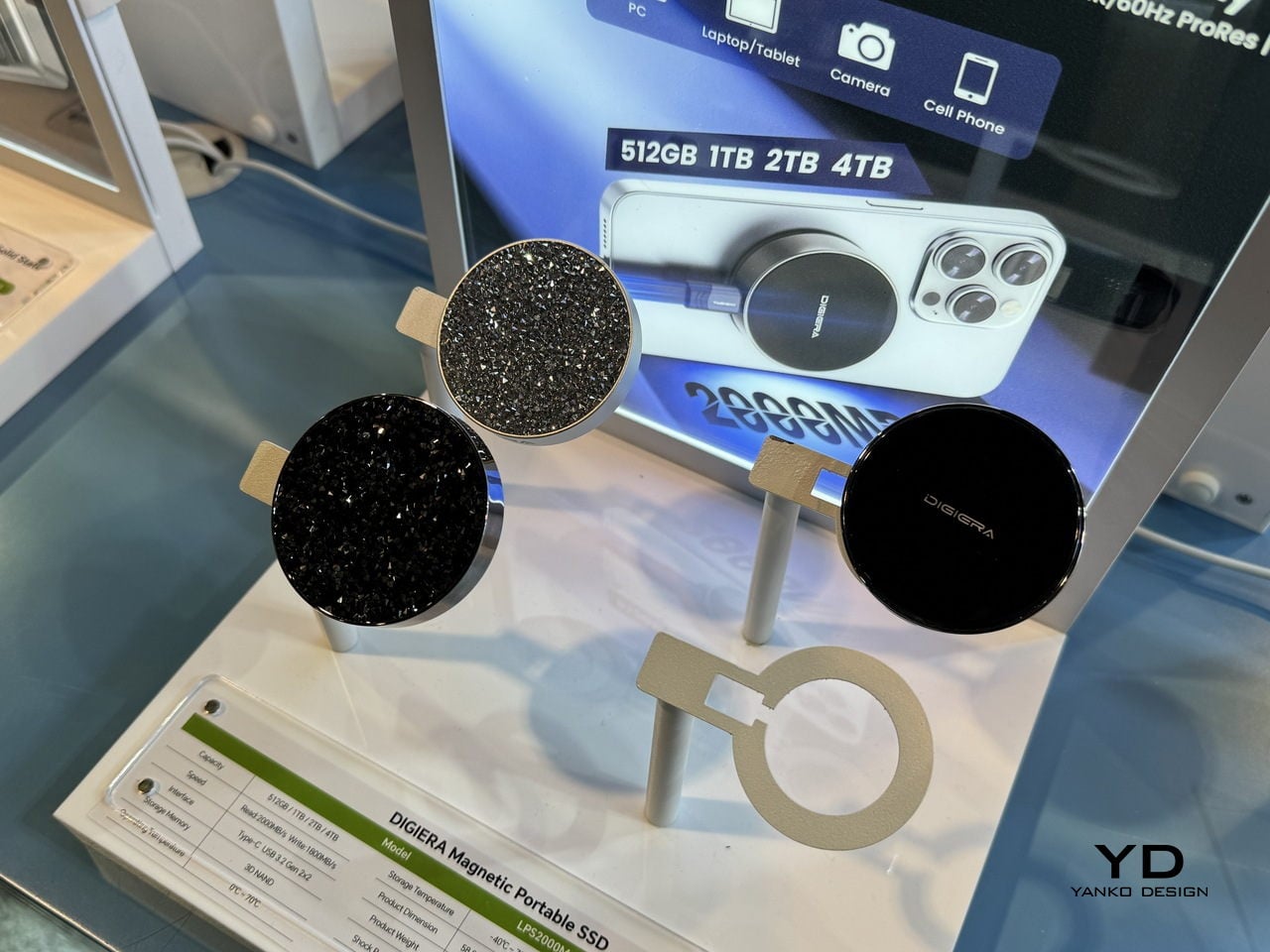
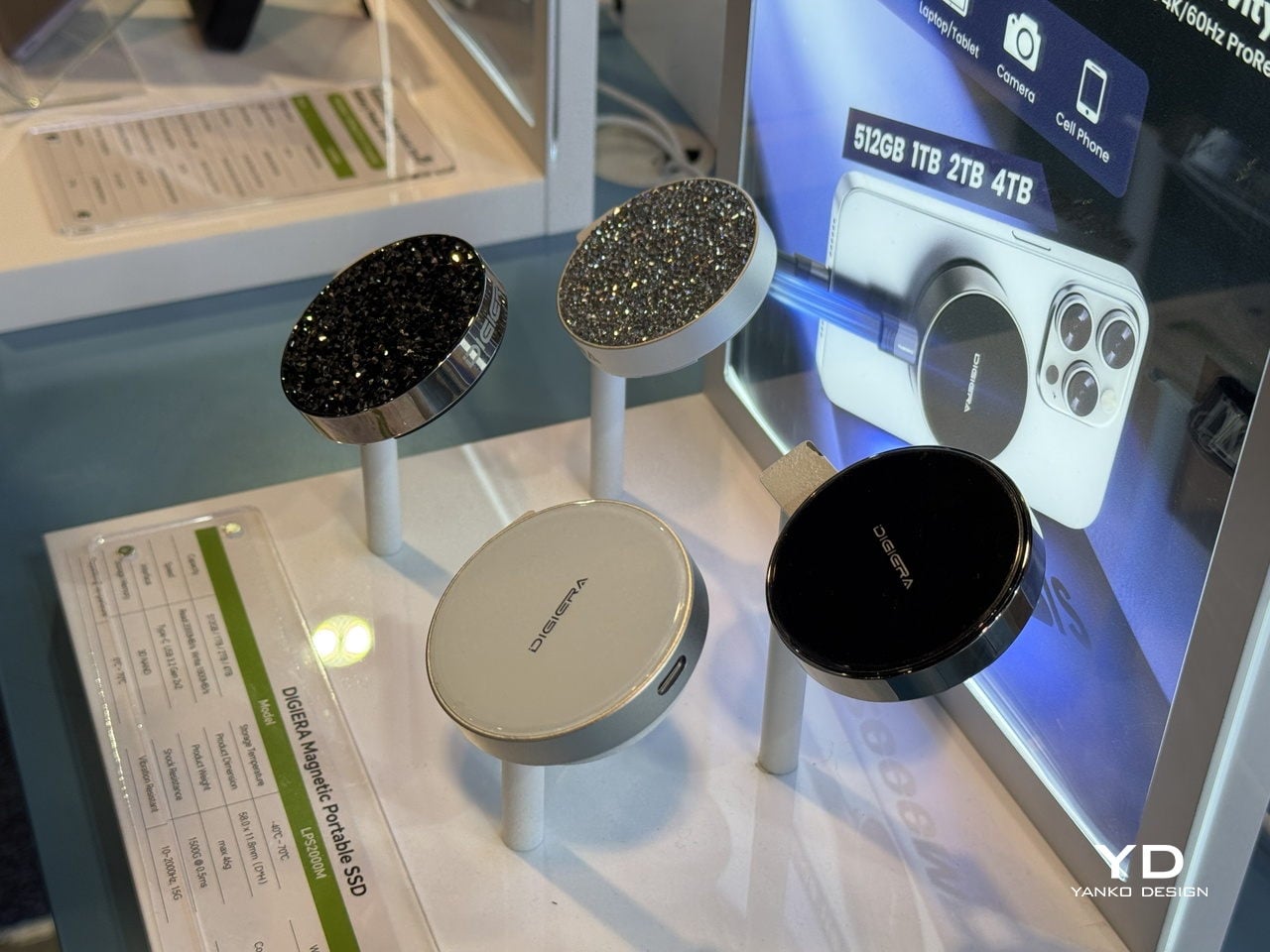
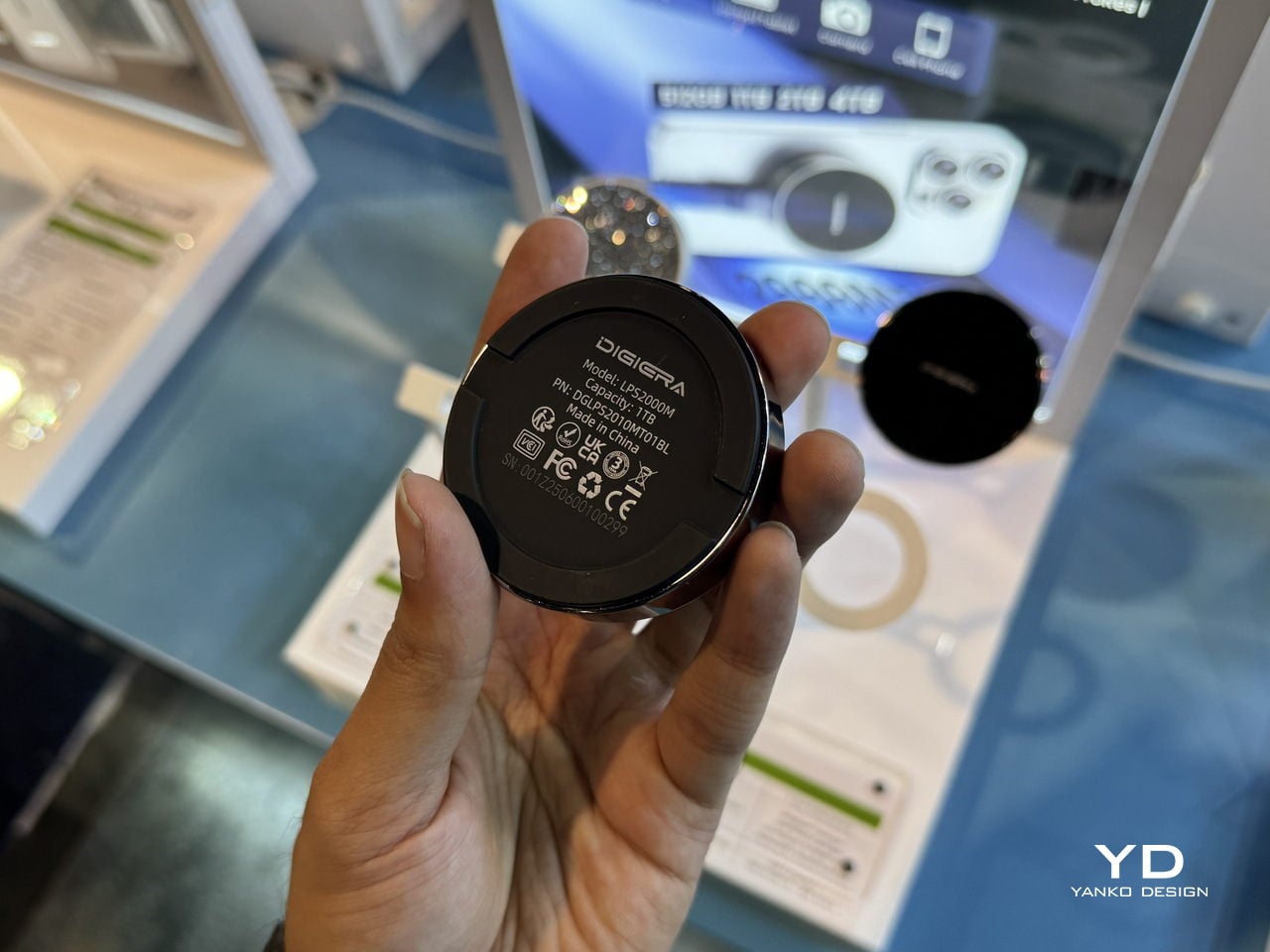
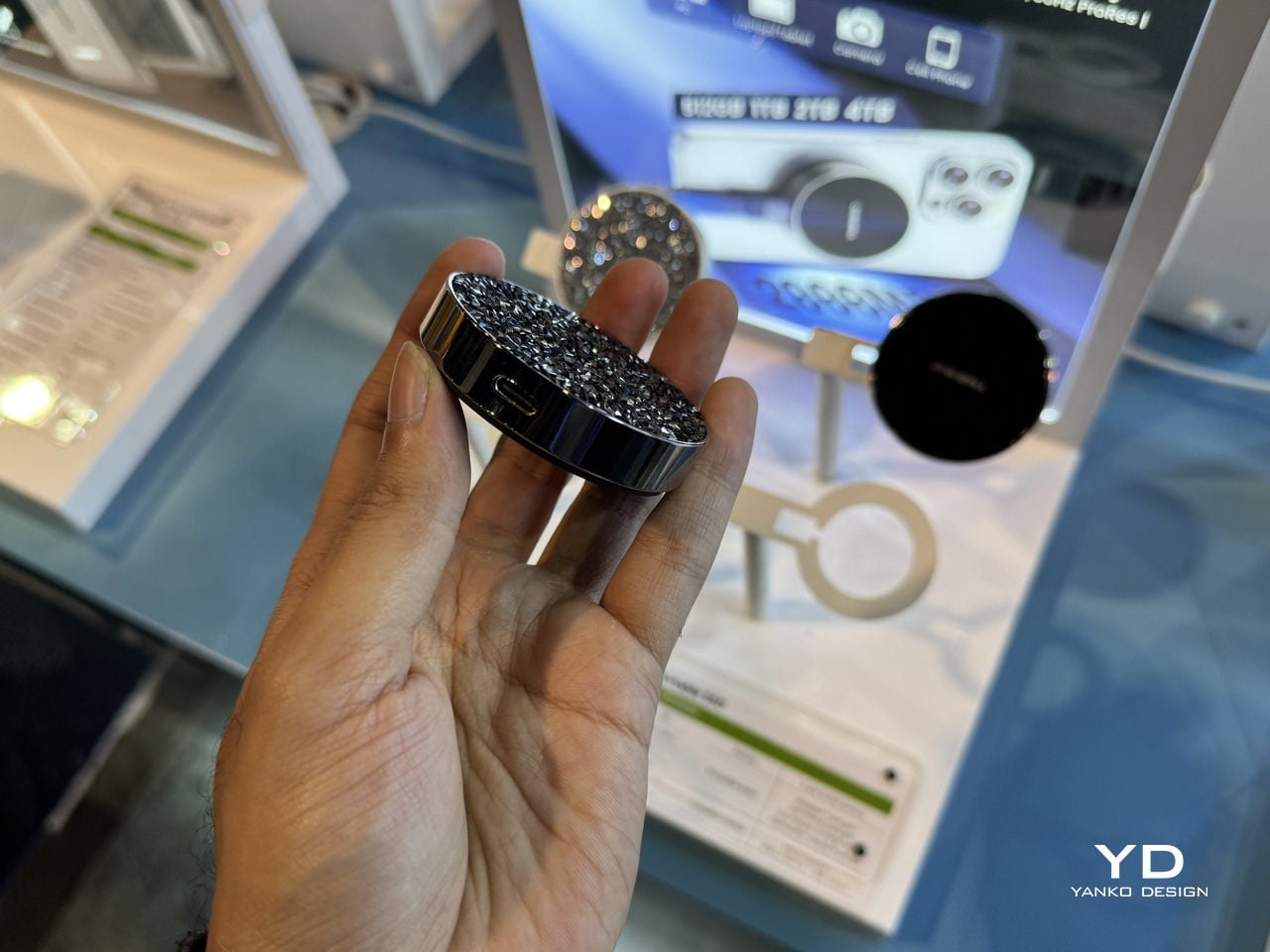
The Diamond Magnetic Portable SSD is the piece that never leaves the phone. It snaps magnetically to the back of an iPhone 15 or 16 Pro and records 4K 60 FPS ProRes video directly to external storage, lifting the ceiling on how long you can shoot without cages, rigs, or bulky battery grips. For content creators who rely on their phone as a primary camera, that is a big shift in what is possible with a pocket-sized setup.
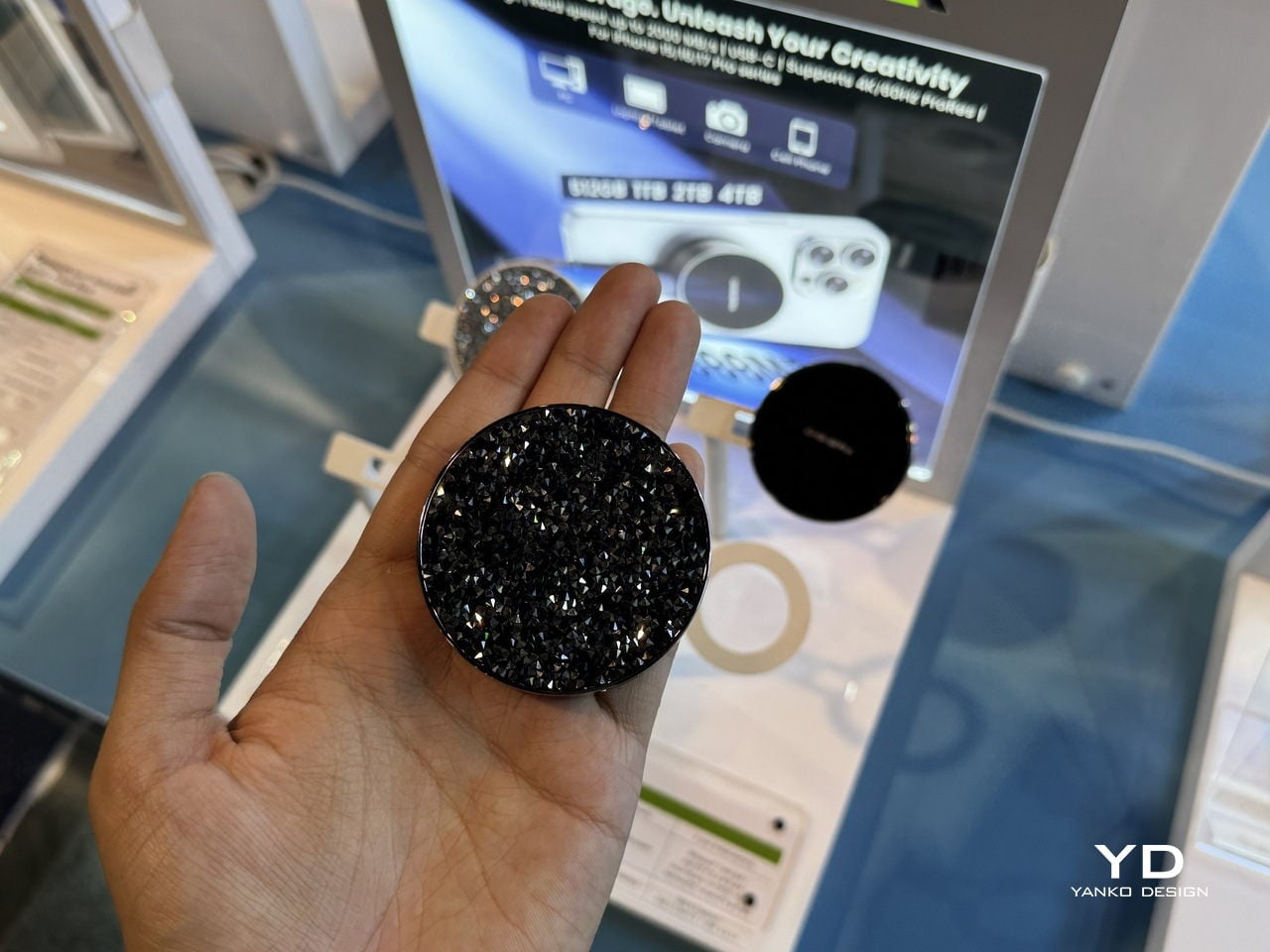
The diamond-encrusted, circular design makes the drive look closer to a compact mirror or piece of jewelry than a tech accessory. Underneath, it still runs USB 3.2 Gen 2×2 over USB-C at up to 2,000 MB/s read and 1,800 MB/s write, in capacities up to 4 TB. That mix of performance and visual polish means it can stay on the phone in a meeting, a shoot, or a café without feeling out of place, turning storage into something you actually want to show rather than hide in a pocket until needed.
DigiEra at CES 2026: Turning Storage into a Creative Toolkit
OmniCore anchors the studio as a private, AI-enabled brain that knows where every file lives and can answer questions in natural language. Endura and Portable Hub SSD handle the messy middle, moving data safely and quickly between cameras, phones, and laptops, with materials and form factors that feel deliberate rather than generic. The Diamond Magnetic SSD lives on the phone, turning storage into something you actually want to show. That is DigiEra’s real story at CES 2026: storage treated not as an afterthought or a cloud subscription, but as a set of designed objects that respect the way creative work actually moves through the day, from the pocket to the field to the desk and back.
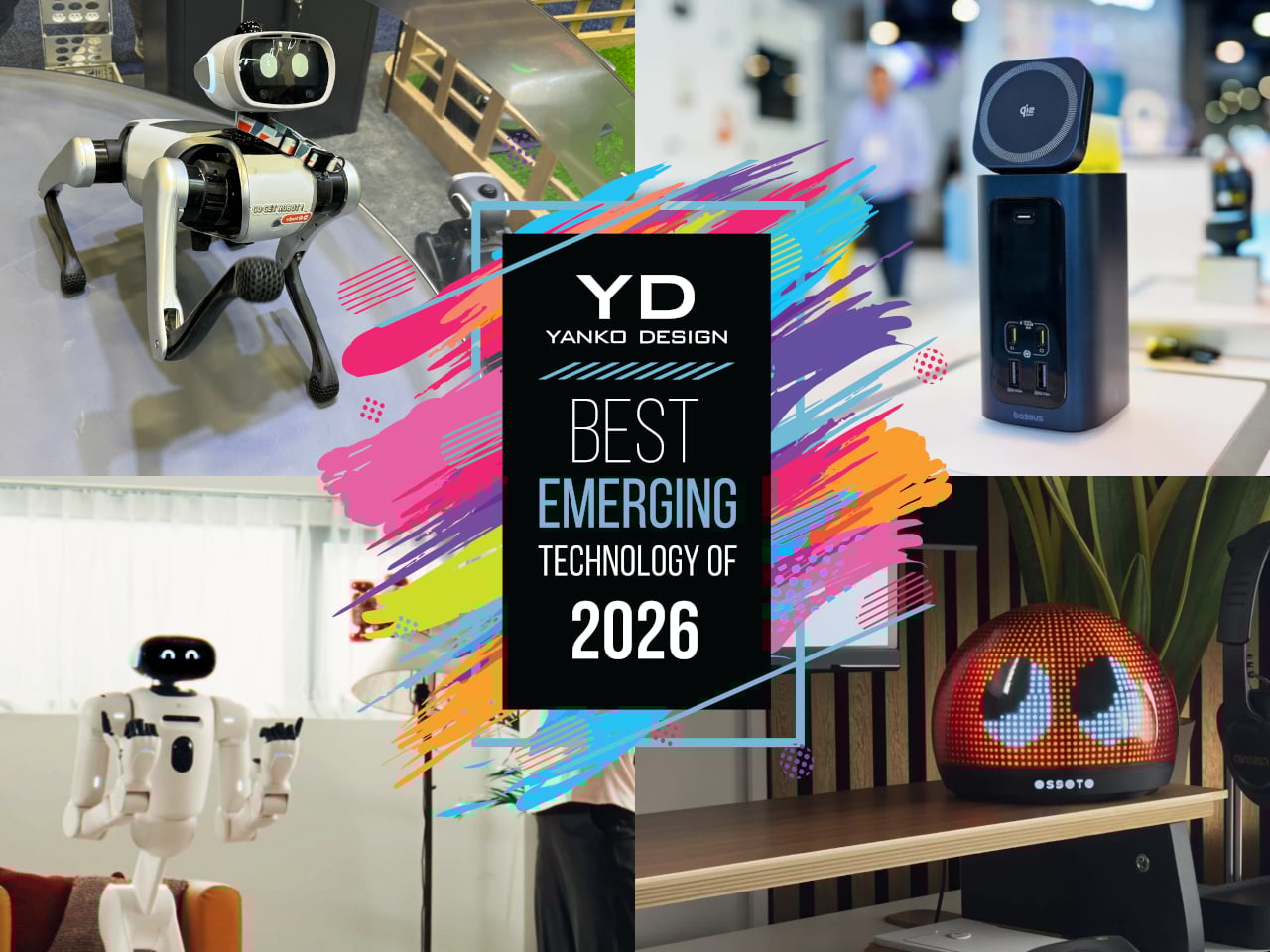
Every January, the Las Vegas Convention Center fills up with ideas that sit somewhere between prototype and inevitability. Some will vanish after a single news cycle, but a few feel like early drafts of how we will actually live with technology, once the spectacle wears off and the hardware shrinks into something you can forget about until you need it. Those are the ones worth bookmarking, the quiet experiments that hint at new categories rather than just new specs.
This year’s crop of emerging tech has a very particular flavor. Robots are edging closer to being housemates instead of stage acts, ambient objects are getting just enough AI to feel expressive rather than chatty, and work gear is evolving into compact appliances that reclaim space instead of stealing it. None of these ideas are mainstream yet, but they are all far enough along that you can imagine them in your home or on your desk, which is exactly what makes them so interesting to watch.
Vbot Companion Robotic Dog
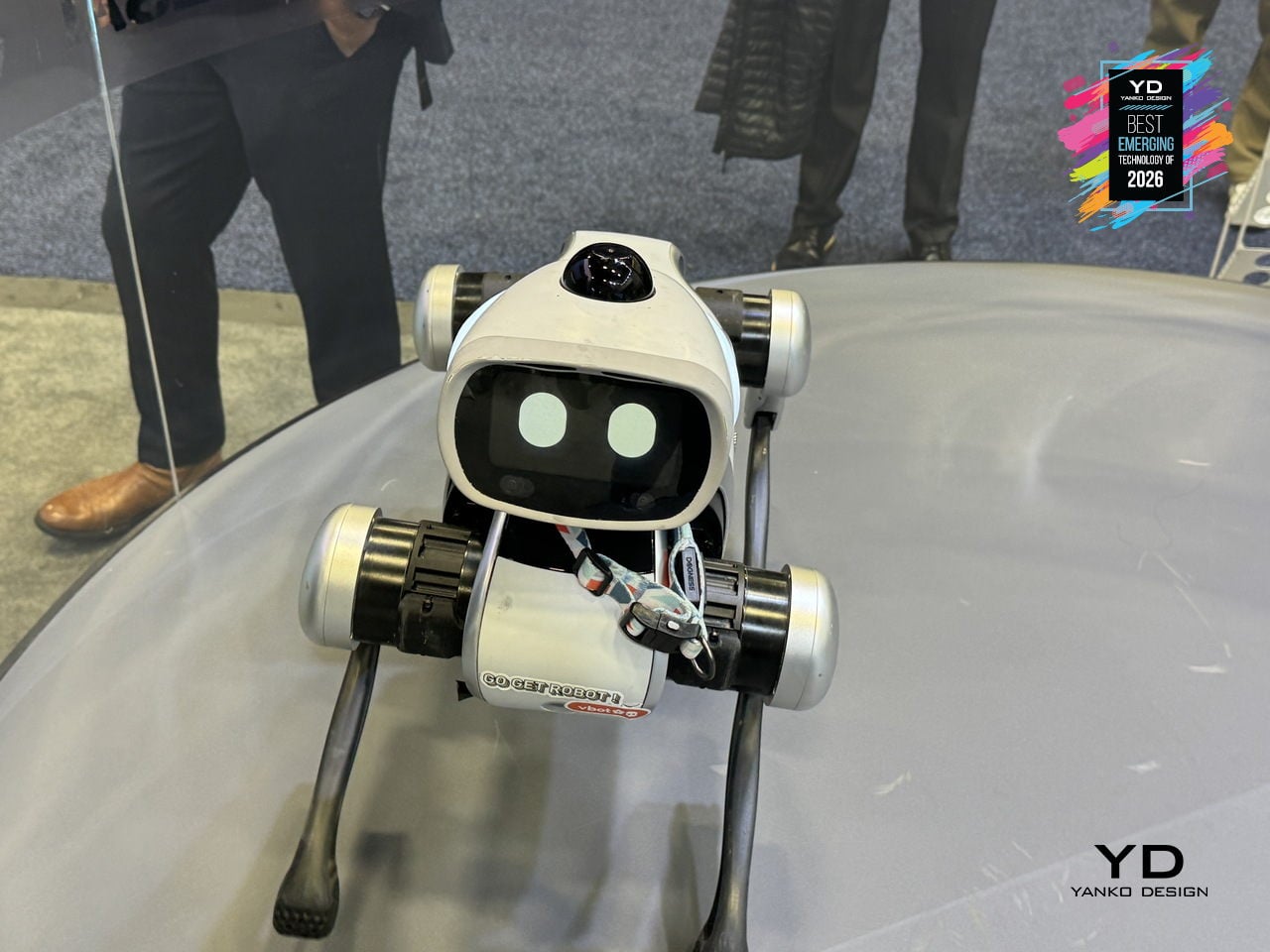
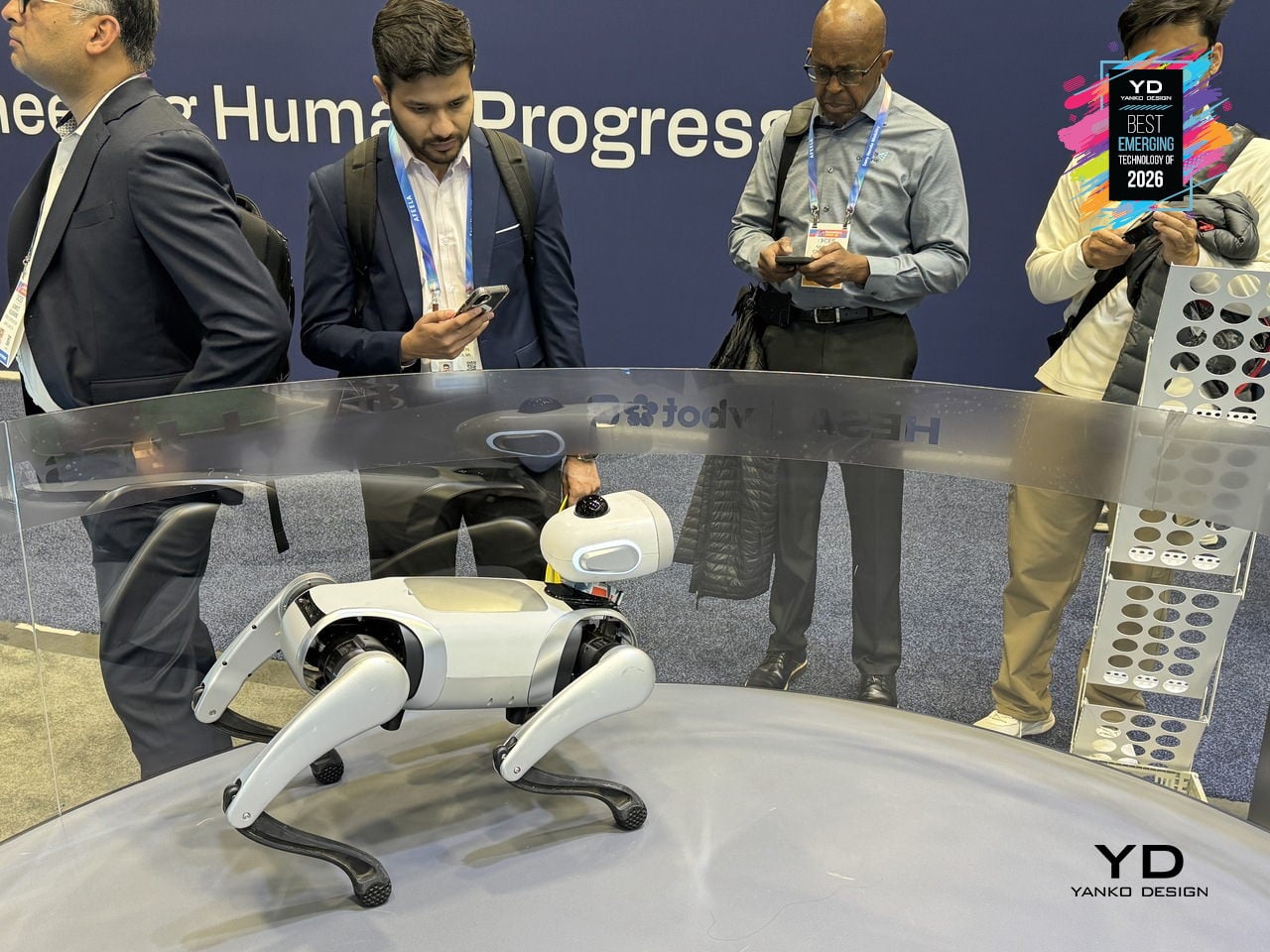
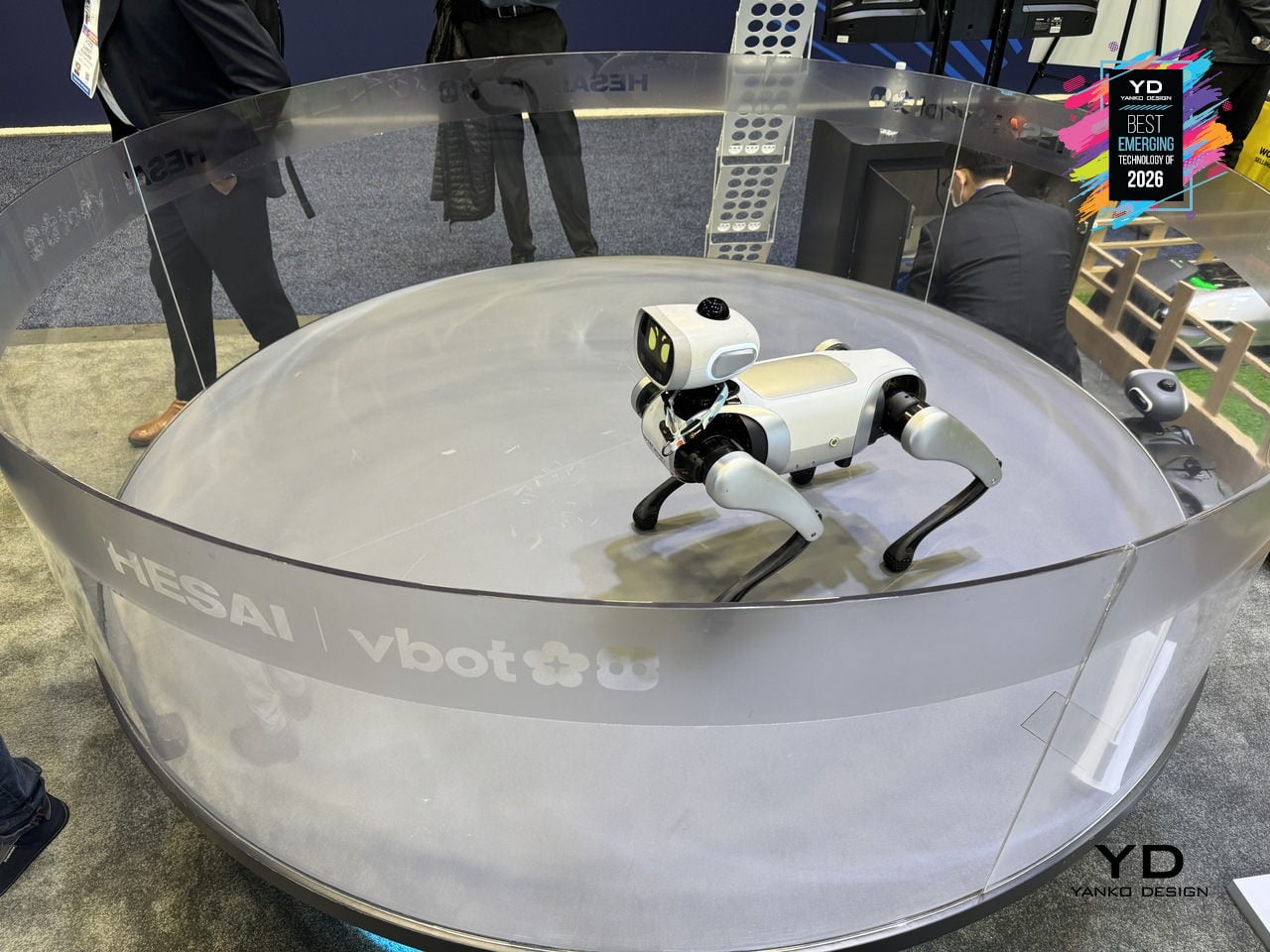
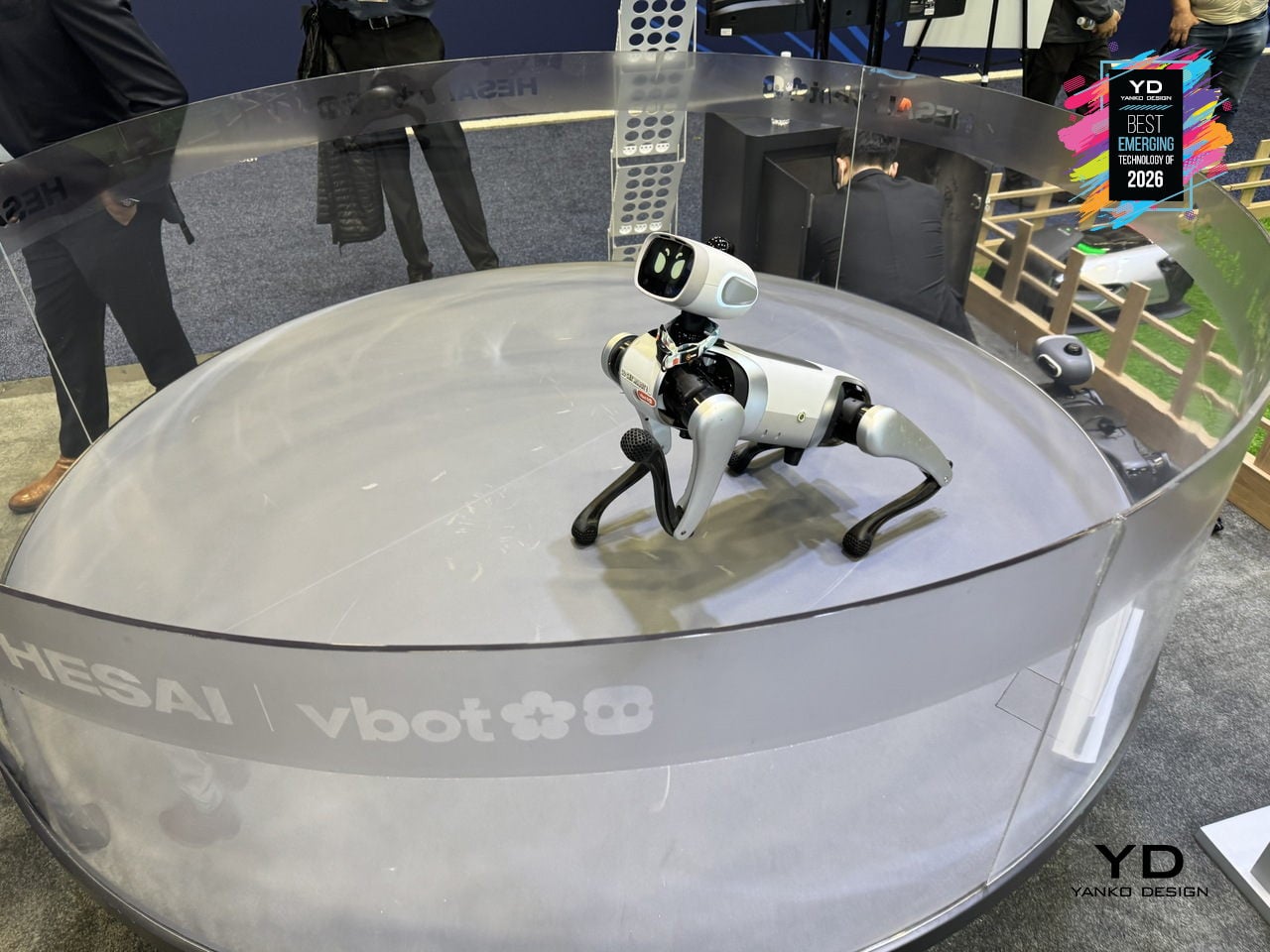
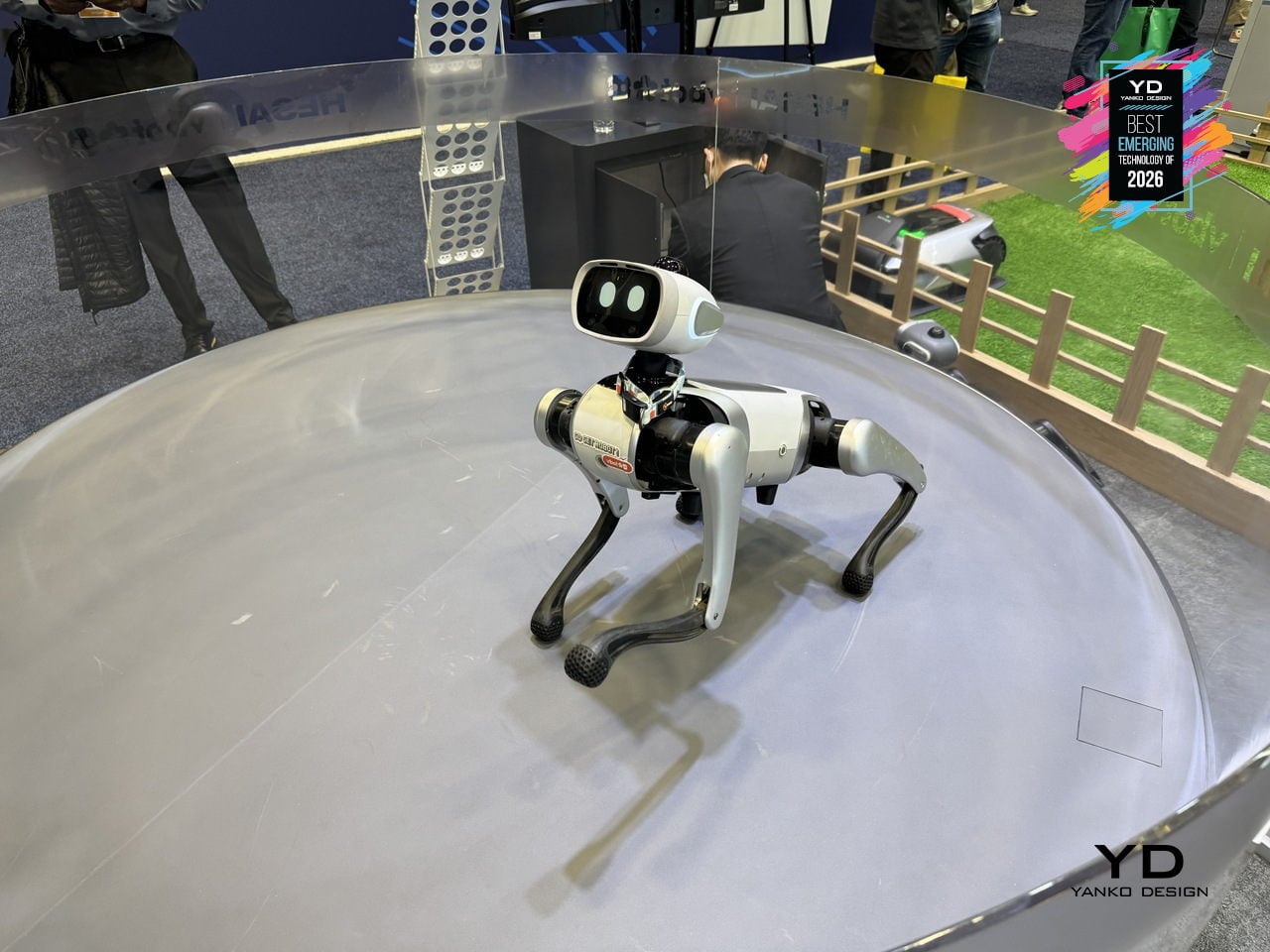
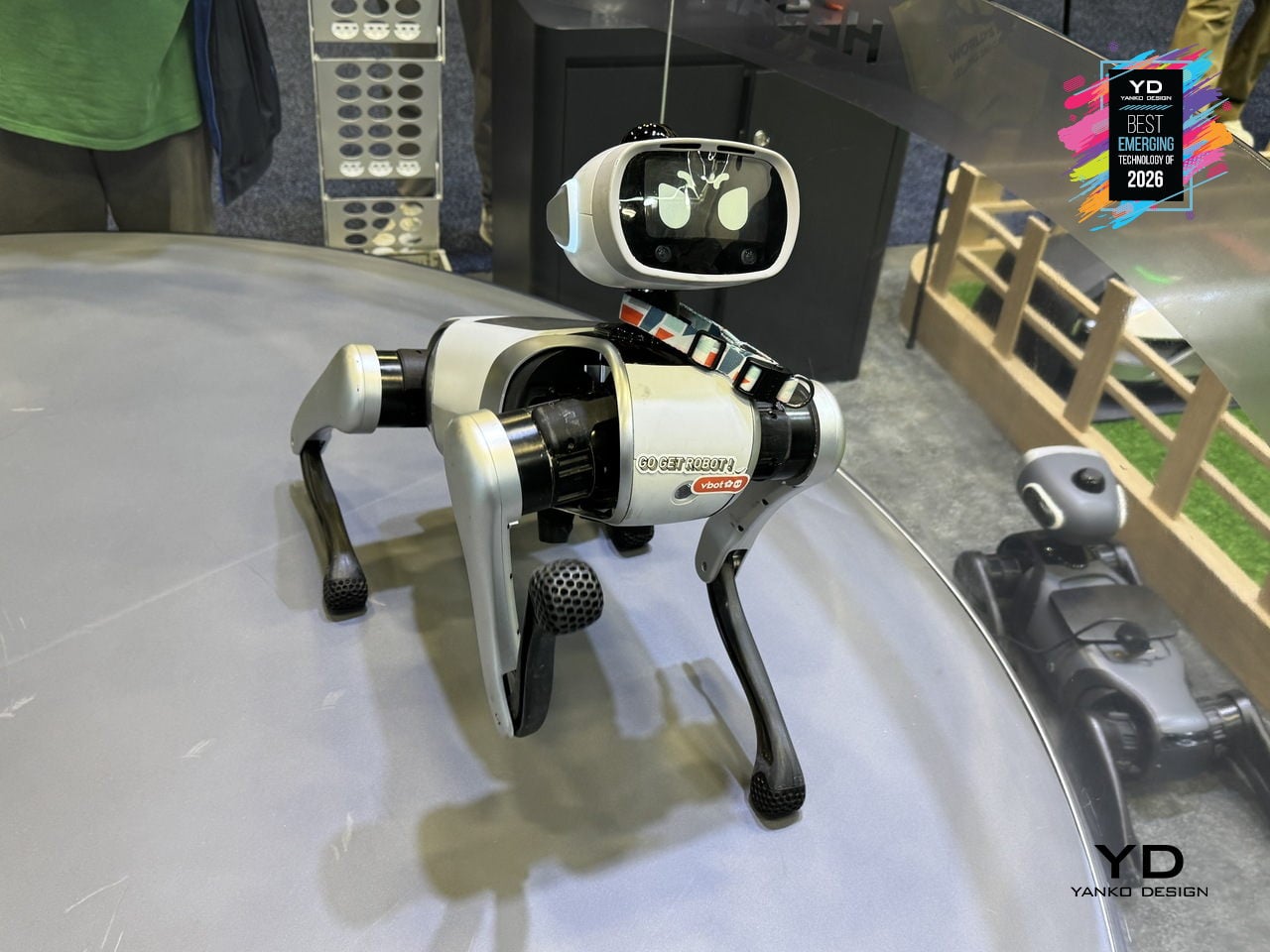
Most quadruped robots people have seen are either industrial, loud, or built for stage demos rather than living rooms. Vbot is a companion robotic dog engineered around a single principle, Made to Be Near, designed for safe, quiet, human-scale proximity. The rounded body has no sharp edges, pinch-free joints maintain 2.5cm safety gaps, and soft-touch mesh covers the mechanical core. Low-noise locomotion using 3D-printed shock-dampening feet and tuned motors makes it quiet enough to watch over a sleeping baby.
Vbot’s social intelligence turns that safe form into something that feels alive and helpful. It interprets natural-language commands through tone, context, and meaning, understanding verbs like bring, follow, lead, show, or find without a remote. Agent intelligence breaks down objectives into steps, guiding visitors, escorting someone along a route, or positioning itself as a camera buddy for hands-free filming. It matches walking pace and repositions for better engagement.
Under the skin, embodied and spatial intelligence allow Vbot to operate as a real physical agent. Its legs use 22cm segments proportioned to match 18-20cm stair standards, giving it leverage to climb steps where wheeled robots struggle. A proprietary N45 motor delivers more torque at 25% less weight, while a 594Wh battery supports more than five hours of outdoor operation. A perception system with 360-degree LiDAR and UWB positioning understands paths and obstacles without cloud latency.
Vbot signals an early consumer-grade physical AI category. Unlike robots adapted from industrial platforms, it is built from scratch around close human proximity, readable motion based on animation principles, reliable battery life, and modular interfaces for cargo baskets, cameras, and tow carts. Its three-layer intelligence, embodied, spatial, and agent, points toward robots that are sociable enough to join you outside, smart enough to anticipate intent, and gentle enough to belong in family spaces.
Airseekers Tron Ultra Robotic Lawn Mower
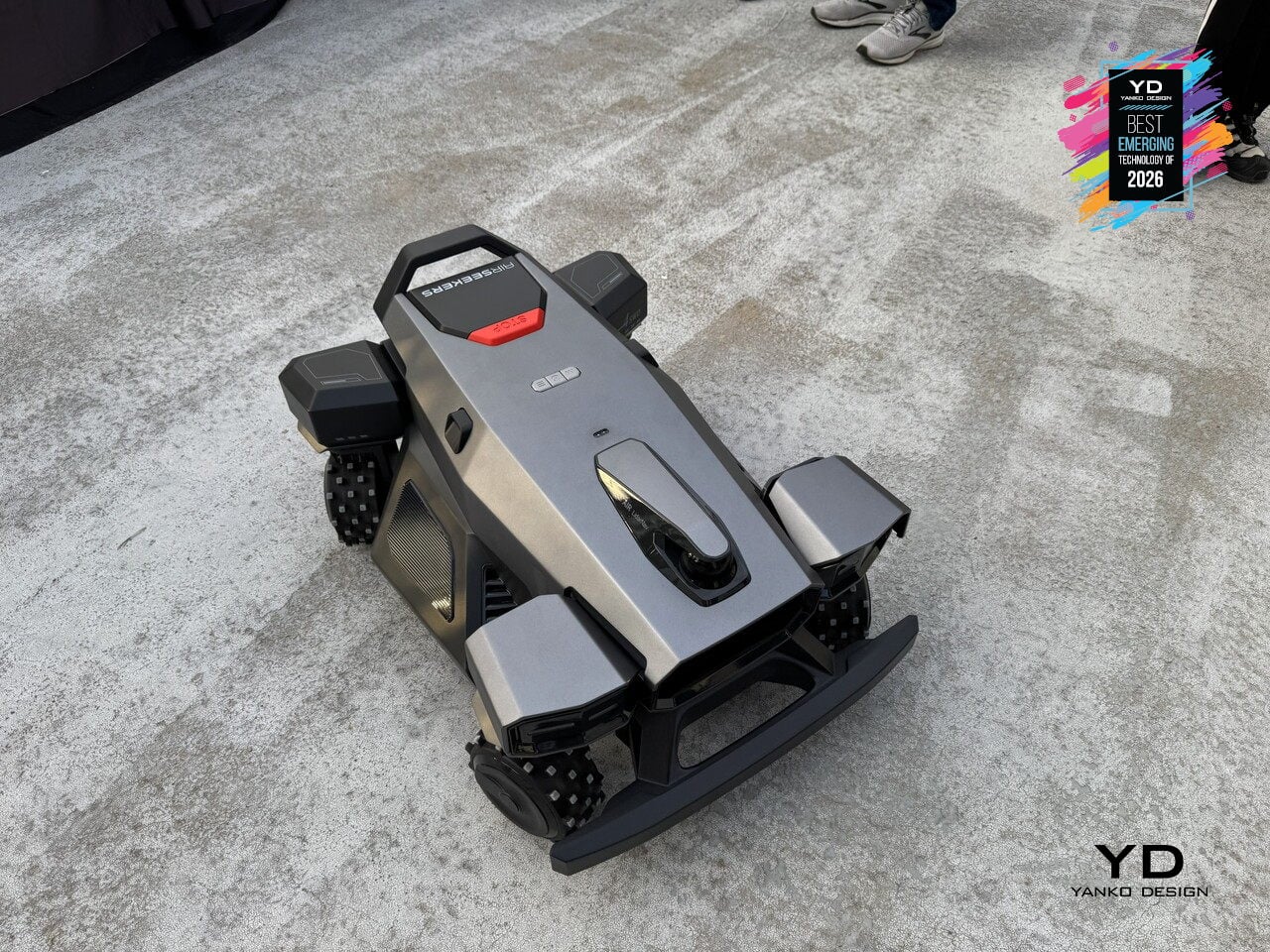
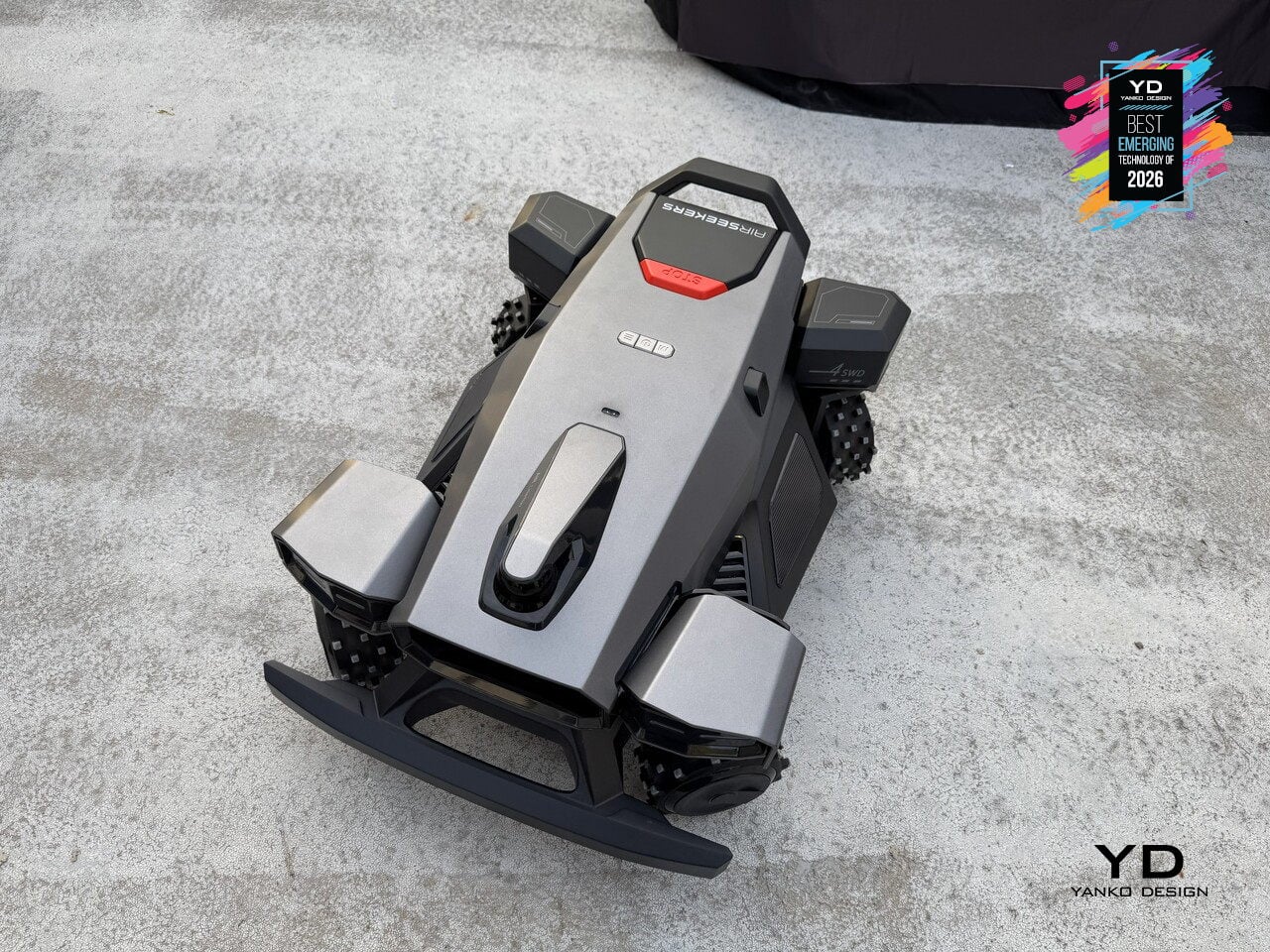
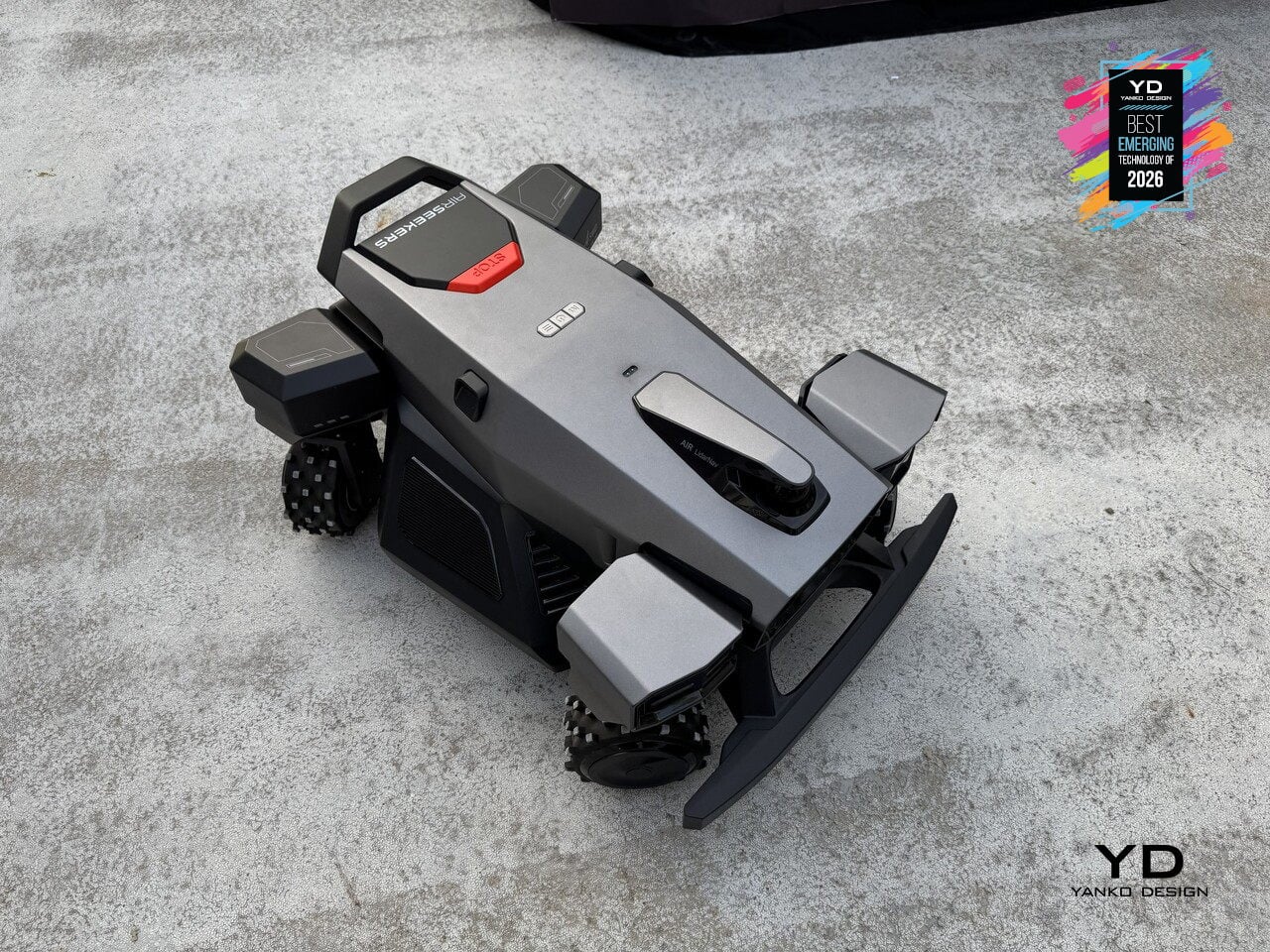
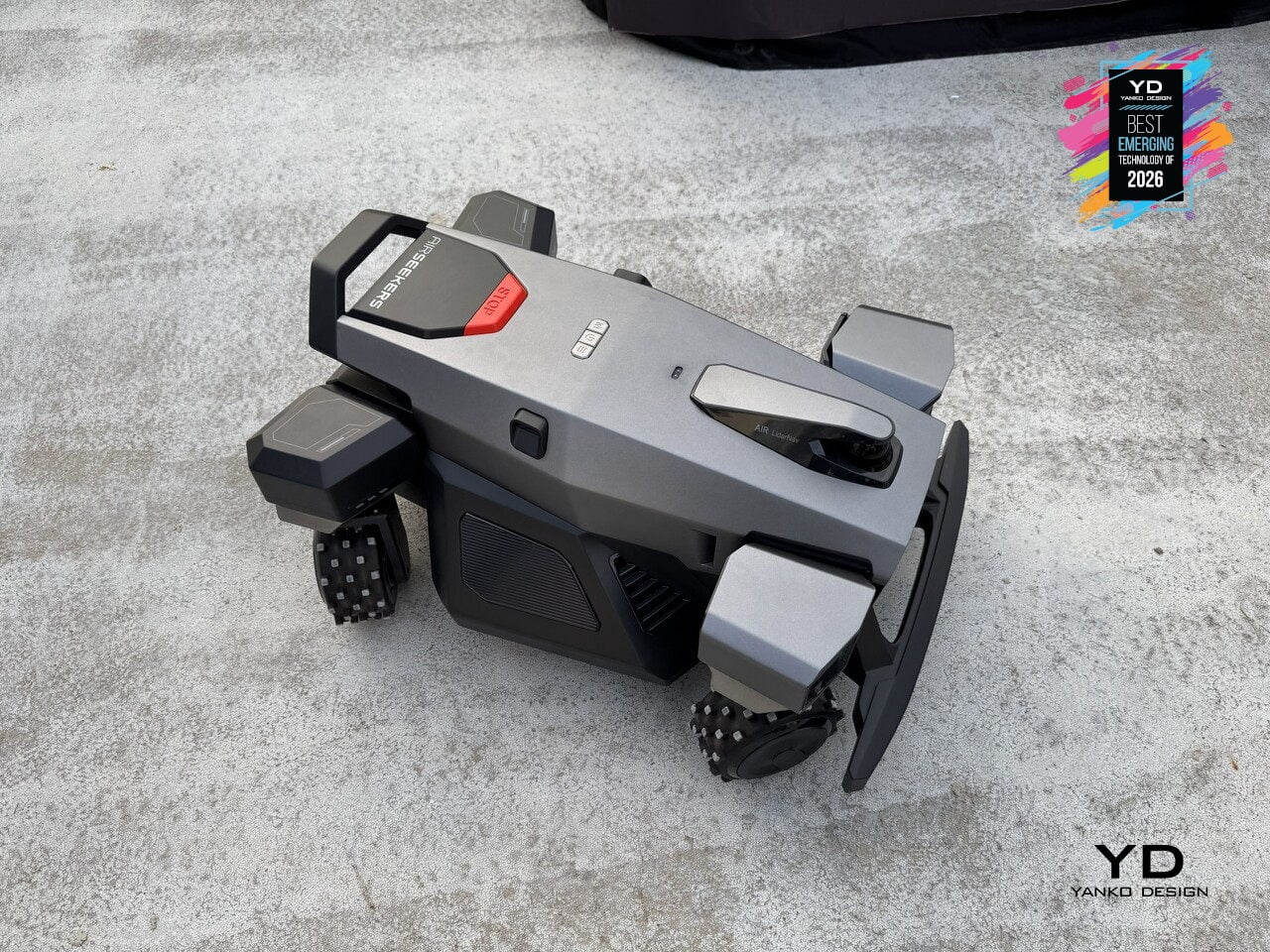
Robotic mowers have mostly relied on differential steering or front omni-wheels to navigate yards, which works for wide-open lawns but struggles with tight corners and complex obstacles. Airseekers Tron Ultra uses a 4SWD drive system with independent control of each wheel, allowing it to move in ways that feel closer to industrial robotics than consumer lawn care. The mower can rotate in place without a turning radius, shift laterally, horizontally, or even diagonally through narrow gaps between garden beds, and pivot around obstacles up to 2.36 inches tall without backing up. That four-corner independence changes how the mower approaches difficult terrain. Upgraded high-traction wheels give it the grip to climb inclines up to 85% grade and traverse wet grass without spinning out, while intelligent environmental detection adjusts power distribution per wheel to prevent soil compaction and turf damage.
Under the hood, Omni Navigation combines AI vision sensors, LiDAR, and VSLAM mapping with a 300° field of view to feed real-time data to the 4SWD controller, dynamically adjusting wheel speed and direction as terrain changes. A 594Wh swappable battery supports up to 0.49 acres per charge, with the mower autonomously returning to its dock and resuming exactly where it left off. Paired with 360° radar beacons that eliminate dead zones under trees and around structures, the Tron Ultra reduces manual intervention by over 50% compared to earlier models. It signals a shift from mowers that follow preset patterns to machines that move like outdoor robots, treating lawns as navigable environments rather than obstacle courses.
Baseus Spacemate RD1 Pro Desktop Dock
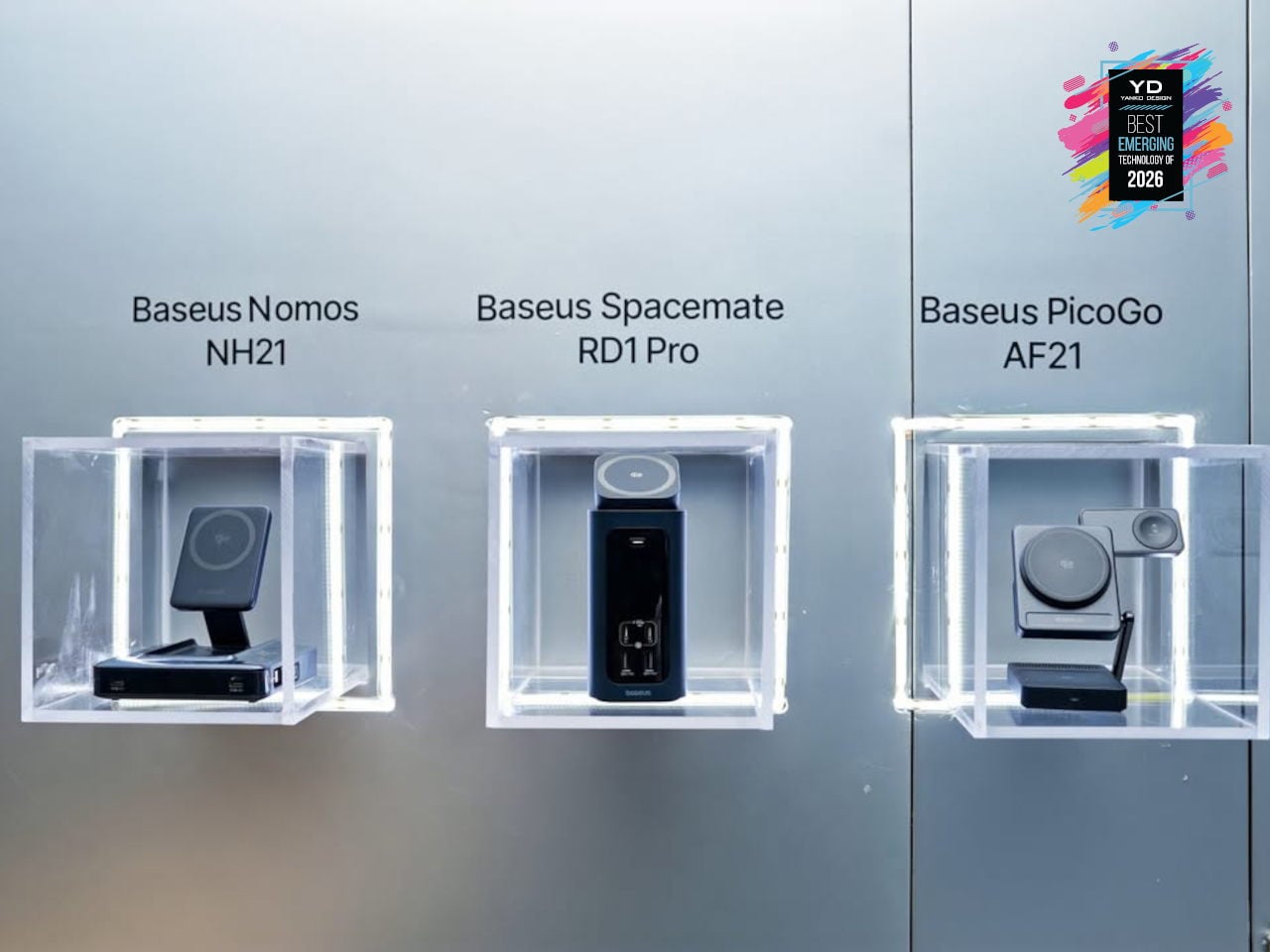
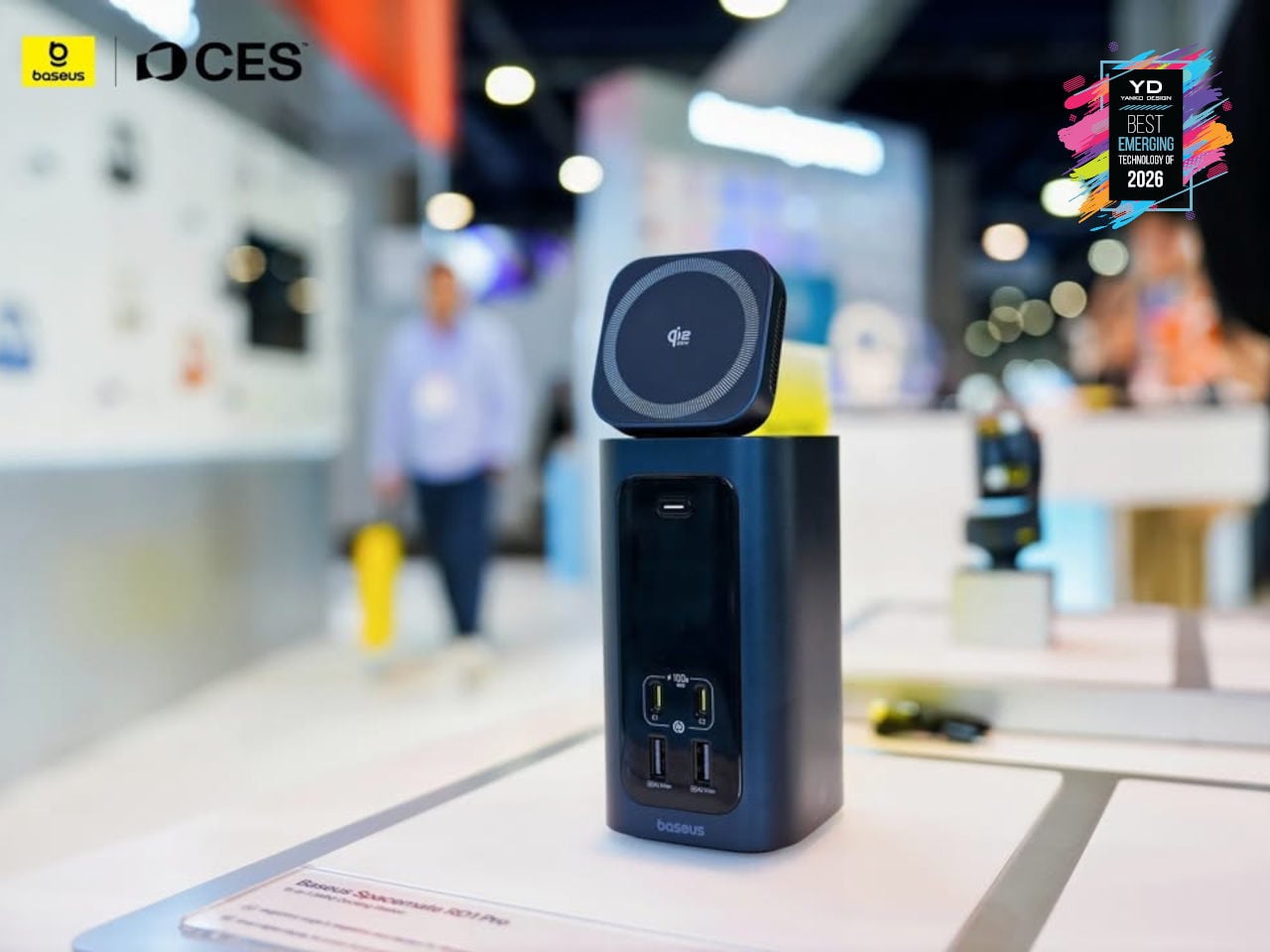
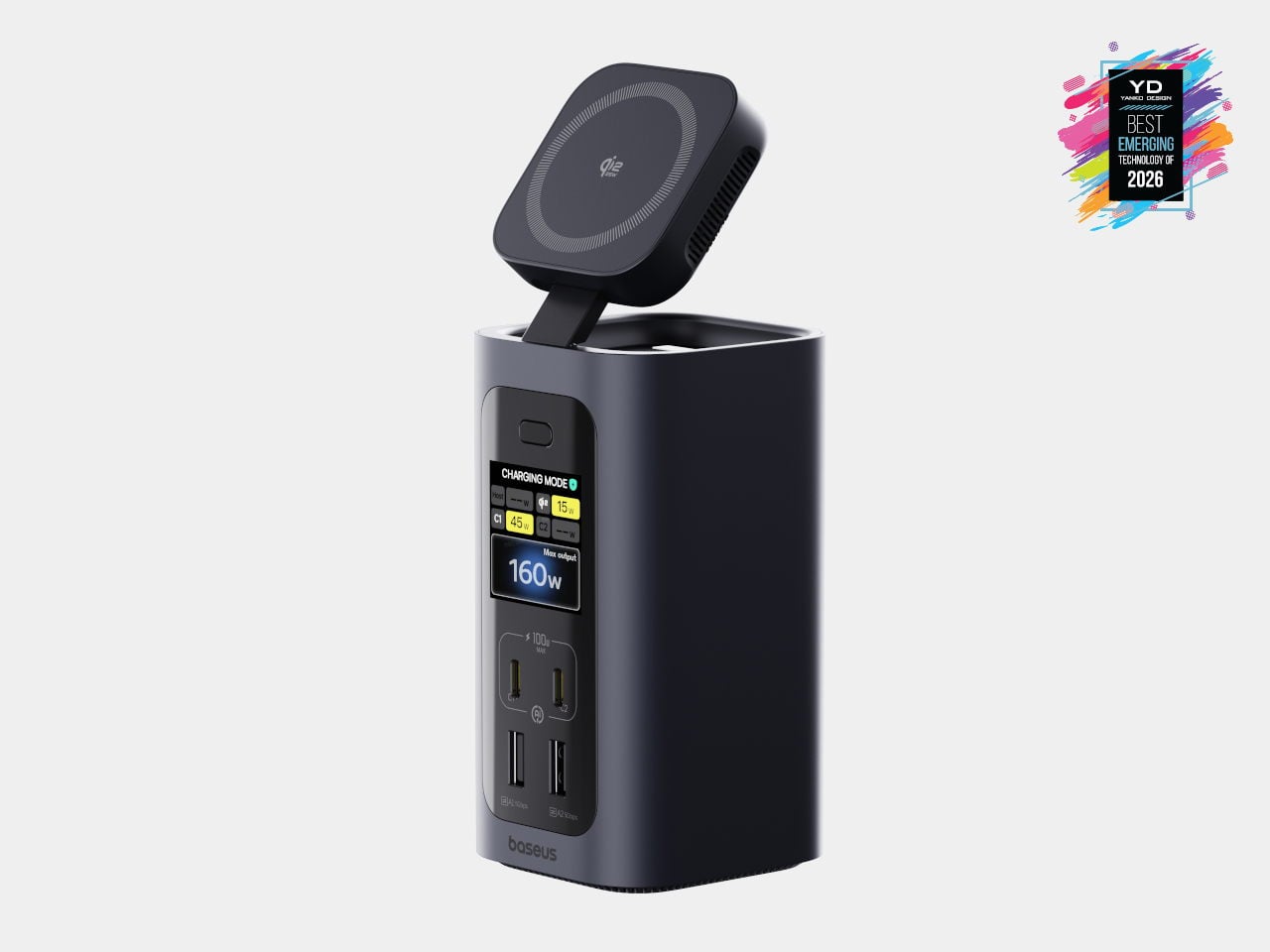
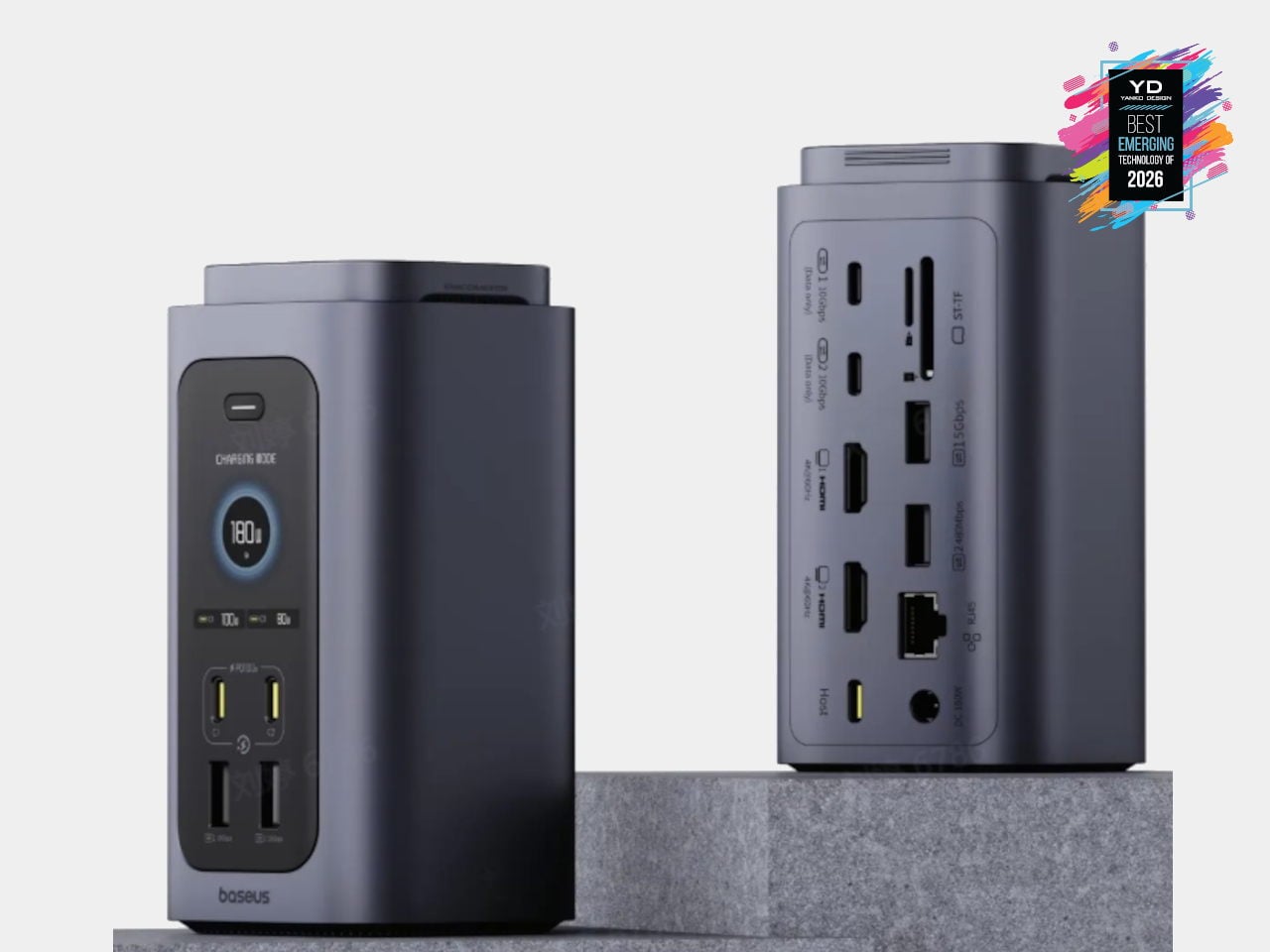
USB-C hubs and flat docks have become standard, but most still sprawl across the desk with cables radiating in every direction. Baseus Spacemate RD1 Pro is a vertical, 15-in-1 docking station that treats the dock as a compact desktop appliance instead of a dongle. A single USB-C cable links a Windows laptop to dual 4K monitors, 10 Gbps USB-C ports, SD and TF slots, and 1 Gbps Ethernet, while the tall, minimalist tower tucks ports on the back and keeps the footprint small.
The Spacemate RD1 Pro merges that connectivity with a serious GaN power stack. An included 180 W GaN adapter feeds up to 160W of total output, with 100W PD reserved for the laptop, dual USB-C 100W-capable fast-charging ports for accessories, and a retractable Qi2.2 25W magnetic wireless pad on top for phones or earbuds. Intelligent power management dynamically allocates power and surfaces status on a front LED display, showing per-port draw and alerts. It feels like an early example of vertical, multifunctional docks becoming central power-and-I/O blocks for increasingly dense, multi-device workspaces.
Switchbot OBBOTO
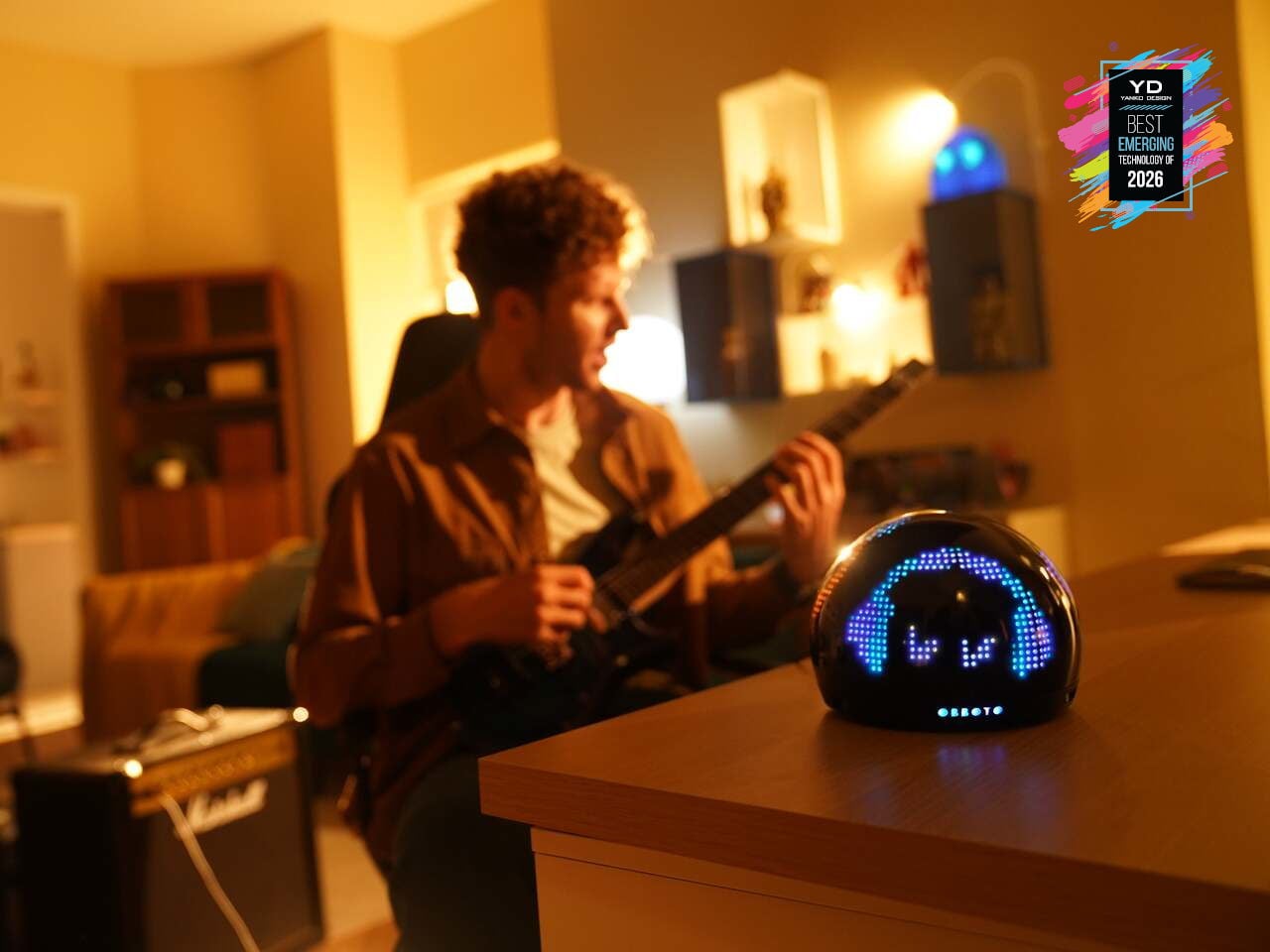
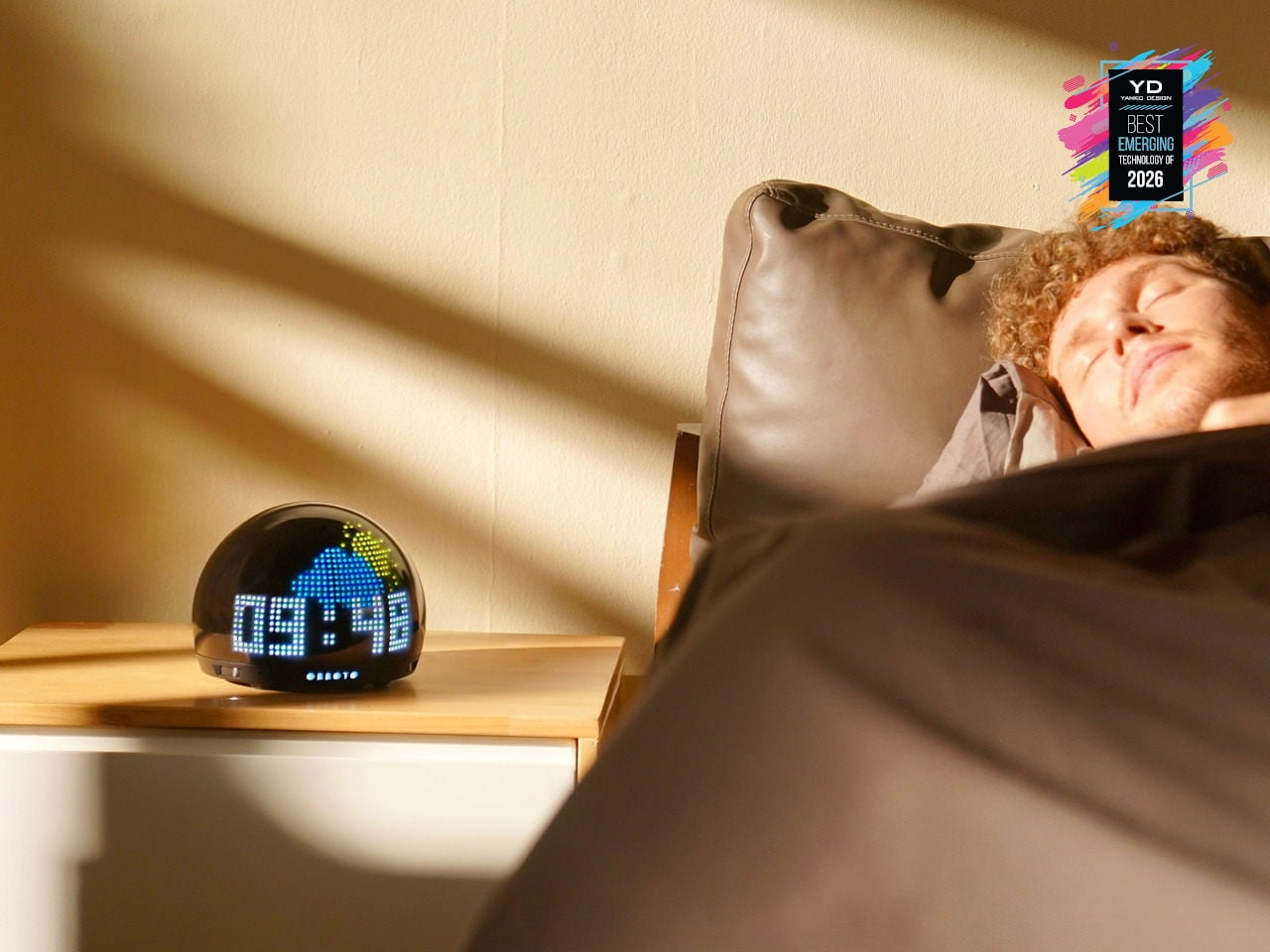
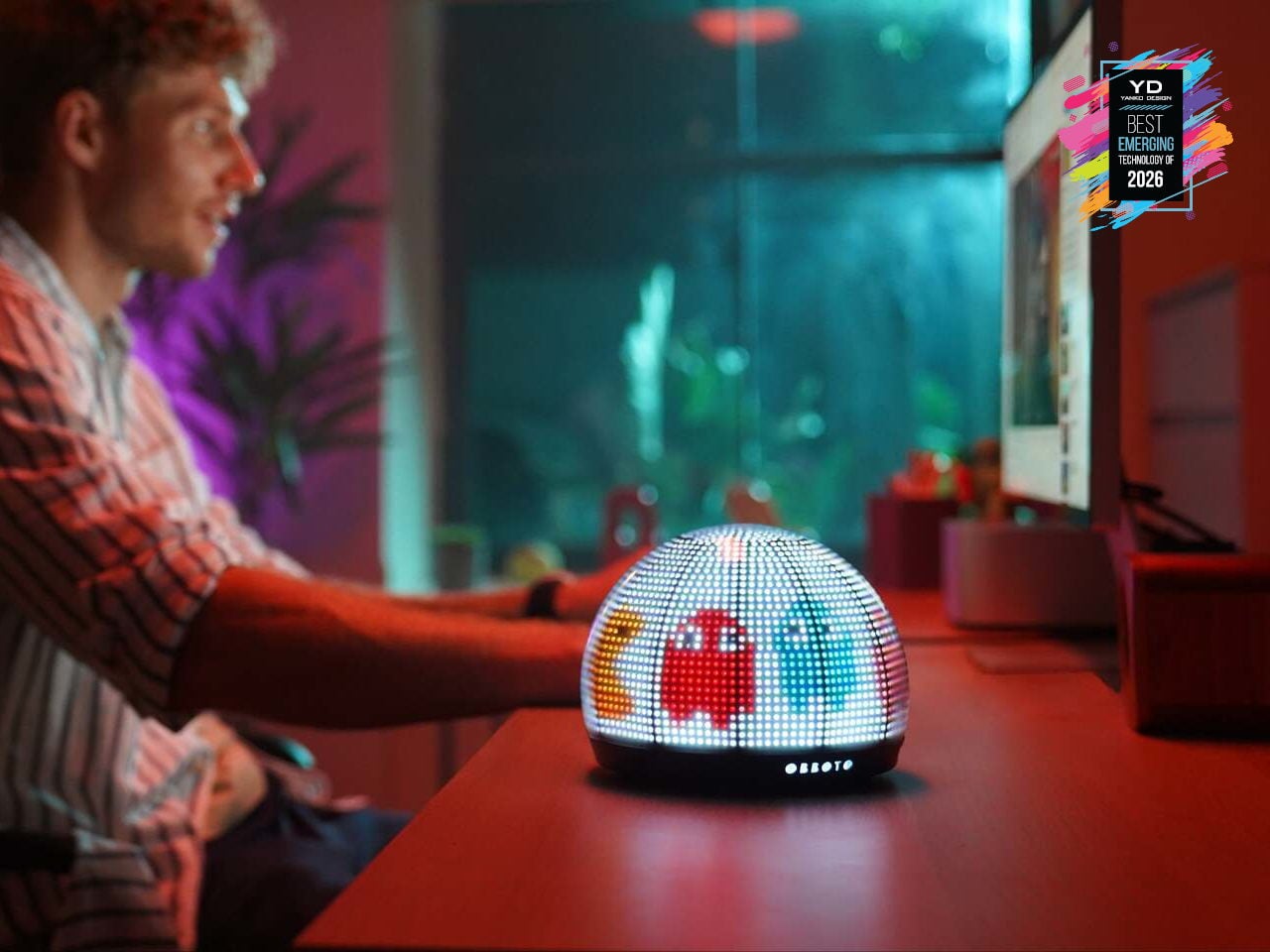
Desks and living rooms are filling up with smart lights and displays, but most still behave like obedient bulbs or tiny billboards. SwitchBot OBBOTO is a desk-sized pixel globe that tries to be something closer to a companion, using more than 2,900 RGB LEDs, motion sensing, and music visualization to turn light into an expressive presence. It can show time and weather as patterns, react when someone walks by, and sit alongside SwitchBot’s Comfort Tech lineup as the one that gives the room a bit of personality.
OBBOTO leans on AI-driven mood animations and ambiance modes to adjust to what someone is doing, shifting between sleep-friendly scenes, focus-oriented visuals, or relaxed, reactive patterns that move with music. Interactive pixel art and animations can be triggered or customized, making it as much a canvas as a lamp. It hints that tomorrow’s smart home might rely less on flat screens and more on small, characterful devices that quietly broadcast information and vibe at the same time.
OPSODIS 1 Compact 3D Audio Speaker
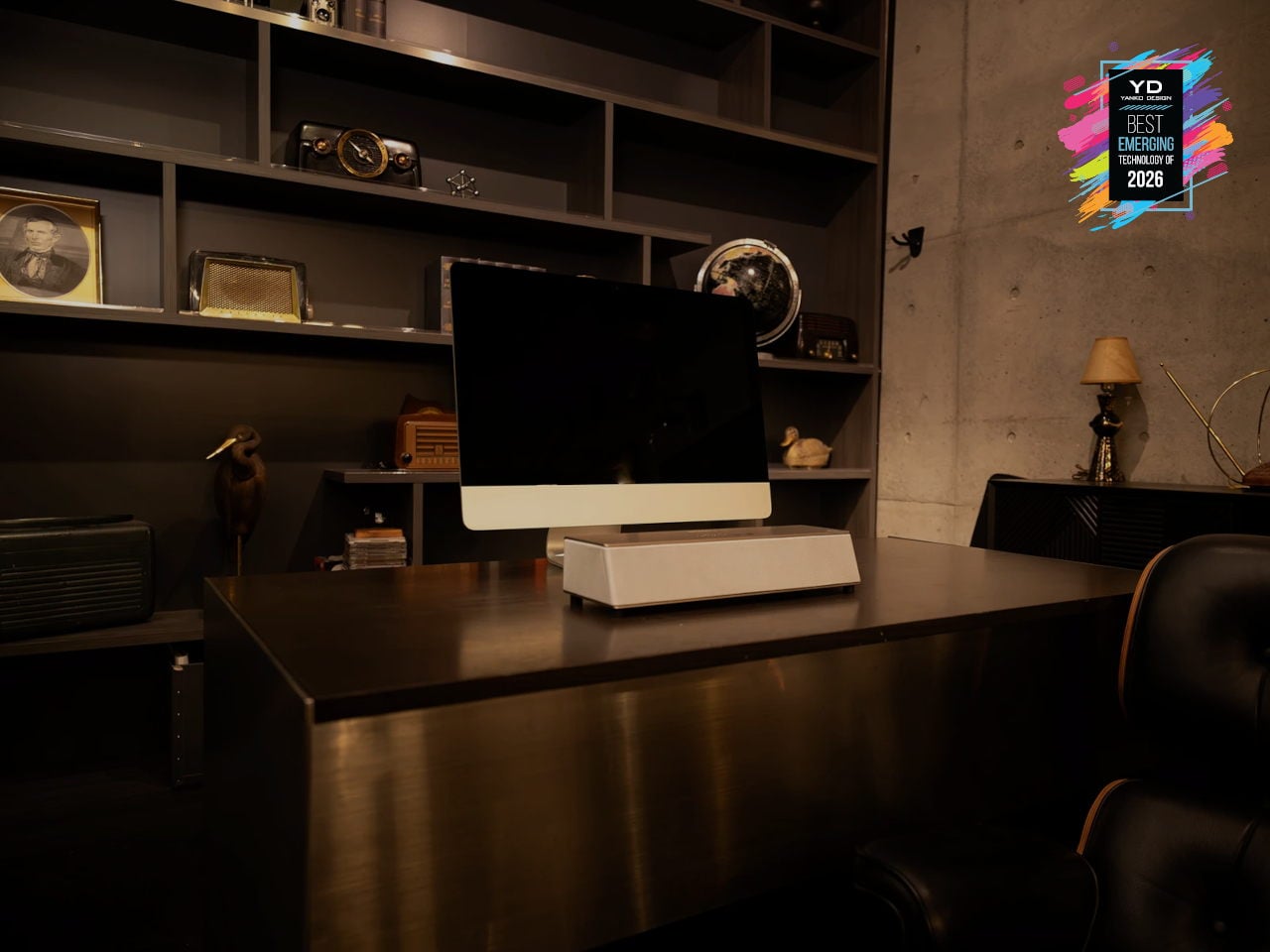
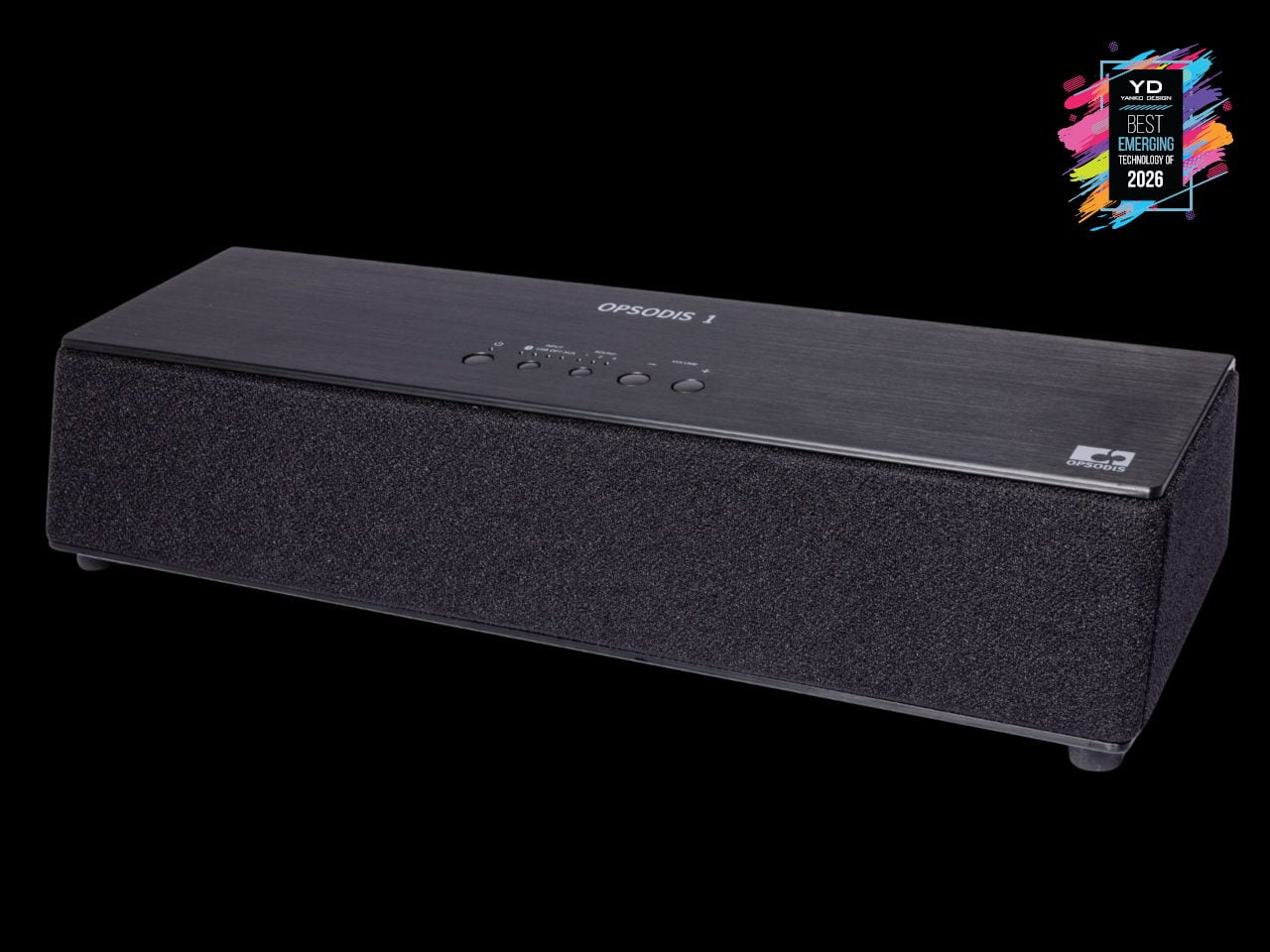
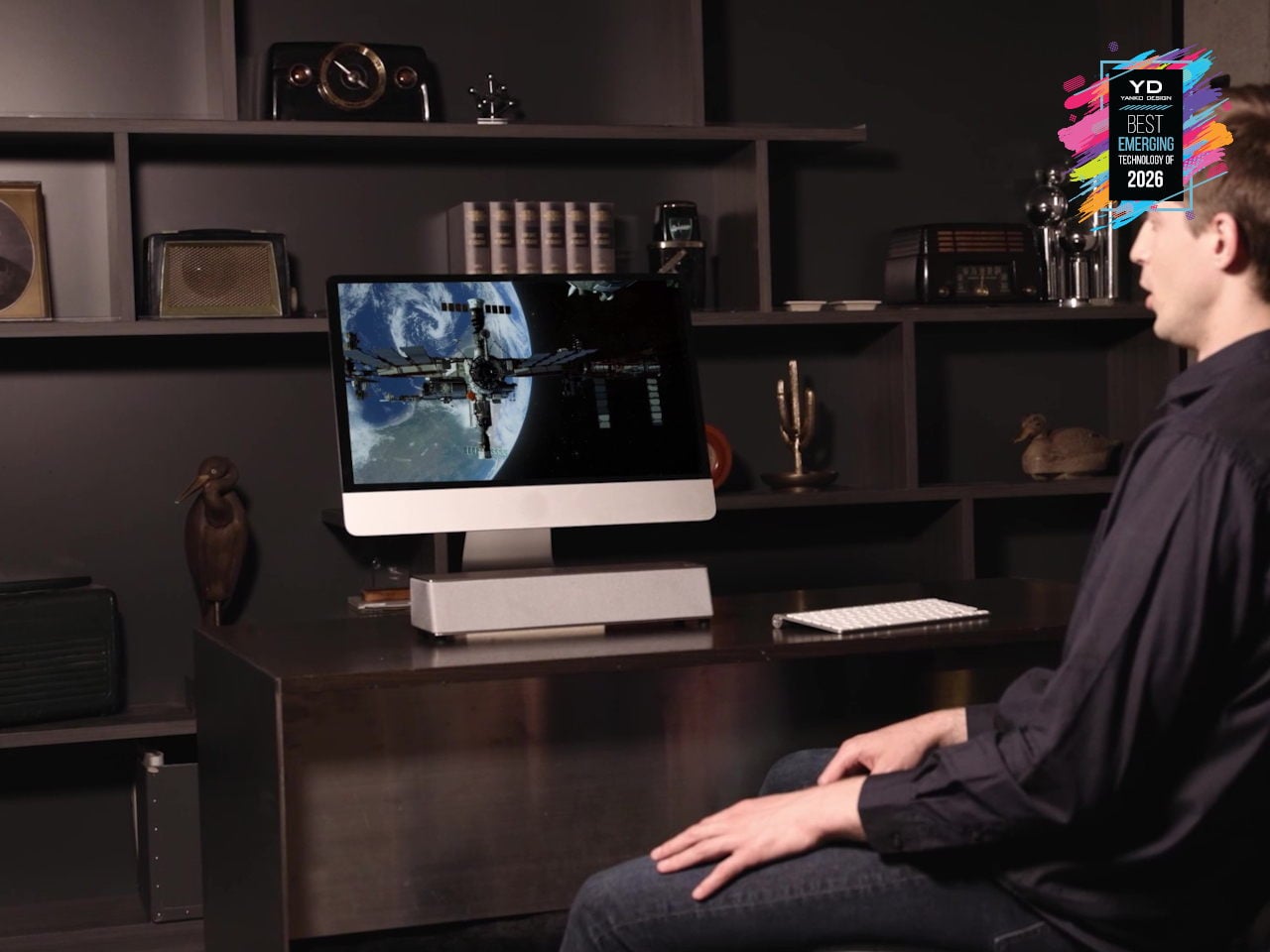
Surround sound has usually meant either a ring of speakers around the room, a big soundbar that leans on wall reflections, or headphones that lock you into a bubble. OPSODIS 1 is a compact desktop 3D audio speaker that tries a different route, using Kajima’s OPSODIS technology to project a 360-degree sound field from a single box. The 6-channel, 3-way, 6-driver array delivers natural spatial cues without depending on walls or ceilings, making it as at home on a desk as in a small living room.
OPSODIS, developed with the University of Southampton’s Institute of Sound and Vibration Research, uses optimal source distribution, crosstalk cancellation, and a symmetrical layout with high-frequency drivers near the center axis to send precise sound to your ears. Multiple inputs, from Bluetooth and USB-C to optical and 3.5 mm, plus listening modes like Narrow, Wide, and Simulated Stereo, adapt to different setups. It hints at a shift where immersive audio is moving beyond headphones and multi-box systems, toward single, research-driven speakers that create convincing 3D soundstages from one spot on your desk.
ASUS ROG NeoCore WiFi 8 Router
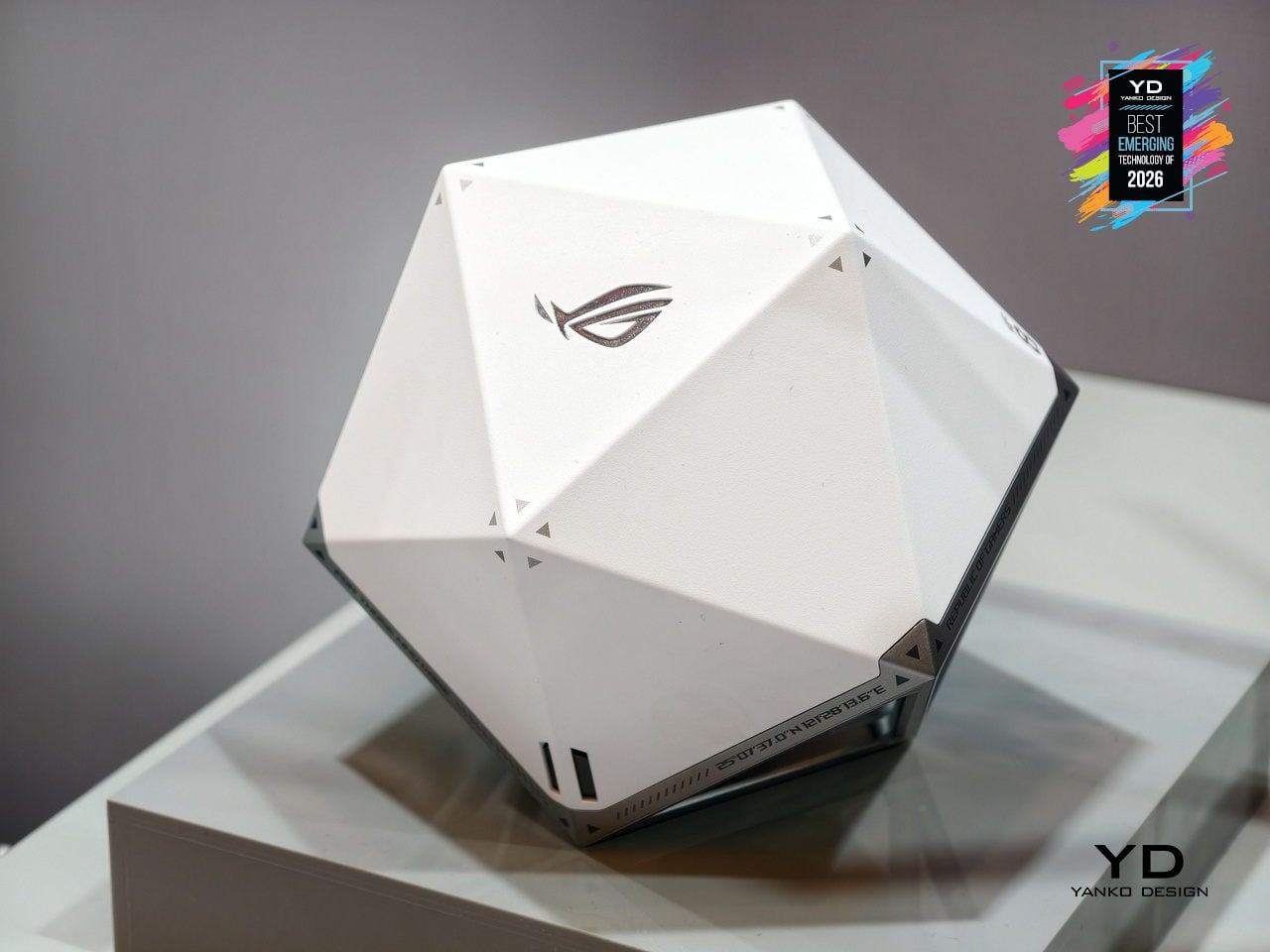
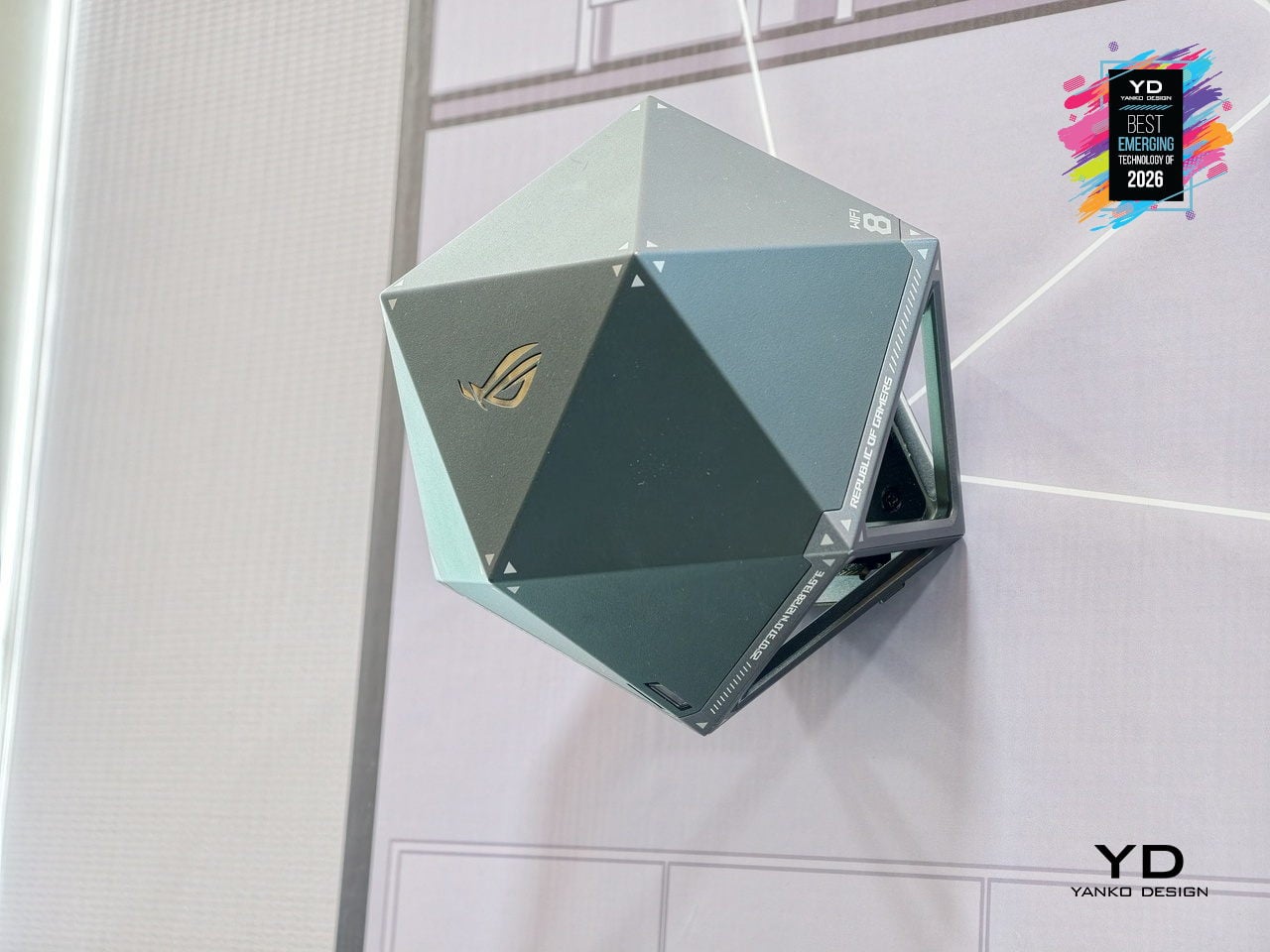
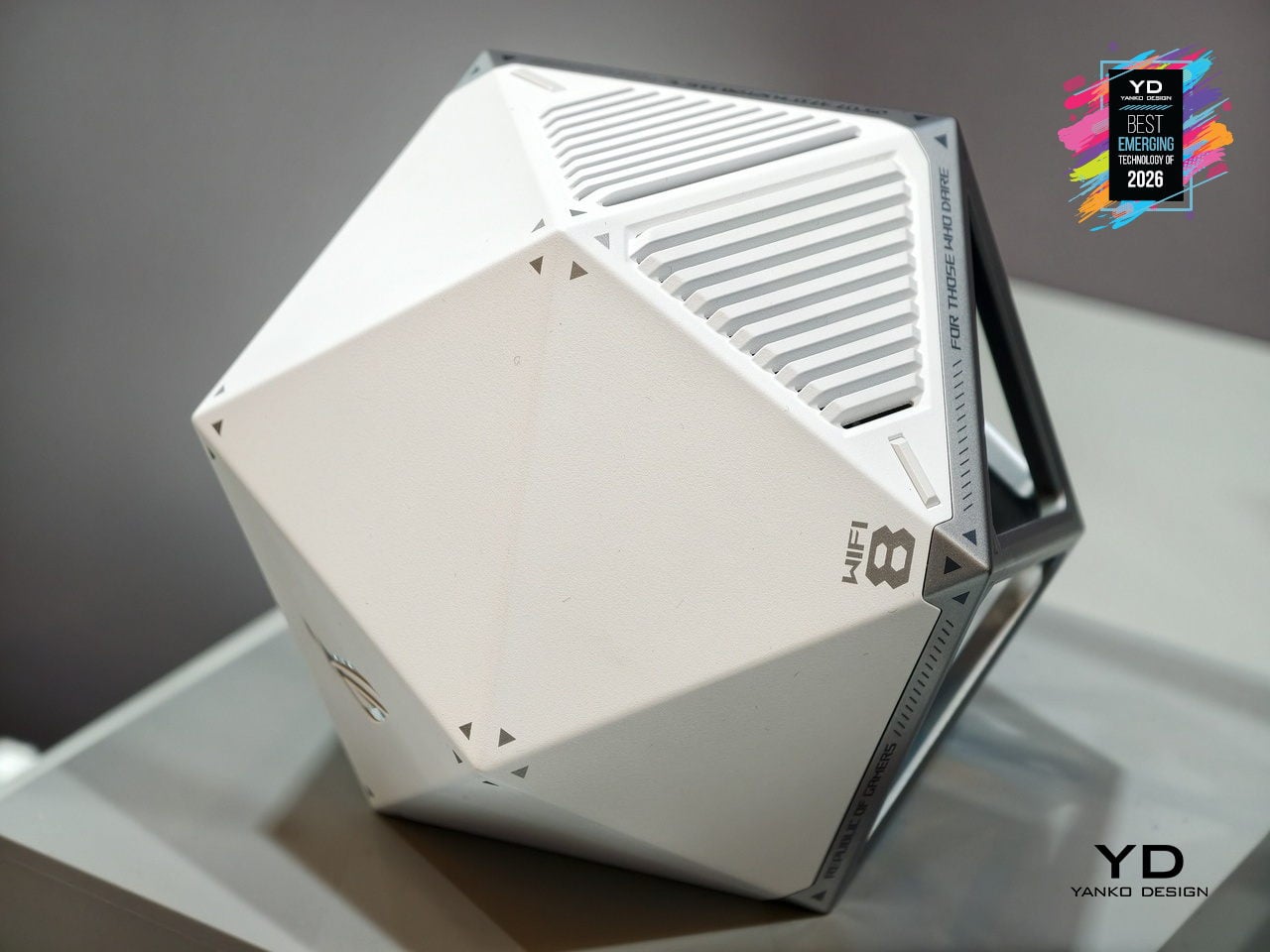
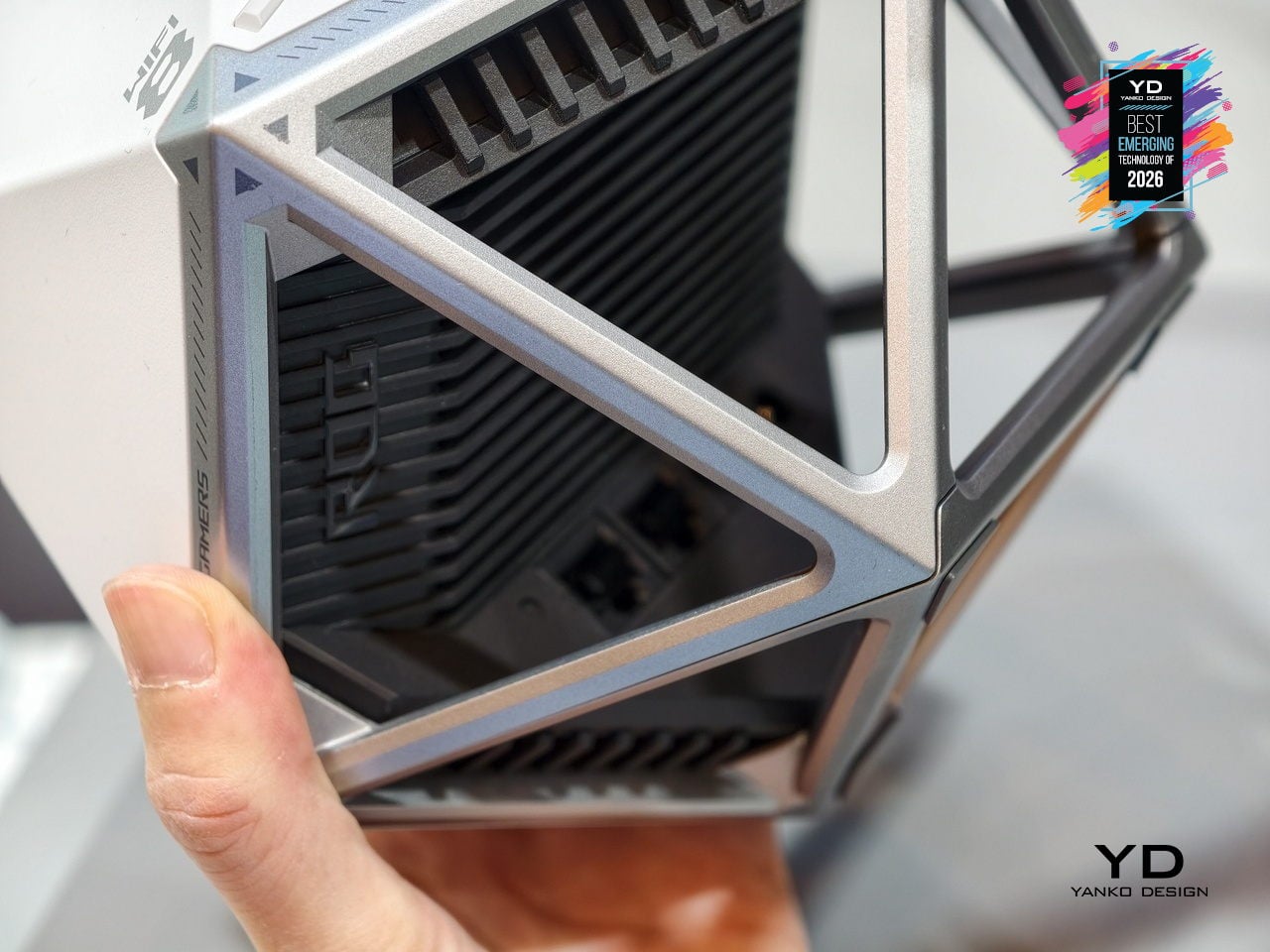
Most routers are still anonymous black slabs you hide behind a monitor or under a TV, even as they quietly run more and more of the home. ASUS ROG NeoCore takes the opposite approach, turning next‑gen Wi‑Fi 8 hardware into an object you actually want on the desk. The faceted polyhedral shell, somewhere between a gaming dice and a sci‑fi artifact, replaces the usual antenna farm with a sculptural form that can sit flat or be wall‑mounted without looking like infrastructure.
That shape is not just for show. A rigid exoskeleton frame wraps a ventilated inner core, giving the router plenty of airflow while keeping ports and heatsinks tucked into one face. The multifaceted body helps distribute antennas in three dimensions, supporting the tri‑band Wi‑Fi 8 radio stack that pushes more data, more efficiently, to many devices at once. NeoCore ends up feeling like an early glimpse of networking gear designed as part of a performance‑focused setup, where the box handling low‑latency gaming, 4K streaming, and dense device loads finally looks as intentional as the hardware it supports.
LEGO SMART Brick
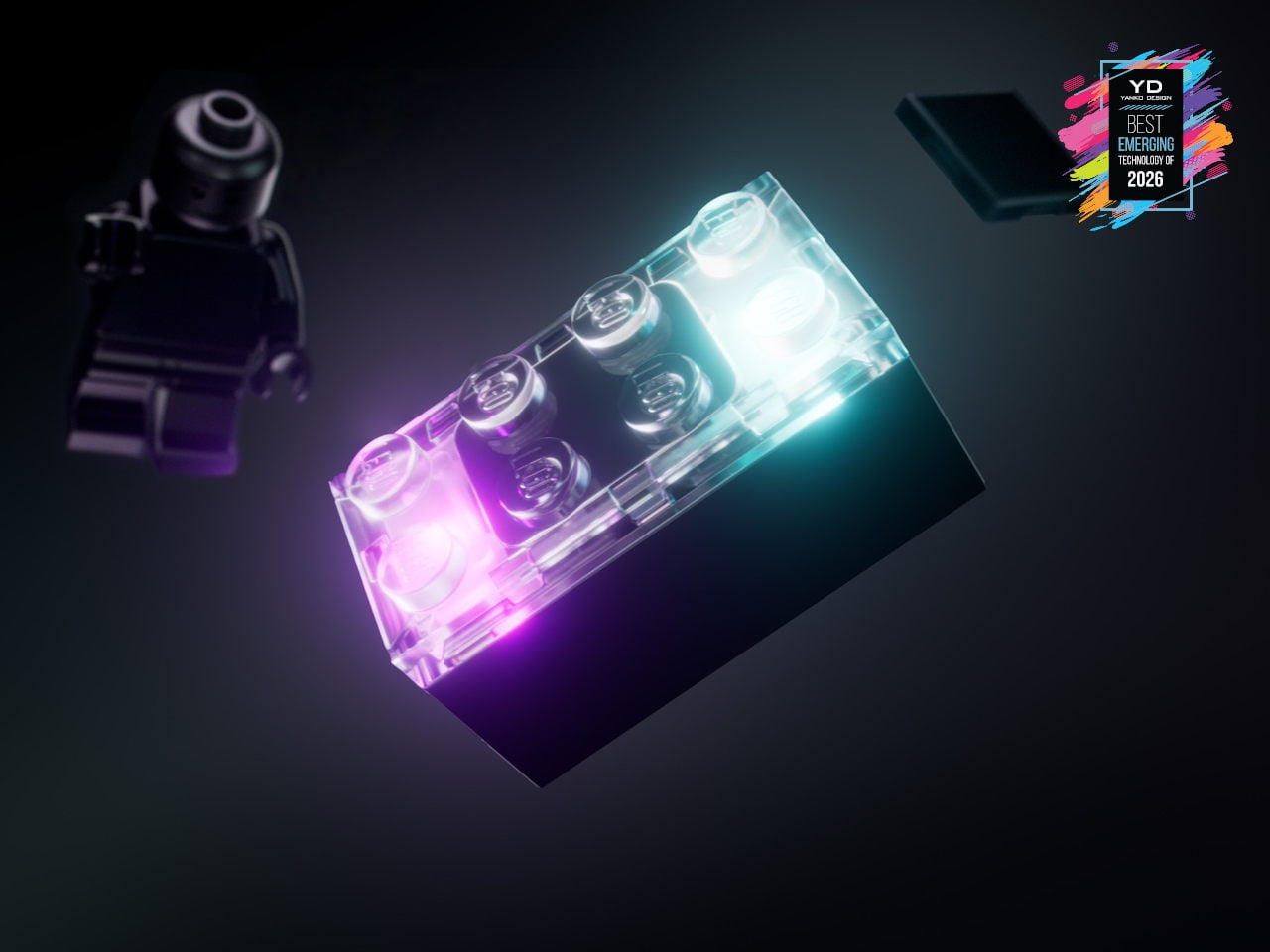
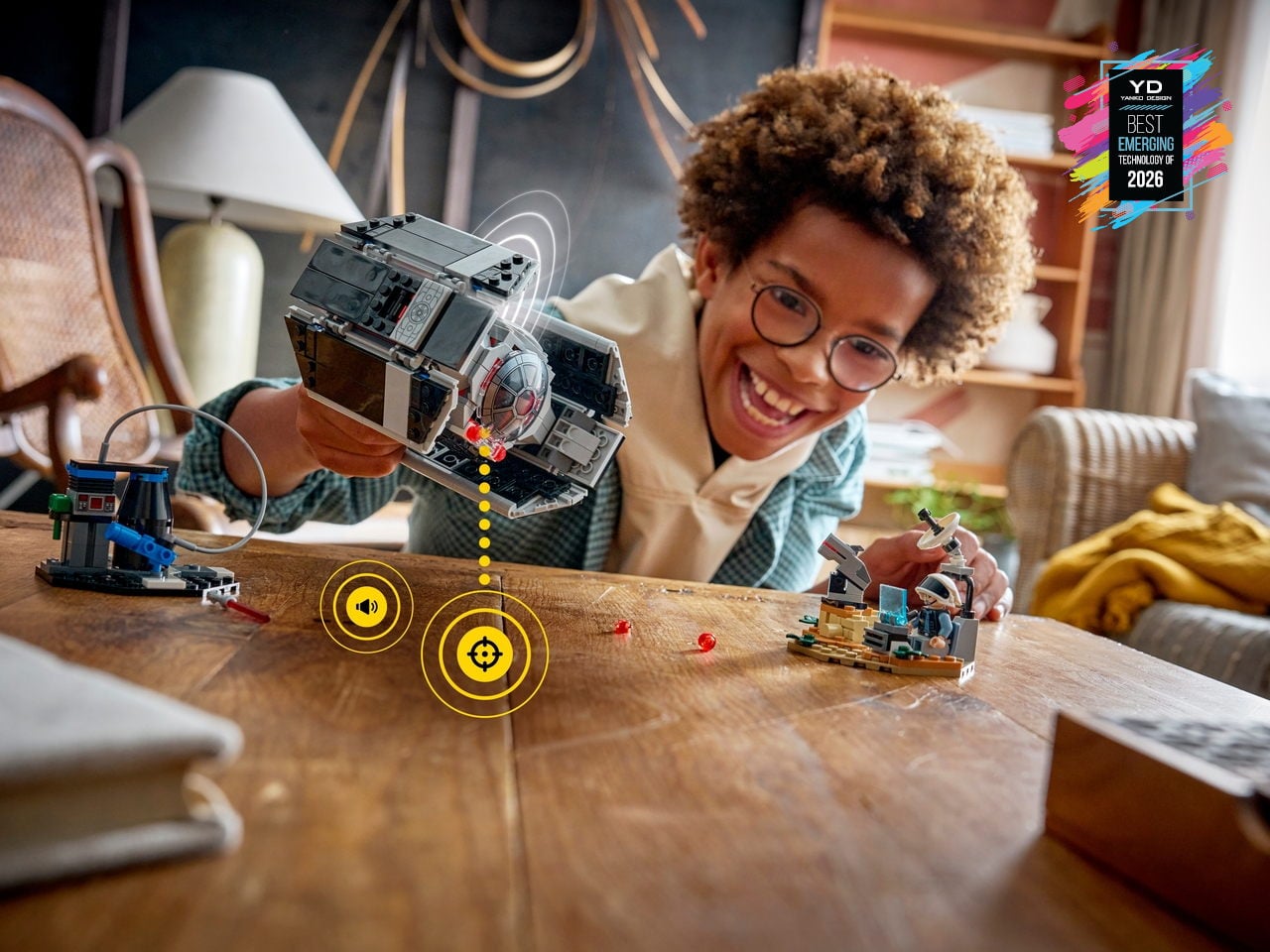
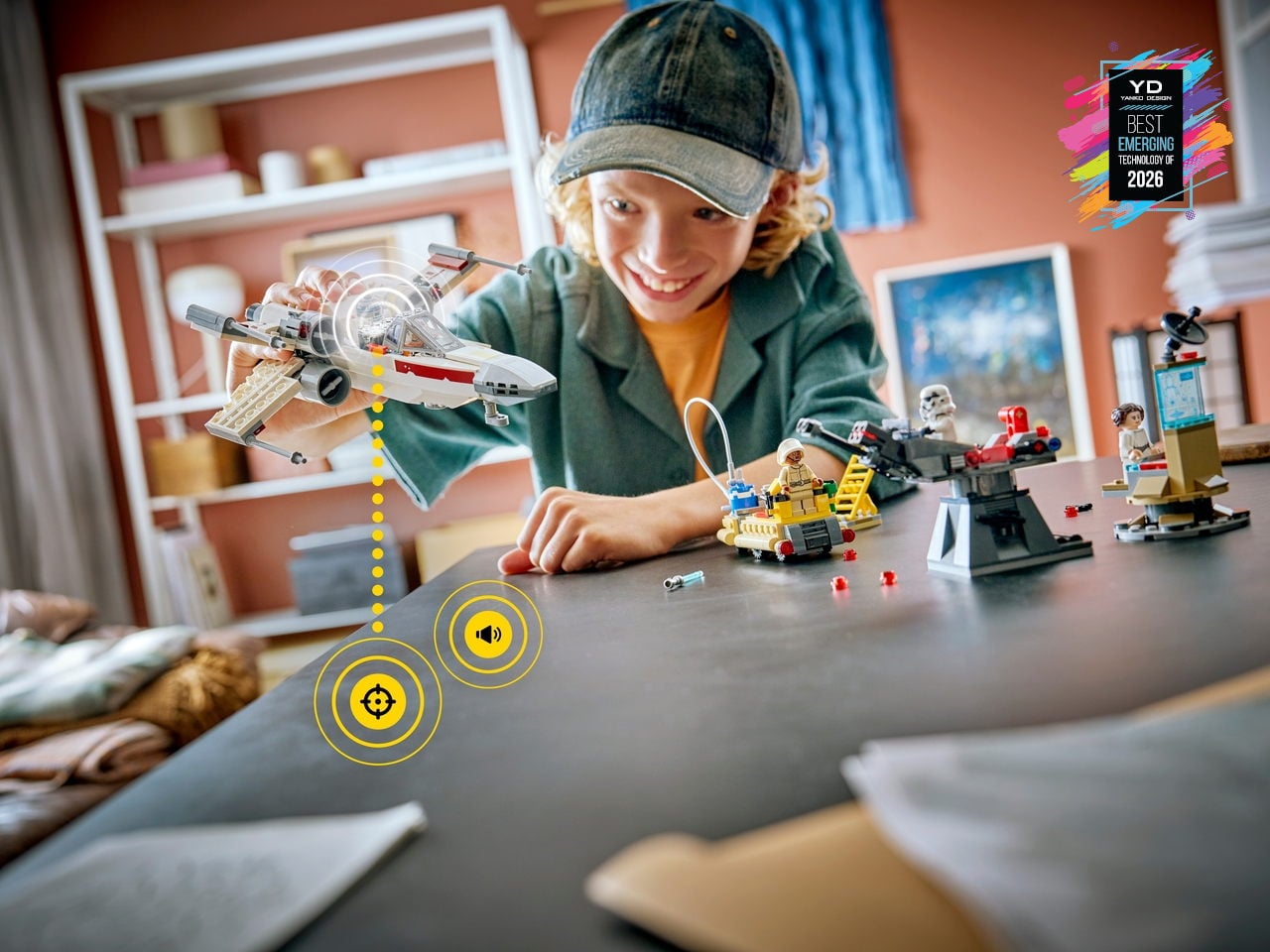
LEGO has flirted with electronics before, but usually in the form of obvious hubs or screen-tethered experiences. LEGO SMART Play shifts that by hiding a custom chip smaller than a stud inside the new SMART Brick, along with sensors, a sound engine, and wireless charging. Paired with SMART Tags and SMART Minifigures, it lets familiar builds react to swoops, crashes, and docking maneuvers with lights, motion-aware sounds, and contextual behaviors, while still feeling like pure, open-ended brick play on the table.
This platform quietly turns the entire LEGO System-in-Play into a canvas for responsive, screen-free interaction. Instead of asking kids to stare at a tablet, the SMART Brick listens through its sound sensor, feels through accelerometers, and responds through an onboard synthesizer, making ships, turrets, and throne rooms hum, fire, and react as they are moved. Because it is fully compatible with existing bricks and anchored in more than 20 patented world-first technologies, it feels like the early layer of a long-term platform that hints at everyday building blocks quietly carrying embedded intelligence.
LG CLOiD Home Robot
Home robots that can actually do chores are finally edging out of concept videos and into real homes. Robot vacuums are now background noise, and companies are quietly testing machines that can sort laundry or help in the kitchen instead of just answering questions from a speaker. LG’s CLOiD feels like the next step in that progression, a full-body home robot that does not just connect to appliances; it moves through the house and physically uses them.
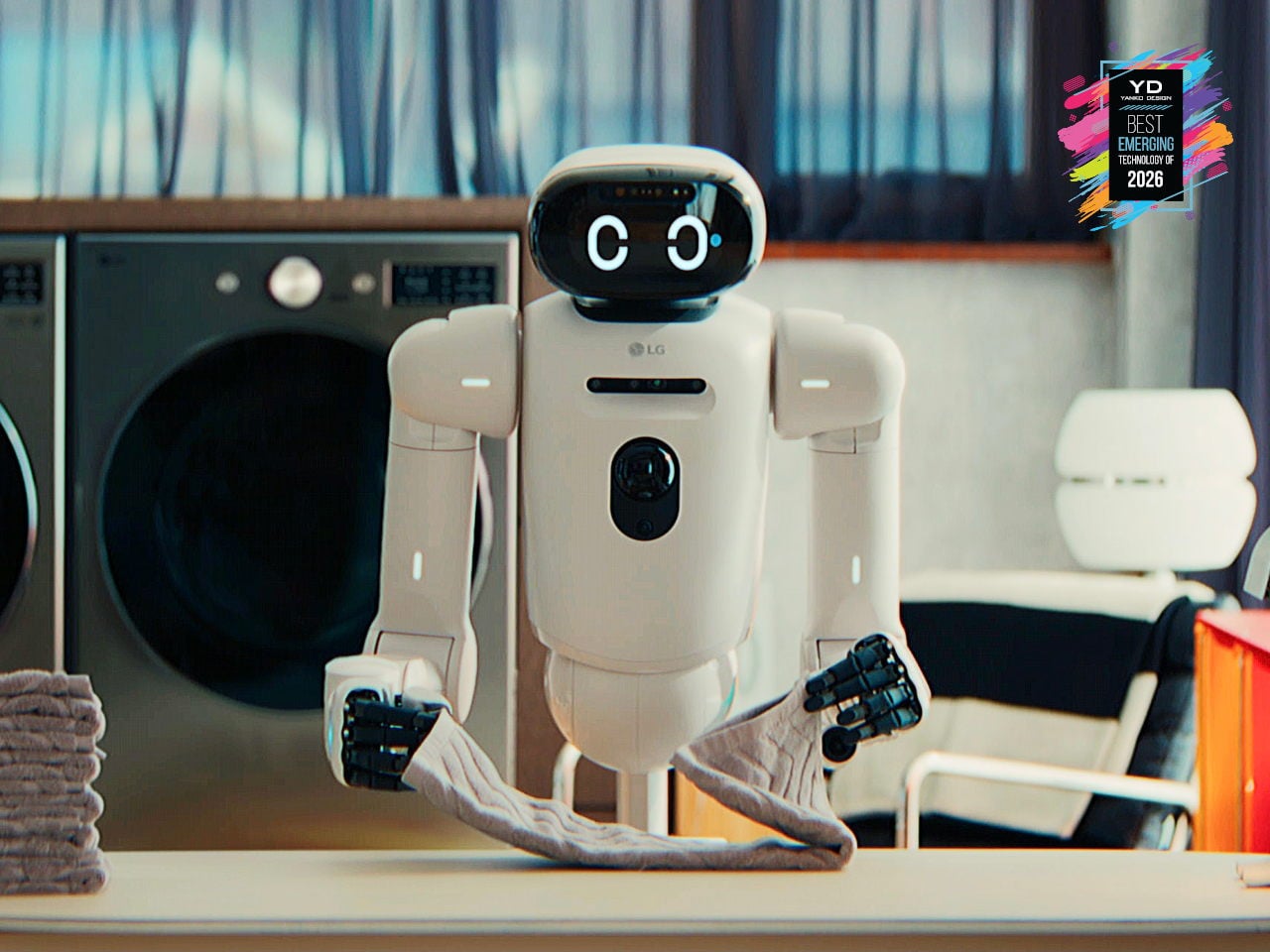
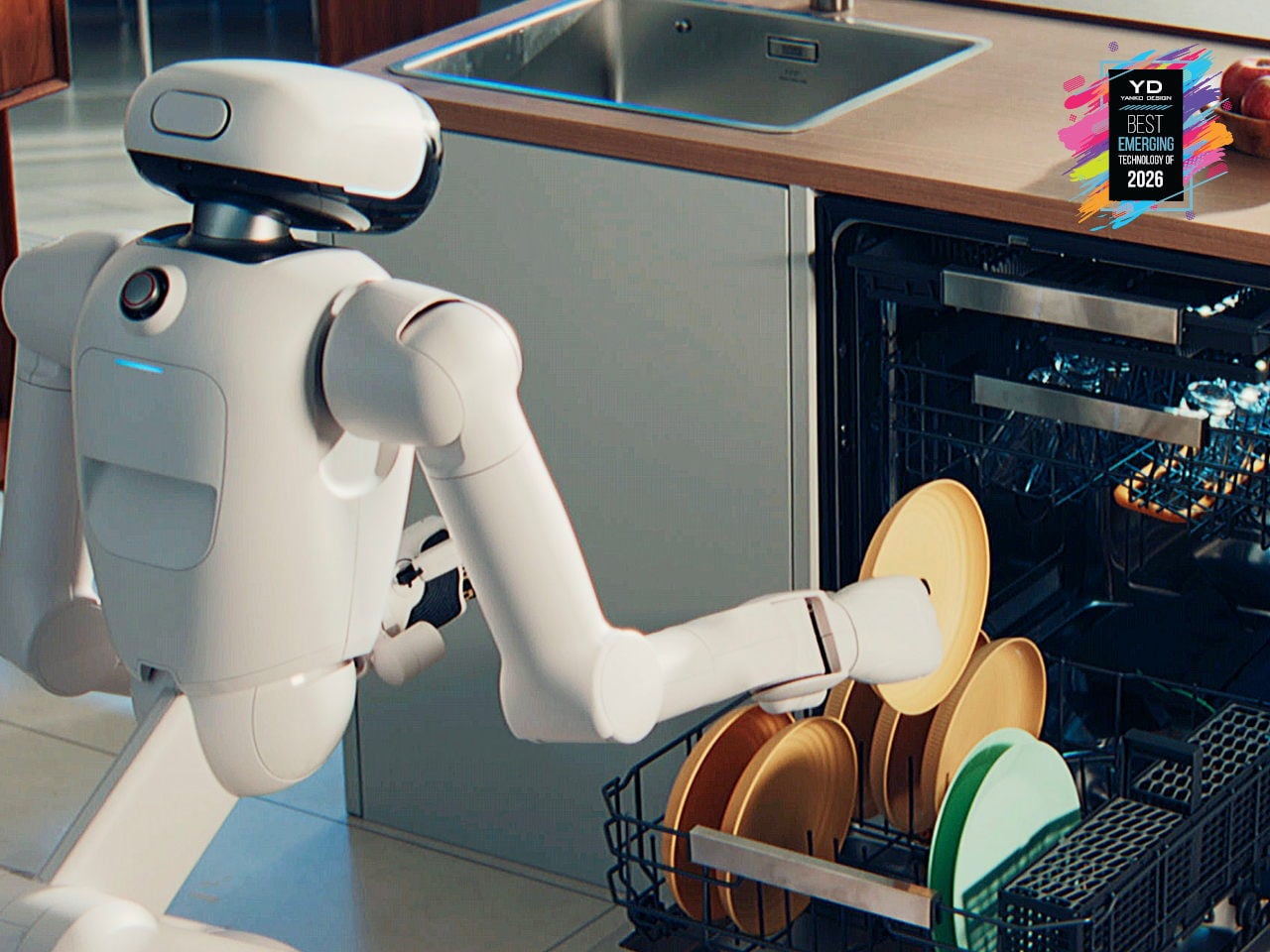
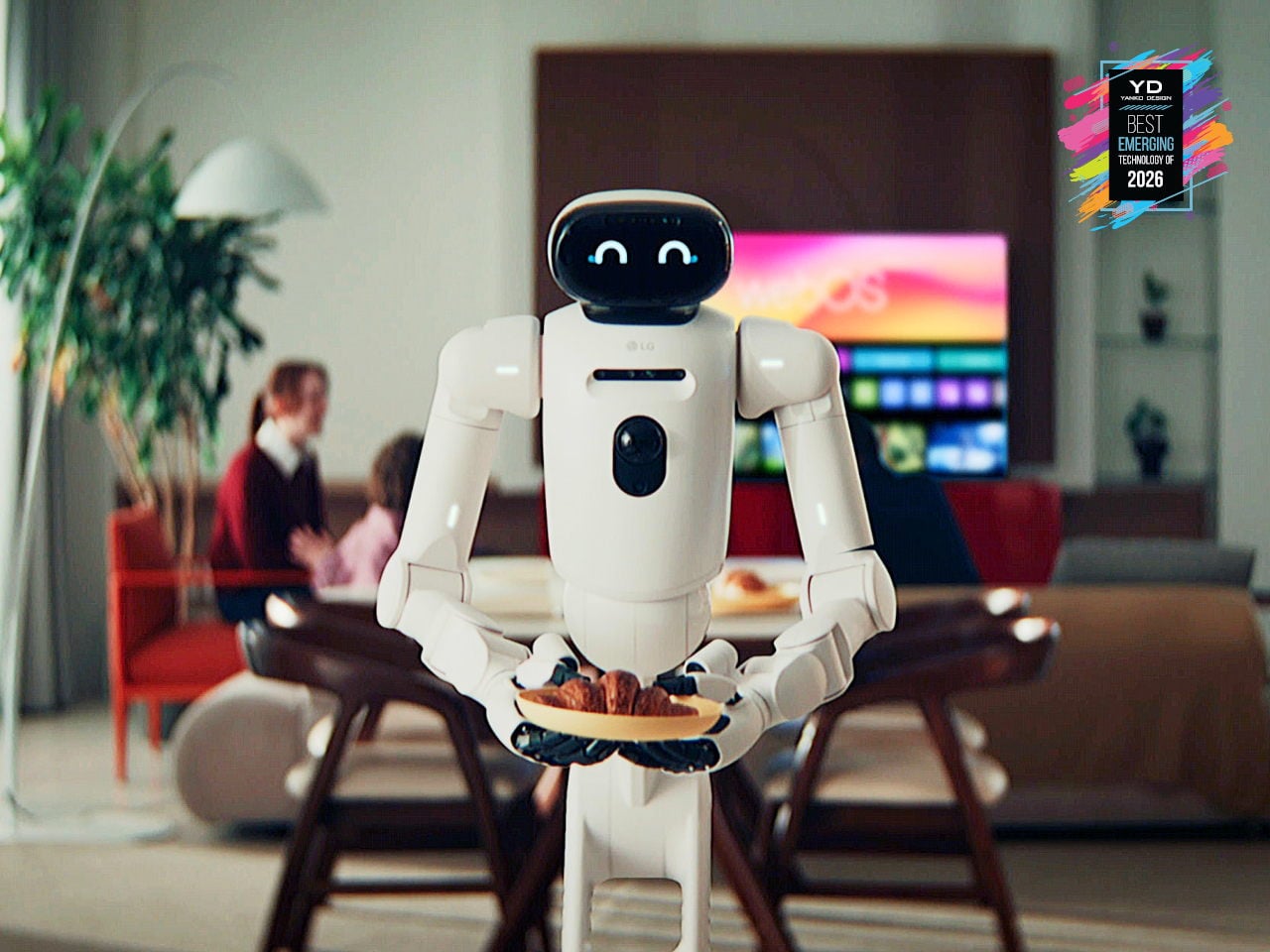
CLOiD can take milk from the fridge, slide a croissant into the oven, start laundry cycles, and fold and stack clothes after drying. A tilting torso, two seven-degree-of-freedom arms, and five-finger hands ride on a wheeled base tuned for stability around kids and pets. LG’s AXIUM actuators give its joints compact, high-torque behavior, while a Vision Language Model and Vision Language Action system trained on tens of thousands of hours of household tasks lets it recognize appliances and coordinate with the ThinQ ecosystem, making housework automation feel less like science fiction.
iPolish Color-changing Press-on Acrylic Nails
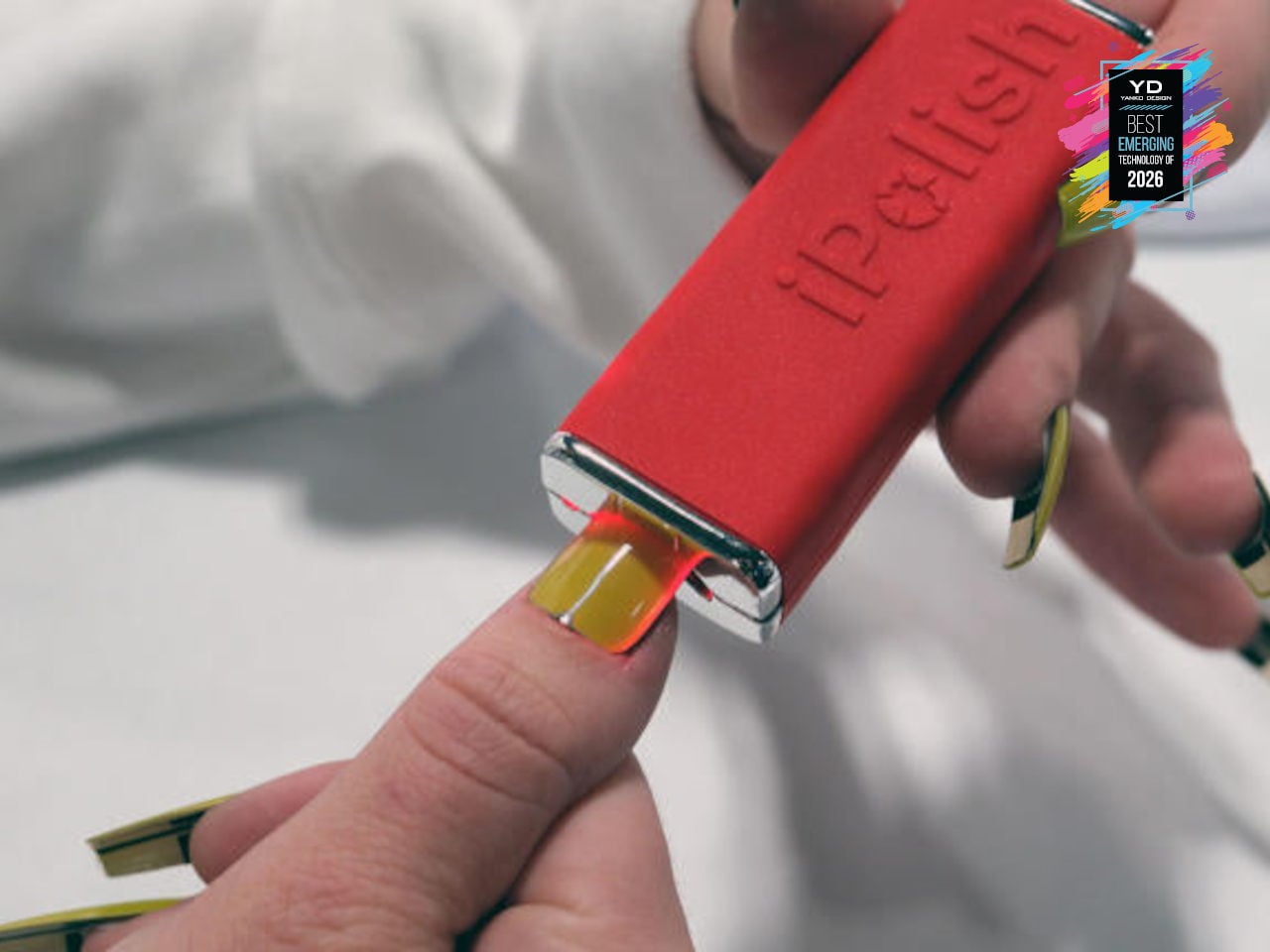
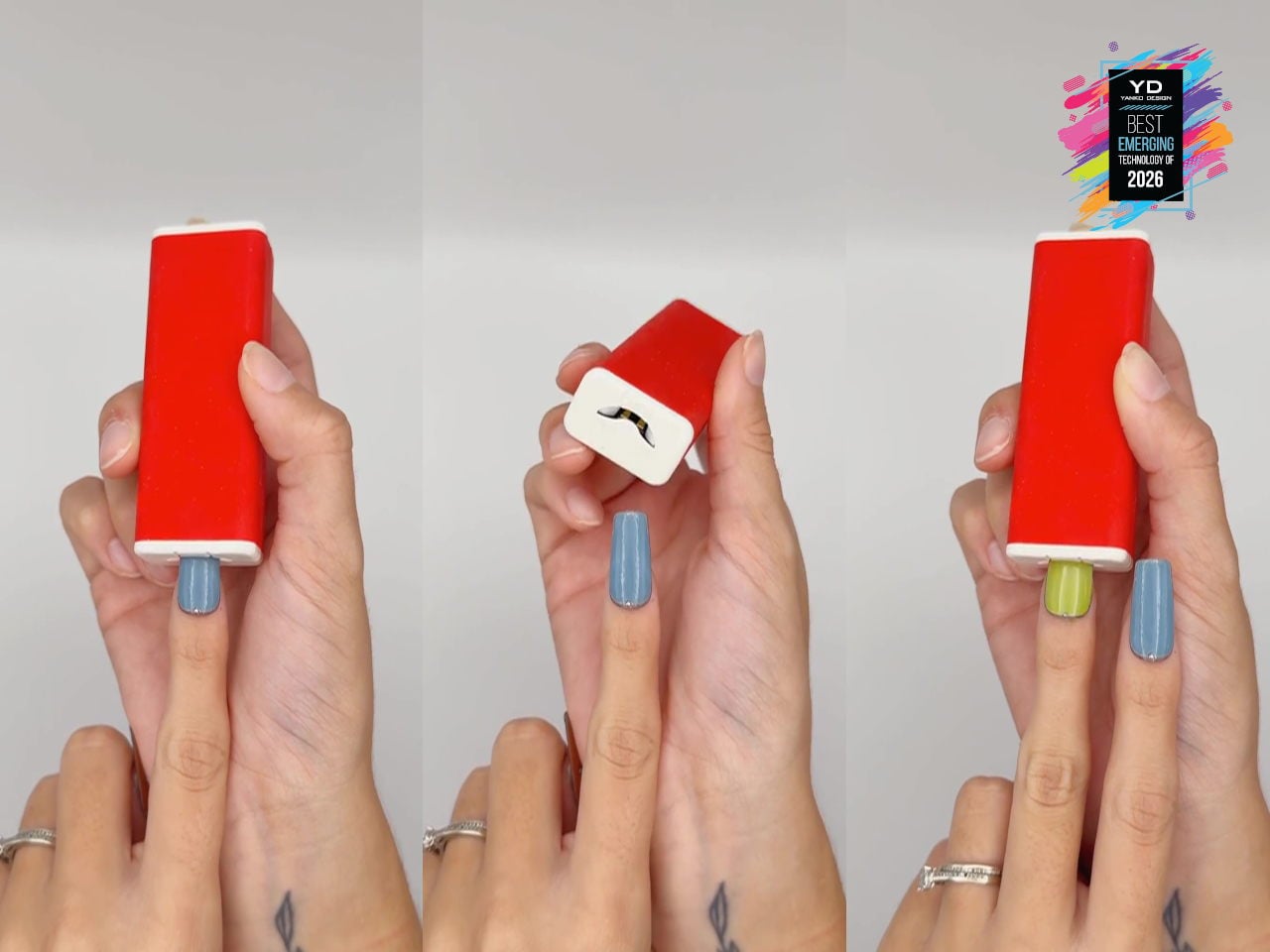
Fashion and beauty are quietly becoming the next frontier for consumer tech, from smart fabrics to LED-laced festival fits, but nails have mostly stayed analog. iPolish is a set of smartphone-driven digital press-on acrylics that behave like reprogrammable cosmetics, with wearable electronic nails that can display hundreds of rich colors on demand. You apply them like regular press-ons, then pair the iPolish app with the Magic Wand over Bluetooth to send your chosen palette, turning color changes into a quick gesture instead of a full removal and repaint.
The interaction is simple: you choose colors in the app, the Magic Wand stores them, and each nail cycles through options when inserted, pausing with a green blink at one of your selections so you can stop at the exact shade you want. Colors can last minutes, hours, or days, and if your outfit or mood changes, you just reselect and reinsert rather than soaking off layers of polish. Because the system works with accessories and fashionwear as well as nails, it feels like an early glimpse of where beauty tech is heading, where digital finishes become as swappable as makeup.
Traditional thermal inspections are messy. Technicians capture images, transfer them from SD cards to laptops, manually enter notes into spreadsheets, and spend hours back at the office generating reports. Around 60% of maintenance teams report a shortage of skilled thermographers, which makes the problem worse. Reporting alone can eat up half a technician’s time, turning straightforward inspections into documentation marathons.
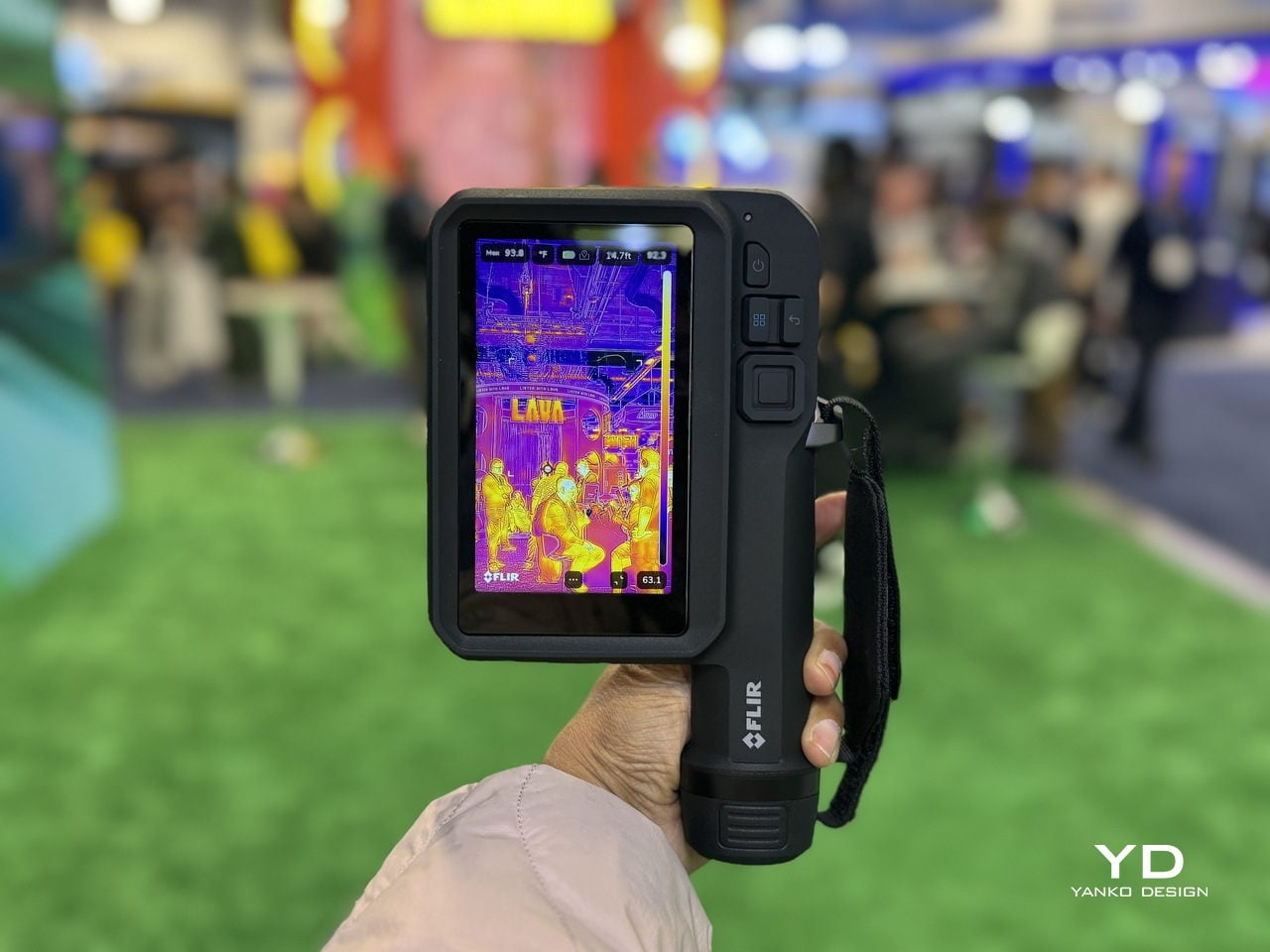
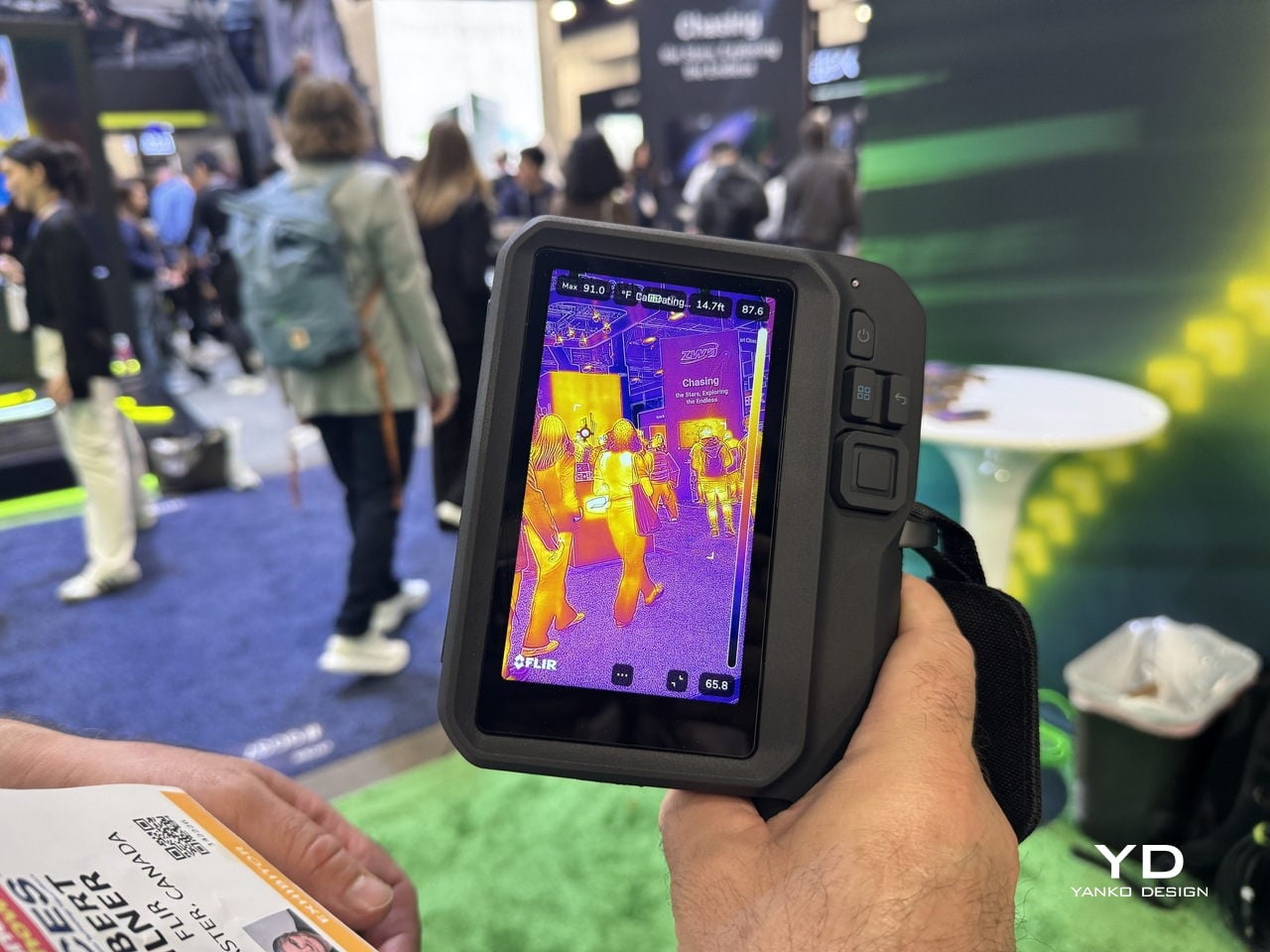
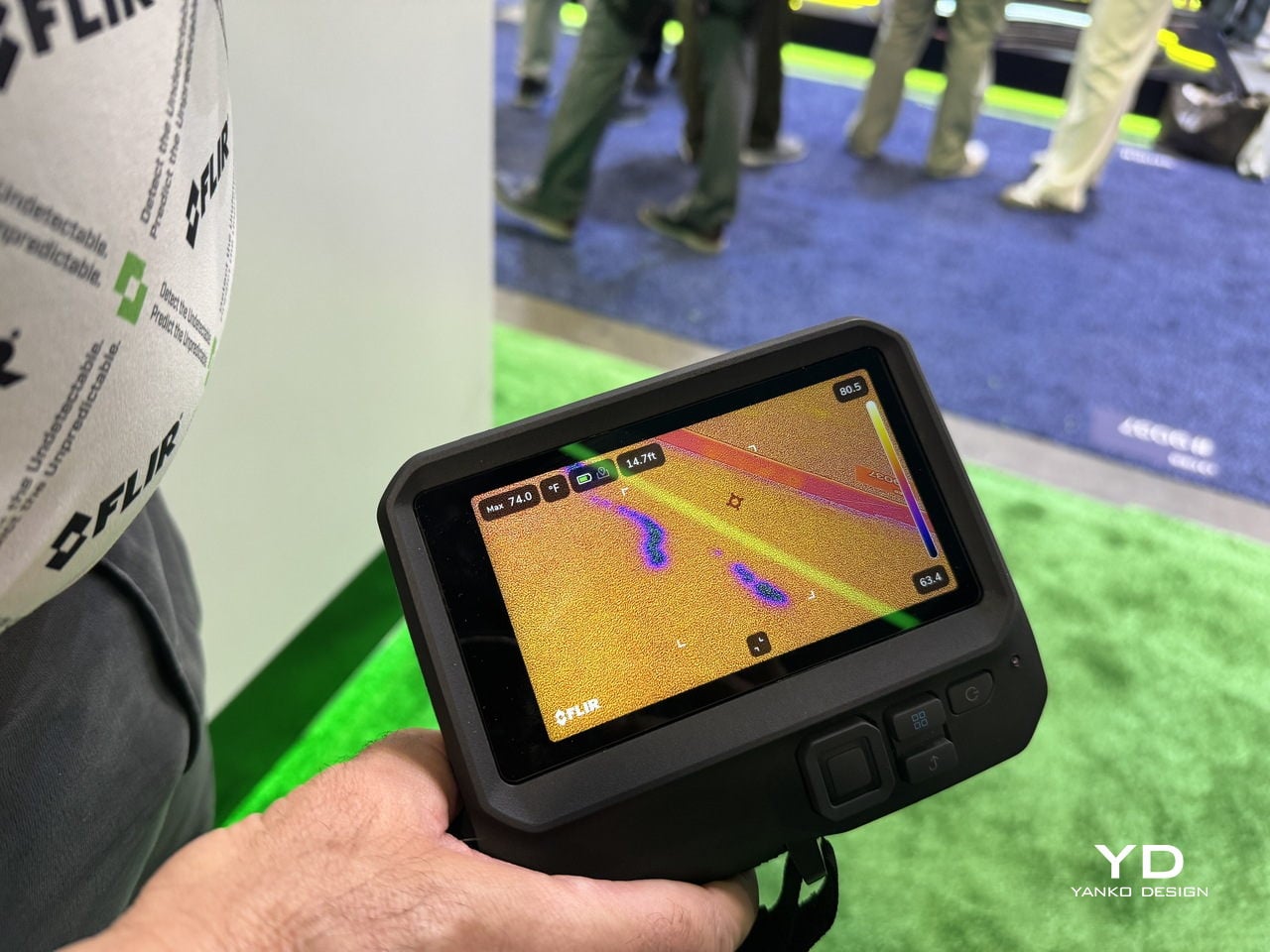
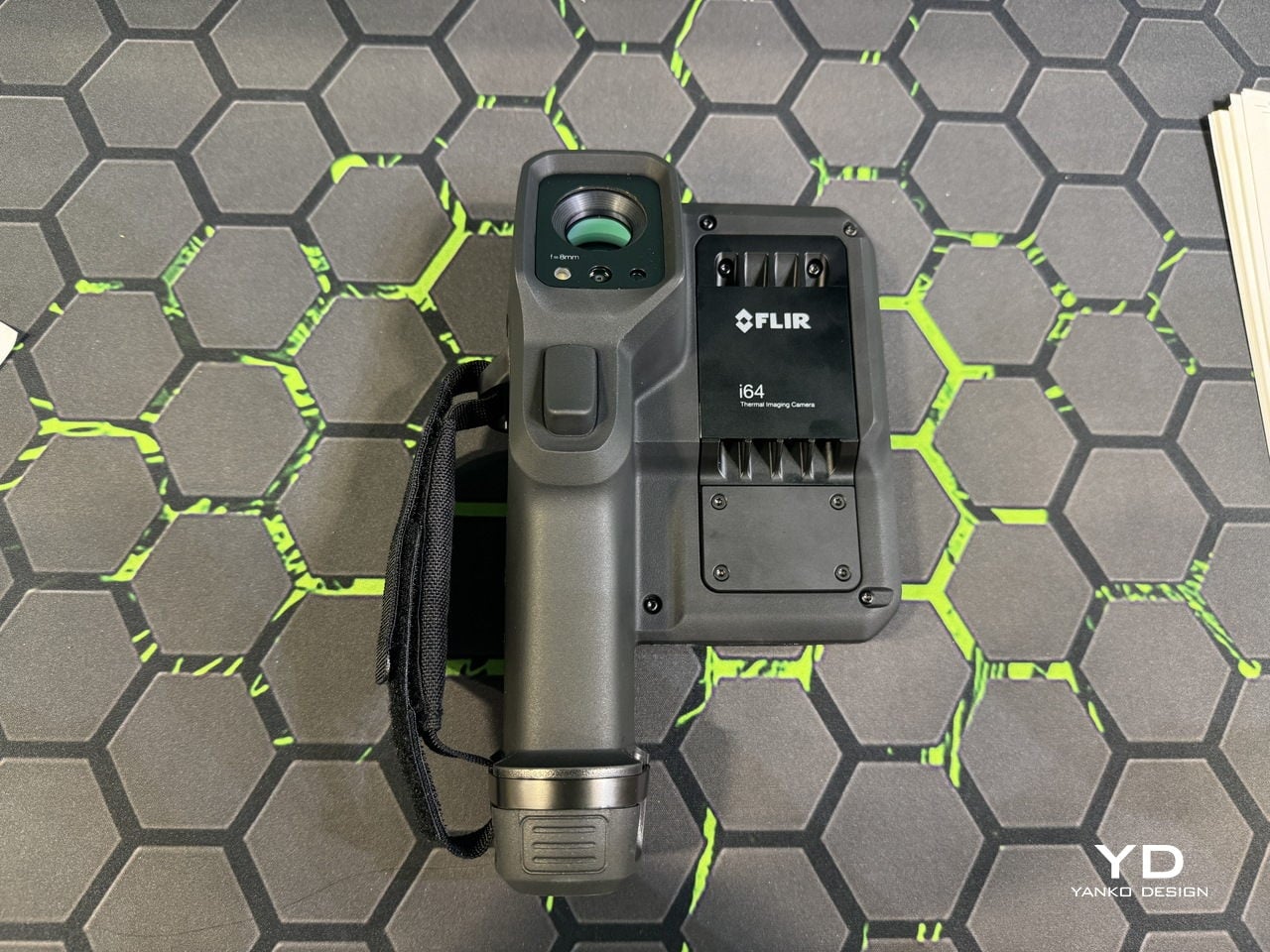
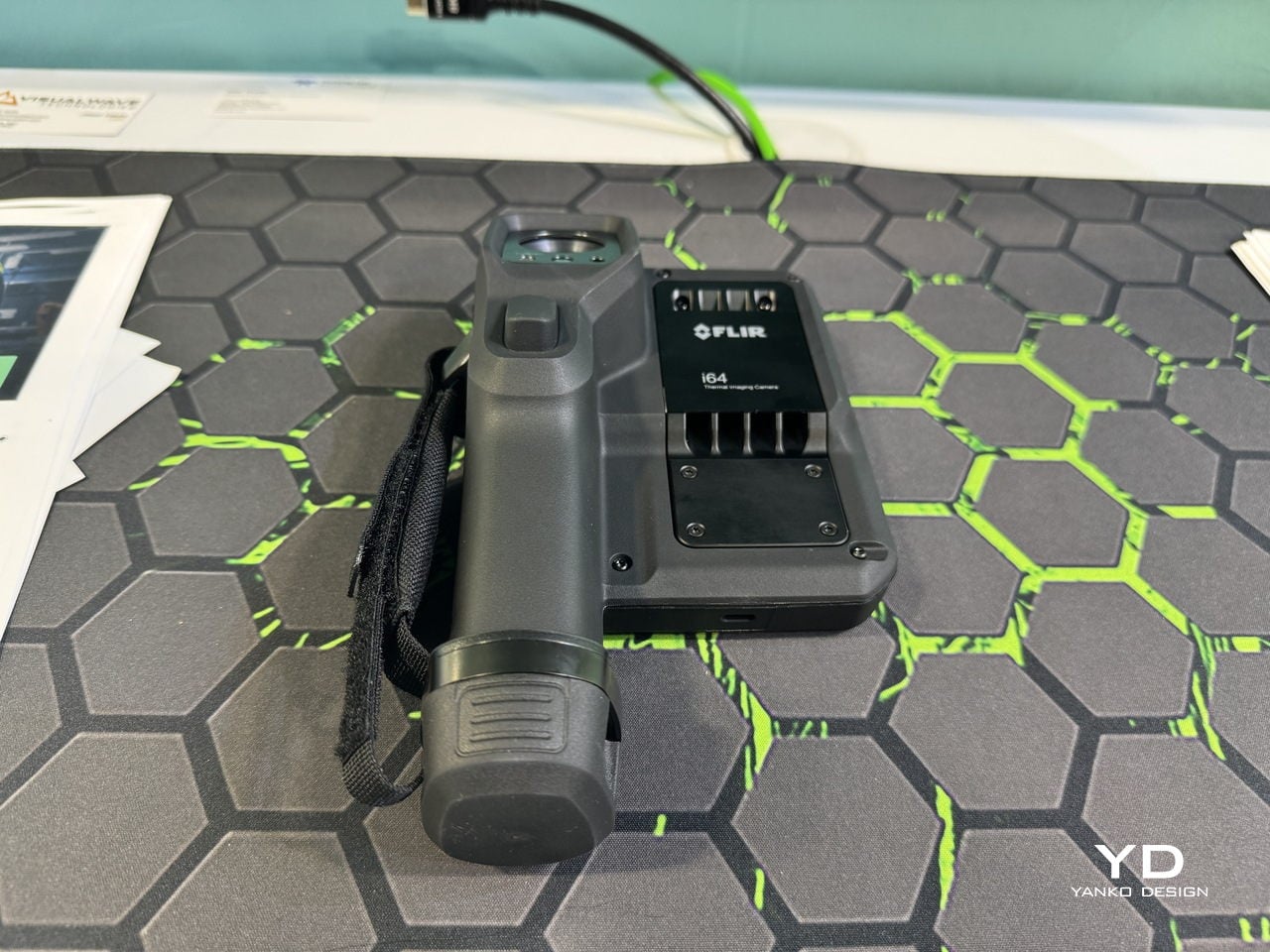
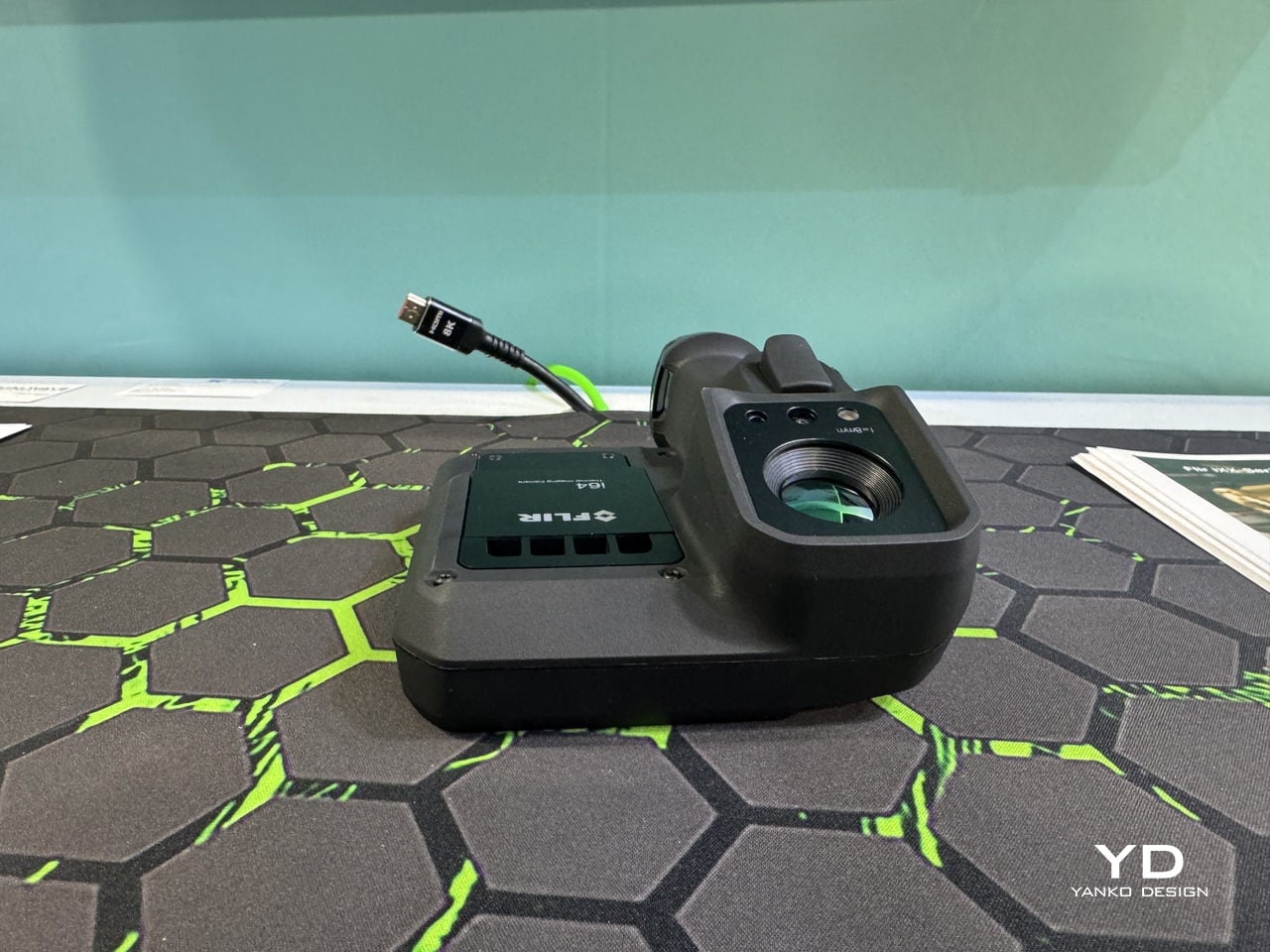
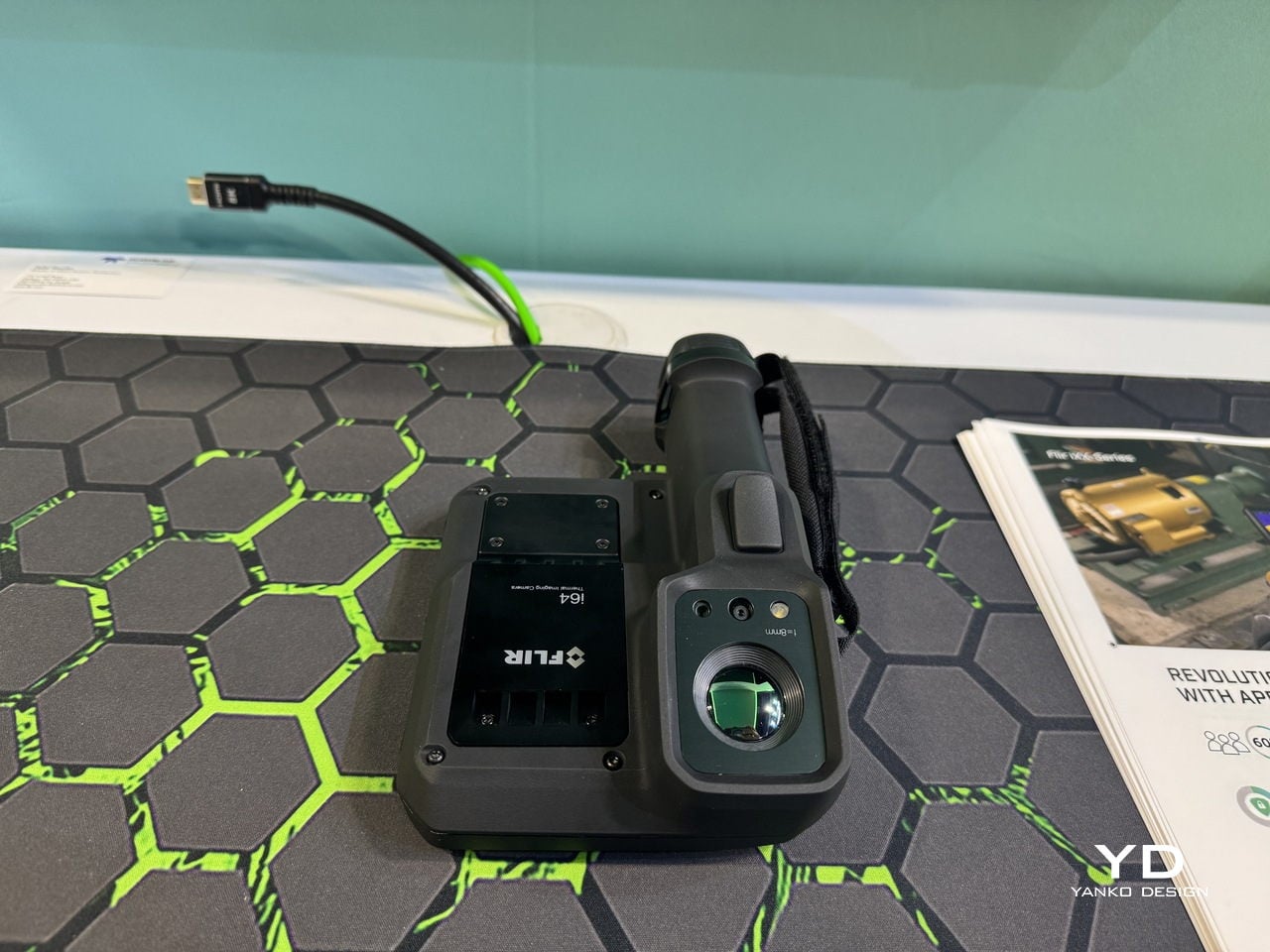
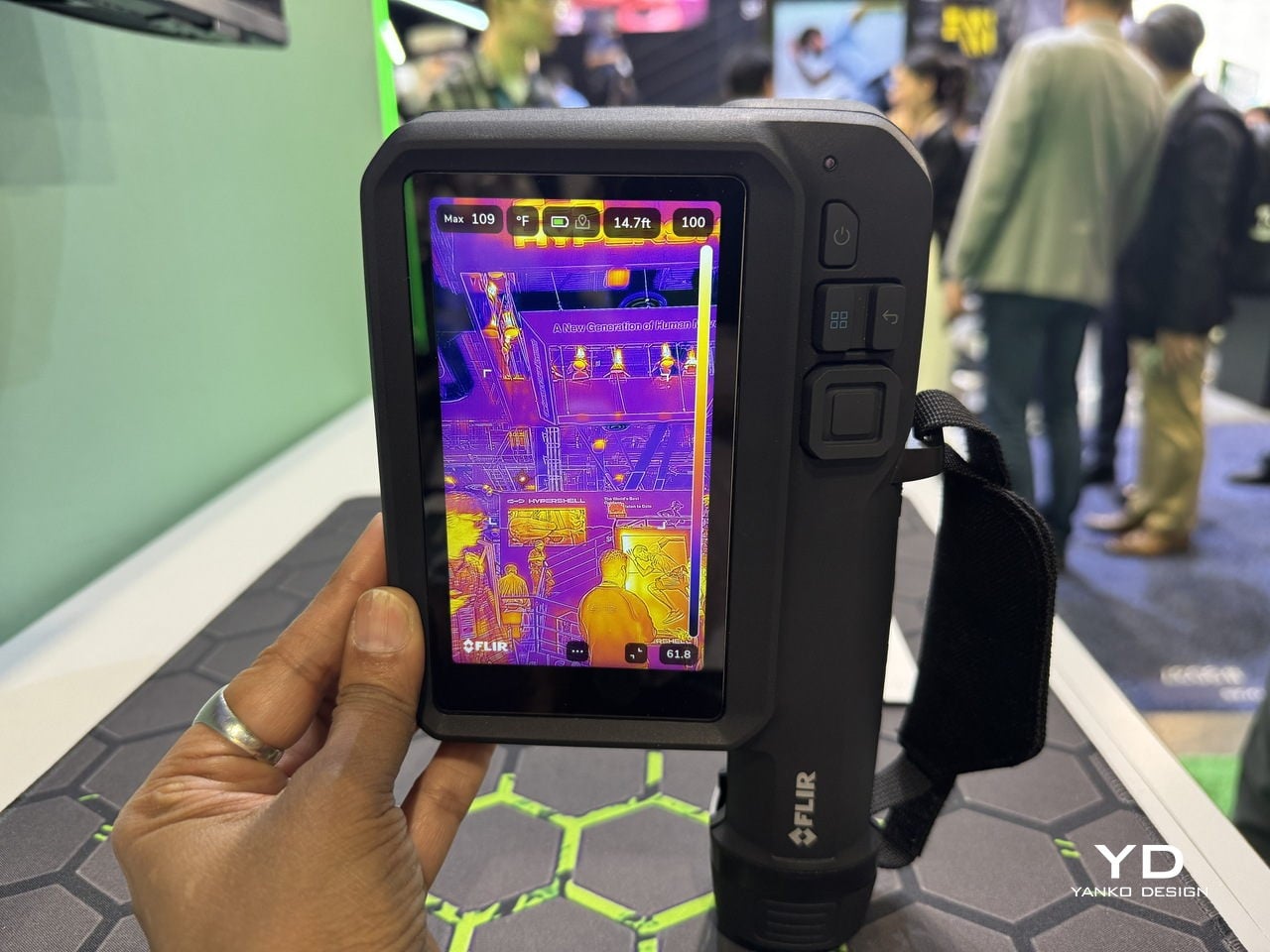
FLIR’s iXX-Series is a response to that reality. It’s a handheld thermal imaging camera that behaves more like an app-enabled platform than a single-purpose tool. Built on FLIR’s ACE operating system, the iXX combines high-performance thermography with smartphone-style connectivity and an open app ecosystem. It’s designed for what FLIR calls the “deskless office,” where technicians need their camera to be rugged and smart.
The iXX-Series comes in four models, i34, i35, i64, and i65, with thermal resolutions up to 480 × 640. Sensitivity sits under 40 mK at 30 °C, and accuracy hits ±2 °C or ±2%. Those specs matter as the foundation for structured, cloud-connected workflows that didn’t exist on older cameras.
According to the FLIR team, the focus is on “the importance of the deskless office, making sure data can flow in a seamless and customized way according to our customer needs.” That shift from hardware-first to workflow-first changes what the device is for. It’s about getting usable data into the right systems immediately.
The iXX integrates directly with FLIR Assetlink and Ignite, cloud systems that link thermal images to specific assets. Capture an anomaly on a motor, and it tags to that motor in your system, complete with trend data and inspection history. Reporting time, which traditionally consumes up to 50% of a technician’s day, can drop to nearly zero.
One electrical testing company using the iXX with the Condoit app cut their reporting from eight to 12 hours down to under five minutes for large jobs. That’s the kind of time savings that changes how teams actually work.
Designed for the Deskless Office
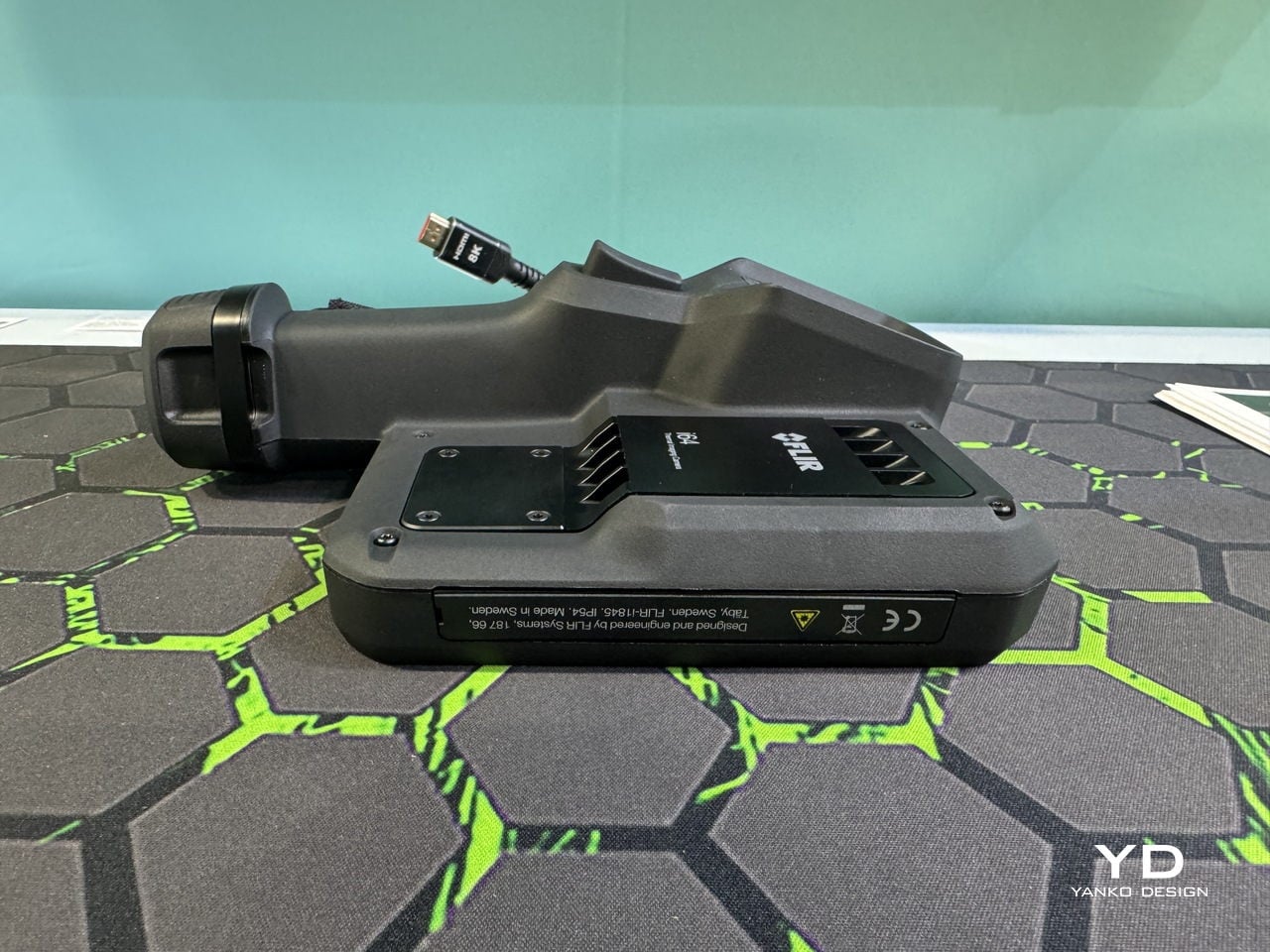
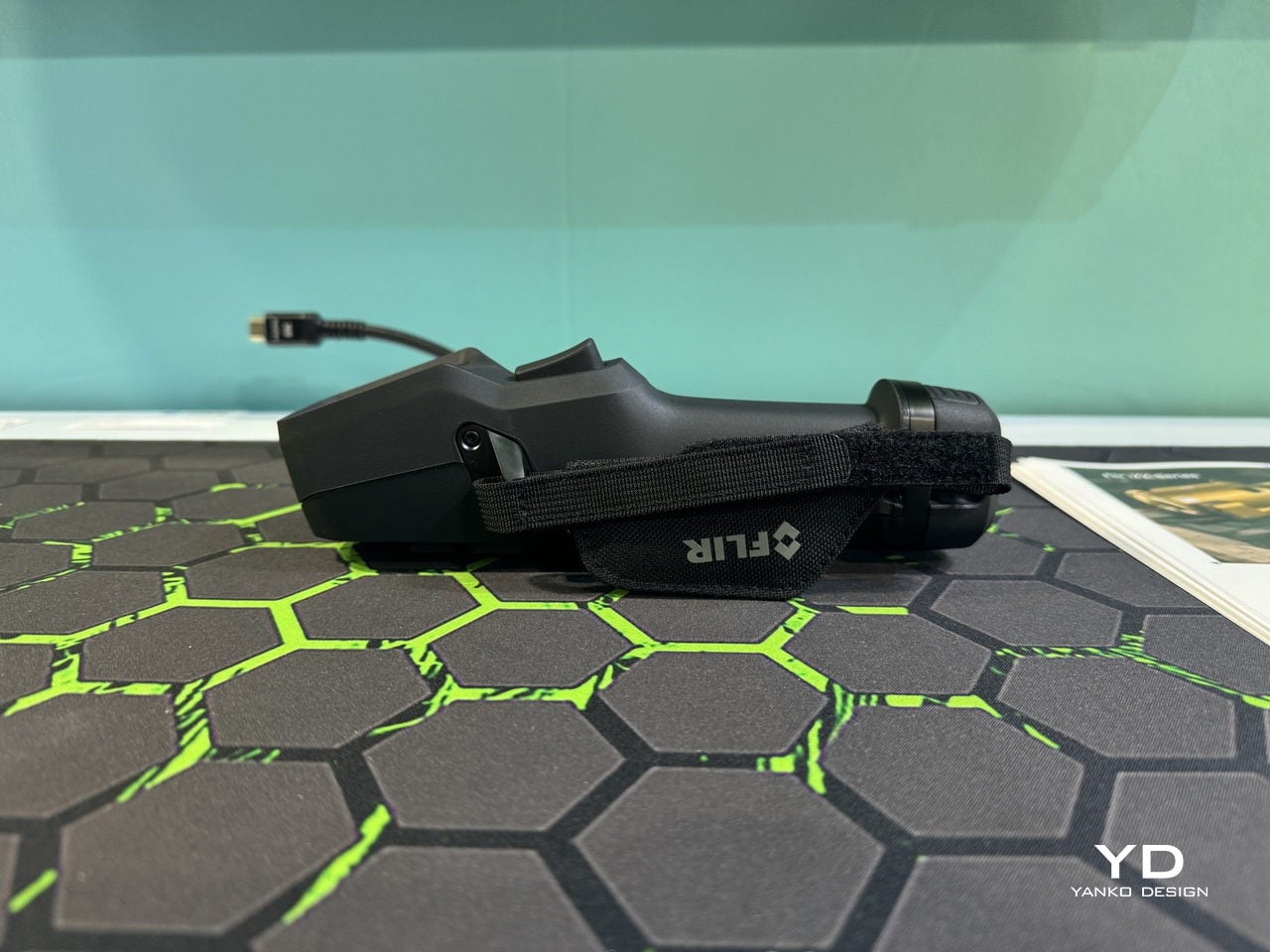
The hardware is built to survive. IP54 rating, 2 m drop test, 0.8 kg body, and a 5-inch touchscreen that works with gloves. Operating range runs from -15 °C to 50 °C. The battery lasts around four hours with quick charging. It’s industrial-grade housing with a consumer-grade interface layered on top.
The FLIR team explains that “with ergonomics and usability in focus as always for FLIR, it is a balance to address multiple different customer needs and applications with different levels of expertise.” You can hand this to a senior thermographer or a junior tech, and both will find it usable, just configured differently.
You also get an 8 MP visible camera, MSX image enhancement, a work light, and a laser pointer. These let a technician capture context and document conditions without juggling three devices. The touchscreen and app model make the iXX feel closer to a field computer than a traditional instrument.
Open Apps and Tailored Workflows
Where the iXX really diverges is the app ecosystem. It supports FLIR apps, third-party apps, and private apps built by customers. According to FLIR, “having the open approach is critical… now making sure it is easy for anybody to develop something tailored for their use case is a success factor.”
No two plants or facilities run inspections the same way, so the camera should adapt to the team. Apps can guide inexperienced technicians step by step, auto-link images to asset hierarchies, generate work orders with one tap, or enforce security policies. There’s definitely flexibility built into the platform.
A technician walking through a data center can scan electrical distribution gear, flag temperature anomalies, and sync everything to the cloud before leaving the room. By the time they’re back in the truck, the office team already has the data and dashboards updated automatically.
Always-Connected Inspections
Connectivity is built in via Wi-Fi across the line, and certain models, the i35 and i65, include LTE. The FLIR team notes that “a safer and more stable connection is key for having all the data at hand out in the field for taking correct and quick decisions, which can be time critical where cellular connectivity is crucial.”
Many outdoor or industrial sites don’t have Wi-Fi, making LTE the only option. With LTE, technicians can send images, messages, and video calls directly from the device. A junior tech scanning a substation can loop in a senior engineer via video without leaving the site. Office teams see data appear in dashboards in real time.
Inspections stop being isolated tasks and start looking more like live, collaborative workflows. That’s a pretty significant shift for teams used to working solo in the field.
Growing with the Platform and Closing the Skills Gap
Longevity is baked into the design. FLIR emphasizes that it’s “very important in our design decisions, from material choices to how to assemble and disassemble for service purposes… with the capability of growing with the platform and constantly increasing functionality through software updates and also with the app ecosystem where new functionality and features will be added by FLIR and others.”
The camera you buy today isn’t frozen. It’s a platform that keeps evolving through firmware updates and new apps. That also helps close the skills gap through app-guided workflows, onboarding tools, and configurable interfaces.
“With the ability to tailor for any customer needs, the data collections are made easier… and the fact that you as a user can choose what apps to download or even develop yourself makes it suitable for anyone, no matter the level of experience,” FLIR explains. A senior thermographer can load advanced apps while a junior tech follows a guided workflow.
The iXX-Series represents a shift in how handheld inspection tools are designed. It’s a connected, app-driven platform built for the deskless office, where technicians need their tools to be rugged, smart, and collaborative. If this is the future of inspection devices, hardware and software are finally being designed together from the start.
The idea of a smart home has long been defined by individual devices, each designed to solve a single task in isolation. But modern homes no longer operate in clean lines. Multi-level layouts, pets, kids, and yards that stretch from kitchen tile to sloped grass create environments where a single device rarely finishes the job. At CES 2026, Roborock is using that complexity as a design brief, especially for households across North America where scale and texture demand more than one kind of intelligence.
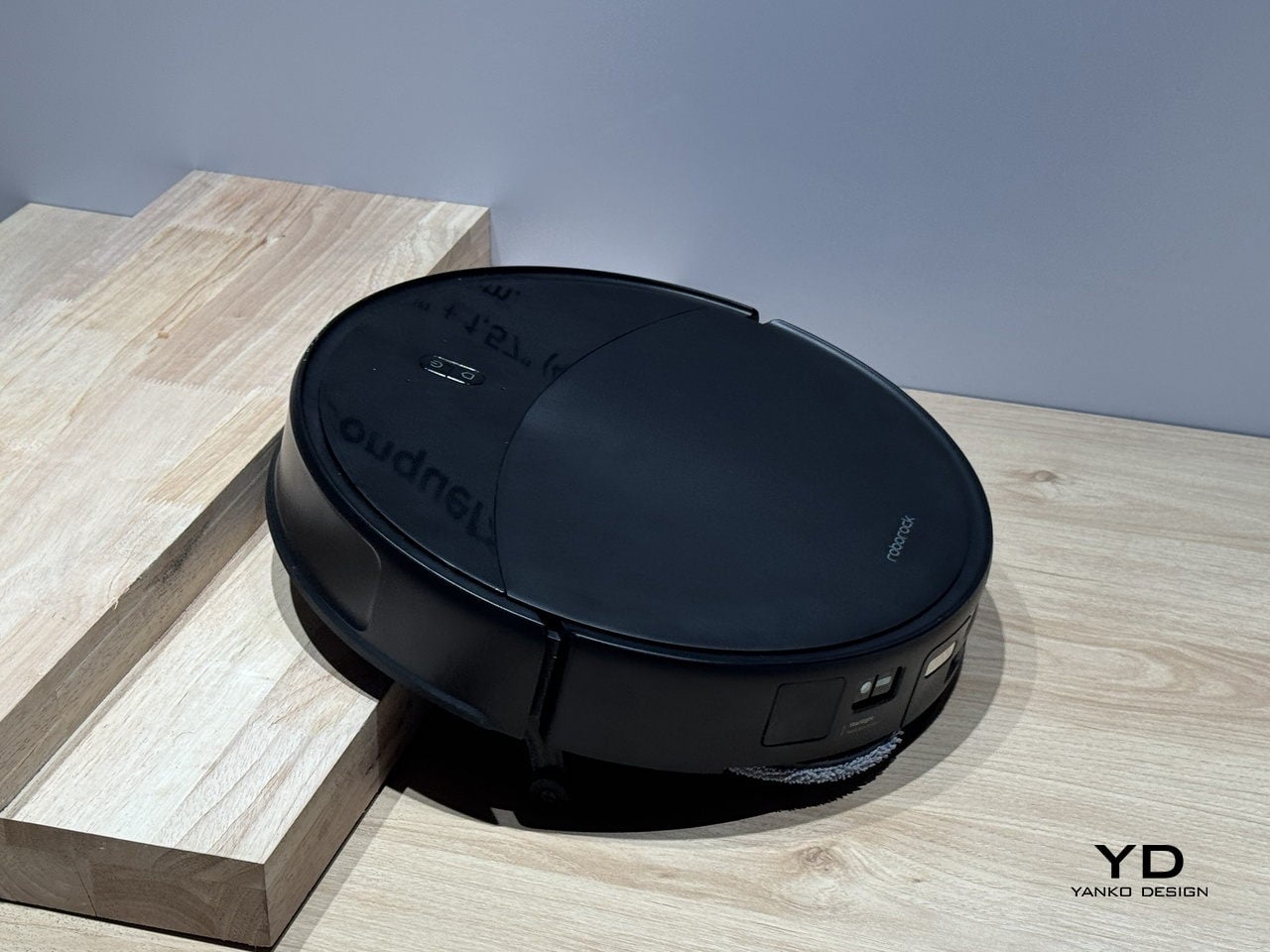
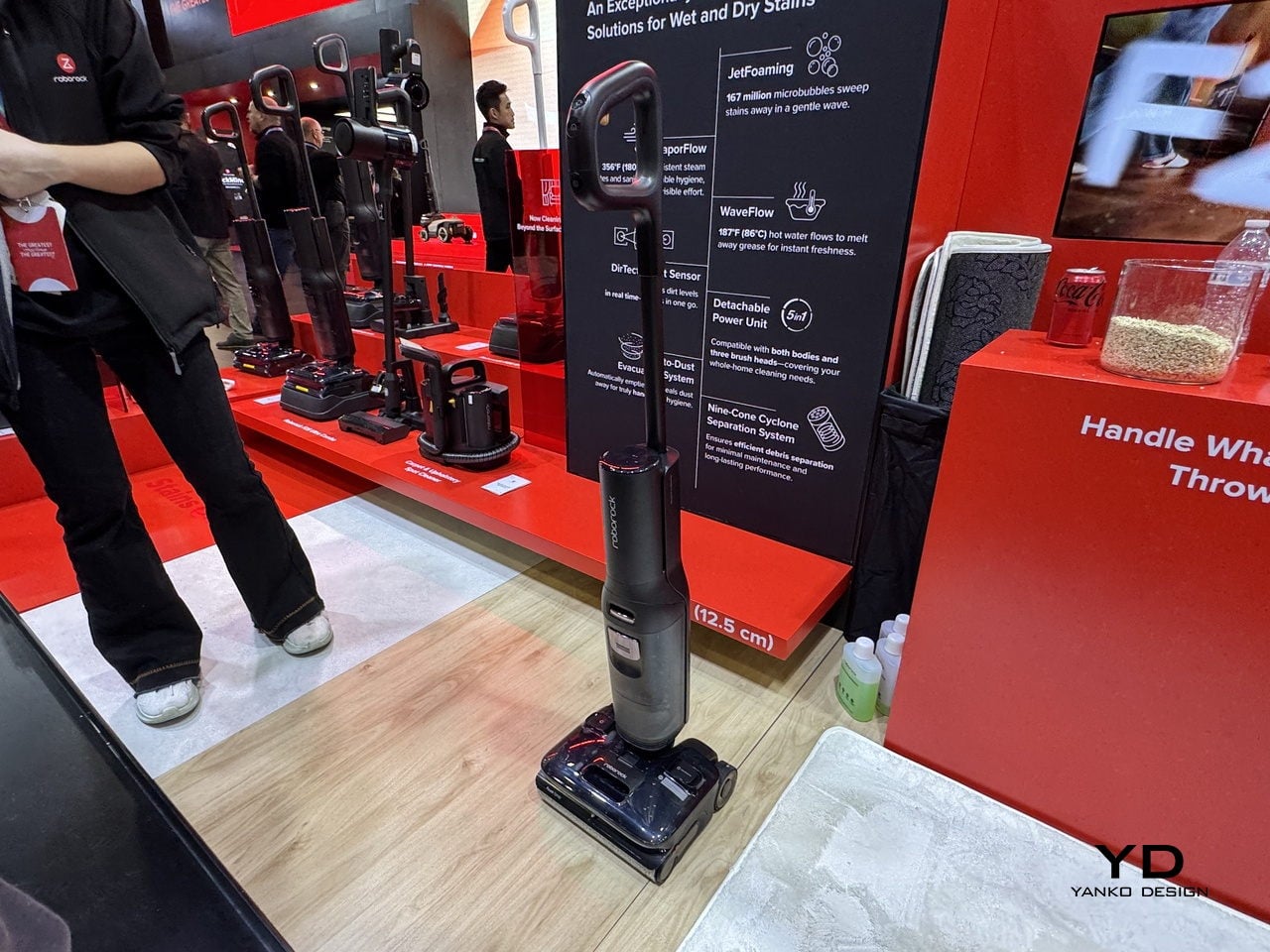
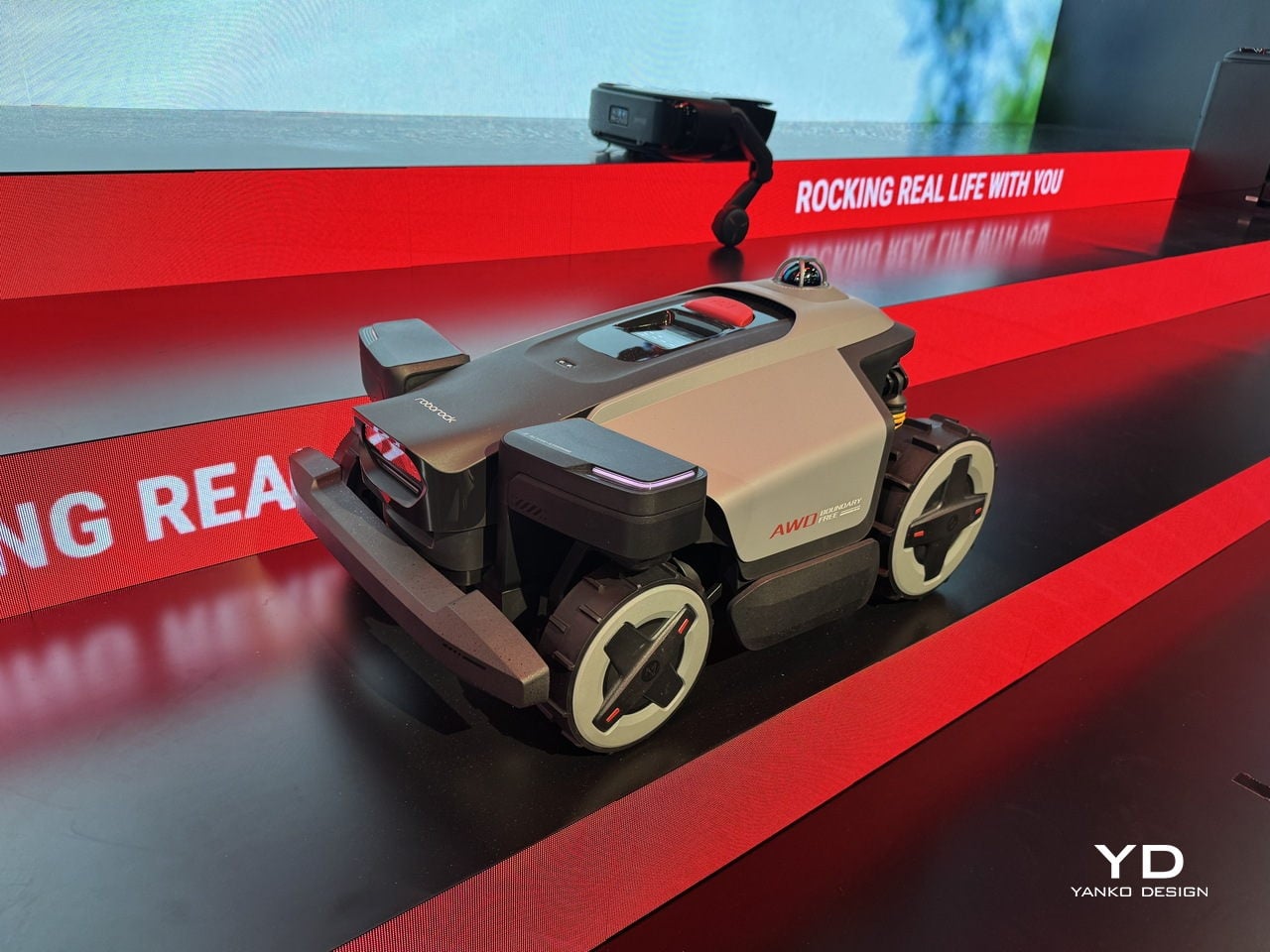
Roborock’s “The Greatest Meeting the Greatest” theme frames this as a meeting between world-class engineering and the realities of everyday living. This year’s lineup is less about one hero product and more about a family of specialists, from a flagship robot that can see and adapt in three dimensions, to a one-pass floor-care robot, a foam-based floor washer, and an AWD mower that treats the yard as part of the home.
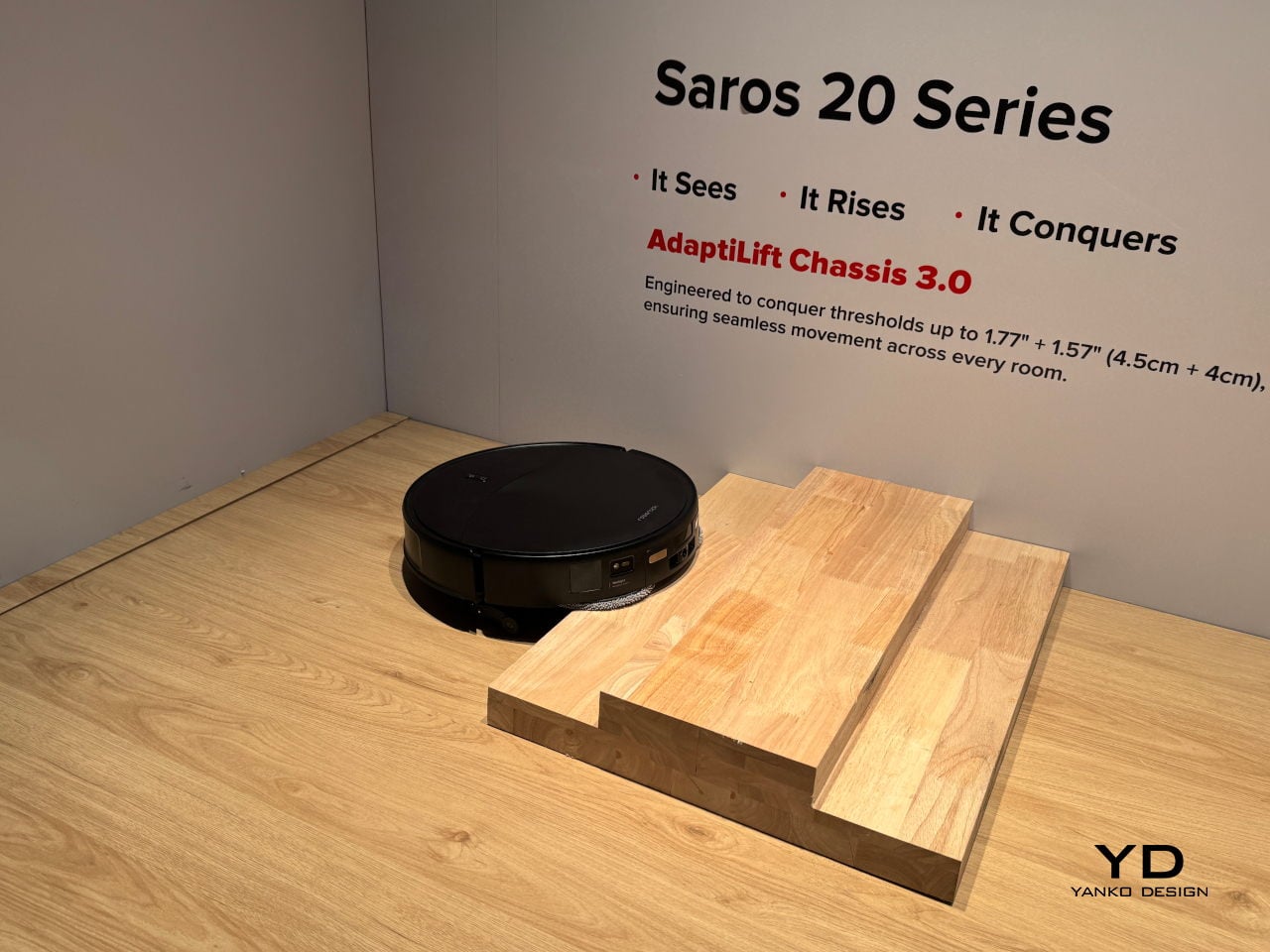
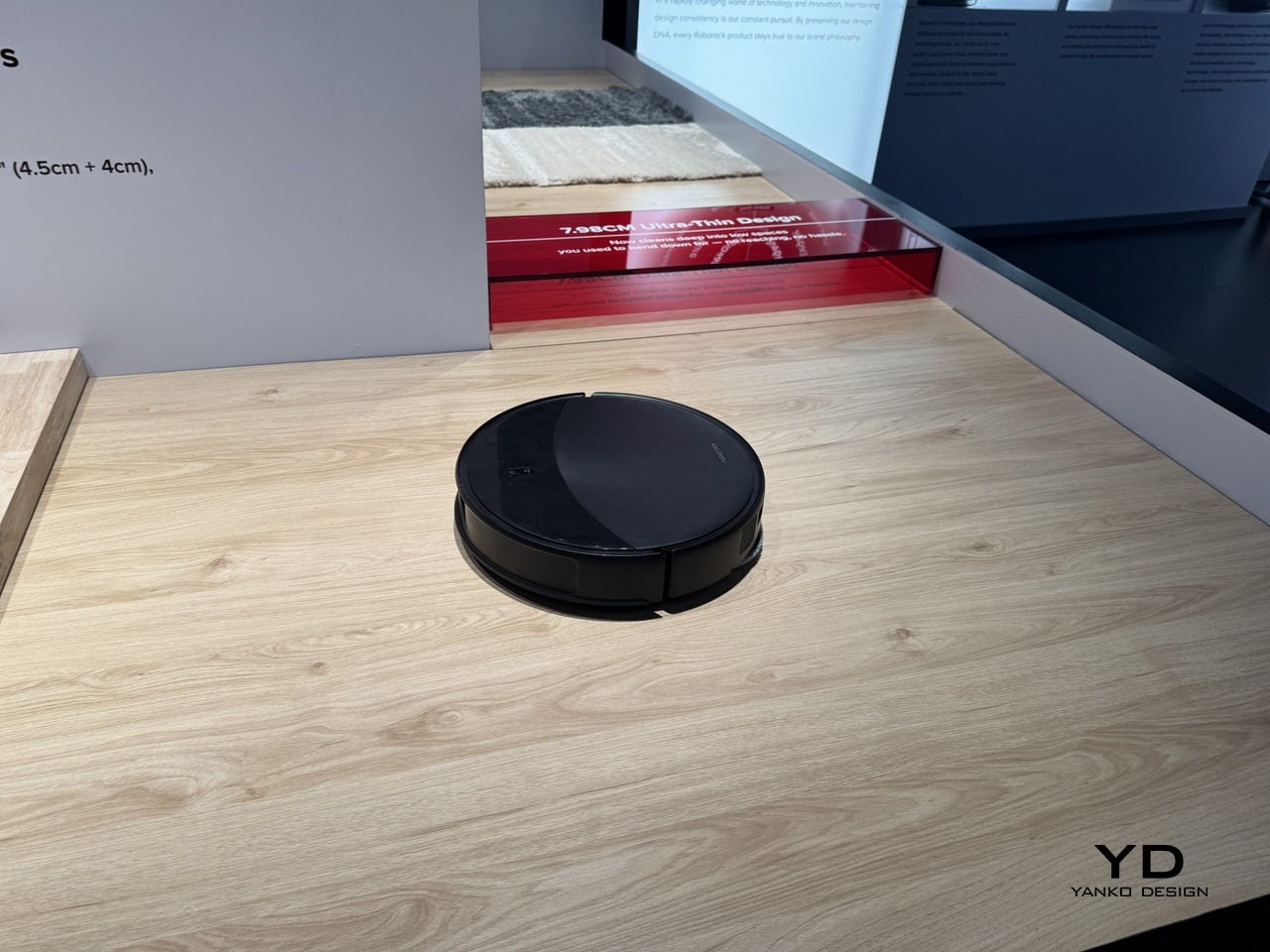
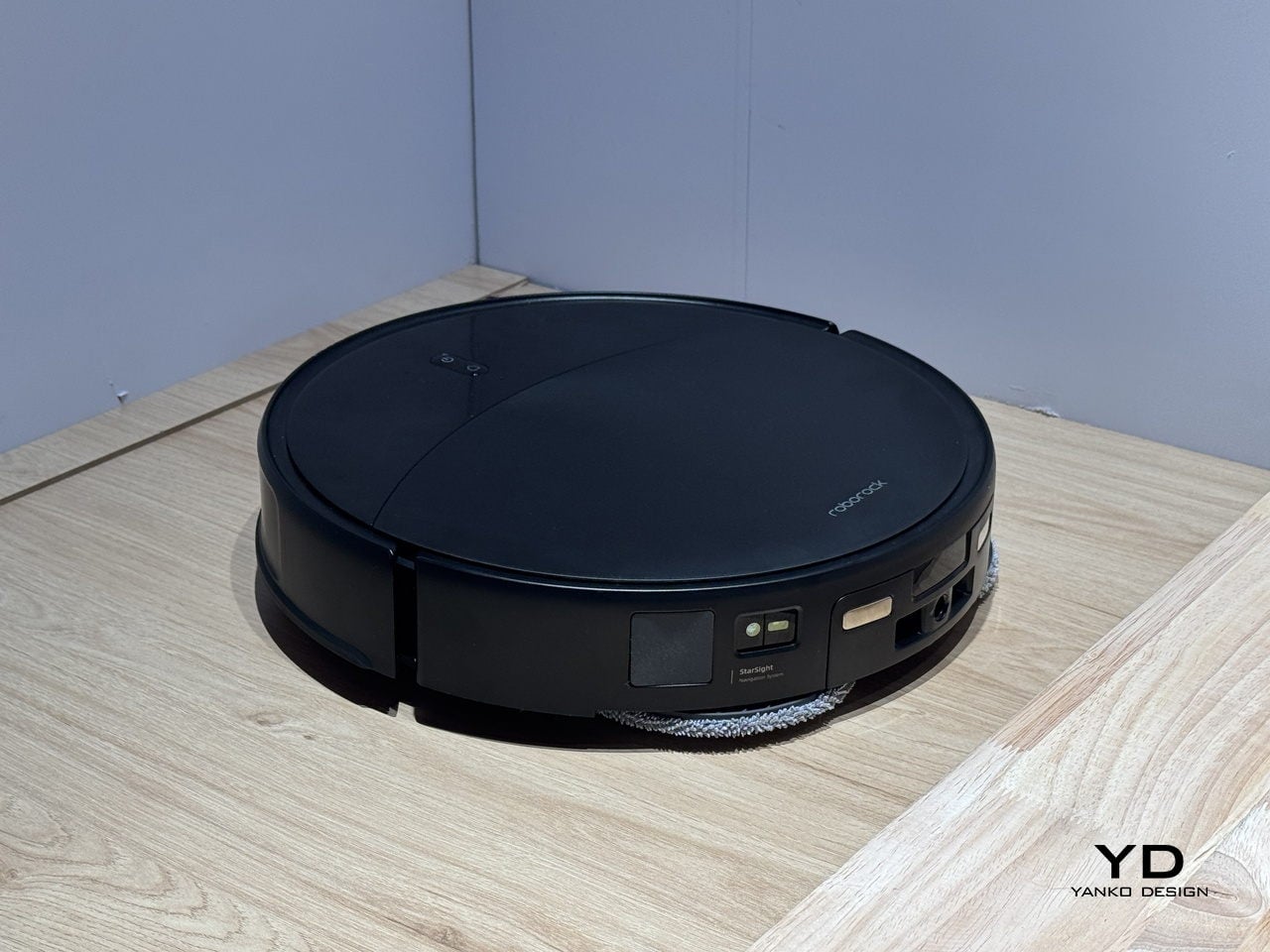
Intelligence in a home context means mastering complexity without constant supervision. The Saros 20, the brand’s flagship product for 2026, introduces StarSight Autonomous System 2.0, with dual-transmitter 3D time-of-flight LiDAR and 21,600 sensor points. This innovation allows the Saros 20 to map spaces, recognize over 200 obstacle types, and distinguish cables from socks or pet bowls, making it even smarter than the previous-gen Saros 10R flagship. At 7.98 cm tall, it slides under low furniture while understanding the space in three dimensions, which matters in homes with layered messes and tight clearances.
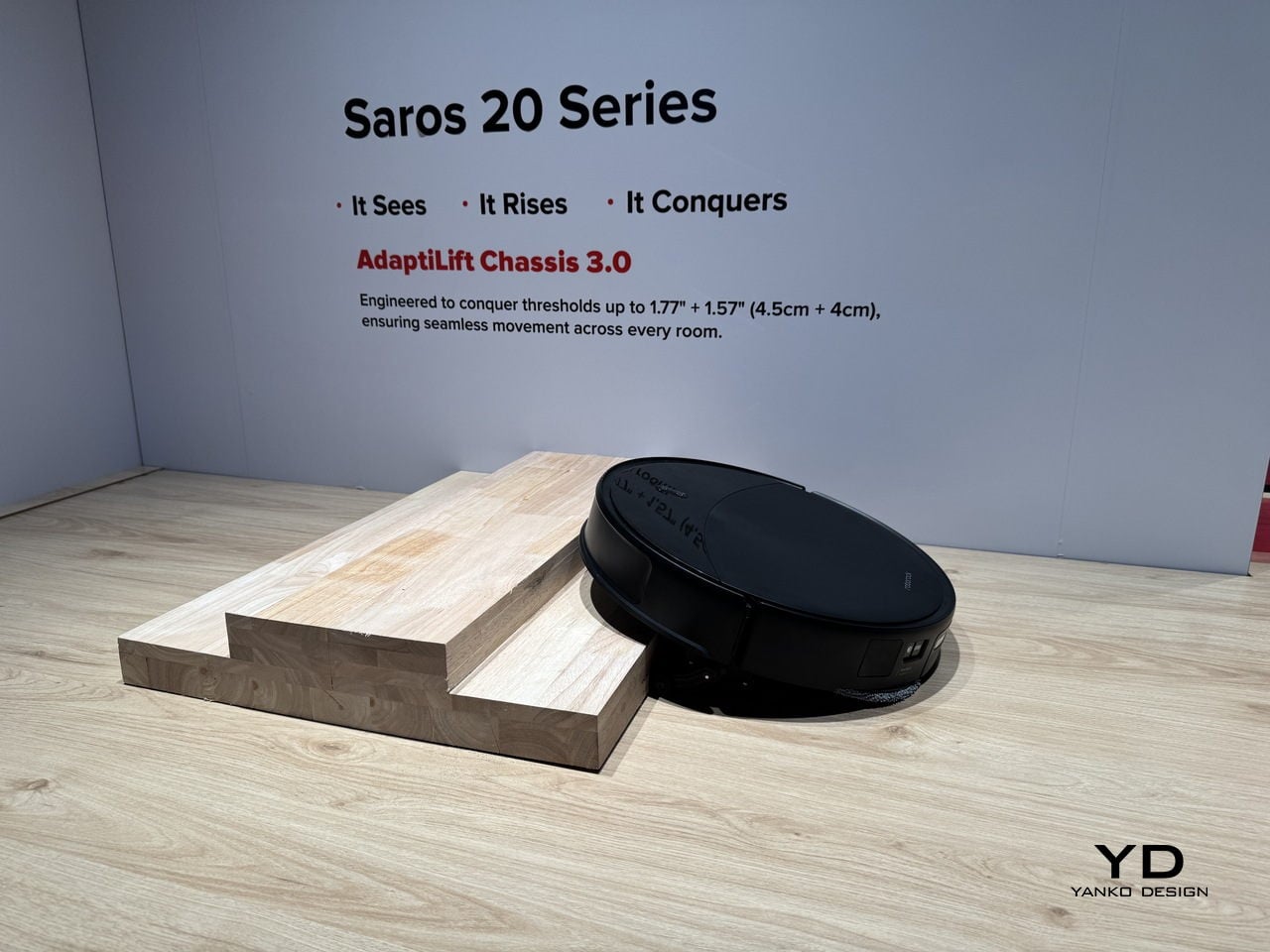
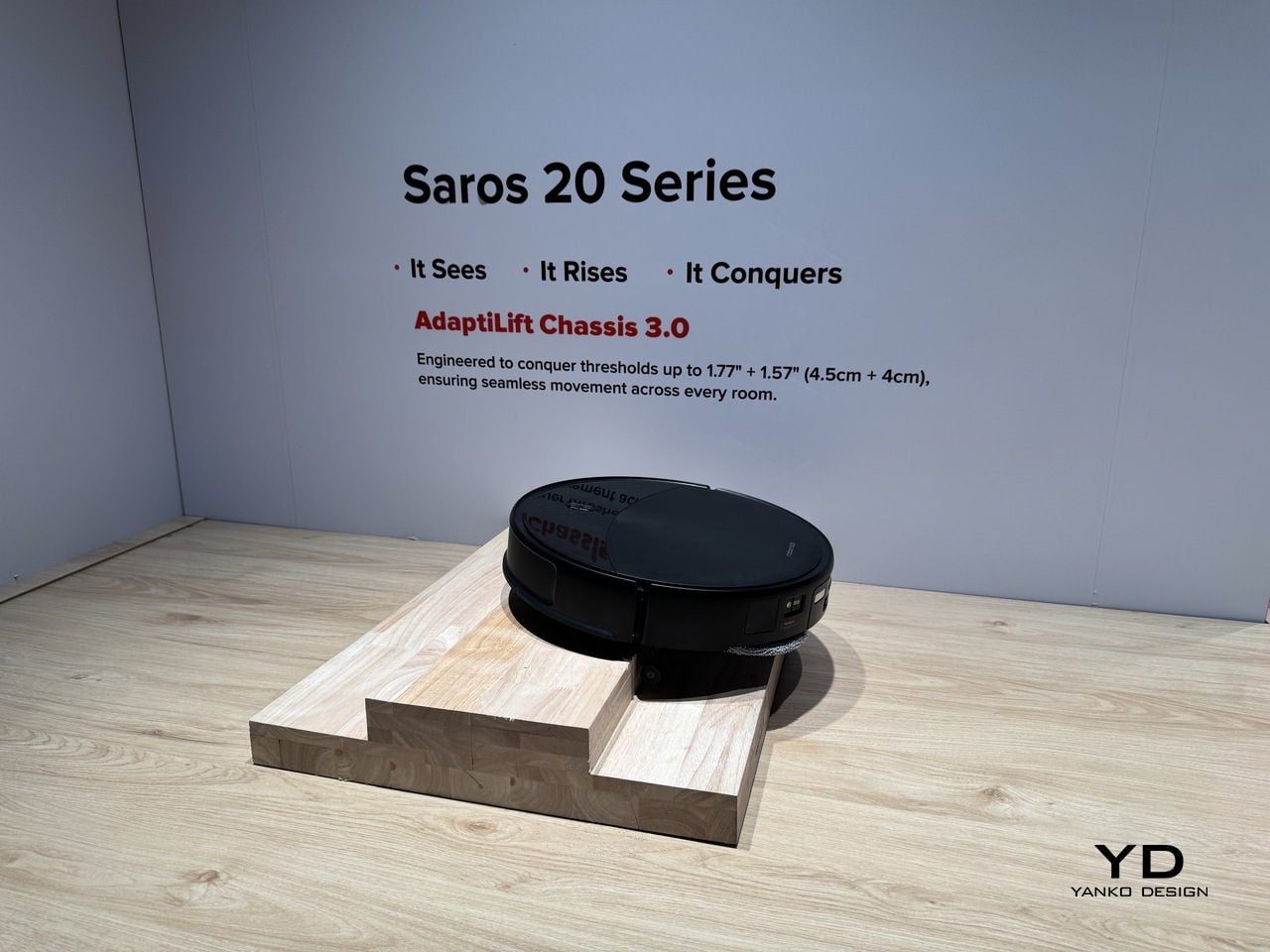
AdaptiLift Chassis 3.0 is the mechanical side of that intelligence, lifting and adjusting three wheels independently to cross double-layer thresholds up to 8.5 cm tall, climb onto carpets as thick as 3 cm, and free itself when stuck. Layouts where balcony lips, thick rugs, and split-level transitions trap lesser robots become manageable terrain. Saros 20 learns the best way to cross each threshold and remembers it, treating obstacles as solvable puzzles rather than dead ends.
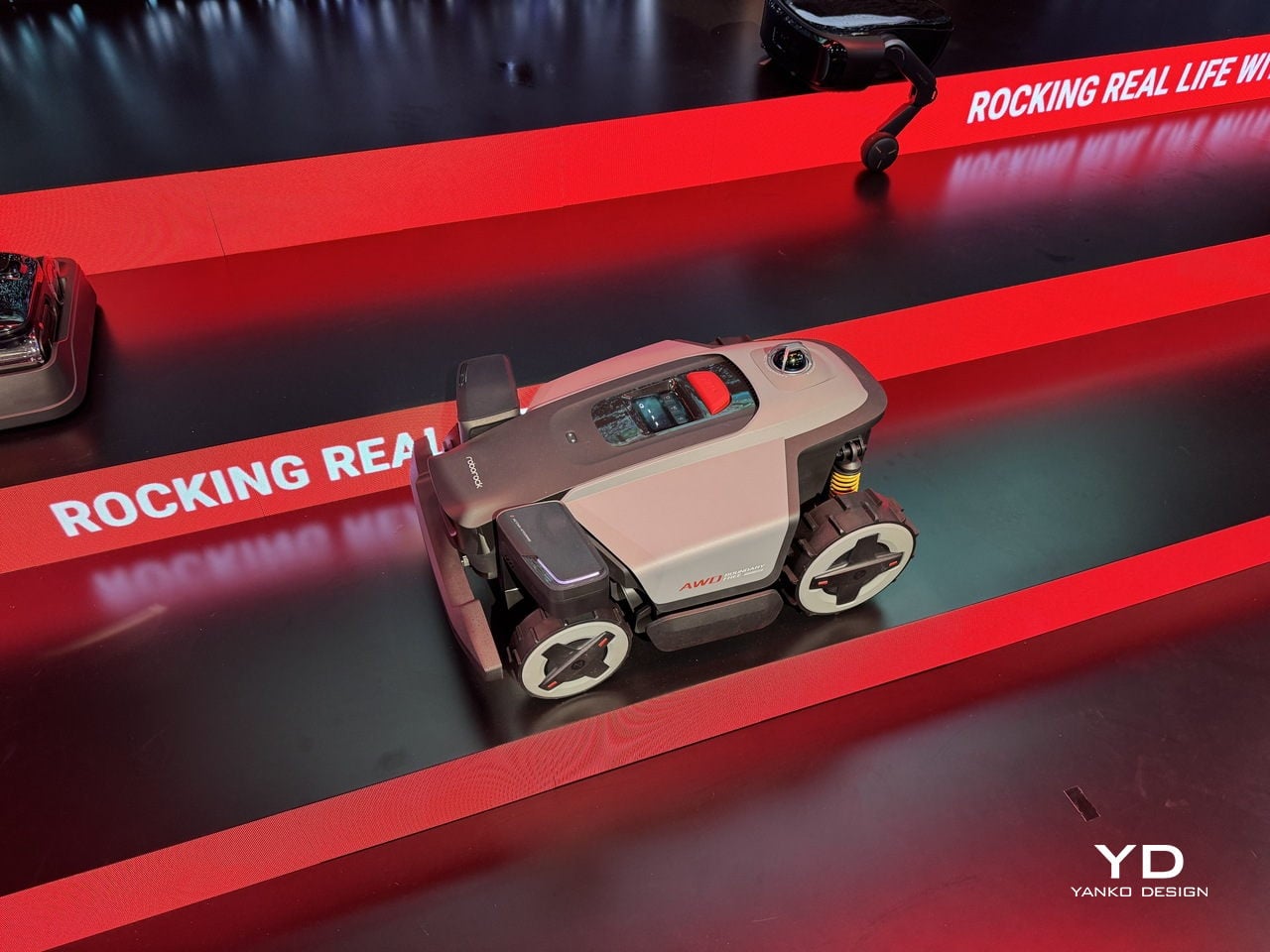
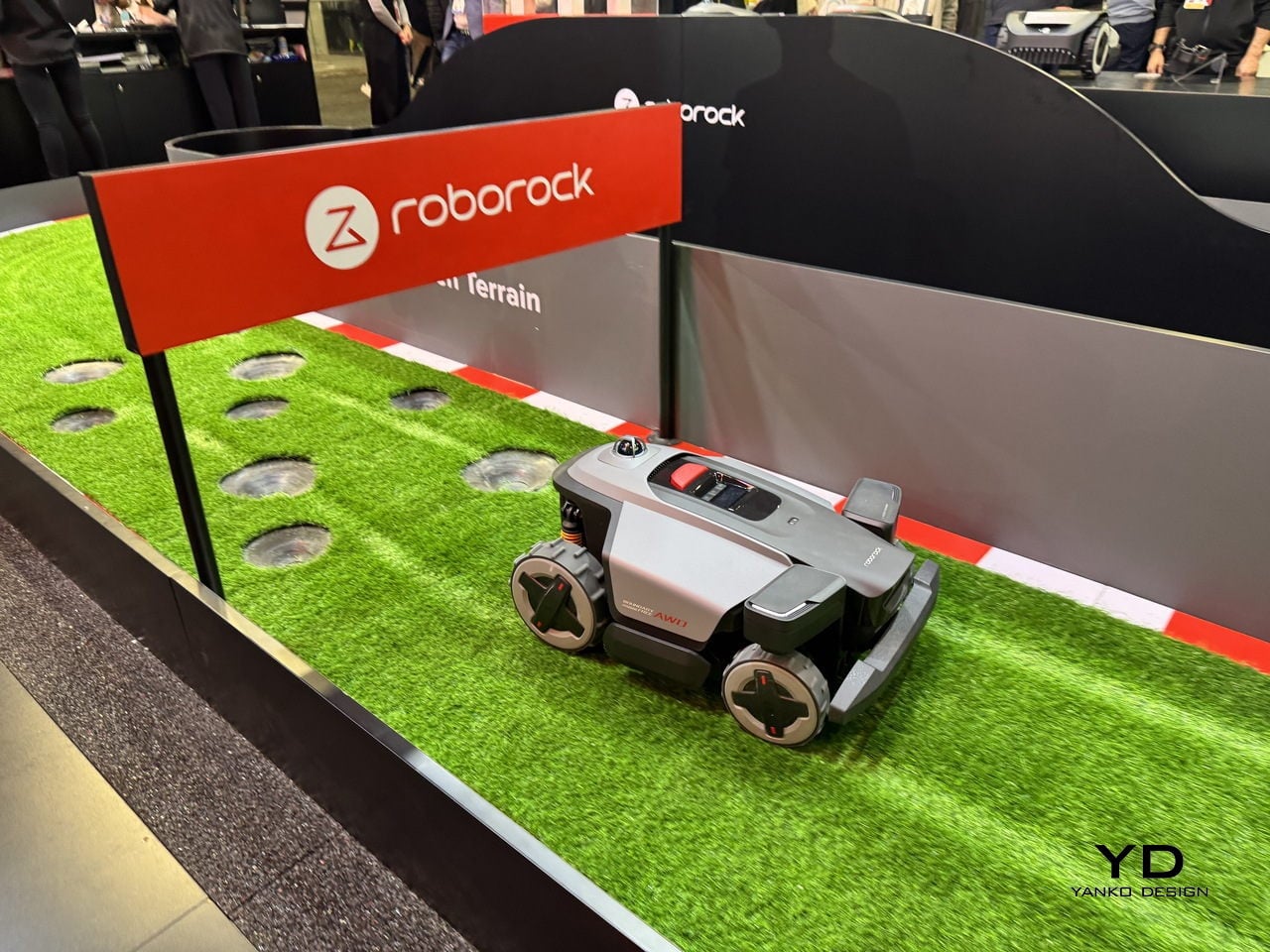
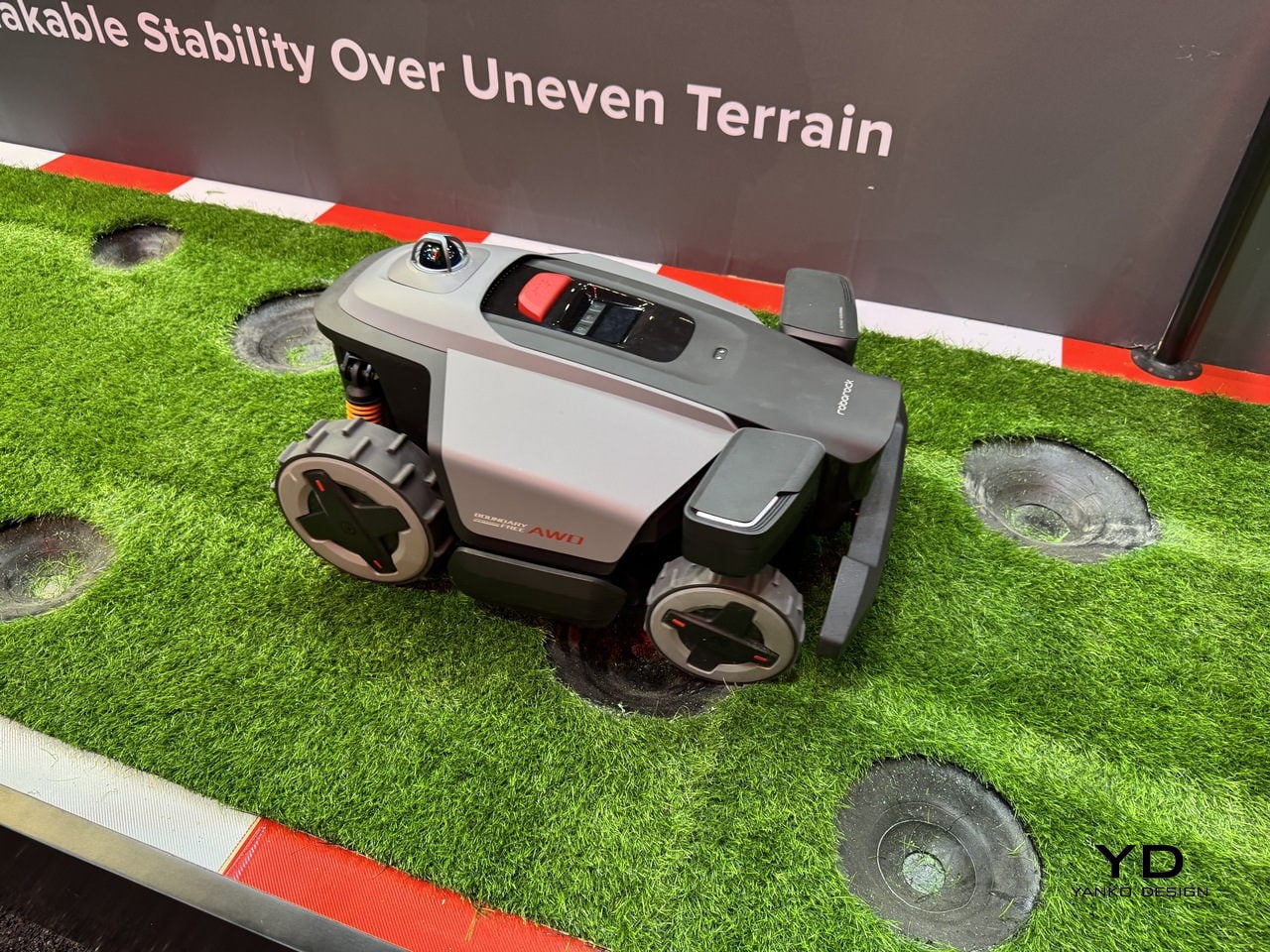
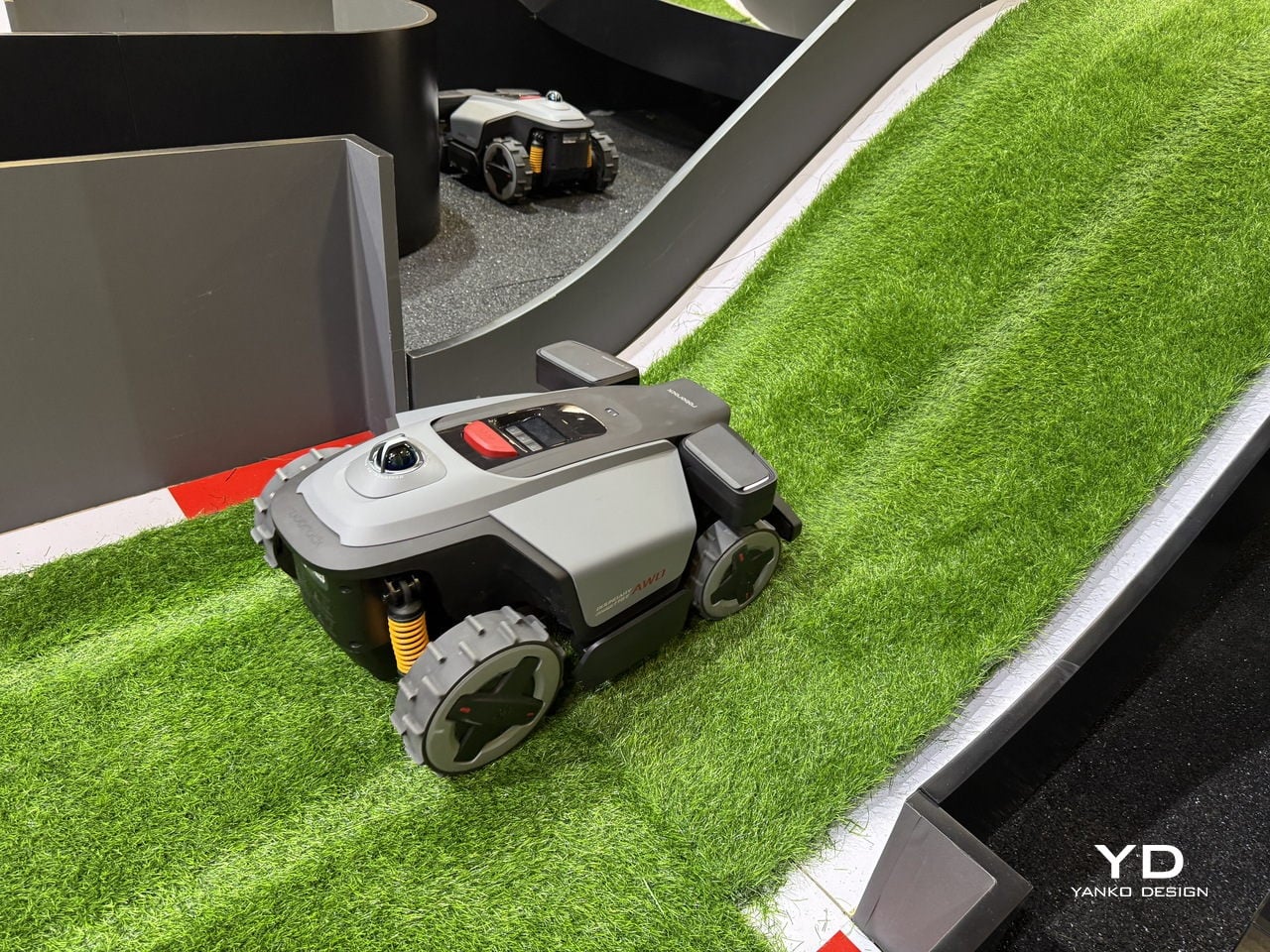
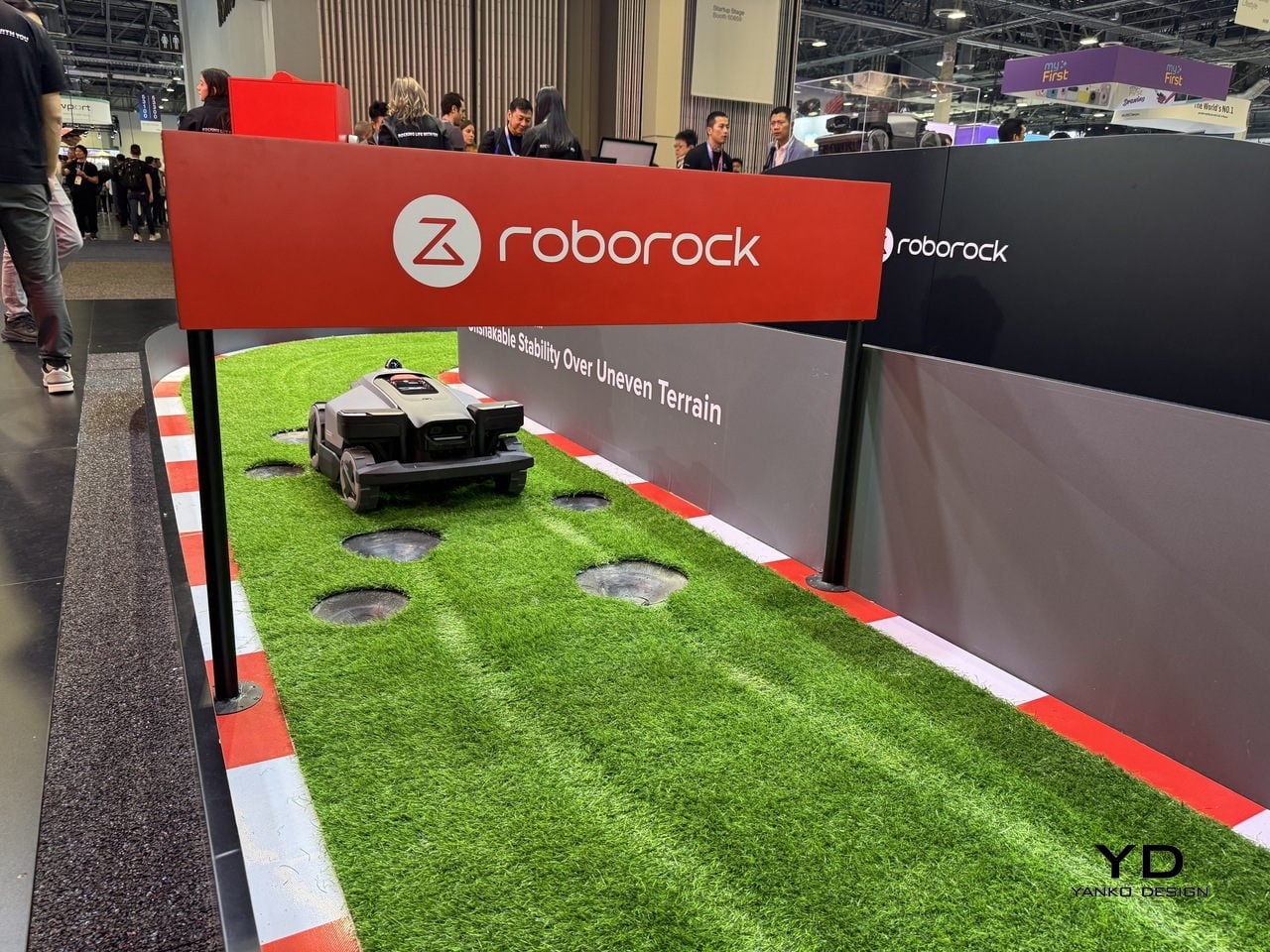
That philosophy extends outdoors with RockMow X1 LiDAR, Roborock’s first-ever lawnmower for the US market, using 360-degree mechanical LiDAR and dual-camera fusion to map properties up to two acres with trees, slopes, and visually sparse patches. Centimeter-level accuracy and AWD traction let it handle uneven terrain and stay oriented in yards where GPS or boundary wires struggle. It understands a yard the way Saros 20 understands a living room, identifying obstacles and terrain changes autonomously.
Greatness in Performance
Performance shows up as power that delivers consistent results when the mess is layered or the surface changes mid-run. Saros 20’s 35,000 Pa HyperForce motor and dual anti-tangle system, the DuoDivide main brush and FlexiArm Arc side brush, pick up hair and debris without wrapping. Dual spinning mops with up to 13 N downward pressure handle dried stains, managing pet hair in thick carpets, kitchen crumbs, and seasonal grit.
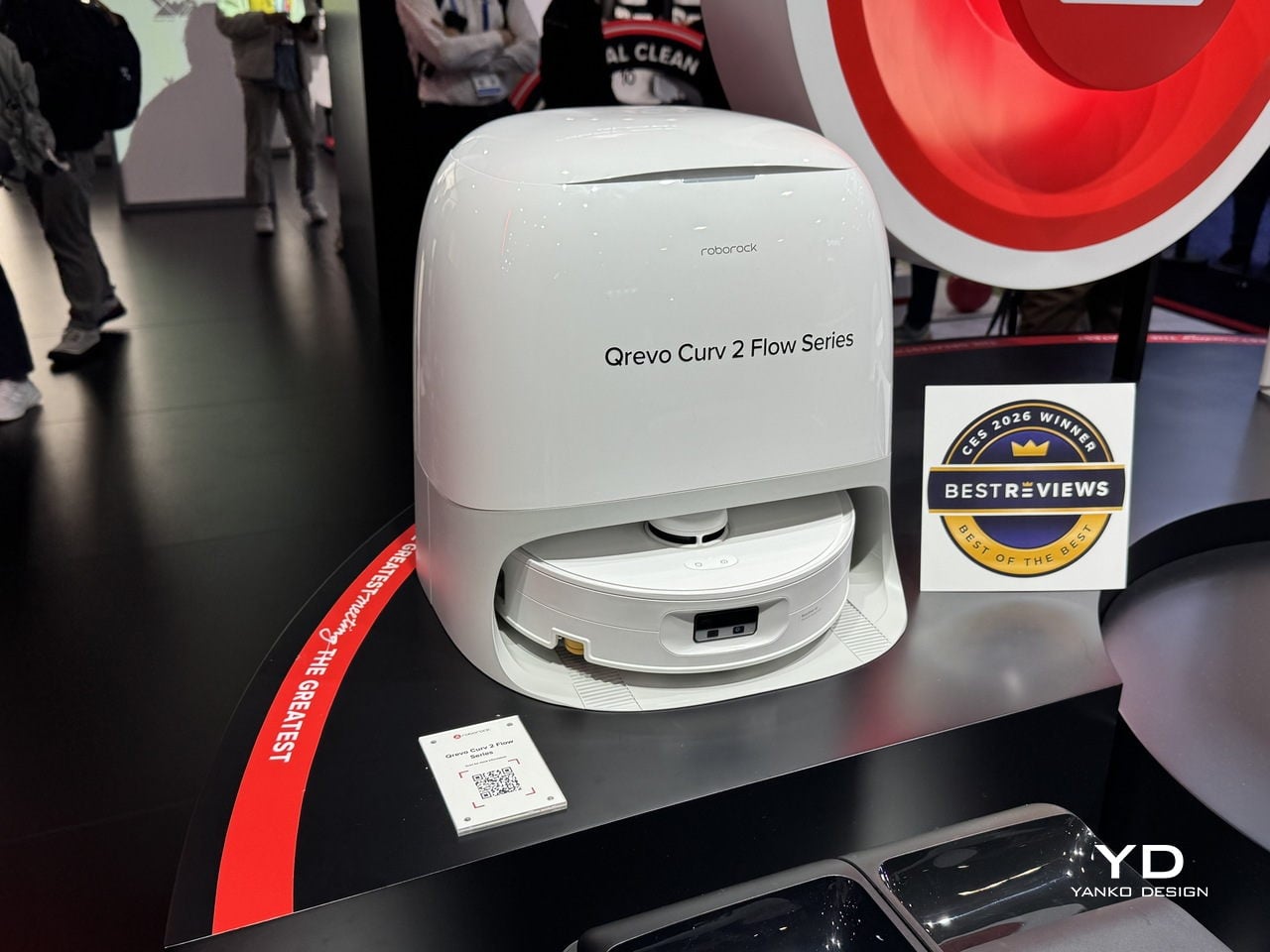
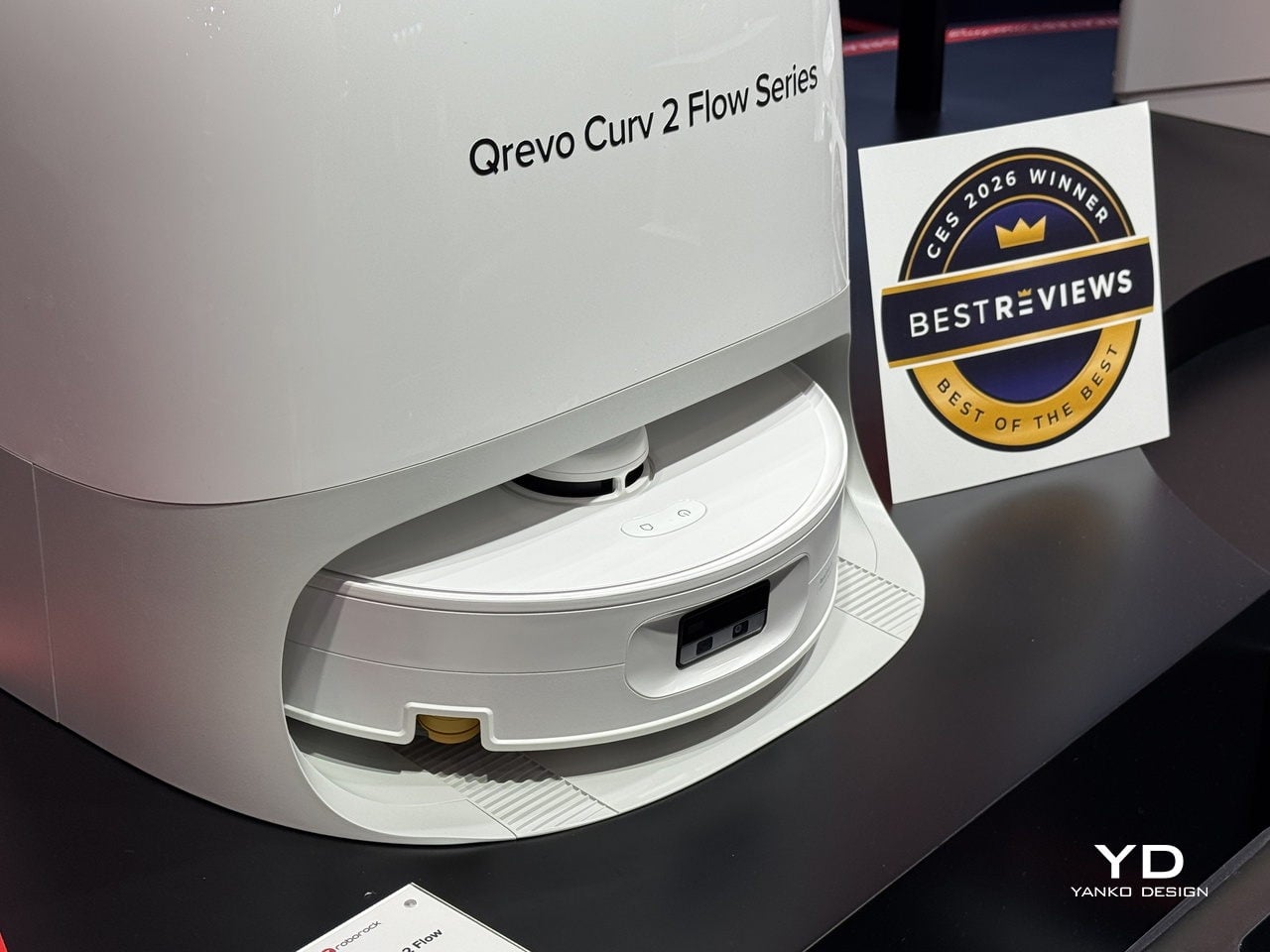
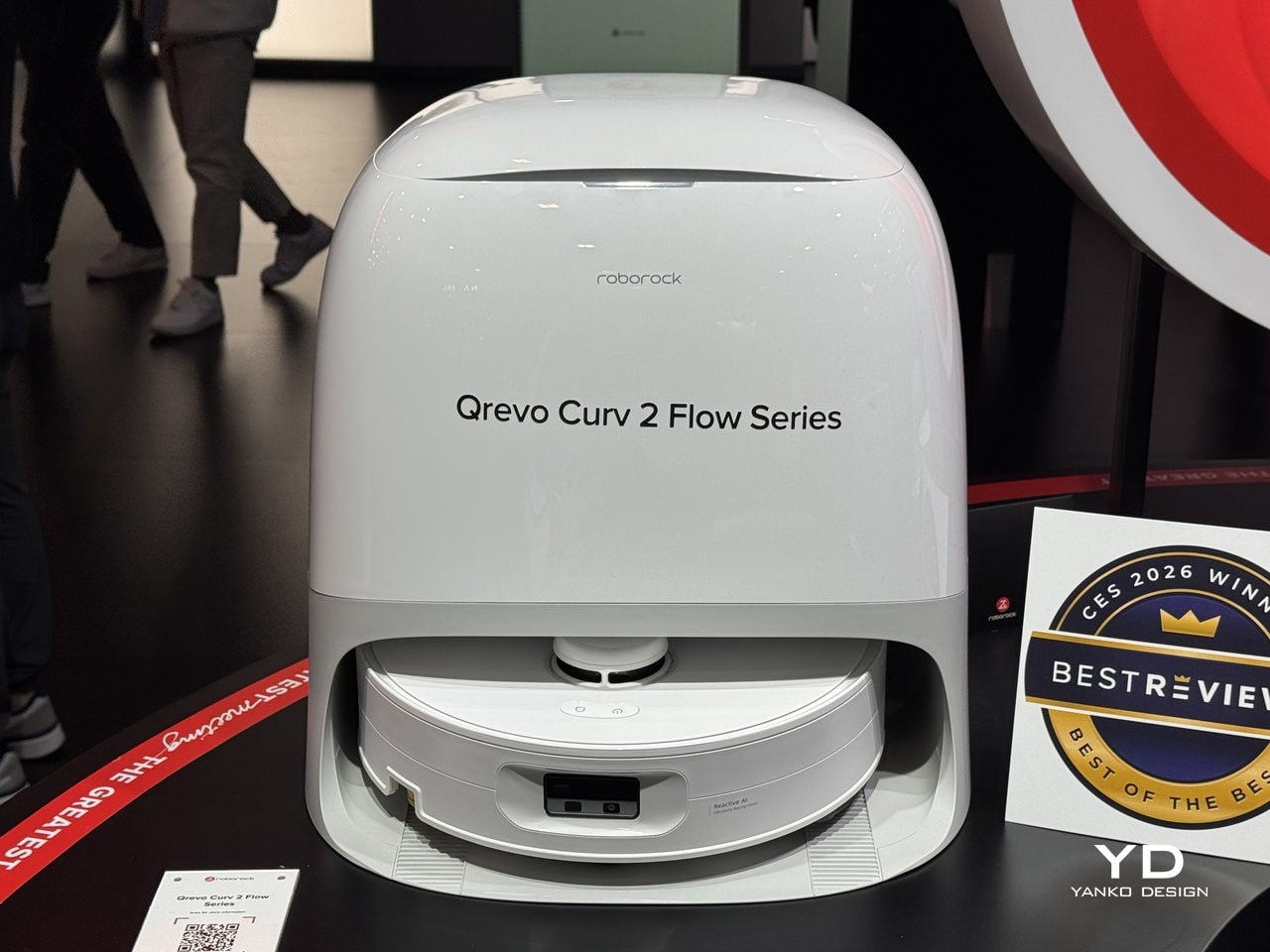
Qrevo Curv 2 Flow is positioned as a one-pass floor-care specialist. Its 270 mm extra-wide roller, 15 N downward pressure, and 220 RPM scrubbing cover more ground in a single sweep. The Roller Shield lifts and covers the mop before carpets, preventing damp spots, while the Edge-Adaptive roller mop gets within 10 mm of baseboards and furniture legs, handling mixed flooring without constant re-passes or wet carpets.
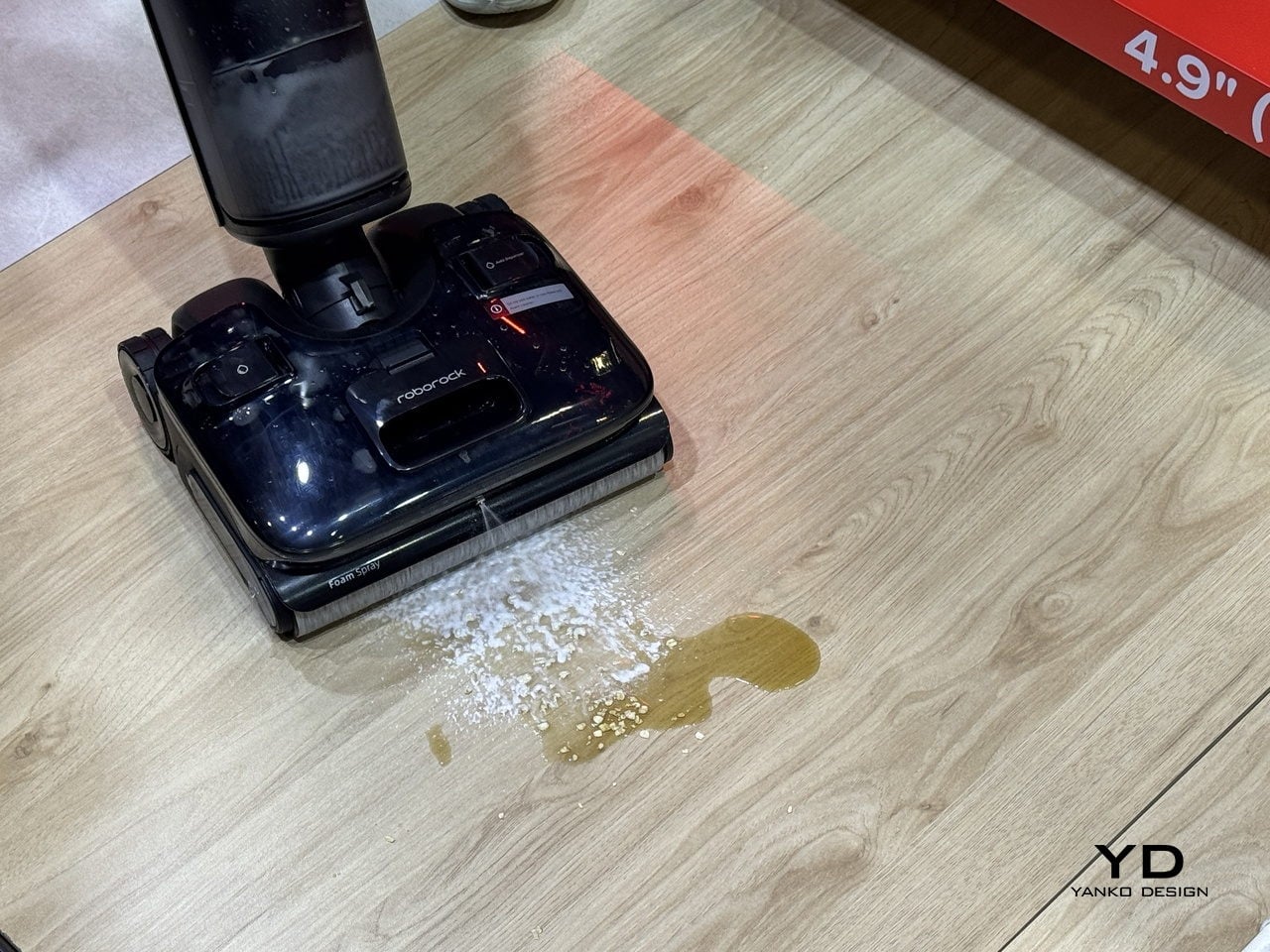
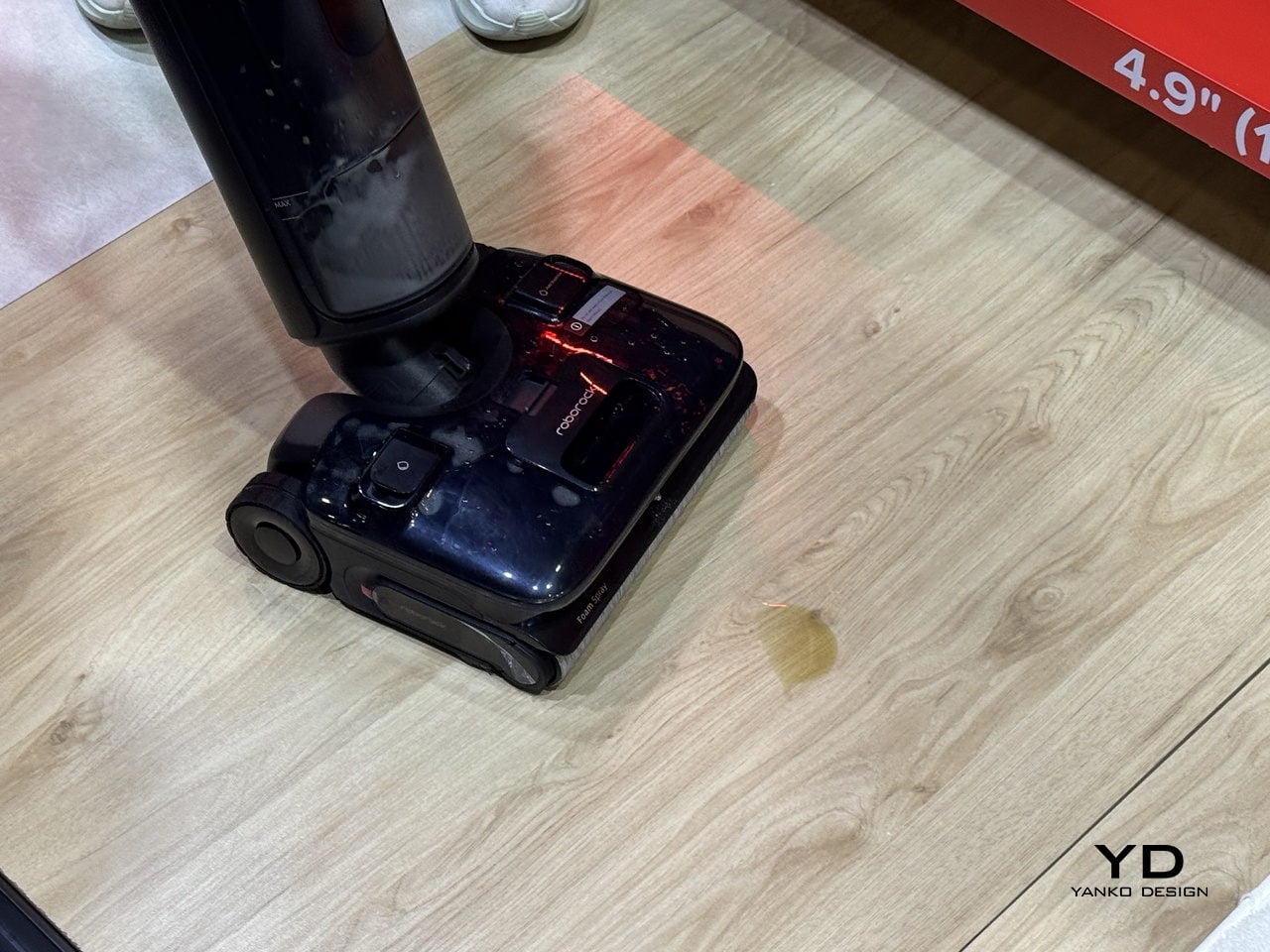
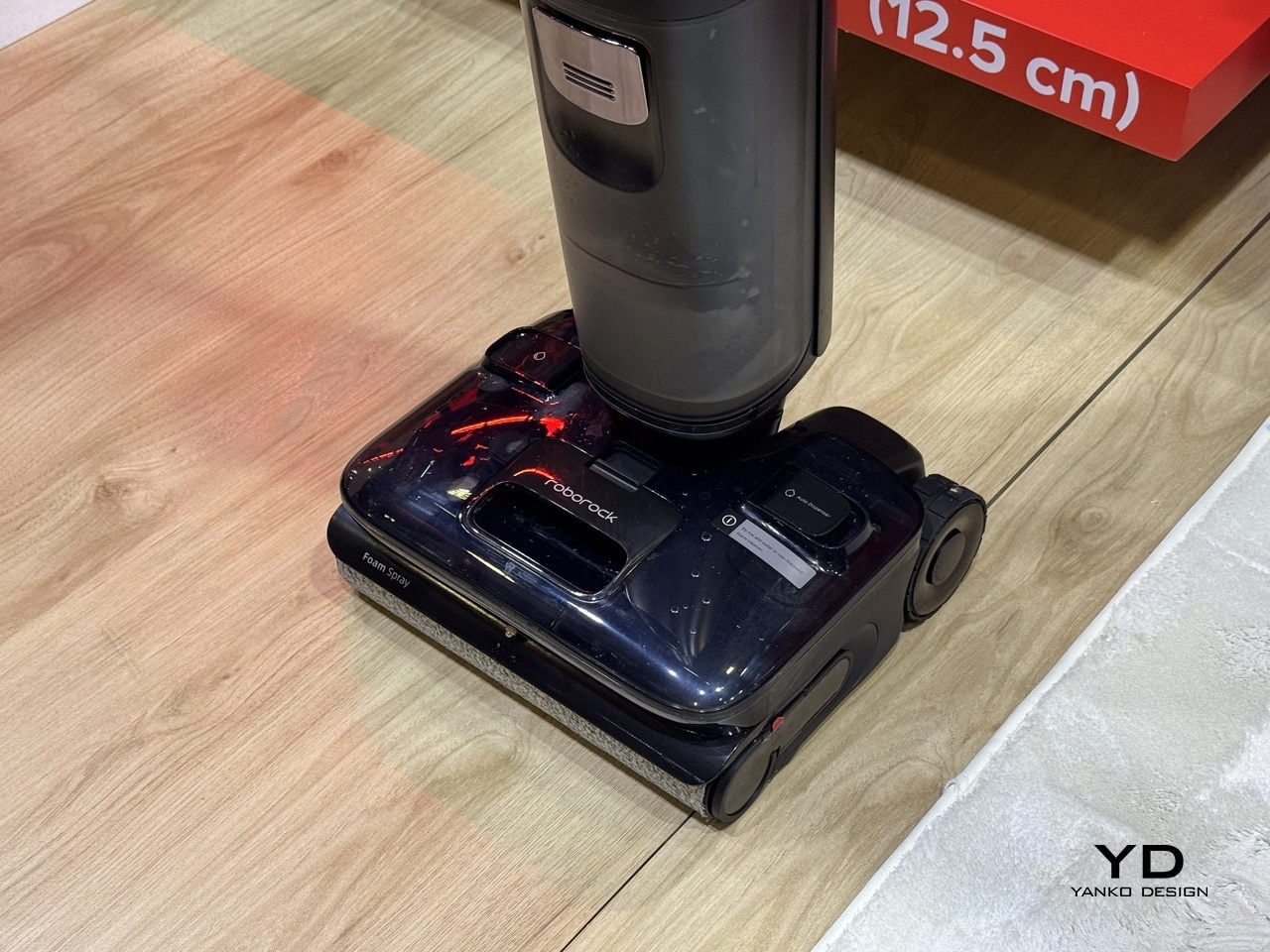
F25 Ace Pro brings foam chemistry to wet-dry cleaning. JetFoaming technology turns 1 ml of Foam Cleaning Solution into 167 million microbubbles that cling to grease and dried spills, softening and encapsulating them before 25,000 Pa suction, 30 N pressure, and 430 RPM scrubbing lift them away. This is designed for kitchens with oil splatter, entryways with mud, and pet zones where layered messes need more than just water.
Greatness in Design & Everyday Living
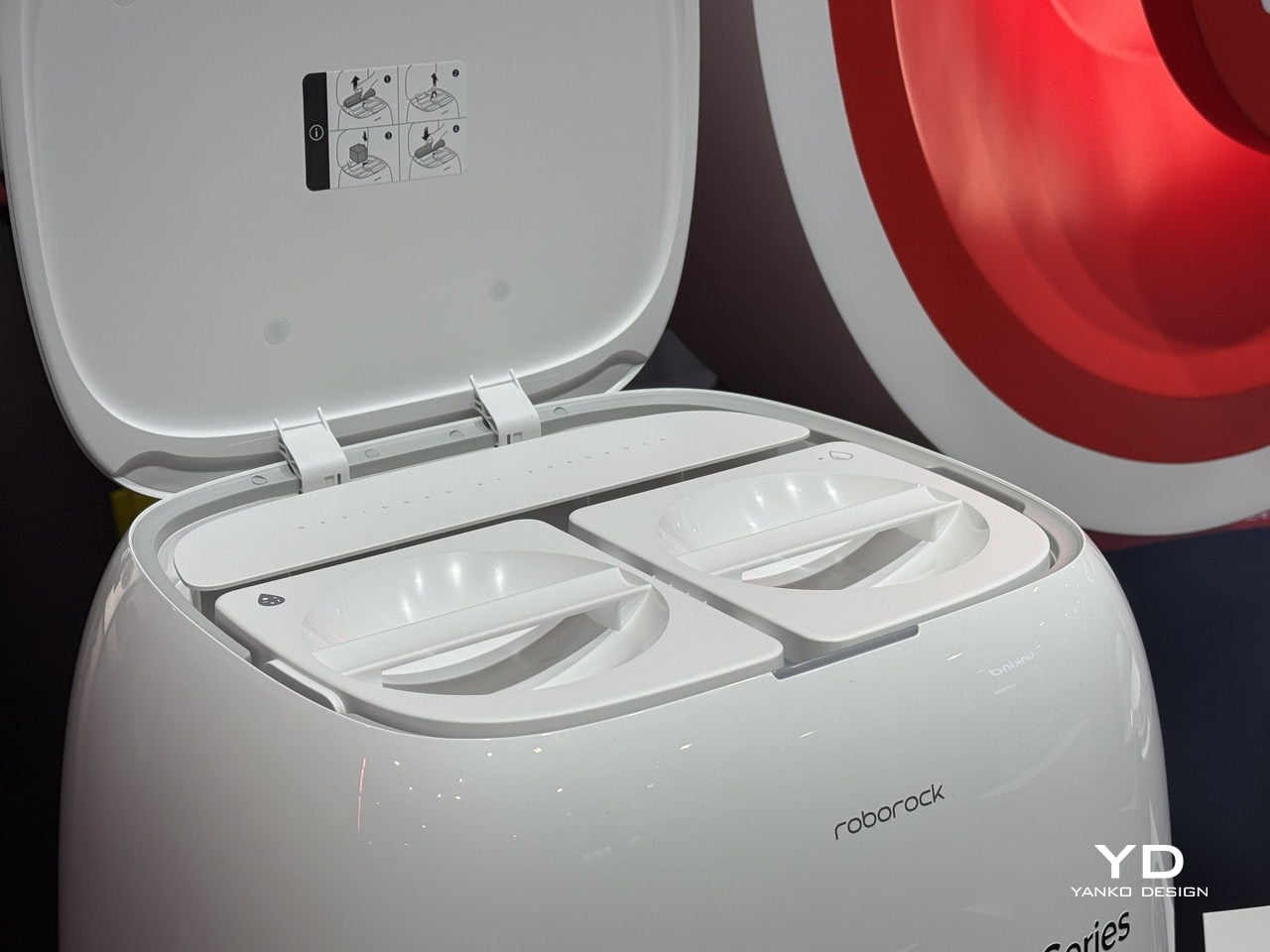
Fitting into daily life means handling hygiene and maintenance without becoming another source of work. Qrevo Curv 2 Flow’s self-cleaning dock separates clean and dirty water, washes the roller at 75 °C, and dries it with warm air. The dock handles sticky spills and pet zones without turning into another thing that needs scrubbing every weekend, keeping the system fresh and ready without manual intervention.
F25 Ace Pro’s ergonomics focus on the moments when you are holding the device. FlatReach 2.0 lets it lie flat at 180 degrees to reach under furniture at 12.5 cm height, while SlideTech 2.0 uses AI-powered wheels to sense push and pull strength and assist movement, making it feel lighter and more responsive. The 0 mm edge cleaning on three sides and 95 °C self-washing and drying keep the roller fresh.
Saros 20’s RockDock and app ecosystem extend that design philosophy. The dock uses 100 °C hot water to wash mops, bi-directional scrubbing and soaking modes, heated air drying, and auto mop removal before carpets. The Roborock app’s SmartPlan 3.0 learns room types and habits, while pet-friendly intelligence, built-in “Hello Rocky” voice control, and Matter support help the system blend into routines rather than adding another app to babysit.
Greatness Beyond the Room
RockMow X1 LiDAR handles the seasonal realities of yard maintenance. AWD traction and 8 cm obstacle clearance manage wet spring grass, summer growth, and autumn leaves, with a 24 cm cutting width and 40-90 mm cutting range tuned for common lawn types. It is built for properties with trees, slopes, and visually sparse patches where GPS alone would struggle, using LiDAR and cameras to stay oriented across terrain that changes throughout the year.
RockMow represents a broader shift from room-by-room cleaning to full-property autonomy. While Saros 20 and Qrevo Curv 2 Flow handle floors and carpets, and F25 Ace Pro tackles kitchens and hard floors, RockMow extends that philosophy to the yard. The result is a set of tools that treat the home as a continuous environment, indoors and out, rather than a collection of disconnected chores that each require their own app, setup, and maintenance schedule.
Roborock’s CES 2026 lineup feels less like a handful of new gadgets and more like a coordinated attempt to match the scale and texture of modern living. Intelligence, performance, and design show up differently in a kitchen, a living room, and a sloped backyard, but the throughline is the same across North America and beyond: systems that adapt to the mess, the layout, and the people, instead of asking households to adapt to them.
The day often begins and ends with a smartphone, from checking notifications before getting out of bed to scrolling in the dark when you should be asleep. Even people who care about design and well-being end up with glowing rectangles on every surface, and that constant presence quietly shapes attention, sleep, and mood more than most of us like to admit. The usual fix is another app that promises to help you use your phone less, which is like asking the problem to solve itself.
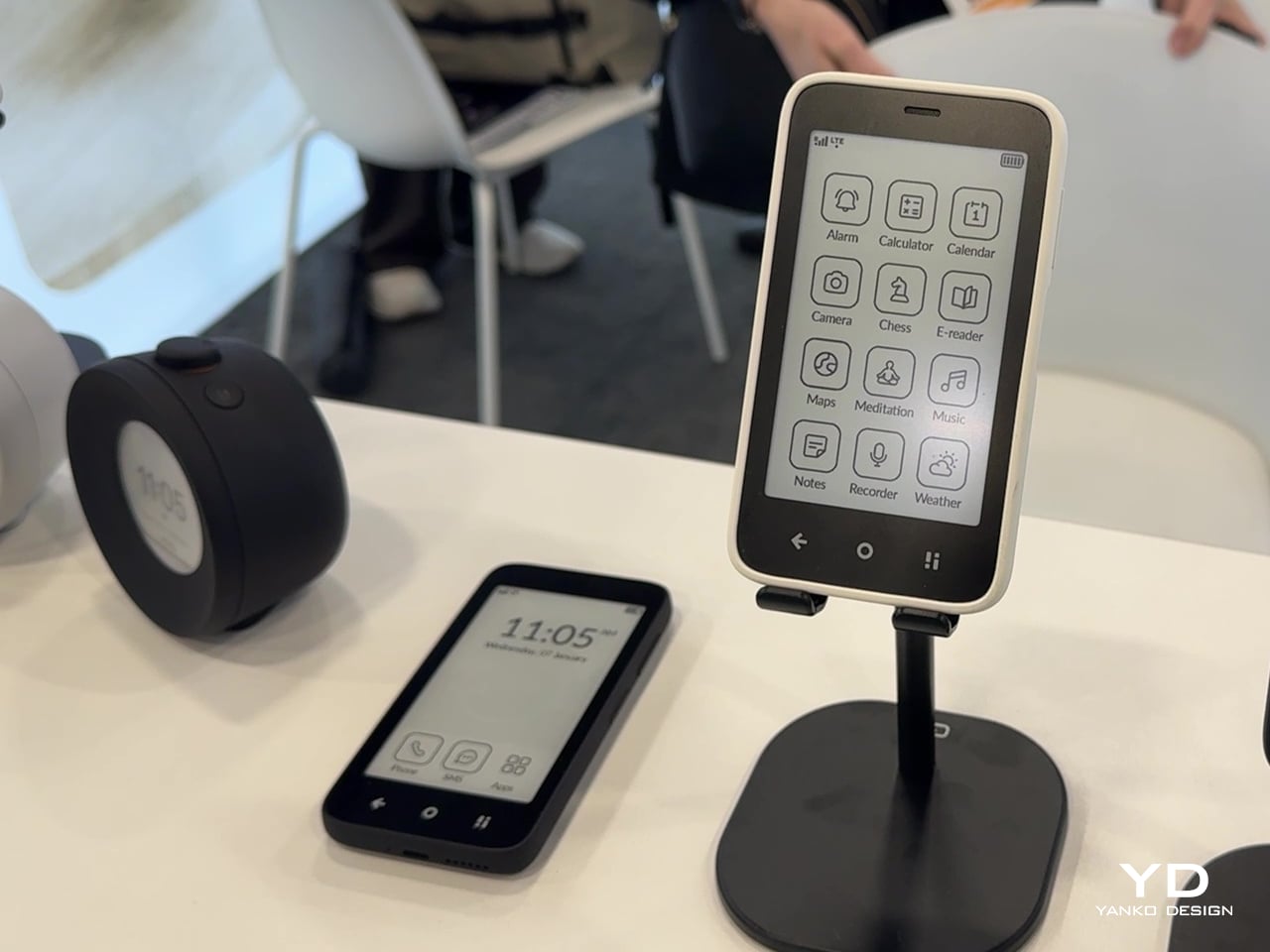
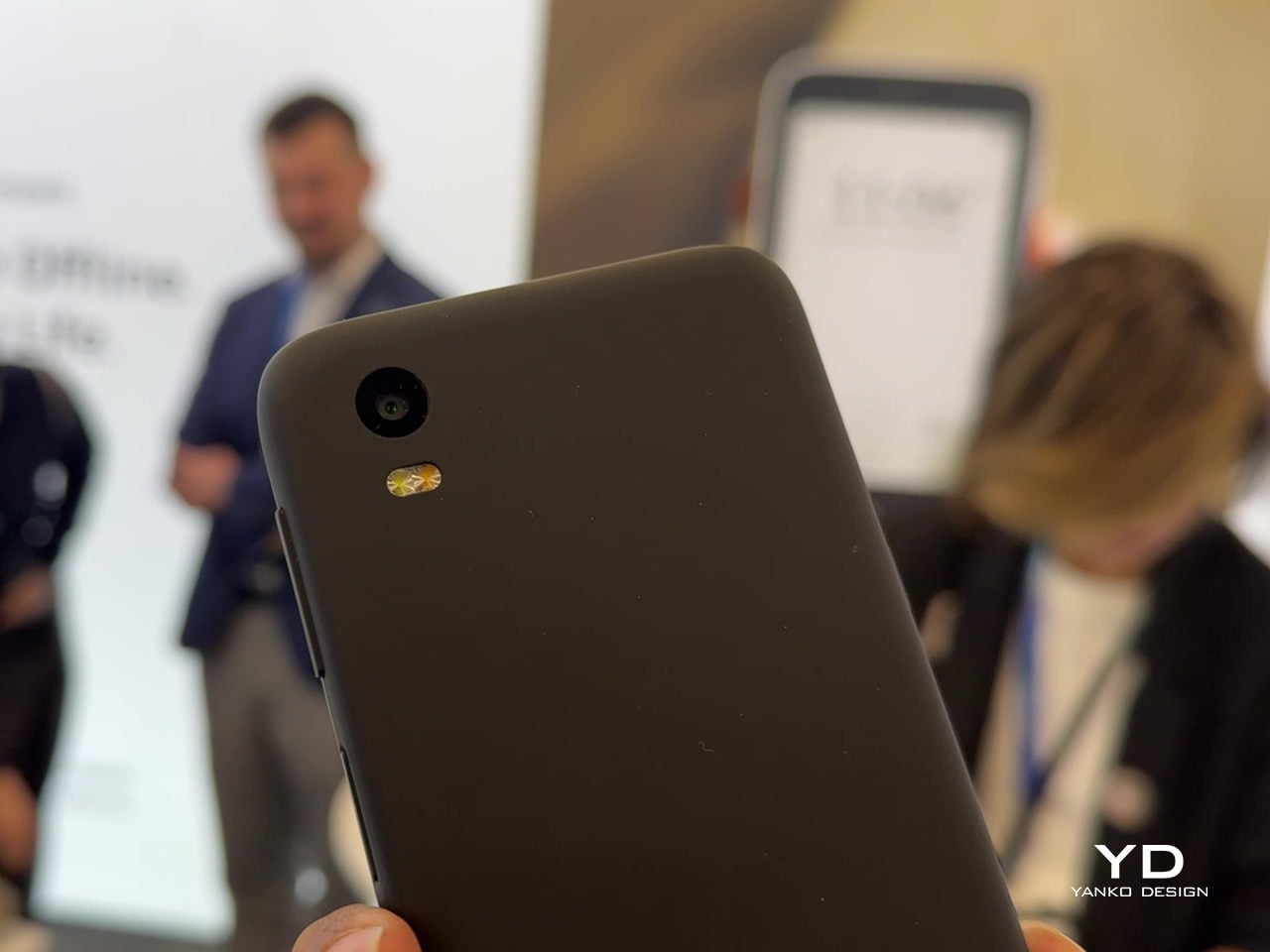
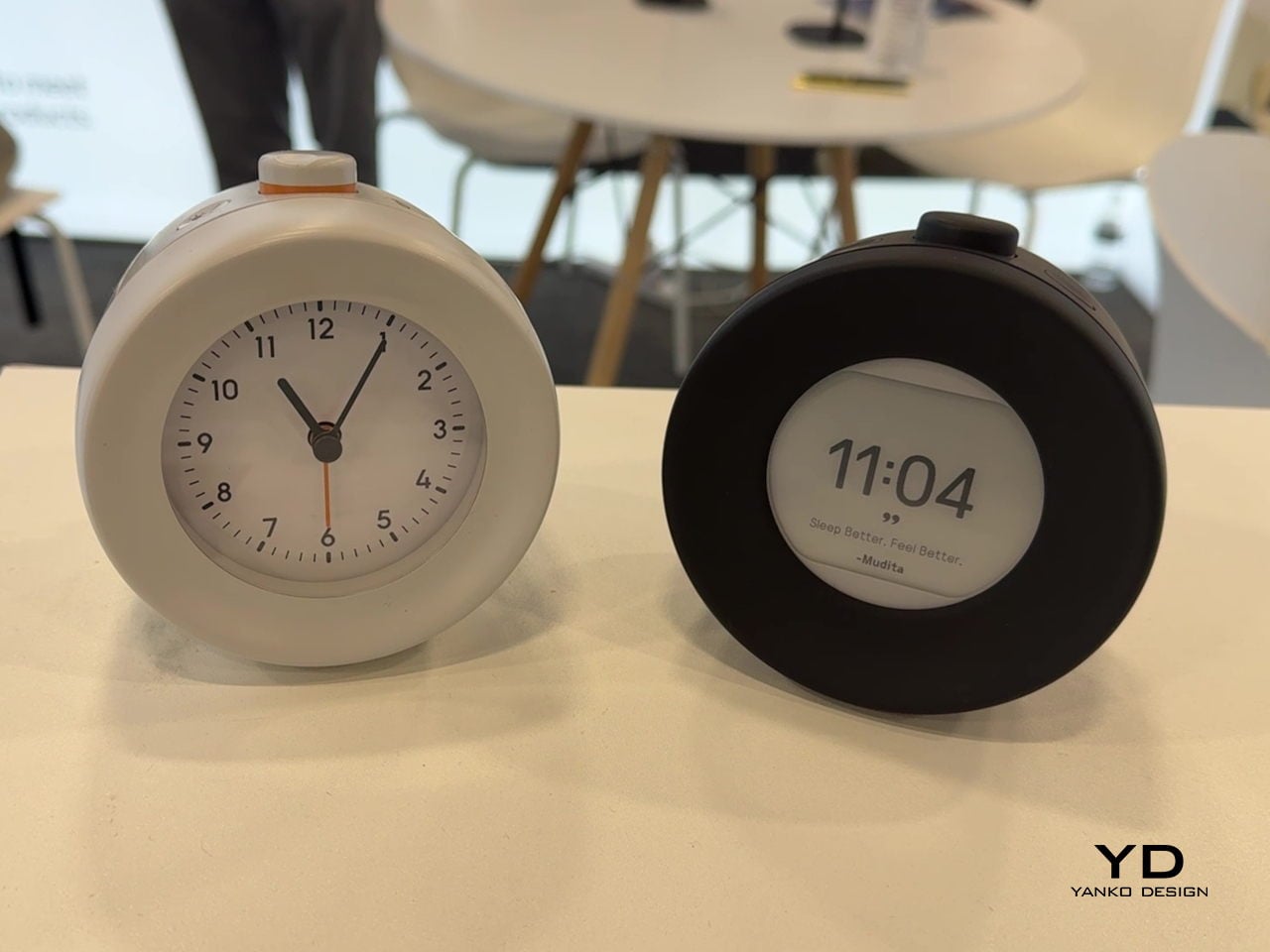
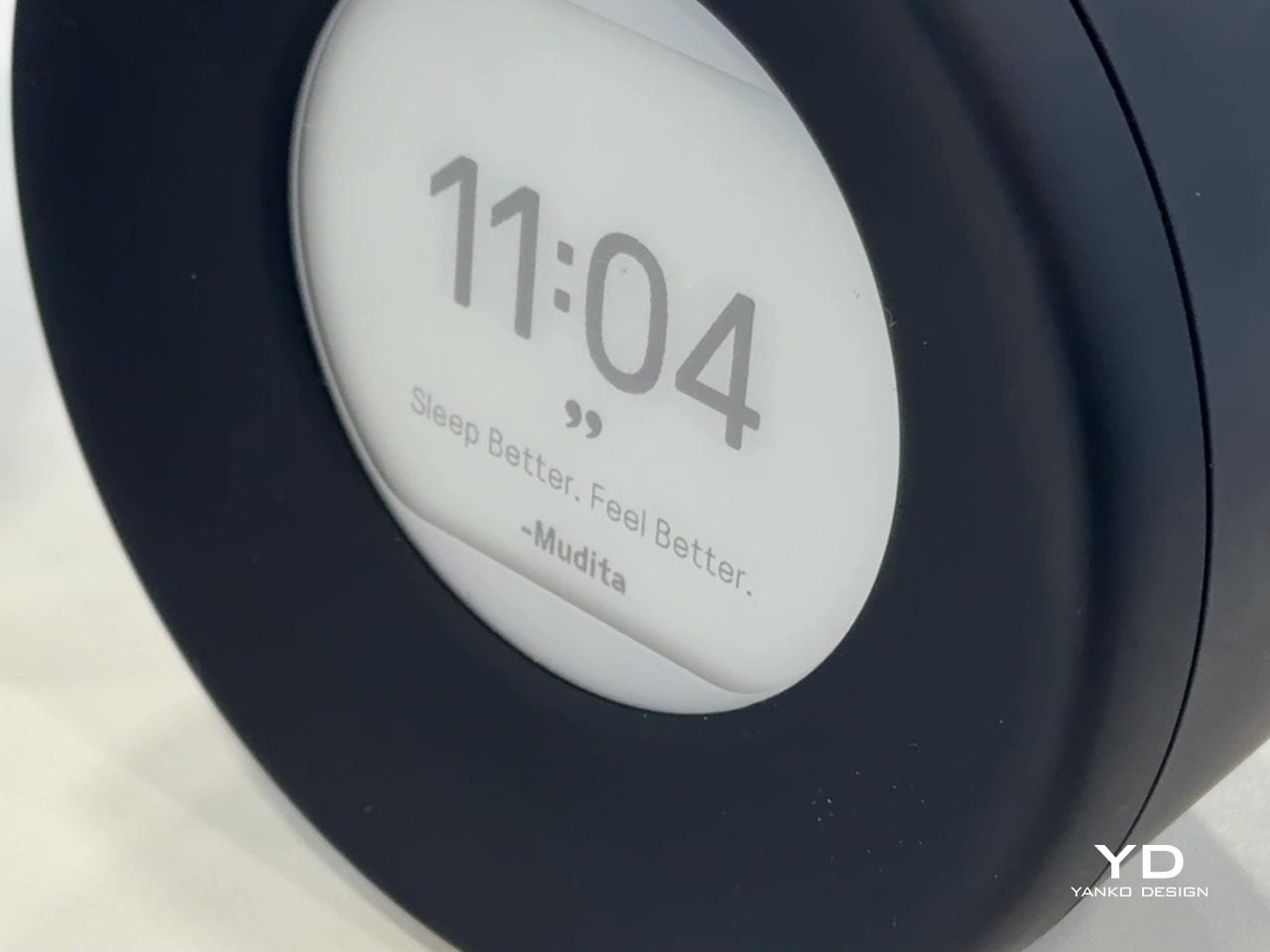
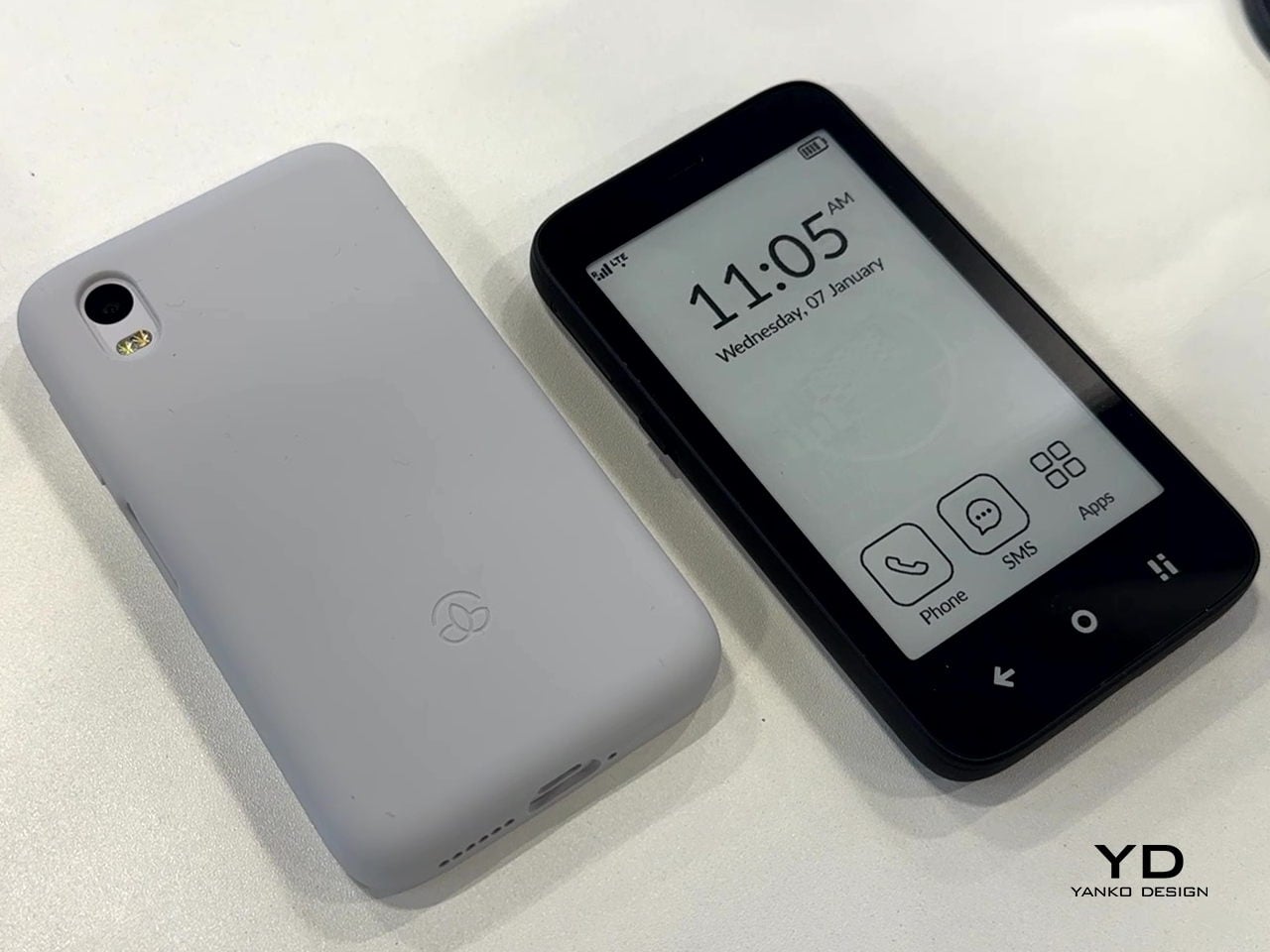
Mudita has been quietly building devices meant to step in where traditional smartphones can cause the most trouble. At CES 2026, that takes the form of three products: Mudita Kompakt, a minimalist E Ink phone, Mudita Harmony 2, a mindful alarm clock with an E Ink display, and Mudita Bell 2, an analog-style alarm clock with a few carefully chosen digital tricks. Together, they sketch out a different way to move through a day, keeping connections and routines intact while pushing screens out of the moments where you may choose to be “disconnected.”
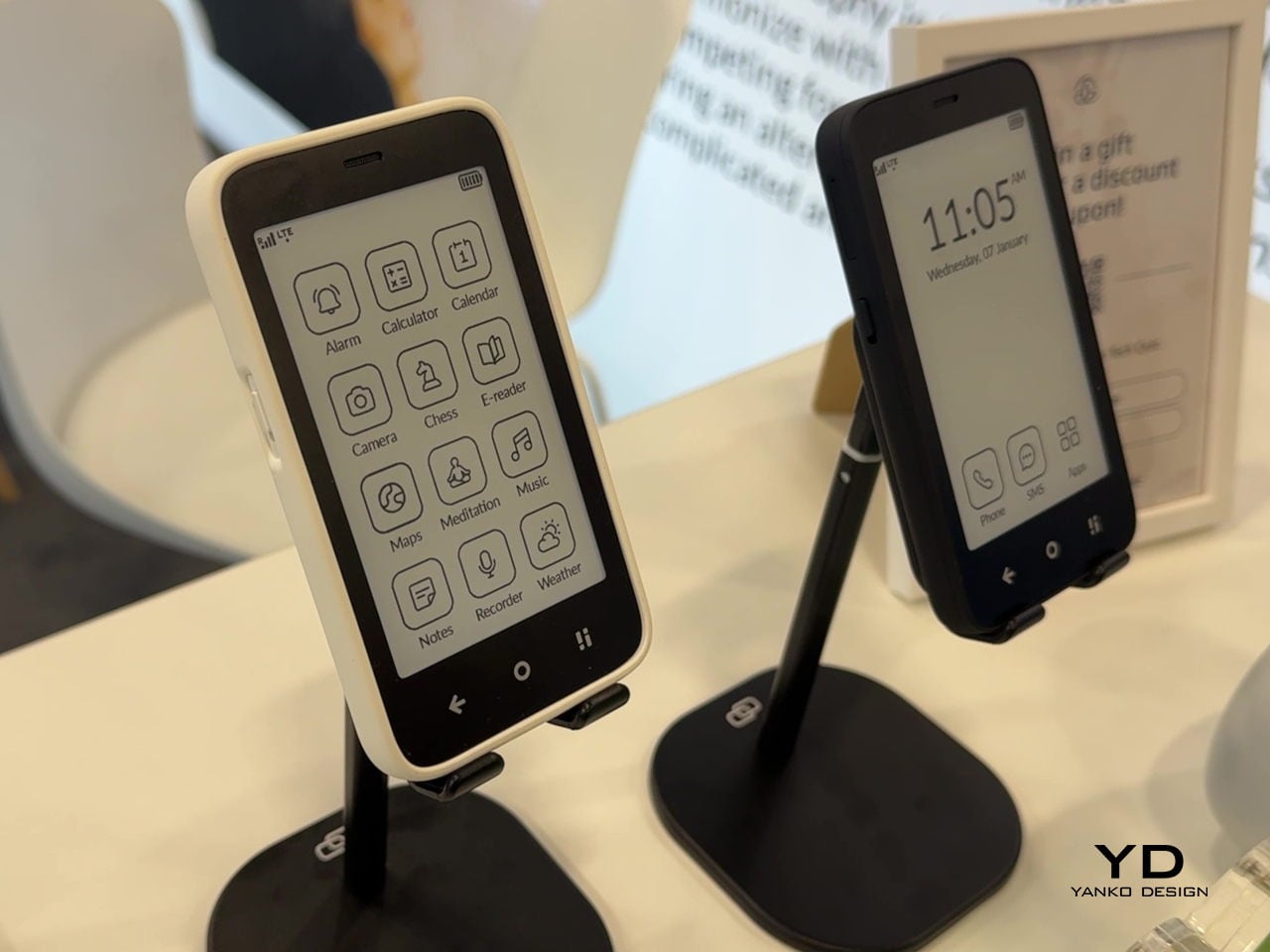
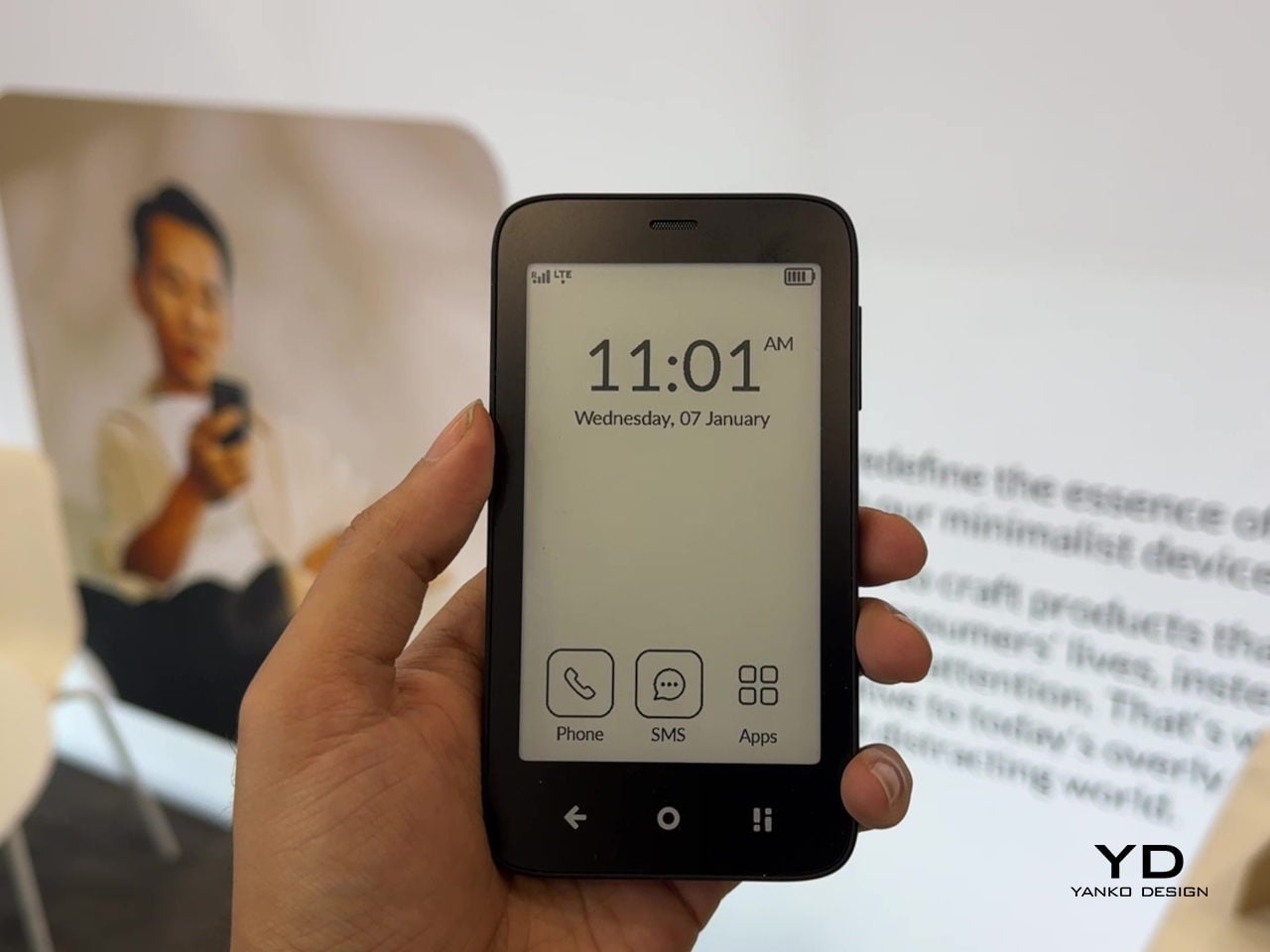
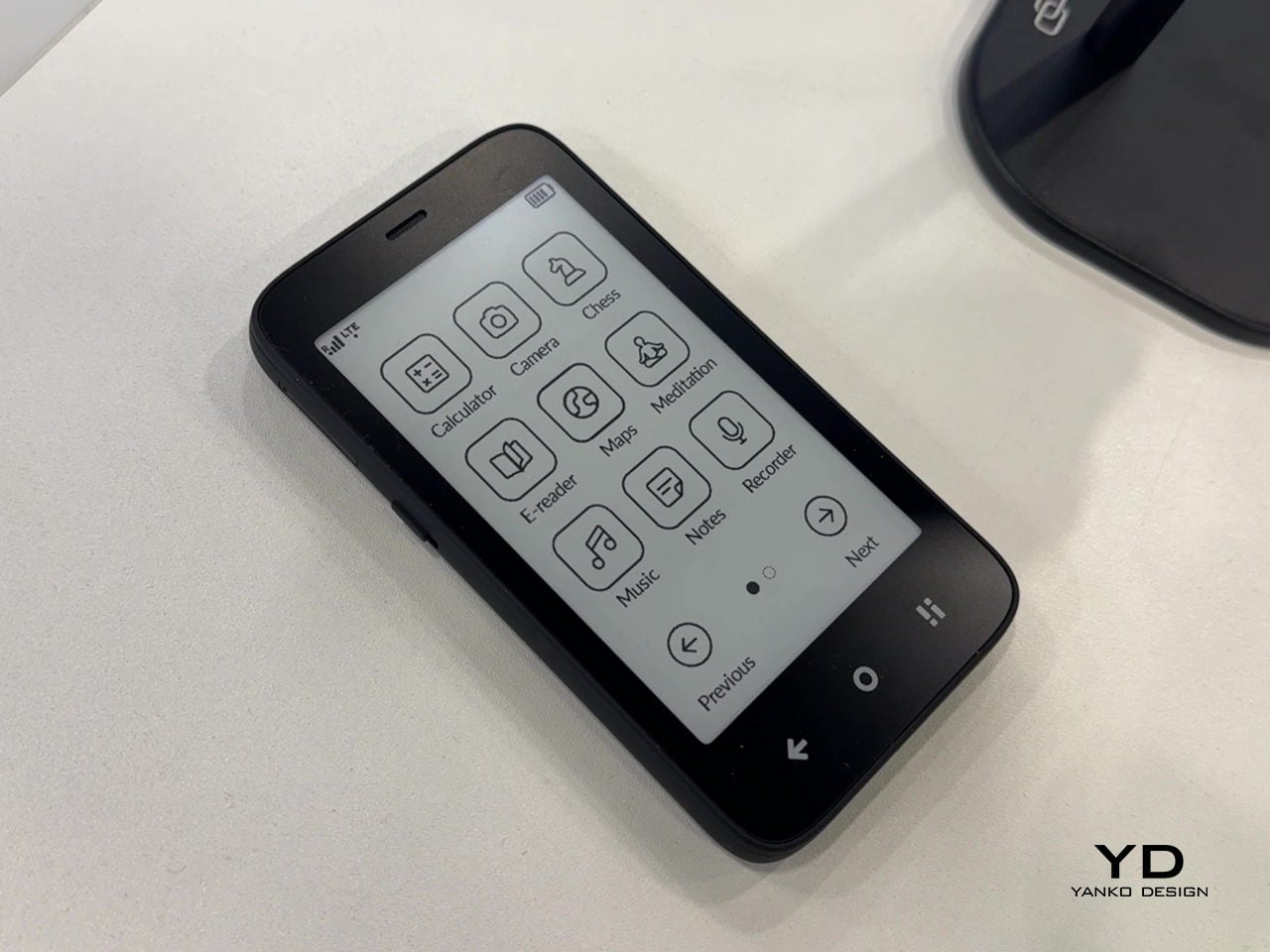
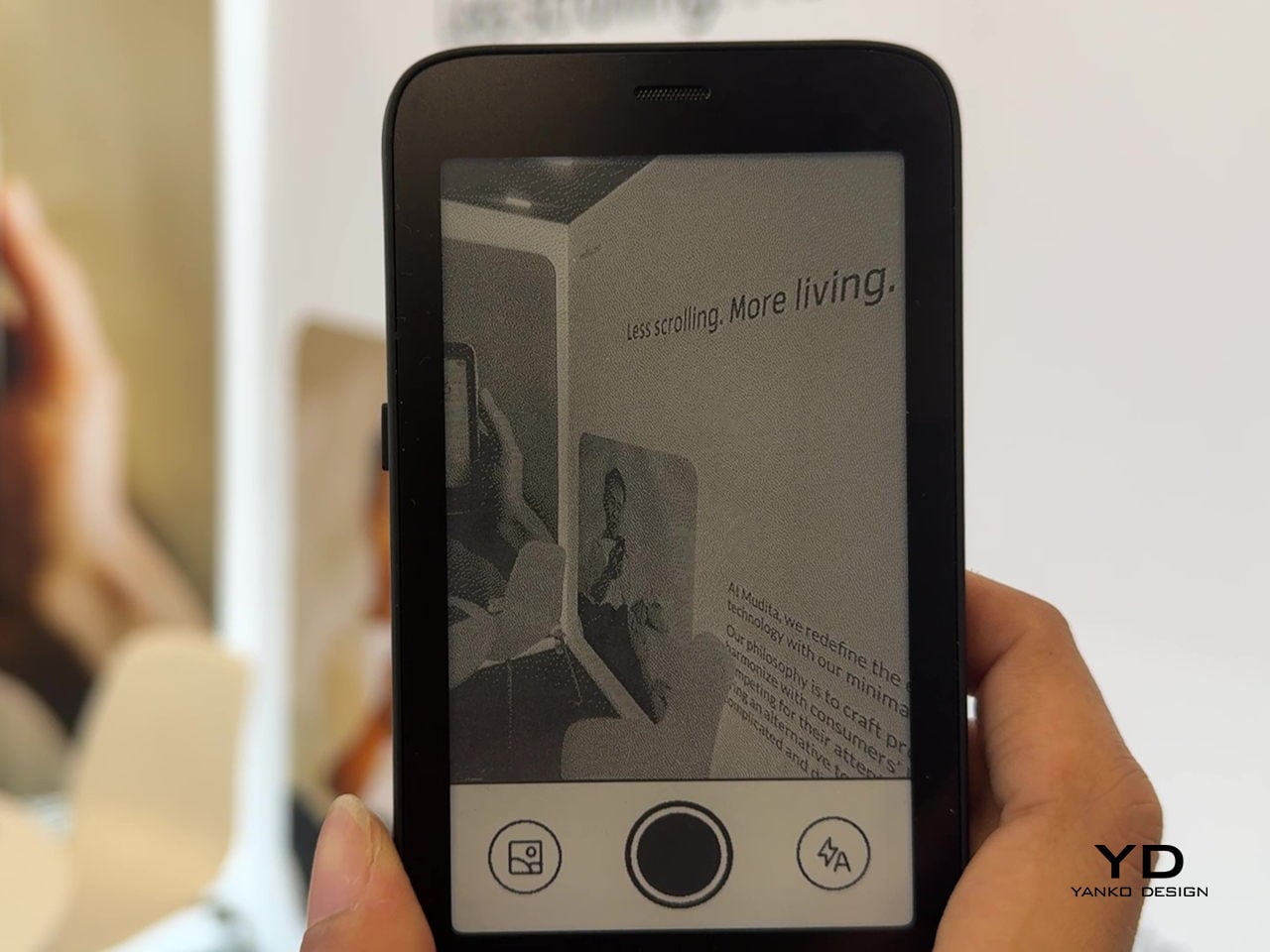
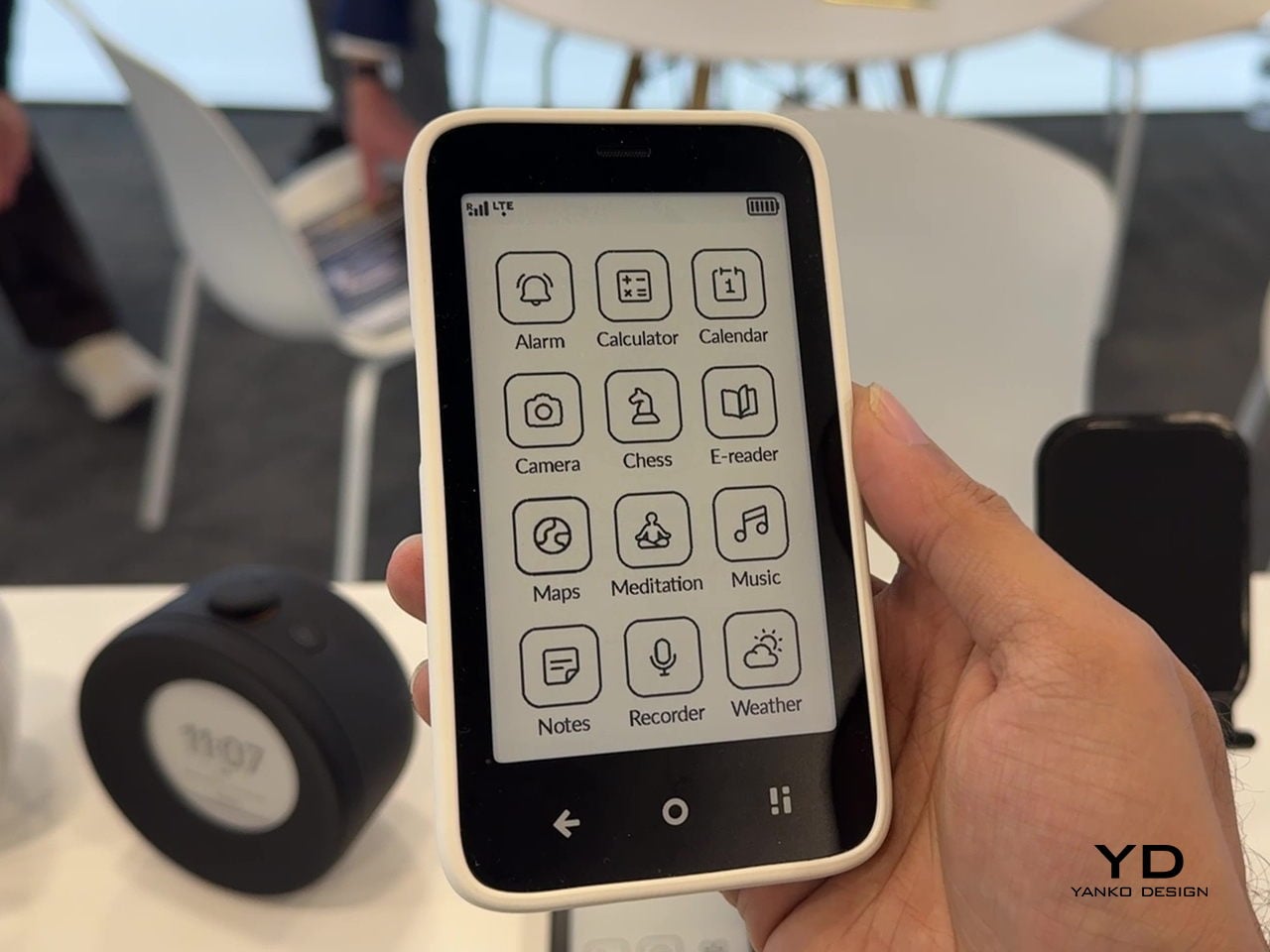
Kompakt looks more like a small e-reader than a slab of glass, built around a 4.3-inch E Ink screen that is paper-like, glare-free, and easy on the eyes. It runs MuditaOS K, a de-Googled operating system based on AOSP, with only essential tools on board: calls, SMS, offline maps, calendar, up-to-date weather forecasts, music, notes, a meditation timer, and an e-reader. There is no app store by design, keeping the interface focused on what you planned to do instead of what a feed wants to show you next. But if you do need some very specific functionality, your favorite apps are just a sideload away.
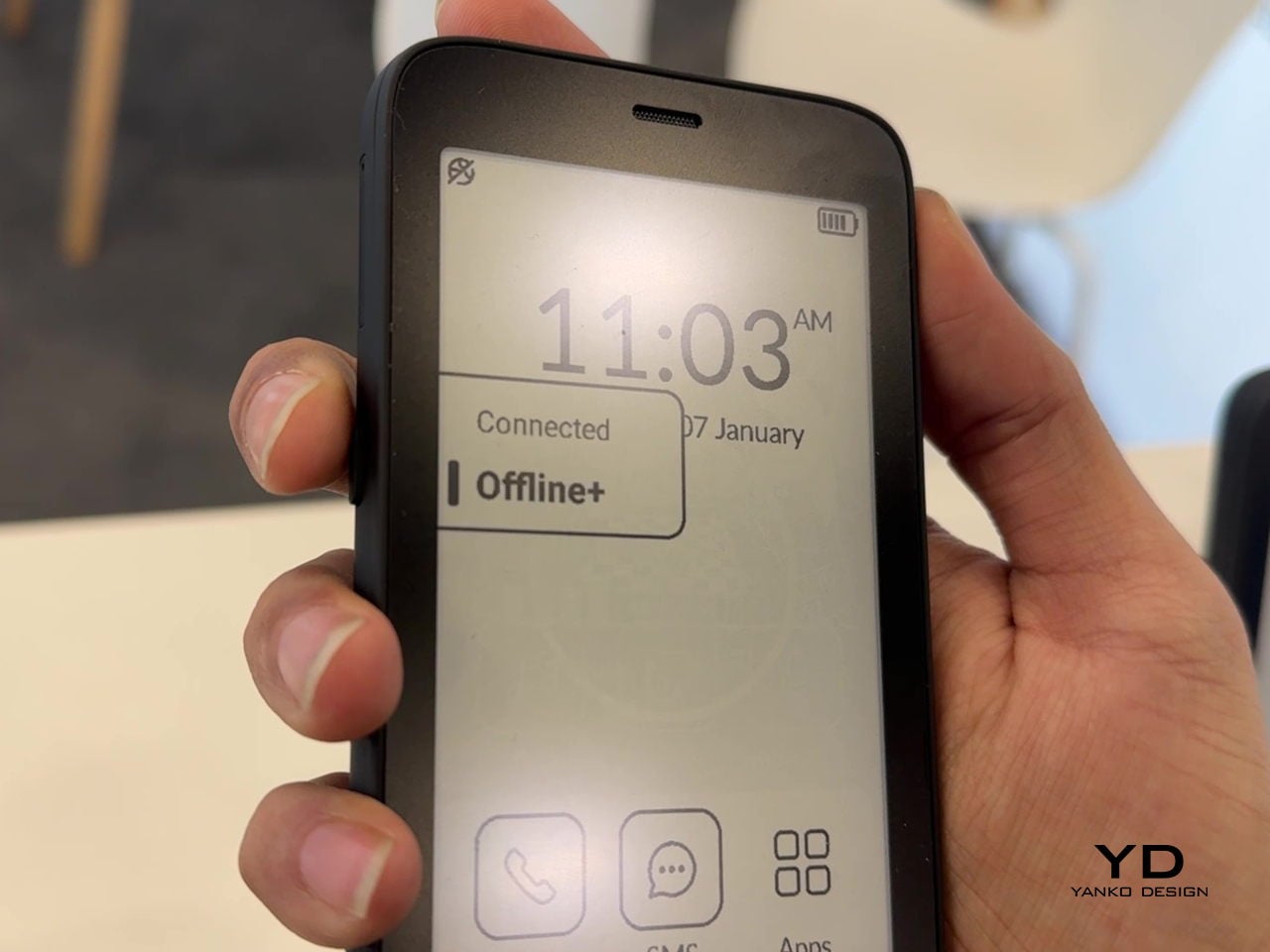
Offline+ Mode physically disconnects the GSM modem and microphones, while also disabling Wi-Fi, Bluetooth, and the camera, turning Kompakt into a sealed, offline device when needed. That hardware-level privacy goes beyond airplane mode, which matters when you want verifiable disconnection. Long battery life, up to six days on a charge, and both USB-C and wireless charging mean it can live on a desk or in a bag without constant topping up.
A dedicated Mudita Center desktop app handles contact syncing, music, and file transfers from a laptop, keeping the phone itself simple and uncluttered, its user experience reflecting its mission. As a primary phone for someone stepping away from feeds, it keeps communication and navigation intact while stripping away most reasons to pick it up mindlessly. As a secondary focus phone for anyone who wants to disconnect from the hustle of a smartphone, it can handle calls and texts without the usual app notifications to help nurture balance and peace of mind.
Mudita Harmony 2: A Bedroom Without a Smartphone Glow
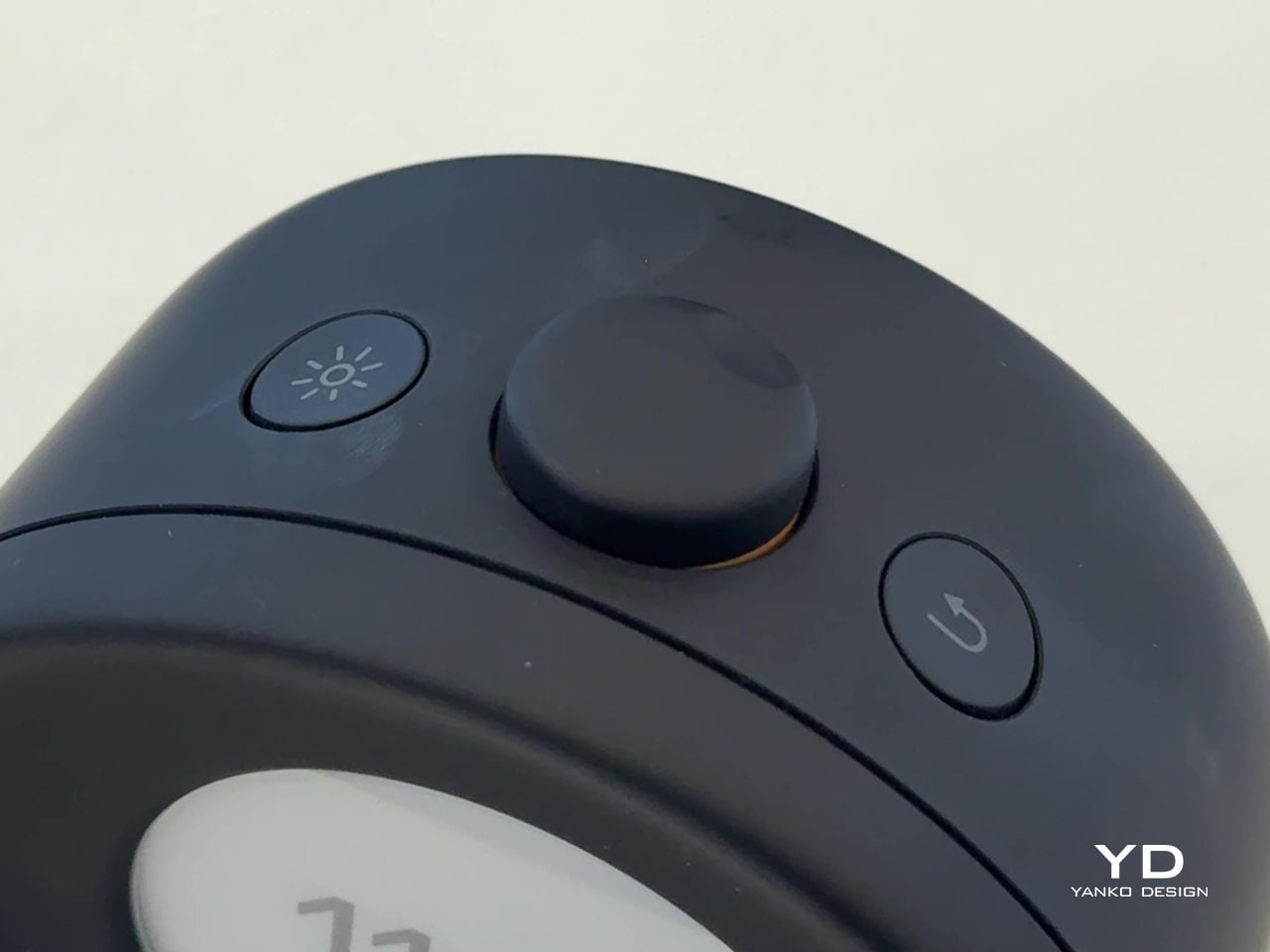
Harmony 2 is an E Ink alarm clock with three physical knobs on top for light, volume, and alarm settings, designed to live where a phone usually sits on a nightstand. The E Ink display is easy to read and uses an adjustable warm backlight that minimizes blue light, so you can check the time at night without a blast of white light or the temptation to swipe through notifications that make it harder to fall back asleep.
The wake-up experience is built around a gradual, ascending alarm that starts softly and increases in volume, paired with a pre-wake-up light that mimics a sunrise by slowly brightening five to fifteen minutes before the main alarm. Harmony 2 offers seventeen melodies, including real nature sounds, and lets you enhance alarms with light or upload custom audio via the Mudita Center app. The goal is to make waking feel less like an interruption and more like a natural transition.
Extra features support a phone-free bedtime, Relaxation mode with customizable sounds and white noise, a Bedtime Reminder to nudge you into a consistent routine, a Meditation Timer with gong sounds, and a Power Nap Mode. With over forty days of battery life and USB-C charging, Harmony 2 can stay on a nightstand without becoming another device you plug in every night, reinforcing the idea that the bedroom can be a low-tech space.
Mudita Bell 2: Analog Mornings with a Few Smart Tricks
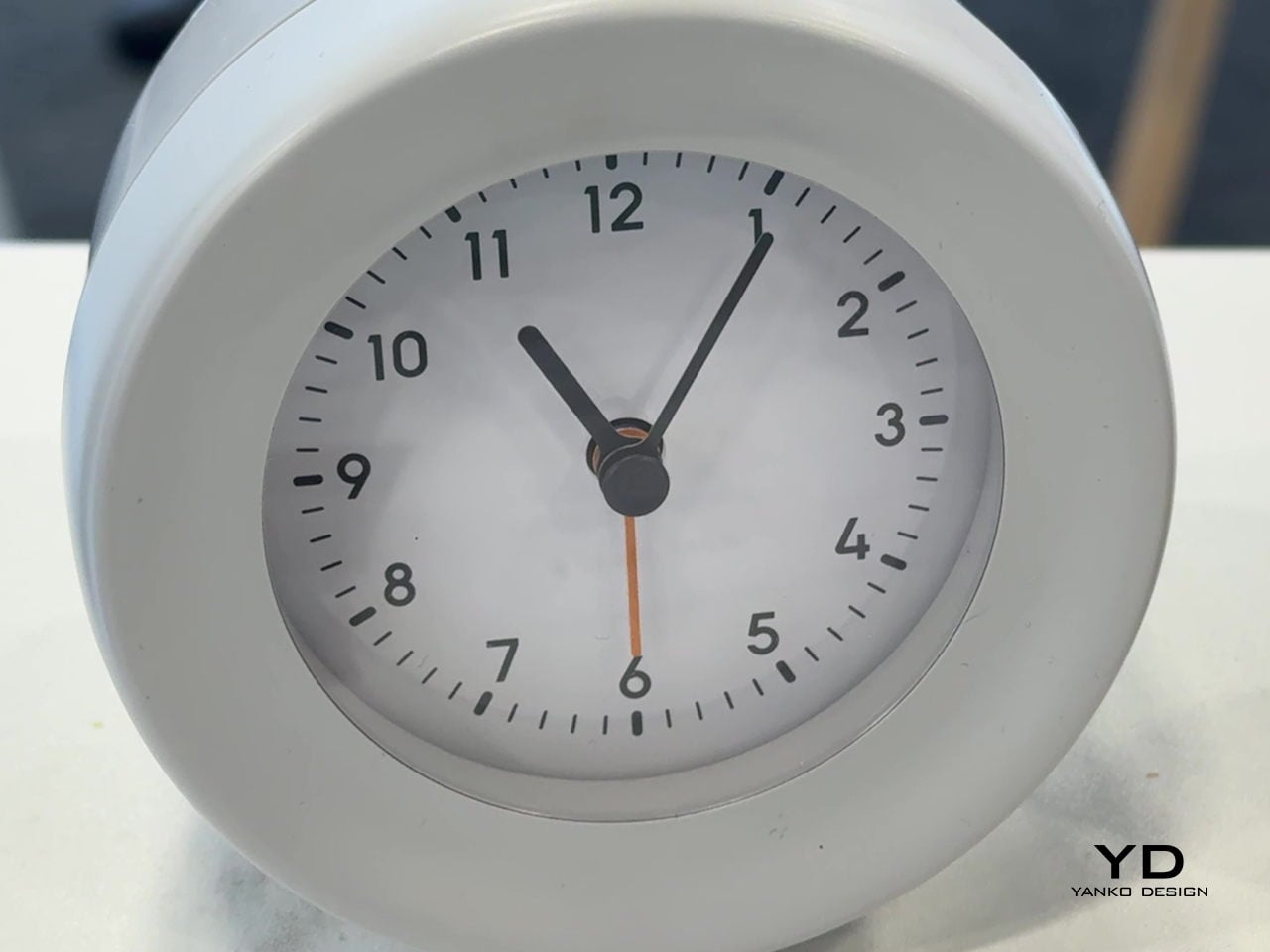
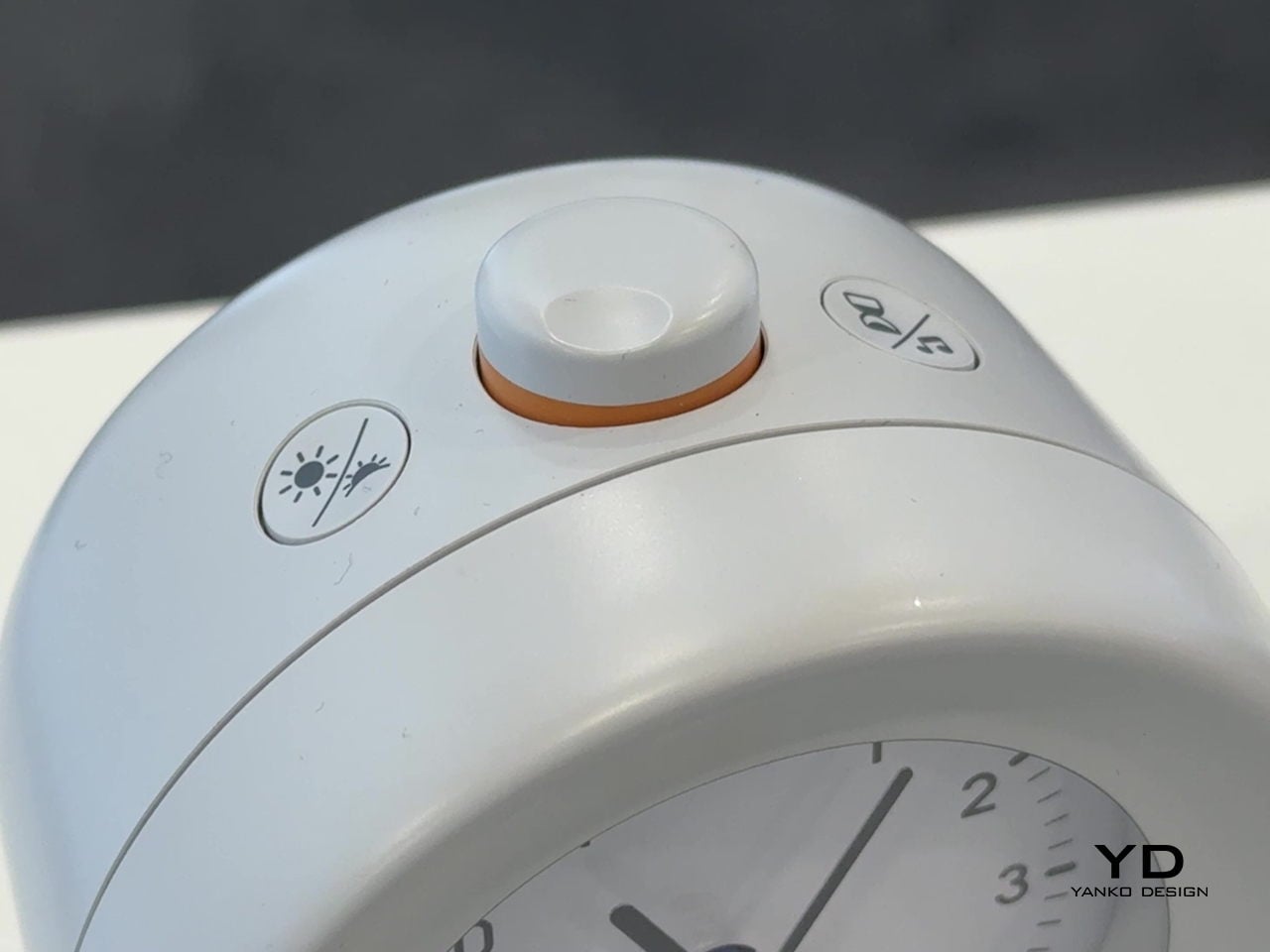
Bell 2 is the more analog-leaning sibling, an alarm clock with a clear, minimalist dial and an internal quartz mechanism, but also an E Ink display and a light-enhanced gradual alarm. It offers nine gentle melodies and a pure-tone alarm that starts quietly and grows to a set volume, plus a warm wake-up light that can be activated before the alarm to mimic sunrise, easing you out of sleep without a harsh jolt.
A built-in meditation timer starts and ends sessions with a gong, and the deliberate absence of Wi-Fi or Bluetooth means Bell 2 does not compete for attention or add to the ambient connectivity load in the room. It runs on a 2,600 mAh rechargeable battery that can last up to six months on a full charge, with USB-C for the rare times it needs topping up. It is designed to be set and then mostly forgotten.
Bell 2 has been awarded a Platinum Calm Technology Certification, recognizing products that respect attention and promote well-being. Available in charcoal black and pebble gray, it is meant to blend into different interiors while still feeling like a considered object. In a home shaped by Kompakt and Harmony 2, Bell 2 completes the picture: a simple, focused object that reflects Mudita’s belief that technology can be present without being intrusive.
Mudita at CES 2026: Technology for Mindful Living
Together, Kompakt, Harmony 2, and Bell 2 create intentional, screen-free moments throughout the day; focused time on the go with Kompakt, a calmer evening and wake-up routine with Harmony 2, and a simple, analog-leaning start to the morning with Bell 2. None of these is meant to replace a smartphone entirely. Instead, they offer a considered alternative for the moments when a screen adds little value. This is an approach that stands out at CES, where innovation is often defined by more features, rather than more thoughtful use.
Loneliness quietly settles into homes where older adults live alone, where families are spread across cities, and where evenings can stretch out with no one to talk to. Technology has tried to fill that gap with video calls and smart speakers, but those tools are still built around tasks and commands, around asking for something rather than simply being there when someone needs company or a gentle reminder that they are not forgotten.
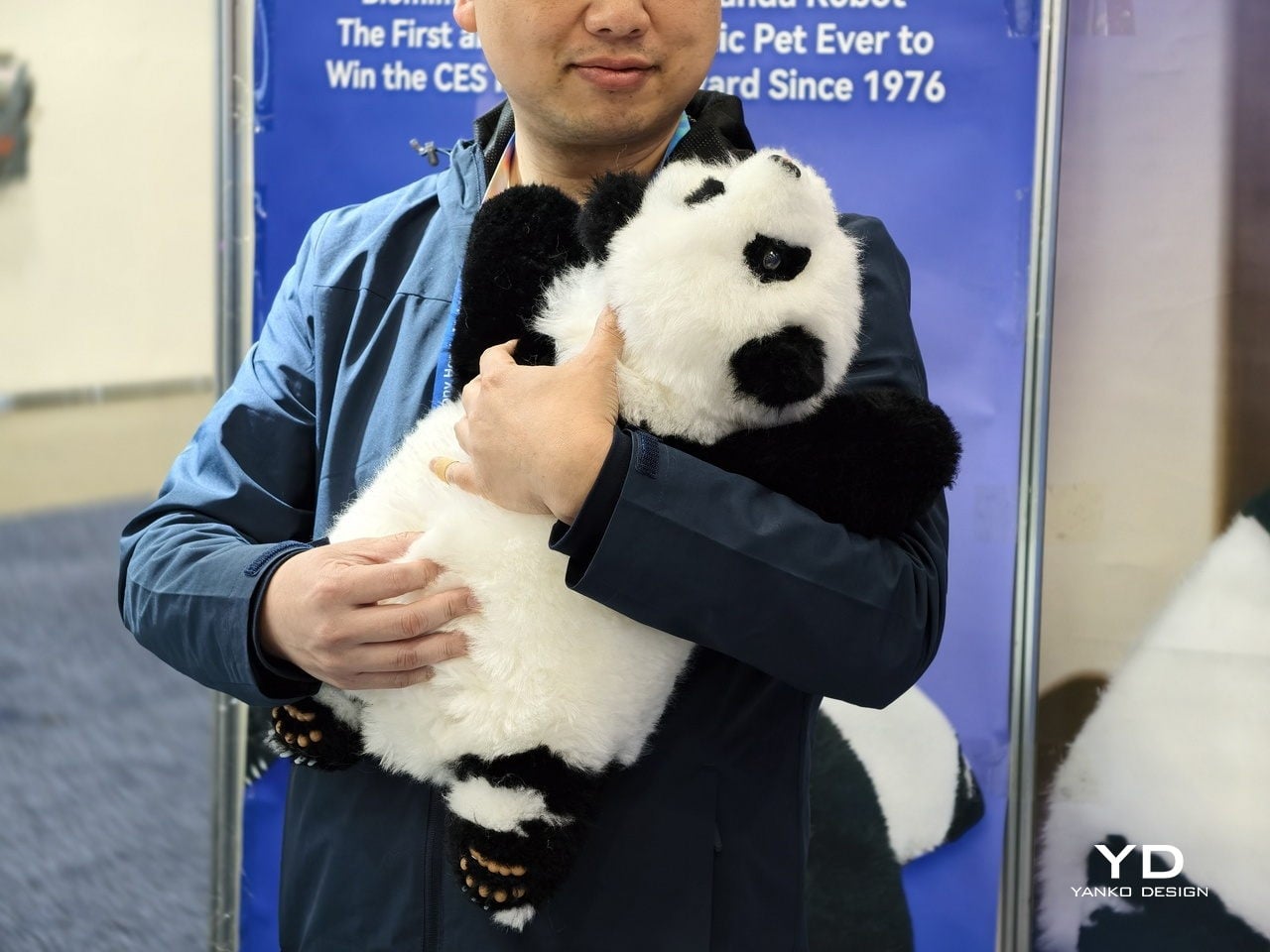
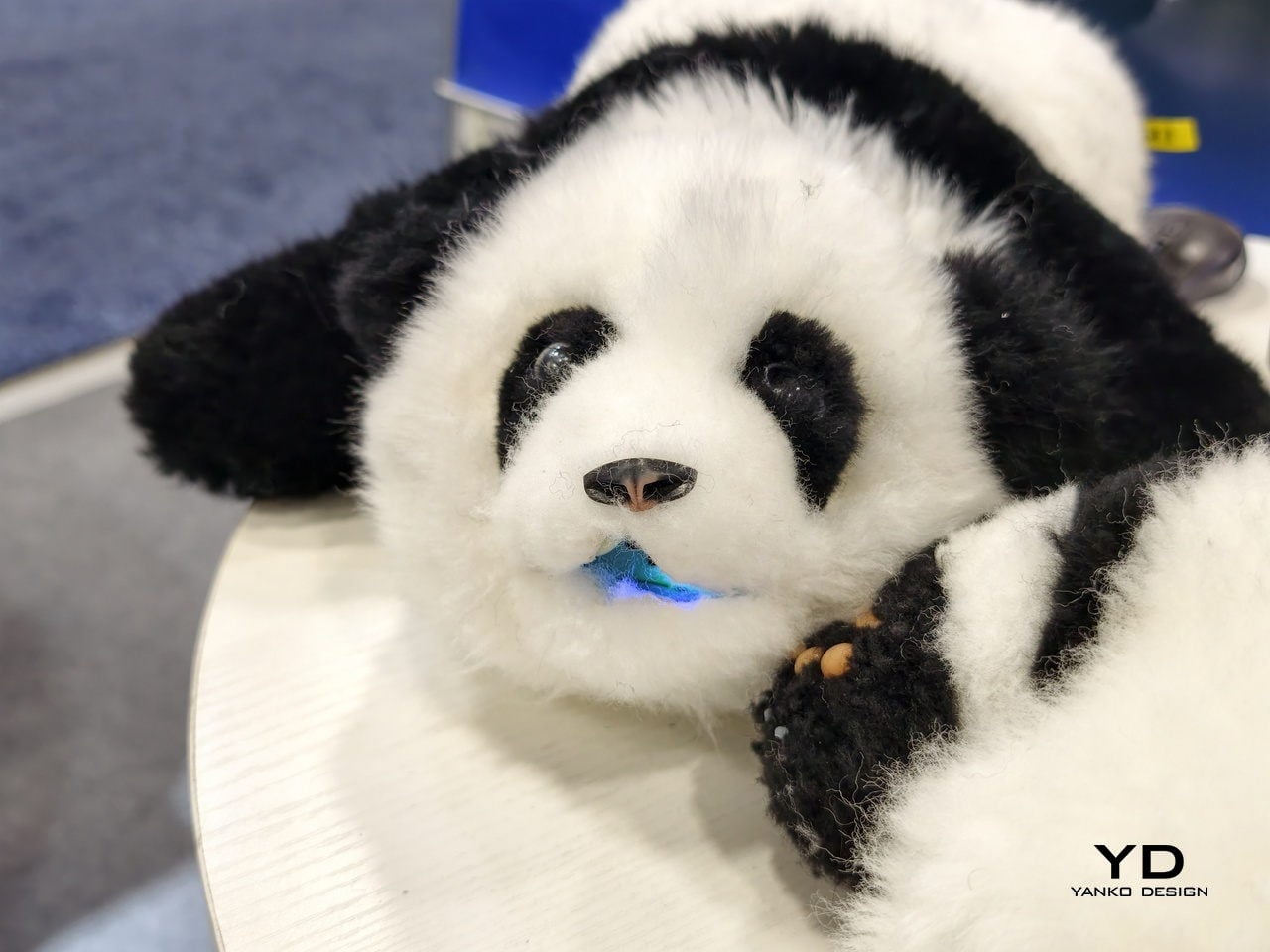
An’An is a robot less interested in showing off and more interested in listening, remembering, and responding gently over months and years. It is a panda-shaped companion designed from the fur inward to offer long-term, stigma-free emotional support for people who might never ask for help directly, treating emotional care as something that can happen quietly through touch, voice, and the kind of daily rituals that build trust without demanding much in return.
Designer: Mind With Heart Robotics
A Panda Built for Feelings, Not Tricks
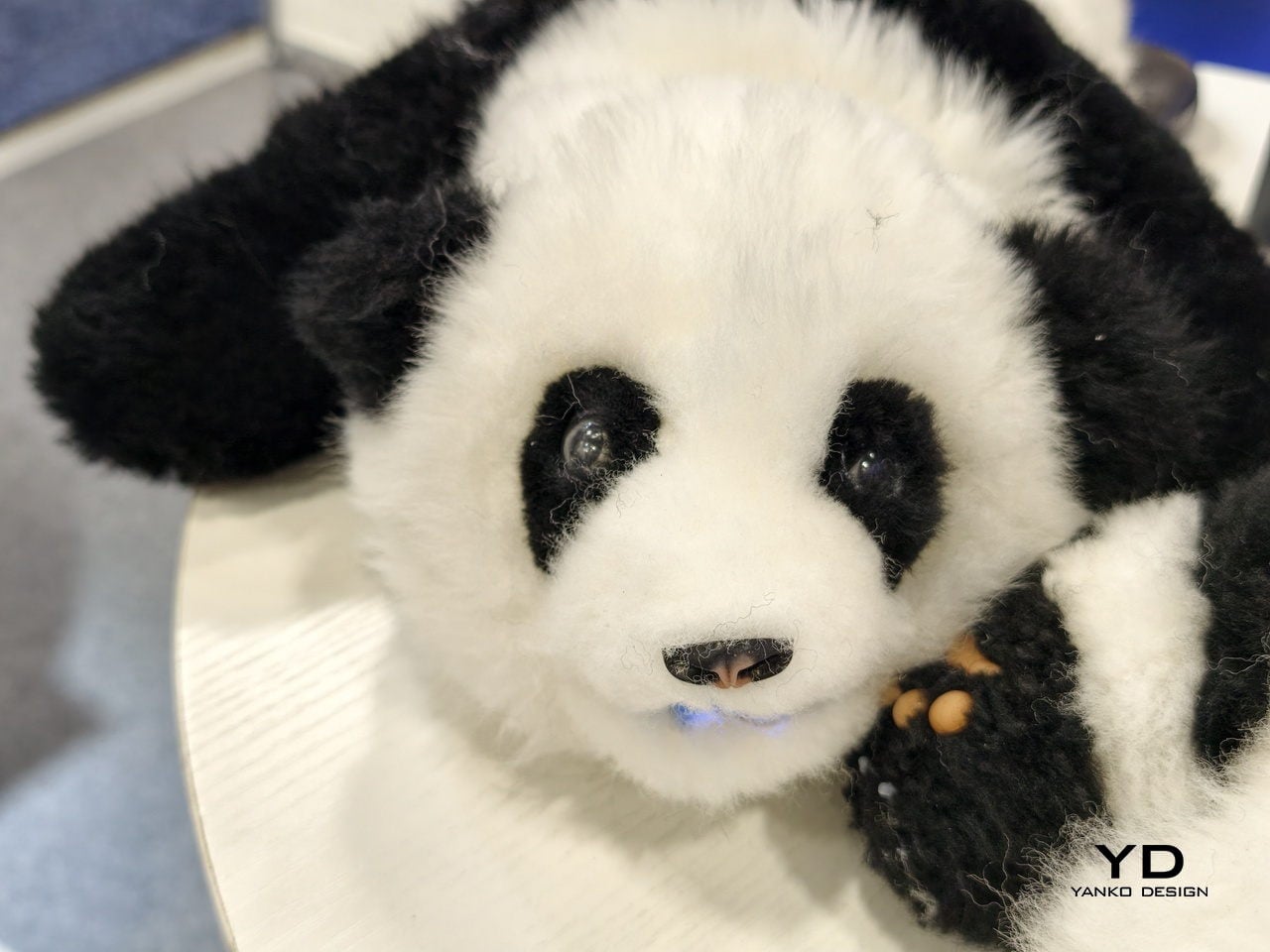
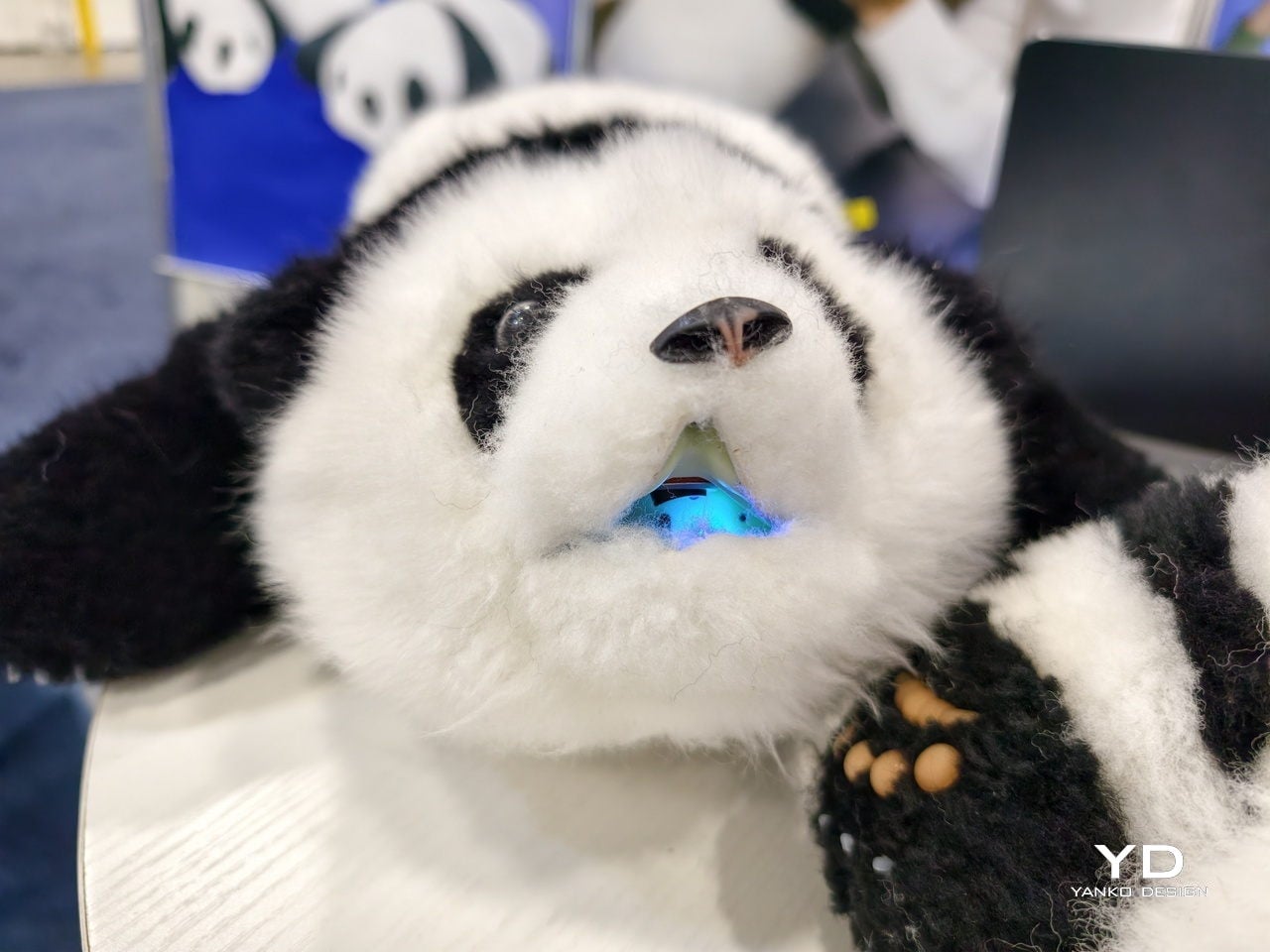
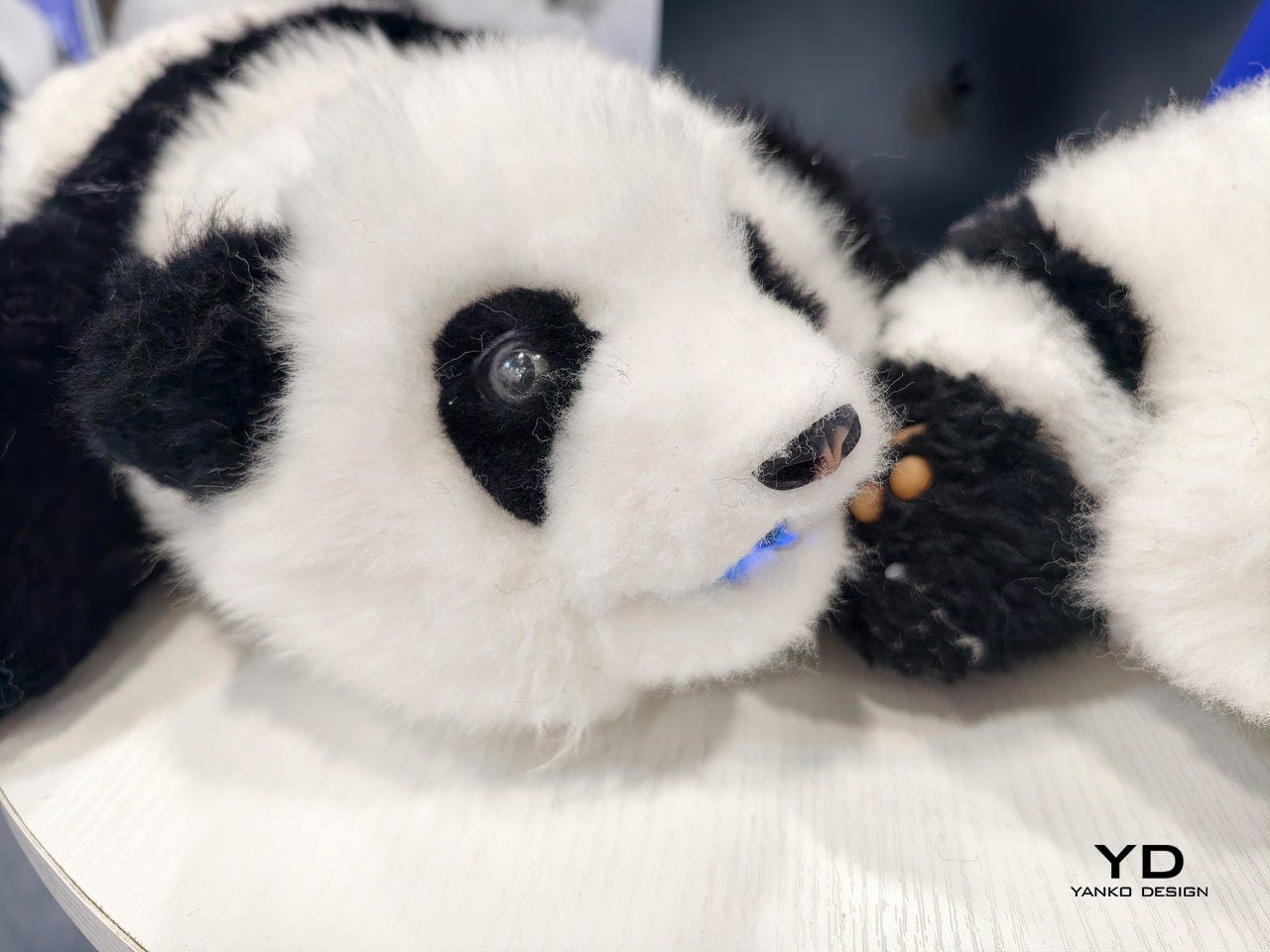
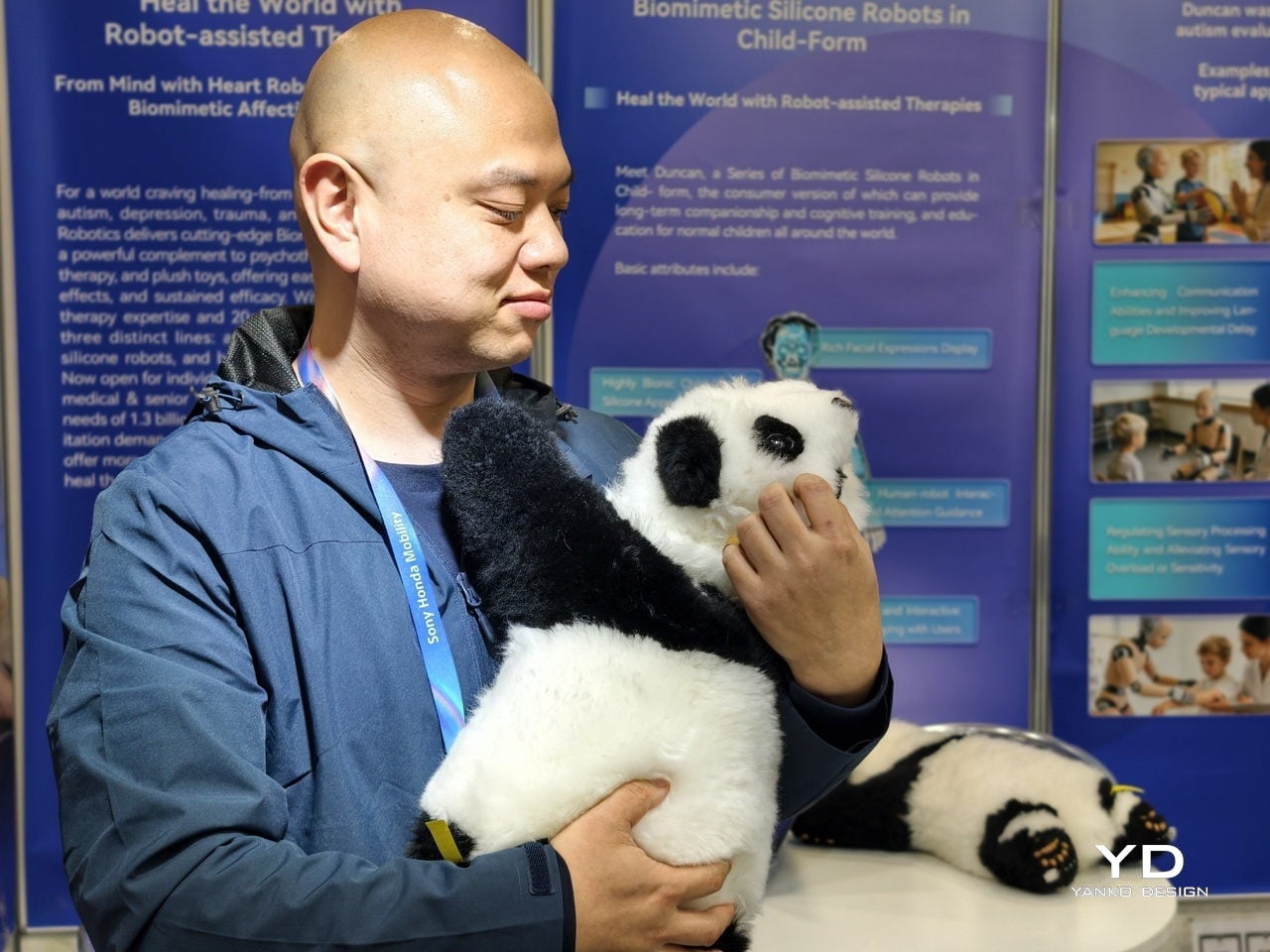
An’An is a biomimetic panda cub companion built around the simple idea that people relax more easily around animals than around machines. Its body is handcrafted from Australian wool and sheepskin for natural tactile comfort, inviting stroking, hugging, and lap-holding in a way that cold plastic or silicone never could. The form factor is intentionally soft and low-key, closer to a plush toy than a science fiction robot.
An’An is not designed to juggle, dance, or navigate obstacle courses. Its job is to be present, to respond to touch with gentle, lifelike behavior, and to make it feel safe to express emotion without judgment. The panda shape, the weight, and the way it settles into a lap are all tuned to trigger nurturing instincts, especially for older adults who may miss the feeling of holding a pet or a grandchild who has moved to another state.
This focus on emotional comfort extends to how An’An fits into a home. It can rest on a sofa, bed, or desk without looking like medical equipment, which matters when someone is already sensitive about needing support. The goal is to make companionship feel natural and dignified, not clinical, so people will actually reach for the robot when they feel low rather than hiding it in a drawer or treating it like another gadget they were supposed to use but never really warmed to.
Emotional Intelligence Under the Fur
Under the fur, An’An is a dense network of sensors and affective AI. A full-body tactile sensing system with more than 10 sensor suites recognizes how and where it is being touched, distinguishing between a gentle stroke, a firm squeeze, or being picked up. That information feeds into an emotional AI engine that also listens to voice patterns and tracks interaction habits over time, building a model of who you are and how you prefer to communicate.
An’An’s long-term memory allows it to personalize responses as it learns. Over weeks and months, it can adapt to a user’s routines, noticing when someone tends to be quiet, when they like to talk, and what kinds of interactions seem to lift their mood. The hybrid offline-online architecture, with four to five hours of continuous battery life and USB-C charging, keeps core functions running even when connectivity is limited or when someone prefers not to share everything with the cloud.
This combination of multimodal sensing and memory means An’An can move beyond scripted novelty. Instead of repeating the same phrases, it can vary its behavior, initiate interaction during long periods of inactivity, and gradually build a relationship that feels more like a familiar presence than a toy. Preliminary studies suggest that this sustained, personalized engagement can measurably improve mood, which is the metric that matters most when the goal is helping someone feel less alone.
From Living Rooms to Care Facilities
In a private home, An’An can simply be a companion that is always available. It can offer gentle conversation, respond to touch, and provide a sense of being seen and heard without the stigma some people feel around therapy or medication. For older adults who may not want to bother their families with every worry, having something that listens without judgment can make a surprising difference to how a day feels, especially during the long stretches between calls or visits.
In eldercare settings, An’An takes on an additional role. A clinical version can capture objective interaction data, such as touch patterns, conversation cues, and changes in engagement, and surface those trends to authorized clinicians through secure dashboards. That gives caregivers another lens on cognitive and emotional status, helping them notice when someone is withdrawing, agitated, or unusually quiet without relying solely on brief check-ins or self-reported surveys that people might downplay.
Because An’An delivers clinical-grade capabilities at roughly one-fifth the cost of traditional therapeutic robots, it becomes more realistic for care homes and institutions to deploy multiple units rather than a single shared device. The unified affective AI platform, backed by more than 30 patent filings and 18 granted patents, is designed to scale across different environments while keeping the core promise the same: emotionally meaningful companionship over time.
A Different Kind of Robot
When it appears at CES 2026 as an Innovation Awards Honoree in the Artificial Intelligence category, An’An represents a quiet shift in what people expect from robots. Instead of another on-stage demonstration of agility or speed, it offers a case study in emotionally intelligent, human-centered design, showing how biomimetic form, tactile materials, and affective AI can come together to support people who need comfort more than spectacle, and companionship more than commands, at a scale and cost that makes it a viable part of everyday care rather than a research curiosity.
The beauty industry has spent decades perfecting what goes inside the bottle. Formulas have become more sophisticated, actives more potent, ingredient lists more transparent. Yet the objects that deliver those formulas have stayed mostly the same. Glass jars, plastic tubes, pump bottles, they’re passive containers designed to hold product, not enhance it. Meanwhile, beauty gadgets promised professional results at home but ended up in drawers, forgotten.
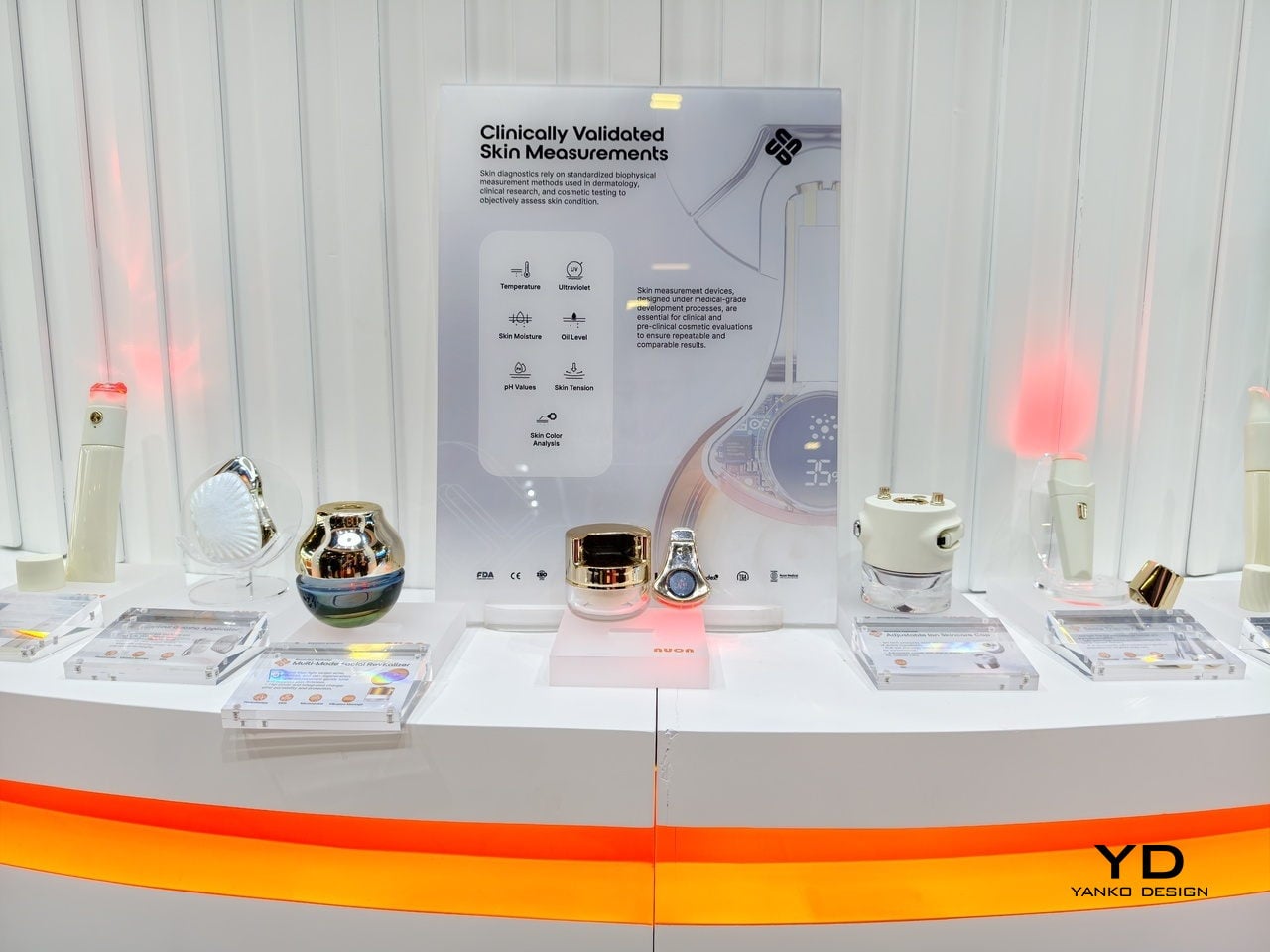
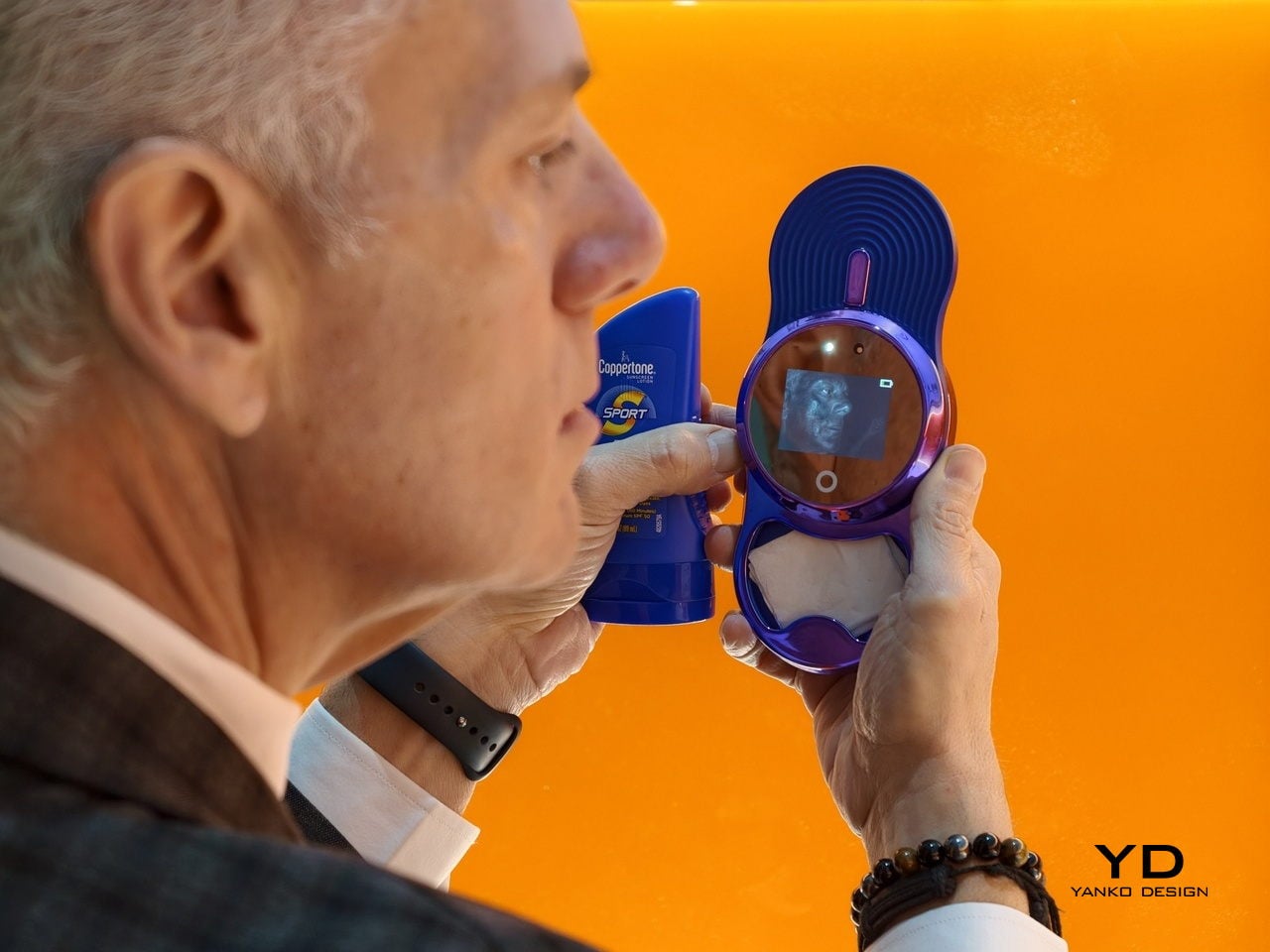
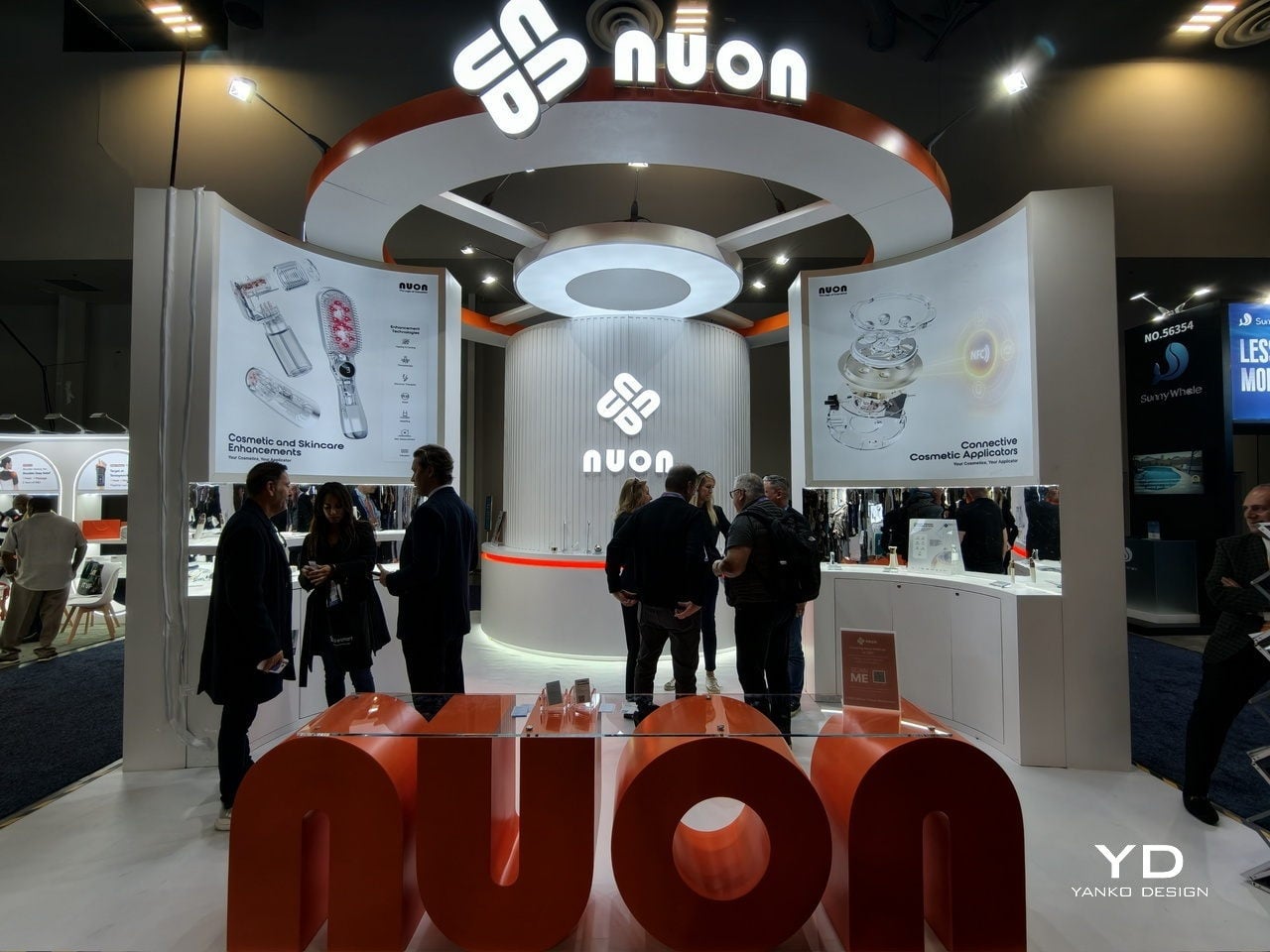
The real opportunity isn’t another breakthrough ingredient or another device. It’s that split second where formula actually meets skin. That’s the insight behind Nuon Medical, a company founded by Alain Dijkstra with roots in medical devices rather than traditional cosmetics. While everyone else obsessed over formulas, Nuon started looking at the packaging itself. We interview Senior Consultant Benny Calderone to get deeper insights into the company’s origins and perspectives.
Designer: Nuon Medical
From Chemical to Physical Innovation
According to Nuon Medical, “For decades, the beauty industry focused on ‘Chemical Innovation’—the juice inside the bottle. Nuon is pioneering the era of ‘Physical Innovation.’ In short: we are solving the ‘Last Inch’ of skincare.” It’s a shift that treats packaging as a performance-critical interface, one that determines whether those actives reach their biological targets or just sit on your skin doing nothing.
Nuon’s journey started with standalone light therapy devices used for hair growth and wrinkle reduction. After nearly two decades making those tools, founder Alain Dijkstra noticed they had a retention problem. They added steps to already crowded routines and mostly ended up unused. For clinical tech to work at scale, it had to disappear into something people already do every day.
By embedding tech into packaging, Nuon eliminated the compliance gap. “We realized that for clinical tech to scale, it must be invisible. By turning the packaging itself into the ‘treatment engine,’ we eliminate the compliance gap.” You’re not being asked to do something new. You’re just upgrading what you already do. From a business angle, this transforms a throwaway bottle into something worth keeping.
Frictionless Intelligence at the Point of Contact
Nuon doesn’t start with sketches or aesthetics. They start with human-factor engineering, figuring out how an applicator should guide contact, path, and speed to deliver the formula correctly every time. The result is what they call frictionless intelligence. “We design for ‘frictionless intelligence.’ If a user has to read a manual, the design has failed,” the company states.
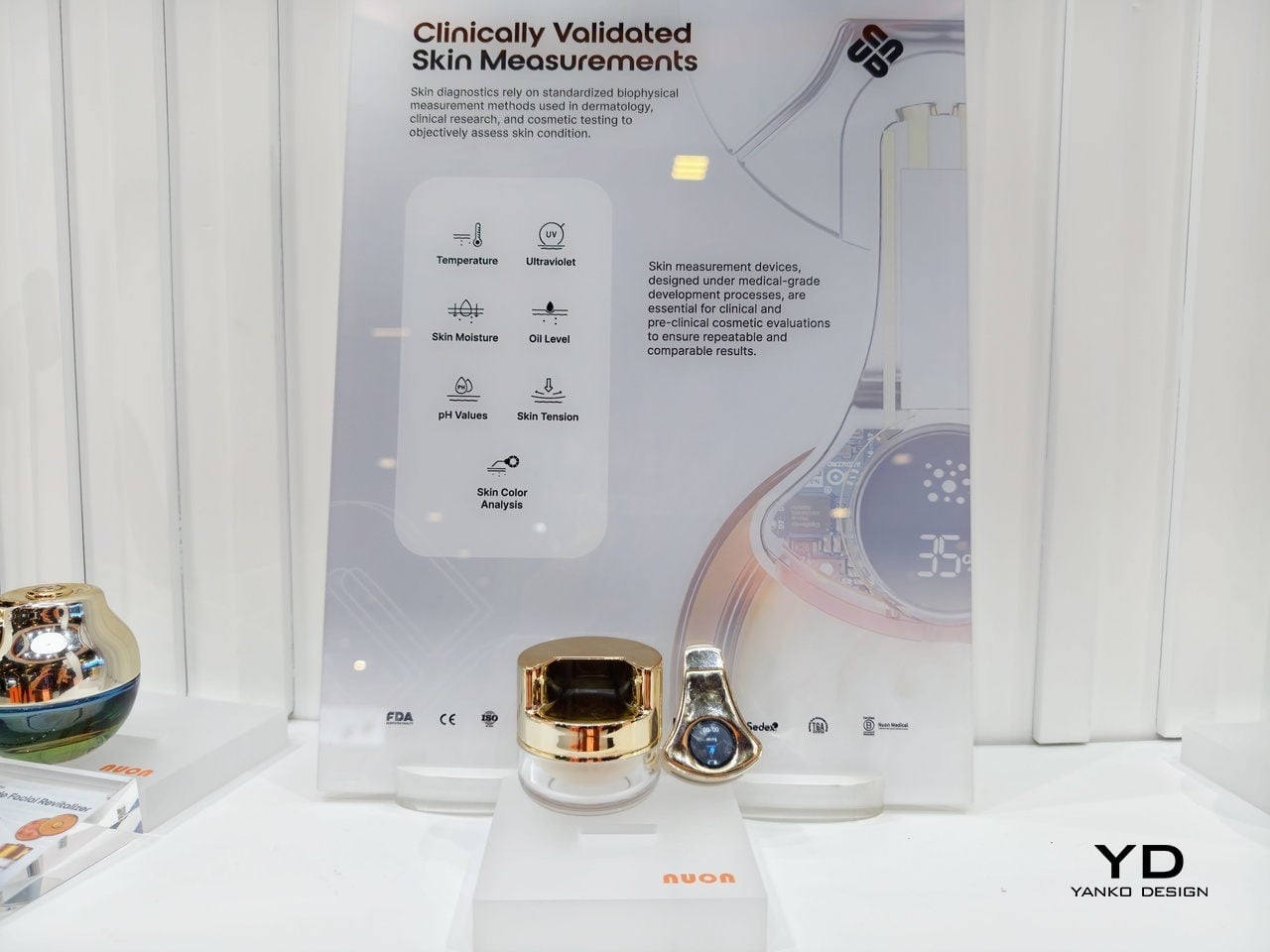
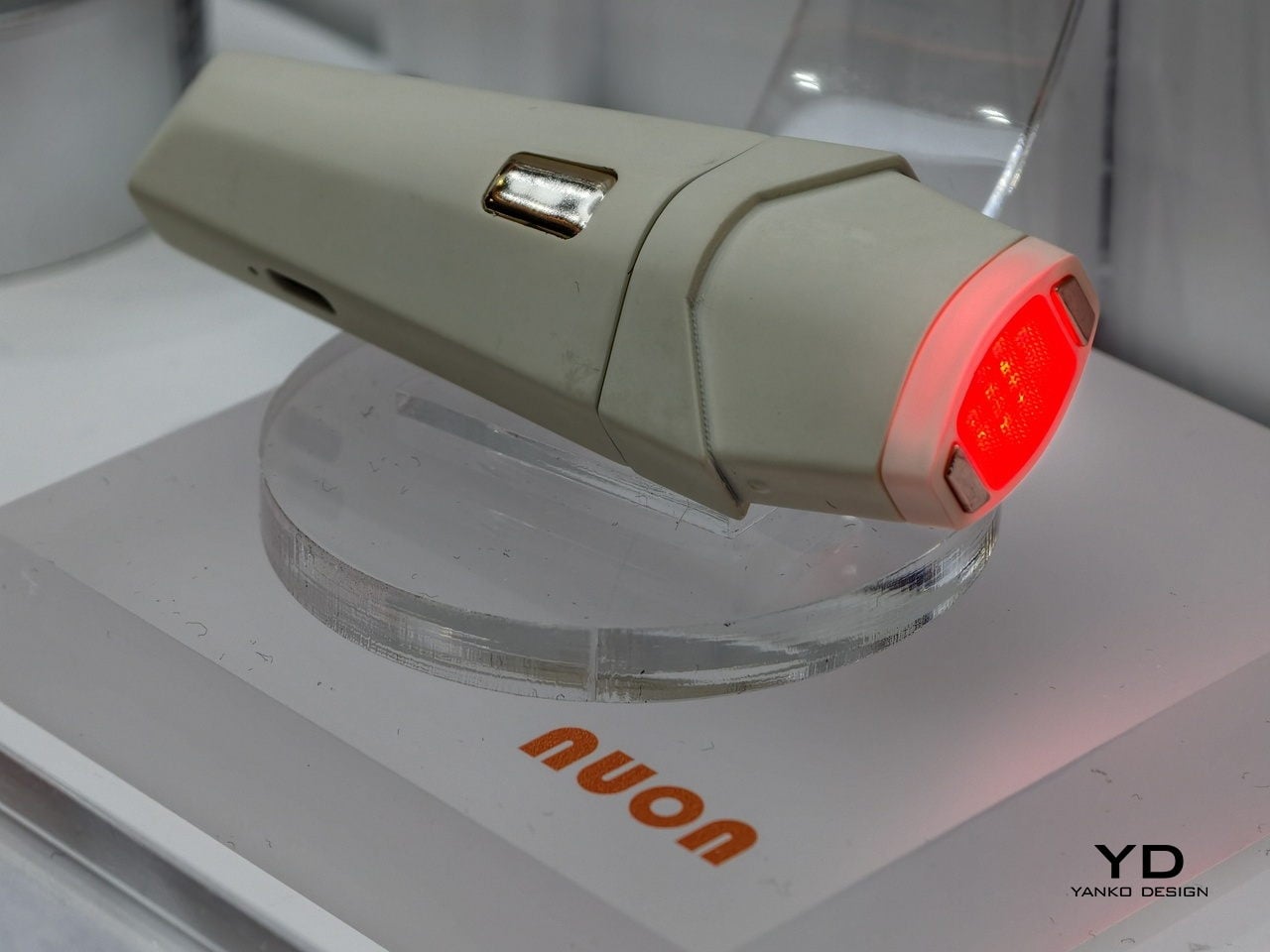
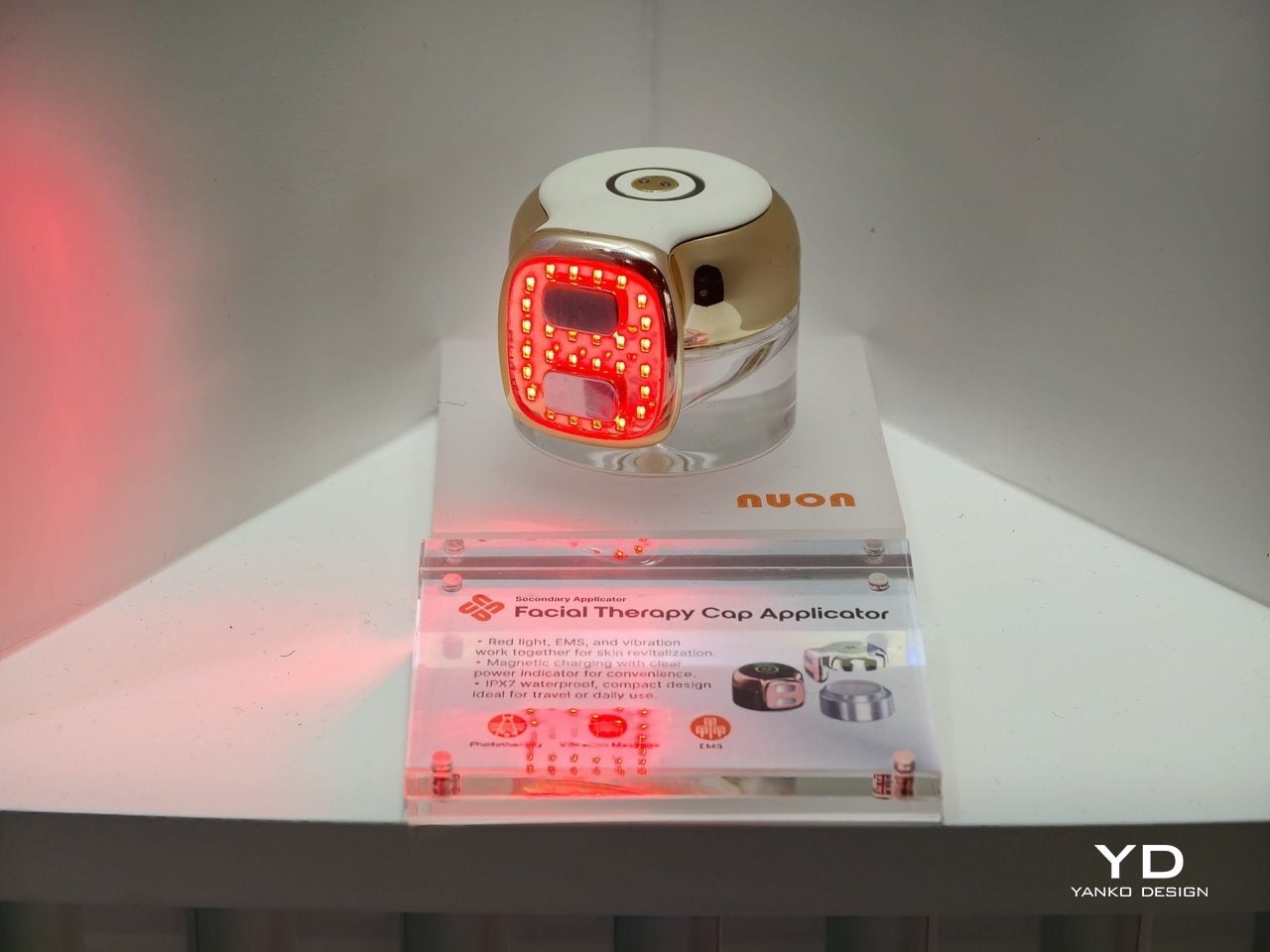
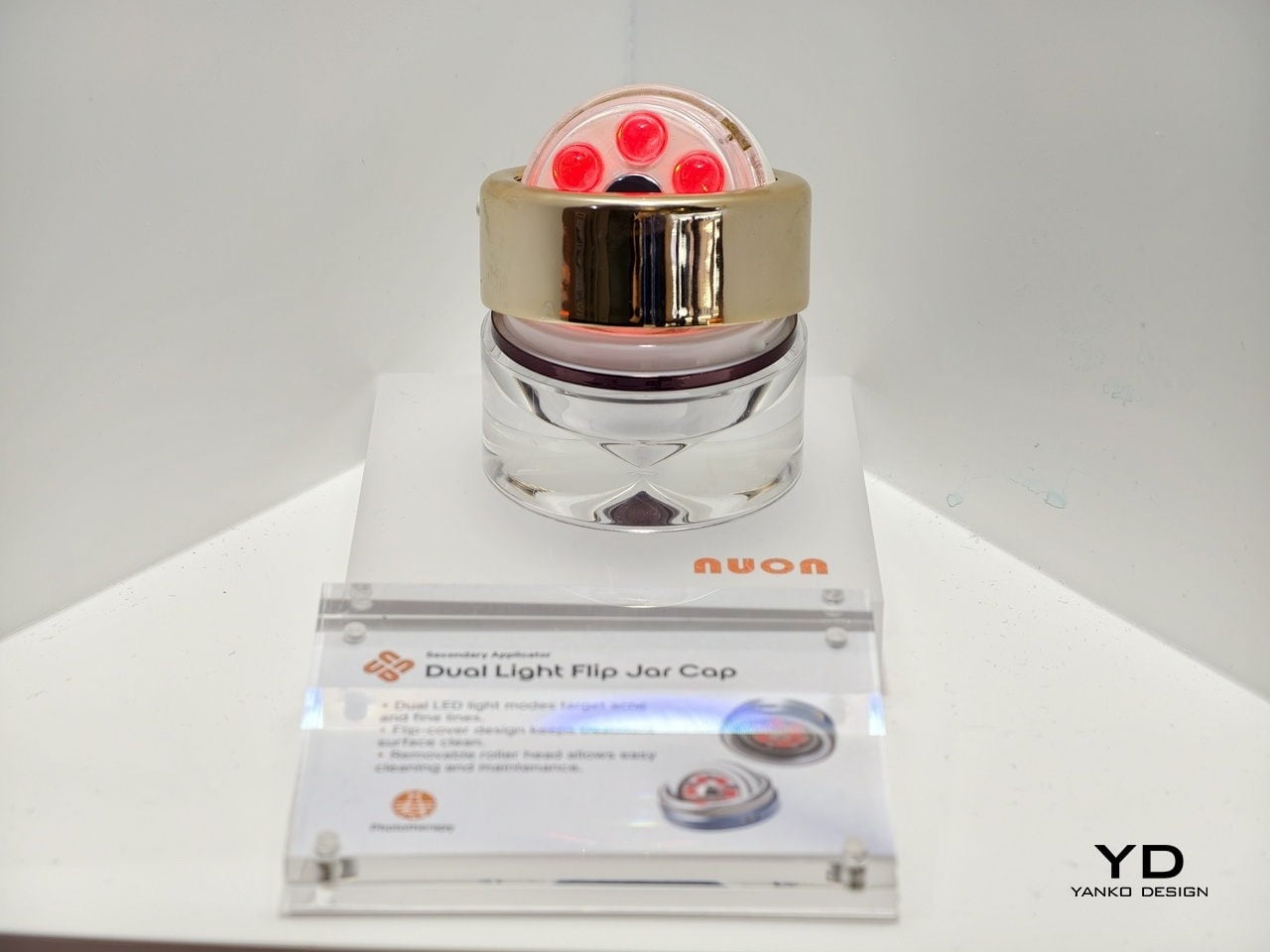
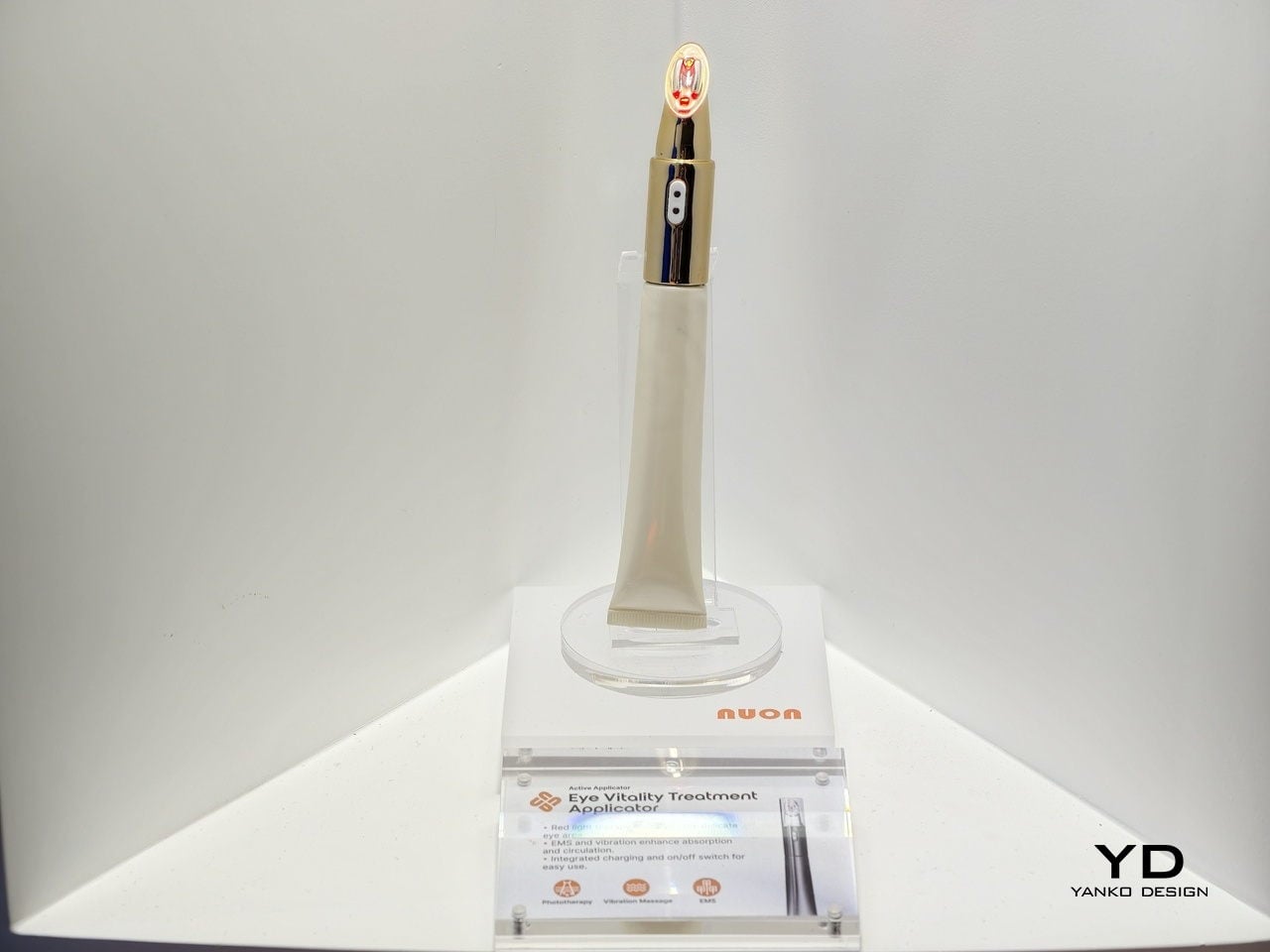
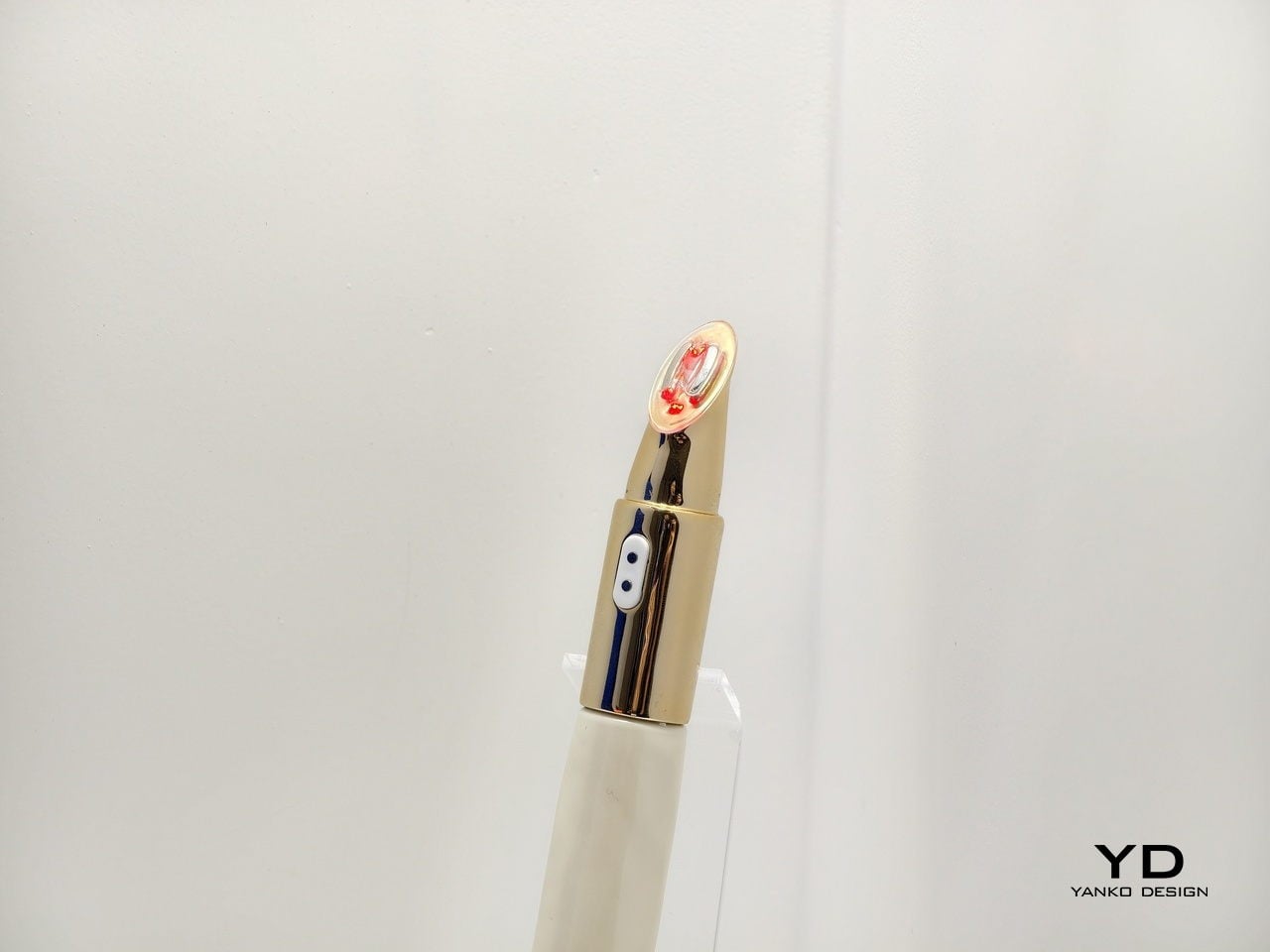
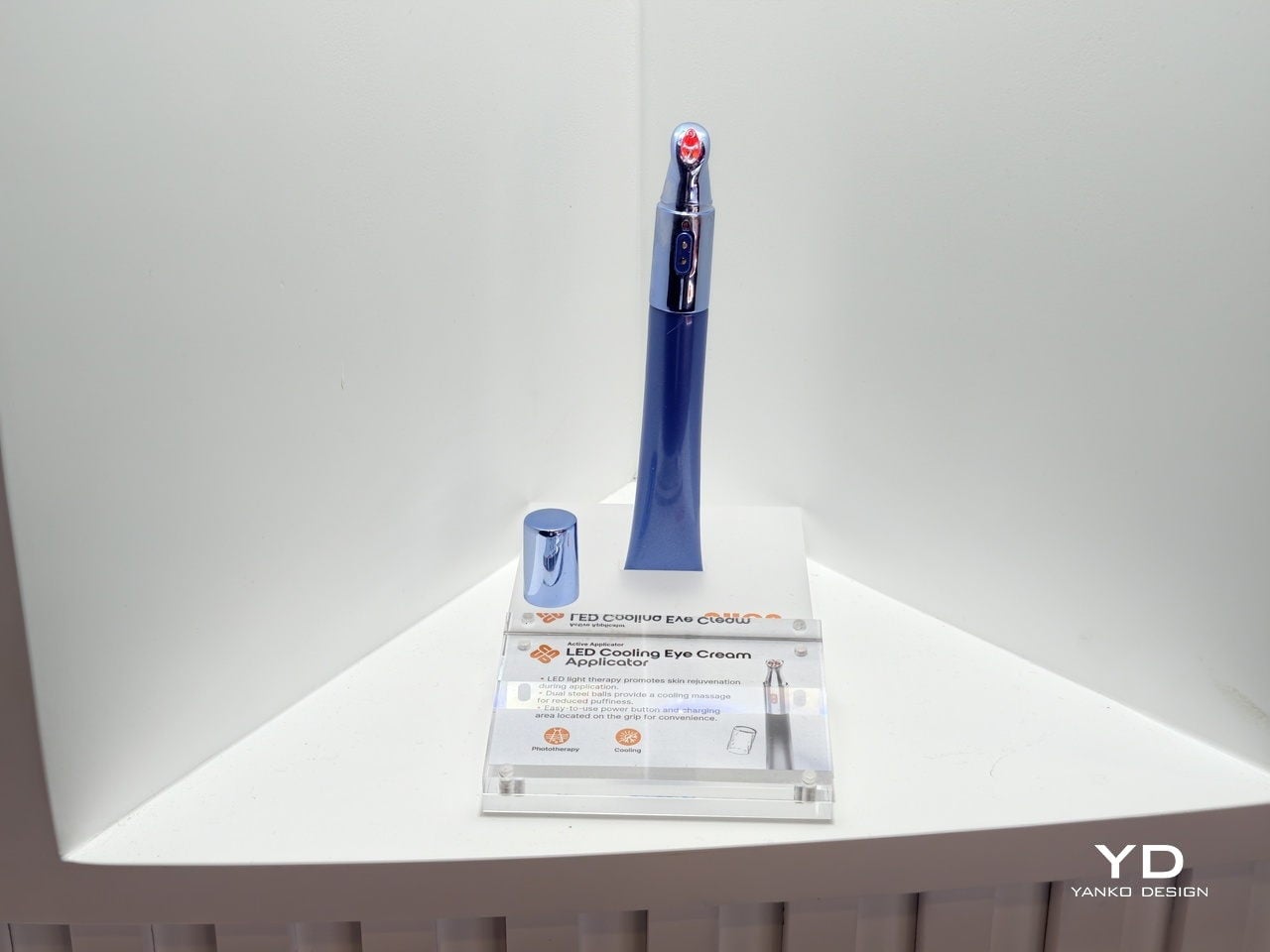
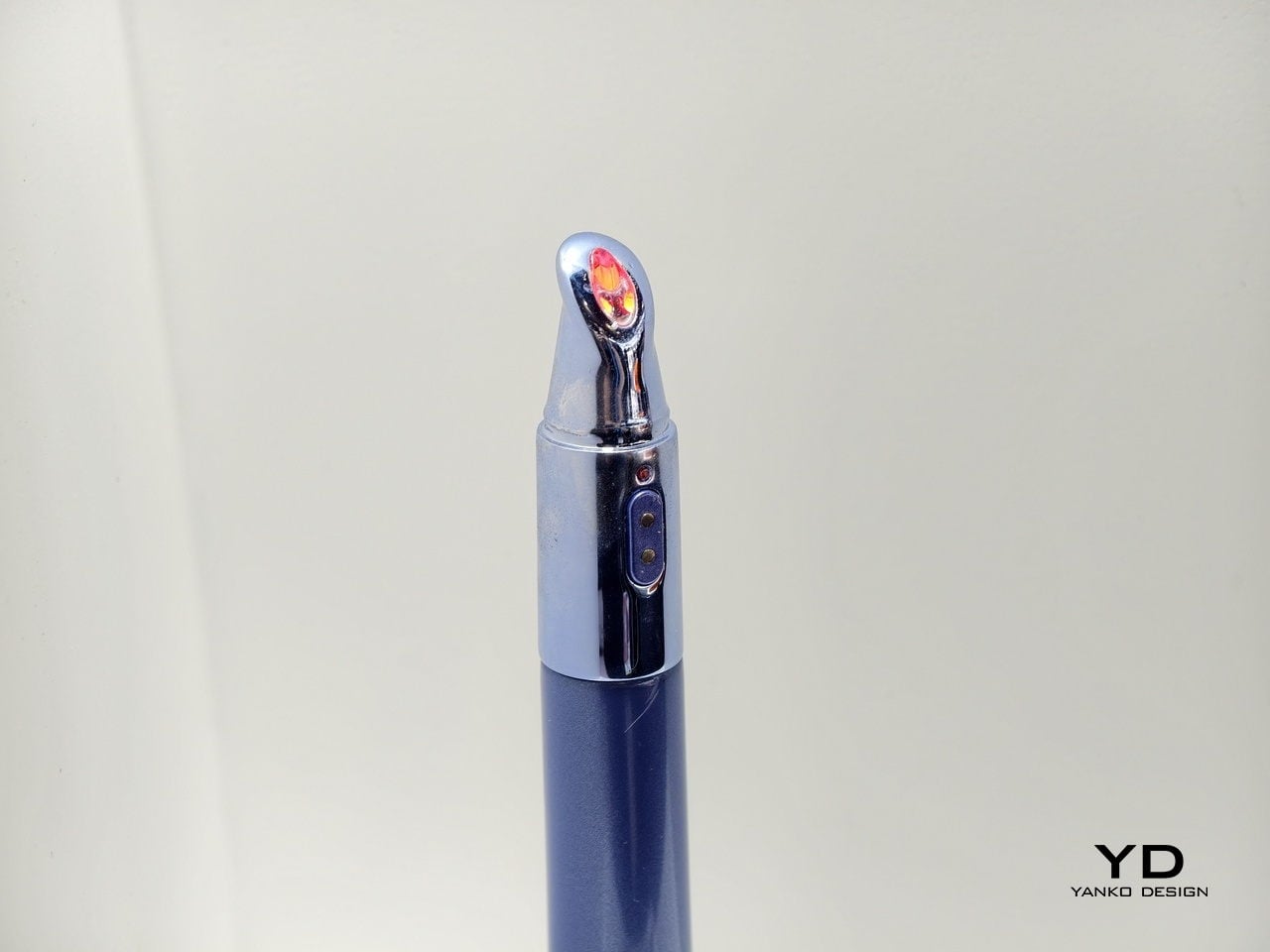
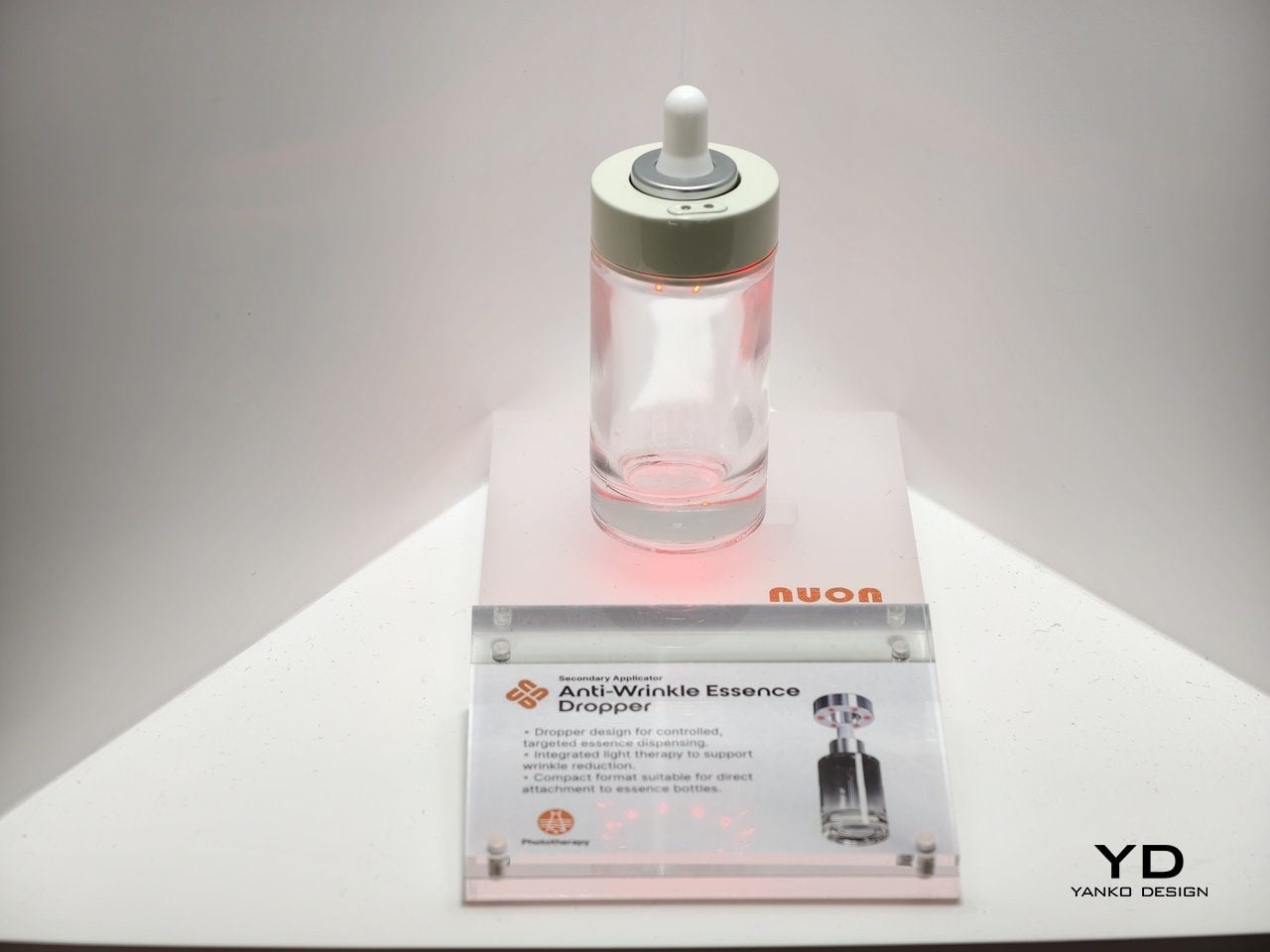
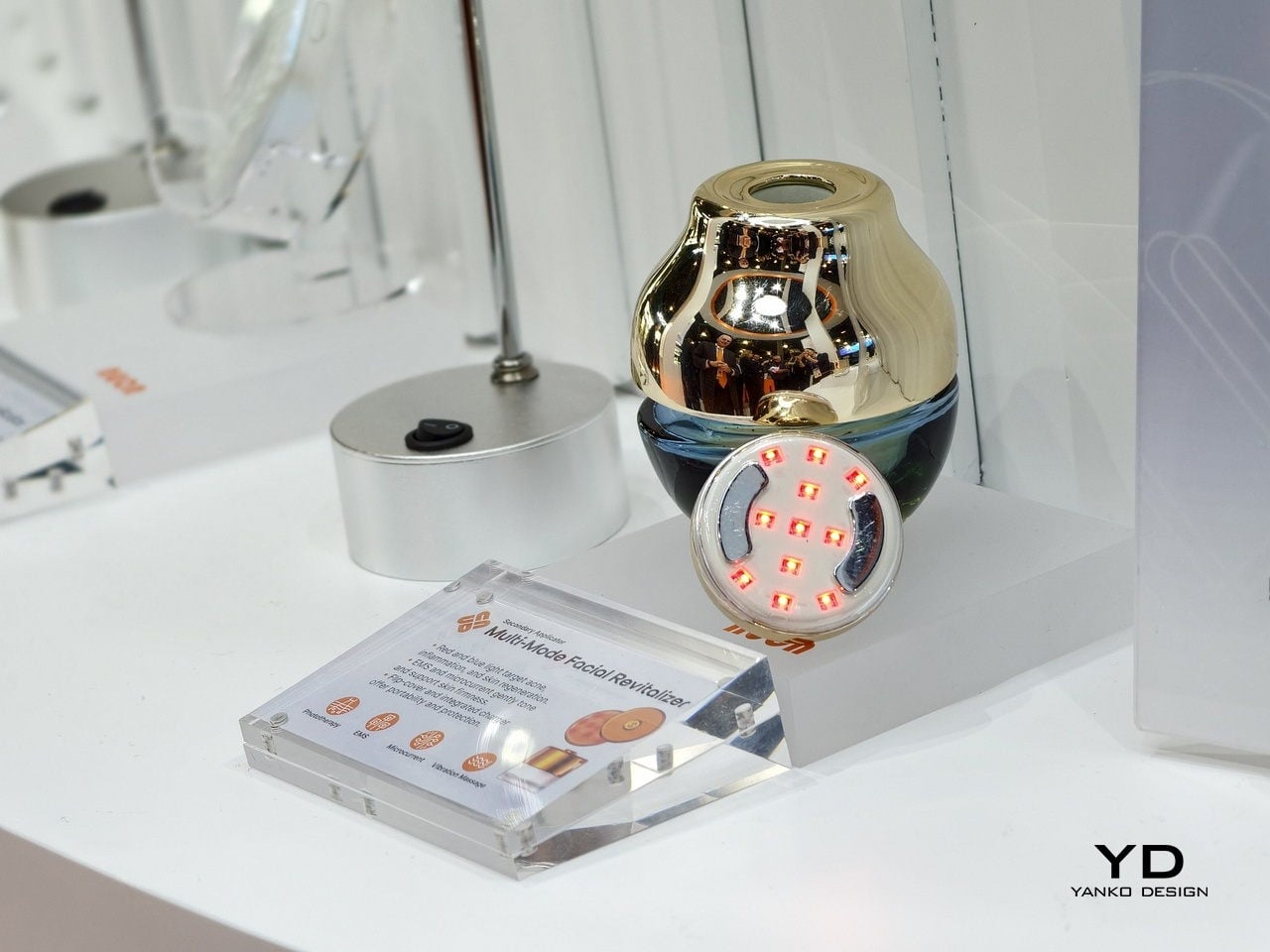
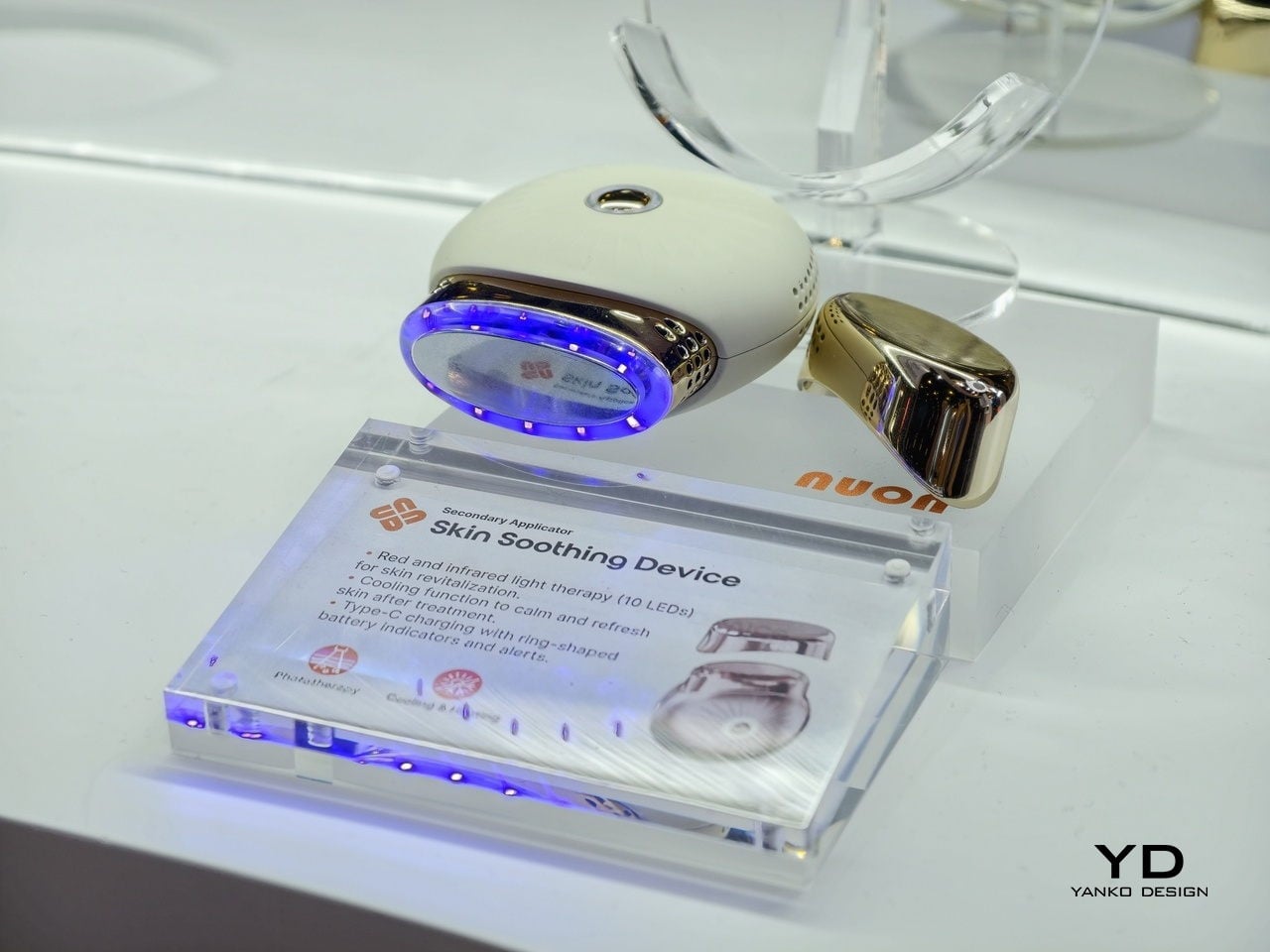
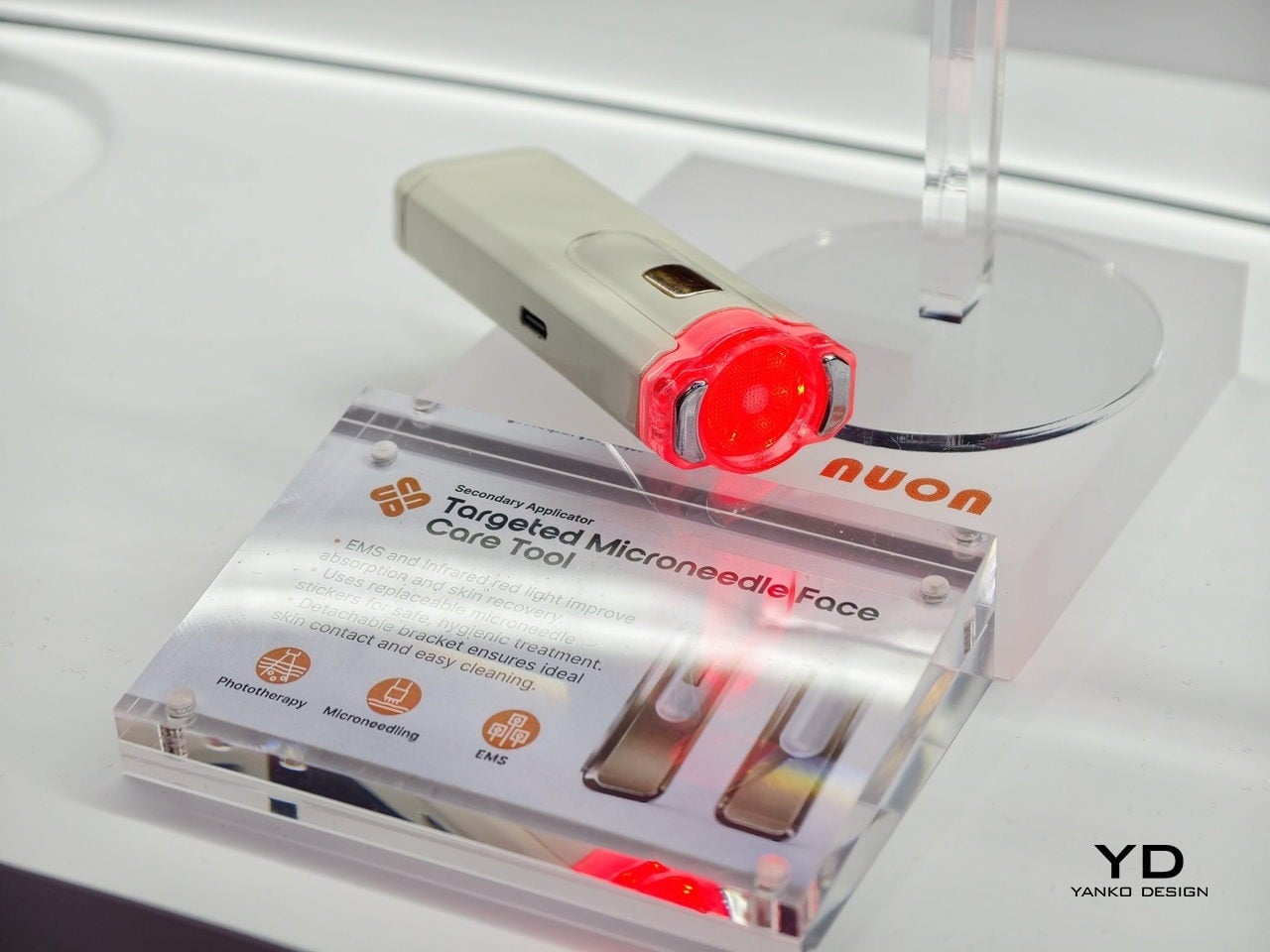
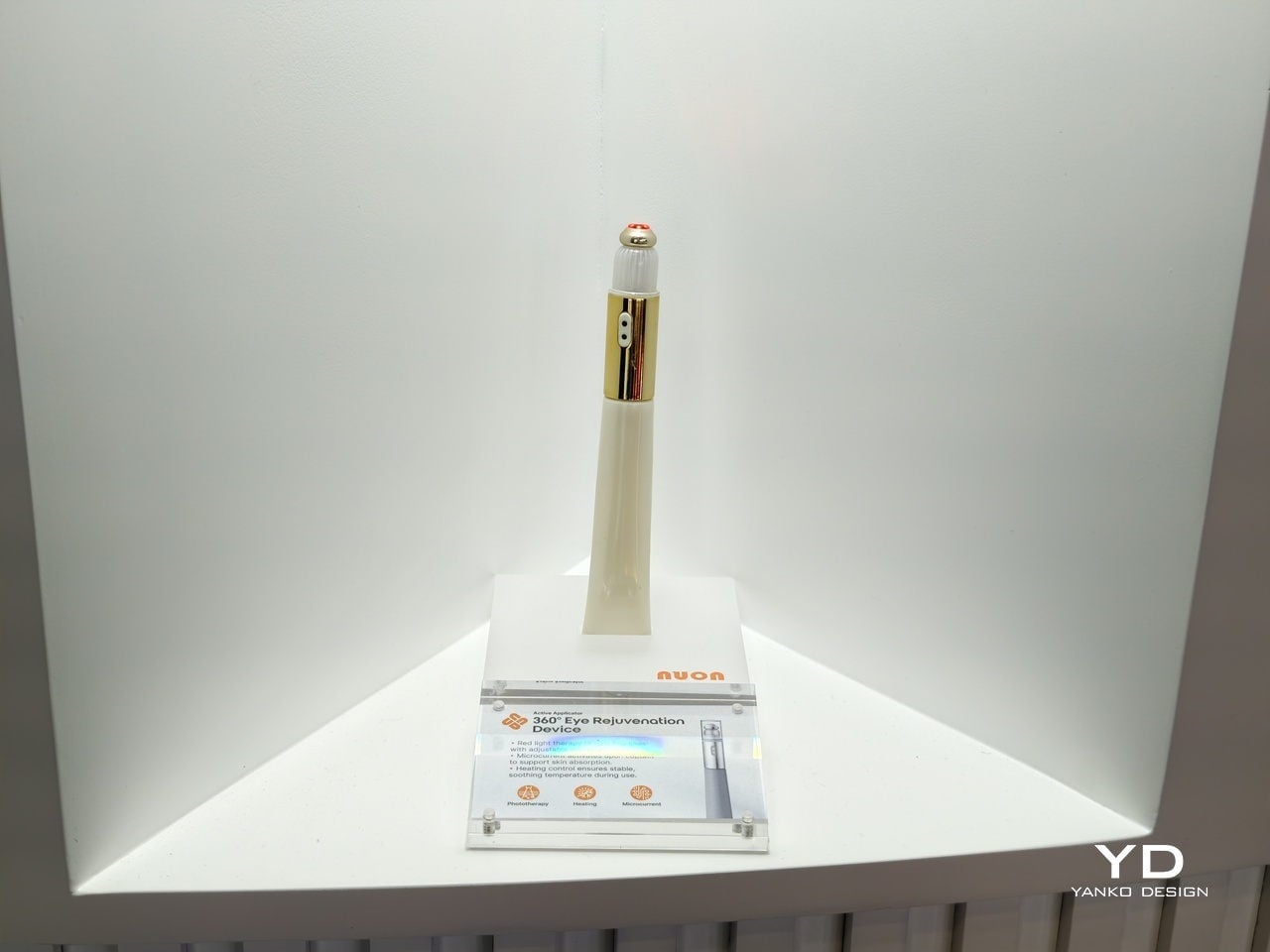
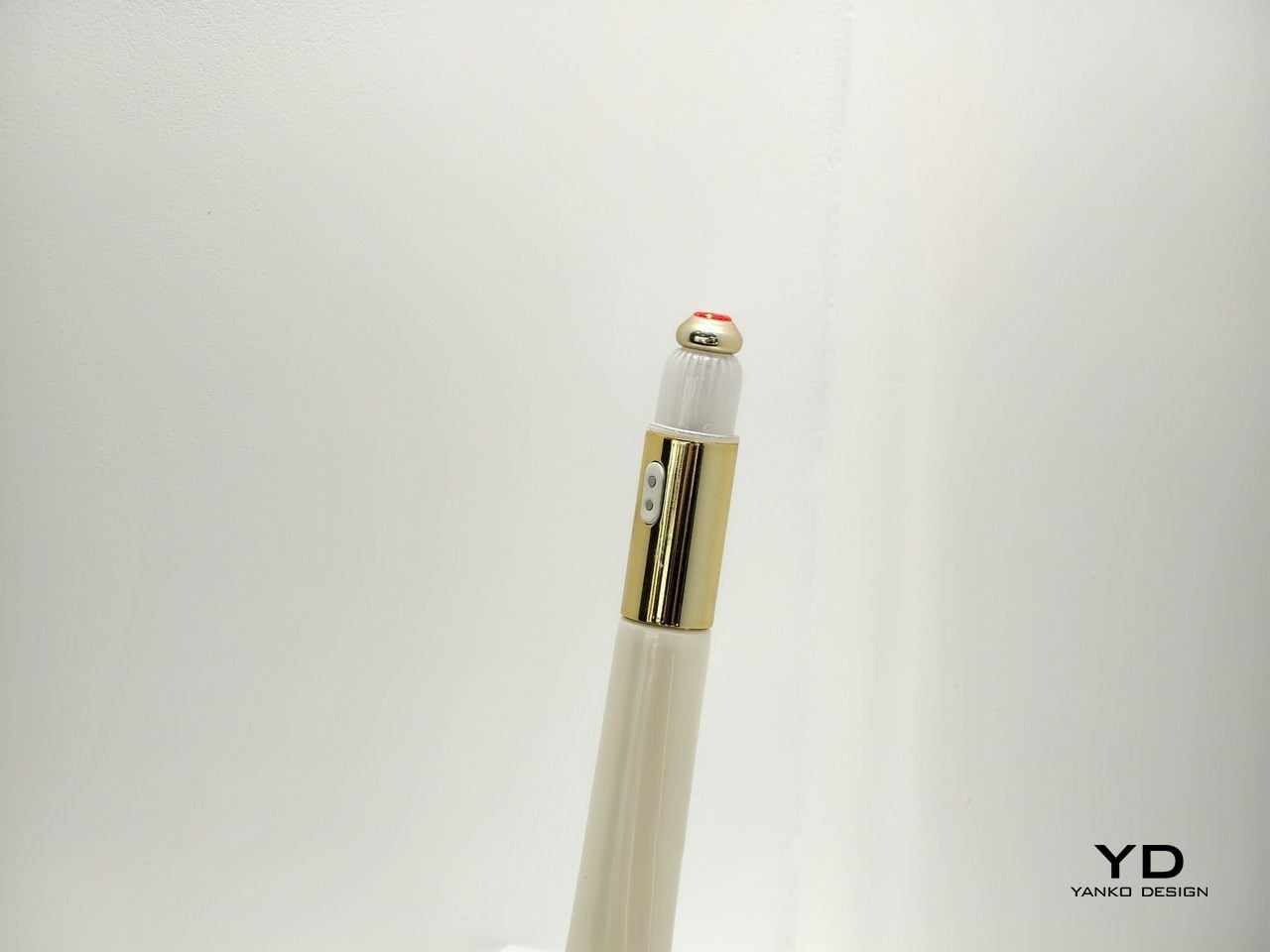
Intelligence gets built into the haptics, the ergonomics, the physical interaction logic itself. The tool quietly guides your motion without you realizing it. The applicator steers where you press, how fast you move, the path you follow, all without instructions. Light therapy, microcurrent, thermal elements, vibration, they’re woven into the interaction, supporting the formula instead of distracting from it.
There’s a tricky balance here. Clinical devices can feel intimidating. Beauty objects need to feel inviting, something you want to pick up every morning. Nuon often prioritizes consistency over intensity. “A tool used daily with proper motion and interaction is far more effective than a high-intensity device left in a drawer,” they note. A lower setting used correctly beats a powerful tool that stays in the drawer.
The Hidden Operating System of Beauty
Nuon isn’t a consumer brand. They’re a B2B partner working behind the scenes with global beauty companies. Their modular tech stack works like an operating system, offering a validated foundation that brands dress up with their own materials. Luxury labels use glass and heavy metals. Mass brands use lighter plastics. The intelligence underneath stays the same.
“Nuon is the ‘Innovation Engine’ behind the world’s leading brands. Our philosophy lives in the UX Framework, not the visual skin,” Calderone explains. Brands can apply their aesthetic identity without messing with the validated technology underneath. “We provide the ‘Intelligence’; they provide the ‘Identity,'” he adds. It’s systems thinking applied to beauty packaging.
Data, Sustainability, and the Death of the Dumb Bottle
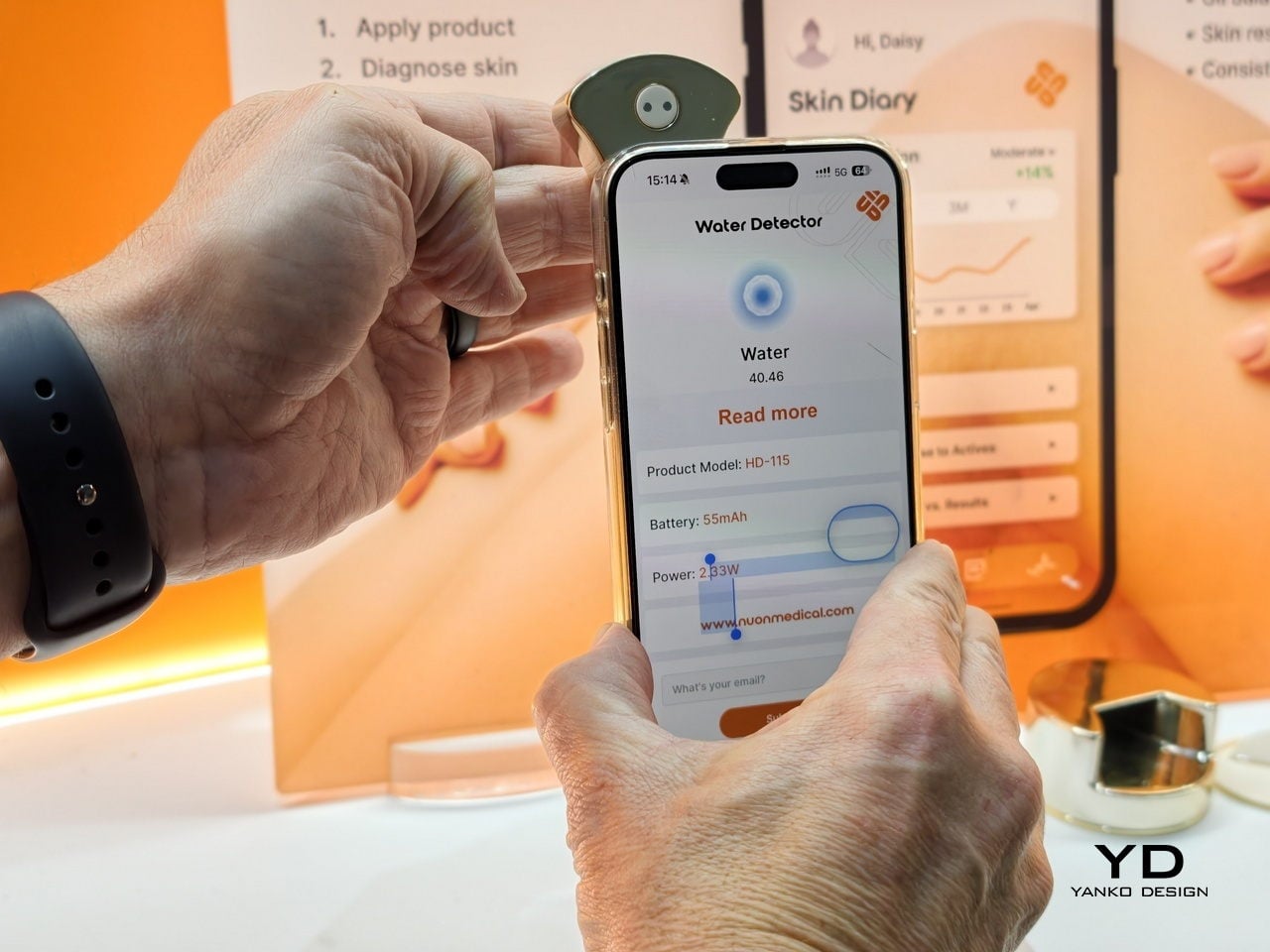
Once packaging gets smarter, it starts collecting data. Nuon’s applicators can measure skin hydration, texture, UV exposure, and more. But the company is deliberate about how that information gets used. “Data should be a concierge, not a surveillance tool,” according to their philosophy. Diagnostics should inform care, not flood you with vanity metrics. Nuon provides privacy-by-design infrastructure where consumers stay in control.
Then there’s sustainability, where Nuon takes a blunt stance. “Sustainability only scales if it improves the user experience. ‘Green theater’ is asking consumers to settle for less; True sustainability is ‘Assetization,'” the company states. They design the high-tech applicator as something durable that you want to keep. The formula becomes a refill that plugs into that base, separating Durable Intelligence from the Circular Consumable.
It’s not sustainability through guilt. It’s sustainable because the design makes refills the logical choice. You’ve invested in the smart hardware, so of course you’re going to buy the refill. Nuon’s vision is bold. “We are witnessing the death of the ‘dumb bottle.’ In a decade, a passive plastic cap will feel as obsolete as a rotary phone.”
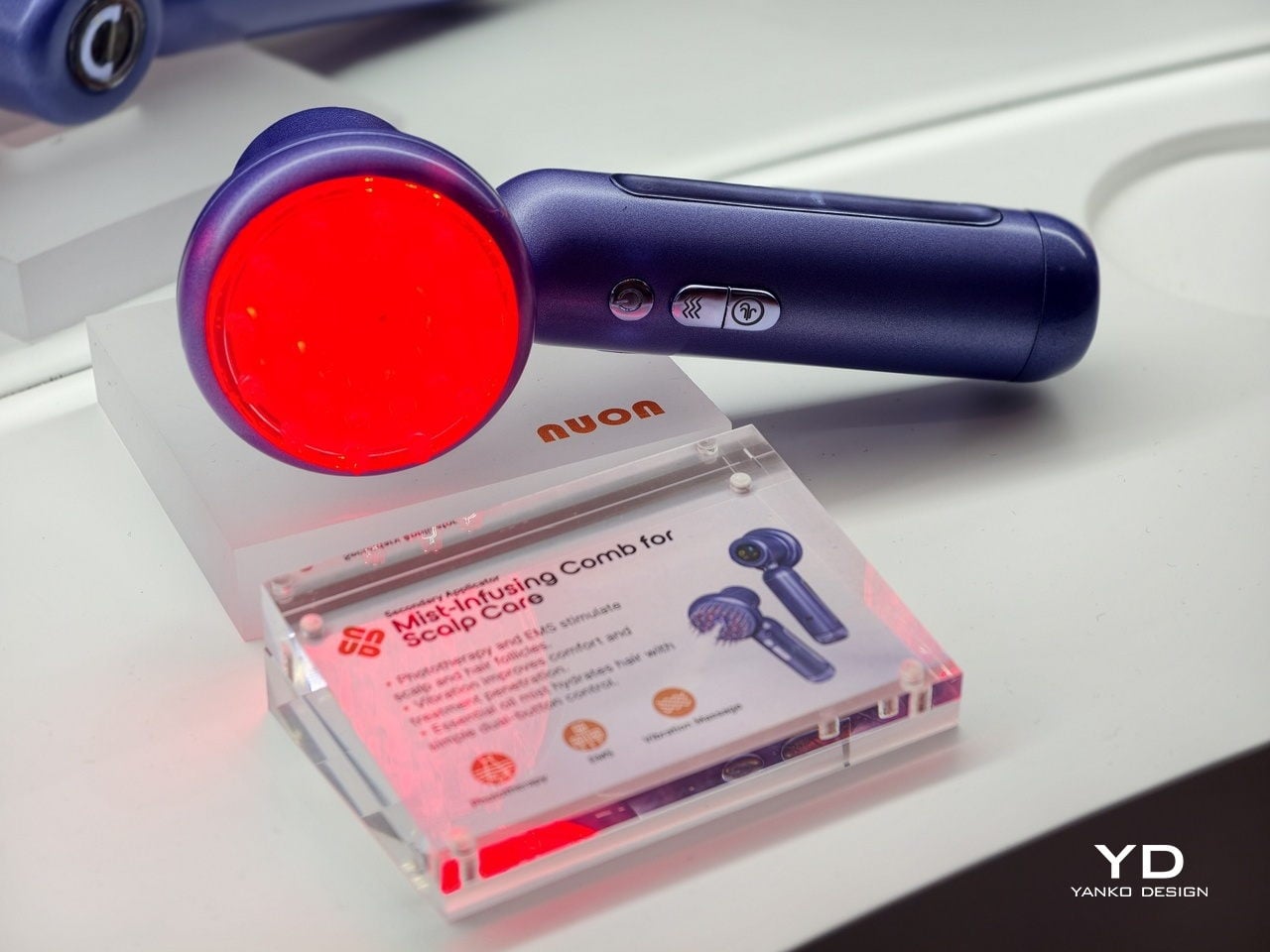
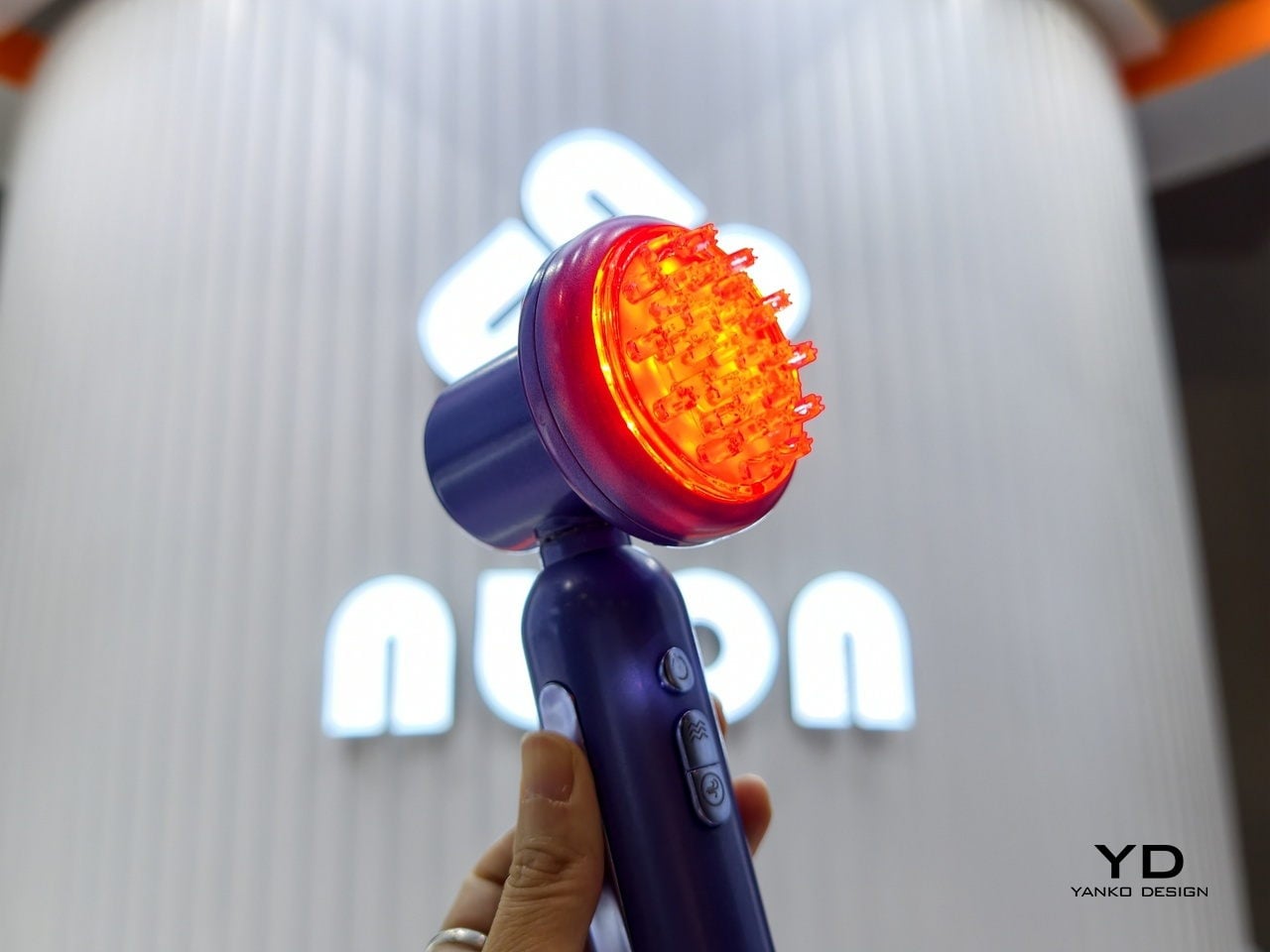
Packaging will become responsive tools that sense conditions and guide your hand in one motion. “Scalp and hair care is the next great ‘blue ocean.’ It’s a category where wellness meets clinical results, and users can immediately feel the benefits of microcirculation and stimulation,” Nuon notes. The broader idea is that everyday objects on bathroom shelves are about to become quietly intelligent without looking like sci-fi props.
Companies like Nuon are writing that next chapter from behind the scenes, proving that clinically meaningful technology doesn’t need to sacrifice what makes beauty objects appealing. It’s a shift from containers to interfaces, from passive to active. If Nuon’s right, we’ll look back at today’s plain bottles the way we look at rotary phones, functional once but hopelessly outdated now.
Cross-language conversations create a familiar kind of friction. You hold a phone over menus, miss half a sentence while an app catches up, or watch a partner speak fast in a meeting while your translation lags behind. Even people who travel or work globally still juggle apps, hand-held translators, and guesswork just to keep up with what is being said in the room, which pulls attention away from the actual conversation.
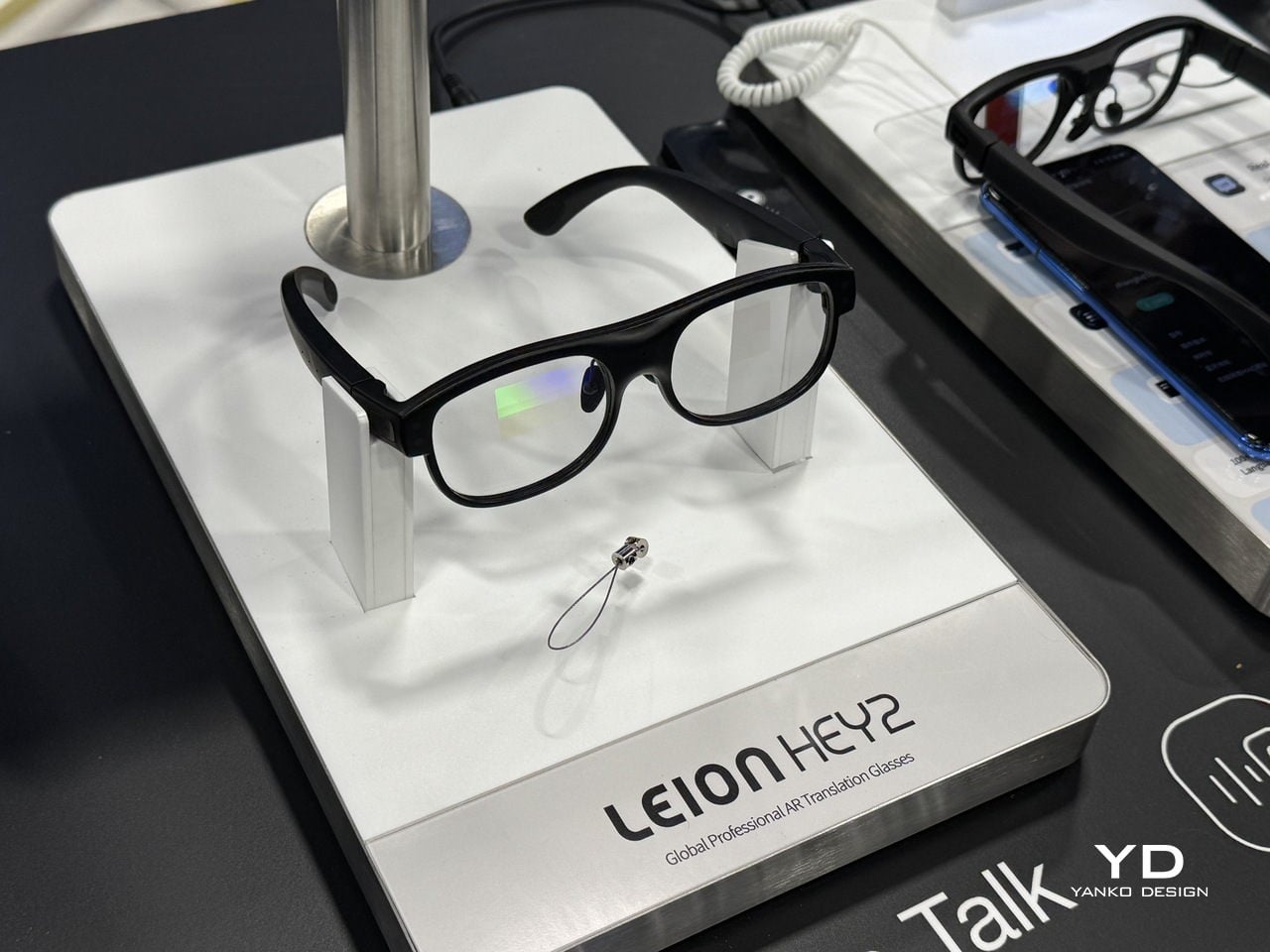
Leion Hey2 is translation that lives where your eyes already are, in a pair of glasses that quietly turns speech into subtitles without asking you to look down or pass a device back and forth. The glasses were built for translation first, not as an afterthought on top of entertainment or social features, and they are meant to last through full days of meetings or classes instead of dying halfway through, when you need them most.
Glasses That Care About Conversation, Not Spectacle
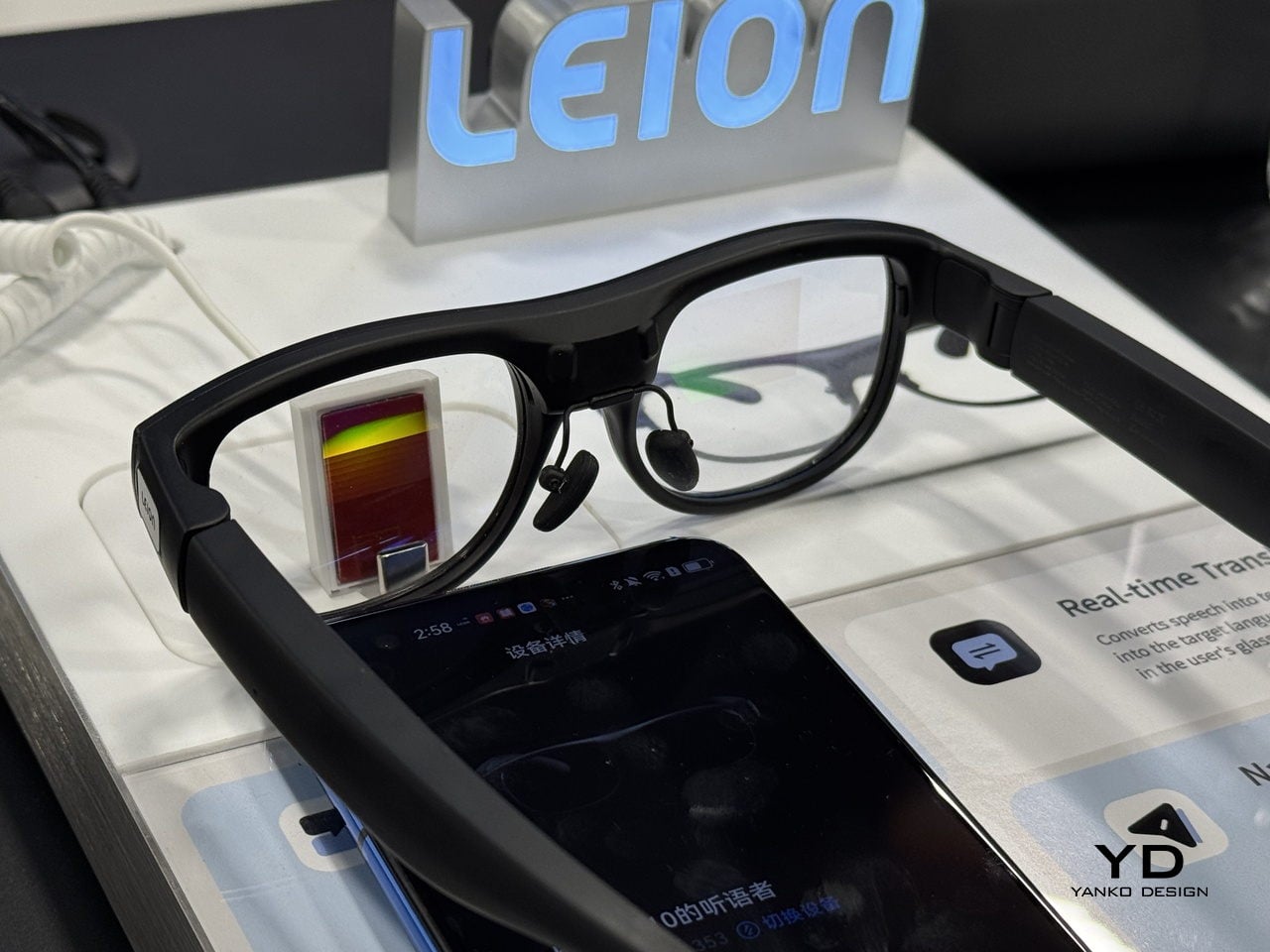
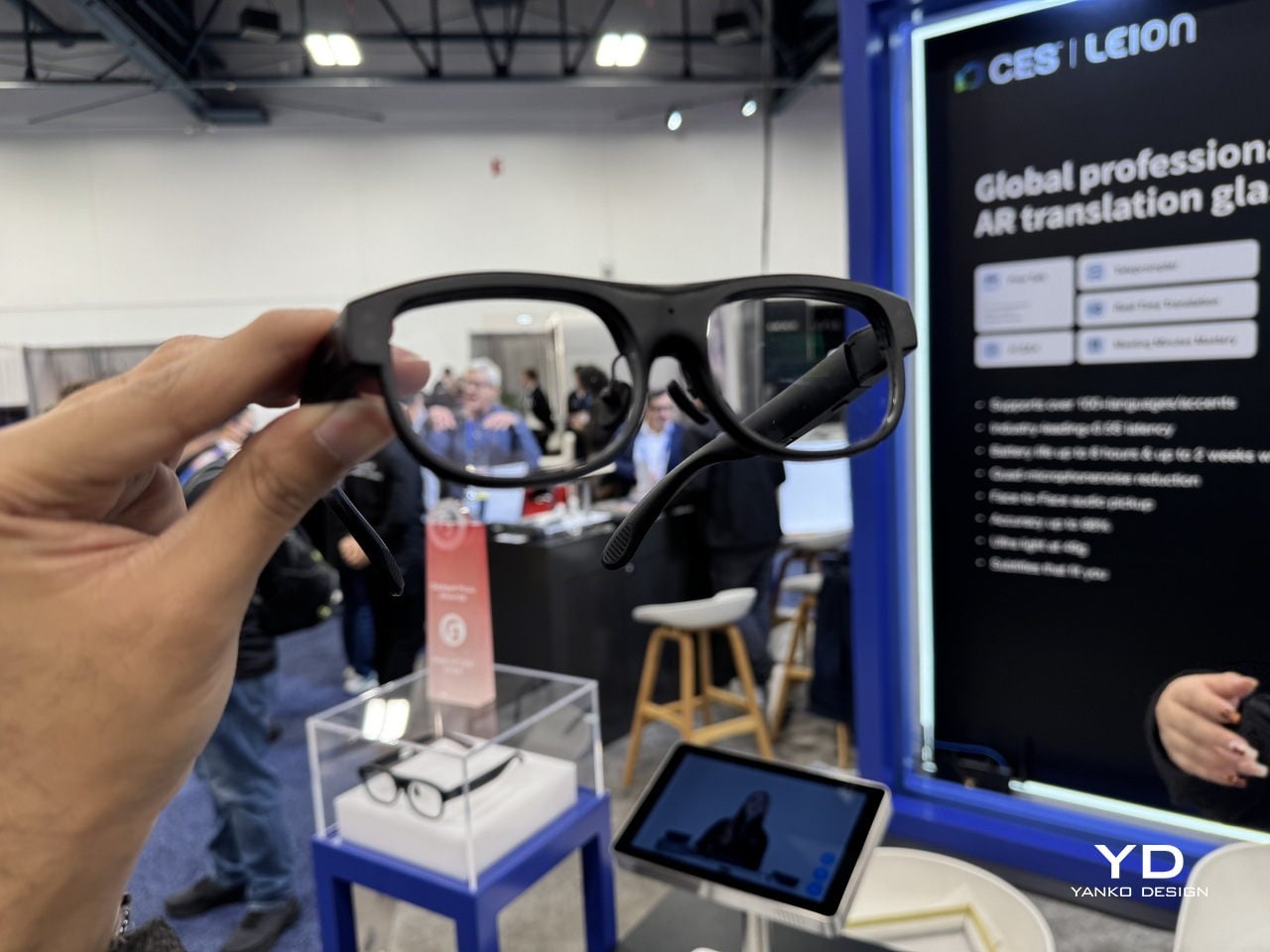
Leion Hey2 is a pair of professional AR translation glasses from LLVision, a company that has spent more than a decade deploying AR and AI in industrial and public-sector settings. Hey2 is not trying to be an all-in-one headset; it is engineered from the ground up for real-time translation and captioning, supporting more than 100 languages and dialects with bidirectional translation and latency under 500 ms in typical conditions, plus 6–8 hours of continuous translation on a single charge.
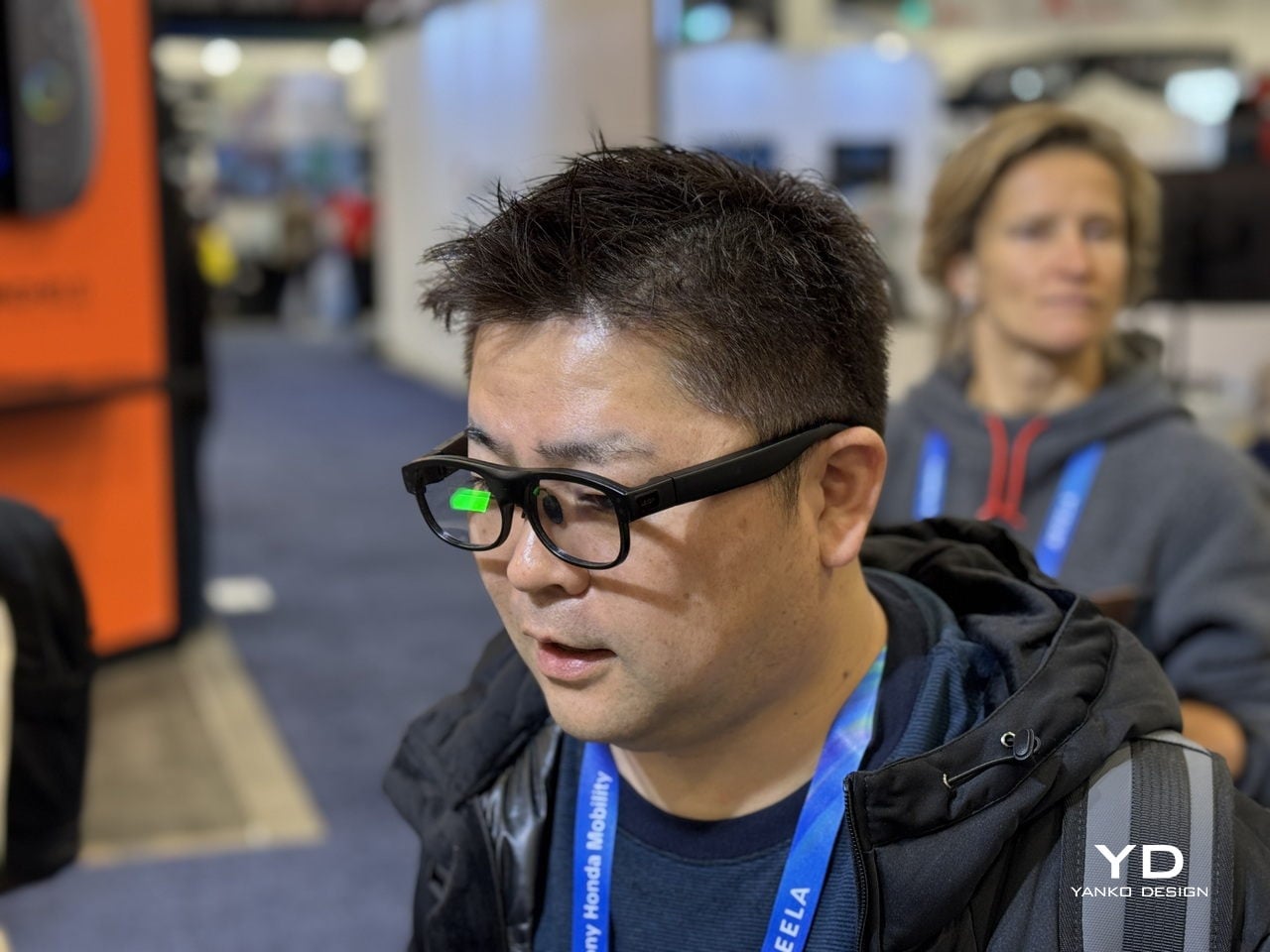
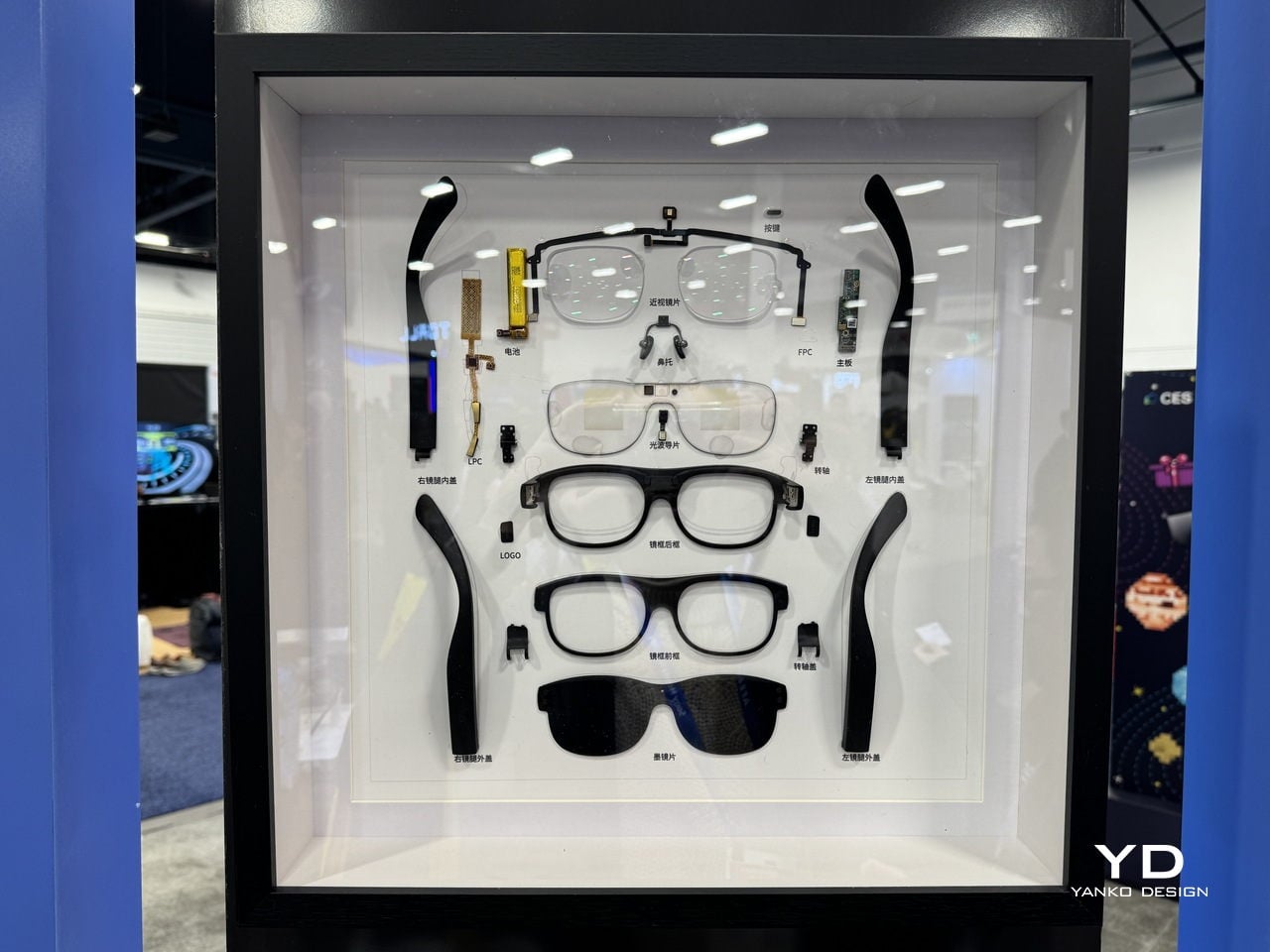
Hey2 is designed to wear like everyday eyewear rather than a gadget. The classic browline frame, 49g weight, magnesium-lithium alloy structure, and adjustable titanium nose pads are all chosen to make it feel like a normal pair of glasses you forget you are wearing. A stepless spring hinge adapts to different faces, and the camera-free, microphone-only design, which follows GDPR-aligned privacy principles and is supported by a secure cloud infrastructure built on Microsoft Azure, helping keep both wearers and bystanders more comfortable in sensitive environments.
Subtitles in Your Line of Sight
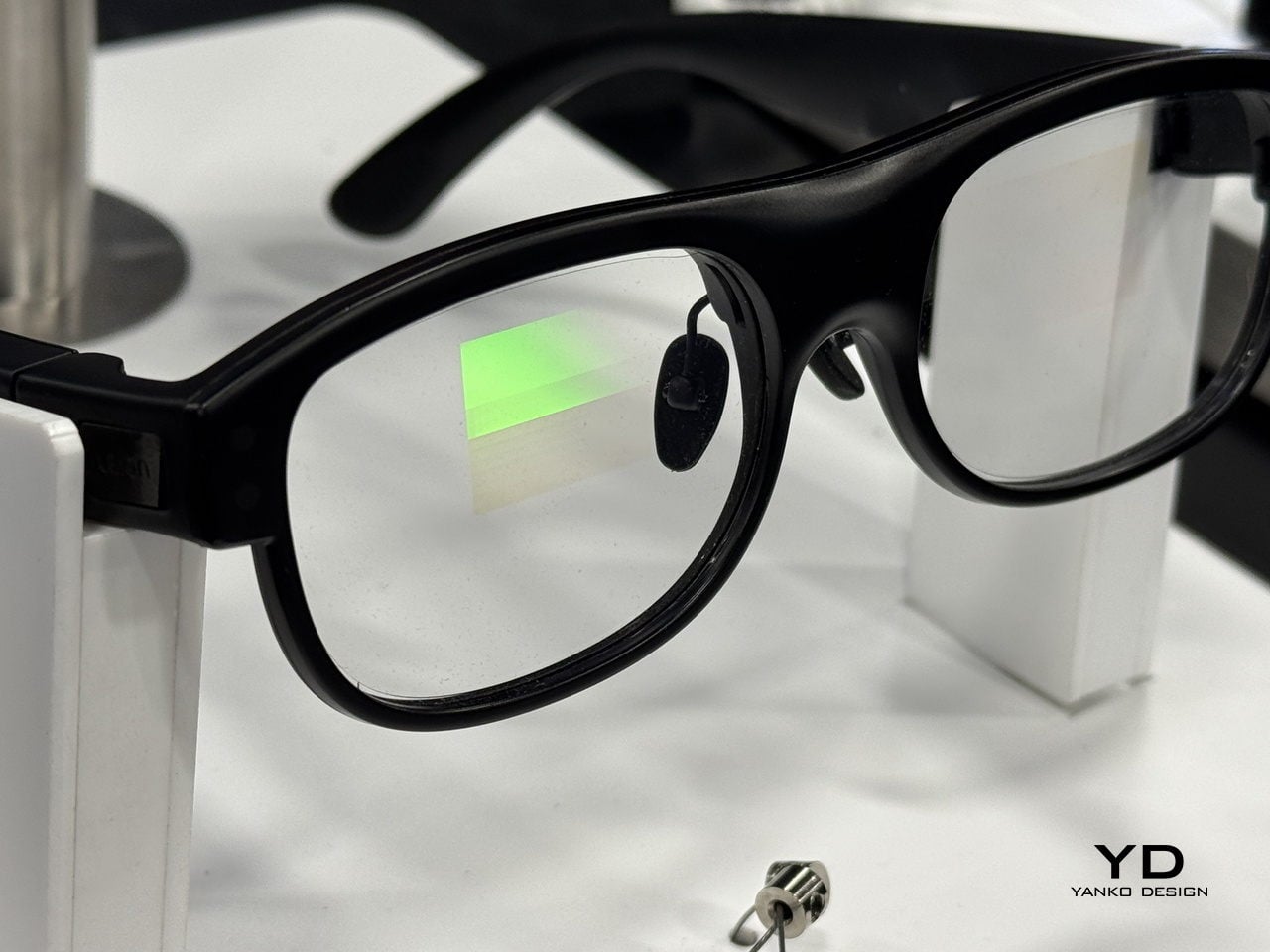
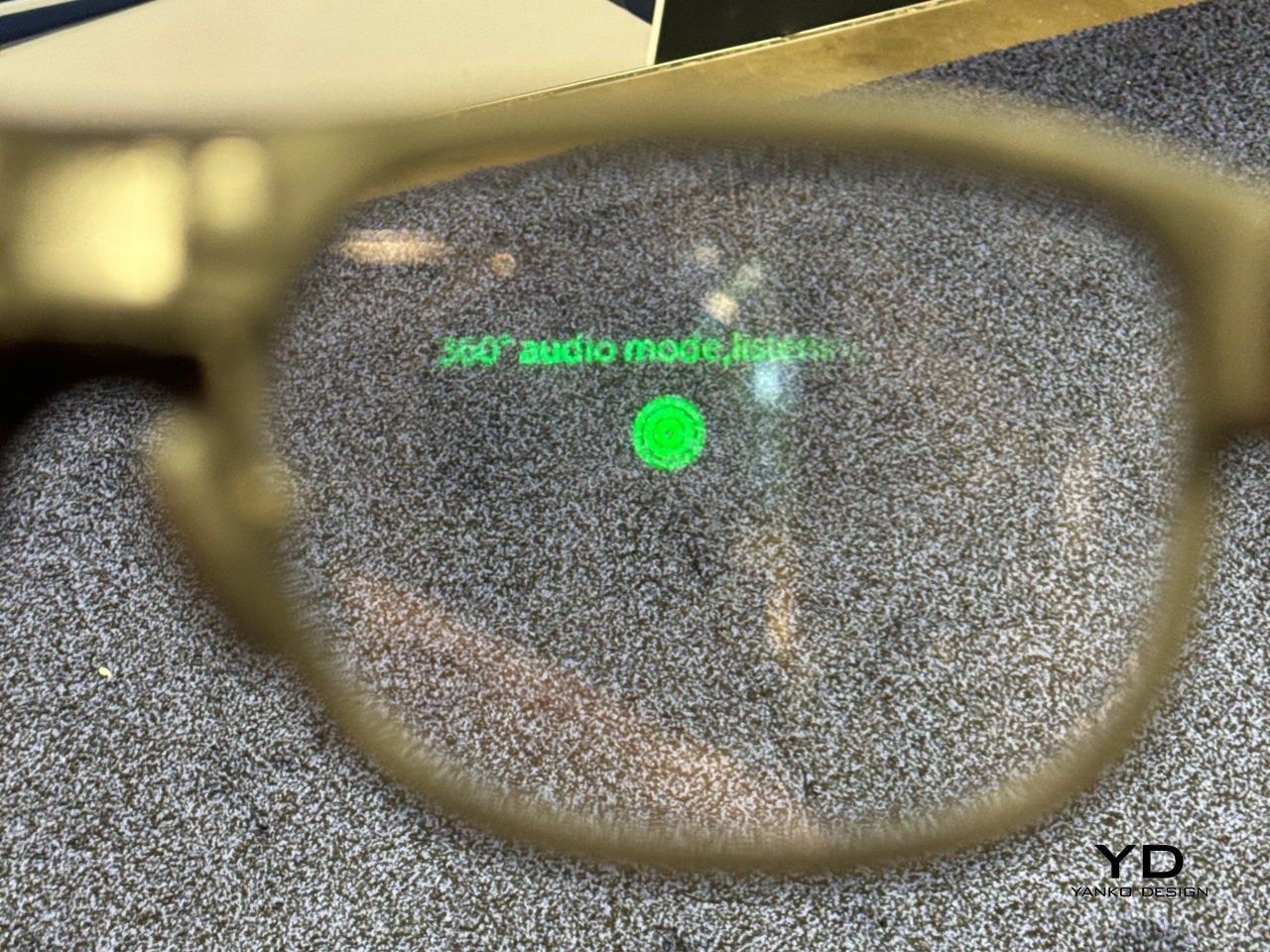
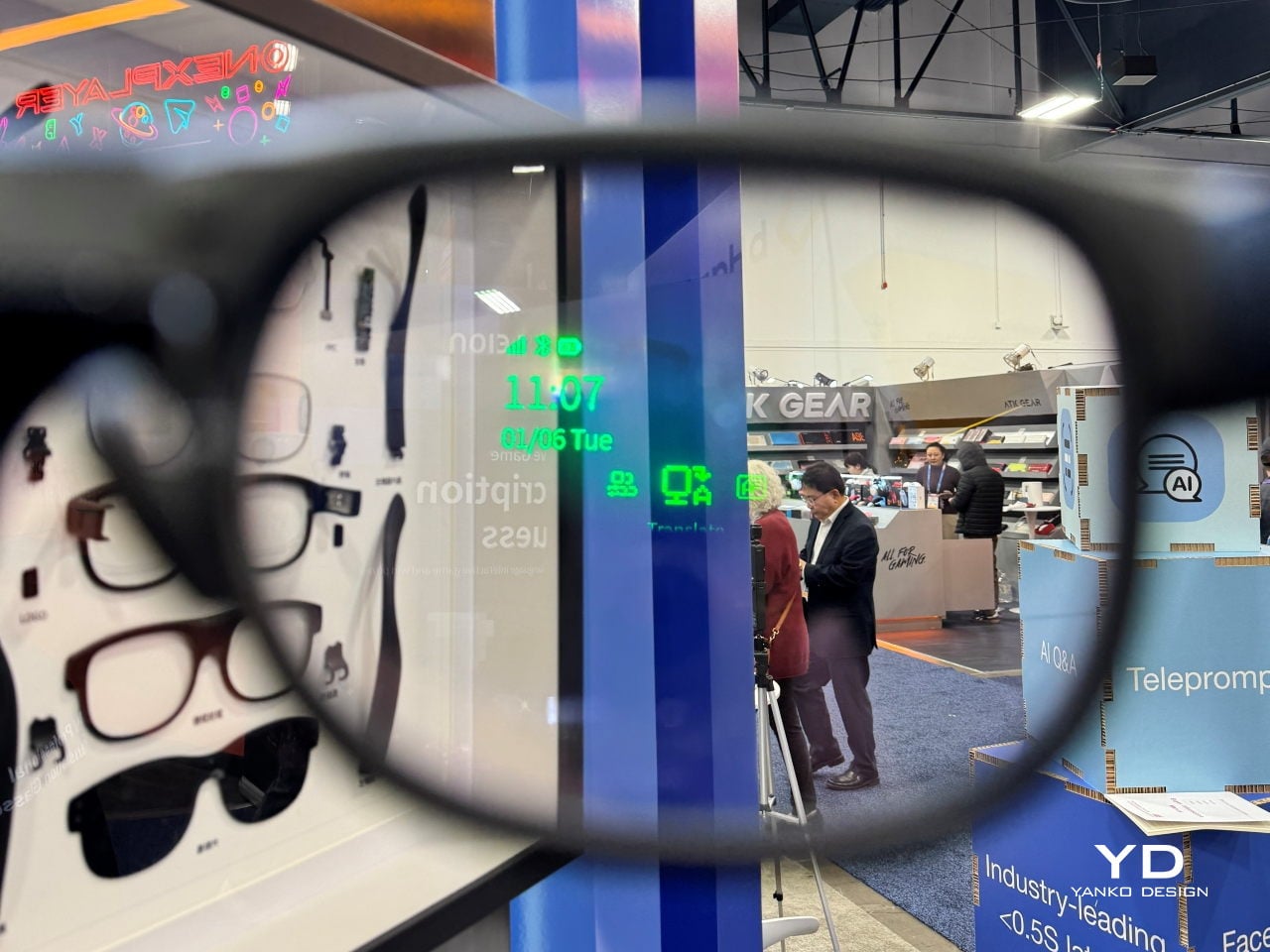
Hey2 uses waveguide optics and a micro-LED engine to project crisp, green subtitles into both eyes, with a 25-degree field of view and more than 90% passthrough so the real world stays bright. The optical engine is tuned to reduce rainbow artifacts by up to 98%, keeping text stable and readable in different lighting conditions, while three levels of subtitle size and position let you decide how prominently captions sit in your forward field of view.
The audio side relies on a four-microphone array that performs 360-degree spatial detection to identify who is speaking, while face-to-face directional pickup prioritizes the person within roughly a 60-degree cone in front of you. A neural noise-reduction algorithm uses beamforming and multi-channel processing to isolate the main voice, which helps in noisy restaurants, busy trade-show floors, or classrooms where questions come from different directions, without forcing you to constantly adjust settings.
Modes That Support Work, Learning, and Accessibility
In translation and Free Talk modes, foreign speech is converted into your language as subtitles in your line of sight, so you can mix languages freely and still follow long-form speech without constantly checking a screen. In Free Talk, Hey2 provides subtitles for what you hear and spoken translation for what you say, turning a two-language conversation into something that feels more like a normal chat than a tech demo, with the charging case extending total use to 96 hours across 12 recharges.
Teleprompter mode scrolls your script in your line of sight and advances it automatically as you speak, useful for lectures, pitches, or keynotes where you want to keep eye contact without glancing at notes. AI Q&A, triggered by a temple tap, taps into ChatGPT-powered answers for discreet look-ups, while Captions mode turns fast speech into clean text, helping students, professionals, and Deaf or hard-of-hearing users stay on top of what is being said, even in noisy environments where handheld devices struggle.
A Different Kind of AR Story
When Leion Hey2 steps onto the CES 2026 stage, it represents a quieter kind of AR story. Instead of chasing spectacle, it narrows the brief to something very human, helping people speak, listen, and be understood across languages and hearing abilities. For a show that often celebrates what technology can do, Hey2 is a reminder that sometimes the most interesting innovation is the one that simply lets you keep your head up and stay in the conversation.