Sony’s PlayStation has always been a home console first and only. The PlayStation Portal, which came closest to answering the demand for a portable PlayStation, streams games from a PS5 rather than running them on the device itself. That gap, an actual PlayStation that plays its own library locally, has stayed open long enough that at least one person decided to fill it themselves, twice.
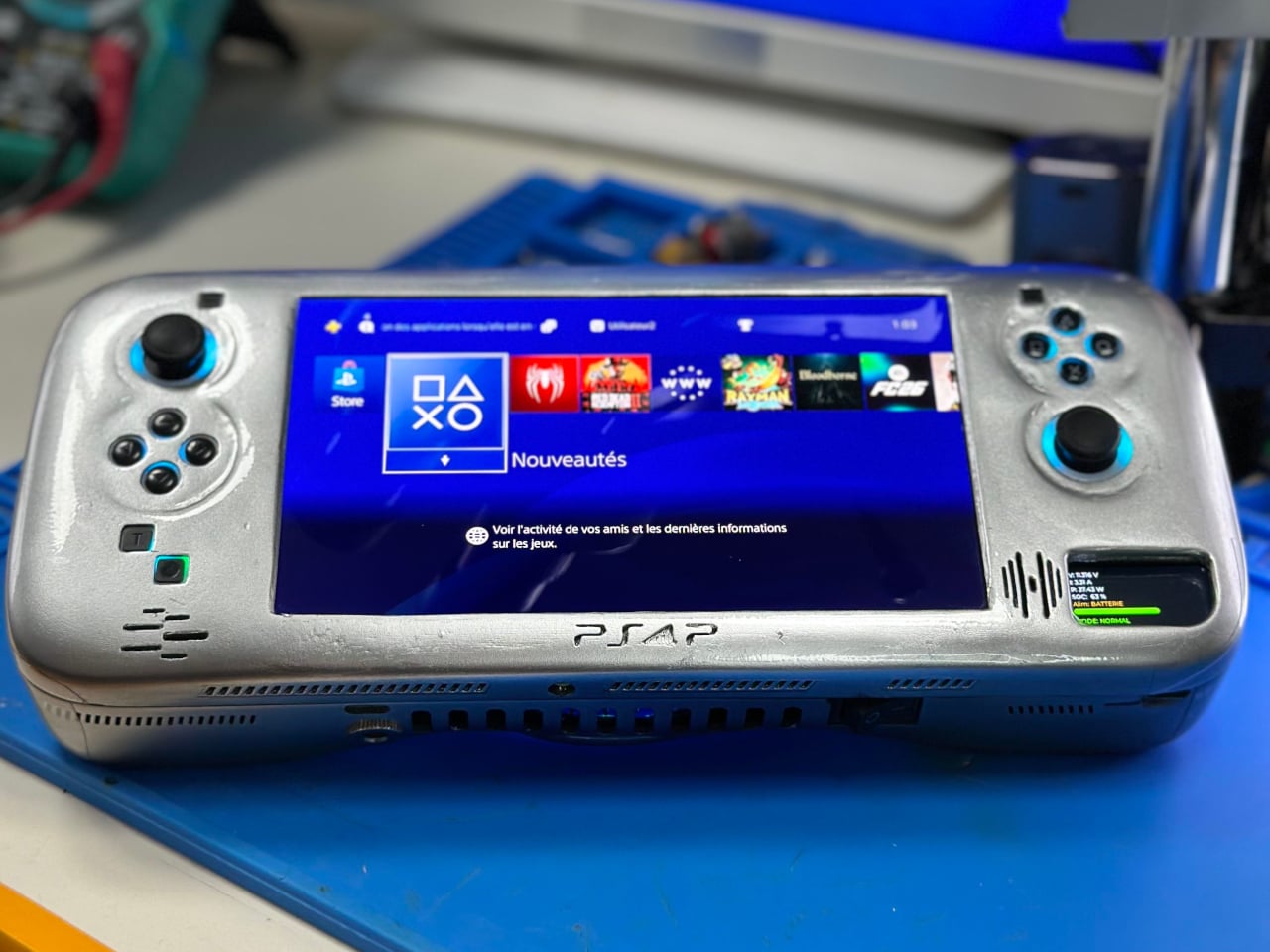
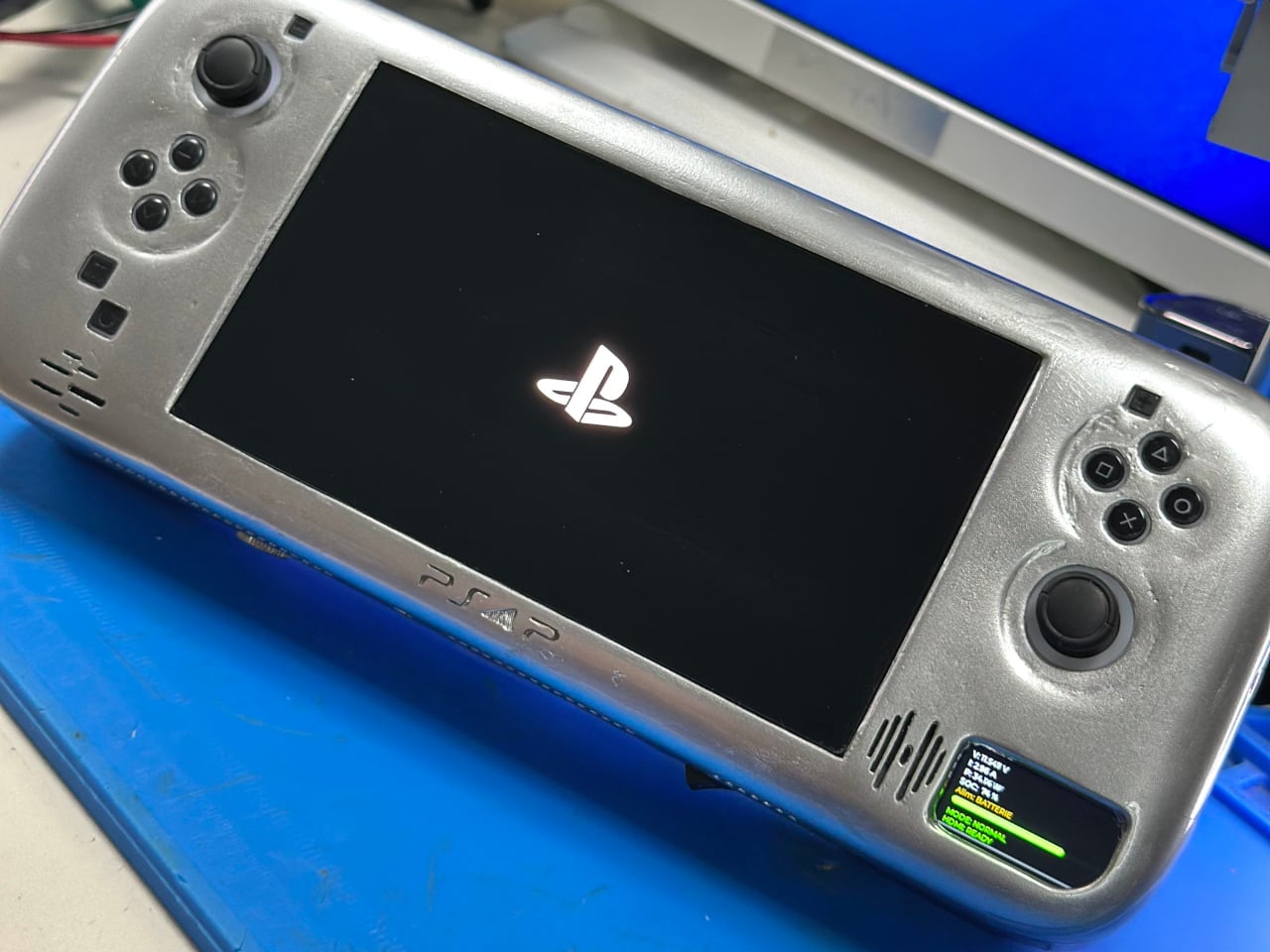
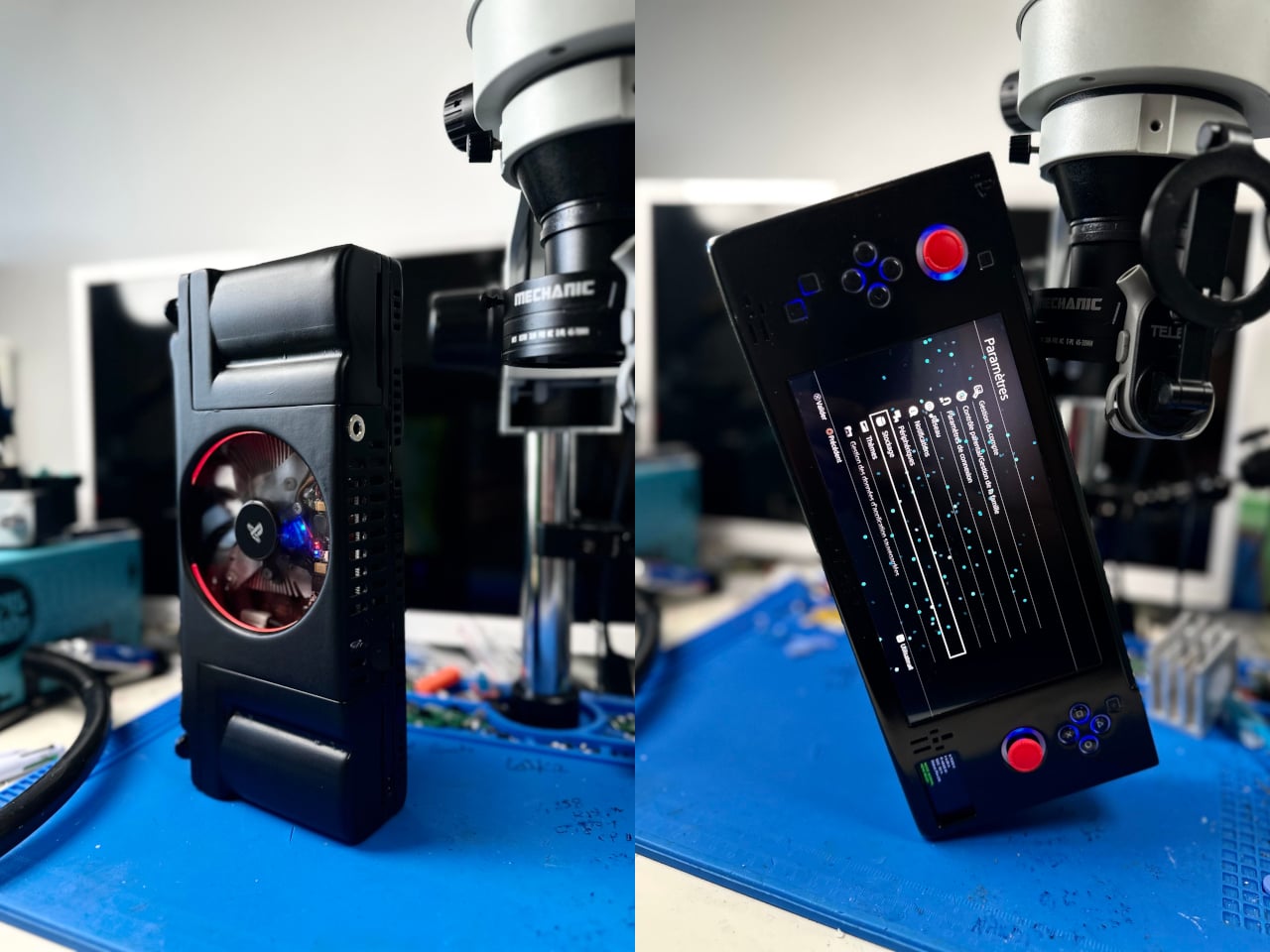
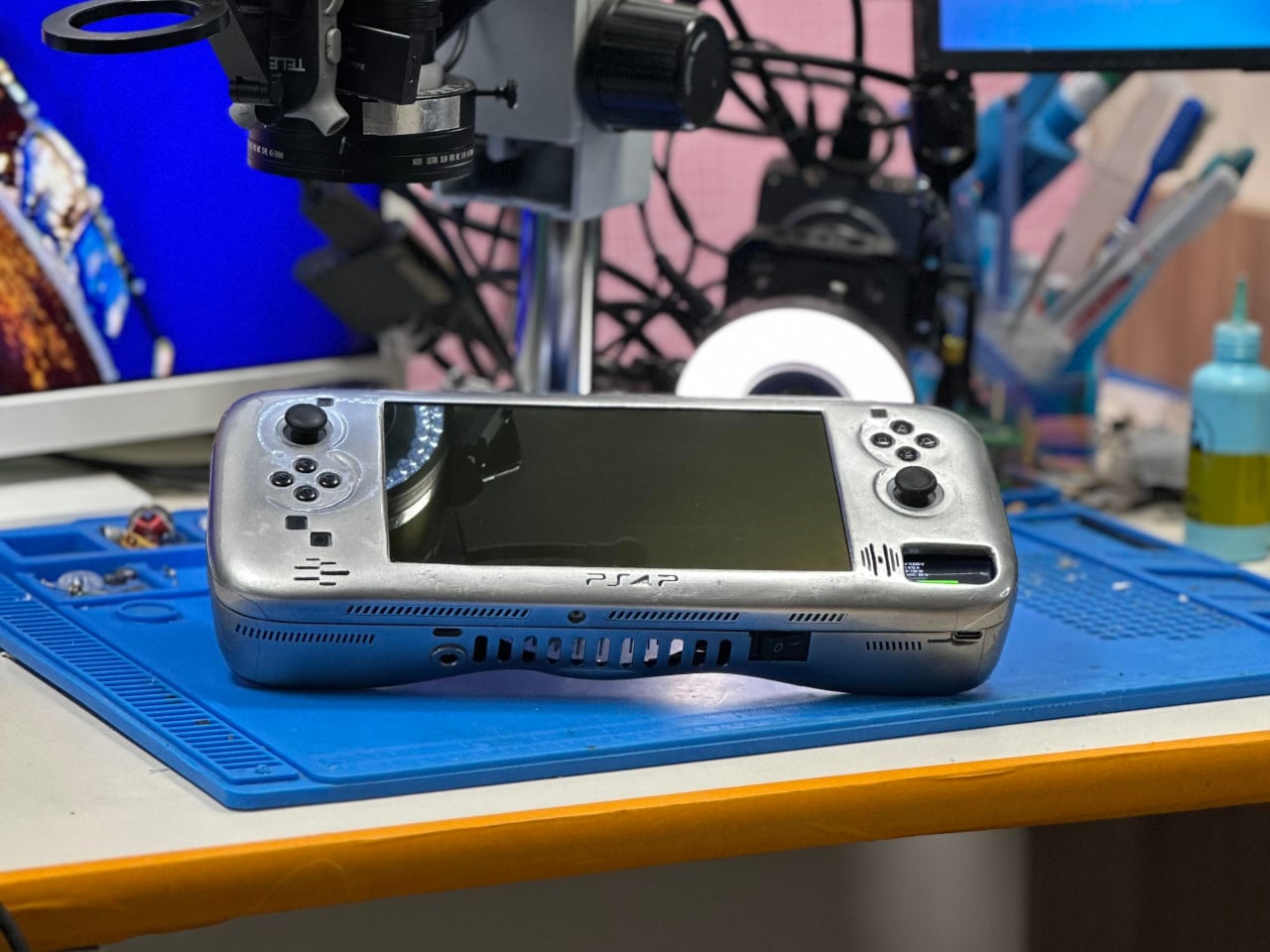
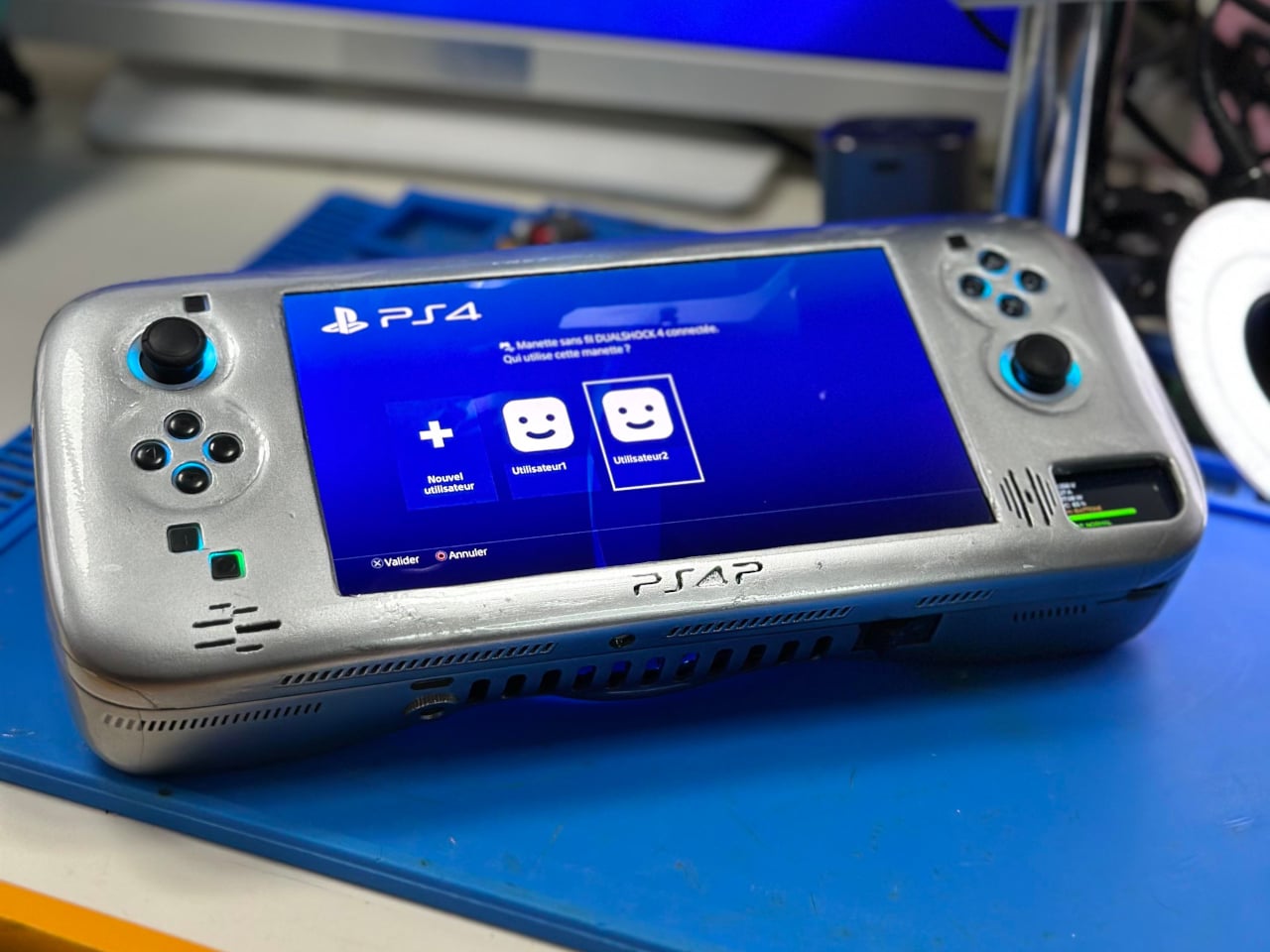
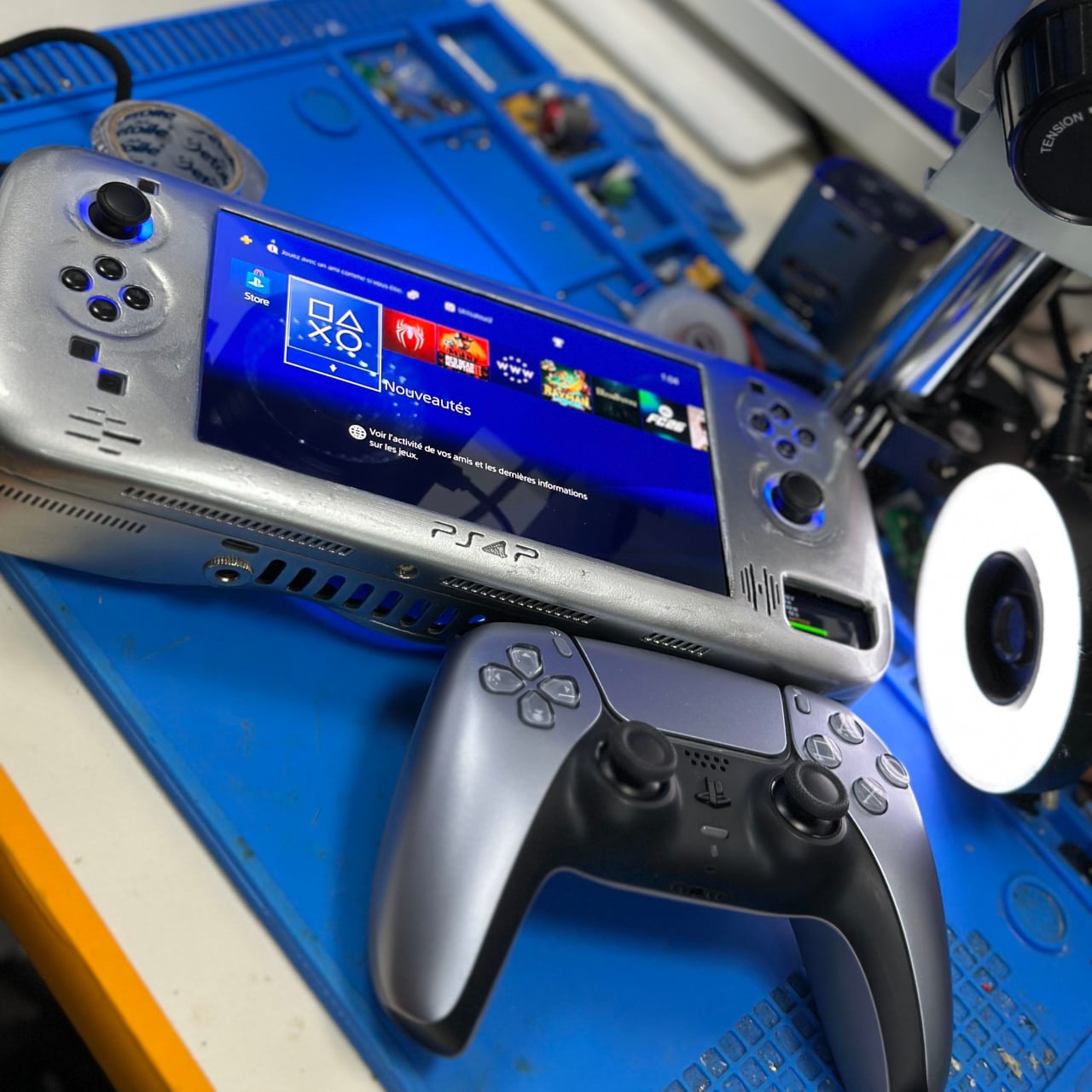
The PS4P v2 is the second version of a DIY handheld built around a real PS4 Slim motherboard, trimmed and modified to fit inside a 3D-printed shell. The first version, completed earlier this year, was a functional proof of concept that came in at around 1.5 kg and looked more like a prototype than a finished product. This second build is a step up in almost every meaningful way, and the jump in refinement between the two is obvious from the build photos alone.
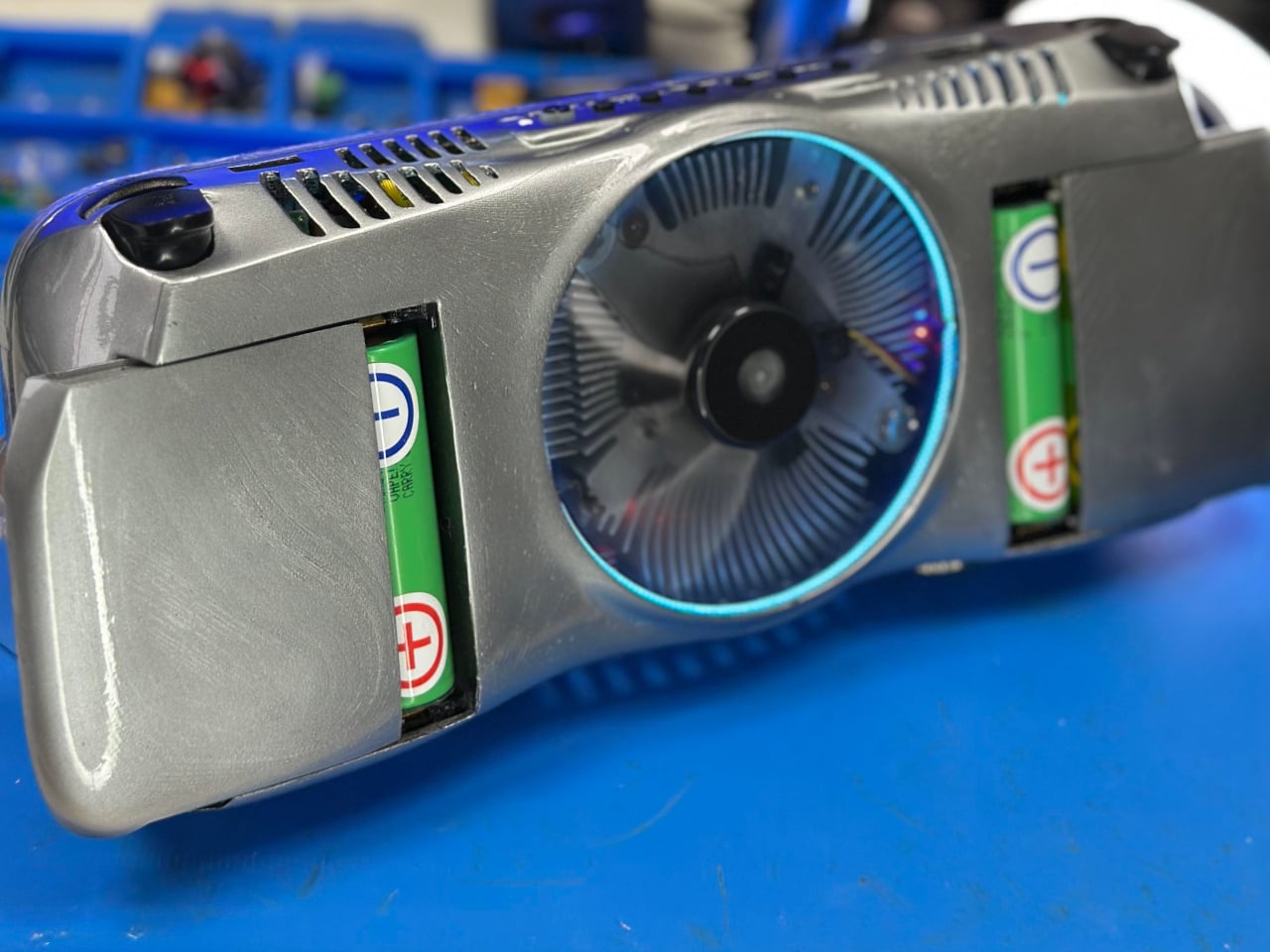
The core remains a cut-down PS4 Slim board, but the second version draws less power than the first, which helps push the battery life a bit further. Six 21700 cells, each rated at 5,000 mAh, power the whole thing for anywhere from 1.5 to 3 hours depending on what’s being played. It can also run off external power for longer sessions, and HDMI output means the whole unit can connect to a television with a real DualShock controller attached.
PS4P V1
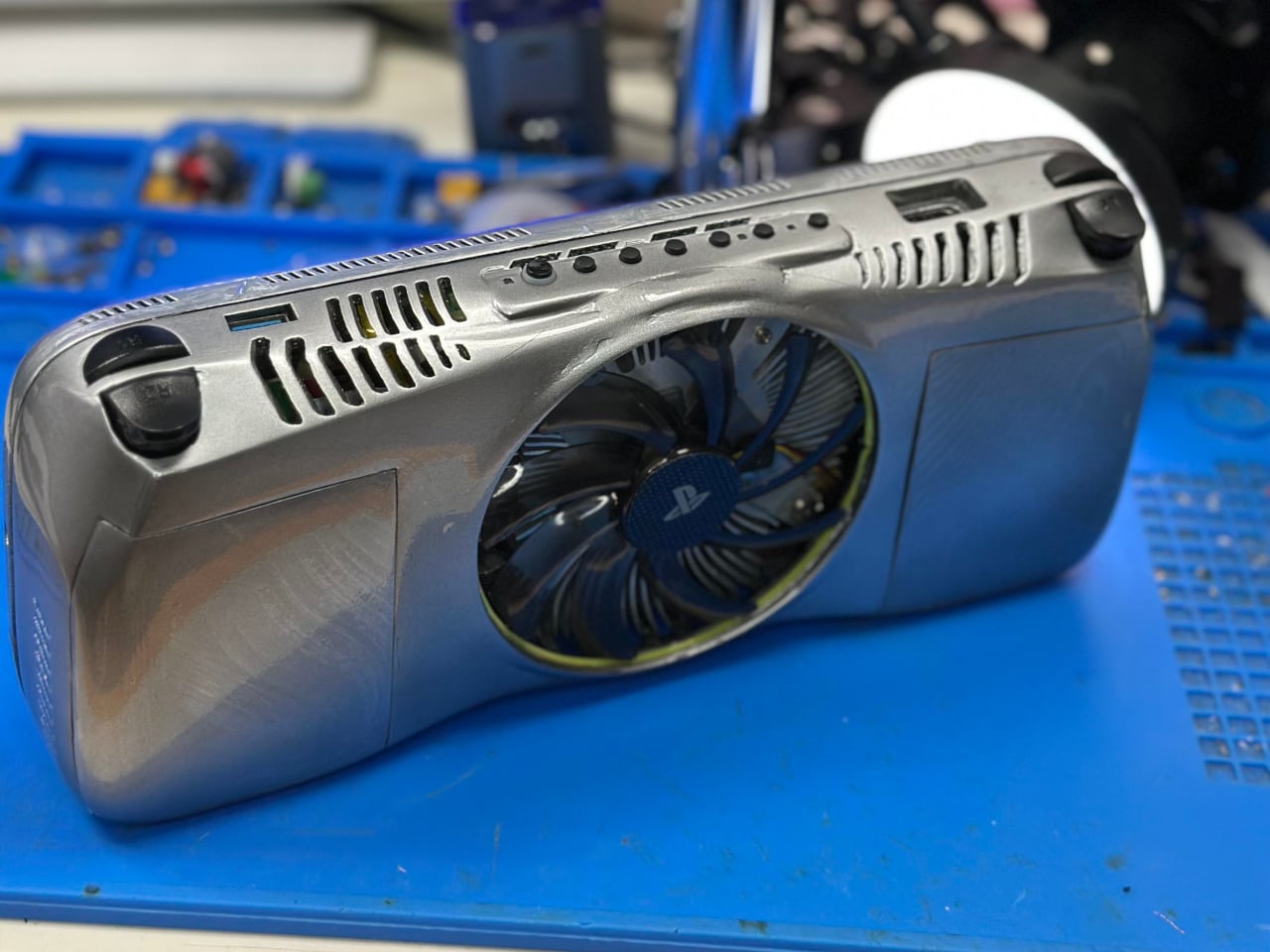
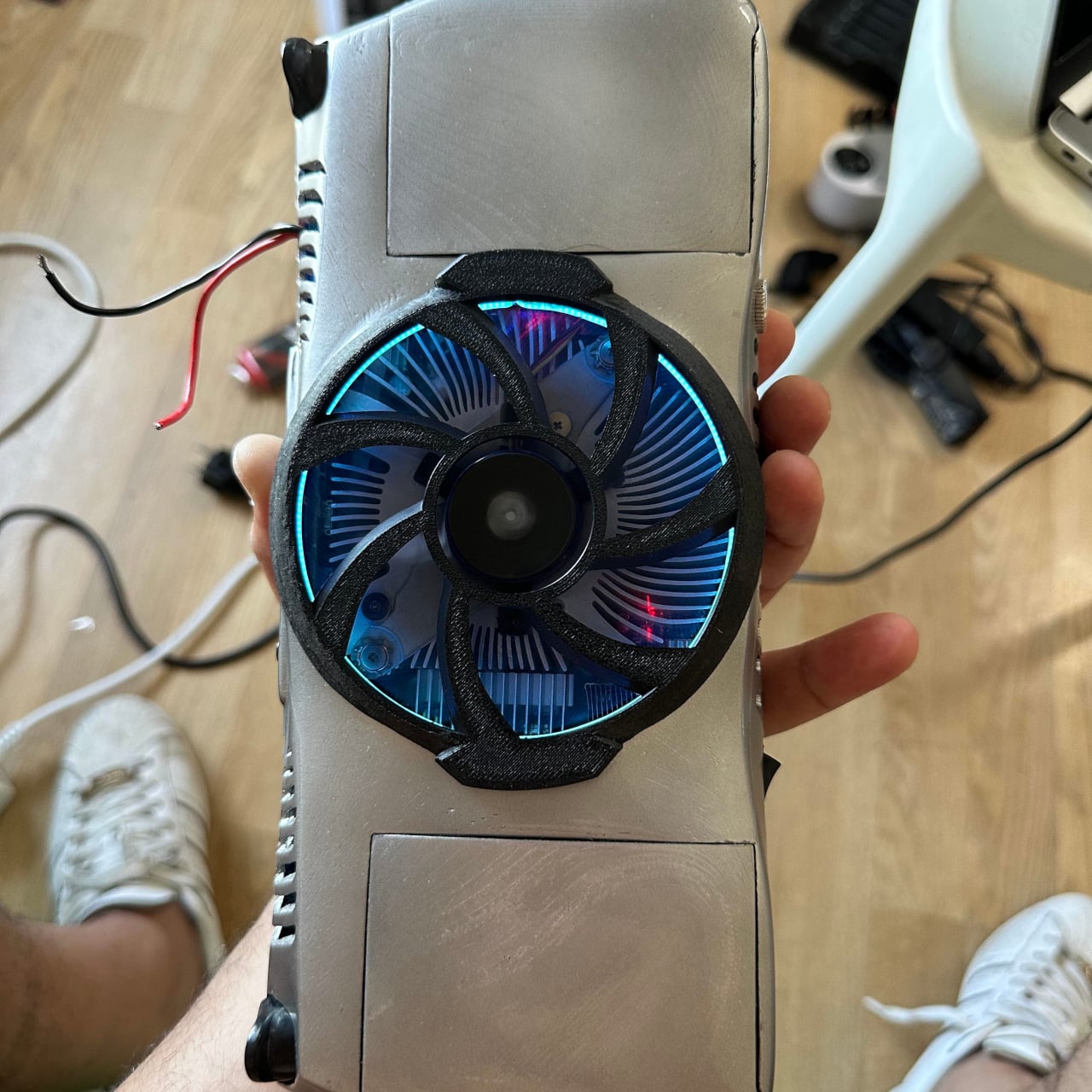
The display is a 7-inch 1080p OLED panel, which puts it in a different category from most handheld screens at this scale. Cooling is handled by a fan pulled from a retired GTX 750 graphics card, mounted on the rear of the unit. A removable guard sits over the fan, and pulling it off improves airflow when the game demands it; leaving it on protects the fan from dust and impacts during storage or travel.
The finished unit weighs 1.3 kg, which is heavy by any commercial standard. A Steam Deck is considerably lighter. But the honest comparison isn’t really with a Steam Deck, which runs PC games through an x86 processor. This runs the PS4’s actual hardware, which means native execution of the PS4’s library without emulation, streaming, or compatibility layers getting between the player and the game.
The build sits closer to a real commercial product than most DIY console conversions manage. The 3D-printed shell holds everything together cleanly enough that, at a glance, it reads as something you might actually find in a store. That it came out of a single person’s workshop rather than an engineering team with a production budget makes the result even harder to dismiss.
For now, it remains a one-off. Making it smaller, lighter, or more energy-efficient would require changes to the PS4 Slim’s motherboard that go beyond what any single modder can reasonably achieve. The constraints are baked into the hardware. But as a demonstration of what dedication to a specific piece of gaming hardware looks like when Sony won’t build it themselves, the PS4P v2 makes its point clearly.
The consumer smartwatch market has become a fairly predictable place. Most wristwear from major brands covers health monitoring, notifications, and a tightly controlled app ecosystem, with little room for deviation. Tinkerers and developers who want something outside that formula have traditionally had to cobble together components from different sources, which is more a test of patience than a creative process and rarely results in something worth wearing.
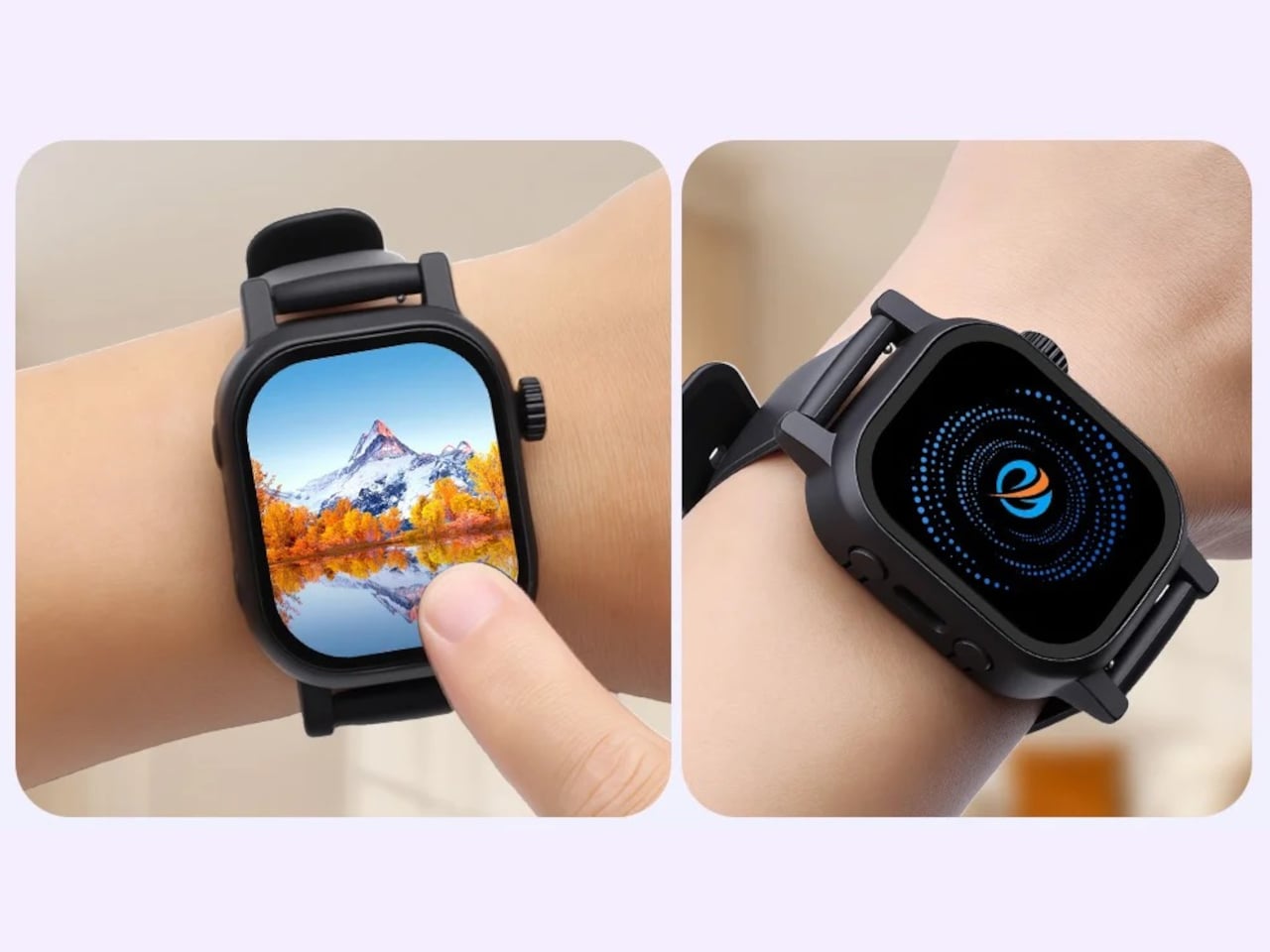
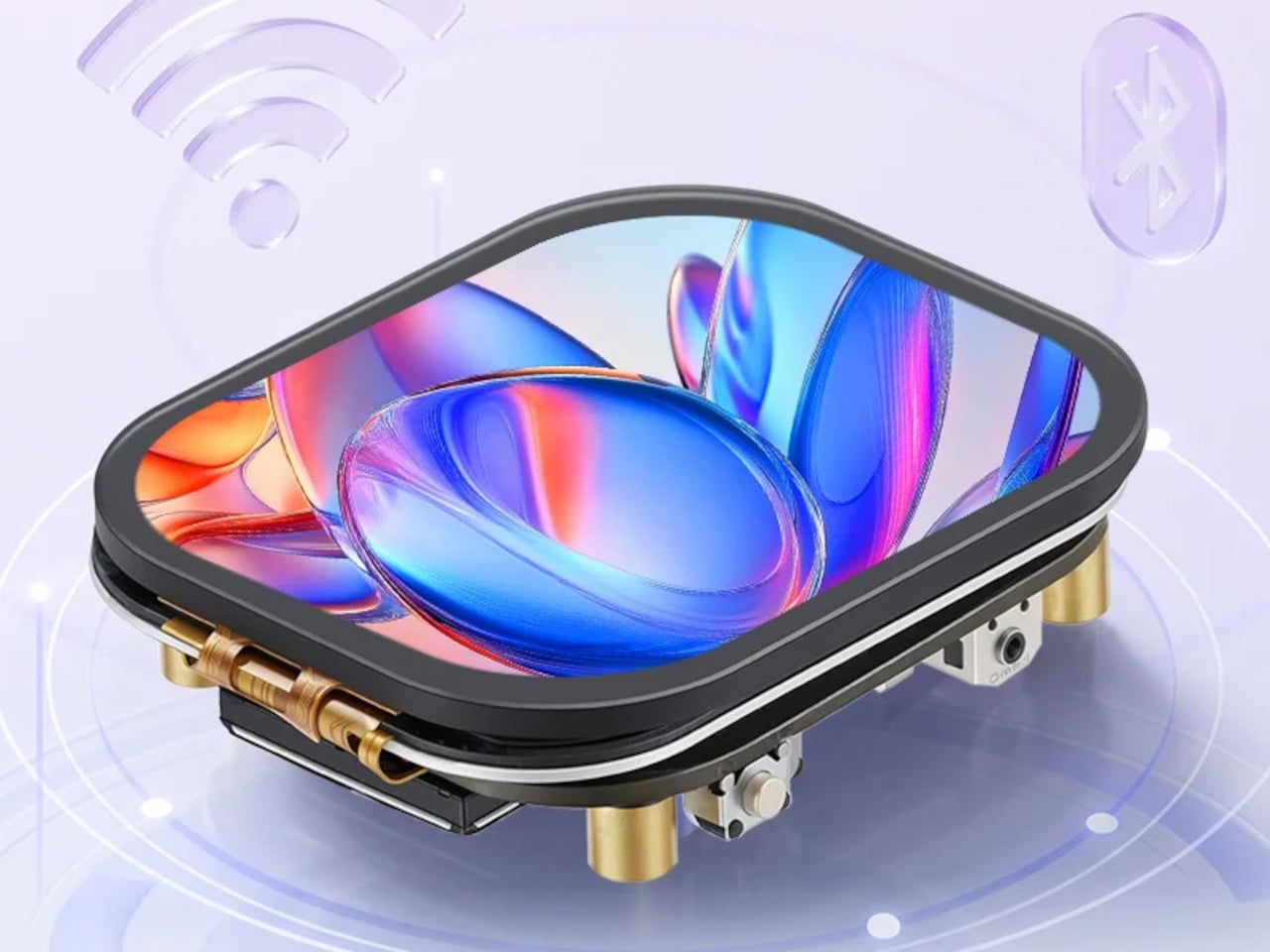
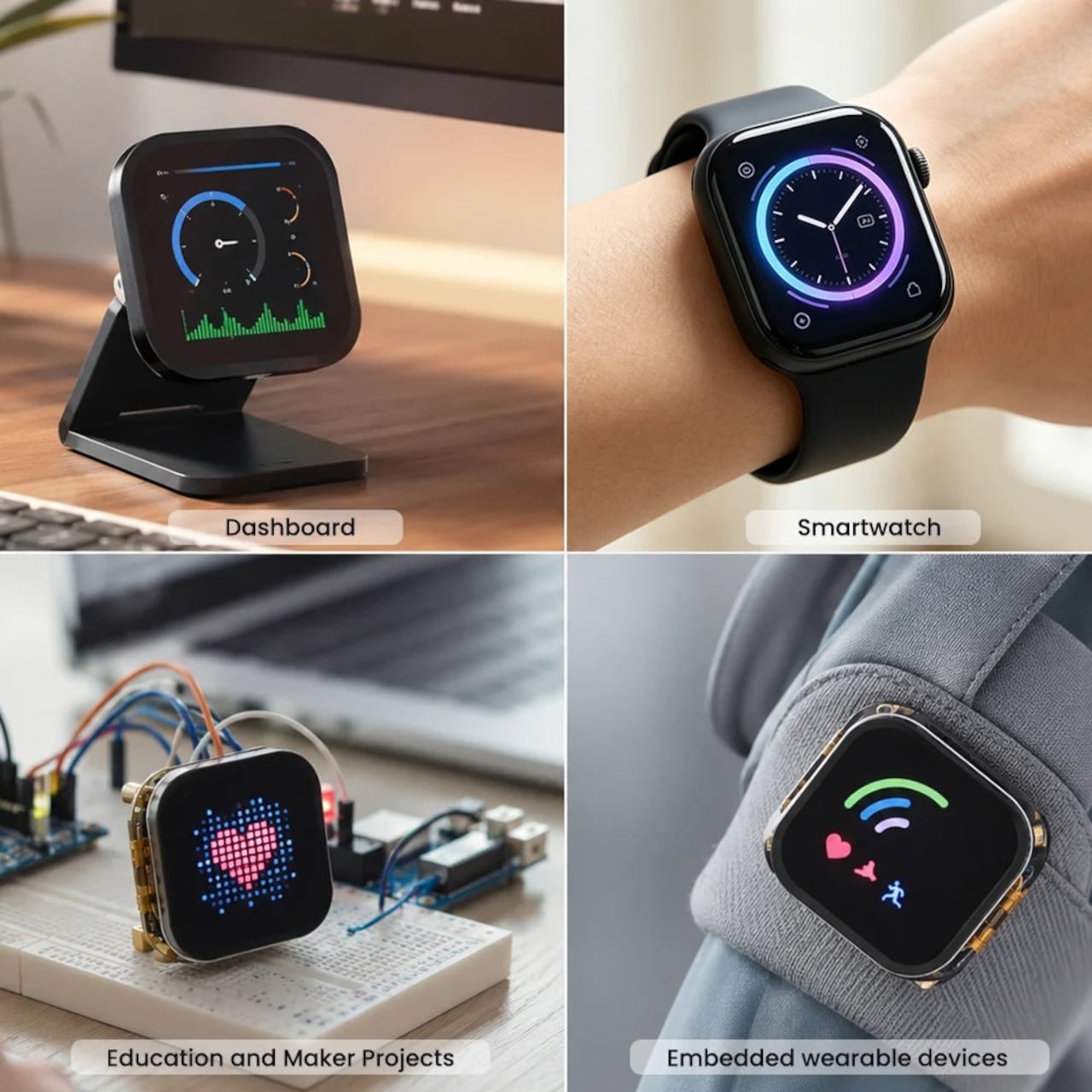
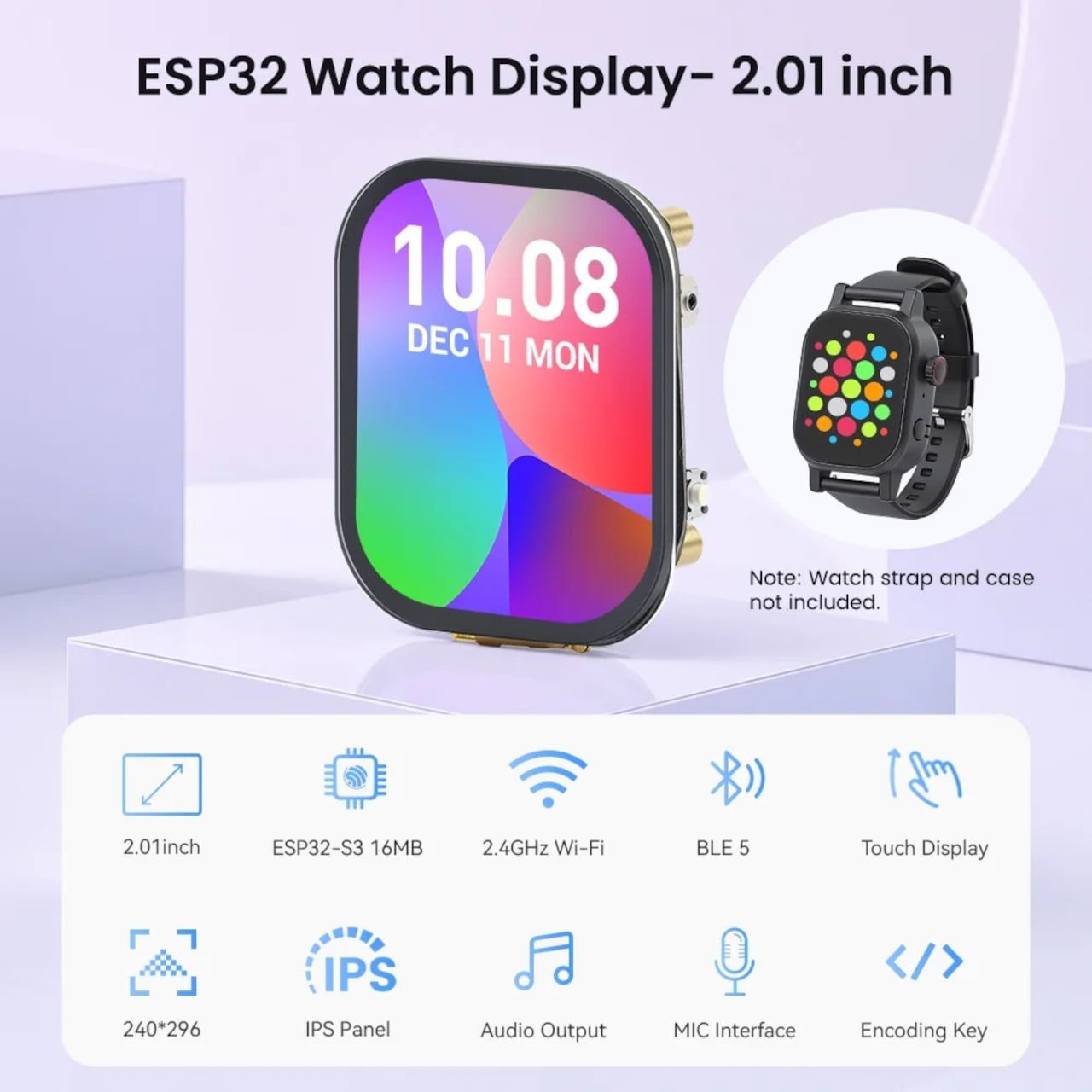
Elecrow’s CrowPanel Watch Display is a ready-made starting point for building something more personal. It’s an all-in-one development module built around the ESP32-S3 microcontroller, packaged as a wrist-sized board complete with a 2.01-inch touchscreen, a microphone, a rotary encoder, and expansion contacts. The idea is that most of the hardware problem is already solved, leaving you with the more interesting part: deciding what the device should actually do.
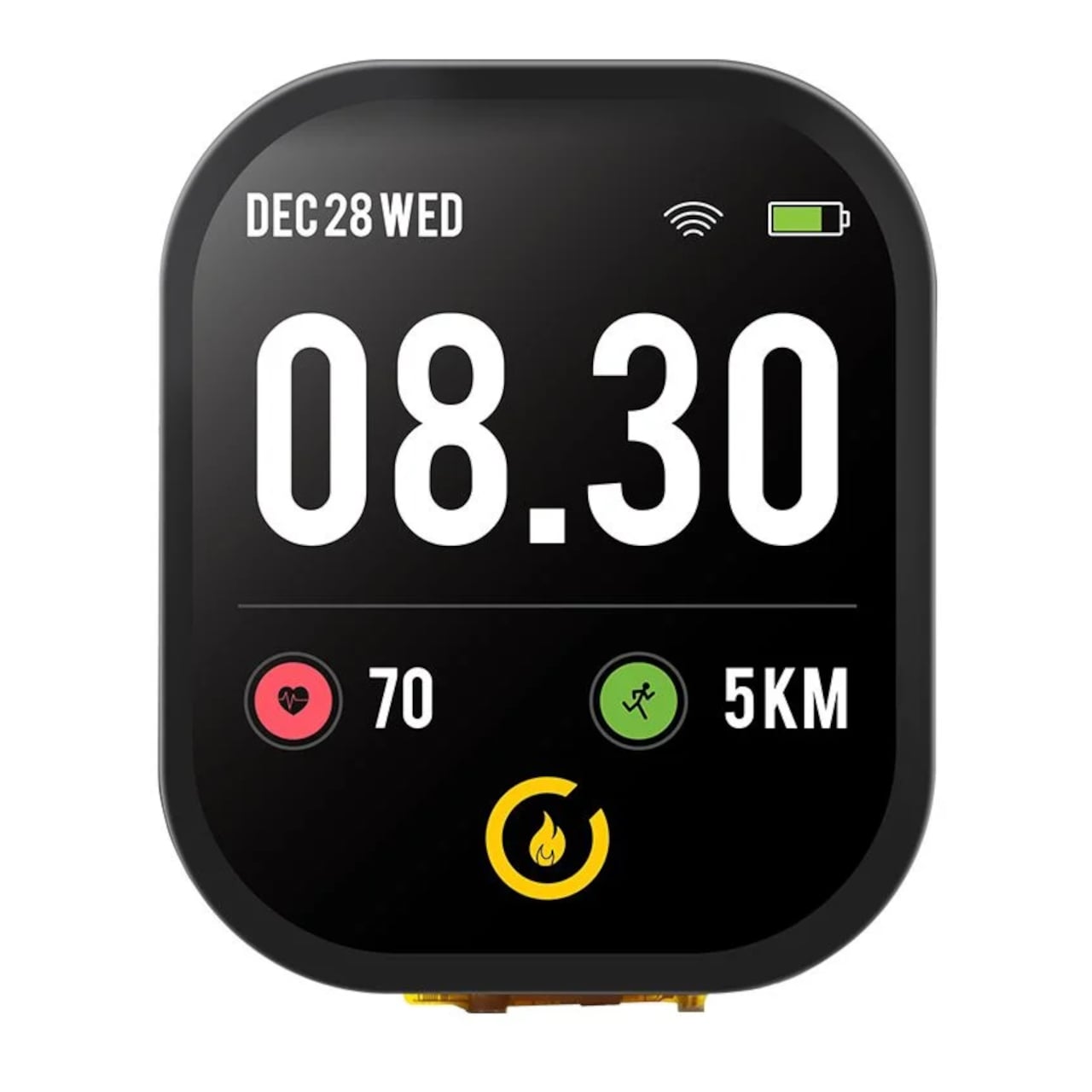
The IPS panel has a resolution of 240×296 pixels, capacitive touch, and a 178-degree viewing angle. Navigation doesn’t depend on touch alone. A rotary encoder functions like a traditional watch crown for scrolling and selection, and a dedicated side button rounds out the physical inputs. Both keep the interactions familiar to anyone who’s worn a watch before.
Under the hood, the ESP32-S3 runs a dual-core Xtensa LX7 processor clocked at up to 240MHz, with built-in Wi-Fi and Bluetooth 5. That means the watch can pull weather data, push notifications from a paired phone, or interact with a smart home network from the wrist. The Wi-Fi capability also makes it a viable control panel for home automation, a secondary identity the hardware handles just as comfortably.
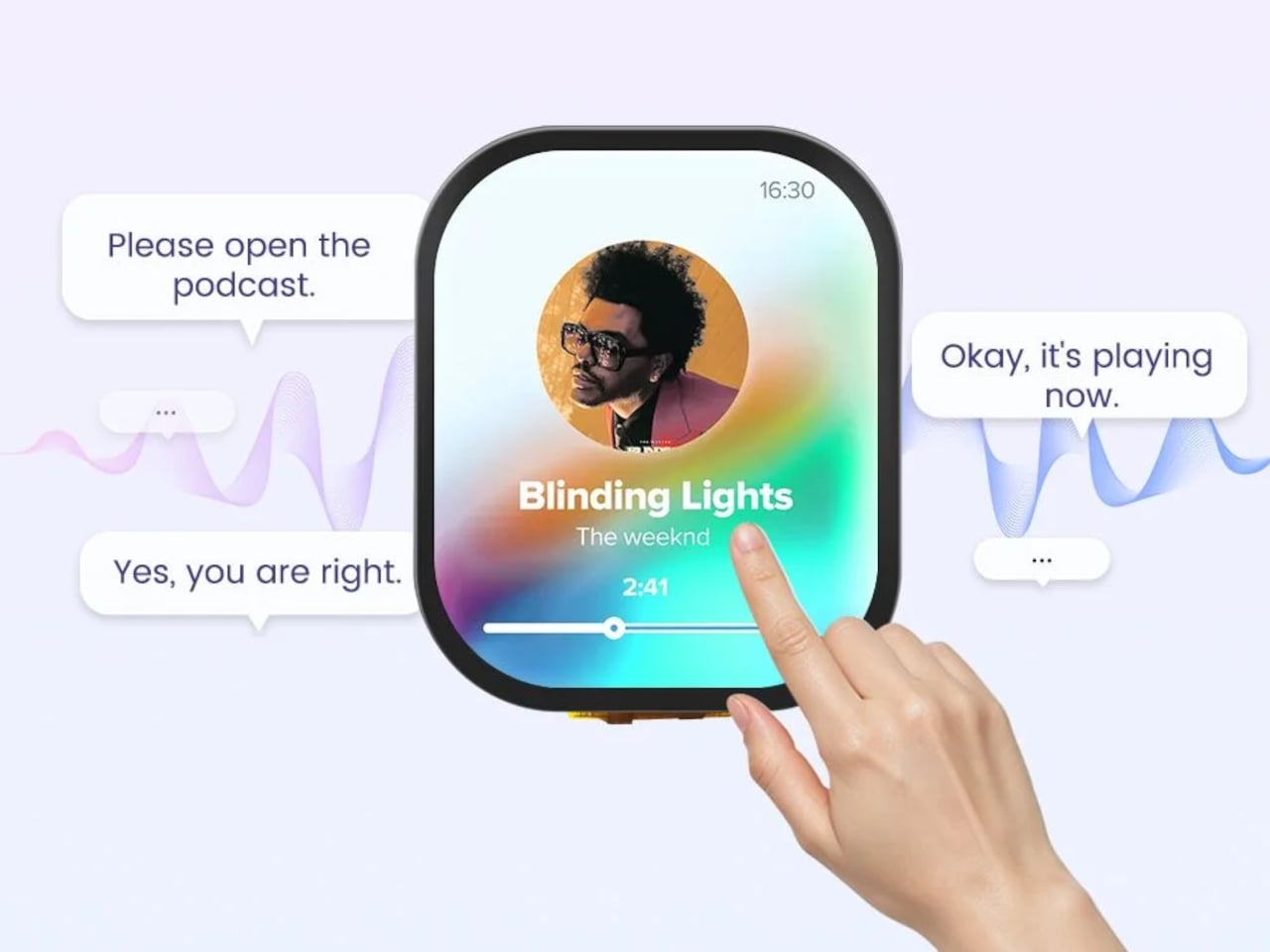
The built-in microphone and speaker add voice control to the mix, allowing spoken commands to trigger actions on the device or interact with connected services. That’s a feature most entry-level wearable modules skip entirely, and it opens up a range of hands-free interactions well beyond setting a timer. For anyone building a smart home companion for the wrist, that’s a significant difference in day-to-day usability.
A gyroscope handles motion sensing, and a vibration motor is on board for haptic feedback. The package doesn’t include a heart rate sensor or GPS, which rules out the health-tracking and location features that define most commercial smartwatches. A battery isn’t included, but the board provides the necessary contacts to connect one, giving builders control over form factor and battery capacity from the outset. For a DIY module at this price, that tradeoff is expected.
The module sells for $18.99 as a bare PCB, without an enclosure or strap. That part of the build is left entirely to the maker, which is the point. For engineers, hobbyists, or students who’ve wanted a genuinely custom wearable without sourcing a dozen individual components, it’s a reasonably priced foundation that does far more of the groundwork than most development boards at this size and cost.
There has been a proliferation of various kinds of cameras in the market, driven by a growing demand for nostalgic and analog devices. While some of them look analog, they’re just retro-styled gadgets that still capture digital pictures. But there’s also a market segment producing actual film cameras, with varying levels of complexity and expertise required to operate them.
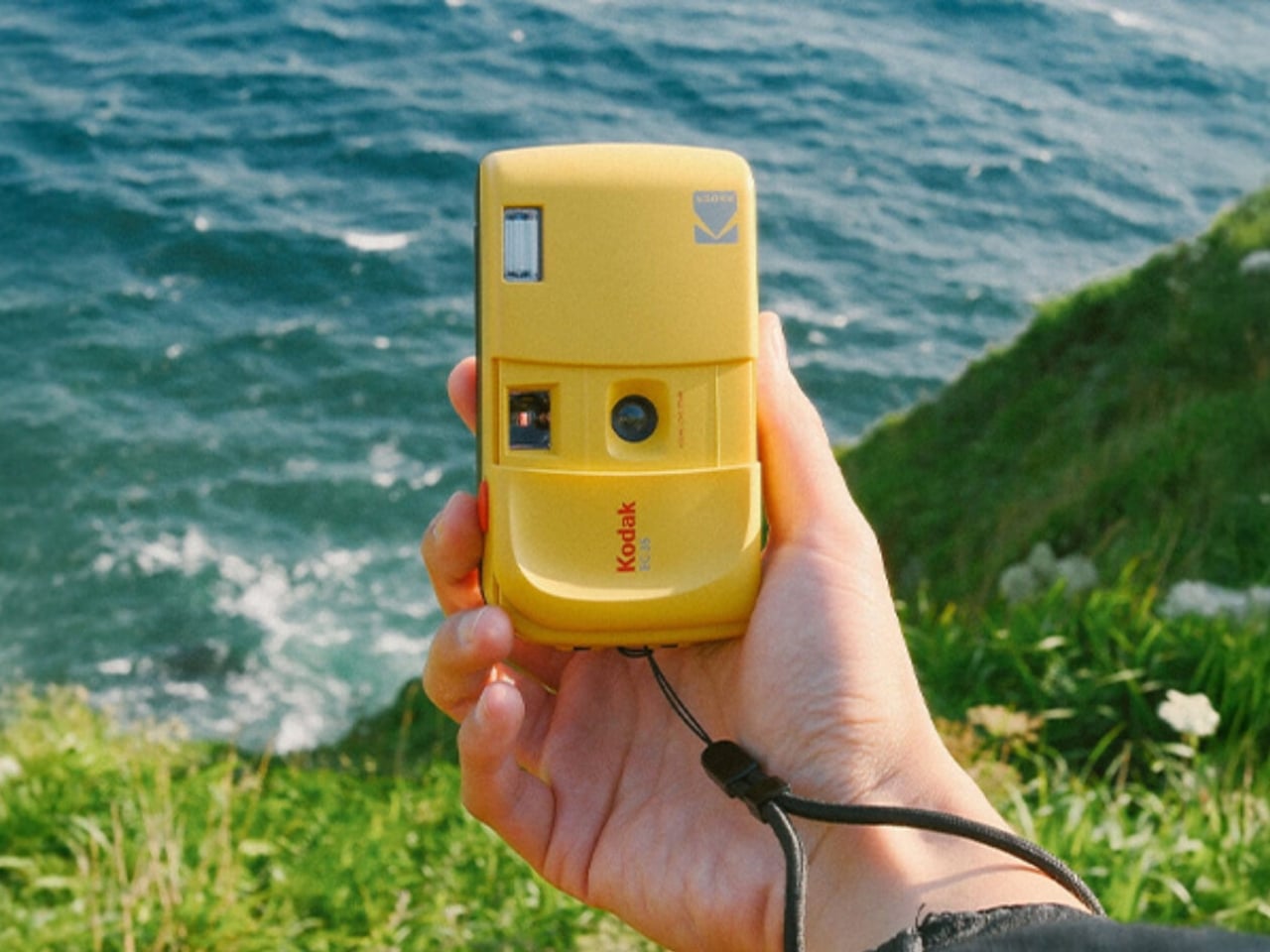
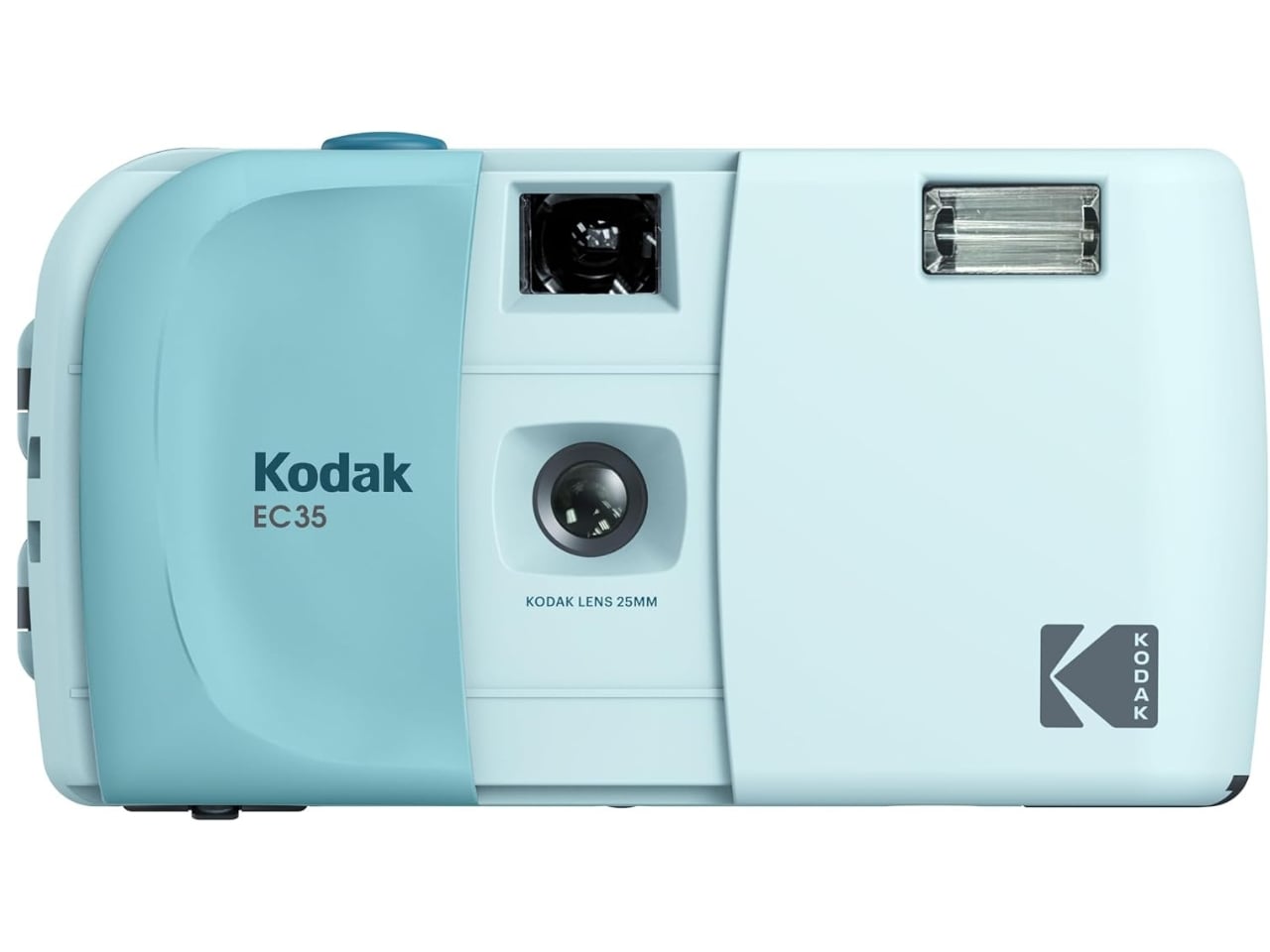
For those looking for a simple point-and-shoot film camera, the Kodak EC35 is a reusable 35mm film camera that lets you explore analog photography effortlessly. It bridges the gap between the carefree convenience of a disposable camera and the longevity of a proper reusable one. Think of it as the spiritual successor to the once-popular single-use camera, but this one is built to last and designed to grow with you.
While there’s room for analog cameras that let you play around with various settings, lenses, and focus options, there are times when you just want a film camera that’s simple enough to point and shoot. The Kodak EC35 is one such camera that removes the usual complexities of film photography and lets you load, shoot, rewind, and enjoy the process without any hassle. Whether you’re a complete newcomer to film or simply someone who wants a grab-and-go option for everyday adventures, the EC35 fits the bill perfectly.
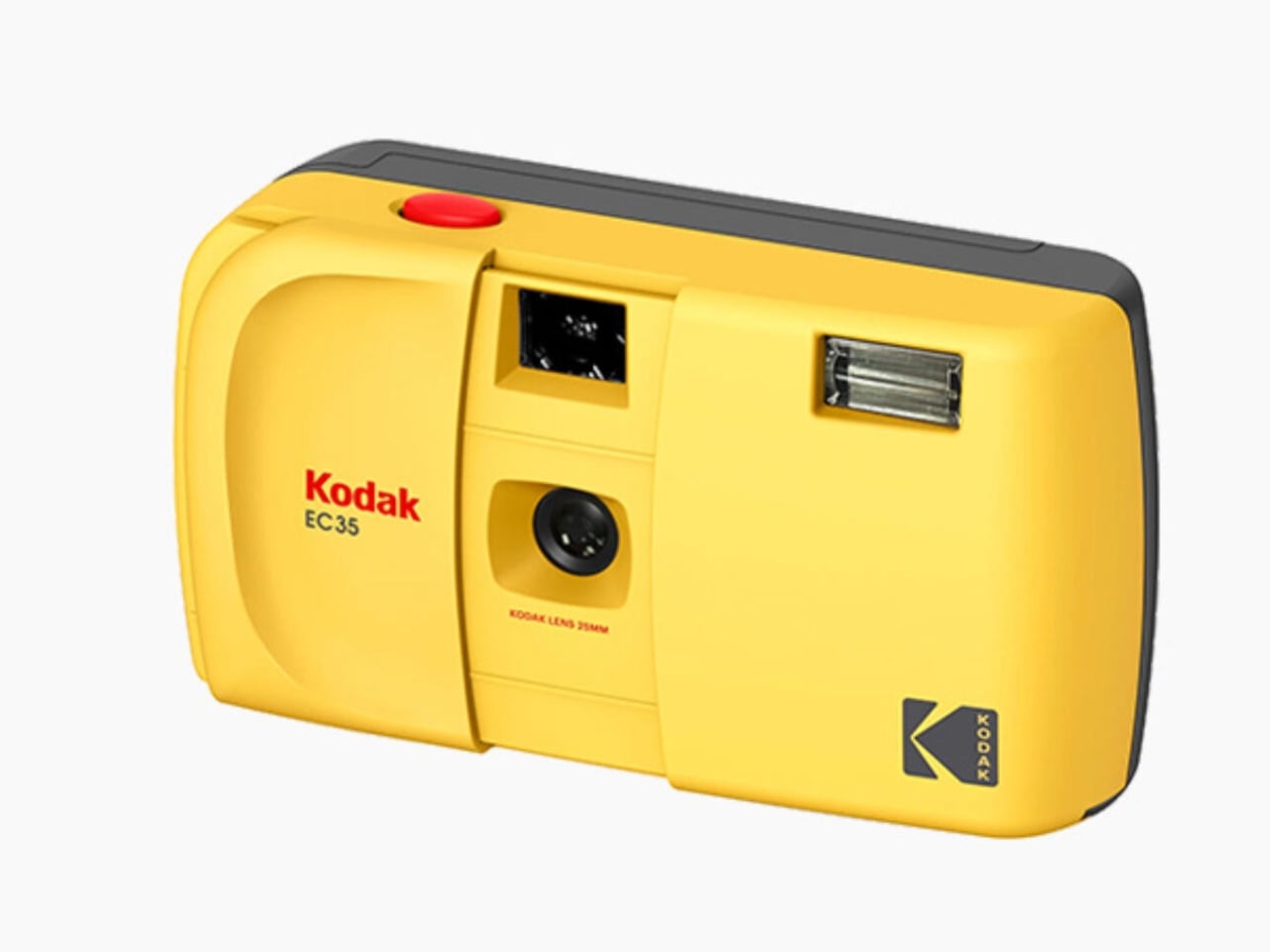
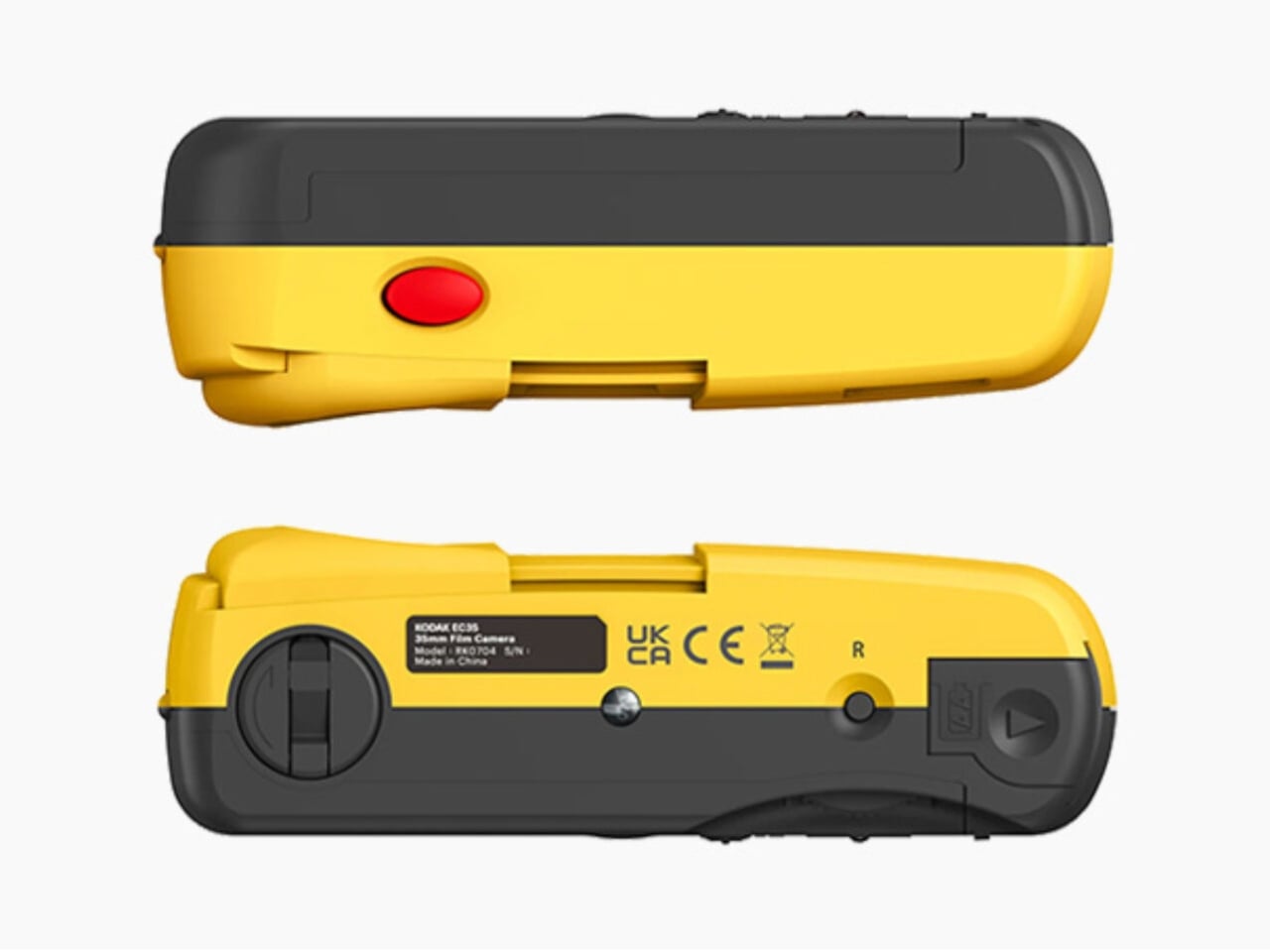
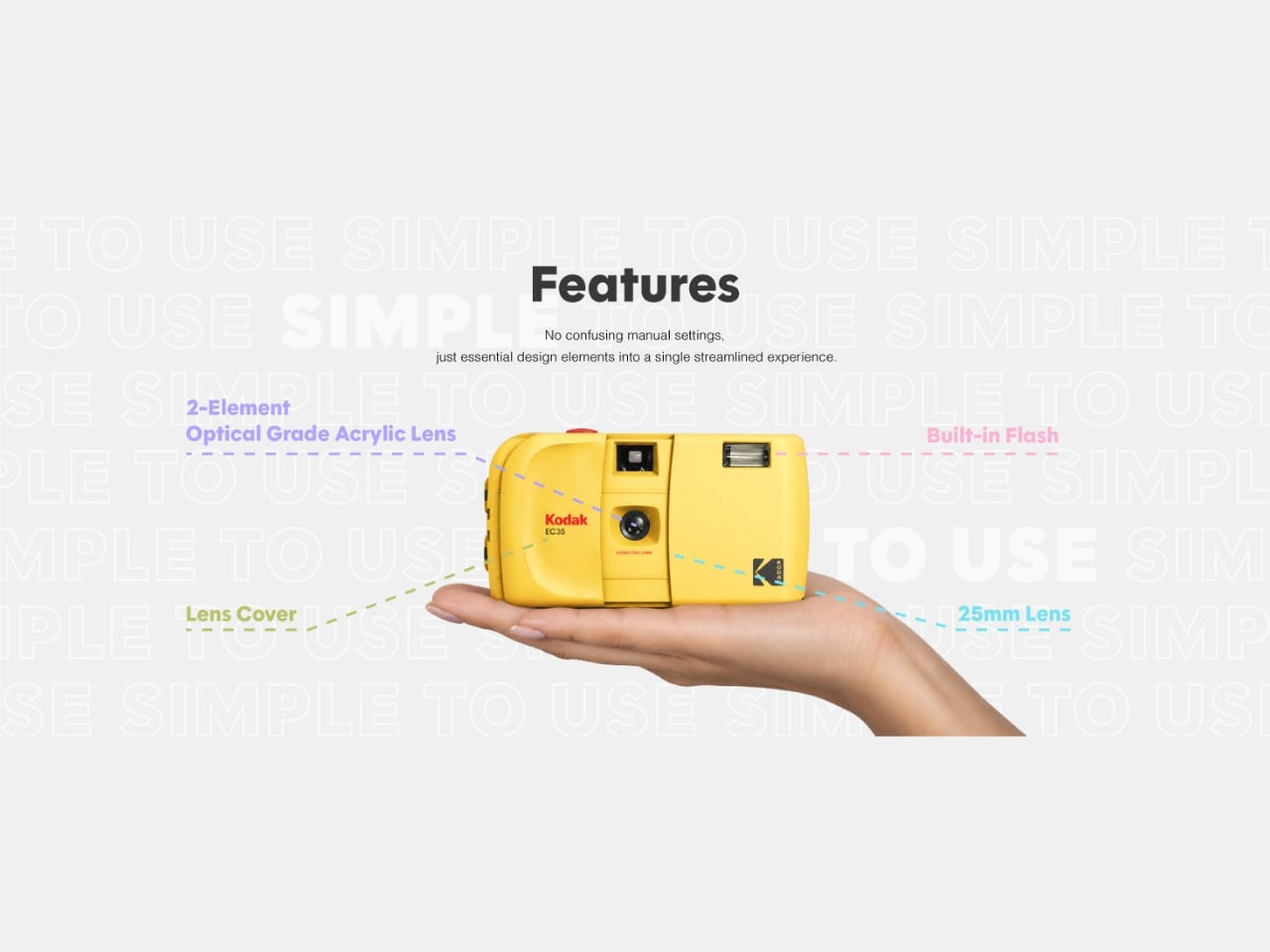
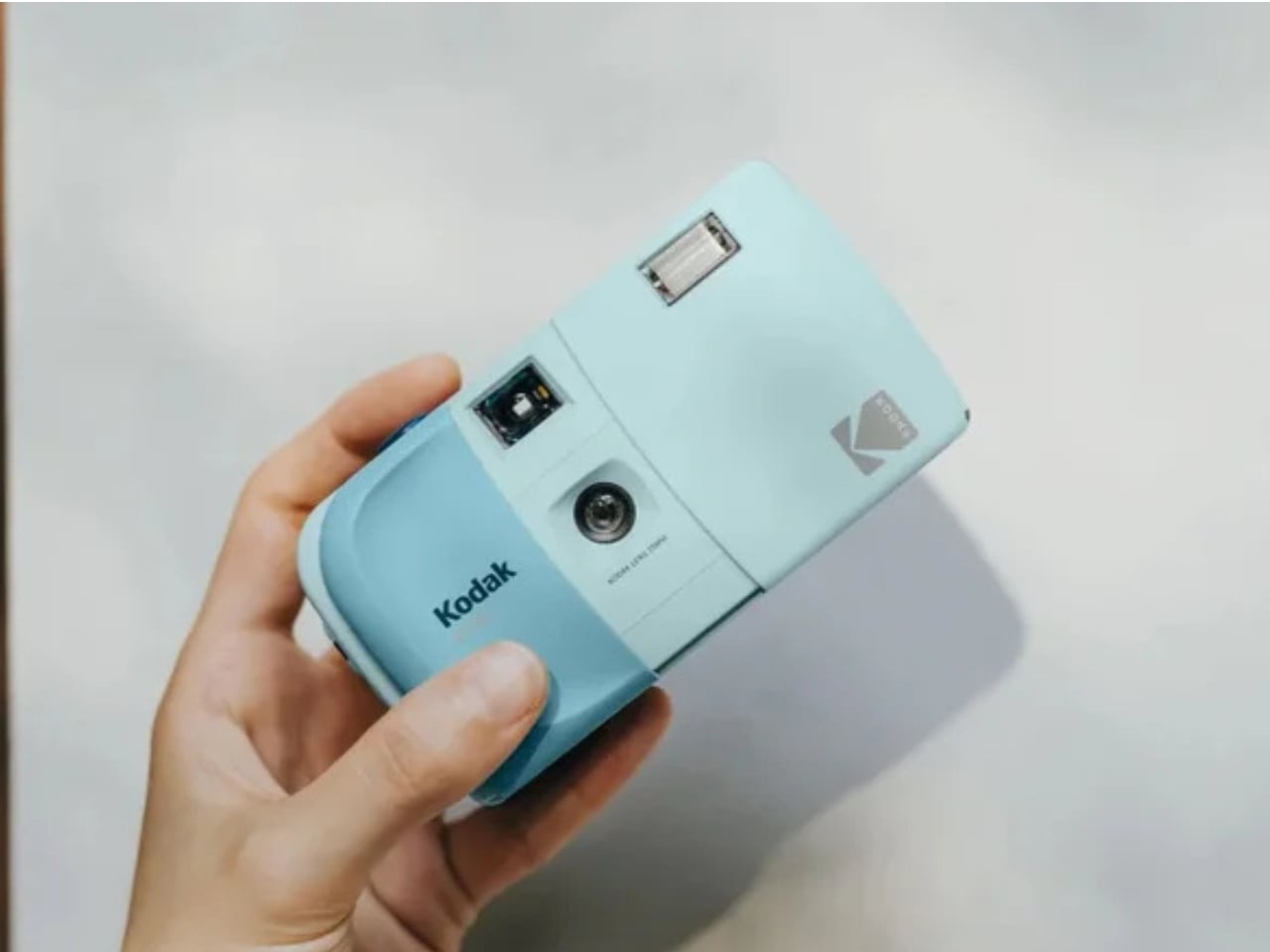
True to its beginner-friendly promise, the EC35 is a fully focus-free camera equipped with a 25mm, 2-element optical-grade acrylic lens fixed at an f/10 aperture, which means there’s no adjusting, no guessing, and no fussing over focus. The shutter speed is set at a fixed 1/100s, keeping things consistent and reliable every time you press the shutter. A built-in electronic flash handles low-light moments, powered by a single AA alkaline battery. Film transport is handled manually through a satisfying wind and rewind mechanism, a small ritual that serves as a reminder that there’s something special to look forward to at the end of each roll. A simple optical viewfinder sits above the lens, keeping the entire interface clean and intuitive.
Measuring just 119mm wide, 65mm tall, and 41.5mm deep, and tipping the scales at only 102 grams, it’s genuinely light enough to slip into your pocket or tuck into the tiniest of bags, no camera bag required. It also features the iconic slide cover to protect the lens, a nod to beloved retro camera designs that delivers a satisfying, tactile feel and adds a distinctly vintage appeal. In a world dominated by digital photography, there’s something undeniably charming about carrying a film camera that looks, feels, and shoots the part. It’s the kind of camera that fits seamlessly into your everyday routine rather than demanding a special occasion.
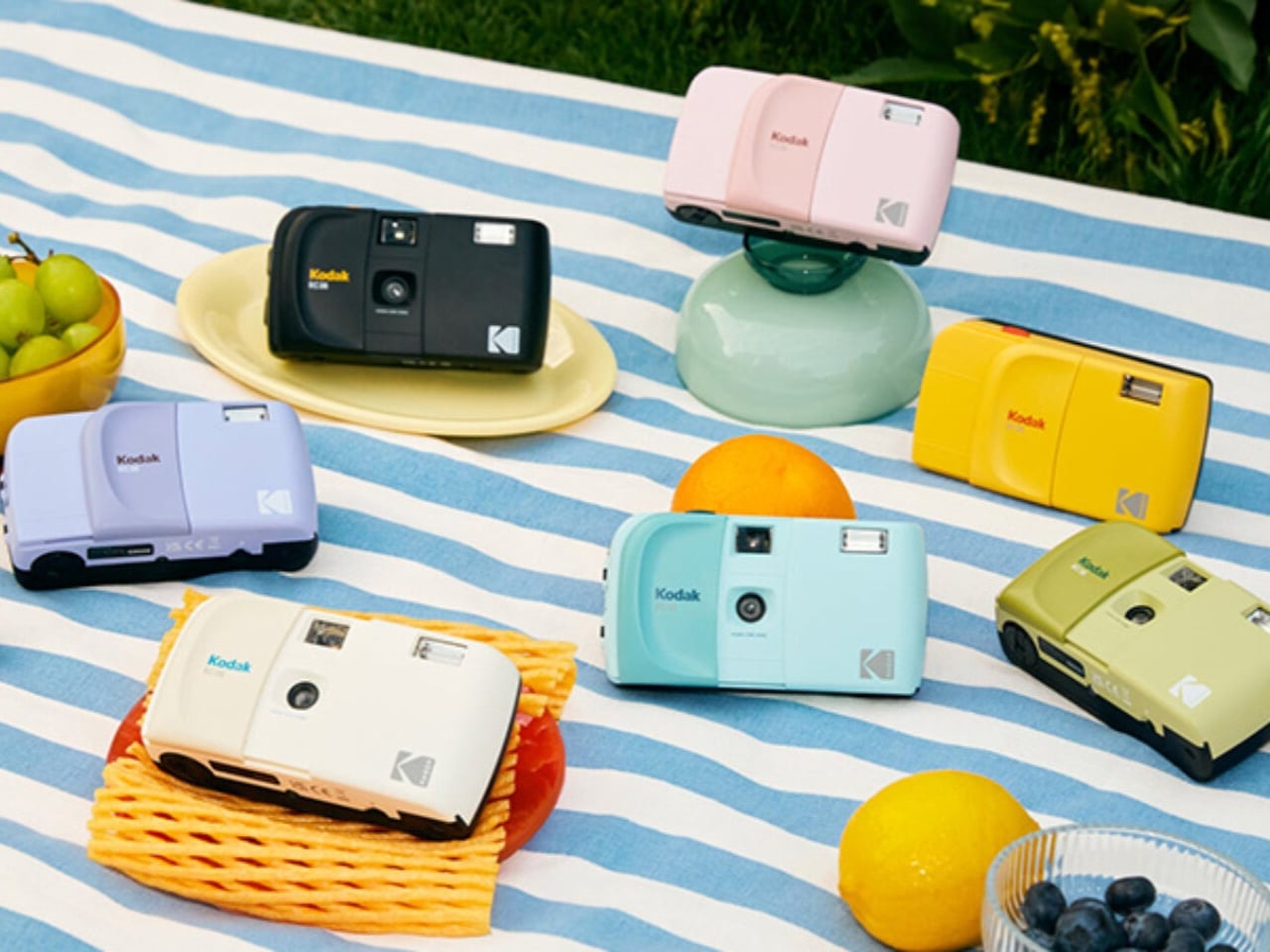
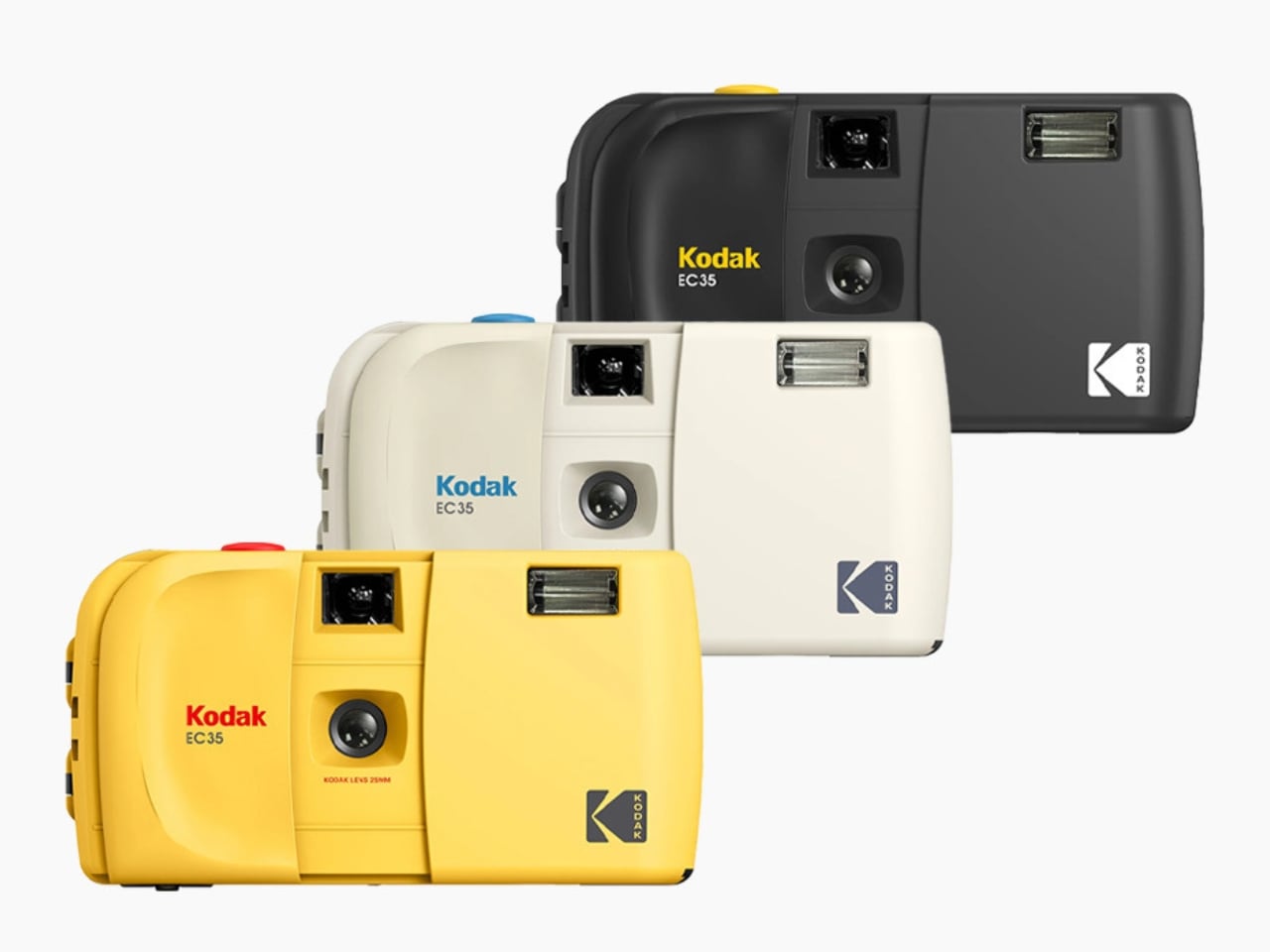
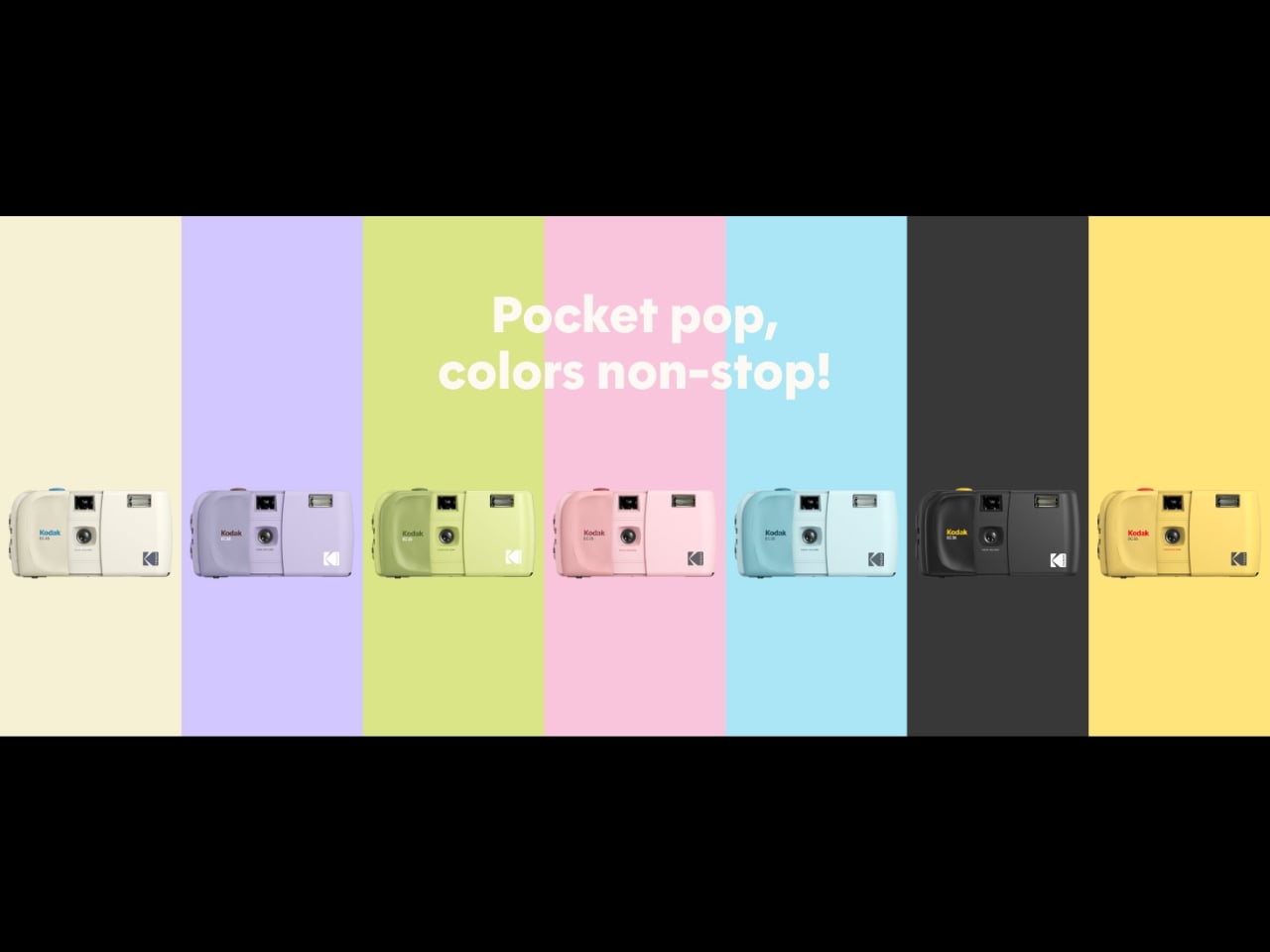
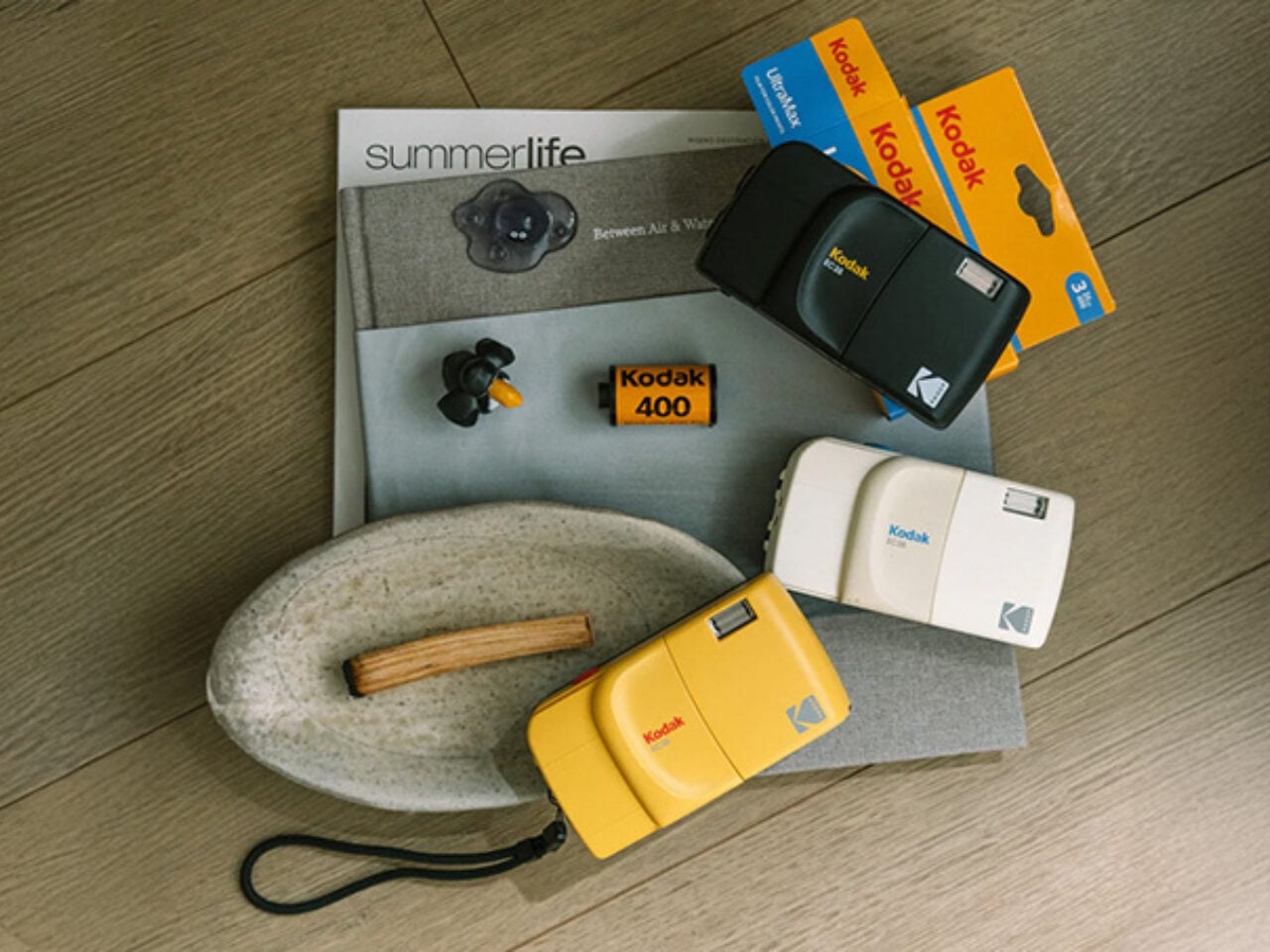
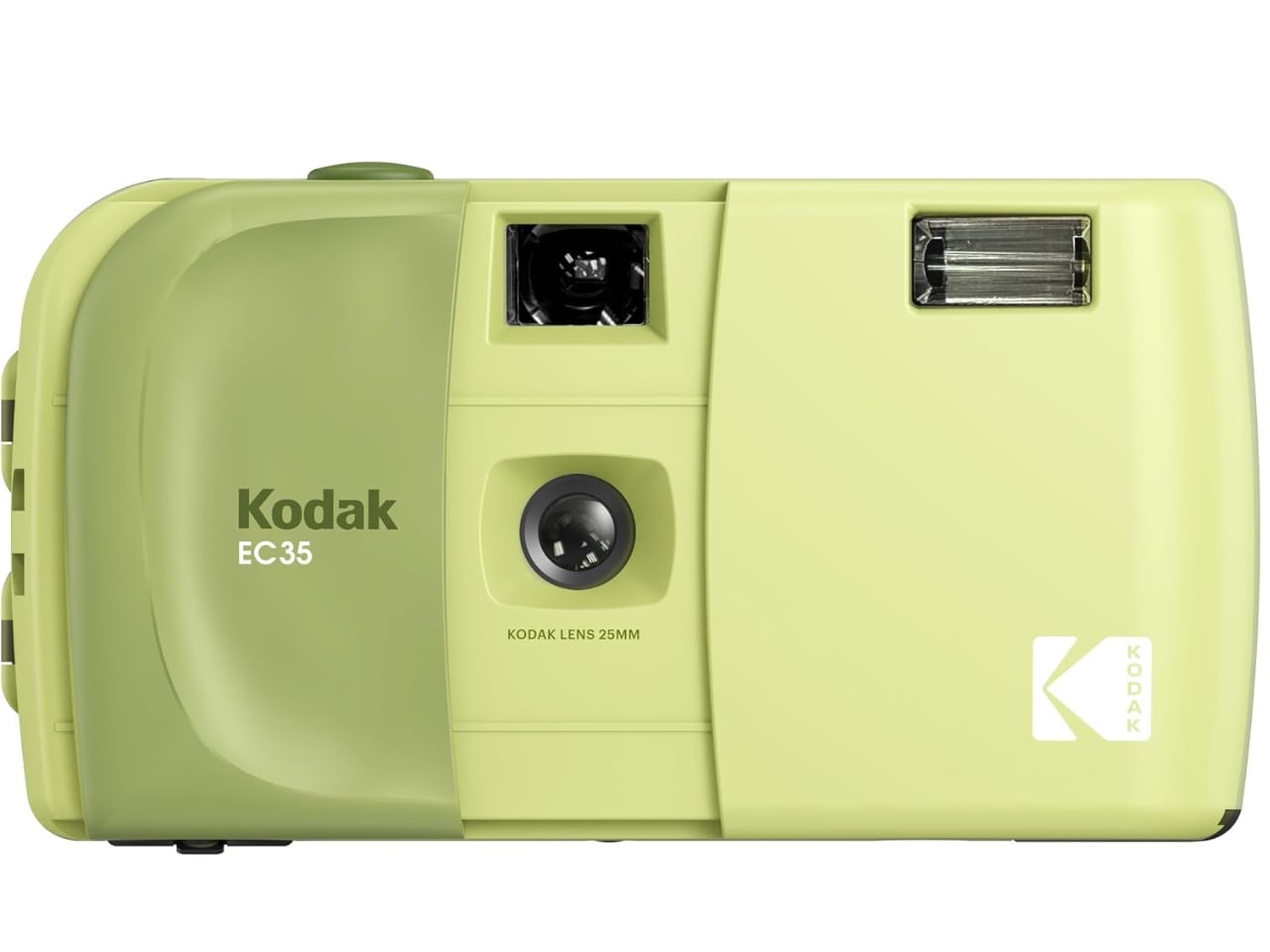
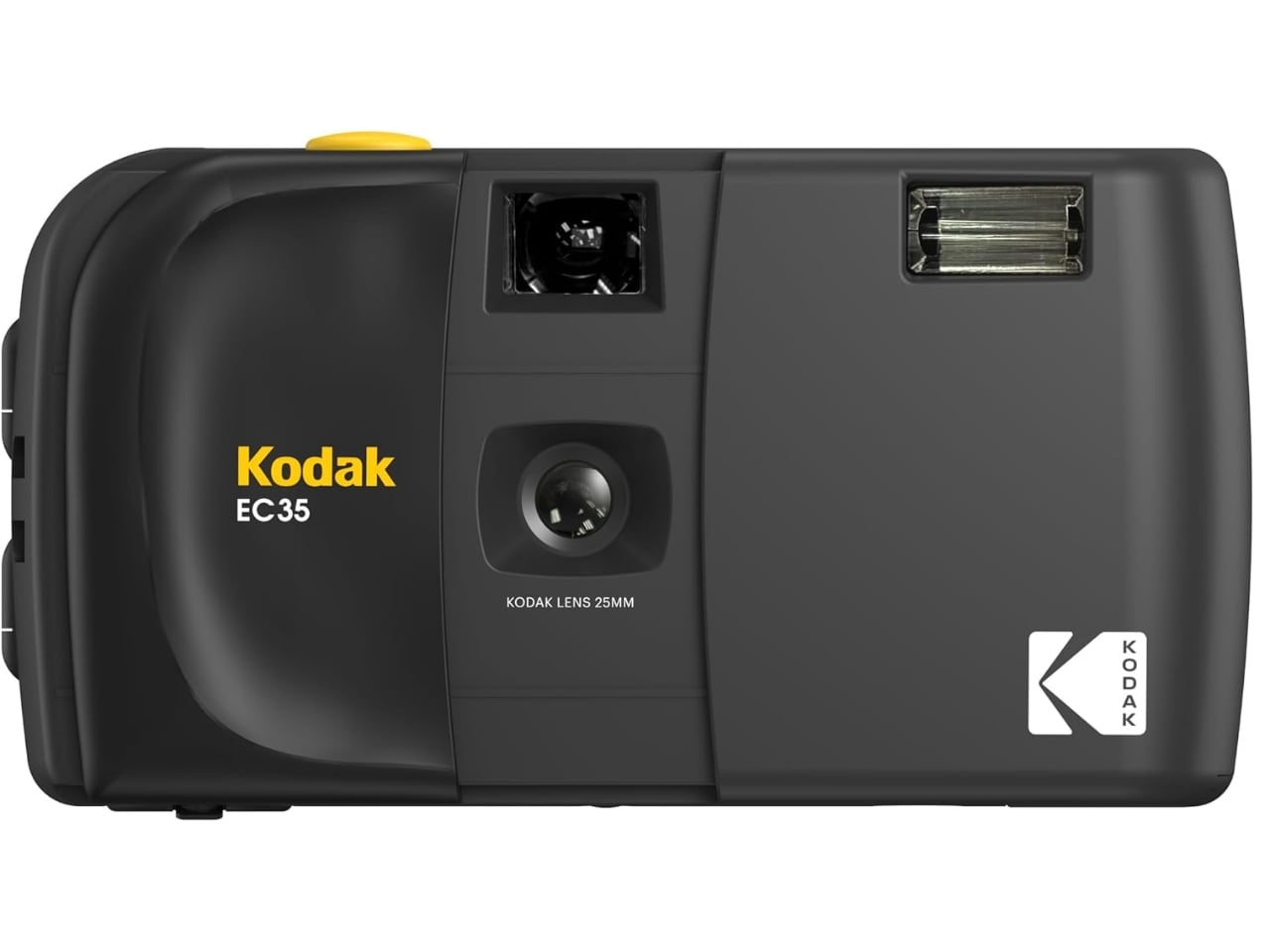
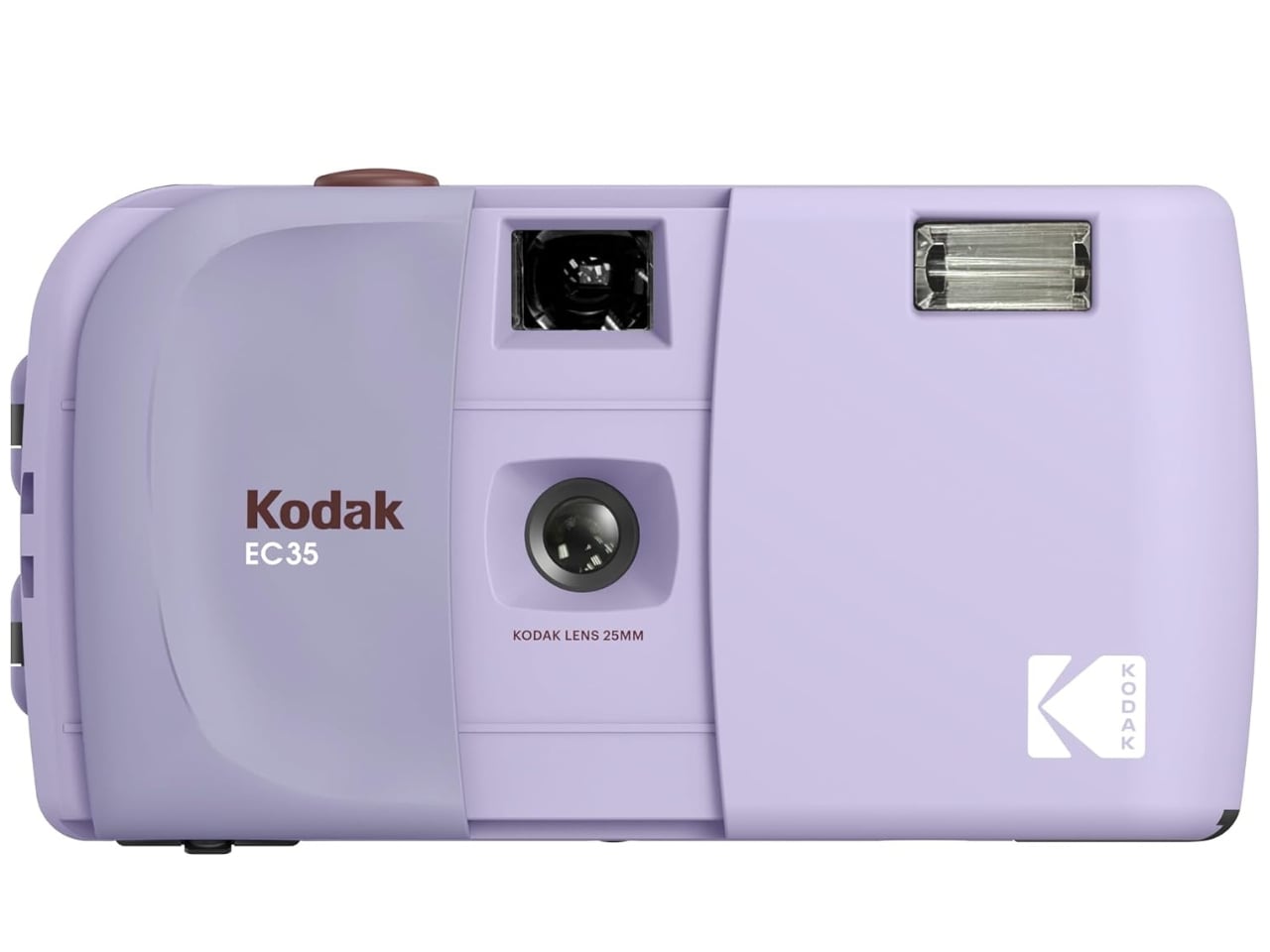
The Kodak EC35 comes in seven different colorways, specifically Midnight Black, Vanilla White, Butter Yellow, Lavender, Powder Blue, Blush Pink, and Avocado Green. Whether you lean toward bold and moody or soft and dreamy, there’s a shade for every personality. The wide color range also makes it a surprisingly thoughtful gift for anyone who is curious about film photography but doesn’t quite know where to start.
The Kodak EC35 shoots on 35mm film with a 25mm, f/10, 2-element optical-grade acrylic lens and a fixed shutter speed of 1/100s. It is fully focus-free and comes with a built-in electronic flash, a manual wind and rewind film transport system, and a simple optical viewfinder. The camera runs on a single AA alkaline battery and weighs just 102g (3.6 oz), with dimensions of 119(W) x 65(H) x 41.5(D) mm. It is available in 7 colorways and is priced at $35.
Available on its own or as a bundle that includes a camera strap and a 24-frame roll of Kodak Ultramax 400 film, the EC35 is one of the most accessible entry points into analog photography today. Note that a battery is not included, but at just $35 for the camera itself, that’s a small price to pay for a device that makes real film photography available to virtually anyone. For beginners, collectors, and anyone who simply loves the look and feel of a film camera, the Kodak EC35 makes a compelling and wallet-friendly case for going analog.
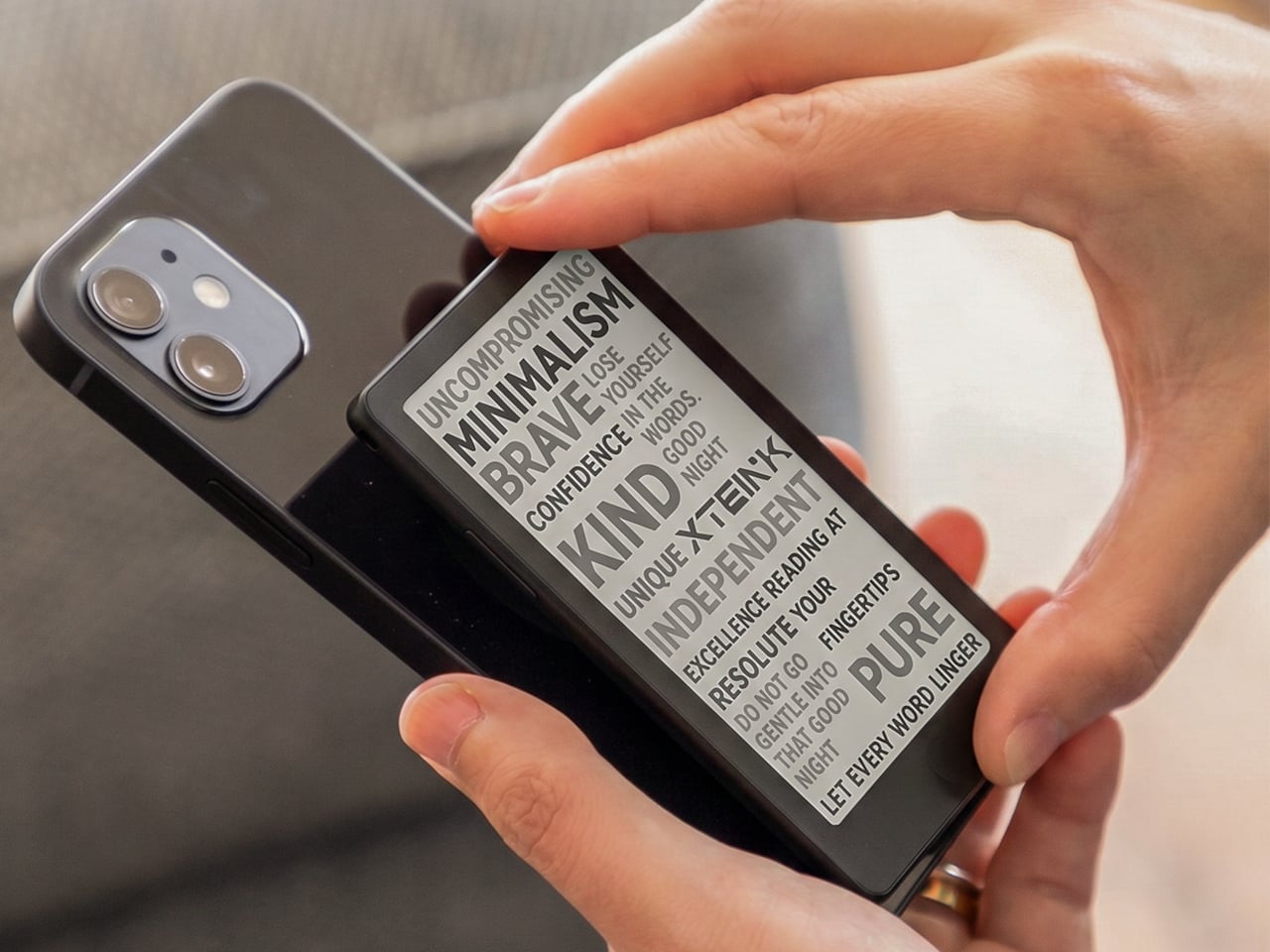
Pocket-sized e-readers have existed in one form or another for years, but most have struggled to be genuinely pocketable. Anything much larger than a phone immediately stops feeling like a carry-anywhere device and starts feeling like something you have to plan around. The original Xteink X4 built a loyal following by treating compact form and distraction-free reading as non-negotiables, with physical buttons, a clean 4.3-inch E-Ink screen, and a $69 price that was hard to argue with.
The one complaint that kept surfacing was the absence of a frontlight. Reading in dim conditions meant clipping on a separate lamp or giving up entirely, which was an odd gap for a device otherwise built around serious reading habits. The Xteink X4 Pro addresses that directly. It launches at $99 with an adjustable warm-to-cool front light built in, removing the need for any workarounds when the lighting situation isn’t ideal.
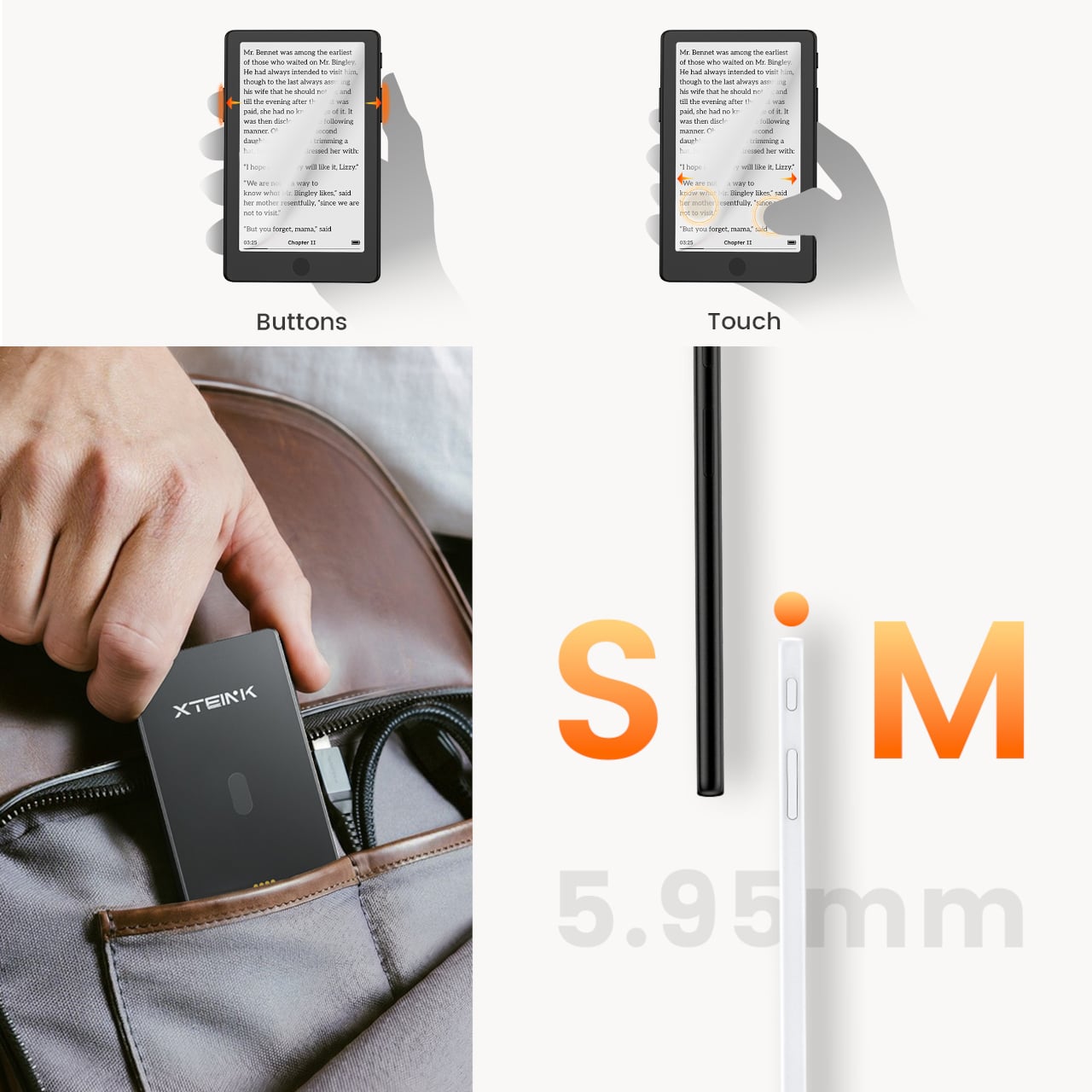
The frontlight isn’t the only addition. The X4 Pro also introduces a touchscreen for navigation, though it retains physical page-turn buttons along the sides for anyone who’d rather not tap the display while reading. That combination matters because part of what made the standard X4 appealing was the tactile, no-swipe experience. The Pro doesn’t discard that, but it layers touch navigation on top for people who want it.
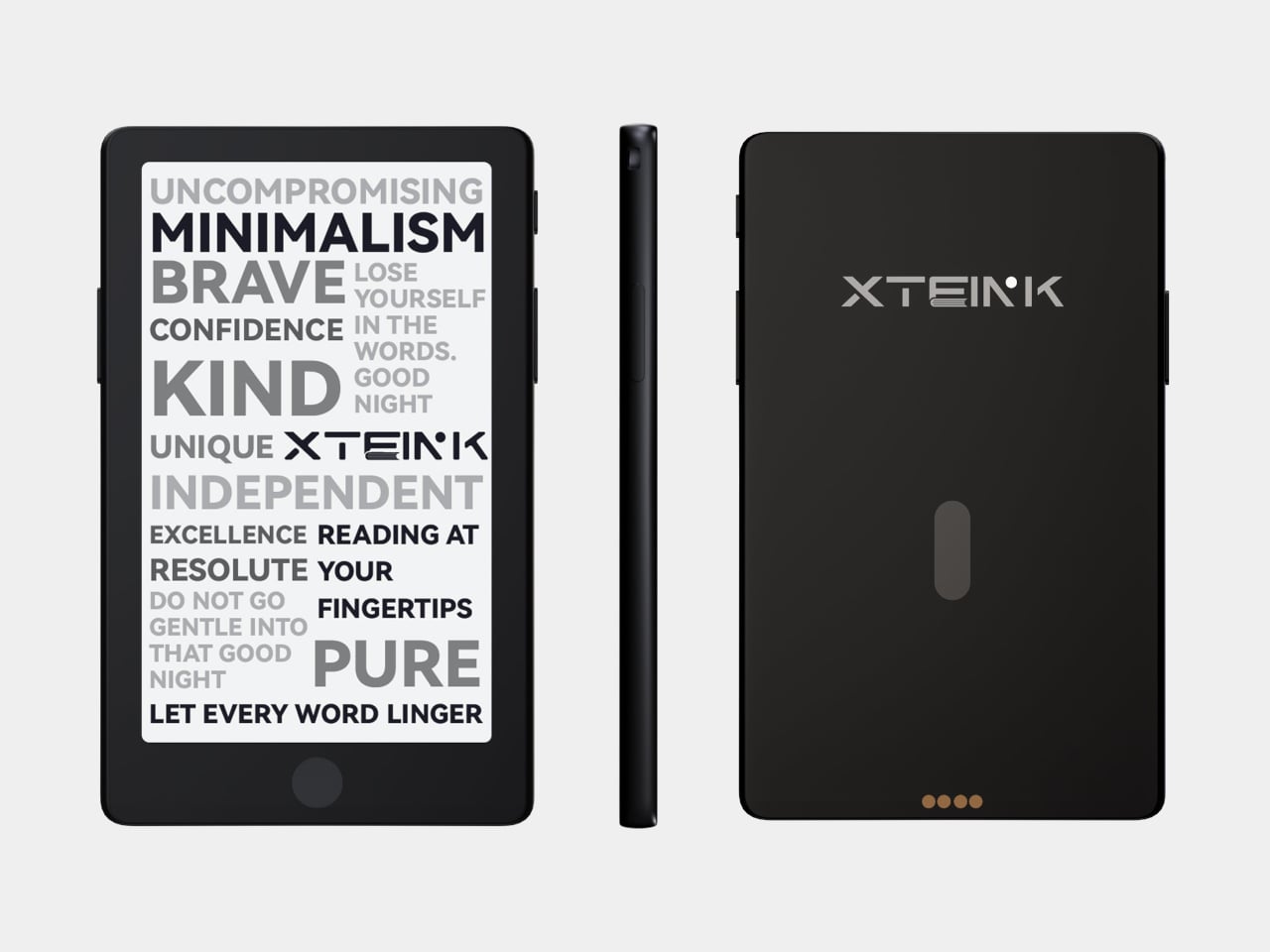
The trade-offs are real and worth noting. The front navigation buttons that sat below the screen on the original have been removed on the Pro, replaced by the touchscreen. More significantly, the USB-C port is gone, swapped out for a proprietary pogo-pin magnetic connector. That means carrying a specific cable rather than reaching for any USB-C cord already in a bag. The X3 has used the same pogo-pin setup since its release, so it’s a known quantity, but it’s still a step backward in convenience for anyone who valued USB-C universality.
The physical footprint barely changes. Despite adding layers for the light and touch sensor, the X4 Pro is actually marginally thinner at 5.95mm versus the X4’s approximately 6.4mm, and sheds a couple of grams to land at 72g. The same 4.3-inch, 220-PPI E-Ink display carries over, and battery life holds steady at around 14 days per charge. Storage remains the same 16GB microSD configuration with expansion support.
It’s a focused upgrade rather than an overhaul. The X4 Pro doesn’t try to compete with full-featured six-inch Kindles or Android-based E-Ink tablets. It stays small, stays quiet, and now stays lit, at $99 for people whose reading life regularly extends past sunset.
For existing X4 owners, the calculus comes down to one question: how often does dim lighting stop you from reading? If the answer is rarely, the base X4, for $30 less with USB-C and front buttons intact, still has a strong case. For anyone who’s been waiting to pick up an Xteink device but held off specifically because of the missing frontlight, the Pro closes that gap without fundamentally changing what the device is about.
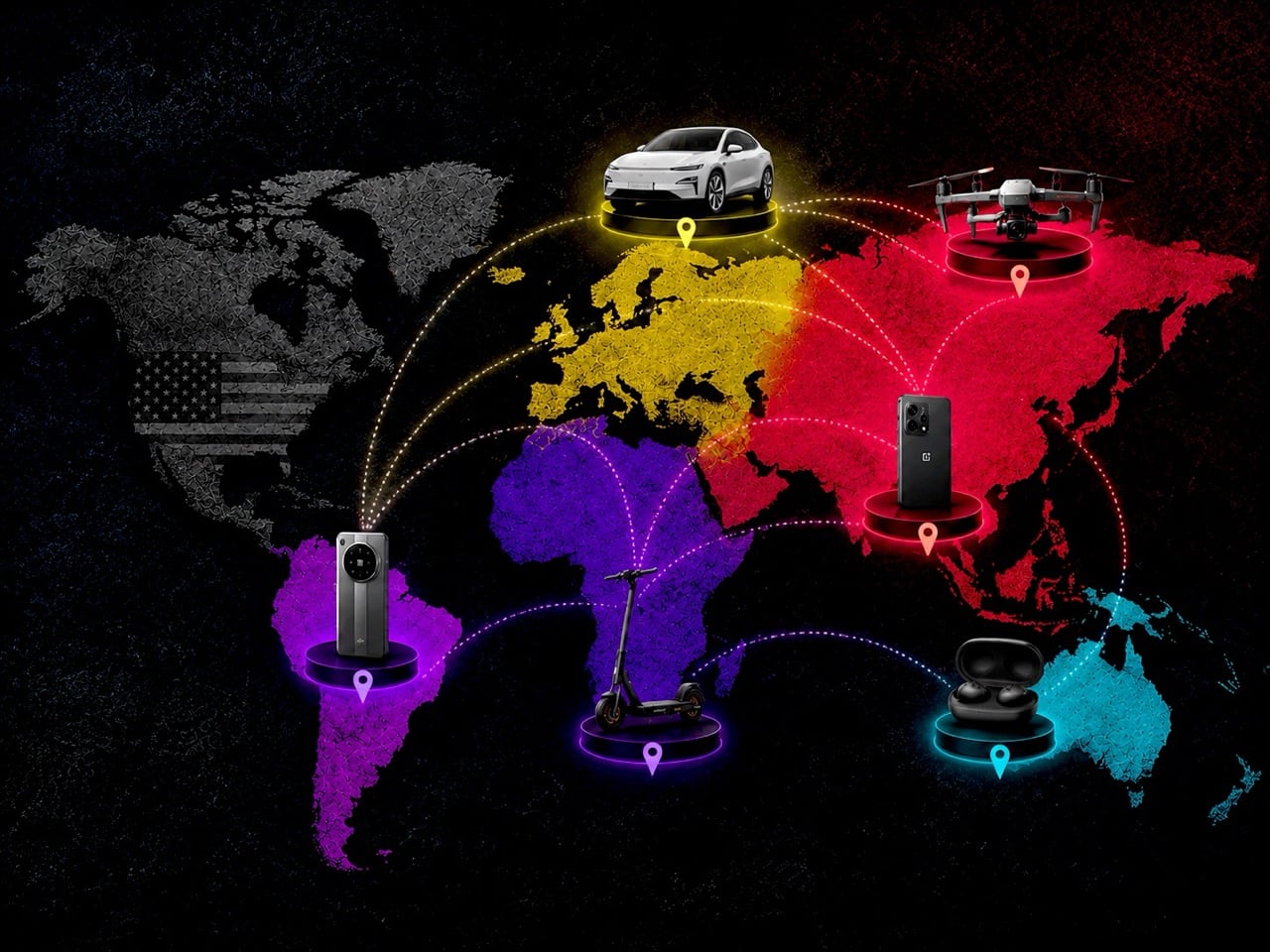
Polestar exited the US market last week. OnePlus decided to stop selling phones in the US on Friday. DJI has been standing at the exit for the better part of a year, held in place by a regulatory designation that has made its position in the American market functionally untenable. Three brands, three different product categories, and a pattern that is becoming difficult to explain away as coincidence or bad timing.
These were not fringe players. Polestar was the premium EV that made restraint look like a design philosophy. OnePlus spent a decade building the most credible alternative to Samsung and Apple in the Android space. DJI invented the consumer drone photography market and still dominates it globally. The US market, for a combination of regulatory, political, and structural reasons, has made room for fewer and fewer of them.
A Coincidence of Unfortunate Events?
It is tempting to view these departures as isolated stories, each with its own unique cause. Polestar’s exit was not a market failure; it was a regulatory execution. The US Commerce Department denied the brand authorization under the Connected Vehicle Rule, effectively deciding that its Chinese ownership through Geely made its data-collecting hardware a national security risk. The quality of the car, its minimalist interior, and its thoughtful user interface were irrelevant. The decision was about its corporate family tree, and no amount of design excellence could overcome that.
OnePlus’s retreat is a different flavor of failure, one driven by the peculiar economics of the American smartphone market. Success in the US requires appeasing a handful of powerful carriers who act as gatekeepers to the mainstream consumer. This means expensive certification processes, marketing kickbacks, and a willingness to play by rules set by companies that also have cozy relationships with Apple and Samsung. Despite building a loyal base of tech enthusiasts who bought its phones unlocked, OnePlus, under its parent company OPPO, ultimately decided the cost of scaling up in a protected duopoly was no longer worth it.
DJI represents a third path, a slow squeeze rather than a clean break. Placed on a government “Entity List,” the company is not technically banned from selling to consumers. Instead, it is hobbled. It faces restrictions on sourcing US technology, and the designation serves as a powerful warning to government agencies and corporate clients. This creates a chilling effect that bleeds into the consumer space, eroding trust and complicating its long-term strategy. The mechanism is different, but the outcome is the same: a globally significant hardware brand finds its American ambitions curtailed by forces beyond its control.
The Design Drought is Step to Something Worse
Losing these brands is about more than reduced competition. It is about a narrowing of the American consumer’s aesthetic and technological horizons, and the effects do not stop at taste. Each of these companies brought a distinct design philosophy to its category, one that challenged the assumptions of the established players. Polestar offered a vision of the electric vehicle as a piece of clean, minimalist architecture. Its focus on sustainable materials, restrained surfacing, and a calmer user experience stood apart from Tesla’s maximal dependence on software theatrics and from the visual clutter that still defines many legacy EVs.
OnePlus, at its peak, represented the power of focused, enthusiast-driven design. It championed the idea that premium performance and a clean software experience did not need to come with a four-figure price tag. Its signature alert slider and tactile finishes showed an attention to physical detail that dominant players often reserve for their most expensive models. Its retreat may not carry the same regulatory weight as Polestar’s or DJI’s predicament, and American consumers never embraced it at mass-market scale, but its diminished presence still removes one more source of pressure from a smartphone market that already feels overly settled.
DJI’s contribution extends far beyond the drone itself. The company effectively created the industrial design language for the entire consumer aerial imaging category. From the folding architecture of its Mavic drones to the intuitive ergonomics of its handheld gimbals, DJI made advanced robotics feel approachable and elegant. The pressure placed on DJI, much like the pressure placed on Huawei before it, has done very little to slow either company’s pace of innovation globally. If anything, it has simply reduced America’s access to the results. The same is true in electric vehicles. A market shaped around Tesla as the default benchmark risks isolating itself from how far competitors like BYD have pushed battery packaging, platform efficiency, and especially charging technology. When consumers are cut off from serious alternatives, incumbents are no longer forced to respond to the best ideas available anywhere in the world. They only have to outperform the smaller field left standing in front of them.
That is the deeper problem taking shape here. Throttling options does not only limit what people can buy. It limits what the market has to compete against. Innovation rarely thrives in protected comfort (Siri has overwhelmingly sucked because Apple doesn’t have to compete with an alternative assistant within their ecosystem). It accelerates when companies are forced to answer uncomfortable questions from better rivals, cheaper rivals, or simply different rivals. Once those rivals are filtered out, delayed, or kept at the border long enough to become irrelevant, the market begins to confuse stability with progress. The design drought becomes a technology drought soon after, and consumers end up paying premium prices for products that evolve more slowly than they should.
America is No Longer the Default Stage
For decades, succeeding in the United States was the ultimate benchmark for any global hardware brand. It was the largest, most lucrative, and most culturally influential market. That is no longer a given. Today, launching in the US is a complex risk calculation, where the potential rewards must be weighed against a growing list of liabilities: suffocating regulatory hurdles, intense political scrutiny, and the high cost of competing against entrenched incumbents.
This has created a new reality where the most experimental and daring product design often debuts in Asia or Europe first. The US market, instead of being the exciting global stage, is increasingly becoming a curated and filtered destination for products deemed commercially and politically safe enough for entry. We are getting the final, polished drafts, not the exciting early sketches. The result is a design landscape that is becoming more homogenous, more predictable, and less reflective of the true diversity of global hardware innovation. The conversation is happening elsewhere, and we are only hearing the echoes.
Most phones marketed at kids are really just smartphones in disguise, dressed down with monitoring apps and screen-time limits that parents set and children quietly find ways around. The tension between staying connected and staying focused has pushed many families toward patchwork fixes: a shared phone, an old handset with most apps deleted, or a prepaid SIM dropped into hardware never meant for the job.
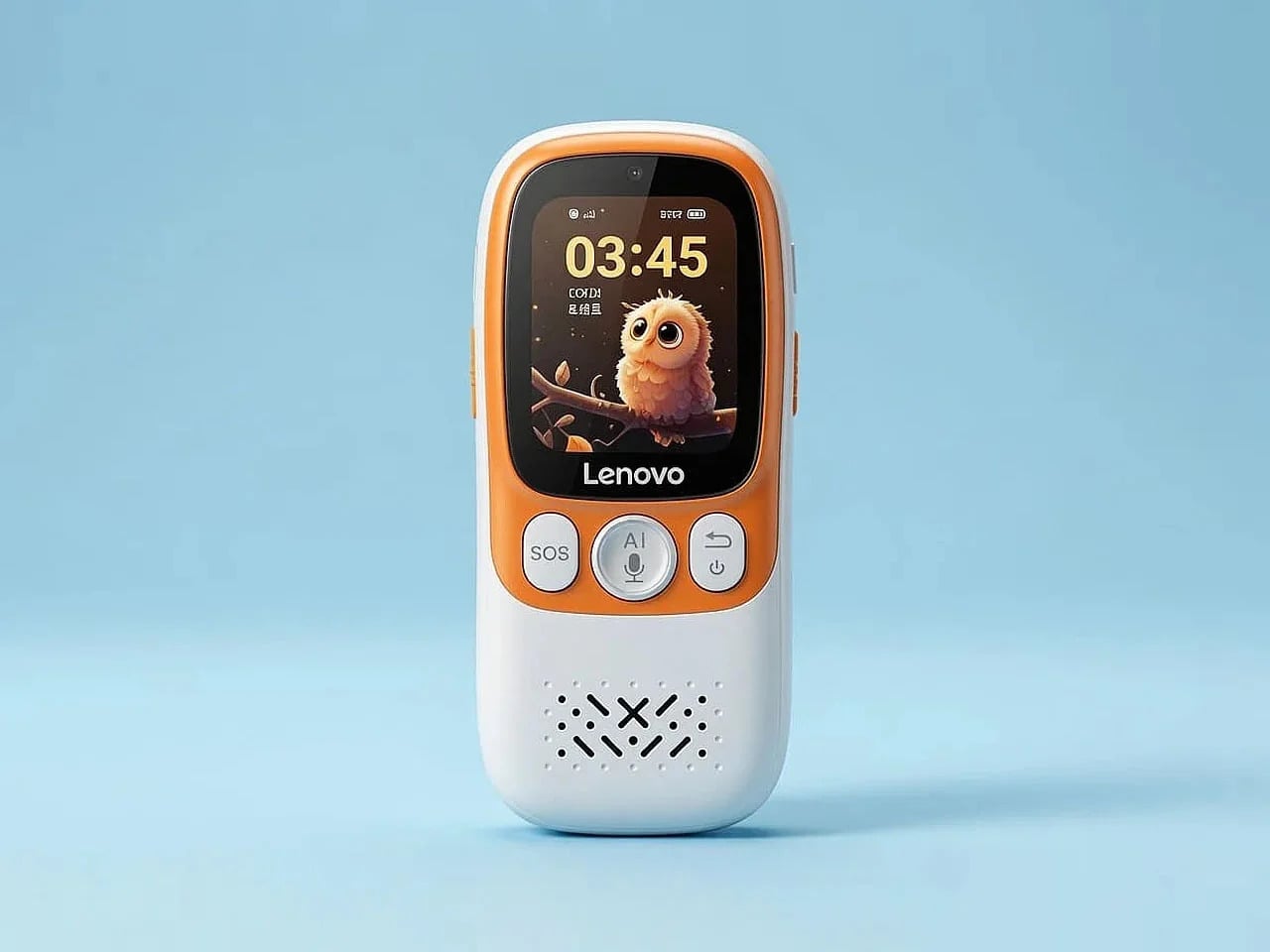
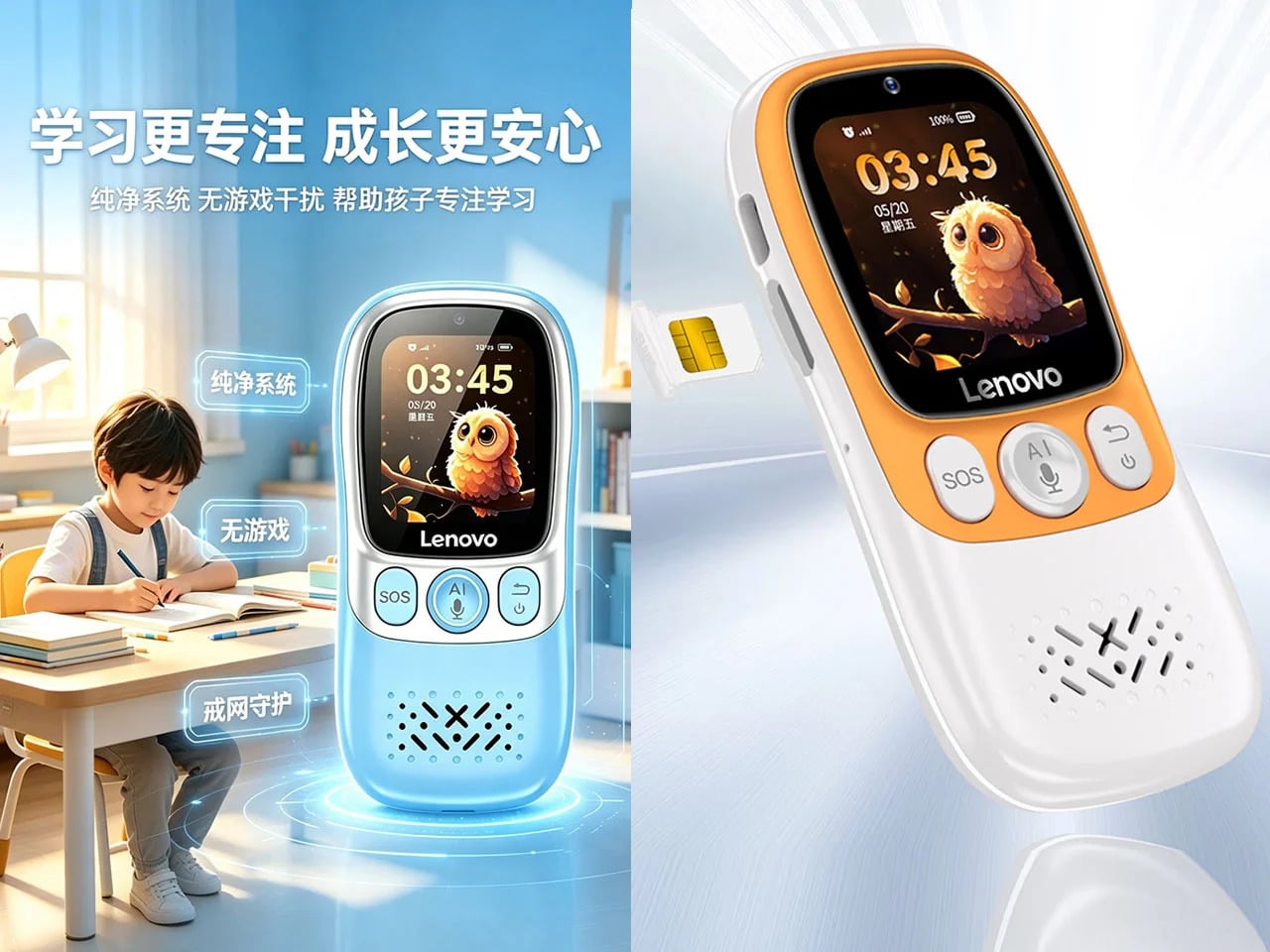
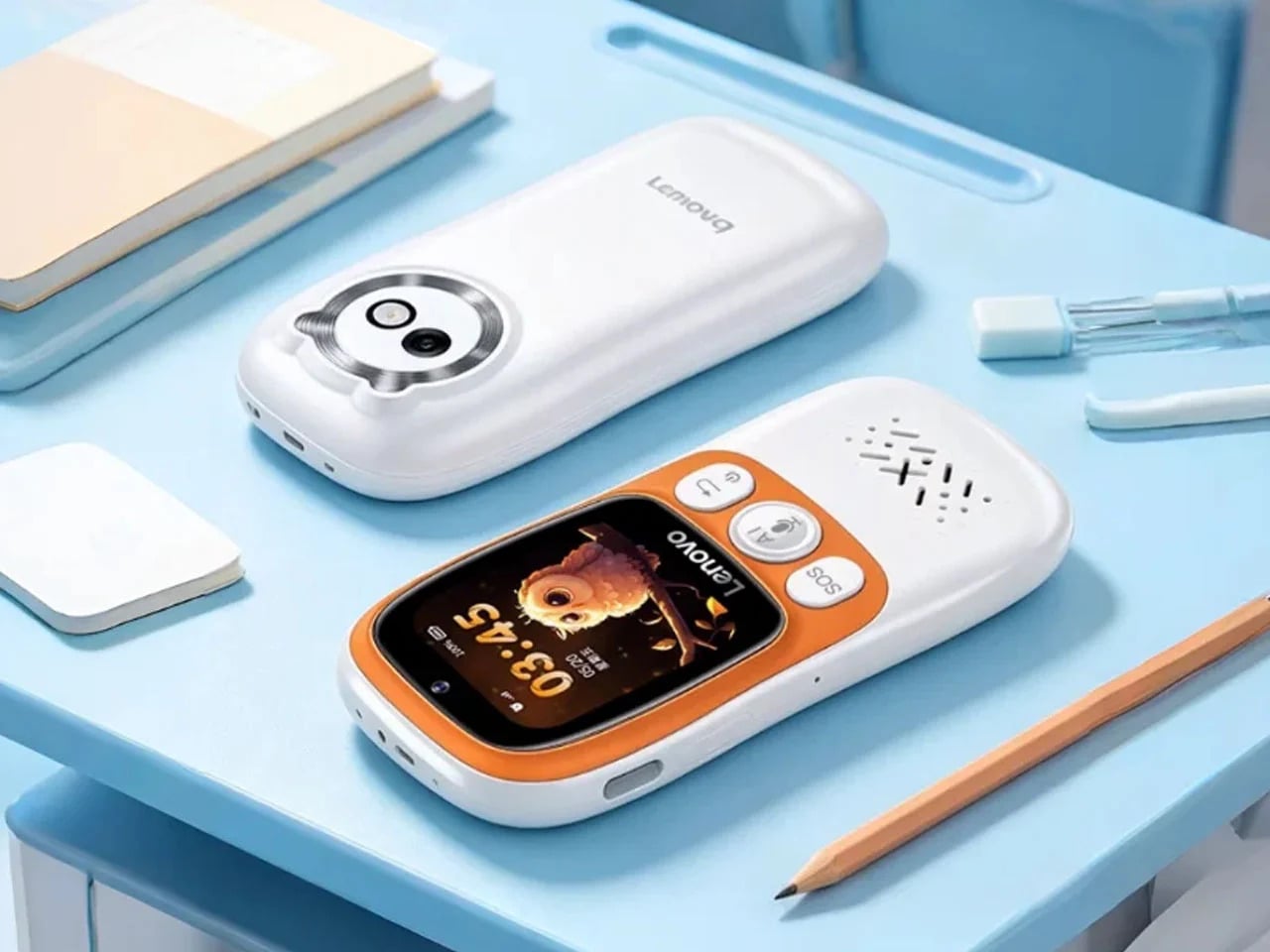
Lenovo’s answer to that problem is the AI Student Phone L1, which we covered at launch in China in late June 2026 for 299 yuan, or about $44. It looks like a compact candy-bar phone with a 1.83-inch touchscreen and 4G connectivity, but it behaves far more like a purpose-built study companion. There’s no browser, no social media, no games, and based on current reporting, sideloading isn’t an option.
Designer: Lenovo
What makes the L1 interesting from a design standpoint isn’t what’s missing; it’s what Lenovo chose to keep and why. The phone reportedly features a compact body built with Panda glass, a material meant to handle the daily punishment a backpack full of school supplies tends to deliver. That choice isn’t a premium flourish; it’s a quiet signal about who this device is actually built for.
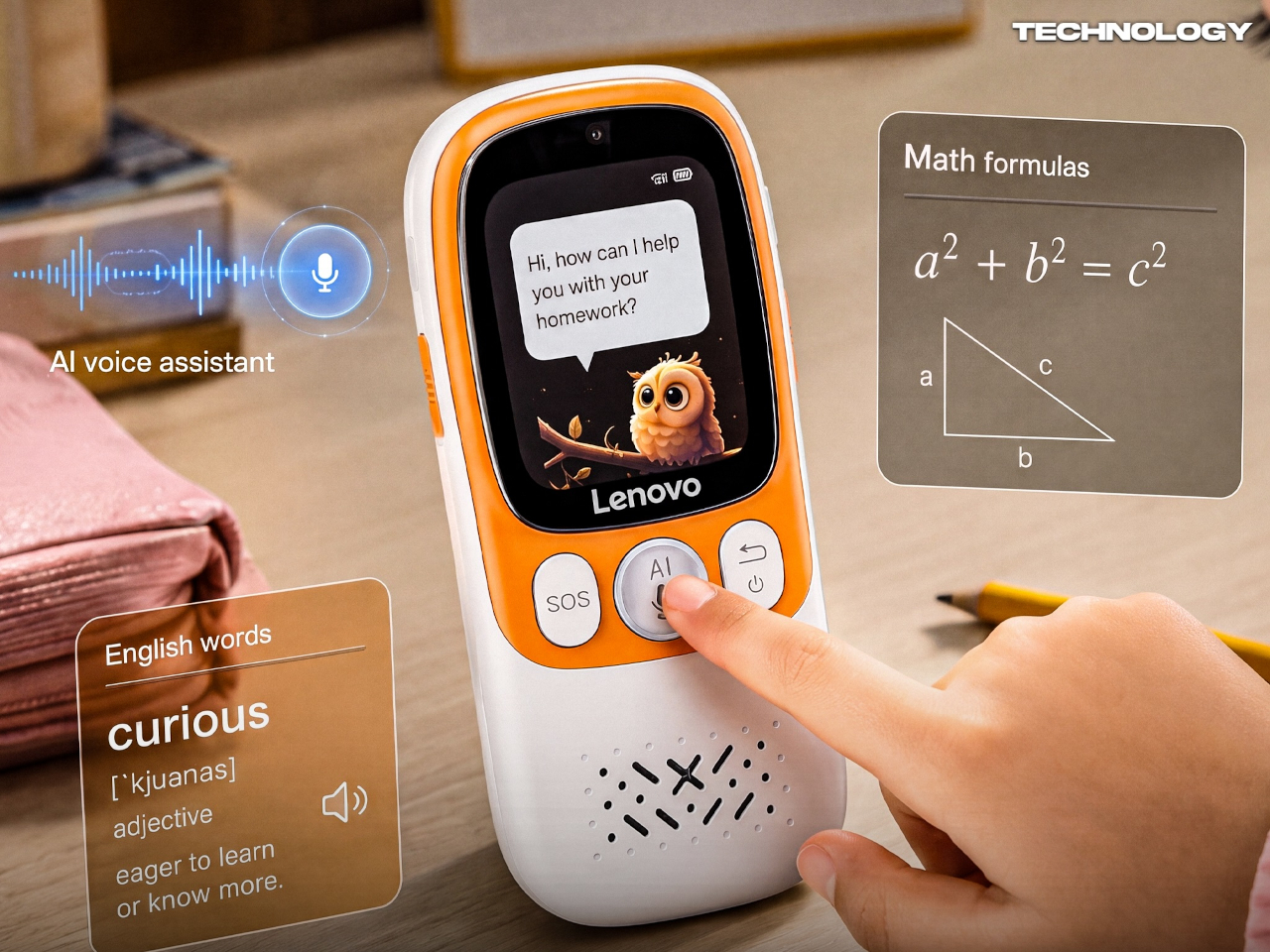
The most telling design decision is the dedicated physical AI button reportedly built into the side of the L1. In most other phones, the AI assistant lives inside software, hidden behind a long press or buried in settings. A hardware button changes that, making help a fixed and visible part of the object. A child doesn’t need to find the feature; the button is it.
Press it, and the L1 reportedly connects to an AI assistant that can help with homework, language learning, and subject lookups. The simplicity is the point. Instead of opening a browser and disappearing down a rabbit hole, the student gets a focused answer and moves on. The phone isn’t trying to replace a teacher; it’s trying to stay out of a teacher’s way.
The feature most coverage tends to bury is the reported QR-code payment system with parent-set spending limits. A child can reportedly take the bus, grab lunch, or pay for a snack without a full smartphone or a physical wallet. GPS tracking and an SOS button reportedly keep parents in the loop. Parents set a cap, the child spends within it, and that’s the end of the negotiation.
That said, the L1 isn’t without its compromises. A 1.83-inch screen is genuinely small, and while that probably discourages mindless scrolling, it also makes extended interaction feel a bit cramped. If handwriting input is included, as some reports suggest, the novelty may wear off quickly. Restraint is a valid design philosophy, but it still has to feel comfortable enough to use every day.
For parents in the US or Europe, the L1 is unfortunately a China-only device for now. Products like the Gabb Phone, Pinwheel, and Bark Phone all tackle the same distraction problem, but by restricting a conventional smartphone from the inside. The L1 appears to start from a narrower behavioral premise, building limits into the hardware rather than patching them in through software.
That distinction is worth sitting with. Handing a child their first phone has always been about balancing independence and oversight, and software-based restrictions have always felt like a workaround. The Lenovo AI Student Phone L1 raises the question of whether you can get closer to that balance by designing the object differently from the start, and that’s probably the right conversation to be having.
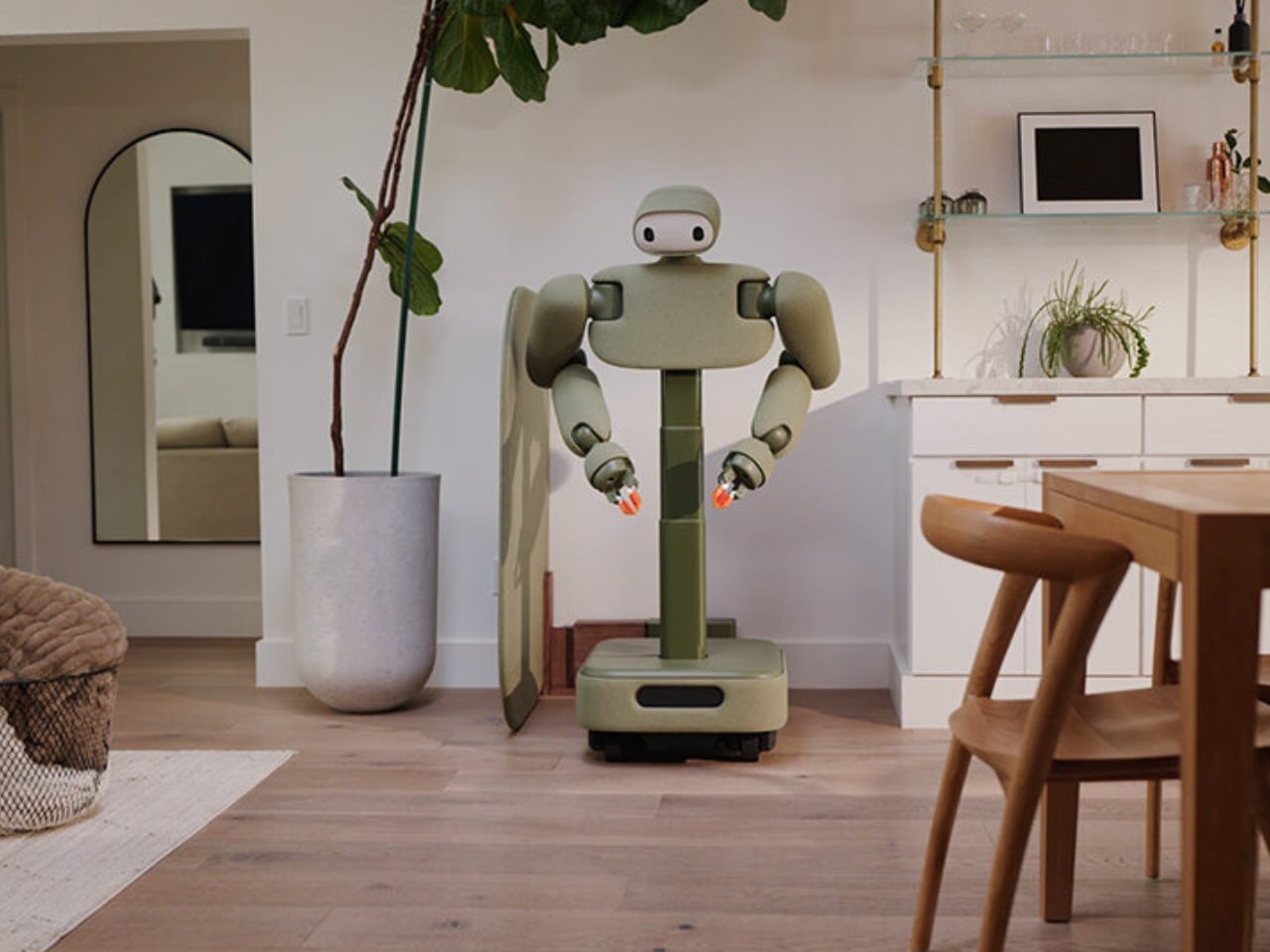
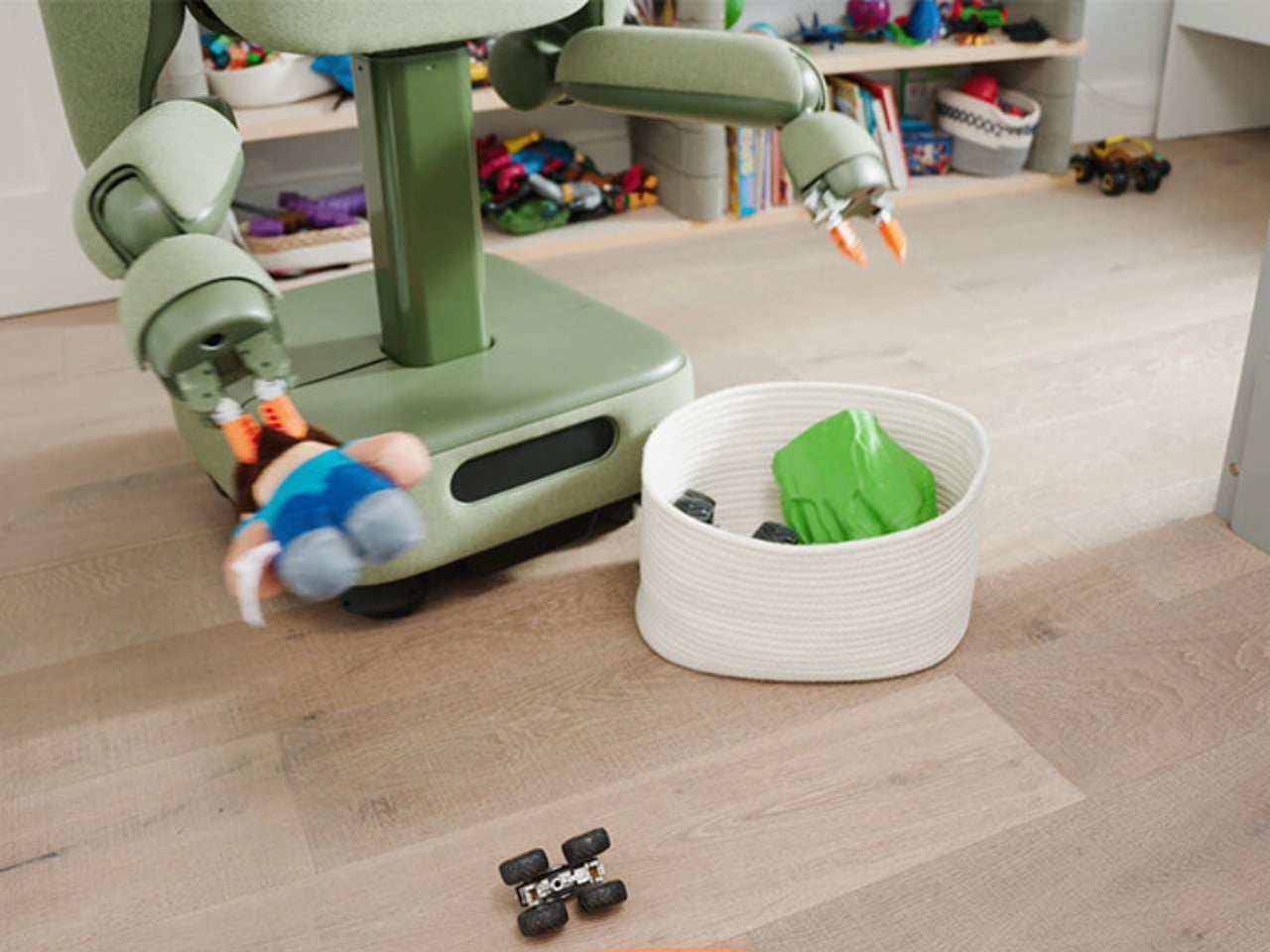
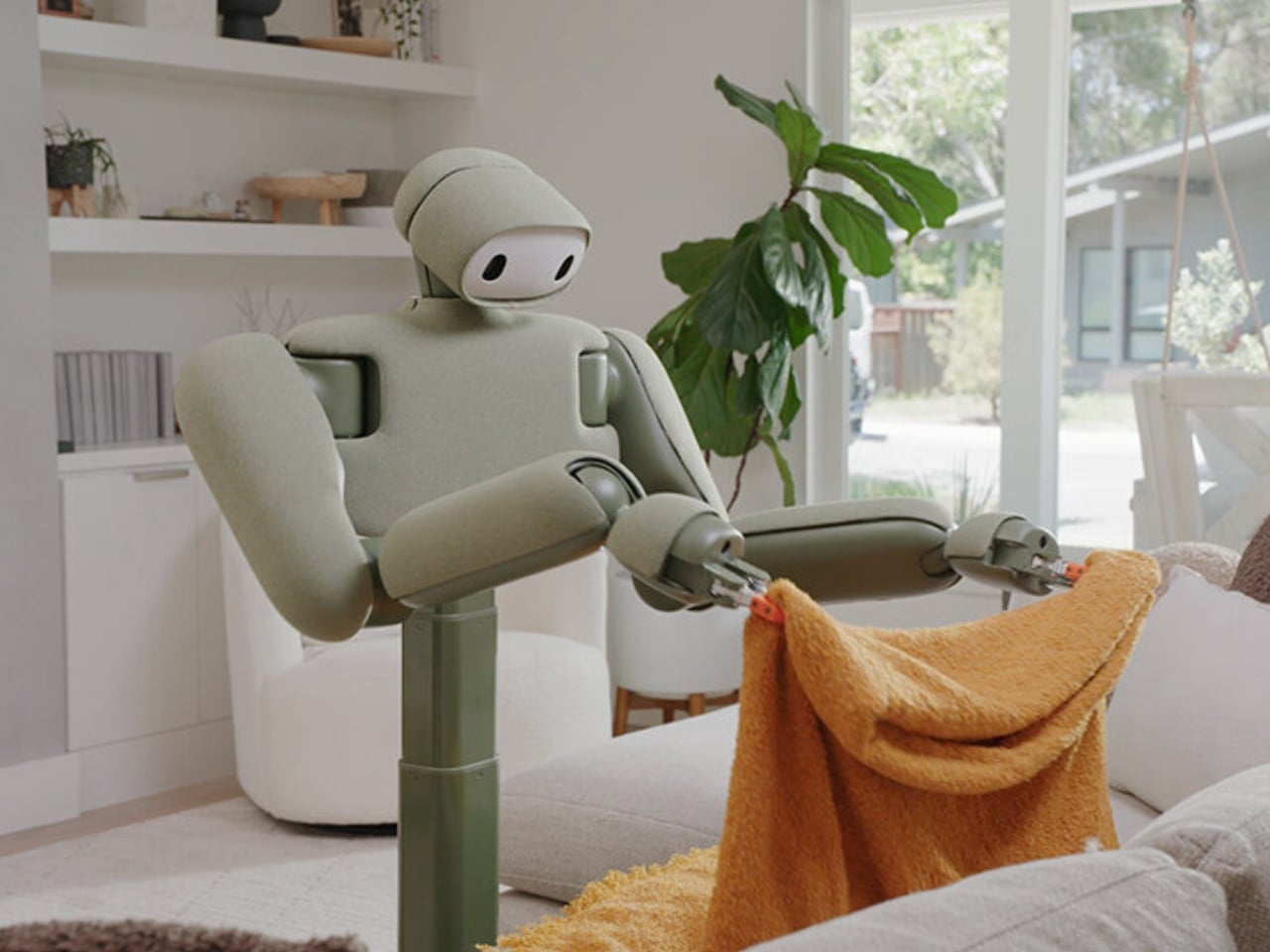
Most robots designed for the home look like they escaped from a manufacturing plant. They’re shiny, angular, and cold, and the moment you put one next to your sofa, the visual mismatch is almost comical. So when I came across the Isaac 1 by Weave Robotics, the first thing I noticed wasn’t what it could do. It was how it looked: soft, compact, wrapped in swappable fabric shells in colors like Sage, Slate Blue, and Terracotta. It looked less like a machine and more like something you’d find at a furniture fair. That’s entirely by design, and it matters more than most people probably realize.
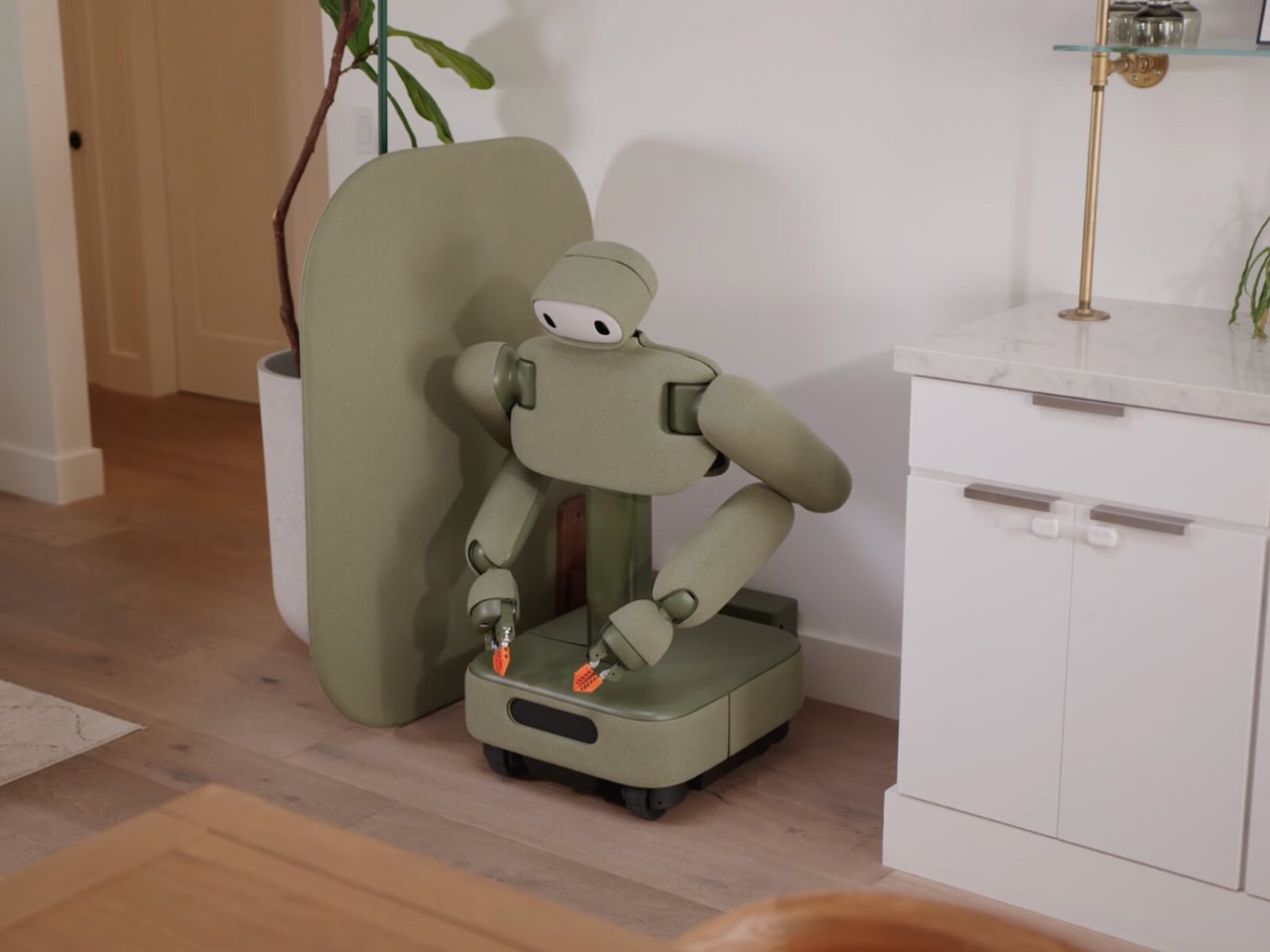
Weave Robotics built the Isaac 1 from the ground up in San Francisco, and their approach is refreshingly considered. Instead of the humanoid form that most robotics companies seem obsessed with, Isaac 1 runs on a wheeled base and collapses down to about three feet when it’s not working, which means it can genuinely disappear into your space. When it’s needed, it extends up to 5’9″ with an 80-inch vertical reach and a 38-inch horizontal reach, enough to handle a wide range of domestic tasks without needing to replicate the human body to do it.
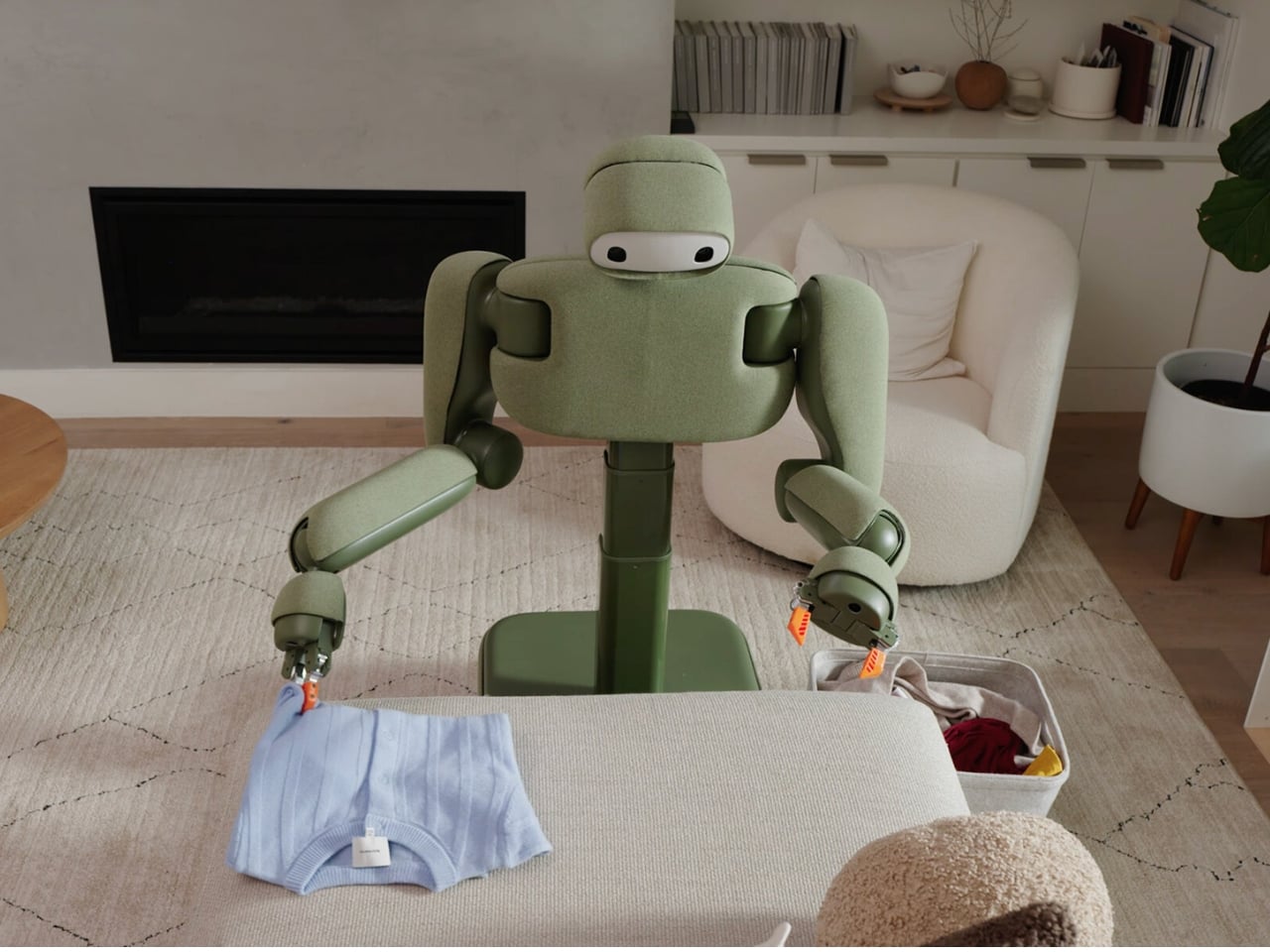
And the tasks it handles are, frankly, the ones most of us quietly dread. Laundry is front and center. The Isaac 1 picks up dirty clothes, manages loaded hampers, folds, and puts things away. It also handles the daily reset of a home: making beds, straightening cushions, returning clutter to where it actually belongs. If you’ve ever come home to a messy house at the end of a long day and felt that specific kind of low-grade despair, you understand the appeal.
But here’s what gets me about the Isaac 1. The decision to wrap it in fabric rather than hard plastic isn’t just cosmetic. It signals something about how Weave Robotics thinks about the relationship between people and the technology they invite into their homes. A robot that reads as furniture rather than lab equipment is a robot that respects the space it’s entering. It acknowledges that a home is a personal, lived-in place, not a test environment. That philosophical underpinning makes Isaac 1 feel different from the robots that tech companies roll out at trade shows and then quietly retire two years later.
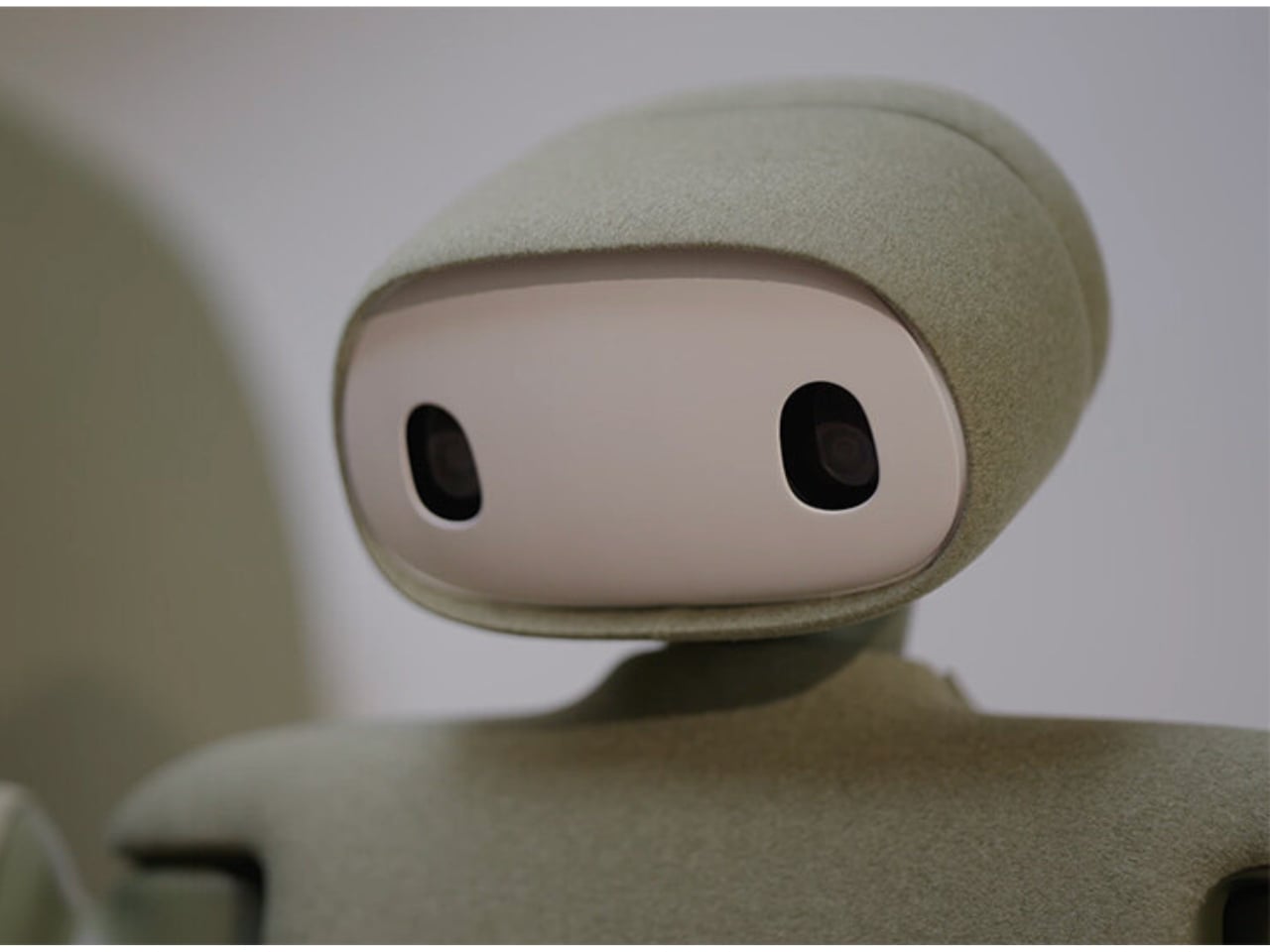
Privacy is also built into its physical design, not just its software policy. Isaac 1 has physical cues that make it visually clear when it’s active versus idle, and its cameras can be physically disabled. For a connected device that moves through your most private rooms, that kind of intentionality is worth noting. The teleoperation feature, where a human can step in remotely when the robot hits an edge case it can’t solve autonomously, is the detail that deserves the most scrutiny. Weave has been transparent about it, but it’s something you want to sit with before committing.
That commitment currently sits at $8,000, with pre-orders open and first deliveries expected in California in fall 2026, and wider US availability following in 2027. It’s not an impulse buy by any measure. The price positions it well above a novelty and firmly in the category of household infrastructure, which, to be fair, is exactly what Weave is pitching it as.
I don’t think the Isaac 1 is perfect or even fully proven yet. Homes are unpredictable environments and no amount of smart engineering fully accounts for the everyday chaos of real life. But as a statement of intent about what a domestic robot can and should be, it’s one of the more coherent things I’ve seen come out of this space. It’s not trying to look human. It’s not trying to impress you at a conference. It’s trying to fit into your home, quietly, practically, and without making a scene. That’s harder to achieve than it sounds, and the fact that Weave seems to understand that puts them ahead of most.
Summer has a way of convincing you that working from a terrace in Lisbon or a cabin in the Dolomites will feel seamless. It rarely does. The gap between the idealized workation and the experience comes down to a few specific friction points: a dead device mid-call, no sense of what time it is back home, a trackpad making everything slower, and a hotel room that actively fights your sleep.
These five objects aren’t here because they photograph well in a flat lay. Each one solves a recurring problem that surfaces the moment you leave your home office. Some are brand-new hardware. One is a concept that shows exactly where phone design needs to go. All of them are built with the same underlying logic: less bulk, more intention, nothing wasted.
1. Lenovo ThinkTab X11
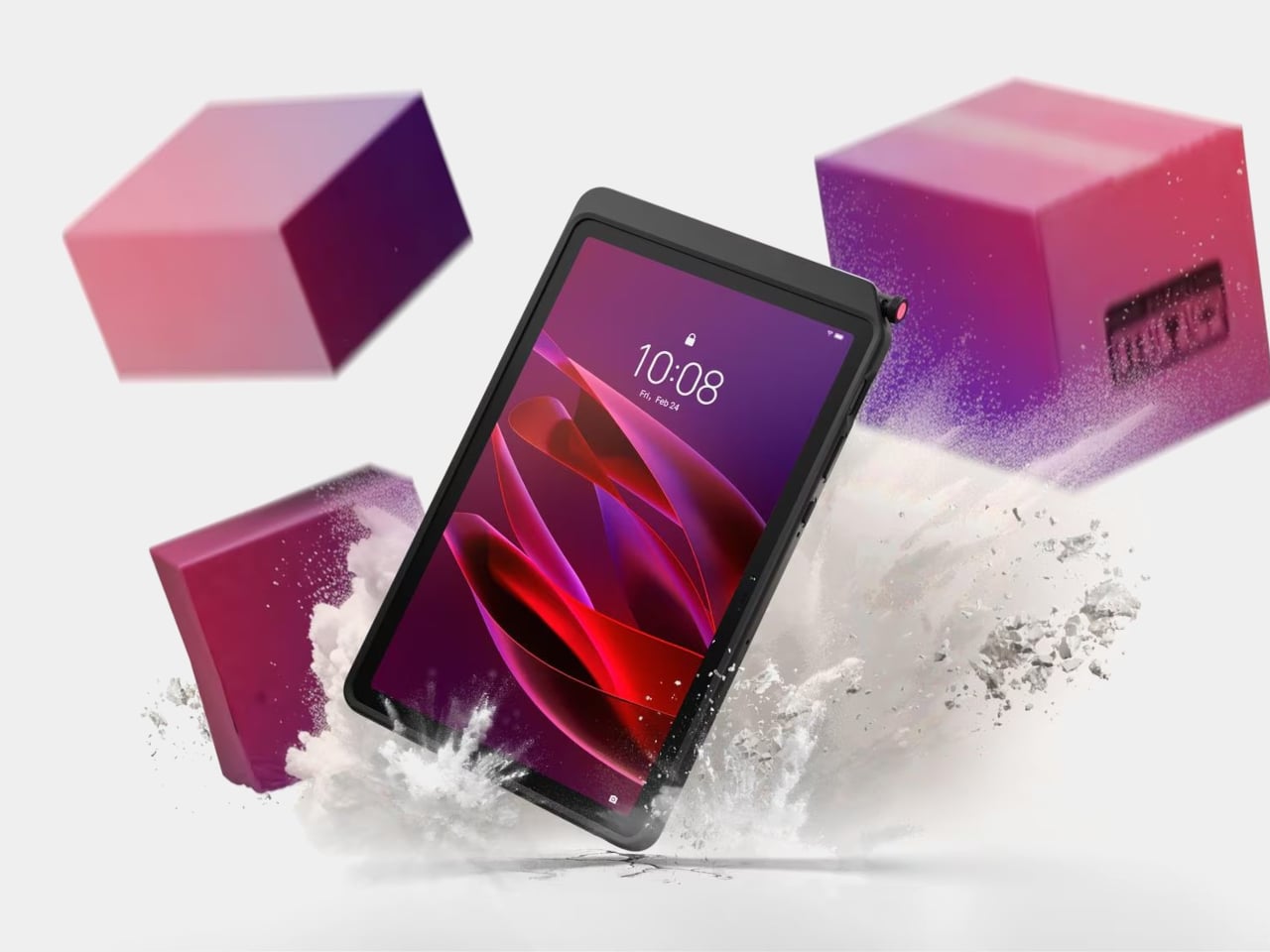
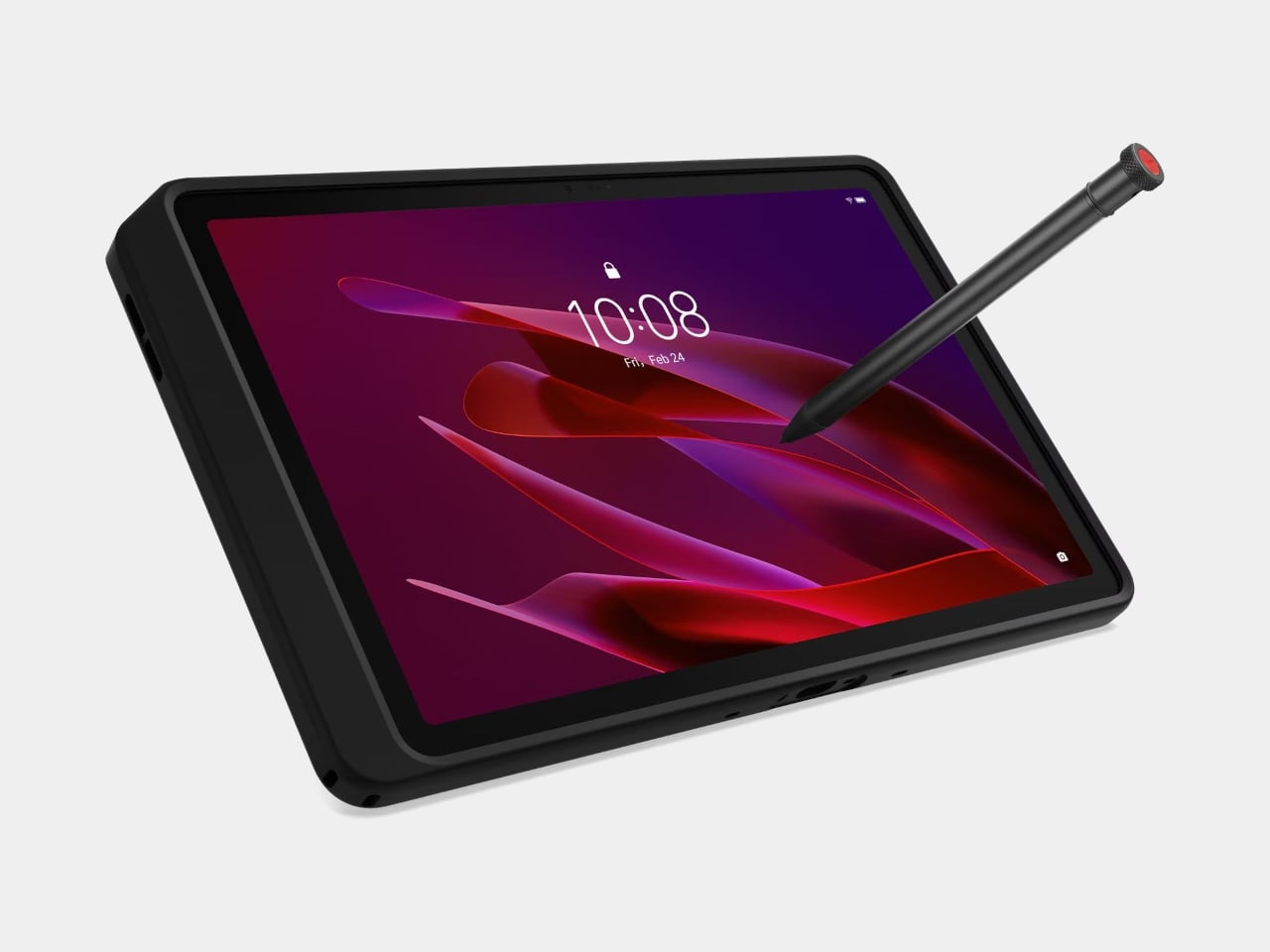
The story most tablets tell goes: thin is better, sleek is the goal, and if you drop it, that’s your problem. The Lenovo ThinkTab X11 tells a different one. It’s the first device in Lenovo’s Think portfolio to run Android, built for people who work outside of offices, starting at $499. That lands well below what enterprise rugged hardware typically costs, and it brings credentials those environments actually need rather than borrowing them from a device designed for a glass desk.
The most unusual feature isn’t the IP68 rating or the MIL-STD-810H drop certification. It’s the battery. The 10,200 mAh cell removes without tools using a screwless mechanism, so a depleted pack swaps for a fresh one without stopping work. For fixed deployments, it runs with no battery installed at all, reducing heat buildup and eliminating long-term cell degradation. The 10.95-inch 90 Hz display works with gloved hands and wet fingers, and the Snapdragon 7s Gen 3 handles processing with up to 12 GB of RAM.
What we like
The screwless swappable battery is a design decision most tablet makers abandoned years ago and shouldn’t have
MIL-STD-810H certification and IP68 rating that hold up to actual field conditions, not just the marketing copy
What we dislike
Running Android 16 rather than a desktop OS limits compatibility for power users who depend on specific Windows software
The rugged case, while swappable for a plain back panel, adds bulk that minimal travel setups may not want to carry
2. Rolling World Clock
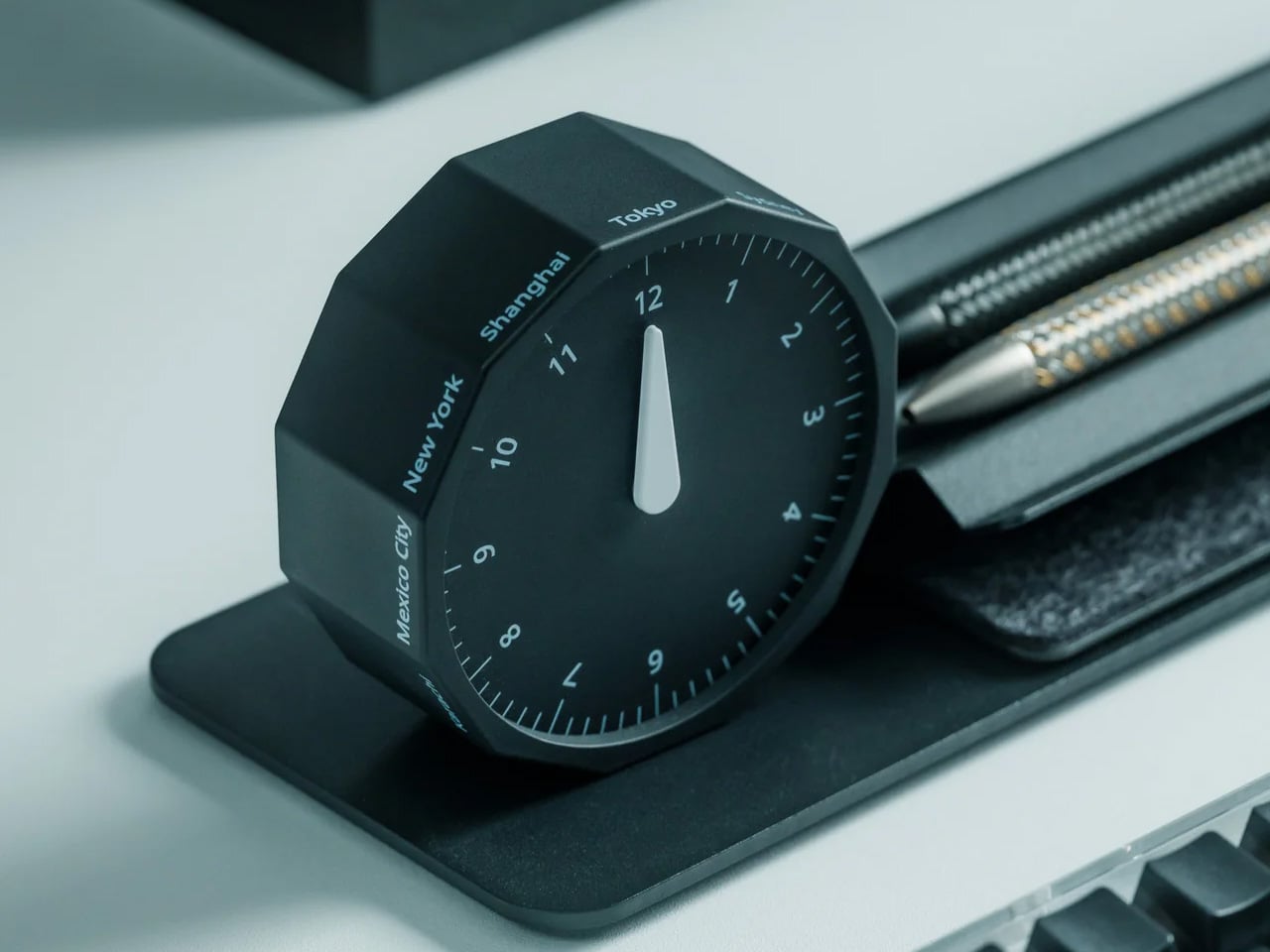
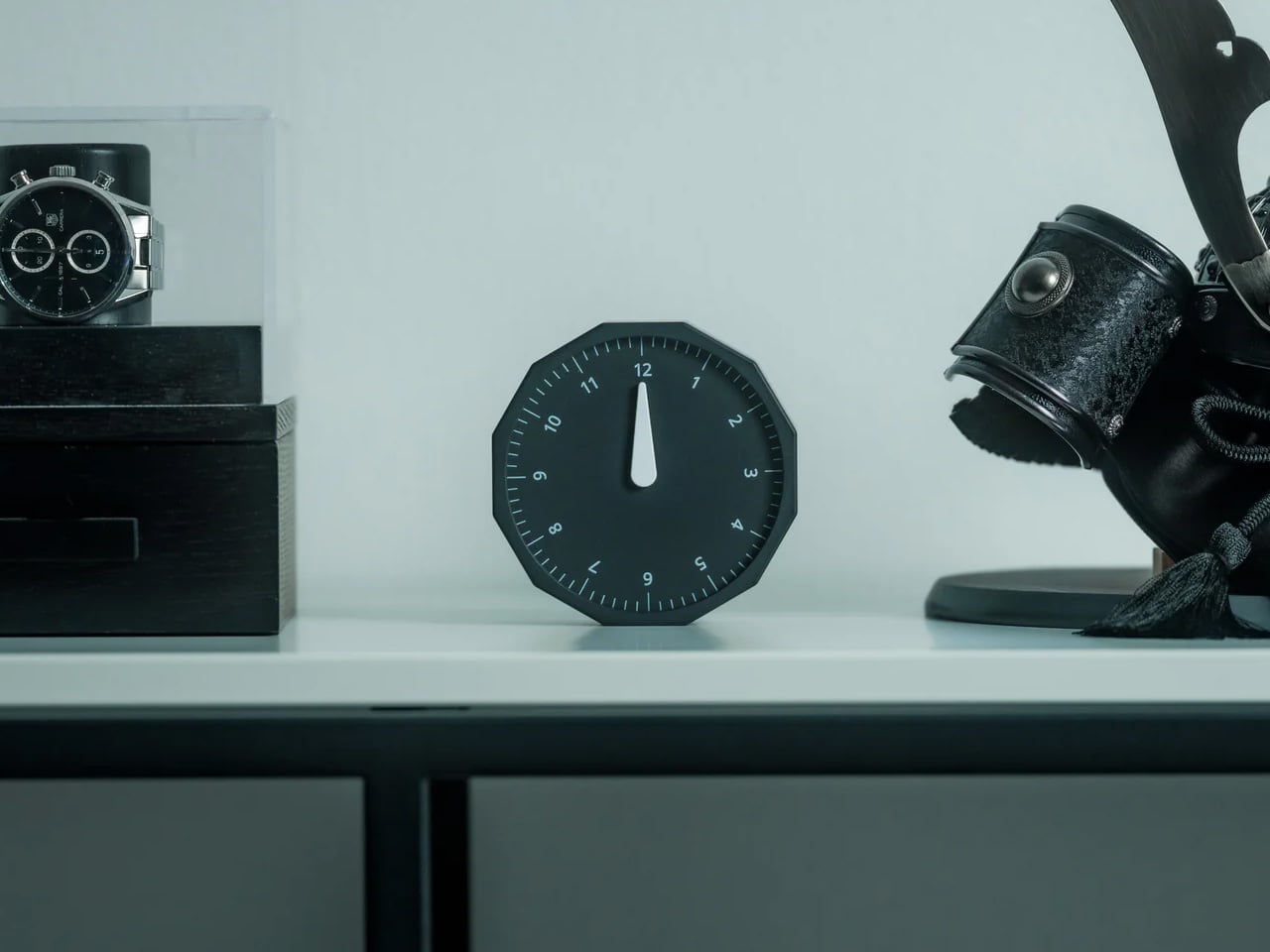
Remote work across time zones produces a specific kind of low-grade anxiety: the constant mental arithmetic of what time it is for your client in Tokyo, your team in Berlin, your editor in New York. Most solutions are digital, meaning another app and another screen. The Rolling World Clock handles it differently. It’s a physical object designed to give time zone awareness a permanent, glanceable presence on whatever surface you happen to be working from, at $49.
At that price, it occupies an increasingly rare space: the deliberate analog object that earns its place in a bag through presence rather than features. A world clock you can hold and orient matters in a way a phone widget doesn’t. It also removes the need to unlock a screen every time you run through time zone arithmetic, which at four in the afternoon after a long session is more useful than it immediately sounds.
At $49, it brings a physical dimension to time zone tracking that no app or notification panel actually replicates
A design-forward desk object that works regardless of whether your laptop is open or your phone is charged
What we dislike
As a physical clock, it requires manual adjustment when crossing into a new time zone rather than updating automatically
Limited product detail currently available on the YD Shop listing; worth confirming the display mechanism before ordering
3. Nothing 4a Pro E-ink Display Concept
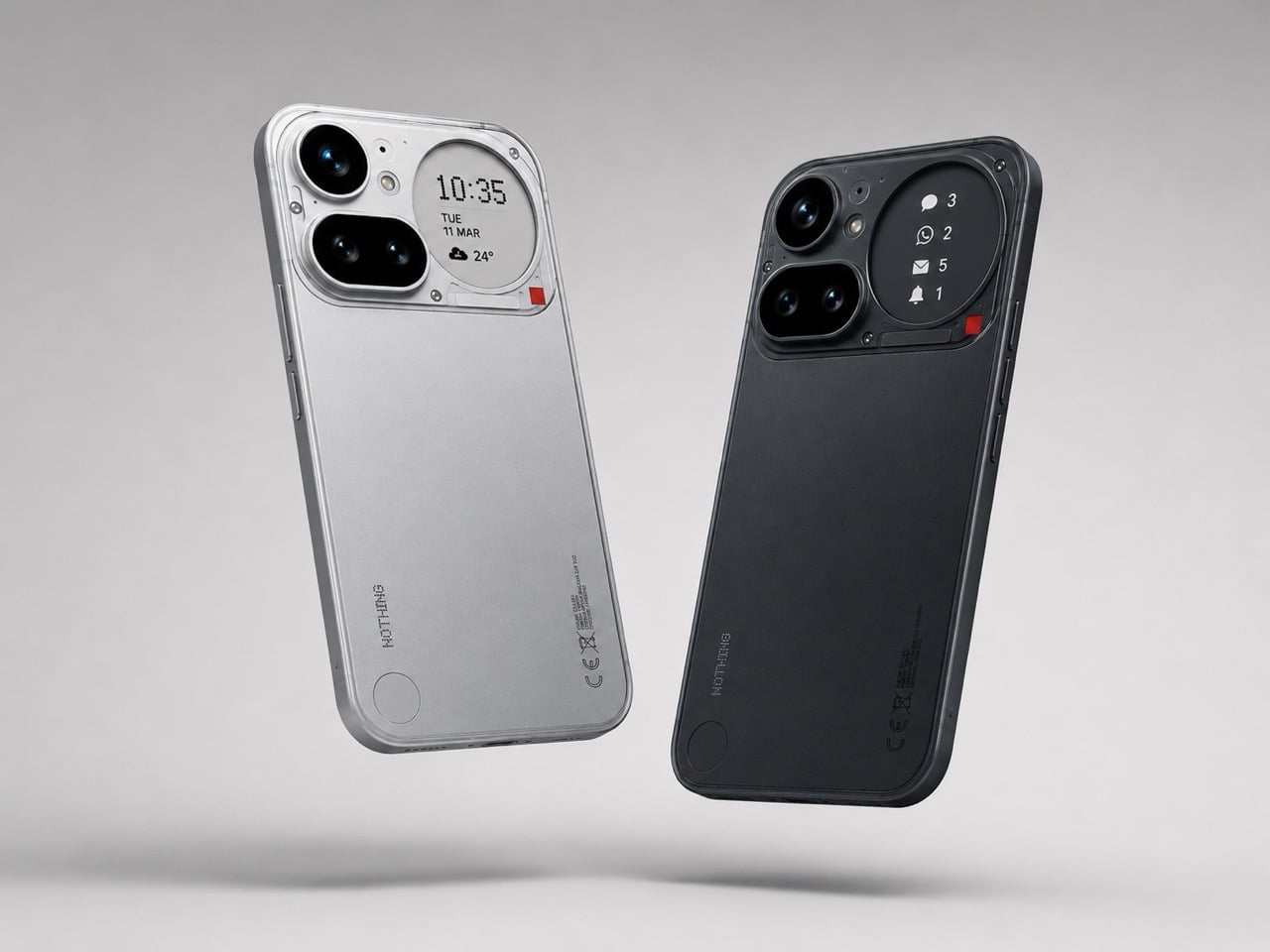
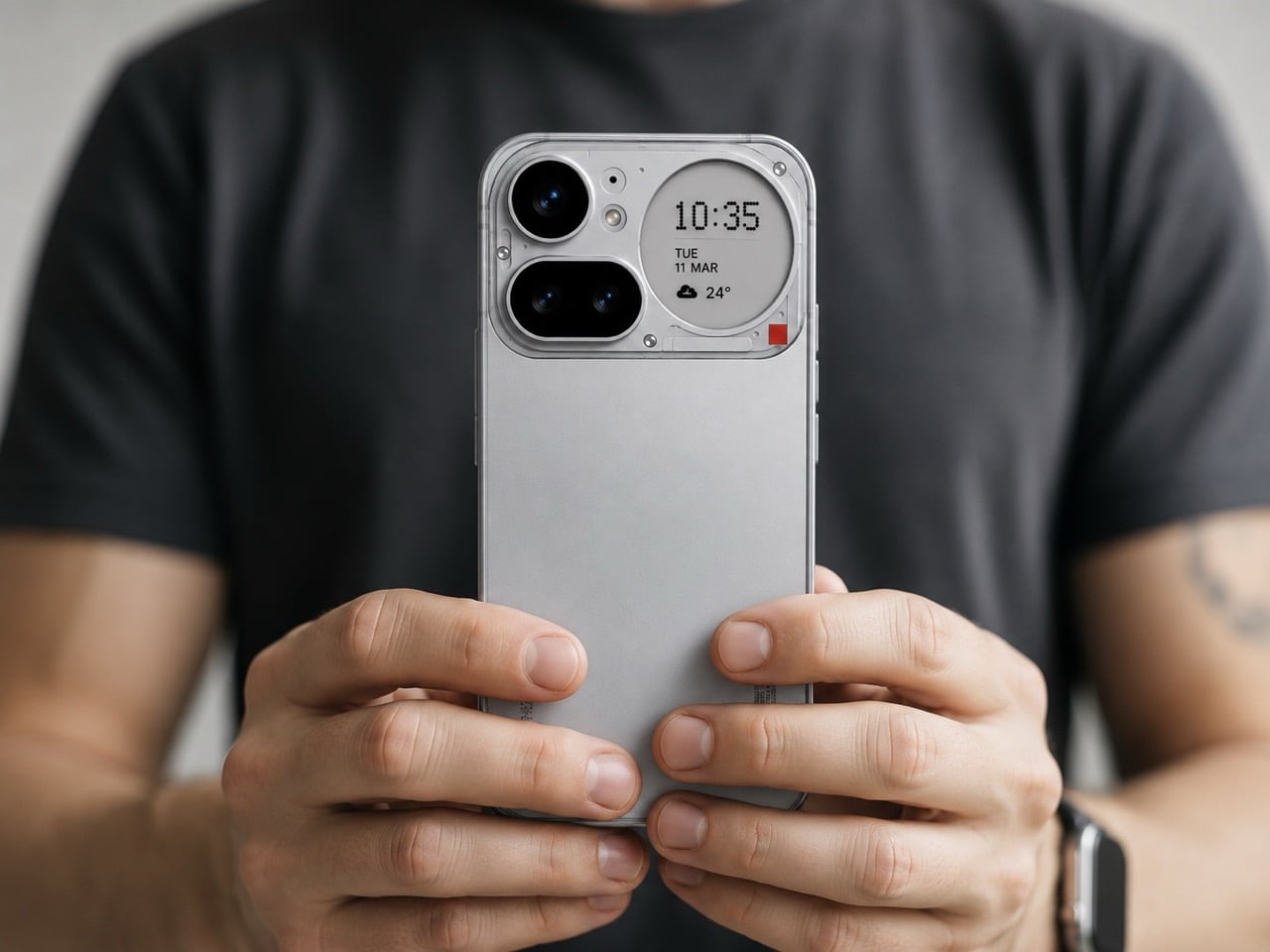
Not everything on this list ships tomorrow, and this one is upfront about that. The Nothing 4a Pro e-ink concept, imagined by Reddit user Taweros, replaces the Glyph Matrix on the back of Nothing’s phone with a small always-on e-ink display. Instead of spinning light patterns, the back shows something useful: a notification, a QR code at a networking event, the face of whoever is calling you. All without meaningfully touching battery life, since e-ink only draws power when the image changes.
The reason it belongs here is specific. When your bag is on the table at a co-working space, and you need to see whether that notification is worth picking up, a phone that surfaces information on its back without requiring you to unlock it removes a real interruption from your workflow. The Nothing 4a Pro hardware this concept builds on already runs a Snapdragon 7 Gen 4. The e-ink back is the single edit that would make it the travel phone worth actually wanting.
What we like
E-ink only draws power when the image changes, making a permanently visible ambient display a viable idea without a battery penalty
The concept makes a compelling case that the existing Nothing 4a Pro hardware is already there; the display and back panel are the only missing pieces
What we dislike
This is a concept render, not a product you can buy, and Nothing has given no public indication it’s moving in this direction
The e-ink area is small, which limits how much information it can usefully surface at a glance
4. OrigamiSwift Folding Mouse
At 40 grams and 0.18 inches thick when folded flat, the OrigamiSwift is the mouse that removes the excuse to keep using a trackpad. Designed by Horace Lam and rooted in origami’s structural logic, it unfolds in under half a second into a full-sized ergonomic form. The triangular folded geometry isn’t decorative. It provides the rigidity needed to hold its shape through long work sessions, on surfaces ranging from a co-working desk to the tray table of a long-haul flight.
Bluetooth 5.2 handles connectivity, the HD infrared sensor tracks at up to 4,000 CPI, and the USB-C battery lasts up to three months per charge. Soft-click buttons keep it quiet in shared spaces, which matters at a communal table three feet from a stranger on a call. For a travel mouse with this build quality and a three-month battery life, that’s not a difficult case to make.
At 40 grams and 0.18 inches flat, it genuinely disappears into any bag without requiring a dedicated compartment or a case
Three months of battery life on a single USB-C charge means one less thing to track, top up, or pack a cable for
What we dislike
The right-handed ergonomic form means left-handed users will need to look elsewhere entirely
At $85, it sits at the higher end of the travel mouse category, and some nomads will find comparable tracking performance at lower price points from established peripheral brands
5. Divoom FlowToo
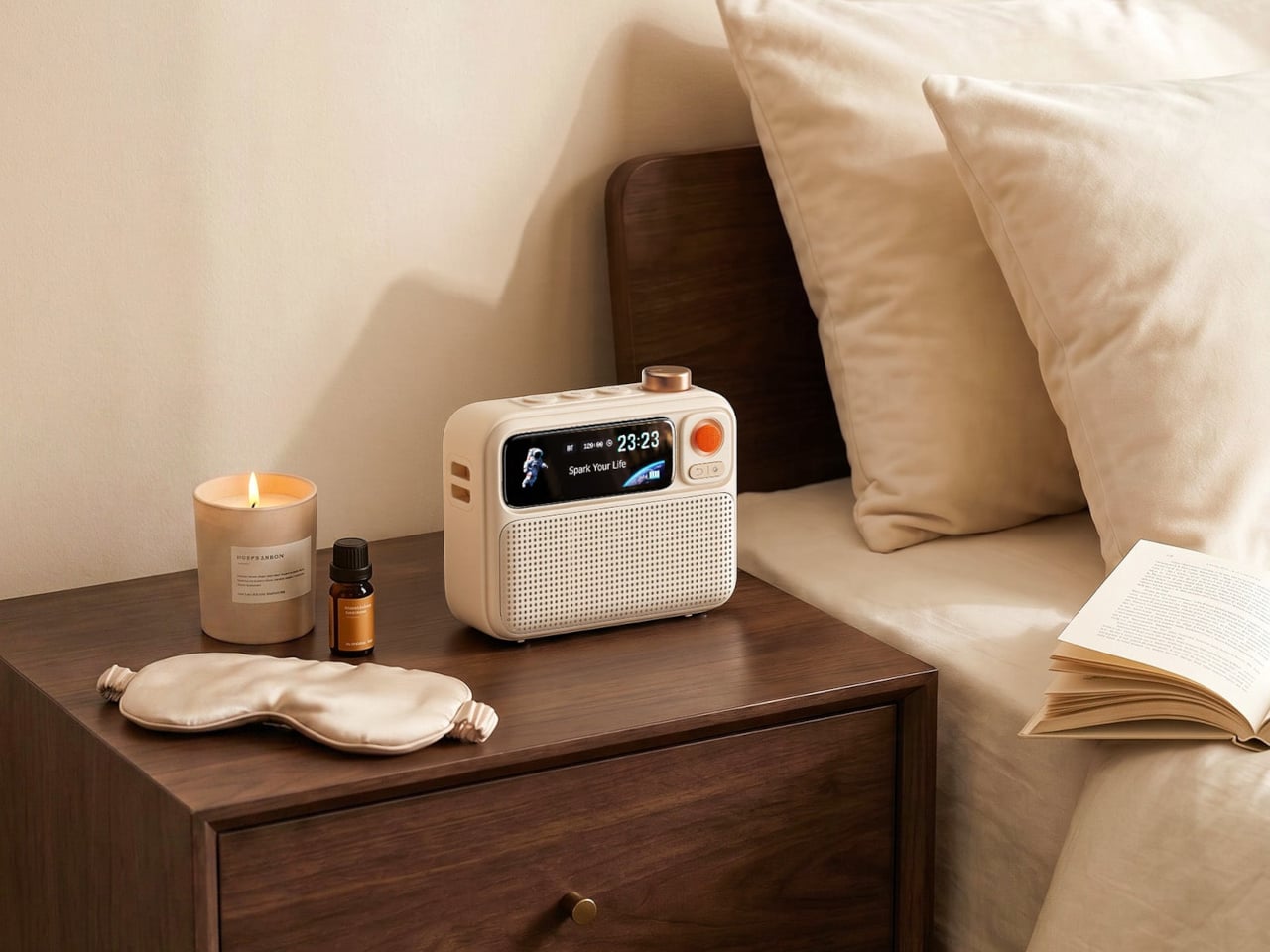
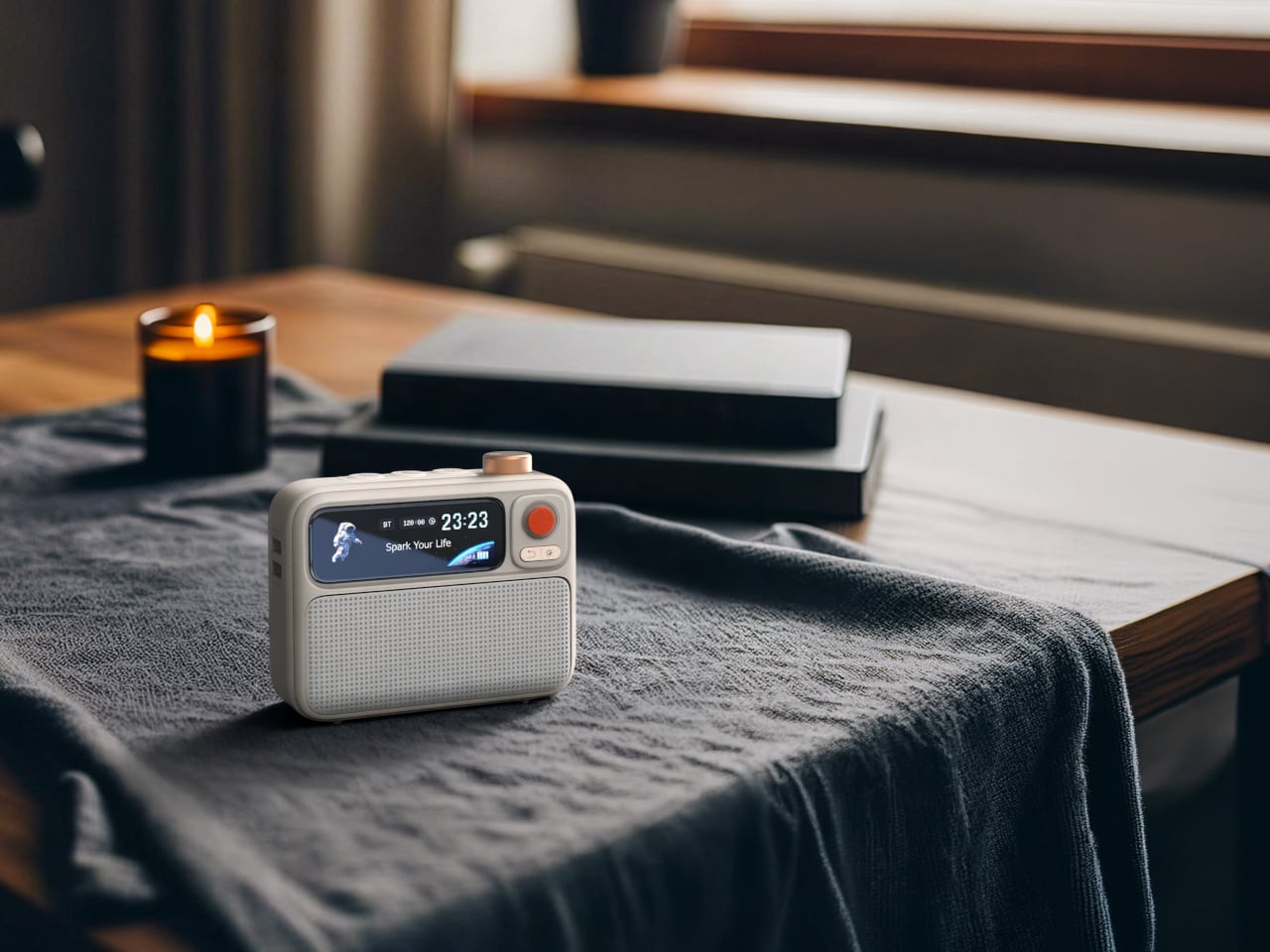
Serial hotel rooms accumulate a specific roster of problems. The alarm clock is always wrong. There’s no white noise option. Music has to come through a laptop speaker. The Divoom FlowToo addresses all three by collapsing a Bluetooth speaker, white noise machine, and alarm clock into one compact device with a 2.26-inch smart display. At $99.99, it doesn’t add to the nightstand pile. It replaces three items already on it, then does each job better than what it replaced.
The 10W amplifier and 45mm full-range driver make it a real speaker rather than an afterthought. The 90-plus built-in sounds cover rain, ocean, forest, and a wide enough library that finding something useful won’t take long. The wake function brings you up gradually with natural sounds and soft display light rather than a jarring tone, which matters when you’re functioning across time zones. The Divoom app handles alarm setting and sound selection from your phone, keeping the device itself simple to operate from any nightstand you find yourself at.
What we like
Collapsing three bedside devices into one compact object is the right instinct for anyone who travels with a carry-on and nothing else
The gradual natural-sound wake function is a genuine quality-of-life improvement over every hotel alarm clock in existence
What we dislike
The 2.26-inch display is small enough that the visualizer and animations read more as ambient mood than functional information
It runs on AC power with no built-in battery, which limits use to spaces with a wall outlet nearby
Pack Less. Work Better.
The best travel gear does two things well: it earns its weight, and it removes friction rather than adding it. Every object on this list was chosen because it solves a specific problem that shows up in the first week of working remotely, not a hypothetical one. A tablet that outlasts your work session. A mouse that doesn’t require you to compromise. A hotel room that finally lets you sleep properly.
One of them is a concept you can’t buy yet, and it’s worth watching. The rest are available now, four at price points that fall under $100. None of them are here because they looked good in a render. They’re here because the gap between a workation that works and one that slowly grinds you down usually comes down to a few objects you either packed or didn’t.
Dedicated music players gradually faded from use once streaming apps turned every smartphone into an on-demand jukebox. Carrying a separate device for audio began to feel redundant. That attitude has slowly changed. Growing numbers of listeners, tired of notifications and algorithm-driven queues, have started reaching for standalone players again, ones that let music be the only thing competing for their attention.
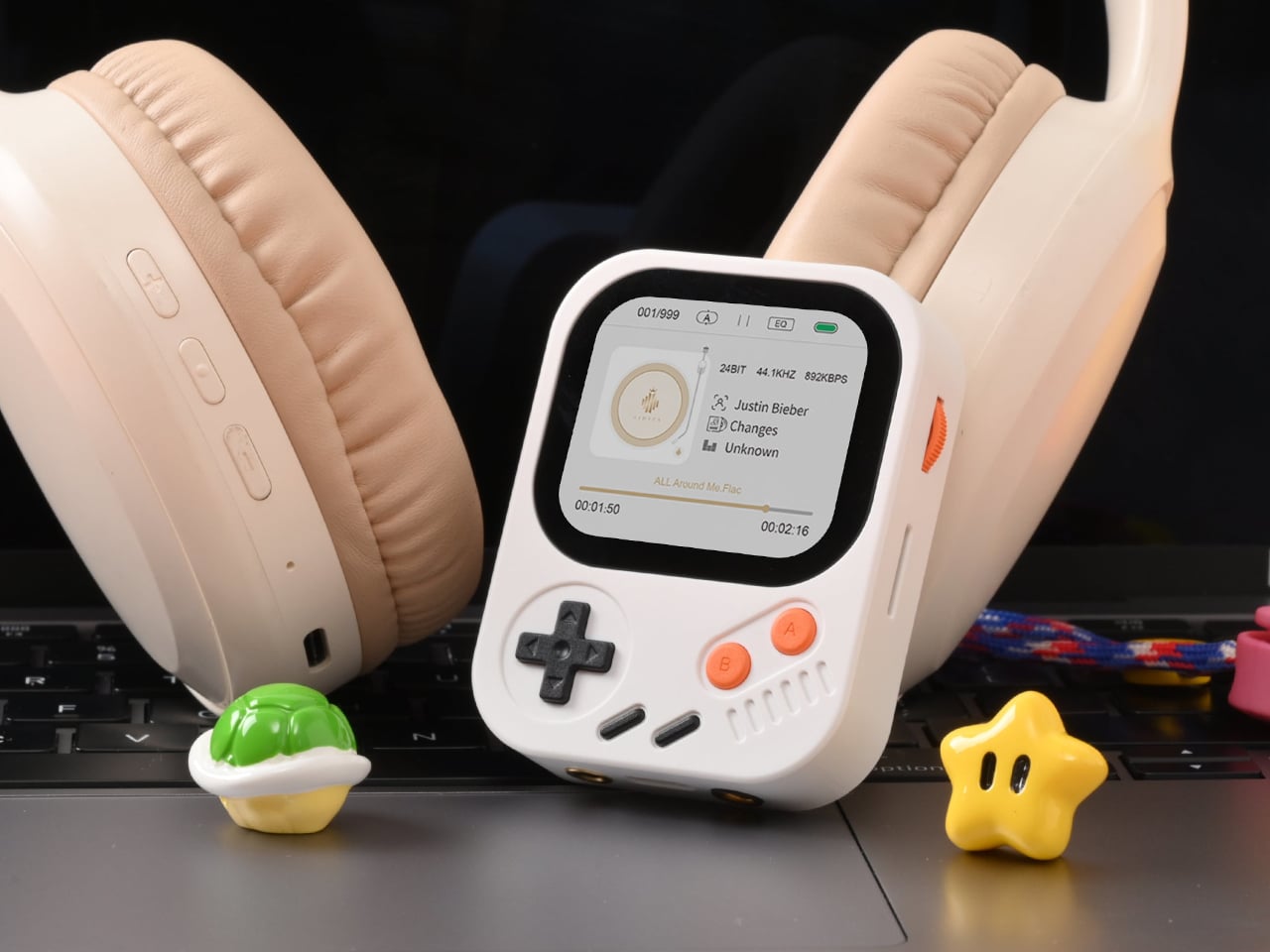
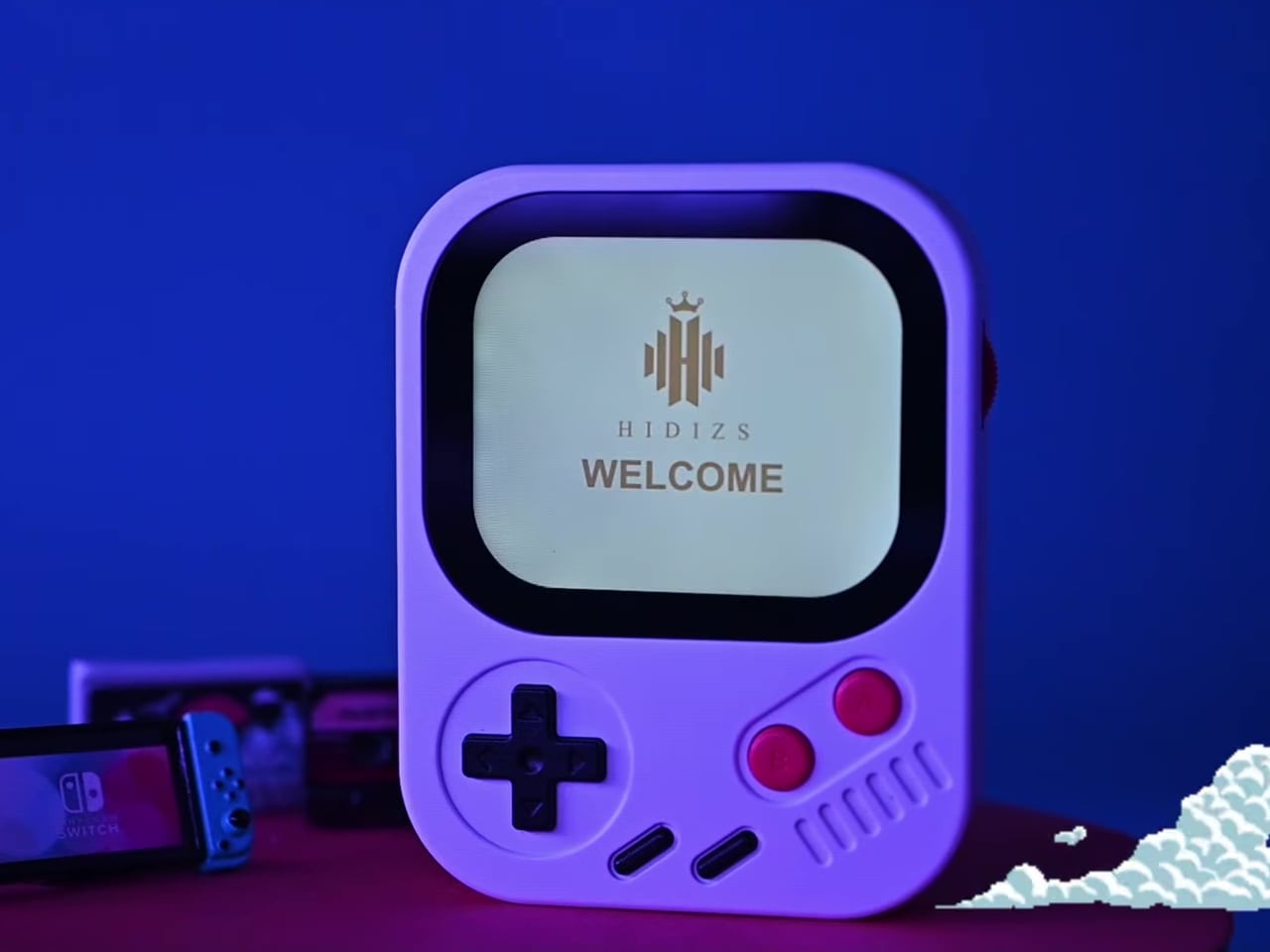
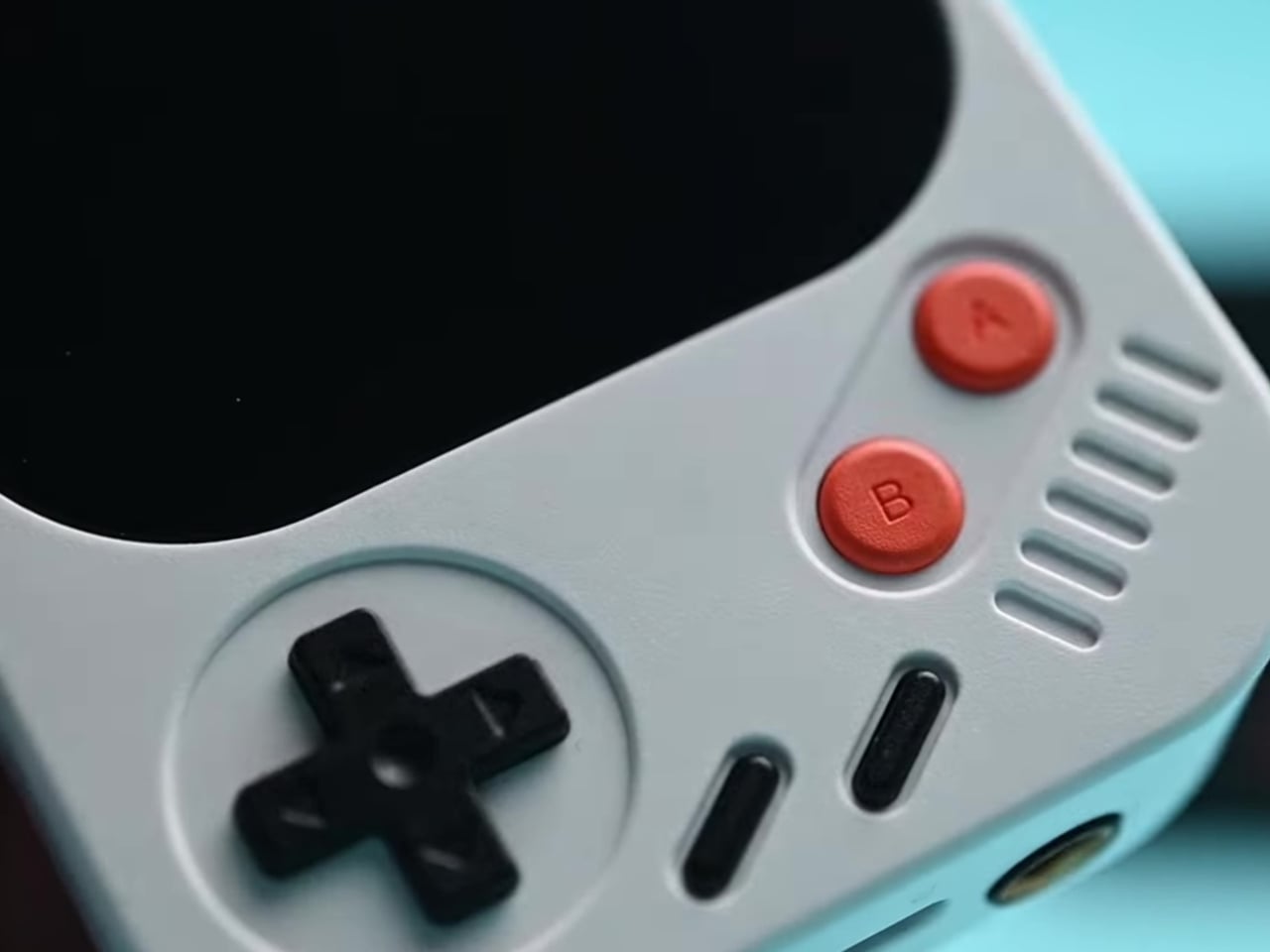
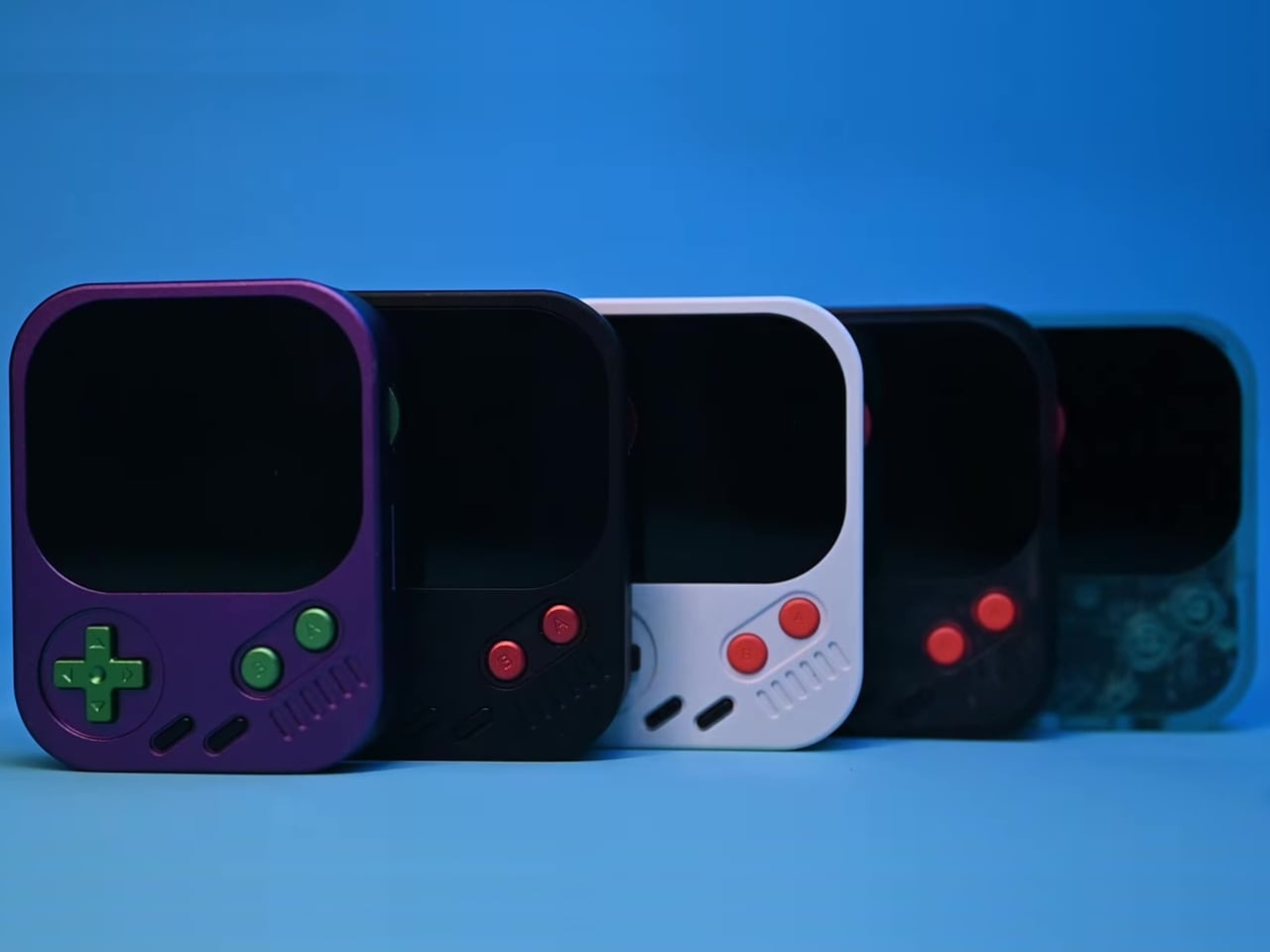
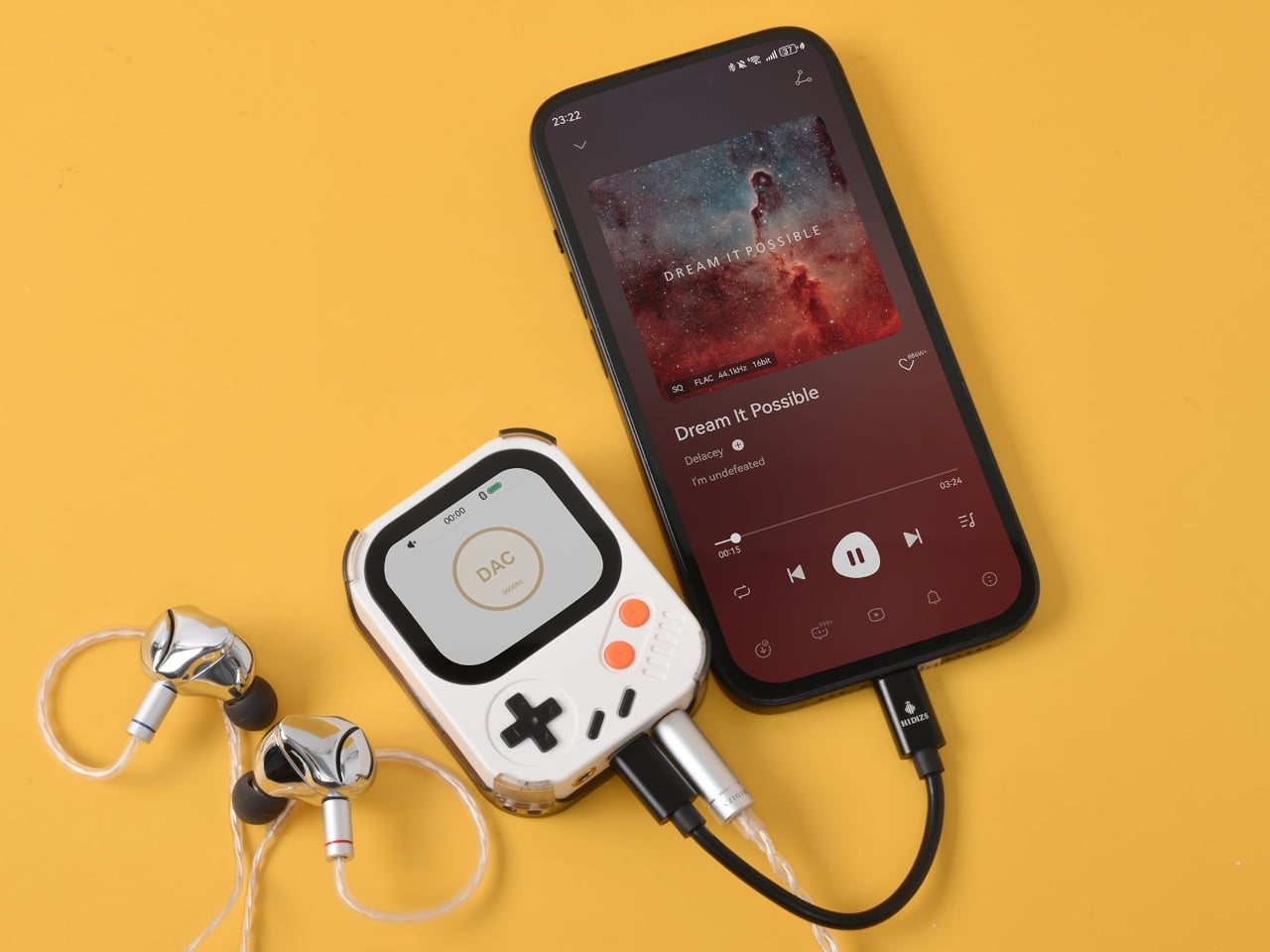
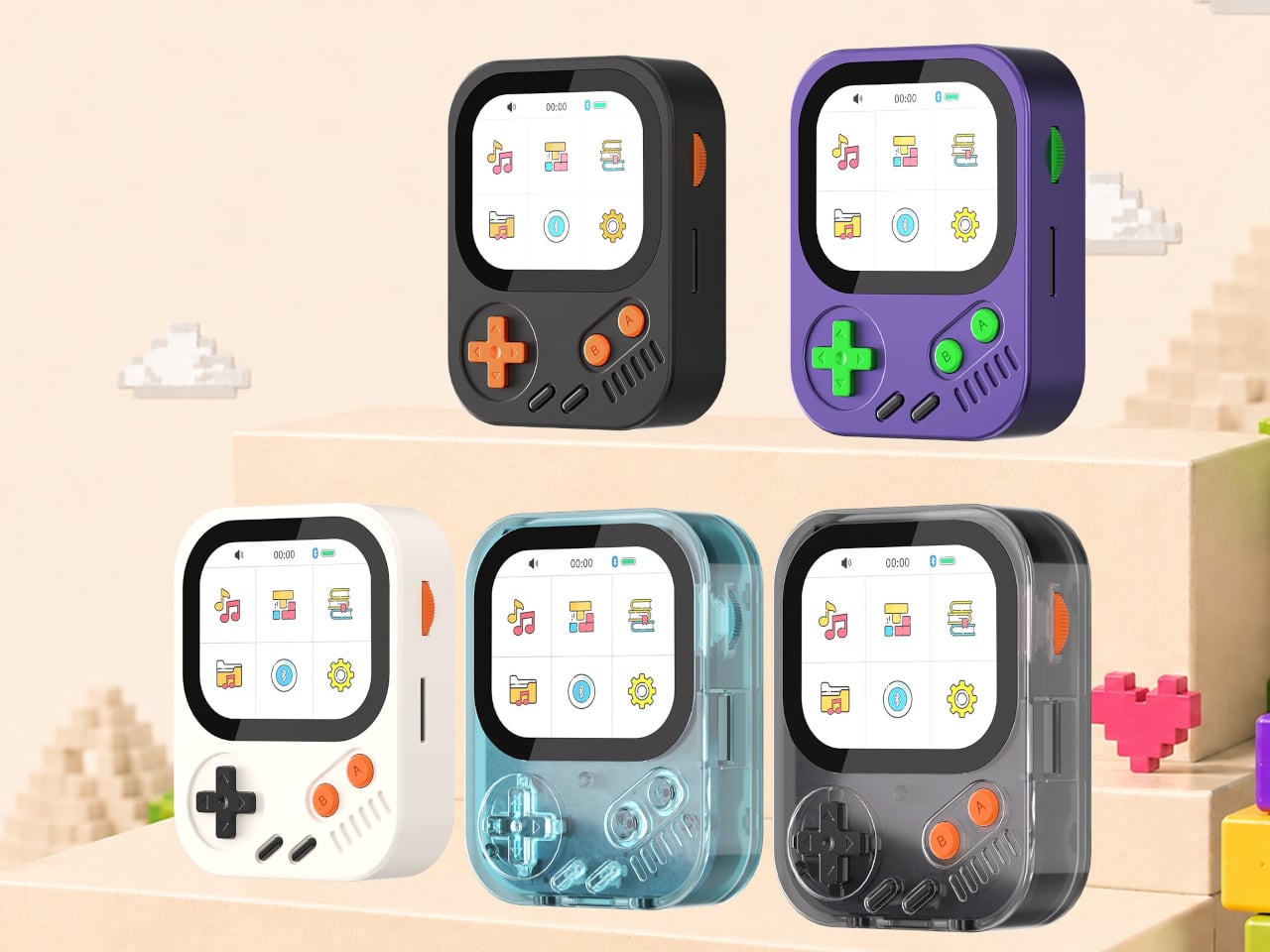
The Hidizs AP30 Music Boy addresses that growing appetite, though it does so in a way that isn’t easy to overlook. Rather than adopting the clean, minimal aesthetic common to most digital audio players, it draws heavily from the visual language of retro handheld gaming. The result is a device that looks playful and compact but carries serious audio hardware inside.
Physical directional buttons and a 2.0-inch IPS display give the AP30 an immediately tactile quality that touchscreen-only devices often lack. The plastic version weighs just 56g, while the CNC aluminum edition comes in at 80g. A small whale motif on the back adds a quiet nod toward environmental awareness, giving the device one more detail that makes it memorable beyond the spec sheet.
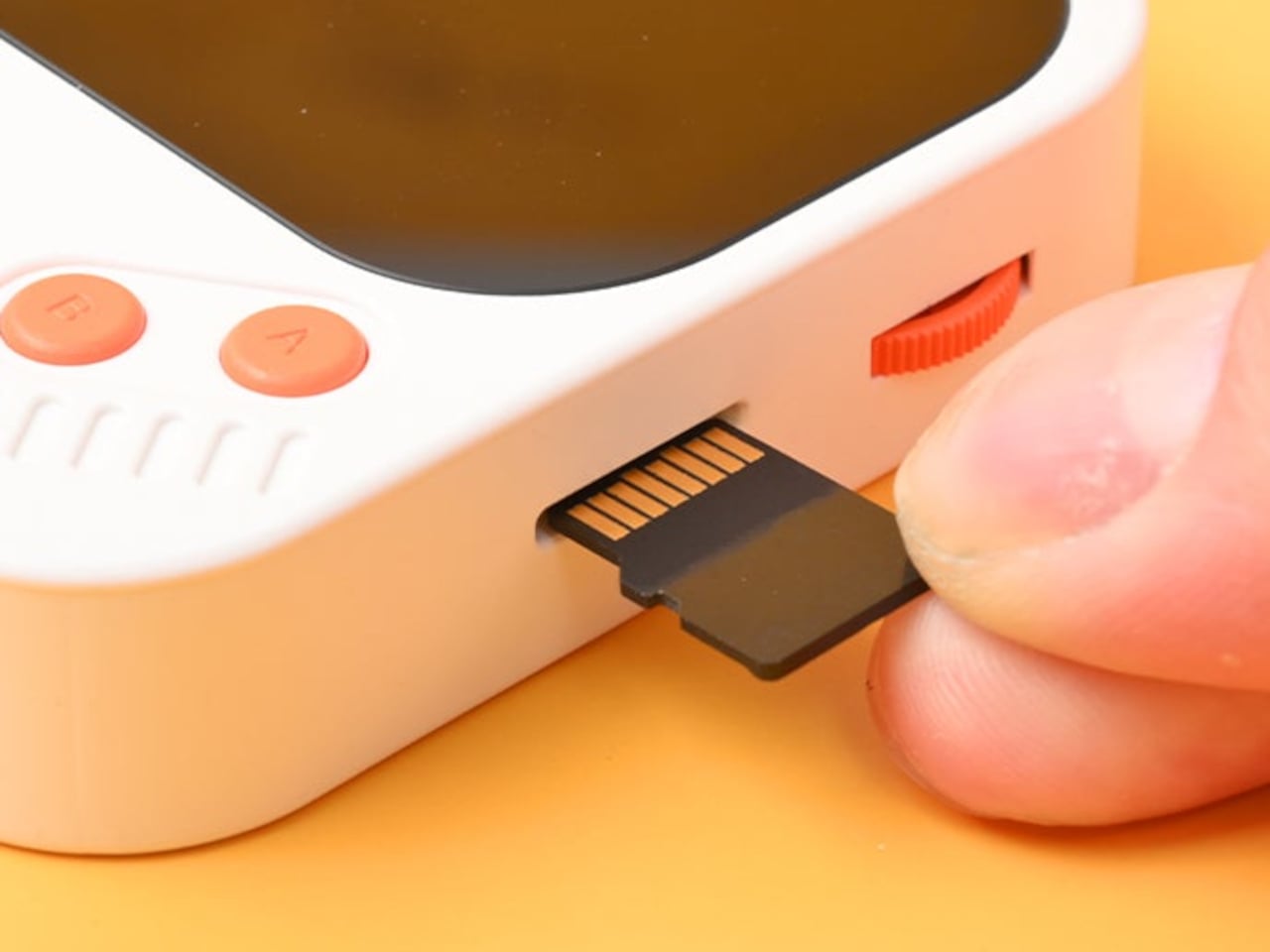
The “wearable” part of the AP30’s pitch has practical implications. It clips to bag straps, hangs from a neck lanyard, or attaches magnetically to the back of a phone via an optional case, keeping it physically accessible during exercise, commutes, or any activity that doesn’t leave a free hand. Storage starts at 128GB built-in and expands to 256GB via a microSD slot.
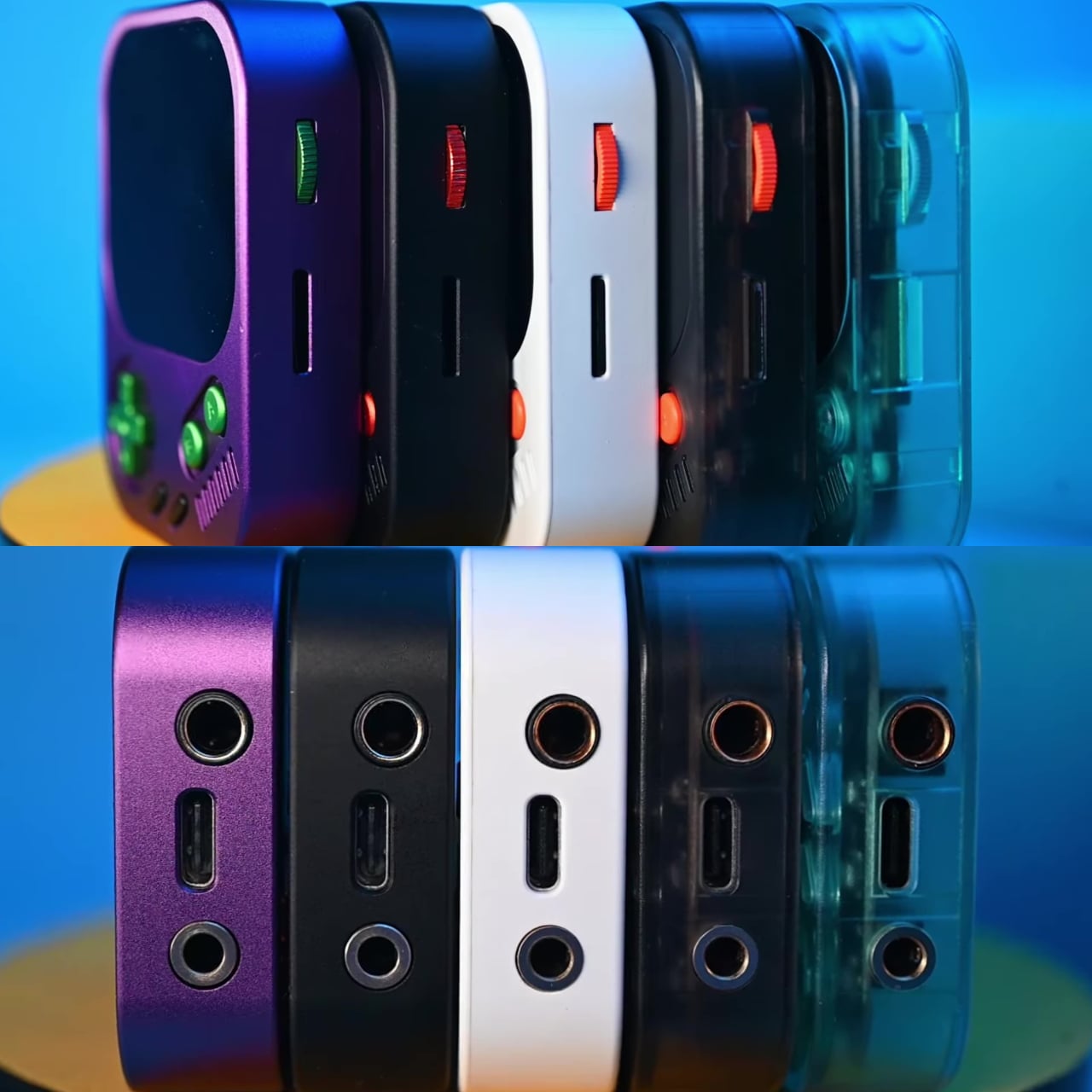
Behind the gaming console’s exterior is a Cirrus Logic CS43198 DAC paired with an RT6863 amplifier, supporting DSD256, PCM at 24-bit/192kHz, and lossless formats including FLAC, WAV, and ALAC. Everyday headphones connect to the 3.5mm single-ended output, while the 4.4mm balanced connection offers meaningfully stronger output for listeners using higher-end in-ear or over-ear monitors, with room to grow as their setup does.
Bluetooth 5.3 with LDAC handles wireless listening without much compromise in audio quality, and the USB-C port doubles as a DAC input for computers and phones. Connect it that way, and the AP30 draws its own power, sparing the host device’s battery. The 1,200mAh cell manages 10 to 12 hours of continuous playback in single-ended mode and charges back to full in about one hour.
HidizsOS, the player’s Linux-based operating system, keeps the interface focused entirely on music rather than apps or streaming services. Customizable EQ presets and switchable digital hardware filters give listeners control over how their music sounds, and a built-in block puzzle game is a fitting Easter egg on a device with this much retro DNA. Both plastic and aluminum editions retail at $129.
There’s no streaming service, no social feed, and no notification waiting to derail the listening session. The AP30 runs on a locally stored library and asks for nothing more than a decent pair of earphones. For anyone who’s ever put a phone on silent just to get an hour of uninterrupted music, it makes a compelling case for carrying two things instead of one.
Managing multiple AI agents at once has become a surprisingly real friction point in modern knowledge work. Developers using tools like OpenAI’s Codex, which is closing in on nine million users, often run several threads simultaneously. Constantly switching between windows and chat screens to check each agent’s progress breaks the kind of focused flow that agentic workflows are supposed to create in the first place.
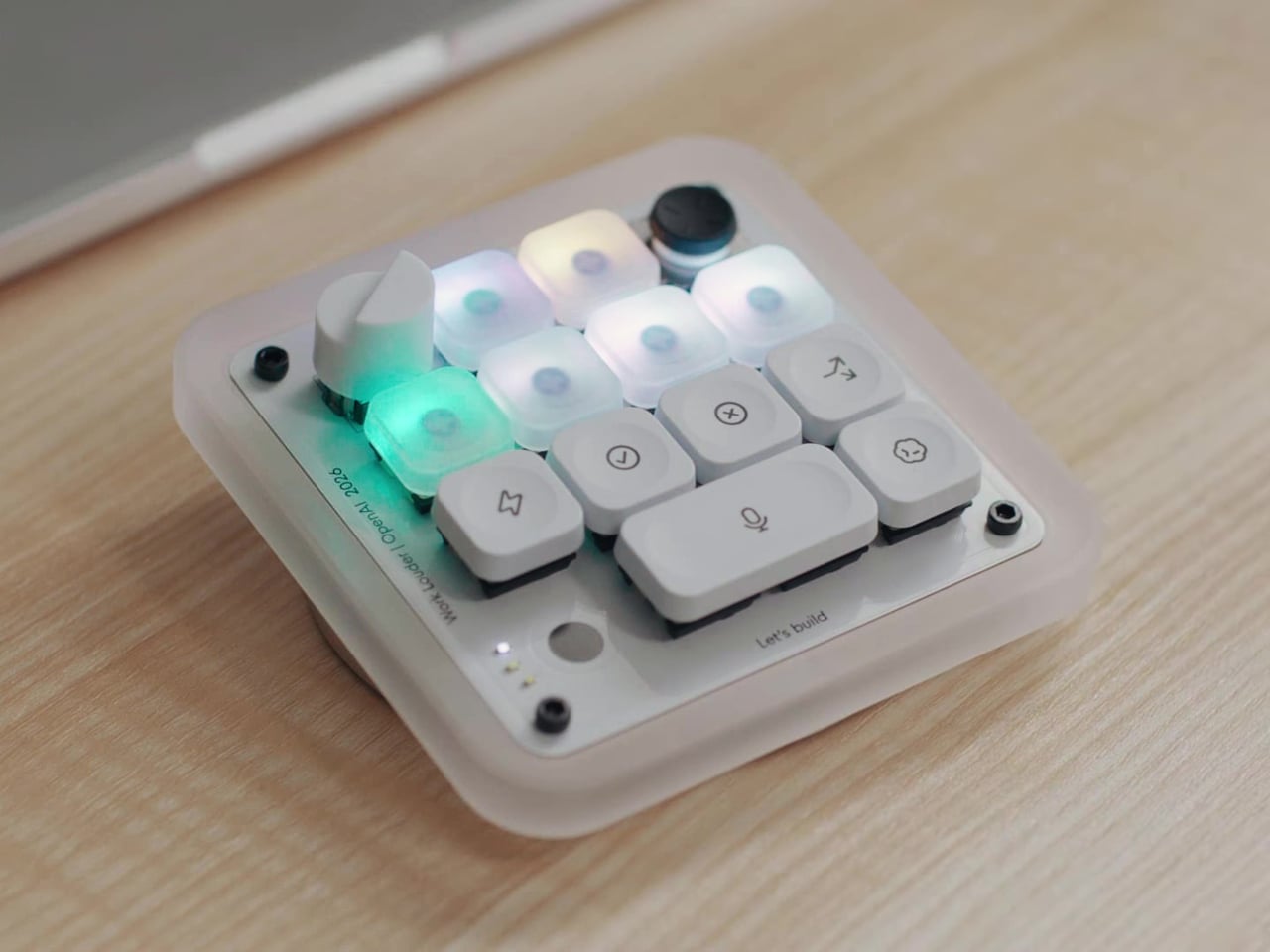
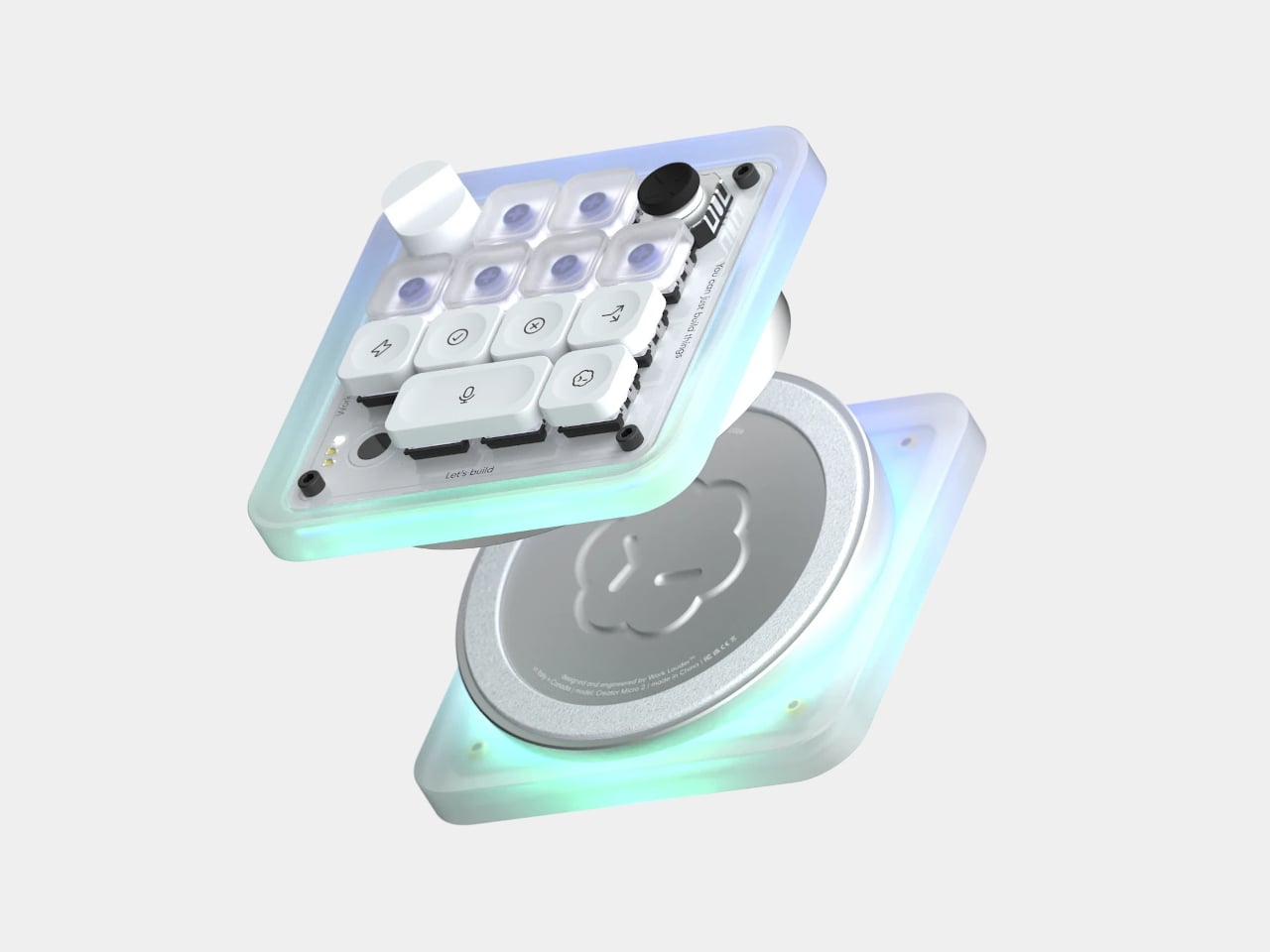
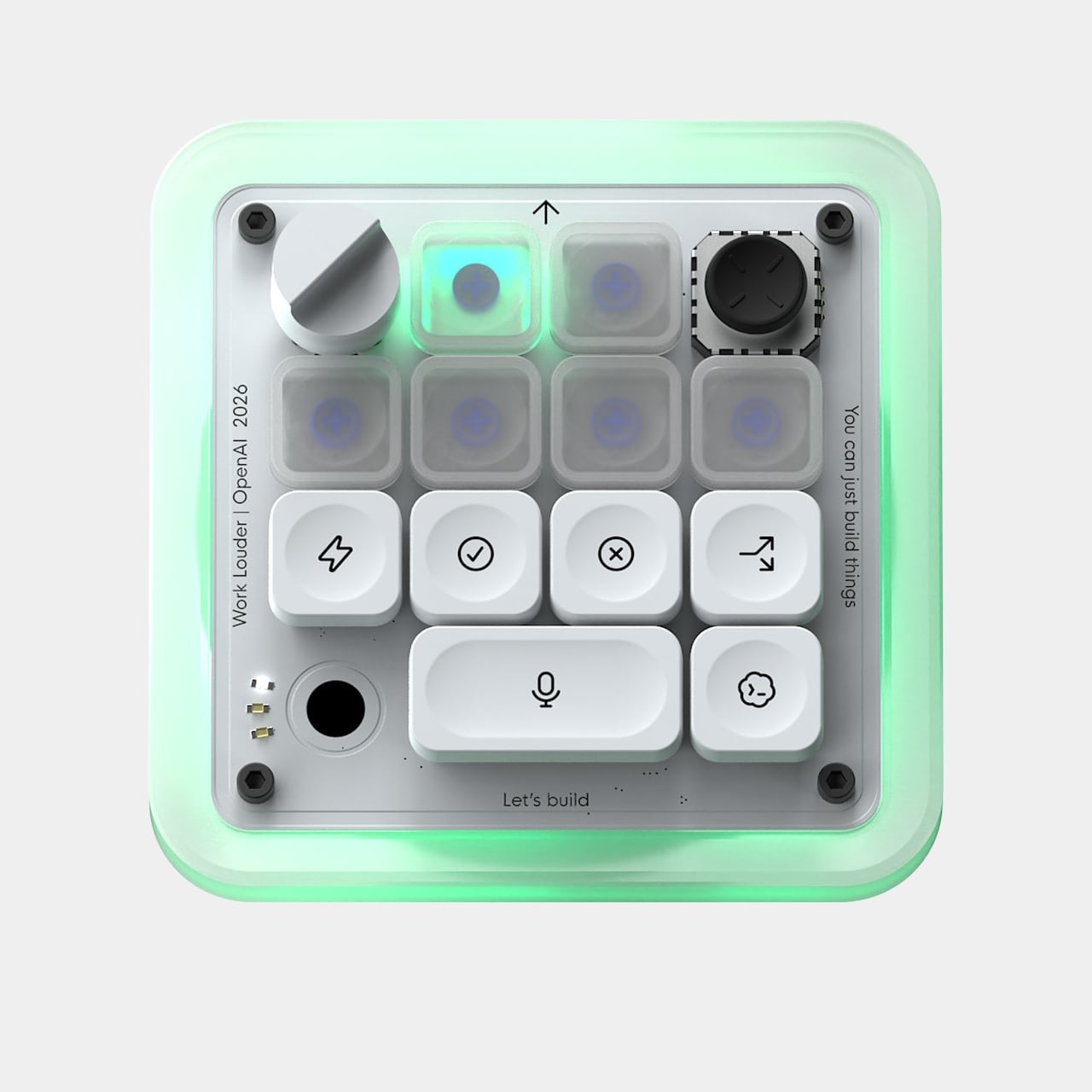
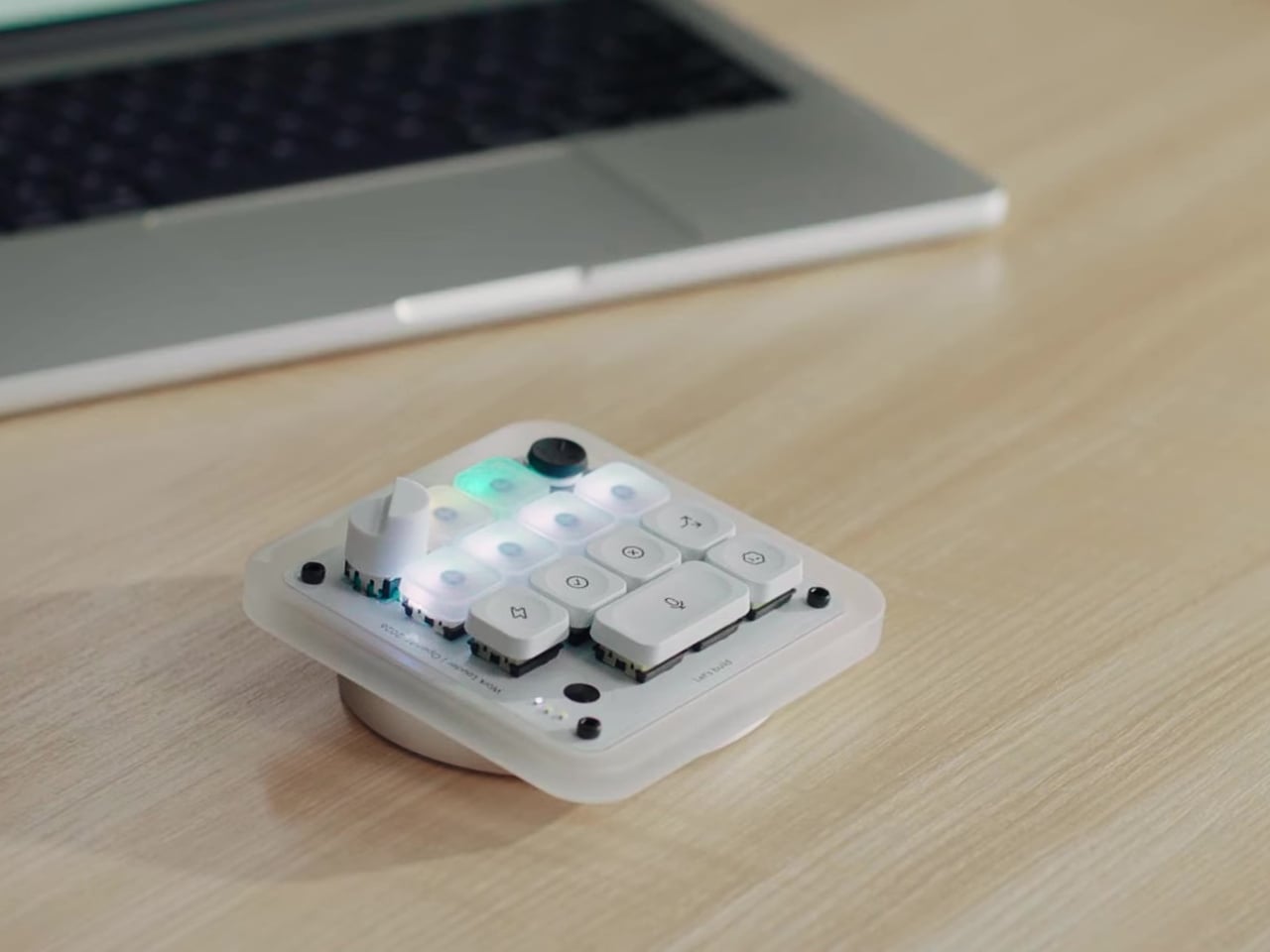
That’s the problem the Codex Micro, a collaboration between OpenAI and boutique keyboard maker Work Louder, tries to solve. It’s essentially a compact mechanical macropad purpose-built as a physical command center for AI agents, keeping the most important controls and status readouts within arm’s reach without requiring you to look at your screen. It’s a small but thoughtfully considered piece of hardware for heavy Codex users.
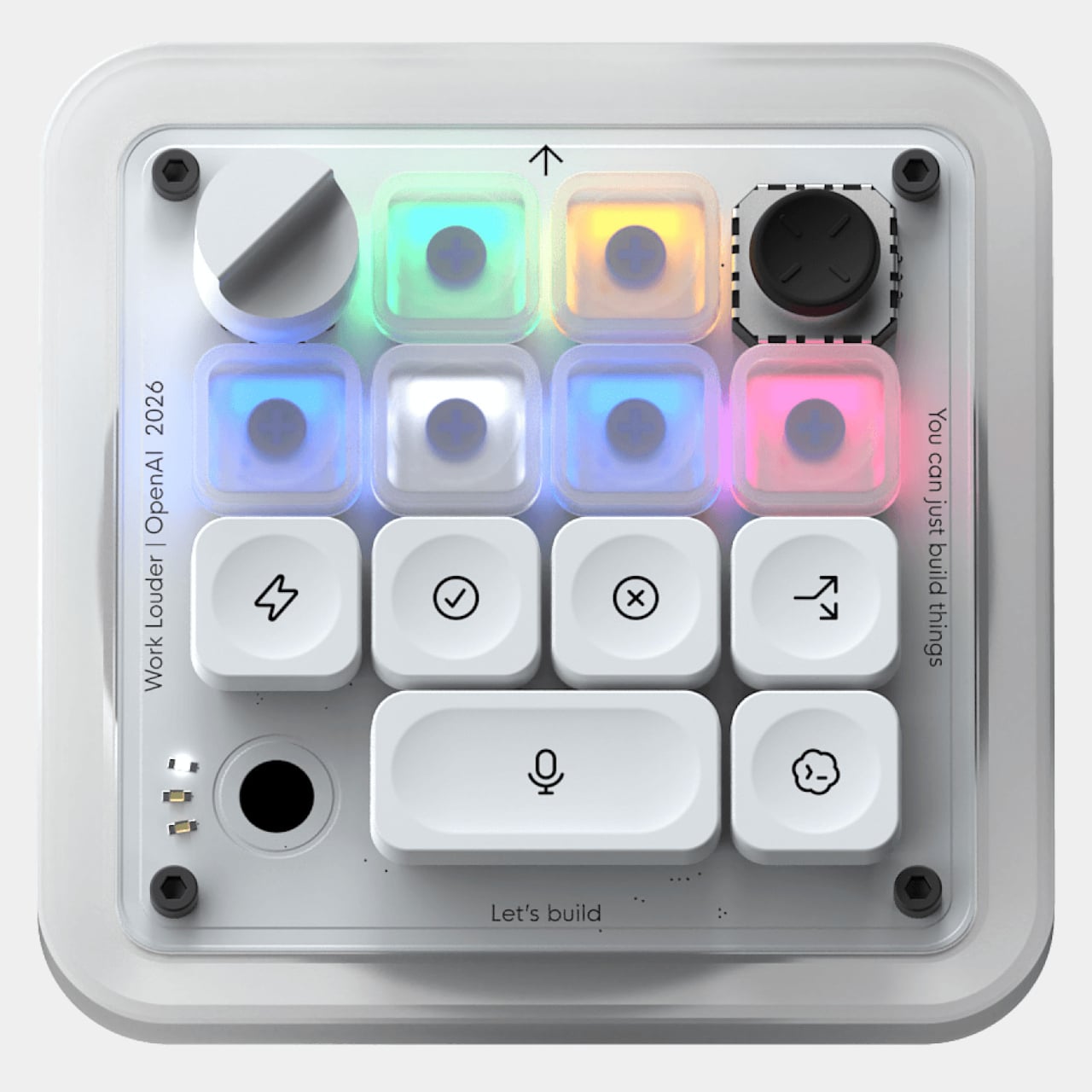
The heart of the device is its six frosted Agent Keys, each mapped to a separate Codex thread. They light up in different colors to reflect each agent’s status: white for idle, blue for thinking, green for completed tasks, amber when it needs your input, and red for errors. A single tap selects an agent in the background; a double tap brings it to the foreground.
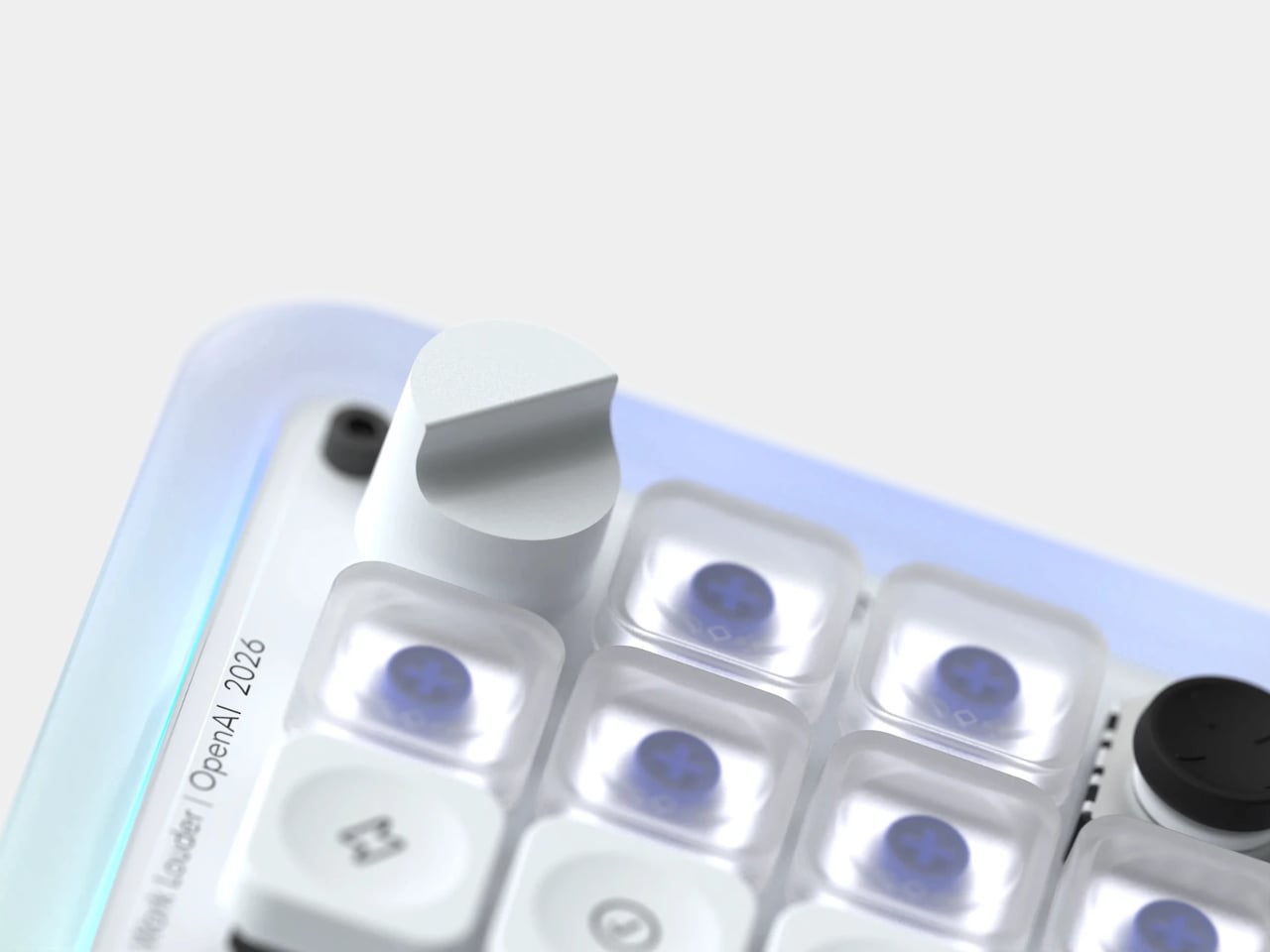
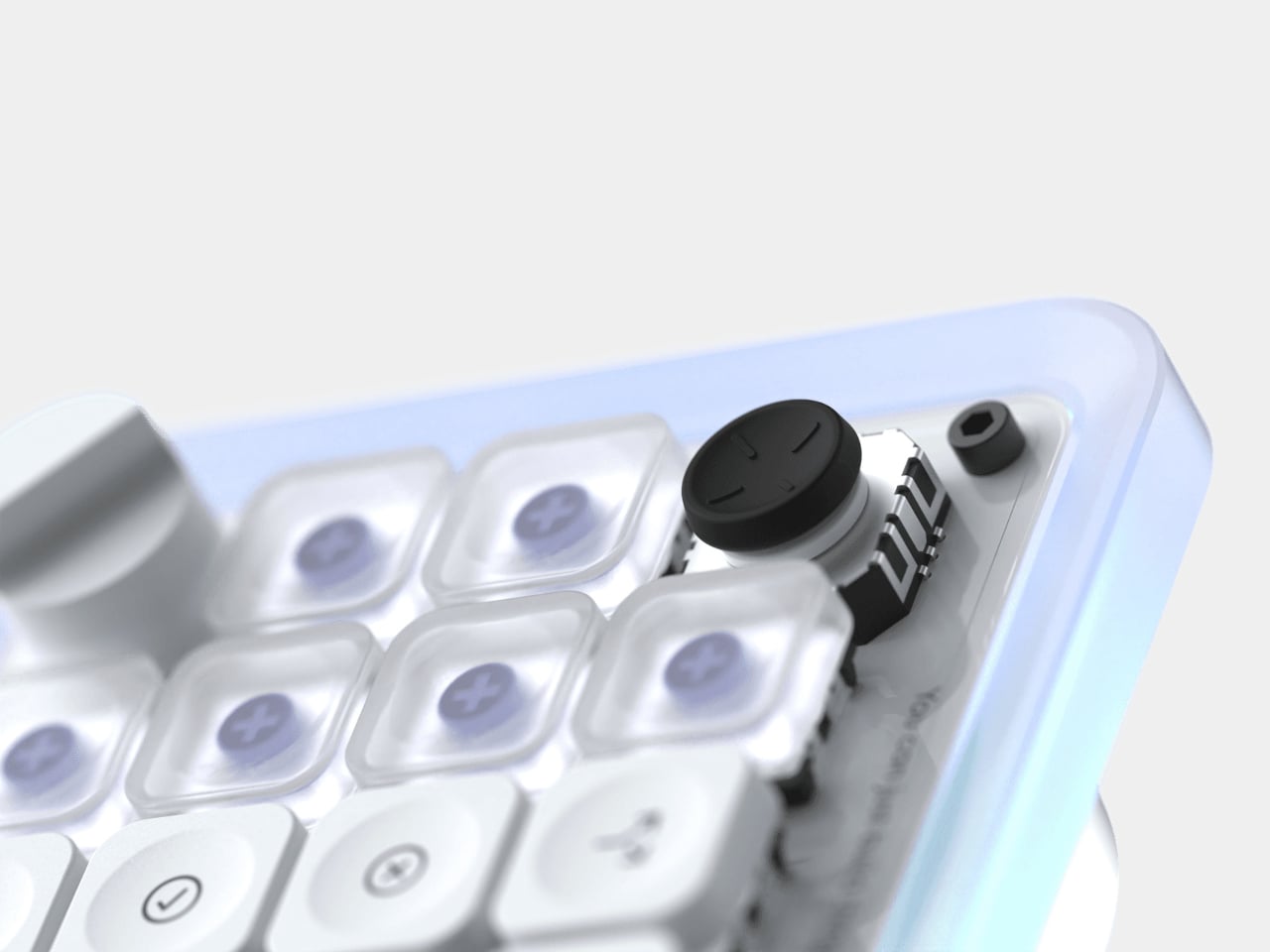
The dial and joystick add two more dimensions of tactile control. The rotary encoder lets you adjust how deeply your agent reasons through a problem, dialing things down for quick tasks and up when the work calls for more careful consideration. The four-directional joystick can be mapped to skills like toggling plan mode or navigating between threads, and it’s never more than a thumb’s flick away.
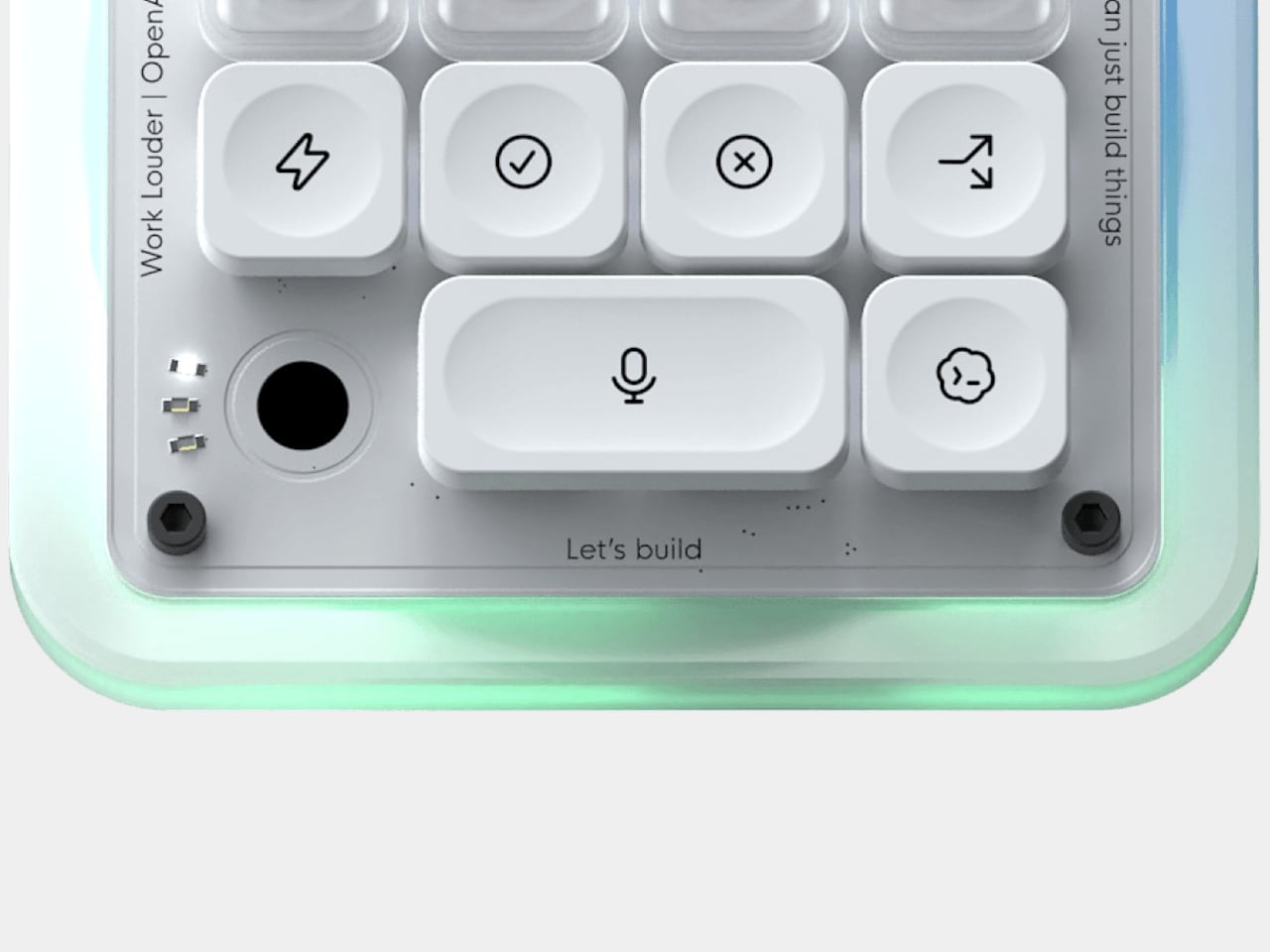
The largest button, which takes up twice the space, is for push-to-talk. A double-tap starts recording, and the ambient RGB shifts to a snaking green pattern to confirm it’s live. Once you stop speaking, a white effect takes over while Codex processes your voice, and a solid white cue signals it’s ready to send. It makes submitting a prompt feel more like dictating than typing.
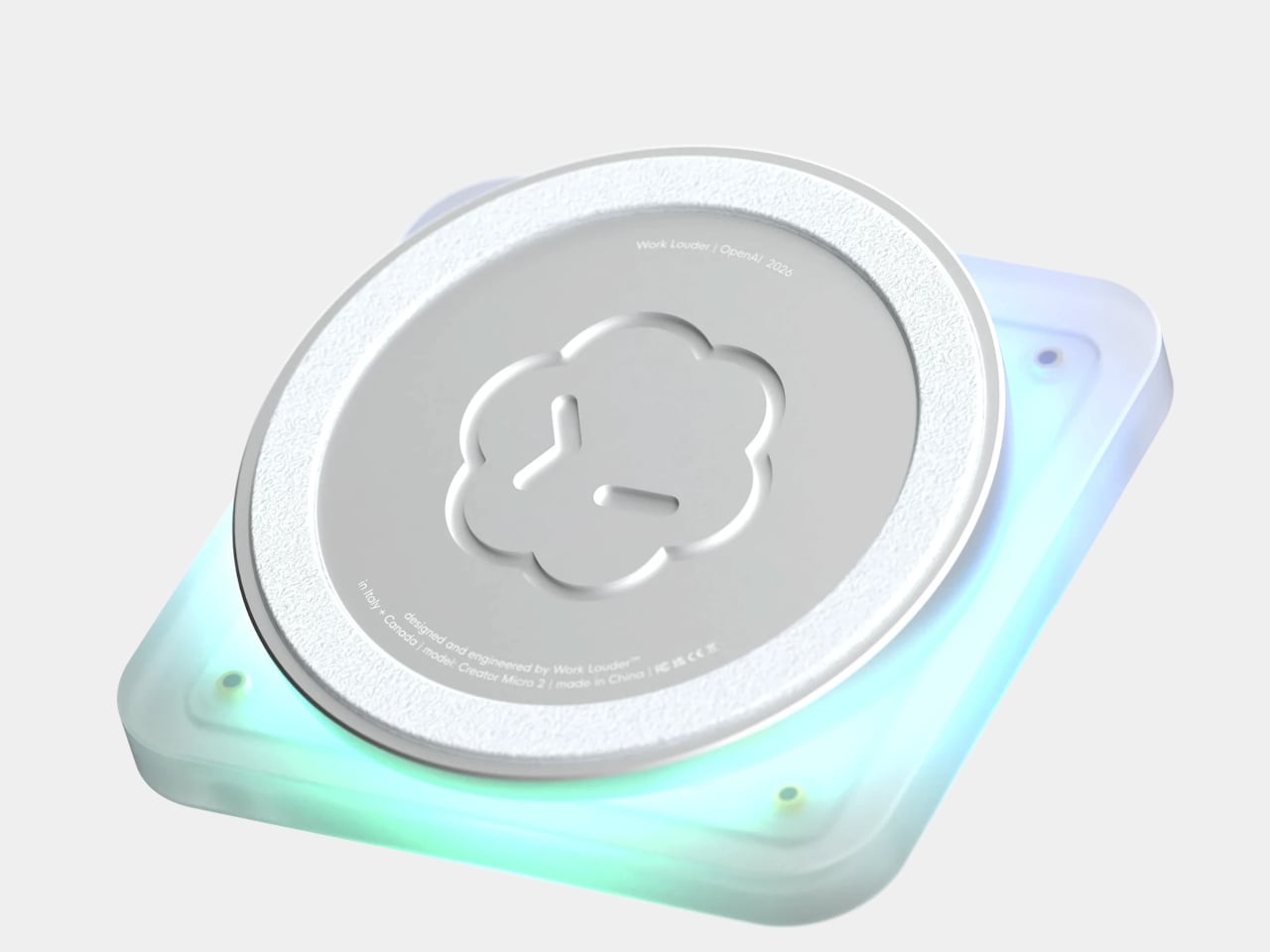
Beyond what it does, the Codex Micro is built to feel as good as it works. The body is made from sandblasted polycarbonate that diffuses the RGB lighting into a soft, even glow. The base, a solid aluminum block, keeps the whole unit planted on the desk thanks to an anti-slip ring. Buyers can choose between clicky or silent low-profile switches, with USB-C and Bluetooth connectivity.
What sets it apart from a generic programmable macropad is its direct integration with Codex itself. There’s no extra software to download or vet; key assignments and layouts can be adjusted natively within Codex. For more advanced setups, Work Louder’s Input app unlocks up to six programmable layers, letting you group different workflows into dedicated layouts without needing more desk space. It works on both Mac and Windows.
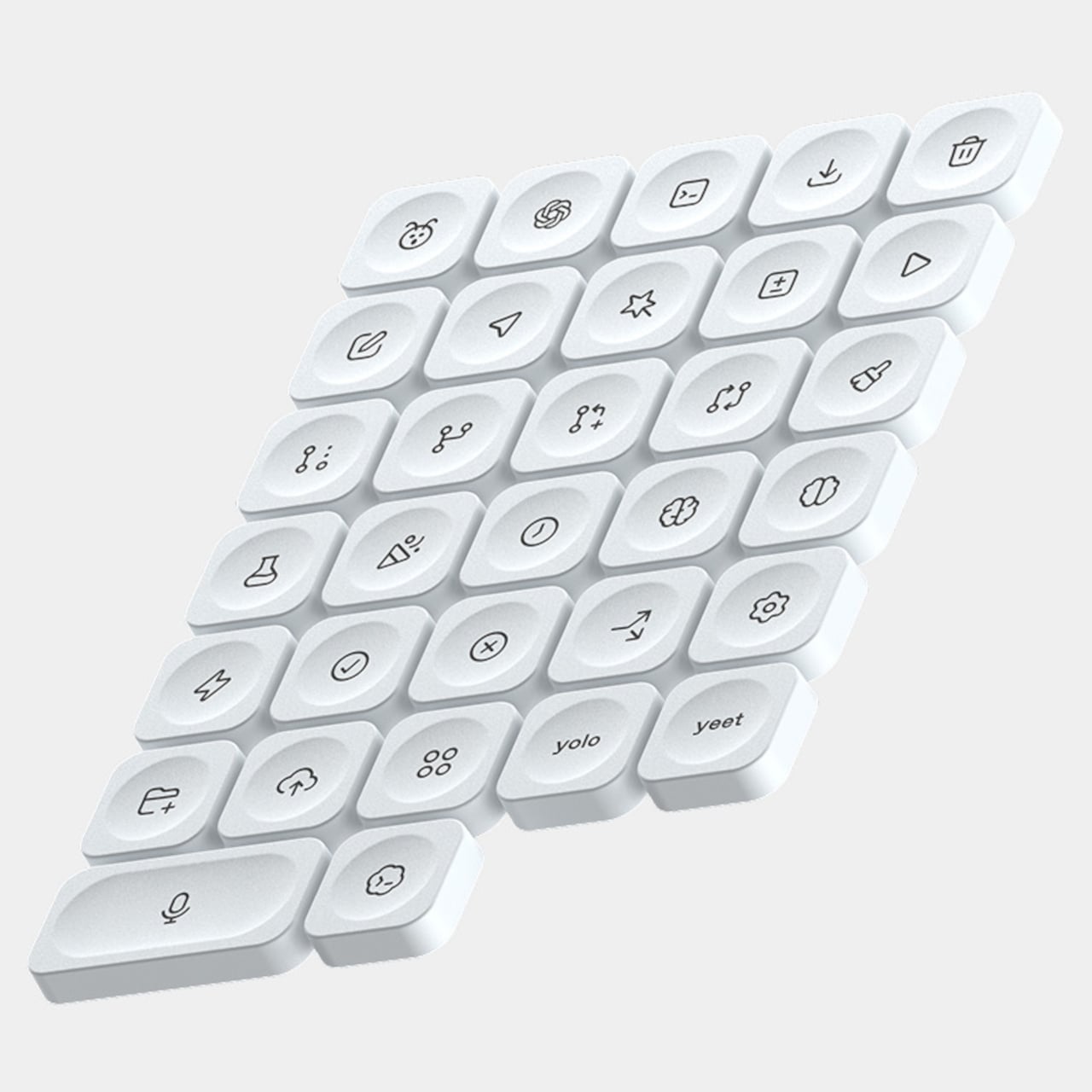
The Codex Micro ships with a USB-C to USB-C cable and the Codex Icon Keyset, a collection of 32 custom-designed keycaps with icons specific to Codex functions. It’s the kind of peripheral that’ll appeal to developers who’ve started treating their AI agents less like chat windows and more like teammates running parallel tasks. It’s priced at $230, and stocks have been limited since its launch.