The EDC community is particular about what earns a place in their pockets. Titanium hardware, precision multitools, and machined accessories all go through plenty of scrutiny before they make the cut. Yet for all that attention to detail, accurate measurement is still largely a workshop activity. A full-size caliper stays on the bench. A rough estimate fills the gap. Something between the two has been missing.
TiCal Pro 2.0 is designed to fill that gap and makes a bold case for being the first pocket caliper you’d actually trust for real measurement work. It’s not trying to replace the full-size tool on your workbench, but to bring genuine vernier precision down to something that clips to your keychain, hangs from a cord, or disappears into your pocket.
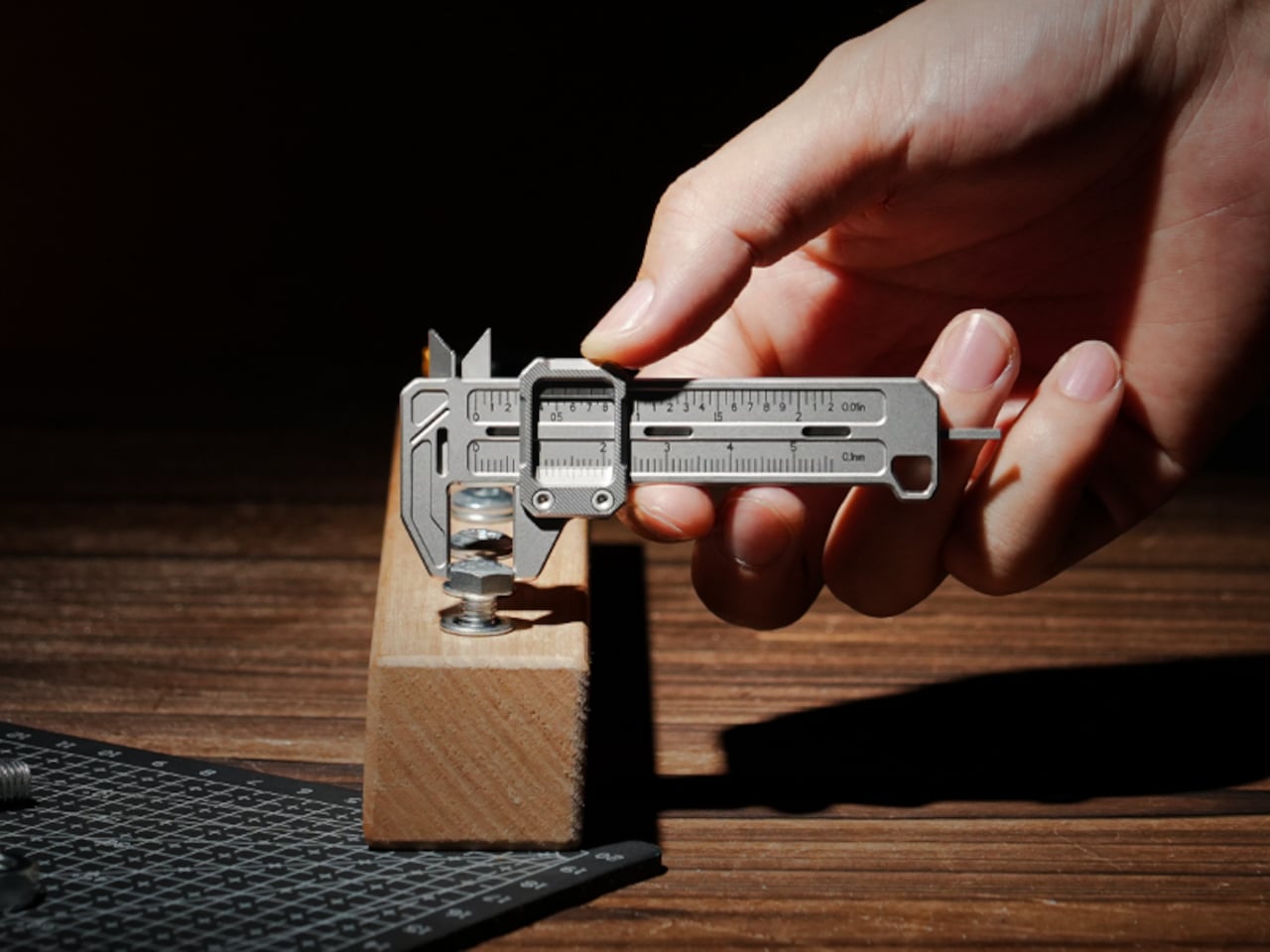
What sets it apart from the usual pocket-tool crowd is a deliberate narrowness of purpose. There’s no bottle opener, no ruler on the back, and no attempt to make it busier than it needs to be. TiCal Pro 2.0 does one thing: it measures. Outer diameters, inner diameters, and depth, with jaws and a depth rod machined as integral parts of a single titanium frame.
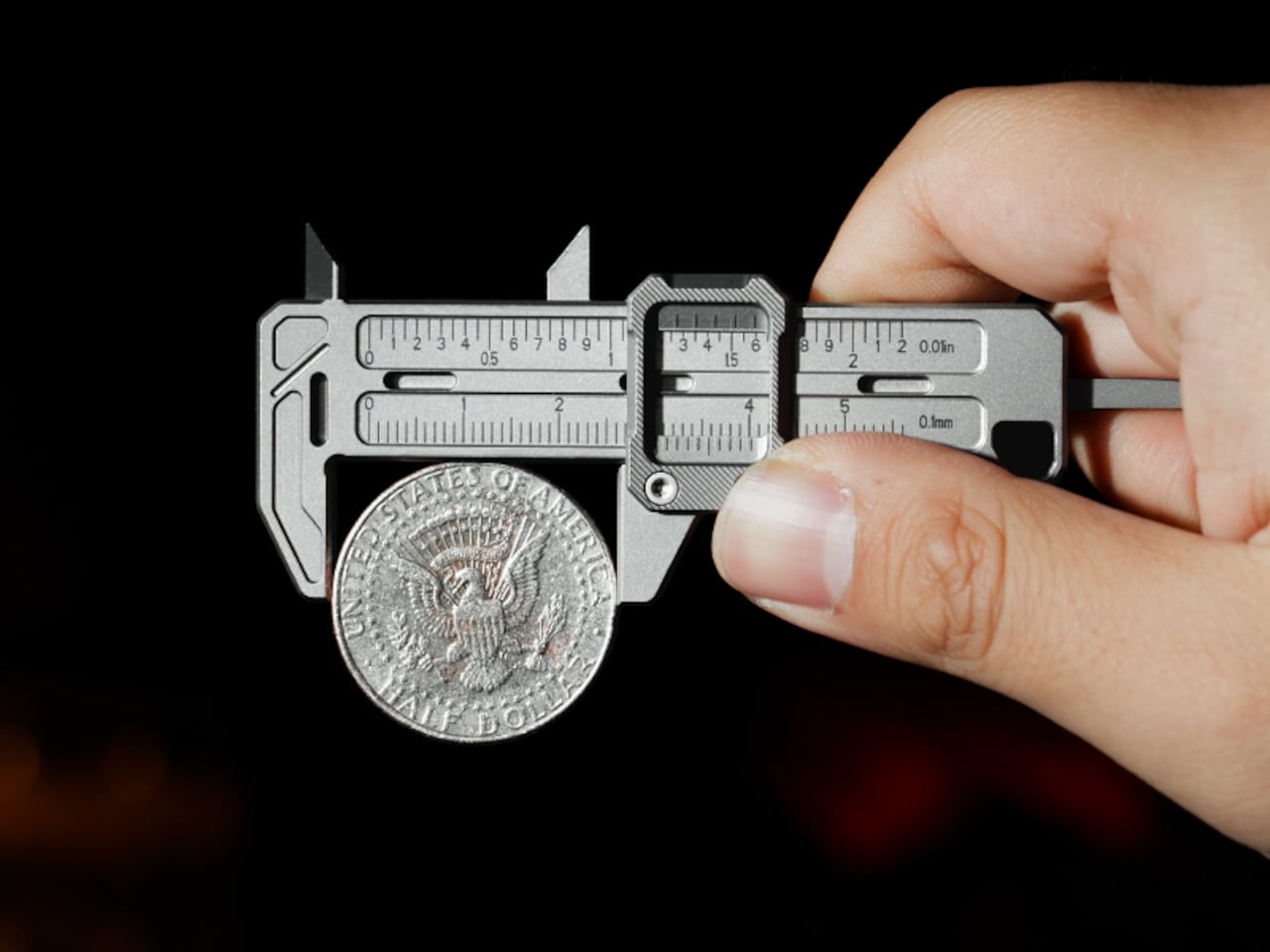
One of the more practical details is the dual-scale vernier system. Makers who move between metric drawings and imperial hardware know the frustration of converting on the fly. TiCal Pro 2.0 carries both inch and millimeter scales simultaneously, synchronized so that a single glance gives you both readings at once. There’s no mental math involved and far less room for the errors that unit conversion can invite.
With a resolution down to 0.01-inch for imperial measurements and 0.1mm for metric ones, it’s built for the kind of small-dimension work that usually gets left to guesswork outside the workshop. The scales themselves are laser-engraved deeply enough to resist daily wear, which matters a lot for something that lives in your pocket. Shallow printed markings fade quickly; these stay sharp and legible through regular carry.
Precision tools have a tactile dimension that often gets overlooked. TiCal Pro 2.0 addresses this with a self-lubricating POM ball rail system that delivers a silk-smooth slide with no oil and no grinding. The damping is also adjustable with a standard T5H driver, letting you set the slide resistance to your preference so the jaw stays exactly where you put it, no locking screw needed.
The choice of Grade 5 titanium for the body is practical rather than decorative. It offers the strength of steel at half the weight and is corrosion-proof, shrugging off sweat, rain, and shop fluids without complaint. For a tool meant to stay on your person at all times, that kind of durability makes a genuine difference in how willing you’ll actually be to carry it.
Think about the moments when a precise measurement would’ve been useful. A screw that looks like the right size but isn’t. A 3D-printed part that fits almost perfectly but not quite. A watch lug you’re trying to match without guessing. A keyboard stabilizer that needs a bit of finessing. These are the moments where a quick estimate wins by default simply because the right tool isn’t close enough.
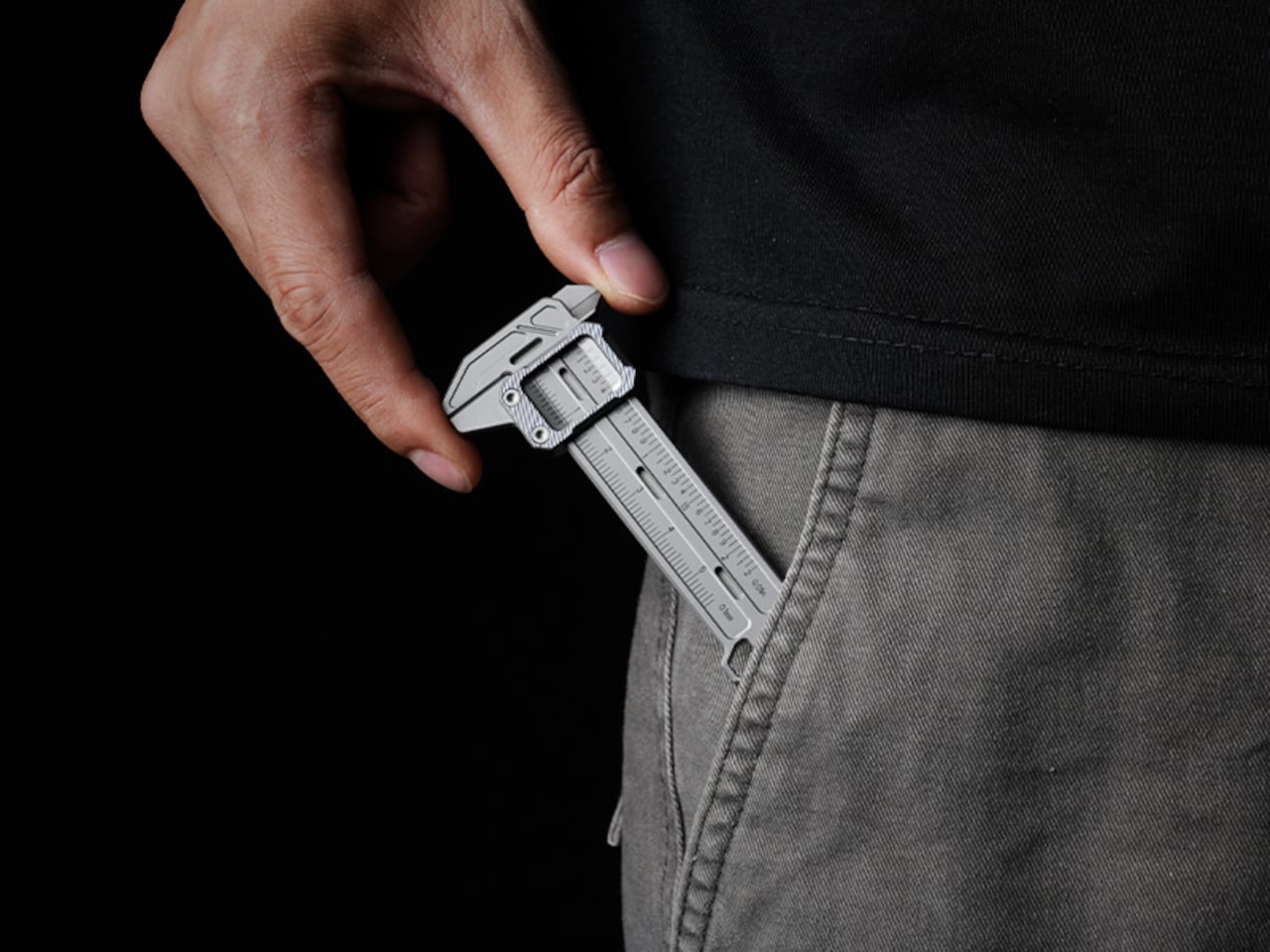
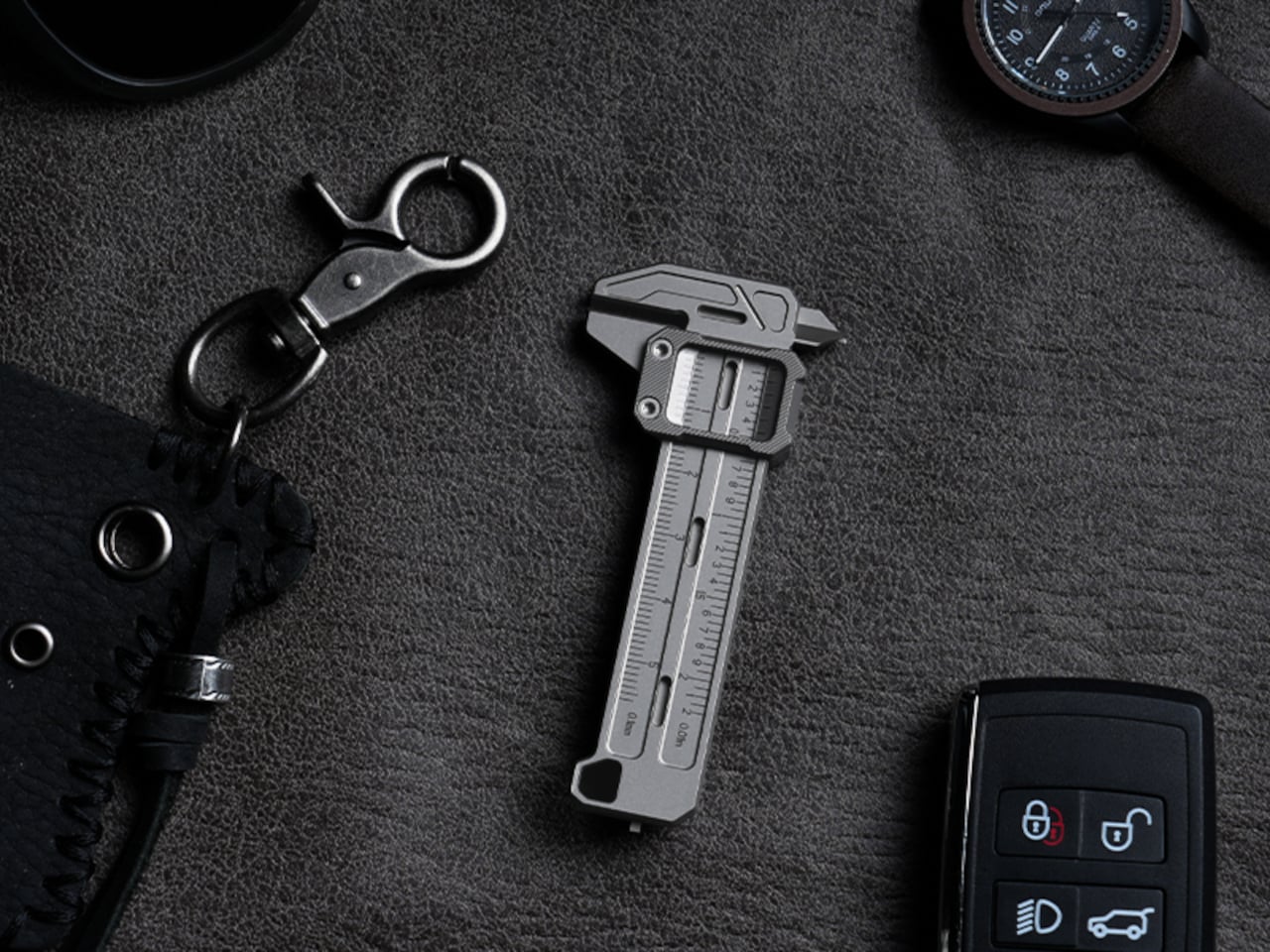
At 3.37 inches long and weighing only 37.6g (1.33 oz), it’s compact enough to clip to a keychain or hang as a pendant, always within reach but never in the way. Four integrated tritium slots add a subtle glow for low-light situations, and the tool is available in either Sandblast Titanium or PVD Black, two very different expressions of the same object.
None of that changes the fact that a full-size caliper will always offer more range and a longer measurement stroke. But TiCal Pro 2.0 isn’t competing with the bench tool; it’s filling the space where that tool never goes. Precision doesn’t always happen in a workshop, and this small titanium instrument quietly makes the case that it doesn’t have to.
The EDC community is particular about what earns a place in their pockets. Titanium hardware, precision multitools, and machined accessories all go through plenty of scrutiny before they make the cut. Yet for all that attention to detail, accurate measurement is still largely a workshop activity. A full-size caliper stays on the bench. A rough estimate fills the gap. Something between the two has been missing.
TiCal Pro 2.0 is designed to fill that gap and makes a bold case for being the first pocket caliper you’d actually trust for real measurement work. It’s not trying to replace the full-size tool on your workbench, but to bring genuine vernier precision down to something that clips to your keychain, hangs from a cord, or disappears into your pocket.
What sets it apart from the usual pocket-tool crowd is a deliberate narrowness of purpose. There’s no bottle opener, no ruler on the back, and no attempt to make it busier than it needs to be. TiCal Pro 2.0 does one thing: it measures. Outer diameters, inner diameters, and depth, with jaws and a depth rod machined as integral parts of a single titanium frame.
One of the more practical details is the dual-scale vernier system. Makers who move between metric drawings and imperial hardware know the frustration of converting on the fly. TiCal Pro 2.0 carries both inch and millimeter scales simultaneously, synchronized so that a single glance gives you both readings at once. There’s no mental math involved and far less room for the errors that unit conversion can invite.
With a resolution down to 0.01-inch for imperial measurements and 0.1mm for metric ones, it’s built for the kind of small-dimension work that usually gets left to guesswork outside the workshop. The scales themselves are laser-engraved deeply enough to resist daily wear, which matters a lot for something that lives in your pocket. Shallow printed markings fade quickly; these stay sharp and legible through regular carry.
Precision tools have a tactile dimension that often gets overlooked. TiCal Pro 2.0 addresses this with a self-lubricating POM ball rail system that delivers a silk-smooth slide with no oil and no grinding. The damping is also adjustable with a standard T5H driver, letting you set the slide resistance to your preference so the jaw stays exactly where you put it, no locking screw needed.
The choice of Grade 5 titanium for the body is practical rather than decorative. It offers the strength of steel at half the weight and is corrosion-proof, shrugging off sweat, rain, and shop fluids without complaint. For a tool meant to stay on your person at all times, that kind of durability makes a genuine difference in how willing you’ll actually be to carry it.
Think about the moments when a precise measurement would’ve been useful. A screw that looks like the right size but isn’t. A 3D-printed part that fits almost perfectly but not quite. A watch lug you’re trying to match without guessing. A keyboard stabilizer that needs a bit of finessing. These are the moments where a quick estimate wins by default simply because the right tool isn’t close enough.
At 3.37 inches long and weighing only 37.6g (1.33 oz), it’s compact enough to clip to a keychain or hang as a pendant, always within reach but never in the way. Four integrated tritium slots add a subtle glow for low-light situations, and the tool is available in either Sandblast Titanium or PVD Black, two very different expressions of the same object.
None of that changes the fact that a full-size caliper will always offer more range and a longer measurement stroke. But TiCal Pro 2.0 isn’t competing with the bench tool; it’s filling the space where that tool never goes. Precision doesn’t always happen in a workshop, and this small titanium instrument quietly makes the case that it doesn’t have to.
Personalization has quietly moved from craft rooms and design studios into everyday life. Whether it’s decorating a travel case or adding something unique to a tote bag, people want their things to feel distinctly theirs, and they want to do it on the spot. The tools to make that happen, though, have largely stayed the same: bulky, single-purpose machines that aren’t built for spontaneity.
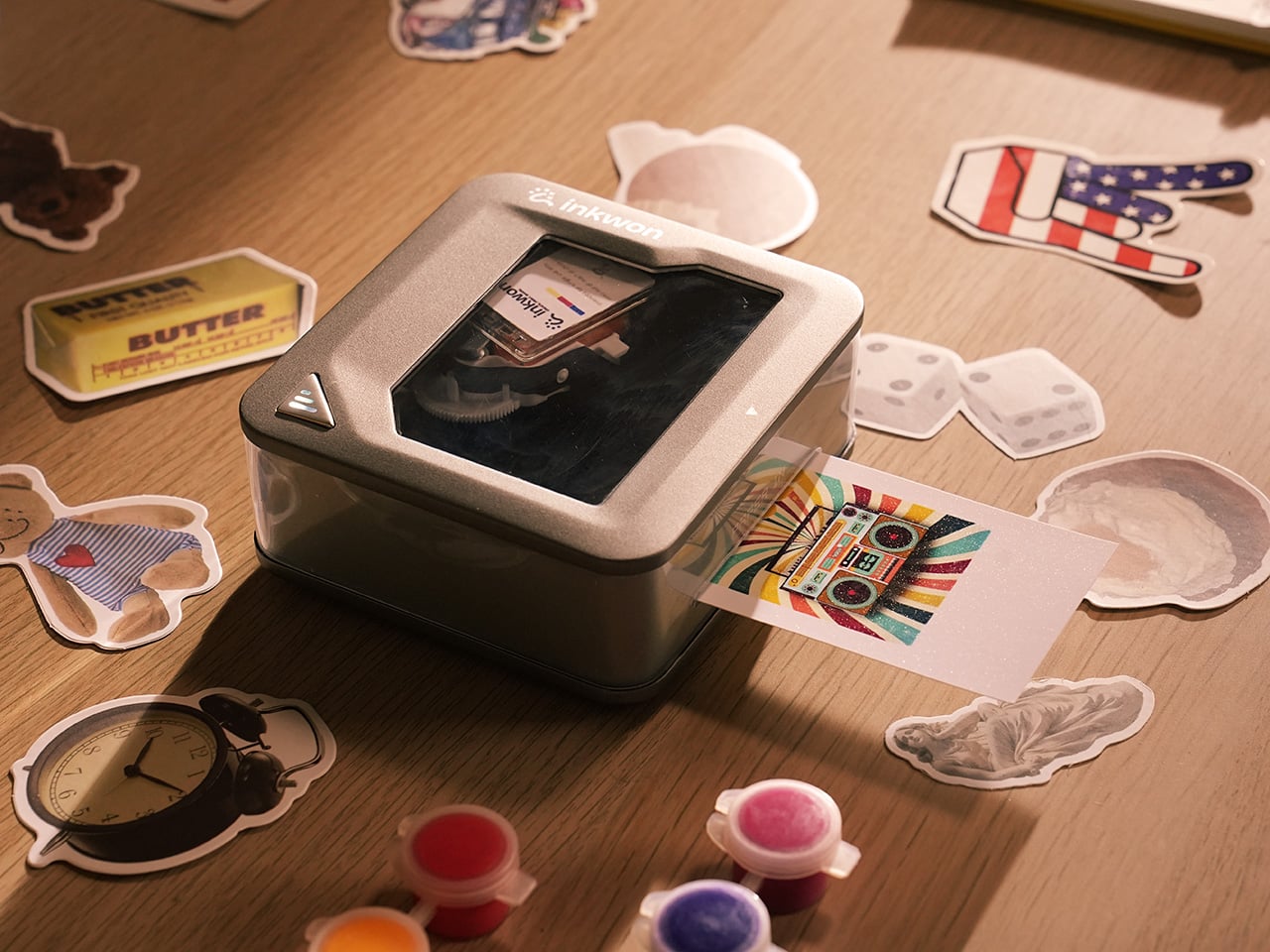
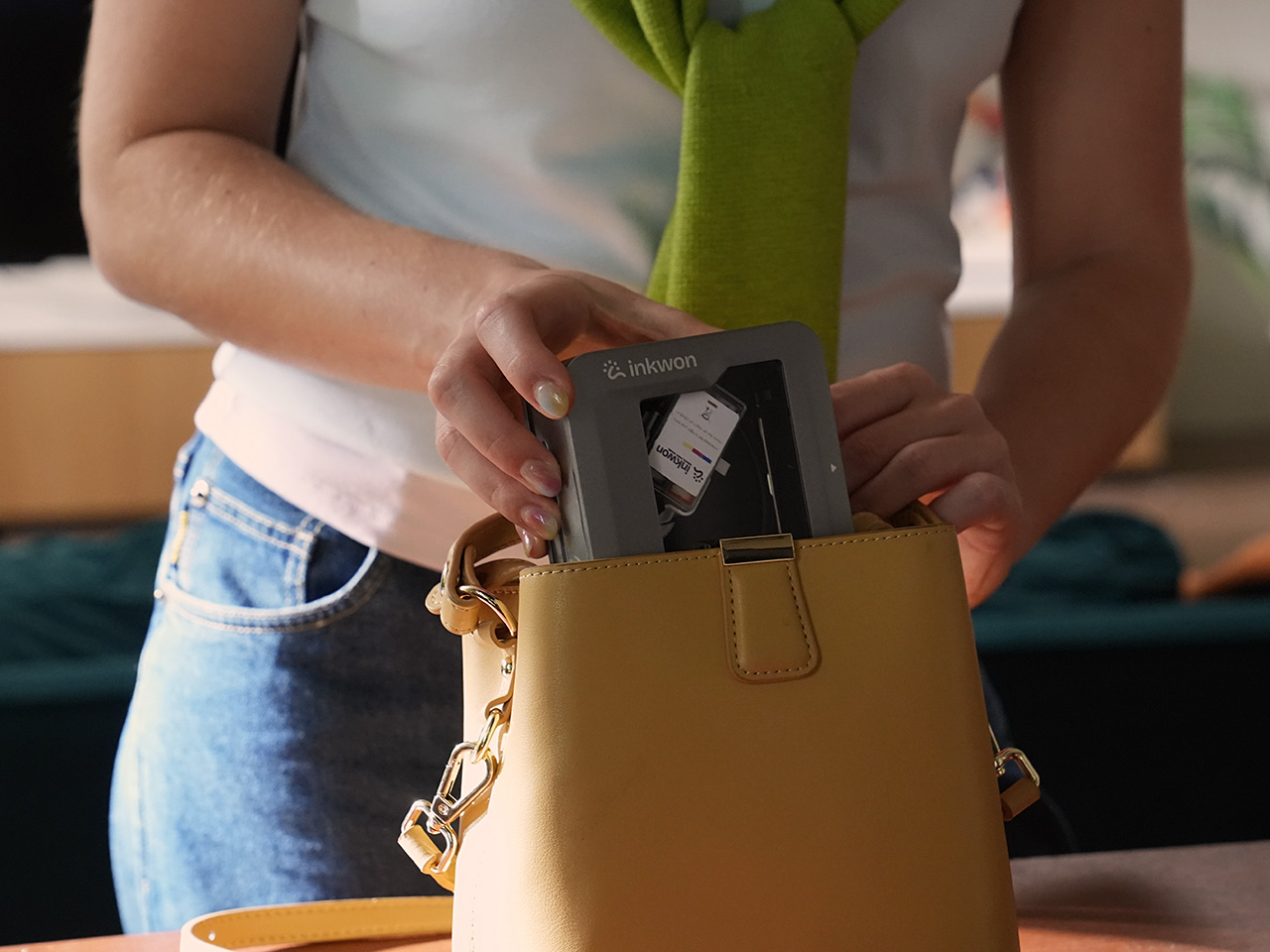
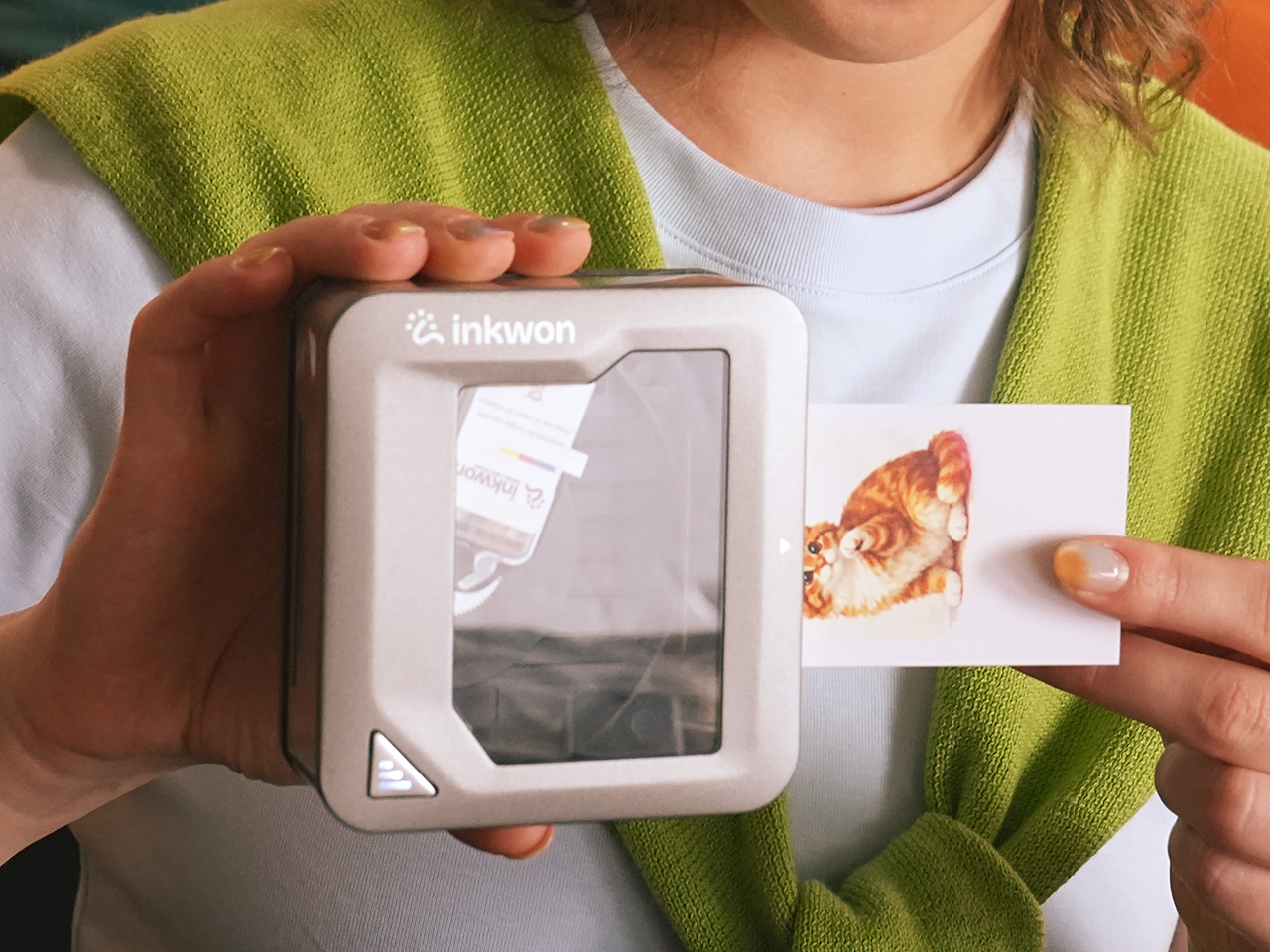
That’s the gap INKWON Tag 4-in-1 Pocket Printer is designed to fill. It’s a pocket-sized color inkjet printer that handles four creative tasks in one go: sticker printing, photo printing, temporary tattoo sticker printing, and fabric heat transfer. Rather than juggling separate devices for each, this single compact unit does all of that, and it fits right in the palm of your hand.
The device itself doesn’t feel like a printer in the conventional sense. It’s roughly the size of a small tin, weighs just 0.52 lbs, and its self-suction paper feed pulls media in automatically to keep things aligned. The ink cartridge snaps in magnetically, so there’s no fumbling with loading trays or making a mess every time you need to swap one out.
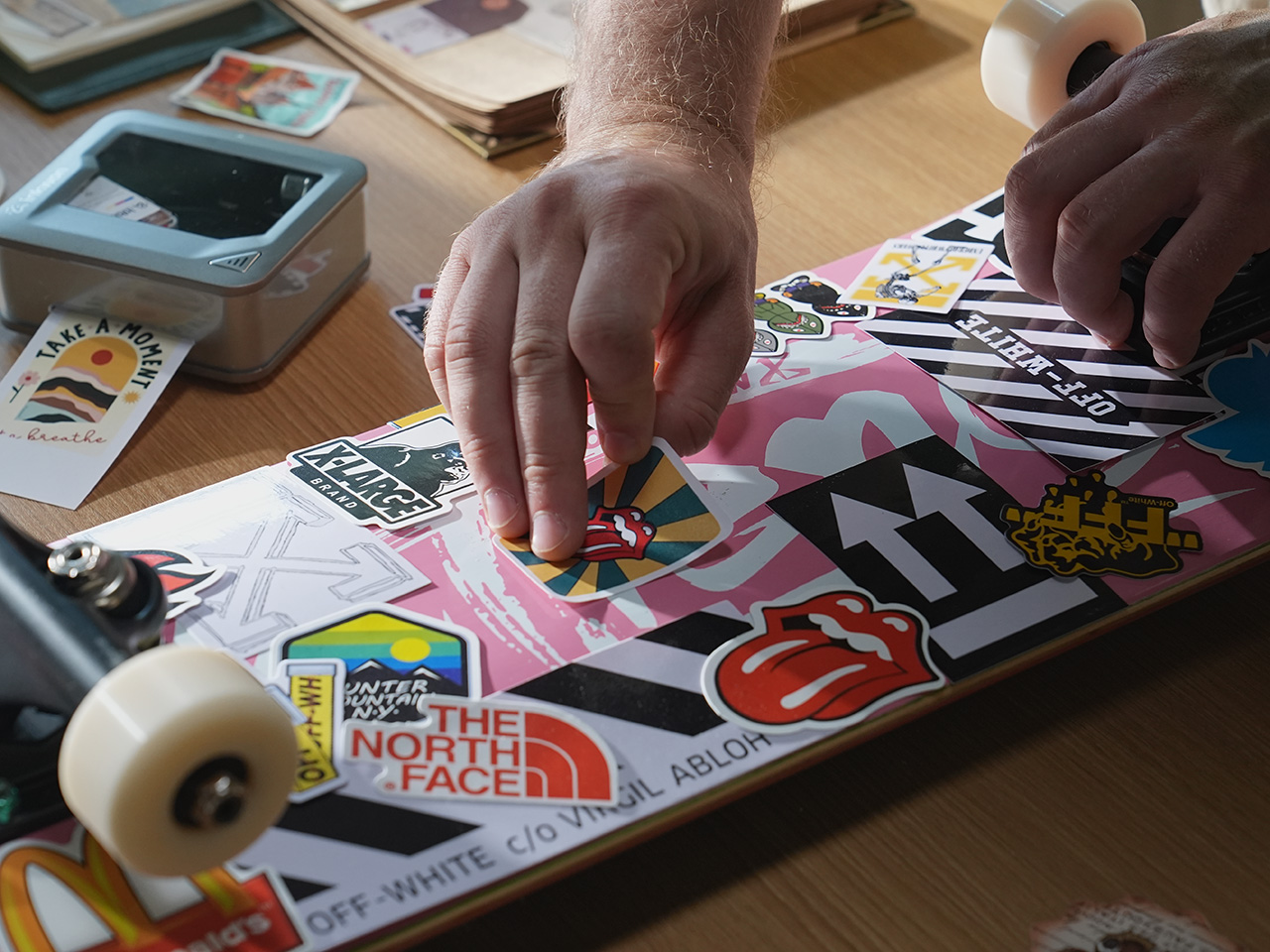
Of the four modes, sticker printing is probably the easiest to get excited about. You can print custom graphics on adhesive photo paper and stick them on practically anything: laptops, travel cases, journals, and planners. The output reaches 600 dpi, so detailed artwork holds up well even at a small format. It’s the kind of thing that takes about a minute from idea to finished sticker.
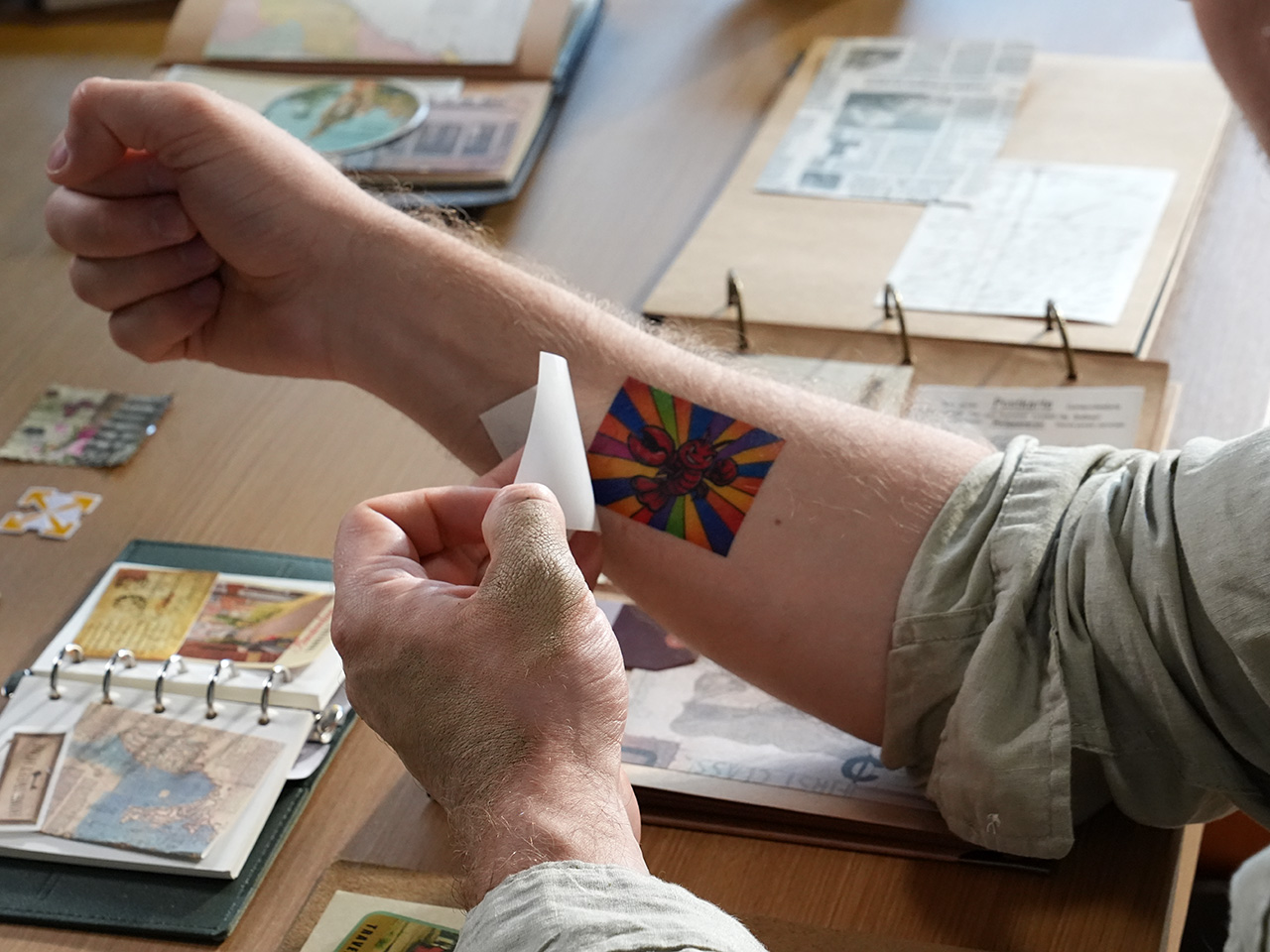
The temporary tattoo sticker mode spices things up even further. INKWON Tag prints onto tattoo sticker paper that you apply to skin just like a classic transfer tattoo, full color and all. It’s a surprisingly handy way to test a design before committing to real ink, or to add intricate graphics to a costume without needing a makeup artist anywhere near you. Plus, the ink is 100% skin-safe, even for the little ones, as proven by EN71-3 and REACH certification.
Heat transfer brings a surprising practical application you wouldn’t expect from a portable printer. INKWON Tag prints onto light-colored heat transfer paper that you then iron onto fabric, and the small form factor means you can work on precision spots that bigger machines simply can’t, like collar tips, pocket corners, or even socks. It’s genuinely handy for personalizing gifts or refreshing something plain.
Last but definitely not least, photo printing rounds out the four modes, and it’s probably the one most people reach for first. INKWON Tag turns phone snapshots into actual prints you can hold, making them easy to tuck into travel journals, scrapbooks, or stick onto memory pages. They don’t end up buried in a camera roll. They’re physical now, and that alone makes them feel worth keeping.
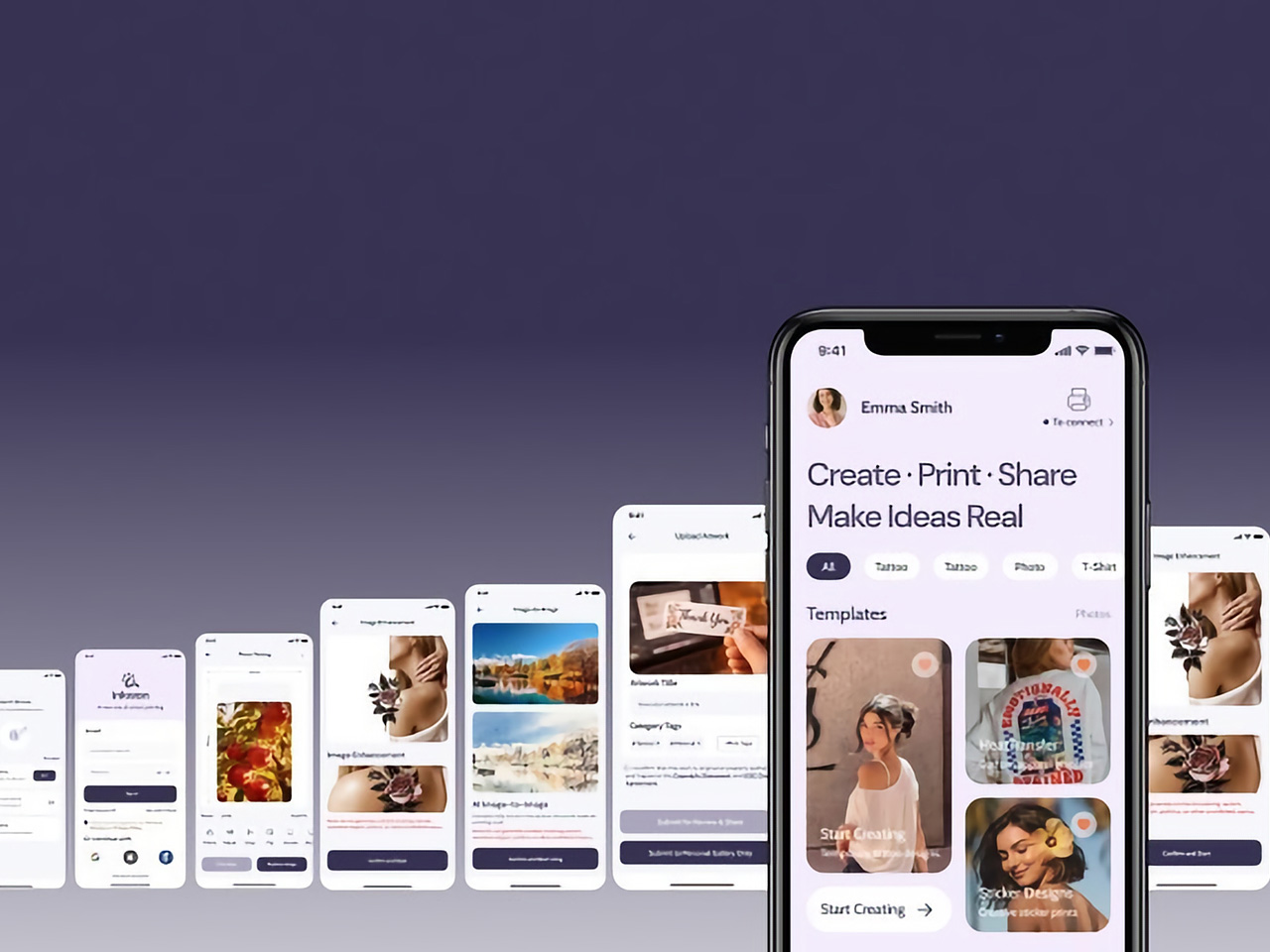
INKWON Tag connects to your phone via Bluetooth 5.4, and the companion app takes care of everything from image uploads to editing and sending the print. It works on both Android and iOS and supports 18 languages, so you’re covered regardless of where you are or what phone you carry. A full charge handles up to 60 prints, which happens to match exactly one ink cartridge.
Portable creative tools have been getting smarter for years, but most still stick to one trick and leave you hunting for everything else separately. INKWON Tag bundles stickers, temporary tattoo stickers, heat transfers, and photo prints into one device that easily fits in a jacket pocket, and it doesn’t need a desk, a software driver, or a dedicated power outlet to make any of that happen.
The commercial laptop market has gotten good at making portable computers slim and powerful, but it hasn’t quite figured out what to do with people who want something truly pocketable. A growing number of DIY enthusiasts have taken matters into their own hands, building compact personal computers known as cyberdecks from scratch, and the results have been growing increasingly polished and impressive.
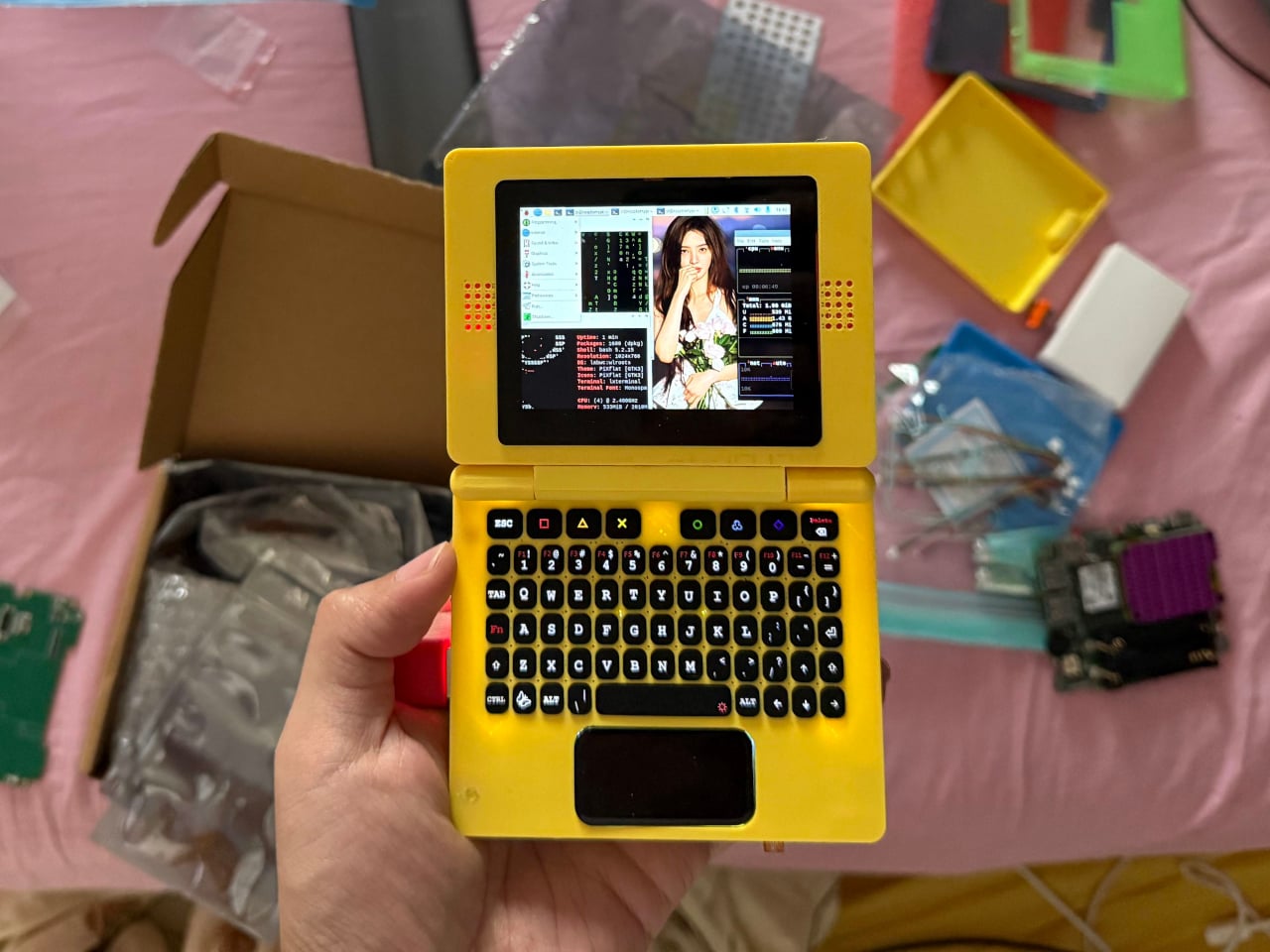
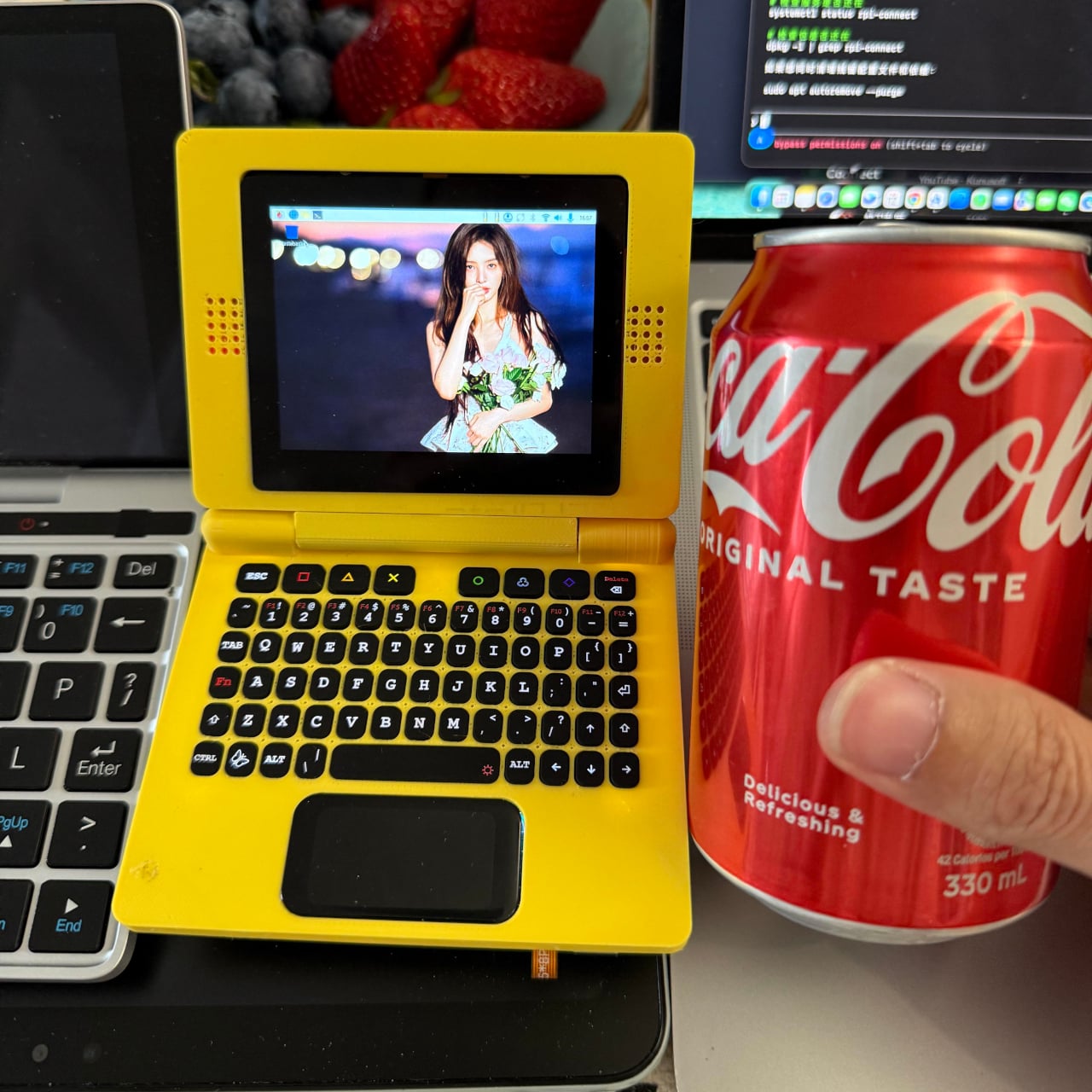
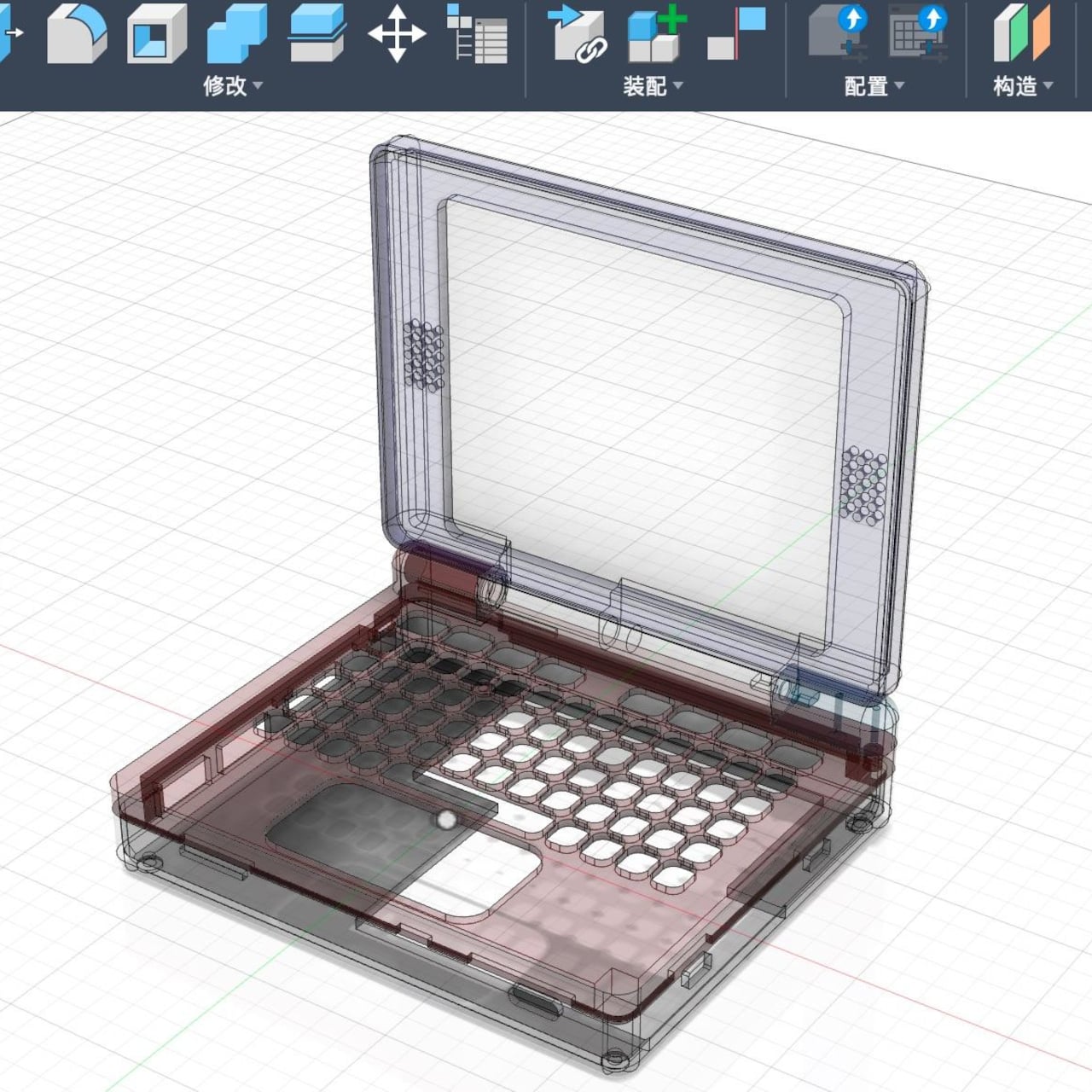
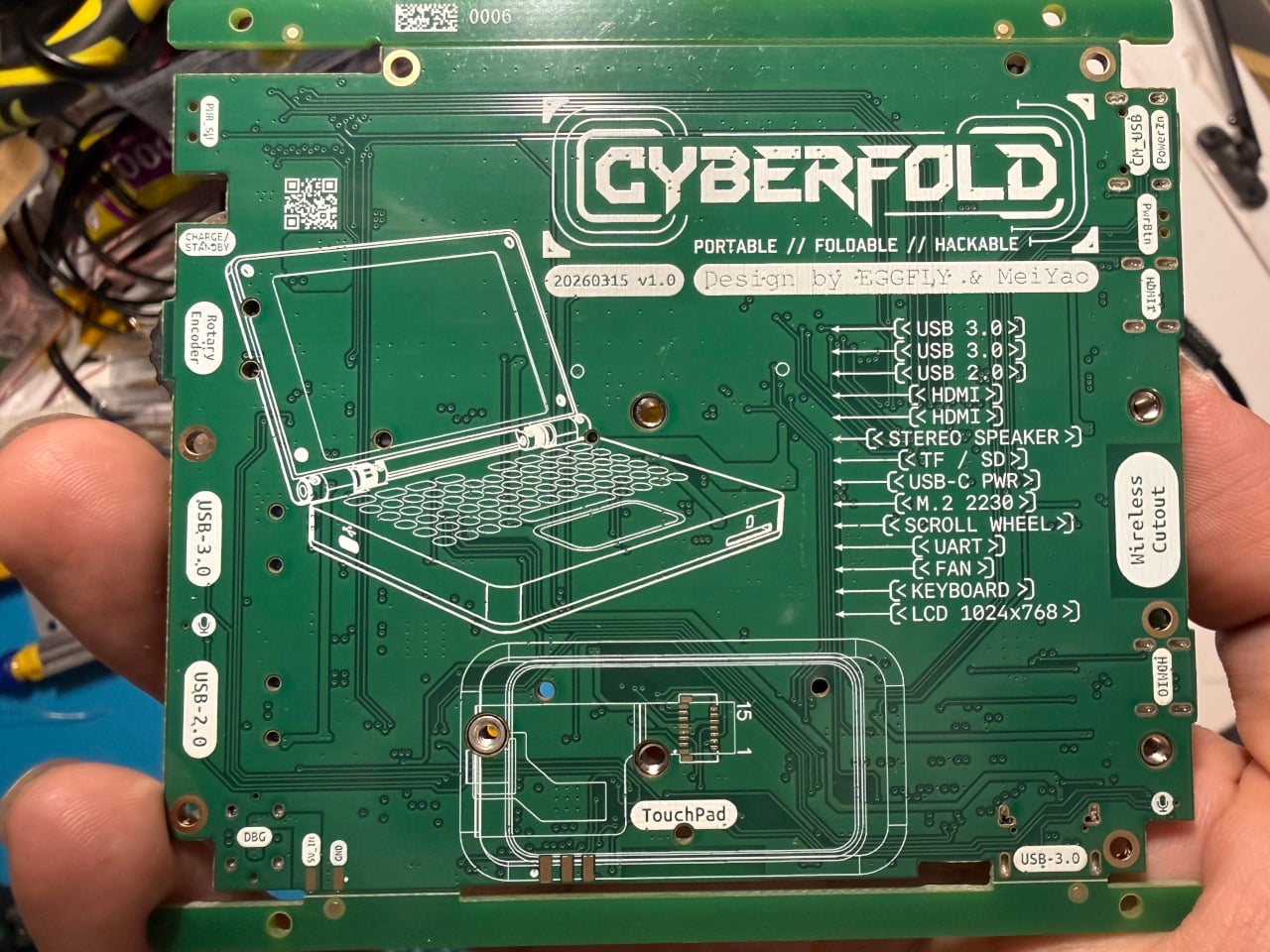
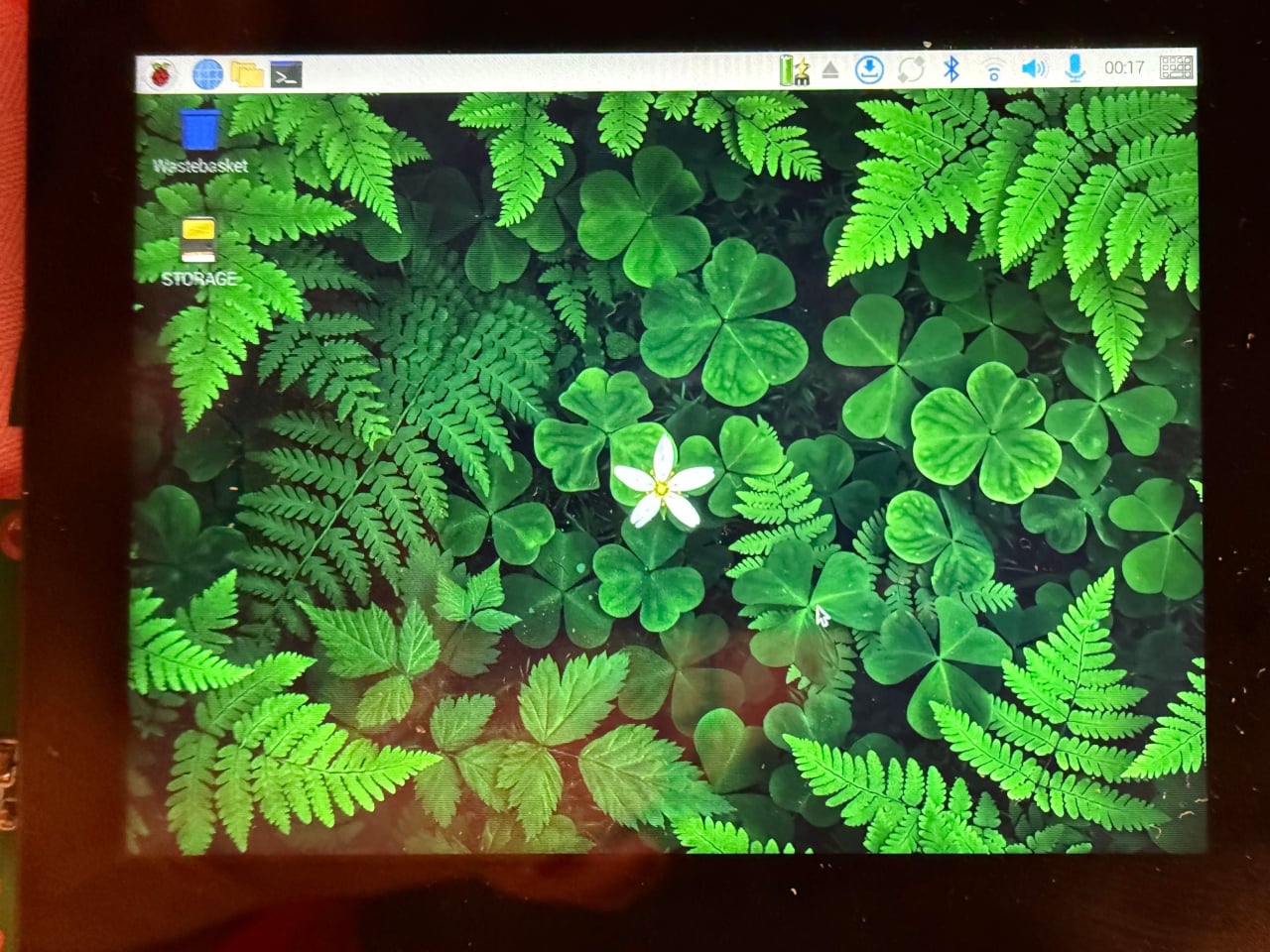
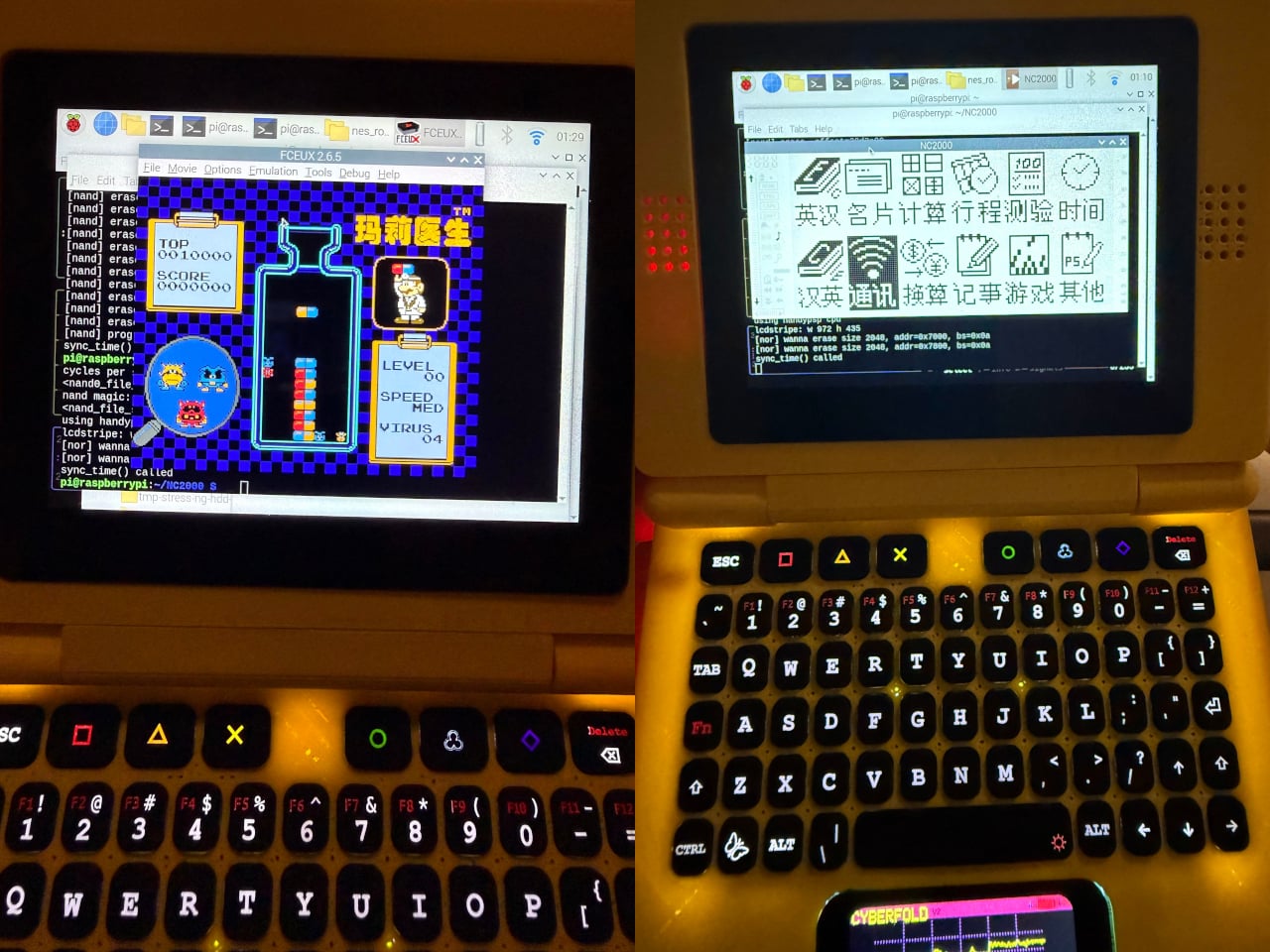
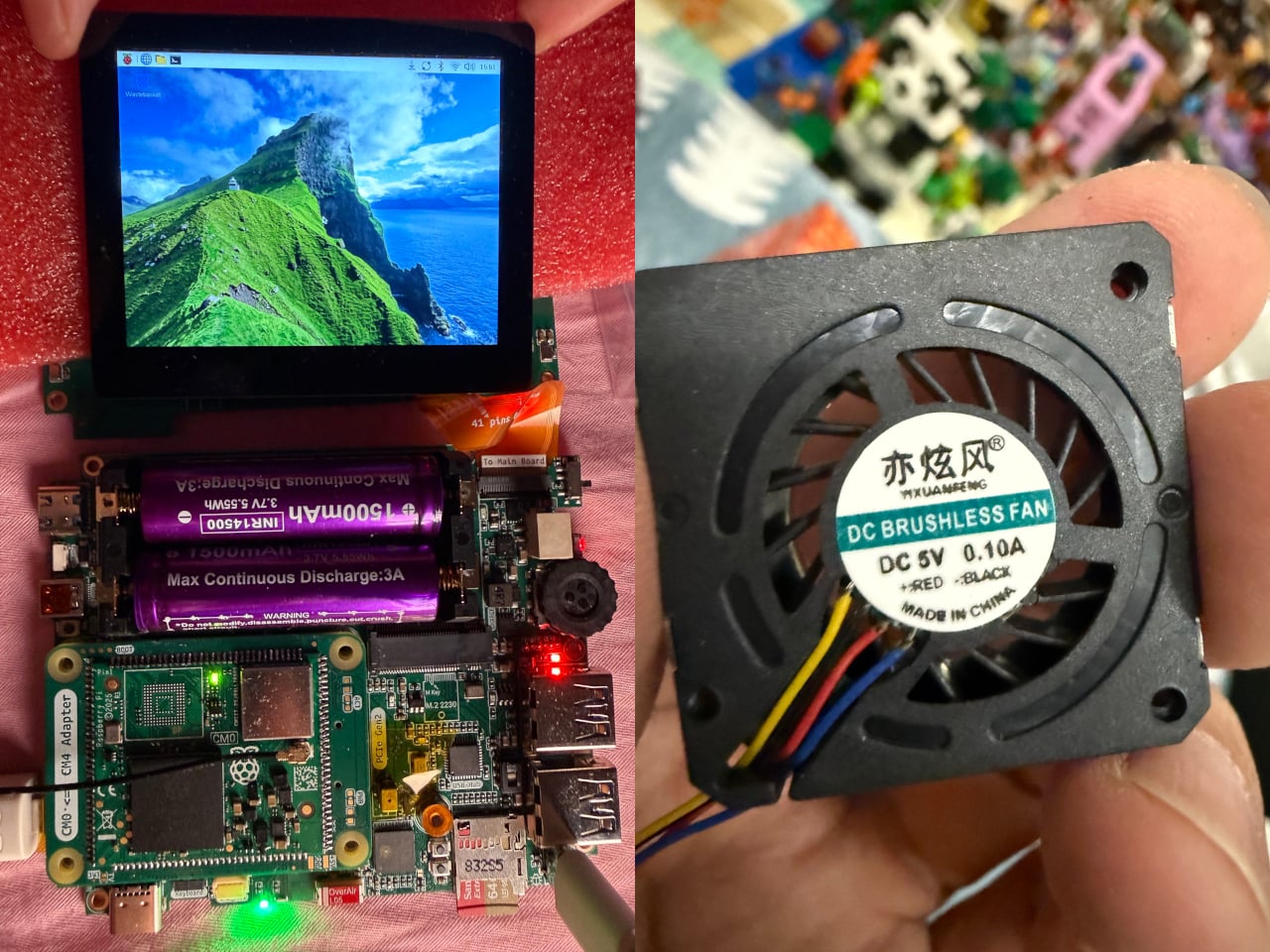
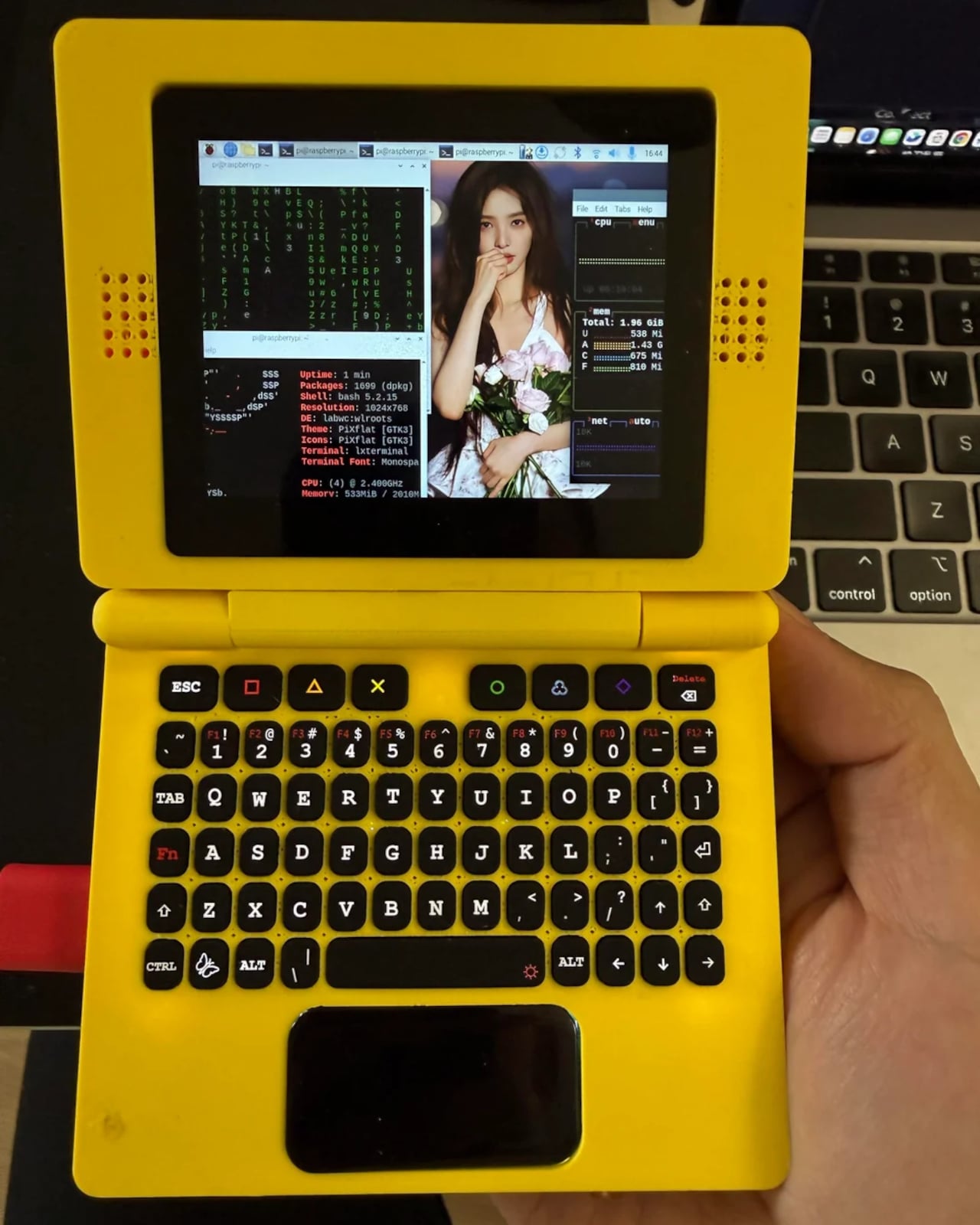
The CyberFold is a recent and remarkably polished example of just that. Made by a pseudonymous duo going by Eggfly and MeiYao, it’s a foldable clamshell cyberdeck that bears a striking resemblance to an oversized Nintendo Game Boy Advance SP. But flip it open, and what you’ll find inside is a surprisingly capable Linux computer, complete with a touchscreen, a full QWERTY keyboard, stereo speakers, and a proper port selection.
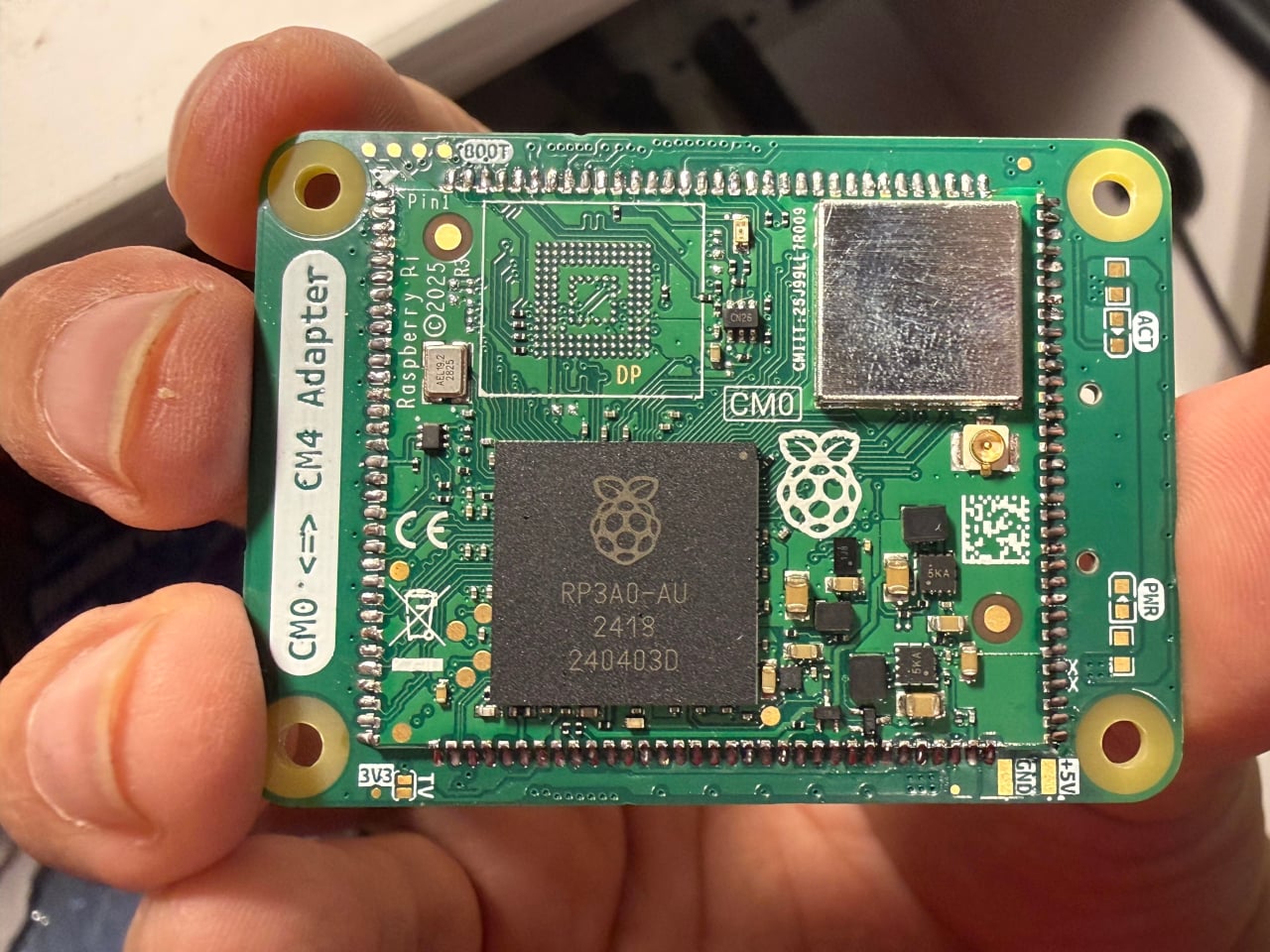
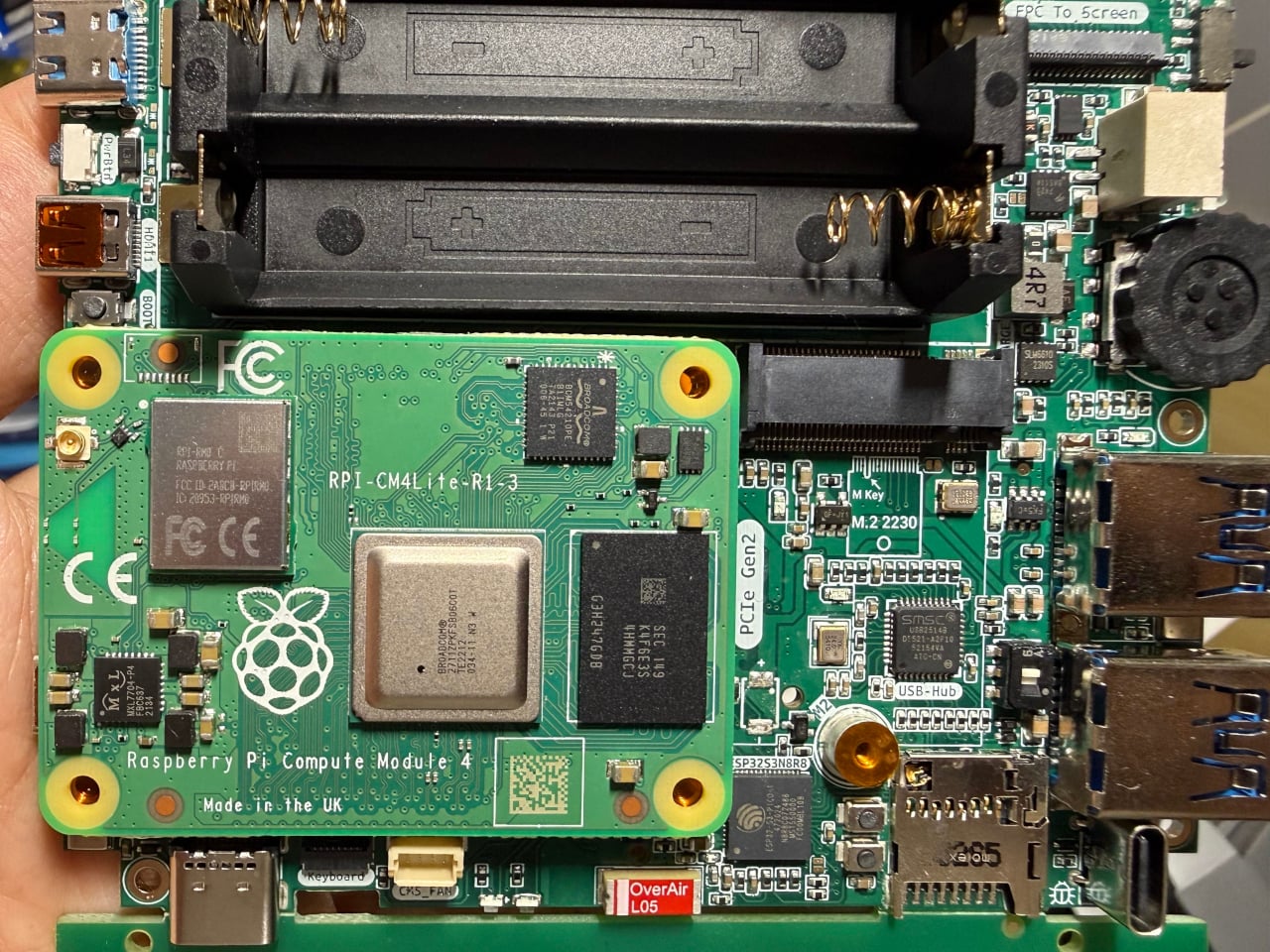
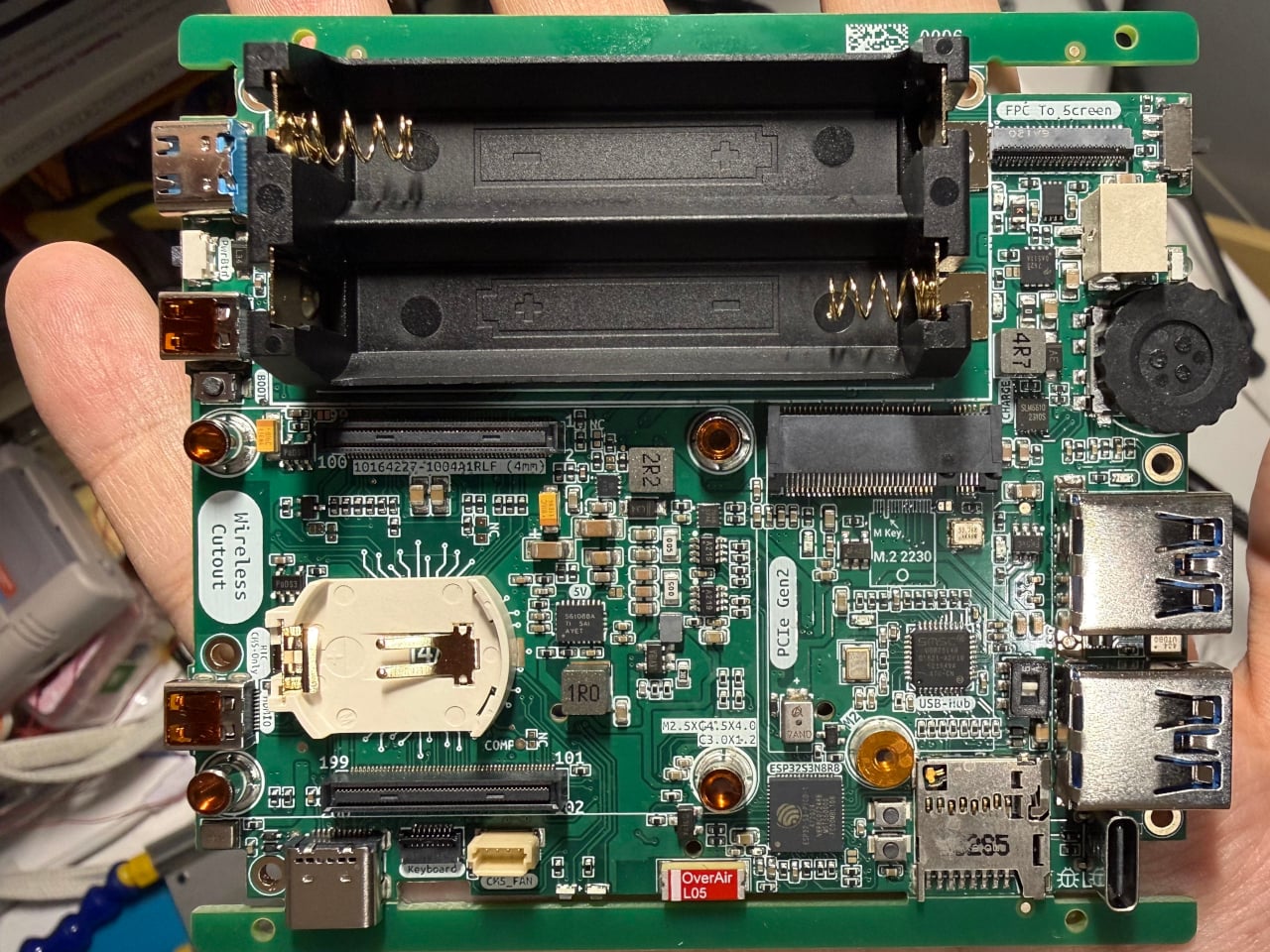
The computing heart of the CyberFold is a custom motherboard that accepts the Raspberry Pi Compute Module family, specifically the Compute Module 4, Compute Module 5, or the affordable Compute Module Zero. These are the embedded variants of the popular Raspberry Pi 4 and Raspberry Pi 5, shrunk to a compact form factor without sacrificing real processing power, making them a natural fit for a pocketable machine.
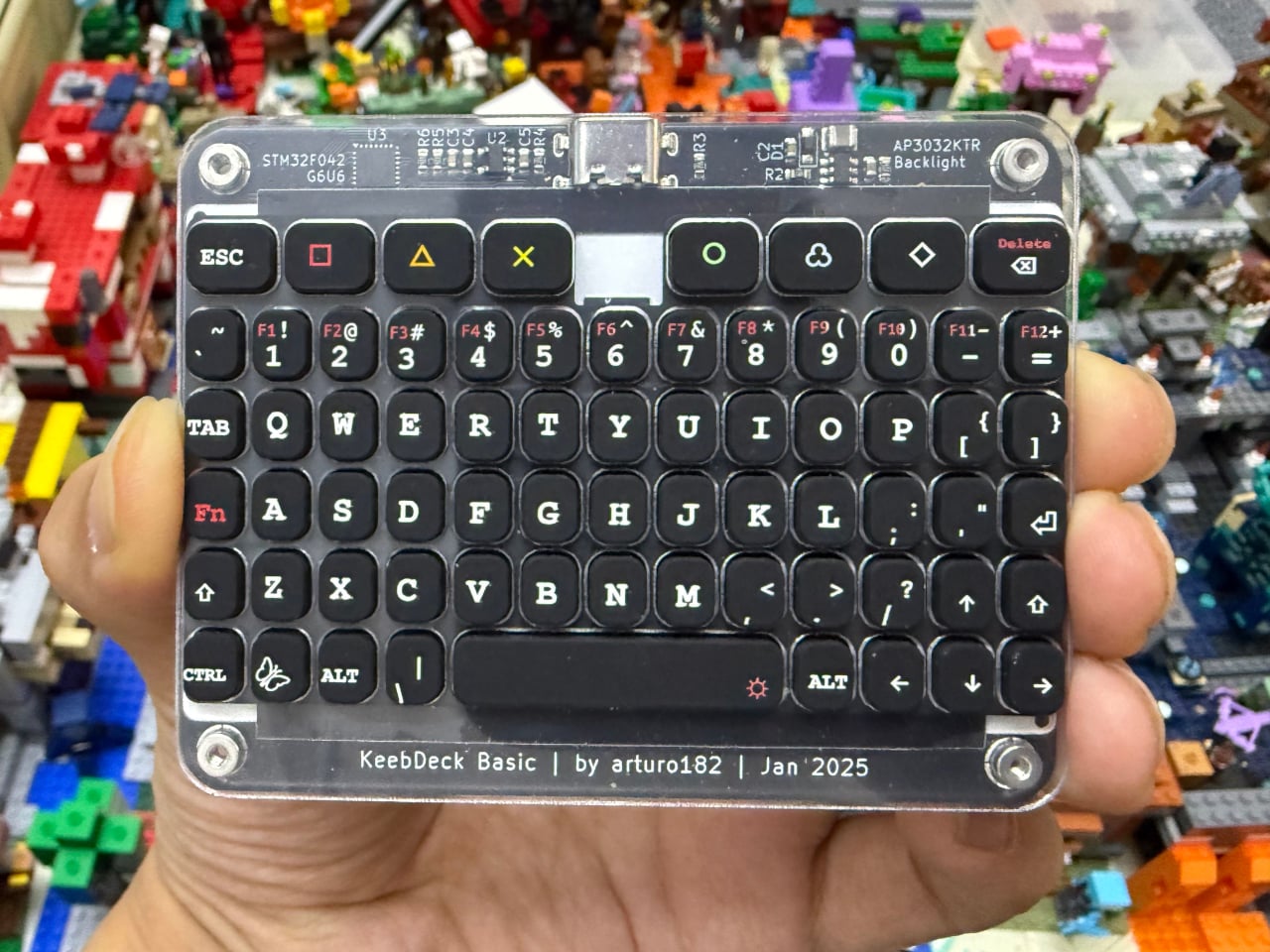
Open the CyberFold mid-commute or at a workbench, and you’re greeted by a 1024×768 capacitive multi-touch display, responsive enough for everyday computing and comfortable for touch-based navigation. Below it is a compact QWERTY silicone keyboard based on Solder Party’s open-source KeebDeck design, which Eggfly built from the original design files. It’s the kind of input that calls to mind old-school palmtop computers, but with a full operating system running underneath.
One of the more clever details on the CyberFold is the touchpad, which pulls double duty as a secondary display. Running on an Espressif ESP32-S3 microcontroller, it shows live battery percentage and power consumption data, independent of the main computer. It’s the kind of thoughtful feature you’d normally see on a commercial device that went through multiple rounds of product refinement, not something you’d expect from a maker’s personal project.
Connectivity isn’t something the CyberFold cuts corners on. Full-size USB 3.0 and USB 2.0 ports handle peripherals easily, while two HDMI outputs let you extend to a larger screen when needed. A microSD card slot, a debugging port, and stereo speakers flanking the display round things out, and a rotary encoder scroll wheel adds a satisfying tactile element to everyday navigation.
Power comes from a pair of batteries in an integrated holder with a built-in charging circuit, so you can top it off without cracking the device open. The clamshell form factor keeps the screen and keyboard protected when closed, making the whole thing practical enough to slip into any bag. Eggfly hasn’t released the design files publicly yet, but the maker community has already taken a keen interest.
There’s something appealing about the CyberFold that goes beyond its spec sheet. It represents a very specific kind of ambition: the desire to own a computer that fits in your jacket pocket, runs whatever software you choose, and was assembled by hand. Commercial products can maybe deliver two of those three things at best, and that gap is exactly what keeps the cyberdeck community building.
Compact gaming controllers have always occupied an awkward spot in the market. Most work well enough for retro titles, where a D-pad and a few buttons are all you need, but they fall short the moment you want to play anything more demanding. Dual thumbsticks are either absent or prone to drifting, and that’s before you factor in the limited platform support most of them offer.
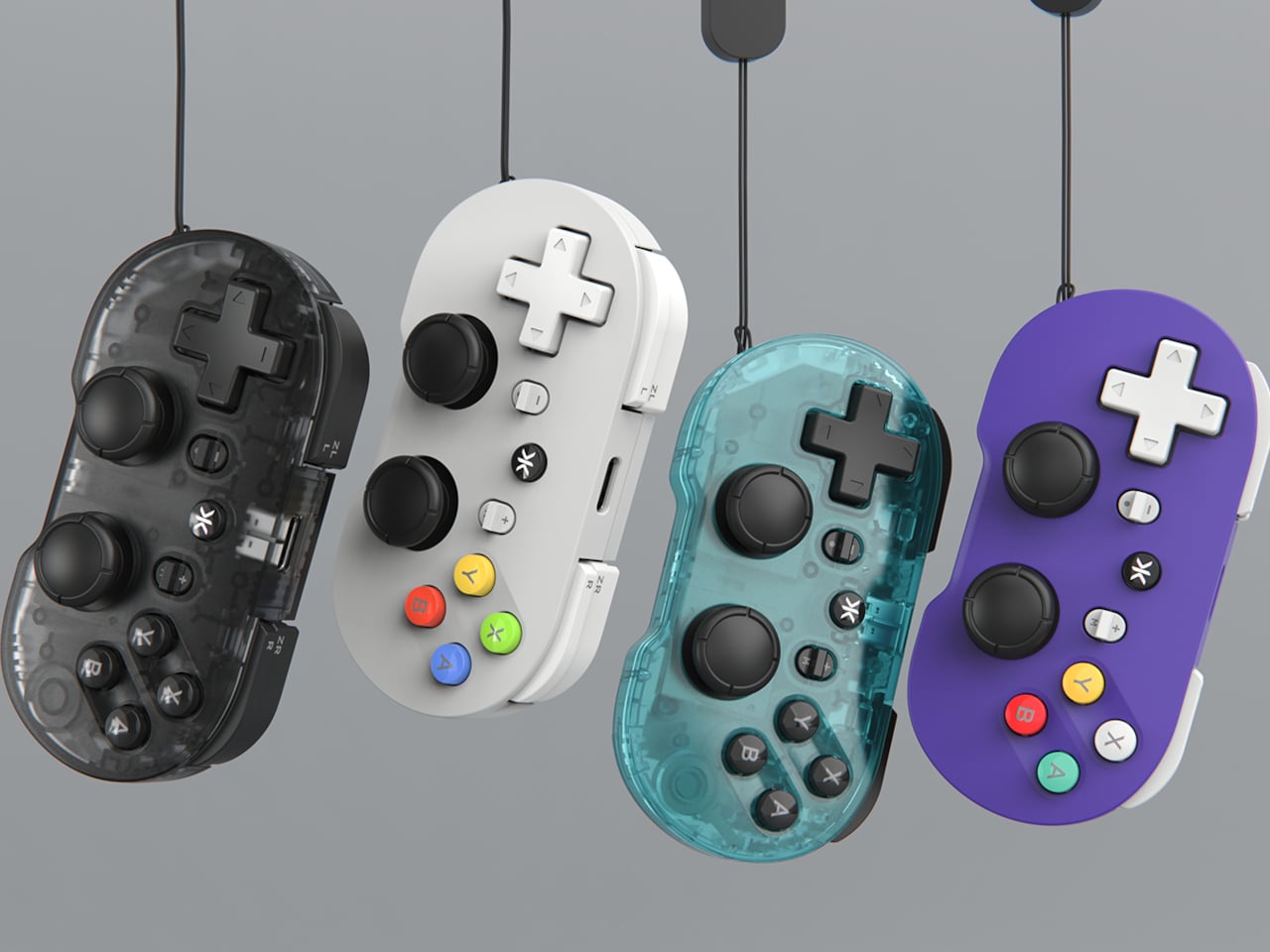
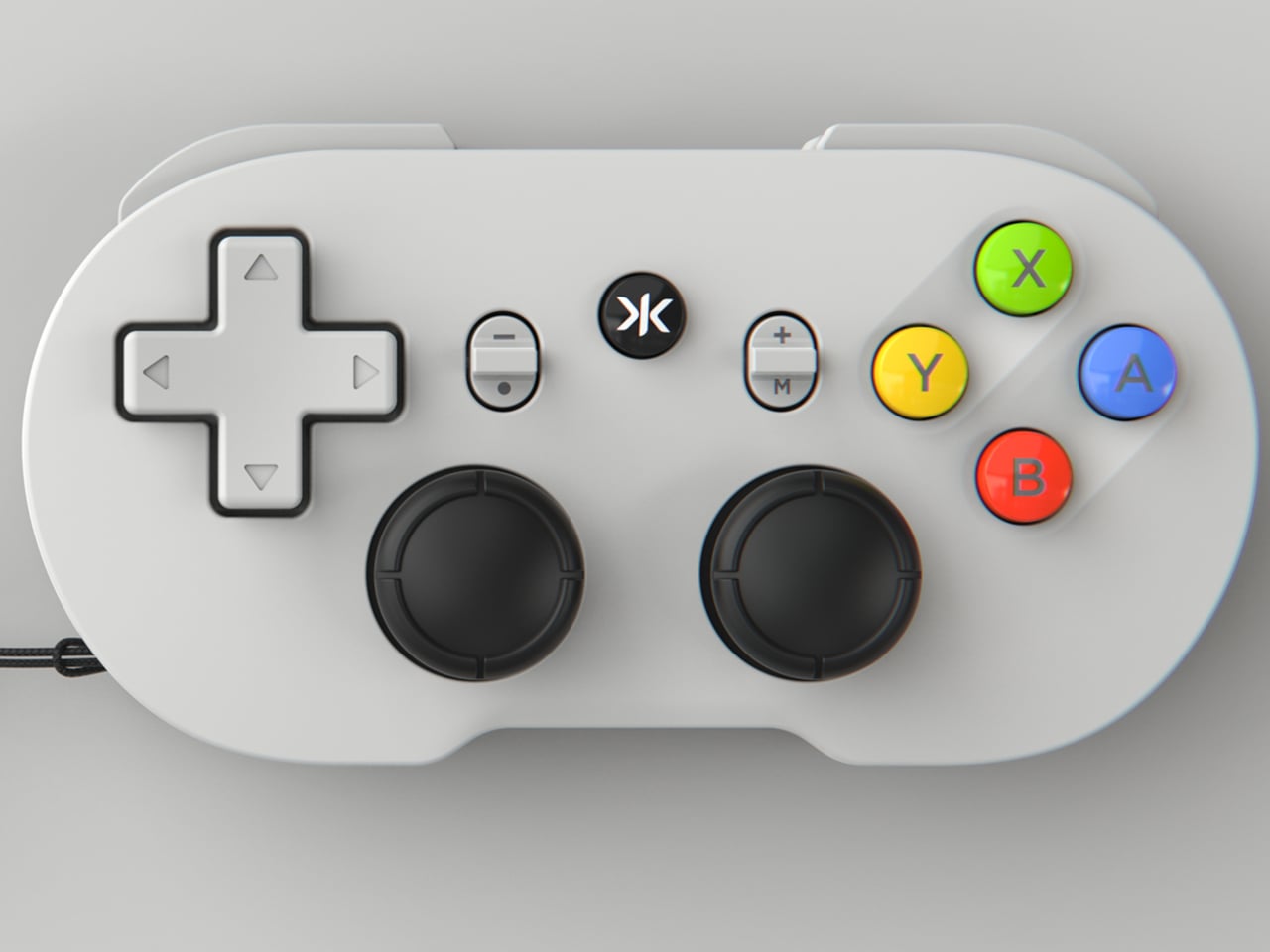
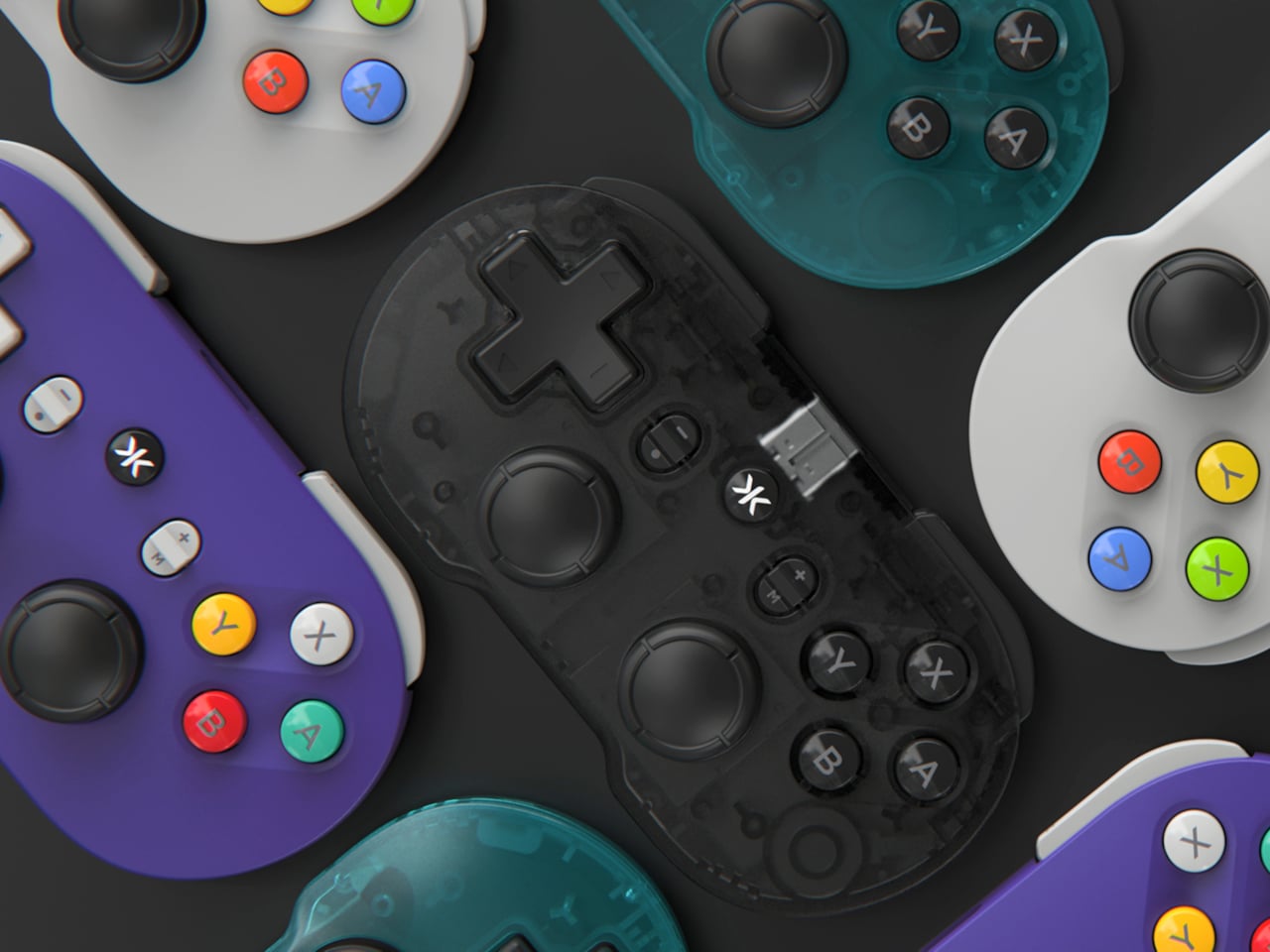
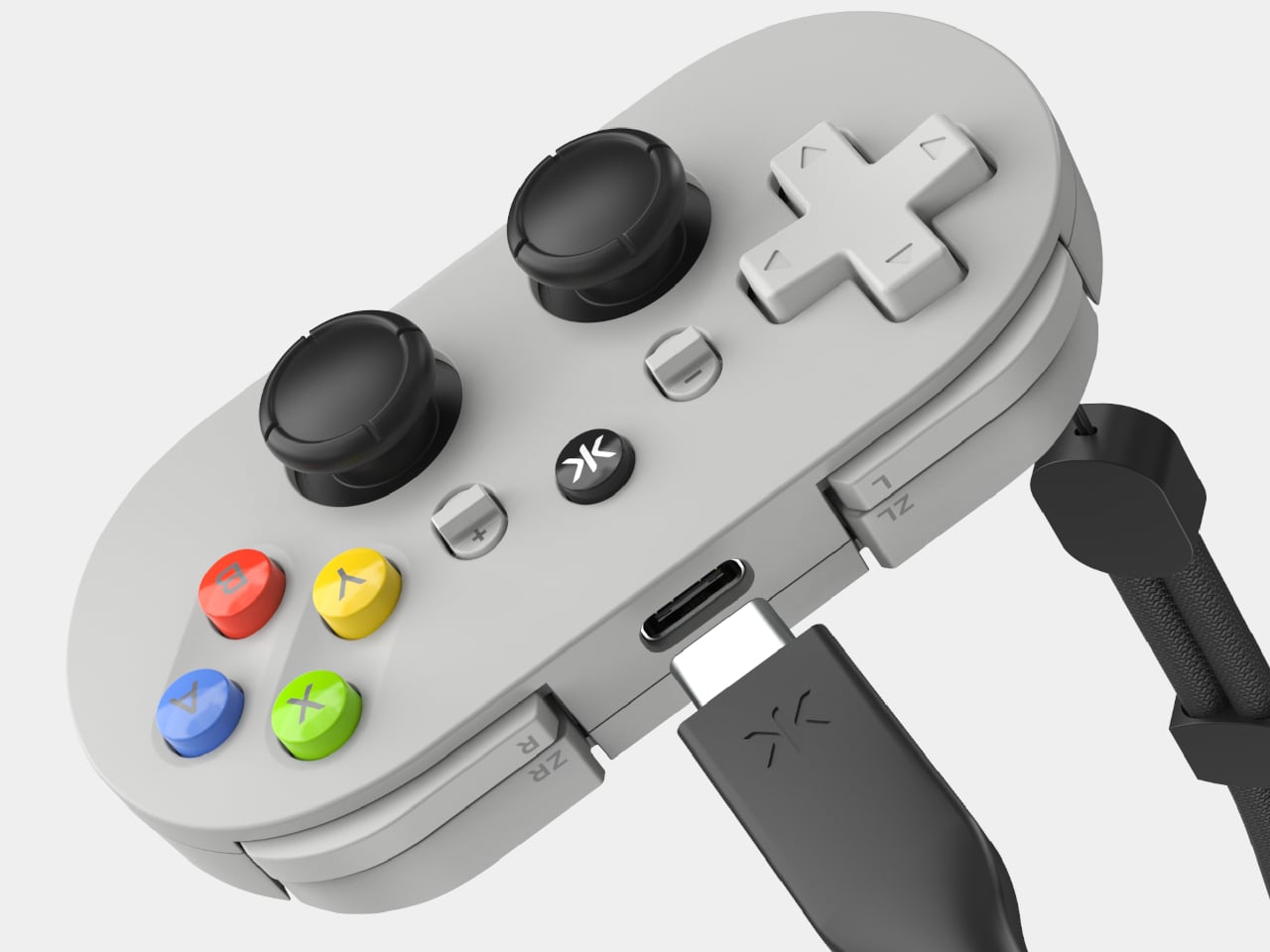
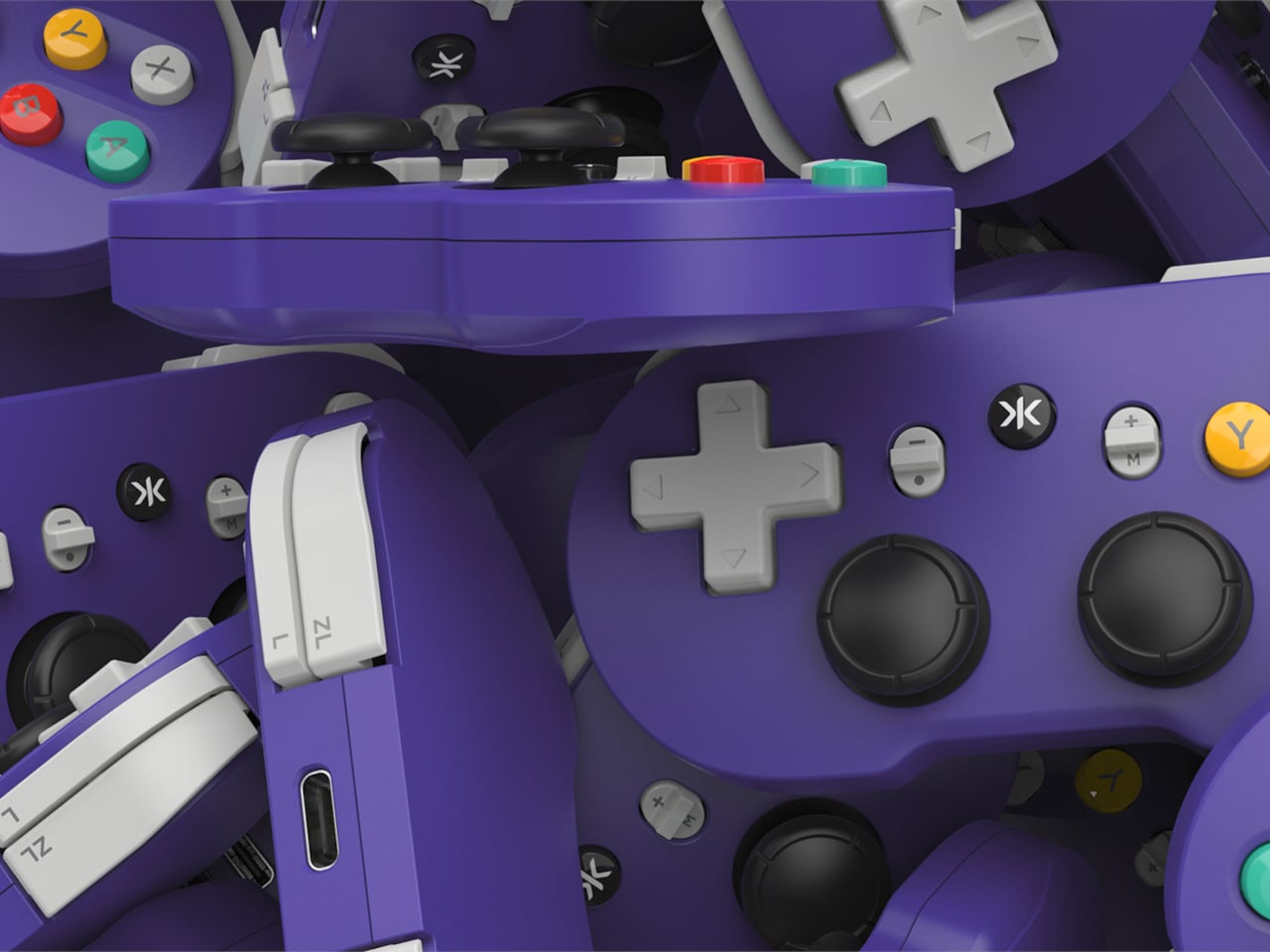
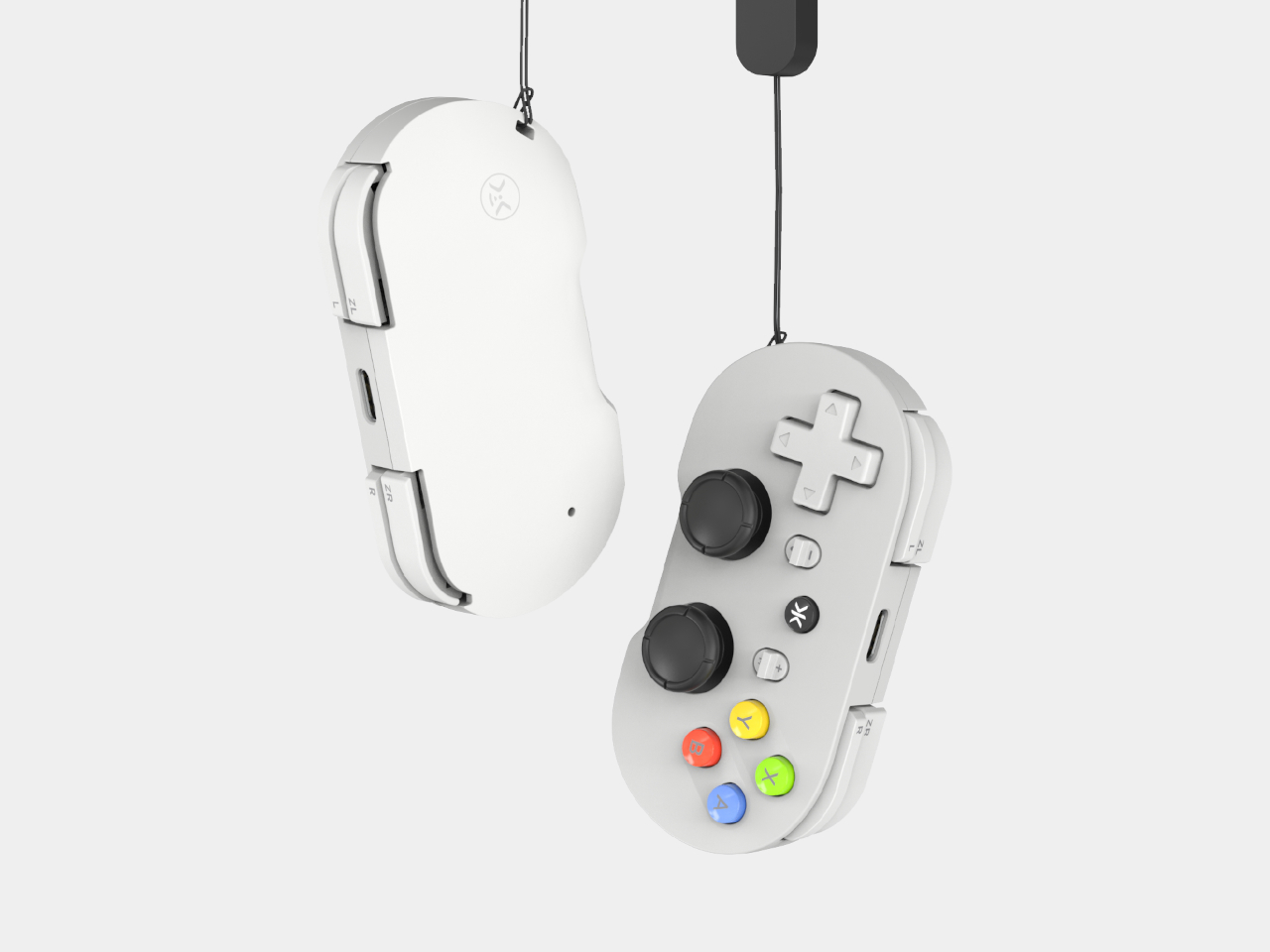
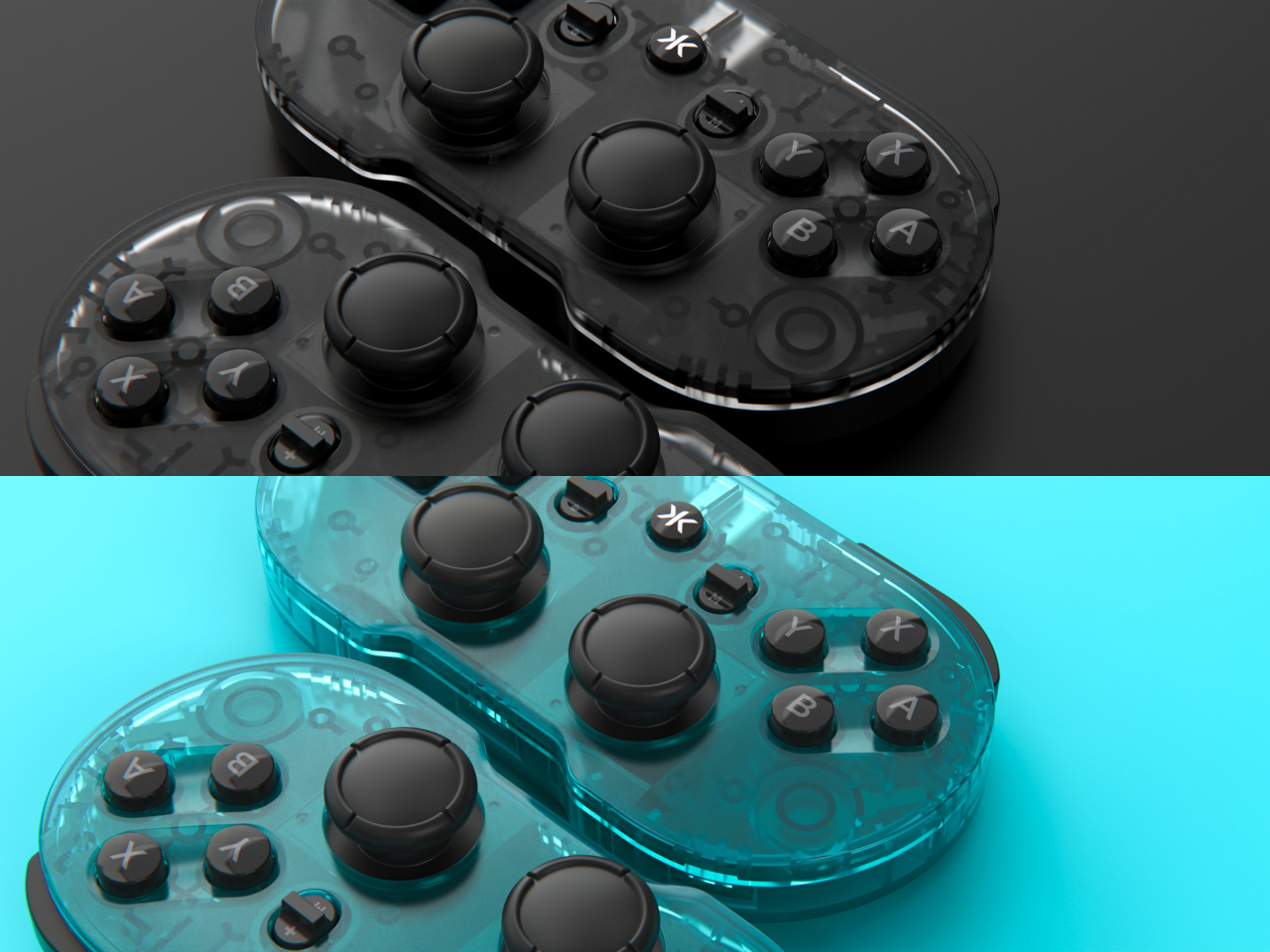
CRKD’s ATOM+ arrives as a direct response to those shortcomings. It’s the follow-up to the brand’s original ATOM keychain controller, but with noticeably bigger ambitions. Rather than catering only to retro gaming, it’s built around a complete control layout and a feature you’d typically find on premium full-sized gamepads: zero-drift TMR thumbsticks. The result is a palm-sized controller that doesn’t ask you to trade performance for portability.
The TMR, or Tunnel Magnetoresistance, thumbsticks are arguably the ATOM+’s most significant selling point. Unlike traditional analog sticks that use physical contact points that wear down with use, TMR technology relies on magnetic sensors to read input, which means accuracy doesn’t degrade over time. Stick drift has been a persistent nuisance in gaming, and it’s particularly glaring in small controllers, where replacement or repair isn’t exactly straightforward.
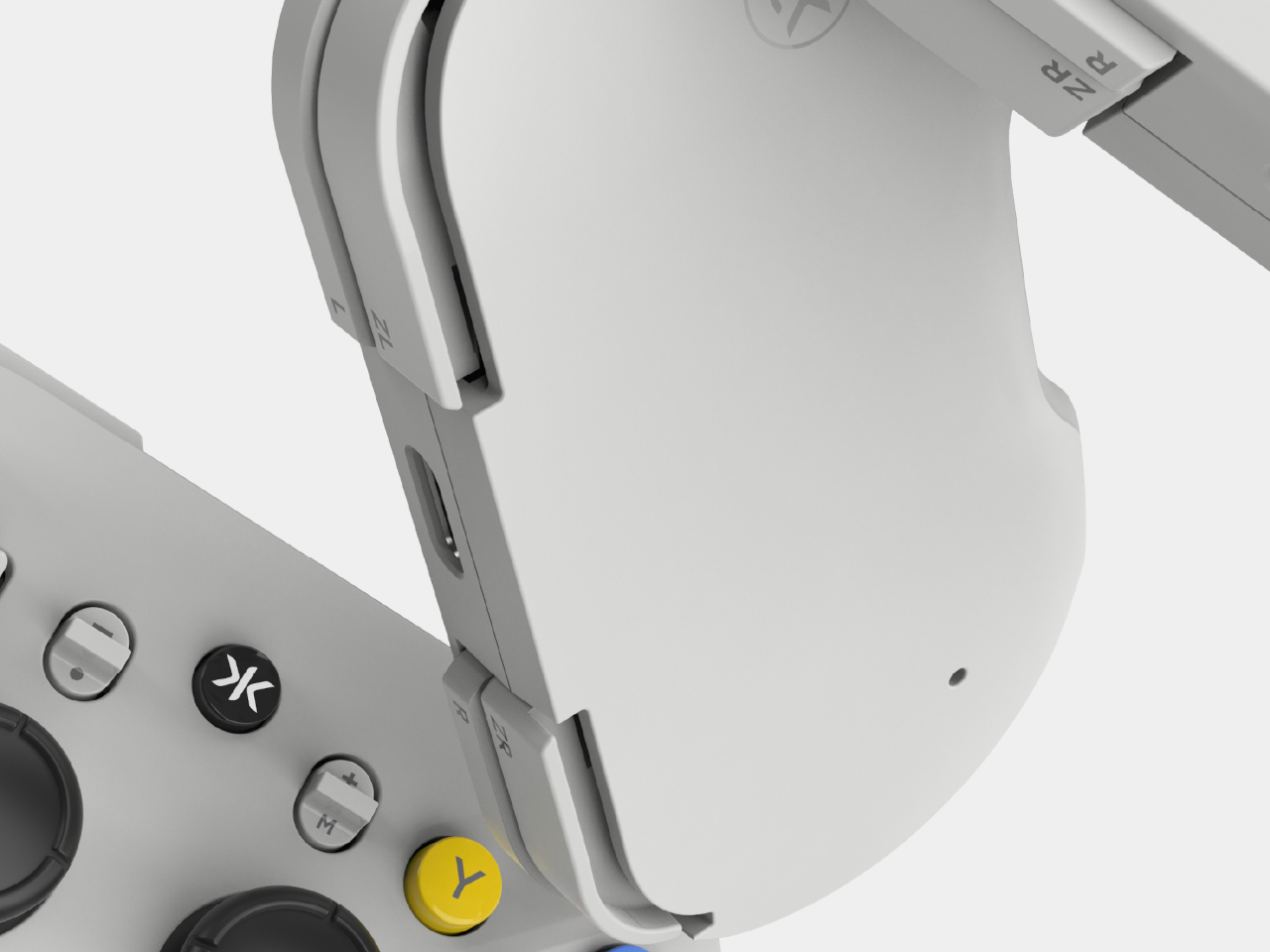
Beyond those thumbsticks, the ATOM+ carries a full control layout with triggers and shoulder buttons, making it capable of handling modern titles without restrictions. At 90mm x 48mm, it fits in a jacket pocket, which means it’s genuinely useful for commuting, travel, or just gaming away from your usual setup. It’s the kind of controller you can toss in a bag and forget about until you need it.
Platform compatibility is another area where the ATOM+ covers its bases. It connects over Bluetooth to the Nintendo Switch 2 and Switch, PC and PC handhelds, iOS and Android devices, and even select smart TVs. The Switch-style button layout keeps things familiar regardless of what you’re playing on, and for a controller this small, the breadth of supported platforms earns its keep rather than just reading as a marketing claim.
There’s also motion control support, a turbo mode, and vibration feedback baked in. Motion controls, in particular, add an extra dimension for compatible Switch titles where gyro aiming can genuinely make a difference. These aren’t features you’d expect to find on a controller this size, and they make the ATOM+ feel less like a novelty and more like a legitimate primary controller for portable gaming sessions.
CRKD also pairs the ATOM+ with its companion app, which lets you tune inputs, update firmware, and customize settings via the CTRL feature. The controller is RFID-enabled too, tapping into CRKD’s True Collection System, so you can tap your phone to it and pull up details like its product number and rarity rank. It’s a collectible angle that’s a bit unusual for a gamepad, but a fun one nonetheless. For gamers who’ve been burned by drift-prone compact controllers, or just want something pocketable that handles any game thrown at it, the ATOM+ is hard to ignore.
Most of us have looked up at the night sky at some point and felt that brief, humbling recognition that there is an enormous universe out there, and we have no idea what is happening in it. Then a notification comes in, and the moment passes. Lumen Orbit, a student concept from CEPT University, is a small handheld accessory designed to keep that awareness alive without requiring a telescope, a star chart, or a dedicated app.
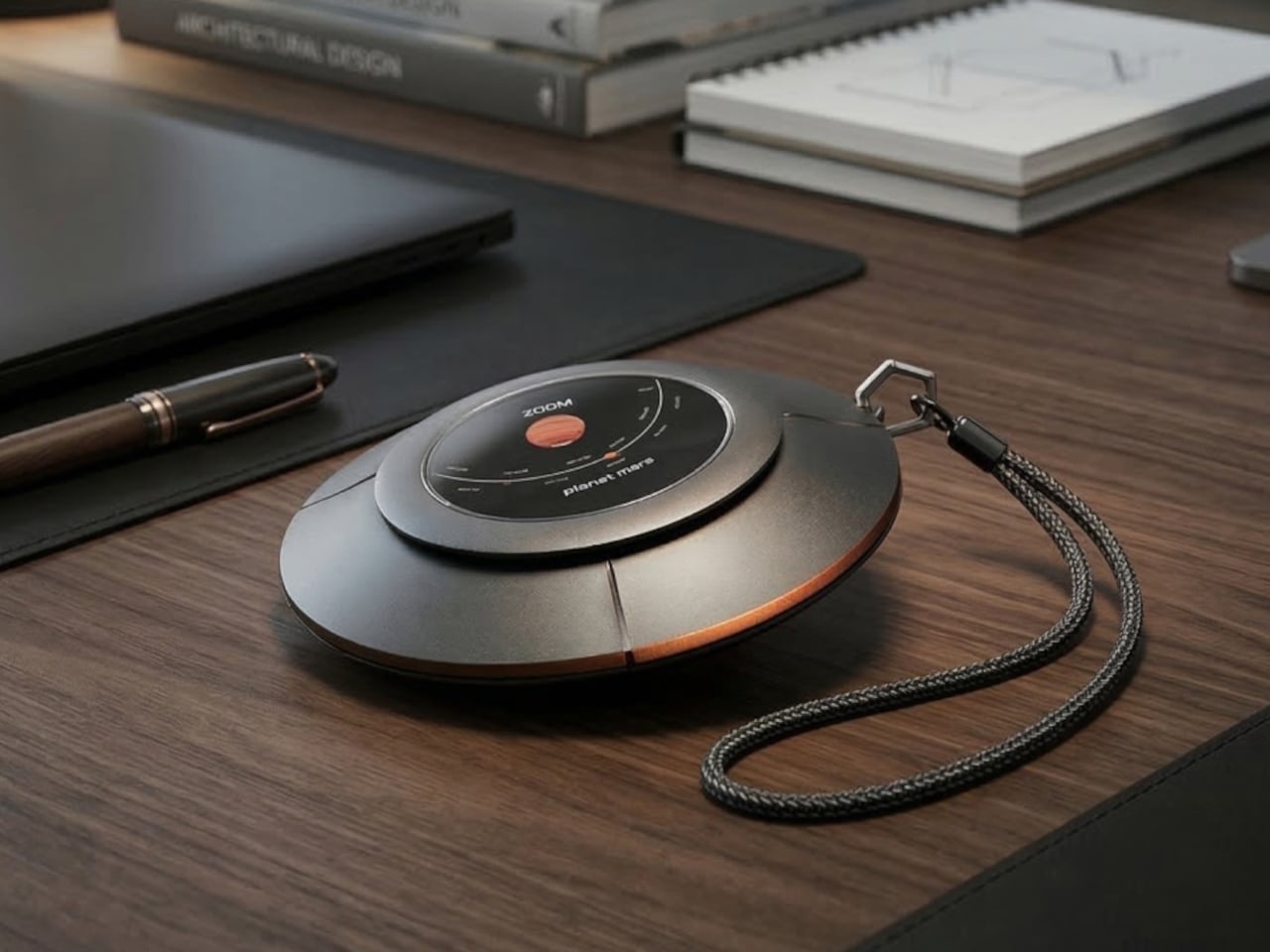
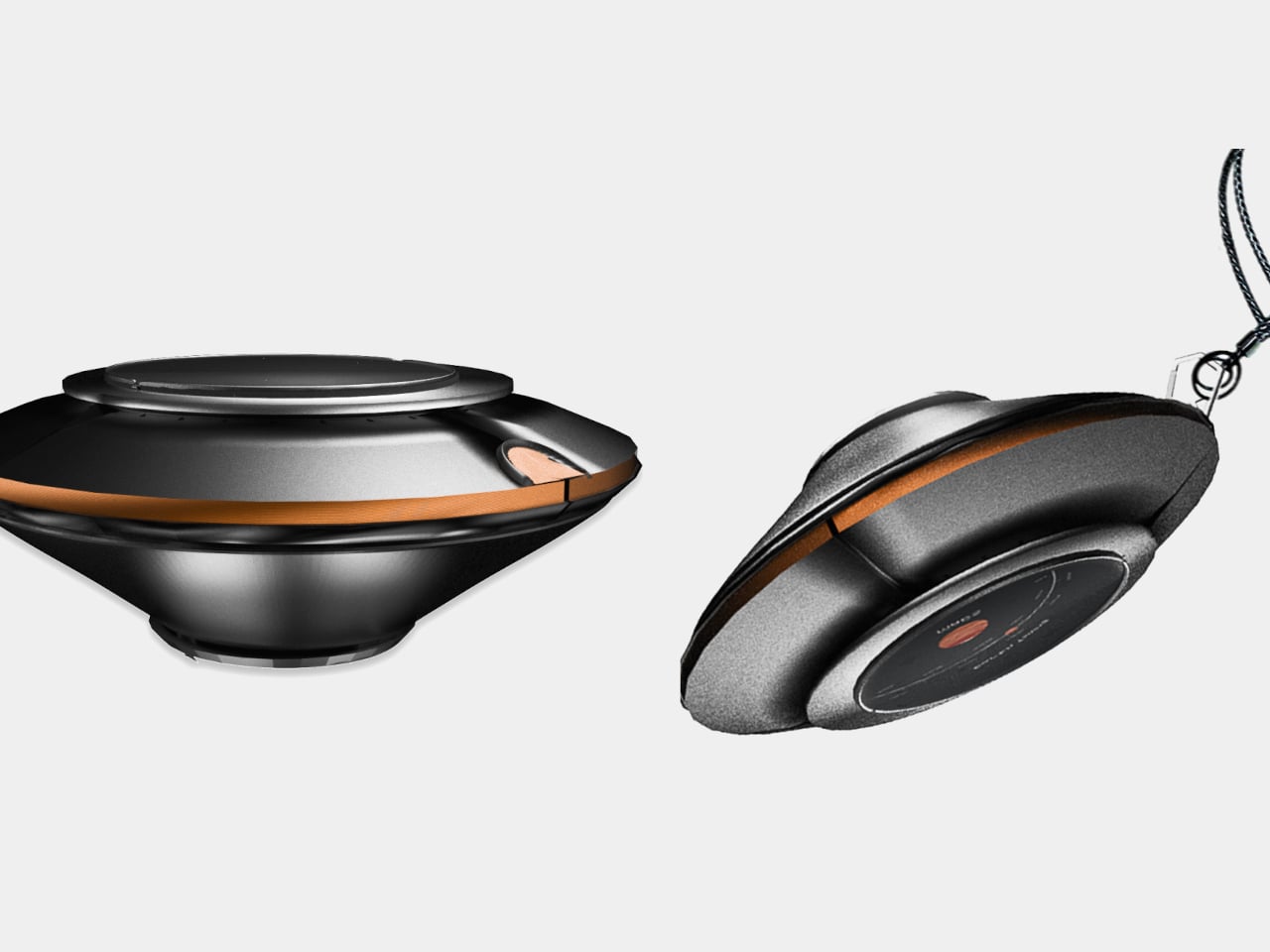
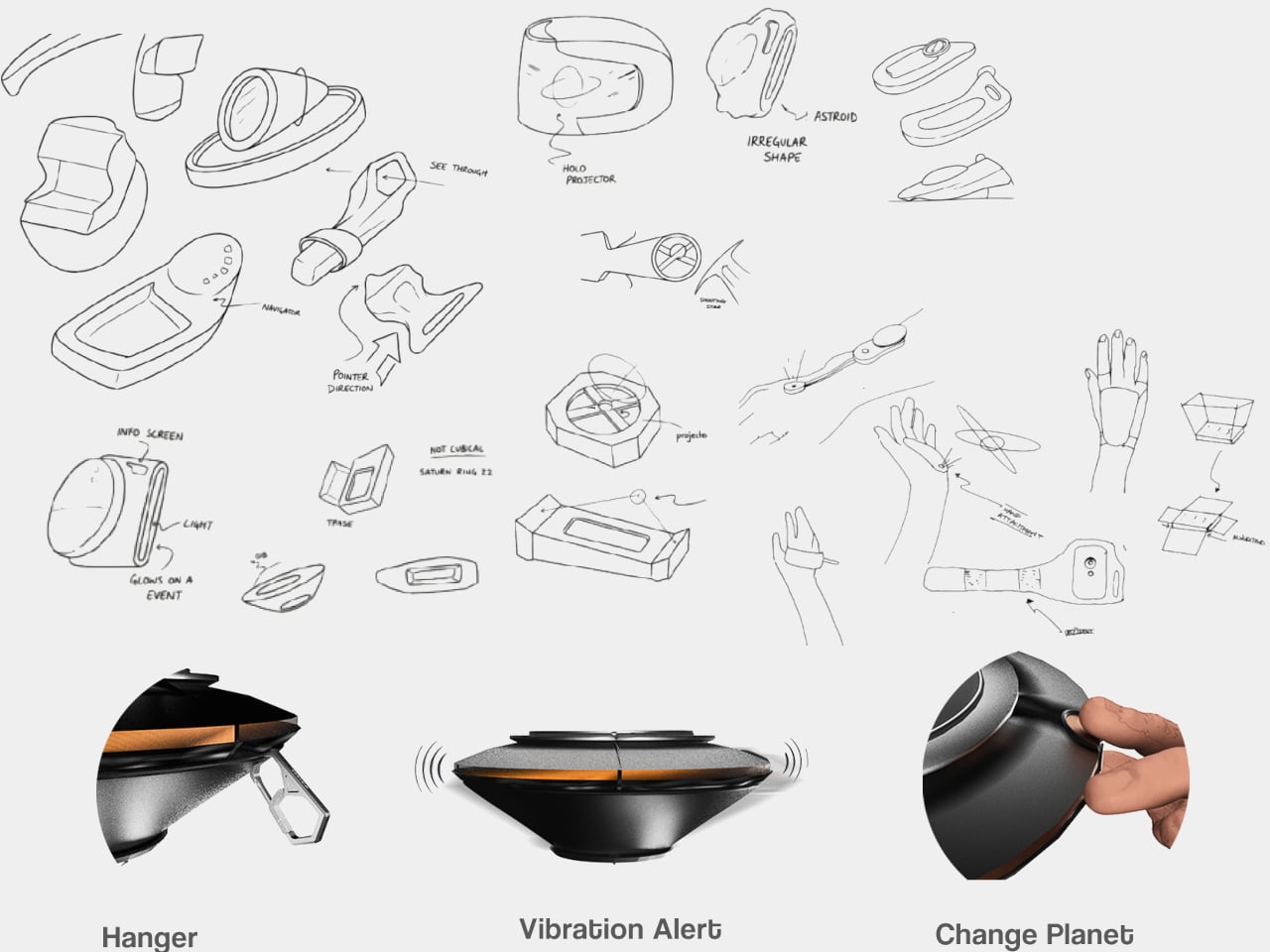
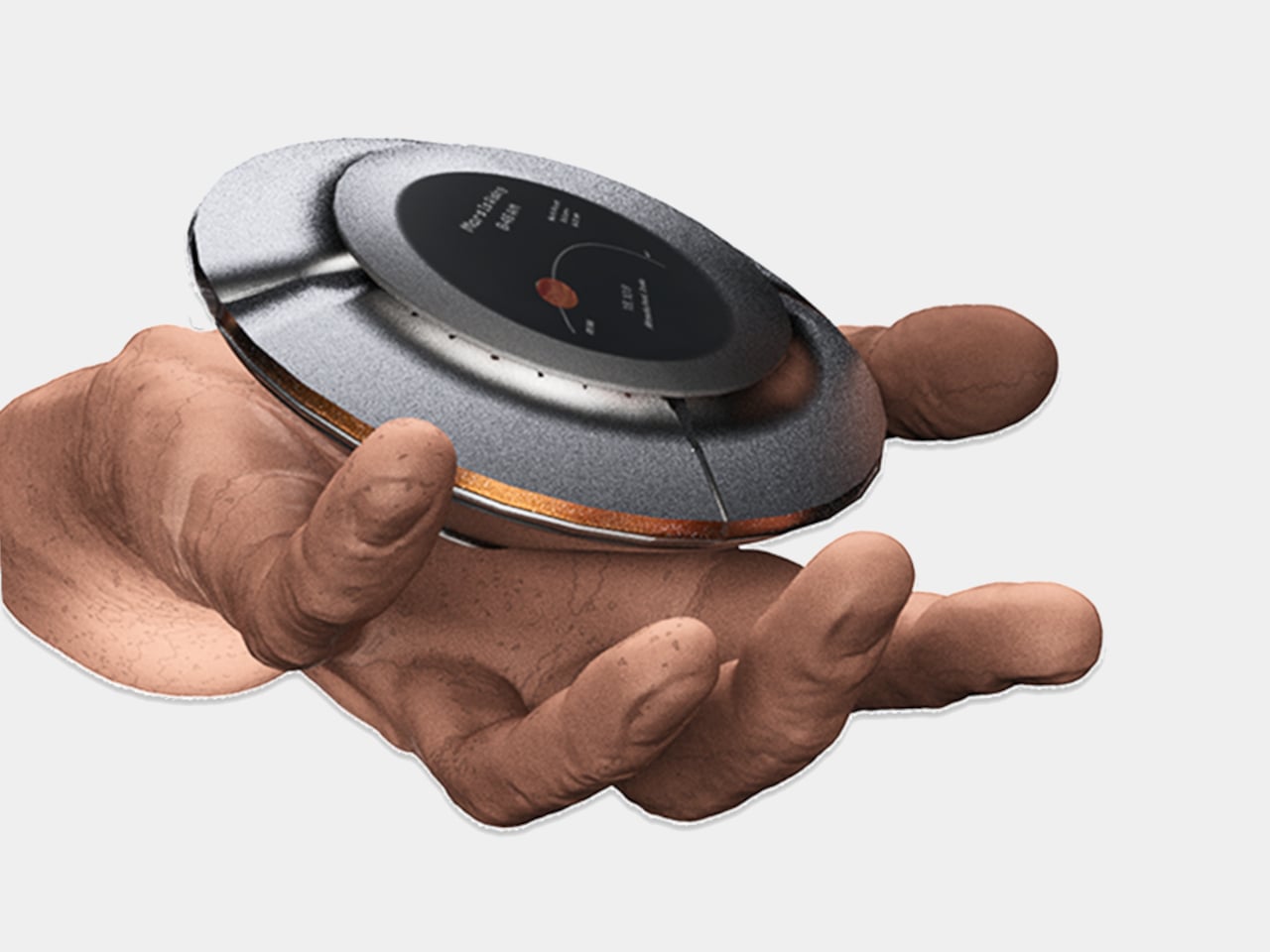
The device is disc-shaped and roughly palm-sized, with a two-part body split along its equator by a copper-toned accent band. The upper half is a polished silver-gray cap; the lower sits wider and shallower in a dark matte gunmetal finish. A woven braided lanyard with a hexagonal metal clasp attaches to the body, making it something you can loop around a wrist, hook to a bag, or hang using a built-in fold-out carabiner.
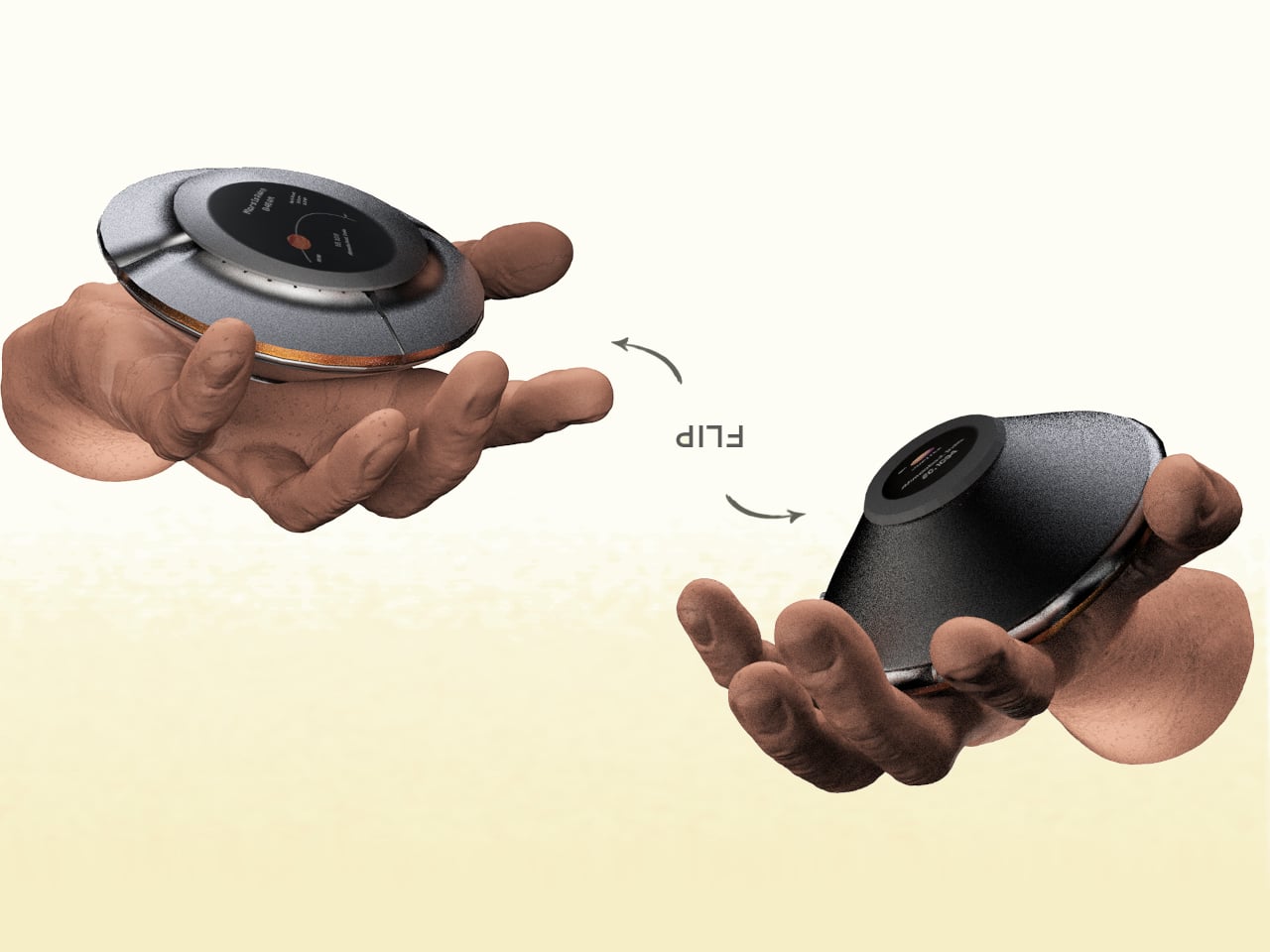
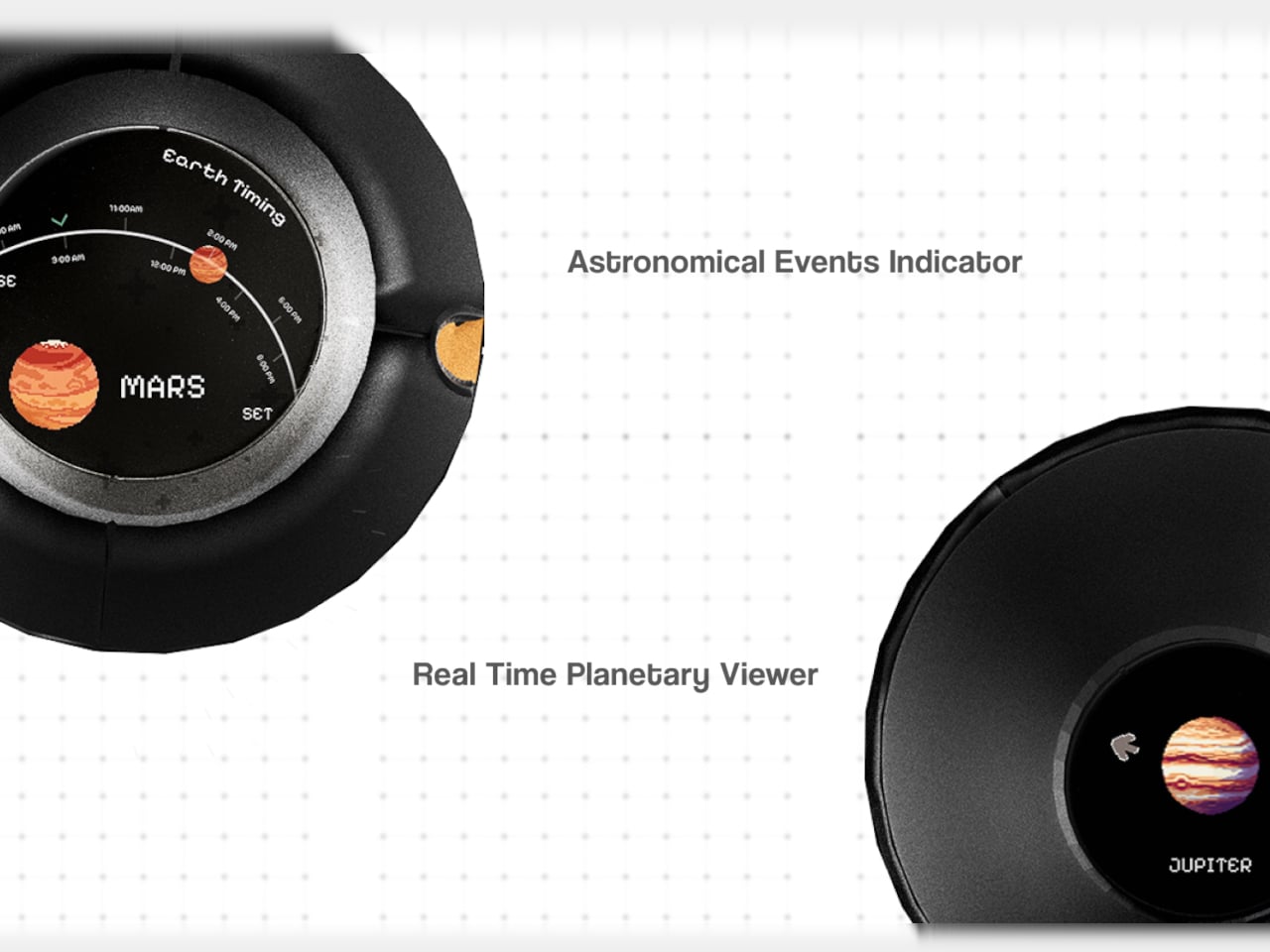
The primary face carries a circular display showing real-time planetary positions: which planet is currently visible, where it sits in the sky relative to your location, and when it rises and sets. Flip the device over, and a second, smaller screen on the reverse offers a close-up planetary render. The UI uses pixel-art-style graphics for its planet illustrations, landing somewhere between retro charm and deliberate restraint.
The interaction model is equally considered. A flip gesture switches between the two display modes, squeezing the body cycles through planets, and haptic vibration signals astronomical events such as meteor showers, eclipses, and alignments. The idea is that information about the cosmos arrives the same way a text message does, as a quiet nudge rather than something you have to actively seek out.
What the concept is really proposing is a dedicated single-purpose ambient device for astronomical awareness. Smartphones can technically do all of this through apps, but a specialized physical object changes the relationship to the information entirely. Carrying something whose only purpose is to connect you to the solar system is a genuinely different proposition than opening an app between emails.
The open questions are substantial. How the real-time tracking handles connectivity, how the device charges, and how positional accuracy works without confirmed GPS integration are things the concept leaves unspecified. The form is confident, and the interaction logic is coherent. The more interesting problem is whether a working version could fit into a jacket pocket for easy access.
Somewhere between the overstuffed tech pouch and the empty pocket lies a sweet spot that most gadget makers ignore. The minimalist carry is not about owning less for the sake of it, but about each object earning its place through thoughtful design and genuine daily utility. We have been keeping tabs on pocket-friendly gadgets that manage to pack serious functionality into forms small enough to forget about until the moment they are needed. These seven picks balance portability with purpose, skipping gimmicks in favor of smart engineering.
What ties this list together is a shared restraint. None of these products tries to do everything. Each one solves a specific problem within a compact footprint, and the design decisions behind them reflect a growing shift in how makers approach portable tech. Less bloat, more intention, and a willingness to rethink form factors that have gone unchallenged for too long.
1. OrigamiSwift Mouse
The OrigamiSwift borrows its name from Japanese paper folding, and the comparison holds up. This foldable Bluetooth mouse collapses flat for storage and springs into a full-sized shape in under half a second, making it one of the more clever portable input devices we have come across recently.
At just 40 grams, the mouse is lighter than most pens and thin enough to slip into a jacket pocket without adding bulk. The ergonomic curve that appears when unfolded feels closer to a standard desktop mouse than most travel mice bother attempting, which makes extended work sessions far less punishing on the wrist.
The origami-inspired folding mechanism is quick and satisfying, going from flat to functional almost instantly.
Weighing only 40 grams, it vanishes into a bag or pocket and adds almost zero weight to a travel setup.
What we dislike
The folding hinge is a mechanical point of failure that could wear over time with heavy daily use.
Bluetooth-only connectivity means no option for a USB dongle, which can be a dealbreaker for users who prefer a dedicated receiver.
2. DuRobo Krono
Reading on a phone screen is a compromise most people accept without questioning. The DuRobo Krono pushes back on that default by squeezing a 6.13-inch E Ink Carta 1200 display into a form factor that fits pockets as easily as a smartphone, but replaces the distraction engine with a focused reading and productivity tool.
The 300 PPI resolution matches what premium Kindles deliver, and the tall 18:9 aspect ratio gives the Krono a narrow, phone-like grip at 154 x 80 x 9mm and 173 grams. Built-in AI capabilities turn it into a note-taking and creative thinking companion, not just a page-turner.
What we like
The E Ink display at 300 PPI is sharp and comfortable for extended reading without the eye fatigue that LCD screens cause.
AI features baked into the device add a productivity layer that separates it from standard eReaders stuck in single-purpose territory.
What we dislike
E Ink refresh rates remain sluggish for anything beyond static pages, making note-taking and navigation feel slower than on a phone.
At 6.13 inches, the screen is on the smaller side for PDFs and academic papers that need more real estate to be readable.
3. Pokepad Pocket PC
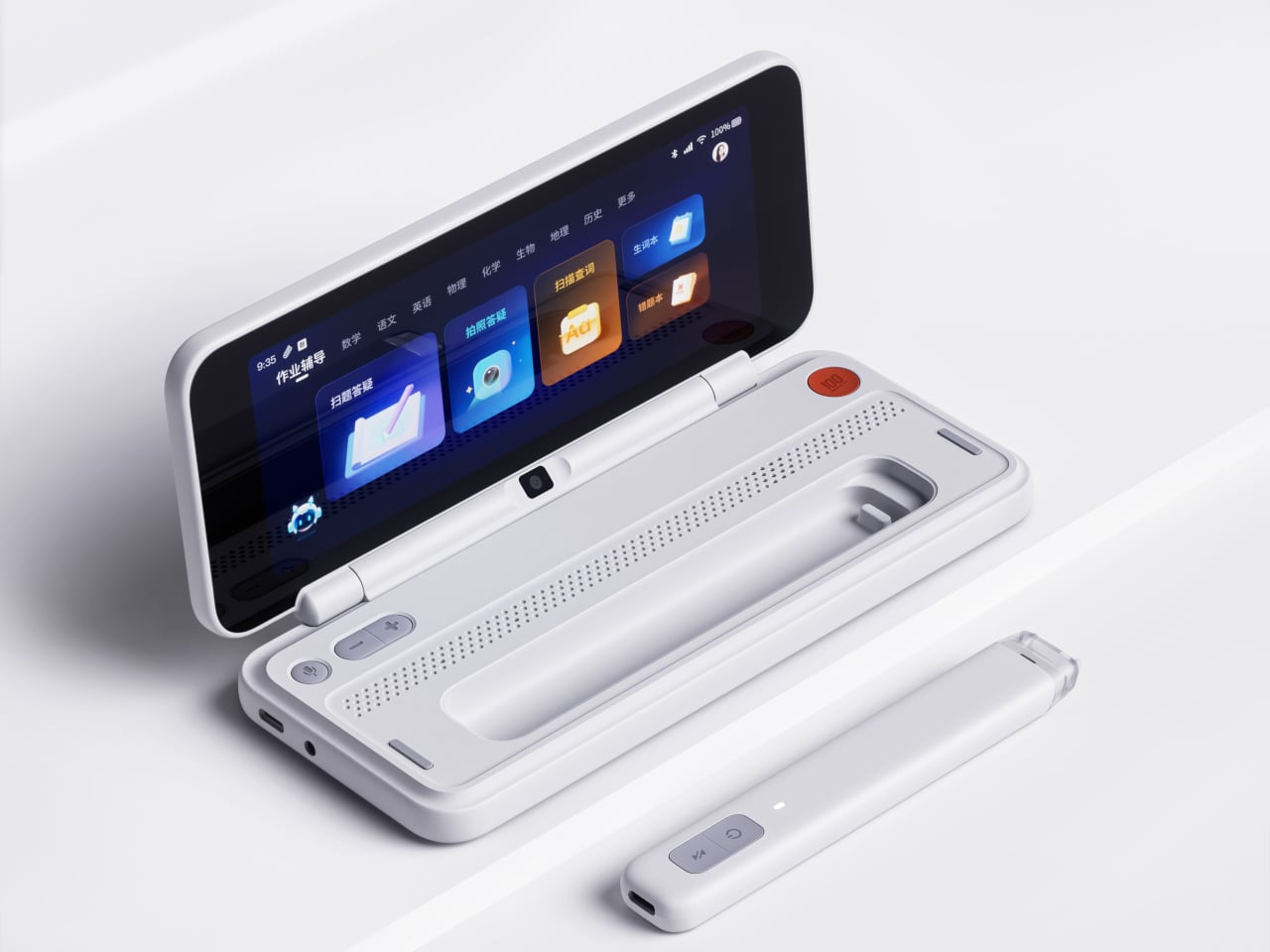
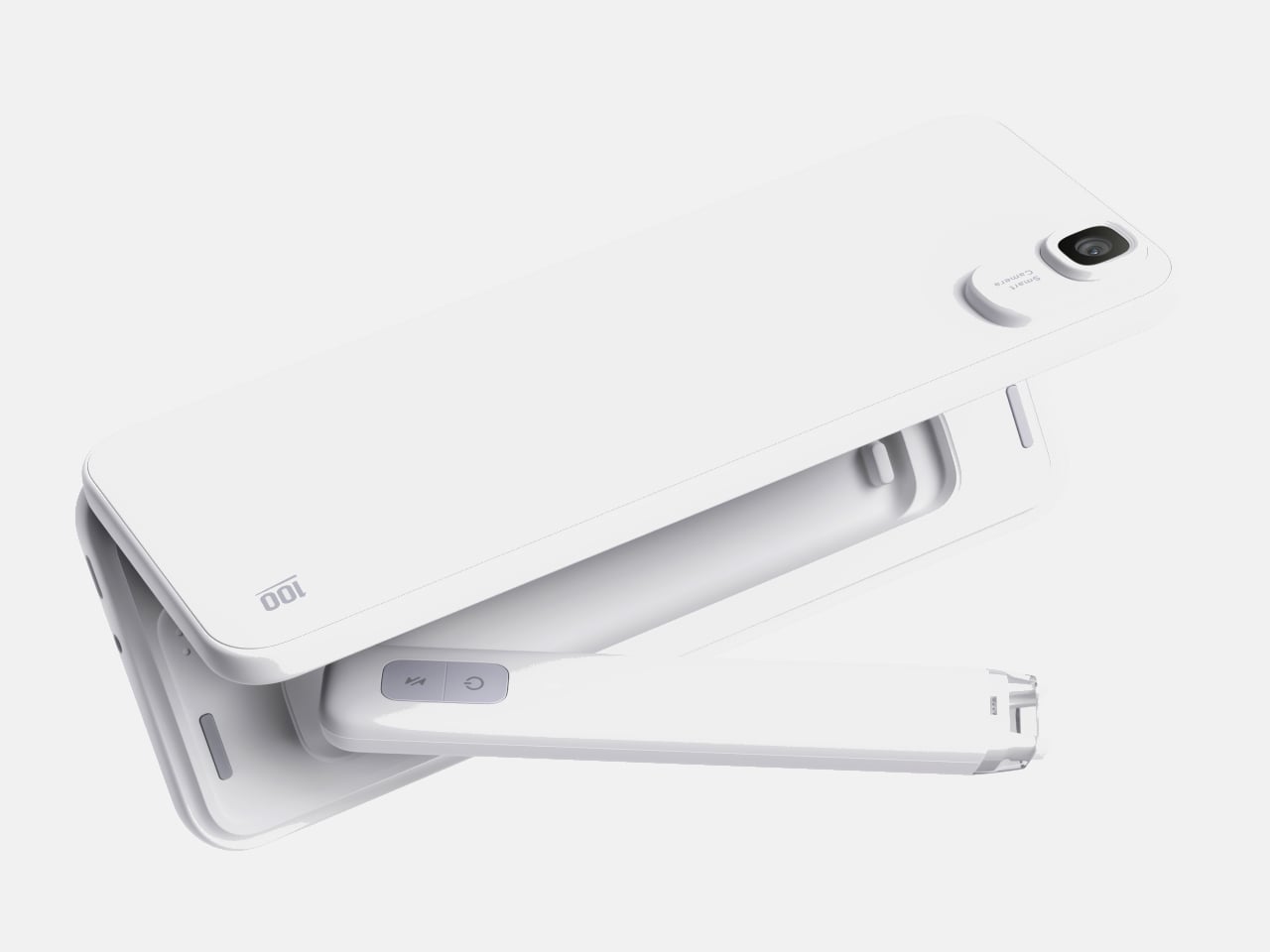
Most devices aimed at students are either stripped-down tablets or locked-down phones fighting a losing battle against social media. Pokepad takes a different route: a compact learning device shaped like a slim rectangular box, with a flip-out pen and zero gaming apps. The goal is a distraction-free tool that travels from classroom to bus to bedroom.
The design team tested multiple shapes before landing on this box form factor, balancing enough internal volume for a decent battery, speakers, and a pen mechanism without tipping into tablet territory. The deliberate absence of an app store full of entertainment is the product’s sharpest design choice, and its most controversial one.
What we like
The flip-out pen integrated directly into the body eliminates the need to carry (and inevitably lose) a separate stylus.
A distraction-free software environment means this device stays focused on learning rather than competing with TikTok for attention.
What we dislike
This is still a concept, so there are no confirmed specs, pricing, or a release timeline to evaluate.
The locked-down software approach assumes students will not simply resist using a device that blocks entertainment entirely.
4. Battery-free Amplifying iSpeakers
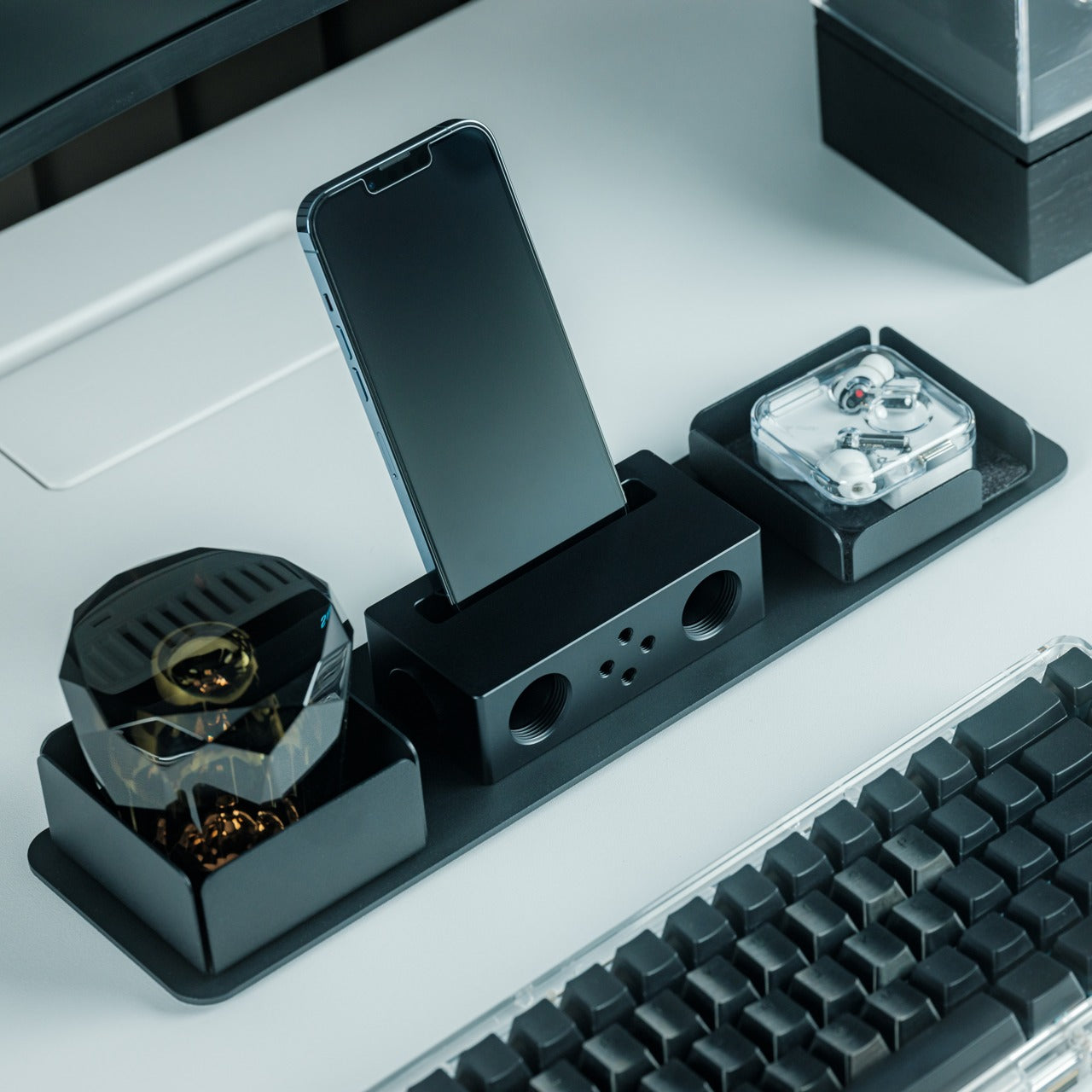
In a category drowning in Bluetooth speakers that need charging, the iSpeakers strip things back to pure physics. This metal smartphone speaker amplifies sound using acoustic design alone, with no battery, no electricity, and no pairing process. Slot a phone in, and the Duralumin body does the rest.
The material choice is the interesting detail here. Duralumin is an aluminum alloy used in aircraft construction, chosen for its vibration-resistant properties and its ability to project sound cleanly. The speaker’s proportions follow the golden ratio, which shapes how sound waves travel through the chamber and spread outward. Optional +Bloom and +Jet mods (sold separately) let users direct sound for different room setups.
Zero power requirement means no batteries to charge, no cables to carry, and no wireless connectivity to troubleshoot.
Duralumin construction gives it a premium, lasting feel that ages well and resists the kind of dings that kill plastic speakers.
What we dislike
Volume output is inherently limited by passive amplification, so this will not fill a large room or compete with powered speakers.
Compatibility depends on phone size and speaker placement, so not every phone model will fit or project sound optimally.
5. Unix UX-1519 NEOM Power Bank
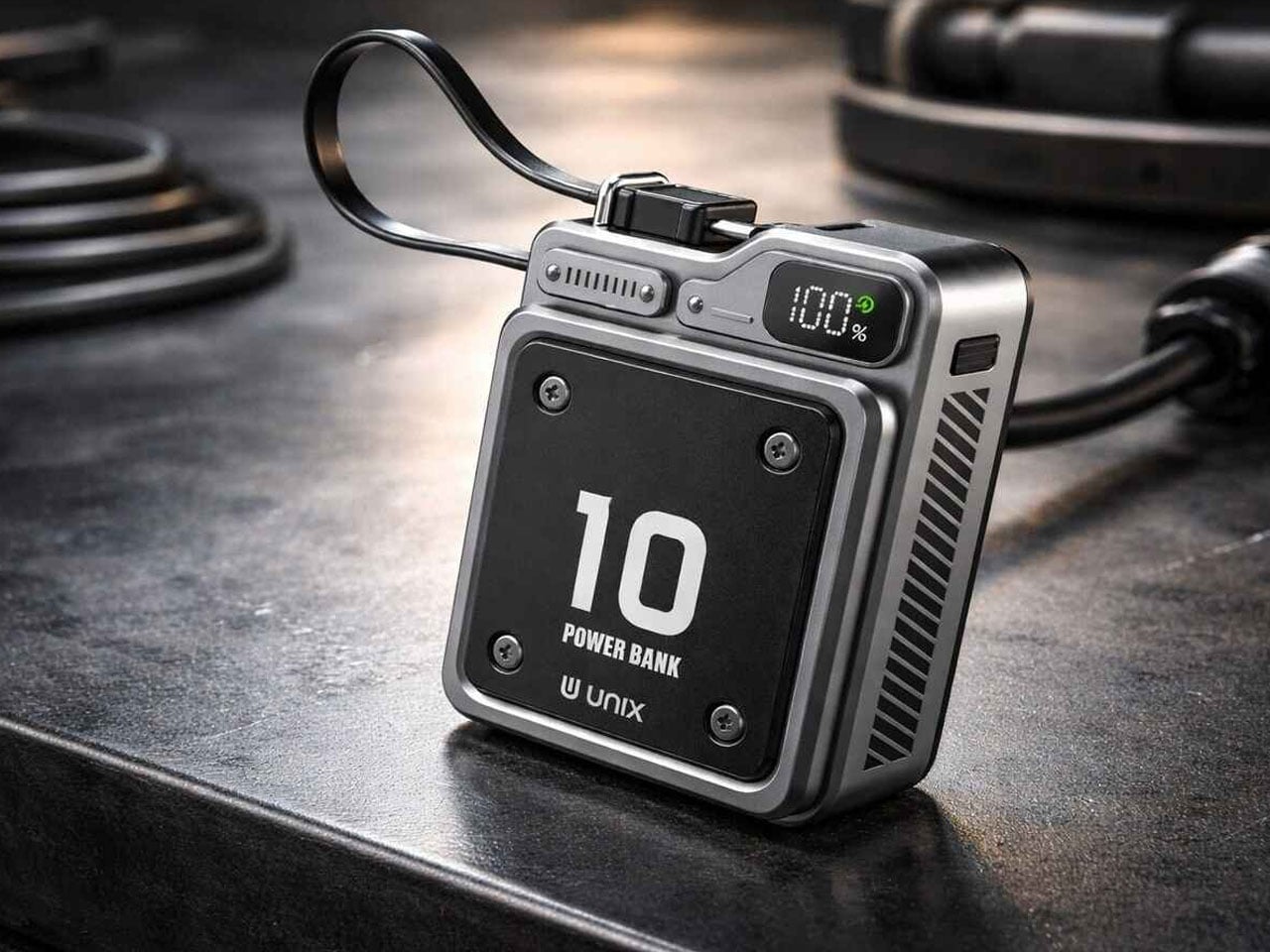
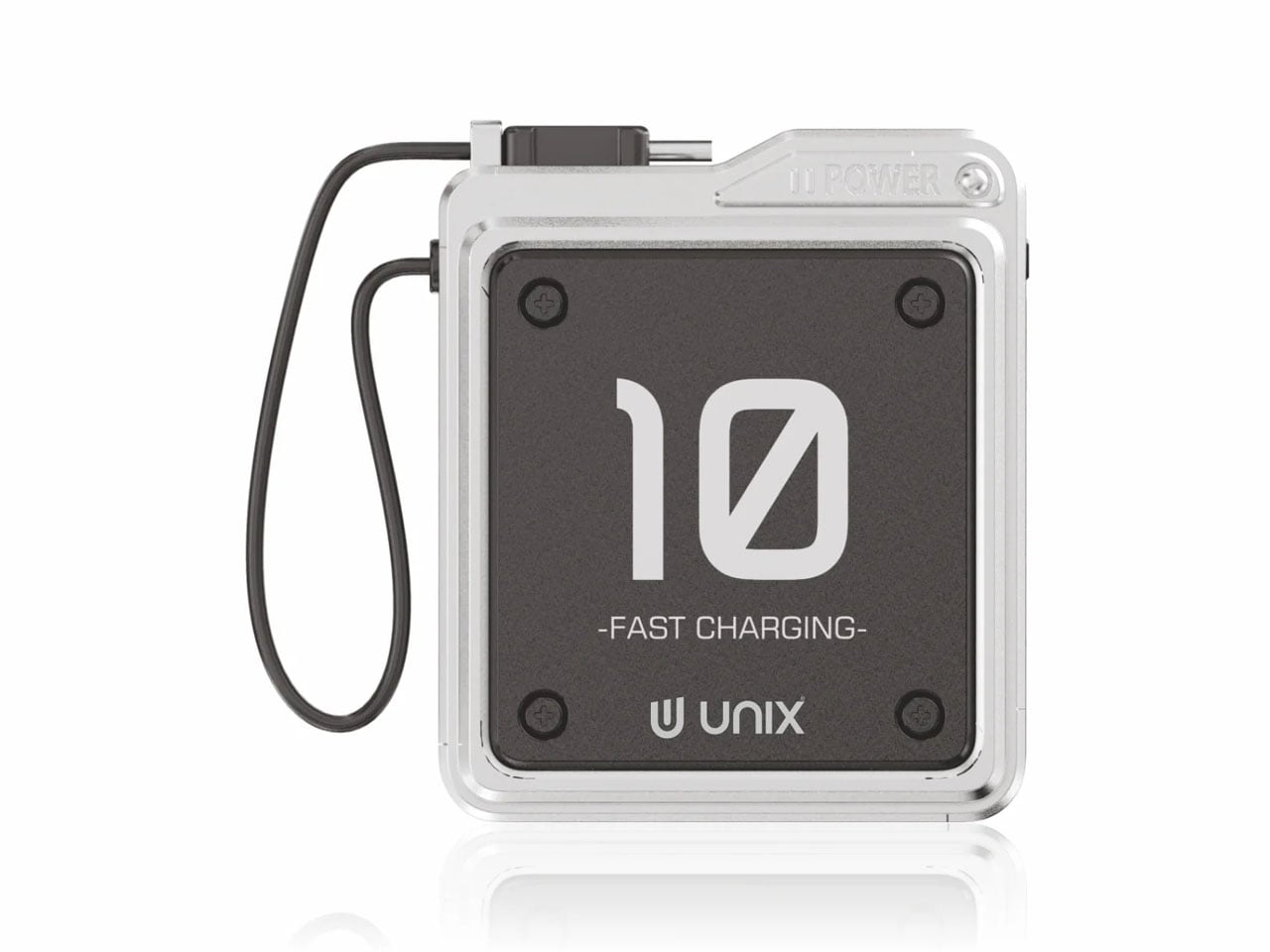
Power banks are the most boring objects in the average carry. The Unix UX-1519 NEOM challenges that assumption by wrapping 10,000mAh of capacity and 22.5W fast charging in an industrial design language that actually looks intentional. This is a real, shipping product, not a concept render.
The retro-modern aesthetic slots neatly alongside devices from brands like Nothing and Teenage Engineering, where exposed design elements and visible construction details are part of the appeal. Under the surface, a high-density Lithium Polymer battery provides a safer, longer-lasting cell compared to standard lithium-ion packs found in most competing power banks.
What we like
The industrial design treatment turns a utilitarian object into something worth displaying alongside the rest of a curated collection.
22.5W fast charging keeps compatible devices topped up quickly, cutting the time spent tethered to a power bank.
What we dislike
The design-forward approach may command a price premium over functionally identical power banks with plainer exteriors.
At 10,000mAh, capacity is adequate for one to two phone charges, but falls short for users who need to power tablets or laptops on the go.
6. Keychron B11 Pro
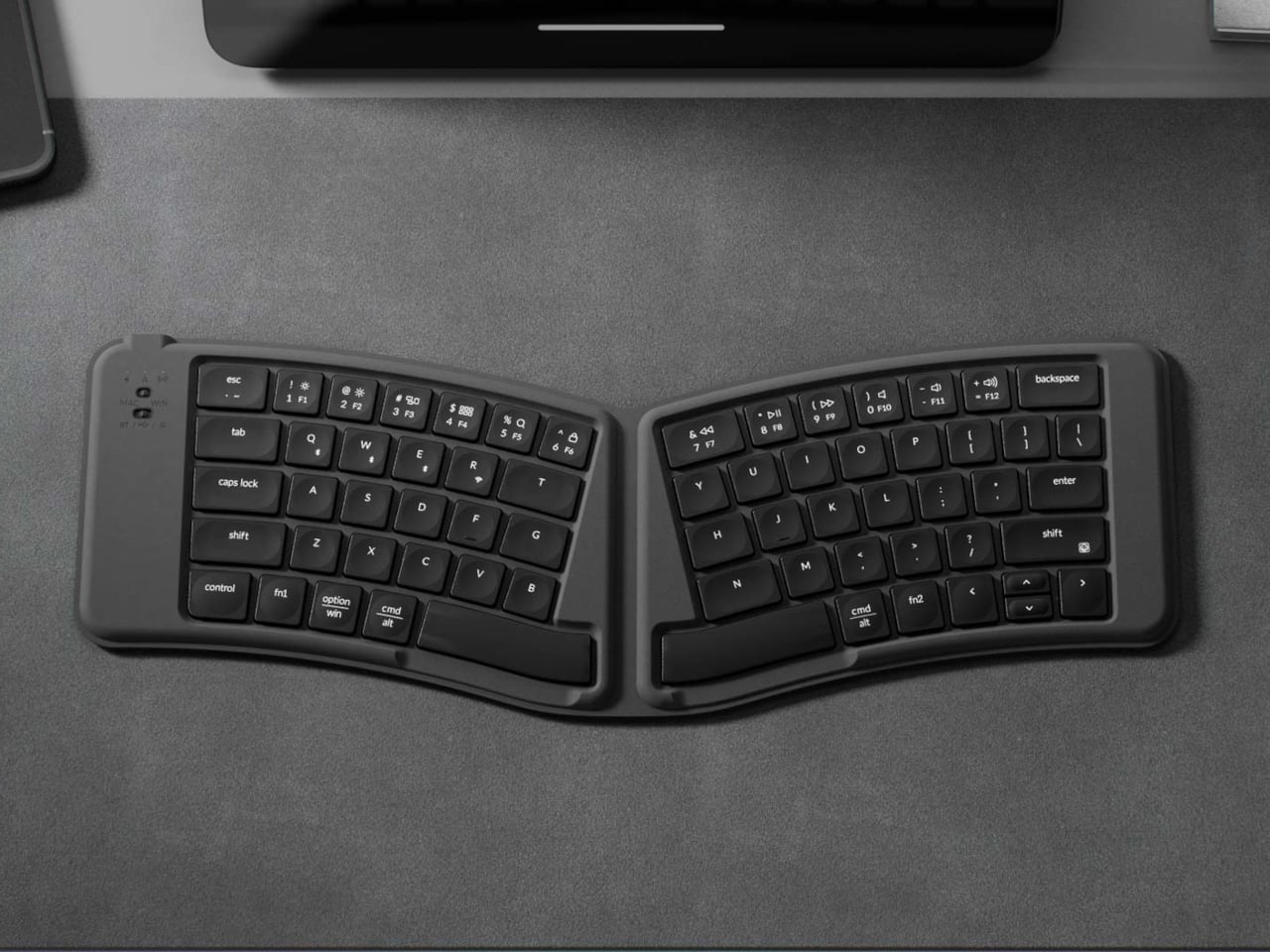
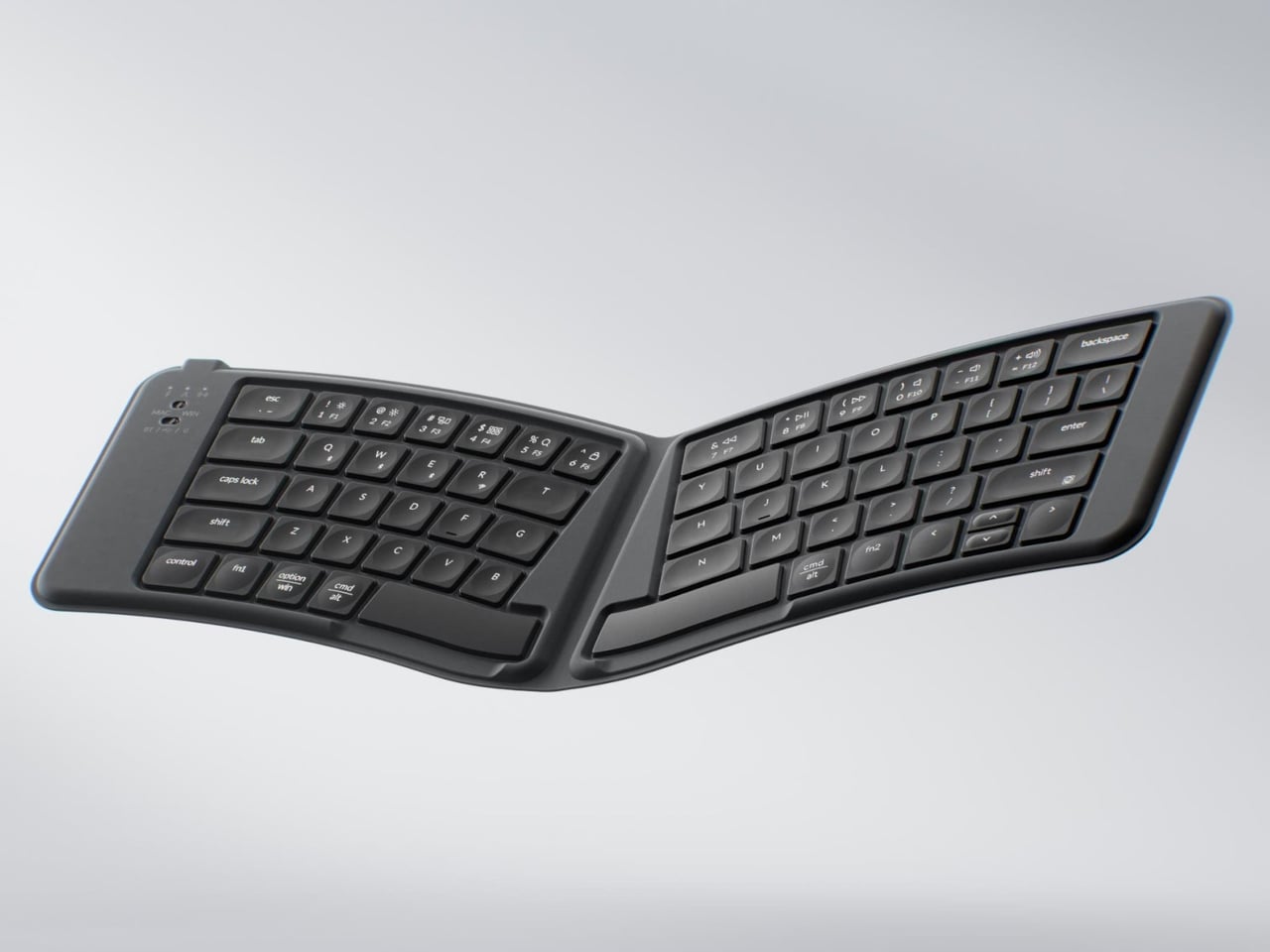
Portable keyboards have spent years treating compactness as the only variable worth optimizing. The Keychron B11 Pro adds a second priority: ergonomics. It folds in half to a 196.3 x 143 mm footprint (smaller than a paperback) at 258 grams, but unfolds into a 65% Alice layout that angles both key clusters inward for a more natural wrist position.
The Alice geometry is what separates this from every other folding keyboard in its price bracket. Keychron already uses the same split-angle approach in the desk-bound K11 Max, a full mechanical keyboard, so the ergonomic logic is well tested. Putting it into a foldable form at $64.99 is a different proposition, one that treats travel typing as something deserving of the same wrist comfort as a home office setup.
What we like
The Alice split layout reduces lateral wrist strain during long typing sessions, a benefit that flat portable keyboards do not offer.
At $64.99, the price point is accessible compared to other ergonomic keyboards that cost two to three times as much.
What we dislike
A 65% layout means missing dedicated function rows and navigation clusters, which power users may find limiting.
The folding hinge adds a visible seam along the middle of the keyboard that could collect dust and affect long-term build quality.
7. Frame CD Player
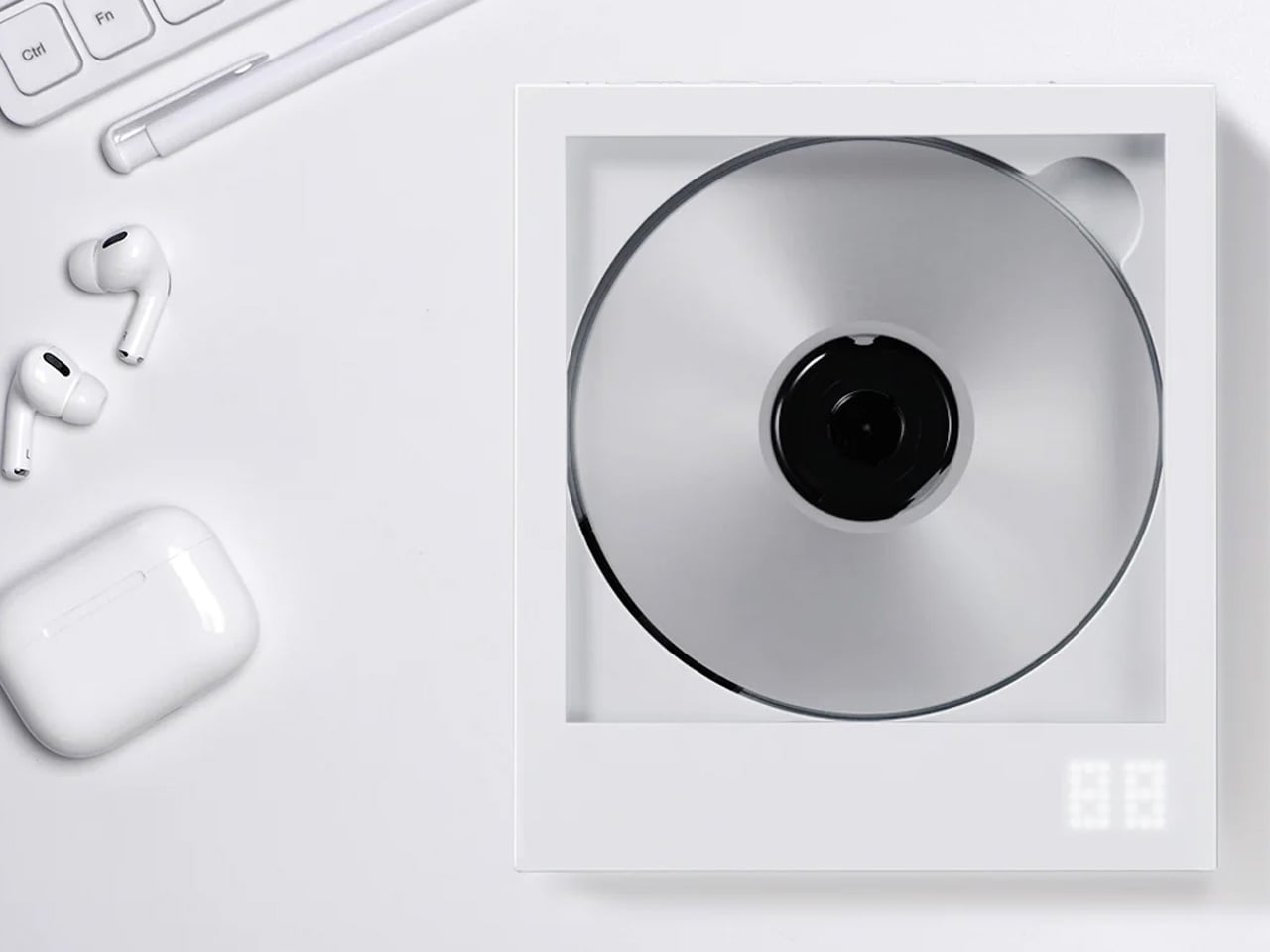
Streaming killed the CD, but it never replaced the ritual. The Frame CD player leans into that gap with a portable player that does double duty as a display for album jacket art. Pop in a disc, slide the cover art into the built-in frame, and the album becomes an object again instead of a thumbnail on a screen.
Bluetooth 5.0 lets the player connect to wireless speakers and earphones, so it works within modern audio setups without demanding a wired system. A built-in battery makes it portable enough to move between rooms or take on the go, and the minimalist housing is designed to hang on a wall as a piece of functional decor when not in transit.
The album art frame transforms a music player into a visual display piece, giving physical media a presence that streaming cannot replicate.
Bluetooth 5.0 connectivity bridges the gap between vintage formats and modern audio gear without extra adapters or cables.
What we dislike
CD collections are shrinking, so the player’s long-term utility depends on how committed a listener is to physical media.
Sound quality through Bluetooth compression will not satisfy audiophiles who are drawn to CDs for their lossless audio in the first place.
Less carry, more intent
The common thread running through these seven gadgets is not a spec sheet or a price bracket. It is an attitude toward what portable tech should be: small enough to disappear when not needed, capable enough to perform when called upon, and designed with enough intention that carrying them feels like a choice rather than a burden. Not every product on this list will suit every carry, but each one earned its pocket space.
What makes this current wave of compact gadgets exciting is the refusal to treat portability and quality as opposites. The best pocket-sized tech does not ask for compromise. It simply demands better design thinking, and these seven products deliver on that front in different, often surprising ways.
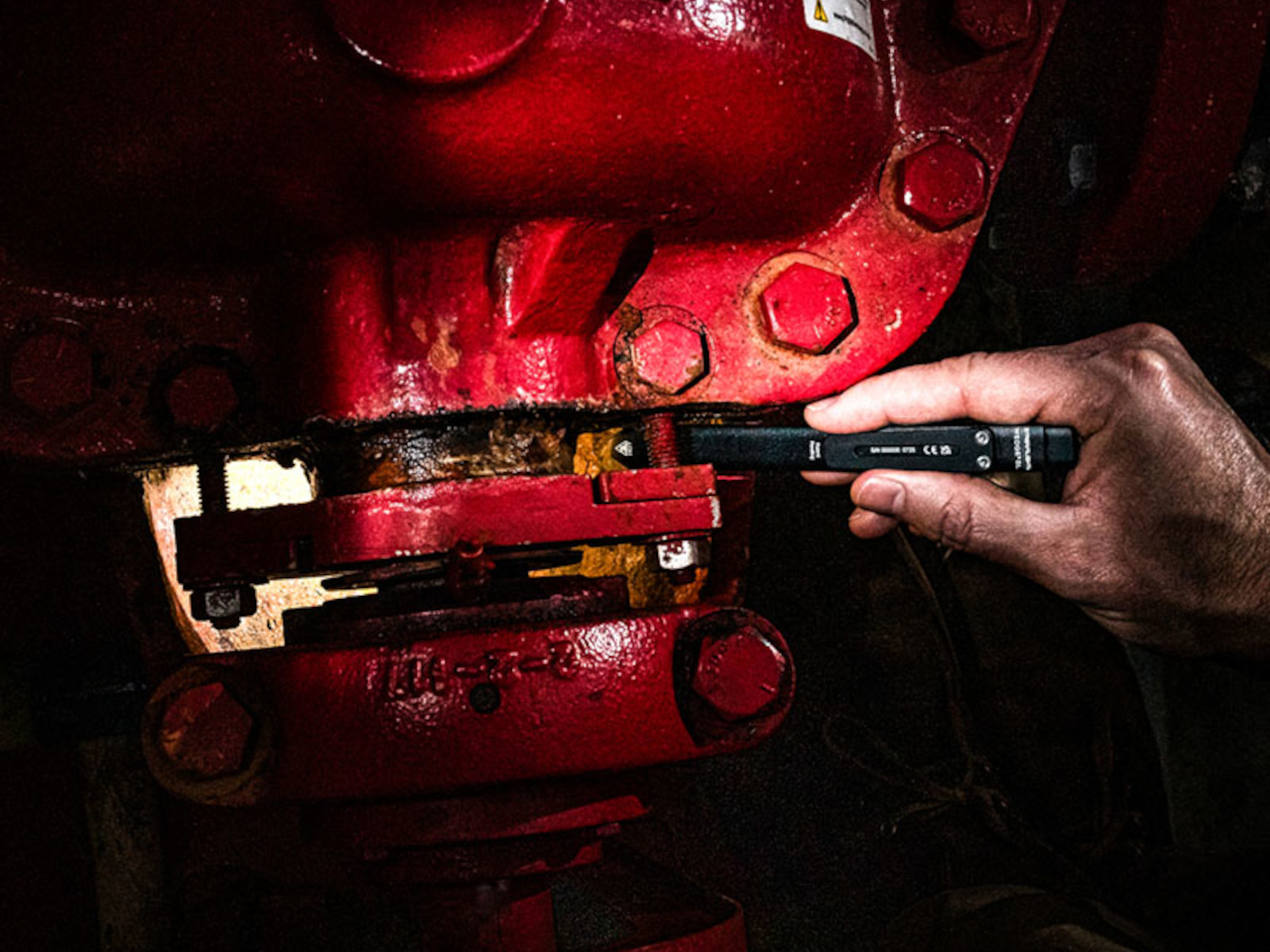
Most people don’t carry a flashlight, which is something they only realize when they’re already crammed under a sink, squinting at a fuse box, or trying to read a label in a poorly lit corner of a garage. Cylindrical lights are bulky, they roll off surfaces, and they feel overbuilt for the kind of everyday moments where you just need a quick, reliable beam. So they get left at home, and your phone flashlight ends up doing all the work.
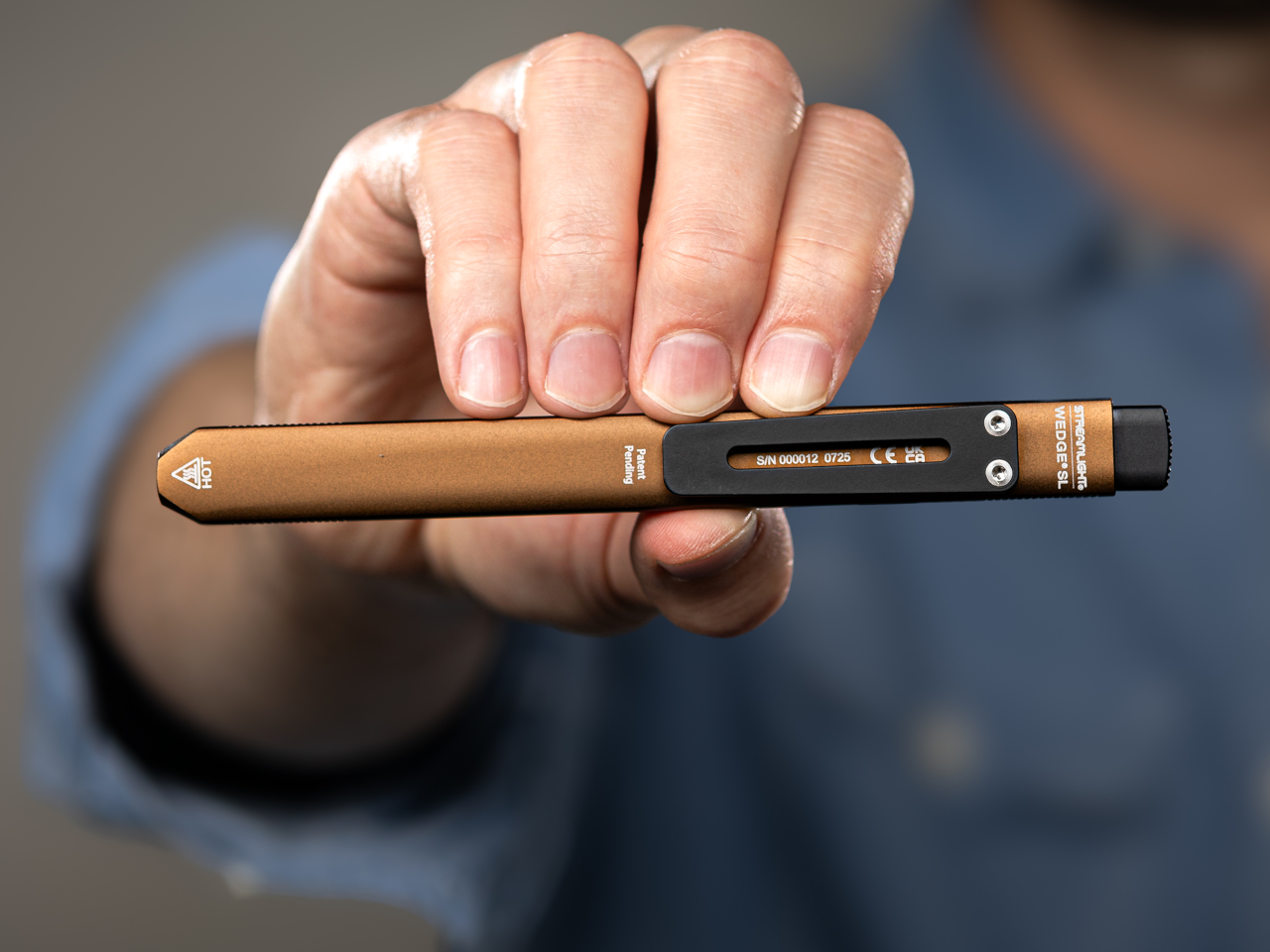
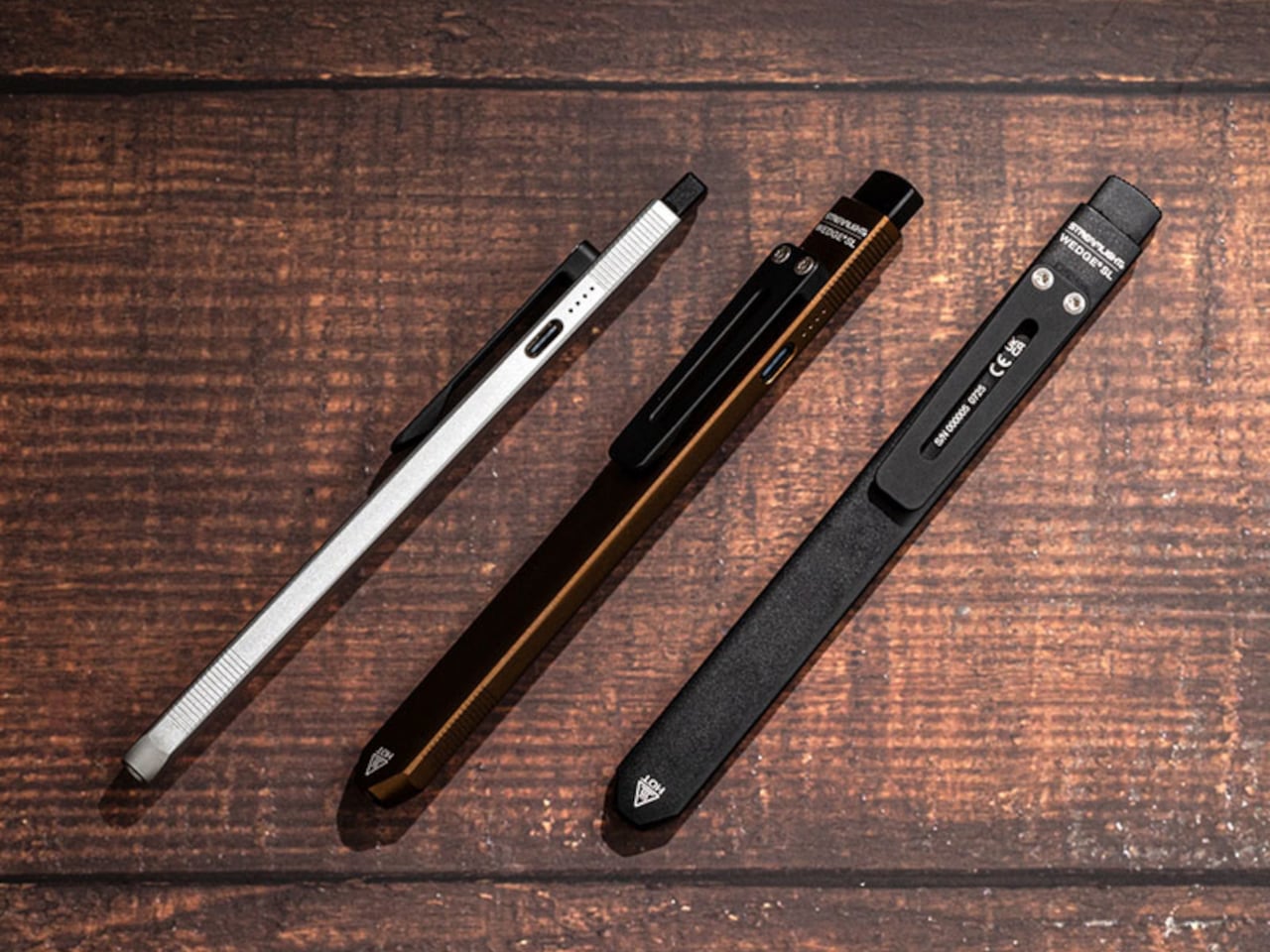
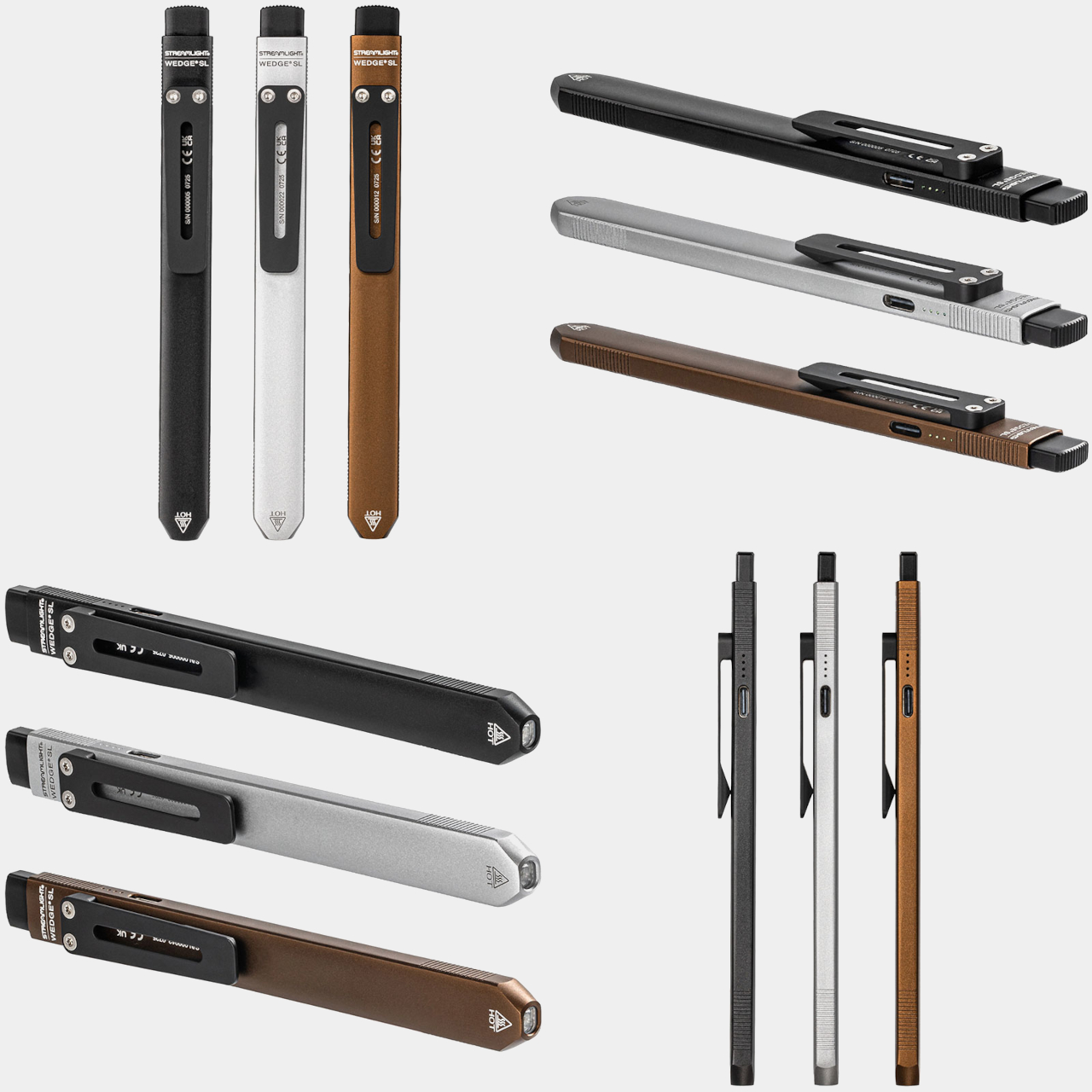
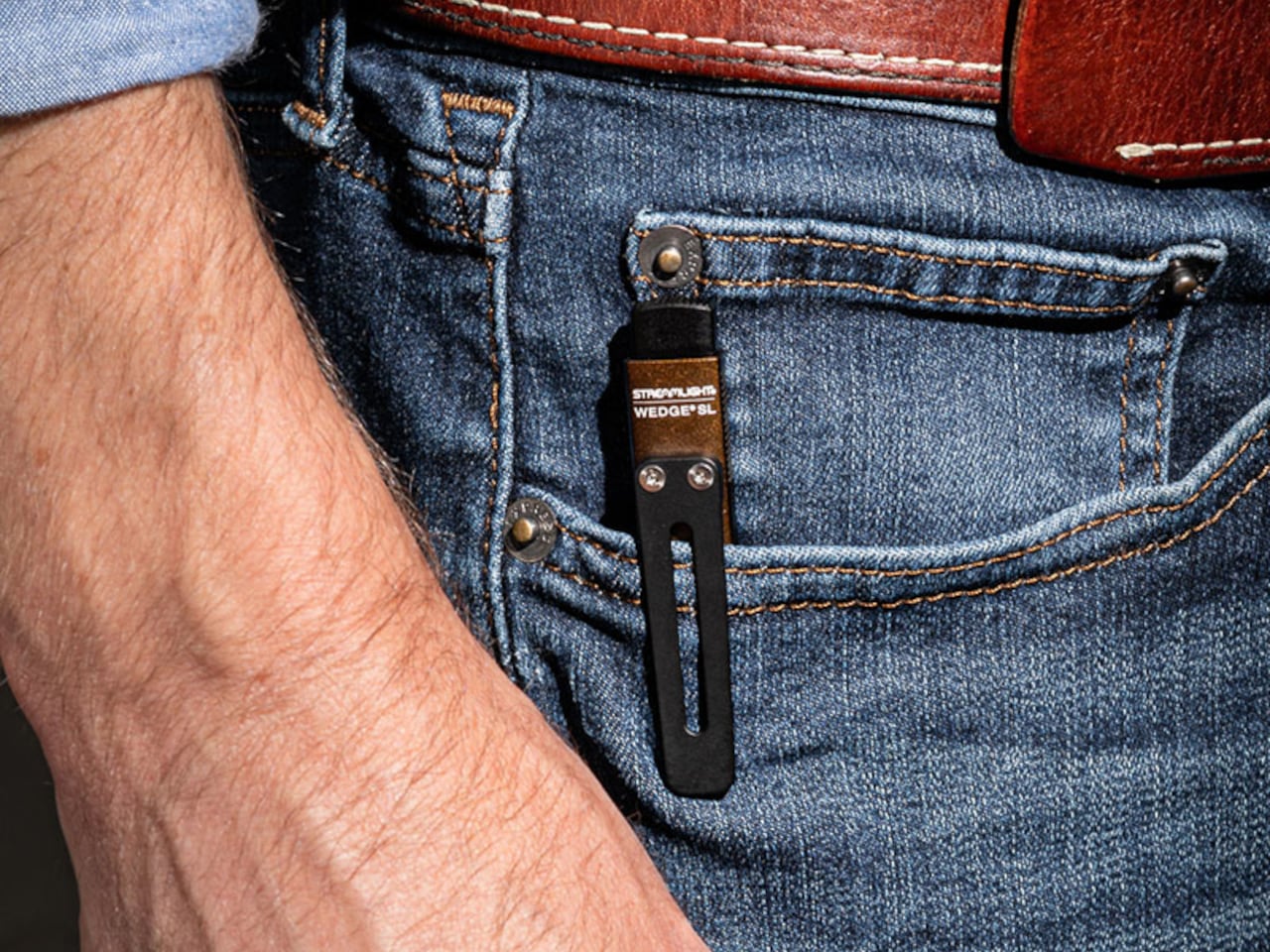
The Wedge SL is a USB-C rechargeable inspection light with a sleek, modern design built to actually stay in a pocket. The ultra-thin unibody construction puts the dimensions closer to a pen than a flashlight, 5.65 inches long, 0.28 inches thick, and about 1.14 oz light, which means it doesn’t fight for space with keys and a wallet. A stainless steel injection-molded pocket clip also lets it ride on a shirt pocket or tool pouch without bouncing around.
One-handed operation was clearly part of the brief. The tail switch handles momentary or constant-on use, so one hand can hold a panel, a wire bundle, or an awkward hatch while the other hand aims the light exactly where it needs to go. TEN-TAP programmable switch lets users choose whether constant-on defaults to High or Low intensity, which means the light can match your habits rather than forcing you to cycle through modes every time you switch on.
For an inspection light, the available modes are spot on, pardon the pun. Constant-on High runs at 100 lumens for 1.75 hours, Low drops to 50 lumens for 3.5 hours, and THRO (Temporarily Heightened Regulated Output) mode pushes 500 lumens with an 80m beam when you need maximum brightness fast. THRO is activated by a 3-second press, which keeps it from firing accidentally during sustained work while still making it quick to trigger when a tight space needs a real burst of light.
The battery side holds up well. USB-C charging and a four-level LED battery status indicator with charge alerts mean you always know roughly how much is left, without deciphering blink codes. A full charge takes about four hours. The field serviceable, user-replaceable lithium polymer battery is also worth calling out, since many rechargeable lights eventually become e-waste once the cell degrades inside a sealed body.
Durability gets the same careful treatment, as the extruded aluminum alloy case comes with a Type II MIL-Spec anodized finish. The lens is also unbreakable acrylic, and the light is IPX4-rated with 1m impact resistance testing. A bite boot is also included, which lets you grip it with your teeth during two-handed work without scratching the finish or the inside of your mouth.
The Streamlight Wedge SL earns pocket space by being thin, predictable, and quick to operate instead of trying to be a tactical statement piece. A flashlight that’s actually on you is always going to matter more than one that performs better on a spec sheet but gets left on the workbench because it’s too big to bother carrying every day.
Tiny breaks in the day, waiting for a kettle, standing in a hallway, sitting on the toilet, tend to collapse into the same pattern. Unlock phone, scroll, refresh, repeat. It is not about being distracted so much as not having anything better that fits into sixty seconds. A small, self-contained game console can live in that gap without dragging you into an endless feed, offering something that feels finished instead of endless.
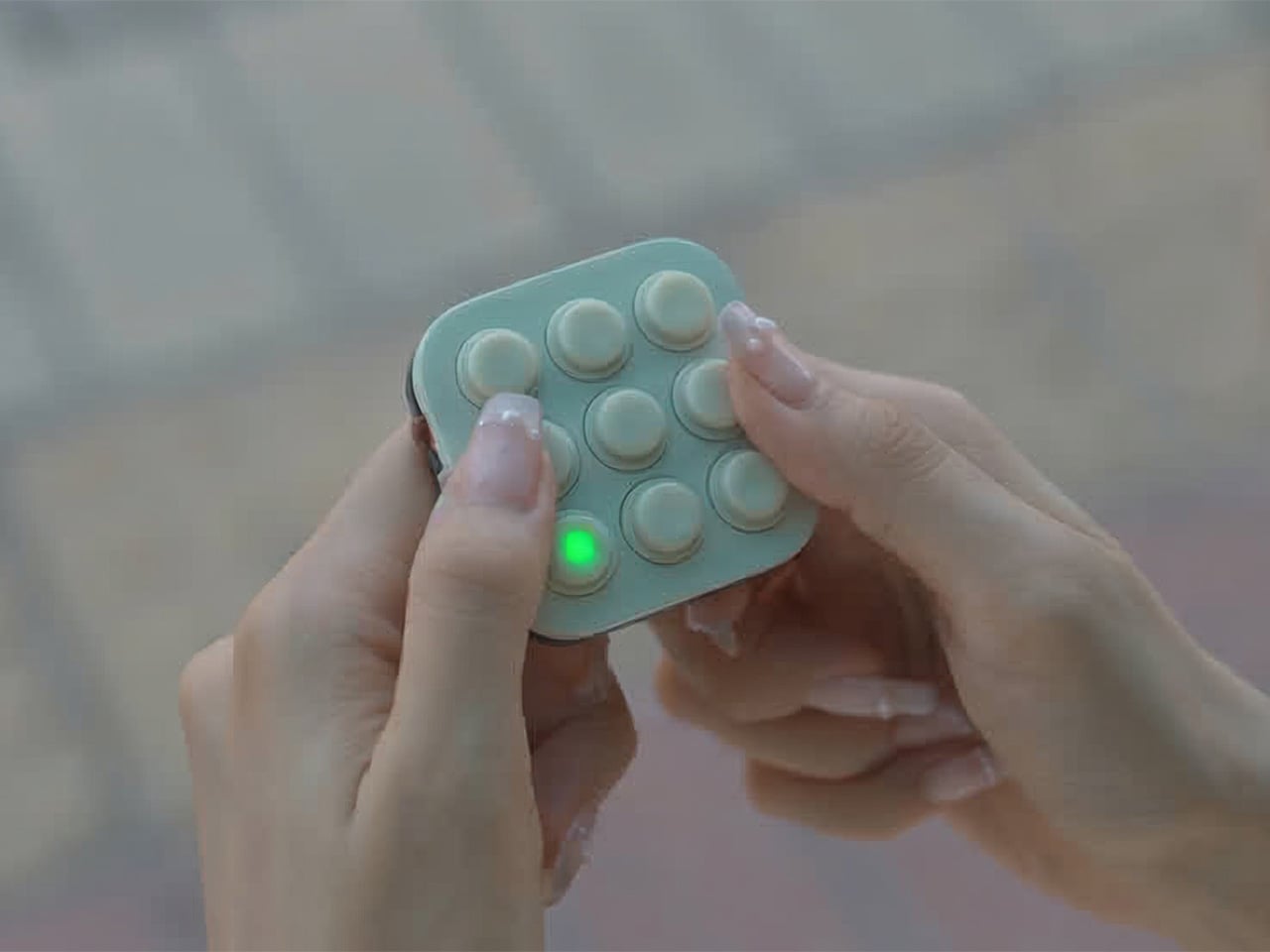
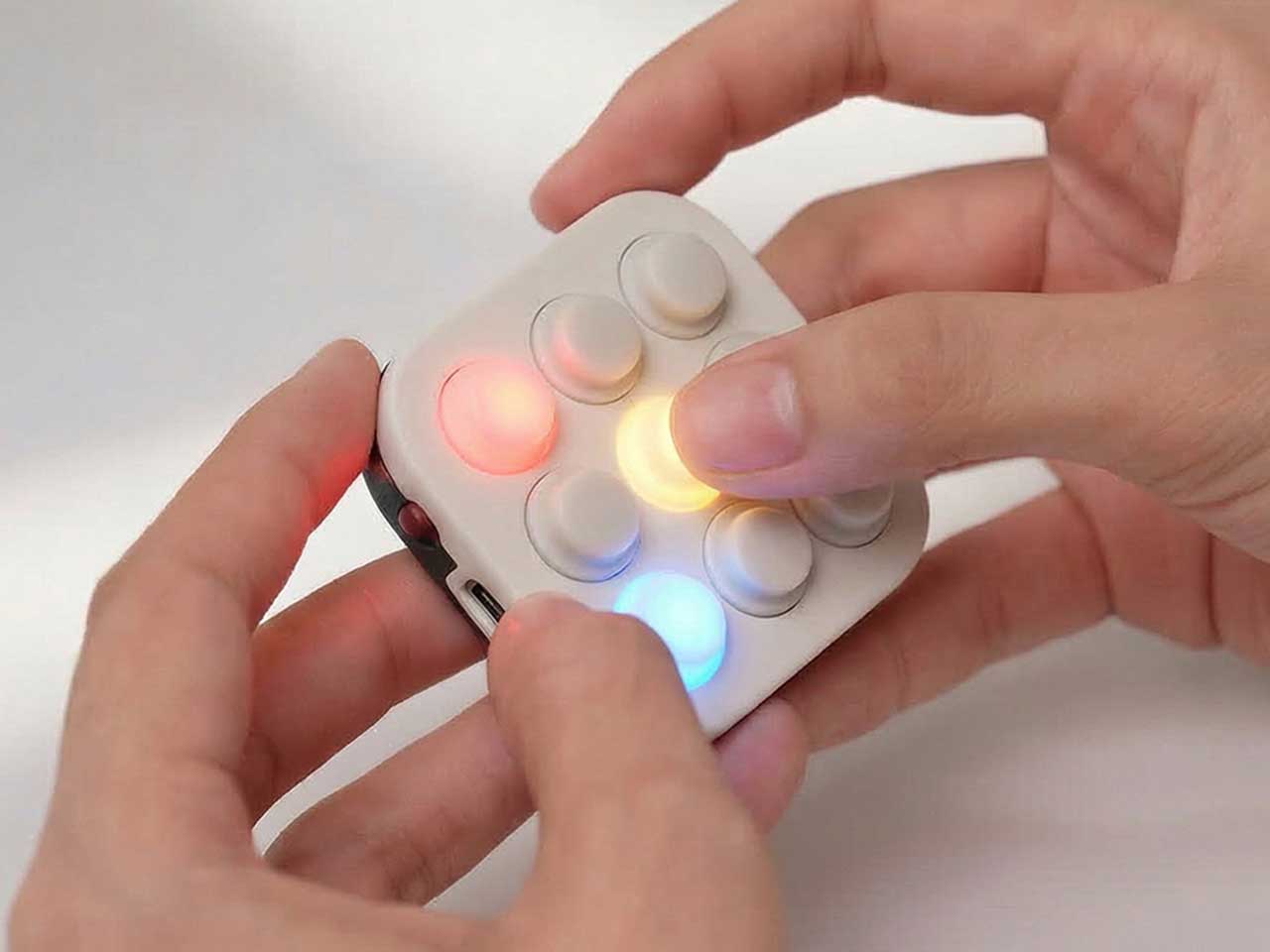
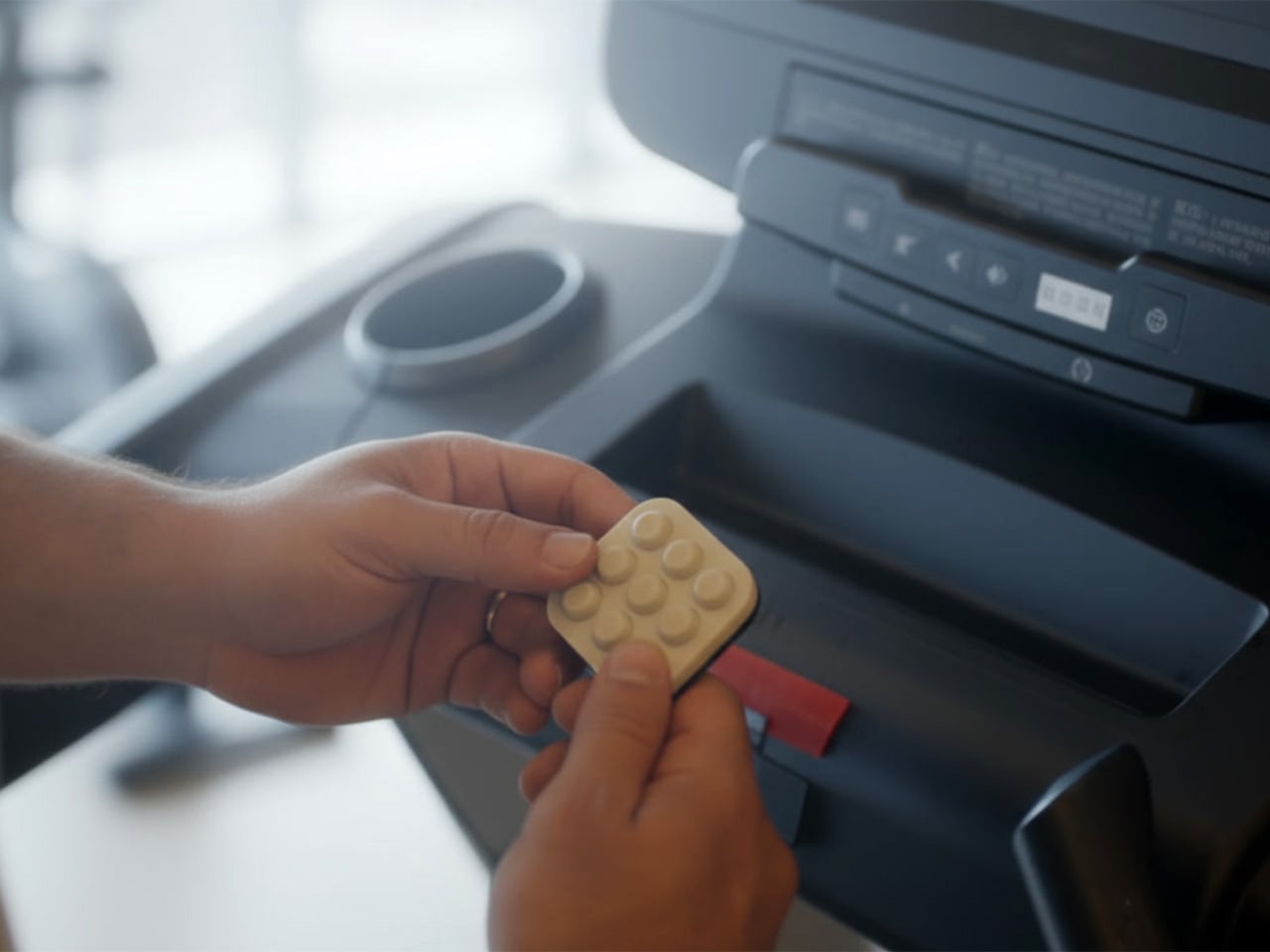
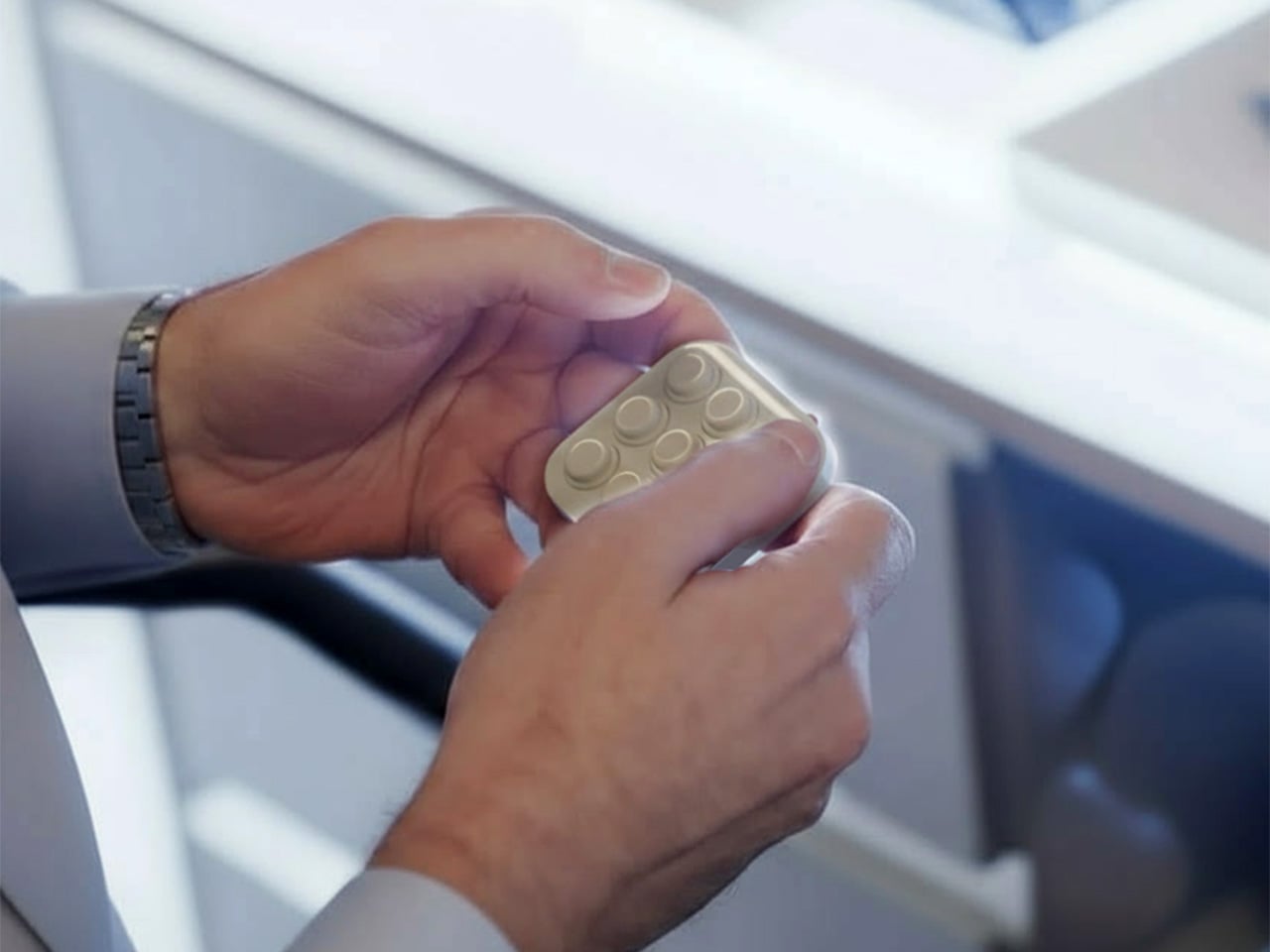
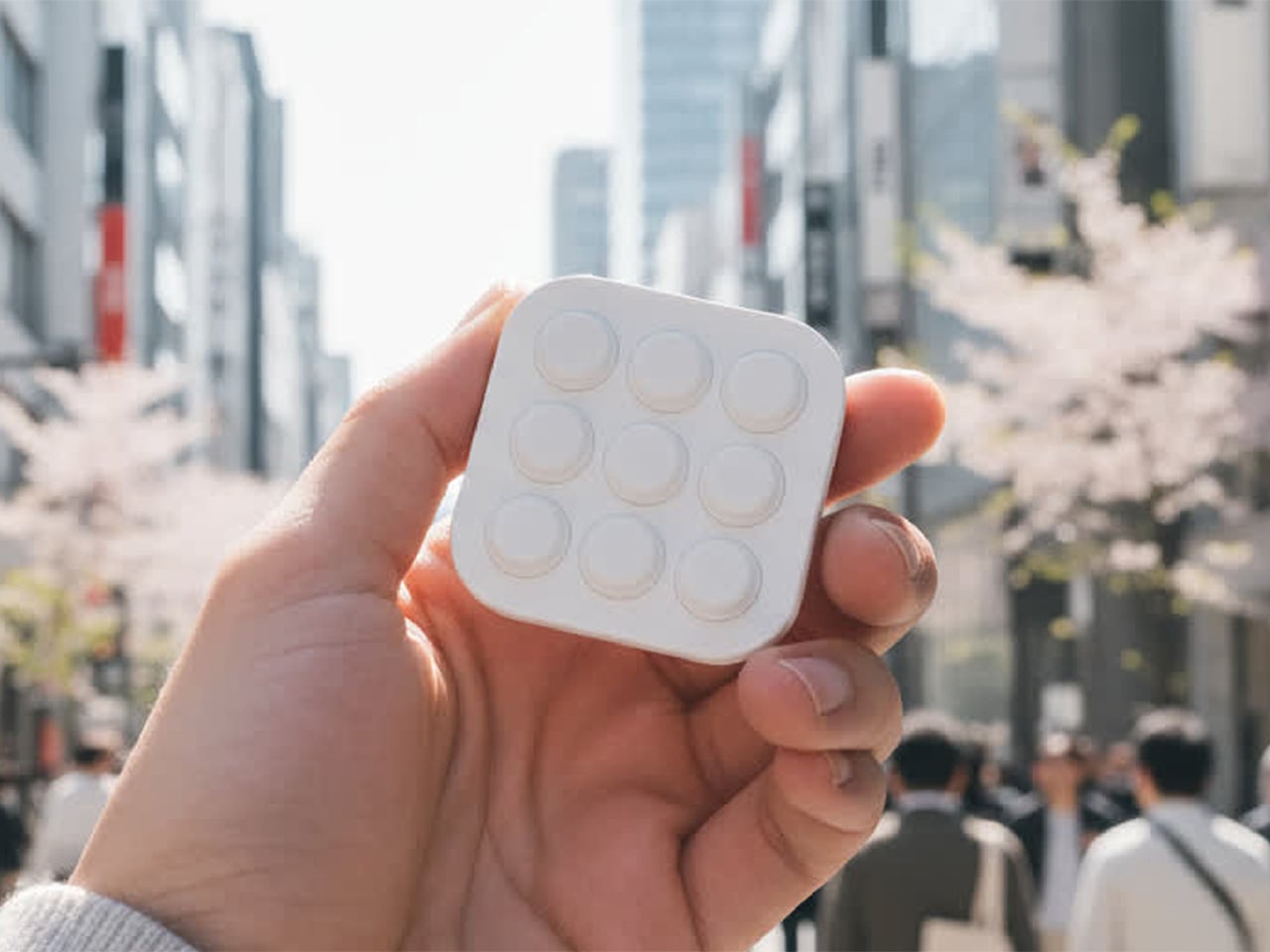
BrainBlink is a pocket-sized brain-training arcade, a nine-button handheld with 60-second games, real tactile switches, and an optional global ladder. It is built around the idea of mental fitness, not in a heavy way, but as a quick hit of focus and challenge that feels satisfying to start and finish. It is designed for those tiny windows of time when a full game or deep work session is unrealistic, but doing nothing leaves you restless.
Designer: Nicolas Aagaard (LastObject) and Joshua Fairbairn (Morpho)
BrainBlink ships with eight on-device games, each a 60-second challenge that targets different skills, working memory, reaction time, pattern recognition, focus, and speed. The games are quick to learn but hard to master, and the device is offline-first, storing scores locally so you can play anywhere without a phone or network. The fixed session length makes it easy to dip in and out without losing track of time or getting sucked into another hour of screen glowing.
The competitive layer kicks in when you sync to the global ladder and tournaments. When you hit 3-2-1-GO in those modes, you are matched against another human brain somewhere else, both of you trying to out-tap and out-focus each other in the same sixty-second window. The appeal is not just the score, but the sense that someone in Chicago, Berlin, or Tokyo is wide awake and locked in with you for that minute, feeling the same pressure.
The companion app for iOS and Android adds stats, streaks, profiles, leaderboards, and performance charts as an optional layer. It handles Bluetooth Low Energy 5.0 sync, over-the-air firmware updates, and ghost races, but you do not need it to enjoy the core games. This keeps the device from becoming another notification source while still letting people who love data and progression dig deeper when they want, without forcing that on everyone who just wants to play.
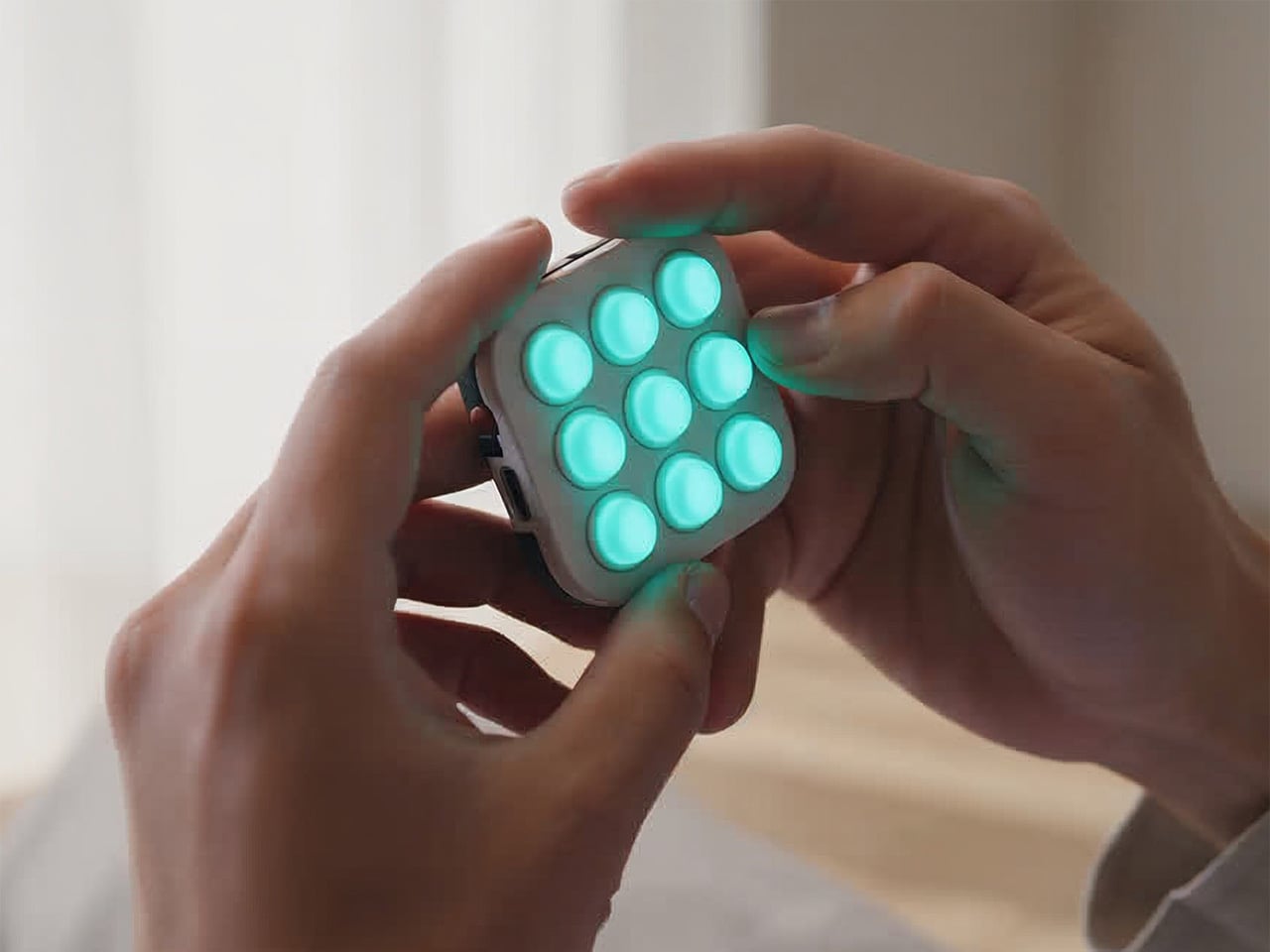
The hardware is a 55 × 55 × 17.6 mm square with nine mechanical-style buttons, an RGB LED array, and a rechargeable lithium battery over USB-C. The tactile switch matrix is rated for more than 100,000 presses, the durable ABS housing is wrapped with soft-touch silicone buttons, and the water-resistant shell is built for bags and pockets. An adaptive difficulty engine in the onboard MCU models your performance and adjusts challenge levels to keep sessions engaging as you improve.
BrainBlink is offline-first, storing every score locally until you decide to sync, which makes it usable on planes, in elevators, or anywhere signals are flaky. Over-the-air firmware updates mean new modes and refinements arrive over time, so the device does not feel frozen on day one. That combination of physical durability and evolving software makes it feel more like a tiny console than a novelty gadget that stops being interesting after a week.
The device might live next to a laptop, in a hoodie pocket, or clipped to a bag. Instead of reflexively reaching for a phone during a spare minute, you pick up a small square, press a button, and give your brain a short, focused sprint. For people who like the idea of training attention without turning it into a chore, that kind of playful, sixty-second ritual is where a device like this quietly earns its place, offering something deliberately finite in a world of infinite feeds and tabs that never close.
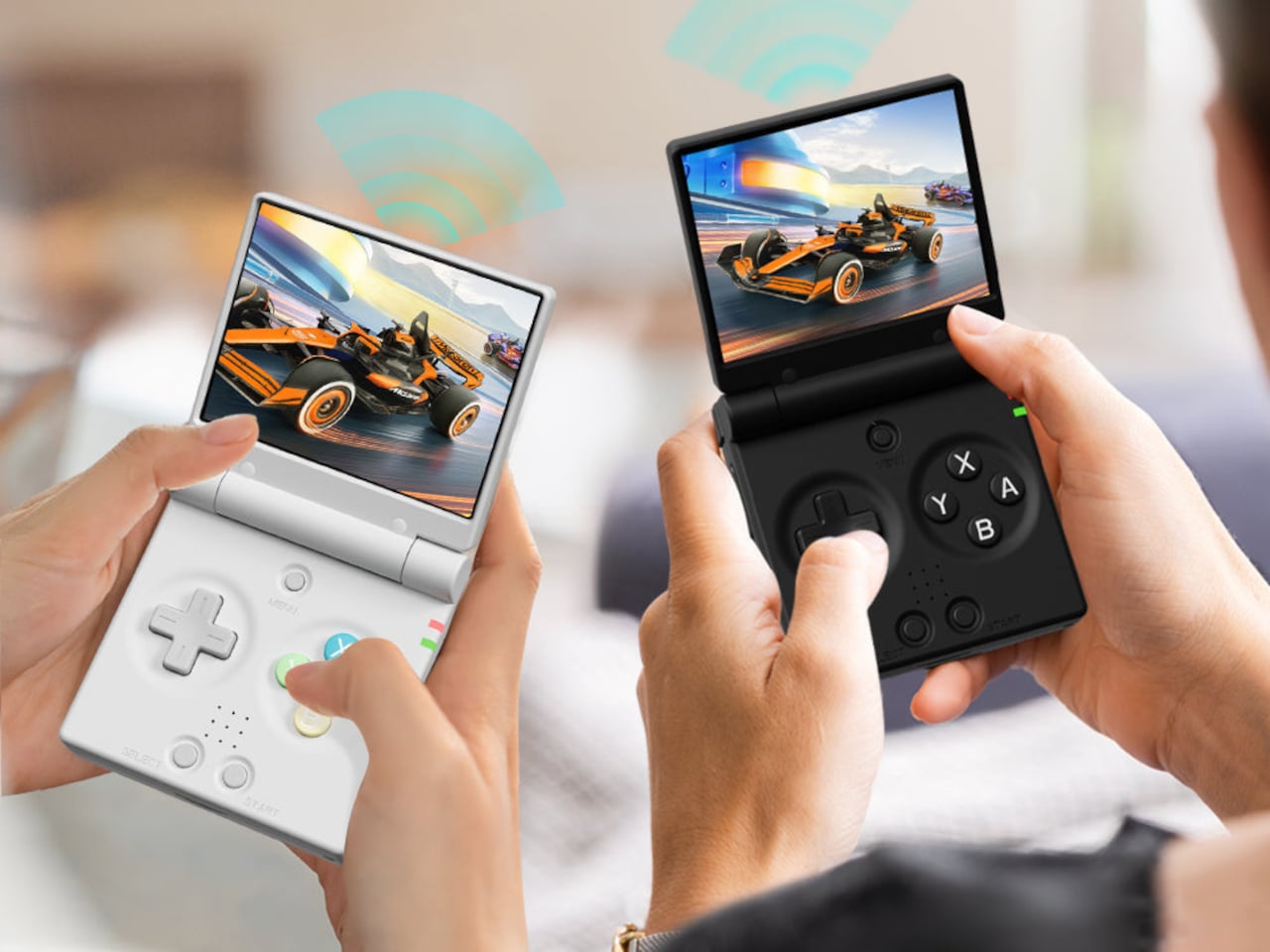
Retro handhelds have exploded in the last few years, from chunky bricks to tiny keychain consoles, and a lot of them still feel like little Linux boxes with buttons bolted on. The Game Boy Advance SP’s clamshell still lives rent-free in people’s heads, that satisfying snap when you close it, and the way it fits into a pocket without scratching the screen. The Miyoo Mini Flip is a modern answer to that memory, scaled for pockets and commutes.
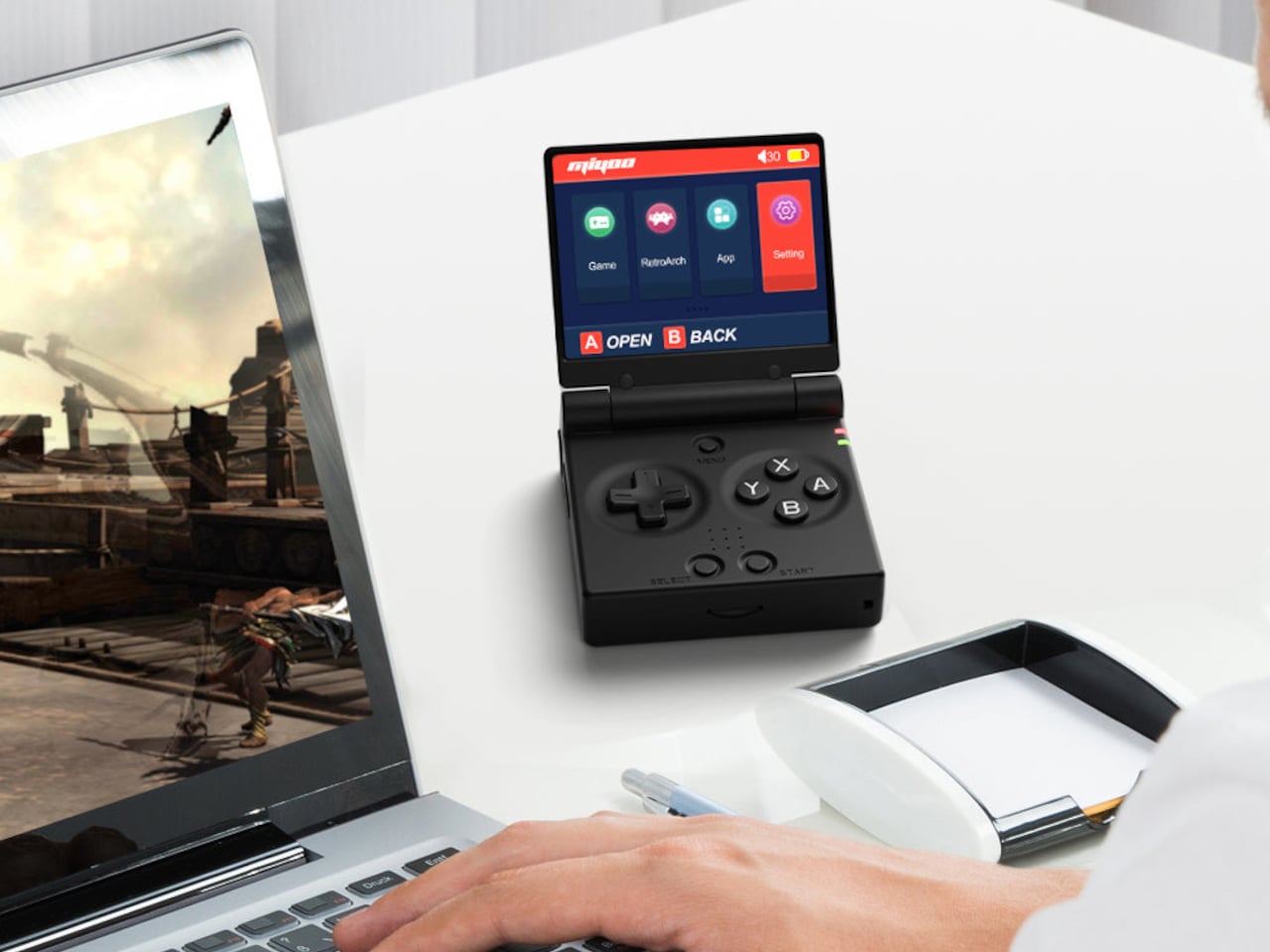
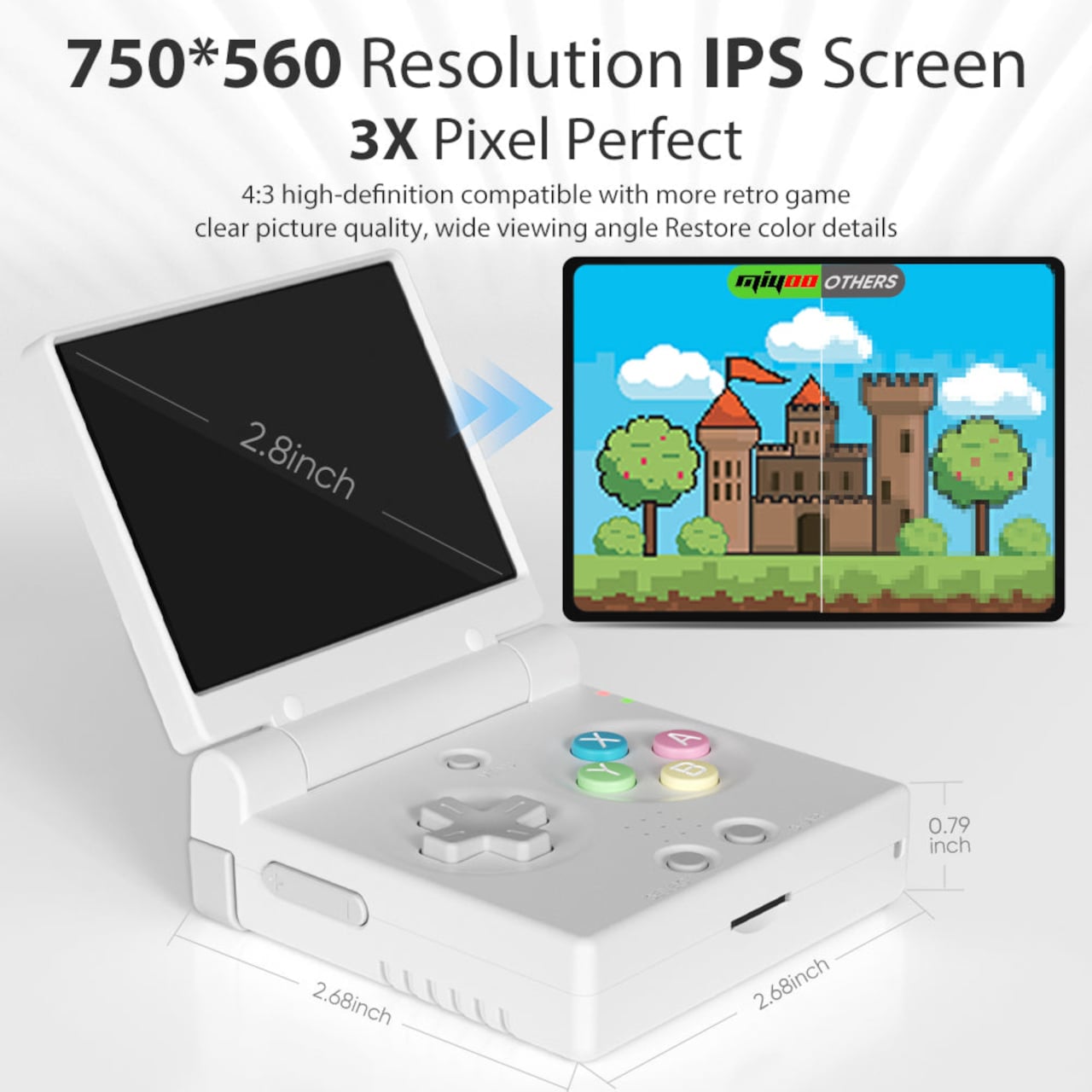
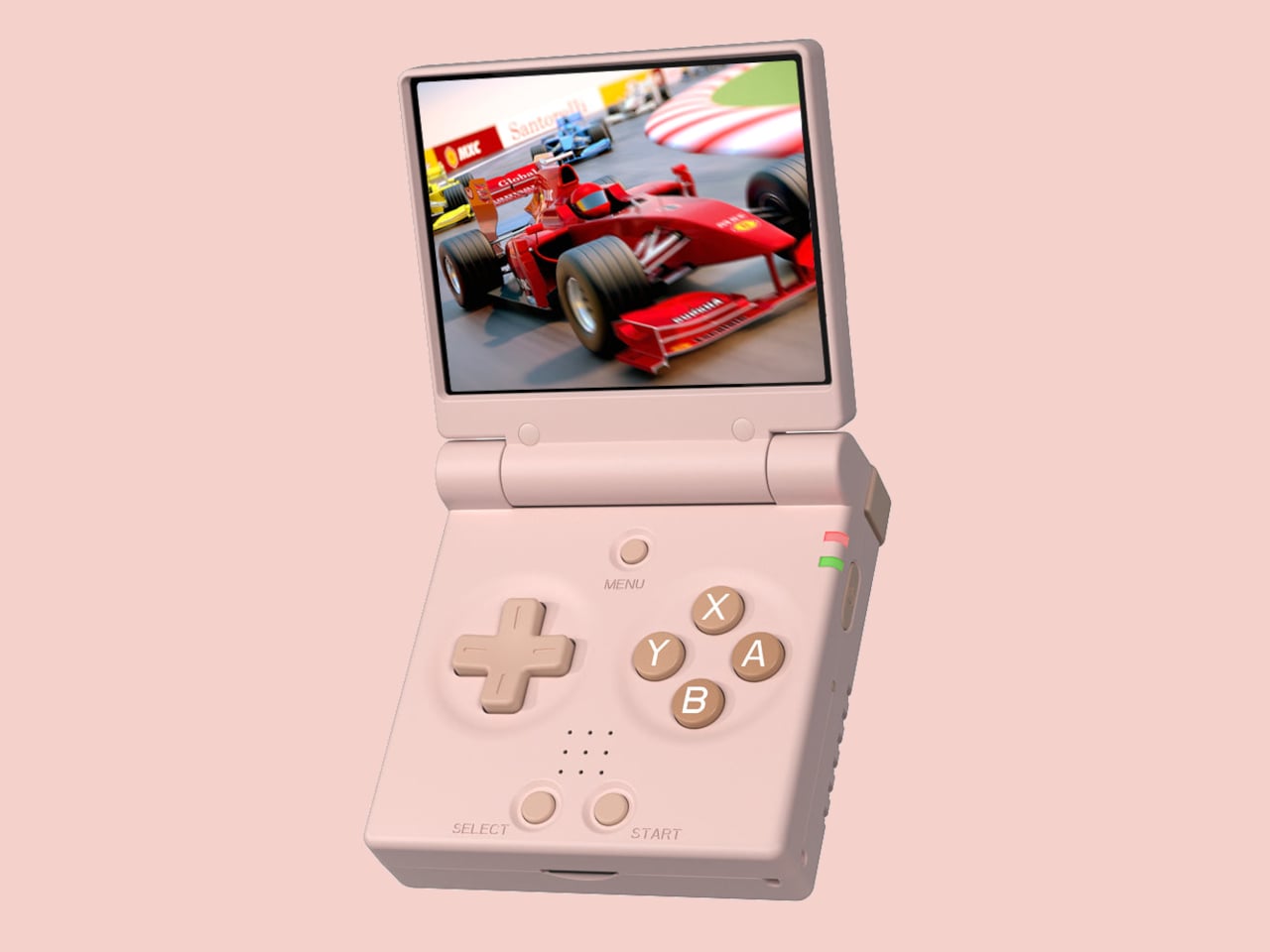
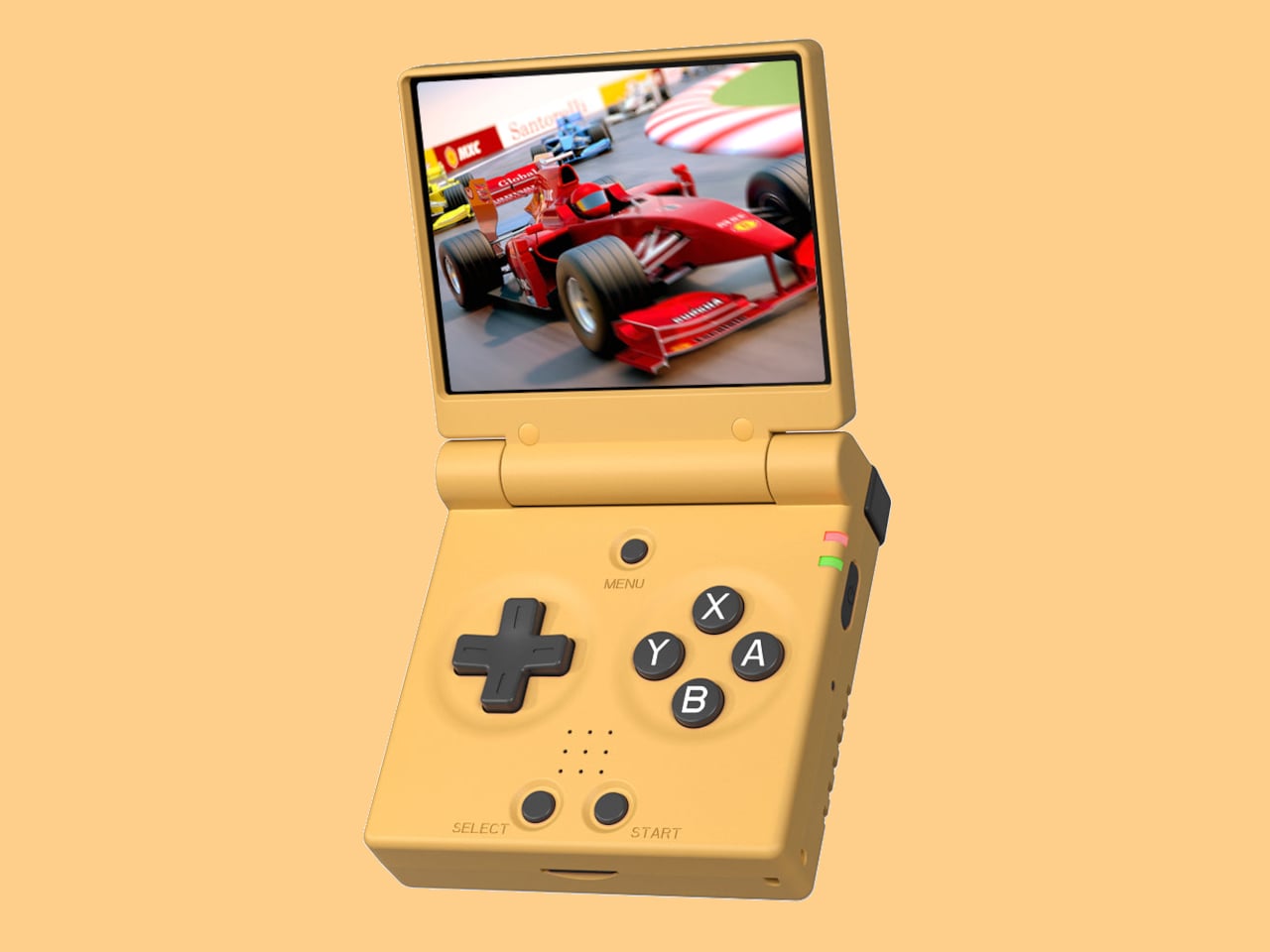
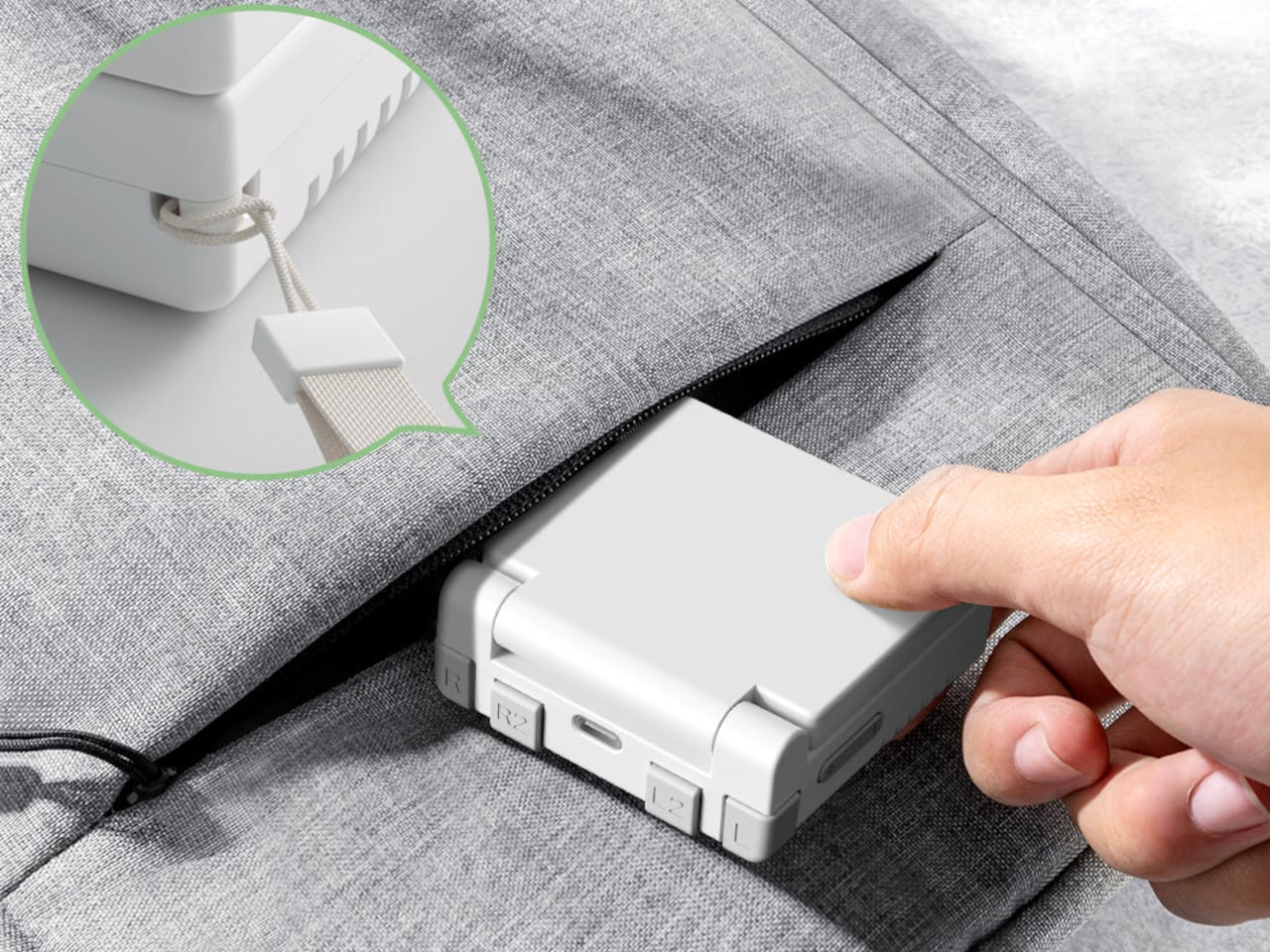
The Miyoo Mini Flip is a folding version of Miyoo’s tiny emulation handheld, now with an upgraded hinge for better durability. Closed, it is a 2.68‑inch square about 0.79 inch thick, small enough to disappear into a jeans pocket or bag. Open it up, and you get a full control deck and a 2.8‑inch screen, turning idle minutes into quick sessions of 8‑bit and 16‑bit comfort food without needing to commit to a full setup.
The 2.8‑inch IPS panel runs at 750 × 560 with a 4:3 aspect ratio, which lines up nicely with most classic consoles. The marketing calls it “3× pixel perfect,” hinting at clean integer scaling for certain systems, so sprites and tiles look crisp instead of smeared. Wide viewing angles and decent colour make pixel art and old racing games feel surprisingly alive on such a small canvas, bright enough to play outdoors or on a dimly lit train.
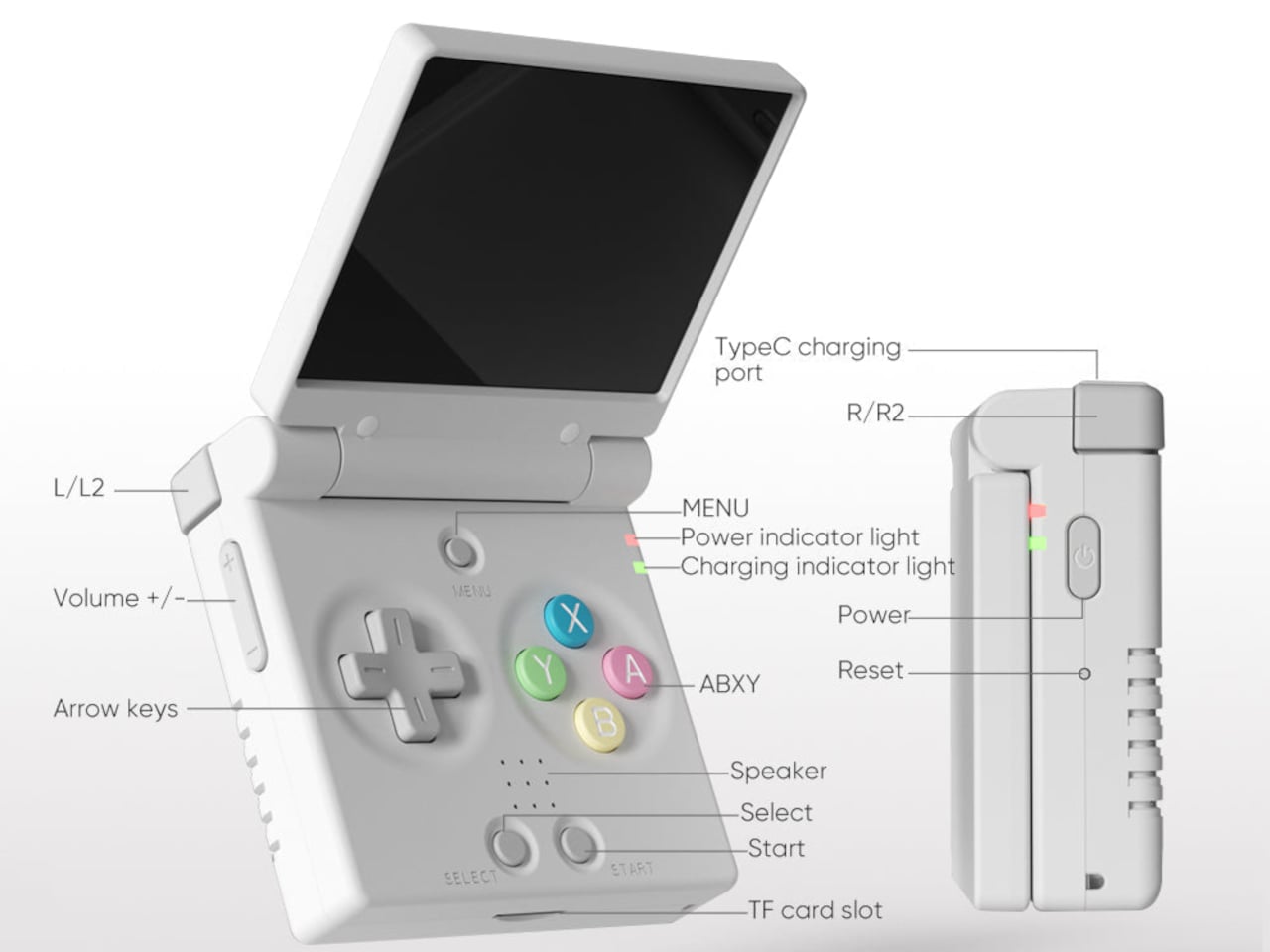
The control scheme mixes classic D-pad, ABXY face buttons, Select and Start, a Menu key, and L/L2 and R/R2 shoulder buttons tucked along the back edge. Volume and power live on the sides, with a front speaker and a TF card slot underneath. The layout feels like a mashup of modern controllers and old handhelds, giving thumbs familiar landmarks without overcomplicating a device that is meant to be grabbed and played.
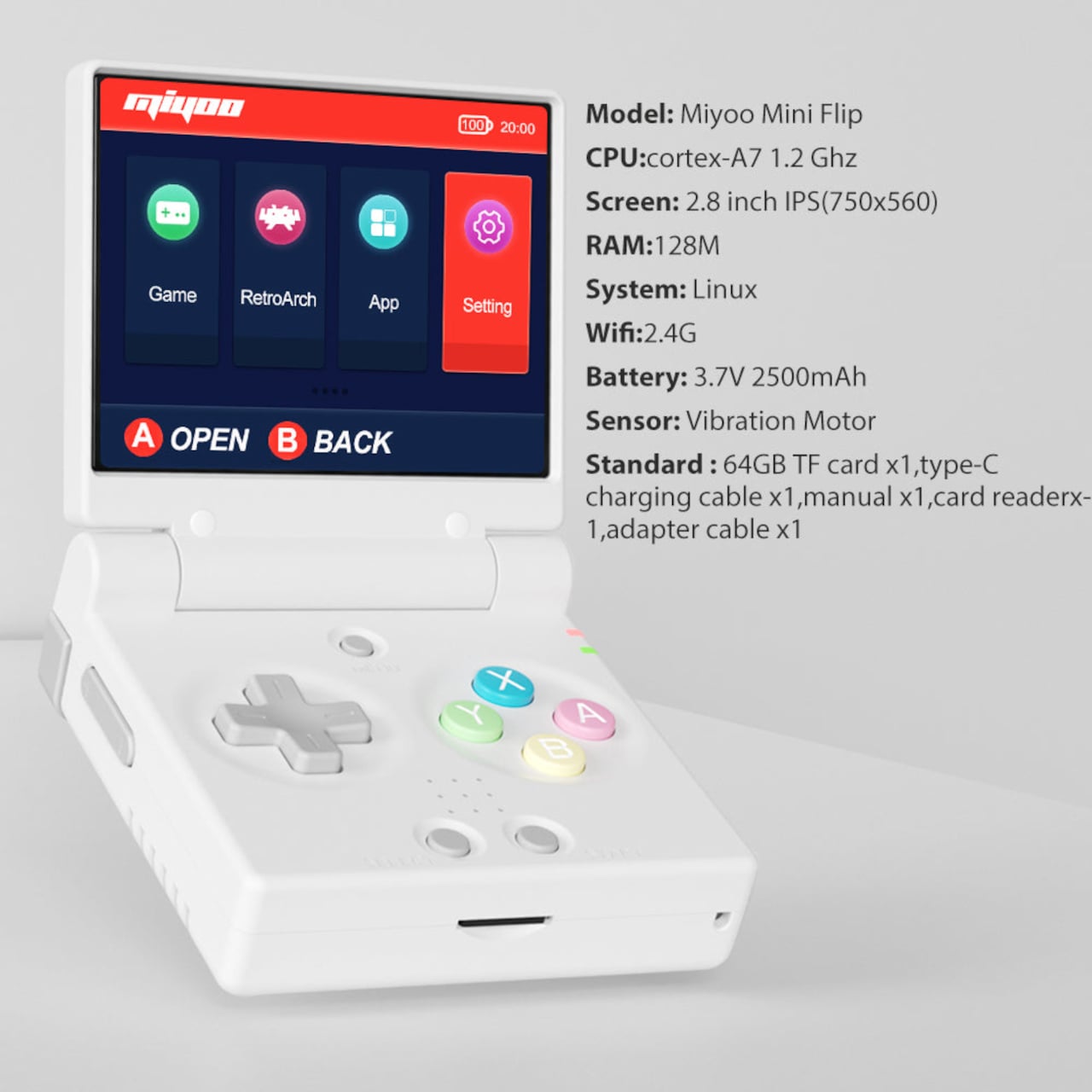
The hardware is a Cortex‑A7 at 1.2 GHz, 128 MB of RAM, Linux under the hood, 2.4 GHz Wi‑Fi, and a 3.7 V 2500 mAh battery. It is tuned for NES, SNES, GBA, PS1, and similar eras, not chasing Switch-level performance. The bundle usually includes a 64 GB microSD card and USB‑C cable, so you are not hunting for storage or adapters before you can start tinkering with ROMs and emulator settings.
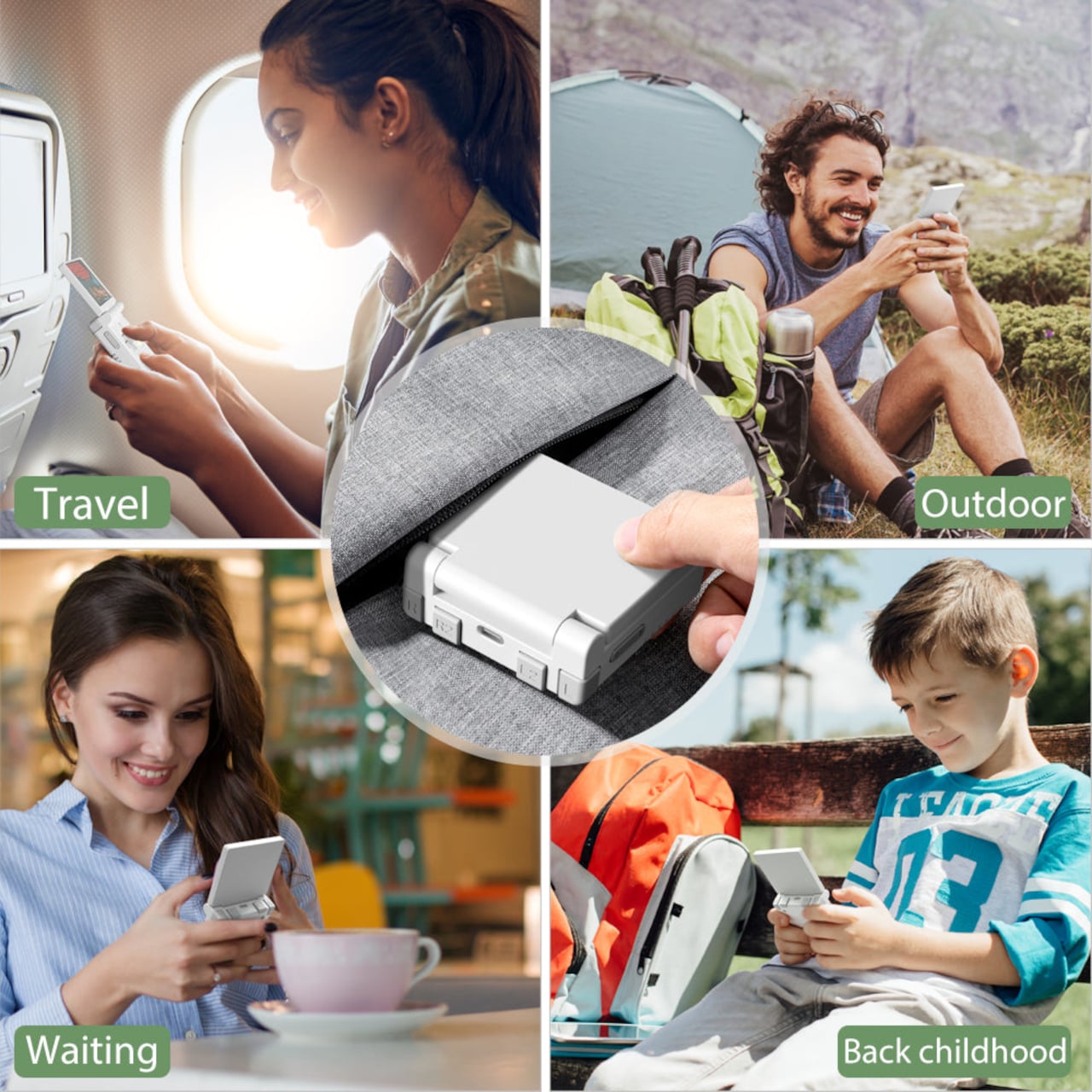
The hinge‑enhanced durability callout addresses early batches where people worried about wobble and wear. Closed, the Flip feels like a small, dense square you can toss into a pocket, backpack, or travel pouch without babying it. Marketing leans into travel, outdoor, waiting, and “back childhood” scenarios, which is exactly where a device like this shines, filling dead time with a few more runs of your favourite platformer or racer.
The Miyoo Mini Flip stands out beyond the emulator list. The clamshell form, upgraded hinge, sharp 4:3 IPS screen, and toy-like colours make it feel like a considered object, not another PCB in a shell. Retro games live as a small ritual in a pocket rather than a full setup on a desk, and this little folding square hits a very specific, very charming note without demanding much more than a microSD card and a willingness to revisit Super Mario World one more time.