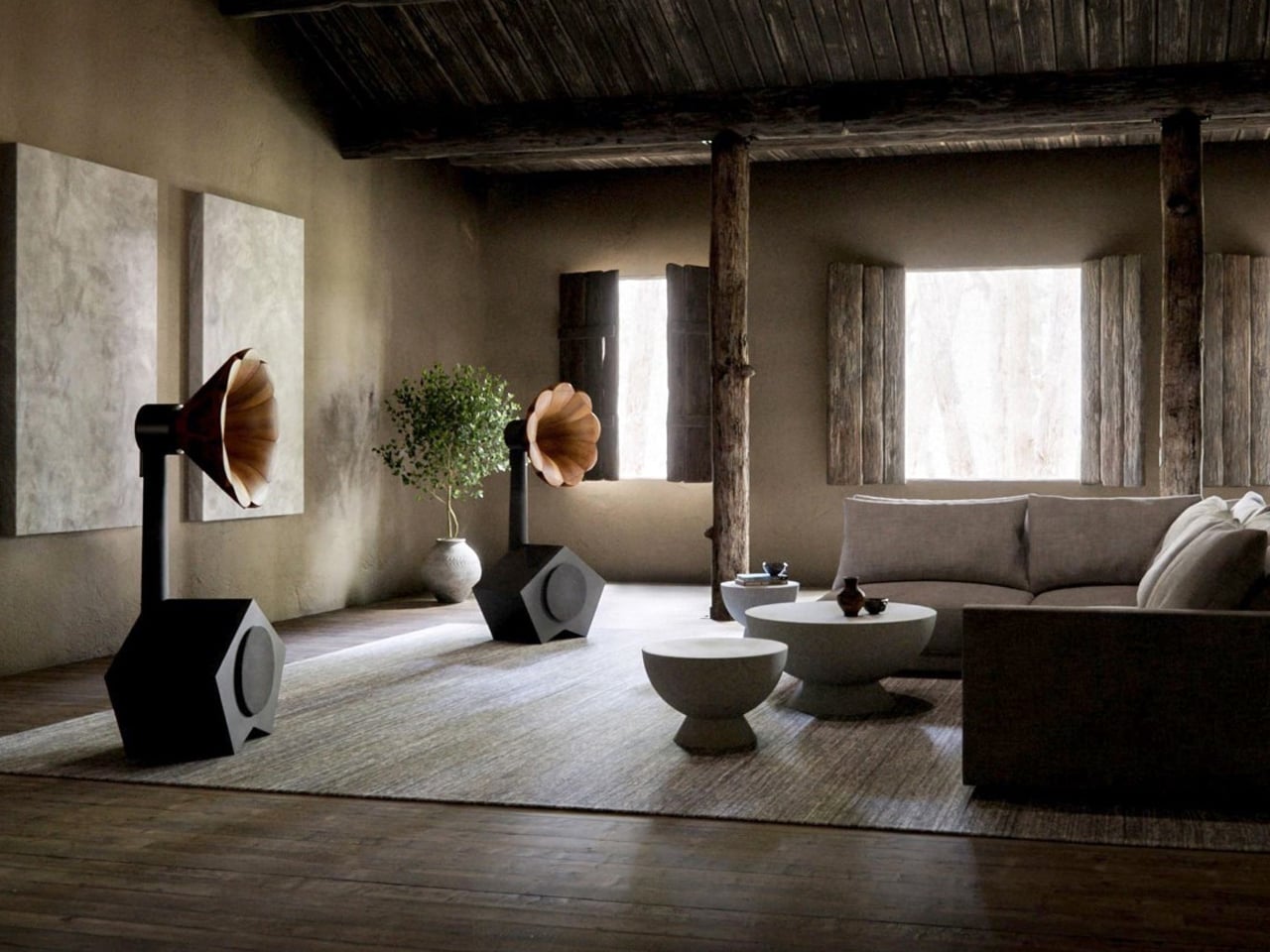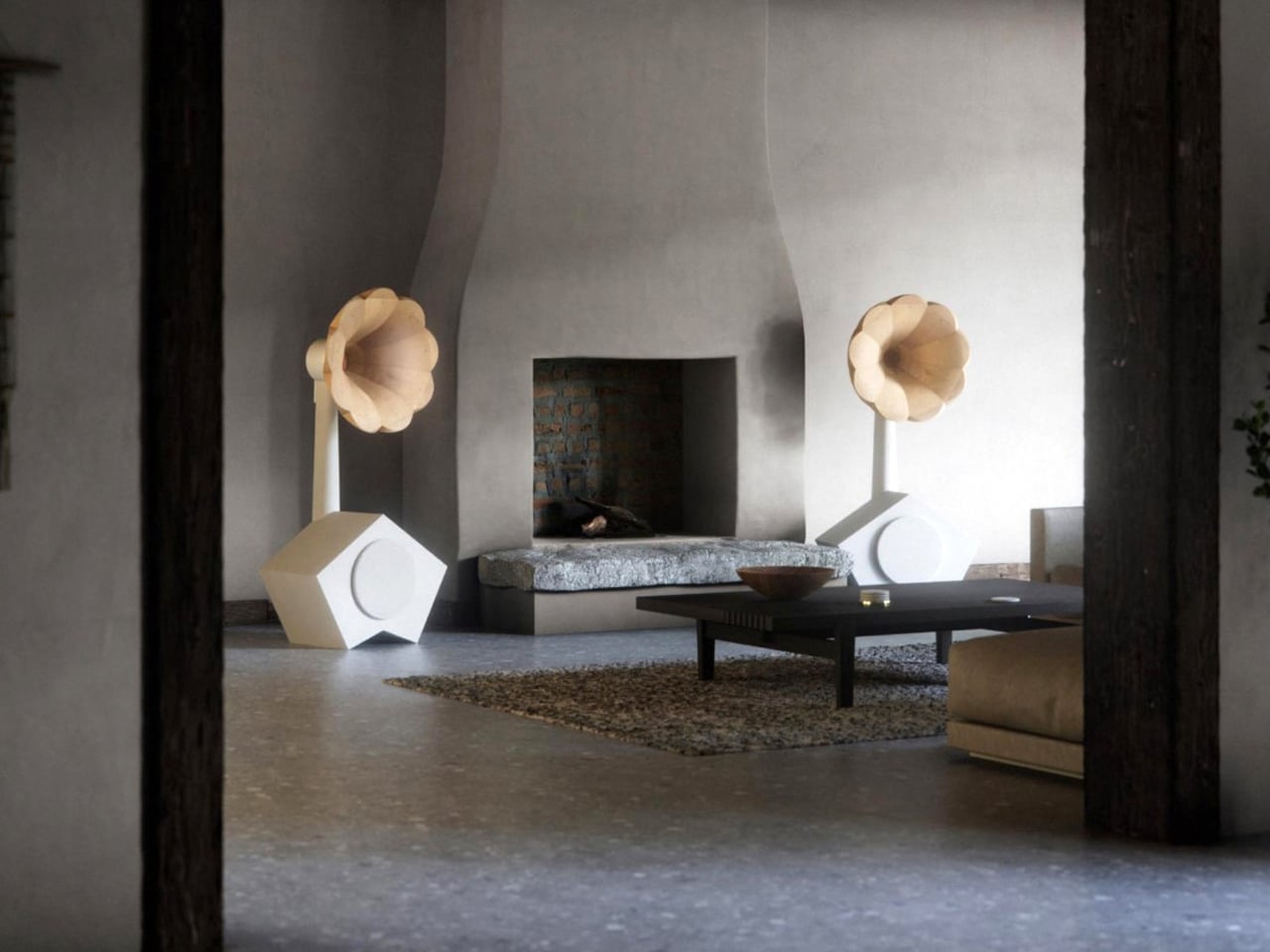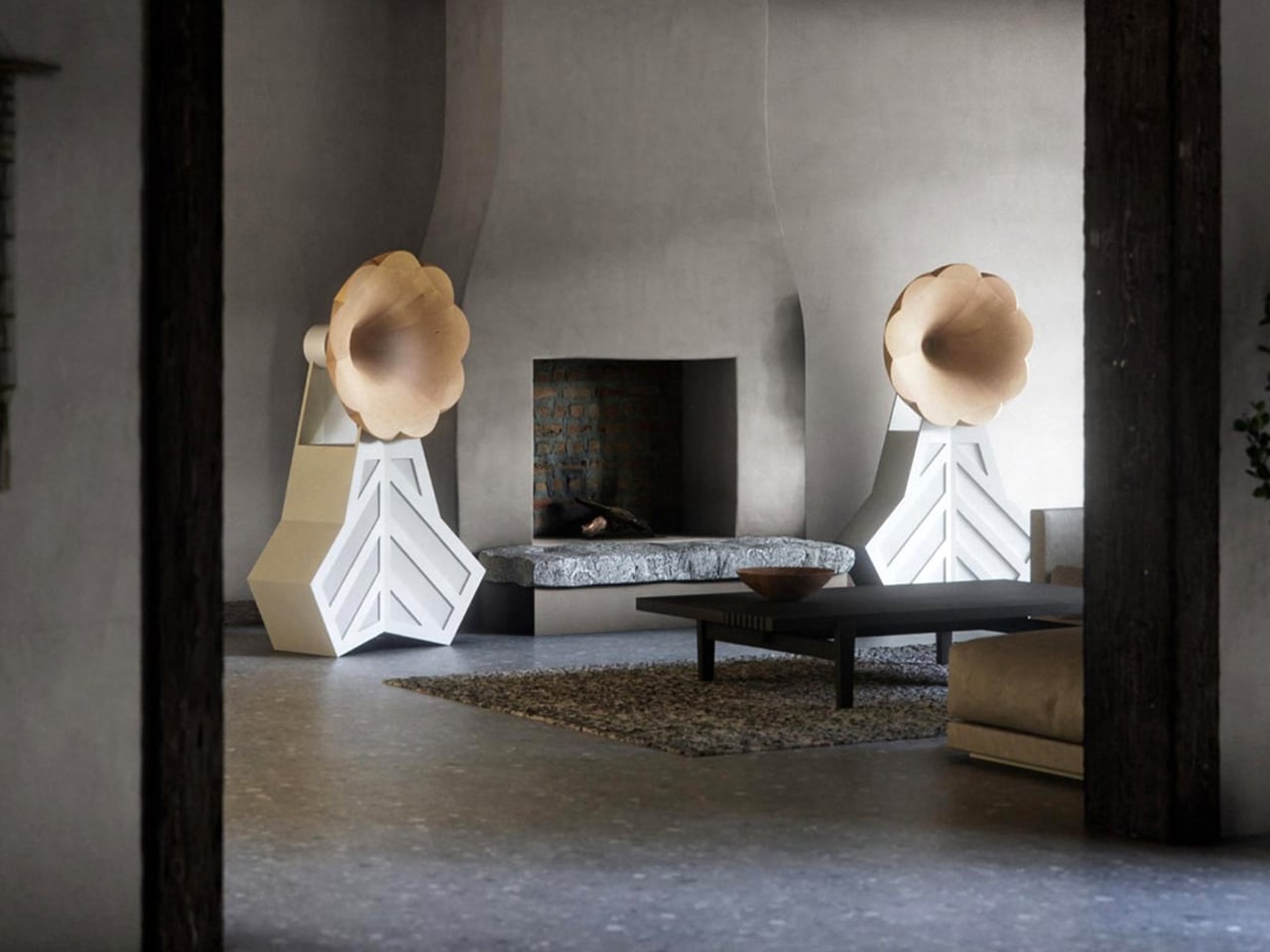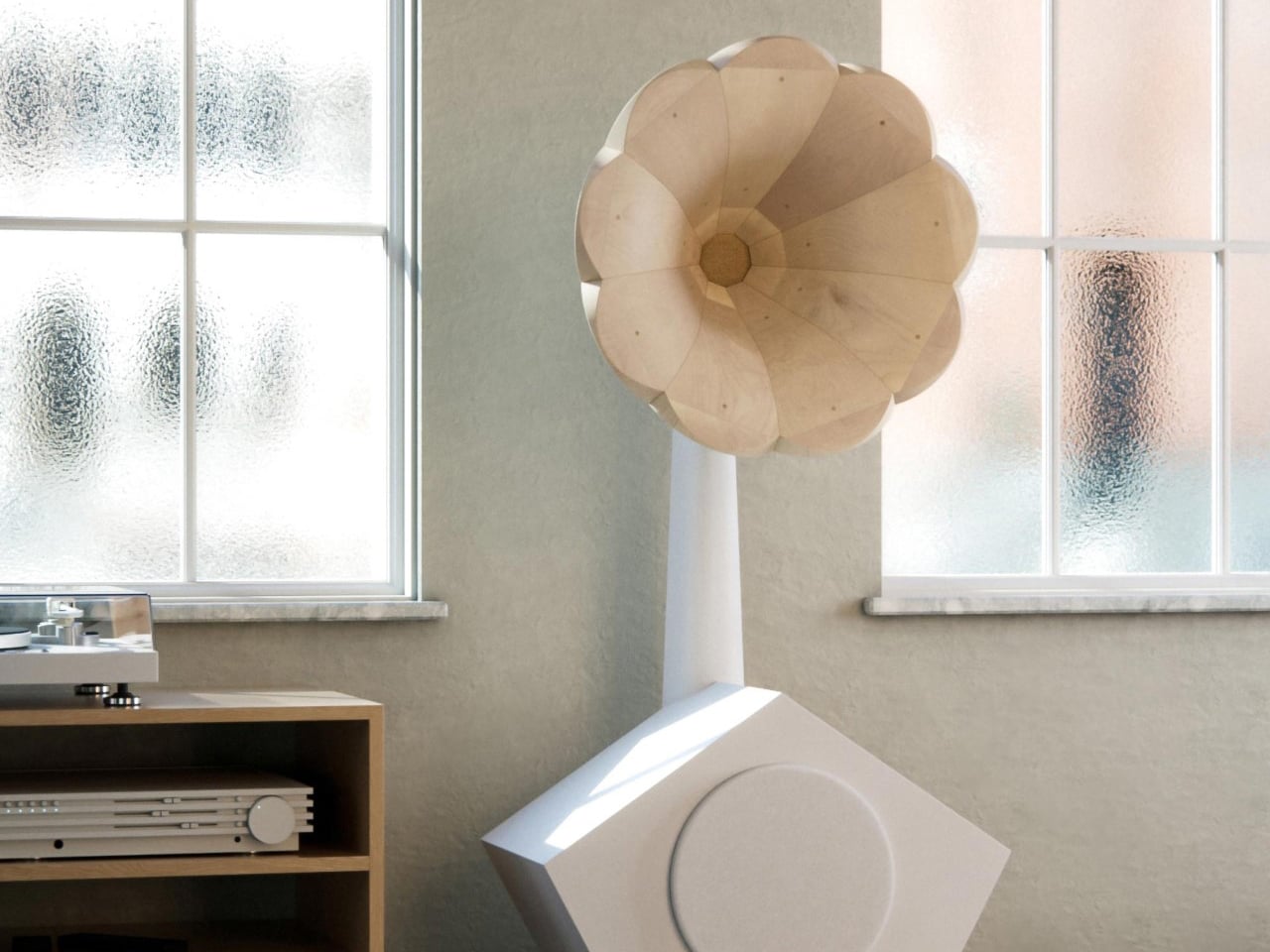
5 Smart Lighting Trends That Just Made Traditional Fixtures Look Outdated

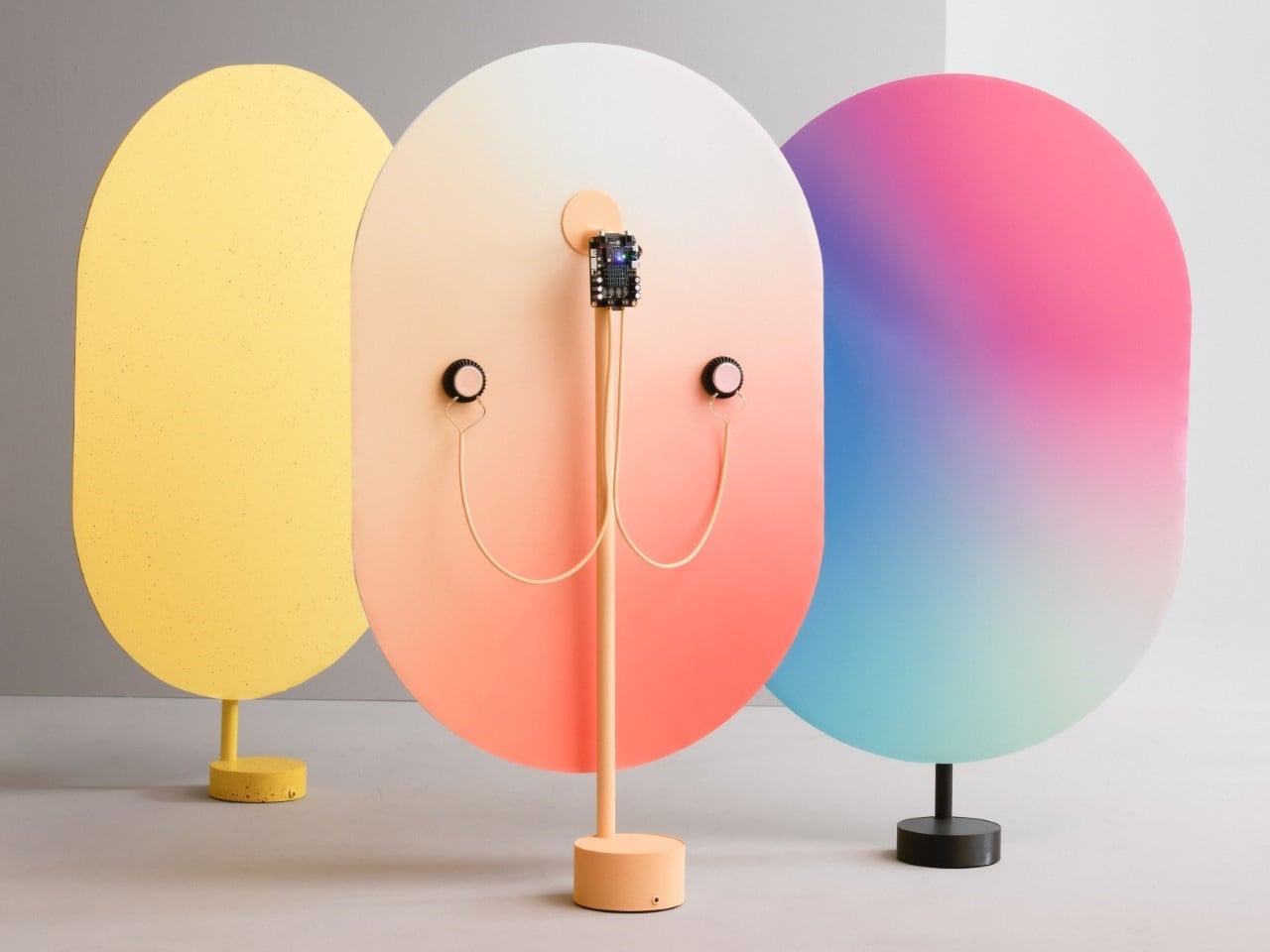
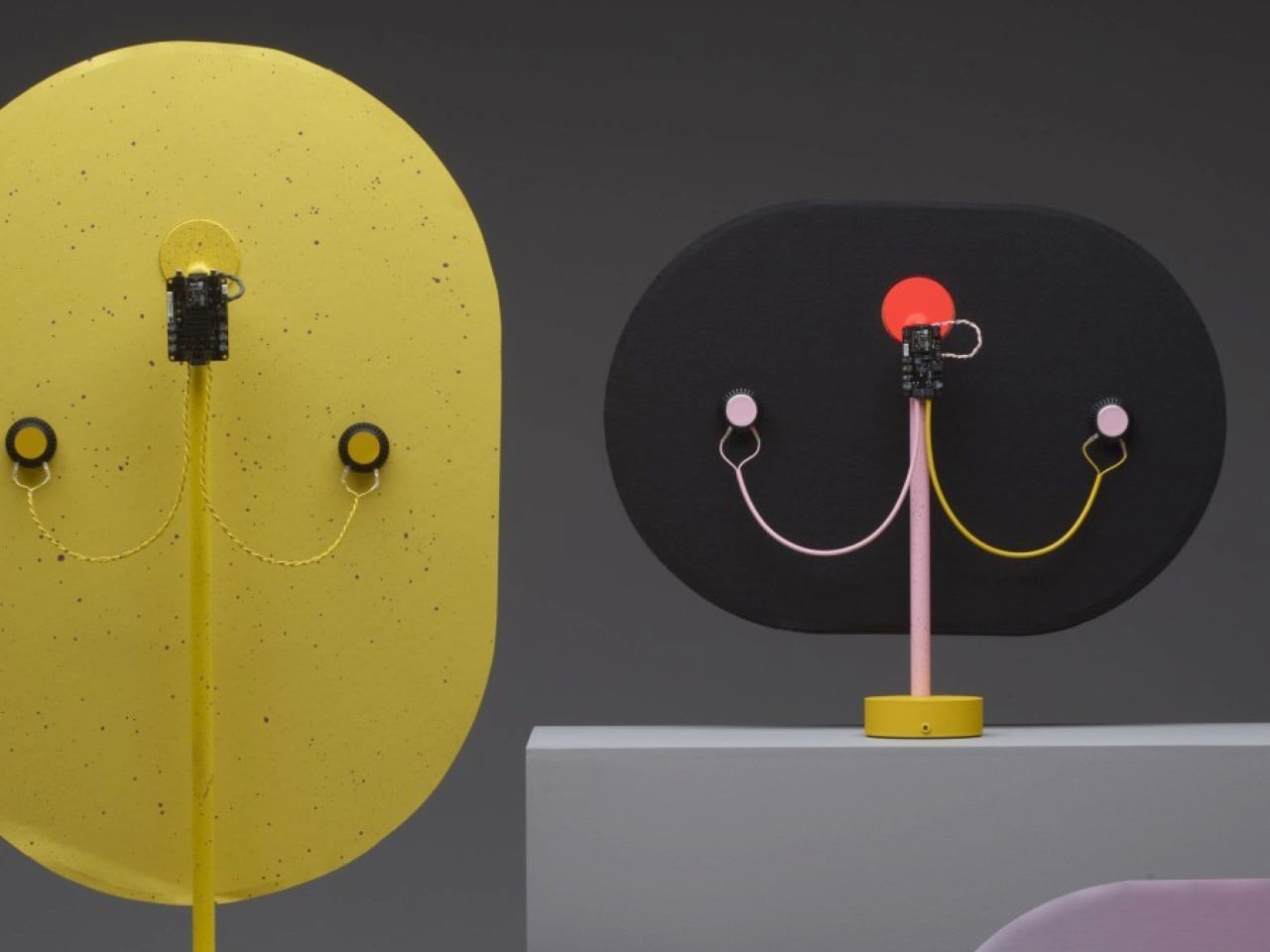
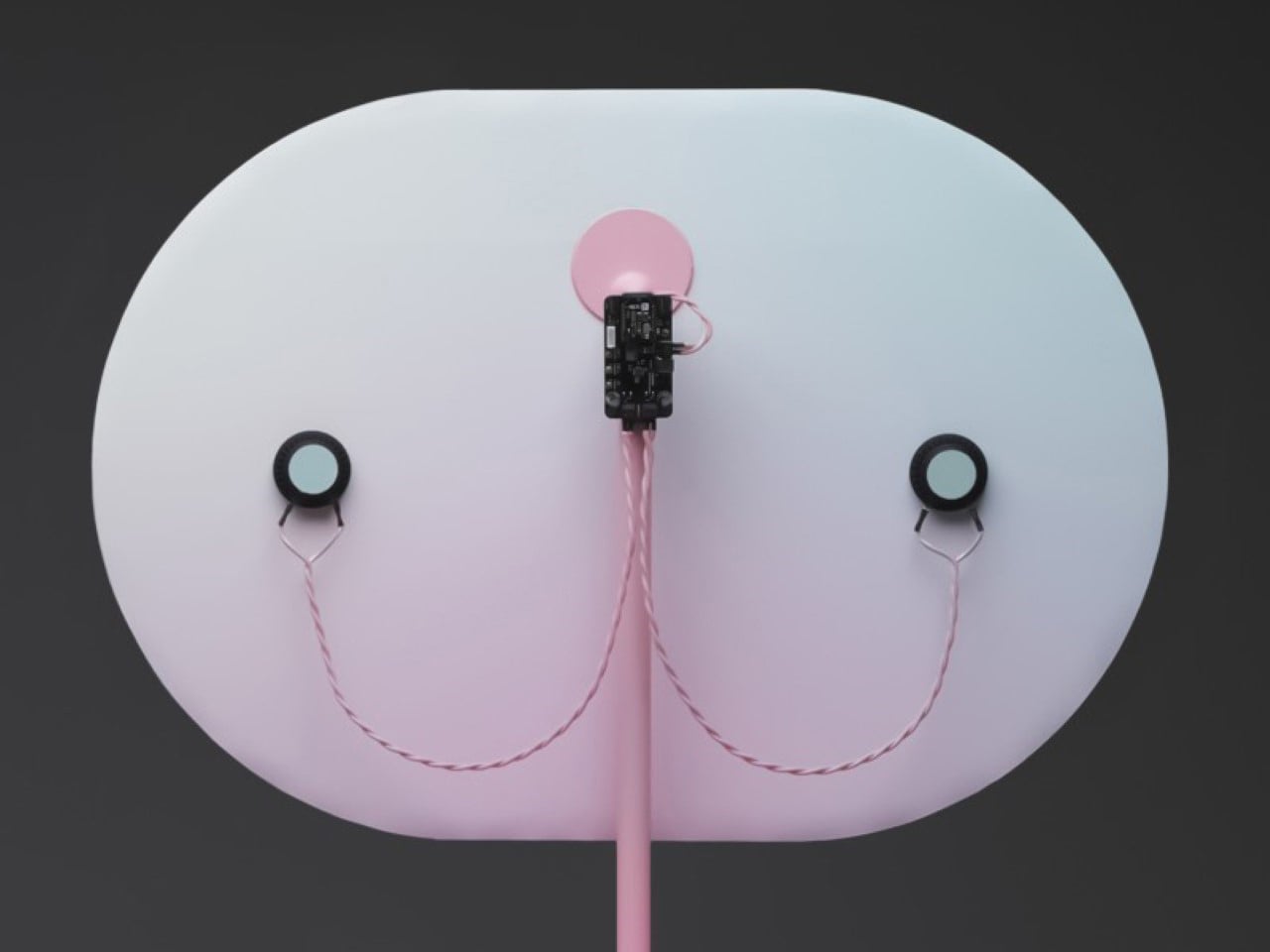
Lighting Design in 2026 has shifted from a background utility to an emotional design language, influencing how spaces are experienced while shaping atmosphere, flow, and everyday comfort. Today, light works quietly in the background, adapting to your routines, responding to natural rhythms, and enhancing your experience of home.

Rather than acting as a static fixture, lighting now plays an active role in creating atmosphere. Soft transitions, layered illumination, and nature-inspired tones help interiors feel calmer, warmer, and more connected to the outside world. Whether you are unwinding after a long day or starting your morning, let’s decode how 2026’s lighting trends support the emotional flow of your space, making the home feel less like a structure and more like a living, responsive environment.

1. Invisible Smart Lighting

In 2026, the most advanced lighting systems are designed to blend effortlessly into your space. Powered by Ambient Intelligence, they use sensors and AI to adjust brightness and tone based on occupancy, daylight levels, and your daily routines. Instead of relying on switches, light flows naturally from one area to another, subtly guiding movement and defining zones without drawing attention to the technology behind it.

This approach focuses on supporting your body’s natural rhythms. Predictive dimming and gentle colour shifts mirror the changing quality of daylight, helping you feel more alert during the day and relaxed in the evening. By working in sync with your internal clock, lighting becomes an invisible wellness tool that improves comfort, focus, and overall quality of living.

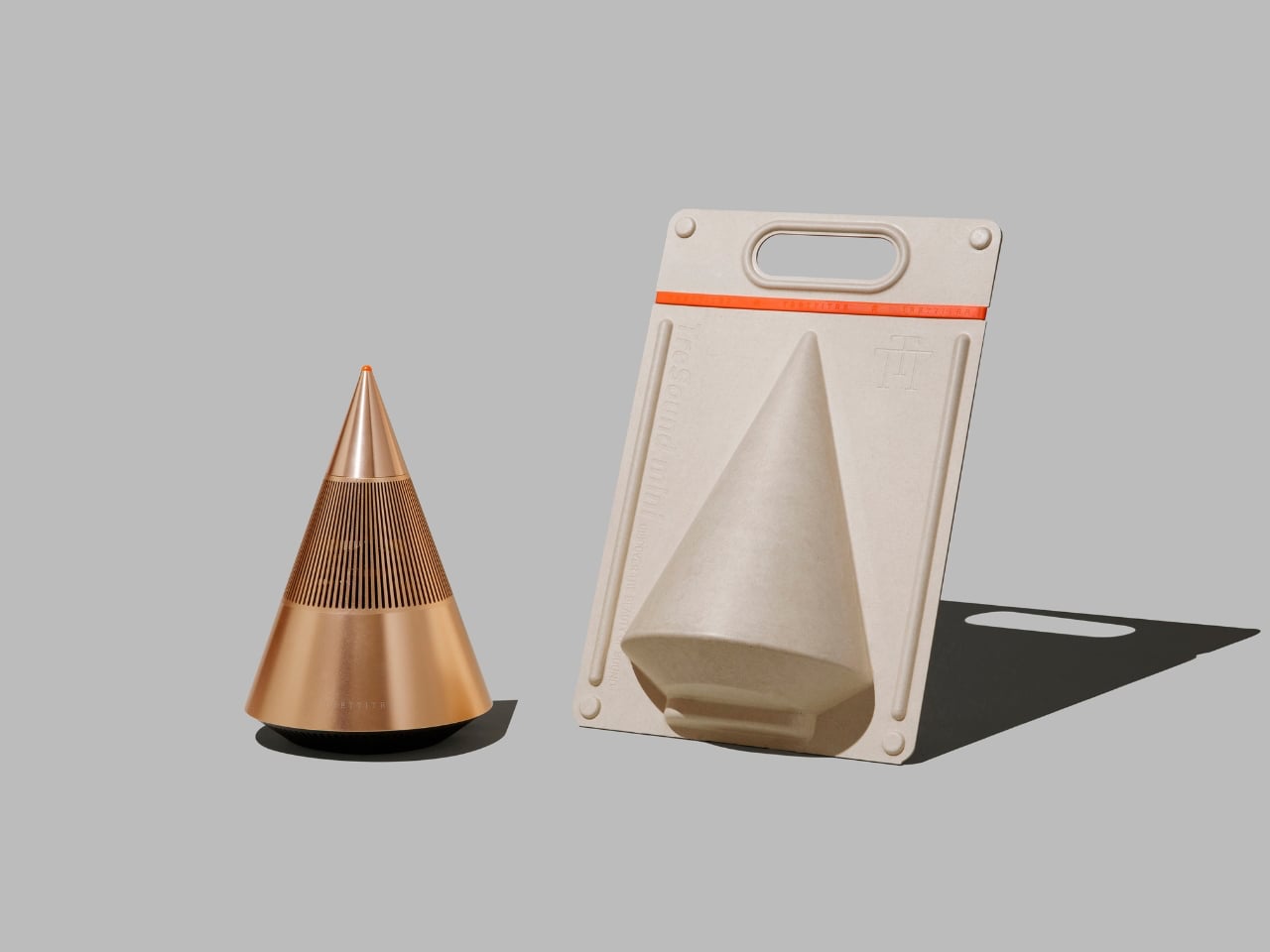
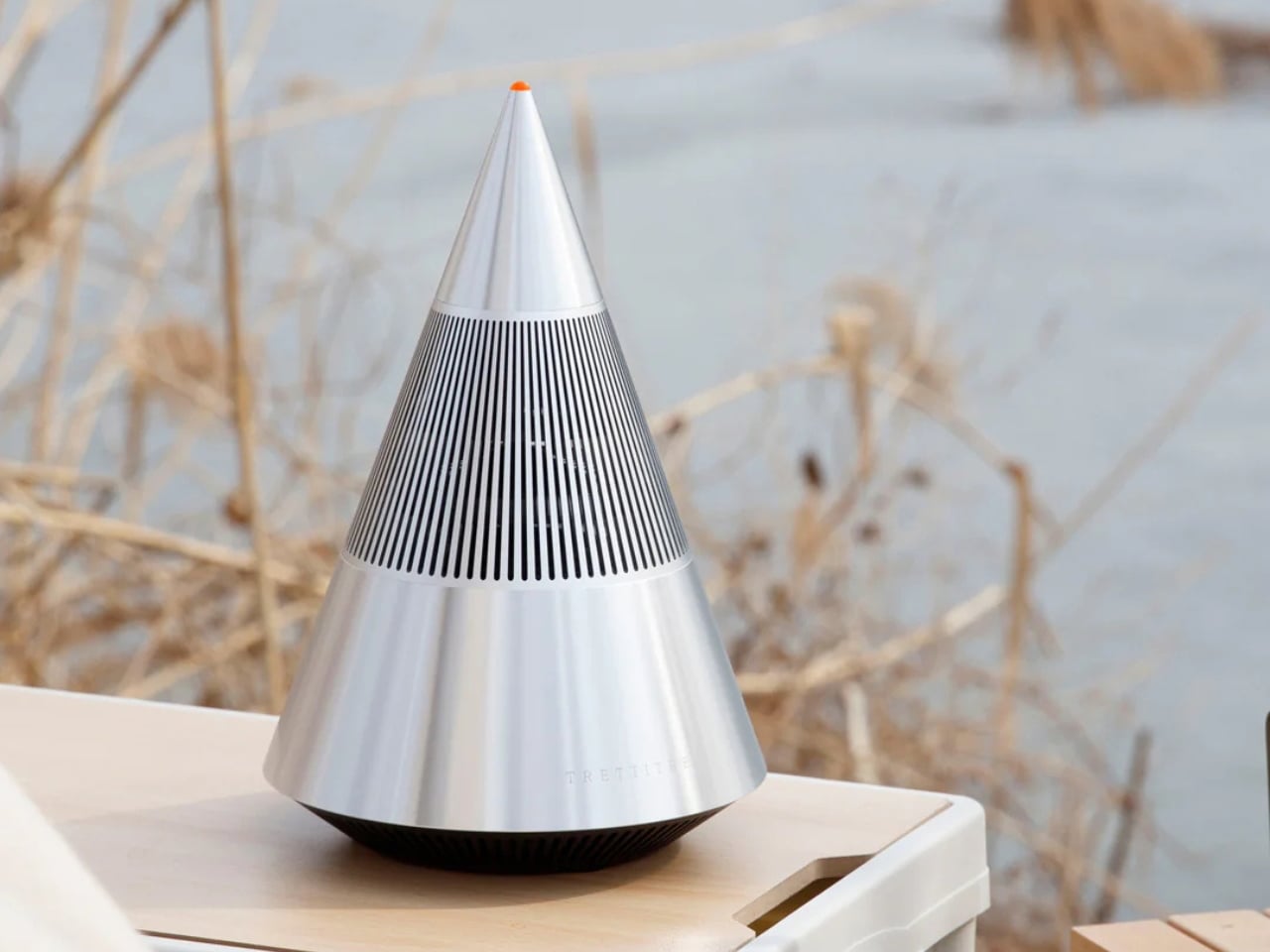
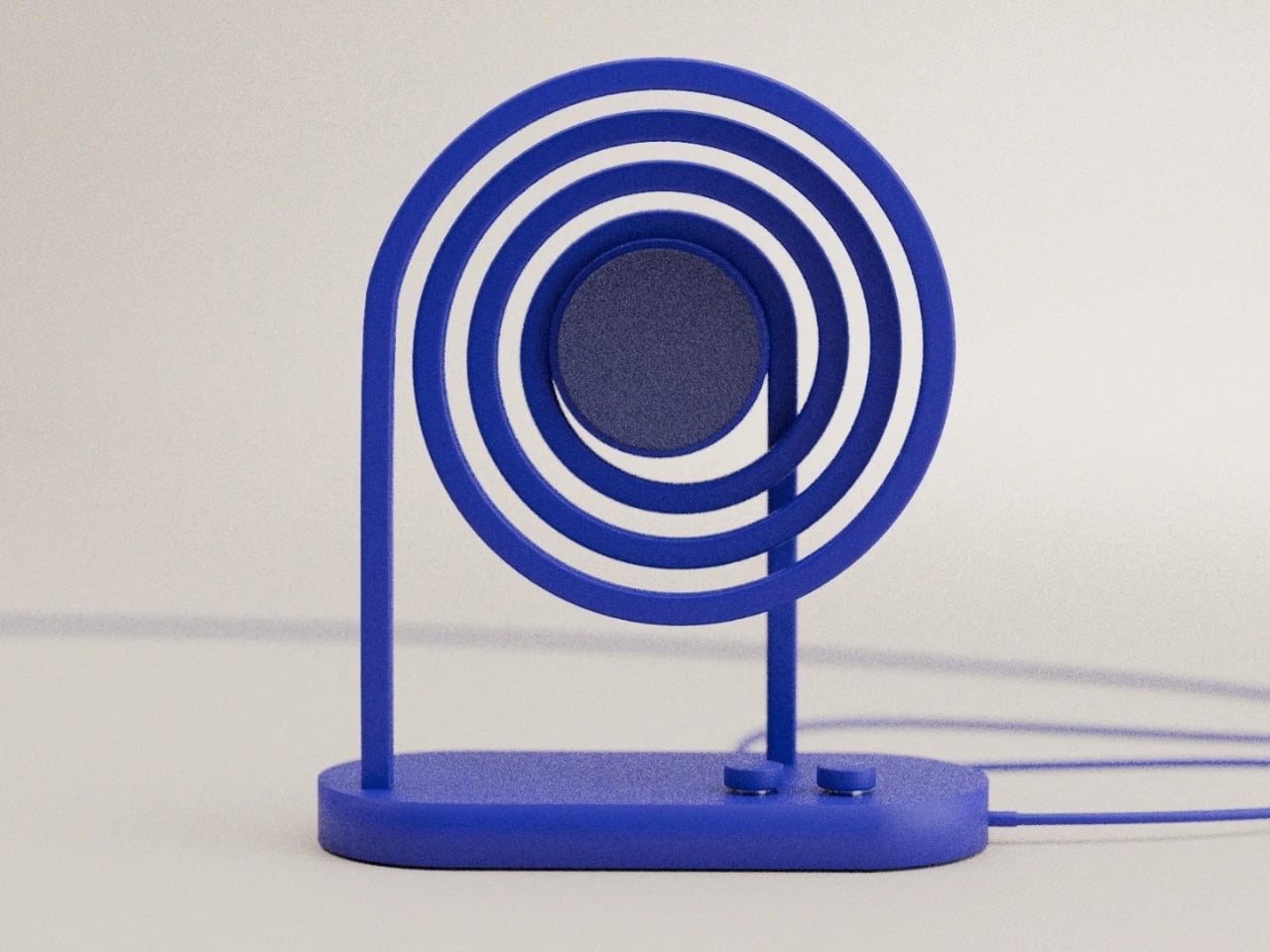
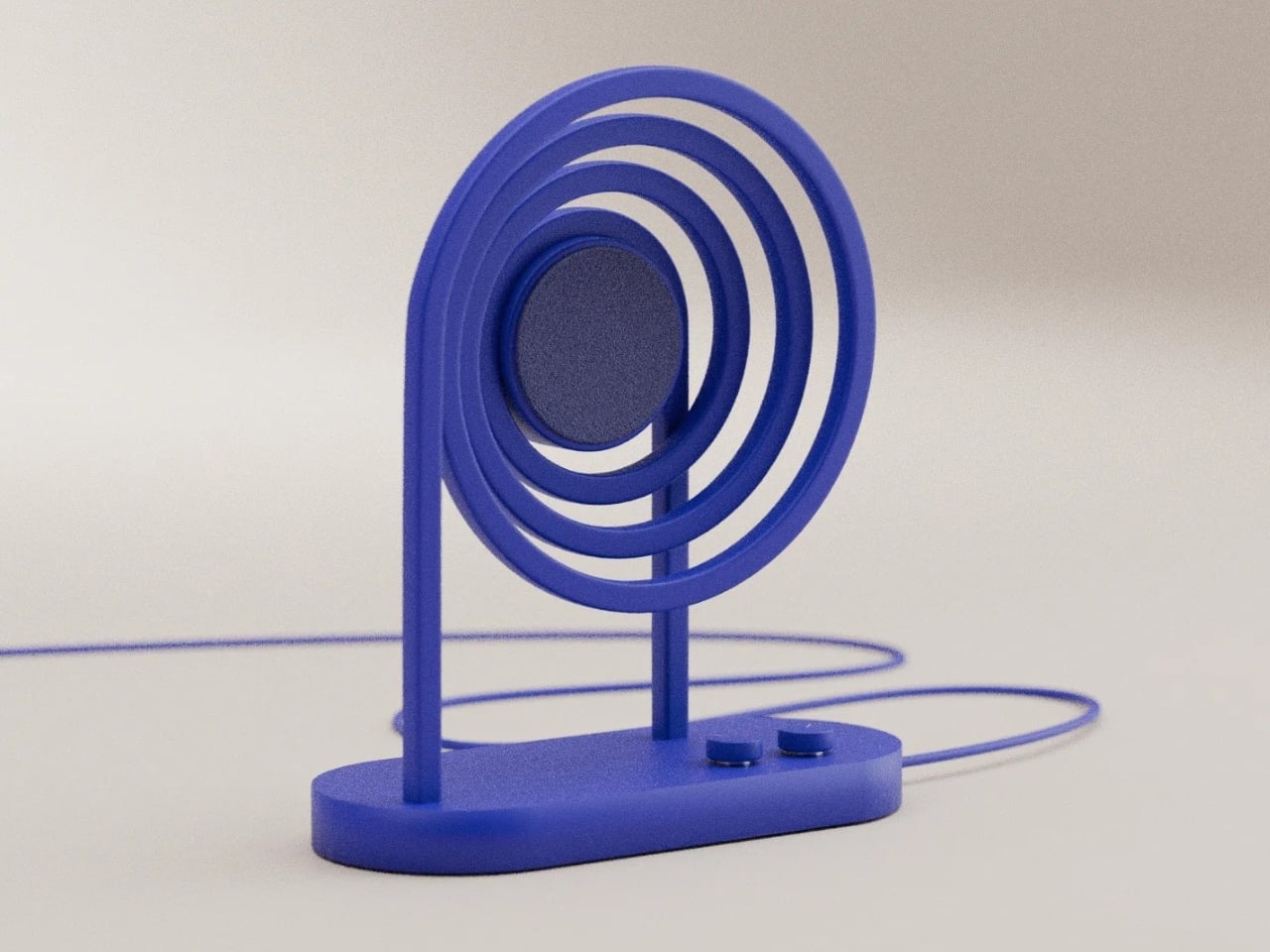
This AI-assisted ceiling light illuminates the lives of the elderly while monitoring their safety

AI-enabled lighting systems for elderly care combine illumination with continuous health and safety monitoring. Integrated sensors and computer vision allow the lamp to detect falls, unusual movement patterns, and prolonged inactivity, while also tracking indicators such as respiration and coughing. Advanced algorithms analyse behaviour over time to predict potential risks before accidents occur. When an incident is detected, the system automatically alerts designated caregivers or emergency contacts, enabling faster response and reducing the severity of injury through timely intervention.

Designed to function as a standard household lamp, this technology integrates seamlessly into residential interiors without appearing medical or intrusive. The familiar form factor encourages acceptance while delivering round-the-clock support through a single device. With low heat emission, energy-efficient LEDs, and autonomous operation, AI lighting solutions provide a scalable approach to assisted living. By combining safety, monitoring, and illumination in one product, these systems offer a practical way to support independent ageing while maintaining comfort, privacy, and dignity.

2. Sculptural Light Forms

Lighting fixtures are increasingly treated as architectural features rather than background utilities. Instead of relying on scattered recessed ceiling lights, spaces now favour bold, sculptural pieces that visually anchor the room. These luminaires are appreciated for their authentic materials, including hand-blown recycled glass, alabaster, and bio-based composites, which add depth and softness while creating a gentle, diffused glow.

Beyond function, such fixtures shape how you perceive space. A large pendant naturally draws the eye, balancing volume and form while adding a sense of rhythm to the interior. Light becomes a focal point that connects design with atmosphere, creating rooms that feel considered, expressive, and emotionally engaging.

The Arc Lamp by designer Divyansh Tripathi is defined by a single bent wooden arm that curves gracefully to support a suspended light source, creating a strong sculptural identity. The continuous arc forms a balanced structure that distributes weight evenly while guiding the eye from base to bulb. This fluid geometry gives the lamp a sense of motion, turning a functional object into a visual centrepiece suitable for display as much as daily use. The suspended bulb is positioned to provide soft ambient illumination while reducing direct glare.

Material choice is central to the lamp’s character and performance. Bent timber introduces warmth, tactile depth, and visible grain patterns that make each piece visually distinct. Finished with protective natural coatings, the wood maintains its organic appearance while ensuring durability. Paired with a low-profile LED bulb, the lamp delivers even, diffused light that enhances surrounding textures without overpowering the space. Its minimal structure allows it to integrate across interior styles, functioning as a lighting solution and a collectible design object.

3. Honest Sustainable Materials

Lighting design now places strong emphasis on the full life cycle of a fixture, not just its appearance. You see a growing focus on low-impact production, modular construction, and upgradable LED components that extend usability rather than encouraging replacement. Materials such as repurposed mycelium, salt crystals, and recycled composites are no longer experimental choices but trusted options for those who value responsible design.

This shift brings both ethical and practical benefits. Durable construction and adaptable technology mean fixtures last longer and age more gracefully. When materials are chosen for integrity and longevity, lighting becomes more than décor as it becomes a lasting design investment, valued for craftsmanship and environmental responsibility rather than short-term trend appeal.

The Air suspension light by Contardi Lighting, designed in collaboration with Adam Tihany, is engineered to deliver soft, evenly distributed ambient illumination. Its dual-shade construction houses upper and lower LED light sources that spread light both upward and downward, improving overall spatial brightness while avoiding direct glare. Laser-cut detailing on the shades allows controlled light diffusion, creating subtle shadow patterns that add visual depth without reducing functional output. This configuration supports balanced lighting suitable for dining areas, lounges, and hospitality interiors.

Lighting efficiency is supported by the use of high-performance LED modules that maintain consistent colour temperature and stable light intensity over time. The shade material is designed to transmit and reflect light effectively, ensuring minimal loss while preserving a warm tonal quality. The integrated structure reduces the need for additional ambient fixtures, making the lamp suitable as a primary light source in medium-sized spaces.

4. Power of Shadow

Good lighting design recognises that darkness plays just as important a role as illumination. Instead of flooding every corner with brightness, subtractive lighting uses restraint to highlight key architectural features while allowing other areas to remain calm and visually quiet. This balance of light and shadow adds depth, especially in double-height or open-plan spaces, where contrast helps define structure and scale.

Techniques such as narrow-beam spotlights and subtle floor-level washes guide movement and create visual pauses. As you move through the home, light reveals selected moments rather than everything at once. The result feels intentional and layered, turning everyday interiors into curated, gallery-like environments instead of uniformly lit, commercial-looking spaces.

The Foreshadow Table Lamp is designed to transform direct illumination into patterned ambient light. Its perforated metal shade filters the light source into multiple fine beams, projecting structured shadows across nearby surfaces. This controlled diffusion adds visual depth while maintaining functional brightness for side tables, consoles, and accent lighting applications. The lighting effect varies depending on placement, surface finishes, and surrounding geometry, allowing the lamp to interact with its environment rather than delivering flat, uniform output.

Construction focuses on durability and tactile quality. The metal shade features precision-punched perforations that regulate light distribution while maintaining structural rigidity. The matte finish reduces surface glare and complements both contemporary and transitional interiors. When switched off, the lamp retains a clean, sculptural profile, functioning as a decorative object even without illumination. Designed to operate as a lighting fixture and an ambient feature, the Foreshadow Table Lamp provides atmospheric enhancement while remaining practical for everyday use.

5. Colour and Comfort

Modern lighting is closely linked to energy efficiency and indoor comfort. Advanced LED systems release very little heat, helping reduce strain on cooling and ventilation systems while keeping rooms comfortable throughout the day. This makes lighting an active part of managing how a space performs, not just how it looks.

At the same time, colour temperature is used to influence how warm or cool a room feels. You can shift from soft, golden tones during colder months to cooler, moonlit hues in warmer seasons, subtly shaping your emotional and physical response to the space. By adjusting light colour, interiors feel more adaptable, balanced, and supportive of everyday well-being.

The Wipro EcoLumi Flex is a modular lighting concept designed to function as a table lamp and a suspended ceiling fixture. Its adjustable structure allows users to modify height and angle through a simple twist mechanism, ensuring precise light placement for different tasks. A slidable shade enables directional control and glare reduction, improving visual comfort during focused work. Multiple units can be connected using integrated joints and connectors, allowing customised lighting layouts for desks, workstations, or collaborative spaces.

Lighting performance is enhanced through built-in circadian modes that automatically adjust brightness and colour temperature throughout the day. Warm tones support relaxed morning and evening use, while cooler light promotes alertness and productivity during peak work hours. The modular construction supports part replacement and future upgrades, reducing material waste and extending product lifespan.

Lighting is evolving into a true architectural philosophy in 2026, where atmosphere takes precedence over mere fixtures. Intelligent systems, sculptural forms, and sustainable materials work together to create spaces that are visually compelling.

The post 5 Smart Lighting Trends That Just Made Traditional Fixtures Look Outdated first appeared on Yanko Design.
Your Dog Can Now Turn On the Lights (No, Really)

We’re living through a strange moment where our refrigerators are smarter than ever, our thermostats learn our habits, and now, apparently, dogs can control household appliances. The Dogosophy Button, developed by researchers at The Open University’s Animal-Computer Interaction Laboratory, is a wireless switch designed specifically for canine use. Think of it as a smart home device, but instead of asking Alexa, you’re teaching your golden retriever.

This isn’t some novelty gadget cooked up to go viral on TikTok. The button is the result of years of serious research led by Professor Clara Mancini, who runs the ACI Lab. Initially created for assistance dogs who need to help their owners turn on lights, fans, or kettles, the button has now been launched to the public for any dog owner who wants to give their pet a bit more agency. The philosophy behind it, called “Dogosophy,” centers on designing technology around how dogs actually experience the world, rather than forcing them to adapt to our human habits.

Designer: The Open University’s Animal-Computer Interaction Laboratory

So what makes this button dog-friendly? Start with color. Dogs see the world differently than we do, and blue happens to be one of the colors they can recognize most clearly. The button’s push pad is a bright blue, set against a white casing that creates high contrast, making it easier to spot against floors, walls, or furniture. The slightly curved, raised shape means dogs can press it from various angles without needing pinpoint accuracy, which anyone who’s watched a dog enthusiastically miss their water bowl can appreciate.

The button itself is built to handle the reality of being used by an animal. The outer casing is sturdy plastic designed to withstand repeated nose-booping and paw-whacking. The push pad has a textured surface that helps dogs grip without slipping, whether they’re using their snout or paw. Inside, a small light flashes when the button is pressed, soft enough not to hurt their eyes but clear enough to confirm the action worked. It’s the kind of thoughtful design that comes from actually studying how dogs interact with objects, not just shrinking human tech down to pet size.

The system is refreshingly simple. Each set includes the button, a receiver, and basic mounting hardware. The receiver plugs into whatever appliance you want your dog to control, from a lamp to a fan to a kettle. The button connects wirelessly up to 40 meters away, giving you flexibility in where you place it. Press the button once, the appliance turns on. Press it again, it turns off. No app required, no monthly subscription, no “please update your firmware” notifications.

For assistance dogs, this kind of tool is genuinely useful. A dog trained to help someone with mobility issues could turn on a light when their owner enters a dark room or switch on a fan during hot weather. But the public release opens up more playful possibilities. Your dog could theoretically learn to turn on a fan when they’re overheated, activate a toy dispenser when they’re bored, or signal when they want attention by flipping a lamp on and off like a furry poltergeist.

Of course, training matters. Professor Mancini tested the button with her own husky, Kara, noting that huskies are notoriously stubborn compared to more biddable breeds like Labradors. The button works if your dog is motivated and you’re patient. This isn’t plug-and-play; it’s more like plug-and-train-with-treats-and-repetition.

The Dogosophy Button is priced at £96 (including VAT) and is currently available through retailers like Story & Sons. Whether it becomes a legitimate tool for pet owners or just an interesting experiment in animal-computer interaction remains to be seen. But there’s something appealing about the idea of designing technology that considers more than just human needs. Professor Mancini puts it plainly: humans have built a world measured for ourselves, often pushing other species out. A button that meets dogs on their terms feels like a small step toward sharing space more thoughtfully.

The post Your Dog Can Now Turn On the Lights (No, Really) first appeared on Yanko Design.
This $17 Power Bank (20,000mAh) can charge a MacBook Air and it’s cheaper than Apple’s cleaning cloth

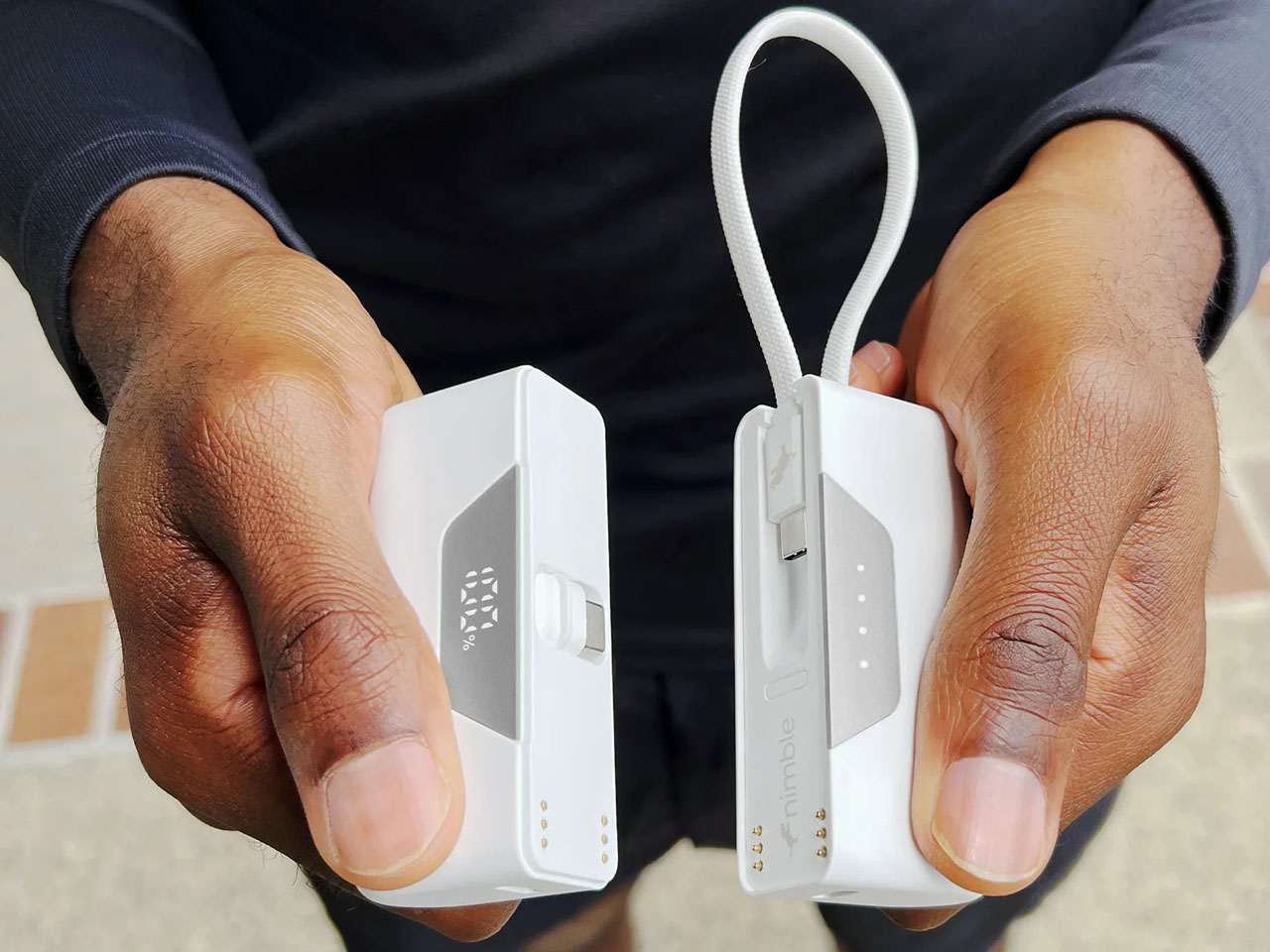
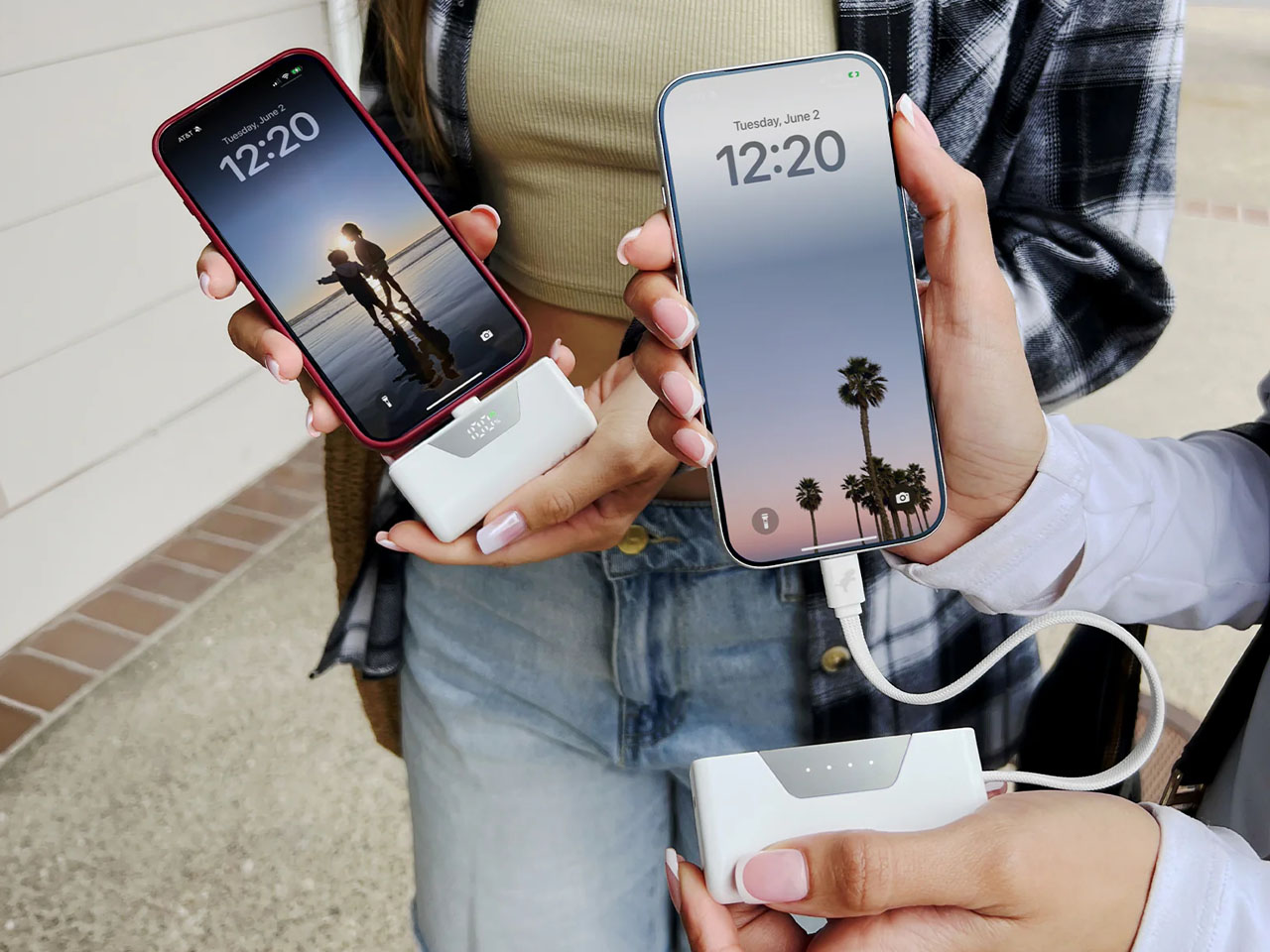
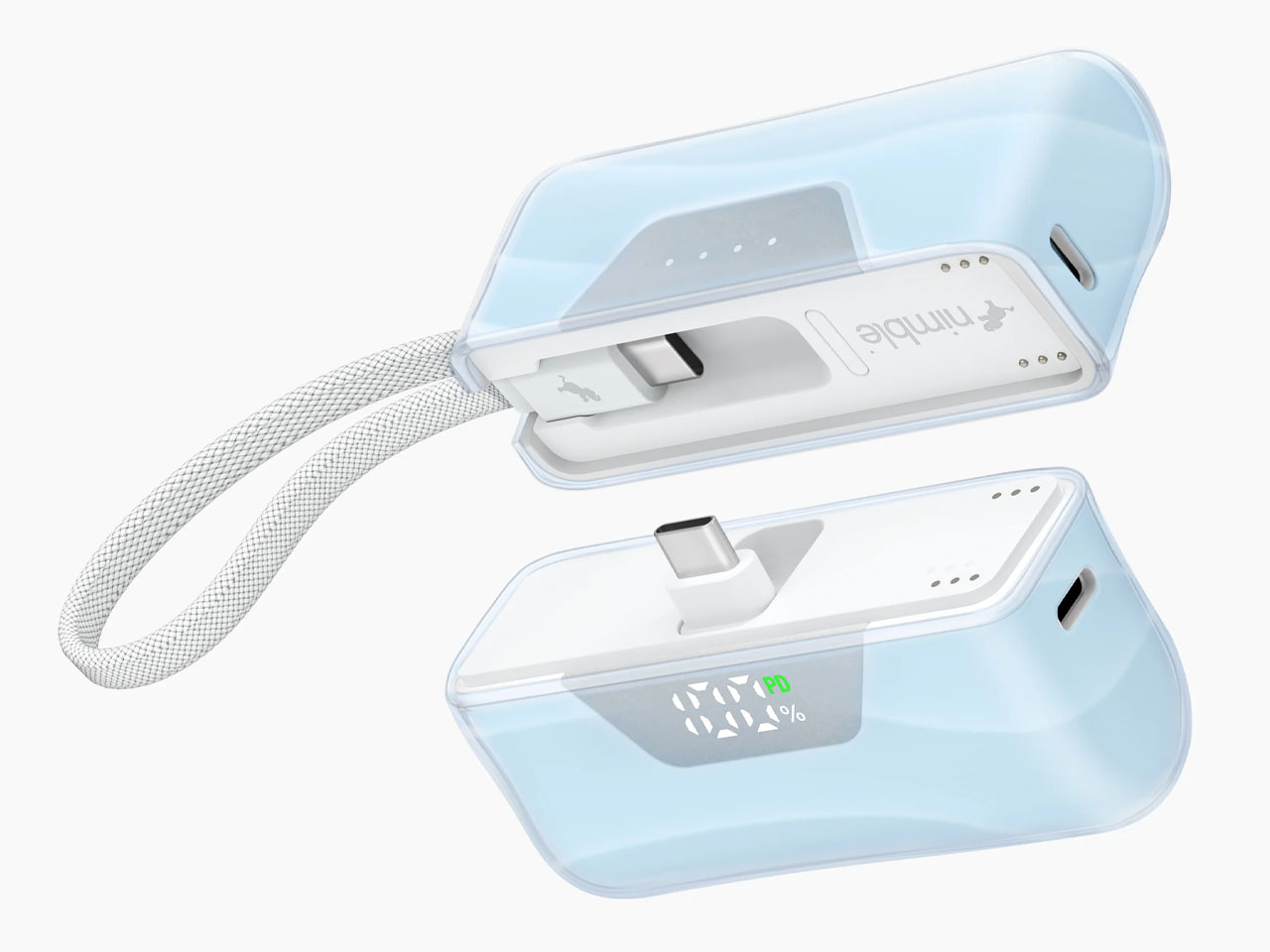
Apple sells a polishing cloth for about twenty bucks. TESSAN is out here offering a 20,000 mAh power bank with 30 watt USB C charging and built in USB C and Lightning cables for less than that. One cleans fingerprints off your screen. The other can recharge your phone several times, top up a thin and light laptop, and keep a tablet alive through a long flight. It is hard not to see the contrast as a snapshot of the current accessory market.

For roughly the price of Apple’s most meme worthy add on, you can buy a brick that quietly solves the most common charging headaches. No extra cables to pack, no hunting for outlets in crowded airports, no arguing over the one free plug at a conference. Just a single charger that covers most of the devices you actually carry. The polishing cloth may be softer. The value proposition is not.

Designer: TESSAN

Click Here to Buy Now

The built in cables are what make this thing actually useful instead of just another rectangular battery that sits in a drawer. You get a Lightning cable and a USB C cable permanently attached to the bank itself, plus a separate USB C port and USB A port on the side. So you can charge an iPhone, an Android phone, and something like a tablet or a laptop all at once without carrying a single extra cord. The 30 watt output means you can actually fast charge modern phones or keep a thin laptop limping along during a long meeting. TESSAN says it will push an iPhone 15 Pro to 53 percent in half an hour, which tracks with standard USB C PD speeds.

The 20,000 mAh capacity is enough to fully charge a MacBook Air once with a bit left over, or get about three to four full phone charges depending on your device. Real world usable capacity will be closer to 13,000 or 14,000 mAh after conversion losses, but that is normal for every power bank on the market. You are still looking at multiple days of phone backup or one solid laptop rescue. The whole thing weighs enough that you will know it is in your bag, but it fits under most airline carry on battery limits, so you can actually travel with it.

At 17 dollars, this feels like one of those weird Amazon lightning deals where the price accidentally makes sense for about 48 hours before it jumps back up. Most 20,000 mAh banks with any kind of name recognition sit closer to 40 or 50 bucks, and the ones with built in cables usually add another 10 or 15 on top of that. TESSAN is an Amazon brand that does travel adapters and charging accessories, so you are trading some of the premium build quality and safety margin you would get from Anker or Belkin for a price that just barely registers as a purchase. If the cables fray in a year, you discard it as e-waste and buy another one for less than the cost of replacing a single USB C cable from Apple. Sounds bonkers, no?

Click Here to Buy Now

The post This $17 Power Bank (20,000mAh) can charge a MacBook Air and it’s cheaper than Apple’s cleaning cloth first appeared on Yanko Design.

8 Best Japanese Kitchen Gadgets & Tools That Make Cooking Feel Zen

Japanese kitchen design operates on a philosophy that transcends mere functionality. Each tool embodies centuries of refinement, where form and purpose merge into something approaching meditation. The best Japanese kitchen gadgets don’t just perform tasks—they transform cooking from a chore into a ritual, from a necessity into a practice. These tools invite slowness, demand presence, and reward attention with results that feel effortless yet profound.

Western kitchens often accumulate gadgets that promise convenience but deliver clutter. Japanese design takes the opposite approach: fewer tools, greater intention, deeper satisfaction. The implements featured here represent that minimalist mastery, where every curve, every material choice, every weight distribution serves both practical and experiential goals. They make cooking feel less like a production and more like a meaningful participation, something zen.

1. Precision Chef Kitchen Scissors

Most Western kitchens relegate scissors to the junk drawer, pulling them out occasionally for packaging or emergency herb trimming. The Precision Chef Kitchen Scissors rewrite that relationship entirely, becoming the primary tool you reach for before your knife even enters consideration. Specially engineered curved serrated blades slice through meat, vegetables, pizza, and herbs with startling ease, while the oxidation coloring creates a commanding black finish that resists deterioration. The ergonomic design includes a crucial detail: when laid flat, the blades hover above the surface, preserving both sharpness and sanitation between uses.

The genuine versatility transforms these scissors from a specialty item into a drawer consolidation. Butchering chicken becomes faster than knife work, requiring fewer cuts and less cleanup. Trimming fat, portioning pizza, opening stubborn packages, and detailed vegetable prep—the Precision Chef handles everything with authority. The curved serrated design grips slippery meats and fibrous vegetables that regular scissors struggle to control. The substantial build inspires confidence for heavy-duty tasks while maintaining precision for delicate work. For anyone seeking to simplify their kitchen, these scissors genuinely replace multiple knives, kitchen shears, herb scissors, and pizza cutters in one elegant package.

Click Here to Buy Now: $99.00

What We Like

  • The curved serrated blades provide a superior grip on ingredients that slip away from standard scissors
  • The oxidation black finish resists fading and adds visual drama to your knife block
  • Blades that don’t touch surfaces when flat maintain sharpness longer and improve hygiene
  • The consolidation factor genuinely reduces drawer clutter without sacrificing capability

What We Dislike

  • The specialized blade design might require adjustment if you’re accustomed to traditional kitchen shears
  • The substantial build, while confidence-inspiring, adds weight that some users might find tiring during extended prep sessions

2. Smart Tea Pot

Tea preparation in Japanese culture approaches a ceremony, where temperature, timing, and intention determine whether you’re drinking hot leaf water or experiencing something transcendent. This revolutionary smart teapot brings that tea master precision into everyday practice through app-connected brewing technology. Six advanced sensors analyze your heart rate, finger temperature, and environmental conditions to tailor each brew to your current physical and emotional state. The comprehensive tea database stores optimal brewing conditions for everything from delicate white teas to robust pu-erh, ensuring authentic flavor and aroma without guesswork or timer-watching.

The personalized brewing system transforms tea from a beverage into a responsive ritual. Morning green tea brews differently from evening chamomile, not just in temperature and steeping time, but calibrated to your biometric data in that specific moment. The intuitive app interface removes the interruption of manual monitoring, letting you remain present rather than anxiously checking the clock. The technology doesn’t complicate the tea experience—it removes complications, creating space for the meditative aspects of tea preparation to emerge. This teapot understands that perfect tea isn’t about following rigid recipes but responding to the infinite variables of human experience and environmental context.

Click Here to Buy Now: $349.00

What We Like

  • Biometric sensors create genuinely personalized tea experiences that respond to your current state
  • The comprehensive tea database eliminates guesswork for unfamiliar varieties
  • App connectivity provides consistency without requiring constant monitoring
  • The technology enhances rather than interrupts the meditative tea ritual

What We Dislike

  • The learning curve for app features might frustrate users seeking immediate simplicity
  • The reliance on technology introduces failure points that traditional teapots avoid entirely

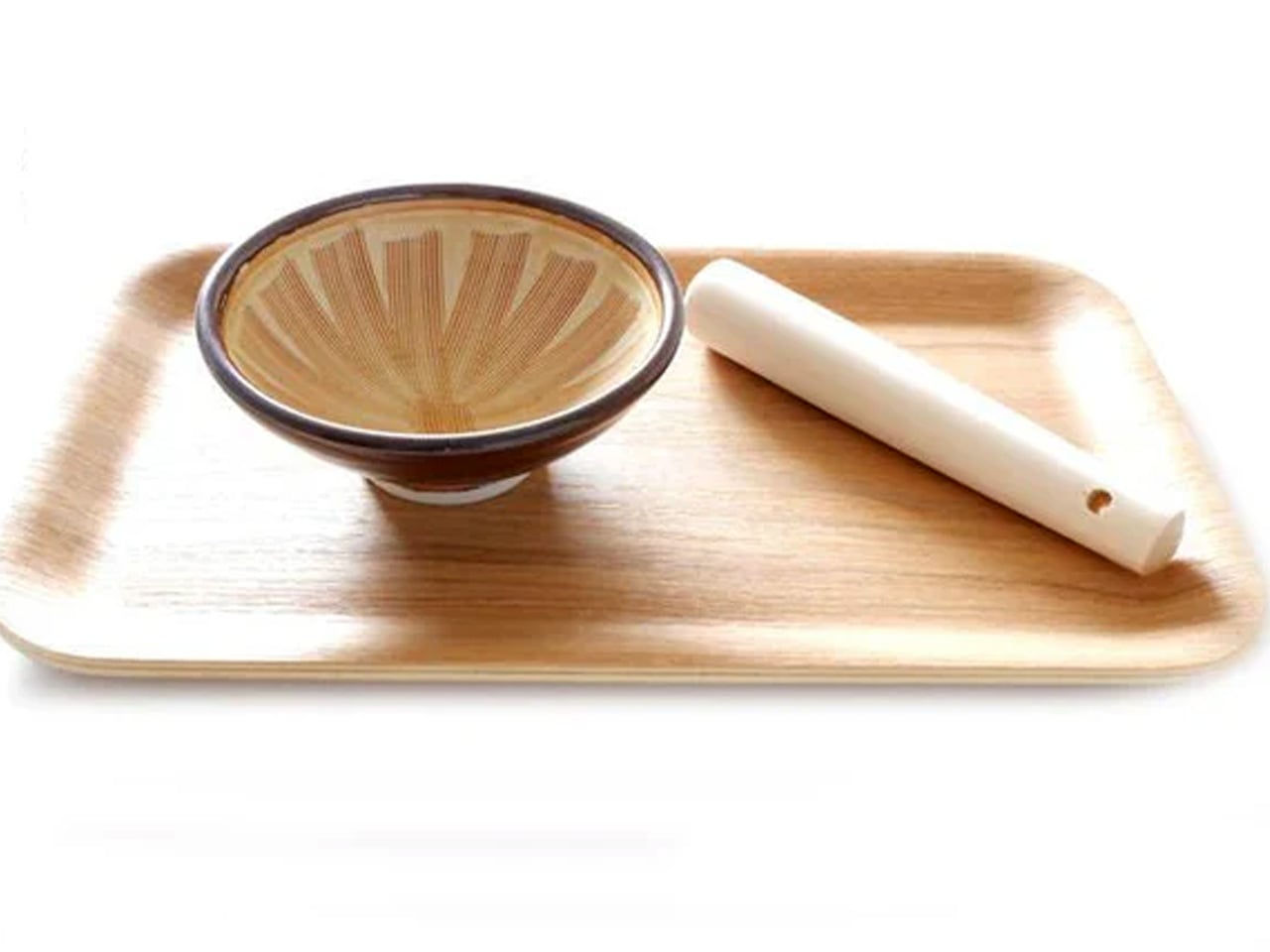
3. Plate Grater

Wasabi, daikon, ginger—certain ingredients demand fresh preparation at the moment of serving, not hours before, when flavor and aroma peak. This round plate grater brings tableside garnish preparation from restaurant kitchens into home dining through elegant simplicity. The circular grating motion feels therapeutic rather than tedious, creating a mindful pause between cooking and eating. Crafted from durable stainless steel with an anti-slip silicone base that doubles as a protective cover, the thin and lightweight design stores easily without occupying precious drawer real estate.

The tableside preparation transforms garnishes from afterthought into engagement. Grating fresh wasabi for sashimi, daikon for tempura, and ginger for grilled fish—the circular motion becomes part of the dining ritual rather than prep work to rush through. The compact round design fits naturally at the table without commanding excessive space or attention. The anti-slip base provides stability during use and protection during storage. The therapeutic circular grating motion offers a moment of presence between cooking and consumption, a brief meditative pause that enhances appreciation for what follows. This grater makes fresh garnish preparation so effortless and pleasant that you’ll find reasons to grate things you previously bought pre-processed.

Click Here to Buy Now: $65

What We Like

  • The circular grating motion creates a genuinely therapeutic preparation experience
  • The compact round design fits naturally at dining tables without crowding
  • The dual-purpose silicone base prevents slipping during use and protects during storage
  • Fresh garnish preparation becomes a ritual rather than a chore

What We Dislike

  • The round plate design limits the types of ingredients that can be effectively grated
  • The compact size, while space-efficient, means slower processing for larger quantities

4. Iron Frying Plate

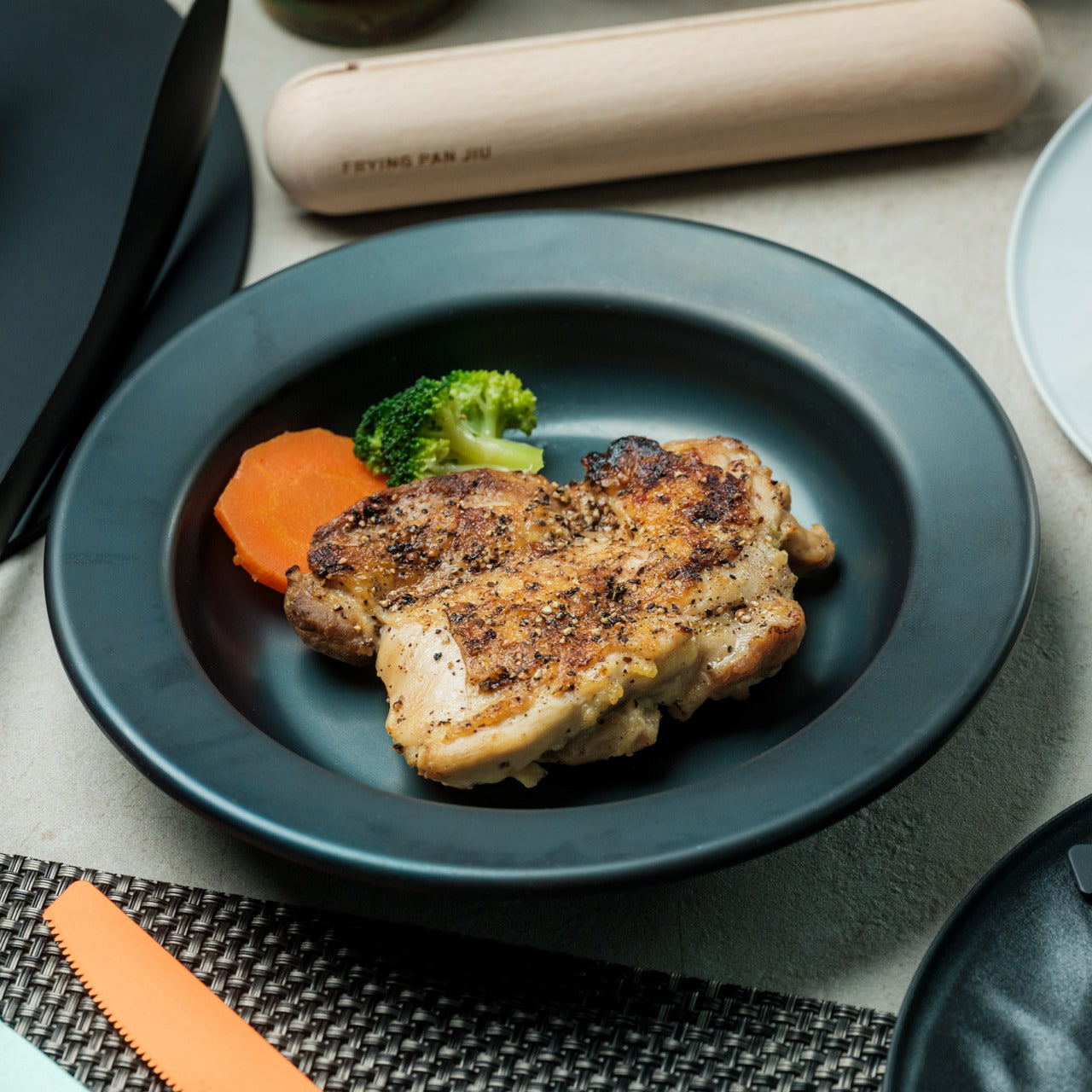
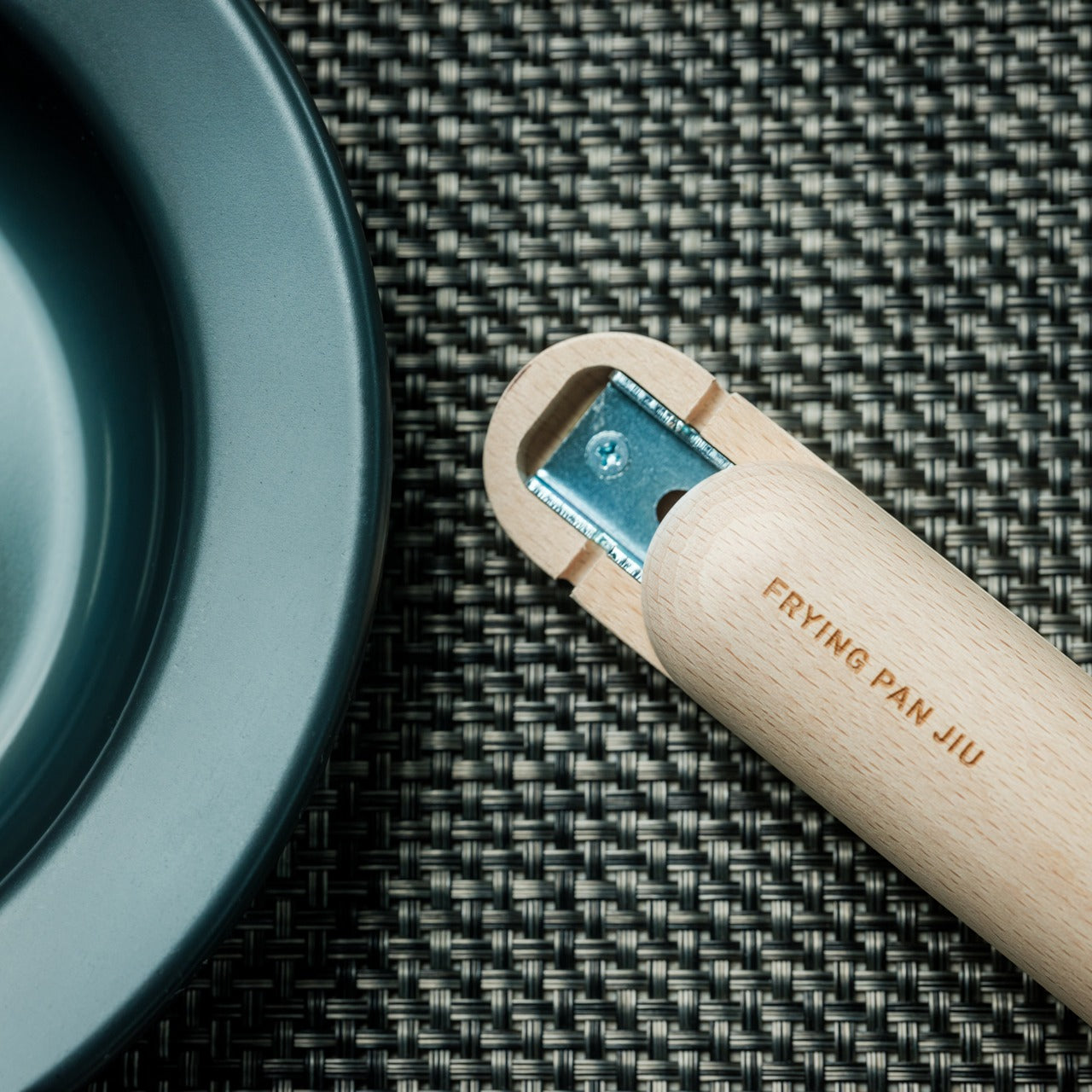
Western dining creates an artificial separation between cooking vessel and serving dish, transferring food from pan to plate in a ritual that cools ingredients and adds cleanup steps. The JIU Iron Frying Plate eliminates that middleman—the frying pan is your plate, the plate is your frying pan, collapsing cooking and eating into a seamless experience. Crafted from rust-resistant mill scale steel with a detachable wooden handle, this cookware brings out superior flavors and textures while reducing the barriers between preparation and enjoyment. The uncoated surface comes ready to use immediately, requiring no seasoning or special preparation rituals.

The boundary-blurring design creates intimacy with your food that standard plating disrupts. Eggs sizzle on your breakfast table, fish arrives still crackling from the heat, and vegetables steam visibly as you lift fork to mouth. The immediacy preserves temperature, texture, and visual drama that dissipate during transfers. The detachable wooden handle attaches and releases with one hand, transforming cookware into serveware in seconds. The rust-resistant and stick-resistant mill scale steel develops natural non-stick properties through use without chemical coatings. The design invites slower, more attentive eating—you’re not rushing through a cooled plate but pacing yourself with a vessel that retains heat and presence throughout the meal.

Click Here to Buy Now: $69.00

What We Like

  • The cook-and-serve design preserves temperature and texture better than transferred plating
  • The one-handed handle attachment provides seamless transitions from stove to table
  • The uncoated mill scale steel requires no seasoning and develops natural non-stick properties
  • The retained heat encourages a slower, more mindful eating pace

What We Dislike

  • The hot serving surface requires careful handling and might not suit households with young children
  • The iron construction adds weight compared to standard plates

5. Obsidian Black Mini Grip Tongs

Precision suffers when tools don’t match the task scale. Standard tongs designed for flipping steaks and tossing salads become clumsy instruments when arranging delicate appetizers or plating intricate dishes. These Obsidian Black Mini Grip Tongs at 4.9″ or 7″ provide the precise control that detailed food work demands. Crafted from SUS821L1 stainless steel, offering twice the strength of standard SUS304, the design achieves exceptional durability in lightweight form. The dark oxidized finish creates a striking visual presence whether working in the kitchen or serving at the table.

The compact dimensions transform tasks that feel awkward with full-sized tongs into natural, comfortable movements. Arranging bite-sized hors d’oeuvres, distributing breakfast sausages, flipping delicate shrimp, plating garnishes—the smaller scale provides distance for hygiene while maintaining the dexterity to handle fragile ingredients. The doubled steel strength allows thinner construction without sacrificing durability, reducing hand fatigue during extended prep sessions. The corrosion resistance ensures longevity despite frequent exposure to acidic ingredients and moisture. The dark finish adds sophistication that bridges kitchen and dining contexts, looking equally appropriate during cooking and tableside service. These tongs fill the precision gap that standard kitchen tools overlook.

Click Here to Buy Now: $25.00

What We Like

  • The compact size provides precise control for delicate ingredients and detailed plating
  • The doubled steel strength enables a lightweight design without compromising durability
  • The corrosion-resistant material withstands acidic ingredients and frequent washing
  • The dark finish transitions elegantly from kitchen work to tableside service

What We Dislike

  • The smaller size limits utility for larger ingredients or high-volume cooking tasks
  • The specialized nature means they supplement rather than replace standard-sized tongs

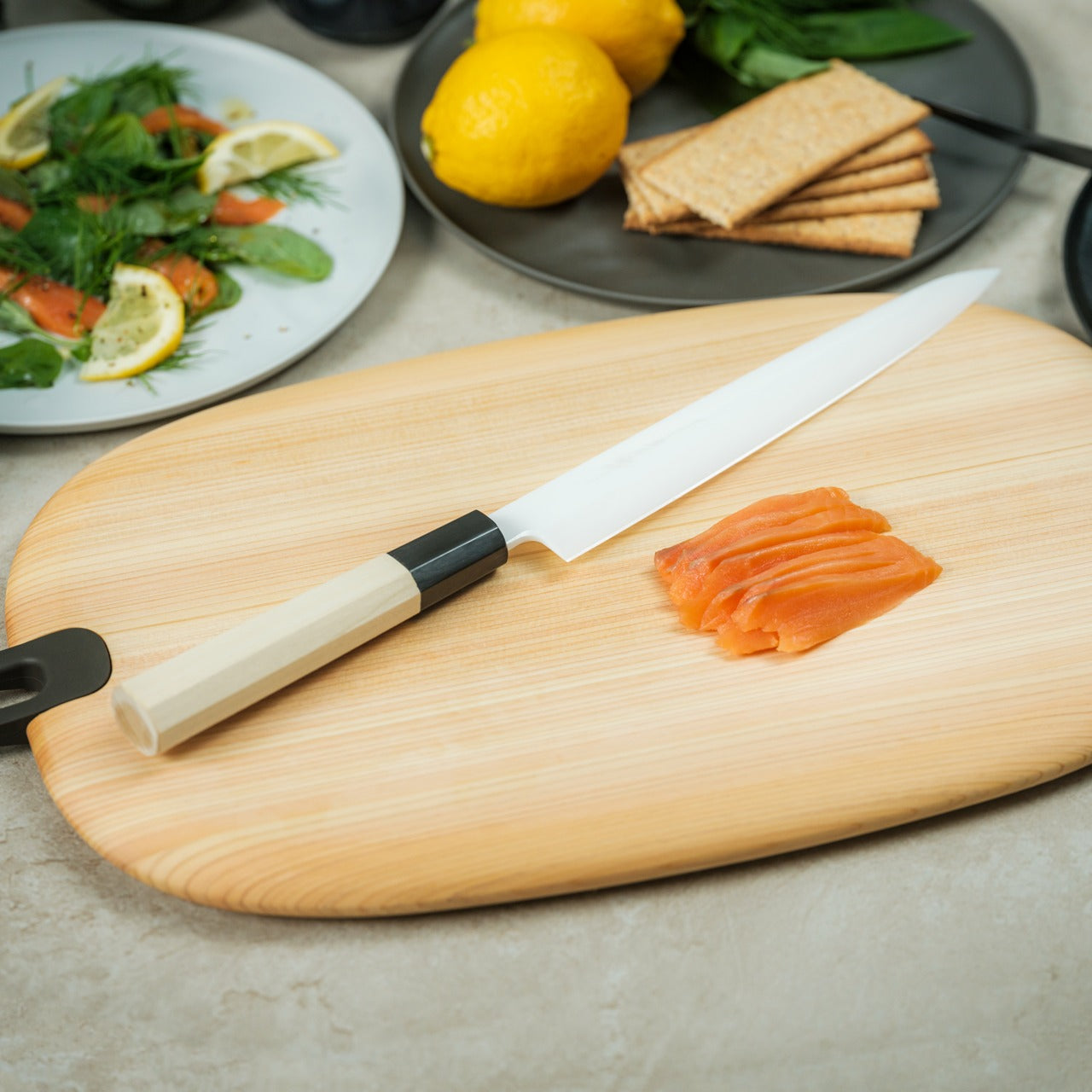
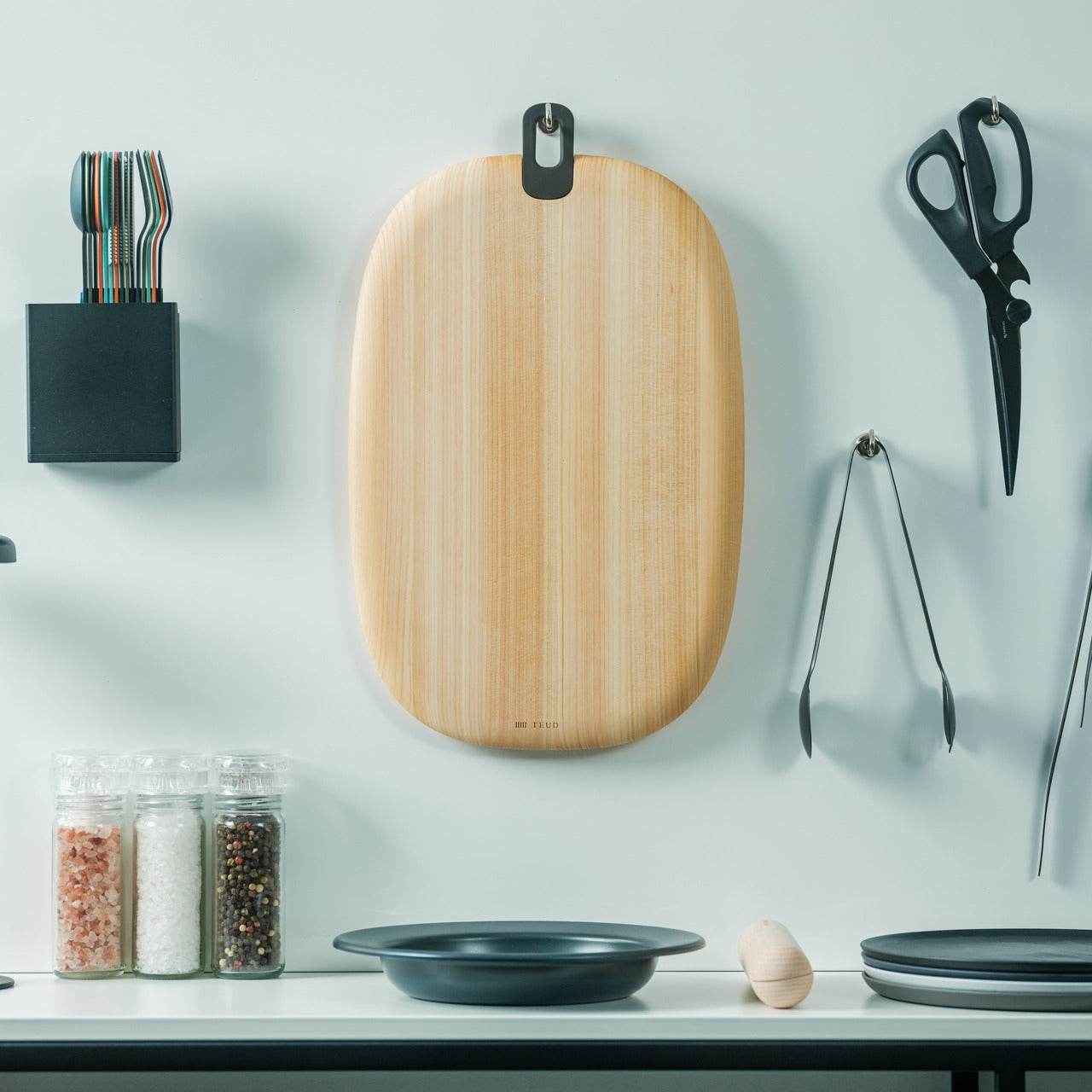
6. Hinoki Essence Cutting Board

Cutting boards in Western kitchens lean toward two extremes: hard plastic that preserves knife edges but feels clinical, or soft wood that comforts hands but dulls blades. The Hinoki Essence Cutting Board achieves the balance that Japanese cypress is renowned for—medium hardness that offers resistance without damaging knives. The majestic hinoki wood naturally resists mold while the water-resistant silicone coating penetrates wood fibers to prevent damage. The gentle, rounded shapes and integrated handle provide both aesthetic grace and practical functionality for hanging and hygienic drying.

The cutting experience on hinoki transforms knife work from task into sensory practice. The wood provides satisfying feedback without the harsh impact of hard surfaces or the mushy give of soft materials. The natural aroma of cypress adds olfactory dimension to food preparation, creating an atmosphere that plastic and bamboo cannot replicate. The design revives traditional hinoki use in forms suited to modern lifestyles and aesthetic sensibilities. The integrated handle facilitates hanging storage that promotes air circulation and drying. The water-resistant treatment extends durability without coating the surface in synthetic films. The gentle curves blend naturally with contemporary kitchen interiors while honoring traditional Japanese woodworking aesthetics. This cutting board makes knife work feel intentional rather than mechanical.

Click Here to Buy Now: $59.00

What We Like

  • The medium hardness protects knife edges while providing satisfying cutting feedback
  • The natural hinoki aroma adds sensory dimension to food preparation
  • The water-resistant silicone treatment penetrates fibers without a synthetic coating
  • The integrated handle enables hygienic hanging storage and natural drying

What We Dislike

  • The cypress wood requires more maintenance attention than plastic alternatives
  • The premium material commands a higher price compared to standard cutting boards

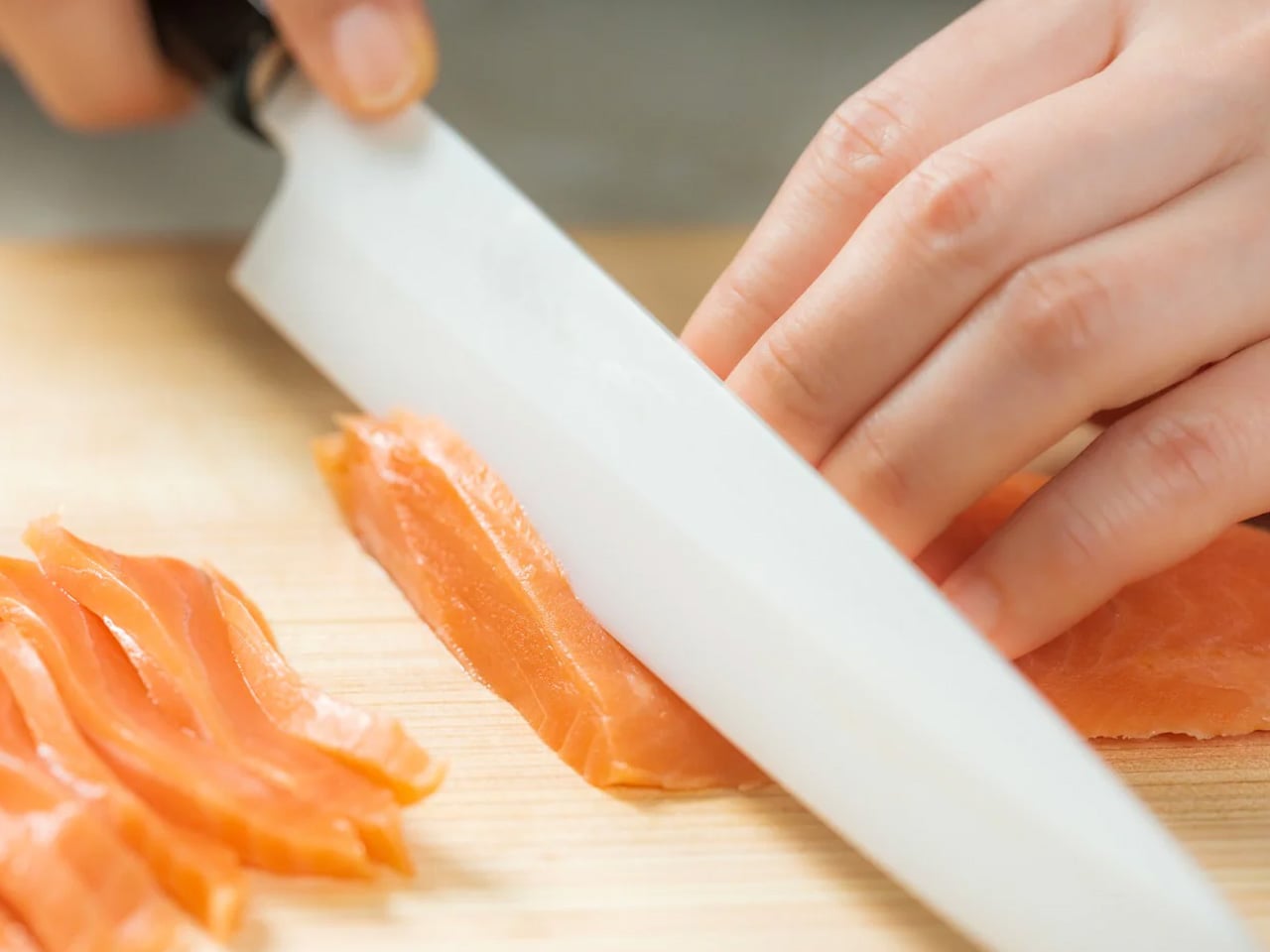
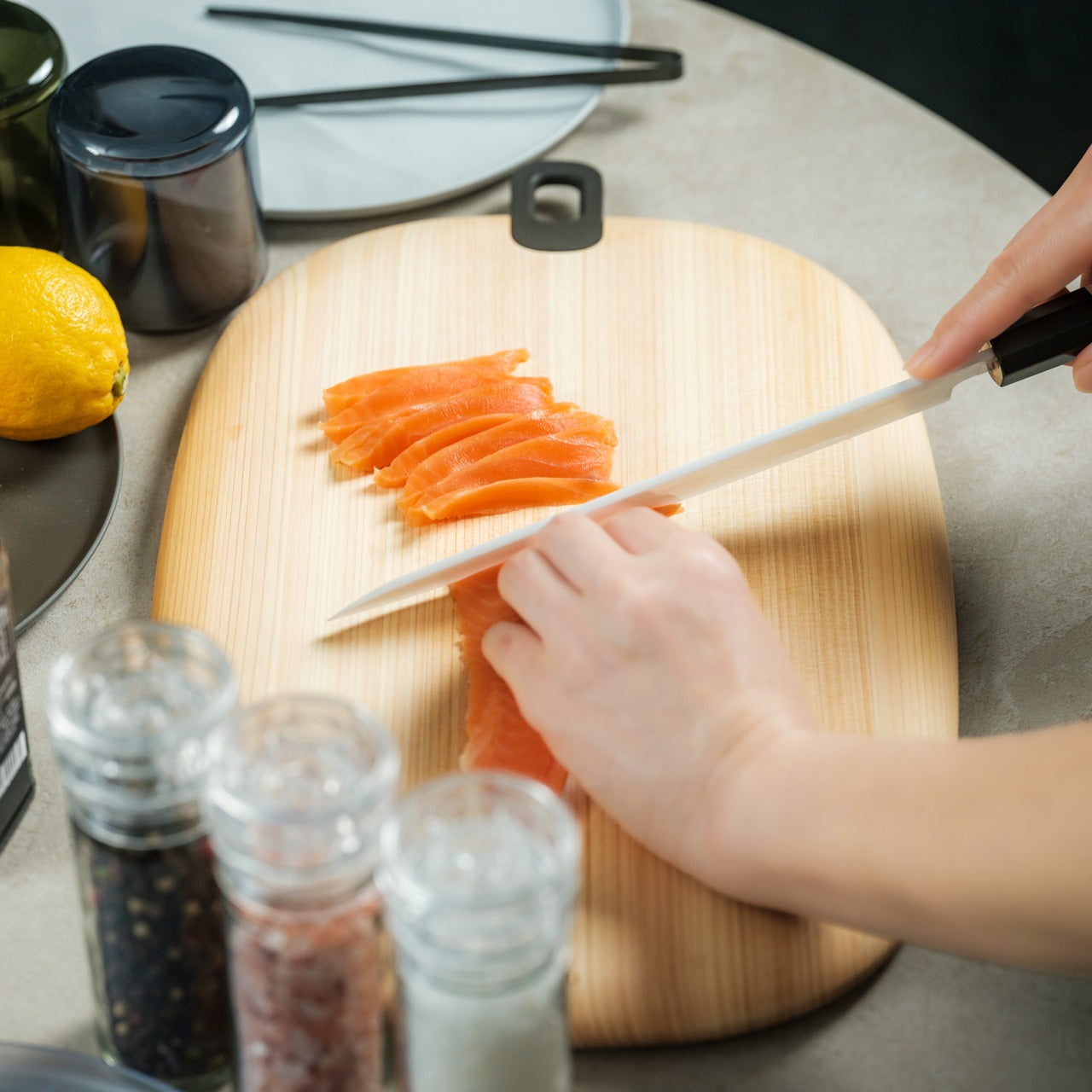
7. Precision Ceramic Sashimi Knife

Raw fish demands knife performance that metal blades, for all their centuries of refinement, struggle to deliver. The Precision Ceramic Sashimi Knife represents the convergence of Japanese craftsmanship and advanced material science, creating a blade twice as hard as stainless steel with sharpness lasting 200 times longer than conventional edges. The single-bevel design emulates the classic yanagiba with a concave back, reducing friction for effortless, drag-free cuts. The lightweight ceramic construction enables extended use without hand fatigue, while the advanced material requires minimal maintenance and virtually eliminates sharpening routines.

The cutting experience transforms sashimi preparation from a technical challenge into a flowing motion. The exceptional sharpness preserves delicate fish texture and cell structure that duller blades tear and compress. The friction-reducing concave back allows the blade to glide through ingredients with minimal resistance and maximum control. The lightweight design enables the precise, continuous strokes that proper sashimi cutting requires without the arm fatigue that metal blades produce. The ceramic material doesn’t impart metallic taste or oxidation to delicate seafood. The longevity of the edge means consistent performance over years rather than gradual degradation between sharpenings. This knife allows home cooks to achieve the finesse of expert sushi chefs, creating visually stunning and flavorful dishes that honor the ingredient.

Click Here to Buy Now: $299

What We Like

  • The ceramic material maintains sharpness 200 times longer than conventional steel blades
  • The single-bevel design with concave back enables effortless, drag-free cuts
  • The lightweight construction reduces hand fatigue during extended preparation
  • The non-reactive material prevents metallic taste transfer to delicate seafood

What We Dislike

  • The ceramic blade, while exceptionally hard, is more brittle than steel and requires careful handling
  • The specialized design focuses on sashimi and delicate work rather than general-purpose cutting

8. Supreme Daikon Radish Grater

Grating might seem like straightforward physics—sharp protrusions shredding softer materials—but Japanese craftsmanship reveals the profound difference between merely reducing ingredients and properly transforming them. The Supreme Daikon Radish Grater features traditional Hon-Meguri diagonal sharp blades individually carved by skilled artisans using sharp chisels. The innovative Quattro blade pattern, arranged in four directions, reduces slipping and provides stable, stress-free grating. The thick stainless steel construction combines exceptional durability with ease of maintenance, while the finely honed blades grate without tearing fibers, producing a smooth and fluffy texture perfect for gourmet presentations.

The grating experience reveals why Japanese artisans dedicate careers to perfecting such seemingly simple tools. The Hon-Meguri technique creates exceptionally sharp and durable blades that outlast stamped alternatives by years. The Quattro blade arrangement provides consistent performance regardless of grating direction, eliminating the frustration of ingredients slipping across ineffective zones. The careful blade geometry shears cleanly through ingredient fibers rather than tearing them, preserving moisture and creating the light, fluffy texture that properly grated daikon demands. The thick stainless steel construction provides rigidity that cheaper graters lack, ensuring consistent blade exposure and pressure. This grater makes the difference between grated daikon that weeps liquid and turns mushy versus the cloud-like mounds that Japanese restaurants achieve.

Click Here to Buy Now: $99.00

What We Like

  • The traditional Hon-Meguri technique creates exceptionally sharp and durable hand-carved blades
  • The Quattro blade pattern provides stable performance in all grating directions
  • The finely honed blades shear cleanly without tearing fibers for superior texture
  • The thick stainless steel construction ensures durability and rigidity

What We Dislike

  • The artisan craftsmanship commands premium pricing compared to stamped graters
  • The specialized design focuses on daikon and similar ingredients rather than general-purpose grating

Finding Zen Through Better Tools

Japanese kitchen tools don’t promise to save time or eliminate effort—they promise to make that time and effort worthwhile. Each implement featured here transforms mundane cooking tasks into opportunities for presence, precision, and satisfaction. The scissors that replace multiple tools, the teapot that responds to your biometric state, the cutting board that breathes cypress aroma into your prep work—these aren’t conveniences but invitations to slow down and pay attention.

The zen of cooking emerges not from rushing through tasks but from tools that reward attention with superior results. These Japanese gadgets and tools create that space, that possibility, that invitation. They ask you to notice the therapeutic circular motion of tableside grating, the satisfying feedback of knife meeting hinoki, the visual drama of food served directly from the cooking vessel. They transform kitchen work from something to finish quickly into something worth experiencing fully, where the cooking becomes as nourishing as the eating.

The post 8 Best Japanese Kitchen Gadgets & Tools That Make Cooking Feel Zen first appeared on Yanko Design.
Canyon’s Hexagon Charger Makes Wireless Charging Actually Cool

When you think about wireless chargers, your mind probably goes straight to flat discs or boring black rectangles scattered across your desk. But VLND Studio just flipped that script with their Wireless Charging Station for Canyon, and the design world took notice. This isn’t just another tech accessory pretending to be minimal. It’s a genuine rethinking of how charging stations can look and function.

The Hexagon 310, as it’s officially called, is part of Canyon’s newly introduced Hexagon series. What makes it stand out? That distinctive hexagonal smartphone charging pad that gives the whole station its name and personality. While most charging stations try to disappear into your space, this one demands to be seen, but in the best possible way. It’s sculptural without being pretentious, technical without feeling cold.

Designer: VLND Studio

VLND Studio’s approach here is refreshingly practical. The 3-in-1 station delivers 15 watts of rapid charging power, which means your devices actually charge quickly instead of just sitting there looking pretty. The hexagonal shape isn’t just about aesthetics either. It creates structured storage areas that guide where you place your devices, reducing that annoying fumbling around trying to find the sweet spot for wireless charging. The geometry actually helps with alignment and optimizes the limited real estate on your desk or nightstand.

Let’s talk about what you’re getting functionally. The station charges three devices simultaneously using a Qi magnetic connection that’s compatible with Apple devices. Canyon includes a 20W adapter with changeable EU and UK plugs, so you’re covered whether you’re in London or Lisbon. There are LED indicators and backlighting, plus four types of protection (over-current, over-voltage, over-temperature, and foreign object detection) built in, because nobody wants their phone turning into a hand warmer.

The Red Dot jury was particularly impressed by how the symmetrical geometry unites functional organization with what they called “distinctly futuristic aesthetics.” That’s design-speak for saying it looks like it belongs in a tech enthusiast’s setup without trying too hard. The compact design ensures stability on any surface, and those rounded edges and soft curves give it an approachable, almost friendly presence.

What’s interesting about this collaboration is that Canyon, typically known for more budget-conscious tech accessories, partnered with VLND Studio to create something that punches way above its weight class design-wise. The in-house team at Canyon (including designers Vladlens Zabelskis, Elena Alekseeva, Dmitry Romanenko, Ilya Koloskov, Vladislav Olinov, and Igor Volkov) brought their engineering expertise, while VLND Studio clearly pushed the aesthetic boundaries.

The color options show restraint in the best way. You can choose from light grey with an orange accent, cool grey with blue, or an all-black version with green. That pop of color in the vertical support column adds just enough visual interest without overwhelming the minimalist vibe. It’s the kind of detail that makes you smile when you notice it but doesn’t scream for attention.

Canyon describes the Hexagon 310 as exemplifying their core vision: designing tech products that are as intelligent as they are visually compelling. That might sound like marketing fluff, but when you look at the actual product, it tracks. This charging station does more than organize your devices. It brings a little bit of joy to the mundane task of keeping your gadgets powered up.

For design enthusiasts and tech lovers alike, the Hexagon 310 represents something we don’t see enough of: everyday objects that work brilliantly while also being genuinely interesting to look at. VLND Studio and Canyon proved that wireless chargers don’t have to be afterthoughts in your space. Sometimes, they can be conversation starters.

The post Canyon’s Hexagon Charger Makes Wireless Charging Actually Cool first appeared on Yanko Design.
These Fallout Nuka-Cola artisan keycaps are ridiculous, beautiful, and exactly what your keyboard deserves

Fallout never lets go of Nuka-Cola. You can be ankle deep in irradiated sludge, low on ammo, and still your brain pings when you see that red script on a rusted machine. The games trained everyone to read those machines as little probability engines. Maybe caps, maybe chems, maybe a ghoul behind the door. That association sticks. You see Nuka-Cola now and your fingers almost reach for the VATS key out of habit.

So when Drop and Dwarf Factory freeze that whole relationship inside a 1U keycap, it feels weirdly logical. Four tiny scenes, all Nuka flavored. Vending machine, bottle crate, Power Armor helmet, Thirst Zapper. Each one parked on an SA R1 profile shell, roughly 18 millimeters across, tall enough to tower over your number row. They are desk jewelry that behaves like keyboard hardware, and that crossover is where this stuff gets interesting.

Designer: Dwarf Factory for Drop

The sheer density of the diorama in each cap is something you have to respect. We are talking about a standard 1U footprint, roughly 18 millimeters square, that contains a fully realized scene with foliage, weathering, and legible micro-branding. The clear resin shell acts as a magnifier, giving the internal sculpture a sense of depth that tricks the eye. You can see the undercuts on the vending machine and the individual ropes on the bottle crate. Achieving that kind of fidelity in a multi-stage casting process, for a part that needs to meet the mechanical tolerances of a keyboard stem, is no small feat.

They were smart about the four designs they chose, too. It feels like a curated set that covers the core pillars of the Nuka-Cola experience: the vending machine for environmental storytelling, the bottle crate for loot, the Thirst Zapper for that weird corporate goofiness, and the Power Armor helmet for combat. It tells a more complete story than just slapping a Vault Boy face on a key. Together, they create a tiny narrative across your function row, a silent testament to the wasteland’s most persistent brand.

These things are tall, sitting at a full SA R1 profile height of around 16 millimeters. On a low-profile board they would look like monoliths, but that verticality feels right for Fallout’s chunky, retro-futuristic hardware. Dwarf Factory is using its standard multi-part resin casting and hand-painting process, all sealed in a polished acrylic shell. They fit standard Cherry MX stems, so compatibility is wide, but anyone running Kailh Box switches is out of luck due to the wider housing. It’s a niche product for a niche within a niche, and the specs reflect that.

Of course, that kind of hand-painted, multi-stage resin work is why these things have a seventy-dollar question mark attached to each key. That price point immediately pushes them out of the realm of simple accessories and into the category of functional jewelry for your desk. You are not just buying a keycap, you are commissioning a tiny sculpture that happens to be keyboard-compatible. It is an absurd purchase by any rational metric, but the entire custom keyboard hobby abandoned rationality several years ago. This is for the person who sees their keyboard as a gallery, not just a tool.

The way they interact with backlighting is another clever touch. The glow-in-the-dark pigment and internal geometry create this irradiated halo effect at night, with light bouncing around inside the resin instead of just shining through a legend. It looks like your keyboard has been sitting a little too close to a glowing sea. Drop one of these on a retro-themed beige board and it looks like canonical hardware from the Fallout universe. Put it on a modern RGB rig and it becomes a preserved relic, a piece of the old world trapped in a futuristic frame.

Given their handmade nature, these keycaps don’t come cheap. Each individual cap starts at $69 from Drop’s website (unless they get sold out and sell on the aftermarket for even higher). I assume the handcrafting cost is high, but the licensing fees with Fallout are even higher. Drop’s even debuted Fallout-themed mechanical keyboards/keycaps/mats that are more mass-produced which sell for a lot cheaper (you can see them in the images above and below)… although if you’re a bit of a collector, you’d want to spring for the artisan stuff, whether it’s to mount on a keyboard or showcase on a platform behind a glass cover.

The post These Fallout Nuka-Cola artisan keycaps are ridiculous, beautiful, and exactly what your keyboard deserves first appeared on Yanko Design.

Seestar S30 Pro Captures Deep-Sky Photos While You Sleep

The romance of stargazing usually hits the reality of traditional astrophotography pretty hard. Heavy mounts, polar alignment, cables running from telescope to laptop, and software that can turn a clear night into troubleshooting instead of wonder. Phone cameras and basic star apps have helped, but they still leave a gap between pointing at the sky and capturing something worth keeping.

Seestar S30 Pro is a smart telescope that weighs about 1.65kg and folds a telescope, auto-focuser, camera, Alt-Az mount, filter wheel, and controller into one compact body. You power it on, tap your phone to connect, and the system is ready. The idea is to replace a trunk full of gear with a palm-sized observatory that lives in a backpack but still feels like a serious instrument.

Designer: ZWO ASTRO

Setting it up under a clear sky, you open the app and choose from more than 80,000 deep-sky objects and 600,000 stars. With one-tap GOTO, the S30 Pro slews to the target, locks on, and starts tracking. You pick a mode, Stargazing, Milky Way, Solar System, or Scenery, and let the dual-lens 4K system with its IMX585 telephoto and IMX586 wide-angle sensors stack and refine frames.

Milky Way and star trails modes let you watch the sky drift across the frame or trace arcs over time-lapse. Built-in 8K stitching automatically mosaics horizontal or vertical panoramas, expanding the field far beyond a single frame. A freeze-the-ground feature separates foreground from sky, keeping the landscape sharp while the Milky Way stays crisp and trail-free, all from a single tap that would normally require separate exposures.

The 4-element apochromatic lens with extra-low dispersion glass minimizes chromatic aberration so stars stay round, and blacks stay neutral. A built-in triple filter system, dark field, UV/IR cut, and light pollution filter tuned for OIII and Hα, adapts to different conditions. Active anti-dew control gently warms the optics to prevent condensation, so long sessions do not end with a fogged-over lens and hours of wasted time.

Plan mode lets you schedule a target and let Seestar handle locating, tracking, capturing, and processing while you sleep, so you wake up to finished data instead of staying up all night monitoring exposures. For longer exposures, an equatorial mode with additional accessories counters Earth’s rotation. During the day, the same device becomes an ultra-telephoto camera for birds, distant landscapes, or rocket launches, with smart tracking to keep subjects centered.

The S30 Pro sits inside a broader ecosystem, from the telescope network that lets you control Seestar units across regions to the AI assistant that responds to voice commands, and ASCOM Alpaca support that opens it up to software like NINA for advanced workflows. It is framed less as a gadget and more as a platform for exploring the sky, making the first steps effortless while leaving room to grow.

The post Seestar S30 Pro Captures Deep-Sky Photos While You Sleep first appeared on Yanko Design.
OBSBOT Tiny 3 4K PTZ Webcam Review: Audio As a First-Class Citizen

PROS:


  • Triple MEMS mic array with five specialized audio modes

  • Strong imaging quality with 1/1.28-inch 4K Dual All-Pixel PDAF sensor

  • AI Tracking 2.0 with intelligent framing and PTZ control

  • Extreme compactness with flagship-level specs

CONS:


  • Premium pricing

  • Feature depth may overwhelm casual users

  • Non-serviceable, integrated design

RATINGS:

AESTHETICS
ERGONOMICS
PERFORMANCE
SUSTAINABILITY / REPAIRABILITY
VALUE FOR MONEY

EDITOR'S QUOTE:

OBSBOT Tiny 3 treats audio and video as one design problem instead of forcing users to stack separate gear, creating a genuinely tiny studio that replaces an entire desk setup with one very capable box.

Most people who take video calls seriously have ended up stacking gear on their desks. A clip-on webcam, a clamped USB mic, software filters layered on top of each other, and a constant ritual of adjusting angles and leaning into microphones just to sound decent. Laptop webcams were never meant to carry this much weight, but the usual upgrade path still treats audio as something you solve separately, which means juggling two devices and hoping they play nicely together.

OBSBOT Tiny 3 approaches that problem differently. The 4K PTZ webcam wraps a triple MEMS microphone array, a 1/1.28-inch sensor, and a 2-axis gimbal into a compact, lightweight aluminum body. OBSBOT calls it a Tiny Titan, and claims it delivers studio-grade spatial audio, flagship imaging, and AI tracking in one very small package. Whether that actually holds up during everyday streaming, client meetings, and the occasional podcast is the question worth answering.

Designer: OBSBOT

Aesthetics

Walking into a room where the Tiny 3 sits on a desk, it reads less like a webcam and more like a miniature broadcast camera someone scaled down and parked on a tripod. The aircraft-grade aluminum alloy shell gives it an equipment-grade presence without being loud about it, landing somewhere between compact cameras and audio interfaces rather than the glossy plastic most peripherals use these days.

The proportions feel deliberately compact. At 37mm x 37mm x 49mm and 63g, it occupies roughly the same footprint as a large dice, but the dual-axis gimbal makes it clear this is meant to move and track rather than stare at one fixed angle. The satin metallic finish catches light softly without harsh reflections, and the minimal branding keeps it neutral enough to blend into creative or corporate setups without clashing with the rest of the gear.

The included storage case and adjustable mount feel like extensions of the same design language rather than afterthoughts tossed into the box. The case is compact and rigid, protecting the camera in transit without eating up bag space, while the mount uses clean lines and a friction hinge that feels considered. These details matter to people who care about how tools look both during use and while packed away, which describes exactly the kind of person likely to spend more on a webcam in the first place.

Ergonomics

Setup is quick enough that you can join a meeting within minutes of opening the box. Plug the OBSBOT Tiny 3 into a USB-C port, wait a few seconds for automatic driver installation, and the camera appears as a standard UVC device ready for Zoom or Teams. Downloading OBSBOT Center later unlocks deeper controls, but the basics work immediately without forcing you into a setup wizard when you are already five minutes late to a call.

Mounting options give flexibility without requiring proprietary hardware. The adjustable clip grabs laptop lids or monitor bezels securely, while the built-in 1/4-inch thread accepts any standard desk tripod or arm. This means the Tiny 3 can shift from a quick laptop travel setup to a permanent studio fixture without needing different stands, which keeps things simpler when your workspace changes or you move between home and office regularly.

The 2-axis gimbal handles tracking smoothly once it starts moving. Pan range reaches ±130 degrees controllable, tilt goes from 32 degrees up to 60 degrees down, and the gimbal moves at up to 120 degrees per second. In practice, the camera can follow you across a room, reframe when you stand up or sit down, or snap to preset positions without feeling sluggish or overeager, more like a quiet camera operator than a webcam you nudge by hand every few minutes.

Voice commands and gesture control keep your hands free when it counts. Saying “Hi Tiny” wakes the camera, and from there you can trigger tracking, zoom in or out, or park the gimbal in preset positions by voice. Gestures work similarly: a raised hand or quick motion toggles tracking or zoom without leaning forward to click software buttons. This feels genuinely practical once you are mid-presentation and do not want to break flow by reaching for a mouse or keyboard.

Performance

At the imaging core sits a 1/1.28-inch CMOS sensor with 50MP effective pixels behind an f/1.8 lens at a 24mm equivalent focal length. That sensor size is closer to what you would find in a decent smartphone camera than in most webcams, which immediately changes expectations for low-light noise, dynamic range, and how camera-like the footage feels compared to typical USB peripherals.

The OBSBOT Tiny 3 outputs 4K at 30 fps for sharp video, or drops to 1080p at up to 120 fps for ultra-smooth motion or slow-motion clips. That 120 fps mode is rare on webcams and genuinely useful for product demos, movement capture, or just making gesture-heavy content feel more cinematic. DCG HDR balances bright windows and dim rooms without the ghosting that makes some HDR modes unusable, which helps when you are stuck with mixed lighting.

Autofocus and exposure behave like a capable point-and-shoot rather than guesswork. Dual All-Pixel PDAF pulls focus quickly, whether you are showing a product, writing on a whiteboard, or pacing during a stream. ISO 100 to 12,800, capped at 6,400 in HDR mode, gives flexibility to stay clean in low light without the image collapsing into noise. Shutter speeds from 1/12,800 to 1/30 second handle fast motion or dim environments without aggressive software smoothing.

Audio is where the Tiny 3 genuinely stands apart from the field. The triple silicon MEMS microphone array includes one omnidirectional and two directional mics, operating at 24-bit sampling with 130dB SPL handling and a 69dB signal-to-noise ratio. In plain terms, the system captures quiet nuance and loud environments without clipping or filling the track with hiss, and noise reduction is strong enough to keep voices clear even in noisy spaces.

Five dedicated audio modes cover different scenarios without needing external hardware. Pure Audio delivers unprocessed stereo for music or ASMR. Spatial Audio enhances stereo separation for vlogs. Smart Omni balances voices and environmental sound for meetings. Directional focuses pickup in front while suppressing surrounding noise, ideal for solo podcasts. Dual-Directional captures front and rear while rejecting sides, built for interviews. Having all five built in lets you tune the mic to your environment instead of buying another device.

AI Tracking 2.0 brings framing intelligence you would usually need a camera operator to achieve. Human tracking offers Single, Group, and Only Me modes, the latter locking onto one person and ignoring distractions. Object tracking lets you box items in software and have the gimbal follow. Zone Tracking sets custom areas where tracking starts or stops. Auto Zoom adjusts framing from close-up to full body, while Face Framing detects which direction you are looking and shifts composition accordingly.

Sustainability

The aircraft-grade aluminum alloy body does more than look polished. Aluminum dissipates heat better than plastic, which keeps the camera cooler during long streams and reduces the risk of thermal issues or early component wear. The material also resists scratches and minor bumps better than glossy finishes, which matters when you are moving the camera between desk, bag, and tripod regularly without babying it.

The OBSBOT Tiny 3 is not user-serviceable in the traditional sense, but that trade-off buys integration and compactness. The non-removable gimbal, sensor, and mic array work as a single tuned system, eliminating external adapters, separate audio devices, and multiple mounting solutions. Over time, that reduces the number of peripherals cluttering your workspace and, eventually, the pile of obsolete gear heading toward e-waste when you simplify or upgrade.

Consolidation itself is a quieter sustainability angle. By combining high-quality video, spatial audio, and intelligent tracking in one device, the Tiny 3 can replace the typical webcam-plus-mic-plus-software stack many creators rely on. Fewer separate products to manufacture, package, ship, and discard adds up over the lifecycle of a setup, even if it is not the kind of sustainability story that comes with certification badges or bold recycled-material claims.

Value

With a $349 full price tag, the OBSBOT Tiny 3 sits in premium webcam territory. This is not an impulse replacement for a blurry laptop camera. It is aimed at people who make a living on video or spend enough time on calls and streams that a camera setup feels like professional infrastructure rather than just another peripheral. The price is higher than most consumer webcams, but it is also attempting significantly more than a fixed lens with a basic mic.

Value shows up through consolidation. At that price point, you get a 4K PTZ camera, triple-mic spatial audio system, and deep AI tracking in one device. Building something similar from separate pieces, a good standalone webcam, a quality USB microphone, plus software for tracking, can match or exceed that total when you add it up. The bigger benefit is simplicity: one cable instead of three, one piece of software, and one object on the desk instead of gear fighting for USB ports.

Comparing what $349 typically gets you elsewhere helps frame where Tiny 3 sits. At similar prices, you might find webcams with strong video but mediocre mics that still need separate audio solutions, or you might approach entry-level camera kits that require capture cards and external mics. Tiny 3’s combination of audio-first design, motorized PTZ tracking, and real-time AI framing is rare enough in this bracket that direct comparisons feel unfair in either direction.

The broader OBSBOT ecosystem adds value for people who grow into complex setups. Pairing the Tiny 3 with OBSBOT’s own Vox SE wireless mics, a physical OBSBOT Tiny Smart Remote 2, or adapters for HDMI and NDI output means the camera scales from simple desk calls to multi-camera streams without needing replacement. That spreads the initial investment over more scenarios and extends useful life, which looks more reasonable when you consider many people outgrow basic webcams within a year anyway.

Verdict

The OBSBOT Tiny 3 feels like a carefully engineered answer to the messy reality of modern video communication, where clear sound, smart framing, and reliable focus matter as much as raw resolution. The combination of a 1/1.28-inch 4K sensor, triple MEMS spatial audio, and a nimble PTZ gimbal packed into a, pardon the pun, tiny aluminum body makes it feel less like a webcam upgrade and more like a miniaturized studio camera that works over USB-C.

It is hardly the cheapest way to appear on screen, but it is one of the few that treats audio, video, and intelligence as a single design problem. For creators, educators, podcasters, and remote workers tired of juggling separate cameras and mics just to sound and look decent, the OBSBOT Tiny 3 makes a strong case for consolidating that setup into one very small, very capable box that disappears into the background while you get on with the work.

The post OBSBOT Tiny 3 4K PTZ Webcam Review: Audio As a First-Class Citizen first appeared on Yanko Design.
Apple unveils Gen 2 AirTag with louder speaker and 50% more tracking range

Apple has just launched a new AirTag, an update to its item-tracking accessory that has been around since 2021. The second-generation device is, as you would expect, better and bolder. It carries two primary distinctions: a better speaker and a wider range, which we will (in addition to other new features) discuss in detail below.

Apple AirTag has been on the market for five years now. It is still the most reliable and go-to device for most people looking to secure their belongings, including, but not limited to, luggage, keys, wallets, and bags. Dubbed the second-generation AirTag, the new item-tracker is powered by the same second-generation Ultra Wideband Chip that Apple has previously outfitted the iPhone 17 and the Watch Ultra 3 with.

Designer: Apple

Courtesy of an upgraded Bluetooth chip, the Gen 2 AirTag expands its range of Precision Finding by a good 50 percent and adds more reliable directional guidance to it, which means users will now be able to track their lost items from a much further distance. In addition to the range, the new AirTag features a much louder speaker. Users can get audio cues up to almost 50 percent louder than the original AirTag. The device also delivers haptic feedback and features directional arrows to lead you more conveniently to your lost but tagged item.

According to the reports released in the run-up to the launch of the second-gen AirTag, it was mulled that Apple would introduce a new design for its device. Apple has, however, stayed true to its original design and has instead focused on improving the features of the item tracker.

The Cupertino tech giant has put user privacy at the core of the development of its new AirTag. Within the associated Find My network, the device protects against unwanted tracking, and it comes with end-to-end encryption. A new feature within the Find My network is Share My Location. The feature allows users to temporarily share the location of any accessory tagged with the AirTag with a select group of people of their choosing. This can be particularly beneficial in case of misplaced luggage, for instance, a person can share the location of their tagged item with the airline staff and help recover faster.

Even though the look and feel, as well as the battery size of the AirTag haven’t changed, the device is now made from recycled materials. The casing comprises 85 percent recycled plastic, and it features 100 percent recycled rare-earth magnets and 100 percent recycled gold-plated circuits. Apple informs that the second-generation AirTag will require iPhones running iOS 26 or later, while the Precision Finding will be usable on Apple Watch Series 9 or Apple Watch Ultra 2 or later. Despite the upgrades, the second-gen AirTag, like its predecessor, costs $29 in the U.S. A pack of four will retail for $99.

The post Apple unveils Gen 2 AirTag with louder speaker and 50% more tracking range first appeared on Yanko Design.
This Smart Charging Adapter Finally Flexes So Your Cables Don’t Have To

Charging phones and portable devices has become one of the most routine actions of modern life. From the moment we wake up to the time we go to sleep, our devices depend on reliable power. We charge at home, in offices, cafés, airports, hotels, libraries, and public transportation spaces. Despite how frequently charging occurs, the physical environments designed to support it often feel like an afterthought. Wall sockets are commonly placed low to the ground, behind furniture, under desks, or in narrow corners that were never designed with daily device use in mind.

As a result, charging cables are routinely forced into uncomfortable positions. They are bent sharply against walls, twisted sideways, or compressed between furniture and outlets. Over time, this repeated stress causes visible wear. The outer insulation begins to tear, internal wiring weakens, and charging reliability declines. Many users replace cables not because they stop working suddenly, but because gradual damage makes them unsafe or frustrating to use. This cycle creates unnecessary waste, financial cost, and ongoing inconvenience.

Designer: Berkan Sunayol

Beyond annoyance, damaged charging accessories raise genuine safety concerns. Continuous pressure on the adapter and cable can degrade electrical contact points, increasing the risk of overheating, inconsistent power delivery, or short circuits. In public and shared environments, where users may not notice early signs of damage, this becomes an overlooked safety issue.

Charging cables are intentionally designed to be flexible. They allow users to route them around objects, across surfaces, and through tight gaps. Charging adapters, however, remain rigid and stiff. This mismatch creates a critical point of failure. When a rigid adapter is plugged into an awkwardly placed socket, it locks the cable into a fixed angle. The cable is forced to bend sharply at the connector, which is often the weakest part of the entire system.

Over time, this rigidity undermines the durability of both the cable and the adapter. Despite widespread awareness of cable damage, most existing solutions focus on reinforcing the cable itself rather than addressing the adapter that causes the stress.

The Flexible Charge Adapter addresses this issue by rethinking the adapter as an adaptive component rather than a static block. A stretchable silicone structure is integrated into a specific section of the adapter, allowing controlled flexibility where it matters most. This design introduces a small but meaningful bend that aligns naturally with the direction of the cable.

In tight or awkward spaces, this flexibility reduces sharp angles, minimizes pressure at the connection point, and allows the cable to rest in a safer, more natural position. The adapter responds to real-world conditions instead of resisting them, helping preserve the integrity of the cable and the safety of the charging process.
In addition to improving durability and safety, the adapter also supports modern usage patterns. With two charging ports, users can charge multiple devices at the same time, even in confined environments. Phones, earbuds, power banks, and other accessories can be powered simultaneously without crowding the socket or straining cables.

The Flexible Charge Adapter demonstrates how thoughtful design can address everyday frustrations that are often overlooked. By introducing flexibility into a traditionally rigid object, it extends the life of charging accessories, reduces safety risks, and improves the overall charging experience. In a world where charging is constant and unavoidable, this design makes a simple act safer, smarter, and more sustainable.

The post This Smart Charging Adapter Finally Flexes So Your Cables Don’t Have To first appeared on Yanko Design.