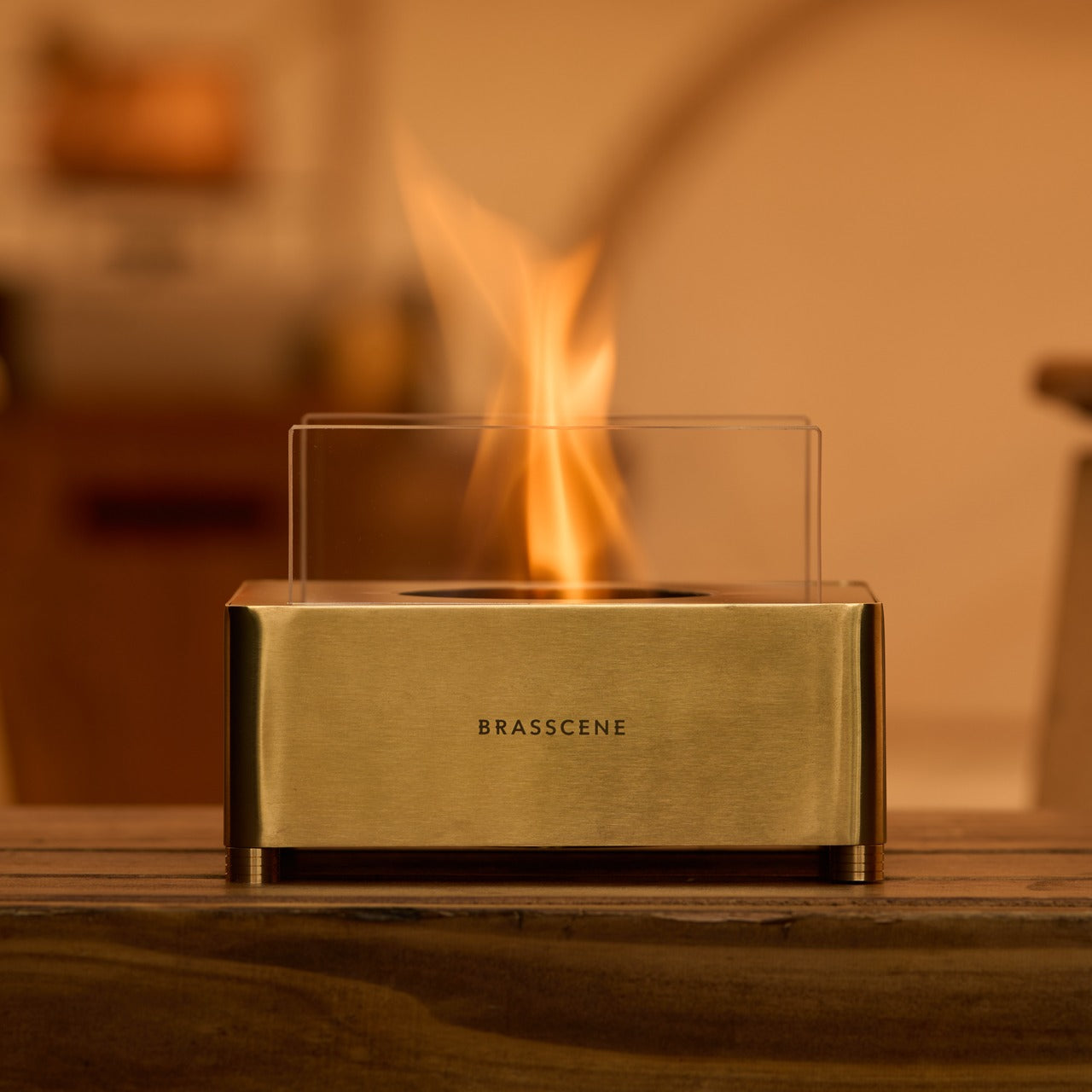
This Handcrafted Brass Fireplace Brings Real Fire to Any Room & Needs No Installation to Get Started

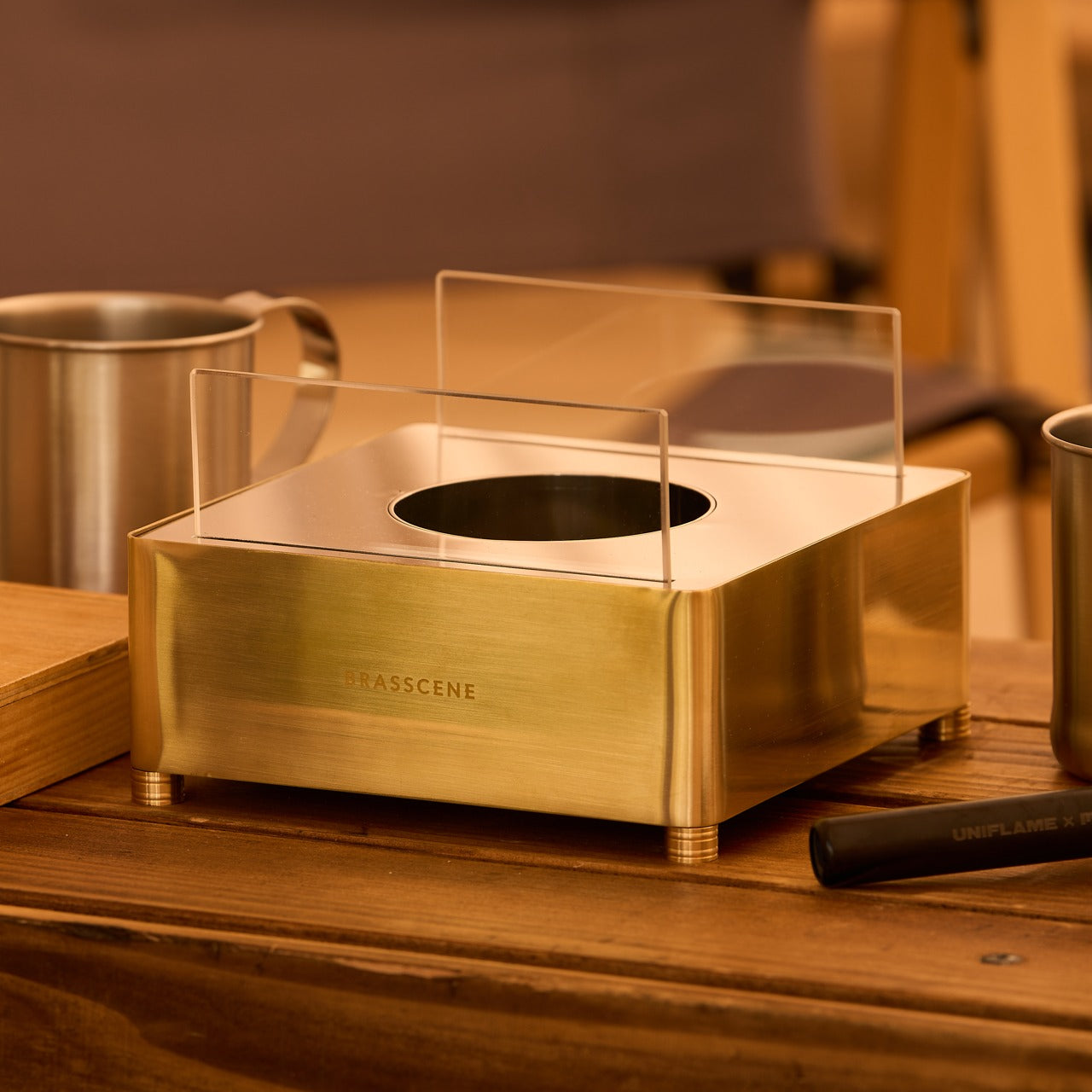
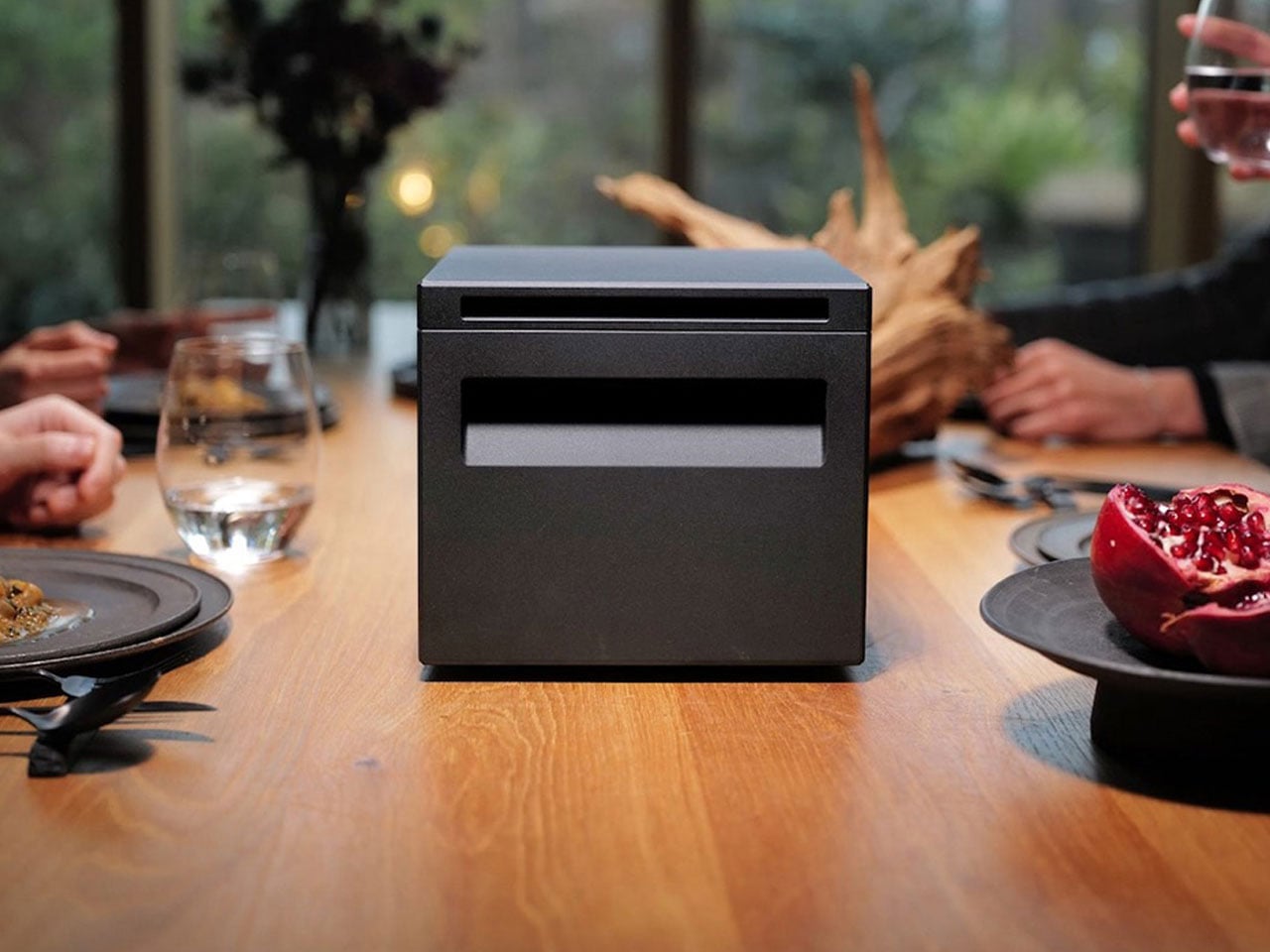
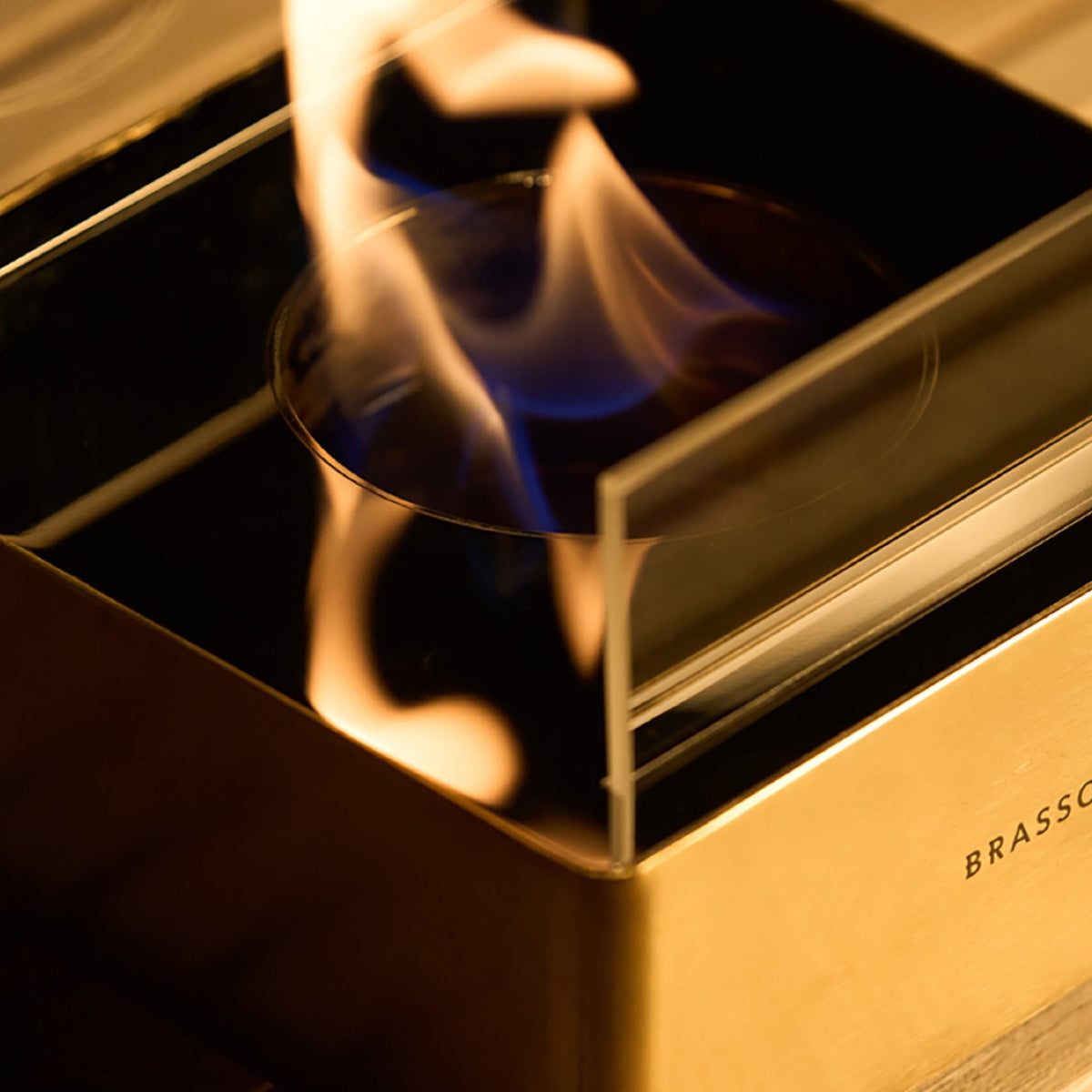
Most fireplaces require a great deal in exchange for a little warmth. A gas line. A flue. A weekend cleared for installation that ends up becoming two. The Harmony Flame asks for none of it. A brass fireplace that runs on bioethanol and sits on any surface you choose, it brings real fire to a dining table or a patio without smoke, without odor, and without anything that needs to be built into a wall.

What makes it worth owning is the craft behind it. The Harmony Flame is made by hand by craftsmen who build brass musical instruments, and that background changes everything about the object. The finishing, the fit, and the way brass behaves in firelight are not accidents of manufacturing. They are the result of people who understand the material at a level that most decorative product makers simply do not.

Click Here to Buy Now: $240.00

Brass That Earns Its Keep

The decision to build this fireplace in brass is not purely aesthetic, though the aesthetics are difficult to argue with. Brass holds heat well, develops a patina over time that makes each piece distinct, and responds to flame the way few other materials can. The craftsmen behind the Harmony Flame come from instrument-making, where precision and finish are non-negotiable because the material reveals everything. That same discipline carries into this fireplace, across every seam and surface, and the result is an object that gets better the longer it is used.

The reflective interior is where the design genuinely separates itself. Fire inside a brass box does not simply burn. It bounces. Light moves across the surface differently with every shift of air in the room, casting shadows that a candle cannot produce and a printed flame never will. The Harmony Flame is not trying to replicate a built-in fireplace. It creates its own atmosphere, and the quality of light it generates is specific enough to change the character of whatever room or table it sits on.

Bioethanol, Any Surface, Anywhere

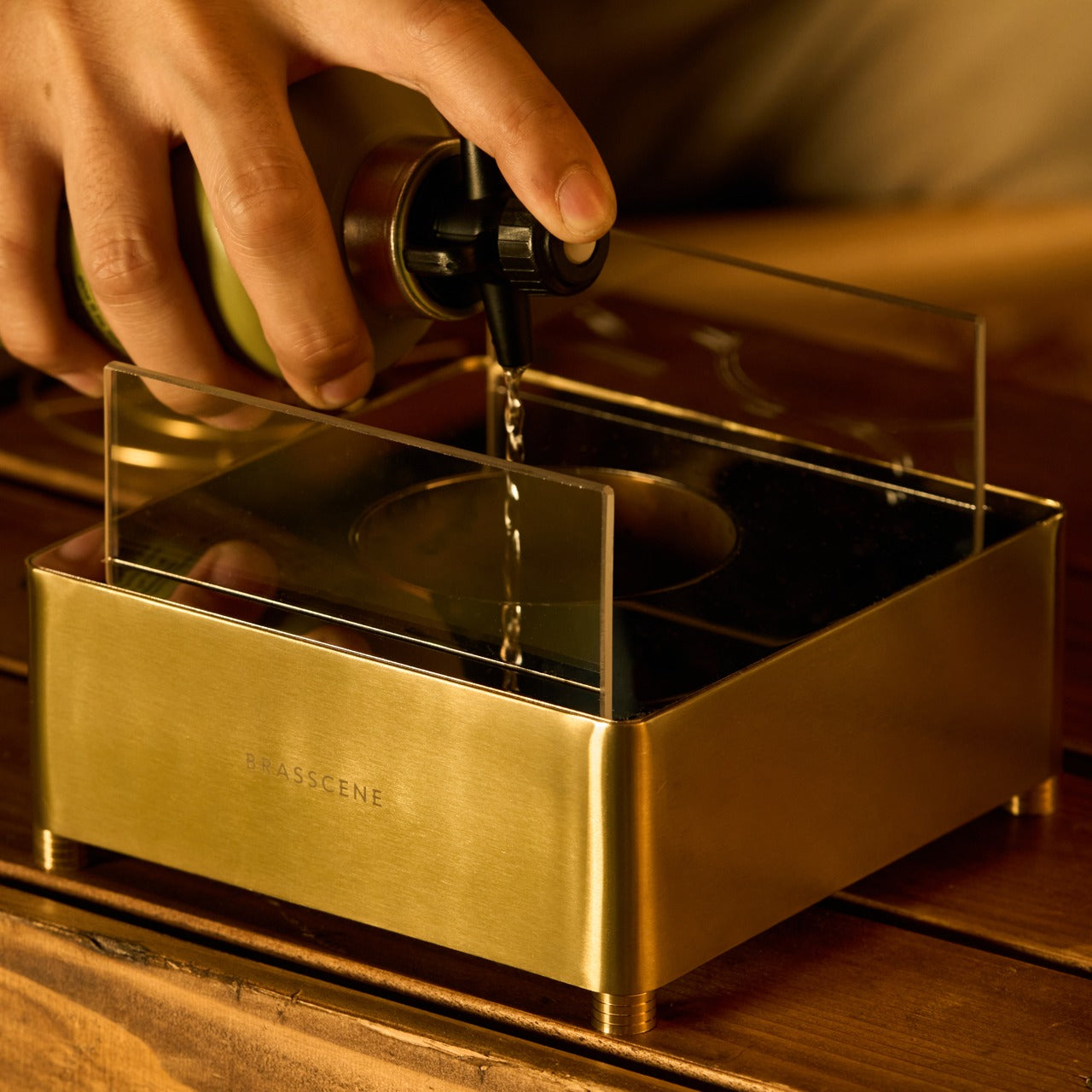
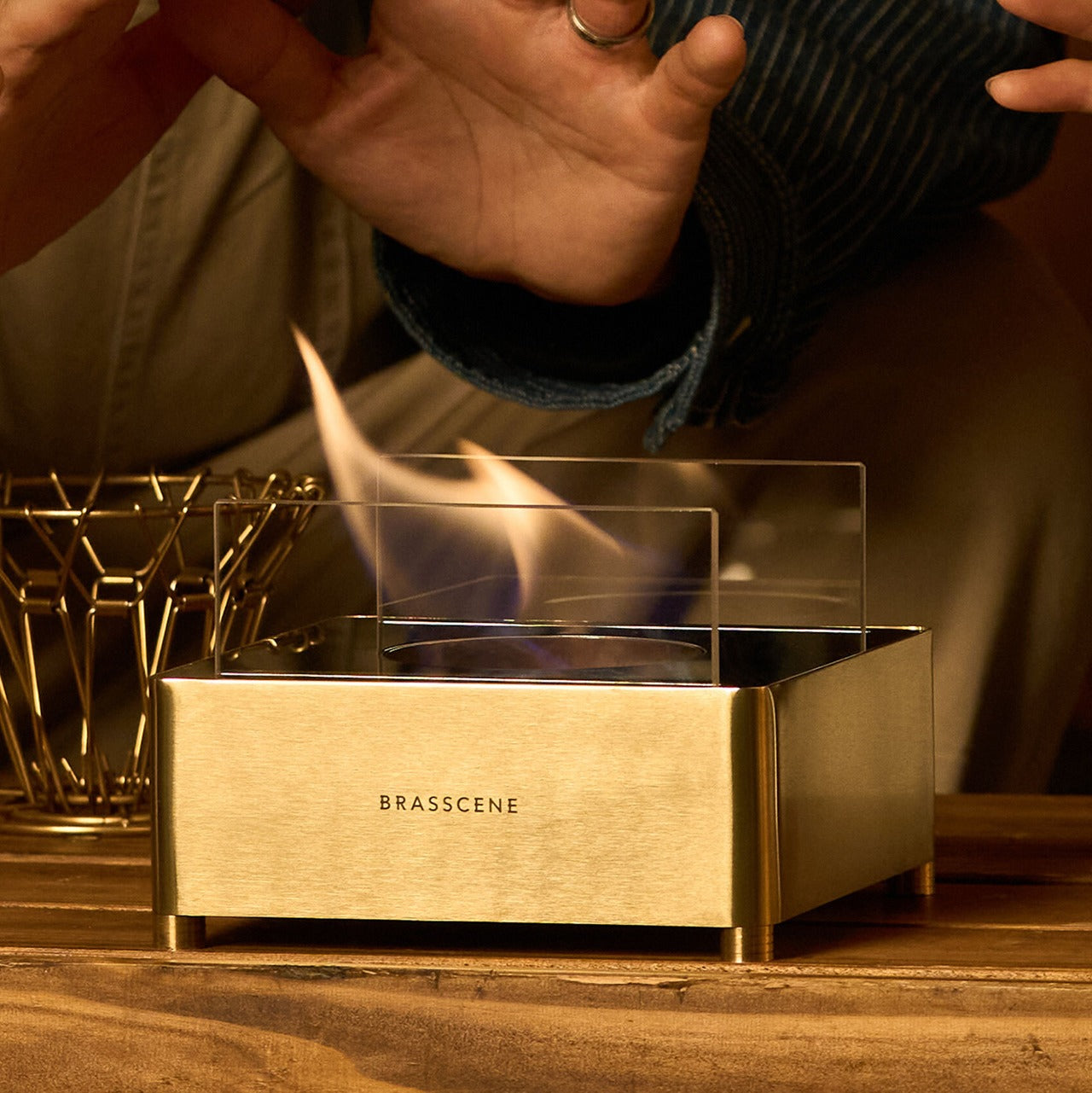
Bioethanol burns clean. No smoke rises from it, no odor lingers after an evening of use, and nothing accumulates on the ceiling or the curtains over time. The Harmony Flame runs on it directly, which means it qualifies as indoor-safe without ventilation requirements and outdoor-ready without any modification. Move it from the dining table to the patio as the evening shifts, or keep it fixed in one place and let the fire do what fire does naturally to any room it occupies.

There is no installation because none is required. No plumber, no electrician, no mounting hardware, no manual written in four languages. Fill the reservoir with bioethanol, light it, and the fire starts. When the fuel runs out, refill and repeat. For a product designed to bring warmth to a space, the lack of friction in getting it started is one of the more considered details here. Complicated setup and a beautiful object rarely coexist well, and the Harmony Flame seems aware of that.

What We Like

  • Brass construction by instrument craftsmen: the level of finishing and attention to material that comes from instrument-making carries into every surface and joint of this fireplace, and it is immediately apparent in the way the object sits and holds itself
  • Bioethanol fuel system: burns without smoke, odor, or residue, making it genuinely safe for indoor use and equally capable outdoors without any modification or secondary equipment
  • Zero installation required: fill it, light it, use it — the absence of any setup barrier is a design decision as much as it is a convenience, and it removes every reason to leave the fireplace in a cabinet
  • Ambiance that earns its place: the reflective brass interior creates a play of light and shadow that neither a candle nor an electric flame can produce, which is the actual reason to own it

What We Dislike

  • Fuel not included: bioethanol is widely available, but first-time buyers will need to source it separately before the first use, which adds a step to an otherwise immediate experience
  • No cover or case specified: there is no mention of a protective lid or carry solution for storage or transport, which matters when moving the fireplace between indoor and outdoor settings regularly

Harmony Flame Fireplace

Fire Without the Complications

The Harmony Flame was built for spaces that want real warmth and cannot accommodate a traditional fireplace. A dining table where the evening deserves something more than candlelight. A covered patio where the temperature drops late and the conversation keeps going. It works in both settings without modification, without smoke, and without the installation that a fixed fireplace requires. The craftsmanship behind it ensures it earns its place wherever it ends up sitting.

If the rooms and evenings you share feel like they are missing one quiet element and you have not been able to name it, this is likely it. The Harmony Flame does what a good fire has always done. It changes the quality of a space. Pick one up and find out what an open brass flame does to the feeling of a dinner that was already good.

The post This Handcrafted Brass Fireplace Brings Real Fire to Any Room & Needs No Installation to Get Started first appeared on Yanko Design.

5 Best Nightstand Gadgets That Turn Your Bedroom Into the Setup You Actually Want

The nightstand is one of the most underestimated surfaces in any home. It accumulates cables, three chargers doing the job of one, a lamp chosen in five minutes, and a rotating cast of objects that never formally earned their place. Most people accept this as normal. The result is a space that begins every evening and ends every morning with the kind of visual noise that makes a room feel smaller and less intentional than it actually is.

The five products below were chosen because each one solves a specific nightstand problem without introducing three new ones. None of them overlap in function. Start with the one that addresses your most pressing problem first, and the case for the next one tends to become clear in about a week.

1. Anywhere-Use Lamp

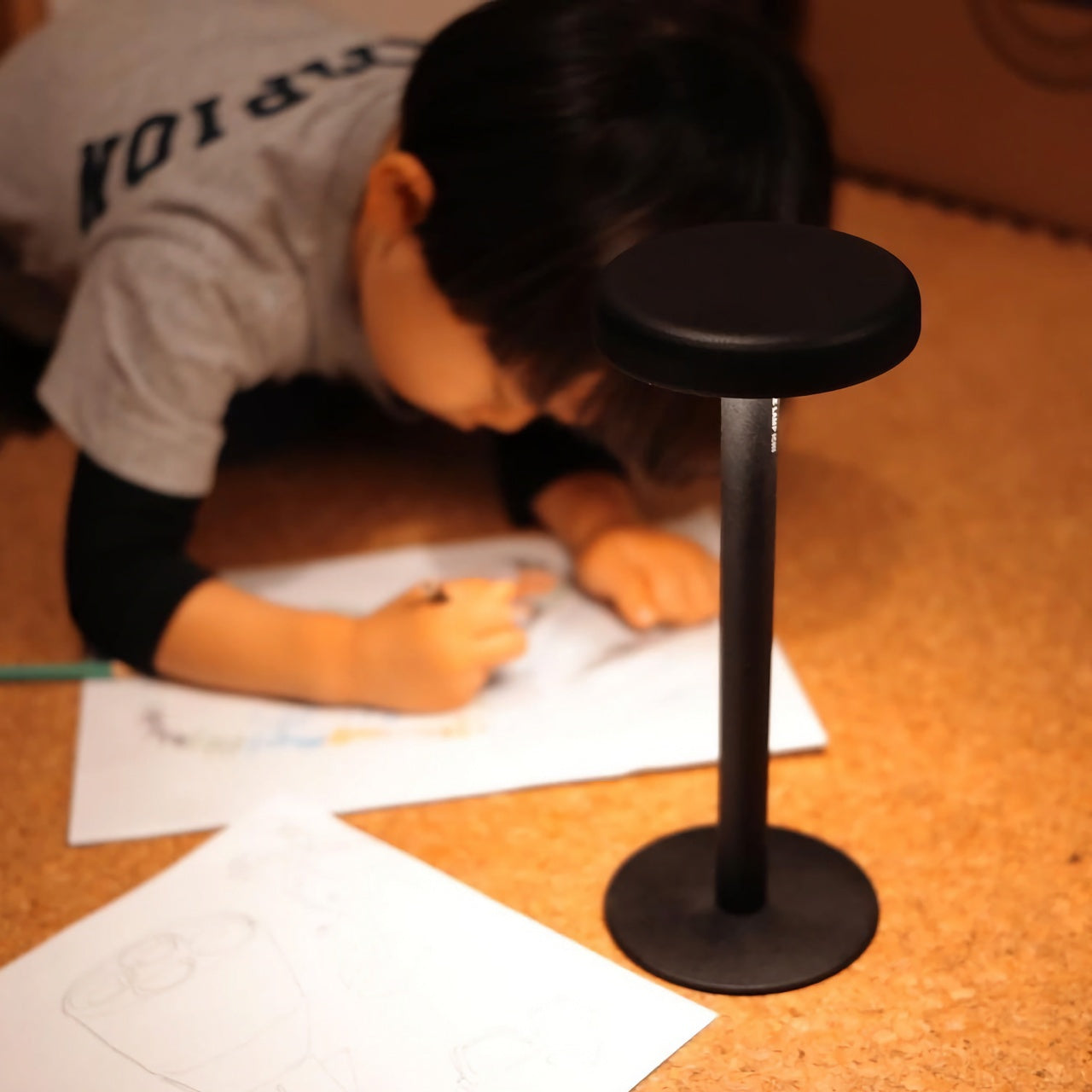
Most nightstand lamps are compromises. The color temperature drifts toward clinical white at exactly the wrong hour, the base requires an outlet placement that dictates where everything else goes, or the design was selected in poor lighting at a furniture store and has been quietly resented ever since. The Anywhere-Use Lamp removes most of those friction points from the equation. Available in black, white, and a new Industrial edition, it is a portable, cord-free table lamp with a clean minimalist silhouette and a warm, contained glow that changes the character of a bedroom after the main lights go off.

Ambient light quality at bedtime is one of the most underrated variables in how quickly a bedroom shifts from a room you happen to be in to a place that actually invites rest. Warm, directionless light at eye level, rather than overhead, does a significant portion of that work without requiring any configuration. There is no companion app, no color temperature slider, and no smart home integration to set up. The Anywhere-Use Lamp delivers exactly the quality of light a nightstand surface deserves.

Click Here to Buy Now: $149.00

What We Like

  • Portable and cord-free — works on a nightstand, in a travel bag, and on a hotel desk without adapters or outlets
  • Industrial edition offers a raw material finish that integrates well into modern and minimal bedroom aesthetics

What We Dislike

  • At $149, it occupies the premium end of portable lamp pricing, a harder case to make without seeing the build quality in person

2. ADAM elements Mag 3 Ultra

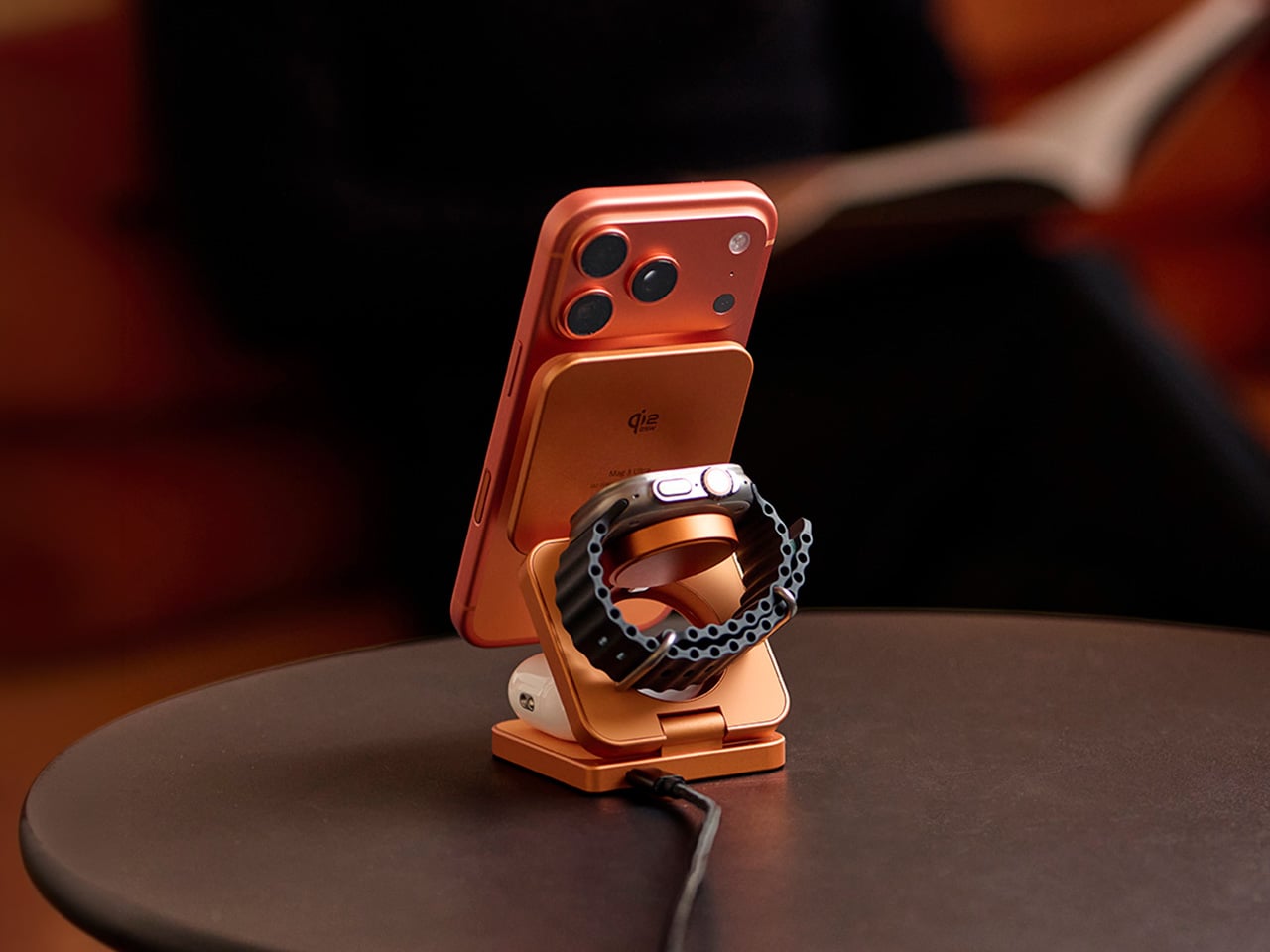
The Mag 3 Ultra addresses the charging problem Apple created and never solved. When Apple canceled AirPower in 2019, it left iPhone users managing three separate charging solutions on one surface: a MagSafe puck for the phone, a dongle for the Watch, and a Qi pad for the AirPods. This aluminum alloy dock collapses all three into a single folding station that snaps into position magnetically and arrives in a copper-orange colorway that reads more like a considered desk object than a utility accessory hiding under a lamp.

The engineering detail that separates it from most competitors is the elevated phone pad, which keeps the iPhone camera module completely clear of the stand body so the phone sits flush and upright without an awkward tilt. With Qi2 support and up to 25W magnetic fast charging, the Mag 3 Ultra handles all three devices simultaneously without any of them competing for priority. StandBy mode works properly through the night. Foreign Object Detection protects both the dock and whatever else lands on the surface. A three-year warranty backs a product designed to stay in one place permanently.

What We Like

  • Folds completely flat for travel, collapsing all three charging positions into a square barely thicker than a deck of cards
  • Elevated phone pad prevents camera module contact, solving a real alignment problem most flat docks quietly introduce

What We Dislike

  • Peak 25W performance requires a 45W or higher single-port USB-C adapter, sold separately and adding to the total cost
  • Ships with one cable, so integrating it cleanly into an existing setup may require an additional purchase

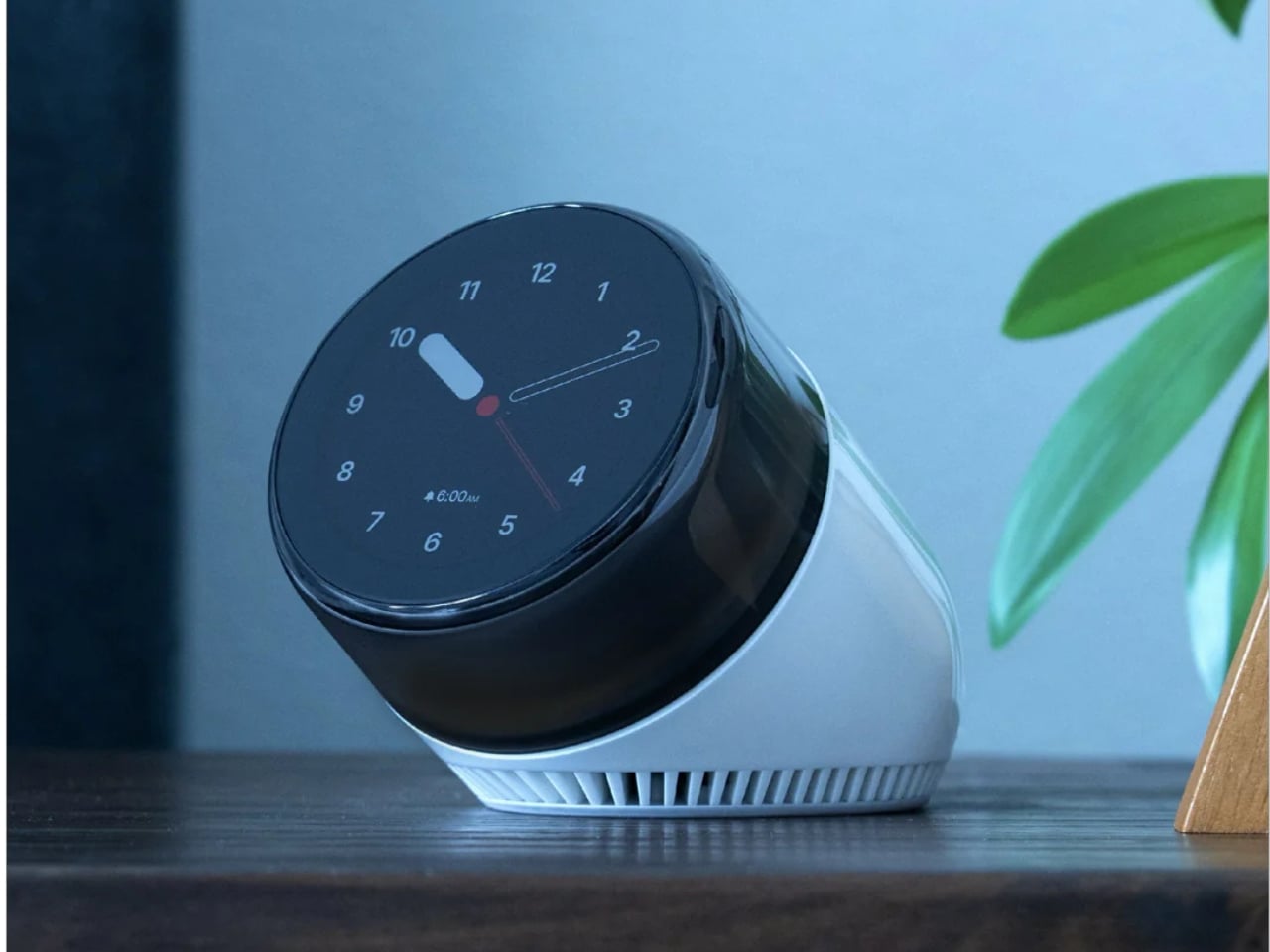
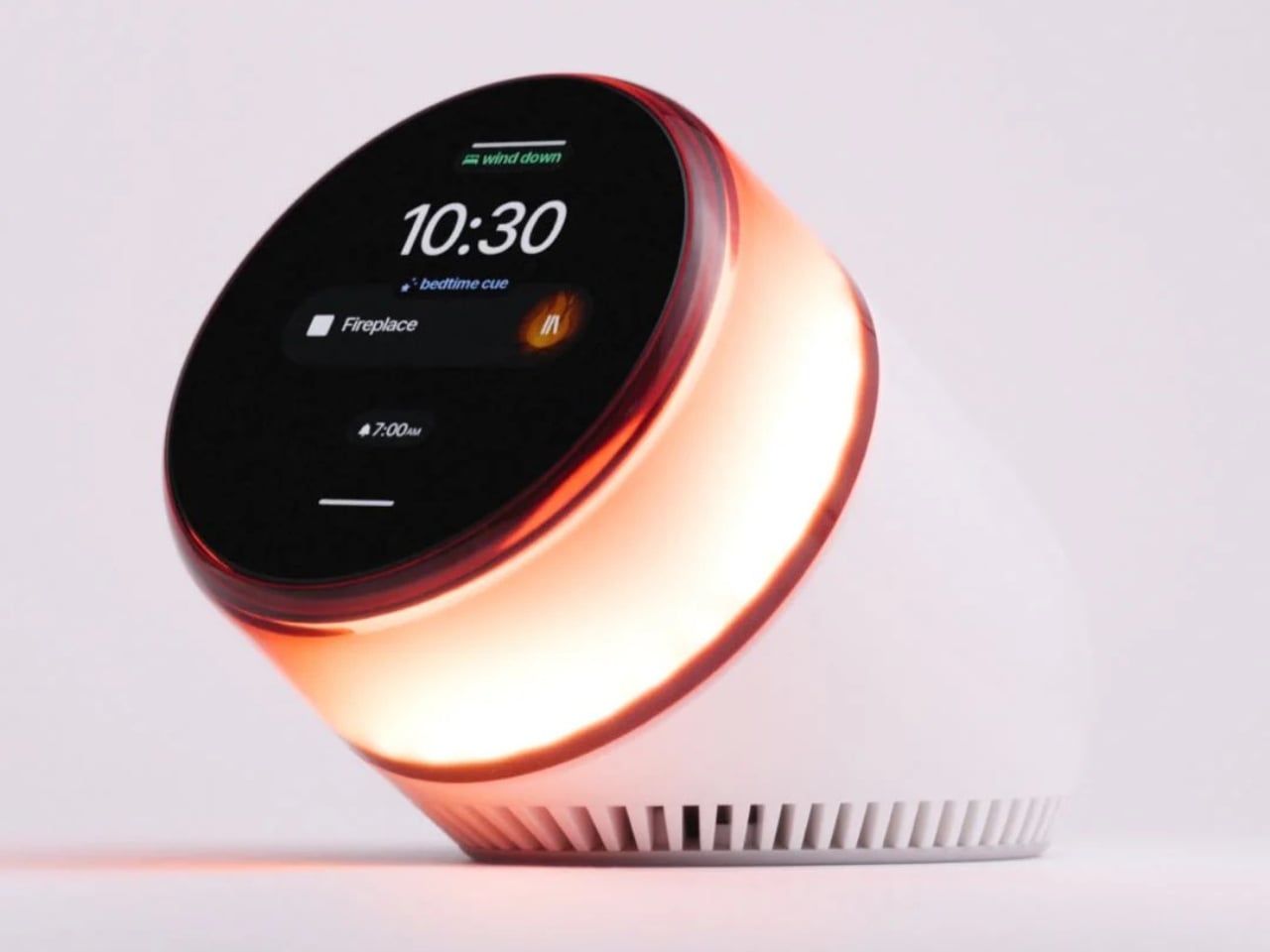
3. Divoom FlowToo

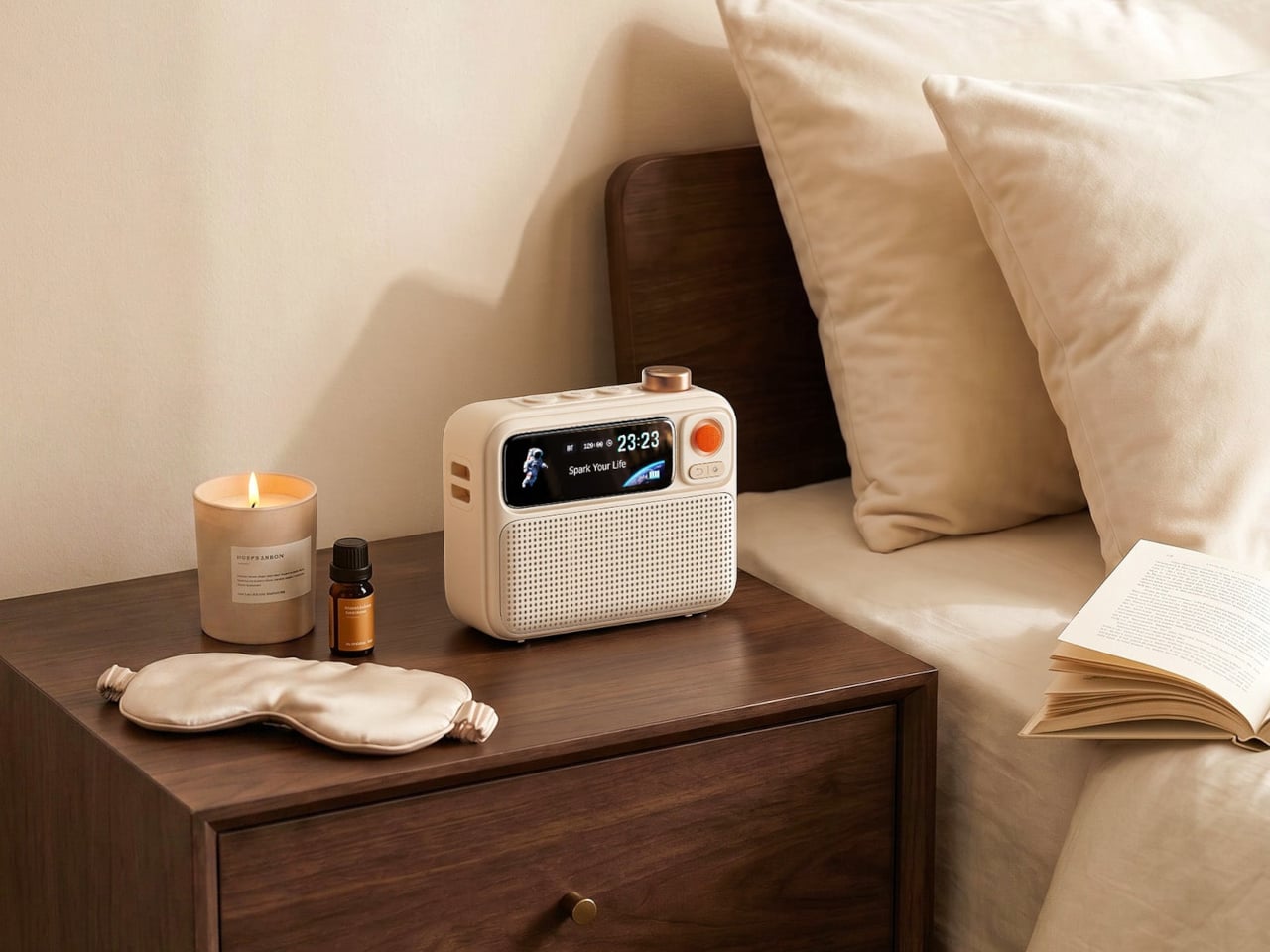
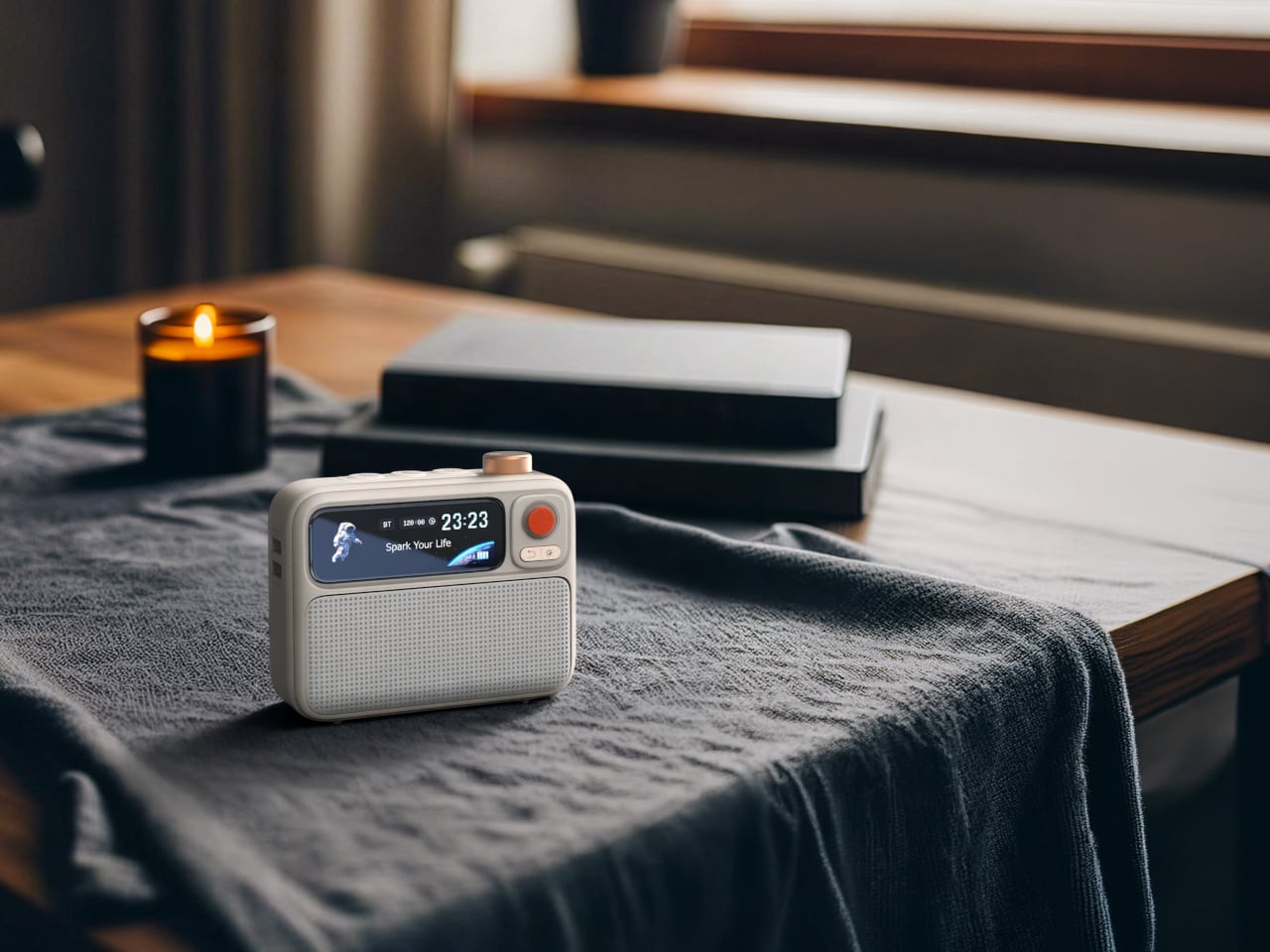
Three devices disappear from the nightstand for under a hundred dollars. The Divoom FlowToo combines a Bluetooth speaker, white noise machine, and alarm clock in a single compact unit, and handles each of those functions with more care than most products that attempt the combination. Its 10W amplifier and 45mm full-range driver are genuine audio hardware, not the obligatory speaker feature most alarm clocks bolt on as an afterthought. More than 90 built-in sounds cover the most-used sleep and focus categories, and the Divoom app keeps alarm scheduling and sound selection manageable from your phone without requiring physical interaction in the dark.

The 2.26-inch smart display does more than show the time. It runs multiple clock face designs, music visualizers that respond to whatever is playing, sleep scene animations, and a mood lighting mode that shifts the character of the room across the evening. The wake system layers natural sounds and soft light simultaneously, so the morning alarm builds gradually rather than firing at full volume from silence. It comes in black and white, both clean enough to sit beside almost any existing bedroom setup without visual conflict. For a first nightstand upgrade, this is the most efficient starting point.

What We Like

  • Gradual wake system combines natural sound and light simultaneously, removing the cortisol spike of a standard alarm entirely
  • Smart display handles mood lighting and timekeeping in one surface, so no additional ambient screen is needed

What We Dislike

  • Alarm management requires the Divoom app, which means keeping the phone nearby and partly contradicts a phone-free sleep routine
  • 10W speaker output suits a nightstand well but will not satisfy listeners who prioritize audio quality as the primary function

4. Dreamie by Ambient

Dreamie is built around one design argument: the phone does not belong beside the bed. Ambient’s founder Adrian Canoso, who brings an industrial design and audio engineering background to the company, built Dreamie to consolidate every legitimate reason a phone lives on a nightstand — alarm, ambient sound, light, podcasts, simulated sunrise — into a single device that offers none of the reasons phones keep people awake. There are no notifications, no feeds, no accounts, and no subscription fee. The Calm Tech Institute awarded it their highest certification, a signal that carries real weight in a category full of vague wellness claims.

The 50mm speaker with a 360-degree grille diffuses sound into the room rather than projecting it forward, creating an ambient quality that wraps the space during wind-down. A hidden volume dial and a touch strip for lamp brightness handle all physical interaction without requiring a menu or a screen tap. All sensor data stays on-device. Contactless sleep tracking arrives as a free over-the-air update later this year. At $249.99, the value case is most honest when compared to a wearable you already charge every night: Dreamie costs about the same, stays on the nightstand, and keeps the phone across the room where it belongs.

What We Like

  • No subscription, no account, no data collection — everything runs on-device and stays there indefinitely
  • Tactile controls function reliably in complete darkness without triggering a screen or making any sound

What We Dislike

  • At $249.99, the value argument requires genuinely committing to leaving the phone elsewhere, not supplementing existing nightstand devices
  • Audio output is Bluetooth only, so wired headphone use for partner-friendly late-night listening is not an option

5. 3-in-1 Luminous Mirror Diffuser

The 3-in-1 Luminous Mirror Diffuser follows this design philosophy — an object that earns permanent placement by doing several things with uncommon care, rather than one thing with a list of compromises attached. The oval anodized aluminum body houses three genuinely distinct functions: a customizable lamp, a 360-degree rotatable mirror, and a patented aroma plate that uses aluminum matrix technology to gently diffuse fragrance from a few drops of essential oil. None of the three feels like an afterthought added to justify a price point.

The lighting system moves between three color temperatures — 2400K warm amber for wind-down, 3800–3250K neutral for calm focus, and 6000K daylight clarity for precision — across four brightness levels, which makes it the one lamp on this list that adapts to both ends of the evening. A wireless charging pad integrated into the base handles device power without adding a cable to the surface. The mirror eliminates the separate grooming mirror that occupies nightstand real estate in most bedrooms. And the aroma diffuser, with its washable aroma plate and temperature-controlled heating, replaces a plug-in ultrasonic unit with something that requires no water tank, no misting, and no countertop clutter.

Click Here to Buy Now: $800.00

What We Like

  • Three color temperatures and four brightness levels make it genuinely useful at every stage of the evening, from bright grooming light to dim amber wind-down
  • Wireless charging pad built into the base means the charging dock and lamp footprint collapse into a single object on the surface

What We Dislike

  • At $800, it sits in a different spending bracket from the rest of this list and requires treating it as a long-term investment rather than an upgrade purchase
  • The mirror function adds real utility for grooming but may feel surplus to requirements in bedrooms where a bathroom mirror is steps away

The Nightstand You Actually Want Starts With One Good Decision

The nightstand is the last surface you interact with before sleep and the first thing you look at when you wake up. What lives there shapes both experiences more than most people give credit for. Each product here earns its place by solving something specific: warm light that belongs in the space, three devices charging cleanly, a room filled with gradual sound, a phone that stays across the room where it always should have been, and a single object that handles light, scent, and reflection with equal care.

The best nightstand setups are not minimal out of discipline. They are minimal because every object on the surface was actually chosen. None of these five products overlap in function, and none requires the others to justify its place. Start with the one that solves the most visible problem on your nightstand today, and the argument for the next one tends to present itself without much effort.

The post 5 Best Nightstand Gadgets That Turn Your Bedroom Into the Setup You Actually Want first appeared on Yanko Design.

See-Through Speaker with a 21.5-inch Transparent Display Turns Your Songs Into Lyric Videos

Bang & Olufsen perfected the idea of audio equipment as art, creating speakers so sculptural and beautiful they demand to be looked at long before they are ever heard. This approach turned hi-fi systems into statement pieces, architectural elements that shape a room’s aesthetic just as much as they fill it with sound. The price for such artistry, however, often places it in the realm of museum-worthy gallery objects. A new design is taking a similar run at that “look at me” audio philosophy, finding its visual hook through an entirely different and arguably more dynamic method, without the five-figure price tag.

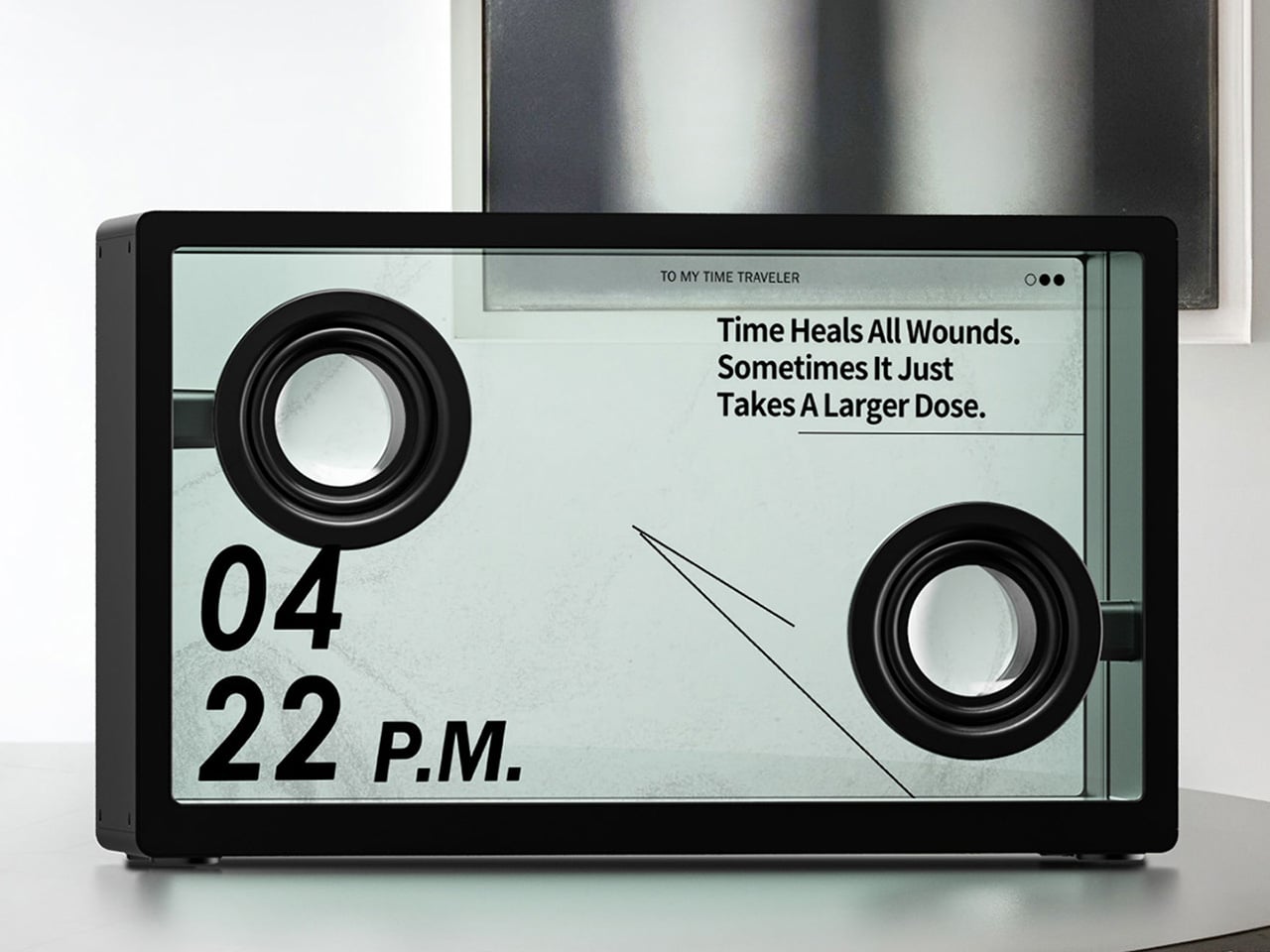
The MorningBlues SonicGlass A1 achieves its visual identity through engineered transparency. Instead of relying on exotic woods or polished aluminum, its beauty comes from revealing the inner workings of sound itself. The speaker’s main diaphragm is a sheet of clear glass, letting you watch the physical driver move and vibrate with the music. This turns the hardware into a performance, a living object that makes sound tangible. MorningBlues calls this “Visualized Music” – a vision where sound, lyrics, motion, and visuals become part of one unified experience rather than separate elements. It’s a clever way to create a decorative speaker that feels both technical and artistic, designed for people who appreciate seeing how their favorite things work.

Designer: MorningBlues

Click Here to Buy Now: $646 $999 (35% off). Hurry, only 7/395 left! Raised over $794,000.

This focus on a meaningful visual is a refreshing change of pace. We are, after all, intensely visual creatures. For decades, speaker companies have tried to give our eyes something to do while we listen, but the solutions have been uniformly uninspired. We’ve been served an endless buffet of dancing digital equalizers and pulsing RGB lights that flash along to the beat. These features feel disconnected from the soul of the music, reducing a complex song to a simple, repetitive light show. The SonicGlass A1 offers something far more compelling because it taps into the most human element of any track: the story.

It’s basically captions for your music, an idea so immediately brilliant it’s a wonder it took this long to happen. Let’s be honest, almost nobody watches movies anymore without subtitles. Between mumbled dialogue and our own fractured attention spans, seeing the words has become essential. The SonicGlass A1 applies that same logic to listening. It uses its 21.5-inch transparent display to make lyrics appear to float in mid-air, animating and shifting with the rhythm and mood of the song. You can finally catch that one line you’ve been mishearing for years or appreciate the poetry of a verse without breaking the spell to look at your phone.

The real magic here is that the display isn’t just a screen sitting behind glass; the glass is the speaker. The entire front panel is an ultra-thin German Schott glass diaphragm, which vibrates to create sound. This panel is moved by a powerful neodymium magnetic system, turning the whole assembly into a transparent driver. It’s a remarkable piece of acoustic engineering that makes the visual effect feel earned, not tacked on. The transparency goes beyond just the surface, revealing the acoustic movement behind every note and creating a direct, physical link between what you hear and what you see.

This commitment to engineering extends to the audio quality. Inside the sealed enclosure are dual 4-inch full-range drivers powered by a pair of 80W Class-D amplifiers, delivering clean, room-filling stereo sound. The design prioritizes clarity and a balanced, natural reproduction, ensuring vocals are crisp and instruments feel distinct. It also features three different tuning modes, allowing you to tailor the sound profile to your room or your mood. It’s a system designed to prove that a speaker built around a visual novelty can also be a genuinely capable piece of hi-fi equipment.

While the speaker is a stunning object on its own, its personality is shaped through the MorningBlues smartphone app. This is the creative command center where you control the entire visual experience. The app’s “Lyric Lab” lets you customize the fonts, effects, and animations of the floating lyrics, tailoring them to your exact taste. It’s also where you can access the more futuristic AI features, like generating a music video for a favorite song or using a Face Swap tool to put yourself in the performance. For quieter moments, the app lets you display personal photos and videos or choose from a library of mindful meditation scenes, turning the speaker into a dynamic digital canvas.

If the app is the creative hub, the optional Music Hub is the tactile command deck for your entire audio ecosystem. This physical controller is a serious piece of kit, designed to manage your listening experience with dedicated controls. It features a prominent vocal removal button that instantly preps any song for karaoke. More impressively, it acts as a bridge to your existing audio gear, allowing you to pair the SonicGlass A1 with up to three other Bluetooth speakers from any brand. With its own enhanced audio decoding, the Hub ensures all connected speakers sound their best while giving you a single, elegant interface to control your multi-room setup.

This transforms the speaker from a standalone device into a social centerpiece. The combination of easy vocal removal and synchronized lyrics makes it an incredibly fun and intuitive karaoke machine. It’s an artful object for your daily listening, a conversation-starting decor piece when it’s quiet, and an interactive entertainment system when you have friends over. It’s one of the few devices that feels equally at home providing background music for a quiet evening or being the main event at a party.

The standard retail price for the SonicGlass A1 Lyric Speaker is $999. For its launch, MorningBlues is offering a super early bird price of $649. Several bundles are also available to build out a more complete system. A Stereo Pair of two speakers is offered at $1,299, down from a retail of $1,998. The Smart Audio Bundle, which includes one speaker and the Music Hub controller, is available for $849. For those looking to go all-in on the social features, a Karaoke Special bundle includes the speaker, the Music Hub, and a microphone for $879.

Click Here to Buy Now: $646 $999 (35% off). Hurry, only 7/395 left! Raised over $794,000.

The post See-Through Speaker with a 21.5-inch Transparent Display Turns Your Songs Into Lyric Videos first appeared on Yanko Design.

8 Best Back to School EDC Essentials That Actually Make Showing Up Feel Like You Mean It

Back to school has a version where you scramble for a notebook and a pen that works, and a version where everything you reach for during the day does its job cleanly, looks like someone cared about it, and disappears into your pocket without complaint. The gap between those two versions is smaller than a full semester’s worth of regret. It mostly comes down to the eight things you carry every single day.

EDC — everyday carry — was never designed specifically for students, but it should have been. Campus life is its own particular design problem: long days across multiple environments, limited pocket space, and the constant friction of tools that underperform at the exact moment you need them most. These eight picks solve that friction. Each one earns its space on a keychain or in a bag pocket on its own terms, without needing to be explained.

1. Pininfarina Aero Ethergraf

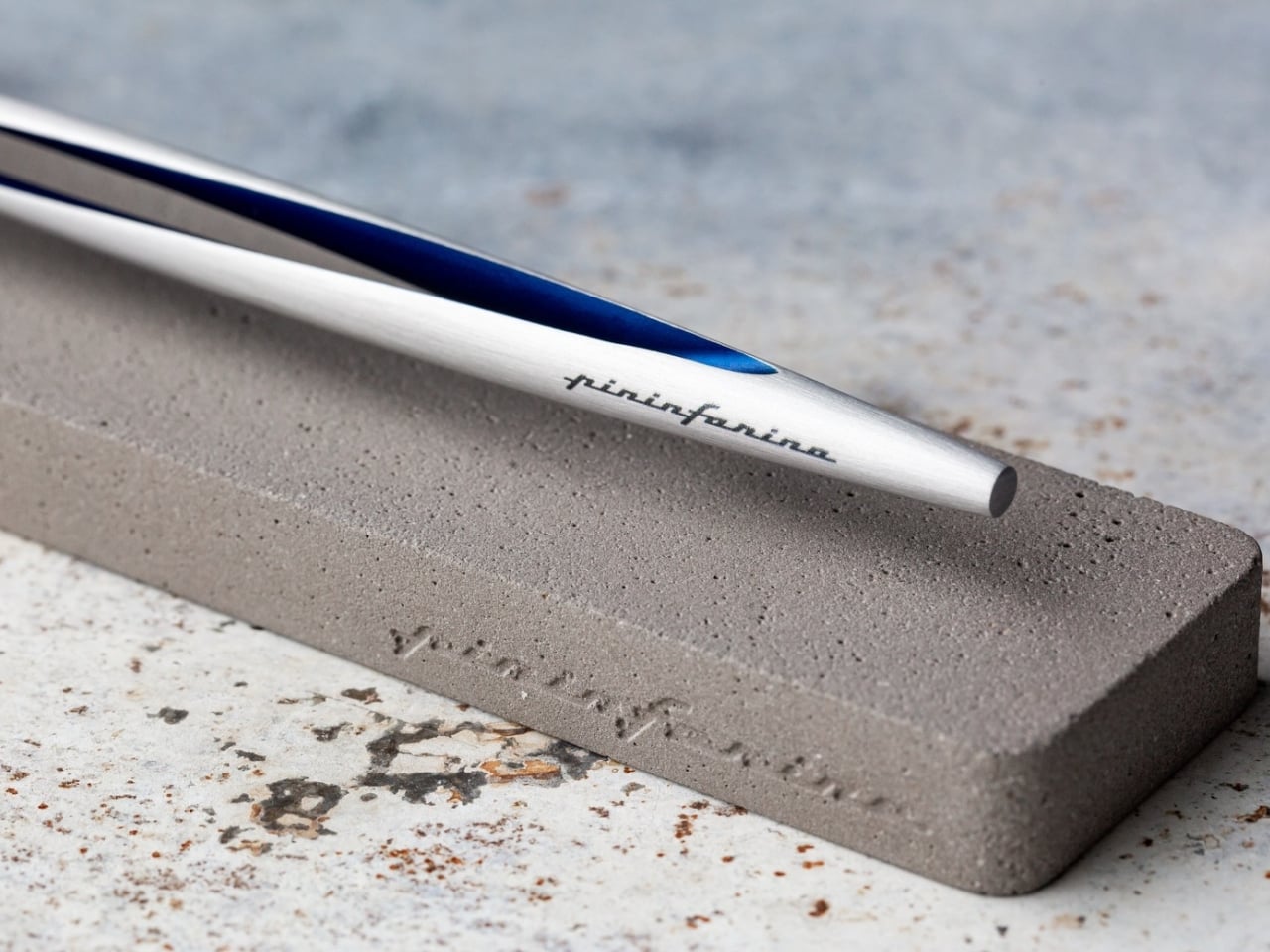
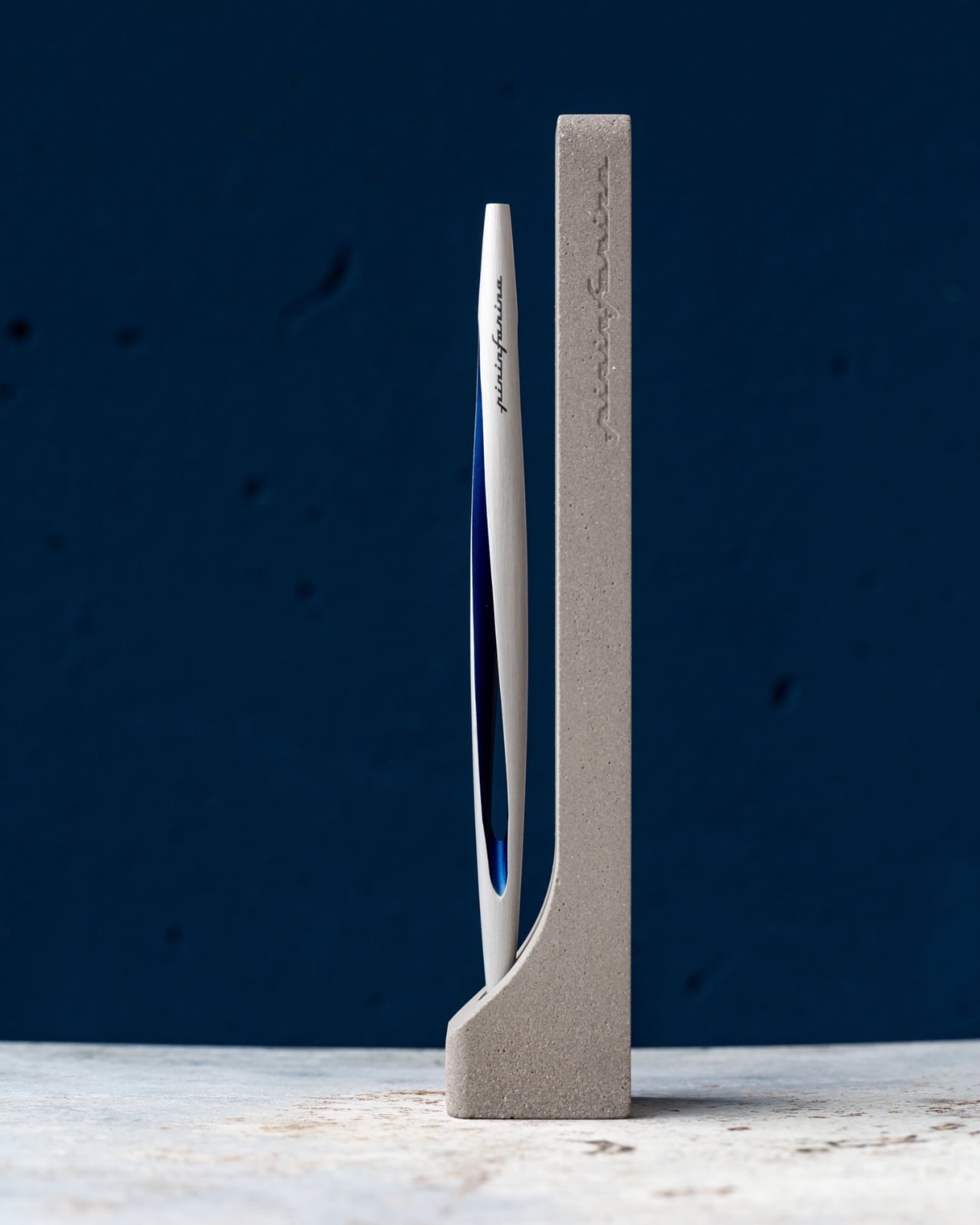
Most pens run out at the worst possible moment: mid-exam, mid-note on a page that actually mattered. The Pininfarina Aero Ethergraf solves that by removing ink entirely. The writing tip is an Ethergraf metal alloy engineered to leave a permanent graphite-like mark on paper through oxidation, a technique older than the ballpoint by centuries. The result is a line that is precise and smudge-proof, will not bleed through paper, will not dry out when left uncapped, and will never need a refill.

Pininfarina built the Aero from aerospace-grade aluminum at 17 grams and 160mm long. The same studio responsible for decades of Ferrari and Maserati bodies brought that same design language to the pen form: a single confident shape, a blue accent that catches light at the right angle, and nothing that does not need to be there. The pen ships with a raw concrete cradle that sits on a desk without pretending to be anything other than what it is: a writing instrument built to stay rather than be replaced.

What we like

  • No ink or refills means this pen performs identically on the first day of term and the last, which is the most honest promise a writing tool can make.
  • The aerospace aluminum body and Italian construction give it the kind of material presence that makes it worth keeping across a career, not just a semester.

What we dislike

  • The Ethergraf line is lighter than ballpoint or gel output, which requires more deliberate pressure on thinner paper stocks to achieve confident, consistent marks.
  • The metal tip performs best on standard paper; coated or glossy surfaces produce inconsistent results.

2. Fantom X Wallet

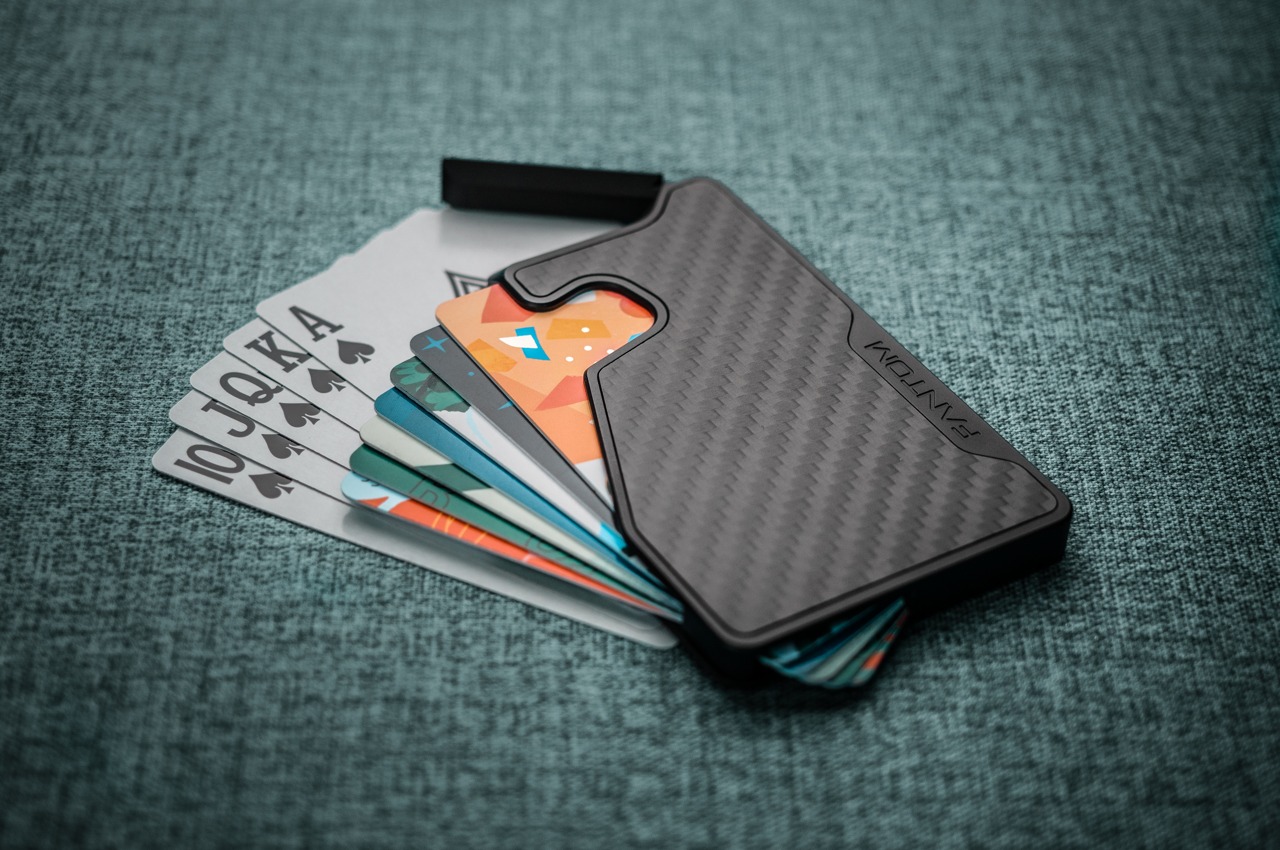
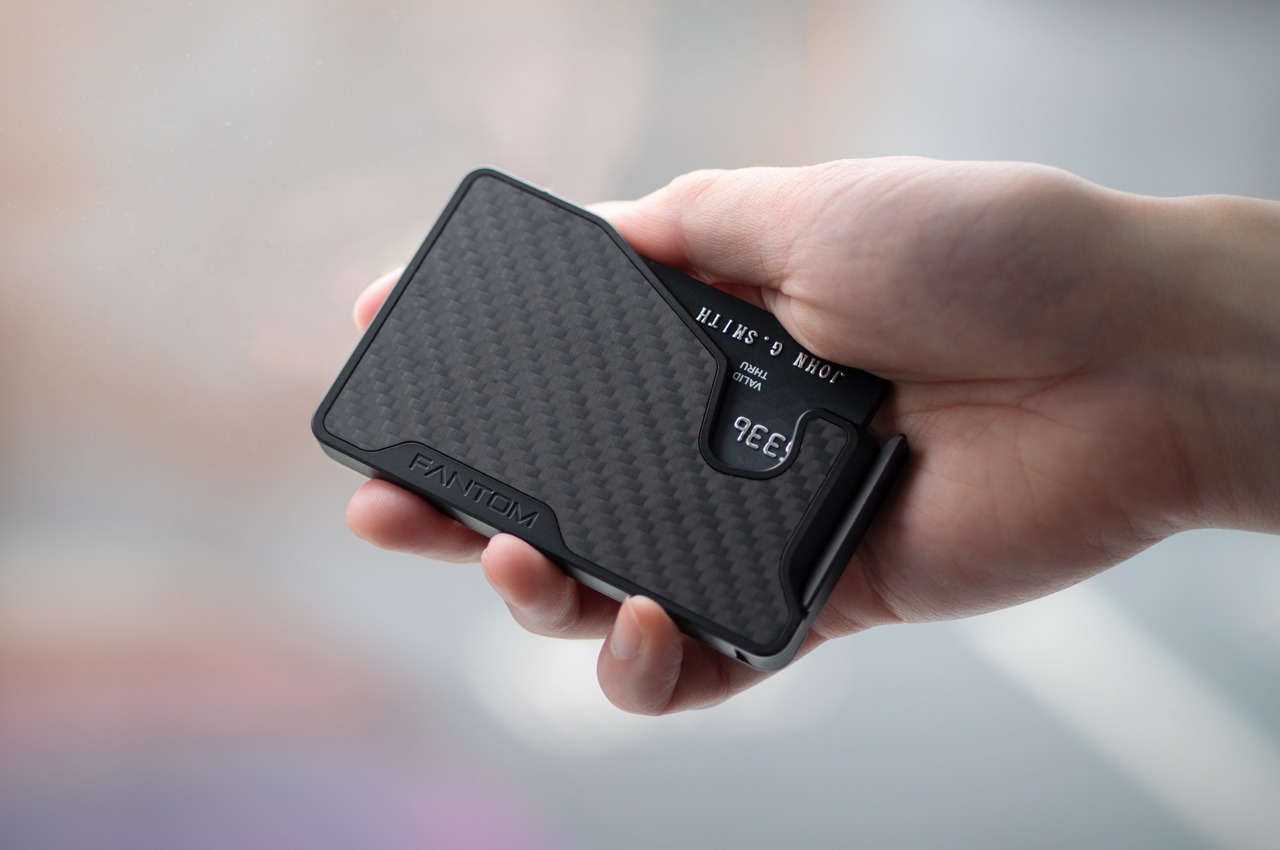
A wallet is the one carry item almost nobody replaces until it fails, which is why most students spend three years sitting on something thick enough to tilt their posture. The Fantom X makes the case for replacing it before that happens. Built on a slim aluminum or carbon fiber chassis, it carries your most-used cards in a front-pocket profile that does not print through fabric, does not soften and stretch over time, and does not demand you excavate it to find what you are looking for.

The design philosophy here is subtractive: strip the wallet back to what it actually needs to do, then build those functions with enough precision that none of them fail quietly. For students moving between campus buildings, transit cards, and a student ID that needs to appear in under three seconds, that clarity matters. Drop it in a front pocket on the first day, and it becomes the kind of object you stop noticing, which is the highest compliment a wallet can earn.

What we like

  • The aluminum frame holds its shape across an entire degree program without softening, stretching, or accumulating the debris that leather wallets quietly collect over time.
  • The front-pocket profile is genuinely slim enough to change how you move through a crowded lecture hall or a packed transit car.

What we dislike

  • Fixed capacity suits a minimalist carry well but creates friction for anyone who still relies on cash for campus cafeterias or weekend markets.
  • The rigid form does not adapt as card count grows, which becomes a real limitation by the time senior year adds a work badge to the rotation.

3. Personal Whiteboard

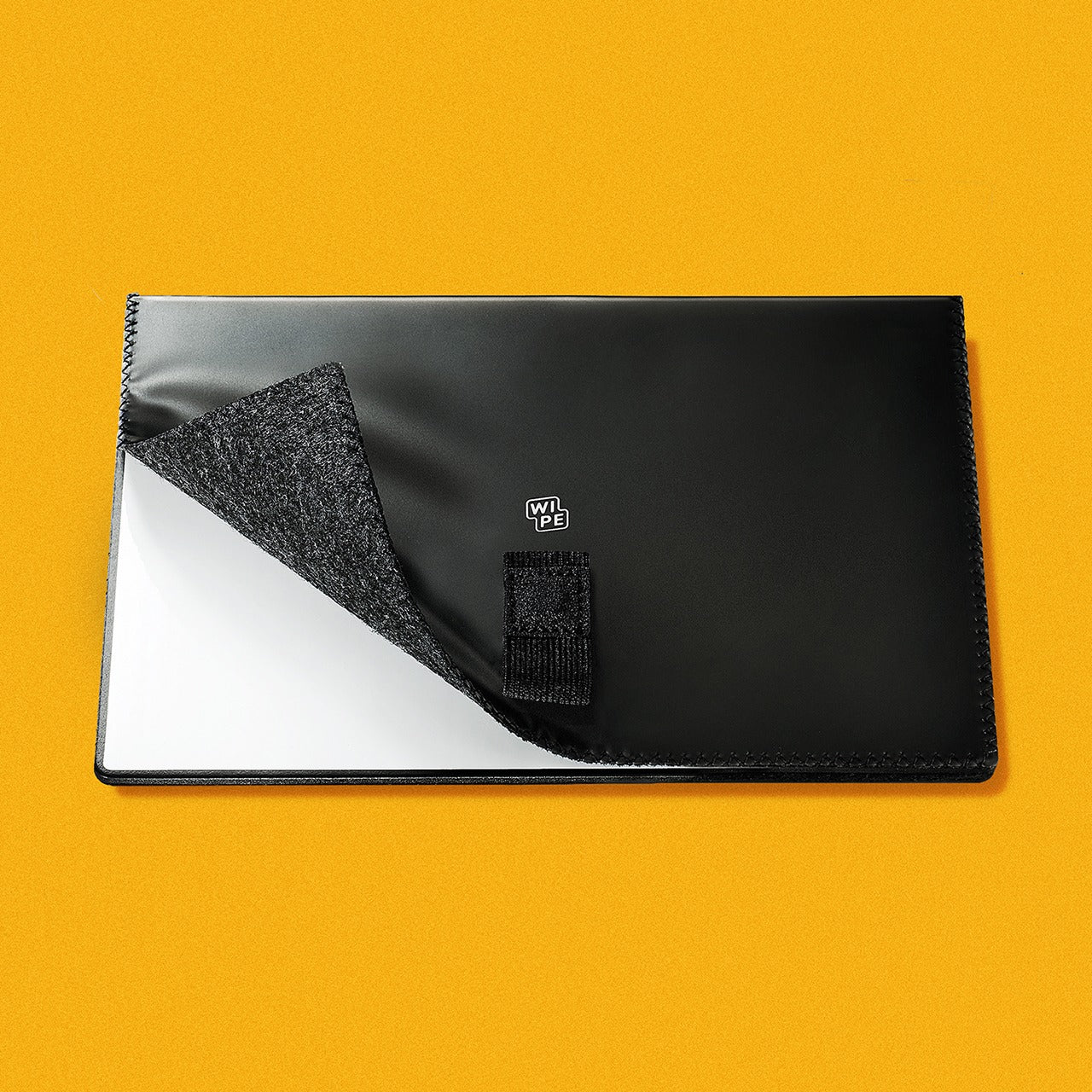
The notebook has one flaw that nobody talks about: every page you write on is gone from active use the moment you turn it. Campus life generates a specific kind of thinking that does not need to be permanent — a rough sketch before a presentation, a formula to hold in working memory for twenty minutes, a quick to-do list that expires by lunch. The Personal Whiteboard is built for exactly that. Compact enough to carry anywhere, it opens to a clean dry-erase surface that works with any standard marker, requires no app, no sync, and no battery.

What separates it from a whiteboard bolted to a wall is the complete carry system built into the form: an eraser, pen holder, stand, and storage pocket all housed in one portable unit. Jot an idea down, snap a photo with your phone to send it wherever it needs to go, and wipe the surface clean before the next lecture. For students who think visually — sketching diagrams, mapping out arguments, working through problems spatially — this is the analog scratchpad that a phone notes app can never fully replace.

Click Here to Buy Now: $49.00

What we like

  • The all-in-one build — eraser, pen holder, stand, and storage pocket — means nothing is left behind and nothing rattles loose in a bag.
  • No battery, no app, no sync: it works the moment you open it, every single time.

What we dislike

  • Dry-erase surfaces require a marker that lives with the board; losing the pen turns it into a decorative object until a replacement is found.
  • The reusable format is not suited for notes that need to be kept; the photo-to-cloud workflow adds a step that some students will skip and regret.

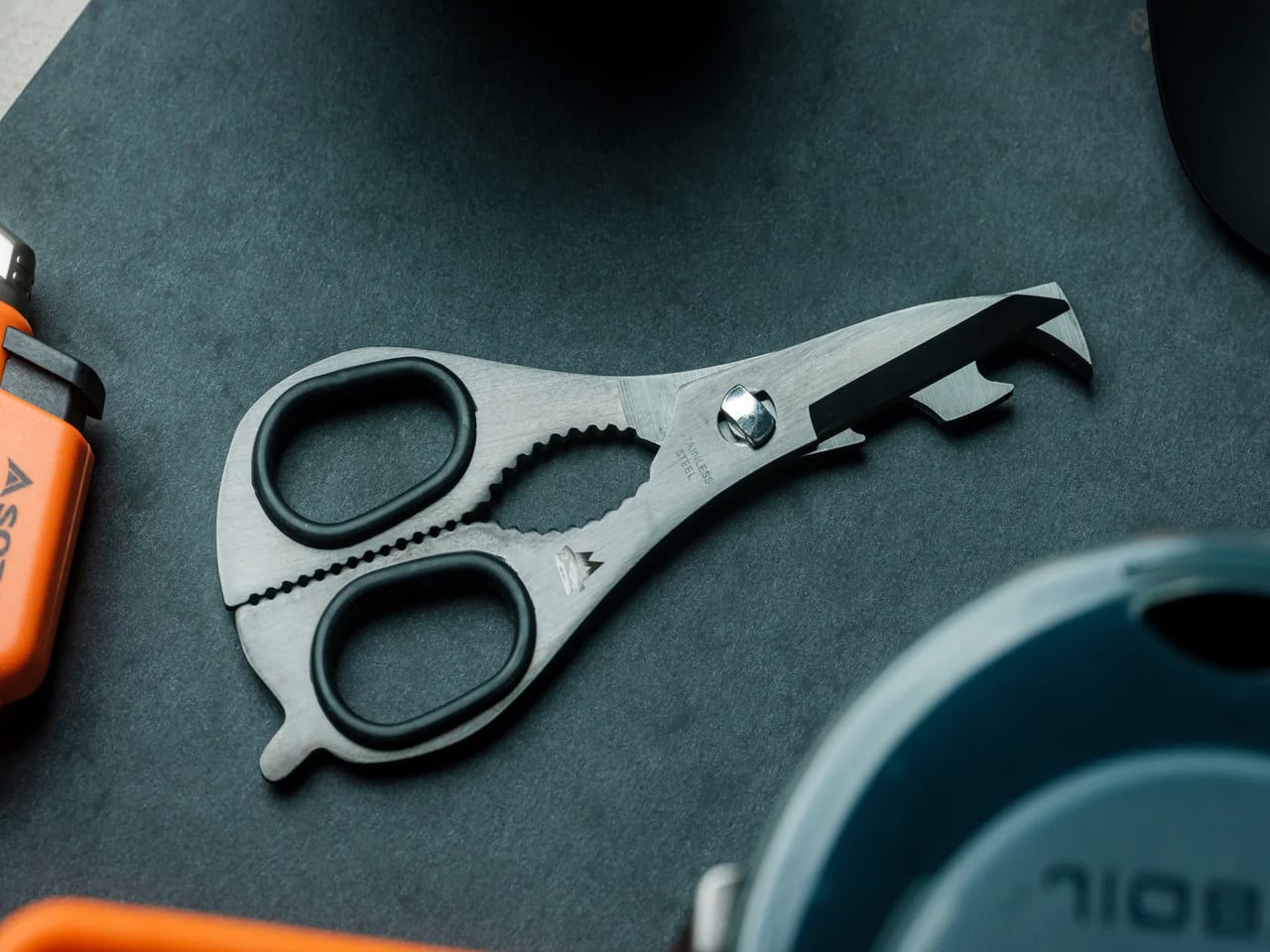
4. 8-in-1 EDC Scissors

Scissors are the carry tool almost nobody thinks to include until the moment they cannot find them and spend fifteen minutes looking for something that does the job less cleanly. The 8-in-1 version addresses that by folding eight functions into a flat-pack form that opens in a single motion and weighs almost nothing in a bag. For students working across studio space, labs, and a dorm room across a single week, the cutting tasks stack up faster than any back-to-school supply list would suggest.

The real case for scissors in your EDC is that a knife cannot handle every task with the same grace: opening a sealed envelope cleanly, trimming a loose thread from a collar before a presentation, cutting a document to size, working through the tape on a textbook that arrived shrink-wrapped. The 8-in-1 handles all of those and brings enough additional functions that it earns its flat-pack space even on days when you reach for it exactly zero times. It is there on the days you do.

Click Here to Buy Now: $59.00

What we like

  • Eight functions in a flat-pack form that most people will actually carry consistently, rather than a dedicated pair that stays in a desk drawer.
  • The profile means it does not compete with other tools for space in a pencil case or bag.

What we dislike

  • Scissors remain the one tool people most reliably leave behind on the assumption they will not need them that particular day.
  • The multi-function format means none of the eight tools reaches the specialist performance of a dedicated single-purpose version.

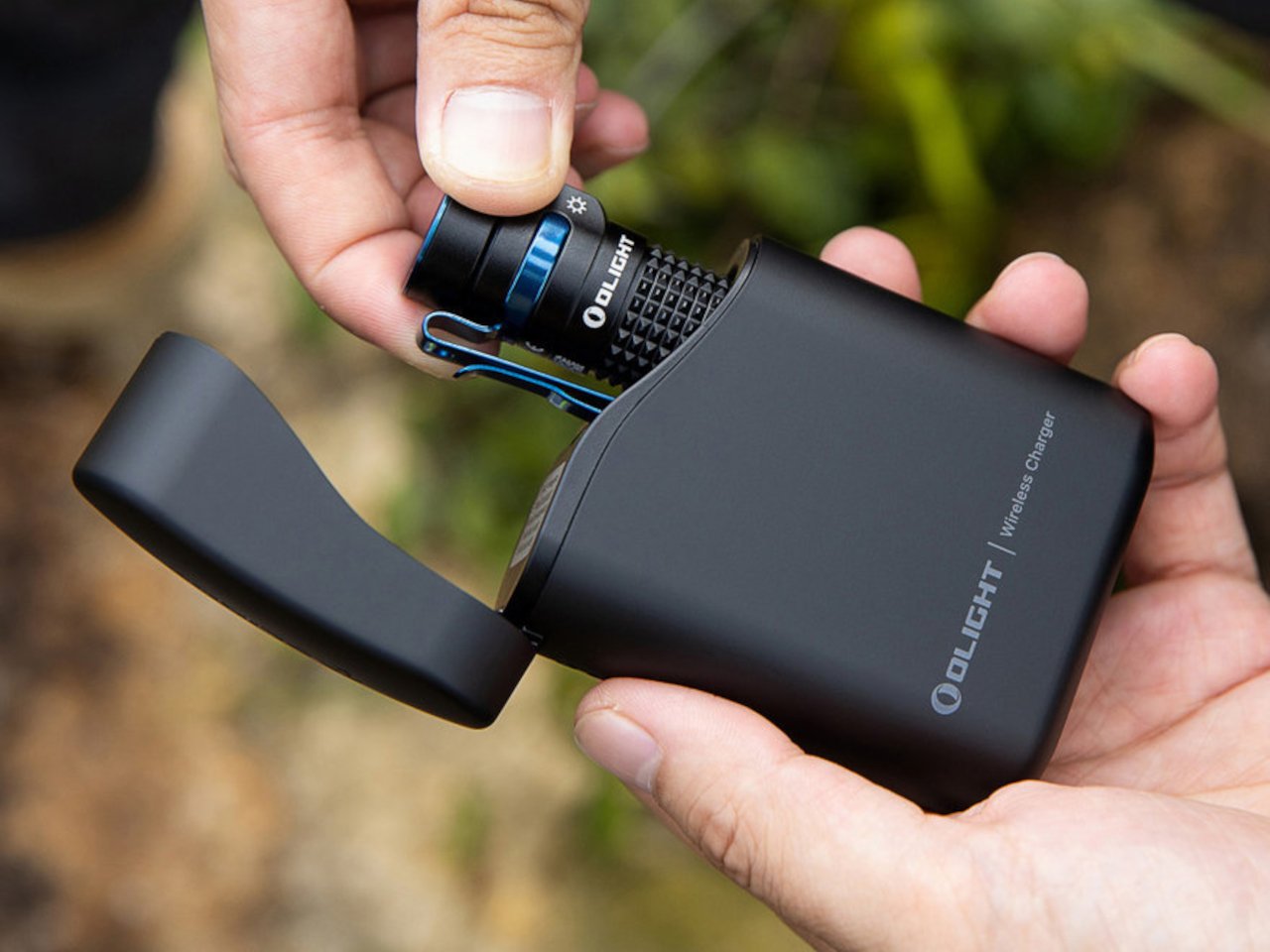
5. Olight Baton 4 Premium Edition

Flashlights are the EDC carry people dismiss until a power outage turns a campus building into a dark maze, or a late walk back from the library asks more of a phone screen than it should reasonably deliver. The Olight Baton 4 Premium Edition is the version of this argument that earns a permanent pocket position. The Premium finish options, stainless and copper variants in particular, read as desk objects as readily as tools, which changes what you are willing to carry every day without a second thought.

For students, the Baton 4 brings dependable illumination to the scenarios campus life generates more regularly than anyone plans for: power infrastructure that goes out during finals week, a trail run where daylight ends mid-route, a parking structure at midnight after a late seminar. The build quality means it lives in a pocket through an entire semester without corroding, scratching, or developing the rattle that cheaper lights accumulate over months. It stops being noticed after the second week, which is precisely where well-designed EDC should land.

What we like

  • The Premium Edition finish reads as a considered object in a professional or social setting, without the visual aggression most tactical flashlights lead with.
  • Build quality holds through a full semester’s worth of varied conditions without requiring any deliberate maintenance.

What we dislike

  • Premium Edition pricing sits at the higher end of what most students budget for pocket carry in the opening weeks of a new year.
  • The charging method may feel dated alongside newer competitors offering wireless or more streamlined options.

6. Anywhere Use Lamp

Dorm lighting is one of the specific miseries of freshman year that nobody adequately warns you about. The overhead fixture is fluorescent and institutional. The desk lamp that came with the room is the cheapest unit the university could justify sourcing. Studying under either of them for three hours produces a particular kind of low-grade fatigue that gets blamed on the subject matter rather than the light quality. The Anywhere Use Lamp moves between a bedside table, a study desk, and an outdoor session without requiring any adjustment whatsoever.

What makes portable lighting genuinely matter for students is the range of settings a single week creates. Late reading in a room where a roommate is already asleep. A library corner where the overhead has been out for three weeks and the work order remains unfiled. A study session outside that started in afternoon light and ran well into the evening. The Anywhere Use Lamp handles all of those and reads as a design object rather than a utility purchase, which is the difference between something that stays out on a desk and something that lives in a closet.

Click Here to Buy Now: $149.00

What we like

  • The portable form factor transitions from dorm desk to outdoor table to bedside table without any adjustment or setup.
  • The aesthetic reads as a designed object worth displaying, rather than a lamp that gets hidden when guests arrive.

What we dislike

  • Output works best as supplementary or mood lighting rather than a primary source for demanding, extended work sessions.
  • At $149, it sits at the premium end of the student carry budget for what might initially read as a secondary light.

7. MetMo Pocket Grip

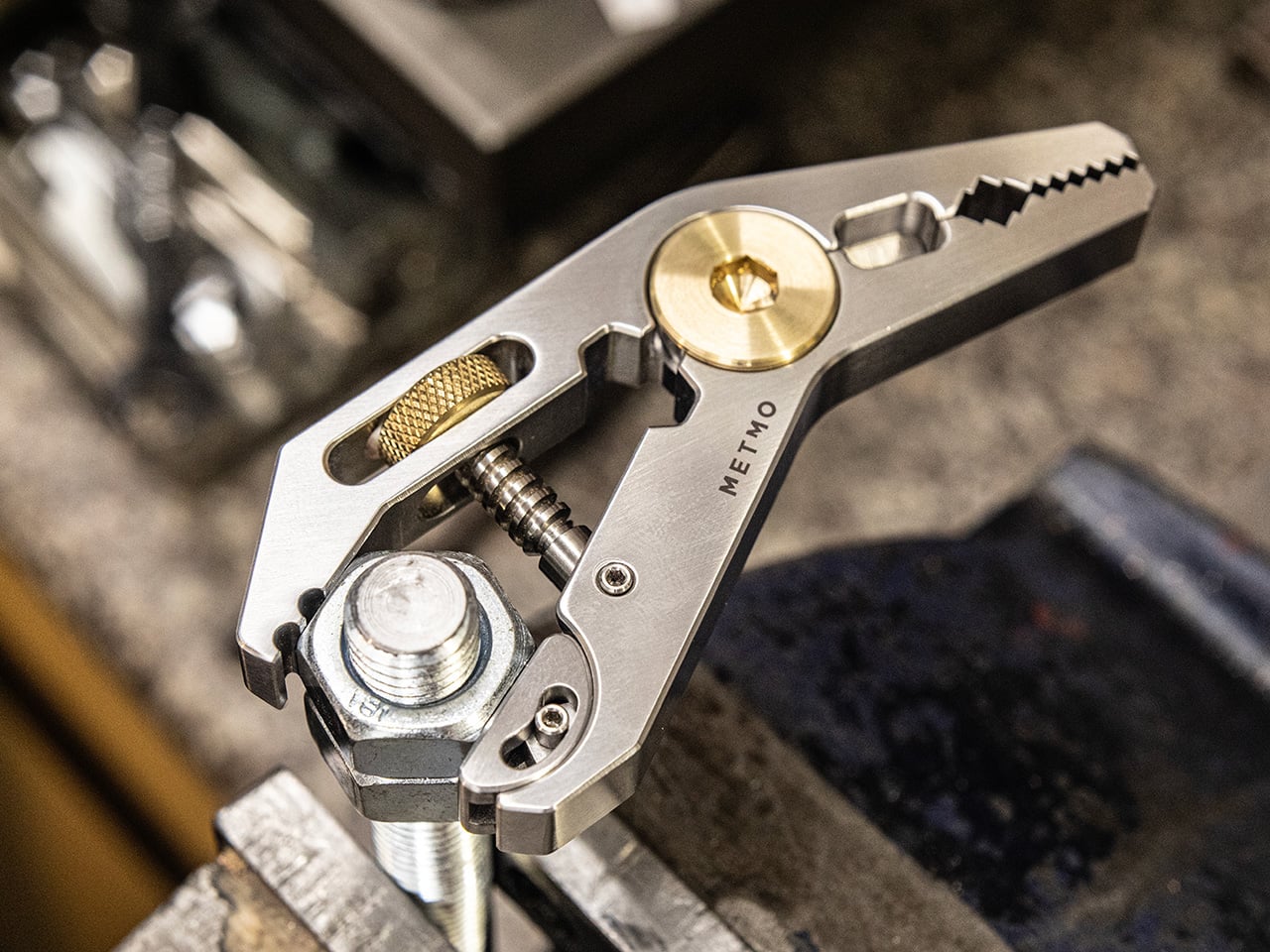
The MetMo Pocket Grip started as a 113-year-old patent that nobody had properly built until MetMo did. The result is a precision grip multi-tool measuring 95.5 by 45.5mm that disappears into a front pocket alongside a phone. The mechanism is what makes it worth paying attention to: Victorian-era engineering applied to a current material palette, which gives it a tactile character that most modern multitools — machined to tight tolerances with no analog history behind them — tend to completely lack. Old thinking, re-executed for actual daily use.

Carrying the Pocket Grip changes what you notice. Bolts that need tightening. Mechanisms that need adjusting. The tool gives you confidence to engage with the physical world in a way that most EDC does not, because most EDC prepares for emergencies rather than enabling daily interaction. For a student who spends time in studio environments or maker spaces where small physical interventions happen throughout the week, that quiet engagement matters. The fact that it looks like something a craftsman from 1913 would recognize is not nostalgia. It is just durable design.

What we like

  • The design origin story gives it depth of character that purely modern multitools, designed entirely from scratch, cannot replicate.
  • The 95.5 by 45.5mm footprint fits a front pocket without competing with a phone for space.

What we dislike

  • The patented mechanism takes a few uses to feel fully intuitive in the hand before it becomes second nature.
  • The precision grip application makes it more specialized than a general-purpose multitool for anyone looking for broader day-to-day utility.

8. CraftMaster EDC Utility Knife

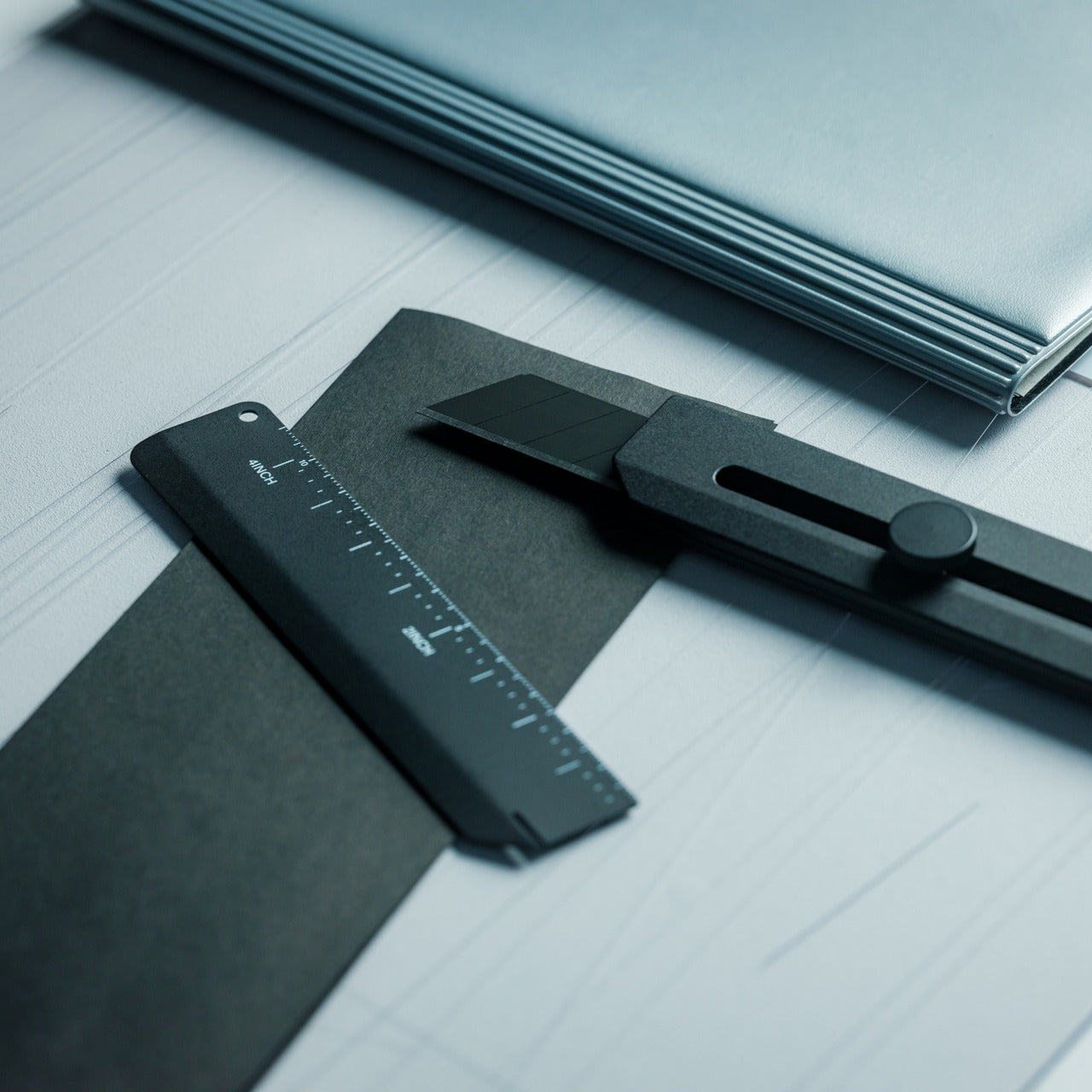
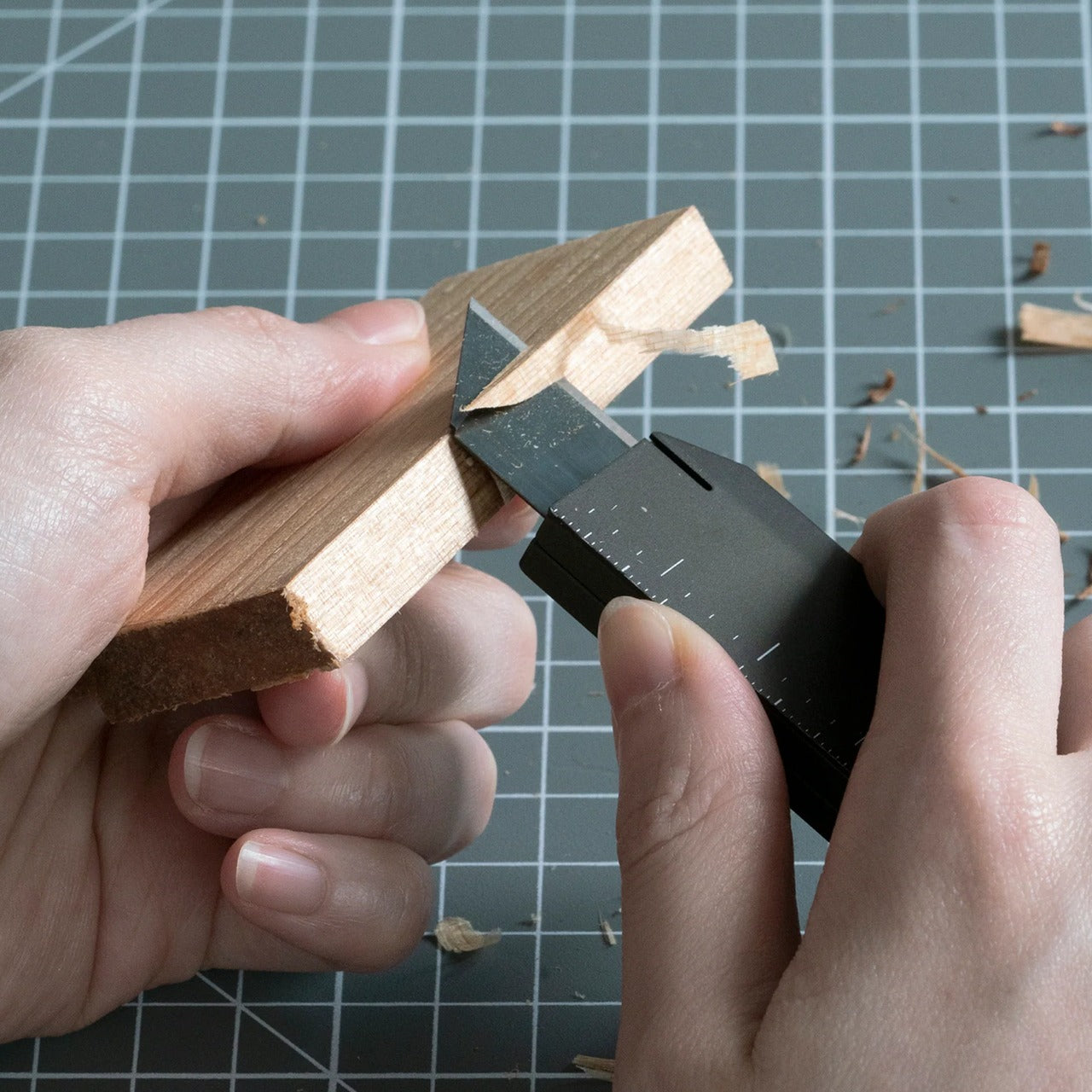
The utility knife is the most underestimated tool in everyday carry, which is why most people settle for a disposable box cutter until they need to make a clean cut and immediately remember why that choice was wrong. The CraftMaster comes in at 8mm thick and 12cm long, with a tactile rotating-knob blade deployment and an OLFA blade angled at 45 degrees: the specific geometry that makes box opening clean rather than torn. A companion metal ruler scale docks magnetically to the back of the knife body.

At 0.3 inches thick, this slides into a pocket alongside a phone without announcing itself. The ruler scale adds imperial and metric markings alongside a blade-breaker for snapping off dull OLFA segments, with a 15-degree curvature along the ruler edge that keeps fingers clear during cuts. OLFA blades are available at any hardware store on earth, which means this knife avoids the proprietary-consumable trap that quietly ruins otherwise good knives when the included blades run out halfway through a semester with no obvious replacement.

Click Here to Buy Now: $80.00

What we like

  • The magnetic ruler scale transforms the knife into a measuring tool without adding any bulk or requiring anything else in the bag.
  • OLFA blade compatibility keeps replacements cheap, universal, and available anywhere.

What we dislike

  • The rotating knob deployment is slower than a thumb-stud or flipper mechanism for one-handed operation under any kind of time pressure.
  • At 12cm, cutting depth stays appropriate for light and medium work; heavy-material tasks will need something else.

The Only EDC Rule That Actually Matters: Carry What You’ll Use

None of these eight things require a lifestyle change to carry. They sit in a pocket, clip to a bag strap, or live on a desk without demanding attention. What they do require is a single decision: that the things you reach for every day are worth choosing deliberately. One or two of these will solve a specific friction point you encounter this week. Start there and let the rest of the list find its moment when the semester makes it obvious.

The best EDC stops being noticed after the first month, which is the whole point. These eight cover the functional range of a full year at campus: writing, carrying, cutting, lighting, measuring, organizing. Together they represent the version of back to school where everything you touch works exactly as expected, and nothing in your bag exists simply because it was on a generic supply list at the campus bookstore.

The post 8 Best Back to School EDC Essentials That Actually Make Showing Up Feel Like You Mean It first appeared on Yanko Design.

SwitchBot Lock Vision Series Review: Face ID for Your Front Door


PROS:


  • Fast 3D face unlock that feels truly hands free and effortless.

  • Palm vein and fingerprint biometrics add secure, contactless backup options.

  • Geo-fence auto-unlock arms intelligently and avoids accidental walk-by unlocks.

  • Three-tier battery system reduces lockout risk and long-term power anxiety.

  • Weatherproof IP65 exterior and mmWave radar help sensors last and save power.

CONS:


  • Motor noise is noticeably louder, especially near a bedroom off entryway.

  • Auto-unlock only works for owner or admin, not regular family members.

RATINGS:

AESTHETICS
ERGONOMICS
PERFORMANCE
SUSTAINABILITY / REPAIRABILITY
VALUE FOR MONEY

EDITOR'S QUOTE:

Face unlock finally feels like a deadbolt you forget is even there.

You walk up to your front door with both hands full of groceries. You don’t stop. You don’t shift bags to free a thumb for a fingerprint sensor. You don’t dig for keys. The door unlocks before you reach it. That’s the promise of the SwitchBot Lock Vision Series, and it’s the first deadbolt I’ve seen that actually delivers.

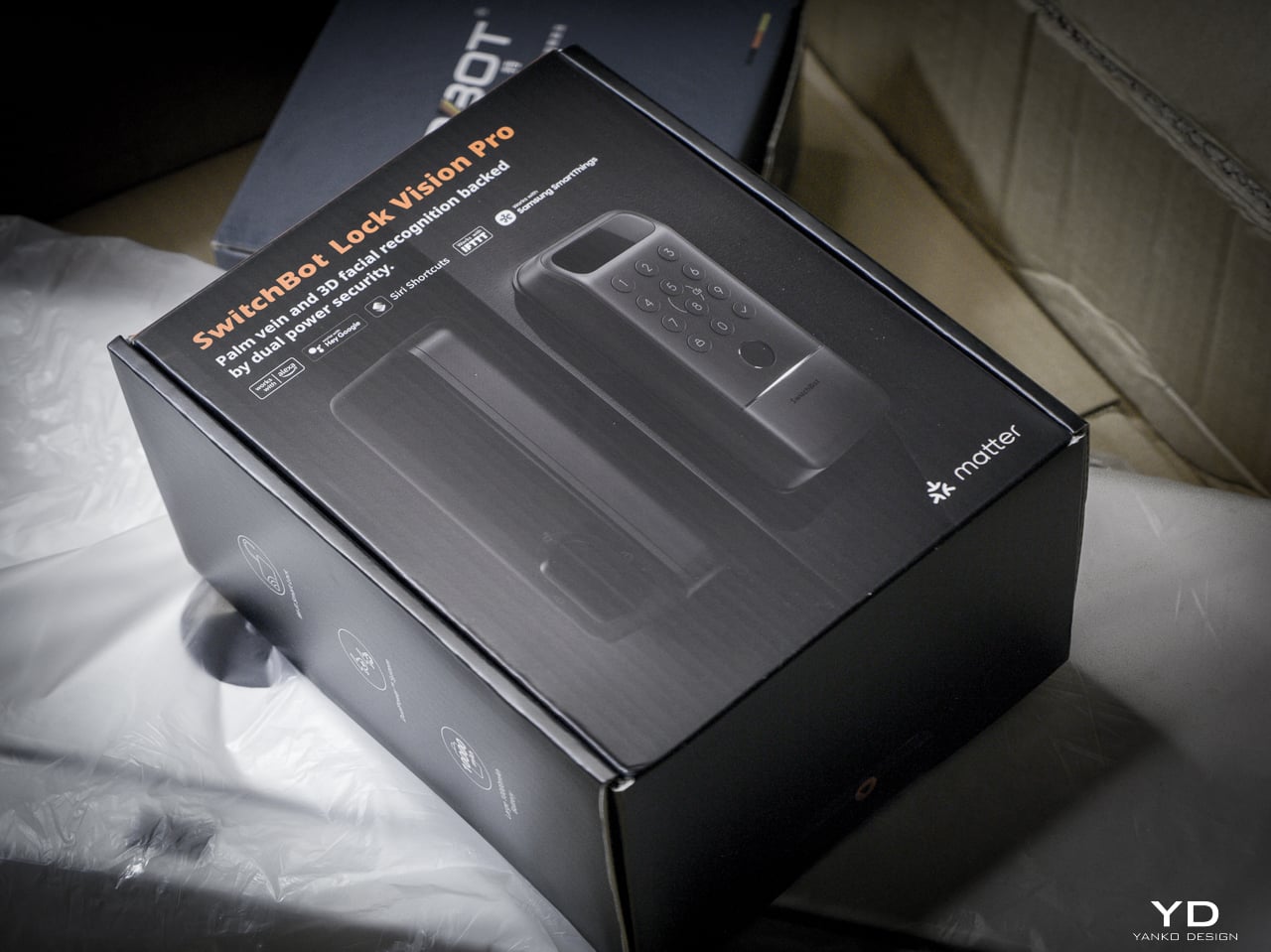
The Lock Vision Series has two models. The Lock Vision at $169.99 (model W9022003) gives you 3D structured-light facial recognition, passwords, NFC, auto-unlock via geo-fence, app control, and voice control. The Lock Vision Pro at $229.99 (model W9022000) adds contactless palm vein recognition and a semiconductor fingerprint sensor. Everything else is identical between them.

Click Here to Buy Now: SwitchBot Lock Vision Pro | SwitchBot Lock Vision

This is the world’s first deadbolt to use 3D structured-light facial recognition. Same core technology as iPhone Face ID. Twenty thousand infrared dots projected across your face, a camera captures the deformed pattern, a 3D map reconstructs and matches in under a second. The false recognition rate is less than 0.0001 percent. It works in total darkness because the IR projector is its own light source. It resists photo and video spoofing. It works with glasses, wigs, and makeup.

The first time it happened, I didn’t believe it. I walked up to the door, heard the bolt snap back, and walked through. Fast. Effortless. I dare say magical. That’s not a word I throw around in reviews, but there it is.

Other smart locks I’ve tested share the same bad habit: the deadbolt motor is too slow, so if you push or pull the door before it finishes retracting, the bolt catches, the lock panics, and you have to unlock it all over again. The Lock Vision doesn’t do that. The motor is quick enough that the bolt clears before you register it moving, and the sound it makes isn’t a whir. It’s a thunk. That’s the difference between a lock you wait for and a lock you forget is there.

Design, Ergonomics, and Aesthetics

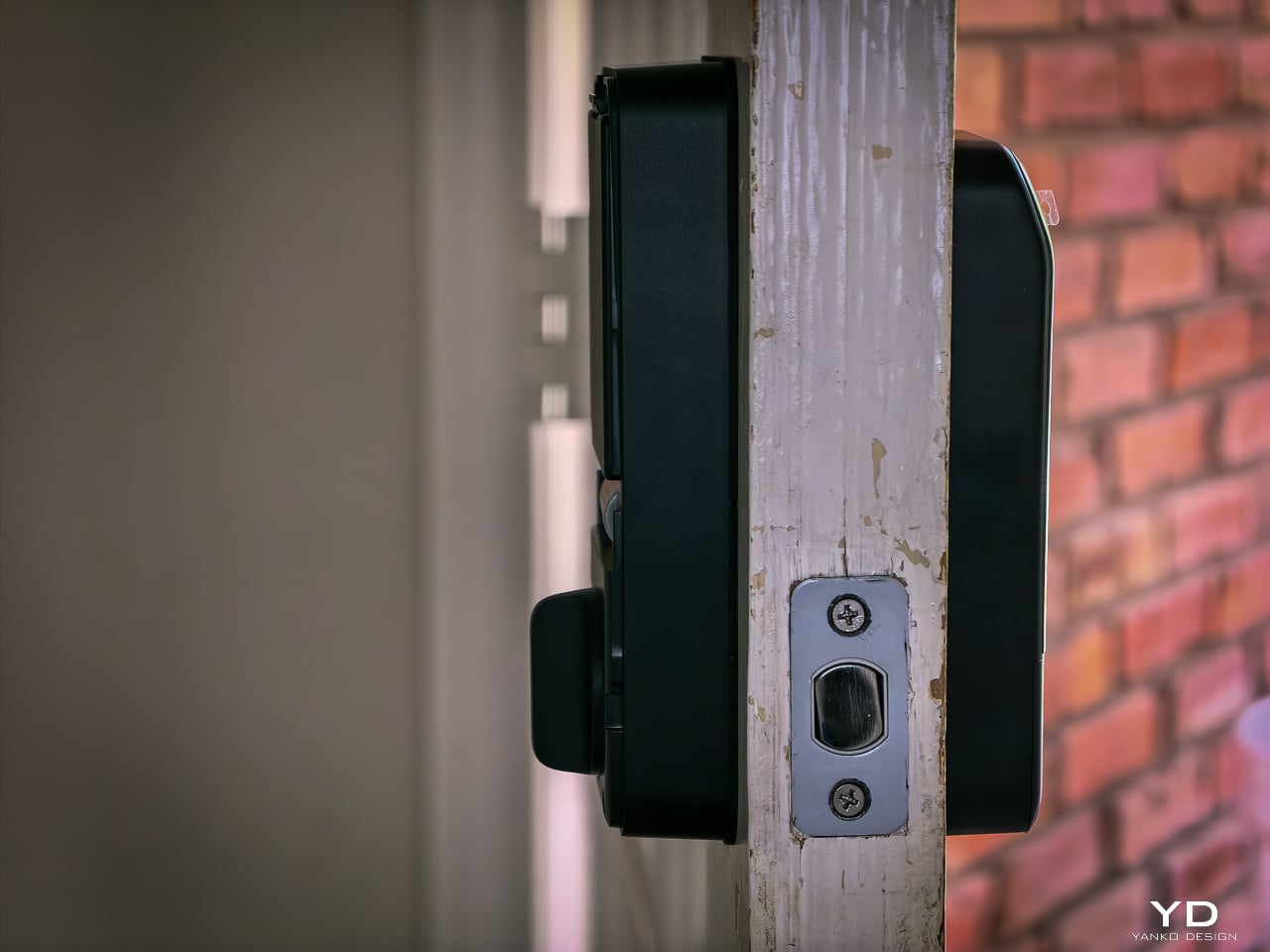
The Lock Vision Series is a rectangular slab in black zinc alloy with a circular keypad integrated into the lower half and a sensor module at the top. The exterior unit measures 6.42 by 2.76 by 1.10 inches and weighs 551 grams (19.4 ounces), with an interior unit at 7.09 by 3.03 by 1.26 inches. It isn’t tiny, but it doesn’t dominate the door the way some camera-heavy smart locks do. The proportions are clean. The branding is restrained. On a dark door, it disappears visually.

SwitchBot built the exterior for weather. IP65 water and dust protection means rain and grime don’t get inside. The operating range spans minus 20 to 55 degrees Celsius, and humidity tolerance runs 10 to 90 percent. Certifications hit BHMA Grade 3, FCC, IC, and ISDS.

The interior unit is where things get interesting. At 218 grams (7.7 ounces), it’s strikingly light. SwitchBot uses a combination of zinc alloy and PC+ABS. On paper you might wonder if it feels cheap. Doesn’t matter. You mount it to the door. You only touch it to lock or unlock from inside, and the knob has a click to it. Clean look, feels fine where it counts. I stopped thinking about the weight after day one.
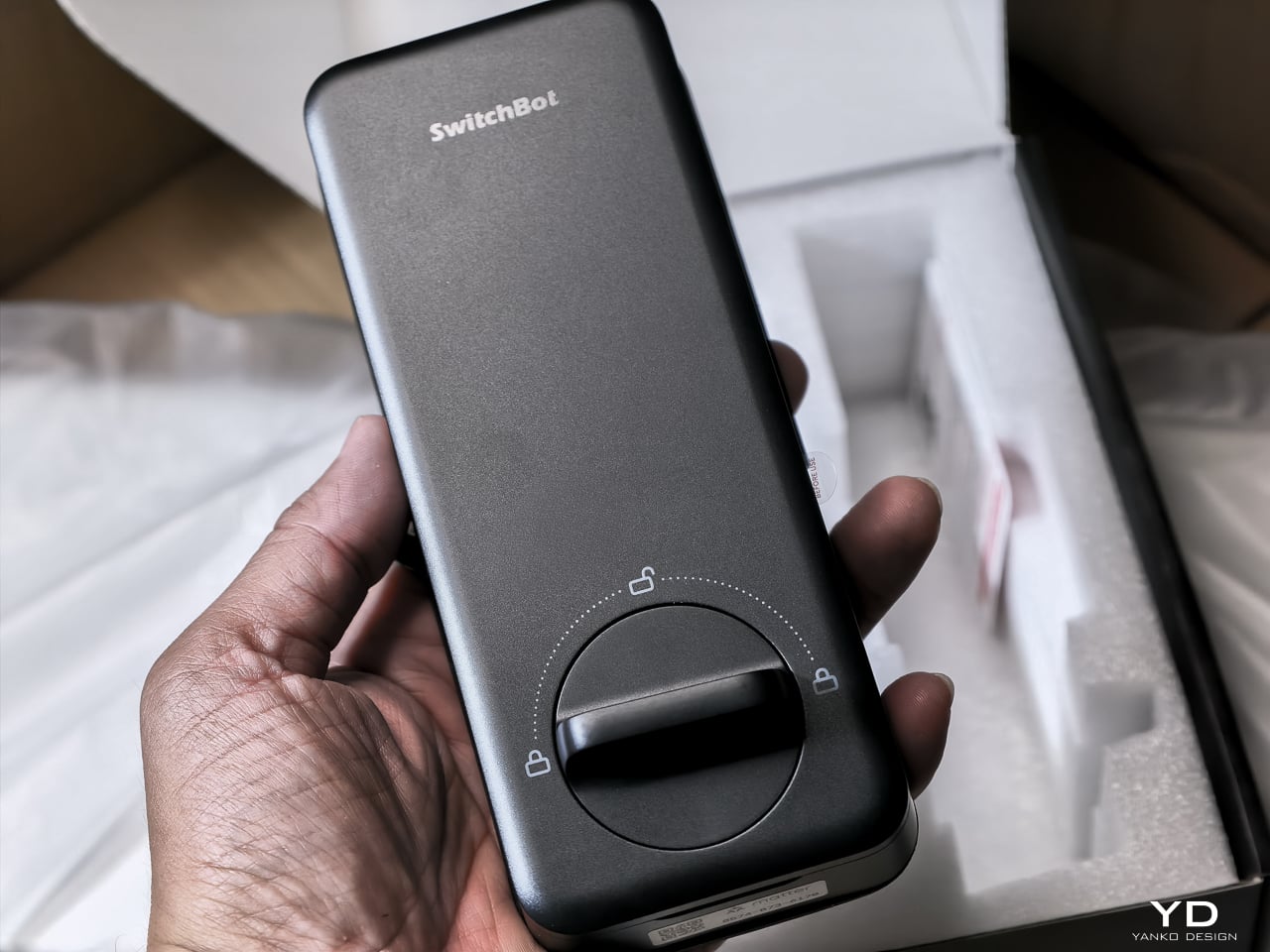
The keypad features tactile mechanical buttons with red, white, and green LED indicators. Press and hold for 2 seconds to pair. Press and hold for 15 seconds for Matter pairing. There’s a knob for manual unlocking from the inside.

The included visual assets tell the story well. The key visual shows both models with a hand reaching for a palm scan and a face profile with a 3D wireframe overlay. Scene images show a woman with groceries (hands-free), a child using palm vein (family-friendly), and a dramatic ice-encased shot (weather resistance). All available in the Drive media kit.

Performance: How It Actually Works

I’ve been living with the Lock Vision Pro long enough to say this: everything works. The facial recognition, the palm vein sensor, the fingerprint reader, and the geo-fence auto-unlock all behave the way the spec sheet says they should. When you test as many smart home devices as I do, that kind of delivery is rare.
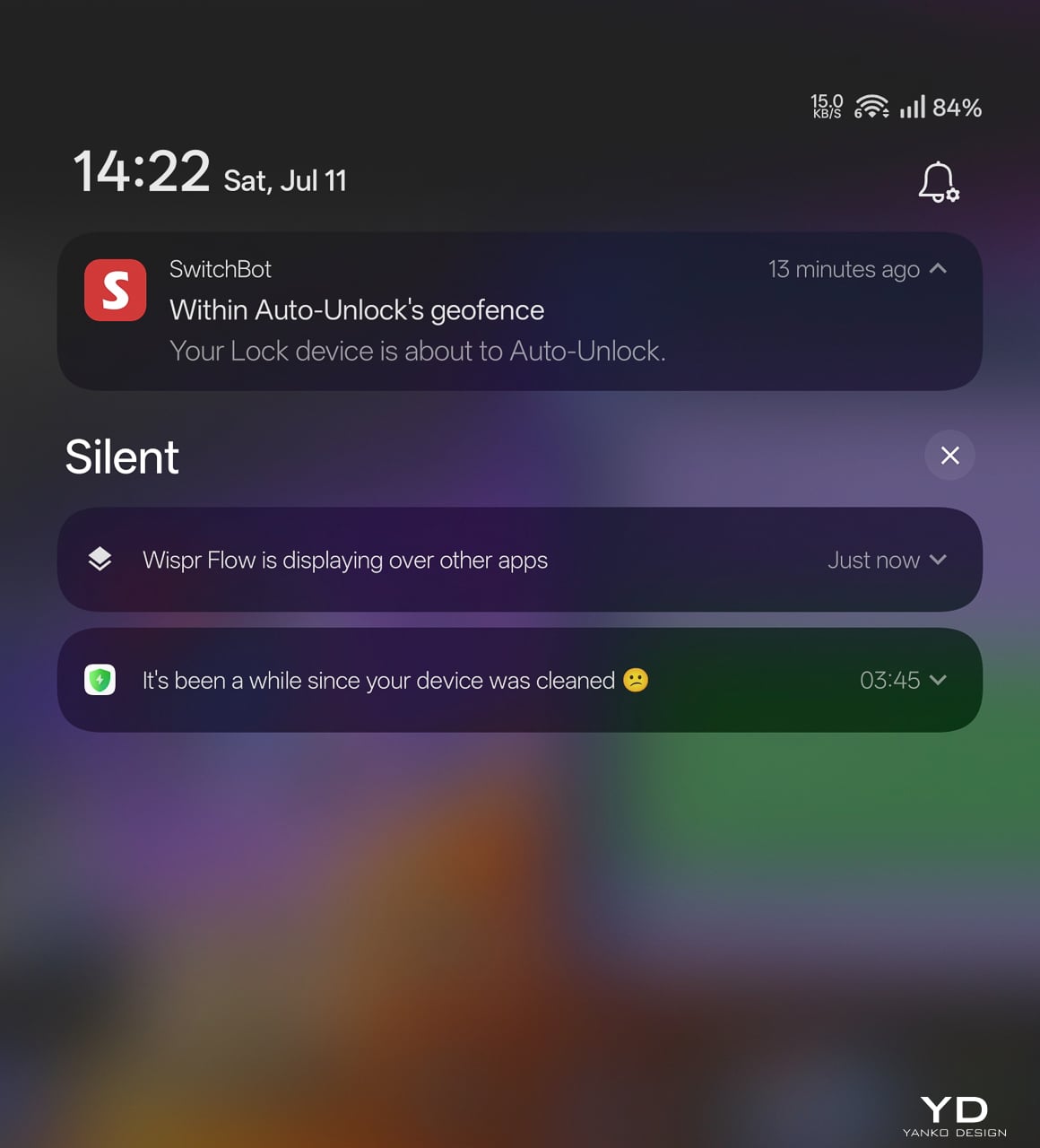
The auto-unlock geo-fence is the killer feature here. SwitchBot labels it beta in the app, which makes its reliability surprising. Here’s how the chain works.

You set a geofence radius around your home. When your phone crosses into that zone from outside, the lock doesn’t open. It arms. The SwitchBot app starts scanning for the lock over Bluetooth. A validity timer starts, default ten minutes. When you close to within Bluetooth range, your phone and the lock establish a connection. The bolt retracts.

No biometric step. No app interaction. You walk through.

That arming step is the design intelligence in a system that could have been a disaster. A dumb geofence that unlocked the door whenever your phone wandered into range would trigger every time you walked past your own house. SwitchBot’s version requires the inbound crossing, starts the timer, and disables itself if you don’t reach the door within that window. Leave and re-enter, a new cycle begins.

No hub required. GPS, Bluetooth, the app running in background, and Wi-Fi enabled on the phone are the only prerequisites.

The limitation worth knowing: auto-unlock only works from the home owner’s phone or an admin account. Family members and shared users with member permissions don’t get the walk-up entrance on their own devices. They authenticate at the door with face, palm vein, or a code instead. For a lock built around passive entry, that’s a real asymmetry, and it’s the first thing I’d ask SwitchBot to fix as the feature graduates from beta.

3D Structured-Light Facial Recognition

Your face becomes the key. Most smart locks with facial recognition at this price use 2D infrared cameras that a printed photo can defeat. The Lock Vision Pro does not.

A laser and IR dot projector embedded around the lens cluster fires more than 20,000 infrared dots across your face in a grid pattern invisible to the naked eye. An IR flood illuminator provides fill light for total darkness operation. An IR camera captures how that dot pattern deforms against the three-dimensional contours of your face and reconstructs a millimeter-accurate depth map. The system matches that map against your enrolled template, the same foundational principle behind iPhone Face ID, and throws the bolt if the geometry matches.

The sub-second unlock speed means you don’t pause at the door. The IR projector works through condensation and surface buildup on the housing exterior, so IP65 weatherproofing doesn’t degrade sensor accuracy over time. It works in total darkness because the IR projector is its own light source. It resists photo spoofing because a flat image can’t reproduce the spatial deformation pattern. It resists video spoofing for the same reason.

Glasses, wigs, and makeup don’t throw it off because the underlying facial geometry the dot grid maps doesn’t change. SwitchBot claims a false recognition rate under 0.0001 percent. Across my testing period I haven’t had a single false positive or false negative in any lighting condition.

Contactless Palm Vein Recognition

Palm vein recognition is what separates the Pro from the standard Lock Vision. The technology reads subcutaneous vein patterns using near-infrared light: the unique geometry of veins inside your palm, entirely internal to your body.

You hover your palm near the sensor without touching anything. The IR emitter penetrates the skin surface and maps the vein network underneath. The lock matches that vascular geometry against your enrolled template.

This matters more than fingerprint in practice. A surface impression doesn’t work because veins aren’t on the surface. A photograph fails. The contactless method sidesteps the hygiene friction of a shared fingerprint pad, and it keeps working when your hands are slightly wet or dirty because the sensor reads through the skin rather than off it. Palm vein readers have been in high-security facilities for years. Finding one in a sub-250-dollar deadbolt is what makes the Pro worth the extra money.

Semiconductor Fingerprint Recognition

The fingerprint sensor is the third biometric layer. It’s positioned for kids and guests not in the face or palm databases, plus it works as a deliberate emergency fallback.
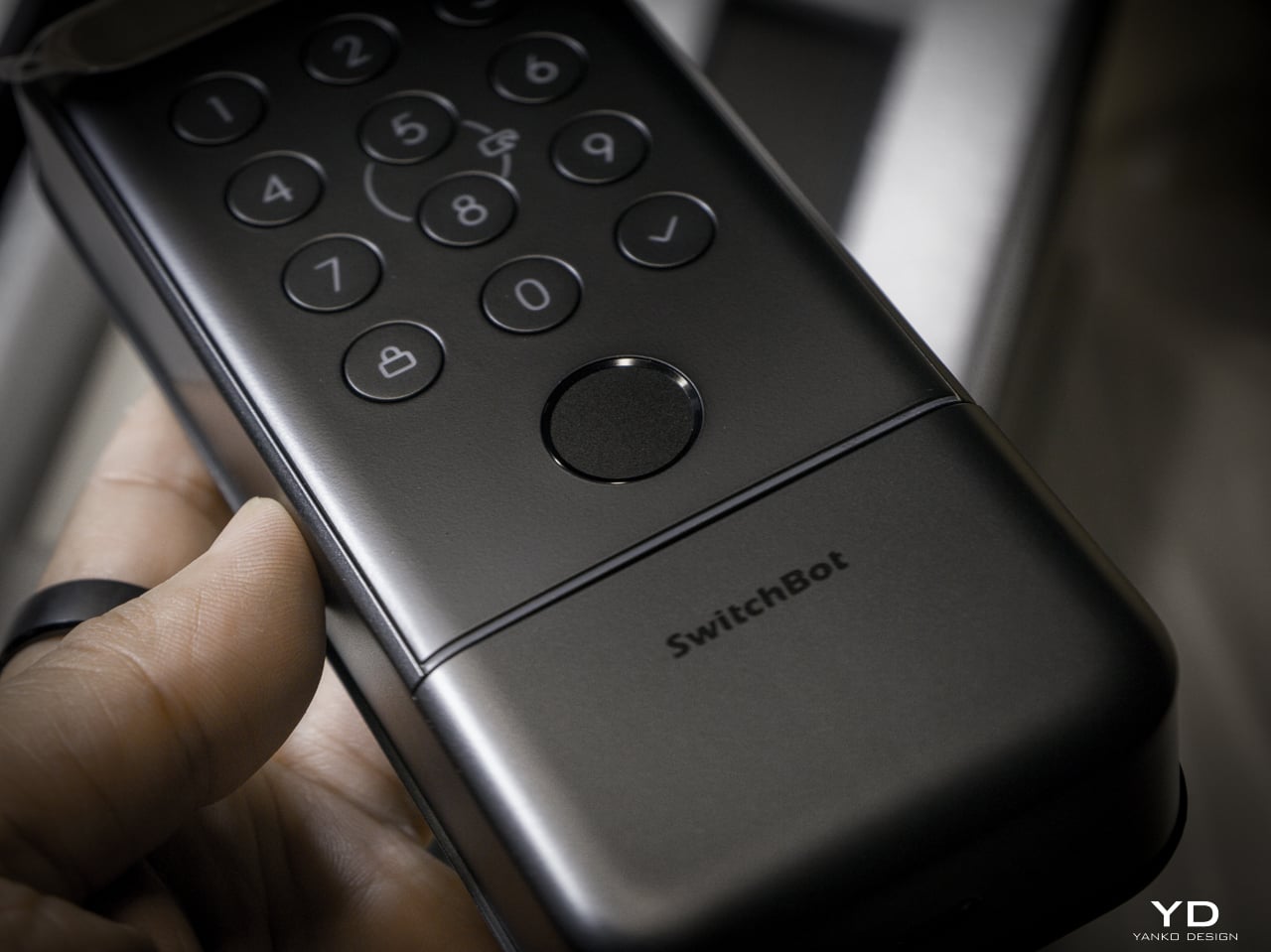
The semiconductor reader captures ridge patterns at the hardware level without storing images. All biometric data stays on the device, never routed to the cloud. It holds up to 90 user fingerprints and reserves 10 more slots for emergency prints.

The sensor reads quickly and reliably in dry and normal conditions. Wet fingers introduce the same challenge every semiconductor reader faces, but the palm vein sensor above it makes that edge case less relevant than it’d be on a lock without another contactless option.

mmWave Radar: The Power Manager

None of these biometric sensors stay active, and the mmWave radar unit handles that. It detects approach and wakes the recognition stack only when someone shows up. Without it, the 10,000mAh battery drains keeping a face camera awake. With it, the lock sleeps until you approach, wakes the sensors, and opens by the time you reach the handle. Across my testing it runs with no phantom triggers from passing cars or pedestrians.

The radar is separate from the auto-unlock GPS and Bluetooth chain. Auto-unlock handles the actual door opening via your phone. The radar handles sensor power management so the biometric readers aren’t burning battery scanning an empty porch all day.

A Note on Motor Noise

I’m not gonna sugarcoat this: the Lock Vision is noticeably louder than most smart deadbolts I’ve tested. The trade-off is speed. It’s the same trade-off you make with a fast garage door opener, more noise, faster movement. I’d rather have a motor that gets out of the way quickly than one that whispers and leaves me standing at the door.
That said, there’s a guest bedroom about five feet from our front door. It doesn’t get a lot of use, so most nights it’s a non-issue. When we do have guests staying over, the lock cycling is a little louder than I’d like. It’s one of the very few genuine downsides to this product, and the only people it will affect are those with a bedroom directly off the entryway.

The Access Hierarchy

The full unlock method count sits at 19, but the design intelligence isn’t in the number. It’s in how SwitchBot organized them by use case rather than technology type.

Passive biometrics, face and palm vein, for residents who should never have to think about unlocking. Fingerprint and NFC cards for recurring guests. Temporary and one-time passwords for deliveries and service visits. Geo-fence auto-unlock for the owner’s daily return. Physical key as the permanent legal fallback that requires no battery, no firmware, and no app update.

That’s a considered access hierarchy, not a feature list.

SwitchBot also built six tiers of security into the lock, and they all run behind the scenes. The alarm system records and notifies door status, ajar alerts, and tamper detection. Geo-fence auto-lock secures the door when you leave. On the unlock side, you get SOS fingerprint recognition, remote unlock confirmation, forced unlock for emergencies, and auto-lockout after repeated failed attempts. Data moves over AES-128 encryption, and every biometric stays local. Three-tier power management keeps the whole thing running with intelligent failover.

DualPower and DualBackup

Battery anxiety keeps people from buying smart locks. SwitchBot built a three-tier system.

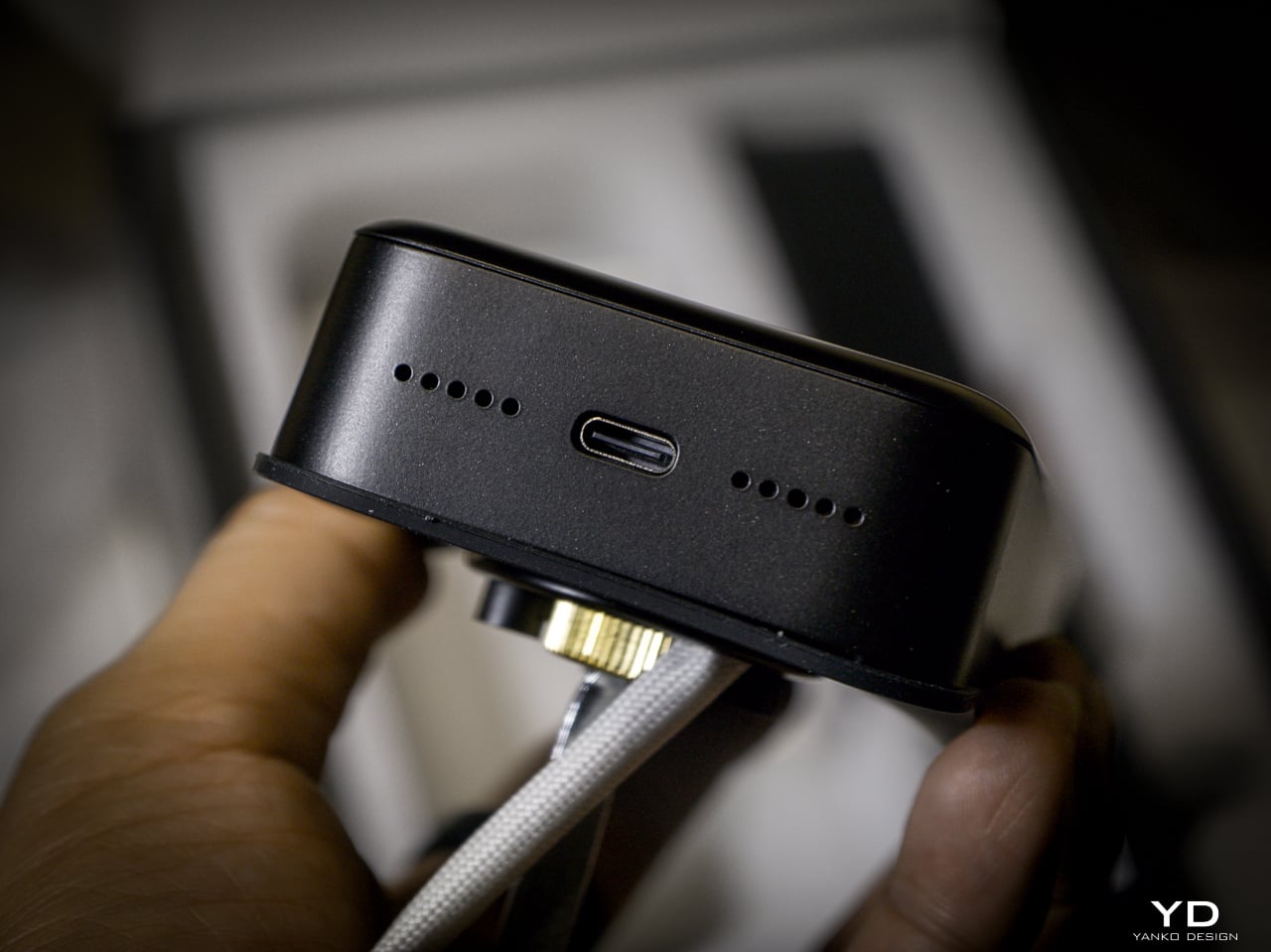
Tier one: 10,000mAh rechargeable Li-Po. SwitchBot rates it for up to 12 months at 10 lock/unlock cycles per day, and the motor handles 50,000 cycles. Tier two: CR123A backup providing up to 500 emergency unlocks with 5-year standby. Auto-activates if main battery dies. Tier three: USB-C port on the keypad surface for emergency power. Connect a power bank, unlock, go find batteries.
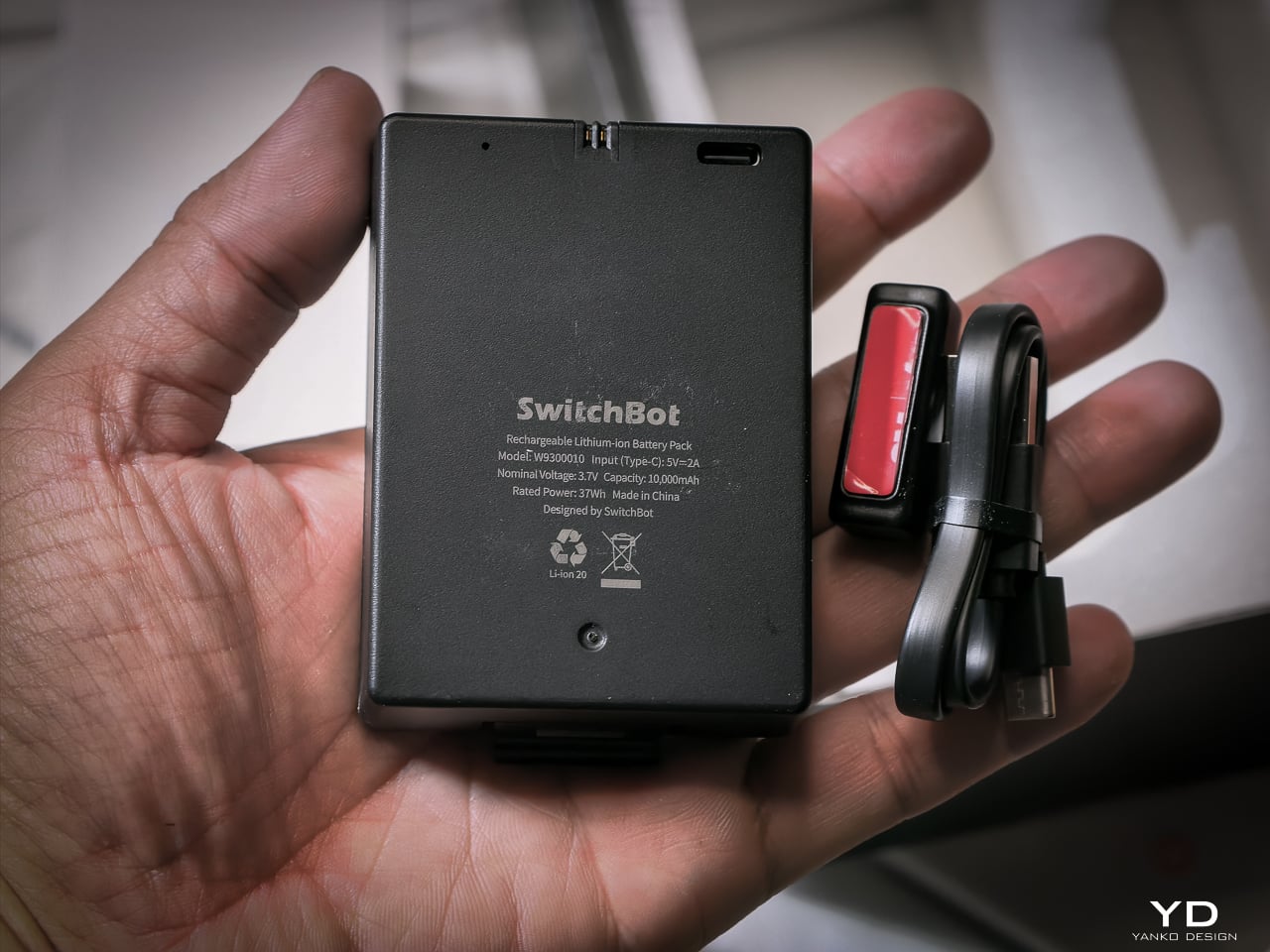
I haven’t had it long enough to need a recharge yet, and that’s the whole idea. SwitchBot says the 10,000mAh battery lasts up to 12 months, and so far it hasn’t dipped enough for me to notice.

When it does run dry, the CR123A backup beats what most locks offer. Some competitors make you tap a battery pack to two contacts outside the lock for one open. This one has a dedicated cell already inside, good for 500 emergency unlocks and five years on standby. Haven’t needed it yet. Glad it’s there.
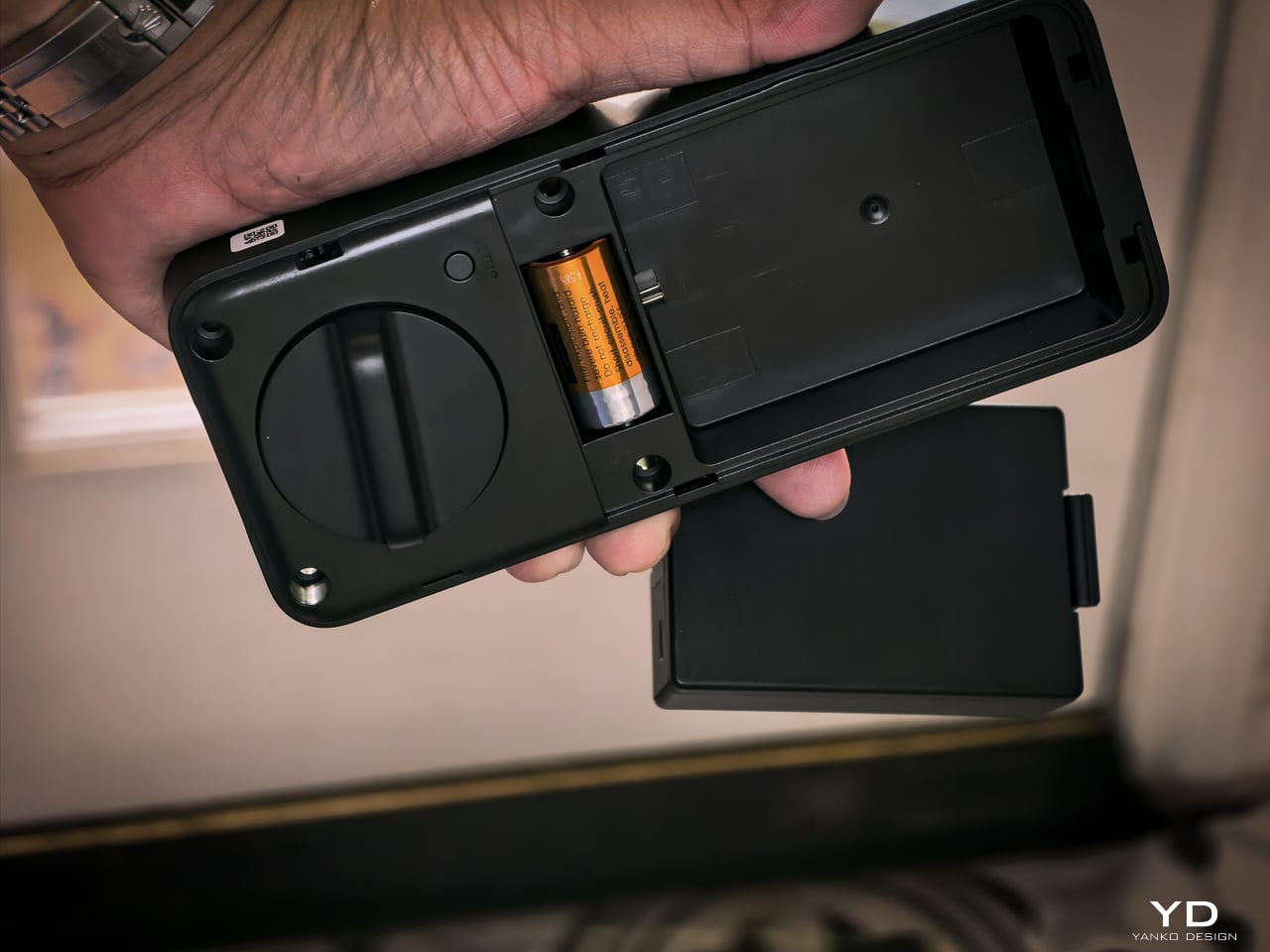
The mmWave radar handles power management. The lock only activates biometric sensors when someone approaches. The app provides real-time battery monitoring, push notifications at low power, and audio alerts at critical level.

Matter-over-WiFi and Ecosystem

Connects via Matter-over-WiFi. You don’t need a separate hub. Bluetooth holds a stable connection within 16.4 feet outside the door, and WiFi manages the same range through walls. SwitchBot listed Apple Home certification as in progress at launch. I don’t use Apple Home, so I didn’t test it, and that’s not a feature I personally value on a lock. The SwitchBot app handles everything: lock status, battery level, access management, unlock logs going back six months. Voice control works through Alexa, Google Assistant, and Siri if you want it. If Apple Home integration is a dealbreaker for you, verify it’s live before buying. For me, the app does everything I need.

With the Smart Video Doorbell: monitor activity outside, lock/unlock from doorbell, automate entry. With the Wallet Finder Card: tracking card doubles as NFC key. With the Hub 3: doorbell chime plus lock status display. All biometric data stays local on the device.

Installation

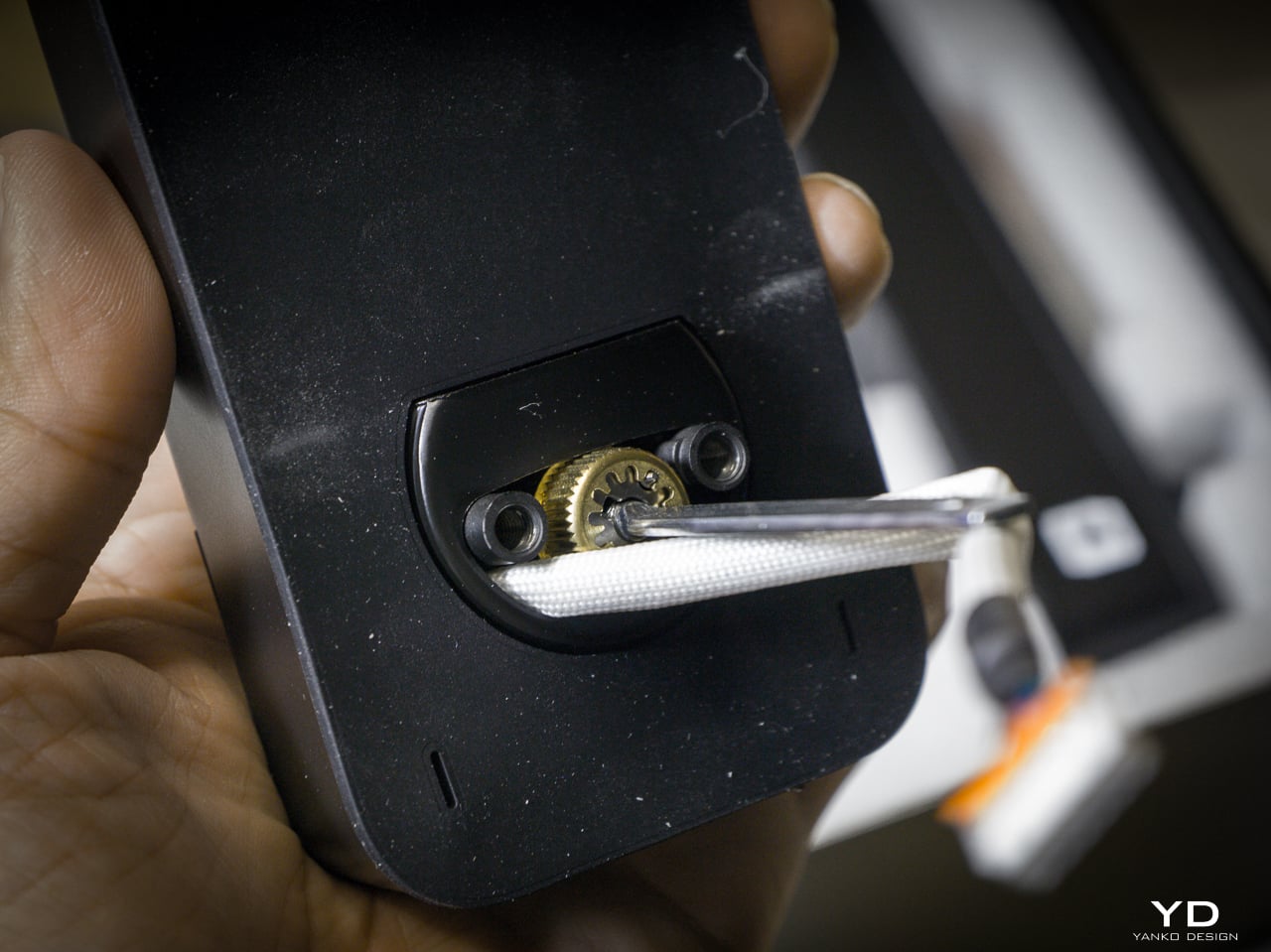
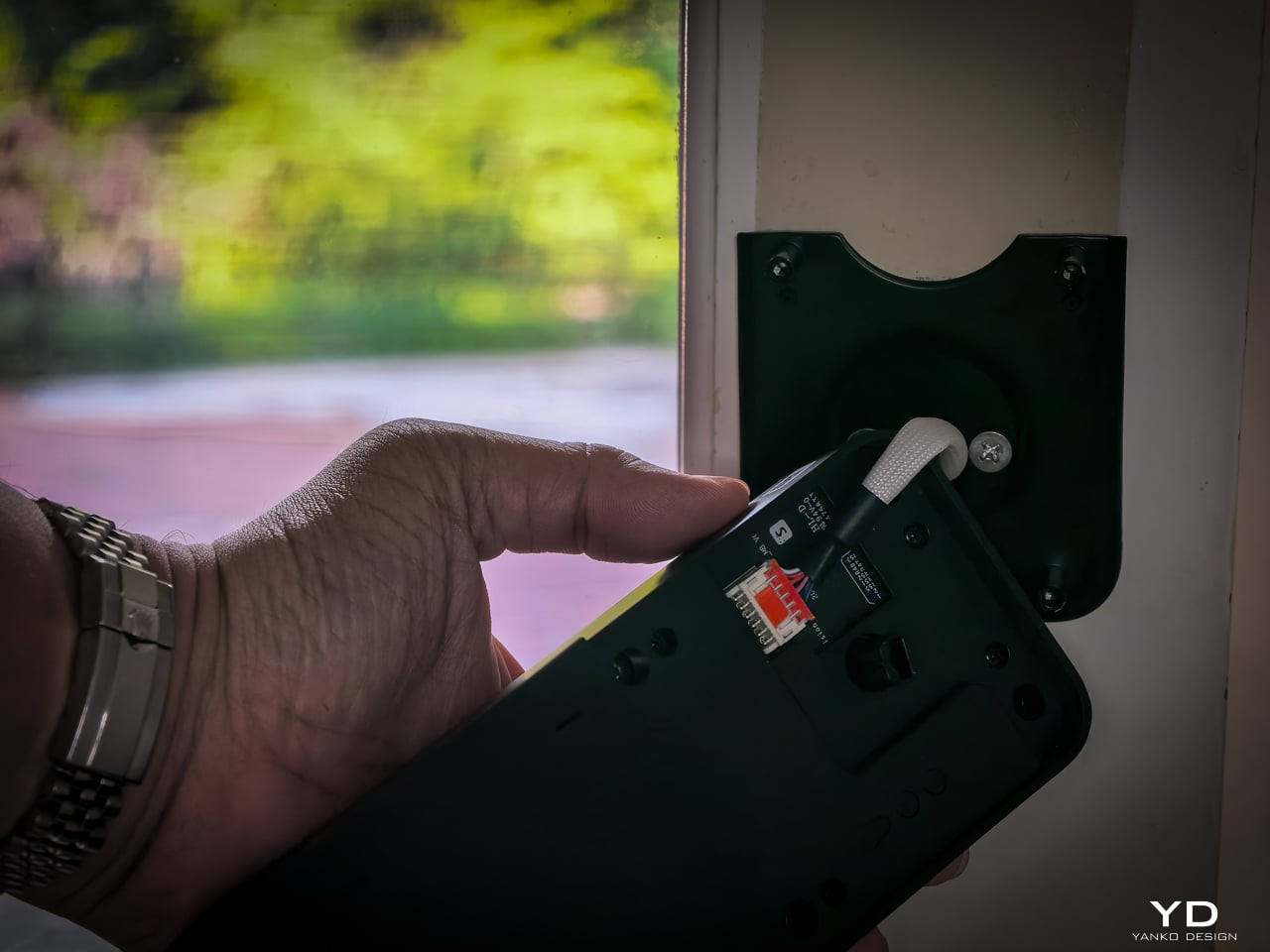
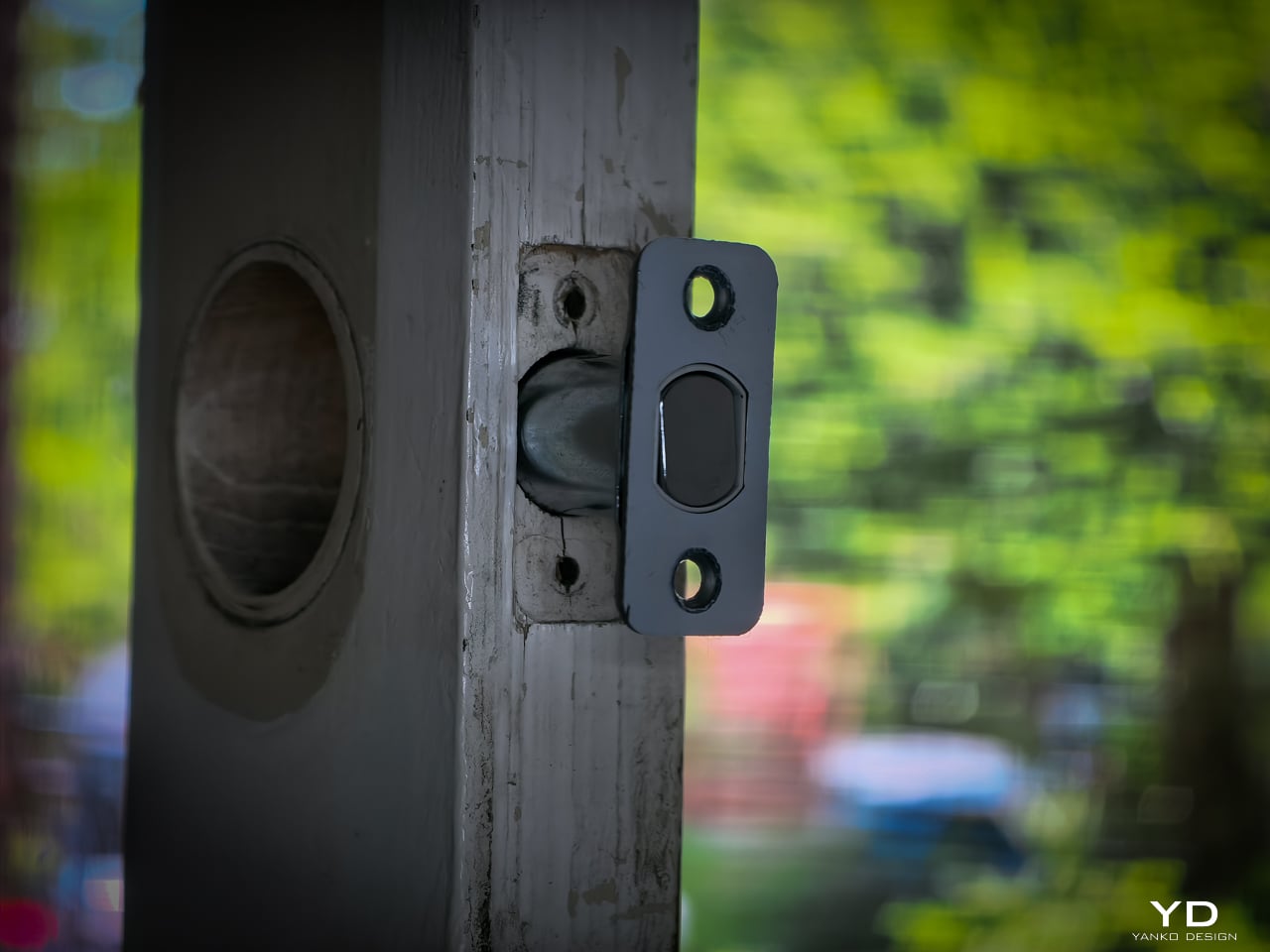
Installation didn’t take long. My previous deadbolt had four screws. The Lock Vision’s bolt has a specific notch that mates with the SwitchBot housing, so I did have to swap out the deadbolt that was already in the door. That added maybe an extra minute to pull the old one and slide the new one in. Everything else lines up cleanly since the dimensions are standard.
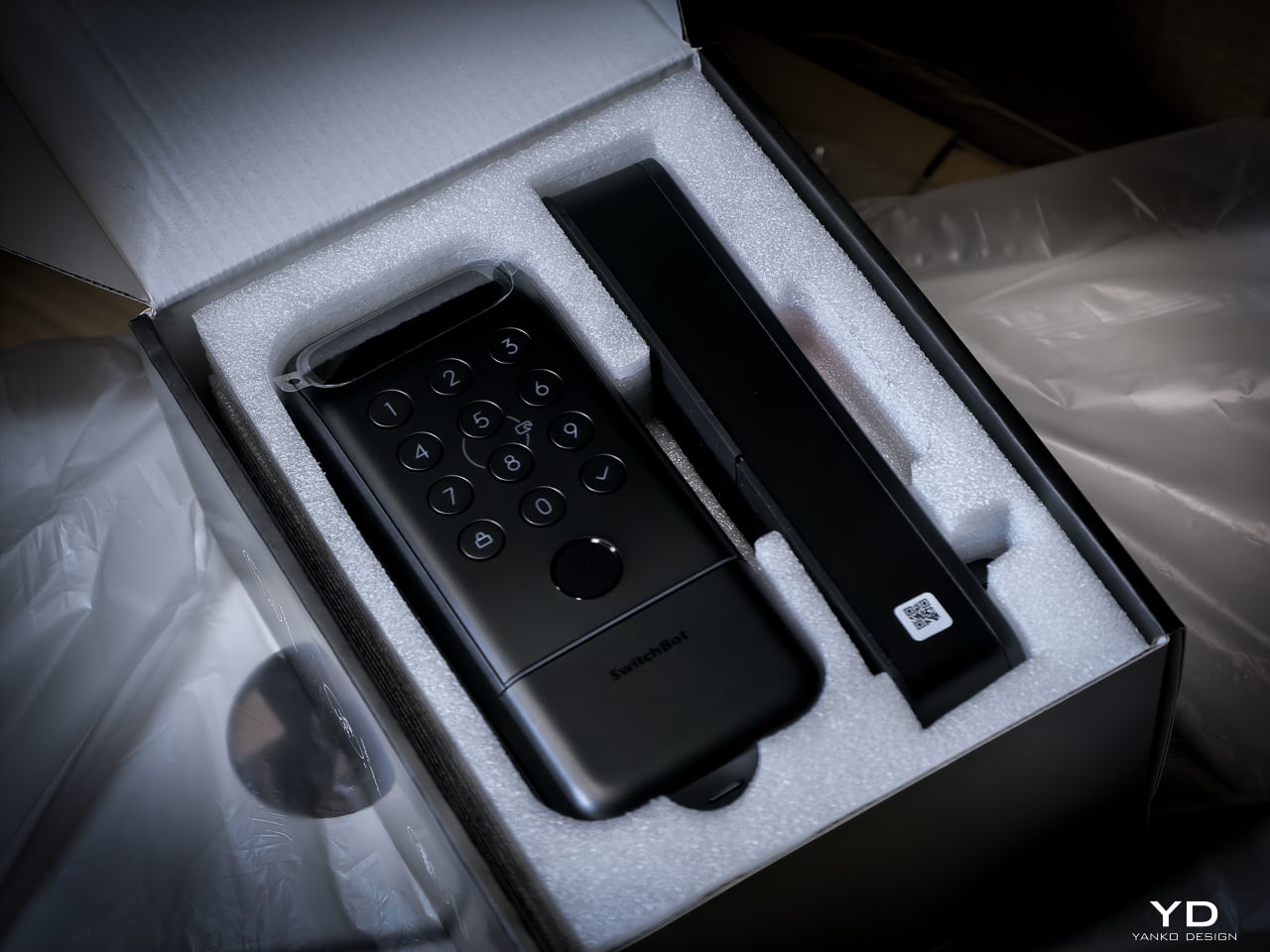
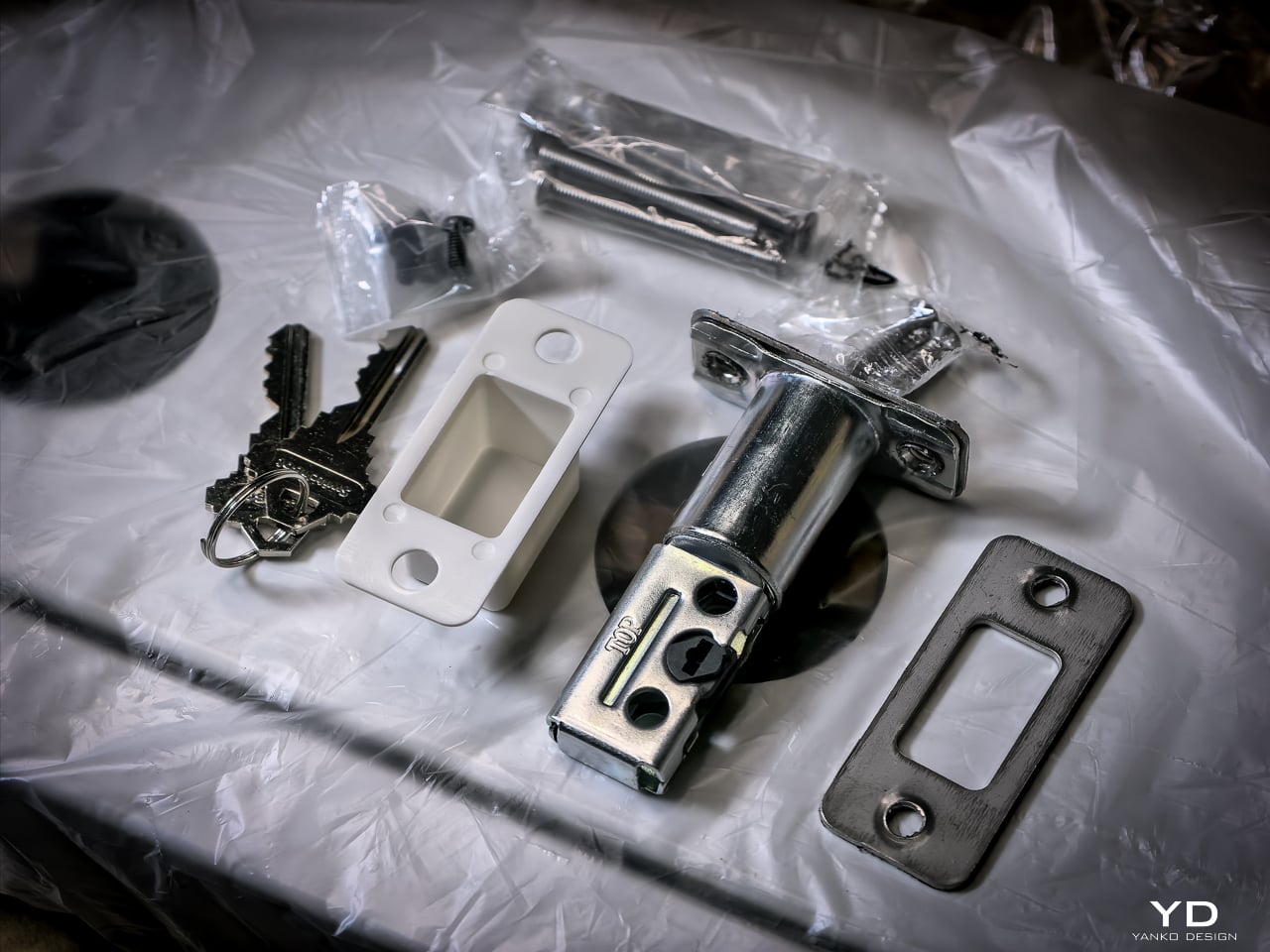
Hardware swap took about 10 to 12 minutes. Setup: pairing the lock, enrolling my face, enrolling a palm, enrolling fingerprints, all of it happened fast. Under 20 minutes total and the new lock was live. If you’ve swapped a deadbolt before, this is the same job. If you haven’t, a single screwdriver and the included instructions will get you there.

Sustainability

The 10,000mAh battery is rechargeable and rated for 12 months per charge. CR123A backup lasts 5 years in standby. USB-C emergency port eliminates lockout. All biometrics stay local with no cloud dependency. SwitchBot rates the motor for 50,000 cycles.
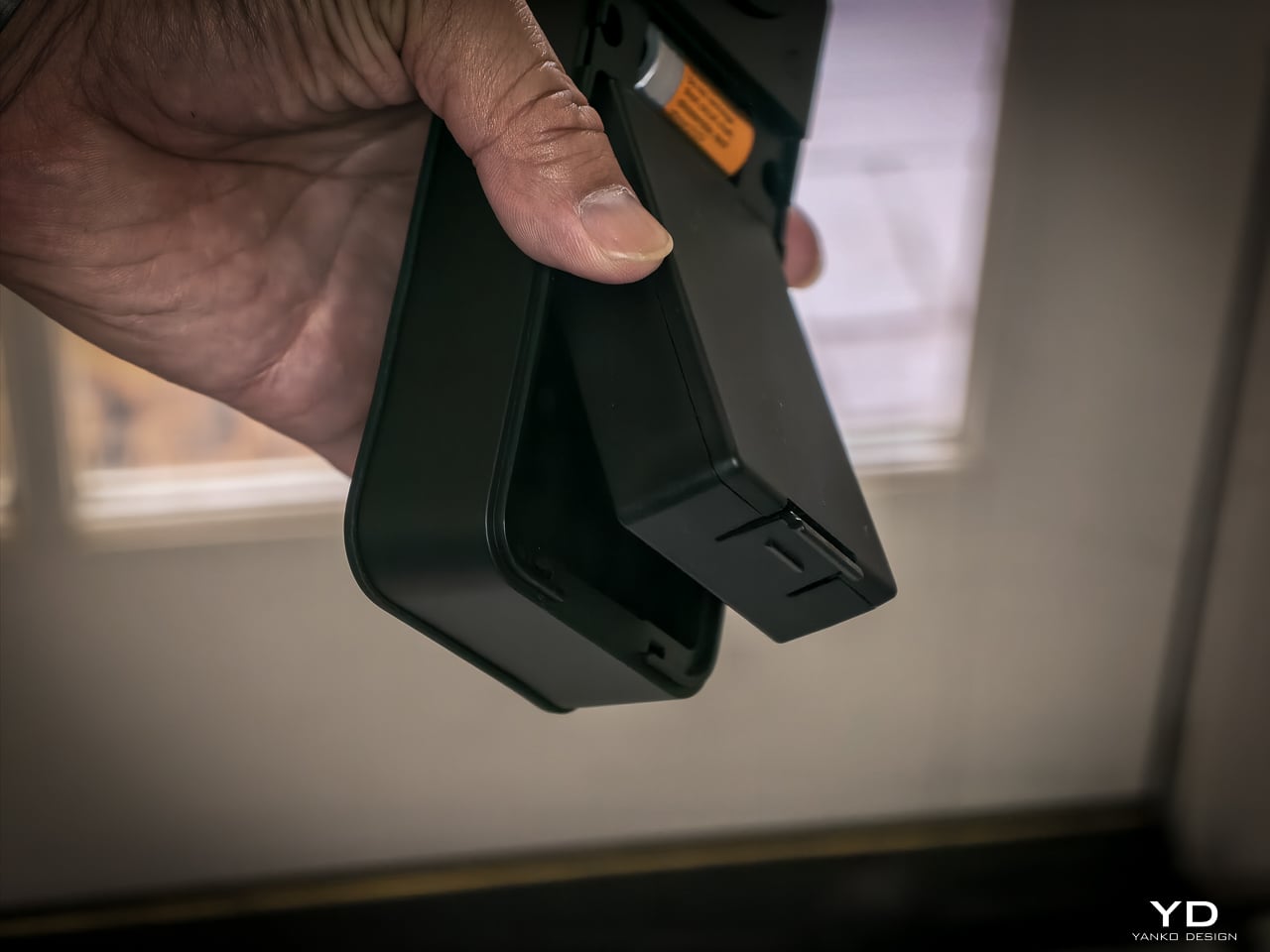
One detail I really like: the battery compartment comes off the top with no screws, no tools. Just lift and the battery slides out. SwitchBot clearly thought about what actually happens when someone needs to swap or charge a battery, and they made it easy. That’s the kind of ergonomic detail you appreciate six months in when you finally need to pull it.
Value

At $169.99 (Lock Vision) and $229.99 (Lock Vision Pro), SwitchBot prices against the August Wi-Fi Smart Lock, Yale Assure Lock 2, and Level Lock Plus. None of those competitors offer 3D structured-light face unlock. The facial recognition alone puts the Lock Vision Series in a different category.

The $60 Pro premium gets you palm vein and fingerprint. I’d pay it. We’ve got a front door, a back door to the garage, and a garage door into the house. If I had to redo all three, I’d spend the extra for the Pro on every single door.

Bundle pricing: Lock Vision + Video Doorbell $259.99, Pro + Video Doorbell $329.99. Canadian buyers pay CAD 229.99 and CAD 299.99 for the locks, CAD 329.99 and CAD 399.99 for the bundles. Both models sell direct from SwitchBot and on Amazon in the US and Canada.
Verdict

The Lock Vision Series is the first smart deadbolt I’d put on my own door. The 3D facial recognition works in the dark. The battery system covers every failure mode. Matter-over-WiFi means no hub on your nightstand. And when the battery dies, there’s a key in your hand. Two of them in the box.

But it isn’t for everyone. Apple Home certification hadn’t gone live as of my testing. Not every home qualifies without power tools on the door compatibility front. And I want to live with the 218g interior unit for a month before I trust the long-term build.

It’s a lock that just works, no matter how you get it open. Face, palm vein, fingerprint, code, phone, NFC, geo-fence, and yes, a physical key. Comes with two. When the tech is optional and the brass key still turns, that’s a lock I trust.

Click Here to Buy Now: SwitchBot Lock Vision Pro | SwitchBot Lock Vision

The post SwitchBot Lock Vision Series Review: Face ID for Your Front Door first appeared on Yanko Design.


Ever wondered how gearboxes and torque work? MetMo’s latest EDC turns the physics into fidget fun

There is a piece by kinetic artist Arthur Ganson called Beholding the Big Bang, a gear train stretching over a meter long, where the final gear is embedded in solid concrete. With a motor running at one end, the reduction is geared down so severely that even with the first gear spinning at speed, it would take 13.7 billion years for the last gear to turn. Ganson built it as an art piece, a meditation on cosmic time. But buried inside that sculpture is an engineering principle so tactile and immediate that it feels almost criminal to lock it in a gallery. Gear reduction, in its raw form, is one of the most satisfying mechanical phenomena a person can interact with.

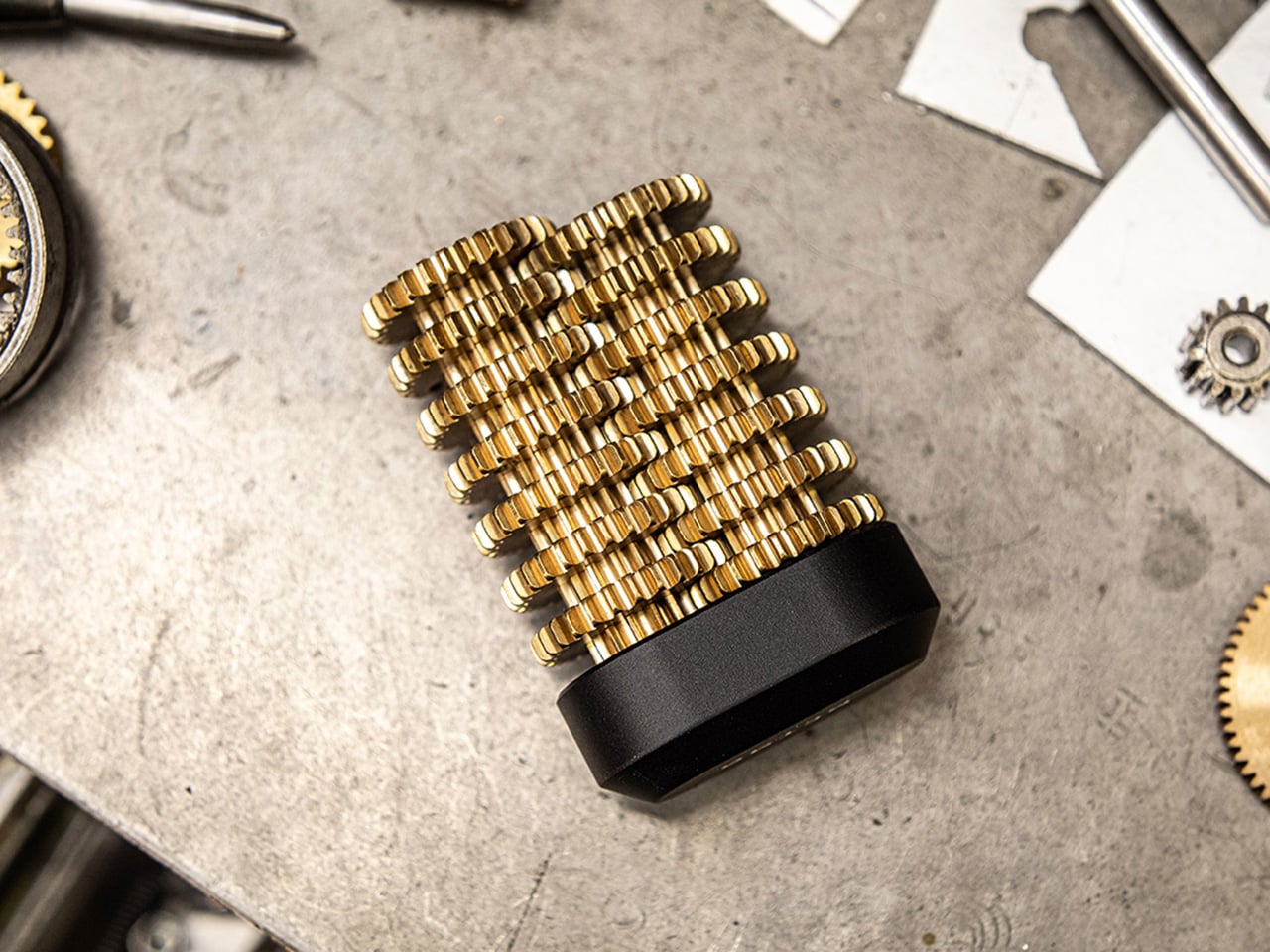
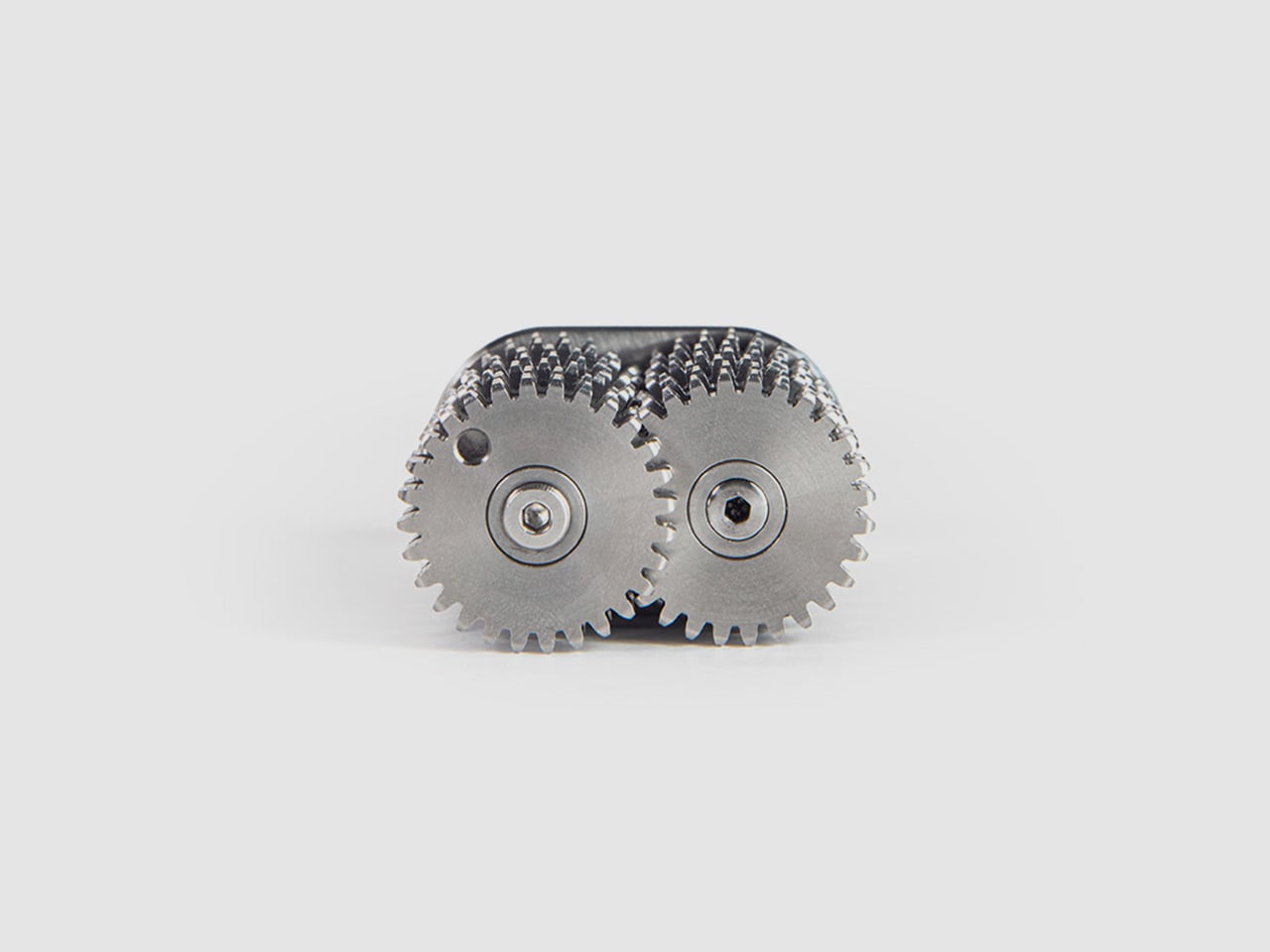
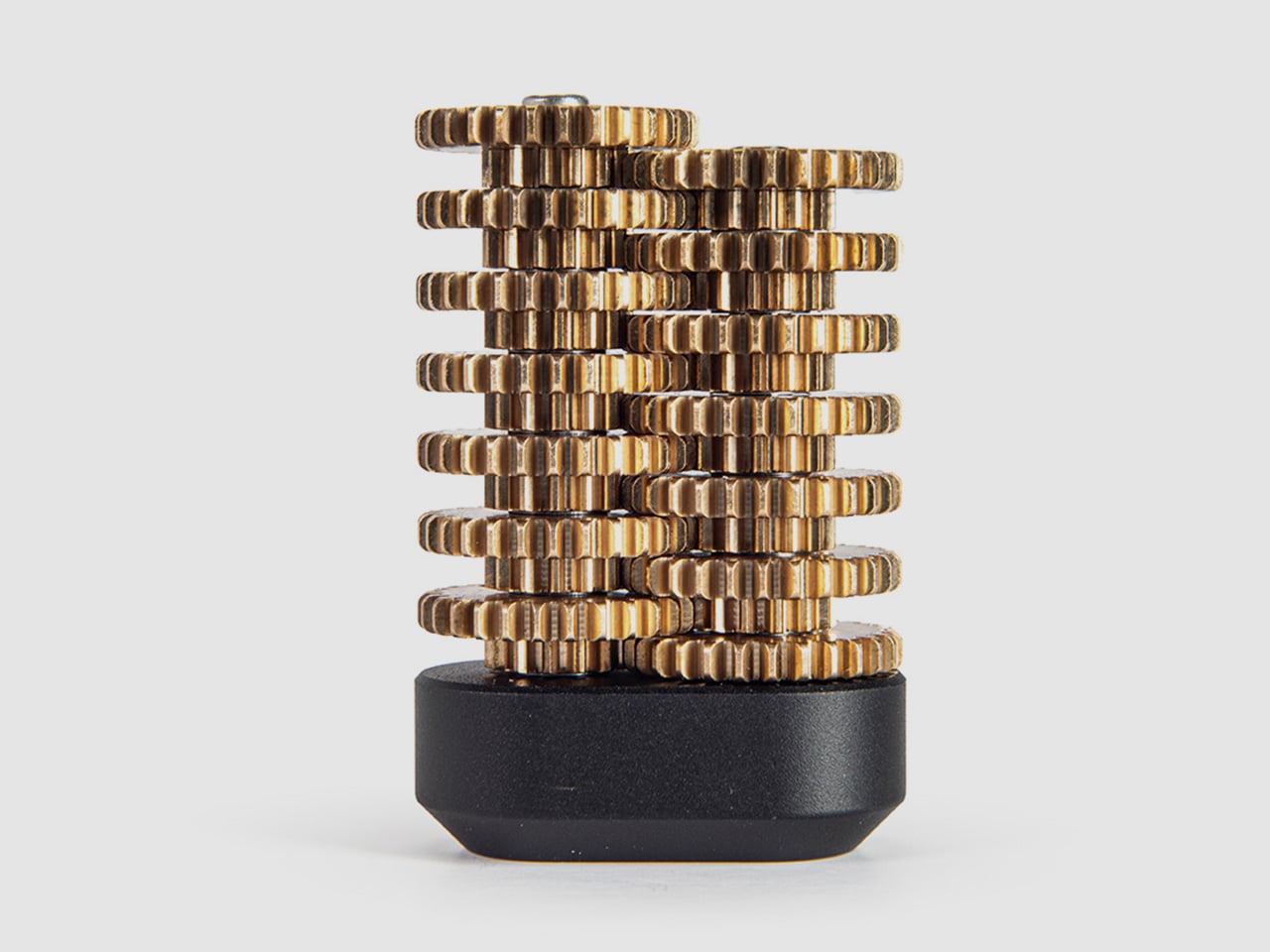
MetMo appears to have agreed with that assessment. The Brass Gear Train takes the same physics and compresses it into a palm-sized, hand-assembled object machined to aerospace tolerances in a UK workshop. The reduction ratio is 16,384:1, which means the top gear and the bottom gear are functionally living in different time zones. Every gear in the stack doubles the torque of the previous one. What reads on paper as an engineering spec feels, in practice, like a magic trick that happens to be fully explainable… and a treat for the eyes and hands.

Designers: Sean Sykes & James Whitfield (MetMo)

Click Here to Buy Now: $148.58.

The trick plays out immediately the moment you start turning the gears. Spin the topmost gear at a comfortable pace, and the lowest gears in the stack appear frozen, barely registering motion. The visual disconnect is mesmerizing because your brain knows they should be moving, but the reduction is so steep that a full rotation at the top translates to near-invisibility at the bottom. You can reverse the operation too, gripping the lower gears and turning them while the top spins wildly out of control, the torque climbing exponentially as you work your way down the train. The interaction is simple enough for anyone to understand within seconds, but satisfying enough that most people who pick it up will keep spinning it for several minutes straight. If you are someone who thinks while touching things, who solves problems by turning objects over in your hands, or who just appreciates when engineering reveals itself rather than hiding behind a housing, this is built for exactly that impulse.

Each gear in the stack doubles the torque input from the gear above it, which means by the time you reach the bottom of the train, your effort has been multiplied 16,384 times over. Turning the first gear feels effortless, barely any resistance. Move down one level and there is a slight increase in drag. By the third or fourth gear, you start feeling real resistance. By the sixth gear, most people will struggle to turn it with just their fingers. The lower you go, the more mechanical advantage you are fighting against, and the feedback is immediate, visceral, and surprisingly addictive. It turns an abstract engineering principle into a tangible workout for your hand, and the challenge of working your way down the entire gear stack becomes a desk-toy dare that most visitors cannot resist attempting.

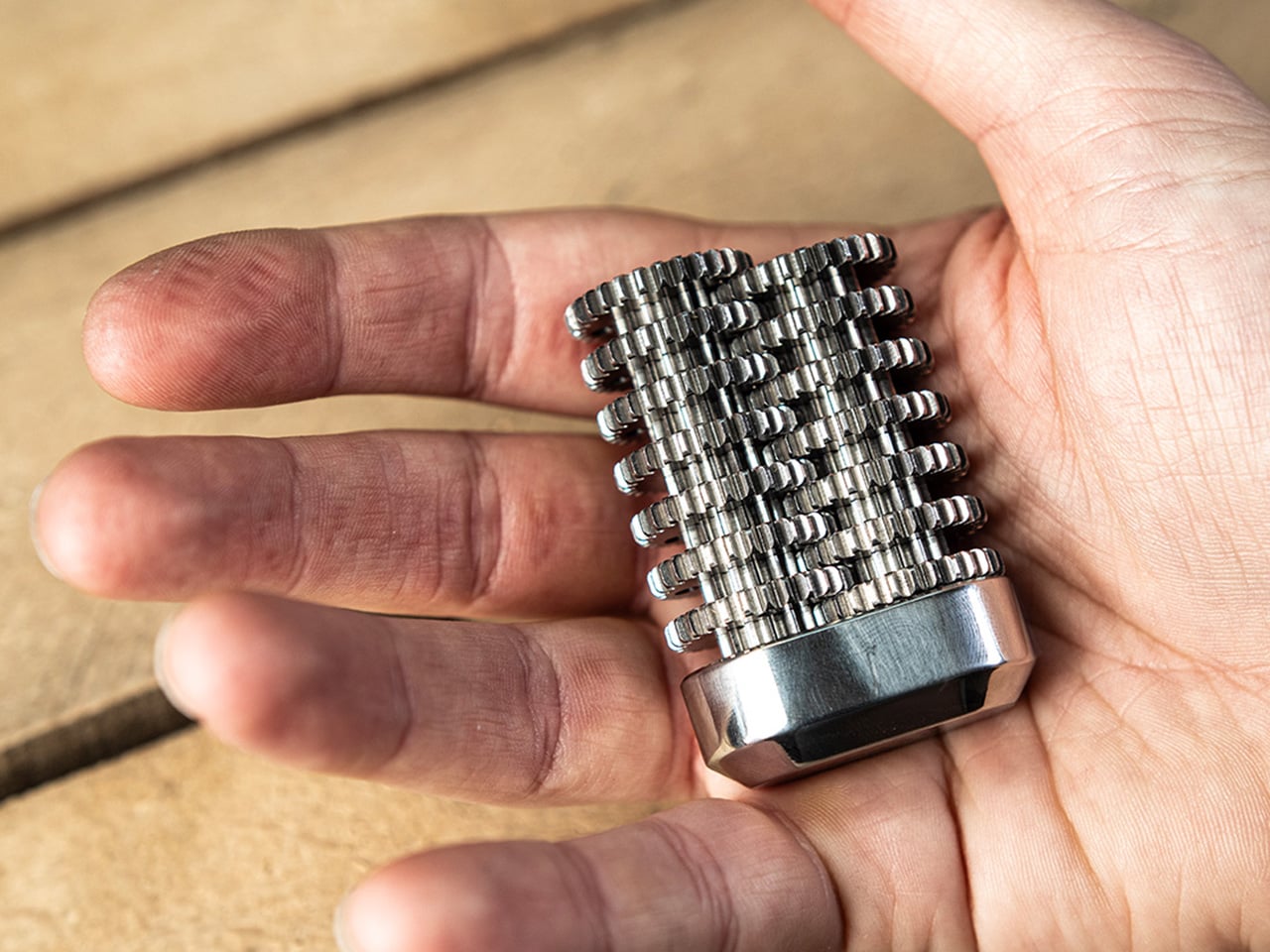
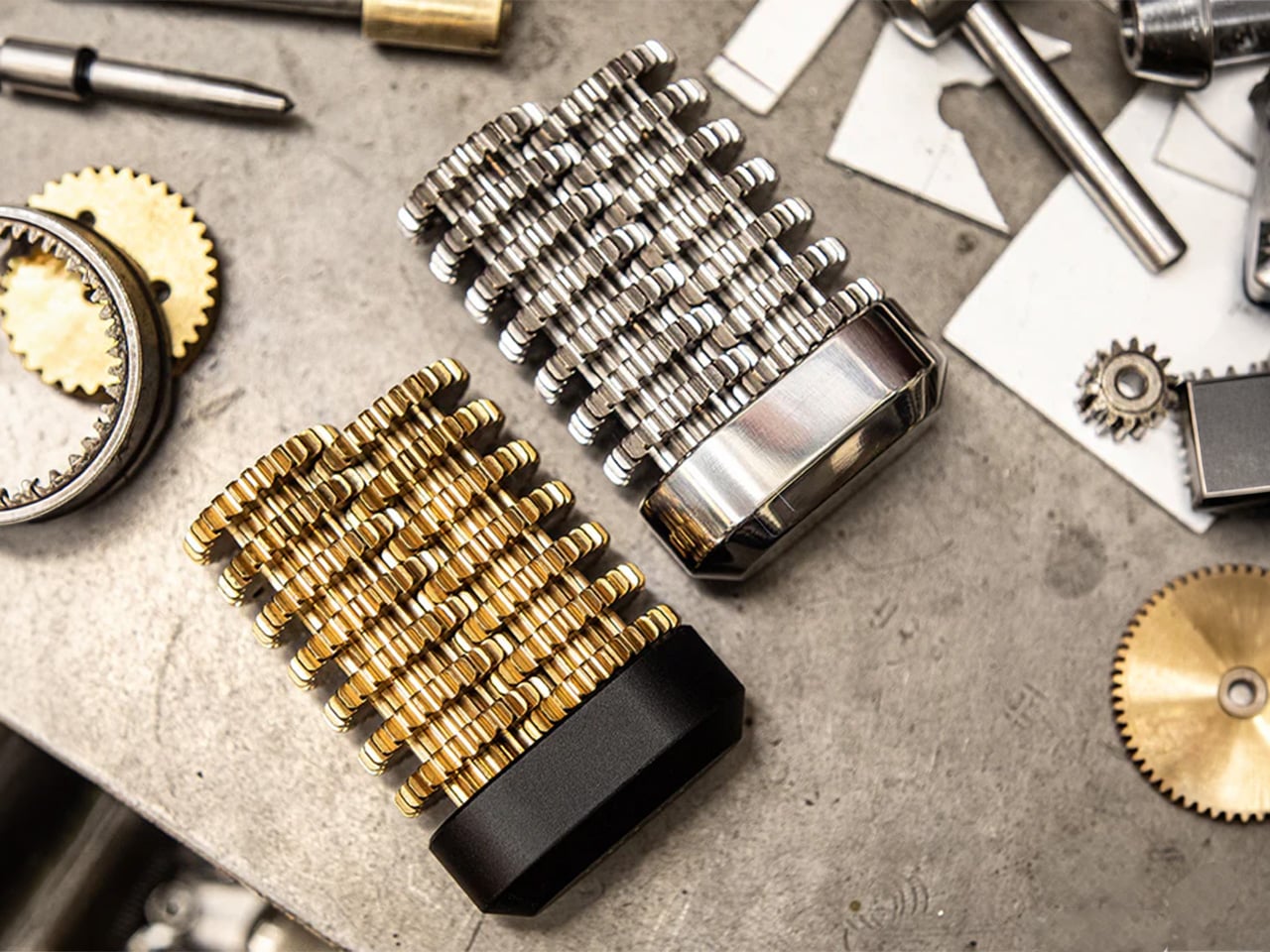
The gears are precision CNC-machined from solid brass, chosen specifically to echo the clockwork mechanisms of old. The warm metallic tone, the weight distribution, and the smooth meshing of teeth all call back to antique engineering, when gears were visible, celebrated, and built to outlast their makers. The gears sit on a hard anodized aluminum base, which serves a dual purpose: it provides a low center of gravity that makes the object comfortable to hold, and the hard anodizing prevents corrosion, ensuring the base stays flawless even after years of desk duty. The Gear Train comes with a pin that holds everything in place – taking the pin out lets you fidget with the gear’s movement. When you’re done testing the laws of physics, you can slide a pin back through the gears, locking them in place so they don’t shift around in your pocket and accidentally snag your earphone cable.

The only way to reinsert the pin is to rotate the gears back into perfect alignment, a 16,384-revolution journey where all the holes must line up simultaneously. It is planetary alignment in miniature, a needle threading that requires patience, memory, or just a willingness to turn the stack slowly until everything clicks into place. Some users will treat this as a one-time puzzle, solving it once and leaving the pin in. Others will pull it out deliberately, turning the Gear Train into an ongoing fidget challenge that resets itself every time.

Every component is machined by Metmo in their UK workshop, running solid metal stock through CNC mills to the same tolerances used in aerospace engineering. There are no mass-manufactured parts anywhere in the assembly. Each gear is hand-finished, with edges smoothed to perfection so there are no sharp bits, no rough patches, nothing that interrupts the tactile pleasure of turning the stack over in your hands. The gears mesh perfectly, tight enough to eliminate backlash but smooth enough that the motion feels like silk. When the product page says the gears fit together like a Swiss watch, that is not marketing poetry, it is an accurate description of what you feel when you spin them.

MetMo built this object to live on a desk, and the visual presence reflects that intent. The stacked brass gears catch light beautifully, the gear-tooth profiles creating a repeating pattern that reads as both mechanical and decorative. The weight feels substantial without being cumbersome, and the passivated brass doesn’t patina like regular brass does, ensuring your gear-train looks shiny and precise even after years. People walking past will stop and ask what it is, which gives you the opportunity to demonstrate the reduction ratio in real time, and most onlookers will immediately want to try it themselves. It functions as a conversation piece, an engineering demo, and a desk sculpture simultaneously, occupying the same category as premium perpetual motion toys or kinetic sand timers, objects that justify their presence through sheer fascination rather than utility. For designers, engineers, makers, or anyone whose workspace doubles as a place to think, this belongs within arm’s reach.

The Brass Gear Train is available in two material configurations. The brass version featured here uses solid brass gears with a hard anodized aluminum base, delivering that warm, vintage-clockwork aesthetic MetMo designed it around. There is also a stainless steel variant, which trades the brass warmth for a more industrial, corrosion-resistant finish with a heavier feel in hand. Both versions are hand-assembled, both carry the same 16,384:1 reduction ratio, and both come with the removable alignment pin for puzzle play. MetMo backs both configurations with a 200-year guarantee, the same confident warranty they extend across their entire product line, a statement that this object was built to outlast you, your desk, and probably your great-grandchildren.

The MetMo Brass Gear Train is priced at £99 GBP (approx $149 USD) and ships directly from MetMo’s UK workshop. For those interested in the stainless steel version, pricing and availability can be found on the MetMo website. Both versions qualify for free shipping on orders over £200.

Click Here to Buy Now: $148.58.

The post Ever wondered how gearboxes and torque work? MetMo’s latest EDC turns the physics into fidget fun first appeared on Yanko Design.
7 Best Gadgets & Gear for Digital Nomads in 2026 That Turn Any Café Into a Proper Studio

The bag you carry into every shared space tells a story before the laptop opens. For years that story was functional at best, a charger shaped like a building block, a mouse borrowed from the budget shelf, a phone that looked underdressed next to the work it was doing. Something has shifted. The tools nomads carry in 2026 are beginning to look as considered as the work they produce. The standards have moved, and the products have followed.

What separates a setup that earns the table from one that simply occupies it is rarely one product. It is the accumulation of small, deliberate choices made across everything you reach for during a session. Each of the seven products here earns its slot not by being the loudest option in its category, but by being the most resolved. The café table becomes a studio when every object placed on it was designed to be there.

1. Nothing Phone (4a)

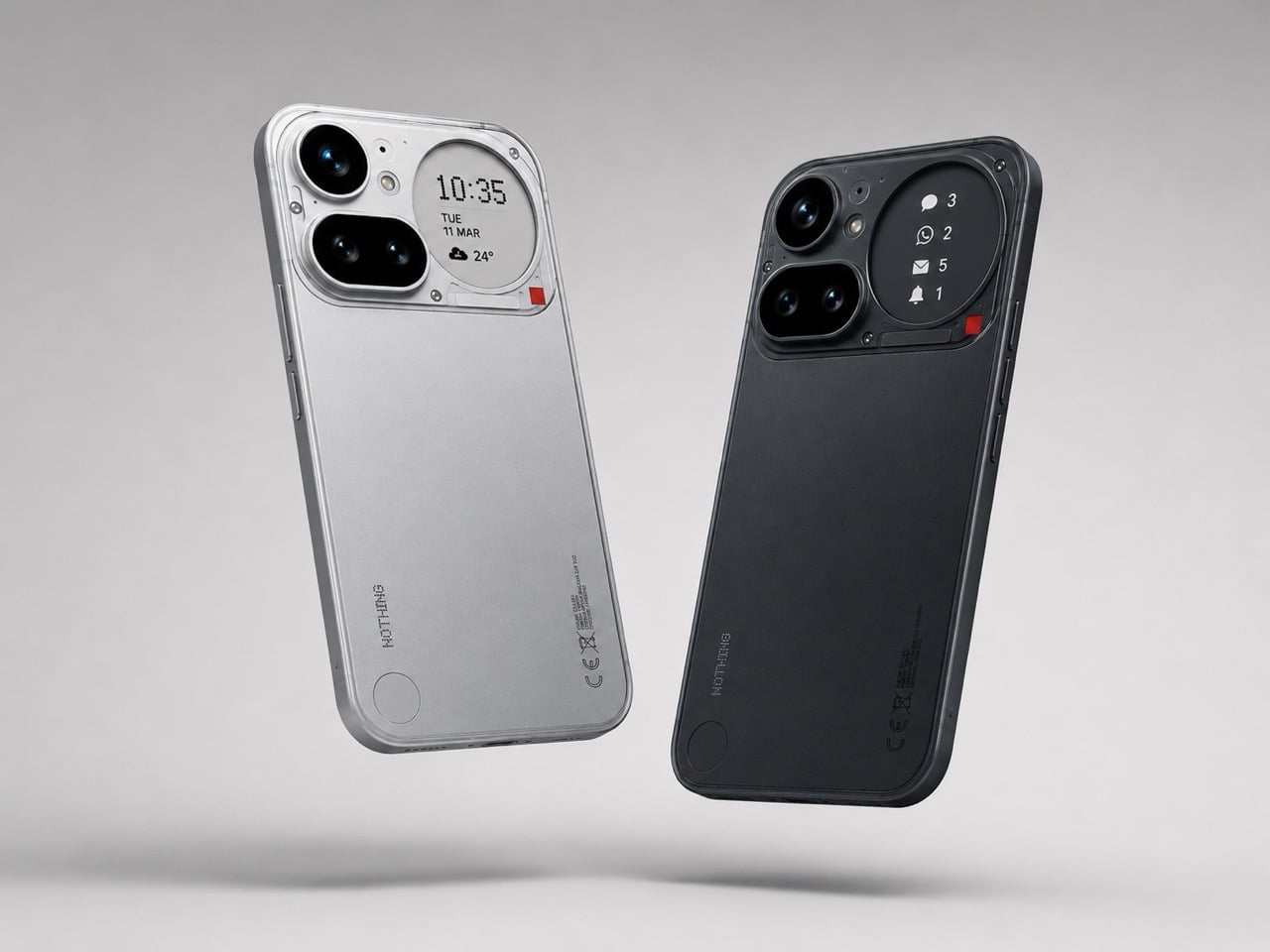
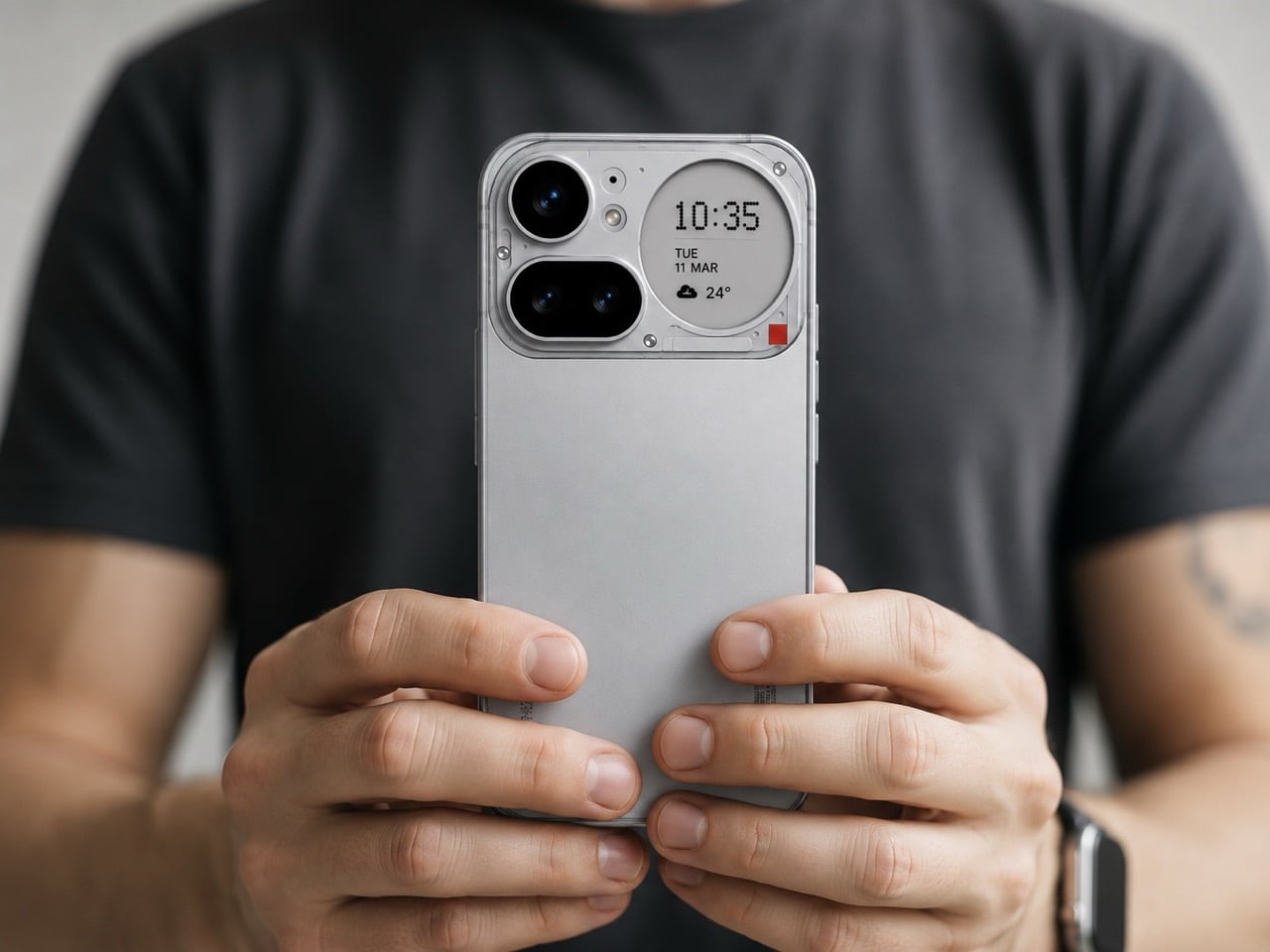
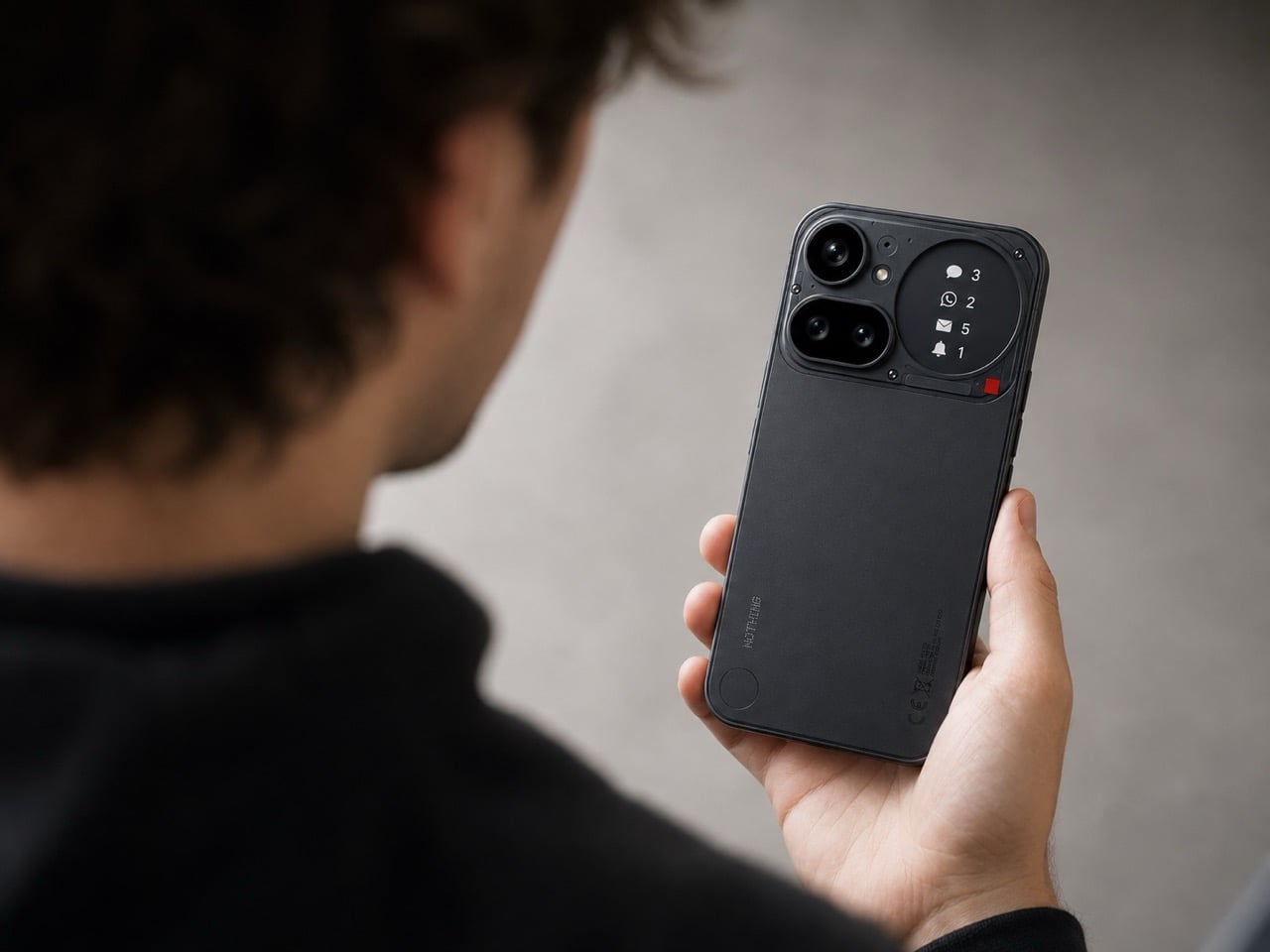
Most work phones carry a quiet contradiction: chosen for a camera or a price point rather than anything that makes them genuinely pleasant to hold for eight hours. The Nothing 4a disrupts that at the industrial design level. A transparent rear that reveals its internal architecture rather than concealing it, a Glyph interface that surfaces notifications without demanding the screen, and a material language borrowed from industrial design more than consumer electronics. It is the phone that actually earns its place on a considered desk.

For you, the benefit is a device that reads as intentional in every environment it enters. Boardrooms, airport lounges, café counters: the Nothing 4a does not look borrowed or accidental. The Glyph system means you can leave the phone face-up and receive the information you need without performing a full screen unlock, keeping your attention where the work is. A phone that manages your attention rather than capturing it is a different category of tool entirely, and that distinction compounds across a full working day.

What we like:

  • The transparent rear turns the phone into a design object without adding a single gram or millimeter of unnecessary material
  • The Glyph interface filters information at a glance, reducing the number of times you unlock the screen during a focused session

What we dislike:

  • The aesthetic confidence that makes the Nothing 4a distinctive will read as a deliberate signal in environments where understated hardware is the professional norm
  • Transparent backs accumulate fingerprints more visibly than opaque finishes, which means the phone looks its best roughly twenty seconds after you set it down

2. OrigamiSwift Mouse

Travel mice have been solved in the wrong direction for decades. The industry shrank them, which created smaller cramps rather than better tools. The OrigamiSwift is built around a different premise: transformation rather than compression. It collapses to card-sized flatness via magnetic clips, then opens into a fully contoured ergonomic mouse that fills a palm the way a stationary mouse does. At 40 grams, it disappears into a jacket pocket. Its polygonal geometry earns its grip through structure rather than rubber texture.

For you, the value is arriving at any surface with precision input that a trackpad cannot replicate without penalty. Extended editing sessions, dense spreadsheets, precise layout work: the OrigamiSwift removes every excuse for not carrying a proper mouse. Bluetooth 5.2 connects without a dongle. A three-month battery life on a single USB-C charge takes it out of the daily rotation of things to remember to charge.

Click Here to Buy Now: $85.00

What we like:

  • Card-flat in the bag, full ergonomic profile on the desk, with no intermediate configuration that compromises either state
  • Three months of battery life on USB-C removes it from the daily charging conversation entirely

What we dislike:

  • The hinge is the most structurally complex component, and daily fold cycles over years could introduce wear that a solid-body mouse accumulates more slowly
  • Scroll feedback is softer than premium stationary alternatives, something certain users register immediately, and others never notice

3. ASUS ZenScreen OLED MQ16FC

Portable monitors have become standard nomad equipment. The trade-off nobody advertises is the power drain: every secondary screen draws from the laptop it is connected to, shortening the session it was brought along to extend. The ASUS ZenScreen OLED MQ16FC addresses that at the port level. Two USB-C connections that send power in either direction mean plugging a wall charger into the monitor and running a single cable to the laptop charges the notebook while the display runs. One cable, one outlet, both devices fed.

For you, this changes the arithmetic of a café setup. One power outlet handles everything; the laptop charges through the monitor while the session continues uninterrupted. A 16-inch OLED panel at 9mm thin and 0.68 kilograms weighs less than most hardcover books you would carry alongside it. The 16:10 aspect ratio returns the vertical screen space that widescreen layouts consistently remove.

What we like:

  • Bidirectional USB-C power routing means one wall adapter charges both the monitor and the laptop through a single cable, a simplification the portable monitor category should have standardized years ago
  • A 16:10 OLED panel at 9mm thin makes this genuinely portable without the visual compromise that IPS alternatives at the same size still carry

What we dislike:

  • The glossy OLED surface is not your ally on café terraces or near windows, where reflections compete with the content the screen is trying to show you
  • The kickstand-only stand is limiting on uneven or narrow surfaces, and without a wall charger in the loop the bidirectional power advantage disappears entirely

4. Stillframe Headphones

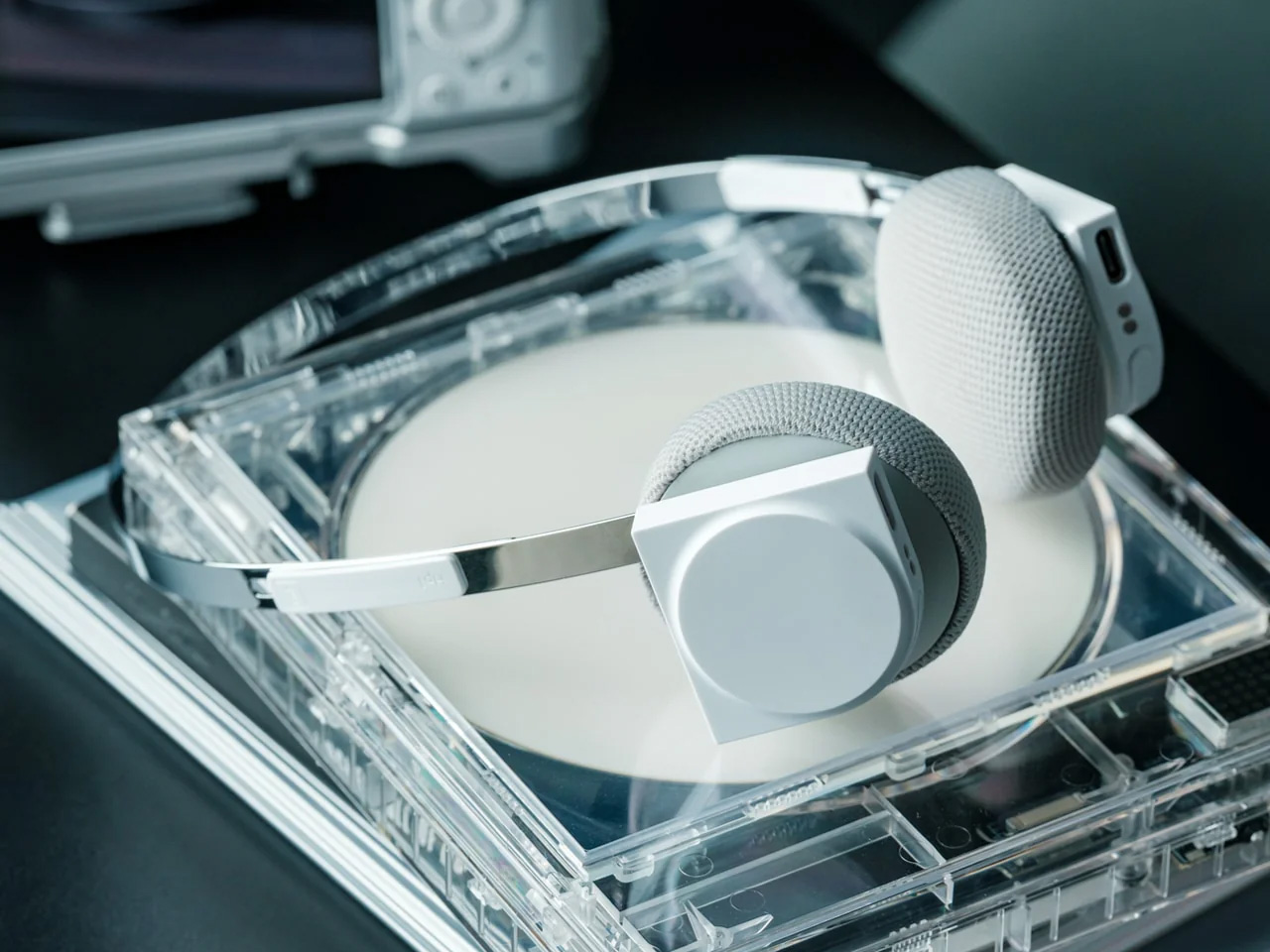
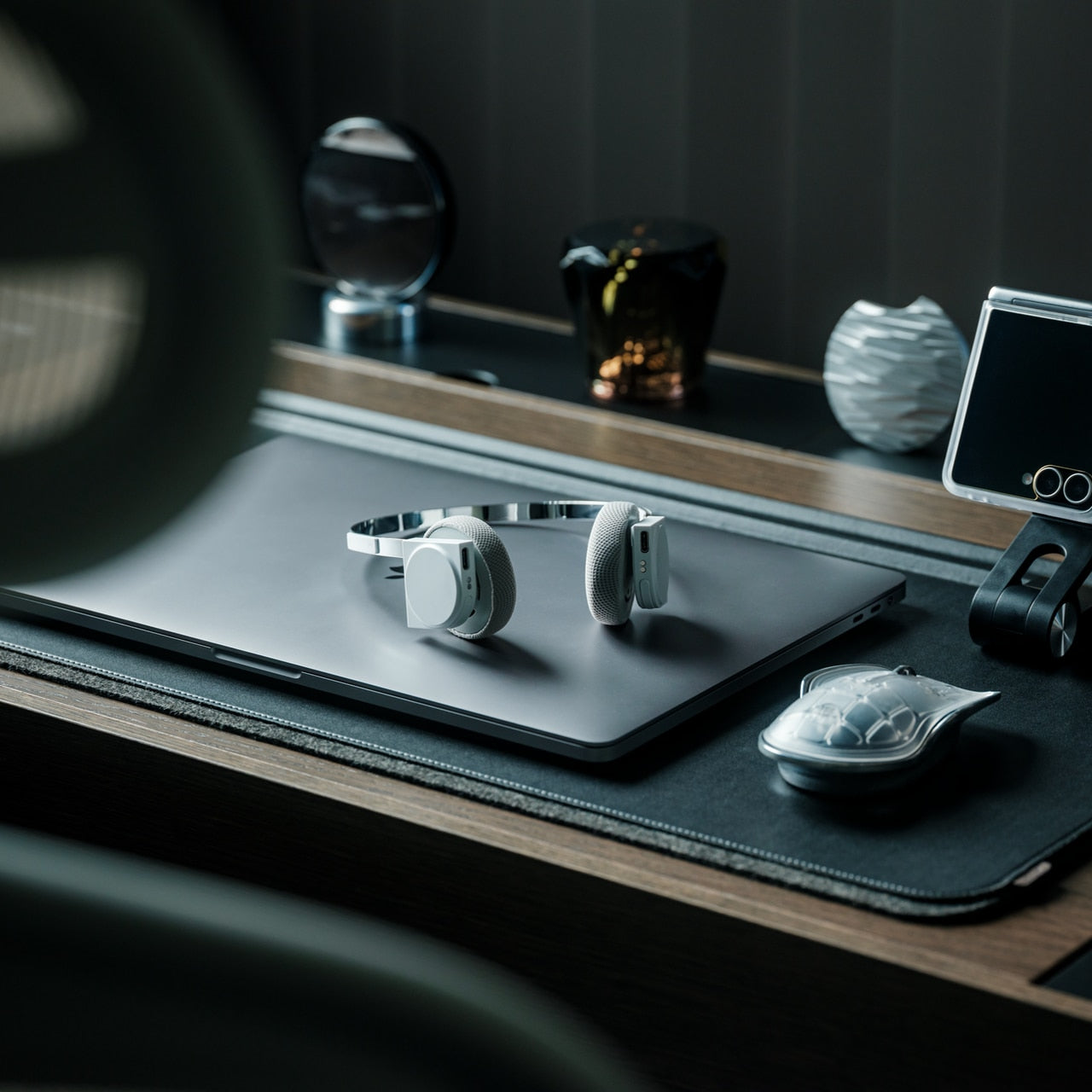
The over-ear headphone has become standard café furniture, which means the design bar is simply to not look like every other pair at the adjacent table. Stillframe takes a quieter approach than most: a minimal frame with a material story that holds up to extended handling, and passive isolation that removes the ambient noise layer without requiring battery charge as an entry fee to concentration. The headphones do what the category promises and rarely delivers: they get out of the way, and they look considered while doing it.

For you, the argument for Stillframe in a nomad kit is as much about weight and packability as it is about sound. Headphones that collapse flat and travel without a dedicated case free up bag volume that protective cases have been quietly borrowing for years. Paired with a phone that manages notifications intelligently, the combination removes the two most consistent interruptions to a working session: ambient noise and screen pulls. The setup earns back the attention that open environments routinely take without asking.

Click Here to Buy Now: $245.00

What we like:

  • Passive isolation that works without battery dependency means the headphones perform equally on a plane, in a café, and in a dead-battery situation
  • A minimal design language holds up across every professional environment without announcing the brand or the price

What we dislike:

  • Over-ear passive designs sacrifice some of the seal that active noise cancellation provides in genuinely loud environments like airport terminals or open-plan offices
  • Without a dedicated case, the finish accumulates contact wear more quickly, which is a real consideration over years of daily travel use

5. Satechi OntheGo Foldable Stand Hub

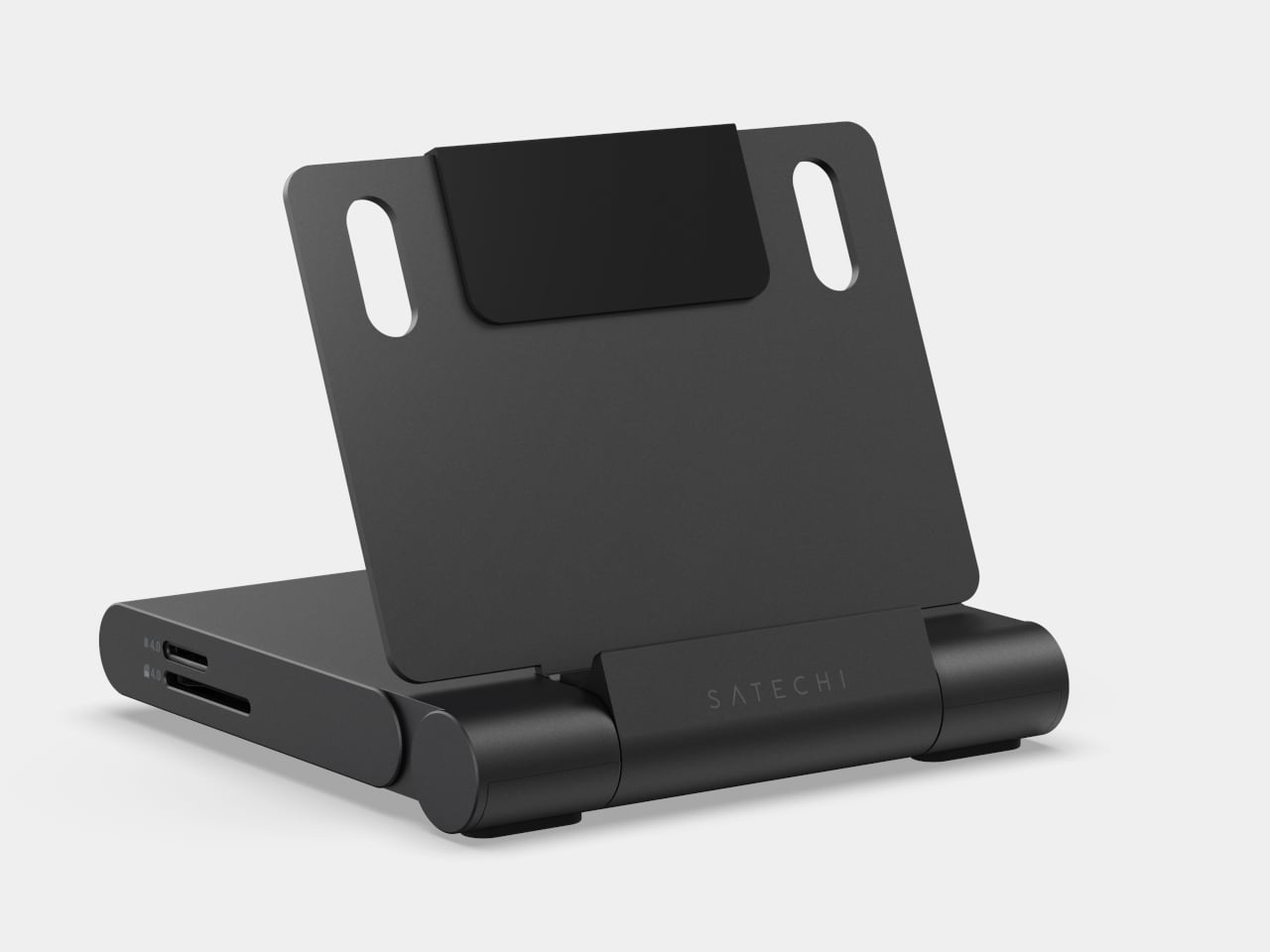
The laptop stand problem has never been about ergonomics alone. It is the deal that comes with raising the screen: a separate keyboard, a separate dock, and a surface cluttered enough to look like you moved in for the week. The Satechi OntheGo Foldable Stand Hub collapses that negotiation into a single 187.5-gram unit. Folded flat at under 20mm, it carries a laptop stand, USB-C dock, SD card reader, and HDMI output, with a 17cm integrated cable that connects everything in one motion.

For you, the value is what it removes from the bag rather than what it adds. Three accessories become one object that fits flat in a laptop sleeve pocket at $79.99, adding no dedicated volume to the packing equation. Deploy it at a table, and the laptop rises to eye level, the dock connects, the screen real estate doubles without a second cable appearing from somewhere. The borrowed surface stops feeling improvised. That shift, from occupying a table to owning one, is what a kit built around intention produces every time.

What we like:

  • Four accessories in one 187.5-gram flat unit means the stand-dock combination adds virtually no bag weight over carrying the laptop alone
  • The 17cm integrated USB-C cable removes the cable that would otherwise need locating from the bottom of the bag before the setup is usable

What we dislike:

  • Stand height is fixed, which suits most working postures but offers none of the angle adjustability that dedicated stands designed for extended sessions provide
  • The port selection is minimal enough that a heavier workflow with multiple peripherals will still need a second hub alongside it

6. MagSafe Power Bank (Qi2.2)

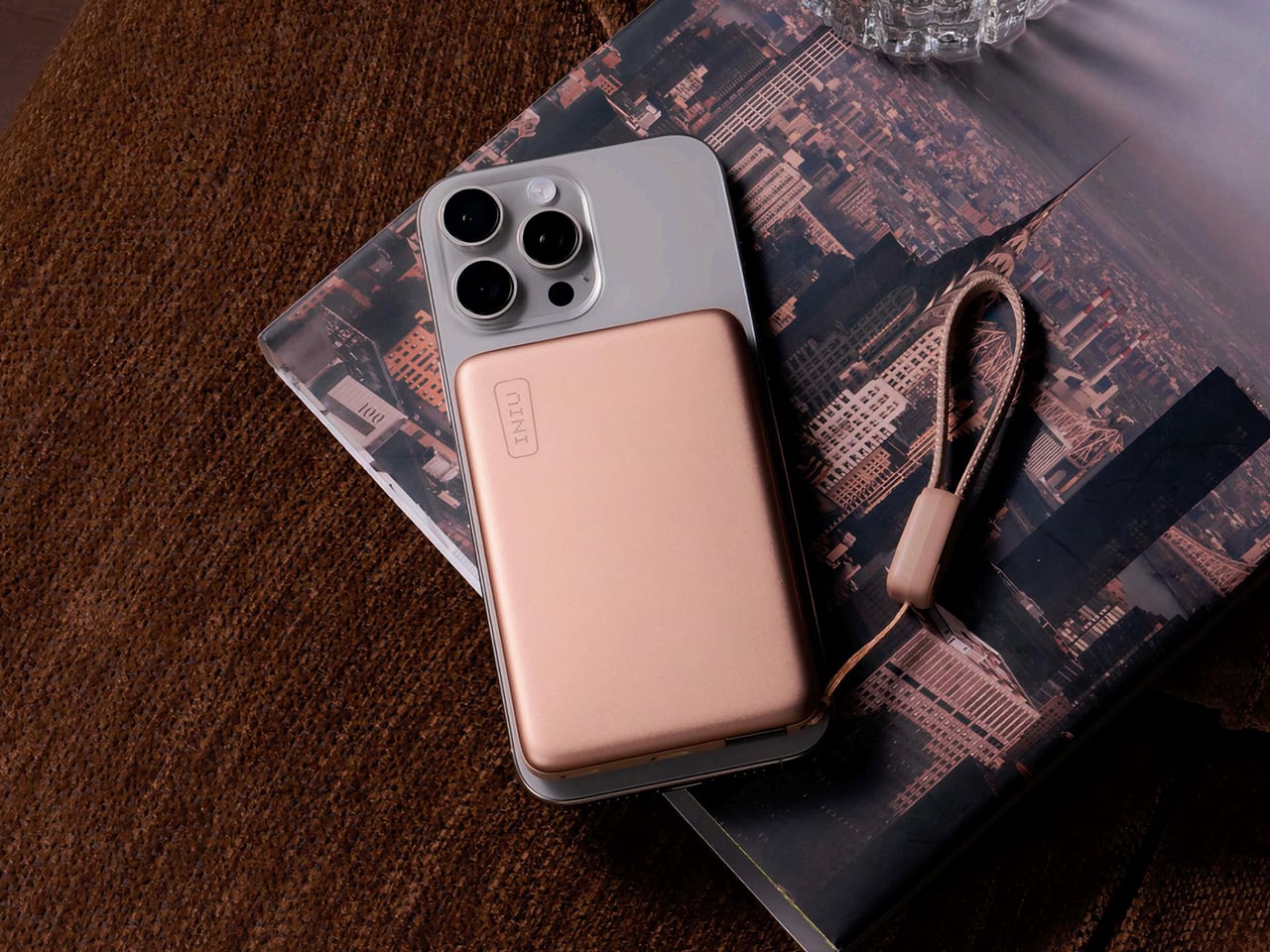
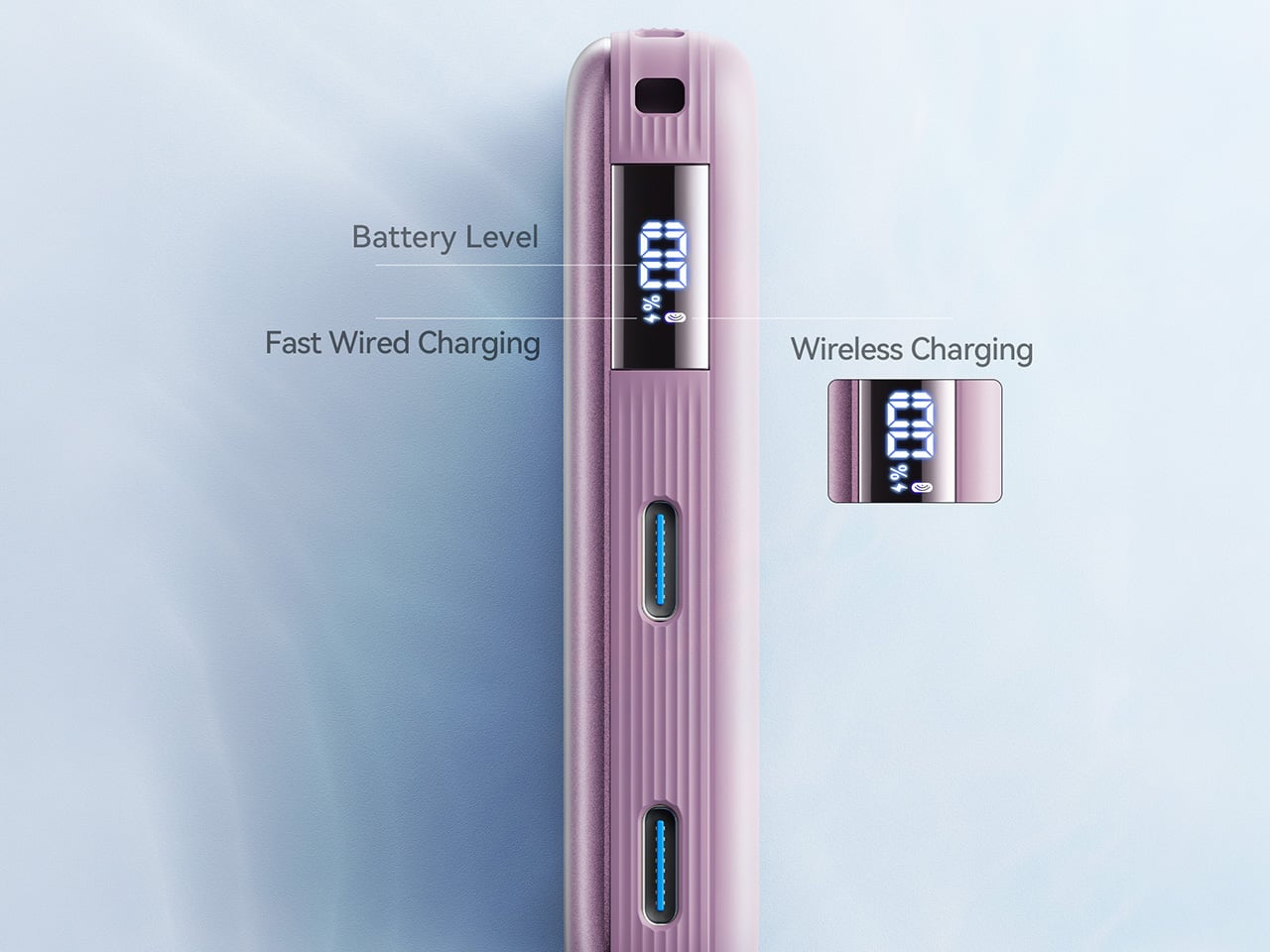
The power bank category has been solving the same problem the same way for a decade: more capacity, same shape, same ritual of fishing a cable from the bottom of a bag before anything charges. The Qi2.2-compatible version changes the interaction at the surface level. At 10,000mAh with 25W wireless output through the Qi2.2 standard and 45W wired through its integrated port, it delivers wall-adapter-speed charging from a device that weighs less than a paperback. Magnetic attachment means placing the phone on it is the complete action.

For you, the practical gain is charging speed that works on a deadline. Previous wireless standards topped out at 15W, useful for overnight top-ups but not for the forty minutes before a meeting starts. At 25W wireless, this bank changes that calculation. At $54.99, it sits at the price where the convenience case is easy to make without the qualifier that it barely charges faster than waiting. The 45W wired port covers everything the wireless standard does not yet reach, including laptops under lighter loads.

What we like:

  • Qi2.2 at 25W is the first wireless standard fast enough to substitute for a wired connection in time-sensitive situations, not just overnight sessions
  • Magnetic attachment removes the cable-to-phone connection from the charging workflow entirely, a small interaction change that compounds across every session

What we dislike:

  • 10,000mAh handles phones and earbuds cleanly but offers only marginal support for laptop charging under any real workload
  • Full Qi2.2 speeds require a compatible recent device; older phones receive standard Qi output that brings the $54.99 proposition back to ground level

7. Inseparable Notebook Pen

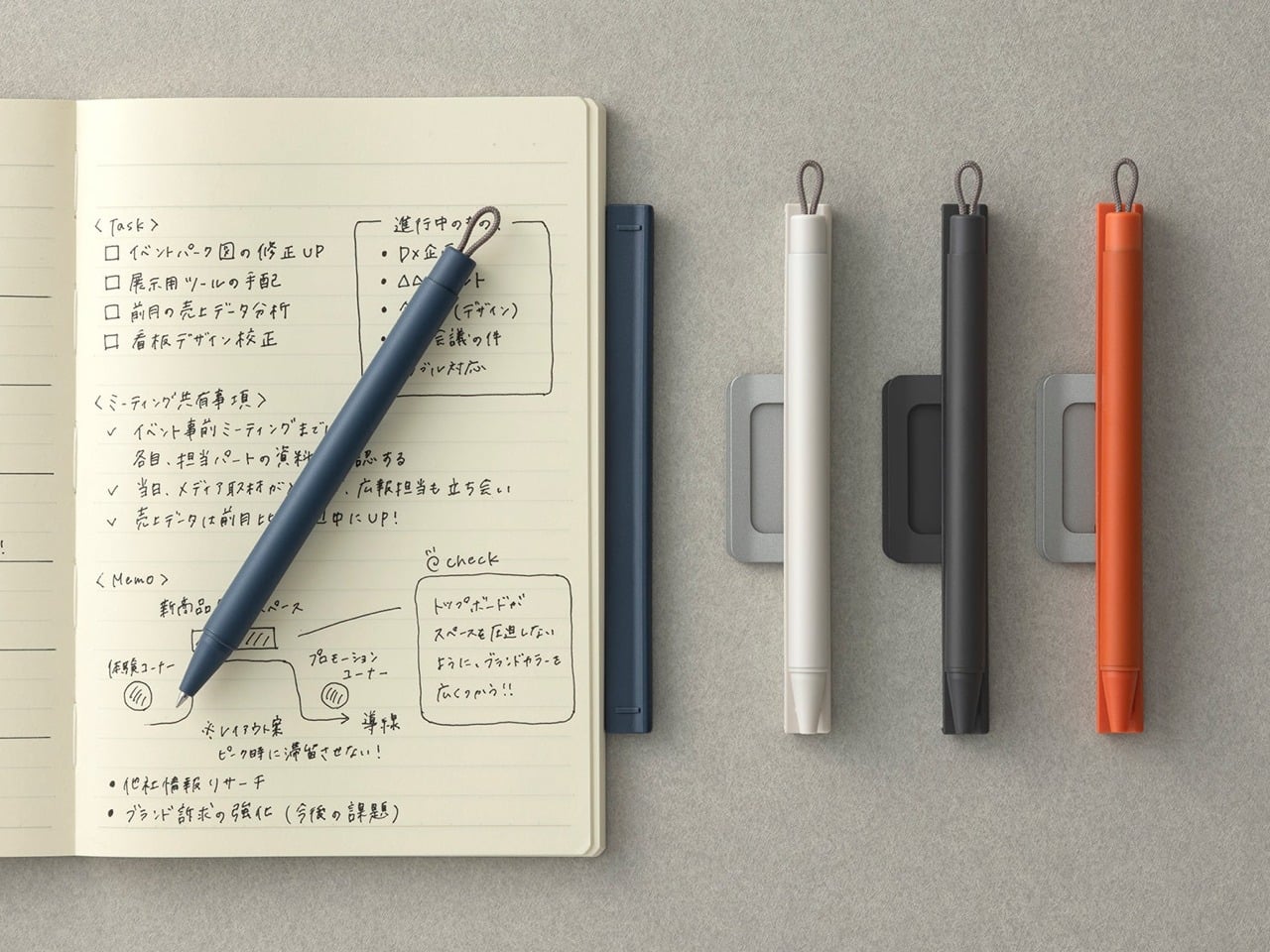
Digital tools handle the work that scales: files that duplicate without cost, edits that undo freely, documents that update across every device at once. None of them handle the moment when the idea arrives faster than the interface. The Inseparable is built for that gap: a pen and notebook designed as a single object, each incomplete without the other. The pen stores magnetically against the notebook’s spine, removes in one gesture, and returns the same way. No cap to misplace. No drawer to search before the thought is gone.

For you, the benefit is analog capture that travels without the compromise of a pen that ends up loose in the lining of a bag. The Inseparable stays together because it was designed to: the magnetic bond holds across the movement a bag accumulates through a full day of travel without releasing unless you intend it to. On a desk built around precision and intention, a notebook and pen that belong together without effort carry exactly the same design logic as everything else placed on the surface. The last object in the kit earns its place the same way the first one did.

Click Here to Buy Now: $19.95

What we like:

  • Magnetic attachment between pen and notebook keeps the analog layer of the kit complete without a separate sleeve, clip, or loop to manage
  • The combined object makes a quiet argument about paired tools that every other notebook and pen combination treats as an afterthought

What we dislike:

  • The magnetic bond strength that holds the pen through a day of travel is the same resistance you pull against when you reach for it quickly: a tension the design resolves in most situations but not all
  • As a paired product, replacing one half when the other wears out means sourcing within the same ecosystem rather than reaching for any compatible alternative

The Studio Is the Kit You Carry Into It

The setup that makes a borrowed table feel chosen does not require ten accessories and a cable management plan. It requires seven products that each solved a specific problem in a way that leaves nothing clumsy behind. A phone that manages your attention. A mouse that folds to a card. A monitor that charges the laptop while it runs. An analog layer that stays together because it was designed to. The whole is more than the parts, but the parts have to earn it first.

Nomad work in 2026 is no longer defined by what you can endure on a borrowed surface. The tools exist to make the temporary feel permanent, the accidental feel deliberate, the afternoon productive without apology. Every object here was designed with that intention, and the desk they build together reflects the same judgment you bring to everything else the work asks you to care about. The studio is not a place. It is the kit you carry into it.

The post 7 Best Gadgets & Gear for Digital Nomads in 2026 That Turn Any Café Into a Proper Studio first appeared on Yanko Design.
I’m tired of ugly chargers, this concrete and wood 25W Qi2 charger looks gorgeously sculptural

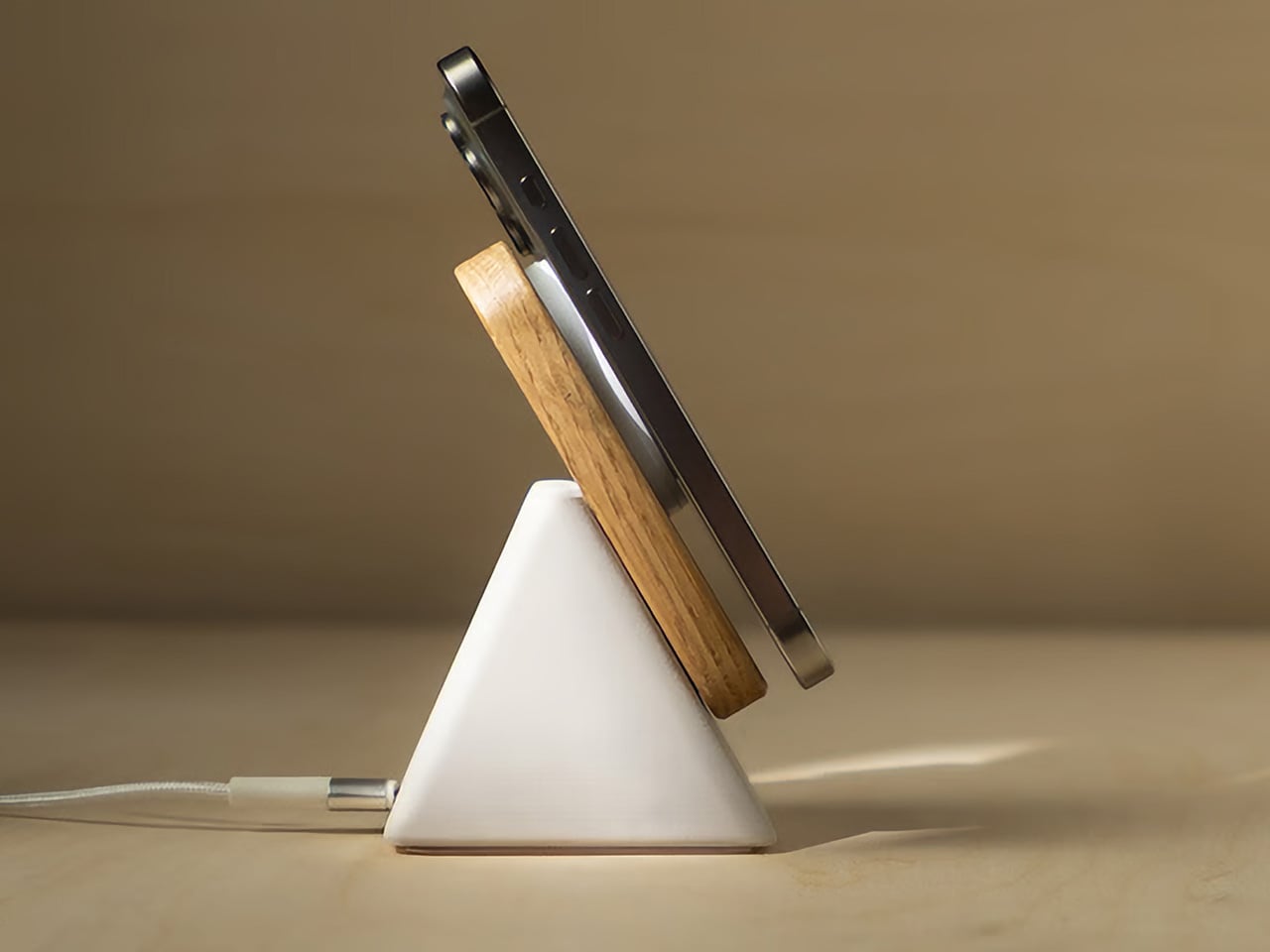
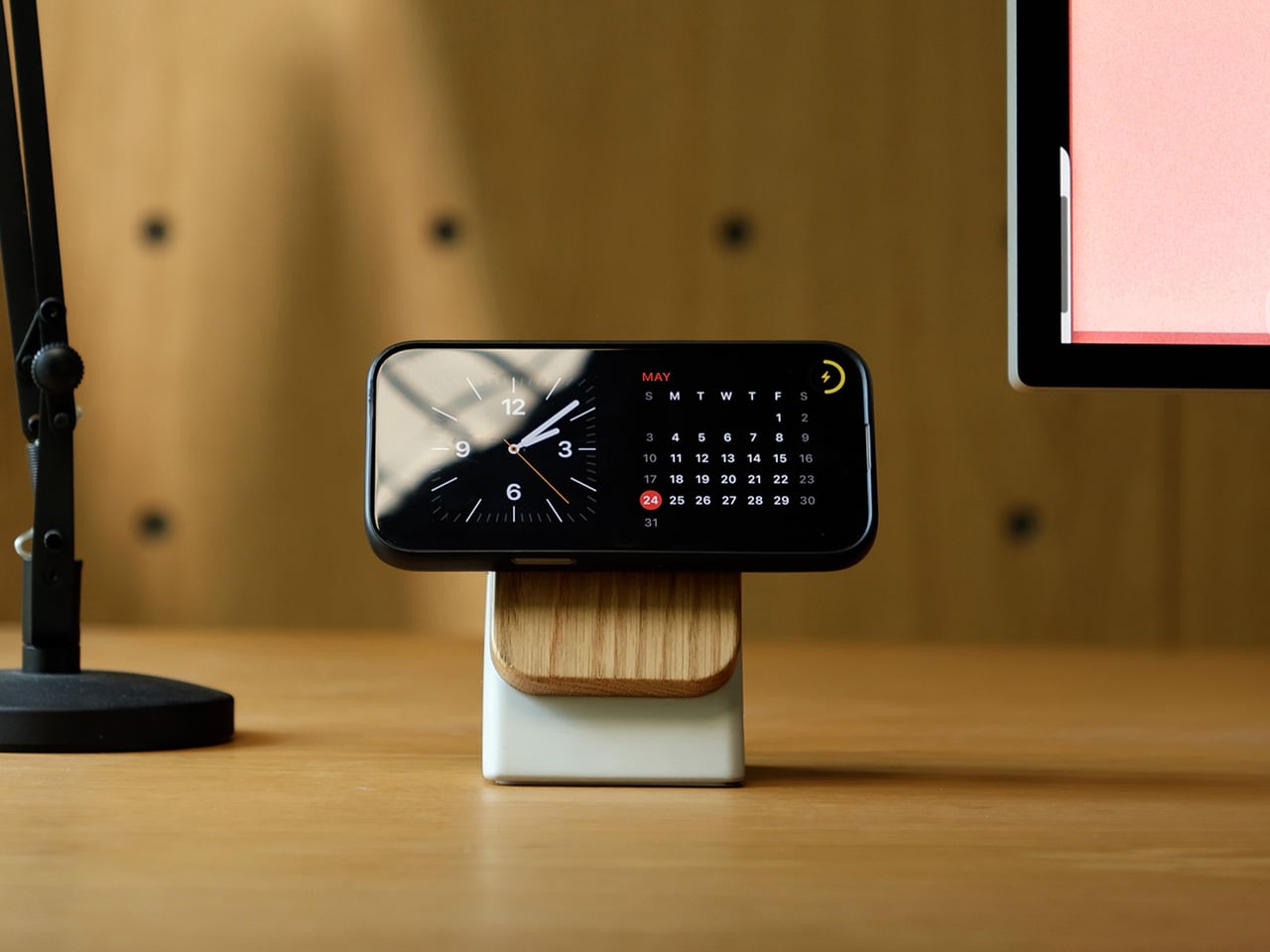
Concrete and hardwood have no business being inside a wireless charger. Those are architecture materials, furniture materials, the kind of surfaces you find on kitchen countertops and mid-century shelving units. Accessories that typically live behind a cable tangle rarely get anywhere near them. Modhaus seems to have found that contradiction interesting enough to build a product around it. The result is Upright, a 25W Qi2.2 charging stand reimagined as an architectural object, with a triangular cast-concrete base, a solid hardwood face, and a silhouette that looks more at home on a designer’s desk than in a tech drawer.

Weighing in at over 600 grams, Upright sits heavy enough that one-handed docking and undocking require no steadying hand, preventing the stand from lifting off the table when a phone is pulled free, which is a deceptively simple design win most chargers miss. The charging pad is soft-touch to protect bare phones, and the bottom of the base is lined with a soft bumper to protect the surface it sits on. Paired with a 30W charging adapter, a compatible device can go from 0 to 50% in about 30 minutes. Six finishes across three wood tones and two concrete colorways means it works with any home aesthetic.

Designer: Aaron von Kreisler (Founder & Designer, Modhaus)

Click Here to Buy Now: $78 $98 (20% off). Hurry, only 184/300 left! Raised over $63,000.

The form is a tapered pyramid, deliberately proportioned and weighted at the base so that docking a phone feels more like setting a book on a nightstand than fumbling with a cable. Upright holds the phone at a 30-degree viewing angle, keeping the screen readable for Face ID, FaceTime, and standby while it charges, and crafted to blend effortless, one-handed docking into your daily routine across your desk, nightstand, or living space. It is a small ergonomic detail, but it meaningfully changes the relationship between the stand and the room it sits in, turning the charging process into something closer to a display mode. The physical dimensions land at 4.9 inches tall and 3 inches wide, compact enough to fit a nightstand without dominating it.

Spend any time with the product imagery and the material palette becomes the dominant story. Upright is crafted from premium natural materials that are both beautiful and durable, specifically solid hardwood and hand-cast concrete, chosen for their weight, presence, and organic aesthetic. The top section is available in Walnut, Oak, or Black-Stained Oak, and the wood carries a clear, matte finish that preserves its natural grain, with no two pieces looking exactly alike. Walnut and Oak are finished in their natural unstained color, meaning the wood you see is the wood you get, with natural variation between units giving Upright a handcrafted quality that is difficult to find in consumer electronics at this price level.

At up to 25W, Upright charges significantly faster than most wireless chargers, which typically top out at 7.5 to 15W. Modhaus positions it as roughly three times faster than a typical stand. That performance runs through Qi2.2 and MagSafe compatibility, which handles magnetic alignment automatically, snapping the phone into position without manual repositioning. Reaching the full 25W output requires a 30W or higher USB-C power adapter, which is sold separately; the package ships with a 2-meter nylon braided USB-C cable included in the box.

Upright works with any MagSafe-compatible iPhone from the iPhone 12 onward, and any Qi-enabled Android device with a MagSafe-compatible case, with case compatibility extending to those 3mm thick or less. That brings in Samsung Galaxy S24, S25, and S26 users as well as Google Pixel owners, among others. Apple AirPods with a MagSafe case are also supported, and an elevated charging puck design accounts for different camera bump profiles across device generations.

Each Upright is built with high-quality materials that are meant to be timeless and long-lasting, and it is built around the fastest wireless charging standard currently available, meaning it will stay fast and relevant as more devices adopt higher wireless charging speeds in the years to come. Modhaus is a small design studio founded by Aaron von Kreisler to live at the intersection of technology and interior design, bringing natural materials and thoughtful design to the everyday, often overlooked tech in the home, starting with the phone charger, and Upright is the clearest expression of that brief so far.

Upright carries an MSRP of $98 and ships to the US, Canada, the UK, and the EU. The six colorways pair Stone or Charcoal concrete bases with Walnut, Oak, or Black-Stained Oak hardwood tops, with an optional 45W charging adapter available as an add-on for US buyers. Modhaus backs each unit with a 2-year limited manufacturer’s warranty covering defects in materials, manufacturing, and workmanship under normal use.

Click Here to Buy Now: $78 $98 (20% off). Hurry, only 183/300 left! Raised over $63,000.

The post I’m tired of ugly chargers, this concrete and wood 25W Qi2 charger looks gorgeously sculptural first appeared on Yanko Design.
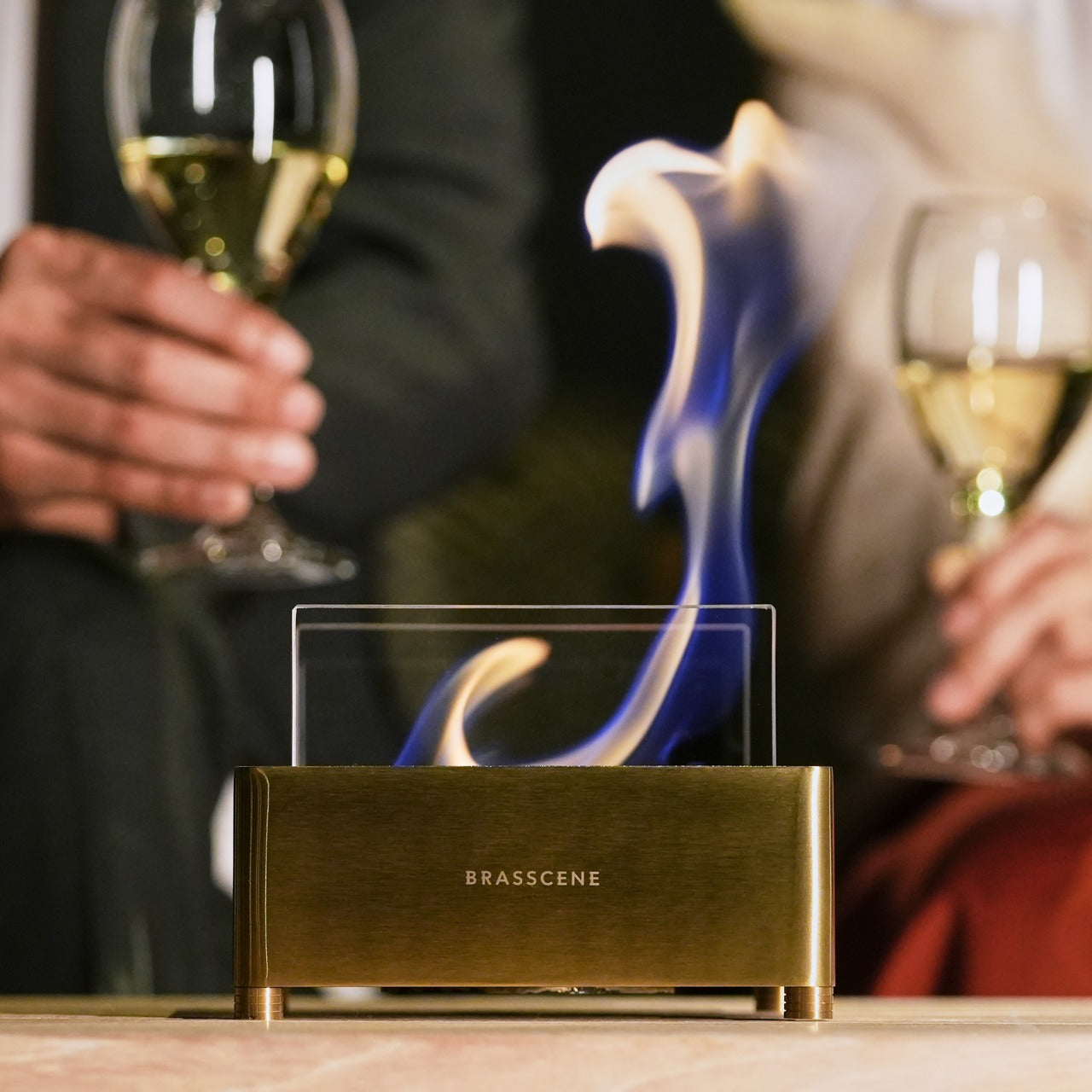
Beatbot Wants To Sell a Better Pool Experience, Not Just a Better Robot

At CES, the annual spectacle of technological progress, most companies come to show you a new feature. At CES 2026, Beatbot arrived to propose a new feeling. The introduction of its flagship AquaSense X system was deliberately paired with a full brand evolution, a signal that the company’s ambitions had scaled up. The hardware, with its advanced AI and automated cleaning station, was impressive, but it was also evidence for a much larger argument the brand was making about itself and its category.

That argument is centered on the idea of “perfecting pool living.” This is a deliberate shift in vocabulary, moving the conversation from mechanical chores to an elevated, frictionless lifestyle. The new identity, the award-winning industrial design, and the underlying software intelligence all work in service of this one goal. Beatbot is building a world where the owner’s relationship with their pool is defined by enjoyment and aesthetics, while the complex work of robotics recedes so far into the background it becomes ambient.

Designer: Beatbot

Click Here to Know More

Siler Wang, who spent over a decade in home robotics before founding Beatbot in 2022, identified the backyard pool as the category where the consumer had been most thoroughly failed by design. Pool equipment had evolved in increments, each generation marginally more efficient than the last, but the fundamental experience of ownership had remained unchanged: loud, fiddly, and thoroughly unglamorous. Wang’s bet was that a company structured around deep R&D, with over 500 patents and 70% of its team in engineering and product development, could build something the category had never seen, a premium tier where performance and aesthetic intention existed on equal footing.

Before – After

In the mid-1990s, computer scientists Mark Weiser and John Seely Brown at Xerox PARC coined the term “Calm Technology” to describe systems that serve human needs by retreating from consciousness rather than demanding it. The idea was counterintuitive in a tech industry built on features and interfaces: the best technology, they argued, moves between the periphery and center of attention only as needed, never more. Beatbot has adopted this as a foundational design principle, and applied to a pool robot, it is unusually coherent. The goal of a pool-cleaning system is precisely to make itself invisible. Success is measured by the owner forgetting it is there at all.

Beatbot AquaSense 2 Ultra

Beatbot’s AquaSense 2 Ultra, which won the iF Design Award 2025, takes its form cue from a turtle’s shell, a fluid, nature-inspired geometry that reduces water resistance while giving the device a visual lightness unusual in pool equipment. The AquaSense X, unveiled at CES 2026, extends this design language with smooth contours and clean lines, and pairs with the AstroRinse cleaning station, an automated dock that empties and rinses the robot’s filter without user intervention. The system cleans the pool; the station services the system. The owner does nothing except, as the brand puts it, enjoy.

Beatbot Sora 30 Robotic Pool Cleaner

Of course, any company can call itself design-driven. The real test is whether the professional design world agrees, and Beatbot has the receipts. Winning a single award can be a fluke; winning the prestigious iF Design Award in two consecutive years, first for the AquaSense 2 Ultra and then for the Sora 30 in 2026, suggests a consistent, embedded culture of design. When you add in recognition from Red Dot, a Platinum A’ Design Award, and a sweep of eight different press awards at CES 2026, the claim to design leadership starts to feel less like marketing and more like a statement of fact.

This brings us back to the timing of the rebrand. It was not an arbitrary refresh; it was a strategic signal. The new identity was unveiled just after Beatbot made a significant European push at IFA Berlin and as IDC forecasts show the pool robotics market is set for major growth. With a reported 85 percent share of the premium market segment, the rebrand acts as a unifying flag for a company that is moving from a successful product launch into a global brand proposition. It is a declaration that Beatbot is no longer just competing in the category; it intends to define it.

Click Here to Know More

The post Beatbot Wants To Sell a Better Pool Experience, Not Just a Better Robot first appeared on Yanko Design.
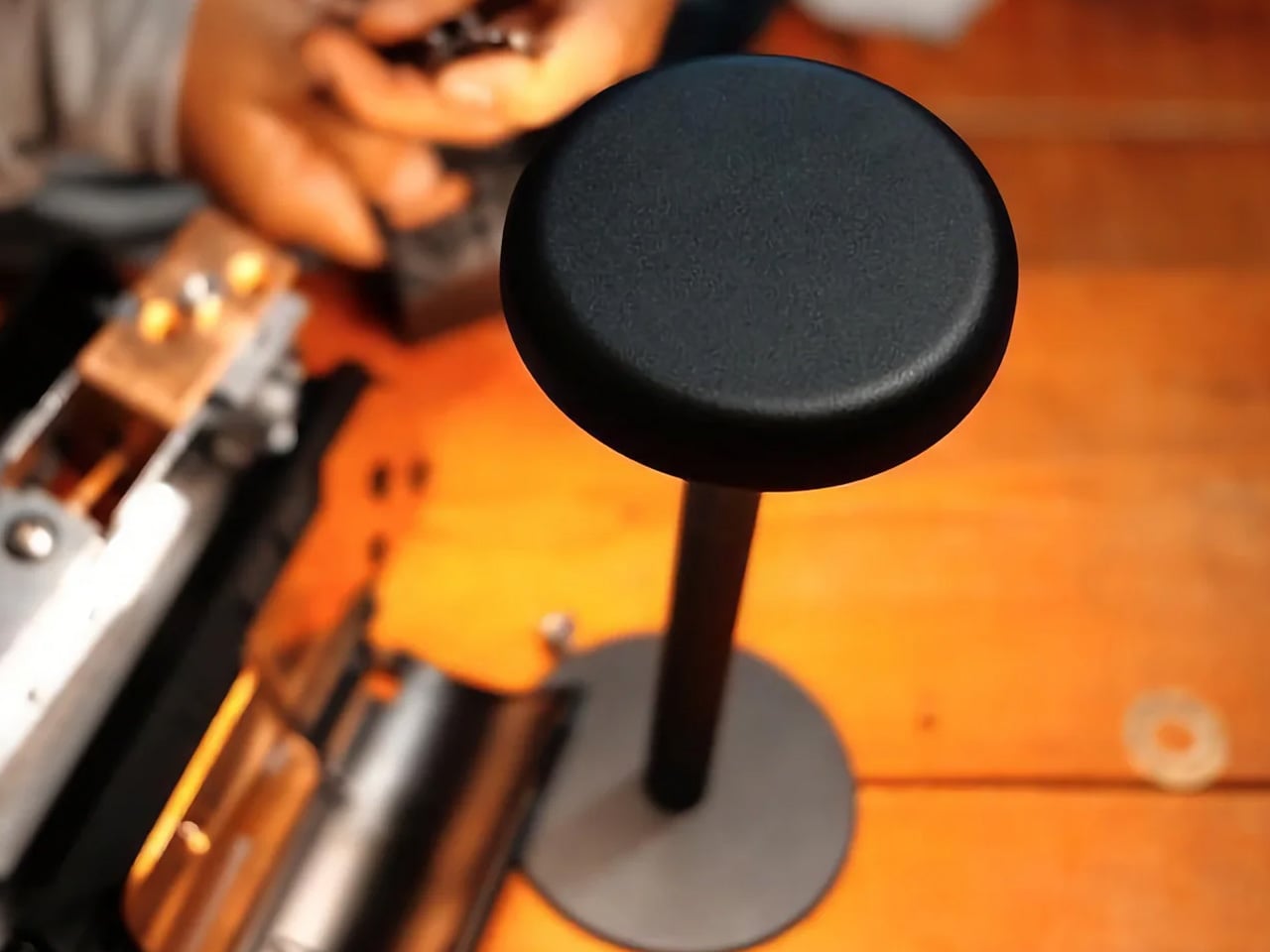
The 8 Best Kitchen Tools for Summer 2026 So Well-Made They Make Cooking Feel Like an Art Form

Japanese summer cooking has a quality that’s hard to name but easy to feel. Less rush, more presence. The kind of prep where you’re not trying to get dinner onto the table but genuinely inhabiting the act of making it. These eight tools are built for that pace. Each carries design decisions that reward attention, and together they make a summer kitchen feel less like a production and more like a practice.

What connects all eight is a commitment to material honesty. No chemical coatings, no plastic handles, no surfaces that approximate what they should be rather than simply being it. Carbon graphite that has never touched a coating. High-carbon steel forged at extreme temperatures and cooled to minus 196 degrees. Hinoki cypress that builds character through use. These tools don’t promise convenience. They promise that the effort you bring to them will be worth every minute.

1. Iron Frying Plate

Western plating separates cooking from eating with an extra step nobody examines. Food leaves the pan, sits on a plate, and temperature and texture leave with it. The JIU Iron Frying Plate removes that step entirely. Made from rust-resistant mill scale steel with a detachable wooden handle, it moves from burner to table as a single object. You cook in it, you eat from it, and food arrives the way it was always meant to.

That might sound like a shortcut, but the effect is closer to a revelation. Eggs arrive still sizzling. Fish comes off the heat and stays at temperature while you decide what to pour over it. The uncoated surface develops natural non-stick properties through regular cooking, meaning it gets better the more you use it. The wooden handle attaches and detaches with one hand, and the transition becomes so fluid that going back to a separate plate feels like a small, unnecessary loss.
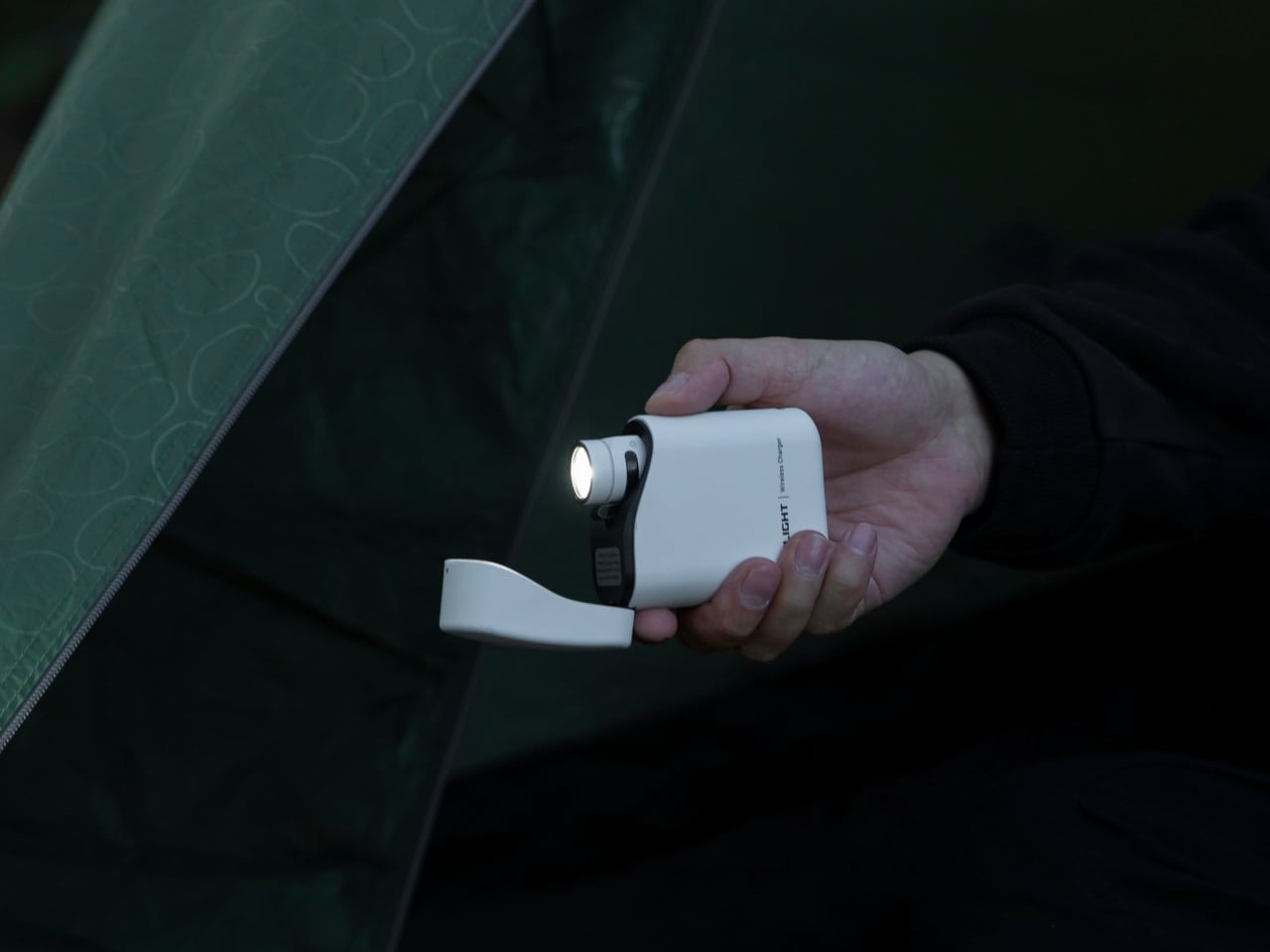

Click Here to Buy Now: $69.00

What We Like

  • The cook-and-serve design preserves the temperature and texture that are lost the moment food transfers to a separate plate
  • The uncoated mill scale steel develops natural non-stick properties through use, improving with every session rather than degrading like coated alternatives

What We Dislike

  • The iron construction retains heat well past the point of serving, which requires careful handling at the table
  • Heavier than a standard serving dish, which takes some adjustment if you’re accustomed to lightweight ceramics

2. ANAORI Kakugama

Carbon graphite is not a material you encounter in a kitchen, which is precisely why the ANAORI Kakugama stops you the moment you look at it. Crafted from solid carbon graphite in Japan, its matte black surface distributes heat with an evenness that coated pans cannot match, reducing the risk of scorching while preserving the natural flavors of whatever is being prepared. It steams, poaches, simmers, grills, and fries without complaint, the kind of vessel that earns a permanent position rather than a seasonal one.

The detail that elevates it from impressive to irreplaceable is the Japanese cypress lid. As it heats, hinoki releases a faint, earthy aroma that no synthetic lid can replicate. This is cookware that approaches the act of cooking with genuine respect for the ingredient. The carbon graphite body develops no off-flavors, imparts nothing to the food, and responds to heat with a consistency that makes it worth learning to cook around.

What We Like

  • Carbon graphite distributes heat with an evenness that coated pans cannot replicate, making scorching a near non-issue across every cooking method
  • The Japanese cypress lid releases a faint hinoki aroma during cooking, adding a sensory dimension that no synthetic material produces

What We Dislike

  • The premium material and craft place this vessel at a price point considerably above conventional cookware
  • Carbon graphite requires more attentive handling and storage than standard kitchen materials

3. JIA Inc. Rolling Mortar

The mortar and pestle has been functionally unchanged for roughly 35,000 years. JIA Inc., a Taiwan-based design brand, chose to examine that assumption rather than honour it. Their Rolling Mortar replaces the vertical pounding motion with a rolling one: a stone sphere moves across a curved ceramic base, grinding herbs and spices through rotation rather than force. The gesture is more intuitive, considerably less tiring, and far more interesting to watch from across the kitchen.

Pesto comes out smoother. Spices release their oils more completely. The method produces results that standard crushing does not, because shearing and rolling extract differently from the same ingredient than pressure alone does. On the counter, the sphere and base form a sculptural composition that earns its space whether in use or not. It cleans easily, stores without cases or drawer space, and sits somewhere between a useful tool and a gallery object that happens to make excellent pesto.

What We Like

  • The rolling mechanism shears rather than crushes, extracting oils and flavors from herbs and spices in a way that traditional pounding cannot replicate
  • The sphere-and-base composition is sculptural enough to justify permanent counter display without looking out of place

What We Dislike

  • The rolling action is slower than a food processor for coarse or particularly hard spices, and requires patience
  • The sphere needs adequate clearance to move freely during use, demanding more counter space than a standard mortar

4. Sakura Petal Grater

There is a specific moment in Japanese cooking that changes what you think condiments are. It arrives the first time you grate fresh wasabi at the table and realize that the paste in the tube and the root you’ve just reduced to a pale green cloud are, functionally, different ingredients. The Sakura Petal Grater is built around that realization. Its circular stainless steel surface is designed for tableside use, turning fresh ginger, daikon, and wasabi from prep tasks into part of the meal itself.

The form deserves attention separately from the function. The sakura petal shape is considered rather than merely decorative, a compact round that fits naturally at a table setting without crowding adjacent plates. The anti-slip silicone base stabilizes the grater during use and doubles as a protective cover during storage. The circular grating motion has a quality that other tools don’t offer. Once you’ve grated fresh ginger over miso soup this way, the action becomes something you look for reasons to repeat.

Click Here to Buy Now: $45

What We Like

  • Tableside grating turns fresh garnish preparation into part of the dining ritual rather than kitchen prep done in advance and left to oxidize
  • The compact sakura petal form sits naturally at a table setting, and the silicone base doubles as a protective cover when stored away

What We Dislike

  • The small surface area makes this a garnish tool rather than a volume grater; larger quantities require a different piece of equipment
  • The circular design works best with firm roots and vegetables and is not suited to soft produce

5. Hesslebach Dutch Oven

Most Dutch ovens are either functional objects that have no business being visible, or expensive pieces of cookware that work beautifully and look exactly like every other expensive Dutch oven on the market. HK Kim’s Hesslebach is neither. The design treats the vessel as an object worth placing rather than simply setting down. Its form communicates something deliberate about the kitchen it occupies, a quality that genuinely few pieces of cookware achieve regardless of price.

It retains and distributes heat in the way a good Dutch oven should. Braises develop deeper flavor, bread develops a crust that rivals a professional deck oven, and summer soups reach a depth that lighter pots cannot match over the same time. What makes it fit summer cooking specifically is the cook-to-table quality it enables. It moves from the hob to the dining table without looking like it traveled, and left out between sessions, it functions as an anchor for the kitchen around it.

What We Like

  • Heat retention and distribution deliver results that lighter cookware cannot approach, regardless of the recipe or technique
  • A form confident enough to move from stovetop to dining table without apology, functioning as a serving piece as much as a cooking one

What We Dislike

  • The weight and material density demand more deliberate handling than lighter everyday cookware, particularly when the pot is full
  • The investment required places it firmly above casual kitchen upgrade territory

6. BALMUDA The Kettle

Tokyo-based BALMUDA makes objects that look like they were designed by someone who could not tolerate the gap between how a thing functions and how it should look while doing it. The Kettle is the clearest expression of that position. A wide base tapers to a narrow gooseneck spout engineered for controlled, targeted pouring, and the proportions at every point feel considered rather than arrived at by convention. It handles the temperature precision that Japanese cooking requires with the same authority it handles the counter.

For summer cooking specifically, precise water temperature matters in ways that general-purpose kettles don’t accommodate. The difference between green tea brewed at 70 degrees and 90 degrees is the difference between something delicate and something sharp. The BALMUDA The Kettle gives you that control with a visual design that makes it worth leaving on the counter permanently. At the price it carries, it is an object that asks to be bought once and never thought about again.

What We Like

  • The precision gooseneck spout allows the controlled, targeted pour that dashi preparation and temperature-sensitive tea brewing both require
  • BALMUDA’s build quality and proportions make it as worthy of permanent counter display as it is of daily use

What We Dislike

  • The premium brand carries a price considerably higher than functional alternatives with comparable temperature control
  • Some users may want more granular degree-specific settings than the kettle’s temperature range provides out of the box

7. Hinoki Essence Cutting Board

Most cutting boards argue for one virtue at the expense of another. Plastic is easy to clean and destroys knife edges. Bamboo is harder than it should be. Soft wood is forgiving but turns into a bacterial harbor within a month of regular use. Hinoki cypress is the material Japanese knife makers recommend because it sits at the right point on the hardness scale: firm enough to hold ingredient position cleanly, soft enough to absorb rather than blunt the cutting edge.

The Hinoki Essence Cutting Board adds a water-resistant silicone treatment that penetrates the wood fibers rather than sealing the surface, preserving the material’s natural aroma and feel. Hinoki has a clean, resinous scent that rises faintly during prep and turns the act of cutting into something more sensory than mechanical. The integrated handle facilitates hanging storage, keeping air circulating the board and preventing the trapped moisture that shortens the life of most wooden surfaces.

Click Here to Buy Now: $75.00

What We Like

  • Hinoki’s position on the hardness scale protects knife edges while delivering cutting feedback that plastic and bamboo cannot replicate
  • The silicone treatment penetrates rather than coats the wood, preserving its natural aroma and texture through regular use

What We Dislike

  • Wood requires more care than plastic, including thorough drying after washing and occasional oiling to prevent surface cracking
  • The premium cypress material commands a higher price than most cutting boards at this size

8. Yin Mo Star Kui Chef Knives

Most kitchen knives make a quiet case for themselves. The Yin Mo Star Kui make a loud one. Designed by Beijing Wang Mazi Technology and awarded the A’ Design Award, this set is built from high-carbon steel using a hot and cold forging method that few manufacturers attempt. The steel is heated to 1,040 degrees Celsius, then cooled to minus 196 degrees. Hot forging eliminates internal imperfections and improves toughness; the cold treatment reorganizes the crystal structure to increase resistance to deformation.

The texture is where the design earns its place in this article. The upper half of each blade carries a deliberately cratered surface, a visual decision that is as practical as it is dramatic. The rough texture creates micro air pockets that prevent starchy or sticky foods from adhering to the blade during slicing. Below the cratered zone, the surface transitions into a clean, polished cutting edge. Each knife comes with a display holder that exposes the cratered surface rather than concealing it, treating the blade’s most distinctive feature as exactly what it is.

What We Like

  • The dual hot-cold forging process produces edge retention that standard manufacturing methods cannot replicate at this visual design level
  • The cratered surface creates air pockets that release sticky and starchy foods cleanly from the blade during slicing

What We Dislike

  • The textured upper blade requires more deliberate cleaning than a smooth surface, as residue can collect in the deeper craters over time
  • The display holder does not conceal the cutting edge, which requires careful handling when accessing the knives

The Kitchen Is Already Enough

The tools above don’t share a common category. A carbon graphite pot, a flat iron plate, a kettle built like a sculpture, a grater shaped like a flower petal. What they share is design intelligence that reveals itself the moment you use them rather than the moment you look at them. Each was made with the understanding that the person cooking would notice, and that the noticing would change how the kitchen feels from one session to the next.

Summer is a good season to pay more attention in the kitchen. The ingredients ask for it: fresh fish that needs a clean blade, rice that deserves even heat, ginger best grated at the table rather than hours before. These tools create the conditions for that attention to become habitual, not through effort or instruction, but through objects designed well enough to make you want to keep returning to them.

The post The 8 Best Kitchen Tools for Summer 2026 So Well-Made They Make Cooking Feel Like an Art Form first appeared on Yanko Design.