Most synthesizers look and feel like appliances. They’re plastic boxes mass-produced in factories, efficient and functional but utterly lacking in personality or warmth. Pianos and guitars get to be handcrafted instruments with wood grain and visible joints, while synths are treated like glorified toasters with circuit boards inside. That disconnect between electronic music and tactile craft has always felt like a missed opportunity, especially when you consider how satisfying it is to play a real wooden keyboard.
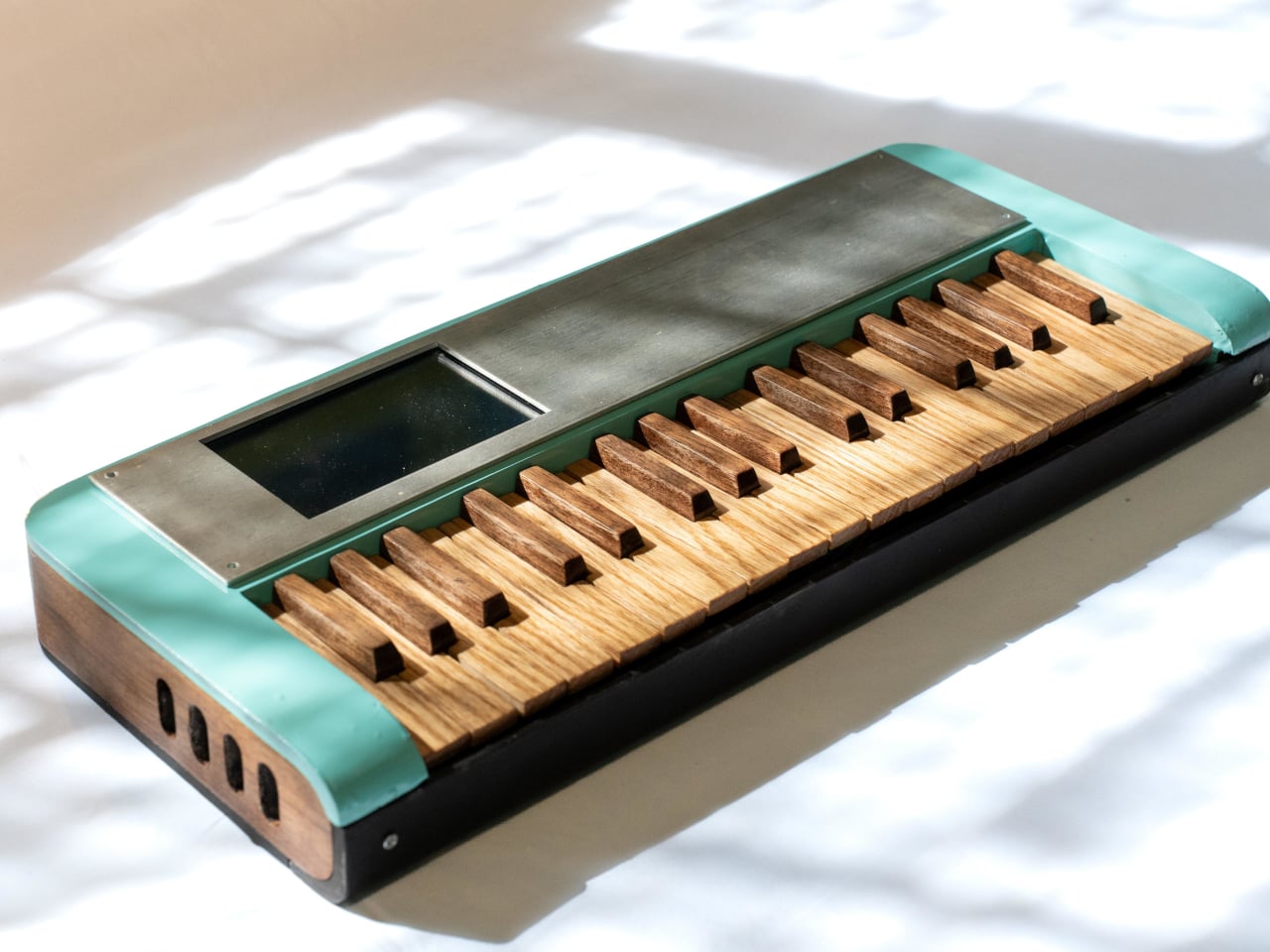
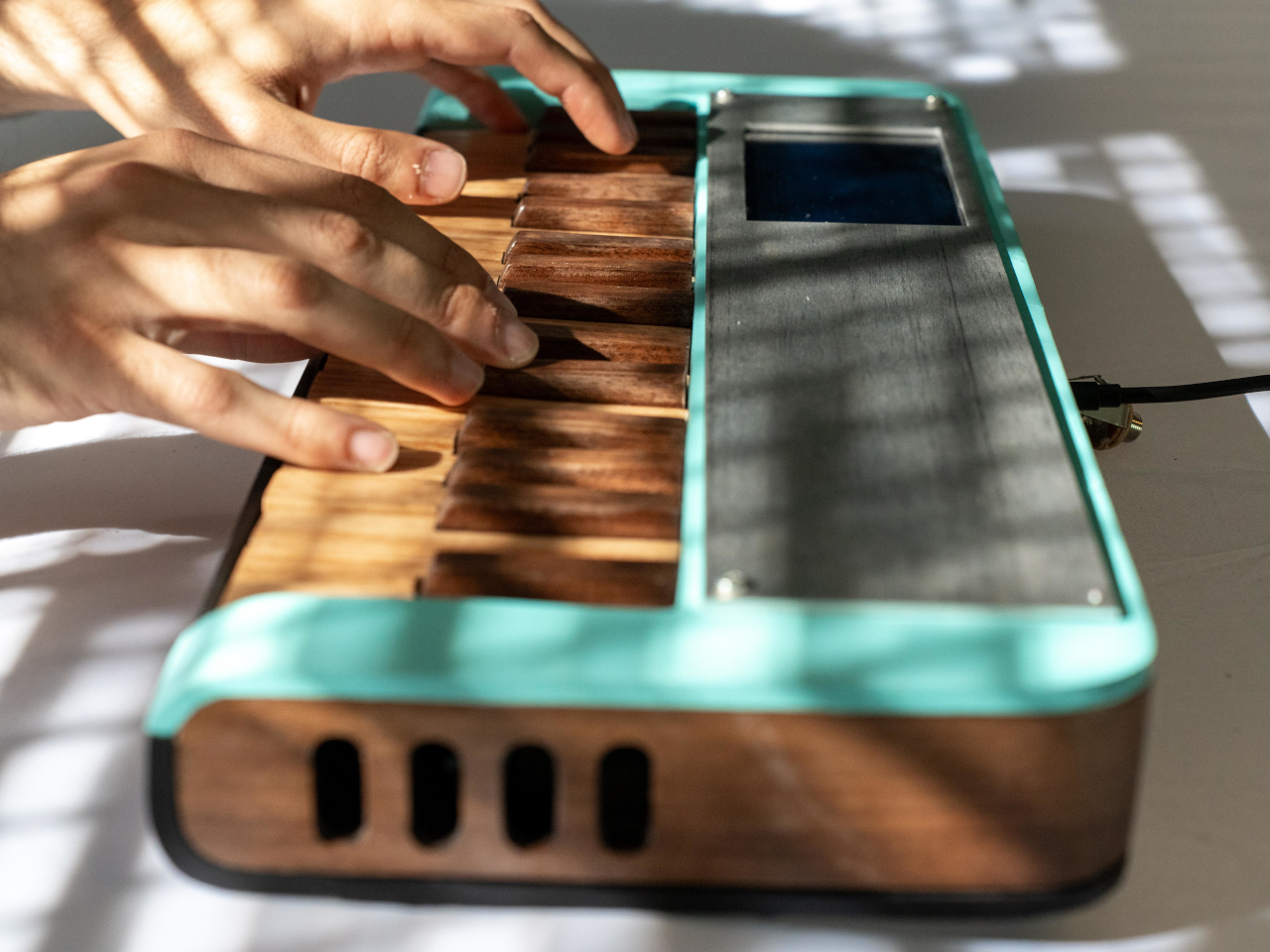
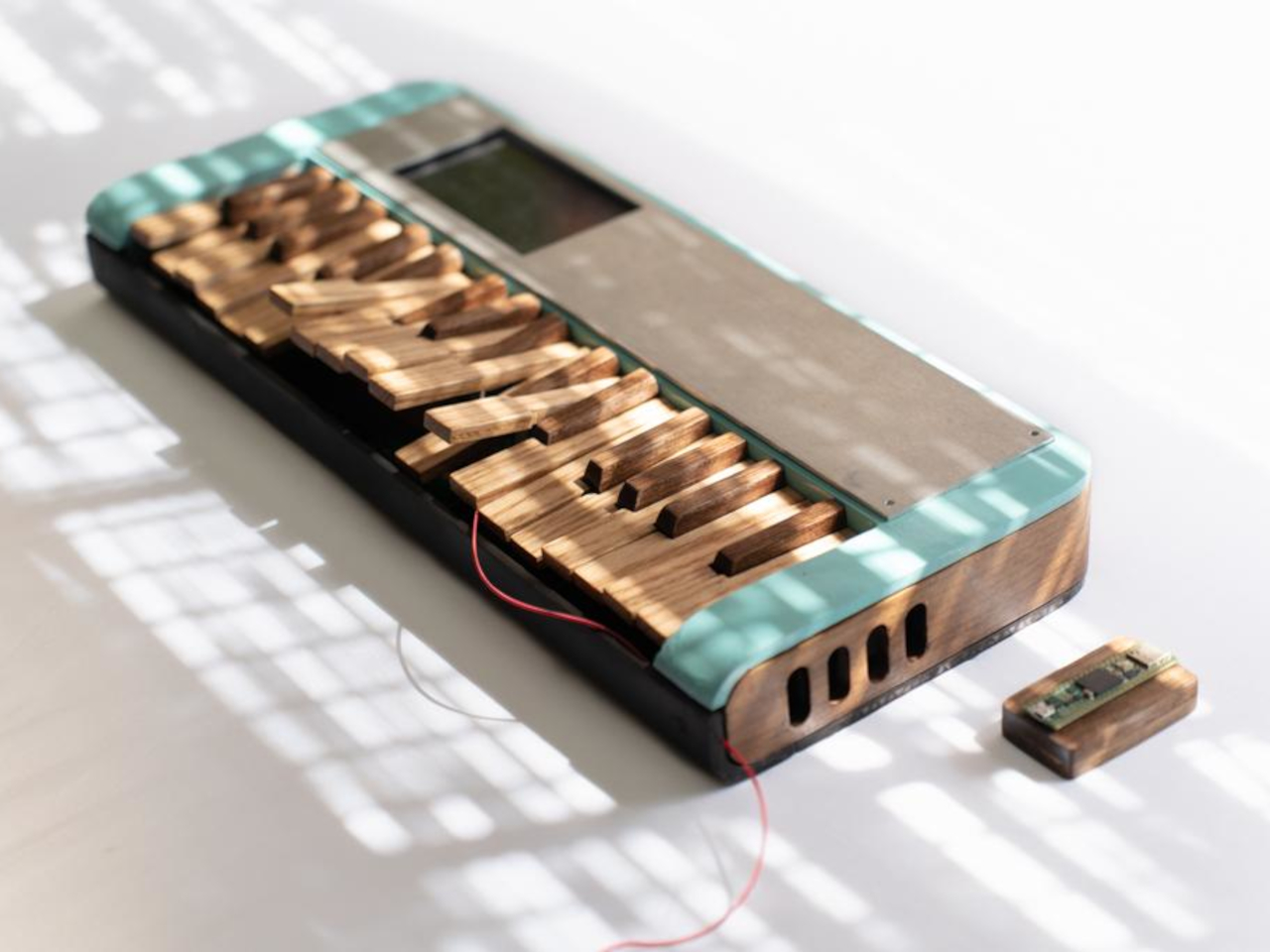
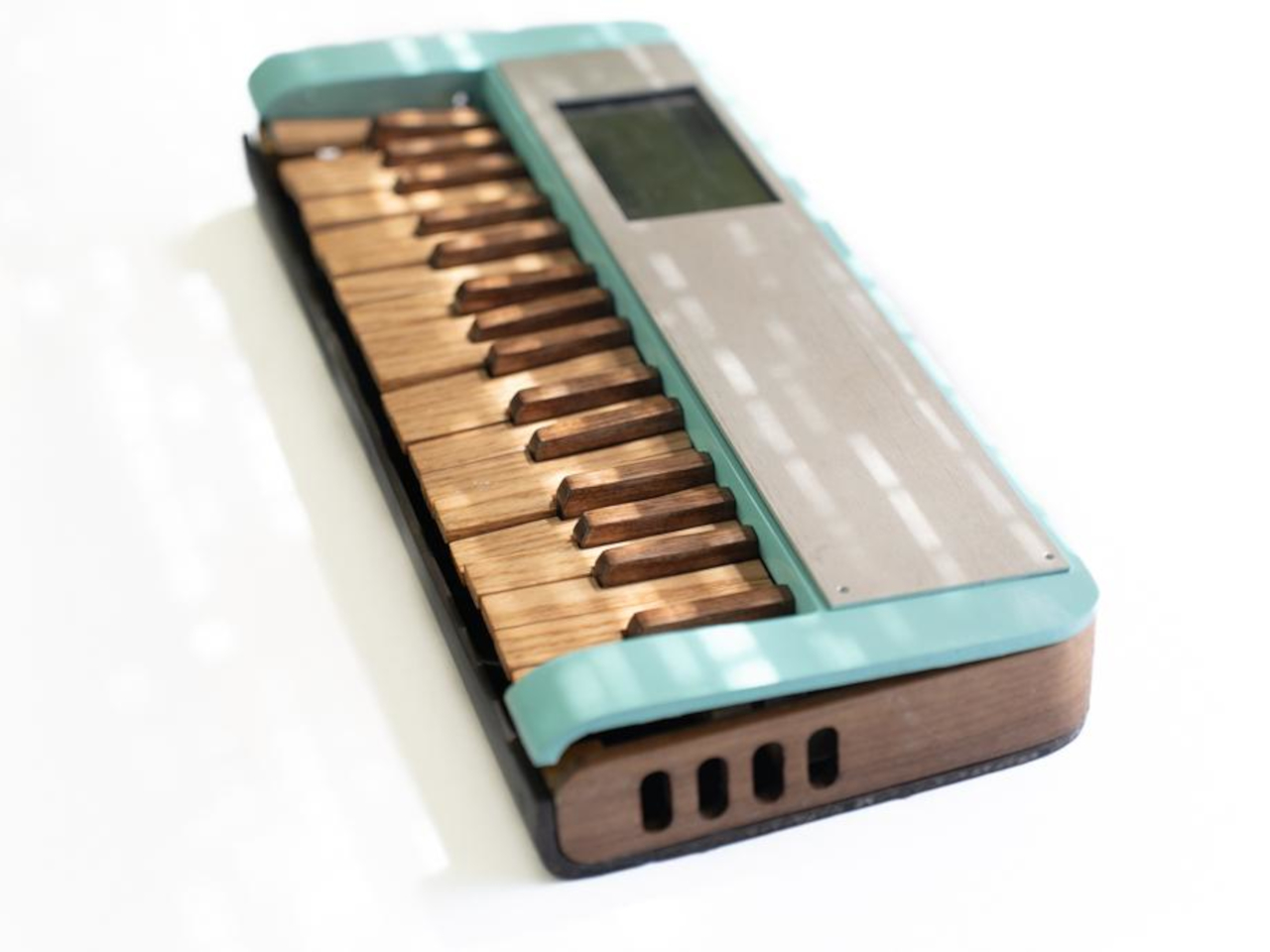
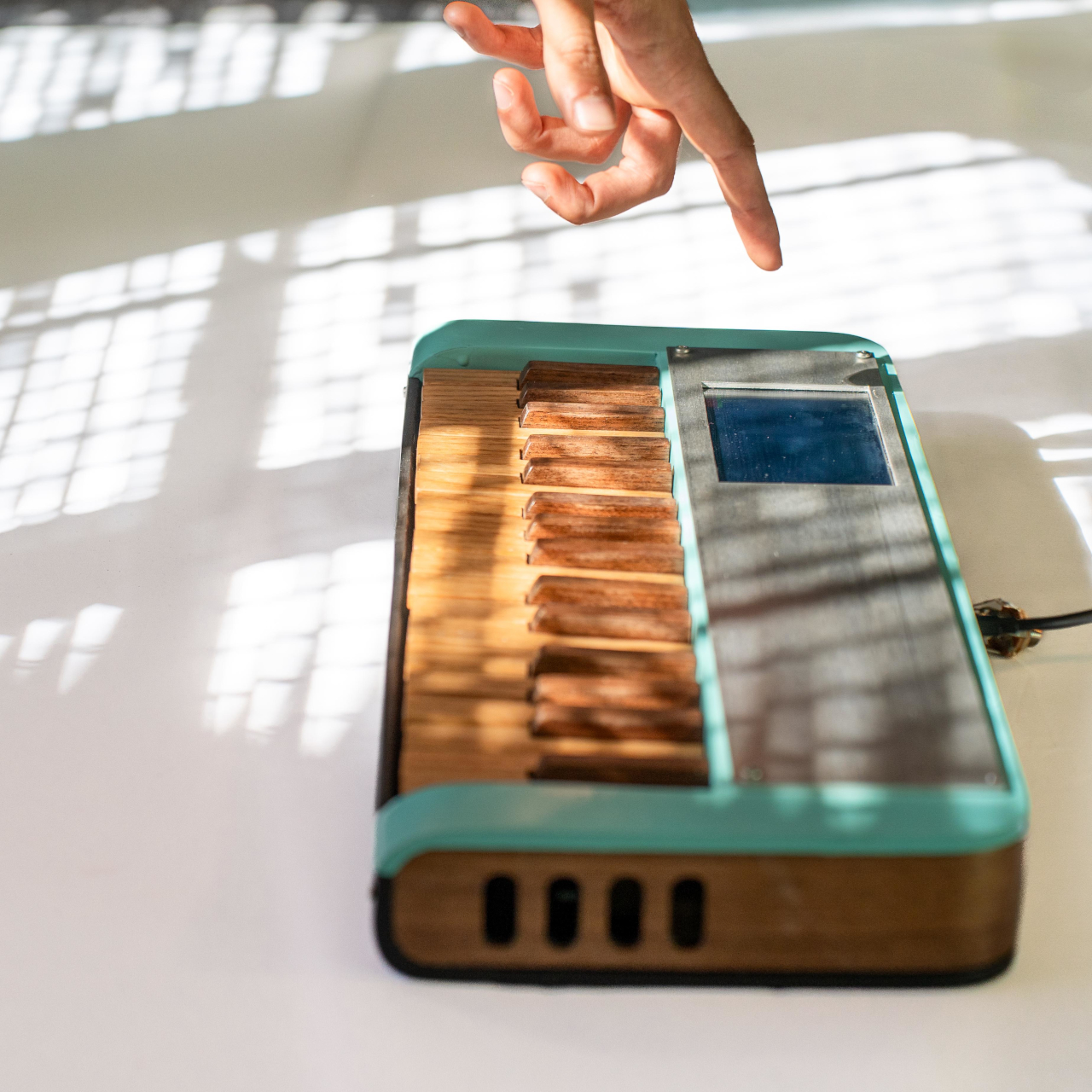
One maker decided to fix this by building a fully functional synthesizer from scratch, using materials that sound completely impractical. The result is a compact, 34-key synth with a fiberglass-reinforced cardboard body, a steam-bent walnut frame, and individual keys handmade from oak and walnut. It looks like something between a vintage record player and a mid-century hi-fi component, with a turquoise fiberglass shell and warm wooden accents that feel more like furniture than electronics.
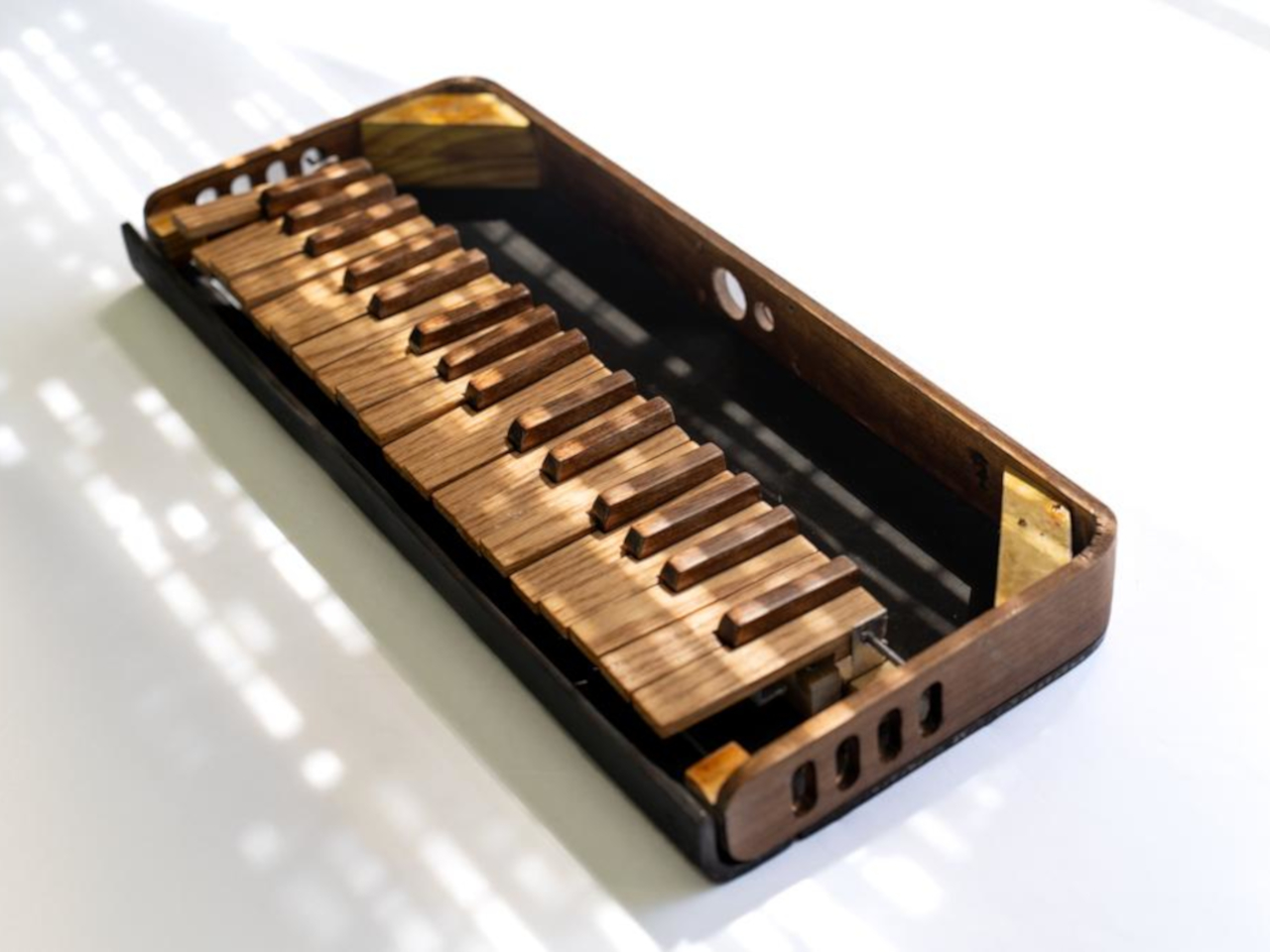
The body starts as folded cardboard panels cut from a template, then gets layered with fiberglass cloth and epoxy until it transforms into a rigid, glossy shell. The process borrows from old automotive techniques where fiberglass shaped custom car bodies in the 1950s, giving the synth a retro-futuristic sheen. Around the perimeter sits a continuous steam-bent walnut strip with oval cutouts that mimic speaker grilles on vintage radios, adding visual warmth and a furniture-like presence.
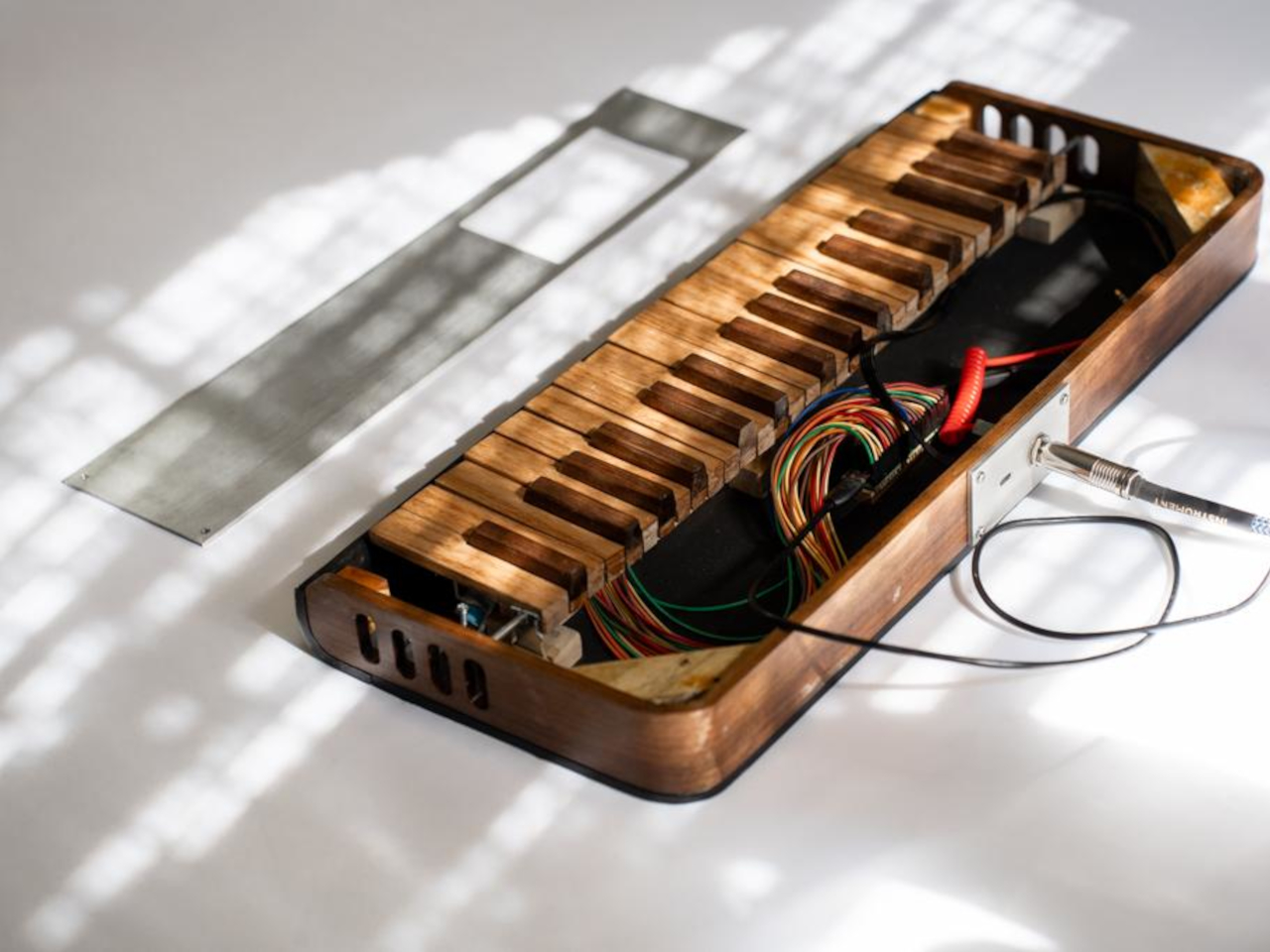
The keys are where the craft really shows. Black keys are made from laminated walnut offcuts, while white keys are cut from oak for contrast and durability. Each key is individually shaped, drilled for a shared steel rod pivot, beveled to prevent jamming, then coated with fiberglass and sanded up to 3000 grit for a smooth finish. The result looks and feels closer to a piano than a typical plastic keyboard.
Underneath sits a custom flexible printed circuit with interdigitated copper pads and rubber dome switches. When you press a key, the dome collapses and bridges the pads, closing a circuit that a Teensy microcontroller scans continuously. The Teensy sends MIDI messages to a Raspberry Pi running Zynthian, an open-source synth platform packed with engines and presets, all displayed on a small touchscreen.
Of course, using cardboard and steam-bent walnut creates challenges the designer readily admits. Cardboard turned out to be impractical, requiring multiple fiberglass layers and tedious filling. Walnut is notoriously stubborn to bend, needing kerf cuts and boiling water to soften the fibers. The designer suggests foam board or 3D printing as easier alternatives and notes that more precise tools would have made the keys cleaner.
What makes this synth significant is how it challenges the assumption that electronic instruments have to be cold and industrial. By using wood, fiberglass, and visible handwork, it reintroduces warmth and personality into something usually purely functional. It’s less a finished product and more proof that synthesizers can be beautiful, tactile objects worth admiring even when silent.
Digital picture frames have struggled to find their place in homes that value both aesthetics and functionality. Most tilt too far toward obvious tech styling with glossy bezels and LED accents, or they compromise on display quality to hit budget price points. The market offers plenty of options that promise effortless memory sharing, but they typically deliver clunky apps, restrictive storage limits, and screens that look pale under natural light.
The Arzopa D14 WiFi digital photo frame addresses these issues by balancing design restraint with genuine capability. The champagne gold finish reads as furniture rather than gadgetry, letting it sit naturally on console tables or nightstands without drawing unwanted attention. Its 14-inch display uses anti-glare glass that maintains clarity near windows or under direct lighting. The proportions feel considered, large enough to matter without overwhelming the surrounding space.
Setup happens before the frame even arrives, which removes the usual friction. Photos can be preloaded, WiFi configured, and playlists organized through the Arzopa app ahead of time. Recipients plug it in and see their memories immediately, no pairing or downloads required. This becomes particularly valuable when gifting to parents or grandparents who find typical device setup frustrating or confusing.
The Arzopa D14 WiFi digital photo frame plays videos up to two minutes long alongside standard photos, adding dimension that still images can’t provide. Birthday messages, vacation clips, and grandchildren recording quick hellos all fit comfortably. The Arzopa app works across iOS and Android, making uploads straightforward regardless of device. Unlimited cloud storage eliminates the usual anxiety about choosing which memories to keep, while 32GB of built-in storage ensures smooth offline playback.
Family members anywhere can send photos that appear almost instantly on the frame. A daughter traveling uploads market scenes from Barcelona, and her parents see them within seconds. The like and gift features create simple interactions that feel natural rather than forced. Privacy controls keep exchanges within invited circles, while folders help organize memories by event, person, or timeline. The system adapts to however people want to use it.
Night mode dims the display automatically as the room darkens, sparing everyone from that harsh glow that disrupts late-night routines. The weather widget and clock turn the Arzopa D14 picture frame into something more than just a photo display, adding small conveniences that make it feel useful throughout the day. The 1920×1200 resolution keeps images crisp across the full 14 inches, while the IPS panel holds color accuracy even when viewed from across the room.
WiFi handles most file transfers smoothly, but the Arzopa D14 frame includes SD card support and direct Windows PC connections for situations where the Internet drops out or video files run large. It ships with everything needed, including the power adapter and wall mounting hardware. The weight distribution feels right, substantial enough to convey quality without making repositioning awkward when rearranging furniture or switching rooms.
Founded in 2021, Arzopa has spent the past few years building a range of display products that prioritize practical functionality over flashy features. The company’s portfolio includes portable monitors and digital frames, all designed around the idea that screens should work smoothly without requiring technical expertise to operate. That focus shows in how the Arzopa D14 Digital Photo Frame handles the basics well before adding extra features.
A quad-core processor keeps transitions between photos fluid, eliminating the stuttering that plagues cheaper frames. The touchscreen responds precisely to gestures, which matters for people who lose patience with laggy interfaces. That anti-glare coating makes a noticeable difference compared to standard glass. The Arzopa D14 photo frame handles common formats like JPG, PNG, MP4, and 3GP directly, so there’s no need to convert files before uploading them.
With the holidays approaching, the Arzopa D14 digital photo frame makes a thoughtful tech gift that keeps delivering long after unwrapping, and this Black Friday deal offers the perfect opportunity to grab one or more. The frame occupies a useful middle ground between static picture frames and overcomplicated smart displays, showing memories clearly while looking appropriate on furniture people care about.
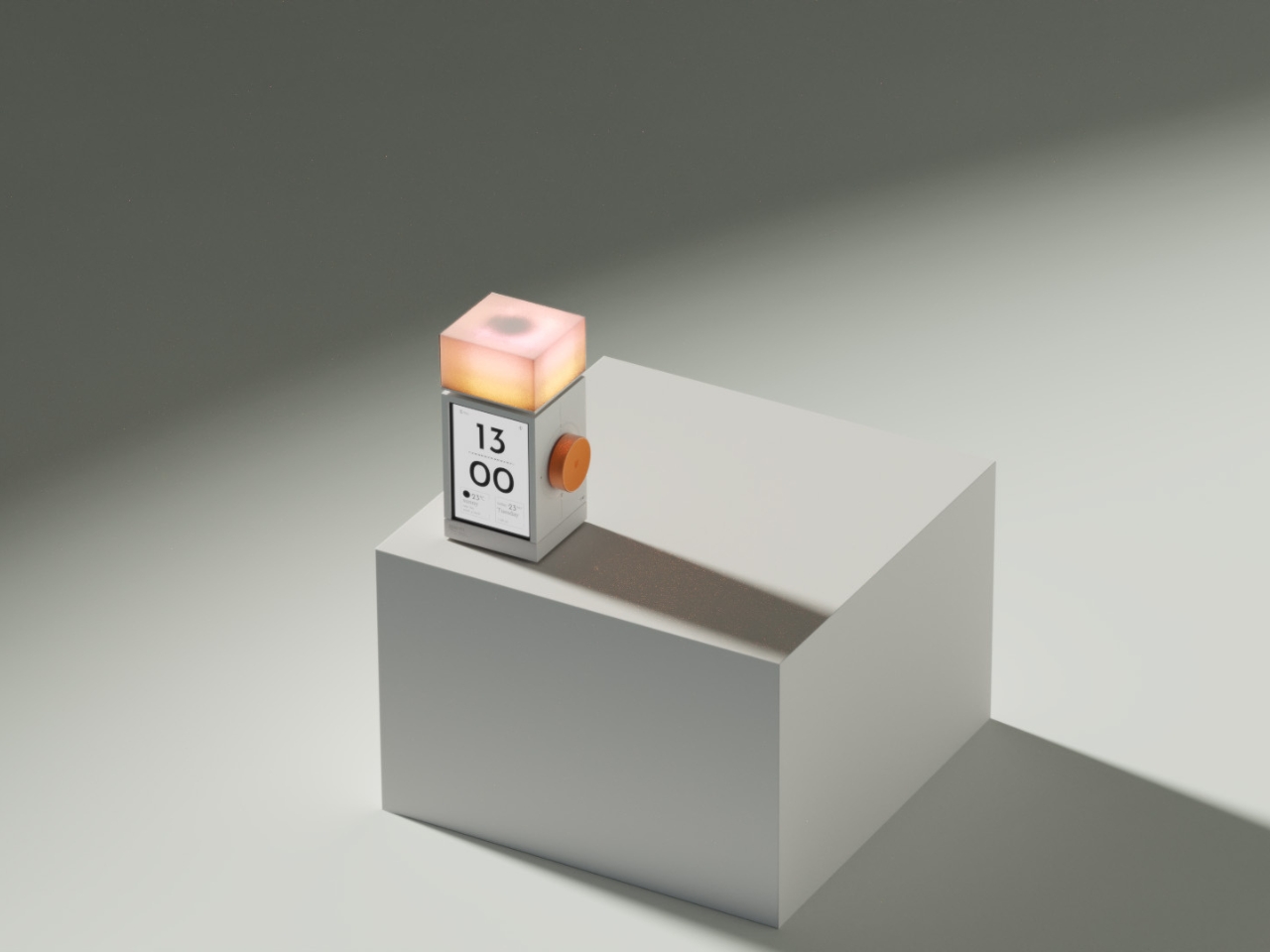
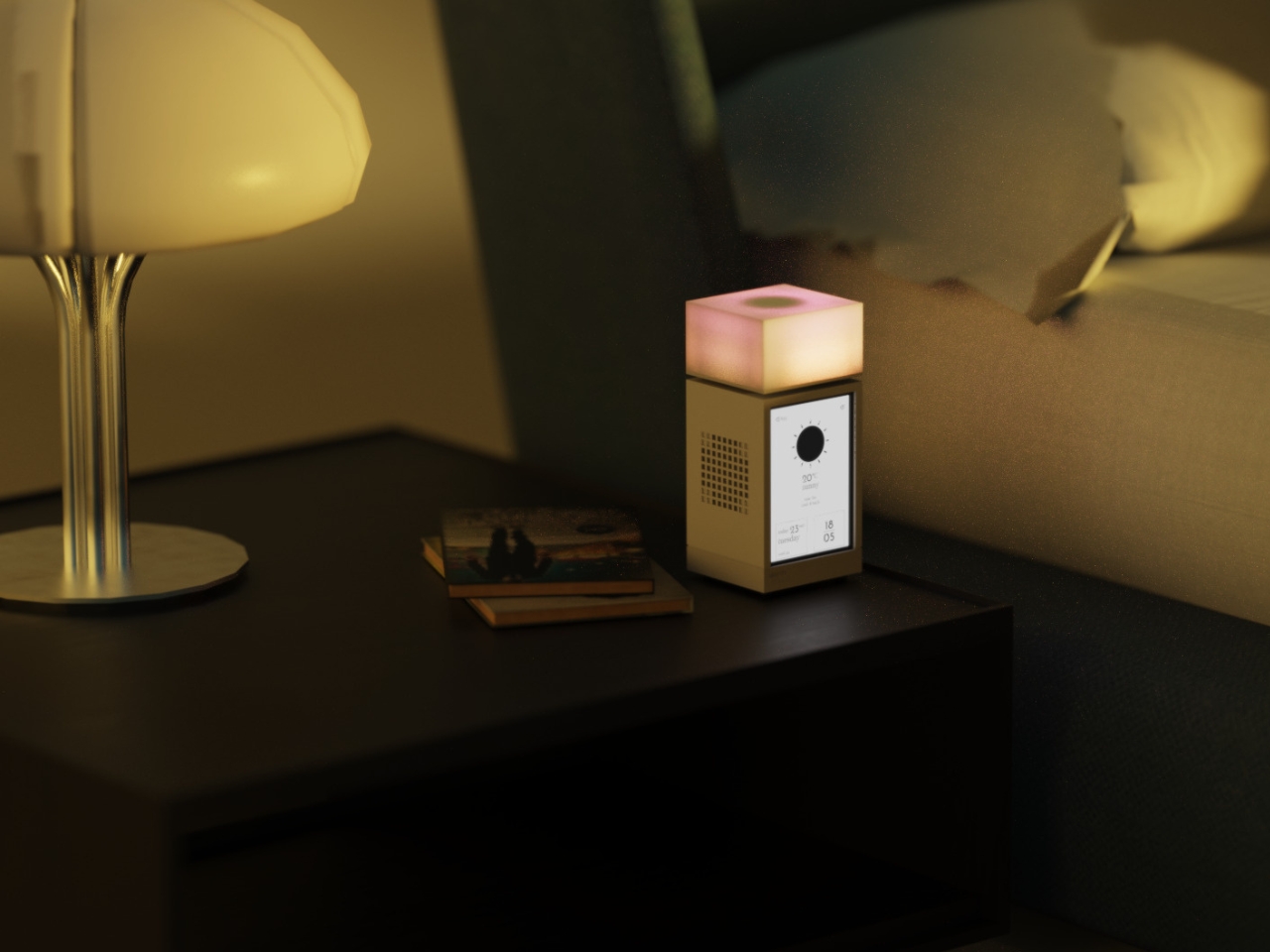
Let’s be real: most of us have a complicated relationship with our alarm clocks. When I say most of us, I mean me. It’s my least favorite necessary thing even though it’s just basically on my phone . I get jolted awake with aggressive beeps, sometimes it glows too brightly in the dark, and honestly, they’re not exactly objects we want to look at or hear first thing in the morning.
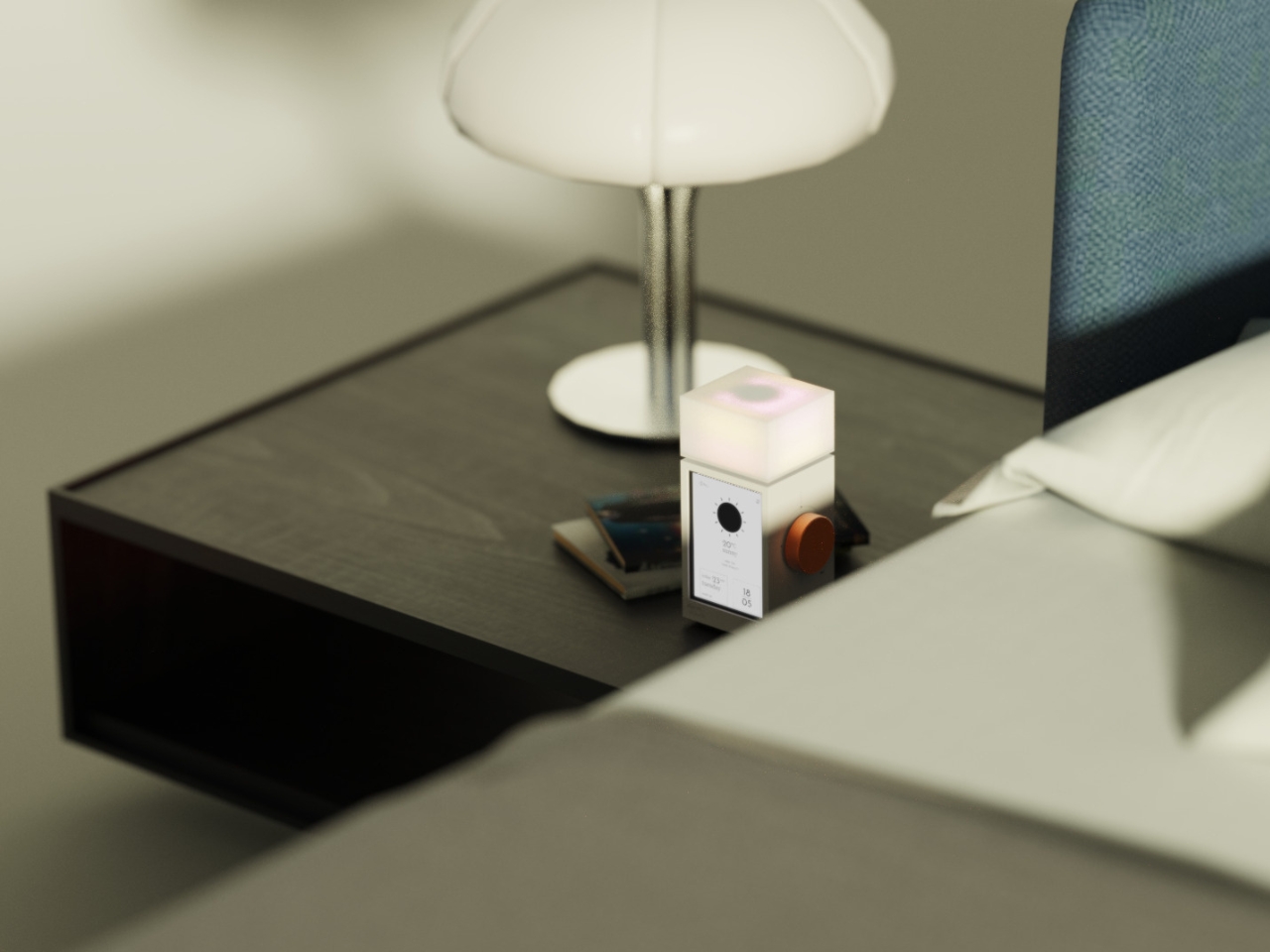
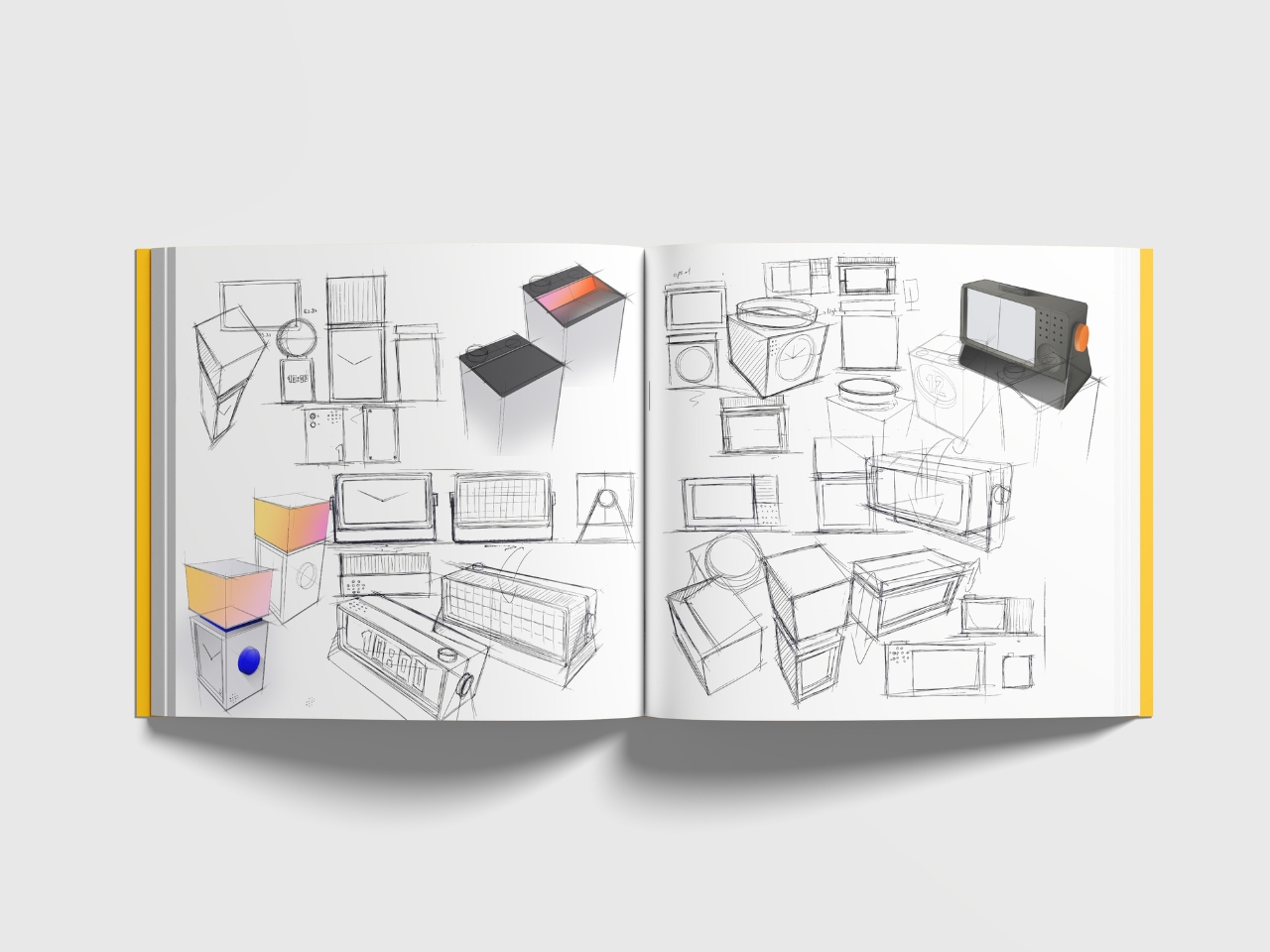
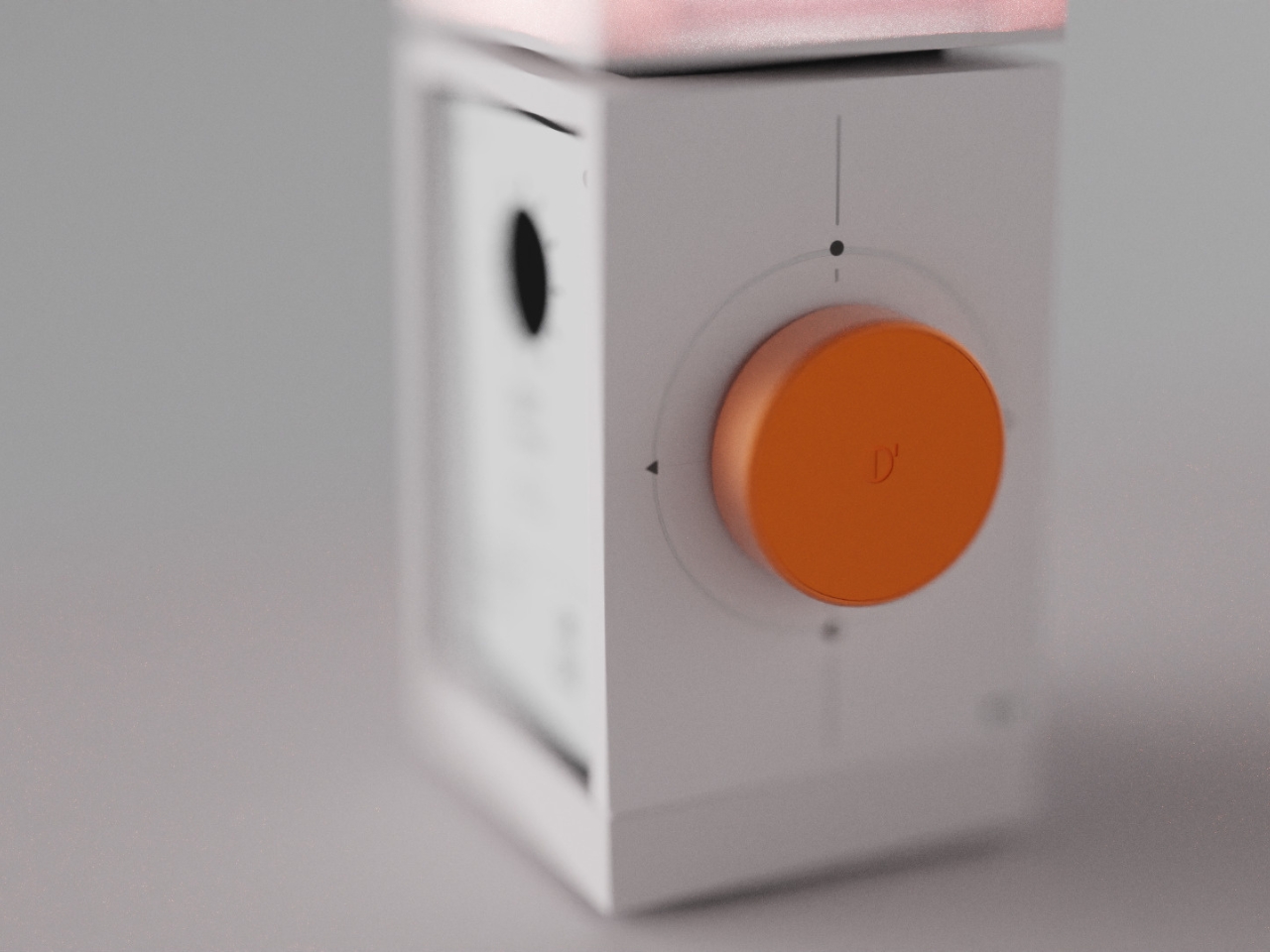
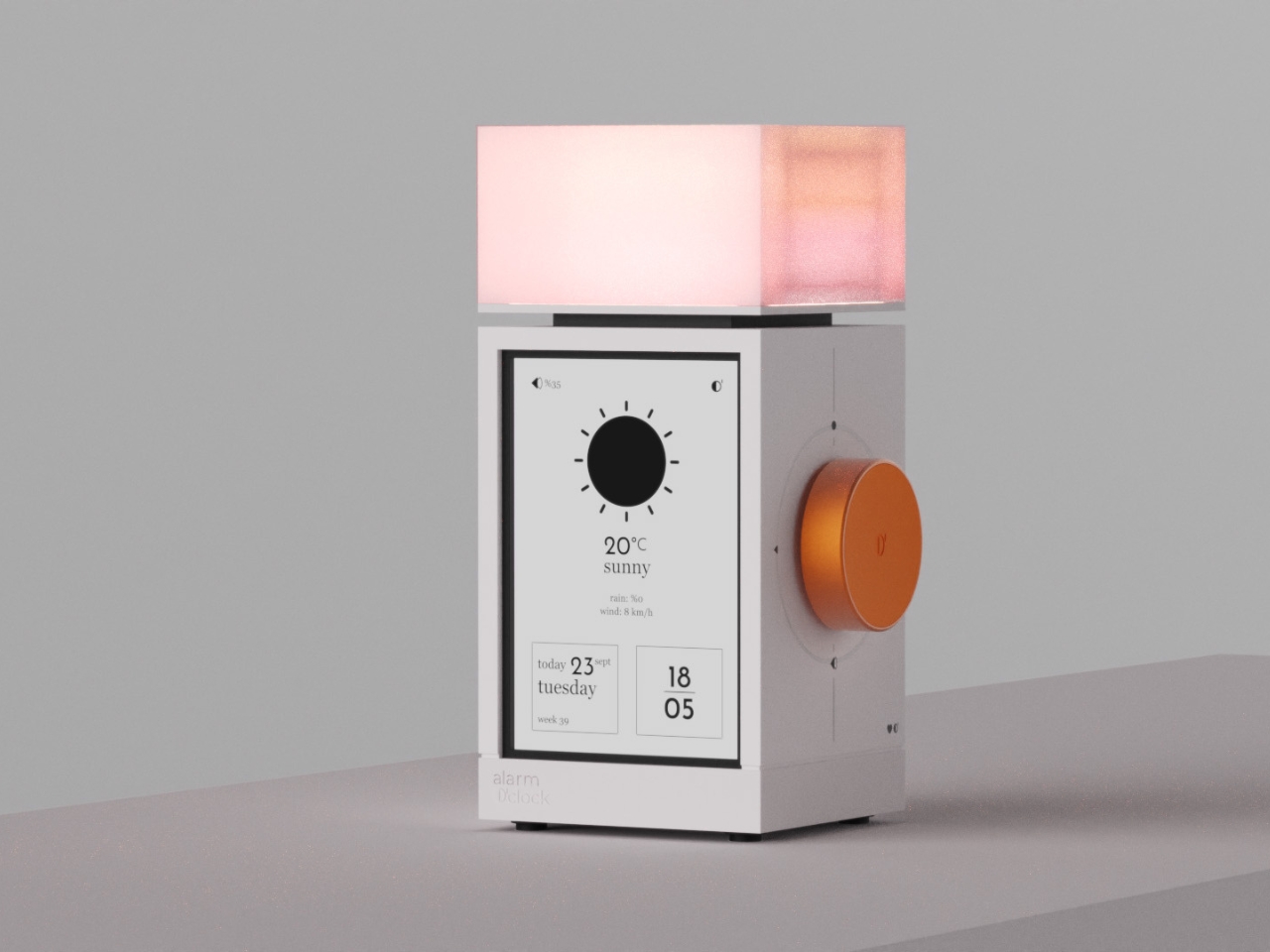
But what if your alarm clock could actually make waking up feel less like a punishment and more like a gentle invitation to start your day? That’s exactly what The Real Objects, a Milan-based design studio, seems to be thinking with their latest concept, Alarm O’clock. And yes, that apostrophe is intentional, giving it a playful Irish lilt that already makes it more charming than your phone’s default alarm.
The design is described as “a bedside companion designed to bring calm, clarity, and personality to the way we wake up,” and I’m here for it. Because let’s face it, we spend way too much time thinking about productivity hacks and morning routines while completely ignoring the object that literally defines how our day begins.
From what I can see, Alarm O’clock isn’t trying to be smart or connected or packed with features you’ll never use. Instead, it looks like it’s going back to basics, but with a thoughtful, contemporary twist. The Real Objects describes it as blending “light, sound, and simplicity into one object,” which honestly sounds like exactly what we need in a world where everything is trying to do a million things at once.
There’s something refreshingly analog about this approach. While everyone else is using their phones as alarm clocks (guilty), we’re also scrolling before bed and checking notifications the second our eyes open. Having a dedicated alarm clock means you can actually leave your phone in another room, which sleep experts have been begging us to do for years.
The Real Objects was co-founded in Milan in 2024 by designers who are “dedicated to pushing the boundaries of product design.” But pushing boundaries doesn’t always mean adding more tech or making things more complicated. Sometimes it means rethinking everyday objects and asking why they’ve been designed the way they have.
What strikes me about Alarm O’clock is that it seems to prioritize the experience over the function. Yes, it needs to wake you up, but how it wakes you up matters. The emphasis on “calm” and “clarity” suggests this isn’t going to be one of those alarms that sounds like a fire drill. And the mention of light integration hints at something closer to a sunrise alarm, which studies have shown can make waking up feel more natural.
The design itself appears minimal and sculptural, the kind of object that could sit on your nightstand without feeling like a piece of electronics invading your bedroom. In an era where we’re all trying to make our spaces feel more intentional and less cluttered with gadgets, that matters more than you might think. I love that they’re calling it a “bedside companion” rather than just an alarm clock. It’s a small word choice, but it signals a different philosophy. Your bedside table is intimate space. It’s the last thing you see before sleep and the first thing you see when you wake up. The objects there should feel like they belong, not like they’re just functional necessities you tolerate.
There’s also something to be said for designers who focus on the rituals of daily life. We get excited about revolutionary new products, but the truth is, the objects that actually improve our lives are usually the ones that make ordinary moments a little bit better. Waking up is one of those moments we experience every single day, and yet most of us haven’t thought critically about how we could make it better. Will Alarm O’clock change your life? Probably not. But could it make your mornings feel a little more human, a little less jarring? Absolutely. And in a world where we’re all trying to figure out how to have healthier relationships with technology, that feels like a step in the right direction.
Memory foam mattresses have continuously been pitched as the most ergonomic surfaces to sleep on. The way they work is by being a standard shape, but contouring to your body when you lie down on them, adapting exactly to your profile. It’s a brilliant example of a cookie-cutter product that is truly ergonomic for almost everyone. Somehow consumer tech didn’t get the memo on this…
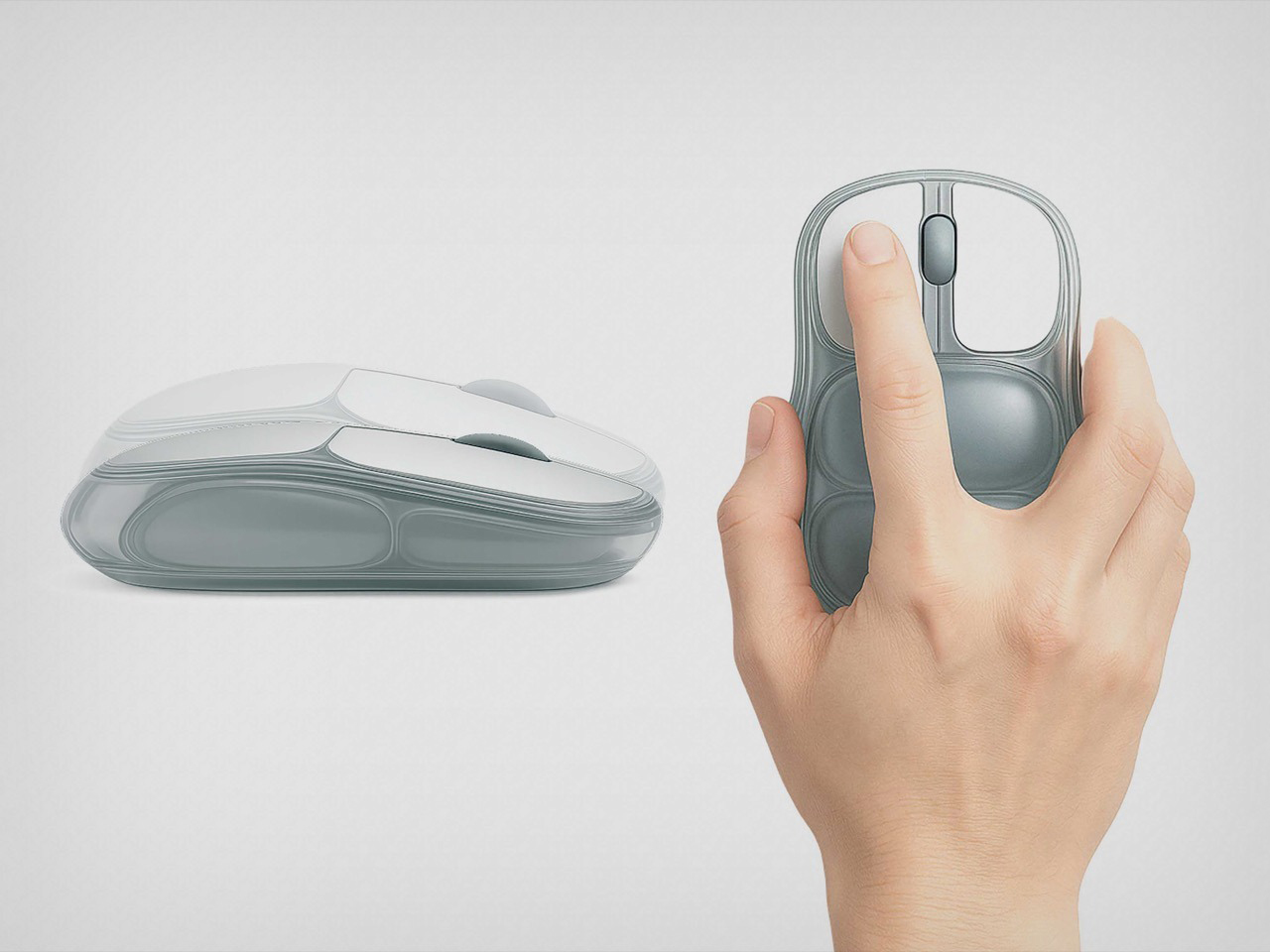
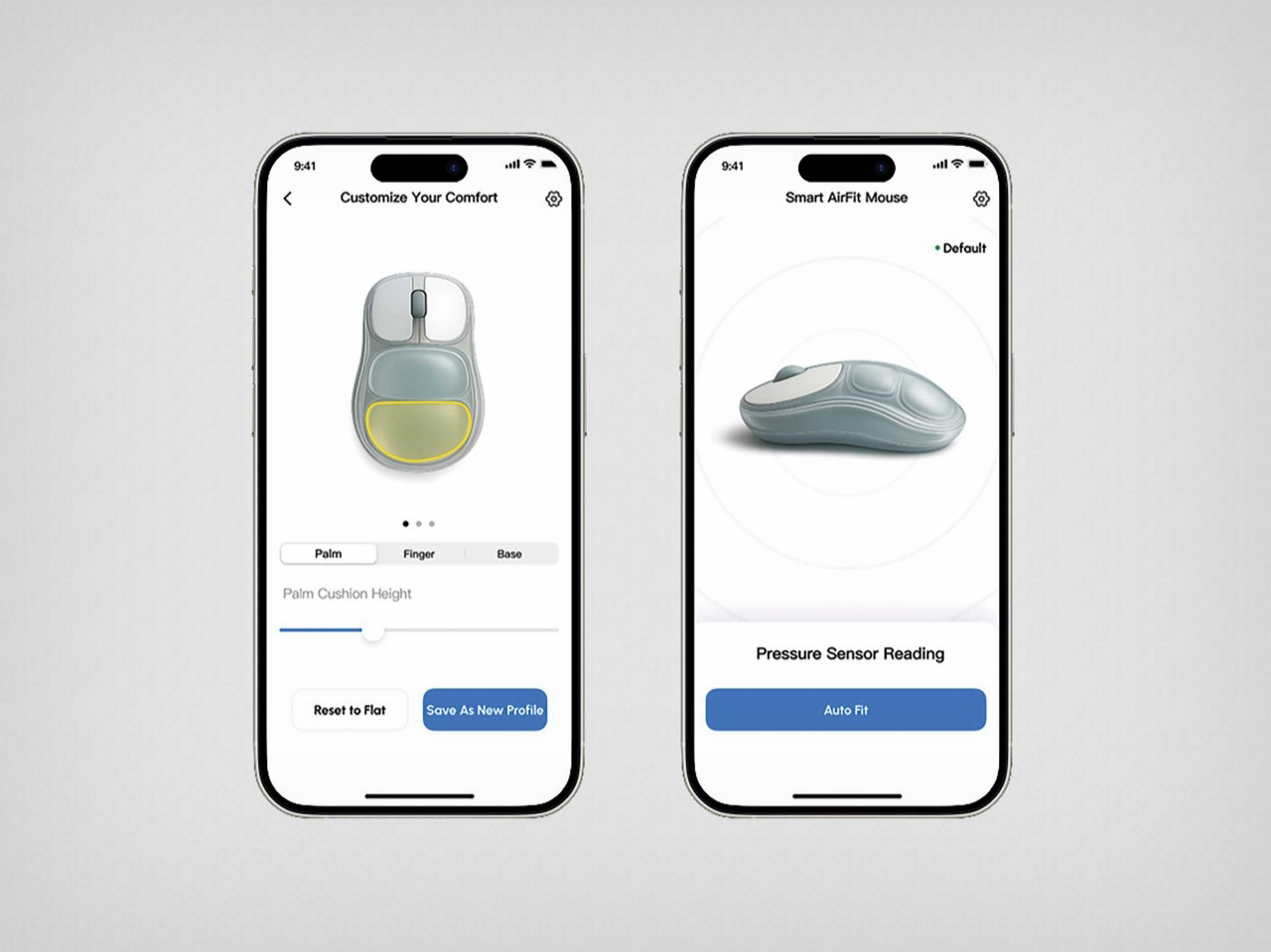
Last week I covered this ‘hideous but comfortable’ ergonomic mouse, designed using play dough and 3D printing. The problem with such a mouse is that it took ergonomics too seriously, and still resorted to a rigid 3D printed outer shell. But what if you just applied memory-foam-style ergonomics to consumer tech? What if you could make a mouse that just fits to the shape of your hand rather than the other way around? This Red-Dot Award-winning ergonomic mouse proposes something pretty clever – a computer peripheral with an inflatable body that you can ‘adjust’ to the shape of your palm. Two cushions, both independently adjustable, give you a mouse that’s made for YOU, not a mouse that touts ergonomics but may or may not work for your hand shape, wrist flexibility, or finger size.
Designer: iRest Health Science and Technology Co., Ltd.
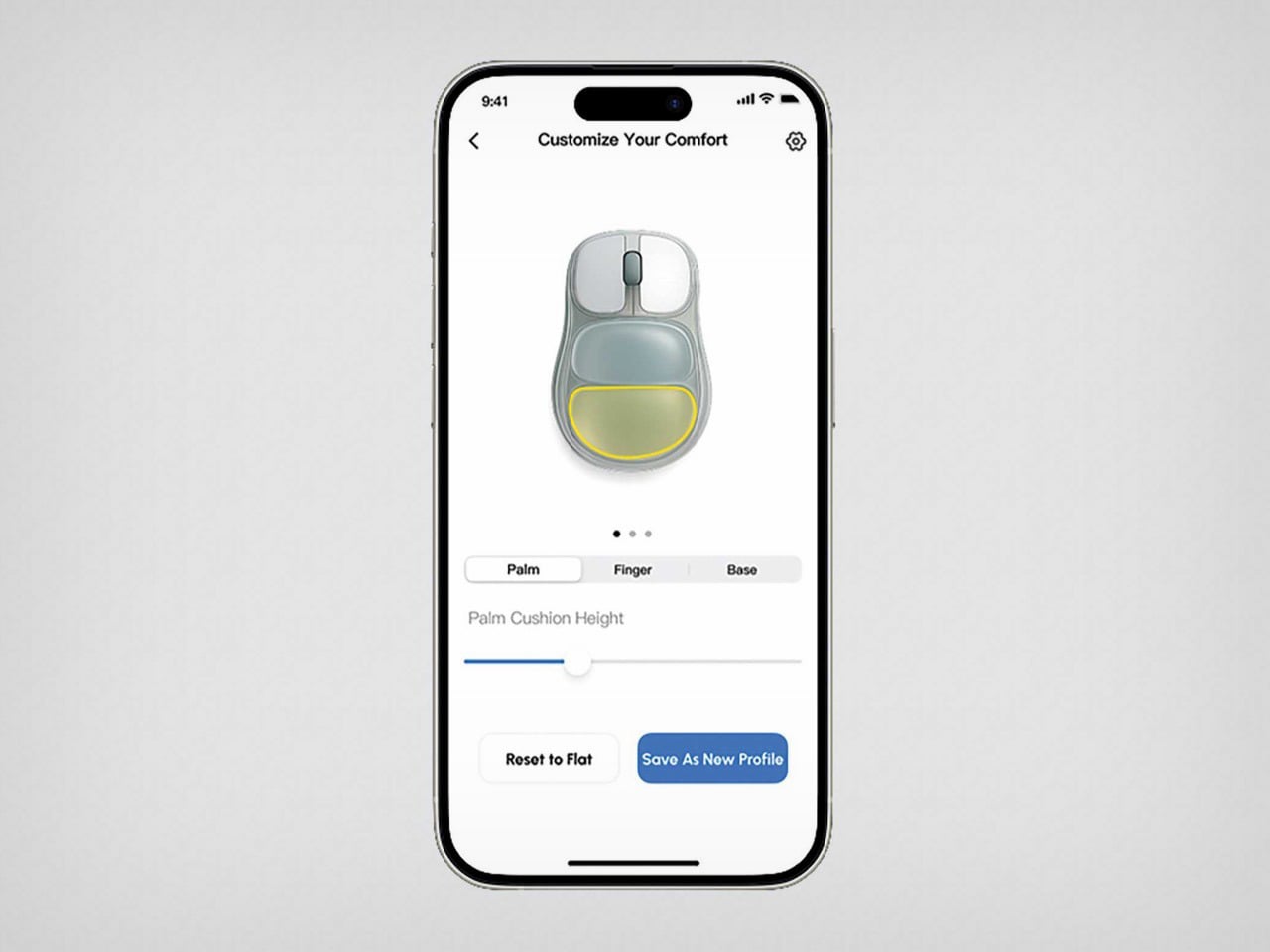
The mouse, designed by iRest Health Science and Technology, is just a concept for now, but it does make a fairly radical proposal that a lot of companies could consider for breaking the mold on ergonomic devices. The mouse looks standard at first, but the palm rest features two air-filled cushions that can be adjusted via a smartphone app. Increase or decrease their size through the app, and the shape of the mouse inherently changes, fitting your palm just the way you need it. The result is a mouse that’s calibrated to YOUR hand.
Admittedly, the idea is fabulous but the execution is a little janky. This mouse would effectively need air pumps to intake or release the air, which would result in a severe drain on batteries while complicating the build. The immediate solution is to not use air at all, but rely on something more convenient. In-ear monitors rely on silicone gel implants for a bespoke fit, but those are administered by medical professionals. However, imagine a mouse with a silicone outer shell that can be molded to your hand. Or perhaps a series of mechanical parts that can be adjusted to shape the mouse based on palm height, etc – sort of like how you adjust parts on an ergonomic chair.
For now, this is just a concept, but it proposes a fairly new idea as far as ergonomic tech is considered. For too long, we’ve seen ergonomic tech that is painstakingly designed for the 95th percentile, but seldom is as comfortable as something that is truly tailor-made FOR you. We’ve covered inflatable mice before, funnily enough, and those concepts were manually inflated, which also sounds like a fairly good option. I wouldn’t mind someone actually building a prototype!
Smart home sensors have gotten pretty good at detecting when you walk into a room, but they’re still terrible at knowing when you’re actually there. Most motion sensors trigger when you move, then assume you’ve left the moment you sit down to read or work at a desk. That means your lights flicker off while you’re still in the room, forcing you to wave your arms like you’re trying to flag down a rescue helicopter. It’s the kind of everyday annoyance that makes smart homes feel less smart and more like they’re making educated guesses.
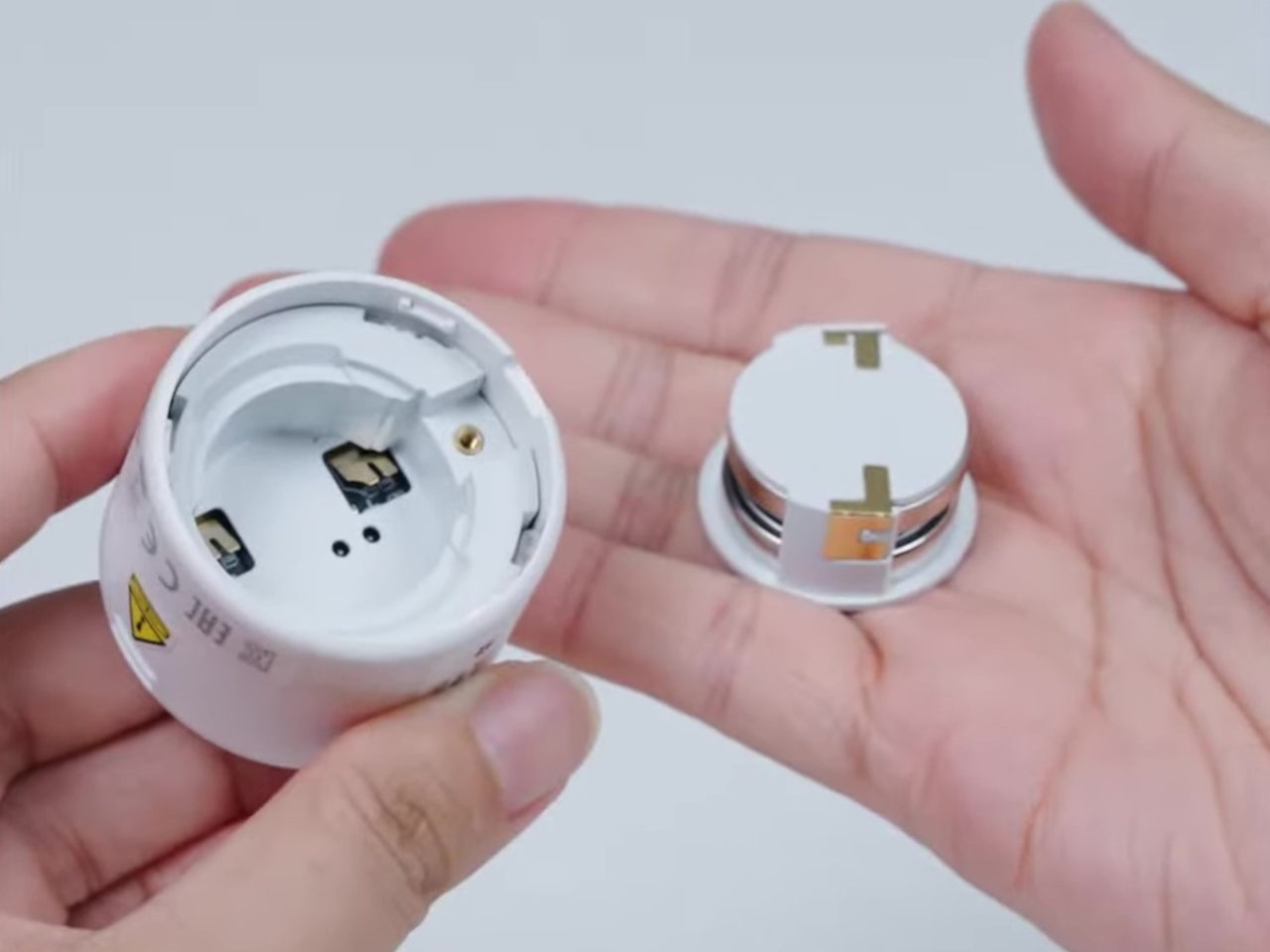
The Aqara Presence Multi-Sensor FP300 solves this with a combination of PIR and 60GHz mmWave radar sensors that detect both motion and stationary presence. That dual-sensor setup means the device knows you’re there even if you’re sitting perfectly still, which is exactly what presence detection should have been doing all along. The sensor also packs temperature, humidity, and light sensors into its compact body, turning it into a five-in-one device that can automate everything from lighting to climate control based on actual occupancy.
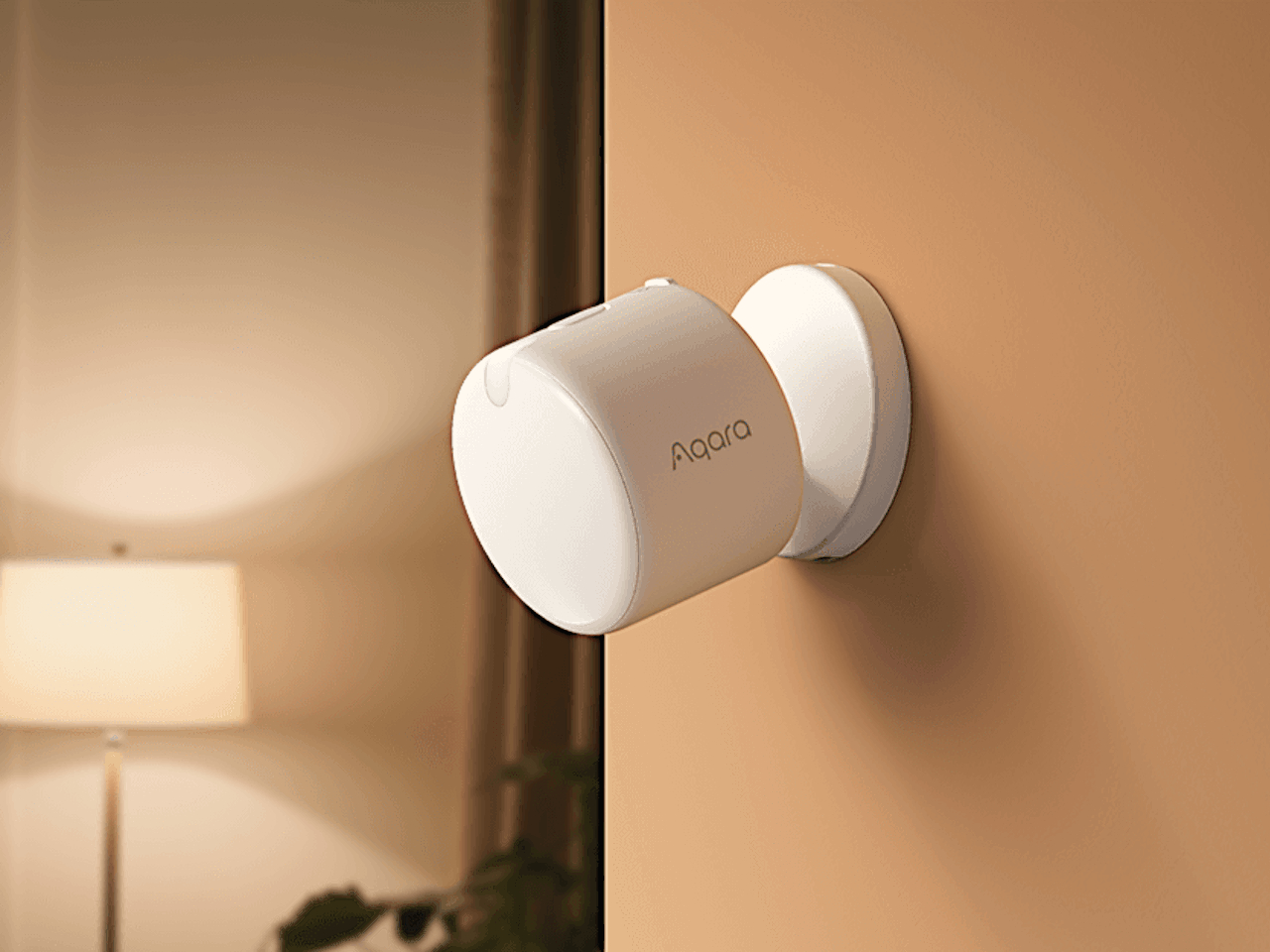
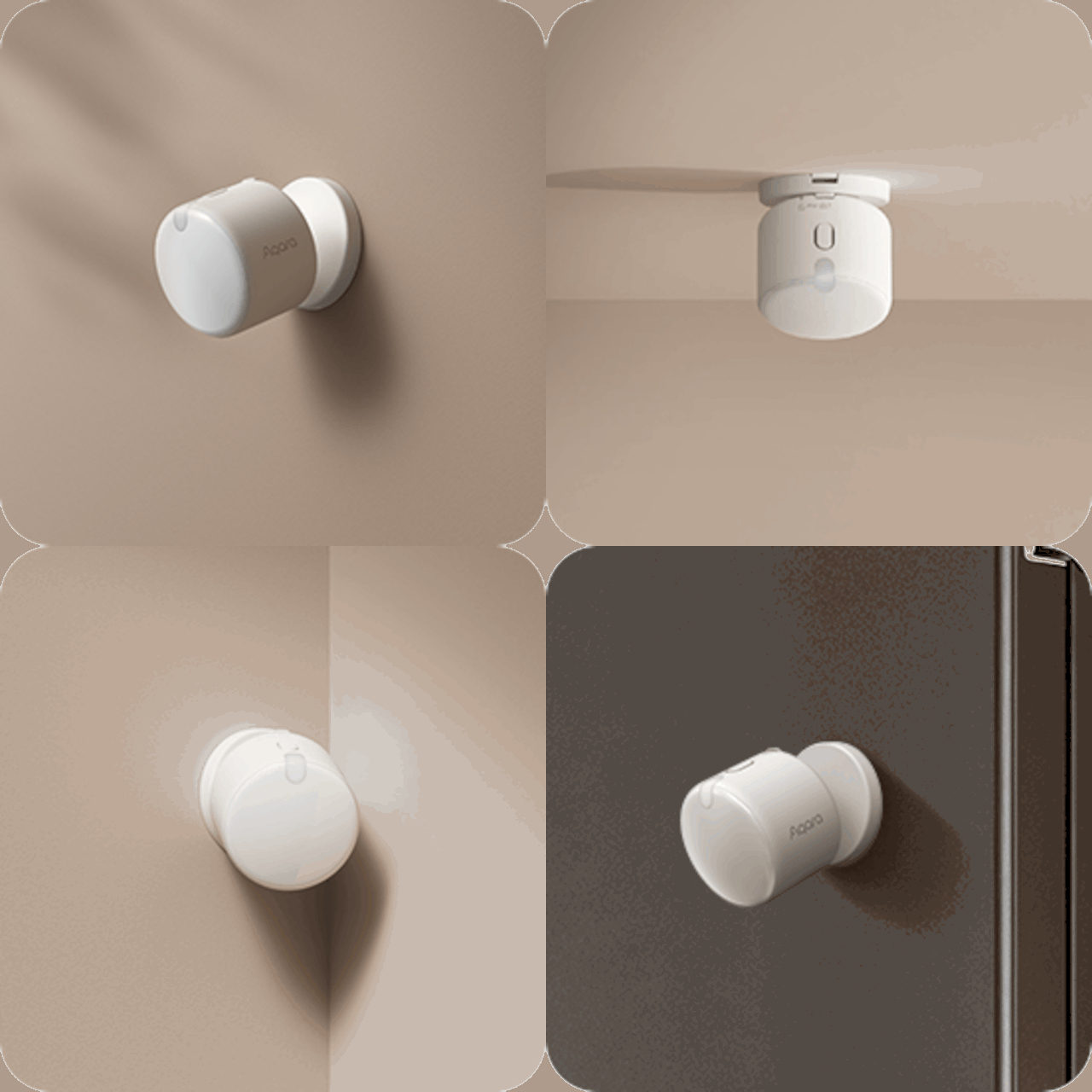
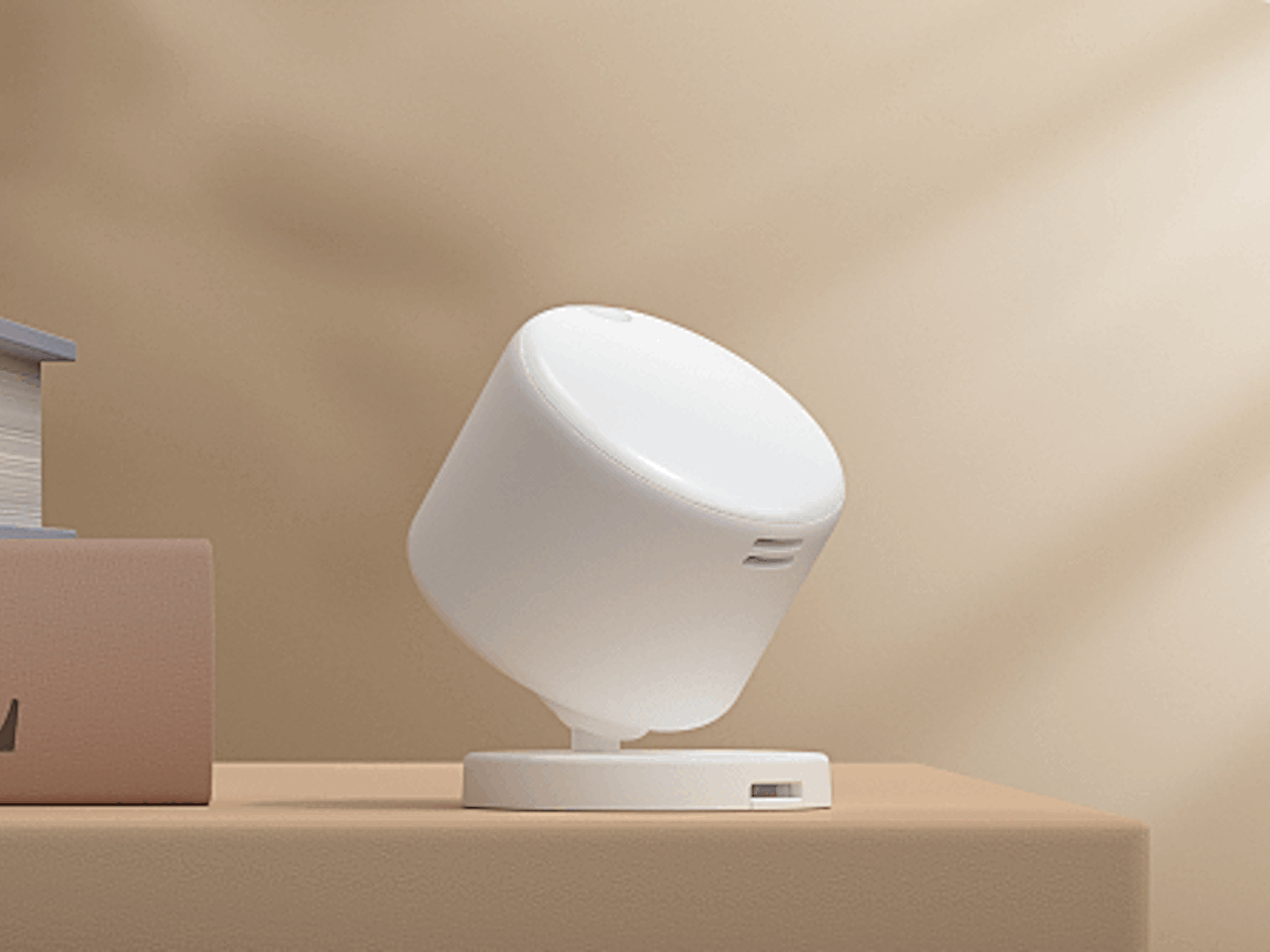
The FP300 itself is a small, cylindrical unit that measures just 42mm on each side and 50mm tall. It’s designed to blend in rather than stand out, with a clean white finish and subtle Aqara branding. The real advantage is how flexible placement can be. You can mount it on walls or ceilings, stick it in corners, attach it to magnetic surfaces like refrigerators, or just set it on a shelf or desk without any mounting hardware at all. That wireless freedom is rare for presence sensors, which usually require wired power or specific mounting positions.
Of course, being battery-powered raises questions about longevity, but Aqara claims up to three years of battery life when using Zigbee, or two years with Thread. That’s running on two replaceable CR2450 coin cells, which is surprisingly long for a device that’s constantly monitoring presence and environmental conditions. You can extend that further by disabling certain sensors or adjusting reporting intervals if you don’t need every data point the device can collect.
The FP300 supports both Zigbee and Thread protocols, which means it works with pretty much every major smart home platform through Matter. Apple Home, Google Home, Alexa, SmartThings, and Home Assistant are all compatible, though you’ll need either an Aqara hub for Zigbee or a Thread border router to get everything working. Using Zigbee unlocks extra customization options in the Aqara Home app, like adjusting detection sensitivity and tweaking reporting intervals.
What makes the FP300 feel genuinely useful is how those five sensors work together. The presence detection ensures lights stay on when you’re in the room, while the light sensor prevents them from turning on during the day. The temperature and humidity data can trigger your HVAC system only when someone’s actually home, saving energy without sacrificing comfort. It’s the kind of layered automation that makes smart homes feel less gimmicky and more practical.
At around $50, the FP300 sits between basic motion sensors that miss half your movements and wired presence sensors that cost more and require professional installation. For anyone building out a smart home without tearing into walls or dealing with complicated wiring, that’s a reasonable trade-off. The fact that you can just plop it on a shelf and have it start working makes the whole setup feel refreshingly simple for once.
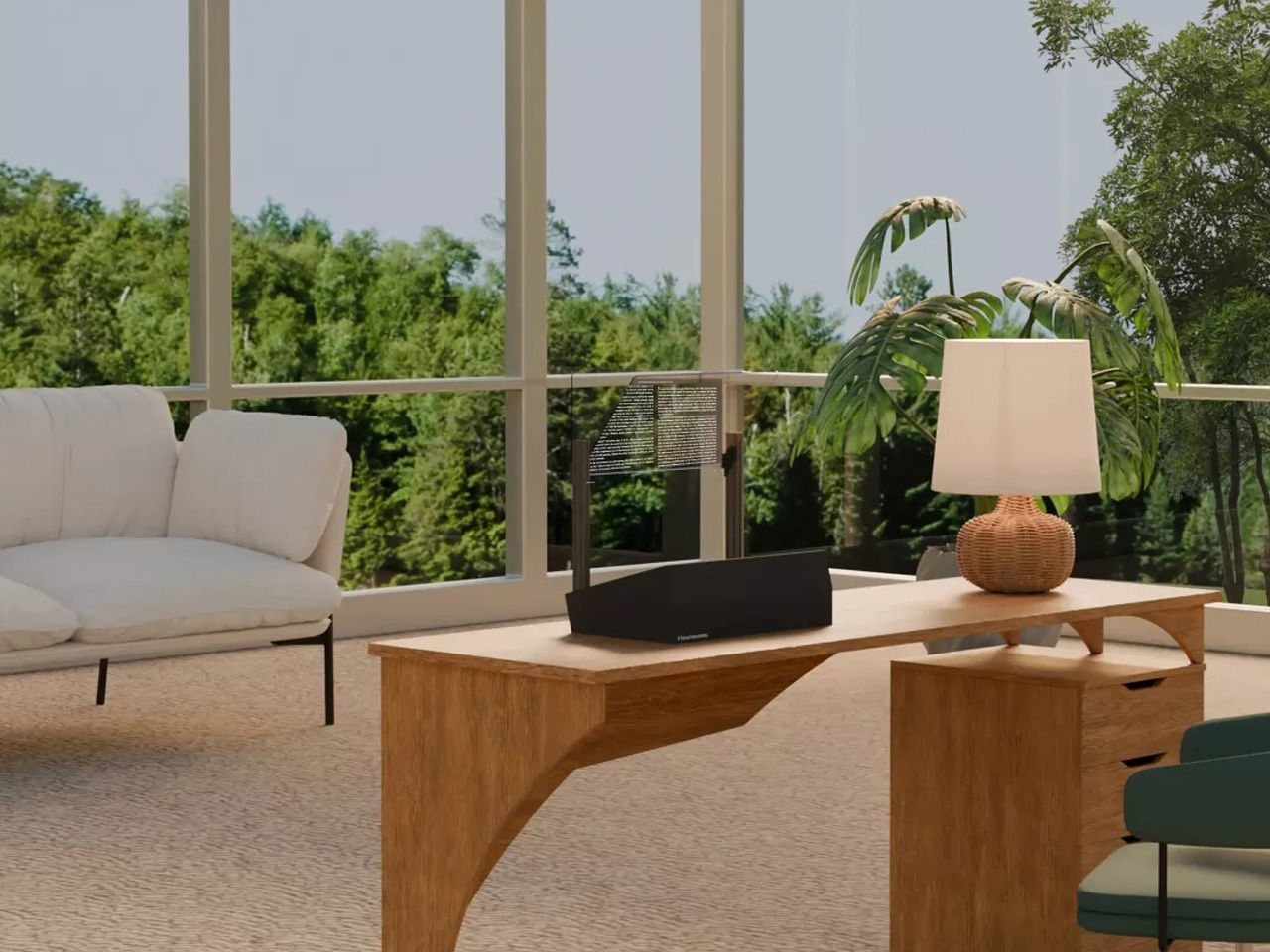
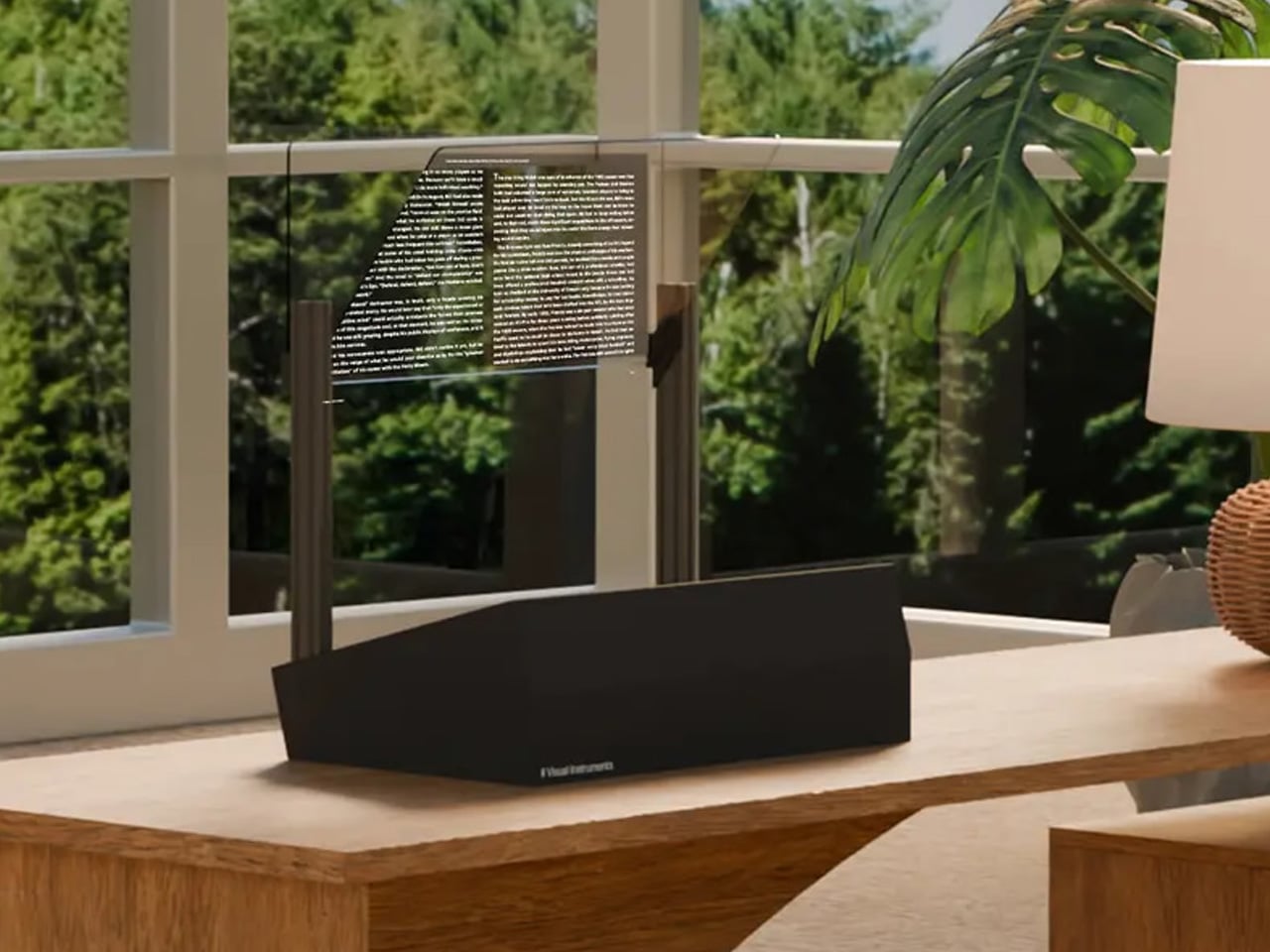
Why settle for a normal computer monitor when you can get your hands… err… eyes on a transparent computer monitor that’s designed to impress and go easy on your vision? Meet the Phantom. Designed and created by Vision Instruments, Phantom is touted as the world’s first transparent computer monitor.
Yes, there have been iterations of a similar context in the past, but none have really impressed us productively as this one does. The monitor, the company says, “projects your content into real space, merging the digital and physical worlds.” The product is built around similar technology to a head-up display (HUD) used in aircraft or vehicles. It may be an effective way of achieving transparency, but what really sets the Phantom apart is its adjustable transparency. With just a quick setting change between three presets, it can transform from a transparent display into a traditional monitor whenever you like.
As Vision Instruments explains on its website, the Phantom “merges the physical and digital worlds,” allowing users to seamlessly shift focus between the on-screen content and the real world behind it. Unlike traditional monitors, which force you to look away to rest your eyes, the Phantom lets you do so naturally. Doctors recommend that people with long work hours turn away from the screens and look at different things to reduce eye fatigue. With the Phantom, it’s just possible by just gazing through the monitor itself, at least the company wants us to believe it that way.
Whether you buy into that promise or not, some early believers already have. Vision Instruments is now taking preorders for the Founders Edition of the Phantom, limited to just 10 examples worldwide. There is no word on the pricing structure, but we learn that the transparent monitor is likely to ship in the US by the end of 2025, and that three units of the Founders Edition are already booked, at the time of writing.
Before you make up your mind, here’s a brief of the Phantom’s specifications. The monitor features a USB Type-C and an HDMI port to work directly with any computer, mobile device, or gaming system that can connect via these ports. The 24-inch 4K monitor, as mentioned, distinguishes itself from the other transparent options you may have seen by featuring adjustable transparency.
It keeps the background visible through it, and seems to appear like a floating screen in the middle of the room until you choose to toggle the settings, and the screen turns into an opaque monitor, like the one I’m typing this on. This concept of a see-through monitor, Visual Instruments says, “allows you to instantly relax your eyes, anytime you want.” The Phantom further touts a 16:9 aspect ratio, has up to 5,000 nits of peak brightness, and boasts a 100% coverage of the sRGB color space.
With 10 Pokémon that you can theoretically catch, Dwarf Factory’s Pokémon keycaps let you turn your keyboard into a functional monster-collection. Each keycap comes with a 3D Pokémon encased in clear resin, designed to face you when installed onto your mechanical keyboard. And if you’re a bit of a Pokémon sucker like me, these are like literal bait.
I remember the Pokémon GO days, Niantic had staggered the rollout across the globe, and India got the game months after it debuted. The only way to play was to use a VPN that let you geo-spoof your phone’s location. I used mine for a solid 2-3 months before Niantic actually caught on and banned me from the game. Some would say that would be enough to fix my fixation on Pokémon but it hasn’t. I still love the franchise, and might just end up buying a mechanical keyboard JUST so I could install these custom keycaps!
Designer: Dwarf Factory
There are an entire bunch to choose from, ranging from the original Kanto region starters to a few of the original Pokémon from the series and game. Dwarf Factory designed these keycaps to look like the blister packaging you’d get the toys in. Each Pokémon is in a clear glass enclosure, around a colored block with the Pokémon branding on the bottom and a hang-tag on the top that you’d use to hang/display these toys.
Everyone who’s played the game on their GameBoy knows that there’s no starting without a ‘starter’ Pokémon. The series includes the classic Bulbasaur, Charmander, and Squirtle, as well as Pikachu, the iconic Pokémon that anyone who’s seen the series or movies will recognize.
If you haven’t seen Dwarf Factory‘s work before, I suggest you genuinely check them out. The company is the single authority on artisanal keycaps, so if there’s any company I trust with pulling this off, it’s probably them. Each keycap is meticulously made in resin, hand-painted, and then encased in clear acrylic. This gives the keycaps their sheer depth, and sometimes Dwarf Factory even manages to account for keyboard backlight, so that the light shines through the keycaps.
Other usual suspects from this series include Eevee and Meowth, shown above, along with Cubone below, followed by Koffing, Gengar, and the odd but powerful Psyduck. I wish Dwarf Factory made a few more, although that just sounds like greed on my part at this point.
Each keycap is designed with an SR1-style profile, and is designed to fit all Cherry MX switches and clones. Ideally, I’d own all 10 keycaps, but I’d first have to own a mechanical keyboard (I’m rocking a Logitech Ergo K860 which doesn’t have swappable keys), and I’d probably have to be fairly rich, given that each keycap is priced at a slightly high $44. That means setting aside almost 500 bucks (including shipping) for a set of 10 keys. Would’ve been nice to have hopped onto the crypto train back in 2012 so I could afford this stuff.
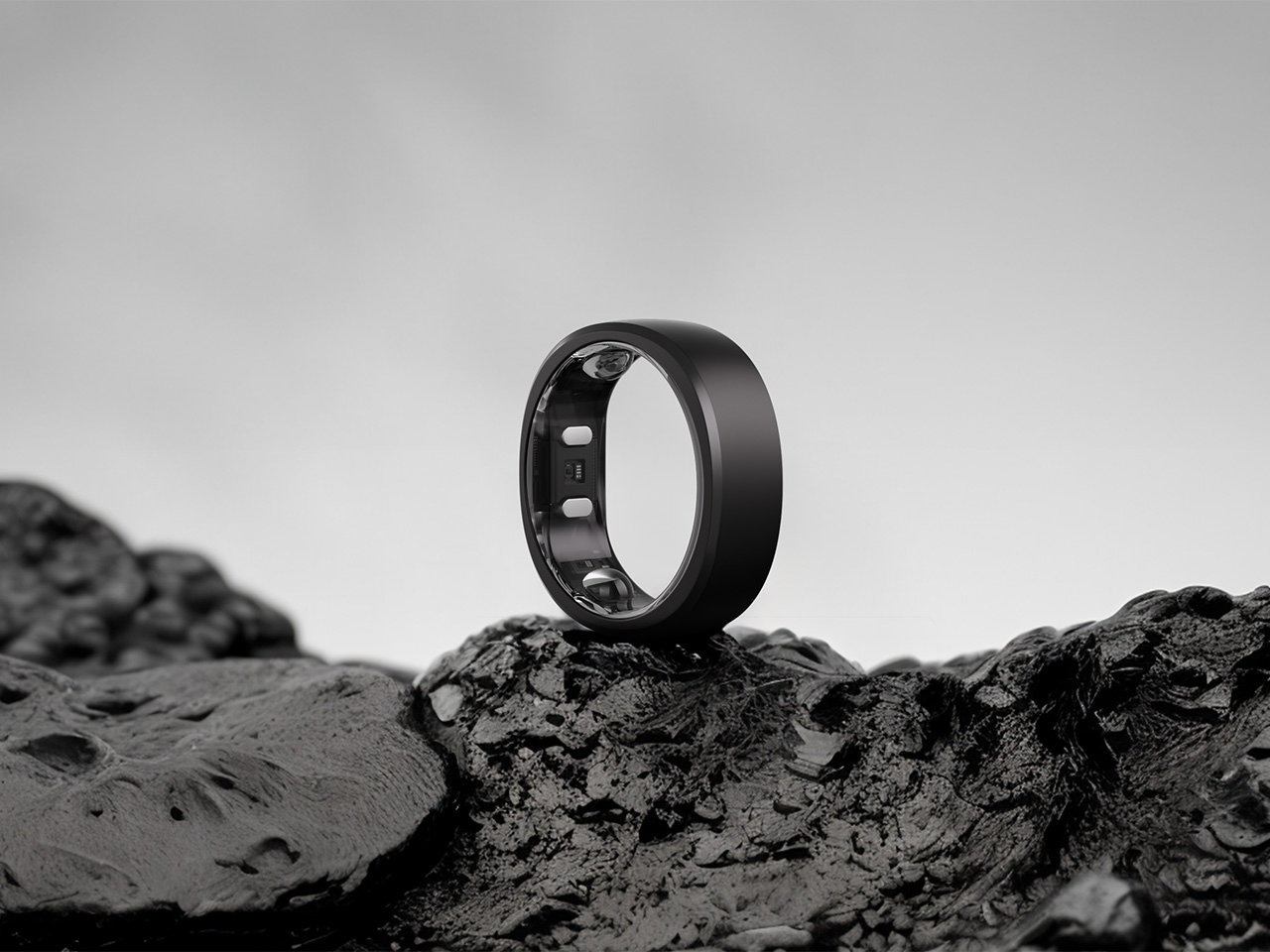
As technology evolves, new gadgets constantly emerge, and one such device that has seamlessly integrated into our daily lives is the fitness tracker. Over time, such devices have become essential in tracking our health and fitness goals. However, fitness trackers have now leaped forward, transforming into the smart ring. These sleek, electronic bands worn on the finger act as wearable devices, just like jewelry, but can monitor health metrics such as heart rate, sleep patterns, oxygen level, exercise monitoring, and more.
The global smart ring market was valued at USD 340.9 million in 2024 and is expected to expand from USD 416.9 million in 2025 to USD 2,525.5 million by 2032, reflecting a growth rate of 29.3% during the forecast period. Smart rings offer a more compact alternative to larger devices, yet provide powerful tracking capabilities and are often launched and backed by premium brands.
How does a smart ring work?
Smart rings are conventional rings that are equipped with different types of sensors and advanced technologies like Bluetooth and Near-Field Communication (NFC) used to monitor health and fitness metrics. Since the smart ring does not have screens, they sync wirelessly with smartphones or tablets, allowing users to access and analyze their health data in real time easily.
Many smart rings also feature haptic signals that vibrate the ring during a call or notification when the paired device is out of range, ensuring users stay connected. This combination of convenience and functionality makes smart rings an effortless way to track and manage health information on the go.
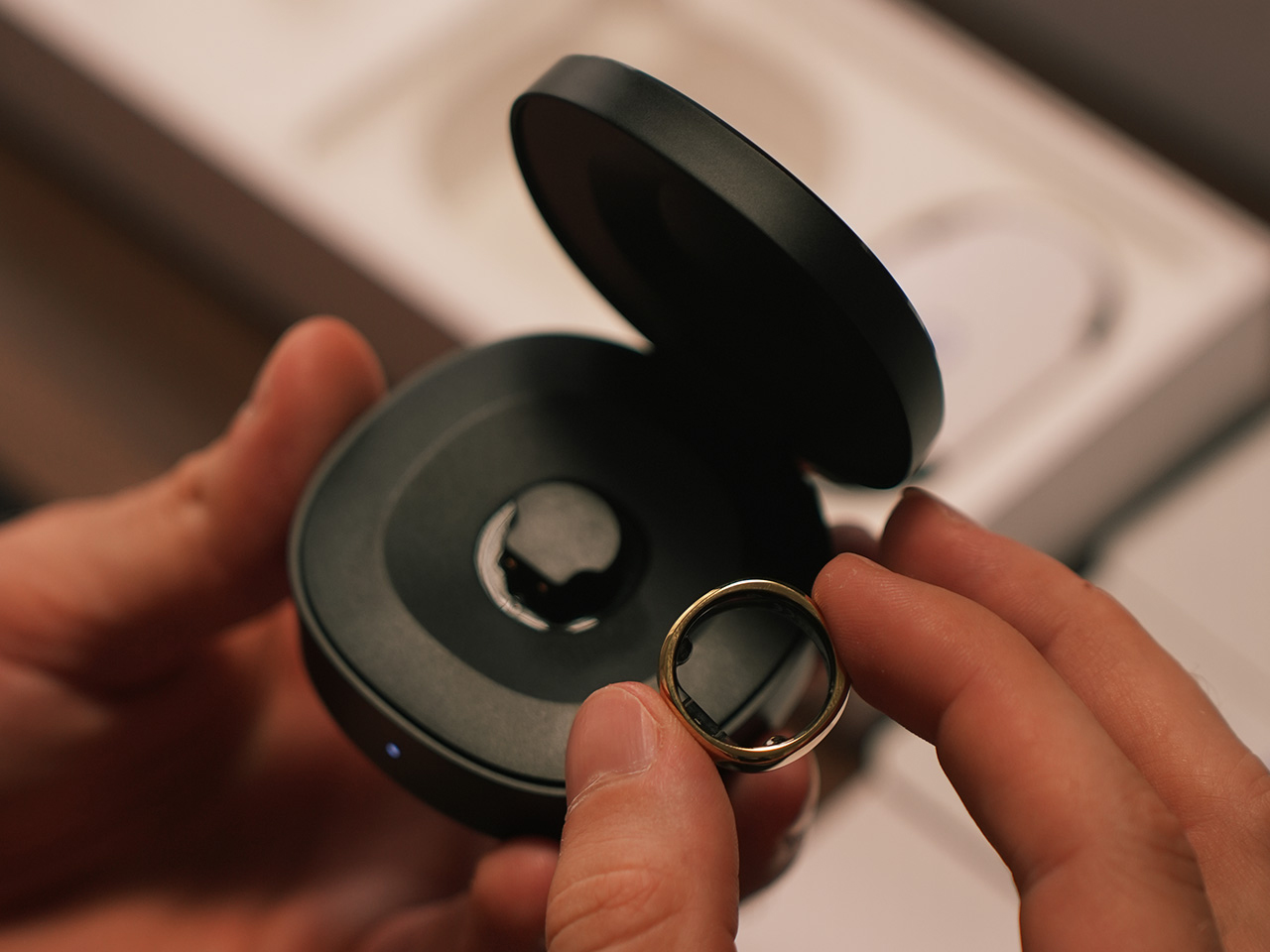
The RingConn Gen 2 is a smart ring that stands out with its sleek design, AI-powered health tracking, and impressive battery life. With a weight of just 2g and 2mm thick, it’s the lightest and thinnest smart ring on the market, providing precise health monitoring through sensors like 3D accelerometers, PPG (photoplethysmography), and temperature sensors. By tracking key metrics such as heart rate, heart rate variability, and blood oxygen levels, it offers a complete picture of your well-being.
The RingConn app syncs this data, including stress levels and sleep patterns, with no hidden subscription fees. One of its most notable features is AI-powered sleep tracking, which monitors breathing, sleep stages, and overall efficiency to help detect issues like sleep apnea. With up to 12 days of battery life and 150 days of use with its charging case, the RingConn Gen 2 delivers comprehensive health tracking, empowering you to live a healthier, more informed life.
What are the different types of sensors integrated into a smart ring?
The accelerometer and gyroscope sensor is a motion sensor that tracks body movement, such as steps taken, distance covered, and calories burned.
The SpO2 or Peripheral Oxygen Saturation sensor gauges the oxygen levels in the blood.
The Electrodermal Activity (EDA) sensor measures sweat production on the finger and provides insights into stress levels and emotional states.
NTC thermistor sensors monitor changes in body temperature.
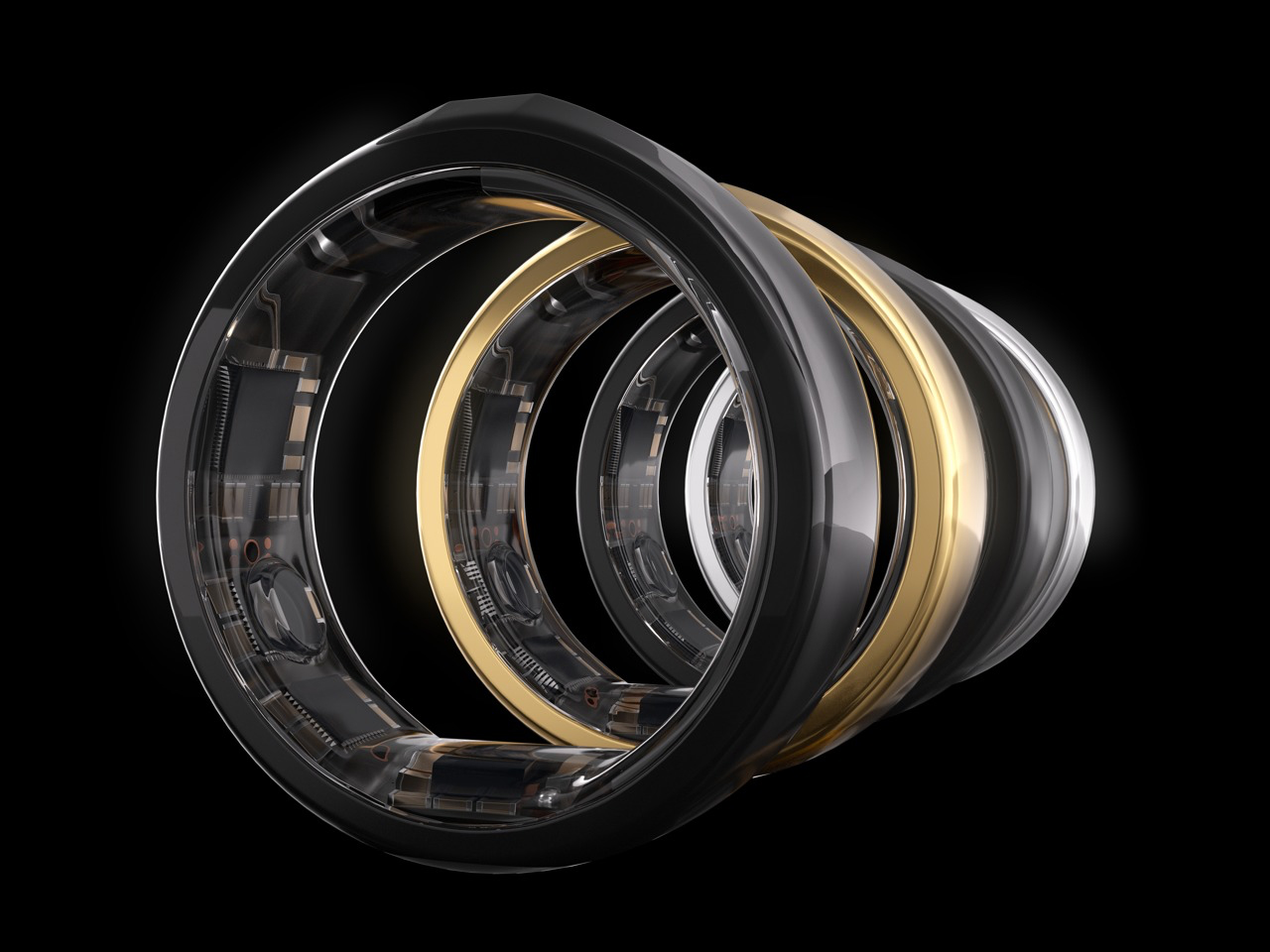
Photoplethysmography (PPG) sensor uses LED lights on the skin to measure variations in blood flow. It analyses the reflected light to track variations in your heart rate and blood oxygen levels.
Together, these sensors work in tandem to offer comprehensive data for health and fitness tracking.
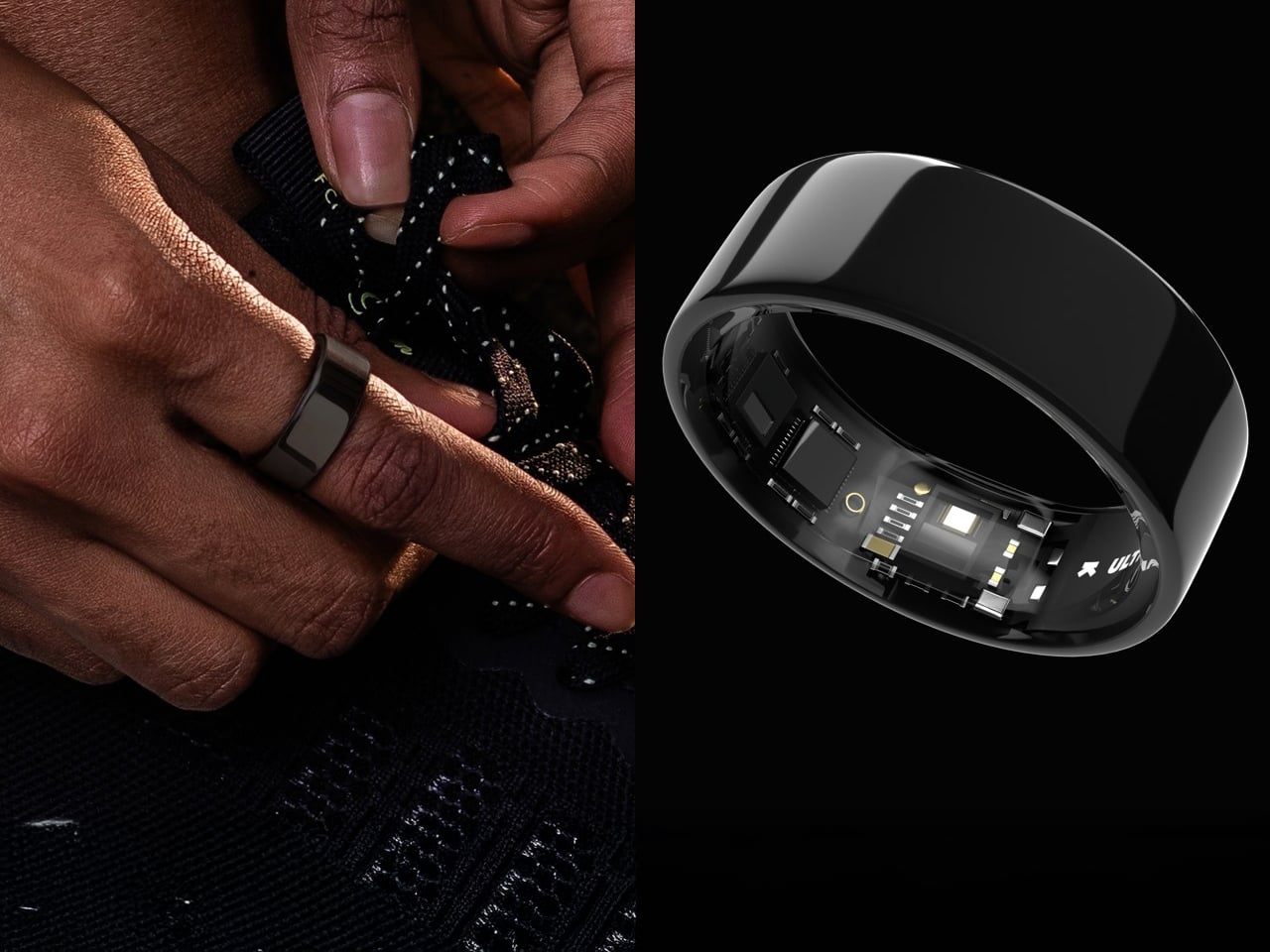
The Ultrahuman Ring combines sleek design with advanced health tracking, offering insights into your overall well-being. Unlike traditional wearables, it doesn’t just measure basic metrics like heart rate and steps—it interprets them into actionable insights. With features like the Movement Index, Sleep Index, and Recovery Score, it provides a deeper understanding of your daily energy expenditure, sleep quality, and stress levels, helping you make informed decisions for better health.
Crafted with durability and style in mind, the Ultrahuman Ring is made from a titanium outer shell and is coated with Tungsten carbide, and a hypoallergenic medical-grade interior for providing maximum comfort to the user. These rings are available in a variation of elegant colors, they are water-resistant and designed to withstand everyday activities. The Ultrahuman Ring offers a compact, fashionable way to monitor your health and improve your lifestyle without the bulk of traditional wearables.
Advantages of a Smart Ring
The smart ring is a convenient alternative to smartwatches, with the key advantage being its portability as it allows you to remain hands-free while wearing jewelry. You can wear the smart ring comfortably even while sleeping, as its compact size ensures it doesn’t cause any discomfort.
The smart ring is designed for optimal data collection, and many models are made from non-corrosive materials like zirconia or feature a Physical Vapor Deposition (PVD) coating. Additionally, the smart ring is purpose-driven as it removes the distractions of extra features typically found in smartwatches, making it perfect for those who need a device focused on specific tasks.
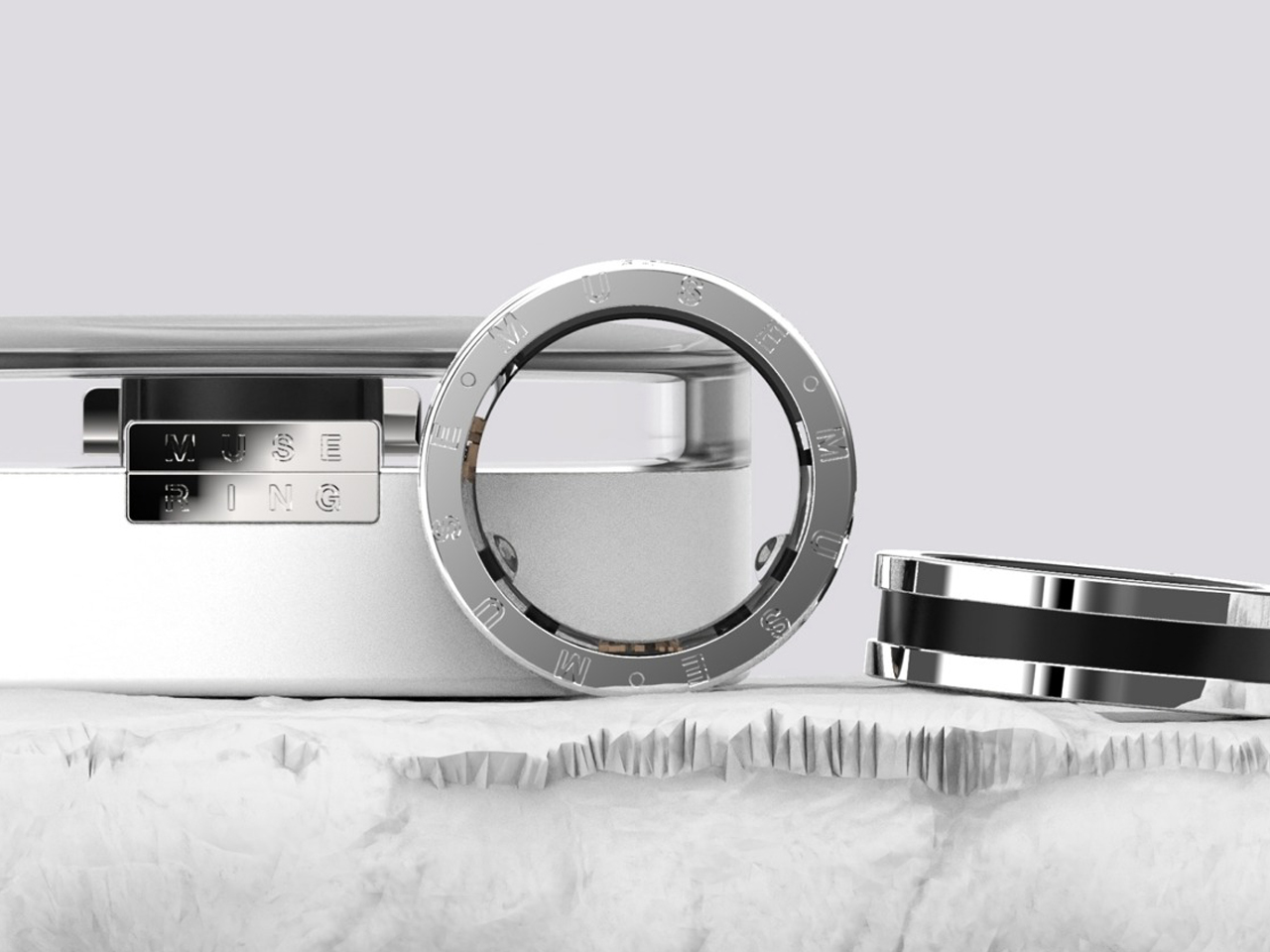
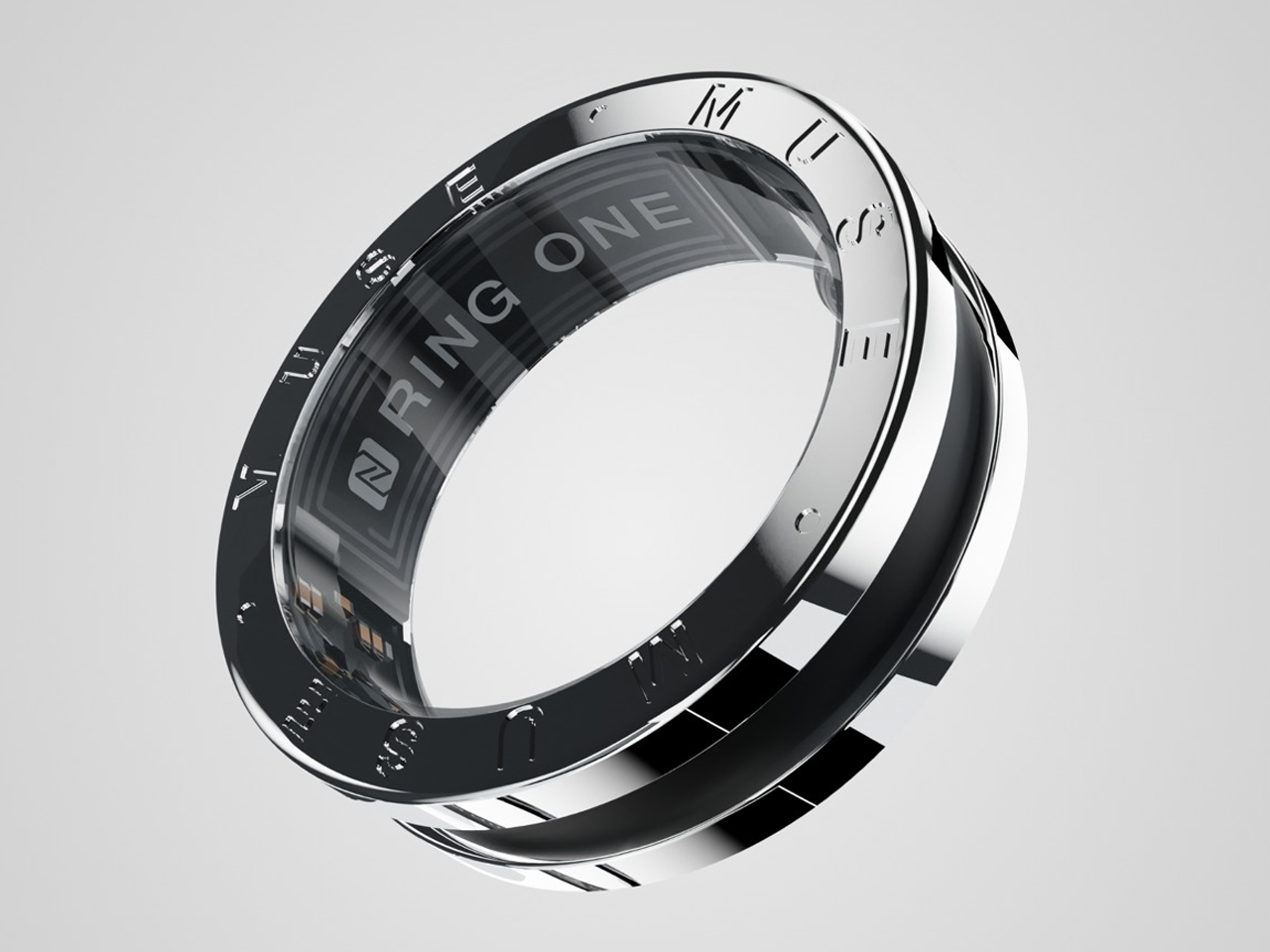
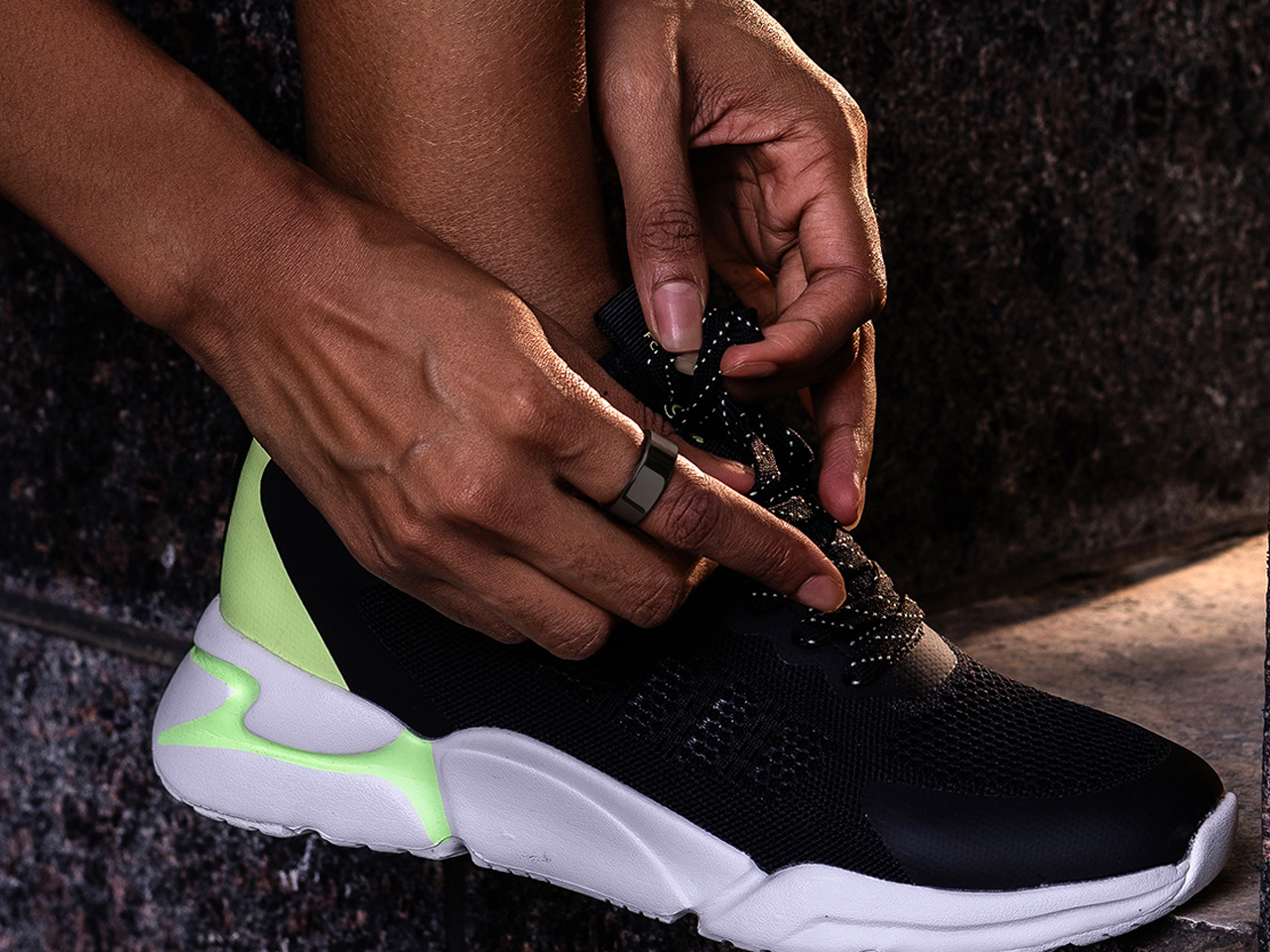
The Ring One represents a radical departure from bulky wrist-worn wearables, shrinking smartwatch functionality into an elegant piece of finger jewelry that’s 80% smaller yet delivers 99% of the features. This sleek titanium ring disguises powerful health-tracking technology beneath its minimalist exterior, monitoring your heart rate, HRV, SpO2, blood pressure, skin temperature, and all four sleep stages with research-grade optical PPG sensors. What makes it truly ingenious is the rotating Turn Wheel that replaces the traditional smartwatch crown—simply twist the ring’s bezel to cycle through workout tracking, sleep analysis, NFC payments, and even car unlocking modes. It’s the perfect solution for those who want comprehensive health insights without the screen-induced distraction or the wrist real estate commitment of traditional smartwatches.
Beyond its health-tracking prowess, the Ring One seamlessly integrates into your digital lifestyle with thoughtful features that extend its utility. The NFC functionality transforms it into a tap-to-pay device that stores all your cards and enables secure transactions at any POS terminal, while Digital Key 2.0 support lets you unlock compatible vehicles with a simple gesture. Despite packing accelerometers, gyroscopes, temperature sensors, and wireless connectivity into a hypoallergenic Grade-2 titanium shell that’s 10x lighter than a smartwatch, it still manages an impressive 7-day battery life with real-time data syncing. The proprietary wireless charging dock even includes a “find my ring” tweeter—because losing something this small and powerful would be a tragedy. Available in finishes from understated steel to luxe 18-carat gold, the Ring One proves that the future of wearables isn’t on your wrist—it’s on your finger.
Disadvantages of a Smart Ring
The main disadvantage of a smart ring is its limited functionality and lack of a screen, meaning it can’t fully replace a smartwatch or smartphone. Additionally, smart rings typically have small batteries, which can limit their usage time. When purchased online, the ring may not fit perfectly as it might not be tailored to your finger size.
High-quality smart rings can also be expensive due to the advanced technology required to pack so many features into such a compact device. They are exposed to water, dust, sweat, and food particles, so regular maintenance is necessary. Another factor is that these rings must be compatible with existing devices to get real-time data.
The Ultrahuman Ring AIR takes a more holistic approach and emphasizes the importance of sleep, recovery, stress management, and even factors like coffee consumption in our daily lives. Designed to be lightweight and comfortable, it provides a seamless experience, tracking vital metrics like sleep efficiency, restfulness, and consistency. The ring also measures stress levels through heart rate variability (HRV) and skin temperature, offering personalized recommendations to help you manage stress effectively improve your overall well-being, and live a healthier, more balanced life.
What sets the Ultrahuman Ring AIR apart is its range of advanced features, such as Circadian Phase Alignment, which optimizes your sleep-wake cycle, and the Stimulant Window Recommender to suggest the best times for coffee. With a durable titanium shell coated in tungsten carbide, the ring is built to last, with water resistance that allows you to wear it during swims or shallow dives. the Ultrahuman Ring AIR offers up to six days of battery life, ensures continuous health tracking, helps you make informed decisions to improve your overall well-being and live a healthier, more balanced life.
Smart ring technology is surely revolutionizing health monitoring by offering a discreet, compact, and efficient way to track vital health metrics. With advanced sensors and AI-powered insights, these rings empower users to monitor their heart rate, sleep patterns, and stress levels, promoting a healthier lifestyle with both convenience and style
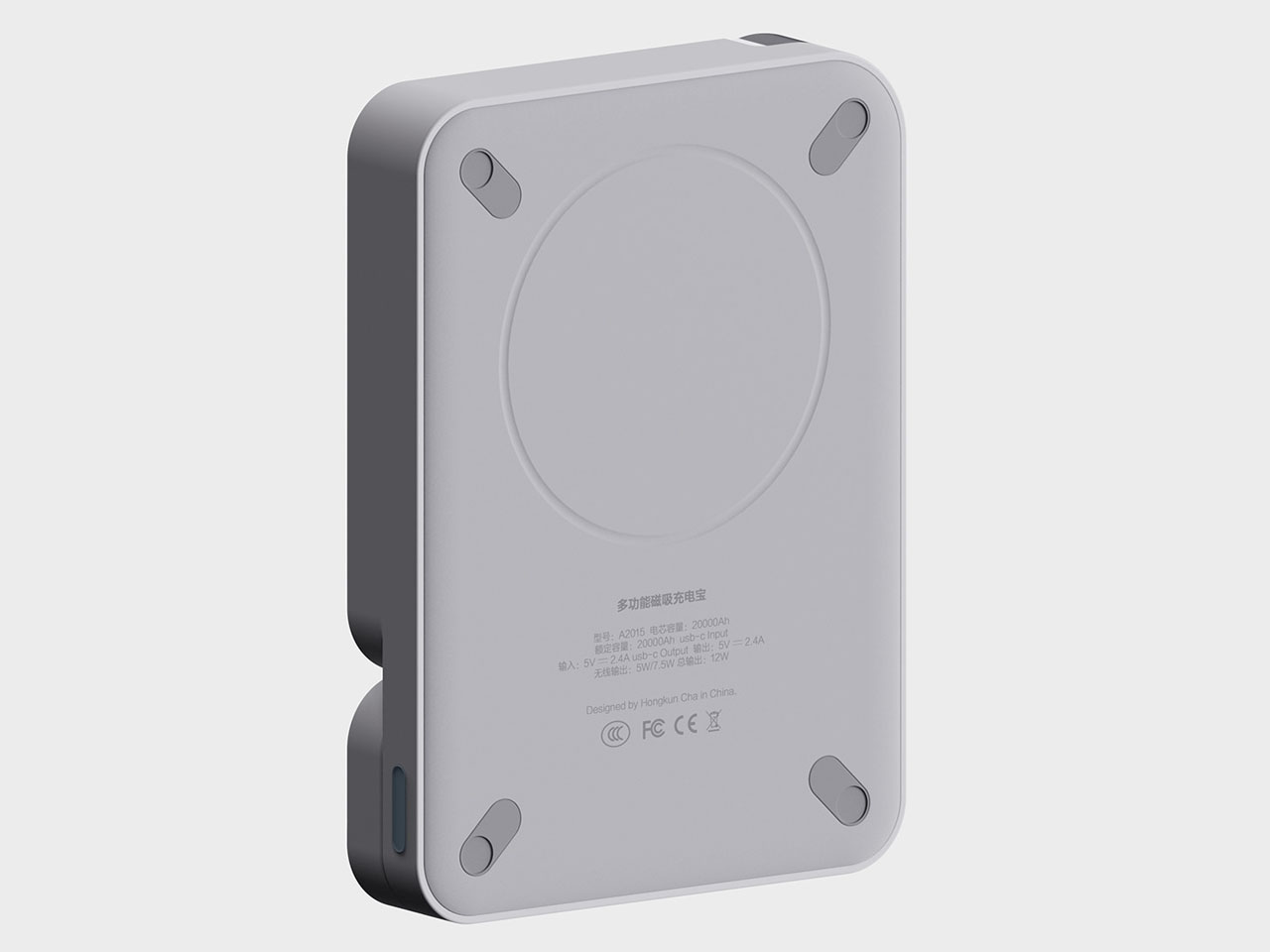
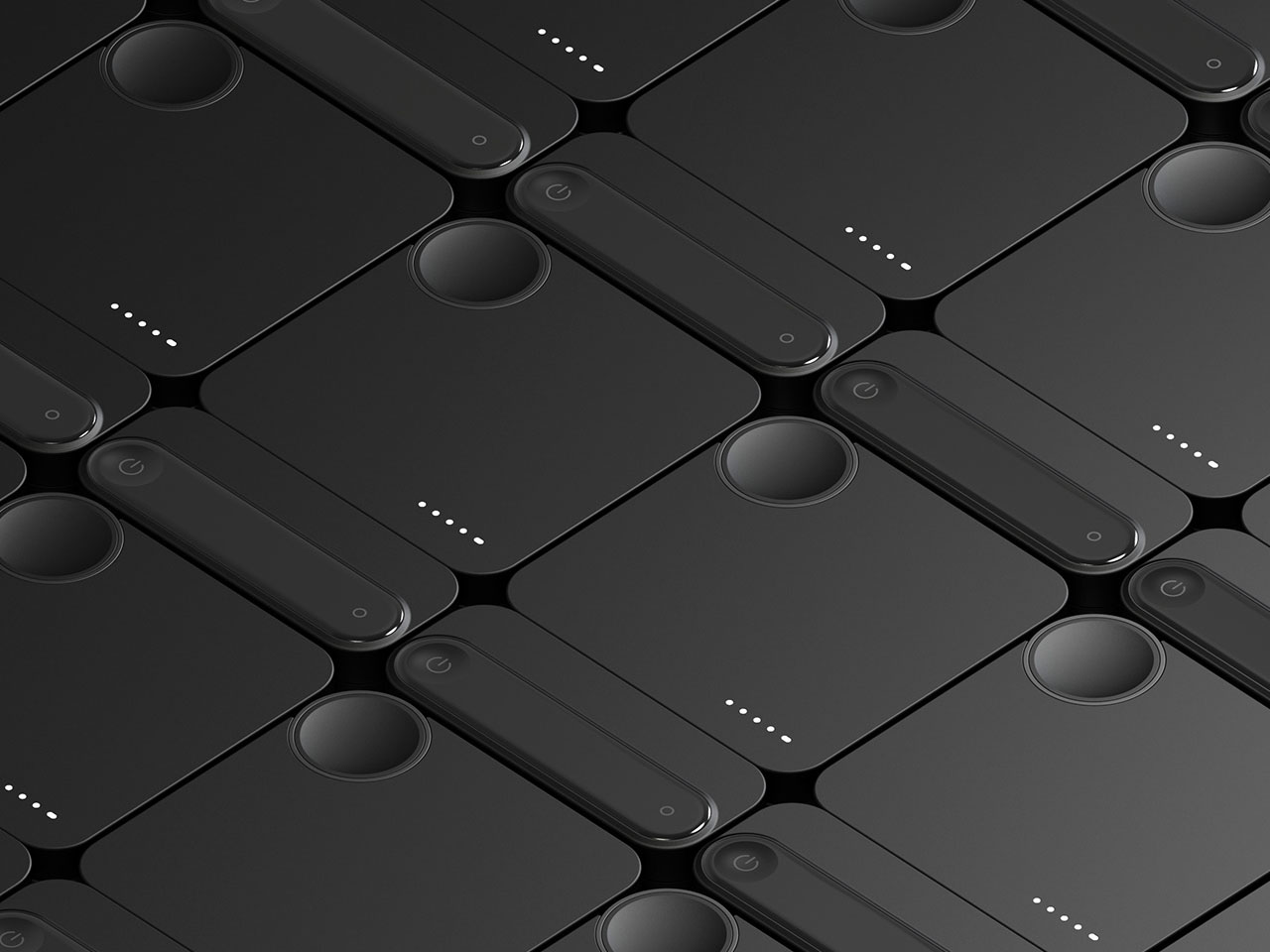
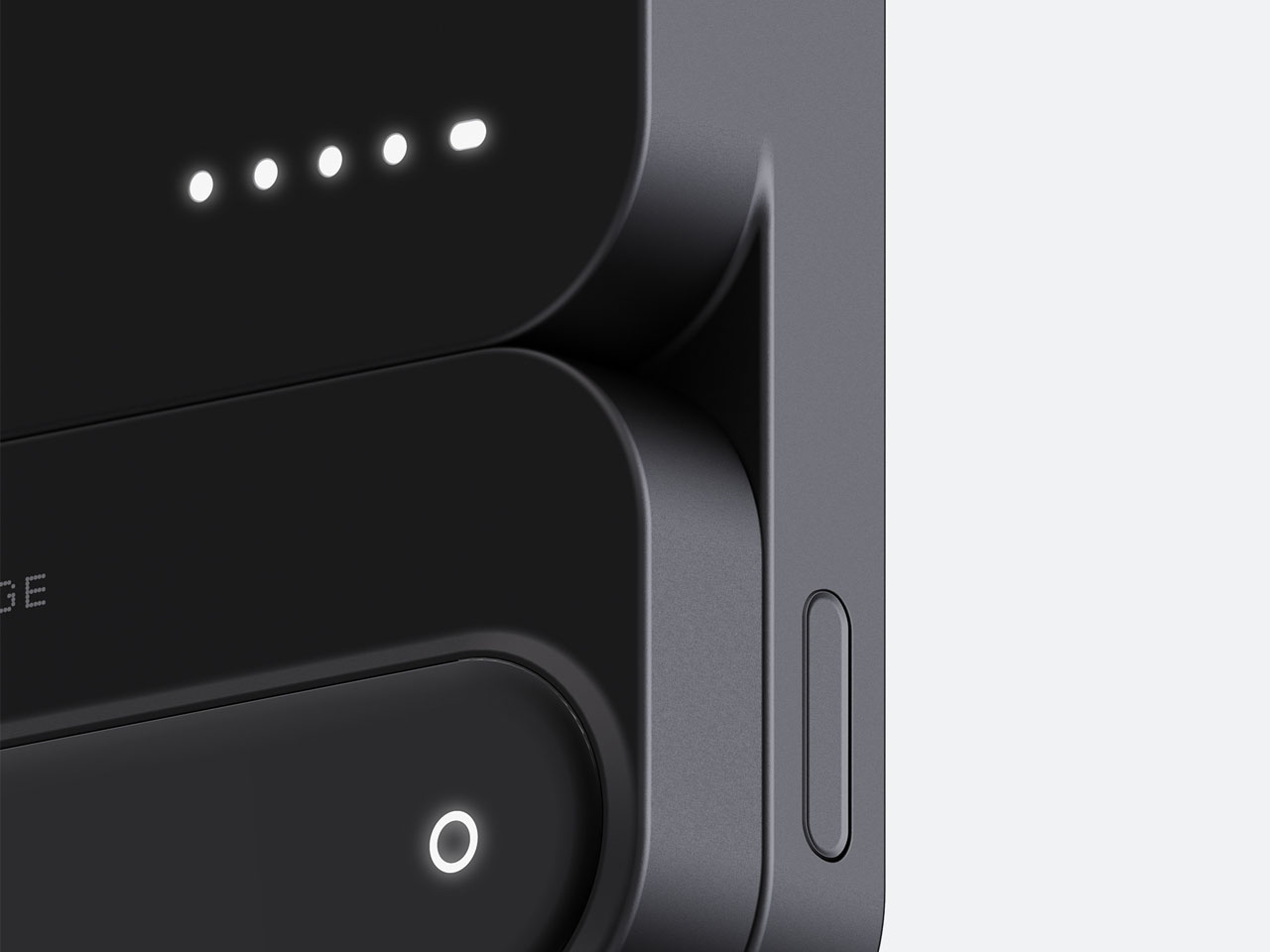
In a world where screens rarely go dark and our devices feel like extensions of ourselves, a reliable power source has become almost as essential as the devices it fuels. Yet even after years of iterations, power banks still fall into the same trap; they’re either bulky blocks with too much capacity to carry comfortably, or slim and portable but unable to keep up with a full day’s use. The Portable Magnetic power bank brings a smarter, more adaptable approach to this everyday struggle, one that feels designed for how people actually move through their day.
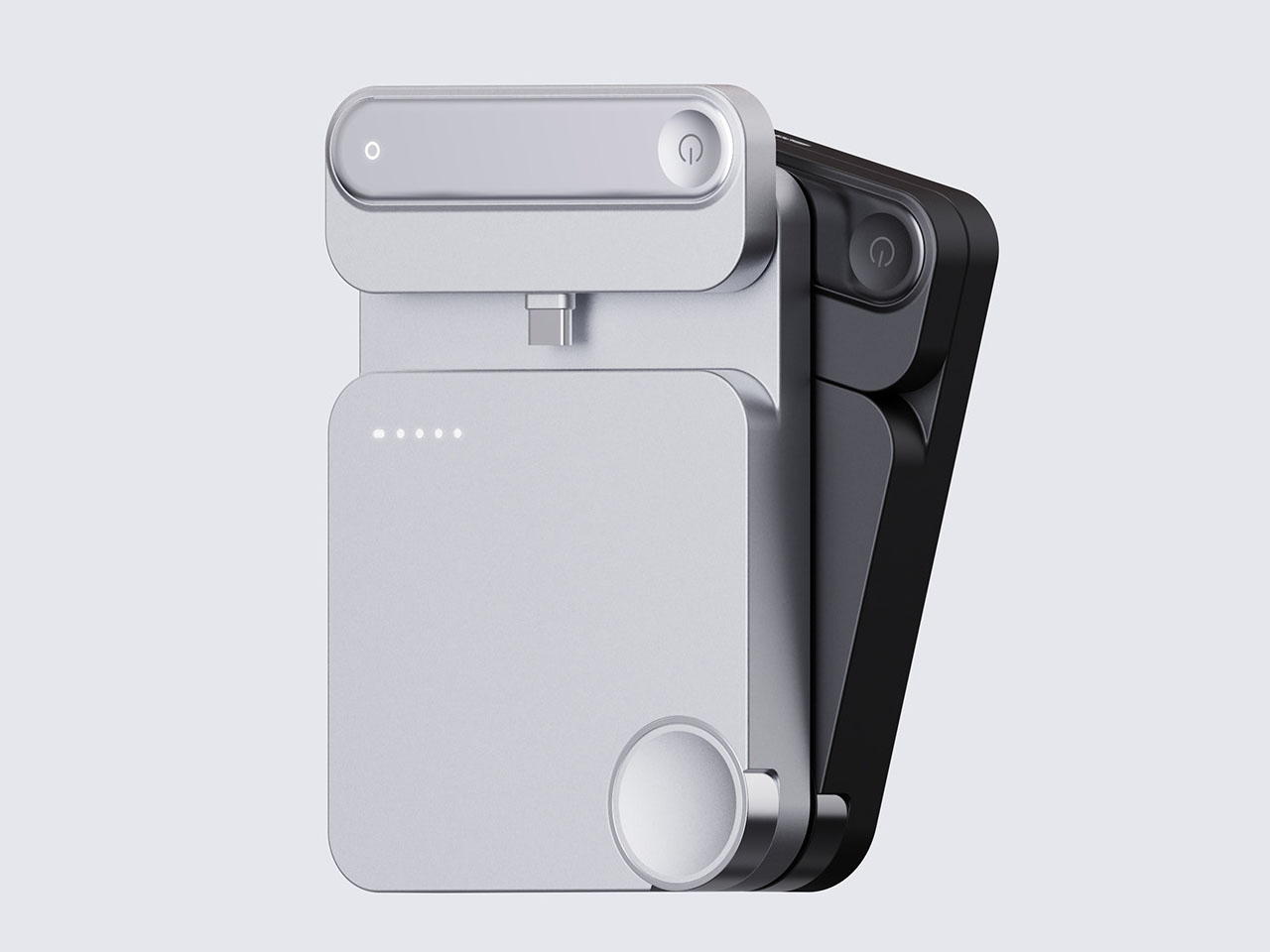
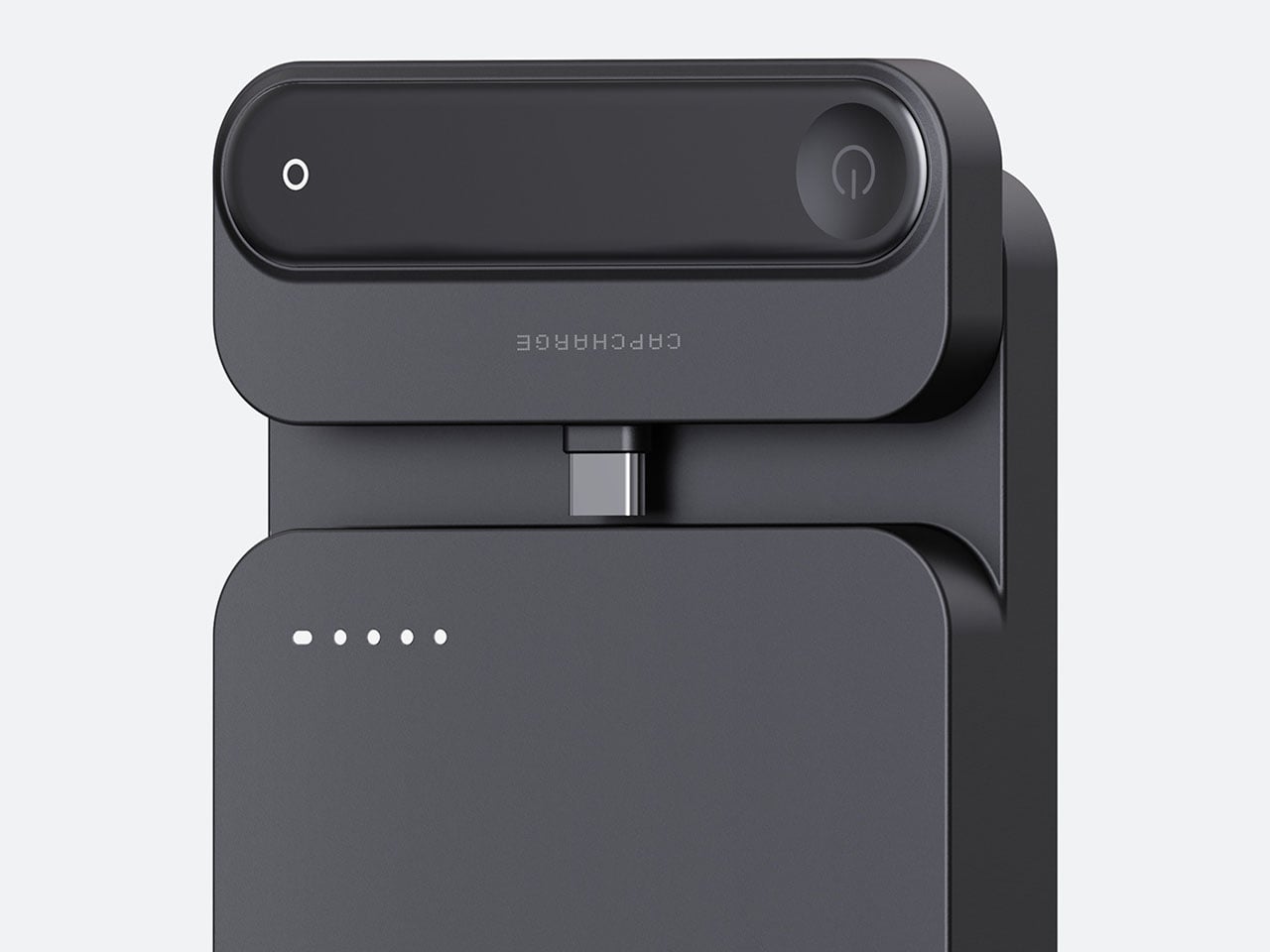
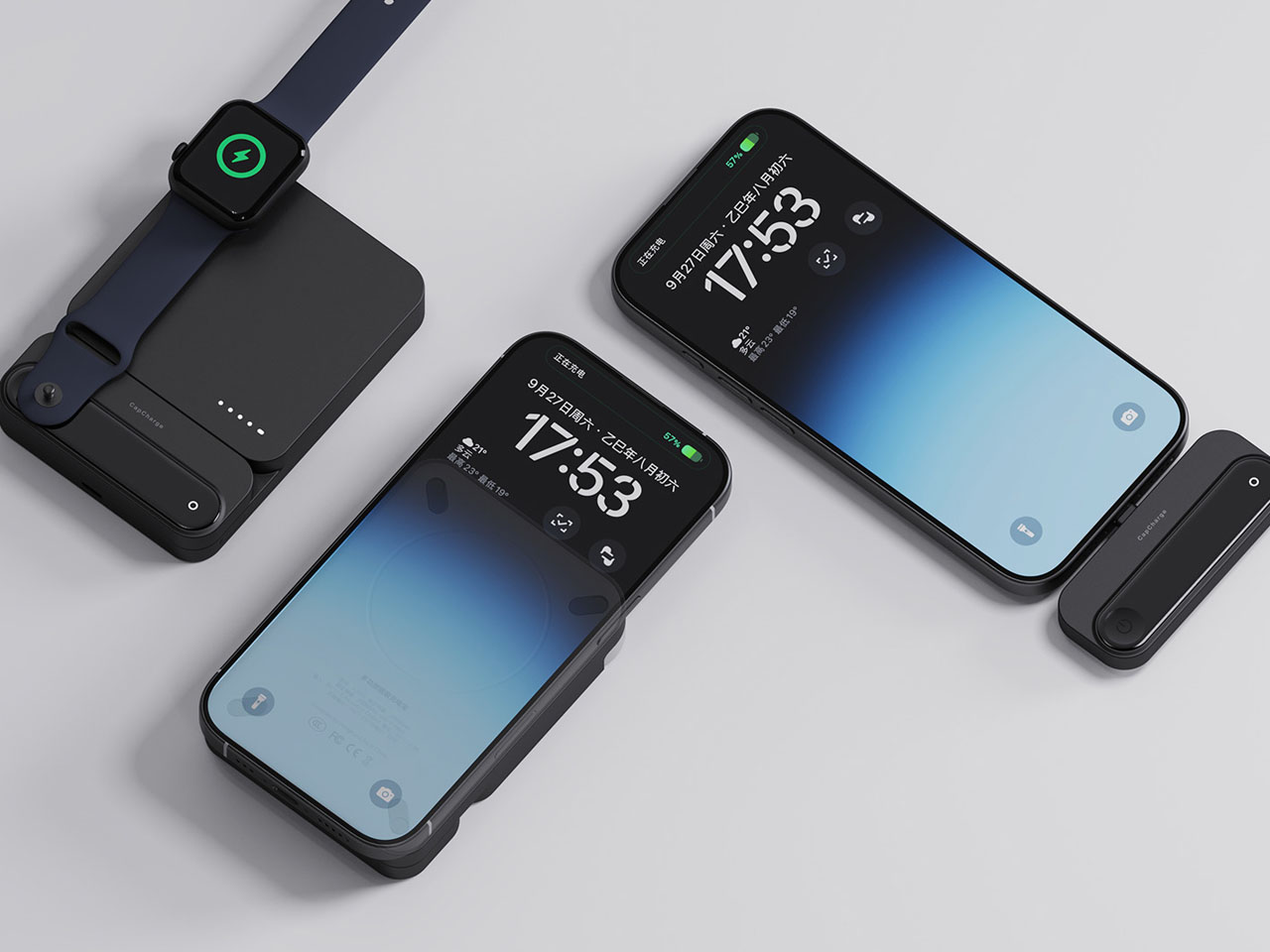
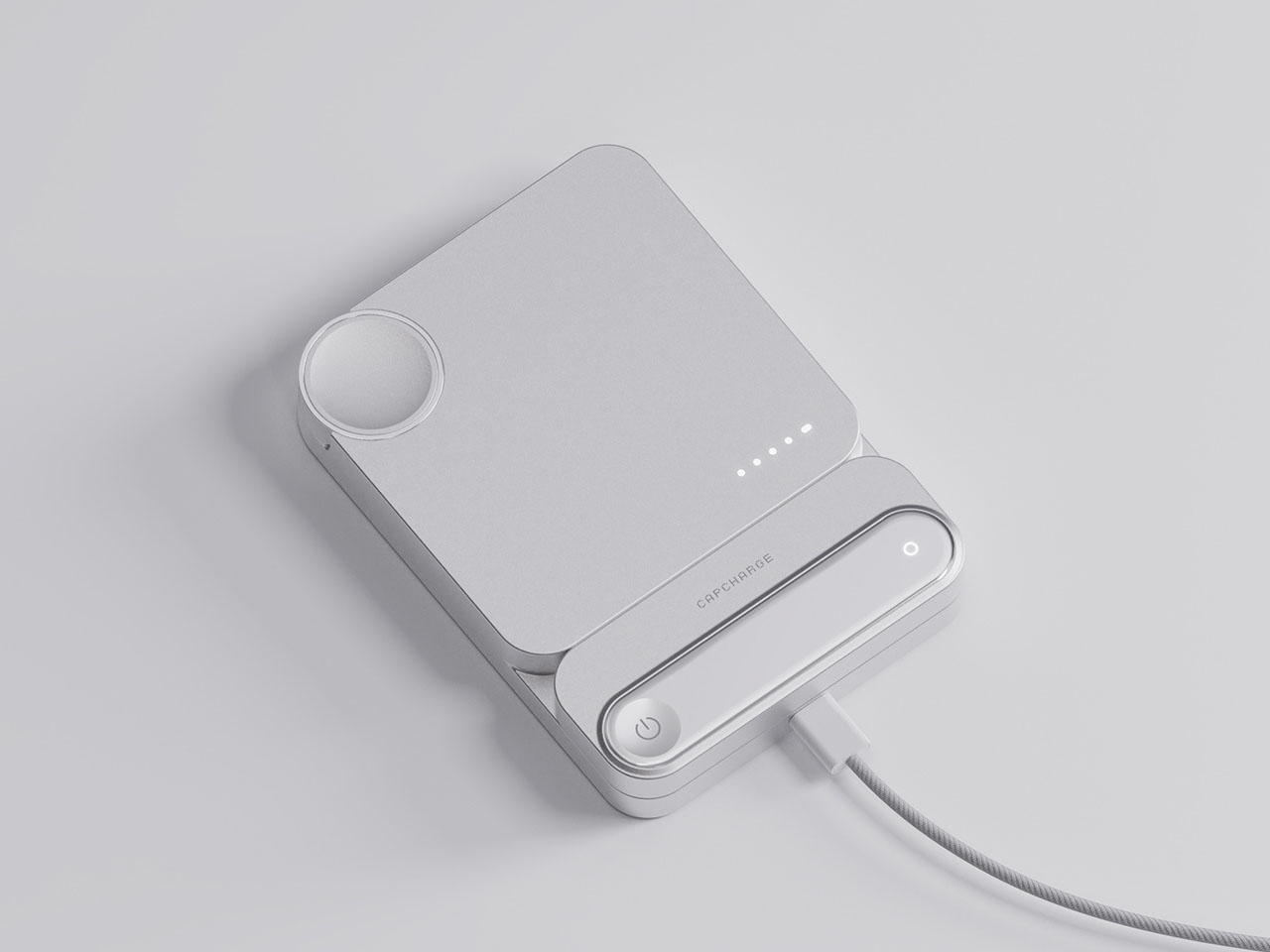
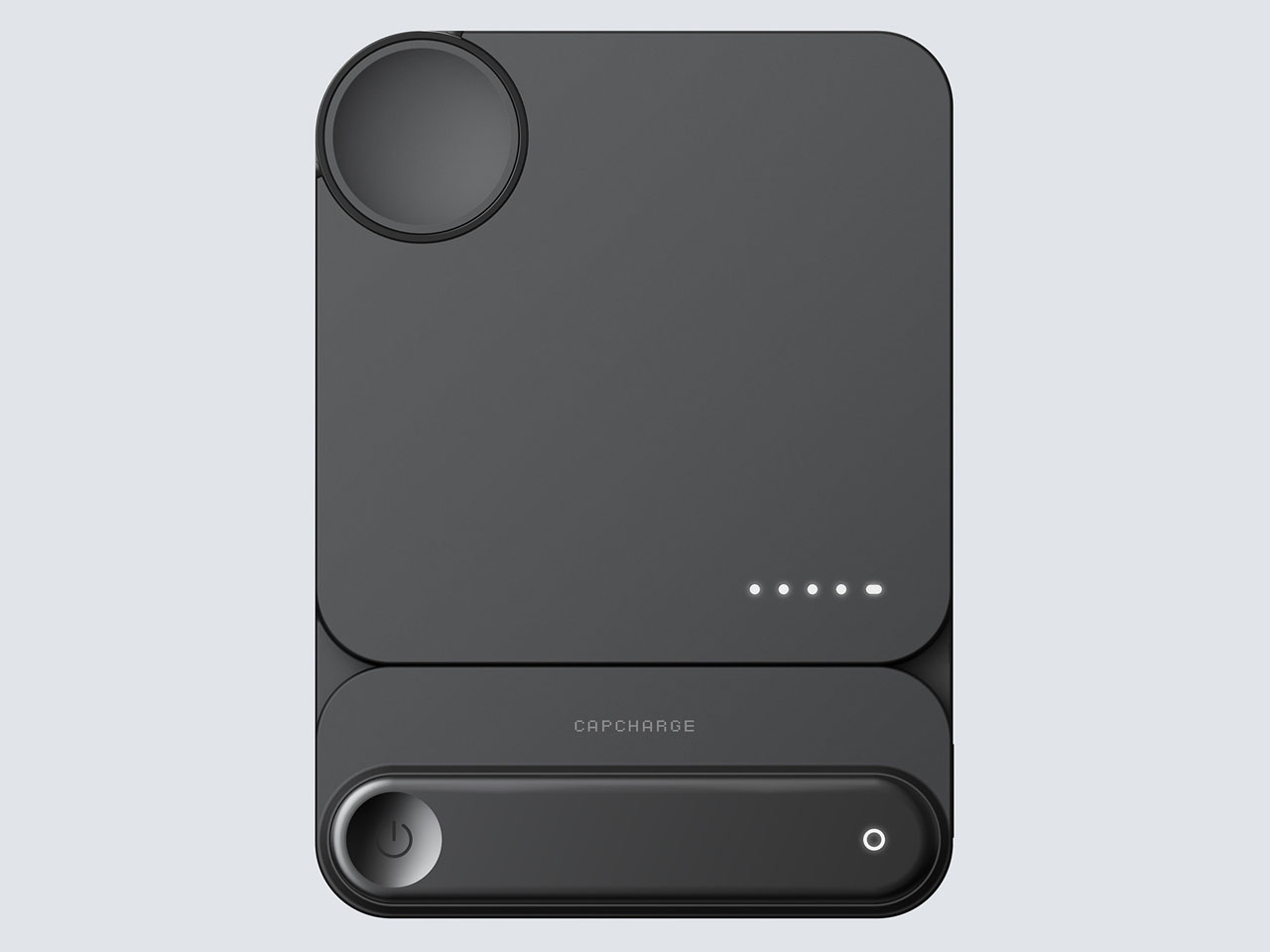
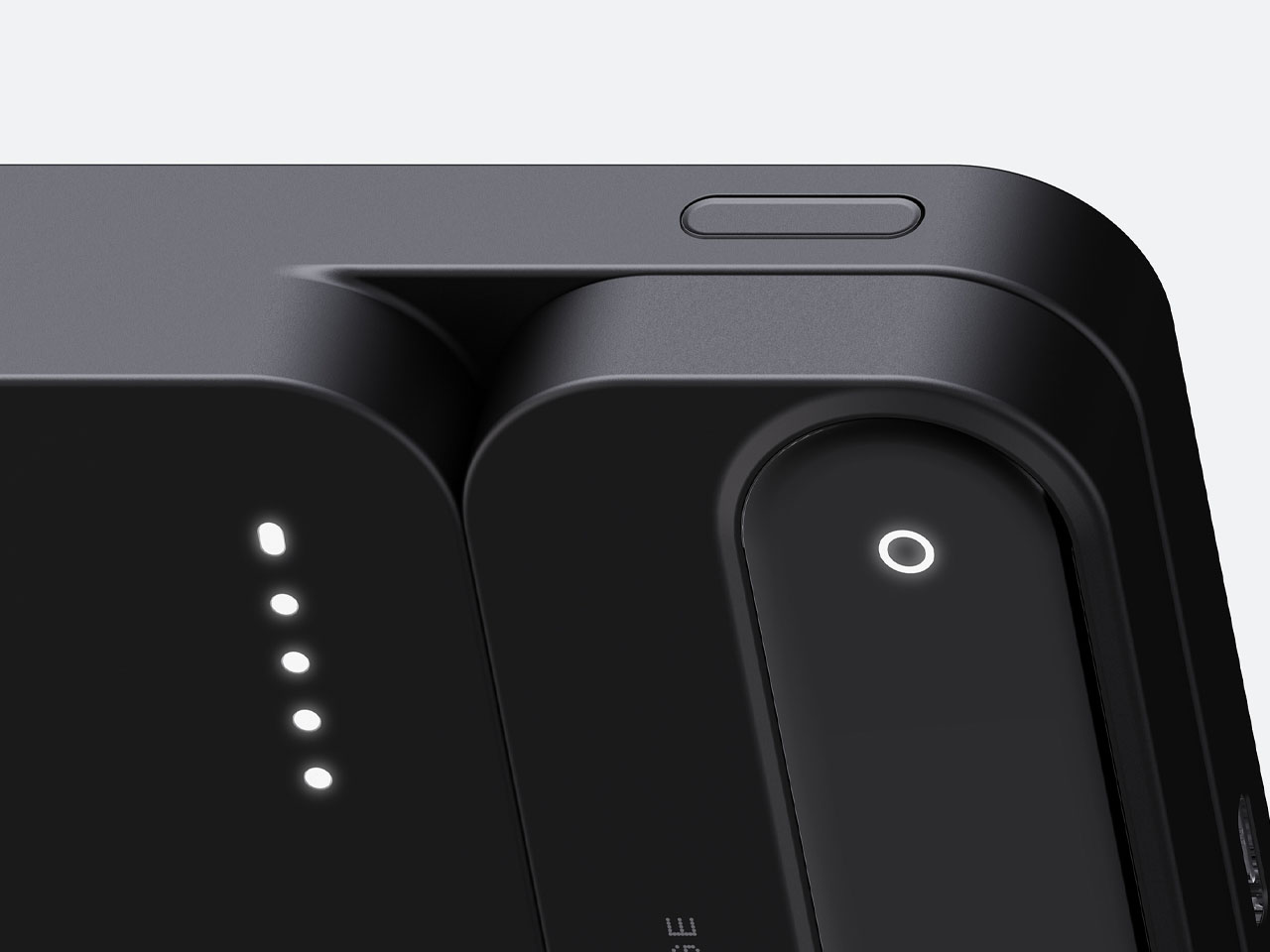
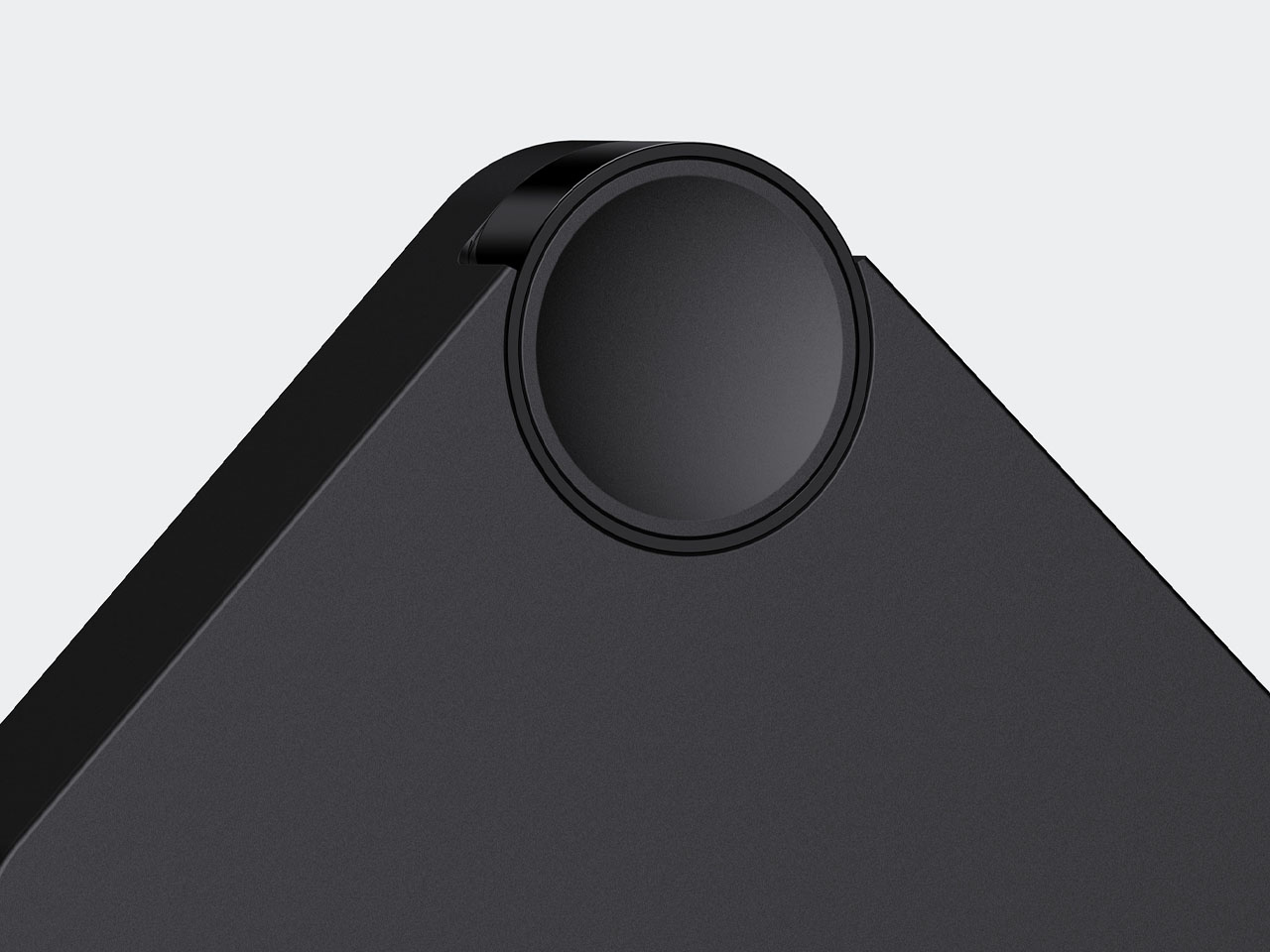
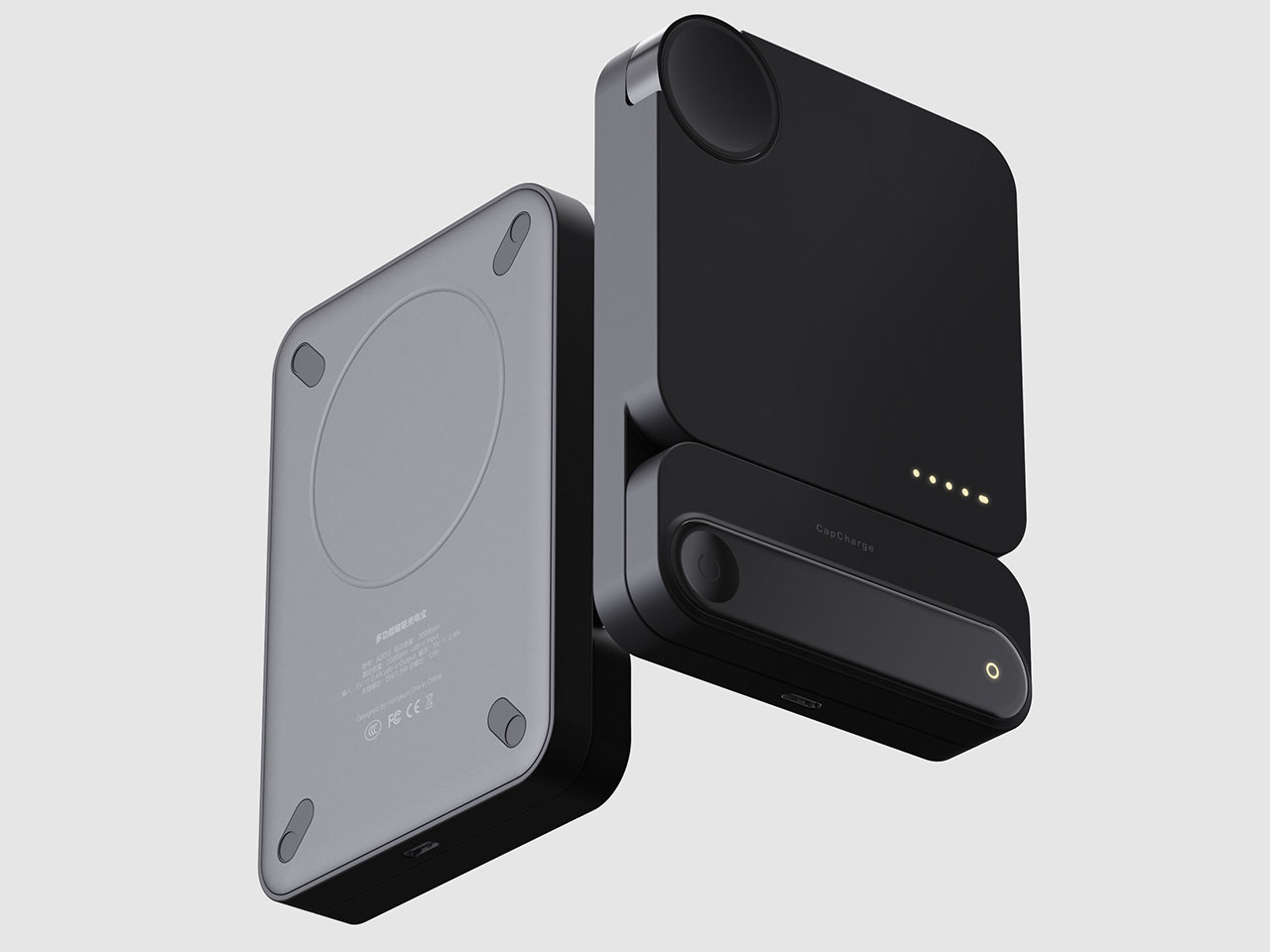
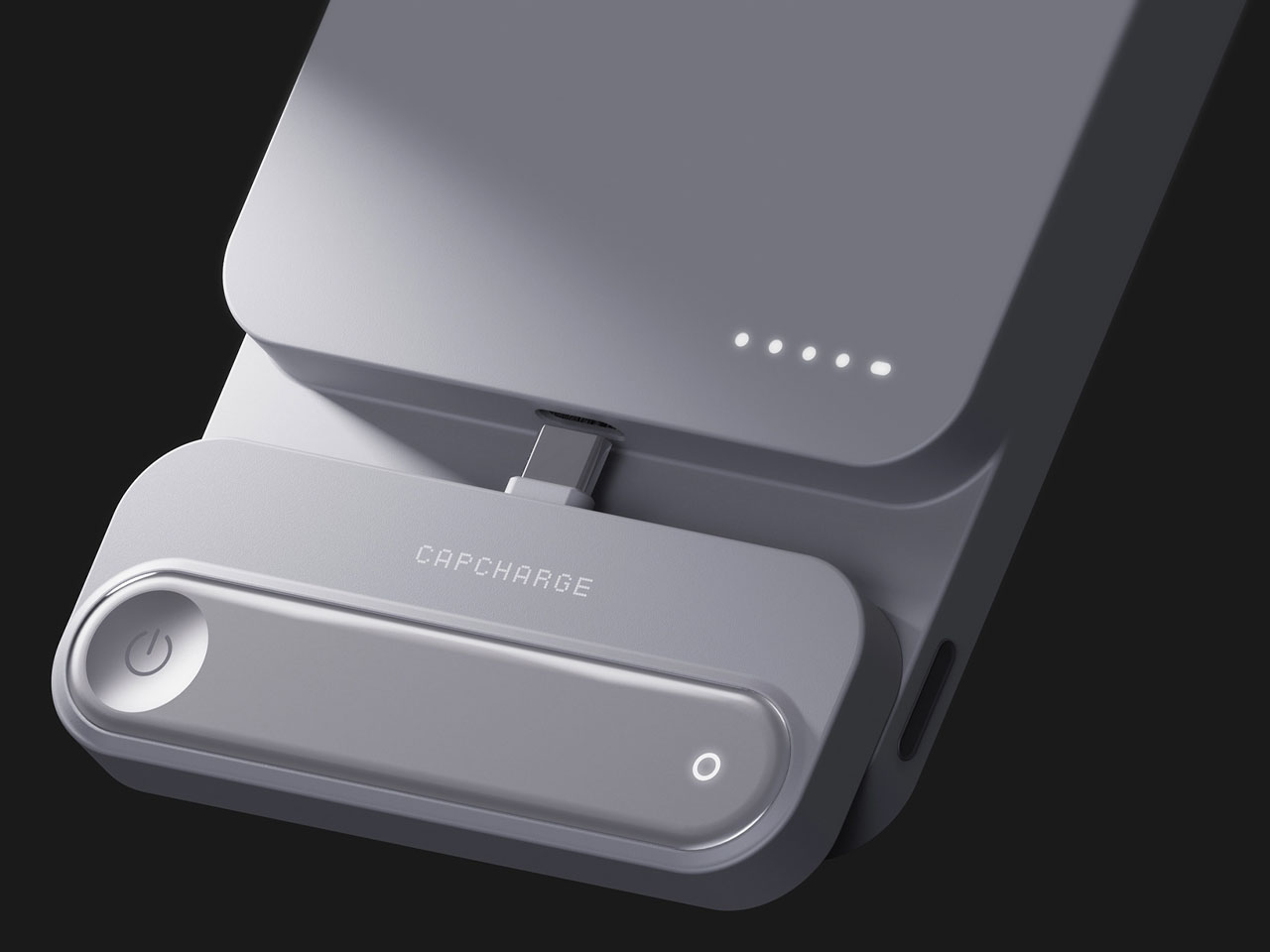
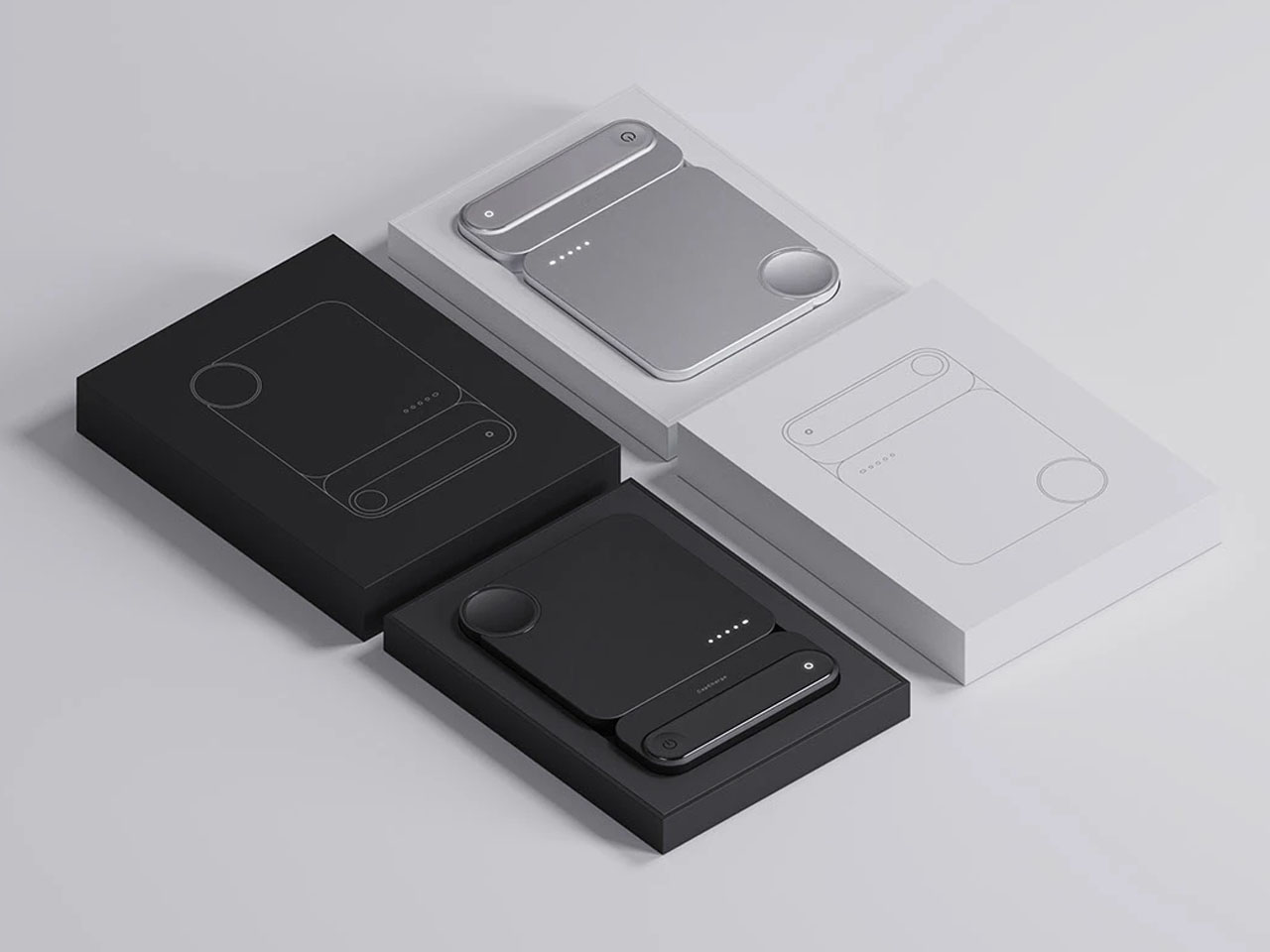
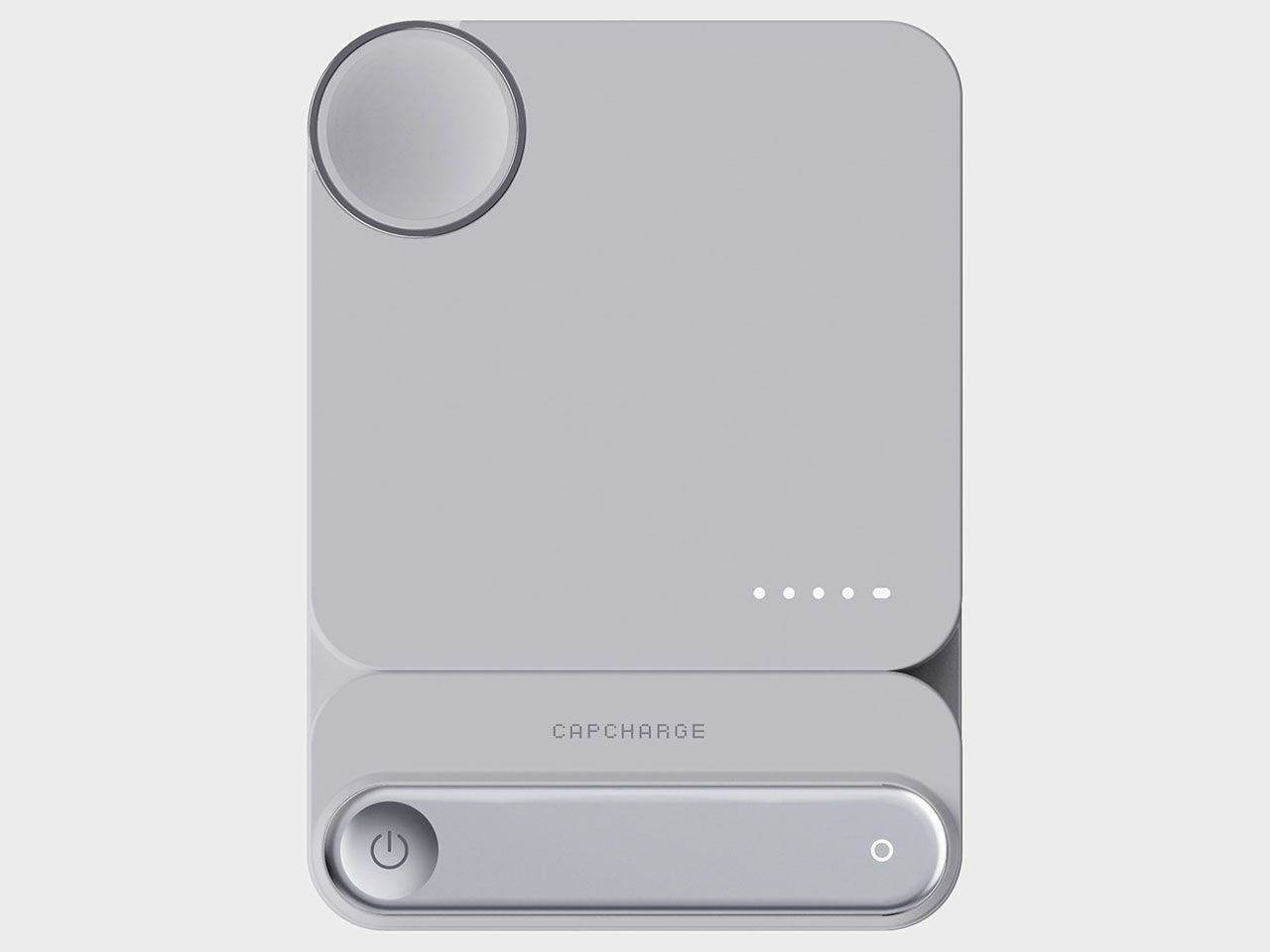
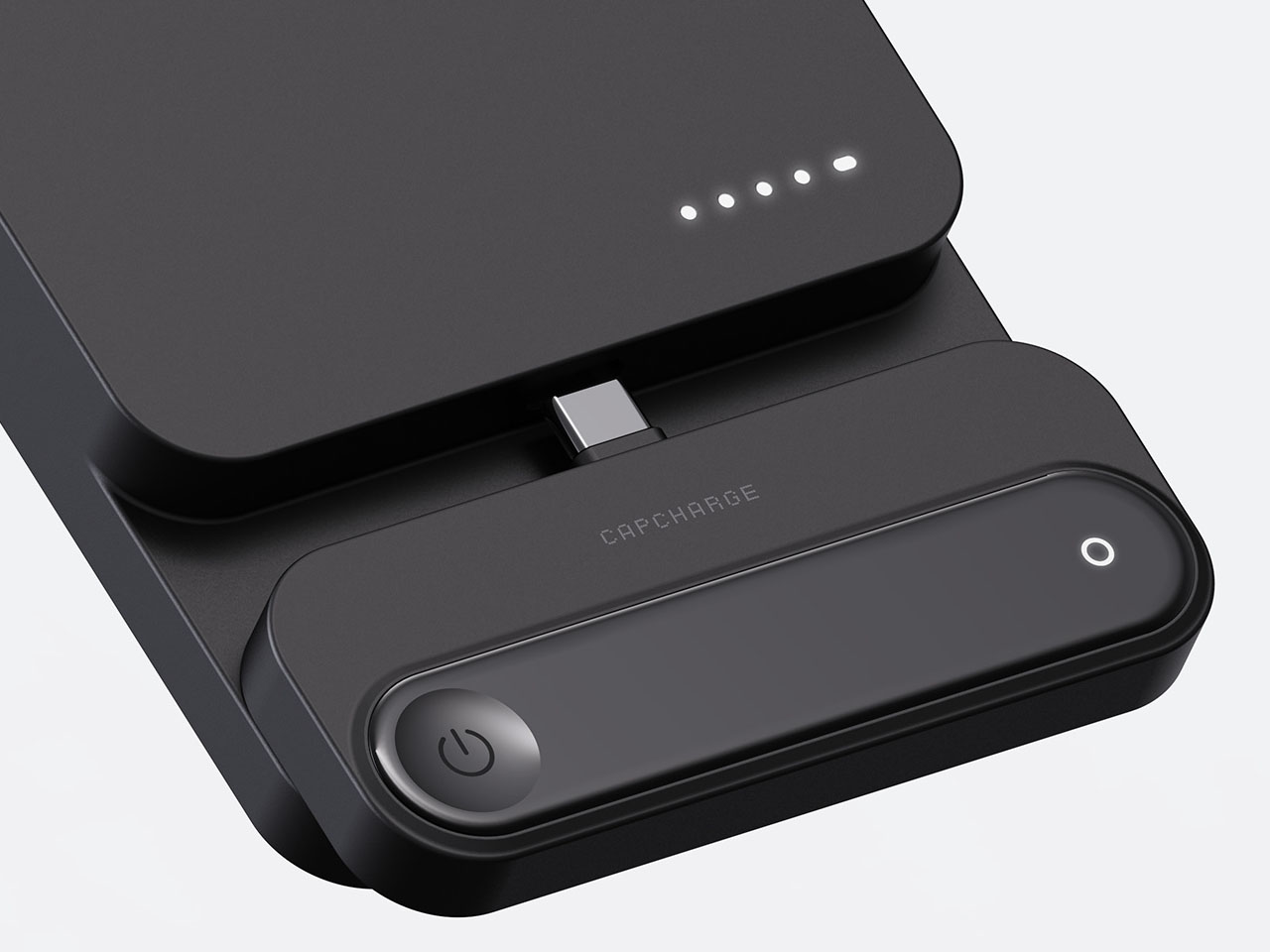
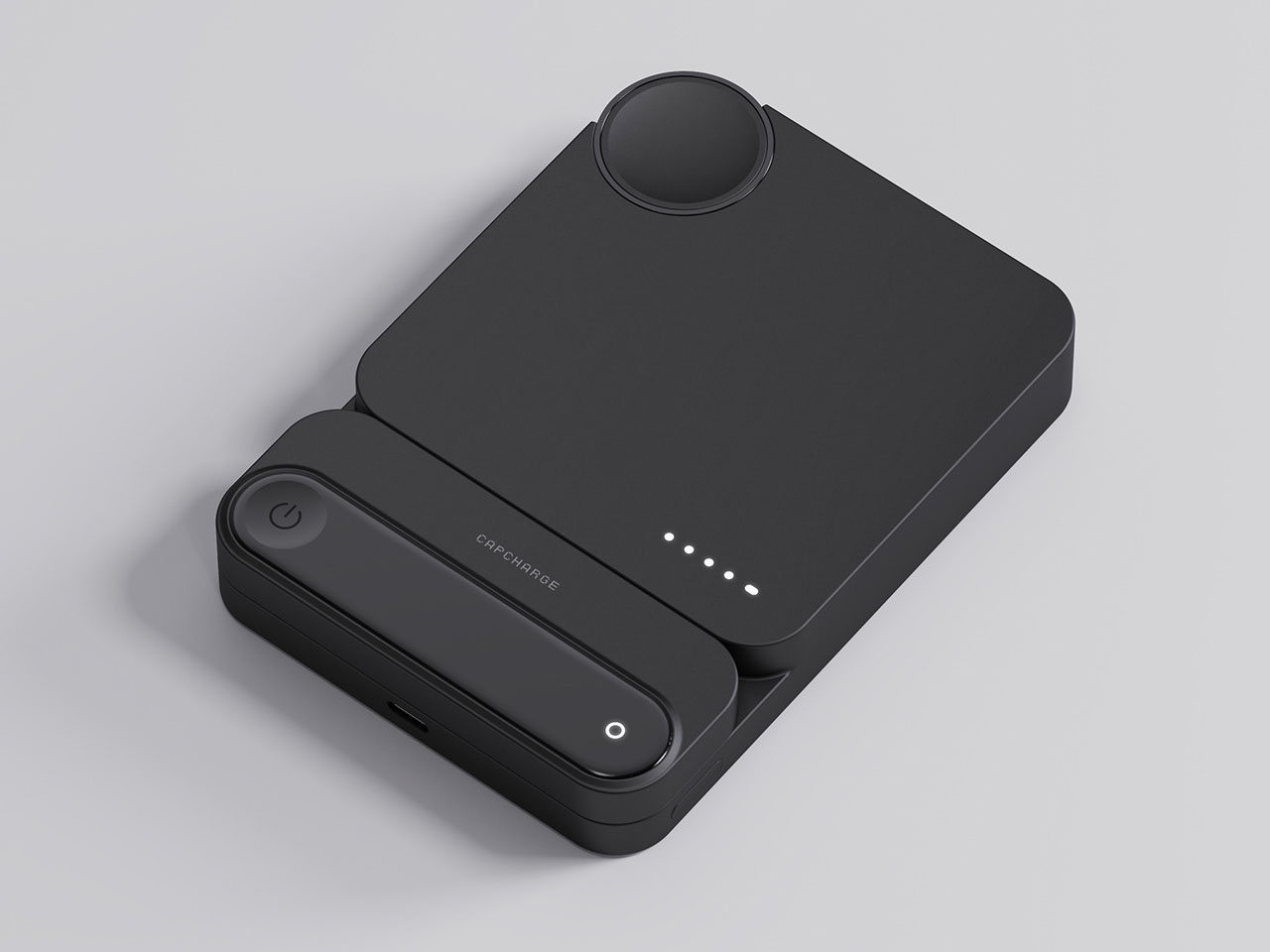
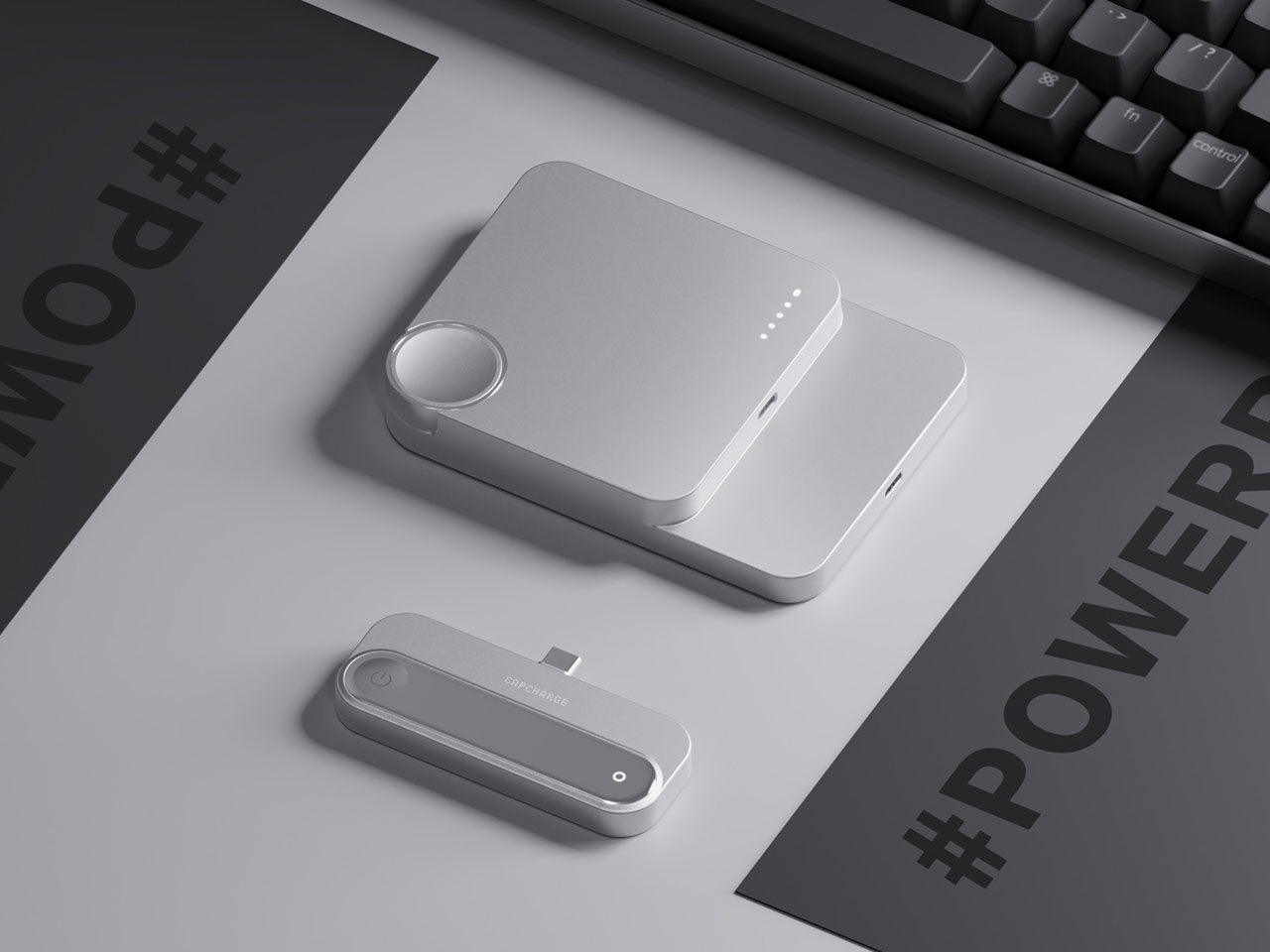
Rather than locking users into a single capacity or form, this concept introduces a modular, magnetically connected system that lets you choose what you carry. The main body works as a high-capacity unit capable of charging a phone or multiple devices, while a detachable “Energy Capsule” offers a lightweight option for topping up smaller gadgets like earbuds or smartwatches. Together, they form a cohesive all-in-one charging system; apart, they become personalized tools tailored to different needs.
The intrigue of this approach lies in its simplicity. The two modules snap together magnetically, merging into a single seamless unit when you need more power, and separating instantly when you prefer to travel light. The magnetic connection feels deliberate and intuitive, eliminating the fuss of cables or clips while ensuring both units align perfectly. It’s a design that adapts as quickly as the pace of your day, from desk to commute to travel, offering flexibility that traditional power banks never quite mastered.
Visually, the Portable Magnetic Power Bank maintains a sense of calm precision. Every surface is smooth and uncluttered, avoiding the heavy industrial look most portable chargers carry. The minimal silhouette, clean geometry, and refined finish make it feel more like a lifestyle accessory than a tech gadget. It’s the kind of product you wouldn’t mind keeping visible on a work desk or coffee table. It’s understated yet purposeful!
Functionally, it aims to simplify multi-device charging. With the growing ecosystem of gadgets (phones, watches, earbuds, and beyond), carrying separate chargers for each is both impractical and messy. This concept eliminates that need through modular integration, ensuring one device can meet multiple scenarios. While detailed specifications, such as capacity, charging wattage, or battery chemistry, remain undisclosed, the concept clearly prioritizes versatility over raw numbers, focusing on the user experience instead.
There’s also an emphasis on comfort and balance. Detaching the capsule reduces the weight you hold while still keeping essential power within reach. Attaching it back extends your battery life without adding visual or physical clutter. This fluid adaptability embodies a quiet kind of innovation, one that improves daily usability without reinventing the wheel.
E-readers typically force a trade-off between portability and capability. Compact models fit easily in bags but often lack processing power or features beyond basic reading. Larger tablets offer more functionality but become awkward to carry daily. Most devices focus on storage capacity and screen size while ignoring the need for smarter tools that support active reading and deeper engagement with content rather than just passive consumption.
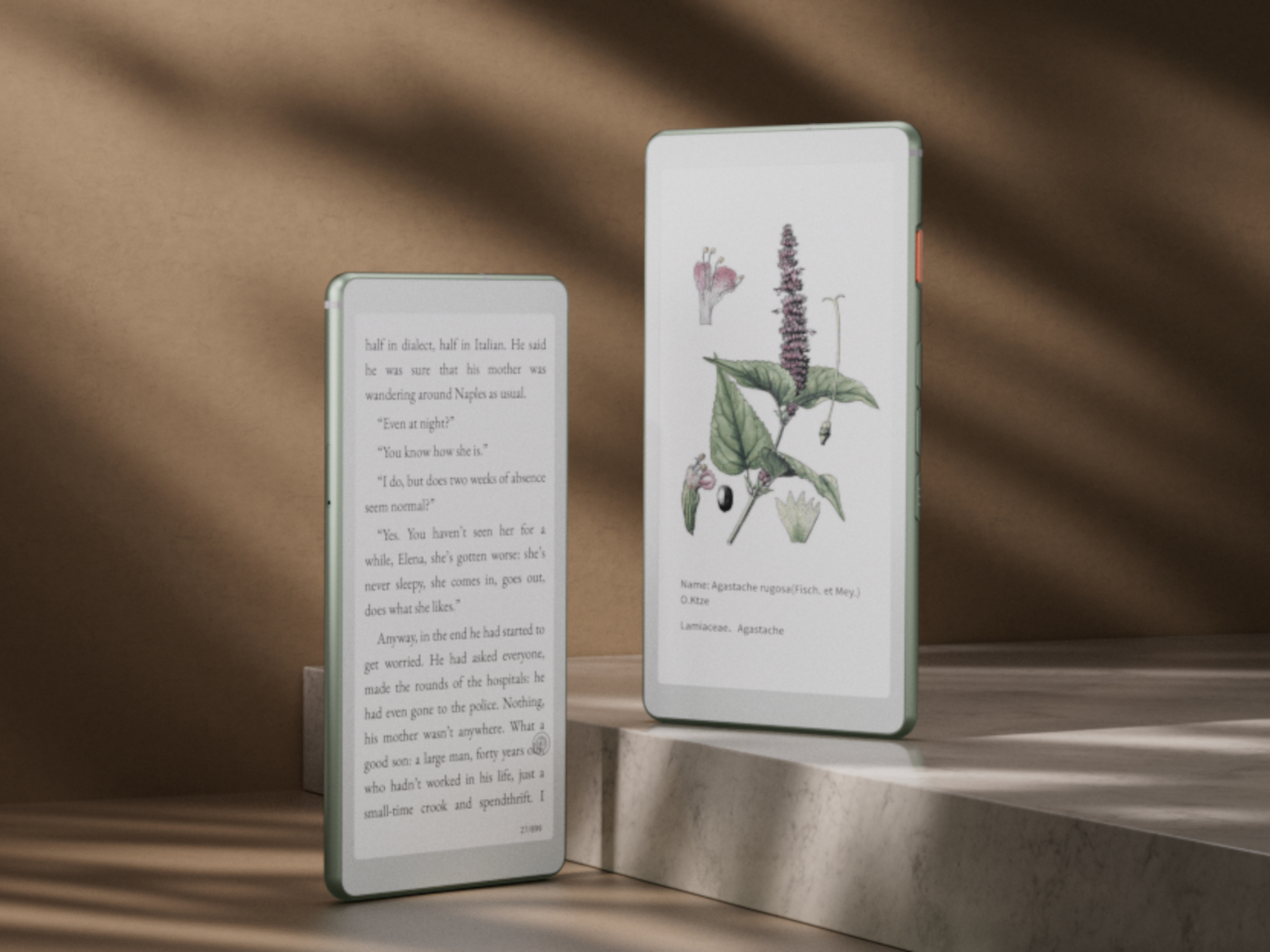
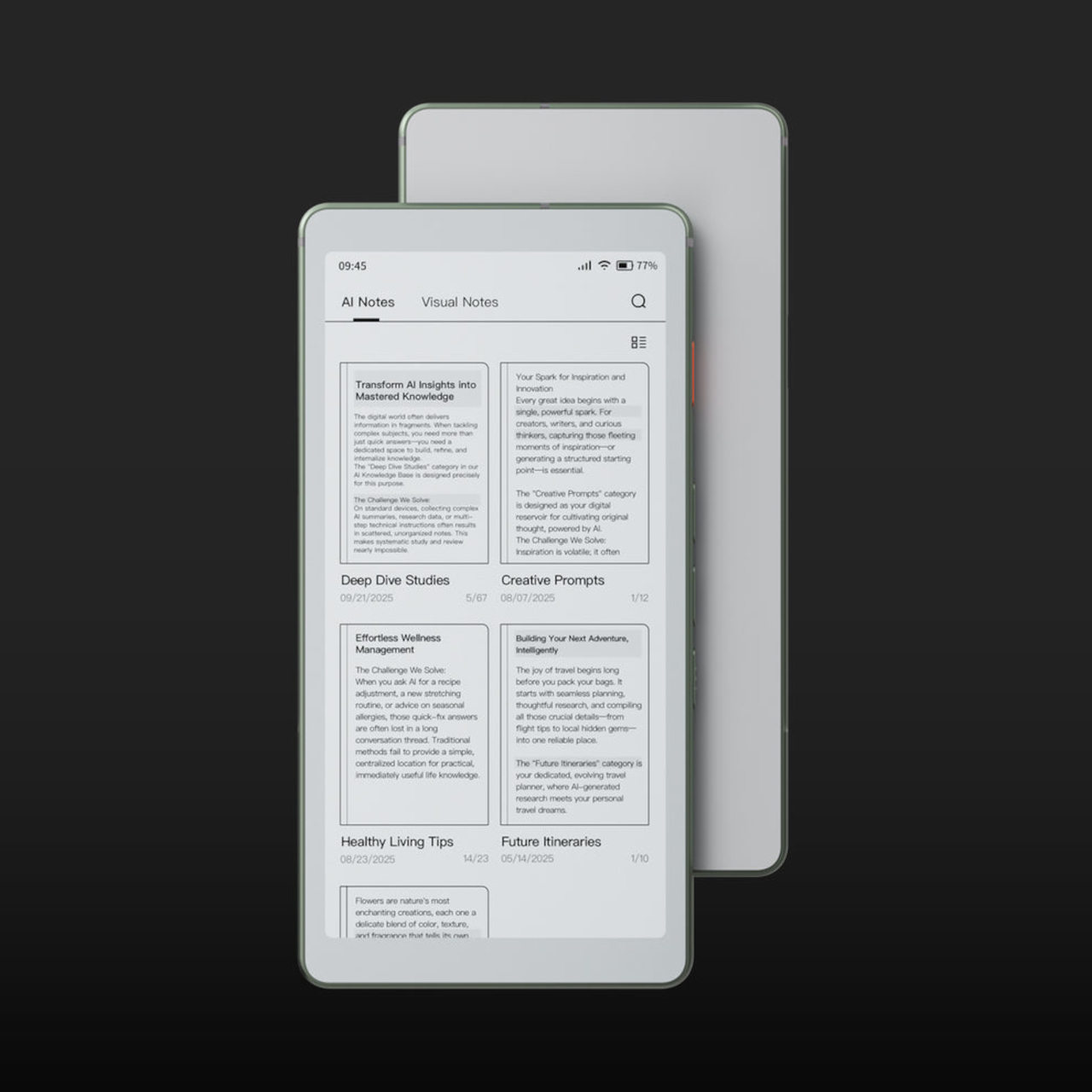
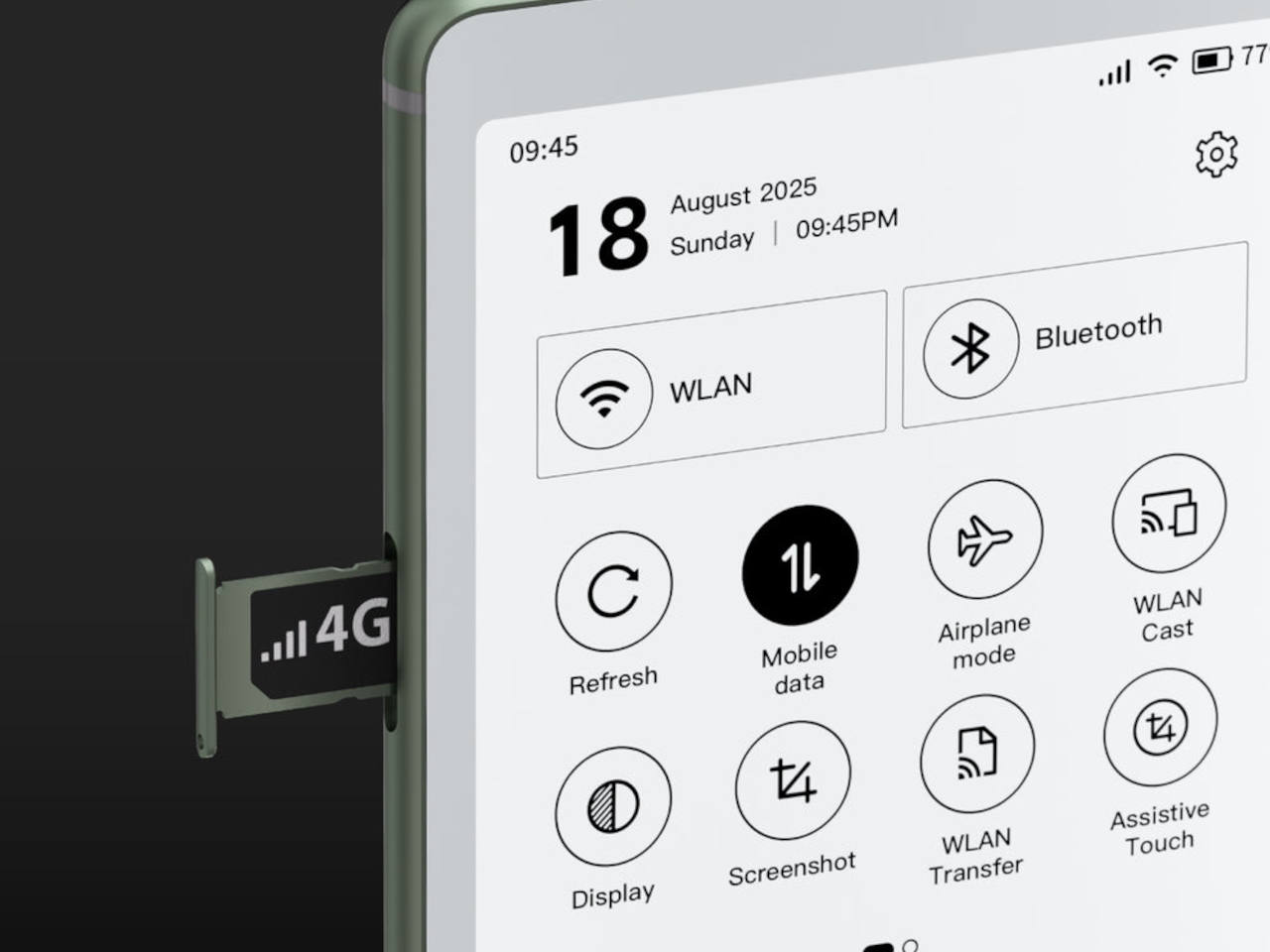
The Viwoods AIPaper Reader measures roughly six inches diagonally and weighs just one hundred thirty-eight grams, making it slim enough to slip into coat pockets or small bags without adding noticeable bulk. Running Android 16 with 4G cellular support, the device combines traditional E Ink reading comfort with AI-powered features that answer questions, highlight key passages, and help build personal knowledge bases directly from whatever you’re reading at the moment.
The device’s profile measures 6.7mm thin, which makes it feel more like carrying a smartphone than a dedicated reading device. The minimalist design uses slim bezels around the 6.13-inch Carta 1300 E Ink display, keeping the footprint compact while maintaining enough screen real estate for comfortable reading without constant page turns. Available in black and white or color display versions, the aesthetic stays clean and understated throughout.
The three hundred PPI resolution keeps text crisp across different font sizes and formats, while the adjustable front light means reading happens comfortably whether you’re outside in daylight or in bed at midnight. The E Ink display eliminates the eye strain that comes from staring at backlit phone or tablet screens for extended periods, which matters during long reading sessions or when your eyes already feel tired.
Integrated AI runs through ChatGPT-5, Gemini, or DeepSeek, depending on preference, offering instant answers to questions about content without leaving the page or opening separate apps. Highlight a passage and ask for clarification. The AI responds contextually based on what you’re reading. Save interesting excerpts to the knowledge basement feature, which organizes captured passages into a searchable personal library that builds over time.
The octa-core processor and 4GB of RAM keep navigation smooth despite E Ink’s inherent display refresh limitations. Multiple refresh modes adjust speed versus clarity depending on whether you’re reading static text or navigating menus. The device handles PDF, EPUB, MOBI, and other common formats without requiring conversion software or workarounds before loading files onto the reader.
4G cellular connectivity separates this from most E Ink devices, enabling cloud library access, book downloads, and AI features anywhere cell service reaches without hunting for Wi-Fi networks. The 2580mAh battery supports weeks of typical reading between charges, given E Ink’s minimal power consumption when displaying static pages. Android 16 and Google Play support mean standard reading apps install alongside specialized ones, giving users flexibility beyond proprietary ecosystems that lock you into specific bookstores or formats.
The Viwoods AIPaper Reader sits between simple e-readers that only display text and full tablets that introduce too many distractions through notifications and competing apps demanding attention. It delivers AI-assisted reading, organized knowledge capture, cellular connectivity for anywhere access, and genuine portability within a form factor slim enough to disappear into daily carry routines without demanding the pocket space or mental bandwidth that smartphones and larger tablets constantly require.