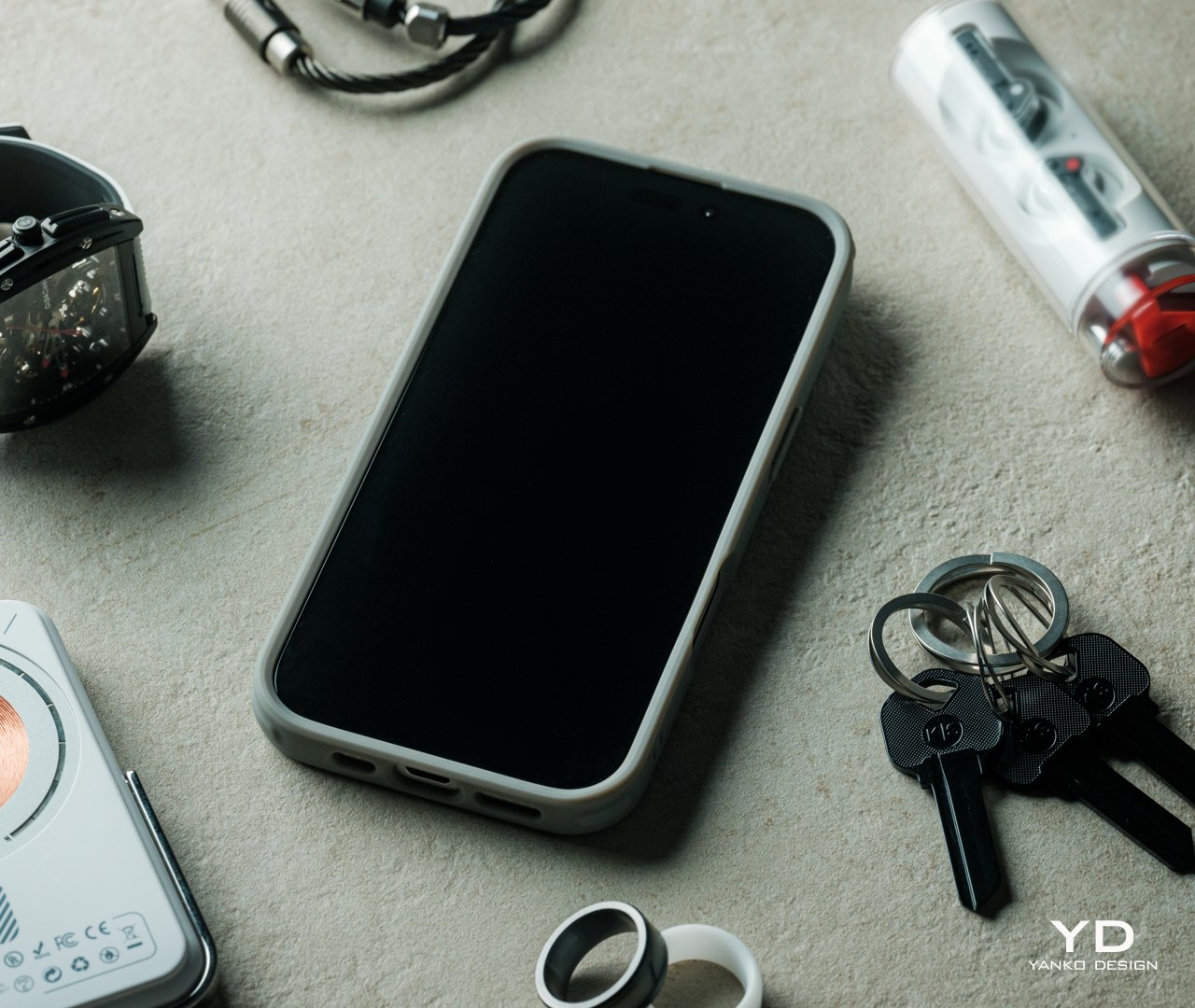
ESR iPhone 16 Classic Hybrid Case with Stash Stand Review: Stay Original, Stay Protected

PROS:


  • Slim and light, lets original iPhone 16 design shine

  • Multi-angle stash stand also protects the camera

  • Unbeatable all-around protection

  • Doesn't get in the way of MagSafe features

CONS:


  • Stand doesn't support (tall) vertical orientation

RATINGS:

AESTHETICS
ERGONOMICS
PERFORMANCE
SUSTAINABILITY / REPAIRABILITY
VALUE FOR MONEY

EDITOR'S QUOTE:

ESR's newest range of Classic Hybrid Cases with Stash Stand gives the iPhone 16 the protection it deserves with no compromise to functionality nor a hit on its innate beauty.

The new iPhone 16 series is here, along with a new generation of accessories designed to complement Apple’s latest and greatest smartphone. While the iPhone has changed considerably over the years, what hasn’t really changed is its price tag, making it quite an expensive investment that people want to protect and keep for as long as possible. There is no shortage of cases that promise that, but many of these cover up the iPhone’s minimalist beauty with gaudy designs and fatten up the otherwise slim profile in the name of rugged durability. Other cases also add some functionality that complicates the iPhone’s appearance and use, going against the spirit of simplicity that Apple embraces. It’s rare to come across a phone case that offers protection that doesn’t obscure the original design or adds utility that doesn’t compromise other features. The new ESR iPhone 16 Classic Hybrid Case with Stash Stand and its siblings promise exactly that and we put them in our hands to see how well that promise holds.

Designer: ESR

Click Here to Buy Now: $19.99

Aesthetics

One of the biggest reasons why some people are hesitant to slap a protective case on their phones is that these cases tend to make the phones look ugly and bulky. Of course, there are people who actually prefer to dress up their phones with stickers and decals, but the large majority want to show off their new phone’s pristine beauty, especially if that phone is an iPhone. That Apple logo on the back is, of course, a matter of pride for owners so it feels counterintuitive to cover that up with a thick and opaque case.
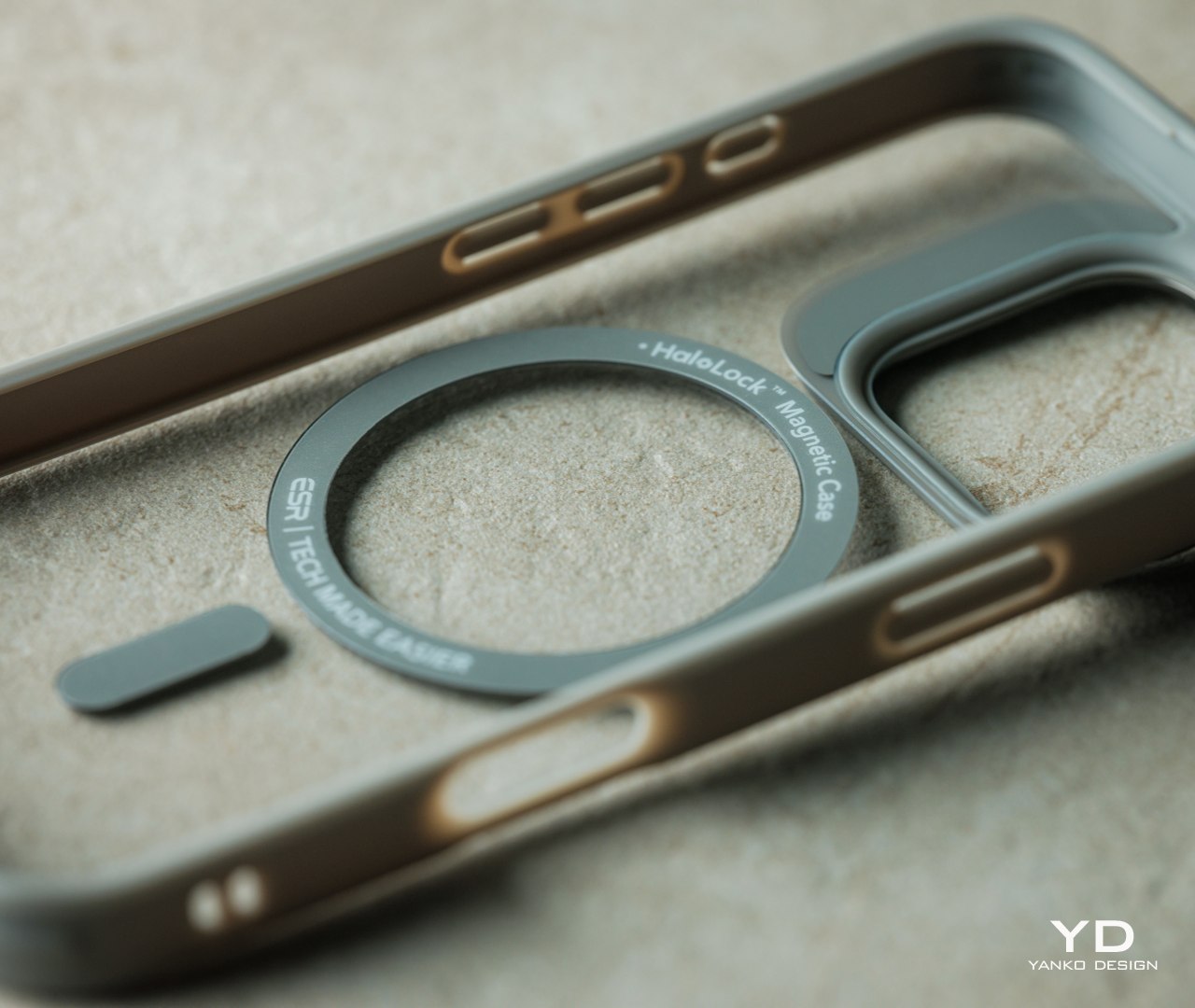
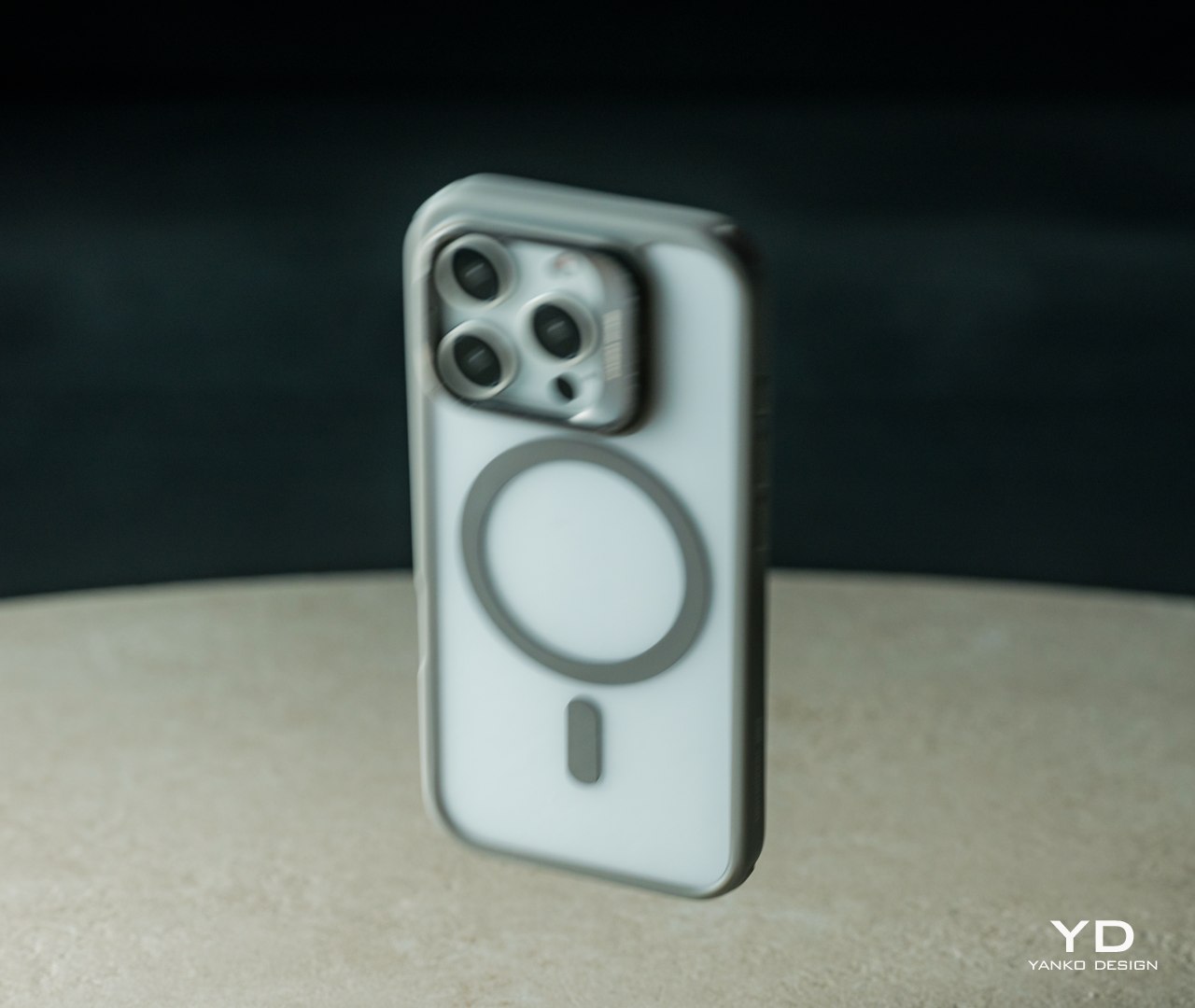
There’s a reason that ESR puts the “Classic” label on this series of cases for the new iPhone 16. Despite offering an impressive set of protective features, the transparent back still lets the original style and color of the iPhone 16 shine through, though you do have choices of colored edges to match the iPhone’s natural color as well. With a back that’s only 1.6mm thick, it doesn’t add that much bulk to the slim and sleek phone.
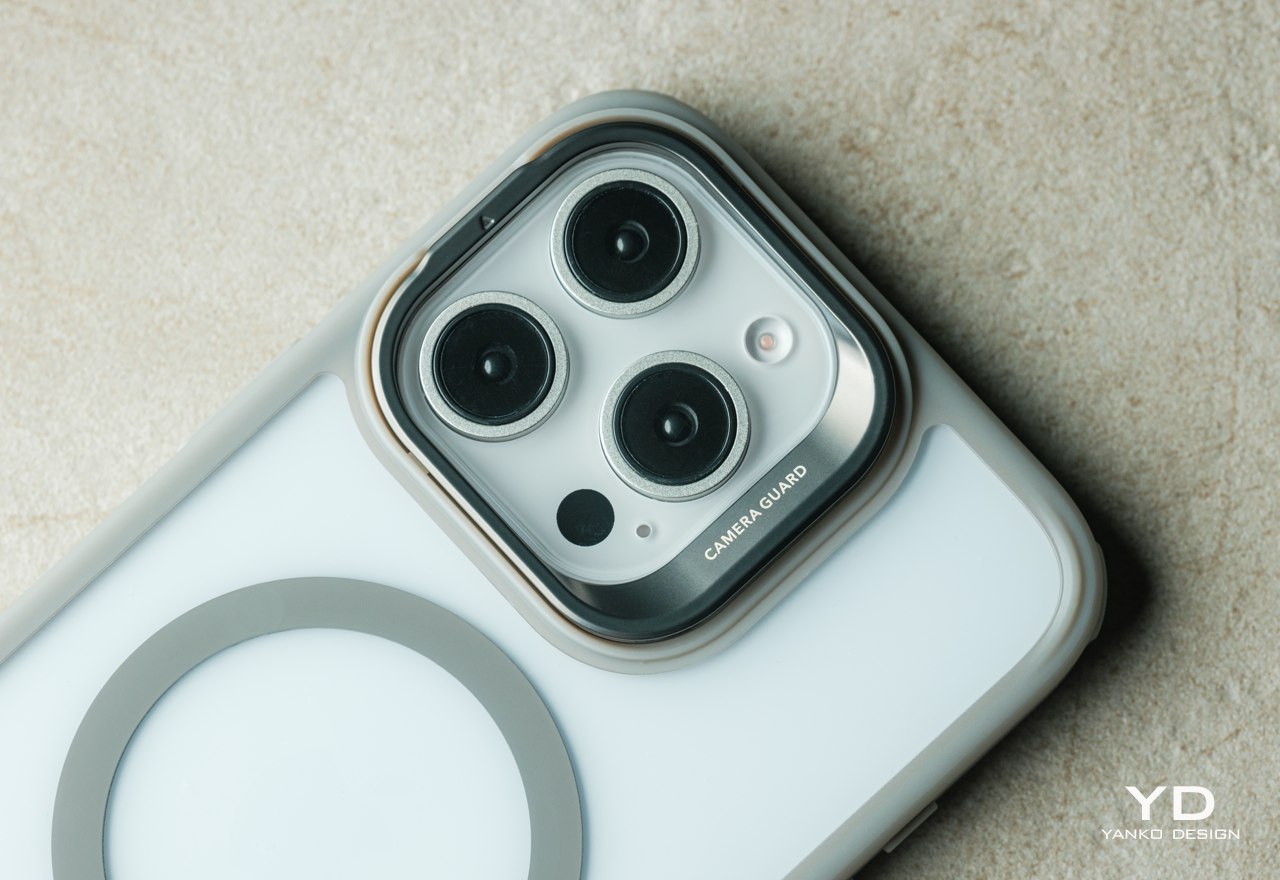
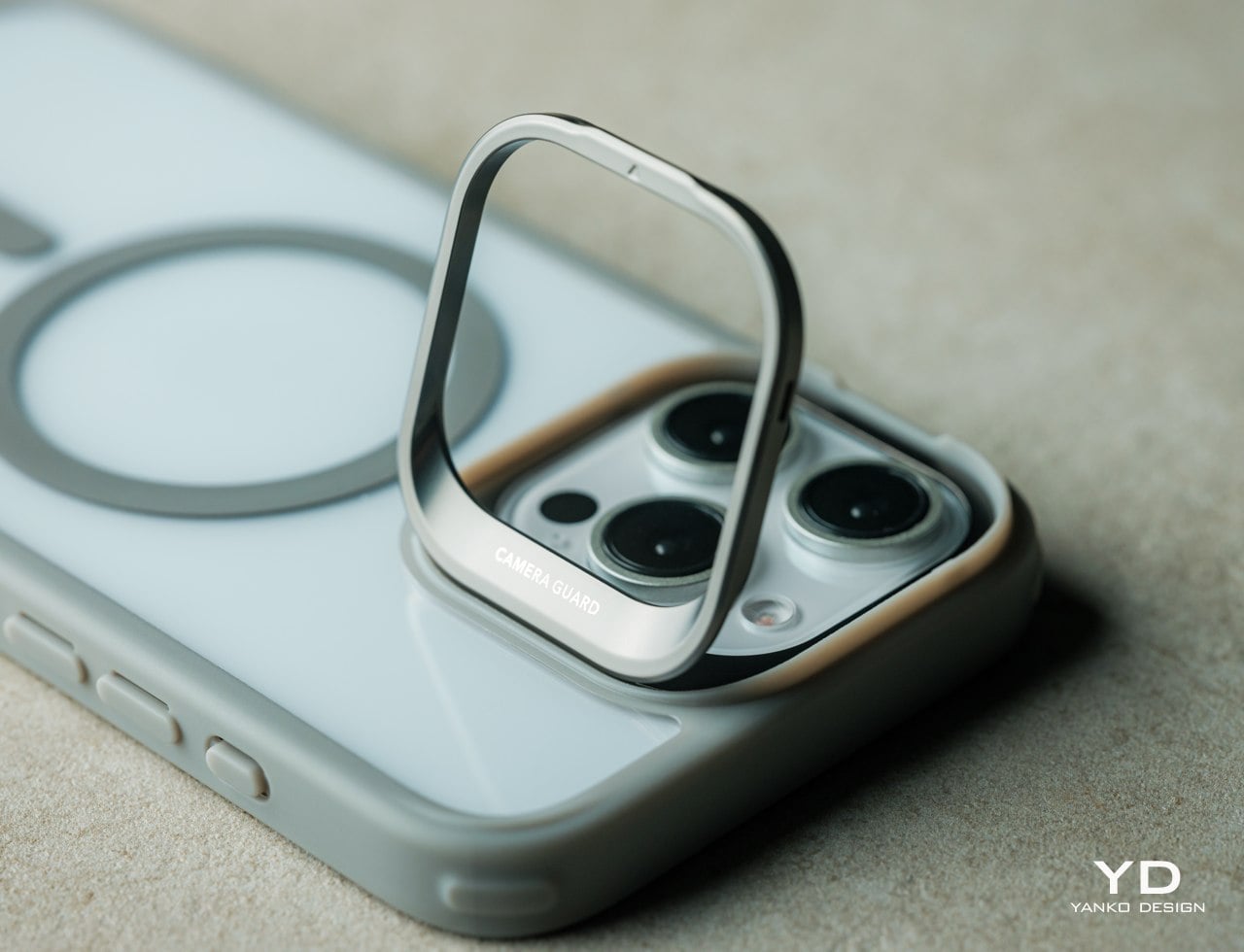
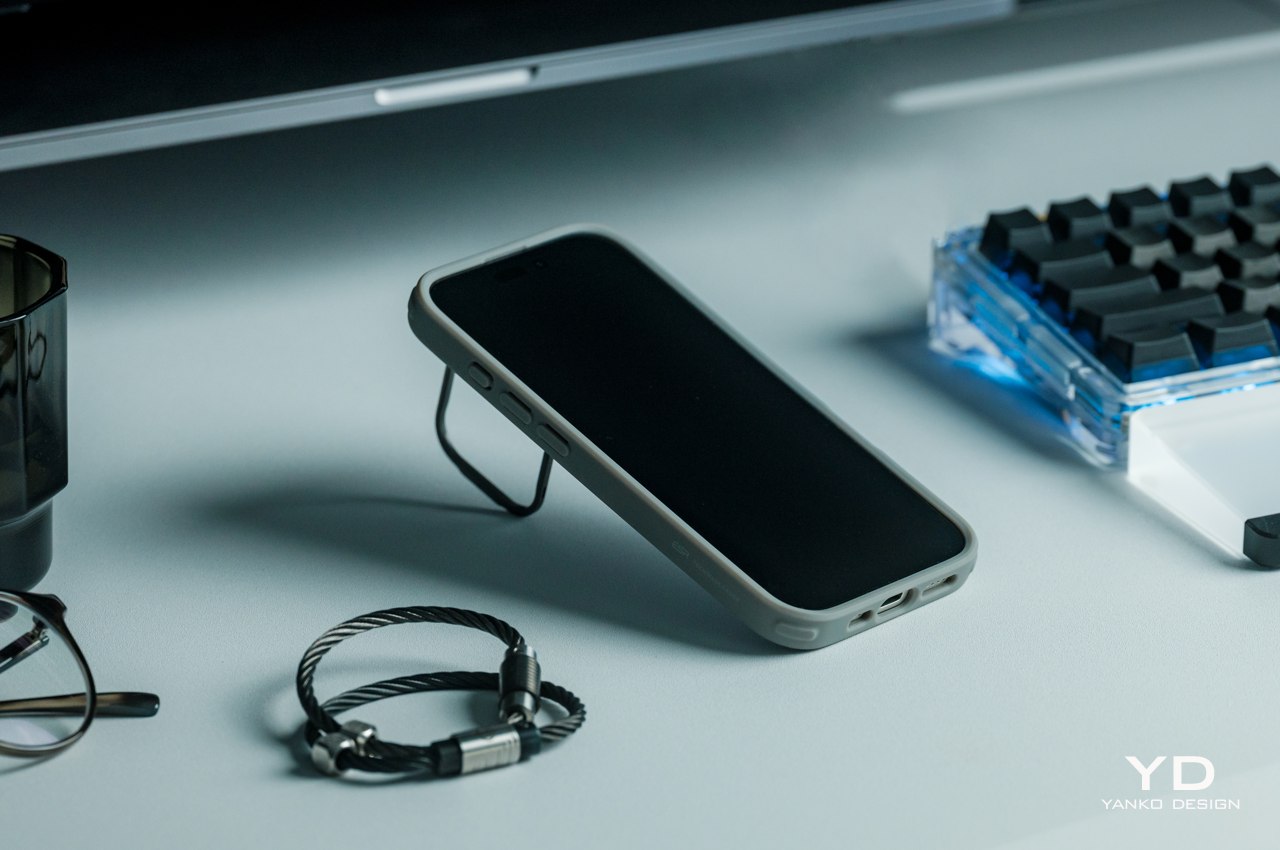
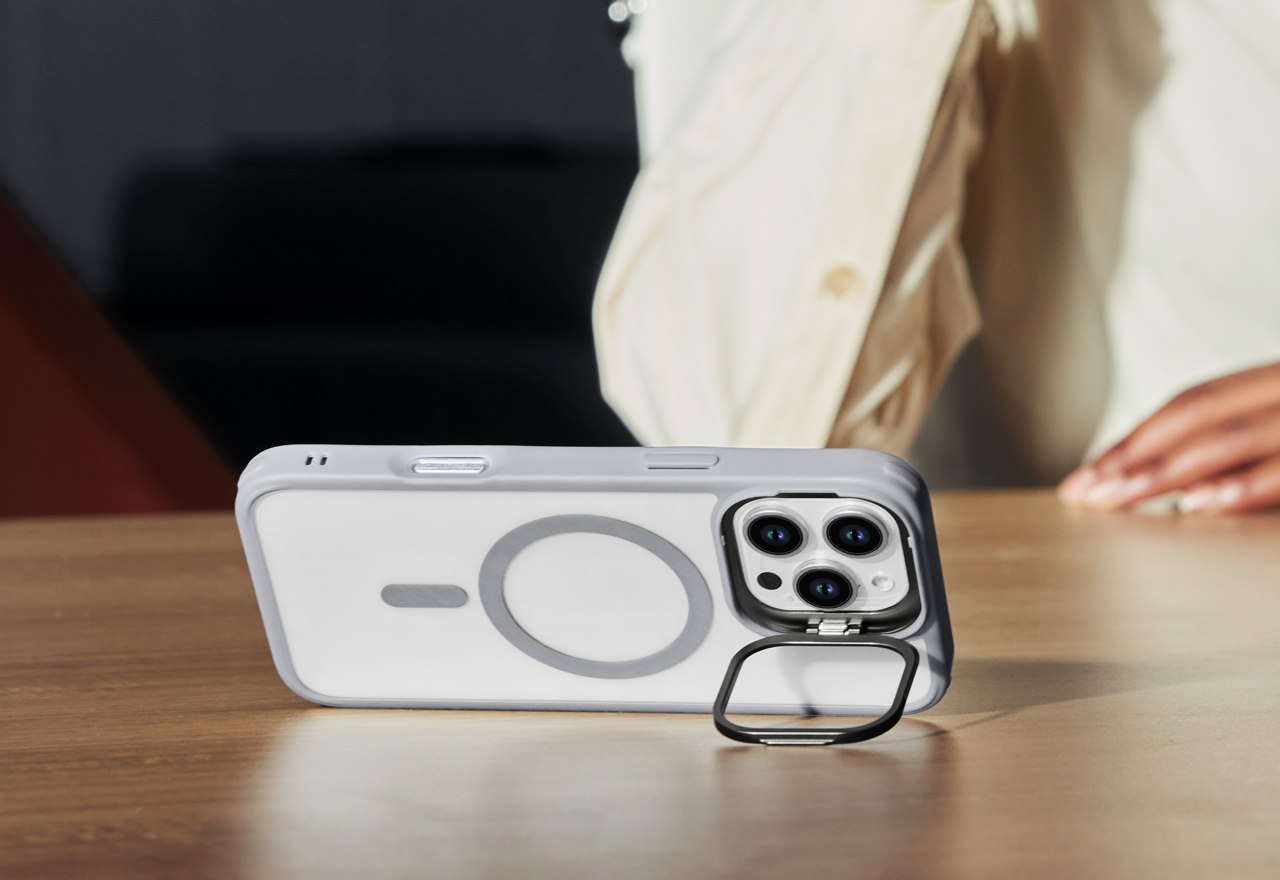
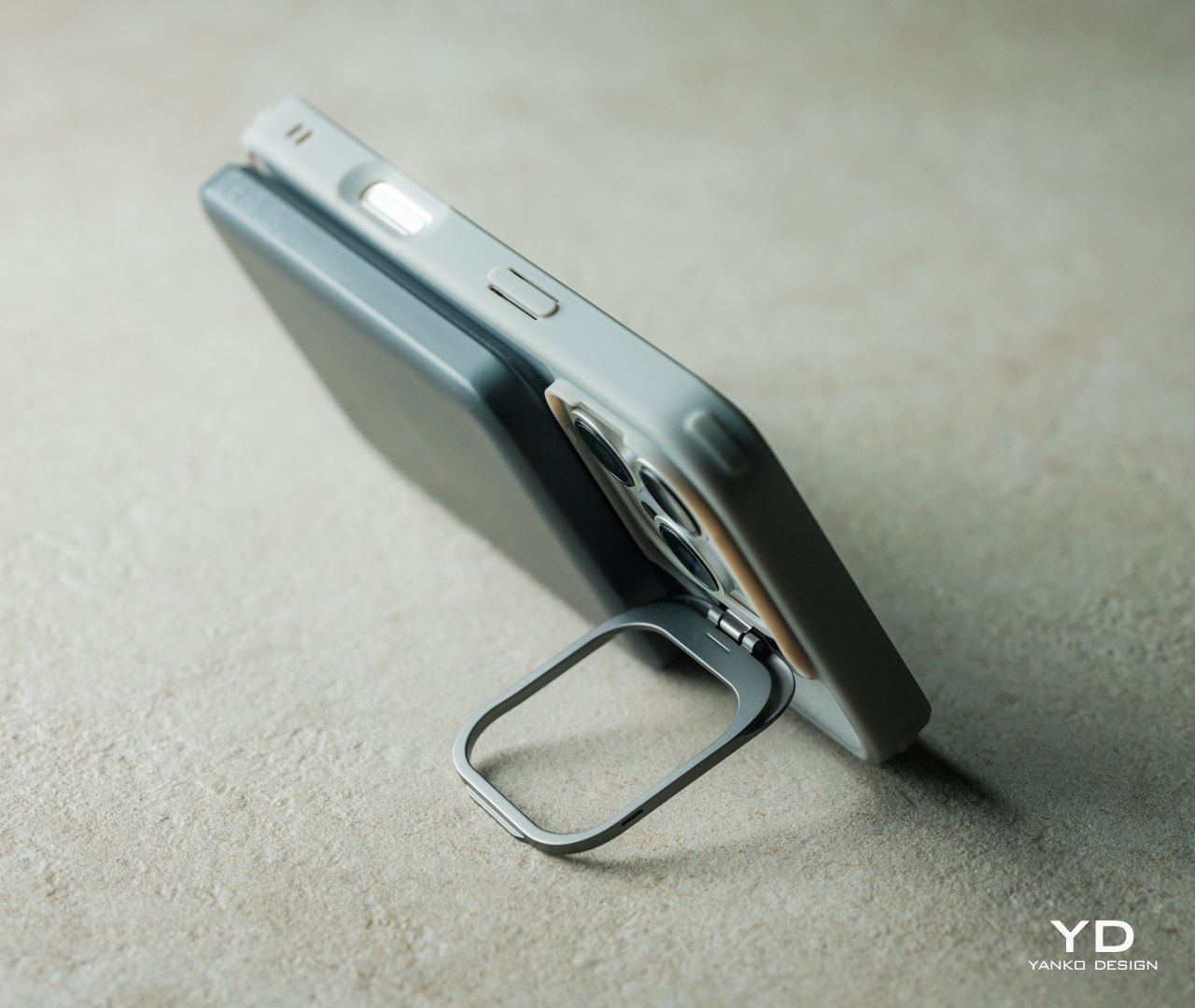
The ESR Classic Hybrid Case with Stash Stand embraces Apple’s minimalist design language, offering protection that you can’t see but definitely feel. It has no extraneous markings or branding that would mar the otherwise pristine beauty of the iPhone 16. It hugs the phone’s frame so tightly that it almost looks like a transparent skin wrapped around the phone. And the parts that you do see are also designed to be aesthetic, like the zinc alloy of the camera guard kickstand with a matte finish that just seamlessly blends with the camera bump’s design. ESR clearly had not just phone protection in mind but also user satisfaction in seeing the classic elegance of their iPhone 16 without worrying about accidents.

Ergonomics
Smartphone cases actually do double duty when it comes to protection. They buffer the force of impact when phones fall or bump into hard objects, but they also add some texture to the phone’s back to increase their grip. In other words, cases make it easier to hold the phone and reduce the risk of dropping it, and when you do drop it, the cases absorb some of the shock and protect the material underneath from scratches and dings.

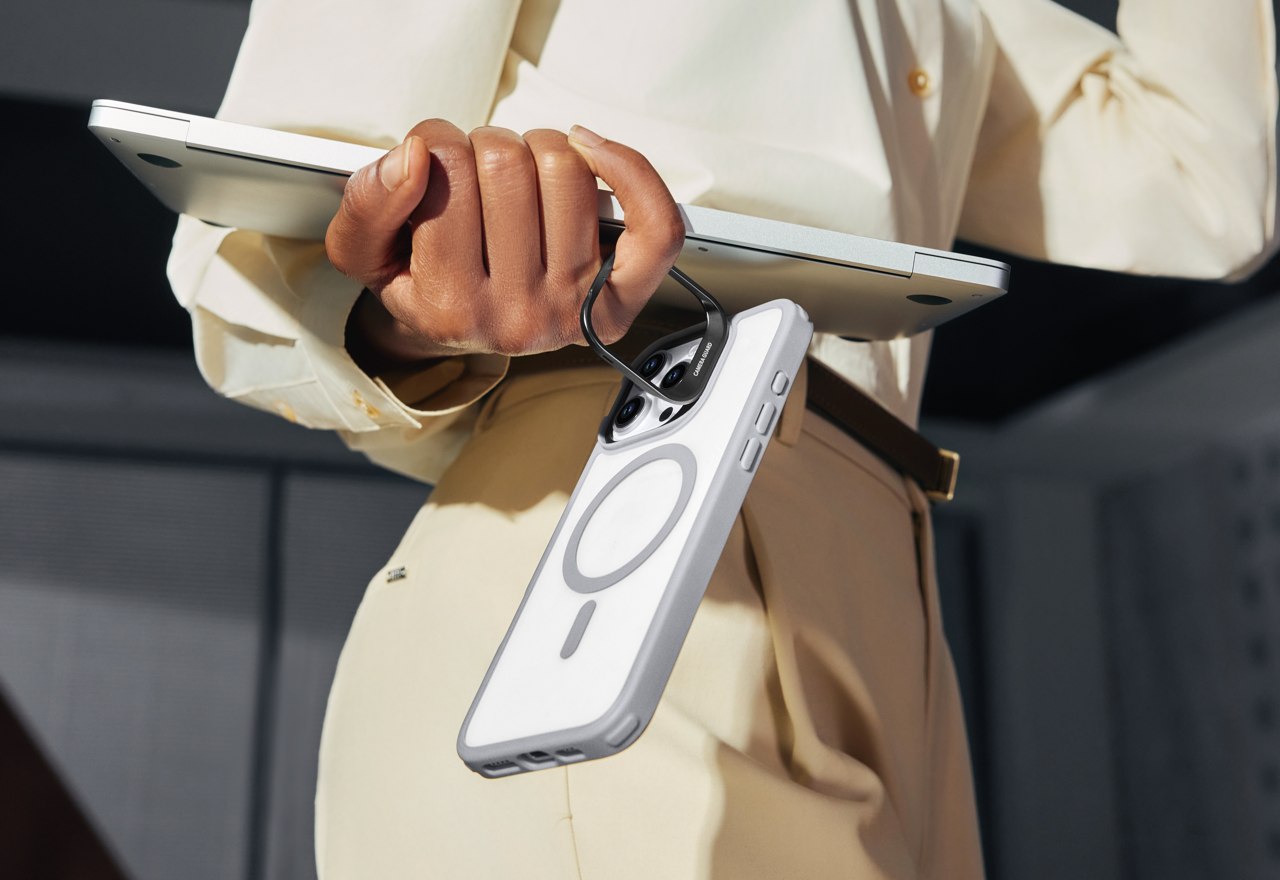
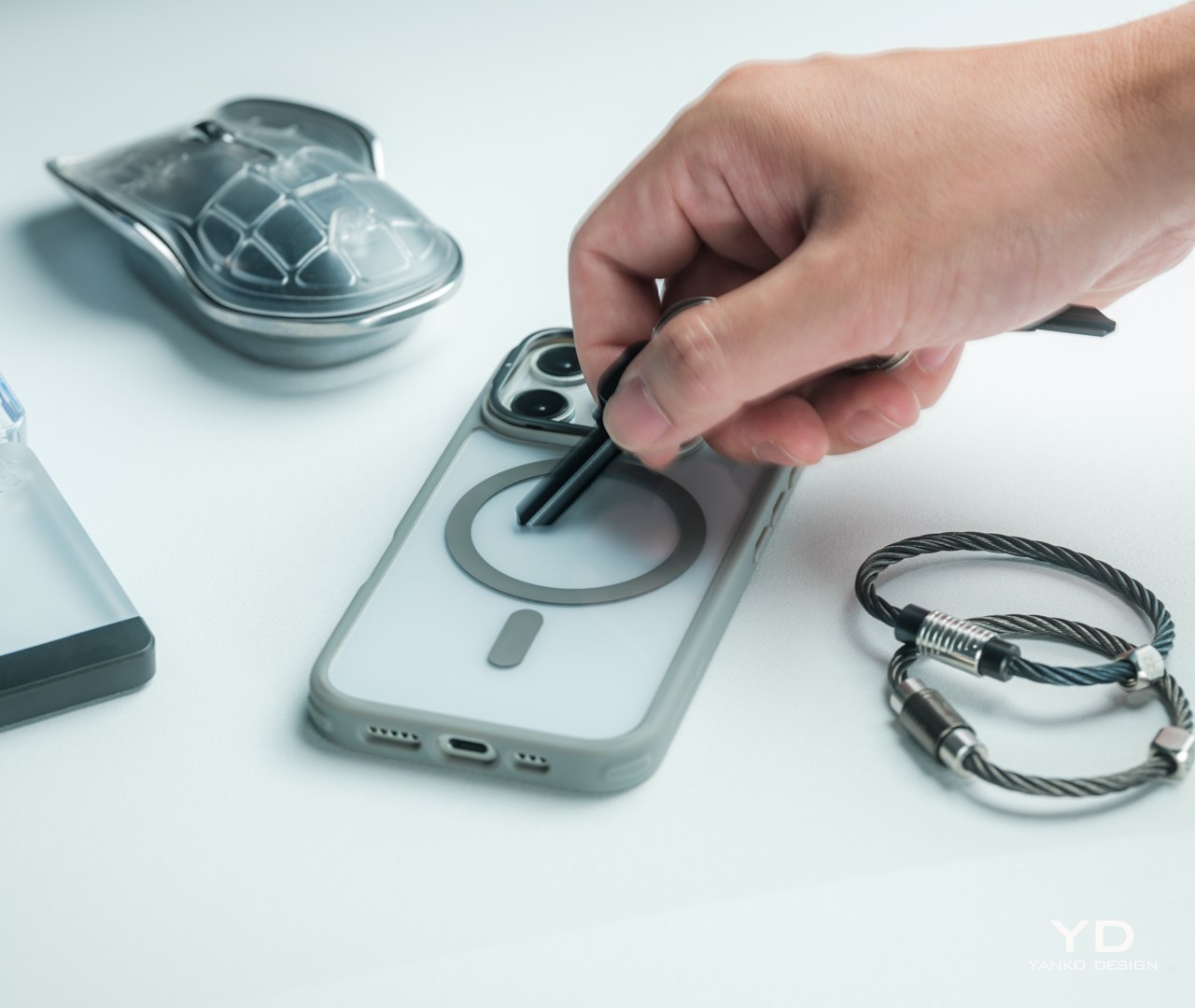
Of course, that’s only true for cases that don’t increase the size and weight of the phone to the point of making it uncomfortable to hold or don’t use a material that’s even more slippery than the phone’s glass or metal rear. Fortunately, the ESR Classic Hybrid definitely checks the right boxes here as well, with an overall thickness of only 14.2mm and a weight of only 42g (1.7oz). The materials themselves also have a kind of “sticky” quality that prevents the phone from slipping off your hand easily. That stash stand also functions as a ring you can hang from your finger while your hands are carrying other things, almost like a built-in loop. It would have been nice if it could also function like a popsocket of sorts so you can hold the phone with even more confidence, but the current design doesn’t make that possible. That’s a puzzle that ESR will hopefully solve in future iterations of the Stash Stand.

Performance
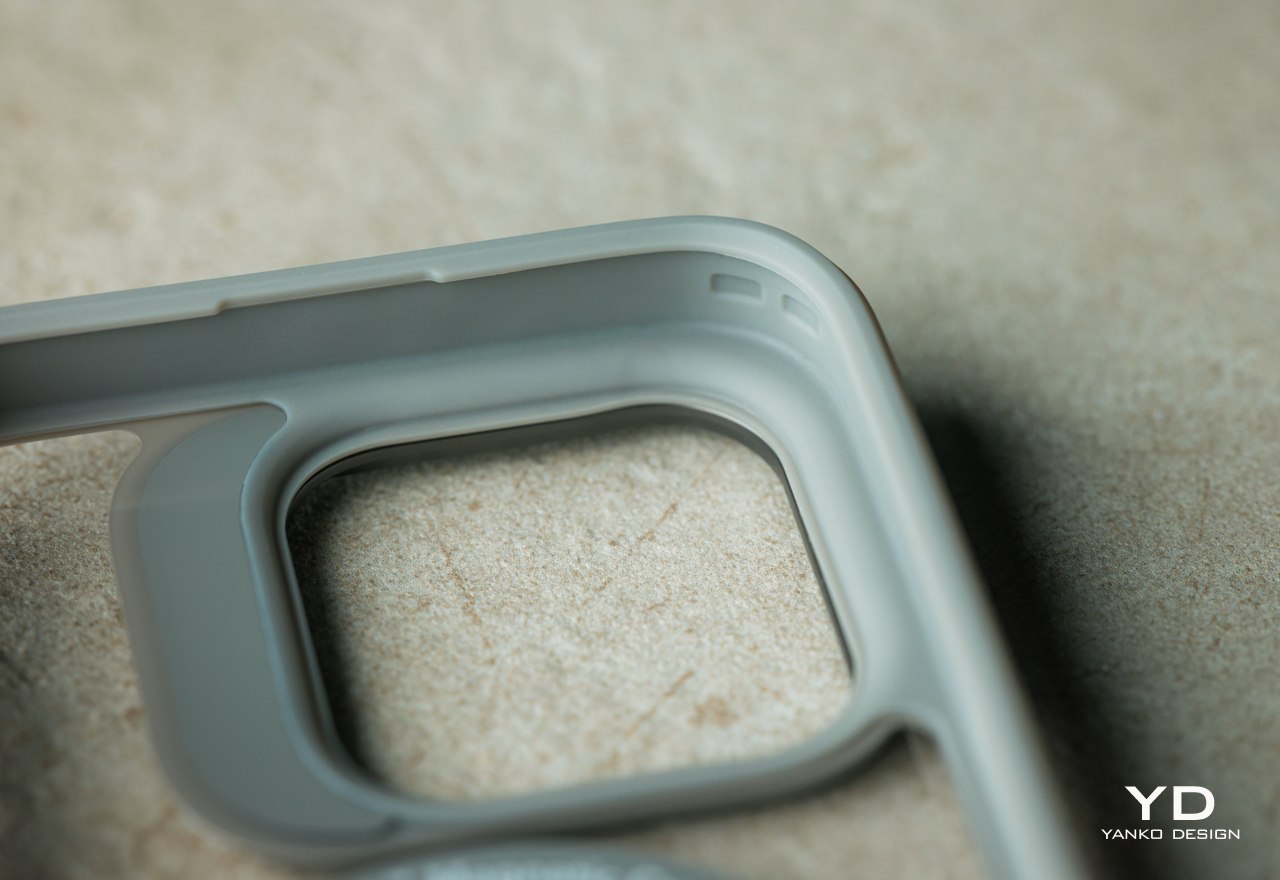
A protective case is only as good as the protection it offers, and the ESR Classic Hybrid with Stash Stand for the iPhone 16 definitely has plenty of that to go around, almost literally. Almost every side of the case has a feature that ensures the safety of the phone no matter which side it drops on, including the 1.2mm raised edge around the screen and the 0.7mm raised camera guard. There’s also the acrylic-PC material used for the back of the case for enhanced durability and a TPU edge that is promised not to discolor and turn yellow over time.
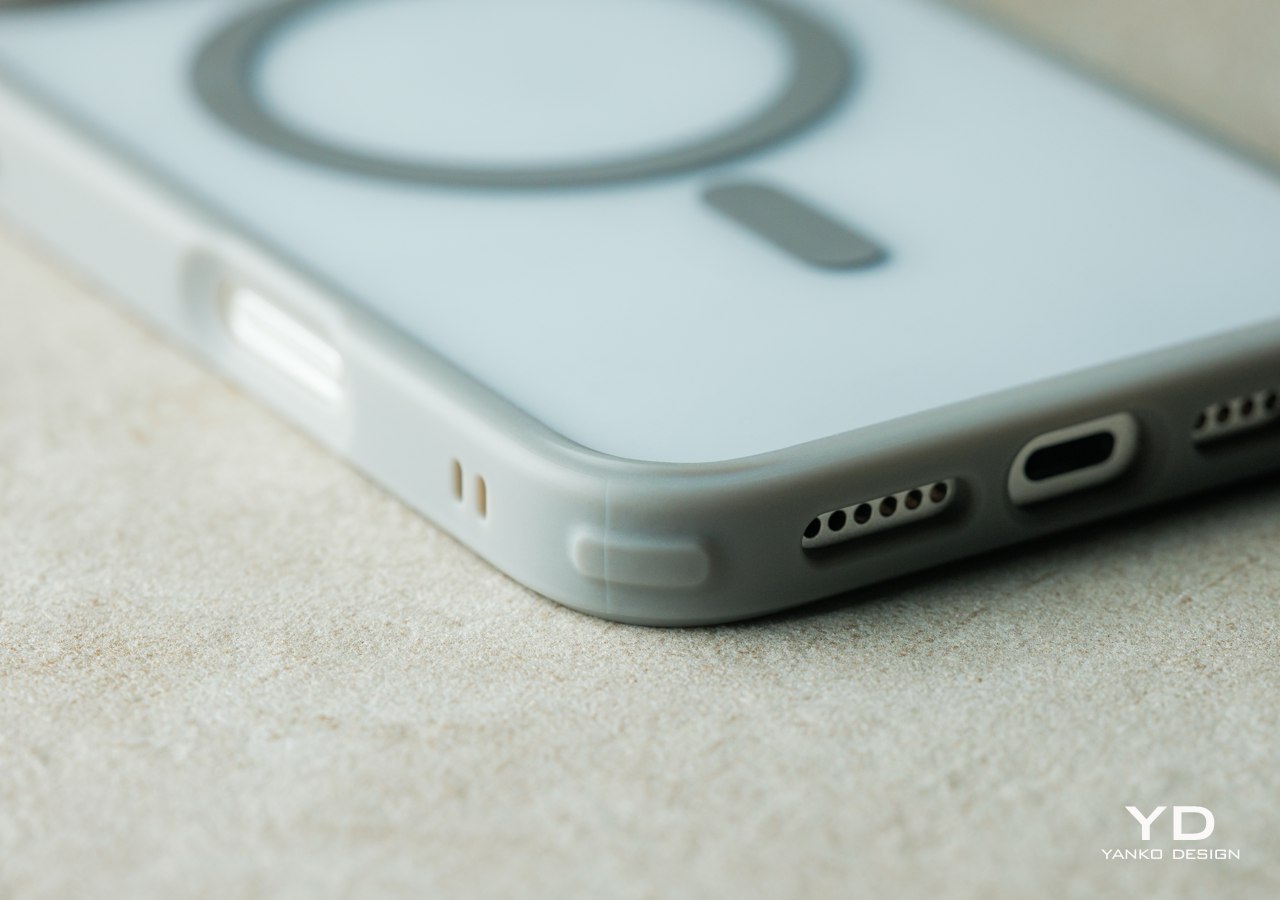
One unique feature of ESR cases is its Air Guard corners, which are basically small empty pockets that serve as cushions for the most common part of the phone that hits the pavement. These look like very small bumps rather than obnoxious bumpers, staying true to the minimalist design language that the Classic Hybrid cases embrace. All of these give the cases military-grade protection, enough to meet the MIL-STD-810H standard for shock protection. The case can protect the phone from an 11-foot drop, offering iPhone 16 owners peace of mind without compromising their experience.
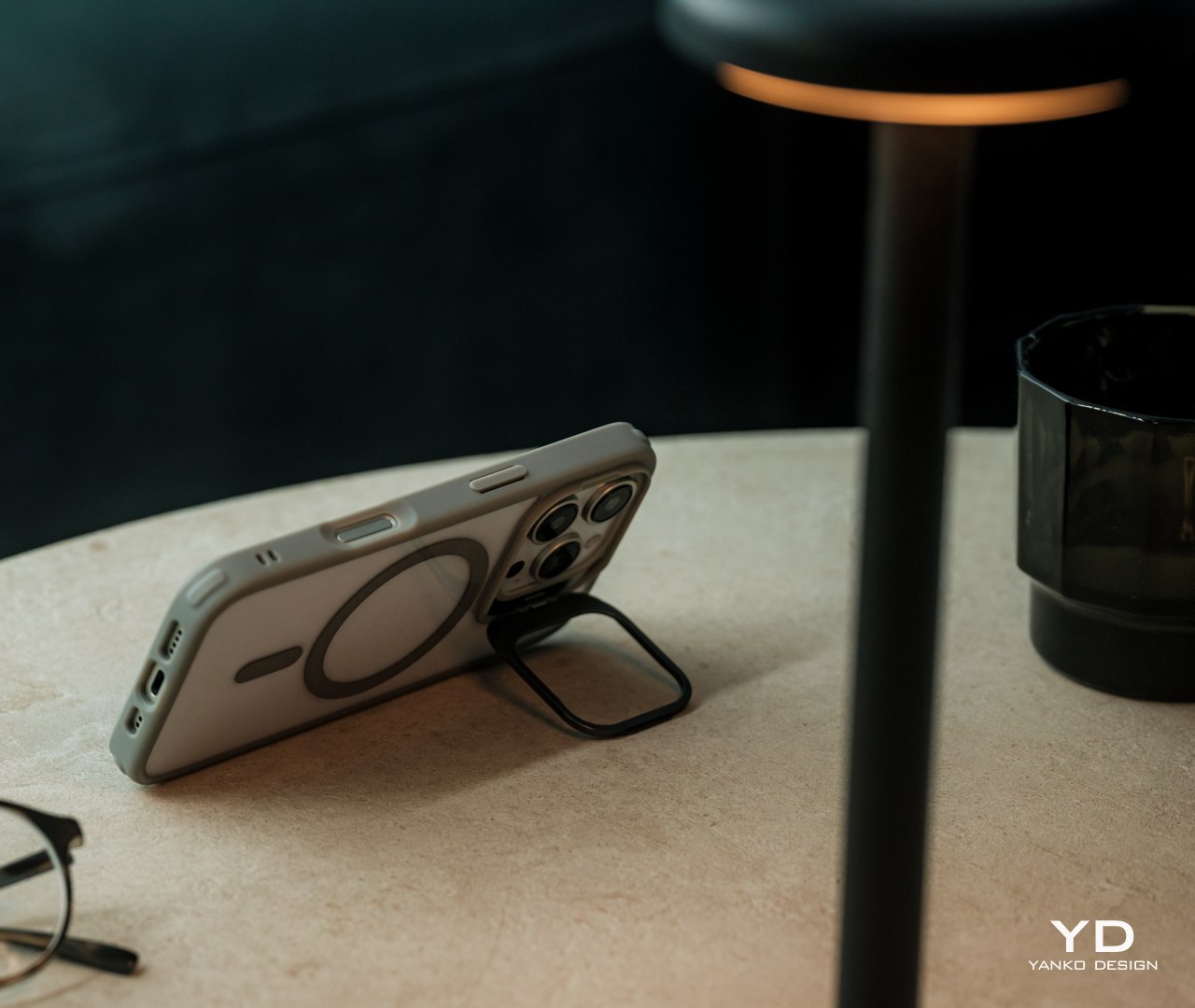
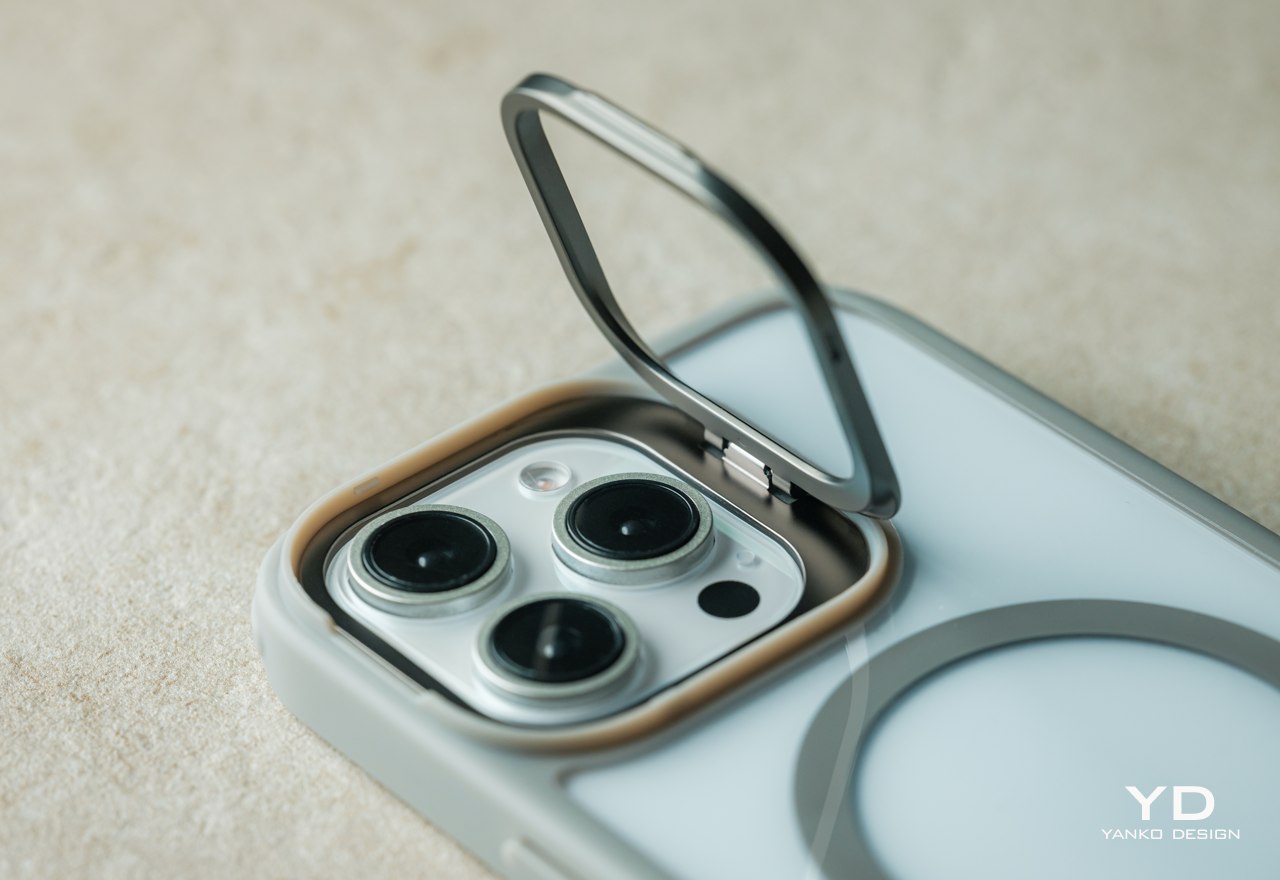
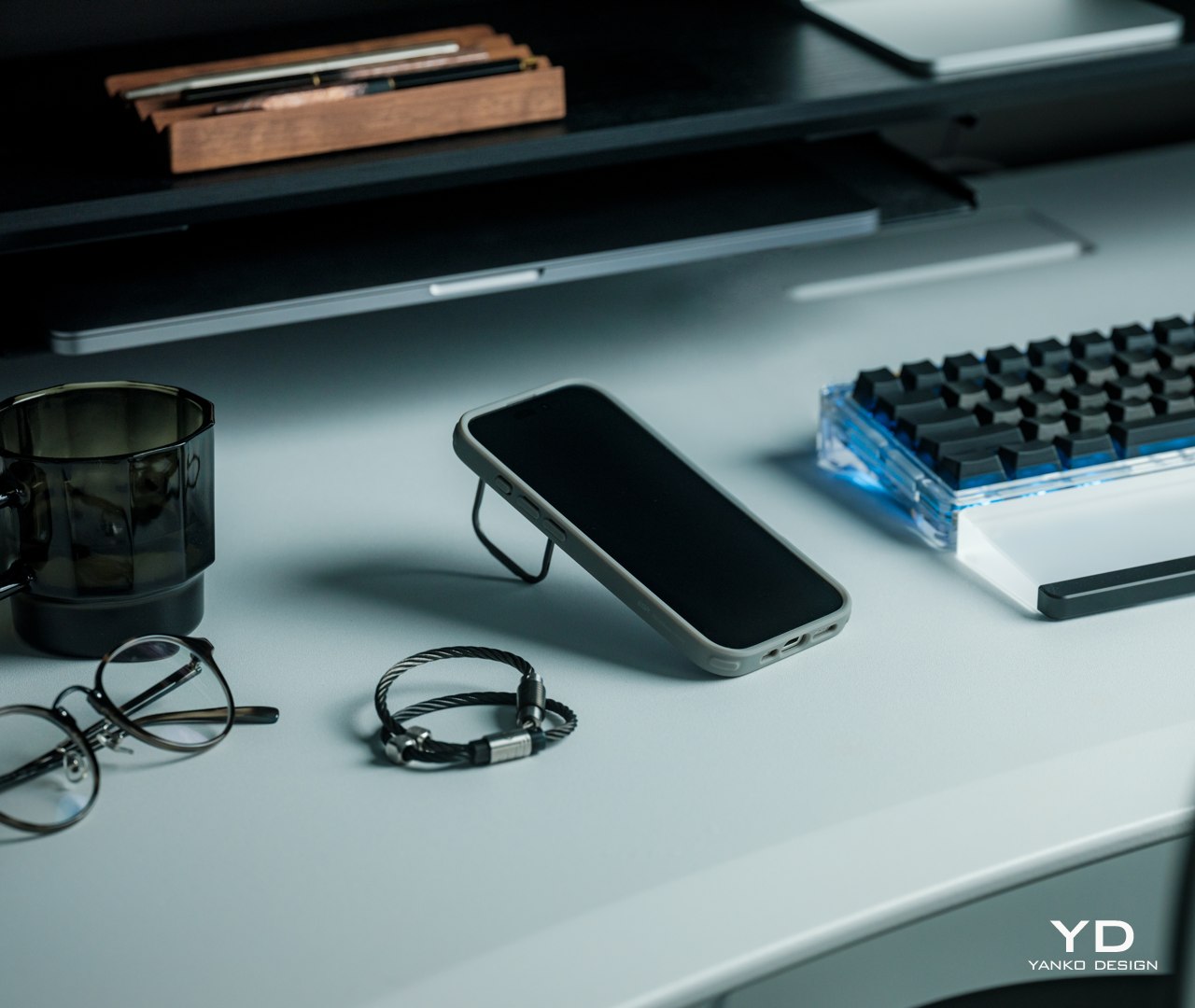
The “Stash Stand” part of the ESR Classic Hybrid’s name comes from the camera guard that flips down to transform into a multi-angle stand, supporting angles of anywhere between 15 to 85 degrees for your preferred viewing angle. Unlike other built-in phone stands like rings and popsockets, the stash stand gets out of the way when you don’t need it and even protects your cameras. The one disadvantage to this design is that you can’t prop up your phone vertically unless you lay it almost flat on a table, which is fine for scrolling through social media but not for video calls.
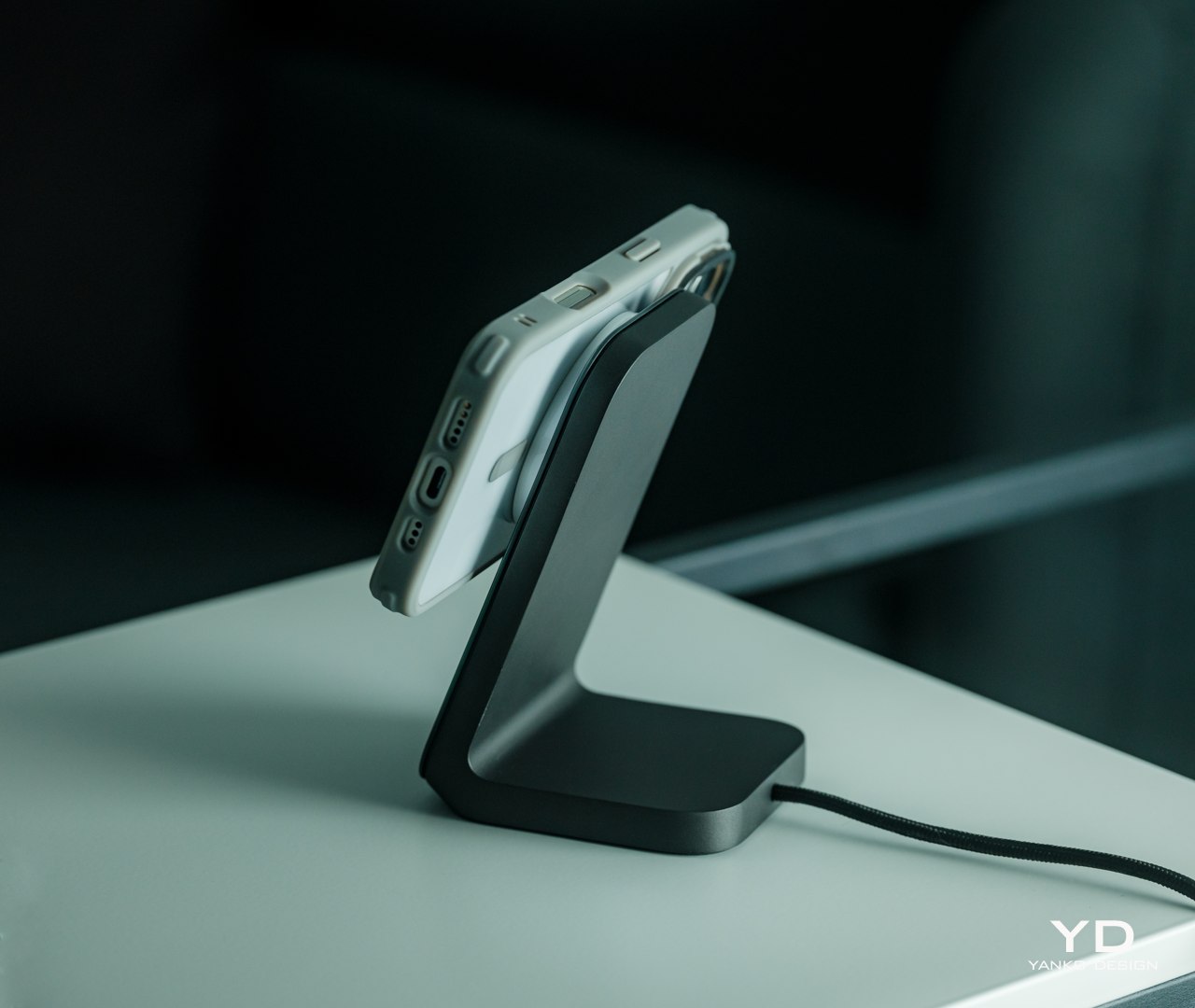
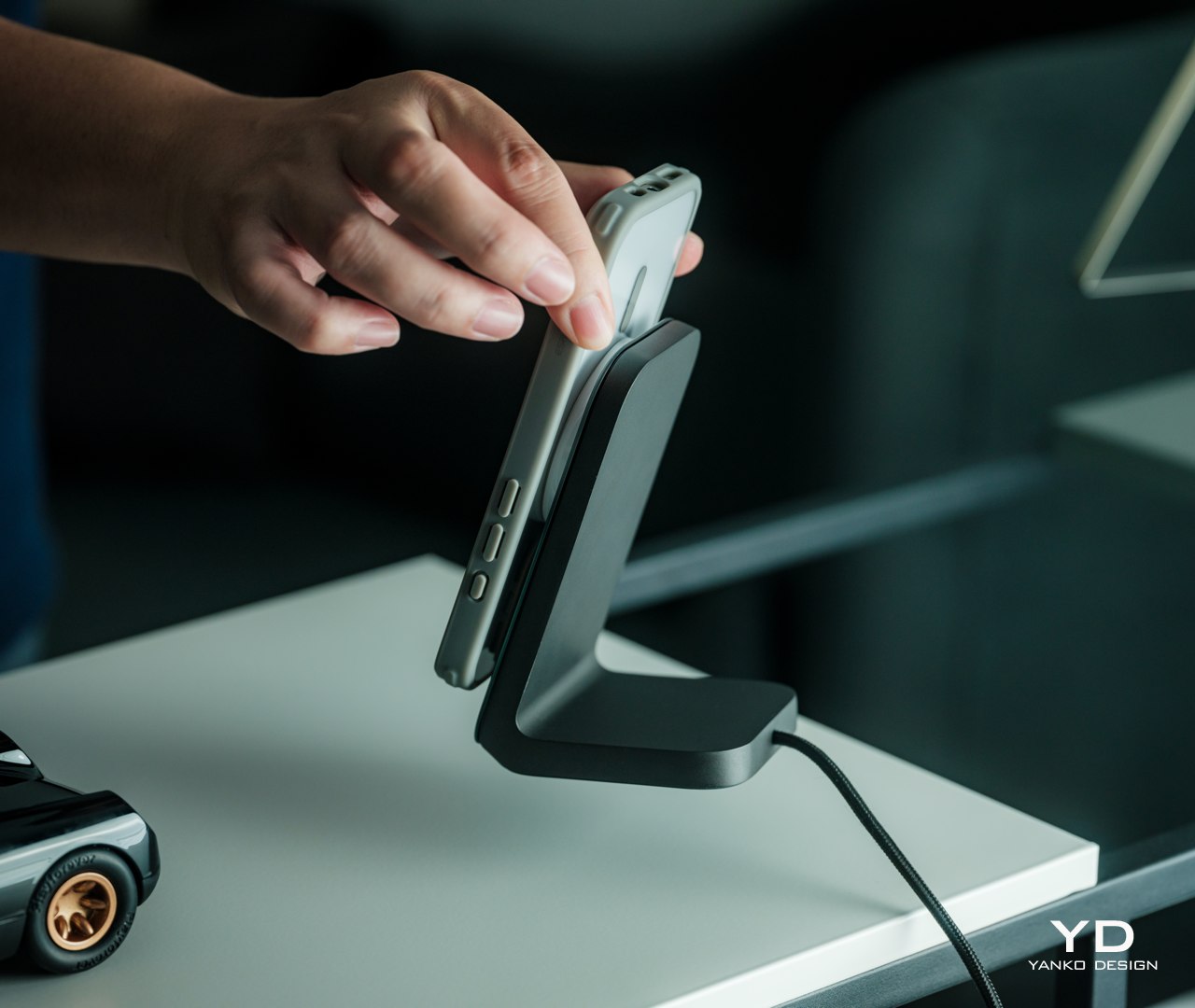
Apple’s introduction of MagSafe technology presented a design problem for case makers, especially those with rugged and thick materials. MagSafe won’t work through such cases, at least not without some clever designs and technologies. Fortunately, that’s no longer a problem today and, even better, ESR has found ways to actually improve on the technology. For one, it has even stronger magnets, about 1.5kg of magnetic locking force, so you don’t have to worry about the case making accessories loose and detach accidentally. It can even let the phone charge faster than with other MagSafe-compatible cases, beating its competitors by an average of 30 minutes. Best of all, the magnetic ring is embedded in the case itself, so it won’t scratch your iPhone’s back.

All in all, the ESR iPhone 16 Classic Hybrid Case with Stash Stand offers unparalleled, military-grade protection that doesn’t get in the way of your enjoyment of your phone. It retains the iPhone 16’s natural beauty while also giving you color options to match your phone and your style. It’s a no-compromise design that brings the best of all worlds while staying true to Apple’s own design philosophy.

Sustainability
Like many protective cases these days, the ESR Classic Hybrid is a mixture of different materials that each offer a different kind of protection. The acrylic-PC material on its back offers durability and scratch resistance, while the TPU around the edges gives flexibility and shock absorption. Unfortunately, these materials are also known to be non-sustainable, though there is definitely research and experiments on using alternative materials that produce the same durable properties.

That’s not to say, however, that ESR isn’t doing due diligence in creating a greener future, but its sustainability results are a little bit more indirect. For one, it offsets its carbon emissions through the ClimatePartner program. In addition, it helps keep phones away from trash bins and dump sites longer by protecting these precious devices and ensuring their longevity. You might not see a phone case as a “green” product, but ESR is definitely doing its part in healing the planet in its own small ways.

Value
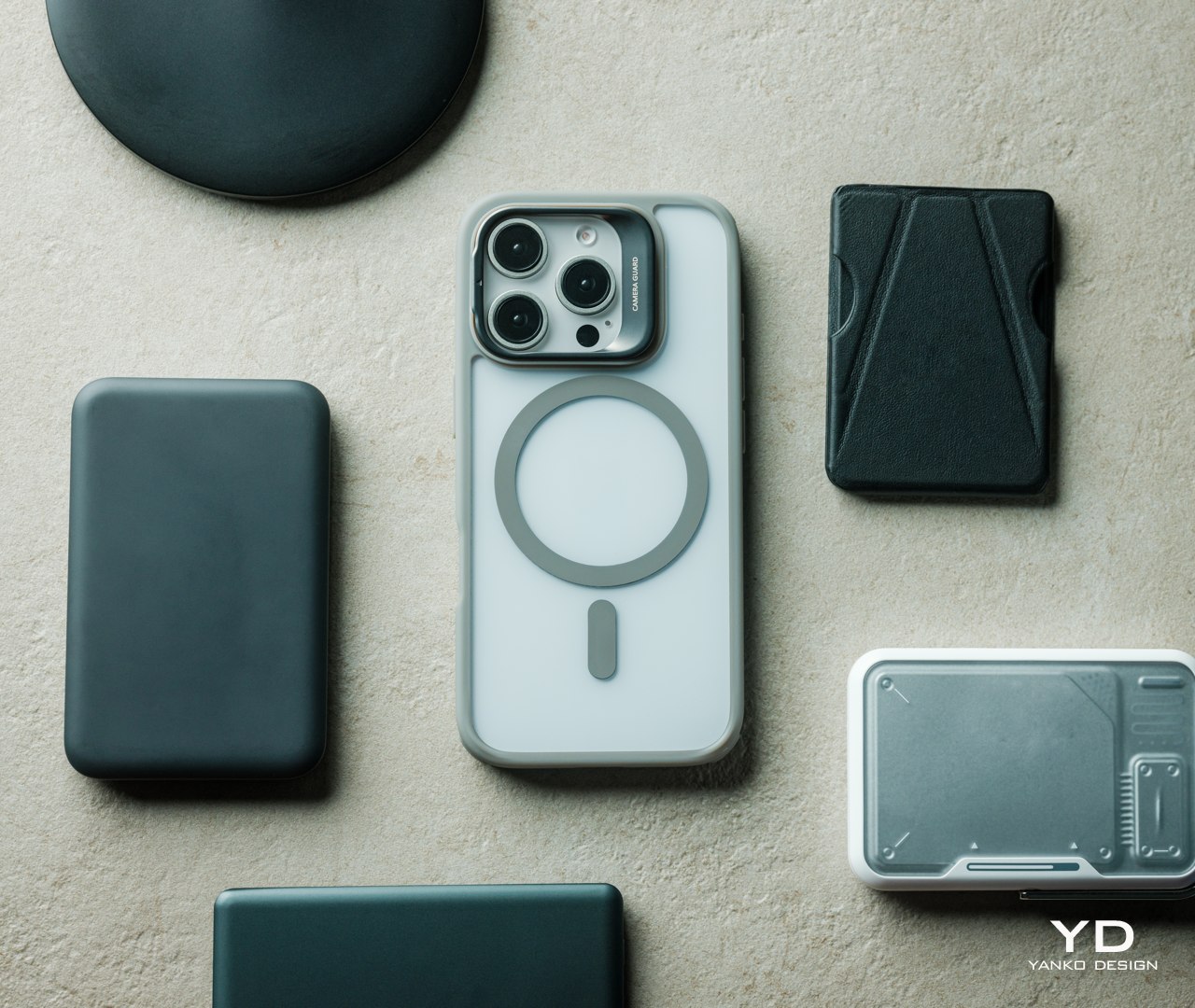
Starting at only $19.99, the ESR Classic Hybrid Case with Stash Stand is pretty much a no-brainer for new iPhone 16 owners. After all, you are getting an impressive amount of protection against accidents and a built-in stand that stays out of the way and out of sight when you don’t need it. Plus, it retains the iPhone 16’s slim profile, sleek looks, and original style, allowing you to enjoy the natural colors you selected when you bought it. What’s not to love?

And for those who want something more or something different, they don’t have to stray far from ESR’s other new iPhone 16 cases. The Cloud Soft Case with Stash Stand, for example, has the same basic design but uses premium liquid silicone to give the phone a softer touch. The Cyber Tough Case with Stash Stand, on the other hand, levels up the durability with a 3-layer design that includes a robust PC backing, a flexible TPU shell, and an inner PORON lining. With these three designs, ESR has got all your iPhone 16 protection needs covered and in your preferred style.

Verdict
Just like with power banks, smartphone cases have become a fact of modern mobile life. No matter how durable companies make their phones, there will still be that nagging fear of throwing away money when, not if, you accidentally drop your precious investment. With the arrival of the iPhone 16, ESR took the opportunity to showcase the best of its design with the Classic Hybrid Case with Stash Stand. Offering military-grade protection that doesn’t make the iPhone 16 look like a tank, this case with a built-in stand is something you’ll have no reason to take off once you’ve put it on.

Click Here to Buy Now: $19.99

The post ESR iPhone 16 Classic Hybrid Case with Stash Stand Review: Stay Original, Stay Protected first appeared on Yanko Design.

AirPods 4 with ANC Review: Open-Ear Design That Works

PROS:


  • Open-Ear ANC: Combines noise cancellation with an open-ear design for situational awareness.

  • Seamless Apple Integration: Instantly switches between Apple devices for easy use.

  • All-Day Comfort: Lightweight, secure fit perfect for extended wear.

  • Hands-Free Siri: Convenient voice control and touch-free interactions.

  • Great Sound: Crisp audio with deep bass and clear highs, even in an open design.

CONS:


  • Limited Passive Isolation: Less natural noise blocking due to the open-ear design.

  • Reduced Battery with ANC: ANC shortens battery life to around 4 hours per charge.

RATINGS:

AESTHETICS
ERGONOMICS
PERFORMANCE
SUSTAINABILITY / REPAIRABILITY
VALUE FOR MONEY

EDITOR'S QUOTE:

AirPods 4 bring joy to everyday life with open-ear comfort, ANC, and seamless integration, all while delivering immersive sound.
award-icon

Apple’s back with the AirPods 4, and as someone who’s been using them for a bit now, I wanted to share my thoughts. Apple has refined nearly every aspect of this model, improving fit, sound, and functionality without losing sight of the simplicity that’s made AirPods a household name. If you’re like me and appreciate the open-ear style, especially for its comfort and lightweight feel, these new earbuds bring even more to the table. They deliver a more secure fit and significant performance enhancements that may surprise you. Whether you’re listening to music, taking calls, or multitasking throughout the day, the AirPods 4 strikes a delicate balance between staying connected to your surroundings and delivering top-tier audio quality. If you’ve been waiting for an upgrade or want to experience something a little more refined, these might be worth your attention.

Designer: Apple

Design That Feels Just Right

At first glance, the AirPods 4 look familiar—sleek and minimalist, just like we’ve come to expect from Apple. But when I picked them up, I noticed some subtle changes that made a real difference. Apple continues its commitment to minimalism but has introduced thoughtful design refinements aimed at enhancing comfort and stability.

Apple AirPods 4 + ANC

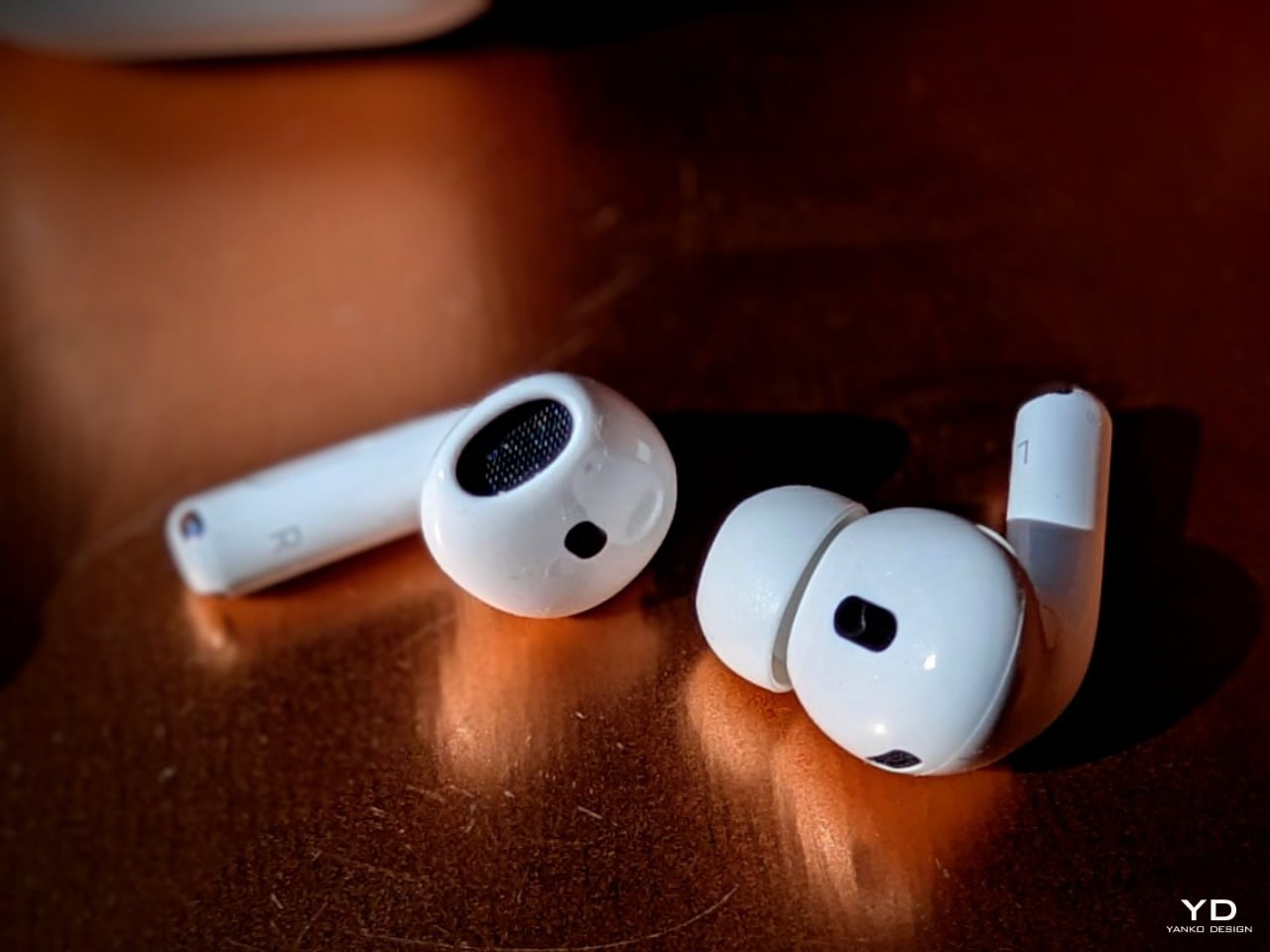
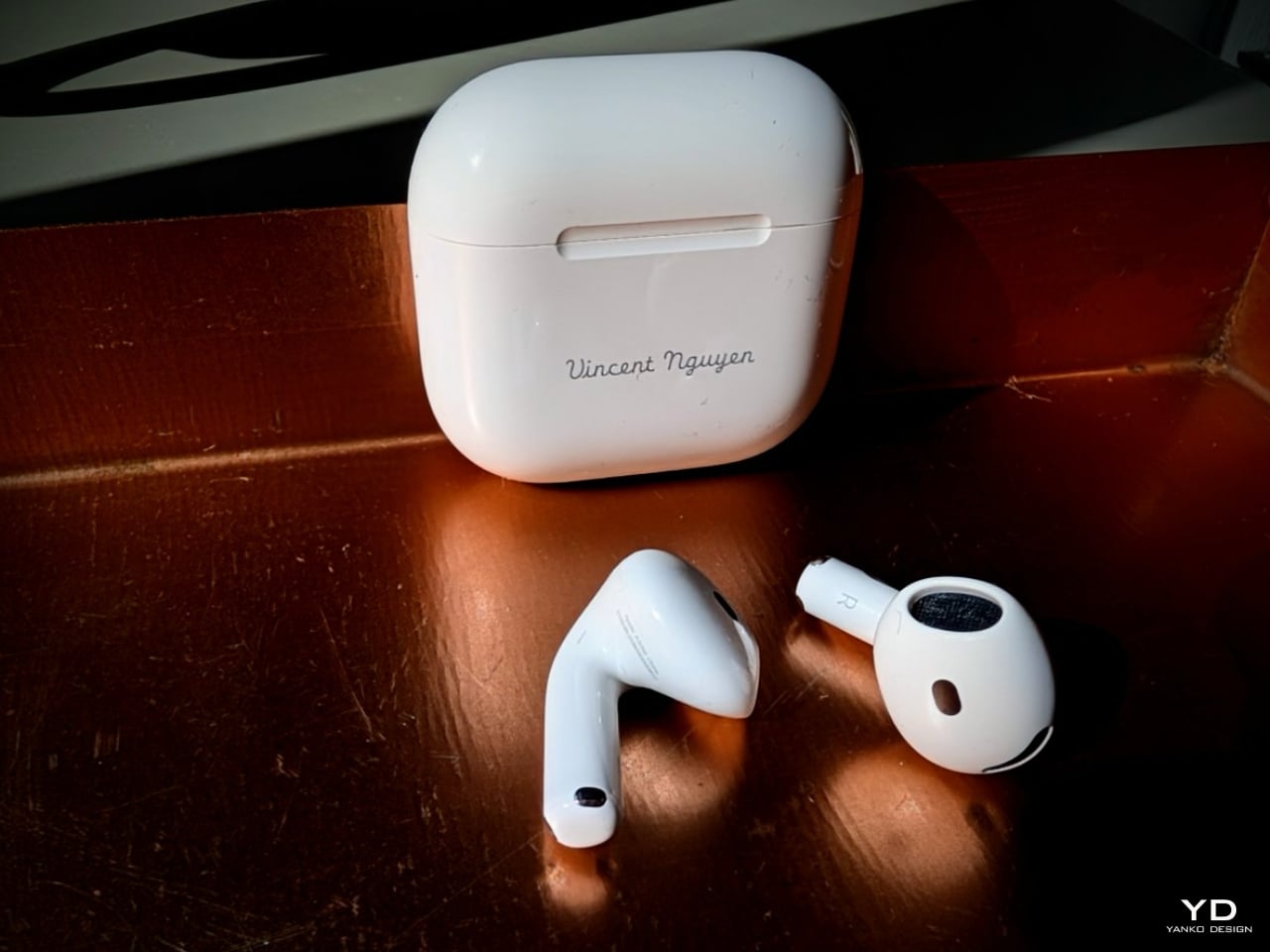
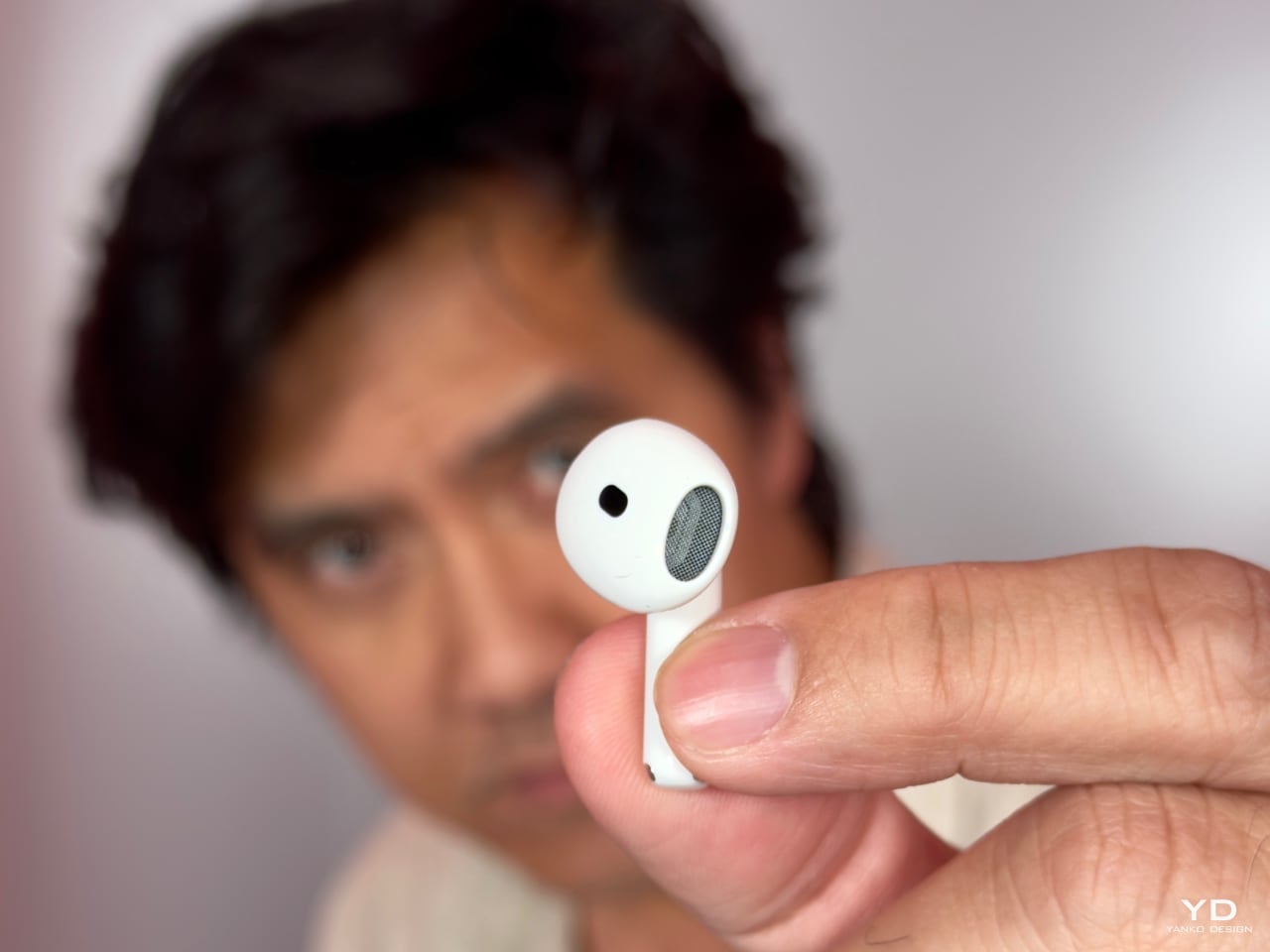
The external proportions and contours have been reimagined to ensure a more secure and comfortable fit. Apple used advanced 3D photogrammetry to analyze over 50 million ear shapes—which is pretty impressive if you ask me. By adjusting the width and refining the angle of the AirPods, they’ve managed to make them sit more securely in the ear without feeling intrusive. These changes focus less on dramatic visual differences and more on subtle enhancements that improve how they feel during daily use.

I found that they sit in my ears more reliably now, whether running to catch a flight, working in the kitchen, or rowing on the exercise machine. The refined contouring means they stay in place without needing constant readjustment, regardless of my activity. These design updates maintain the sleek, unobtrusive form while offering better support for all-day wear.

The stems are a bit narrower this time, housing the new H2 chip, which balances the earbuds nicely when I wear them. The force sensor in the stem remains an essential part of the design, allowing me to control music playback or calls effortlessly with a simple press. It keeps things straightforward without adding unnecessary buttons or touch controls that can sometimes be finicky.

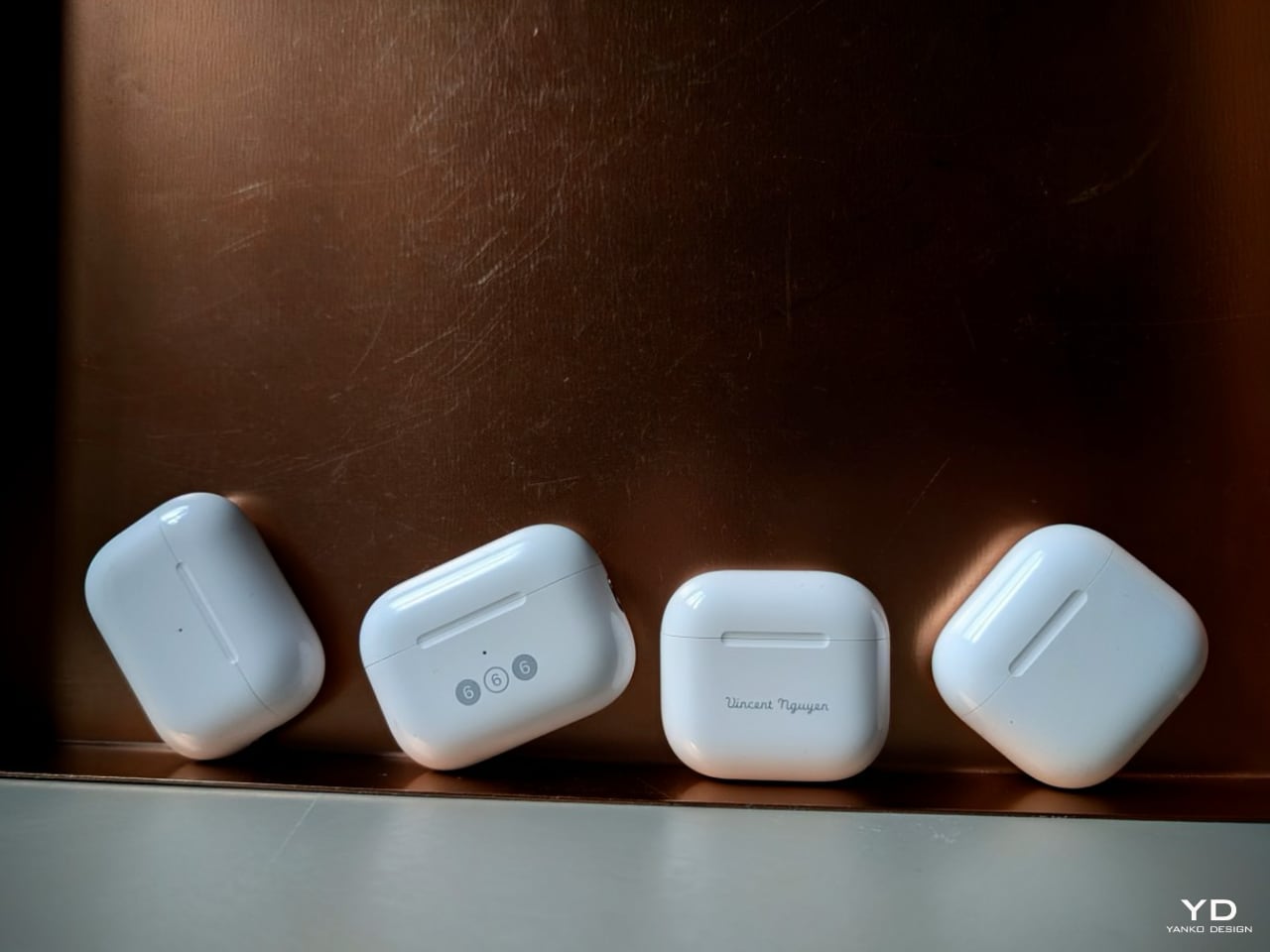
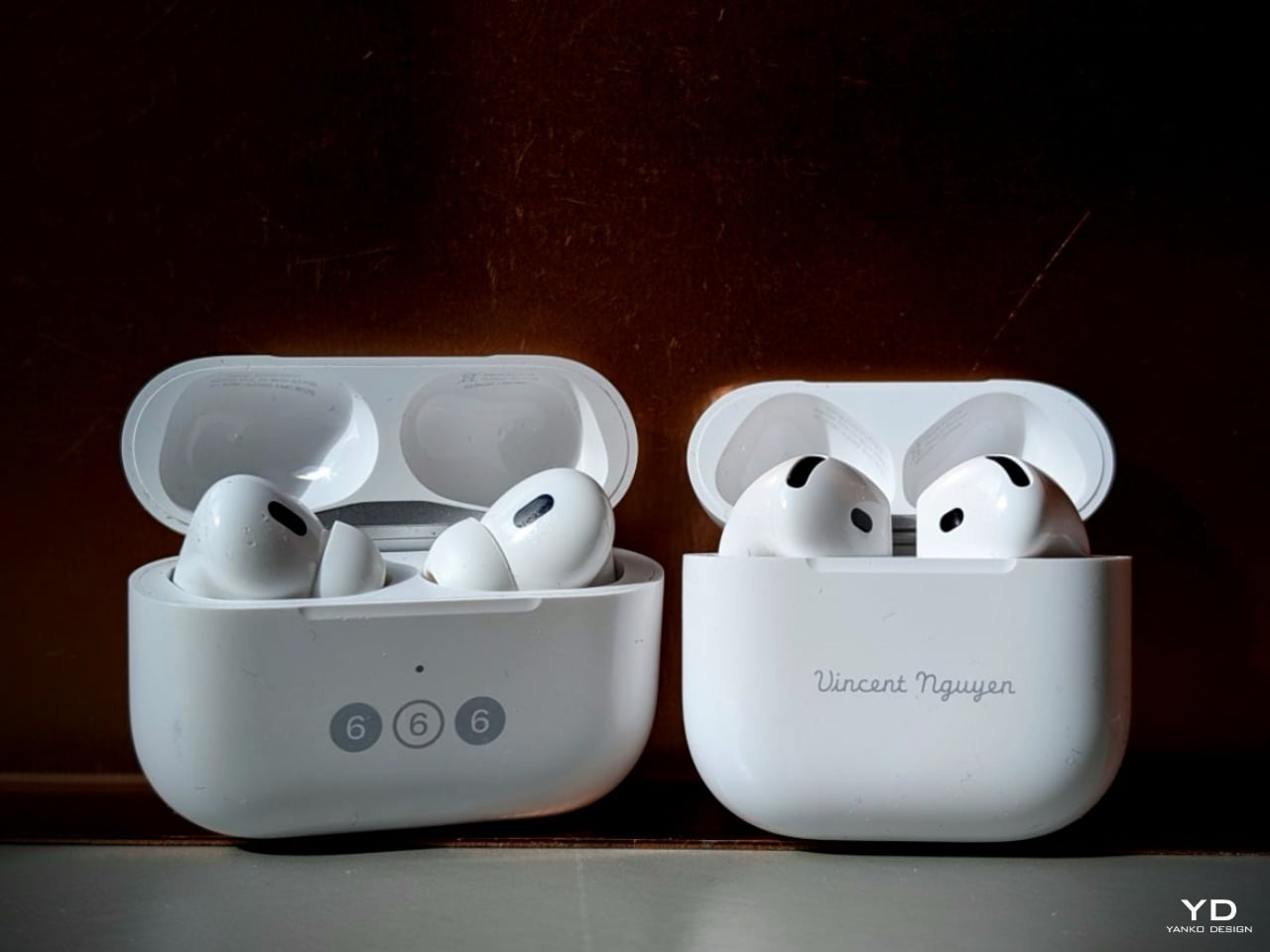
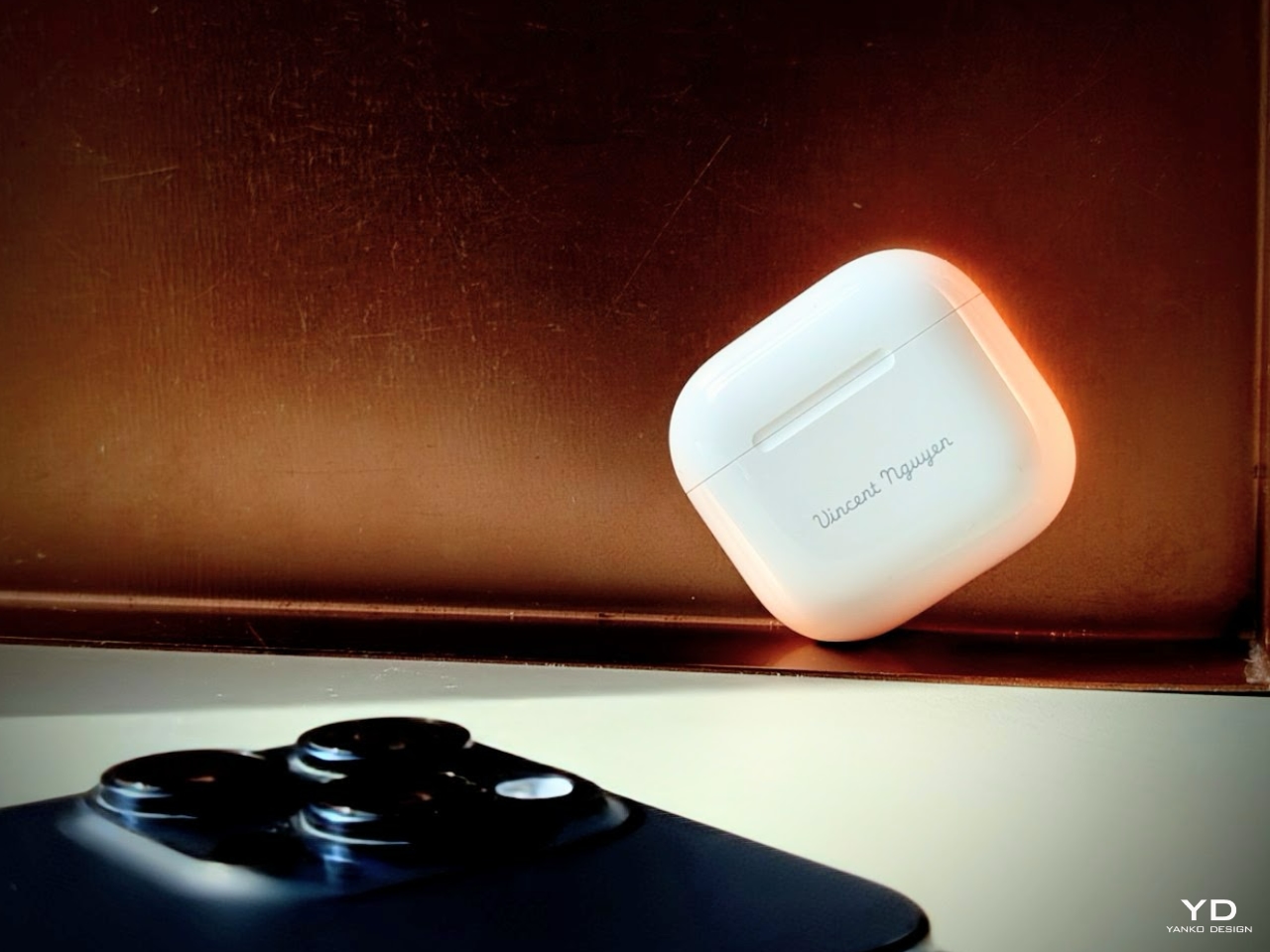
The charging case also got an update—it’s over 10% smaller, which might not sound like much, but it’s noticeably more pocket-friendly. I’m not sure if Apple consciously decided to design the AirPods case’s size and shape to fit the coin pocket on jeans, but it’s the perfect place to carry them—making them the ultimate everyday carry device. This smaller size continues the trend of portability and ease of use, fitting seamlessly into your day-to-day routine without adding any bulk.

AirPods Pro 2 + AirPods 4 + ANC

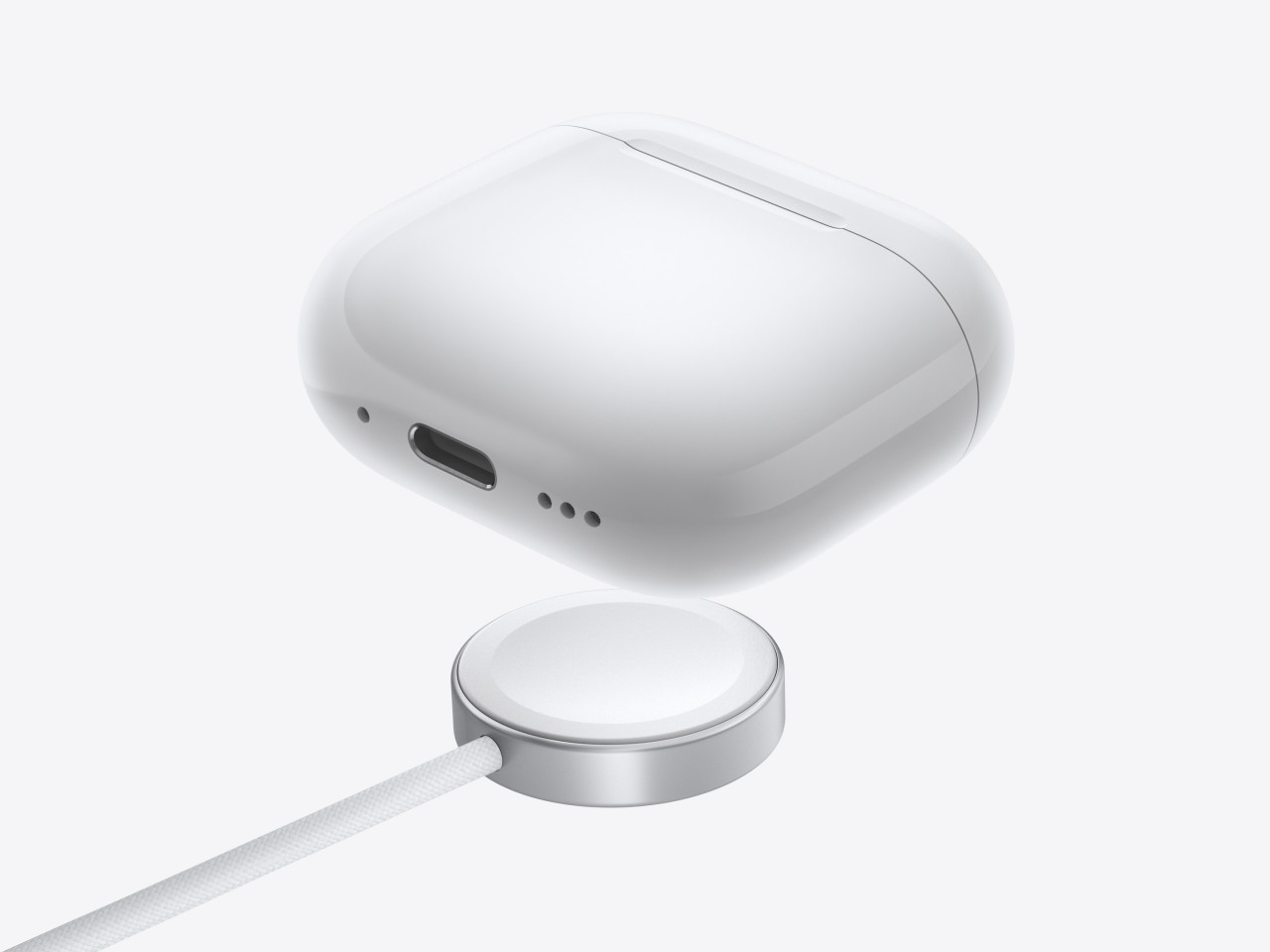
Plus, it supports seamless charging options through USB-C, Qi wireless chargers, and even Apple Watch chargers. That is super convenient because I can use whatever charger I have handy.

While the aesthetic remains in line with previous models, these refined proportions make the AirPods 4 feel like a more mature evolution of the open-ear design that many of us already love.

Comfortable for the Long Haul

Wearing the AirPods 4 has been a comfortable experience, especially since I prefer open-ear designs over in-ear buds like the AirPods Pro. There’s a time and place for the closed-ear design of the AirPods Pro with passive noise cancellation—about 30% of the time for me, with airplanes being a prime example. But for the rest of the time, an open-ear design with Active Noise Cancellation is the ideal and best-case scenario in any setting. The AirPods 4 strike that perfect balance, offering comfort while keeping you connected to your environment when needed.

AirPods 4 + ANC

The refined shape accommodates a broader range of ear sizes, and I can wear them for hours without discomfort. The earbuds feel lightweight, and the pressure-equalization vents mean there’s no buildup of pressure inside my ears, which is something that used to bother me with other earbuds.

One feature I didn’t expect to appreciate as much as I do is the new touch-free Siri interaction. It’s neat to nod for “yes” or shake my head for “no” when responding to Siri notifications. It might sound a bit futuristic, but racing across terminals to catch a flight with a roller board in one hand and a coffee in the other, having both hands full, it’s a small convenience that makes multitasking feel effortless.

The AirPods 4 have held up well durability-wise. They’ve got an IP54 rating, so they’re resistant to dust, sweat, and a bit of water. I’ve worn them during workouts, and even if I was caught in the rain or a storm, I’m confident they’d survive with a clean. It’s reassuring to know they can handle the wear and tear of daily life.

Sound Quality That Surprises

Now, let’s talk about sound. I wasn’t sure what to expect from an open-ear design, but the AirPods 4 have genuinely impressed me. The audio is crisp, with richer bass and clearer highs than anticipated. The custom high-excursion driver and high dynamic range amplifier deliver powerful and nuanced sound well.

The big addition here is Active Noise Cancellation (ANC), and I was initially skeptical about how effective it could be in open-ear earbuds. Flying home from the Glowtime event, I sat in the window exit row—right by the engine—where the low hum can be incredibly distracting. To my surprise, the AirPods 4 with ANC did an impressive job drowning out the engine noise. I’d estimate they’re about 85-90% as effective as the AirPods Pro 2 in similar conditions. The difference in effectiveness comes down to the design: the AirPods Pro 2 benefit from their in-ear fit, which naturally provides passive noise cancellation, creating a tighter seal that blocks more external sound.

Still, considering the open-ear form of the AirPods 4, the ANC is remarkably good at reducing low-frequency sounds like airplane hums, the constant buzz of city traffic, or even those old-school AC units that sound like they’re on their last breath. While it’s not going to block out everything—this isn’t an over-ear headphone cocoon—it’s more than enough to let you get lost in your music or podcast. Even in noisy environments, I found myself more immersed in my media, which shows just how far Apple has pushed the boundaries of open-ear ANC technology. It’s a balance of staying aware of your surroundings while cutting out the distractions that would usually pull you away from the experience.

The real advantage here is that you can enjoy noise reduction without sacrificing comfort or situational awareness. You’re still connected to your surroundings, which is especially useful when you’re out walking or working in an office, yet the ANC does a great job of toning down the distractions that tend to pull you out of the experience. It’s a best-of-both-worlds scenario, and for someone who prefers open-ear designs, it’s a welcome evolution in noise-cancellation technology.

Adaptive Audio is another feature I’ve grown to appreciate. It adjusts between Transparency mode and ANC based on where I am. For example, if I’m walking from a busy street into a quiet café, it seamlessly recalibrates without me having to do anything. It’s one of those things you might not notice immediately, but it enhances the listening experience by adapting to your surroundings.

Calls are clearer, too. The Voice Isolation feature works wonders by filtering out background noise, making sure the person on the other end hears me loud and clear, even in busy or noisy environments. One of the things I appreciate about the open-ear design, though, is the sense of openness it provides during calls. With in-ear passive noise cancellation, I sometimes get that “clogged” feeling, and because of mild to moderate hearing loss, I tend to raise my voice—even with Adaptive Audio on—because I feel disconnected from my surroundings. However, the AirPods 4’s open-ear design eliminates that sensation entirely. A sense of freedom and natural sound flow lets me speak comfortably without that urge to shout.

AirPods Pro 2 vs AirPods 4 + ANC

It’s a refreshing difference. It doesn’t just make calls more pleasant—it also gives me a better handle on how I sound in various environments. When paired with Personalized Spatial Audio, watching movies or FaceTime calls becomes even more immersive, with sound that feels like it’s coming from all around, enhancing the experience without sacrificing that open, natural feeling.

Battery life has been solid, with up to 5 hours of listening time, which extends to around 30 hours with the charging case under typical conditions. Even with ANC enabled, it’s about 4 hours per charge. When I’ve been in a hurry, a quick 5-minute charge gives me roughly an hour of playback, which has been a lifesaver on multiple occasions. Of course, real-world battery life may vary slightly depending on volume levels and usage patterns, but I’ve found these estimates to be consistent with my experience.

A Step Toward Sustainability

It’s appreciative that Apple is making efforts toward sustainability with the AirPods 4. They’ve used 100% recycled rare earth elements in the magnets and recycled gold in the circuit boards. The solder on the main logic board is also made from recycled tin. Even the packaging is entirely fiber-based and 30% smaller than before, aligning with their goal to eliminate plastic packaging by 2025. It’s good to know that companies are thinking about environmental impact, and while it’s just a step, it’s a move in the right direction.

Is It Worth It?

Coming from a guy who owns two pairs of AirPods Pro 2, I can say the AirPods 4 have been a worthwhile addition to my collection. Why two, you might ask? Well, half of my flights are longer than 5 hours, so having a second pair handy is a lifesaver when the battery runs low mid-flight. Now, are the AirPods 4 worth the investment? They may not be the cheapest option, but the overall experience has impressed me. And yes, if I hadn’t been provided a pair to review, I’d 100% purchase one myself—especially for the open-ear design, seamless integration, and everyday convenience they bring.

Between the AirPods 4 and the AirPods 4 + ANC, I’d recommend the latter if finances permit. Not only do you get all the great features mentioned above, but ANC adds the ability to enjoy media without cranking up the volume to drown out background noise. Over time, this could help prevent hearing loss, which is a nice feature for anyone concerned about long-term listening habits.

If you’re already using Apple devices, the integration is seamless. They automatically switch between my iPhone, iPad, Mac, and even my Apple Watch without any effort on my part. Features like hands-free Siri and the Find My Case add that extra layer of convenience to my daily routine, making the AirPods 4 an essential part of my everyday carry.

Final Thoughts

Overall, the AirPods 4 have been a pleasant surprise. Apple managed to pack in some impressive features while keeping the design sleek and comfortable. They’ve made improvements without overcomplicating things, which I appreciate. Oh, and let’s not forget: Apple, in their infinite wisdom, decided to remove the pairing button. But don’t worry; you don’t have to jump through hoops to repair them. Instead of a button, you open the lid and tap the front twice to put them into pairing mode! Genius. A clever use of the accelerometer inside the case—so simple, it’s like magic. I’m starting to think they’re not just making earbuds but sneaking in little pieces of wizardry.

If you’re in the market for new earbuds and value sound quality, ease of use, and some thoughtful features—and you’re okay with the price tag—the AirPods 4 are worth considering. They’ve redefined what I thought was impossible with open-ear earbuds and quickly become part of my everyday carry.

The post AirPods 4 with ANC Review: Open-Ear Design That Works first appeared on Yanko Design.

Pixel 9 Pro and Pixel 9 Pro XL Review: AI Future Today

PROS:


  • Distinctive, premium, and sleek design

  • Strong sustainability effort

  • Good camera output with software processing

  • Seven years of software support

CONS:


  • Gets mildly hot under intense use

  • Pixel 9 Pro: Slow 27W charging

  • Base storage starts at a measly 128GB

  • Some AI features still feel a bit gimmicky

RATINGS:

AESTHETICS
ERGONOMICS
PERFORMANCE
SUSTAINABILITY / REPAIRABILITY
VALUE FOR MONEY

EDITOR'S QUOTE:

With a premium and elegant design and impressive photography performance, the Google Pixel 9 Pro offers a glimpse into a future where AI makes lives easier and more meaningful.

In the beginning, Google was content to let its hardware partners shape people’s impressions of the Android mobile platform. With the launch of the first Pixel phone in 2016, however, it started to reveal its own vision for Android, not just in terms of software but for the overall user experience. Of course, visions and priorities change over time, and so do the focus and design for Pixel phones. With everything these days revolving around AI, it’s no surprise that Gemini, Google’s own AI platform, is at the heart of the new Pixel 9 series. But are these phones just vehicles for Gemini or do they have more to offer? With the smaller Pixel 9 Pro and the extra-large Pixel 9 Pro XL in our hands, we give Google’s latest smartphones a spin to see what all the fuss is about.

Designer:

Aesthetics

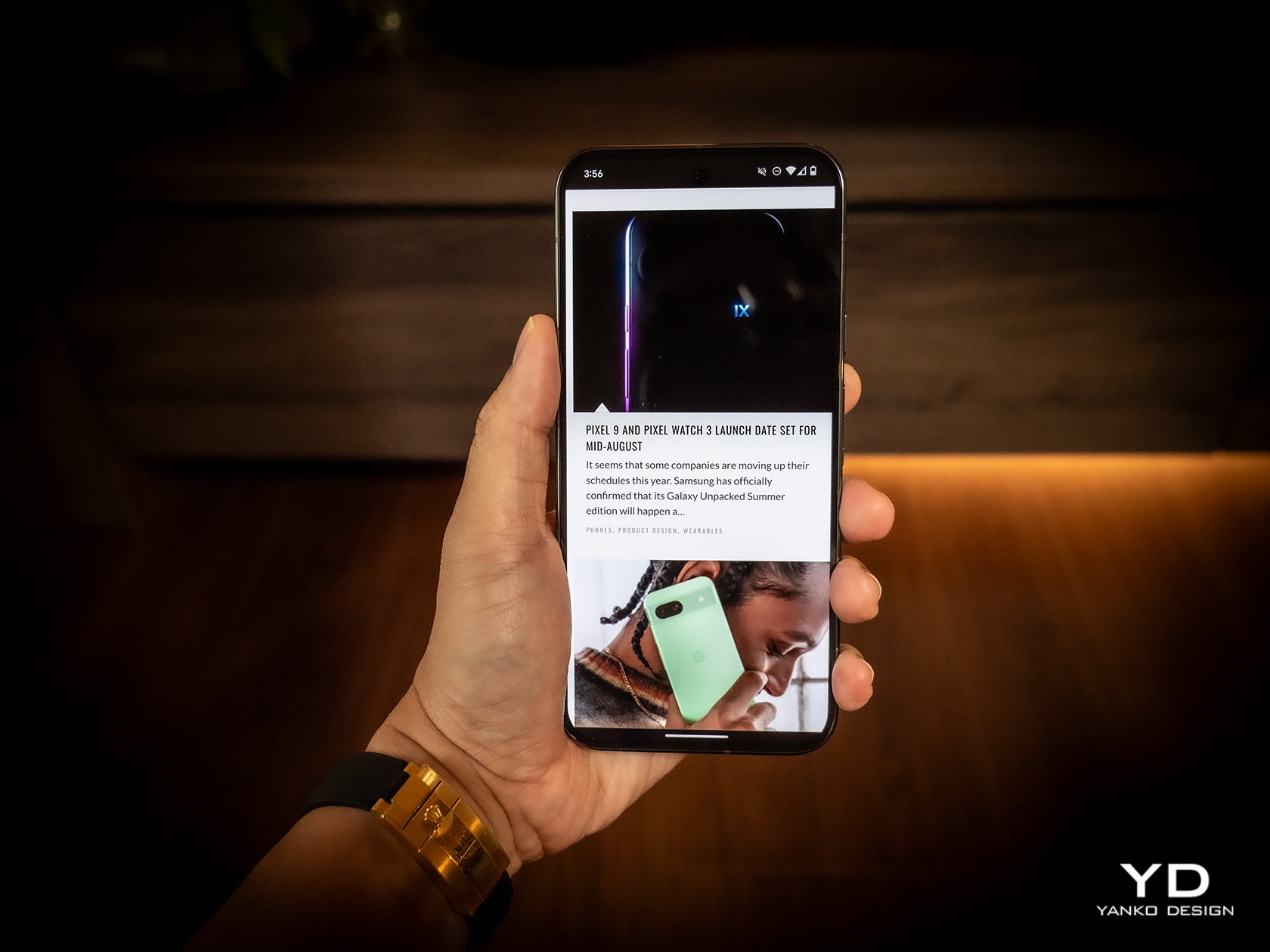
Remember the “Panda Phone,” a.k.a. the Google Pixel 2 XL? Pixel phones have always had rather distinctive designs bordering on being playful and fun. But as the phone line matured, so did their designs. Compared to the very first Pixels, the Pixel 9 Pro is more mellow, subdued, and grown up. Even the colors are a bit muted compared the last year’s selection. And it’s actually all for the best.

Google Pixel 9 Pro

Google Pixel 9 Pro

Google Pixel 9 Pro

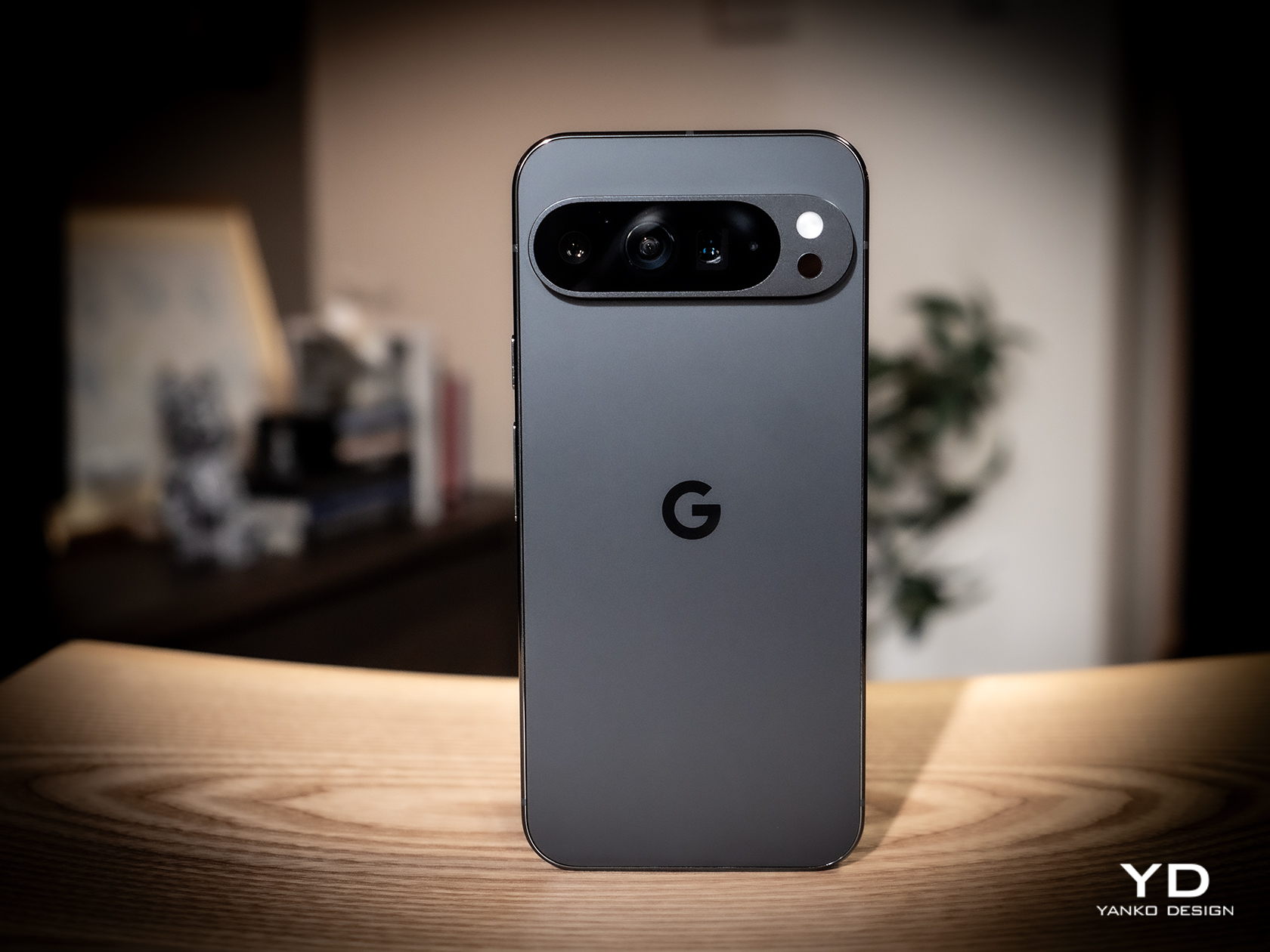
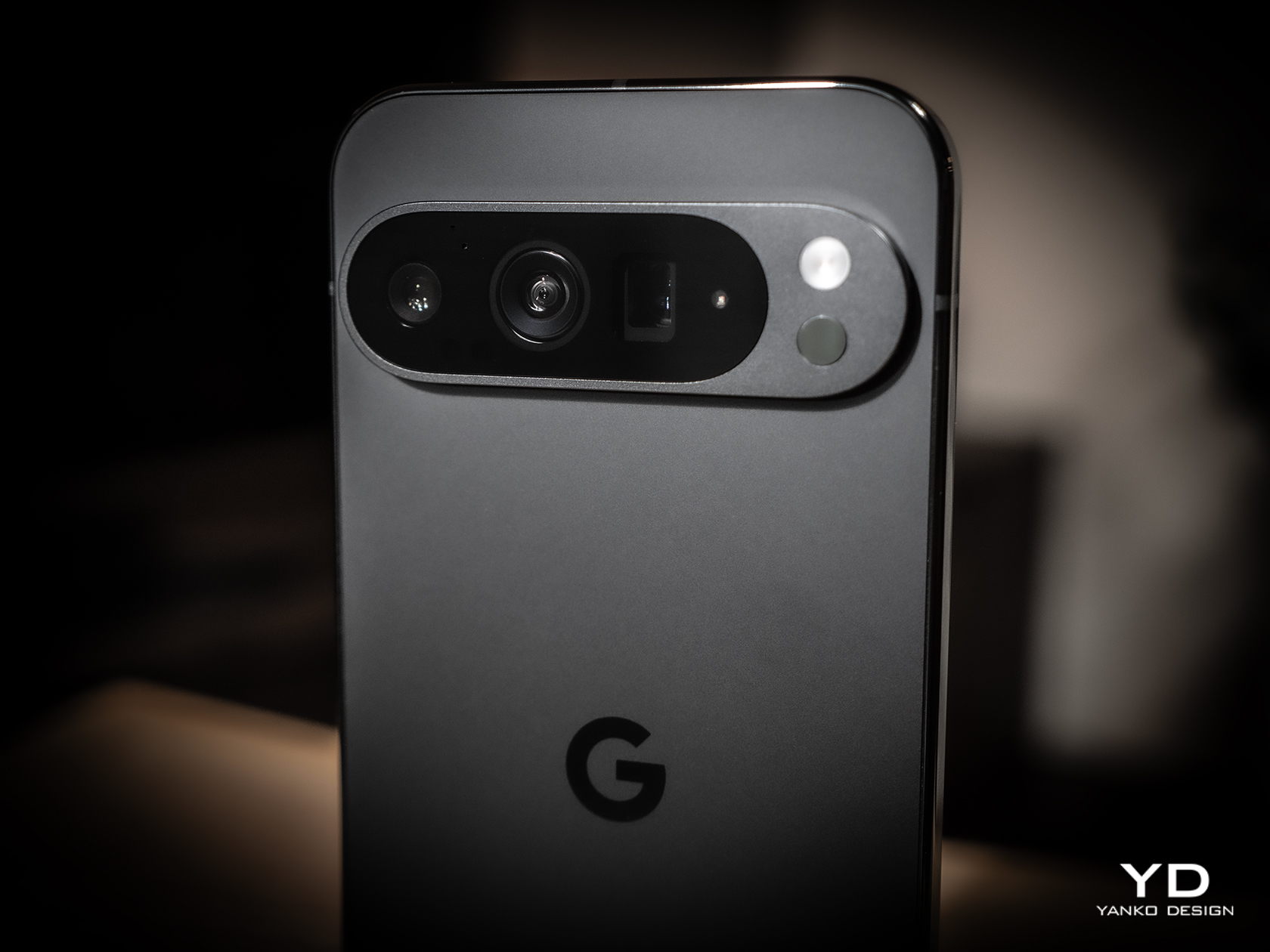
The Pixel 9 Pro now competes in a market where the previously young generation are now young adults and budding professionals. Tastes and needs change, and product design needs to adapt. Gone is the distinctive but divisive “visor” camera bar, now with an equally eye-catching but more modern-looking pill. It still sits across the width of the phone but leaves some space at the sides. While this gives the Pixel 9 Pro a more unified and mature appearance, it also makes the past dual-tone color combinations impossible to implement, at least not without some superficial gimmick.

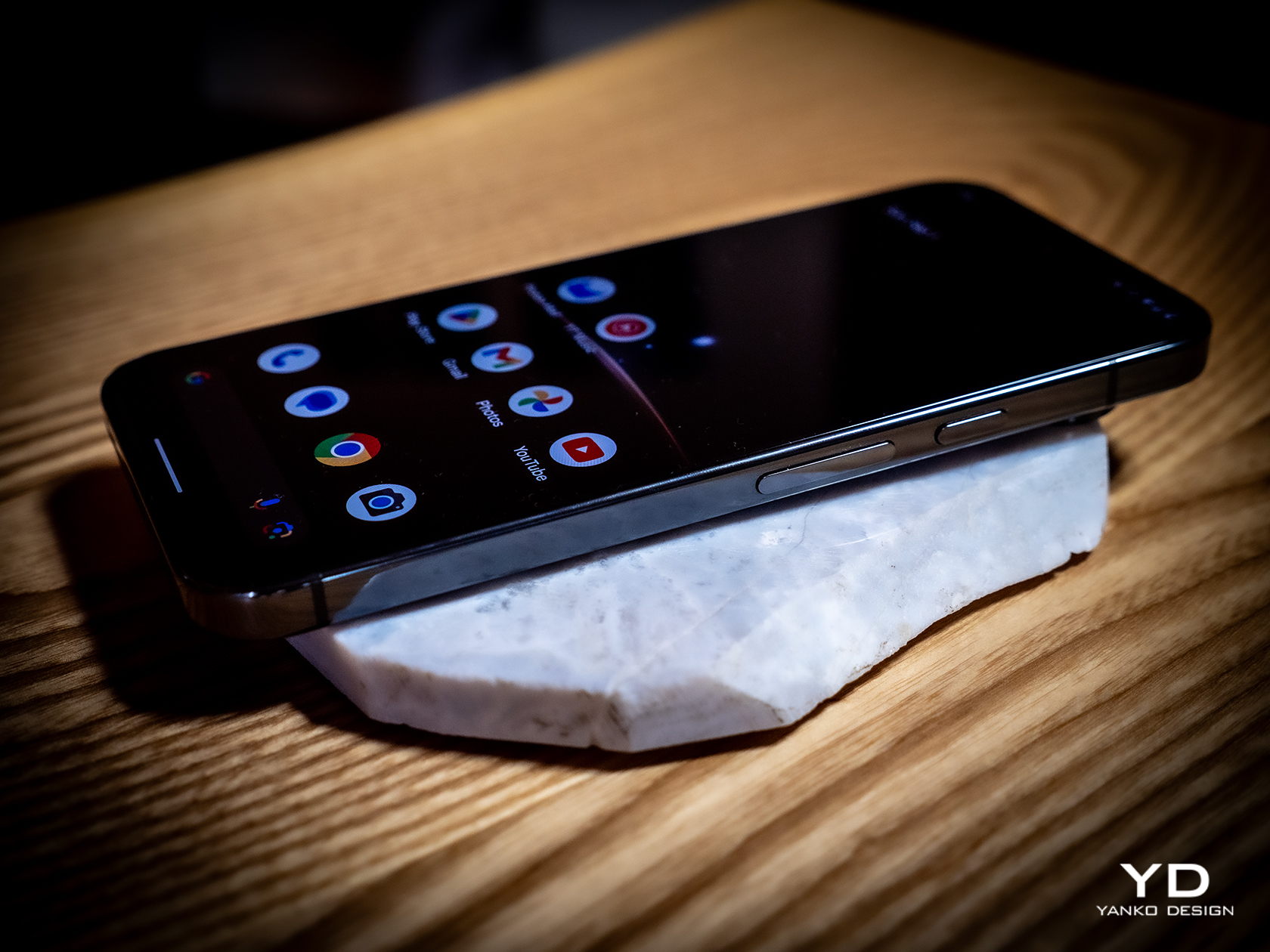
The change in camera design also frees the Pixel 9 Pro to finally adopt what is now regarded to be a more contemporary convention: flatness all around. The edges are flat and, at long last, so is the back. There will be many that will disagree, definitely, but it’s a change that’s a long time coming either way. The four corners are still very much curved, of course, but this pillow design not only softens the appearance of the Pixel 9 Pro a bit but also literally softens the feel in your hand. One curious detail is that the SIM card tray at the bottom is also curved to follow the contour of the phone’s corner. It shows an attention to detail you might have come to expect from a certain fruity company but not from Google.

Overall, the Pixel 9 Pro gives off an aura of professionalism, maturity, and subtle elegance. It highlights the premium materials that Google has always been using but now feels more noticeable. Yes, it’s still playing up some of the fun things you can accomplish with the phone, especially with generative AI, but that is now a function of the user experience rather than the phone’s aesthetics. It’s almost as if Google wanted to show that, yes, the Pixel 9 Pro is now all grown up so you don’t have to feel shy about taking it out in the boardroom or in galas.

Ergonomics

Disregarding their foldable sibling, the Pixel 9 series this year comes in three models but only two sizes. Both the “plain” Pixel 9 and Pixel 9 Pro come with 6.3-inch screens while the Pixel 9 Pro XL enjoys a much larger 6.8-inch screen. Except for the rather large $200 price difference, there almost isn’t any significant reason to go for the non-Pro model when the Pixel 9 Pro comes in that same handy size but also offers a lot more, well, pixels.

And handy it truly is, making the Pixel 9 Pro easier to hold and operate, even with one hand. The premium materials, particularly the matte glass finish, offer a good grip, and those flat edges sink better into your hand than curved ones. And for good measure, that horizontal camera island gives your index finger a good resting spot, almost like a built-in grip. That camera “pill” design also has one advantage when the phone is laid on a table: it doesn’t wobble.

In that context, the Pixel 9 Pro XL is obviously harder to handle, but that’s the price you’ll have to pay for a much larger screen. In terms of materials and design, it’s equal to the smaller Pixel 9 Pro, but unless you have very large hands, chances are, you will be gripping the phone harder than normal, at least if you’re holding it with one hand only. It could lead to a bit of strain and tiredness in the long run and a bit less confidence in holding the phone overall.

Performance

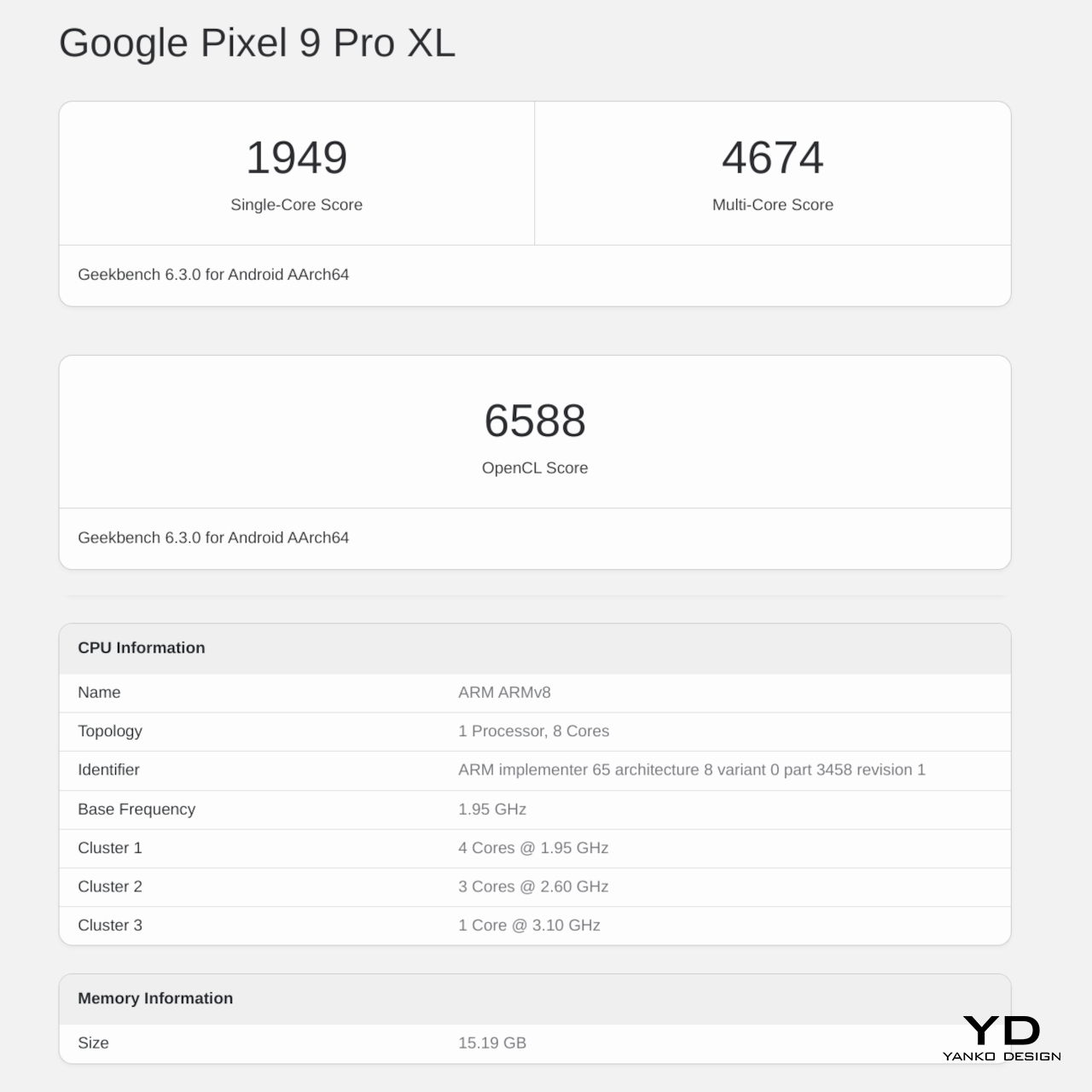
The Pixel 9 series also debuted Google’s fourth-gen self-made silicon, the Tensor G4. From the very beginning, these processors were made with AI and machine learning in mind, hence the name, and it definitely shows here, for better or worse. If you will be judging solely by benchmarks, you might come off pretty disappointed. It definitely lags behind the latest Qualcomm Snapdragon 8 Gen 3, let alone Apple’s new A18, but don’t let those numbers fool you. The Pixel 9 Pro and Pro XL perform quite well in real-world scenarios, and even better when AI is involved, to no one’s surprise.

If there’s one actually unfortunate aspect of the Tensor G4, it would be its continuing thermal woes. It doesn’t get burning hot, mind you, but the Pixel 9 gets noticeably warm sometimes even under moderate load. This is even more pronounced in the smaller Pixel 9 Pro, perhaps due to its smaller size. More than just some discomfort, this could affect performance, especially in graphics, where the Tensor G4 is forced to throttle sooner to lower the temperature faster.

Pixel phones have always been great in photography, and not always because they have great camera hardware. From the very beginning, Google has relied on computational photography to do more with less, and it has been quite successful at that. This year, it didn’t even skimp on the hardware, giving both Pixel 9 Pro and Pixel 9 Pro XL the same powerful trio of cameras: a 50MP main camera with OIS, a 48MP periscope telephoto camera with 5x optical zoom and OIS, and a 48MP ultra-wide shooter.

As you can probably guess, the combination of decent hardware and even more advanced software results in rather impressive photos and videos. Details are rich, colors are accurate, noise is low, and even a 10x “hybrid” zoom results in decent captures. That’s true even when the lighting isn’t perfect, though there are times when you can catch that the Pixel 9 did a little too much processing to compensate. Of course, there are also plenty of AI features at work here, and that’s also when things can get a bit spotty. Zoom Enhance might sound and look great on CSI, but you might end up catching the wrong person if you rely on the Pixel’s sometimes erroneous guesswork.

AI is, of course, the bread and butter of the Pixel 9 Pro, almost to the point that you could say that it is its raison d’être. Gemini Advanced and Gemini Live, in particular, take center stage in any Pixel 9 discussion, and it is where the phone both shines and, to some extent, fails. No, it’s not that it flops in performance or believability. In fact, it’s scary good that you might even start to worry about the future of humanity. The problem lies in what can be considered really useful and what is just fluff, and, in the final analysis, whether the Pixel 9 Pro has any value without those.

The Pixel 9 Pro is naturally overflowing with AI features. Gemini Live ventures into uncanny valley with its natural sounding voices and conversational capabilities, though you might want to always fact-check before driving to a recommended restaurant that closed years ago. Call Notes is going to be a lifesaver for people who always find themselves in online meetings, and thankfully Gemini openly declares its presence to let other people know there’s an invisible participant. There are also the basics like summarize for long articles and, of course, translate.

And then there are the AI features for more “creative” activities, like Magic Editor’s Reimagine which lets you replace the sky or the ground with other elements, basically a photo-bashing tool on your phone. Pixel Studio is Gemini’s version of text-based image editor everyone’s raving or ranting about, except it can’t or won’t generate images of people. And then there’s Add Me, which lets you compose yourself or any other person into the shot by taking two versions. Useful for when you have nobody around to take a group photo and fun for the first few times.

Some of these features can be quite useful, while others feel more like gimmicks to flex Gemini’s AI muscles. And others still feel like they need a few more iterations to become reliable, presuming you’ll even use them in the future. And for all of those features, Gemini takes up a 3GB chunk of the Pixel 9 Pro’s 16GB RAM, whether you use it or not.

Sustainability

Google has clearly set itself apart from other Android phone manufacturers, not just in design or in how it presents Android, but also in how it ensures the health of the planet for every Pixel made. Every year, it steps up its efforts to use more sustainable materials, like how the Pixel 9 Pro frame is made from 100% recycled aluminum and how its packaging is 100% plastic-free.

And there’s the effort to ensure the longevity of the Pixel 9 Pro, both in hardware and software. Google has committed to serving seven years’ worth of software updates, so the Pixel 9 is guaranteed to remain fresh until 2031 at least. That hopefully also means that kinks in Gemini’s results will also be ironed over time and pushed to the Pixel 9 Pro. Google is also working with iFixit to add the Pixel 9 to the self-repair list, providing instructions and official replacement parts. It won’t be a comprehensive selection, but still better than zero.

Value

Now comes the hard part, determining whether the Pixel 9 Pro and Pixel 9 Pro XL are worth their weight in gold. That “gold” is actually $999 and $1,099 for the Pixel 9 Pro and Pro XL, respectively, and the price gives you the base model with 16GB of RAM and 128GB of storage. Yes, you only get 128GB of internal storage that you can never expand, at least not physically. Of course, Google wants you to use its cloud storage for almost everything, but that paltry capacity is really stingy. And then there’s the hidden cost of Gemini Advanced, which will be a $20 monthly subscription after the first free year runs out. But if people won’t migrate to a paid subscription for those AI features, what will be left of the Pixel 9 Pro?

Without AI, the Pixel 9 Pro is a pretty OK Android phone, but it’s really just a little above average. Yes, the cameras are great and don’t rely on Gemini to produce great results, but they’re not the best in class either. Performance outside of AI is pretty mediocre, and mobile gamers will be left unsatisfied with the results. The Pixel 9 Pro really shines brightest when you take into account AI and Gemini, and there might not be any better vehicle for Google’s AI. But if you’re not part of that crowd, there might be little reason to reach for a Pixel 9 Pro for now or upgrade from a Pixel 8 Pro that will be getting some of those AI features soon anyway.

Verdict

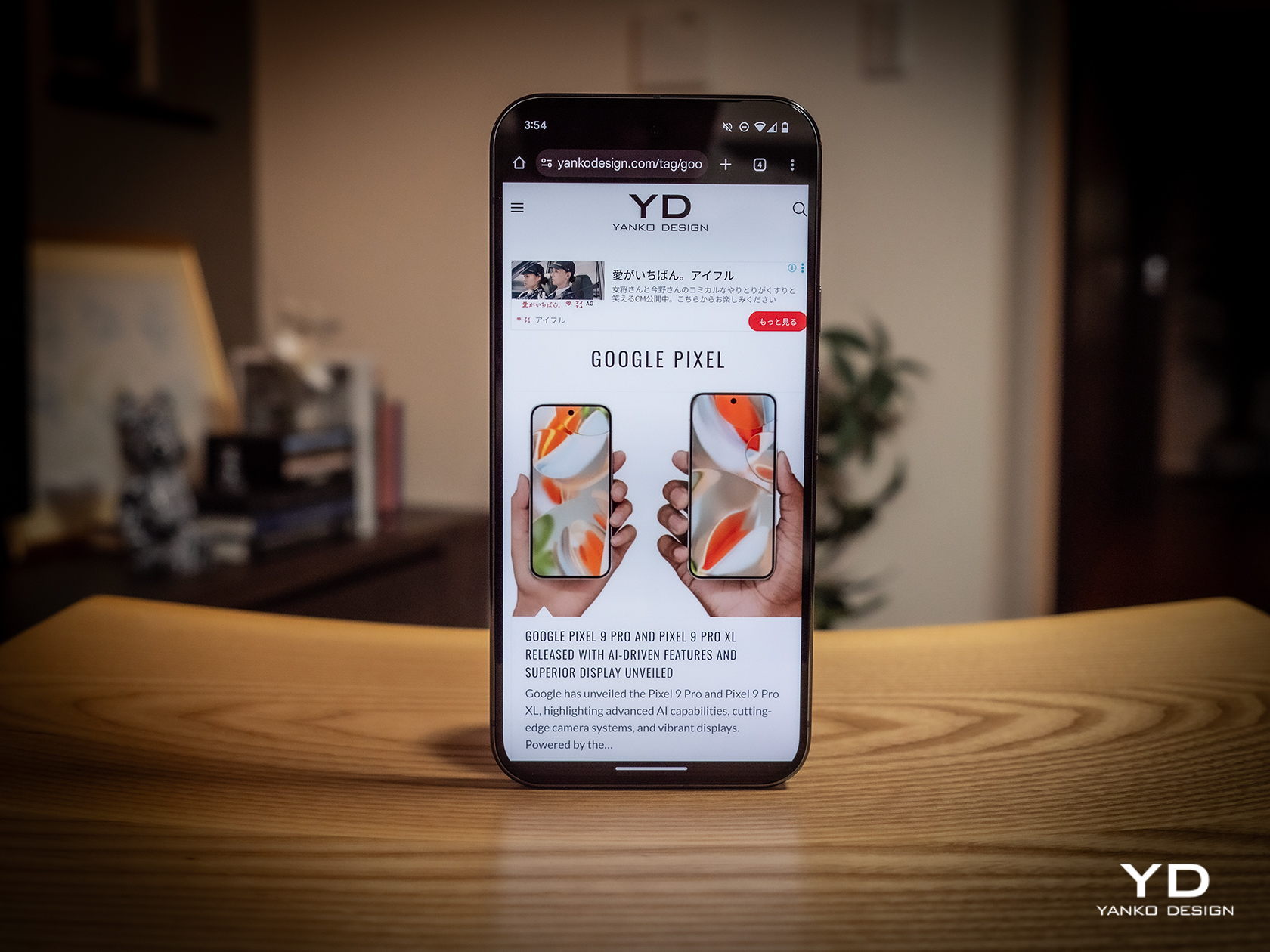
The Google Pixel is finally all grown up. From a frivolous youth, it has now become a rather dashing and elegant smartphone with a design that can stand proud beside the biggest players in the market. It retains its impressive camera performance thanks to a combination of contemporary camera hardware and improved imaging algorithms. There are some hardware choices that make little sense in this day and age, such as the 128GB base storage and 27W charging for the Pixel 9 Pro. Its focus on AI, however, is both its strength as well as its weakness. Gemini’s capabilities are impressive and sometimes downright frightening, but not everyone is completely sold on it, especially with a $999 price tag that will have a $20 recurring monthly cost. There might come a time when these AI features will become standard, but that is still in the near future. That makes the Pixel 9 Pro a bit of a harder sell today, no matter how beautiful it has finally become.

The post Pixel 9 Pro and Pixel 9 Pro XL Review: AI Future Today first appeared on Yanko Design.

TECNO Phantom V Fold2 5G Review: Where Precision Meets Innovation in Foldable Design

PROS:


  • Gorgeous aesthetics and ergonomic design

  • Supports pen input for precision and creativity

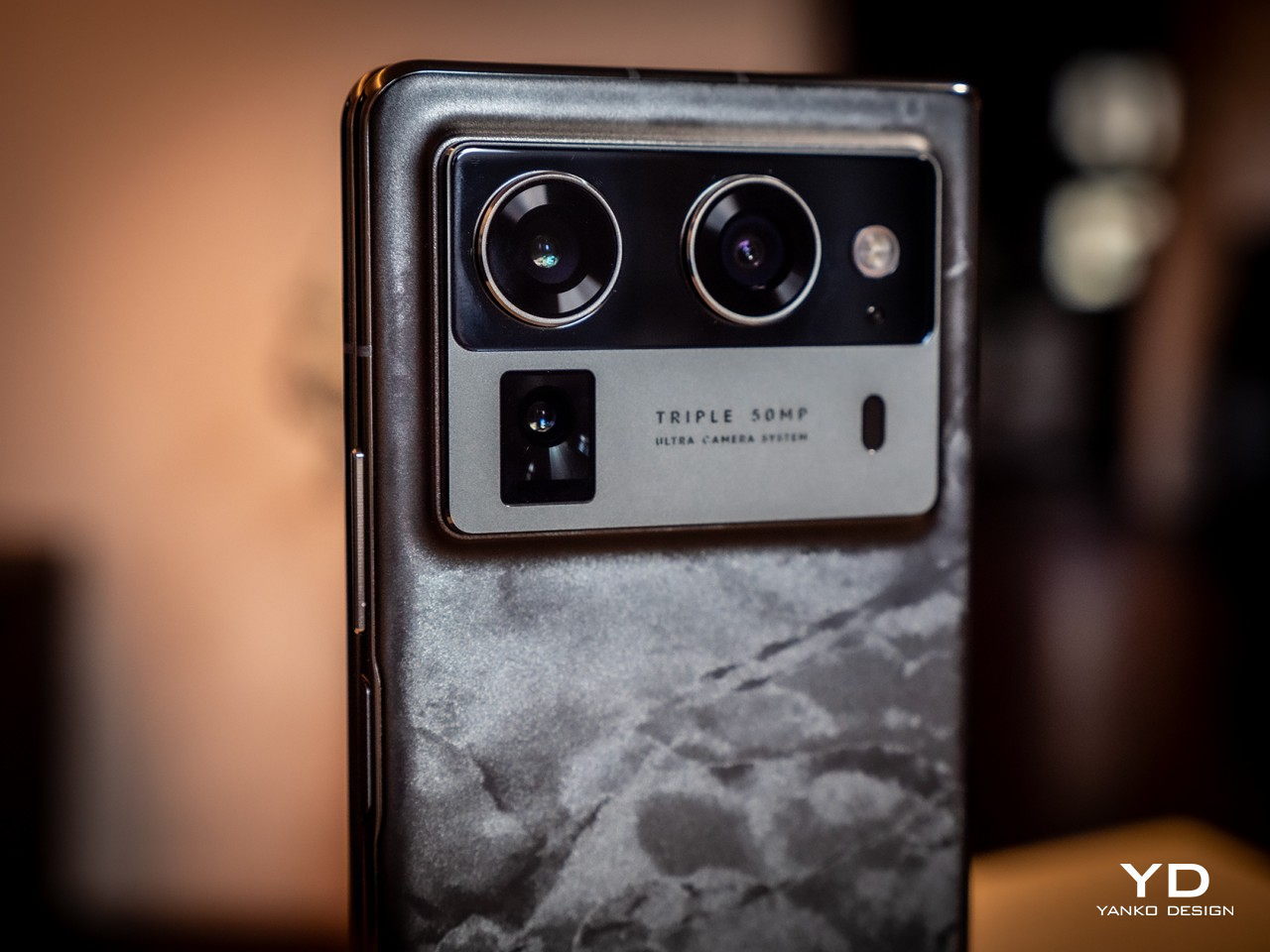
  • Capable triple 50MP camera system

CONS:


  • Benchmark performance is behind current flagships

  • AI features need time to mature

RATINGS:

AESTHETICS
ERGONOMICS
PERFORMANCE
SUSTAINABILITY / REPAIRABILITY
VALUE FOR MONEY

EDITOR'S QUOTE:

Whether you’re looking for a productivity powerhouse or a device for creative expression, the TECNO Phantom V Fold2 5G is a standout choice in the foldable market, offering an excellent balance of cutting-edge technology, premium design, and sustainability-focused innovation.

TECNO’s Phantom V Fold2 5G sets itself apart in an increasingly competitive market for foldable smartphones by combining aesthetics, performance, and forward-thinking design choices. With its large foldable screen, durable build, and smart AI features, the Phantom V Fold2 5G feels like a step forward, combining form and function in ways that aim to enhance productivity and creativity.

Designer: TECNO + Loewe

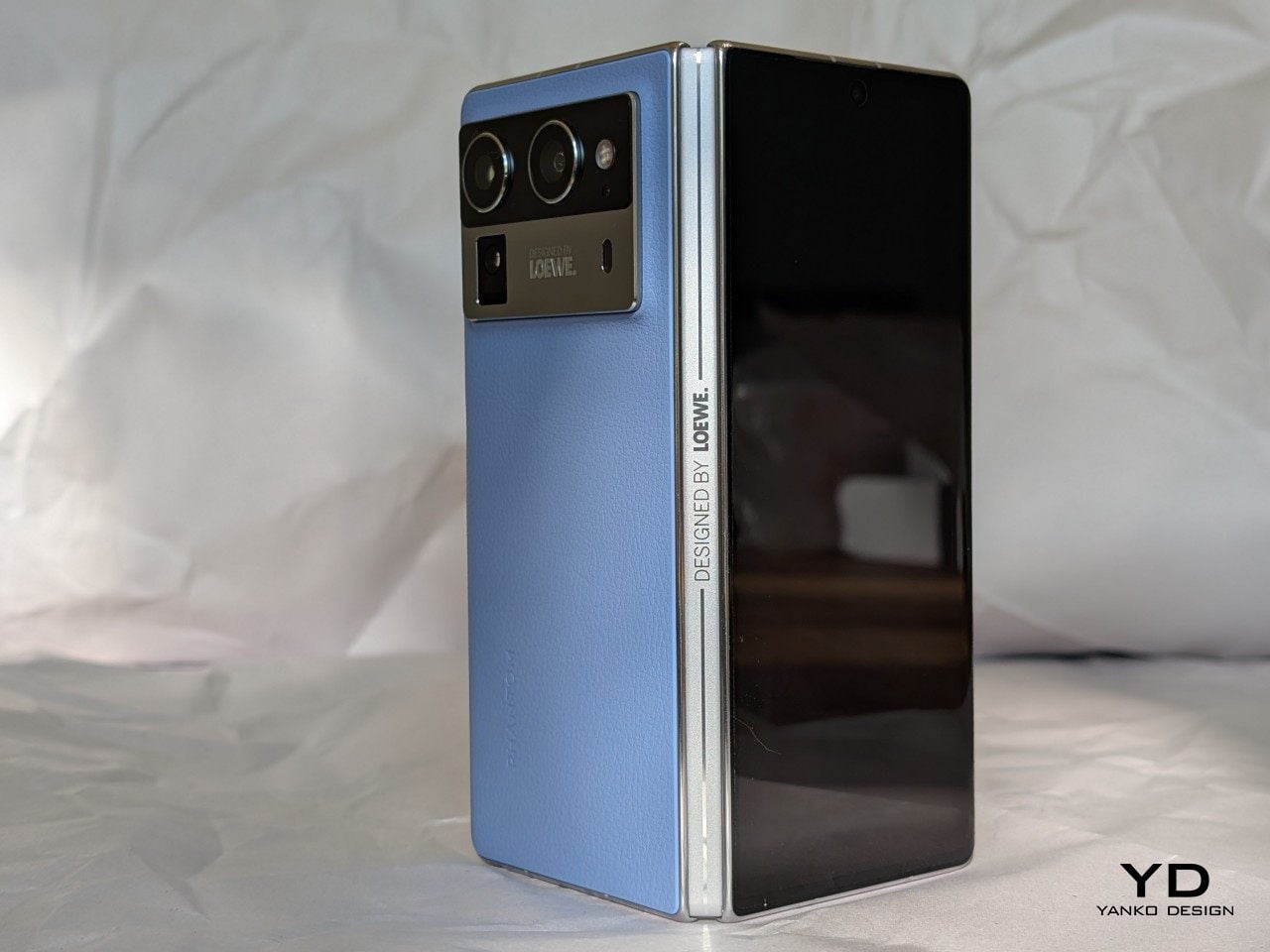
My review unit, the Loewe. edition, goes beyond being another foldable phone. It’s designed for those who appreciate cutting-edge tech, luxury, and sustainability. The collaboration between TECNO and the German brand Loewe has brought a new level of craftsmanship, blending eco-conscious design with high-end aesthetics. Let’s dive into every aspect of this phone to see whether it lives up to its expectations in form and function.

Aesthetics and Design

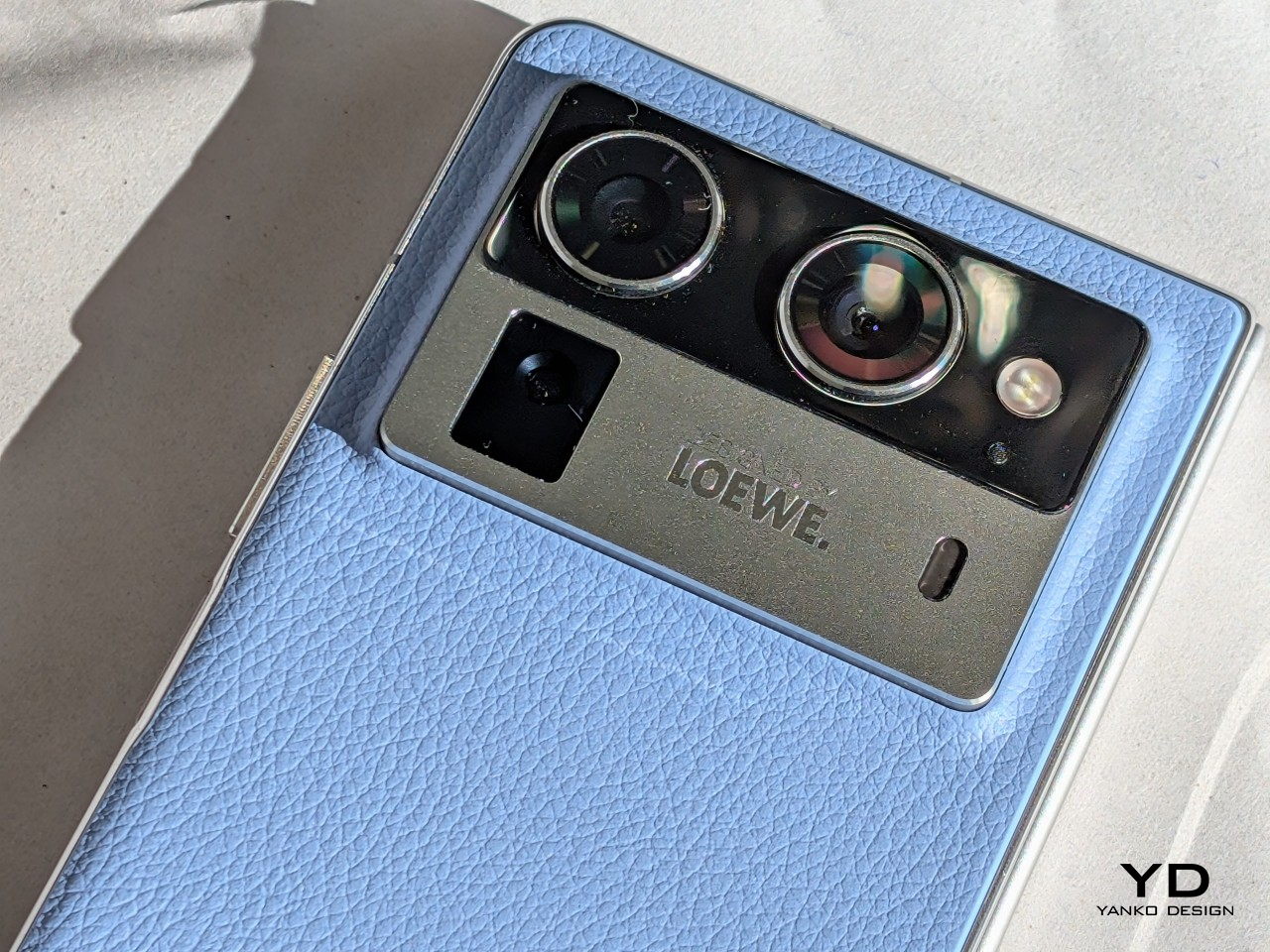
The TECNO Phantom V Fold2 5G design immediately catches attention, especially the Loewe Edition, which blends premium aesthetics with practical everyday use. The Rippling Blue and Karst Green editions bring their own luxury flavor. However, what’s impressive about the Phantom V Fold2 5G is how these design elements translate into a seamless user experience.

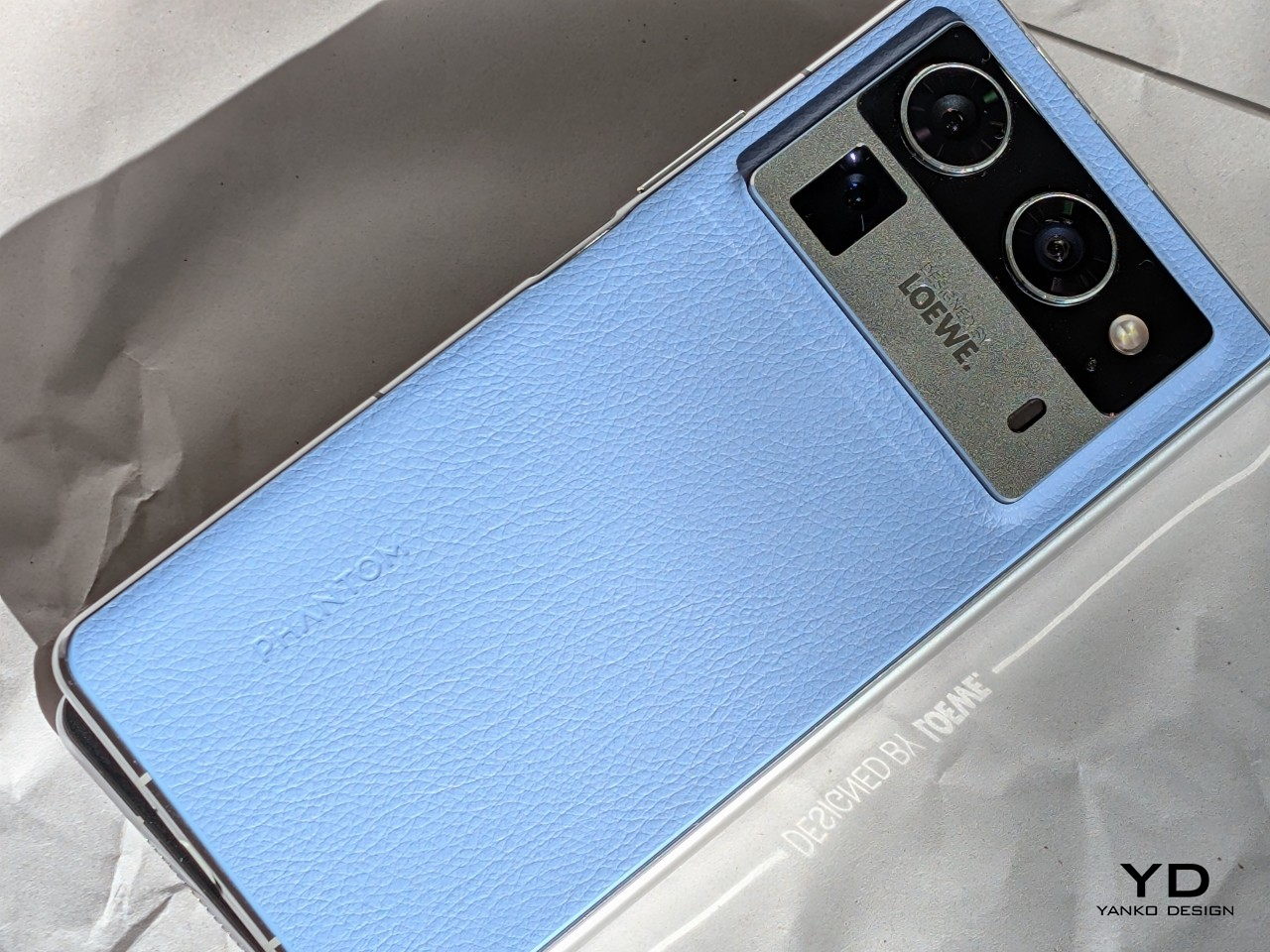
The Rippling Blue edition, crafted with eco-friendly leather, gives the phone a textured, high-end feel that looks great and makes the device more practical for daily use. The texture ensures a better grip, which is crucial when holding such a large device. I found that even during more extended periods of use, the grip felt secure, reducing the chance of the phone slipping from my hand. Its ability to resist dirt and fingerprints also makes a big difference; there’s no need to constantly wipe smudges off the back, keeping the phone as pristine as the day it came out of the box.

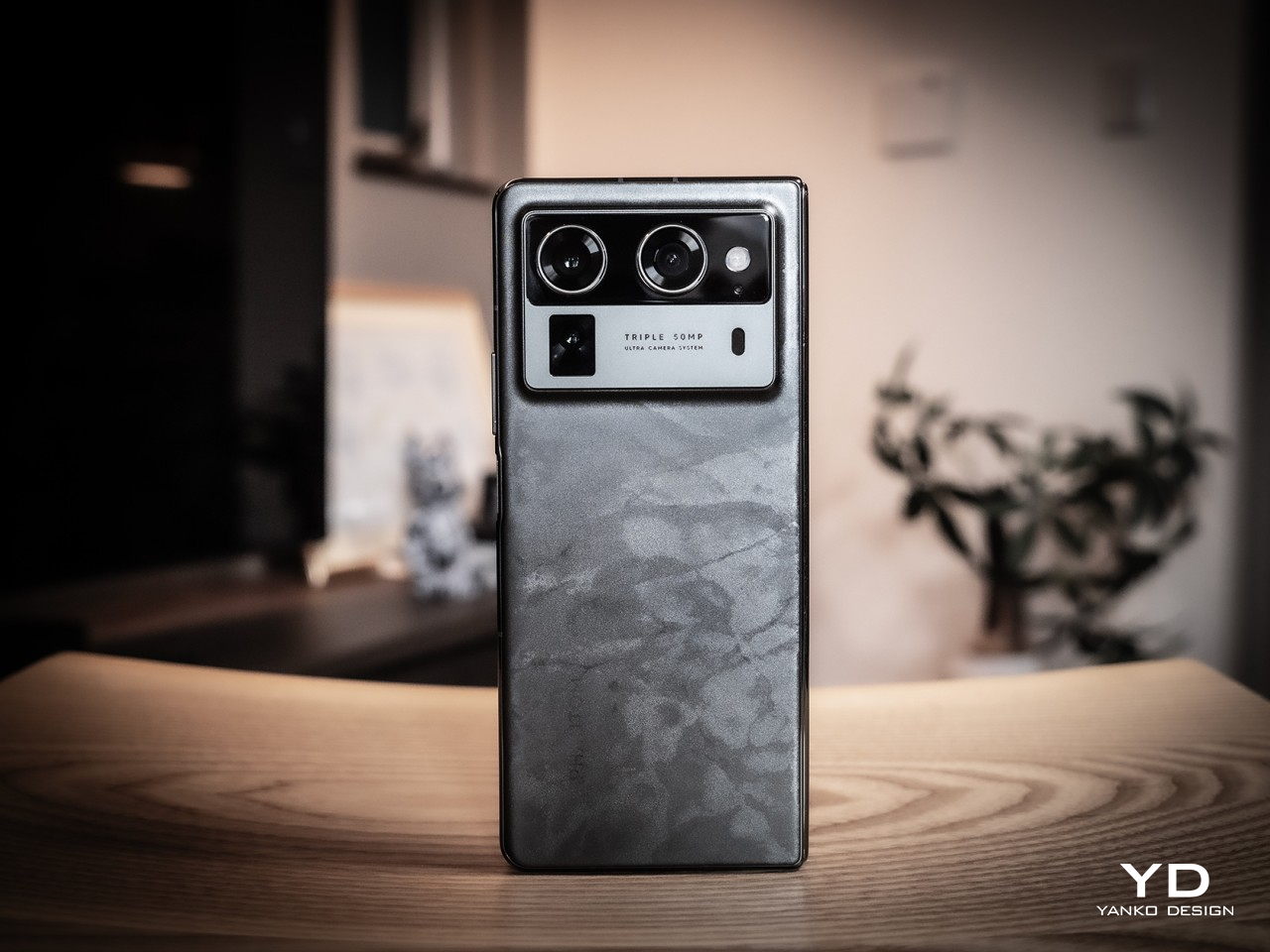
On the other hand, the Karst Green version features a marble-patterned fiberglass back, a significant upgrade in terms of durability. It feels notably lighter than a glass-backed foldable while maintaining a premium touch. This was particularly noticeable when using the phone throughout the day—taking it in and out of pockets, placing it on different surfaces, and handling it during daily tasks. The fiberglass material gives you confidence that the phone can handle the occasional bump or drop without adding unnecessary weight. Despite being 25% lighter than glass, the 100 times better drop resistance means you can carry it without worrying too much about accidental damage, which is always reassuring.

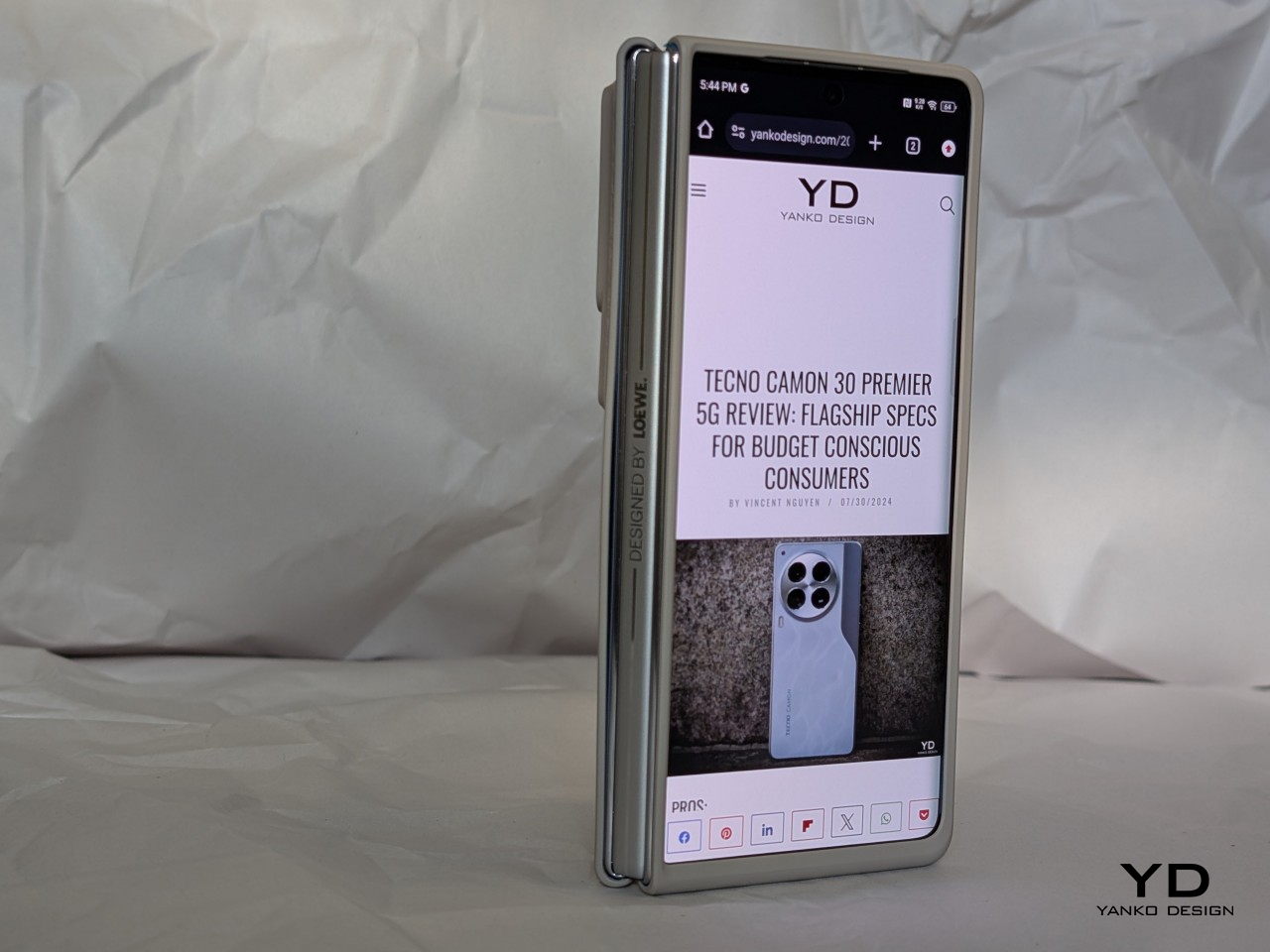
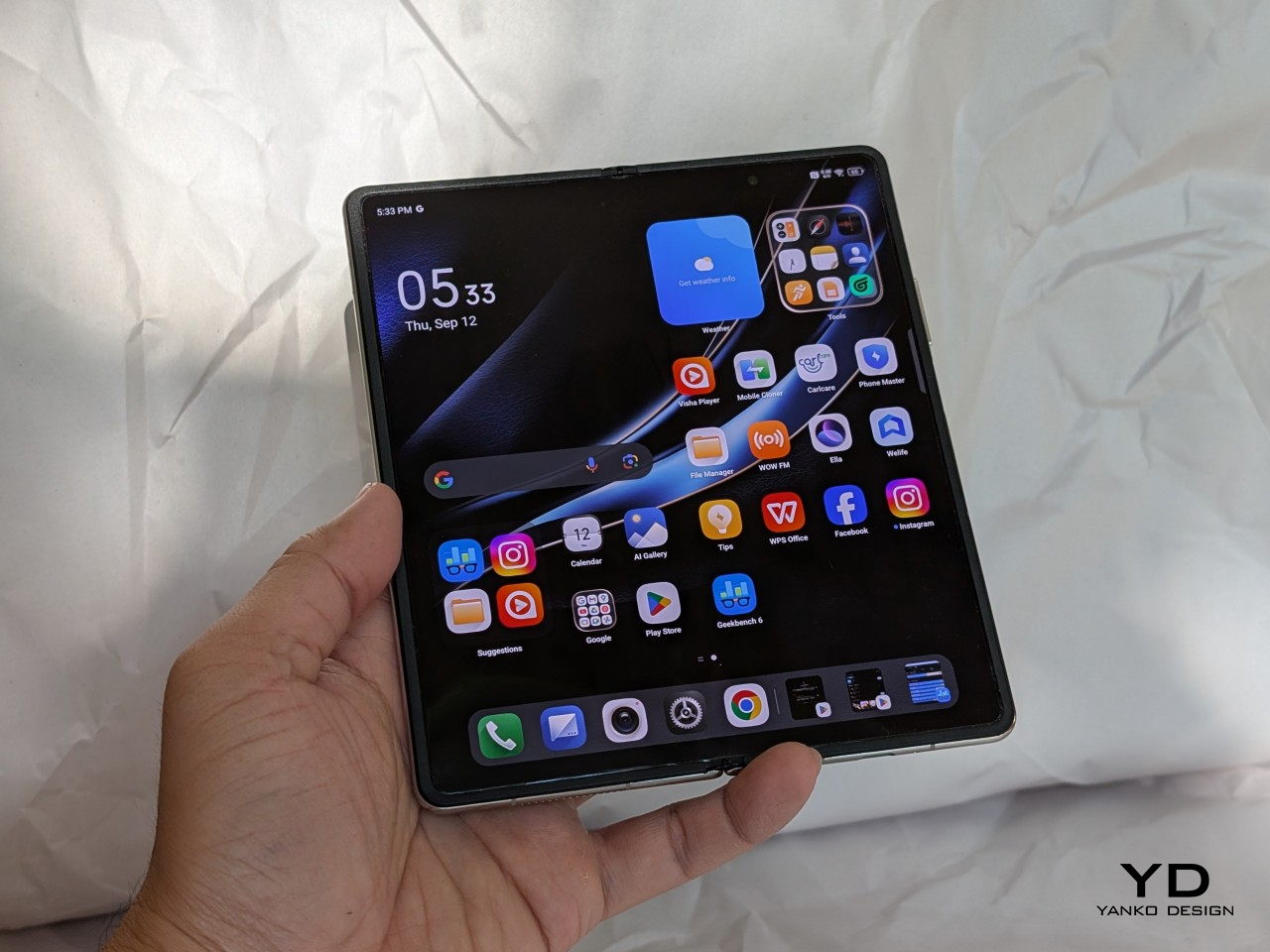
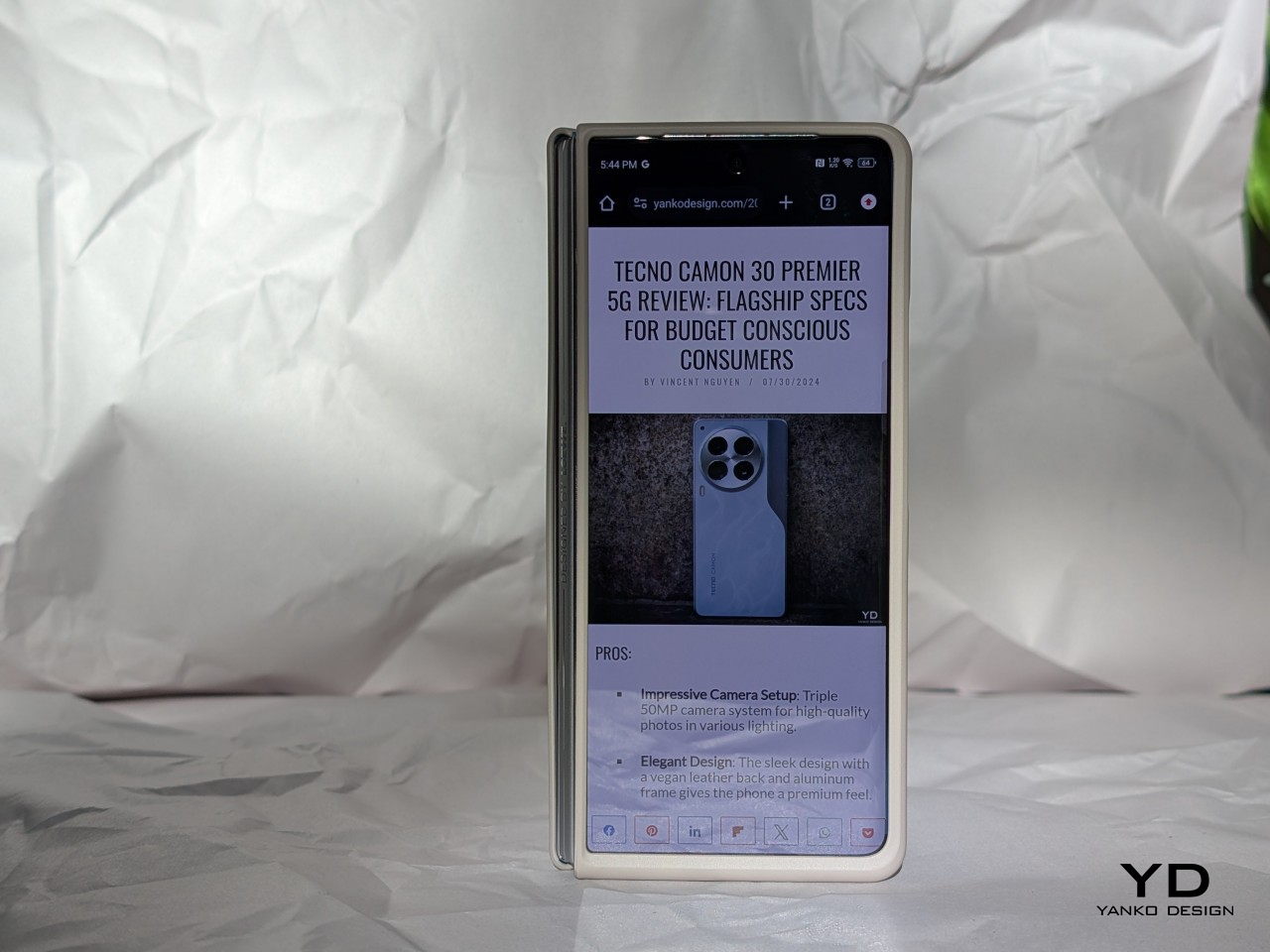
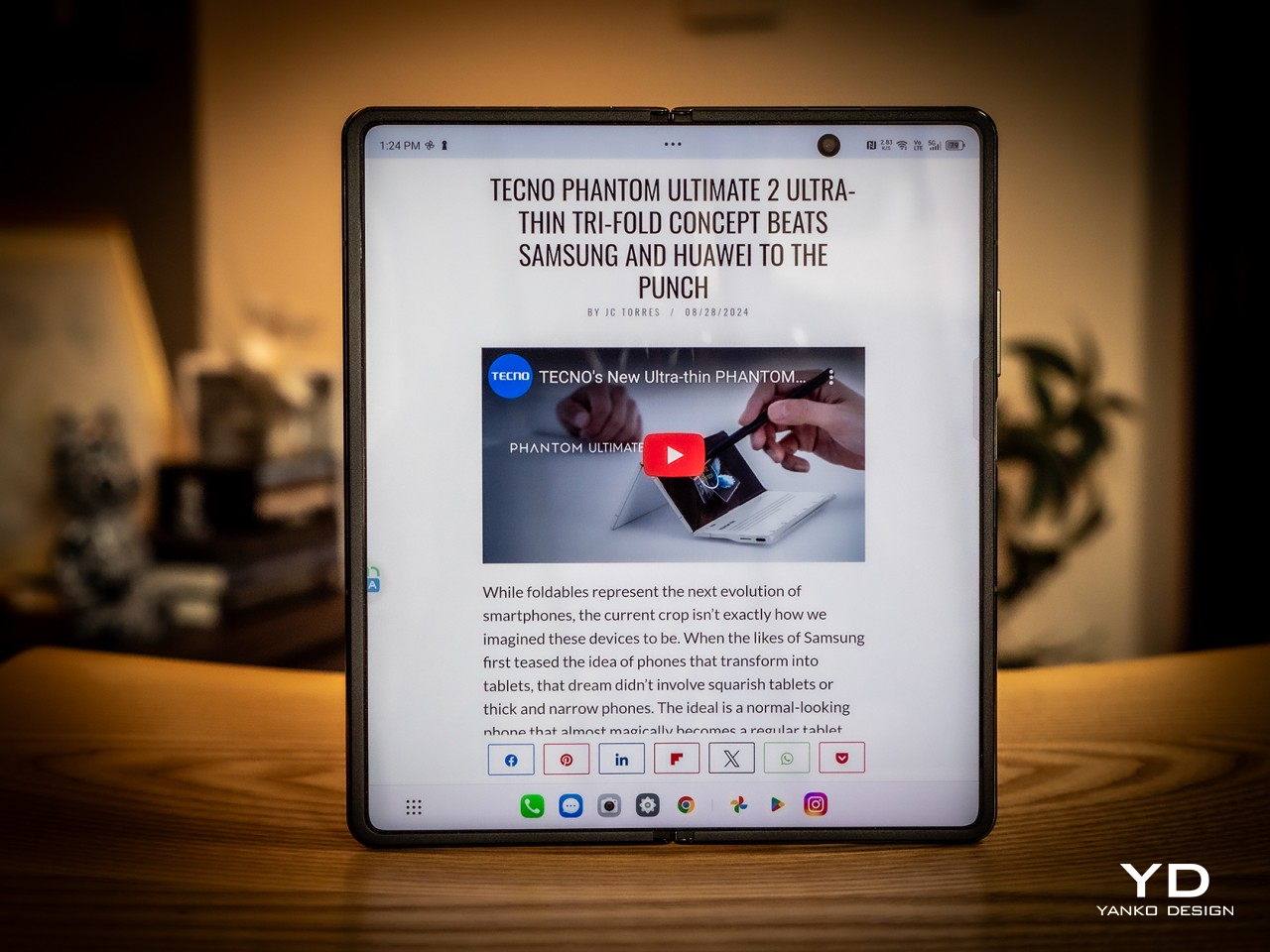
From a size and weight perspective, the Phantom V Fold2 5G balances portability and functionality. When folded, it’s compact enough to fit in most pockets and easy to hold in one hand for quick tasks, measuring 156.5 x 72.9 x 11.78 mm. I found the folded size ideal for checking notifications, scrolling through social media, or responding to texts. However, when unfolded, it transforms into something far more versatile. The device expands to 156.5 x 141.2 x 5.52 mm, offering a large, tablet-like display perfect for more immersive tasks like watching videos, editing documents, or gaming.

The 249g weight feels surprisingly light given its foldable form factor, and it’s well-balanced in hand. Whether folded or unfolded, I didn’t feel strain during longer use sessions, a common issue with heavier foldables. The weight is distributed evenly, so the phone doesn’t feel top-heavy or awkward in either configuration, making it easy to carry around throughout the day without discomfort.

One feature that enhances everyday use is the 3D micro-arc curved frame. The phone’s pebble-like shape feels smooth and natural in the hand, making it easy to grip. This design minimizes sharp edges, which helps make the device feel comfortable to hold, even for extended periods. The rounded edges are subtle, but they make a noticeable difference compared to a more squared-off foldable that can dig into your hand after a while.

The aerospace-grade droplet-shaped hinge is another standout feature. You’ll first notice how smoothly the phone opens and closes. There’s no stiff or awkward resistance—it’s a fluid motion that feels precise and well-engineered. This hinge supports 400,000 folds, which means it’s built to last. After repeated use, I didn’t notice any significant wear or creaking, which is reassuring for a device that literally hinges on this kind of mechanism. The crease in the middle of the screen is minimized to 0.1mm, making it barely noticeable during use. Whether watching videos, reading, or working on documents, the crease fades into the background, and you quickly forget it’s even there.

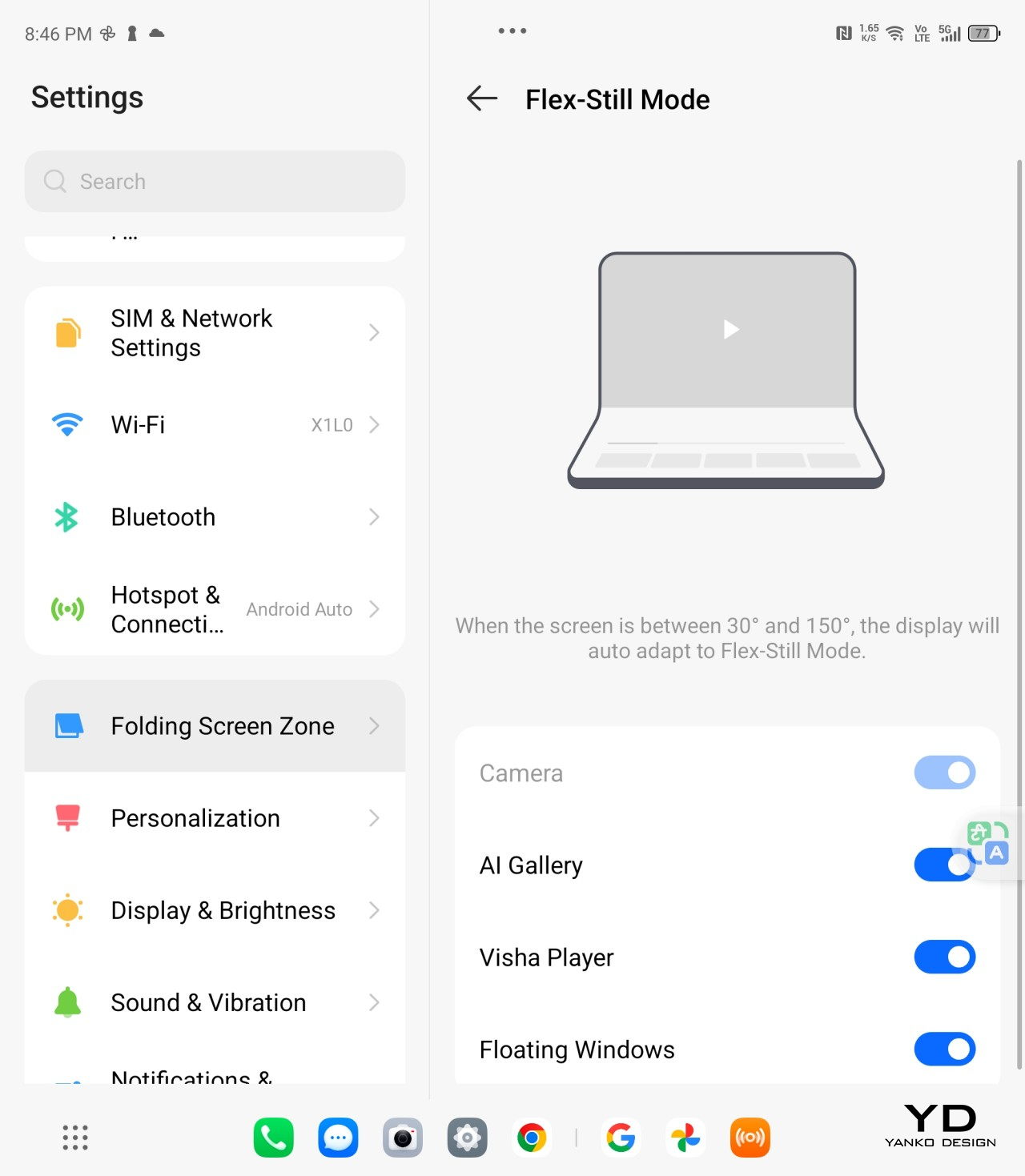
Another practical feature is the hinge’s ability to hover at angles between 30° and 120°, which turns the phone into a hands-free device. This comes in handy for video calls, streaming, or even following recipes without needing to prop the phone up awkwardly. It’s easy to adjust the phone to your preferred angle and stays securely in place without slipping.

For those concerned about everyday wear and tear, the IP54 rating provides peace of mind. While it won’t survive being submerged in water, the rating means it can handle splashes and dust exposure without issue. This is helpful if you’re using the phone outdoors or near water, as you don’t have to be as cautious as you would with a non-rated device. The outer display is also protected by Corning Gorilla Glass Victus, which helps with scratch resistance and adds durability. Throughout my usage, I didn’t notice any significant scuffs or marks on the outer display, even after sliding it in and out of pockets and placing it on various surfaces.

Ergonomics

Despite its large size when unfolded, TECNO has ensured that the Phantom V Fold2 5G remains comfortable and easy to handle. The device’s weight is well-balanced, and the marble-patterned fiberglass material offers excellent grip without feeling slippery. The foldable design adds another layer of ergonomics, as the phone can be propped up at different angles for hands-free use. This is perfect for video calls, watching movies, or using split-screen apps without holding the device.

The side-mounted fingerprint sensor is intuitively placed for easy access, and it works seamlessly, unlocking the phone quickly with just a touch. The volume buttons are also conveniently positioned, though users with smaller hands might find them slightly out of reach during one-handed use. The overall button placement and design make the phone comfortable for prolonged use.

Phantom V Pen Integration

Phantom V Pen: Productivity and Precision

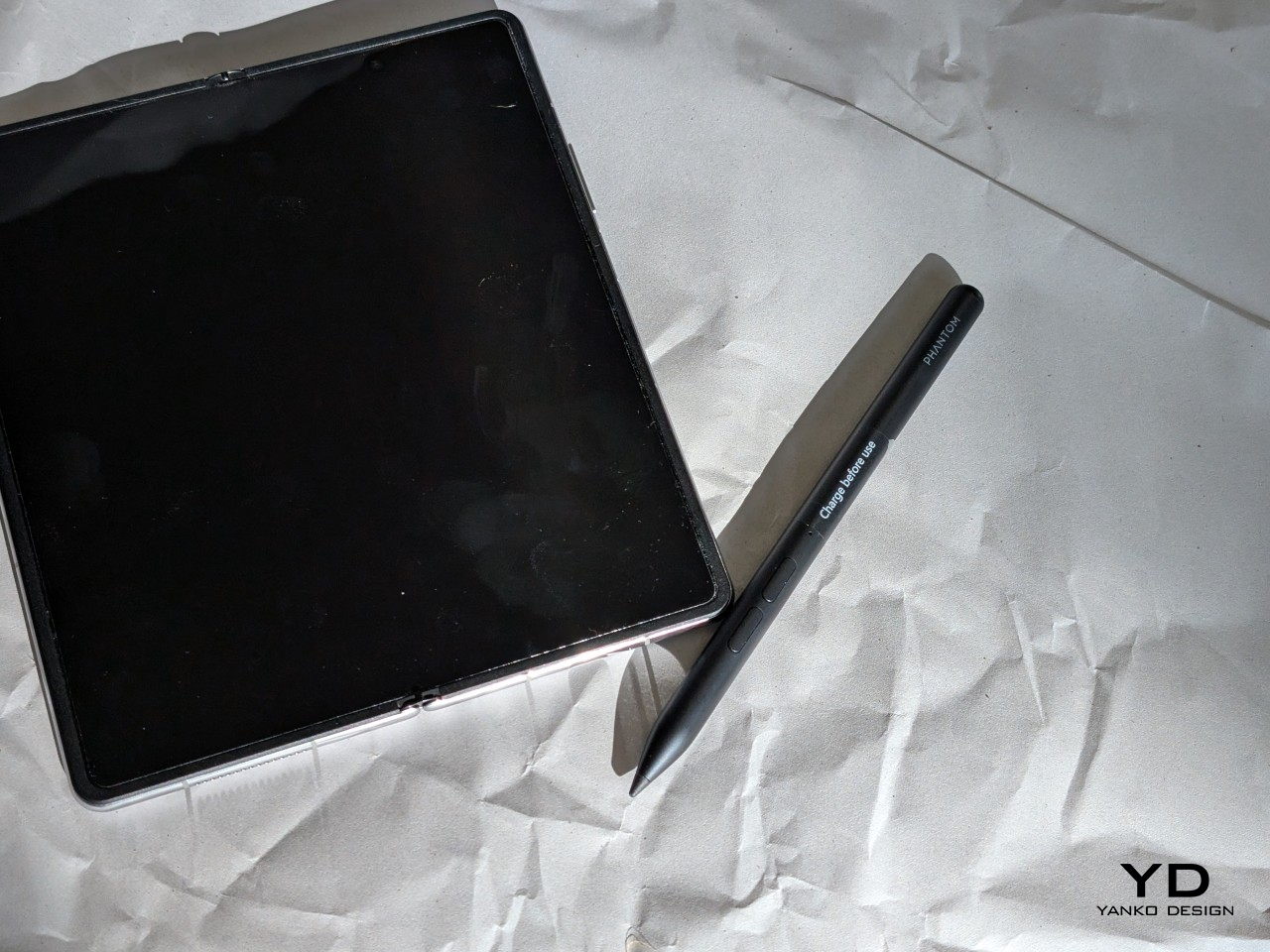
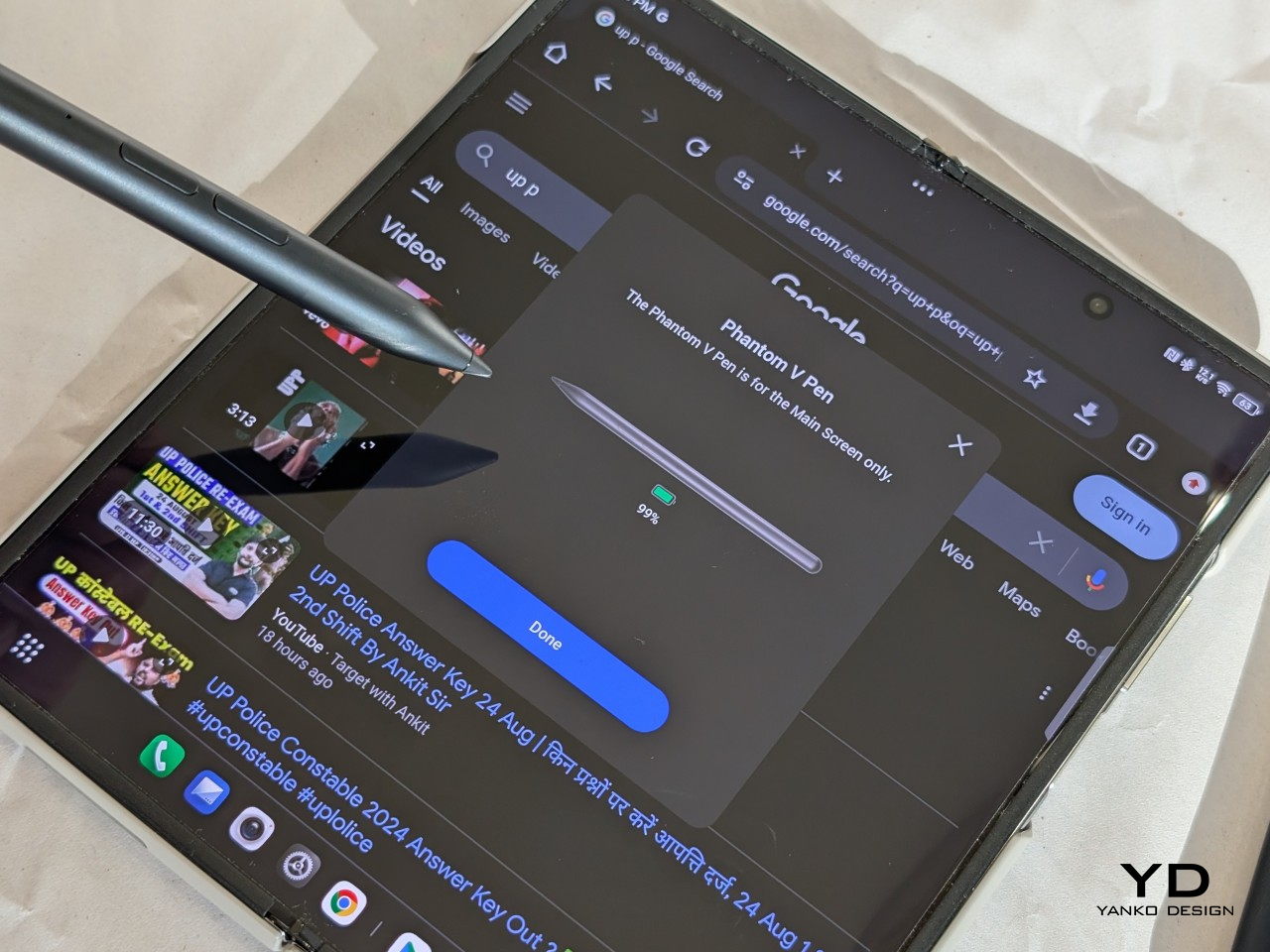
The Phantom V Pen significantly enhances the TECNO Phantom V Fold2 5G, turning it into a versatile tool for both productivity and creativity. Weighing just 10g, the pen is light and comfortable to use for extended periods, whether you’re jotting down notes, sketching, or annotating documents. Its integration with the foldable display is seamless, making tasks like handwriting recognition and calculations quick and efficient.

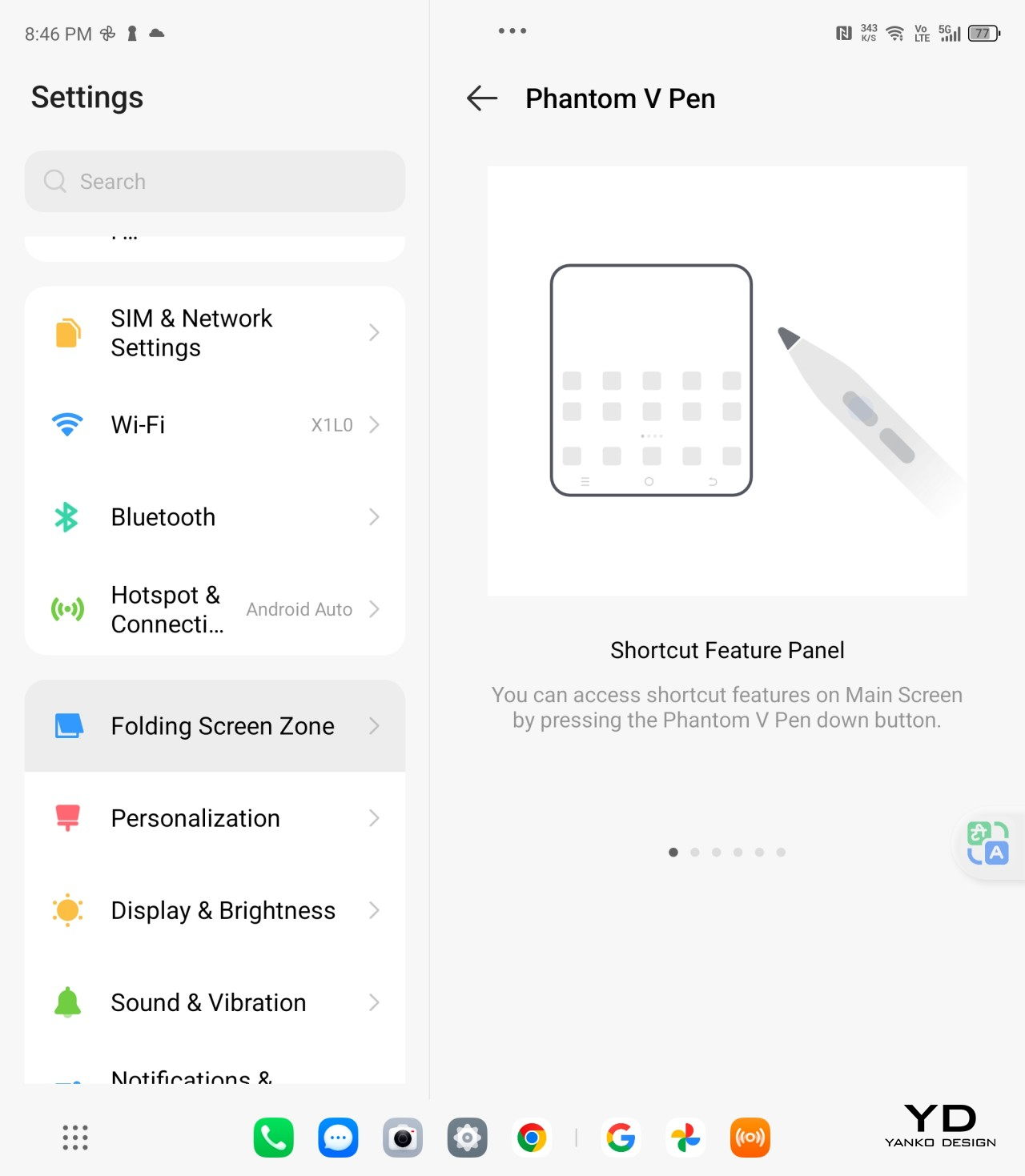
One of the pen’s standout features is its remote control functionality, which adds an extra layer of versatility. With its two buttons, you can control presentations, media playback, and even take photos—making it particularly useful for business users or those on the go. The remote functionality is especially handy during meetings or when navigating through slides without needing to touch the device.

The pen’s precision is supported by its super-resolution algorithm, ensuring a smooth and responsive experience, whether you’re sketching on the 7.85-inch inner screen or making detailed annotations. Creatives will find the pen particularly useful for more intricate work, where accuracy and control are paramount.

With up to 14 days of battery life on a single charge, the Phantom V Pen is a reliable tool that doesn’t require constant charging, which is ideal for professionals who need it throughout the day. Its range of features extends the overall functionality of the Phantom V Fold2 5G, making it a valuable addition for those who want to get the most out of their foldable device.

Performance

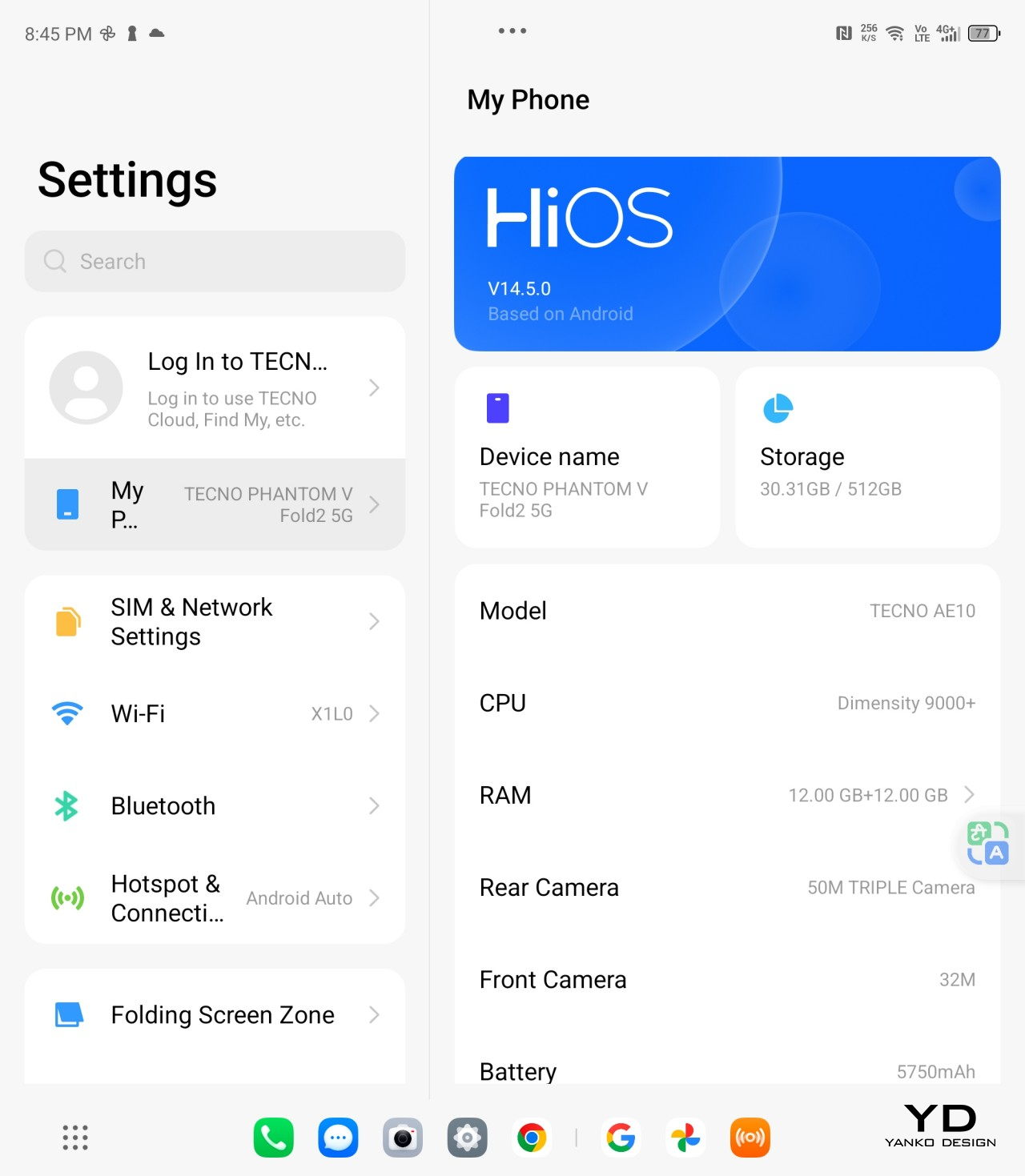
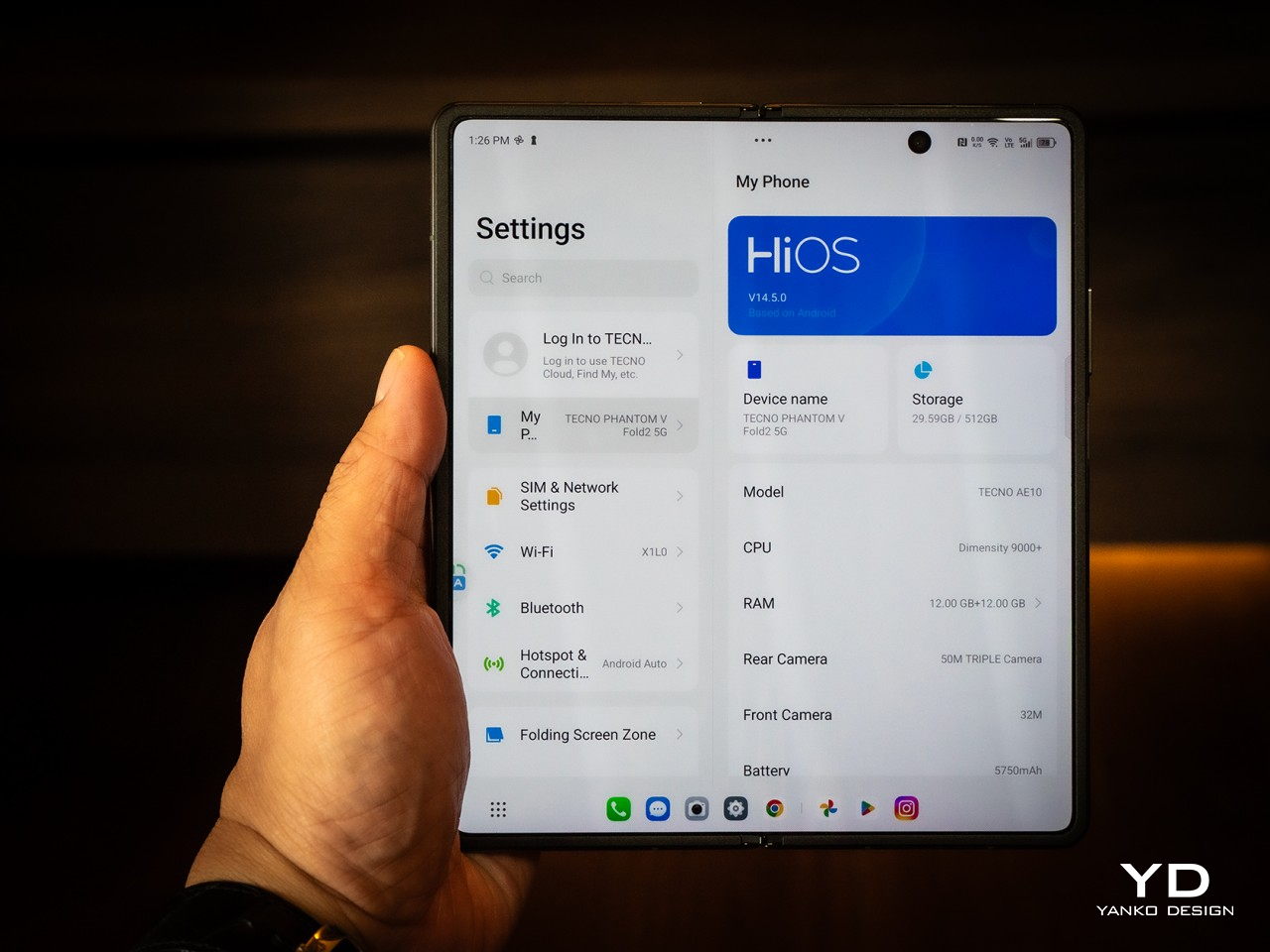
From the moment you start using the Phantom V Fold2 5G, it’s clear that performance is one of its strengths. Powered by the MediaTek Dimensity 9000+ chipset, this phone doesn’t break a sweat, and it handles just about anything you throw at it. Whether it’s casual multitasking, switching between apps, or diving into high-end gaming, the phone remains snappy and responsive. With 12GB of RAM and up to 512GB of storage, you’ve got more than enough room and power to handle everything from daily tasks to more demanding workloads.

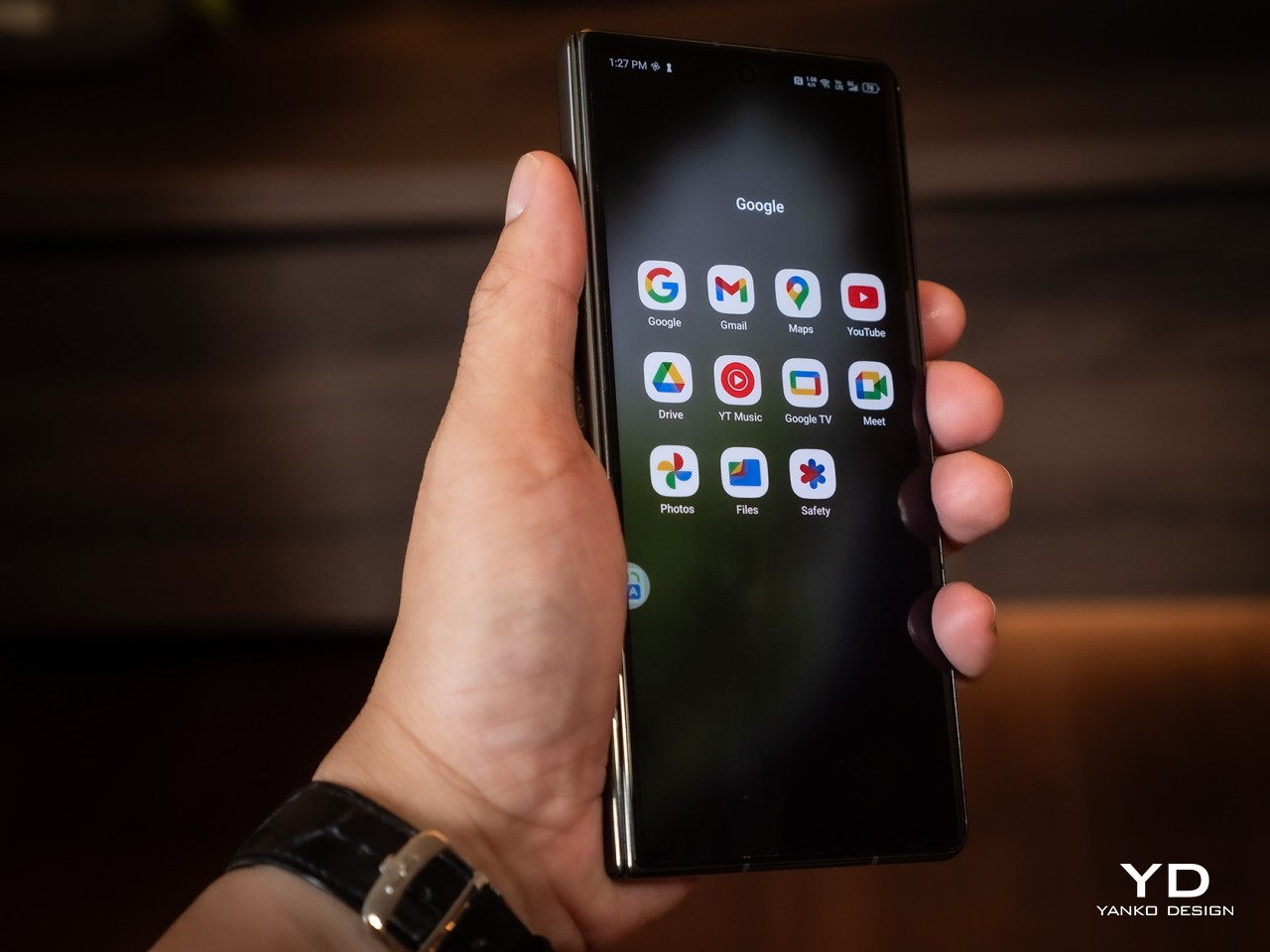
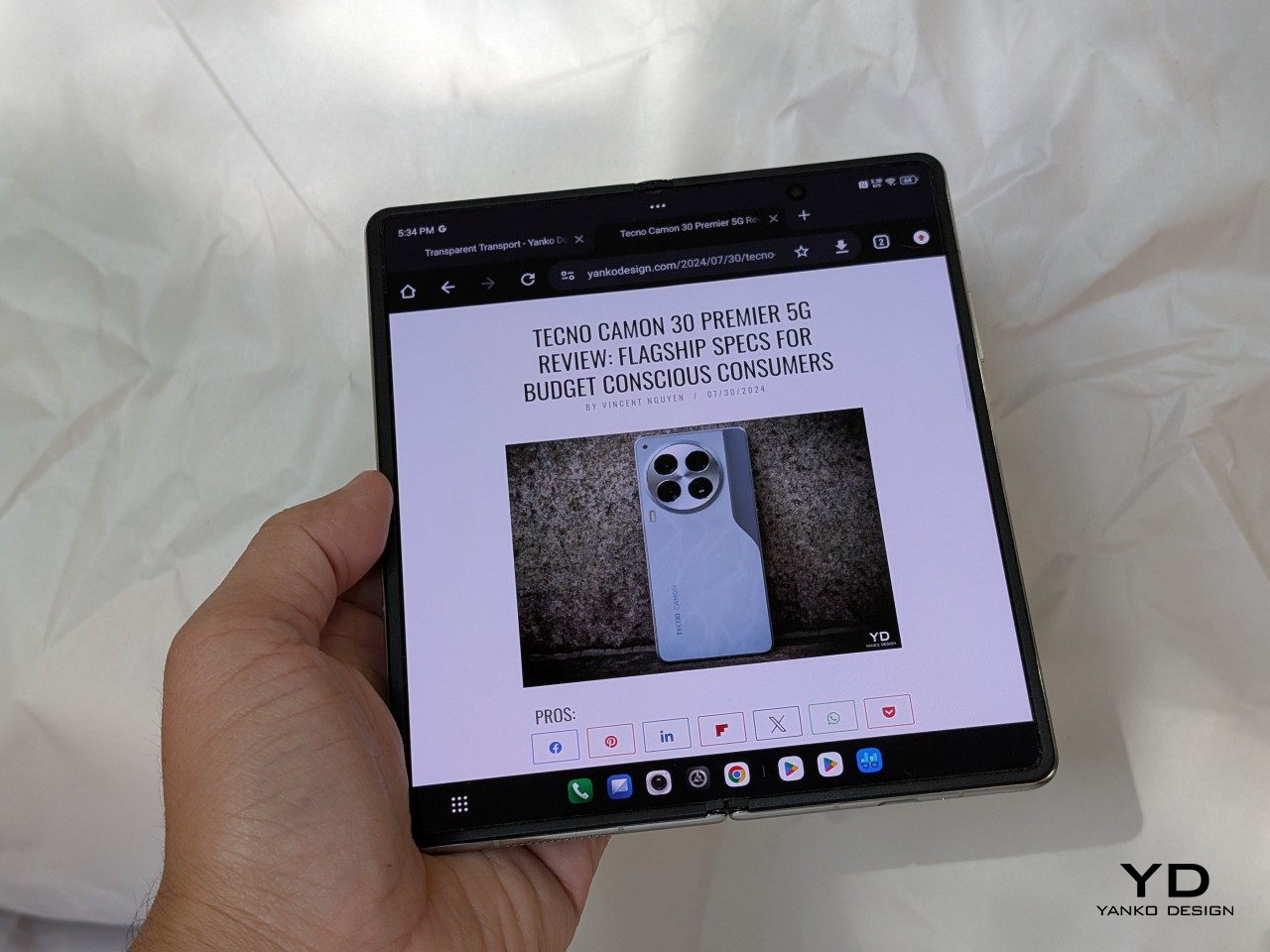
The experience is elevated by two AMOLED screens offering 120Hz refresh rates. The 6.42-inch outer screen is perfect for those quick, one-handed tasks, while the 7.85-inch foldable inner screen is where the magic happens. The colors are vibrant, the blacks are deep, and everything looks crisp and smooth, whether you’re watching a video or working on multiple apps simultaneously. The larger display is a treat for multitasking—you can open two apps side by side without feeling cramped.

AI-Powered Features

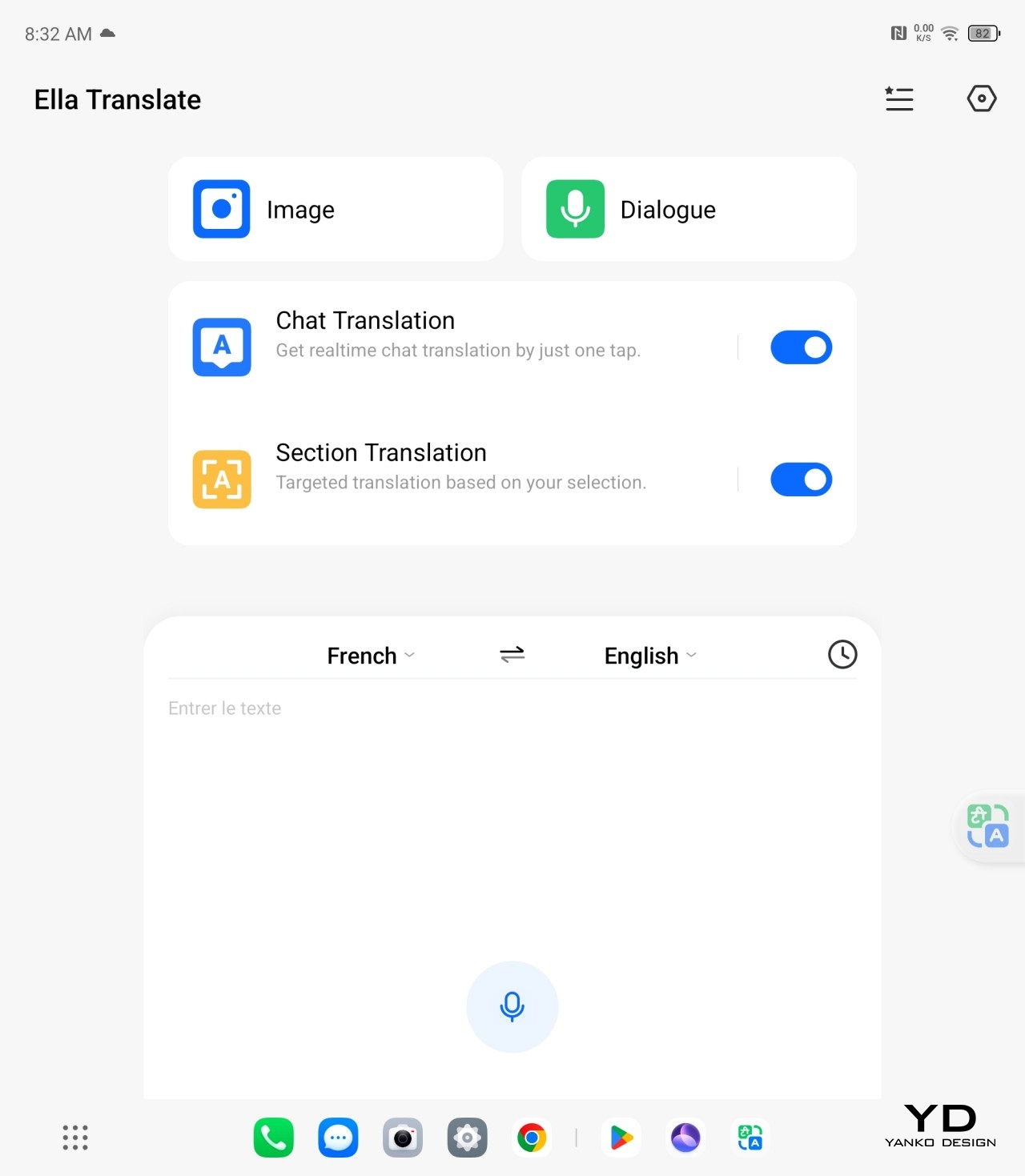
The Phantom V Fold2 5G stands out because TECNO’s AI Suite is seamlessly integrated into the phone. It’s a productivity booster in every sense. The Ella AI Assistant is like having a personal assistant on call, whether you’re pulling up search results or managing tasks across the phone. It’s surprisingly smart and smooth, handling over 400 system functions—from switching wallpapers to optimizing your settings in real-time.

For those who often juggle between documents and need quick summaries, AI Summary instantly pulls essential details from PDFs or websites. This feature alone saves a ton of time. AI Translation works wonders for voice calls and face-to-face conversations, especially with multiple languages. And for the content creators, AI Artboard and AI Wallpaper are there to help. AI Artboard turns your quick sketches into legit artwork, while AI Wallpaper allows you to create unique backgrounds based on a few simple words.

Gaming and Everyday Use

For gamers, the Phantom V Fold2 5G delivers a solid experience. The MediaTek Dimensity 9000+ and high touch sampling rate make gaming buttery smooth, even with graphic-heavy titles. The 360Hz touch sampling rate ensures responsive controls, which makes a difference in fast-paced games. Whether running apps, browsing, or playing high-end games, the device stays cool and doesn’t lag. The 2K+ resolution on the larger display adds an extra layer of immersion when gaming, making the visuals pop.

Even during regular use, the performance holds up without a hitch. Apps open quickly, there’s no noticeable stutter, and the multitasking experience with the FreeForm feature is seamless. Multiple apps can run side by side without any lag, making the most out of that larger screen. It’s a breeze whether you’re responding to emails, watching videos, or switching between tasks.

Battery Life and Charging

Now, regarding battery life, the 5750mAh Aircell battery is one of the reasons why this device works so well for power users. It can last all day, even with heavy use, like video streaming or social media browsing. TECNO claims up to 9.22 hours of continuous TikTok use and over 19 hours of Facebook scrolling, and based on my experience, those numbers hold up.

The 70W Ultra Charge gets you from 0 to 50% in just 20 minutes. That’s a huge time-saver when you’re in a rush. And if you prefer wireless charging, the 15W wireless charging option is handy, making it easier to top up without cables.

Camera Performance

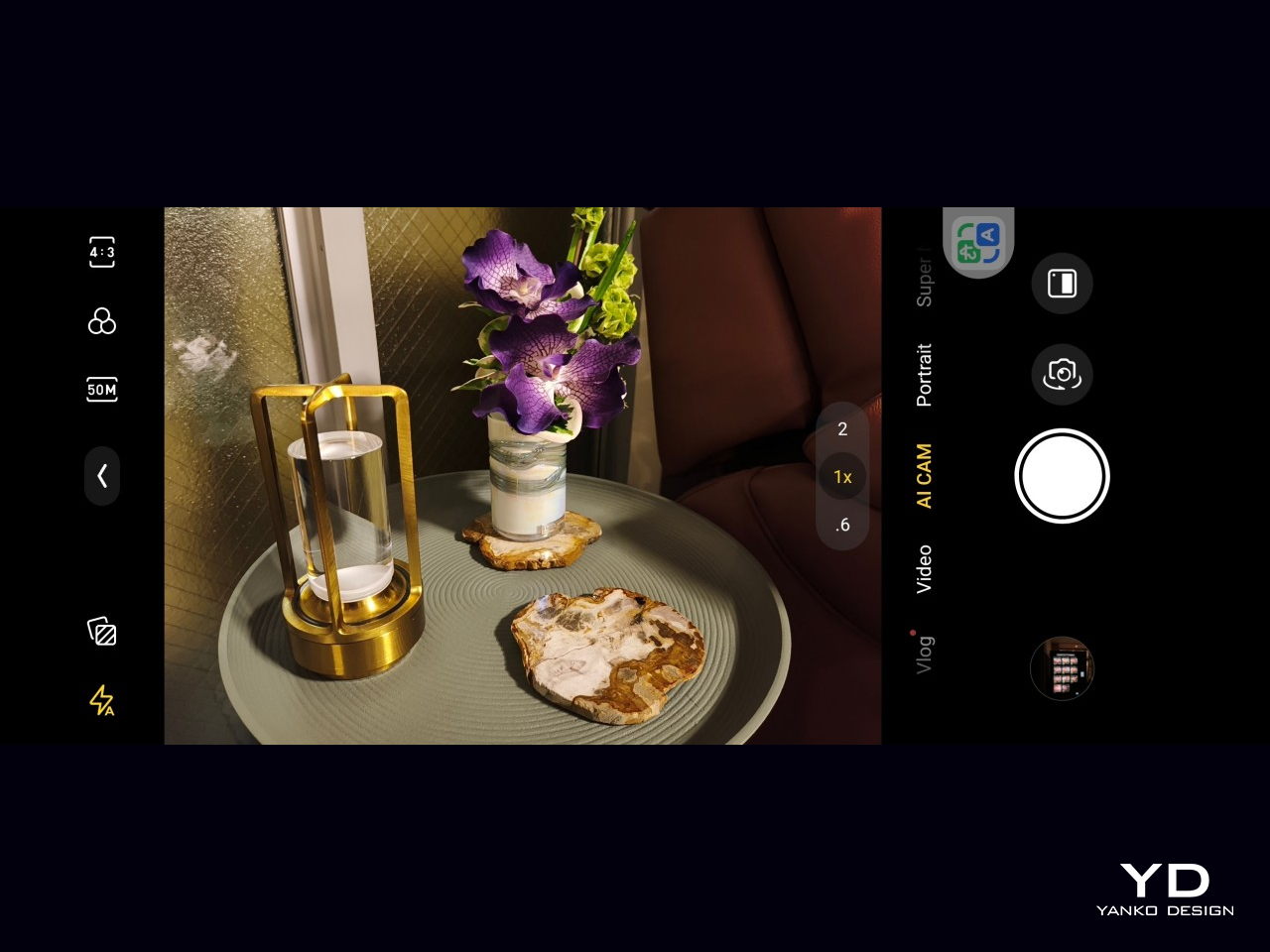
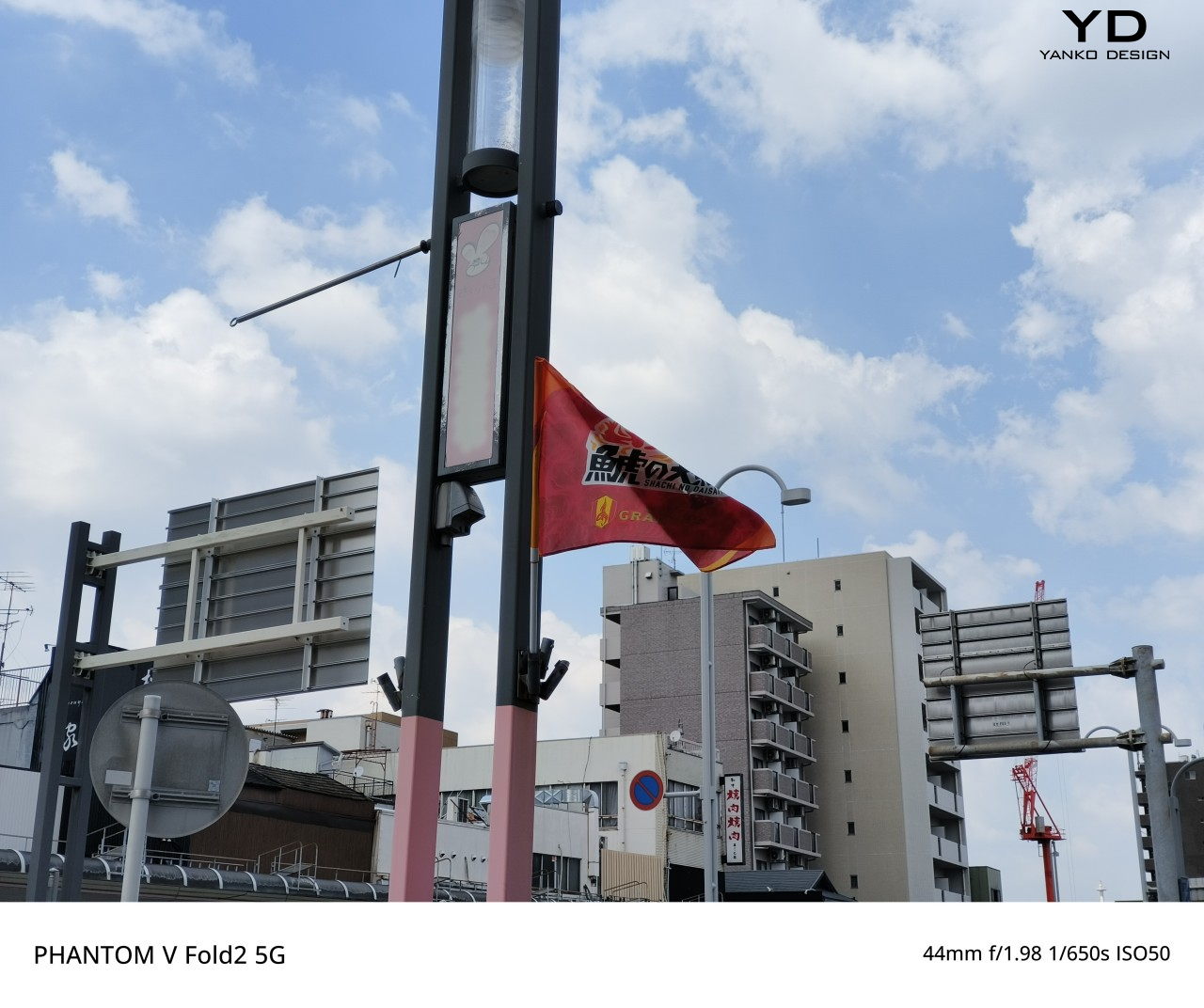
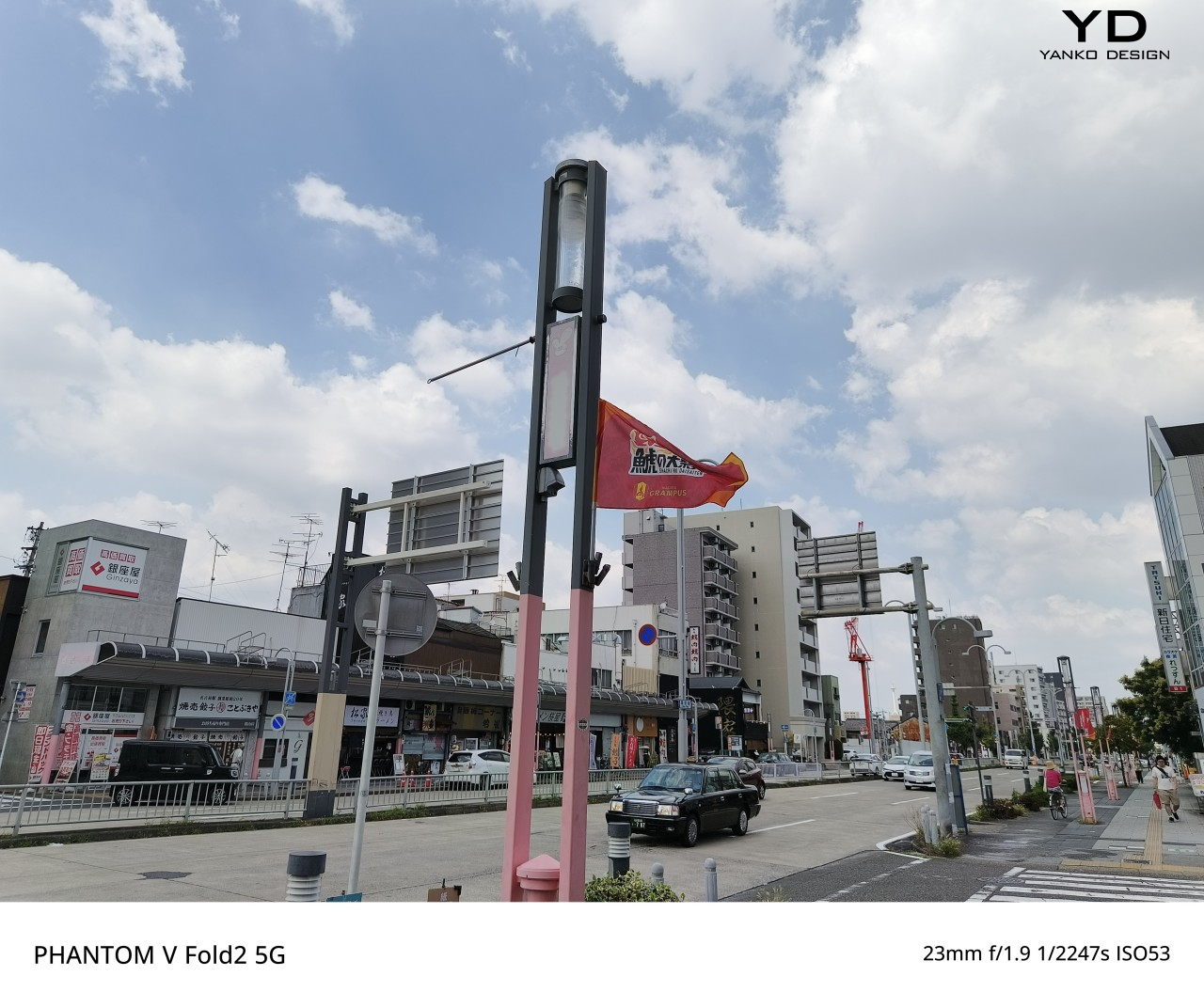
TECNO has packed the Phantom V Fold2 5G with a robust camera system that includes five lenses, offering a versatile photography experience. The triple 50MP camera setup is a highlight, providing professional-grade photos in various settings. The primary 50MP lens features a large 1/1.3” sensor, which excels in low-light environments. Combining the large sensor and TECNO’s AI-powered Universal Tone technology ensures photos come out clear, vibrant, and accurately toned, regardless of the lighting.

The portrait camera, another 50MP lens, has 2x optical and 20x digital zoom. This lens is ideal for capturing professional-grade portraits with crisp details and a natural-looking depth of field. Portrait mode performs exceptionally well, with accurate subject detection and a pleasing bokeh effect.

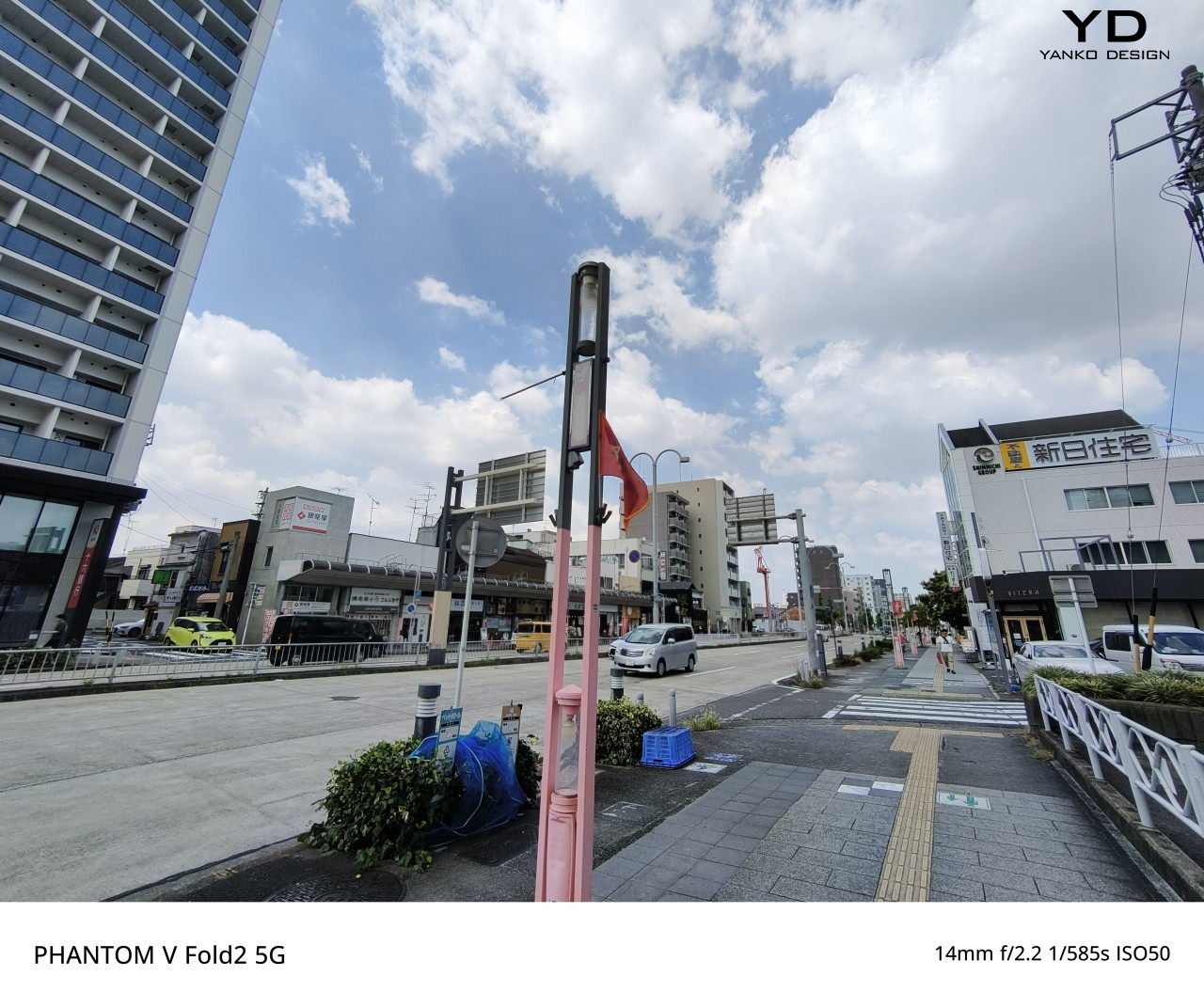
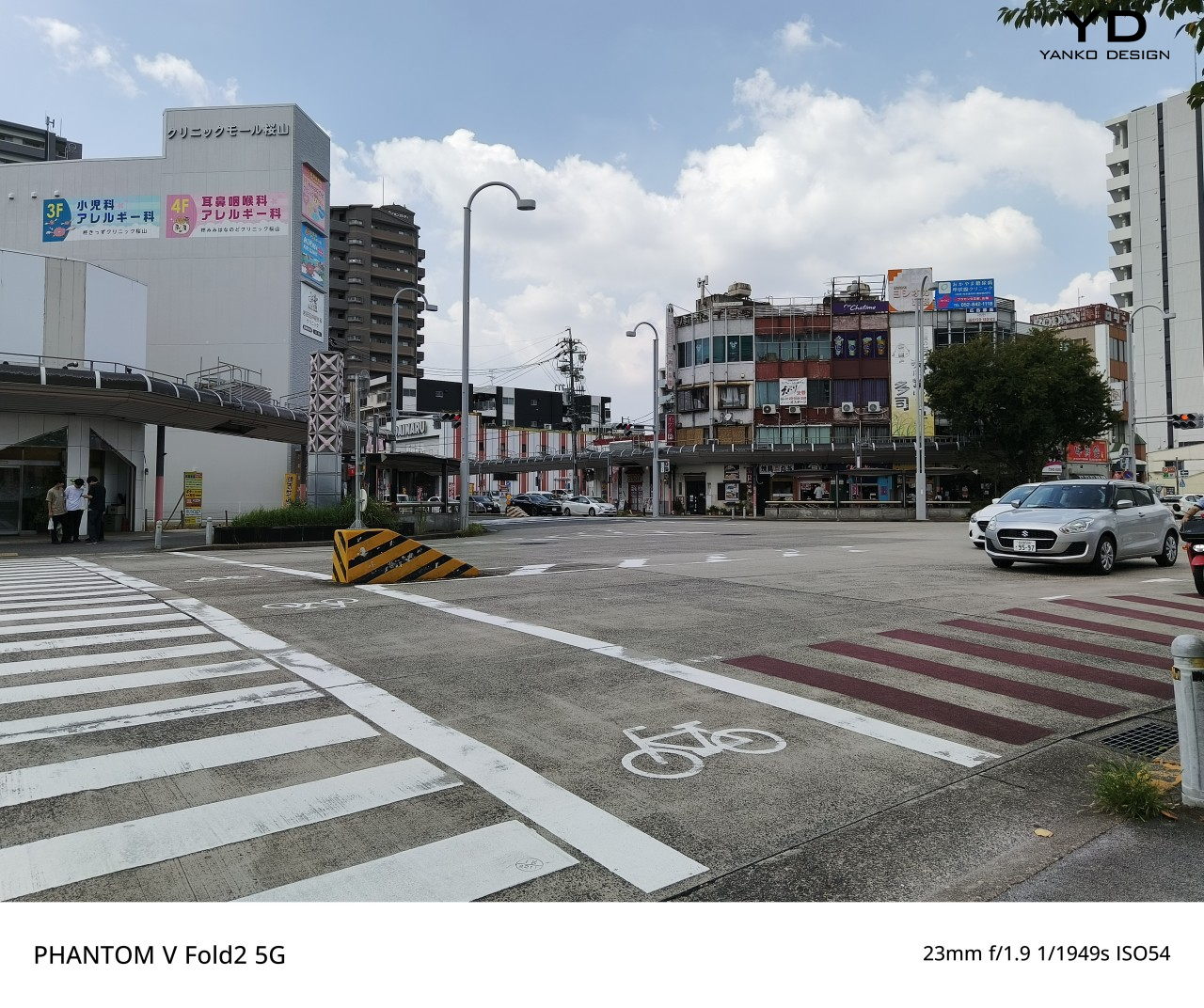
The ultra-wide 50MP lens is perfect for capturing expansive landscapes or large group shots. Despite the wide-angle view, images remain sharp and detailed across the frame, with minimal distortion. TECNO’s AI enhancements help maintain image quality, even when zooming in on wide-angle shots.

The Phantom V Fold2 5G’s dual front-facing 32MP cameras on both the outer and main screens offer the highest pixel count for a foldable device. These cameras are perfect for high-quality selfies, video calls, and vlogs. The camera system is bolstered by TECNO’s FreeCam system, which offers unique hands-free photography features. FreeCam Video, FreeCam Selfie, and FreeCam Long Exposure allow users to capture creative shots by simply unfolding the device and using voice or gesture commands.

Overall, the Phantom V Fold2 5G’s camera performance is versatile and reliable. It’s capable of delivering stunning photos and videos in various conditions. Whether you’re a photography enthusiast or a casual user, the camera system offers everything you need to capture high-quality content.

Sustainability

TECNO has focused on sustainability with the Phantom V Fold2 5G, mainly through its partnership with Loewe. The back cover is crafted from marble-patterned fiberglass and pleated leather textures, combining premium aesthetics with eco-conscious design. This partnership underscores TECNO’s efforts to integrate sustainable materials without compromising the device’s luxury feel.

Additionally, TECNO’s Phantom V Fold2 5G packaging is made from recycled materials, reinforcing its commitment to reducing environmental impact across the product lifecycle.

Value & Verdict

The Phantom V Fold2 5G offers an excellent balance of cutting-edge technology, premium design, and sustainability-focused innovation. TECNO’s powerful AI suite, combined with the device’s expansive foldable display and high-quality camera system, ensures that this smartphone caters to both business professionals and creative users alike. The device’s unique aesthetics—especially in the Loewe edition—make it a luxurious option, while its durable build and advanced hinge mechanism provide long-term reliability.

Priced competitively within the foldable market, the Phantom V Fold2 5G delivers substantial value for money. TECNO has managed to pack a host of premium features into a device that doesn’t compromise quality or performance. Whether you’re looking for a productivity powerhouse or a device for creative expression, the Phantom V Fold2 5G is a standout choice in the foldable market.

The post TECNO Phantom V Fold2 5G Review: Where Precision Meets Innovation in Foldable Design first appeared on Yanko Design.

ASUS ProArt PZ13 2-in-1 Laptop Review: Portable Partner with Plenty of Potential

PROS:


  • Handsome, sleek, and minimalist design

  • Lightweight and portable body for creatives on the go

  • Large and long-lasting 70Wh battery

  • Beautiful Pantone-validated 13-inch 3K OLED screen

CONS:


  • Inserted SD card prevents flap cover from closing

  • ASUS Pen 2.0 is a separate $100 purchase

  • Software and peripherals compatibility is still a hit-or-miss


RATINGS:

AESTHETICS
ERGONOMICS
PERFORMANCE
SUSTAINABILITY / REPAIRABILITY
VALUE FOR MONEY

EDITOR'S QUOTE:

The ASUS ProArt PZ13 with Snapdragon X Plus delivers a handsome AI-powered creativity tool that agile creative professionals can take anywhere with confidence and pride.

Life can sometimes take us places we never planned or even dreamed of going to. While some people fear and stress over life’s unpredictable journeys, others have grown to embrace and even love the adventure, both figuratively and literally. Designers, artists, and content creators today have their beloved computers and tools at home or in the office, but they know better than anyone that inspiration can strike when and where we least expect it, not to mention suddenly having to do work just after we stepped outdoors. Laptops were made for this purpose, but their thick and heavy bodies didn’t exactly make for comfortable mobility, while tablets went the opposite extreme and prized portability over the performance that professionals need. The ASUS ProArt PZ13 makes the bold promise of delivering the best of both worlds, so we naturally had to put it to the test to find it out if could really meet the demands and desires of designers and creatives on the go.

Designer: ASUS

Aesthetics

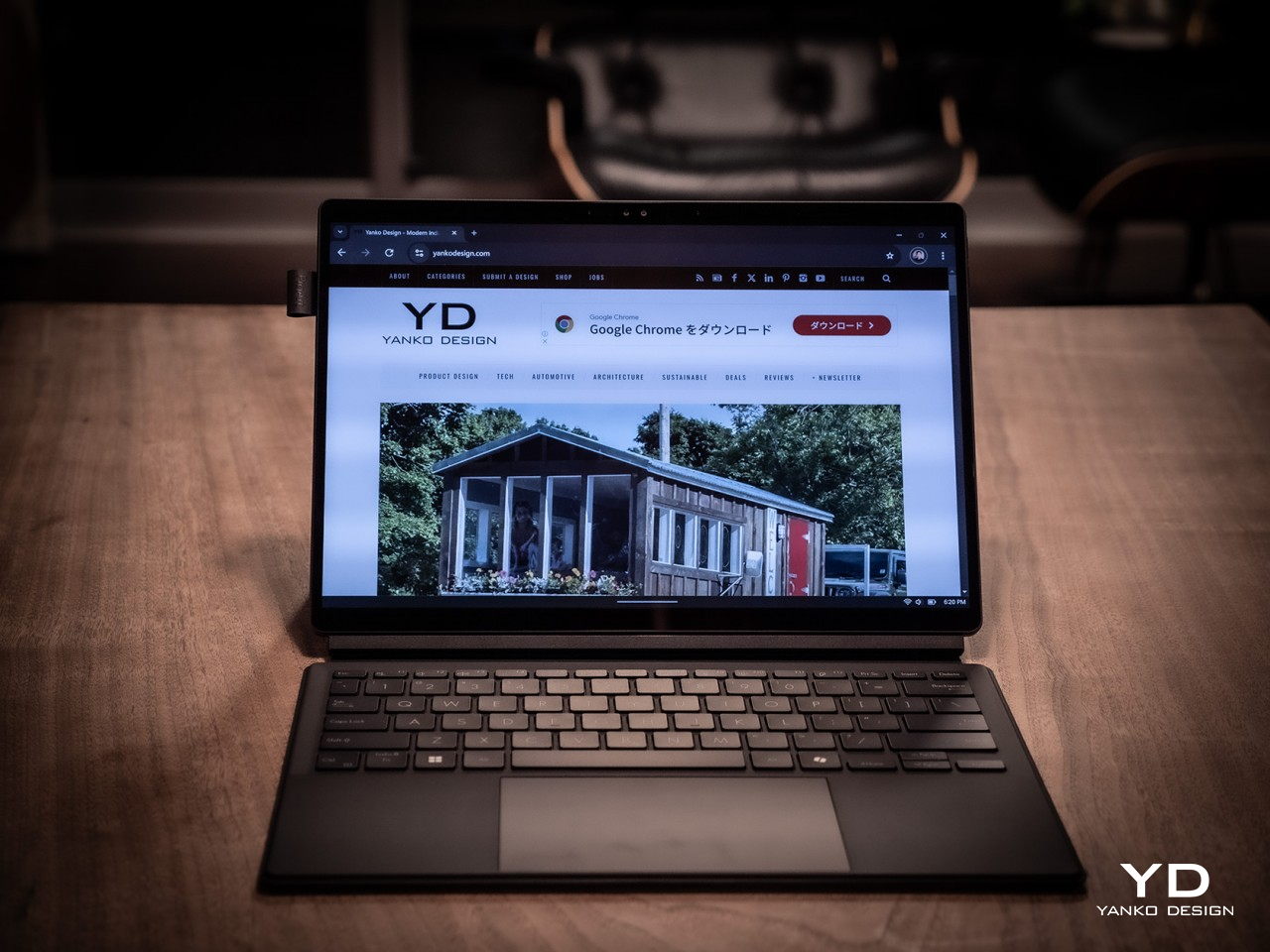
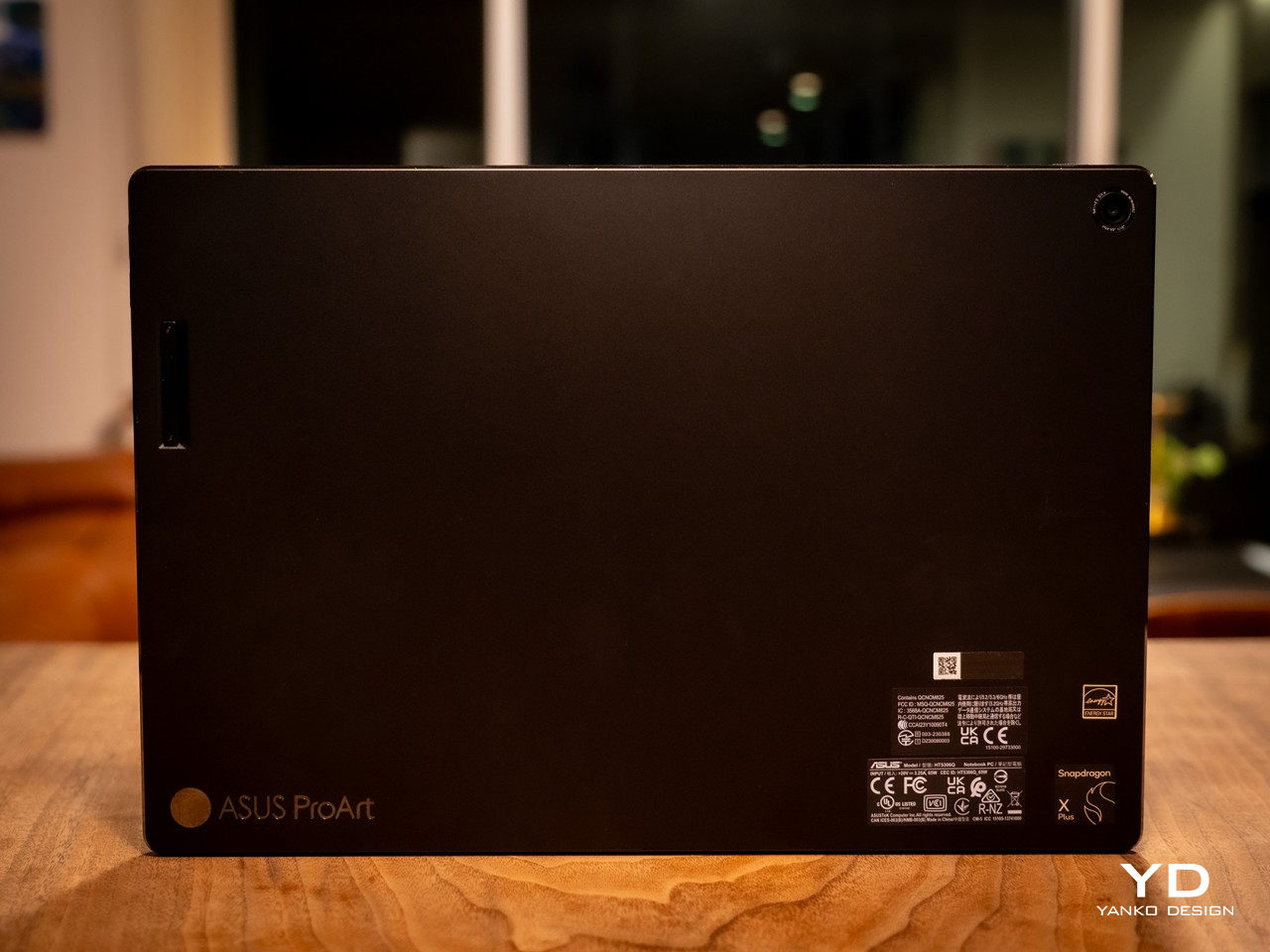
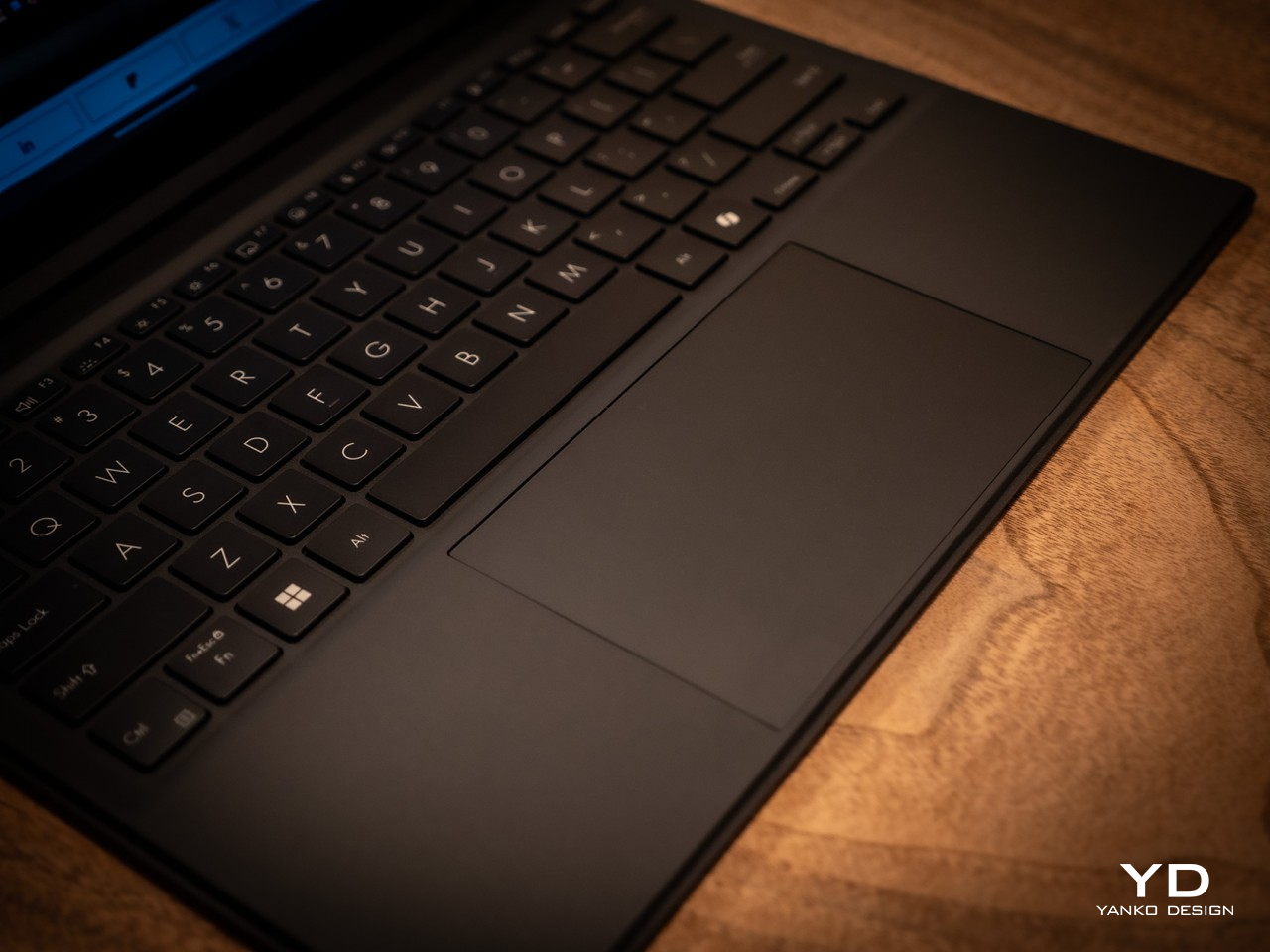
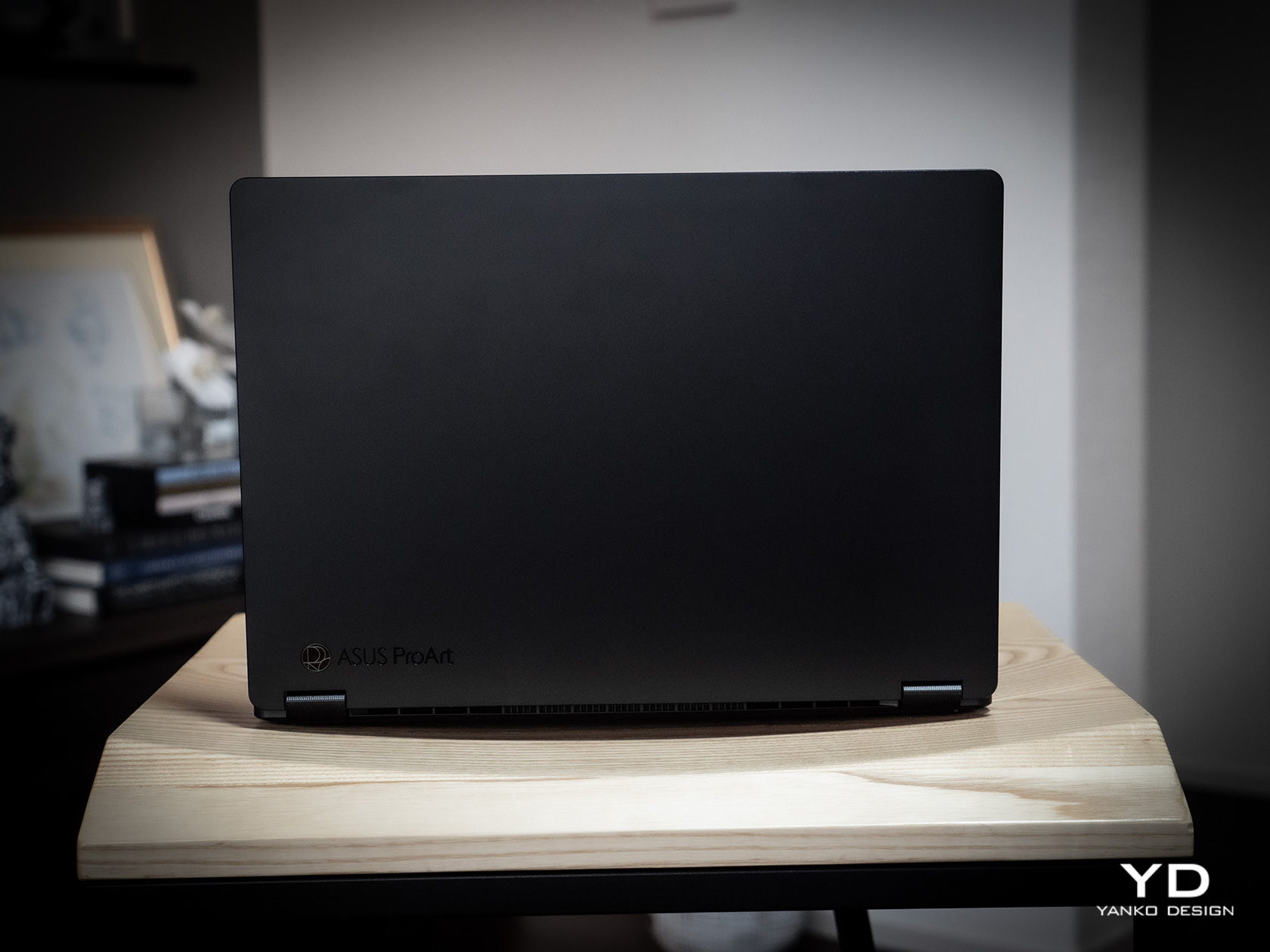
At first glance, you might not think much of the ASUS ProArt PZ13, but closer inspection reveals it has two sides to its design, matching its 2-in-1 detachable laptop functionality. On its own, it’s a rather stylish and striking tablet, black as black, unlike black tablets that look more like “space gray” or other shades. ASUS’s “nano black” coating, also seen on the ASUS ProArt PX13 we reviewed recently, reduces the reflection of light, making it darker than typical metal or plastic surfaces with glossy finishes, no matter the lighting condition or angle. It gives off a professional and elegant character that you’d come to expect from mature designs used in professional settings.

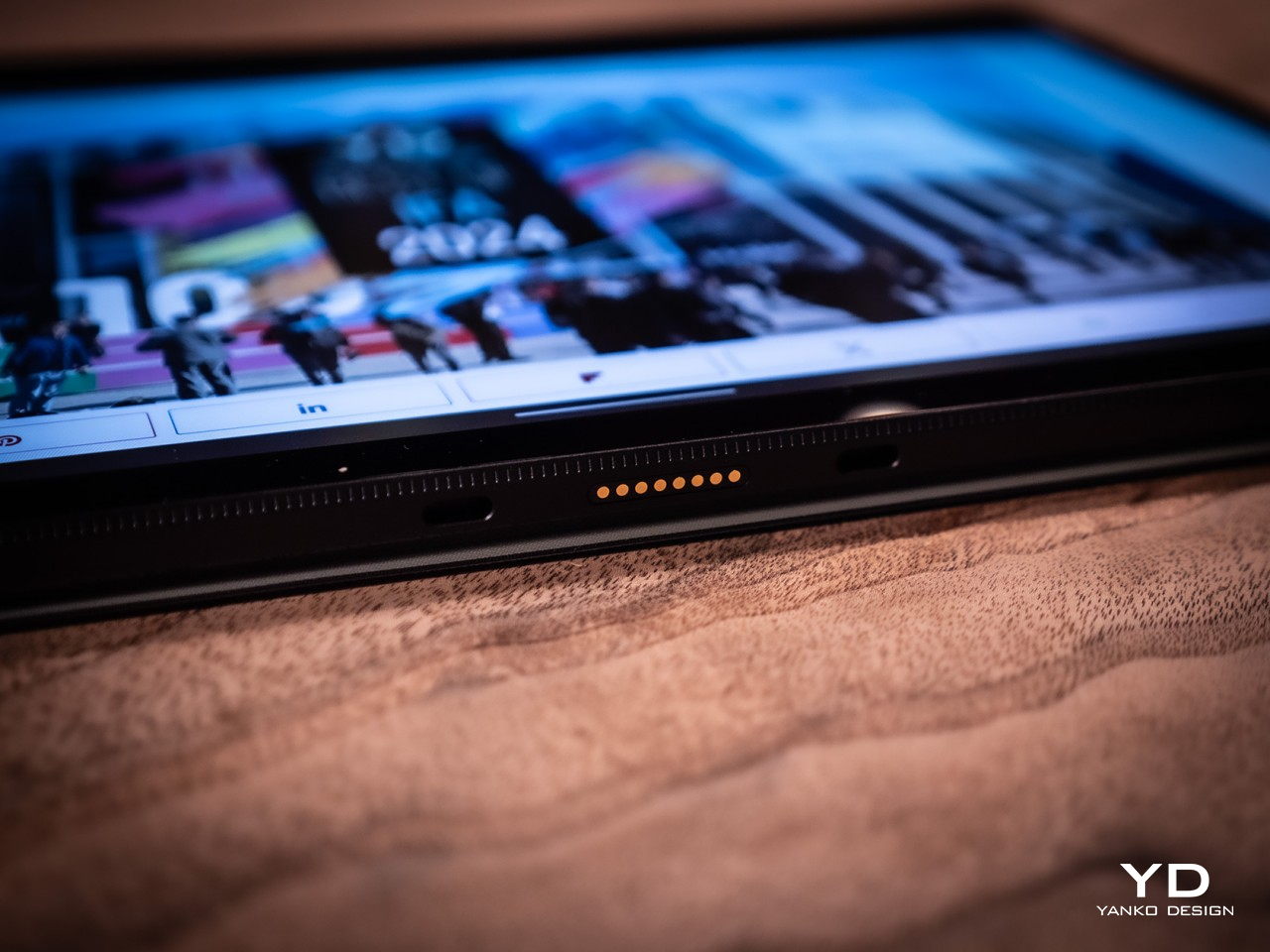
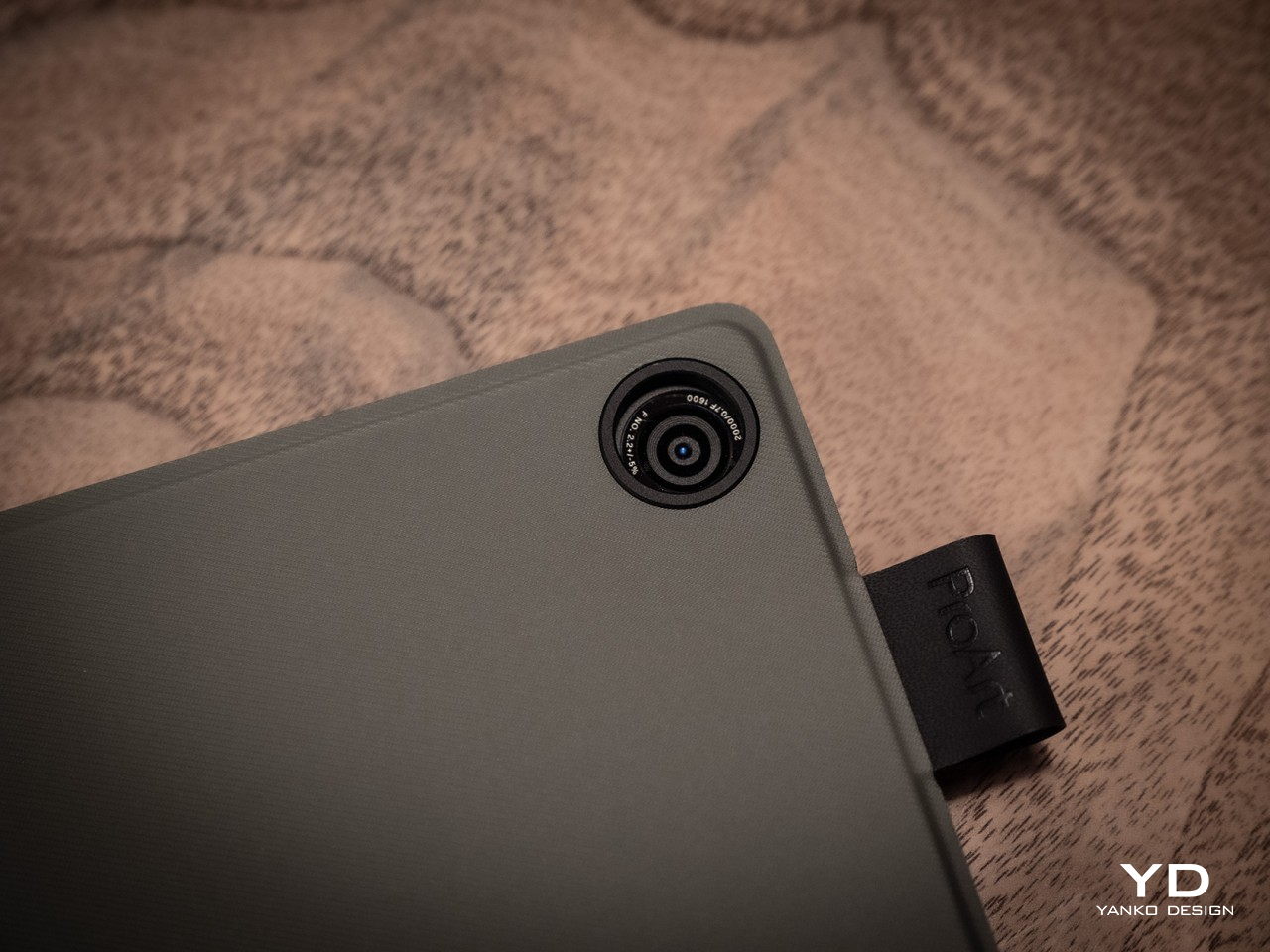
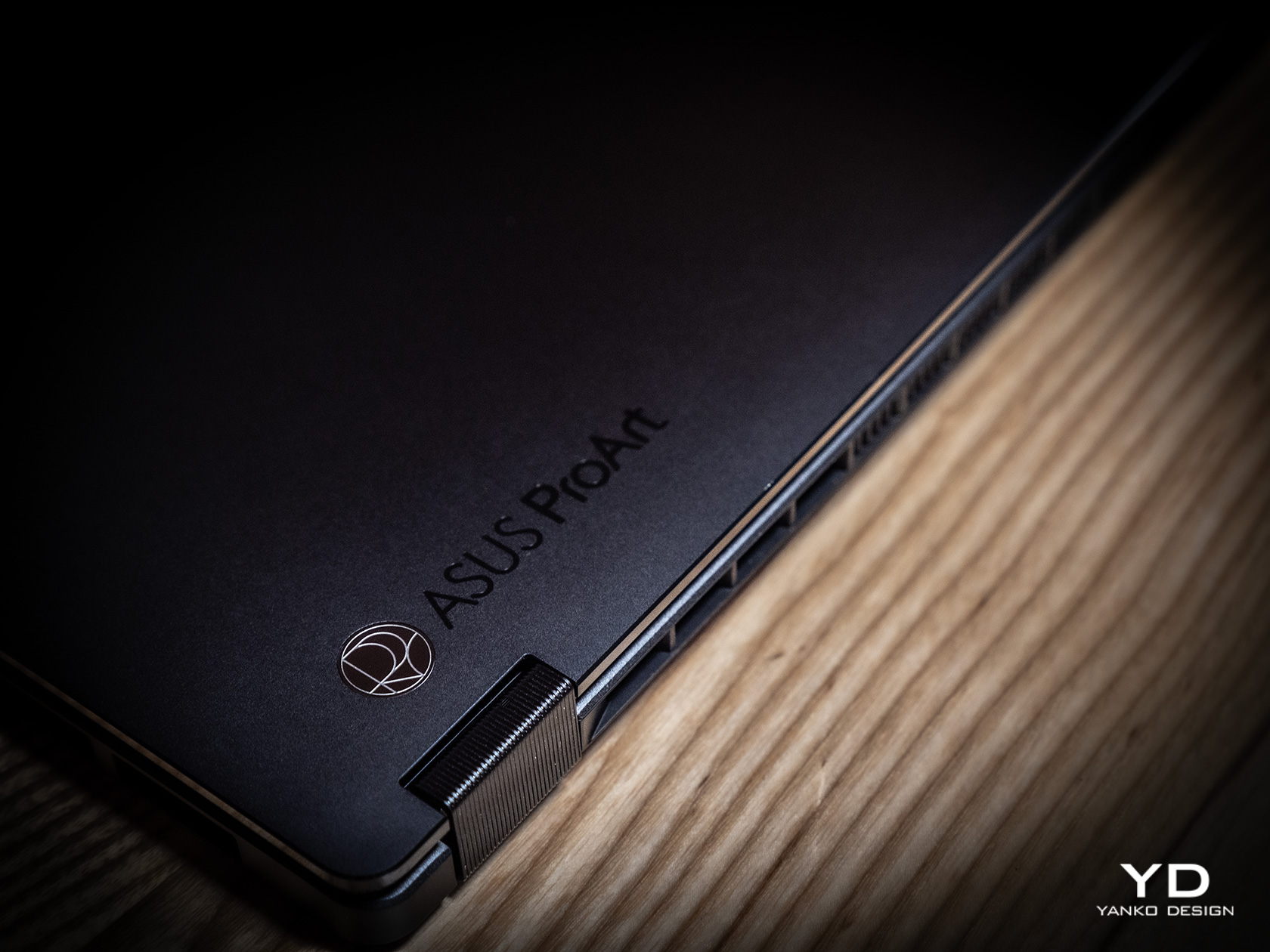
The ProArt PZ13’s CNC-engraved unibody aluminum alloy chassis gives the device structural integrity, durability, and a simple yet sophisticated appearance, highlighted even more by its ultra-slim 9mm profile. There are barely any breaks in the tablet’s visual appearance, aside from a single visible USB-C port, two ventilation grilles at the top, and one air-inflow grille on the back. The classy yet subtle ProArt logo sits at the bottom, opposite the requisite regulatory markings and branding.

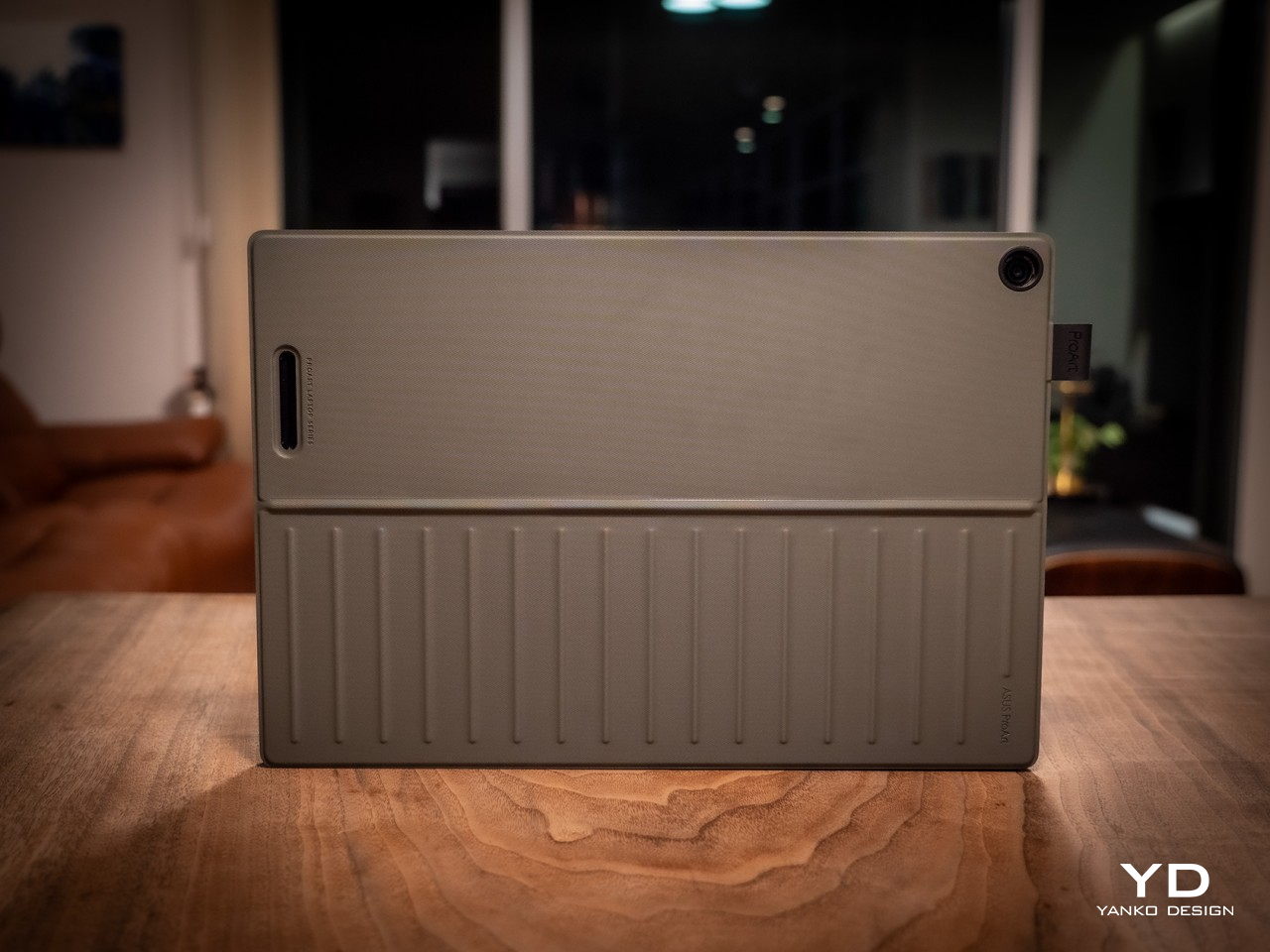
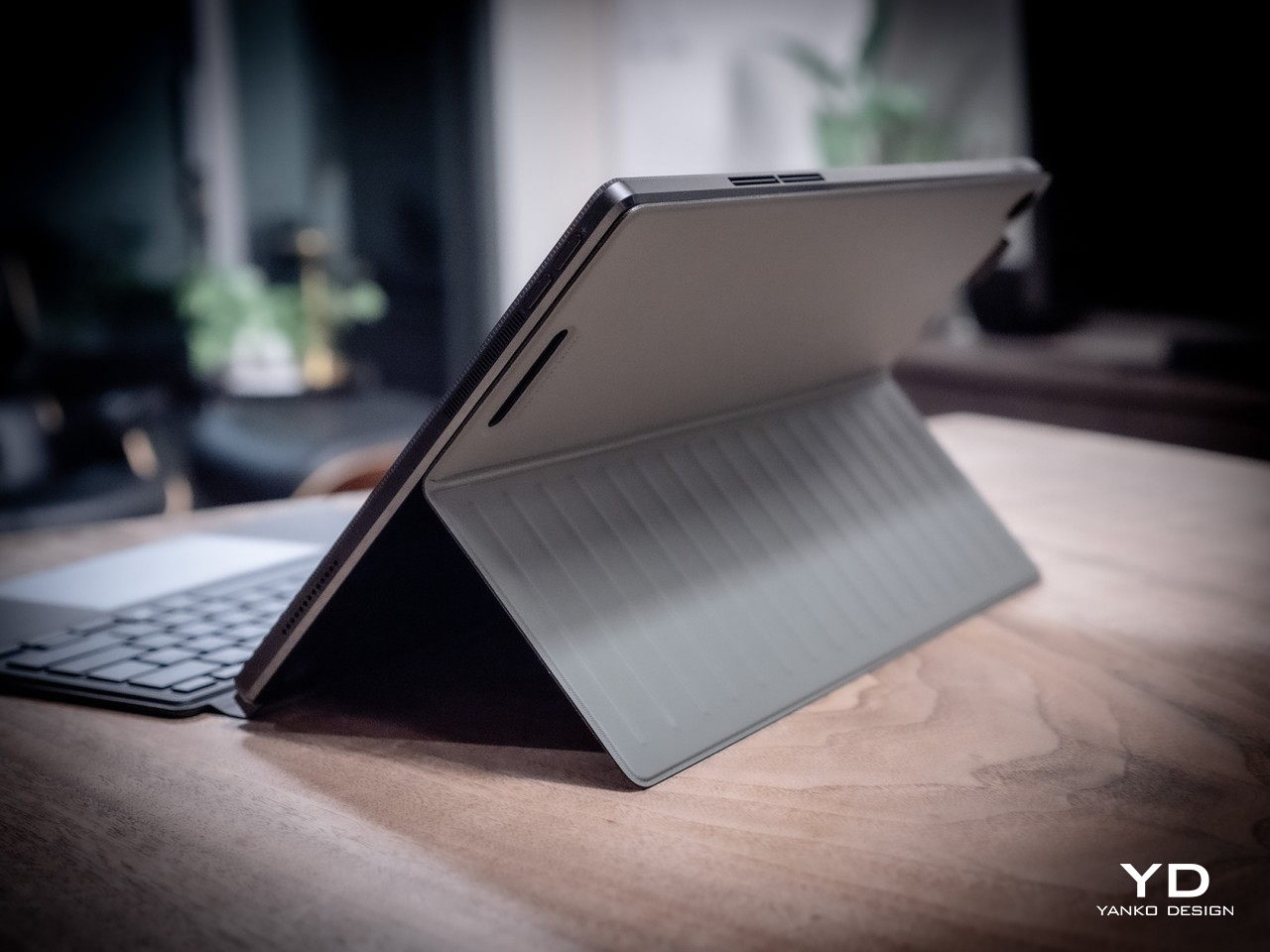
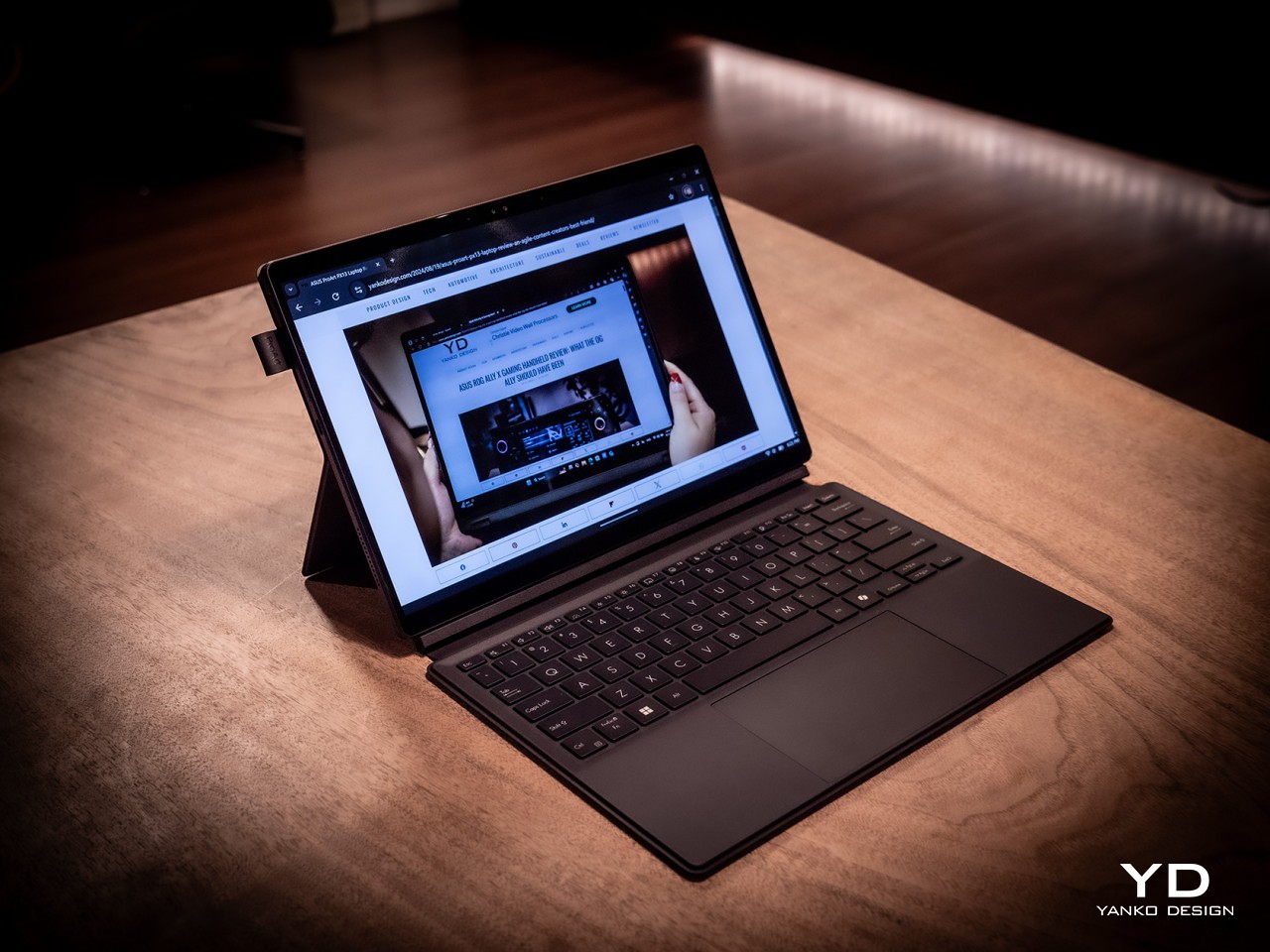
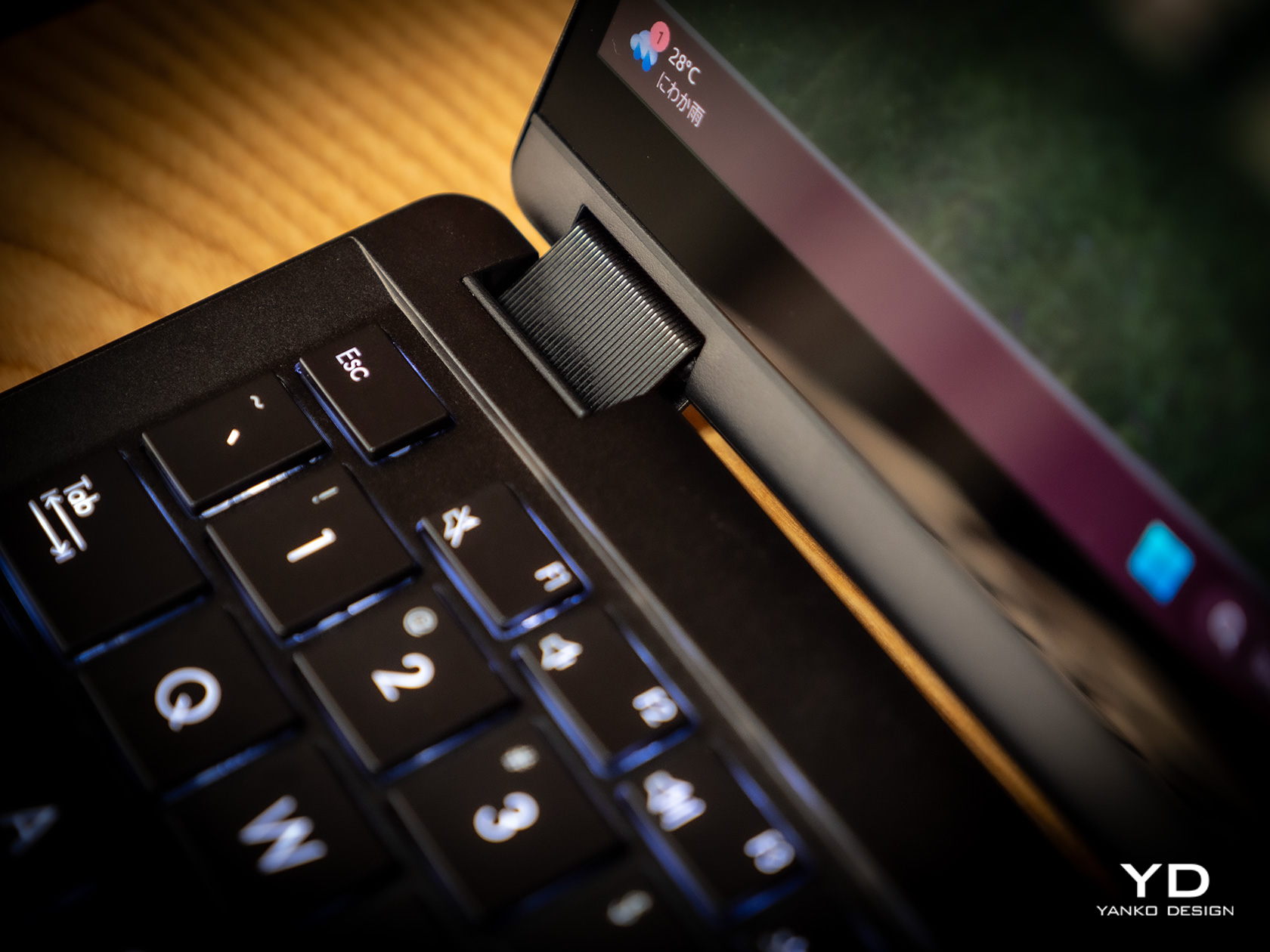
All in all, the ASUS ProArt PZ13 exudes an aura of professional beauty befitting a tool for agile creatives, but that image might be challenged by the protective accessories that add value and change the aesthetic a bit. Included in the package is a magnetic keyboard cover and a magnet back plate with a kickstand, both necessary if you’re carrying this portable computer around. They are designed to offer rugged protection and definitely look the part, though it’s a bit strange that ASUS opted for a different hue that sharply contrasts with the pitch-black body of the tablet itself. Gray with a tinge of green, these accessories will be an acquired taste and might not sit well with some people, both in color and in the rugged, ridged design.

Ergonomics

Combining power and portability is always a delicate balancing act. Due to the laws of physics, you can only cram so much into a small space before you start weighing the object down or making thermal management impossible. Conversely, you can only remove so much before performance starts to take a hit. Thanks to its choice of components, especially the processor, the ASUS ProArt PZ13 manages to strike quite a nice balance, weighing only 0.85kg (1.87 lbs) on its own.

That does carry a bit more heft compared to an iPad Pro, for example, or even a Samsung Galaxy Tab S9 Ultra, but when you consider that this is a Windows machine with fans inside, that’s still a pretty impressive feat. That makes the ProArt PZ13 very usable as a tablet, whether for reading documents, watching videos, or even making art, though you won’t want to hold it up with your bare hands for a long time either. This also makes the device easy to carry around the house, the office, or even outdoors, especially if you know you won’t need a keyboard to type on.

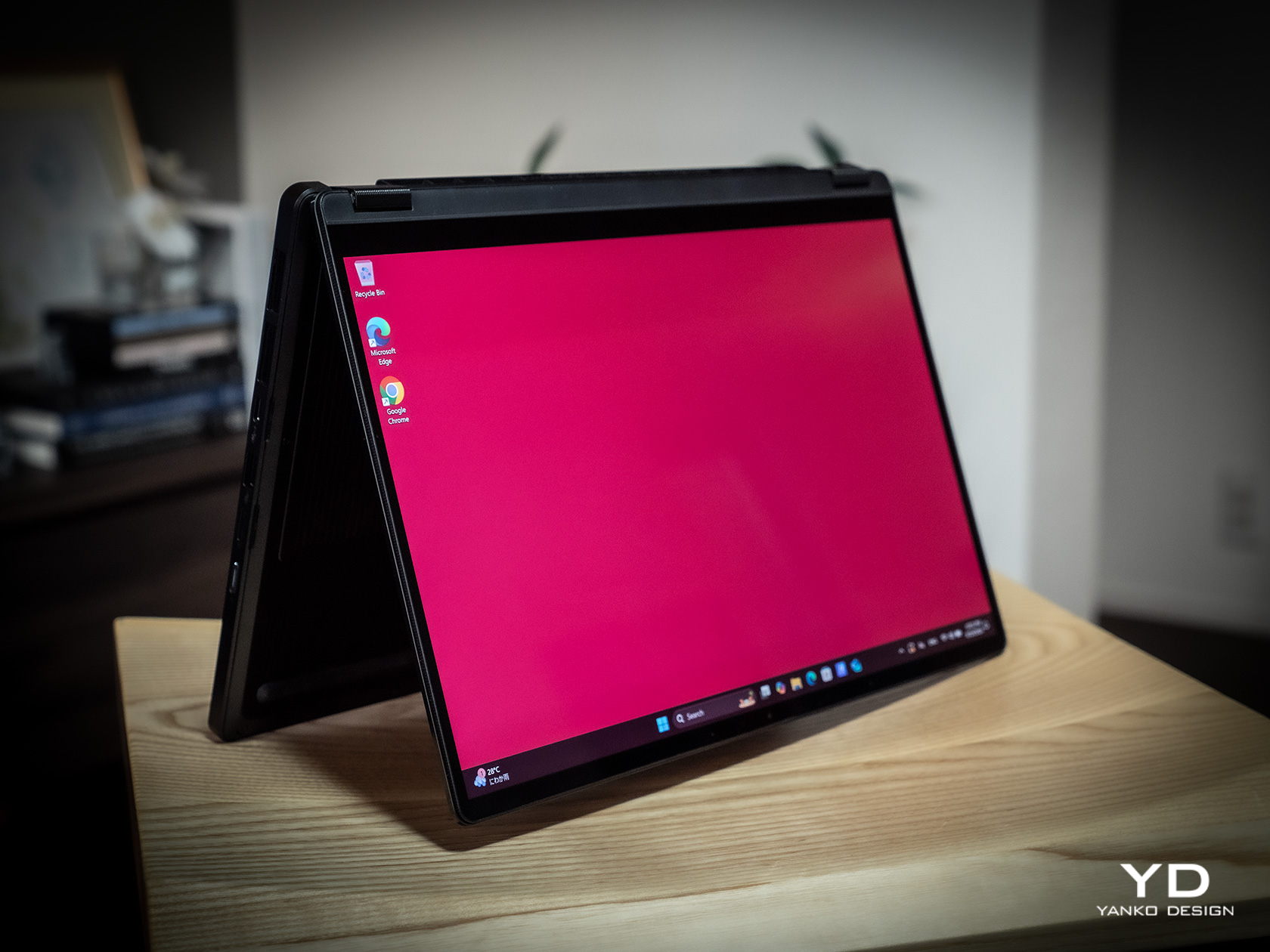
The story changes a little bit when you do need to add the keyboard and kickstand to the formula, almost doubling the weight of the device. It’s still significantly lighter than a laptop, but it’s no thin tablet either. And you will most likely have to use both the back plate and the keyboard together since there’s no way to prop up the tablet without the kickstand. That also means you can really only use this 2-in-1 device as a laptop when you’re on a flat and long surface like a table, making the “lapability” of the design quite low.

Performance

This is hardly the first 2-in-1 detachable Windows laptop, but the ASUS ProArt PZ13 is one of the first few to use Qualcomm’s new energy-efficient Snapdragon X Plus silicon. This Arm-based processor is closer to the Apple M chips than, say, Intel or AMD, and is in fact directly targeting Apple Silicon devices. Qualcomm earlier launched the beefier Snapdragon X Elite, but that in no way means that this is an underpowered version, especially considering it still boasts the same 45 AI NPU TOPS performance even with only 8 cores.

In other words, Windows itself runs quite smoothly on this machine, as well as any other piece of software that’s actually designed for or adjusted to work on this computing platform. That includes a growing number of Adobe products like Photoshop and Premiere, popular comics drawing software Clip Studio Pro, and more. The ProArt PZ13 and the Snapdragon X Plus shine brighter when those apps need some AI power, thanks to that dedicated NPU chip that doesn’t choke the main processor.

There, however, also lies a bit of the rub. That smooth and responsive experience works best on software that has already been adapted to work on Snapdragon processors, which isn’t the case for the hundreds of popular Windows programs out there. Yes, those apps can still run thanks to a special emulation layer, and yes, performance has improved significantly since the earlier days of Windows on ARM, but that extra layer is still there and can still affect your performance, especially when it comes to games. The same is true with peripherals you want to connect to the device, especially ones that need special drivers that aren’t supported by this platform yet.

In exchange for that uncertainty, the choice of a Snapdragon X Plus processor brings with it the peace of mind that you won’t have to scramble for a power outlet every few hours. The 70Wh battery can last almost a full day, give or take a few hours depending on your use, which is something even the most generous estimates on an Intel or AMD laptop can even boast about. It also chargers quickly over USB-C using the included 65W charger, though that also means you can use almost any standards-compliant USB-C charger as well.

Regardless of what you use it for, you will be experiencing a bright, colorful, and vibrant 13.3-inch 3K screen, thanks to ASUS’s Lumina OLED technology. Professionals who require color accuracy will be delighted to know that it’s Pantone-validated and has support for 100% of the DCI-P3 color gamut. Even better, ASUS offers all the sliders and switches you need to customize the display to your requirements and tastes. Its refresh rate does cap out at only 60Hz so it won’t be the best option for gaming, which isn’t what you’ll be using this laptop for most of the time anyway.

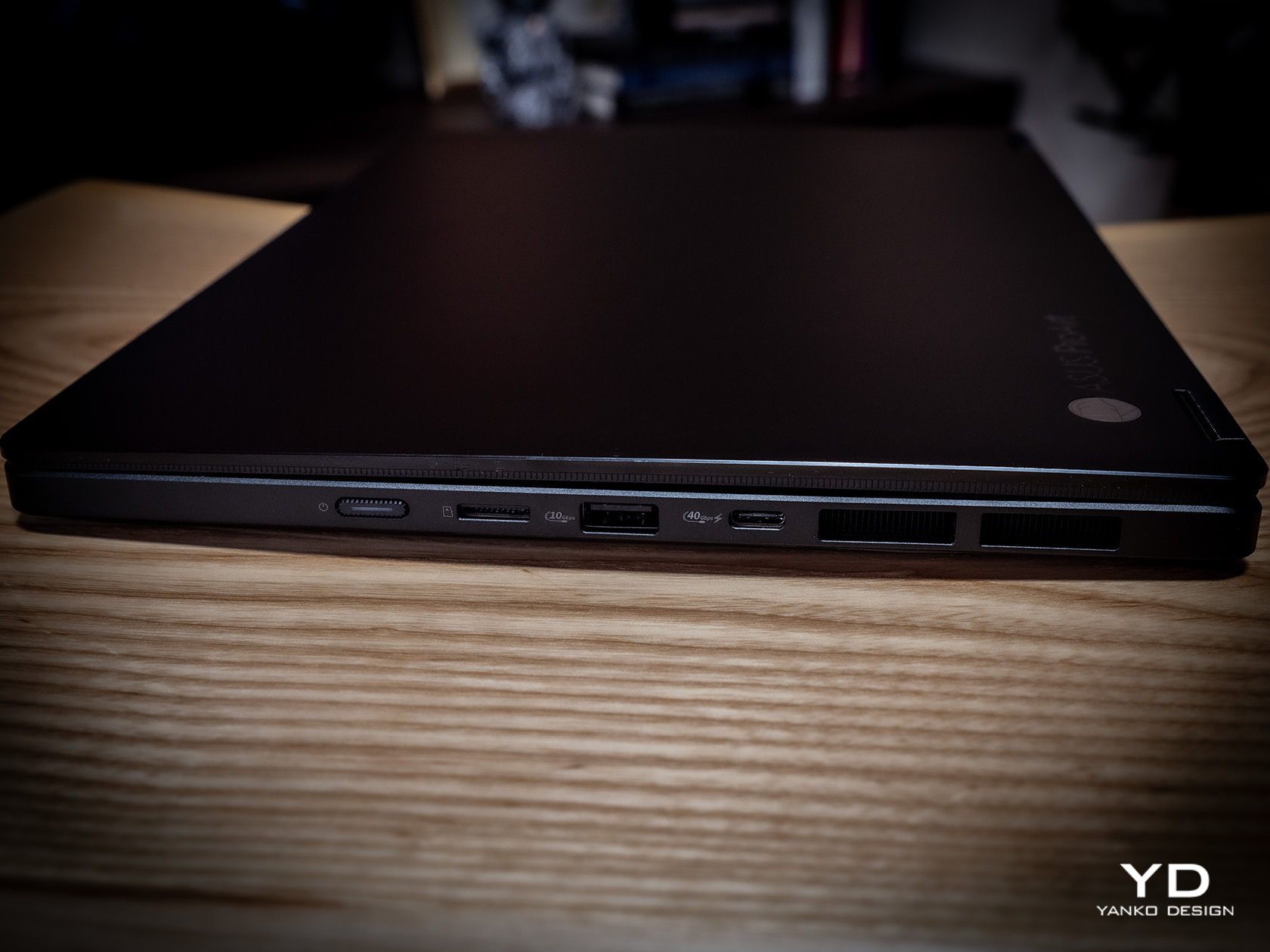
The ASUS ProArt PZ13 only has one USB 4.0 Gen 3 Type-C port visible for quick access to a charging port, but don’t fret, it isn’t the only one. There’s another USB-C port of the same type hidden behind a silicone flap, which also hides a full-sized SD card reader. Digital photographers will probably delight in the inclusion of this port which is absent on almost all tablets these days, while those who regularly work with microSD cards will be happy to know that ASUS actually ships an adapter in the box. The one catch to this design is that you can’t have an SD card permanently inserted there because a part of it juts out of the frame, making it impossible to close the silicone flap over it. It’s clearly not designed for storage expansion but removable storage to support the workflows of camera users.

Sustainability

Unlike with its other products, ASUS is a bit silent on the amount of recycled materials it uses for the ProArt PZ13. Rather than focus on the use of sustainable materials, it instead highlights the ways this device can last a long, long time before it needs to be turned in for proper disposal and recycling. With an IP52 rating and conforming to the US MIL-STD-810H spec, you can carry and use this portable tablet with confidence anywhere, knowing that it can keep up with you wherever life or work takes you. Of course, the kickstand back cover and keyboard cover offer additional protection as well, which is all the more reason you won’t want to keep these three pieces apart for long.

One detail about that detachable magnet keyboard, however, might be a source of worry for some. While more convenient than a USB connection but also more reliable than Bluetooth, this design has a tendency to break easily due to wear and tear. ASUS will undoubtedly sell these separately for some time, but there will always come a point when they will go out of production, perhaps outliving the ProArt PZ13 itself. Reliability has improved over the years, of course, but it’s still something to keep in mind with this type of detachable keyboard.

Value

The ASUS ProArt PZ13 is both familiar and completely new. Its 2-in-1 detachable laptop design is something we’ve seen since the very first days of the Microsoft Surface, but its combination with a Snapdragon X Plus is just as new as the processor itself. To some extent, it’s wading into uncharted waters, but it isn’t alone either, and its biggest rival is none other than Microsoft itself and the latest Surface Pro. Fortunately, ASUS has its work cut out for it thanks to its competitive pricing.

At first glance, the ProArt PZ13’s $1,100 price tag seems to be on the losing end compared to the Surface Pro’s $1,000, but then you have to consider what you’re actually getting in the package. ASUS bundles the keyboard cover with the tablet, while that’s a separate $180 purchase for the Surface Pro, at least for the keyboard that can also charge the Microsoft pen. Neither comes with a compatible pen, and those cost an additional $100 for the ASUS Pen 2.0 and $130 for the Surface Slim Pen. That brings the total to $1,200 for the ASUS ProArt PZ13 and $1,310 for the Surface Pro, and even then you’re only getting 256GB of storage versus the generous 1TB on ASUS’s 2-in-1 laptop. In this context, there really is no contest between the two.

Verdict

The ASUS ProArt PZ13 promises the Holy Grail of mobile computing, offering reliable performance and long battery life in a thin and light design, and for the most part, it does deliver on those. Granted, software support on Windows on ARM processors like the Snapdragon X Plus is still a bit of a gamble, but things are getting better quickly, especially for the more popular programs used by professionals and hobbyists alike. Things are far from perfect, but for creatives looking for a reliable and stylish computer they can easily take anywhere, the ProArt PZ13 is definitely worth considering.

The post ASUS ProArt PZ13 2-in-1 Laptop Review: Portable Partner with Plenty of Potential first appeared on Yanko Design.

Narwal Freo Z Ultra Review: AI for Clean and Stress-free Homes

PROS:


  • Sleek and minimalist design that blends seamlessly into any home environment

  • Powerful features for thorough and hygienic cleaning

  • Privacy-respecting AI that knows what to clean and how to clean it well

CONS:


  • Auto Water Exchange System is a separate purchase

RATINGS:

AESTHETICS
ERGONOMICS
PERFORMANCE
SUSTAINABILITY / REPAIRABILITY
VALUE FOR MONEY

EDITOR'S QUOTE:

The Narwal Freo Z Ultra makes AI relatable and useful, keeping your home clean and hygienic while also adding a touch of elegance to any space with its stylish design.

AI, machine learning, neural networks, and large language models are buzzwords not just in the tech industry but in mainstream media as well. Almost anything that has a tiny computer inside or connects to the Internet boasts of some AI feature, but most of them just talk about how powerful their product is for being able to do AI. Like any other technology, AI is supposed to help make our lives easier, not burden our brains with a litany of features to remember. At IFA 2924, Narwal unveiled the Freo Z Ultra robot cleaner to show how to do AI right, and we were able to get a first-hand preview of how it utilizes this powerful technology to keep our homes clean, our families healthy, and even our pets happy.

Designer: Narwal

Aesthetics

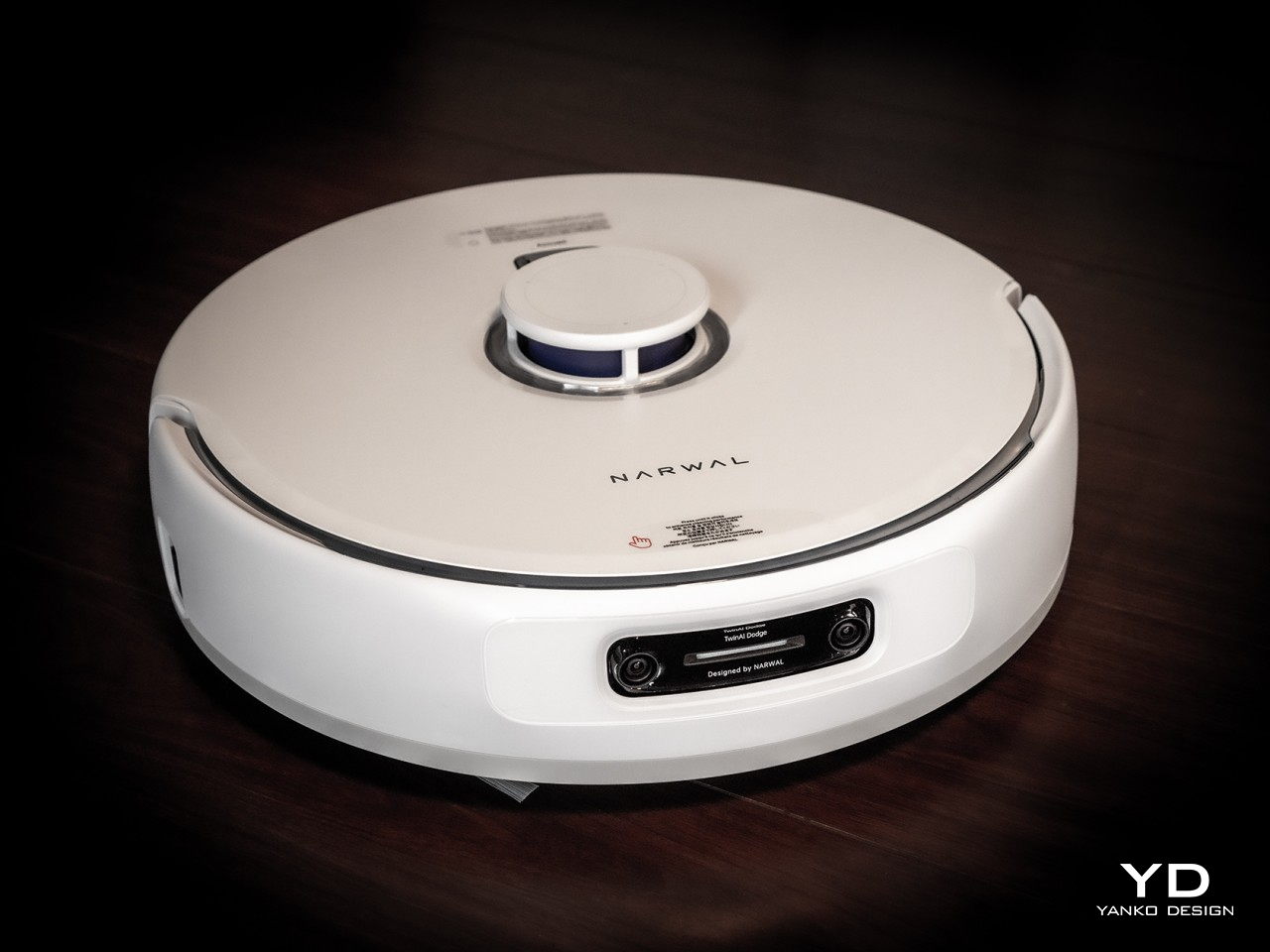
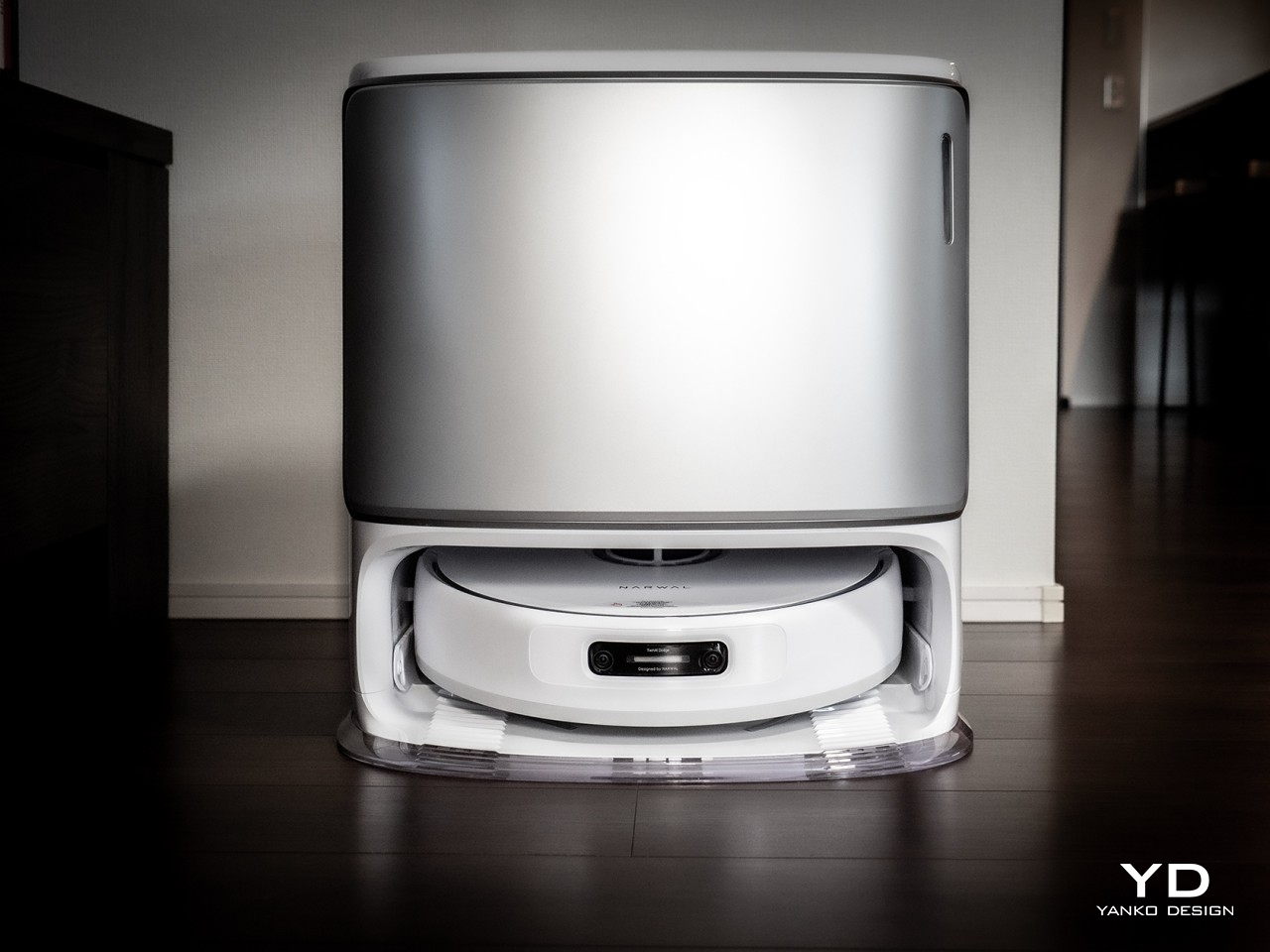
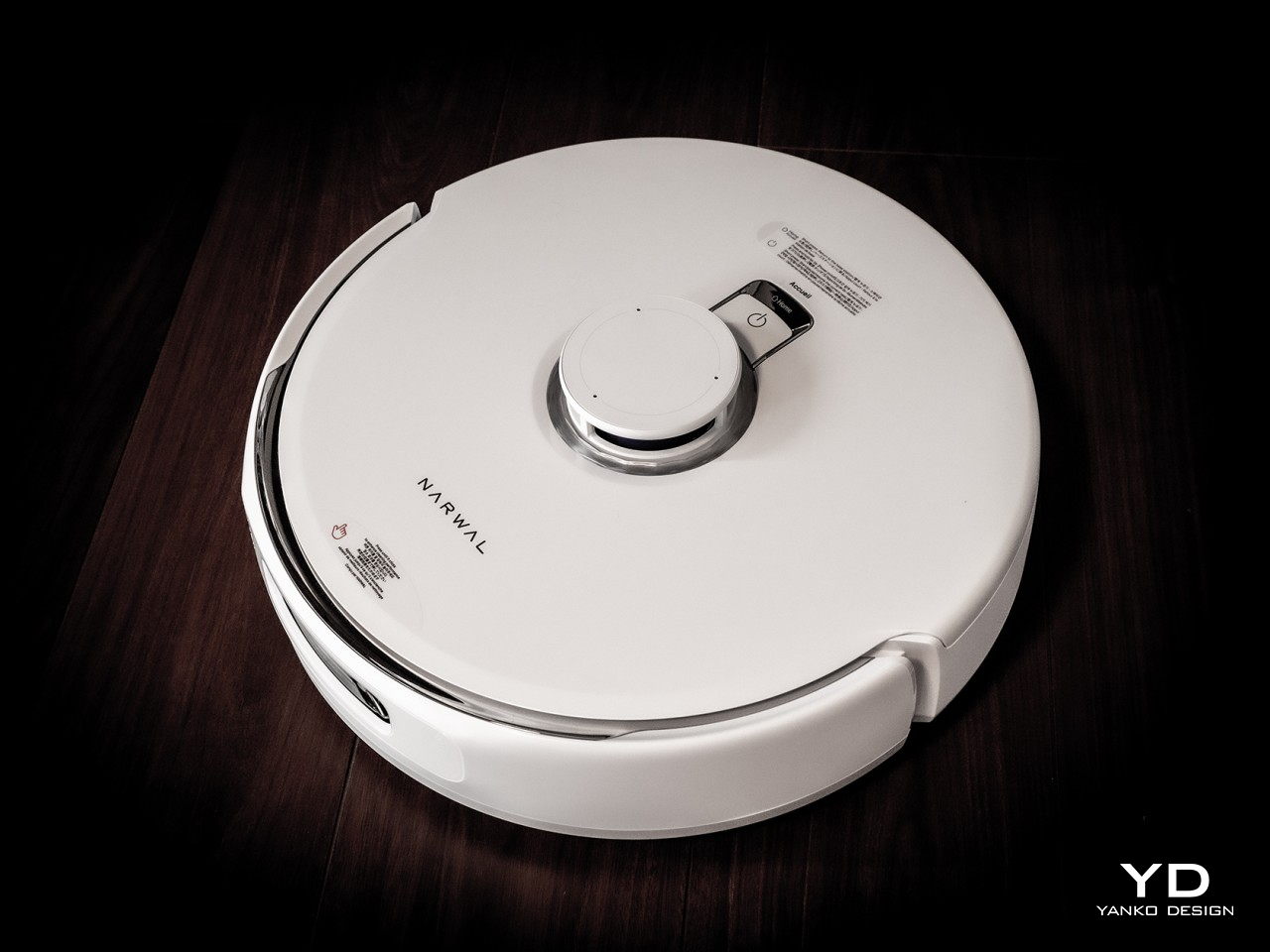
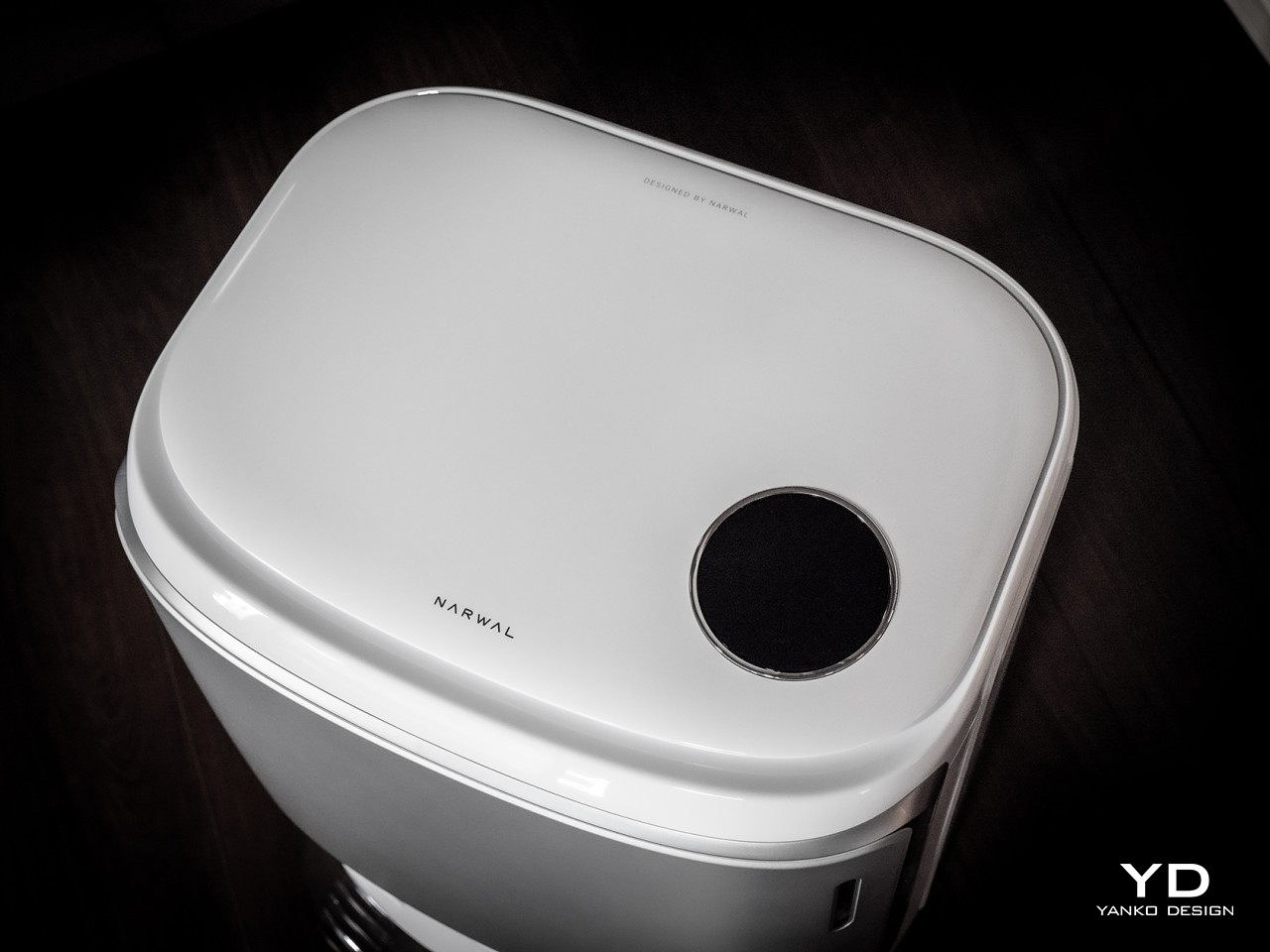
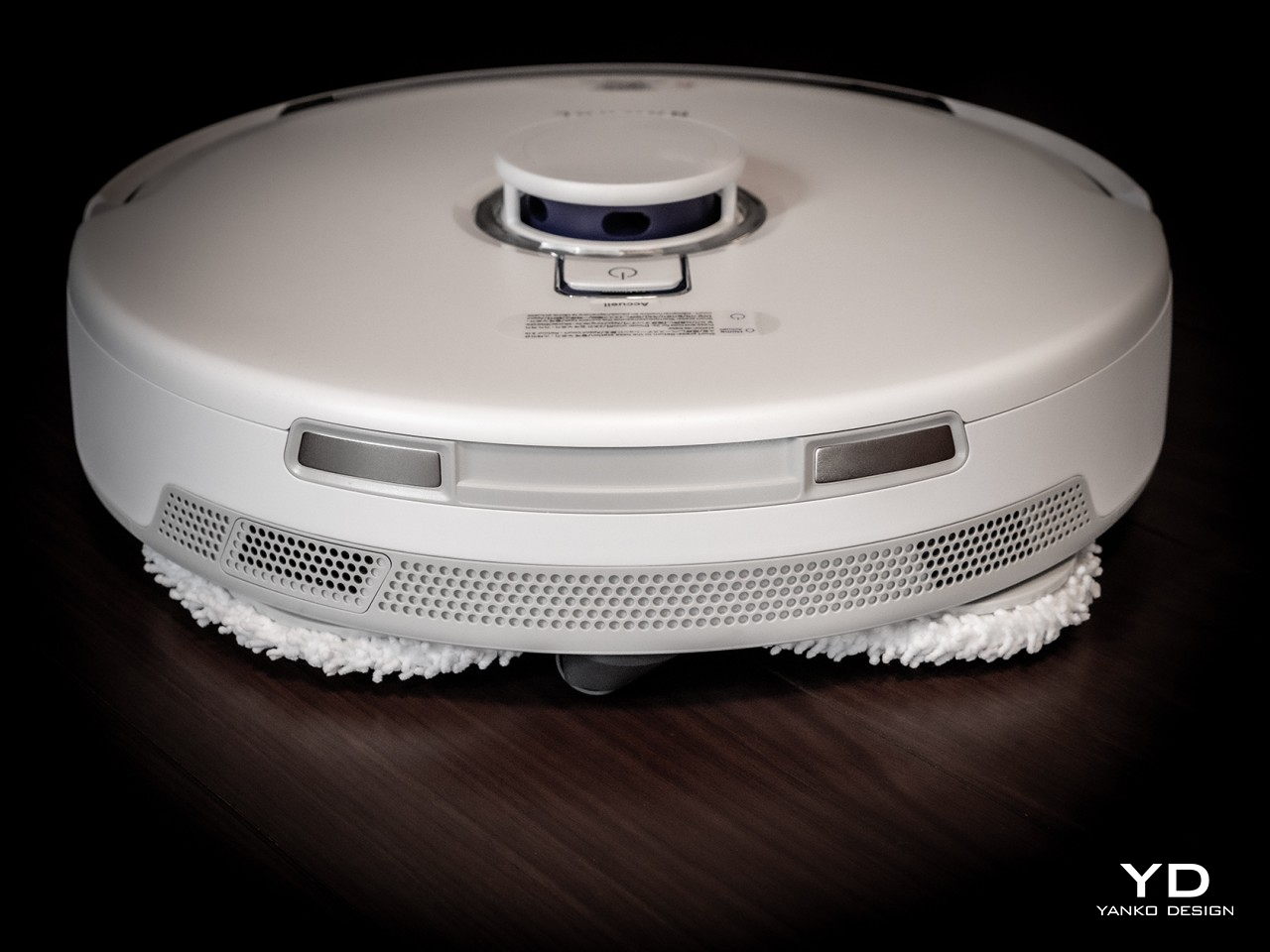
Robot vacuum cleaners are nothing new; they are one of the first robots and automation to enter our homes. Over the years, the basic form of these circular machines has changed little, which means they have kept close to their utilitarian aesthetic which stands out too much in most homes today. Even the base stations, which are evolving in complexity, often look like oversized and uninspiring trash bins. Fortunately, Narwal applied not only artificial intelligence but also human intelligence to give the Freo Z Ultra a more human appeal.

The Narwal Freo Z Ultra is designed to blend seamlessly into your home, a part of it that doesn’t get in your way, both literally and figuratively. It doesn’t call attention in the way that something unappealing would, like a tool out of place, but only by its sleek and elegant appearance that makes you appreciate its presence in a positive way. The smooth curves, minimalist style, and premium-looking materials make the robot vacuum cleaner and its base station look like functional design objects instead of just appliances.

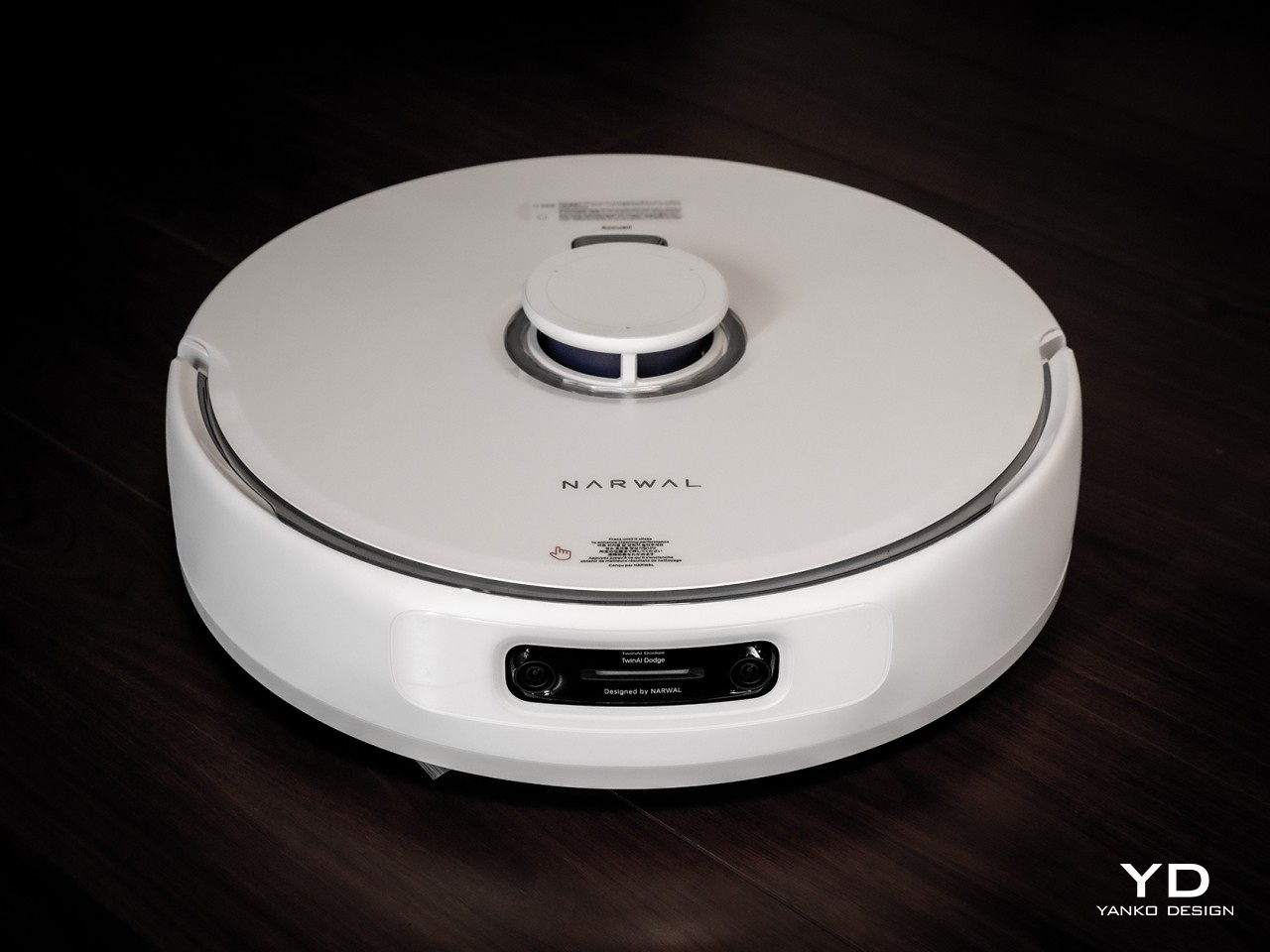
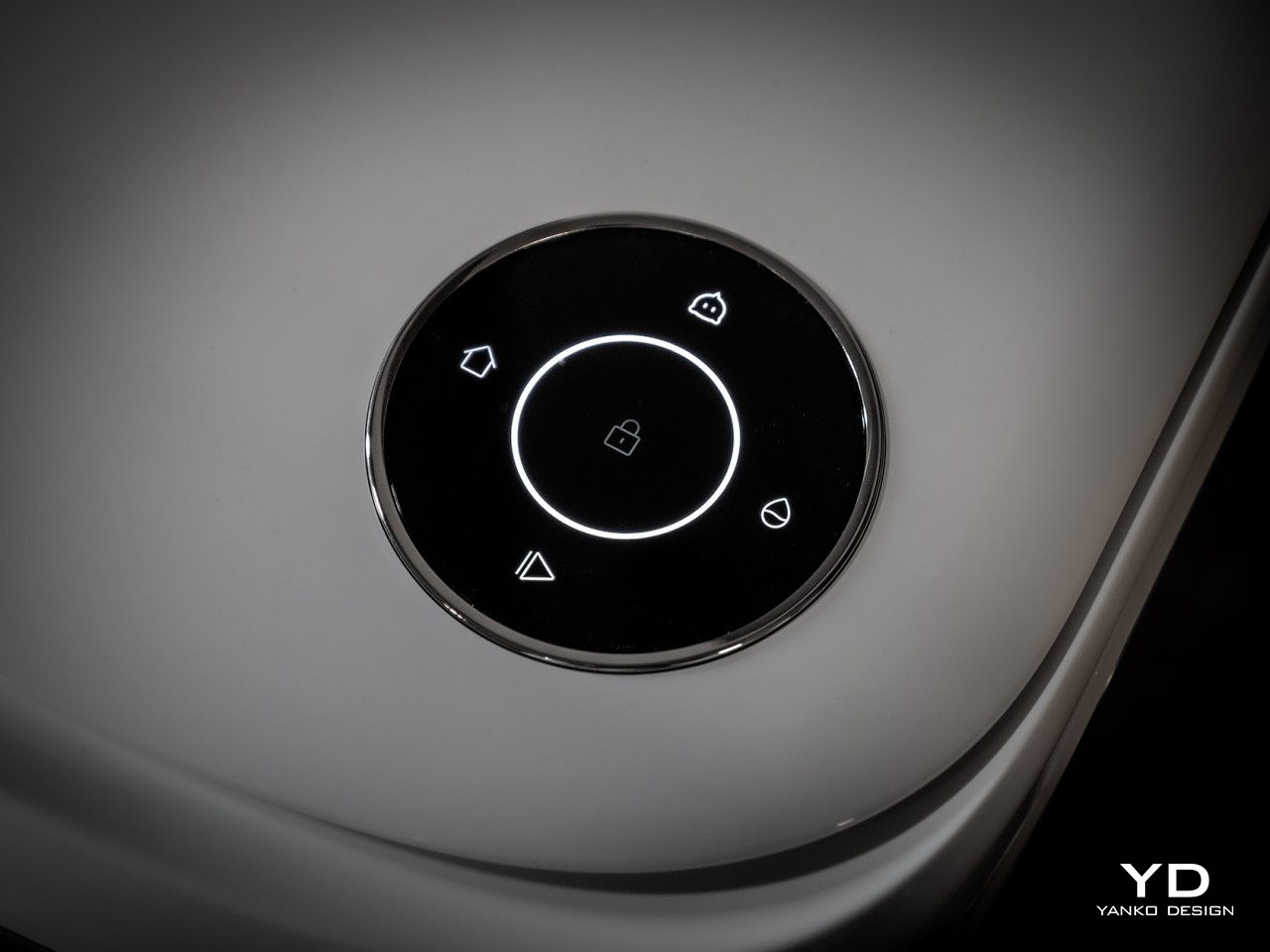
Admittedly, the robot cleaner itself doesn’t deviate too much from the standard formula. It is a circular machine with very few standout details, and that’s a good thing. It allows the robot to move around without being distracting, showing only the bare minimum that informs people of its functions or state. And thanks to its intelligent navigation system, you don’t even have to worry about bumping into it or getting in its way, as it will be the one to move out of your way as it should be.

All in all, the Freo Z Ultra combines simplicity and style in a single package, adding to a home’s aesthetic instead of distracting from it. It makes the AI-powered robot cleaning system look and feel more like a part of your home, rather than something tacked on and out of place. It might even become part of the family, in its own helpful and cute way.

Ergonomics

Unlike devices that you operate by hand, you don’t really handle the Freo Z Ultra robot cleaner, which is definitely for the best. The reason you’d delegate this chore to a robot would be to avoid dealing with dirt and germs, so the less that you have to manually interact with the cleaning robot, the better. Fortunately, Narwal made sure to minimize those moments as much as possible, leading not only to a convenient mode of operation but to a hygienic one as well.

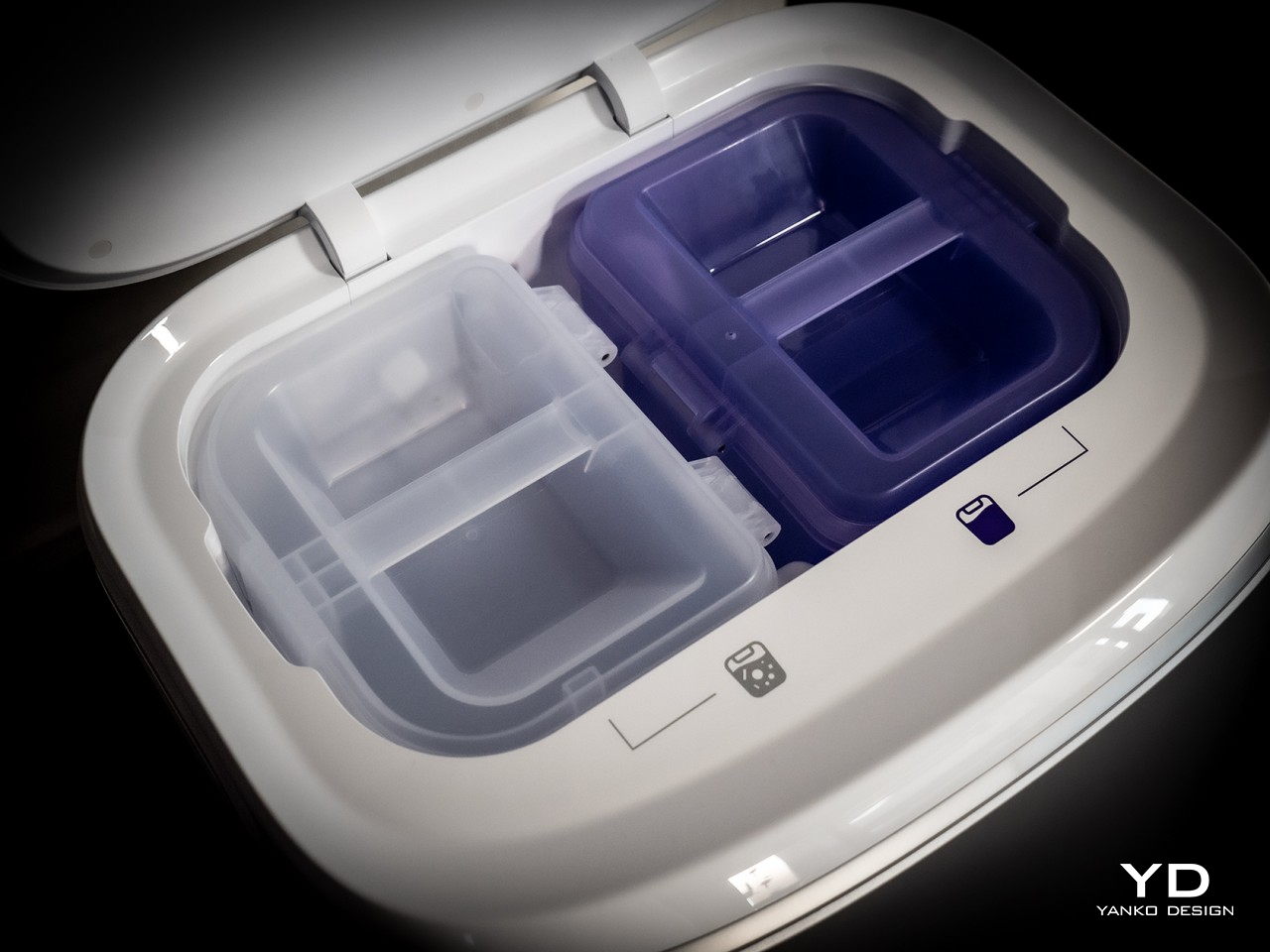
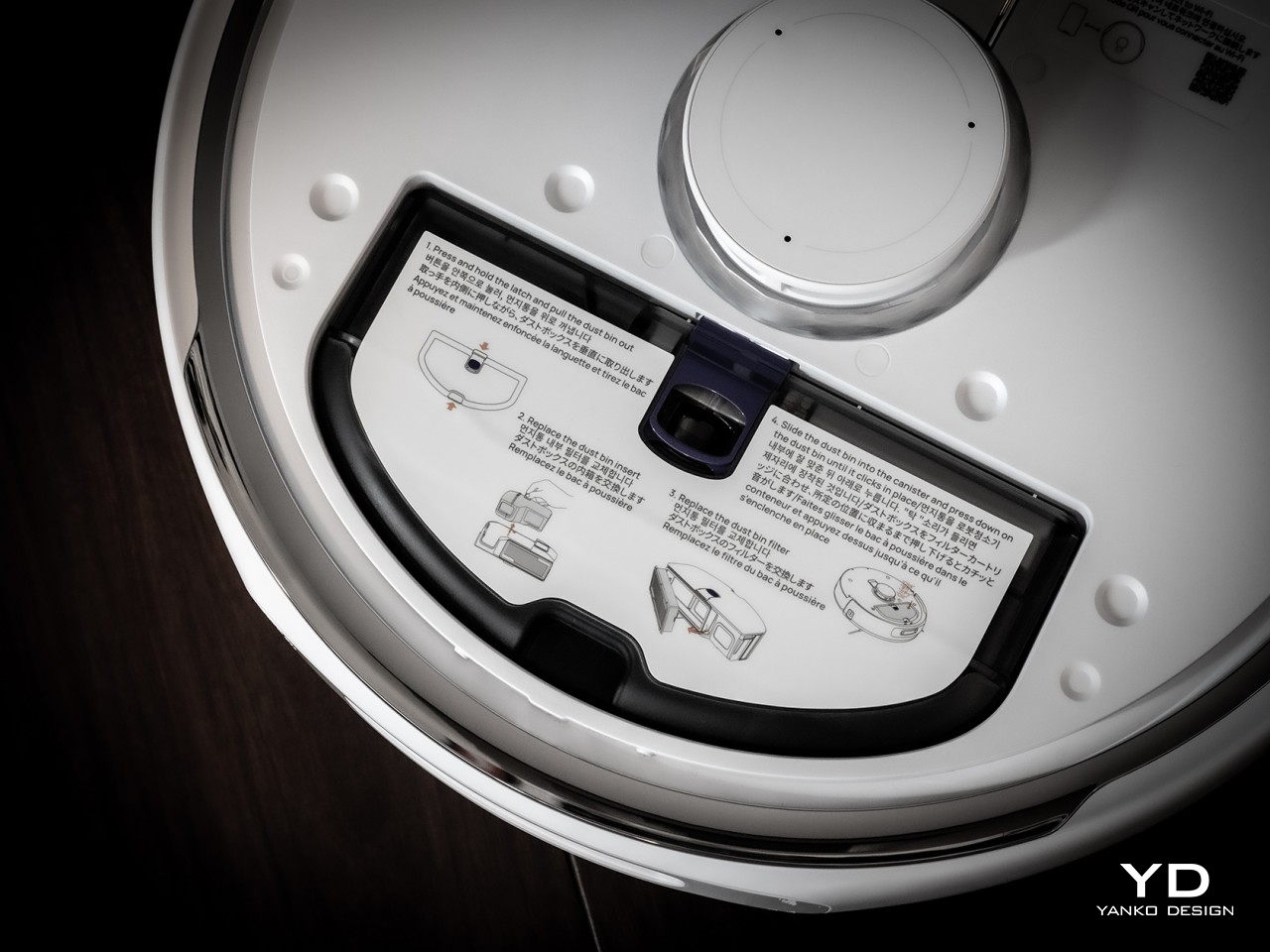
You don’t have to manually empty the robot’s dust bin. You don’t even have to wash the dirty mop. The only time you have to do some work is to empty the dust bag and replace the dirty water with a clean one, and even then you are guaranteed a sanitized environment thanks to the Freo Z Ultra’s smart features that we’ll get to later. Using these functions is definitely a walk in the park, as Narwal has made the design intuitive and easy to use.

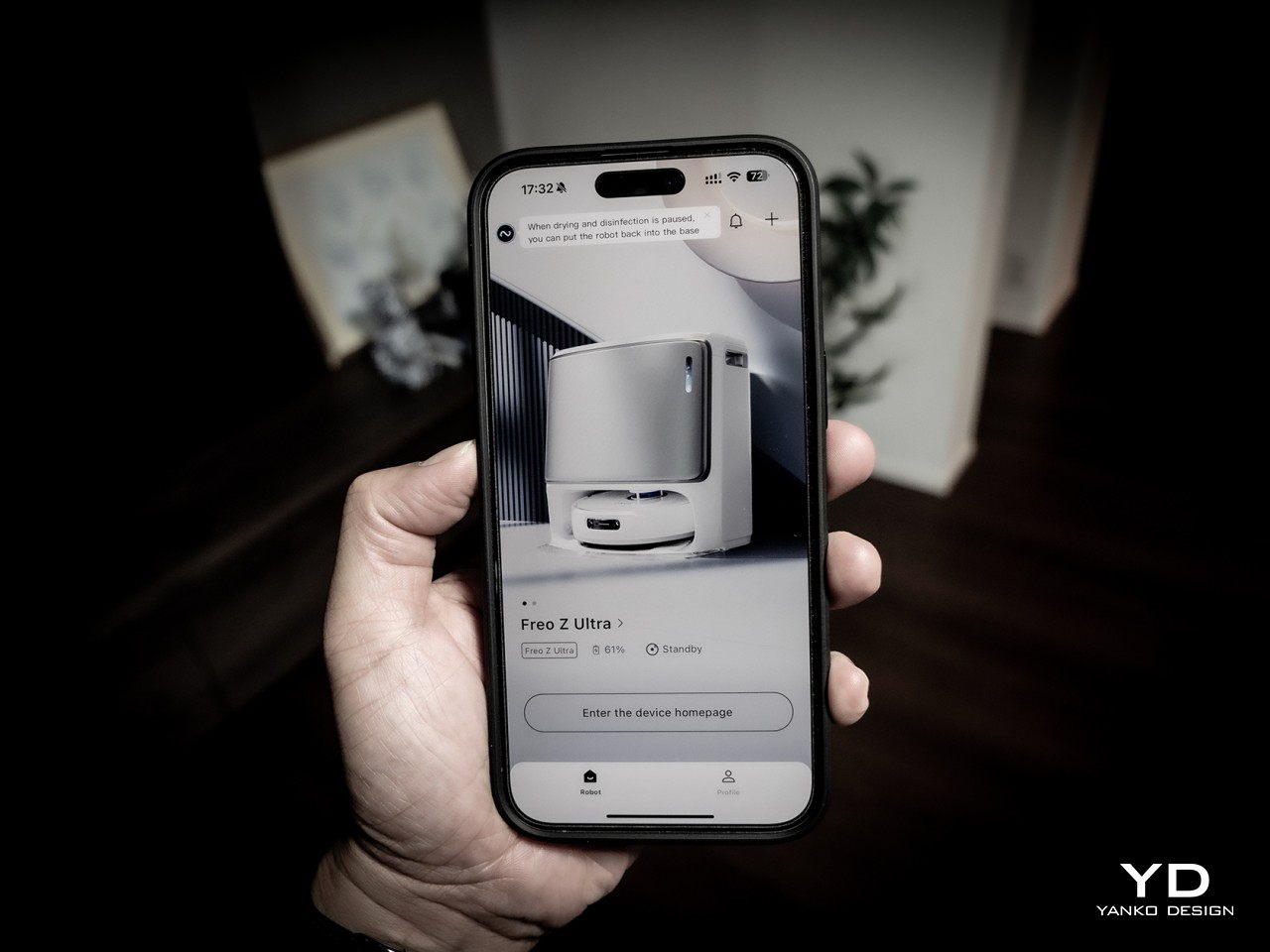
Controlling the robot is a matter of setting it up in the mobile app and just letting it do its thing on its own. You don’t even have to lift a finger, literally, thanks to integration with smart home systems and assistants, which means voice control and automated scenarios. Yes, it sounds lazy, but the convenience means you get more time for yourself and your loved ones.

Performance

Smart robot cleaners are becoming the norm these days, but the Narwal Freo Z Ultra definitely pushes the envelope of what you can do with all that intelligence. Most implementations focus on AI-assisted navigation and obstacle avoidance, and of course, we see that here as well. More importantly, however, Narwal’s AI not only identifies what lies before the robot but also what to do about it, even if it means going back to it again and again.

This is the case with the Freo Z Ultra’s Next-gen Proactive AI DirtSense, which means it knows that the thing in front of it is some kind of dirt and can actually identify what kind of dirt it is. If it’s dry dirt, it sucks it up, but if it’s a wet spill or stain, it mops it up. It also detects how much more mopping is needed and returns to the spot after the mop has been cleaned at the base station. It intelligently understands in real-time if a certain section of the floor requires more thorough cleaning than other spots instead of just applying the same amount of vacuuming or mopping, which tends to spread the dirt around instead. In that sense, it’s almost human in the way it thinks and behaves, closely mimicking how we would approach such a problem as well.

Just as with dirt, The Freo Z Ultra is able to correctly identify the type of floor and carpet so that it can automatically adjust its settings without you having to tell it. For carpets, it can lift the mop to a height of 12mm to avoid staining the material, and it also maximizes the suction power up to 12,000 Pa for more thorough cleaning. For wooden floors, it applies only 7N of mopping pressure to protect the sensitive material, but ceramic tiles get 12N of pressure to better clean off dirt and stains.

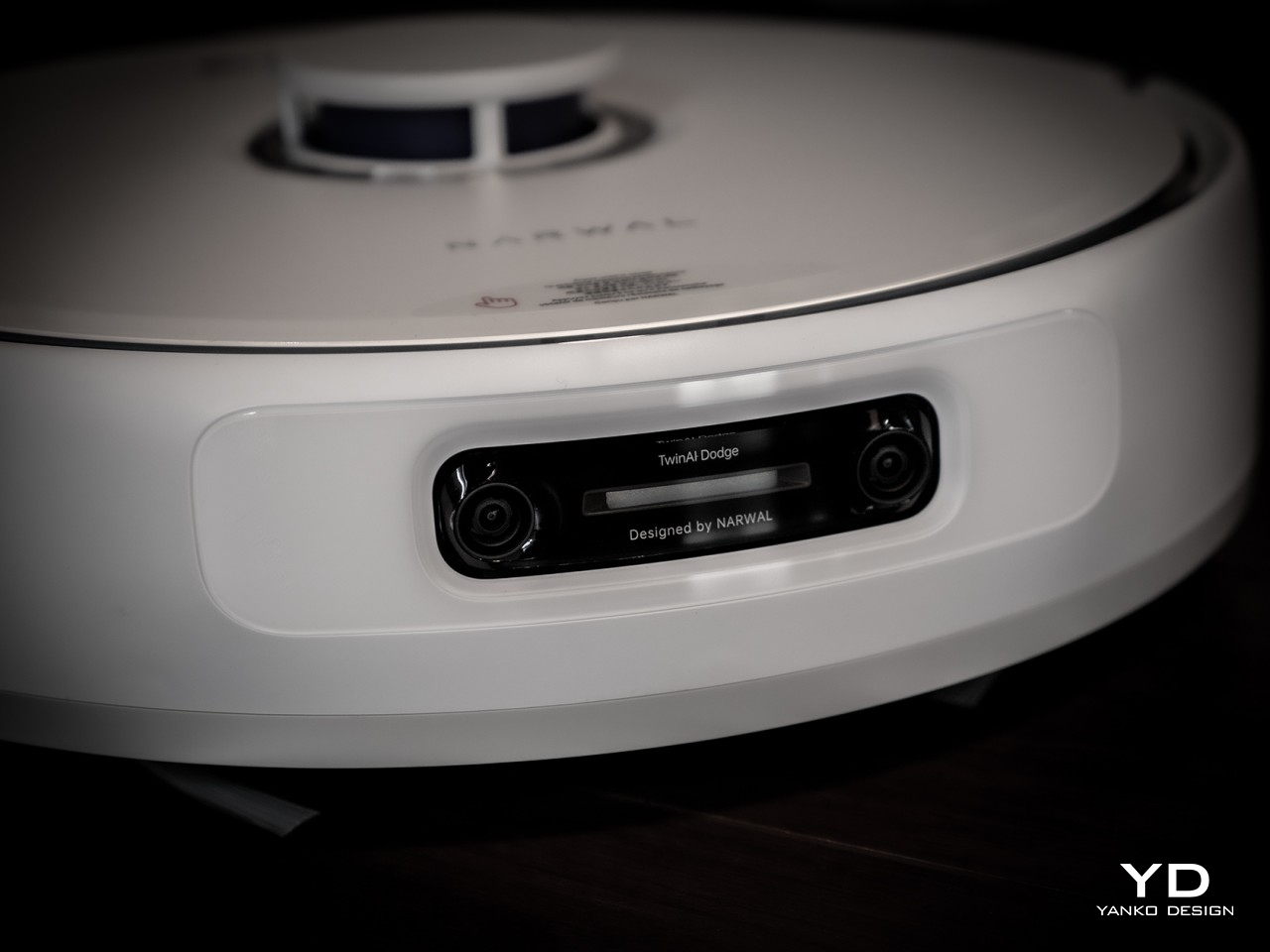
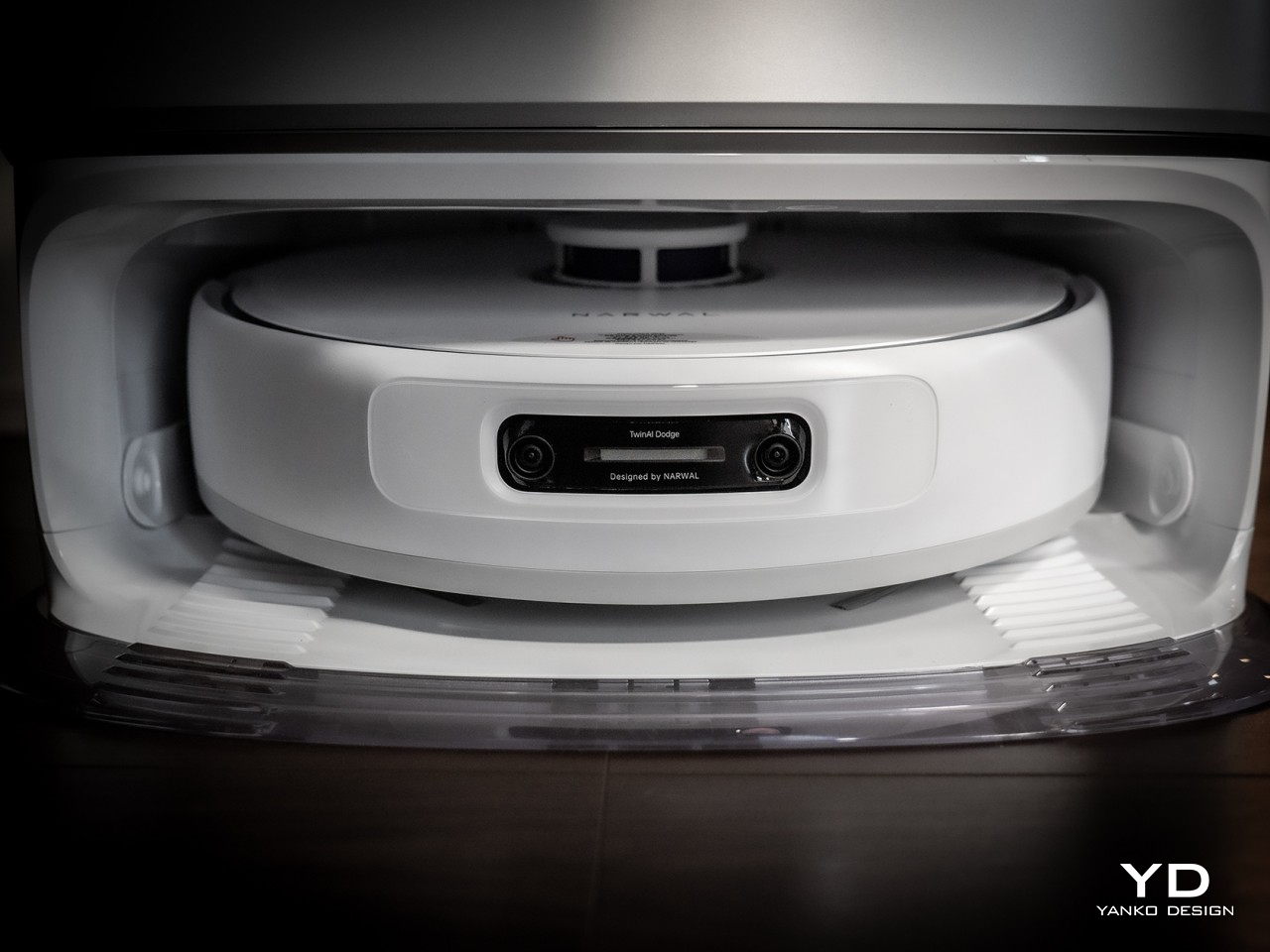
And yes, the Narwal Freo Z Ultra has some pretty impressive obstacle avoidance skills, thanks to dual RGB cameras that let it see better, as well as not one but two processors, one dedicated solely to AI. This TwinAI Dodge Obstacle Avoidance system can recognize over 120 objects in the house and see the world like we humans do, in three dimensions. This helps the robot not only navigate spaces and avoid objects but even understand what it needs to actually do in order to clean that space.

This feature is especially important to households with pets, where the presence of a robot cleaner could wake up a sleeping pet or cause unnecessary stress. The Freo Z Ultra knows when it approaches a pet and avoids the area, but it also knows that it needs to return to the area again and again until our furry friend is awake and away. It then uses that same intelligence to determine how much it needs to clean your pet’s favorite spot to make sure it’s spotless and hygienic for your smaller family members.

The Freo Z Ultra’s intelligence extends to the way it cleans up after it cleans your floors. The base station doesn’t just empty the dust bin and wash the mops but makes sure both are clean and hygienic as well. It washes the mop at a warm 45°C for normal dust-based or powdery stains but ramps up the temp to 60°C for oil-based dirt like grease and sauce. It then heats things up even further at 75°C to really kill the bacteria, after which it dries the mop at only 40°C to make sure it won’t get damaged. It also applies hot air dust drying at 45°C to kill the bacteria inside the bin.

The Narwal Freo Z Ultra is overflowing with smart features on top of standard ones like an anti-tangling brush and Reuleaux triangular scrubbing mops that really get to those edges and corners. The best part about the smart robot cleaner is that you don’t actually have to mind any of these, as it’s smart enough to do the right thing at the right time, freeing you from worry and stress and giving even your pet some peace of mind.

Sustainability

Even though robot vacuum cleaners have been around for decades, some things haven’t changed that much, like the heavy use of plastics and non-sustainable materials. There might come a day when giants in this industry like Narwal start using more eco-friendly materials, but for now, it is tackling the problem from a different angle. In a way, the Freo Z Ultra uses its AI-powered features not only to preserve the longevity of the product but to also be more energy efficient in the long run.

Knowing when to clean is only one part of conserving energy and saving on your electricity bill. Knowing how to properly clean an area and itself can also contribute to this energy-saving strategy. Rather than applying the same pressure or suction power or heat uniformly across all instances, adjusting the settings lower or higher as needed is ultimately smarter and more efficient. The way it also takes care of itself ensures that the Freo Z Ultra will be your cleaning companion for a very long time, saving you money and reducing unnecessary e-waste over time.

Value

There’s no doubt that the Narwal Freo Z Ultra is one of if not the smartest robot cleaners to date. That makes it an amazing piece of technology, but does it really add value to your life? With the many things that burden our minds and take up our time, the last thing we often want to do is deal with chores like cleaning the floor. And while there are definitely lessons to be learned in such labor, there are also better uses of our limited time as well.

In the end, that’s what this smart AI-powered cleaning robot delivers, not just clean floors but also peace of mind and freedom from stress and worry. We don’t have to fuss over whether the little robot does its job well because we know it does. It’s not yet perfect but learns and improves along the way, much like us. The Freo Z Ultra offers a clean, safe, and hygienic environment while also freeing us to spend more time with the more important things in life. You can’t get any better value than that!

Verdict

There are many robot vacuums that boast AI-powered smarts, but most of them simply means they know their way around your home. The Narwal Freo Z Ultra puts all that computing power to work in teaching the robot how it needs to clean as well. From identifying the kind of dirt and applying the right way to clean it, to waiting for your pet to get up and then clean its spot thoroughly, the Freo Z Ultra frees you from having to worry about such minute details and focus instead on more enjoyable activities. Best of all, it looks stylish and elegant in your home as well, almost like having a designer object doing your chores for you.

The post Narwal Freo Z Ultra Review: AI for Clean and Stress-free Homes first appeared on Yanko Design.

Vivo V40 Review: Keeping Things Simple and Sweet

PROS:


  • Stylish and slim design

  • Large 5,500mAh battery

  • Impressive triple 50MP camera system

  • IP68 dust and water resistance rating

CONS:


  • Same specs as the Vivo V30 from early 2024

  • No dedicated telephoto camera

RATINGS:

AESTHETICS
ERGONOMICS
PERFORMANCE
SUSTAINABILITY / REPAIRABILITY
VALUE FOR MONEY

EDITOR'S QUOTE:

The Vivo V40 puts a new chic style on a proven no-nonsense phone that delivers a solid experience at an accessible price point.

The smartphone market is a very congested and crowded place, not just with multiple competing brands but with each brand putting out multiple models per generation on multiple tiers. You’d think these companies want to just put their best foot forward, but instead, they try to target different audiences and budgets. Of course, there will have to be certain compromises for devices that aim for a lower market tier, but the question is just how much can you sacrifice before all you’re left with is an unusable, unappealing slab of metal, glass, and plastic. That’s the question that the Vivo V40 has to face in light of its well-received Pro sibling, and we give it a good try to see just how well it can perform under certain constraints.

Designer: Vivo

Aesthetics

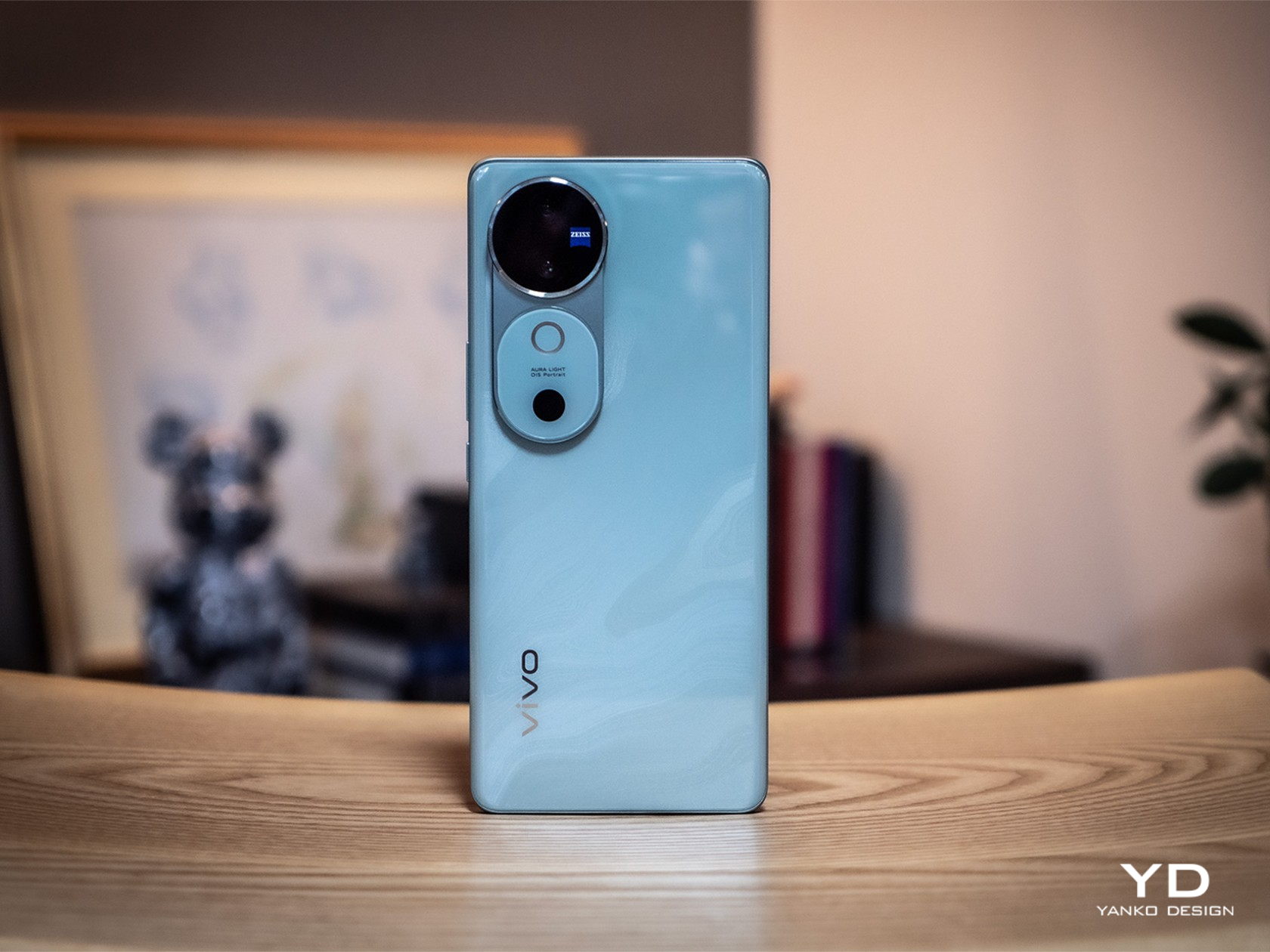
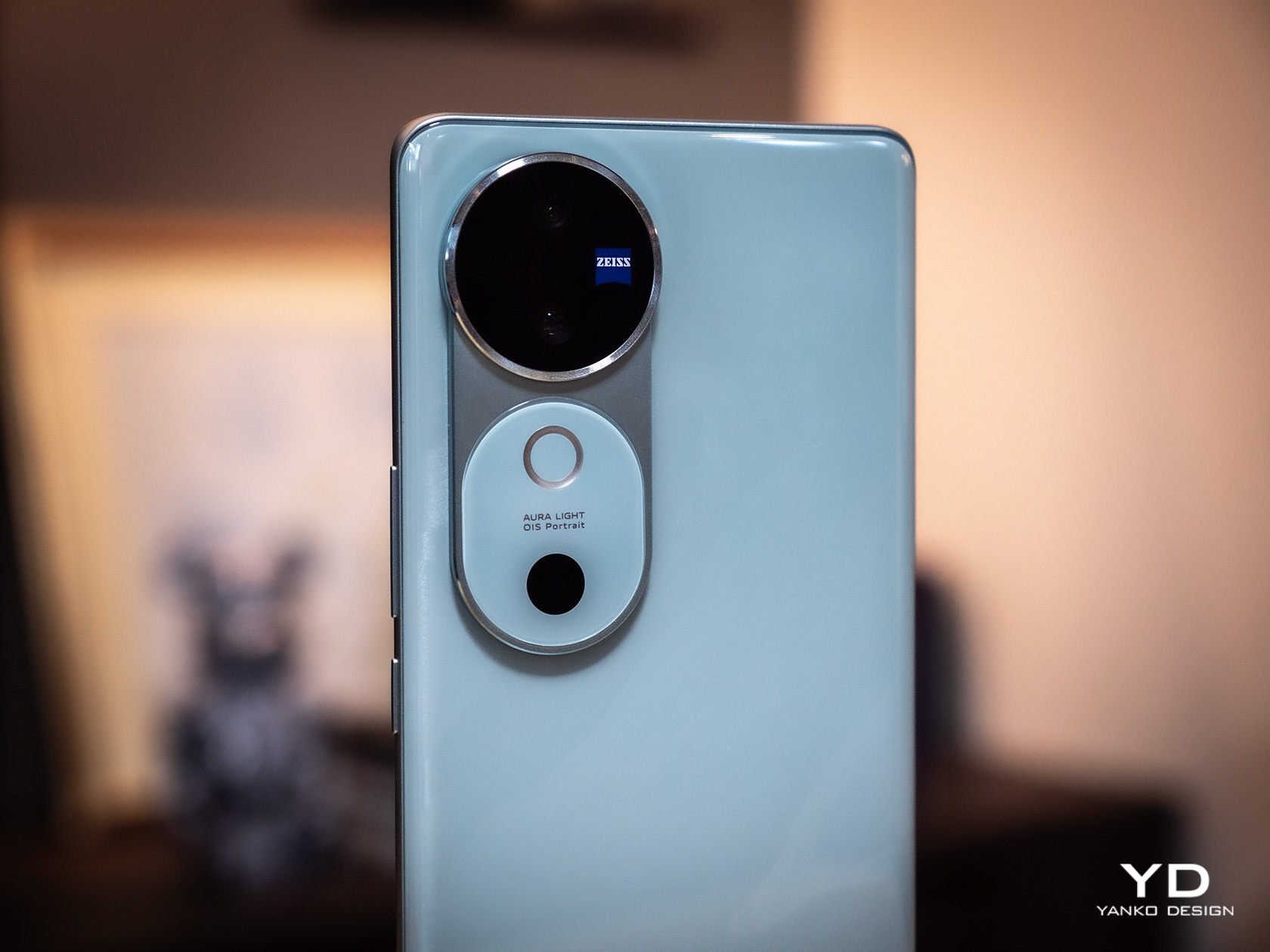
With so many smartphones now sporting more powerful and bigger cameras, it’s no surprise how many are scrambling to fit them in an elegant design and how some are failing to succeed. Given the two 50MP cameras on its back, it’s actually quite a pleasant surprise that Vivo managed to hit the nail on the head with its V40 series. There’s still a noticeable and technically thick bump on the rear, but it is presented in such an elegant way that you probably wouldn’t mind at all.

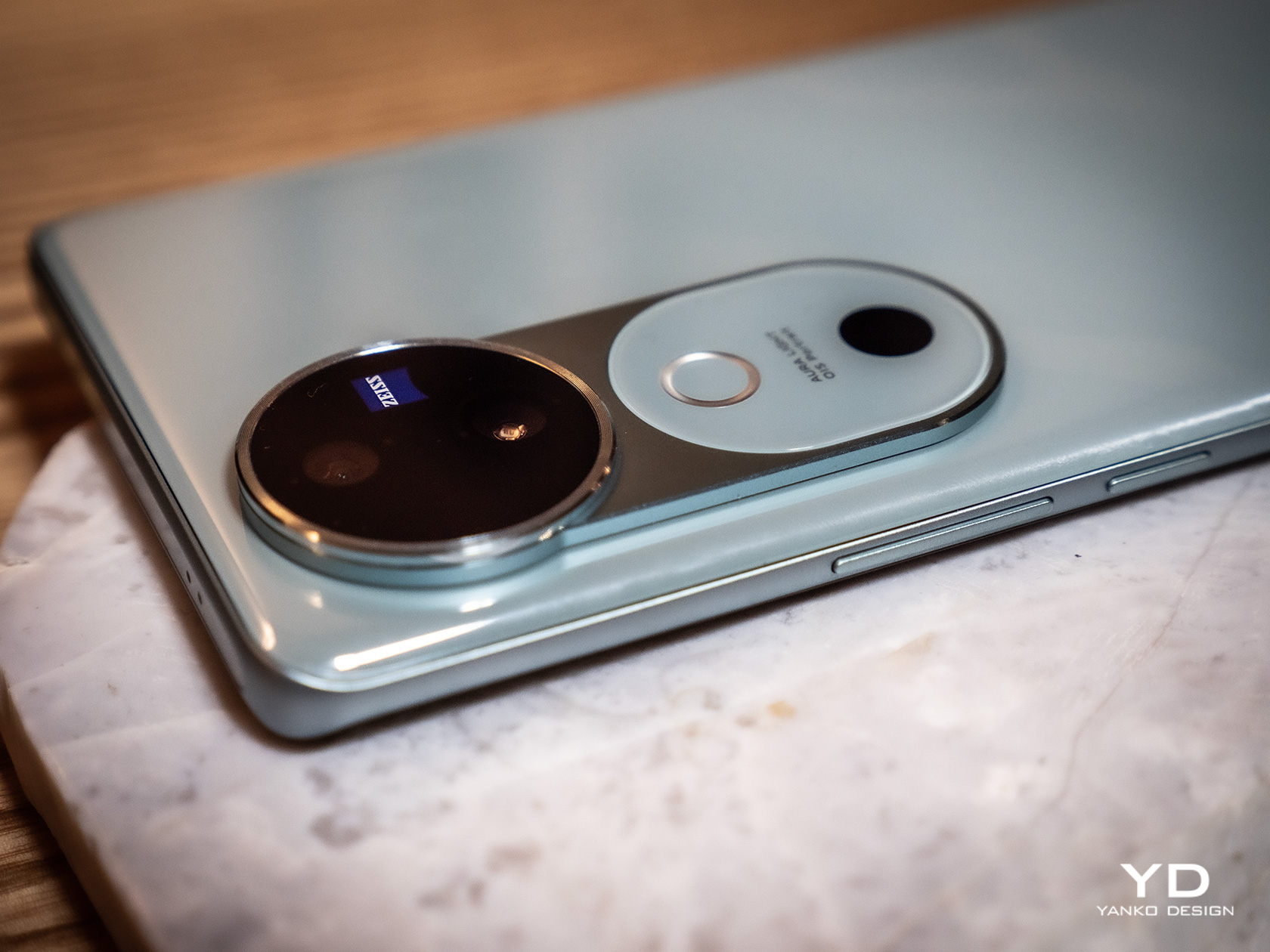
The key to this design is what Vivo dubbed the Gemini Ring, inspired by the constellation of the same name. It pairs two smaller circles in a bigger circle, playing on the “twin” theme. Technically speaking, the lower “ring” with the Aura Light is a bit taller and connects to the ring that houses the actual cameras, resulting in a shape that resembles a sleek keyhole. It’s an interesting visual element that grabs your attention but doesn’t scream at you.

The rest of the Vivo V40’s back is just as elegant as that camera design, with a variety of colors that add an artistic character to the phone. Our review unit, for example, is the Moonlight White which has a few patches of blue that resemble the surface of the moon at night. The back has a very glossy finish which, as you might have guessed, is a fingerprint magnet, though the color of the design at least makes those smudges harder to see.

The Vivo V40’s large screen curves to the side, giving it the illusion of a thin profile. We seem to live in an age of flat screens and flat edges, so this “classic” design might offer some relief to fans. It does come with some usability consequences, though, depending on how you hold it, and not everyone finds this aesthetic that appealing these days.

Ergonomics

At only 7.58mm thick and weighing only 190g (0.42 lbs), the Vivo V40 is incredibly thin and light, especially when you consider the extra-large battery it packs inside. It won’t strain your hand when holding the phone for a long time, but due to its size, you’re more likely to hold it with two hands unless you’re just idly scrolling away.

The curved edges of the screen are probably a bit more divisive. More than just a cosmetic design, it means that there will be parts of the screen at the edges that are not always visible, depending on the viewing angle, or might be accidentally triggered by parts of your palm or fingers. It doesn’t happen all the time, otherwise, this kind of design wouldn’t have lasted a year, but it might be something to consider when you notice “ghost” touches from time to time.

Performance

Underneath the sleek exterior of the Vivo V40 lies a rather sneaky secret. In many aspects, this is pretty much the Vivo V30 from early 2024, just with a few minor upgrades. It has the same Snapdragon 7 Gen 3 processor and the same basic memory and storage configuration. There are other similarities as well that we’ll get to later, but the bottom line is that, in terms of performance, you aren’t going to see a distinct generational upgrade.

That means that what was true for the Vivo V30 is true for the Vivo V40, which thankfully means you do get a solid mid-range performer. With enough RAM allocation, which is 12GB plus another 12GB taken from the 512GB storage of our review unit, you have plenty of silicon muscle to get apps moving smoothly and fluidly. You’ll have to turn down the settings for games, but you’ll still be able to enjoy the latest action-packed titles. That said, there is a Snapdragon 7+ Gen 3 at this point, so it’s rather disappointing that Vivo didn’t push for that extra punch.

The screen is almost the same, a 6.78-inch 2800×1260 120Hz AMOLED display that’s quite vibrant and crisp. This year’s model, however, upgrades the brightness by a considerable margin, which makes the phone even more usable outdoors. It supports HDR10+ but oddly leaves out Dolby Vision, something that might be of concern to video aficionados.

The biggest difference between the two generations is the 5,500mAh battery inside the Vivo V40, a whopping 500mAh increase from its predecessor. It does make the phone heavier and thicker than the V30, but not by much. The battery life gains pretty much make up for that anyway, with an uptime of almost 20 hours, depending on usage. It charges fast, too, at 80W, though not exactly record-breaking. The plot twist here is that Vivo doesn’t include a charger in the box, so you’ll have to find an 80W charger or higher on your own.

The cameras are where it’s all at, of course, and here the Vivo V40 doesn’t disappoint except in one aspect. Again, it’s the same combination of a 50MP f/1.9 main camera with OIS and a 50MP f/2.0 119-degree ultra-wide shooter. The front also gets a 50MP front-facing camera capable of shooting in 4K 30fps, which should probably make you a star in video meetings.

In practice, these ZEISS-tuned cameras deliver as promised, producing detailed and clear shots with natural colors and good exposure. That’s true both in broad daylight as well as low-light or nighttime shots, though the latter sometimes tend to get a little bit overexposed to the point of looking unnatural. Bokeh is pleasant and the separation of foreground and background is quite accurate. The Studio-quality Aura Light ring offers more flexibility with light temperature and intensity, creating more natural-looking lighting when needed. This stellar performance stops when you try to zoom in, though, even at just 2x. At that point, quality starts to degrade, which is to be expected from a camera system without a dedicated telephoto lens.

Sustainability

Vivo has been making big steps in improving its commitment to a greener future, and every little bit counts toward that goal. It might not be using recycled metals and plastics yet, but it might be slowly but surely getting on with the times. The Vivo V40, for example, doesn’t ship with a charger, helping decrease the potential e-waste from owning multiple chargers that do the same thing. Yes, you might have to buy a compatible charger if you still don’t have one, but that’s an investment that you will be able to use for other devices as well.

Perhaps the bigger step forward is taking this mid-range V series phone’s durability to the next level. From a measly IP54, the Vivo V40 now boasts an IP68 rating, putting it on the same level as more expensive flagship smartphones. What this means is that your phone won’t die on you so easily, prolonging its longevity and delaying its inevitable fate in the trash heap or recycling plant.

Value

To be painfully blunt, the Vivo V40 doesn’t exactly have a standout feature. Yes, the 50MP ZEISS cameras perform well, but other mid-range phones can match its output and even have a telephoto shooter in the gang. Its hardware isn’t exactly fresh or notable, but it does get the job done. The slim and sleek design is definitely eye-catching, but they always say that beauty is in the eye of the beholder.

Instead, it’s actually the sum of its parts that give the Vivo V40 its value. It’s a solid performer with dependable cameras wrapped in a premium-looking design, delivering long battery life and durability on par with high-end rivals. And when you slap on the $430 price tag, you basically get a mobile partner that you can rely on, as long as you don’t make too many demands.

Verdict

It is getting harder to stand out in a very crowded smartphone market, and some vendors have started making gimmicks, adopting exaggerated designs, or adding over-the-top features just to differentiate themselves. Sometimes it works, but most of the time you end up with an outlandish design that costs more than it’s worth. In contrast, the Vivo V40 opts for a simple yet solid design, delivering a well-rounded experience with a camera system that you can be proud of and a large battery that won’t let you down.

The post Vivo V40 Review: Keeping Things Simple and Sweet first appeared on Yanko Design.

2024 Toyota RAV4 Woodland Edition Review : A True Adventure Upgrade or Just a Facelift

PROS:


  • Green and bronze looks great

  • Subtly improved off-road capability

  • Typical RAV4 utility

CONS:


  • Reduced fuel economy

  • Worse on-road manners

RATINGS:

AESTHETICS
ERGONOMICS
PERFORMANCE
VALUE FOR MONEY

EDITOR'S QUOTE:

The Woodland Edition adds a strong dose of rugged style and a bit of extra capability, but the return may not be worth the efficiency and financial cost.

The auto market is being flooded with semi-rugged, lightly off-road editions of everyday SUVs, and Toyota’s getting in on the game with this. It’s the RAV4 Woodland Edition, a version of its ubiquitous and perpetually popular SUV that looks a little more ready for adventure than its lesser versions.

But is it actually a functional upgrade, and is it worth the roughly $3,000 over a base RAV4 Hybrid LE? That’s what I aimed to find out in my week with this green and gold hybrid.

Design

Before we even get into the functional upgrades on the Woodland Edition, I’m tempted to say this flavor of Toyota’s RAV4 SUV is worth the extra cost for the color scheme alone. That color, which Toyota calls Army Green, works remarkably well on this car. It’s not quite a military olive drab in that it definitely has a glossy hue to it, but it’s certainly in the same chromatic family.

Pairing that with a set of satin bronze wheels is an act of genius, resulting in an SUV with far more presence than any of the dozen other RAV4s you’ll likely find in the average parking lot. This is the best color combination available in Toyota’s crossover at the moment, and you can only get it in the Woodland edition.

That said, even the base RAV4 is not a bad-looking machine. Though its facelift is getting a bit familiar at this point, its angular styling cues and the dramatic, downward sweep of the lines running from the rear fenders all the way to the front grille give it an active stance that works perfectly with the attitude of the Woodland Edition.

Pick the Woodland, and you get the roof rack with rails standard, plus those 18-inch wheels and the all-terrain tires they’re covered in.

Things are less dramatic on the inside. Where that green and cold combo dominates your view as you approach, the only special touches on the inside are on the floor: a set of all-weather floor mats with Woodland Edition embossed on them, plus a few pine trees emblems. Those mats provide a functional upgrade for sure, but hardly a striking one visually.

The rest of the interior is standard stuff, thoughtfully laid out and featuring durable materials, but not much to look at. The RAV4 seats five maximum, with rear seats ample for two but only passable for three passengers. A separate heating vent plus a pair of USB-C ports are the only creature comforts available to those in the back.

The two front seats feature prodigious heating, toggled with chunky physical switches that stay in whatever position you left them last.So, if you’re the sort who wants a perpetually warm backside, you won’t have to reach for that button every time you start up this SUV. The steering wheel heating is less effective, but it too at least stays enabled between car starts.

Seat upholstery is of a basic fabric embossed with a geometric pattern that adds just a bit of visual appeal to an otherwise dark interior, though the light headliner helps. The dashboard, door cards, and center console are a mixture of leather-textured black vinyl and hard black plastics, with a few slashes and hints of matte silver plastic throughout.

Again, it’s not much to look at on the inside, but the numerous pockets and storage compartments leave ample opportunity for stashing stuff, while the cargo net out back in the hatch ensures that whatever you put in the 37.6 cubic feet of cargo space will stay put. The rear seats fold down with a 60/40 split, expanding that cargo volume to 69.8. 

Other than those seat heaters, tactile controls are limited to the HVAC system, which features some oversized, chunky knobs that are a pleasure to spin. There’s a smaller volume knob as well and a small knob for cycling between Eco and Sport modes, but that’s about it. 

Software and safety

Most interior controls are available through the eight-inch touchscreen running Toyota’s Drive Connect system, which offers integrated navigation and a voice assistant. Android Auto and Apple CarPlay are also available, which I found to be a far more appealing option. 

The gauge cluster features a series of traditional analog gauges with a digital, virtual gauge system in the center. This display is customizable to cycle through a series of vehicle settings, parameters, or navigation prompts if you like. There’s nothing particularly notable here, but it’s all perfectly functional.

In terms of active safety, the Woodland Edition features Toyota’s Safety Sense 2.5 system, which includes features like automatic emergency braking with pedestrian detection, roadside sign detection, lane-keep assist, and adaptive cruise control. The adaptive cruise worked well, but the lane-keep assist was a little less reliable in my testing. It often struggled to detect road markings and only made very late, very indistinct corrections to keep the car centered.

On (and off) the road

The RAV4 is a simple, pleasant SUV to drive in most situations. The Woodland Edition doesn’t do much to change that formula, but it does add just a hint of additional capability. The suspension in this version has been retuned, slightly stiffer with up-rated bump stops, capable of handling the trails that Toyota apparently thinks people will be hitting in this thing.

Additionally, there’s a Trail drive mode, which Toyota says helps to maximize grip, but in my testing in slippery conditions, I couldn’t detect any difference. The front wheels always seemed to break loose first and most significantly before the rears got much in the way of power from the hybrid system out back.

The Woodland Edition’s biggest change, regardless, is what it rolls on. 18-inch Falken Wildpeak A/T Trail tires have been mounted on all four corners, far chunkier and more aggressive than the usual all-seasons found fitted on the RAV4.

Does any of it make a difference in terms of off-road performance? The suspension upgrade should make the Woodland Edition survive slightly harder stuff offroad, and there’s no doubt the tires will provide more grip on loose surfaces. 

On-road, the changes are definitely noticeable, with some increased road noise and a slight decrease in everyday ride quality. While far short of harsh, the Woodland Edition was less pleasant over the bumps and frost heaves that plague the roads near me as we come out of an extended winter season. Whether it’s the tires, suspension, or some combination of the two, I can’t say for sure, but if on-road poise and comfort is your priority, you might want to go for an XLE instead.

In terms of power, as in any other RAV4 hybrid, the 219 horsepower hybrid system in the Woodland Edition is more than adequate but far from breathtaking. The car accelerates cleanly and has plenty of power to keep up with traffic, plus reasonable throttle response, largely thanks to the hybrid system. However, when most people are shopping for Toyota Hybrids, their top priority is fuel economy, and I wasn’t blown away there. 

The Woodland Edition is rated for 38 mpg in the city, 35 on the highway, and 37 combined. In my mixed testing, I did substantially worse, coming in at 32.3 mpg. An XSE, meanwhile, is rated for 39 mpg combined. Those all-terrain tires here surely don’t help, nor does the roof rack up top.

Options and pricing

The 2024 Toyota RAV4 starts at $28,675 for a base LE edition. For a Woodland Edition, you’re looking at a minimum of $34,695. My model included the $925 Weather Package, which adds on heated seats and steering wheel, plus $500 for that exterior color, which brought the total price to $37,470 after a $1,350 destination charge. That compares favorably to its most direct competitor, a Subaru Forester Wilderness Edition, which starts at $34,920.  

Is it worth the extra $3,000 over a RAV4 LE hybrid? I don’t know if it is. While I appreciate the desire for something with more off-road capability and love the look and color scheme here, I can’t say that I’m convinced the on-road penalty combined with the extra cost is worthwhile. The mpg hit also doesn’t seem worthwhile unless you’re frequently going to be making use of those all-terrain tires or that roof rack.

In general, I’d recommend sticking with the RAV4 XLE hybrid, which is an excellent SUV and continues to be a value leader and saves. But, if you want something with a smidge more attitude and have a bit more to spend, I don’t blame you for being tempted by this green and bronze charmer.

The post 2024 Toyota RAV4 Woodland Edition Review : A True Adventure Upgrade or Just a Facelift first appeared on Yanko Design.

ASUS ProArt PX13 Laptop Review: An Agile Content Creator’s Best Friend

PROS:


  • Handsome, minimalist, and lightweight design

  • Impressive performance packed in a compact size

  • Gorgeous 3K OLED screen for both viewing and color-accurate work

  • Incredible value for creative professionals on the go

CONS:


  • No full-sized SD card reader, only one USB-A port

  • Display refresh rate is only up to 60Hz

RATINGS:

AESTHETICS
ERGONOMICS
PERFORMANCE
SUSTAINABILITY / REPAIRABILITY
VALUE FOR MONEY

EDITOR'S QUOTE:

The ASUS ProArt PX13 makes the impossible possible, delivering unbeatable performance and uncompromising mobility in an elegant and accessible package.
award-icon

The nature and execution of work have changed significantly in the past years, especially for those who use computers all the time. Mobility and flexibility have become an important part of the business, sometimes requiring people to be able to take their work anywhere life leads them. At the same time, it also allows people to do their work in the best possible location for them, which isn’t always the office. To support these new work arrangements, computer vendors have been trying to shove more power into laptops without turning them into gargantuan machines that would force people to leave them in the office anyway. It’s a delicate balancing act, one that very few brands have successfully pulled off, but the ASUS ProArt PX13 makes that very promise to one of the more discerning and particular markets. Is the ProArt PX13 able to deliver that promise of unbounded creativity anywhere or does it make too many compromises along the way? We give it a flip and a spin to bring you that answer.

Designer: ASUS

Aesthetics

The first impression you’ll have when seeing the ASUS ProArt PX13 is how compact and thin it is, at least for a supposedly powerful laptop aimed at creative professionals. Your second impression will be how sleek and elegant it looks with its deep, all-black design. It’s an aesthetic that doesn’t scream at you but instead talks mellowly, fitting a professional product. There are barely any markings on the laptop’s cover; no fancy RGB lighting at its sides, protruding edges, or sharp angles. Just one truly black slab.

Unlike other laptops that advertise a black colorway, the ASUS ProArt PX13 really walks the walk thanks to the company’s Nano Black coating that almost poetically matches the deep blacks of the OLED screen on the opposite side. It’s admittedly a matter of taste, as some will prefer the luster of silver metal like those on MacBooks or Dell, but its more subdued aesthetic makes it less distracting as well. Thankfully, that same Nano Coating also prevents fingerprint smudges so there’s very little that will stain that darkness.

Minimalist doesn’t mean plain, however, and there are a few accents that bring out the ProArt PX13’s designer-centric character. The ProArt branding, for example, is smooth and a little bit reflective, tastefully set against the blackness of the cover. The vertical stripes on the hinge are supposed to be a nod to pro camera designs, but even if you don’t make that connection, they’re still an interesting touch. All in all, the ASUS ProArt PX13’s minimalism puts the focus not on the laptop but on the creator and the content, while also providing a dark, blank canvas for owners to use to let their own creativity shine through if needed.

Ergonomics

The ProArt PX13 is hardly the thinnest laptop, whether traditional or convertible, but it’s not terrible either for a 13-inch. When you consider that it packs enough hardware to cater to creative professionals and even some gamers, you’ll even be amazed at how ASUS managed to keep the numbers down to an accessible level. At 17.78mm (0.7 inches) thick and 1.38kg (3.04 lbs) heavy, this is something you can easily stow in your bag and be on the move in a flash.

This is very important when you consider that ProArt PX13 is more than just a laptop. It can also be a tablet you can draw on, whether on your table or on your lap, as well as a “tent mode” presentation and entertainment display. Changing forms is as easy as folding the screen back and forth, and the sturdy 360-degree hinge makes sure that it stays open at whatever angle you leave it. At the same time, however, the laptop’s weight is distributed properly so that you can open it up with just a single finger, lifting the lid while the body anchors it down.

The typing experience is pretty good as well, with well-spaced keys and a good 1.7mm travel. The cursor keys are squashed, of course, but that’s nothing new nor is it extremely uncomfortable. The touchpad is a decent size, but its mechanical design might disappoint fans of more haptic touchpads.

Performance

Right off the bat, the ASUS ProArt PX13 has some of the best hardware you’ll find in a 13-inch laptop. It’s one of the first to utilize AMD’s new AI-powered Ryzen AI 9 HX 370, giving it a wide lead in AI operations. This is paired with an NVIDIA GeForce RTX 4050, like in our review unit, or an RTX 4060. Either way, you’re getting a powerful graphics processor that, to no one’s surprise, handles AI skillfully as well. Benchmark numbers don’t always tell the whole story, but they’re impressive nonetheless. Whether the laptop is plugged in or running on battery, it will meet almost anything you can throw at it, whether it’s Photoshop, Da Vinci Resolve, or Blender.

Gaming is a bit of a different issue, though the ProArt PX13 is definitely capable. You will definitely feel the heat when pushing the system to its limits, but the cooling system does a stellar job of regulating its impact. The fans are definitely audible under heavy loads, but they quiet down just as quickly when no longer needed. And they’re barely noticeable at all if you’re just doing basic computing tasks like browsing the Web or typing up documents. The biggest setback when using this machine for gaming is actually one of its biggest strengths as well: its screen.

The 13.3-inch OLED touch screen is simply stunning, with rich colors, deep blacks, and a sufficient amount of brightness so that you can even work outdoors under overcast skies. The display is Pantone-validated and supports a wide gamut of colors, an important detail for graphics artists and content creators who need color accuracy more than anything else. The screen has a 3K resolution of 2880×1800 in a familiar 16:10 aspect ratio and a refresh rate of 60Hz. The latter is what makes the ProArt PX13 less suitable for gaming, at least for those who live and breathe 120Hz or higher. It’s not totally unusable for fast-paced games, and it completely marks the laptop as a machine primarily for work, with just a bit of gaming on the side.

Battery life for the ASUS ProArt PX13 is so-so. Given its size, the 75WHr battery it packs is actually generous, but it’s offset by the more powerful hardware. On Eco/Power Saving mode and average computing tasks, it can last an average of 8 hours, definitely shorter once you push the hardware to the limit. It ships with a 200W power brick that’s large but not gigantic. It can charge over USB-C using a 100W charger, but you’ll probably bring the official charger with you anyway unless you’re traveling extra light.

Port selection is on the light side as well. It has most of the important basics but is also oddly missing a few ones. There are two USB 4.0 Gen 3 Type-C ports and a single USB 3.2 Gen 2 Type-A port, one HDMI port, a 3.5mm headphone jack, and the proprietary DC-in charging port. There’s a microSD card reader but not a full-sized one, which is strange considering how digital cameras still mostly use SD cards, not their tiny cousins. We could always do with an extra USB-A port, especially if the only available one is already in use with an Ethernet adapter because the laptop doesn’t have its own RJ45 port.

The ASUS ProArt PX13 is overflowing with features designed for creative professionals, from hardware to software. There’s the somewhat odd DialPad in the order of the touchpad, giving quick access to actions like changing brush sizes in Photoshop, scrubbing through timelines in Premiere, and more. Not everyone will love this convenience, and it is fortunately easy to disable it completely. From the ProArt Creator Hub which has all the settings you can tweak for performance or monitor calibration, to the AI-powered software that takes advantage of the combined strength of AMD processors and NVIDIA graphics, the ProArt PX13 offers a multitude of tools to assist content creators in whatever kind of work or problem they’re facing.

Sustainability

ASUS has been making big waves when it comes to its commitment to helping protect the future of the planet, from the use of recycled materials in its products to the decrease of plastic in its packaging. It might not be visible or advertised for the ProArt PX13, but we’re banking on the company giving it the same treatment even in small amounts.

In terms of prolonging the life of the laptop, ASUS definitely took steps to make it a bit easier. The bottom plate can be removed easily using a screwdriver, except for the middle screw that’s also covered by a sticky rubber material. The NVMe SSD storage, battery, and Wi-Fi 7 module are easily replaceable, which are some of the most common components that need to be repaired or upgraded. Sadly, the LPDDR5X RAM is soldered to the motherboard, but having 32GB of memory isn’t that bad anyway.

Value

The ASUS ProArt PX13 is available in two configurations, with the RTX 4050 and 4060 being the only real difference between the two, as well as the Windows 11 Home and Pro licenses. Given the performance difference between these two very capable NVIDIA graphics processors, you couldn’t go wrong if you picked the base configuration that goes for only $1,699.99. At that price point, it already surpasses larger laptops and can hold its own against a MacBook that’s nearly double its price.

It’s pretty mind-blowing how much ASUS was able to cram inside the compact 13.3-inch body of the ProArt PX13 without hitting any significant compromises. It’s hardly the best gaming laptop or the most powerful movie maker, but what it offers is the flexibility to take your work or game anywhere without missing a bit. In that regard, it is pretty unrivaled, making it a truly tempting device for creative professionals, even those who mostly stay at their desks.

Verdict

The way we make content these days has changed greatly over the past years. Videos and graphic designs no longer have to be made on hulking towers tethered to desktops. Sometimes, the ability to quickly churn out content at a moment’s notice has become more important than production-level quality that will take hours on a regular laptop. Then again, why do you have to choose when the ASUS ProArt PX13 can give you the best of both worlds? Powerful, portable, and flexible, this convertible laptop delivers the tools that creative professionals need to bring their work to the next level, whenever inspiration strikes, wherever they are.

The post ASUS ProArt PX13 Laptop Review: An Agile Content Creator’s Best Friend first appeared on Yanko Design.
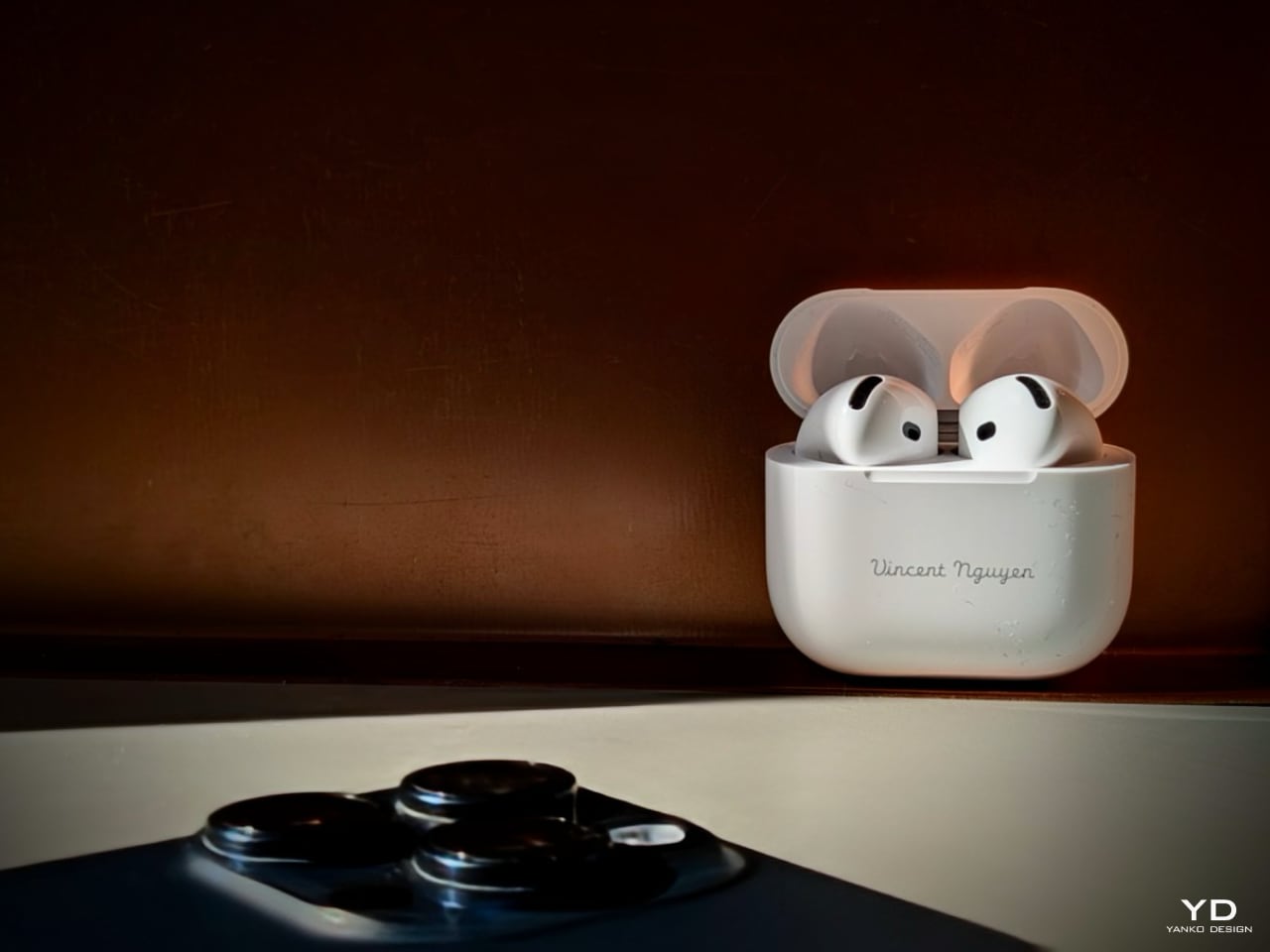
Xiaomi MIX Flip Review: Best Flip Phone for 2024?

PROS:


  • Large and highly functional outer screen

  • Great camera performance

  • Big battery and fast charge

    CONS:


    • No IP rating

    • No wireless charging capability

    • Device tends to get hot during extended camera use

    RATINGS:

    AESTHETICS
    ERGONOMICS
    PERFORMANCE
    SUSTAINABILITY / REPAIRABILITY
    VALUE FOR MONEY

    EDITOR'S QUOTE:

    The Xiaomi Mix Flip is a well-round flip phone that combines sleek design, premium build, top-notch performance, and great mobile imaging capabilities.

    The smartphone market, once dominated by monolithic slabs of glass, is undergoing a captivating transformation. Foldable devices, both bookstyle foldable and clamshell flip phones, have emerged as a compelling alternative. Samsung has been at the forefront of this transformation with its Galaxy Z Flip series. Motorola has also left a significant mark with its Razr series, boasting a large and practical outer screen that enhances usability. Now, Xiaomi has made a bold entrance into the foldable arena with its first foldable, the Xiaomi MIX Flip.

    Designer: Xiaomi

    At a highly anticipated annual speech event in Beijing last month, Xiaomi CEO Lei Jun unveiled the MIX Flip along with its 4th generation of foldable phones, emphasizing the strategic timing behind the company’s foray into the flip phone market. Reflecting on past perceptions, Lei acknowledged a previous skepticism toward flip phones, once dismissing them as merely “pretty for nothing.” In those earlier iterations, compactness often came at the cost of performance and functionality. However, Xiaomi now believes it has cracked the code, poised to deliver a flip phone that is “pretty for everything”. Let’s delve into the details to see if the MIX Flip truly lives up to the hype.

    Aesthetics

    The stunning 4.01-inch outer screen commands immediate attention, and rightfully so. It houses two individual rear cameras positioned vertically nestled at the top left corner with minimal protrusion. The shiny outer screen and the matt glass back panel create an interesting contrast, while discreet black Xiaomi logo seamlessly blends into the back panel. Upon closing the device, reveals Leica logo and text on its matte hinge.

    The Xiaomi MIX Flip comes in four variants: White, Black, Purple, and Xiaomi nylon fiber edition. The White, Black, and Purple variants share the same matte finish. In contrast, the Xiaomi Nylon Fiber edition features a distinctive woven nylon back panel, adding a unique texture to the device’s aesthetic. Overall, the MIX Flip offers a minimal and clean design.
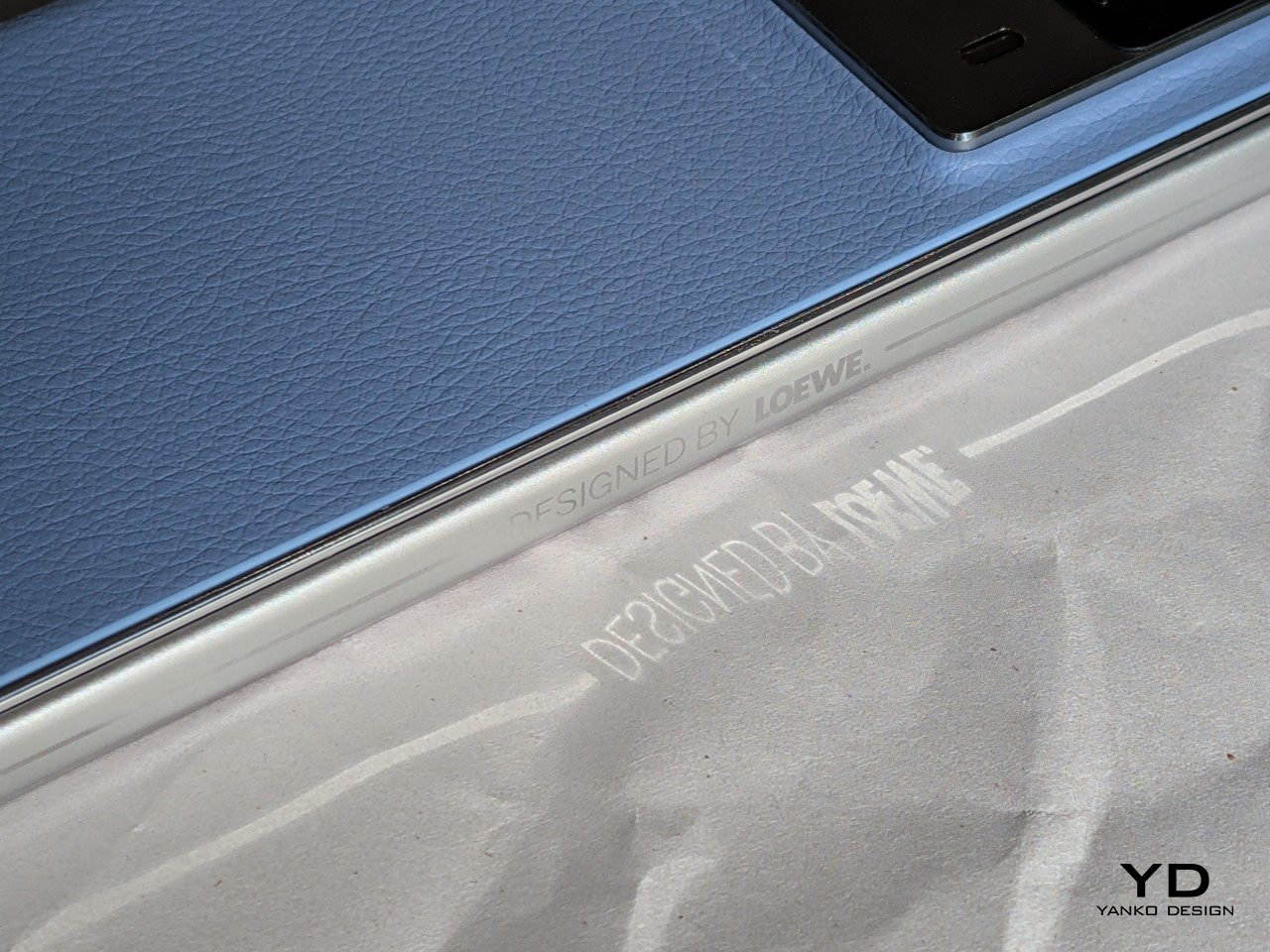
    Ergonomics

    The Xiaomi Mix Flip boasts a sleek and highly portable form factor. Unfolded, it measures 167.5 x 74.02 x 7.8 mm, with a folded thickness of 15.99 mm, and weighs 192 g. While it’s not the slimmest or lightest flip phone available on the market, its compact size makes it easy to hold and slip into your pocket.

    It feels premium in your hand, featuring an “All-around Liquid Quad-Curved Display” for a smooth feel. The robust hinge allows the phone to be positioned at various angles ranging from approximately 45 to 120 degrees, fulfilling its advertised flexibility. Opening and closing the phone feels smooth and satisfying.

    The fingerprint scanner on the right side of the device works great, and the matte back panel resists fingerprints and smudges, ensuring a clean appearance. The glossy aluminum alloy frame tends to attract fingerprints, though this is a minor inconvenience.

    Performance

    The outer screen of the MIX Flip not only captivates with its stunning visuals but also offers exceptional functionality. Sporting a 4.01-inch screen, it boasts a resolution of 1,392 x 1,208 pixels (1.5K resolution), HDR support, and a pixel density of 460ppi. It achieves a peak brightness of 3,000 nits and maintains an overall brightness of 1,600 nits, ensuring clarity even in bright conditions.

    The MIX Flip harnesses the full potential of its impressive outer screen. The large area of the outer screen (3.5-inch to be exact), with a 16:9 aspect ratio, accommodates various apps. Xiaomi enhances usability further by integrating widgets on the left side of the 4.01-inch display, positioned above the camera module. You can customize this area with up to 5 widgets such as Weather, Clock, Calendar, Health, Music Player, and Recent Apps, and you can cycle through widgets by swiping up and down.
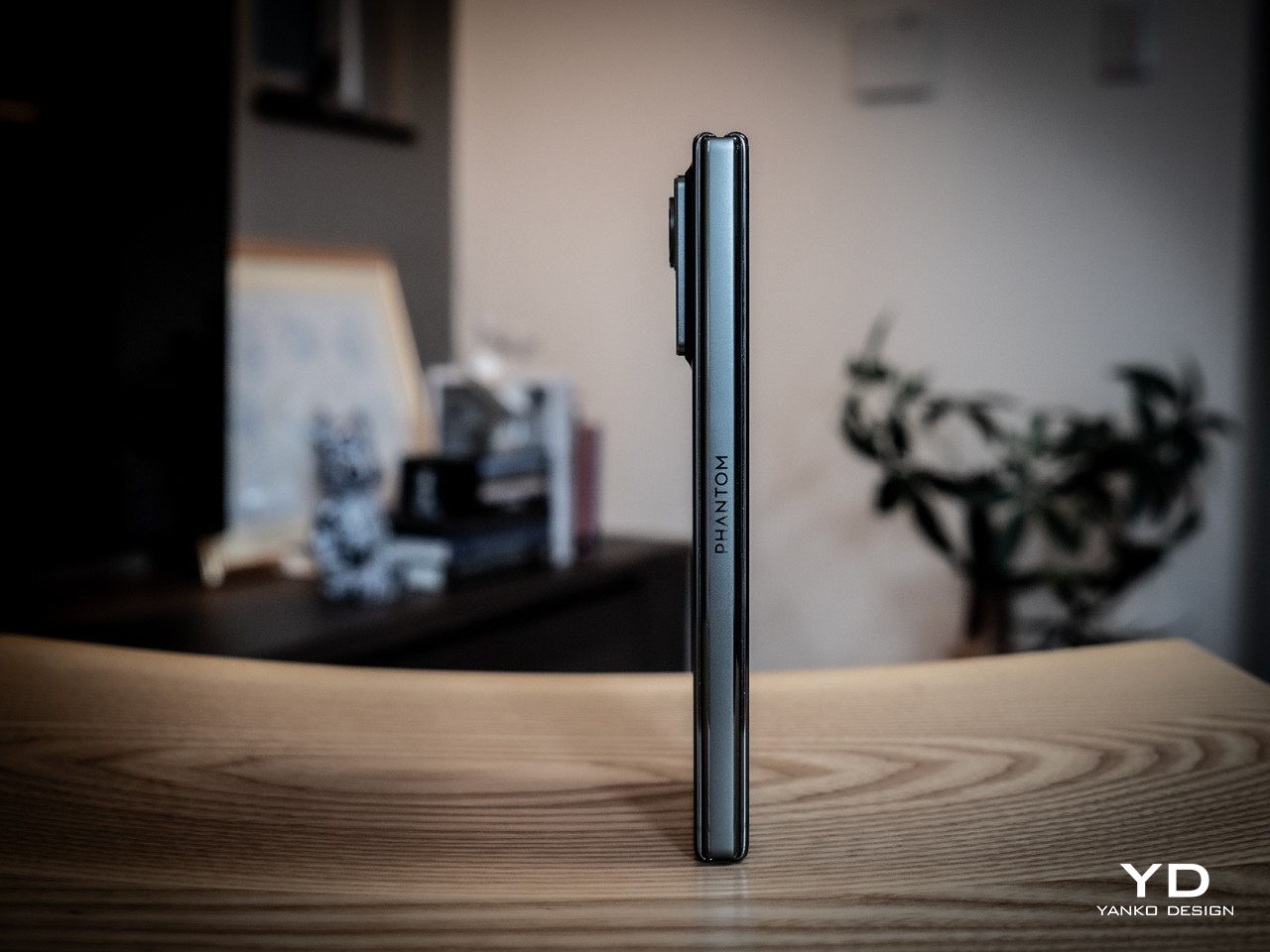
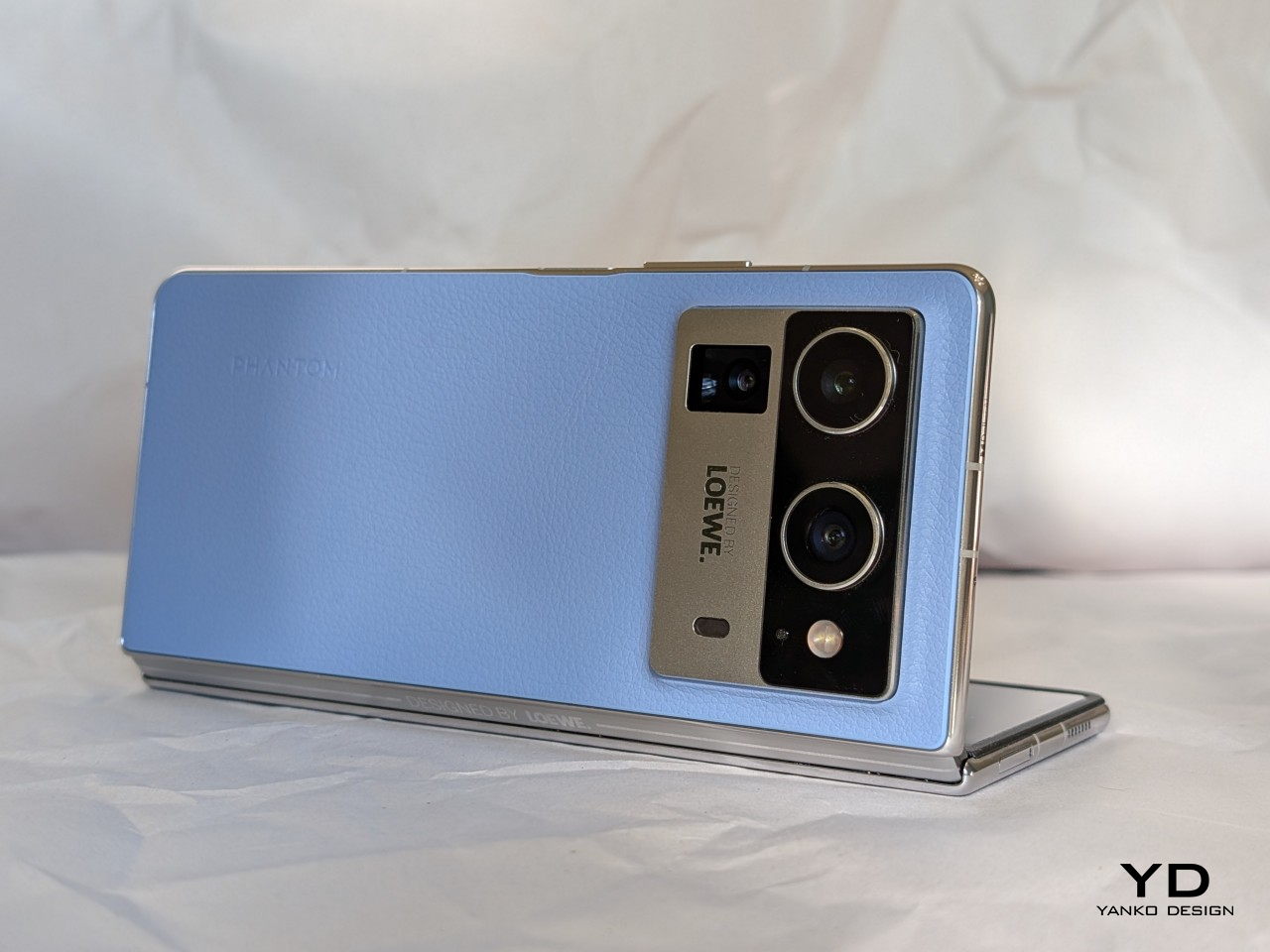
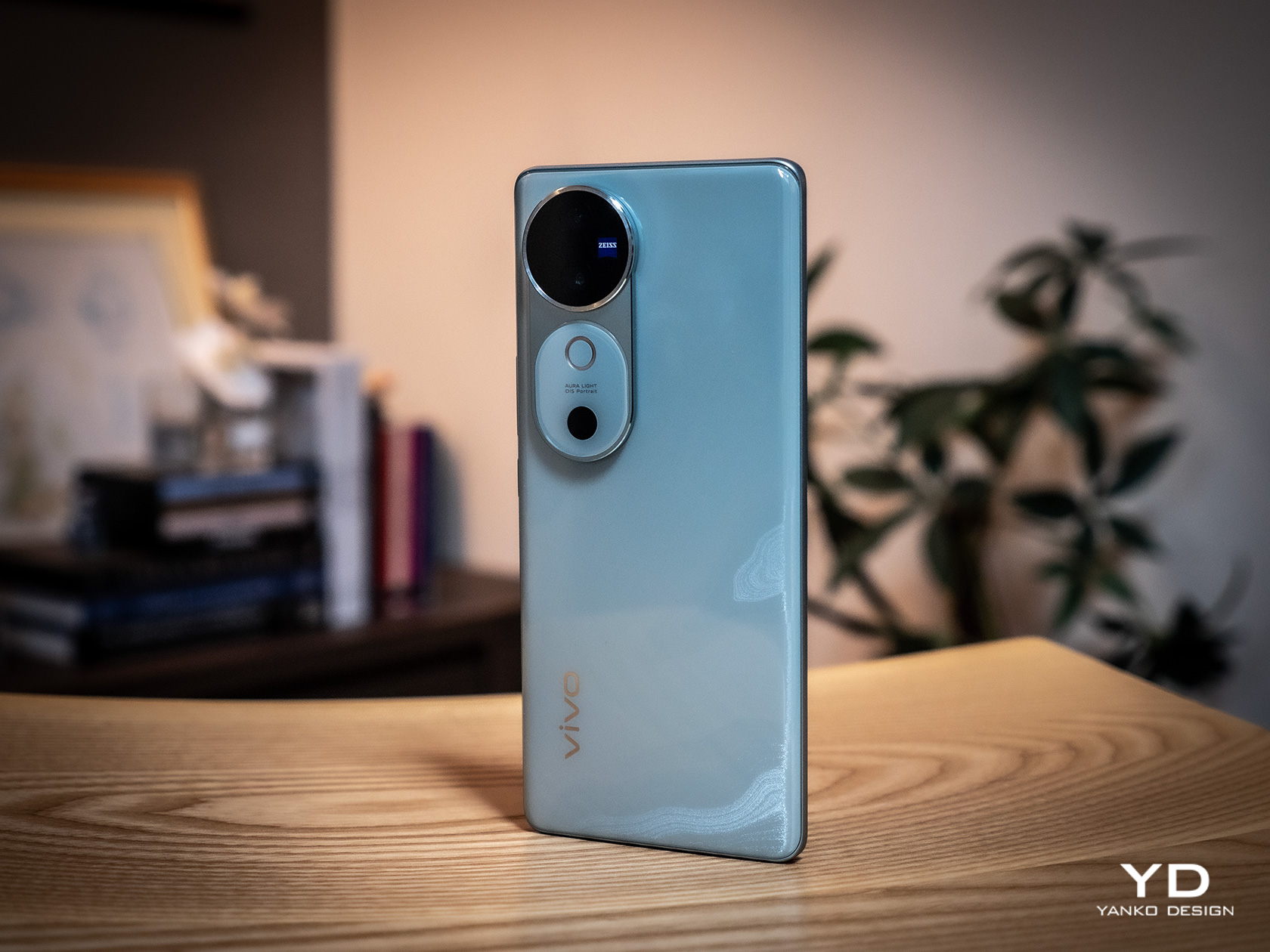
    Out of the box, the outer screen comes pre-loaded with essential apps like Phone, Browser, Camera, Calendar, Calculator, Weather, Music, Recorder, Clock, alongside a couple of other Chinese apps. According to Xiaomi, over 200 of the most popular Chinese apps are optimized for the outer screen. Since the review unit is the Chinese version, it’s expected that not all apps I downloaded are available on the outer screen. For instance, apps such as Slack, Netflix, Google Calendar, and Kindle are not currently supported on the outer screen. Other popular apps like YouTube, Instagram, X, WhatsApp, Google Chrome, Google Maps, Uber, and Spotify can run on the outer screen. Users can enjoy watching YouTube clips horizontally, leveraging the display’s capabilities fully.

    The outer screen is swift and responsive, with notable interactivity. It supports a full keyboard that extends from edge to edge when the phone is oriented with the camera module in the upper left corner, enhancing typing comfort. Additionally, the screen supports handwriting input. While this feature is currently limited to Chinese characters, it adds a useful dimension to the typing experience. You can access quick settings and notifications on the outer screen, though they are not customizable.

    On the other hand, the inner display measures 6.86 inches with a 2,912 x 1,224 resolution and 1-120Hz LTPO, featuring 460 ppi and a peak brightness of 3,000 nits, mirroring the outer screen’s brightness and vibrancy, with the crease being barely noticeable. It’s less exciting compared to the outer screen, but it gets the job done with minimum fuss.

    Xiaomi’s ongoing collaboration with Leica continues on to its flip phone. MIX Flip features a 50MP Leica main camera with a 1/1.55” sensor, an f/1.7 aperture, and OIS. The other camera on its back is a 50MP Leica floating telephoto camera with a 1/.88” sensor, and an f/2.0 aperture. It supports macro photography where you can get up close to the subject with a minimal distance of 9cm (or about 3.5 inches). You can choose between the “Leica Vibrant” and “Leica Authentic” modes in the camera app to tailor the look to your liking.

    The main camera consistently delivers impressive results across a variety of shooting conditions. Images exhibit excellent sharpness, detail, and accurate color reproduction. The camera generally handles dynamic range well. However, some highlight details are blown out without HDR enabled. Activating HDR significantly improves dynamic range, preserving details in both shadows and highlights.

    The telephoto camera performs well in daylight or at closer tele zoom levels in low-light conditions, with nice preservation of details. The portrait mode offers a range of focal lengths (23mm, 35mm, 50mm, and 75mm). The skin tone is accurate and subject isolation is great with creamy bokeh. There is a 32MP front-facing camera with a 1/3.14” sensor and an f/2.0 aperture, but taking advantage of the outer screen, you are less likely to open up the front-facing camera for any selfies.

    The Xiaomi MIX Flip shines in capturing daylight videos. All three cameras (main, telephoto, and selfie) can record up to 4K resolution at 60 fps with ESI, with the main camera pushing the limits further at 8K 24 fps. Video footage is smooth, well-exposed, and has good detail. While the Mix Flip’s image stabilization performs admirably in low-light conditions, the dynamic range can be somewhat limited.

    One advantage of the flip phone is the ability to preview and capture photos and videos on the outer screen. It supports up to 2x zoom for taking photos and videos from the outer screen, though portrait mode is limited to 1x zoom. If you switch back to taking photos from the inner screen, it automatically switches to the front-facing camera, which I find a bit annoying.

    Under the hood, the MIX Flip is powered by the latest Snapdragon 8 Gen 3 paired with 12GB or 16GB of LPDDRX RAM and storage of options of 256GB, 512GB, or 1TB of UFS 4.0, with virtually expandable RAM. For reference, our review unit was 12GB RAM/512GB storage. It runs HyperOS based on Android 14. Both benchmark results and real-world use performance are great, handling any task with ease. The Xiaomi MIX Flip is equipped with a 3500mm² VC area, but the device tends to get hot during extended photo and video use.

    Compact form factors often compromise on battery size, but Xiaomi has impressively fit a 4,780mAh battery into the MIX Flip. It supports 68W wired charging, although it does not include wireless charging capabilities. Addressing another common issue with flip phones, the MIX Flip allows you to make and receive calls without opening the device. Additionally, it supports WiFi 7 for enhanced connectivity.

    Sustainability

    While flip phones offer certain advantages, durability is a key area where they can face challenges. The device incorporates Xiaomi’s Shield Glass on the outer screen, promising ten times greater drop resistance than conventional glass. Moreover, the phone has undergone rigorous testing, enduring 500,000 folds without compromising its structural integrity. The battery is another highlight, maintaining at least 80% capacity after 16,000 charging cycles. While the absence of an IP rating might be a concern for some, these features collectively contribute to a device that’s built to last.

    Value

    As the competition in the foldable market heats up, Xiaomi’s entry promises to shake things up, driving further innovation and consumer choice in the smartphone landscape. Priced competitively at 5,999 yuan (approximately $825 USD) for the base 12GB RAM and 256GB storage model, the Mix Flip undercuts the Samsung Galaxy Z Flip 6 by a significant margin. The 12GB RAM and 512GB variant is also more affordable than the Motorola Razr 50 Ultra.

    While Xiaomi Bulgaria Country Manager, Nikolay Nankov, revealed that Mix Flip would be available in Bulgaria for 2,600 Bulgarian lev (about $1,450 USD), notably higher than its price in China, the company has yet to officially confirm global availability. Nevertheless, the device’s competitive pricing (at least for the Chinese domestic market), overall performance, and potential for wider release could disrupt the market and intensify competition in the flip phone segment.

    Verdict

    Xiaomi Mix Flip is a well-rounded flip phone that combines sleek design, premium build, top-notch performance, and great mobile imaging capabilities. It features a large, functional outer screen (though its full potential is yet to be tested due to the review unit being China version), the latest Snapdragon 8 Gen 3 processor, and two 50 MP Leica cameras, with competitive pricing (at least in China). While global availability details remain pending, Mix Flip stands as a serious contender, poised to shake things up and accelerate innovation in the foldable phone space.

    The post Xiaomi MIX Flip Review: Best Flip Phone for 2024? first appeared on Yanko Design.