Quirky ‘Wordle’ Handheld Game Device feels heavily inspired by Game Boy and Teenage Engineering

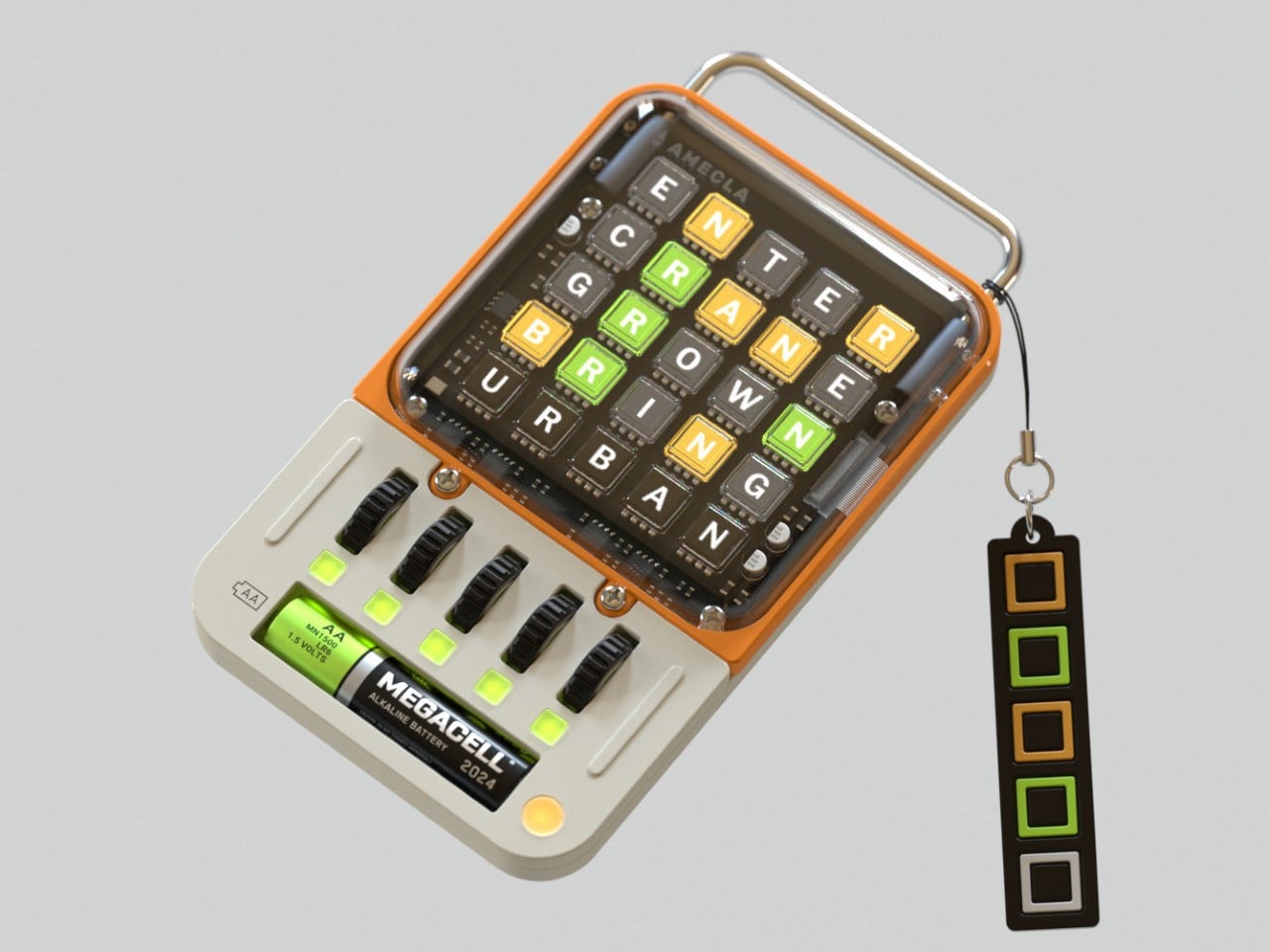
Designed as a part of Richard Falcema’s ‘Fictronics’ (Fictional Electronics) series, the WORDLE TERM is a handheld console that lets you play NYT’s hit game Wordle anywhere you go. Although Wordle is mainly played on phones (and is even available as a board game for true-blue nerds), Falcema’s quirky gadget gives the game its own standalone handheld device with an aesthetic and interface that’s just about as adorable and fun as the game itself.

Designer: Richard Falcema

The gaming device is simple to a point of being almost a meme. You can literally ONLY play Wordle on it and nothing else, which I guess makes it even more appealing if you think about it. The device sports a 25-display grid on the top,very reminiscent of the kind seen on Elgato’s hardware, except those displays can’t be pressed. They’re controlled using a set of 5 wheels at the bottom, which let you cycle through letters in each row. Once you select all 5 letters, the device accepts your input and judges your guess. For non-Wordlers, the game involves guessing the word of the day. You have 6 chances (this game gives you just 5), and each chance gives you clues as to what the word could be. When you guess the letters, tiles either stay grey if the letter is wrong, or turn orange if the letter is right but in the wrong position, and finally green if the letter is right and at the right position. Using this color-coded system, you’re required to work your way through the 5 or 6 guesses, trying to get the word in the fewest attempts.
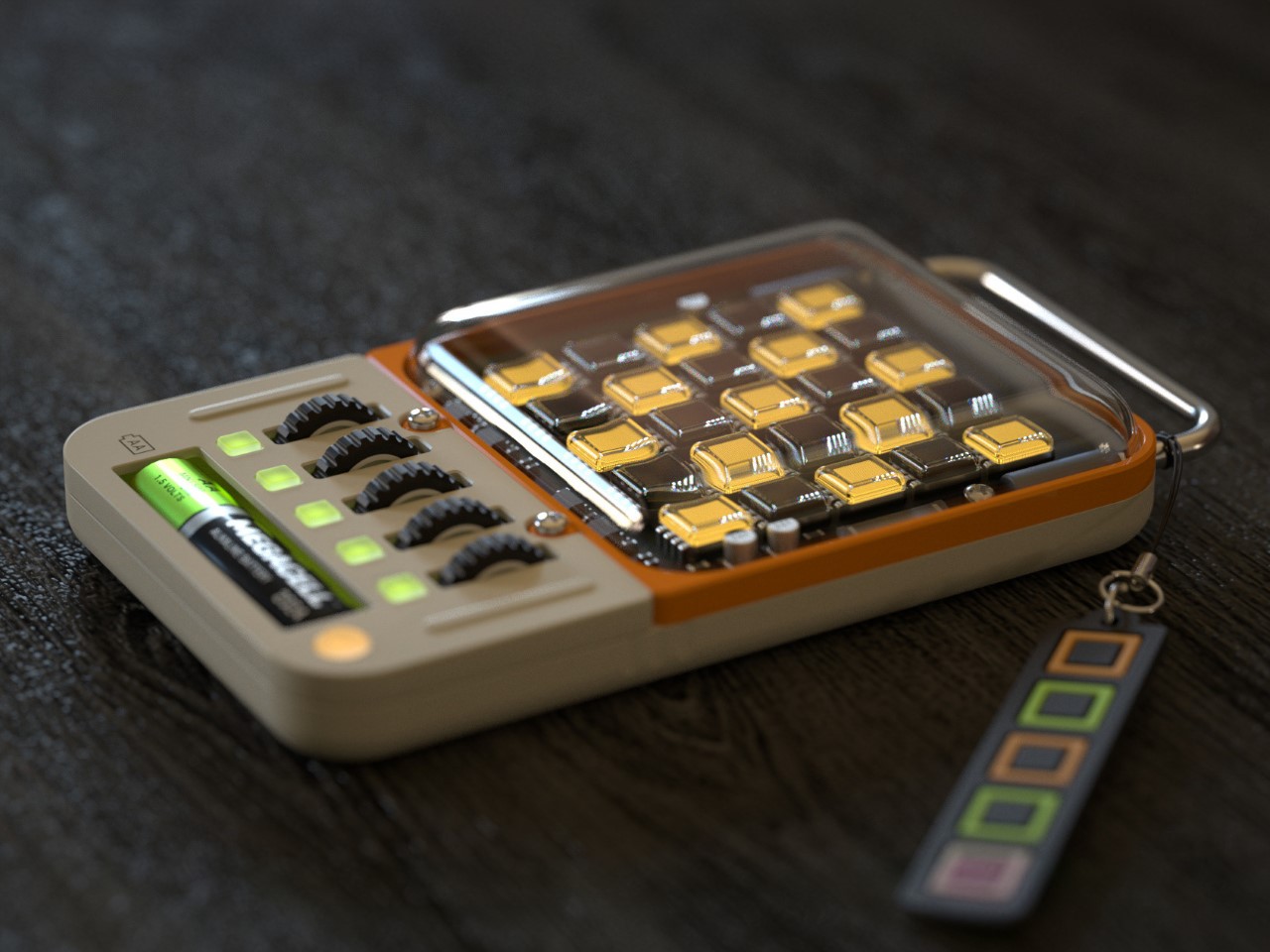
Falcema’s device captures the Wordle game perfectly through its quirky design. The exposed circuitry, vibrant colors, metal bar on top, and that lone AA battery at the bottom are highly reminiscent of Teenage Engineering’s design cues. The device comes with a Wordle-themed lanyard too, adding to the fun appeal of the entire device. I’m assuming that this device also lets you play as many instances of Wordle as possible, rather than having to wait 24 hours for each new challenge!

The post Quirky ‘Wordle’ Handheld Game Device feels heavily inspired by Game Boy and Teenage Engineering first appeared on Yanko Design.
Lenovo Legion Go accessories make it a true Nintendo Switch rival

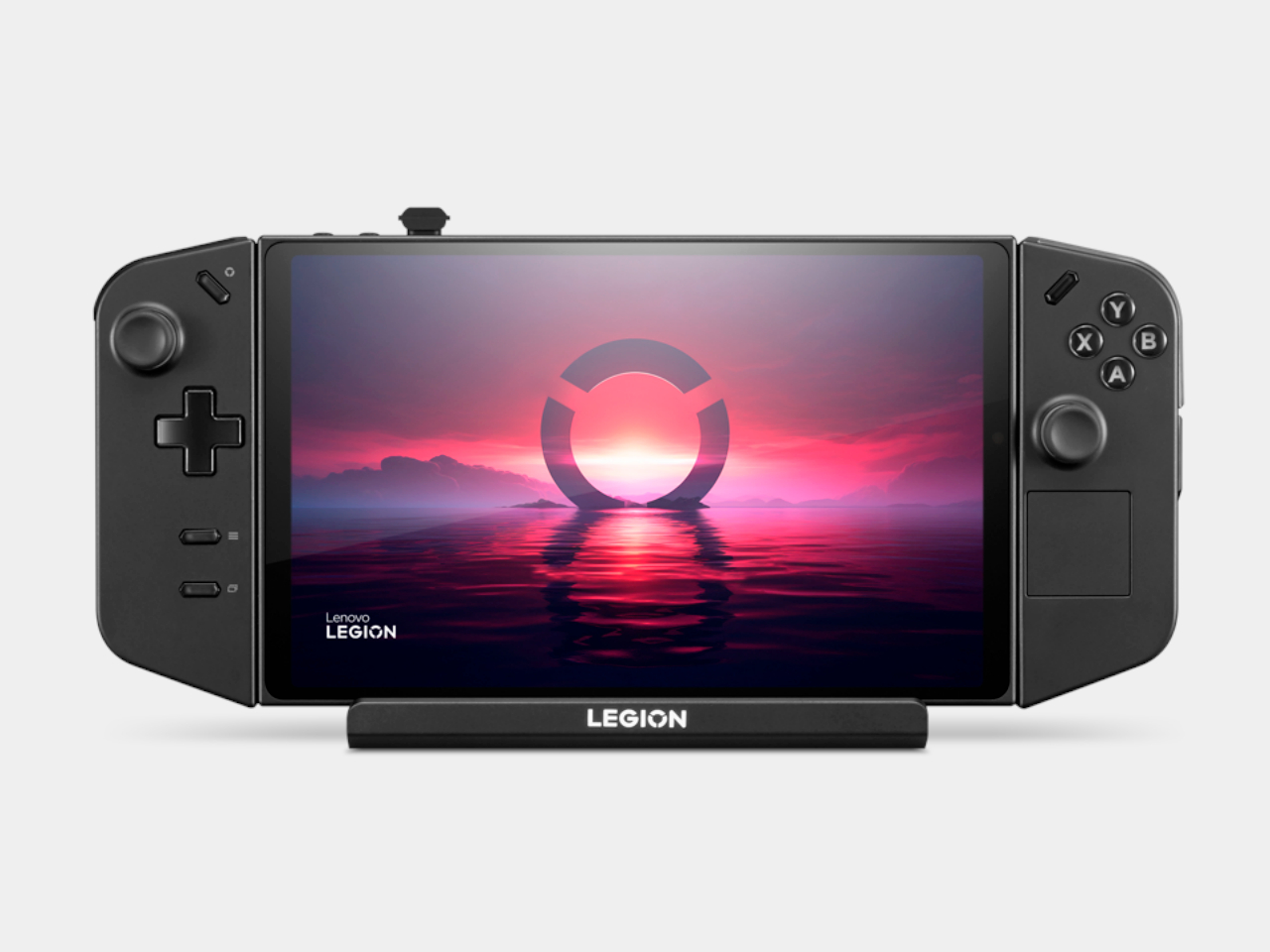
The new breed of handheld PCs designed for gaming can’t deny their inspiration. The success of the Nintendo Switch definitely made the dream of AAA gaming on the go a reality. Of course, that only works if you’re all in on Nintendo’s ecosystem, though PC gamers have been relying on laptops for their portable experience. The likes of the Lenovo Legion Go, however, have taken us closer not just to truly portable PC gaming but to an experience almost similar to the Nintendo Switch with its removable controllers. Now the PC giant has come out not with a successor but with much-needed accessories that give the handheld gaming PC a more holistic image and a more complete mobile experience.

Designer: Lenovo

Handheld gaming PCs have definitely kicked the doors wide open for PC gaming on the go, but almost all of them lacked one important Nintendo Switch feature from day one: first-party accessories. Sure, you can connect a keyboard, mouse, and maybe even an external monitor, but in most cases you also have to hunt for hubs and docks that you can only hope will actually work as promised. In contrast, the Switch had the TV dock, holders and chargers for Joycons, and more, emphasizing a complete ecosystem that removed much of the concerns that PC gamers face even on laptops and desktops.

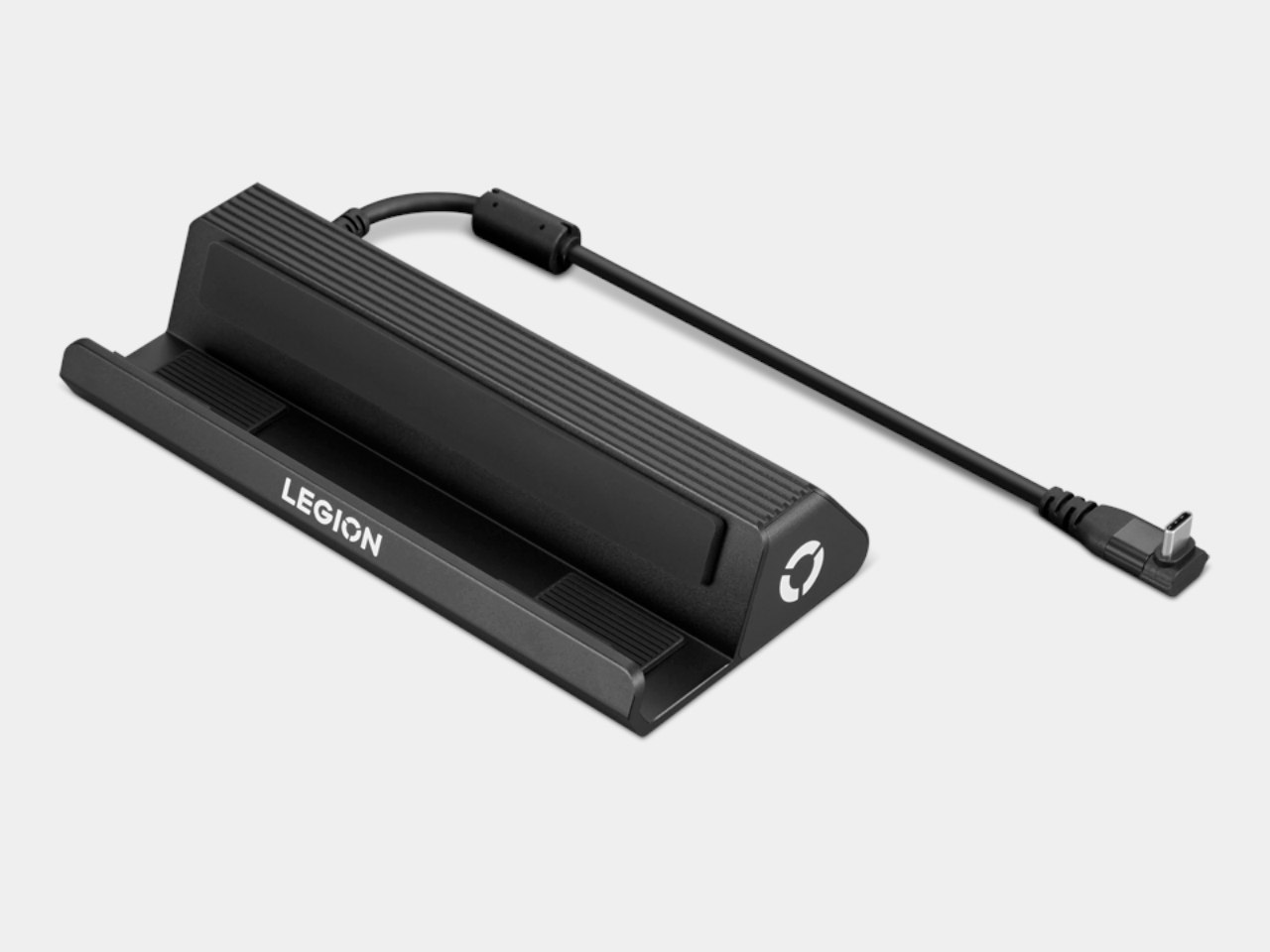
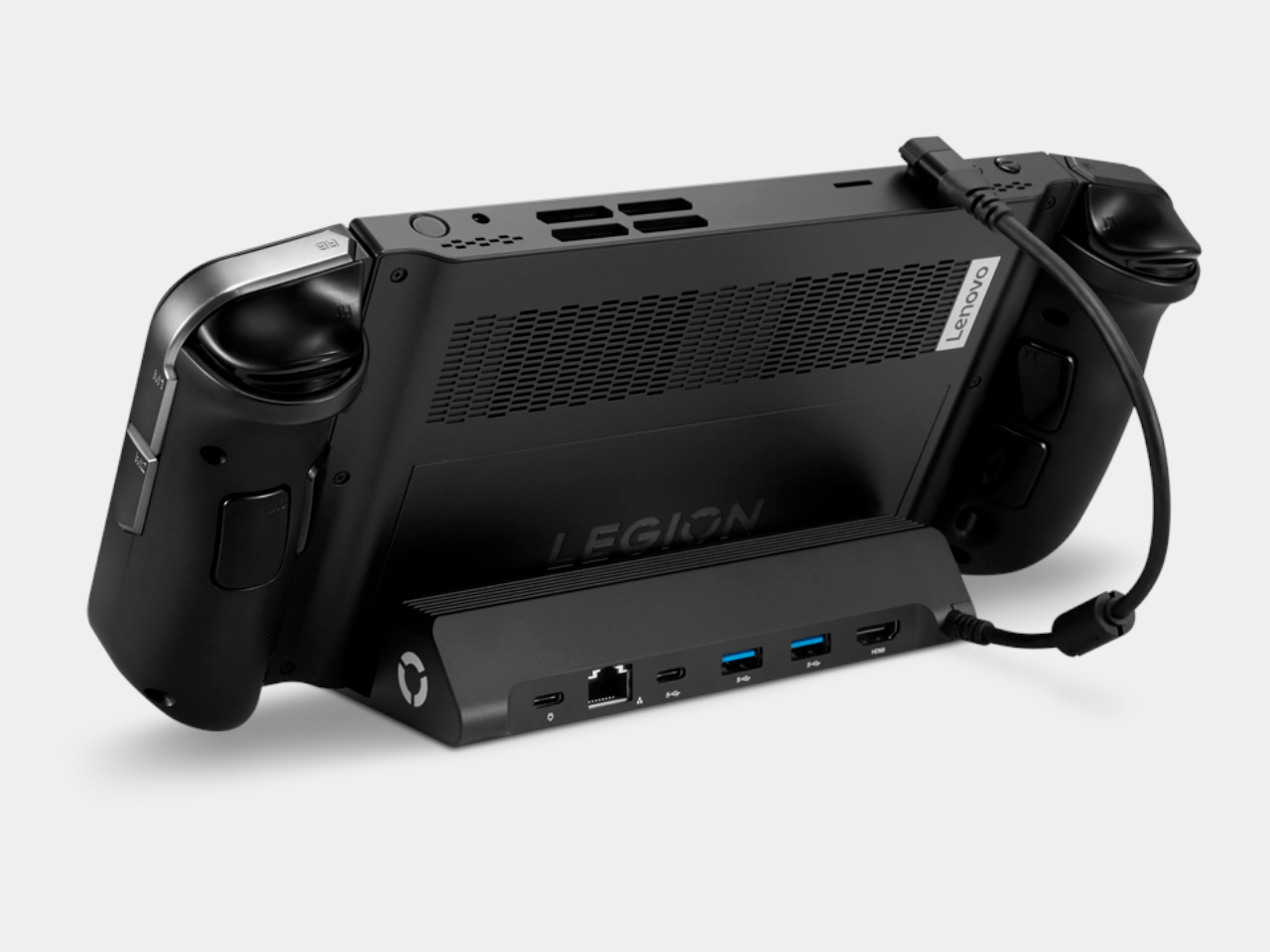
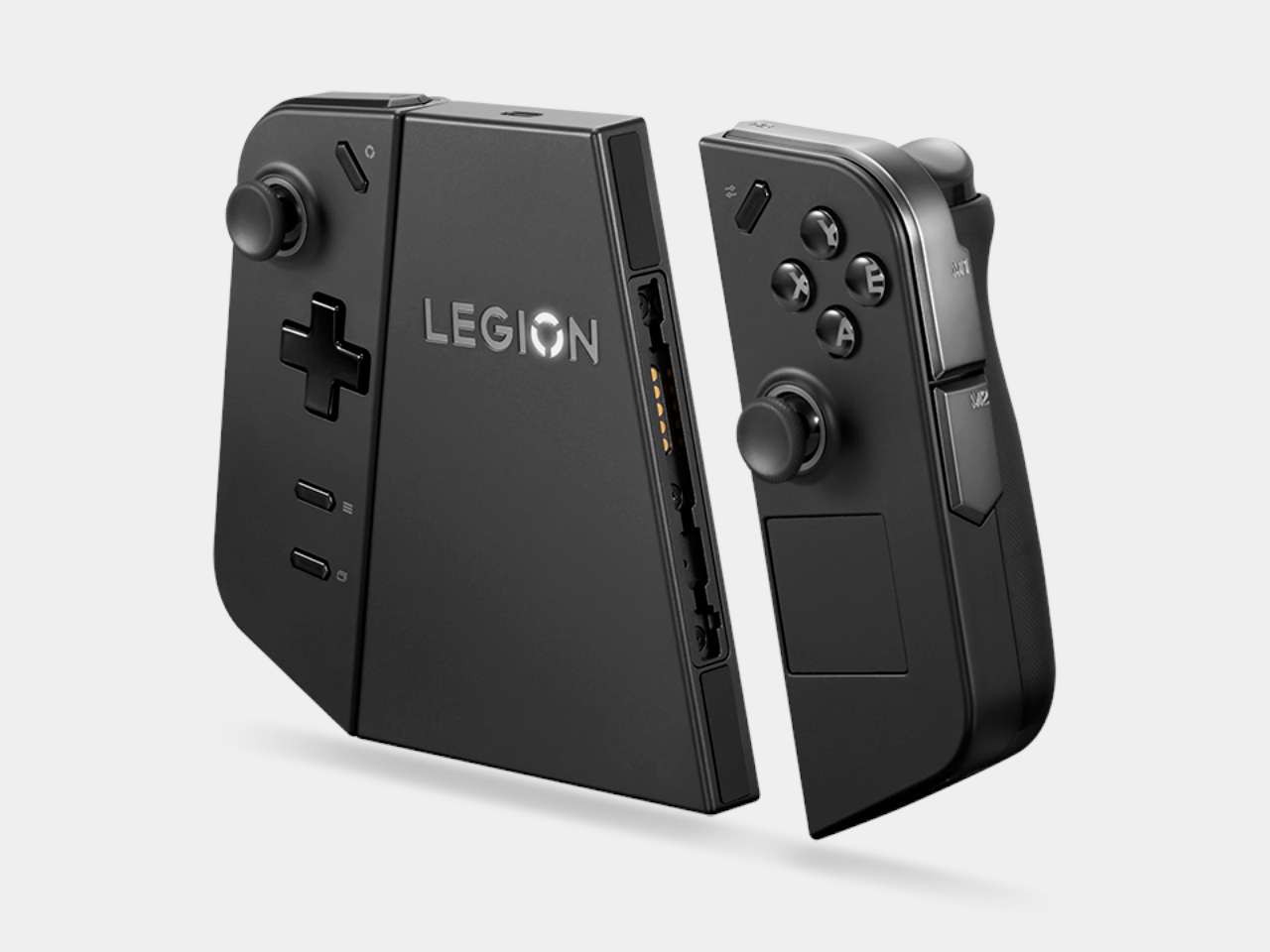
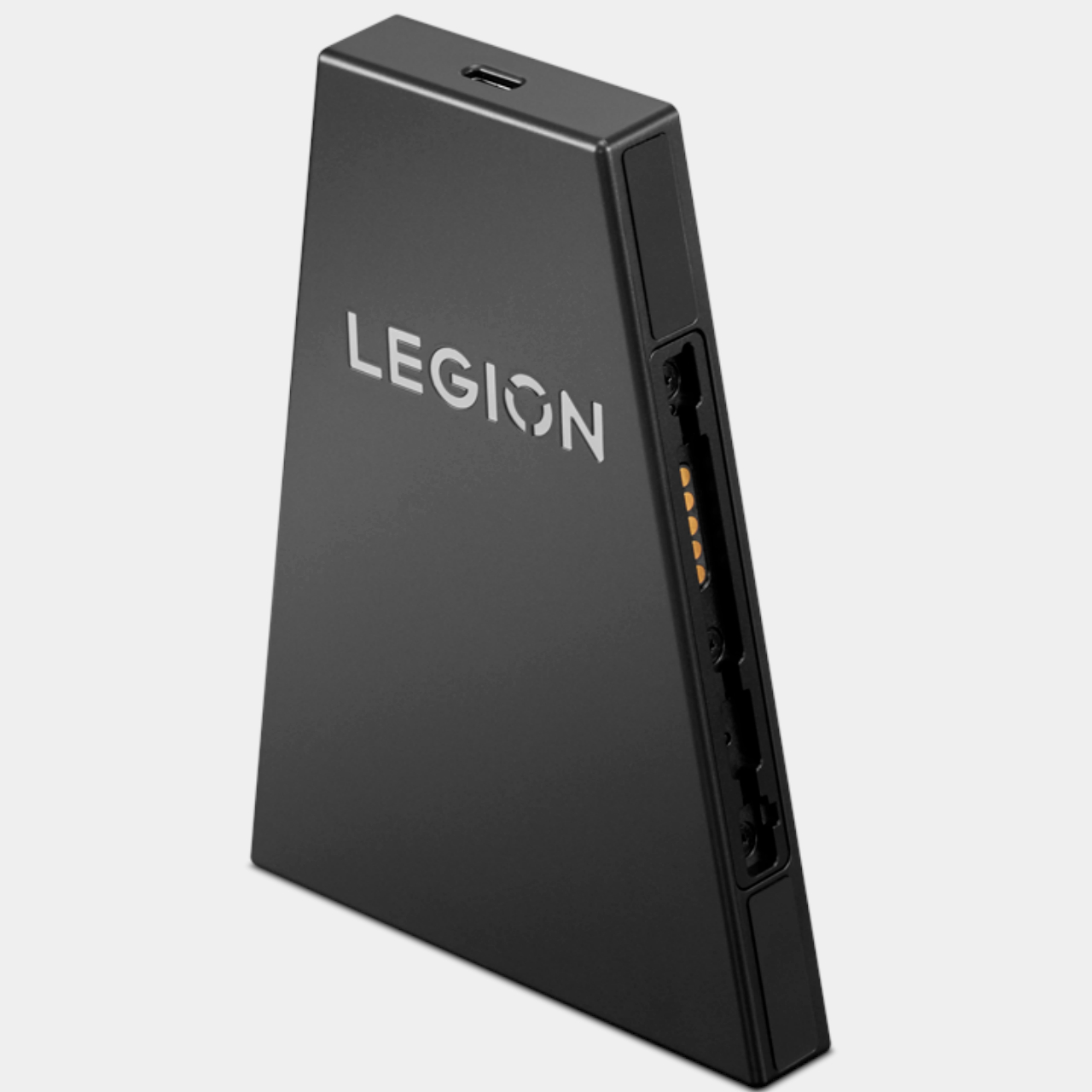
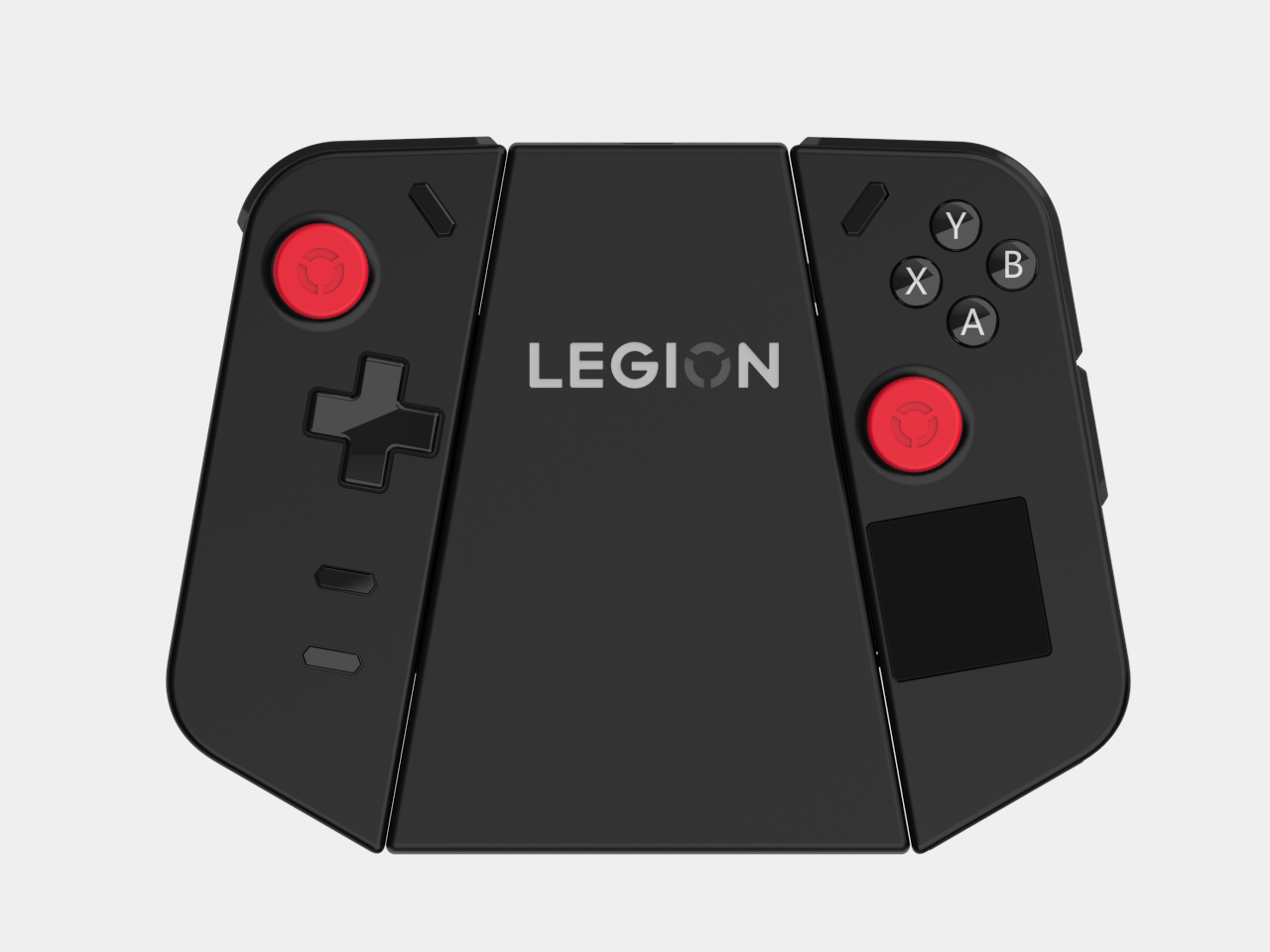
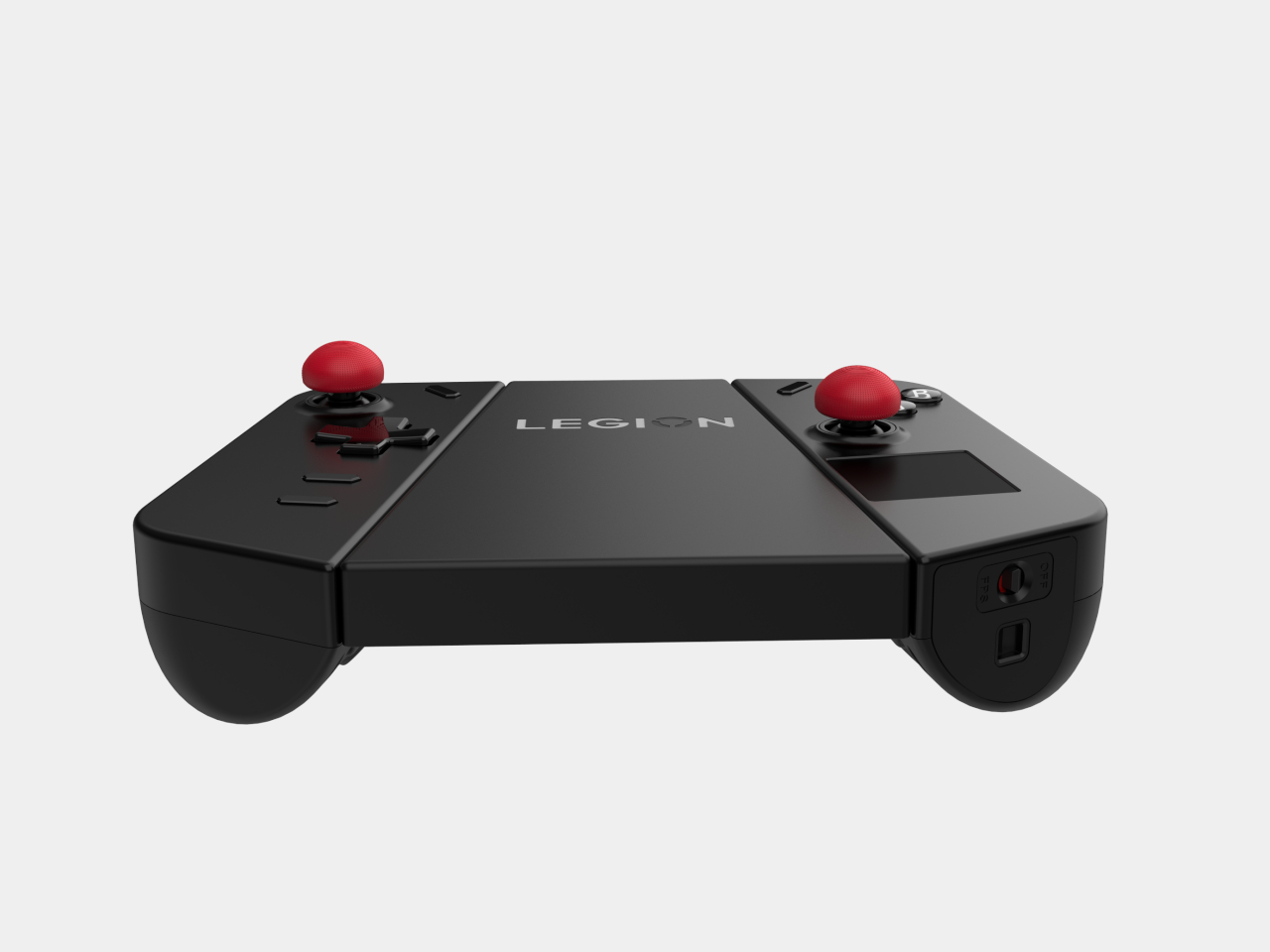
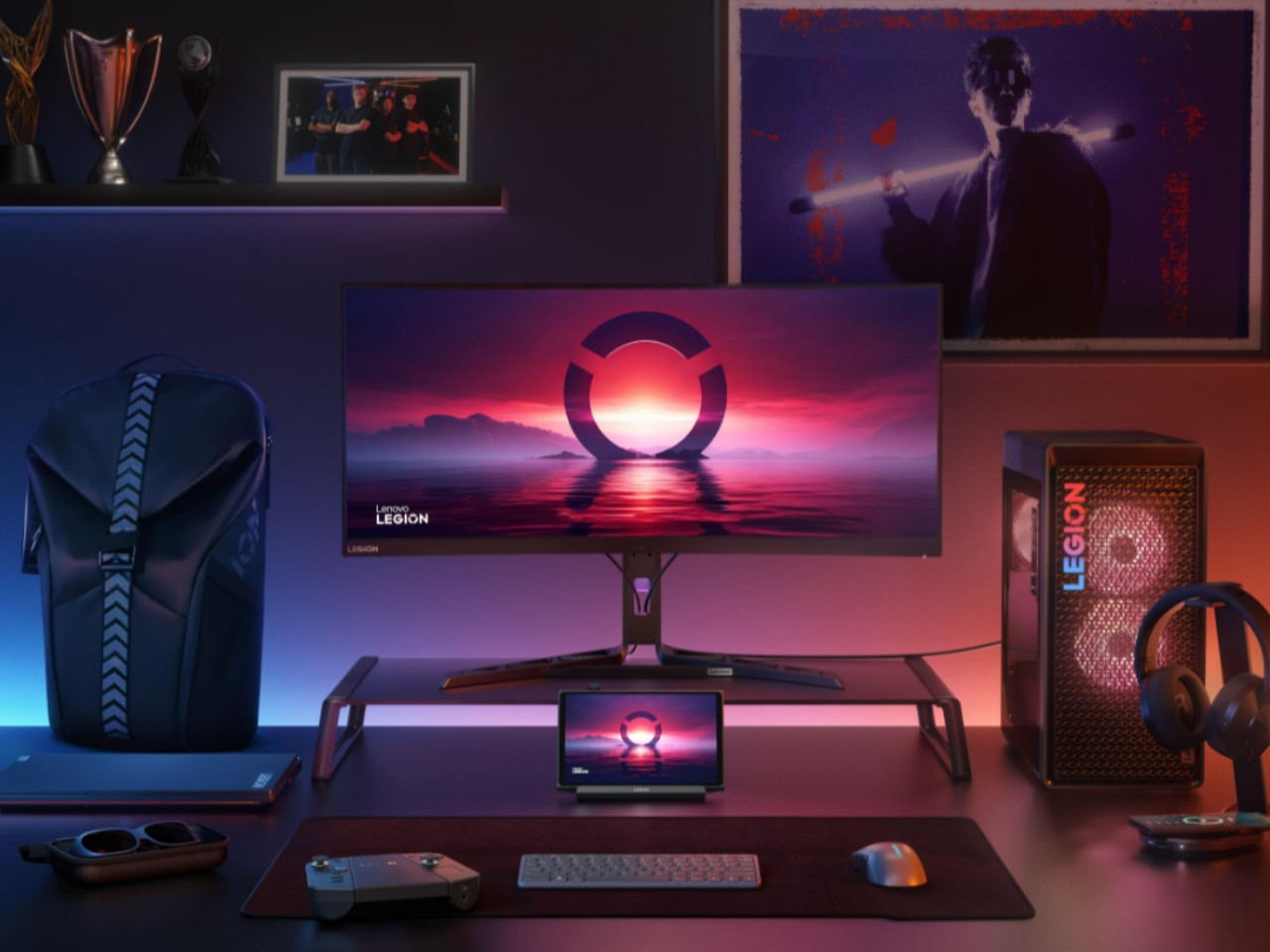
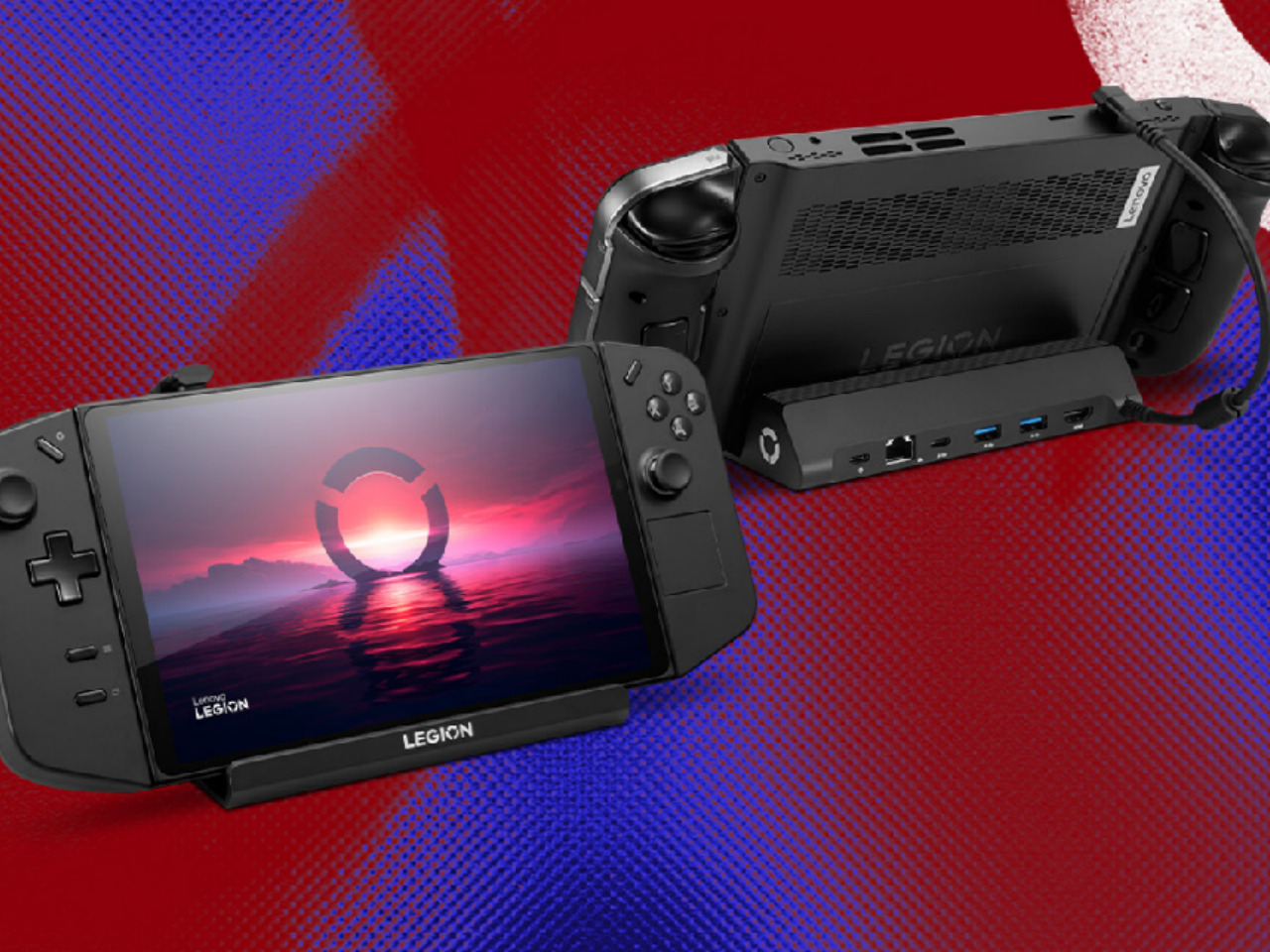
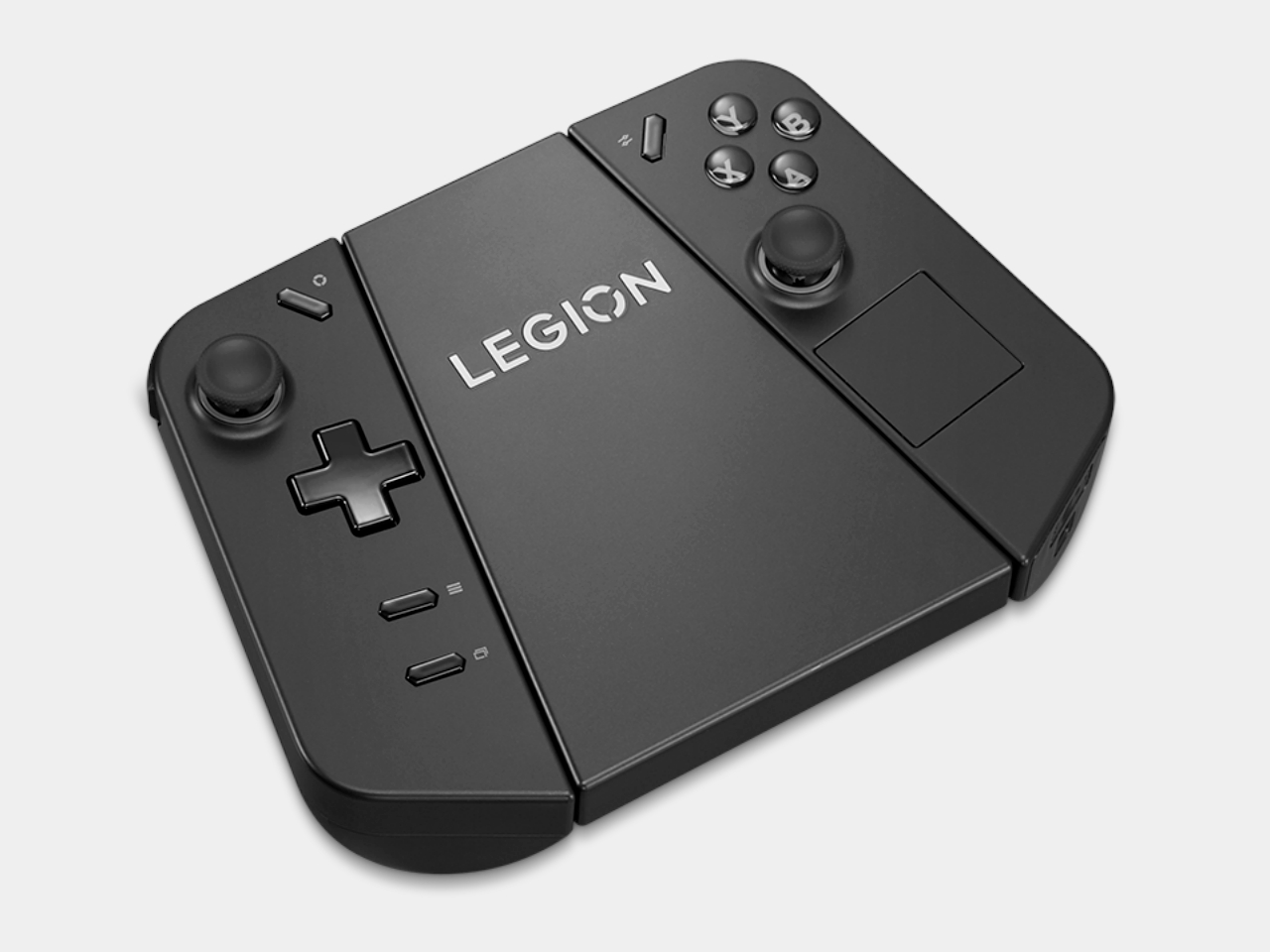
The new set of Legion Go accessories does that for Lenovo’s first-ever handheld, making it an even more flexible system for gaming and, ironically, work. At the top of the list is probably the official Legion Go USB-C Dock, providing a home for the handheld at home, making it easy to turn the Legion Go into a desktop or living room console when you’re not out and about. The Legion Go Charging Connector keeps the handheld’s removable TrueStrike controllers always ready when you need them. You can even use the controllers while attached, turning them into a distinct and standalone gamepad.

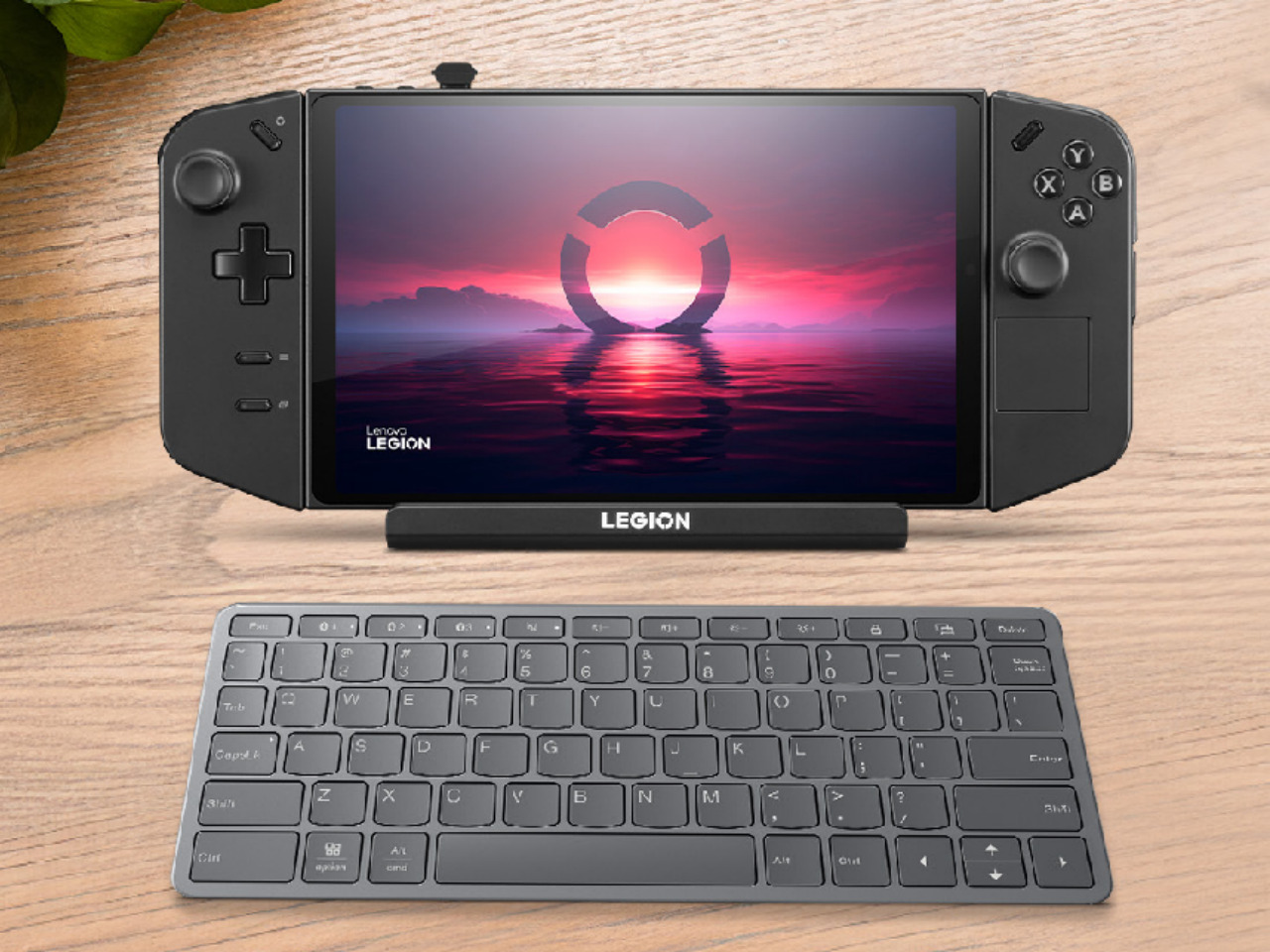
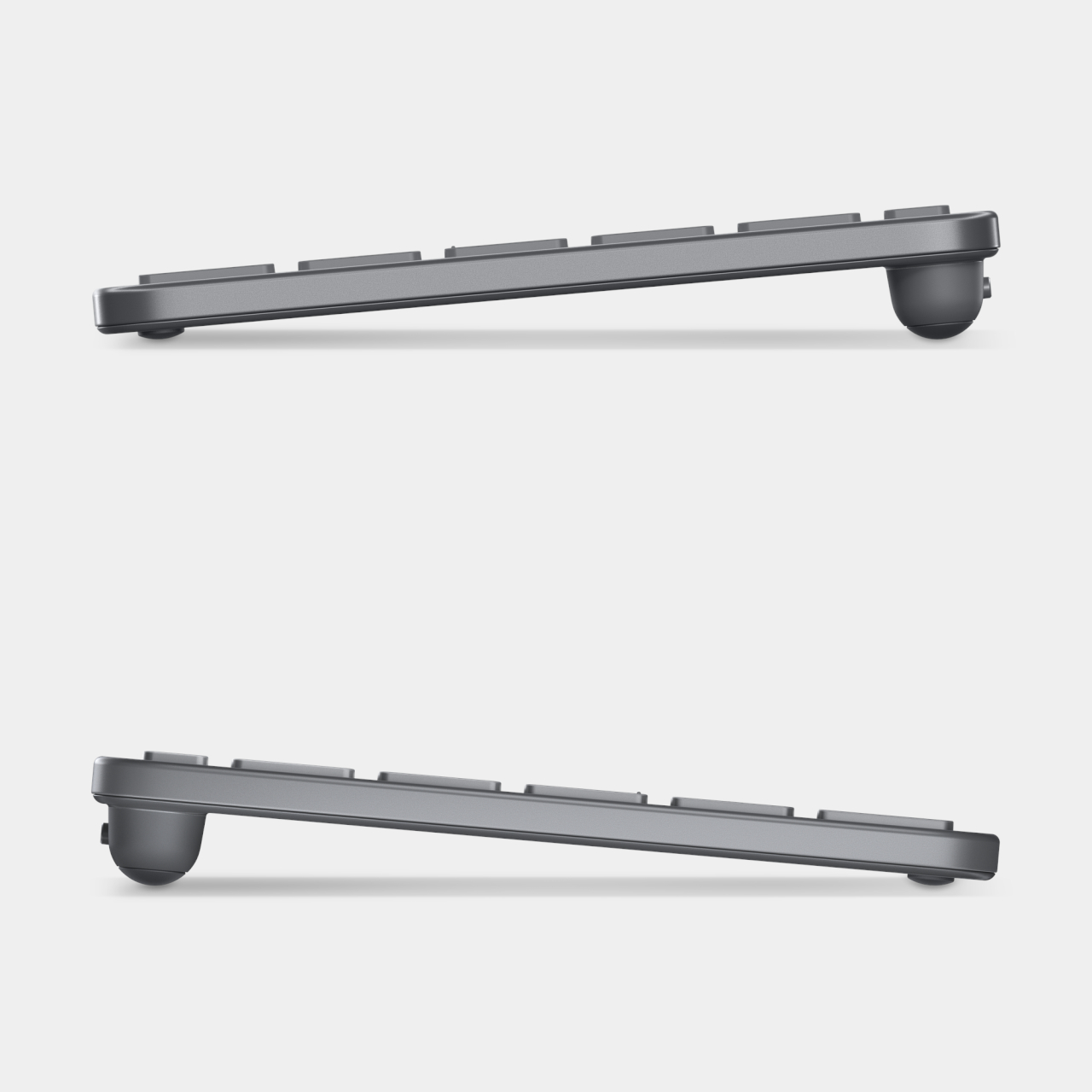
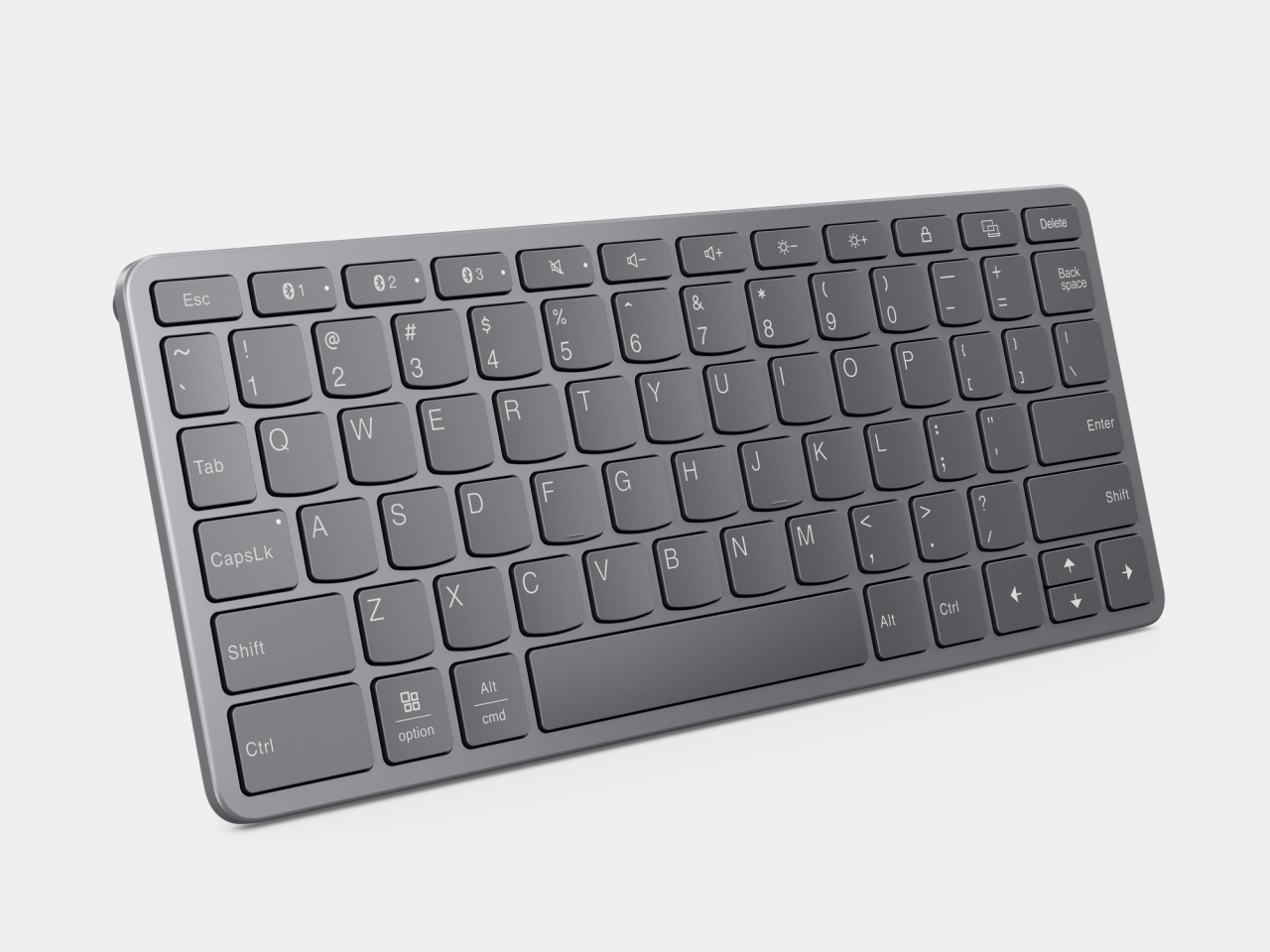
Although not directly related to the Legion Go, Lenovo also announced a mini Bluetooth keyboard that’s a perfect complement to the portable computer. The Legion Go has one of the largest screens among handheld PCs, so you can type out an email response or some other document with this keyboard. Plus, it also lets you easily play PC games that can only use a keyboard and mouse for input, especially since one of the TrueStrike controllers functions as a joystick-like mouse when detached.

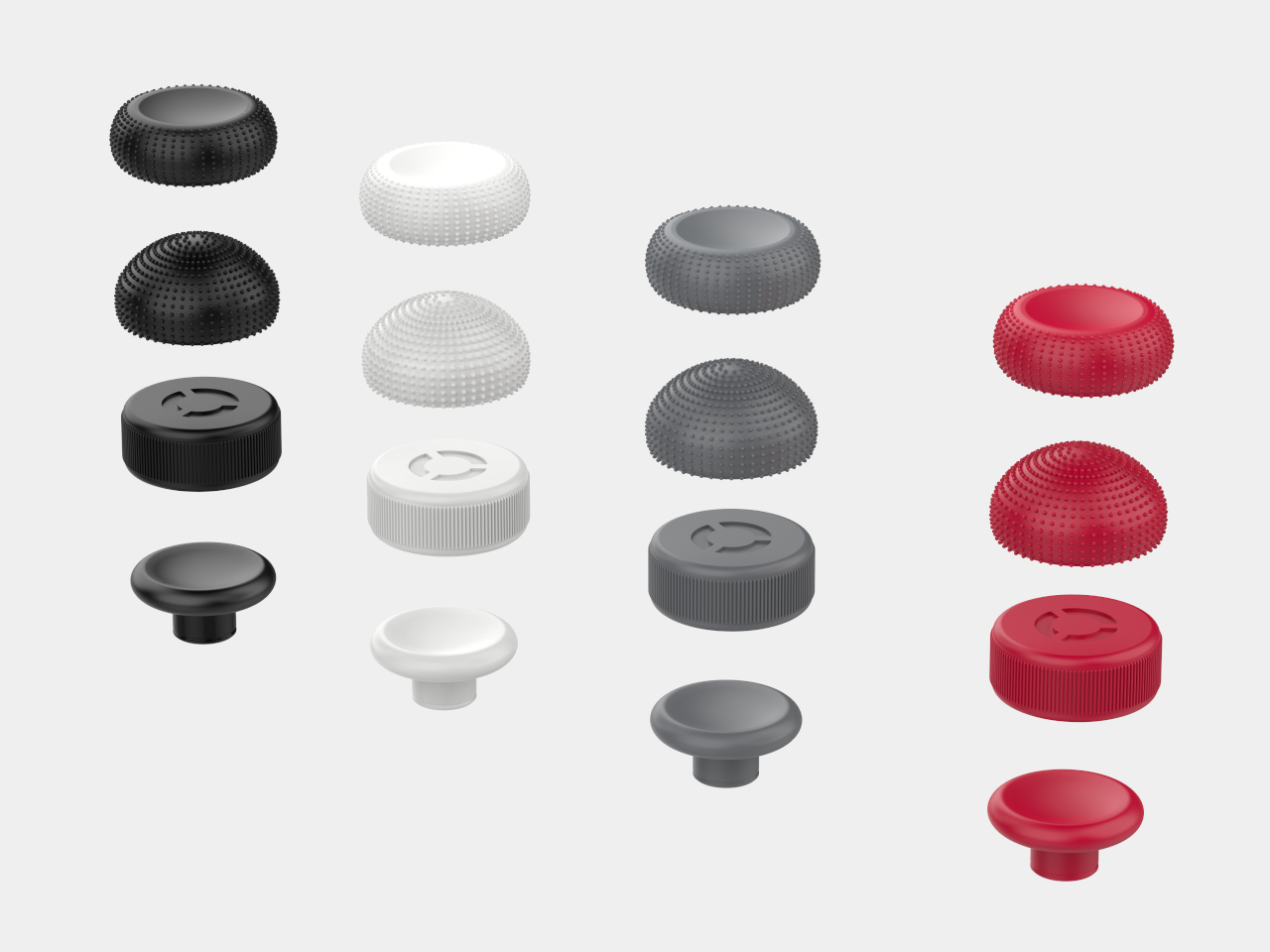
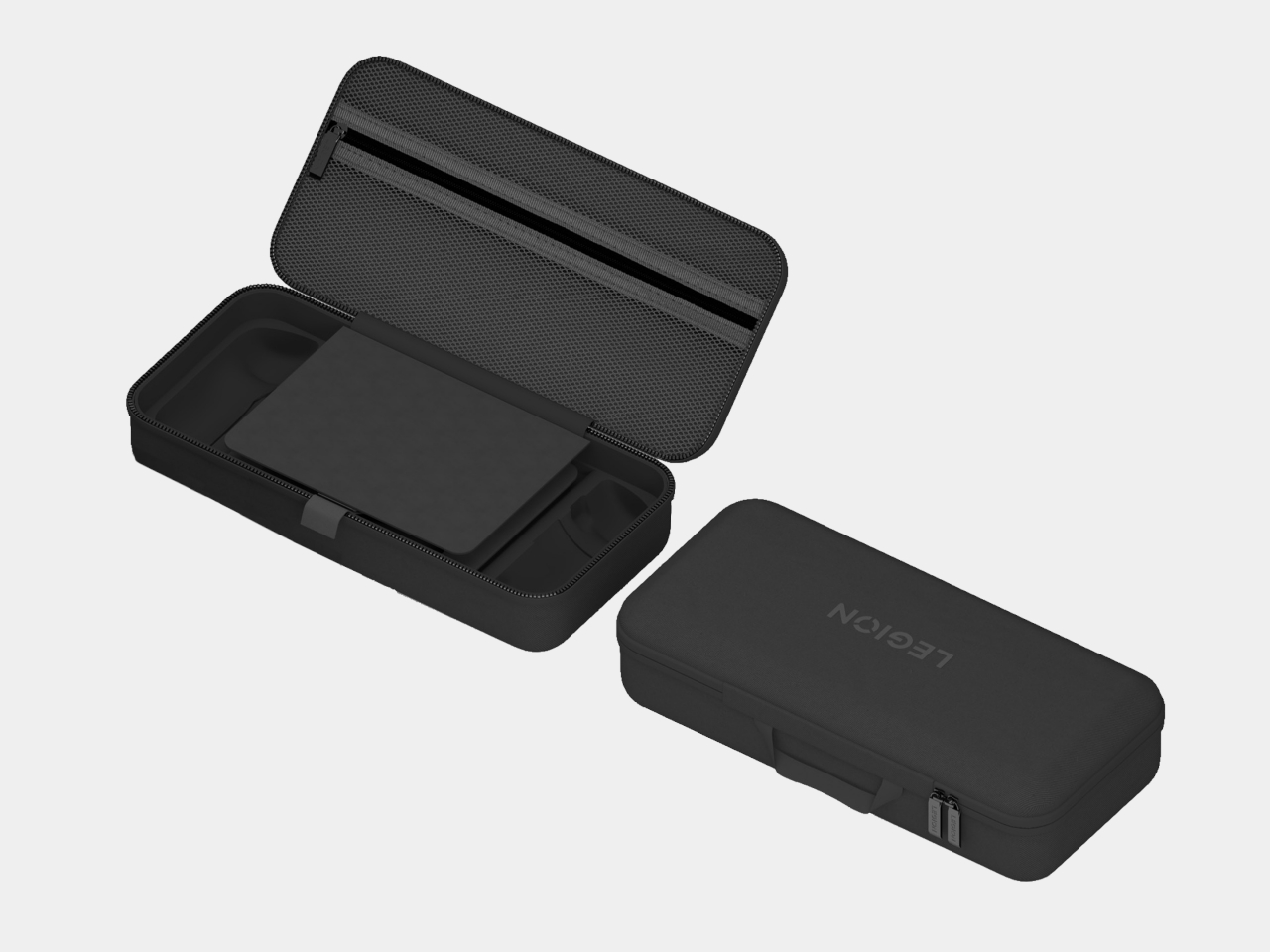
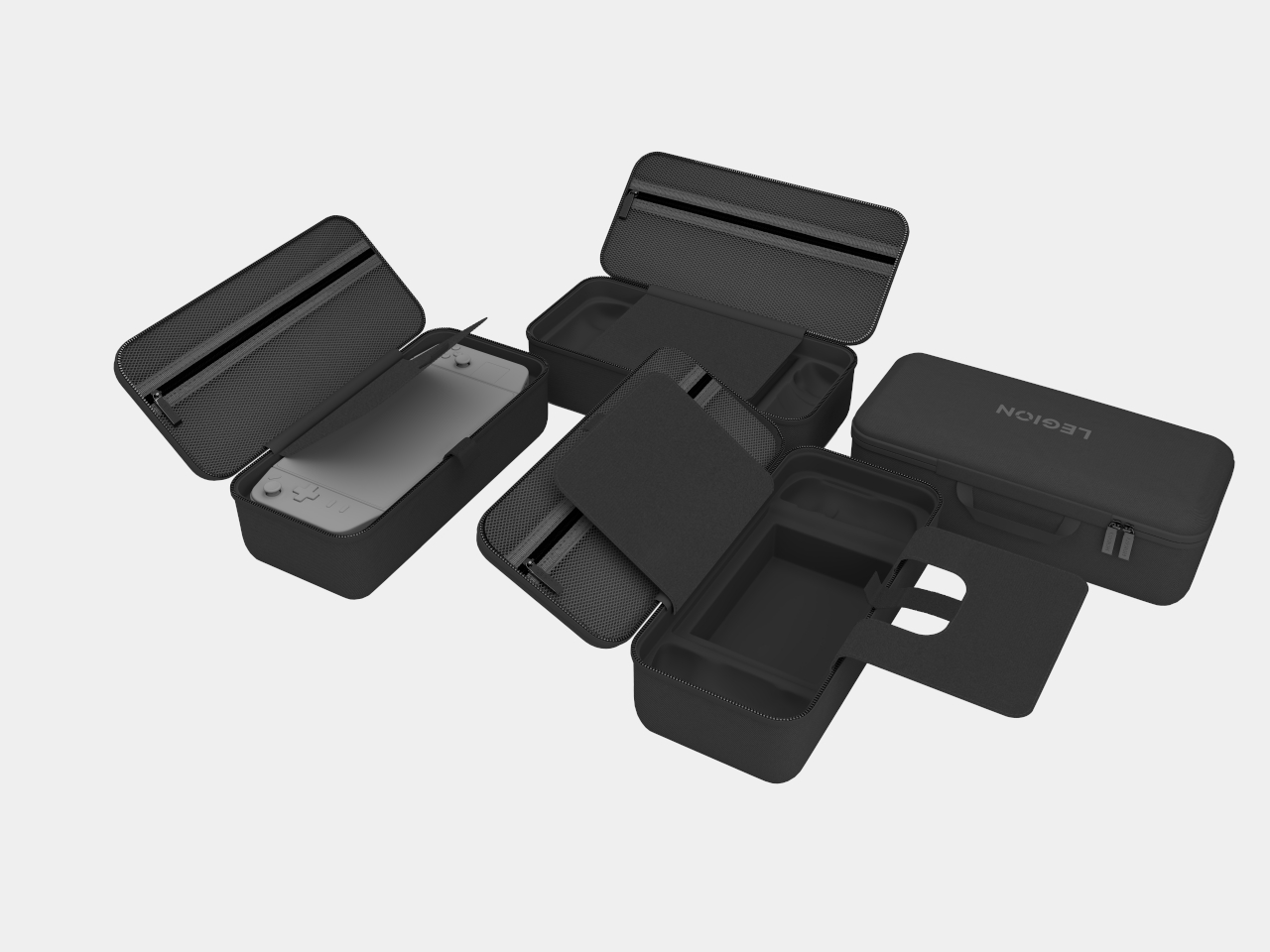
Other members of the Legion Go accessory family include an official carrying bag, as well as joystick and button caps. Unfortunately, they may have come a little too late to make a world of difference. While some owners have probably made do with third-party products that offer the same functionality, these official Lenovo accessories bring the guarantee of actually working well with the Legion Go.

The post Lenovo Legion Go accessories make it a true Nintendo Switch rival first appeared on Yanko Design.
The best Apple Arcade games for 2024

It’s been nearly five years since Apple Arcade launched, and while the service hasn’t fully delivered on Apple’s promise back in 2019, it can still be worth paying for. Of course, that’s provided you’re willing to hunt through the 200-ish games currently available on the service. I’ve been playing Apple Arcade games since it launched and these are just a few of my favorites that have stood the test of time.

Apple originally released Apple Arcade with the promise of high-quality, exclusive games that are playable across basically every device the company makes. That includes the iPhone, iPad, Mac and Apple TV (though you need a controller for the latter). Over time, Apple started allowing games originally launched in the App Store as well, provided that they met certain criteria. All Apple Arcade games are ad-free and have no in-app purchases, something that really helps differentiate its offerings over the flood of low-quality games in the App Store.

While Apple Arcade launched with a pretty excellent lineup, additional games have unfortunately been fewer and farther between in recent years. Apple has also pulled a number of games from the service, including some of the best ones you could get like Sayonara Wild Hearts, Cozy Grove, Assemble with Care, Shinsekai: Into the Depths and numerous others. It’s a reminder that with a subscription service, things can go away at any time.

While we’re not seeing the same cadence of high-quality original games on Apple Arcade as we did a few years ago, I still think the service is worth the $7 per month or $50 per year subscription if you do a lot of gaming on your phone. Some of the best games in the history of the App Store are here (anything with a “plus” symbol denotes a game that was originally sold in the App Store and then brought to Apple Arcade), and there are still a number of excellent originals worth playing. It is worth noting that the “plus” games were not designed with Mac or Apple TV playback in mind and thus only work on an iPhone or iPad. These 16 games are some of the best you can play, and there are a bunch more I want to try for future inclusion on this list. In the meantime, this should be more than enough to get you started.

Check out our entire Best Games series including the best Nintendo Switch games, the best PS5 games, the best Xbox games, the best PC games and the best free games you can play today.

This article originally appeared on Engadget at https://www.engadget.com/best-apple-arcade-games-140053796.html?src=rss

BMW is bringing a dedicated UNO Gaming App to over 500,000 existing car infotainment systems

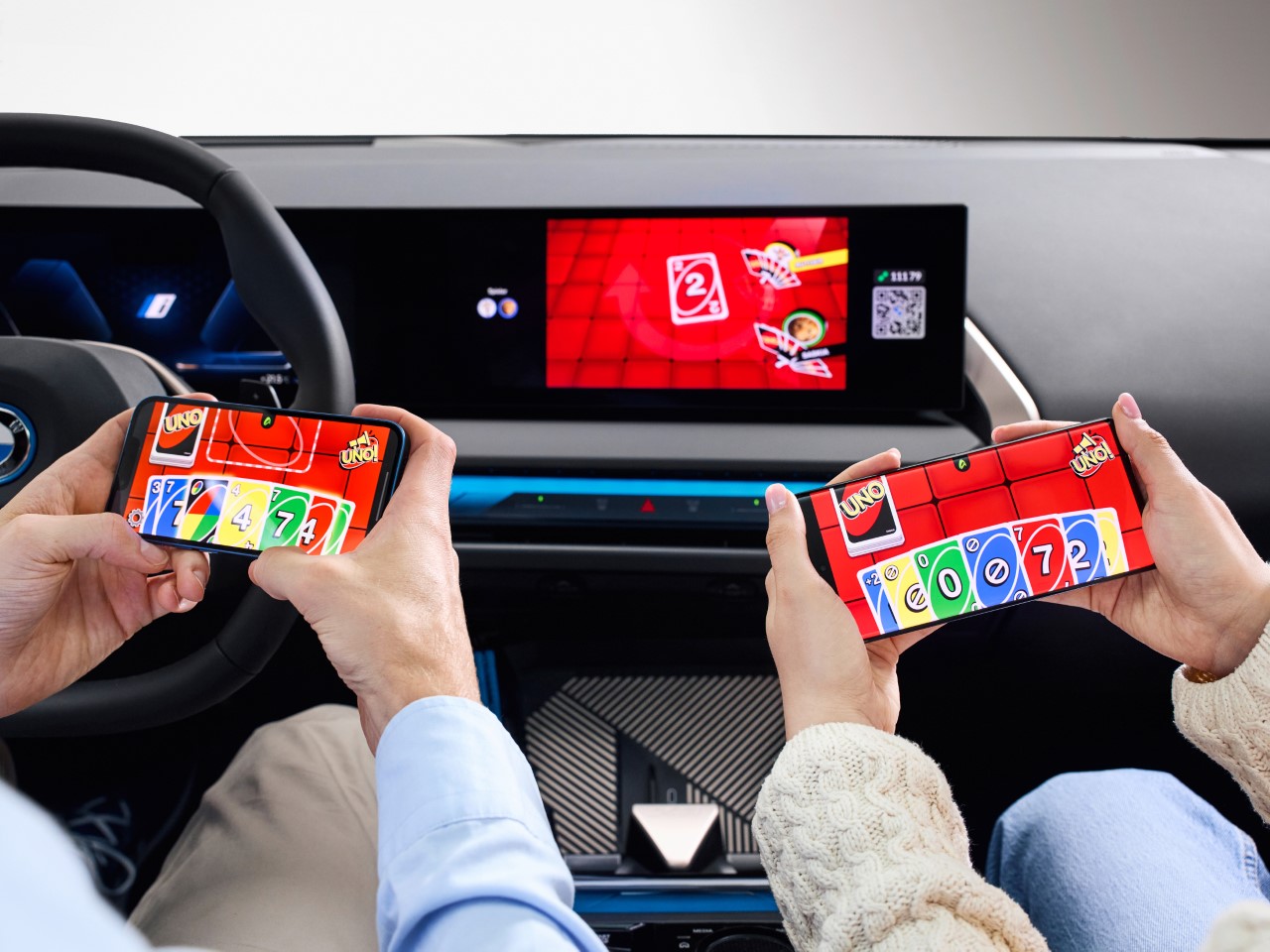
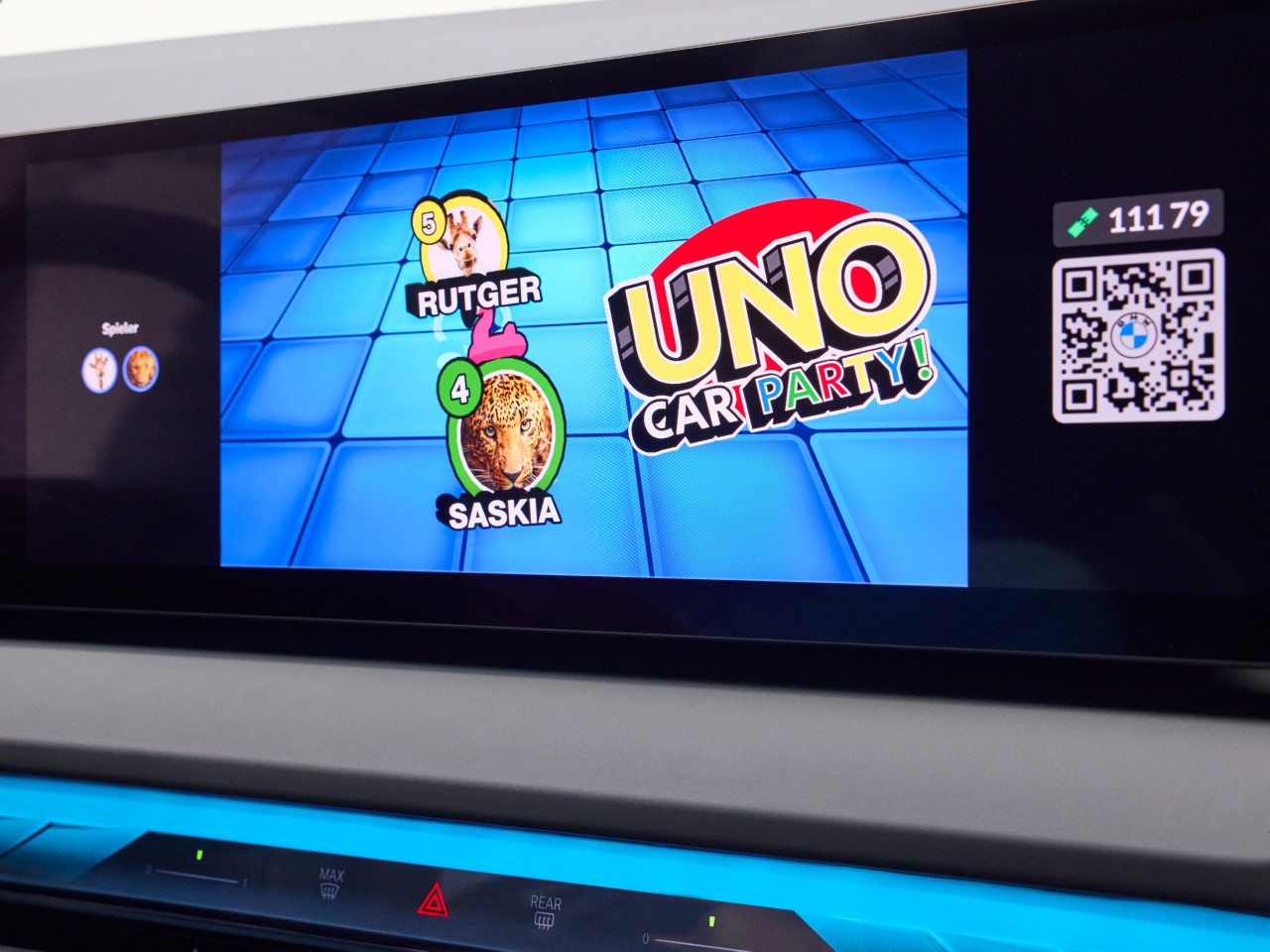
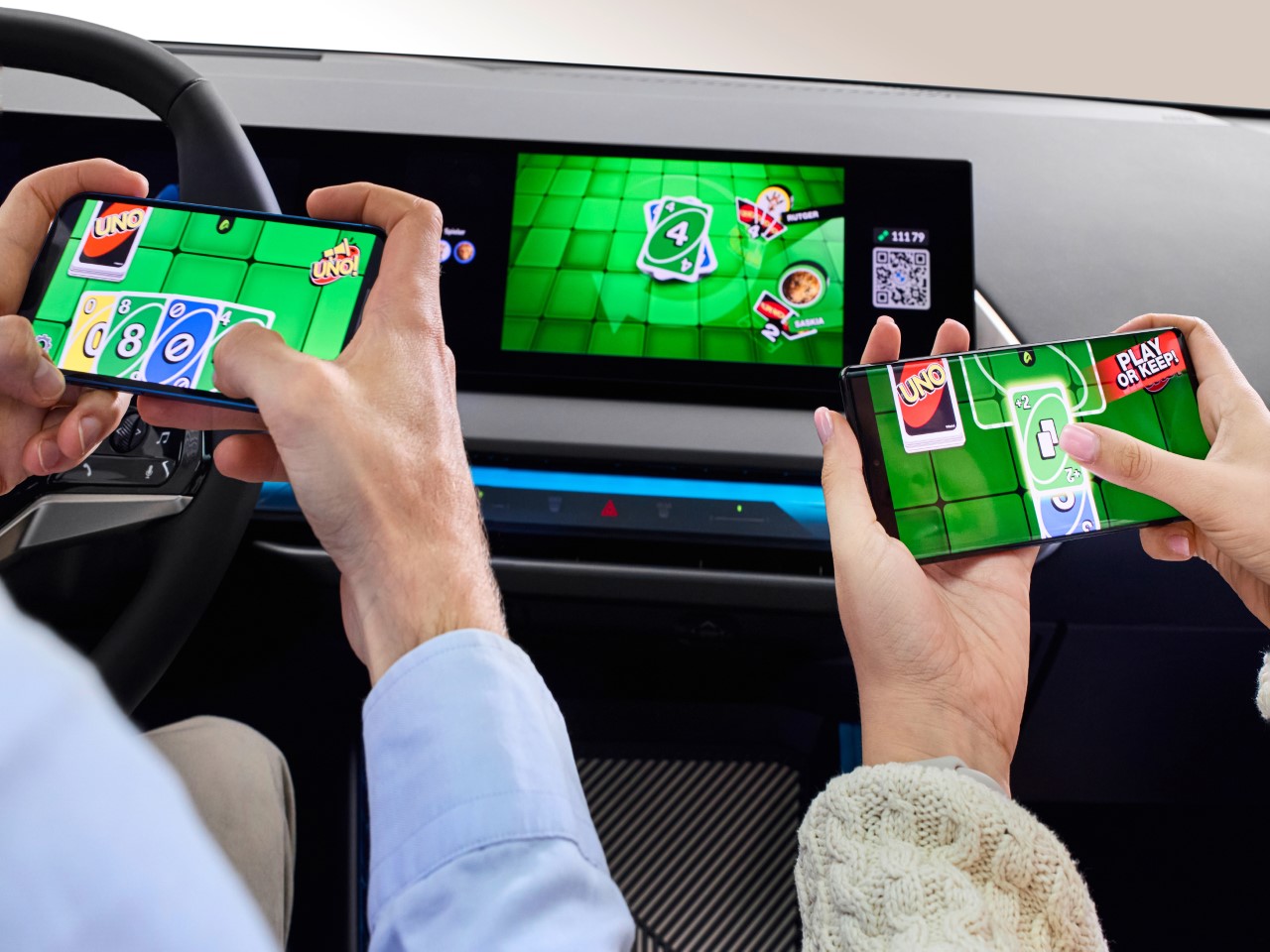
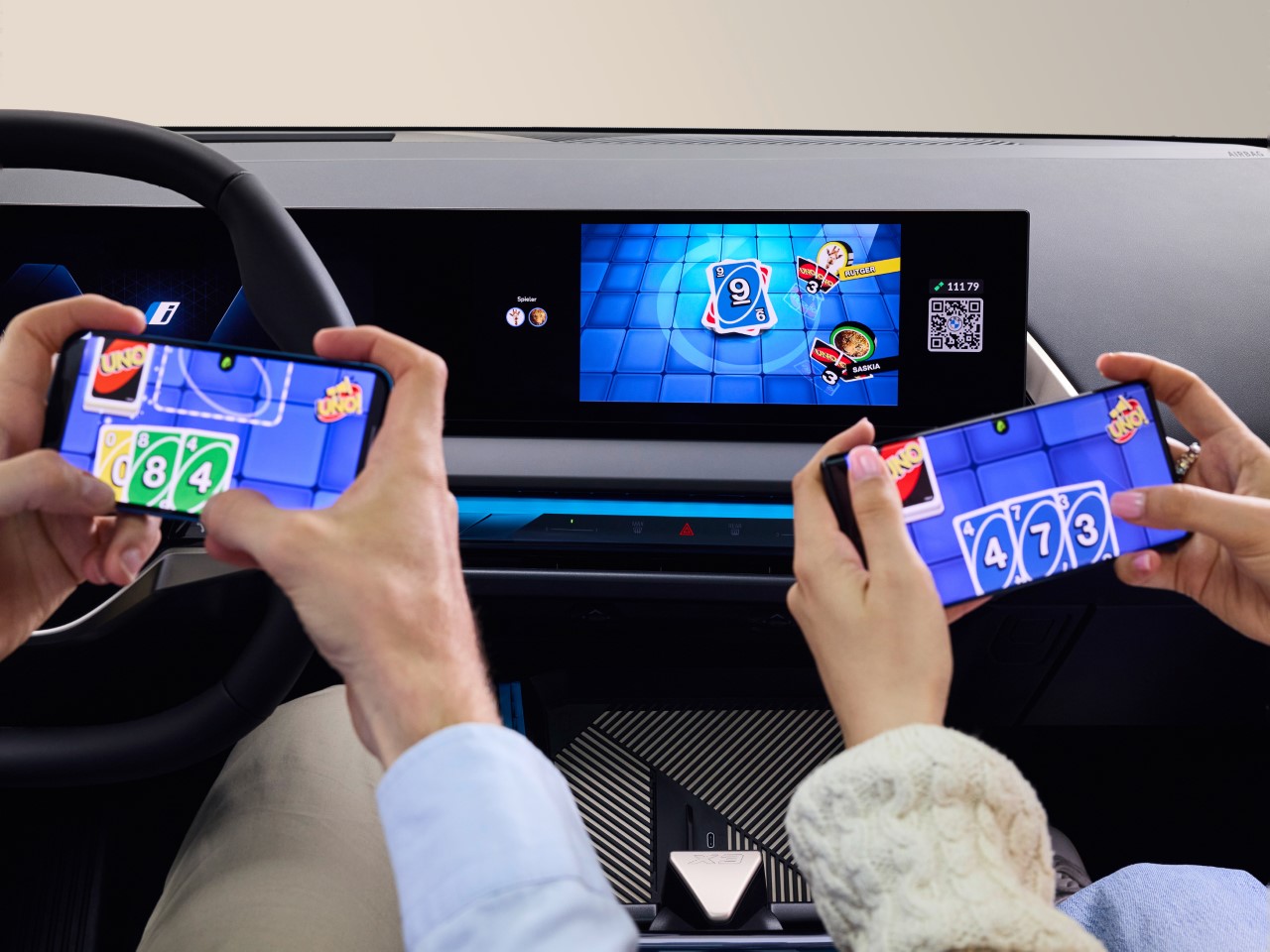
With an announcement from BMW dropping shortly after the Concours d’Elegance event at Pebble Beach, you’d probably think we’ve got some interesting car news or some automotive updates, but you’d be wrong. Instead, BMW threw quite the curveball by announcing a dedicated version of the hit card game UNO, designed specifically for in-car gaming. Dubbed the “UNO Car Party!”, this collaboration between BMW, Mattel, and AirConsole rolled out at Gamescom 2024, where it was introduced as the next evolution of in-car entertainment. With over 500,000 BMW and MINI vehicles set to feature this, you can now settle all your family’s backseat rivalries with a virtual card match that no one saw coming.

Designers: BMW & Mattel

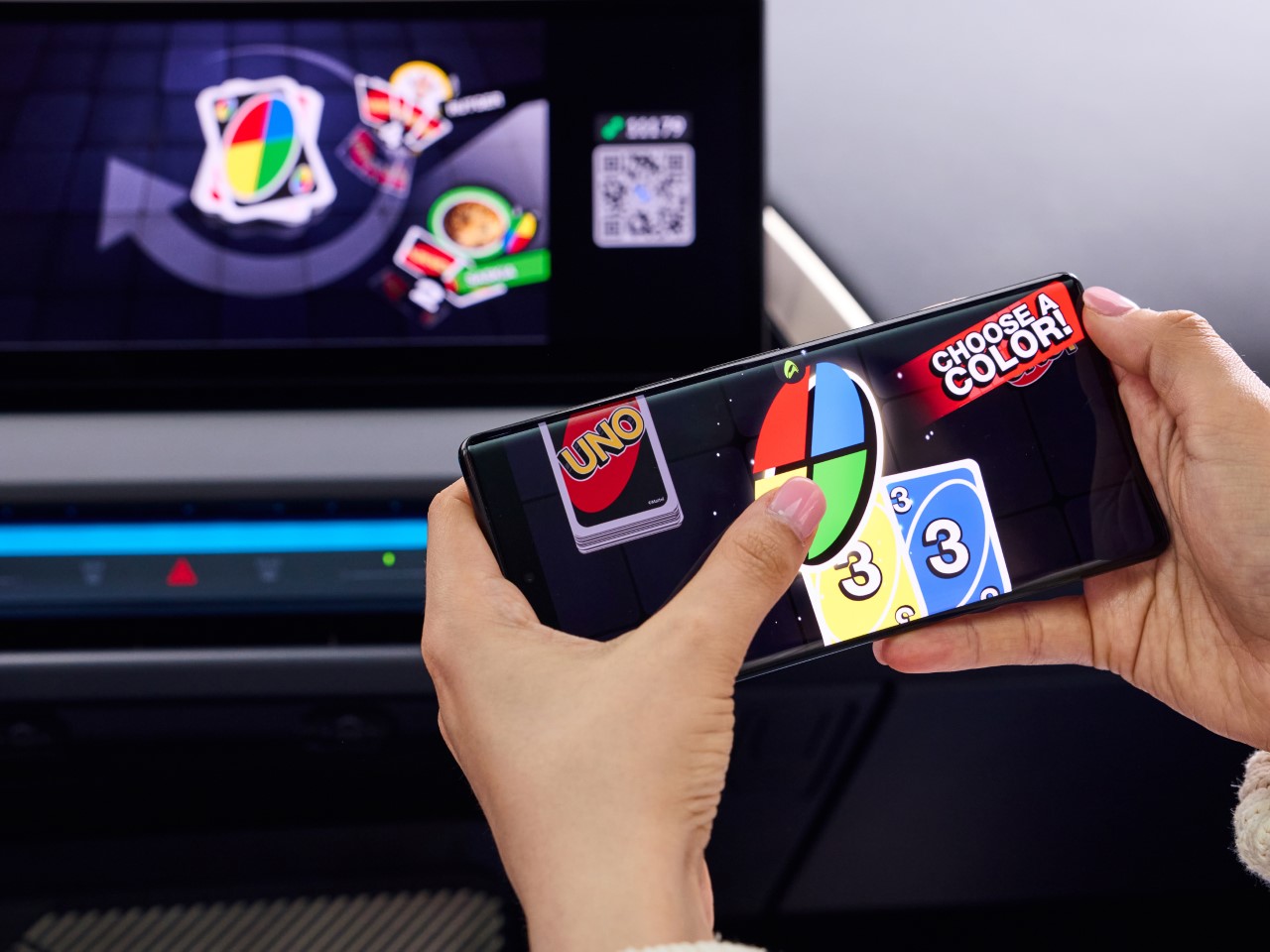
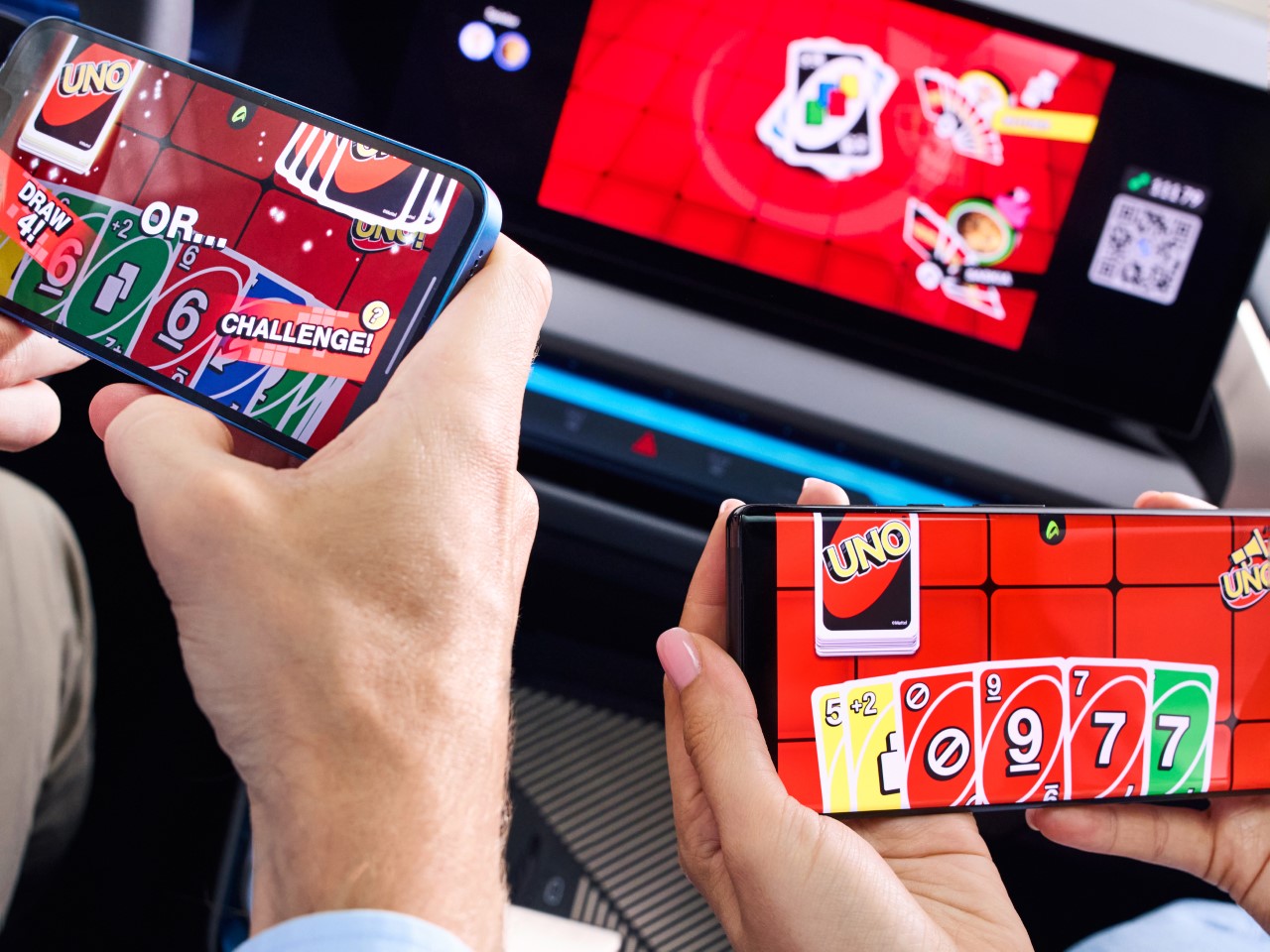
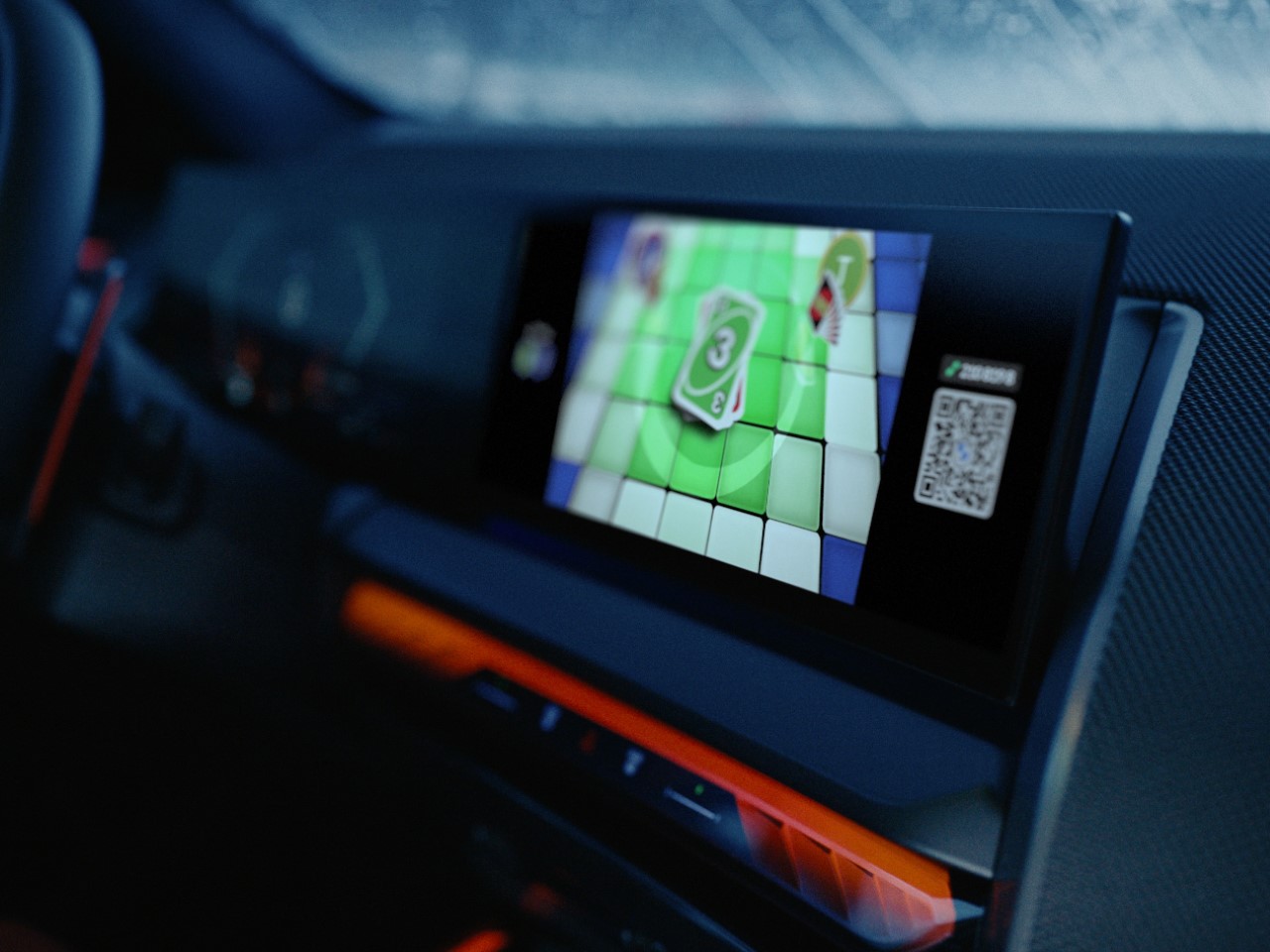
The setup is surprisingly slick for a car game. AirConsole’s tech lets up to four players use their phones as controllers—no shuffling required, just a quick QR code scan on the car’s display. Each player’s hand remains secret on their phone while the main screen shows the game’s progress, meaning you can still side-eye your opponents and snoop on their hand. Given how hands-on and intense UNO can be, the game is only playable when the vehicle is in park mode. That’s BMW’s subtle way of saying, “Hey, safety first.” But once the car’s stationary, it’s game on, transforming your car into a temporary game room that’s perfect for killing time while charging your EV or waiting for that friend who’s always late.

In terms of gameplay, it’s pretty much the UNO you know and love (or dread). Same rules, same chance to ruin friendships, but now with digital flair—automated scoring, snazzy graphics, and a setup that doesn’t involve losing cards under the seat. It’s straightforward, easy to get into, and definitely beats staring out the window. The concept is clever in its simplicity, merging retro card game vibes with modern tech. Plus, it’s a nice break from doomscrolling or listening to the same playlist on repeat.

This move from BMW is part of a bigger trend where cars are becoming more than just vehicles—they’re turning into mobile entertainment hubs. And while “UNO Car Party!” might not be a game-changer (pun intended), it’s a fun little feature that adds personality to your car. Sure, it’s no substitute for a full-fledged console, but it’s a step toward making your vehicle a bit more interesting when you’re not actually driving it. Whether it’s a quick match during a pit stop or a way to pass the time while you’re stuck waiting for someone, it’s clear that BMW is leaning into the idea that cars can be places for more than just commuting.

So, if you’ve ever found yourself thinking, “I wish I could play UNO in my car,” your oddly specific wish has just come true. Whether you’re ready to embrace it or just find it amusing, BMW’s latest innovation proves that even the most unexpected ideas can have a place in the future of driving—or at least parking.

The post BMW is bringing a dedicated UNO Gaming App to over 500,000 existing car infotainment systems first appeared on Yanko Design.
Game Boy-inspired Nintendo Switch Console Features Unique Tiny Swappable Joy-Cons

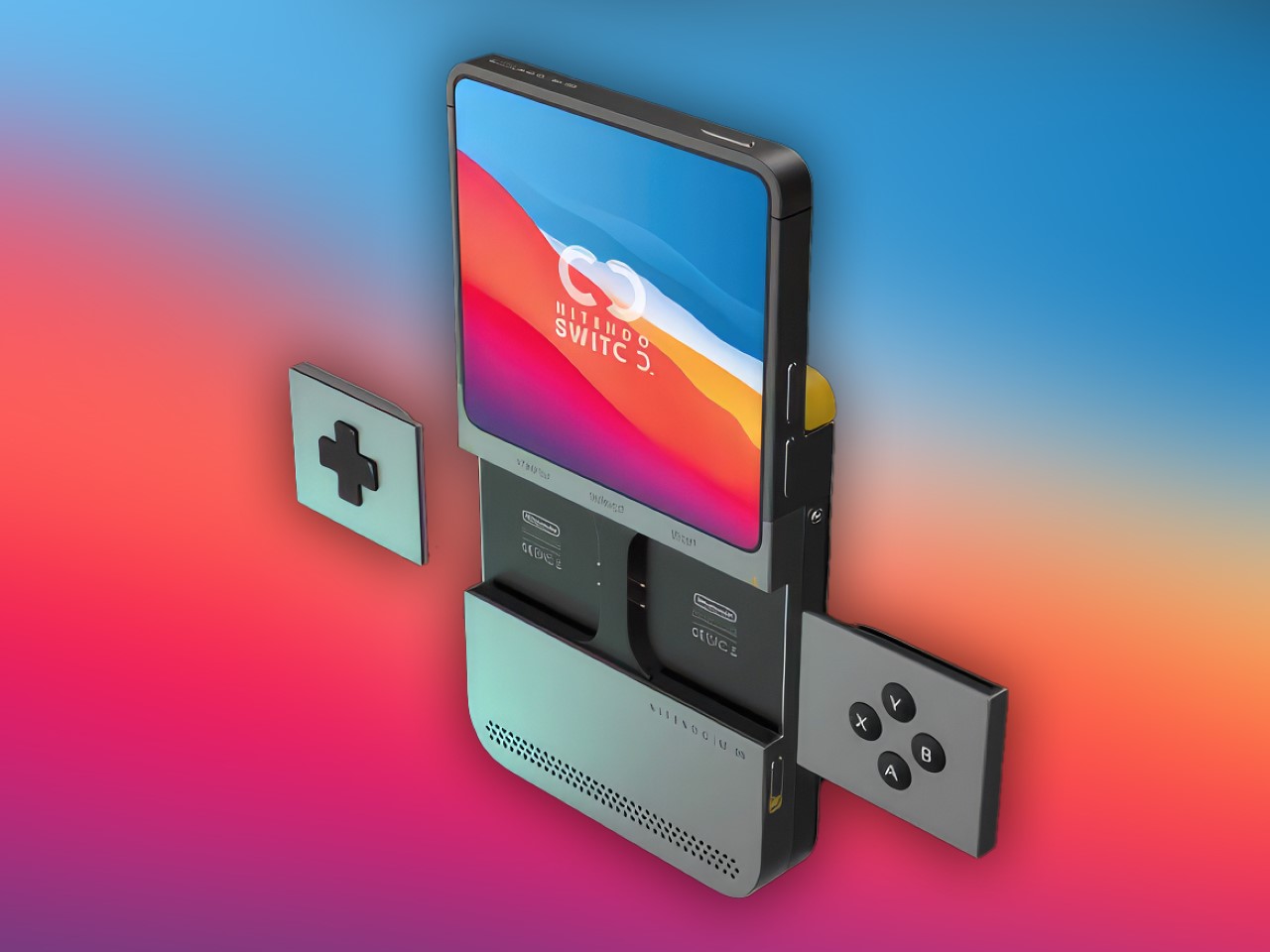
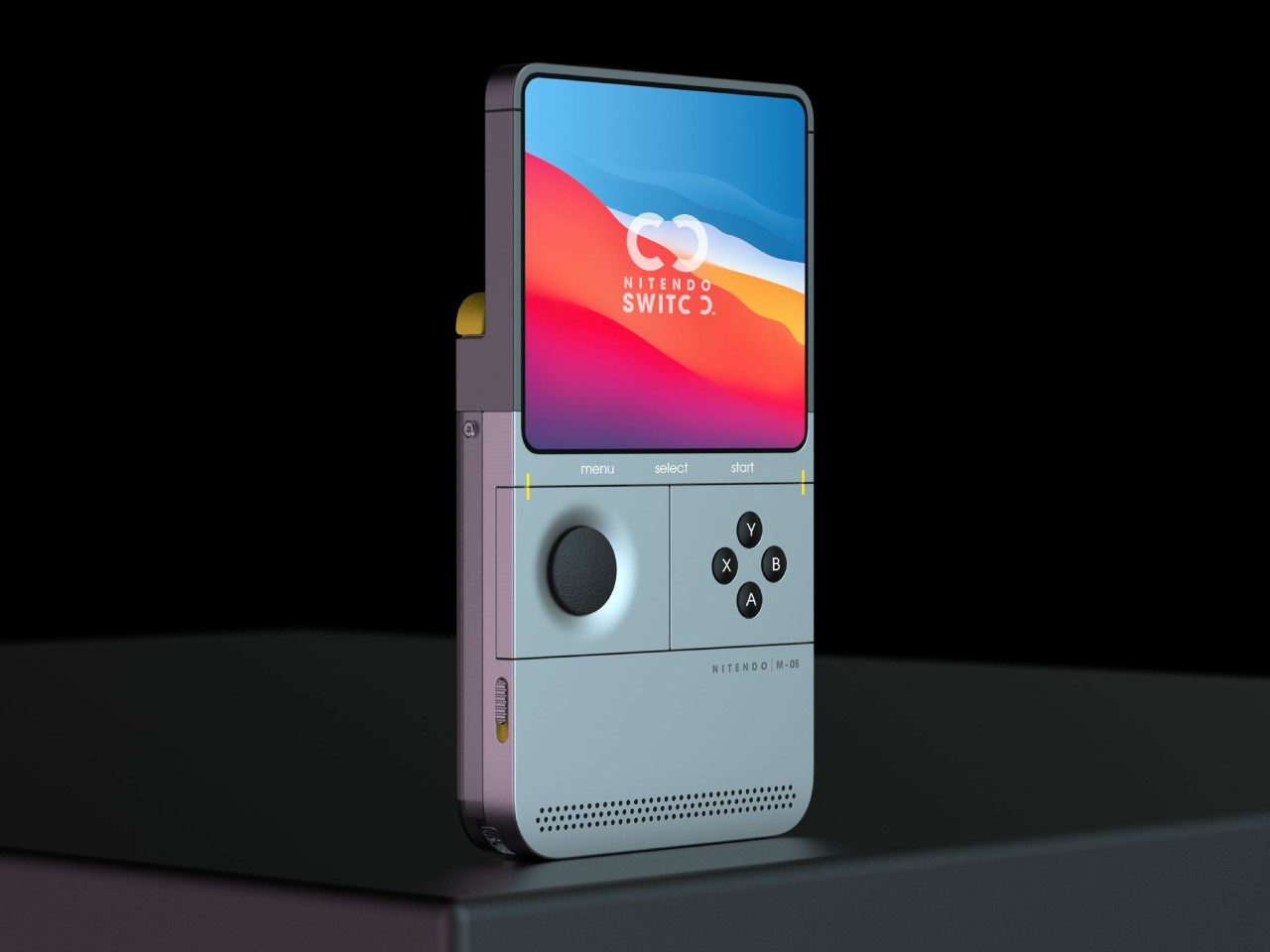
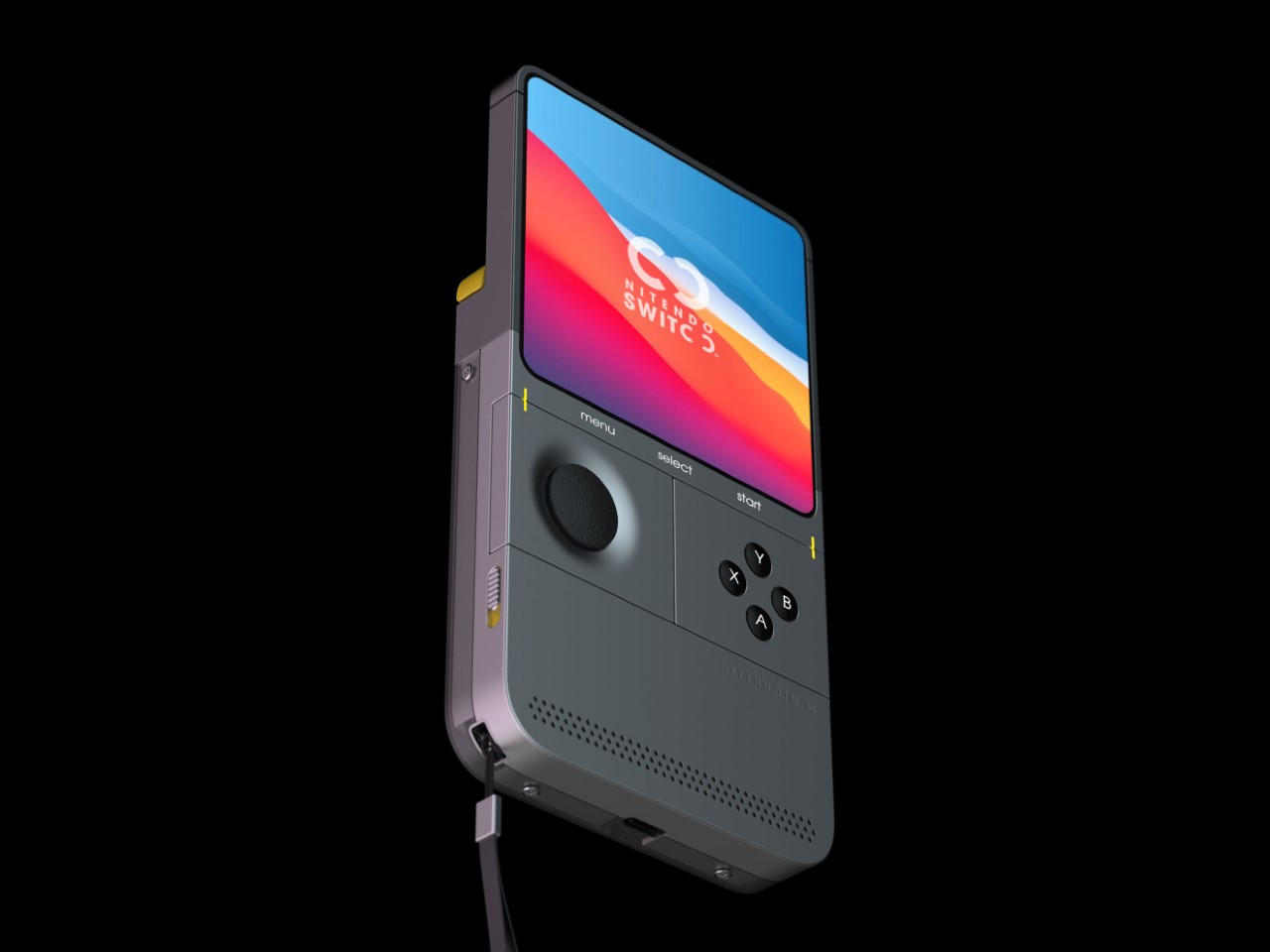
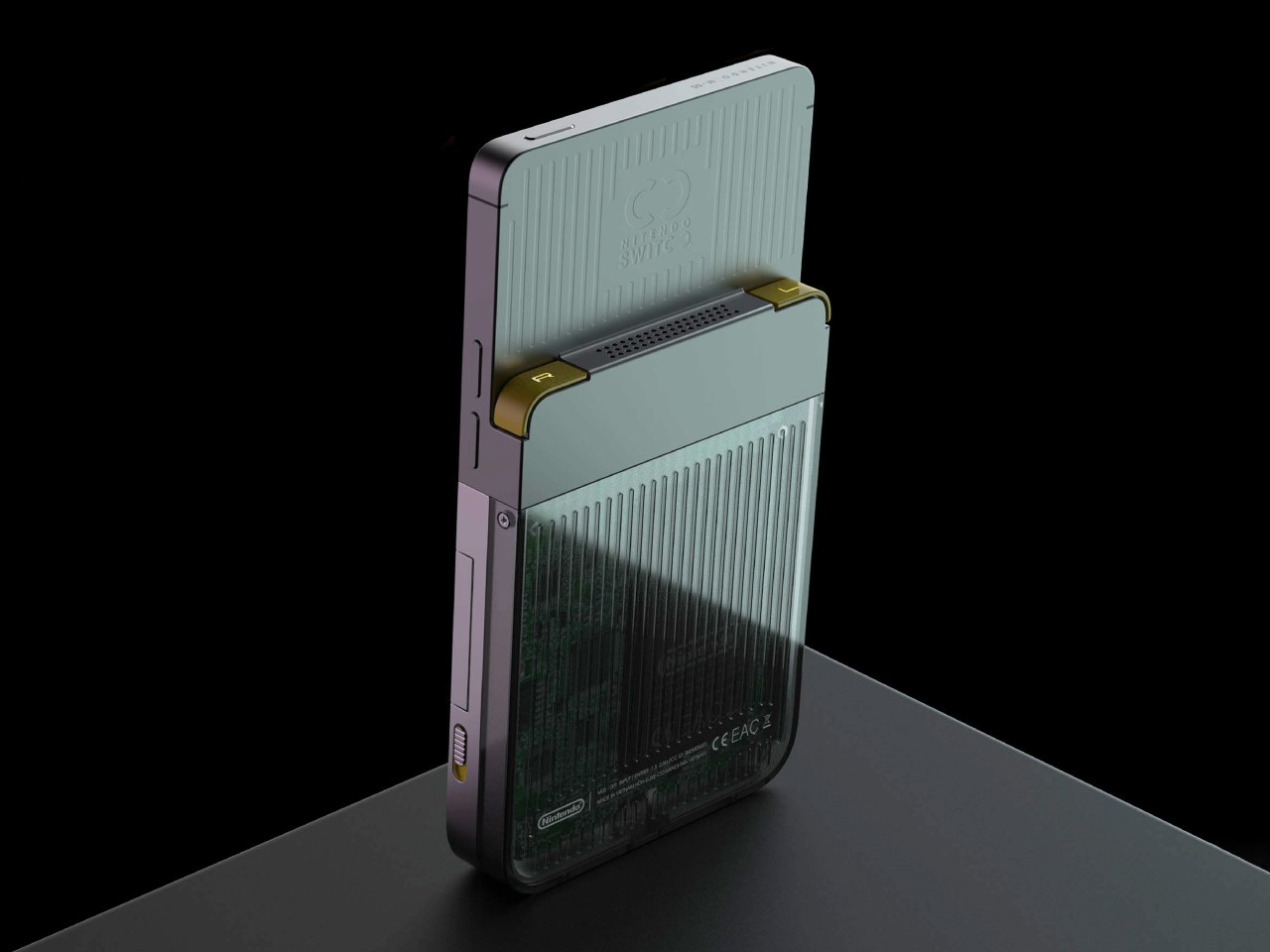
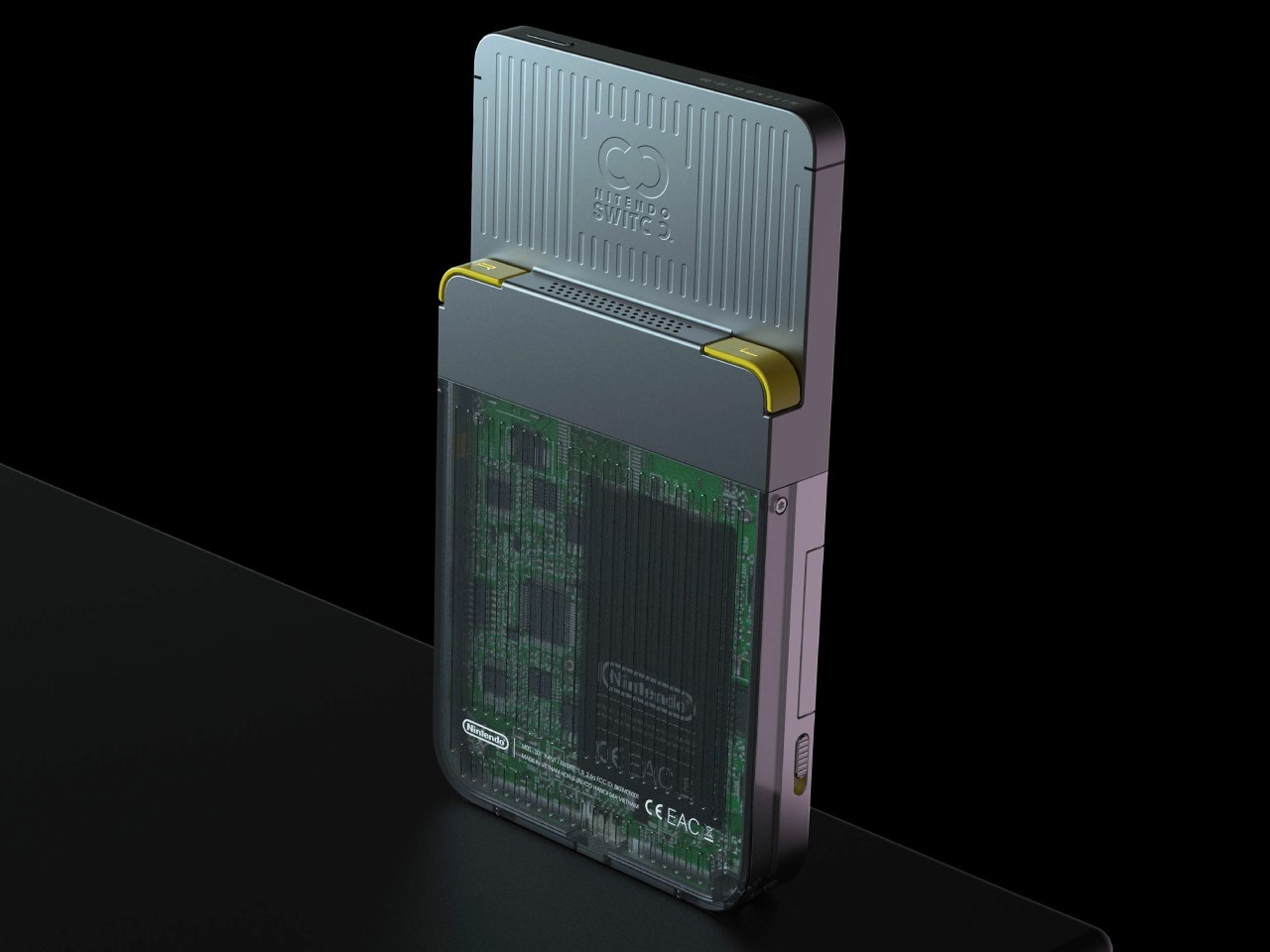
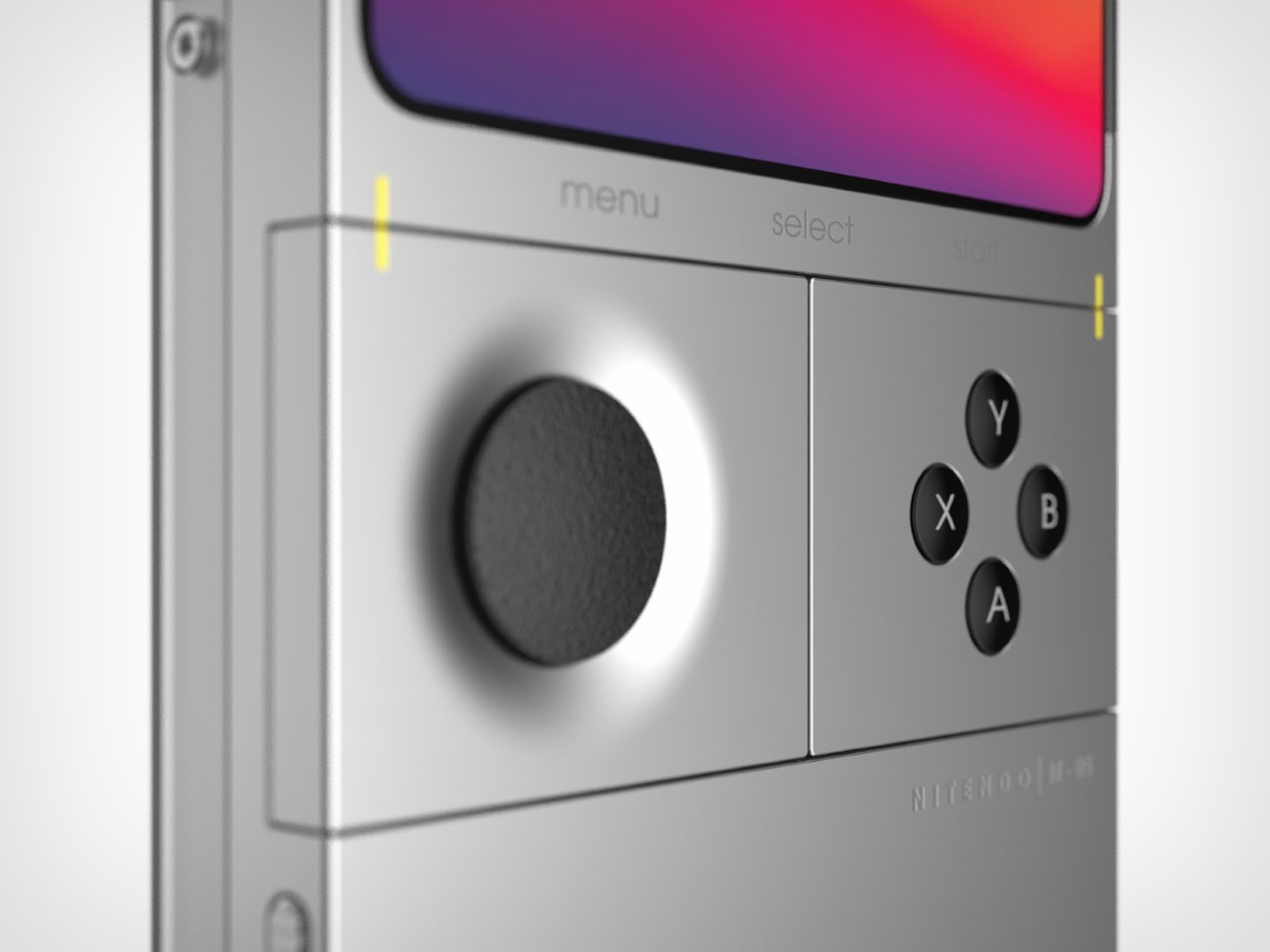
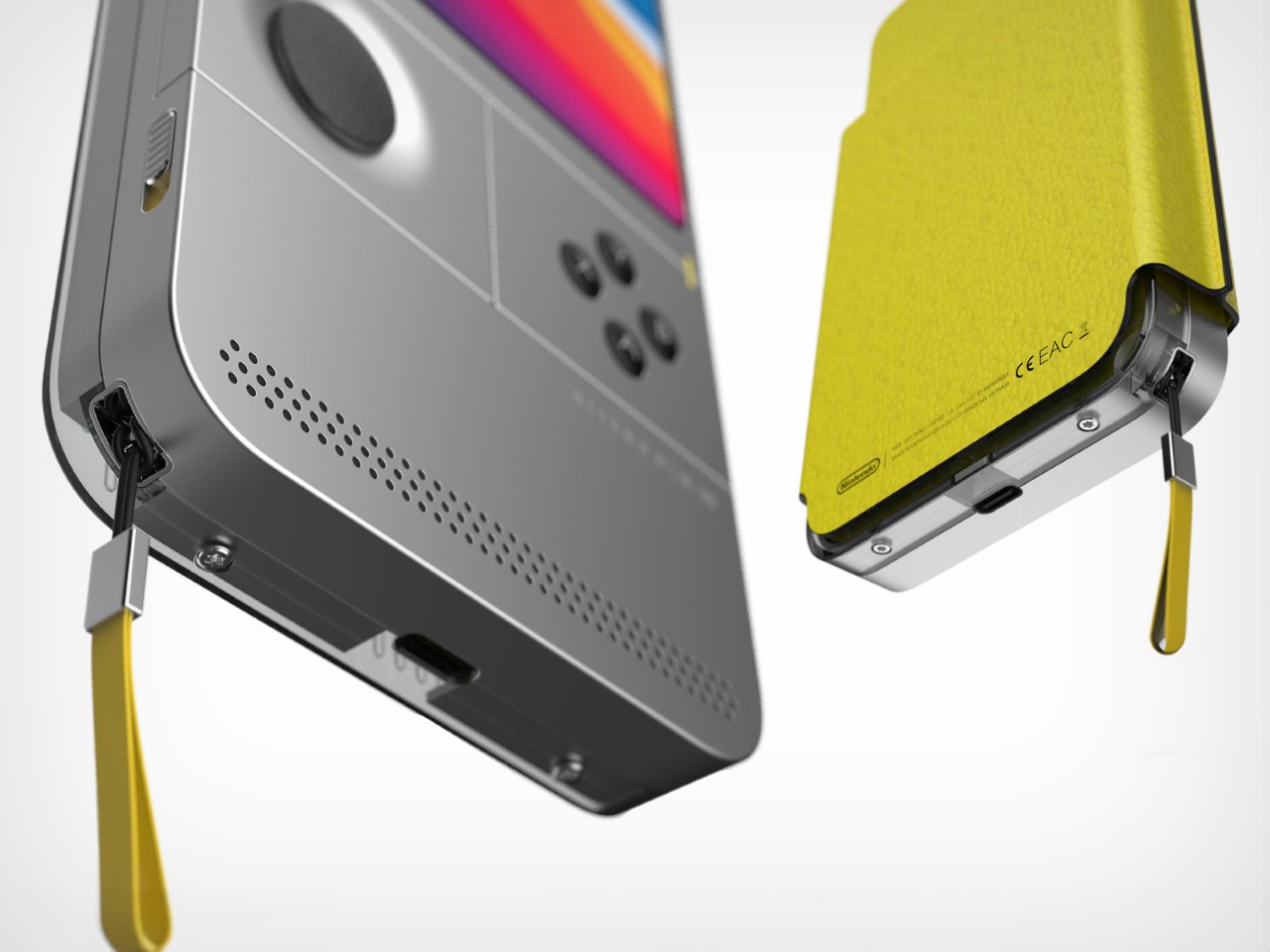
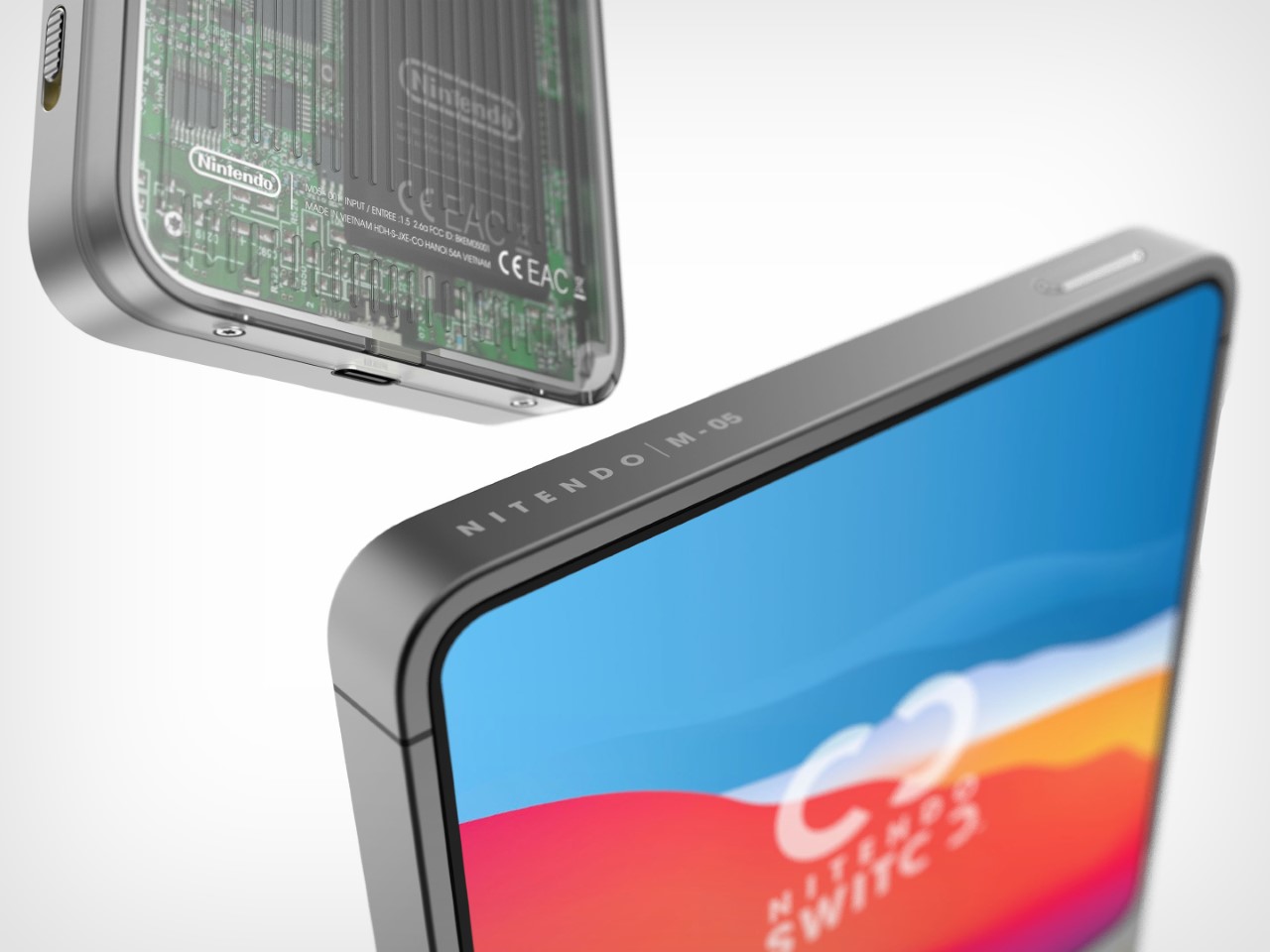
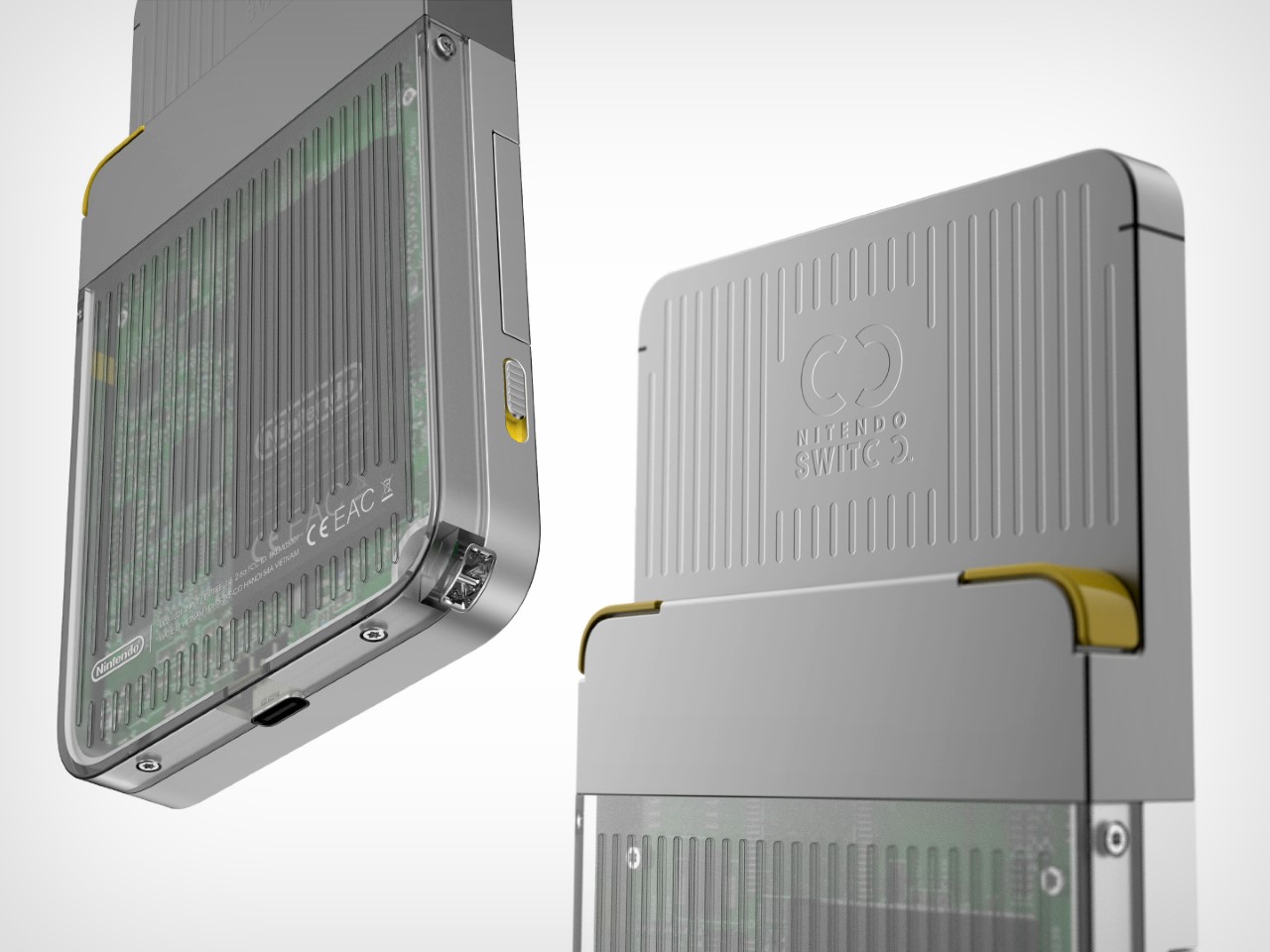
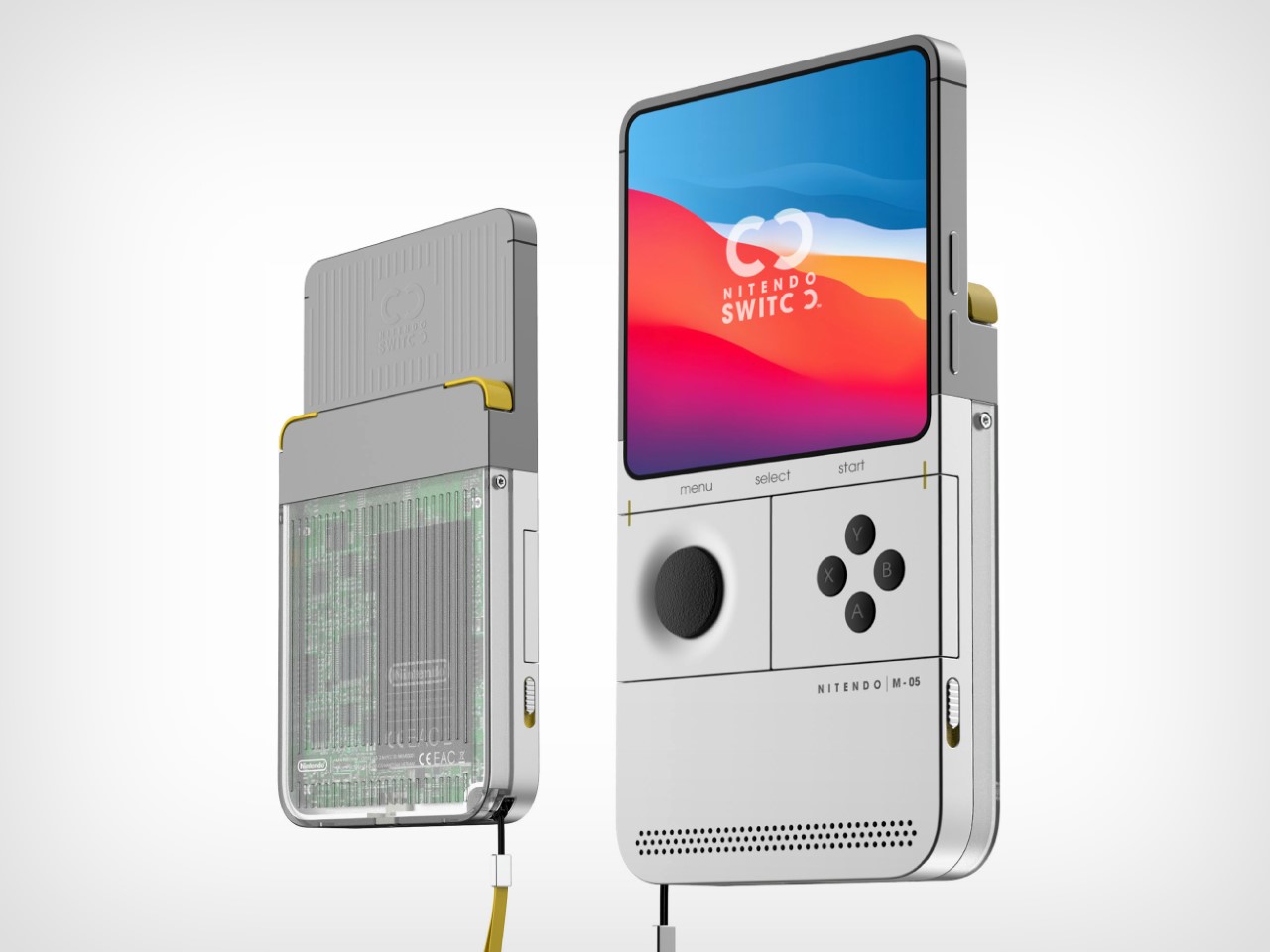
This Nintendo Switch redesign gives the epic console a major blast from the past. From the mind of Carota Design, the concept comes with a Game Boy vertical form factor, but still retains the essence of what gave the Nintendo Switch cult status – swappable Joy-Cons. The Nintendo ‘Switoo’, as Carota Design calls it, comes with two swappable controller modules (very similar to PhoneBloks or Google’s Project Ara) that can be replaced/interchanged, allowing you to build a control layout of your choice. The D-Pad and Action buttons can be ditched for a steering wheel and pedals while playing racing games, or create your own combination of control modules depending on the sort of interface you crave. The console itself comes with what I can only describe as a very contemporary tech device, with the use of slick machined metal parts along with a transparent housing on the back that hat-tips the current transparent design trend seen on a lot of popular tech devices.

Designer: Carota Design

The Switoo gets its name from an abstract visual representation of the two modular controls on the sides of the console. The logo also shows how the modules slide in and out, locking into place when you want to play a game, and docking out when you want to swap controls depending on the next game you’re looking to play. Aside from these interchangeable modules, the Switoo has two triggers on the back, accessible with your index fingers while gaming.

The Switoo features a fairly ergonomic design, thanks to the fact that it has a thicker base. The side profile shows a stepped design, resulting in a screen area that’s fairly slimmer than the overall device, giving you a perfect stepped ledge to place those two trigger buttons. The front features a pretty clean almost edge-to-edge square display (presumably touch-sensitive), under which lie the swappable control mods. A front-facing speaker at the bottom fires audio towards the user as they game, quite similar to the front-facing speaker grills on the original Switch.

The controllers are the highlight of the Switoo’s unique design. Available in a variety of styles, they slide right into the sides of the console, snapping in to connect, just like Joy-Cons. A yellow guide helps you make sure you’re sliding the controllers in the right way, and switches on the side help lock the controllers in place so they don’t fall out accidentally during a rather enthusiastic gaming session. It’s safe to speculate that these controllers work only by being plugged in, and not wirelessly, like the Joy-Cons. Since they’re this tiny (and are individual controls like the D-Pad being its own module, and the action buttons having their own separate module), one can assume there’s no wireless chip or even a battery inside the controllers. Instead, pogo-pins help connect the controllers to the main console.

The square screen, Game Boy-inspired format, and modern design make the Switoo a unique successor to the Switch. One wouldn’t really call it a Switch 2 or a 2nd-gen version of the Switch console, but it definitely feels like a nice spin-off, marrying existing classic design formats with the unique appeal of Nintendo’s Switch console. There’s an understated simplicity to the Switoo’s design that you immediately appreciate. The sleek metal body, USB-C charging, minimal detailing, and transparent caseback, all make the Switoo look pretty modern. The only problem is the fact that this is a fan-made concept and not something I can throw my money at!

The post Game Boy-inspired Nintendo Switch Console Features Unique Tiny Swappable Joy-Cons first appeared on Yanko Design.
This featherweight 3D-printed gaming mouse weighs just 16 grams

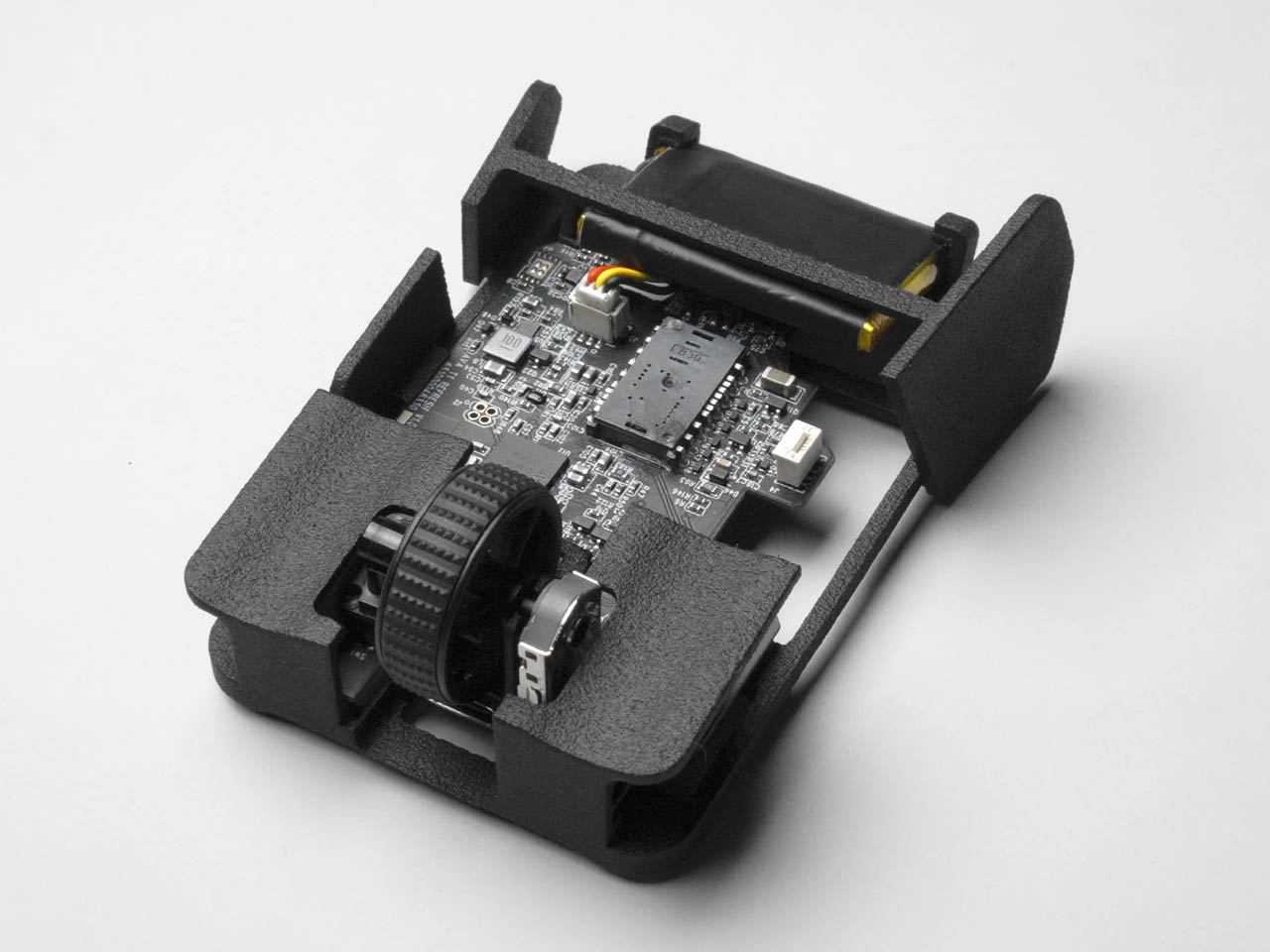
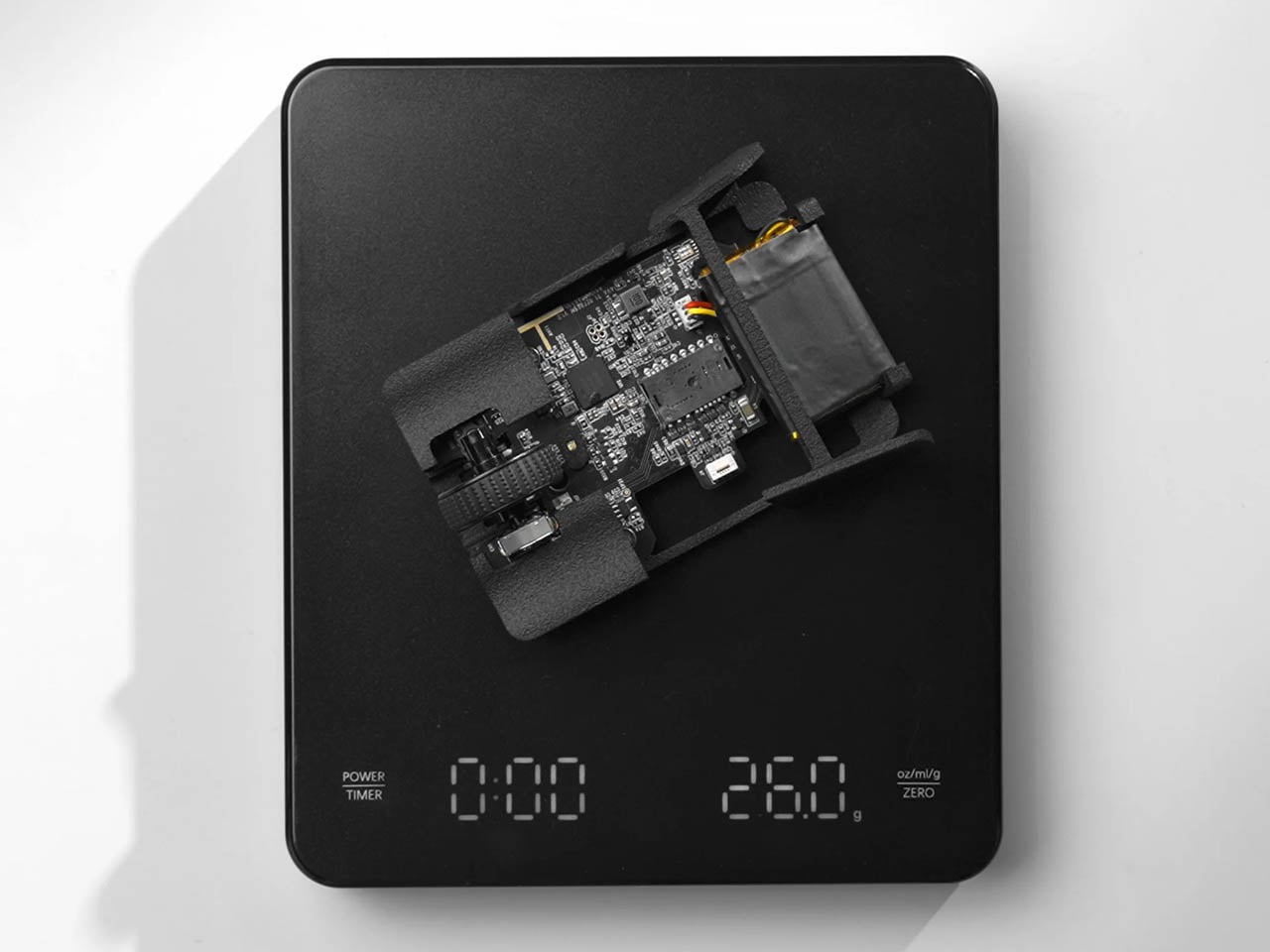
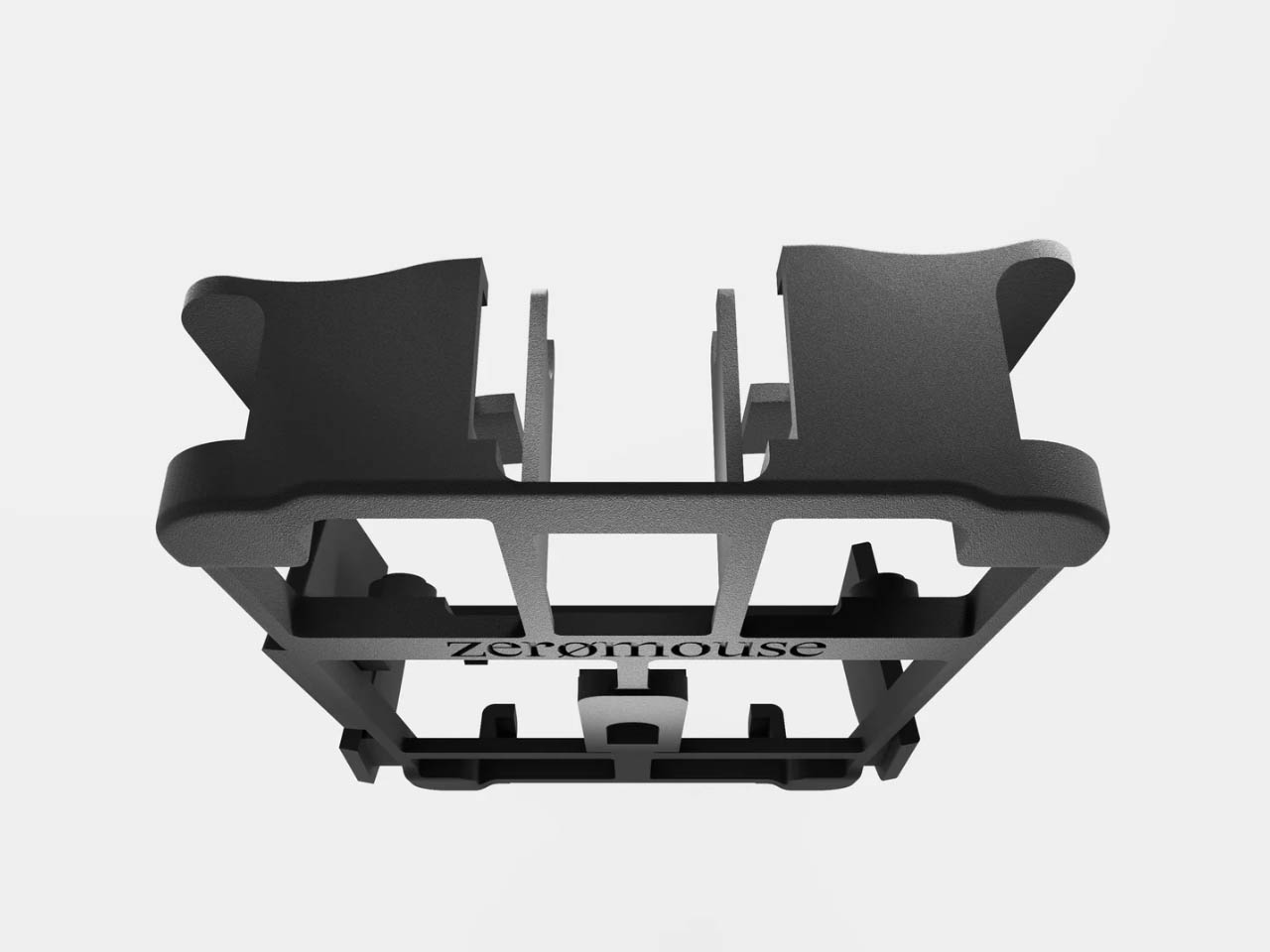
Imagine a mouse so lightweight it feels like featherweight – literally an extension of your hand for endless gaming on your PC. The Optimum Zeromouse V35 mouse could take the crown of being the lightest gaming mouse out there at just 16 grams. Optimum, who is a well-known PC maker and shooter, intends the user to use this as a shell for the Razer Viper V2 Pro, but can be used individually as well.

The 3D-printed shell of the mouse has supergrips for ergonomic comfort and lesser hand strain when gaming for long periods. There are no side scroll buttons or DPI selectors to reduce overall weight. Ultra-light credentials of the accessory and the supergrips make it well suited for action shooting games because of the low-tension aiming experience.

Designer: Optimum

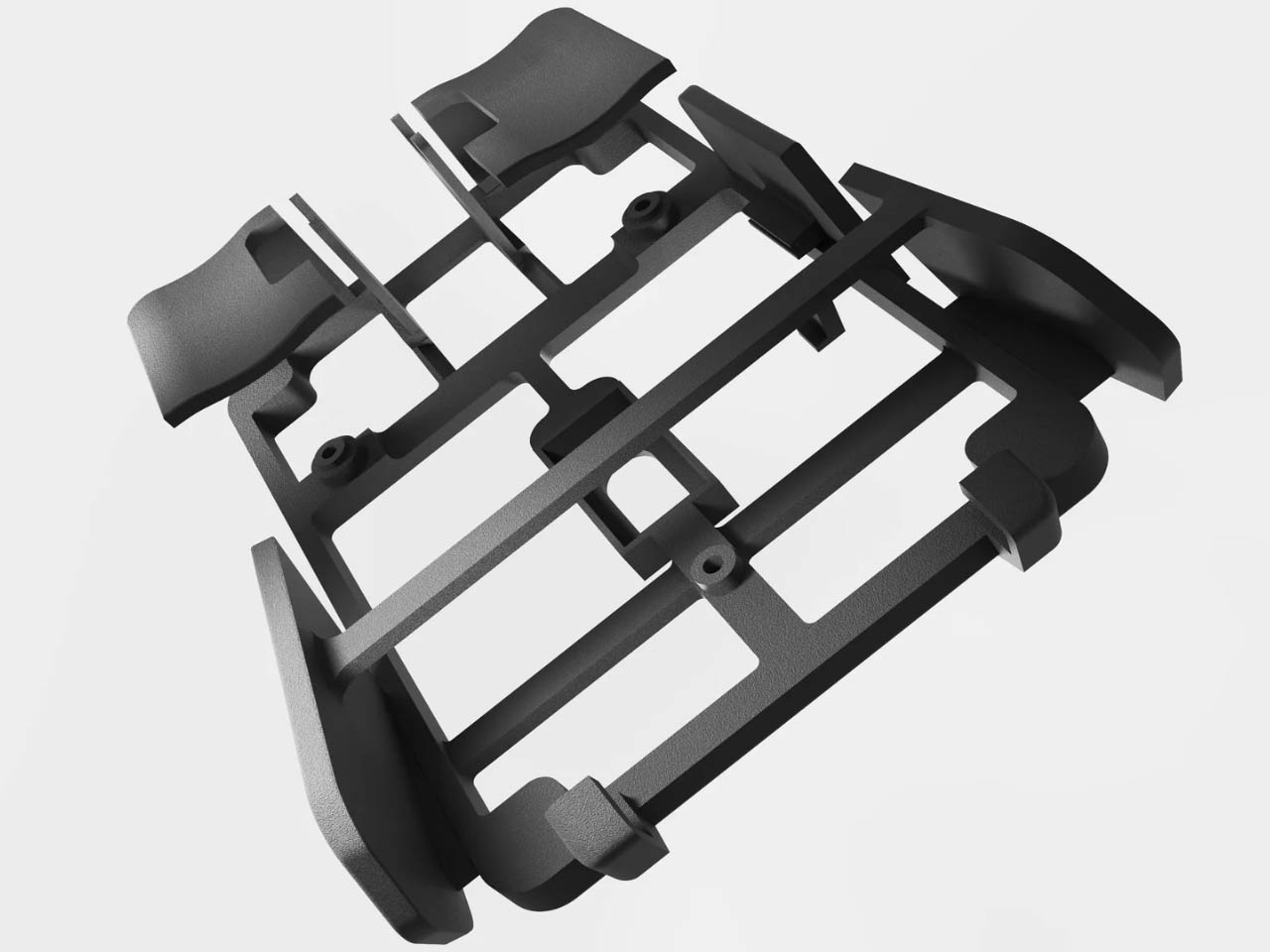
The lightweight unibody frame is made using Selective Laser Sintering (SLS) using nylon PA12 material which has a very high tensile strength. Thus, the compact peripheral doesn’t compromise on structural integrity since the crossbar support and the deeper grooves at contact points make it highly durable and stable. While the mouse won’t turn you instantly into a Top 500 Overwatch player or a Radiant Valorant, just like the best running shoes won’t turn you into the best runner on the planet!

According to Optimum Tech, who designed this featherweight mouse for gaming, when switching back to any other gaming mouse after using the Zeromouse V35, the difference is very clear. The fact that it weighs almost half as any other mouse, gives the player a tactical advantage in movement, even if it is by milliseconds in close matches that can be the difference between winning and losing.

The peripheral priced at $70 takes a detour from the set conventions with a very raw form. Somewhat comparable to a speed record car that has everything fluffed out and only the essentials for performance retained. A mouse doesn’t have to be heavy or ergonomically challenged which is exactly what V35 offers in a compact form. How the next proposed versions of this mouse will evolve will be interesting to see. For now this peripheral is what the gaming community will be zooming in on.


The post This featherweight 3D-printed gaming mouse weighs just 16 grams first appeared on Yanko Design.
Microsoft’s Xbox Adaptive Joystick Comes With An Open-Source Design To Support 3D-Printed Parts

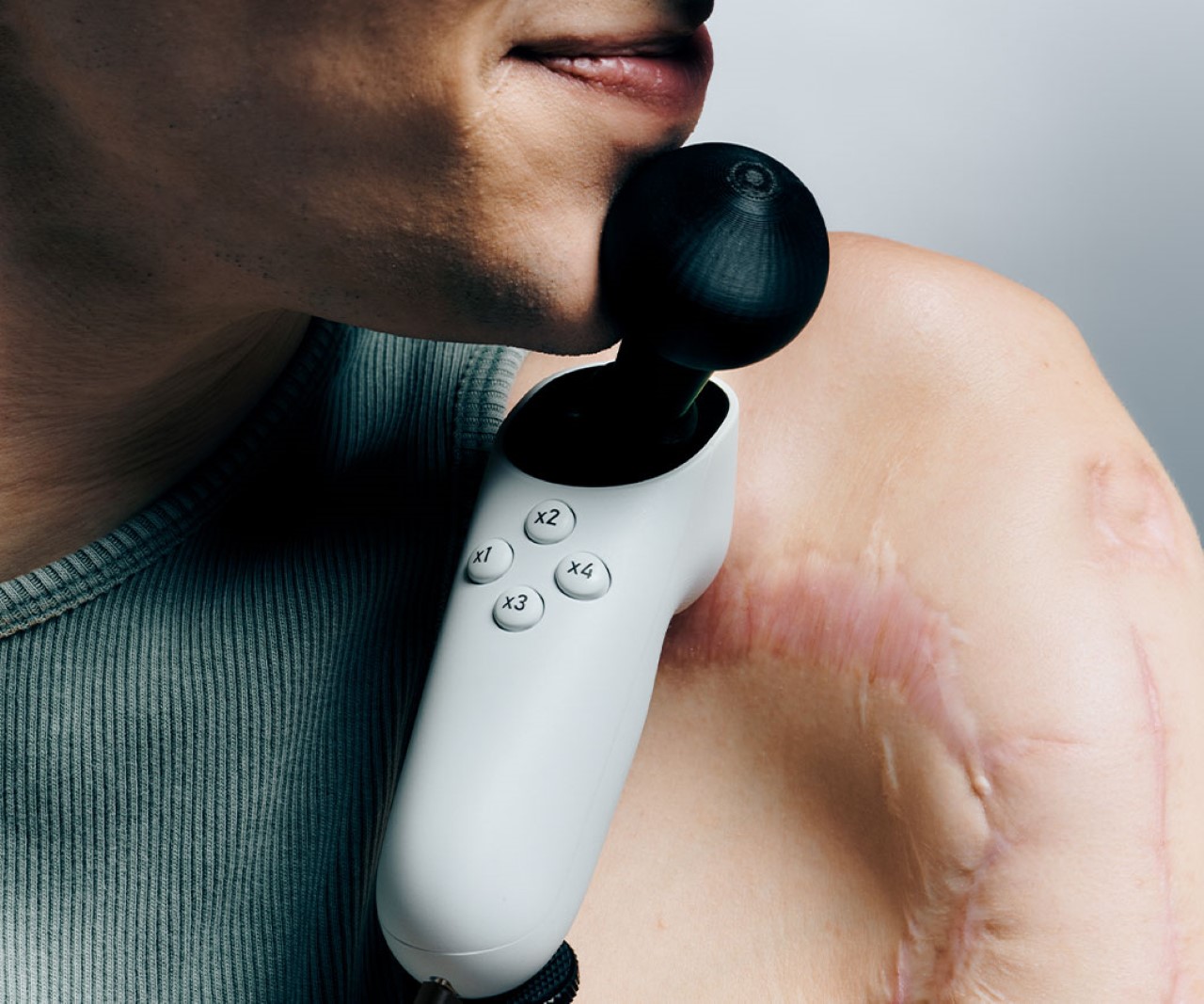
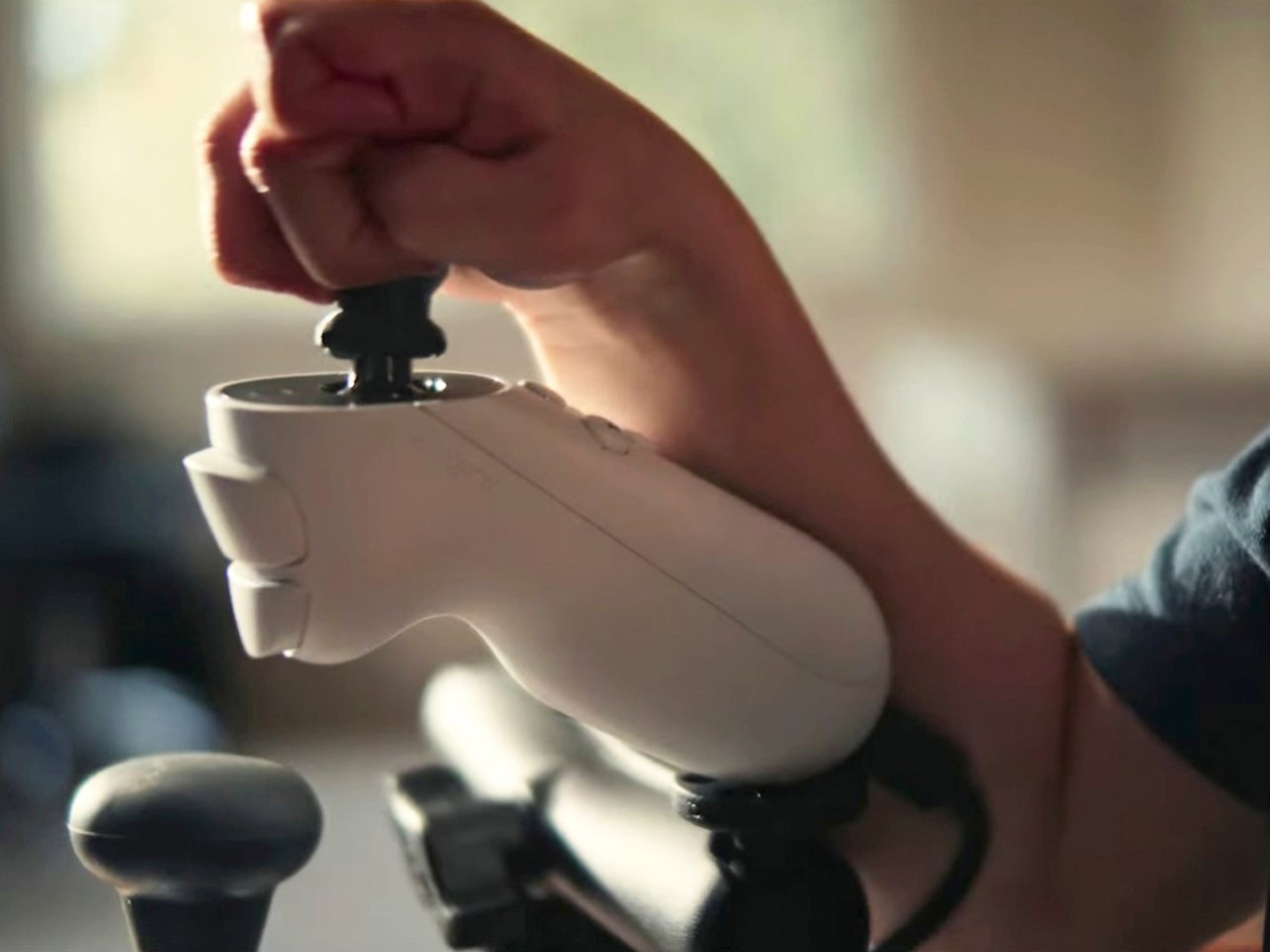
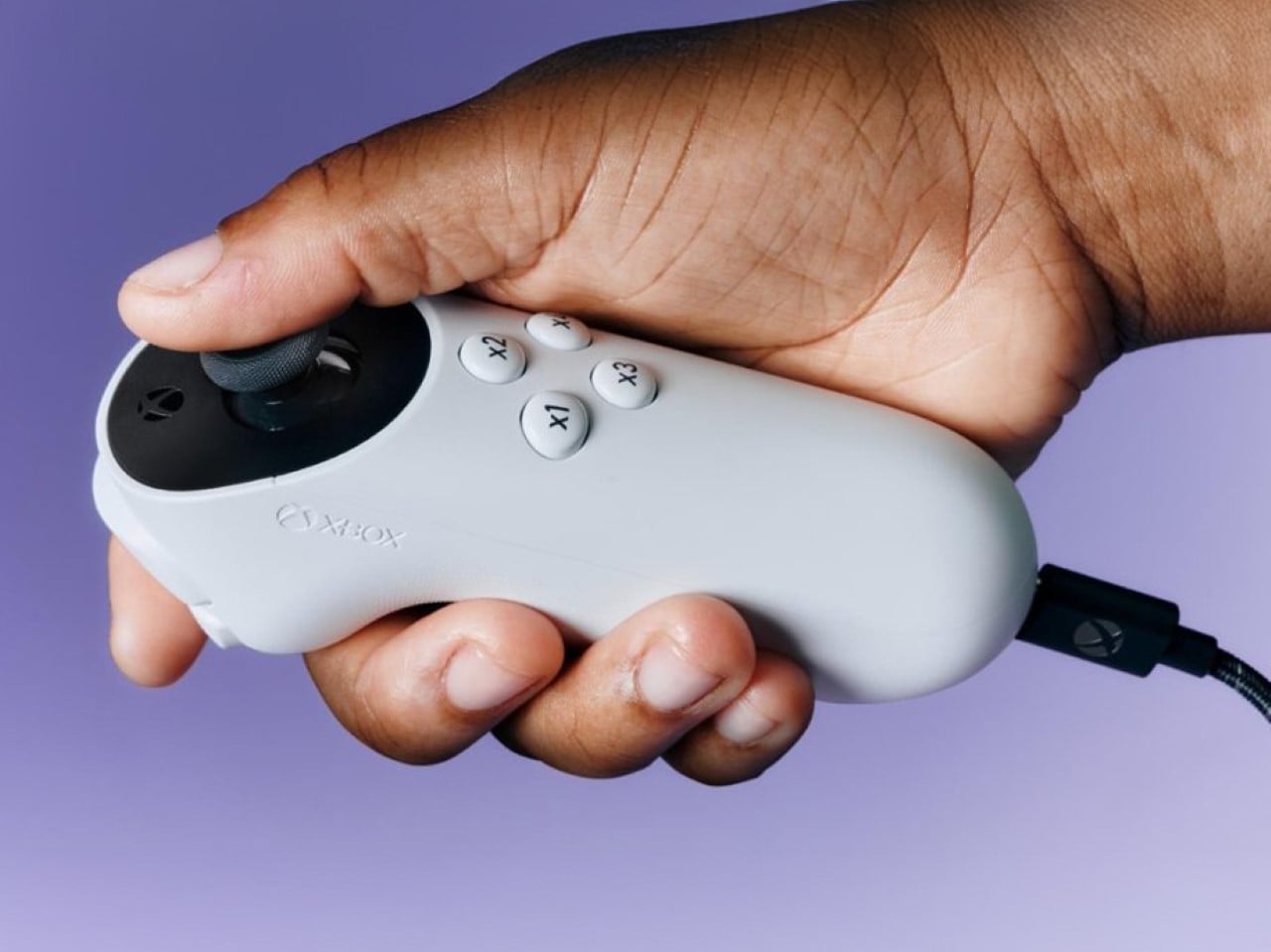
The Adaptive Controller was just the beginning – Microsoft aims at developing an entire suite of accessible devices for its gamer market. Aside from working alongside other independent controller brands to reveal new devices, Microsoft’s also announced the Adaptive Joystick, a controller that can be hand-held, positioned against your body, or even tripod-mounted, giving all gamers the ability to interface with their games in a manner that’s comfortable, yet responsive enough to give them the edge while gaming.

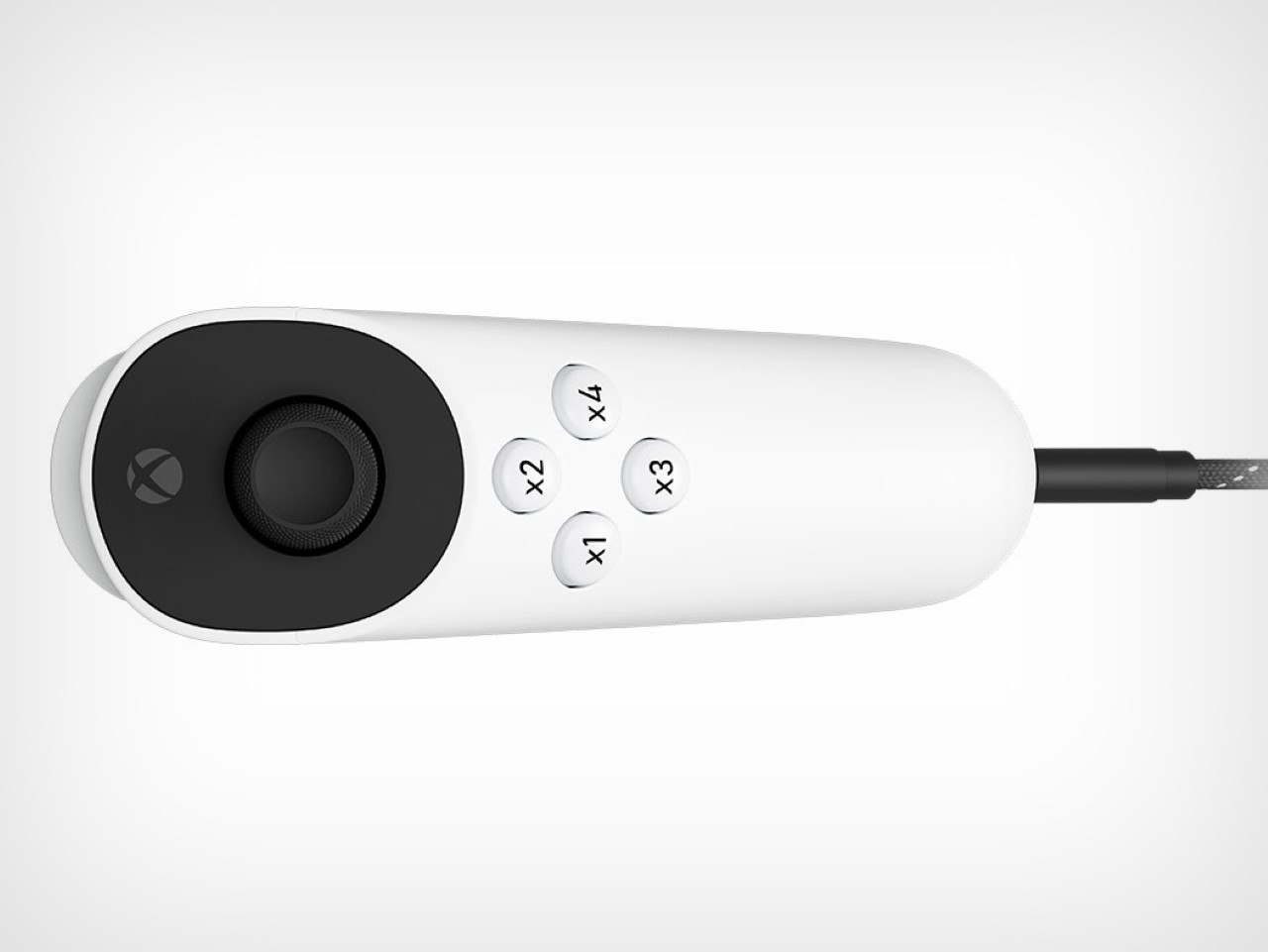
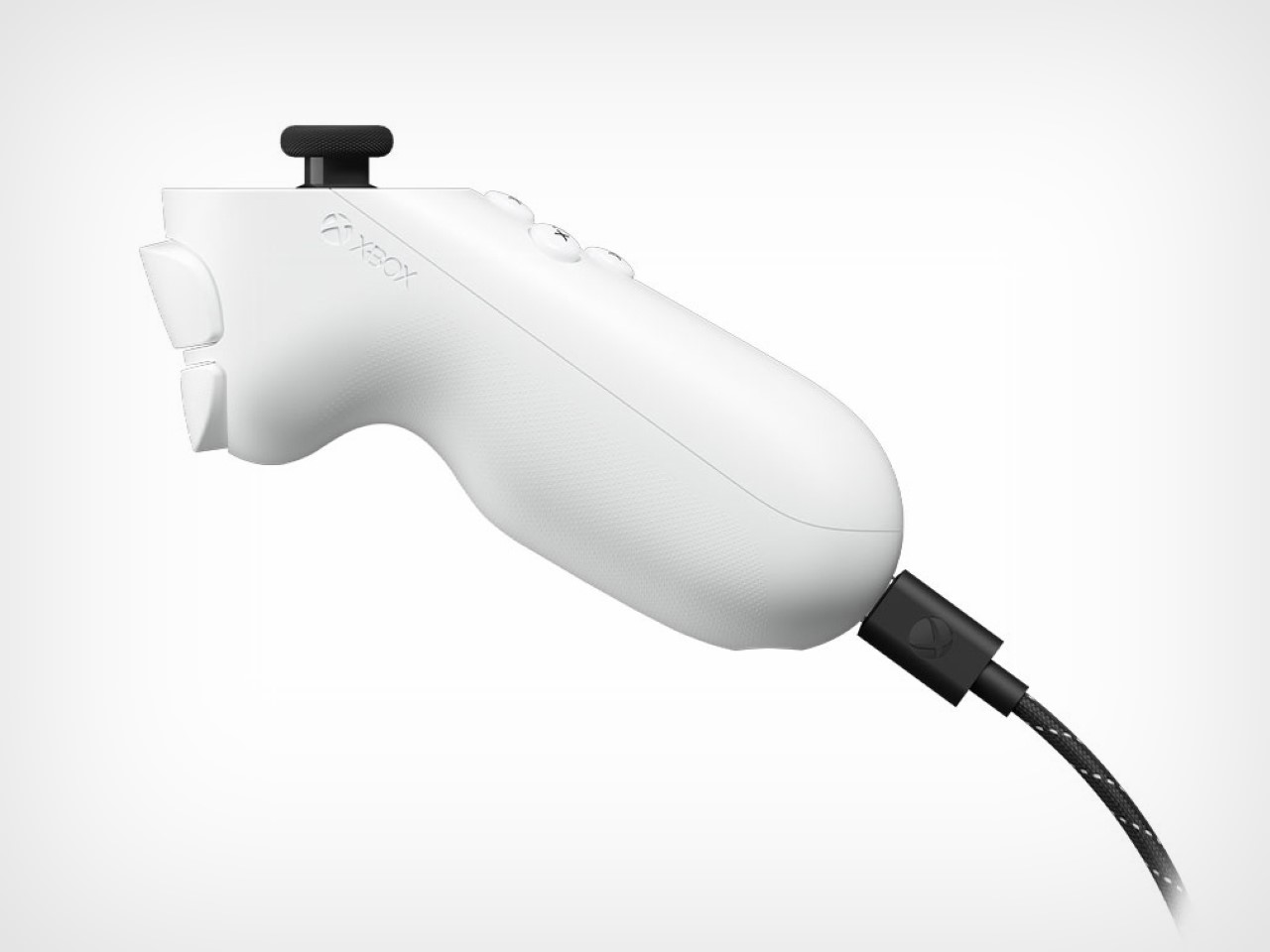
Designed specifically for gamers with limited mobility, this joystick aims to enhance the already extensive Xbox accessibility ecosystem. Unlike many controllers that rely on a standard form factor, the Xbox Adaptive Joystick breaks away by offering a unique blend of adaptability and modularity. The joystick is a wired companion for the Xbox Adaptive Controller, but it can also function independently, directly connecting to both Xbox consoles and PCs. The design focuses on user flexibility, with customizable buttons and a thumbstick that can be easily adjusted to suit different needs.

Designer: Microsoft

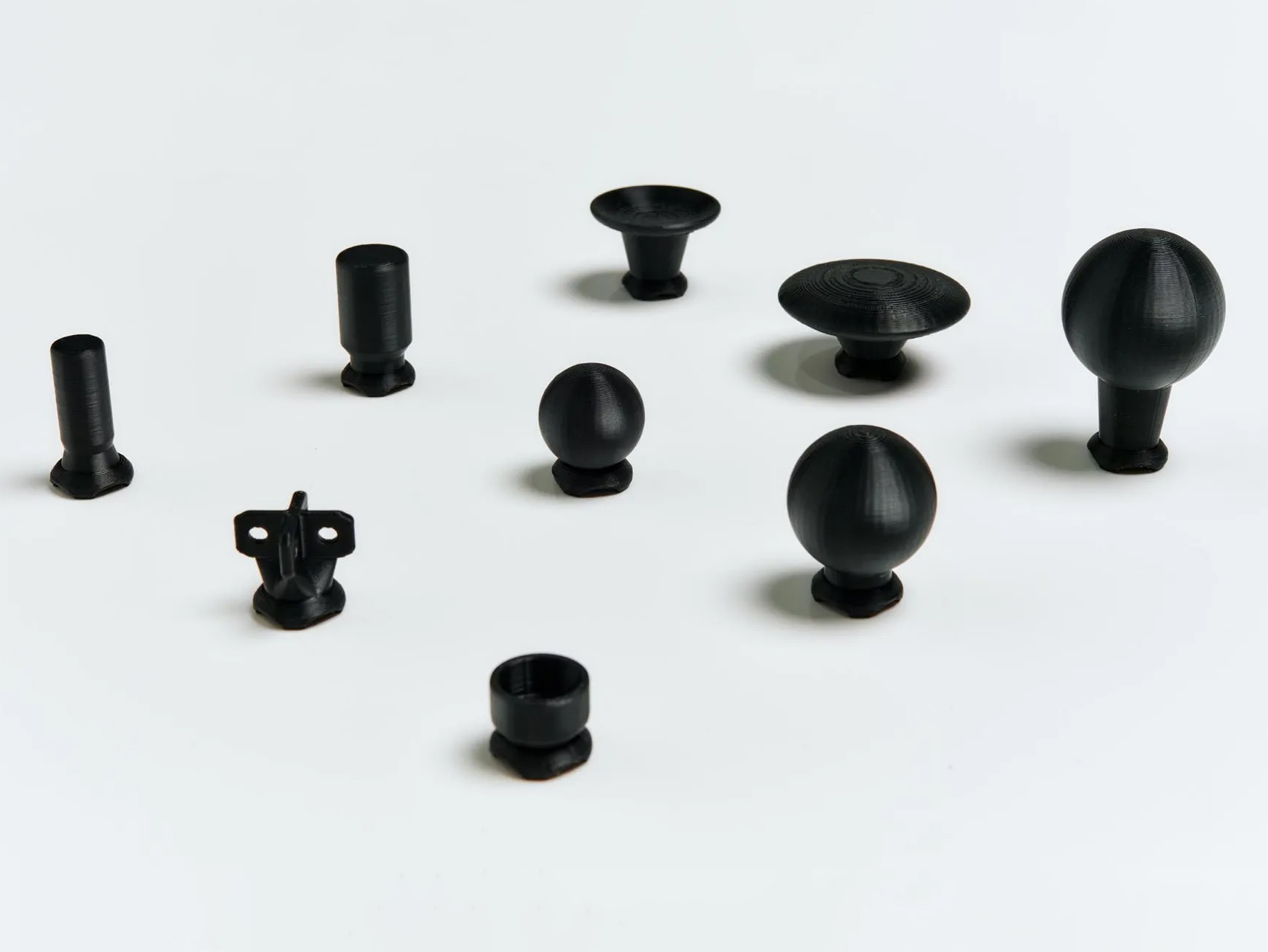
The Xbox Adaptive Joystick includes four programmable buttons, a thumbstick, and two additional buttons for bumper and trigger controls. One of the standout features is the option for users to 3D print thumbstick toppers, allowing them to modify the height, width, and overall feel of the joystick. As highlighted by Kaitlyn Jones, Xbox’s senior accessibility product manager, the design process involved extensive collaboration with the disabled community. Early prototypes were shared with this group for feedback, resulting in a product that addresses specific challenges faced by players with limited mobility.

Incorporating community feedback has been central to the development of the Xbox Adaptive Joystick. During one session at a Seattle hospital, Microsoft engineers brought various prototypes, seeking input on aspects like grip size, button layout, and overall ergonomics. According to Chris Kujawski, a principal designer at Xbox, this iterative process ensured that the final product is not only functional but also intuitive for a wide range of users. The joystick’s versatility is further enhanced by its compatibility with the existing Xbox Adaptive Controller, allowing it to be part of a broader adaptive gaming setup.

Beyond just the joystick, Microsoft is working closely with other accessible hardware innovators. The Proteus controller, which has been refined and optimized for Xbox through this collaboration, showcases this commitment. Additionally, the 8BitDo Lite SE controller offers an alternative for those who require front-facing buttons in a familiar arcade-stick layout. This inclusive hardware ecosystem gives users options that go beyond the traditional controller experience, making gaming more accessible than ever before. As for Microsoft’s own Adaptive Joystick, it hits markets early next year, with a price tag of $29.99.

The post Microsoft’s Xbox Adaptive Joystick Comes With An Open-Source Design To Support 3D-Printed Parts first appeared on Yanko Design.
Meta approved Roto VR chair rotates with your head movements to makes gameplay immersive

Like with other simulators, motion sickness – leading to dizziness and nausea – is common in VR. Some people get uncomfortable when they don a headset and dive into virtual reality.  This is because the brain essentially gets disturbed while you stand still and the environment around you moves. This disturbance in brain equilibrium means you begin feeling nauseous or dizzy.

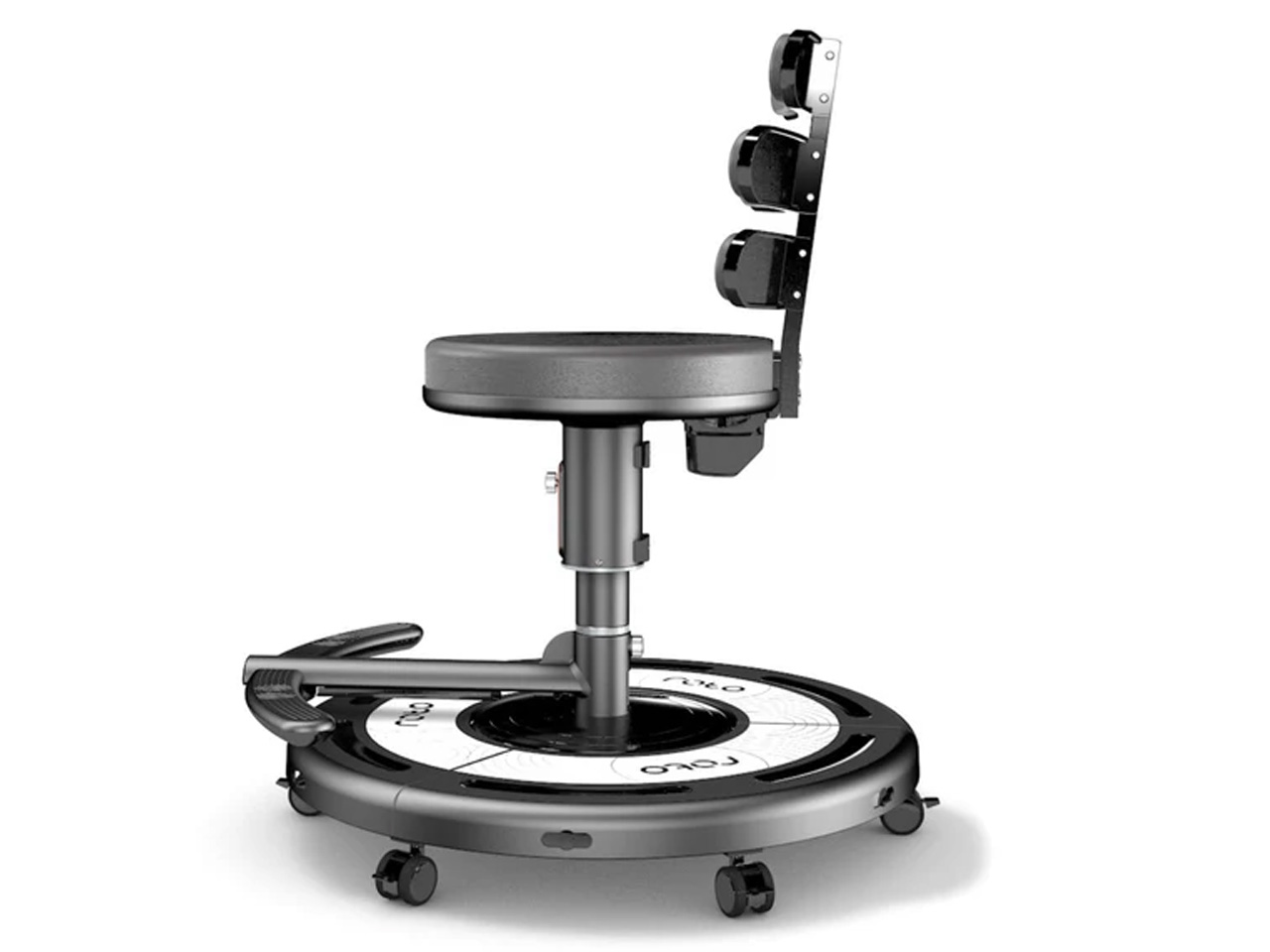
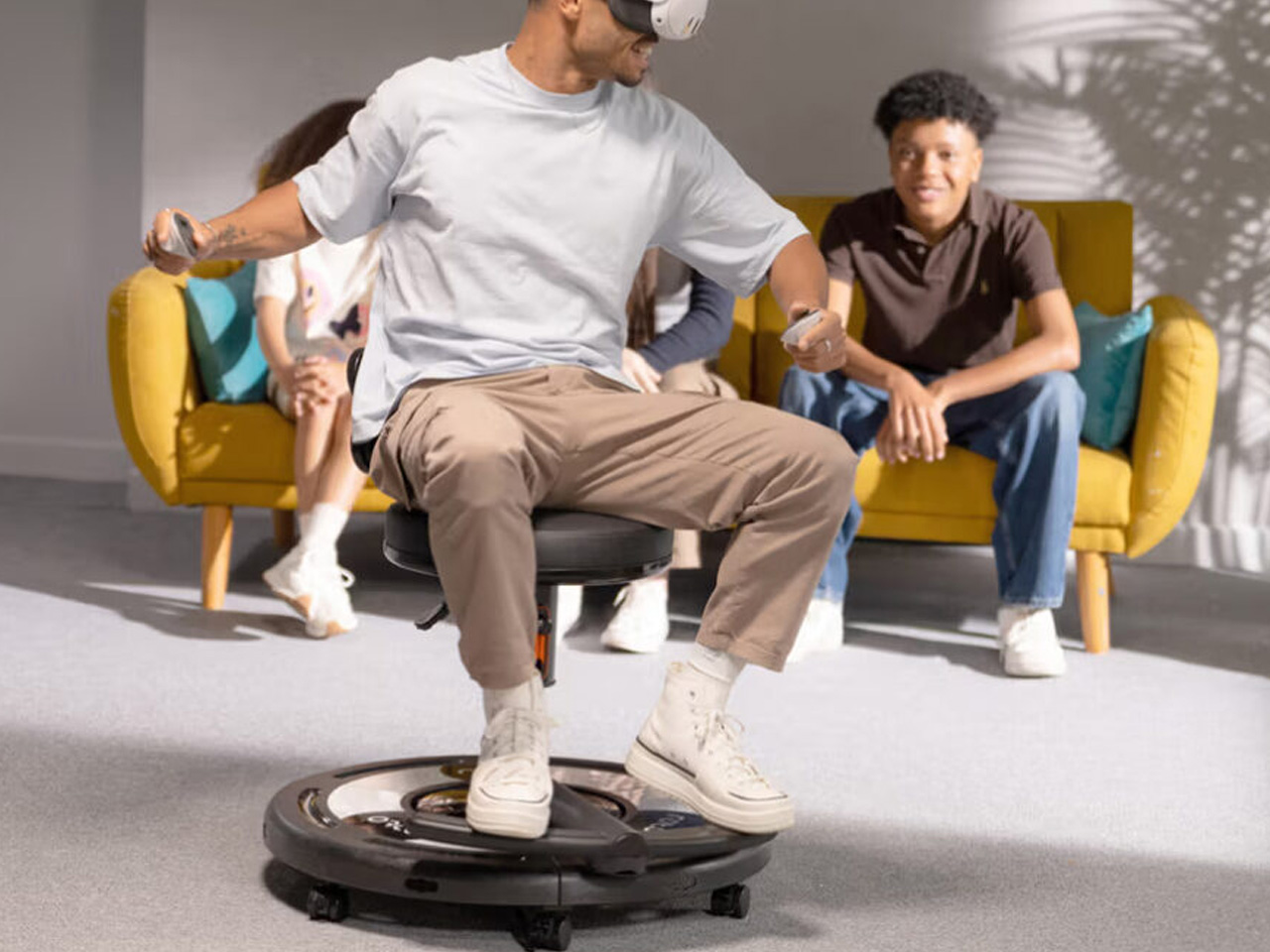
London-based Roto VR is ready to change the game for someone who feels the symptoms with the introduction of a motorized Explorer chair that rotates with the movement of the VR user’s head, making sure there is no indecisive movement in the environment, which the brain cannot register and begins to trigger nausea. Chair intends to make the virtual environment more immersive and less distorting!

Designer: Roto VR

This is a major piece of VR furniture that matches real-world movements with that of the headset. Of course, then it requires a headset to function and would take up a lot of space in your home. But it is significant for all of us who desire complete physical transportation into the virtual world, which is far and above what the headsets have to offer even after evolving rapidly in the last few years.

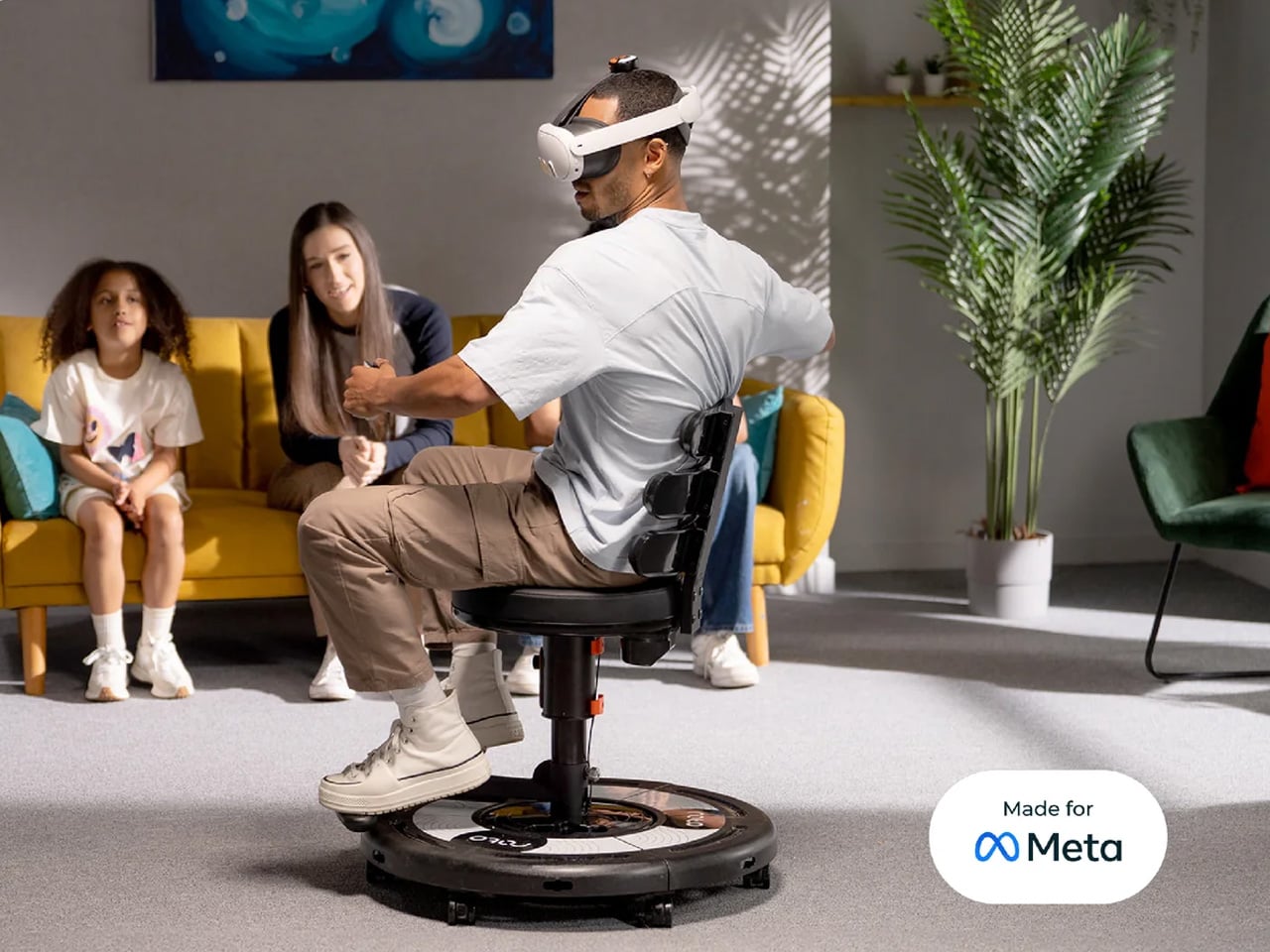
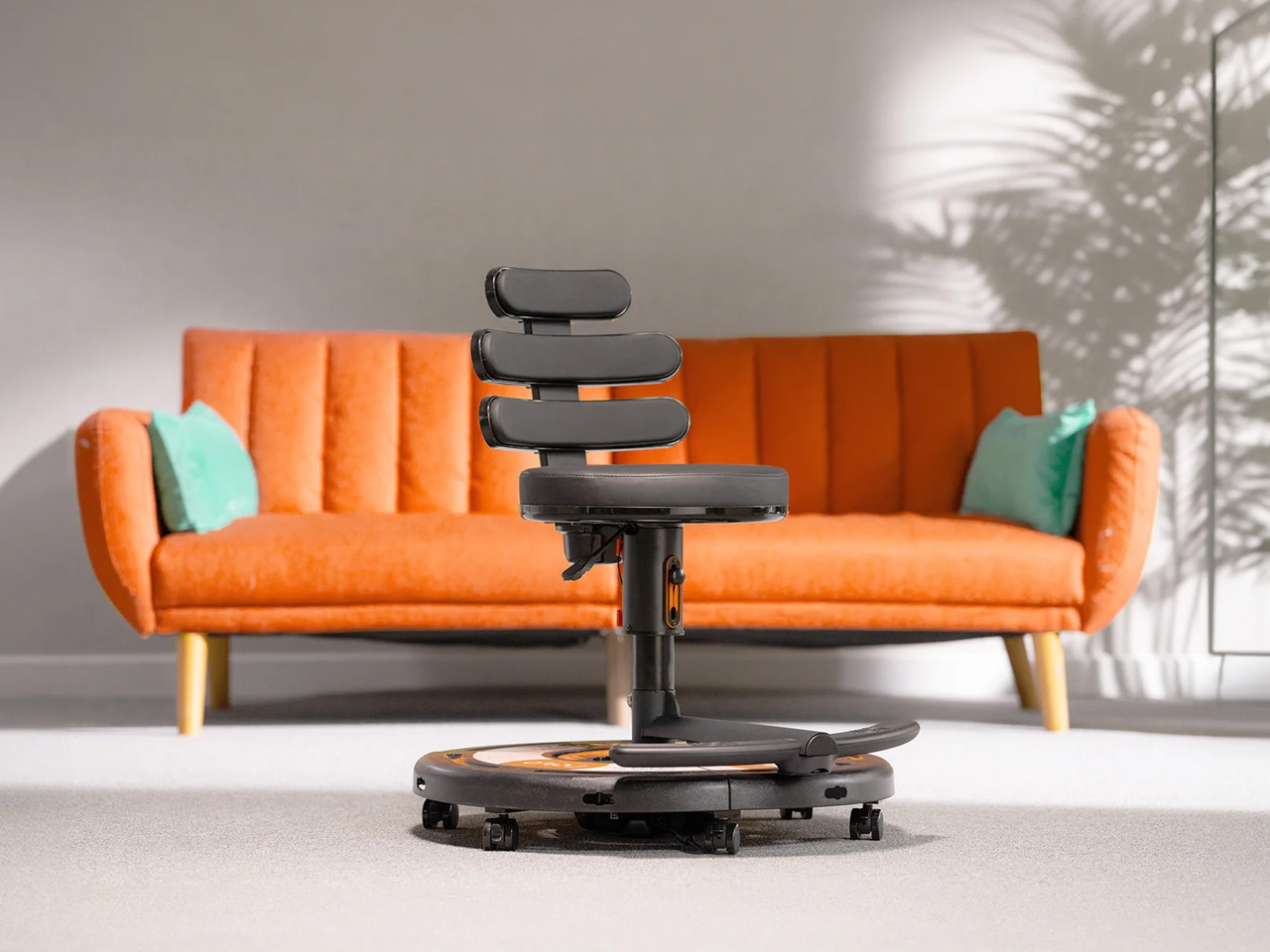
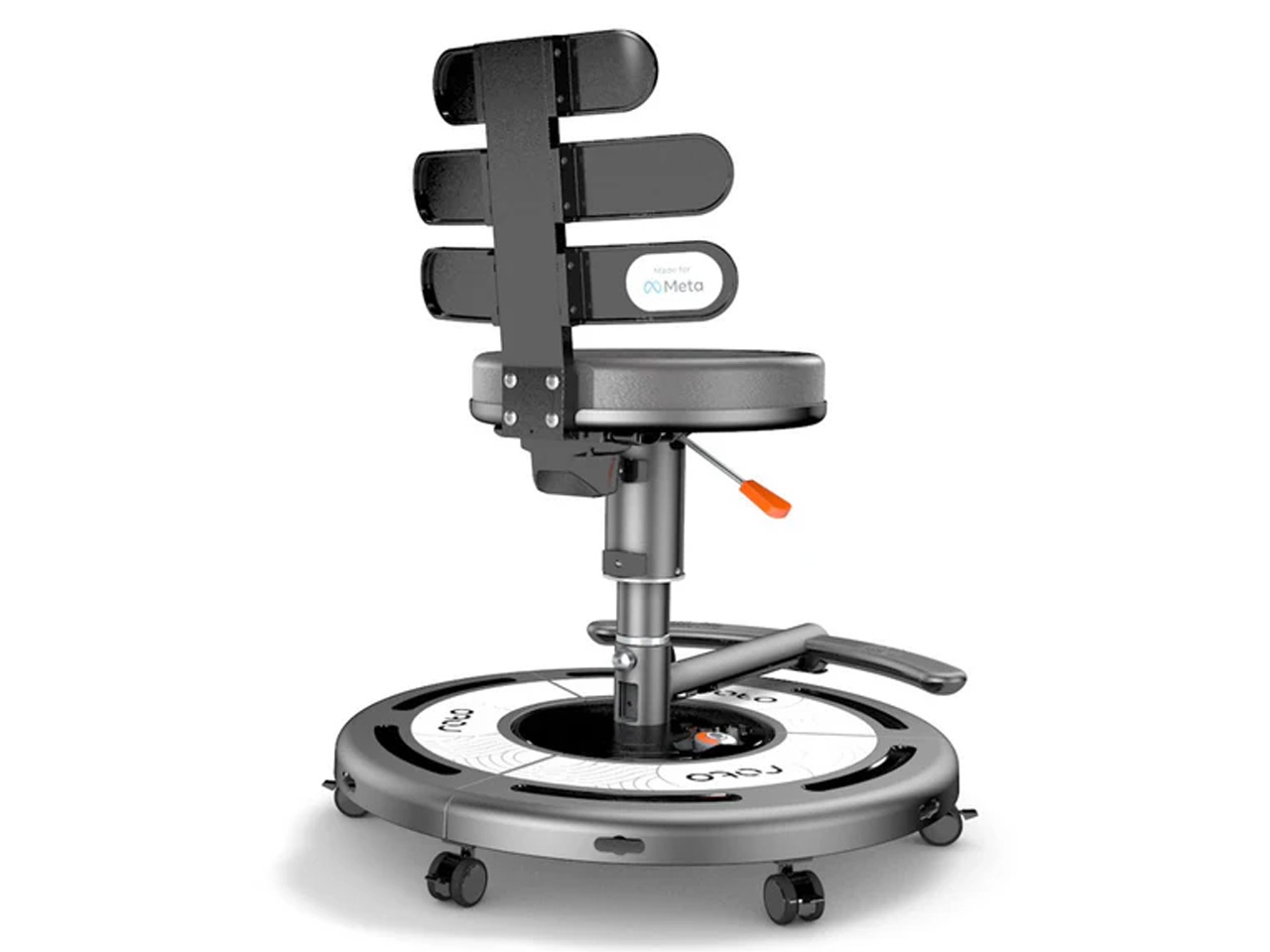
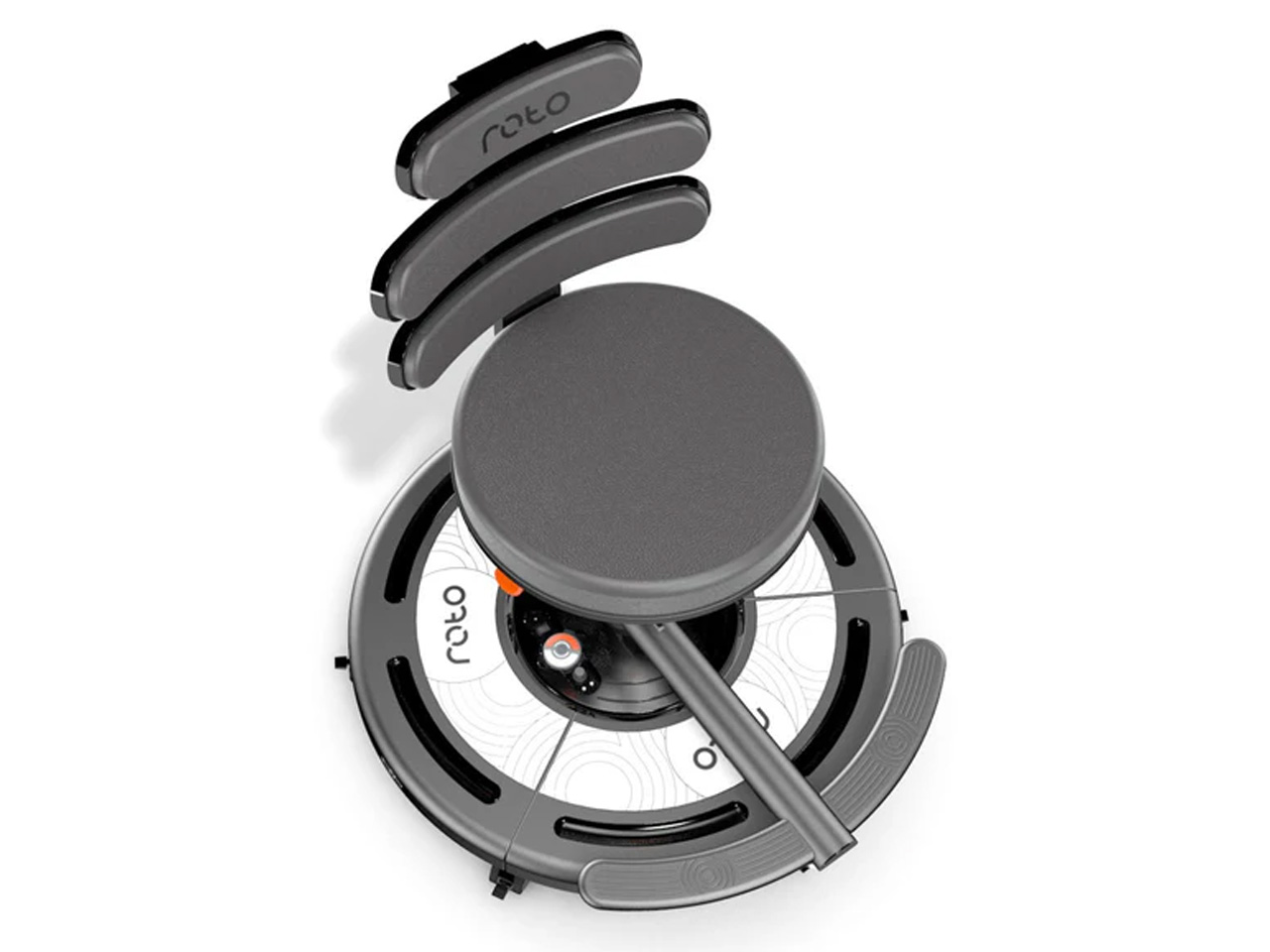
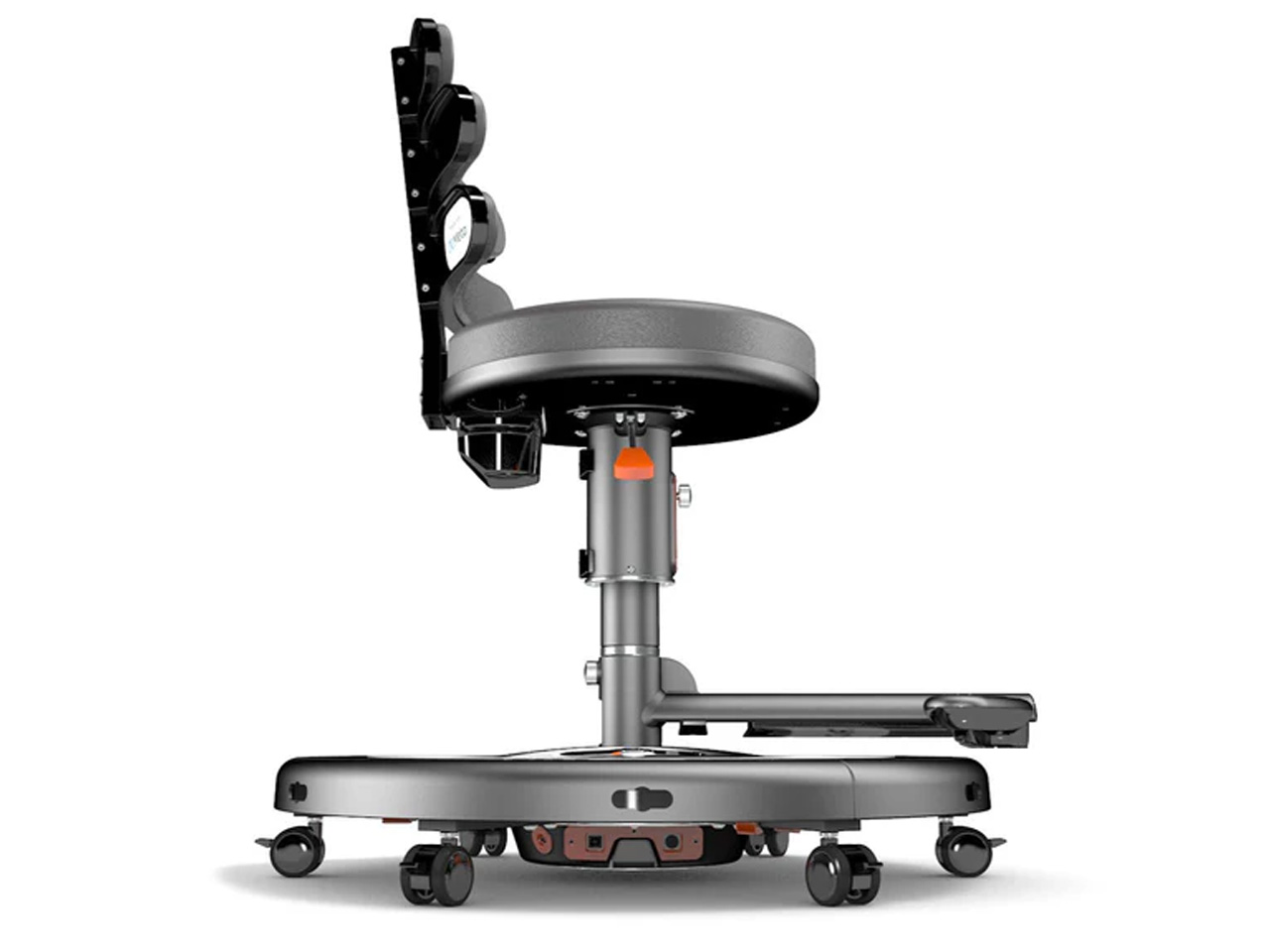
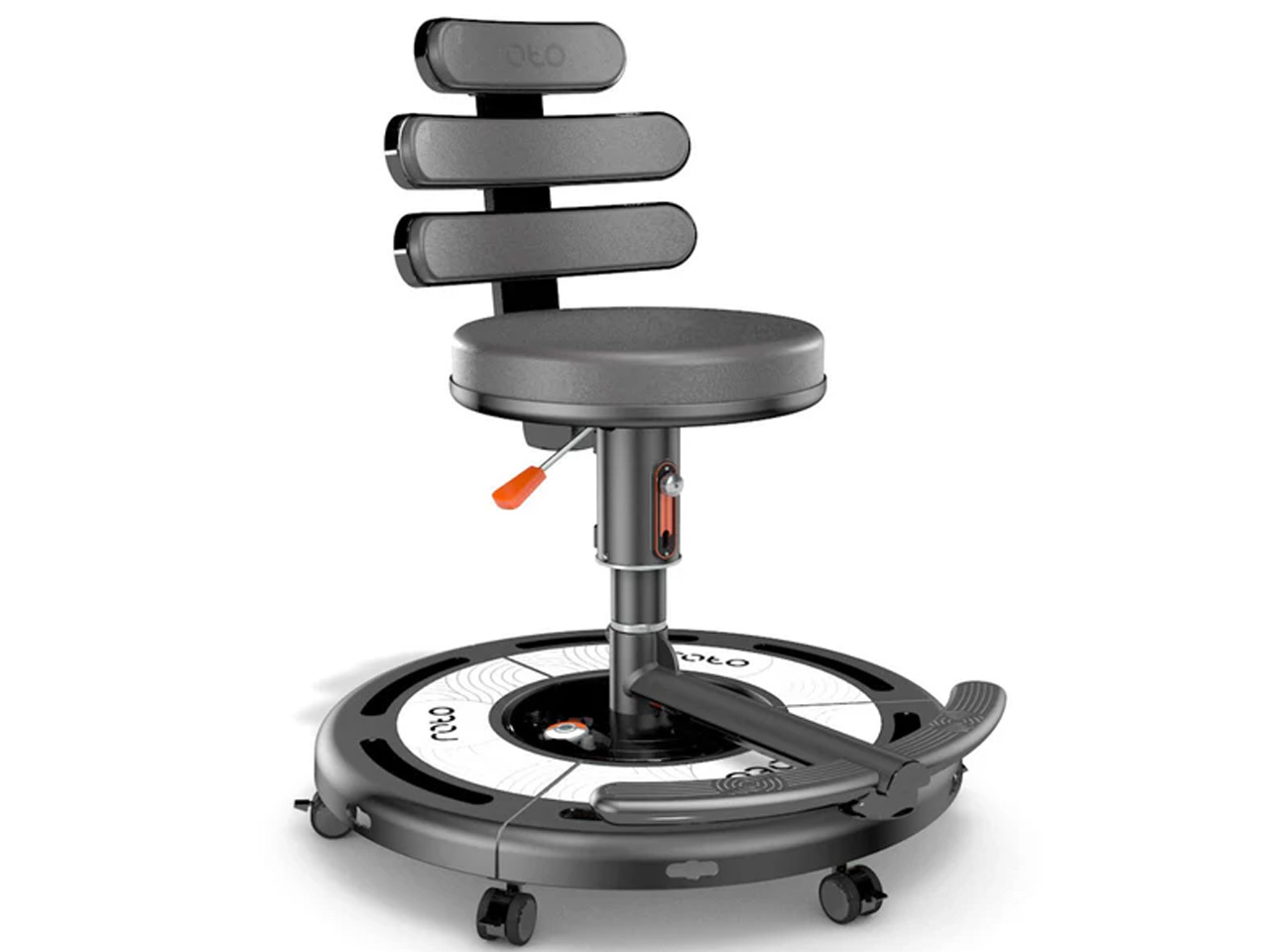
World’s first interactive VR chair, the Roto VR Explorer, is a sophisticated motion device that provides haptic feedback to the body. The chair looks pretty ordinary until you gawk at its round base integrated with an electric motor. This base rotates the chair 360-degrees at up to 21 revolutions per minute (though the speed matches the intensity and speed of the user’s head). Slow head movement, equally slow rotation, and the faster the movement, the quicker it spins until reaching the top speed.

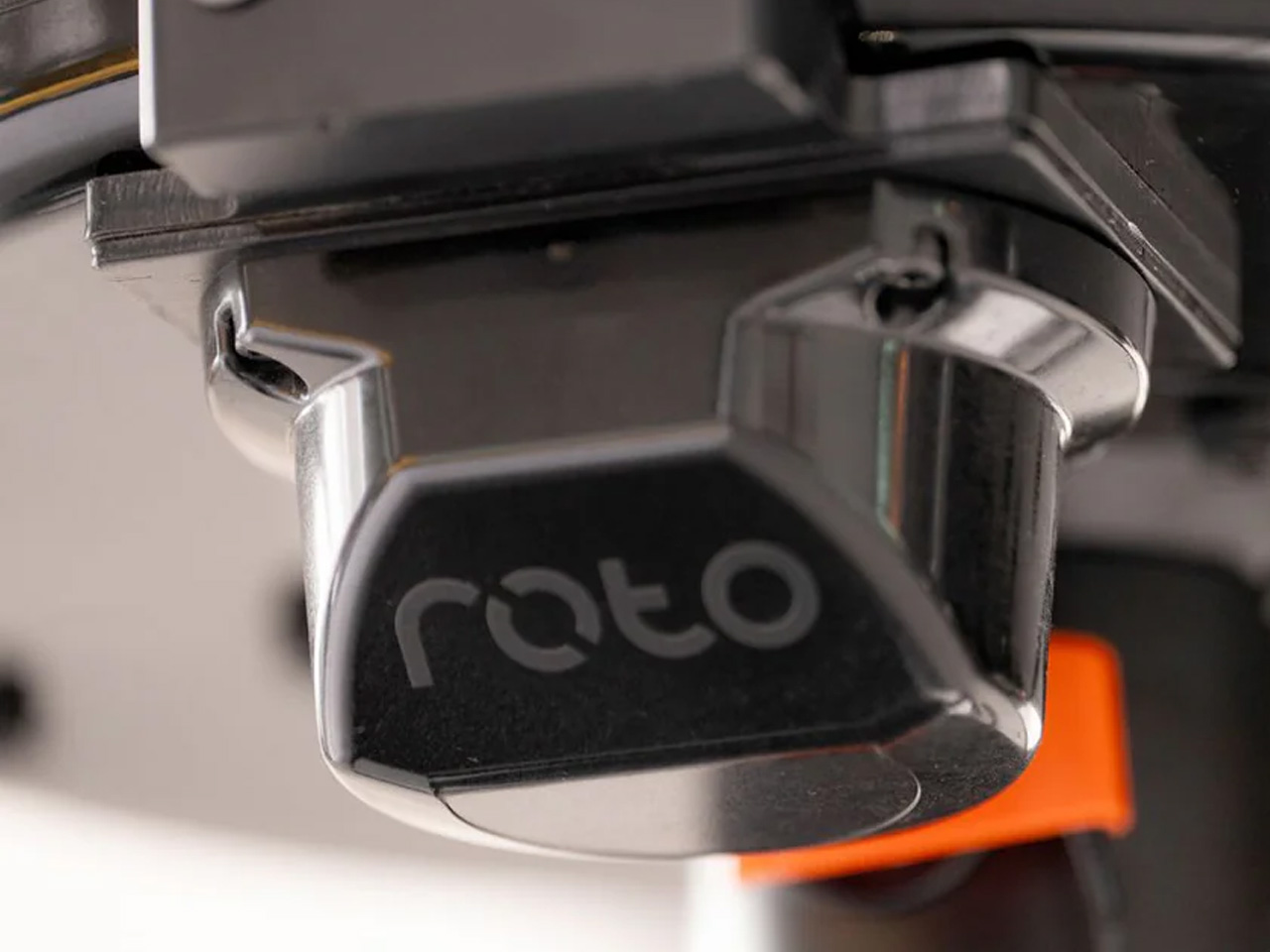
The chair spins in the direction of the head of the user with a Meta Quest headset on. The head strap of the Quest is attached to a dedicated Roto head tracker, which can capture the motion and head movement for precise motion tracking. Interestingly, the Roto VR Explorer chair is provided with the “Made for Meta” stamp, substantiating that the device is authorized by Meta and meets all industry standards. That said, the rotation of the chair is triggered by the motion sensing tracker attached to the headset, which suggests that the chair can be used with other headsets as well and there is no rigidity despite that Meta earmarking.

The Roto VR Explorer chair is attached with two pedals – right above its base – for running simulation. Of course, the chair does not vouch to eliminate motion sickness entirely; VR users will still experience nausea moving back and forth. If you think, the chair deserves a chance in your VR environment, you can now preorder it at £799. Delivery will begin in October 2024.

The post Meta approved Roto VR chair rotates with your head movements to makes gameplay immersive first appeared on Yanko Design.
Samsung Odyssey 3D offers a glasses-free 3D experience for gamers and creators

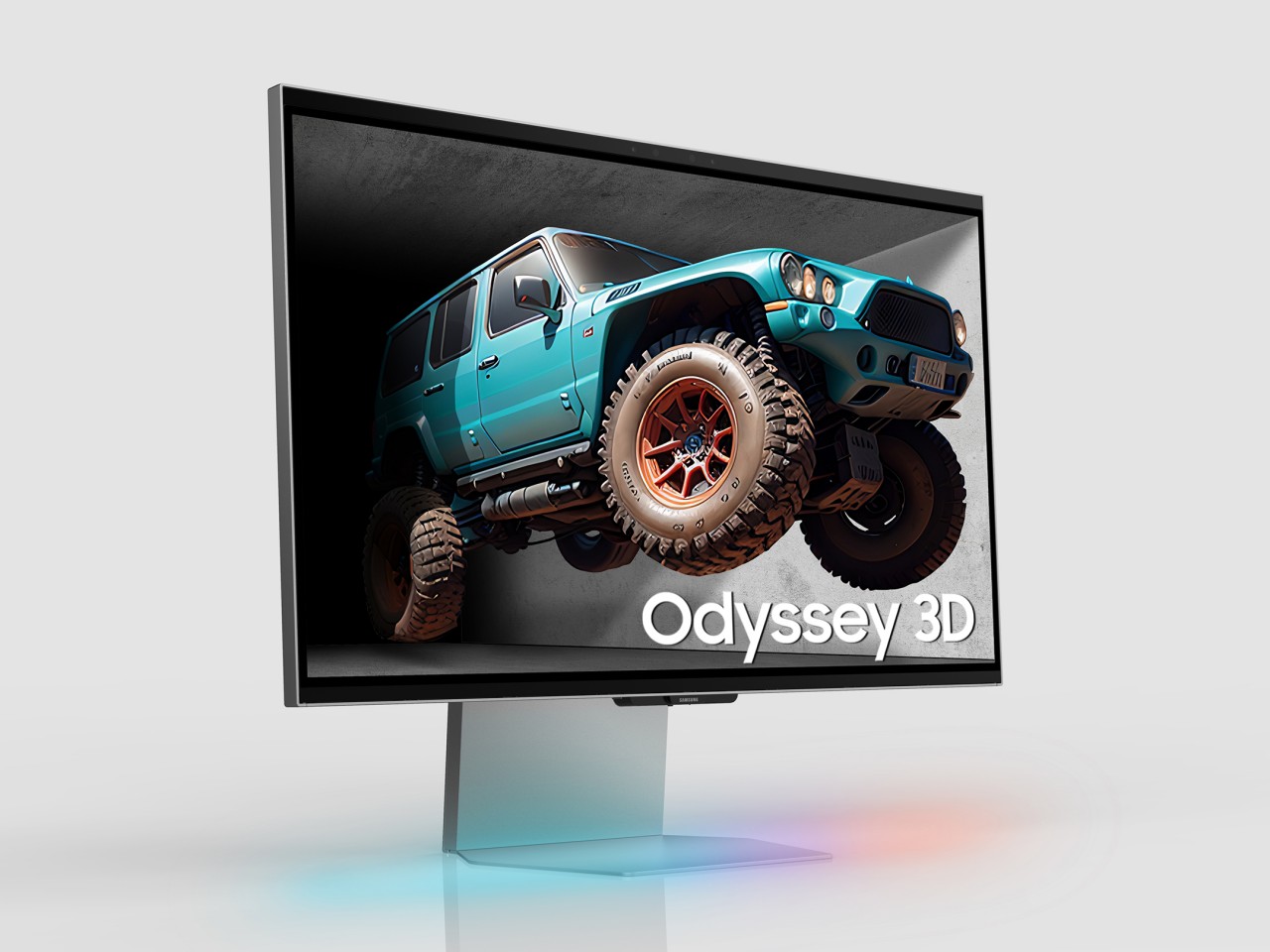
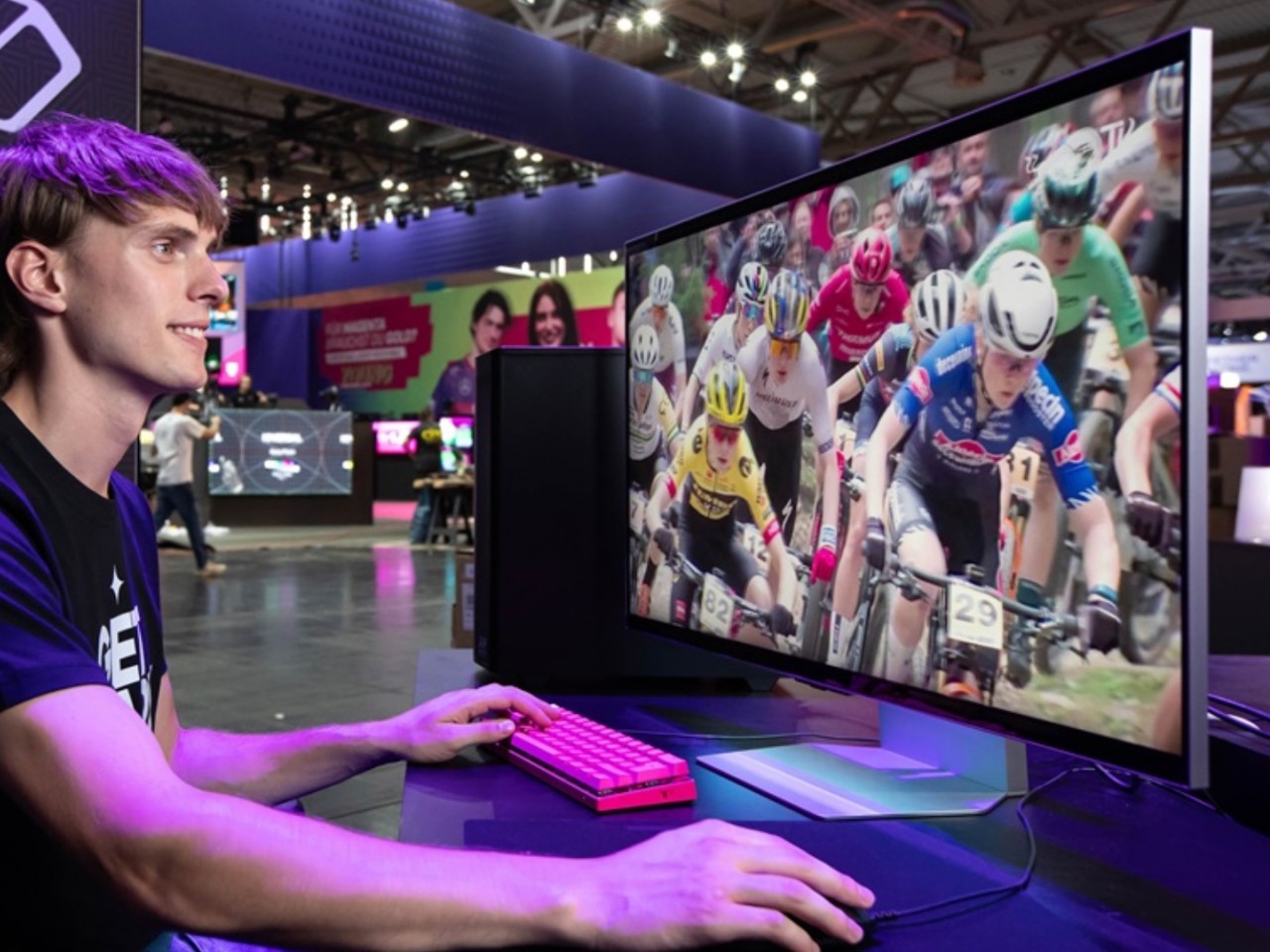
We live in a three-dimensional world and see in three dimensions, and yet the computers and mobile devices we use every day are confined to flat, 2D space. Mixed reality and spatial computing are trying to bridge that gap, but they still project flat virtual objects in the real world and, more importantly, require wearing goggles or headsets. In fact, most stereoscopic 3D experiences require some sort of eyewear, at the very least glasses that guide images to the correct eye. That is until monitor makers have gotten smarter and have started to implement 3D displays that don’t need glasses to work, like the new Samsung Odyssey 3D shown off at Gamescom 2024 this week.
Designer: Samsung

Our eyes see in 3D because they can view objects at two different angles due to the space between them. Stereoscopic 3D tries to mimic our innate binocular vision by projecting two different images, shifted slightly at an angle, which are then sent to the right or left eye as necessary. This re-direction requires polarizing filters to work, which is why people have to wear glasses when watching 3D movies. Impressive as the experience might be, it’s definitely inconvenient, especially for those that wear prescription glasses, and can’t be used for general-purpose computing, until now.

Image courtesy of SamMobile

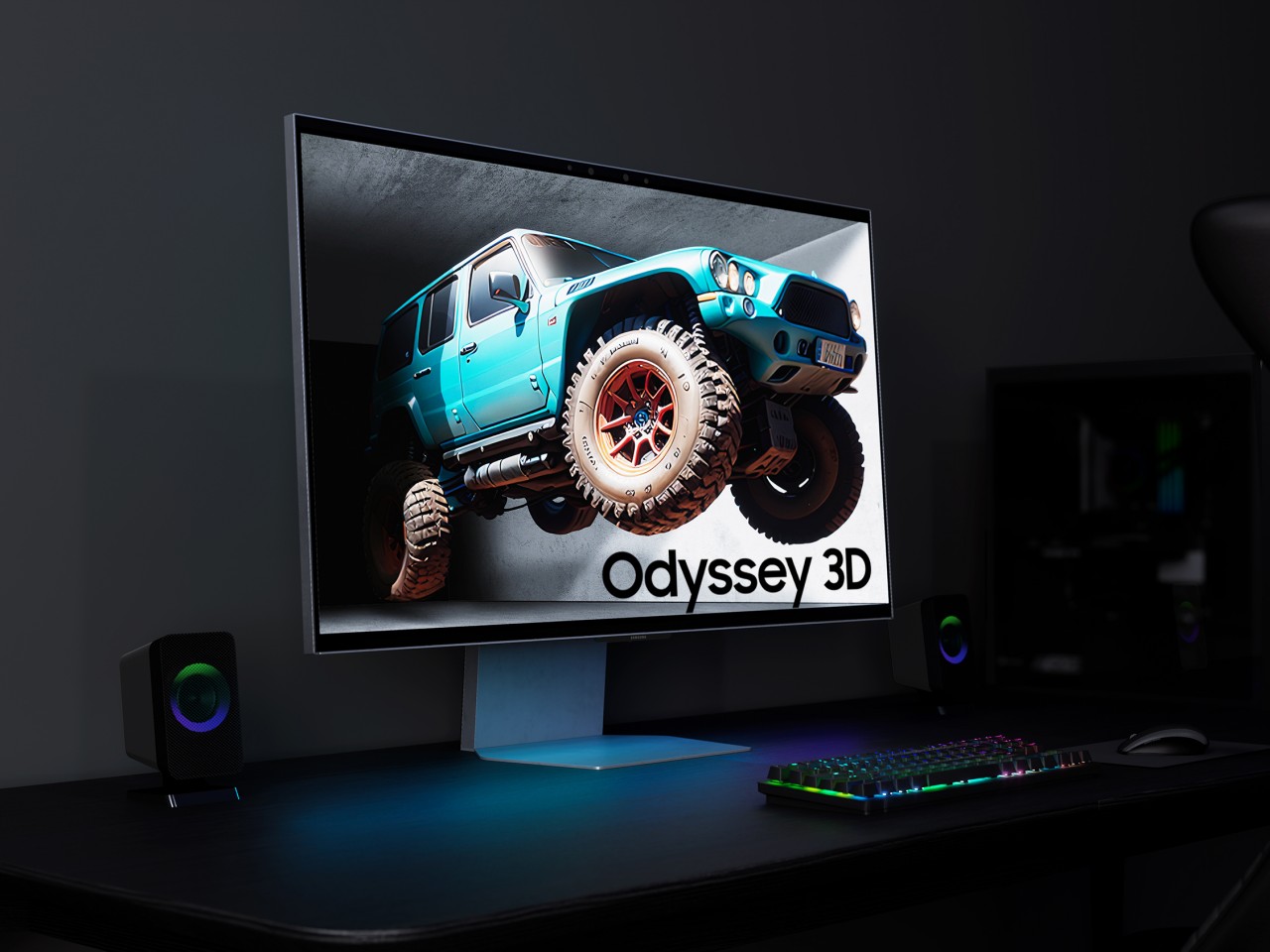
The Samsung Odyssey 3D is the latest in a new breed of computer monitors that promise this same stereoscopic 3D experience without having to put anything in front of your eyes. The monitor has built-in stereo cameras that track the movement and position of each eye. View mapping creates two sets of images which are then displayed separately to each eye thanks to a lenticular lens on the front panel. It creates the same effect of seeing floating 3D images but without the hassle of glasses or headsets.

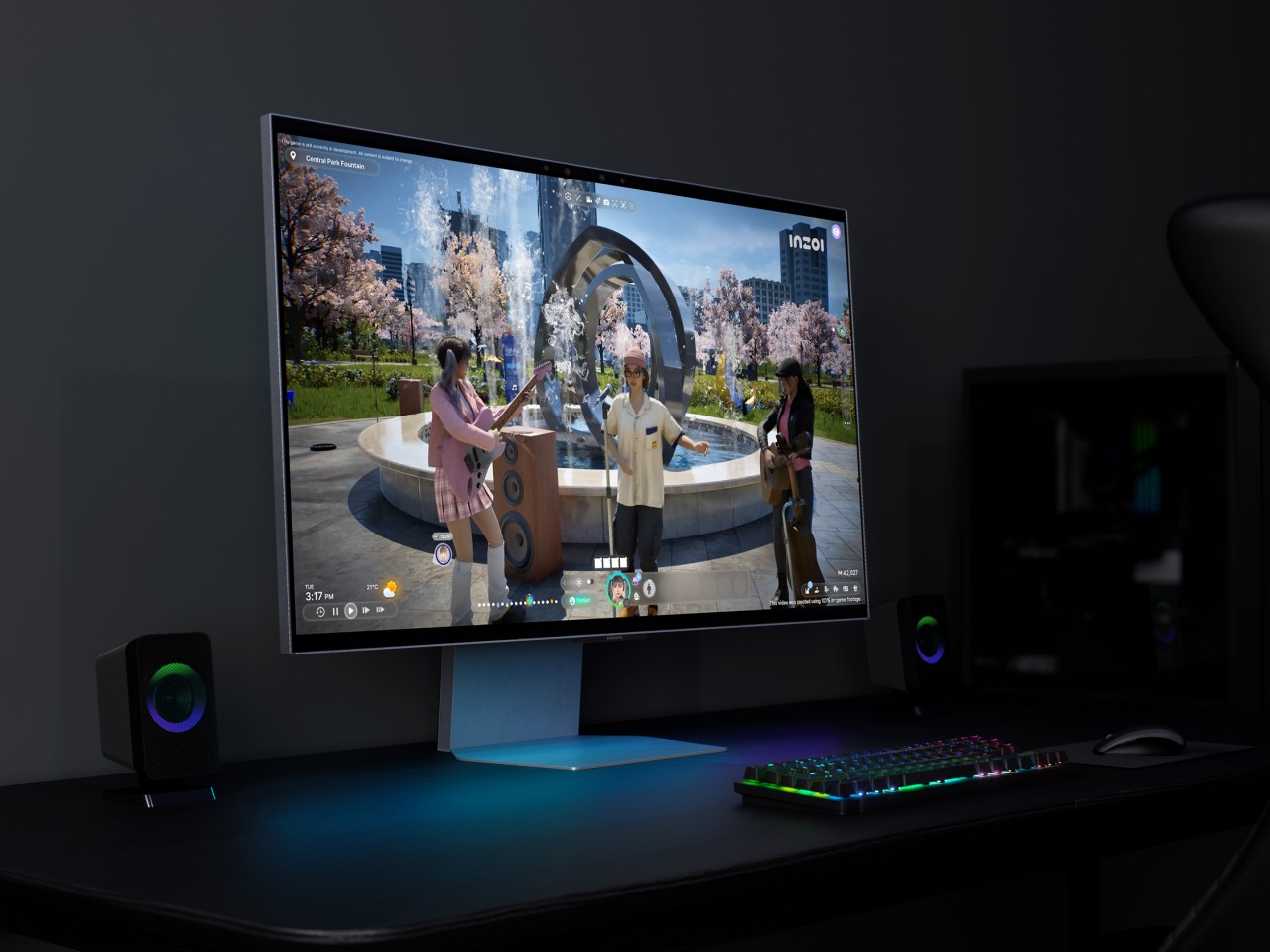
The monitor is primarily targeted at gamers, which is why it boasts features like 4K resolution, a fast 1m gray-to-gray response time, and a 165Hz refresh rate. Of course, the need to see 3D images as they truly are isn’t just limited to entertainment, since those creating assets for these games will also want to check if they’re 3D models are displaying correctly. Monitors like the Samsung Odyssey 3D will eventually become an invaluable tool for designers, artists, and content creators who might want to work in 3D space right from the start.

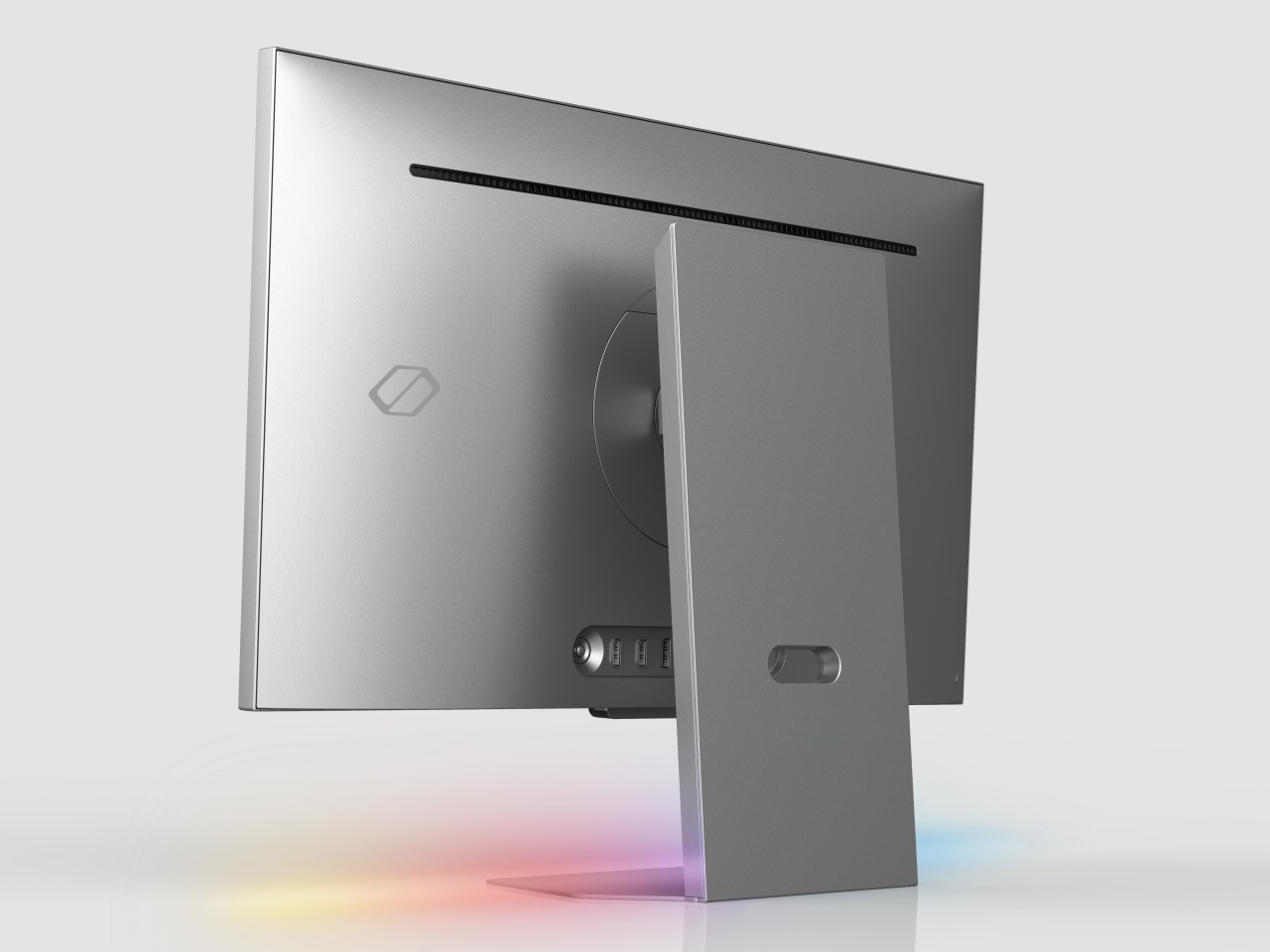
Of course, this glasses-free 3D monitor also functions as a 2D monitor, and you can seamlessly switch from one mode to another, depending on your use case. It also features an ergonomic Height Adjustment Stand, tilt capabilities, as well as HDMI 2.1 and DisplayPort 1.4 connectivity. Samsung hasn’t disclosed when the Samsung Odyssey 3D will launch and at what cost, but considering this monitor was first teased back in January at CES 2024, it probably shouldn’t be long now.

The post Samsung Odyssey 3D offers a glasses-free 3D experience for gamers and creators first appeared on Yanko Design.