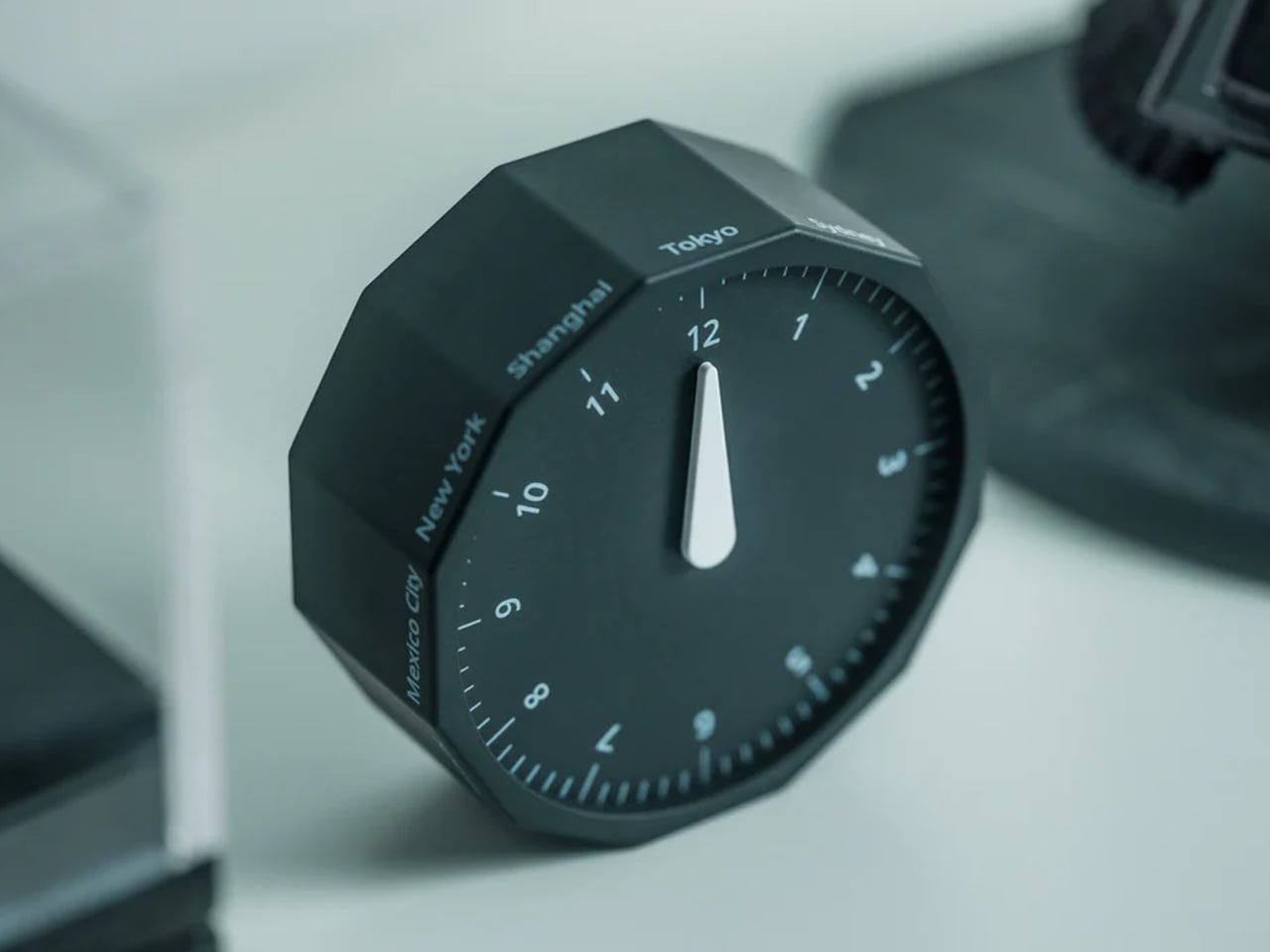
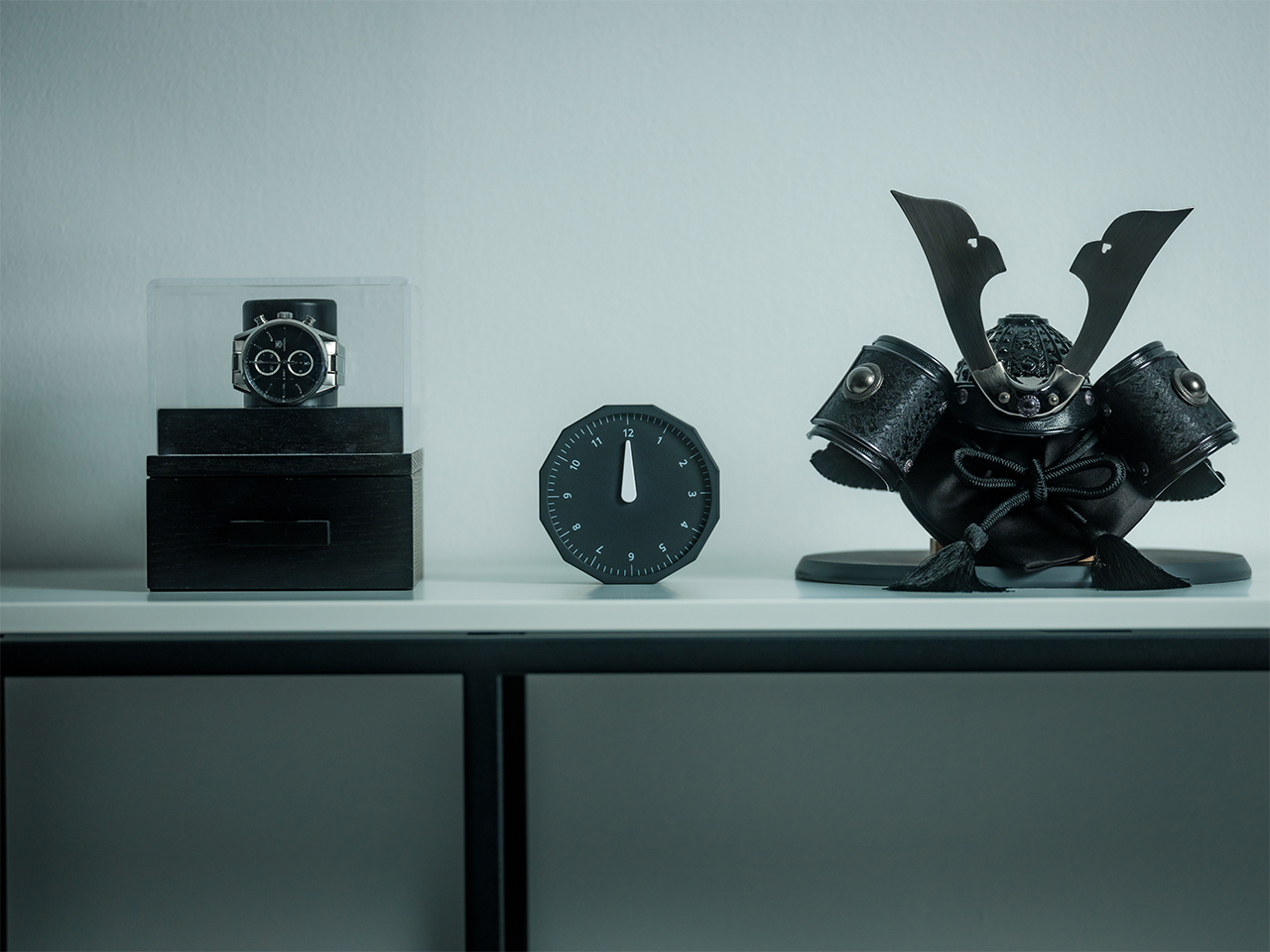
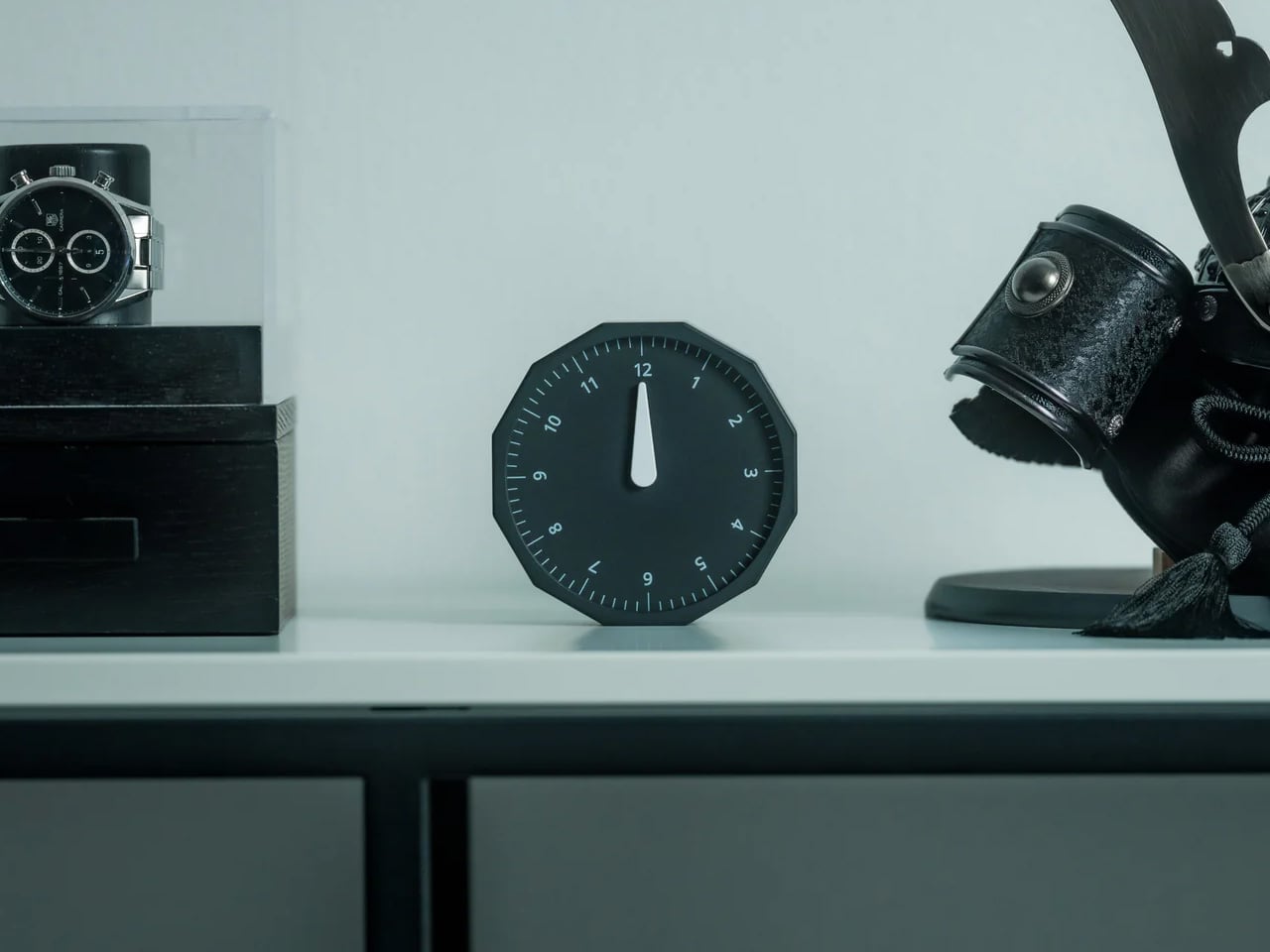
This 12-sided clock turns global timekeeping into a calmer desk ritual
Keeping up with different time zones sounds simple until it becomes part of your everyday routine. You check your phone before a call, open another tab to confirm the hour, do a quick mental calculation, and still second-guess whether it’s too early in Tokyo or too late in New York. Not to forget the perils of push-notifications – a quick check of time leads you down a drain of doom-scrolling that you take an hour to return from! To add a layer of analog convenience in this increasingly digital setup, I present the Rolling World Clock.
Why Traditional World Clocks Never Quite Feel Right
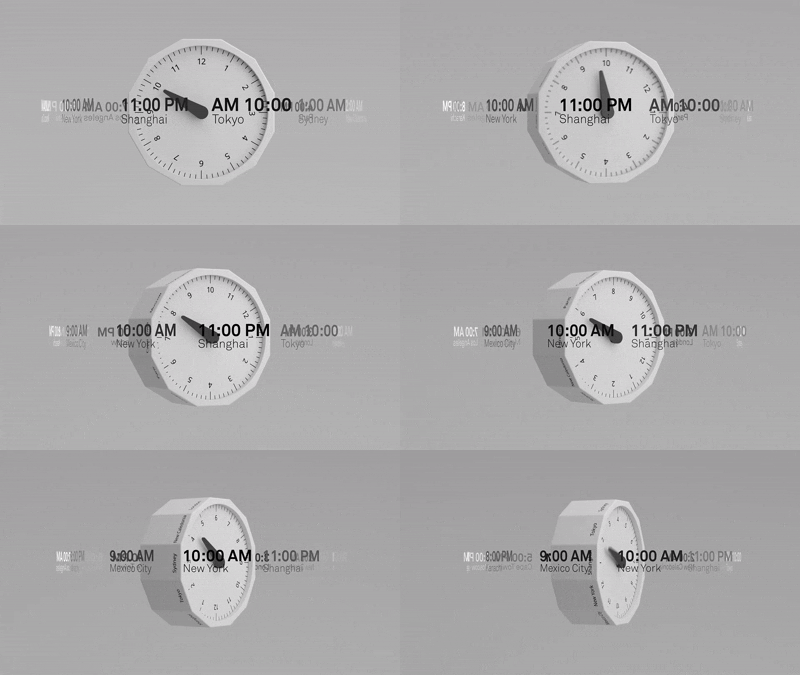
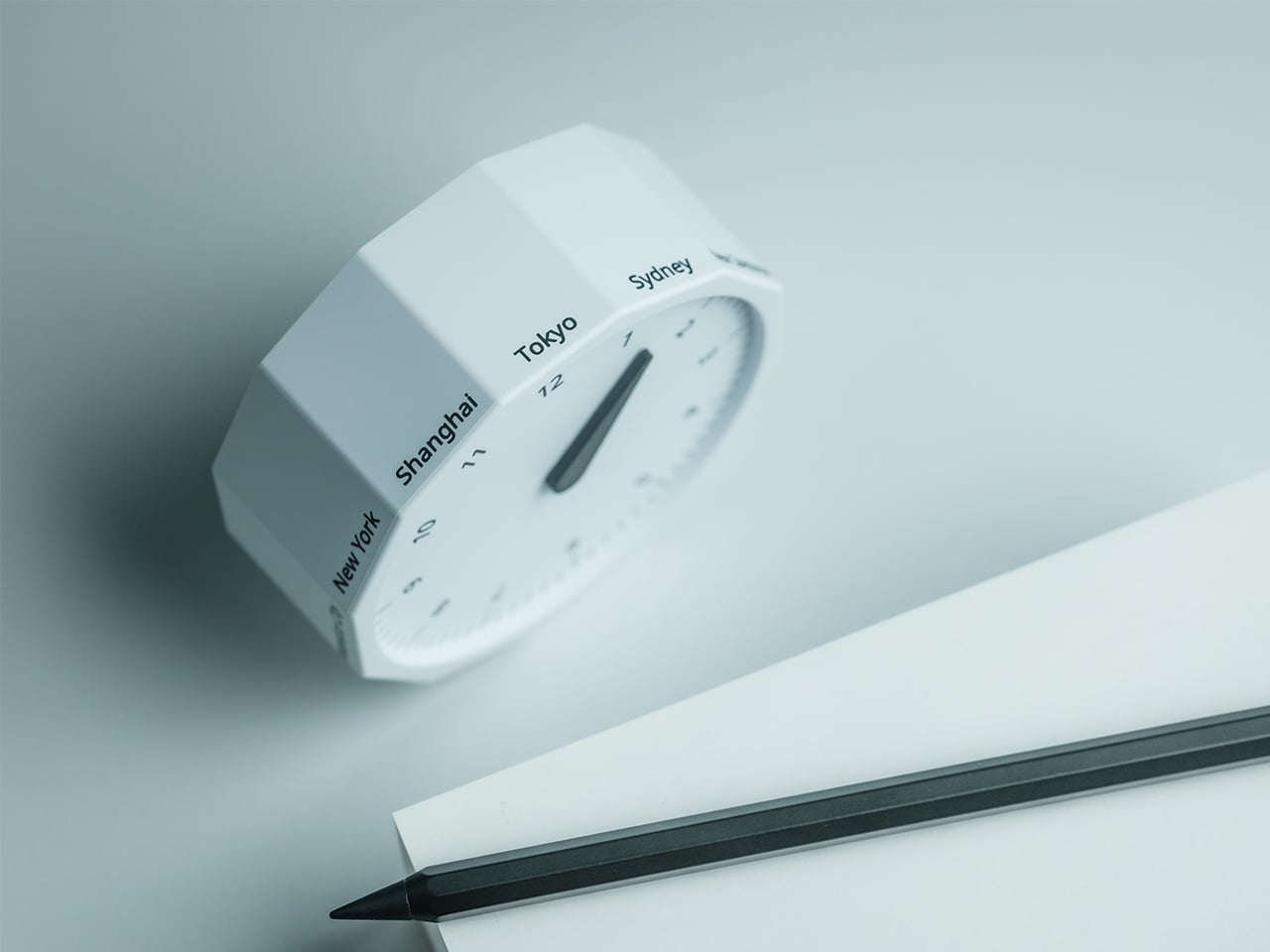
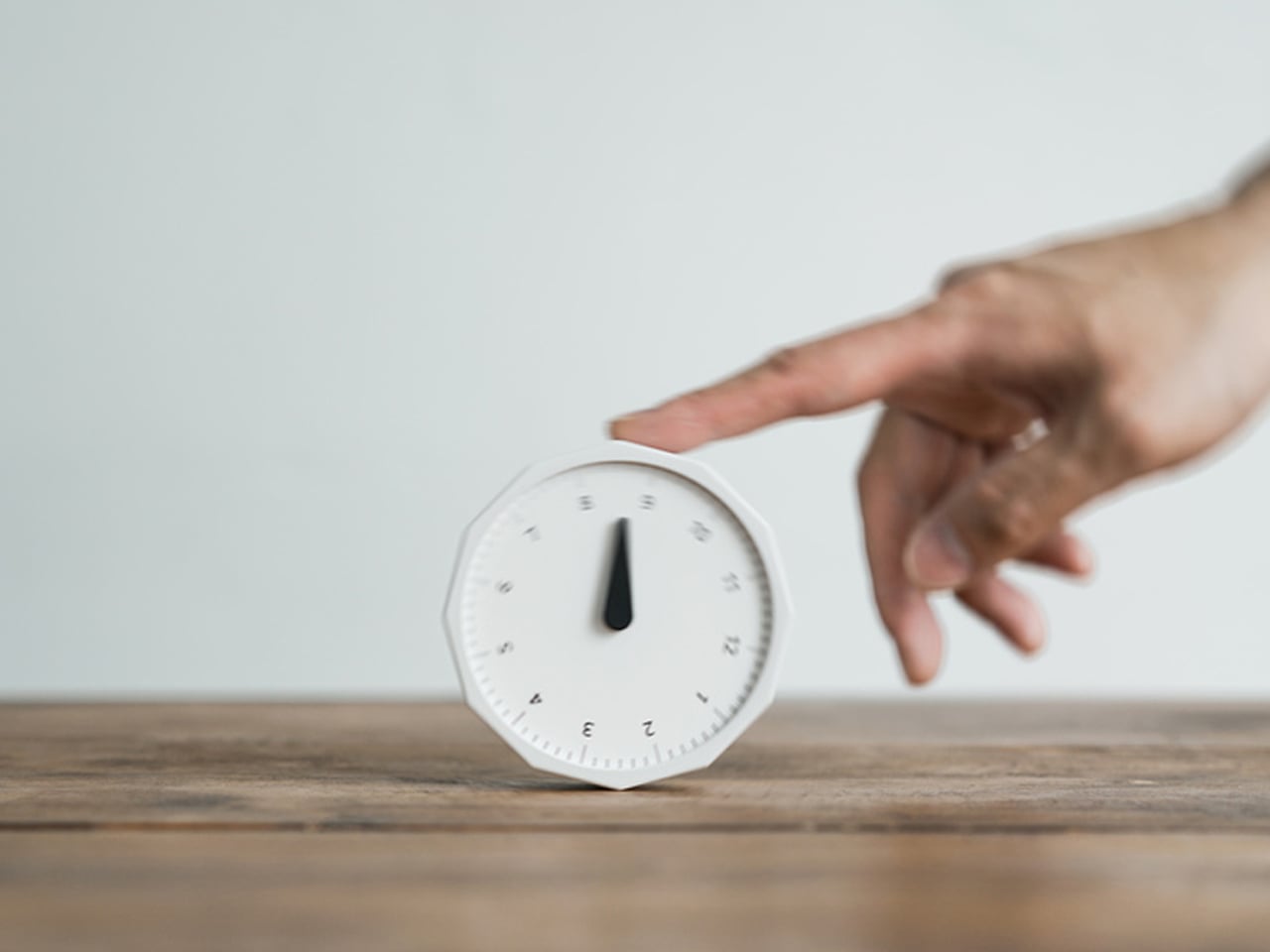
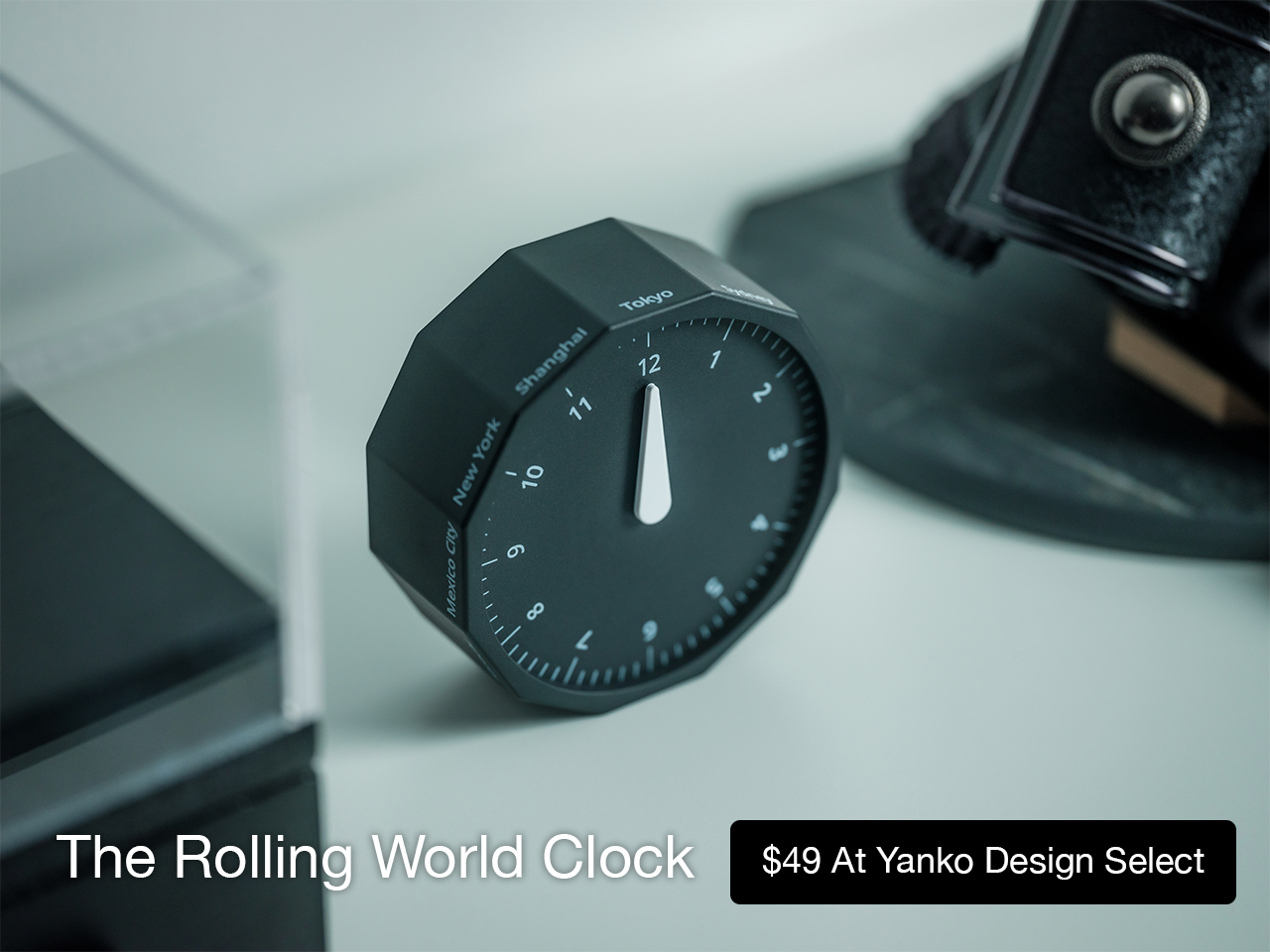
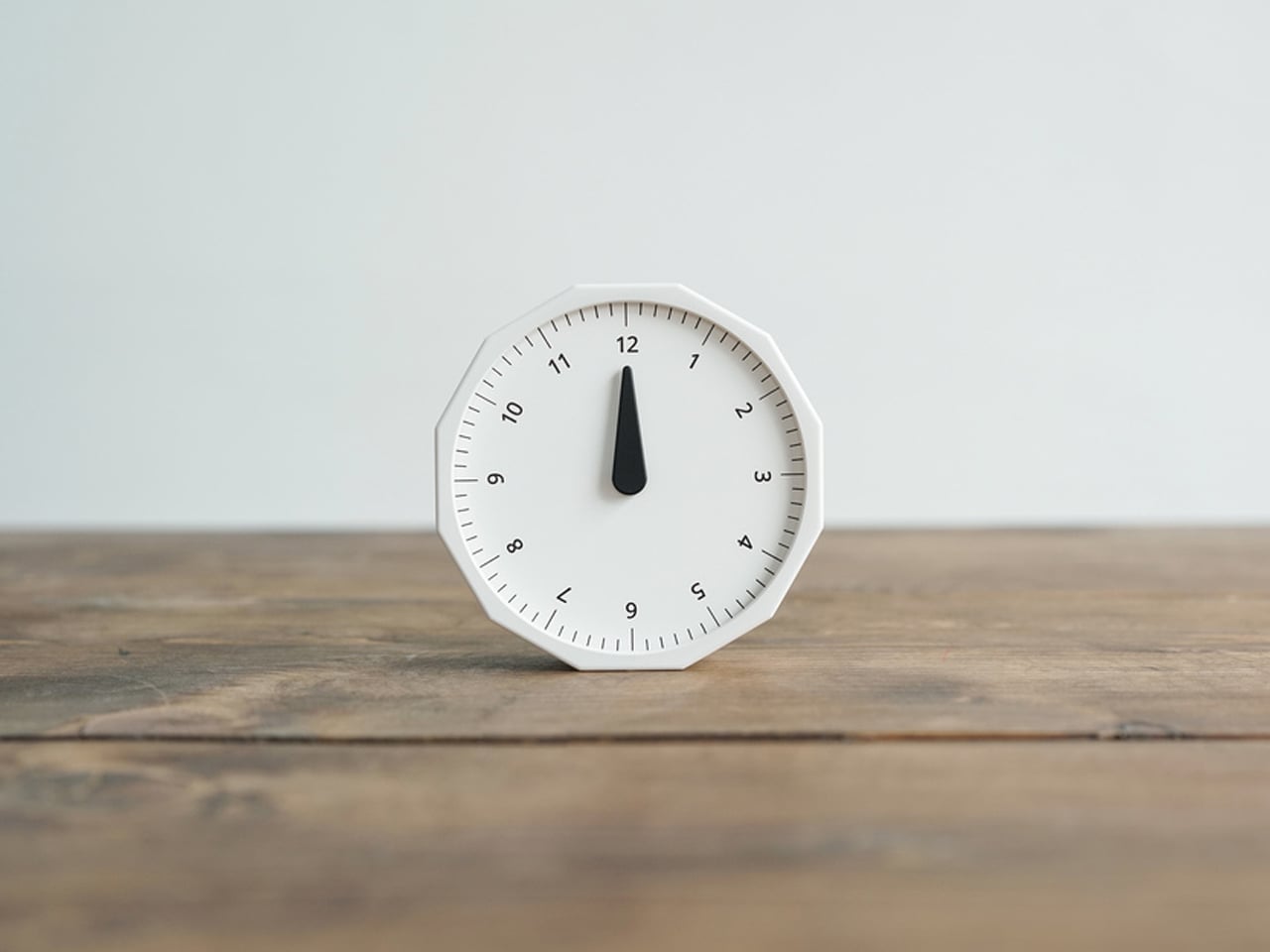
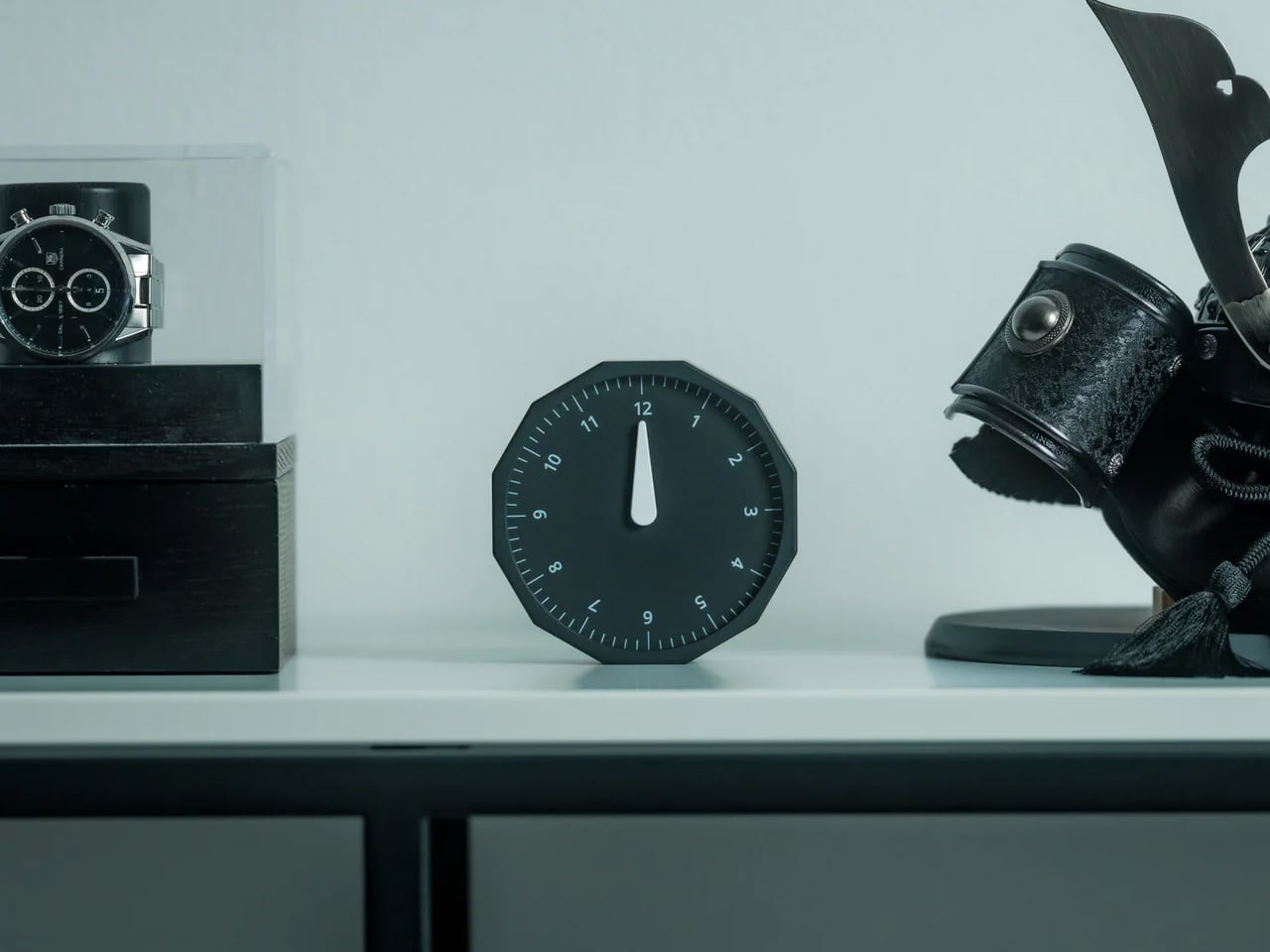
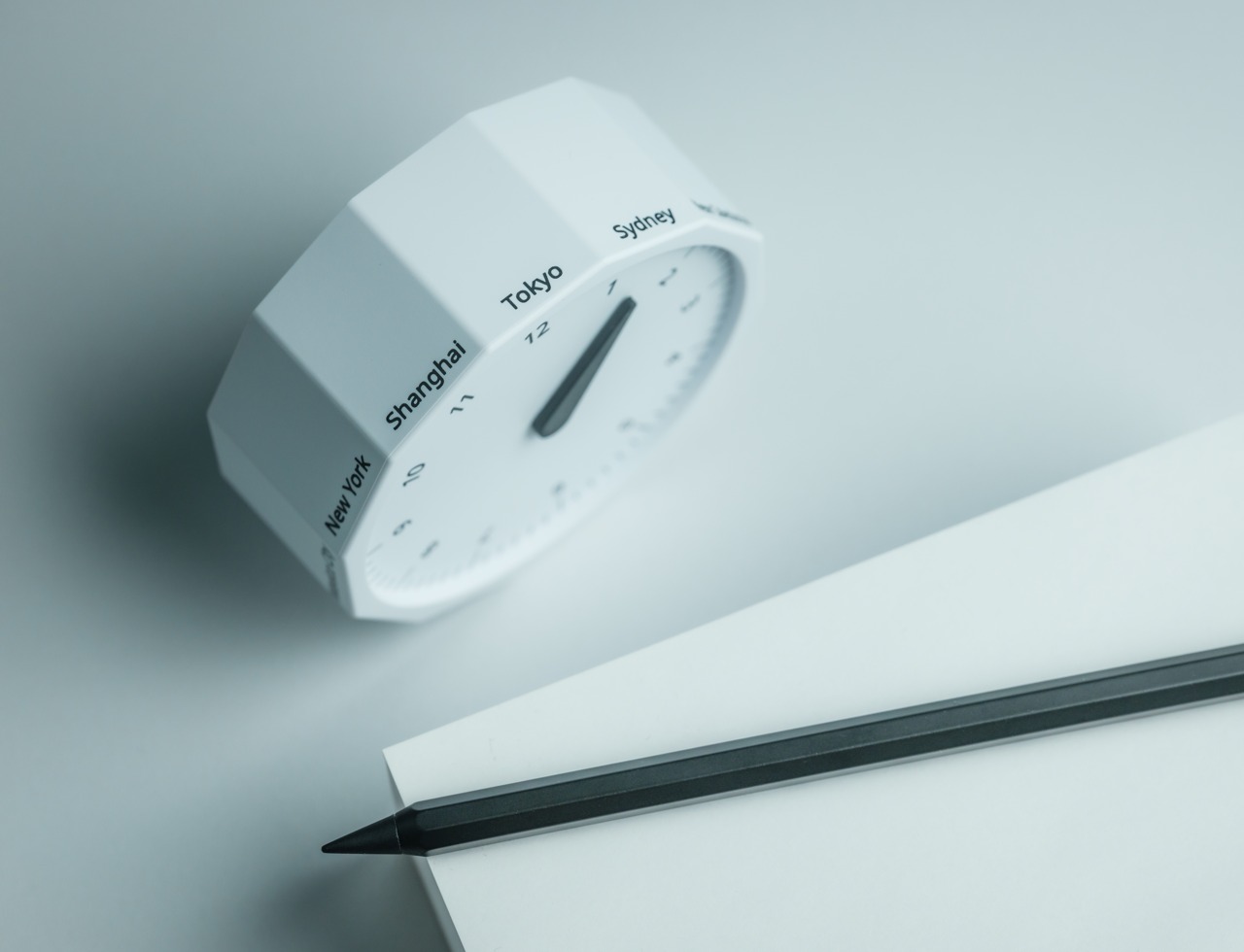
The Rolling World Clock takes a familiar category and gives it a much smarter form. Instead of relying on screens, menus, or a row of tiny city labels, this analog desk object turns world time into a simple physical interaction. Built with 12 sides, each representing a major timezone city, it lets you roll from one location to another and instantly read the local time with a single hand. It’s a cleaner, more tactile answer to a problem that has long been solved in ways that feel unnecessarily digital.
That analog quality is a big part of the appeal. There’s a growing interest in devices that help people step back from constant digital interaction, and this clock fits neatly into that trend without feeling nostalgic for nostalgia’s sake. It still solves a modern problem, especially for people working with global teams or keeping in touch with friends and family abroad, but it does so in a way that feels grounded and human. You’re not swiping, tapping, or toggling between screens. You’re just rolling the object in your hand and reading the time.
Built for modern routines, expressed through simple interactions.
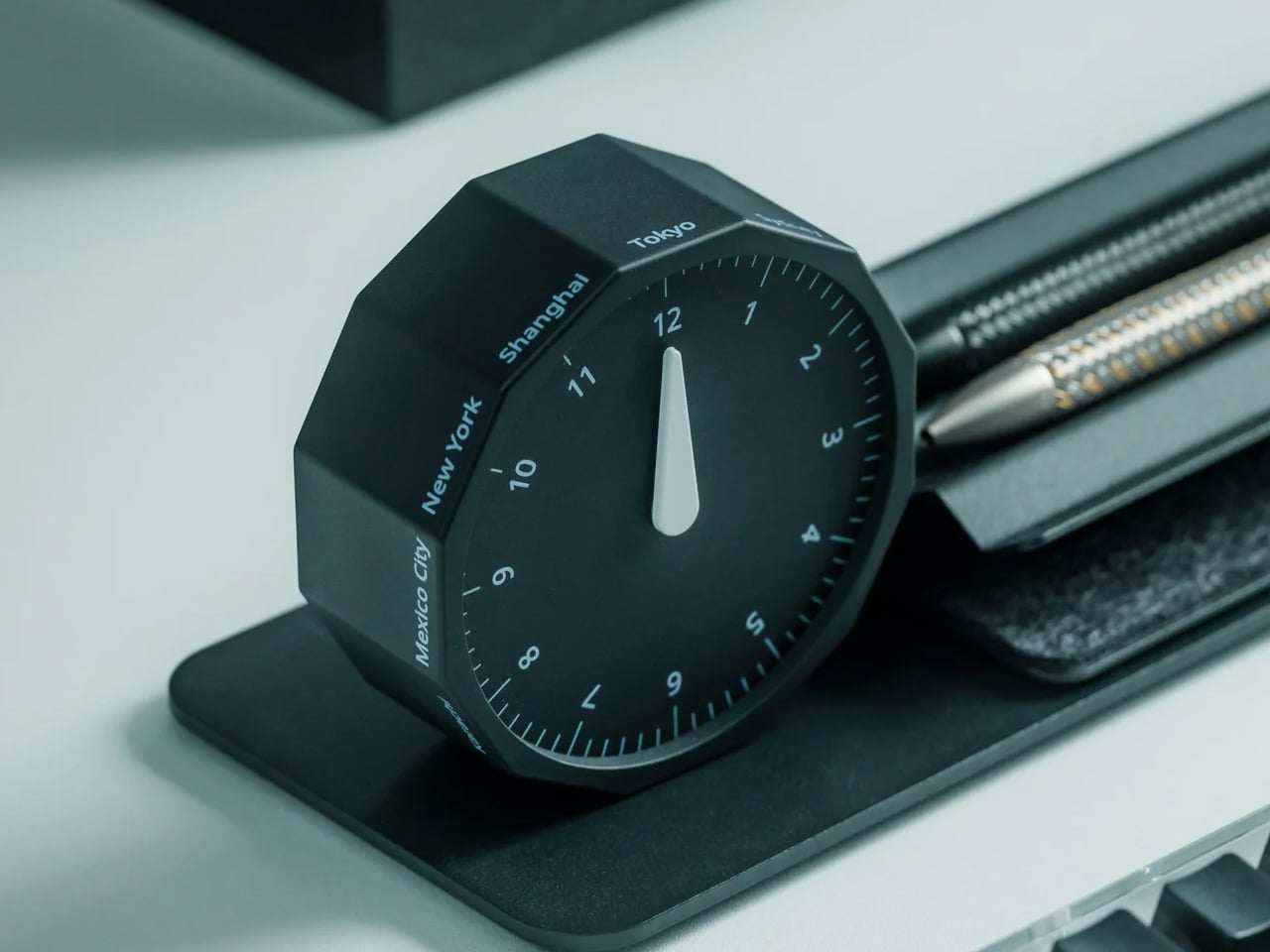
The city lineup also makes it genuinely useful. The 12 sides cover major global time zones, including London, Paris, Cape Town, Moscow, Los Angeles, Karachi, Mexico City, New York, Shanghai, Tokyo, Sydney, and New Caledonia. That gives it enough range to be practical for a wide variety of work and lifestyle needs, whether you’re coordinating meetings, planning travel, or just trying not to message someone at the wrong hour.
Built for a More Intentional Desk
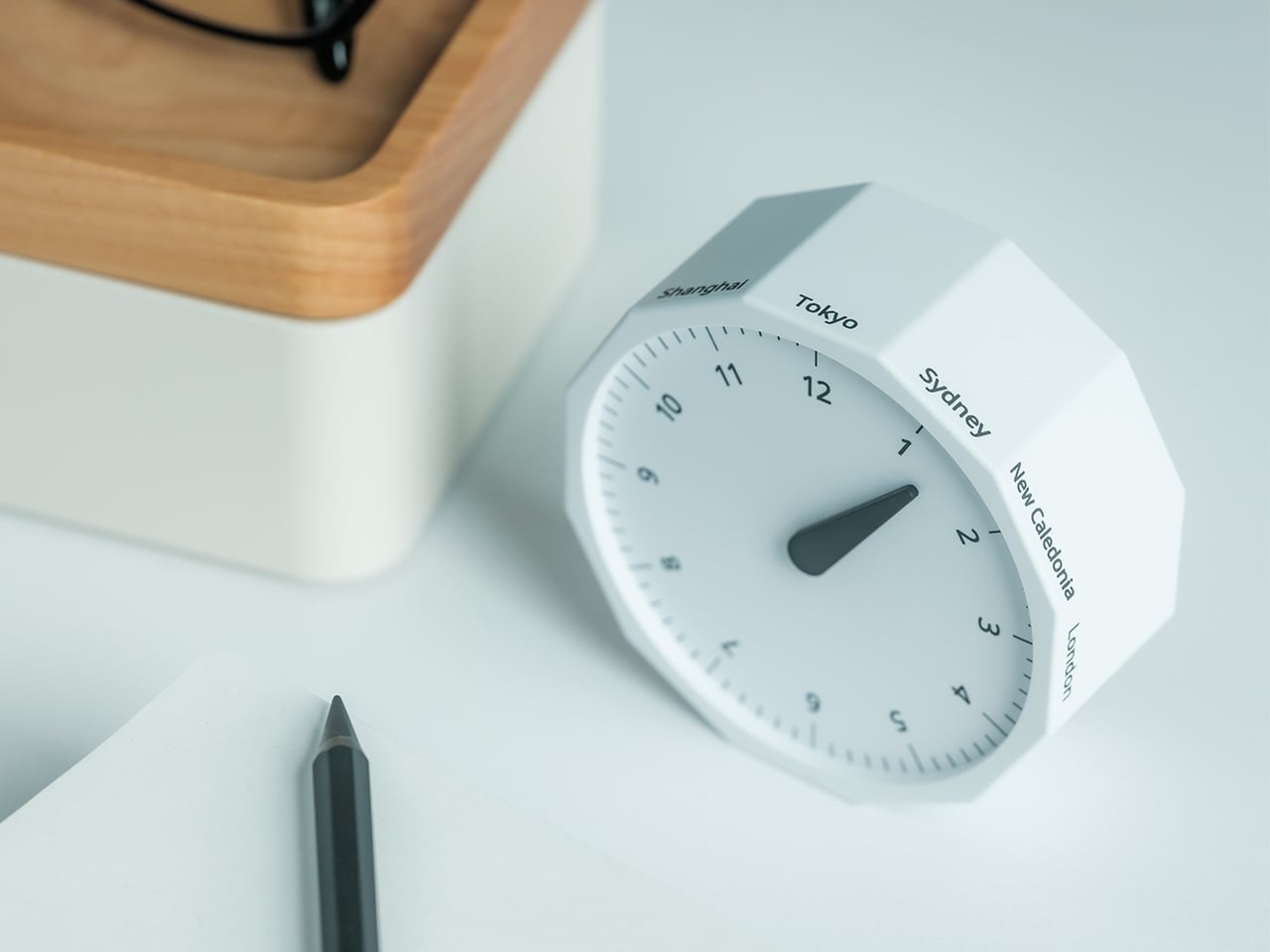
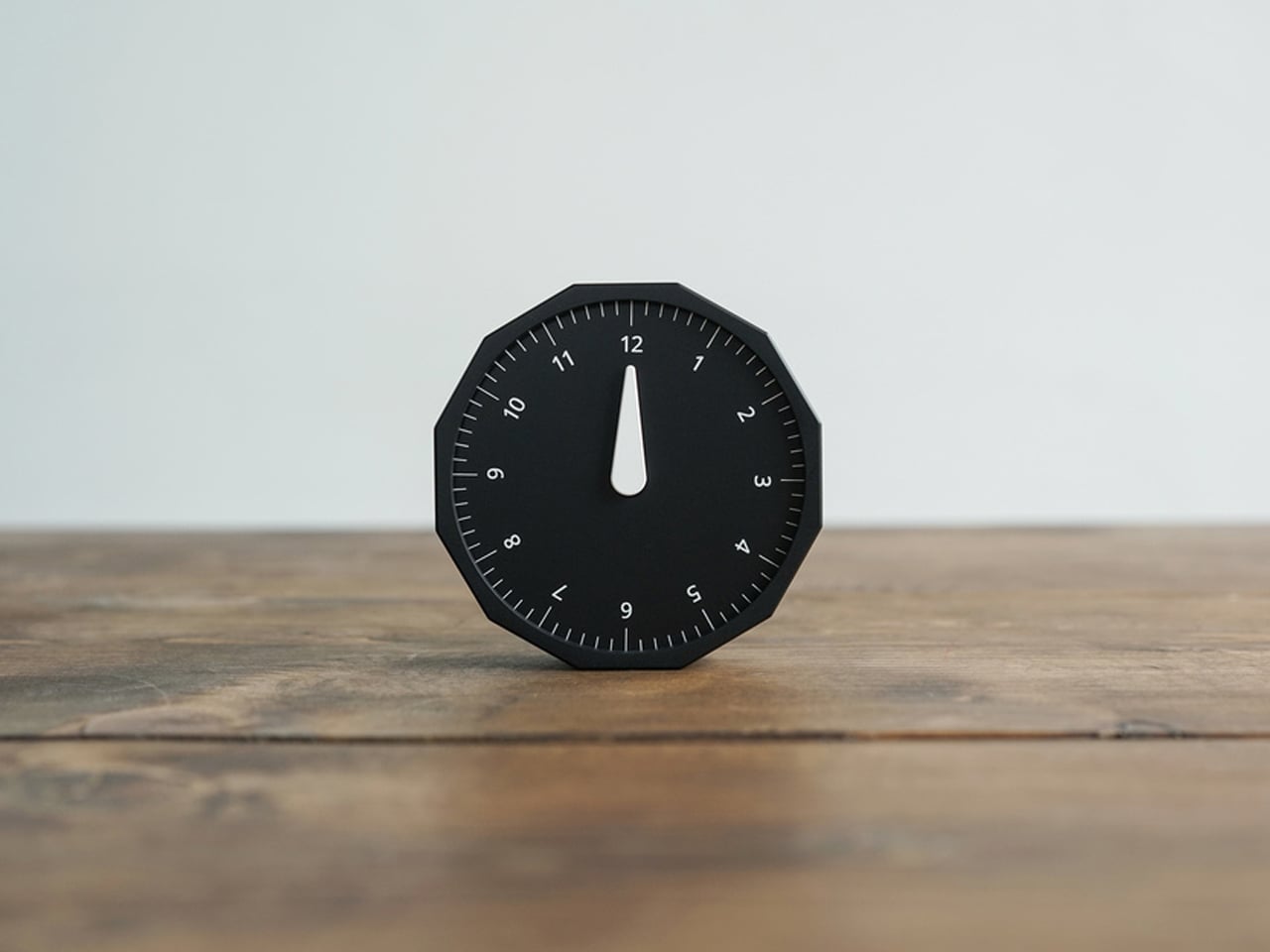
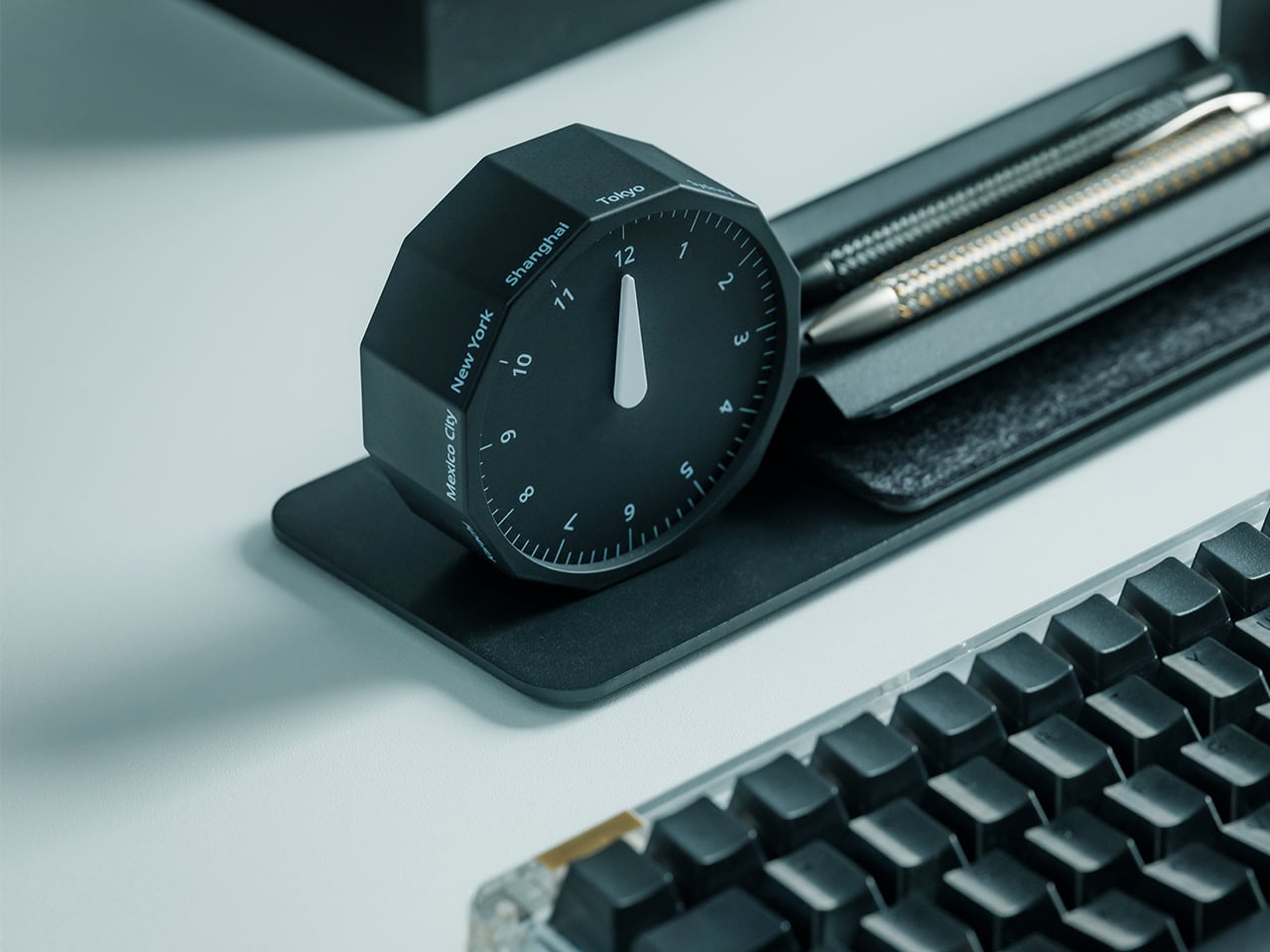
For the desk setup fanatics, there’s also a strong aesthetic argument here. The Rolling World Clock is available in black and white, two finishes that make it easy to integrate into a modern desk setup without fighting for attention. It has the kind of understated presence that works especially well for young professionals who want their workspace to feel differentiated without becoming visually noisy. It’s functional, yes, but it also reads as a design object, the sort of piece that quietly signals taste.
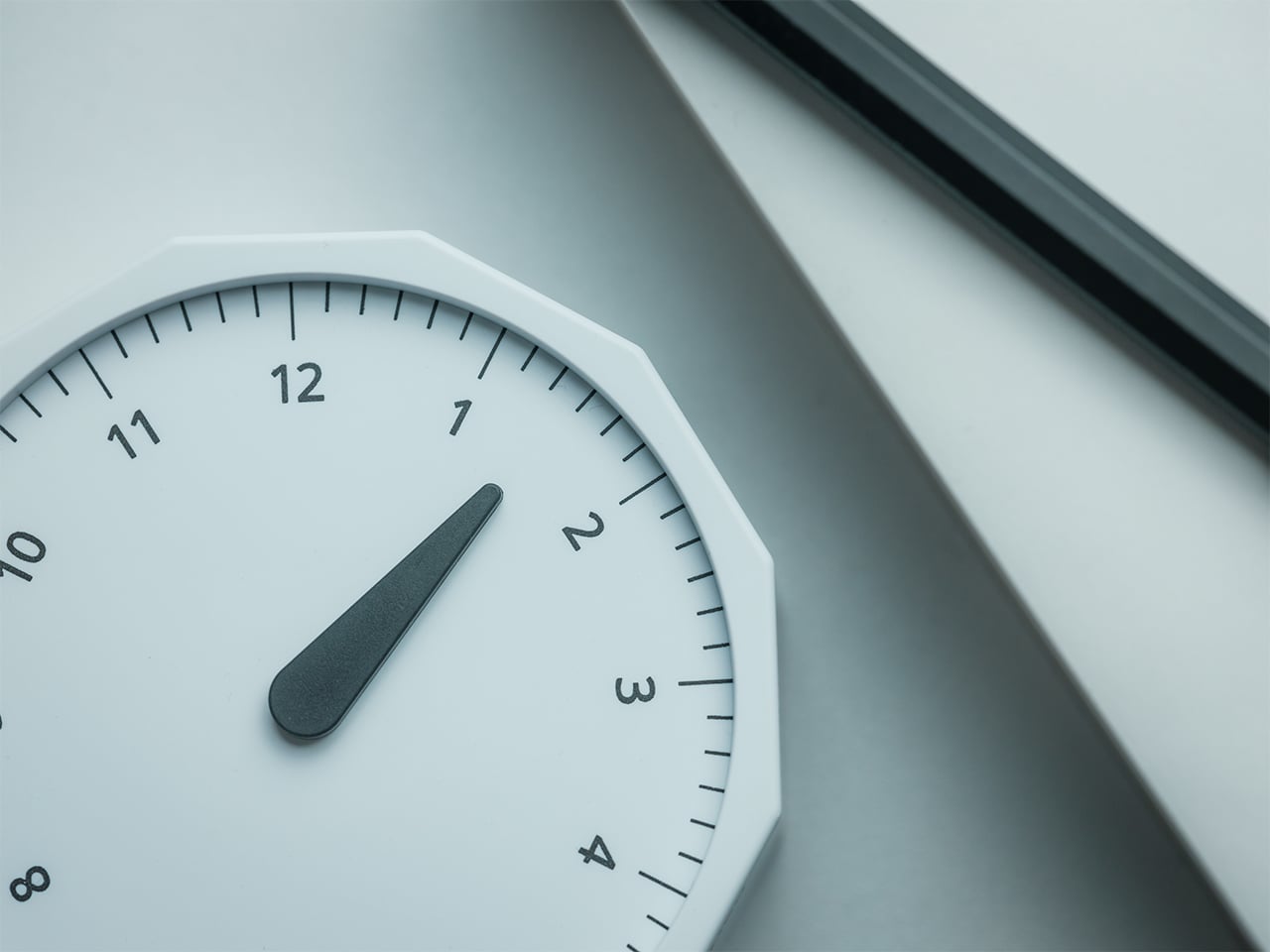
Clean lines, one hand, no distractions.
That balance of utility and personality is what makes this more than a novelty. If you work across cities, collaborate with clients in different regions, or simply like the idea of keeping global time visible without adding another glowing screen to your day, this clock makes a strong case for itself. It taps into a broader shift toward analog tools that feel slower, more deliberate, and more human, while still solving a very modern problem.
Feels as good in the hand as it looks on the desk.
Why It’s Worth Picking Up Now
At $49, the Rolling World Clock lands in a sweet spot for a desk upgrade that feels distinctive without being overcommitted. It also has the kind of giftable appeal that comes from being both useful and conversation-worthy. And with only a few left, it carries just enough urgency to make hesitation a risky move.
If your desk could use an object that feels smarter, calmer, and more intentional than another digital widget, the Rolling World Clock is worth grabbing now. It’s currently available in the Yanko Design Shop in black and white, and with limited stock remaining, this is one of those rare functional design pieces you probably shouldn’t wait on.
Your desk says a lot about the way you think. The objects you deliberately choose for it, rather than the ones that simply accumulate, reflect your values, your taste, and the kind of environment you want to work in. A great desk clock earns its place twice over: as a functional tool and as something genuinely worth looking at every day. The market is full of forgettable options, but the most interesting clocks right now are rethinking what a clock even needs to be, questioning material, interaction, and presence in equal measure.
Whether you work from a home studio, a shared office, or somewhere between the two, the right clock changes the feeling of an entire space. These five designs prove that telling time is still a conversation worth having, and that choosing a clock carefully is an act worth taking seriously.
1. Rolling World Clock
For anyone who regularly works across time zones, converting time in your head is a small but persistent irritation. The Rolling World Clock removes that friction with an approach so intuitive it almost feels obvious: a 12-sided form with a major city on each face, from London and Paris to Tokyo, Sydney, and New York, read by a single hand. Roll the clock until your desired city faces upward and the hand tells you exactly where things stand. No screen, no calculation, no second device needed.
What keeps this clock compelling beyond its core function is the physicality of using it. Rolling a 12-sided object to check the time in Cape Town or Karachi is a tactile experience that no phone interface can replicate; it turns a routine check into something deliberate and satisfying. The minimalist form, available in both black and white, sits cleanly on any desk without visual competition, and the single hand keeps everything honest and uncluttered. It is a rare thing: a genuine conversation piece with a practical reason to exist.
The rolling interaction gives checking global time a tactile quality that feels intentional rather than reflexive, adding a small moment of satisfaction to an everyday action.
The minimal form in black or white works across almost any desk aesthetic, functioning equally well as a decorative object and a practical timekeeping tool.
What We Dislike
Only 12 cities are represented, which means time zones outside those locations will still require some mental conversion on your part.
As an analog clock, precision is limited to the nearest quarter-hour, which may not suit those who need exact time readings at a glance.
2. Minimalist Desk Clock
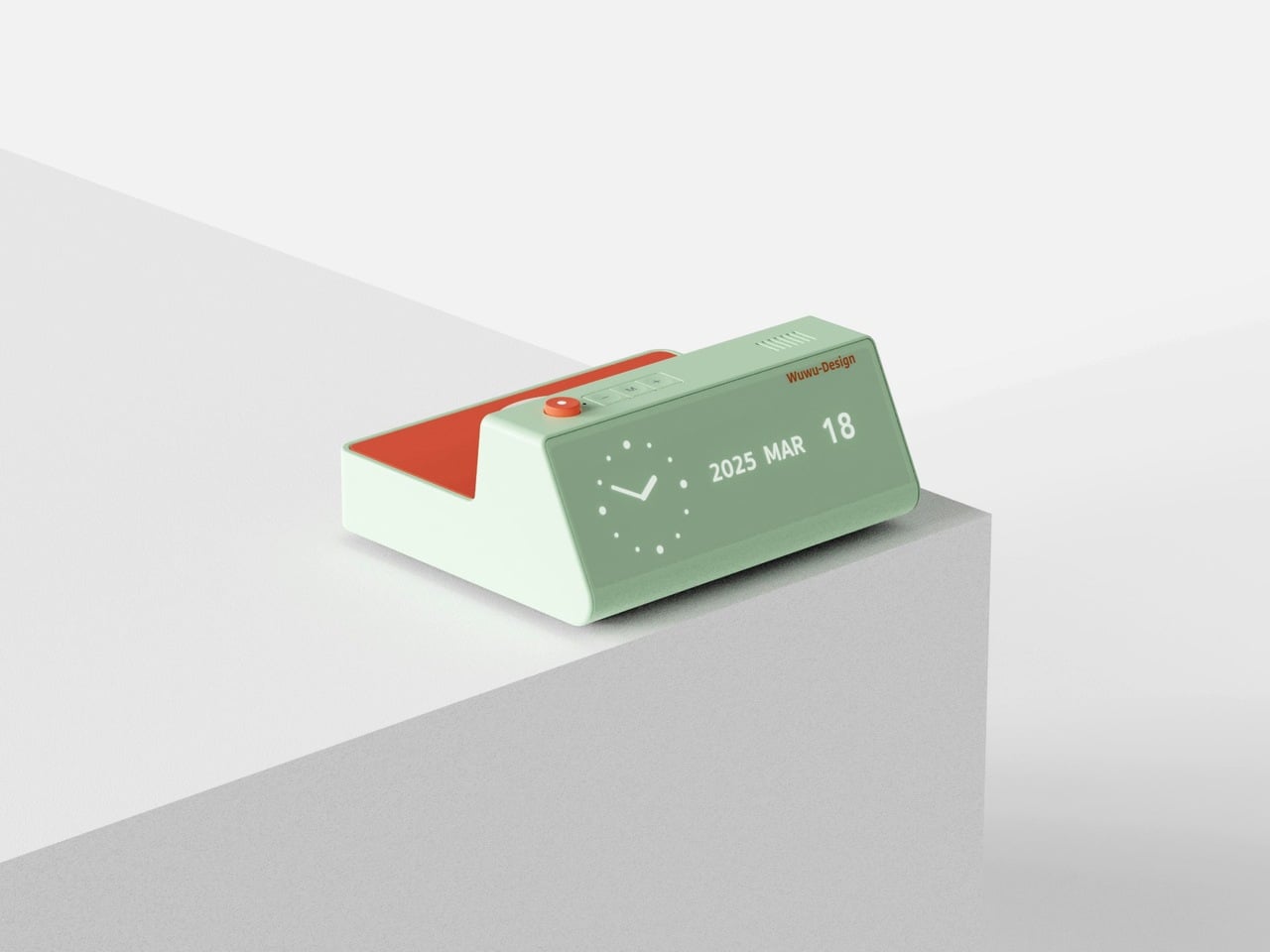
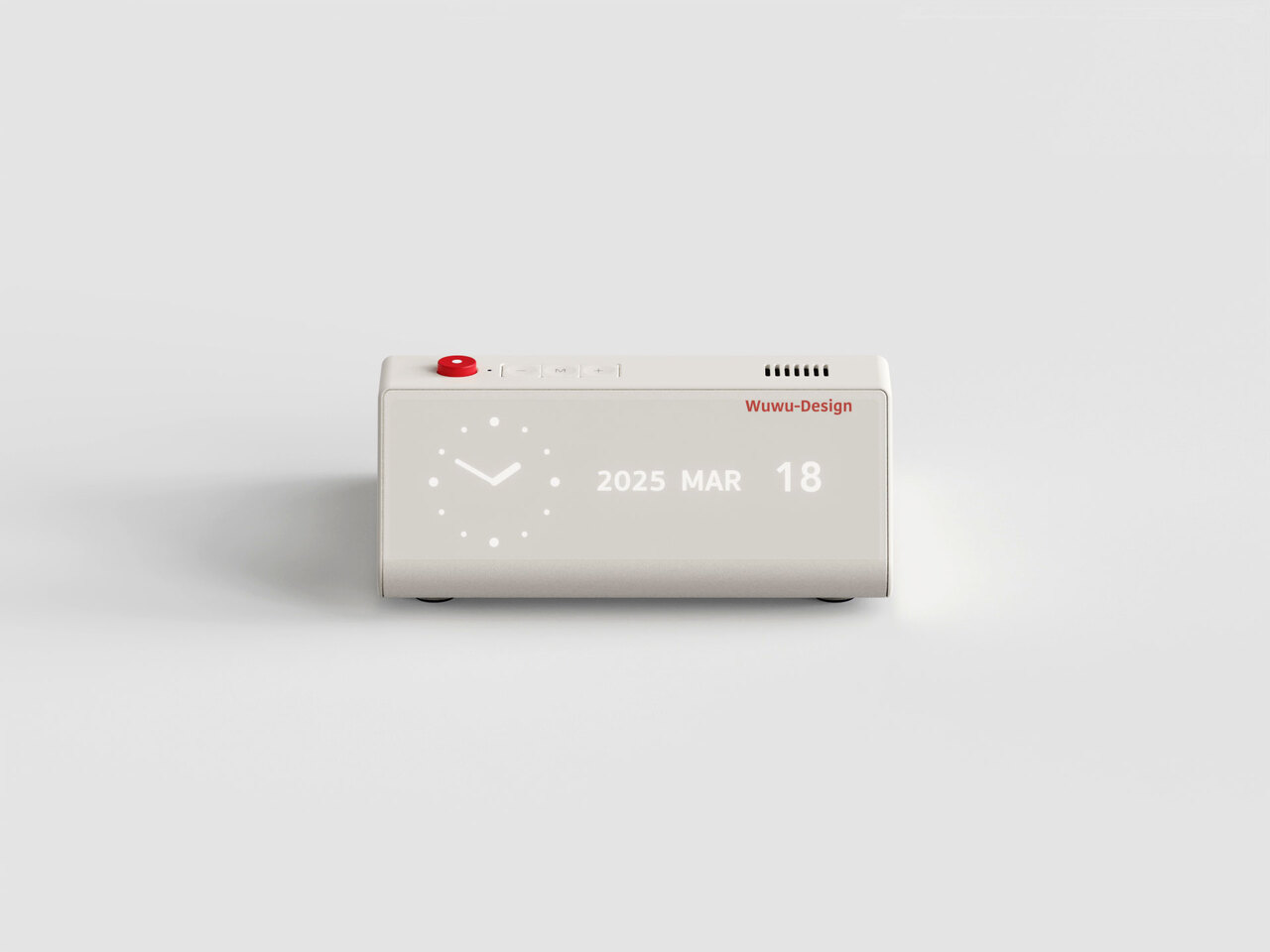
Products that combine two functions usually compromise on both. This desk clock concept draws inspiration from Dieter Rams’ legendary Braun DN40, channeling the same visual restraint while placing a wireless charging pad on the top surface in a way that actually makes sense for daily use. The digital time display sits off to one side of the matte face, balanced by a date readout on the opposite end. Both are embedded flush into the surface, creating a presence that is visible when needed but never demanding your attention when you do not.
The placement of the wireless charger on top is obvious in the best possible way: your phone charges exactly where you can still see it, and the clock keeps doing its job without either function disrupting the other. The asymmetrical display layout reflects genuine compositional thinking, creating deliberate visual balance rather than defaulting to center alignment. For a desk already holding a notebook, a coffee cup, and a tangle of cables, this clock earns its spot by doing double duty without making a scene about it.
What We Like
The wireless charging surface sits intuitively on top, keeping your phone visible and accessible while it charges, without requiring a separate pad taking up additional desk space.
The asymmetrical display arrangement shows real compositional intention, making the object feel considered and specific rather than generically functional.
What We Dislike
This is currently a concept design and is not available to purchase, which limits it to an aspirational reference rather than a practical recommendation right now.
The matte embedded displays may lose legibility in dim environments without a backlight or ambient brightness adjustment, which the concept does not appear to address.
3. CAST
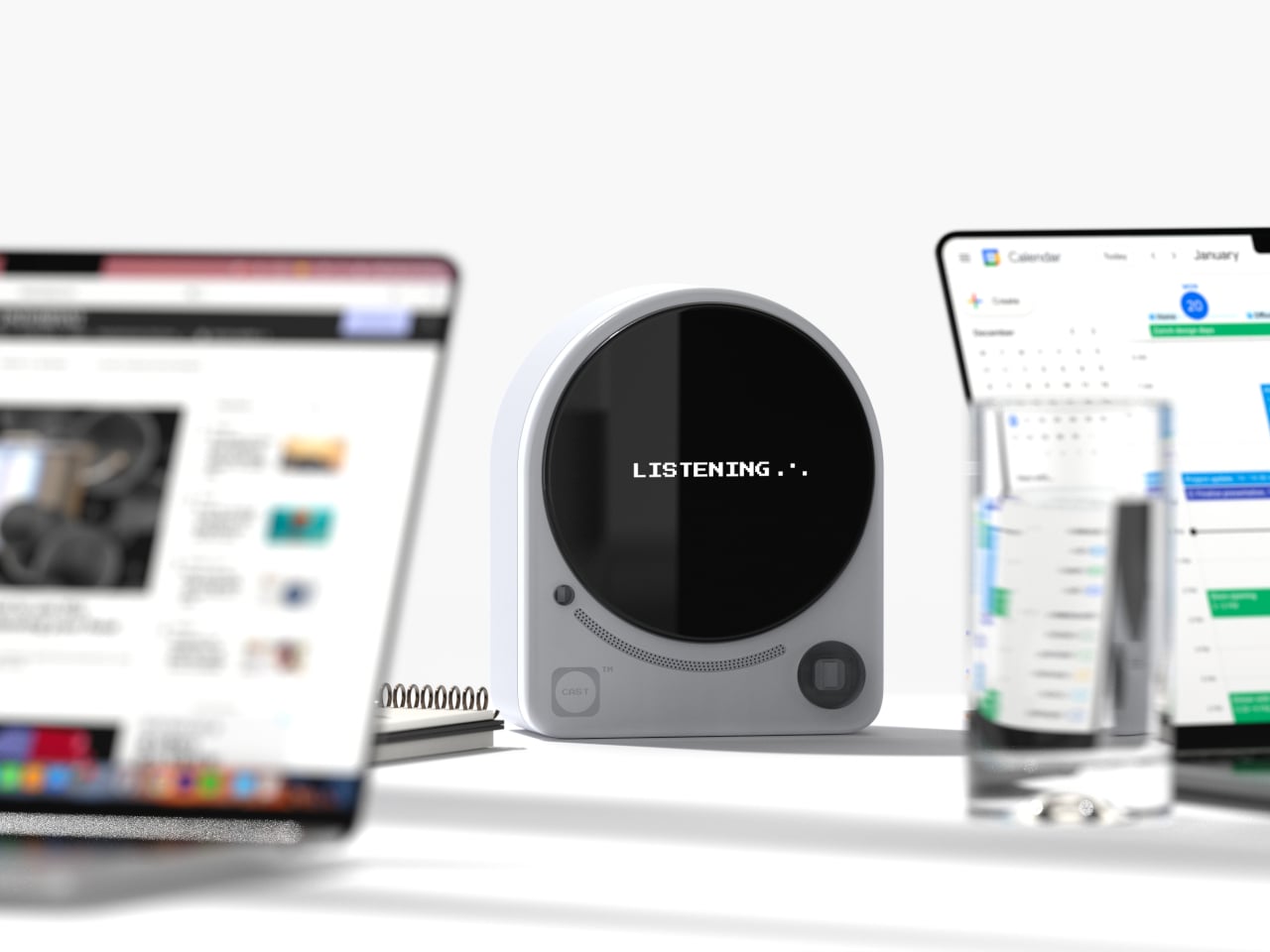
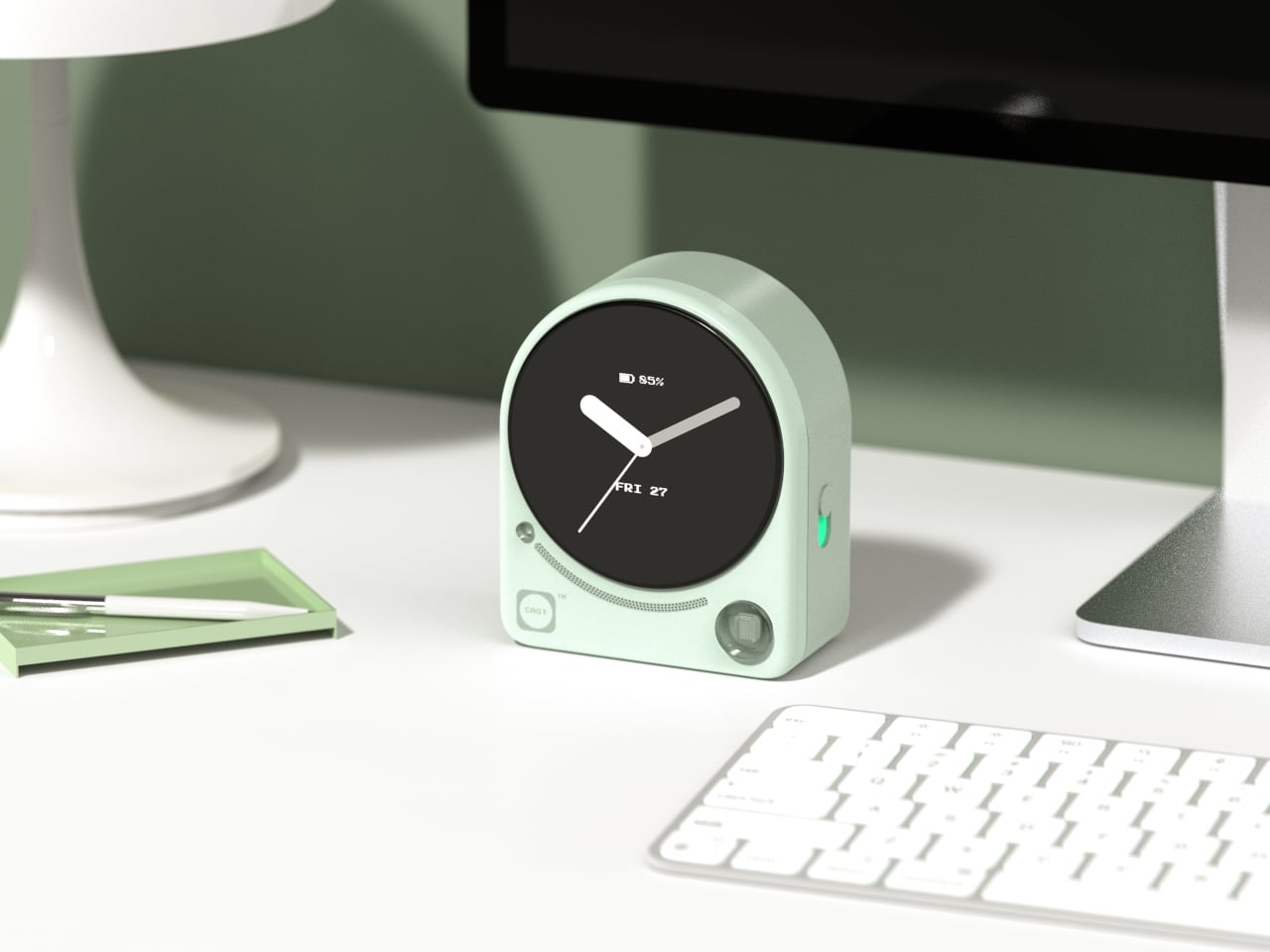
Meetings lose things. Good ideas get spoken into the room and never make it to a document, and most tools designed to fix that problem are more intrusive than the problem itself. CAST, a concept by designer Minseo Lee, takes a different approach entirely. Drawing its form from the Braun BC22, the device arrives as an arch-shaped tabletop companion with a circular display, tactile buttons, and a neutral finish that reads as a clock before it reads as anything else. It sits on the conference table and quietly gets to work.
During a meeting, CAST listens, identifies key points, and generates a concise summary when the session ends. A QR code appears on the display, and participants scan it to access their notes instantly, with no app download or login required. Outside of meetings, it functions as a standard clock, maintaining its understated presence without demanding attention. The dotted graphic details and calm proportions mean it suits an open-plan office as naturally as a private home studio. The best AI tools do not announce themselves; they simply make the room function a little more smoothly, and CAST embodies that idea completely.
What We Like
The QR code summary system is a genuinely clever solution, distributing meeting notes to every participant instantly without requiring anyone to install a specific app or create an account.
The Braun-inspired design ensures CAST reads as a clock first, which meaningfully reduces the psychological discomfort of having a recording device present during a conversation.
What We Dislike
As a concept, CAST is not yet available for purchase, meaning its real-world performance in noisy or complex meeting environments remains completely untested.
The quality of the AI-generated summaries will depend on microphone sensitivity and processing power, which are factors the industrial design itself ultimately cannot control.
4. Wooden Desk Clock
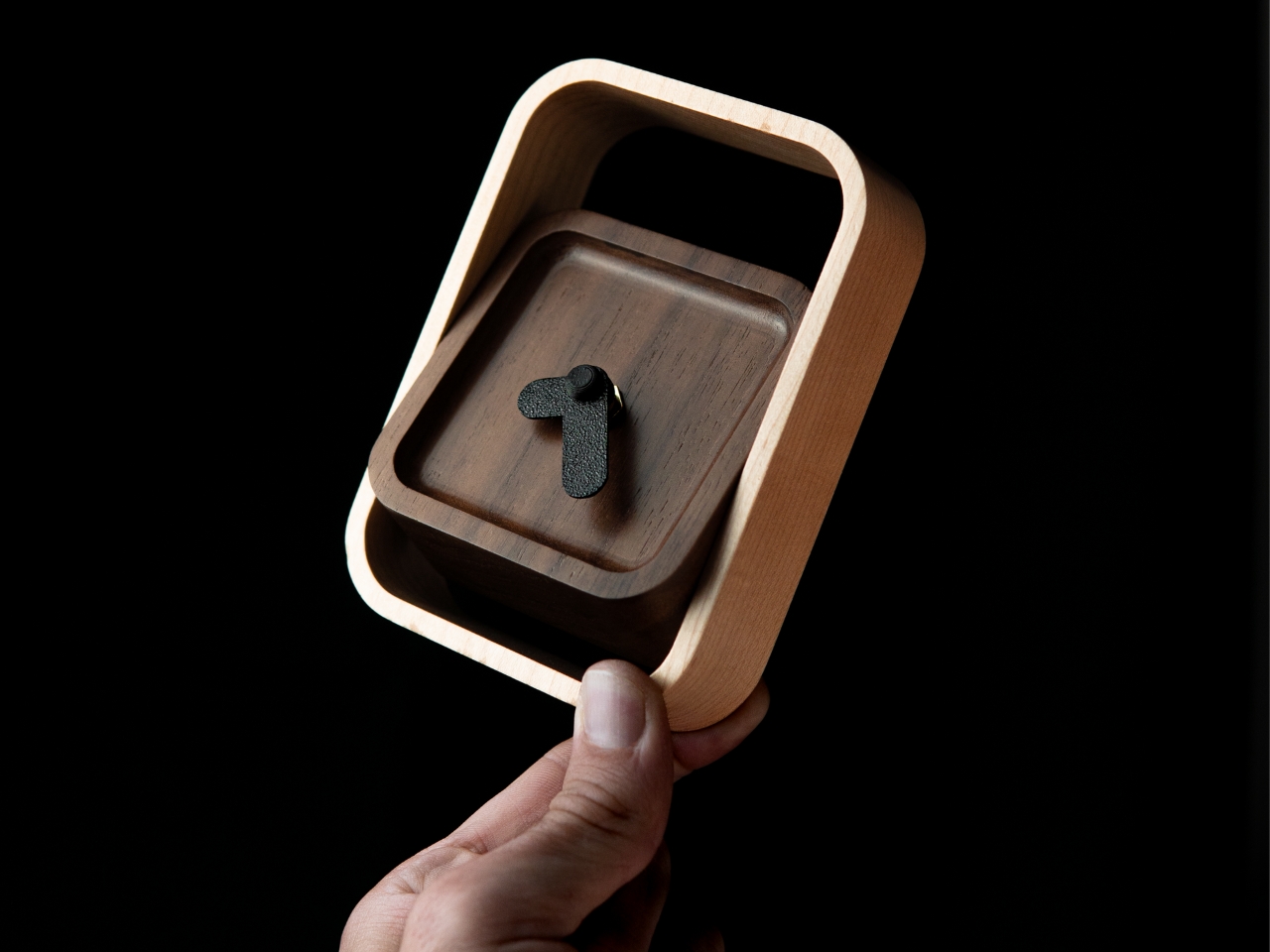
There is something quietly refreshing about a clock that does not try to do anything beyond telling the time beautifully. This wooden desk clock, developed in collaboration with Shapr3D, is exactly that kind of object. CNC-machined from walnut, cherry, or maple, each version uses the natural contrast of warm wood tones and smooth curved surfaces to create something that belongs on a desk the way a well-chosen book or a ceramic cup does. The analog face reads the hour in the most satisfying way possible, without apology.
The clock comprises two parts: a clock head that displays the time and a supportive frame that serves as both a base and a functional handle for adjusting the vertical viewing angle. It is a small detail, but one that shows genuine thought about how the object actually gets used on a real desk by a real person. In an era dominated by aluminum, glass, and screens, a clock machined from actual wood makes a quiet but firm statement about material honesty and the pleasure of things that simply do what they are supposed to do.
What We Like
Three wood type options, walnut, cherry, and maple, give the clock a material warmth and versatility that suits a genuinely wide range of desk setups and personal aesthetics.
The adjustable vertical viewing angle through the supportive frame reflects thoughtful, user-centered design that considers how the object will actually be used day to day.
What We Dislike
Natural wood requires more care than synthetic materials and may be susceptible to scratches or moisture damage over time without proper surface treatment or regular maintenance.
The purely analog format offers no smart features, which will not appeal to anyone who expects additional functionality beyond time-telling from a desk object in this category.
5. Moon Rocket Clock
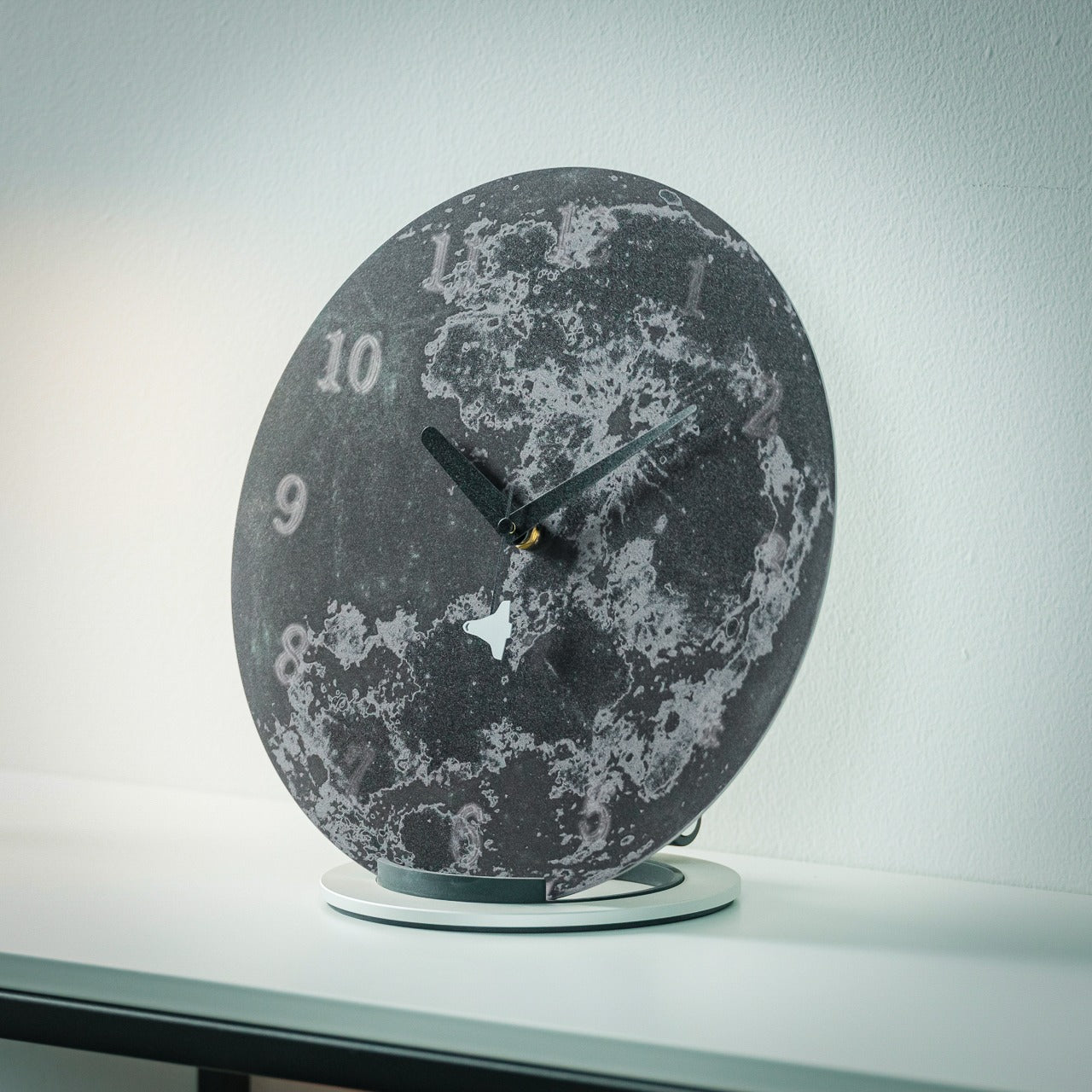
A note upfront: this is not a typical desk clock. It is larger than everything else on this list, more visually assertive, and designed to occupy space rather than disappear into it. Made from specially polished stainless steel, the Moon Rocket Clock is a circular timepiece where printed numbers appear to float and gradually fade around the edges of the face, echoing the visual rhythm of the moon’s phases. The second hand carries a small rocket ship on its tip, which sounds ornamental until you watch it move and recognize the emotional charge the detail actually carries.
This clock works best where it has room to be itself, on a wide desk, a generous shelf, or a statement surface in a home studio. The polished stainless steel construction is durable and catches light in ways that cheaper materials simply do not, giving it a presence that reads as genuinely considered rather than simply bold. More than any other clock on this list, this one carries emotional meaning: a daily reminder to take your ambitions seriously, framed through the imagery of space travel and lunar exploration. It is bigger than usual, demands more visual real estate than a standard timepiece, and earns every bit of space it claims.
The specially polished stainless steel construction gives the clock a premium material quality that holds up to daily visual scrutiny and looks better the more closely you examine it.
The rocket ship, second-hand, transforms an ordinary glance at the time into a small, recurring moment of inspiration that does not wear out with repetition.
What We Dislike
The larger footprint demands more desk space than a standard clock and may feel visually overwhelming on smaller or more tightly curated setups.
The bold, distinctive aesthetic is strong enough to require a specific kind of environment to land well, meaning it will not suit every desk or room it is placed in.
The Best Desk Objects Ask Nothing Back
A desk clock was never supposed to disappear. It got displaced gradually by phones and computers, and the slow collapse of single-purpose objects into multipurpose screens. But these five designs are a reminder of what that displacement costs. A clock sitting on your desk is a fundamentally different presence than a clock on your phone. It exists only to mark time, without asking you to respond to anything, check a message, or make a decision. That kind of quiet object has a value that is easy to underestimate and harder to replace.
Good design does not need to solve every problem at once. Sometimes it is about doing one thing well and doing it in a way that earns a permanent place in a room. Whether it is a rolling 12-sided clock that translates time zones through touch or a stainless steel moon keeping a rocket on its seconds hand, each of these clocks has earned its spot. The best desk objects are the ones that make you glad they are there each morning, and every single one of these is exactly that kind of thing.
Most desk setups are inherited. The nomad’s is earned. Everything that makes it into the bag has already passed a strict and largely unconscious test — weight, versatility, the ability to make a stranger’s table feel like a place worth working from. Over months and years of moving between cities, time zones, and co-working spaces, the digital nomad ends up with a carefully curated set of tools that are small by necessity but thoughtful by design.
The interesting thing about these objects is what happens when the travel slows down. When a lease gets signed, a proper desk arrives, and the bag starts being unpacked with more intention. The tools that survived the road do not lose their relevance on a permanent surface. Many of them were built with the kind of considered design that rewards exactly this kind of scrutiny. They look better than most things bought specifically for a home office, hold up longer, and carry the kind of personal history that makes a workspace feel genuinely inhabited. This is for that moment. Eight objects that lived in the bag for a reason, and deserve a permanent home for the same one.
1. OrigamiSwift Folding Mouse
The OrigamiSwift is what happens when industrial design takes portability seriously. Weighing just 40 grams and folding flat to a profile thin enough to slip between notebook pages, it removes the usual tension between compact and comfortable. On a desk, it unfolds in under half a second, snapping into a full-sized ergonomic shape that sits naturally in the hand. For anyone who has suffered through the cramped mechanics of a standard travel mouse, this feels like a genuine upgrade.
The Bluetooth connectivity is quick, and the origami-inspired fold keeps the mechanism tactile enough that using it becomes a small ritual rather than a chore. At the desk, it earns a permanent spot not because it compensates for a lack of options, but because the transformation itself is satisfying. It is the kind of tool that makes you reconsider how you work, and then makes the work feel slightly more considered. Portable by design, permanent by choice.
Folds to near-invisible thinness at just 4.5mm, making it one of the most carry-friendly mice ever built without compromising on ergonomic full-size comfort
Activates in under half a second with a single flip, making the transition from travel bag to working mouse feel immediate and effortless
What we dislike
At 40 grams, the lightweight build may feel insubstantial for users accustomed to the heft and resistance of a traditional full-sized mouse
Bluetooth-only connectivity means no wired fallback for tasks where even minor wireless latency becomes a frustration
2. Fidget Cube
The Fidget Cube arrived at a time when open-plan offices made visible restlessness a liability and invisible anxiety a norm. Antsy Labs built something straightforward in response: a small cube with six distinct tactile surfaces, each mapped to a different kind of fidget. Click. Glide. Flip. Breathe. Roll. Spin. The vocabulary is simple, the execution is precise, and the result is a desk object that earns its keep without demanding attention from anyone but you.
For digital nomads who have spent years suppressing the impulse to tap or spin something through a long layover or tense client call, the Fidget Cube offers quiet permission. On a permanent desk, it sits within reach without asking for attention. The black and graphite colorways blend cleanly into most setups, looking less like a toy and more like a considered detail. It is not a gimmick. It is self-awareness shaped into an object.
What we like
Six distinct tactile surfaces cover a wide range of fidgeting behaviors in a single pocket-sized cube, making it genuinely versatile across different stress responses and focus modes
Discreet colorways like Midnight Black and Graphite blend seamlessly into professional setups without drawing unwanted attention in shared or client-facing workspaces
What we dislike
The clicking surfaces can produce audible sounds that may distract colleagues in quiet, open-plan, or library-style work environments
The cube format offers no digital or productivity-tracking integration for users who want data on their focus habits or stress patterns
3. Nothing Power (1) Battery Bank
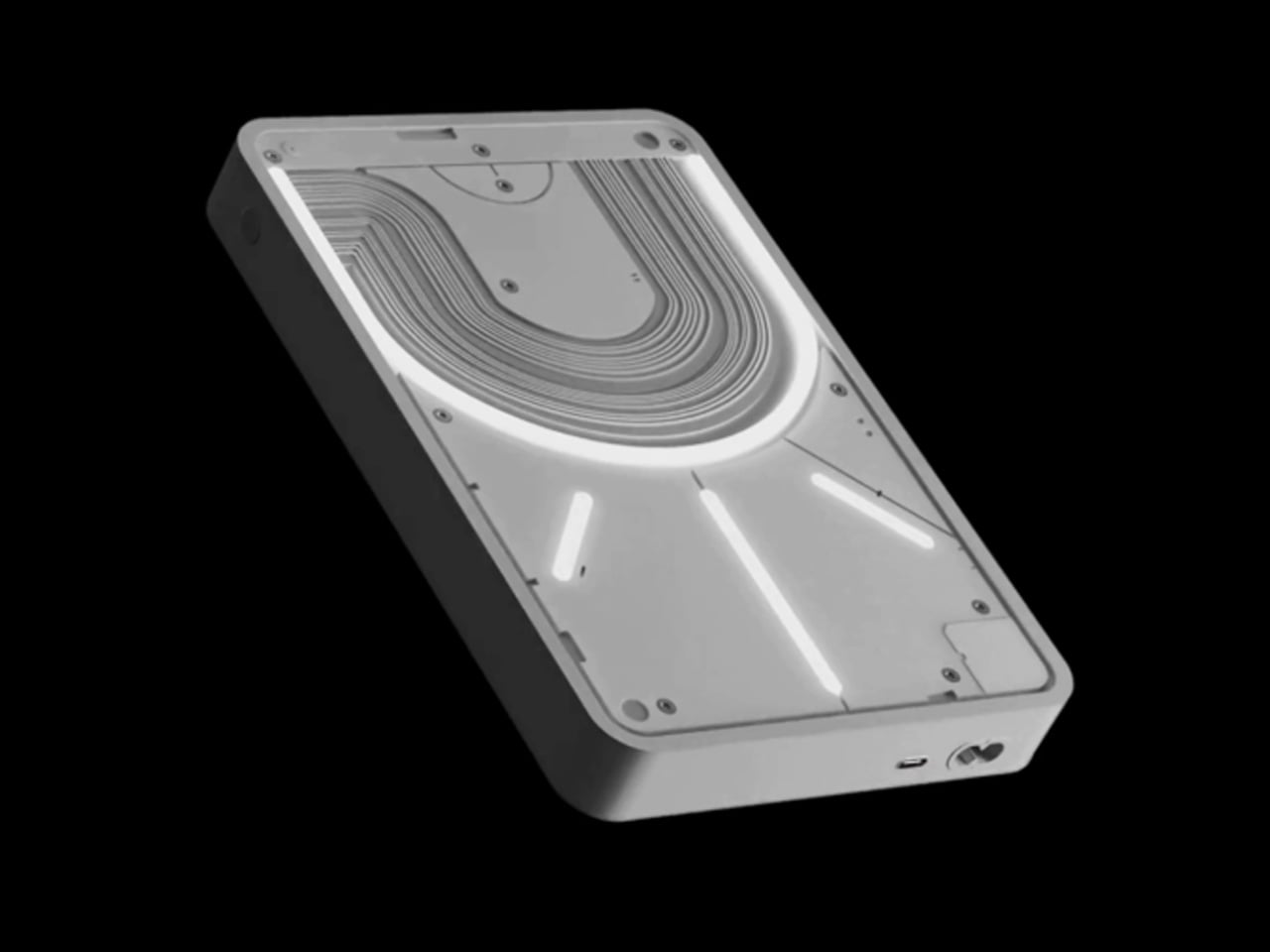
Nothing built its reputation on the Glyph interface, a grid of LED lights that turned the back of a phone into a notification display and a design statement. The Power (1) carries that language into a battery bank, using transparent layers, bold light paths, and illuminated interactions to make a utilitarian object feel worth looking at. The design philosophy is direct: good design is not just about appearance, it is about how an object makes you feel when you reach for it.
For a nomad who has charged devices from airport benches and café stools, a power bank is rarely a display piece. The Nothing Power (1) challenges that. Sitting on a desk, the Glyph illumination gives charging status a visual presence that feels more like an ambient display than a simple indicator light. It treats the desk as a stage and every object on it as a conscious choice. Few battery banks have ever earned that kind of consideration.
What we like
The Glyph interface turns a charging indicator into a visual experience, making it arguably the only power bank designed to look genuinely intentional, sitting on a desk permanently
Transparent design layers reflect Nothing’s ethos of honest, open construction, giving the object a premium quality that stands apart from every other battery bank on the market
What we dislike
The Nothing Power (1) is currently a concept design and is not yet available as a finished commercial product
Exact battery capacity, output wattage, and pricing remain unconfirmed, making direct comparison with available alternatives difficult at this stage
4. HubKey Gen2
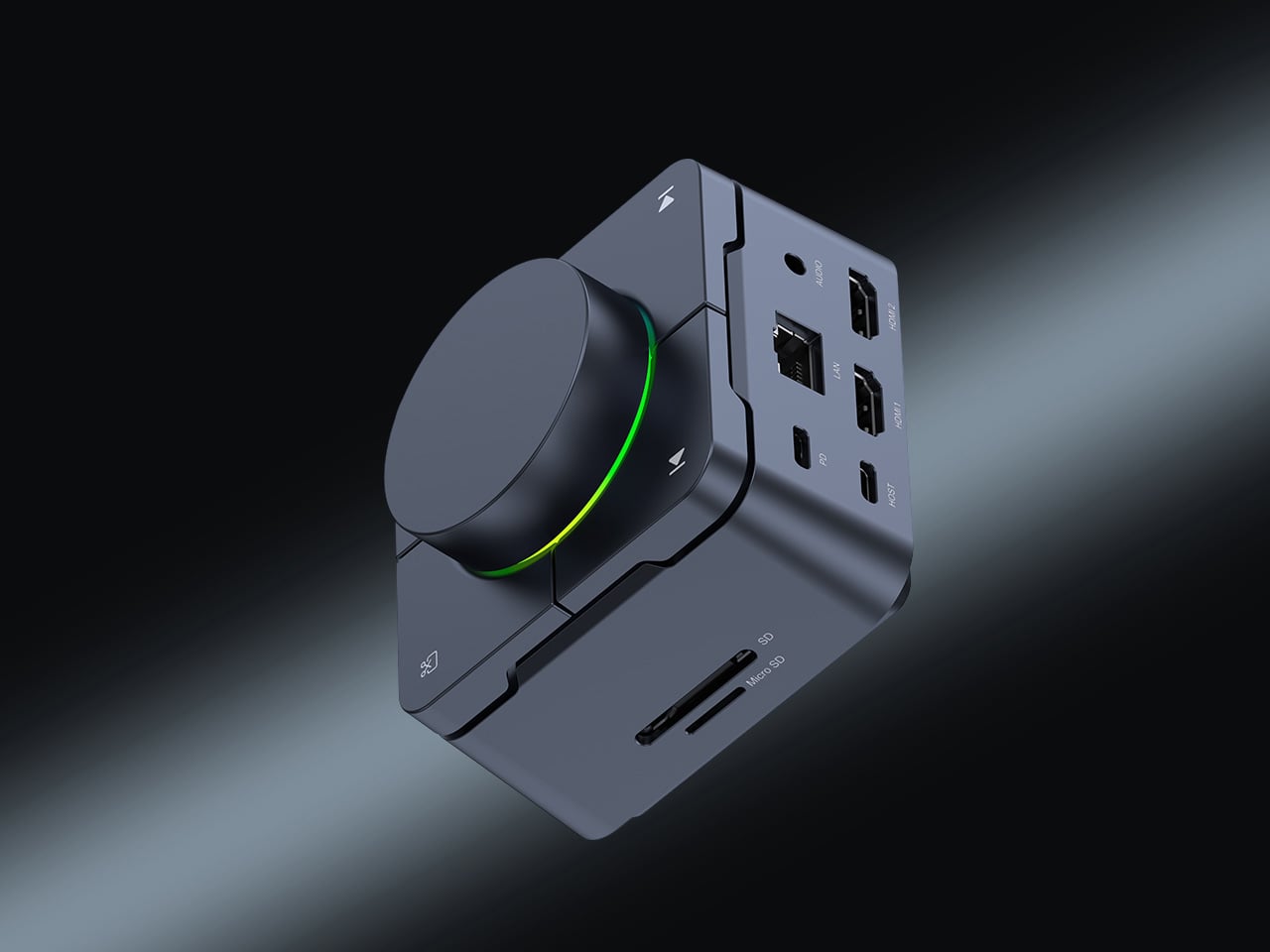
Desk clutter tends to accumulate in layers: a dock for the monitor, an adapter for the second screen, a hub for storage. Somewhere between them sits a tangle of cables that each solves a single problem in isolation. The HubKey Gen2 treats that as a design problem worth solving from the inside out. It is an 11-in-1 USB-C hub with a hardware control surface on top, offering programmable shortcut keys, a central dial, 100W power delivery, and 2.5Gbps Ethernet in a compact cube footprint.
The display support is what separates it from a standard hub. Two HDMI ports, each running a 4K display at 60Hz, mean a laptop becomes a proper dual-monitor workstation without extra adapters. For a nomad settling in, that shift from single-screen café work to a dual-screen editing setup is significant. The shortcut keys and central dial bring a physical control layer to software-heavy workflows, keeping hands on the desk rather than hunting through menus on a trackpad.
What we like
Dual 4K HDMI outputs at 60Hz eliminate the need for a separate display dock when transitioning from a travel setup to a full home workstation
The programmable shortcut keys and central knob return a satisfying physical dimension to digital workflows, reducing time spent navigating software menus
What we dislike
The compact cube form factor may feel crowded once all 11 ports are simultaneously in active use, which limits clean cable management around the unit
Fully customizing the shortcut keys requires additional software configuration, adding a setup investment before the productivity benefit becomes fully apparent
5. Rolling World Clock
Keeping track of time zones is one of the quieter friction points of nomadic life. The Rolling World Clock solves it most physically: you roll it. A 12-sided form with each face representing a major timezone city, a single hand reads the local time wherever it lands. London. Tokyo. New York. The gesture is intuitive, and the result is a genuinely useful desk object without trying to be more.
Available in black and white, this is the kind of object that earns its place through curiosity rather than scale. Guests pick it up. Colleagues ask about it. It turns a functional necessity into a small conversation. For the nomad who has lived across time zones and built relationships across continents, there is something quietly satisfying about having those cities represented not on a screen, but held in your hand.
The tactile rolling interaction makes checking international time a deliberate, physical gesture rather than a reflexive phone unlock
Covers 12 major timezone cities in a clean, minimalist form that works equally well as a functional desk piece or a shelf object
What we dislike
Limited to 12 preset cities, which may not include every timezone relevant to users with contacts in less commonly represented regions
The single analog hand offers general time orientation rather than precise minute-level accuracy, which may not suit users with tight cross-timezone scheduling needs
6. Orbitkey Desk Mat Slim
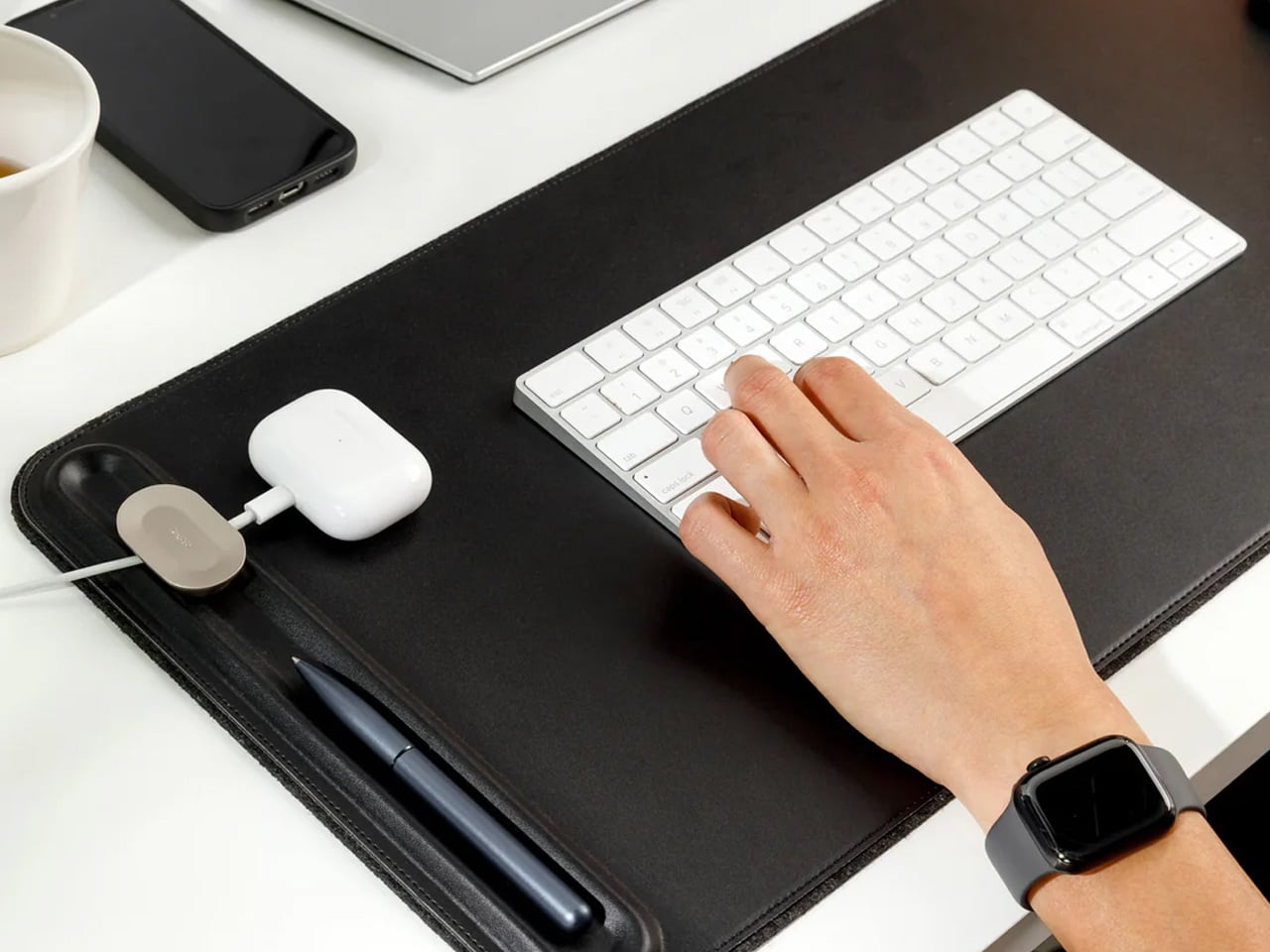
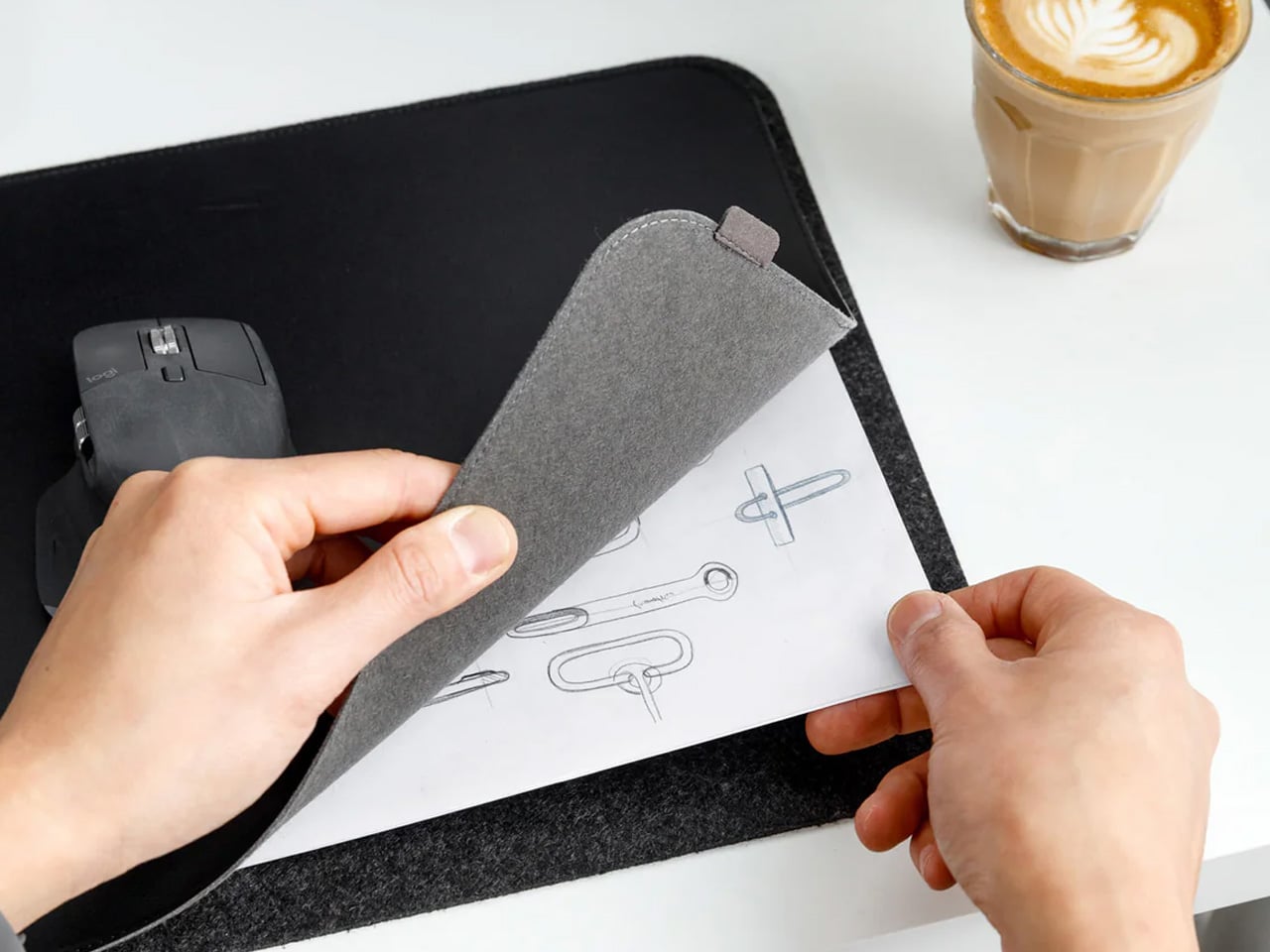
A desk mat either disappears into the background or it becomes the visual anchor of the entire setup. The Orbitkey Desk Mat Slim is built for the second outcome, designed with the restraint of the first. Made from premium vegan leather on top and 100% recycled PET felt underneath, it layers material integrity with practical function. The anti-slip backing holds the mat planted, while the magnetic cable holder keeps wires from drifting toward the edges, where they become a distraction.
Notes, receipts, and napkin sketches are the inevitable artifacts of nomadic work, and they tend to pile up without a clear home. The document hideaway is the detail that tips this mat from surface to organizer. The slim front pocket keeps loose papers horizontal, accessible, and out of sight. For someone accustomed to a shared café counter or a hotel tray table, this level of surface order feels less like a feature and more like a quiet exhale.
What we like
The document hideaway pocket reduces visible desk clutter without adding bulk, making it one of the more intelligent storage details found on any desk mat
Vegan leather and recycled PET felt construction deliver both a refined visual quality and a material responsibility that most desk accessories still lack
What we dislike
The slim format may feel too narrow for users with wide multi-monitor setups who need significant horizontal coverage across their full desk surface
The magnetic cable holder works best with a small number of cables and may become less effective in more heavily wired configurations
7. Flow Timer
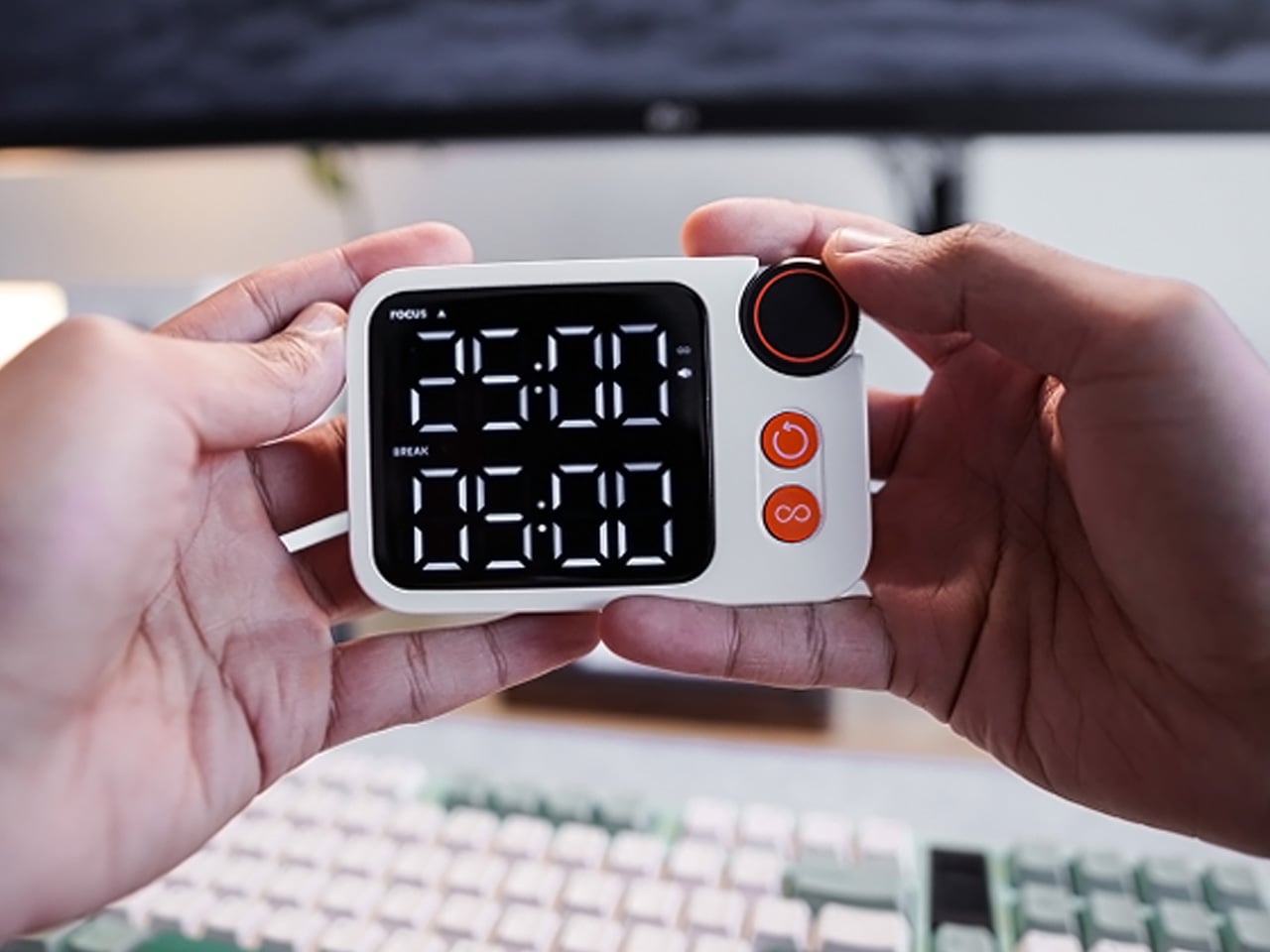
The Pomodoro method has been around since the late 1980s, and most people who use it rely on a phone timer or a browser tab. Neither is ideal. The Flow Timer replaces that with something solid. Cast in metal, with dual customizable presets for focus and break intervals, it lives on the desk as a functional timer and an object of intention. The visual arc tells you where you are in the session without a notification or a screen unlock.
For nomads who have long been their own productivity managers, a physical timer brings a different quality of commitment than a screen-based one. The act of setting it is deliberate. The focus-to-break transition is automatic. Sitting in a permanent spot, it becomes a small anchor for the rhythm of the day. Available in three colorways, the Flow Timer is one of those rare accessories that improves both how you work and how the desk looks while you do it.
What we like
Automatic switching between focus and break intervals removes the friction of resetting a timer mid-session, keeping the workflow continuous and uninterrupted
Solid metal construction and three considered colorways make it an aesthetic desk object as much as a productivity tool
What we dislike
The absence of a digital display means reading the visual arc requires a brief adjustment period before the feedback becomes truly instinctive
As a dedicated single-function device, it competes for surface space against multi-purpose tools in more minimal or compact desk setups
8. Memento Business Card Log
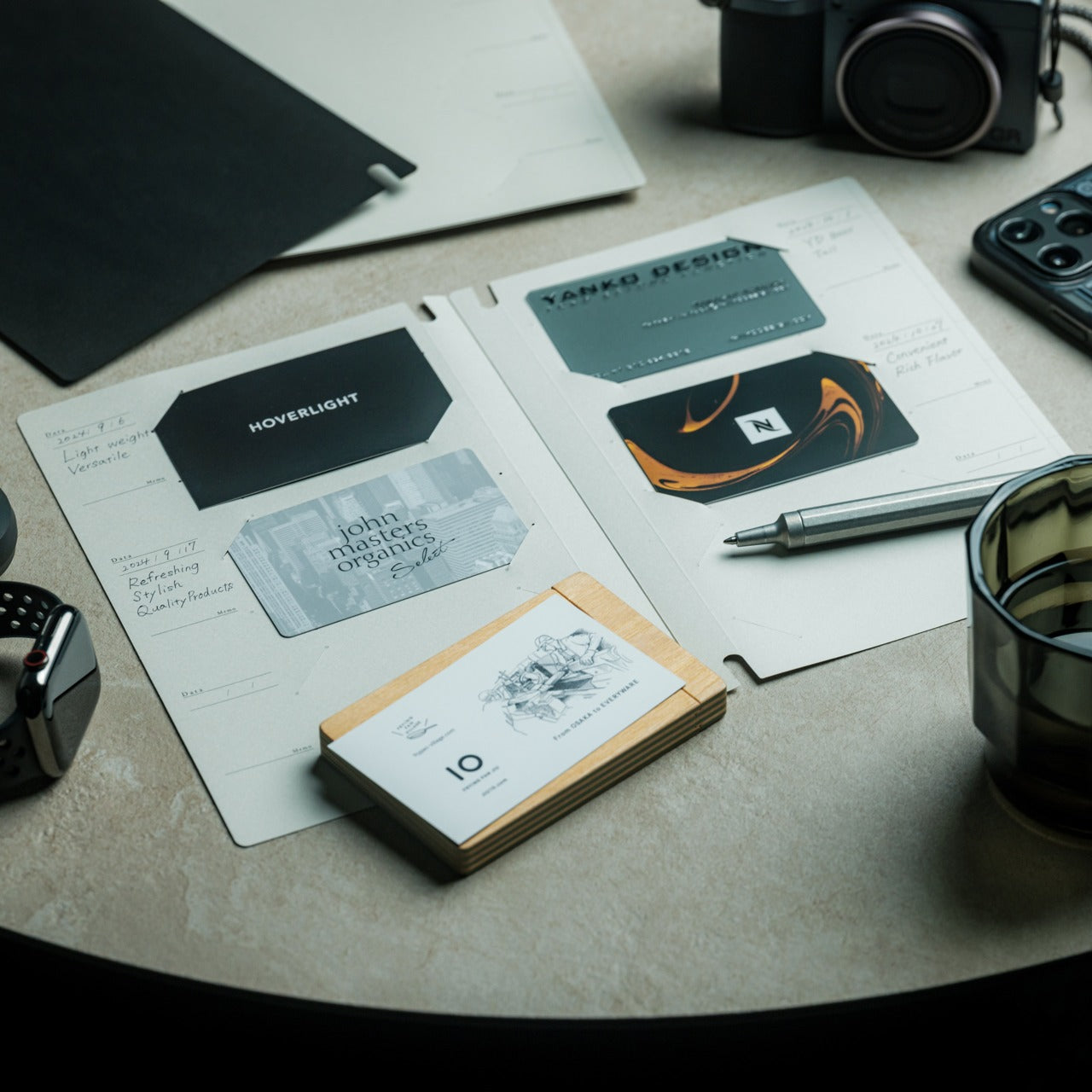
There is a specific quality to the business cards that collect at the bottom of a travel bag. Each one marks a moment, a conversation, a person worth remembering. The Memento Business Card Log was made for exactly this. Designed by Re+g, a Japanese brand with roots in thoughtful stationery craft, it holds up to 120 cards with a dedicated handwriting space beside each one for a characteristic, a date, or a detail that brings the memory back clearly.
The two-point slit system keeps cards secure without sleeves or adhesive, and the special binding allows pages to be easily reordered as professional relationships evolve. For a nomad building a network across cities and industries, this is the kind of object that earns its desk placement not through technology but through intention. It is a record of everywhere you have been and everyone who mattered enough to keep. That is rare, and the design knows it.
The two-point slit system and reorderable binding make the organization genuinely flexible, allowing the log to grow and shift alongside a professional network over time
Handwritten note spaces beside each card transform a simple storage product into a meaningful personal archive of the conversations that shaped a career on the road
What we dislike
A maximum of 120 cards may feel limiting for high-volume networkers who accumulate contacts rapidly across multiple cities, conferences, and industries
The analog format, while entirely intentional, offers no digital sync or search capability for users who need to cross-reference contacts across devices
These Gadgets Were Never Just for the Bag
There is a moment in every nomad’s life when the bag starts feeling less like freedom and more like a deadline. When the tools that carried you through airports and co-working spaces deserve something more settled. These eight objects were always portable by design, but built with the kind of intention that reads just as well on a permanent desk. Good design does not ask where it is. It just works.
The idea here is not to stop moving. It is to stop treating permanence as a downgrade. A folding mouse, a tactile timer, a rolling clock, a mat that holds your cables and your notes — taken together, they form a desk that feels chosen rather than assembled. The nomad who gives these a home is not giving anything up. They are just finally working somewhere worthy of the tools they already carry.
A messy desk is one of those problems that feels minor right up until it isn’t. You reach for a pen, knock over a cup, lose a paperclip into some void between your keyboard and monitor, and suddenly, five minutes are gone. Most organizers solve this with dividers and compartments, which is fine, but they tend to sit on your desk like afterthoughts, plastic trays that slide around and rarely match anything else in the room.
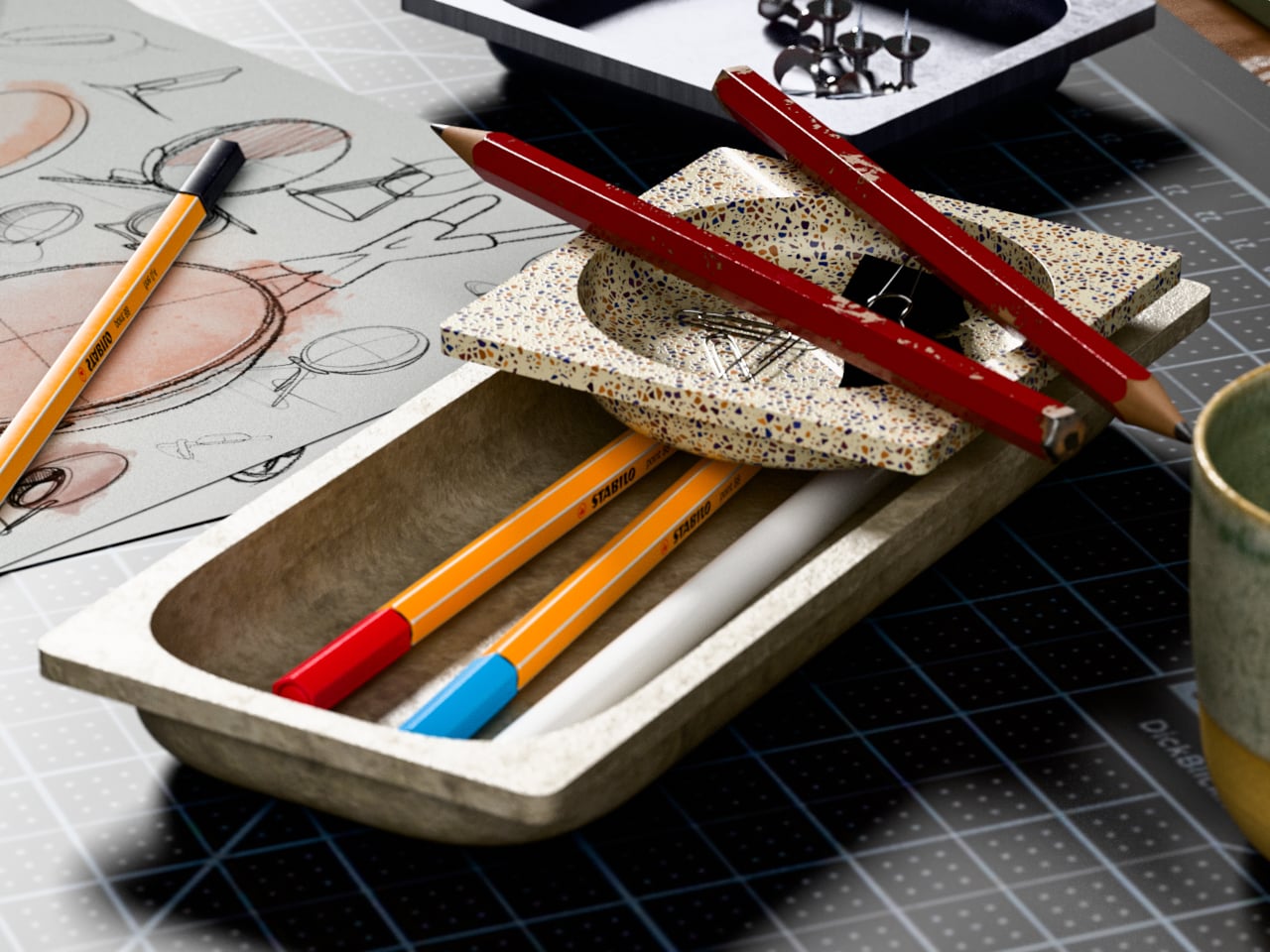
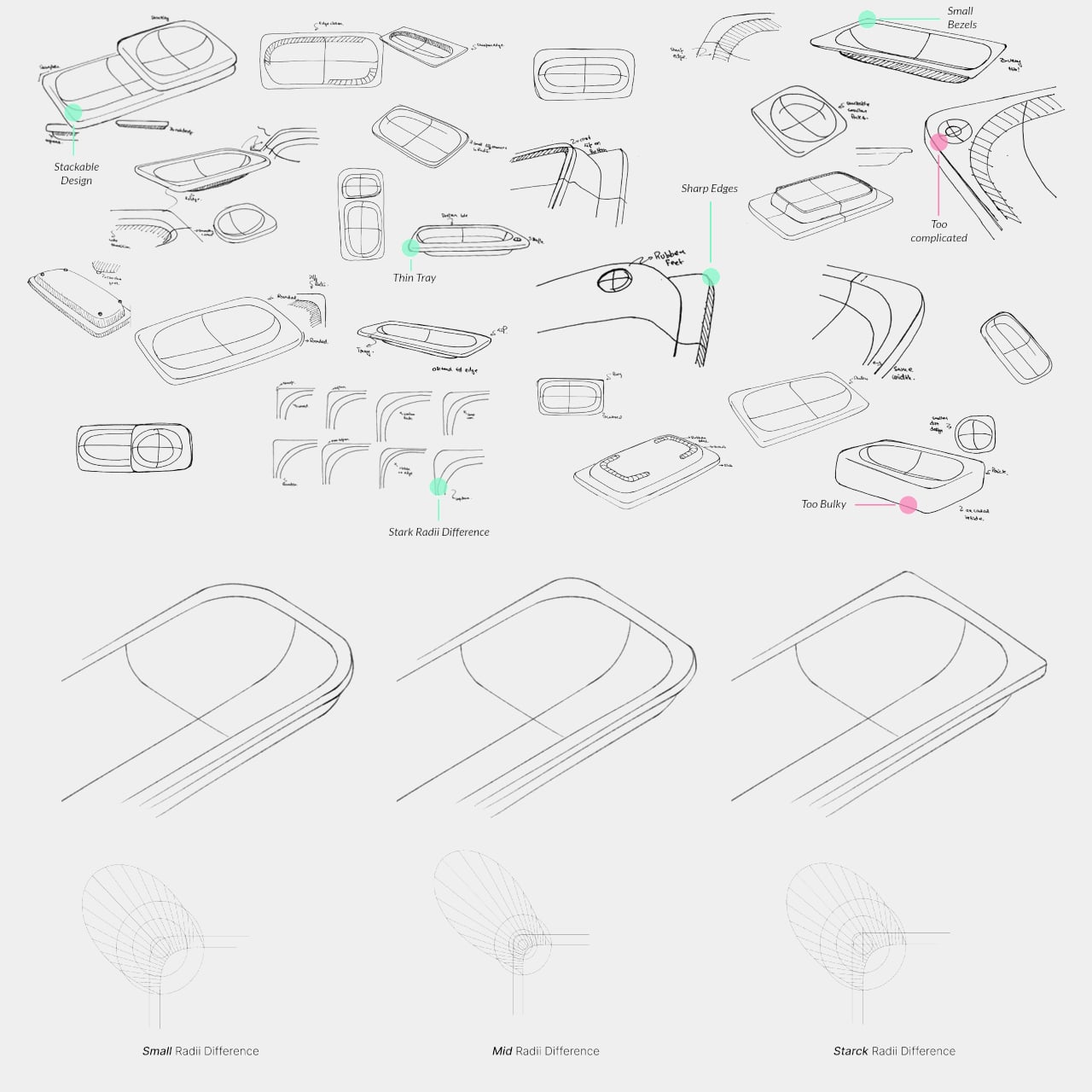
BloomCase approaches the problem from a different angle. Made from concrete, metal, and stone, it is heavy enough to stay put without any grip pads or rubber feet, and that weight is load-bearing in a more literal sense, too. The concrete body gives it a raw, architectural presence that feels deliberate rather than decorative, the kind of object that reads as intentional rather than incidental on a desk that already has some thought behind it.
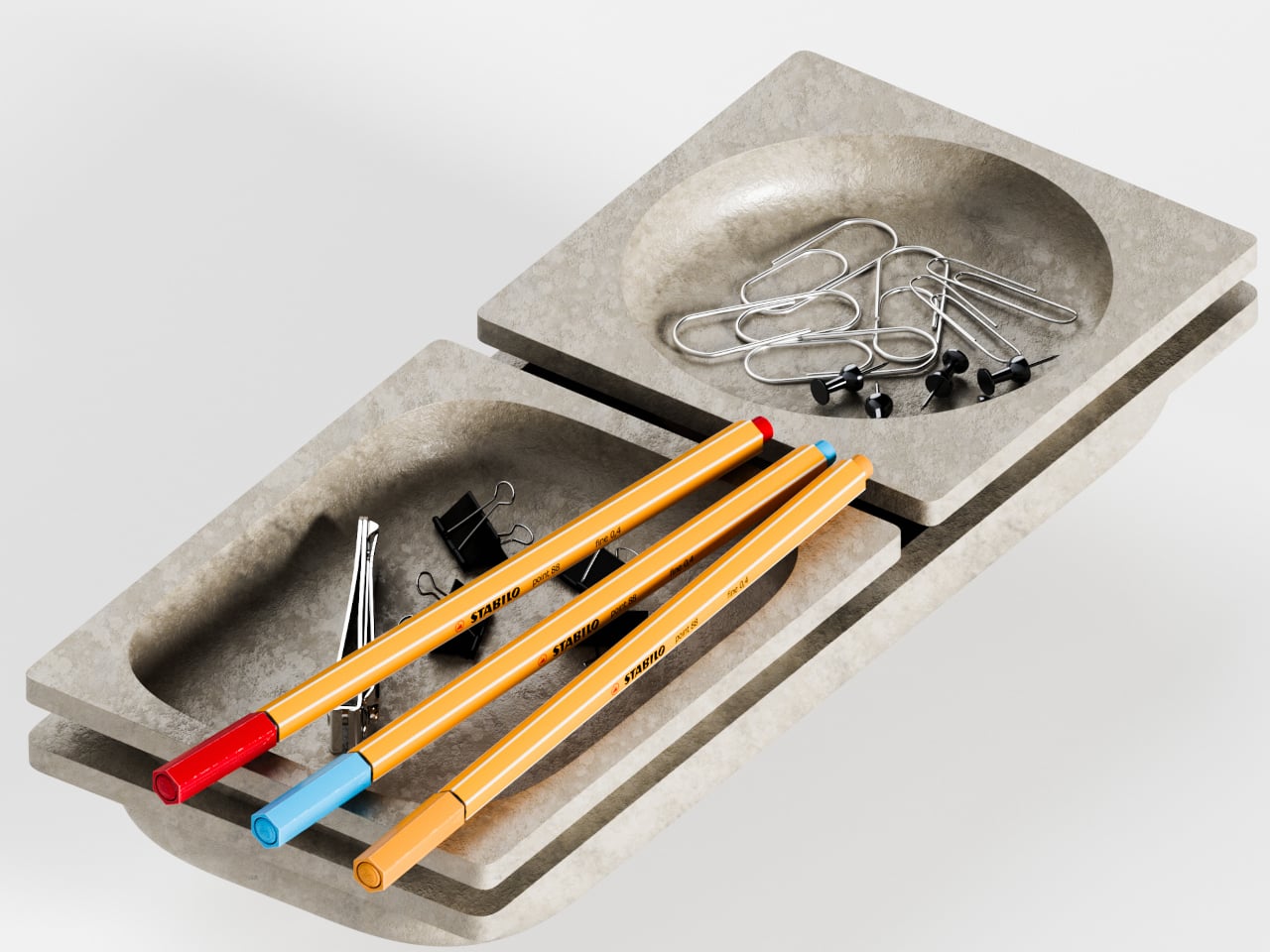
The form itself is where things get interesting. Circular basins sit alongside parallel rectangular bays, each with a specific job. The basins are contoured to cradle small loose items, thumbtacks, paperclips, and the miscellaneous hardware that scatters across every flat surface it touches. The bays run parallel and are angled to hold pens and pencils upright and accessible, so what you reach for most is what you find fastest. There is a satisfying logic to that division, one that needs no instructions to grasp.
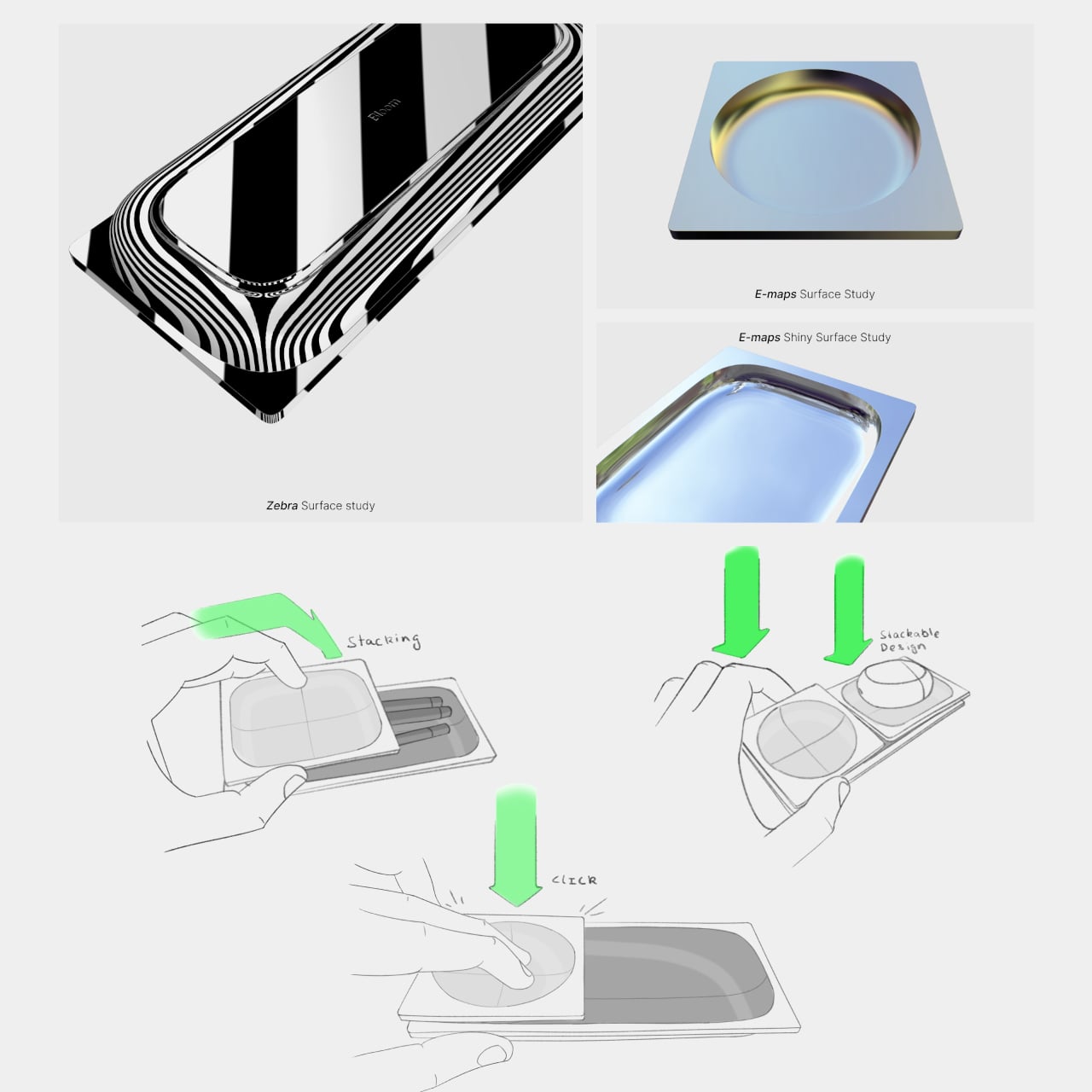
What separates BloomCase from a standard tray is the interlocking system. Two or more units snap together so that separate pieces merge into a single continuous footprint. The connection is designed to feel secure and repositionable, which matters when your desk layout shifts with a project, or when you realize three months in that you needed more pen space all along. The name comes from this behavior, units blooming outward across the workspace as organizational needs grow.
The aesthetic sits at an interesting intersection. Concrete and geometric curves do not usually share a design brief, but the combination here avoids the coldness that brutalist objects can carry in domestic or office settings. The raw material quality of the concrete against the softer basin profiles creates enough contrast to hold visual interest without tipping into decorative territory. It looks like a tool that was designed carefully, which is a harder thing to pull off than it sounds.
The modular logic is a genuinely smart idea, but it only makes practical sense if you actually need more than one unit. A desk covered in connected concrete trays starts to raise honest questions about how much surface you are willing to trade for organization. There is also the matter of audience: heavy raw materials appeal most to designers and architects who already have a taste for that kind of object on their desks, which is a narrower group than the broader market for desk tidiness.
The line between work and home has blurred into an architectural dialogue. Today’s hybrid living isn’t about working from the kitchen counter but about rethinking how domestic spaces support productivity and calm. Designers now aim to create environments that balance efficiency with ease, where furniture performs multiple roles without sacrificing elegance or comfort.
For high-net-worth homeowners, this shift is about investing in experiences that enhance their lifestyle and property value. Portable chairs and adaptive workstations have evolved into design essentials, dynamic and ergonomic, fluid enough to move with the rhythms of daily life, redefining how we live and work within our spaces.
1. Ergonomic Intelligence and Wellness Value
The strength of any portable workspace lies in its ergonomic foundation. Temporary, low-quality setups often lead to long-term strain and reduced focus. True wellness ROI comes from minimizing physical fatigue through design that supports the body’s rhythm, integrating temperature-responsive materials, balanced support, and kinetic flexibility rather than relying on surface aesthetics alone.
When selecting furniture, prioritize chairs with dynamic lumbar support and workstations with seamless height adjustment. The ideal setup becomes a biophilic cocoon, comforting, adaptive, and attuned to your natural movement, ensuring that even during long digital sessions, productivity and physical harmony remain perfectly aligned.
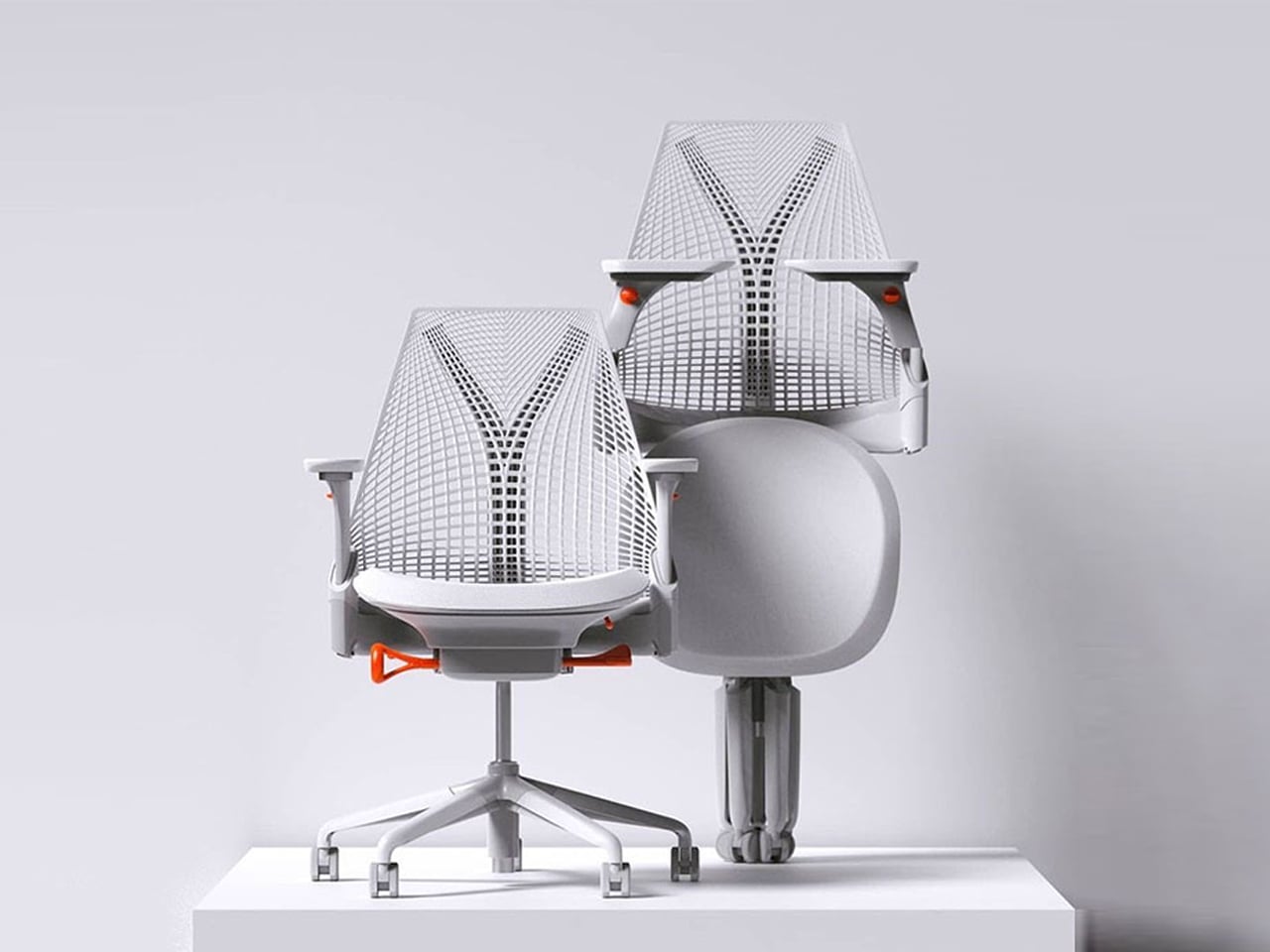
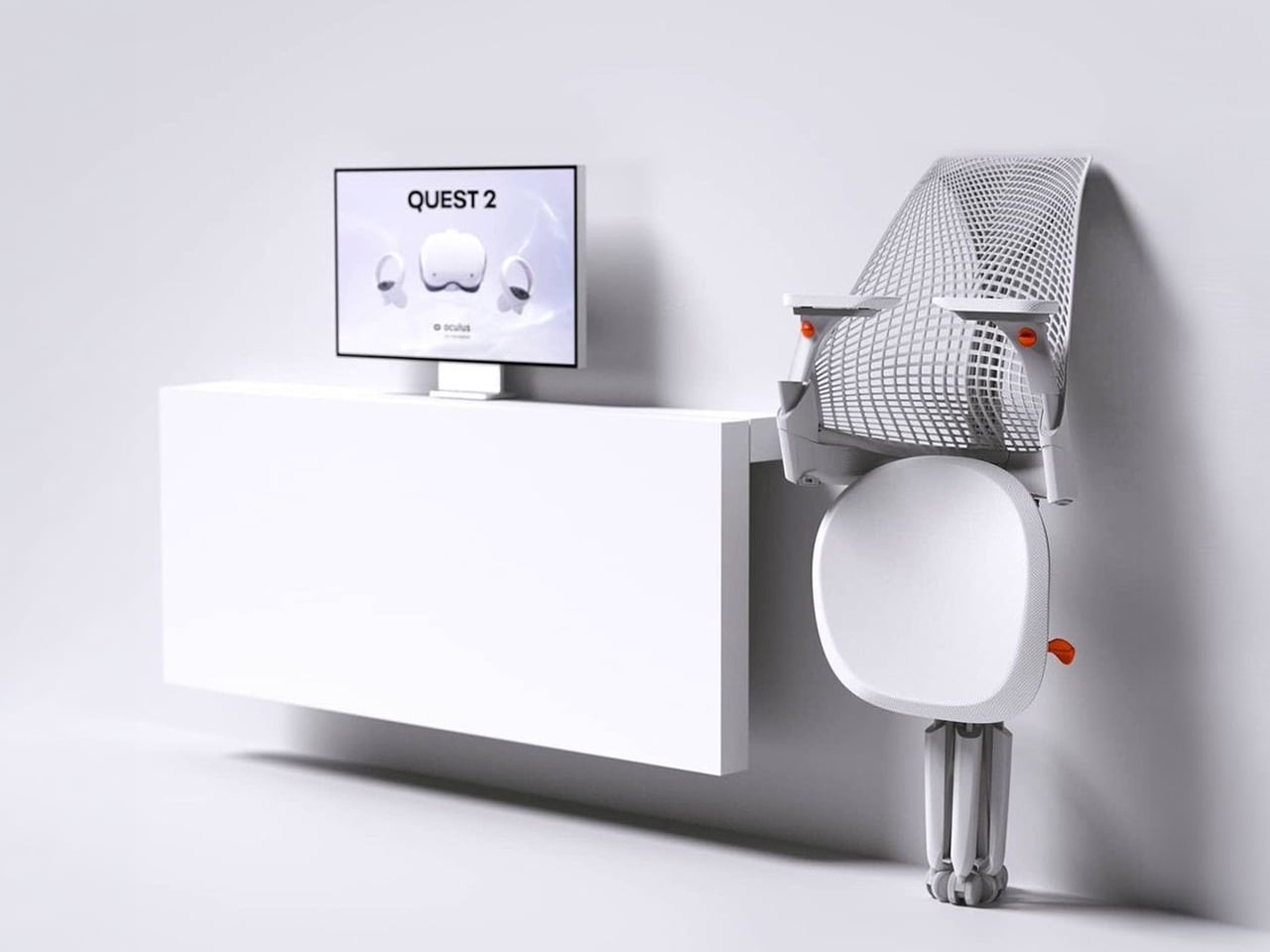
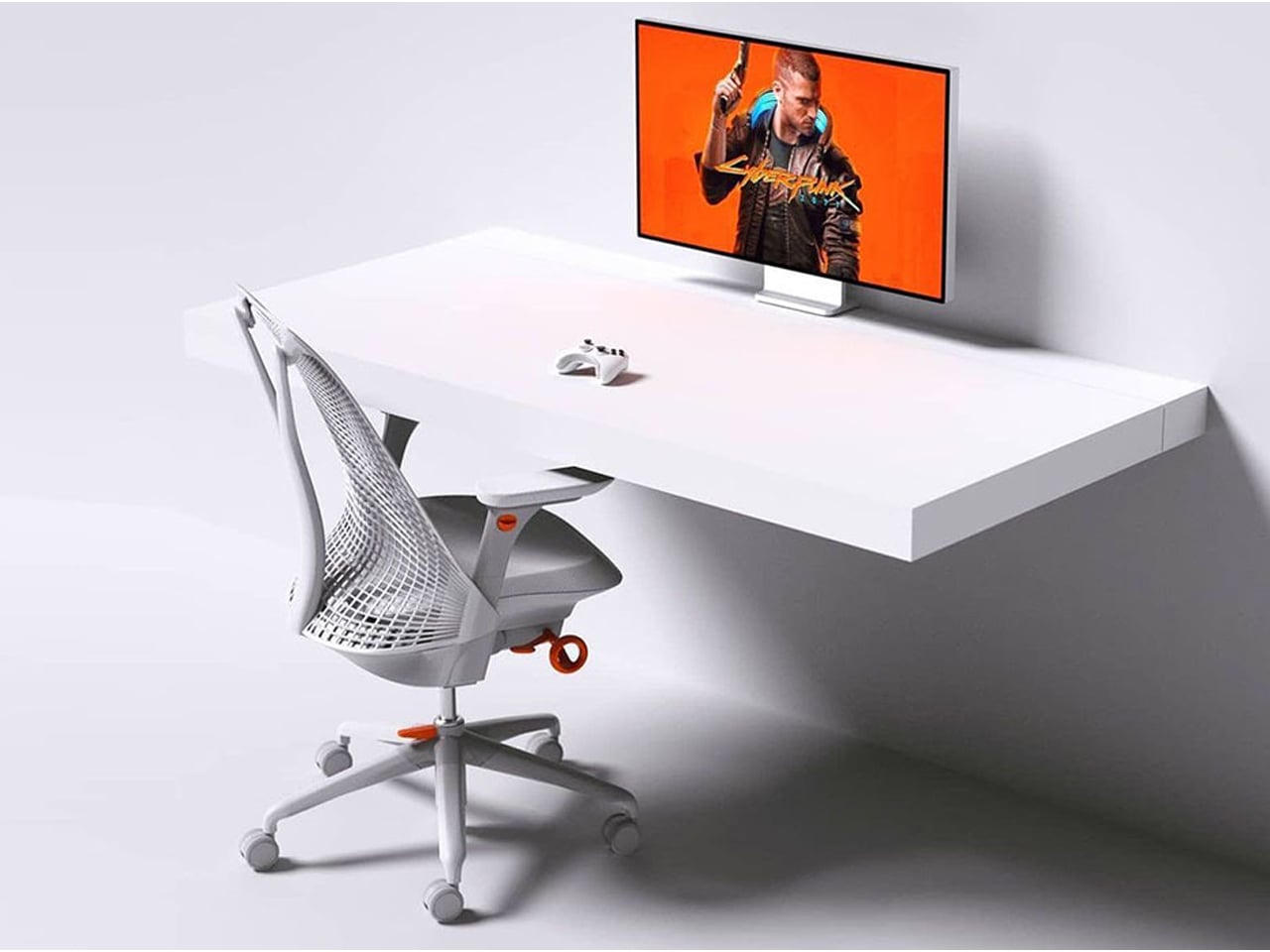
The Sayl concept chair by Charley reflects the changing ways we live, work, and play. As homes have evolved into hybrid offices, gyms, social spaces, and relaxation zones, our furniture needs have changed too. Charley even considers the hours we spend gaming or binge-watching, recognizing that chairs today must support multiple activities while remaining comfortable and functional. Designed by Herman Miller, the Sayl chair combines high-end design with practical usability, allowing users to maximize their space without sacrificing luxury or ergonomics.
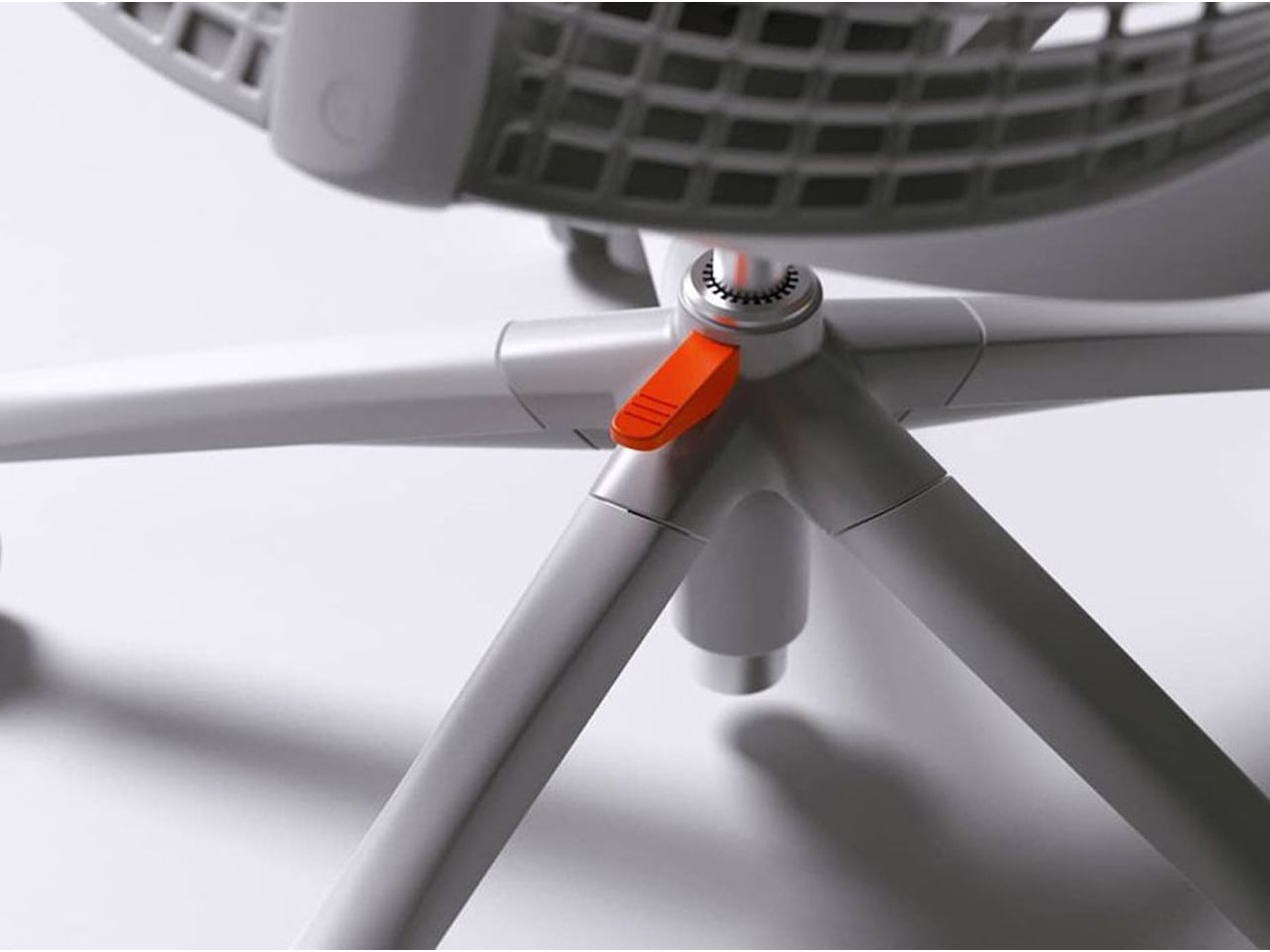
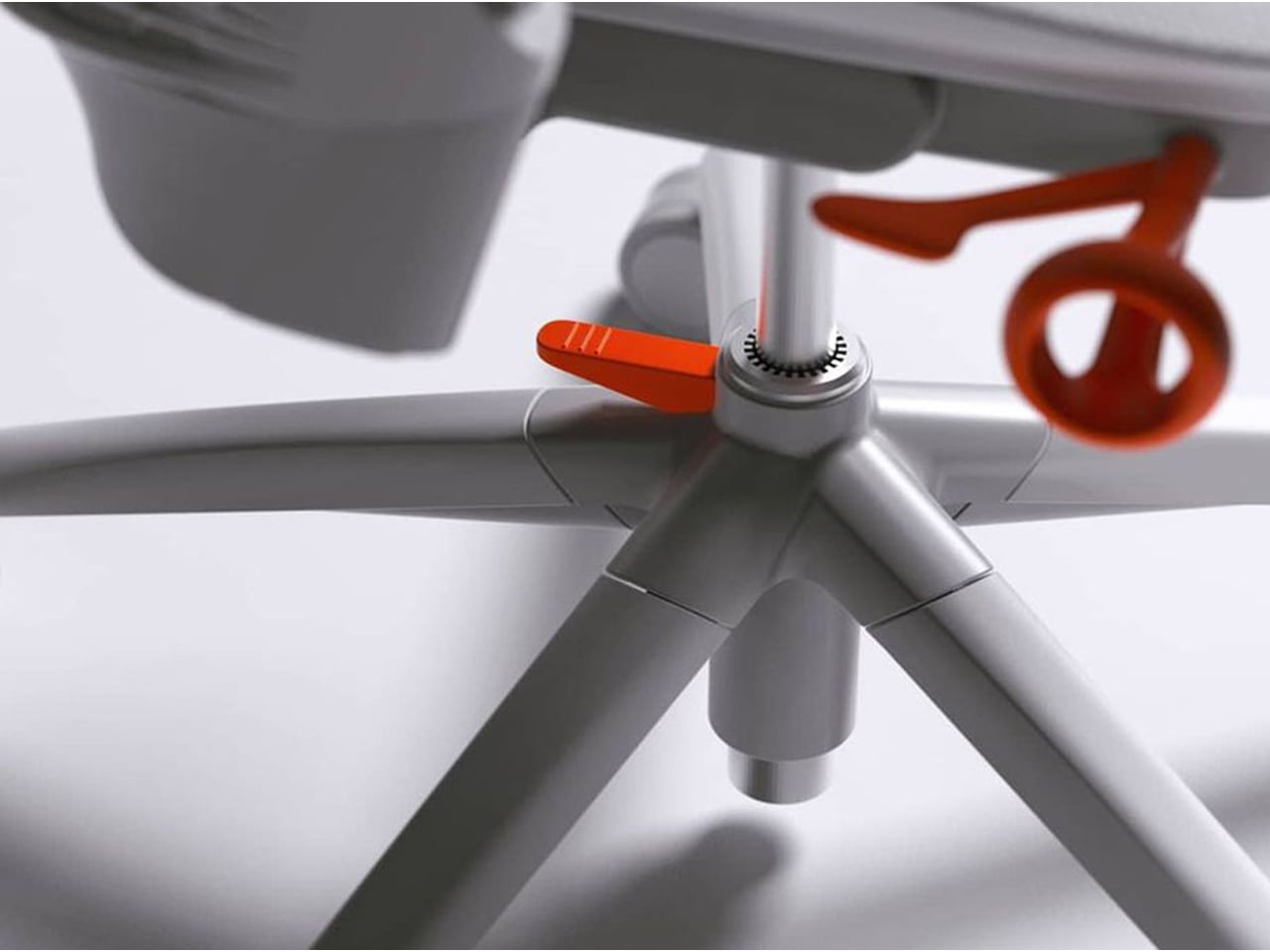
The chair’s muted grey tones ensure it blends effortlessly into any interior, while bright orange accents draw attention to pivotal touchpoints, making it intuitive to use. A foot pedal mechanism allows the chair to collapse easily, providing a convenient, space-saving solution for modern homes. In the post-pandemic era, furniture design has shifted towards modular, flexible, multifunctional, and compact solutions. The Sayl chair embodies all these qualities, offering a versatile, stylish, and practical seating option for today’s hybrid lifestyle.
2. Aesthetic Integrity and Material Authenticity
Every portable unit should carry a strong aesthetic value that complements its architectural surroundings. Materials must feel genuine and timeless, like solid wood, brushed metal, and high-performance textiles that reveal craftsmanship rather than conceal it. This honesty of composition creates visual depth and emotional connection, reinforcing the idea that beauty lies in authenticity, not imitation.
The design should remain sculptural yet understated, integrating seamlessly into curated interiors. Its finish must align with the home’s palette, allowing it to coexist gracefully within the space. When not in use, it should rest as a quiet architectural accent rather than a workplace intrusion.
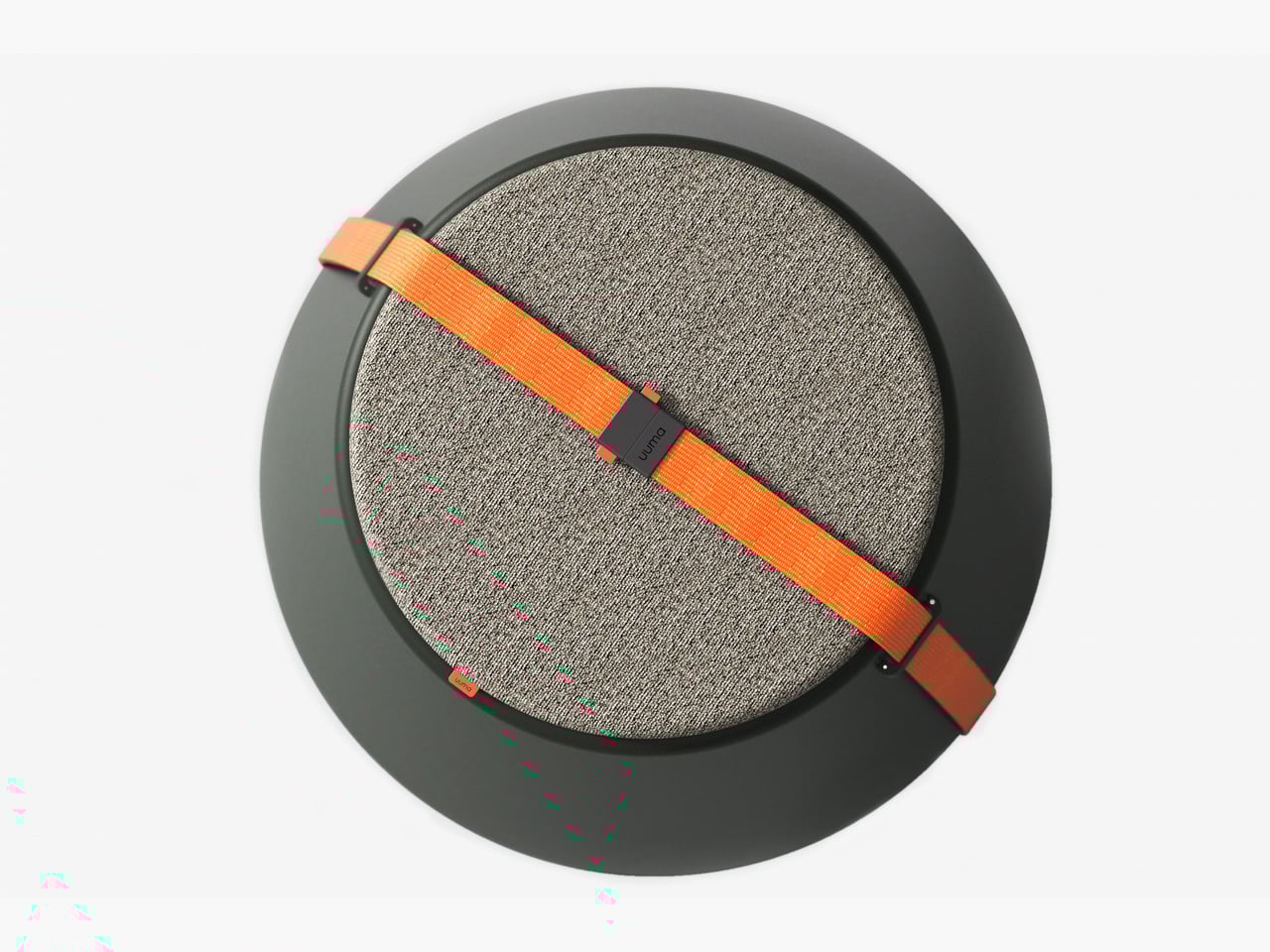
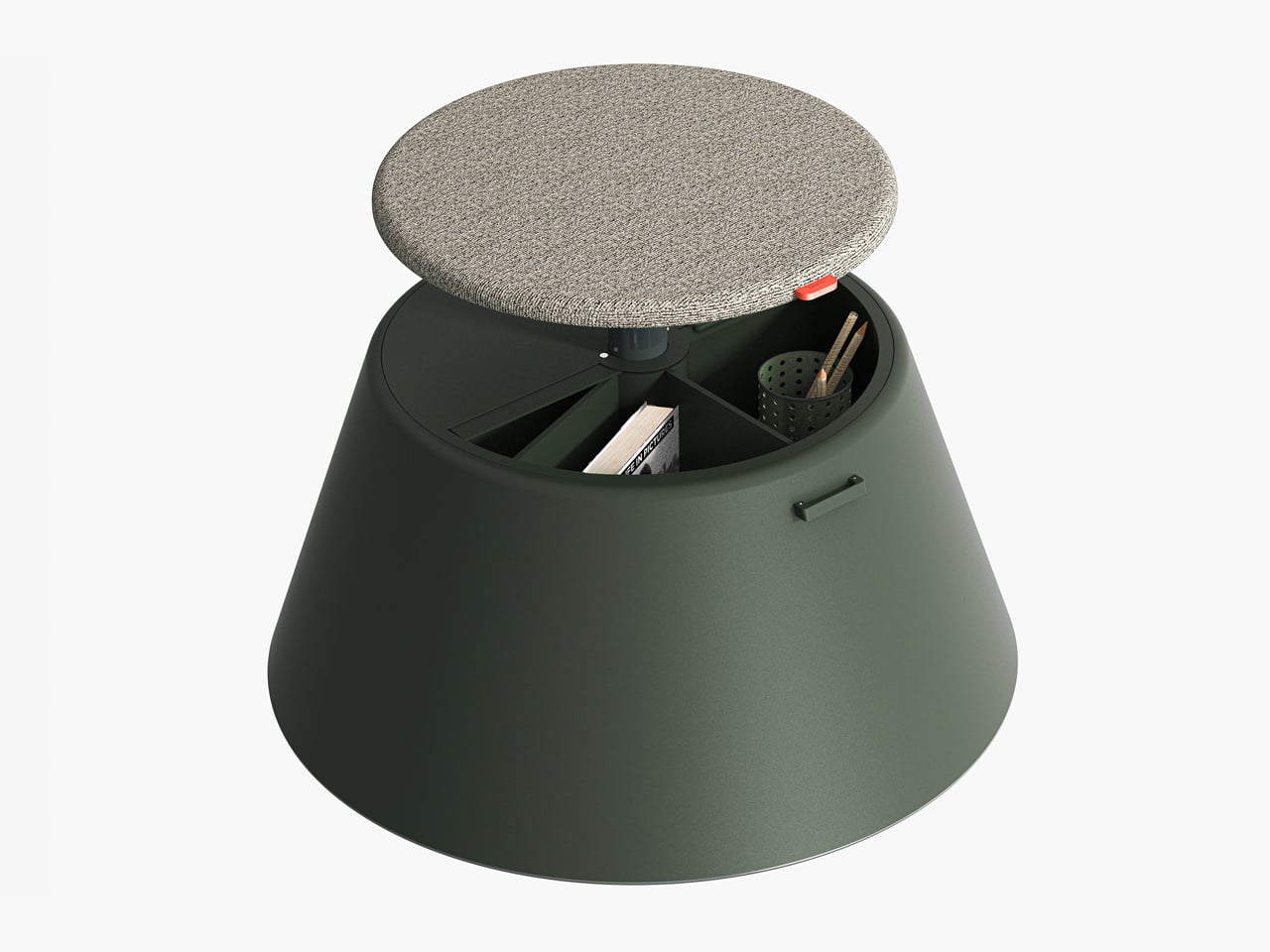
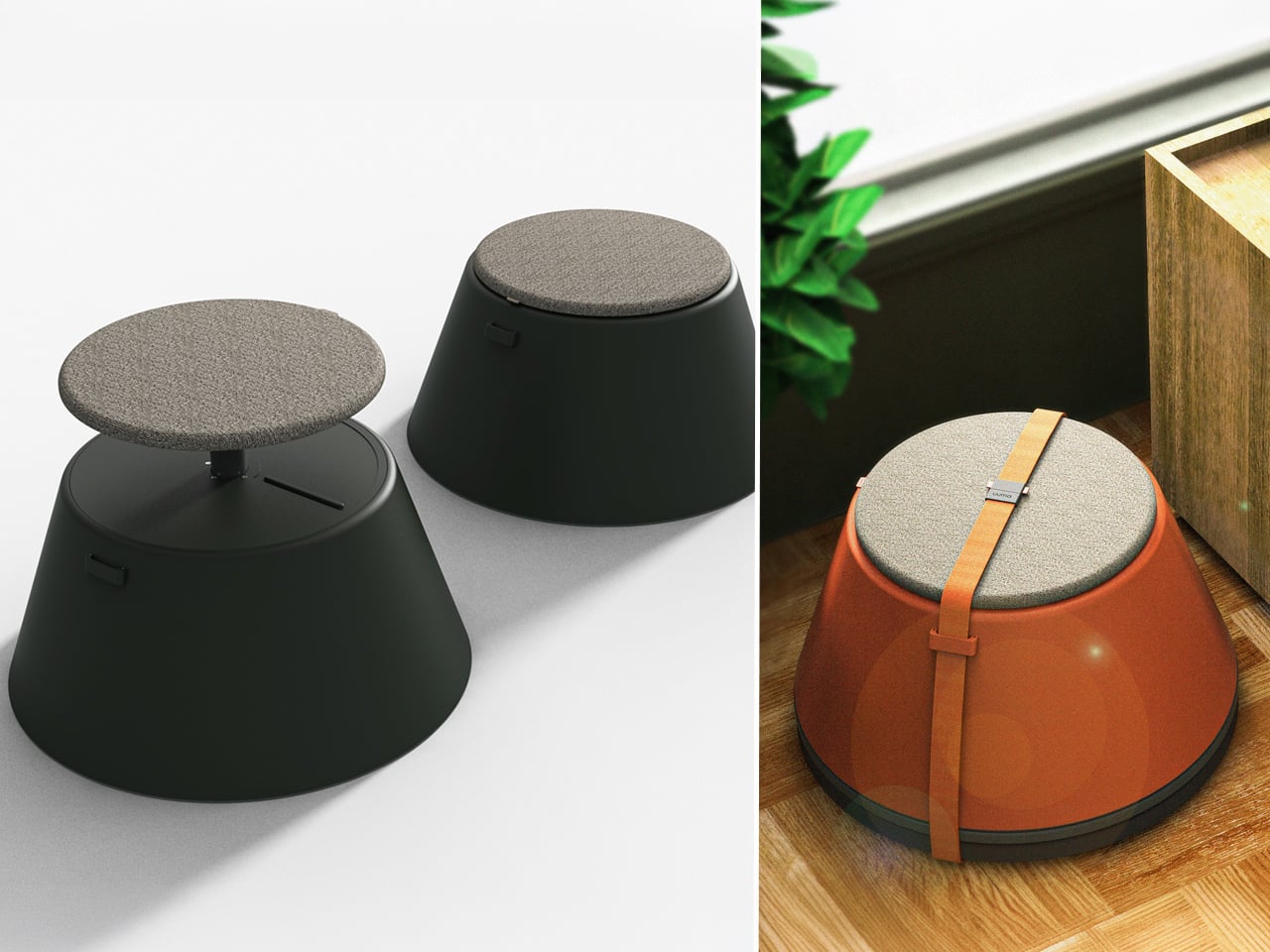
Working from home has spared many from long commutes and office distractions, yet it has also made work feel more solitary. Sitting by the same wall each day, even in a well-designed home office, can feel disconnected from the world beyond virtual meetings. While folding furniture remains popular for its space-saving benefits, stackable, all-weather alternatives are emerging as a smarter choice. Industrial designer Gökçe Nafak introduces the uuma, a portable table-and-chair combo designed as a single stackable unit that transitions effortlessly between indoor and outdoor settings.
Perfect for those who enjoy working in the garden, on the balcony, or in flexible spaces, the uuma blends convenience with creativity. Made from fibreglass, it is lightweight, durable, and sustainable. Its modular design features a height-adjustable metal frame and detachable parts that assemble easily. The chair transforms into a table within moments, offering comfort, portability, and style in three vibrant, modern colors.
3. Spatial Flow and Footprint Efficiency
The effectiveness of any modern workstation depends on how well it manages spatial flow. In compact urban homes, every inch counts, making footprint reduction a key design priority. A thoughtfully designed system should retract or fold away seamlessly, minimizing its physical presence while supporting the need for adaptable, multi-functional living spaces that evolve throughout the day.
Mobility and refinement define its usability. Tables and desks should transition effortlessly from work to leisure, enabling a quick shift from boardroom mode to family dining. Silent, non-marking wheels and intuitive movement reflect superior engineering and respect for interior balance.
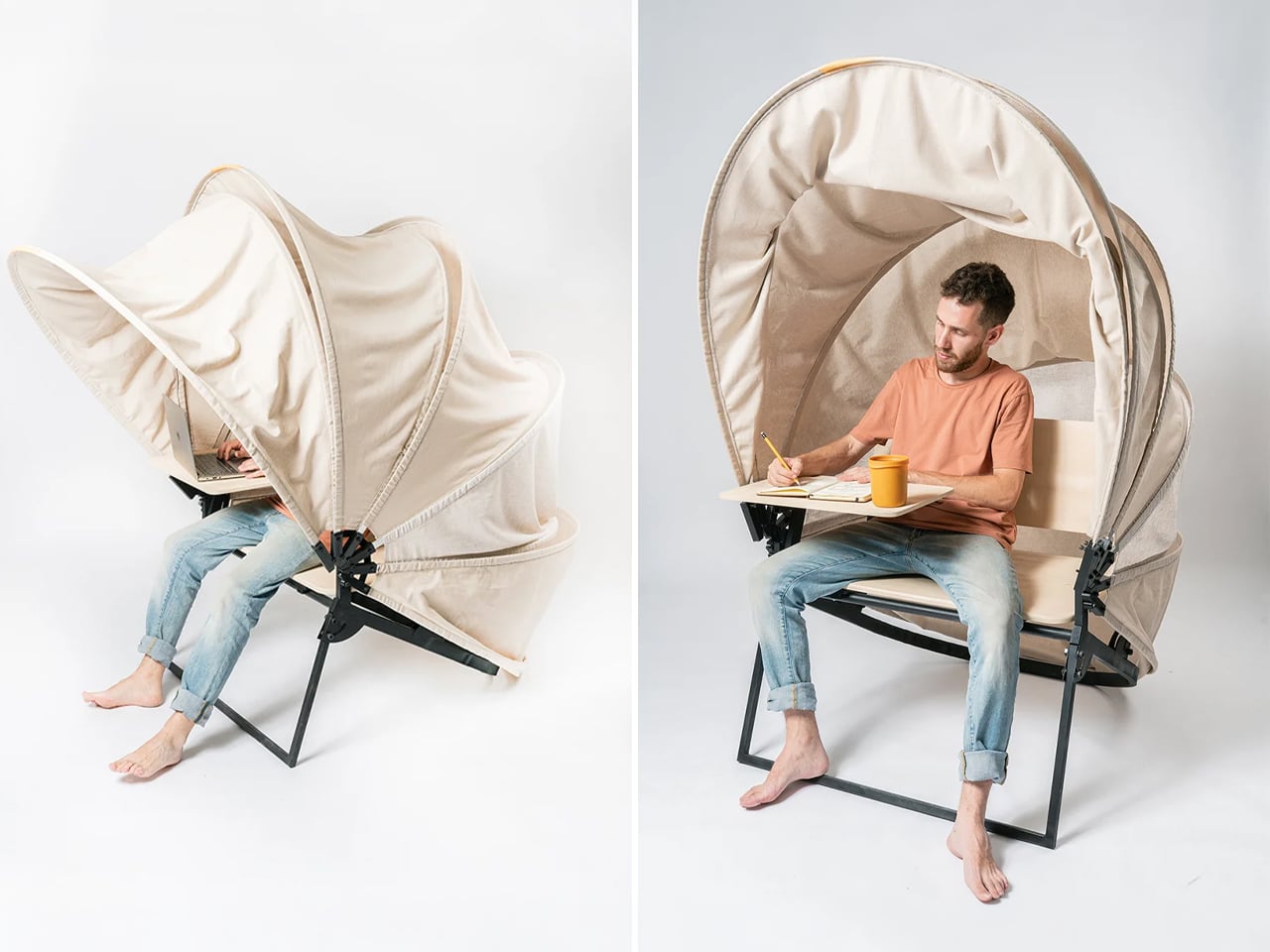
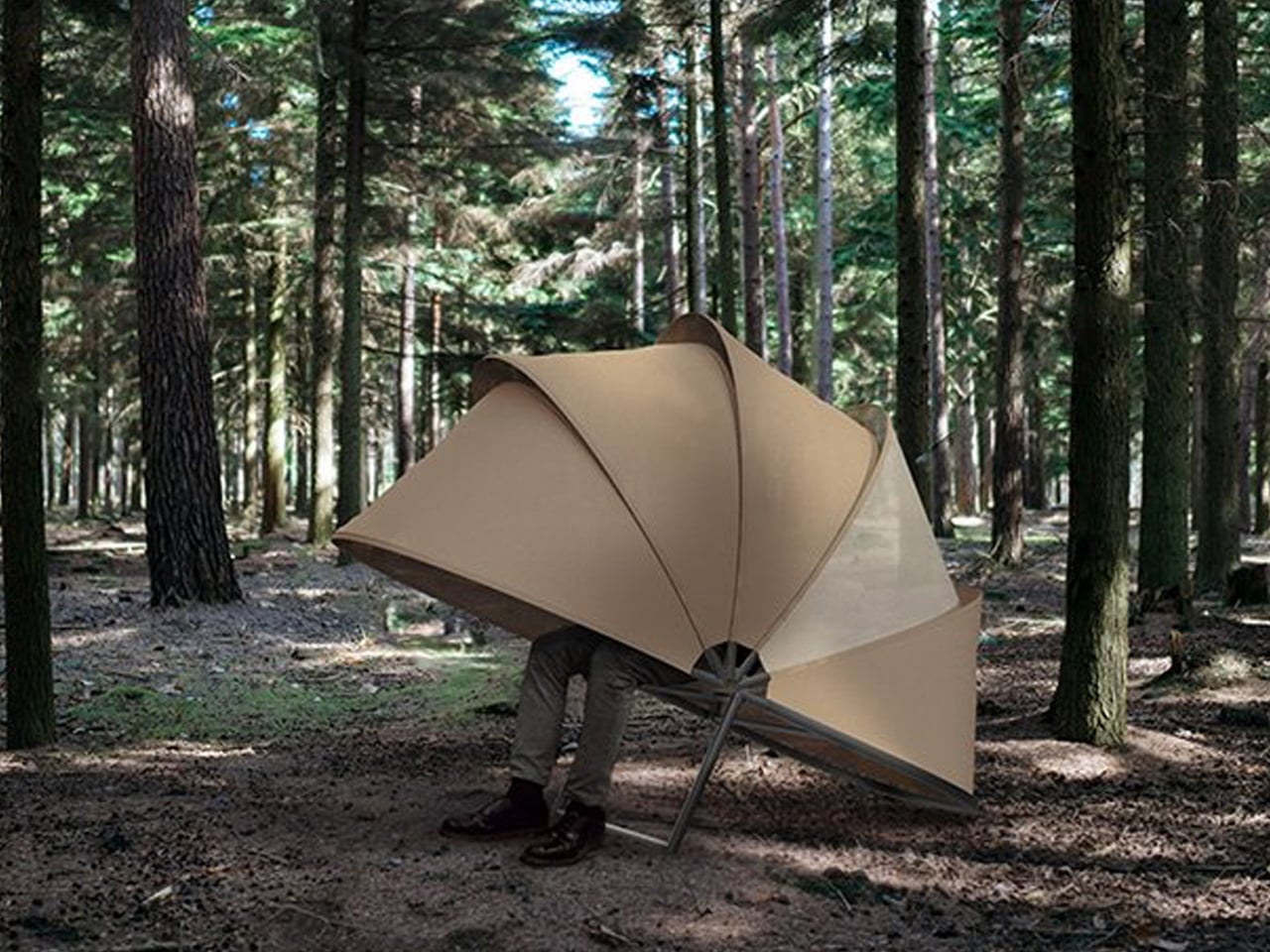
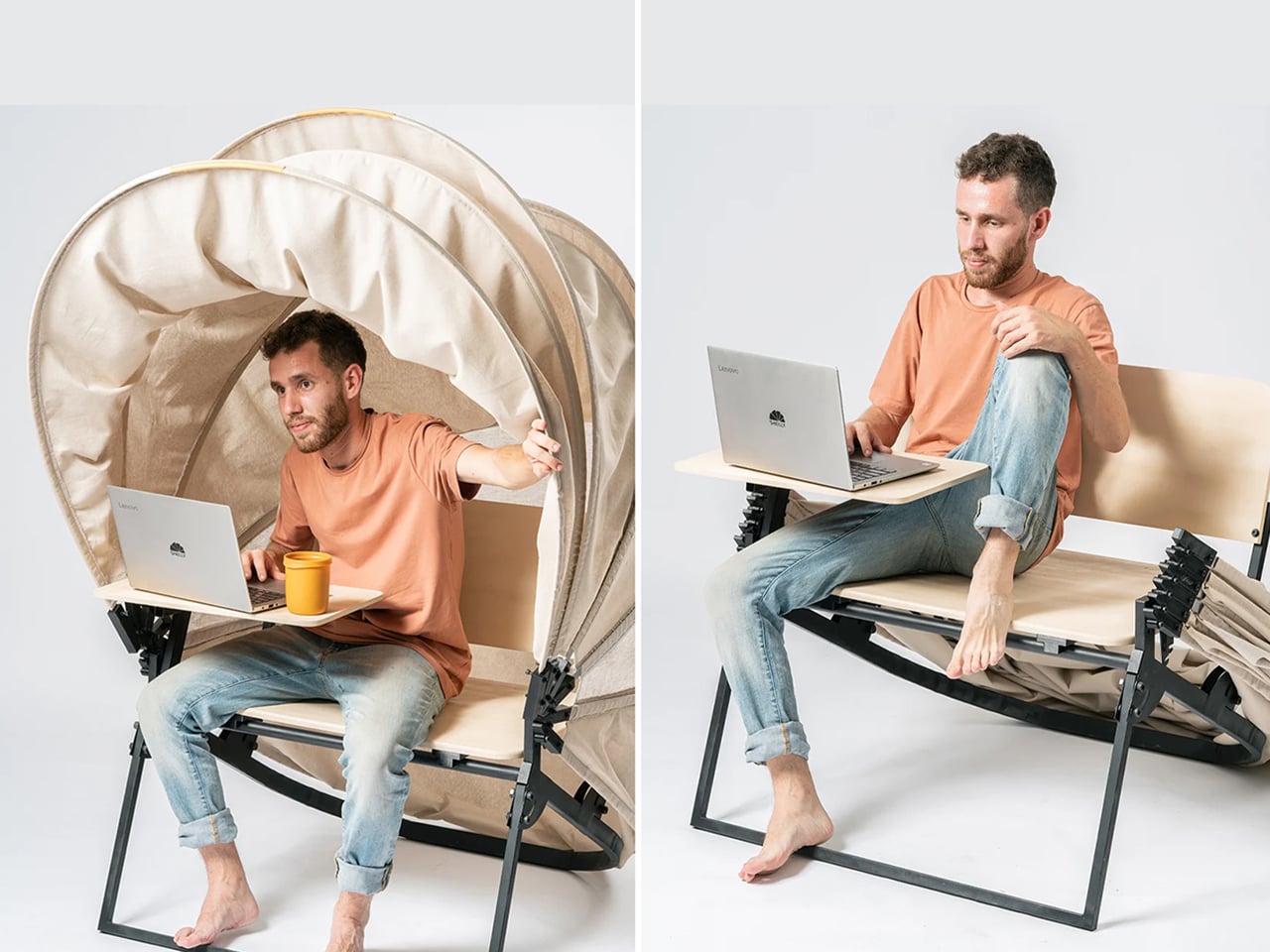
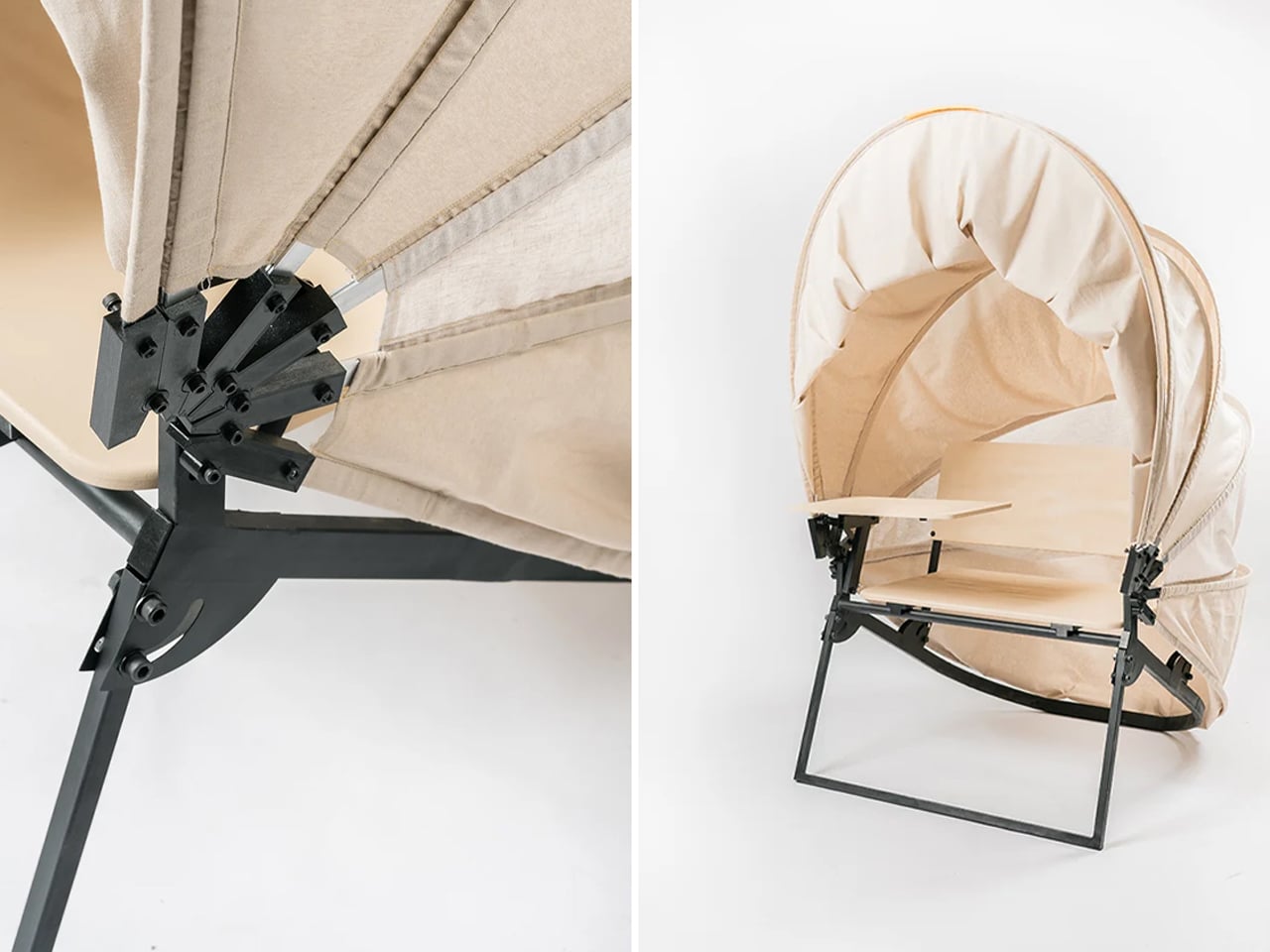
In a shared workspace like WeWork, or a peaceful spot under a tree, flexibility defines modern work culture. Industrial designer Matan Rechter responded to this shift with Shelly, a personal outdoor workspace that combines privacy, shade, and portability for those who prefer working outside. Inspired by the remote work movement, Shelly was designed to bring focus and comfort to outdoor environments like public parks.
Its name comes from its shell-like canopy that folds in and out with ease. Built from lightweight aluminium profiles and durable Cordura fabric, Shelly shields users and electronics from harsh UV rays. The canopy’s retractable design, reminiscent of an armadillo’s shell, provides instant shade and convenience. Compact and portable, Shelly transforms outdoor work into a comfortable, productive, and stylish experience anywhere, anytime.
4. Technological Integration and Power Autonomy
A modern hybrid workstation should function as a self-sufficient ecosystem, anticipating digital needs without visual clutter. True design intelligence lies in seamless connectivity, like built-in charging, concealed wiring, and intuitive access that keeps the workspace both elegant and efficient. Power autonomy ensures independence from fixed outlets, supporting the growing demand for mobility and flexibility in home environments.
Features such as integrated induction charging pads, hidden cable channels, and optional battery packs transform furniture into an adaptive tool. These enhancements merge aesthetics with performance, allowing users to remain connected, productive, and untethered within any architectural setting.
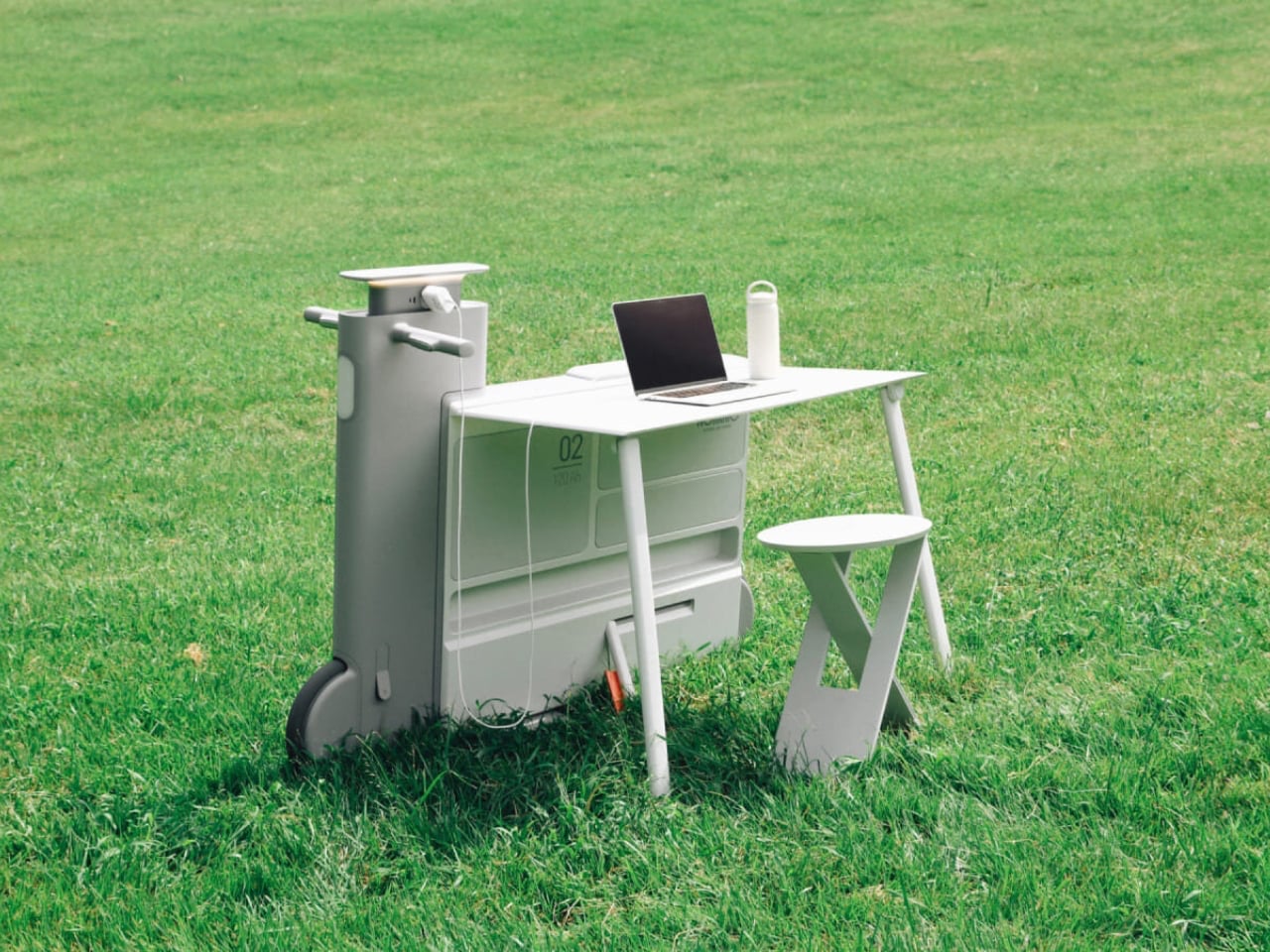
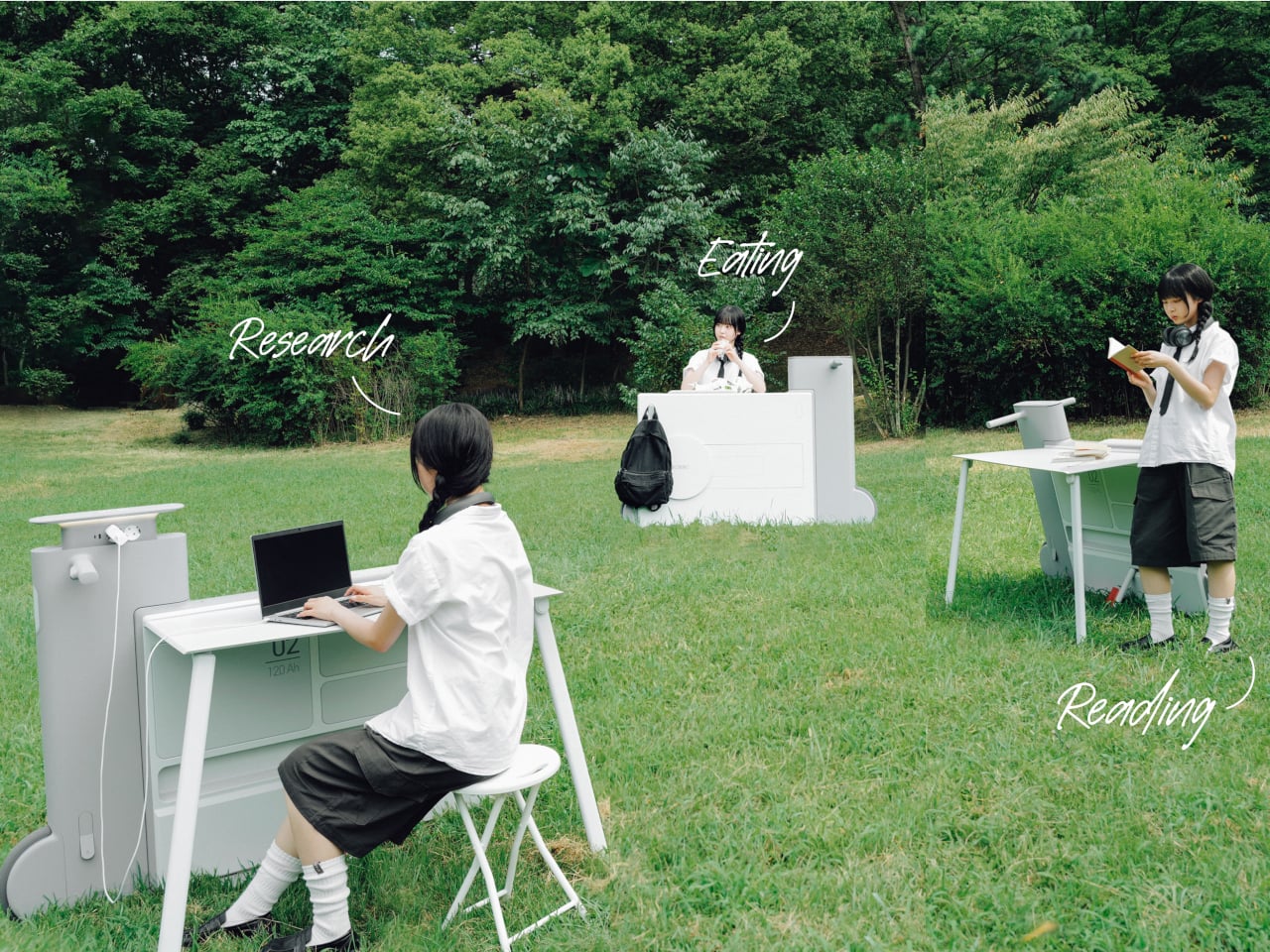
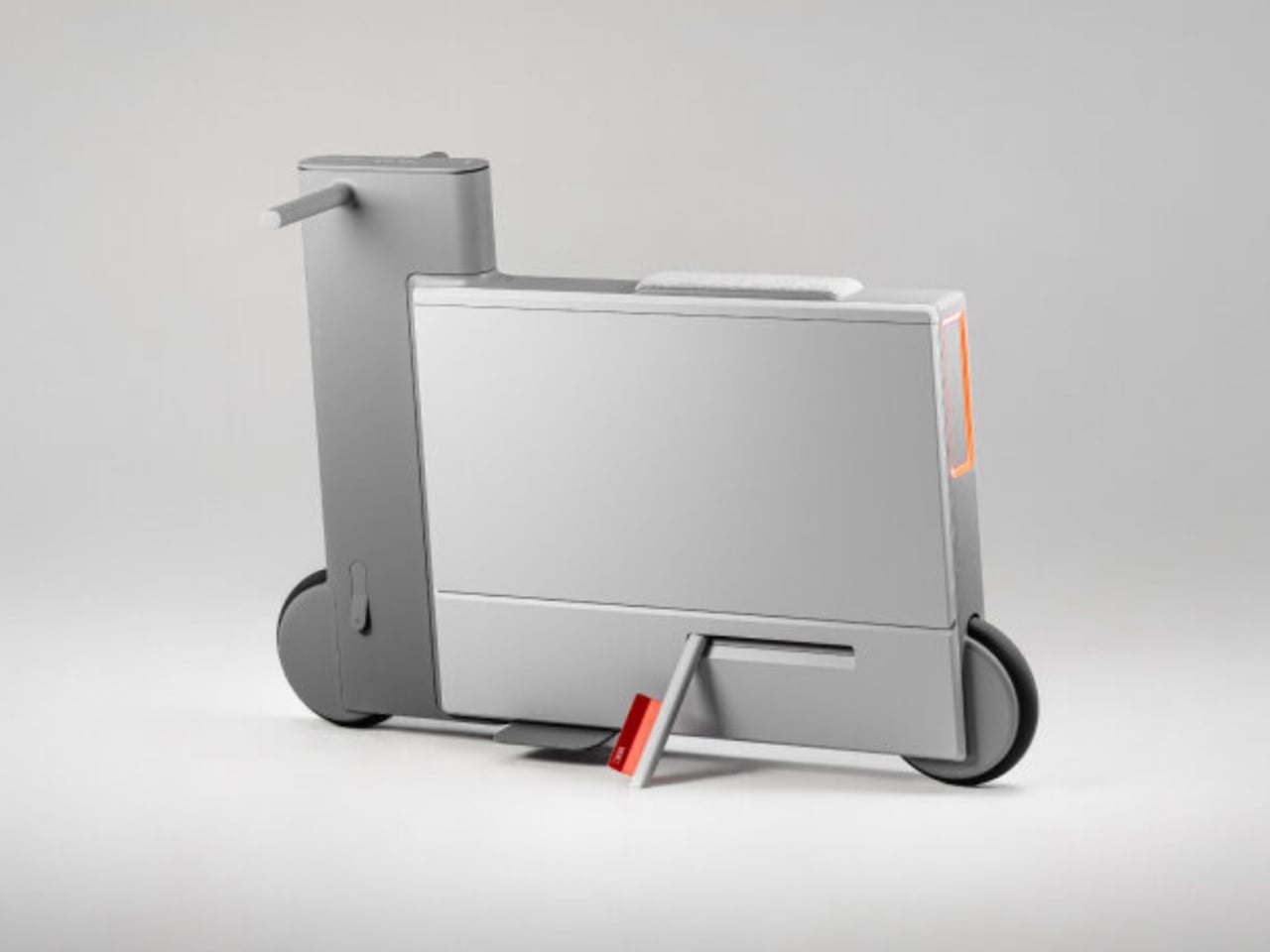
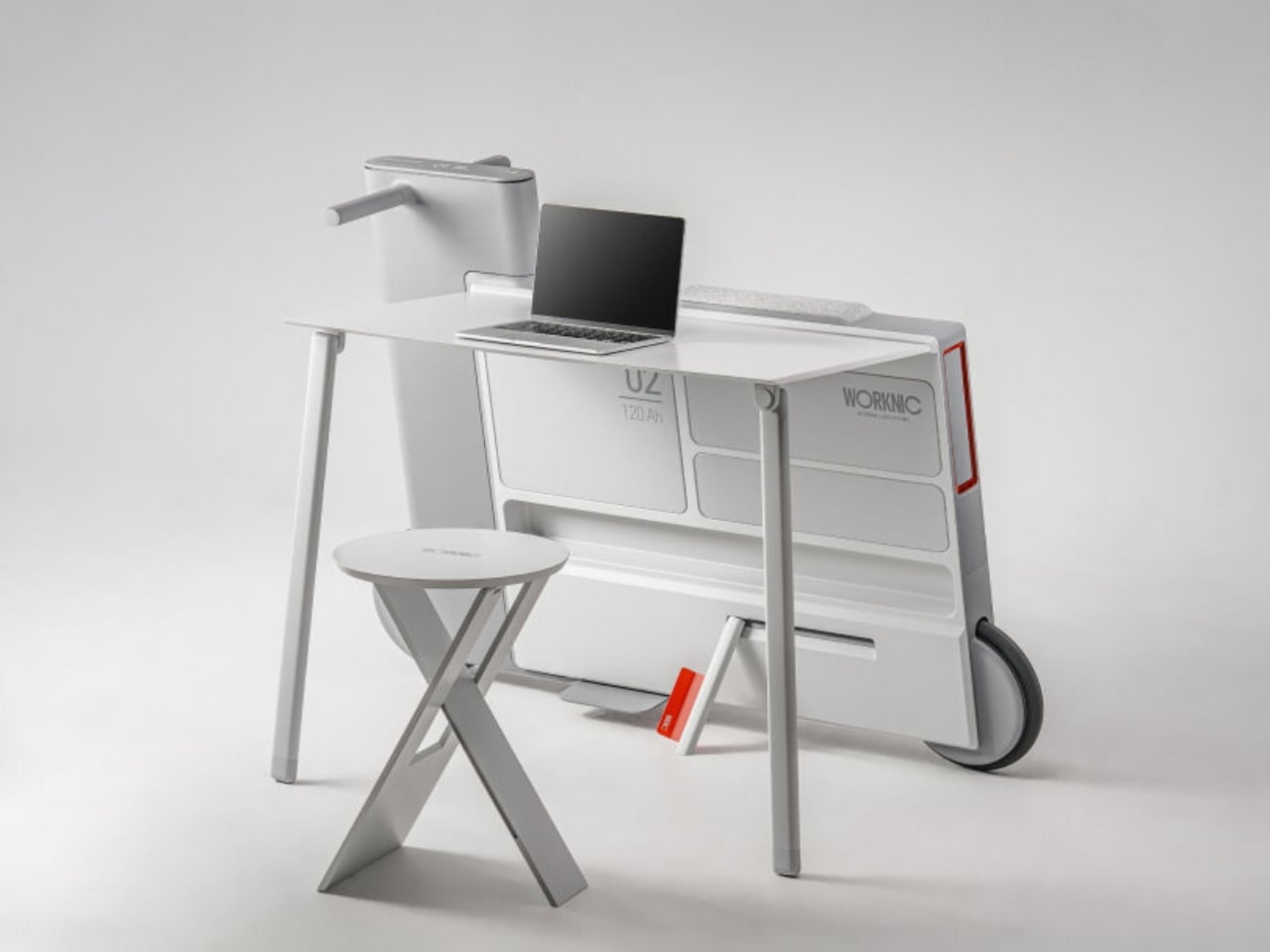
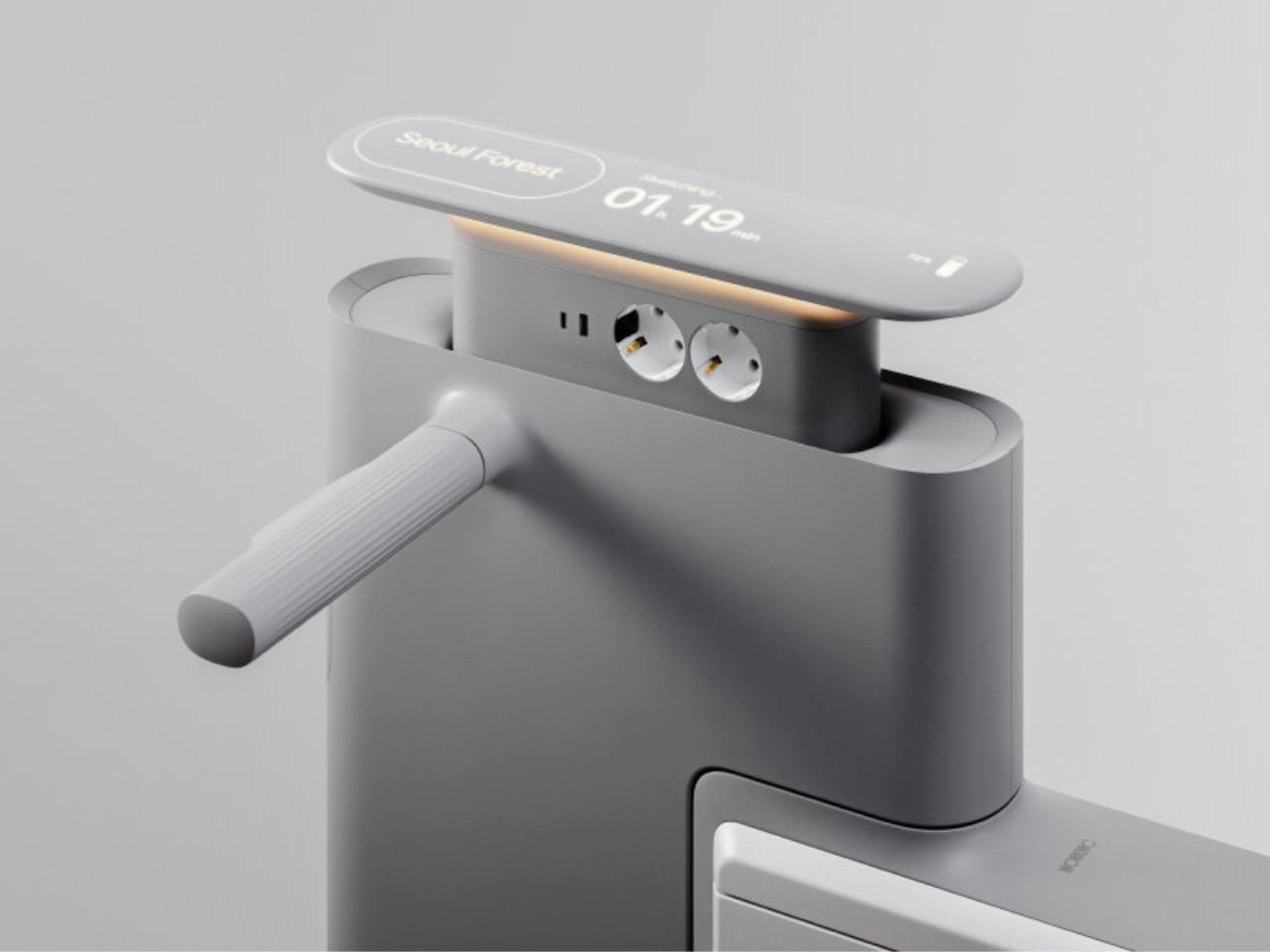
Another standout example is Worknic, a portable desk developed through the Samsung Design Membership program, sponsored by Samsung Electronics. Designed for flexibility, Worknic allows users to set up a functional workspace anywhere, whether in a home, park, or even on the beach, giving them the freedom to change their environment whenever needed.
The desk is built on wheels, making it easy to move and position in the ideal spot. Once in place, it unfolds to reveal a worktable, stands, and a built-in power source, while a pull-out stool completes the setup. Although details about battery life, weight, and additional features are limited, the concept prioritizes mobility, convenience, and adaptability. Worknic offers a creative solution for those who want a portable, fully equipped office that keeps productivity and inspiration in balance.
5. Design Resilience and Longevity Investment
For discerning homeowners, longevity defines true value. A well-crafted workstation should possess design resilience, built to endure daily use while retaining its original elegance and performance. This durability ensures a higher return on investment, setting it apart from fast furniture options that quickly lose both form and function.
Choosing established design houses and proven construction techniques guarantees structural integrity and timeless appeal. A five-to-ten-year warranty offers assurance that the piece is not just a purchase but a long-term architectural companion, blending endurance with refined craftsmanship for years of dependable, sophisticated use.
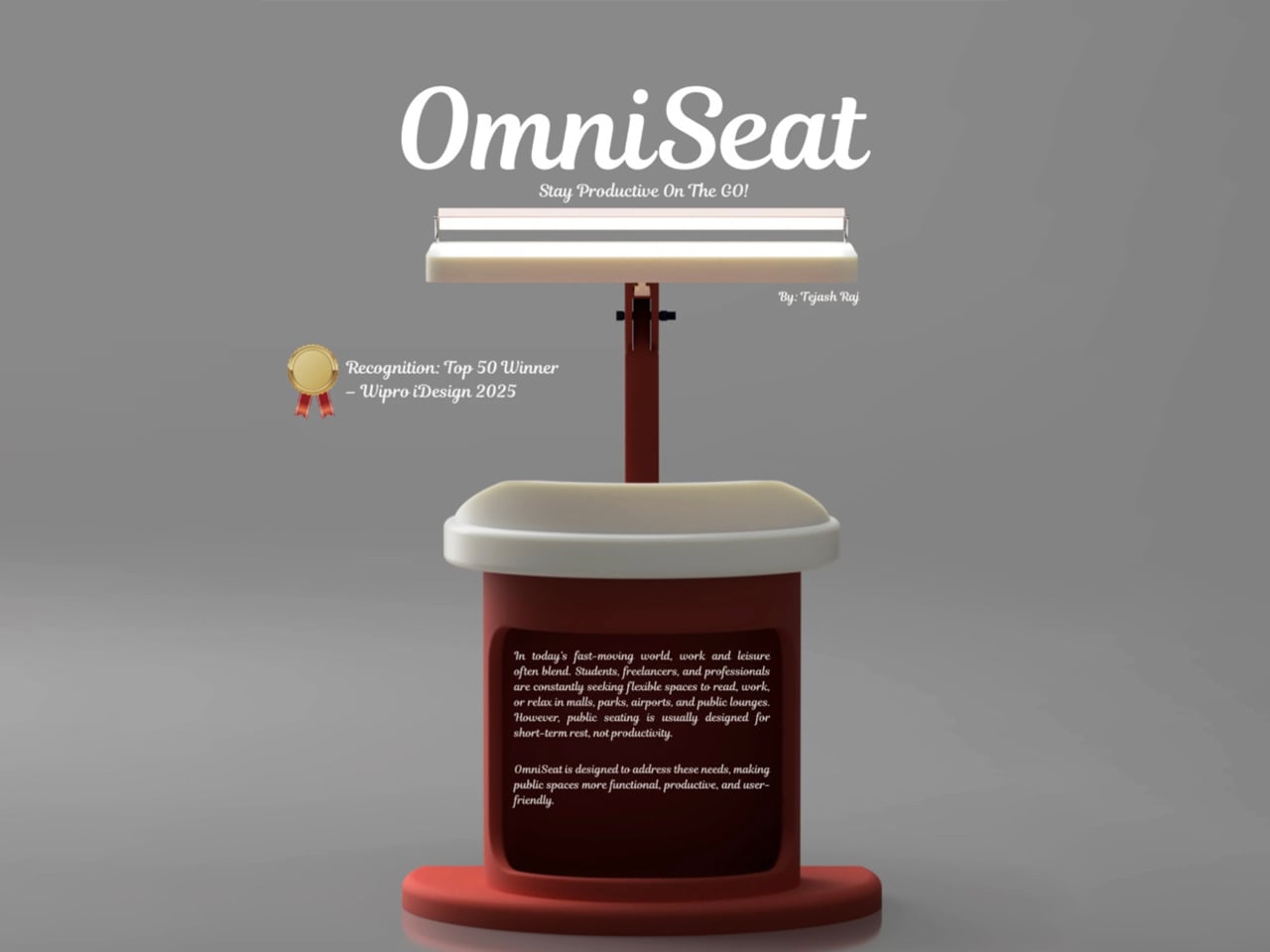
For those constantly on the move, finding a comfortable place to rest or work can be challenging. Cities often lack public resting areas beyond cafés and restaurants, making it tempting to carry a portable chair, though the idea quickly loses appeal due to its bulk and inconvenience. Recognising this need, designer Tejash Raj created the OmniSeat, a compact and ergonomic seating concept designed for people who stay productive while travelling, commuting, or working outdoors.
The OmniSeat features a lightweight frame, built-in storage, and device holders, all folding neatly into a slim form that fits in a backpack or attaches to a bike rack. A detachable tray accommodates laptops or tablets, with cable clips to keep cords tidy. Combining portability, comfort, and function, the OmniSeat offers a glimpse into the future of mobile workspaces.
The high-design portable workstation redefines the boundaries of work and home, merging productivity with tranquillity. It transforms interiors into fluid, balanced spaces where focus meets ease. Its true value lies in the freedom to work anywhere, capturing sunlight, inspiration, and connection without sacrificing comfort or creativity.
There’s a version of a desk setup that communicates everything about how little thought went into it. A black mesh organizer from the bottom shelf of a supply closet. A mouse pad that came free with something else. A cable clip in beige. The desk functions, technically, and does so with a level of visual enthusiasm that matches a waiting room.
The accessories below were designed by people who thought about this harder. Some carry authentic 1970s Italian design heritage. Some are running AI in the background to actively shape your environment. One contains material roughly 20 million years older than the Earth it now rests on. What they share is a quality of intentionality. Each was built as an object worth keeping on a desk, not just stashing in a drawer, because it earns its surface area through how it works, how it looks, or both at once. For men who have graduated from the corporate supply closet aesthetic, these eight represent a meaningfully different set of options.
1. Lenovo AI Workmate Concept
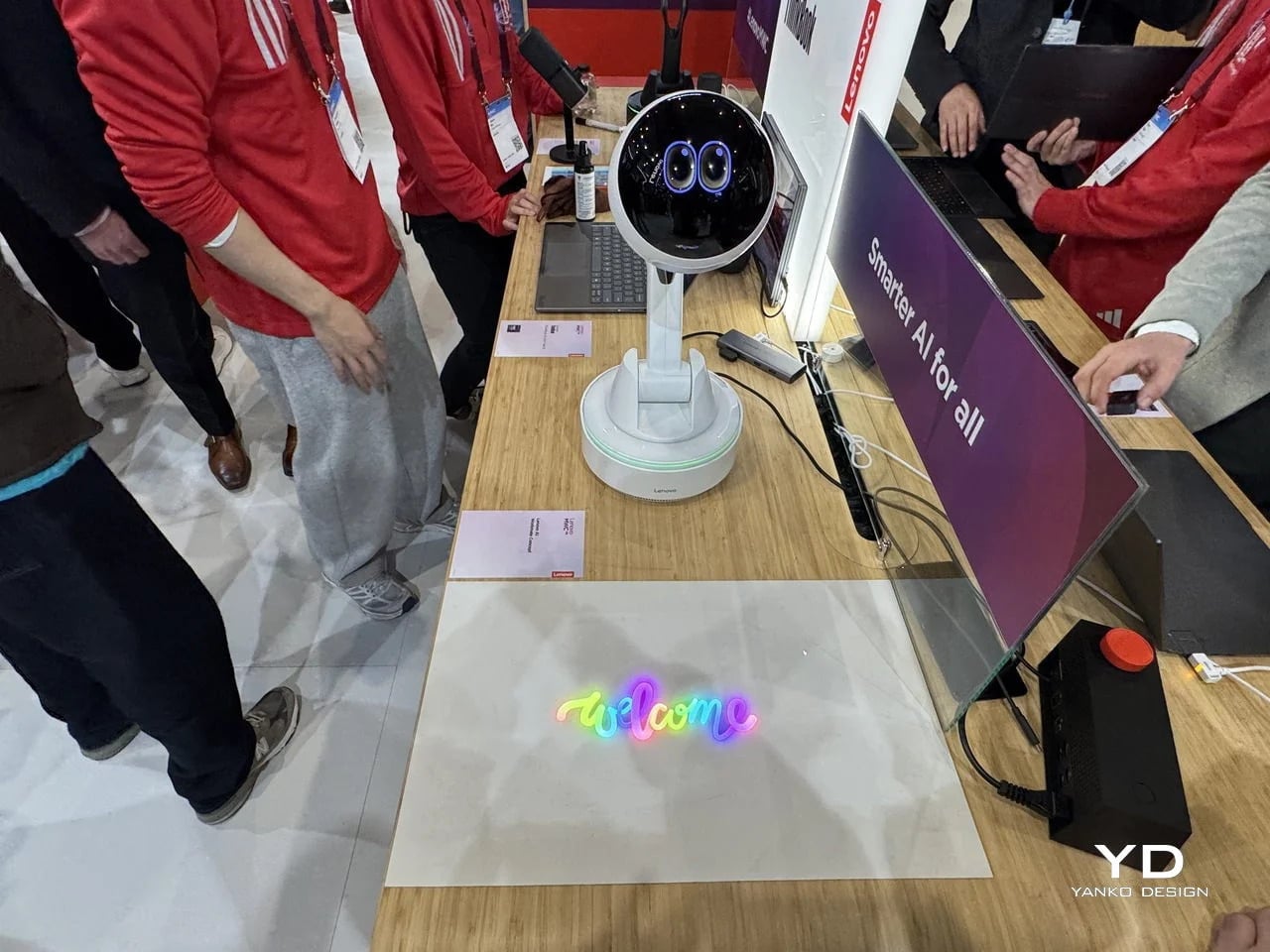
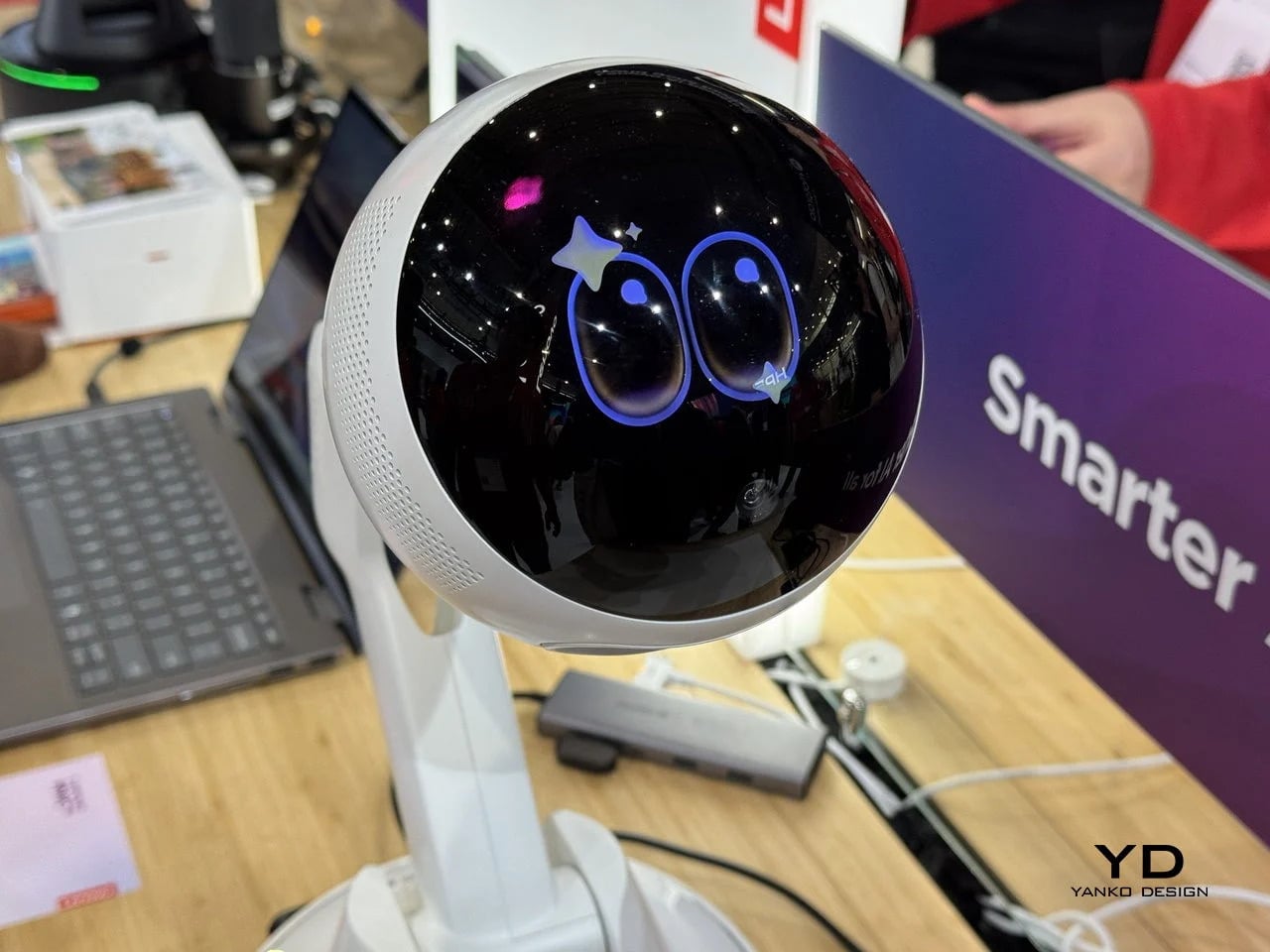
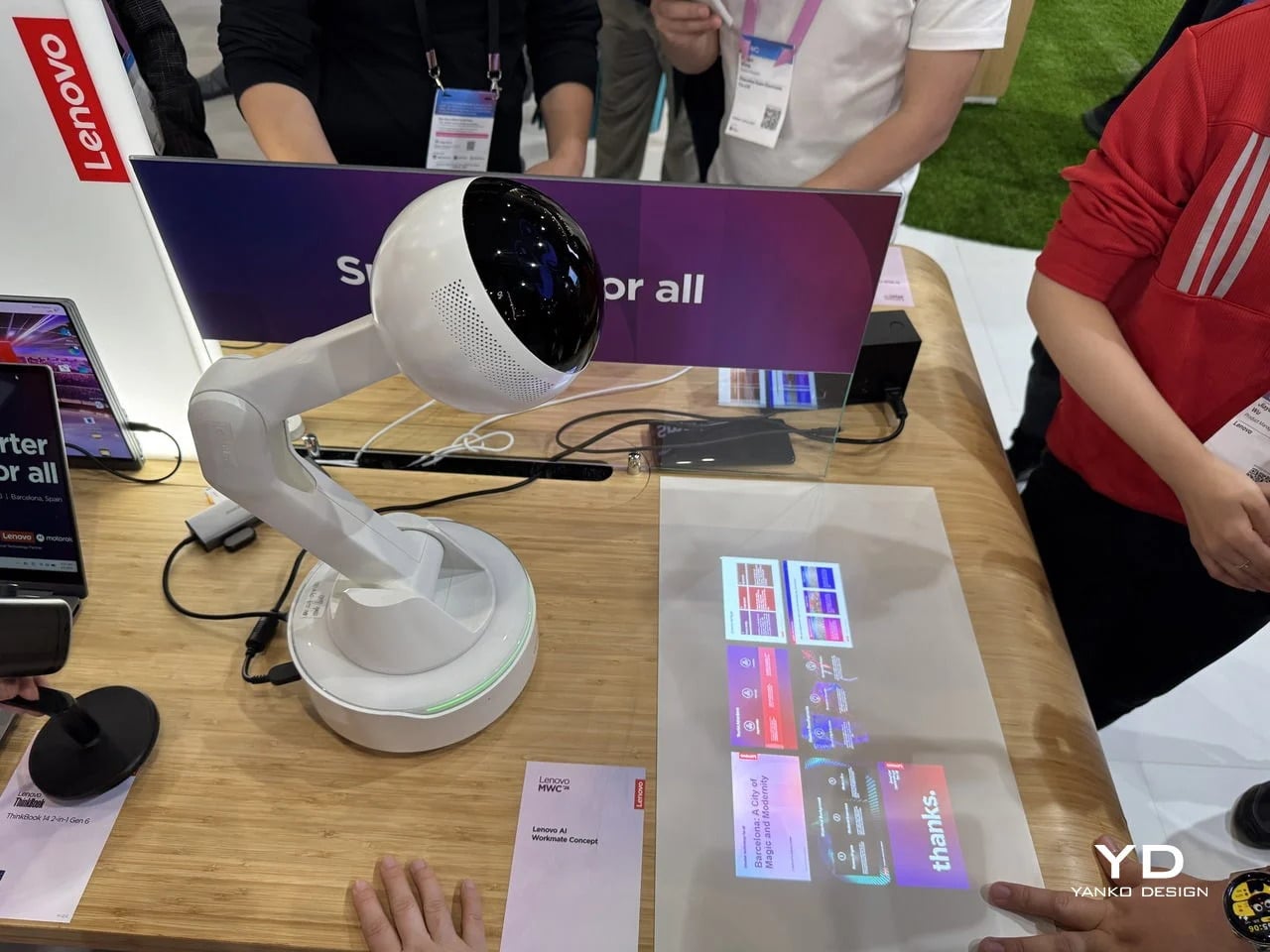
Working alone all day carries a specific kind of friction that most desk setups quietly ignore. Questions accumulate, decisions pile up, and the AI tools meant to support you sit behind a keyboard input that gives nothing back spatially or visually. Lenovo’s AI Workmate Concept, unveiled at MWC 2026, takes that problem seriously enough to build a physical object around it. The result is a desk companion in the most literal sense: a spherical head on an articulated arm mounted on a circular base, with animated eyes on its front display that shift and orient as it processes and responds. The form is compact, the presence is deliberate, and the intent is clear from the first time it moves.
The arm is the most consequential design decision here. Because it moves, the Workmate can orient itself toward whatever holds attention in front of it, a document laid flat on the desk, a person leaning back in their chair, or something happening at the periphery. That range of motion is what separates it from a smart speaker that has been given a screen and called a companion. Spatial awareness is embedded in its posture, not just its software. For men who spend long hours alone at a desk and find text-based AI interaction increasingly impersonal and context-free, the Workmate proposes something more honest about what presence and assistance can look like from an object sharing your workspace.
What We Like
Articulated arm gives the device genuine spatial awareness, orienting toward objects and people rather than remaining static
Animated eyes on the front display make AI interaction feel more present and less transactional than any screen-based interface
What We Dislike
Currently a concept unveiled at MWC 2026, with availability, pricing, and final specs still unconfirmed
The novelty of animated eyes may carry more emotional weight than the practical functionality justifies over time
2. Levitating Pen 2.0: Cosmic Meteorite Edition
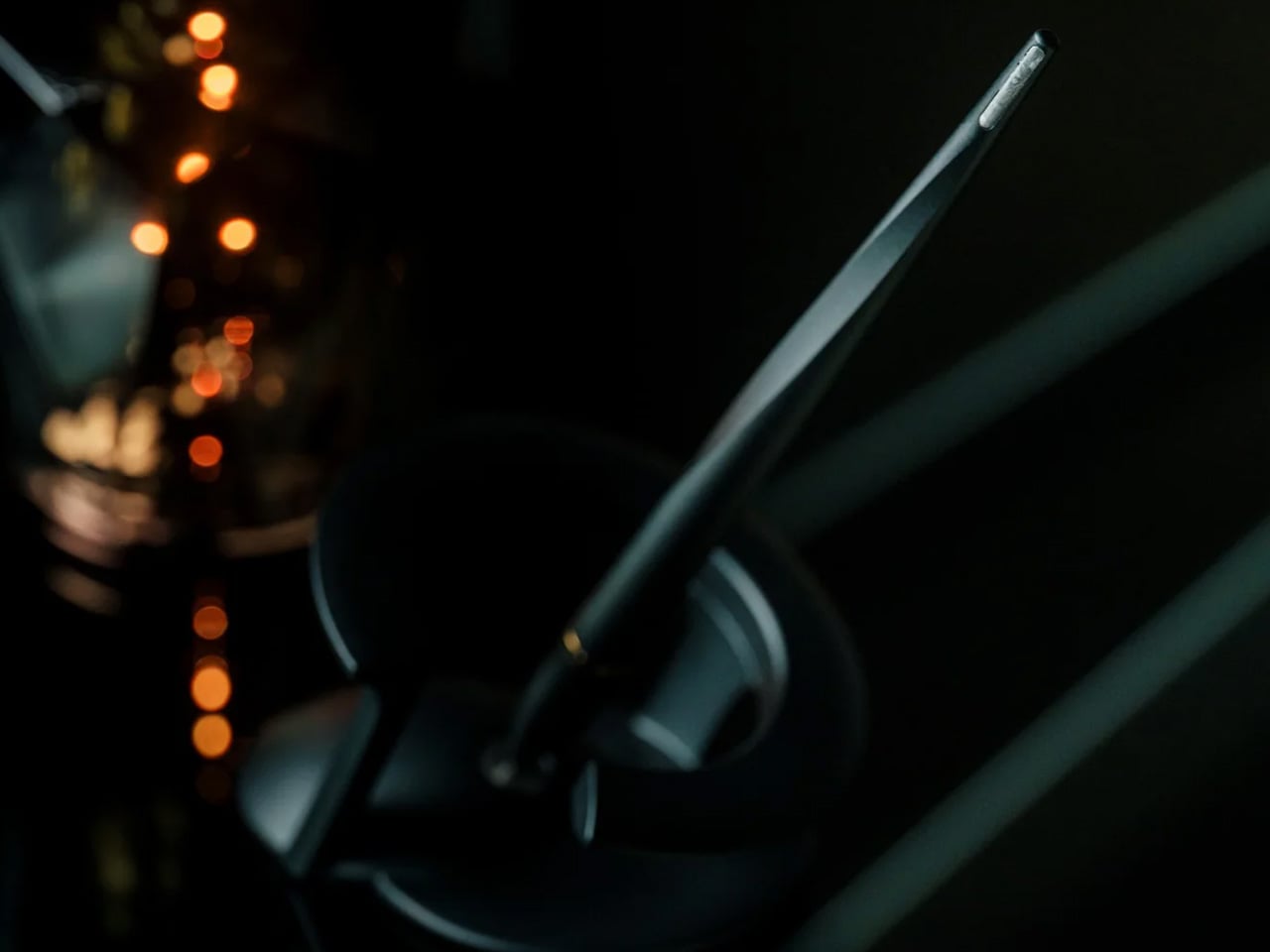
Most pens sit on a desk and do nothing interesting when they’re not being used. The Levitating Pen 2.0 Cosmic Meteorite Edition refuses that arrangement entirely. It floats at a 23.5-degree angle above its magnetic base, creating a suspension that stops people mid-sentence when they notice it. The design draws from spacecraft aesthetics, specifically the visual language of the USS Enterprise, and the tip incorporates a genuine fragment of Muonionalusta meteorite, a material approximately 20 million years older than the Earth it now rests on. It functions as a working ballpoint pen, which means it is simultaneously a collector’s object, a desk focal point, and a writing tool occupying the same physical form.
What keeps this from reading as pure novelty is how it behaves in your hands. The Levitating Pen is fidget-worthy in the best sense, the kind of object you reach for during a long call or a pause between tasks without consciously planning to. For men who collect objects with a verifiable reason behind them, the meteorite tip offers something most limited editions simply don’t: provenance with a story that doesn’t require a certificate to feel real. You’re holding material from beyond the solar system. That fact changes the weight of the object in your hand when you stop to think about it, and that shift is exactly what separates a desk accessory from a desk object worth keeping.
Genuine Muonionalusta meteorite tip connects the pen to a tangible, verifiable piece of cosmic history
Magnetic levitation display creates a desk focal point that requires no ongoing maintenance once positioned
What We Dislike
The floating display requires a flat, stable surface, limiting where it can sit effectively
Limited edition production means restocking after sellout is not guaranteed for future buyers
3. BOB Desk Organizer
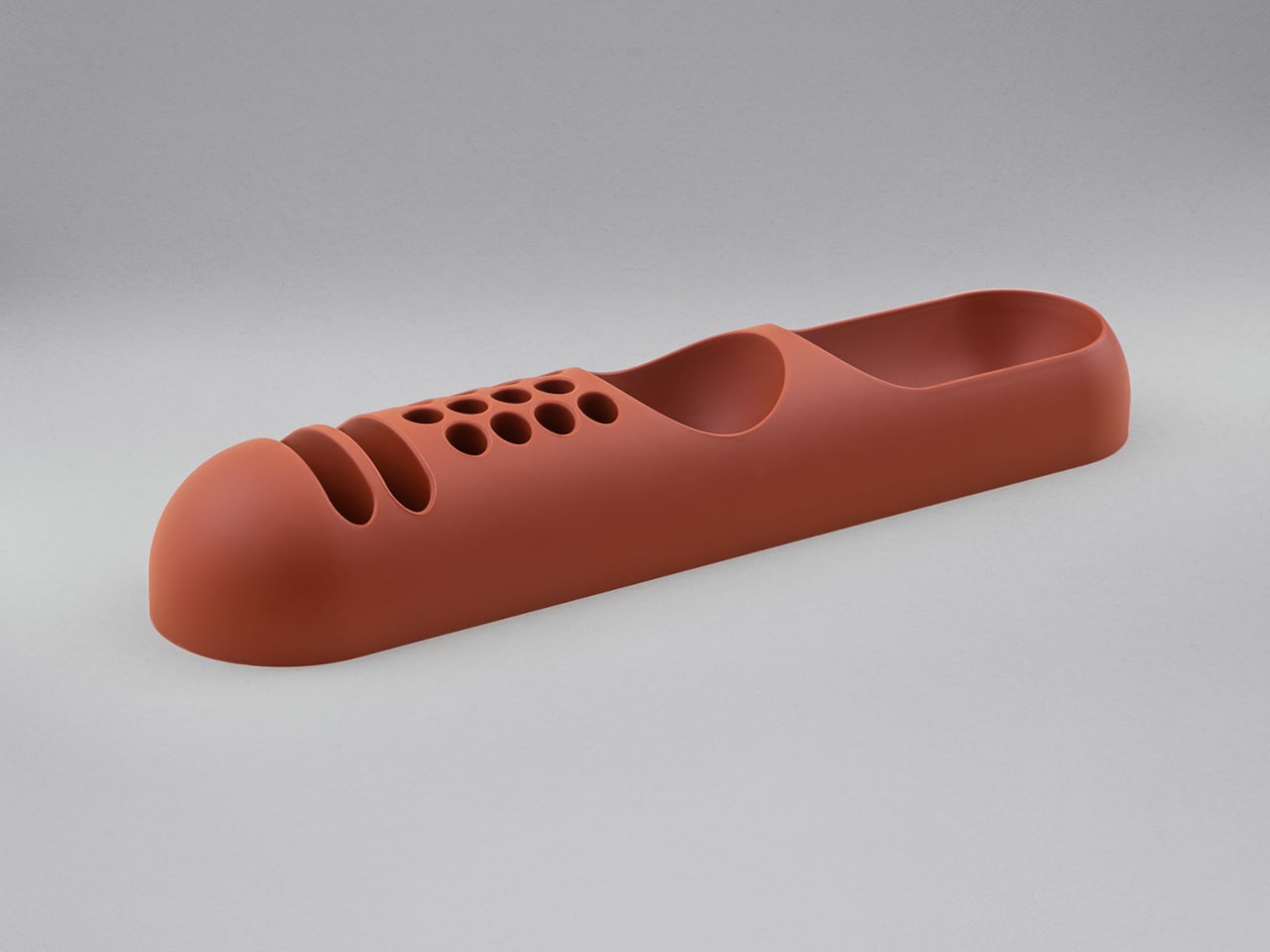
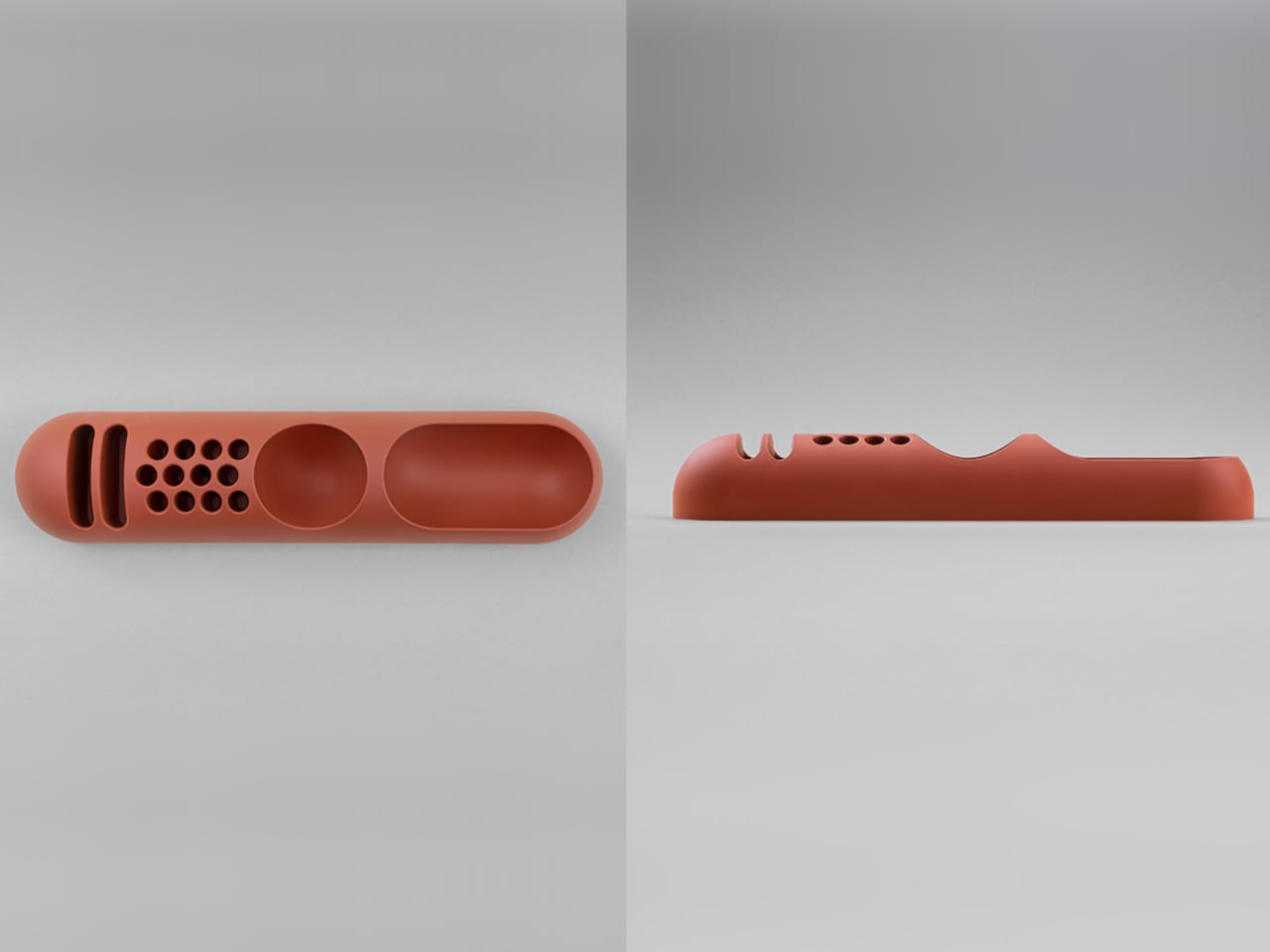
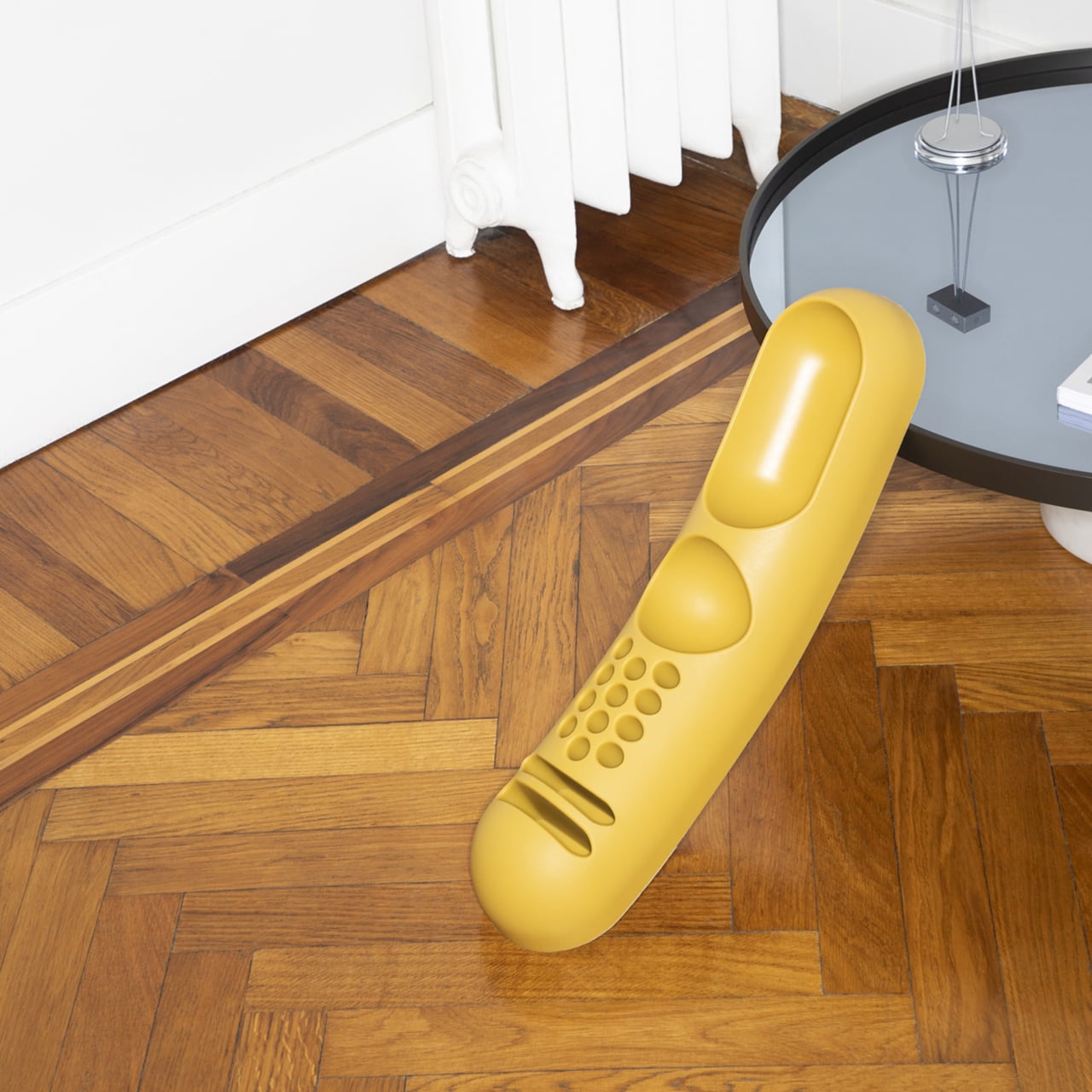
Joe Colombo designed BOB in 1970, at a time when desk organizers were either plastic trays with zero intentionality or overengineered systems that looked more complicated than the mess they were supposed to fix. He chose neither direction. BOB is a compact polyurethane gel form, elongated and low-profile, almost pill-shaped when viewed from above, with one end rising into a soft dome and the other tapering nearly flat. B-Line, an Italian label dedicated to reissuing objects from discontinued original molds, brought it back in 2023 across five colorways: terracotta, slate blue, mustard yellow, warm white, and a frosted translucent version called ice. The selection alone suggests a designer thinking about rooms rather than offices.
The top surface divides into three functional zones without any visible partition between them. The dome end opens into a large oval scoop for bulkier items. The center holds a three-by-four grid of individual circular holes, each sized precisely for a single pen or brush. The tapered tail offers two horizontal slot grooves for flat objects like rulers or small notebooks. None of this reads as a feature list in person. It reads as a single continuous gesture that happens to keep things organized along the way. For men who want a desk object with actual design history behind it rather than a branding story retrofitted over generic injection molding, BOB is nearly impossible to improve on.
What We Like
Rooted in authentic 1970s Italian design history, reissued from Joe Colombo’s original mold by B-Line
Three distinct functional zones are built into one continuous organic form with no visible hardware or dividers
What We Dislike:
Polyurethane gel construction may show surface wear or discoloration with extended daily use
The low-profile form works best for lighter objects and may not support heavier desk tools effectively
4. DEEP
DEEP operates on a premise most desk lamps don’t bother with: the working environment around you should configure itself to match what you are about to do, rather than waiting for you to adjust it manually. Switch it on with a spinning-top-inspired power button, tell it whether you’re studying, coding, reading, or doing creative work, and it adjusts both light quality and ambient sound before you’ve had to think about either. A camera positioned at eye level monitors your focus state in real time, functioning like a built-in productivity coach without requiring a separate app or a separate device taking up additional surface area.
What separates DEEP from a connected lamp with a smart home feature set is what it does across repeated sessions. The system saves your manual adjustments over time, builds a personal profile from the conditions that consistently work best for you, and begins applying them automatically without being prompted. Side buttons allow precise overrides for days when the default doesn’t fit. For men whose desks have become cluttered with single-function devices that each do one thing adequately, DEEP represents a genuine consolidation. It folds a lamp, an ambient sound environment, and a passive focus monitor into a single object that becomes more attuned to how you work the longer it stays on your desk.
What We Like
AI builds a personal focus profile across sessions and applies your optimal working conditions automatically over time
Combines lighting, ambient sound, and real-time focus monitoring without requiring any additional hardware
What We Dislike
Camera-based focus tracking may feel uncomfortable for users sensitive to passive environmental monitoring
Ambient sound adjustment effectiveness varies significantly based on an individual’s working environment and noise tolerance
5. Rolling World Clock
Every desk clock tells you one thing. This one tells you twelve. The Rolling World Clock is a 12-sided object with a single hand and an operation that couldn’t be more direct: set it on any face, and the hand reads the correct local time for the city printed on that side. The twelve cities span the major global time zones, including London, Paris, Cape Town, Moscow, Los Angeles, Karachi, Mexico City, New York, Shanghai, Tokyo, Sydney, and New Caledonia. For men who manage work across multiple time zones or simply have family spread across continents, the mental arithmetic of figuring out what time it is somewhere else is one of the more persistent small irritations in a working day, and this object removes it without adding a screen.
The design decision that makes this worth keeping on a desk rather than just owning is the total absence of anything unnecessary. No digital display. No charging cable. No app. Just a tactile, rollable object you turn to the city you need and set down. Available in black and white, it occupies desk or shelf space without reading as a gadget or demanding attention it hasn’t earned. There’s a quiet pleasure to the interaction that most clocks don’t provide: the act of picking it up, choosing a place in the world, and reading the time. There is a physical engagement with global time that a phone screen never manages to replicate.
Covers twelve major time zones in a single tactile object with no digital display, no app, and no charging required
Minimal form reads equally well on a desk or shelf without visually registering as a tech accessory
What We Dislike
A single clock hand requires slightly more reading attention than a digital display for precise timekeeping
The 12-city selection covers major zones well, but may not include every specific time zone a user needs regularly
6. Fidget Cube
The case for keeping a dedicated fidget object on a desk is more rational than it sounds from the outside. Restless hands during long calls, slow-loading processes, or decisions you’re turning over without fully committing to are a real and recurring part of working at a desk, and the Fidget Cube was built precisely for that condition. Six sides offer six different tactile surfaces: a cluster of clickable buttons, a gliding joystick, a row of flip switches, a smooth surface designed for the thumb’s natural breathing motion, a rolling ball set into one face, and a spinning disc. The variety means your hands will find a preferred surface quickly and return to it across the session without thinking about it.
What keeps this from reading as a toy is the restraint built into how it was designed. It doesn’t look out of place on a desk or conference table, particularly in the Midnight black colorway, which sits visually neutral among the standard dark objects that populate most professional environments. For men who have noticed that physical repetitive movement genuinely sharpens how they think through a problem, this is one of the more honest tools available at any price point. It takes a real behavioral truth seriously and gives your hands a quiet, clean way to act on it without disrupting anyone around you or drawing attention to what you’re doing.
What We Like
Six distinct tactile surfaces address a wide range of fidgeting habits within one compact, pocketable object
Discreet colorways, particularly Midnight black, keep it visually neutral in professional desk environments
What We Dislike
Some click mechanisms can produce an audible sound in quiet rooms or during video calls
Serves no secondary organizational function on a desk, occupying surface space with a purely tactile purpose
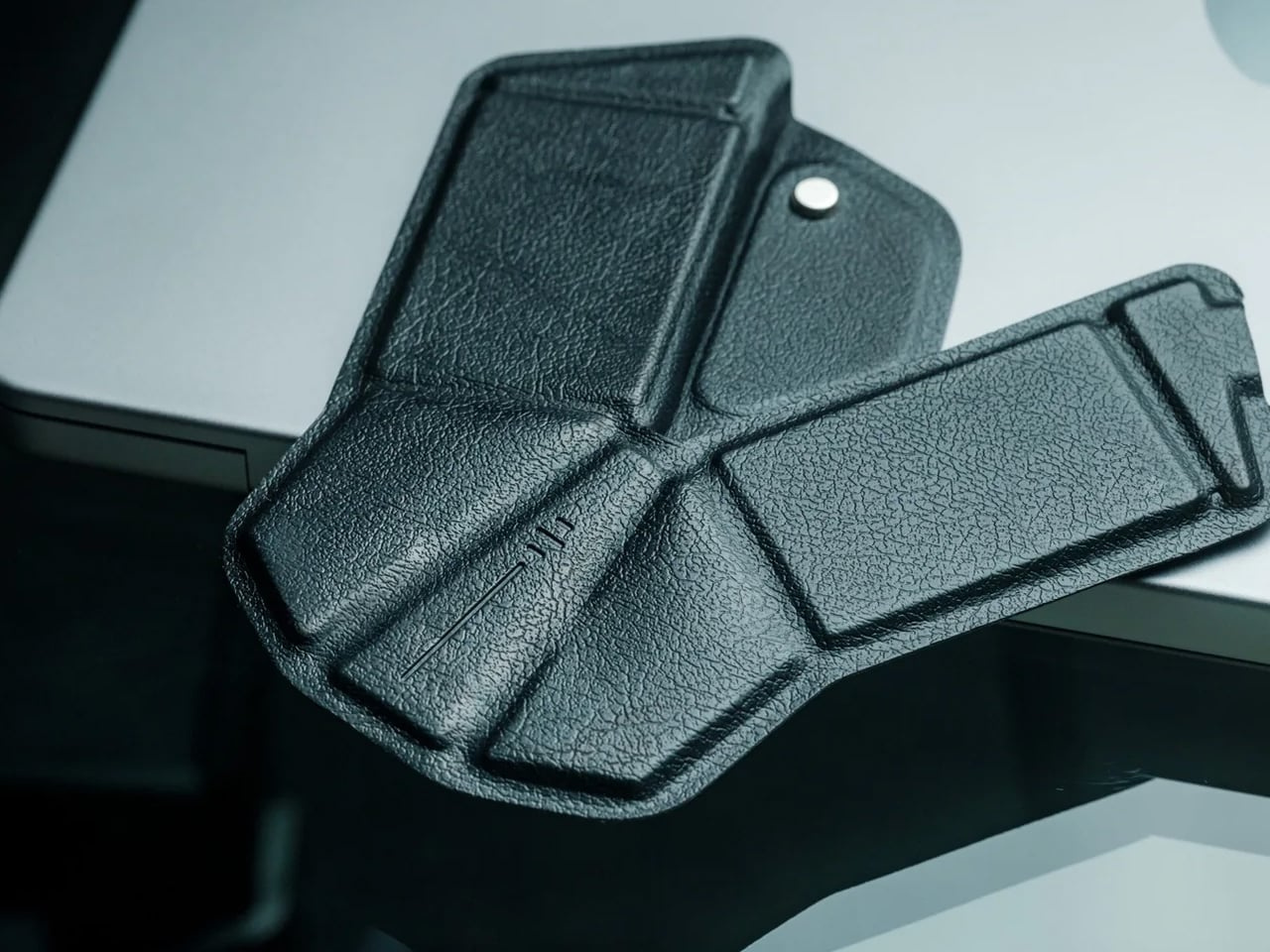
7. MOFT Z Sit-Stand Desk
Sit-stand desks have spent years being expensive, physically large, or permanently locked to a specific room. The MOFT Z takes a completely different approach, collapsing to something closer to a slim notebook in thickness while delivering a full ergonomic range through an origami-inspired Z-structure. It provides one standing mode and three seated position angles, which is enough postural variety to meaningfully shift how you feel across a long working session. For men who divide their time between home, a co-working space, a client’s office, or anywhere other than a fixed desk, the ability to carry a sit-stand setup in a bag removes an ergonomic compromise that most standing desk products are structurally incapable of solving.
The weight is what makes it a genuine solution rather than a clever concept. Ergonomic equipment that stays home because it’s too heavy or awkward to transport defeats the purpose of improving how you work across different locations. The MOFT Z doesn’t have that problem. Unfold it in seconds, set your laptop on the surface, and you’ve built the same ergonomic posture you’d have at a standing desk that costs several times more and cannot leave the floor it occupies. For anyone who has watched their posture decline steadily across a long afternoon of flat laptop work, this is a practical correction that goes where you go and requires no tools, no assembly, and no installation to use.
What We Like
Origami Z-structure provides one standing mode and three seated positions with no setup tools required
Ultra-lightweight, paper-thin folded profile makes it genuinely portable across different working locations
What We Dislike
Surface area restricts how much additional equipment can sit alongside a laptop in standing mode
Stability may be reduced under heavier setups or on surfaces that aren’t completely flat and firm
8. LEGO-Style Silicone Cable Organizer
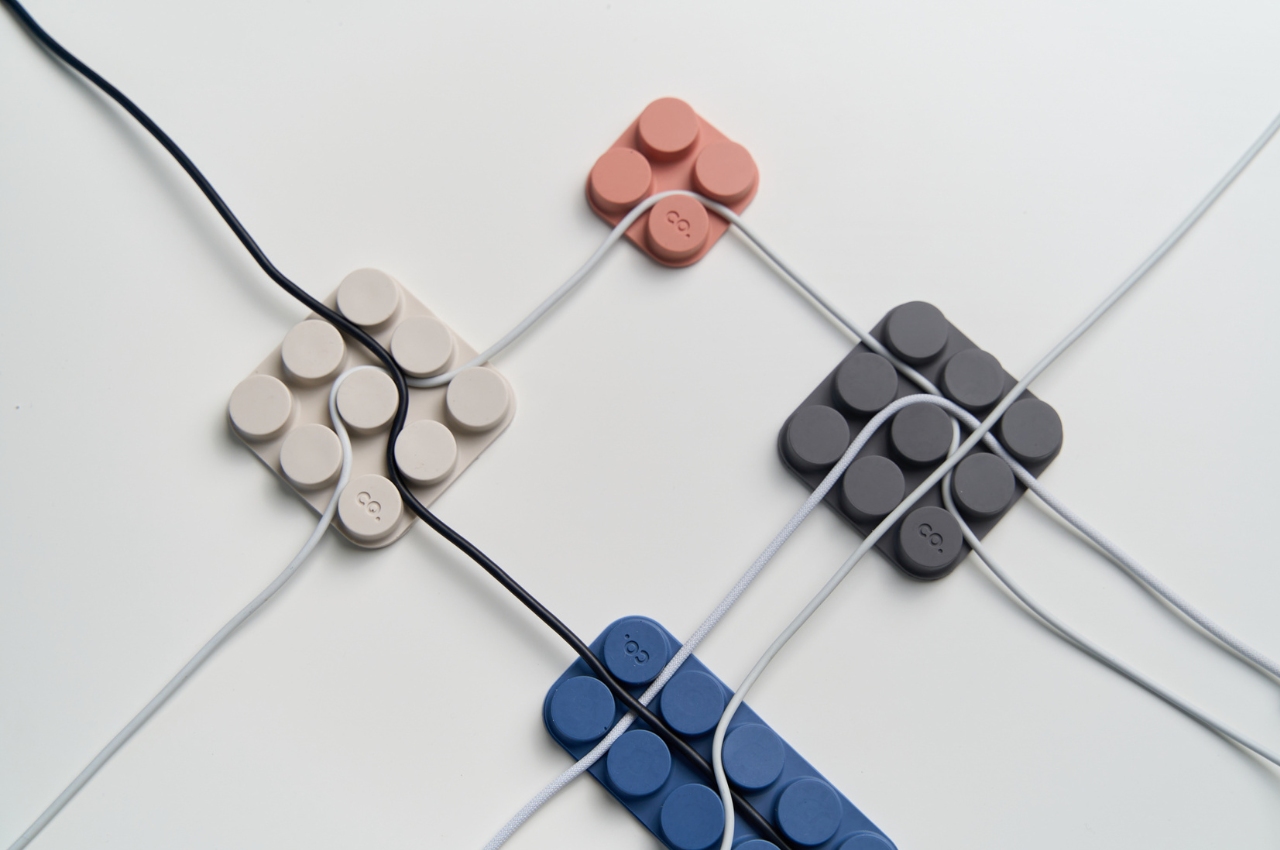
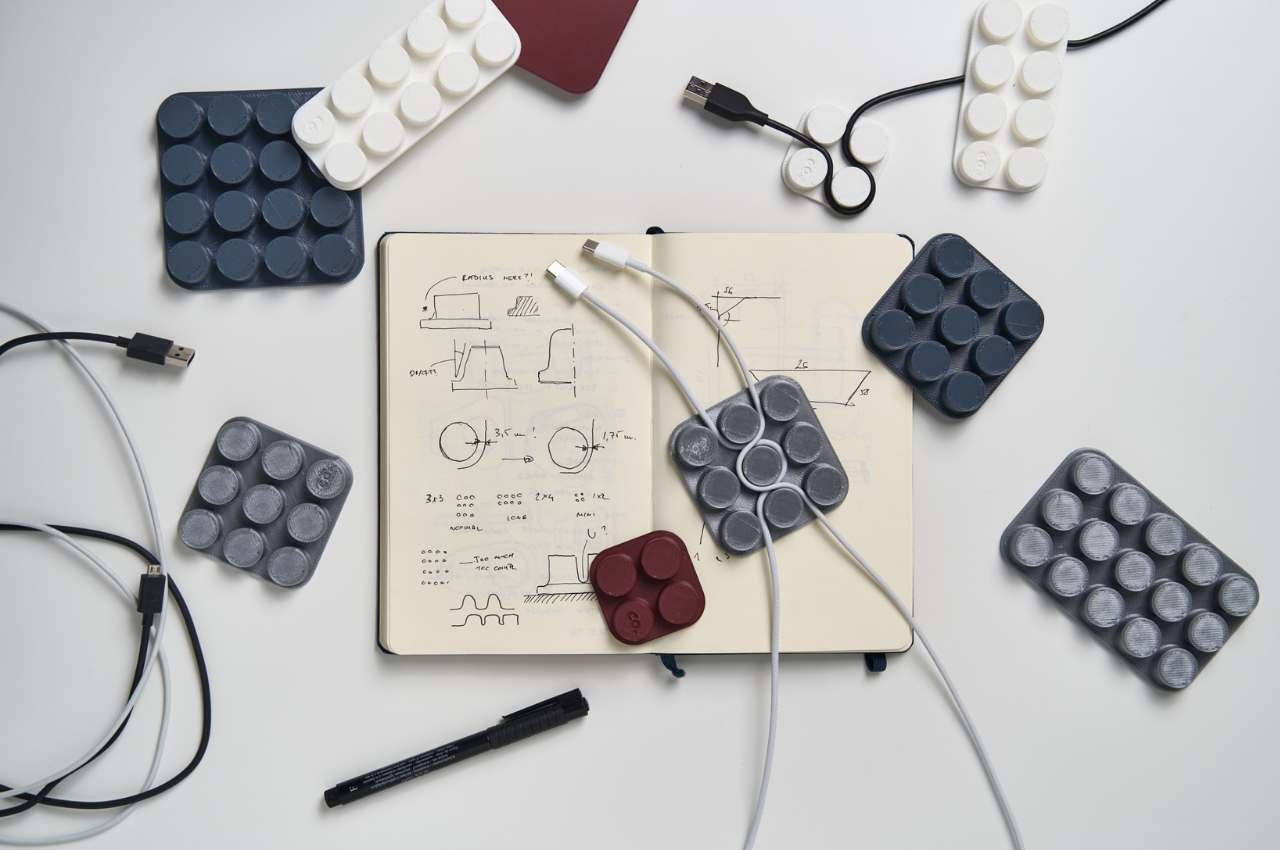
Cable management has a way of being solved temporarily and then quietly abandoned. The solution works for a week, then a new cable enters the setup, or the organizer shifts position, or it turns out the adhesive left a mark on the desk. This silicone cable organizer approaches the problem differently. Shaped after a lozenge pack, it uses peg-topped cylindrical columns to wrap and hold individual cables in separate, stable positions. Multiple units can be stacked or arranged in rows, and three sizes cover the range from a single charging cable to a full multi-device setup: a 2×2 mini, a 3×3 medium, and a 2×5 large, with the option to place two cables on top of each other within the same row.
The design was born from a specific personal frustration: cables tangling with other items inside a bag, the kind of small recurring annoyance that accumulates into a genuine grievance over time. That origin shows in how focused the solution is. There’s no overengineering, no branded clip mechanism, no custom routing system that only works with certain cable gauges. The micro suction tape base grips the desk surface firmly without permanent adhesion, meaning it moves when the setup changes and holds when it doesn’t. For men who have gone through two or three cable management products and quietly abandoned all of them, the directness here is precisely the argument for this being the last one you need.
What We Like
Three modular sizes cover setups from a single cable to a full multi-device workspace without custom parts
Micro suction tape base holds securely without permanent adhesion, leaving the desk surface undamaged
What We Dislike
Silicone material collects lint and dust more readily than hard plastic alternatives
The LEGO-inspired visual style reads as playful and may not suit every desk aesthetic preference
The Best Desk Is One You Actually Thought About
A desk says something whether you intend it to or not. It communicates how seriously you take the hours you spend there, what kind of work you believe deserves a proper environment, and whether the objects around you were chosen or simply accumulated. The eight accessories above represent a different kind of accumulation, one where every item on the surface has a reason to be there, a story worth telling, or a function that genuinely improves how the day moves.
None of them require a complete overhaul. One rolling clock, one floating pen, one lamp that learns how you work — any single object from this list shifts the energy of a desk in a direction worth going. The corporate supply closet aesthetic isn’t inevitable. It just tends to win by default when no one pays attention. These eight are the case for paying attention.
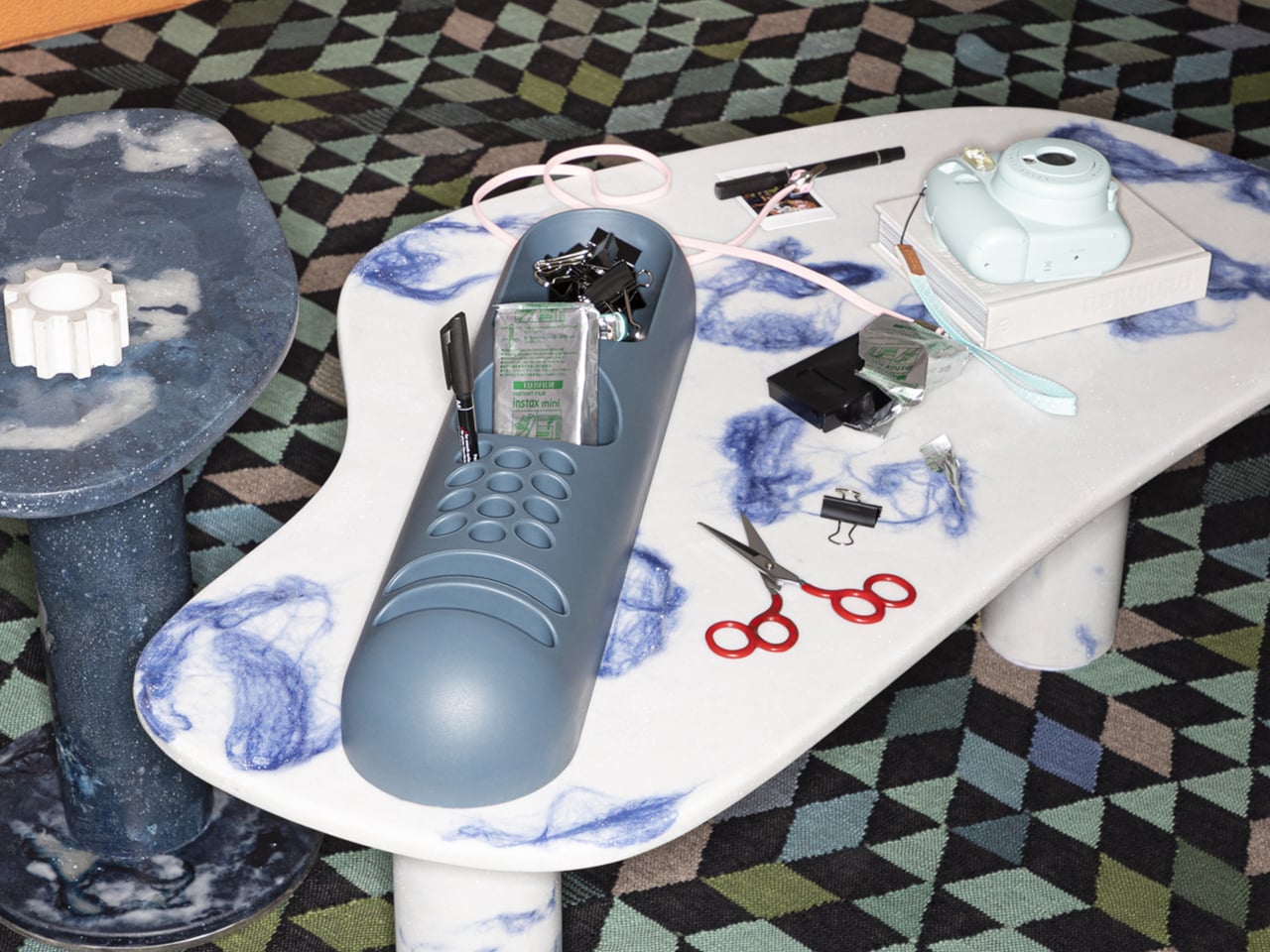
Desk organizers have a reputation problem. Most are either forgettable plastic trays that could have come from any office supply aisle, or overdesigned contraptions that look busier than the mess they’re meant to fix. Joe Colombo, the Milanese designer who died at just 41, had a very different take on this problem back in 1970, and it looked like nothing else on a desk then or now.
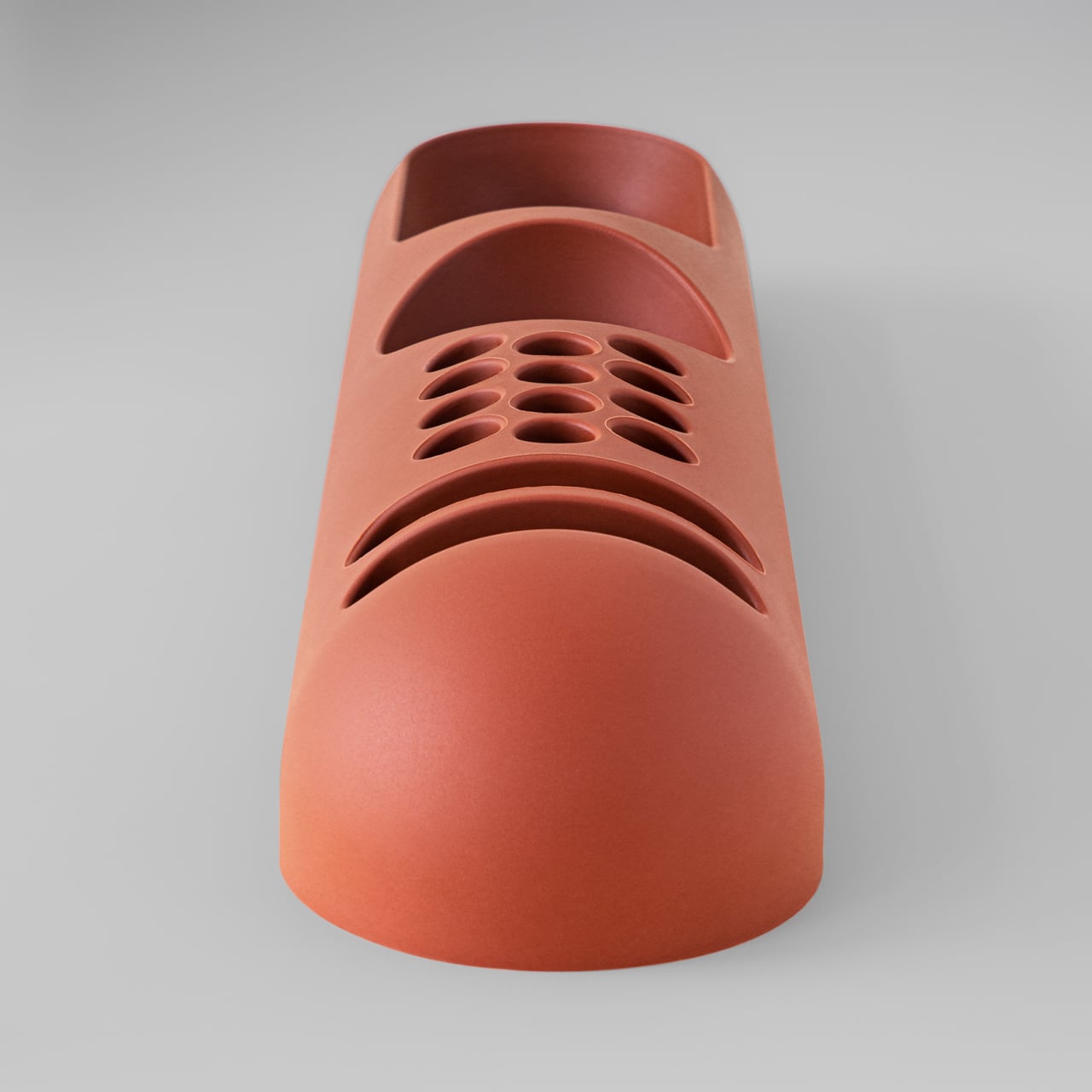
That design was BOB, a compact object holder made from polyurethane gel that Colombo shaped into something unmistakably organic. The form is elongated and low-profile, almost pill-shaped from above, with one end rising into a soft dome and the other tapering nearly flat. B-Line, an Italian label dedicated to acquiring original molds from discontinued Italian design objects, reissued it in 2023 in five colors: terracotta, slate blue, mustard yellow, warm white, and a translucent frosted version called “ice.”
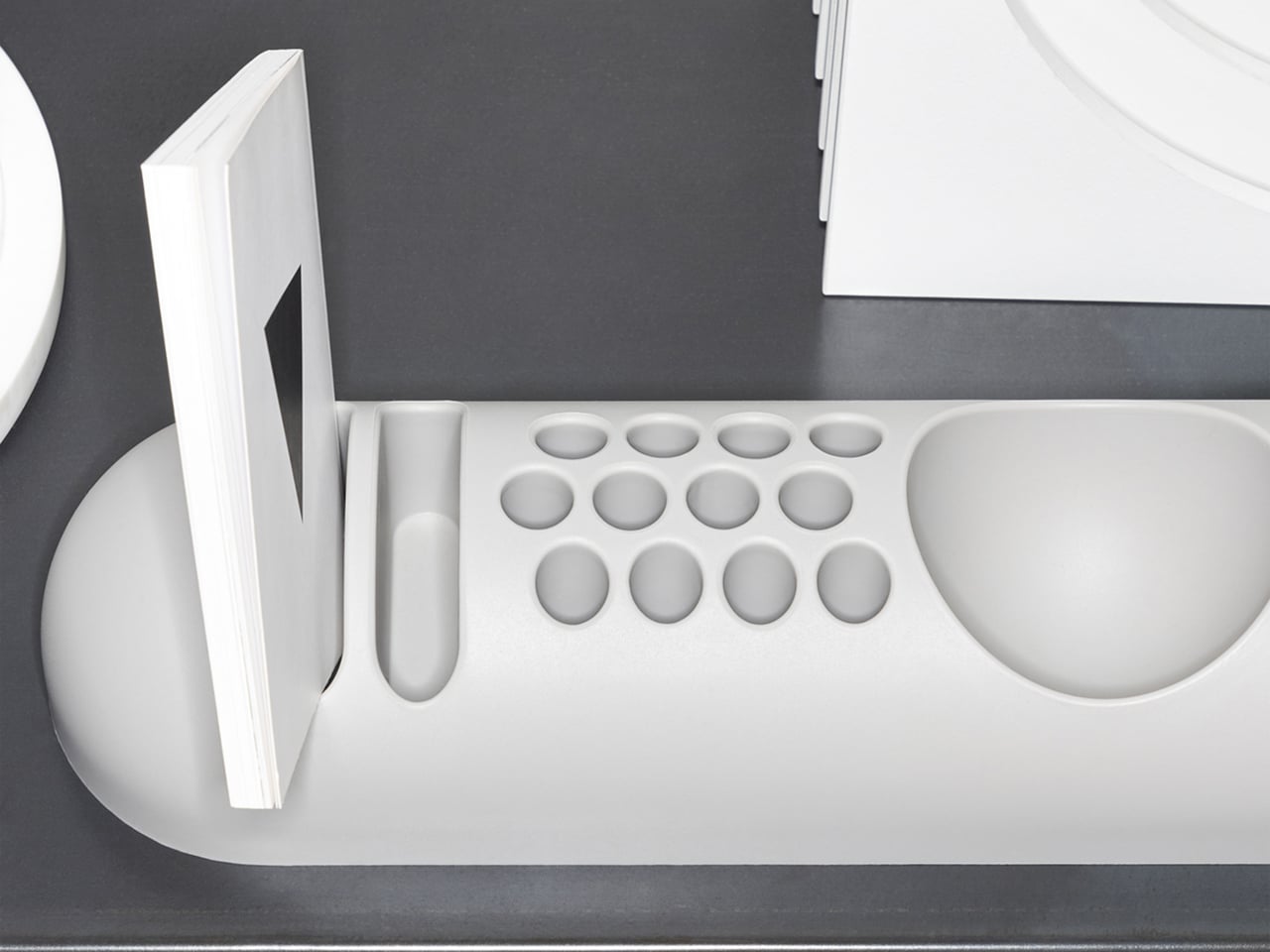
The top surface divides into three zones with no visible partition between them. The dome end opens into a large oval scoop for bulkier items; the center holds a 3-by-4 grid of individual circular holes, each sized for a single pen or brush; the tapered tail has two horizontal slot grooves that hold flat objects like rulers or small notebooks upright. None of this reads as a spec sheet in person. It reads as a single continuous gesture that happens to organize things.
Colombo was working at a moment when Italian design was treating plastic not as a cheap substitute for better materials, but as a medium with its own formal possibilities. Polyurethane gel has a tactile quality most rigid desk accessories never attempt: it gives slightly under pressure, has a matte surface that’s almost skin-like, and its flexibility is what makes the low, curved profile structurally possible in the first place. A stiffer material would have needed walls. This one doesn’t.
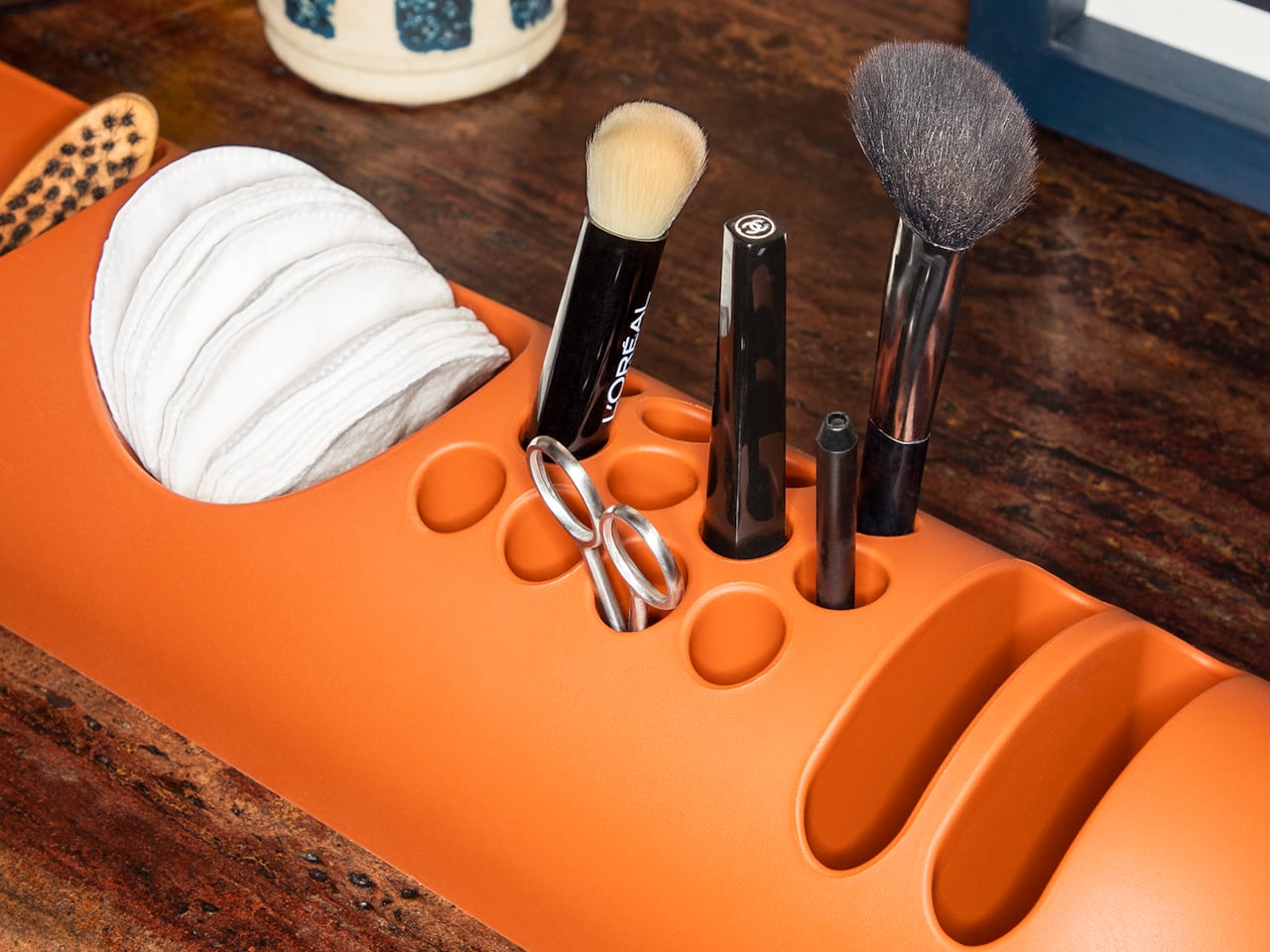
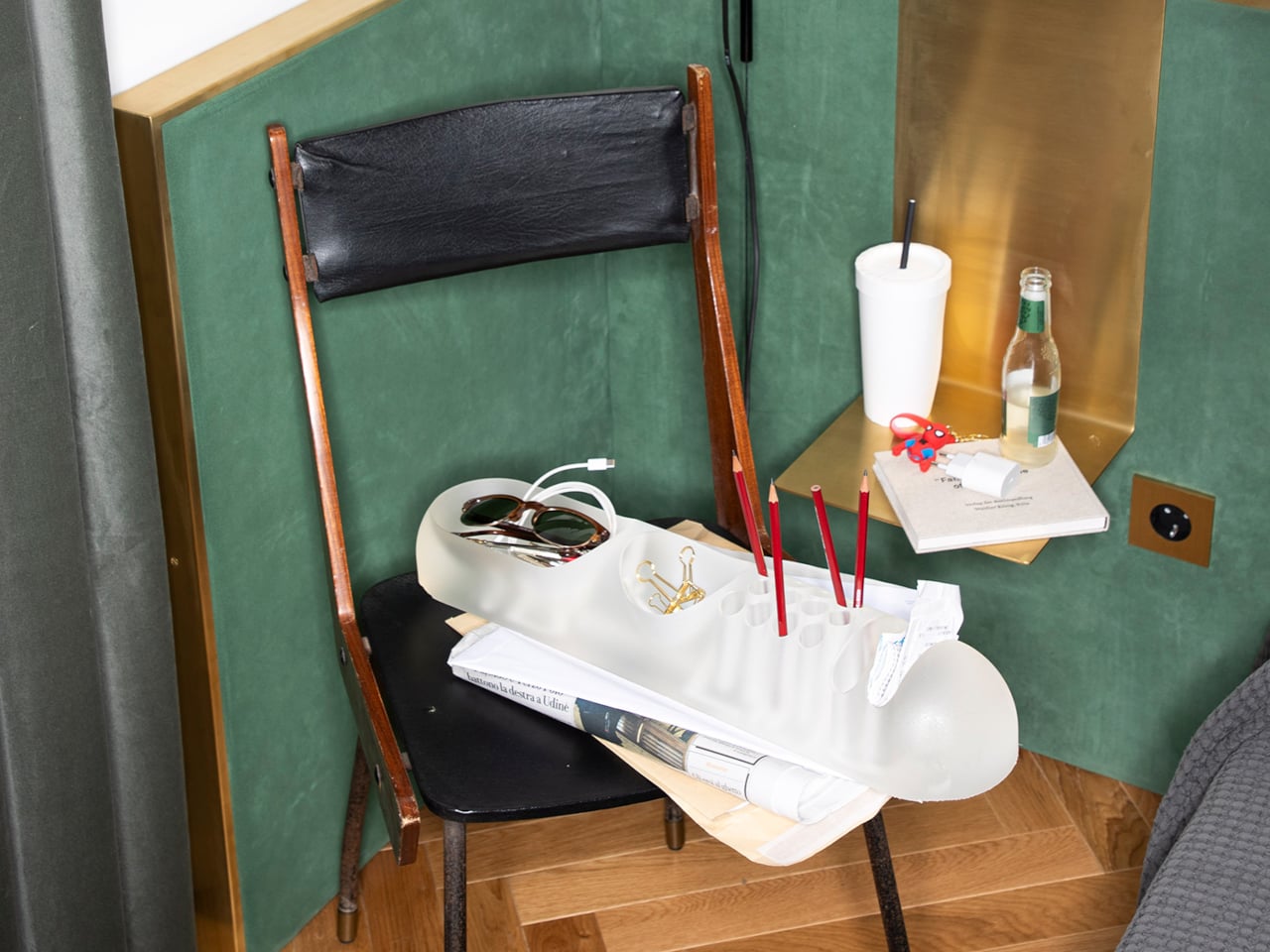
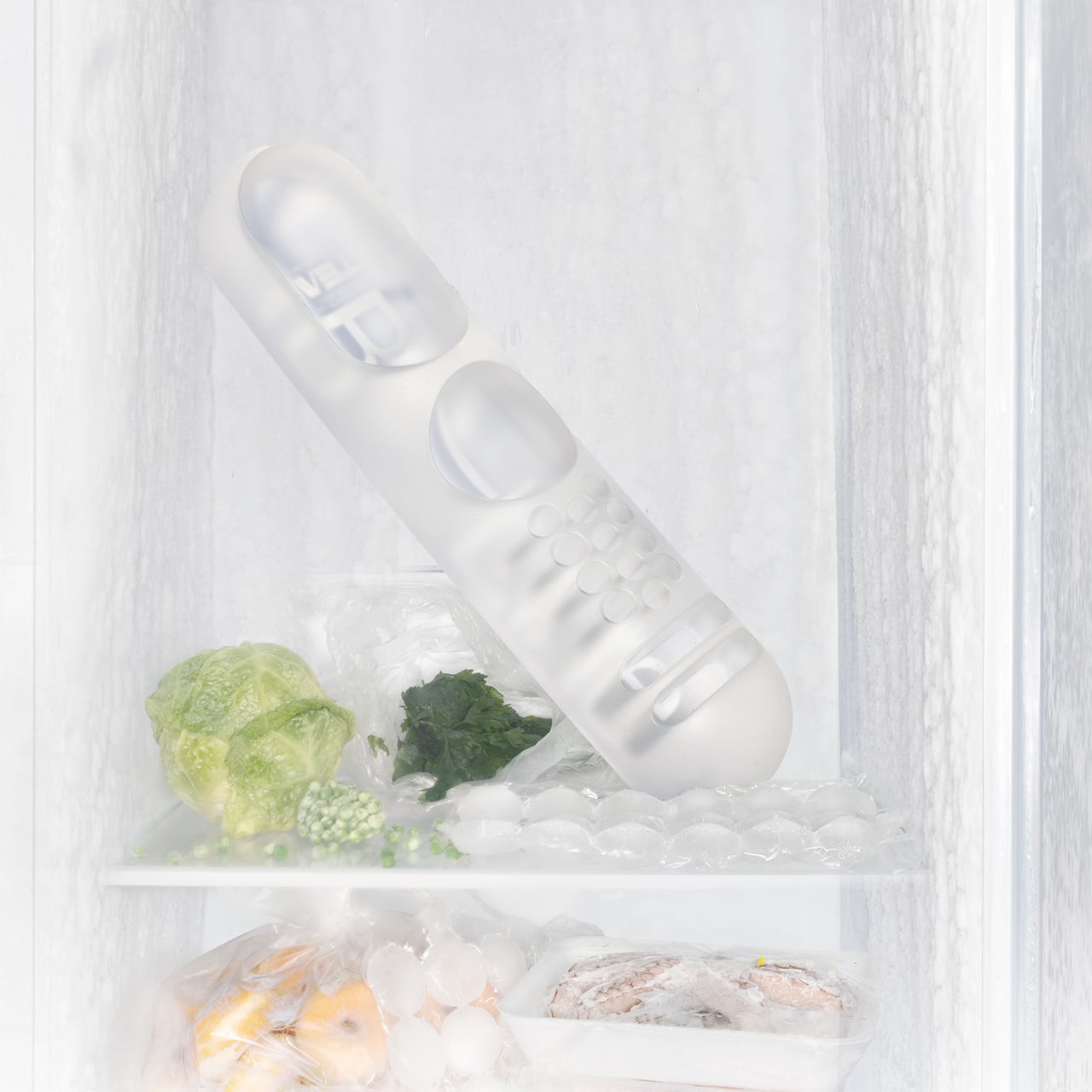
B-Line’s campaign photography makes a quiet argument for where BOB actually belongs. It appears on a marble coffee table holding binder clips and scissors, on a chair seat catching pencils and sunglasses, and on a bathroom vanity with makeup brushes in the pen holes and cotton pads in the scoop. One image places the ice-colored version inside a freezer, either a dry joke about the colorway name or a genuine hint that the flexible polyurethane handles cold fine. Probably both.
That flexibility is worth taking seriously. BOB lies nearly flat on any surface, which means it doesn’t create visual clutter the way upright organizers do. It also means the pen holes require implements long enough to stay upright on their own, which is a quiet limitation Colombo’s grid doesn’t advertise. Short lipstick caps, small erasers, and anything under roughly 10 centimeters will just rattle around rather than stand.
The price reflects provenance more than function. B-Line sells through retail partners, not directly to consumers, and those partners have set their own figures: Design Public at $190, Bauhaus 2 Your House at $427. Colombo’s other B-Line reissue, the Boby trolley, is in MoMA’s permanent collection. BOB is the quieter object from the same designer and the same era, and it raises a question the images don’t quite answer: how many rooms does a well-made desk organizer need to conquer before that price starts to feel reasonable?
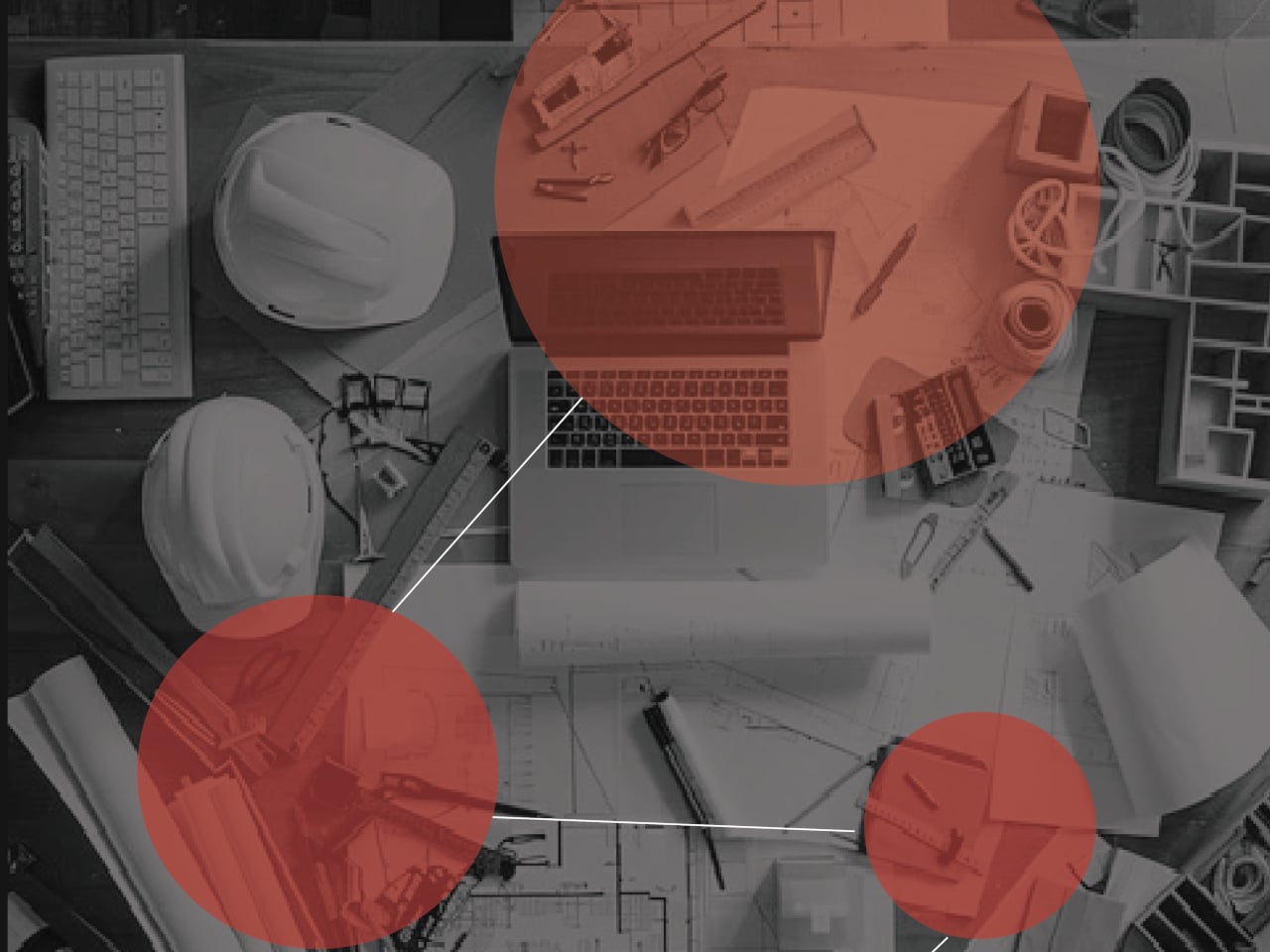
Model-making has a rhythm, and it is surprisingly easy to break out of the zone. You pull out the tape measure, get your reading, set it down, hunt for the caliper, check a dimension, reach for the cutter, and by the time you’ve touched four separate objects, you’ve lost track of where you were in the build. It’s a minor friction, but it compounds quickly across a studio session into something genuinely disruptive.
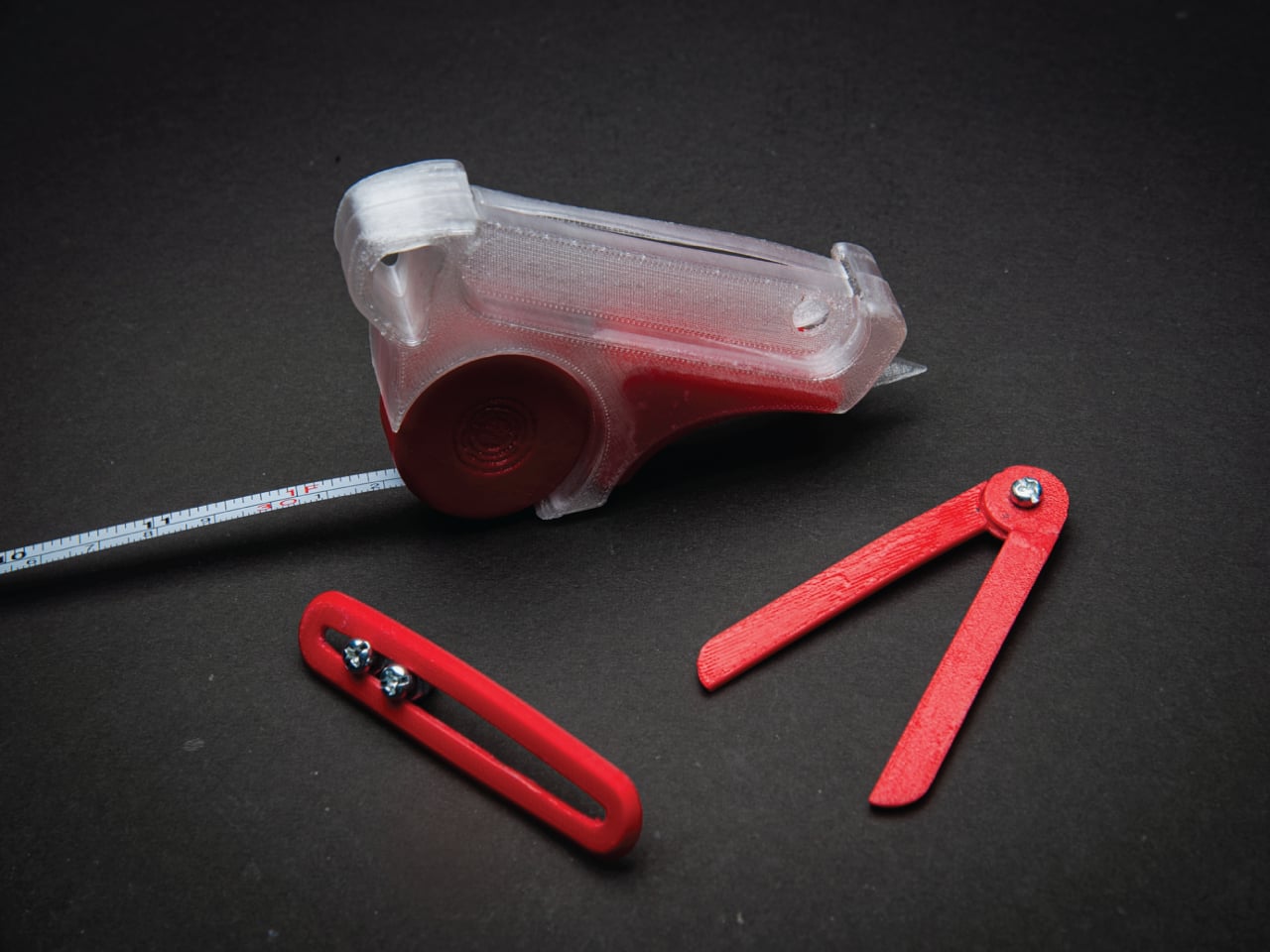
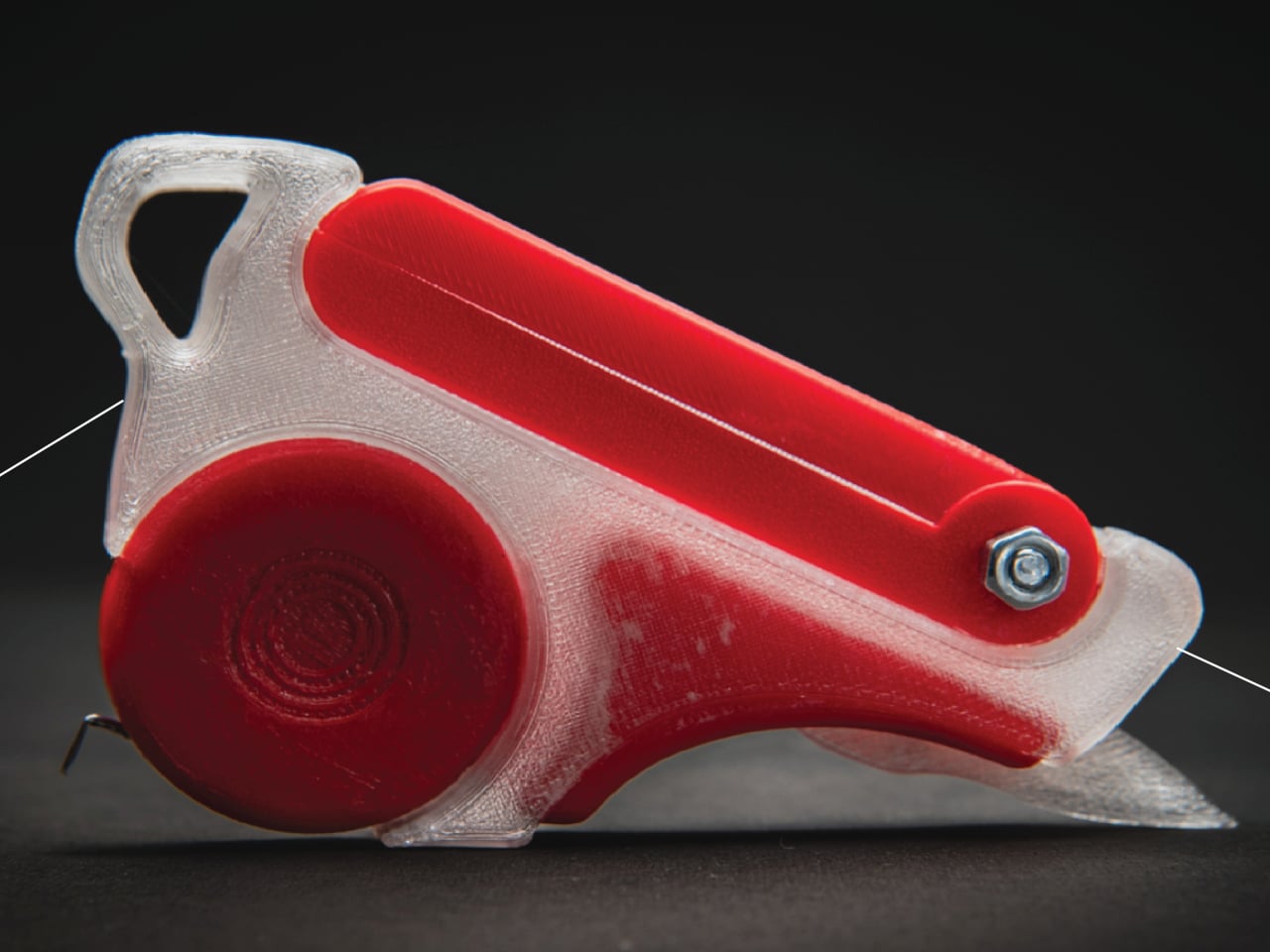
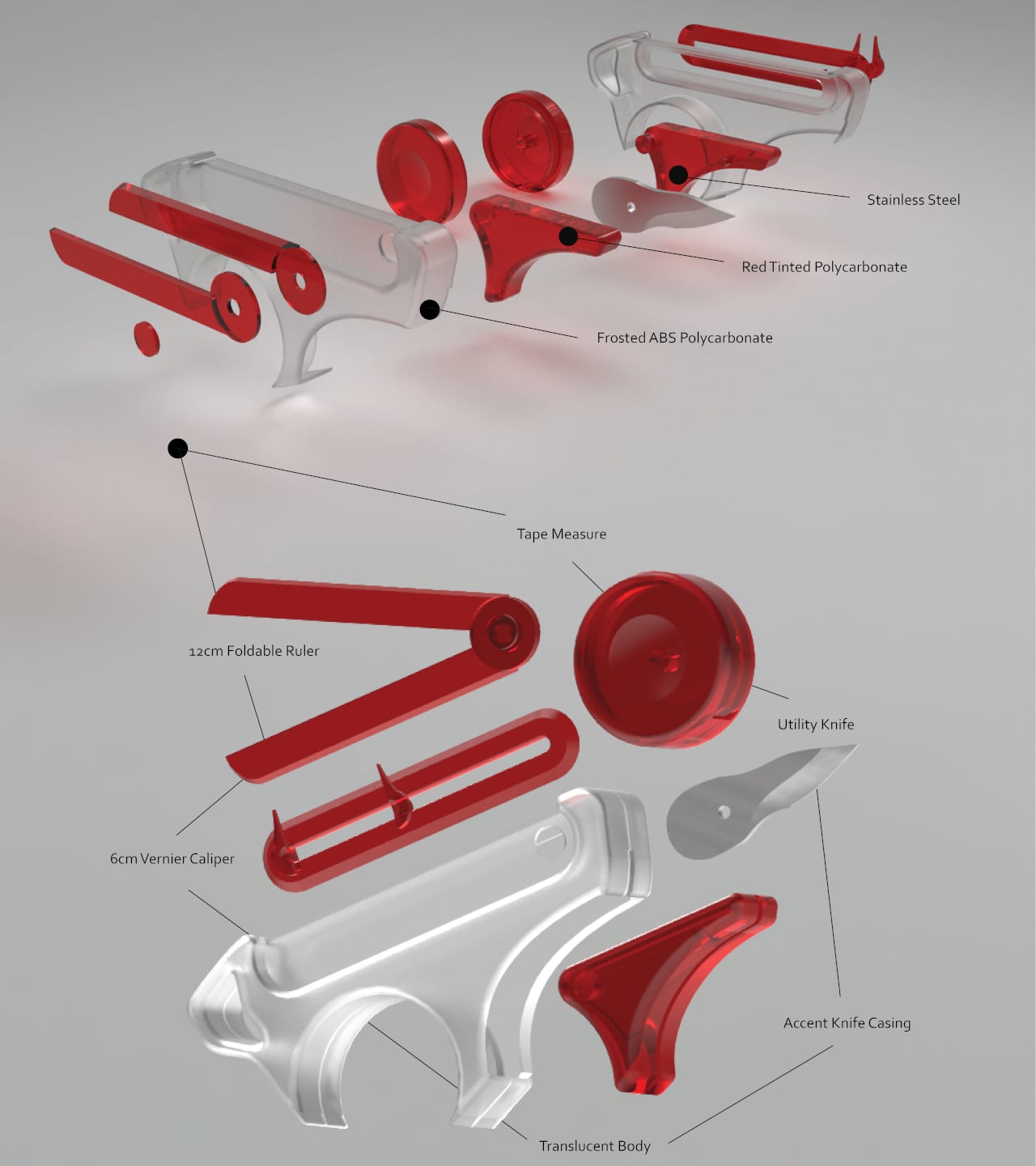
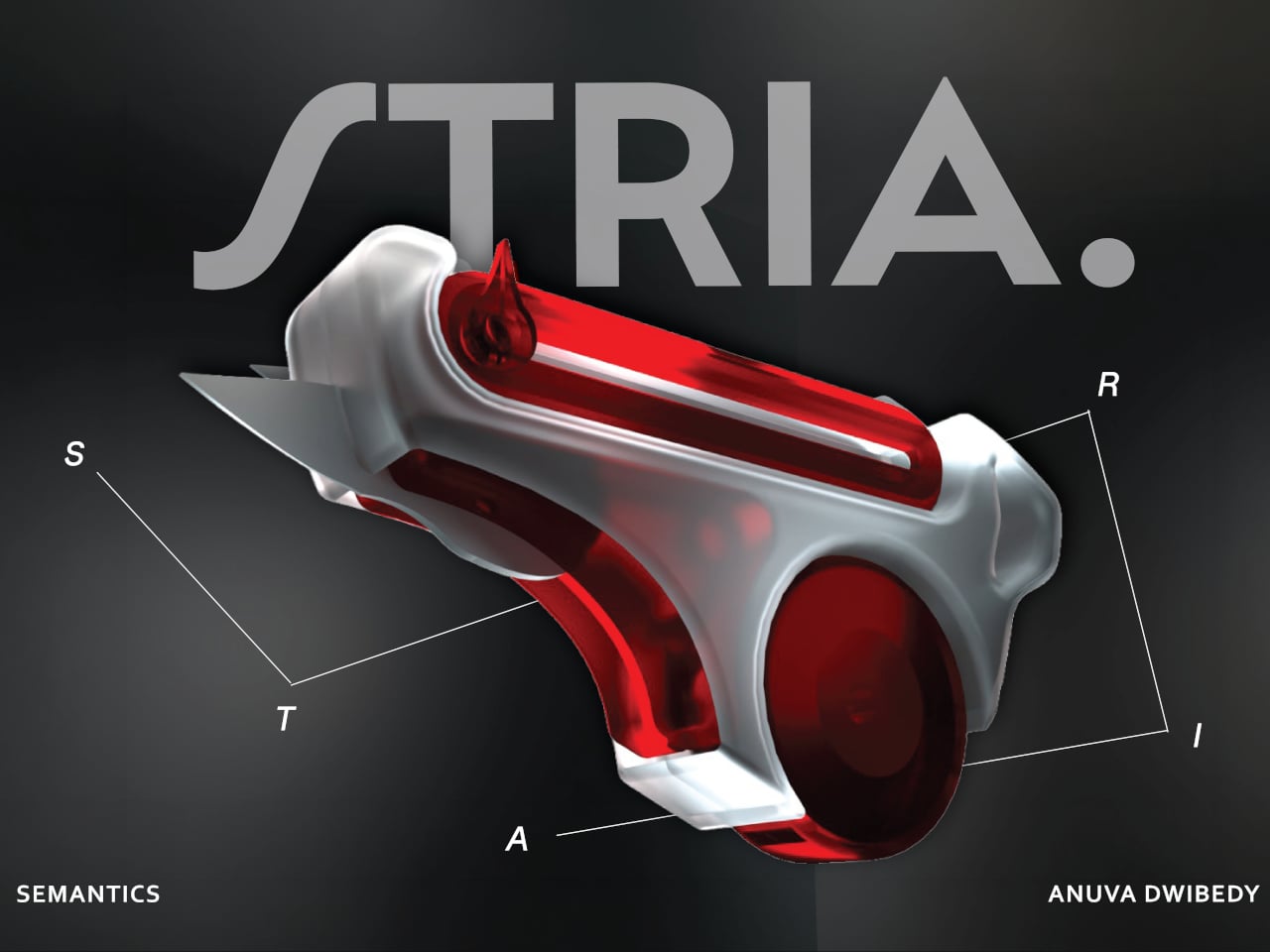
That friction is the exact problem STRIA was designed to address. The concept starts from a straightforward observation: the actions that make up physical prototyping, measuring, checking dimensions, and cutting materials, are tightly connected in practice but spread across a handful of unrelated objects. It combines four of the most essential tools that designers and architects reach for, creating a Swiss Army knife for any kind of physical creative work.
Those four are a tape measure, a 12 cm foldable ruler, a 6 cm vernier caliper, and a utility knife, all integrated into a single handheld device. The body is frosted ABS polycarbonate, with red-tinted polycarbonate accents and stainless steel for the blade and hardware. The translucent construction lets you see the internal components at a glance, which feels appropriate for a tool aimed at designers who spend a lot of time thinking about how things fit together.
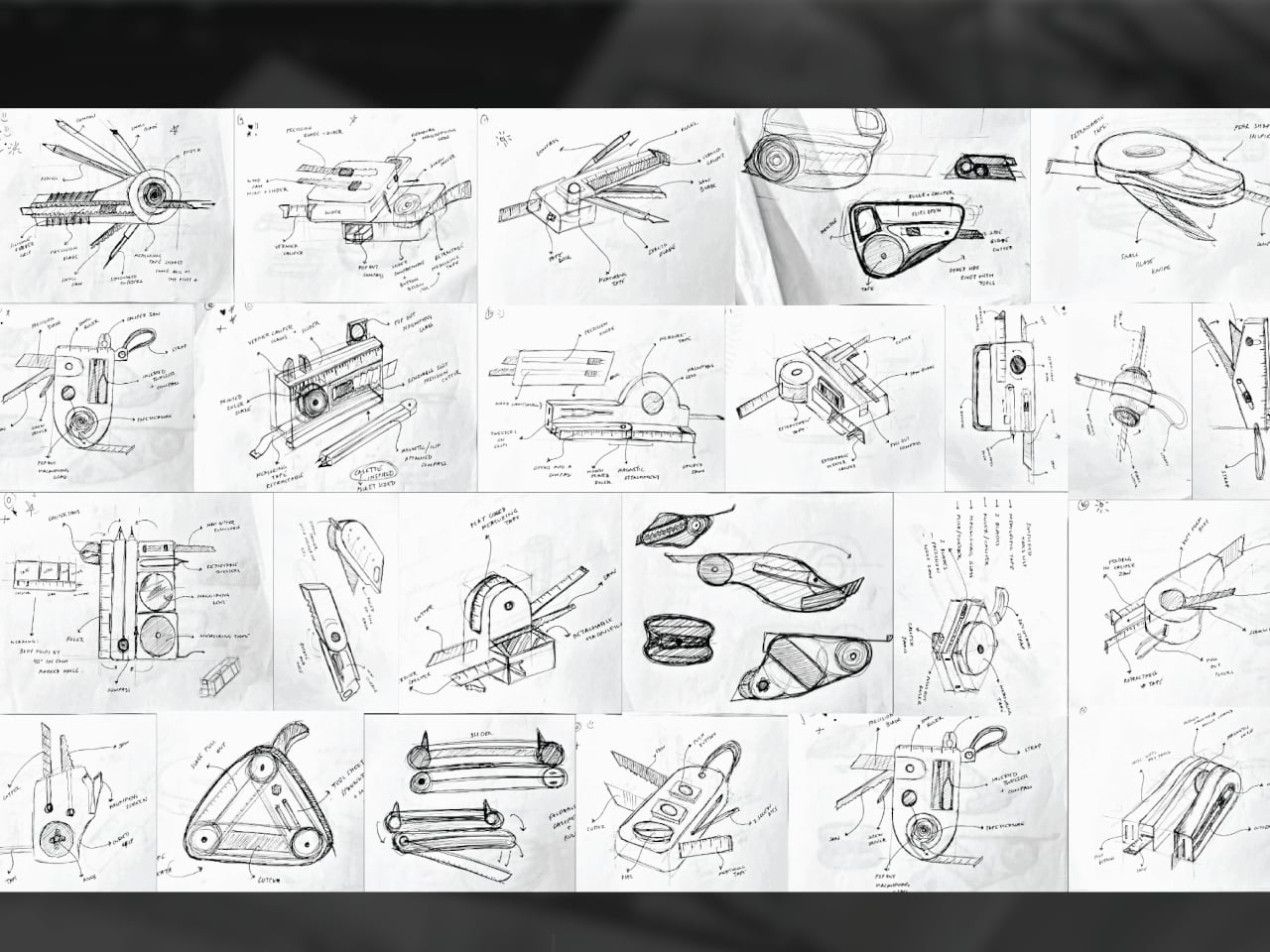
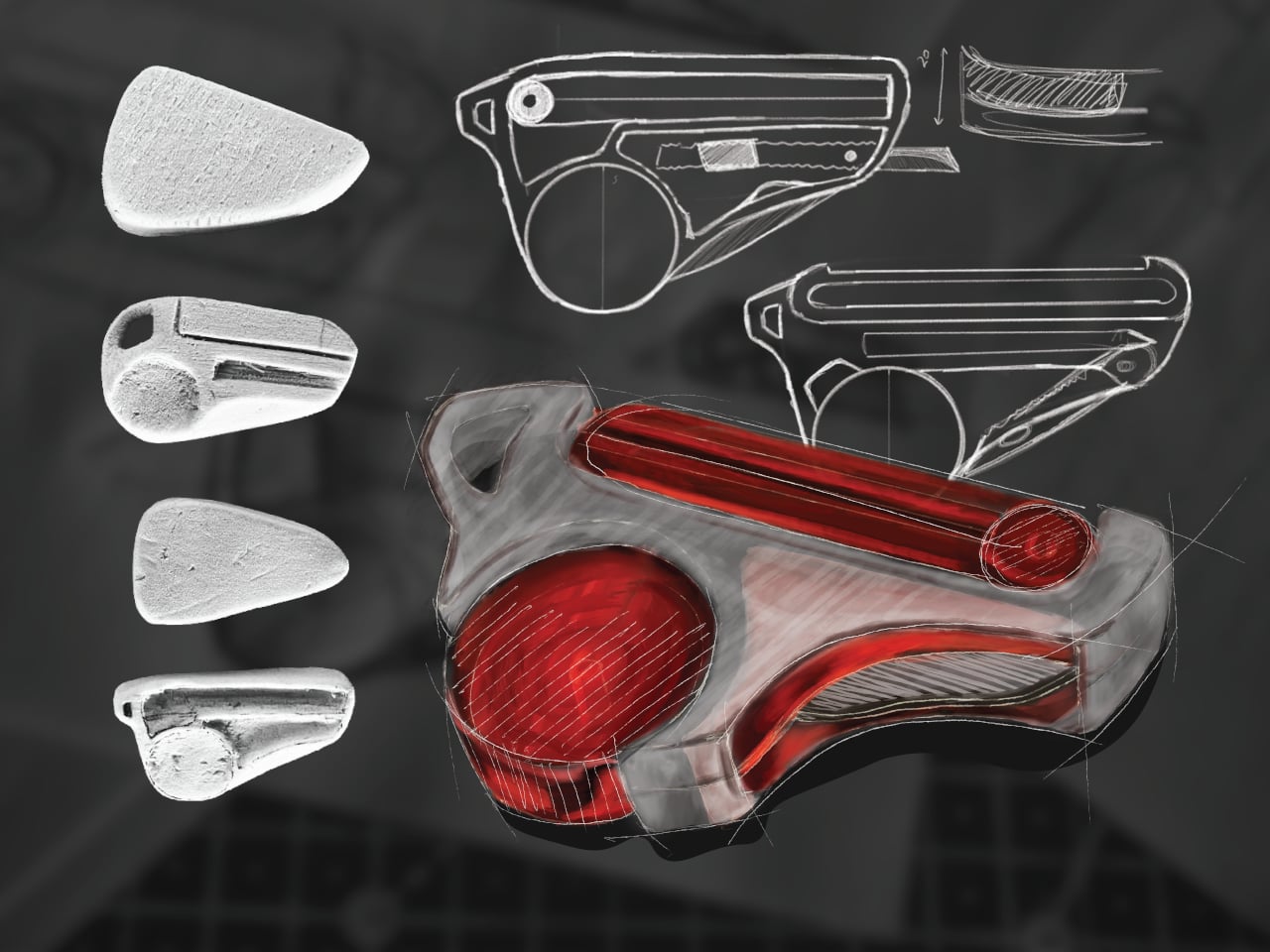
The form went through extensive iteration, with dozens of sketched directions and physical grip studies preceding the final shape. That process matters because fitting four tools into something pocket-sized is a mechanical problem as much as a visual one. Each function needs a deployment mechanism that doesn’t compromise the others, and the grip has to stay comfortable when you’re switching between them repeatedly during a long session.
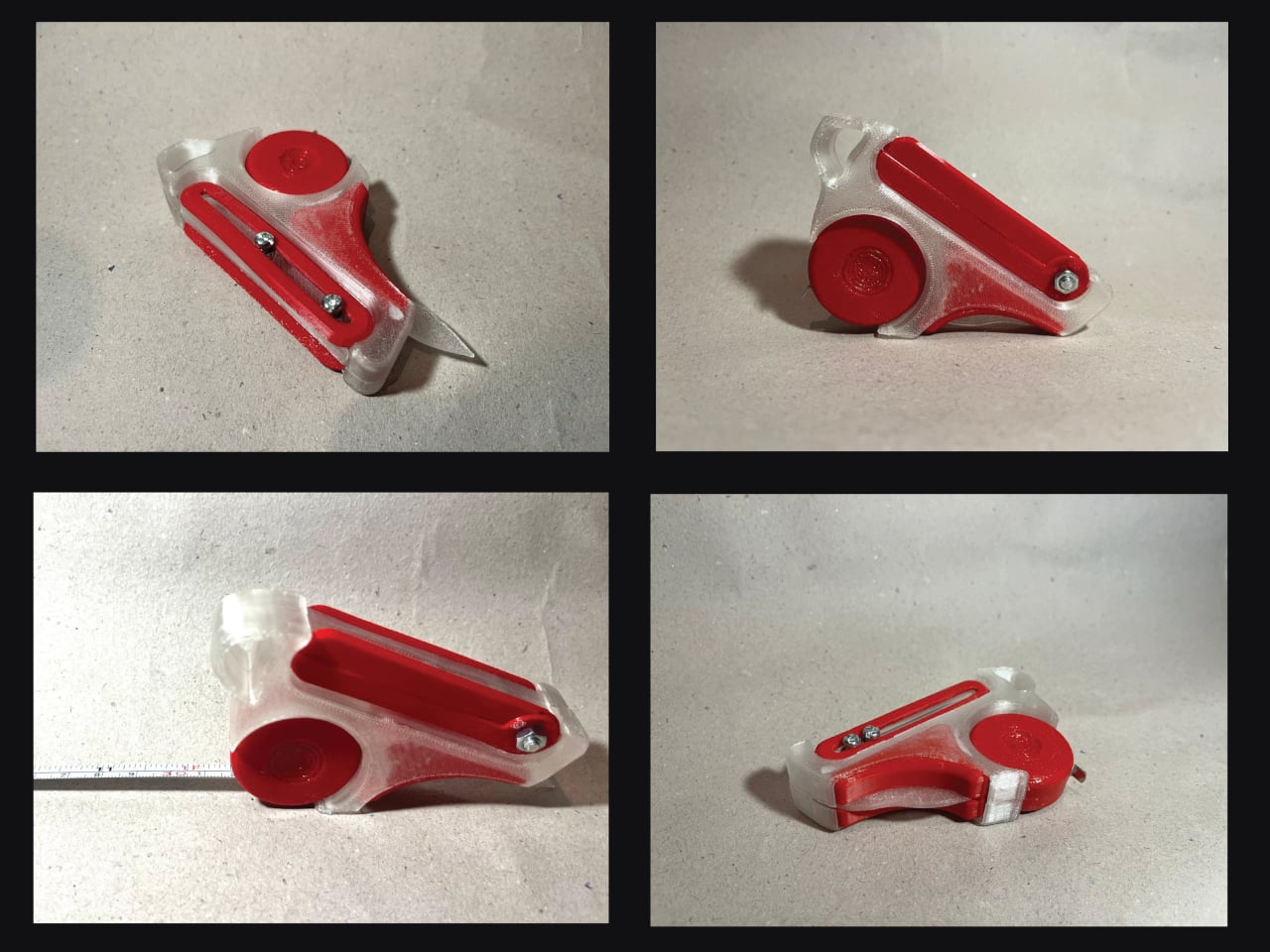
What STRIA gets right in concept is treating workflow continuity as a design constraint rather than an afterthought. Its five stated goals, compact, precise, durable, ergonomic, and integrated, read less like marketing language and more like a checklist for something that needs to survive a studio environment. A 3D printed prototype has already been produced, so the integration challenges aren’t purely theoretical at this stage.
Whether every mechanism holds up to the repetitive, sometimes rough handling that model-making actually demands is what a finished version would need to prove. And there’s a subtler question underneath that: consolidating tools changes how you reach for them, and it’s worth asking whether that’s always an improvement or occasionally a trade-off.
Overhead lighting was never built for you specifically. It floods an entire room without discrimination, casting flat light across everything and solving nothing in particular. A well-chosen desk lamp operates differently — it targets exactly where concentration happens, reduces strain during long sessions, and brings something intentional to a space that a ceiling fixture simply cannot. The best ones do all of this while looking like they genuinely deserve to be there.
The five lamps here approach desk lighting from genuinely different directions — one learns your habits through AI, another is cast from real tractor headlight molds, one travels anywhere on AA batteries, and another chases a color accuracy standard most manufacturers don’t bother measuring. Each solves a real problem. Whether your workspace is a compact corner or a dedicated professional studio, there is a lamp on this list worth your full attention.
1. Anywhere-Use Lamp
The Anywhere-Use Lamp is designed around one honest principle — good light shouldn’t be restricted to places with power outlets. Running on four AA batteries, it removes every dependency on wall sockets and charging cables, making it as useful in a hotel room or a garden corner as it is on a permanent desk. Six high color rendering LEDs produce warm, soft output that settles gently into a space rather than announcing itself as the primary light source in the room.
Available in black, white, and an Industrial edition with a scratch-detailed metal base that treats surface wear as character rather than damage, the Anywhere Use Lamp adapts across settings without effort. Pressing any edge of the cap cycles through four brightness levels with a satisfying haptic click that makes the interaction feel considered. The modular construction breaks down quickly enough to slip into a bag, and on a desk, it reads as a minimal sculpture — quietly impressive without demanding attention from everything around it.
AA battery power gives it genuine location freedom that no rechargeable or corded lamp on this list can honestly match.
The Industrial edition’s scratch-detailed metal base treats material imperfection as an intentional design quality rather than a manufacturing oversight.
What We Dislike
Four disposable AA batteries are less sustainable than a built-in rechargeable solution would be for users who run them daily.
Warm, atmospheric output may feel insufficient for task-heavy environments that demand stronger, more directional illumination.
2. The Lampster
The Lampster is the most funded lamp in crowdfunding history, a record that speaks to how rare genuinely characterful lighting actually is. Its head is cast from the same 40-year-old molds used for real tractor headlights, a material fact that sits at the center of everything the lamp is. Born as a side project between an architect and an engineer, it carries the kind of specificity that only arrives when something was made first for its creators, not for a market.
Functionally, the Lampster holds 120 LEDs across warm and cool white tones, controlled by a capacitive touch button on the head that adjusts intensity without needing a phone. An RGB light source connects to a mobile app that monitors power draw, saves custom settings for reading, writing, or focused work, and syncs the lamp to music. The head rotates 360 degrees while the aluminum neck bends freely in any direction. It sits on a desk and immediately becomes the most interesting object in the room.
What We Like
Cast from original 40-year-old tractor headlight molds, giving it a material provenance no competing desk lamp can replicate.
App-controlled RGB plus adjustable warm and cool white LEDs cover every working scenario without requiring separate hardware.
What We Dislike
Filling the hollow body with gravel for proper ballast adds a hands-on setup step that feels slightly misaligned with a premium purchase.
Full smart functionality depends on a mobile app, which may frustrate users who prefer straightforward, always-available physical controls.
3. DEEP
DEEP is what happens when a lamp decides your working environment should configure itself around you rather than the other way around. Turn it on with a spinning-top-inspired power button, tell it what you are about to do — studying, coding, reading, creative work — and it adjusts both lighting and ambient sound automatically. The AI underneath isn’t a selling point bolted on at the last stage. It actively shapes your workspace conditions before you’ve had to think about them yourself.
A camera positioned at eye level monitors your focus state in real time, functioning like a built-in productivity coach without requiring a separate device. Side buttons allow precise manual overrides, and when adjustments are saved, the system builds a personal profile that becomes more attuned the longer the lamp sits on your desk. Over repeated sessions, DEEP learns the exact conditions under which you concentrate best and begins applying them without being asked — a meaningfully different relationship with a piece of desk hardware.
What We Like
AI-driven environment configuration learns and refines your preferences over repeated sessions, becoming genuinely more useful the longer you use it.
Camera-based real-time focus monitoring replaces any need for an external productivity tracking application or additional device on your desk.
What We Dislike
A built-in camera positioned at eye level may not sit comfortably with users who value privacy in their personal workspace.
As a concept-stage design, software longevity, update support, and manufacturer reliability over time remain unconfirmed.
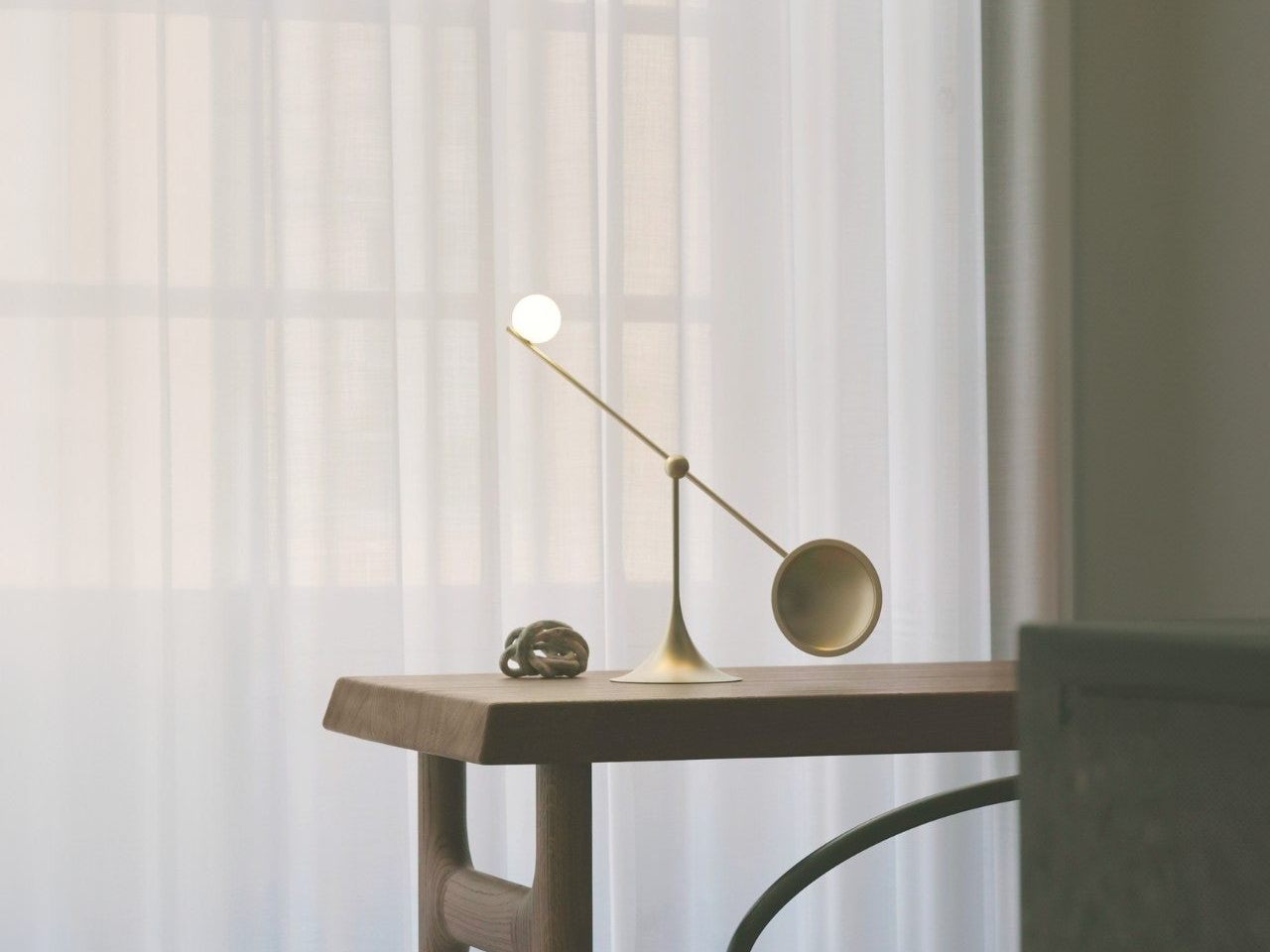
4. Lumio Ovo
Most adjustable lamps eventually disappoint. Multiple joints accumulate play, precise positioning becomes a daily compromise, and what is marketed as flexible control quietly becomes a frustration. The Lumio Ovo addresses this by reducing the entire adjustment system to a single pivot — a seesaw-style motion that rotates a full 360 degrees around a central point and feels exact from the very first interaction. No creaking. No wobble. No accumulated looseness. Precise, repeatable directional control housed in a form that makes no apologies.
Lumio left the central pivot fully exposed rather than hiding it inside a casing, which turns the structural solution into the lamp’s most compelling visual element. At rest on a desk, the Ovo reads as a kinetic art object — the kind of piece that earns a comment from anyone who sees it for the first time. Nudge it gently, and it finds its new position with an ease that lamps carrying three times the moving parts rarely manage to deliver with the same quiet confidence.
What We Like
A single-pivot seesaw mechanism eliminates the joint loosening and positional drift that eventually compromise most multi-hinge desk lamps.
The exposed pivot transforms the engineering solution into the lamp’s defining aesthetic element, making form and function genuinely inseparable.
What We Dislike
Detailed light output and color temperature specifications are not widely published, making pre-purchase performance evaluation difficult.
The balance-based seesaw motion may not satisfy users who need a lamp to lock firmly into position without any residual movement.
5. Redgrass R9 Desk Lamp
Standard color rendering measurements evaluate eight color samples and call it accurate. Redgrass developed a methodology that evaluates 99 and achieved an extended CRI score of 98.5 — a number that places the R9 in a fundamentally different category. The practical result is light that renders color the way natural daylight does. For painters, illustrators, and anyone whose work depends on seeing accurate hues under artificial conditions, the difference is immediate and impossible to ignore.
At 1800 lumens and 3700 lux measured at 45 centimeters, the R9 delivers serious, sustained output from 96 custom-made LEDs arranged across two independently rotating bars. That dual-bar configuration isn’t decorative — it eliminates the shadows a single light source always casts across detailed work surfaces. It holds the Red Dot Best of the Best and iF Design Awards, and professional teams behind Avatar and The Lord of the Rings have adopted it as a standard studio tool.
What We Like
An extended CRI of 98.5 evaluated across 99 color sample sets is an accuracy benchmark that no conventional desk lamp currently comes close to reaching.
Two independently rotating light bars eliminate surface shadows in a way that a single light source is physically incapable of replicating.
What We Dislike
At $279.99, the R9 demands a meaningful financial commitment, even when the performance makes a fair and honest case for itself.
The clamp-based mount and larger physical footprint make it a less natural fit for compact or minimal desk setups.
The Right Light Changes Everything
Each lamp here solves something a ceiling fixture never bothered to think about. The Lampster gives a desk a genuine personality. The Anywhere Use Lamp follows you without conditions. DEEP maps your habits and builds the environment around them. The Ovo reduces all mechanical complexity to a single satisfying gesture. The R9 shows you the color the way it was actually meant to appear. All five refuse to treat workspace lighting as an afterthought worth quietly tolerating.
Good lighting doesn’t just help you see — it sustains concentration, reduces physical strain, and signals that a workspace was assembled with real intention. The difference between a desk lamp and an overhead light isn’t simply positional. One serves the room. The other serves you. Once that distinction becomes clear, returning to a fixture that has no idea what you’re working on or how long you’ve been sitting there becomes genuinely difficult to justify.
The digital nomad bag has evolved past the obvious picks. Laptop, charger, earbuds, done. That kit worked five years ago when remote work meant answering emails from a beach hostel. Now, the people doing this full-time run dual-monitor editing setups from Lisbon apartments, take client calls from co-working spaces in Chiang Mai, and file deadlines from airport lounges without missing a beat. The gear that makes that possible is not the laptop itself but the small, clever peripherals around it, the ones that turn a single USB-C port into a proper workstation and collapse back into a carry-on when it is time to move again.
We have been tracking the gadgets that keep surfacing in nomad communities and tech-forward travel kits this year, and five products stood out for the same reason: they each solve a specific friction point that remote workers hit repeatedly. Not gimmicks, not luxury upgrades, but tools that collapse the gap between a fixed desk setup and a backpack-based office. Some are shipping now, others are in the crowdfunding stage with strong traction. All of them earn space in a bag that has no room to waste.
1. Nothing Power (1)
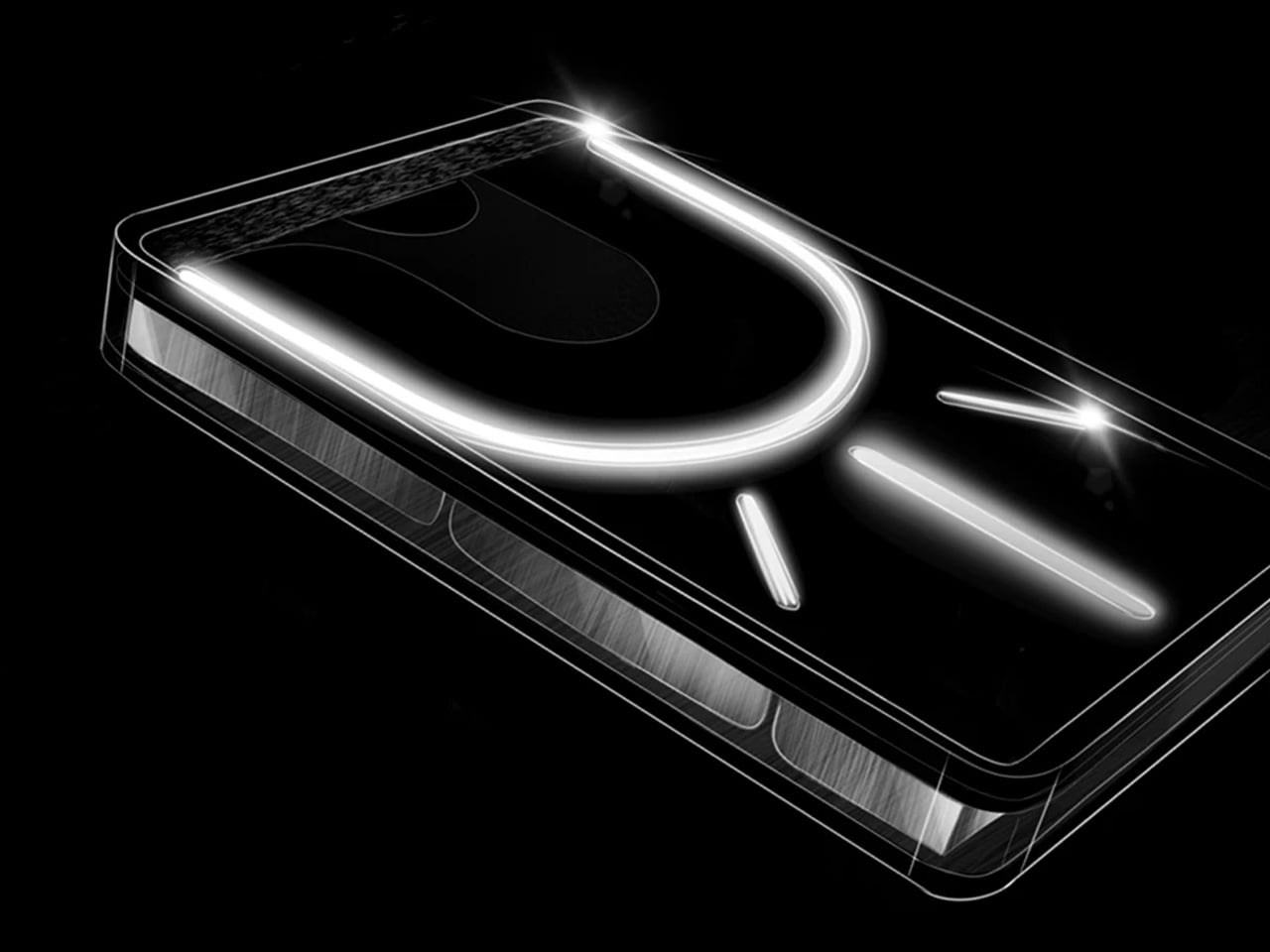
Power banks are the least glamorous item in any travel kit, which is exactly why most of them look like featureless plastic bricks. The Nothing Power (1) is a concept design that imagines what Nothing’s Glyph interface would look like on a battery bank: transparent layers, LED light paths that show charging status and notifications, and the same design language that made the Nothing Phone (1) and Phone (2) stand out in a sea of identical smartphones.
The concept proposes a 20,000mAh capacity with 65W fast charging, enough to hit 50% battery on a phone in under 20 minutes. Dual USB-C ports handle two devices simultaneously. The Glyph LEDs do more than look interesting; they provide intuitive visual feedback for charging status and battery levels without needing to press a button or check a display. Nothing actually had a power bank in development at one point, but scrapped it due to durability concerns with the transparent casing cracking on impact. This concept reimagines that idea with a cleaner silhouette and enough surface area to make the Glyph interface feel purposeful rather than decorative. For nomads who carry a power bank every single day, the idea that it could be a well-designed object instead of an anonymous slab is appealing. This is not a production product yet, but the demand in Nothing’s community forums suggests it is an idea the brand should revisit.
What we like
Glyph LED interface provides at-a-glance charging status without screens or buttons, which is faster and more intuitive than hunting for a tiny indicator light on a conventional power bank.
20,000mAh capacity with 65W fast charging (as proposed in the concept) would cover a full day of heavy device use for multiple gadgets.
What we dislike
This is a concept design, not an official Nothing product, and the transparent casing durability issue that killed the original project remains unsolved.
Transparent construction would likely show internal wear, dust, and scratches over time, especially in a bag that gets tossed around daily.
2. KeyGo Gen2
Carrying a laptop, a portable monitor, and a separate keyboard creates a three-device problem that digital nomads have been trying to solve with lighter versions of each. KeyGo Gen2 collapses all three into one folding slab. It is an ultra-slim keyboard with a built-in 13-inch 4K/60Hz IPS touchscreen, CNC-machined aluminum construction, built-in speakers, and a 180-degree hinge that folds everything flat to 19.3mm thick when closed. A single USB-C cable handles video, power delivery (up to 65W), and data.
The original KeyGo raised over $185,000 in its first campaign, featuring a 720p screen. Gen2 bumps that to full 4K at 3,840 x 2,160, ten-point multitouch, adjustable brightness up to 300 nits, and a weight of about 1 kilogram (2.2 pounds). Unfold it, plug in a USB-C cable, and a laptop instantly gains a second display sitting right below eye level with a full keyboard beneath it. It works with Windows, macOS, Linux, and Android, which means it also pairs with mini PCs and tablets for people building ultra-compact travel rigs. The crowdfunding campaign has already passed $300,000 in pledges, with early bird pricing around $279 and estimated delivery in May 2026. For nomads editing video on cafe tables, managing spreadsheets in airport lounges, or running code with documentation on a secondary panel, this eliminates the portable monitor and keyboard as separate line items in the bag.
Replaces a portable monitor and external keyboard with a single folding device, cutting significant weight and bag space from a travel workstation.
4K touchscreen with 10-point multitouch and 300-nit brightness makes it genuinely usable for detail work like photo editing and timeline scrubbing.
What we dislike
At 1 kilogram, it is not featherlight, and the 19.3mm closed profile is thicker than a standalone portable keyboard would be.
Crowdfunding status means the product is not shipping yet, and the final typing experience can only be judged once production units are in hand.
3. TWS ChatGPT Earbuds
Wearable AI has spent the last two years stuck in an awkward phase. Smart pins looked strange. Pendant cameras felt forced. Smart glasses screamed, “I am recording.” This concept hides cameras inside TWS earbud stems, positioned near the natural line of sight, and pairs them with ChatGPT to create a visual AI assistant that lives entirely in the ears. No screen. No conspicuous hardware. Just a familiar form factor doing something new.
For digital nomads navigating foreign cities, the use cases are immediate. The earbuds can read menus in unfamiliar languages, interpret street signs, describe scenes, and guide navigation through voice alone, all without pulling a phone from a pocket. The social advantage is that earbuds are already normalized. People wear them everywhere without drawing attention, which removes the friction of face-mounted cameras that make conversations uncomfortable. Voice interaction keeps hands free for luggage, laptops, or coffee. The AI processes visual input in real time and responds through audio, creating an assistive loop that does not require staring at a screen. This is a concept at this stage, not a shipping product, but it represents the direction wearable AI is heading. For nomads who spend their weeks moving between cities and languages, an AI assistant that sees what the wearer sees and speaks directly into the ear could replace a handful of translation apps, navigation tools, and accessibility aids with a single pair of earbuds.
What we like
Familiar earbud form factor avoids the social awkwardness of face-mounted cameras, making it usable in meetings, cafes, and public spaces without drawing stares.
Hands-free visual AI assistance for translation, navigation, and scene description addresses real daily friction for nomads moving between countries.
What we dislike
Concept status means no confirmed specs, battery life, or pricing, so the product’s real-world viability is unproven.
Privacy concerns around always-available cameras in earbud stems will be unavoidable once production models enter public spaces.
4. HubKey Gen2
The typical nomad desk involves a laptop teetering on a cafe table surrounded by a small constellation of dongles, adapters, and cables fighting for two USB-C ports. HubKey Gen2 consolidates that mess into a single compact cube. It is an 11-in-1 USB-C hub with dual HDMI ports (both 4K at 60Hz), two USB-A 3.1 ports, one USB-C 3.1 port, SD and TF card readers, a 2.5 Gbps Ethernet jack, a 3.5mm audio port, and a 100W USB-C PD charging port. One cable from the cube to the laptop brings everything online.
What separates it from standard hubs is the top panel. Five programmable shortcut keys and a central control knob sit above the ports, turning the hub into a mini control surface. Volume, mute, screen lock, screenshot, display off: tasks that normally require keyboard shortcuts or menu diving can be done with a single tap or twist. The driver system offers 170 presets with full macro customization across Windows, macOS, Linux, and Steam Deck. At 7 x 7 x 3 cm, the cube disappears into a laptop bag pocket. For photographers and videographers constantly offloading cards while driving external displays, this removes the need for three or four separate adapters.
What we like
Dual 4K/60Hz HDMI output from a single hub means a nomad can build a two-monitor setup at any co-working space without carrying separate adapters for each display.
Programmable shortcut keys and a physical knob add hands-on control that standard hubs do not offer, cutting repetitive menu navigation during editing and video calls.
What we dislike
The compact form factor means ports are tightly packed along the edges, which can cause thicker cables or drives to crowd each other.
5. OrigamiSwift Mouse
Trackpads work fine until they do not. Precise selections in spreadsheets, long editing sessions, and detailed design work all benefit from a real mouse, but carrying a conventional one eats bag space that nomads cannot spare. OrigamiSwift solves this by folding a full-sized Bluetooth mouse down to a 4.5mm-thick slab that weighs just 40 grams (1.41 ounces). Magnetic snaps lock the two sides together in under half a second, and the mouse powers on automatically when assembled. Fold it flat again, and it slides into a laptop sleeve or even a shirt pocket.
Under the origami-inspired exterior sits a 4000 DPI HD infrared sensor capable of tracking at up to 30 inches per second, paired with Bluetooth 5.2 for stable, dongle-free connectivity across Mac, Windows, Android, and iPadOS. A 500mAh lithium polymer battery charges via USB-C and lasts up to three months on a single charge, which effectively removes battery anxiety from the equation. The vegan leather skin adds grip and surface compatibility, while mechanical click switches on the left and right buttons provide tactile feedback. A touch-sensitive scroll area replaces a physical wheel, which keeps the profile flat. At around $49 to $69, depending on the retailer, it sits in a reasonable range for a travel peripheral that genuinely disappears when not in use. The trade-off is that it is not built for gaming or high-speed precision work, but for the spreadsheet-to-email-to-design workflow that defines most nomad days; it handles everything a full-sized mouse would.
Folds to 4.5mm flat and weighs 40 grams, making it the most packable full-sized mouse option available for nomads who cannot sacrifice bag space.
Three-month battery life on a single USB-C charge means one less device to worry about charging between cities and time zones.
What we dislike
The touch scroll area, replacing a physical scroll wheel, takes adjustment, and some users report that it lacks the tactile precision of a traditional wheel during fast scrolling.
Not suitable for gaming or tasks demanding sub-millisecond response times, so users with hybrid work-and-play setups will still need a second mouse.
What the nomad bag looks like now
These five gadgets share a design philosophy that would have seemed niche a few years ago: they treat portability not as a marketing checkbox but as the primary constraint around which everything else is engineered. A hub that replaces four dongles. A keyboard that is also a 4K monitor. A mouse that folds into a credit card sleeve. A power bank that communicates through light. Earbuds that double as a visual AI assistant. Each one subtracts something from the bag while adding a capability that used to require a dedicated device.
The shift is worth paying attention to. Remote work hardware is no longer about miniaturizing desk products and hoping they survive a carry-on. The best nomad gear now starts from the constraints of movement, weight, and setup speed, then works backward to figure out how much functionality can fit inside those limits. Two of these products are concepts, two are crowdfunding, and one is shipping today. That ratio will flip fast. The bag is getting lighter, the workspace is getting more capable, and the gap between a fixed office and a cafe table keeps narrowing.