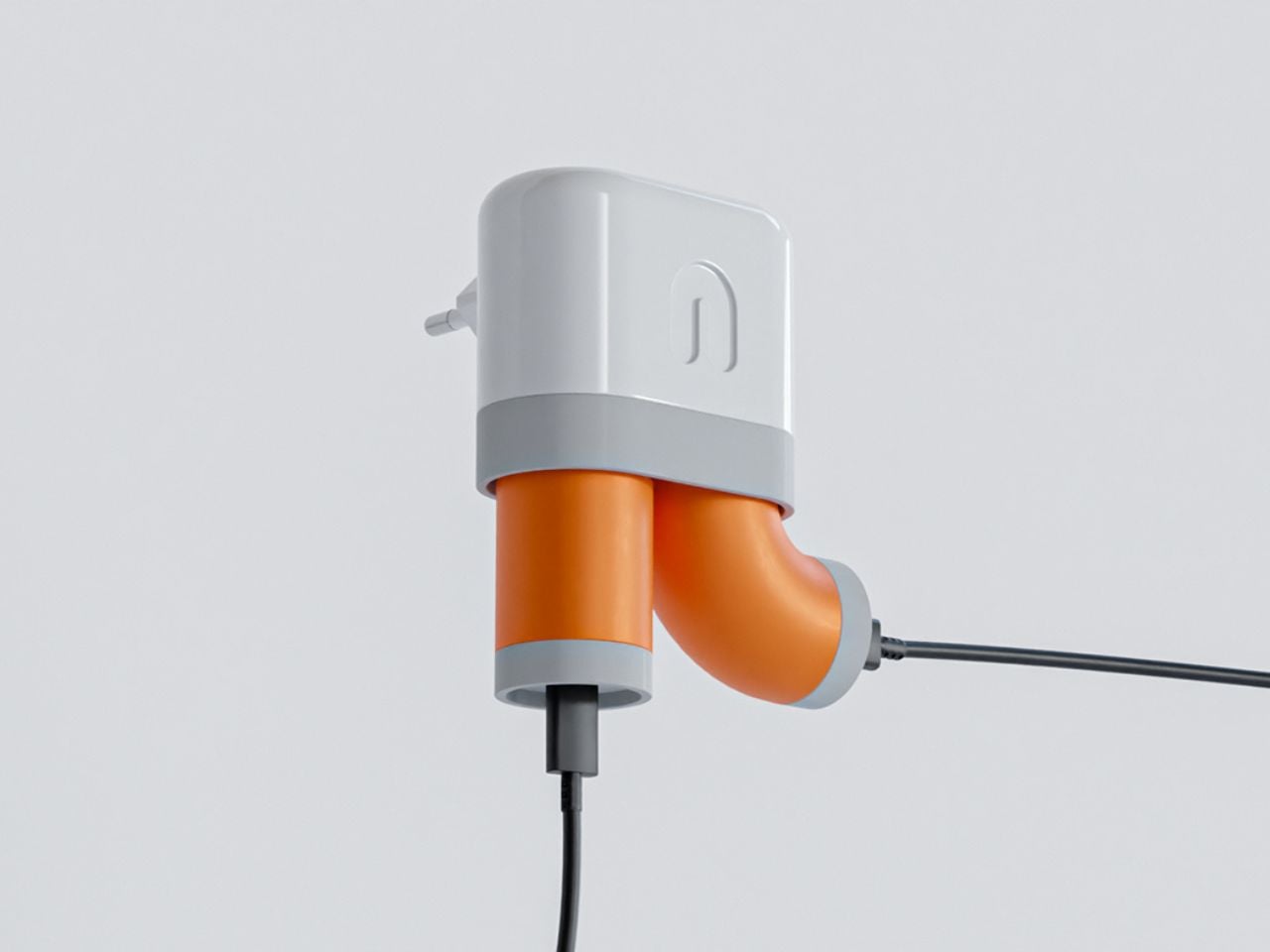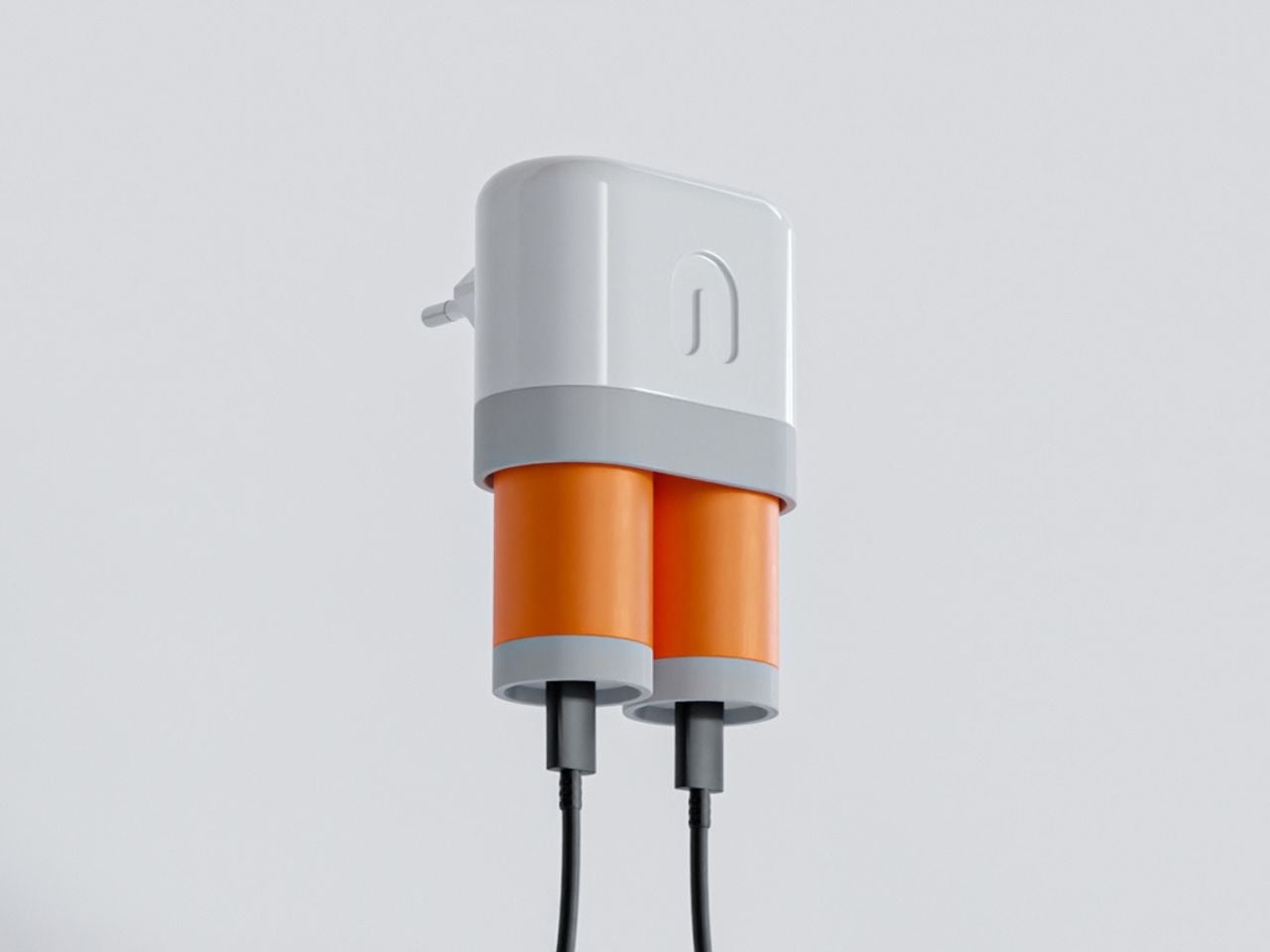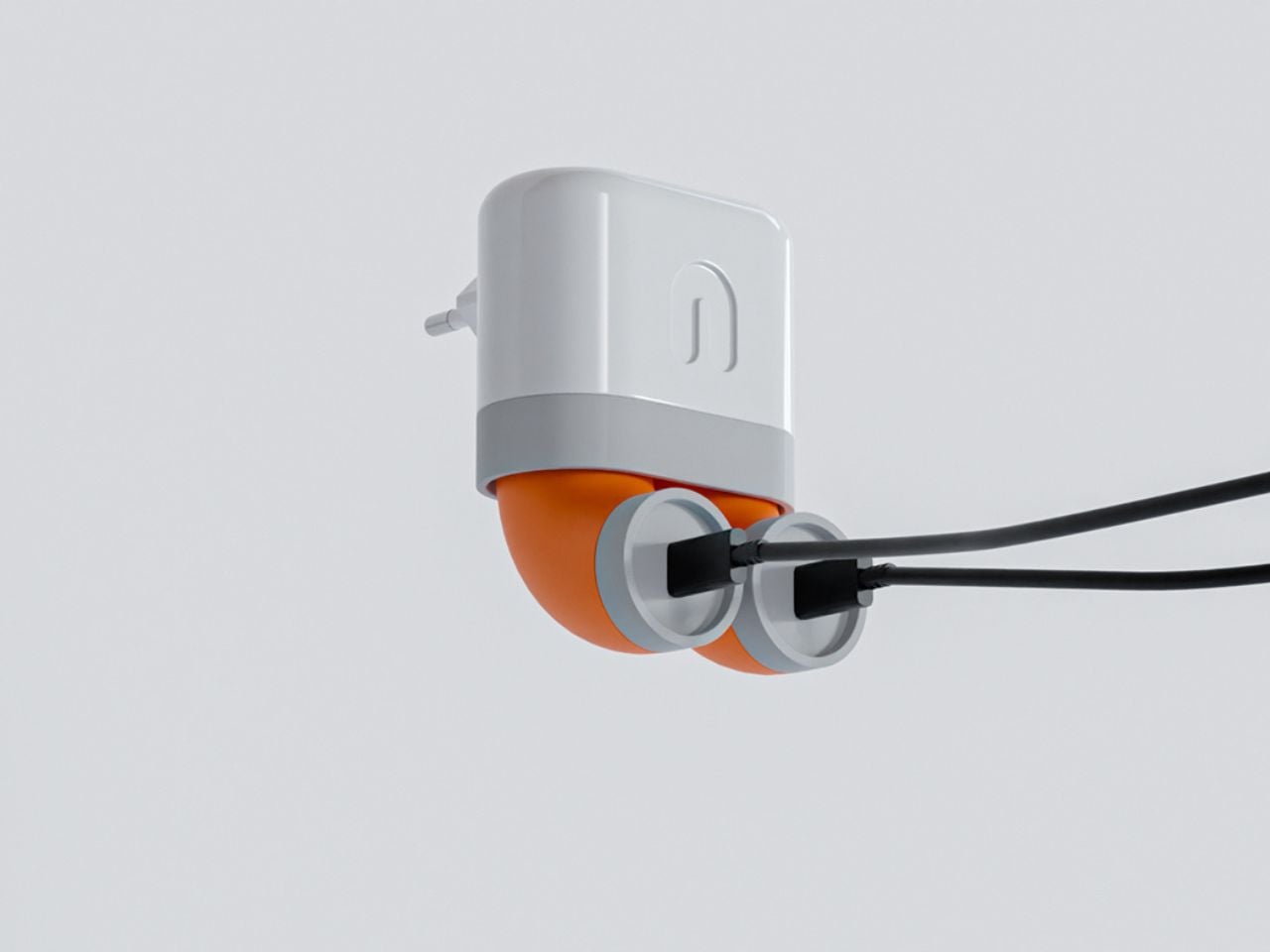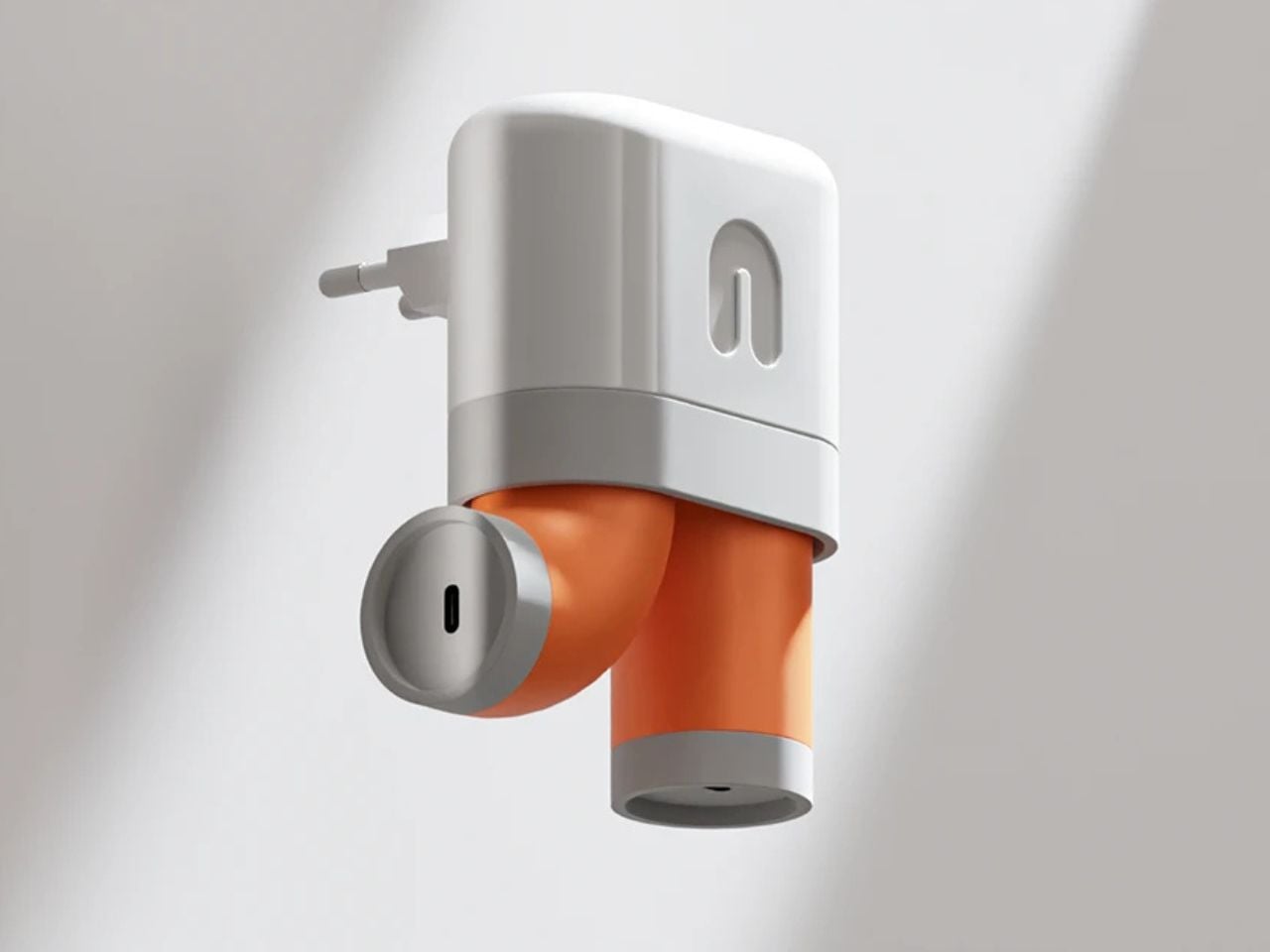
Hidden hub clears your desk of cords, sockets, and port clutter

To say that I have a messy desk is an understatement. Aside from the various books, office supplies, and knick-knacks that I have lying around, one of the things that make it pretty messy are all my cords connectors, and sockets. I work with multiple devices so I need all kinds of charging and connecting tools, therefore adding to the clutter on my desk. If ever I one day decide to have a cleaner and more minimalist desk, then I definitely need one of these docking hubs to make my work and home office life a bit more organized.

Designer: Lon

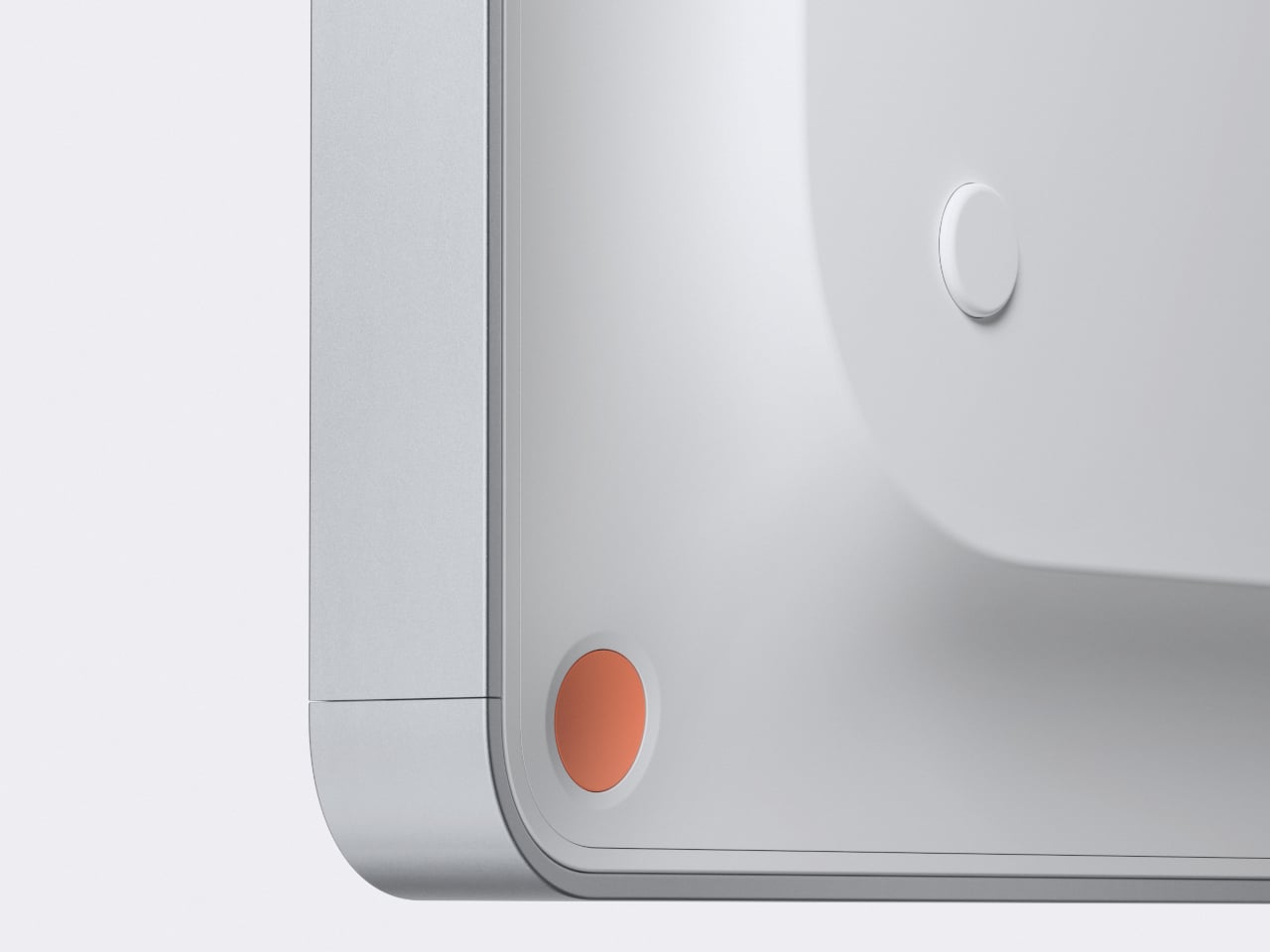
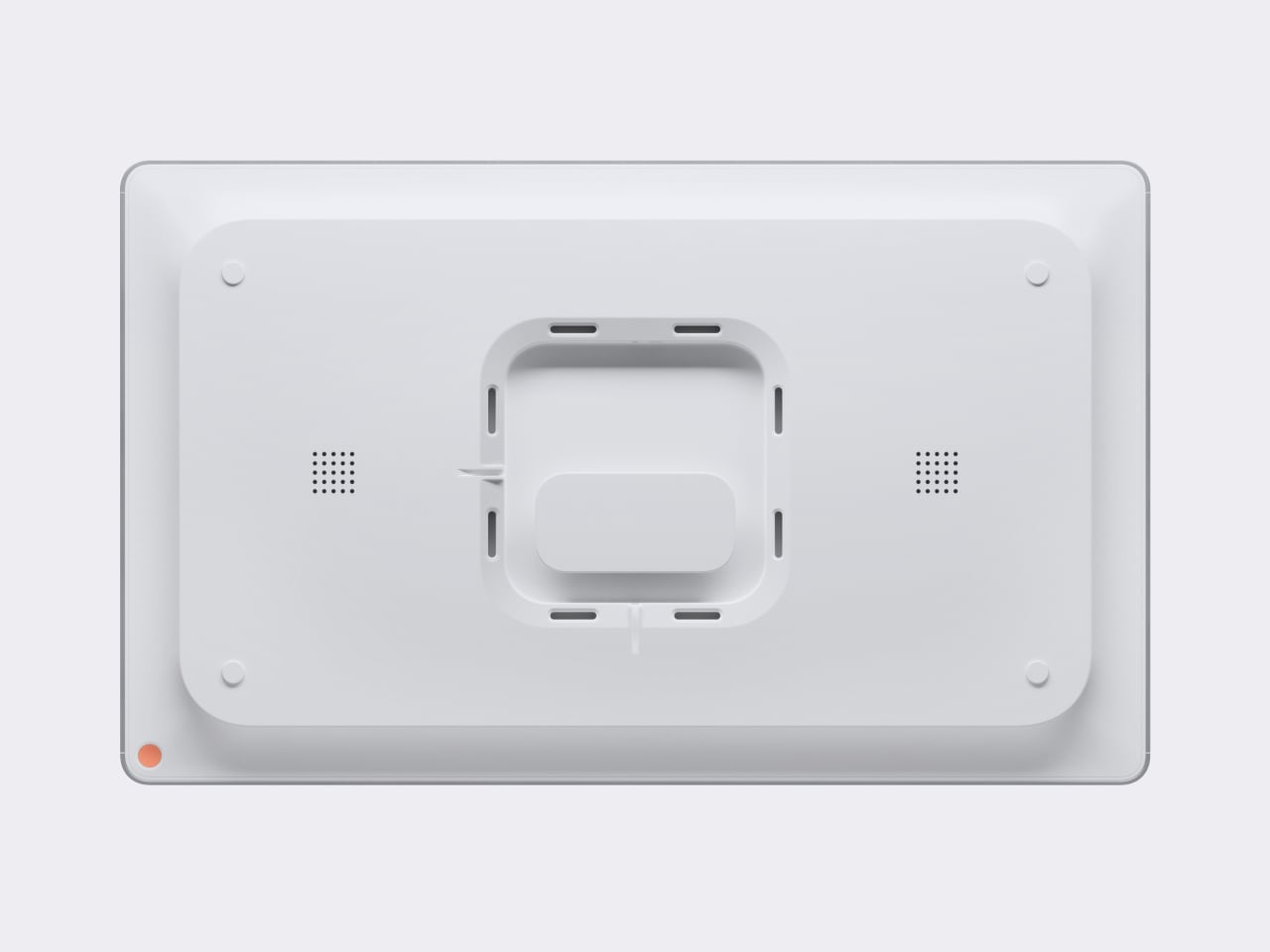
The Lon:HUB is one such docking hub that can give your desk a cleaner appearance and at the same time provide you with all the outlets and ports that you need. The ports and sockets are attached under your desk and on top of your space, you have some of the ports that you would need. Underneath, you have 5x 110V AC sockets, 2x HDMI 2 display ports, and 2x arms where you can wrap your cords around so you don’t get a spaghetti-like mess. On the edge of your desk, the hub has a 10 Gbps USB-C 100W port, 2x USB-A ports, an SD card slot, and it even has a wireless charger landing pad.

The hub also comes with a proprietary high-speed PCB with 100W PD and medical-grade power unit. It will also be available in several color options. We’re seeing orange, yellow, and a dark blue/grayish one if you prefer muted colors. If you want a more powerful unit, there will be a Pro version available which has a Thunderbolt 4 port, 2x HDMI 2.1 and 2x DisplayPort 1.4 ports,, a 2.5Gbps Ethernet card, 2x 10Gbps USB-C and 6x 10Gbps USB-A ports, a UHS-II SD-Card slot, QI2 wireless charger pad, and a 100W PD. It will also have a full aluminium casing.

The price tag hasn’t been officially revealed yet but it looks they’re planning to go for $199 which is a pretty good price tag for a dock. Design-wise the Lon:HUB is pretty minimalist and that is the point as something intricately designed may add to your desk’s clutter. I may not be leaving my maximalist style anytime soon but removing the cord and socket clutter may be the first step I’ll take and this dock would be a good start.

The post Hidden hub clears your desk of cords, sockets, and port clutter first appeared on Yanko Design.
This handheld console for disabled gamers has modular control pods for better ergonomics

Gaming controllers are primarily designed keeping in mind the needs of seasoned gamers who have razor-sharp reflexes and blazing reaction times. Most of the mainstream controllers don’t factor in the needs of disabled gamers who have accessibility issues. Major manufacturers like Sony and 8BitDo, however, have ventured down this road with the PlayStation 5 Access Controller and Lite SE controller respectively.

Along the same lines, this Windows-based gaming controller concept dubbed Free Play wants to give disabled gamers a level playing field when it comes to playing chart-topping games. The gadget achieves this without compromising on the form factor a normal gamepad relies on. Therefore, normal gamers can also use it without any problem.

Designer: Aiden Schutte

The intended dual functionality of the gaming controller is achieved with modular control pods that can be placed around the console. With the rise in popularity of handheld gaming consoles, attention towards accessible controllers for the disabled is imminent. The design proposed here employs the modular buttons that settle inside the metal body and the ergonomic grips having flat surfaces as the viable solution. So, one can easily swap the D-Pad buttons to reside on the front rather than the sides. Customized sticks can be attached to the controller if the disabled gamer has problems holding on to the joystick with the thumb.

To keep it simple, the modular gaming controller has multiple configurations to play depending on the comfort level of the disabled person. Whether it’s using the controller with just one hand or situations where dexterity is not an option. Aiden has designed the bottom to be flat so that people with dexterity issues can easily lift the gadget from the surface. In addition to the buttons you would find on any normal controller, this one has tactile touchpoints to navigate controls. These tactile touchpoints can be placed at the back of the console or on the front. The size of all the buttons and triggers has been intentionally kept large for easier presses and navigation.

The post This handheld console for disabled gamers has modular control pods for better ergonomics first appeared on Yanko Design.

Earbuds with nano camera and smart AI are more than just music for your ears

Earbuds are a kind of accessory you’ll find most common in anybody’s arsenal. They isolate you from the distracting outside world and help you focus while working, exercising, commuting, or anything in between. Extending the usability of earbuds for people with vision problems or in general even the common users who like to turn on their ANC at full blast. Apart from the audio information, the eyes are the best sensors to gauge the environment.

The Cell Buds are an evolution of the good old earbuds into a wearable that assists the blind in navigating crowded spaces or even being aware of what’s around them with sound cues coming from the buds equipped with nano camera units that keep track of any information that may be vital. This eliminates the need for transparency mode to be aware of the space, or even situations where you want strong ANC while being totally aware of what’s happening around in a crowded urban area, essentially making them your eyes and mind for daily life assistance.

Designer: Minwoo Kim

https://vimeo.com/user217694550

These earbuds are loaded with an ultra-compact vision cam and AI to bring all the smart features of your smartphone to this cool gadget plugged into the ears. As a part of the Samsung Design Membership course, Minwoo conceptualized this design to dramatically improve the user’s experience. The on-device AI brings personalized interaction with information available in the cloud and the compact vision cameras keep sensing the surrounding environment around you for any signs of danger or information that might be important to you. For example, an approaching motorist from the left when you are busy crossing the street.

With smart AI, the wearables can be useful for frequent travelers or people with vision impairments. The hands-free personal assistance provided by Cell Buds keeps you from checking your phone, thereby curbing your digital life for good. Design and comfort are prime when it comes to the concept, as Kim has managed to fit a rotating camera unit inside the housing that houses the driver units, microphones, and the battery. According to him, the camera drive unit slightly protrudes from the ear to increase the camera’s field of view.

The post Earbuds with nano camera and smart AI are more than just music for your ears first appeared on Yanko Design.
Minimalist table is a charging hub that doesn’t need to plug itself in

Given how almost everyone has a smartphone these days, it’s not really surprising to see establishments and furniture adapting to the situation. Desks, tables, and even shelves have started to integrate charging solutions that make it convenient to top up a mobile device quickly without having to scramble for and fight over a power strip or wall socket. Unfortunately, many of these designs, particularly for tables, add some rather unsightly cables that can also be a safety hazard if not installed properly. This table, in contrast, lets you charge phones and tablets with ease while magically making those cables disappear to preserve the table’s minimalist beauty and avoid tripping people up when they have to move about.

Designer: Carl Magnusson

Tables with integrated charging solutions seem to fall into two extremes. On the one hand, you have regular tablets that have just been retrofitted with power strips and are often seen in public places like coffee shops or even libraries. On the opposite end of the spectrum, there is classier furniture that utilizes wireless charging technologies in order to make power sockets invisible, like the newer desks and shelves from the likes of IKEA. Both designs, however, require the table itself to still be plugged in regardless since it has to take all that power from somewhere.

In that regard, the MagPower Table is almost futuristic with its wireless functionality while still being completely rooted in present design trends with its extremely minimalist design. At first glance, it simply looks like a wooden table with a large circular top and wooden or aluminum legs, but closer inspection will reveal two USB-C slots and one full-sized USB-A slot for charging mobile devices. What makes this design almost mind-blowing is that there isn’t any cable snaking out from one of the table’s legs to connect to a nearby power outlet, making it seem like it’s using wireless charging technologies, at least for itself.

The secret behind this is the design of the table’s leg which can house a rechargeable battery that then powers connected devices. The battery can be removed at the end of the day and recharged separately before being reinstalled the next day. That said, the design also allows for a power brick to be plugged in directly, which has its own convenience, presuming you can live with the sight of that cable.

The MagPower Table’s minimalist aesthetic matches the goal of its design to offer a clutter-free space and enhance your productivity. Granted, it also raises questions about where a single battery is enough to charge several devices at the same time, but it’s certainly possible to expand the design and have all legs house a battery. This would help avoid competing for only three sockets, which will be the most likely scenario if these tables are used in office environments.

The post Minimalist table is a charging hub that doesn’t need to plug itself in first appeared on Yanko Design.
Lofree EDGE – The World’s Thinnest Mechanical Keyboard is just 16mm, less than two iPhones thick

You don’t associate mechanical keyboards with sleek portability… and you don’t associate portable compact keyboards with great tactile feedback or mechanical travel. Lofree’s somehow managed to blur both those worlds into a keyboard that offers the best typing experience while weighing just a pound and being 0.6 inches (16.5mm) thick at its thickest point. Crafted from a combination of magnesium and carbon fiber, the Lofree EDGE reinvents the wheel. It uses unique aerospace-grade materials for their strength-to-weight ratio, redesigned keycaps that are thin but still feel ergonomic, and redefined Kailh mechanical switches that provide a great tactile feel that gives you the mechanical feedback of a much thicker keyboard, but in a highly portable, sleek form.

Designer: Lofree

Click Here to Buy Now: $129 $249 (48% off) Hurry, only limited units at a discounted price. Raised over $270,000.

Over the years, Lofree’s developed its brand reputation for designing wonderfully retropunk tech peripherals. Whether it’s the Touch mouse with PBT buttons, the Wavy Chips mouse that looks like Italian automotive design from the golden ages, or even its Foundation and Block wireless keyboards that reinvent classic designs from decades ago to give them a proper modern revival, the company’s always pushed the boundaries of visual aesthetics, striking a fine balance between classic and contemporary. It’s no wonder that they have, as a result, developed a viciously loyal fan base of design enthusiasts and tech nerds who coalesce around the company’s vision for making great-looking tech that performs remarkably too.

The EDGE is unlike anything Lofree’s ever made before, given that its design brief is distinctly different from the company’s previous approaches to industrial design. Lofree’s thinnest mechanical keyboard yet, the EDGE boasts an ultra-low profile, with a design that’s equal parts utilitarian and aesthetic. Every material is chosen carefully, and every design detail has meticulous thought behind it, resulting in a keyboard that’s just 485 grams (1.06 pounds) light and just 15mm at its thickest point – making it both thinner and lighter than the Corsair K100 Air, which previously held the title of being the thinnest mechanical keyboard. At its thinnest point, it’s a staggering 5.4mm, making it just marginally thicker than Apple’s newest M4 iPad Pro.

The title of the thinnest mechanical keyboard doesn’t come without some intense design and engineering, backed by solid R&D. Lofree basically designed the entire keyboard from the ground up, removing non-essential components, choosing materials like magnesium and carbon fiber for their strength and low-weight, and even using custom switches. The EDGE’s construction removes components like the positioning plate, silicone pad, and IPXE foam that you’d find in most keyboards, instead opting for a unique PCB gasket structure that holds the keyboard’s internals in place. The base of the keyboard is made from machined magnesium alloy, which then gets capped off with a 3K twill weave carbon fiber upper plate that not only gives the keyboard a solid upper surface but also gives it the distinct carbon fiber aesthetic that people know and love.

The keys themselves have a unique redesigned profile that’s a combination of thin yet ergonomic, and come made from grease-resistant PBT polymer. They come with a concave top, allowing for error-free typing, and have a specially formulated Kailh POM Switch 2.0 that’s just 9.8mm thick (your average mechanical keyboard switches are 18.5mm) – and even though it’s just half the size of a mechanical switch, it still boasts a healthy amount of travel so you feel like you’re using a mechanical keyboard and not one of those uncomfortable keyboards you’d find on slim laptops. The EDGE’s wedge design does, however, reinforce a sense of slimness, which means you can even carry your wireless keyboard with you in a laptop bag.

The EDGE works in both wired and wireless formats, and is compatible with Windows as well as Mac devices. In wired mode, the keyboard operates at a staggering 100Hz polling rate, practically making latency a thing of the past for gamers. The wireless mode helps keep desks clean, and reduces cable clutter, suitable for all other professions. The EDGE also comes with Lofree’s Configurator software, which lets you change the RGB backlight, remap keys, and set macros/shortcuts (the Configurator is only available for Windows, with a Mac version rolling out at the end of this year). A built-in 2000mAh battery offers 10 hours of wireless use with the backlight on, and a staggering 130 hours if you switch the backlight off. A USB-C port charges the keyboard in just under 3 hours.

Lofree’s products don’t come without a design twist. While their previous keyboards and mice boasted quirky retropunk aesthetics that gave a distinct flair to your workplace, the EDGE comes with its own carbon fiber vertical stand that holds either the keyboard or your laptop when not in use. Each stand comes cleverly machined from the blank rectangle that gets cut out of the center of the EDGE’s carbon fiber upper plate, helping reduce waste and repurpose the material to create something functional. Each EDGE comes with the stand flat-packed, which can easily be assembled in under a minute, giving you a convenient place to dock your device when you’re done with it, so your table remains clean and clutter-free. The $129 EDGE also ships with a connecting cable, extra keycaps, and a keyboard sleeve that’s only available to people who back the keyboard on Kickstarter. The world’s slimmest mechanical keyboard ships globally starting July 2024.

Click Here to Buy Now: $129 $249 (48% off) Hurry, only limited units at a discounted price. Raised over $270,000.

The post Lofree EDGE – The World’s Thinnest Mechanical Keyboard is just 16mm, less than two iPhones thick first appeared on Yanko Design.
Holographic stationary bike lets you feel like you’re on an actual trail

Walking or running on treadmills and riding stationery bikes are the next best thing to actually exercising outside. But sometimes it can be boring that you dread going on these machines. There are of course those that have devices on them so you can watch your favorite videos while working out. Sometimes though they can prove distracting or it may not be enough to quench your boredom as you ride, run, or walk. And if you love the outdoors but cannot go and exercise there, being on the machines can be a chore.

Designer: Layer

Saga Holographic partnered with design agency Layer to come up with Holobike, a stationary bike with a hologram screen that doesn’t need a headset or eyewear to work. Instead, you get a panoramic light-field display that lets you imagine that you’re on an actual trail biking around instead of inside a gym or your room. It’s not just a simple display though as the stereoscopic viewport actually gives you the perception that you are moving through that space and hopefully break that idea that stationary biking is boring and monotonous.

The screen has a 4K LCD overlaid with a thin sheet of microlenses so you get a “crystal clear portal” as if you’re inside the 3D landscapes and biking through them. The 27-inch display has an infrared depth sensor so you get a life-like spatial perception without having to use wearables that may distract you as you’re biking. For now, you can either cruise the Alps or ride across the Outback but they will be adding more to the library. These are actually reconstructed from the digital scans of actual trails and put into 3D form.

As for the bike itself, it has an adjustable frame so you get a comfortable riding experience. It also has electromagnetic resistance to adapt to real-life biking and a polymer drivetrain belt that gives you almost silent pedaling prowess. As someone who is bored with stationery biking, this can be a good way to encourage me to work out indoors, although I will probably prefer watching my own videos rather than looking at different trails, but that may just be me.

The post Holographic stationary bike lets you feel like you’re on an actual trail first appeared on Yanko Design.

Portable Powerbox can juice up your laptop and other mobile devices

When you go to coffee shops, public spaces, and even the beach, you’ll probably see people facing their screens and typing away for work or for leisure. The digital nomad and work from anywhere lifestyle is truly upon us. One of the most important things that they need is a power source since not all places have sockets. Of course there’s the pretty common powerbanks to juice up our smartphones but for those that need something a bit heavier in terms of power, there are only a few options out there.

Designers: Sam Hecht and Kim Colin of Industrial Facility

The OE1 Powerbox is a portable battery so you can power up your laptop, tablet, smartphone, and other mobile devices wherever you are. It is more than just a powerbank as it can actually charge three 70W laptops at the same time with its 250Wh of power. It has three USB-C ports, one USB-A port, and a tracking device holder. It can also fit into the OE1 Storage Trolleys if you need to power larger electronics like monitors, speakers, projectors, etc. The Powerbox has a power level indicator on top so you can see the power level. It can be charged through a PowerTray or with a charging cable kit that you can purchase separately.

But on its own, the Powerbox is already powerful enough for your mobile devices. It looks like a tool box that is “meant to hold the feeling of ‘battery-ness’. It has a minimalist design since you don’t need it to look like anything other than a battery you can carry around. It is also created sustainably as it uses lithium ion phosphate (LFP) so it can have a longer life cycle. The housing uses 100% post-consumer ABS plastic making it easier to handle during the recycling process.

Of course since it’s more powerful than a powerbank, it’s not that light or can fit into your bag. But it’s still light enough that you can carry it around when needed. As someone who works outside a lot (and whose device batteries seem to be giving up on me easily), this can come in handy even if it may be a little heavy.

The post Portable Powerbox can juice up your laptop and other mobile devices first appeared on Yanko Design.
7-Eleven and Tetris collab results in this super cool Slurpee handheld gaming device

Alex T has lately broken every record possible for the Tetris game and the cult classic is again in the trends. Perhaps the perfect time for the Slurpee Handheld Gaming Device to make an appearance. This limited-edition merchandise from convenience store 7-Eleven is designed in collaboration with Tetris. Along with this, the duo has created other products too for gamers who love retro stuff.

Limited to just 20,000 units, the unique handheld device has the shape of a Slurpee that’ll always entice you to game more and drink even more. Released almost four decades from now, the iconic arcade game has seen generations of fun and bonding that makes it a common name among gamers. There have been thousands of knockoff versions and variants, but still the original Tetris has stood the test of time.

Designer: 7-Eleven and Tetris

According to CEO of Tetris, Maya Rogers, “As we mark the milestone 40th anniversary of Tetris, we are excited to announce our partnership with 7-Eleven, another iconic brand beloved across generations,” she added, “this collaboration celebrates our spirit of innovation and delivers fans with a new, fun way to experience Tetris.”

The game is played on the front of the Slurpee cup-shaped handheld that looks like 7-Eleven’s iconic cup. There’s a small full-color display (smaller than the original Game Boy) measuring 1.8 inches on which you can play the nostalgic game. The device draws power from the three AAA batteries and if you want, you can also plug it into a laptop or power outlet with a USB-C cable connection. To elevate the gameplay immersion, it also has built-in speakers.

There is no release date for the Slurpee Handheld Gaming Device yet, but we should expect the announcement soon. As we said, the collection comes with other goodies as well including shirts, tote bags, two cap designs, stickers and more. What we are interested in is this cool gadget that you can carry around on the beach and then settle down to play a stint of your favorite classic game.


The post 7-Eleven and Tetris collab results in this super cool Slurpee handheld gaming device first appeared on Yanko Design.
Upgrade Your WiFi with Unmatched Privacy and Safe Connectivity at Home or Anywhere in the World

The Rio system, developed by executives at Foxconn, Intel, PC Matic, and InFocus transforms an ordinary WiFi router into a fortified security hub, aptly dubbed the “Fort Knox” of WiFi routers. This transformation addresses a significant vulnerability in personal internet security: the simple fact that traditional routers are protected by only a password, which has become an inadequate defense against cyber threats.

Designer: Rio Router

Click Here to Buy Now: $299 $549 ($250 off). Hurry, only 9/355 left! Less than 72 hours left.

Rio advances beyond basic security measures by incorporating features that control device access on a granular level. It only allows devices that have been pre-approved by the user to connect to the network. Any unapproved device attempting to connect is isolated in a holding area until explicitly allowed by the user via the Rio app. This proactive monitoring and approval system mimics the security checks of a VIP club bouncer, ensuring that only verified devices gain entry and interact within the network.

The company states that “Rio creates a secret code that hides and protects everything about your gadgets when they’re online. It scrambles up their names, where they are, and what they’re saying, so nobody can snoop on your online life.”
This indicates that advanced encryption is used to enhance the privacy and security of communications across your network by obscuring details about connected devices. This encryption safeguards device identities, physical locations, and communication data, ensuring that even if hackers intercept this information, they cannot understand or utilize it without the necessary decryption key, which is securely held by the Rio system and its legitimate users. This process is crucial for preventing potential eavesdroppers from accessing sensitive data, thereby protecting your network even if it is compromised and ensuring that privacy and security are maintained at all times. Given that a startling 80% of consumers have reportedly had personal information leaked onto the dark web, such encryption is beneficial and essential for safeguarding personal data against cyber threats.

This system adopts a method similar to a digital fortress. Using SecureRoom™ technology segments the network into up to 16 distinct compartments. Each compartment is isolated, preventing a compromised device from affecting the entire network.

Additionally, the Rio system is equipped with smart DNS and web filtering capabilities that proactively prevent access to suspicious or harmful websites, enhancing overall online safety. The Rio app facilitates real-time alerts and management, giving users complete control over their network from anywhere in the world.

Moreover, Rio addresses common household concerns about internet safety with built-in features that filter out unsafe web content and block potential phishing sites, creating a safer browsing environment for all family members. Its sleek design and easy setup mean that Rio protects and integrates seamlessly into your home or office environment.

Rio’s guest mode feature improves home WiFi security by providing visitors with a separate access point, making sure the main network stays protected. Whether hosting family gatherings, client meetings in home offices, community events, or children’s playdates, Rio connects each guest to the internet through a special “guest room.” This setup protects your primary network and offers guests convenient and temporary WiFi access. Once they leave, Rio automatically revokes their access, and if they need to reconnect, they must ask permission, effectively acting like a security guard for your WiFi. This seamless integration of guest access into your home network provides both protection and ease, accommodating a variety of hosting scenarios without compromising your network’s integrity.

Rio’s intuitive interface in its mobile app enhances the user experience by simplifying network management. Users can effortlessly adjust settings, monitor network activity, and switch geographic locations without the complexity of traditional VPN configurations. This feature is particularly valuable for users who enjoy international content or travel frequently, as it provides continuous access to home services. Also, Rio allows users to watch shows and movies from anywhere in the world without needing to set up a VPN on each device. Just connect to Rio, and instantly, your internet presence is invisible, assuring that your smart gadgets like Alexa, thermostats, baby monitors, cameras, and doorbells remain hidden from prying eyes, keeping your internet life private and safe.

Click Here to Buy Now: $299 $549 ($250 off). Hurry, only 9/355 left! Less than 72 hours left.

The post Upgrade Your WiFi with Unmatched Privacy and Safe Connectivity at Home or Anywhere in the World first appeared on Yanko Design.
Earbuds case doubles as fidget toy for your anxious fingers

There are things that we need to have with us everywhere we go, depending of course on your personality. In fact, there’s a term for that – EDC or everyday carry. These are things like watches, pens, lighters, notebooks, utility knives, etc. But the past few years, they’re really more of our digital tools – smartphones, tablets, laptops, earphones. There are also those that have to carry fidget toys around with them to help relieve anxiety or boredom. What if you get a combination of a device that can also become a fidget toy for your restless fingers?
Designer: Eric Cheng

This concept for an earbuds case may be that combination you’re looking for. The EDC 1.0 Lucky Push is a concept case for the D-Mooster truly wireless earbuds that uses “card pushing” mechanism to open and close it. The motion of the sliding up and down and snapping is supposedly addictive enough that you would want to do it repetitively, even if you’re not using your earbuds at the moment. Hence, it becomes a fidget toy as well if you need to keep your hands busy.

There are three designs for the EDC 1.0 Lucky Push: Big Monster, Become Wealthy, and Become Happy. For the superstitious, doing the repetitive motion will let you accumulate luck and wealth, or at least that’s what the designer thinks it will bring you. I understand with the last two designs as we all want to be wealthier and happier, but I wonder what the Big Monster concept will bring you, other than a cute fidget toy with monsters engraved on it.

Earbuds cases are usually really more functional as you use it to store your earbuds or charge them once they run out of juice. So this is an interesting idea to make the case itself a bigger part of your EDC pack as it becomes a fidget toy as well. If the designs are also interchangeable, it will make it even more interesting.

The post Earbuds case doubles as fidget toy for your anxious fingers first appeared on Yanko Design.