ASUS’ $849 XREAL R1 glasses deliver console-sized 3D gaming anywhere without bulky gear

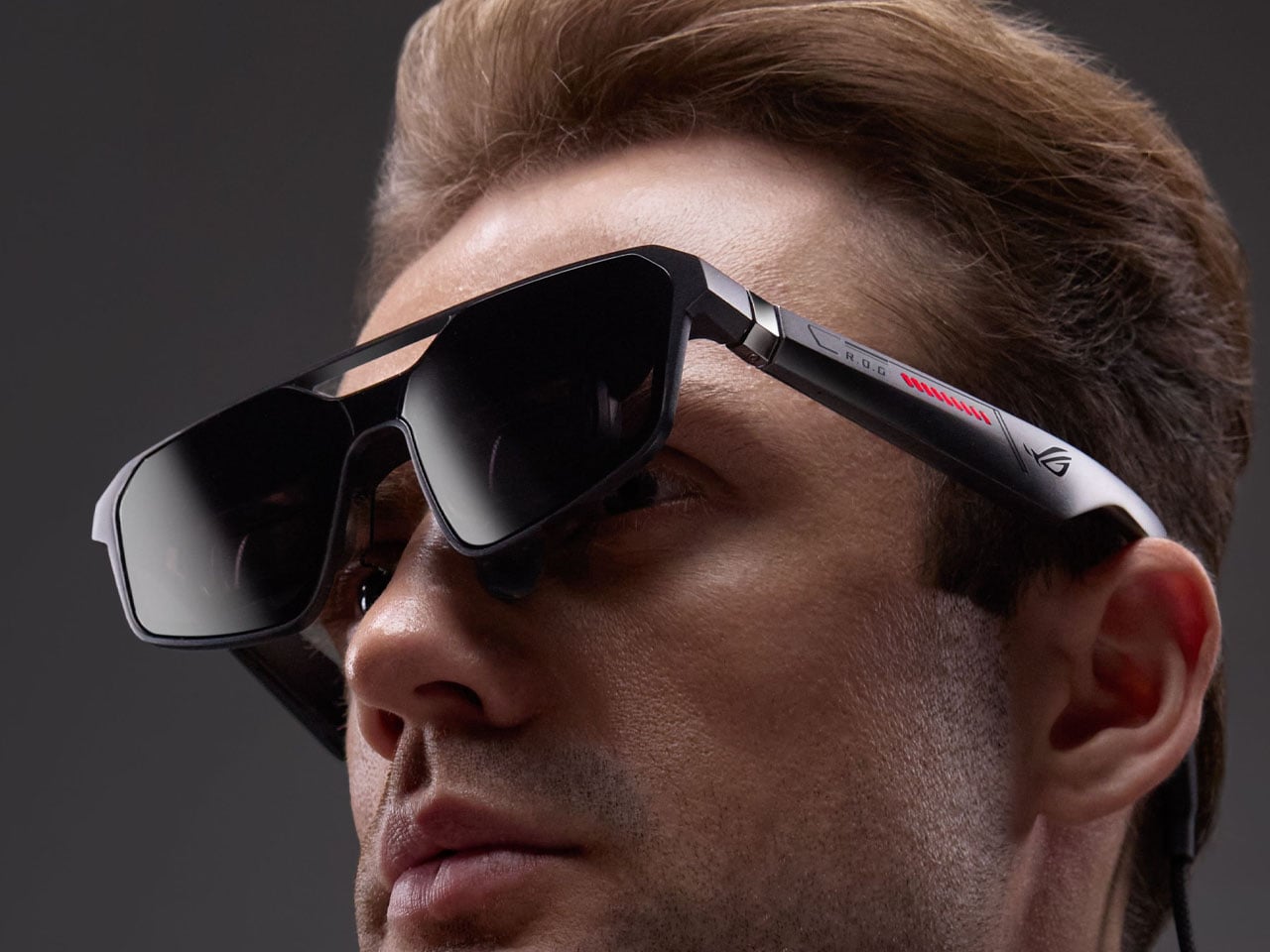
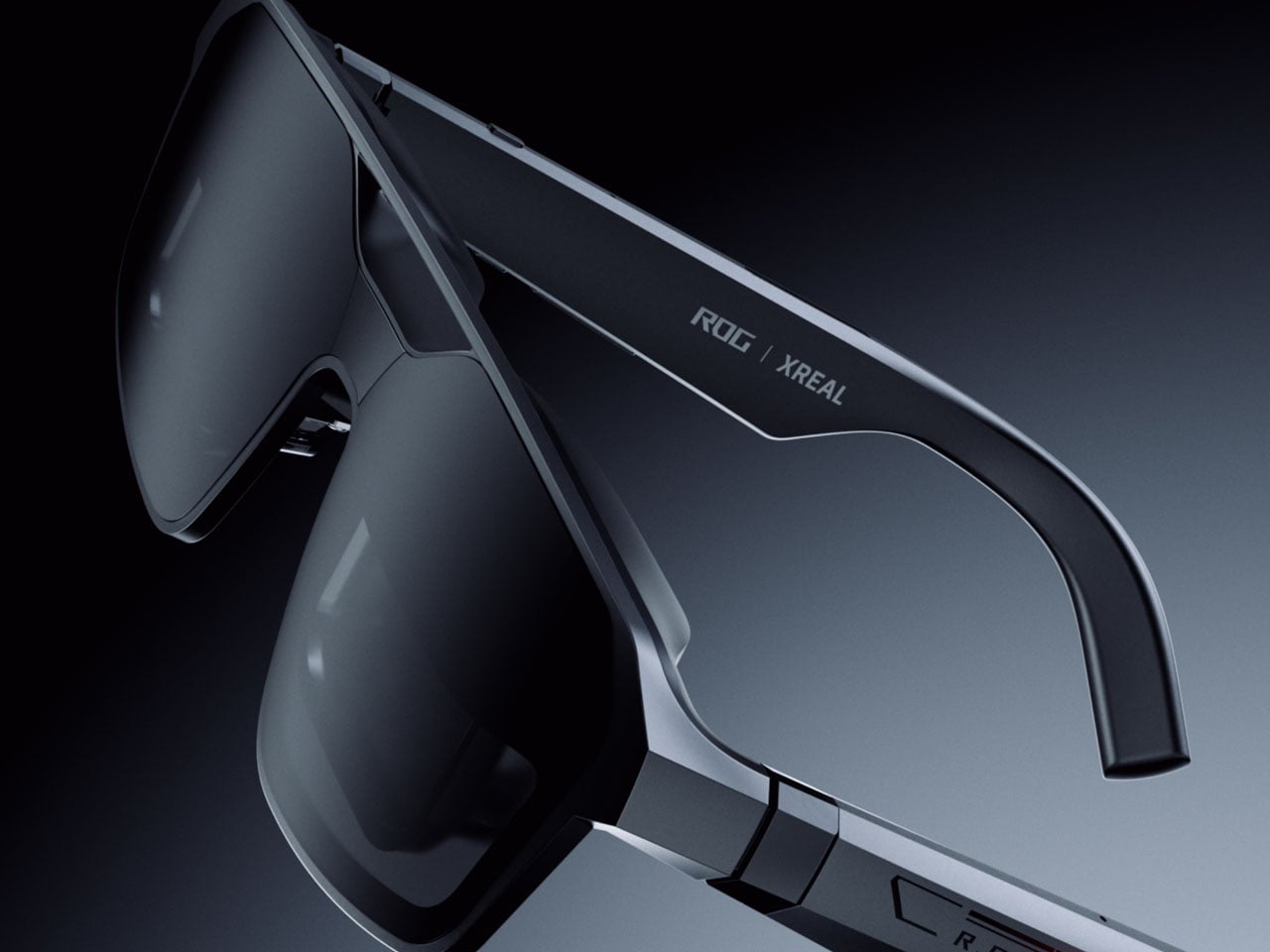
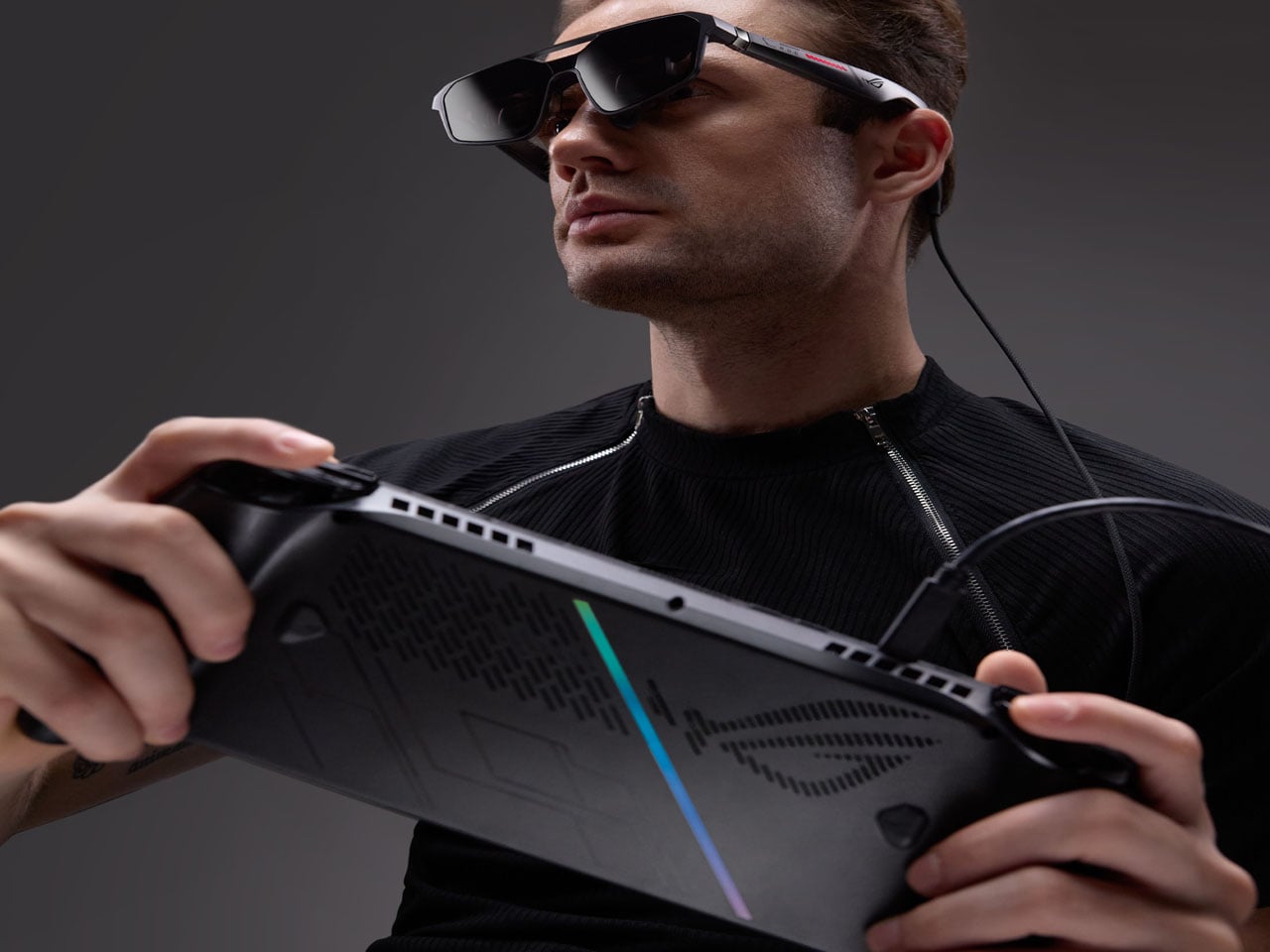
The race to create the most practical AR glasses is still on, and Asus already showed its development curve with the collaborative Xreal One Pro. Now, the VR gaming glasses get an exciting newer version, the Xreal R1. They are lighter than other options and less punishing on the eyes, offering a comforting viewing experience. First shown off at CES 2026, the glasses are finally up for preorder at a steep $849. Will they live up to the claims and compete with the much cheaper Meta Quest 3 VR glasses? Only time will tell.

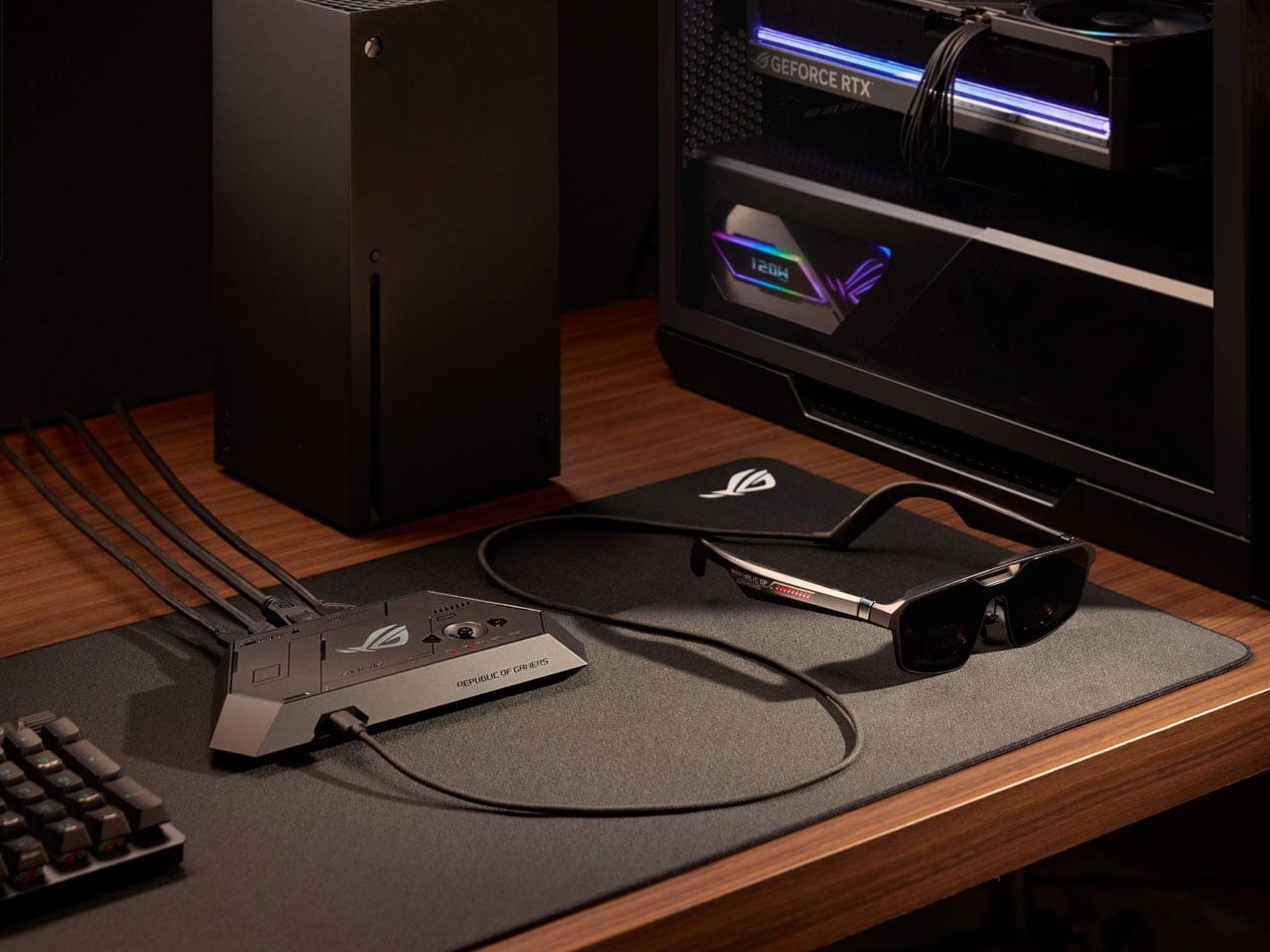
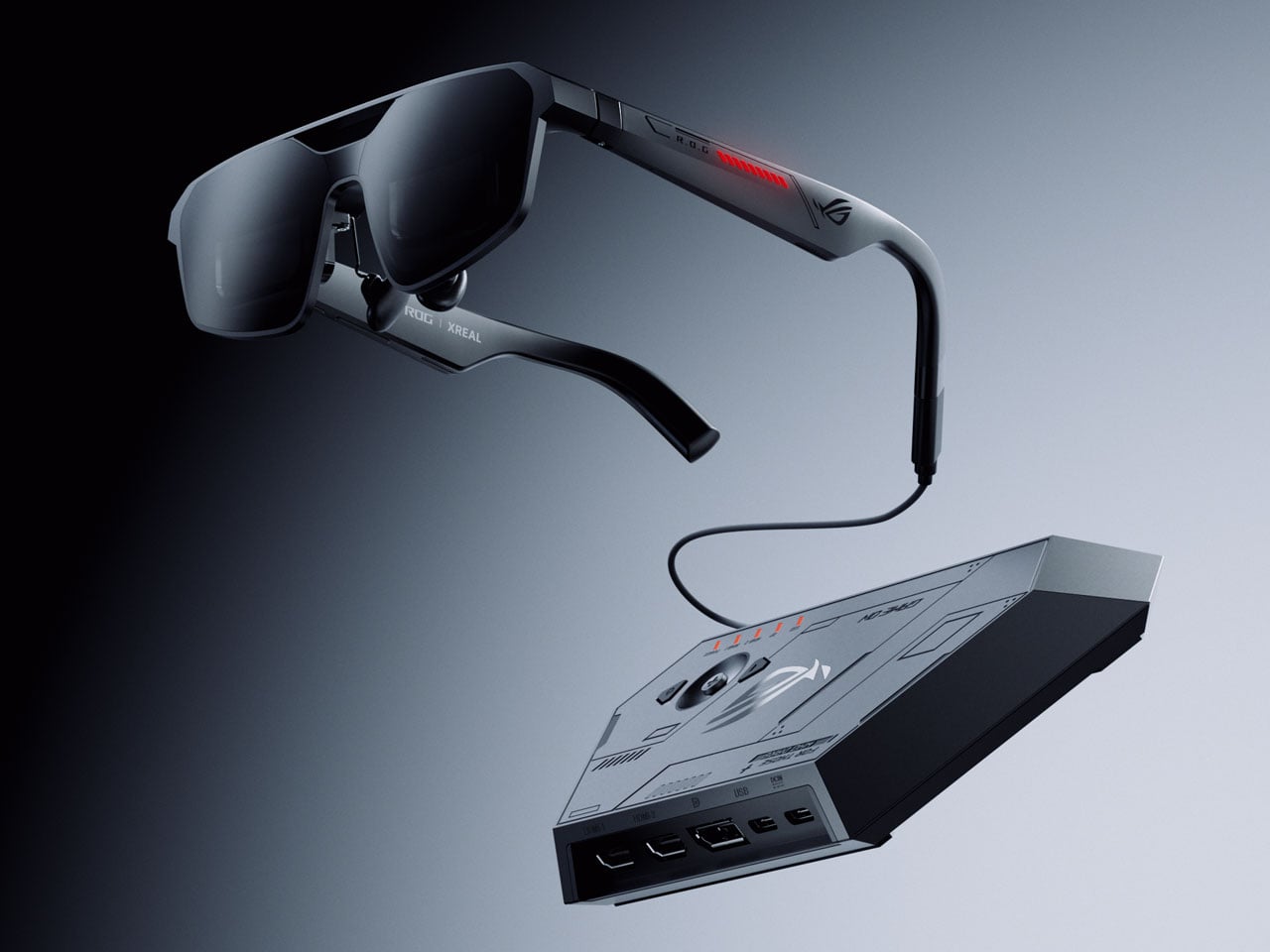
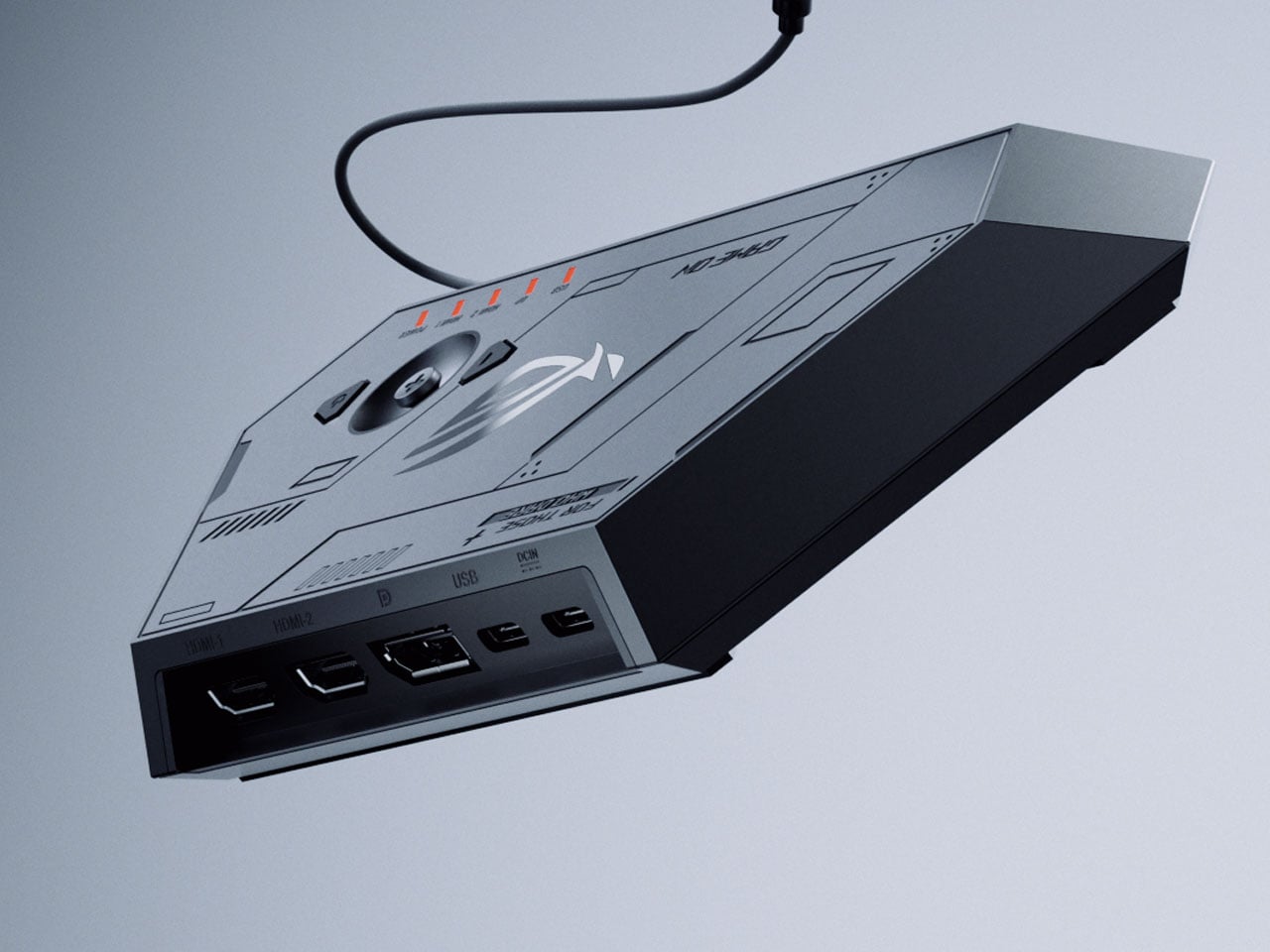
The upgrade from the previous model is incremental, as the display now boasts a smoother 240Hz refresh rate and an ultra-fast 0.01 ms response time, and it comes with a dock to connect to gaming consoles or PCs for streaming content via DisplayPort 1.4, HDMI 2.0, or USB-C. While the control dock is a bit on the heavier side, weighing at 230 grams and measuring 215 x 100 x 25mm, the option of connecting compatible hardware is a big plus. Other things that stay the same include the 57-degree FOV that renders a 171-inch virtual screen from a perceived distance of four meters, and the 1080-pixel resolution Sony 0.55-inch micro-OLED display, which should have been preferably bumped up beyond HD at that price range.

Designer: Asus

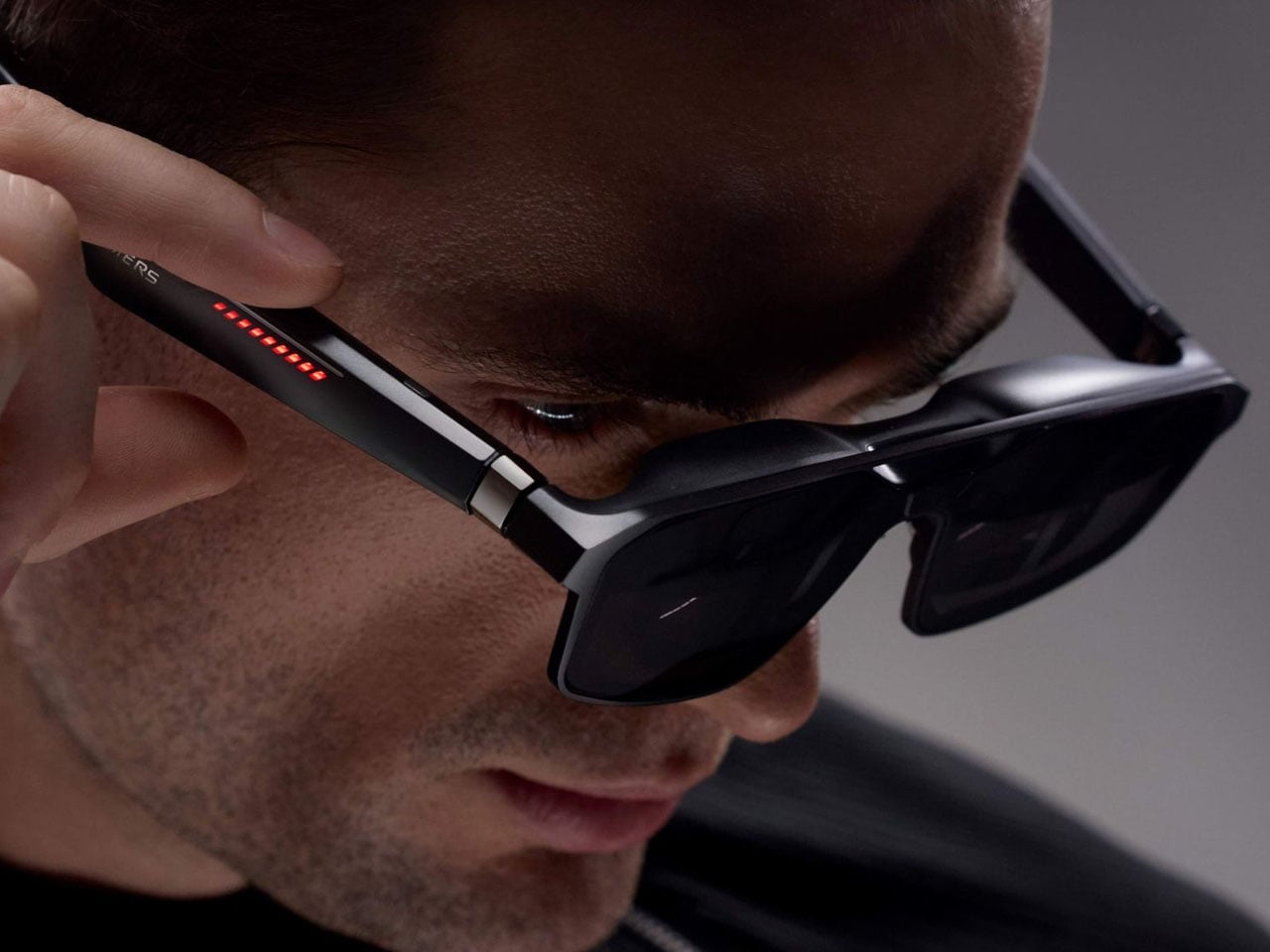
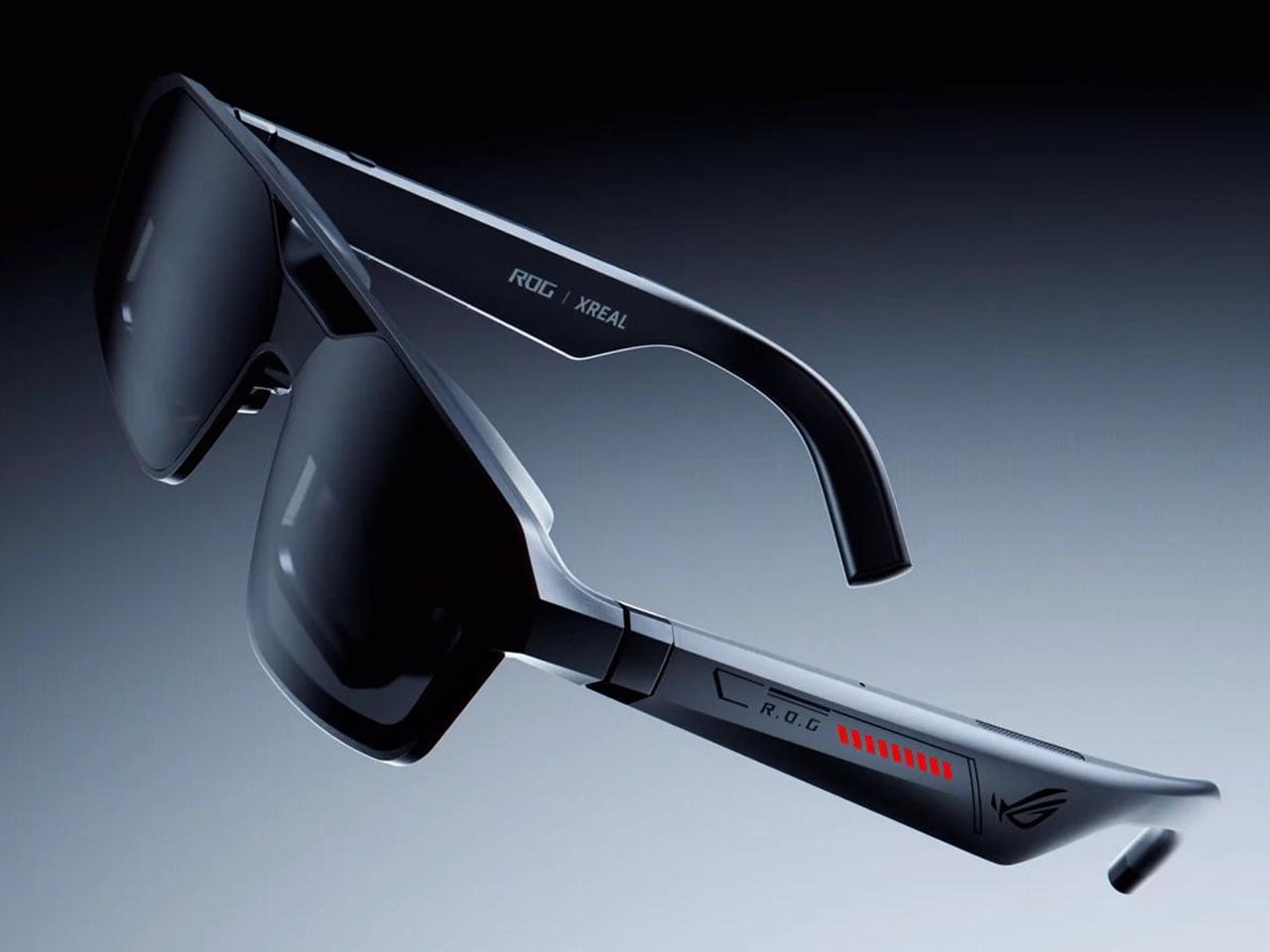
According to Asus, the R1 smart glasses, weighing just  91 grams, are the logical extension of the ROG Ally gaming handheld as a result of the unified hardware and software integration, along with the XR technology. To make the users feel as if they’re using a handheld gaming console on their face, the highly responsive display has reduced motion blur and smoother visuals. The finer adjustments, like pumping up the display brightness to 300 nits, adjusting the aspect ratio based on the content, and other visual effects, can be toggled in real time, which is a great feature.

The glasses are equipped with “Electrochromic Lens” technology that automatically makes the screen transparent as soon as the vision focus shifts away. As soon as the wearer’s focus returns, the screen turns tint to black, which can be adjusted to three different dimming levels in settings. For a heightened level of spatial awareness, these AR glasses come with built-in Bose-tuned speakers. This comes in very handy in FPS games where identifying the source of enemy steps is vital to in-game survival. If you are willing to shell out another $100 on the XREAL EYE add-on, the glasses unlock 6DoF tracking capability, which deepens the level of realism in a virtual 3D world.

The post ASUS’ $849 XREAL R1 glasses deliver console-sized 3D gaming anywhere without bulky gear first appeared on Yanko Design.

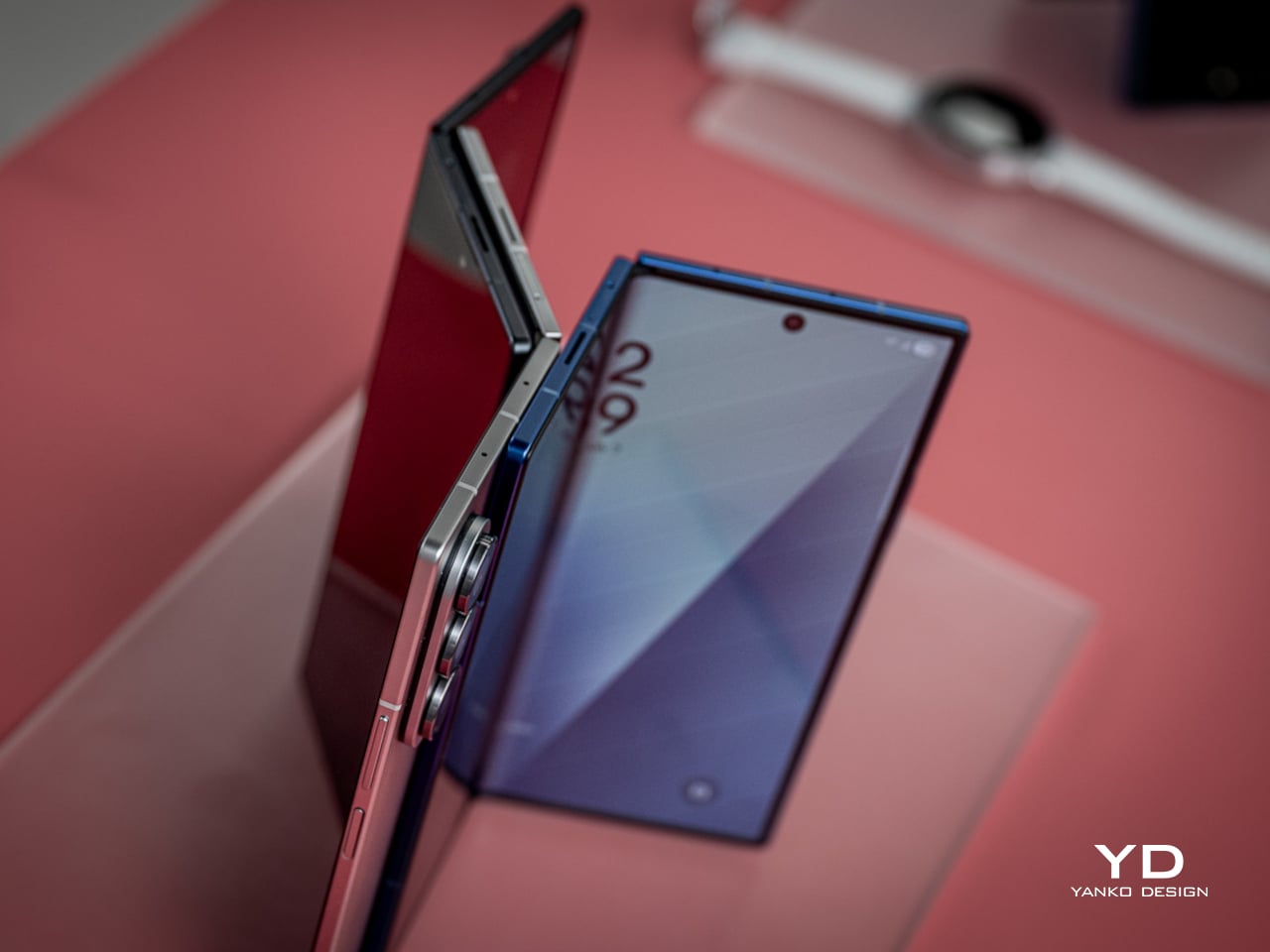
Galaxy Z Fold 7 Hit 4.2mm by Killing the S Pen: Worth the Trade?

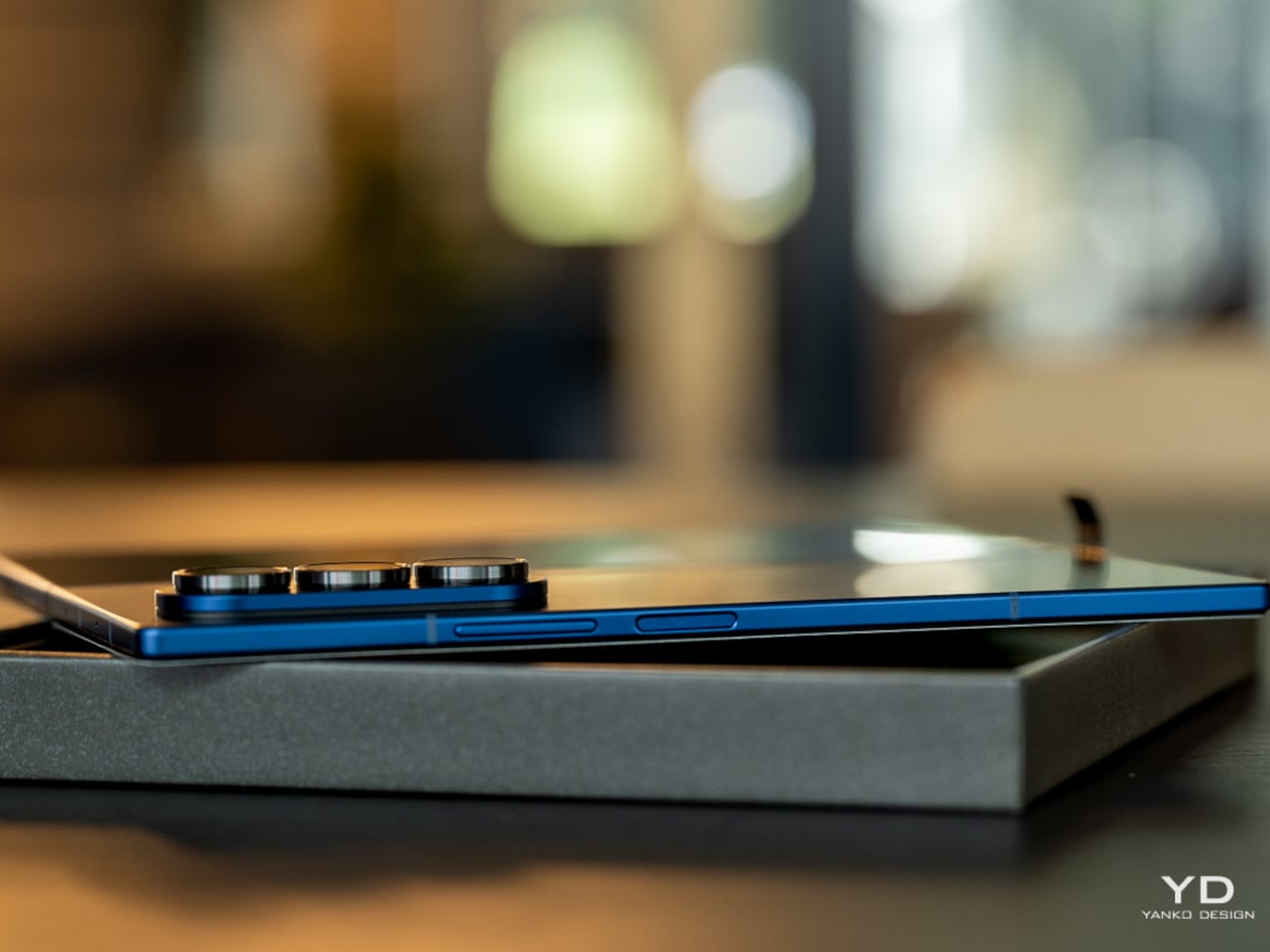
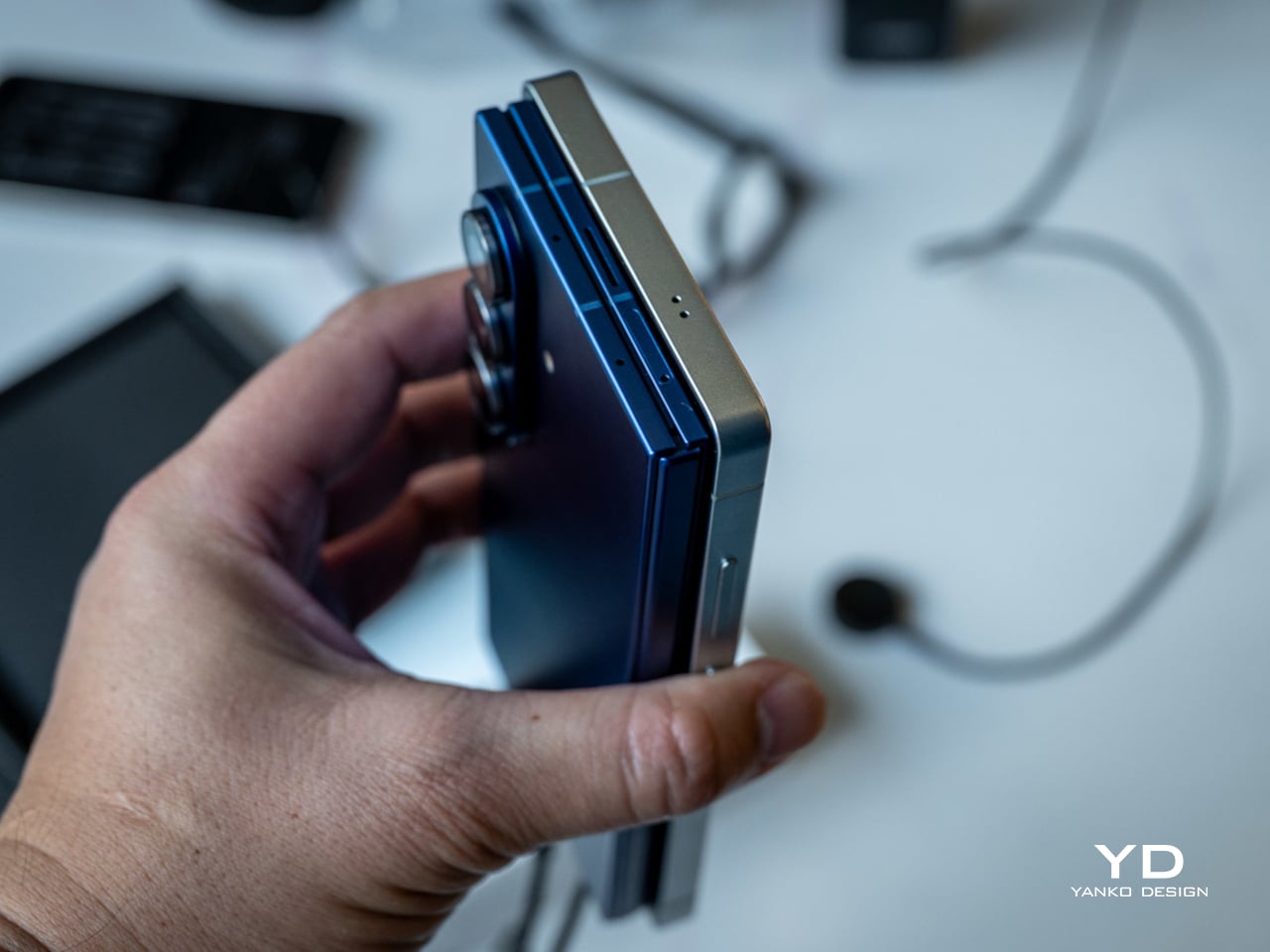
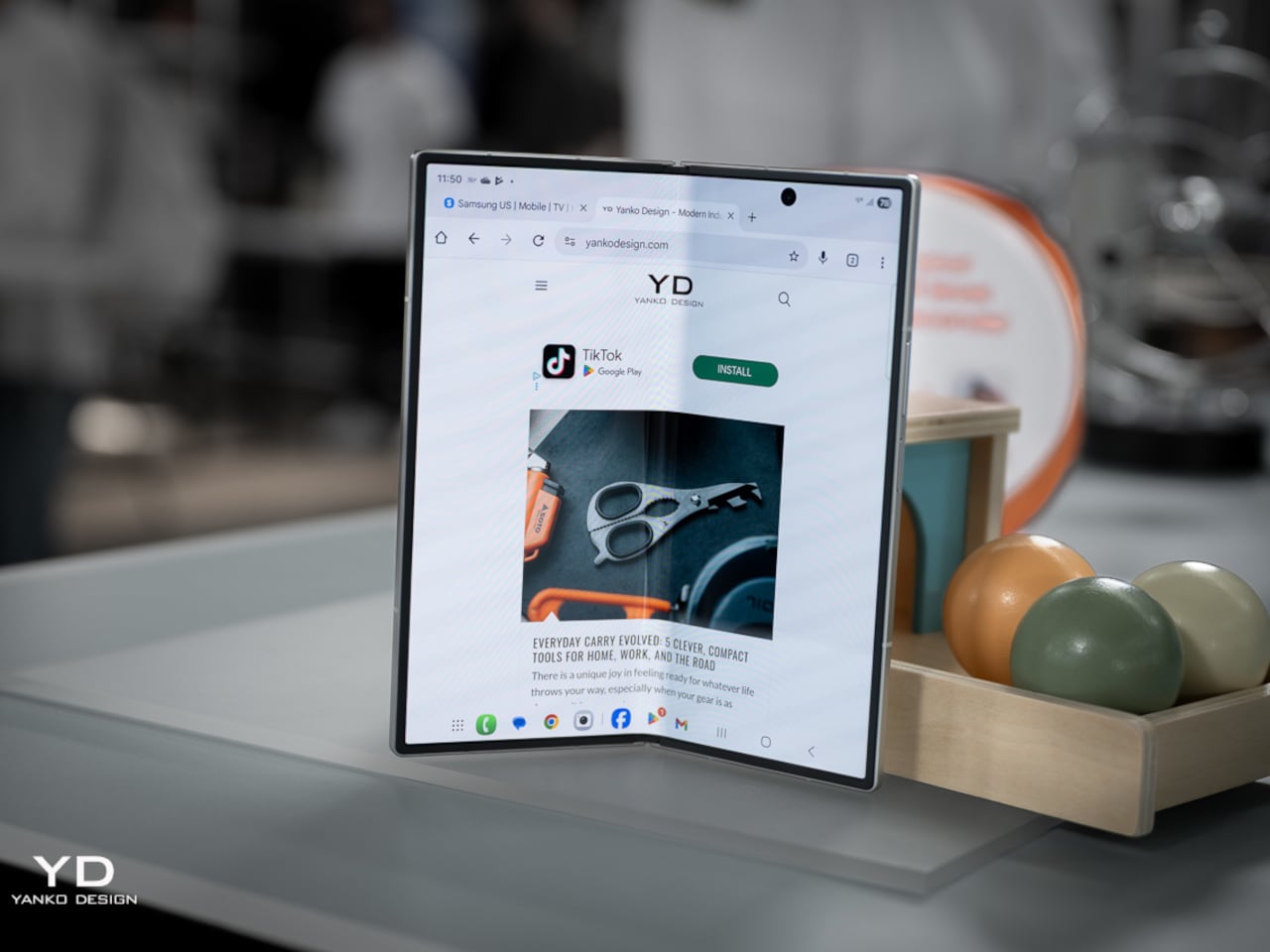
Foldables have spent the last two years chasing a simpler goal: to feel less like category experiments and more like normal premium phones that happen to open wider. Samsung pushed that idea hardest with the Galaxy Z Fold 7, officially measuring 4.2mm when unfolded and 215 grams in weight, making it the company’s slimmest and lightest book-style foldable yet, with thinness as the product’s defining promise.

That promise came with a quieter subtraction. Samsung removed S Pen support from the Galaxy Z Fold 7, cutting off a feature that had helped earlier Fold models feel connected to the company’s productivity-first identity. Nearly a year later, that choice carries more weight because the Fold 7 can now be judged as a finished design decision rather than a fresh flagship still riding its novelty.

Designer: Samsung

In practice, the Fold 7’s thinness changes behavior more than bragging rights. Reviews consistently described it as startlingly slim and easier to carry, suggesting Samsung had something more deliberate in mind than a good keynote number. The lighter frame, narrower pocket profile, and more usable 21:9 cover display all push toward the same goal: making the Fold feel less like a second device and more like your actual main one.

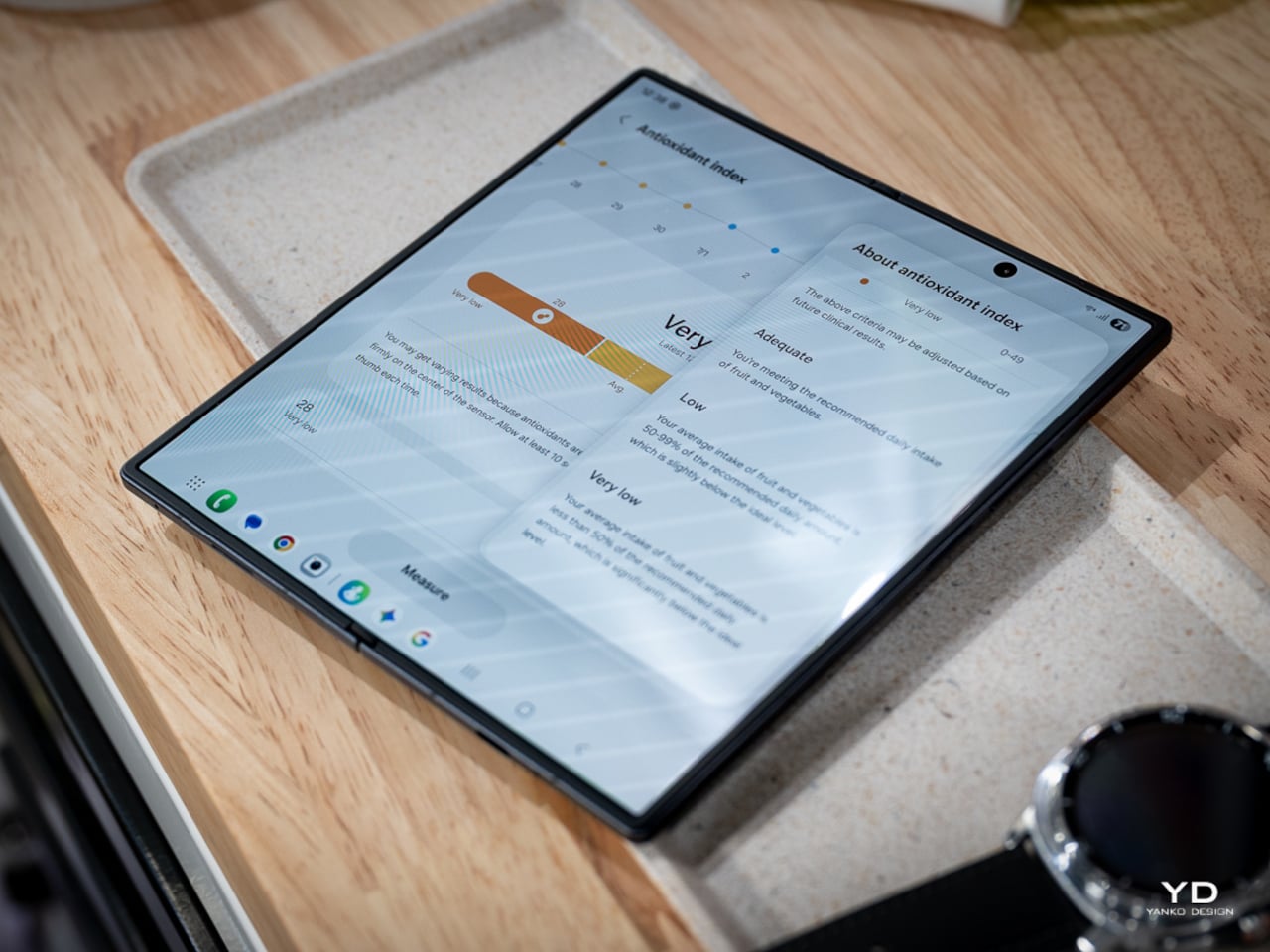
The missing stylus, though, changed the Fold 7’s identity as much as its feature list. On earlier Fold devices, pen support helped justify the large inner display as a workspace, somewhere to annotate documents, sketch ideas, and do precise work beyond just tapping through apps. The Galaxy Z Fold 7 doesn’t support S Pen in any form, which means the phone has let go of that precision-first promise entirely.

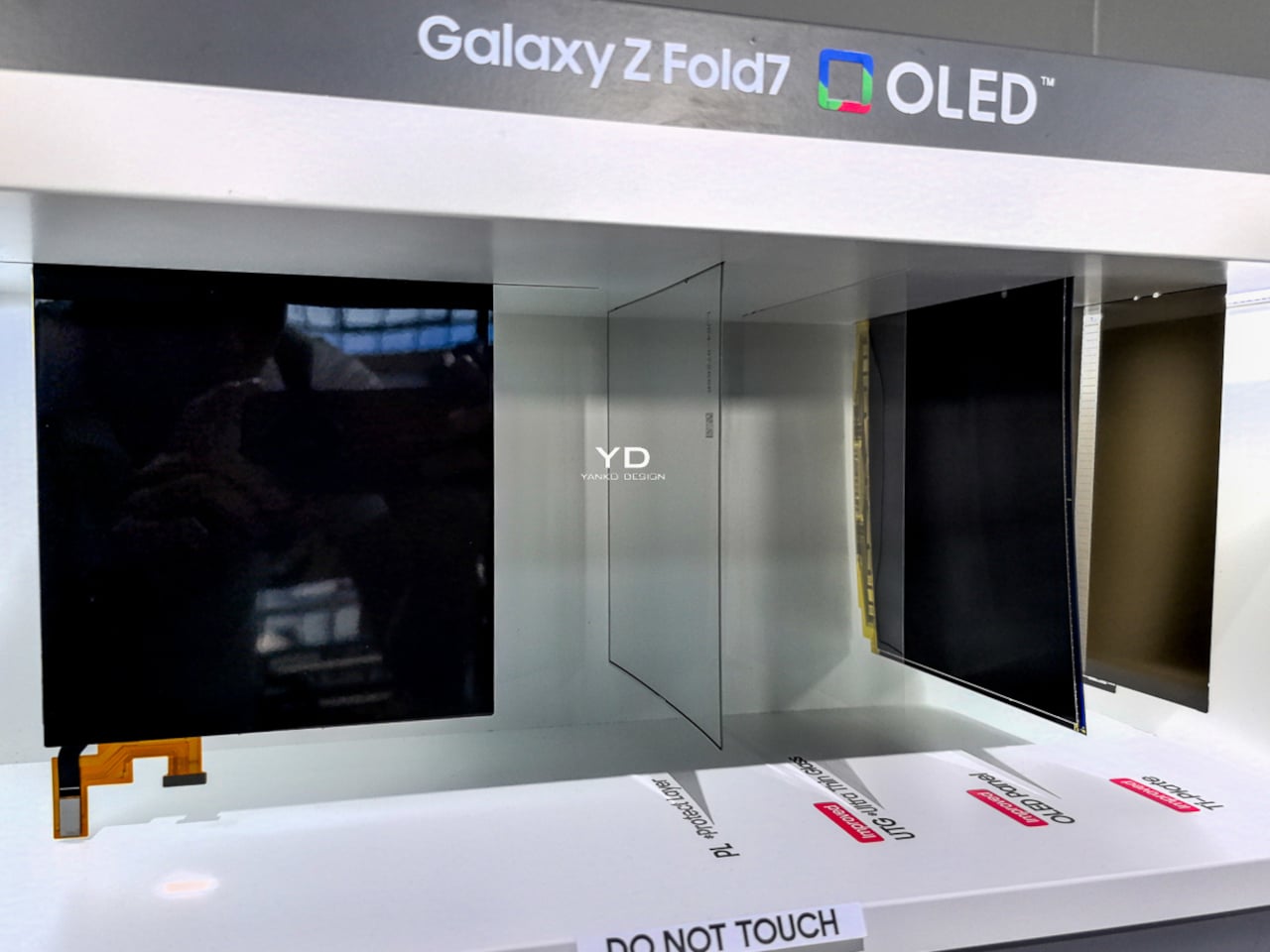
Outside reporting helps explain why Samsung made that call. T-Mobile’s comparison notes the company removed a layer from the inner display to help achieve the slimmer, lighter body, while others report Samsung cited low stylus adoption among Fold users to justify the cut. Even if that logic makes business sense, it still leaves the Fold 7 feeling like a foldable optimized for comfort over creative ambition.

Samsung also tried to reassure buyers that the thinner body wasn’t a weaker one. The Fold 7 uses a thicker Ultra-Thin Glass layer, a Grade 4 titanium lattice, new adhesive materials, and IP48 resistance, all meant to reinforce a slimmer chassis without making it feel fragile. Those details speak more clearly to Samsung’s engineering intent than to any definitive verdict on how the phone holds up over months of folding.

The rest of the hardware tells a similar story of selective advancement. Samsung paired the Fold 7 with Snapdragon 8 Elite for Galaxy and launched it on One UI 8 with Android 16, giving the device a solid performance base. The battery stayed at 4,400mAh, and the ultra-wide camera remained a 12MP unit alongside the more attention-grabbing 200MP main sensor. The phone moved forward, just not evenly.

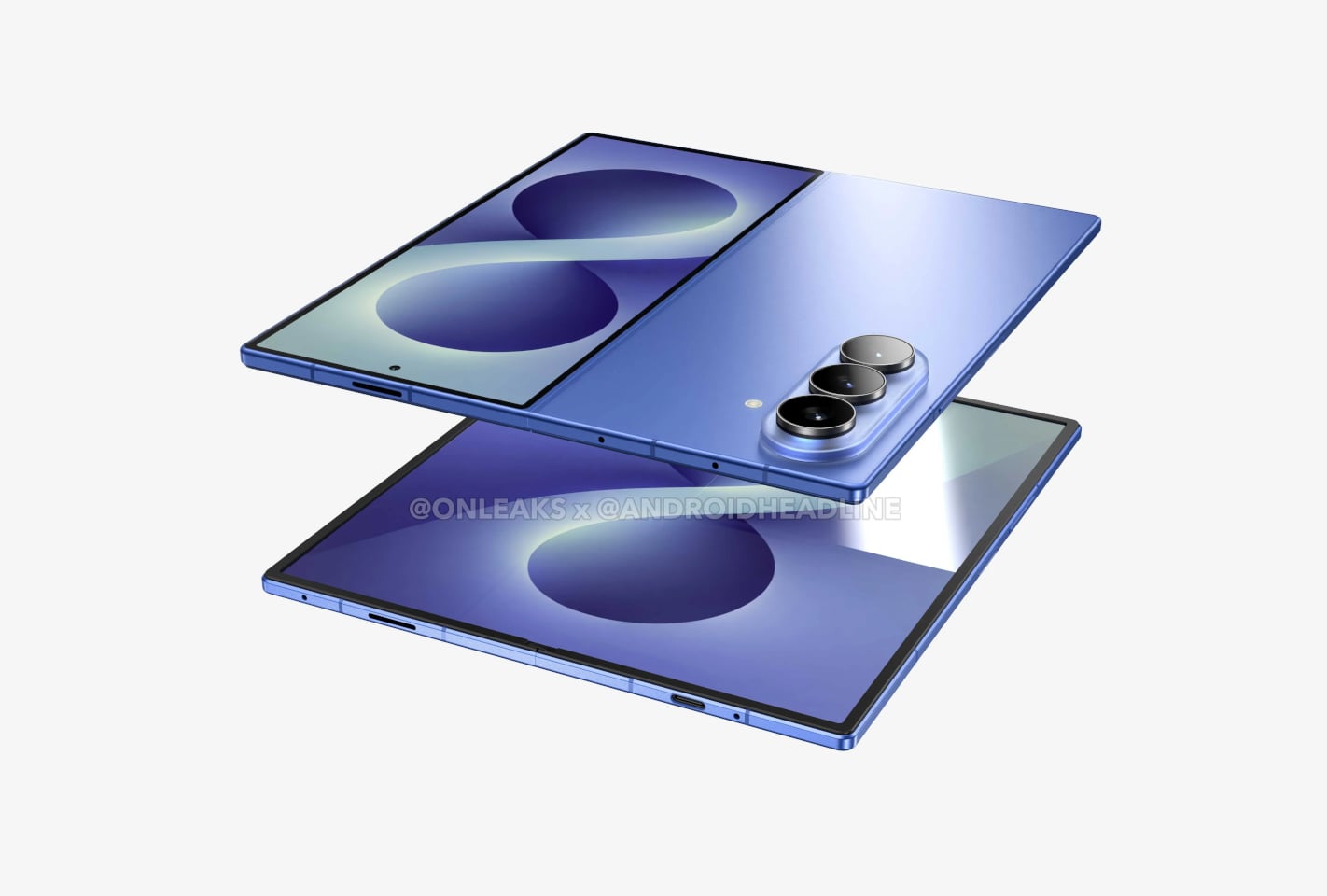
That unevenness becomes more interesting when you consider where Samsung might be heading next. We’ve already covered early renders suggesting the Galaxy Z Fold 8 could bring back S Pen support and a bigger battery, at the cost of a thicker chassis. If those rumors hold, the Fold 7 starts to look less like the start of a permanent direction and more like a controlled experiment in subtraction.

Galaxy Z Fold8 Render

For buyers who want the most elegant Samsung foldable for everyday carry, the Fold 7 still makes a strong case. It’s the first Fold that genuinely reduced the physical friction of ownership without a compromise you’d notice daily. For former Note loyalists and pen-reliant users, though, the trade reads differently, because Samsung made the Fold 7 easier to live with by moving it away from the Fold line’s original ambition.

The post Galaxy Z Fold 7 Hit 4.2mm by Killing the S Pen: Worth the Trade? first appeared on Yanko Design.

Fosi’s $150 Headphone Amp Snaps to Your iPhone Instead of Dangling

The dongle DAC has become a familiar but awkward sight plugged into the bottom of a smartphone, a small reminder that the headphone jack didn’t disappear quietly. Portable audio has come a long way in sound quality, but the form factor hasn’t kept pace. Most of these tiny dongles hang loose from the charging port, tugging at cables and generally getting in the way of an otherwise pleasant listening session.

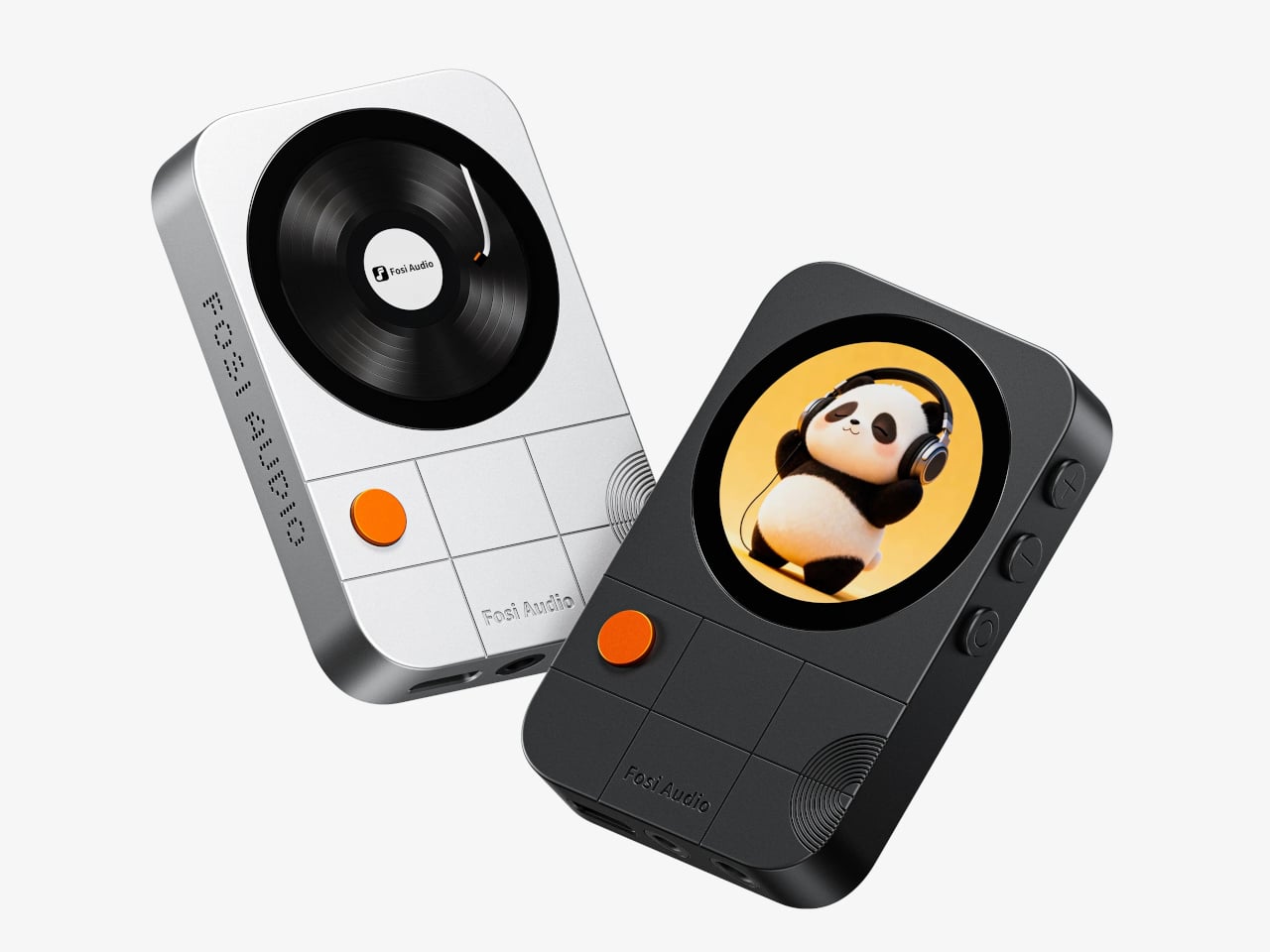
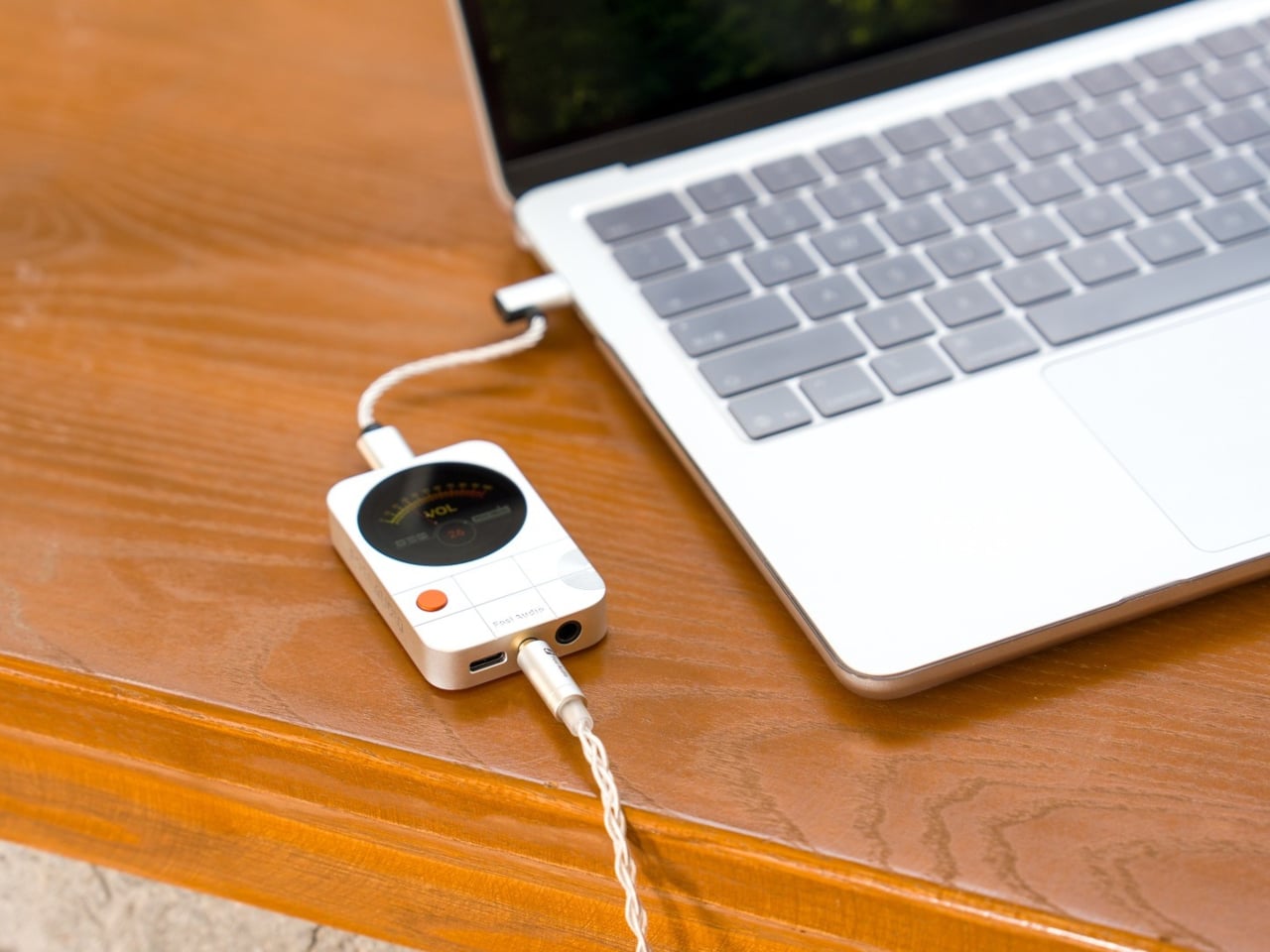
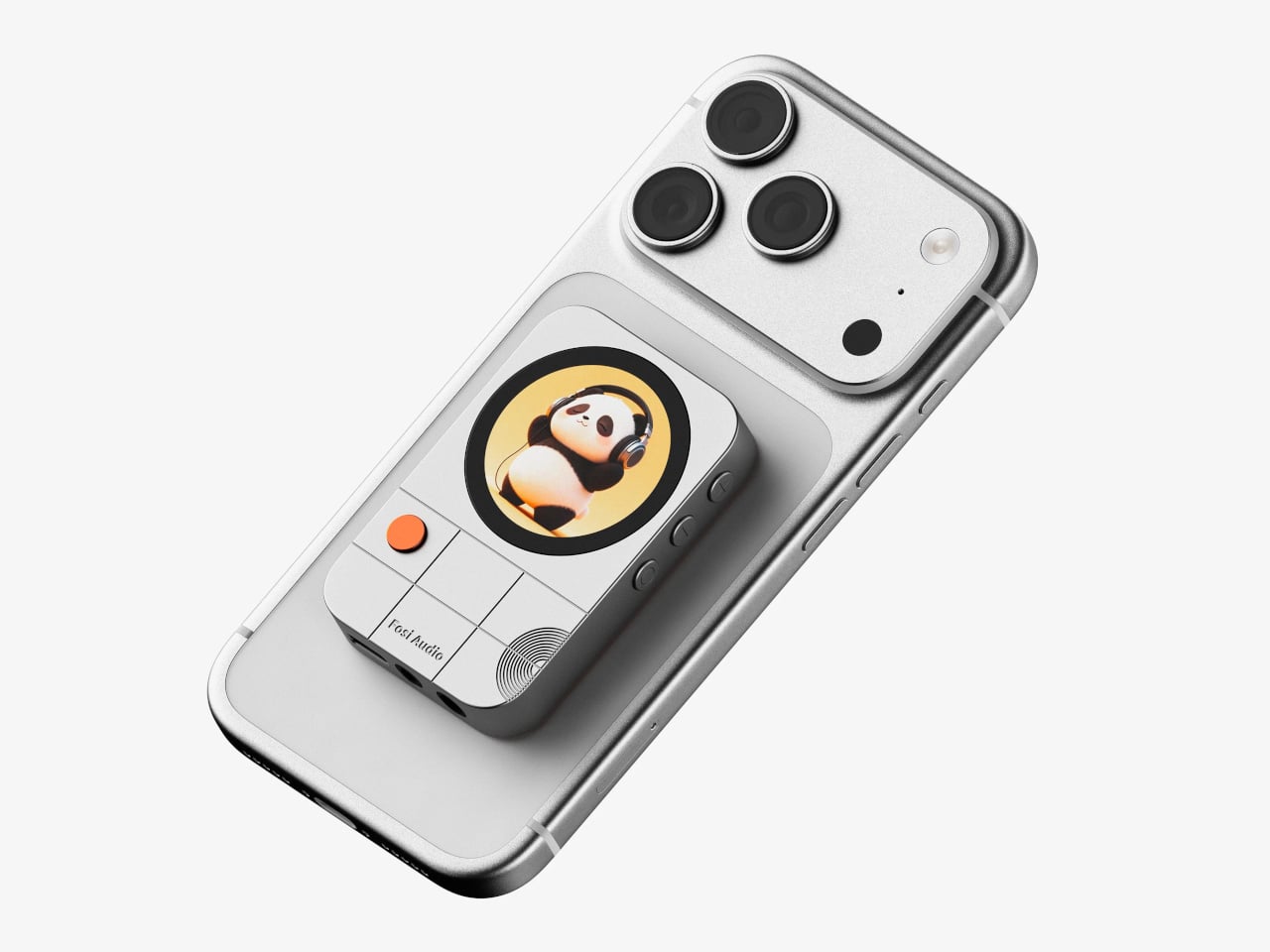
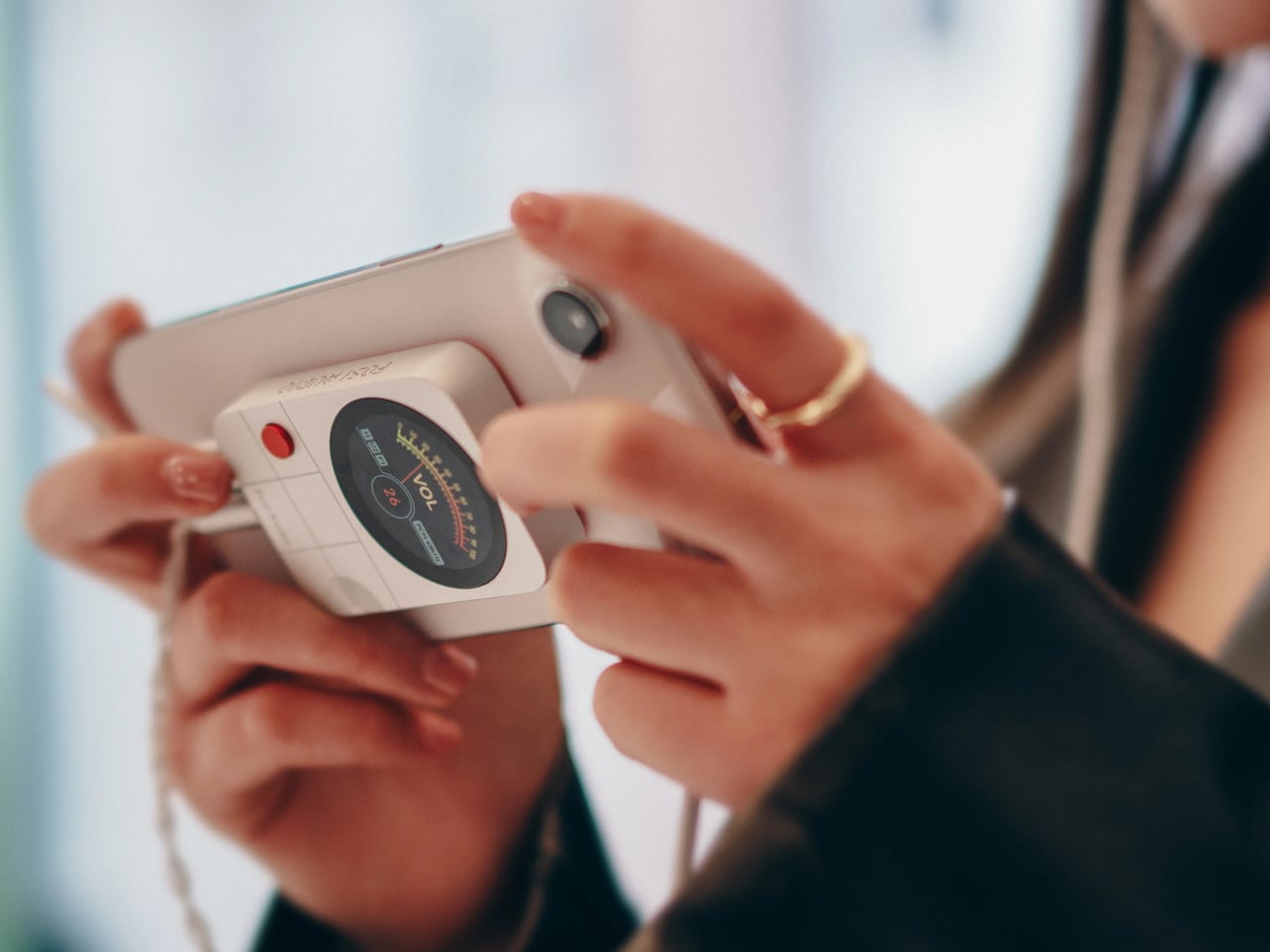
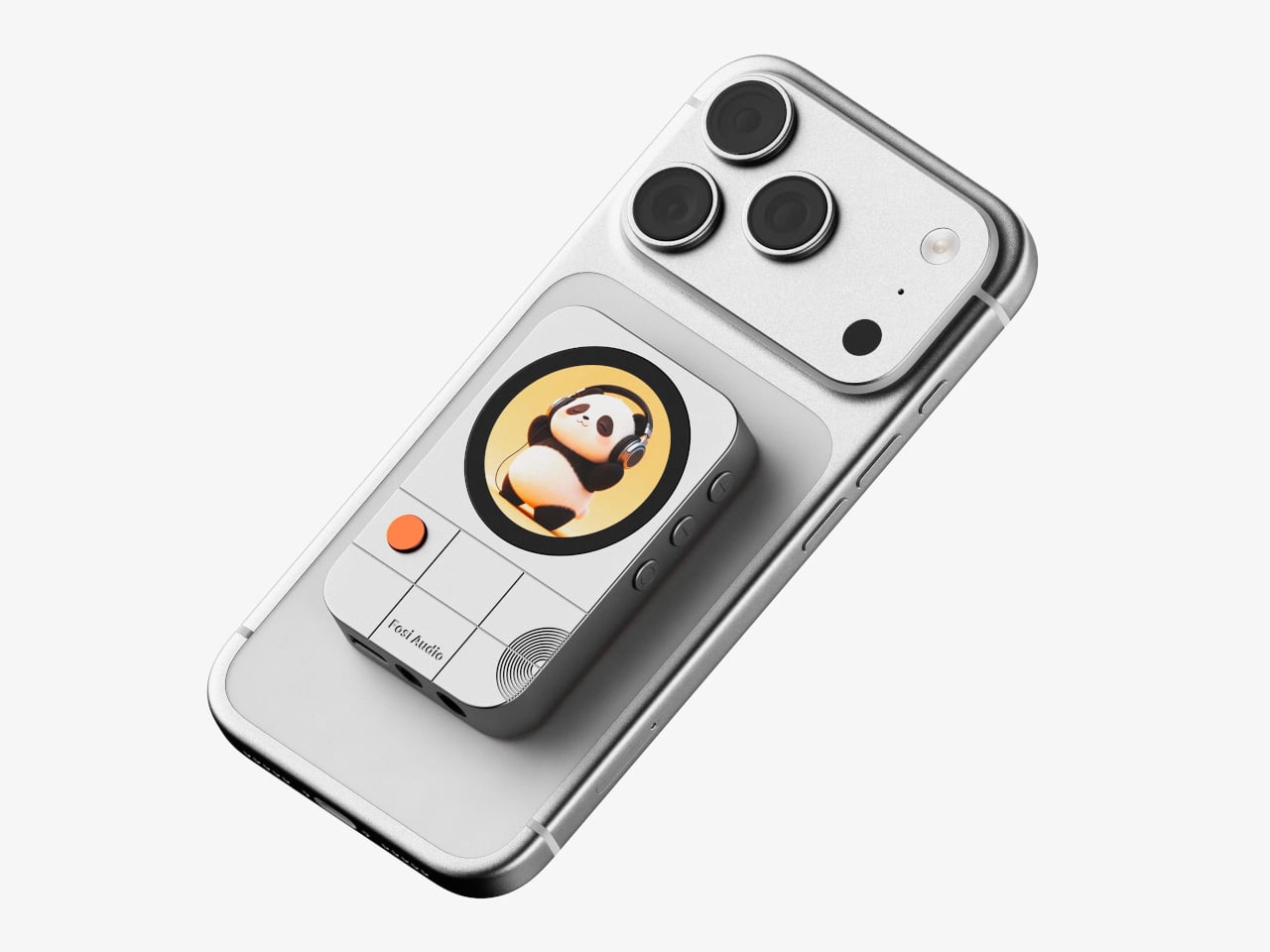
Fosi Audio’s MD3 MagDac tries to solve this with a fundamentally different approach to portability. Instead of hanging from a charging port, it snaps magnetically to the back of a MagSafe-compatible smartphone using 16 N52 magnets, sitting flush against the device like a compact audio module. The result is a pocket-sized DAC and headphone amplifier that actually looks like it belongs there, not like an afterthought.

Designer: Fosi Audio

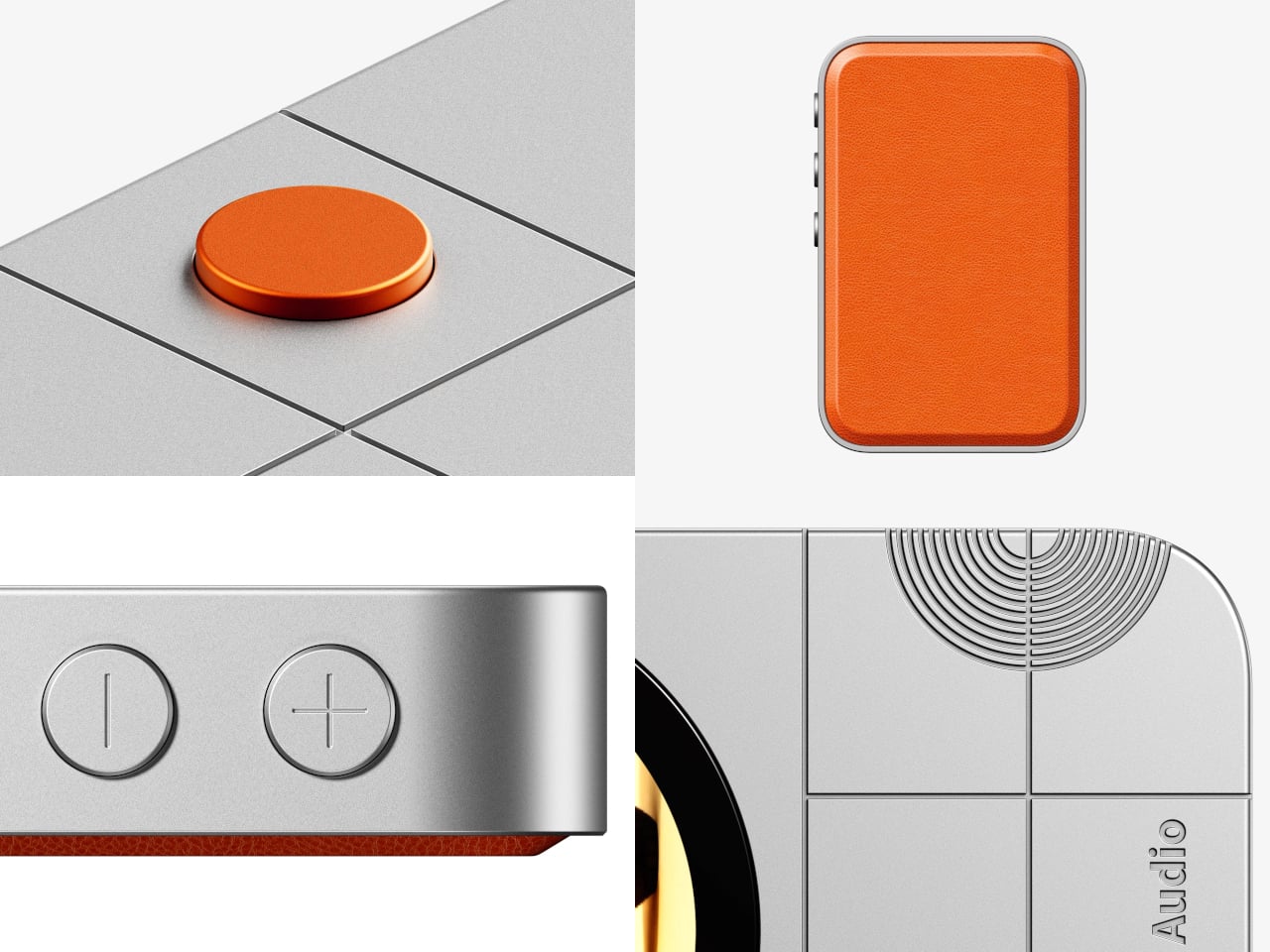
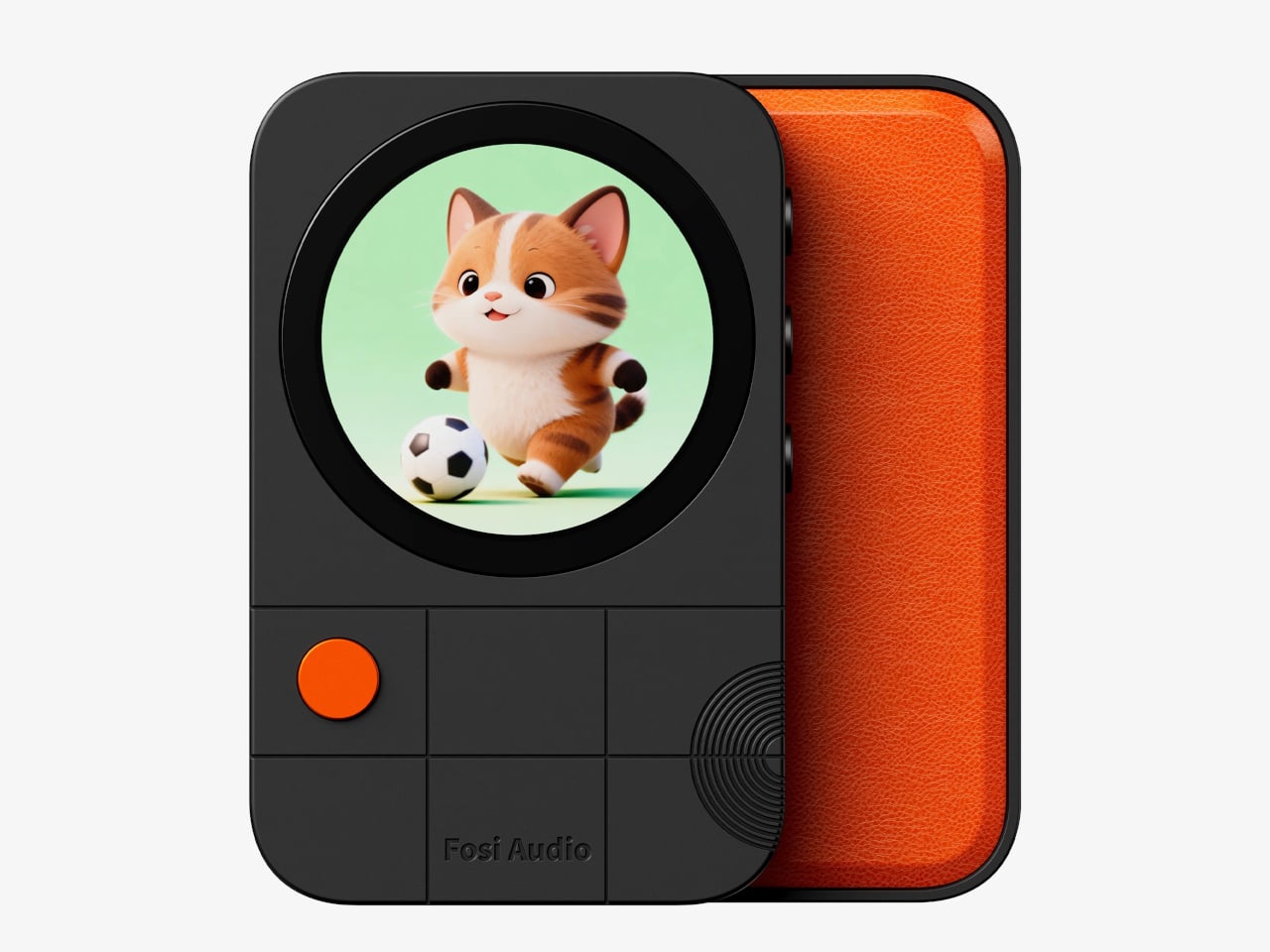
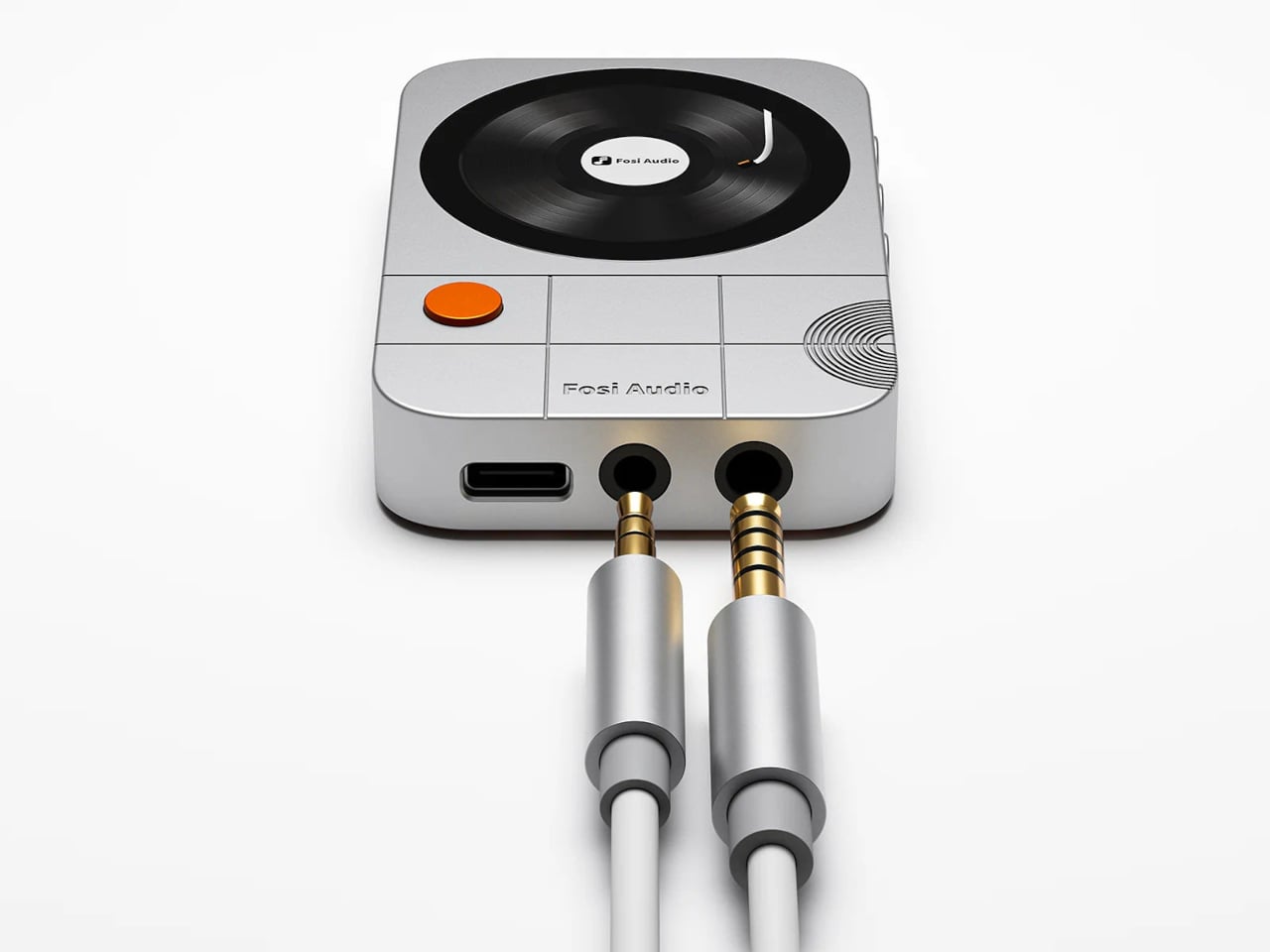
The design doesn’t stop at clever attachment. The MD3 is precision-machined from 6063 aluminum alloy with a sandblasted anodized finish, available in silver or black, both with orange leather on the magnetic back. At just 50g and 12m thick, it slides in and out of a pocket without protest. What you’ll notice first, though, is the 1.28-inch circular LCD display on the back.

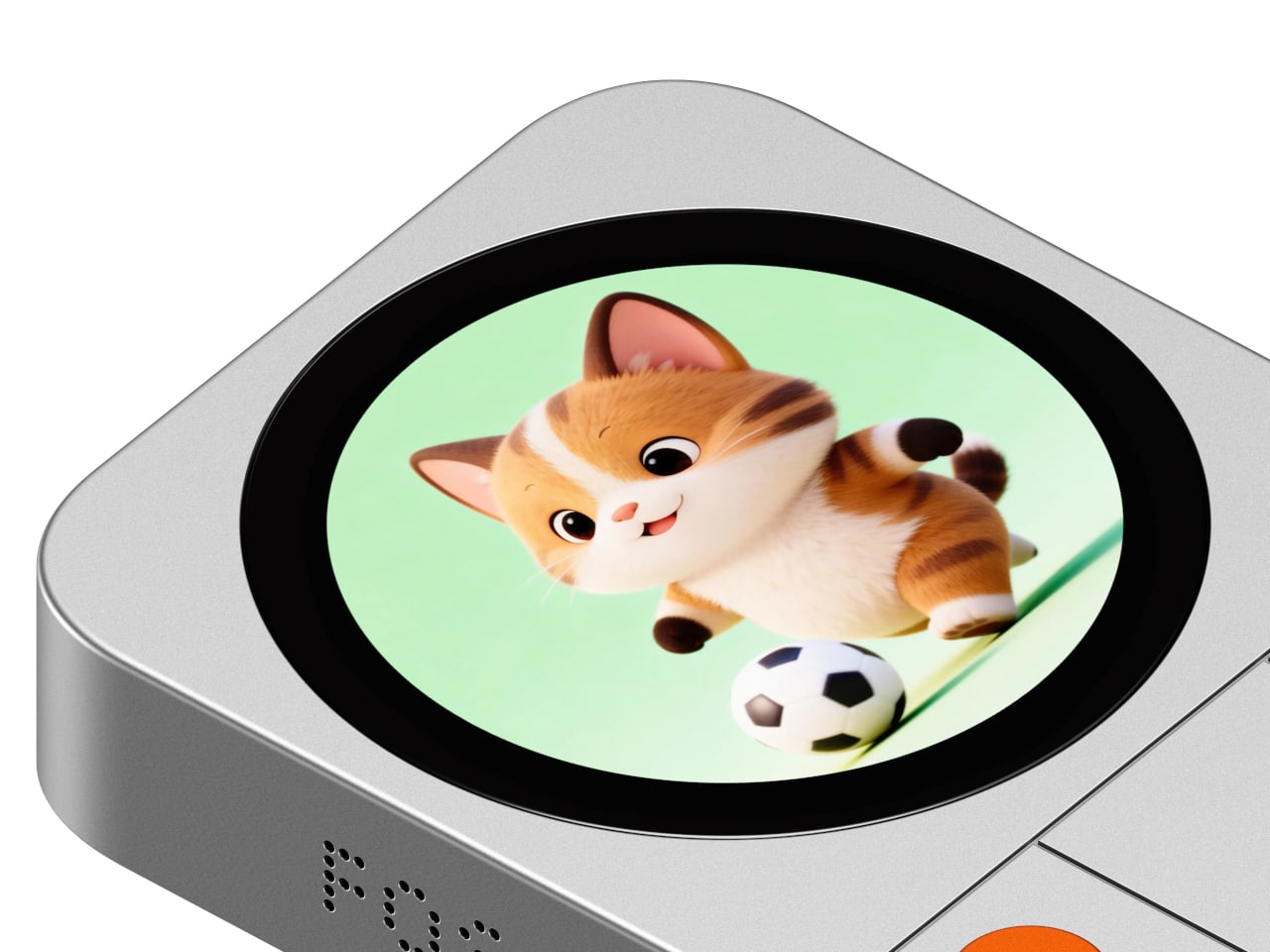
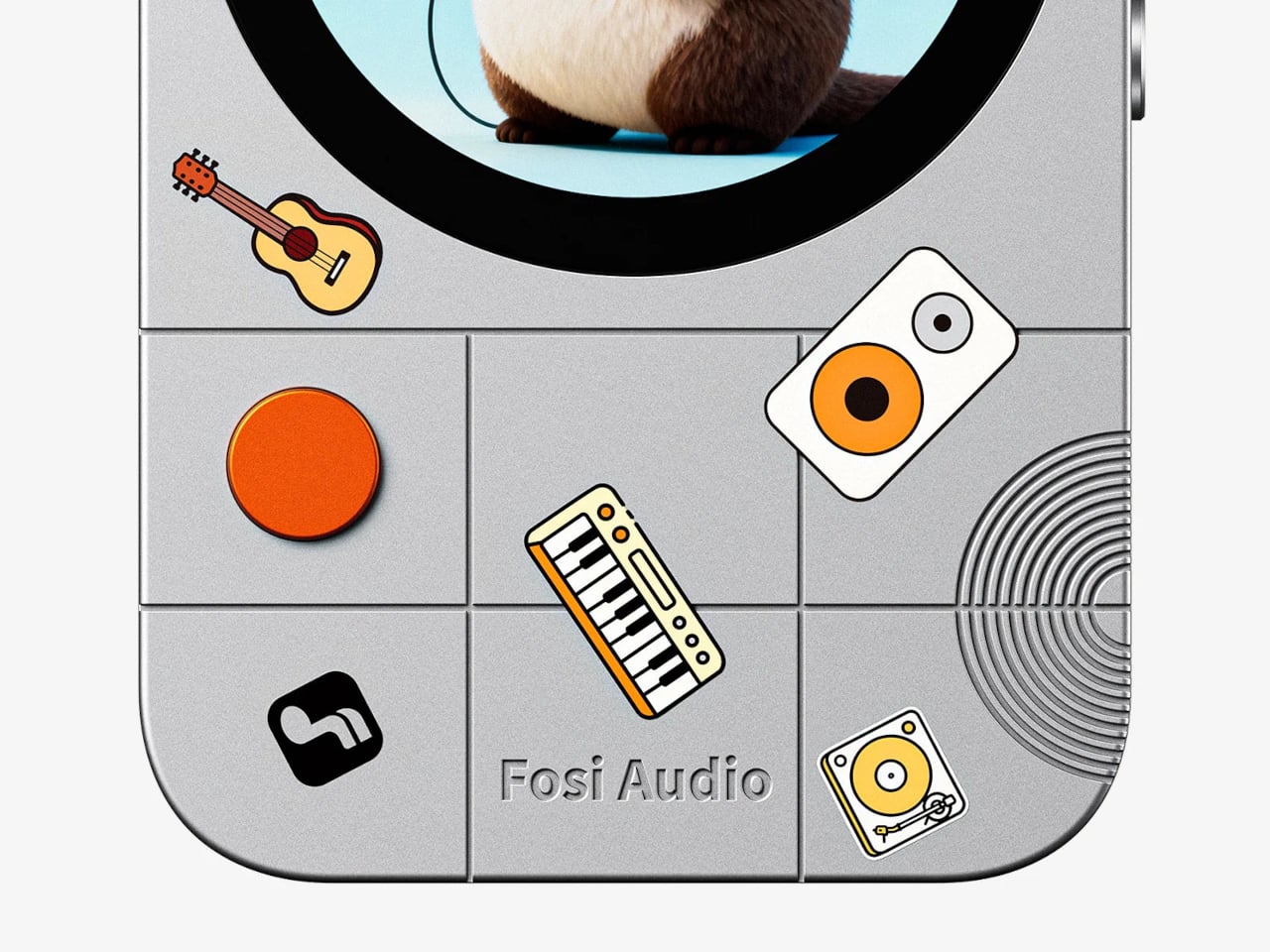
That screen handles volume in 100 steps, shows audio information, and rotates its orientation depending on how you’re holding the device. There’s also a Vista Button that opens a personal photo album, a small but unexpectedly human touch for a piece of audio hardware. A dedicated Ease Button and physical navigation controls keep everything accessible without ever needing to tap your phone’s screen.

For the audio itself, Fosi didn’t compromise on components. The MD3 uses the ESS Sabre ES9039Q2M DAC chip paired with four ES9603Q amplifier chips in a true balanced circuit, supporting PCM up to 32-bit/384kHz and native DSD256. Total harmonic distortion and noise sit at just 0.00075%, and the noise floor drops to 1.7 μV. For most IEMs and portable headphones, those figures translate to noticeably cleaner, more resolving sound.

The MD3 offers both a 3.5mm single-ended output and a 4.4mm balanced output, delivering up to 180 mW through the latter, enough for headphones ranging from 16 to 300 ohms. An aluminum alloy shielding plate sits between the magnets and the audio circuitry to prevent interference from coloring the signal, a careful engineering detail that keeps the magnetic attachment trick from undermining the whole point of the device.

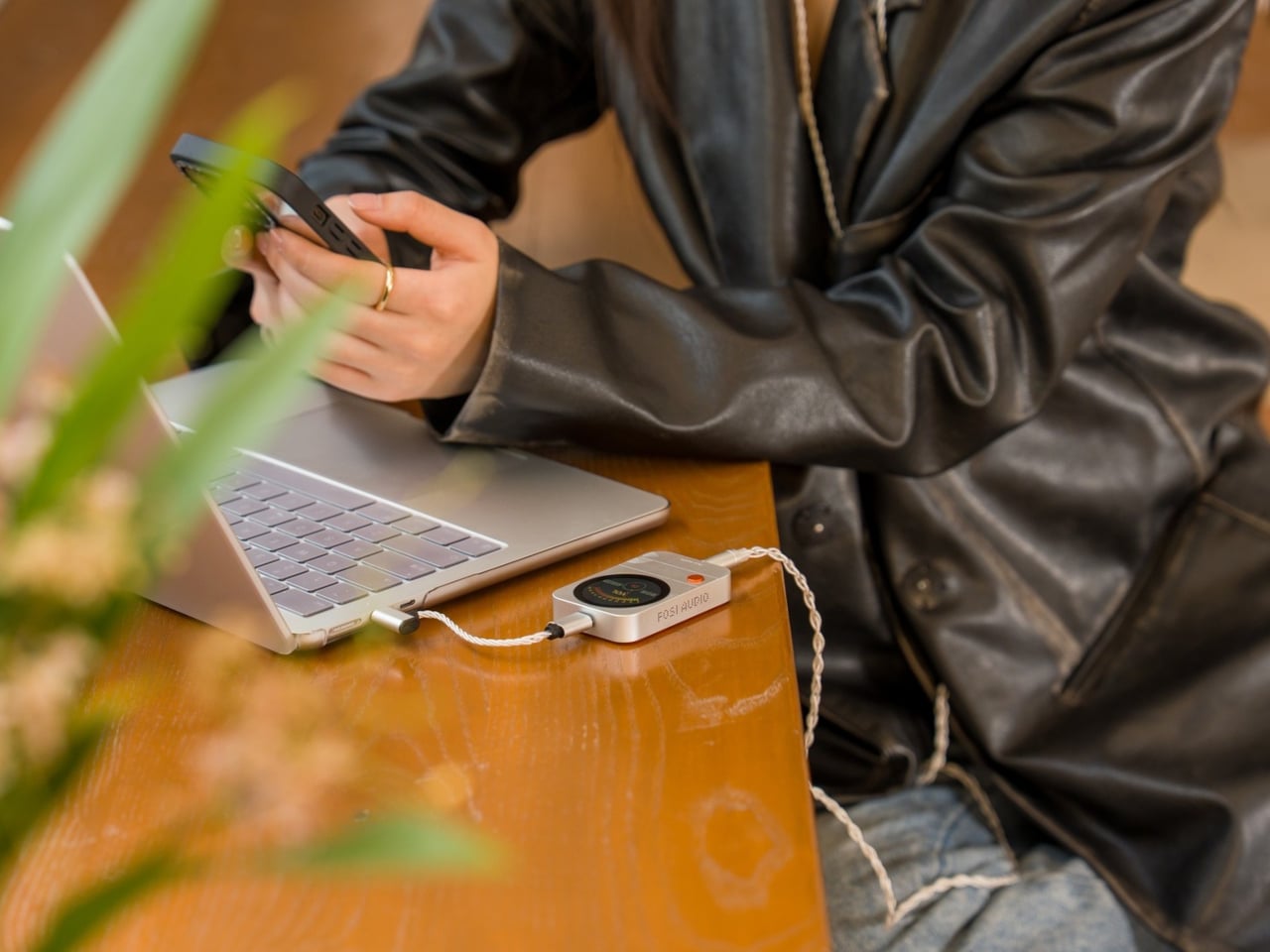
Dual USB-C ports handle both audio and charging simultaneously, so you’re not forced to choose between listening and keeping your phone powered. The top port handles audio decoding and charging, while the bottom manages audio decoding and firmware updates. There’s also a volume memory feature, so the MD3 picks up at the same level every time you connect it, without having to reset anything.

The wired audio revival has been building for a while, drawing listeners who want something more intentional than Bluetooth. A magnetic DAC that attaches to the back of your phone without cables or cases seems like a sensible next step in making that experience practical. Fosi has been laying the groundwork quietly, and at $149.99, the MD3 might just be the portable amp that finally stays out of the drawer.

The post Fosi’s $150 Headphone Amp Snaps to Your iPhone Instead of Dangling first appeared on Yanko Design.

The Orion PDA Runs on Sunlight and Ignores the Internet by Design

The smartphone has become so dominant in daily life that it’s hard to remember what it felt like to carry a device that did only a handful of things. Every swipe, tap, and notification competes for your attention, turning what was once a communication tool into a cycle of endless distraction. The maker community, however, has quietly been building an alternative.

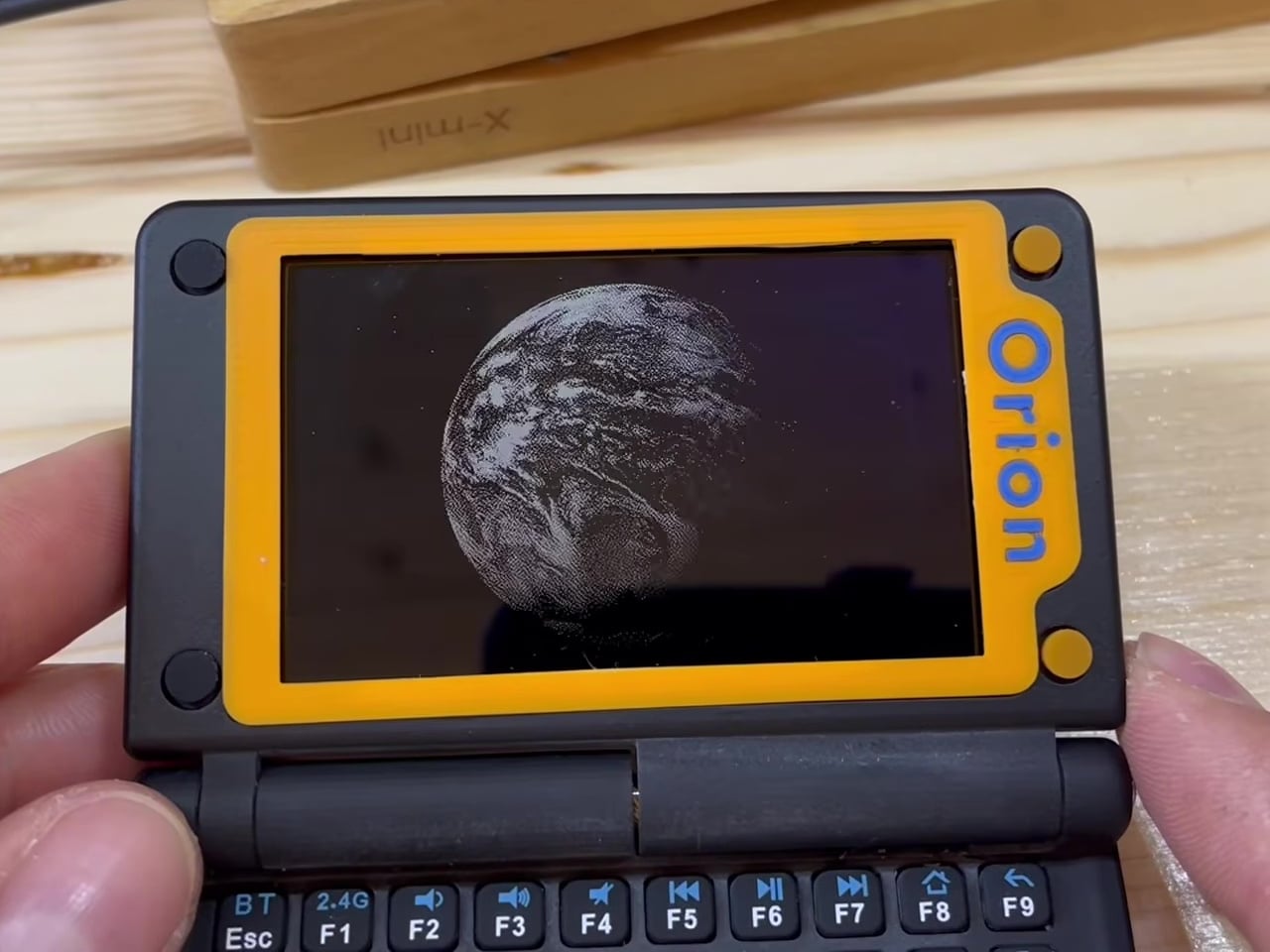
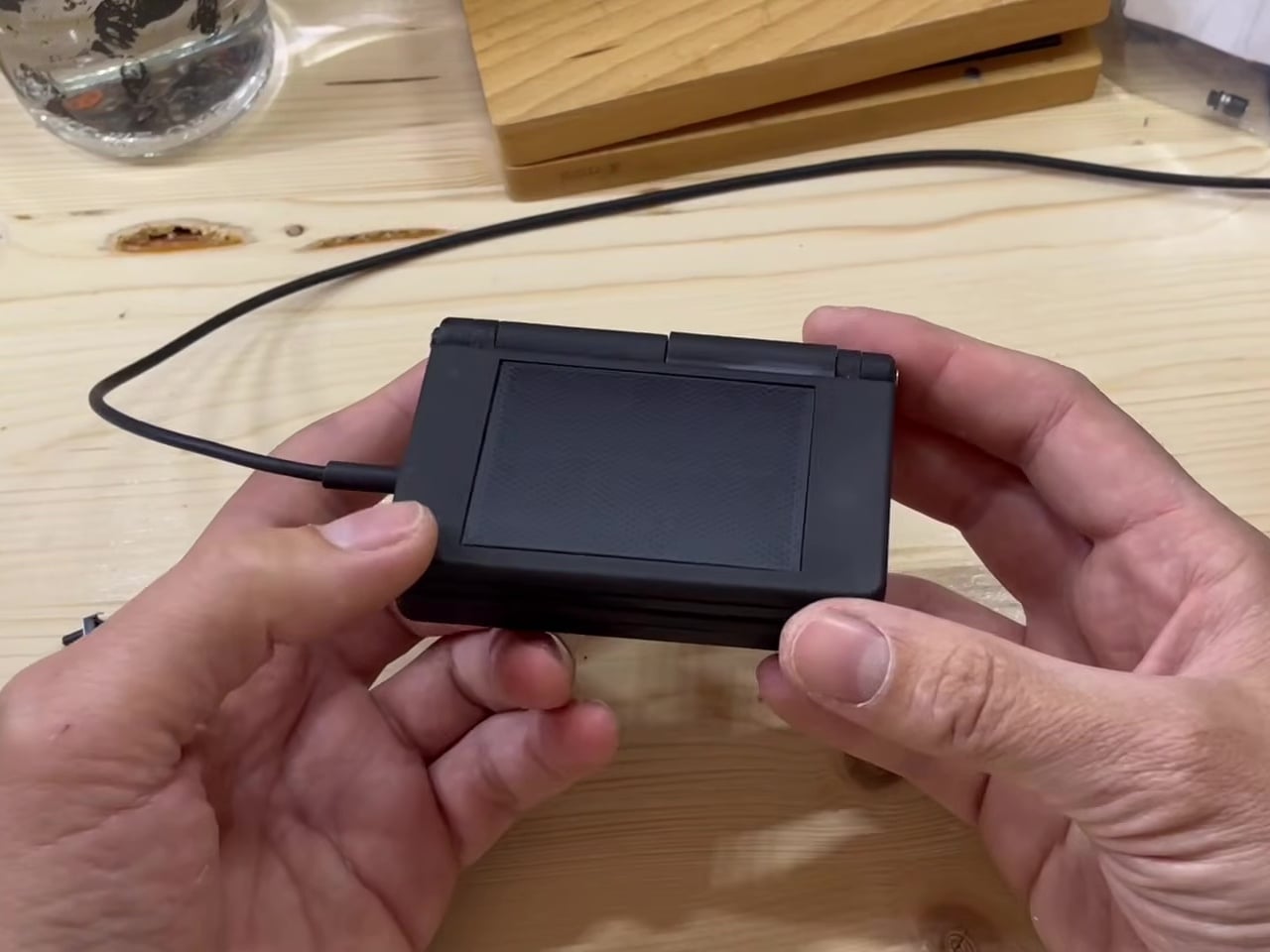
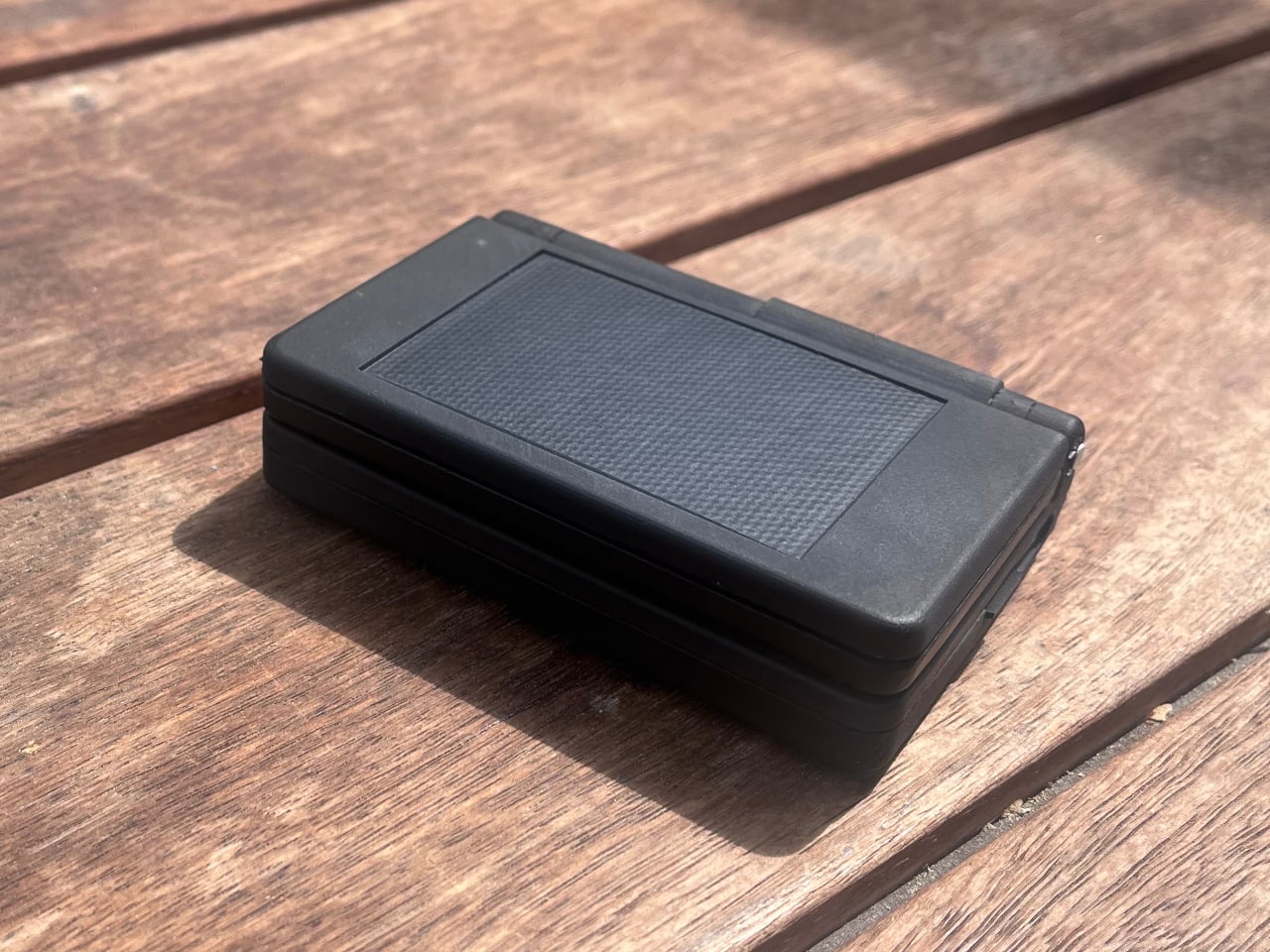
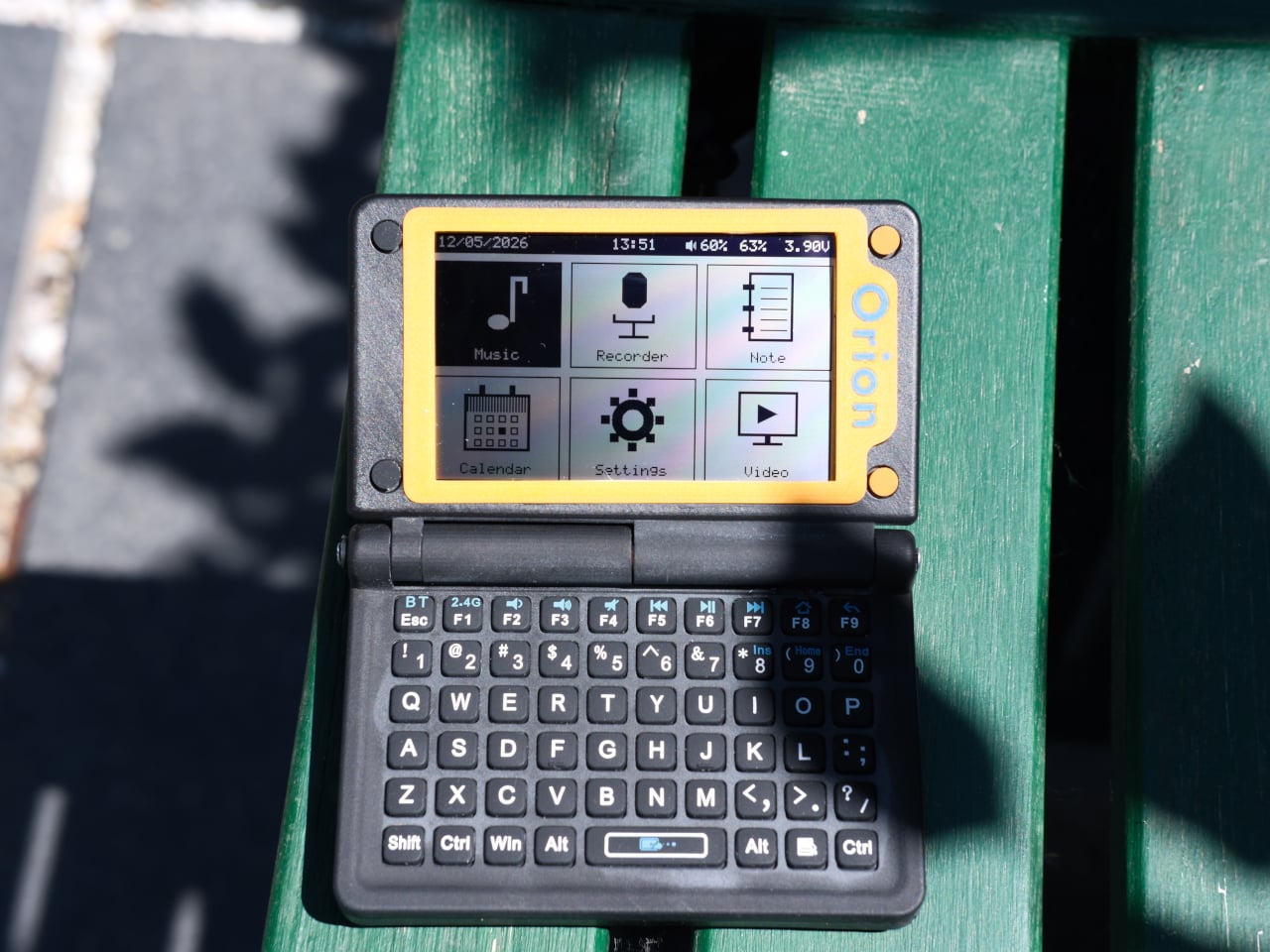
The Orion PDA is one of the more convincing results of that effort. Built by a YouTuber who goes by MVLab, it’s a compact clamshell computer designed specifically for people who’d rather write, listen, or record than scroll. There’s no internet connection out of the box, no cloud, no algorithms, and no push notifications. What it offers is a deliberately focused pocket machine that strips away the noise.

Designer: MVLab

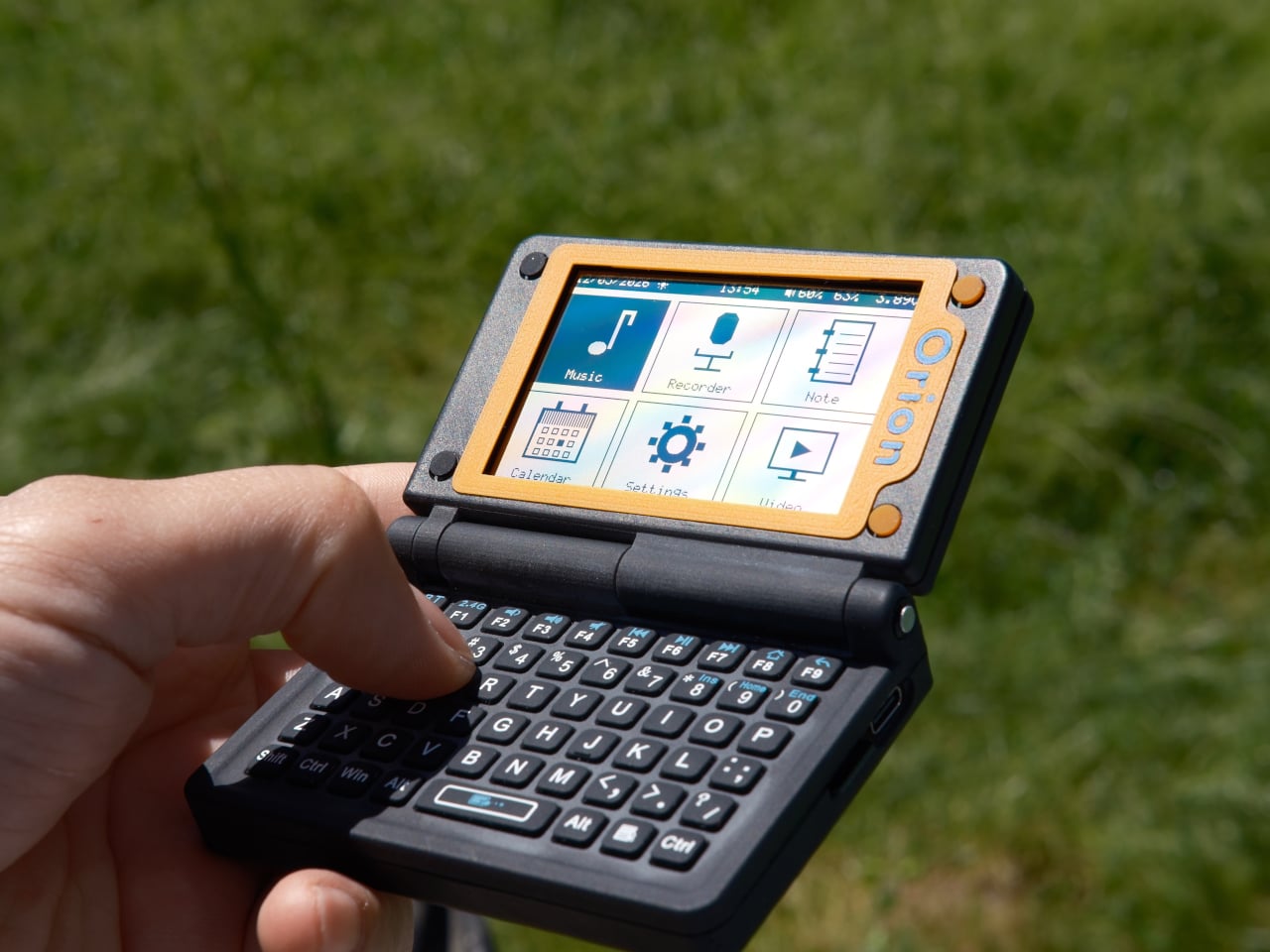
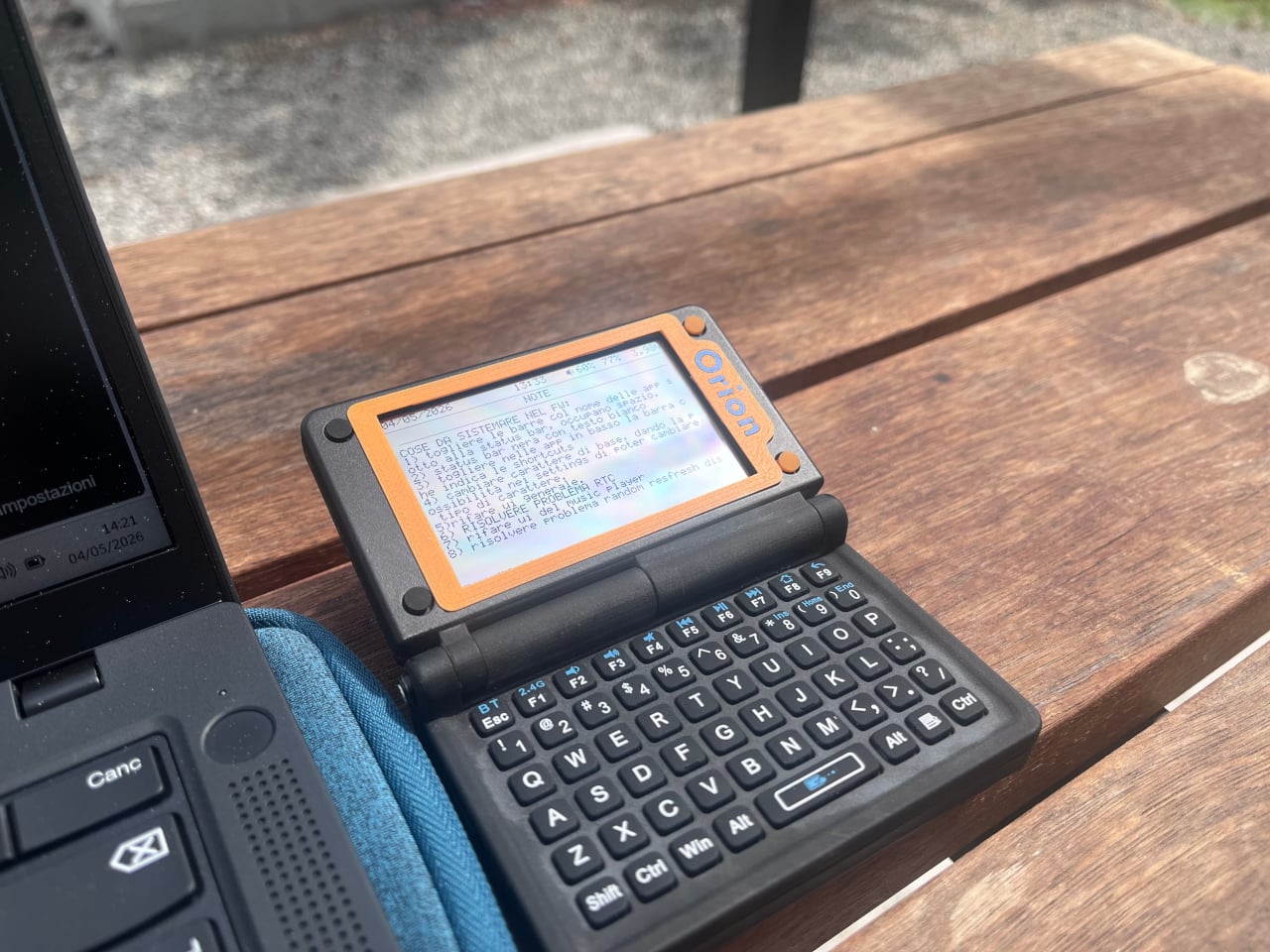
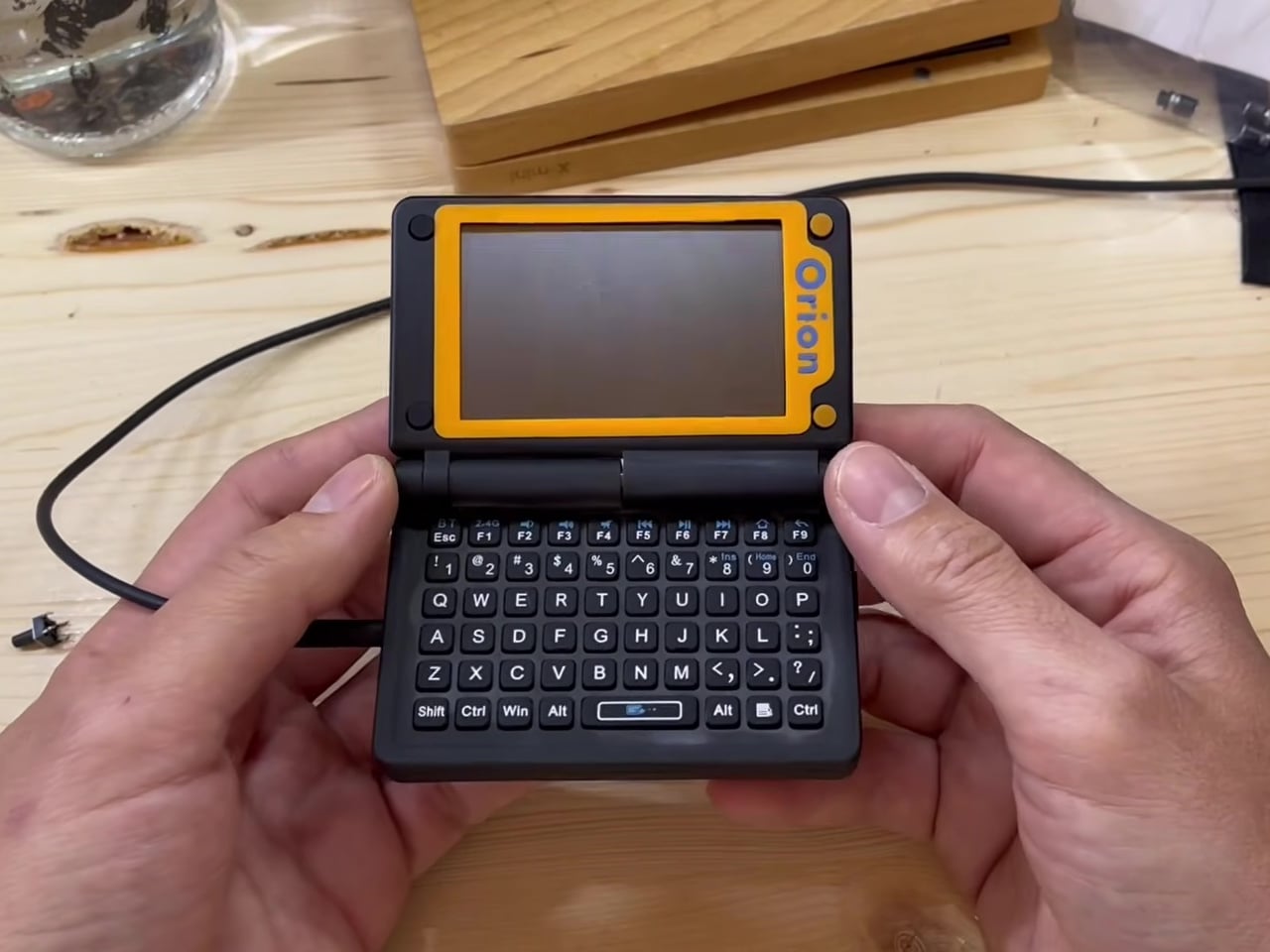
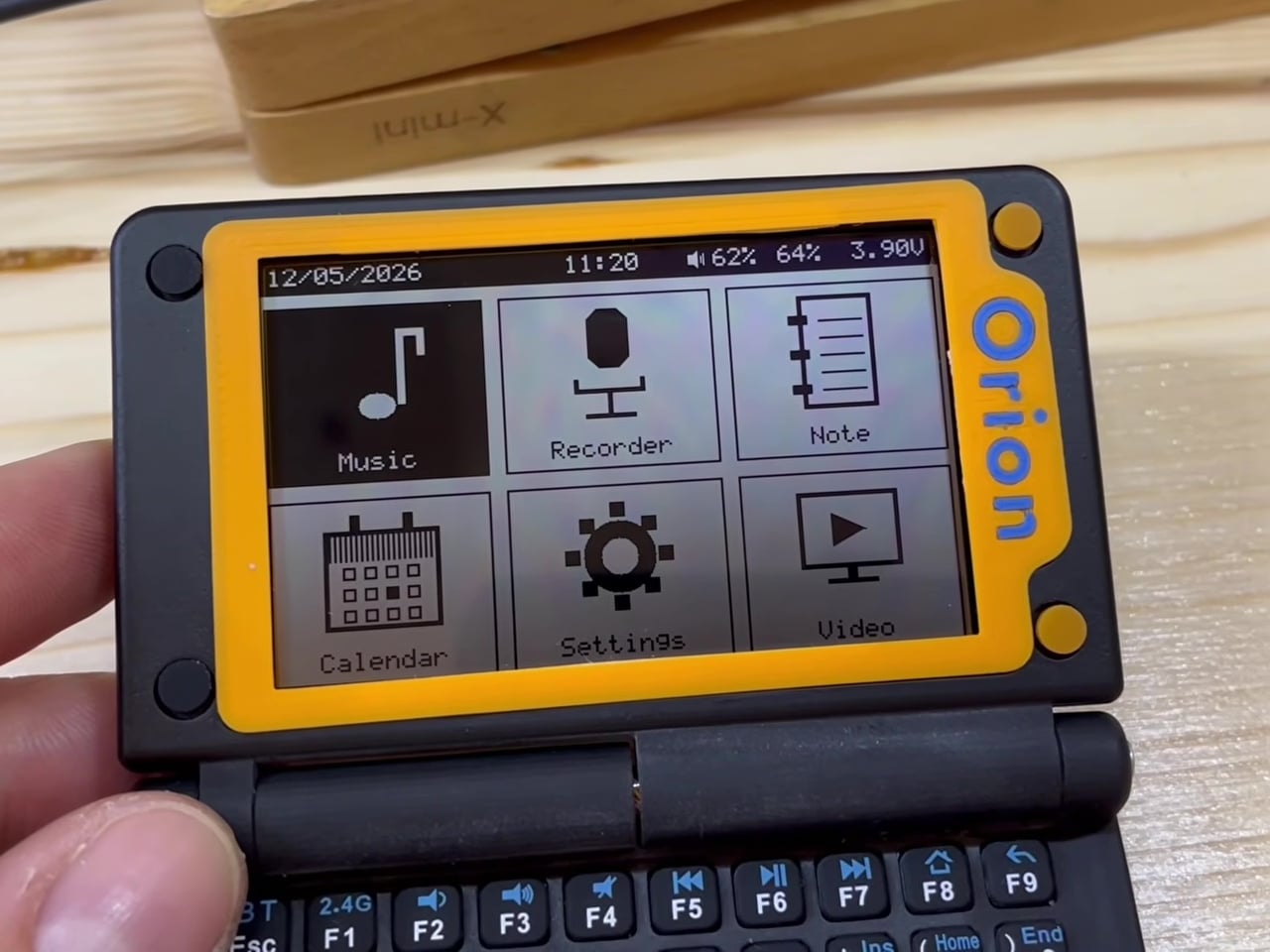
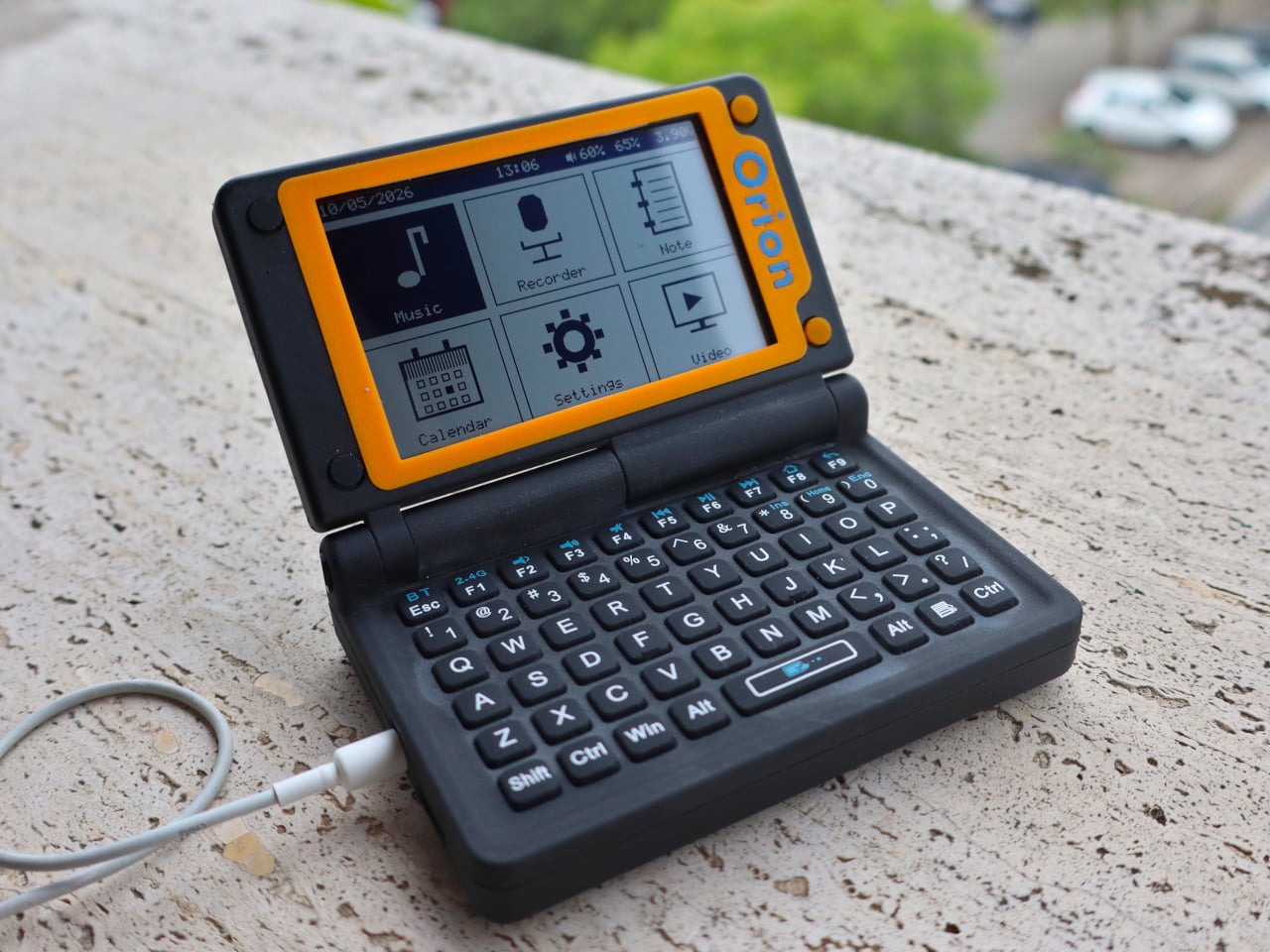
The design takes its cues from the Sharp Zaurus line of pocket computers popular in the early 2000s, and the resemblance is unmistakable. It folds open to reveal a small screen on top, and a full QWERTY keyboard with rubber dome switches below. Function keys run across the top row, letting you access common actions without digging through any menus. It’s compact enough to fit in a jacket pocket.

That screen is a 3.16-inch Sharp Memory LCD with a resolution of 536×336 pixels, rendered in 1-bit black and white. It might sound like a regression, but the display operates on the same basic principle as E Ink, drawing almost no power between refreshes and staying perfectly legible in direct sunlight. Take it out on a park bench or a café terrace, and it won’t let you down.

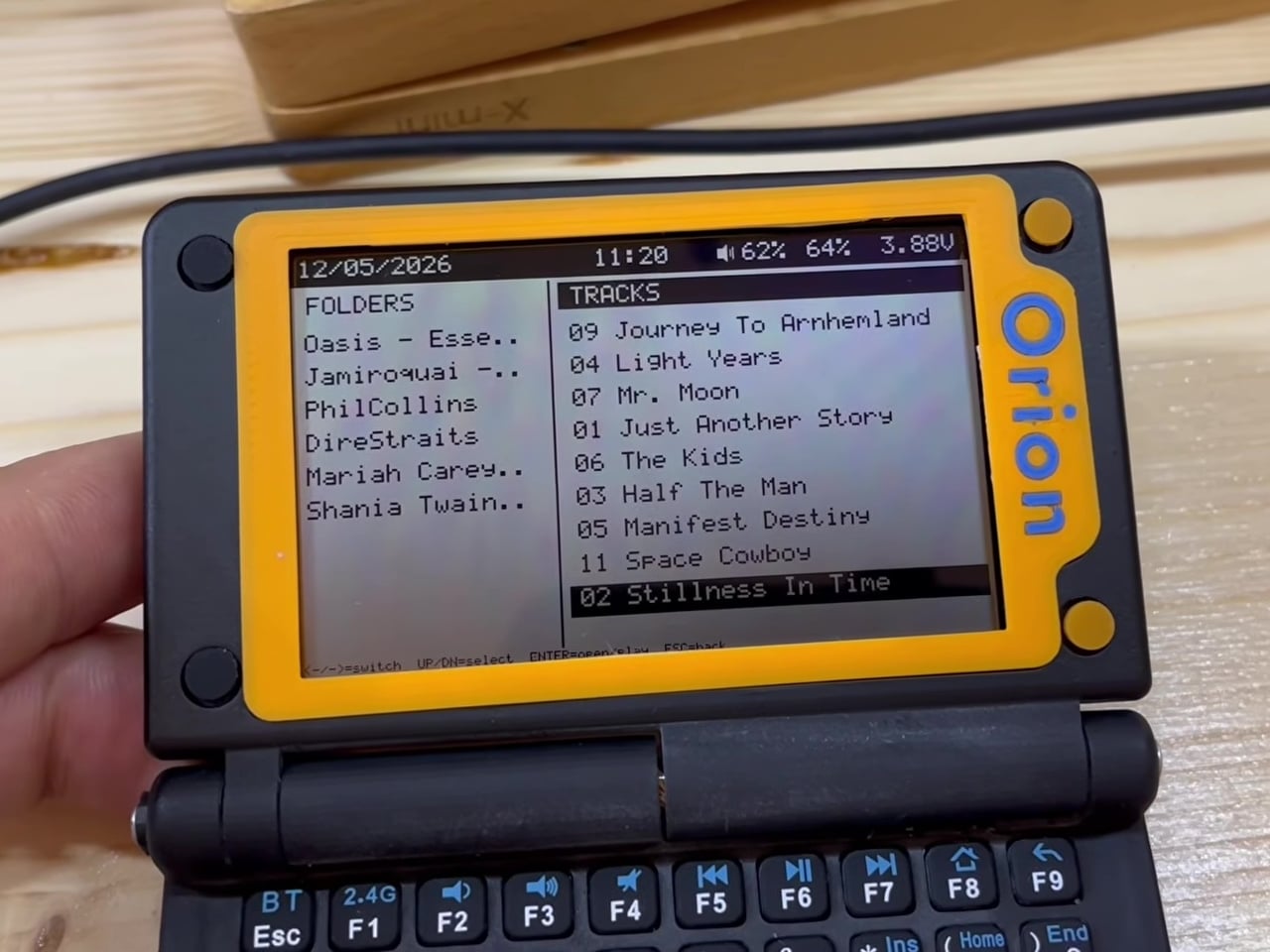
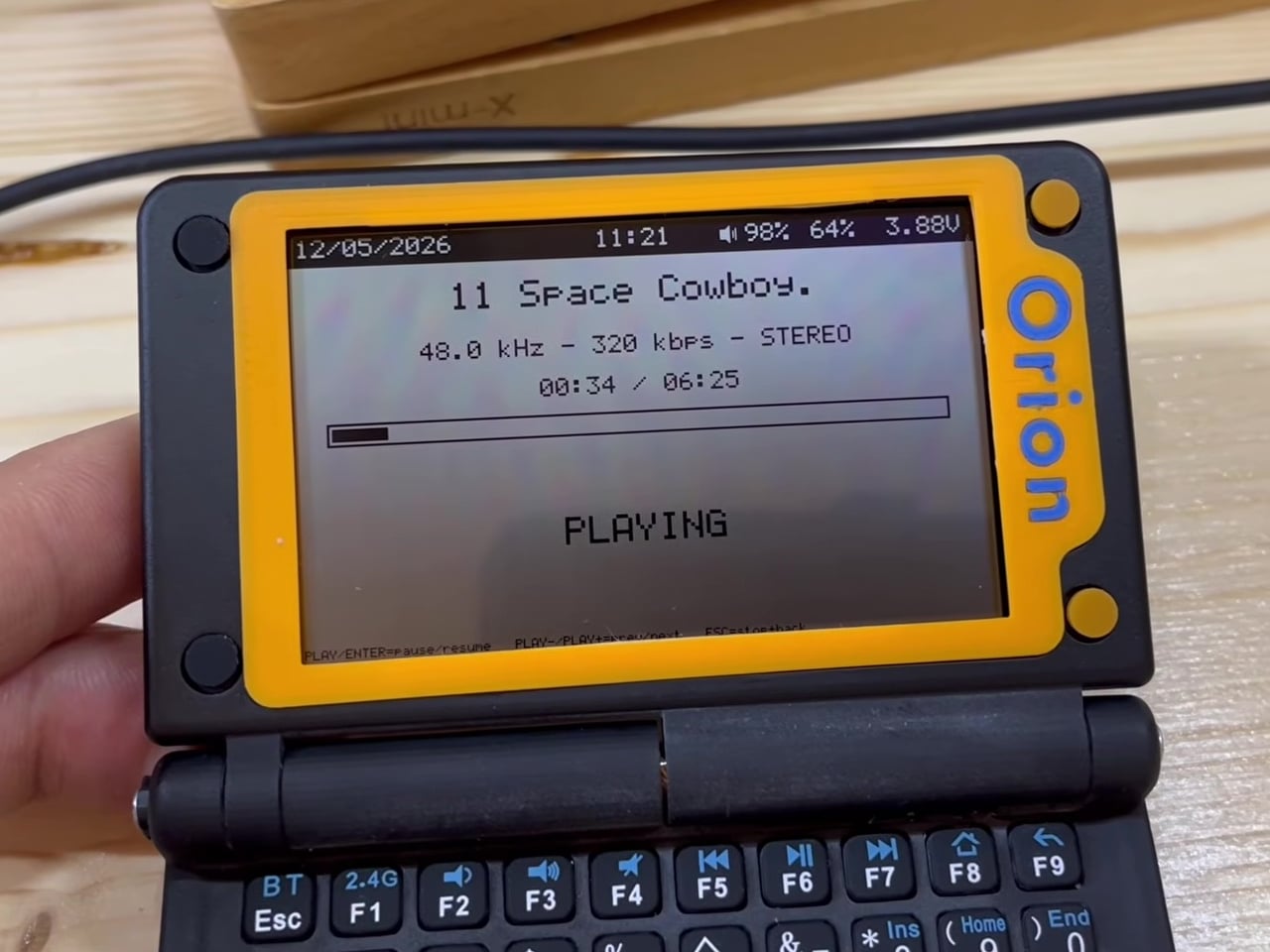
The custom operating system is built around doing a few things exceptionally well. You can pull up albums stored on an SD card, play them through an external speaker or headphones, and even record voice notes that go straight to removable storage. A lightweight calendar app handles basic scheduling. There’s also a text-scaling setting and a USB mass-storage mode for moving files to and from a desktop computer.

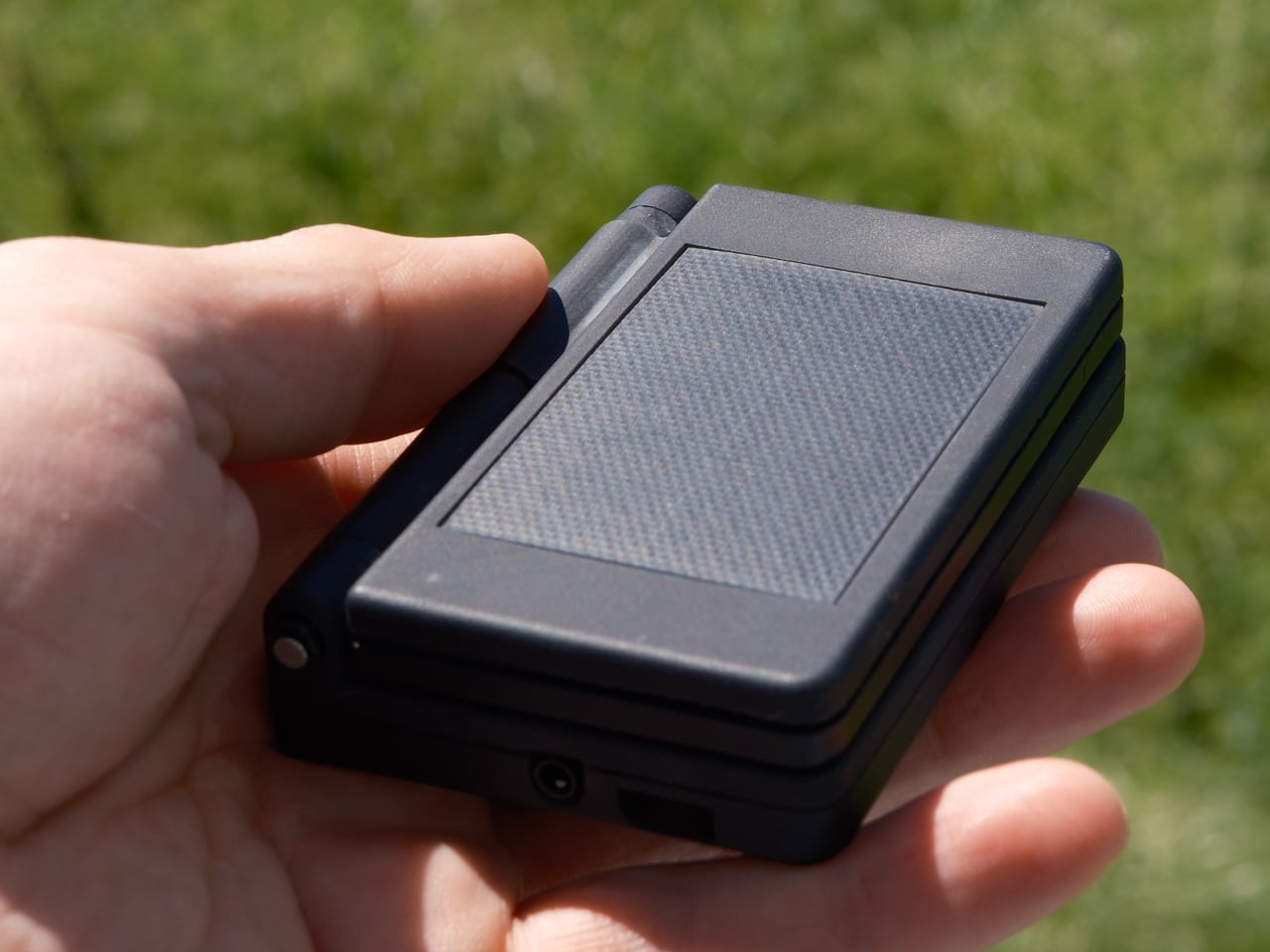
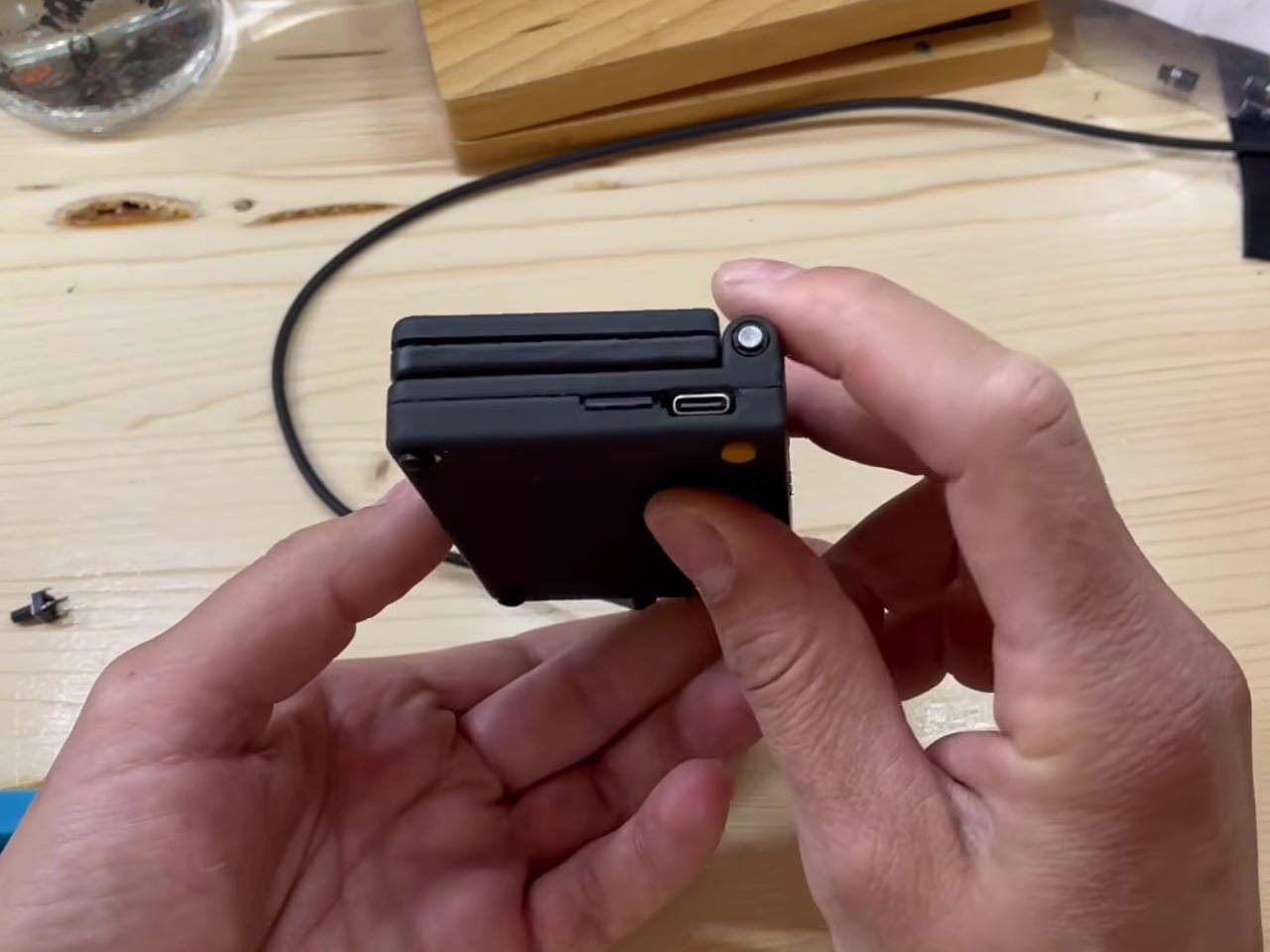
Powering everything is an STM32U575 microcontroller clocked at up to 160 MHz, an ultra-low-power chip that keeps the device running for long stretches between charges. The lid houses an integrated solar panel, which can supplement the battery enough to keep things topped up with occasional exposure to sunlight. A USB-C port also handles charging, firmware updates, and data transfers. An expansion port leaves room for future community-developed modules.

The Orion PDA also packs in a dedicated digital-to-analog converter for audio playback, putting it above the lo-fi output you’d expect from a device this small. A MEMS microphone handles voice recording with reasonable fidelity. It isn’t trying to replace your dedicated music player or studio recorder, but for capturing quick ideas or dictating notes on a long hike, it does what it needs to. For anyone tired of carrying a device that’s simultaneously a computer, a TV, a game console, and a social distraction, this one might be worth the wait.

The post The Orion PDA Runs on Sunlight and Ignores the Internet by Design first appeared on Yanko Design.

This $89 Retro Radio Made My Smart Speaker Feel Weirdly Useless

There was a time when the radio on the kitchen shelf meant something. Not just background noise – a presence. Something with weight and warmth, a dial that clicked with intention, a speaker that made the morning feel like it had a score. Then it disappeared. We outsourced listening to our phones, our earbuds, our smart speakers that go silent the moment the Wi-Fi drops or the power cuts. Our devices got smarter, but also more fragile. More connected, but less self-sufficient.

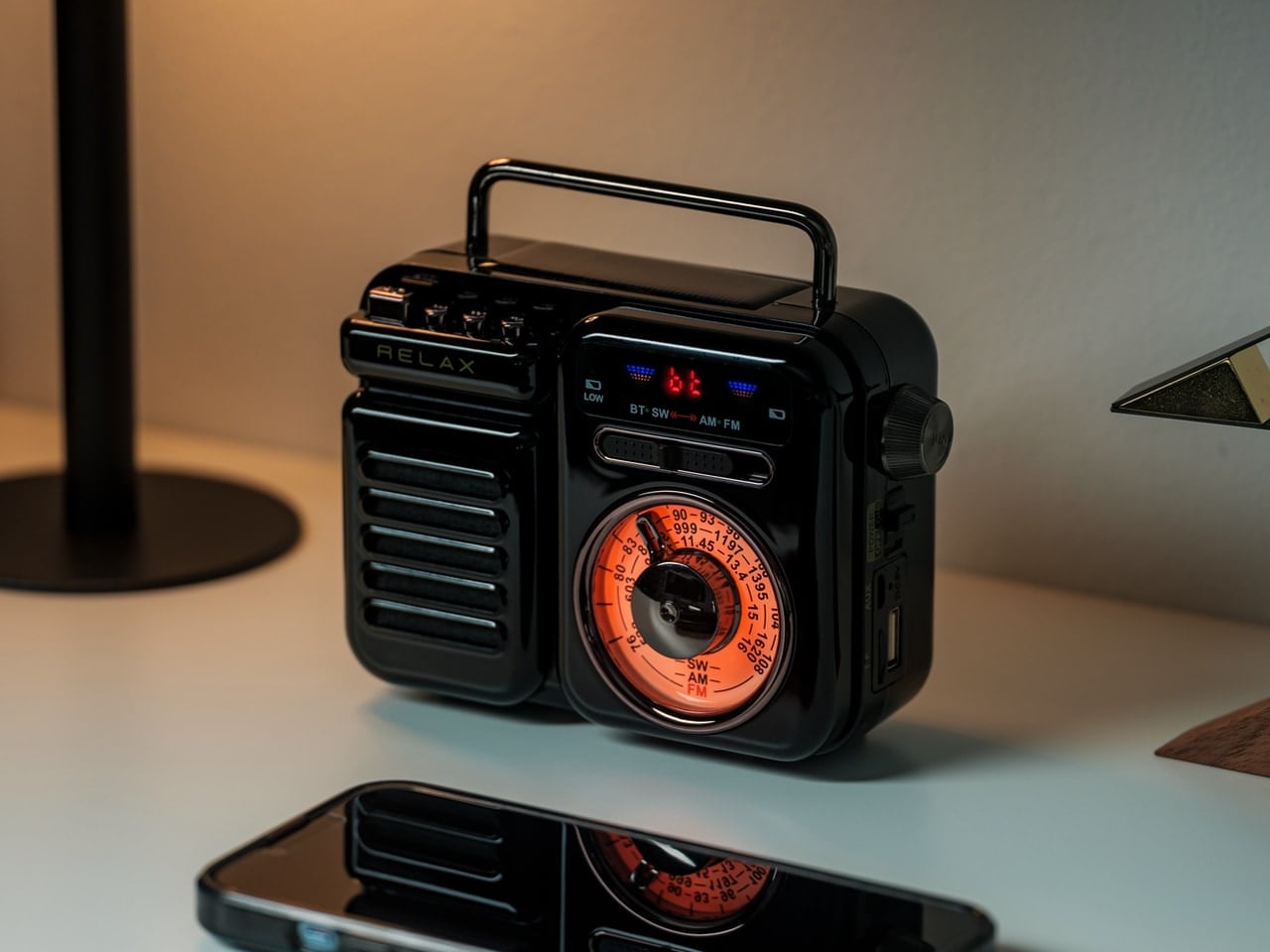
The result is a strange kind of ambient helplessness. Beautiful, optimized, perpetually connected – until nothing works. That’s what makes the RetroWave 7-in-1 Radio so quietly compelling. It doesn’t just revive the visual language of a classic Japanese radio. It restores something modern gadgets gave up without asking: the reassurance of an object that works when conditions aren’t perfect and takes away the decision fatigue of ‘choosing’ every single music you play.

The Radio That Changed How I Think About “Essential”

At first, I thought the RetroWave Radio was mostly a design piece. A handsome retro object with a tactile tuning dial and enough character to earn a shelf. But after a few weeks, I realized it had rearranged things I hadn’t expected.

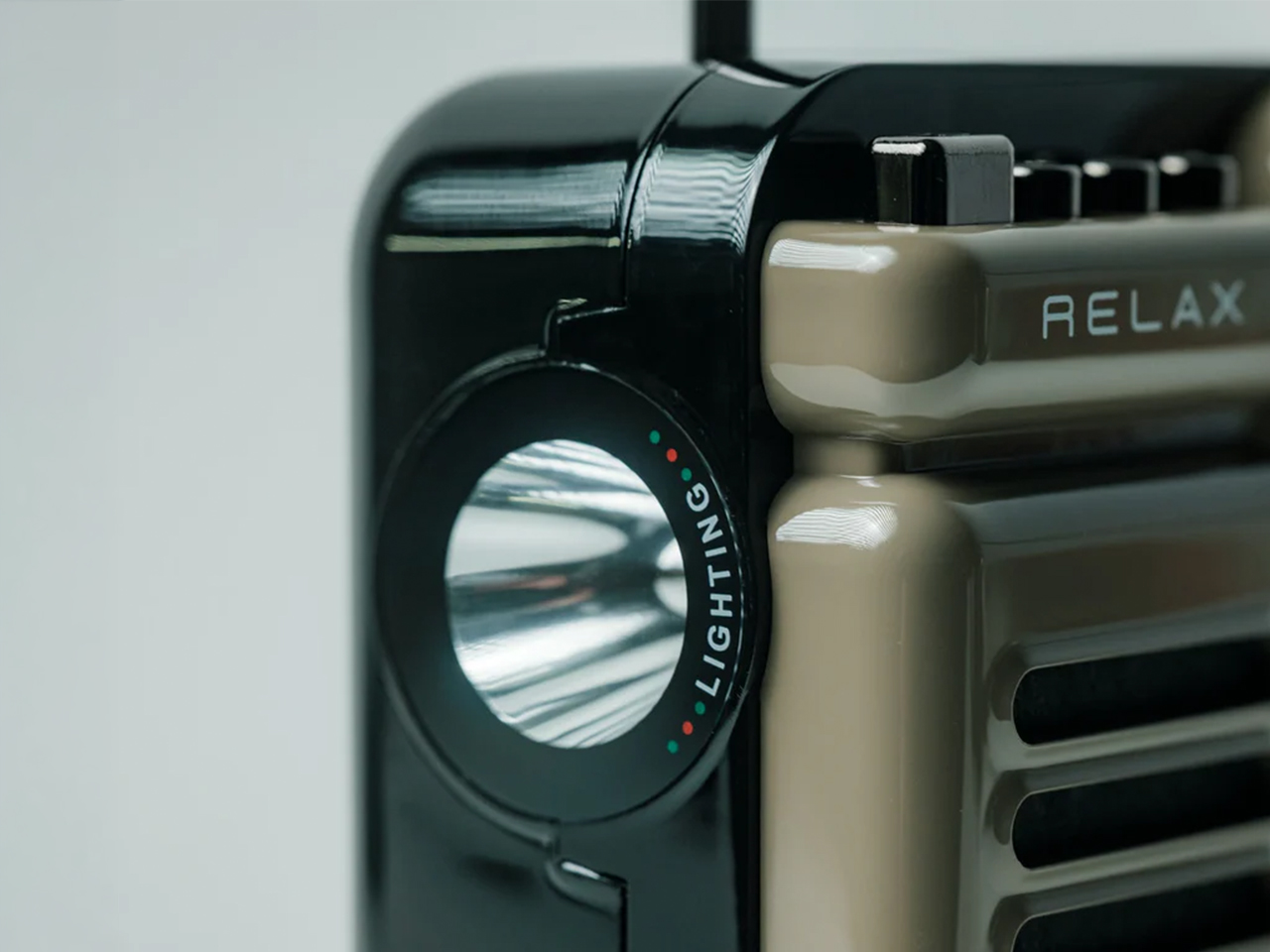
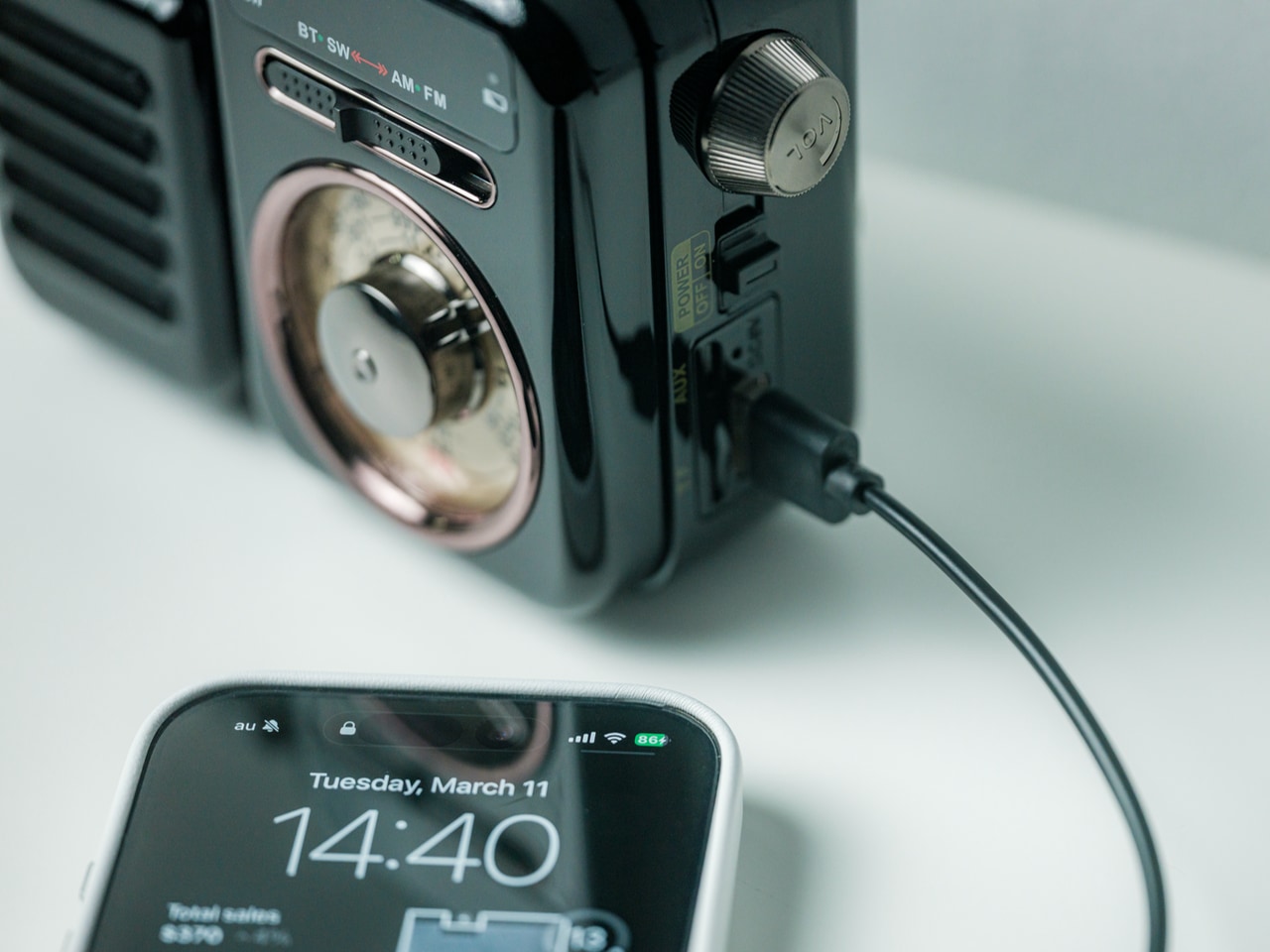
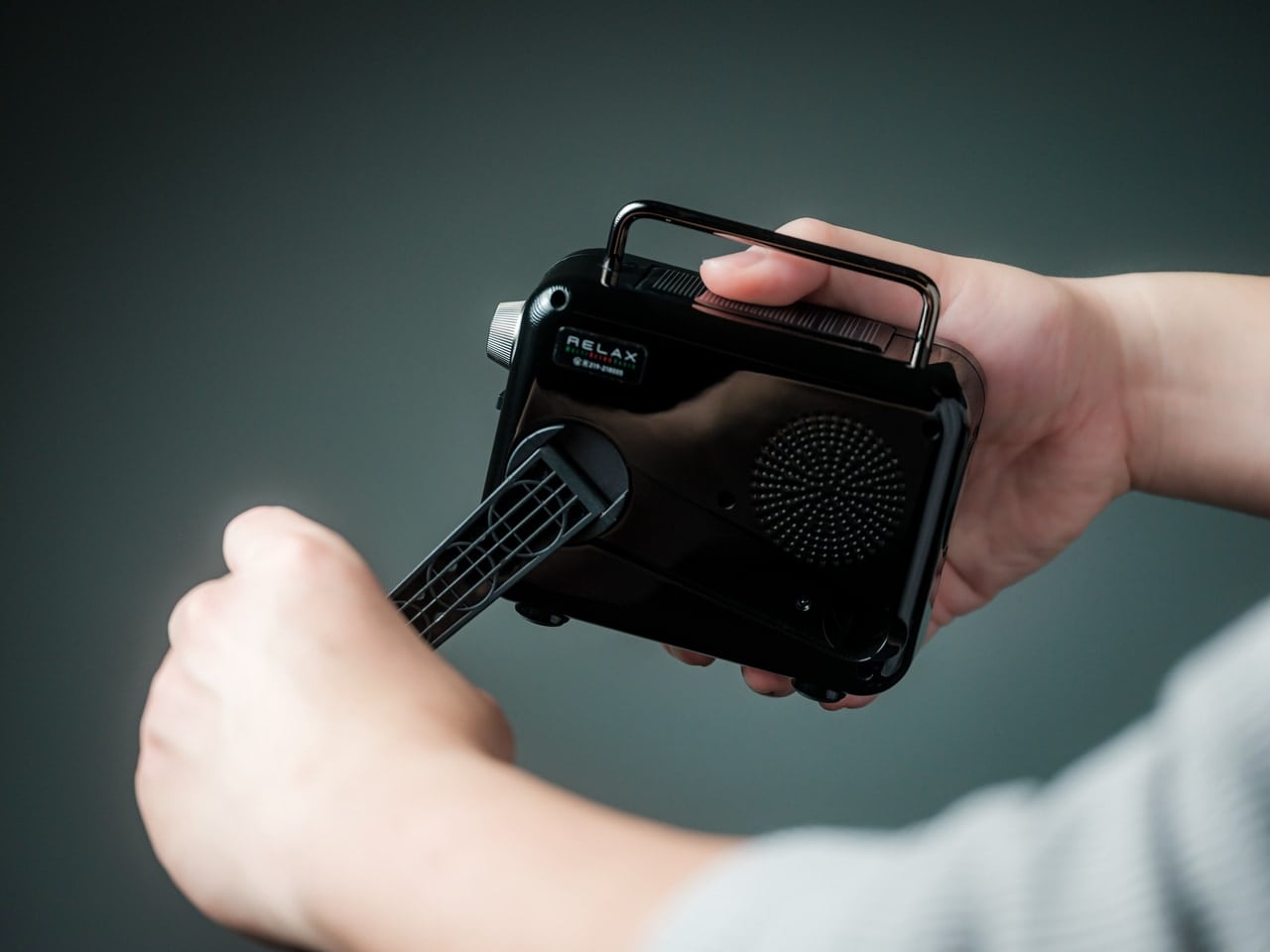
The Bluetooth stream replaced my phone speaker and sounded better. The FM dial came back into rotation, and tuning a signal by hand felt more deliberate than tapping a playlist. Then the power went out during a weekend storm. The radio kept going. The hand crank charged my phone enough to send a message. The LED flashlight handled the kitchen. The SOS alarm stayed ready in the background, doing nothing, which was exactly what I needed it to do.

It hadn’t added a function to my shelf. It had closed a gap I didn’t know I was living with.

Close-up of a black device with a circular dial labeled 'LIGHTING' and small red/green indicators, beside a beige panel that says 'RELAX'.

Built Beautiful. Built Smart.

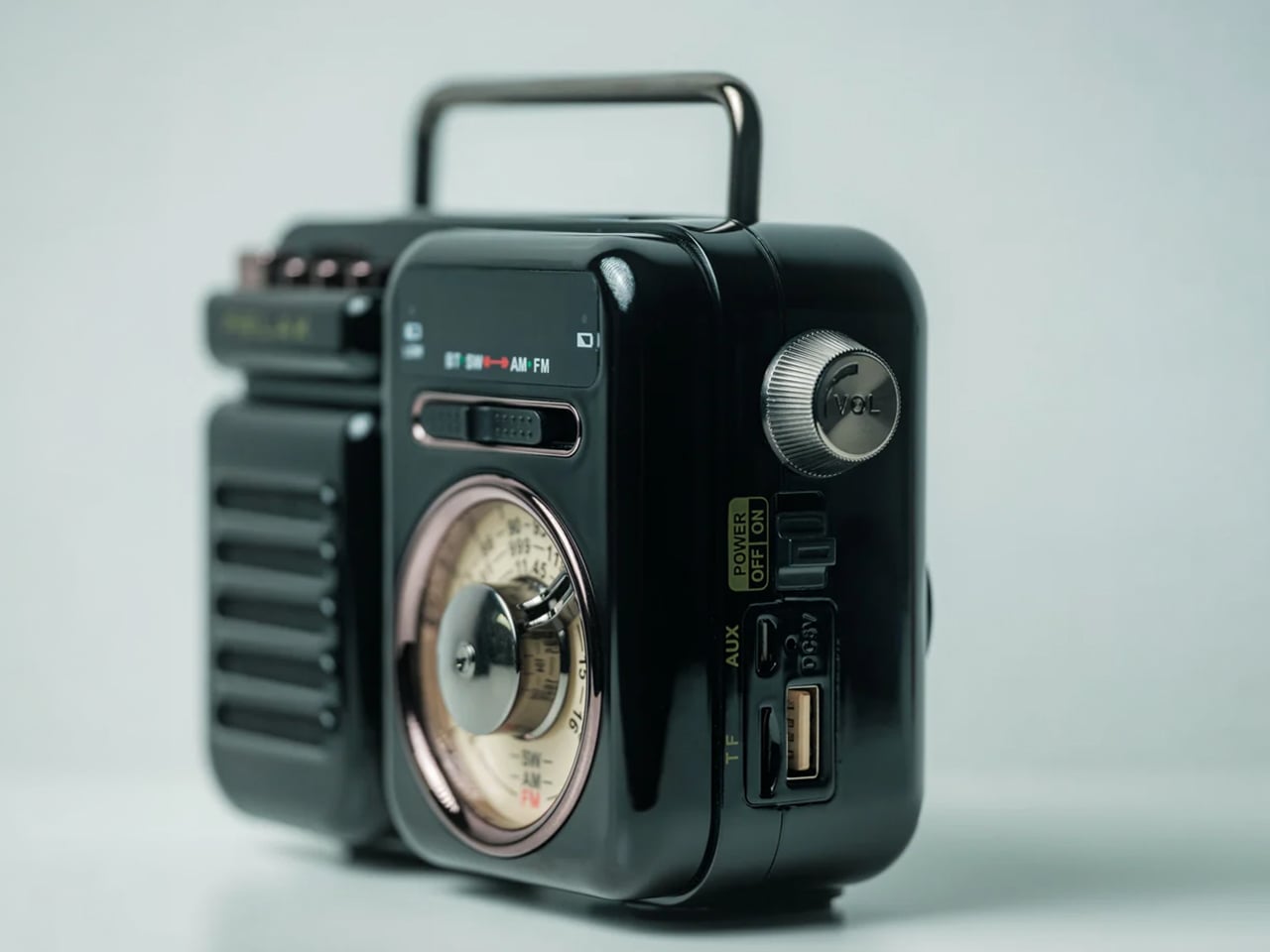
  • 7-in-1 functionality: Works as a speaker, MP3 player, radio, flashlight, clock, power bank, and SOS siren in one compact form.
  • Bluetooth + MP3 playback: Stream from your phone or play directly from USB and microSD when you want to go offline.
  • FM/AM/SW radio: Tune into local broadcasts, international news, or analog stations without needing the internet.
  • Emergency-ready power: Recharge by hand-crank or solar panel when outlets are unavailable.
  • Built-in flashlight and SOS alarm: Designed for blackouts, storm prep, roadside stops, and unexpected moments.
  • Phone charging on the go: The 2000mAh battery gives your essentials a boost when you need it most.
  • Compact but capable: Lightweight enough to pack, yet powerful enough for up to 20 hours of radio time or 6 hours of emergency lighting.

This isn’t multi-functionality for the sake of a spec sheet. Each function earns its place.

Close-up of a vintage black radio with a charging cable plugged into a smartphone displaying 14:40 on its screen.

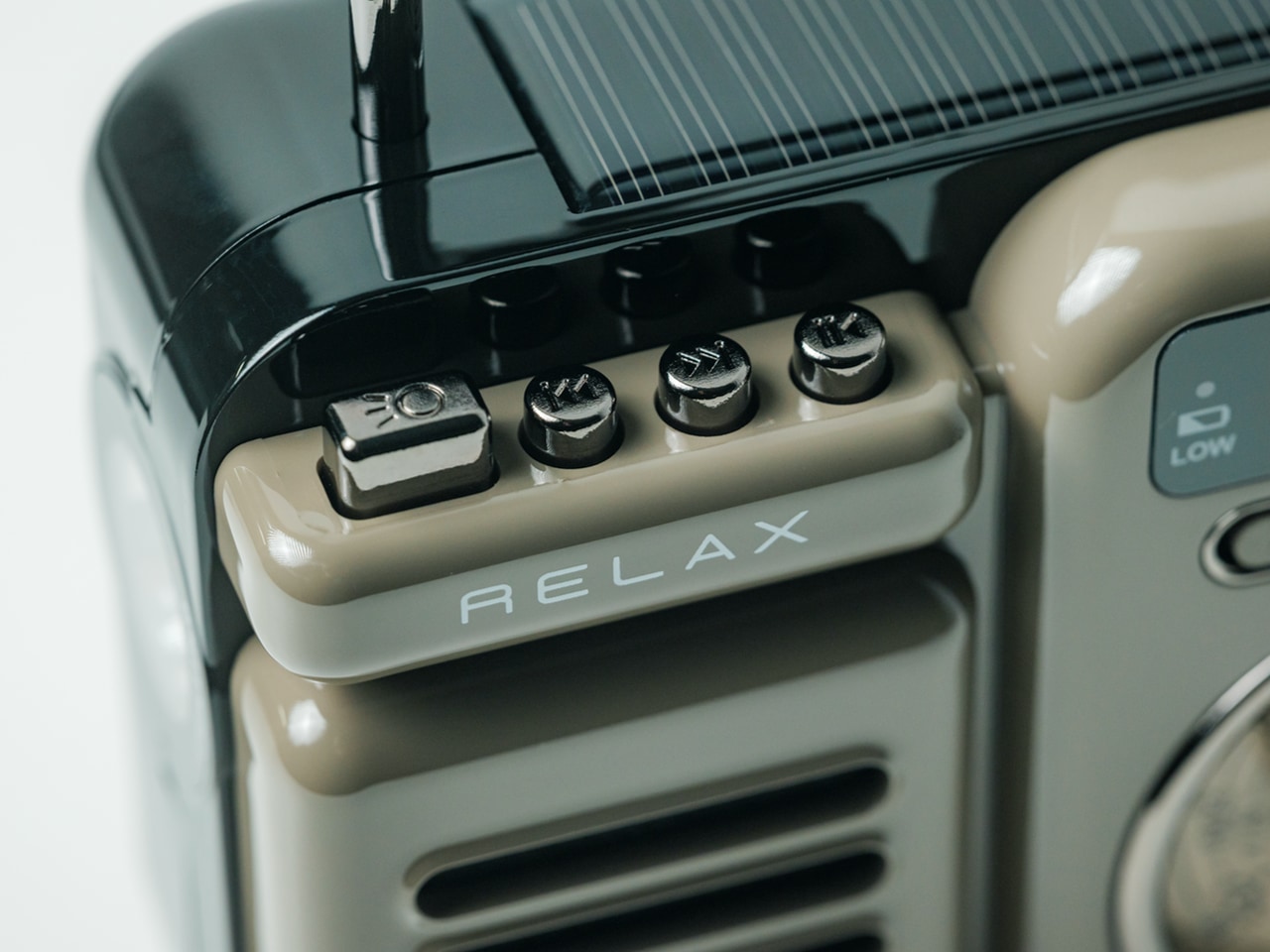
Close-up of a vintage beige control panel with four small knobs and a 'RELAX' label on a glossy black device.

Why Reliability Feels Like a Luxury Now

We tend to assume the future belongs to smarter devices. But smart has started to feel fragile. Speakers that go silent without internet. Phones that drain at the worst moment. Tools that work beautifully right up until they’re actually needed.

The RetroWave Radio offers a different kind of progress. Not rooted in constant connectivity, but in self-sufficiency. It gives you music when you want ambiance, information when you need updates, and power when everything else starts running low. The best emergency tool is the one that’s already out – living on your shelf, earning its place every day, so it’s there without thinking when things get difficult.

Person holds a small black portable device with a side vent and attached nozzle, held in two hands.

Design That Reflects Resilience

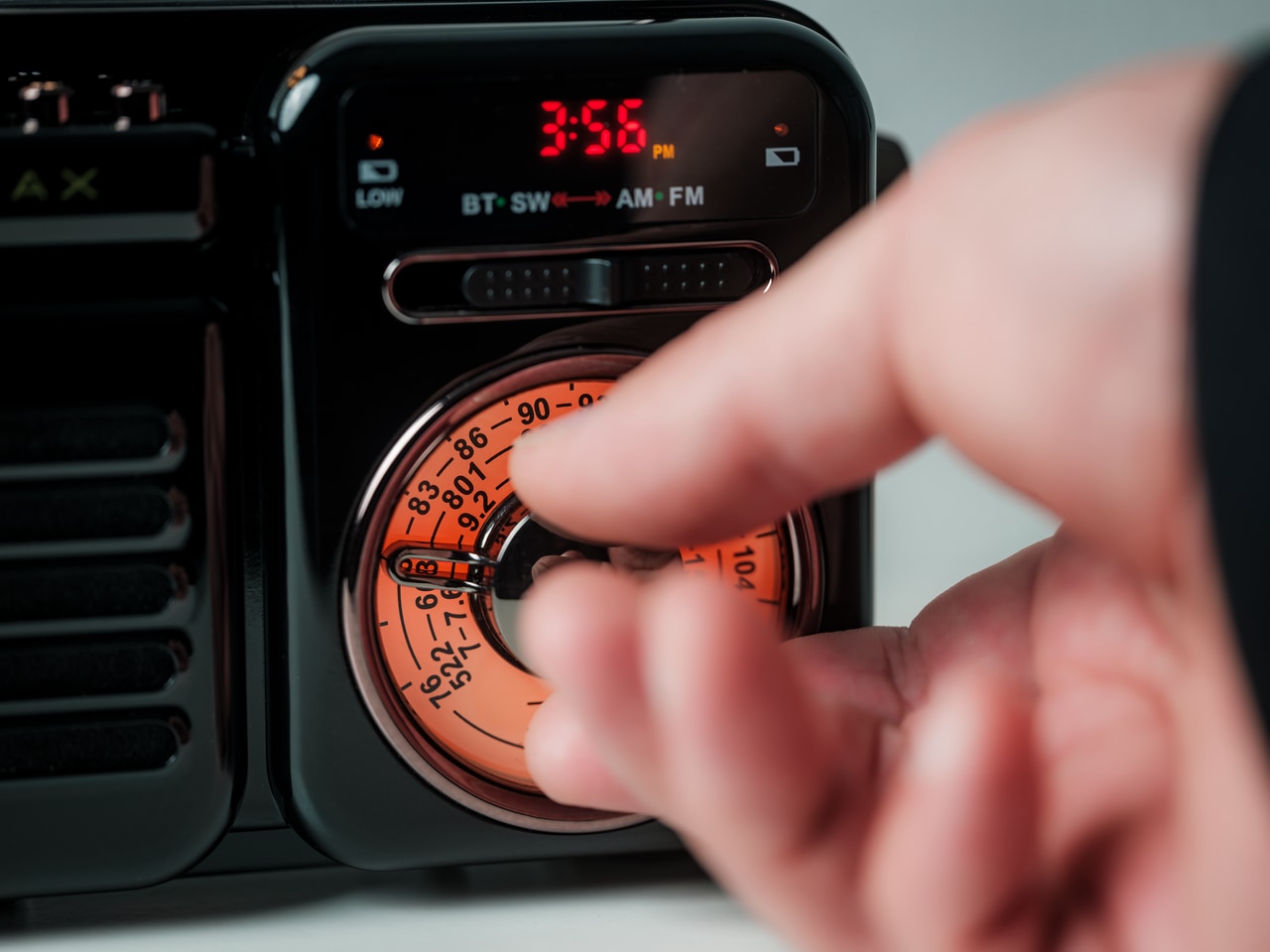
This isn’t a radio that begs for attention. The retro Japanese-inspired silhouette is balanced and resolved – compact without feeling cheap, characterful without demanding notice. The tuning dial has genuine tactile feedback, the kind touchscreens never replicate. The proportions feel considered. The soft glow of the interface gives it a quiet presence that works as naturally on a nightstand as it does in an emergency kit. It looks dependable before you even turn it on.

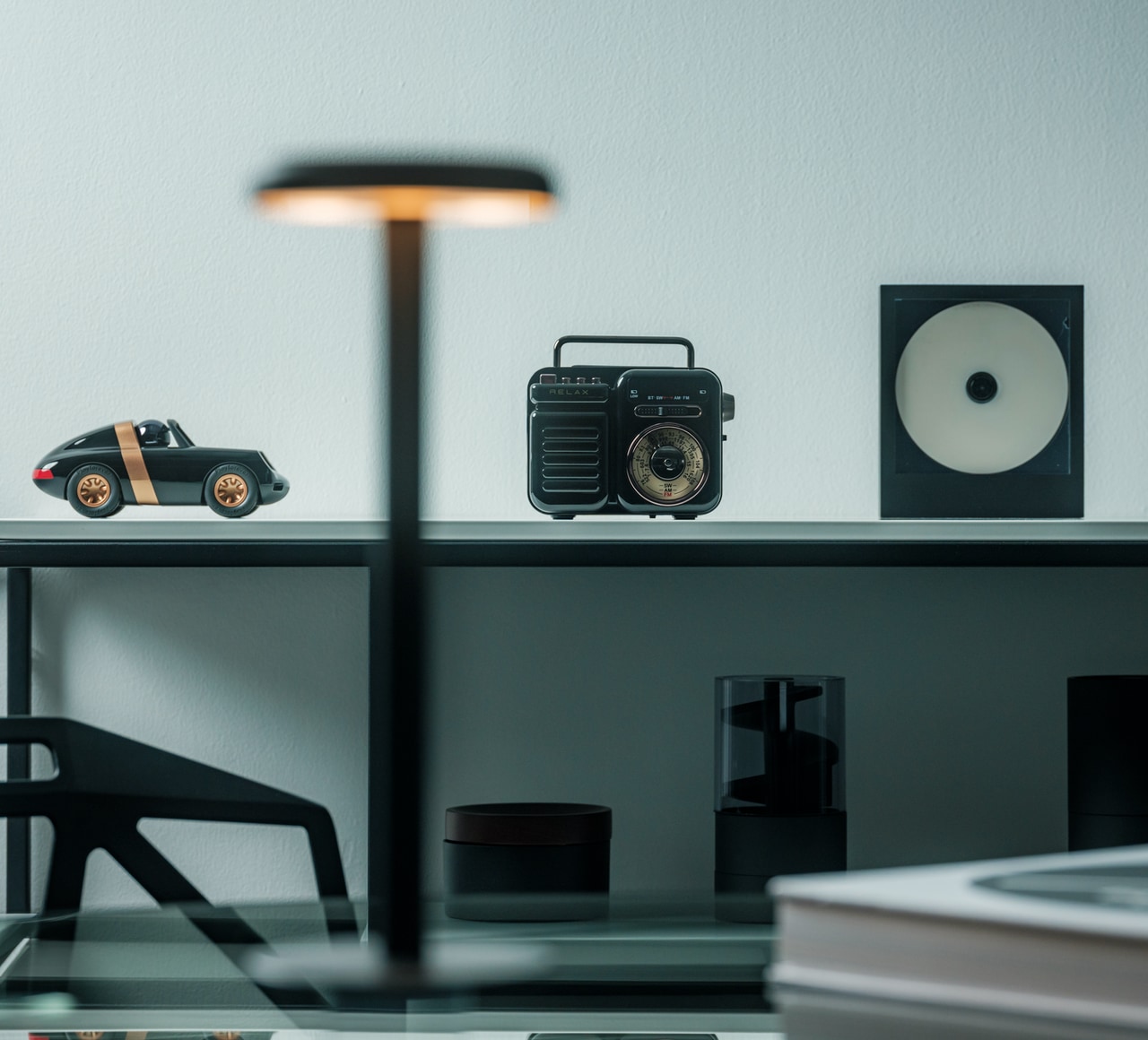
A vintage portable radio sits on a shelf between a black toy car and a square speaker with a white disc on the right of the image.

Who It’s For

  • Design Lovers

A functional object with enough character to live proudly on display.

  • For Users Who Are Always Prepared

A practical companion for blackouts, storms, travel, and emergency kits.

  • Minimalists on the Move

Seven useful functions in one compact device that actually earns the space it takes up.

Close-up of a hand turning the orange dial on a car stereo/dashboard.

The Quiet Power of Owning Fewer Things That Give You Freedom

You don’t realize how many modern tools depend on ideal conditions until the power cuts, the signal drops, or you simply want something that works without asking much in return. That’s what the RetroWave 7-in-1 Radio gets so right. It doesn’t just entertain. It reassures.

And maybe that’s why it feels so current. Not because it looks back, but because it solves for the kind of uncertainty modern gadgets tend to ignore. In a world full of devices that stop being useful the moment things go wrong, this one keeps earning its place. The RetroWave 7-in-1 Radio is available now for $89.

The post This $89 Retro Radio Made My Smart Speaker Feel Weirdly Useless first appeared on Yanko Design.

The Memdock G3 Is the 13-Port Dock You Don’t Have to Hide Anymore

Modern desks have never looked better. Sit-stand tables, cable management trays, and ultra-thin laptops have turned the average workspace into something worth showing off. But for all the effort that goes into making a desk look clean and intentional, the accessories that actually power it are often still a mess, and docking stations, in particular, tend to be boxy, generic things that most people try to hide.

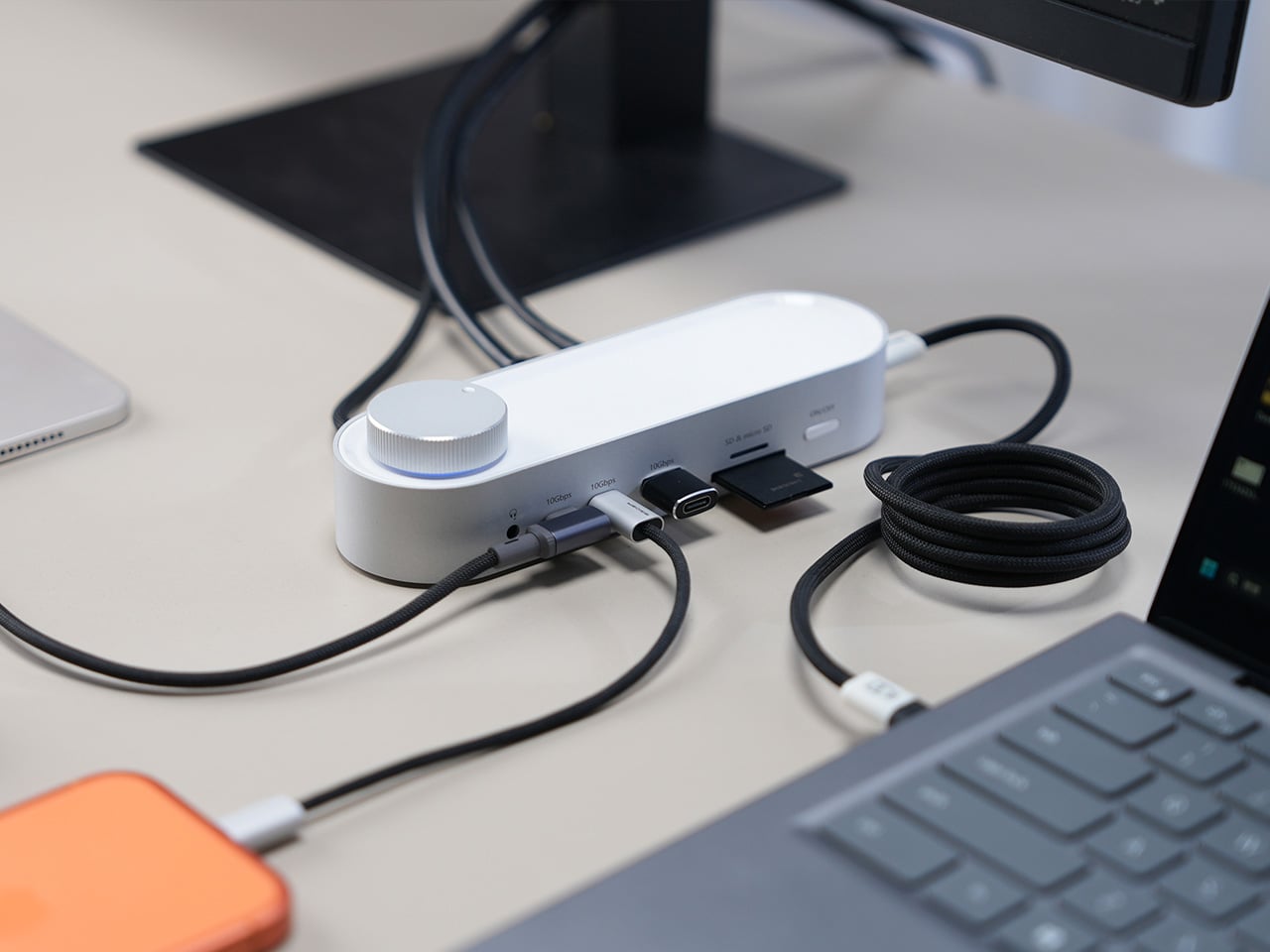
That habit of hiding docks makes sense, since most of them aren’t exactly something you’d want on display. The Memdock G3 takes a different approach. It’s a 13-in-1 docking station that doesn’t look the part in the way most docks do, and that’s a compliment. With a rounded aluminum body and a physical volume knob at one end, it’s designed to sit on the desk, not behind it.

Designer: Memdock

Click Here to Buy Now: $89 $189 ($100 off). Hurry, only 135/200 left! Raised over $50,000.

The aluminum shell is both light and sturdy. Weighing just 175g and measuring 17cm in length, it won’t crowd any desk. The silver-white finish sits comfortably alongside a MacBook or a Surface without looking out of place. A one-touch power switch keeps things simple, while the knurled volume knob doubles as a status indicator with a blue ring glowing softly at its base.

Where the G3 separates itself from generic hubs is with its dual HDMI outputs, both capable of 4K at 60Hz. Whether you’re juggling two monitors or spreading your workspace across screens, the setup doesn’t need extra adapters or complicated display routing. It works across Windows and macOS without additional drivers, so plugging in is genuinely all you need to get a full dual-screen arrangement running.

Charging is another area where the G3 keeps things clean. The 100W PD port can keep a laptop topped up while everything else stays connected, which means you don’t need a separate charger taking up another outlet. Pass-through charging also stays active even when the dock is switched off, so your devices keep charging overnight without you having to think about it.

On the data side, the G3 carries multiple 10Gbps connections, including USB-C, which is meaningfully faster than the 5Gbps typical of most docks in its category. Moving a batch of raw photos or offloading footage from an external drive feels noticeably quicker, cutting the time you’d otherwise spend watching a progress bar crawl. Two USB-A ports handle the everyday stuff, from keyboards and mice to thumb drives.

Photographers and video shooters will appreciate having both an SD and a TF slot built in, which removes the hassle of hunting for a separate card reader every time they need to pull files off a camera. Pair that with a Gigabit Ethernet port for a steadier wired connection, and the G3 handles a range of workflows that most hubs can’t without reaching for yet another dongle.

The volume knob deserves a separate mention, not just as a feature, but as a design choice that says something about the G3’s priorities. Instead of digging through a settings panel every time you want to nudge the audio on a call, you just reach over and turn it. It’s a small thing, but it’s the kind of immediate, tactile control that feels obvious once you have it.

Docking stations rarely get treated like products worth designing with real care. They sit at the junction of display, power, data, and audio, making them genuinely central to how a desk functions, yet they’re almost always designed as if nobody will ever look at them. The Memdock G3 is a reminder that the things holding a workspace together can be just as thoughtfully considered as anything else on the desk.

Click Here to Buy Now: $89 $189 ($100 off). Hurry, only 135/200 left! Raised over $50,000.

The post The Memdock G3 Is the 13-Port Dock You Don’t Have to Hide Anymore first appeared on Yanko Design.

OPPO Find X9 Ultra Review: An Exceptional Camera Phone That Gets Everything Else Right Too

PROS:


  • One of the best and most flexible camera systems on any phone today

  • Excellent battery life

  • Beautiful, camera-inspired design in the Tundra Umber

  • Feels like a complete flagship, not just a camera phone

CONS:


  • Heavy and not especially one-handed friendly

  • Lens switching in video could be smoother

RATINGS:

AESTHETICS
ERGONOMICS
PERFORMANCE
SUSTAINABILITY / REPAIRABILITY
VALUE FOR MONEY

EDITOR'S QUOTE:

The OPPO Find X9 Ultra proves that a camera-first phone does not have to feel like a compromise. It is one of the most complete and compelling flagships of the year so far.

The OPPO Find X9 Ultra is a true flagship with a clear camera-first identity, but what makes it stand out is how little it sacrifices elsewhere. OPPO has built this phone around photography, yet the rest of the package feels just as considered. The design is distinctive, the battery is huge, the performance is top-tier, and the software experience is polished enough to make the Find X9 Ultra feel like a genuine all-rounder rather than a specialist device.

Many camera-focused phones excel in one area while asking users to accept compromises in others, but the Find X9 Ultra aims to do more than that. It wants to be one of the best camera phones on the market while still delivering the kind of complete flagship experience people expect at this level. And for the most part, it succeeds. The OPPO Find X9 Ultra is not just a phone for photography enthusiasts. It is a premium smartphone that happens to put photography first, without forgetting everything else that makes a flagship great.

Designer: OPPO

Aesthetics
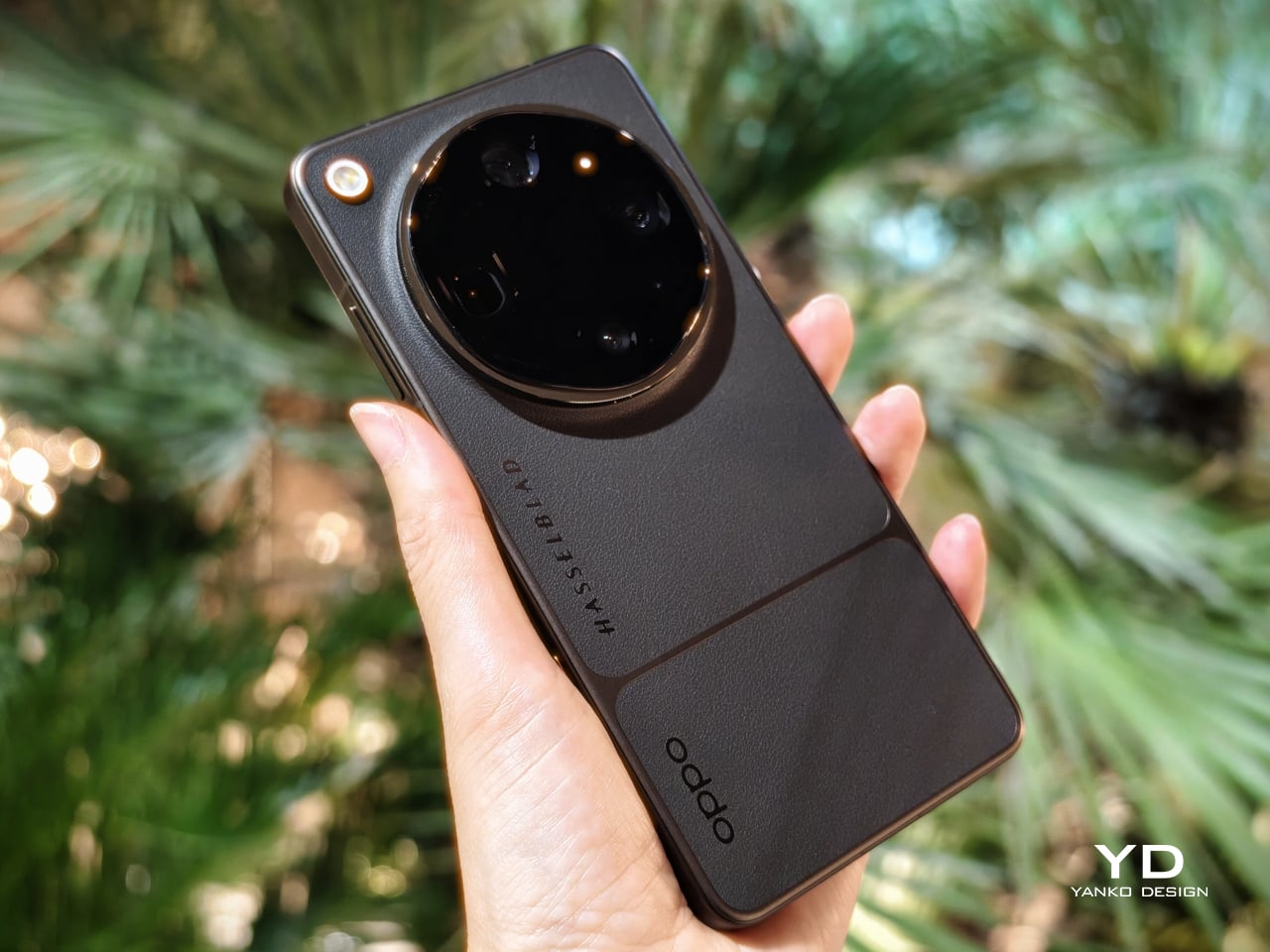
The OPPO Find X9 Ultra makes a strong first impression, shaped by two clearly distinct colorways that carry different design languages. Rather than simply offering the same phone in different shades, OPPO gives the device two visual personalities. One leans into classic camera-inspired warmth and tactile richness, while the other takes on a sharper, more expressive character.

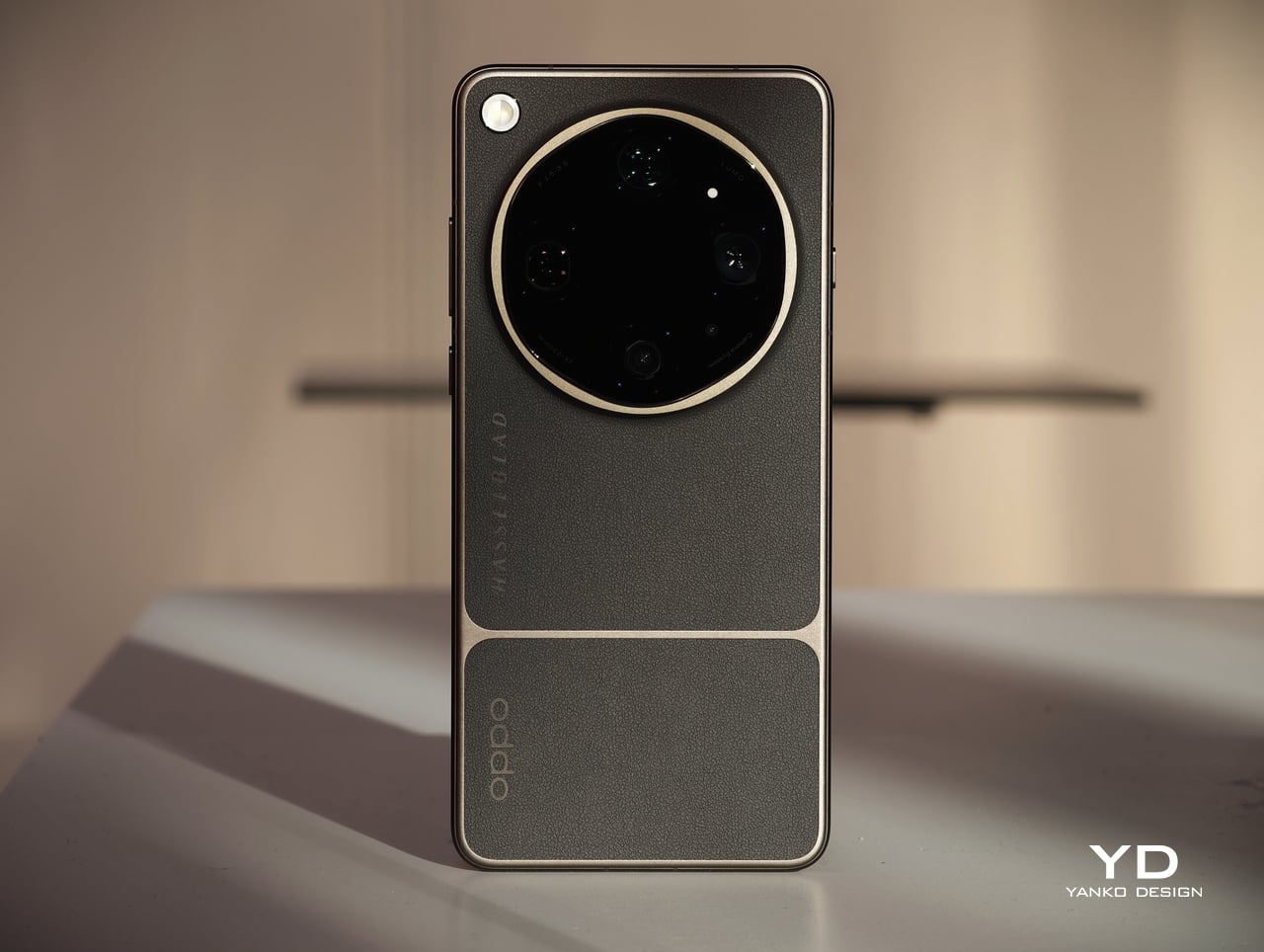
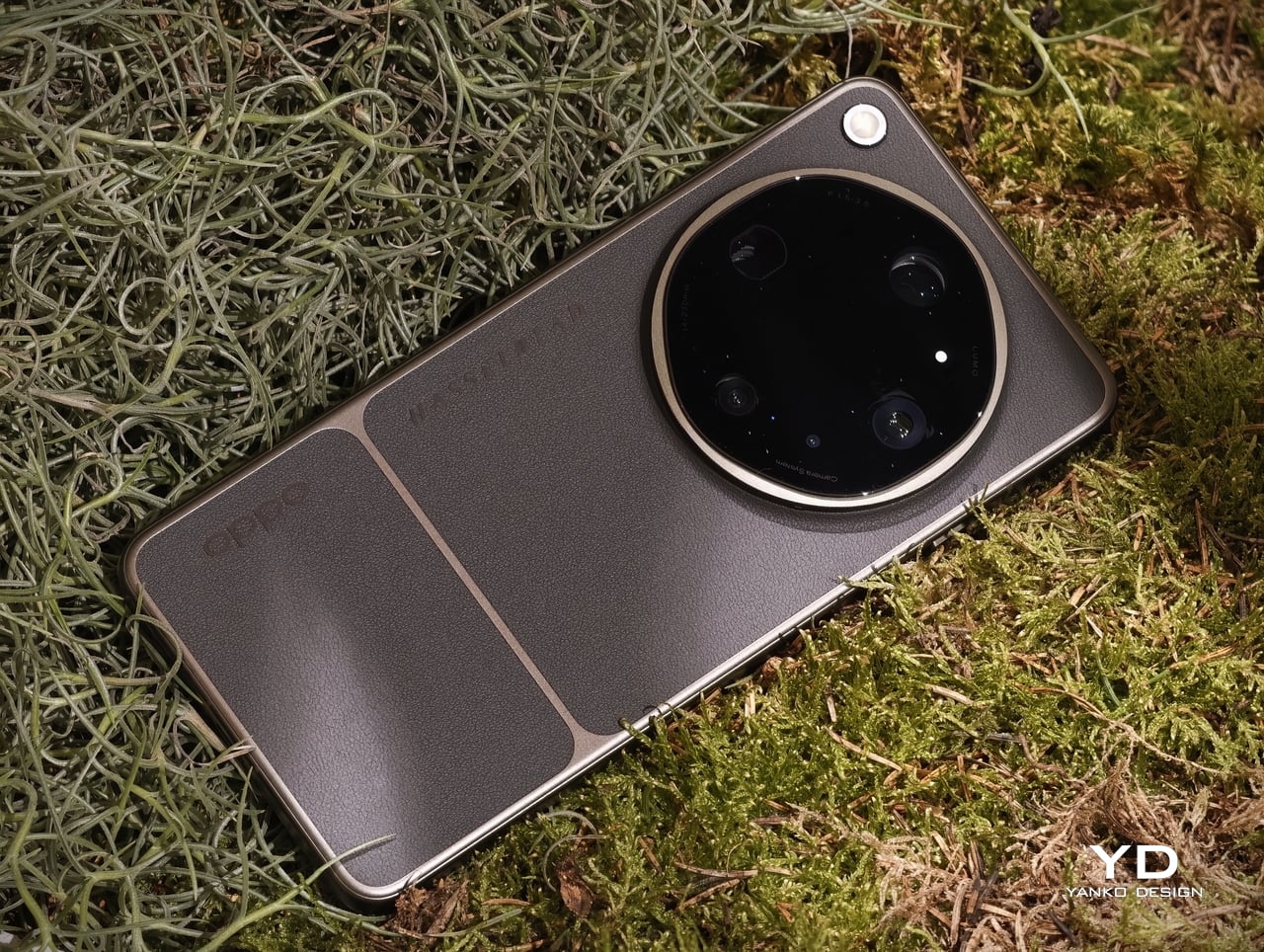
That broader design story is rooted in photography. Tundra Umber is the more classic of the two, drawing inspiration from the Hasselblad X2D 100C Earth Explorer Edition while refining the camera-led design language OPPO established with its Ultra series. Its finely textured, eco-friendly vegan leather back is divided into broad vertical panels, giving it a structured, almost camera-body-like feel. A deep bronze-toned matte surround traces those panel divisions and the oversized circular camera housing before continuing into the side frame, helping the whole design feel cohesive.
The camera influence is visible throughout, from the horizontally aligned OPPO and Hasselblad logos to the orange detailing around the camera ring and Quick Button, both nods to Hasselblad’s iconic orange dot. Tundra Umber feels warm, tactile, and understated, with a sense of luxury rooted more in texture and material depth than in visual flash. Canyon Orange takes the opposite approach. Its aircraft-grade fiber back is finished with a sculpted pattern inspired by canyon formations, adding movement and depth to the surface.

Taken together, the two finishes make the Find X9 Ultra feel more thoughtfully designed than most ultra-premium smartphones. Instead of relying on superficial color variation, OPPO uses material, texture, and framing details to create two genuinely different expressions of the same flagship. That gives the device more character, and more importantly, gives buyers a real choice in how they want that character to be expressed.

Ergonomics

The OPPO Find X9 Ultra is unmistakably a large flagship. Measuring 163.16 × 76.97 mm and weighing 236 grams in Tundra Amber or 235 grams in Canyon Orange, it is a phone that feels substantial from the moment you pick it up. The two finishes also differ slightly in thickness, with Tundra Amber at 9.10 mm and Canyon Orange at 8.65 mm, giving each version a subtly different physical character.
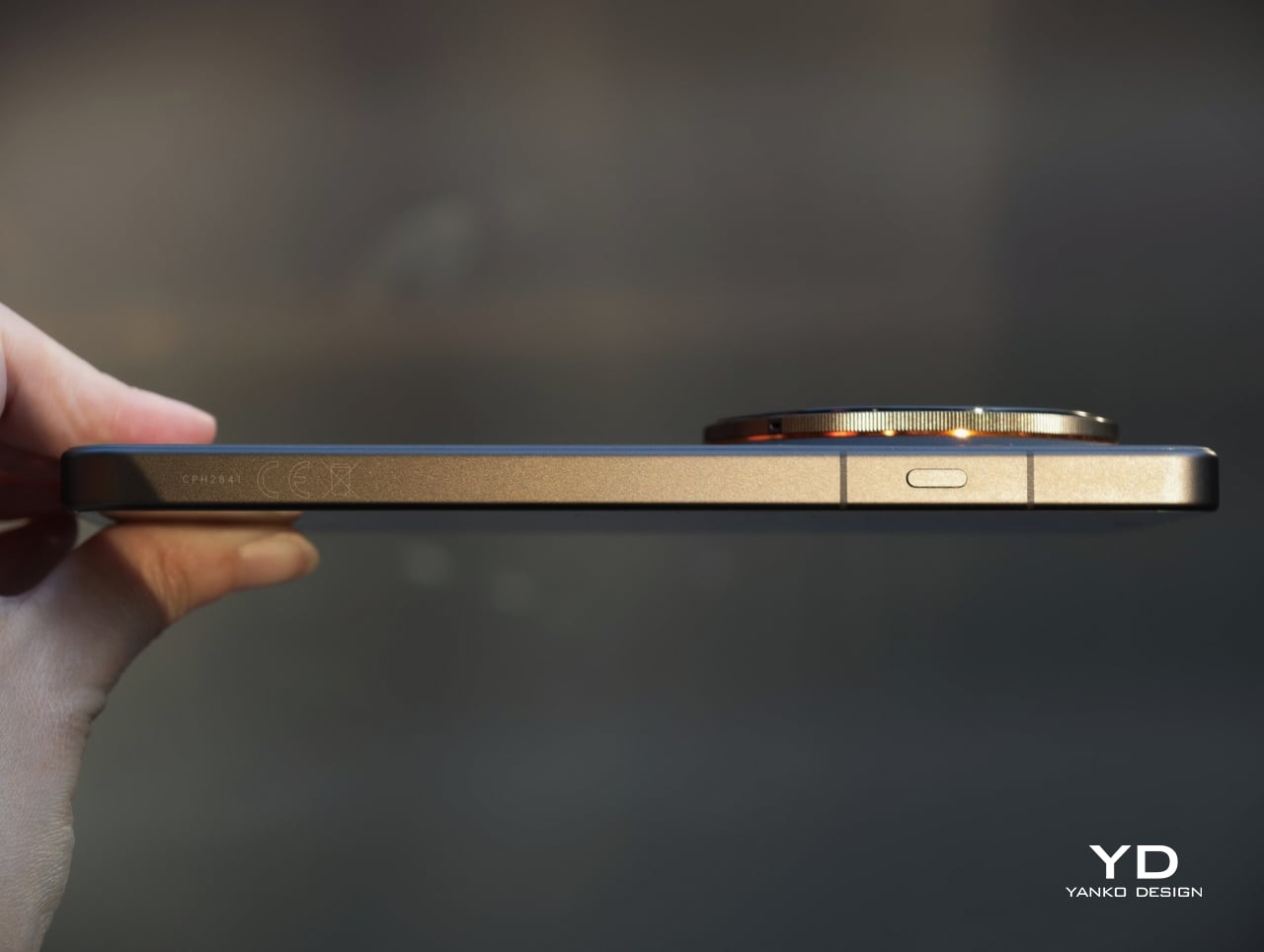
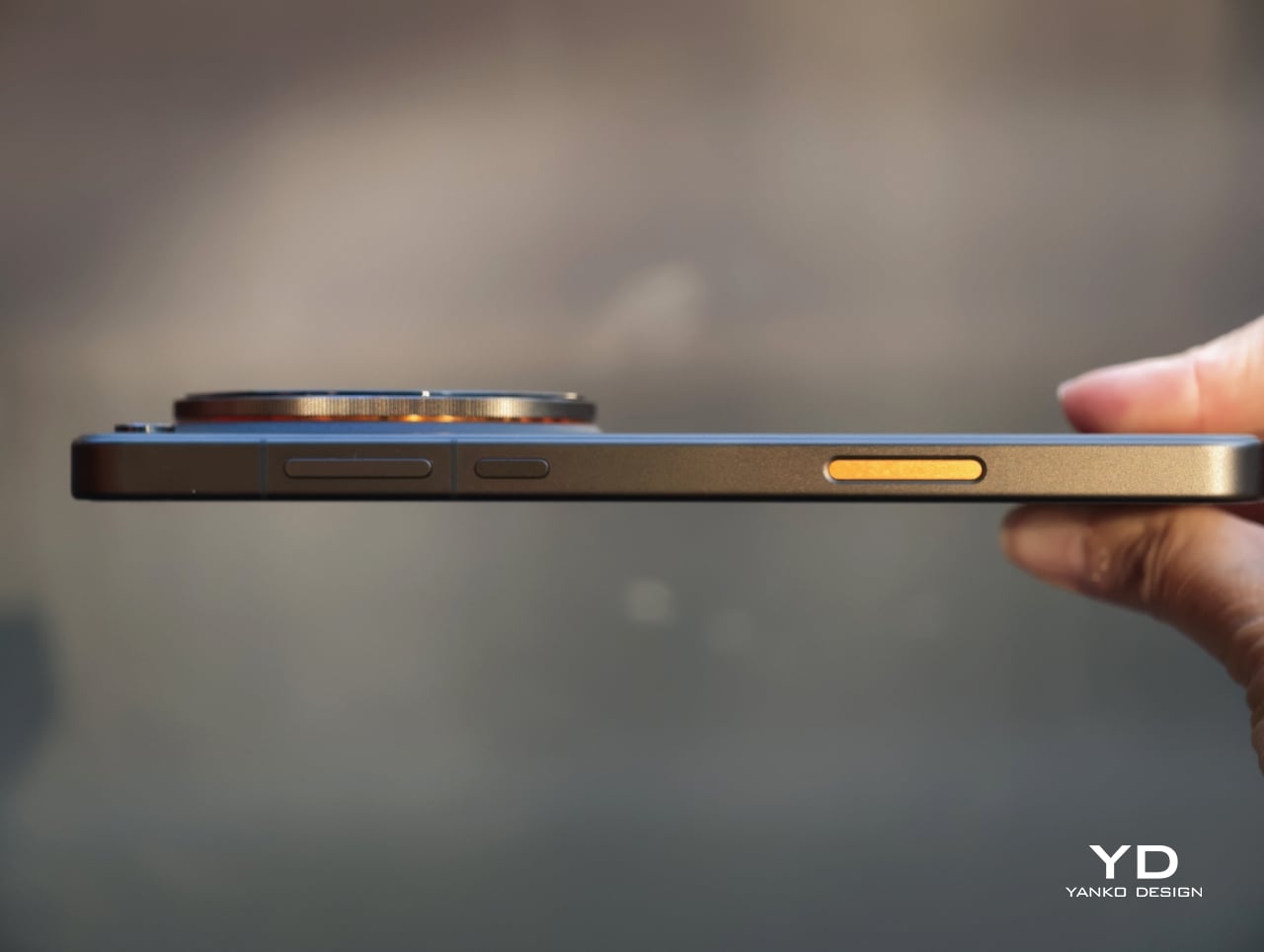
Even so, the difference between the two finishes is worth noting, as it subtly changes how the phone feels in daily use. Tundra Amber is both slightly thicker and slightly heavier, and its eco-friendly vegan leather back gives it the more tactile and forgiving grip of the two. Despite the large camera housing, both versions feel balanced rather than top-heavy, and the oversized module can even serve as a natural resting point for the index finger during use.

Performance

The OPPO Find X9 Ultra brings the kind of hardware expected of a true flagship, but what matters most is how that translates into everyday use. For most people, performance is not about benchmark numbers. It is about whether a phone feels fast, fluid, and dependable, and the Find X9 Ultra appears built with very few compromises.
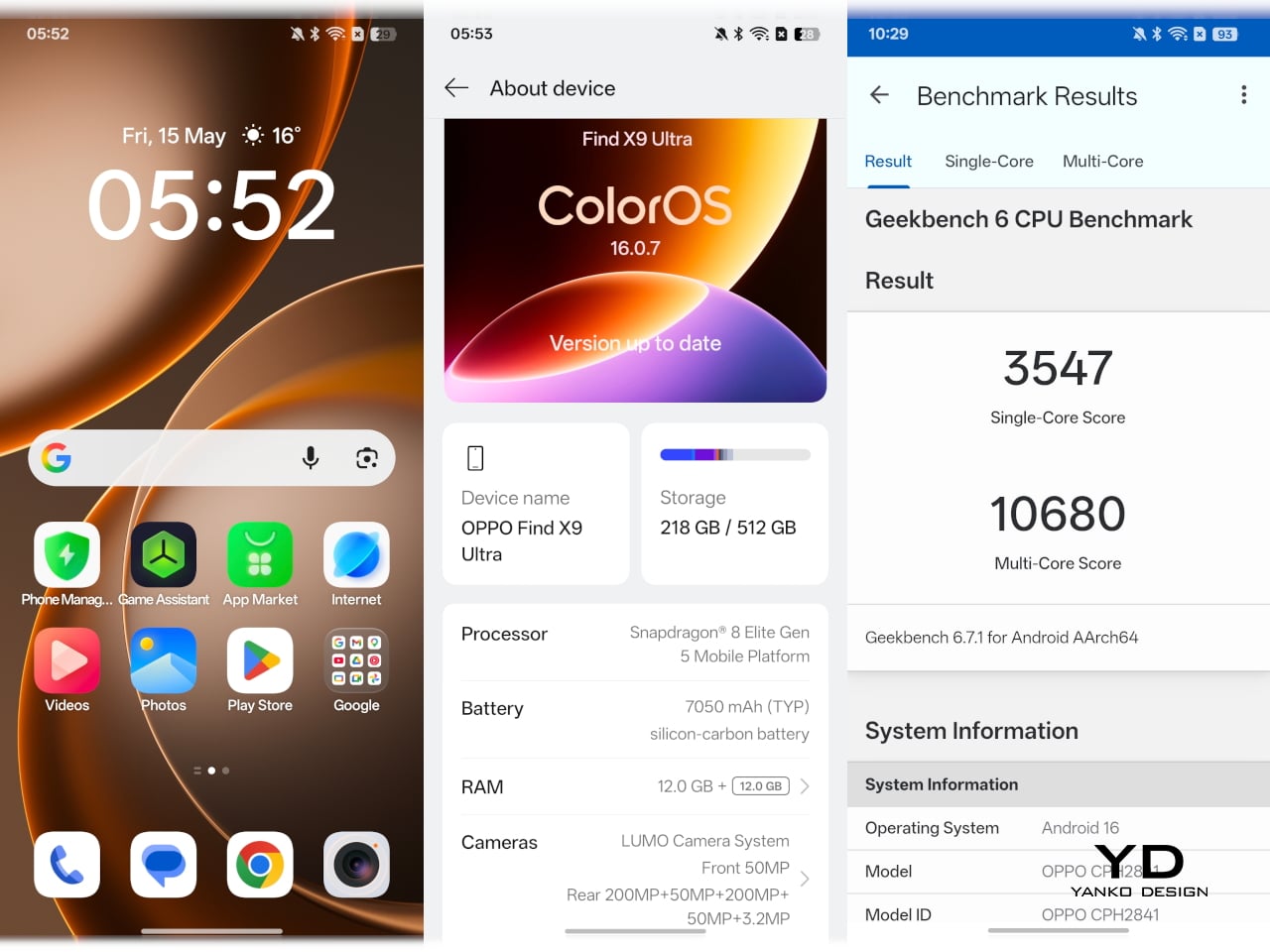
Powered by Qualcomm’s Snapdragon 8 Elite Gen 5, it ranks among the fastest Android phones of its generation. That means quick app launches, smooth multitasking, fast photo processing, and strong gaming performance, all delivered with the kind of effortless responsiveness buyers expect at this level. Offered in 12GB + 512GB and China-only 16GB + 1TB configurations, it also has the memory and storage headroom to remain smooth over time while supporting its demanding camera system without strain.
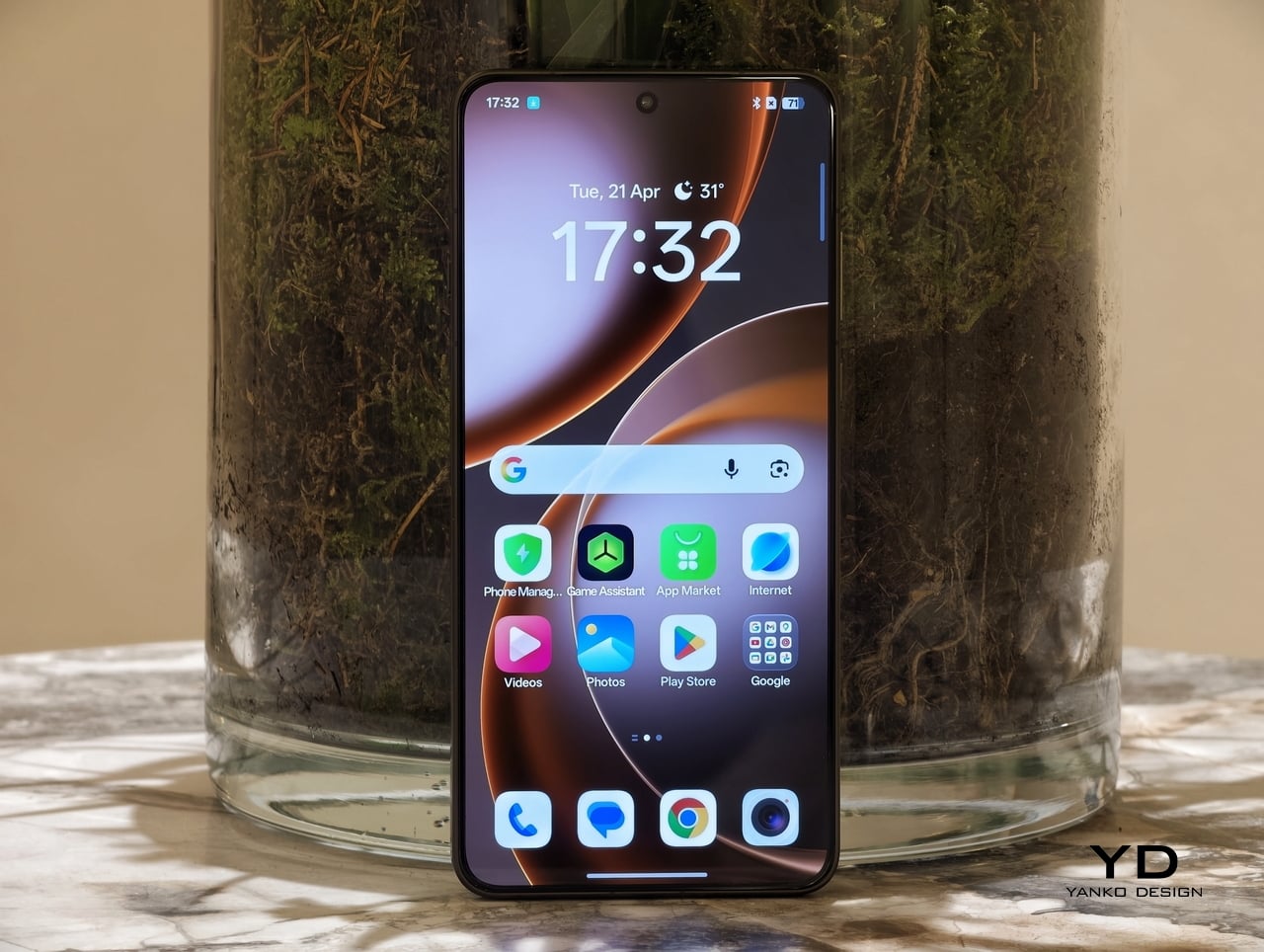
The Find X9 Ultra’s 6.82-inch AMOLED display is every bit as flagship as the rest of the hardware. With a sharp 3168 x 1440 resolution, a 120Hz LTPO refresh rate, and peak brightness of up to 2500 nits, it feels bright, crisp, and fluid in daily use. Whether you are scrolling, watching a video, or reviewing photos, it delivers the kind of polished visual experience you would expect from a phone in this class.


Portrait Mode

Macro Mode

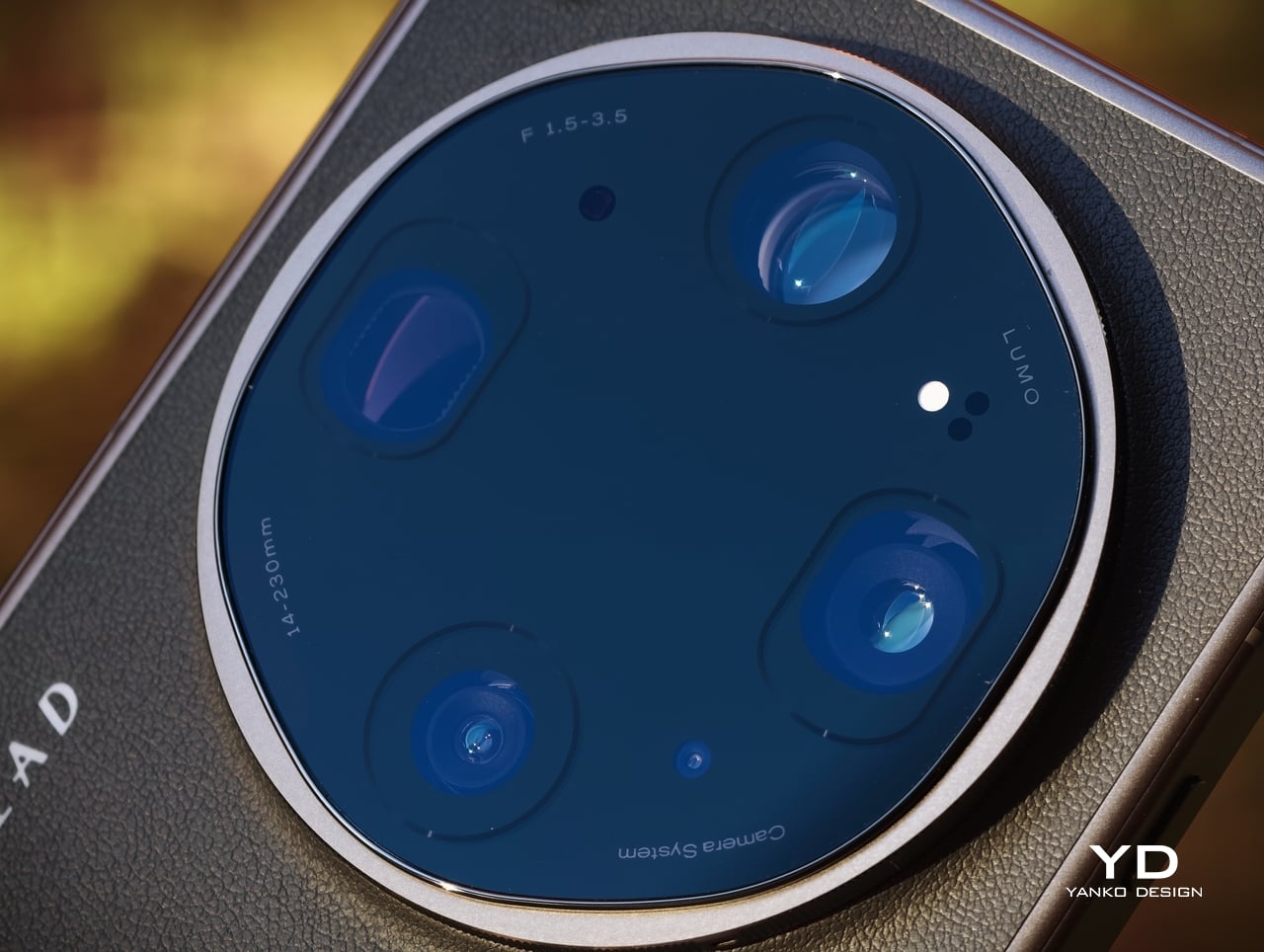
The camera system, developed in continued partnership with Hasselblad, is where the Find X9 Ultra becomes genuinely distinctive. OPPO has upgraded the entire imaging setup and expanded it into what it now calls a penta-camera system. The rear array includes a 200MP main camera, a 200MP telephoto camera with 3x optical zoom, a 50MP periscope telephoto with 10x optical zoom, a 50MP ultra-wide camera, and a dedicated white balance sensor.

Ultrawide

Main, 1x

The 200MP main camera, built around a 1/1.2-inch Sony LYT-901 sensor with an f/1.5 aperture and OIS, produces images that are crisp, detailed, and rich in dynamic range, with color reproduction that remains pleasingly natural. The 200MP 3x telephoto camera is just as impressive. Using a large 1/1.28-inch OmniVision OV52A sensor with an f/2.2 aperture and OIS, it delivers similarly detailed results with strong dynamic range and balanced color.

Telephoto, 3x

Telephoto, 10x

The 50MP 10x periscope telephoto is the most technically fascinating part of the setup. Long-range zoom in a smartphone is always constrained by space, and OPPO addresses that challenge with its Quintuple Prism Reflection Periscope Structure, which bends light five times before it reaches the sensor. The result is serious optical reach within the tight confines of a smartphone body, making it one of the device’s most ambitious engineering features. Crucially, it is not just impressive in theory. It also captures excellent 10x shots, giving the Find X9 Ultra a level of versatility that few flagships can match.
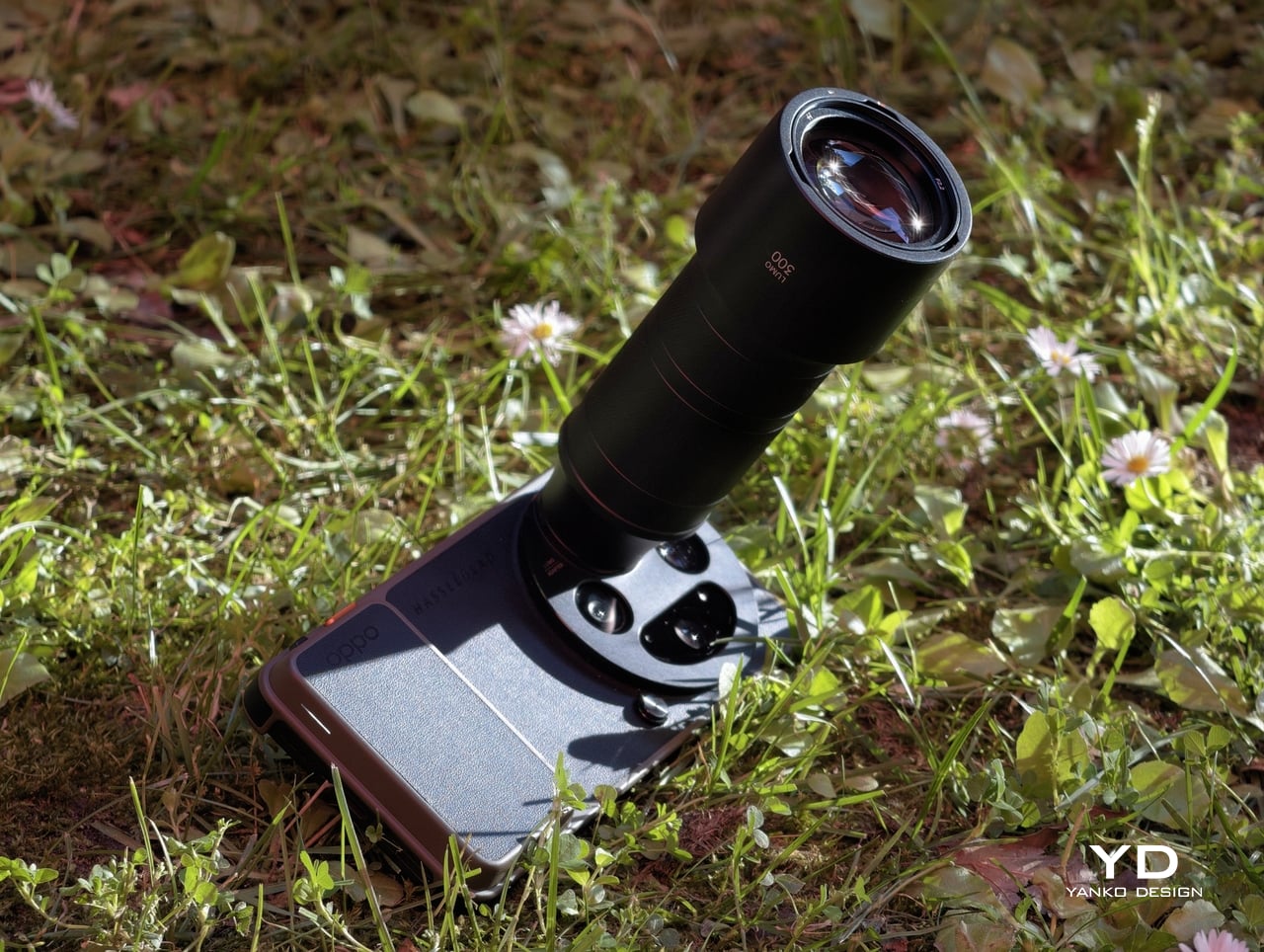

300mm, Teleconverter

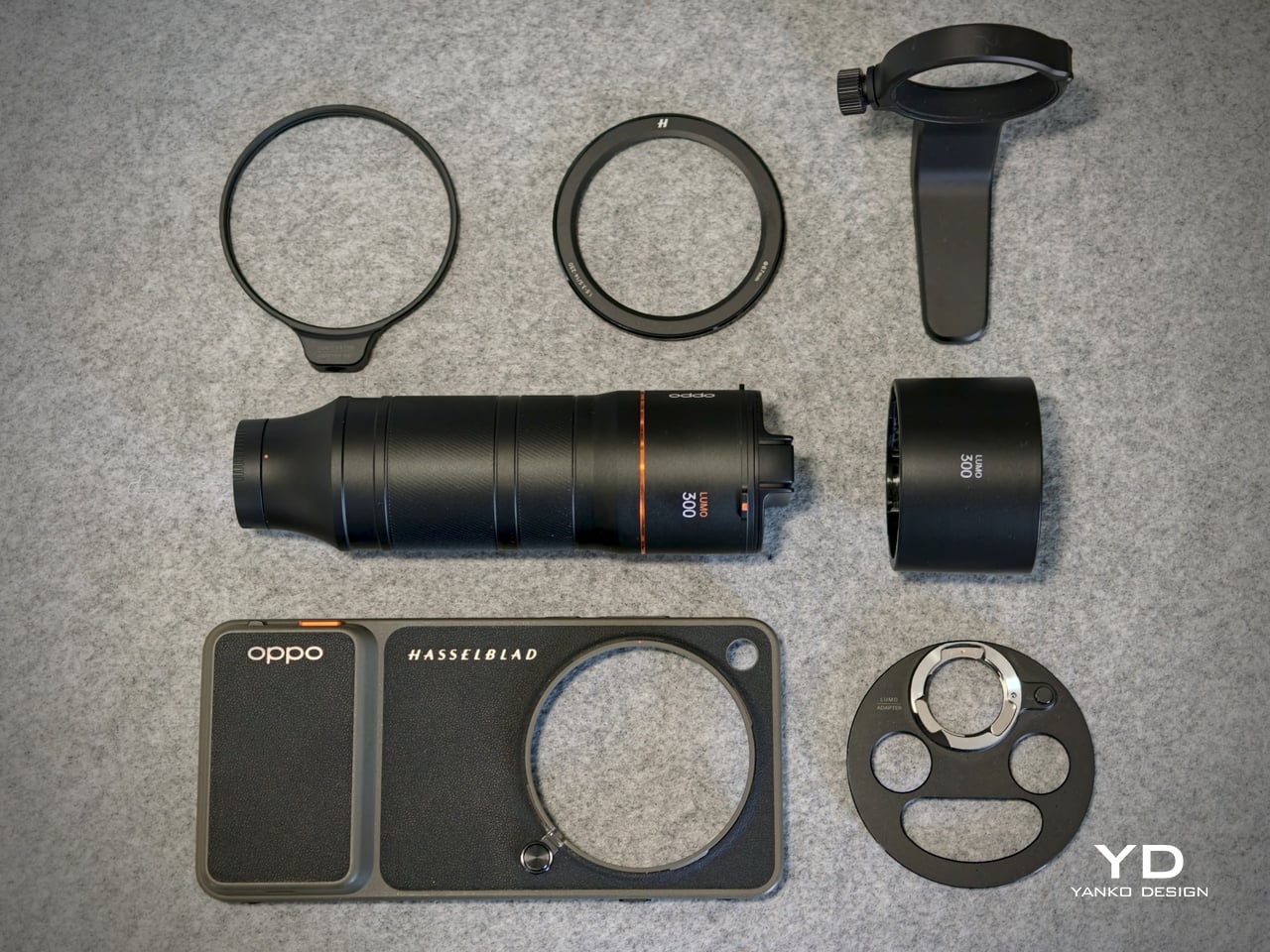
OPPO also offers an optional Hasselblad Earth Explorer Kit, which includes a Bluetooth camera grip case and a dedicated lens mount. Its standout feature is a 300mm lens attachment that extends the system to 13x optical zoom and up to 200x hybrid zoom. The setup is undeniably bulky, but in situations where extra reach really matters, whether for sports, concerts, detailed architectural photography, or other distant subjects, it can be genuinely worthwhile. Results at the optical end are impressive, while pushing further into hybrid zoom brings the familiar decline in image quality.

13x, Normal

13x, With Teleconverter

The 50MP front-facing camera also performs well, capturing detailed selfies with natural-looking skin tones. The 50MP ultra-wide camera is useful and generally capable, but it is the least convincing part of the rear setup, with images that can look a little softer than those from the main and telephoto cameras.

200x, Normal

200x, With Teleconverter

That flexibility extends beyond the hardware. Portrait mode offers seven focal lengths ranging from 1x to 10x, giving users far more freedom in how they frame subjects than most phones allow. More importantly, the Find X9 Ultra generally processes images with a natural touch, avoiding some of the heavy-handed contrast and tone shaping that still affect many smartphone cameras. For those who want an even more photography-focused look, Master Mode uses a different imaging pipeline that steps away from the aggressive tone mapping common to traditional smartphone processing.

Normal

Hasselblad Master Mode

OPPO also equips the Find X9 Ultra with a very capable video system. All cameras support recording at up to 4K 60fps with Dolby Vision, while the main and 3x telephoto cameras can go as high as 4K 120fps or 8K 30fps. Video quality is generally very good, with strong detail, solid stabilization, and an overall polished look. For users who want a more advanced workflow, Pro mode includes Log recording and support for importing custom LUTs, making the phone more flexible for grading and post-production.

That said, the experience is not flawless. Panning at 3x zoom or beyond can sometimes introduce a touch of jitter, and transitions between lenses could be smoother. These are relatively minor complaints in the context of such a flexible video system, but they are worth noting all the same.

Main, 1x, Night Mode

Telephoto, 3x, Night Mode

Telephoto, 10x, Night Mode

Battery life may be just as important to mainstream buyers as the camera system, and the Find X9 Ultra looks especially strong on that front. It comes with a massive 7050mAh silicon-carbon battery, a capacity that should comfortably support heavy use without the low-battery anxiety that still shadows some premium phones.

Charging is impressive too. With OPPO’s proprietary charger, the Find X9 Ultra supports 100W wired and 50W wireless charging, while USB-PD support allows for up to 55W wired charging with compatible third-party adapters. Reverse wired and reverse wireless charging are both available as well, rounding out a battery setup that feels as flexible as it is powerful.

Sustainability

Sustainability in a premium smartphone should be approached from multiple angles, and in the case of the Find X9 Ultra, durability is clearly where OPPO has placed the greatest emphasis. That does not tell the whole sustainability story, but it does give the phone a solid foundation in the areas that most directly affect long-term ownership. In practical terms, OPPO seems more focused on helping the device last longer than on building a broader environmental narrative around it.
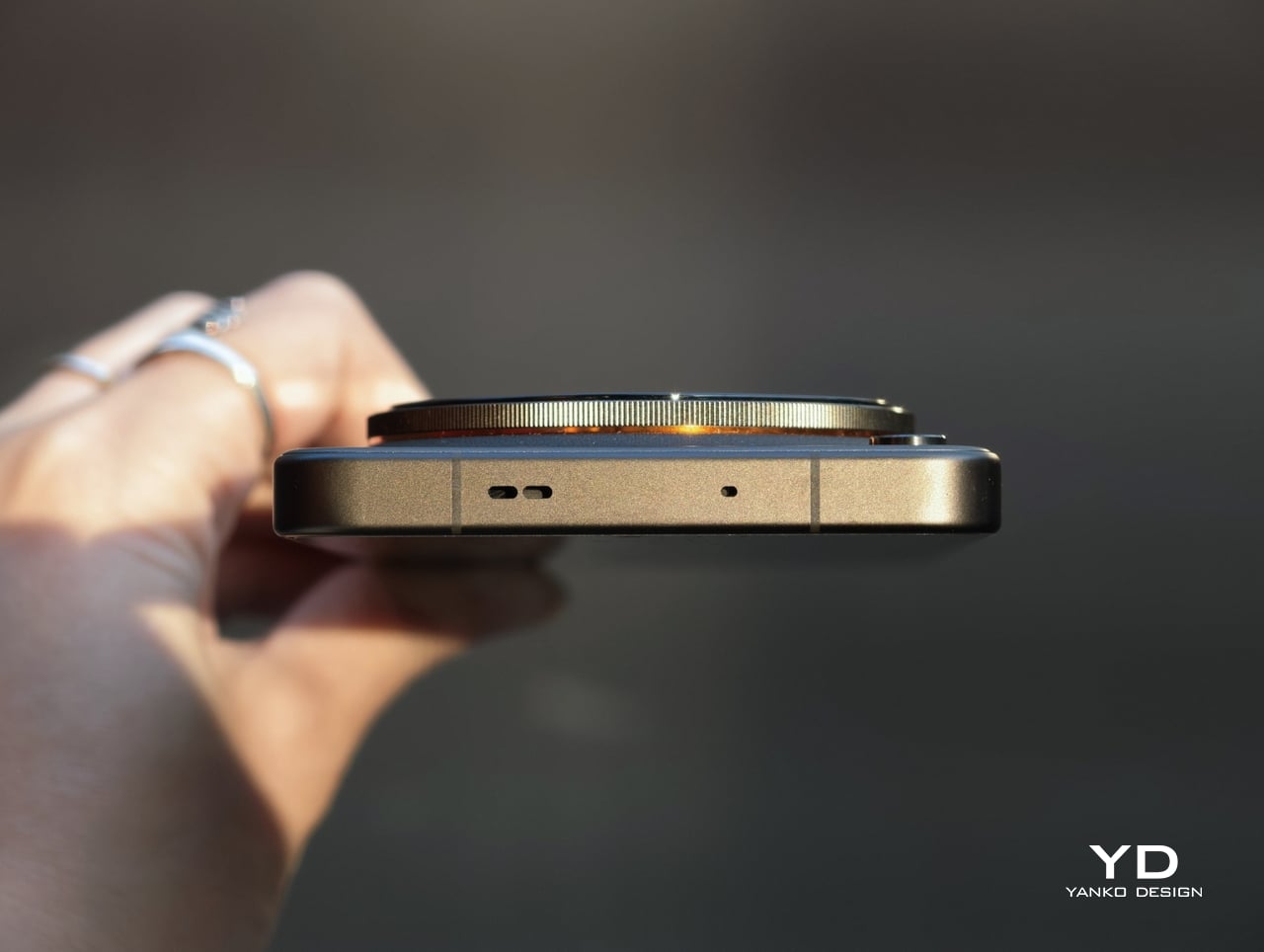
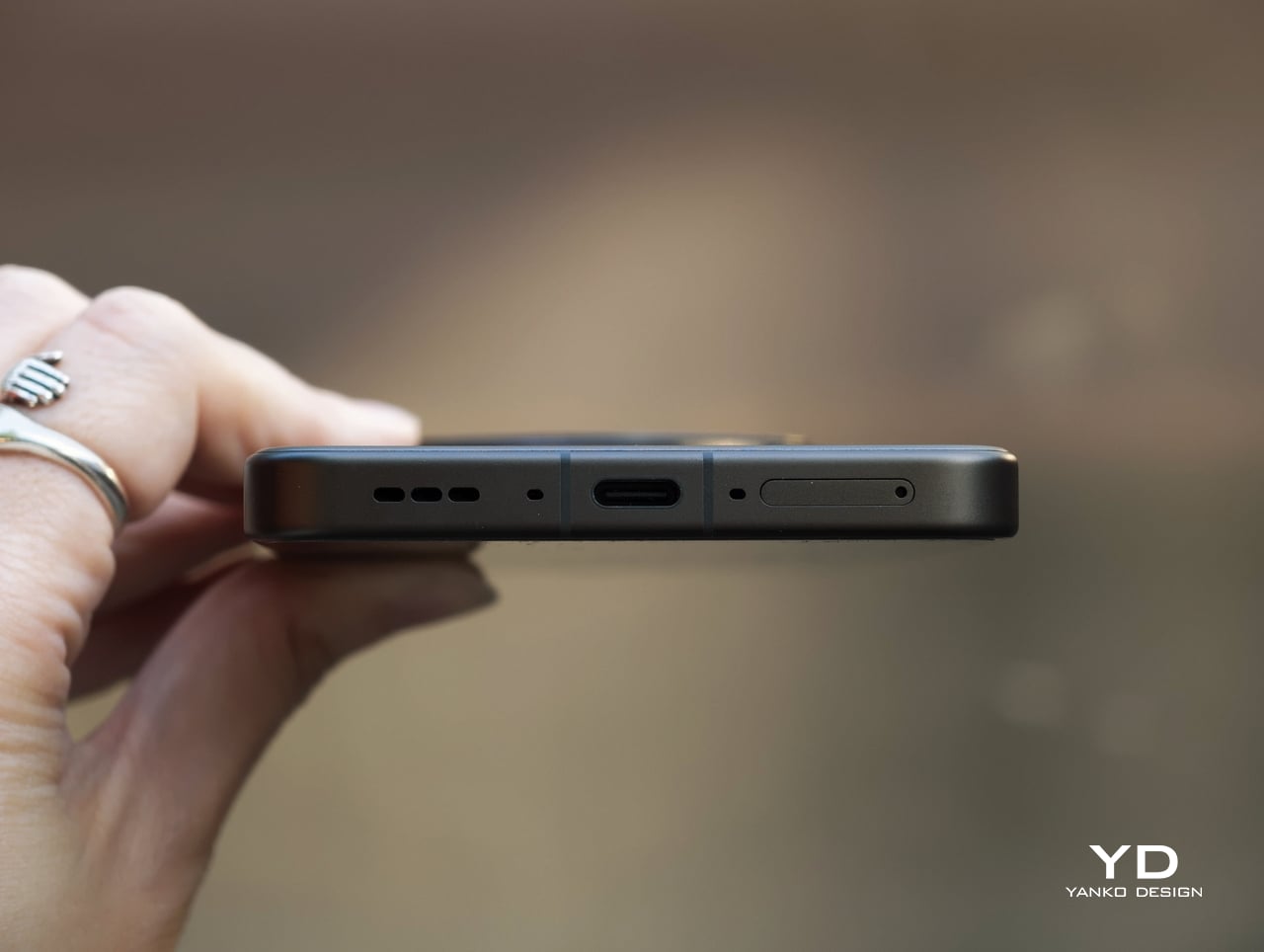
It carries IP66, IP68, and IP69 ratings for dust and water resistance, uses Corning Gorilla Glass Victus 2 on the front, and has earned an SGS Premium Performance 5-Star drop-resistance certification. OPPO also backs the phone with five major OS updates and six years of security patches, which strengthens the case for keeping the device longer rather than replacing it early. At the same time, OPPO says far less about the broader environmental side of sustainability, so the Find X9 Ultra feels more convincing as a durable long-term device than as a flagship making a wider green statement.

Value

The Find X9 Ultra is priced like a true flagship, and in global markets, it leaves no doubt about that. The 12GB + 512GB version comes in at €1,699.99, or roughly $1,940, while the same configuration in China is priced at CNY 7,999, or about $1,180. That makes the global version undeniably expensive, while the China pricing feels strikingly aggressive by comparison.

What makes the phone interesting is that even at its global price, it still has a real value argument. The camera system is among the very best available today, the battery is exceptionally large for a premium flagship, the design feels distinctive, and the software experience is smooth and pleasant to live with. It is not cheap by any measure, but it does feel like a phone that gives you something memorable in return.
The catch is that this value depends on how much you care about what OPPO is doing differently. If photography, endurance, and design identity sit high on your list, the Find X9 Ultra feels easier to justify. If not, it becomes harder to ignore just how expensive the global model really is.

Verdict

The OPPO Find X9 Ultra stands out by knowing exactly what it wants to be. It is a camera-first flagship with one of the best imaging systems available today, backed by excellent battery life, polished software, and a design that feels more distinctive than most ultra-premium rivals.

There are still compromises. The ultra-wide camera is not quite on the same level as the rest of the setup; some video behavior could be smoother, and the global price is undeniably steep. Even so, for buyers who value photography and want a flagship with real personality, the Find X9 Ultra is one of the most compelling choices on the market.
The post OPPO Find X9 Ultra Review: An Exceptional Camera Phone That Gets Everything Else Right Too first appeared on Yanko Design.
Most Portable Monitors Are Rigid Slabs, This $1,299 One Folds

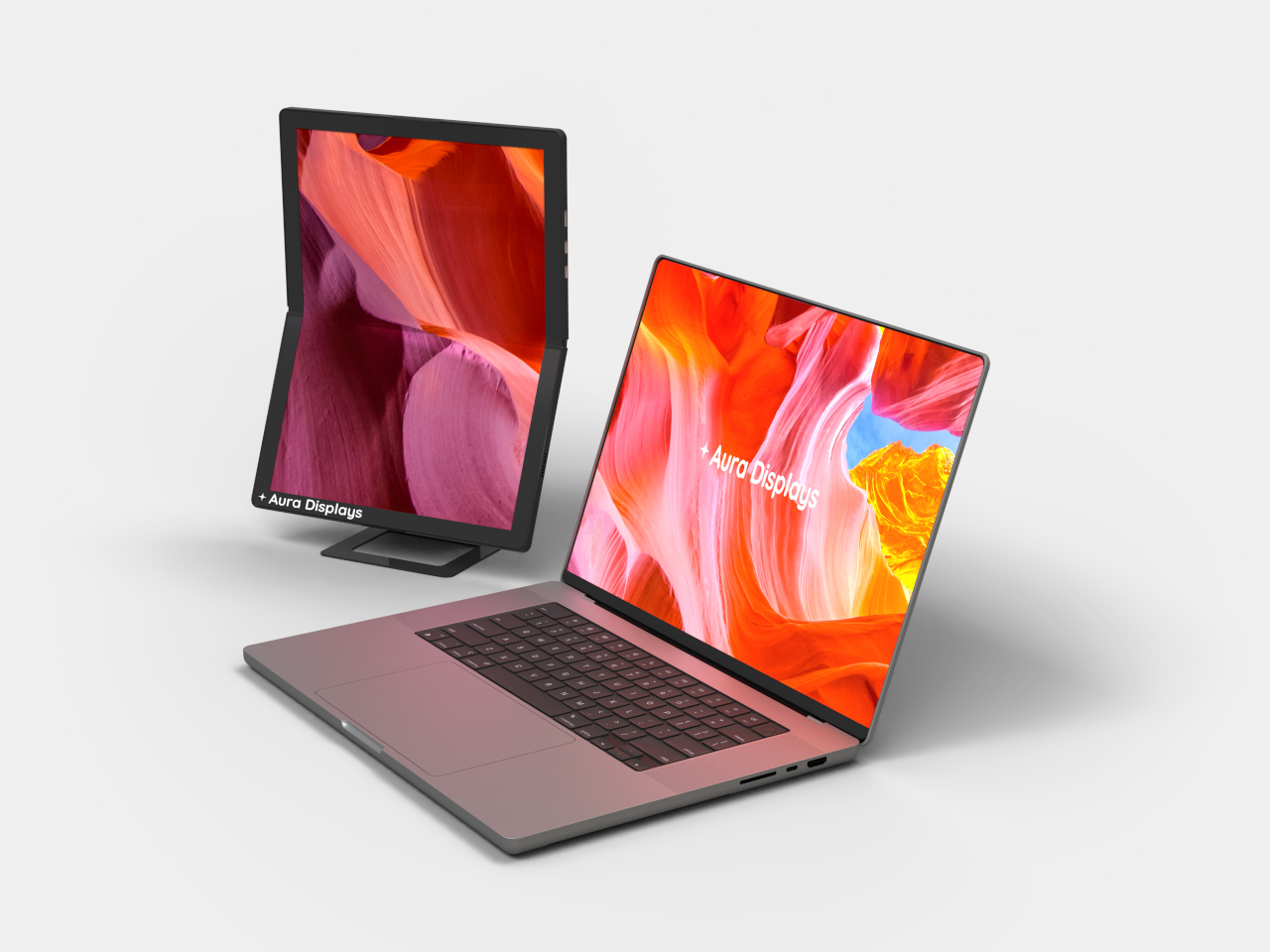
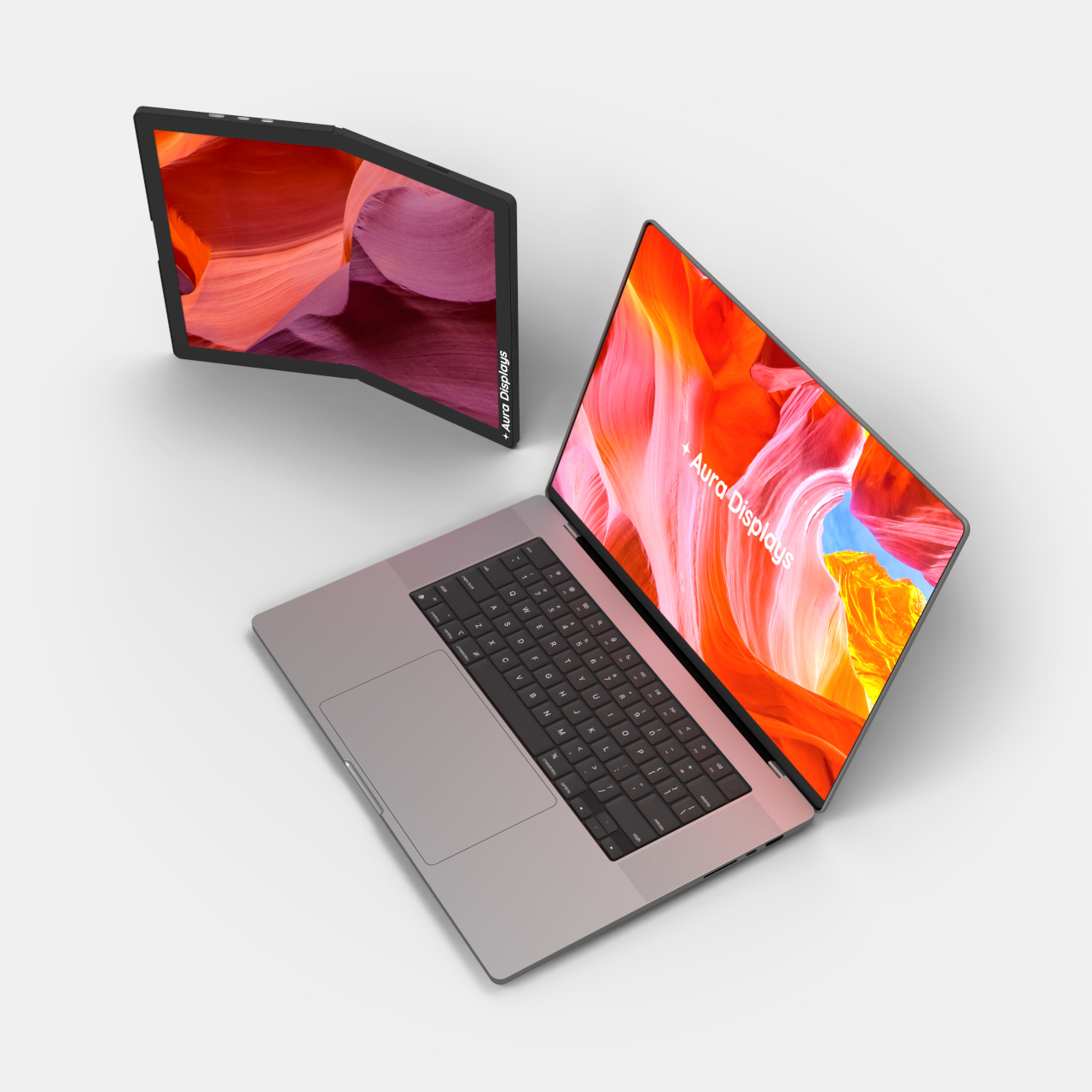
Portable monitors have become a legitimate part of the modern mobile workspace, with countless options available across every price range. But almost all of them share one fundamental constraint: they’re flat, rigid panels in protective cases, indistinguishable from each other in form even when they vary in quality. The screen that travels in your bag looks exactly the same as it did before you packed it.

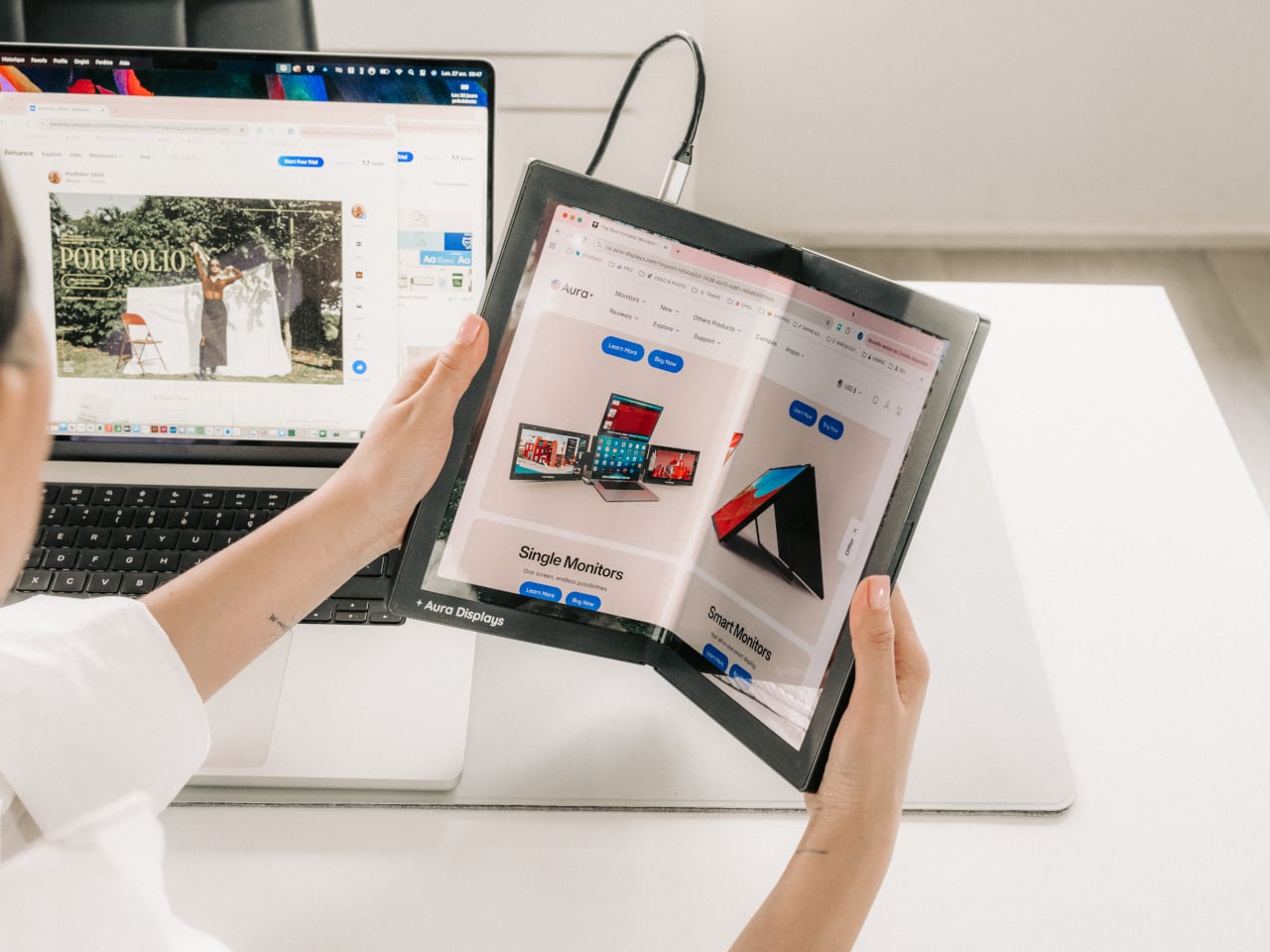
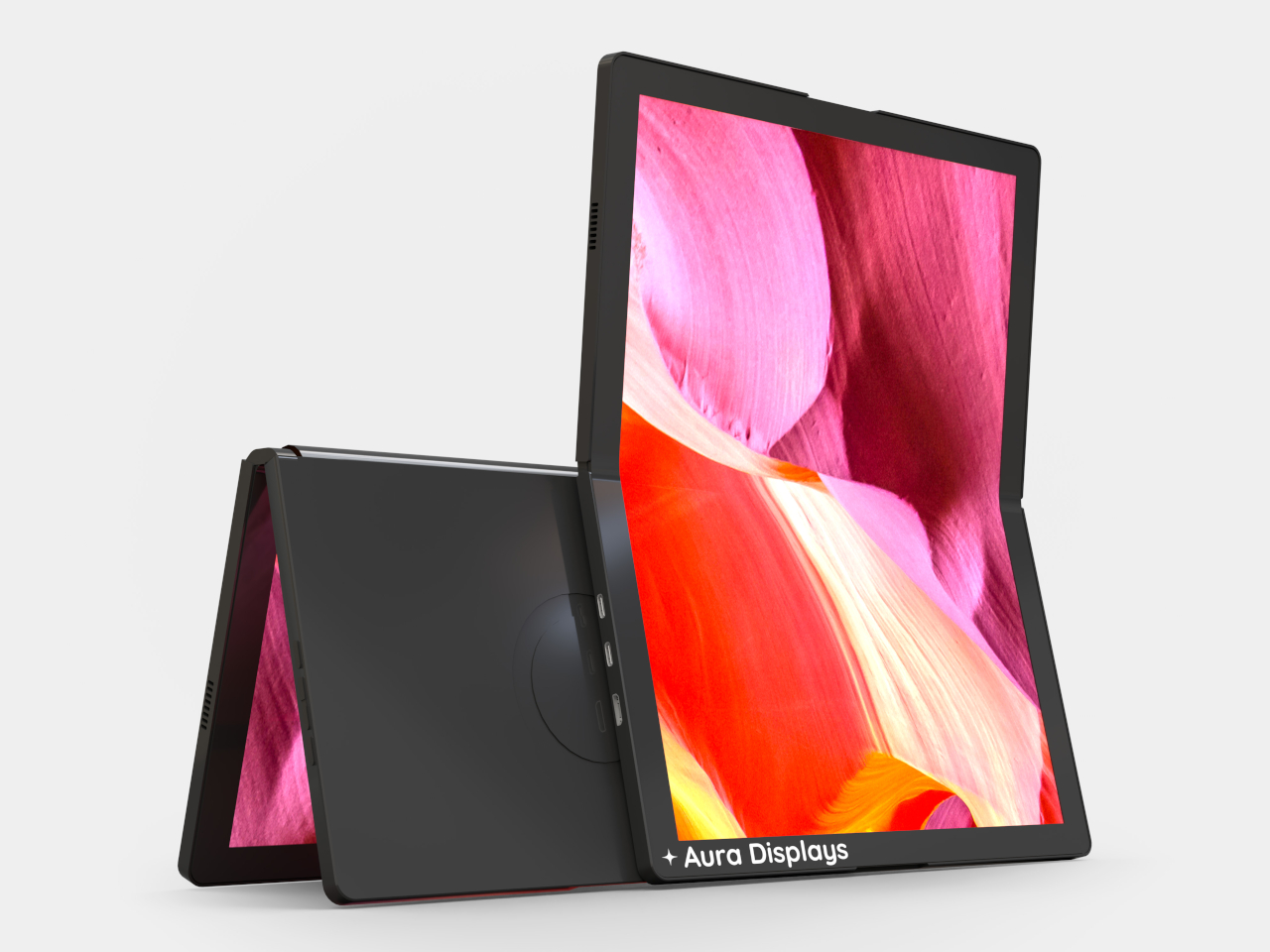
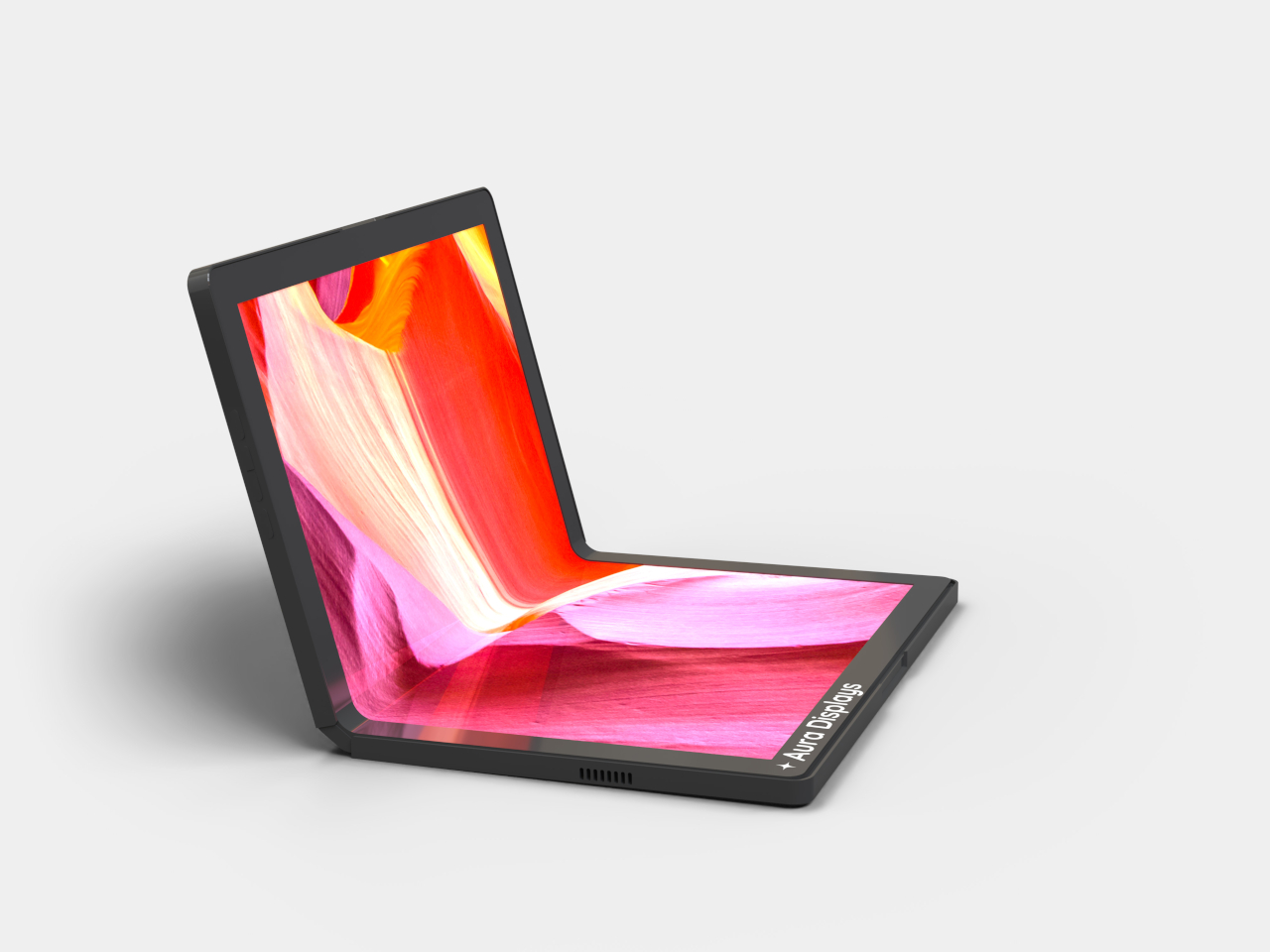
Foldable display technology has been reshaping the smartphone market for years, but making it work meaningfully for laptop accessories has proven far more complicated. Aura Displays’ Single Flex Pro Gen 1 is a portable monitor that does exactly that, introducing FlexMatrix™ technology that lets the screen bend, fold, and adapt to angles and surfaces that no rigid display can match.

Designer: Aura Displays

Consider what it actually means to carry a second screen around all day. With conventional portable monitors, you’re always working with the same fixed rectangle, propped up at the same angle, regardless of the surface. A display that folds to just 6.1 by 9.3 inches and opens flat in seconds turns that into a fundamentally different proposition: the form factor adapts to the space, not the other way around.

The actual display is a 13.3-inch AMOLED panel with a 1536×2048 resolution at a 3:4 aspect ratio, meaning it’s portrait-oriented rather than the standard widescreen format. That’s a deliberate choice for someone editing a document, annotating a PDF, or reviewing design layouts in a vertical workflow. The screen covers 117% of the NTSC color gamut, with a 2ms response time and touch input support built in.

AMOLED as a panel technology brings practical advantages worth noting. Contrast is technically infinite since each pixel generates its own light and can switch off entirely, so blacks are genuinely black rather than a deep gray approximation. For anyone reviewing color-critical artwork or working on dark-themed interfaces for long stretches, those aren’t trivial differences; they affect how accurately you read what’s on screen throughout the day.

The physical construction is built around pro-grade hinges and a premium aluminum chassis, keeping the whole unit to 1.54lb despite the structural complexity of a panel that needs to flex repeatedly without degrading. Folded, the monitor is just about 0.63 inches thick; unfolded, it drops to 0.31 inches. Connectivity runs entirely through USB-C, plug-and-play, with no drivers or software installations needed before you can start using it.

There’s also a 17-inch version in the works, currently in pre-production and expected to arrive in June 2026. That suggests Aura isn’t treating this as a one-off experiment but as the beginning of a product line built around this flexible form factor. The Gen 1 name further implies future revisions, which is a reasonable expectation for a product type that genuinely hasn’t existed before now.

The Single Flex Pro Gen 1 is on sale at $1,299, down from its regular $1,499 price, available in Midnight Black. It ships with a USB-C to USB-C cable and a USB-C to USB-A adapter, backed by a one-year warranty. For something claiming a genuine category first, that price reflects both the novelty of the technology inside and the engineering required to keep a flexible AMOLED panel reliable through daily use.

The post Most Portable Monitors Are Rigid Slabs, This $1,299 One Folds first appeared on Yanko Design.
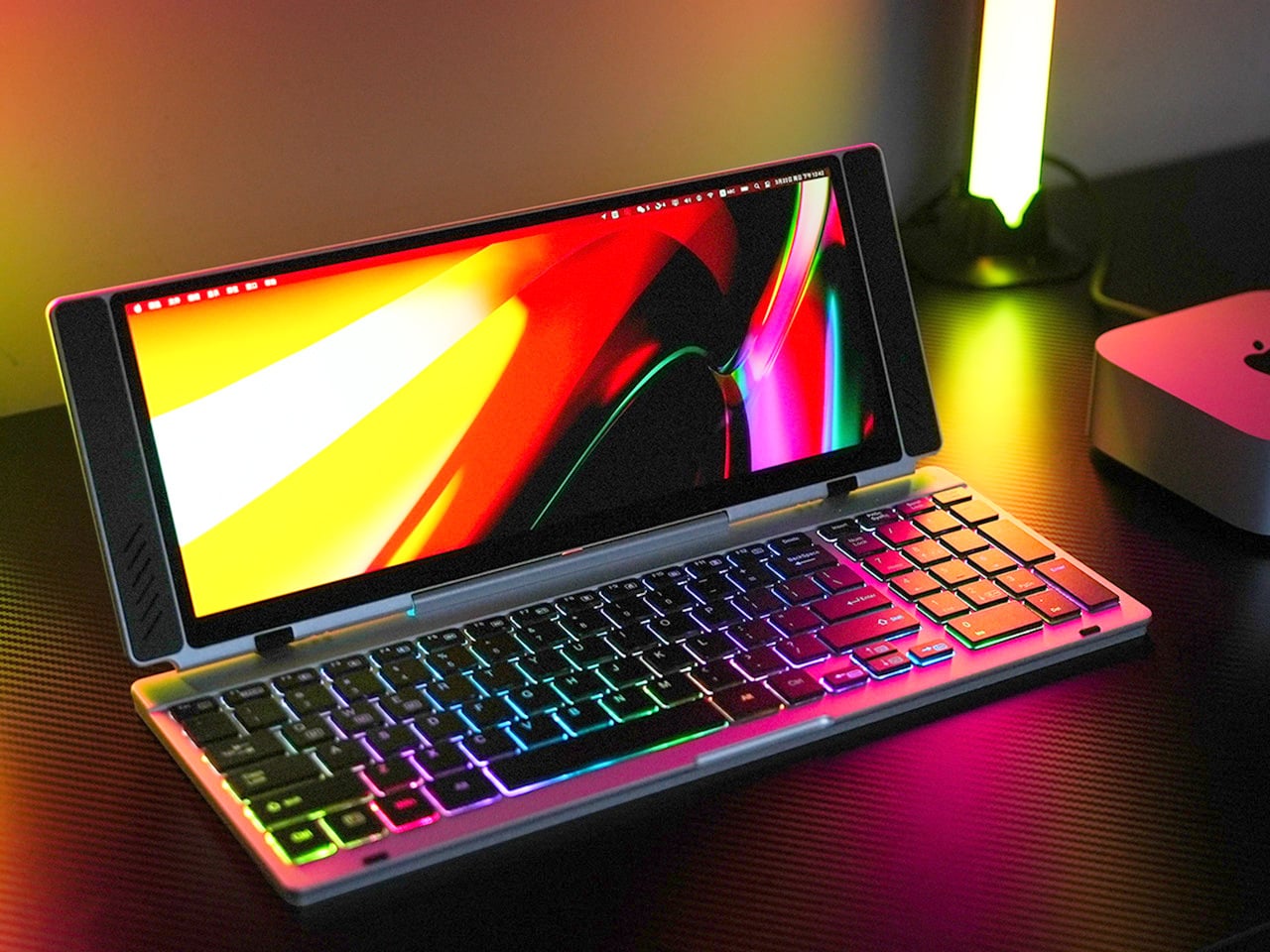
This Portable Keyboard Has a 13-Inch 4K Touchscreen Built In, and It Fits in Your Laptop Sleeve

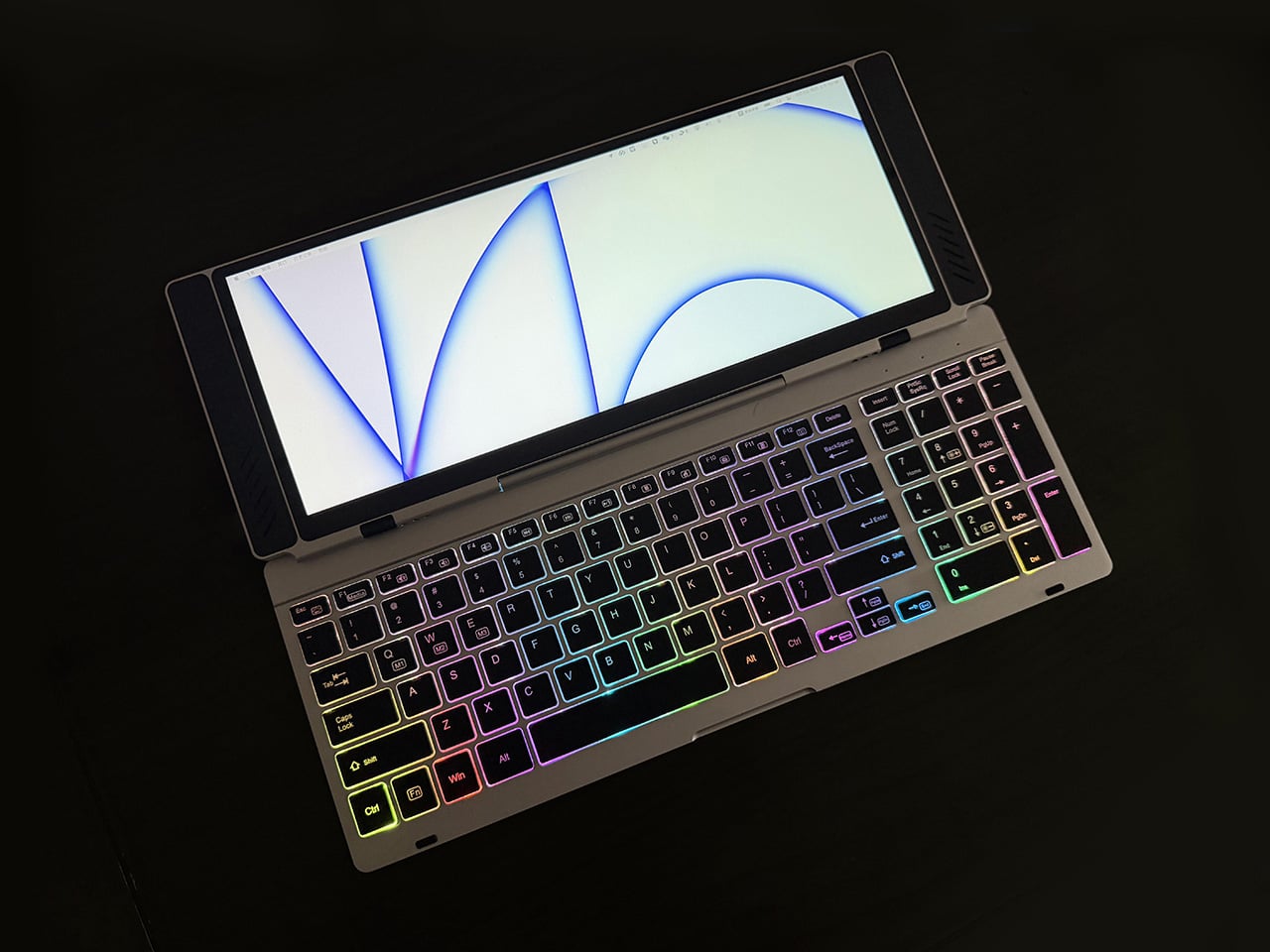
Closed, the VitaLink looks like a very flat book, silver, about the footprint of a large paperback, with nothing to suggest it carries a 4K display inside. At 20mm thick with a CNC-machined aluminum shell, it weighs 1200 grams and travels the way a slim notebook does; it fits in a laptop sleeve, takes up a predictable corner of a bag, and requires no dedicated case beyond what you already carry. Then it unfolds at 180 degrees. The screen lifts above the keyboard, the whole unit settles into a 34 by 15 centimeter footprint, and what you have is a self-contained dual-screen workspace that happened to be a thin slab a moment ago.

The keyboard is the part that usually betrays products like this. Portable keyboards compress key spacing to save millimeters, shorten travel to save thickness, and leave you typing on something that feels like a shallow membrane rather than actual keys. VitaLink went in the opposite direction, widening key spacing to 3.27mm and setting travel at 0.8mm, with scissor switches tuned for speed and quiet actuation. The display above it runs at 3840×1600 with a 2.4:1 aspect ratio, a cinematic proportion that gives the screen an unusually wide horizontal span, well-suited to keeping a reference panel open alongside a working document without feeling like you’re squinting at either side.

Designer: VitaLink

Click Here to Buy Now: $299 $658 (55% off). Hurry, only 379/600 left! Raised over $286,000.

The resolution translates to 298 pixels per inch, which puts it in the same territory as Apple’s Retina displays and well above the pixel density of most portable monitors in this category. Text holds sharp at native scaling, fine details in images stay crisp, and the 60Hz refresh rate keeps touch input feeling immediate. Ten-point multitouch means gestures respond the way they do on a tablet, with swipes, pinches, and drags registering without lag. The screen covers 100 percent of the sRGB color gamut, which makes it viable for color-sensitive work where you need confidence that what you see on the display matches what the final output will deliver. That 2.4:1 ratio keeps showing up as the design’s defining decision; it gives you enough horizontal real estate to run a code editor with a console window beside it, or a timeline with a preview panel, without either side feeling like it’s been compressed into a narrow strip.

Typing on the VitaLink is designed to feel deliberate in a way that most travel keyboards do not. The 0.8mm of key travel sits in a range where the keys actuate fast but still give tactile confirmation that you pressed them, a balance that makes a difference during long writing sessions where you need speed without sacrificing accuracy. The 3.27mm key spacing is wider than what most compact keyboards offer, eliminating that cramped sensation where your fingers feel like they’re hunting for keys in tight quarters. RGB backlighting runs through three modes, activated with function key shortcuts: a breathing gradient, a solid single-color backlight, and a rainbow wave that ripples across the keys as you type. The backlighting does actual work in low-light environments, but the rainbow mode leans more toward visual flair than strict utility.

CNC machining means the aluminum body starts as a solid block and gets precision-carved, producing the kind of structural rigidity that protects the screen during transit and prevents flex when you’re typing hard. The 180-degree hinge lets the unit lay completely flat, which matters both for stability on uneven surfaces and for low-angle use when you’re working on a cramped airplane tray table or a café counter. Dual USB-C ports handle video, data, and power delivery up to 65W, so a single cable from your laptop, tablet, or phone brings the display to life with no drivers to install. Compatibility spans Windows, macOS, Linux, and Android, with plug-and-play recognition across all of them. Connect a Steam Deck or a Nintendo Switch via USB-C, and the VitaLink becomes a 13-inch 4K external display for handheld gaming, turning a small console screen into something considerably more immersive.

VitaLink offers eight keyboard layout options, covering US Windows (the default), US Mac, German QWERTZ, Japanese JIS, UK, French AZERTY, Nordic, Italian, and Spanish. The standard US Windows layout ships at no extra cost; upgrading to US Mac adds ten dollars, German or Japanese layouts add twenty, and UK, French, Nordic, Italian, or Spanish layouts add thirty. The layouts require specific laser engraving and dedicated production runs, so they’re available as optional add-ons rather than default configurations. You select your preferred layout during checkout or in a post-campaign survey if you miss it the first time.

VitaLink is currently available on Kickstarter starting at $299, down from a retail price of $658. The package includes the VitaLink keyboard and display unit plus two USB-C cables. Eight keyboard layout options are available as add-ons, including US Mac, German QWERTZ, Japanese JIS, UK, French AZERTY, Nordic, Italian, and Spanish, with upgrade fees ranging from $10 to $30 depending on the layout. Shipping is scheduled for September 2026, with delivery fees ranging from approximately $18 to $33 depending on region. VitaLink covers all taxes and customs duties, so the listed shipping fee is the only additional cost beyond the pledge amount.

Click Here to Buy Now: $299 $658 (55% off). Hurry, only 379/600 left! Raised over $286,000.

The post This Portable Keyboard Has a 13-Inch 4K Touchscreen Built In, and It Fits in Your Laptop Sleeve first appeared on Yanko Design.
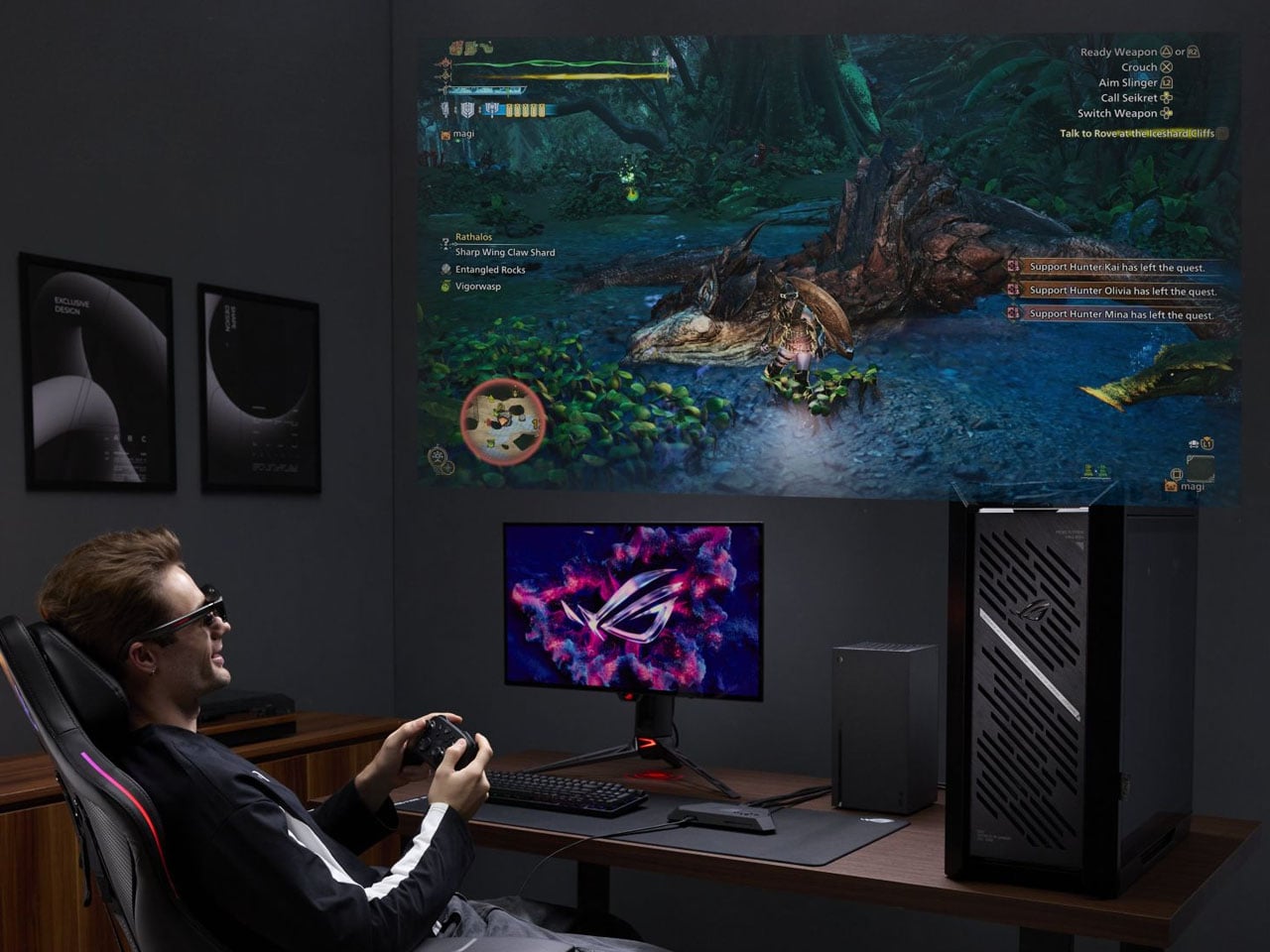
Unitree’s transforming mecha robot is the closest thing yet to owning a real Transformer

Flying solo tied to a jetpack is a dream we have been savoring for quite some time now. And since movies like the Transformers, the idea of transforming Autobots has been another craze humanity is chasing for various applications. In China, robotics company Unitree has made the idea of humans piloting transforming ‘mecha’ robots a reality. The first glimpse of this is making rounds on the internet and has had netizens hailing this engineering breakthrough, which makes science fiction a reality.

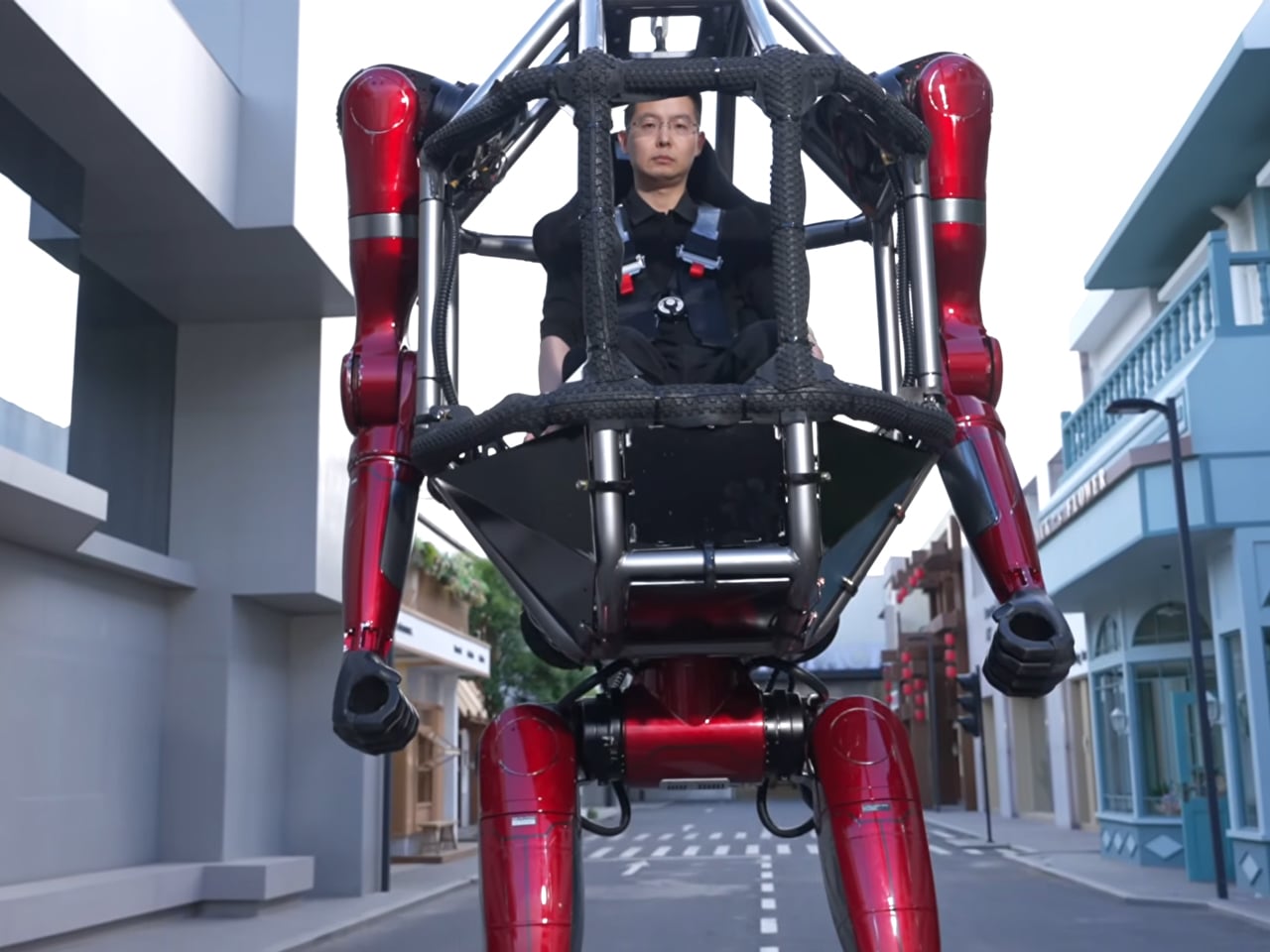
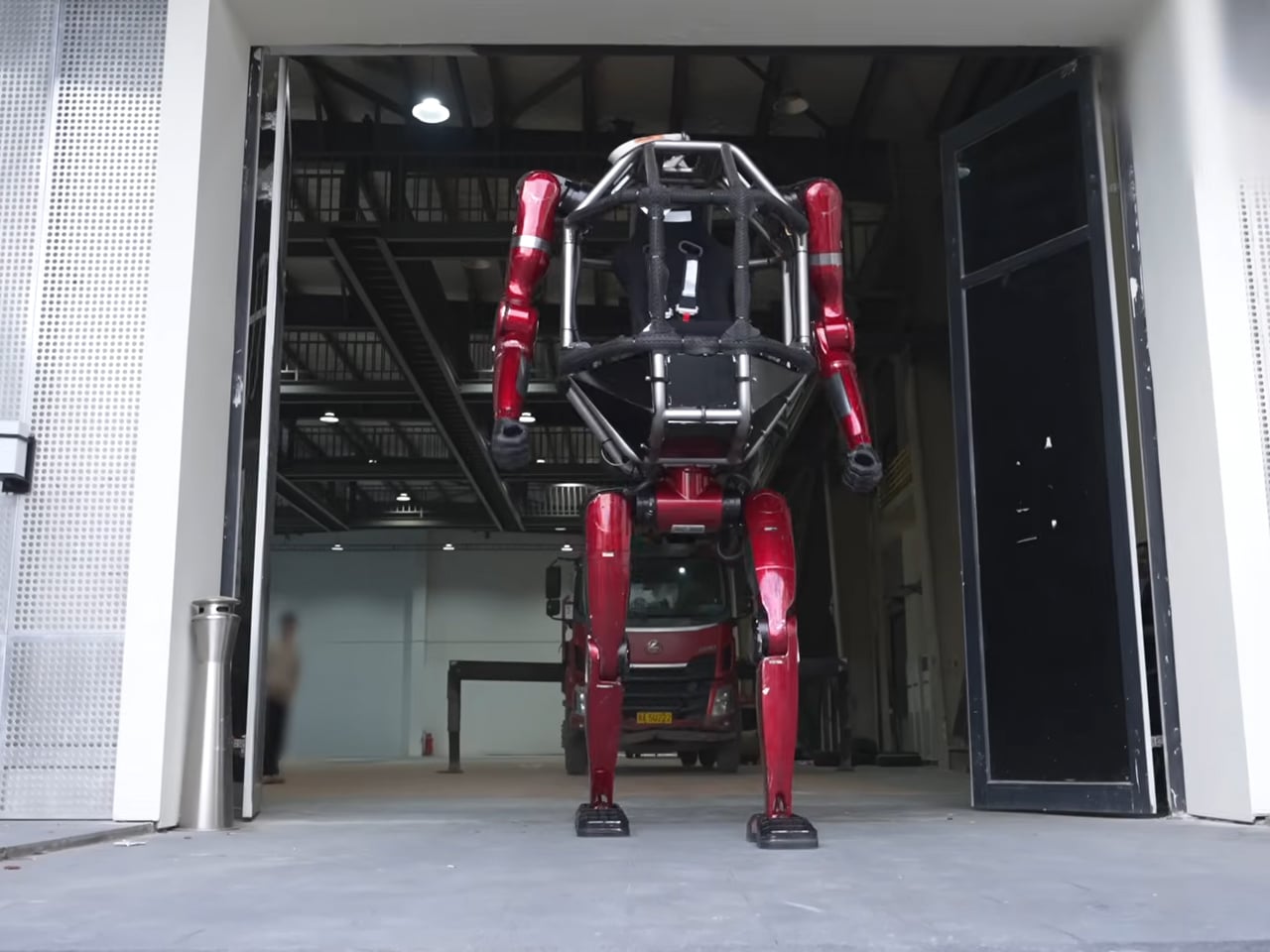
Meet the Unitree GD01, the world’s first ‘production-ready manned mecha built for industrial use. It measures roughly 2.7 meters tall and weighs over 500 kg. The GD01 is the successor to Unitree robots such as the dog companion, but Unitree does not reveal many details about the robot.

Designer: Unitree

What we have as the source is a video doing the rounds on the internet, which shows how the GD01 can transform from a two-legged humanoid into a four-legged crawler. The machine with human-like legs and arms with hands is remotely controlled, but can also accommodate a person in its torso, who can control the transforming humanoid in the style of a mecha. Mecha is different from an autonomous robot as they are piloted from a cockpit inside. They have been popularized in Japanese anime, but it’s in China that they’re getting a realization for real-world applications.

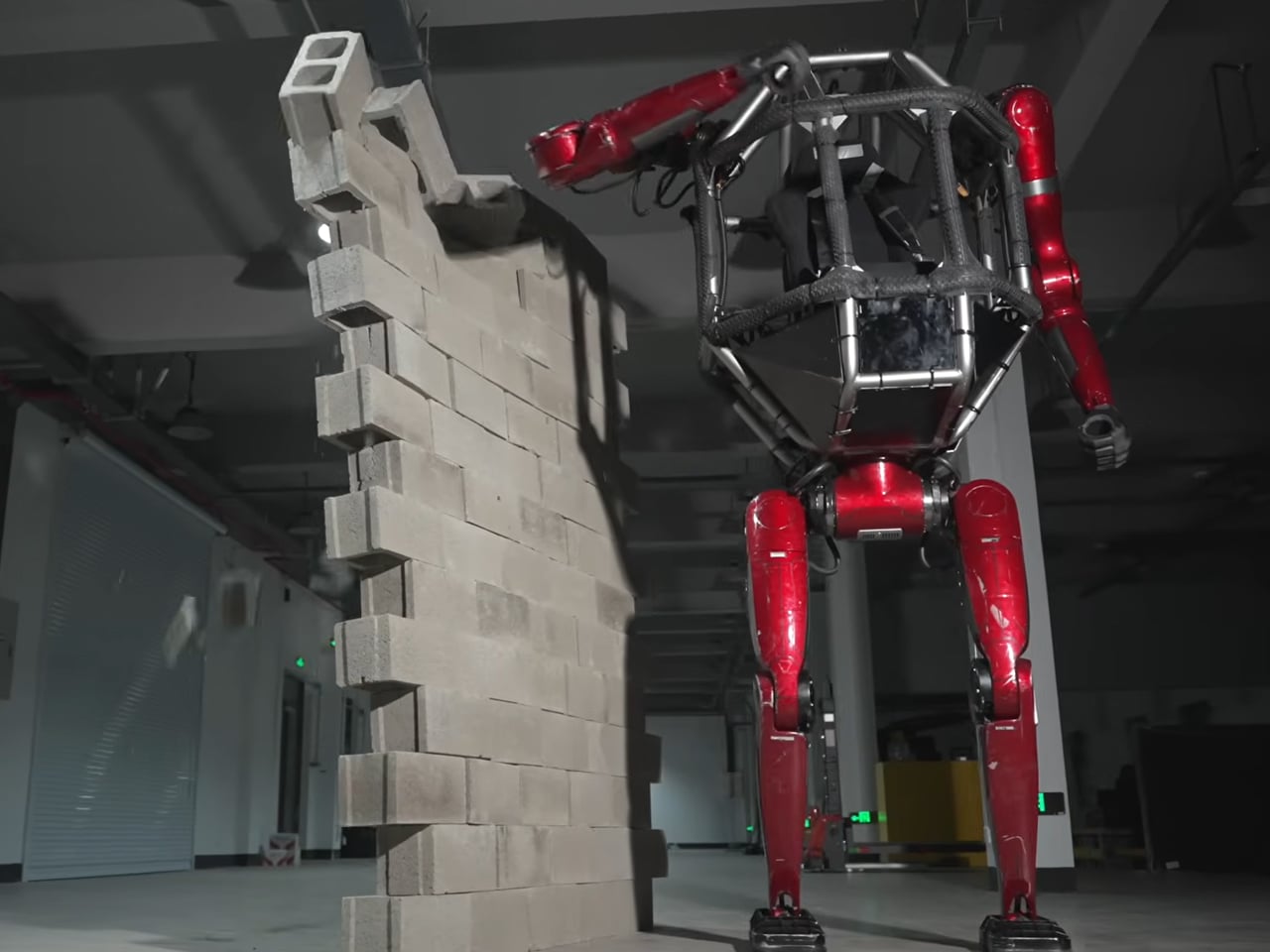
The durable alloy robot is designed to transport a person and to be used in high-risk and harsh environments. It can walk like a humanoid robot in its red and gray avatar. The demonstration video shows Wang Xingxing, founder and CEO of Unitree Robotics, climbing into the torso-mounted cockpit of the GD01 mecha to maneuver it. We can also see the robot knocking down a brick wall with its hand before transitioning into a four-legged robot.

According to initial information, the Unitree Robotics GD01 will start at $650,000, which easily makes it the most expensive humanoid in the competition. For comparison, the previous Unitree models like R1 only cost about $6,000. Of course, the price tag is owing to the functionality of the GD01, which can be used for various applications, “mainly aimed at changing the way we work,” the company notes.
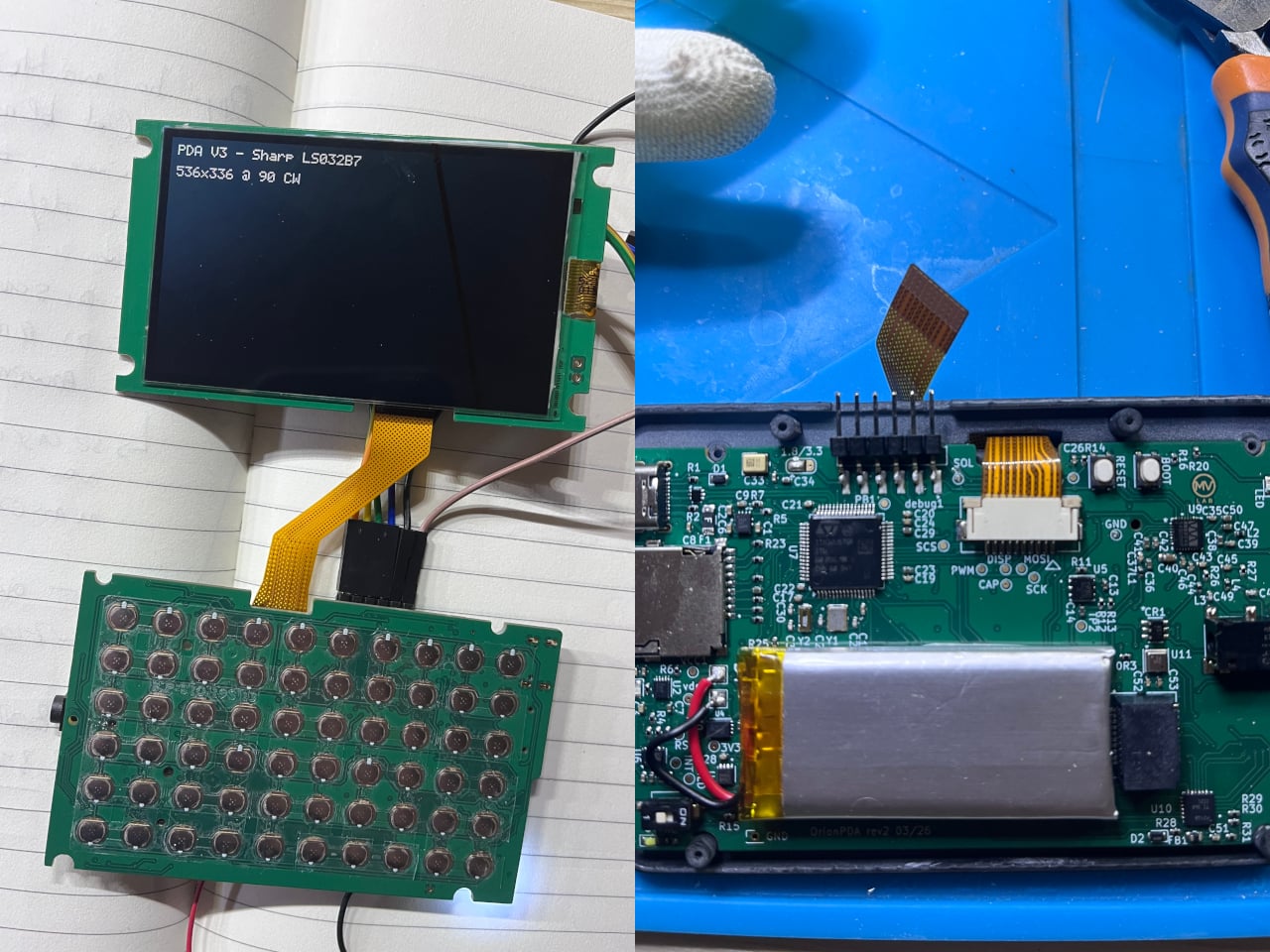
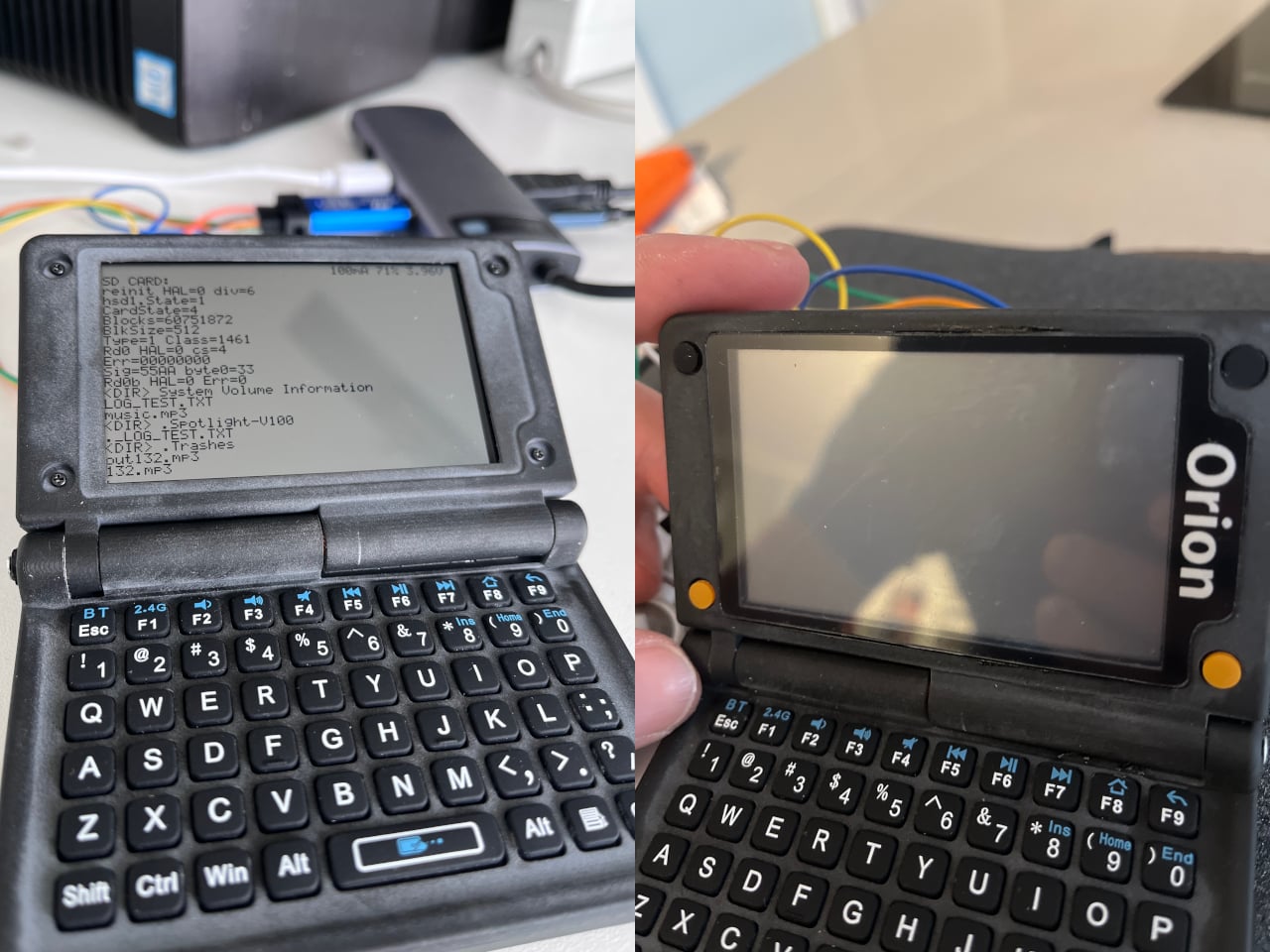
In the video, we can see the GD01 walking on flat surfaces, but it can be assumed that it will be able to maneuver different terrains in the near future. China and Unitree are leading the way in the production of capable humanoids, which prompts us to make such assumptions. According to a report from research firm Omdia, China accounts for nearly 90 percent of global humanoid sales in 2025.’ Amid those sales, it is worth noting that Unitree alone has shipped upward of 5,500 humanoid robots in 2025, the South China Morning Post reports.


The post Unitree’s transforming mecha robot is the closest thing yet to owning a real Transformer first appeared on Yanko Design.