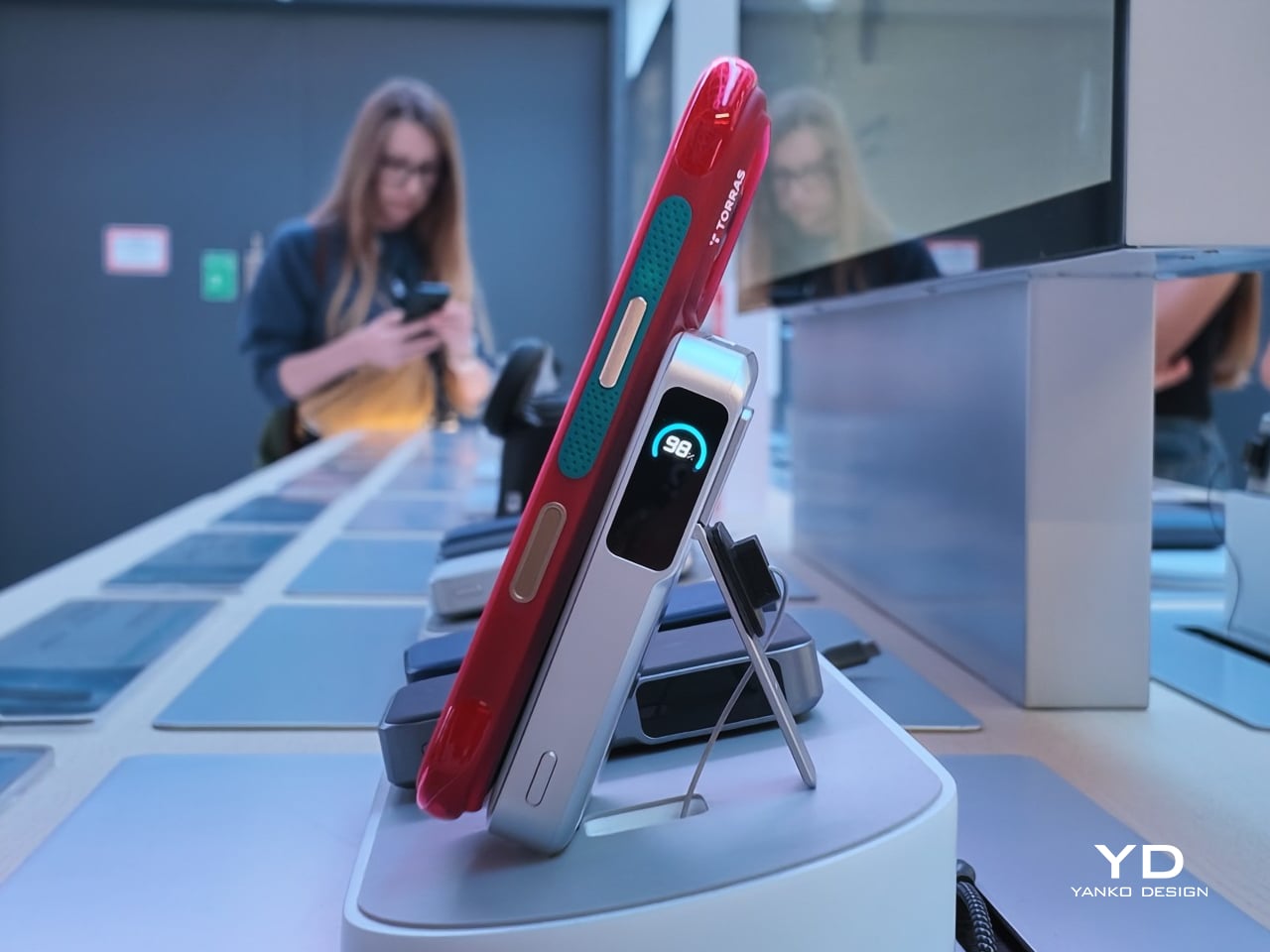
Acer’s Packard Bell Crashed IFA 2026 Like a Box of Crayons

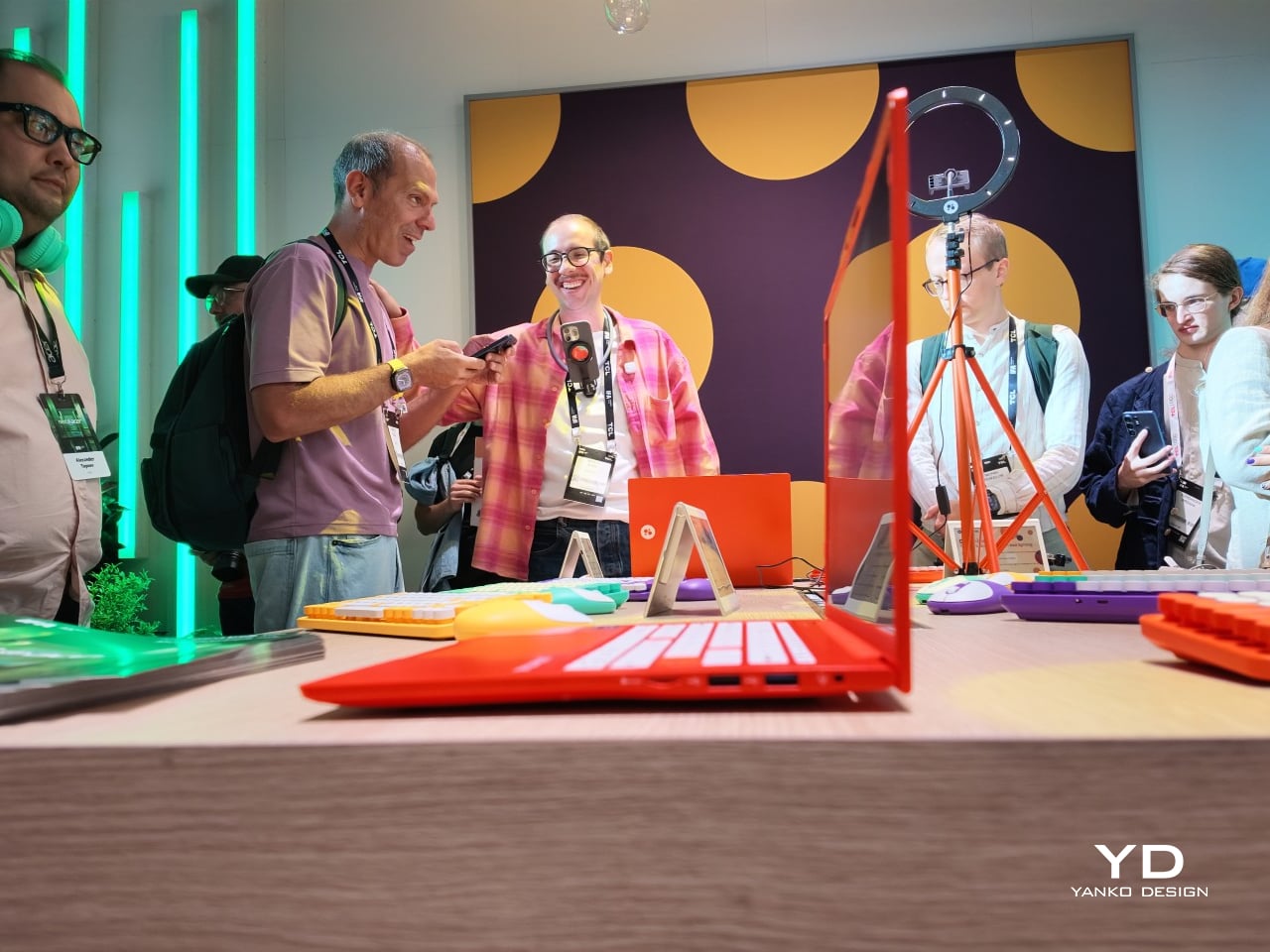
Packard Bell spent a century teaching people that new technology doesn’t have to feel intimidating, and its 100th birthday present to itself leans hard into that idea. Under Acer’s ownership, the brand relaunched at IFA 2026 with a philosophy it calls “Tech it easy,” built around a lineup that trades beige plastic and quiet corporate design for colors loud enough to notice from across a room. Four products anchor that comeback, and each one argues that everyday tech gains something when it stops taking itself so seriously.

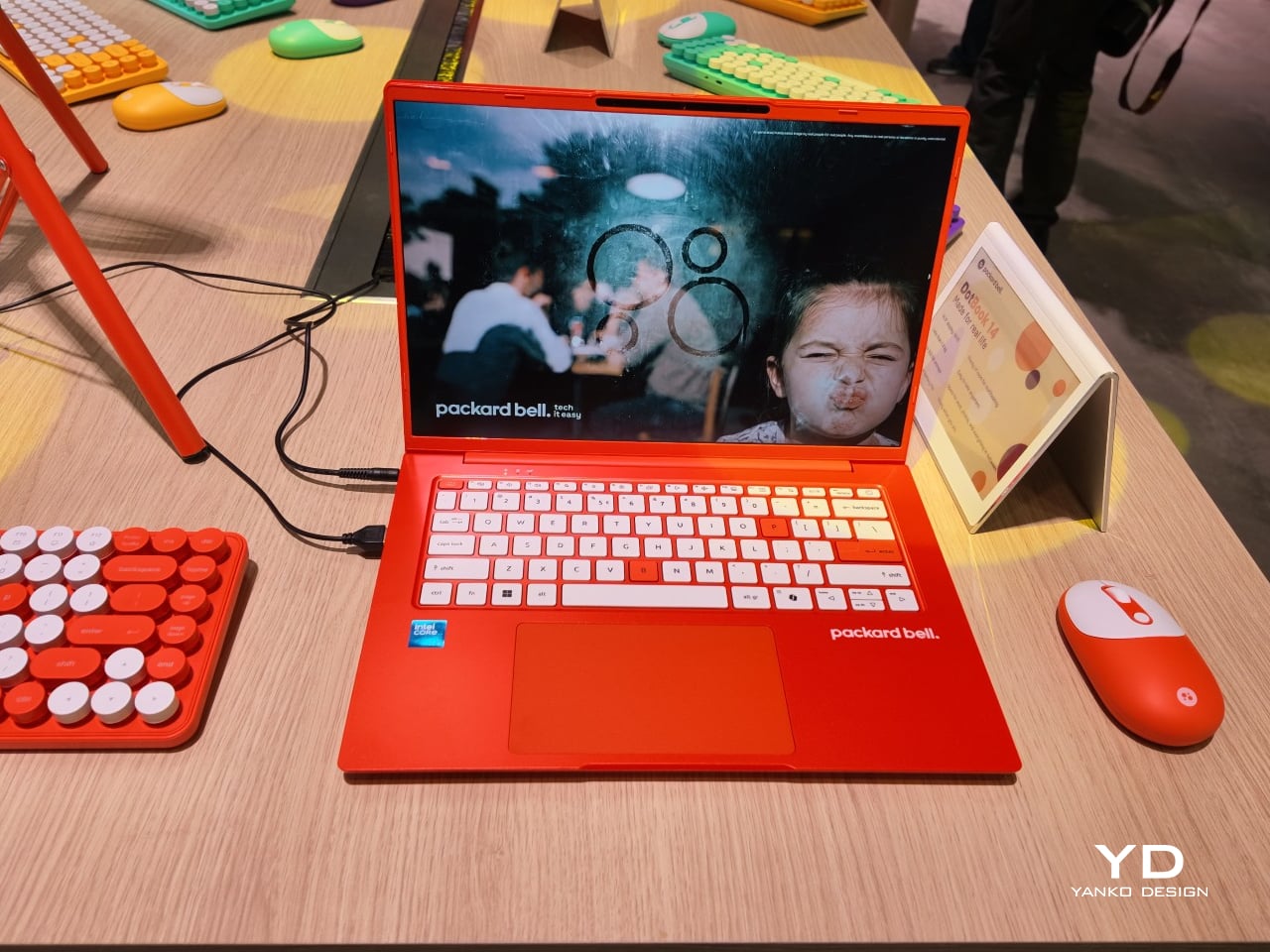
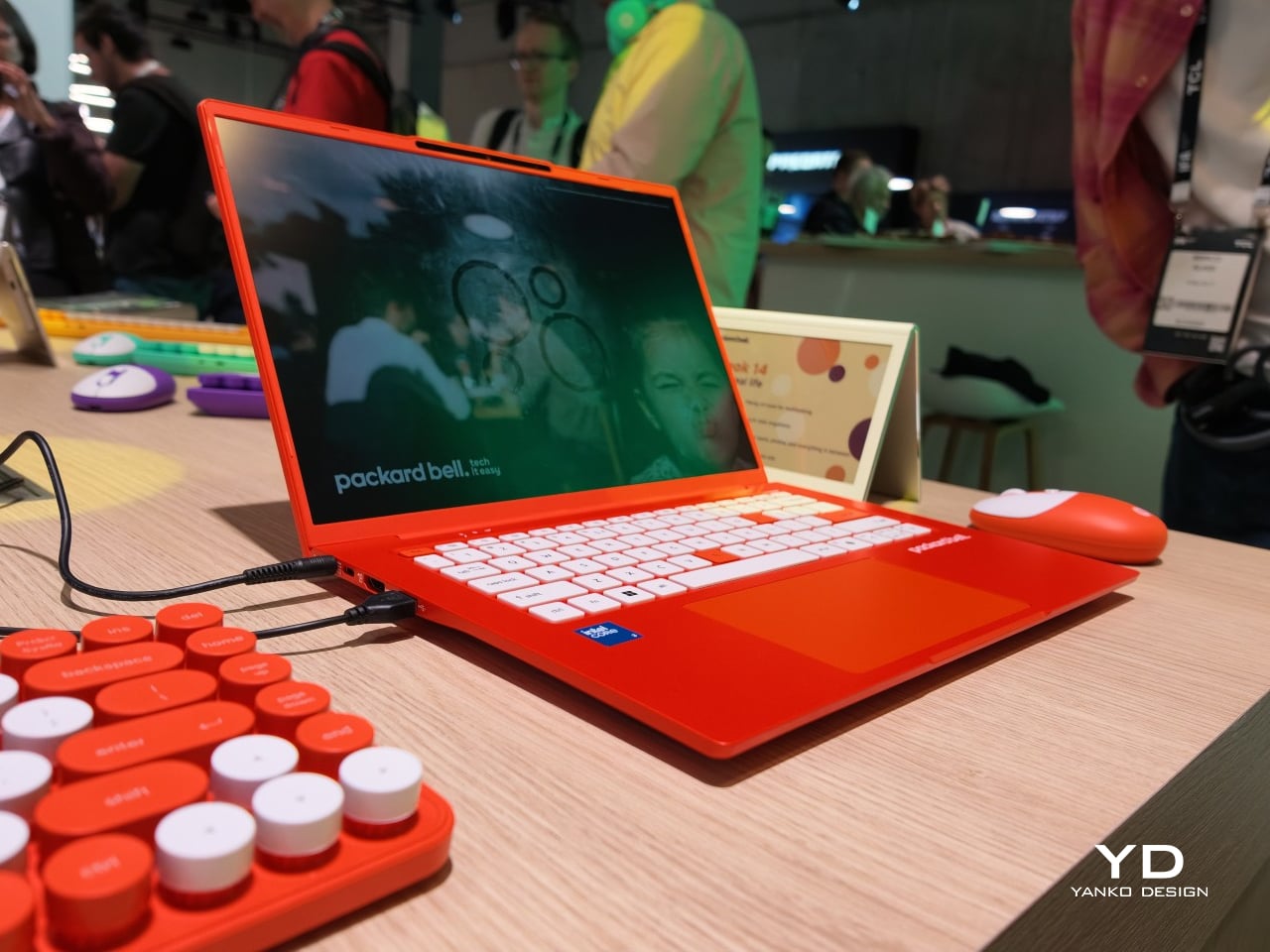
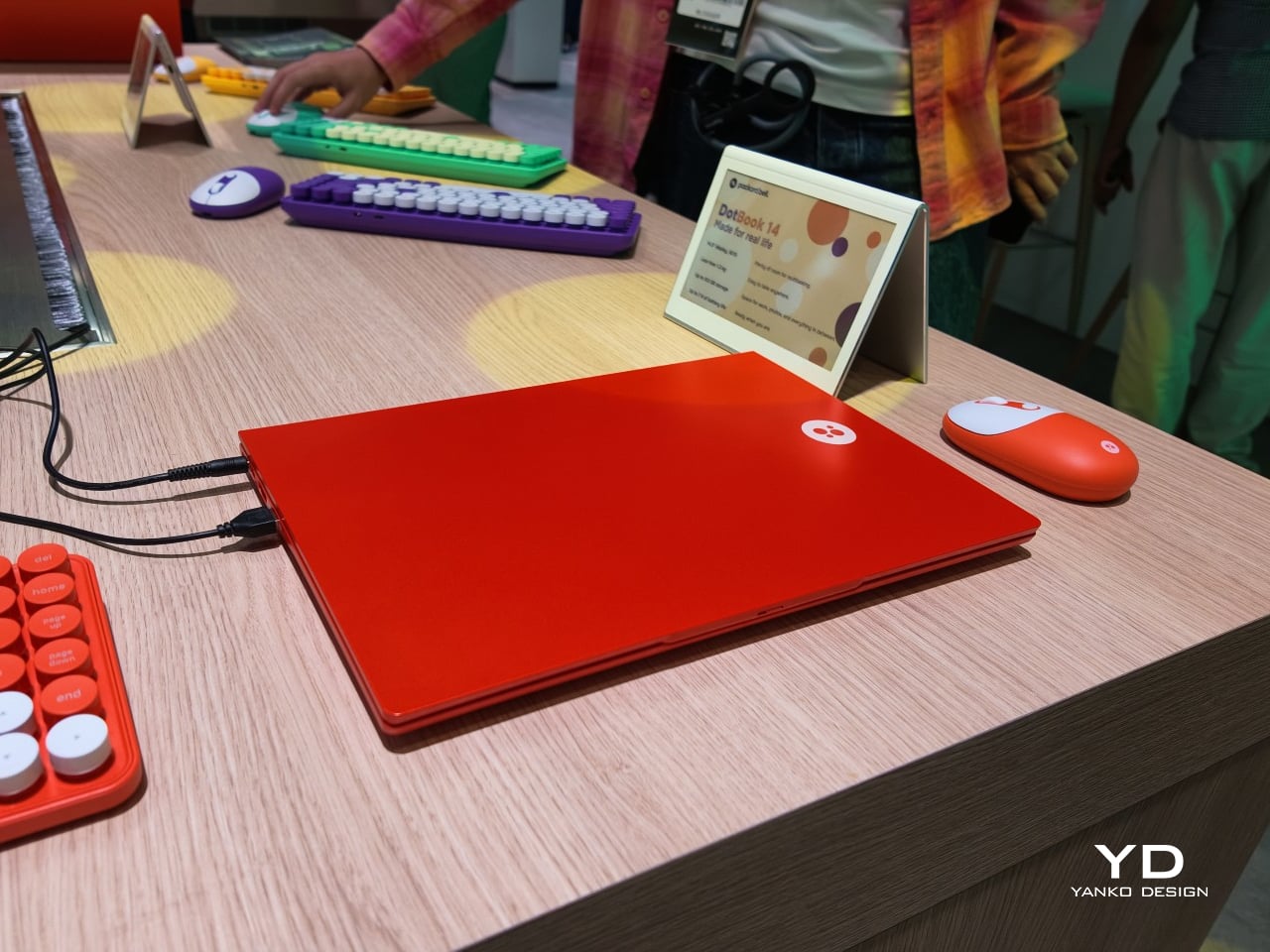
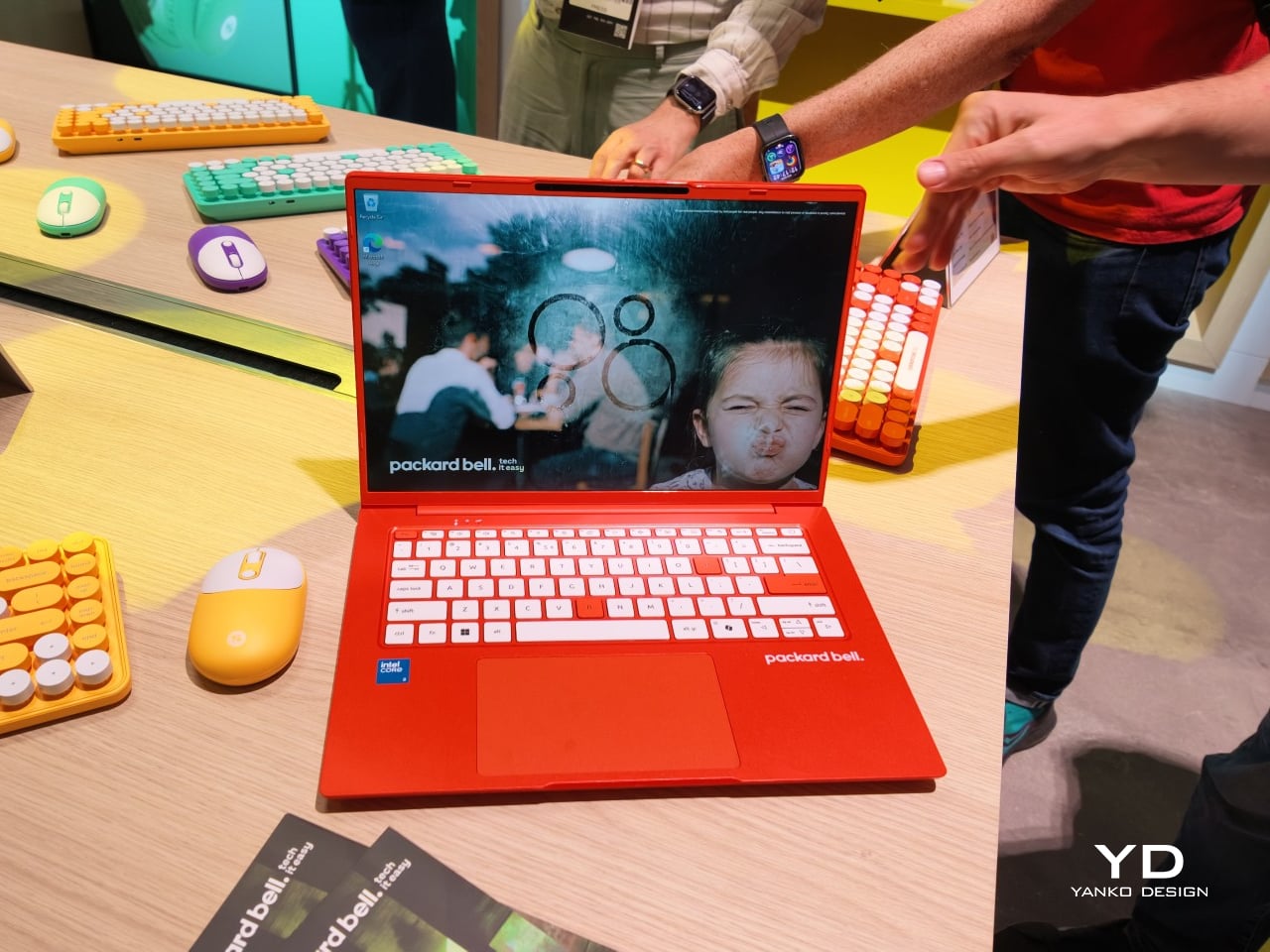
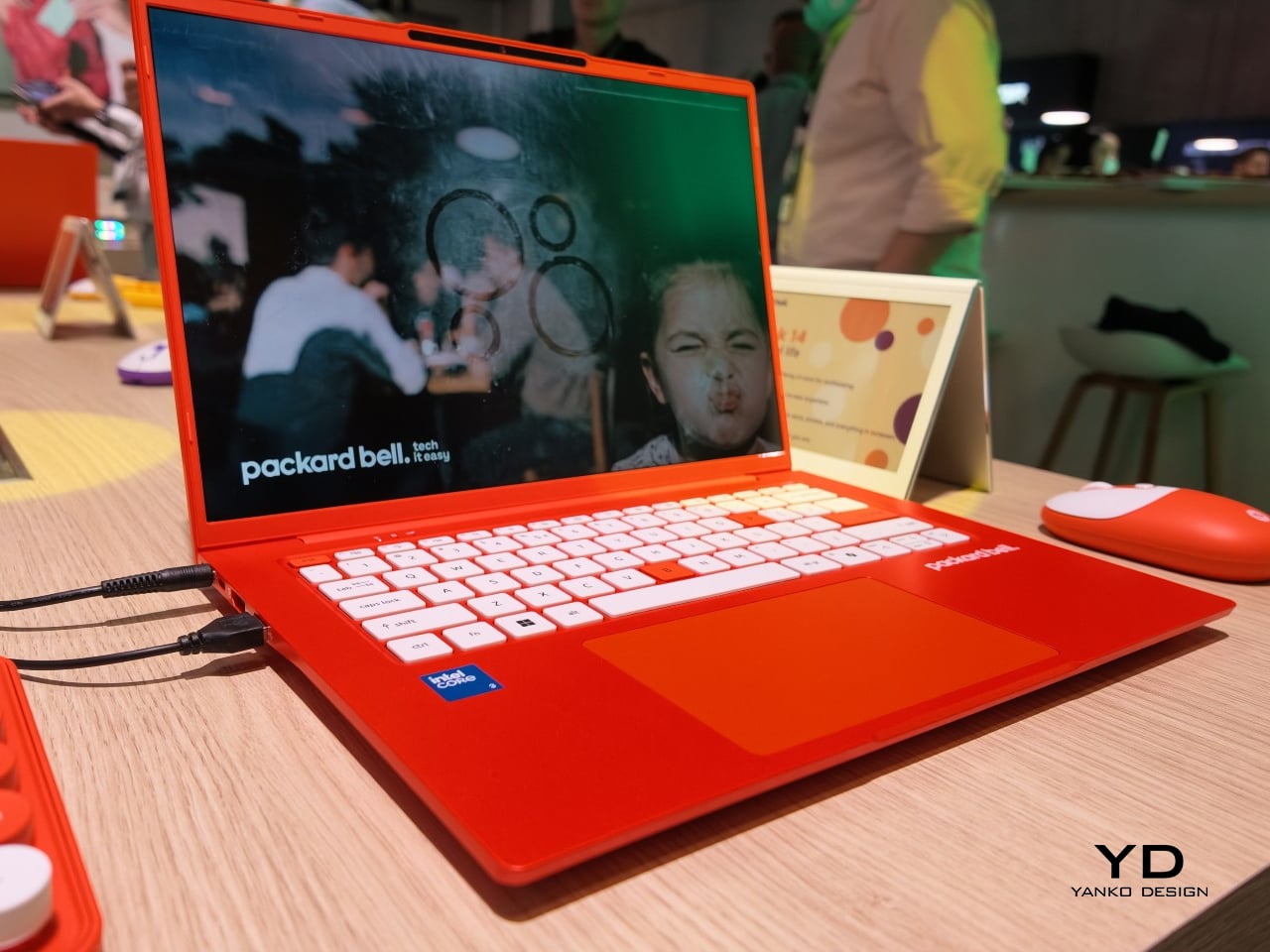
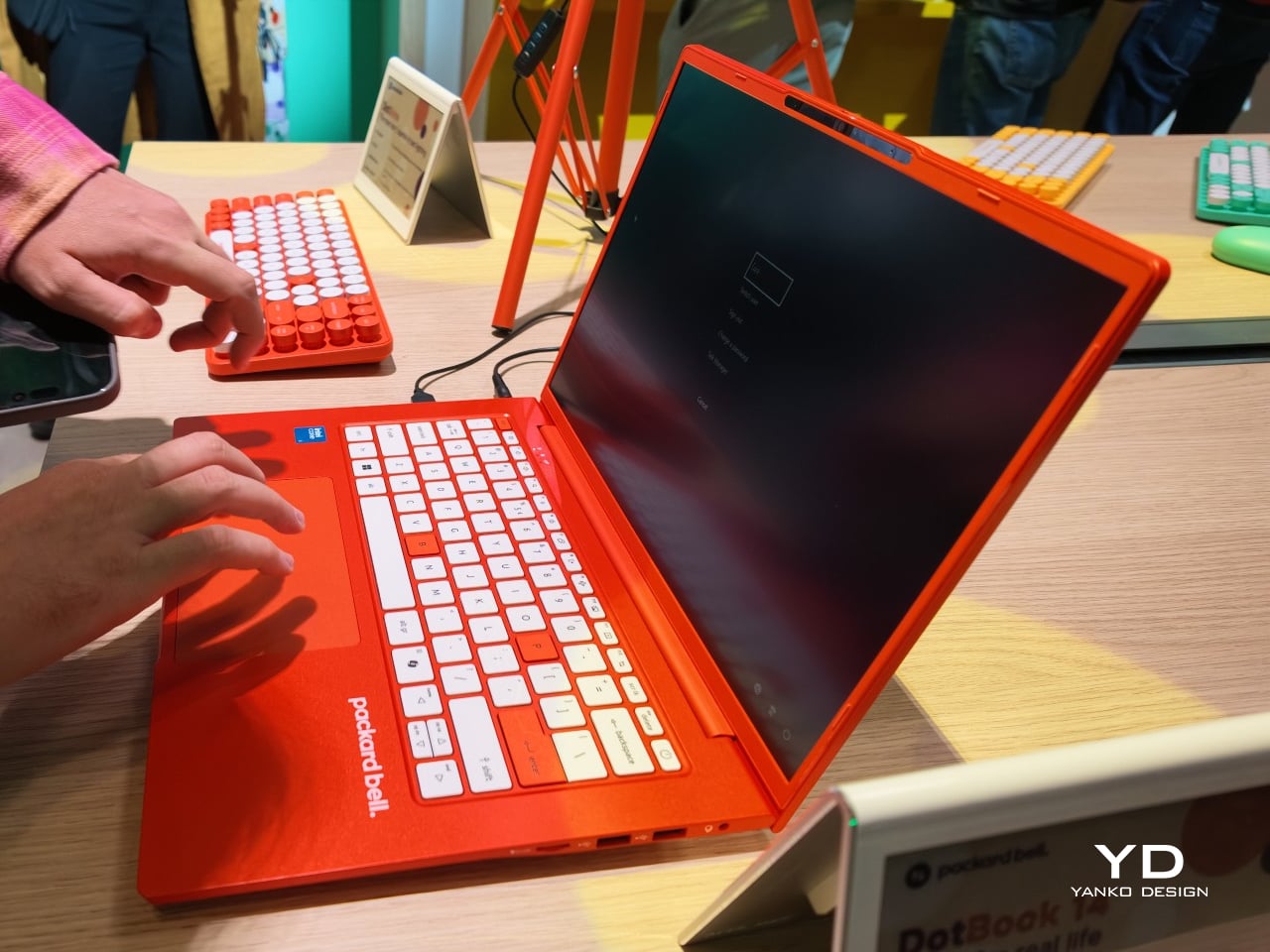
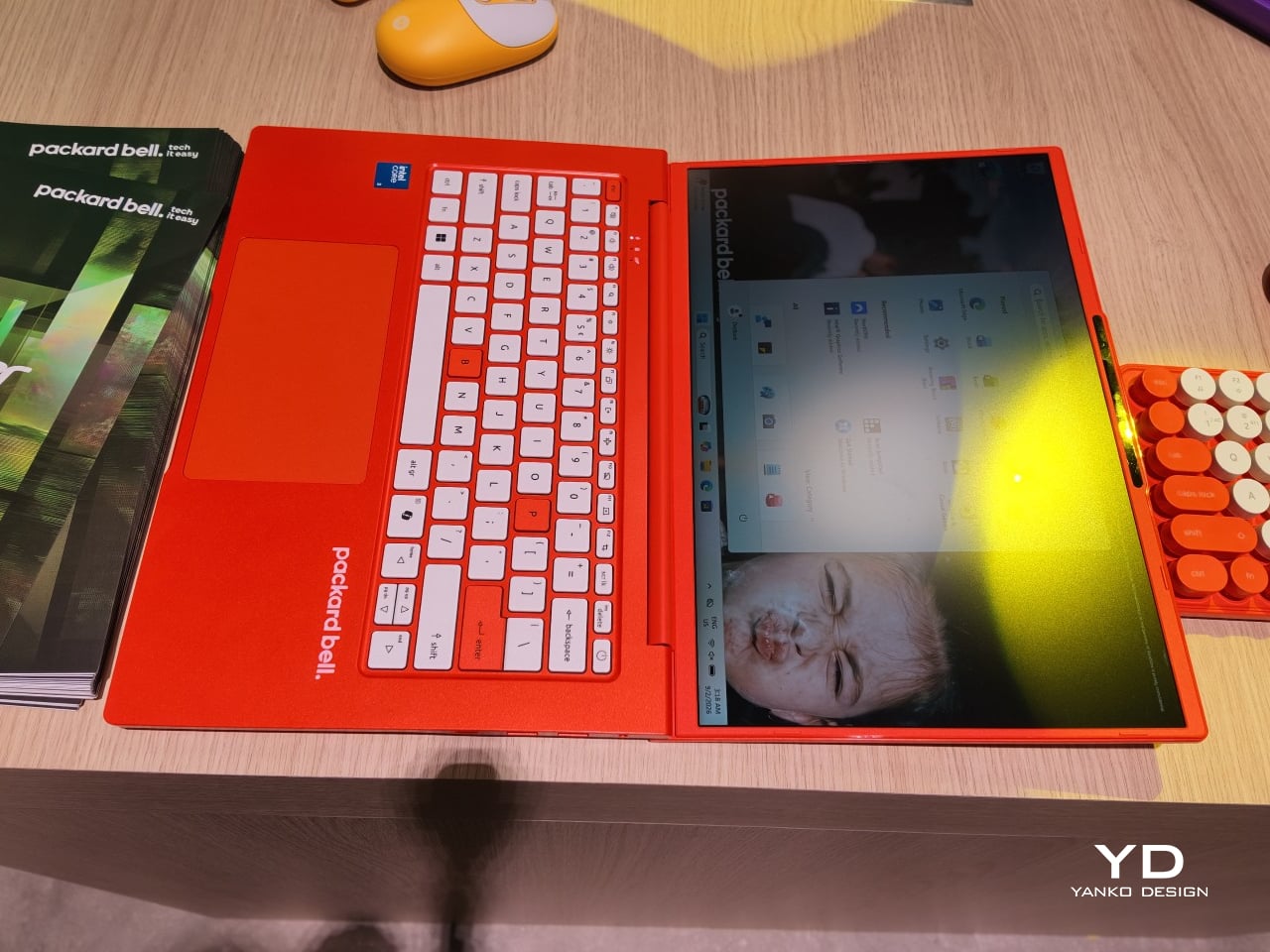
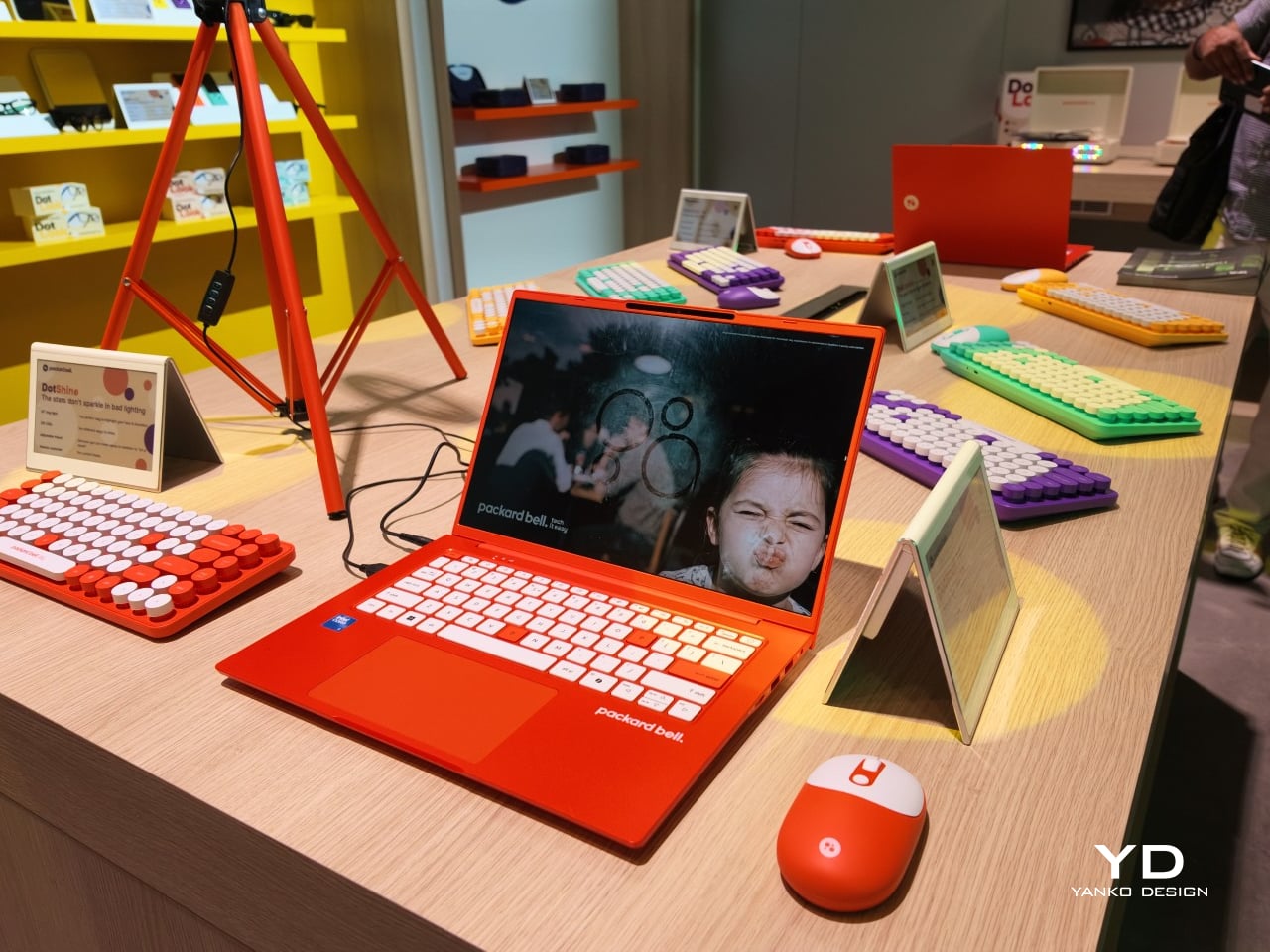
The DotBook carries the heaviest expectations as the collection’s flagship, a 14.5-inch laptop finished in a red-orange shell bright enough to spot on a crowded coffee shop table. Weighing under 1.3 kg and measuring just 17.9mm thin, it’s built for browsing, streaming, and everyday work rather than chasing benchmark scores, backed by up to 512GB of storage and 16GB of memory running quietly under Windows 11. It’s a laptop designed to disappear into a bag, not a spec sheet debate.

Designer: Acer

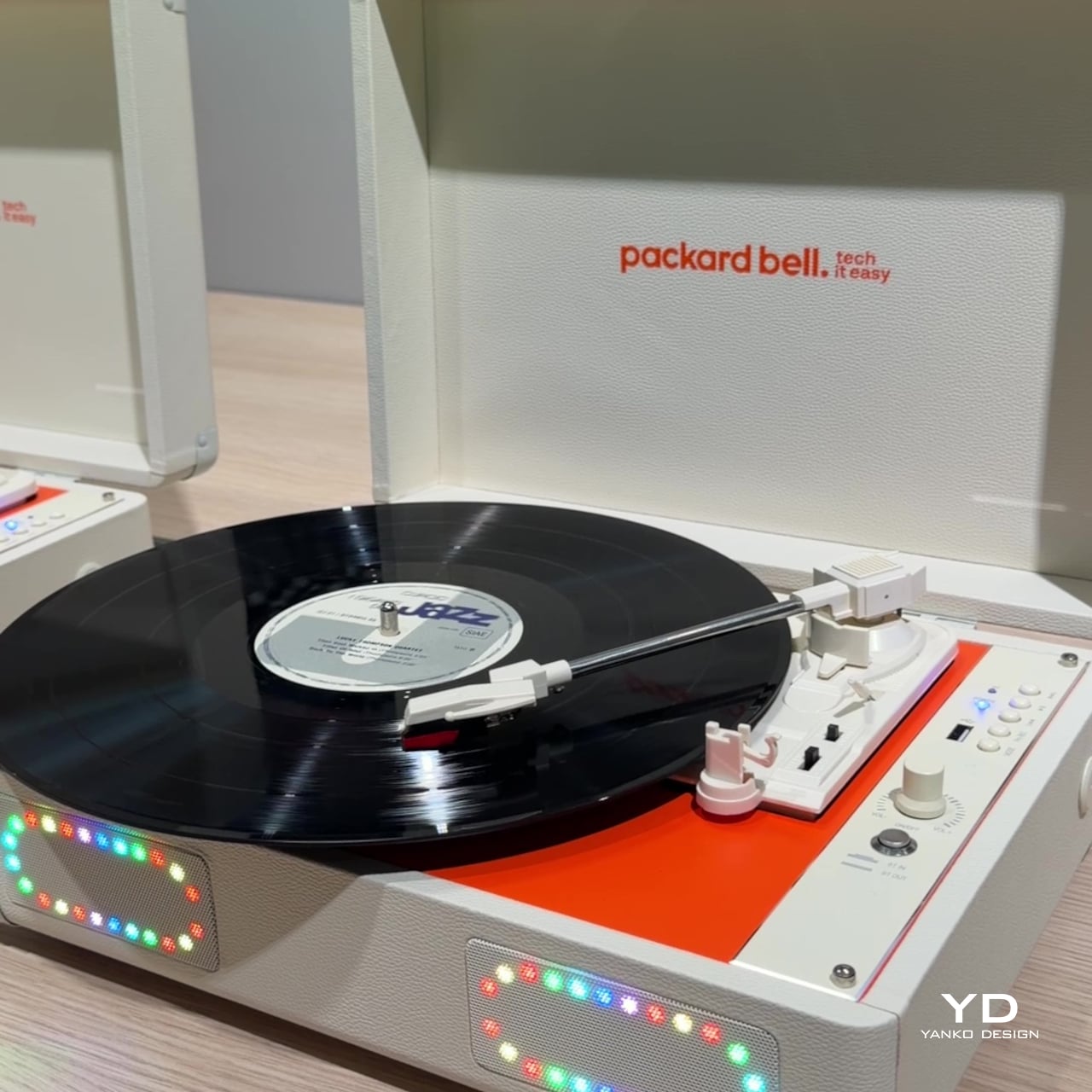
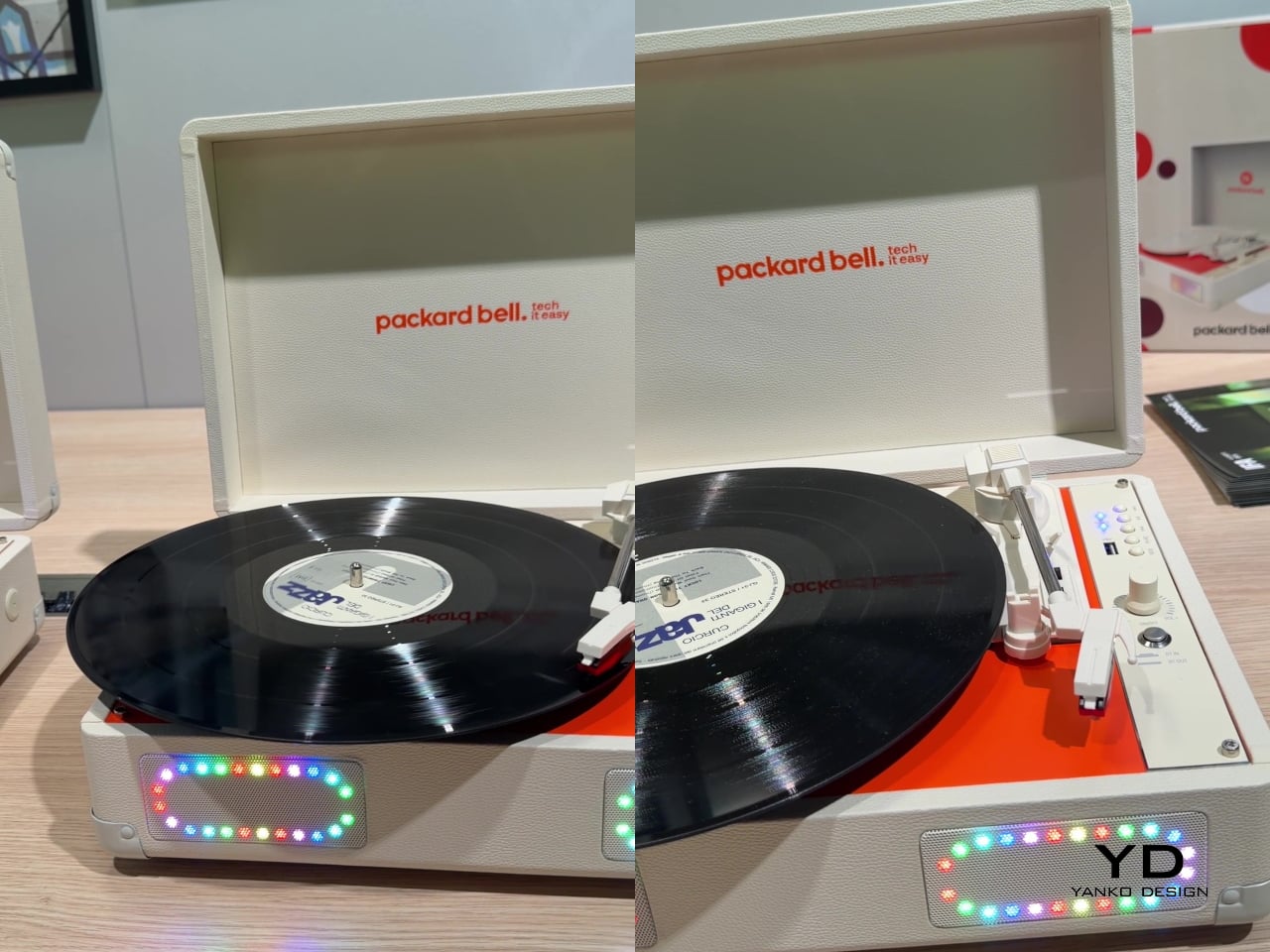
Where the DotBook plays it relatively straight, the DotLoop commits fully to spectacle. Housed inside an actual briefcase shell with a 1970s silhouette, the turntable pops open to reveal a working tonearm flanked by RGB-lit speaker grilles that glow while a record spins. Two built-in 3W speakers handle sound on their own, though Bluetooth and RCA outputs let the DotLoop hand audio off to a proper stereo system whenever the moment calls for something louder.

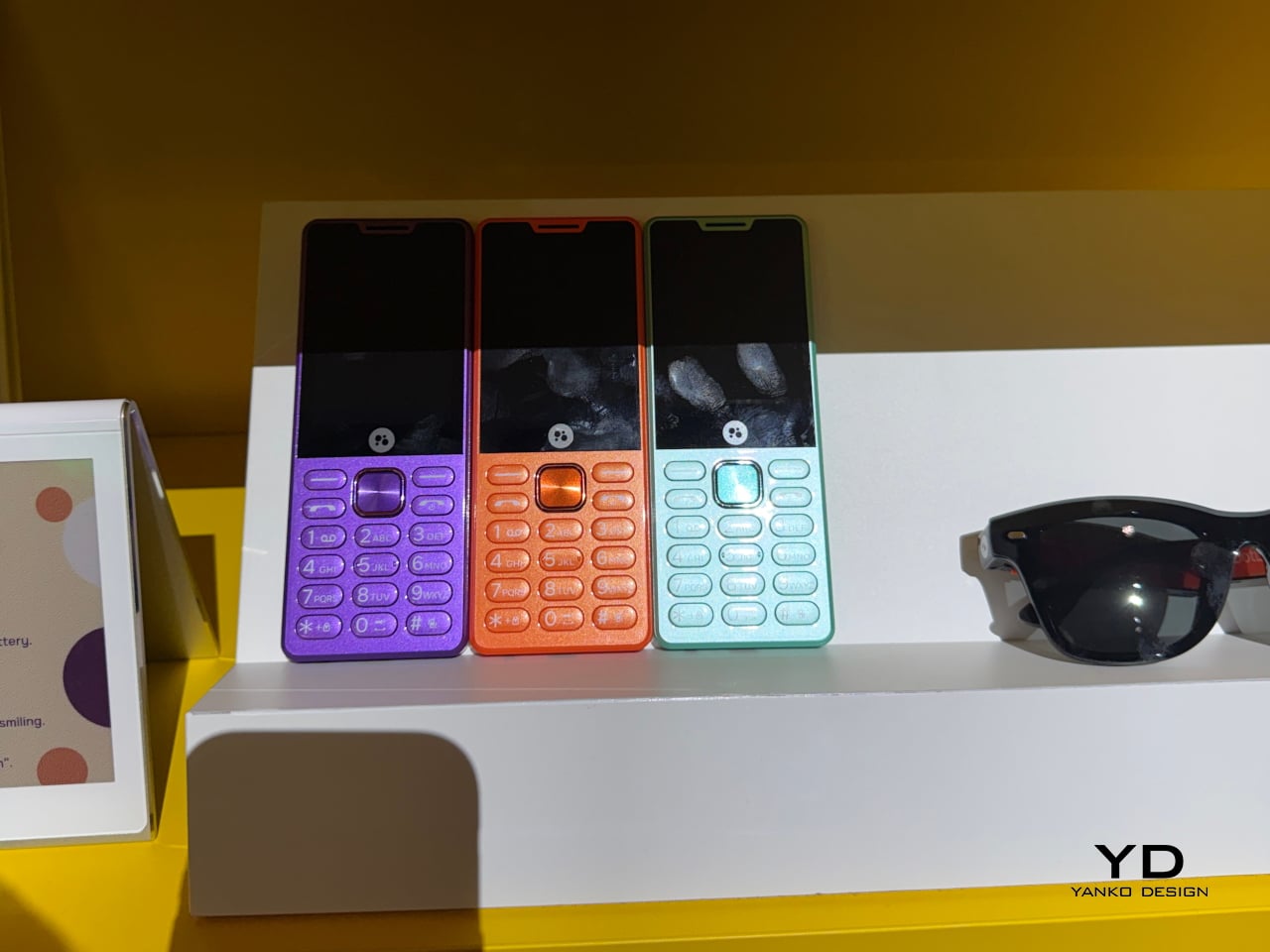
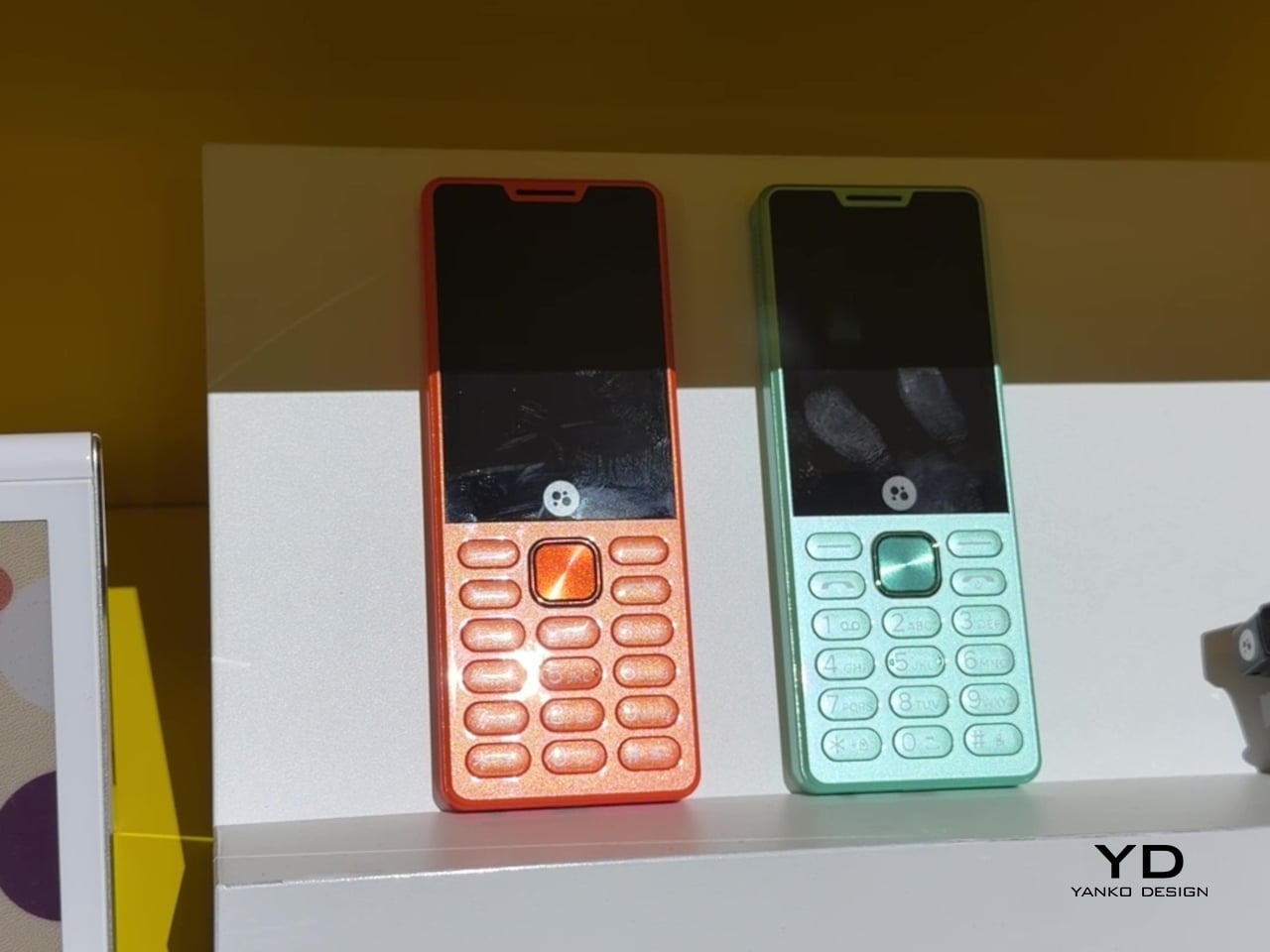
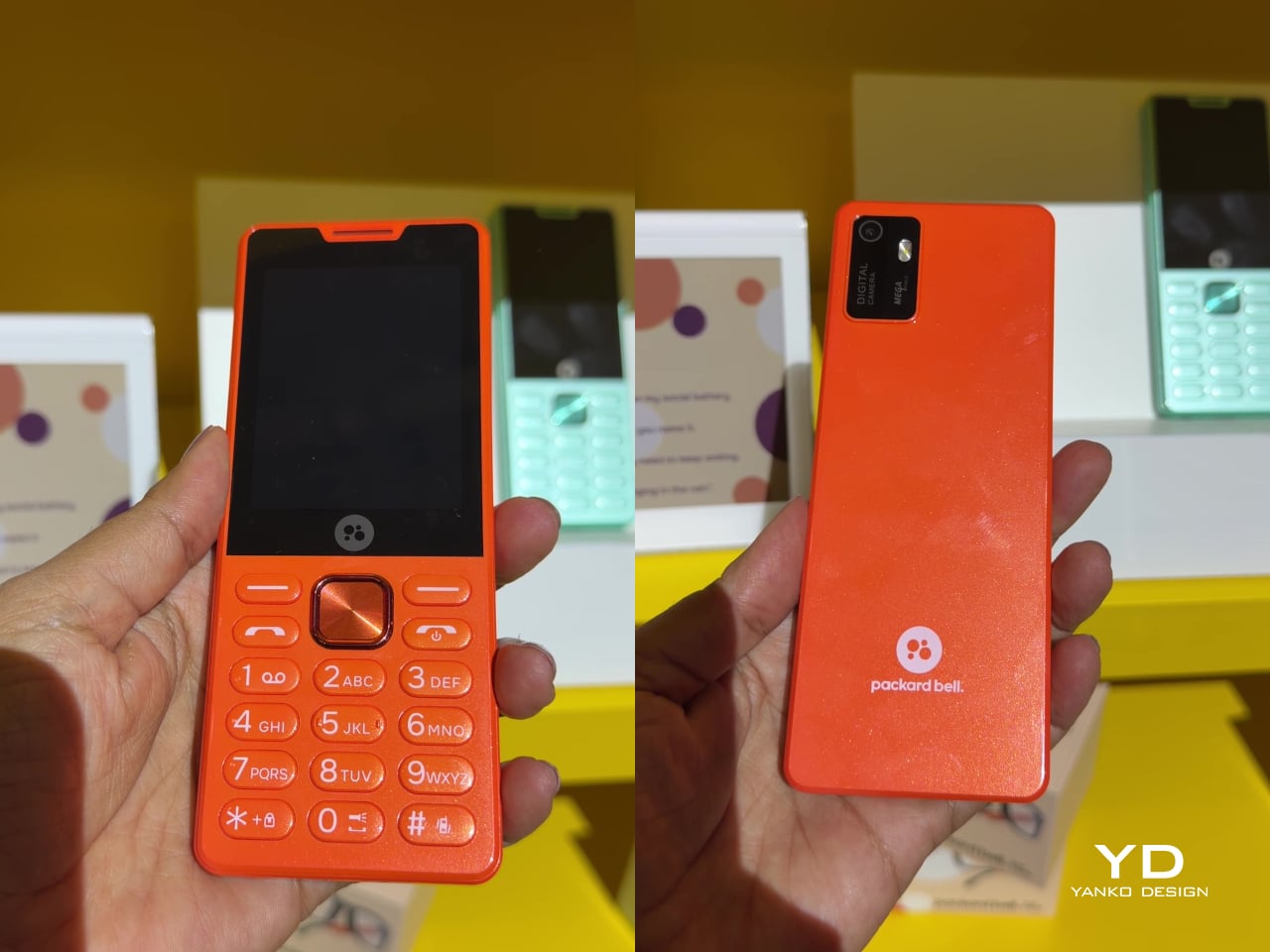
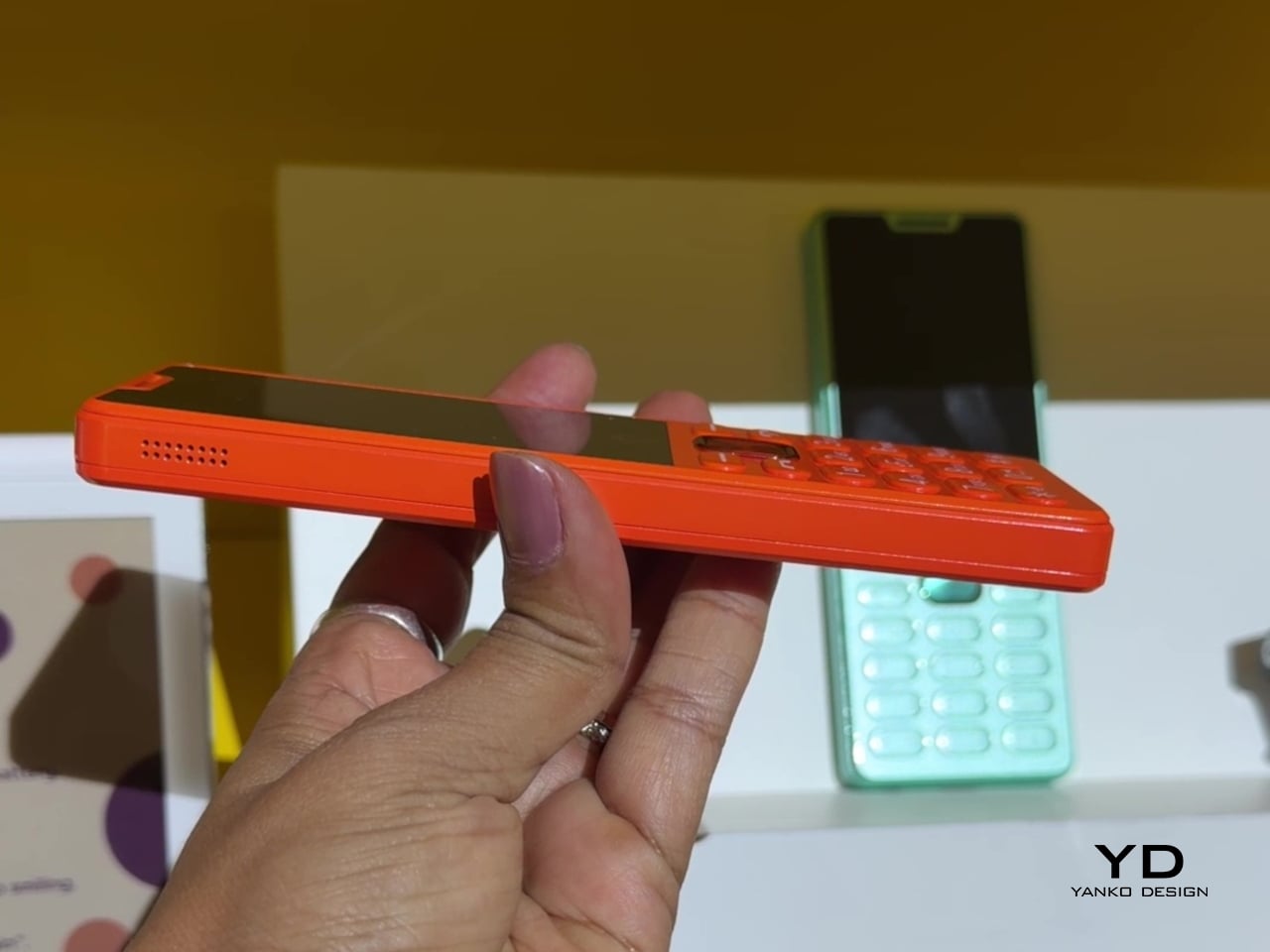
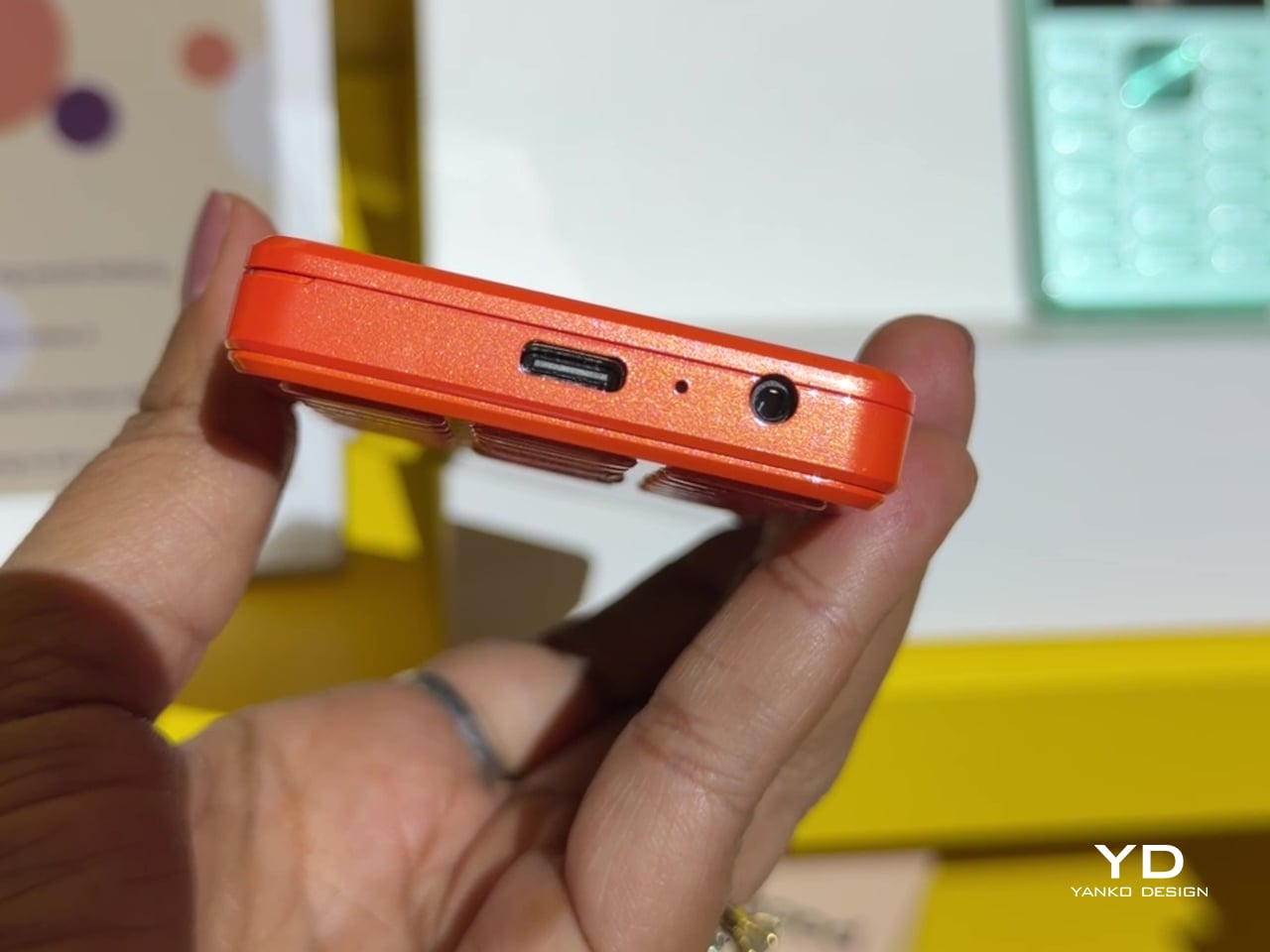
That willingness to have fun with format extends into the DotLine, a feature phone built for anyone tired of feeding a smartphone’s constant appetite for attention. A 2.8-inch display and physical keypad keep the experience deliberately simple, while an 1800mAh battery stretches across roughly two weeks between charges, a number that sounds almost mythical next to a modern flagship’s overnight anxiety. Four color options keep it from feeling like a consolation prize.

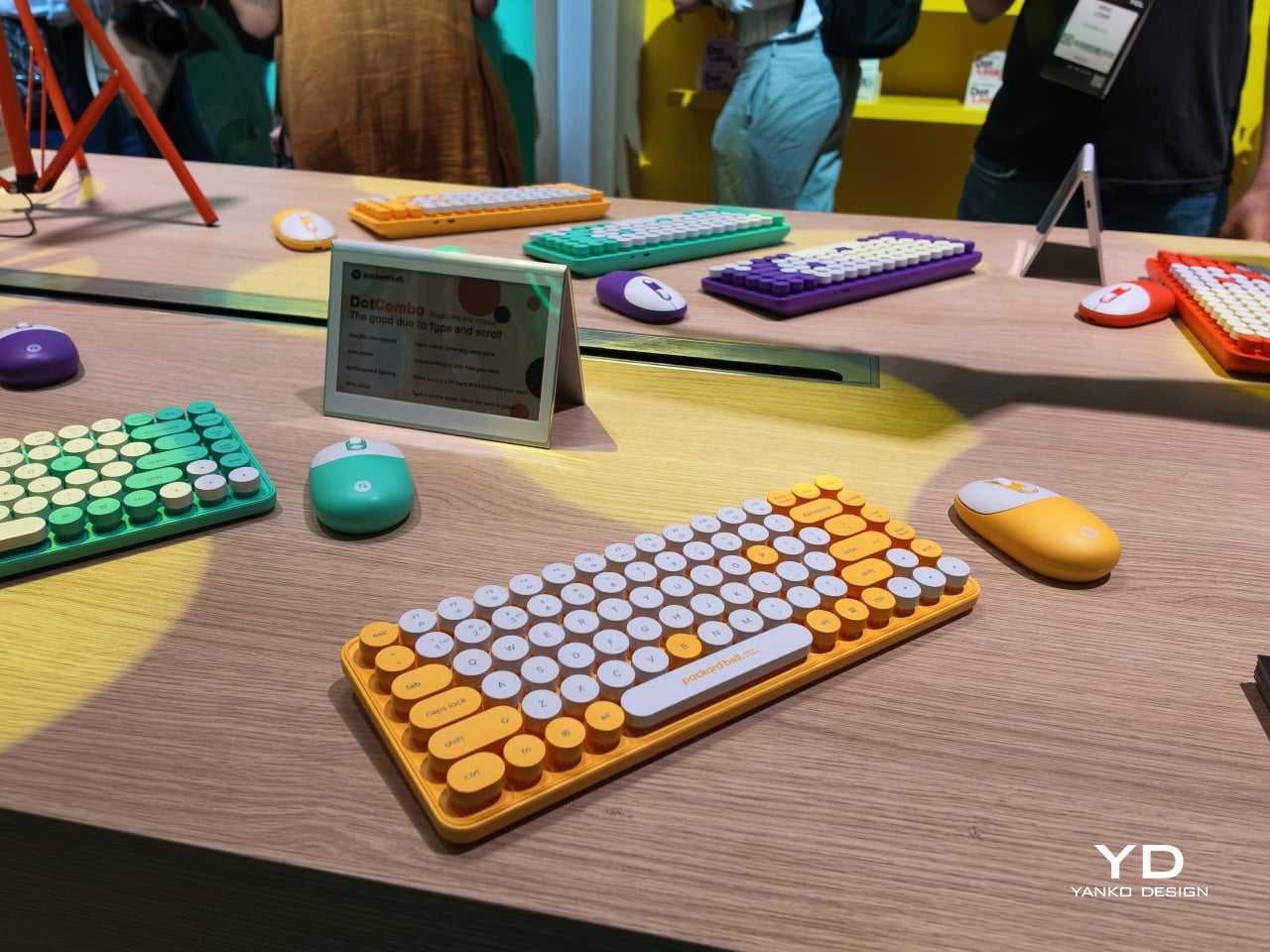
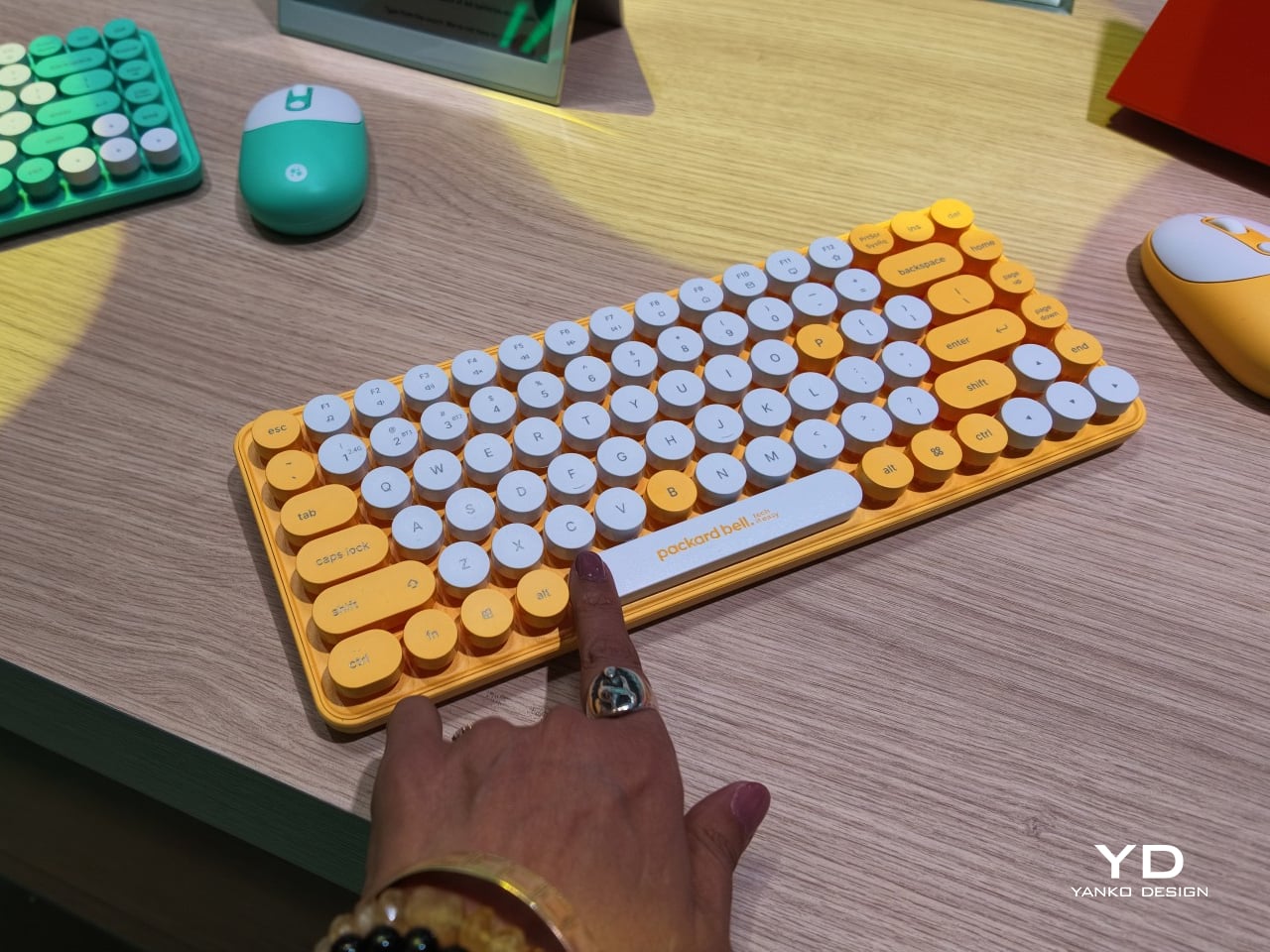
Rounding out the focus lineup, the DotCombo bundles a keyboard and mouse into a single color-matched purchase, eliminating the usual mismatched beige-on-black desk setup that so many peripherals default to. Both pieces run on rechargeable batteries good for hundreds of charge cycles, connecting over Bluetooth or a 2.4GHz receiver without a single AA battery required. Round keycaps borrowed from typewriter design give the whole thing a tactile, almost toy-like presence on a desk.

Beyond these four, Packard Bell rounds out its centennial collection with a portable speaker (DotTune), audio glasses (DotLook), a ring light for creators (DotShine), matching headphones (DotBass), and even a countertop food steamer (Steasy), all sharing the same saturated color palette and straightforward pricing. None of them ask for much attention individually, but together they paint a lineup unwilling to blend into a beige office shelf.

Pricing stays approachable across the board, with the DotBook starting around €499 (around $578), the DotLoop at €149 (around $173), the DotLine at €69 (around $80), and the DotCombo at just €39 (around $45). Packard Bell’s return proves that a century-old brand can still find something new to say, mostly by refusing to whisper it.

The post Acer’s Packard Bell Crashed IFA 2026 Like a Box of Crayons first appeared on Yanko Design.
Finally, a Smart Home You Can Control Without Your Phone

For some years now, the idea of a smart home has been more than just science fiction. We’ve watched lights, thermostats, speakers, security systems, and countless other devices become “smarter.” One issue with these connected homes, though, is that most of their controls are app-based, meaning you always need your phone handy just to turn something on or off. That’s why a dedicated smart home hub is such a welcome idea: a control center that doesn’t live inside your phone.

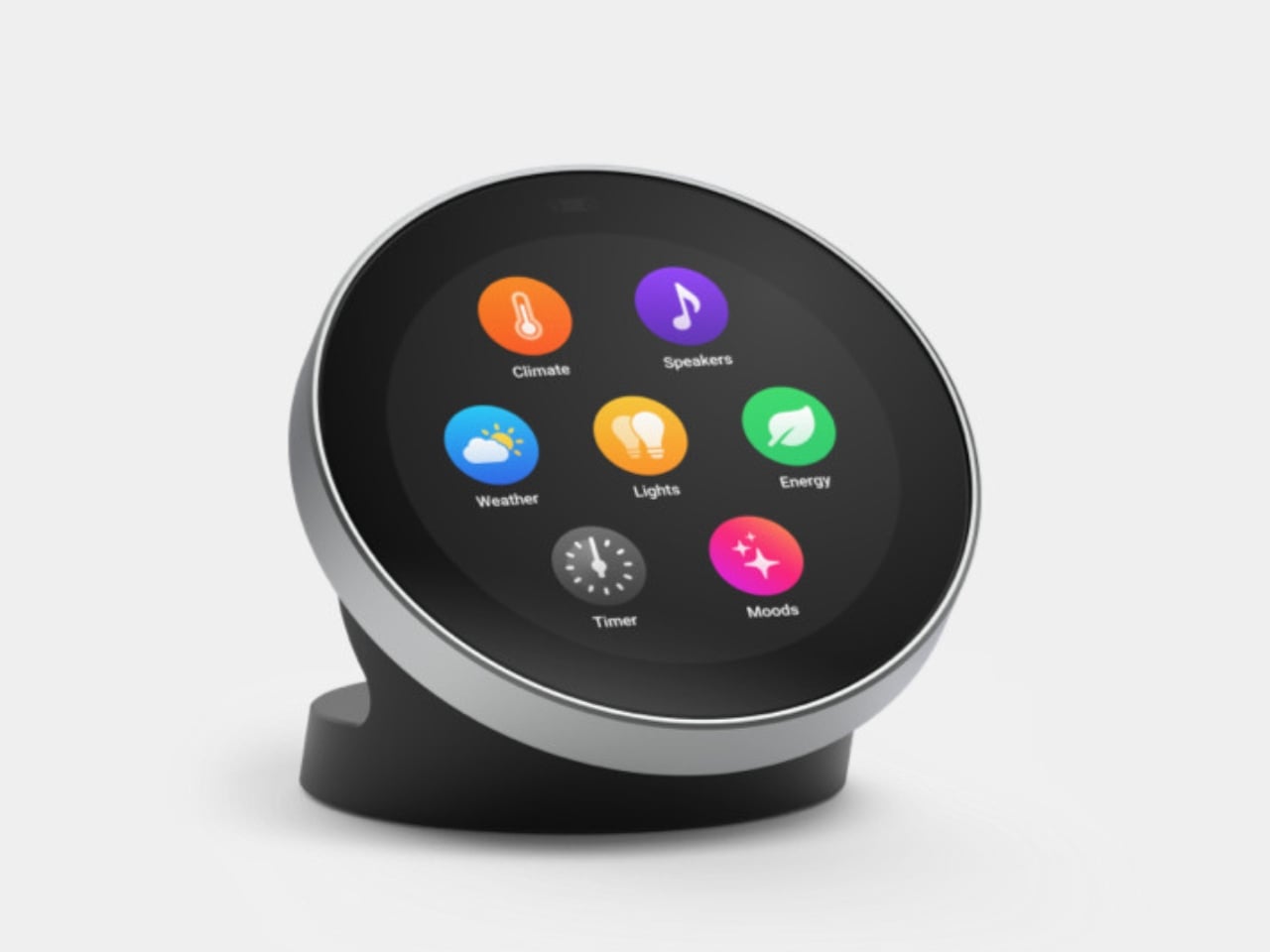
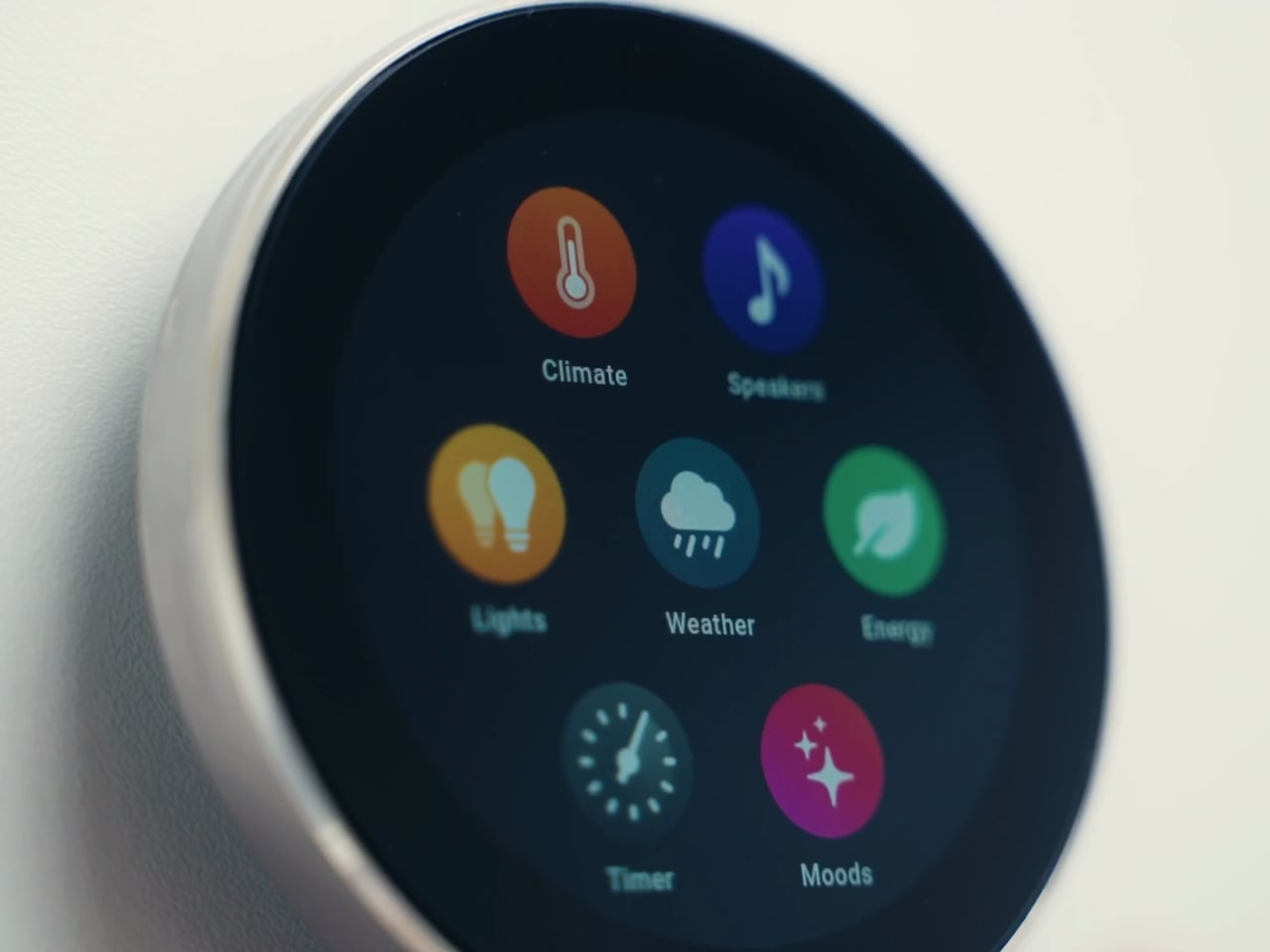
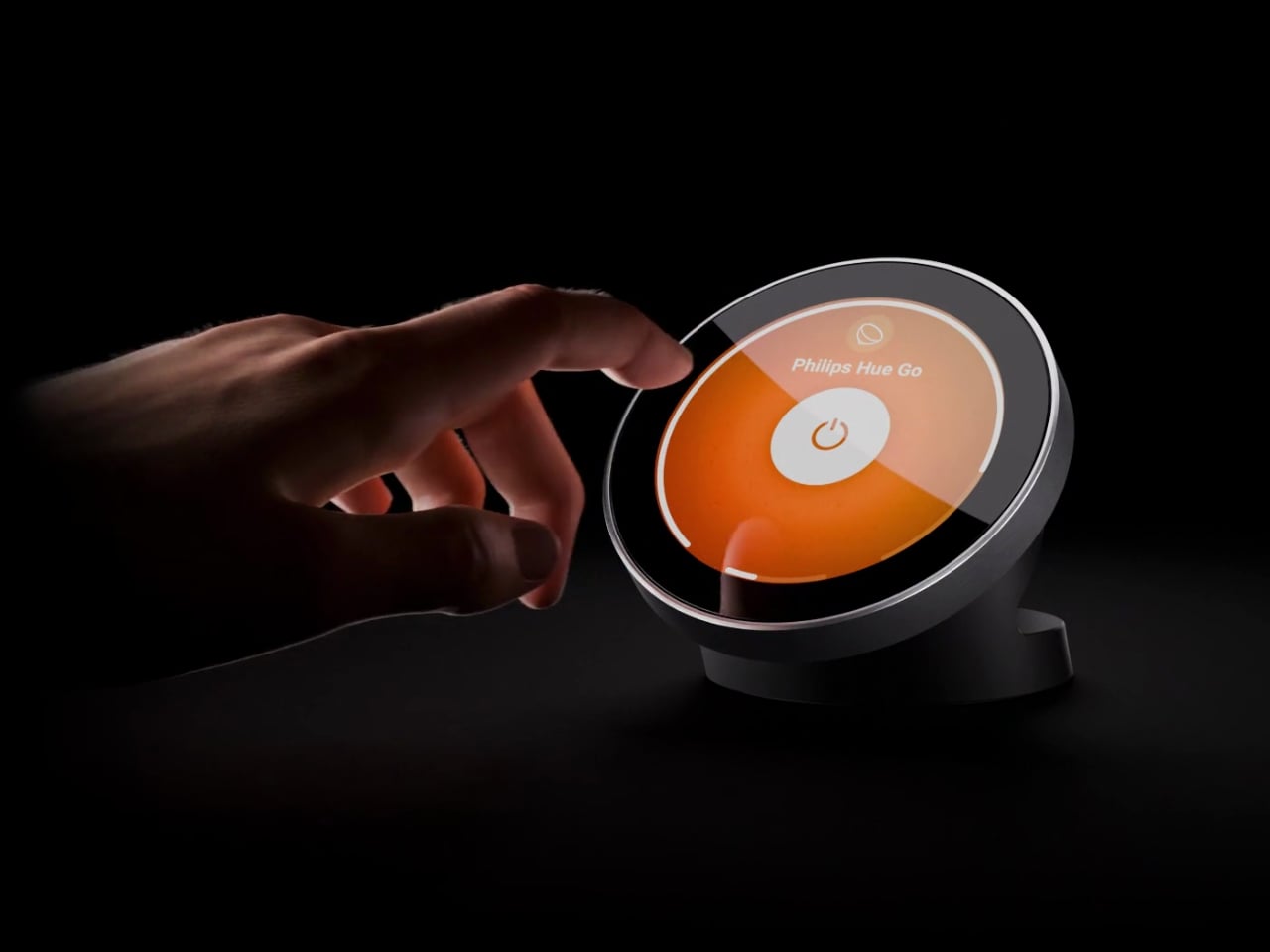
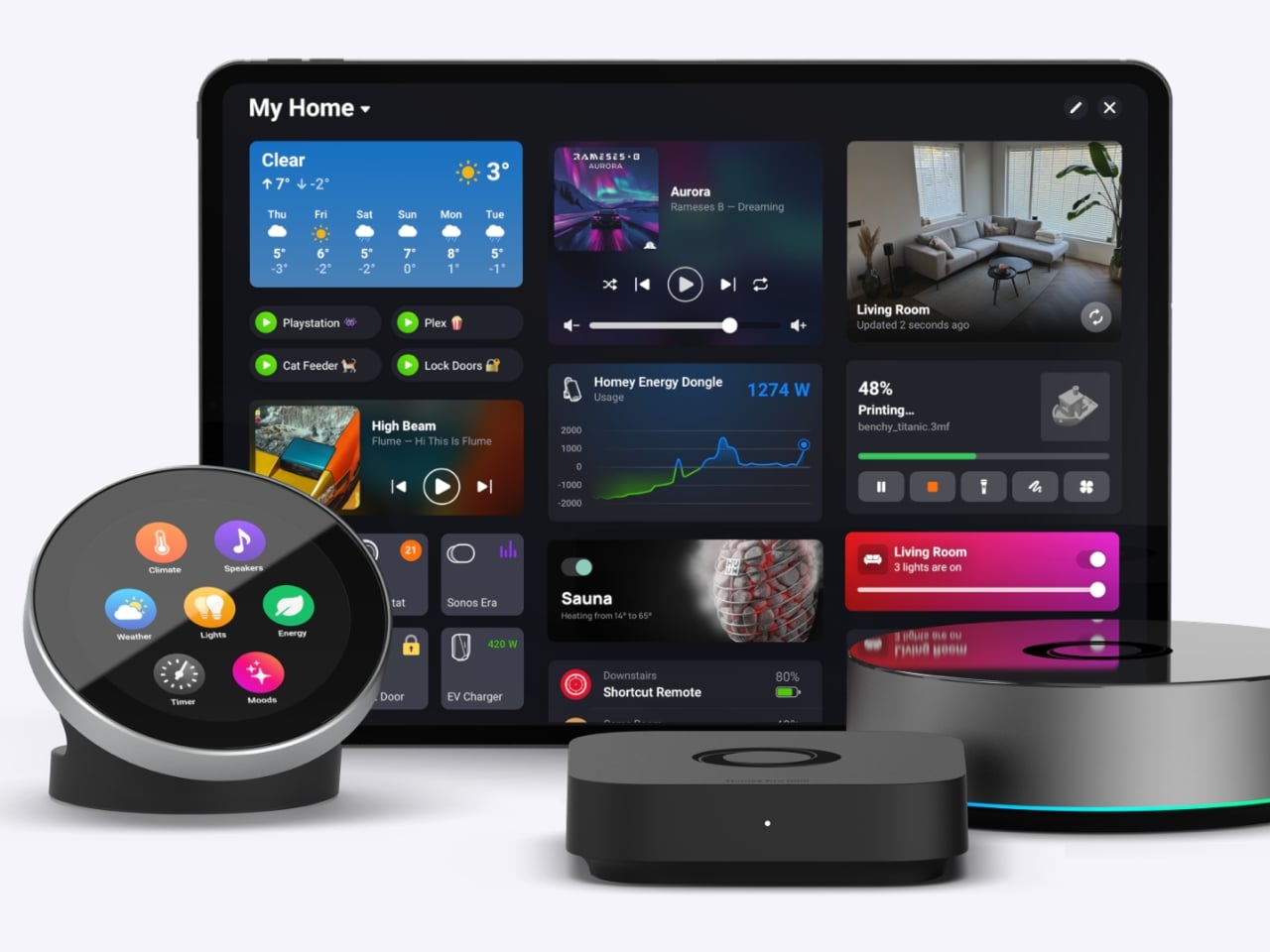
The Homey Portal, created by Dutch company Athom, is a physical smart home controller with a tactile surface that helps you manage all your connected devices. It lets anyone in your household do things like turn the lights on or off, see who’s at the door, check how much energy you’re using, find out what’s playing on your speaker, and trigger various other smart functions you’ve set up.

Designer: Athom

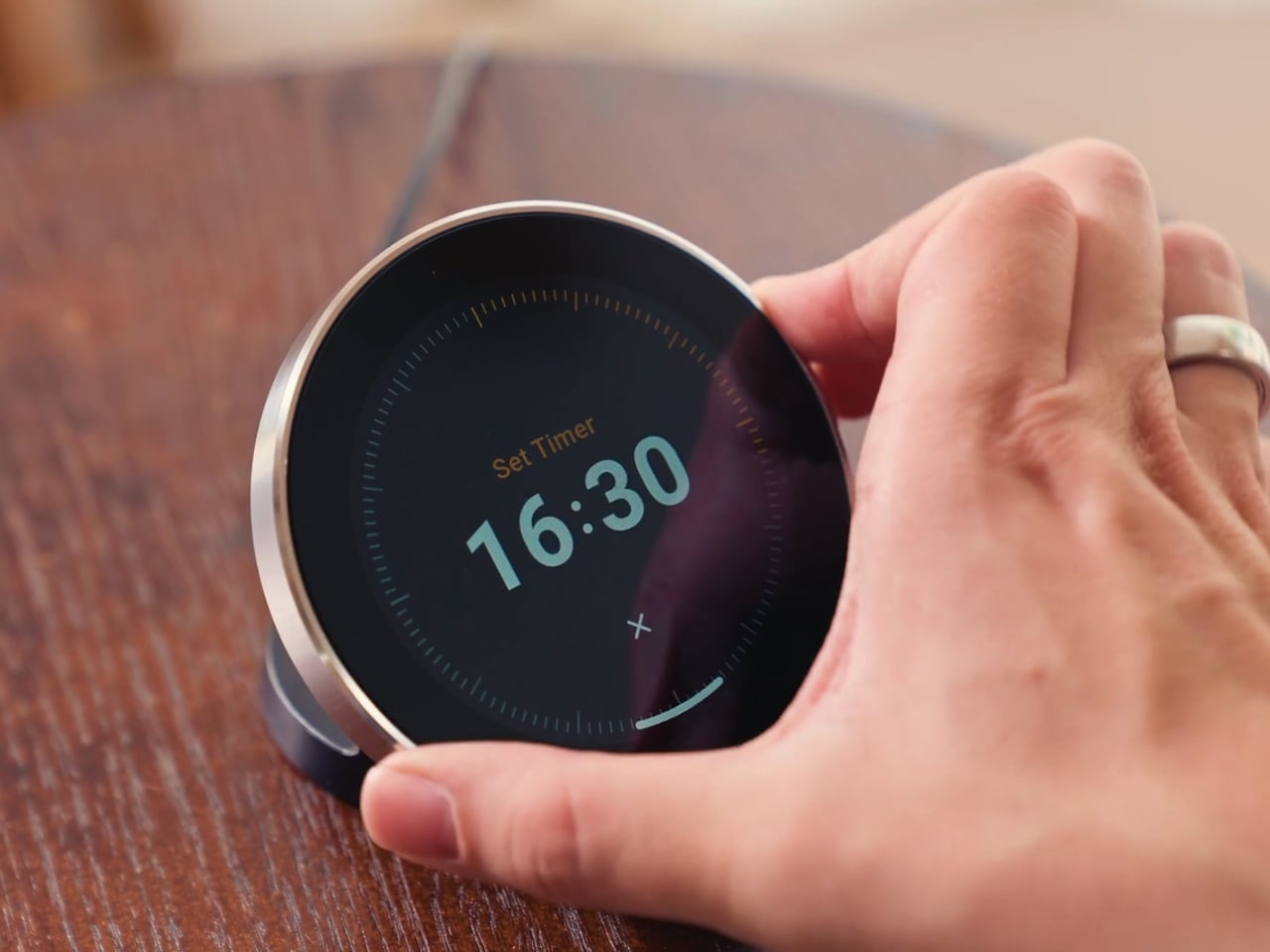
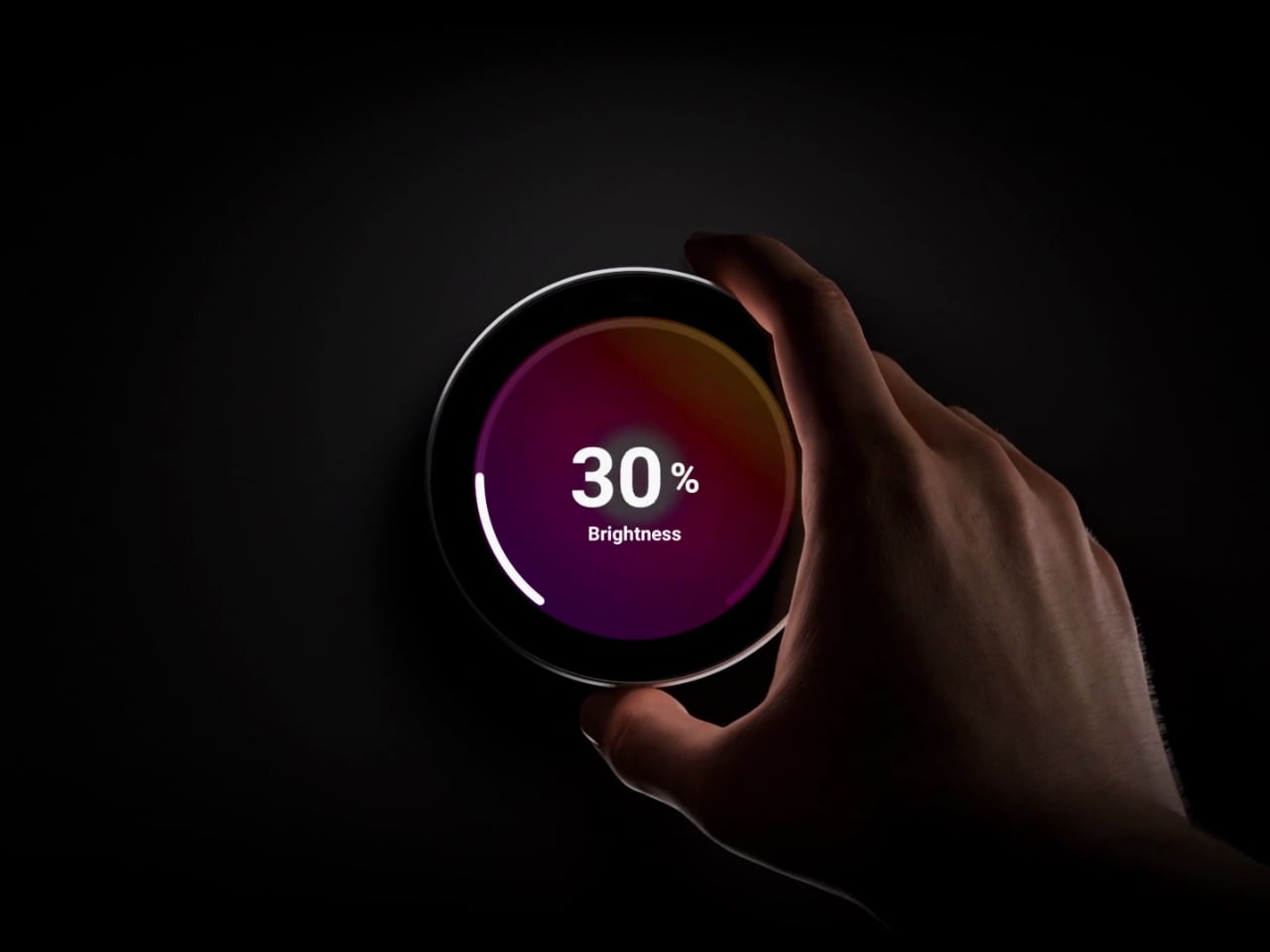
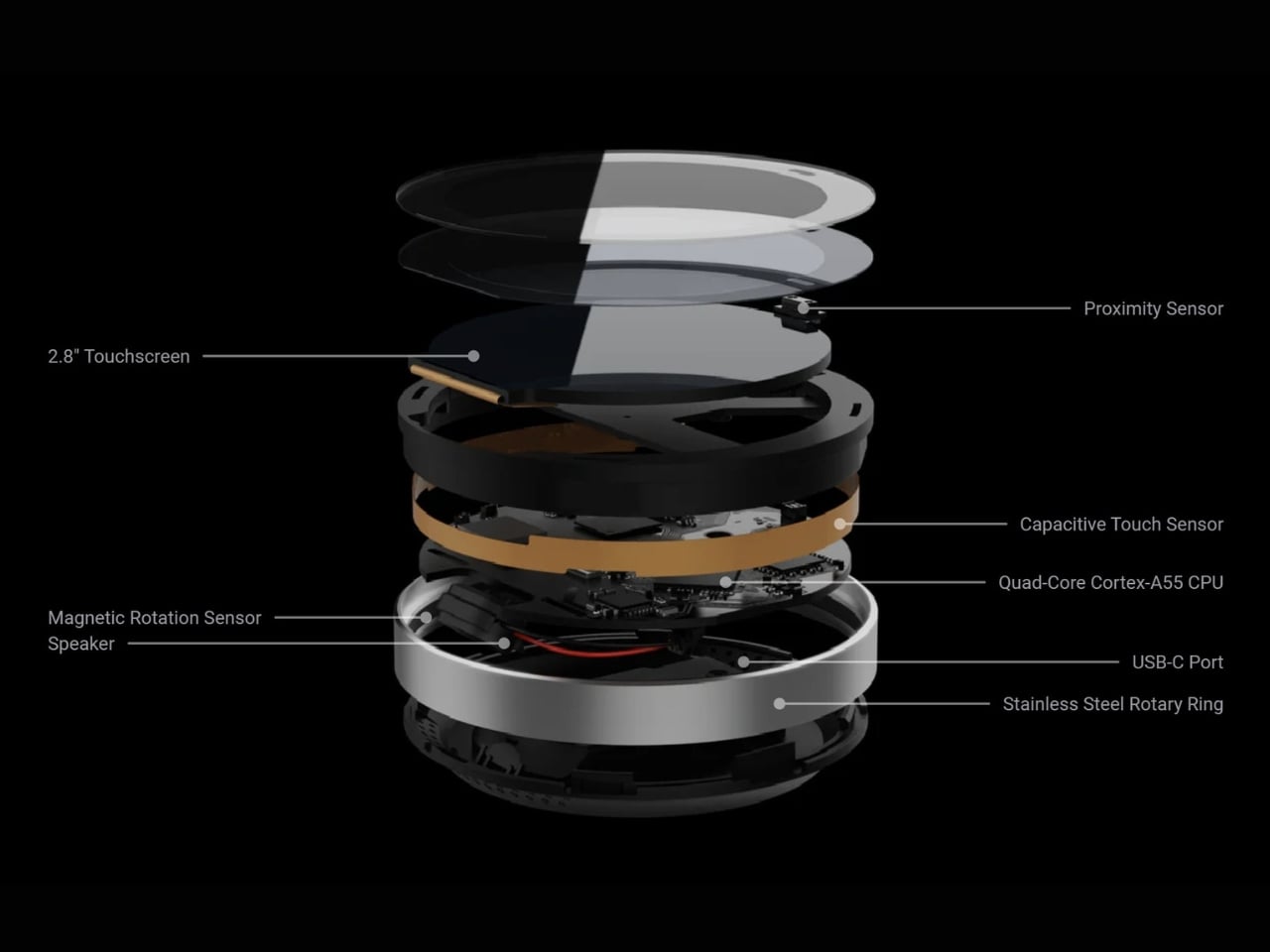
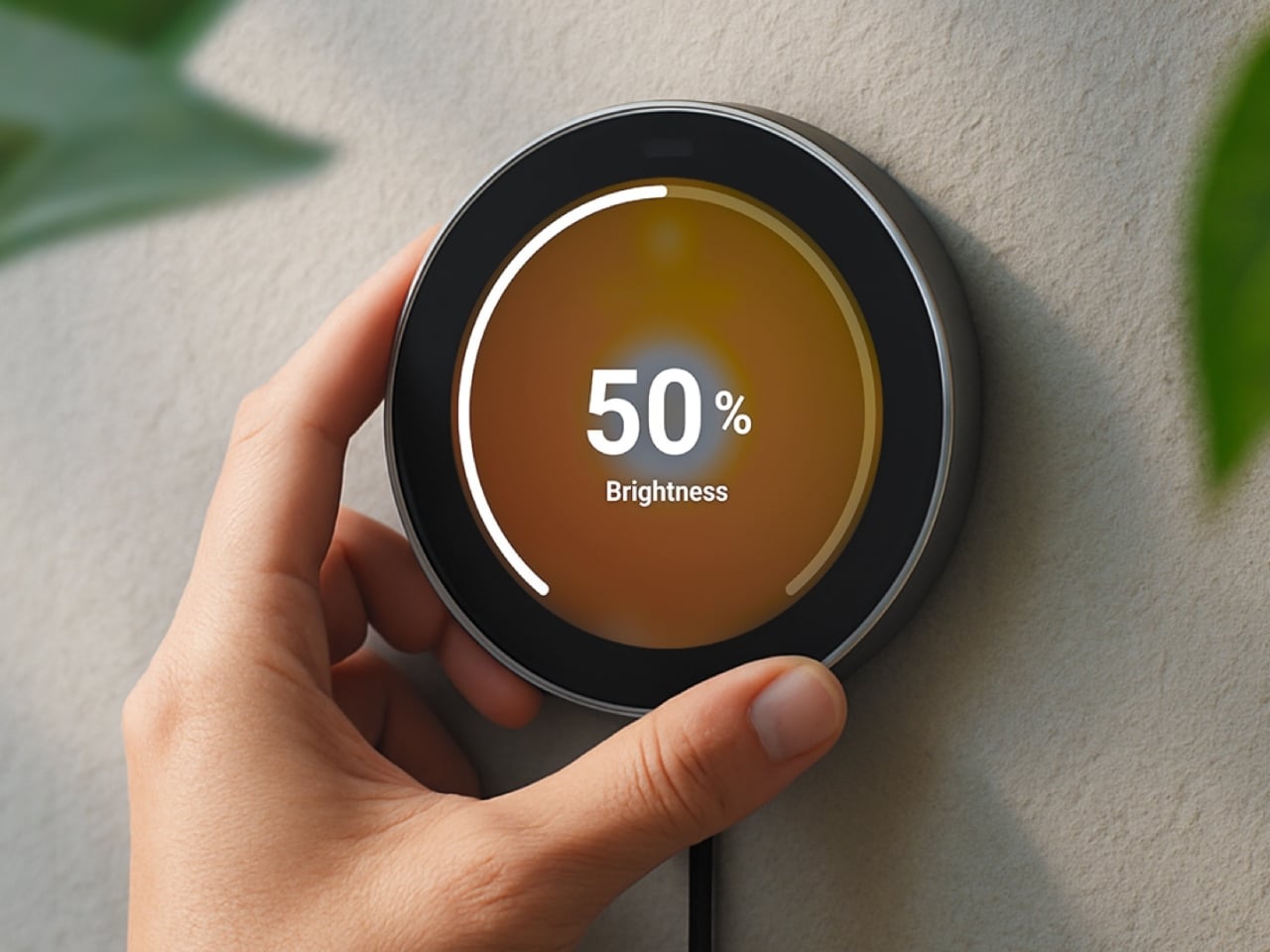
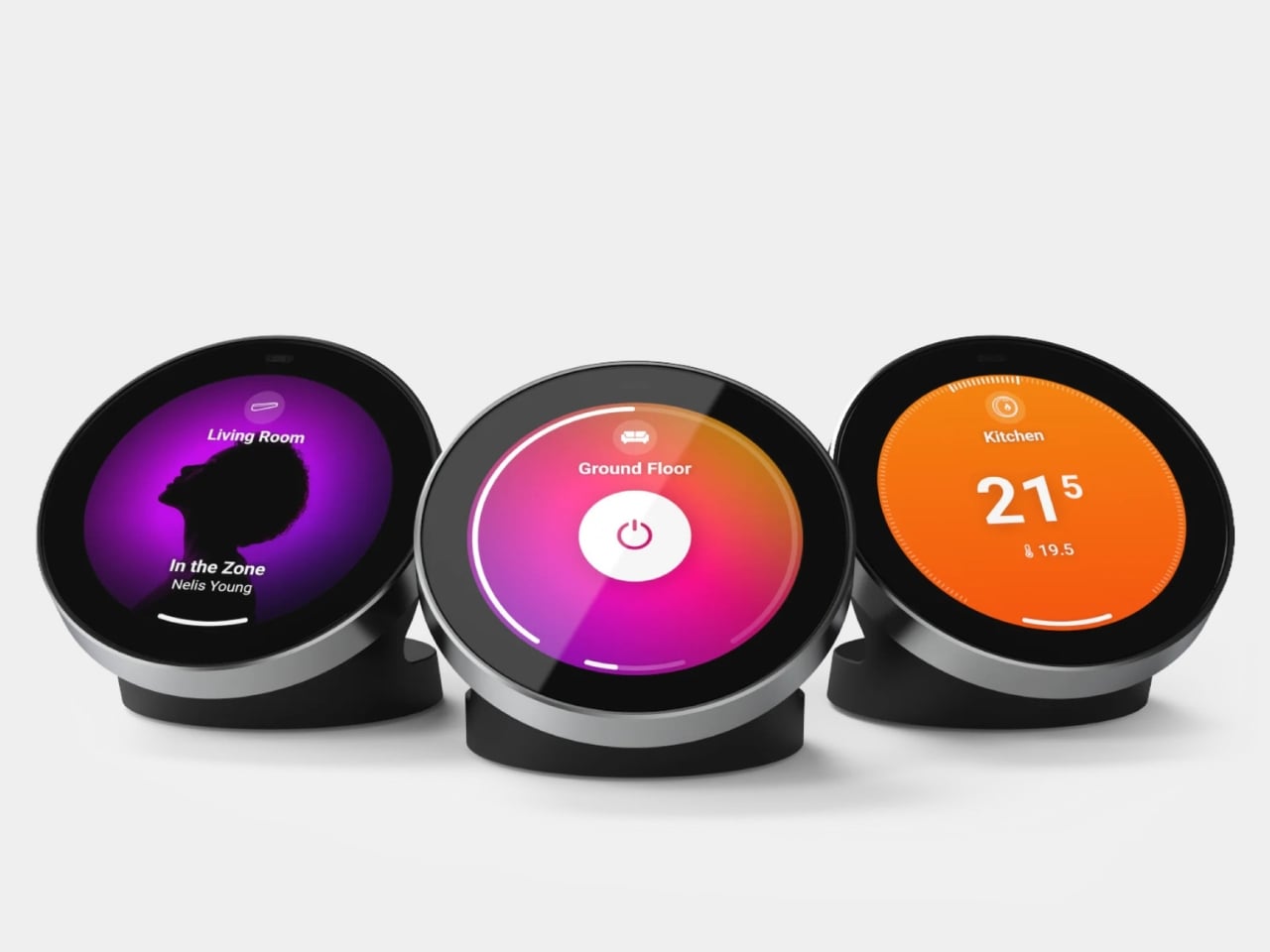
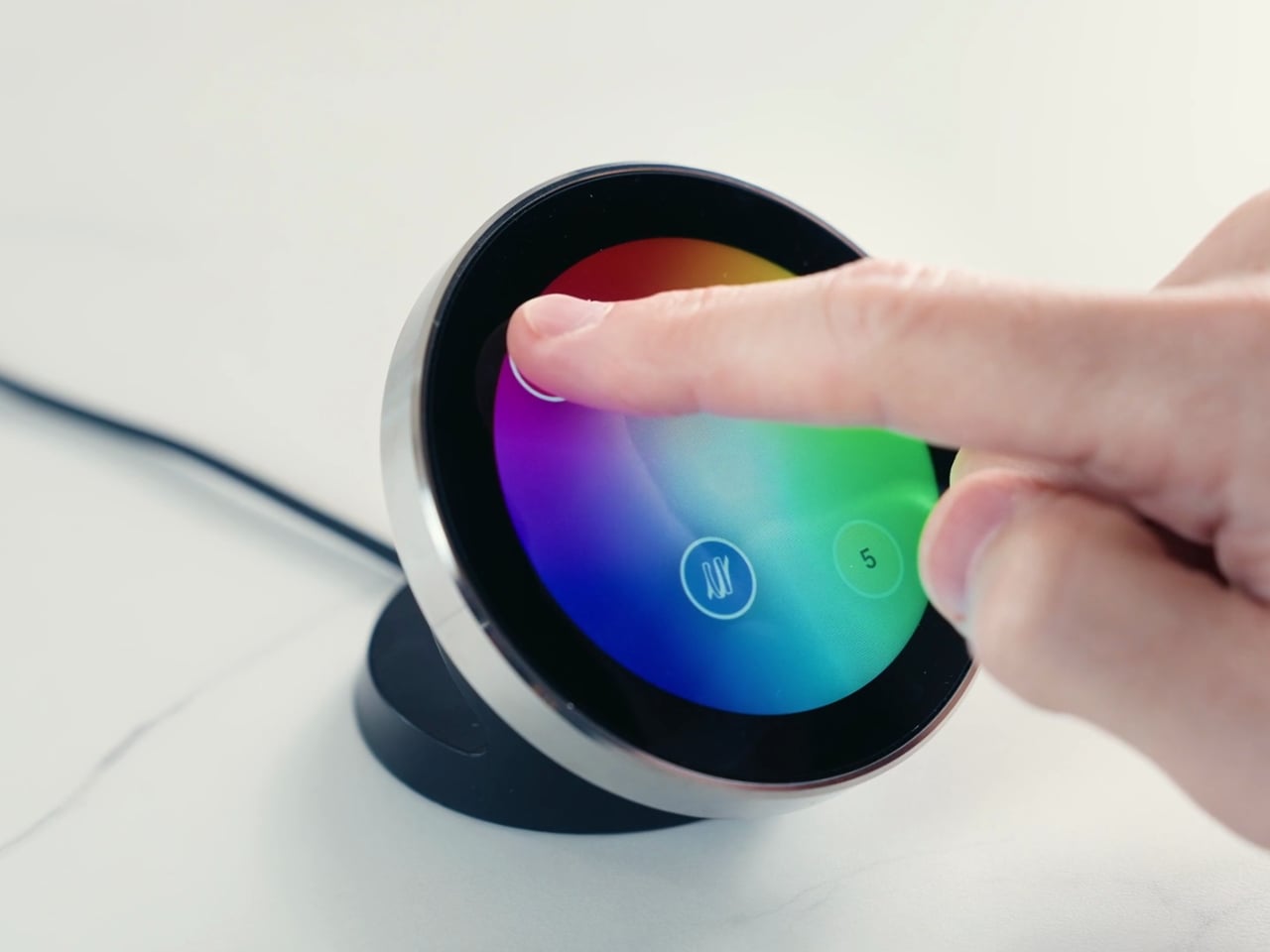
Having a physical smart home controller can be more convenient than relying on a phone-based one, and Homey proves it with this newly launched device. It features a 2.8-inch round touchscreen wrapped in a stainless-steel rotary ring. You can tap the screen to select and toggle your smart devices on or off, then twist the rotary dial to adjust things like brightness, volume, and temperature.

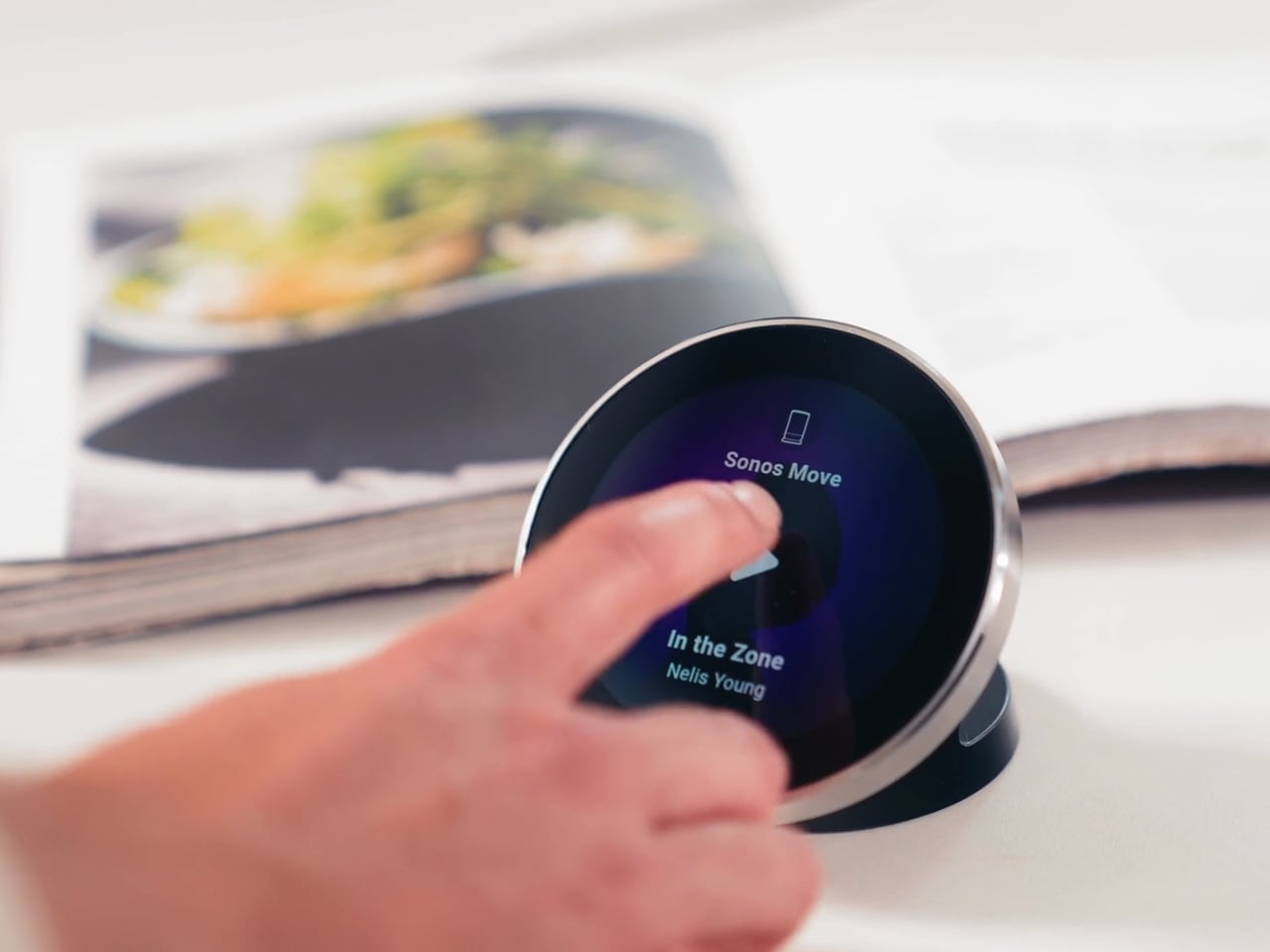
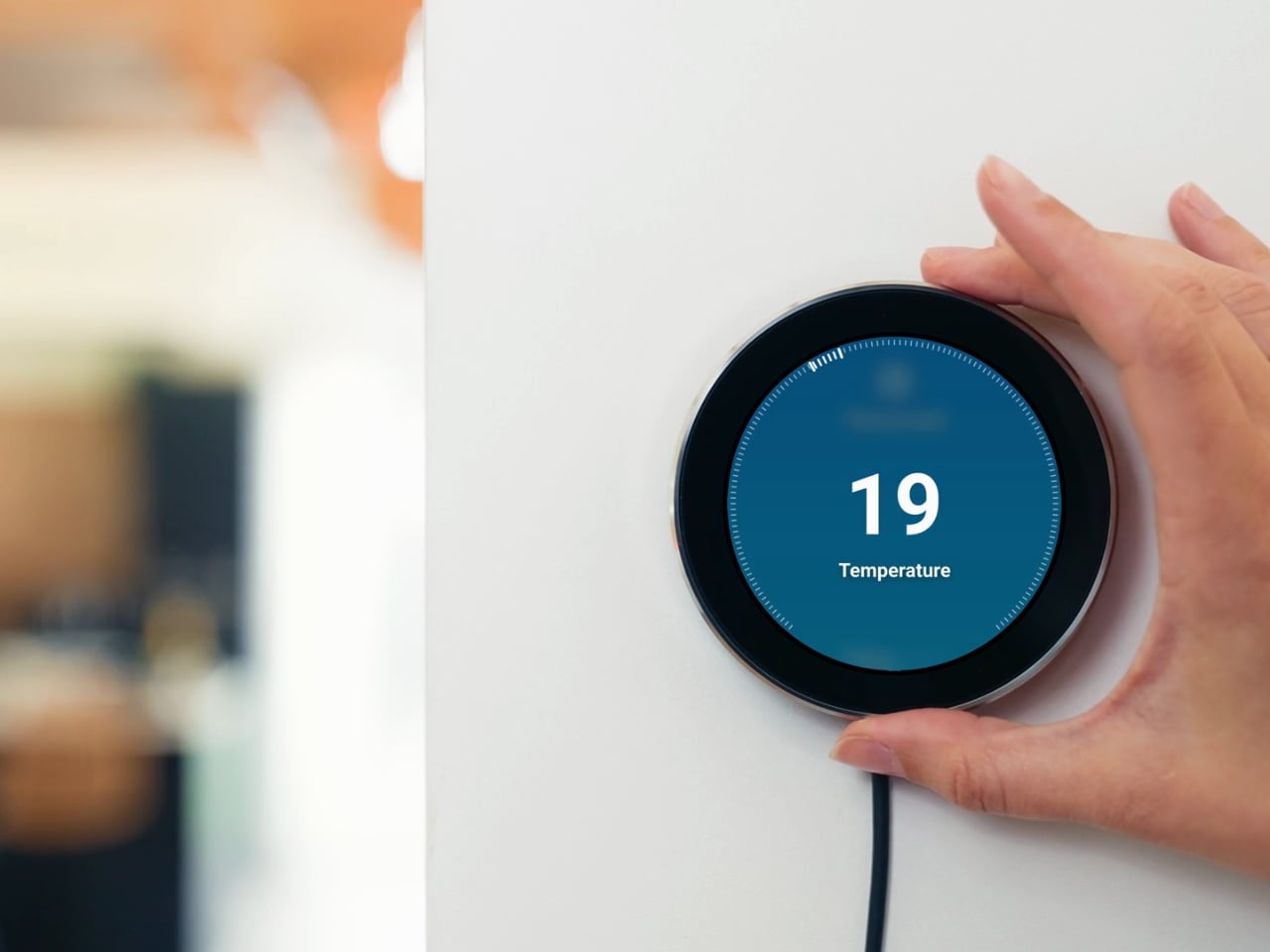
There’s a lot you can do with this little hub. If you have smart lights, you can turn them on and off and then twist the dial to dim or brighten them. It can also show the real-time temperature and humidity of your room, and you can twist the dial to adjust the temperature accordingly. If you’re playing something on your smart speaker, the screen displays the artist, track, and even the album art. From there, you can twist the dial to adjust the volume or swipe on the touchscreen to skip to the next song or go back to the previous one.

You can also set up Flow-based alerts, like a reminder to water your plants or a snapshot from your doorbell camera showing who just rang the bell. If you pair the Portal with a Homey Energy Dongle or another supported energy tracker, you can even check real-time household wattage, solar yield, and the cheapest hours to run your appliances.

The device itself is small enough to mount on a wall or simply place on your desk, side table, or countertop, whichever works best for you and the people you live with. It’s designed to work with the more than 70,000 devices from 2,000-plus brands that Homey already supports, as well as the broader Homey ecosystem, including Homey Pro, Homey Pro Mini, and Homey Cloud. The Homey Portal is available for pre-order now at an introductory price of $249, with the regular price set to rise to $299 once the first batch sells out. Orders are expected to start shipping before the end of the year, and every unit comes with both a desk stand and a wall mount included in the box, so you won’t need to buy any extra accessories to set it up wherever you like.

At its core, the Homey Portal is trying to solve a problem most of us didn’t even realize we’d accepted: that “smart” homes had quietly made simple tasks more complicated. Turning on a light shouldn’t require unlocking a phone, opening an app, and tapping through menus, and the Portal brings back the simplicity of just walking up to a dial and giving it a twist.

It also solves a more personal problem, since not everyone in a household wants to install an app or learn a new system just to turn off a lamp. Because each Portal can be placed in a specific room and used by anyone who walks by, it turns the smart home into something the whole family can actually share, not just the one person who set it all up. Whether it ends up on a kitchen wall, a bedroom nightstand, or a home office desk, it’s a small device aiming to make an increasingly complicated corner of our homes feel simple again.

The post Finally, a Smart Home You Can Control Without Your Phone first appeared on Yanko Design.
Huawei’s FreeBuds Neo Are Small Enough to Forget, Loud Enough Not To

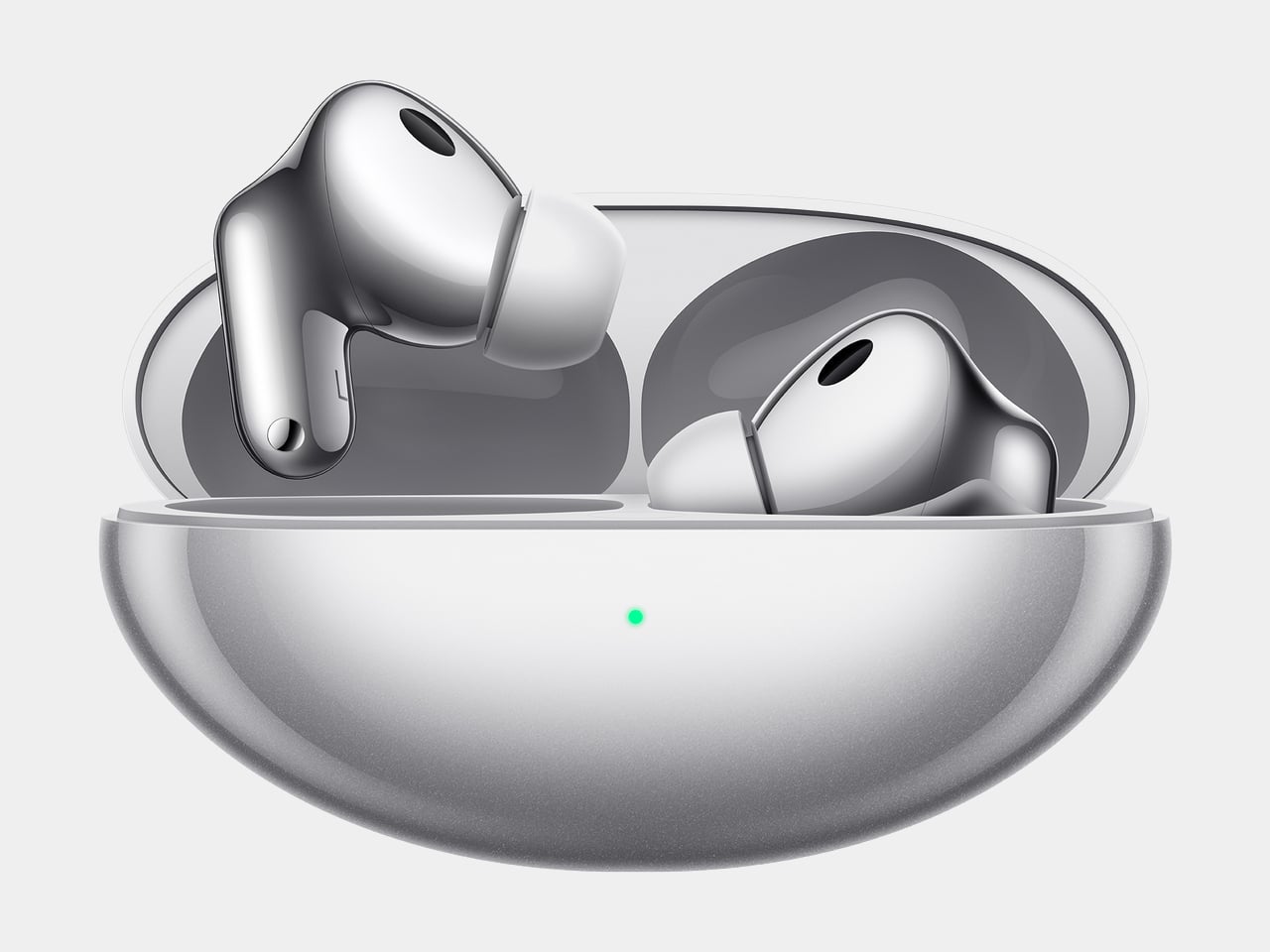
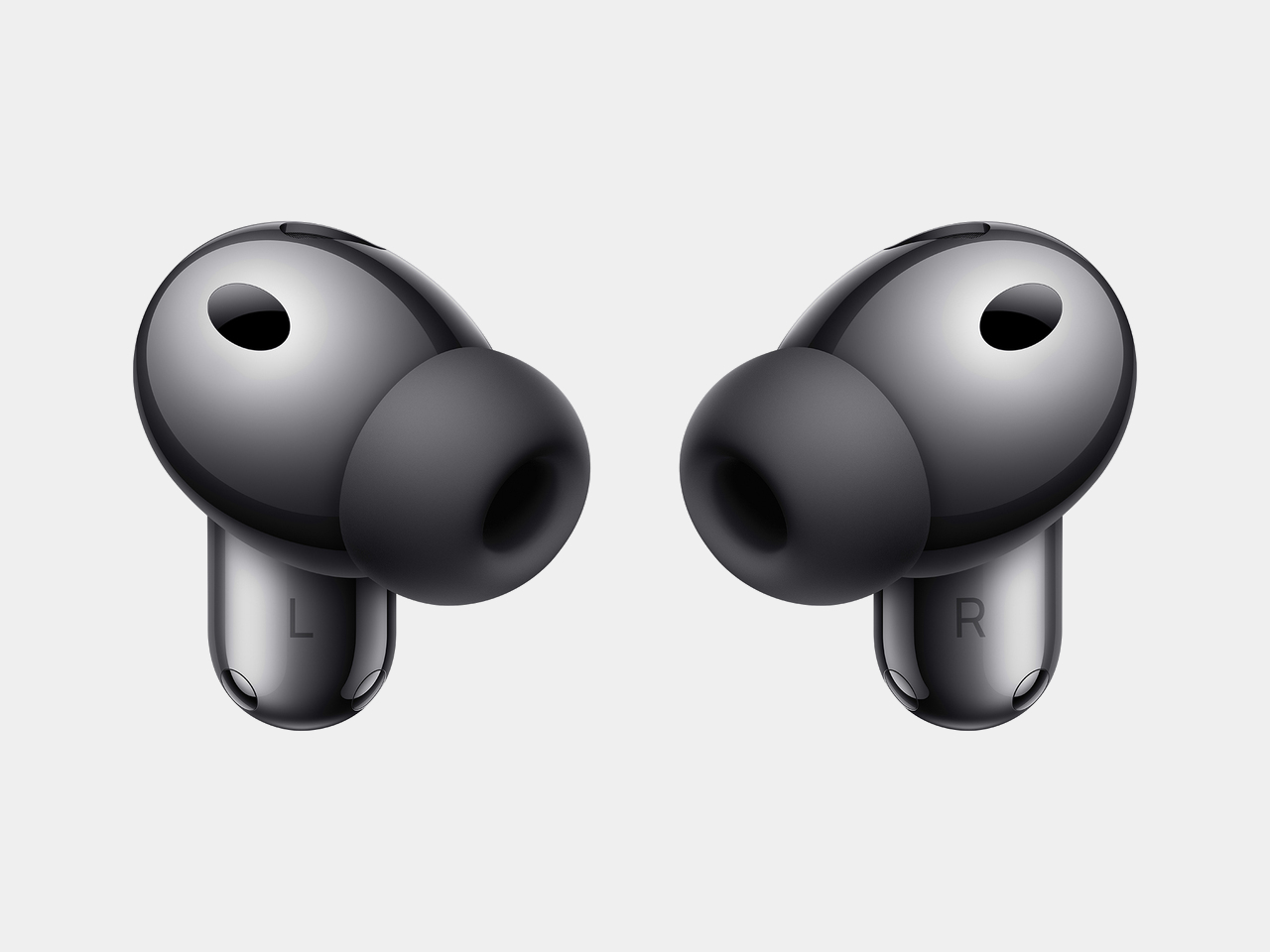
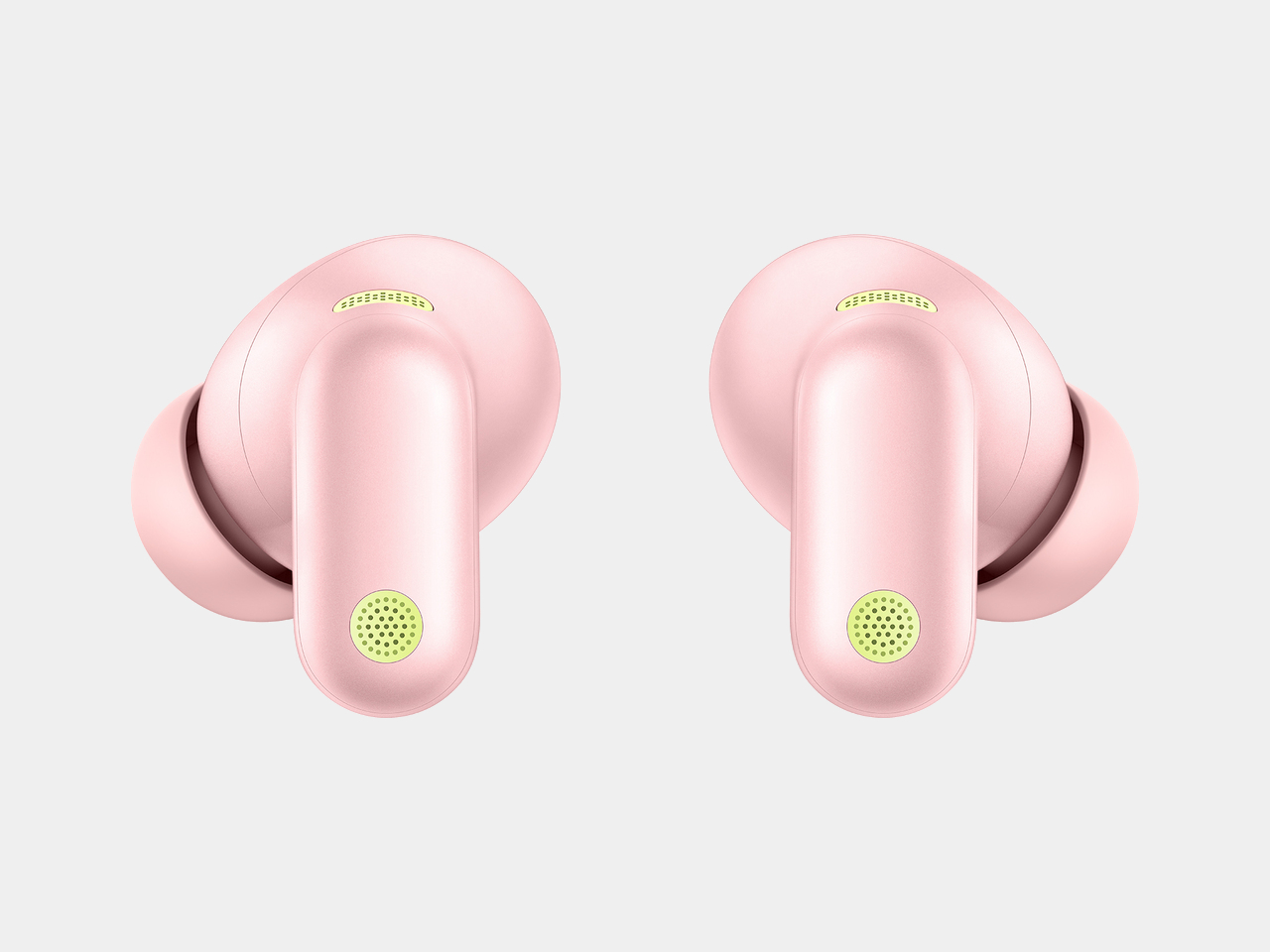
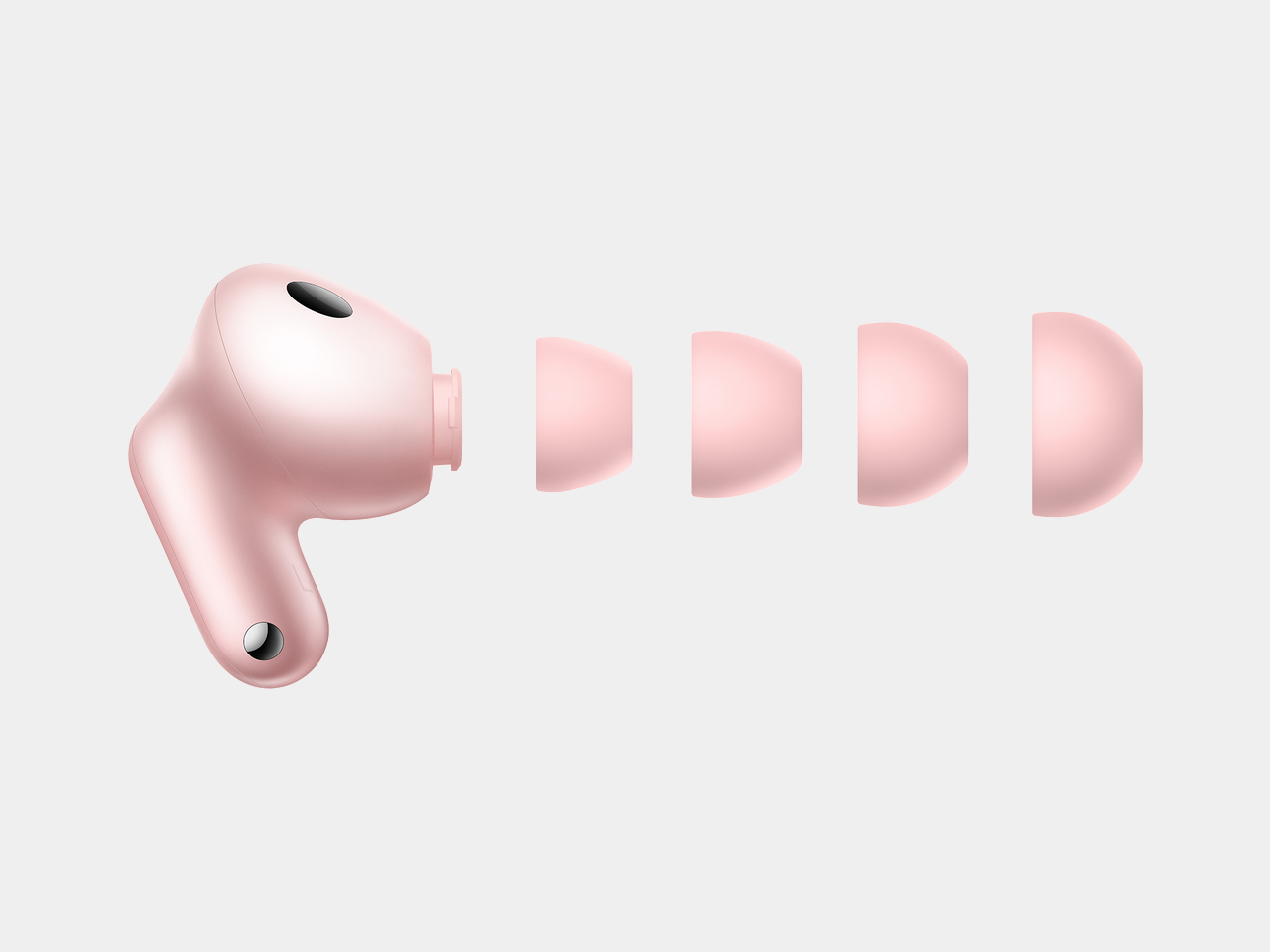
Huawei’s FreeBuds Neo makes a case for restraint, proving a pair of earbuds can shrink in size without shrinking in ambition. Announced globally to launch at IFA 2026, the FreeBuds Neo pairs noise cancellation with a shape built for long days of wear, arriving in four colorways that read more like a fashion accessory than typical tech hardware. It’s a design that treats comfort as a feature worth engineering around, not an afterthought.

That comfort starts with the numbers. Each earbud weighs only approximately 4.8 g, and Huawei built that lightness around a significant number of real human ear feature data points, delivering an ergonomic, pressure-relieving fit that achieves even pressure distribution for pain-free long-term wear. Simulation tests replicating high-frequency movement led to design tweaks in areas prone to loosening, so the buds stay anchored through workouts, commutes, and everything in between.

Designer: Huawei

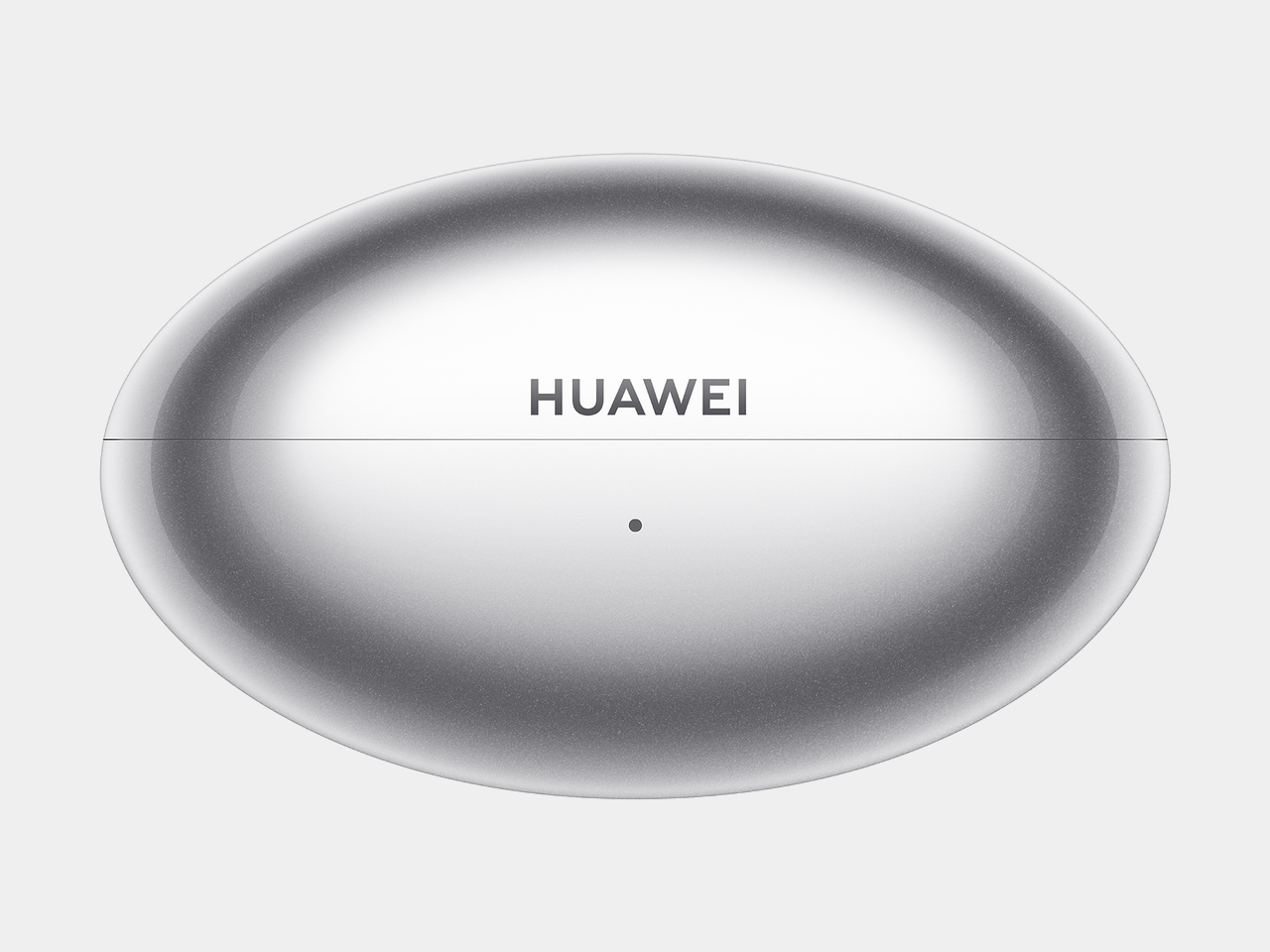
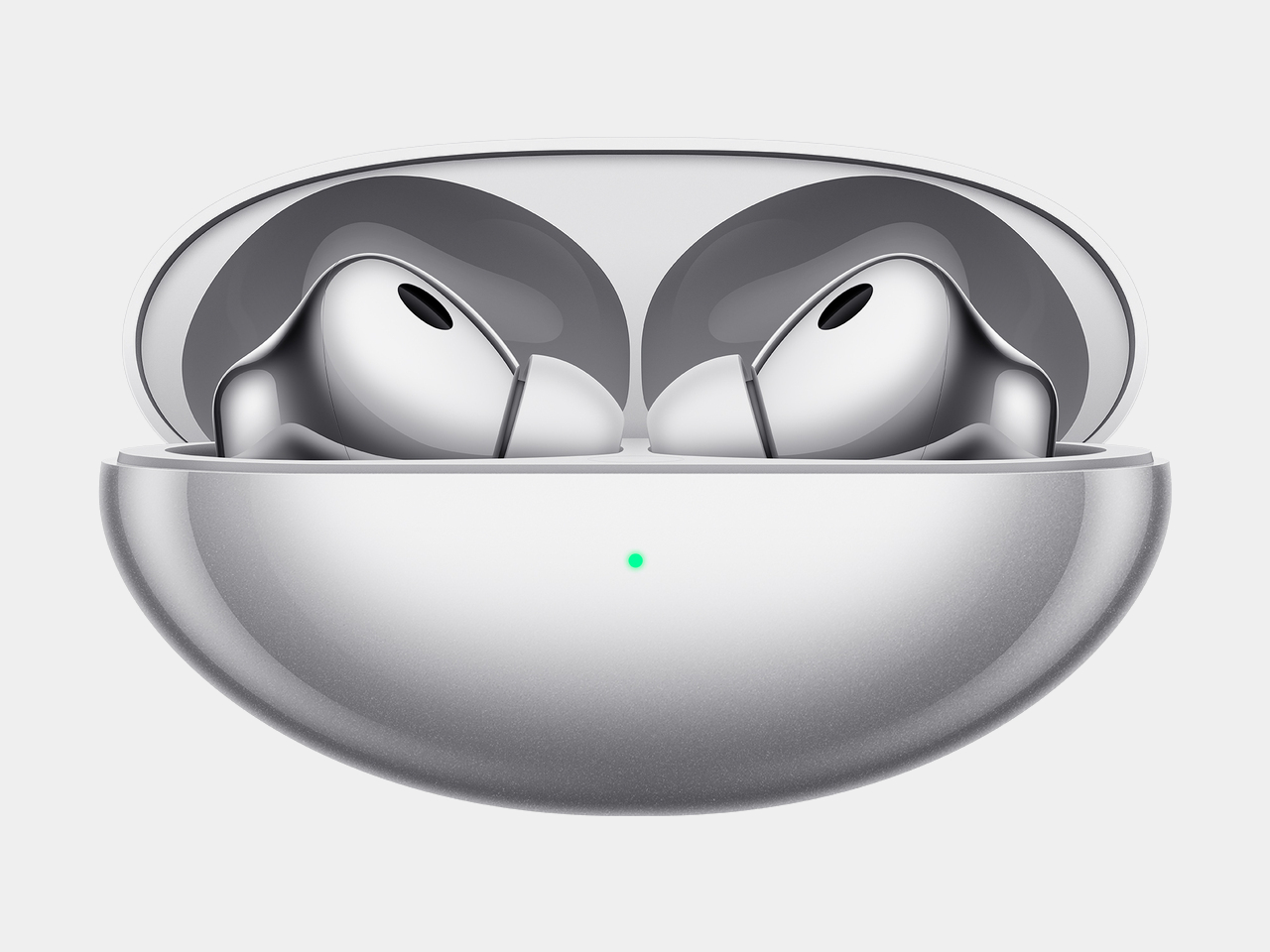
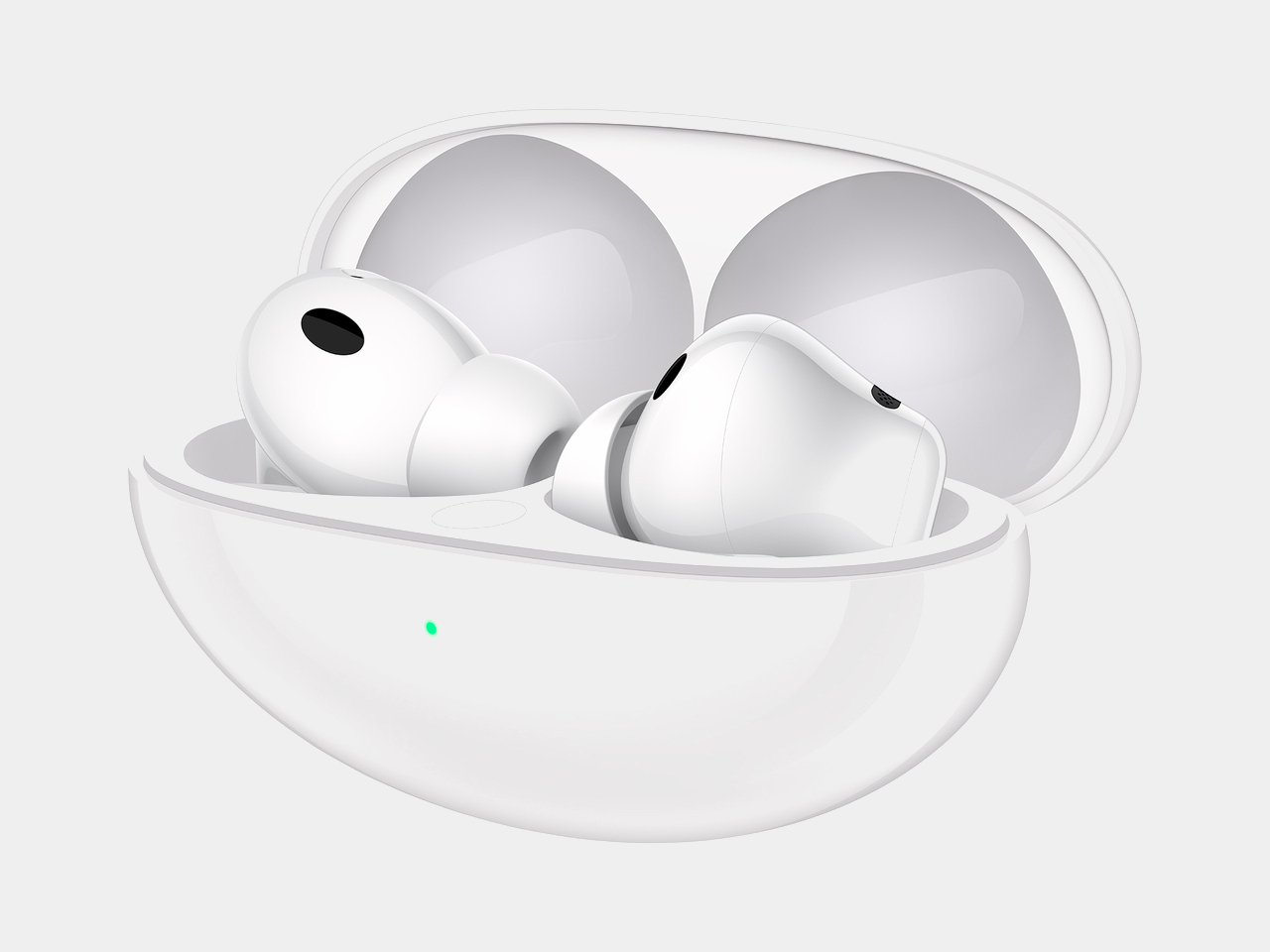
The Mini shuttle case carries that same restraint into its shape, presenting a fully curved form, with a sleek and minimalist silhouette and a lightweight body that slips into a pocket without adding bulk. Four color options, Stellar Silver, Nebula Pink, Ice White, and Starry Black, let the case double as a small style statement rather than a purely functional accessory. The Light Mini Stem carries that philosophy further, conforming to the ear’s contours for a fit that looks as refined as it feels.

Underneath that compact shell, Huawei packs a dual-channel noise cancellation architecture that optimizes sound paths, cutting down medium and high-frequency noise, like wind and ambient chatter, for a full-frequency depth of up to 30dB. A third-gen audio chip handles the heavy lifting, reacting to shifting noise within milliseconds so a subway platform one moment and a quiet office the next don’t require manually adjusting anything.

Sound quality gets its own upgrade courtesy of an all-new Turbo driver unit, stretching frequency response from 10Hz up to 48kHz. That range keeps bass hitting hard on a commute playlist while vocals and instruments stay clear during a podcast or a video call, recreating the texture of a live performance rather than a compressed streaming file. Paired with a Huawei phone, the buds support up to 2.3Mbps of lossless transmission, dropping to a still-respectable 990kbps over LDAC with other devices.

Huawei also built in unlimited spatial audio, using its own algorithms to wrap sound in a 360-degree soundstage regardless of source or device, so a movie watched on a laptop can feel as enveloping as one streamed through a dedicated app. Cross-platform support rounds out that flexibility, breaking down ecosystem barriers to work across Android, iOS, and Windows, with dual-device connections that let someone switch from a work laptop to a phone call without digging through Bluetooth menus.

Pricing lands at £119.99 (around $162) when the FreeBuds Neo arrives in the UK on 23 September 2026, positioning it as a mid-range option against pricier flagship earbuds. Between the lightweight fit, the four-color palette, and noise cancellation tuned for shifting environments, Huawei seems to be betting that people want earbuds that disappear into daily routines rather than demand constant attention.

The post Huawei’s FreeBuds Neo Are Small Enough to Forget, Loud Enough Not To first appeared on Yanko Design.
Huawei Finally Made a Blood Pressure Watch That Looks Like Jewelry

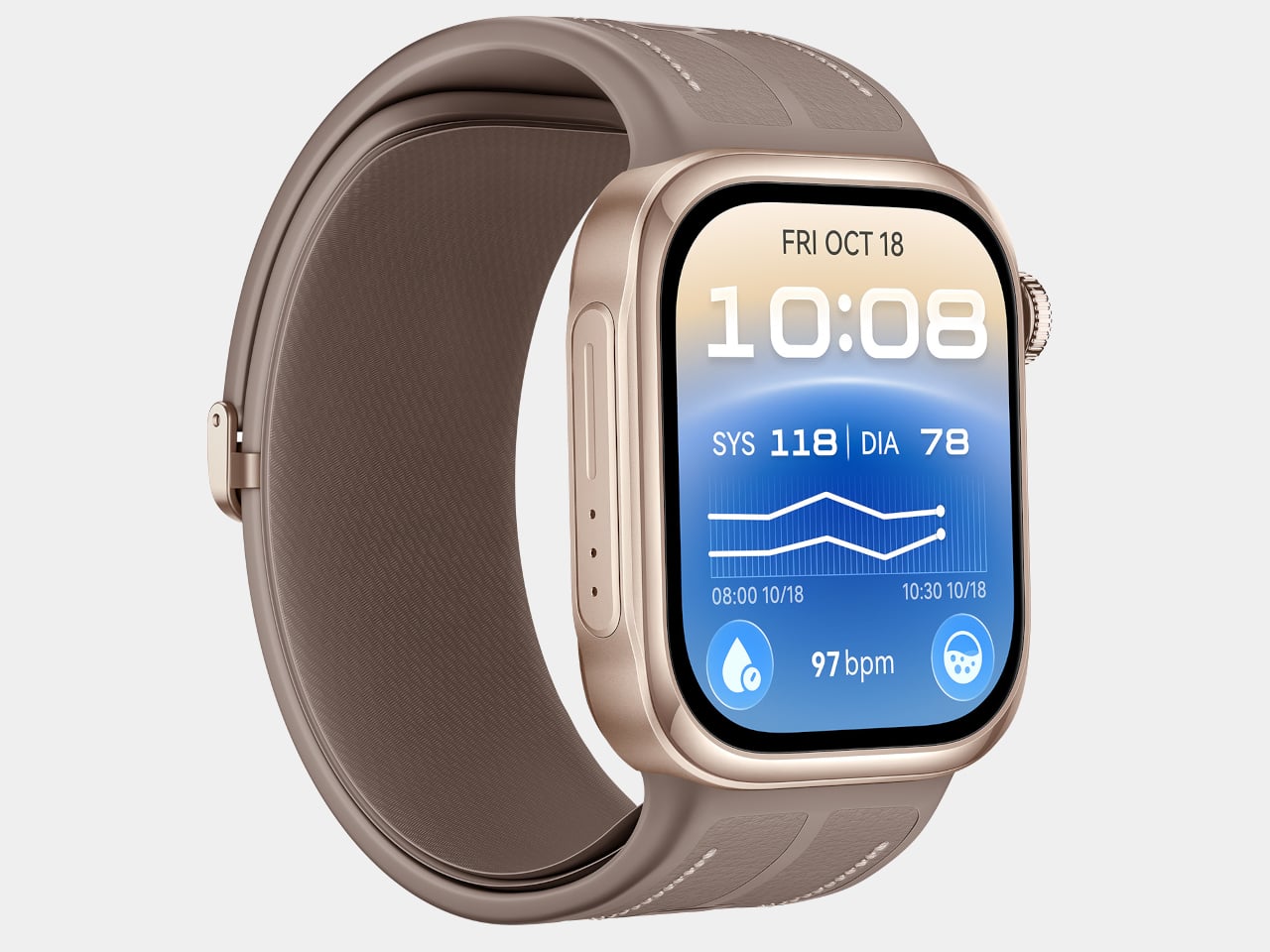
Huawei used IFA 2026 to show that a smartwatch can care for you in two very different ways without ever feeling like two different products. The HUAWEI WATCH 6 Series and the HUAWEI WATCH D3 launched together, one built around elegance and daily versatility, the other built around round-the-clock medical monitoring. Both treat the wrist as a place worth designing carefully, just toward different ends.

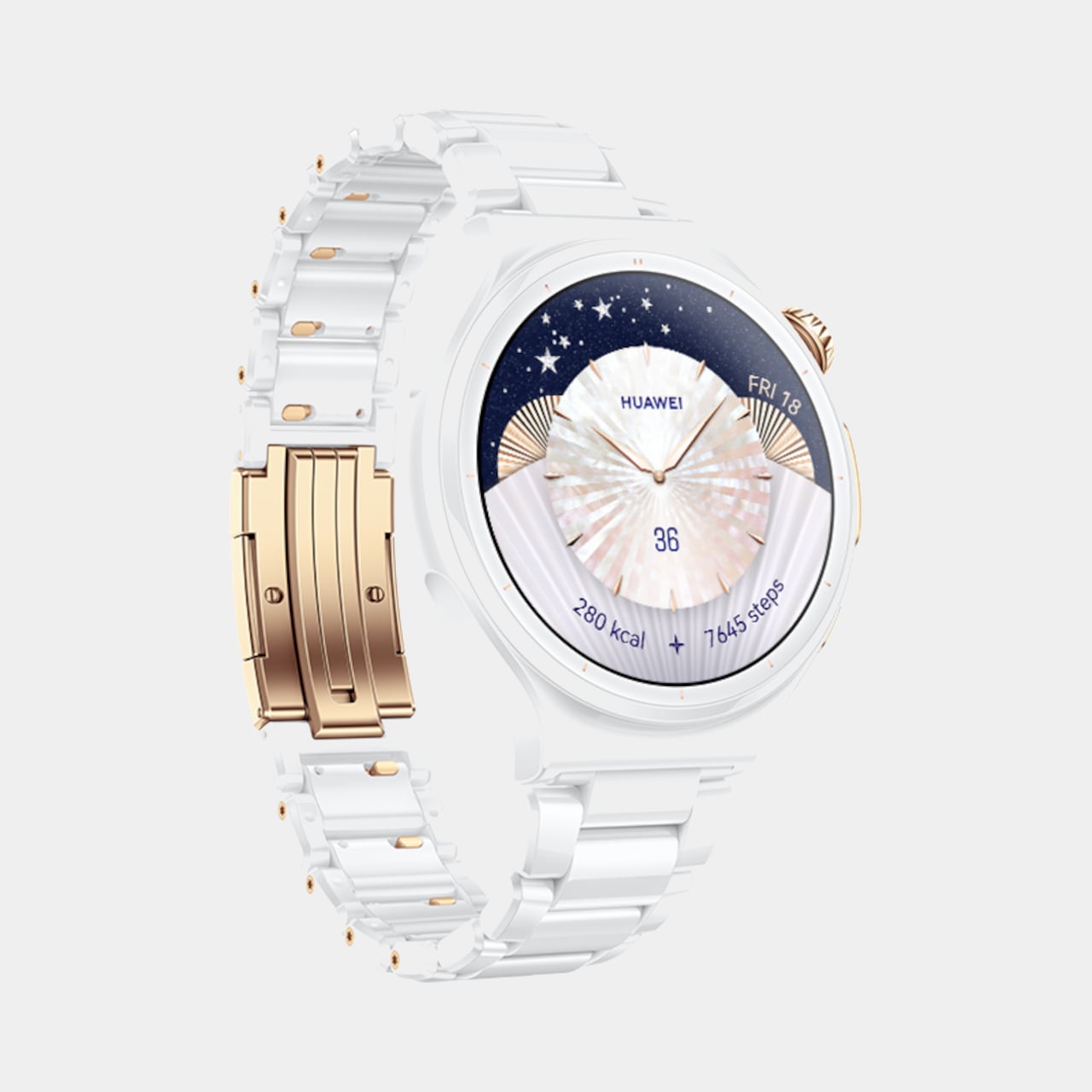
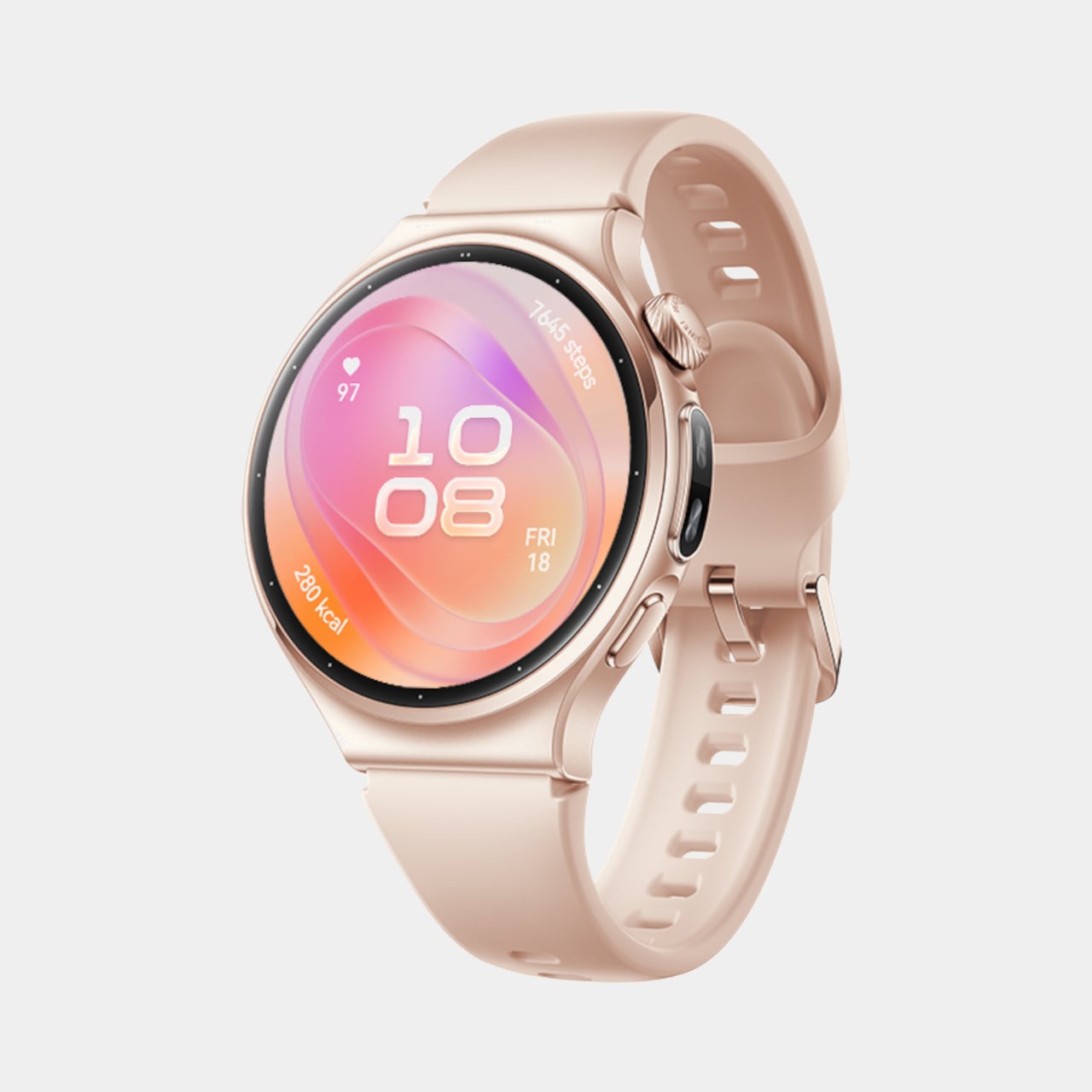
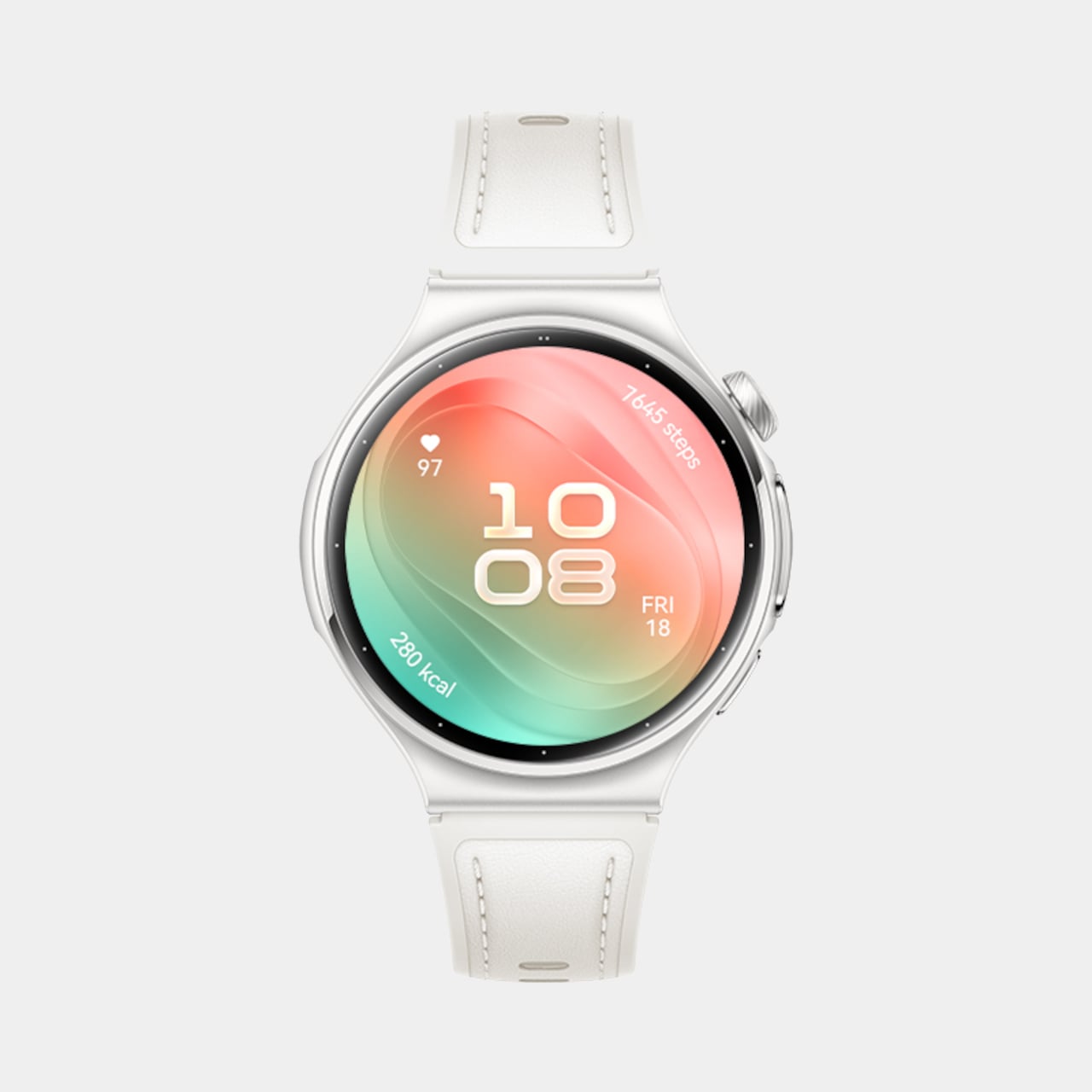
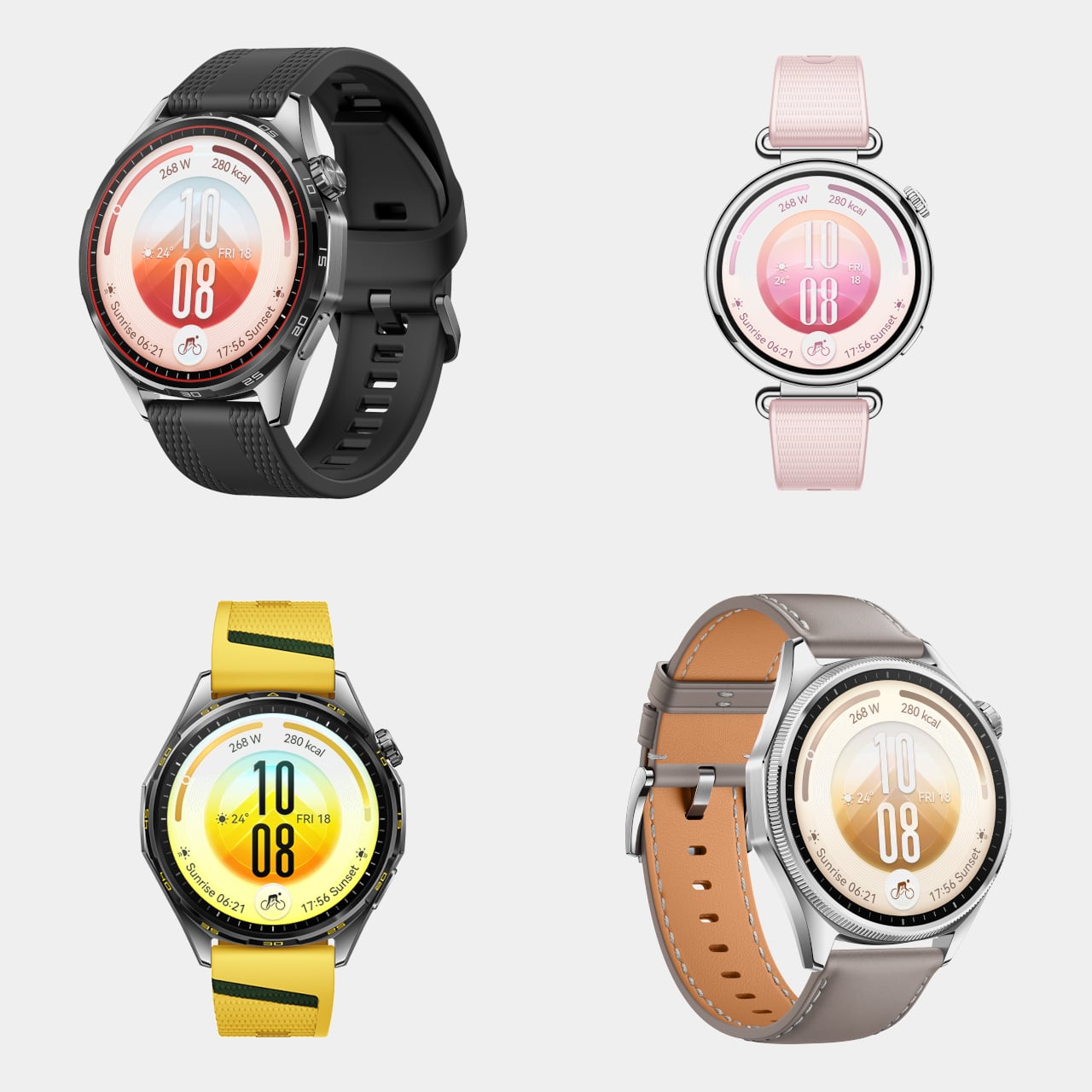
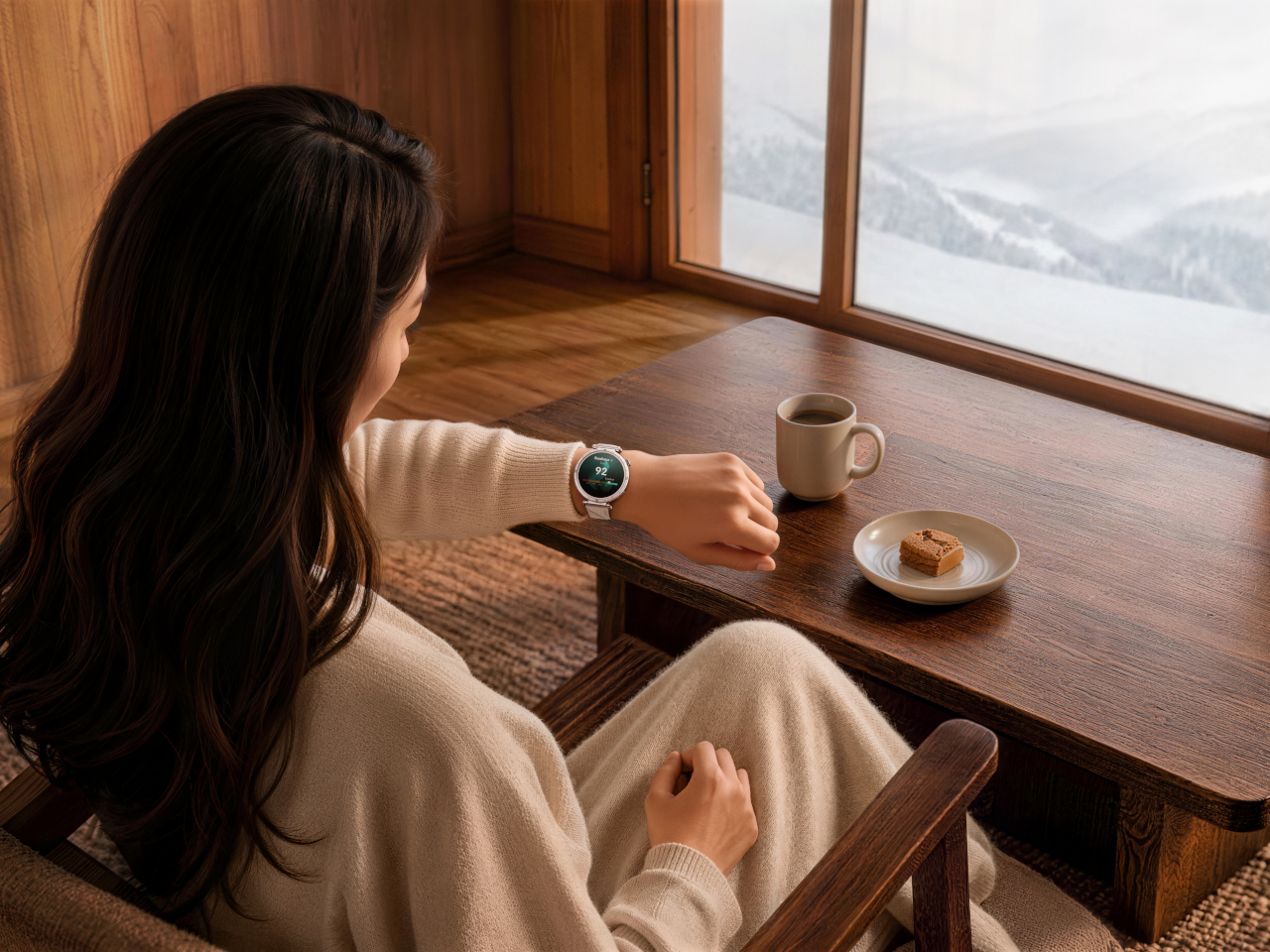
The WATCH 6 leads with restraint. Huawei carries forward the sleek, minimalist design legacy of the WATCH family, introducing a timeless aesthetic that exudes sophistication, and backs that look with real engineering. The 42mm model claims the lightest design in the history of the HUAWEI WATCH Series at just 38g and 10.2mm thin, while the 46mm version leans into a durable stainless-steel case for anyone who prefers heft on their wrist.

Designer: Huawei

Huawei Watch 6

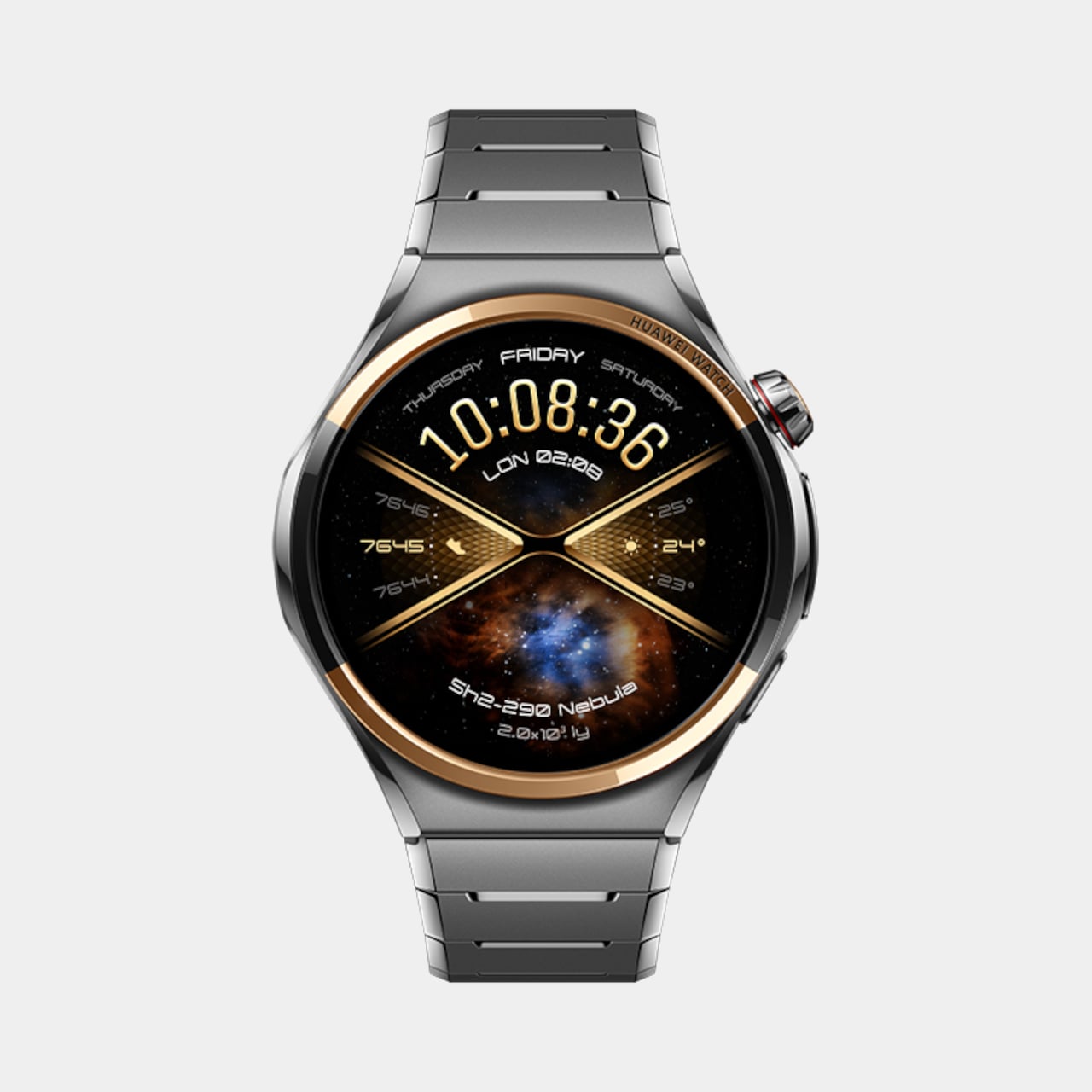
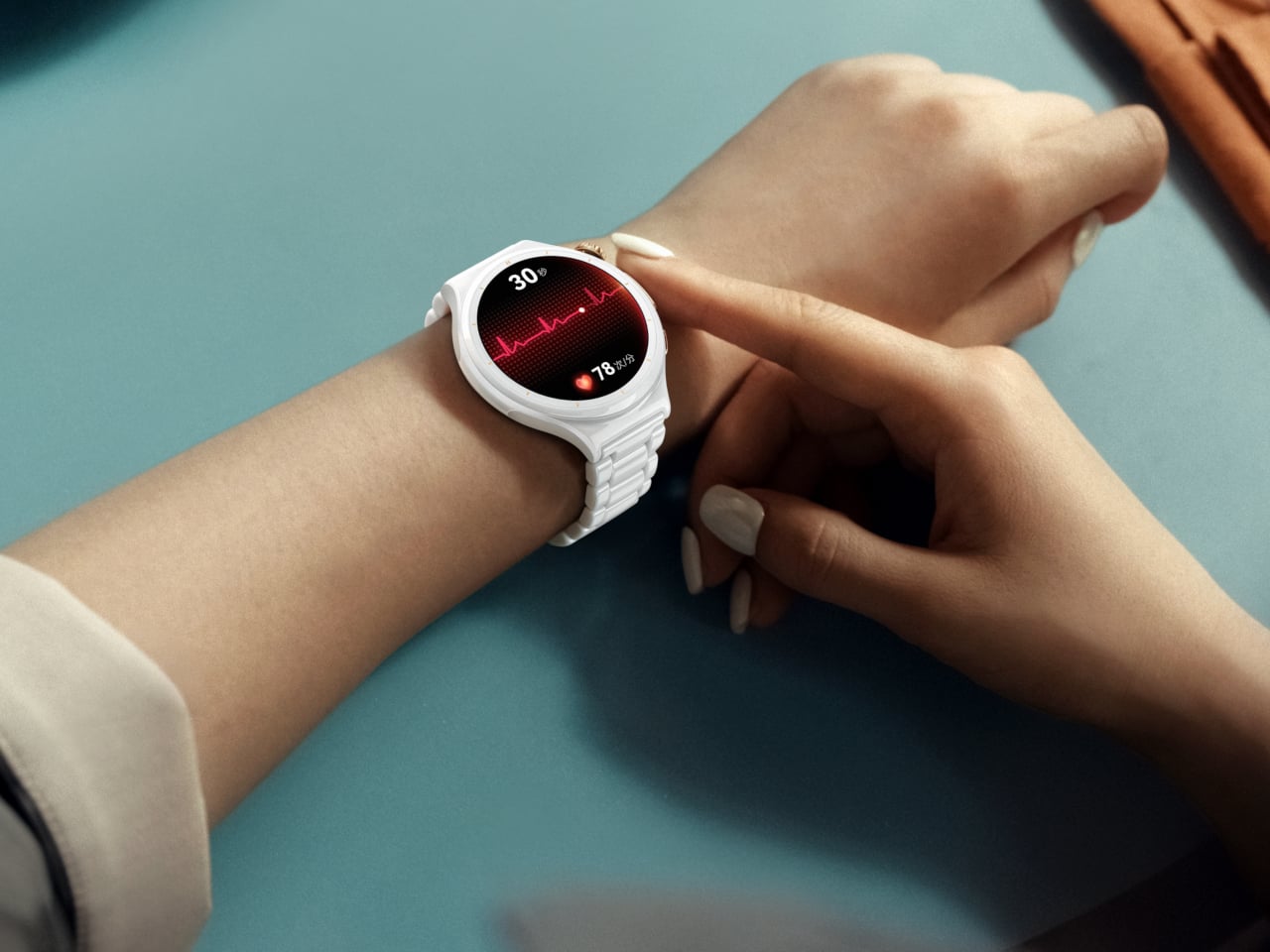
Four finishes carry that design further, from Black Stainless Steel to a Gold Aluminum Alloy paired with a soft pink strap, each fitted with the new HUAWEI EasyCross Strap for a smoother, more breathable fit. The Pro tier pushes materials even harder, with a Space Edition pairing a black ceramic bezel against gold detailing, and a 43mm model marking the first all-ceramic watch in Huawei’s lineup, finished with 18K gold accents for a genuinely jewelry-like presence.

Underneath that shell, the WATCH 6 quietly tracks a lot. An upgraded X-TAP pulls up a full Health Glance with one touch, spanning 11 metrics across basic, endocrine, cardiovascular, and respiratory categories. A new Diet clover rounds out Huawei’s four-leaf wellness model, nudging users toward balanced habits around exercise, sleep, mood, and food instead of just logging numbers nobody revisits.

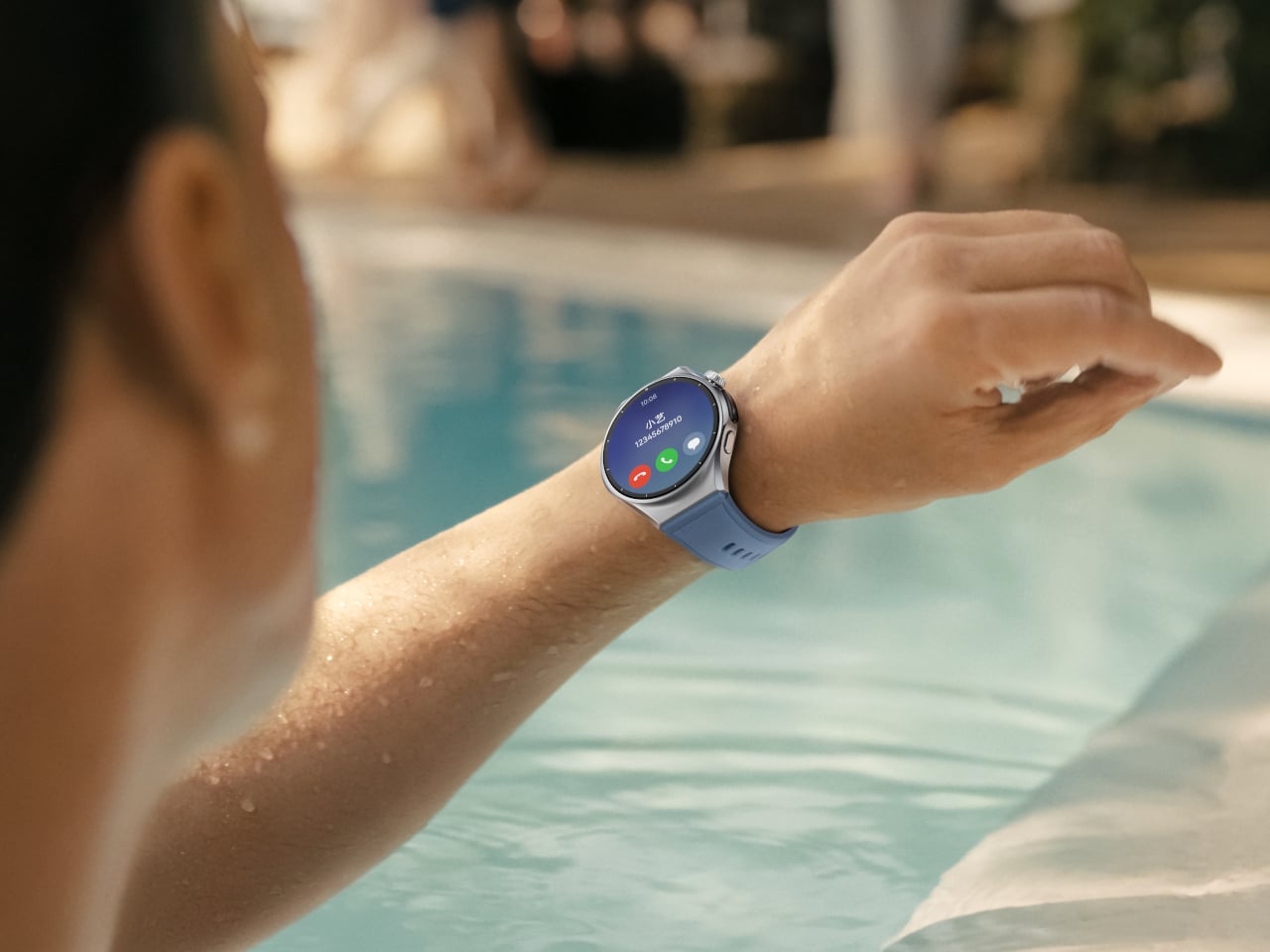
Connectivity rounds out the experience without demanding constant phone contact. Built-in eSIM keeps calls and messages flowing through a swim or a run, while Safety Check quietly shares location and status with family during less predictable moments. A new wrist rotation gesture lets someone scroll through menus with a flick, freeing the other hand for a coffee cup, a leash, or a set of keys.

Huawei Watch 6

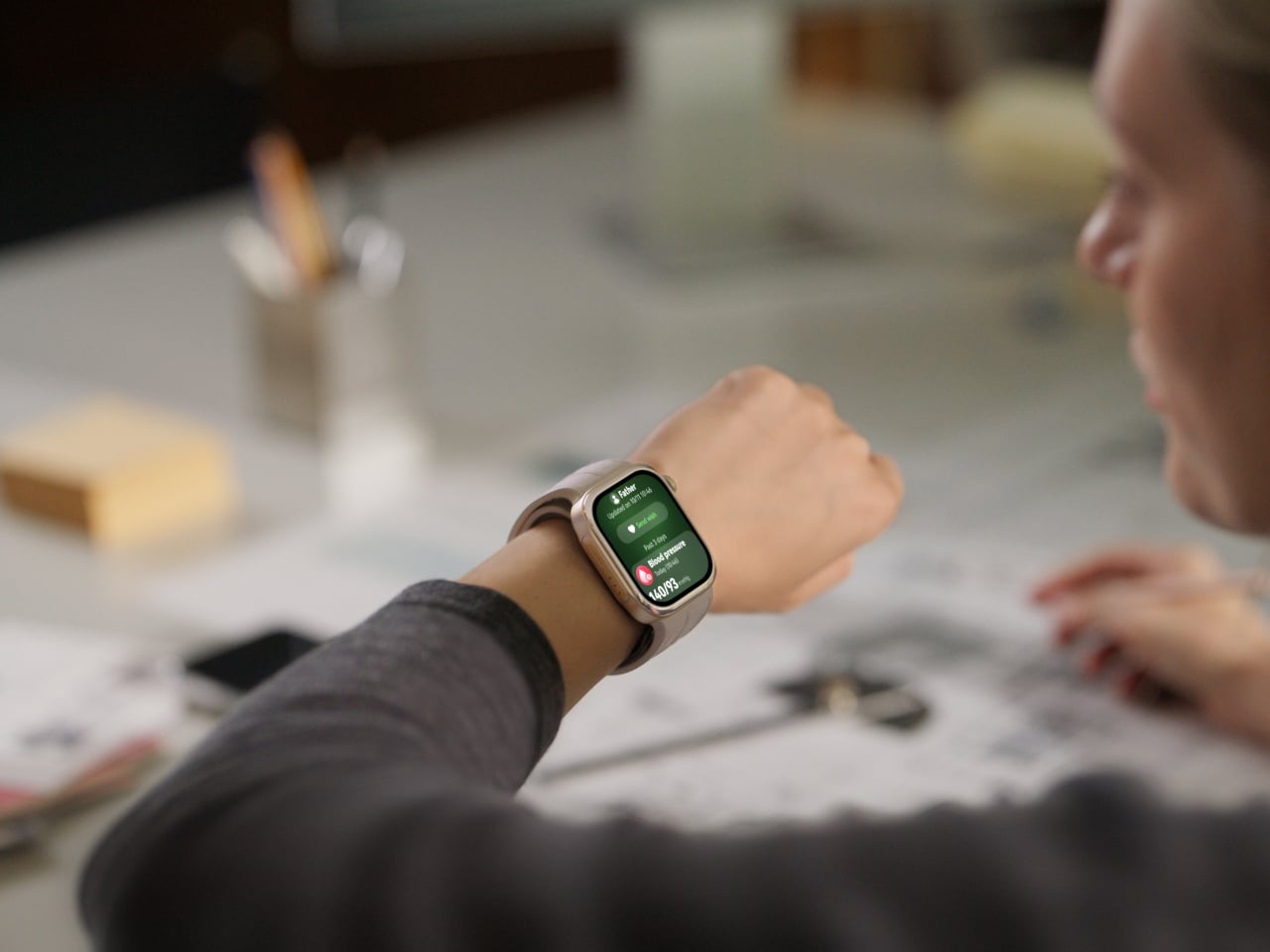
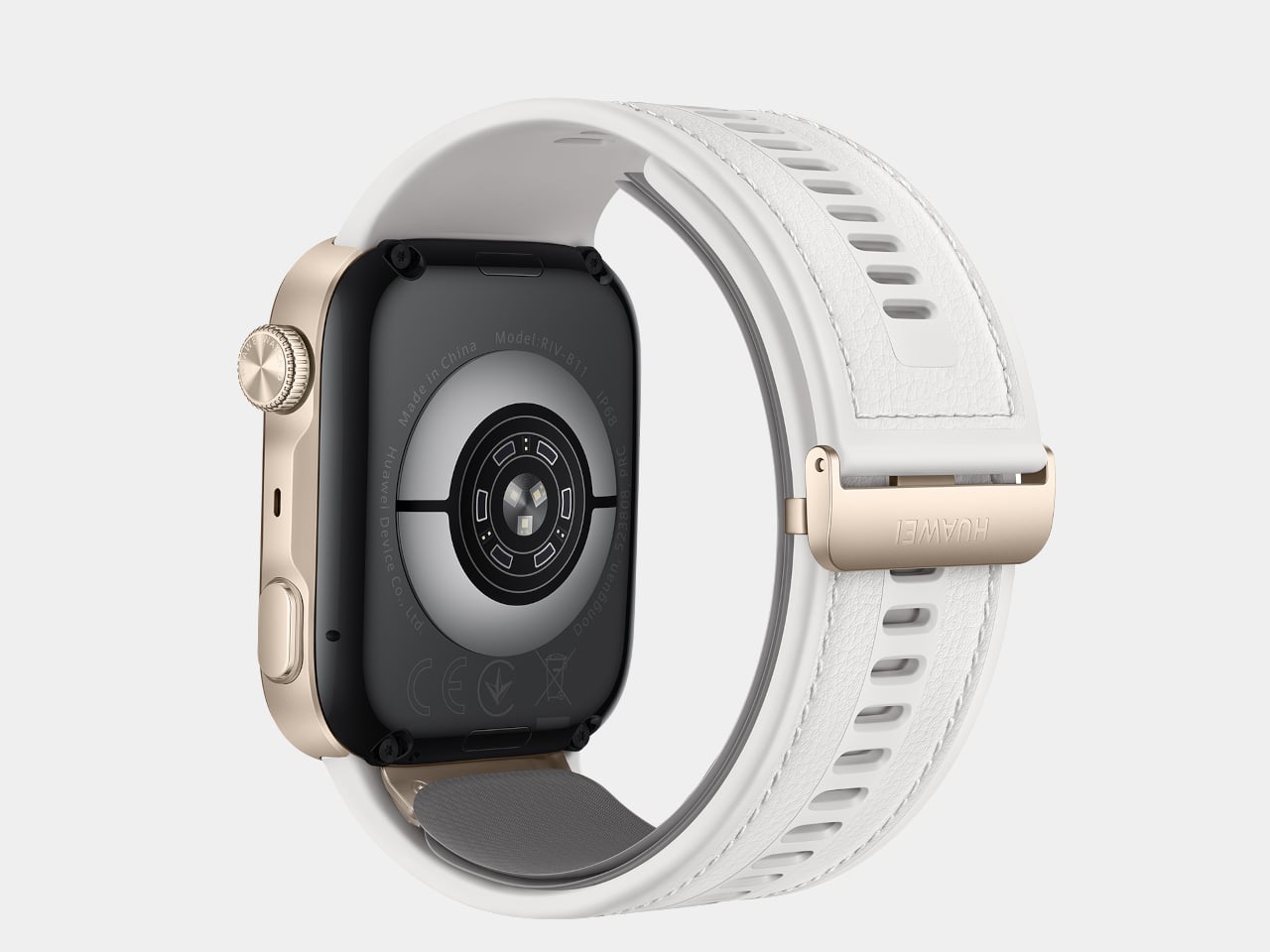
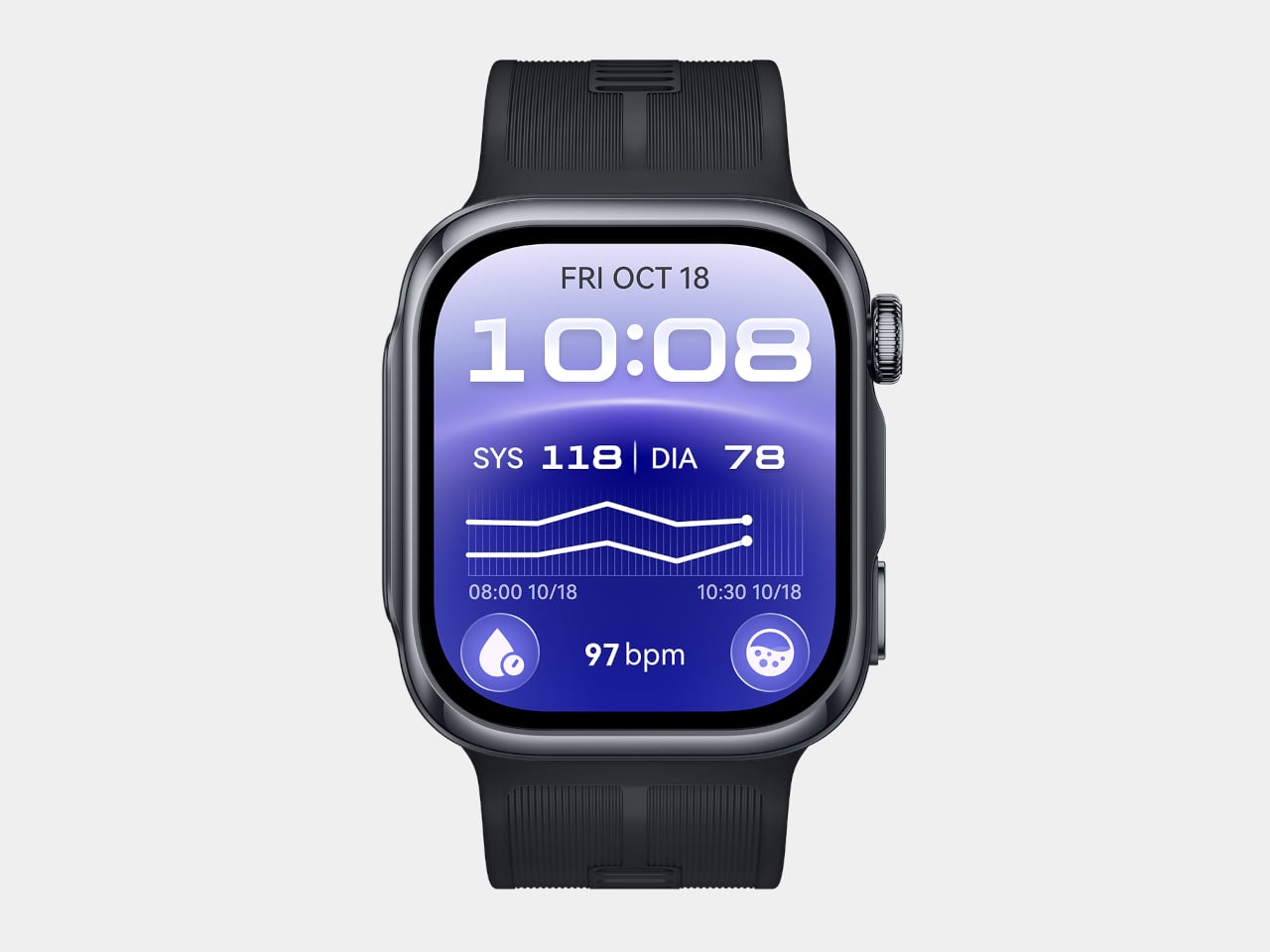
Set beside all that polish, the WATCH D3 takes a more clinical approach, though it never abandons comfort to get there. At 11.3mm thick and 40g, paired with a 25.5mm ultra-narrow airbag strap, the watch stays slim enough to sleep in without leaving a mark. Three finishes, Black, White, and Mocha Gold, keep it looking like an accessory rather than a piece of medical equipment.

Huawei Watch D3

That comfort matters because the D3 asks more of its wearer than a typical smartwatch. A mechanical airbag delivers effective compression and precise sensing across a minimal skin-contact area, paired with a high-precision sensor for readings that hold up against actual blood pressure cuffs. Huawei built in 24-hour Ambulatory Blood Pressure Monitoring, quietly inflating overnight with reduced noise so sleep tracking and blood pressure tracking can finally happen at the same time.

A dedicated pre- and post-exercise measurement mode adds a layer most fitness trackers skip entirely, checking whether blood pressure sits in a safe range before a workout begins and tracking how it shifts once the effort is over. That monitoring carries real weight too, having earned CE marking under the EU Medical Device Regulation, a certification that puts the D3 closer to clinical hardware than typical wearables ever get.

Family features tie the D3’s data into something more useful than a personal log. Health Community lets users view a parent’s or partner’s Health Glance, blood pressure, heart rate, and SpO2 readings from their own wrist, with real-time alerts triggering if something looks off. It turns a single watch’s readings into a small, informal support system for whoever’s paying attention.

Both watches launch in the UK from £399.99 (around $540), with the WATCH 6 Pro topping the range at £599.99 (around $810). Seen together, the WATCH 6 and WATCH D3 make the case that Huawei isn’t chasing one definition of a smartwatch, but building toward two: one dressed for a dinner reservation, the other quietly watching over blood pressure while its wearer sleeps.

The post Huawei Finally Made a Blood Pressure Watch That Looks Like Jewelry first appeared on Yanko Design.
Huawei Just Made a Watch That Tracks Your Skiing Inside, Without Real Snow

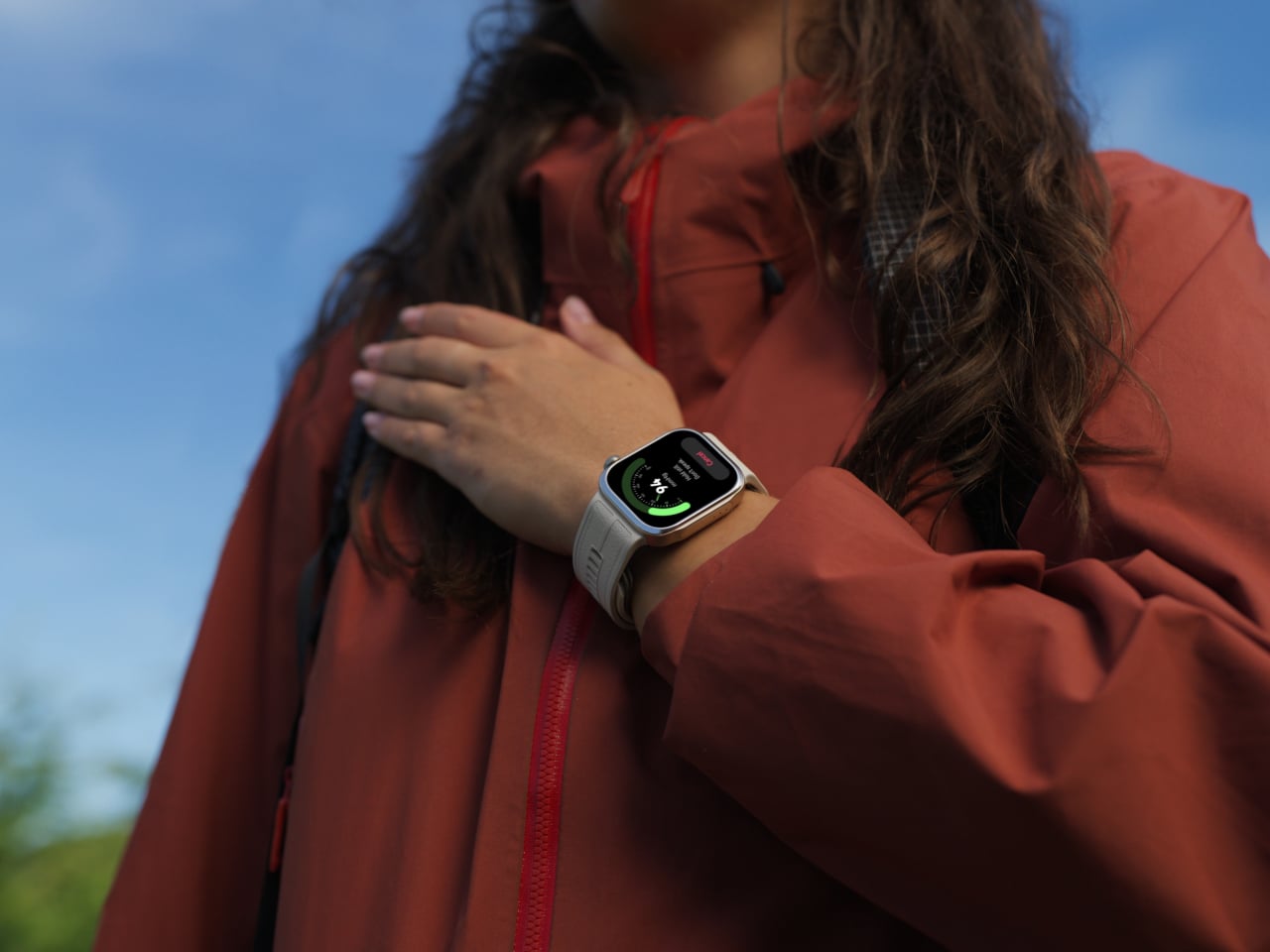
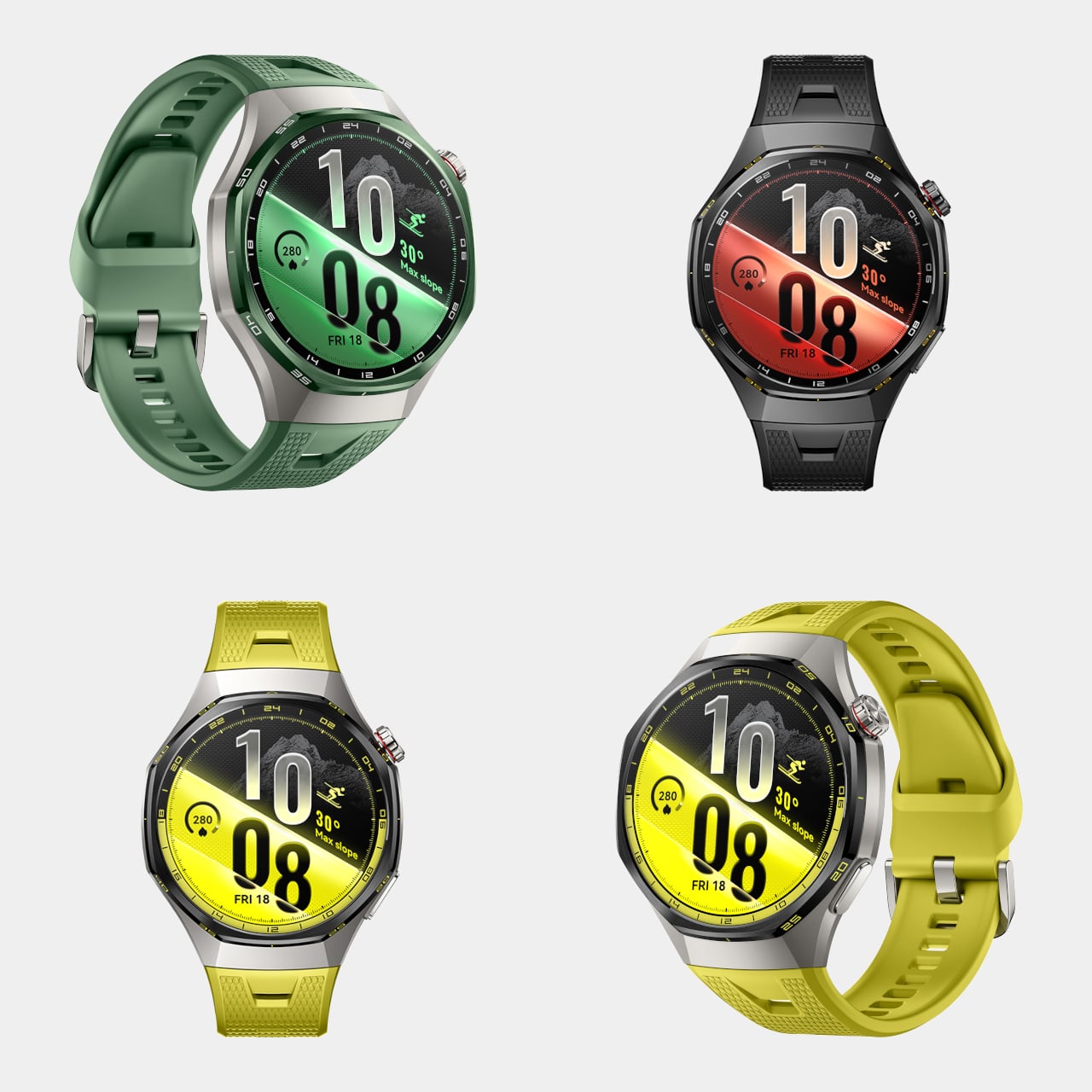
Huawei built the WATCH GT 7 Series around a simple idea: that a smartwatch meant for the outdoors shouldn’t have to wait for good weather or a full calendar to be useful. Unveiled at IFA 2026, the series unites bold design, advanced outdoor capabilities, and comprehensive health monitoring to deliver a smarter, more capable wearable experience. It’s a watch built to follow someone from a ski lodge to a coastal bike route without missing a beat.

That versatility starts with fit. The WATCH GT 7 comes in 46mm and 41mm sizes across eight colorways, from a woven pink strap to sun-bright yellow silicone, while the Pro model steps up its materials with a nano-tech ceramic bezel and a titanium alloy middle frame. A fluoroelastomer strap using Huawei’s EasyCross design keeps everything secured whether someone’s typing at a desk or crouched into a bike’s drop bars.

Designer: Huawei

Where the GT 7 earns its outdoor reputation is in a new suite of snow sports features that don’t require snow to actually fall. Indoor snow sports modes remove seasonal and geographical constraints, letting a multi-sensor array detect skiing or snowboarding activity and track training time by reading posture and elevation changes, even when GPS signal disappears entirely inside an indoor slope facility.

Huawei Watch GT 7

Outdoors, that same intelligence sharpens further. Riders get access to maps for more than 3,000 ski resorts worldwide, downloaded through the Huawei Health app and synced instantly, useful for a beginner trying to avoid an accidental black diamond or an expert hunting for a faster line down a familiar run. A new Turn Detection feature counts short and long turns by calculating turning radius, while G-Force detection measures the centrifugal pull of a sharp carve.

Huawei Watch GT 7 Pro

Team-Up rounds out the slope-focused features, letting a group track each other’s locations and performance metrics in real time, so nobody has to guess where the rest of the party ended up after a run splits everyone apart. It’s a detail built less for solo athletes chasing a personal record and more for families or friend groups navigating a mountain together.

Cycling gets its own dedicated toolkit too. Climb Planning generates a profile of upcoming elevation gains before a ride even starts, while Climb Broadcast reports live gradient and remaining distance mid-ascent. Sharp Turn Alerts step in with haptic and voice warnings if someone barrels into a bend too fast, a small addition that could matter far more than its size suggests on a descent like the coastal road these watches were clearly built to handle.

Health tracking ties all that activity back into daily life through an upgraded Physical Readiness score, blending sleep quality, heart rate variability, emotion, and calories burned into a five-level recovery snapshot each morning. Rather than dumping raw numbers on a screen, Huawei frames the data as a quick read before the day even begins, useful whether someone’s deciding to push hard or hold back.

Battery life backs up all that tracking, with high-silicon stacked batteries pushing the GT 7 Pro and 46mm models to as long as 21 days per charge under light use. Add contactless payments through Curve Pay and compatibility across iOS and Android, and the GT 7 starts looking less like a fitness tracker and more like a travel companion that happens to count steps.

Pricing starts at £279.99 (around $378) for the WATCH GT 7, climbing to £379.99 (around $513) for the Pro model, positioning the series comfortably below premium sports watches from rival brands. Between the ceramic finishes, the resort maps, and the sheer range of conditions it’s built to track, Huawei’s newest GT model reads like a watch designed for people who treat a change in season as an excuse to keep moving.

The post Huawei Just Made a Watch That Tracks Your Skiing Inside, Without Real Snow first appeared on Yanko Design.
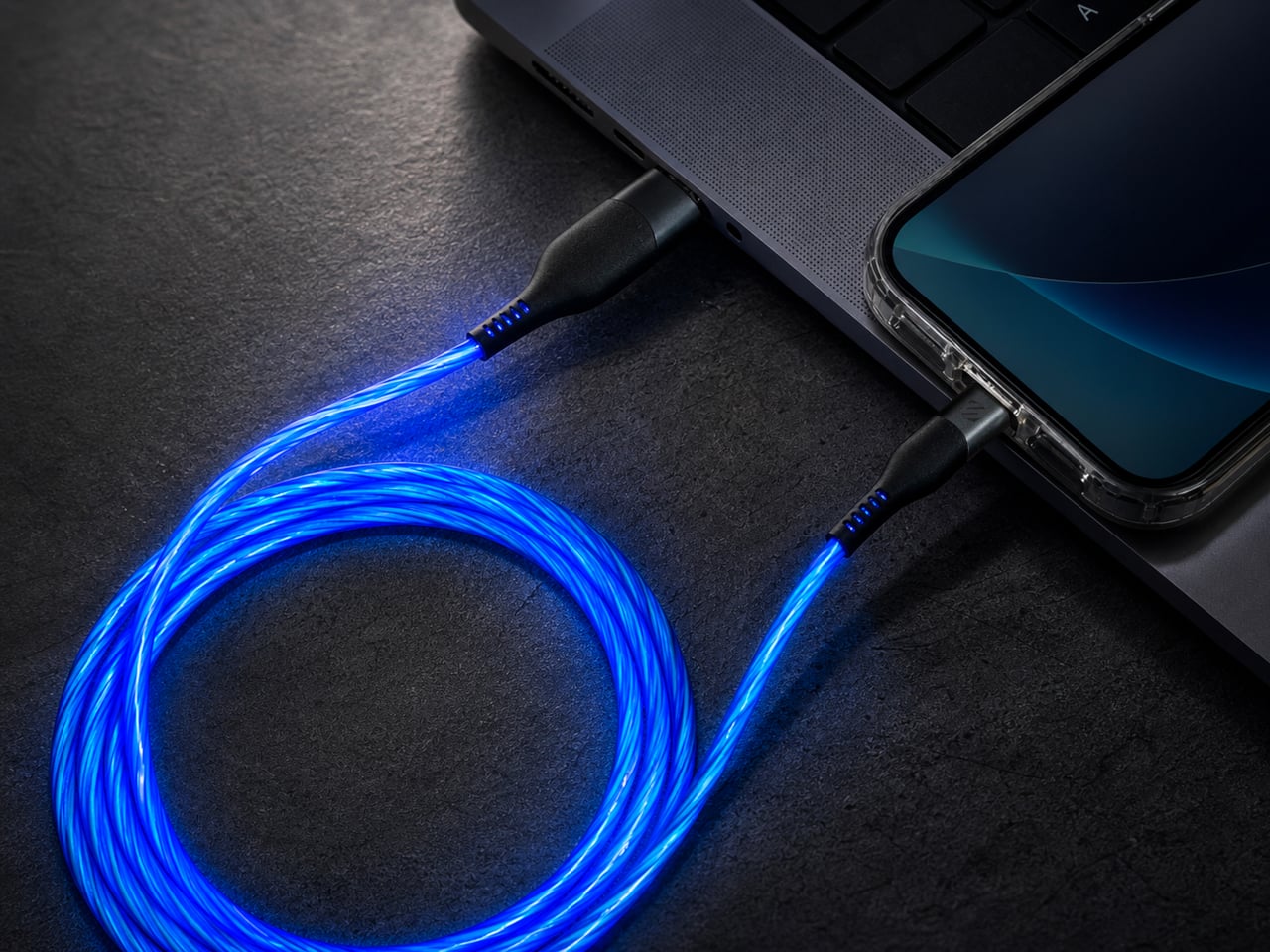
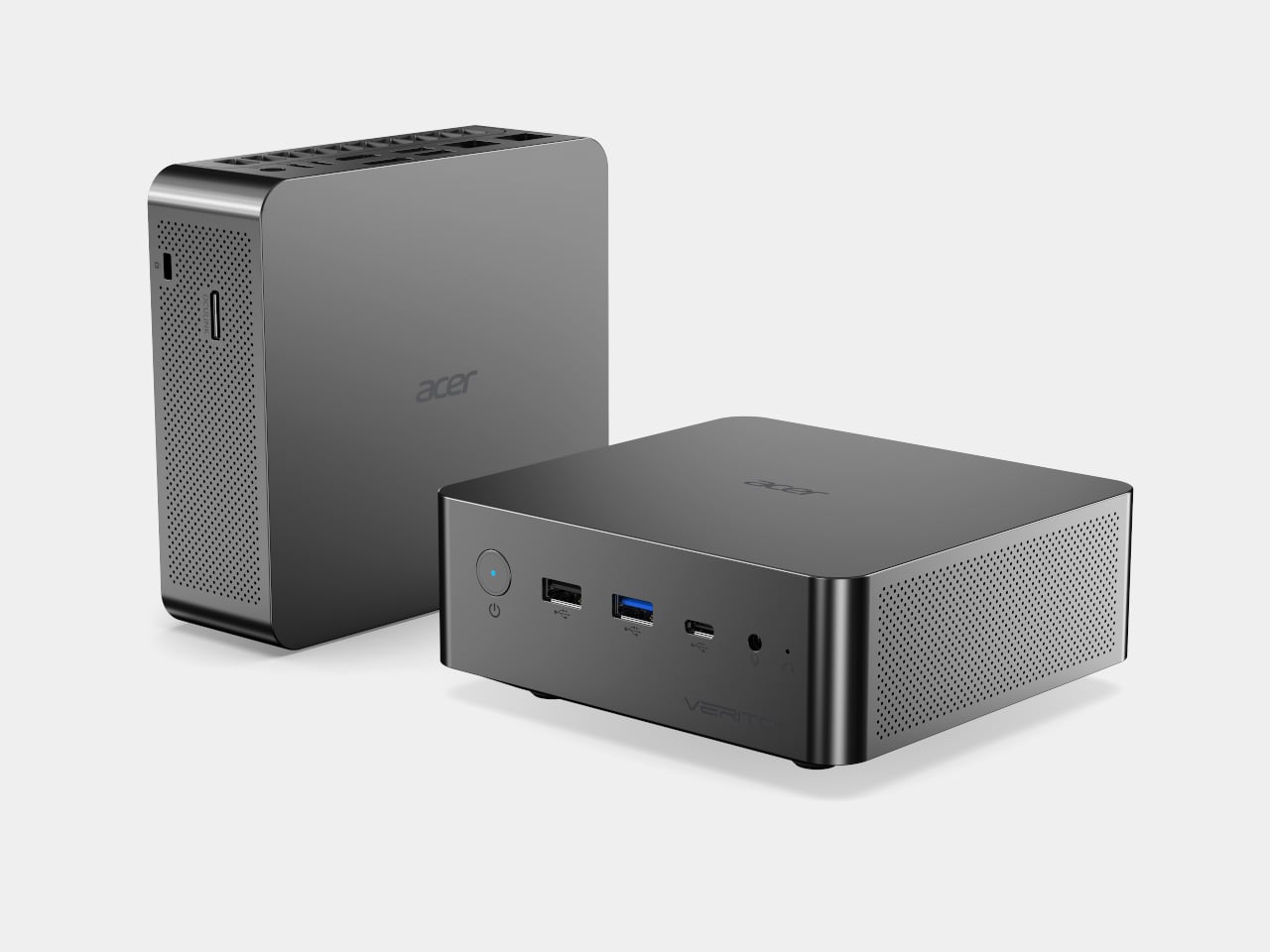
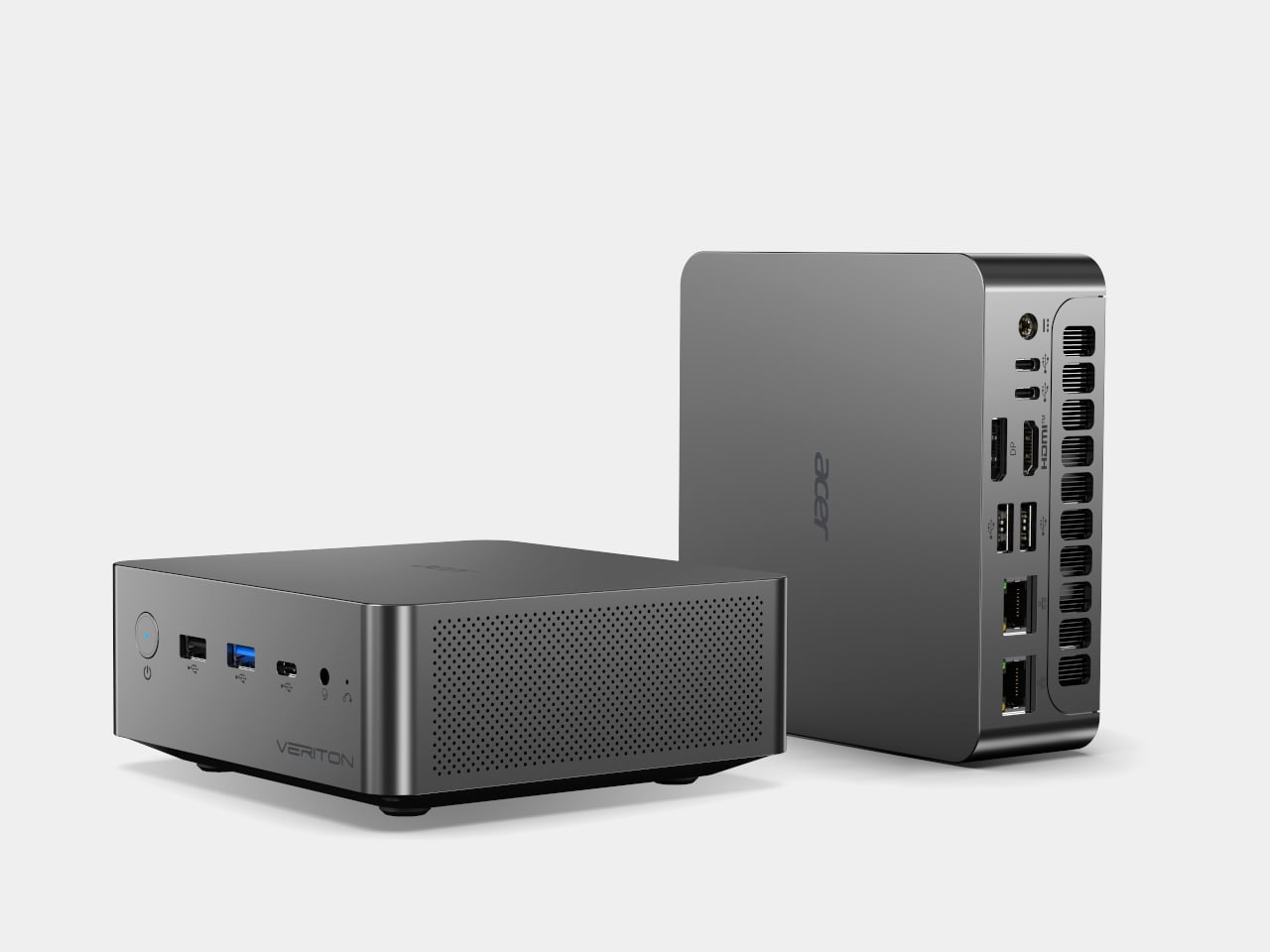
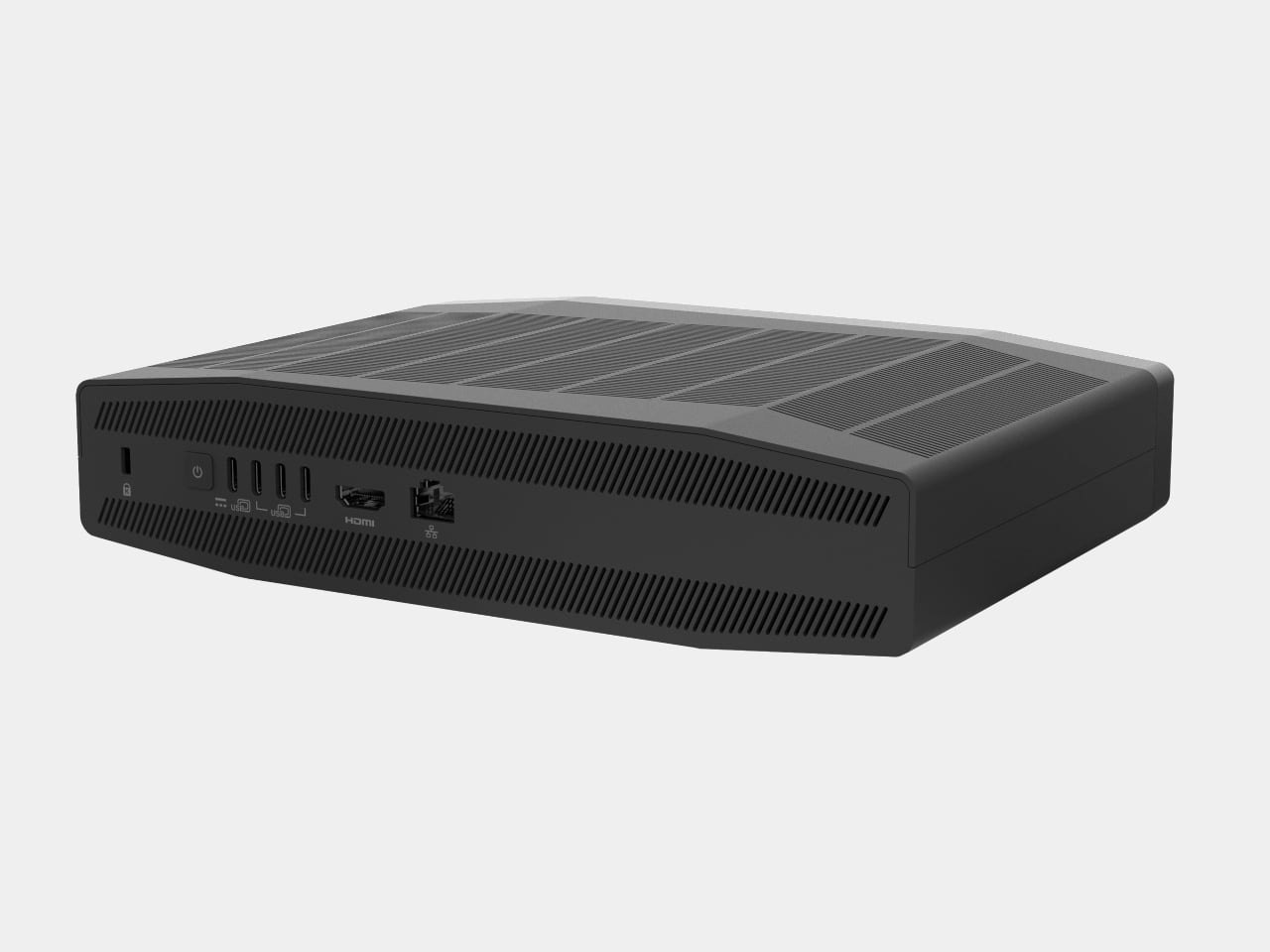
Acer Shrank Server-Level AI Into Two Mini Desktops at IFA 2026

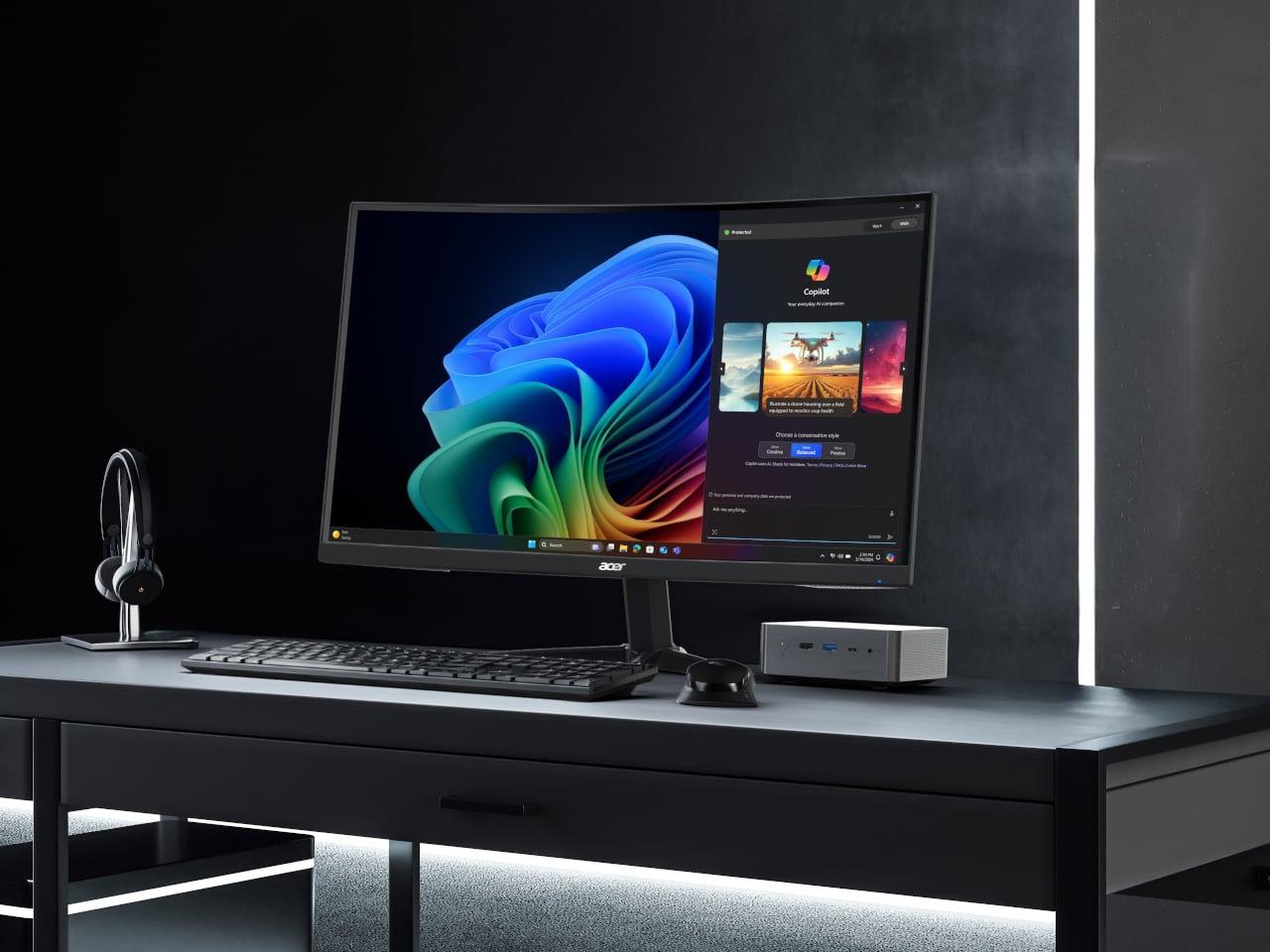
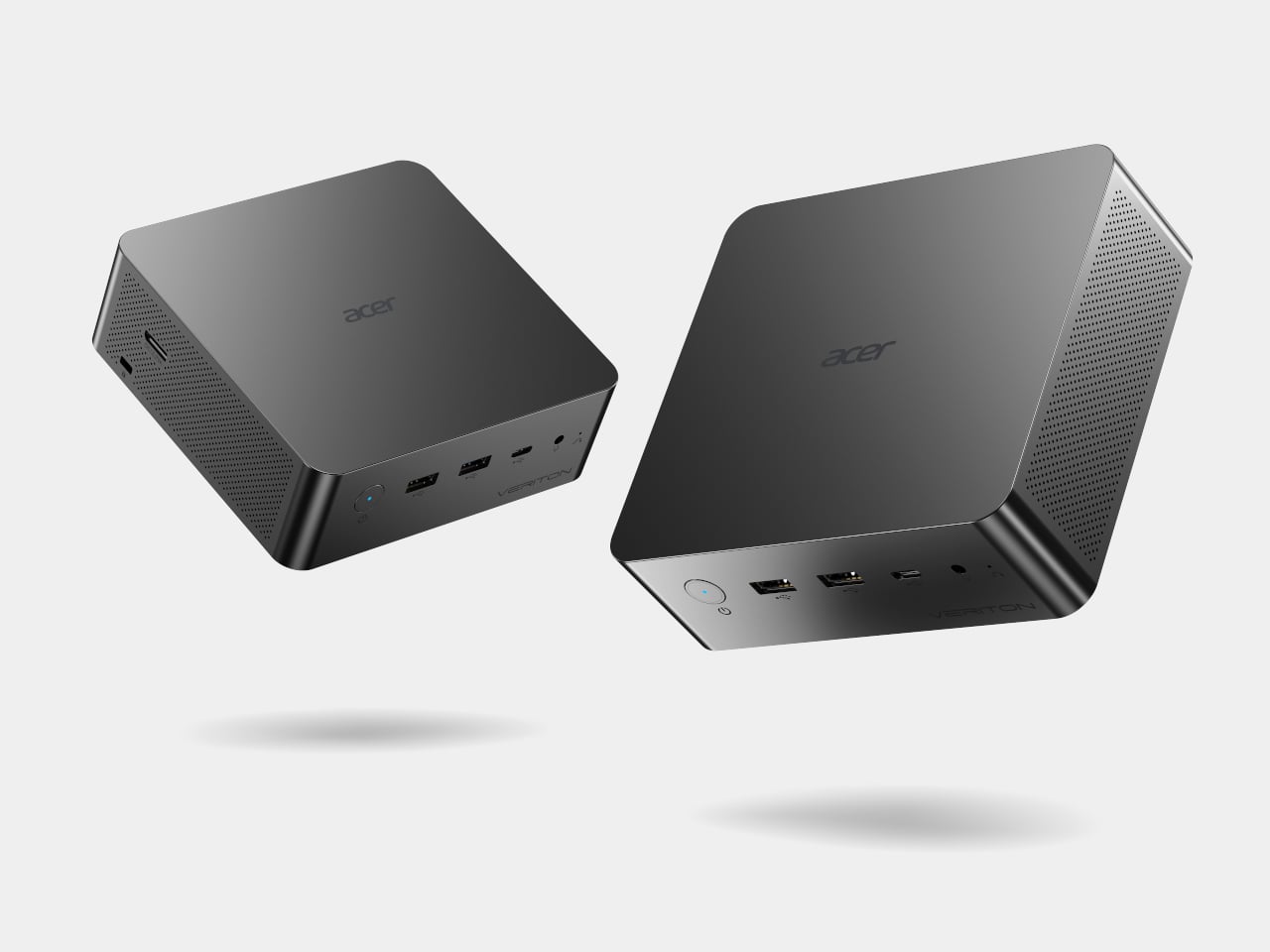
Acer used IFA 2026 to prove that serious AI horsepower doesn’t need a tower case anymore. The company introduced two mini desktops built for running AI agents locally instead of leaning on the cloud: the shipping Veriton RI110 AI Mini Workstation and a striking concept called the Acer SFF RTX Spark design. Both squeeze desktop-class compute into shells small enough to disappear on a shelf.

The Veriton RI110 fits an Intel Core Ultra X7 processor 358H and Intel Arc B390 graphics into a chassis measuring just 5.45 by 5.17 by 2.05 inches and weighing about 1.39 lbs. Despite that footprint, it supports AI models with up to 120 billion parameters, backed by up to 96 GB of memory and 4 TB of SSD storage, plenty for demanding local workloads.

Designer: Acer

That power feeds directly into Acer Qubi Claw, a new agentic AI assistant designed to run local workflows inside an isolated sandbox so sensitive data never has to leave the machine. Installation takes one click, and its starting skill set already covers in-depth online research, travel itinerary planning, and transcribing or translating audio into text notes, all schedulable on autonomous routines that work quietly in the background.

Acer also builds in OCuLink connectivity, a dedicated PCIe 4.0 x4 interface delivering up to 64 Gbps of bandwidth for connecting external GPUs or high-speed NVMe storage. That link skips the extra processing overhead of traditional expansion methods, so creators and developers can bolt on desktop-class rendering power only when a project demands it, then disconnect it again without carrying that bulk around every day.

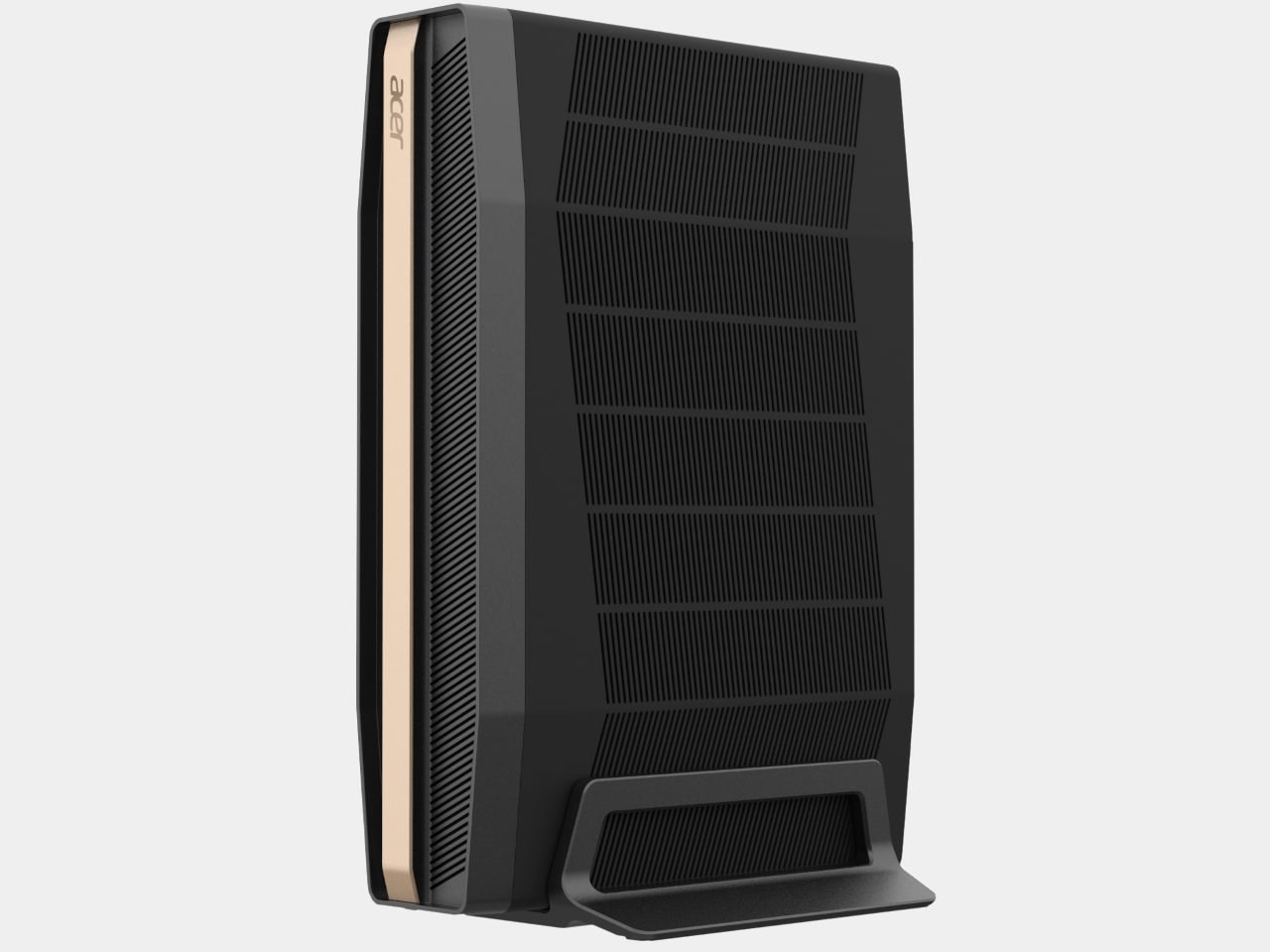
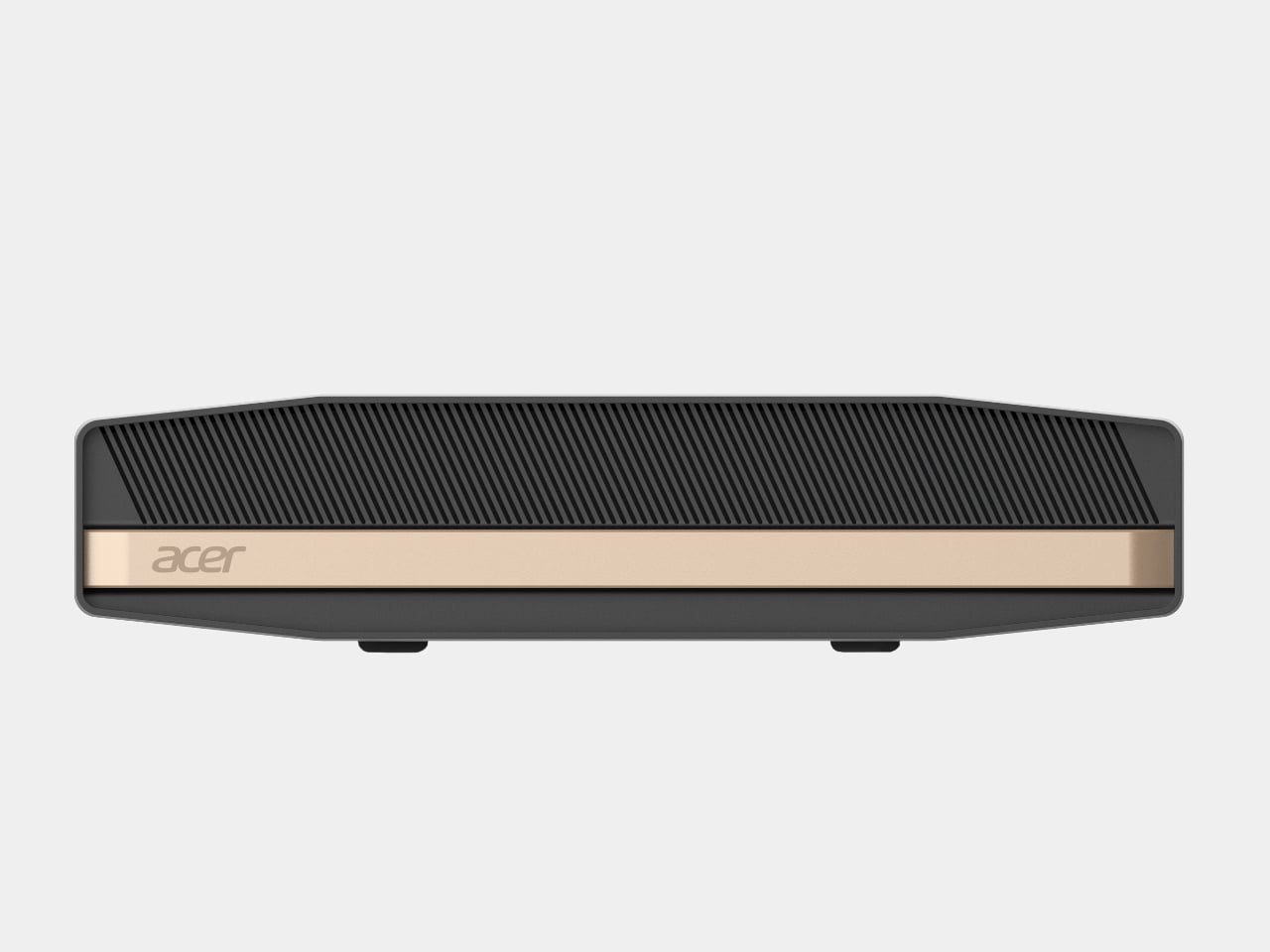
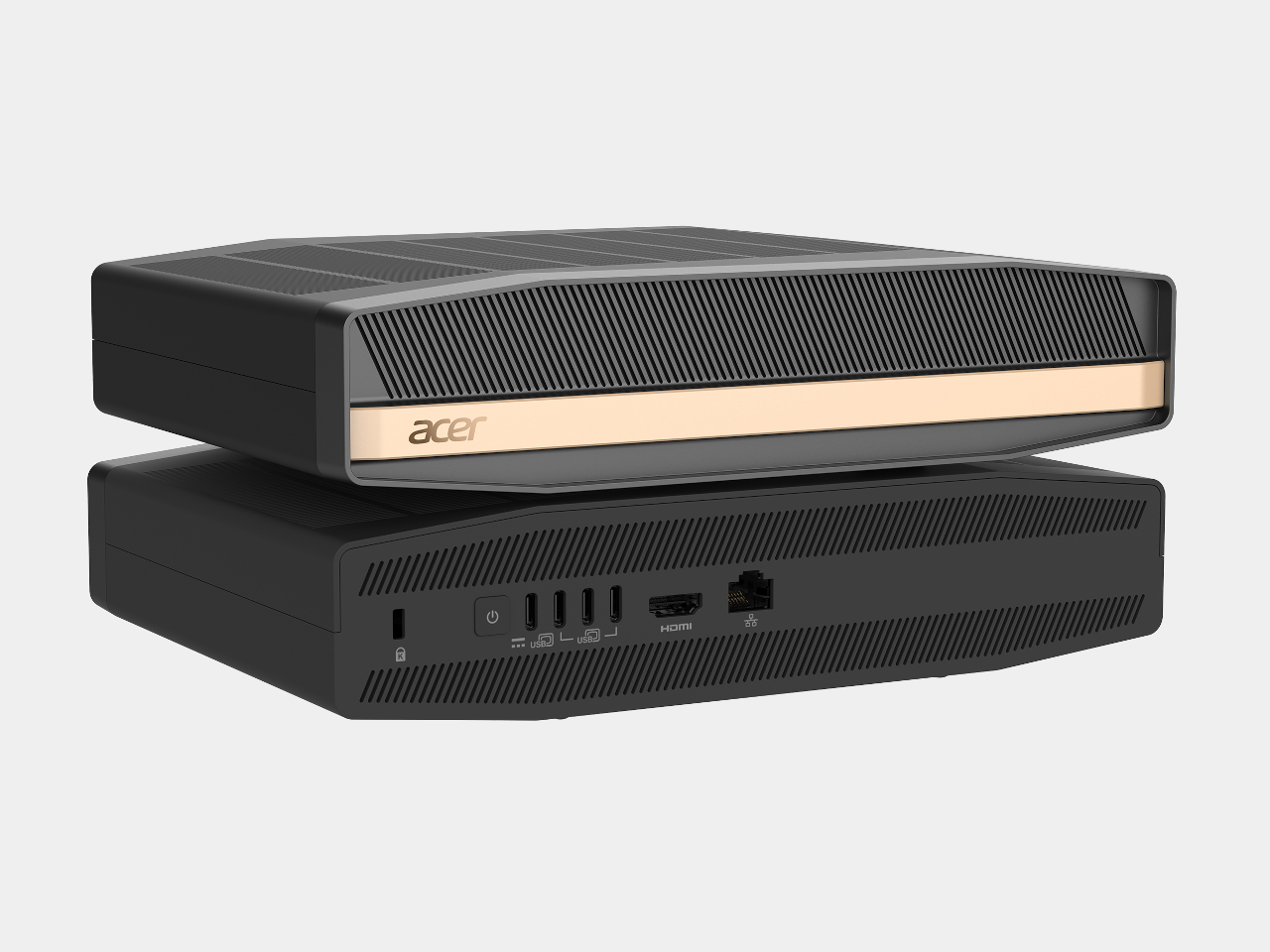
Standing beside it, the Acer SFF RTX Spark design takes a different shape entirely, built around NVIDIA’s RTX Spark superchip rather than Intel silicon. Vented panels wrap a narrow vertical shell accented with a warm metallic stripe, giving the design a presence that reads more like a piece of audio equipment than a workstation, while a fold-out stand lets it stand upright on a desk instead of lying flat.

Underneath that shell, Acer packs up to a 6,144-core Blackwell RTX GPU, up to a 20-core NVIDIA Grace CPU, up to 128 GB of unified memory, and up to 1 petaflop of AI compute, numbers usually reserved for server racks. Paired with NVIDIA’s full-stack AI platform and its complete suite of RTX technologies, the design targets creators, developers, and gamers alike.

Acer hasn’t confirmed pricing or a release window for the SFF RTX Spark design, while the Veriton RI110 arrives in North America during the fourth quarter of 2026 and reaches EMEA in the first quarter of 2027. Together, the two machines make a case that agentic AI doesn’t need a data center to feel powerful, just a well-engineered box small enough to tuck beside a monitor and forget about.

The post Acer Shrank Server-Level AI Into Two Mini Desktops at IFA 2026 first appeared on Yanko Design.
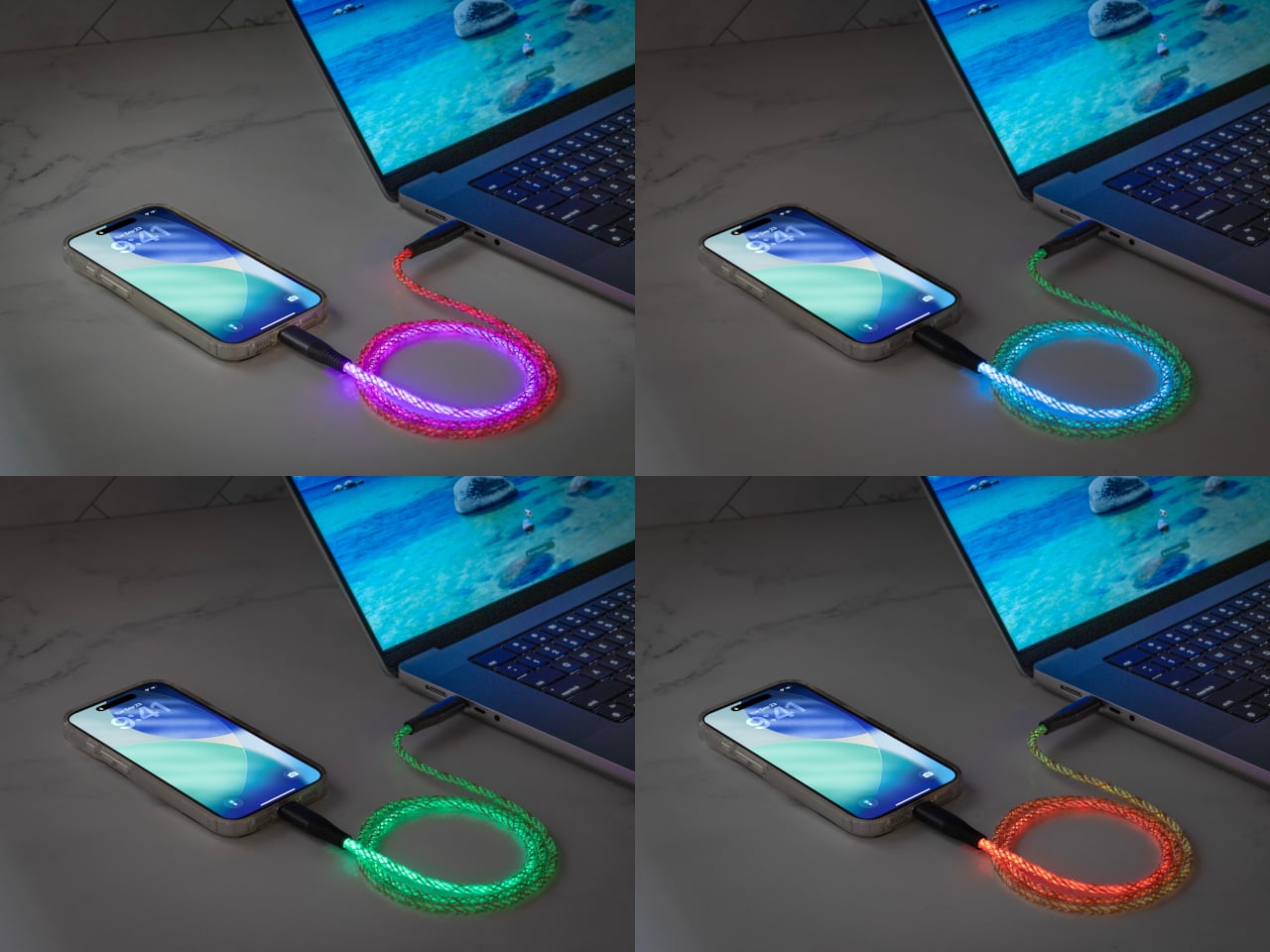
Acer’s IFA 2026 Spans Paper-Like Monitors to a Rubber Duck Projector

Acer’s IFA 2026 lineup plays out like a full day mapped across screens, starting with quiet focus and ending with a projector shaped like a rubber duck. Instead of pushing one flashy hero device, the company spread its design energy across seven products, each solving a specific friction point, from eye strain to cramped desks to tablets built for daily wear. Together, they map how Acer sees screen time evolving.

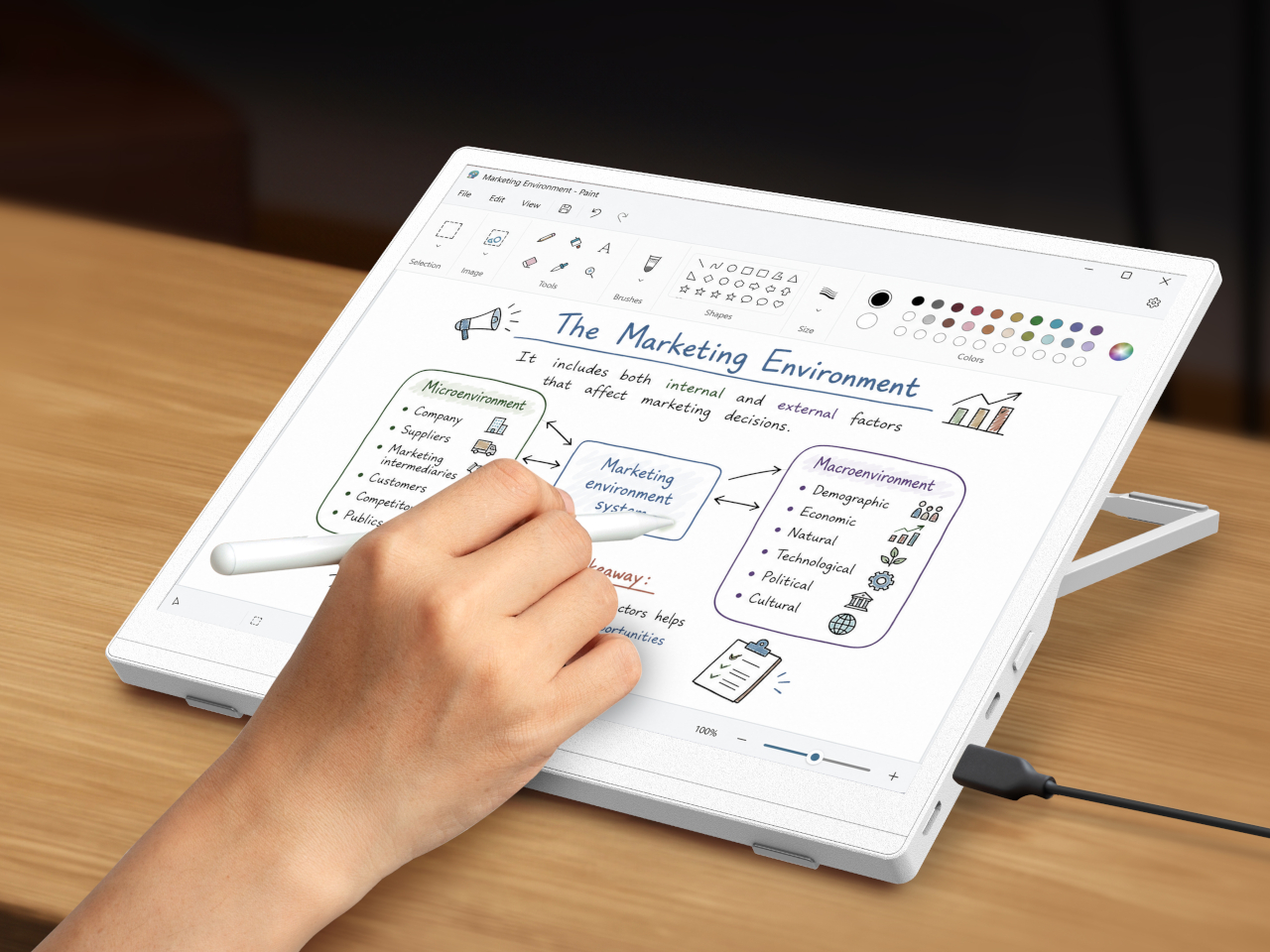
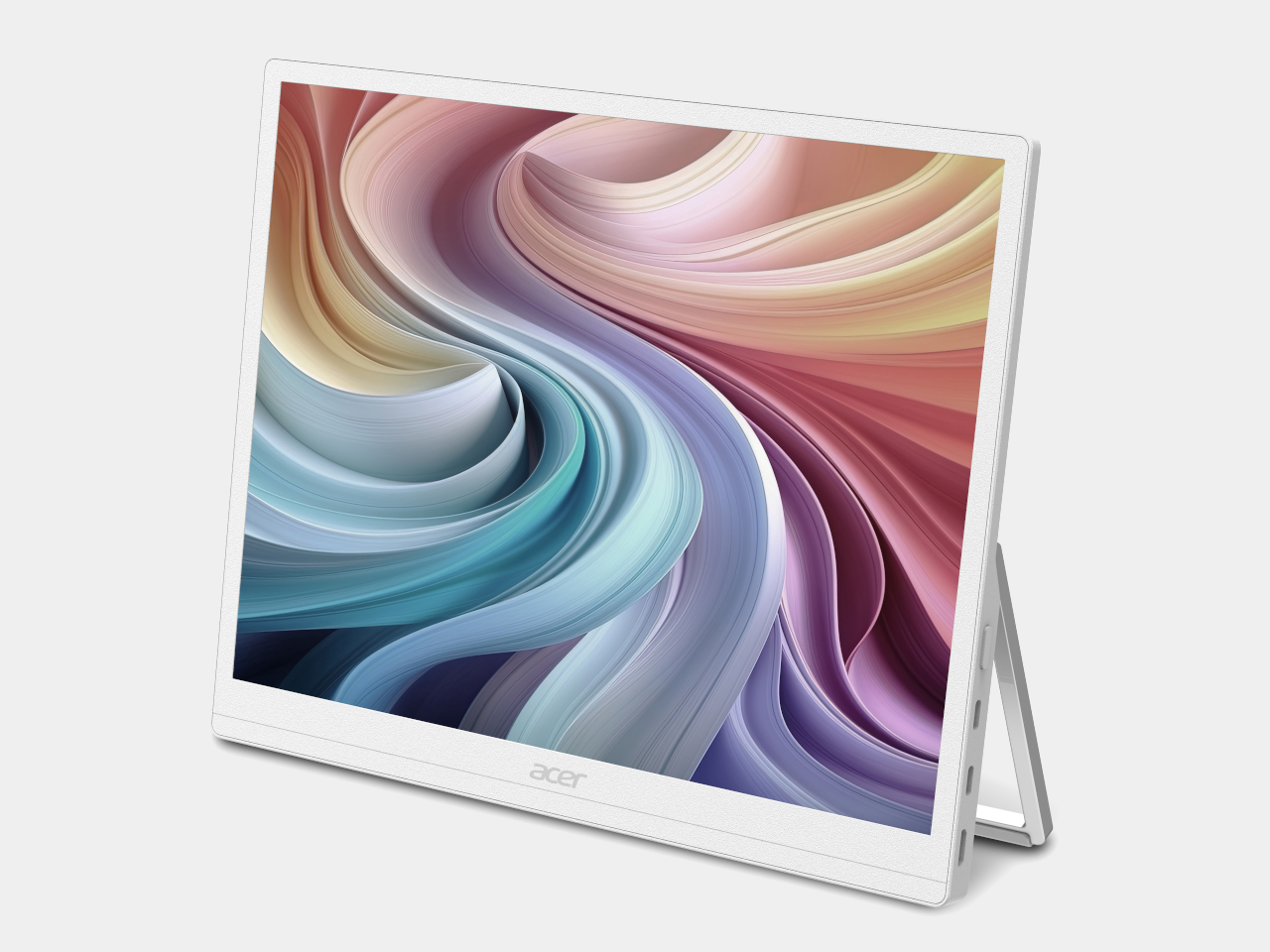
The Acer EP130K opens that story with a monitor built for people who’d rather not stare at a glowing backlight all day. Its ePaper panel mimics the natural feel of paper with glare-free use, aimed at professionals doing deep work, avid readers, and anyone working outdoors. Resolution climbs to 3200×2400 in black-and-white mode, and touch support lets a stylus or finger write directly on the display.

Designer: Acer

What makes the EP130K linger past a single session is its bi-stability, letting the image stay locked in place even after every power source disconnects. A single USB-C cable handles power delivery from a laptop or tablet, so the whole setup travels light. It’s less a display and more a portable reading nook that happens to sync with a work laptop whenever needed.

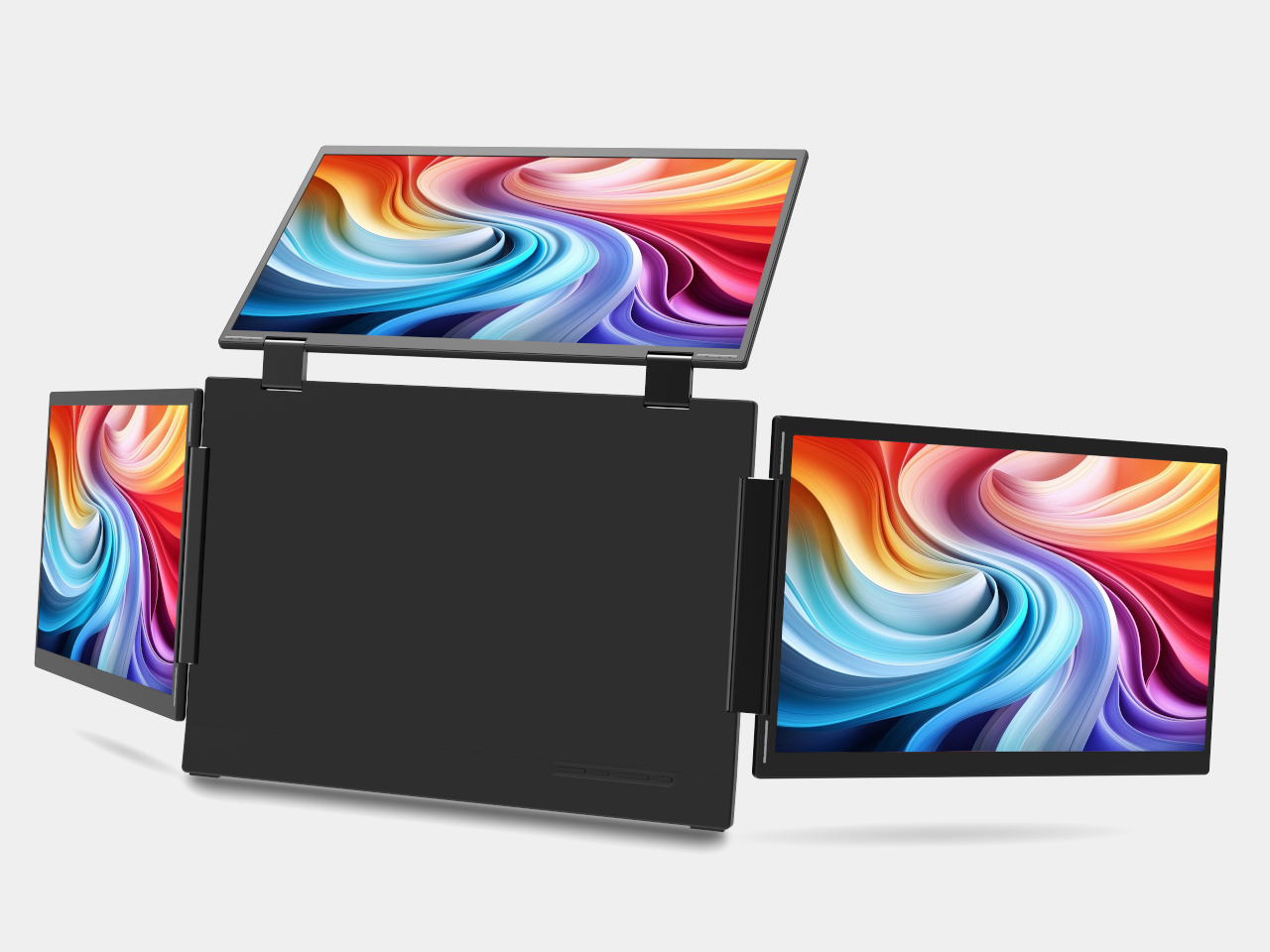
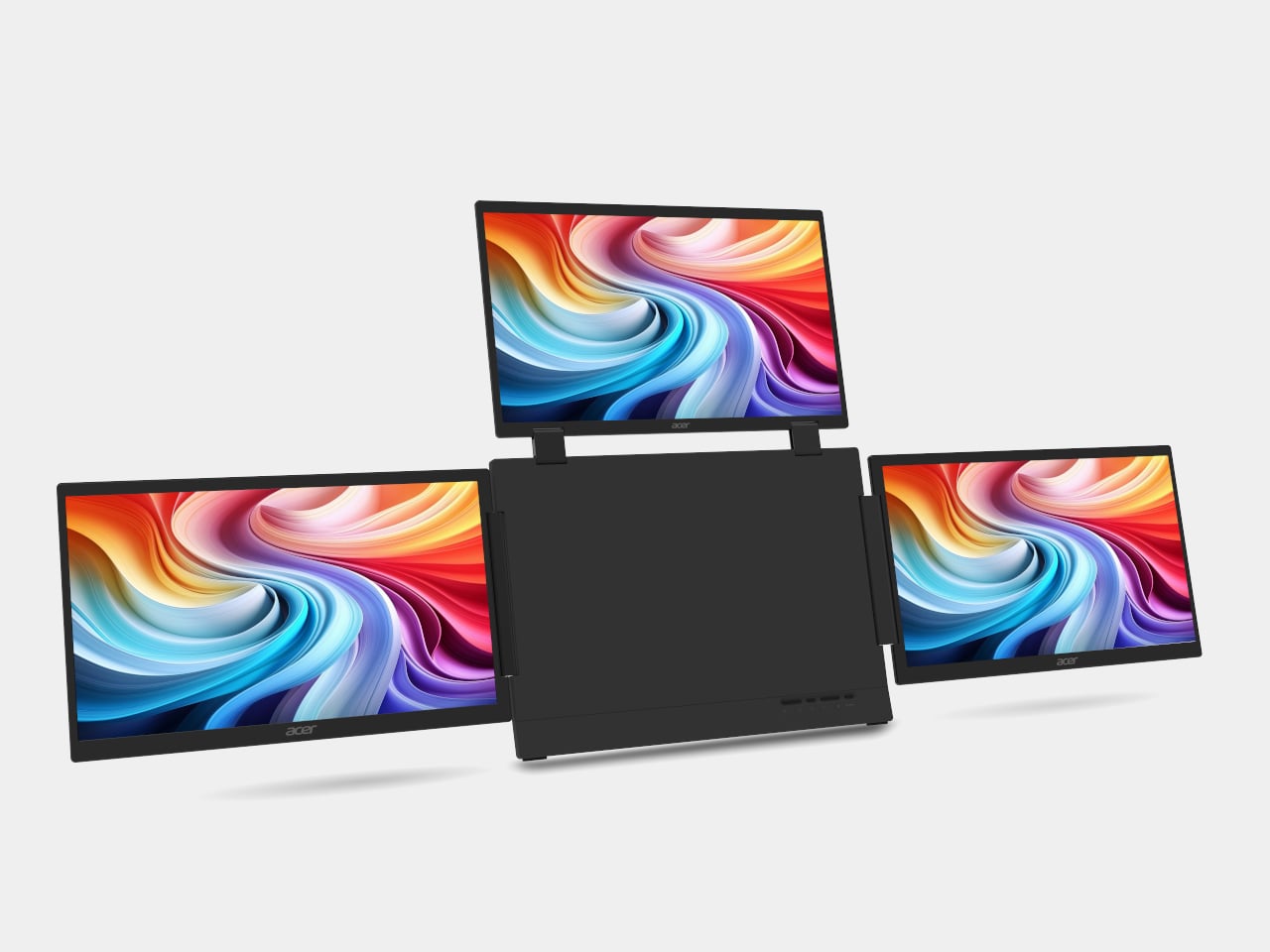
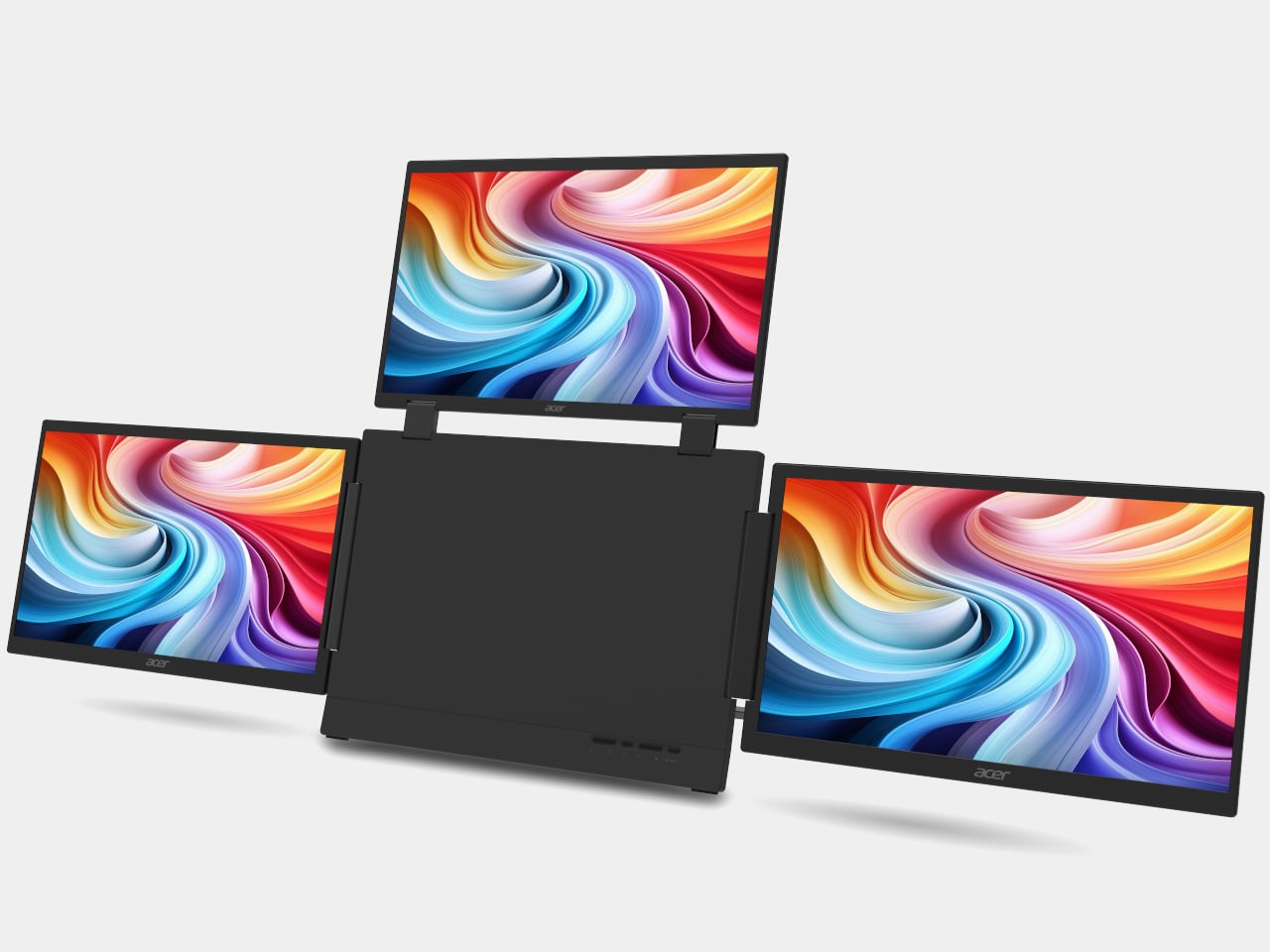
From single-screen focus, Acer scales up to the Acer PD163Q P3, a triple-screen extender built for hybrid professionals juggling more browser tabs than one laptop lid can hold. Three 15.6-inch FHD panels fold out from a central hub, adding up to four total displays once paired with a laptop screen. Each panel runs independently, supporting extend or clone modes so a spreadsheet, a call, and reference notes each claim space.

A single USB-C connection keeps cable clutter to a minimum, while uniform brightness controls across all three panels mean no single screen fights for attention against the others. It’s the kind of setup that turns a coffee shop table or hotel desk into something resembling a proper workstation, without requiring a suitcase full of dongles or a second trip back to the office for a bigger screen.

Acer prices both productivity tools to slot easily into a home office budget. The EP130K starts at $749 when it arrives in North America during the first quarter of 2027, with EMEA and Australia following at comparable rates. The PD163Q P3 comes in considerably lower at $349, making a three-screen upgrade almost as affordable as a single external monitor from a few years back.

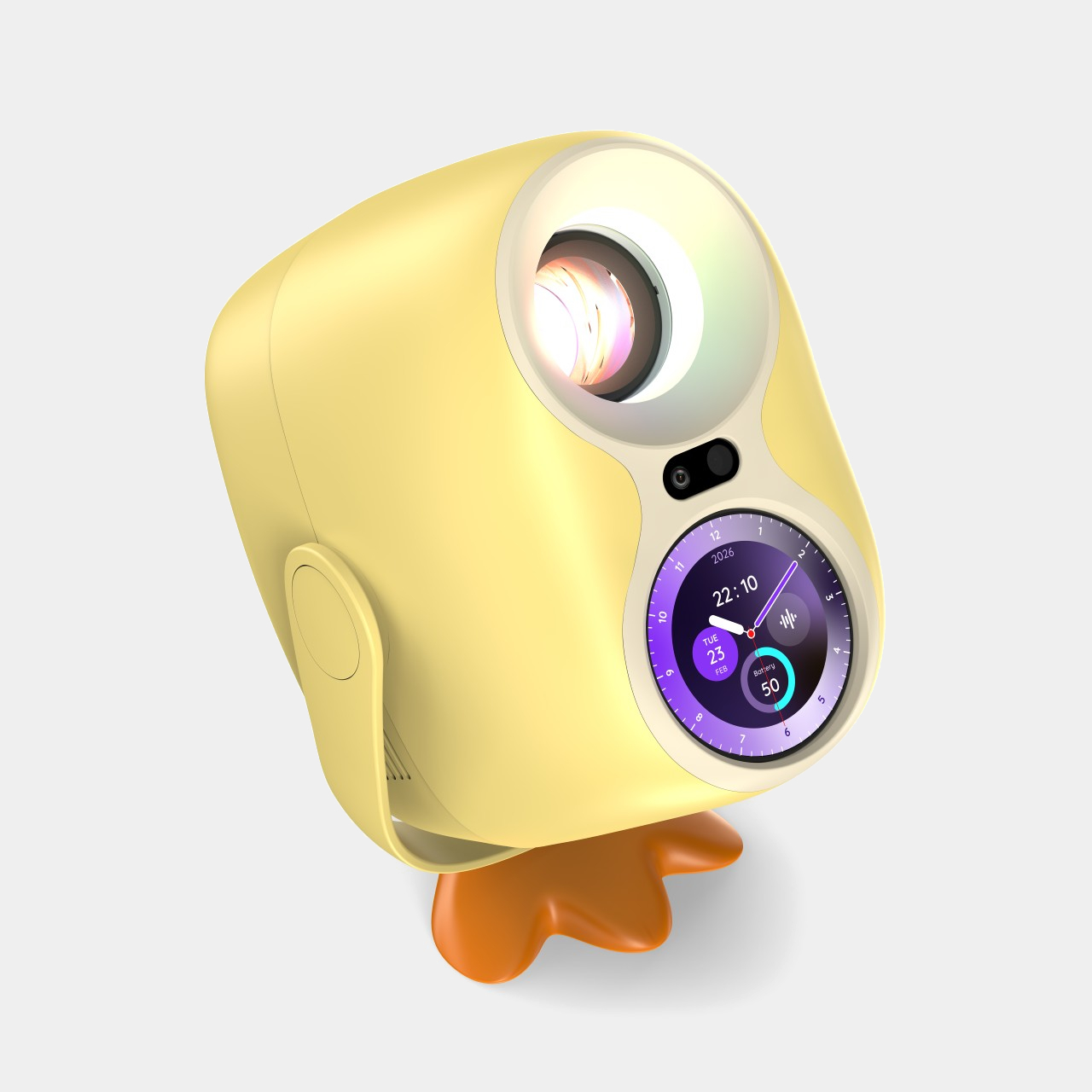
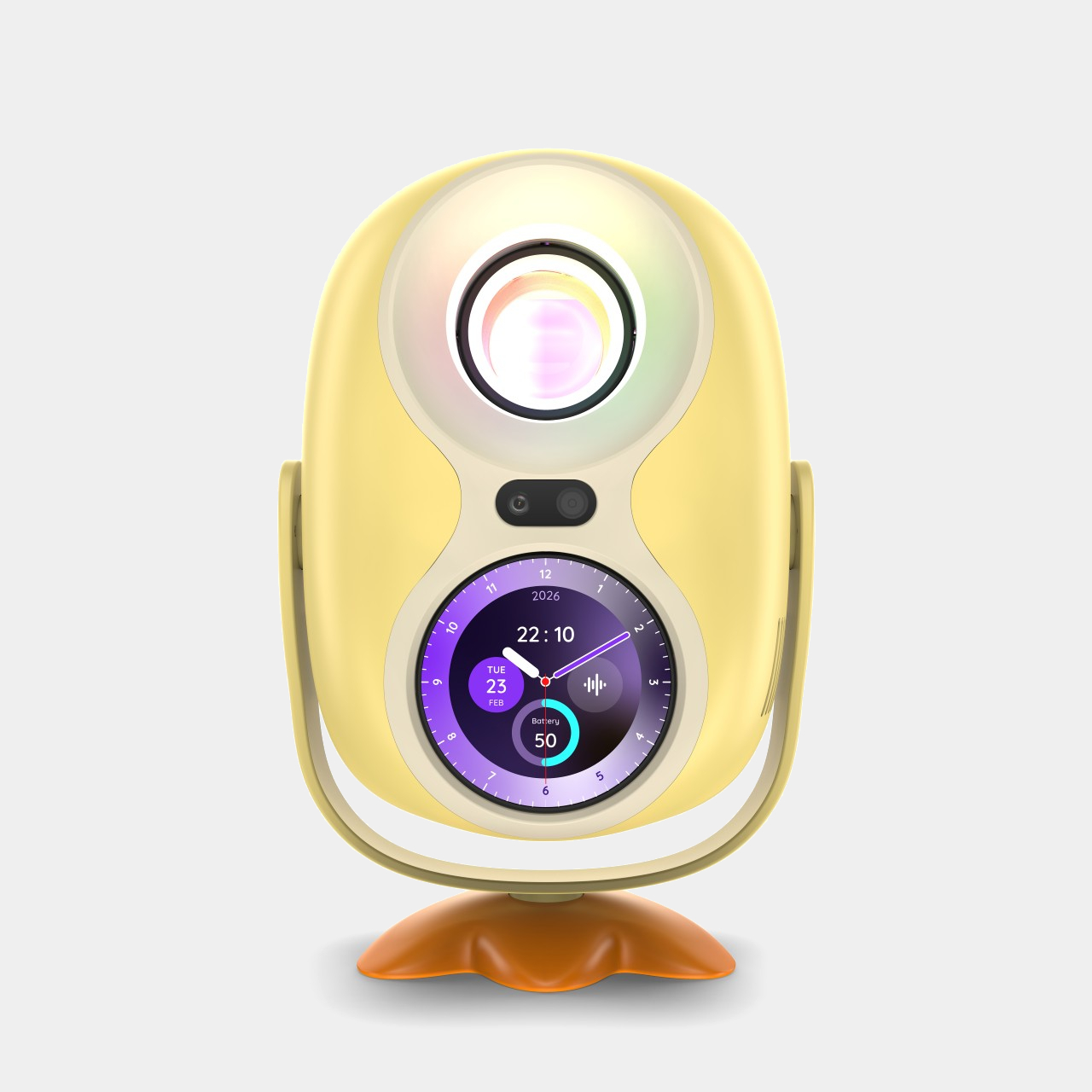
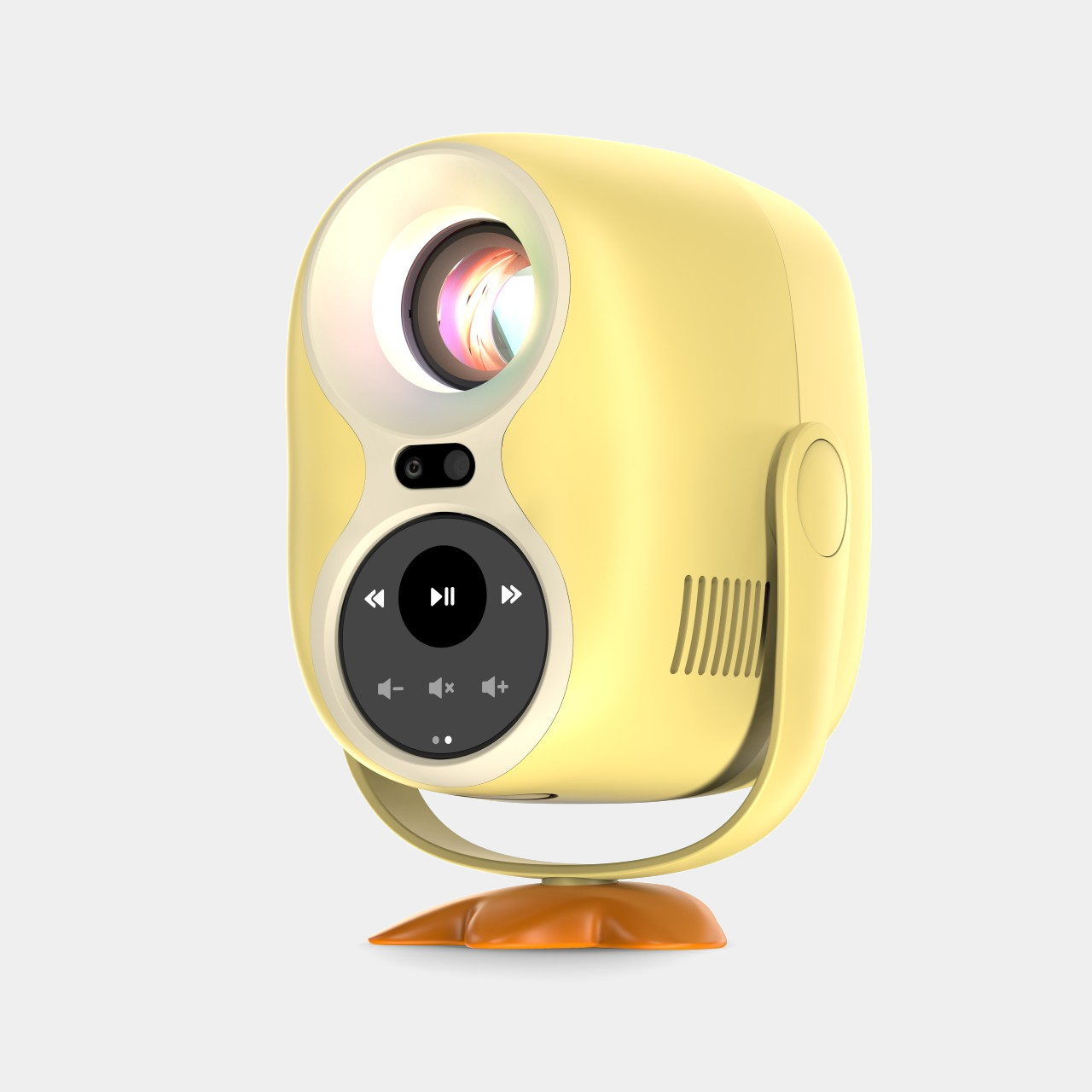
Once work wraps up, the Acer C350e projector picks up where productivity leaves off. Acer built it to double as an AI-powered companion rather than a device that only wakes up during movie night. Its detachable AI Badge doubles as a remote control and stays active between screenings, cycling through personal photos, useful widgets, and Google Gemini-powered interactions even when nothing is being projected onto a wall.

When it is running, the C350e pushes Full HD resolution through an 8,000-lumen LED light source, with 360-degree rotation and 120-degree tilting that make setup painless in tight apartments or backyard movie nights alike. Auto focus and 4-corner correction handle the fussy geometry automatically, while a 30,000-hour lamp life means it’ll outlast several rounds of furniture rearranging before finally needing a replacement bulb.

Pricing follows the same accessible logic. Acer lists the C350e at €199 (around $215) for EMEA buyers, undercutting most portable projectors with comparable lumen counts. That price makes the AI Badge feel like a bonus rather than a justification for the cost, a smart move for a device competing against projectors that only turn on when something needs to be shown on a wall.

Acer Iconia X16-21

Acer Iconia X16-21

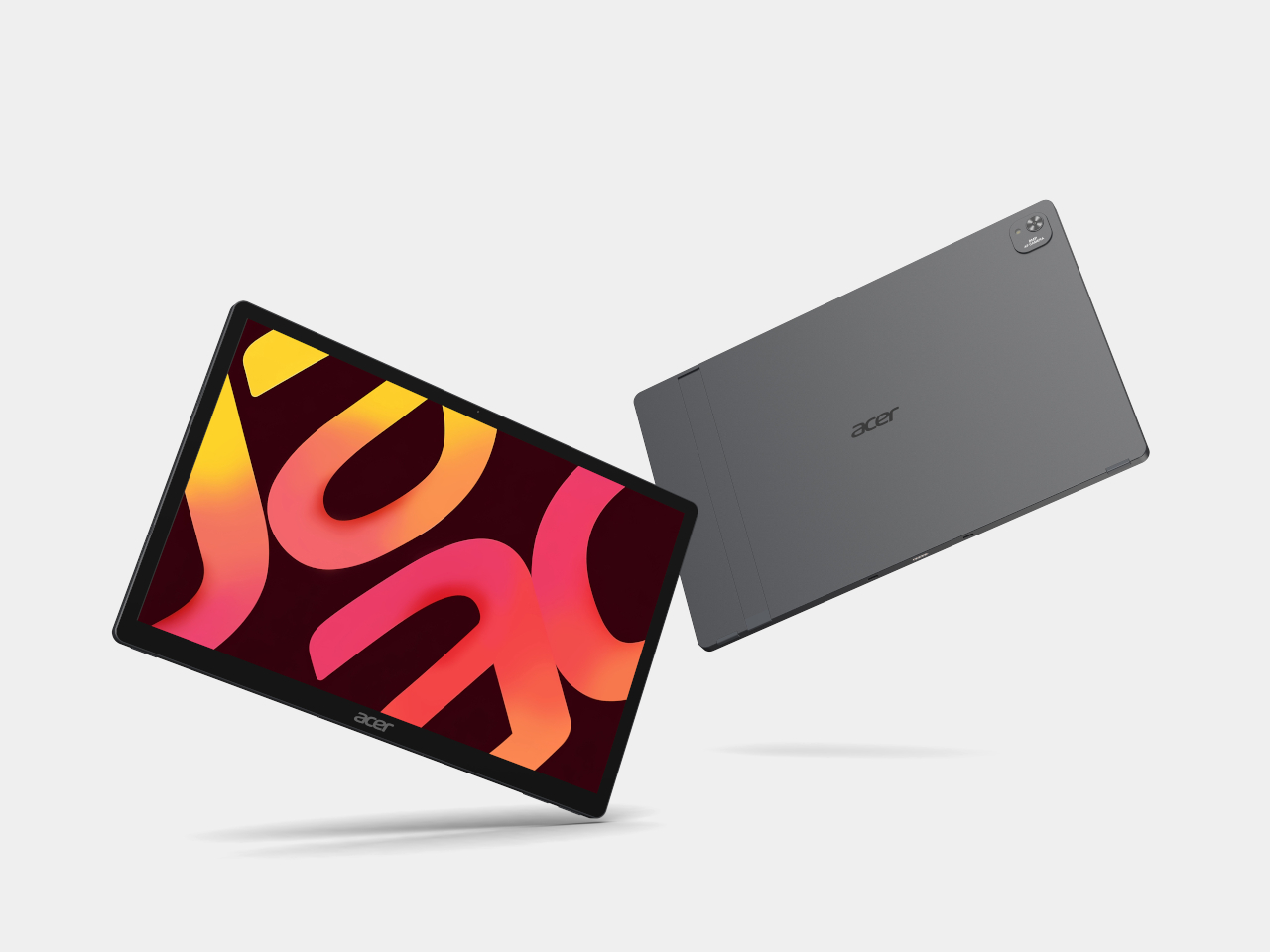
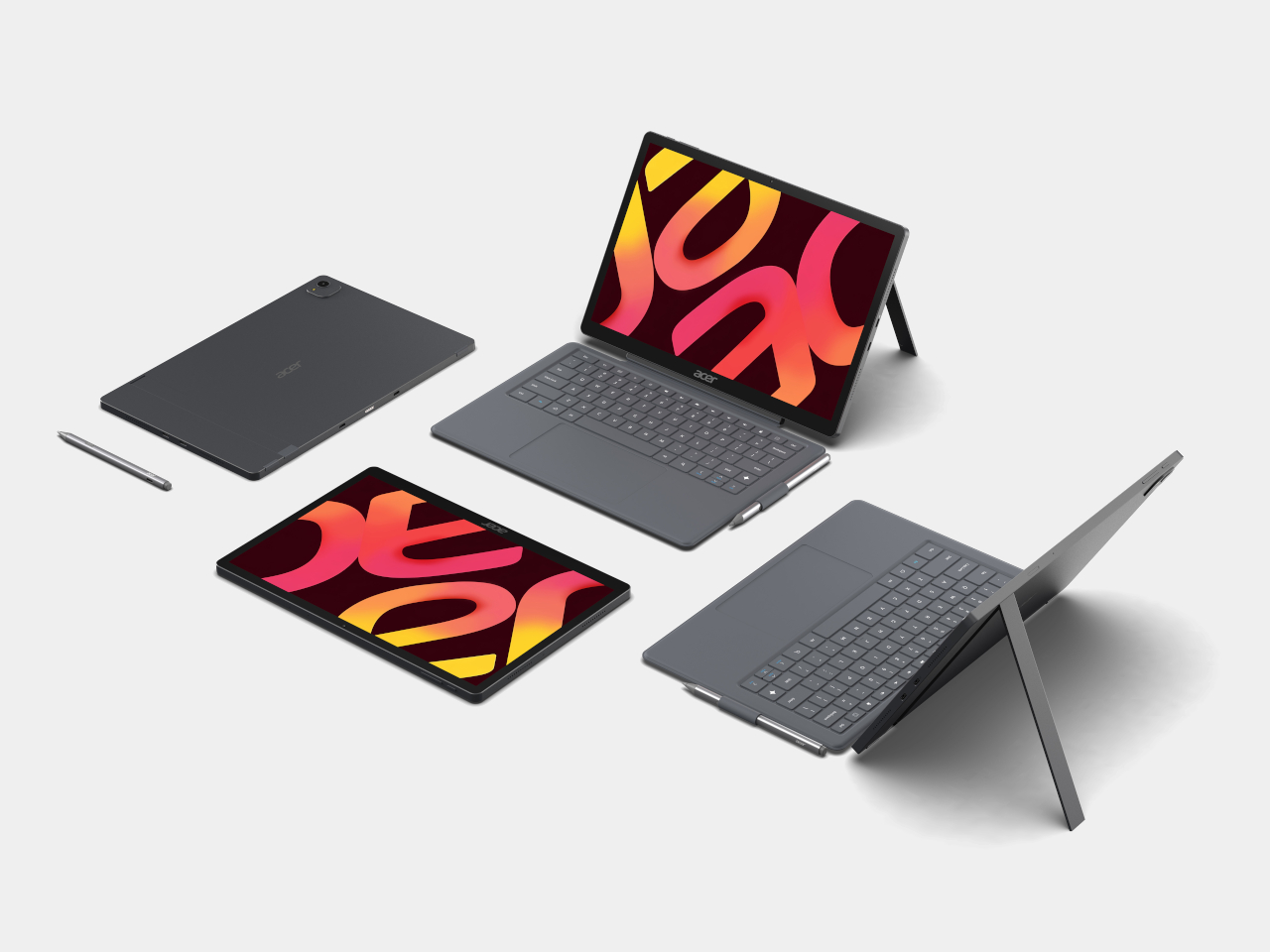
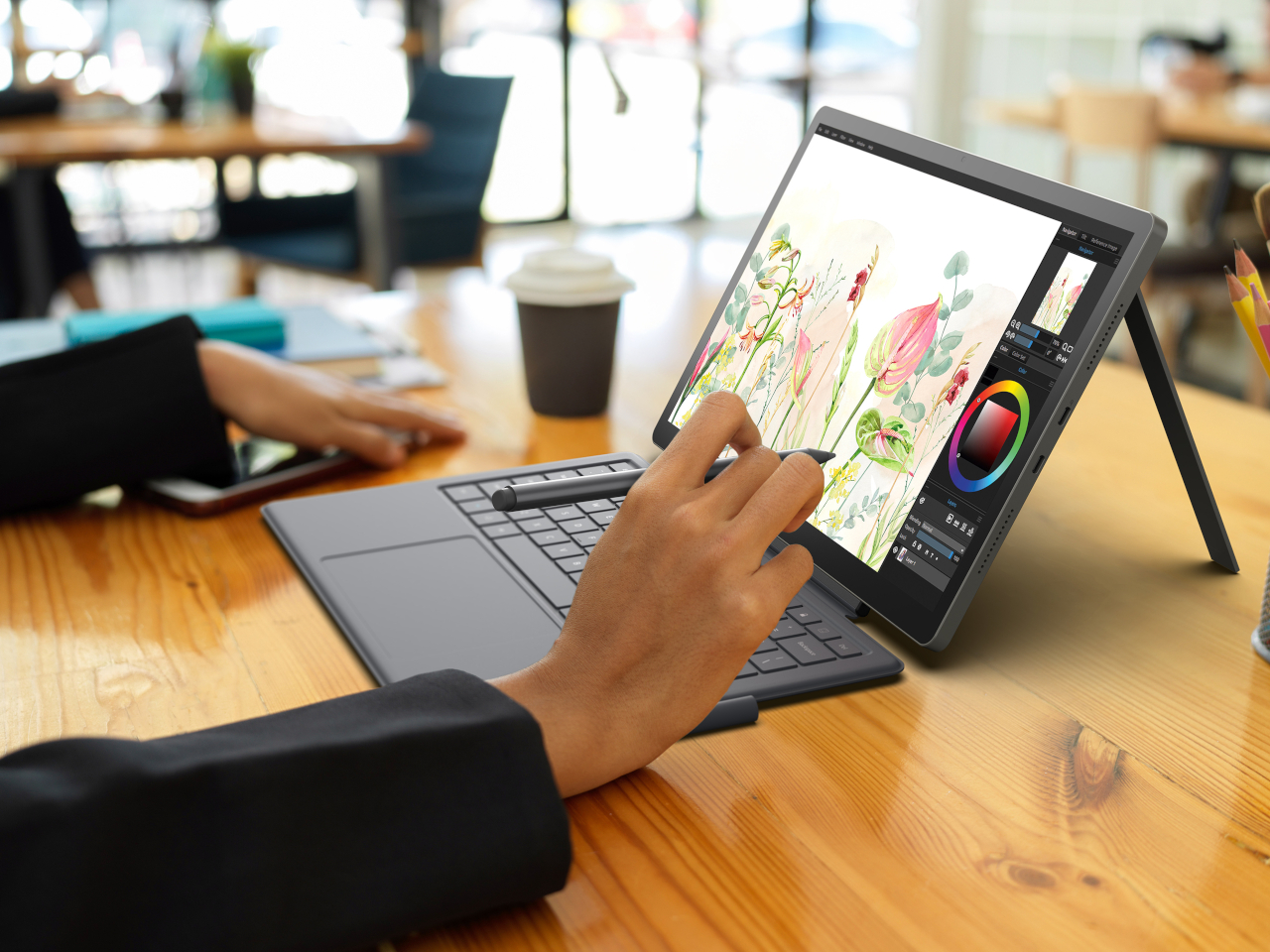
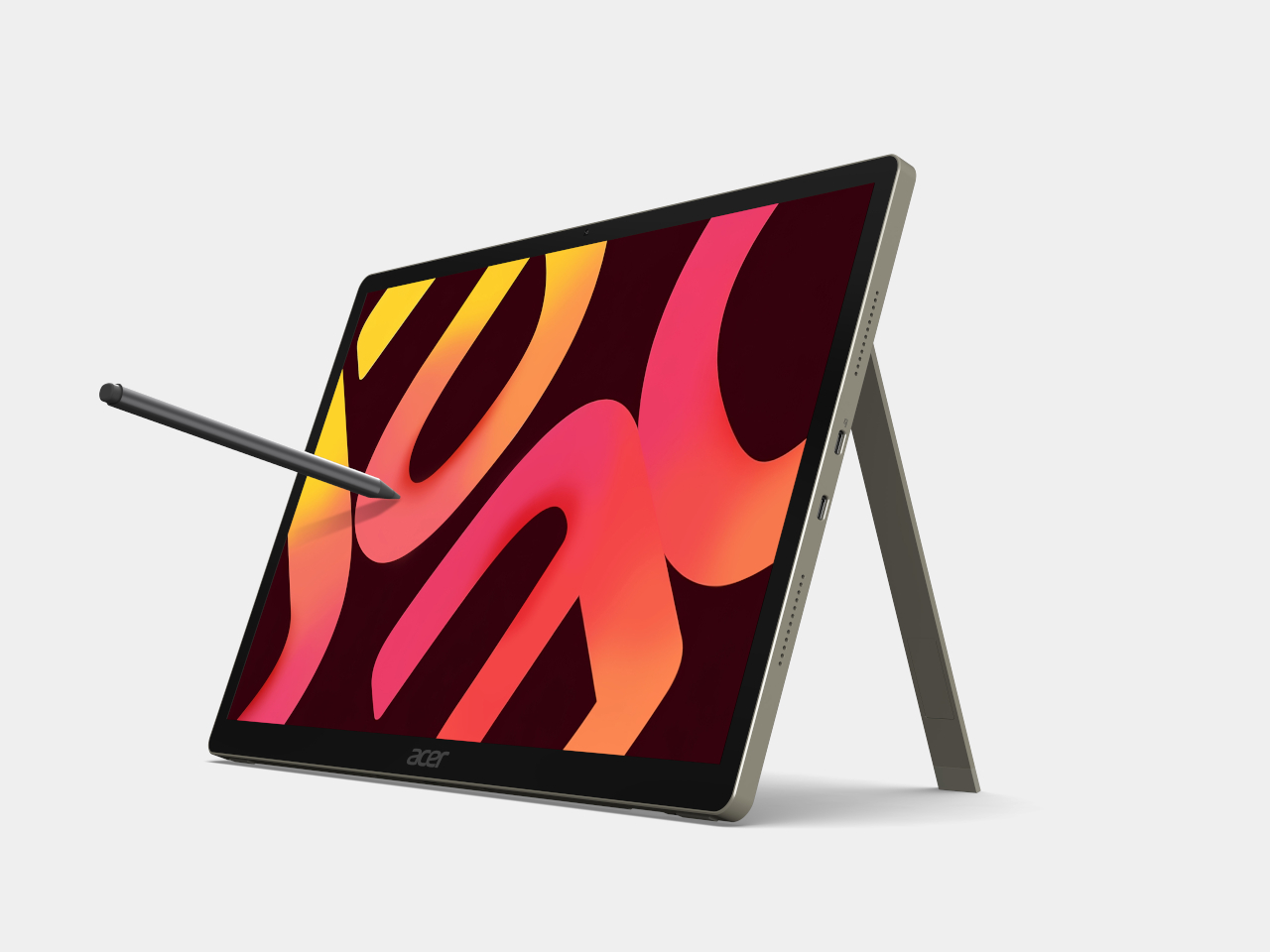
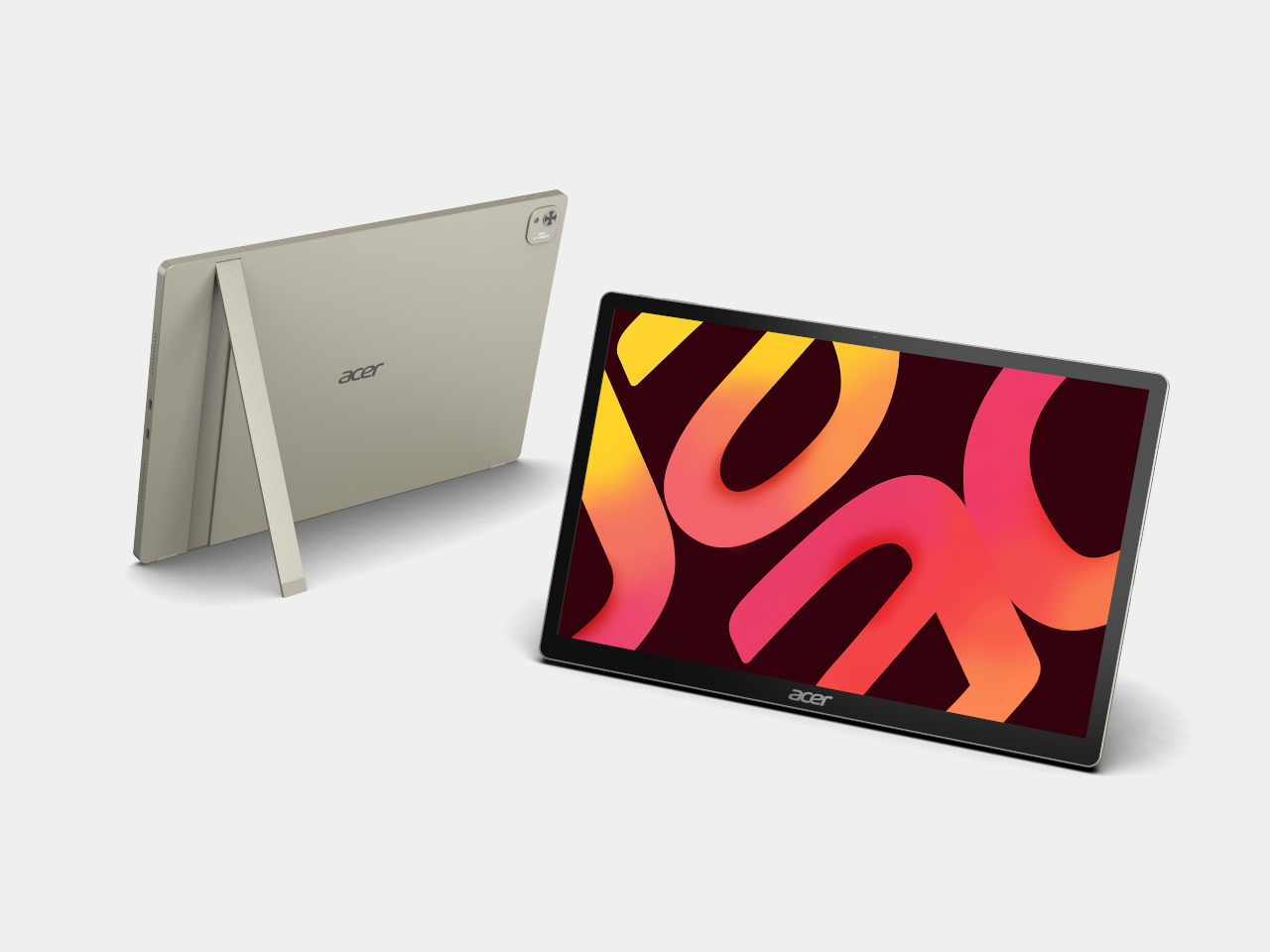
Rounding out the lineup, Acer’s Iconia tablets split into two clear tiers built around the same entertainment and education goals. The premium Iconia X16 and X14 pack OLED screens into a metal chassis, running on MediaTek Helio G80 silicon with dual USB Type-C ports, one dedicated purely to video input for easy screen casting during homework sessions or weekend movie marathons.

Acer Iconia X14-21

Acer Iconia X14-21

The entry-level Iconia A16 and A14 carry the same processor and port layout into a Vapor Silver chassis with IPS displays instead, trading OLED contrast for a friendlier price point without giving up the tripod kickstand design both series share. That kickstand, paired with optional styluses and attachable keyboards, turns either tablet into a portable classroom, a couch companion for reading, or a yoga mat sidekick during a guided session.

Acer Iconia A16-21

Acer Iconia A16-21

Acer Iconia A14-21

Acer Iconia A14-21

Seen together, these seven devices treat screens less like fixed appliances and more like furniture that rearranges itself around whatever someone needs next. Acer’s decision to launch a paper-like monitor, a folding triple-screen rig, an AI-infused projector, and four tablets on the same stage suggests the company is betting that flexibility, not raw specs, is what actually makes technology feel personal.

The post Acer’s IFA 2026 Spans Paper-Like Monitors to a Rubber Duck Projector first appeared on Yanko Design.
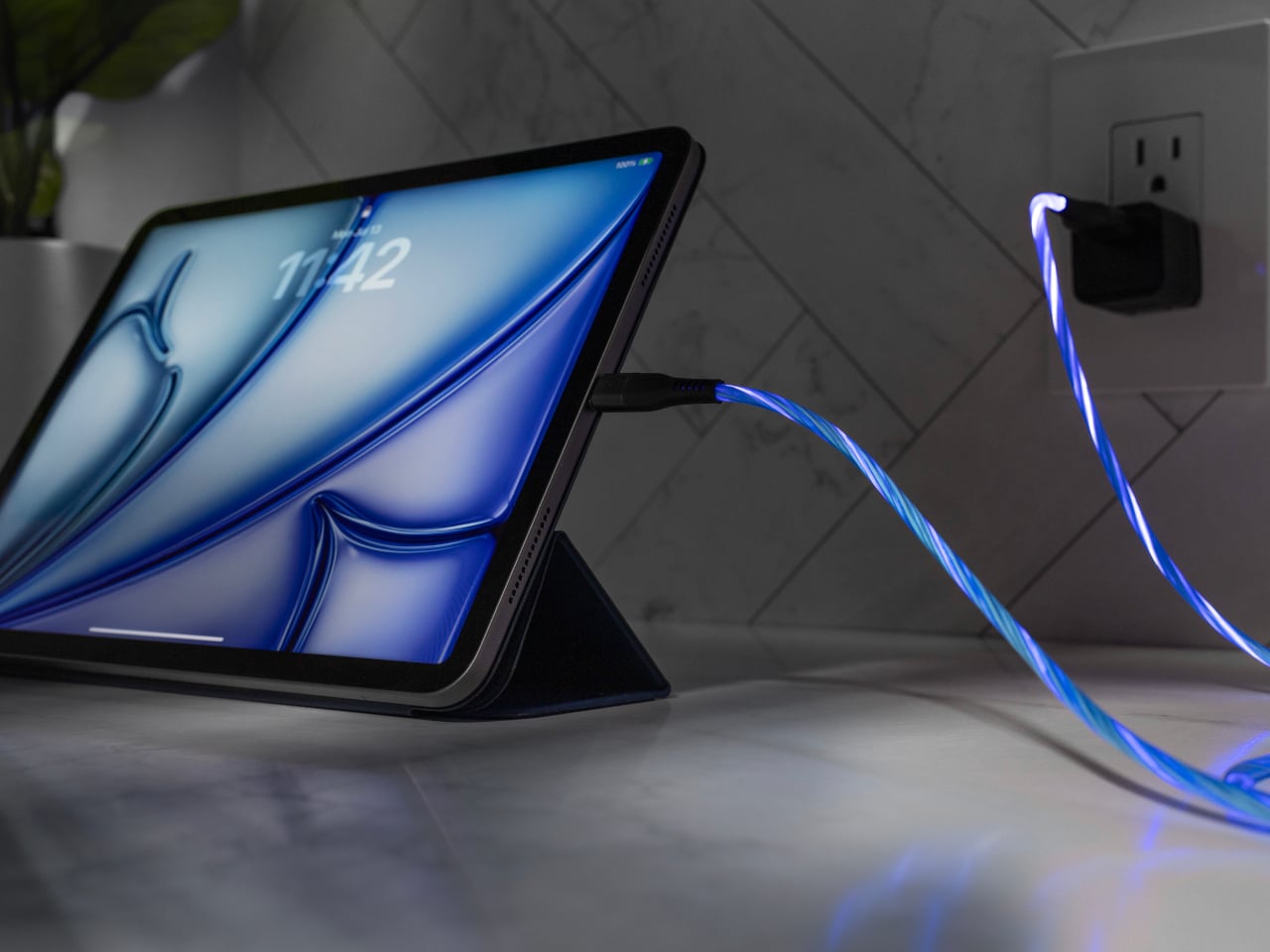
Acer’s DualPlay Mini Is What Happens When a Steam Deck Meets a Laptop

Acer’s Project DualPlay Mini refuses to pick a lane between gaming and work, and that refusal is the whole point. Revealed as a concept at IFA 2026, this 8-inch device from the Predator brand reimagines what a gaming handheld form factor can do, built around dual utility that lets it move fluidly between gaming and productivity without requiring a separate device for each. It reads less like a gadget mashup and more like an argument for mobile computing that reshapes itself around your day.

Pick it up as a handheld and Project DualPlay Mini behaves like any console-style device, with dual joysticks, a D-pad, and ABXY buttons framing an 8-inch display for genres that reward quick reflexes and thumb precision. Flip that same shell into laptop mode, though, and a built-in backlit physical keyboard enables the traditional laptop mode for first-person shooter games, while the handheld mode supports console-like experiences for other genres.

Designer: Acer

That transformation runs on a hinge that swivels as it folds, letting the distinctive design convert between handheld and mini-laptop modes at angles a standard clamshell can’t reach. Triangular speaker grilles flank the display on either side, doubling as stands that prop the screen upright once the keyboard tucks flat beneath it. The mechanism turns what could have been an awkward compromise into a shape that looks deliberate in either orientation.

Underneath, the concept integrates the same dual-fan cooling architecture as the Predator Atlas 8, with one Predator AeroBlade metal fan and one plastic fan, except the metal fan offers thinner blades. That detail matters more than it sounds, since squeezing laptop-grade thermals into a form factor built for one hand means the fans can’t afford to be an afterthought.

Acer folds a quiet anniversary tribute into the design too. The back cover hides the words “Acer 50 since 1976” embedded in Morse code, a detail that reflects both the milestone and the Predator brand’s identity. It’s a small flourish, easy to miss during a quick gaming session, but it gives the concept a personality beyond spec sheets and marketing bullet points.

That dual nature earns its keep once the workday intrudes on downtime. Connect an external screen and the device operates as a mobile work device, allowing users to stay productive while on the go without needing a second device. Slide it onto a tray table during a flight, and the keyboard and flanking speaker panels prop the screen up like a tiny travel monitor.

Away from any desk, the handheld mode holds its own too, cradling both palms with contoured grips and a display bright enough to hold up against ambient city light bleeding through a window. Racing games and open-world titles look right at home stretched across that screen, a reminder that DualPlay Mini’s productivity trick never comes at the cost of its gaming chops.

Project DualPlay Mini remains a concept only, with exact specifications, prices, and availability still unconfirmed. Still, it points toward a future where handheld gaming rigs and travel laptops stop being separate purchases. Concepts like this rarely ship unchanged, but this one lays out a shape worth watching as Acer keeps blurring the line between play and work.

The post Acer’s DualPlay Mini Is What Happens When a Steam Deck Meets a Laptop first appeared on Yanko Design.
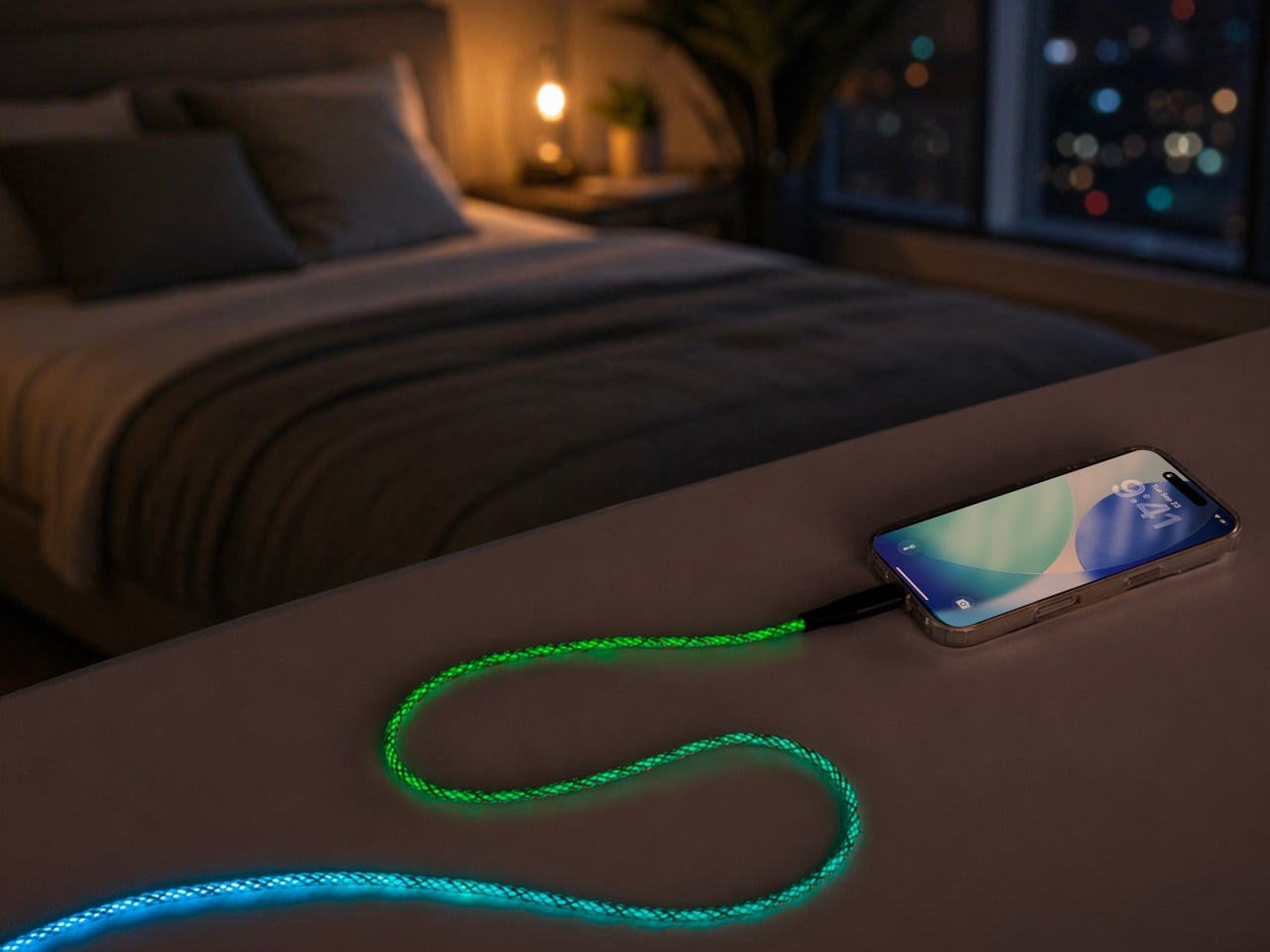
Acer’s IFA 2026 Handheld Packs Flagship Specs Into 7 Compact Inches

Acer’s Predator Atlas 7 proves that a gaming handheld doesn’t need to look like a slab of plastic armor to feel powerful. Unveiled at IFA 2026, this 7-inch device trims the bulk of its 8-inch sibling into a shape that slides into a bag as easily as it fits into your palms. It’s compact, but every curve and vent hints at the muscle hiding underneath its shell.

Acer built the Atlas 7 to share visual DNA with its 8-inch sibling, keeping the same flagship design language in a smaller shell rather than treating the smaller model as an afterthought. That continuity matters for a lineup meant to scale across different hand sizes and travel habits, giving shoppers a matching pair of handhelds instead of two unrelated products competing for shelf space.

Designer: Acer

Pick it up, and you’ll notice the contoured grips right away, curved just enough to cradle your palms without forcing your fingers into an awkward reach. An enlarged palm rest, recessed keys, and a textured anti-slip finish keep your hands locked in place, even after hours of gripping through a marathon session. It’s the kind of ergonomic thinking that turns comfort into a genuine competitive advantage.

Slide your thumbs onto the joysticks and the option for tunneling magnetoresistance (TMR) sticks becomes obvious in feel alone, delivering precise tracking with zero dead zones and none of the drift that plagues cheaper handhelds. Hall-effect triggers add pressure-sensitive control for racing and shooting genres alike, while a fingerprint reader built into the power button logs you in before you’ve even settled into your seat.

Underneath the shell, a dual-fan cooling system keeps temperatures in check without turning the Atlas 7 into a furnace. The precision metal Predator AeroBlade fan packs 89 blades thinner than a sheet of paper, lifting airflow by up to 10 percent, while a secondary plastic fan and Vortex Flow tuning push hot air out through angled channels for sustained performance.

The 7-inch FHD touchscreen refreshes at 120Hz with up to 500 nits of brightness and Variable Refresh Rate support, so fast-paced titles render smoothly whether you’re chasing frame rates at home or squinting under harsh daylight on a commute. A layer of Corning Gorilla Glass Victus with DXC treatment resists scratches and glare, and Acer even tosses in a tempered-glass screen protector for extra peace of mind.

Two Thunderbolt 4 ports turn the Atlas 7 into a proper docking companion, streaming visuals to bigger screens or pulling data through fast peripherals, while UHS-II microSD support leaves room for expanding storage on the fly. An 80Wh battery backs it all up, and Killer Wi-Fi 7 with Bluetooth 5.4 keeps connections steady while the PredatorSense app puts performance modes, lighting, and monitoring within a single tap.

Audio holds up too, with dual 2-Watt speakers tuned for DTS:X Ultra and two mics running Acer PurifiedVoice to cut background noise during voice chats. Paired with its trimmer shell, these touches turn the Predator Atlas 7 into a handheld built for gaming between destinations, not just at a desk. Acer plans to launch it in North America by Q4 2026, with Europe following in November.

The post Acer’s IFA 2026 Handheld Packs Flagship Specs Into 7 Compact Inches first appeared on Yanko Design.
Acer Finally Made a Premium Laptop You Can Actually Repair Yourself

Acer’s Vero 16 treats repairability as a design language rather than an afterthought bolted on for marketing points. Announced at IFA 2026, this fourth-generation Vero laptop wears its screws and access panels with pride, swapping the sealed, glued construction common to premium laptops for a chassis you can actually open without voiding a warranty or hunting down specialty tools. It’s a rare case where sustainability and good industrial design point in the same direction.
Flip the Vero 16 over and a visual guide etched directly into the bottom cover walks you through the repair process step by step, turning what used to require a service manual into something closer to assembling furniture. A tool-free access latch pops the bottom cover open, exposing a battery and SSD that users can swap themselves. The hinge detaches from the chassis entirely, and the I/O port covers on both sides lift away just as easily.
Designer: Acer

That repair-first thinking extends to future-proofing too. Acer built the Vero 16 to support processor upgrades for at least two generations, a rarity in an industry that generally treats laptops as disposable once the chip inside falls behind. Pair that with materials chosen for their afterlife, and the laptop starts looking less like a purchase and more like a long-term relationship with your hardware.

The chassis itself carries that same intentionality. The top and palm-rest covers combine 50% post-industrial recycled aluminum with 50% low-carbon aluminum, while the bottom cover uses 60% post-consumer recycled plastic and the display bezels use 30%. Acer finishes the whole thing in a solvent-free powder coating that cuts VOC emissions while resisting wear better than standard paint, so the Earthy Brown shell should still look presentable years into its service life.

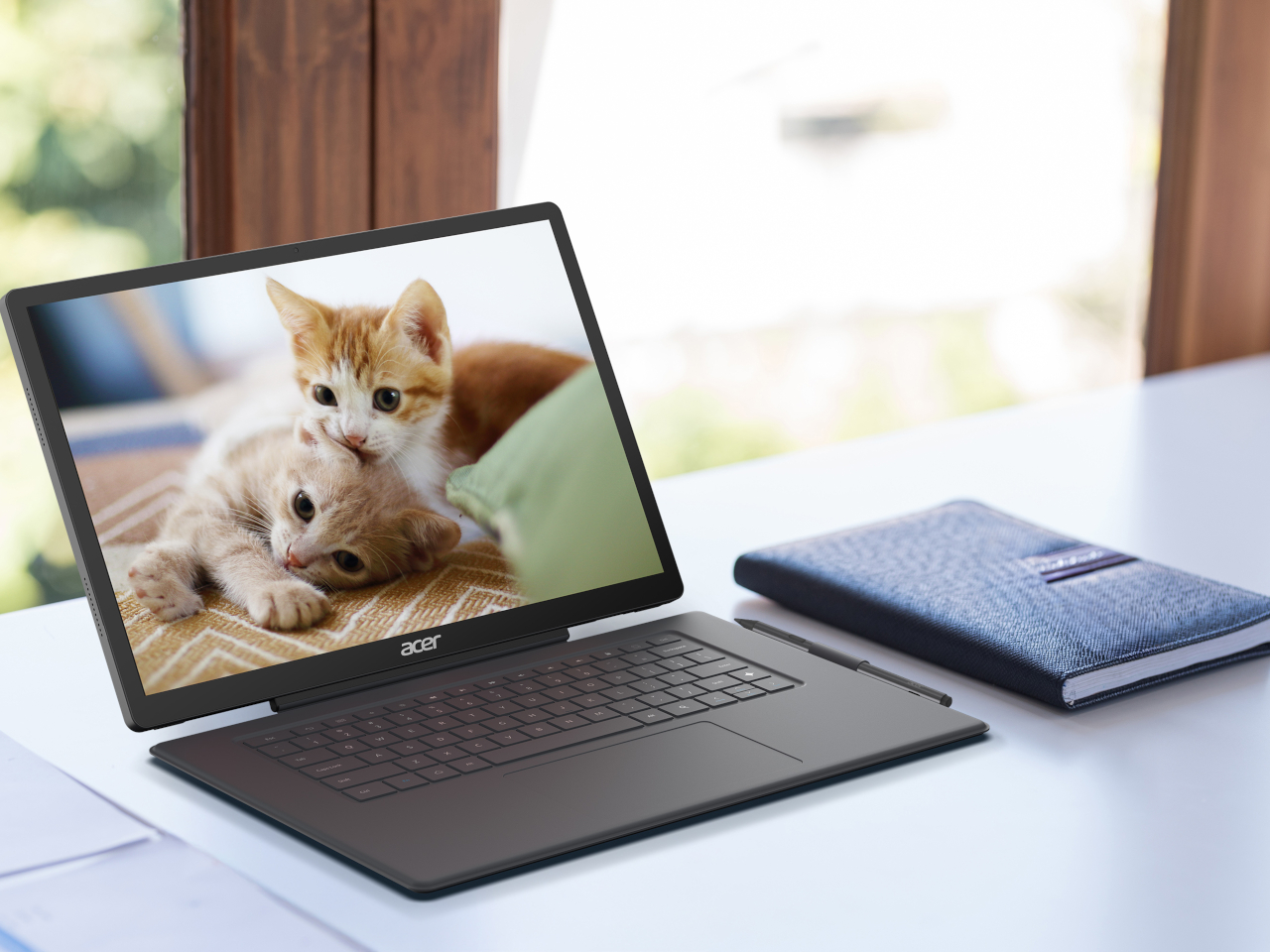
None of that repair-friendly engineering comes at the cost of everyday usability. A 16-inch 3K OLED display handles video calls and spreadsheet work with equal ease, backed by up to an Intel Core Ultra X9 processor pushing 180 platform TOPS for on-device AI tasks. Acer PurifiedView sharpens video call quality automatically, while PurifiedVoice filters out background chatter, useful whether you’re presenting blueprints from a home office or narrating a game night to friends over a headset.

Connectivity rounds out the practical side, with two Thunderbolt 4 ports, an SD card reader, and HDMI 2.1 covering most peripheral needs, plus a USB Type-A port that keeps charging accessories even when the laptop itself is powered down. Acer MyKey adds a programmable shortcut for whatever app or website you open most, a small touch that saves the repetitive clicking most of us do without noticing.

The Vero 16 ships in 100% recyclable packaging made from recycled materials, closing the loop from box to chassis. Acer’s decision to expand its design approach from the standard 3R framework of reduce, reuse, and recycle into a fourth R for repairability suggests the company sees longevity as a feature worth building around, not a checkbox for sustainability reports. The Acer Vero 16 arrives in EMEA in Q1 2027, giving shoppers time to see how well that philosophy holds up against the rest of the market.

The post Acer Finally Made a Premium Laptop You Can Actually Repair Yourself first appeared on Yanko Design.