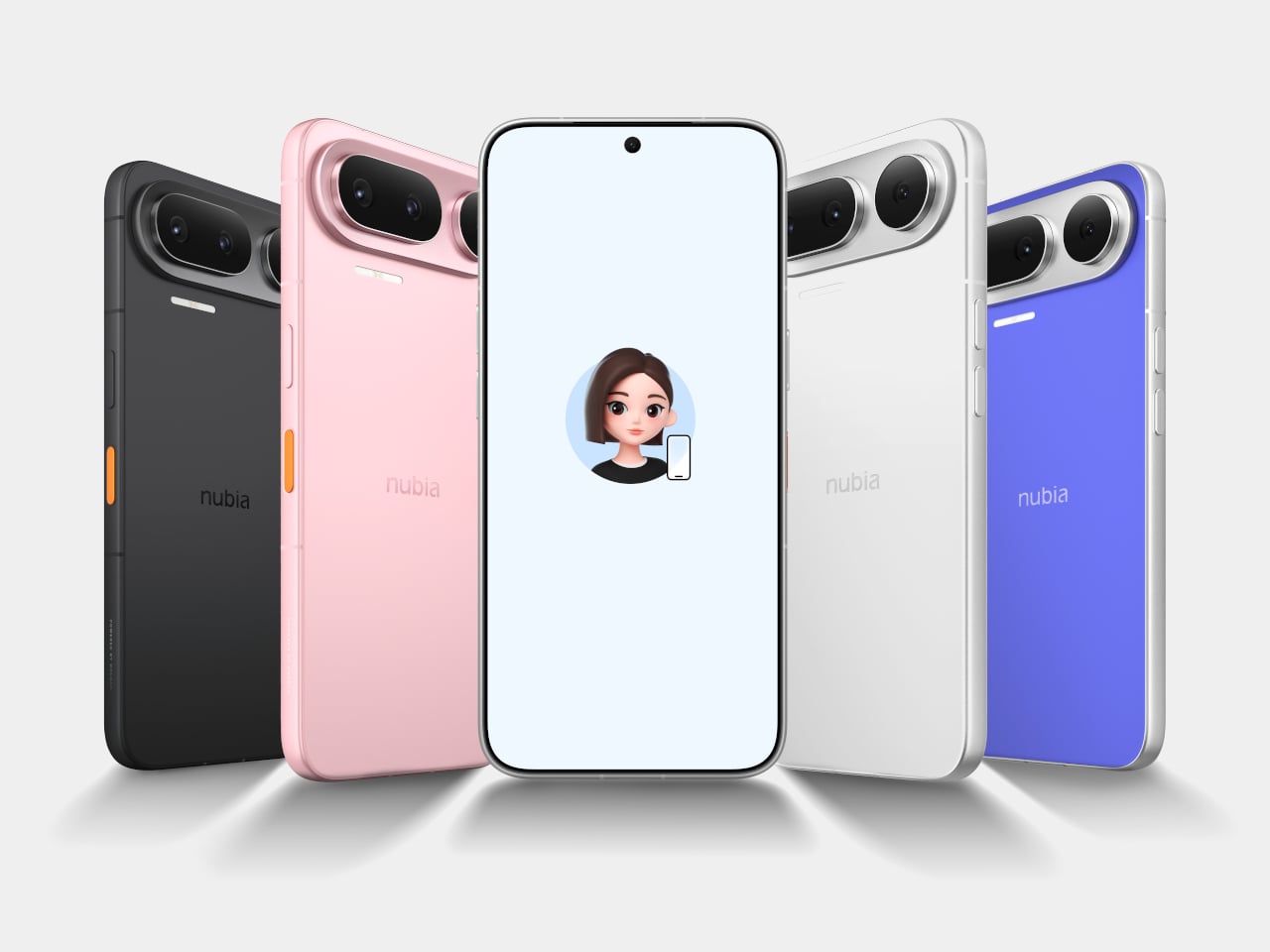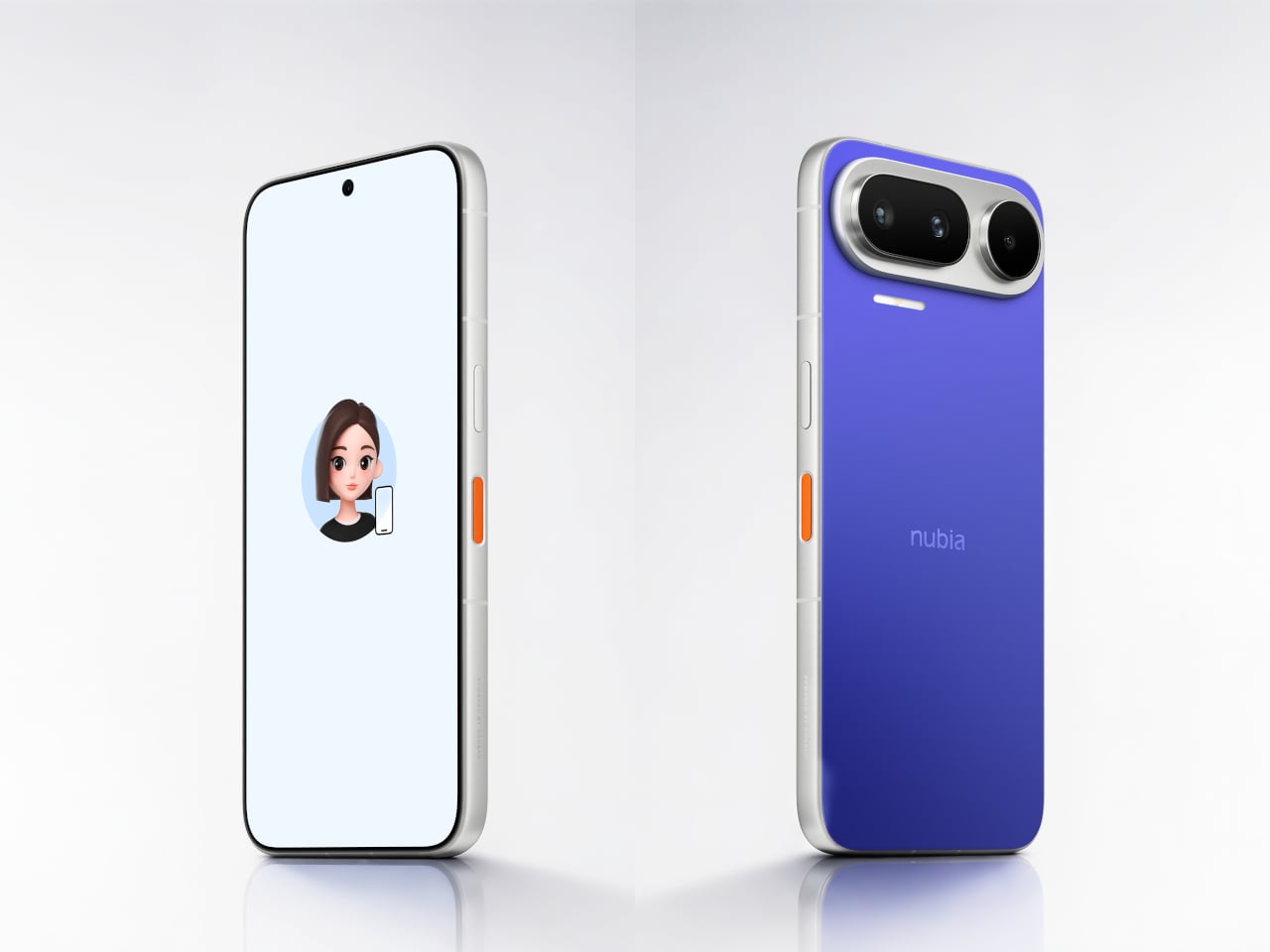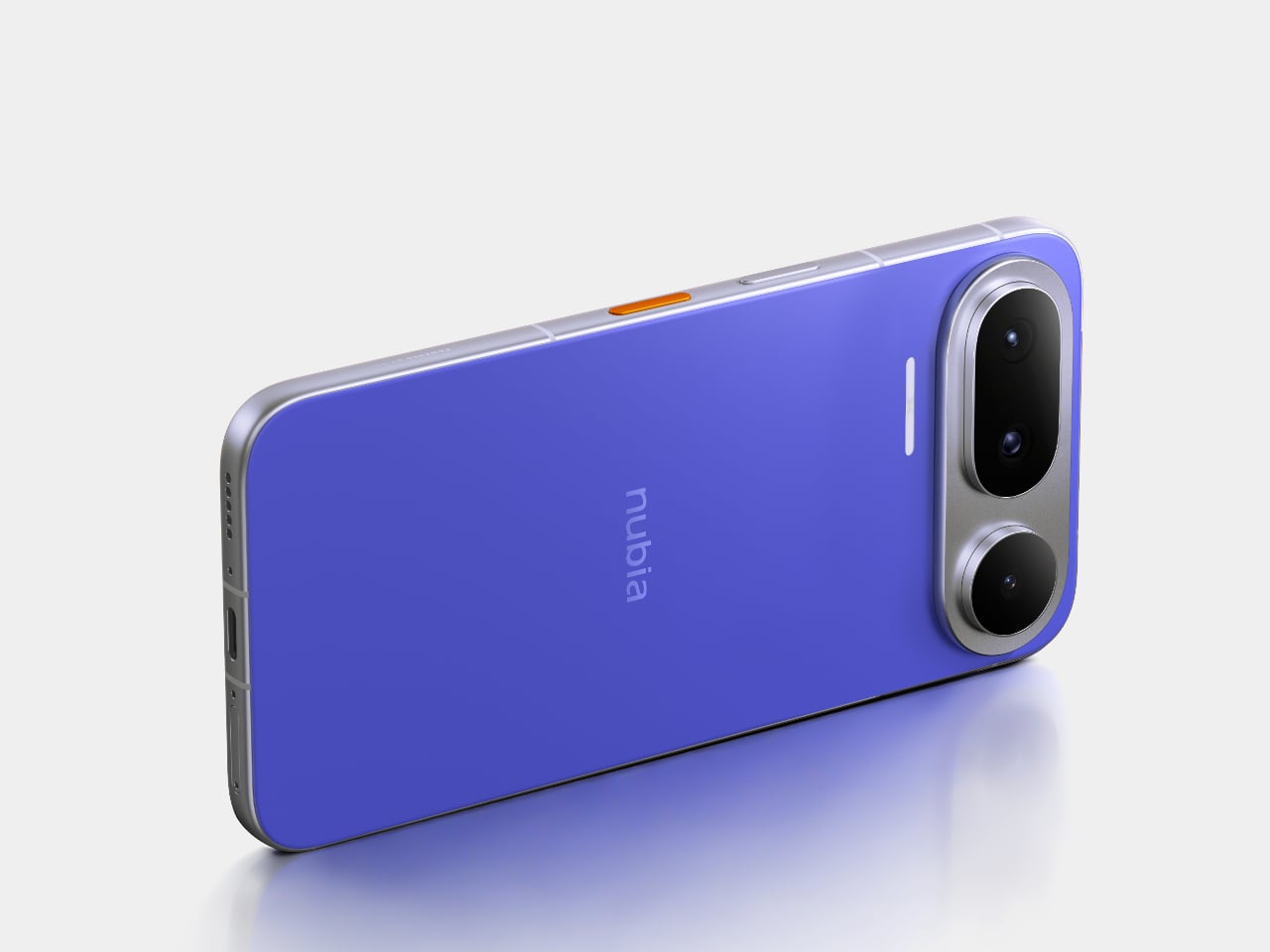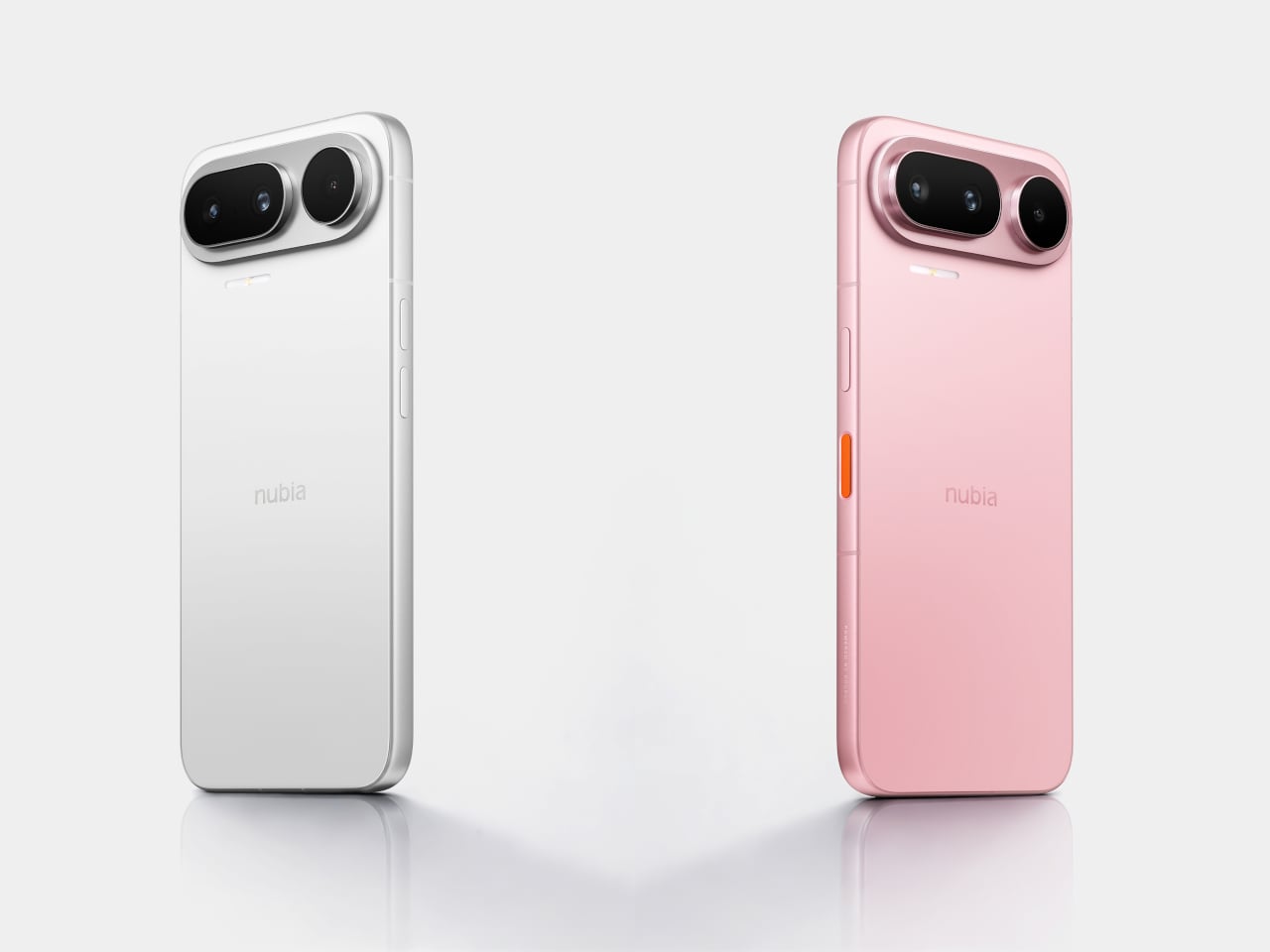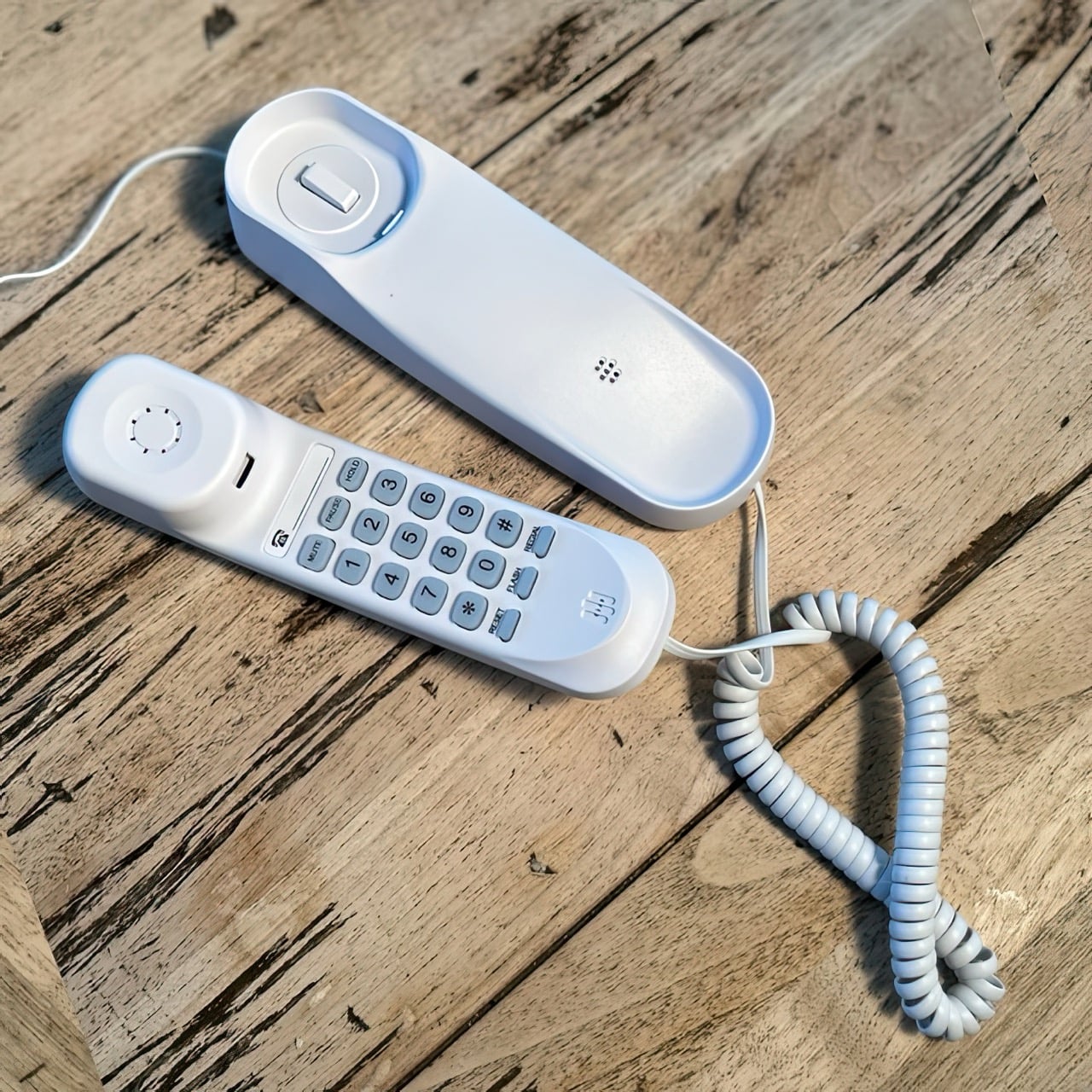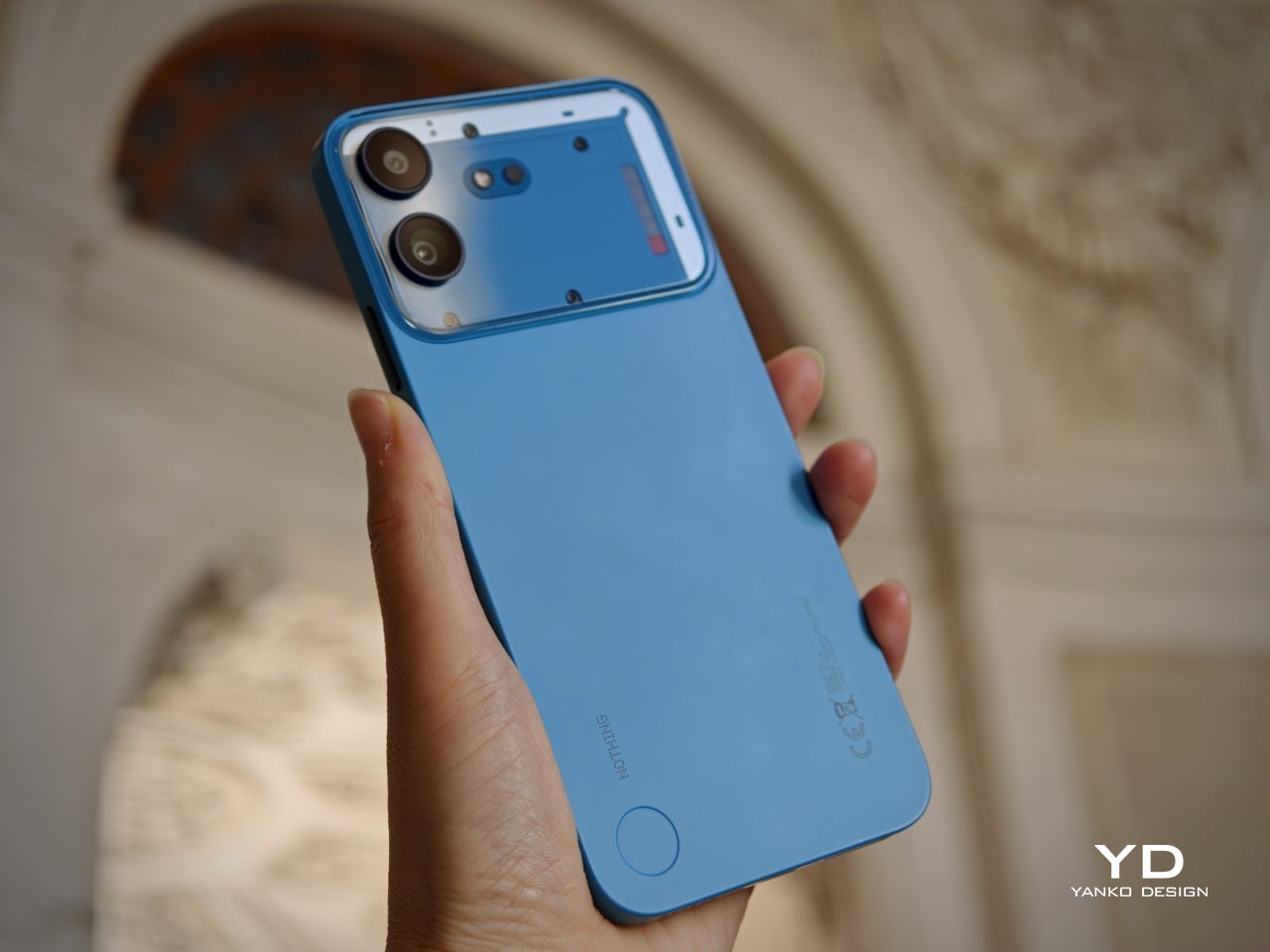
The Anti-Distraction Smartphone That Still Lets You Use Uber and Strava

I pulled out my phone at the airport gate to check my boarding time, then spent the next fifteen minutes scrolling TikTok. I nearly missed my flight. The phone wasn’t lying when it said Gate 23, but somewhere between the lock screen and actually standing up, Instagram happened, then Twitter, then one more reel. We’ve all been that person. The issue is architectural: smartphones were built to be everything machines, and everything machines are terrible at being sometimes machines.

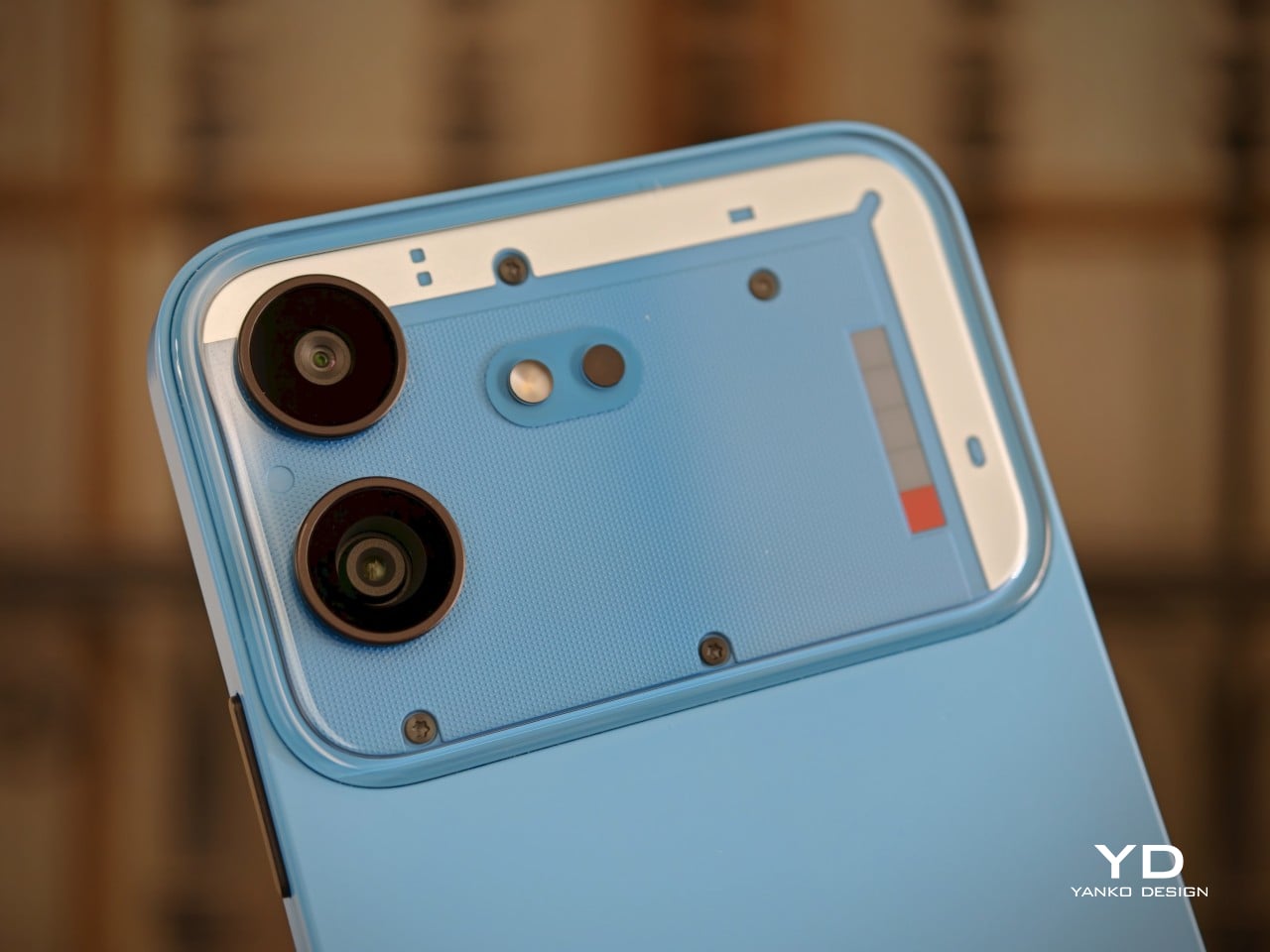
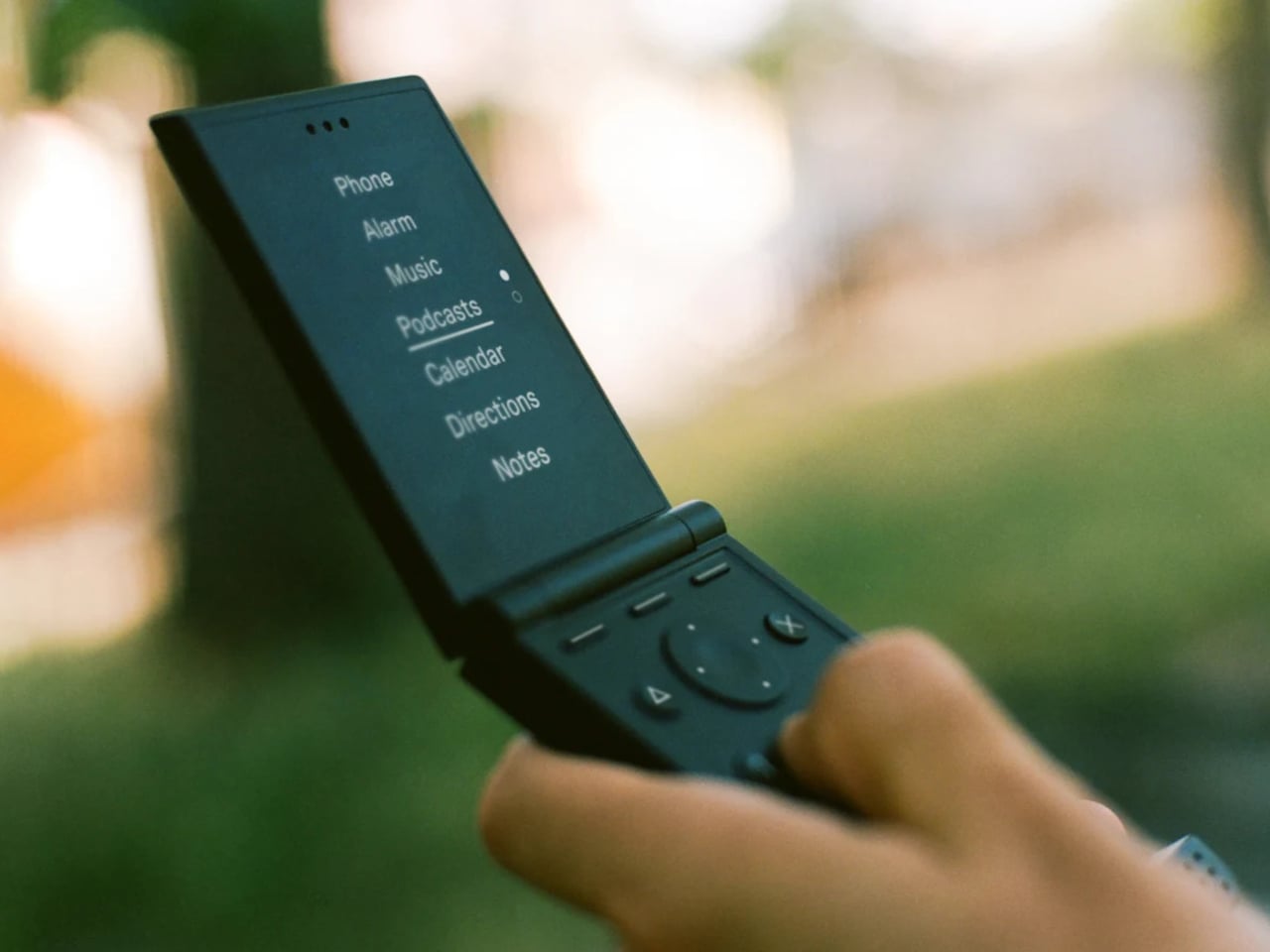
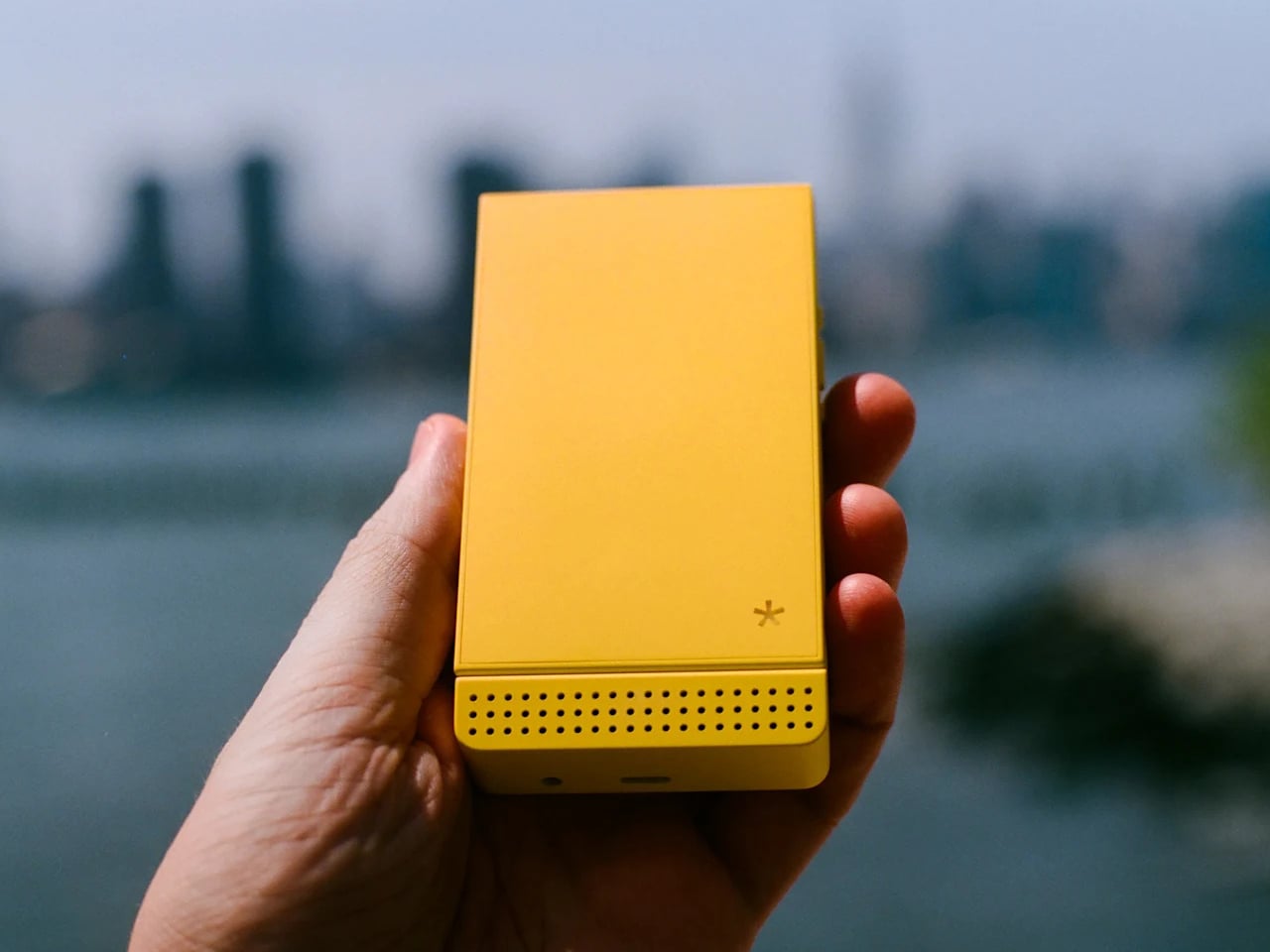
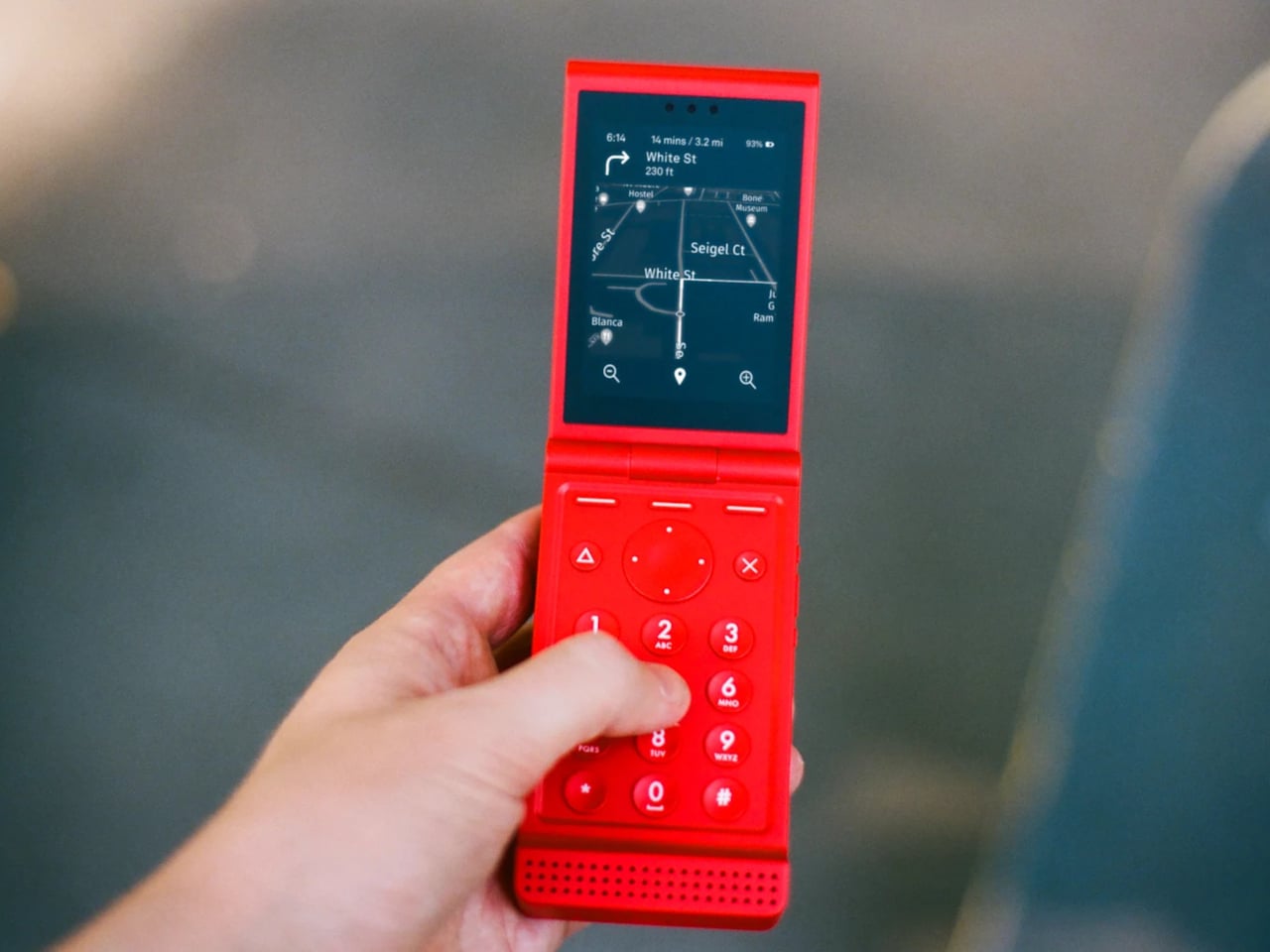
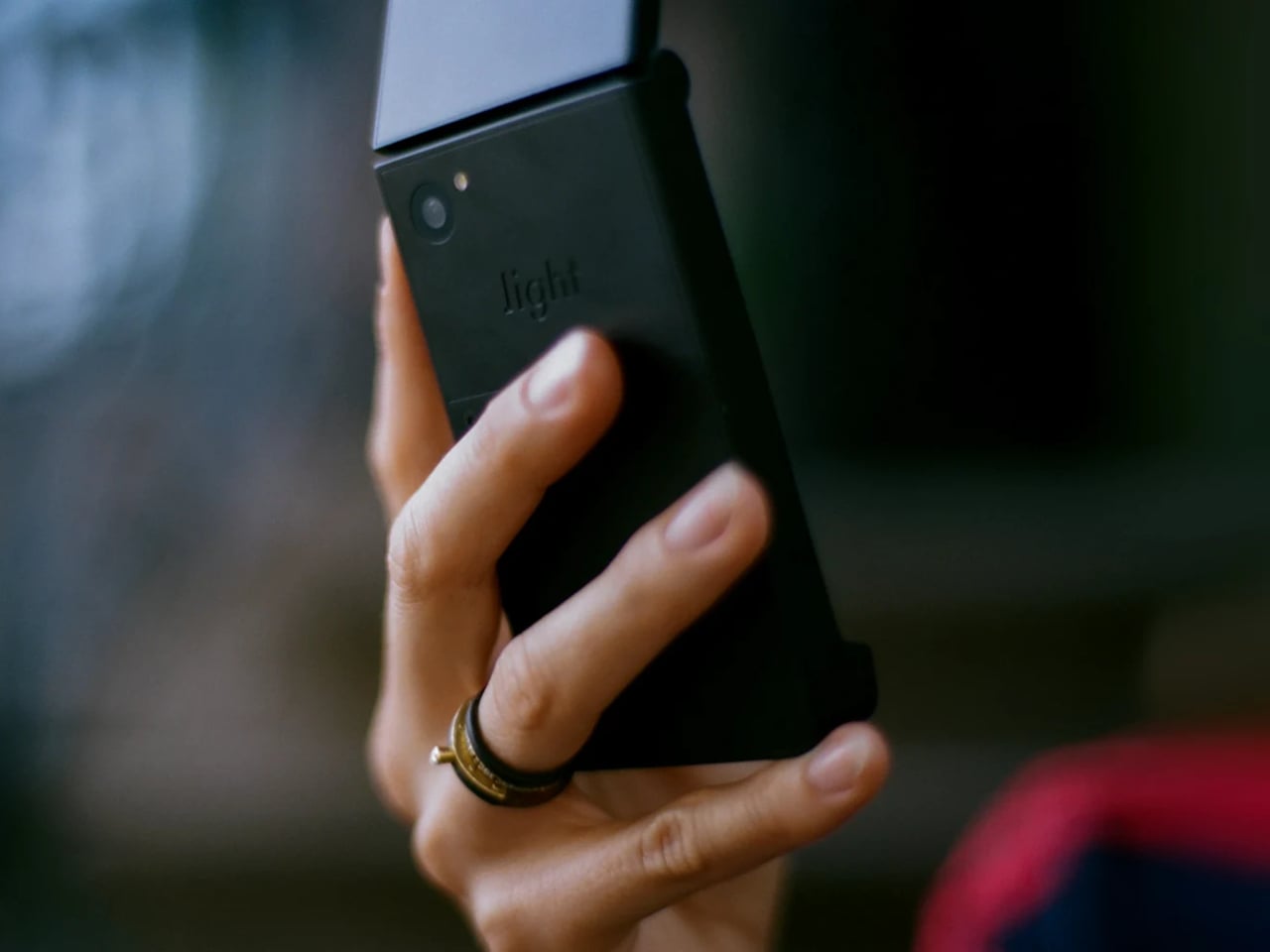
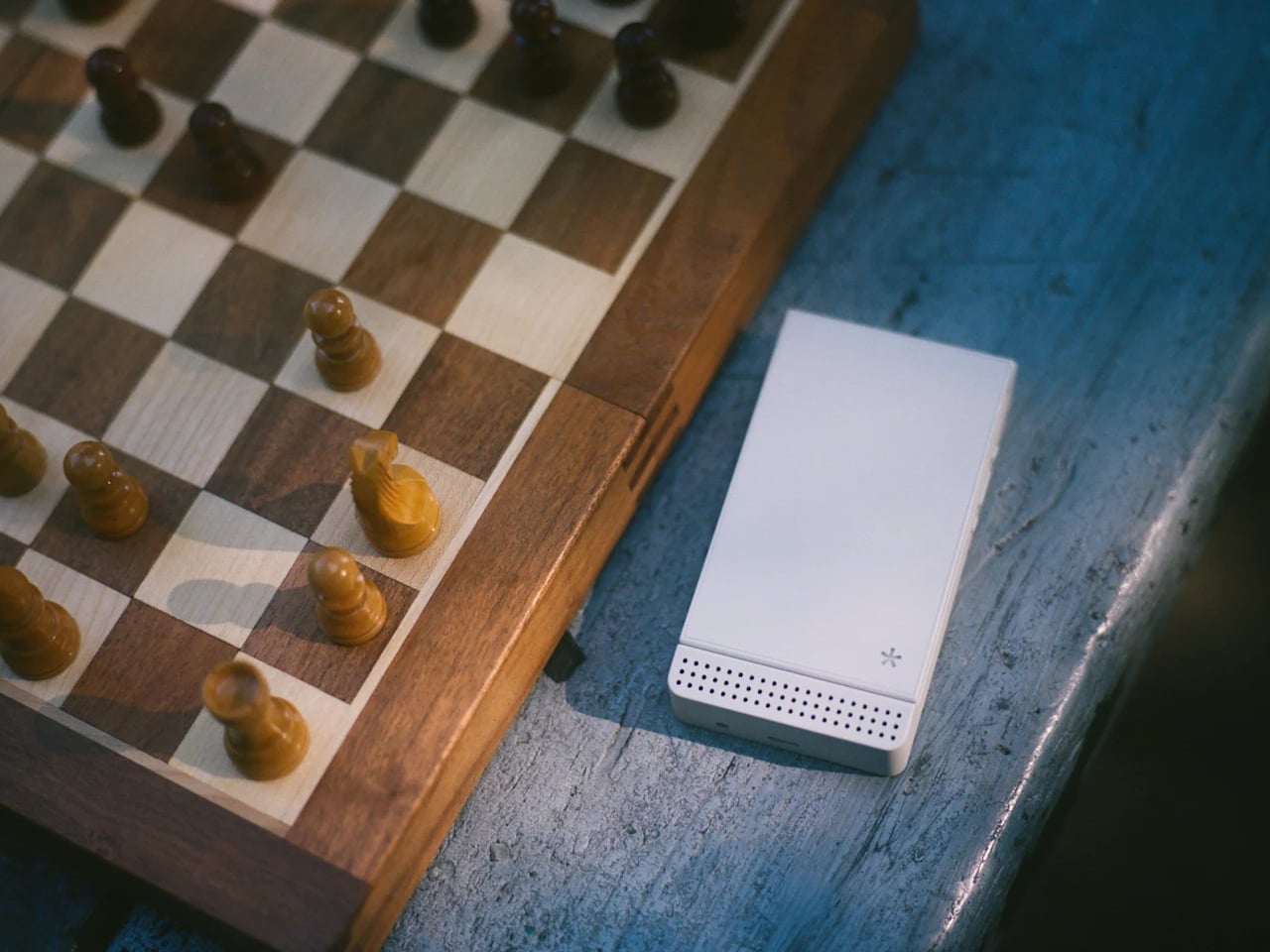
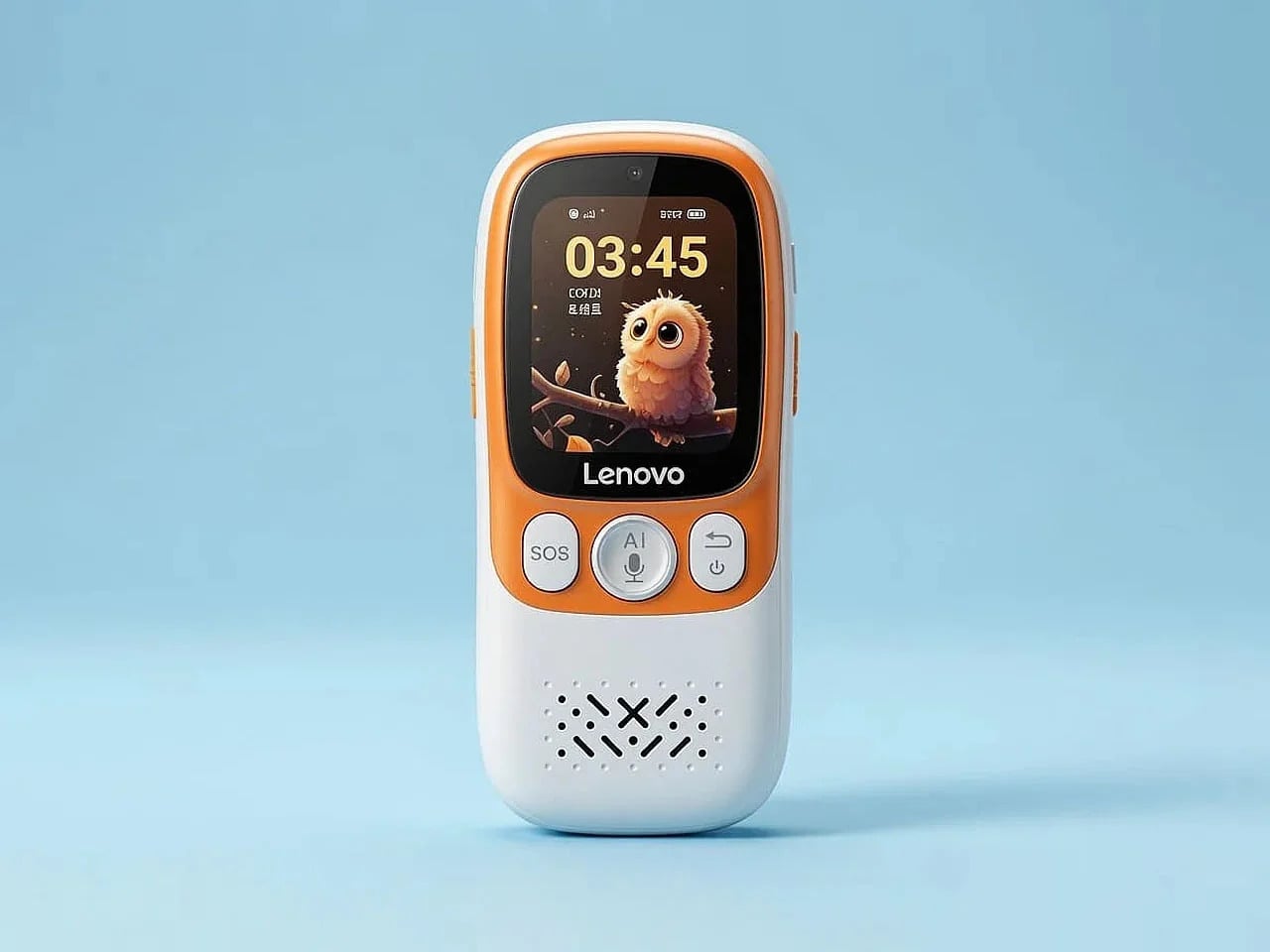
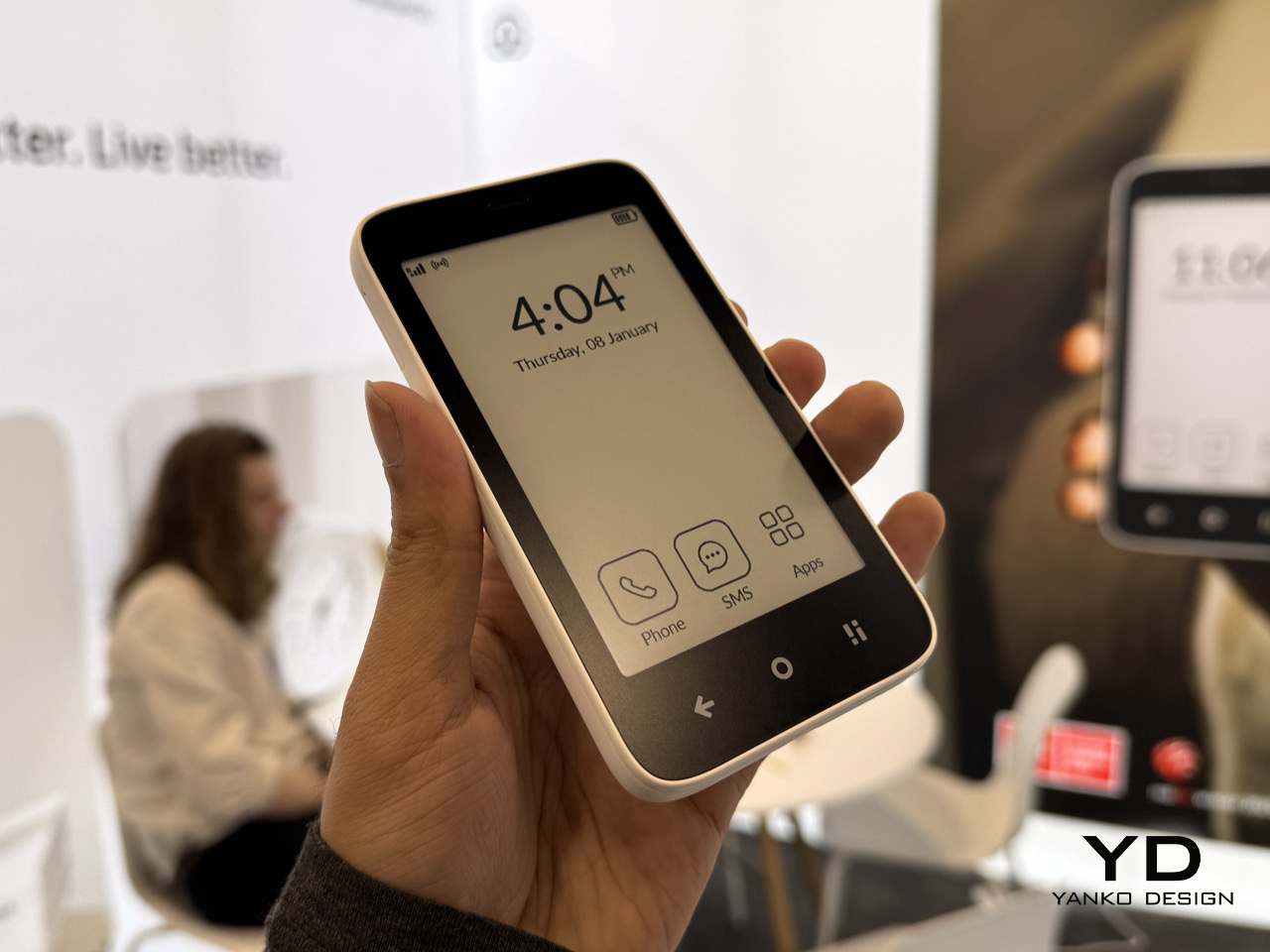
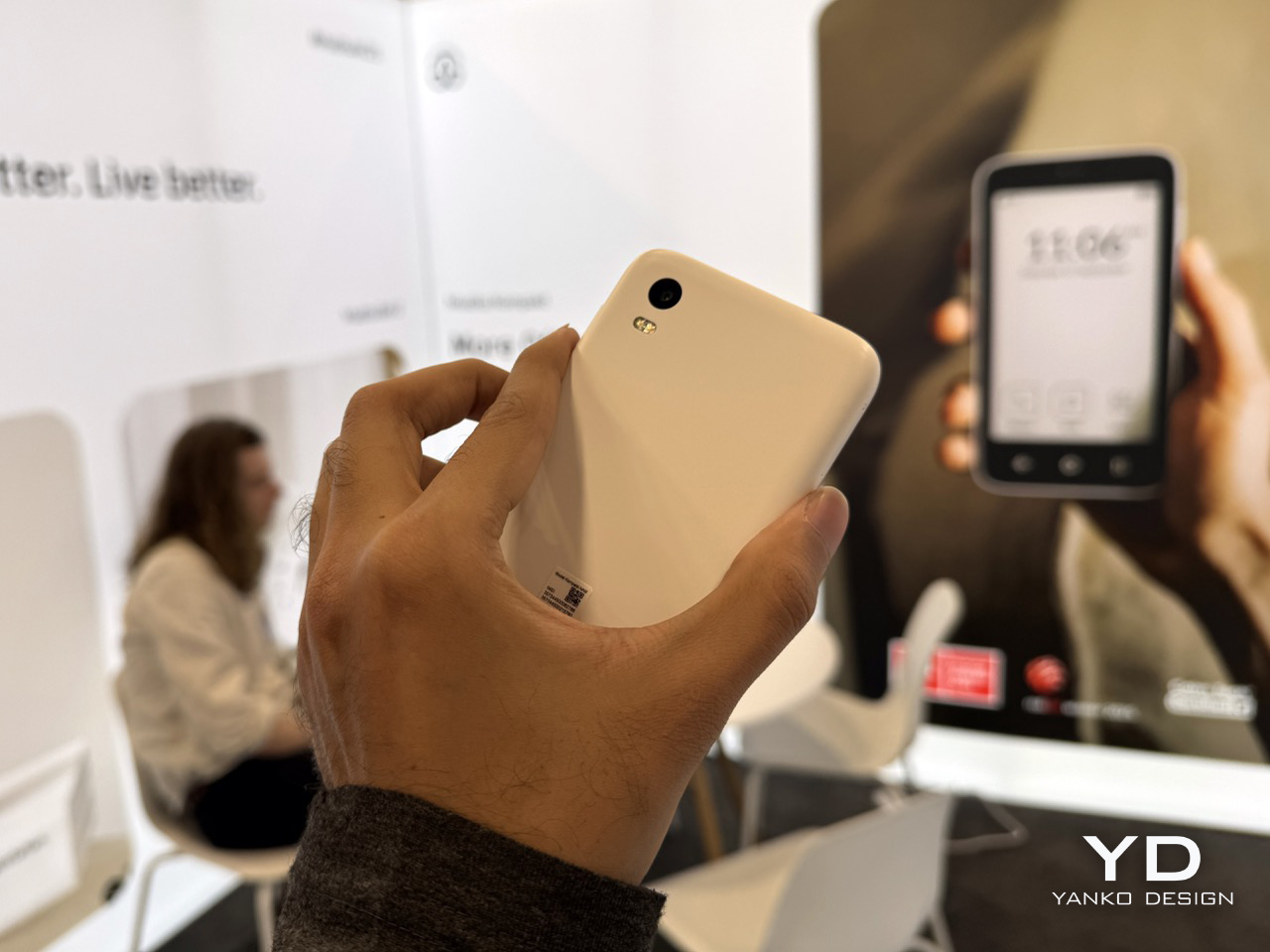
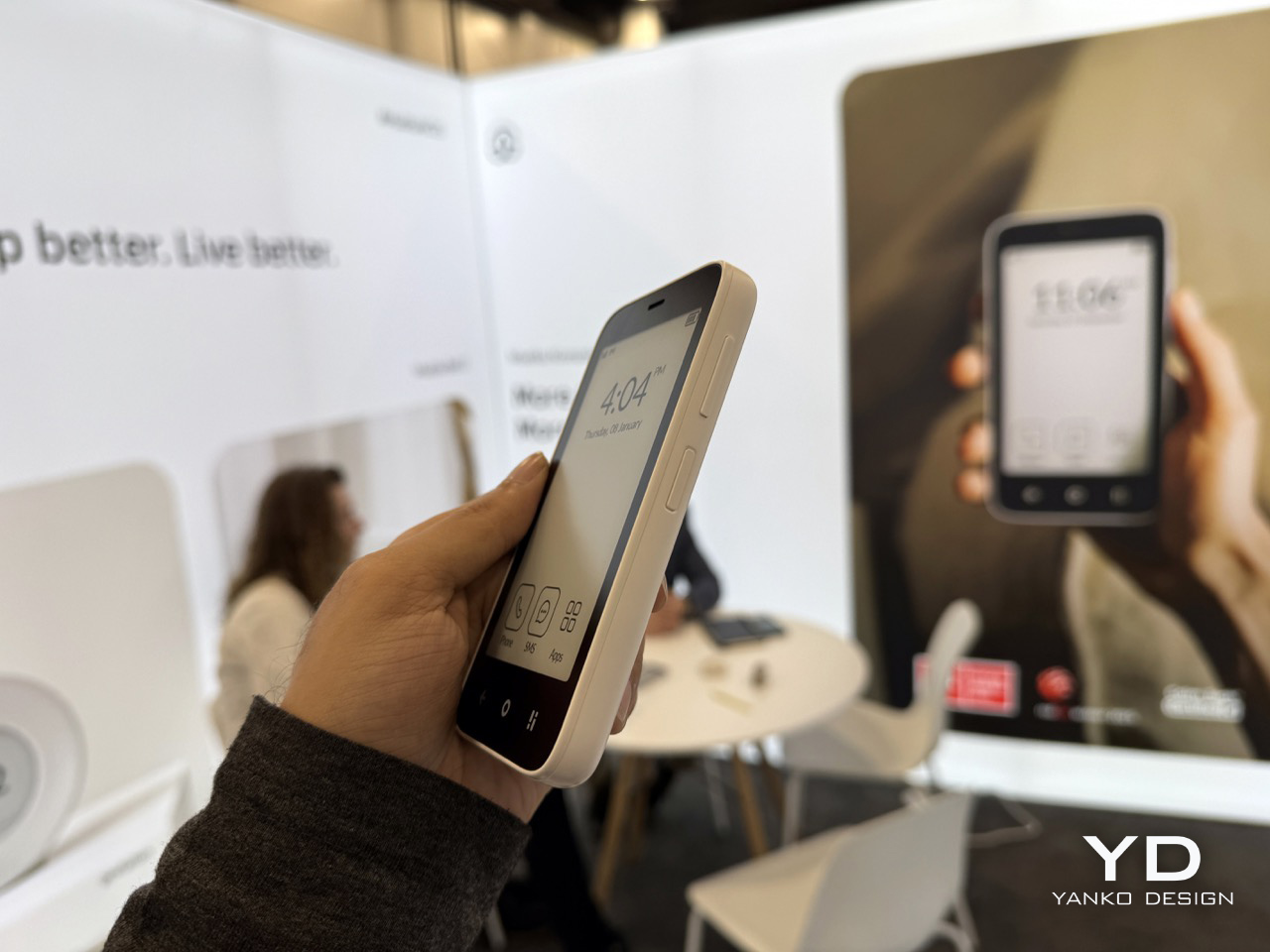
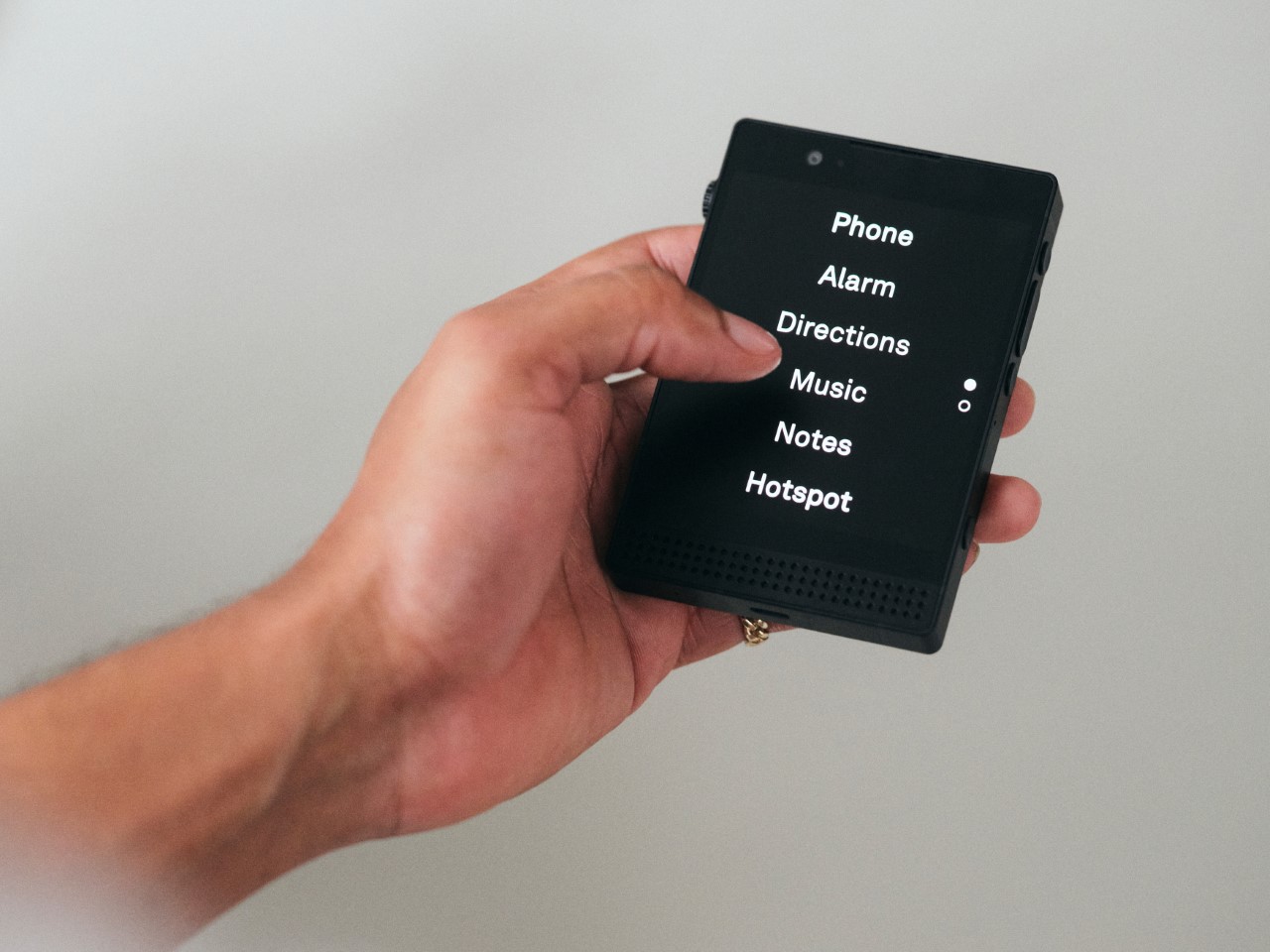
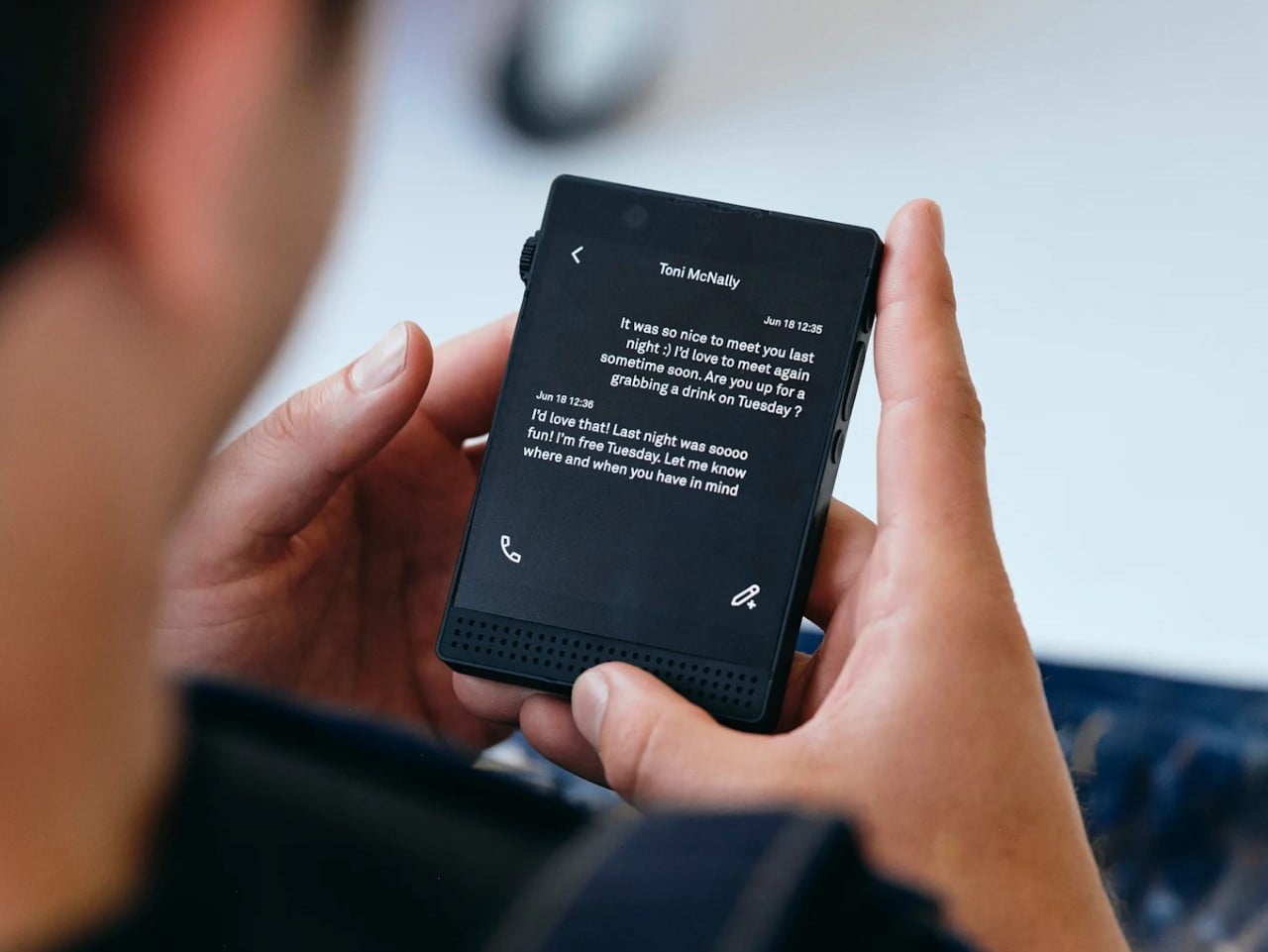
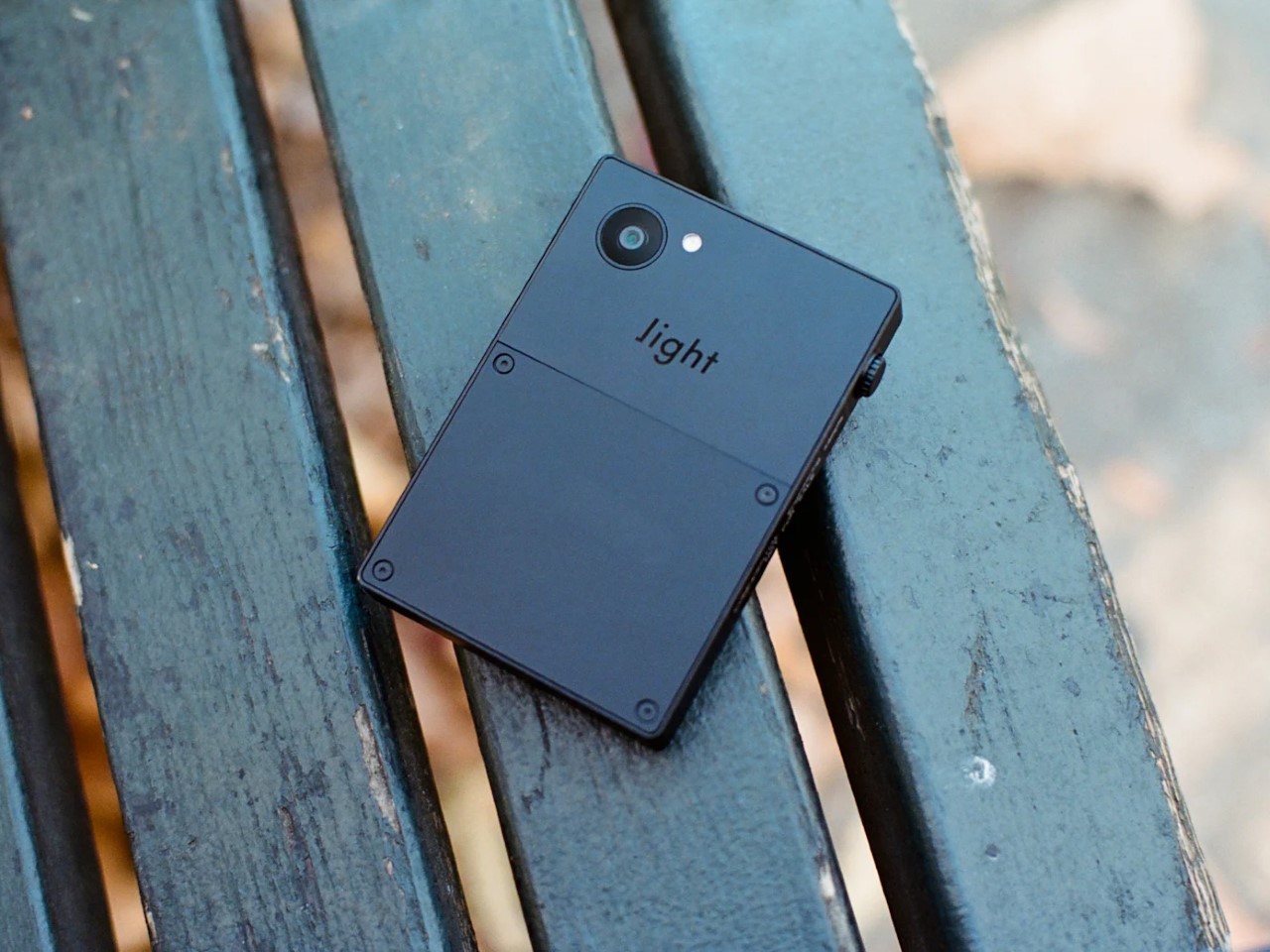
Meadow, a San Francisco startup, thinks the solution sits between the extremes. Their $399 phone launching June 2026 runs a curated set of actually useful apps (Spotify, Uber, Maps, a camera) while completely excluding the attention-draining ones (Instagram, TikTok, email, web browsers). You get a private phone number that only your contacts can reach, a 3-inch screen deliberately too small for binge-watching, and 4G connectivity without the infinite scroll tax. It’s a 4-ounce slab of recycled polycarbonate that wants to get you through your day, then get out of your way.

Designer: Meadow SF, Inc.

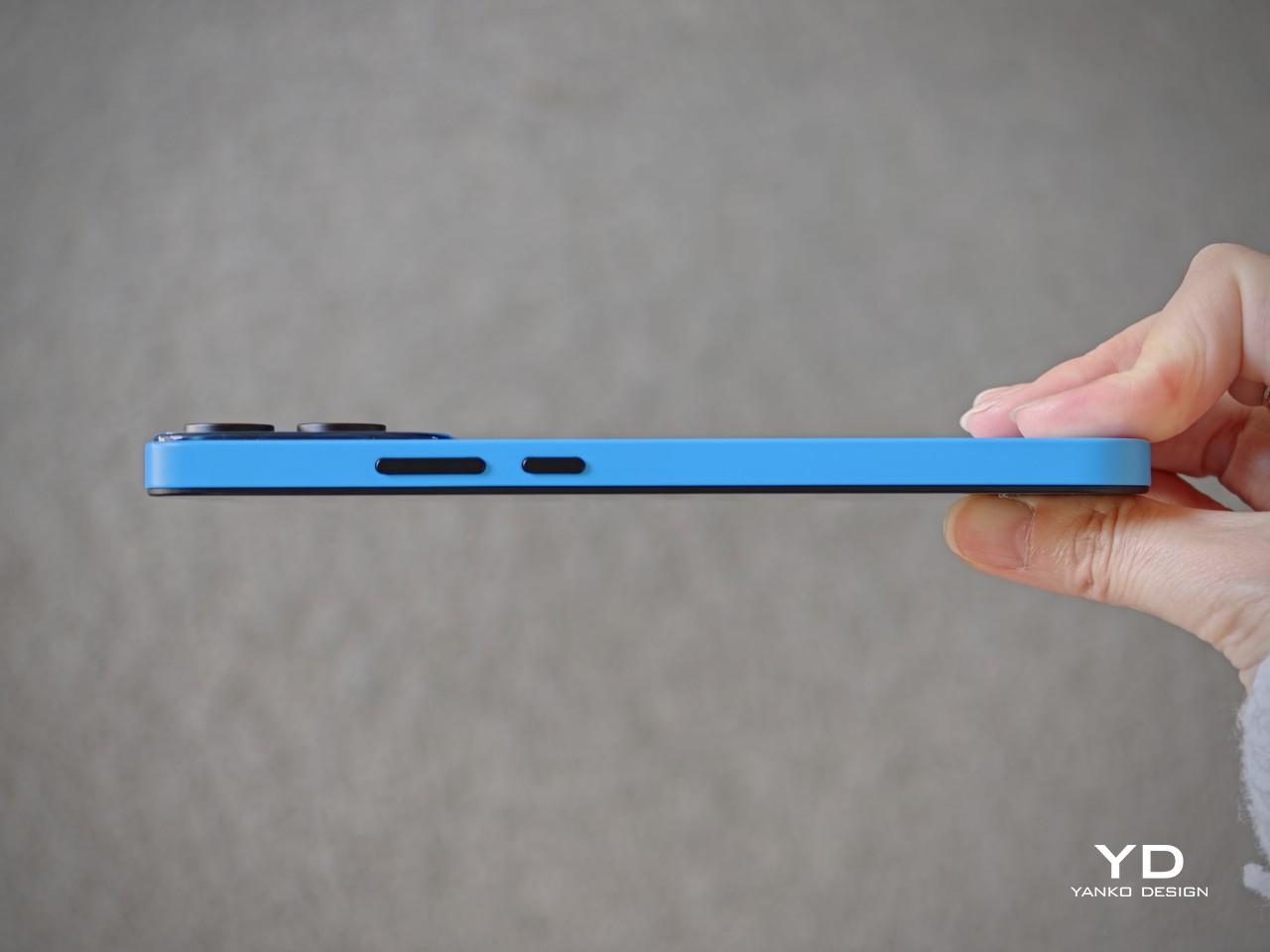
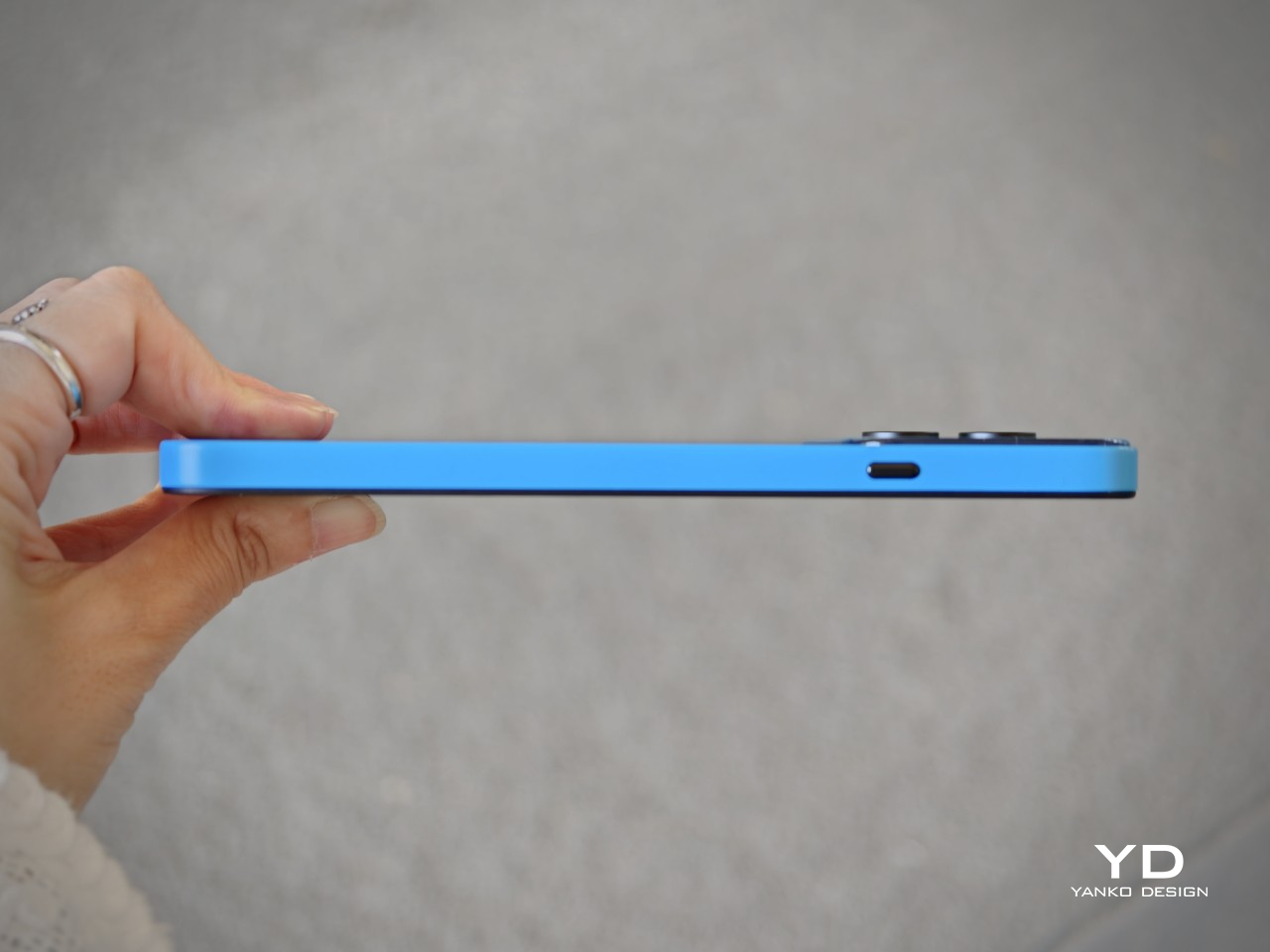
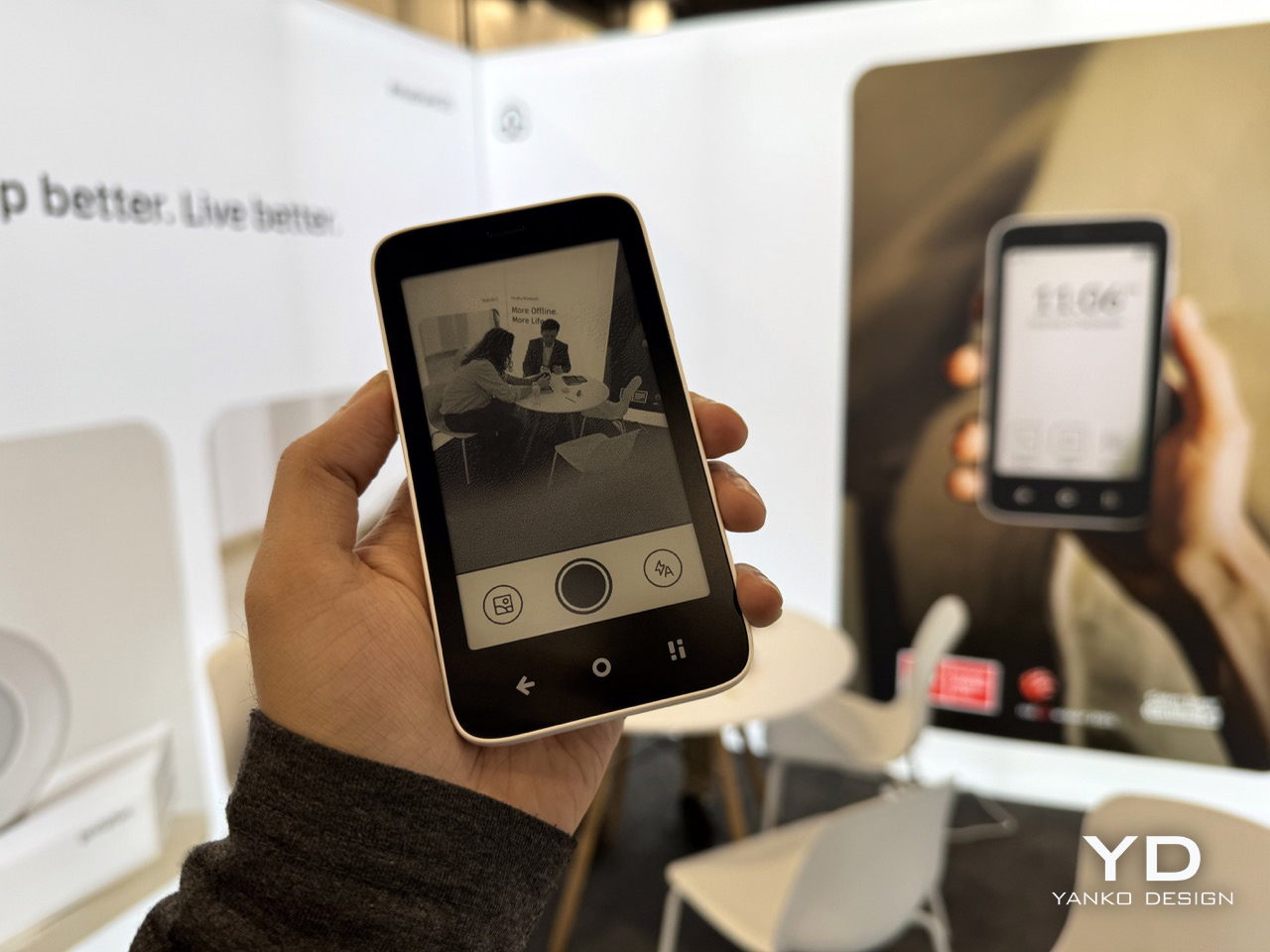
The 3-inch TFT LCD measures roughly 1.3 x 2 inches in total device footprint, making this closer to an iPod nano than a modern smartphone. The screen is big enough to read a map or control Spotify, but small enough that watching a YouTube video feels like punishment. The 13MP ultrawide camera captures memories without turning you into a content creator. The whole package weighs 4 ounces and fits in a coin pocket, which means you can actually forget you’re carrying it.

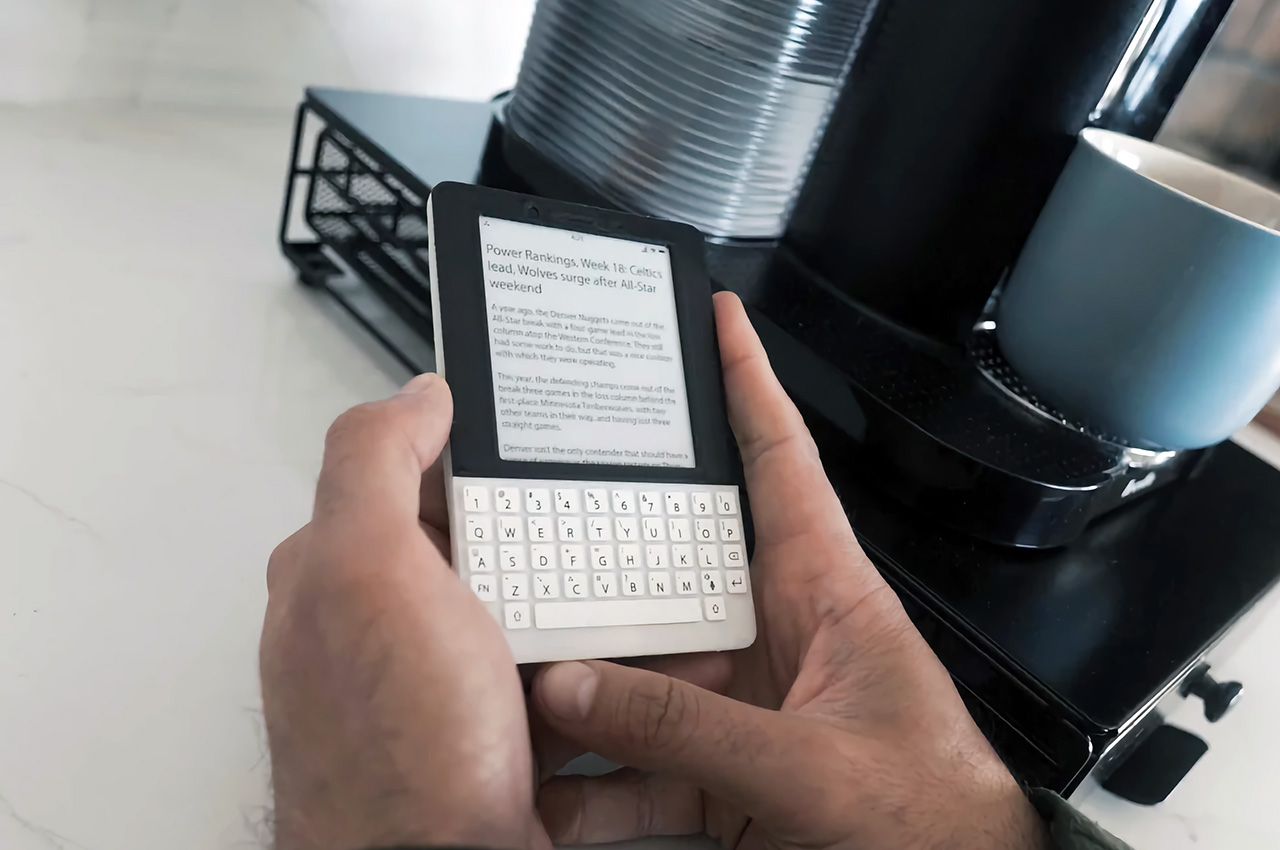
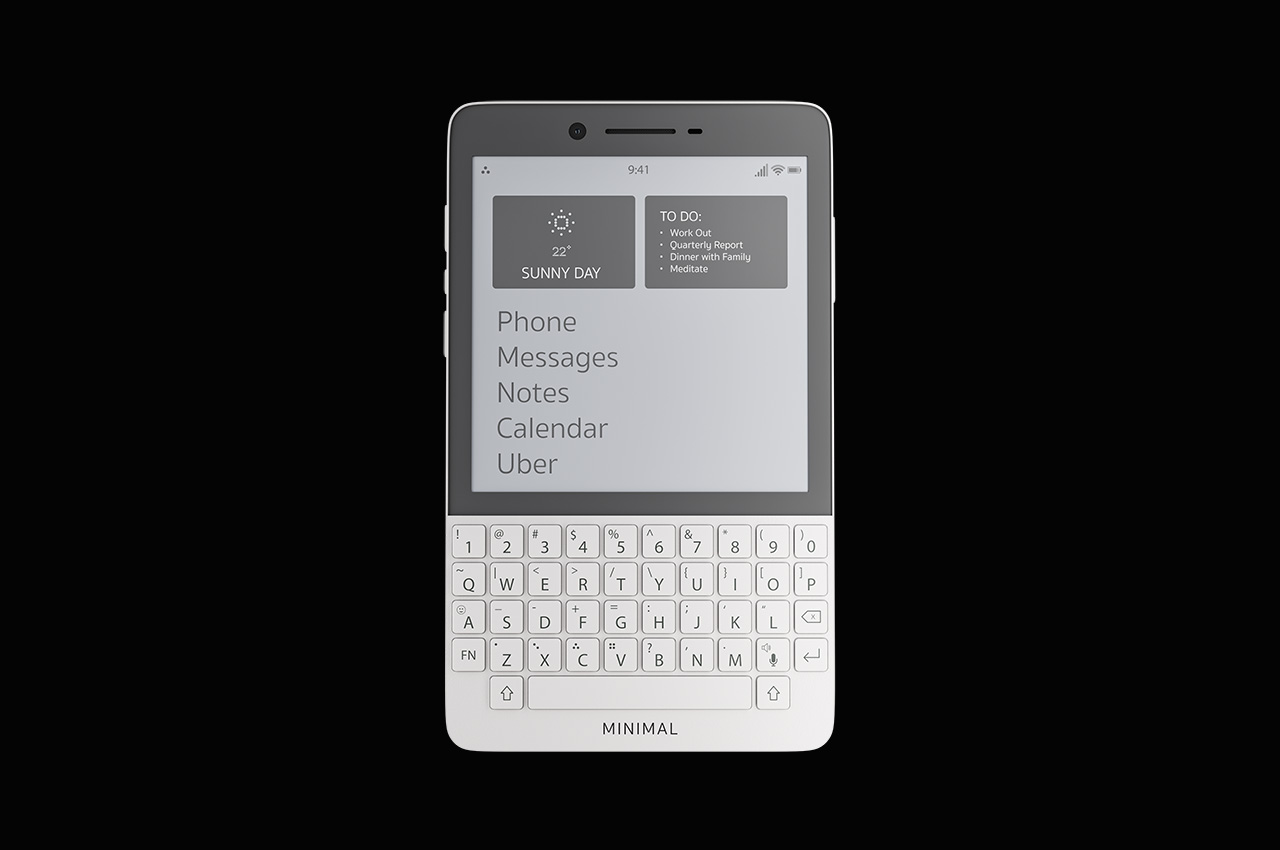
The minimalist phone market has been wrestling with this problem for years, and everyone keeps arriving at slightly different conclusions. The Unihertz Titan 2 resurrects the BlackBerry Passport form factor with a physical QWERTY keyboard and a 4.5-inch square screen, betting that tactile typing will make you more productive and less prone to mindless scrolling. It works for some people. The Clicks Communicator takes a similar approach but positions itself explicitly as a secondary device, the thing you carry when your real phone stays home. The iKKO Mind One shrinks everything down to credit card size with a rotating camera, targeting travelers who want maximum portability. Mudita’s Kompakt goes full ascetic with an E-ink screen, no app store, and a hardware kill switch that physically disconnects the microphones and camera.

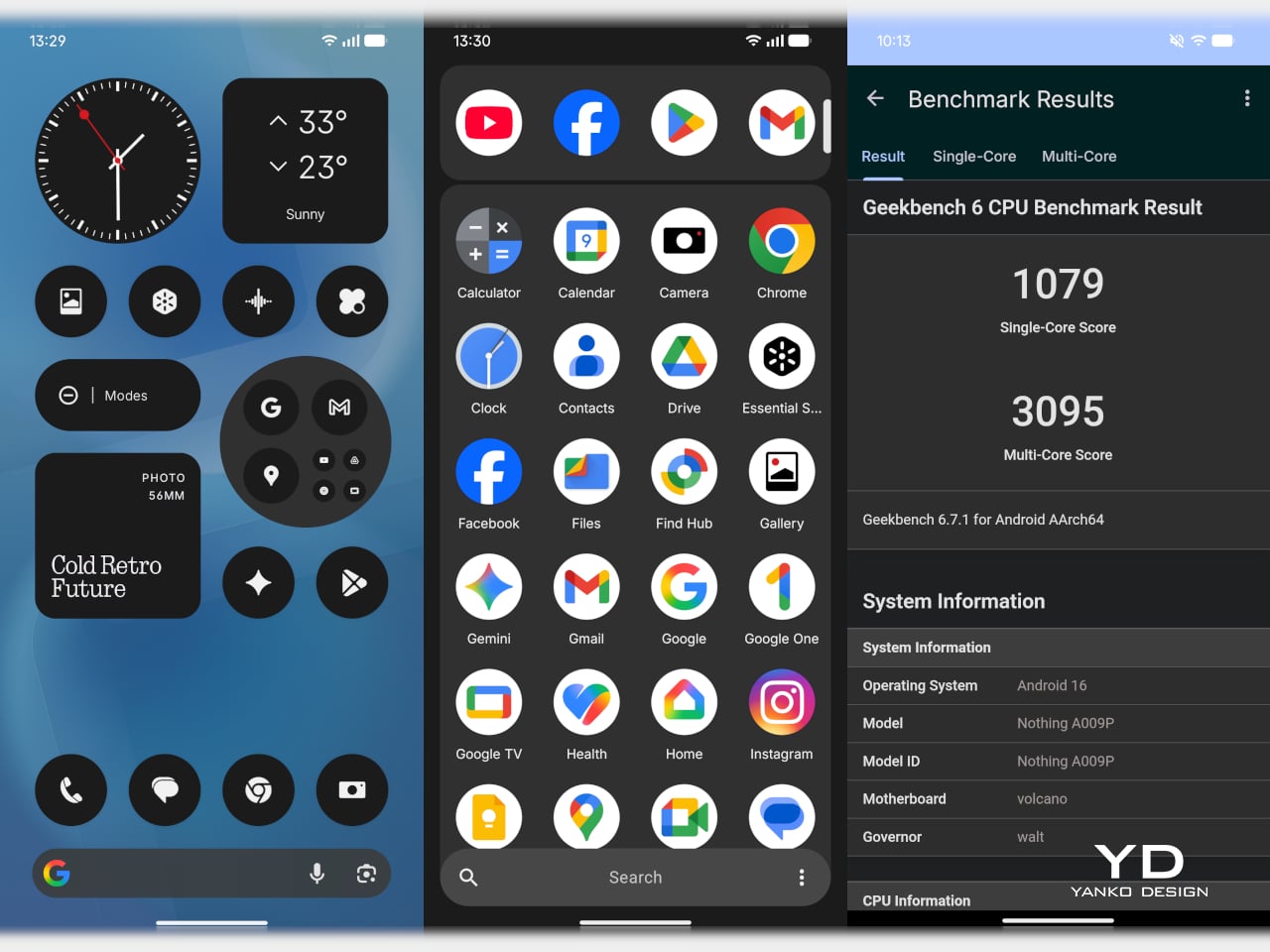
Meadow splits the difference. You get real apps from real services, the ones that genuinely make modern life easier. Spotify and Apple Music mean you’re not stuck with MP3s loaded via iTunes like it’s 2008. Uber and Maps mean you can actually navigate an unfamiliar city without printing directions. Strava means your runs still sync. The camera means you can capture moments. Notes, weather, clock, fitness tracking, all present. What’s missing is the entire category of apps designed to consume your attention rather than assist your life. No browser means no falling into Wikipedia rabbit holes at 1 AM. No email client means work can’t chase you into the evening unless you’ve specifically decided to check it on another device. No social media means no feeds, no reels, no endless scroll.

When you activate Meadow, you get a number that functions like an allowlist. Only people you’ve added as contacts can call or text you. Everyone else hits a wall. No spam calls about your car’s extended warranty. No texts from political campaigns. No unknown numbers at dinner. Your main phone can be dead or turned off and you still won’t miss calls that matter, because Meadow routes them through your main number. Setup takes five minutes at home, no carrier calls required. The eSIM activation happens through the Meadow app, and you’re off to the races.

The device ships with 128GB of storage, 6GB of memory, and a battery rated for one to two days depending on usage. Fast charging helps. The included accessories (action case, beach pouch, charging cable) suggest Meadow knows exactly who this is for: people who want to go outside and do things without their phone becoming the main character of the experience. Pre-orders are open now at meadow.so for $399, with shipping starting June 2026 and a nine-month free subscription ($10 per month after that for unlimited calls, texts, and photo storage). The first units hit doorsteps in May according to the delivery schedule, which means summer 2026 could be the season a bunch of people finally stop doomscrolling at the beach.

The post The Anti-Distraction Smartphone That Still Lets You Use Uber and Strava first appeared on Yanko Design.

This E Ink Flip Case Shows the Time Without Ever Waking Your Phone

Smartphone cases have become one of the more predictable corners of the mobile accessory market. Most of them do exactly what you’d expect: wrap around the phone, absorb some impact, and stay out of the way. A few go further with card slots or battery packs, but the core idea hasn’t changed much in years. You’re still waking the screen every time you want a quick glance at the time.

Pixel Dynamics’s E Ink Flip Cover concept takes a simpler approach. It’s a flip-style case with an E Ink screen on the outer panel, so even when the cover is shut, and the phone is locked, you can still check the time, date, battery level, and signal without waking the main display. E Ink only draws power when the image changes, making it a natural fit for an always-on panel.

Designer: Pixel Dynamics

There’s more to the display than status data, though. Beyond the time, date, and connectivity readouts, you can set it to show ambient illustrations that make the cover feel more personal, less like a utility panel, and more like something worth looking at. An E Ink screen isn’t going to win awards for visual richness, but for something that stays visible all day without demanding attention, that’s a reasonable ask.

The case attaches to the phone through a MagSafe-style magnetic system, snapping into place without any physical ports. Power is handled through contact pins that draw directly from the phone’s battery, so there’s nothing to charge separately and no second battery bloating the profile. That’s a smart call; one of the quickest ways to kill an otherwise good accessory concept is to make the user manage another charging cable.

Data between the case and the phone travels through what the concept calls Laser-Link, pitched as a higher-efficiency alternative to Bluetooth or NFC. The idea is that replacing radio-based communication with a laser signal gets you faster data transfer with less power overhead and no interference issues. It’s still concept-level technology, of course, so there aren’t any real specs to evaluate, but the thinking behind it is sound.

Put it together, and the pitch is easy to follow. You keep the phone in your pocket or face-down on a desk, and the E Ink panel handles quick glances that don’t need the main screen, saving the battery drain of waking an OLED display dozens of times a day. When you do need the full phone, flipping the cover open gets you there just as fast as any other case.

That said, a few things here are easier to propose than to build. Laser-Link doesn’t have a clear path to production yet, and it raises obvious questions about reliability when the phone and case aren’t perfectly aligned. The E Ink display part is more grounded, since that technology already exists in other accessories.

The phone case hasn’t had a genuine design moment in quite a while, and a concept that starts asking what the outer panel can actively do for you is a reasonable place to start that conversation. It still has a long road before reaching any shelf, but for a category that’s mostly been stuck recycling the same rigid shells, that’s actually not a bad place to be.

The post This E Ink Flip Case Shows the Time Without Ever Waking Your Phone first appeared on Yanko Design.

Huawei Put a Fan Inside the Mate 80 Pro Max, But It Cost a Camera

Gaming phones have had active cooling for years, strapping fans and heat pipes to the back like little mechanical tumors. They work, mostly, but they also make your phone look like it needs a pit crew. The Huawei Mate 80 Pro Max Wind Edition takes a different approach, tucking a cooling fan directly inside the phone itself. It is, quite literally, a Fan Edition, and not just in the collector’s edition sense of the word.

The Wind Edition is a variant of the standard Mate 80 Pro Max, currently listed for pre-order in China through Huawei’s Vmall store. It comes in Polar Night Black and Polar Day Gold, with 16GB of RAM paired with either 512 GB or 1 TB of storage. No pricing has been confirmed yet, and Huawei has yet to formally announce the device, but the listing and early images already make clear what the phone is doing and what it sacrificed to do it.

Designer: Huawei

The most obvious change is in the rear camera module. The standard Mate 80 Pro Max has a quad-camera setup; the Wind Edition trims that to three sensors. The space that the fourth camera occupied now goes to the fan mechanism, and the camera ring is noticeably wider to accommodate the ventilation. The perforated ring around the module is not decorative, but it is where the air moves. That trade-off deserves a moment: a flagship phone deleting a camera to make room for a fan.

The rest of the hardware appears to carry over from the standard model, including the 6.9-inch AMOLED LTPO display, the Kirin 9030 Pro chipset, and the 6,000 mAh battery with 100W wired and 80W wireless charging. The fan is intended to help the Kirin 9030 Pro maintain performance during extended gaming or long video recording sessions, where heat buildup would otherwise force the chip to throttle and degrade output.

Active cooling in smartphones is a reasonable engineering response to a real thermal problem, but integrating a moving mechanical part into a device designed to survive drops and dust introduces variables that passive thermal systems simply do not have. Fans collect debris. They wear out. There is a potential failure mode here that no amount of vapor chamber engineering would ever introduce, and that is worth factoring in before committing.

Huawei Mate 80 Pro Max

Huawei Mate 80 Pro Max

Early reports suggest the Wind Edition will initially be sold in limited quantities through select Huawei lifestyle stores rather than the broader retail channel, which positions this less as a mass-market launch and more as a demand test. It is a cautious approach, and probably a sensible one given how different this phone is from anything Huawei has shipped before. Most people curious about it will be watching from the sidelines for now.

The Huawei Mate 80 Pro Max Wind Edition raises a question that no spec sheet can resolve: how much camera versatility is a meaningfully cooler phone actually worth? The downgrade from four sensors to three is a concrete loss, not a rounding error. For someone who pushes the chip through long gaming sessions and has watched their device thermal-throttle under load, the trade-off might make perfect sense. For a photographer who chose the Mate 80 Pro Max for its imaging range, it probably does not.

Huawei Mate 80 Pro Max

The post Huawei Put a Fan Inside the Mate 80 Pro Max, But It Cost a Camera first appeared on Yanko Design.

This E Ink Foldable Phone Concept Punishes Doomscrolling by Design

Most smartphones are designed to be impossible to put down. The screen faces up on every table, the display lights up for every notification, and the cost of checking it one more time is exactly zero. That’s not an accident. The hardware removes friction from compulsive use because removing friction is what makes these devices feel indispensable. The tinyBook Flip concept asks a different question entirely: what if the phone were designed to get out of the way?

The tinyBook Flip is a vertical foldable phone concept built around a 6.1-inch E Ink display. Closed, it collapses into a compact, near-square form with rounded corners and a matte white finish, something closer in proportion to a folded notecard than a smartphone. The screen disappears entirely when the device is closed shut. No glowing rectangle sitting face-up on the desk, no ambient reminder that there are things to check. Just a small, quiet object.

Designer: Pixel Dynamics

That folded form is doing more work than it might seem. Opening the phone requires a deliberate physical action, and that small added step changes the behavioral math. A reflexive grab becomes a conscious decision. The friction is minimal in absolute terms, maybe two seconds, but two seconds of resistance is often enough to interrupt the loop. The concept treats that interruption as a design feature, which puts it in genuinely different territory from most phones.

The E Ink display adds a second layer of resistance, and this one is less subtle. E ink refreshes slowly, renders in grayscale or muted colors, and handles fast-moving content poorly. Social media feeds become tedious. Short-form video becomes unwatchable. Anything built around color, motion, and rapid visual feedback stops working the way it was designed to. This is precisely the point. The screen’s limitations aren’t engineering compromises left over from an earlier era of display technology; they’re structural properties that make certain behaviors genuinely unpleasant to sustain.

What E Ink handles well is a shorter list, but a coherent one. Text reading, messaging, calendars, and static interfaces are all comfortable at E Ink’s native pace. The renders of the tinyBook Flip show a UI built around exactly these strengths: a large clock face, a calendar widget, and a grayscale illustrated wallpaper. The interface doesn’t reach for capabilities the display can’t support. The phone isn’t trying to do everything; it’s trying to do a narrower set of things without apology.

Foldable E Ink panels aren’t a speculative technology. The hardware exists at the component level and has already appeared in experimental e-readers, though no consumer phone has shipped with one in any meaningful volume. The tinyBook Flip isn’t imagining impossible components; it’s proposing a form factor that manufacturers haven’t yet committed to producing. The distance between those two things is largely commercial, not technical.

There’s also something worth noticing about how the device reads as a physical object in social space. Closed, the tinyBook Flip looks like almost nothing. No visible screen, no status indicators, no glow. A phone that carries no visual weight when it’s not in use sends a different signal than one that’s always broadcasting its presence. Putting it down means it actually disappears from the environment, not just from your hand.

That said, the concept leaves some real friction points unaddressed, and not the intentional kind. E Ink handles camera use, live navigation, video calls, and authentication apps poorly. A foldable hinge adds mechanical complexity and thickness that clean renders tend to obscure. The tinyBook Flip looks resolved in this form, but a production version would have to make tradeoffs that these images don’t show and the concept doesn’t acknowledge.

Still, the more interesting question isn’t whether this specific device could ship. It’s whether a phone that makes itself harder to misuse is a reasonable design goal at all, or whether that’s just a way of describing a phone that most people wouldn’t actually want. The tinyBook Flip lands firmly on one side of that question. Whether the market agrees is a different problem entirely.

The post This E Ink Foldable Phone Concept Punishes Doomscrolling by Design first appeared on Yanko Design.

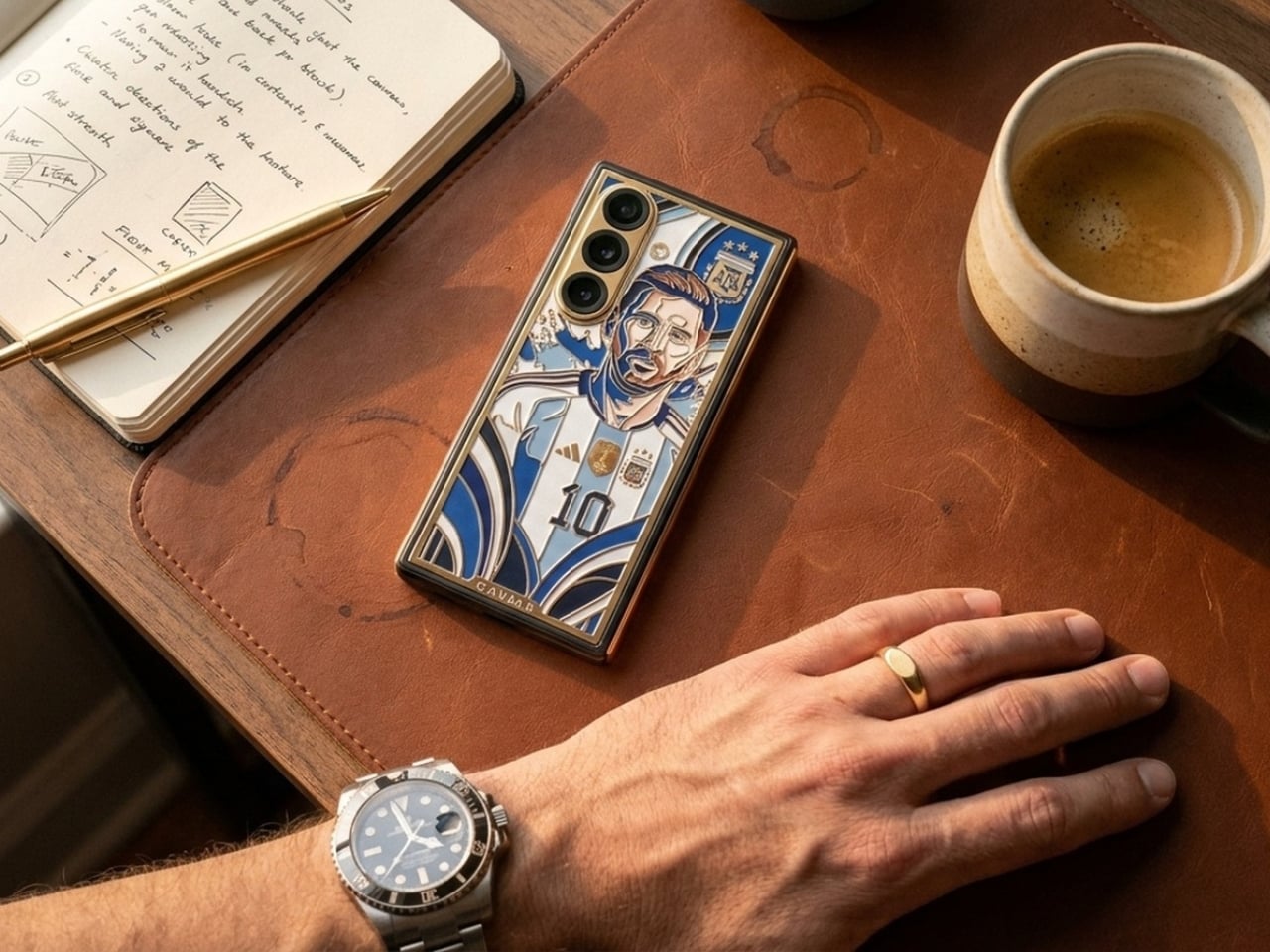
Samsung and DOMINNICO made a leather bag that doubles as a Galaxy gadget case

Fashion accessories and tech gadgets have always occupied separate drawers, figuratively and literally. The phone goes in a pocket, the earbuds get buried somewhere in the bag, and the bag itself has nothing to do with either of them. It is a small daily inconvenience that nobody really complains about, mostly because nobody has ever offered a better alternative. Samsung and Spanish fashion brand DOMINNICO have decided that the arrangement is worth rethinking.

The collaboration produced a handcrafted leather bag that treats the Galaxy S26 Ultra and Galaxy Buds4 Pro as design references rather than just contents. It follows a baguette silhouette in off-white leather, produced in limited quantities under a slow fashion approach. The construction stays deliberately restrained: a zip closure bearing the brand logo, an interior pocket, and silver accents distributed carefully across the piece without overcrowding it.

Designer: DOMINNICO x Samsung

The most direct hardware reference runs along the handles. Silver eyelets line them in a pattern that mirrors the camera module rings on the Galaxy S26 Ultra, pulling one of the phone’s most recognizable physical details into a fashion context. It is the kind of detail that reads as decorative until you recognize where it came from, at which point it becomes something more like a private joke between the bag and the phone sitting inside it.

The exterior front pocket is sized specifically for the Galaxy S26 Ultra, secured with three buckles that make it a visual centerpiece rather than a plain utility slot. The design concept ties back to the phone’s built-in Privacy Display feature: the pocket keeps the device accessible while screening it from view when not needed. Whether that connection feels meaningful or just convenient as a marketing angle is a fair question, though the pocket itself is a genuinely practical addition.

Galaxy Buds4 Pro owners get their own dedicated carry solution through three keyrings attached to the bag. Two are extendable, each fitted with a small mirror that doubles as a functional charm. The third holds a soft pouch sized for the Galaxy Buds4 or Galaxy Buds4 Pro case. A fixed keyring with the DOMINNICO logo in silver completes the set. All three hang visibly from the bag rather than disappearing inside it, which keeps the tech ecosystem part of the aesthetic rather than hidden from it.

The bag was unveiled at CUPRA City Garage in Madrid as part of the Madrid es Moda program, a setting that positioned it squarely within fashion week territory rather than a product launch event. That framing matters because it signals who Samsung is trying to reach here: not the Galaxy power user looking for a rugged carry solution, but the fashion-conscious Galaxy owner who wants their accessories to cohere visually.

Available for preorder through DOMINNICO’s website at €420, the bag sits closer to a fashion collectible than a mass-market accessory. The limited production run and handcrafted construction support that positioning. What remains genuinely open is whether a piece this specific, built around two particular Samsung devices, holds its appeal once the Galaxy S26 Ultra is no longer the current flagship and the collaboration’s novelty has worn off.

The post Samsung and DOMINNICO made a leather bag that doubles as a Galaxy gadget case first appeared on Yanko Design.

Oppo Find N6 Review: The Best Foldable Phone Right Now

PROS:


  • Excellent multitasking experience

  • Nearly invisible and undetectable crease

  • Slim and light form factor for a book-style foldable

  • Powerful performance

CONS:


  • Camera system is good for a foldable, but not truly flagship-level

RATINGS:

AESTHETICS
ERGONOMICS
PERFORMANCE
SUSTAINABILITY / REPAIRABILITY
VALUE FOR MONEY

EDITOR'S QUOTE:

The OPPO Find N6 is one of the few foldables that trades novelty for genuine polish, delivering a device that feels as complete as it does considered.

The Oppo Find N6 arrives at a moment when foldables can no longer rely on novelty alone to justify their place in the premium market. Buyers now expect these devices to feel as polished and dependable as any top-tier flagship, while still delivering the sense of occasion that only a folding design can offer. That is what makes the Find N6 so interesting, because it is not simply trying to look futuristic. It is trying to feel complete.

That question lands differently for me because the Oppo Find N5 has been my daily driver for most of the time since its launch. Living with that phone has given me a clear sense of what Oppo already does exceptionally well in this category, from hardware refinement to the balance between portability and immersion. It also means I came to the Find N6 with real expectations rather than fresh curiosity alone. More than anything, I wanted to see whether Oppo had merely polished an already strong formula or taken a meaningful step forward.

Designer: OPPO

Aesthetics

The Oppo Find N6 does not stray far from the design language established by the Find N5, but it feels like a more polished and disciplined evolution of that formula. The overall look is largely unchanged, yet the Find N6 comes across as more minimalistic and more refined, with a cleaner visual identity that feels calmer and more mature. Rather than chasing a dramatic redesign, Oppo has focused on tightening the details, and that gives the phone a stronger sense of cohesion.

The biggest improvement is in the rear camera treatment. The refined Cosmos Ring camera deco looks more elegant and less ornamental, while the individual camera elements feel more integrated into the overall composition instead of standing apart from it. This makes the back of the phone look tidier and more resolved, which suits the Find N6’s more minimal direction. It still has the visual presence expected of a flagship foldable, but it carries that presence with greater restraint.

What also stands out is Oppo’s color choice. For the first time on one of its foldables, the company is offering a much bolder orange finish, which Oppo calls Blossom Orange, alongside a more classic Stellar Titanium, and the timing does not feel accidental. Ever since the iPhone 17 Pro series introduced orange into the flagship conversation, it feels like other brands have been quick to follow Apple’s lead, and the Find N6 is part of that wave. Even so, the orange works well here, giving the phone more personality, while the gray remains the safer and more traditional option.

Ergonomics

The generous screen real estate of a foldable usually comes with familiar compromises. Thickness, weight, and the crease are often treated as the unavoidable price of admission. The Oppo Find N6, however, feels designed to challenge that assumption in a way that is noticeable the moment you pick it up.

At 8.3 mm when folded and 225 g, the Find N6 feels surprisingly close to a premium flagship bar phone in everyday use. It does not come across as awkwardly bulky or excessively heavy, which makes it more approachable than many devices in this category. That balance matters over time, whether you are using it one-handed, slipping it into a pocket, or simply carrying it through a long day.

That does not mean the form factor is free of trade-offs. If I rest some of the phone’s weight on my pinky, the lower edge can still dig in a bit, especially when the device is open. It is less noticeable than on the Find N5, but not completely gone.

Perhaps the most impressive detail, though, is the crease, or more precisely, how little of it remains. I have never been particularly bothered by creases on foldables, and I was already satisfied with the subtle crease on the Find N5. Even so, the Find N6 feels like a meaningful refinement rather than a minor iteration.

Visually, the crease is practically nonexistent in normal use and only becomes noticeable if the screen is off and viewed from a very specific angle. More impressive still, it also feels nearly absent under the finger when swiping across the display. Our fingertips are quick to pick up even slight ridges or shallow dents, which makes the Find N6’s smooth, uninterrupted surface especially impressive in daily use.

That sense of appreciation only grows once you look at how Oppo arrived at this result. The company refined the hinge architecture itself and paired it with state-of-the-art 3D scanning and 3D printing technologies, a combination that helps explain why the Find N6 feels so polished in the hand.

That same attention extends to the physical controls. In place of the OnePlus-style alert slider on the upper left, Oppo now uses the customizable Snap Key, first introduced on the Find X9 series and now positioned on the upper right side. It can be mapped to quick actions such as launching the camera, turning on the flashlight, starting a voice memo, or opening translation, giving it a broader role than the slider it replaces.

Just below sit the fingerprint reader and volume rocker, both placed lower than they were on the Find N5. That may sound like a minor adjustment, but it makes the controls easier to reach and better aligned with the way the phone naturally rests in the hand. It is a subtle refinement, though one that proves genuinely useful in everyday use.

Performance

With foldables, the screens have to justify the form factor. The Find N6 uses a 6.62-inch cover display and an 8.12-inch inner screen, both with 120Hz LTPO panels. That is the expected hardware at this level, so the more interesting part is how Oppo tries to improve the experience around visibility, comfort, and immersion.

According to Oppo, both displays can reach 1,800 nits in outdoor use, with peak HDR brightness topping out at 3,600 nits on the cover screen and 2,500 nits on the inner panel. In practice, both displays are bright enough to remain comfortably usable even under harsh sunlight. They also support Dolby Vision and HDR Vivid, and content looks rich and vibrant across both panels.

The Find N6 is powered by Qualcomm’s Snapdragon 8 Elite, and it has no trouble keeping up with the kind of multitasking a foldable encourages. Apps open quickly, navigation feels immediate, and even with several windows open at once, the phone stayed smooth and responsive. I also edited a short video on the device, specifically an unboxing of the Find N6 and AI Pen Kit, and the experience was smooth and free of noticeable stutter.

That matters because a device like this only really makes sense if it can handle more than the usual phone workload without feeling strained. Oppo’s software does a good job of making that extra screen space feel useful. Free-Flow Window lets you open up to four apps at once in floating windows, and in practice, it feels less fiddly than it sounds.

Boundless View adds even more flexibility, and the gestures linking the two work naturally enough that moving between layouts never feels like a chore. Resizing windows, shifting focus, and juggling multiple apps all feel smooth and seamless, which makes the Find N6 genuinely effective as a productivity device rather than just a phone with a bigger screen.

Even under sustained use, the phone remained smooth and reasonably controlled, and I also did not notice any stutter while playing Genshin Impact. Gaming feels more like a bonus here than the main point of the device, but the large inner display still gives it a more immersive, almost tablet-like feel than a standard phone can offer.

That same focus on utility extends to the AI Pen Kit, which is one of the more interesting hardware additions. The Oppo AI Pen supports 4,096 levels of pressure sensitivity and works on both the inner and outer displays, which makes the Find N6 more versatile for note-taking, annotation, and quick sketching. Because it connects over Bluetooth, the pen can also double as a remote shutter for both photos and video, which adds a genuinely useful layer of flexibility.

Oppo has also handled the practical side fairly well. The dedicated case gives the pen a proper place to live and keeps it charged through reverse wireless charging from the phone itself. That kind of integration is important because accessories like this are only useful if they are easy to carry and ready when you need them.

The software support around the pen is also fairly thoughtful. Quick Note lets you start writing quickly, a double press switches between writing and erasing, and global annotation makes it possible to mark up content across the interface and export it as an image or PDF afterward. There are also a few more specialized tools, including handwriting optimization, a handwriting calculator, and a Laser Pointer mode for presentations. Not all of these will be essential, but together they make the pen feel more genuinely useful than most stylus add-ons tend to.

Camera

The camera system performs well by foldable standards, but it is not on the level of the best camera-focused flagships. In practice, it feels closer to a solid upper mid-range setup, which is respectable enough for a device like this.

The rear camera system includes a 200MP main camera with a 21mm-equivalent focal length, a 1/1.56-inch ISOCELL HP5 sensor, an f/1.8 aperture, and OIS, a 50MP telephoto at 70mm equivalent with an ISOCELL JN5 sensor, an f/2.7 aperture, and OIS, and a 50MP ultra-wide at 15mm equivalent with another ISOCELL JN5 sensor, an f/2.0 aperture, and autofocus.

In daylight, the Find N6 delivers good detail, pleasing dynamic range, and generally accurate color, even if images tend to run slightly bright. The telephoto and ultra-wide are serviceable, while low light is where the limitations become more obvious, especially when there is movement in the scene.

XPan Mode

Oppo does at least include a healthy set of features, including log video recording and XPan mode. There are also two 20MP selfie cameras, one on the outer display and one on the inner screen, though they feel more useful for video calls than for anything else. Video is also fairly capable, with all three rear cameras supporting up to 4K 60fps Dolby Vision HDR, while the main camera can go up to 4K 120fps Dolby Vision.

Battery and charging

The Find N6 packs a 6,000mAh battery, and in practice, it delivers strong battery life. Unless you are using the camera heavily, it can easily last a full day and more, which is a very good result for a foldable with two high-refresh-rate displays.

Charging is strong as well. The phone supports 80W wired and 50W wireless charging, which makes it easier to top up quickly when needed. That only adds to the sense that the Find N6 is easier to live with day to day than many foldables.

Sustainability

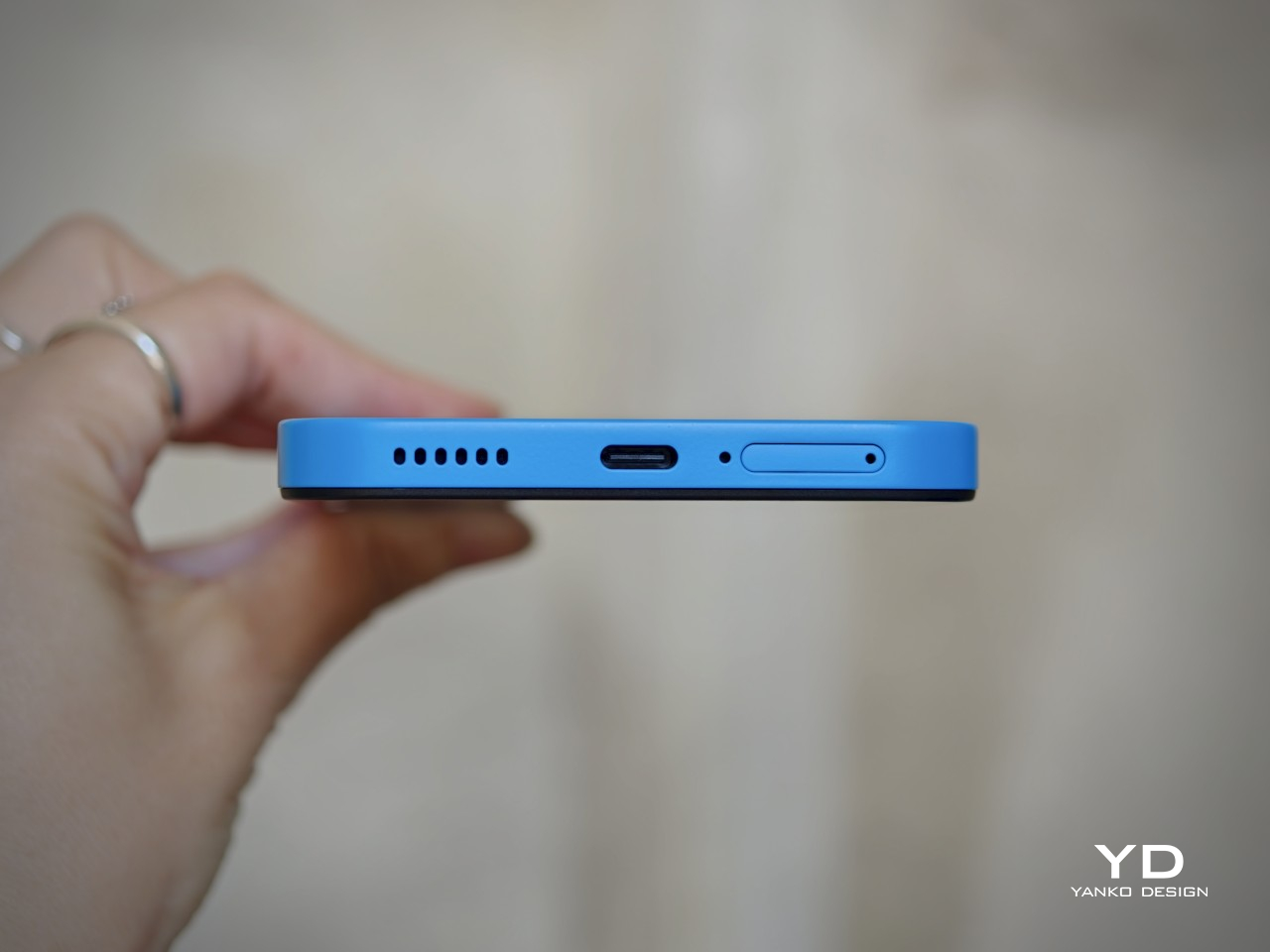
For a foldable, the Find N6 makes a fairly strong durability case. It carries IP56, IP58, and IP59 ratings, and Oppo also points to stronger materials and a more robust hinge design as part of the broader durability story. More importantly, it feels reassuringly solid in hand, which goes a long way in making the device seem built to last.

That is matched by fairly solid long-term support. The phone is TÜV Rheinland certified for one million folding cycles and has minimized crease performance after 600,000 folds, while Oppo promises five years of Android updates and six years of security patches. That may not fully define sustainability, but it does give the Find N6 a more convincing case for longevity.
Value

At a starting price of around $1,440 for 12 GB/256GB configuration ($1,580 for 16 GB/512GB and $1,730 for 16 GB/1TB), the Find N6 is firmly in premium territory, but it also makes one of the strongest value cases in the foldable market. The design is slim and polished, the crease is impressively well controlled, battery life is strong, and the multitasking experience makes the larger display feel genuinely useful. More importantly, it feels like a foldable that gets the fundamentals right rather than relying on novelty alone.

The price is still high, and the camera system does not quite match the best camera-focused flagships, so there are limits to how broadly its value can be argued. But within the foldable category, the Find N6 feels unusually complete and easier to justify than many of its rivals if you already know this is the form factor you want.

Conclusion

After spending time with the Find N6, I came away feeling that Oppo has done more than just refine the formula. This is one of the few foldables that feels designed around everyday use rather than the novelty of unfolding into a larger screen. The ergonomics are better than expected, the crease is remarkably well controlled, battery life is strong, and the software makes the larger display feel genuinely useful.

It is still an expensive device, and the camera system does not quite reach the level of the best camera-focused flagships. Even so, the more I used the Find N6, the more complete it felt. There is a level of polish here that remains rare in this category, and it makes a very strong case for itself as one of the best all-around foldables available right now.

The post Oppo Find N6 Review: The Best Foldable Phone Right Now first appeared on Yanko Design.

5 Best Tech Gadgets of March 2026

March has a habit of delivering the products that January only promised. CES demos become preorders, concept renders start circulating with real specs attached, and the gadgets worth paying attention to separate themselves from the ones that were only ever meant to look good on a stage. This month’s picks share a common thread: each one challenges an assumption about how a familiar product category should behave, look, or fit into daily life.

What makes these five stand out from the usual parade of iterative upgrades is their willingness to subtract. Less screen time, less bulk, less noise, less compromise between form and function. They are not chasing specs for the sake of benchmarks or piling on features to pad a marketing sheet. From a handheld PC that refuses to apologize for its ambition to a concept camera that wants nothing more than for its user to look up from a screen, these gadgets are worth your time and attention this month.

1. GPD Win 5

The PSP’s body plan endures, and the GPD Win 5 is its most ambitious descendant yet. Packed with an AMD Ryzen AI Max+ 395 processor, up to 4TB SSD storage, and 32GB of LPDDR5X RAM, this handheld runs a 7-inch 1080p display at 120Hz with Radeon 8060S integrated graphics. Starting at $1,400, this is not a portable console pretending to be a PC. It is a full PC compressed into two hands.

GPD removed the internal battery entirely, replacing it with a detachable 80 Wh pack that clips to the back. A quad heat pipe cooling system handles thermal loads across a TDP range from 28W to 85W on mains power. Hall effect triggers and capacitive joysticks eliminate drift and deadzone, while a proprietary Mini SSD slot pushes transfer speeds beyond microSD limits. Every design choice solves a problem created by one stubborn, central ambition: desktop-class performance in a handheld shell.

What we like

  • The external battery swaps in seconds, and plugging into the 180W adapter unlocks full 85W TDP performance that rivals many desktop setups.
  • Hall effect triggers and capacitive joysticks eliminate the drift issues that plague most handheld PCs after months of heavy use.

What we dislike

  • The external battery makes the device awkward to hold when attached, and the proprietary charger adds bulk to an already heavy travel kit.
  • Pricing starts at $1,400 and climbs past $2,000 for the top configuration, placing it deep into enthusiast-only territory.

2. NanoPhone Pro

Smartphones have spent a decade getting bigger. The NanoPhone Pro walks in the opposite direction with a credit-card-sized body measuring 0.4 x 3.8 x 1.8 inches and weighing just 2.8 ounces. Running Android 12 with Google Play certification, this 4G device handles calls, messages, navigation, and basic apps without demanding pocket real estate. At $99, it is built for minimalists, travelers, and anyone tired of their phone being the loudest object in the room.

The spec sheet is an exercise in deliberate restraint. A 4-inch edge-to-edge IPS touchscreen, dual SIM support, 2MP front and 5MP rear cameras, a 2000mAh battery, and expandable storage via microSD. Face ID handles unlocking. The NanoPhone Pro does not pretend to compete with flagships, and that restraint is the entire point. It is a quiet, pocketable alternative that runs WhatsApp, Google Maps, and everything else that matters without the attention-hungry weight of a modern slab phone.

What we like

  • The credit-card form factor disappears into wallets and running shorts, making it ideal for situations where a full-sized phone feels like overkill.
  • Google Play certification means the app ecosystem works without sideloading, so daily essentials like navigation and messaging run without friction.

What we dislike

  • The 5MP rear camera produces images that are functional at best, making this a poor choice for anyone who photographs anything beyond the occasional note or receipt.
  • Android 12 on a 4-inch screen feels cramped, and typing requires patience and smaller-than-average fingers.

3. Camera (1)

Photography migrated into phones and got buried under notifications. Camera (1), a concept posted on the Nothing Community forum by designer Rishikesh Puthukudy, imagines shooting as a tactile act again. The compact metal body fits a pocket but fills a hand, with all controls on a single edge: a shutter, a circular mode dial with a glyph display, and a D-pad reachable without shifting grip. The design draws from Nothing’s hardware-forward language with circuit-like relief and bead-blasted metal.

A curved light strip around the lens pulses for self-timers, confirms focus, or signals active recording. The engraved lens ring invites twisting rather than pinching. A rear display exists but stays deliberately out of the way, letting physical controls carry most of the interaction. Camera (1) is a student concept, not an official Nothing product, but the question it asks is worth sitting with: in a world where every screen demands something, what would a camera look like if it just wanted its user to notice what was in front of them?

What we like

  • The single-edge control layout keeps eyes on the scene rather than buried in menus, restoring a tactile shooting workflow that phone cameras abandoned years ago.
  • Nothing’s glyph design language translates well to a camera body, delivering mode feedback through simple icons rather than nested software screens.

What we dislike

  • As a concept, Camera (1) exists only as rendered images and community discussion, with no confirmed path to production or a working prototype.
  • The absence of a sensor, lens, and video specs makes it impossible to judge whether it could compete with even entry-level dedicated cameras.

4. Samsung Slac

Earbuds have looked like earbuds for too long. Samsung’s Slac concept, developed within the company’s design incubation programs, reimagines wearable audio as jewelry. Three components make up the system: an open ear ring for audio output, a wrist-worn ring that tracks listening data and doubles as a magnetic dock, and a home charging station. The circular form wraps around the ear without entering the canal, maintaining awareness of surrounding sound while layering music on top.

When listening ends, the ear ring snaps magnetically onto the wrist component, transforming into something that reads as a chunky bracelet rather than stowed tech. AI tracks a full 24-hour audio cycle, building preference profiles from sound intensity, pitch variation, and tonal characteristics. The design team behind Slak understands that Gen Z treats audio devices as expressions of taste, not utilitarian tools. Whether Slac reaches production is an open question, but the proposition that wearable tech should earn its place on the body through aesthetics feels like a direction the entire industry needs to follow.

What we like

  • The open-ear design preserves environmental awareness while delivering audio, solving the isolation problem that makes traditional earbuds socially awkward in many settings.
  • Magnetic docking between ear ring and the wrist component eliminates the pocket-case fumble and turns storage into a wearable moment.

What we dislike

  • Concept status means no confirmed specs on audio quality, battery life, or connectivity, making it impossible to evaluate whether the sound matches the visual ambition.
  • Open-ear audio struggles in noisy environments, and without active noise cancellation, Slac may underwhelm on busy streets or public transit.

5. DAP-1

Vinyl got its comeback, and dedicated digital audio players have been staging a quieter return. The DAP-1 concept by Frankfurt-based 3D artist Florent Porta is one of the most compelling arguments for why that return matters. The device carries a slim rectangular body with an OLED touchscreen, a perforated front-facing speaker grille, and an aesthetic sitting between Teenage Engineering and Nothing’s CMF line. It looks like it arrived from a timeline where iPods evolved into something more considered.

The standout decision is the built-in speaker, a feature most high-end DAPs skip entirely. Porta’s inclusion acknowledges that music is sometimes shared, not just private. The DAP-1 is built around FLAC playback, preserving audio quality without streaming compression artifacts. A USB-C port, 3.5mm AUX output, and illuminated power switch line the top edge, while rubberized feet and torx screws on the rear give the device a repairable, tool-like quality. As a concept, it exists only in renders, but the conversation it starts outweighs most finished products on the market.

What we like

  • The built-in speaker turns a solitary listening device into something social, removing the need for external hardware to share a track with someone next to you.
  • FLAC-first design philosophy treats audio fidelity as the primary feature rather than an afterthought buried in a settings menu.

What we dislike

  • Concept-only status means no production timeline, no pricing, and no way to evaluate real-world audio performance beyond what renders suggest.
  • Dedicated music players occupy a narrow niche, and carrying a separate device for audio requires commitment most listeners will not make.

Where March leaves us

Three of this month’s five picks are concepts. That ratio says something about where consumer tech sits in early 2026: the most exciting ideas are still in render engines, while the products that actually ship tend to iterate rather than invent. The GPD Win 5 and NanoPhone Pro prove that real, purchasable hardware can still surprise, but Camera (1), Slac, and DAP-1 suggest the most interesting design thinking is happening outside production timelines and quarterly earnings calls.

What connects all five is a shared instinct to push back against the default. Against bigger screens, against feature bloat, against the assumption that technology should demand attention rather than earn it. March’s best gadgets respect the space they occupy, whether that space is a pocket, an ear, or the palm of a hand. If even a fraction of these concepts make the jump to production, the rest of 2026 could be far more interesting than the usual upgrade cycle suggests.

The post 5 Best Tech Gadgets of March 2026 first appeared on Yanko Design.
iPhone 20 in 2027: All-Glass, Buttonless, and Highly Unlikely

The iPhone turns 20 in 2027, and Apple apparently wants to throw a party that people will remember. Sources believe that the company is targeting a radical redesign for what will likely be called the iPhone 20, skipping “iPhone 19” the same way it jumped directly to the iPhone X back in 2017. More than just a naming trick, it came with the full-screen OLED design, Face ID, and the removal of the home button, a move that felt genuinely shocking at the time. The expectation building around the iPhone 20 is that history is supposed to repeat itself, only bigger.

The appetite is clearly there. Interest in bold Apple hardware has been riding high on the back of iPhone Fold rumors, and the search interest in “iPhone 20 design” has shot up by over 3,100% year-over-year. People are hungry for a leap, not an incremental shuffle. What Apple is reportedly planning, an all-glass unibody with no physical buttons and no visible cutouts anywhere on the device, is exactly the kind of leap that generates excitement. Whether it generates anything more than that is a genuinely open question.

Images courtesy of: AppleTrack

iPhone X (2017)

What it isn’t: an all-screen phone

Before the imagination runs completely wild, it helps to be specific about what “all-glass” is not. This is not a Xiaomi Mi Mix Alpha situation, where the display wraps entirely around the phone like a very expensive, very fragile bracelet. That concept, for all its visual drama, would introduce a cascade of problems: iOS and most apps are built on the assumption that the back of a phone is inert. Making the entire surface interactive requires a fundamental rethinking of how software handles accidental input, palm rejection, and basic navigation, none of which Apple appears to be pursuing here.

Designer: Xiaomi

The more useful comparison is the Vivo APEX from 2019, a concept phone that was genuinely all-glass and buttonless without wrapping the display around the chassis. The APEX had no physical buttons, no headphone jack, no visible ports, and shockingly, no front camera. It was definitely a striking object. It also never made it to retail, because striking objects and reliable everyday devices are not always the same thing.

Designer: vivo

What the rumors are actually saying

The picture assembled from various sources is fairly consistent in its broad strokes. The iPhone 20 is expected to arrive with a four-sided bending OLED display that curves around all edges, a fully glass chassis with no metal frame visible from the outside, camera lenses flush against the glass back with no raised rings or seams, and an under-display front camera with Face ID sensors also moved beneath the glass. Physical buttons disappear entirely, replaced by what Apple has internally codenamed “Project Bongo,” localized haptic zones that simulate a press through piezoelectric ceramics rather than a mechanical click.

Images courtesy of: AppleTrack

Apple has been laying this groundwork for years, whether deliberately or not. MagSafe removed the last port most people used regularly. The solid-state home button on the iPhone 7 trained a generation of users to accept a simulated click as the real thing. Touch ID lived in that fake button for years before Face ID made it irrelevant. Project Bongo itself has been in development since 2021, with the haptic button solution reportedly completing functional verification for the iPhone 20 last October. The staged rollout has already begun: under-display Face ID is expected to debut on the iPhone 18 Pro in 2026, a year before the full transformation arrives.

Why Apple might actually want this

The engineering case for an all-glass, buttonless phone is stronger than it might first appear, and it goes well beyond aesthetics. Glass transmits radio frequencies with far less attenuation than metal, which means that a fully glass chassis removes the need for antenna break lines, those small plastic interruptions visible on metal-framed iPhones. For 5G mmWave frequencies, which are particularly vulnerable to obstruction, that is a meaningful structural advantage, not a cosmetic one.

Physical buttons are also apertures, meaning every button cutout is a potential entry point for water, dust, and debris, not to mention a structural point of weakness. Solid-state haptic zones flush with a continuous glass surface create a fully sealed perimeter by default. And without springs, electrical contacts, or moving parts, the mechanical failure modes that eventually wear out every physical button simply do not apply. There is also a software dimension: a haptic surface can be reprogrammed. The same zone that acts as a volume button in one context can behave differently in a camera app, or respond to a half-press the way a DSLR shutter does. That interaction vocabulary does not exist on a physical button.

Images courtesy of: AppleTrack

The design coherence argument is worth taking seriously, too. iOS 26 introduced the Liquid Glass UI at WWDC 2025, with translucent menus, frosted panes, and depth-layered interfaces that read as software built to live inside a glass object. If the hardware catches up, the iPhone 20 would be the first Apple device where the material logic of the shell and the interface are genuinely continuous, rather than one imitating the other.

Why Apple will definitely not do it, at least not yet

The skepticism case is longer and, in several places, harder to argue around. Start with the glass itself. No glass smartphone has survived all kinds of real-world accidents unscathed, including the iPhone 16 Pro Max with Ceramic Shield 2. The current metal frame does real structural work; it absorbs and distributes impact energy in ways that glass cannot. A four-sided curved display that wraps around what used to be the frame zone eliminates that crumple zone entirely.

Thermal management is a less visible but equally serious issue. Aluminum conducts heat significantly better than glass. The metal frame in current iPhones is part of the thermal pathway, moving heat from the logic board outward. Glass is a poor conductor and a poor radiator, and with Apple Intelligence pushing sustained on-device AI inference, the thermal load is growing, not shrinking. Apple would need expanded vapor chambers or novel heat-bridge materials to compensate, none of which have been confirmed.

Then there is the under-display camera. Samsung introduced UDC technology with the Galaxy Z Fold3 in 2021 and used it through the Fold6. Image quality was consistently criticized across all four generations, and Samsung is now reportedly abandoning it for future foldables due to persistent optical and cost challenges. Apple is reportedly moving in the opposite direction, but with a twist. It might use the under-display camera primarily for Face ID’s infrared sensors rather than the selfie camera, which sidesteps the worst degradation but does not resolve long-term selfie quality under glass.

Designer: Samsung

Accessibility is a concern that gets less coverage than drop tests, but it definitely deserves more. Blind and visually impaired users rely on physically locatable controls as navigational anchors, such as the raised profile of a button. Flush haptic zones remove that landmark. There is also the “dead device” recovery problem: a bricked iPhone requires holding a specific physical button combination to enter recovery mode. Whether solid-state haptic buttons can operate at the firmware level, before iOS loads, has not been confirmed. Case and accessory compatibility adds another layer; a wraparound display that curves into what is currently the frame zone fundamentally changes how a protective case grips the device, since the element that used to grip the frame now grips the screen.

The human factor is harder to engineer than the glass

The technology story surrounding the iPhone 20 is genuinely fascinating, and some of it will almost certainly happen. Under-display Face ID on the iPhone 18 Pro is close enough to be treated as confirmed. The full vision, no buttons, no cutouts, glass everywhere, is a different question. Manufacturing challenge is described as “extraordinarily complex,” component manufacturers are on the fence, and the expected price point will likely exceed the current Pro Max tier. Those are not the conditions under which Apple tends to ship a complete reimagining all at once.

But the technical hurdles might not be the hardest part. People have strong, specific feelings about physical buttons in ways they do not always articulate until the buttons are gone. The haptic home button on the iPhone 7 worked well enough that most users stopped noticing it within weeks. Extending that same illusion across every tactile control point on the device, in cold weather, through a case, while the phone is vibrating with an incoming call, and across several years of daily use, is a different challenge than a single button in a fixed location. Whether that feels like liberation or a slow-building frustration might depend less on the engineering and more on the person holding it.

Images courtesy of: AppleTrack

The post iPhone 20 in 2027: All-Glass, Buttonless, and Highly Unlikely first appeared on Yanko Design.

DOOGEE Fire 7 Ultra rugged smartphone doubles as a push-to-talk radio for instant team communication

Rugged smartphones have long been DOOGEE’s playground, as the brand frequently experiments with bold ideas that blur the line between utility gadget and everyday smartphone. Past releases have showcased this experimental streak successfully. The DOOGEE S200 embraced a mech-inspired aesthetic with a design that looked more like a piece of futuristic equipment than a typical handset, while the DOOGEE S98 leaned into spy-gadget territory with a secondary rear display and an unmistakably tactical vibe. Even more unusual was the DOOGEE S119, a device that literally mounted a smartwatch-like display on its back.

The newly introduced DOOGEE Fire 7 Ultra continues that spirit of experimentation but shifts the focus toward communication rather than design theatrics. Instead of simply building a phone that survives harsh environments, DOOGEE is positioning the Fire 7 Ultra as a hybrid device that combines smartphone functionality with the instant communication capabilities of a professional two-way radio system.

Designer: DOOGEE

At the heart of the Fire 7 Ultra is its Push-to-Talk Over Cellular (PoC) system, a feature designed to transform the phone into a real-time communication hub for teams. Using cellular or Wi-Fi connectivity, the device allows users to initiate instant voice communication with a single press of a dedicated PTT button on the side. This setup enables one-to-one or group communication similar to traditional walkie-talkies but without the range limitations typically associated with radio hardware. As long as there is network connectivity, the communication range is essentially unlimited, making it suitable for field teams, logistics crews, event staff, and emergency responders.

The device also incorporates a short-range Bluetooth intercom mode for situations where cellular coverage is unavailable. This feature allows nearby users to communicate directly with each other without relying on network infrastructure, which can be particularly useful in environments such as tunnels, forests, or construction zones. Supporting these communication features is a powerful 125-decibel speaker powered by a 34mm, 3.5W driver, ensuring that voice transmissions remain clear even in noisy outdoor environments.

Durability remains a USP of the Fire 7 Ultra’s design philosophy. The phone carries IP68 and IP69K water and dust resistance ratings and meets MIL-STD-810H durability standards, allowing it to withstand water immersion, dust exposure, and accidental drops from around 1.5 meters. The rugged construction is paired with a large 6.6-inch IPS display featuring a 90Hz refresh rate and HD+ resolution, protected with reinforced glass designed to handle demanding outdoor conditions. Powering the device is MediaTek’s Dimensity 6300 chipset, a 6nm processor that supports 5G connectivity while delivering efficient performance for everyday tasks and communication-heavy workloads. The phone ships with 8GB of RAM, which can be virtually expanded up to 32GB, alongside 256GB of internal storage and a microSD slot for further expansion.

A massive 13,000mAh battery keeps the device operational for extended field use, reducing the need for frequent charging during long shifts or outdoor expeditions. The phone supports 33W fast charging and even includes reverse charging capabilities, allowing it to power smaller devices such as earbuds or smartwatches when needed. The camera setup is straightforward but capable, featuring a 64-megapixel main camera paired with a 2-megapixel macro lens and a 16-megapixel front-facing camera. Running on Android 15, the phone also supports features such as NFC for contactless payments, side-mounted fingerprint recognition, facial unlock, and a triple card slot that accommodates two SIM cards and a microSD card simultaneously.

The DOOGEE Fire 7 Ultra phone is currently available at official stores and select online retailers, with pricing around $360 for the 8GB RAM and 256GB storage variant.

The post DOOGEE Fire 7 Ultra rugged smartphone doubles as a push-to-talk radio for instant team communication first appeared on Yanko Design.
Carriers Want This BlackBerry-Style Phone – I Tried It at MWC

When Clicks unveiled the Clicks Communicator at CES 2026, the device immediately stood out in a sea of look-alike smartphones. It pairs a physical QWERTY keyboard with a communication-first philosophy that feels intentionally different from the current slab phone crowd. Clicks also shared several specifications at the time, yet it did not confirm exactly when the phone would launch.

At a Mobile World Congress (MWC) off-site event in Barcelona, Clicks offered a clearer update on where the Communicator stands today. The company used the event to signal that the project is progressing beyond the early reveal phase. It positioned the Communicator as moving steadily toward launch.

Designer: Clicks

Clicks showcased the Communicator to media and potential partners, and I had the opportunity to briefly go hands-on with the device. The unit on display was still a mockup rather than a final production model. Even so, it offered a useful glimpse at how the hardware direction is taking shape.

In hand, the Communicator feels nice and compact, and it sits comfortably in the palm. The balance feels considered, and the overall shape makes it easy to grip without feeling slippery or awkward. Typing also felt comfortable during my short time with it, which is the “make or break” moment for any keyboard phone.

The build felt solid, even in mockup form. One of the most interesting design touches is a magnetic, swappable back panel that snaps on with a confident fit. That modular detail gives the phone a more personal, tool-like vibe, and it suggests Clicks is thinking about long-term ownership rather than quick upgrades.

According to Adrian Li, founder and CEO of Clicks, the Communicator has generated significant interest from the industry over the past few months. Li said the company has been approached by several mobile carriers as well as major retailers that are interested in bringing the device to market. For a young hardware company entering the competitive smartphone space, that attention could be critical.

Carrier partnerships in particular could play a decisive role in the Communicator’s success. While some niche smartphones rely primarily on direct online sales, carrier support can expand a device’s reach through retail stores and bundled service plans. Li noted that Clicks is currently in discussions with potential carrier partners as it explores different distribution strategies for the phone.

Although the prototype shown at MWC was not yet fully functional, the hardware design already reflects the Communicator’s core idea of efficient communication. The device features a compact 4-inch class AMOLED display positioned above a physical backlit QWERTY keyboard. The keyboard is designed to deliver tactile feedback for fast, accurate typing, and it also supports gesture controls for scrolling and navigation.
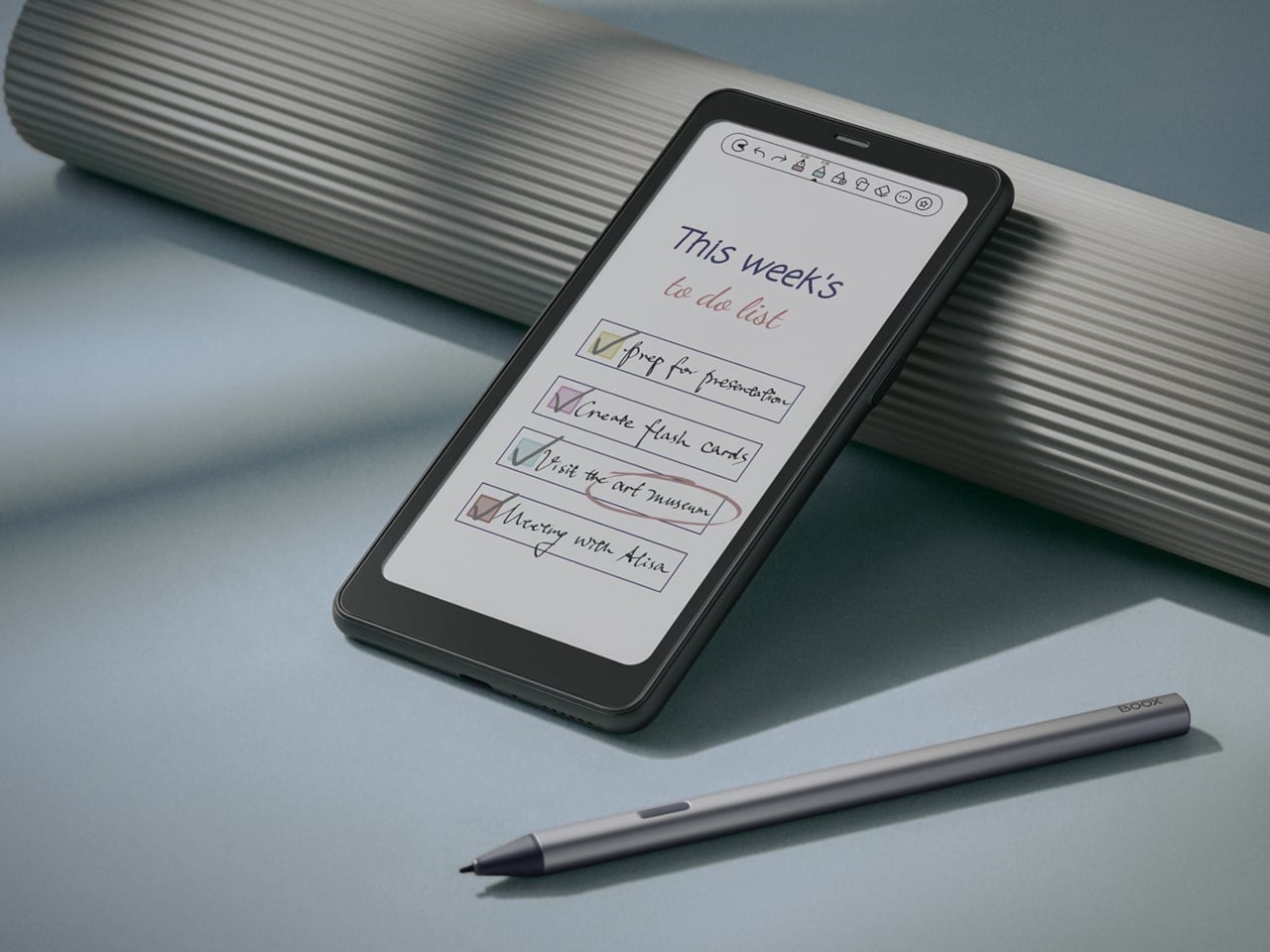
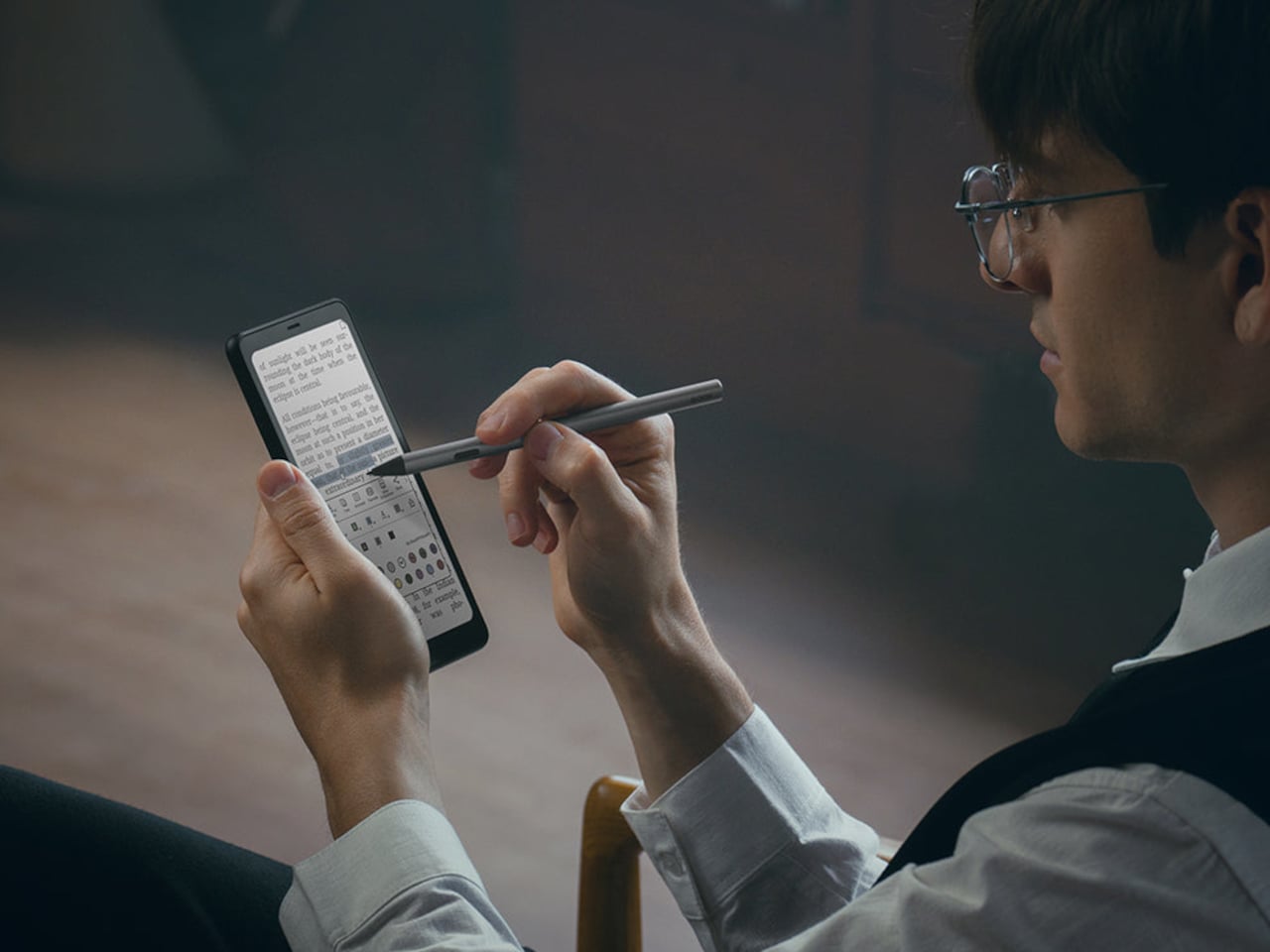
Under the hood, the Communicator is powered by MediaTek’s Dimensity 8300 processor and runs Android 16. That combination should provide access to the full Android app ecosystem while keeping the experience centered on messaging and productivity. The phone is expected to ship with 256GB of internal storage and support microSD expansion of up to 2TB, which is increasingly rare in modern smartphones.

The rest of the hardware stays firmly in modern smartphone territory. The Communicator includes a 50 MP rear camera with optical image stabilization, plus a 24 MP front camera for video calls and selfies. A 4,000 mAh silicon carbon battery powers the device, with support for USB-C charging and Qi2 wireless charging.

Connectivity options include 5G, Wi Fi 6, Bluetooth, and NFC. A combination of nano SIM and eSIM support gives users flexibility when choosing carriers. The Communicator also retains a 3.5mm headphone jack, which will matter to power users and anyone who still prefers wired audio.

Clicks is building several software features around the phone’s communication first pitch. The device includes a Message Hub that aggregates conversations from multiple messaging platforms into a single interface, which should reduce app hopping. A customizable notification light known as the Signal LED can display different colors depending on which contact or app is reaching out.

Despite its productivity focus, the Communicator is not meant to be a limited-function device. Clicks positions it as either a primary smartphone for users who prioritize messaging or a secondary device that complements a larger entertainment-focused phone. That flexibility could be a key part of its appeal, especially for people who want a more focused tool without giving up modern apps.

As for when the Communicator will reach consumers, Clicks says more information is coming soon. According to the company, the official launch date will be revealed in roughly two months. Until then, the Communicator remains in the promising middle ground between concept and product.

For now, the Communicator blends nostalgia with modern smartphone capabilities in a way that feels deliberate rather than gimmicky. The compact in-hand feel, comfortable typing, and sturdy build are encouraging signs, even if this was not yet a final unit. If carrier and retail interest continues to build, Clicks may be on track to ship a device that serves people who still value fast typing and focused communication in an increasingly distraction-heavy mobile world.

The post Carriers Want This BlackBerry-Style Phone – I Tried It at MWC first appeared on Yanko Design.