Rugged Phones Are Ugly, but FCNT Just Proved They Don’t Have to Be

Rugged smartphones have always carried an inherent compromise. They’re built to take punishment, so manufacturers typically bulk them up with thick rubber borders, angular shapes, and enough plastic to survive a construction site. The result is a phone that can handle almost anything but looks conspicuous in everyday settings. That tradeoff has become so accepted that few people bother to question it.

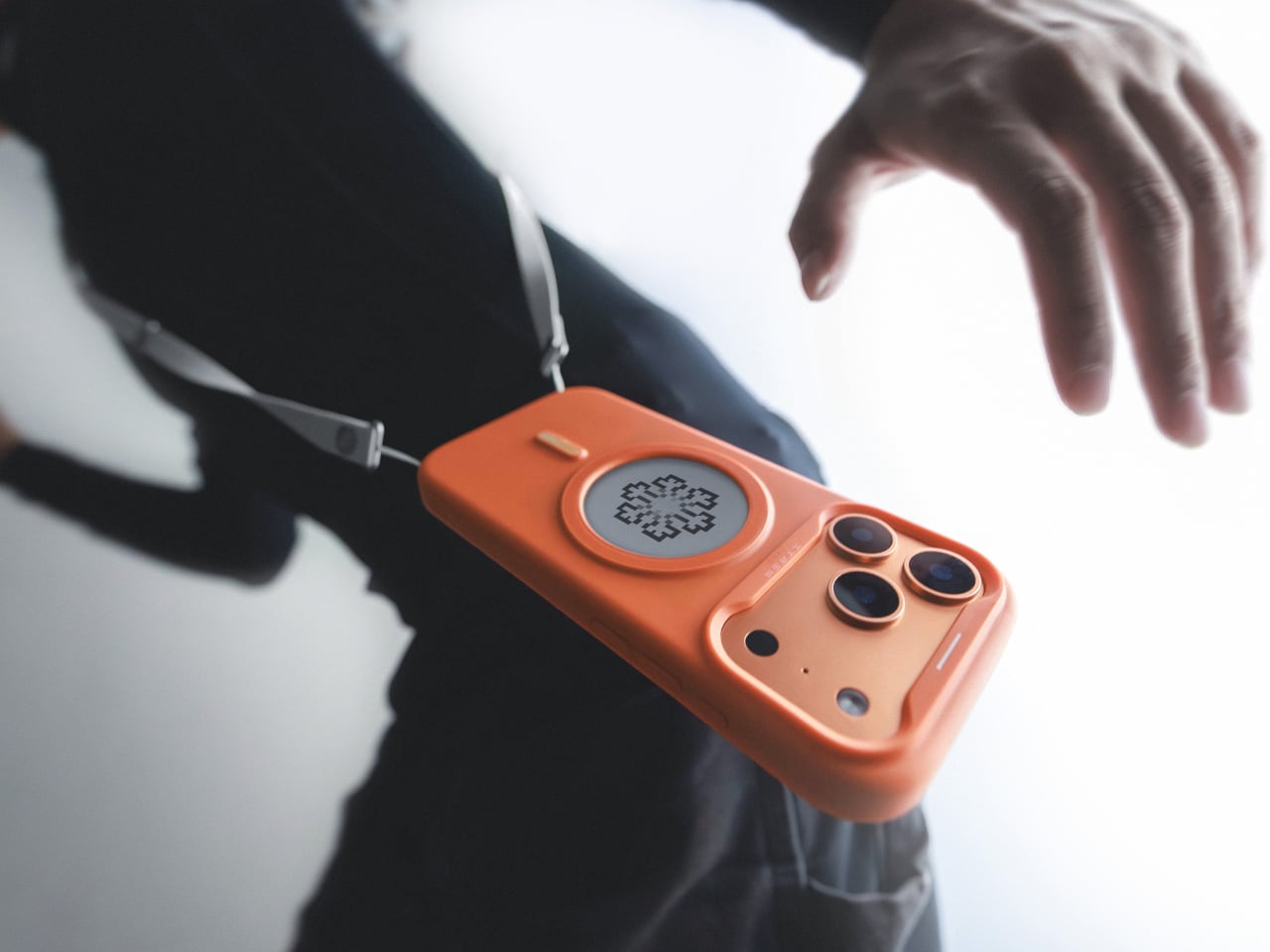
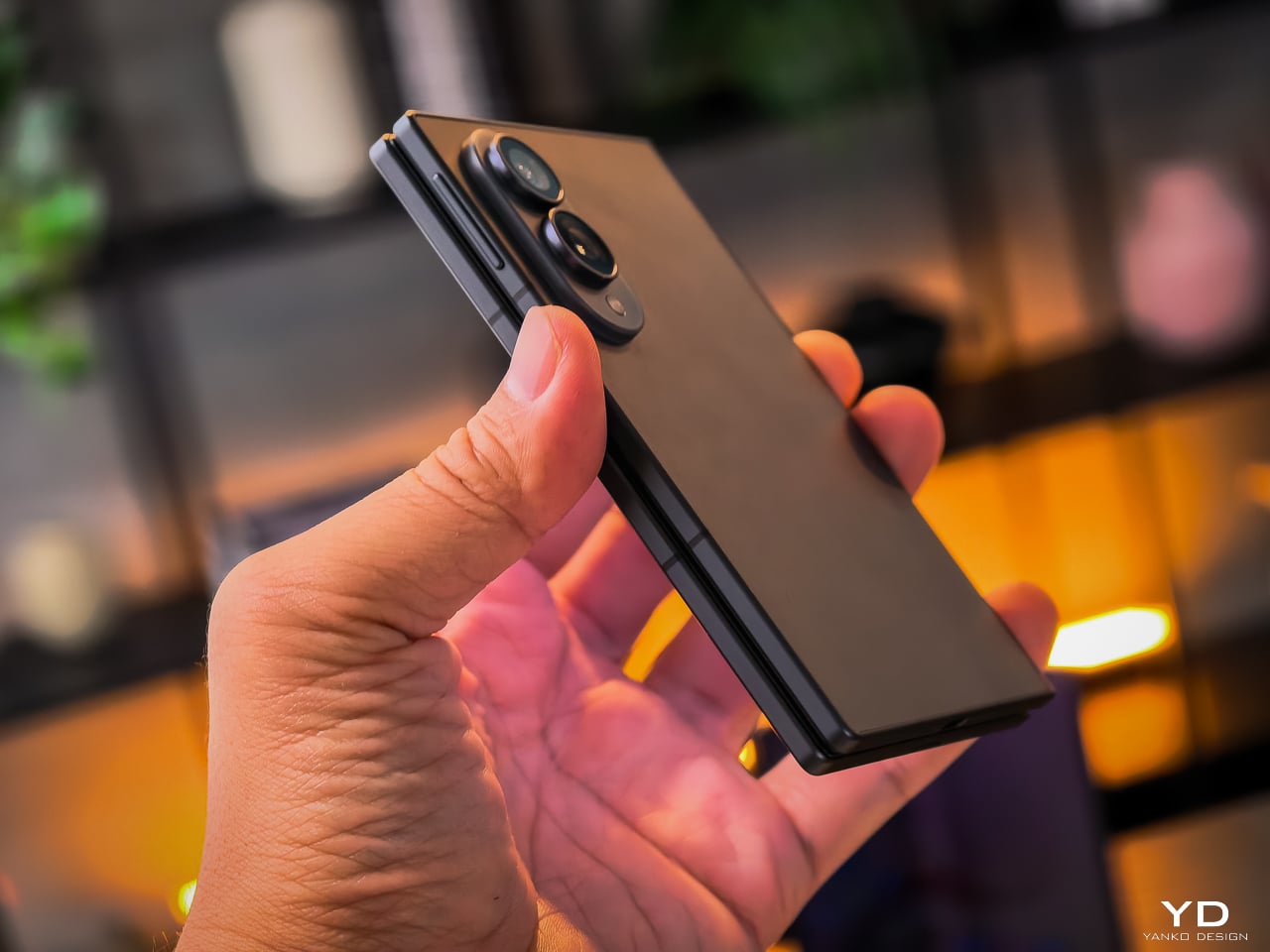
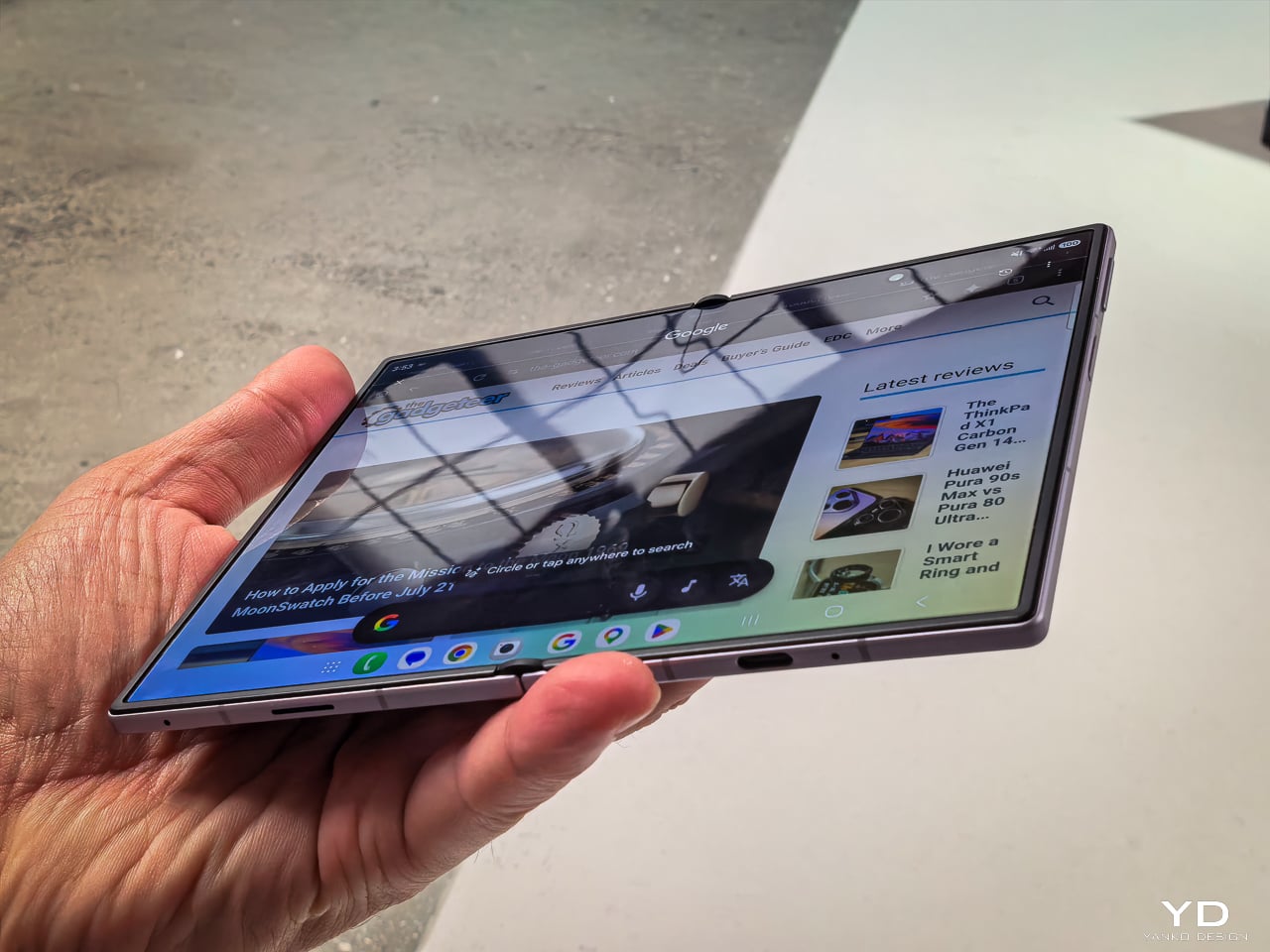
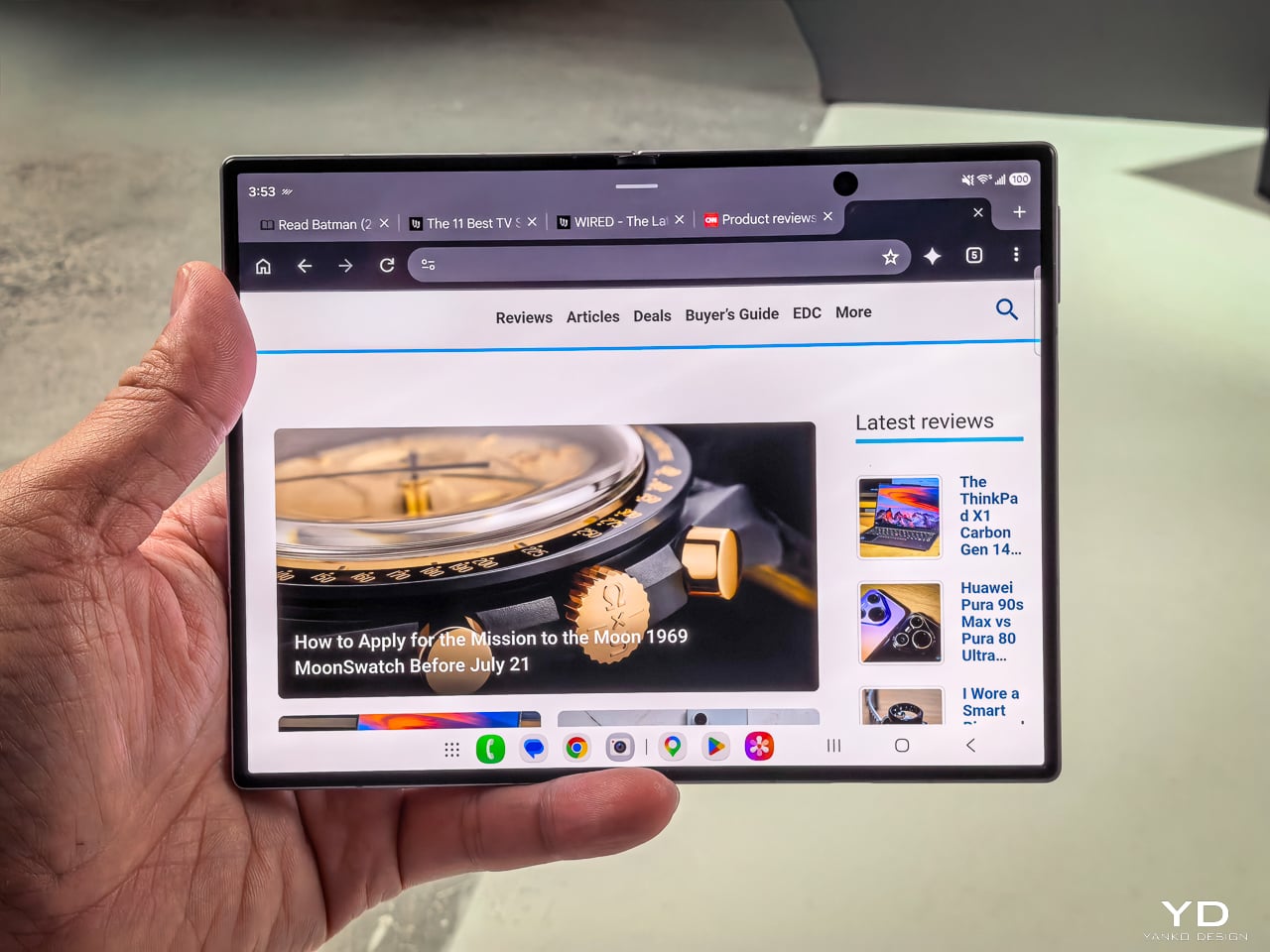
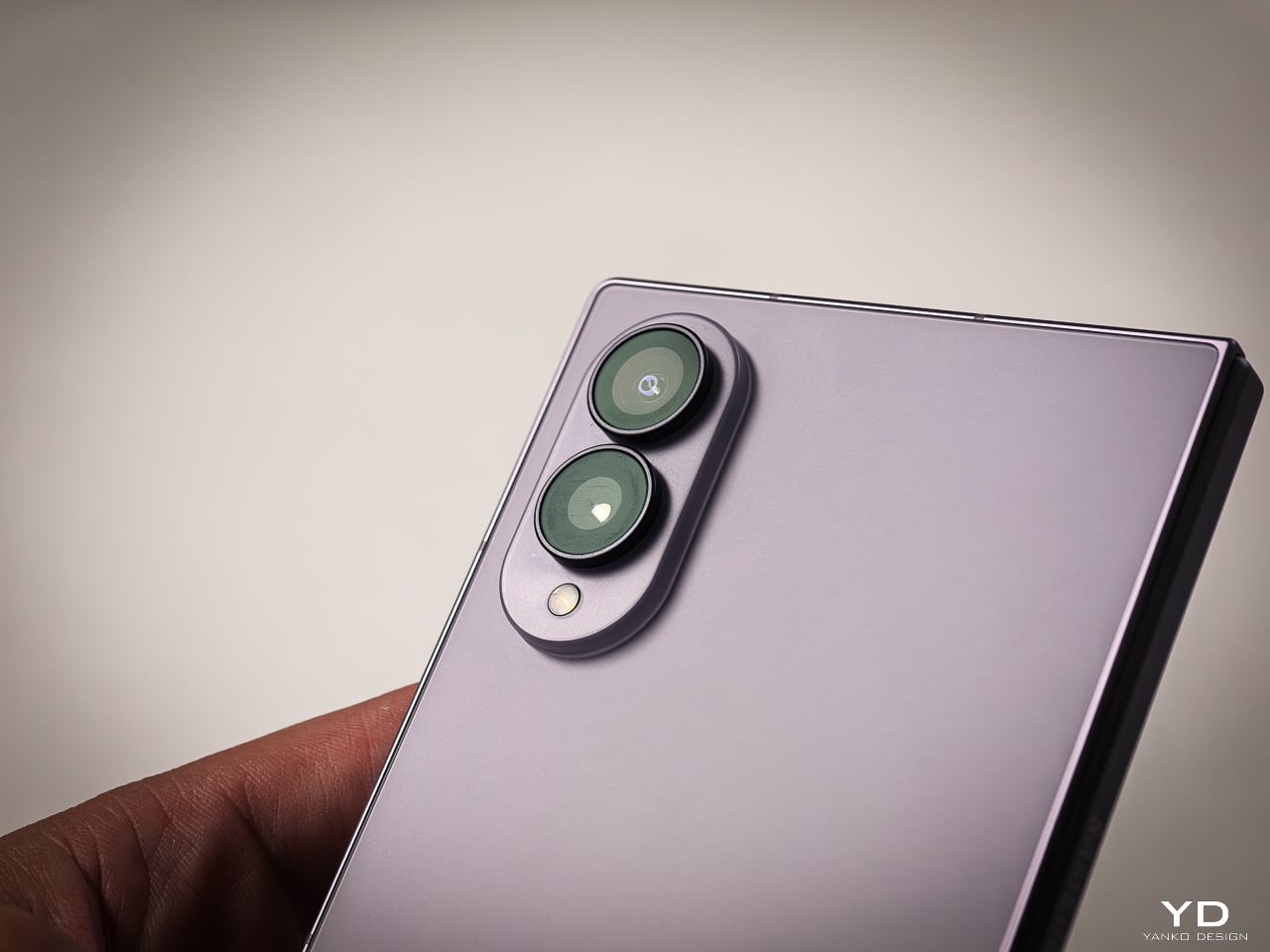
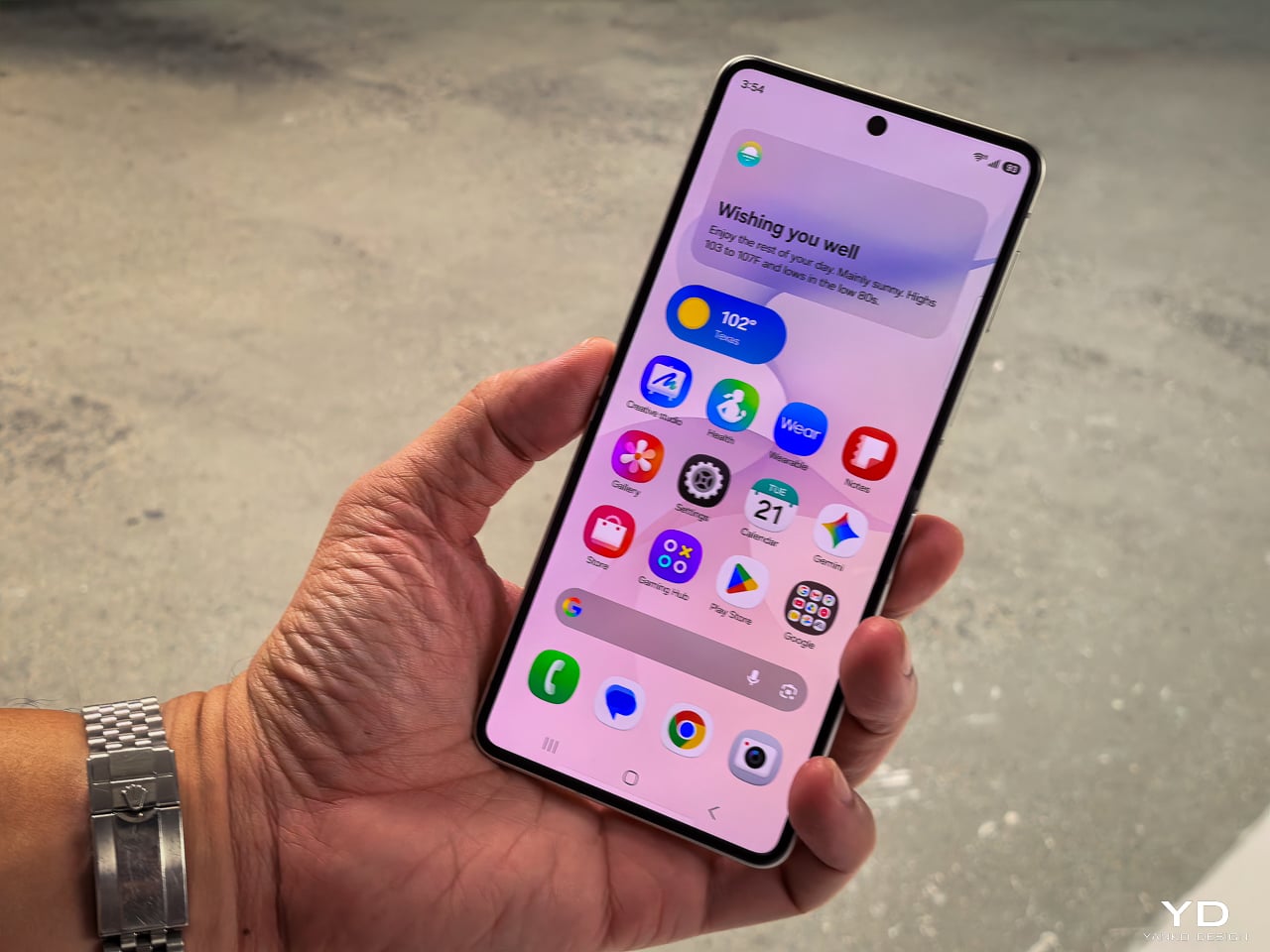
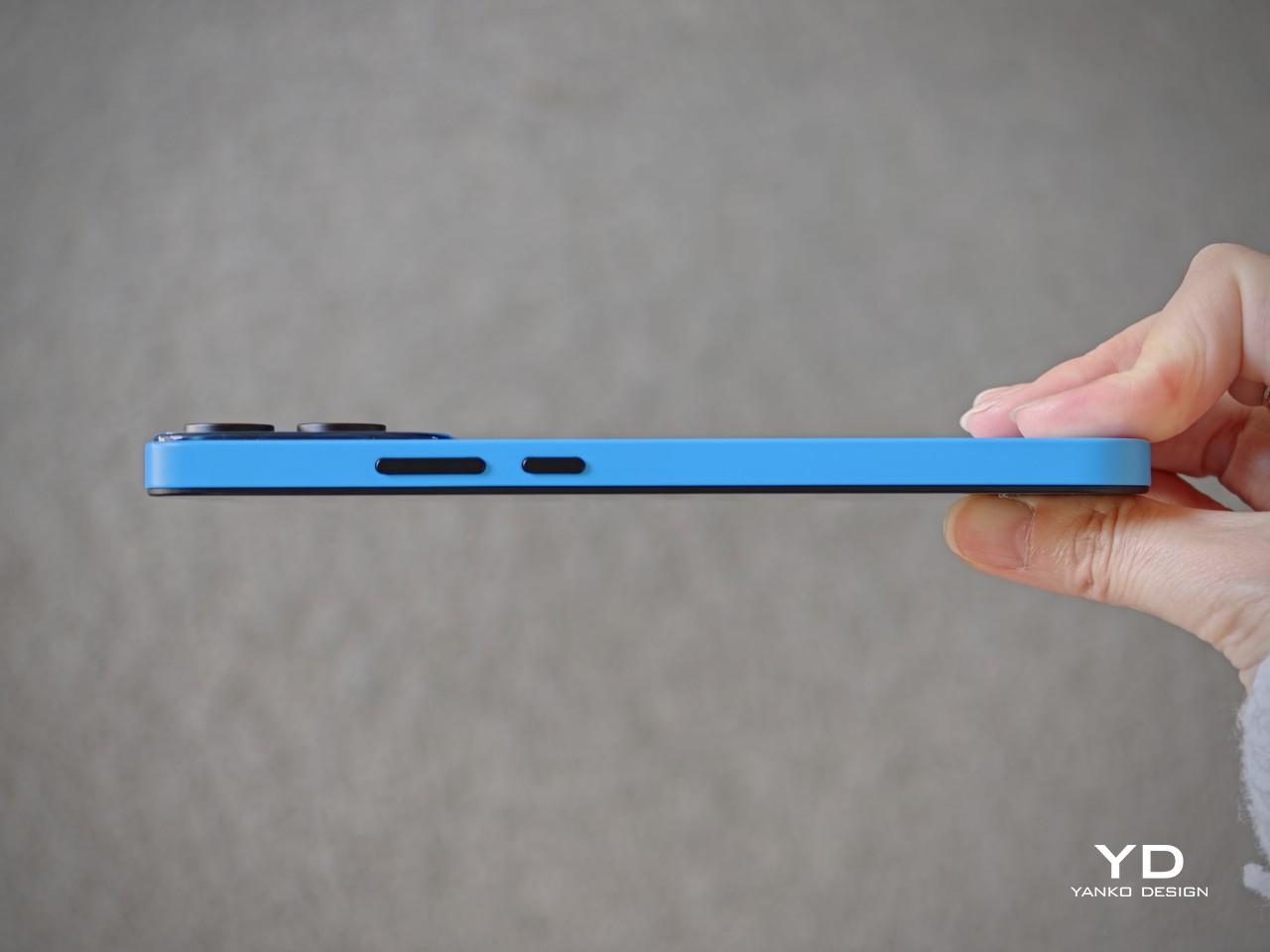
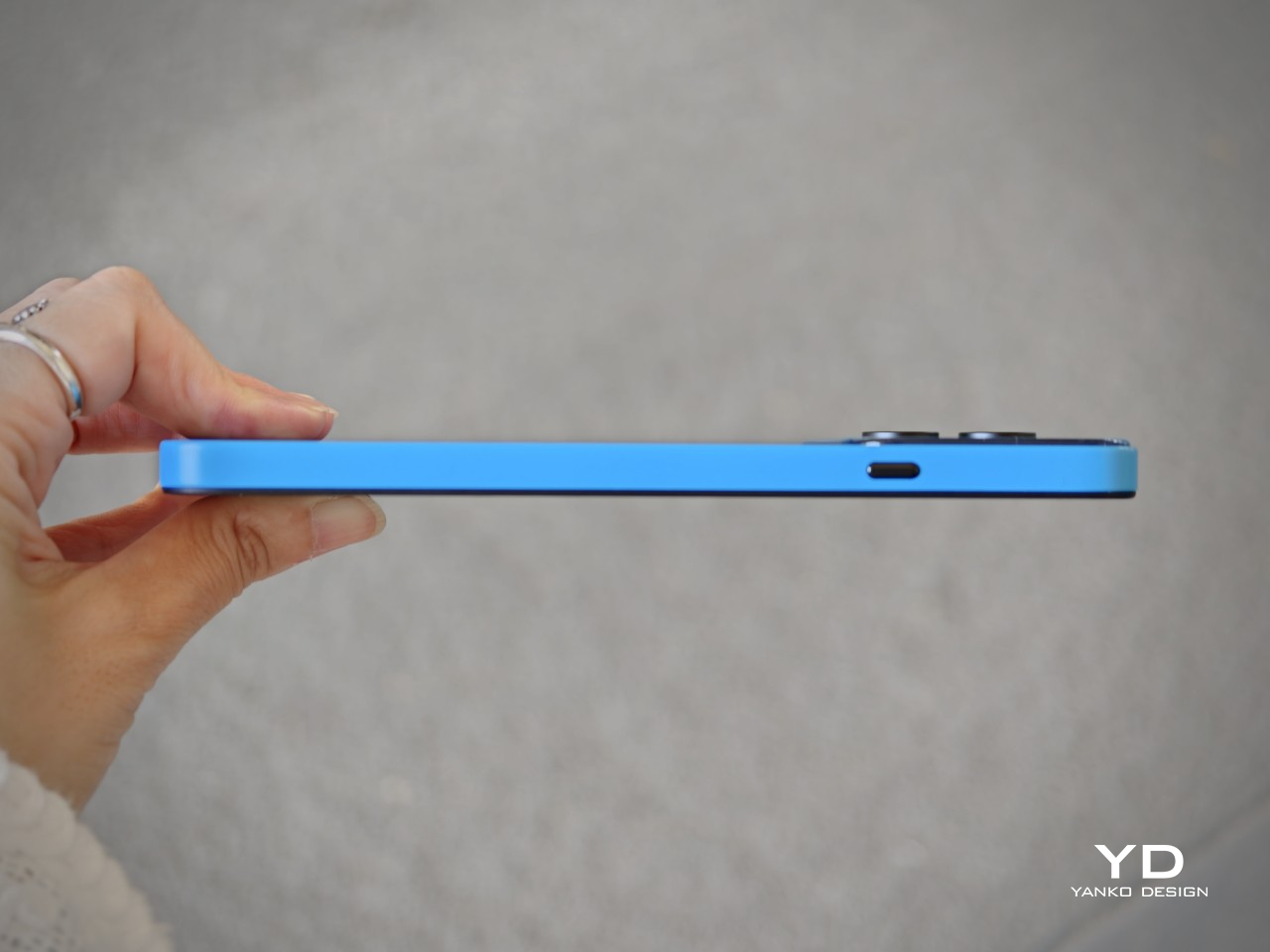
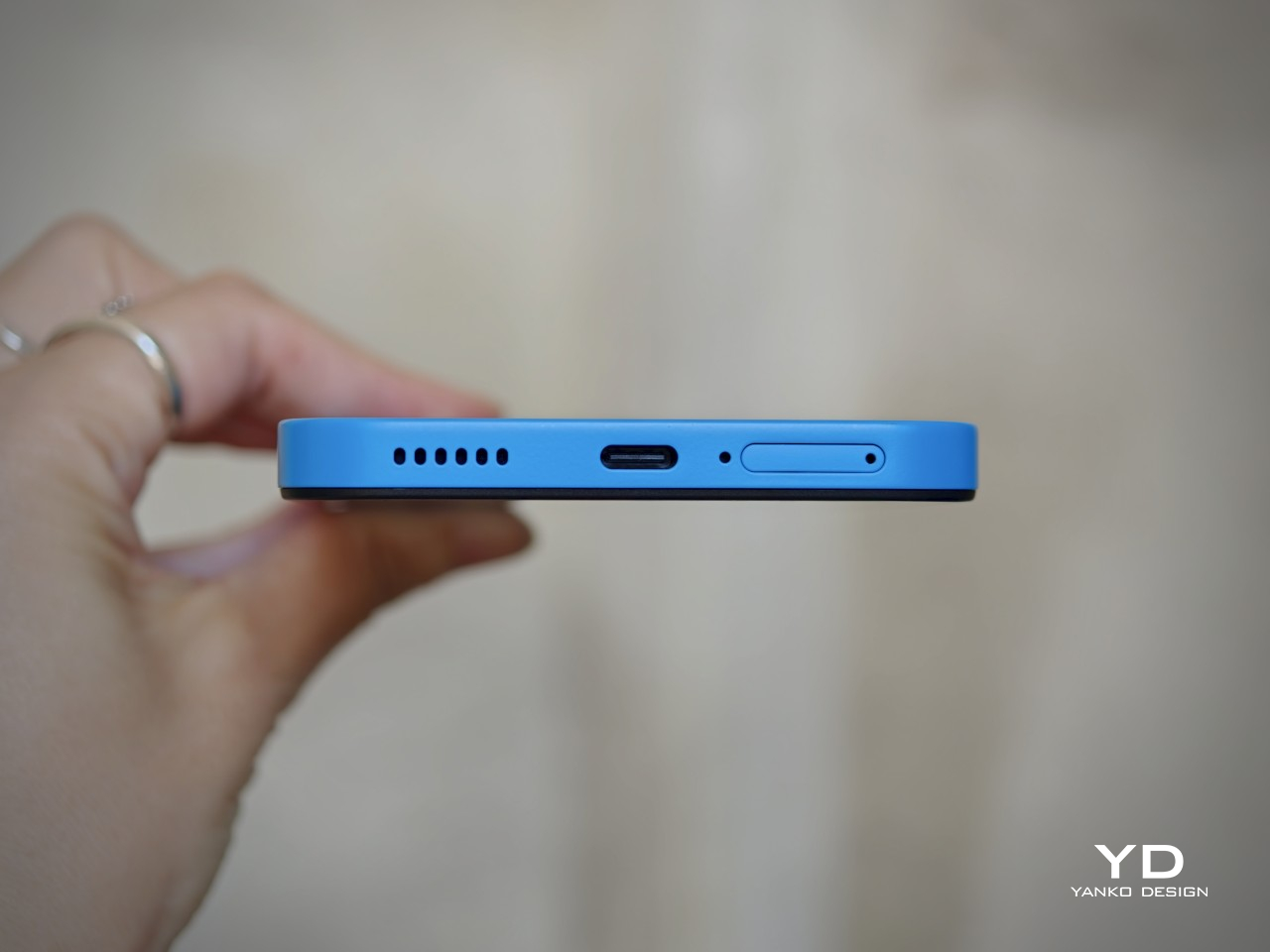
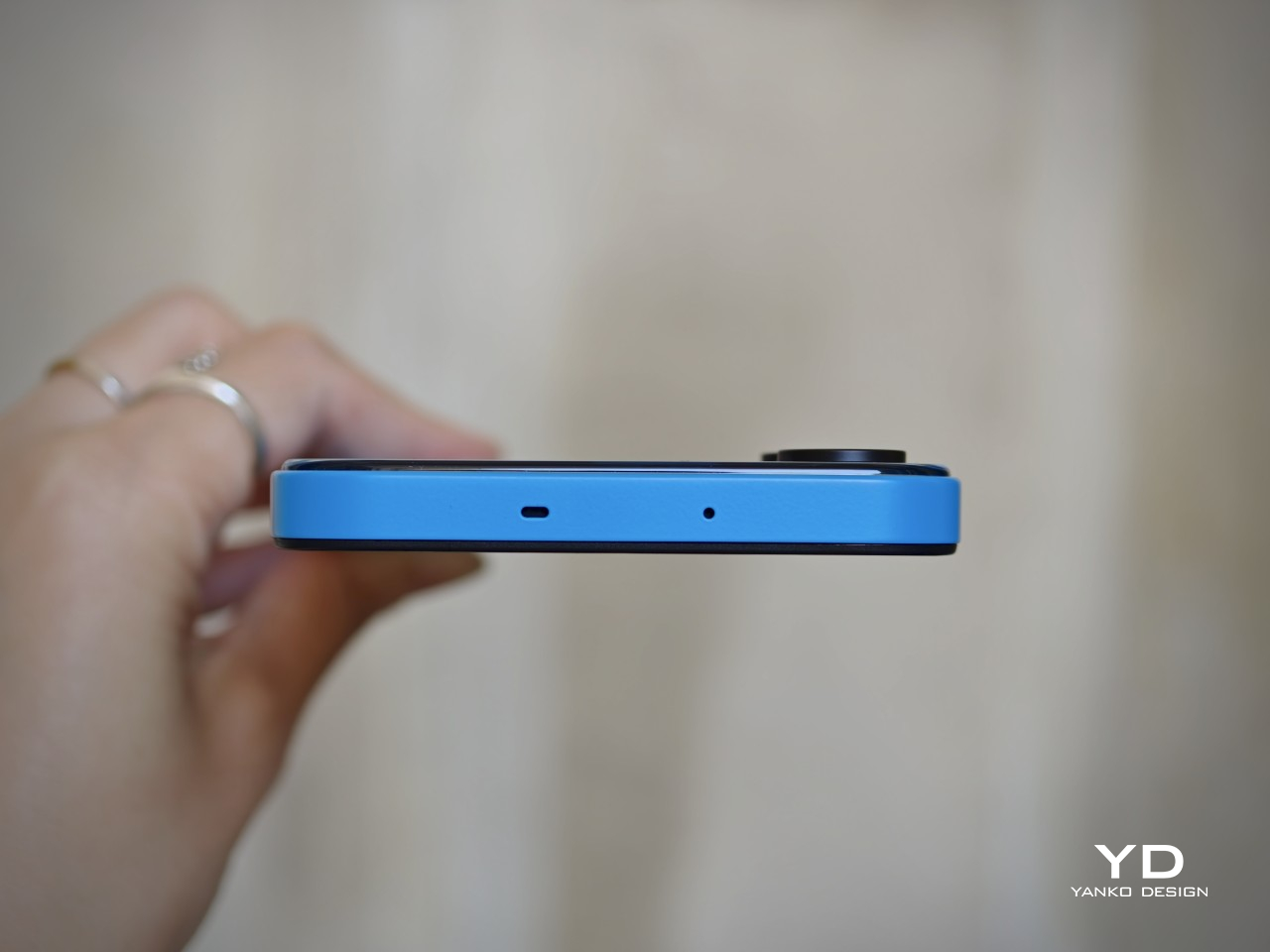
The arrows Alpha 2 takes the opposite position. It’s built around a brushed metal frame with a textured back panel, comes in four bold colors, and carries an 8.6 mm profile that doesn’t betray its durability credentials at all. Underneath the considered design is a phone that has passed 23 MIL-spec tests and holds IP66, IP68, and IP69 water and dust resistance ratings simultaneously.

Designer: FCNT (Lenovo)

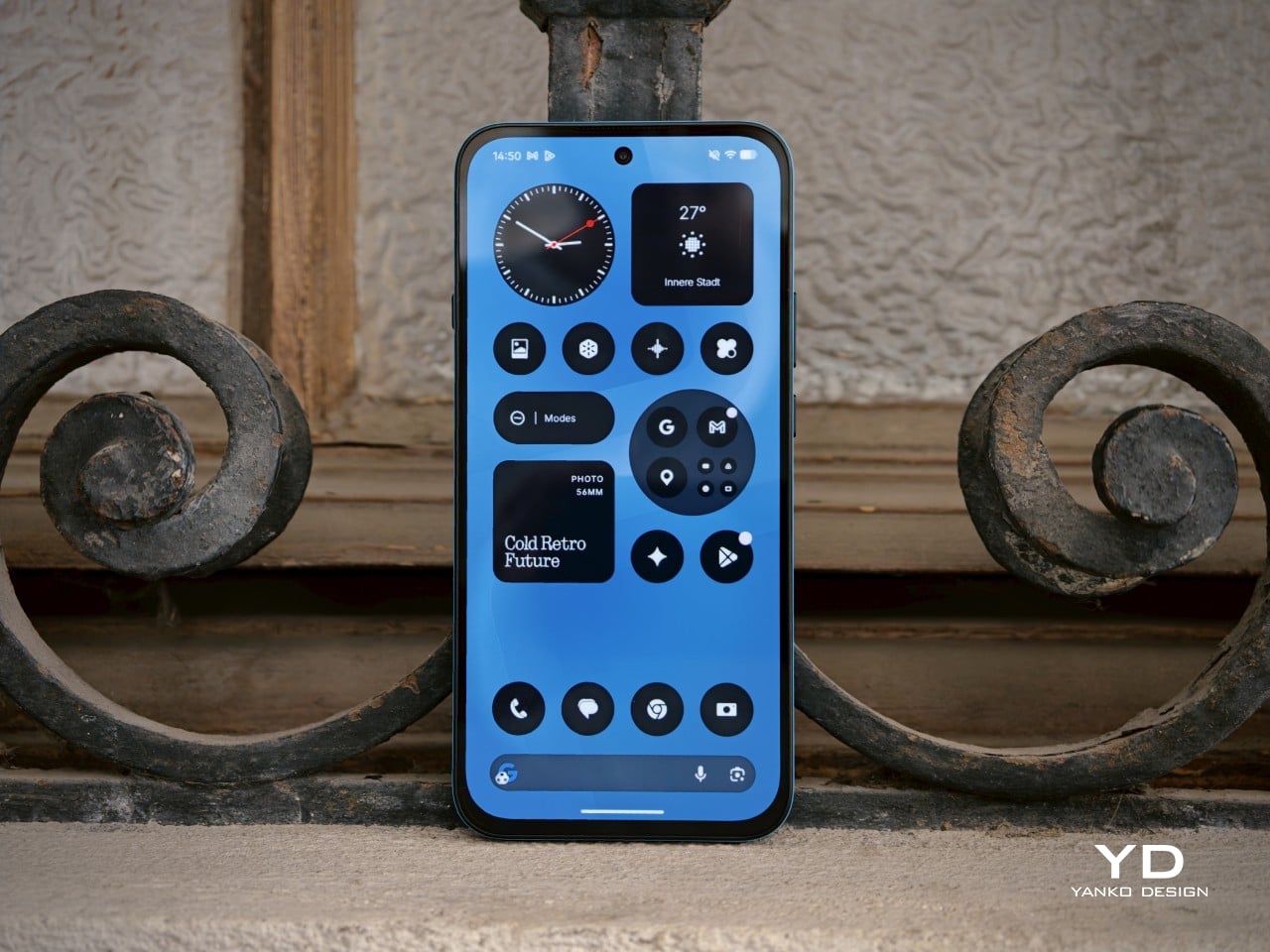
The drop resistance is the detail that stands out most. FCNT claims the arrows Alpha 2 can survive a 1.8-meter fall onto concrete without the screen cracking, thanks partly to Gorilla Glass Victus 2 sitting on a flat, 2D panel. The display itself is a 6.4-inch LTPO OLED capable of hitting 3,000 nits, which also lets the phone hold its own outdoors, where most screens struggle to stay visible.

The battery is a silicon-carbon cell at 5,370mAh, the largest ever used in an Arrows-series phone. FCNT claims it delivers two full days on a single charge, engineered to sustain that performance for roughly four years. A 90W fast charger, sold separately, takes the battery from zero to full in about 40 minutes for those days when two days of stamina isn’t quite enough runway.

The camera system doesn’t make the compromises you’d expect from a phone that prioritizes toughness. The main shooter is a 50 MP Sony LYTIA 710 sensor on a 1/1.5-inch chip with optical image stabilization, backed by a 50 MP ultra-wide lens covering a 120-degree field of view. The front camera is also 50 MP. All three support 4K/60fps HDR video, which puts the image capabilities well outside what most rugged phones offer.

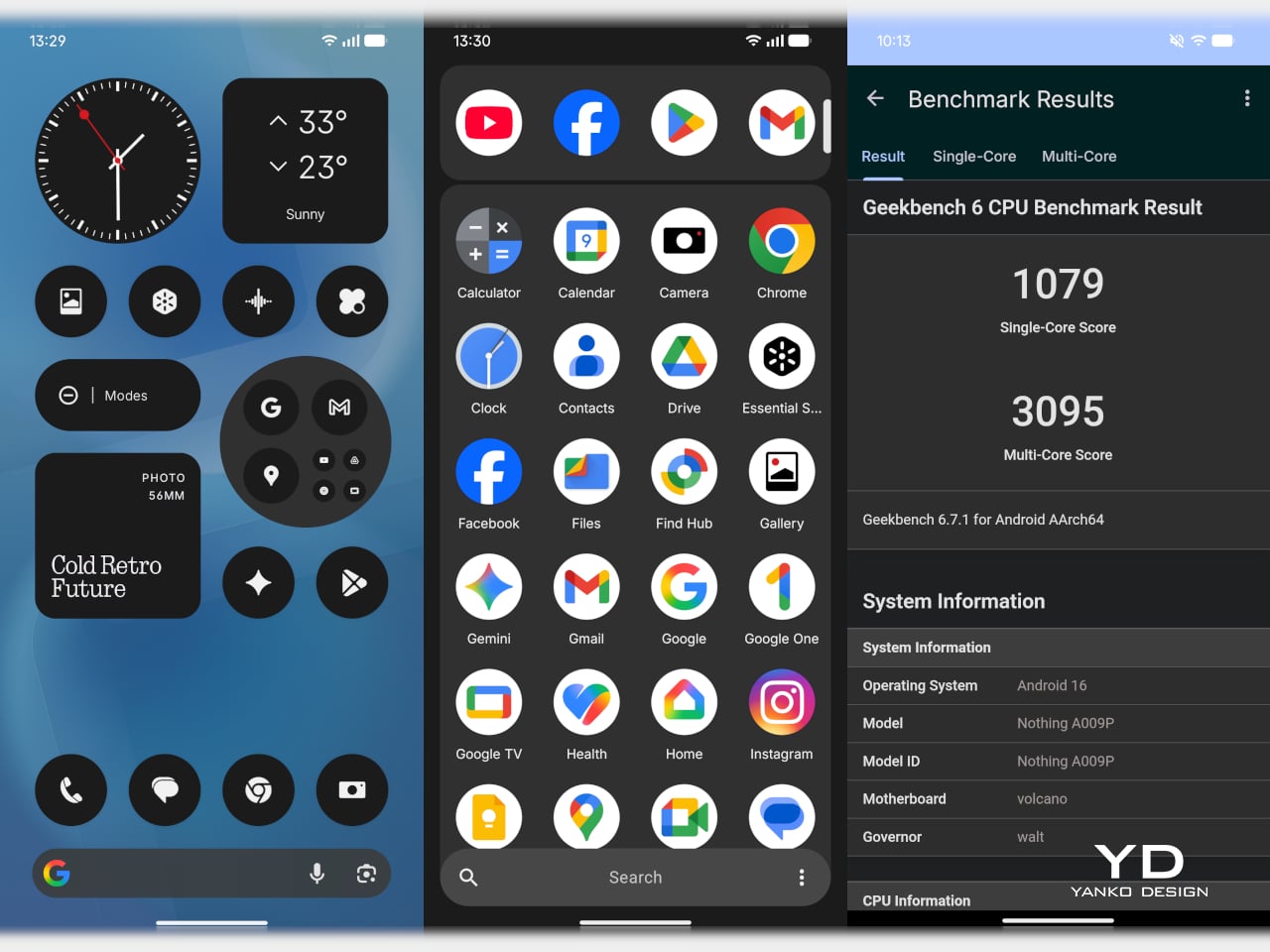
A MediaTek Dimensity 8350 Extreme chip handles performance, with the base model offering 8 GB of RAM and 256 GB of storage, and the higher-end variant stepping up to 12 GB of RAM and 512 GB. Virtual RAM expansion pushes the ceiling to 24 GB. The phone ships with Android 16 and arrives with three major OS upgrades and five years of security patches promised alongside the hardware.

The brushed metal frame and textured back give the phone a natural grip that doesn’t need rubber armor to achieve. FCNT also made some sustainability choices: the frame uses recycled aluminium, and the packaging is FSC-certified and fully recyclable. The arrows Alpha 2 goes on sale in Japan through NTT Docomo from late August 2026, with the 512 GB model exclusive to the Docomo Online Shop.

It’s a phone that argues against the idea that durability and design can’t occupy the same body. The 8.6mm profile doesn’t look like it belongs strapped to a workbelt, and the four color options reinforce that this wasn’t designed purely for industrial deployment. The battery engineering alone makes it stand apart from most competitors in the category, and the rest of the spec sheet does little to undermine that case.

The post Rugged Phones Are Ugly, but FCNT Just Proved They Don’t Have to Be first appeared on Yanko Design.
This iOS Launcher Reskins Your iPhone as an iPod, Because Tech Was Simpler Back In 2001

My Apple Music app design got 1.5 million views in China.
by
u/Gigasssss in
AppleMusic

A Chinese designer found a way to make your 1,200 dollar iPhone behave like a gadget Apple stopped selling four years ago, and roughly 1.5 million people decided they wanted in. The concept began as a fan render of Apple Music styled like an old iPod. After the views piled up and the requests poured in, the designer spent months turning the picture into working software. The result, UltraPod, now lives as a free beta you can install today.

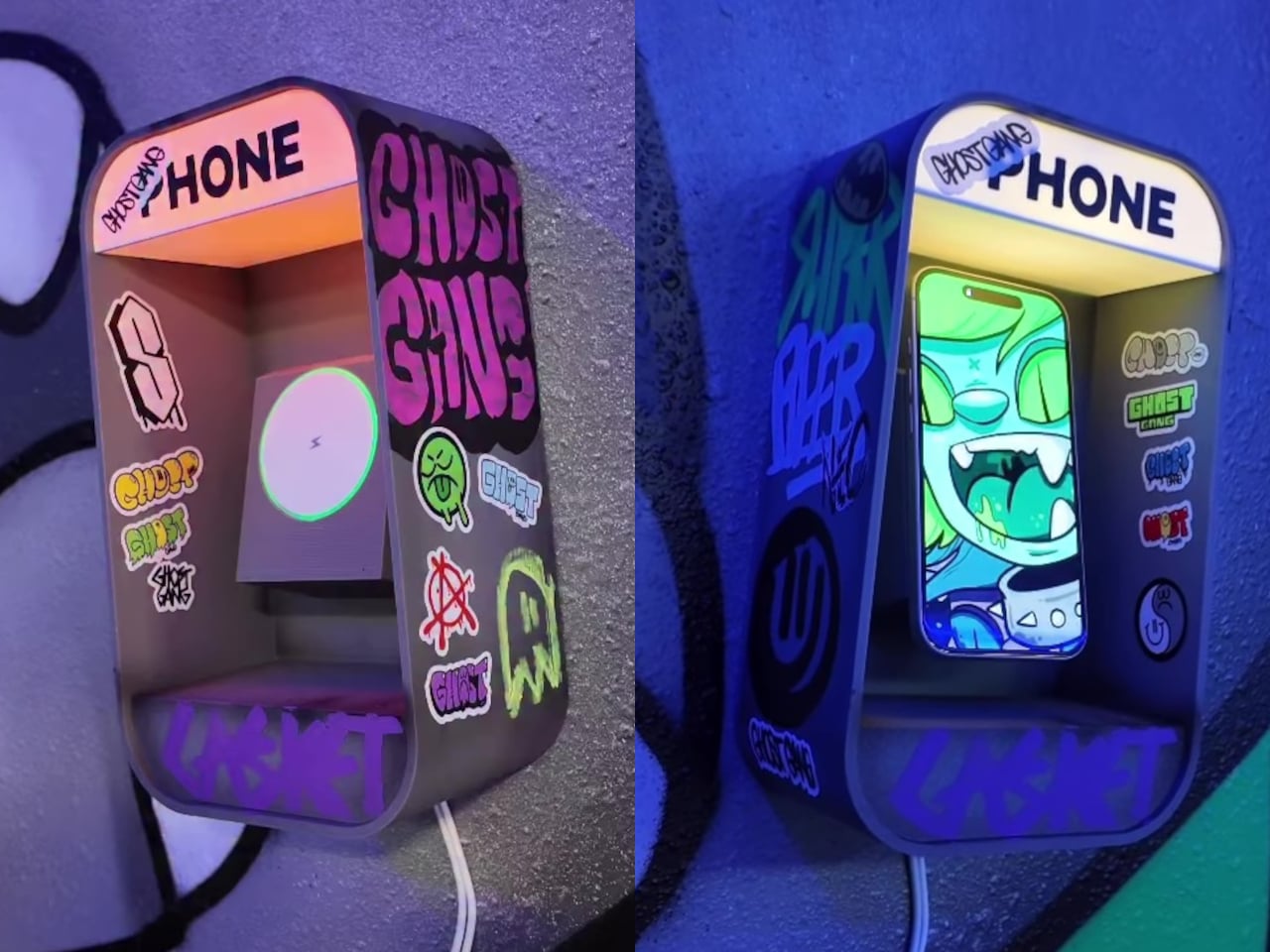
Here is how it works. The app reskins your music, your books, your camera, and a dozen other functions to look like an early 2000s player. Then a 3D-printed case clamps over the whole phone and blocks it, leaving a small screen window and a round cutout where a click wheel used to be. Your thumb scrolls in circles. Instagram sits underneath, technically reachable, practically forgotten.

Designer: Gigasssss

Apple discontinued the iPod in 2022, retiring the product that taught the company how to put a thousand songs and nothing else into a pocket. Two decades of that single-minded simplicity ended quietly, and the device that killed it was the same one UltraPod now runs on. The music section hooks into Apple Music through MusicKit and plays high-res local files, then wraps the whole thing in a Cover Flow interface that Apple fans have begged to return for years. Gigasssss clearly understood that the iPod felt calm because of what it left out, not because of how its chrome caught the light. Recreating the look is the easy part, and the app nails it.

Fifteen mini-apps fill out the rest, covering Books, Fitness, Camera, Photos, Voice Memos, Notes, Calendar, and a handful of smaller utilities. The Books reader imports EPUB, TXT, and Markdown files, while the Camera leans on retro LUTs so a quick photo stays a photo instead of dragging you into editing and posting. Heck, there’s even a circular keyboard for faster typing because typing on the jogdial really sucked. None of this touches the underlying iPhone, which is the honest tension at the center of UltraPod. The original iPod could not run social media because the hardware simply had no concept of it. Here, every app you wanted to escape sits one home swipe away, dressed over but never removed.

The case completes the experience, limiting how much of your iPhone screen you can see and use, giving it the true iPod appeal. It exposes two zones, a cropped screen at the top for the UI and a circular slot below for the jogdial, and buries the rest of the display under matte black plastic. It’s not too different from the tinypod case for the Apple Watch from 2 years ago – except this one isn’t your iPhone cosplaying as an iPod, it’s your iPhone throttled so that it feels less capable than it originally is – because simplicity is sometimes better.

UltraPod is free on TestFlight with limited slots and needs iOS 16 or later, with iPad support that the developer admits still has layout bugs. Every constraint it imposes evaporates the second you slide the phone out of the case, which means this works on friction alone rather than enforcement. For a lot of people, a slightly annoying barrier beats buying and carrying a second device, and that may be the whole point. The iPod was calm because it could do nothing else. UltraPod just gives you a nicer-looking reason not to ask.

The post This iOS Launcher Reskins Your iPhone as an iPod, Because Tech Was Simpler Back In 2001 first appeared on Yanko Design.
Dasung Made a Phone Screen for People Who Hate Screens

Screens keep getting sharper and brighter, though the one complaint that never goes away is eye fatigue. LCDs and OLEDs are impressive, but both still rely on backlit panels aimed directly at your eyes, hour after hour. The e-reader crowd has long known that E-Ink is easier to live with, though swapping your daily phone for a dedicated E-Ink device is a trade-off most people aren’t willing to make.

The Dasung Link 2 offers a different answer to that familiar problem. Rather than replacing your smartphone with an E-Ink device, it works alongside whatever phone you already have, mirroring its display onto a 6.7-inch monochrome E-Ink screen. The idea is straightforward: keep your apps, your contacts, and your habits, but read, scroll, and type on a surface that feels far closer to paper than any OLED ever will.

Designer: Dasung

What makes the Link 2 practical as a daily companion rather than just a reading gadget is DASUNG’s 60Hz refresh technology. Most E-Ink screens run at a fraction of that speed, producing noticeable lag when scrolling or typing. At 60Hz, the Link 2 handles those tasks with minimal ghosting, making it comfortable for messaging, browsing, and even light video, things that would have been genuinely frustrating on earlier E-Ink displays.

The screen measures 6.7 inches at 300 PPI, putting it in the same resolution range as premium e-readers. Text is sharp, and the display reflects ambient light the way paper does, staying legible in bright outdoor conditions where most LCD phones need to max out their brightness just to stay visible. For low-light reading, an adjustable dual-tone front light handles the darker hours without harshness.

The Link 2 also supports reverse touch, which lets you interact with your phone directly through the E-Ink screen’s surface without picking your phone up separately. Physical keys on the body handle quick contrast and image adjustments, so you aren’t hunting through menus when the light around you changes. It makes a secondary screen feel less like a burden and more like a natural tool.

The hardware is built from metal and kept thin and light enough to slip into a pocket alongside your phone. It connects wirelessly for screen mirroring and works with magnetic power banks, which helps on longer outdoor outings where a wall outlet isn’t nearby. Compatibility spans Android 12 and later, modern iOS, and HarmonyOS, so it isn’t tied to any single phone brand or operating system.

One thing worth noting is that the Link 2 doesn’t operate independently. It relies on your phone’s processing power, RAM, and installed apps to function, so it’s less a standalone gadget and more a screen you borrow for your phone. The battery-free model starts at $329, with the battery-equipped version available at $349, both offered in Space Gray and Glacier Blue.

It’s admittedly a niche proposition, and the limitations are real. Monochrome E-Ink isn’t ideal for color photos, and carrying a second screen is an extra thing to manage throughout the day. But for anyone who spends long stretches reading articles, messages, or documents on their phone, shifting that habit onto a paper-like surface rather than a glowing backlit display is a genuinely compelling idea.

The post Dasung Made a Phone Screen for People Who Hate Screens first appeared on Yanko Design.
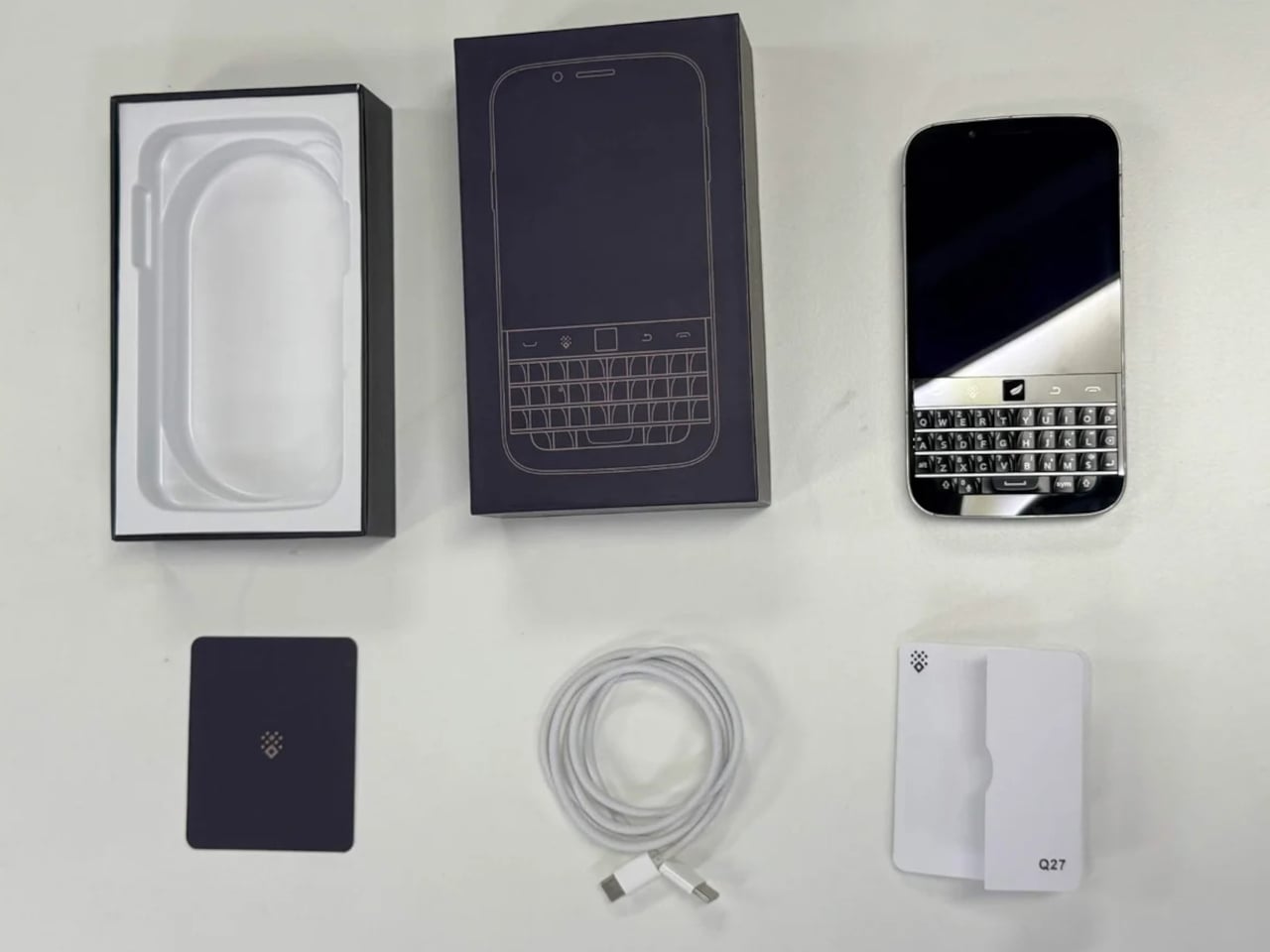
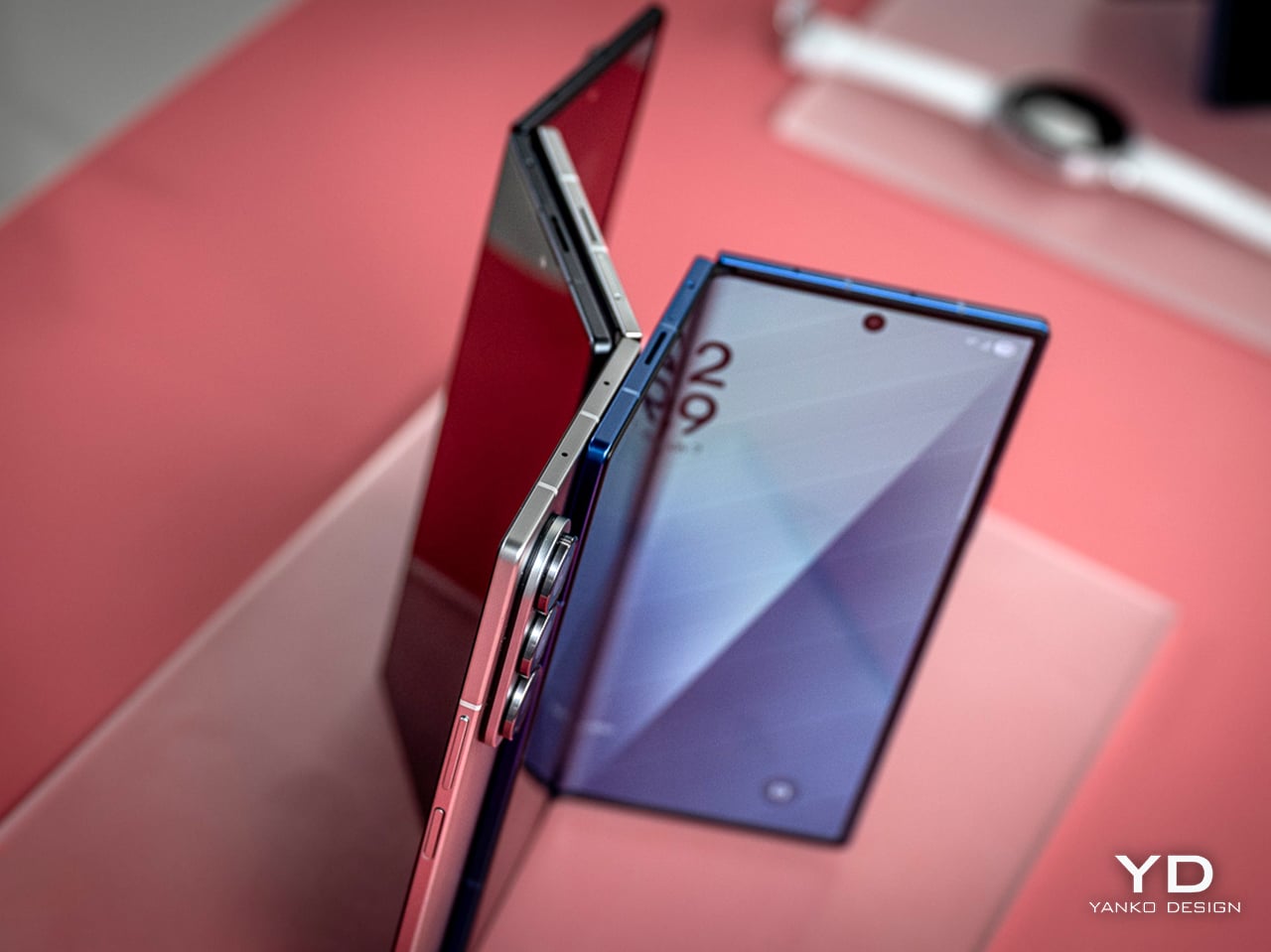
Samsung’s Best Foldable Has 4,400mAh, Vivo’s Has 7,000

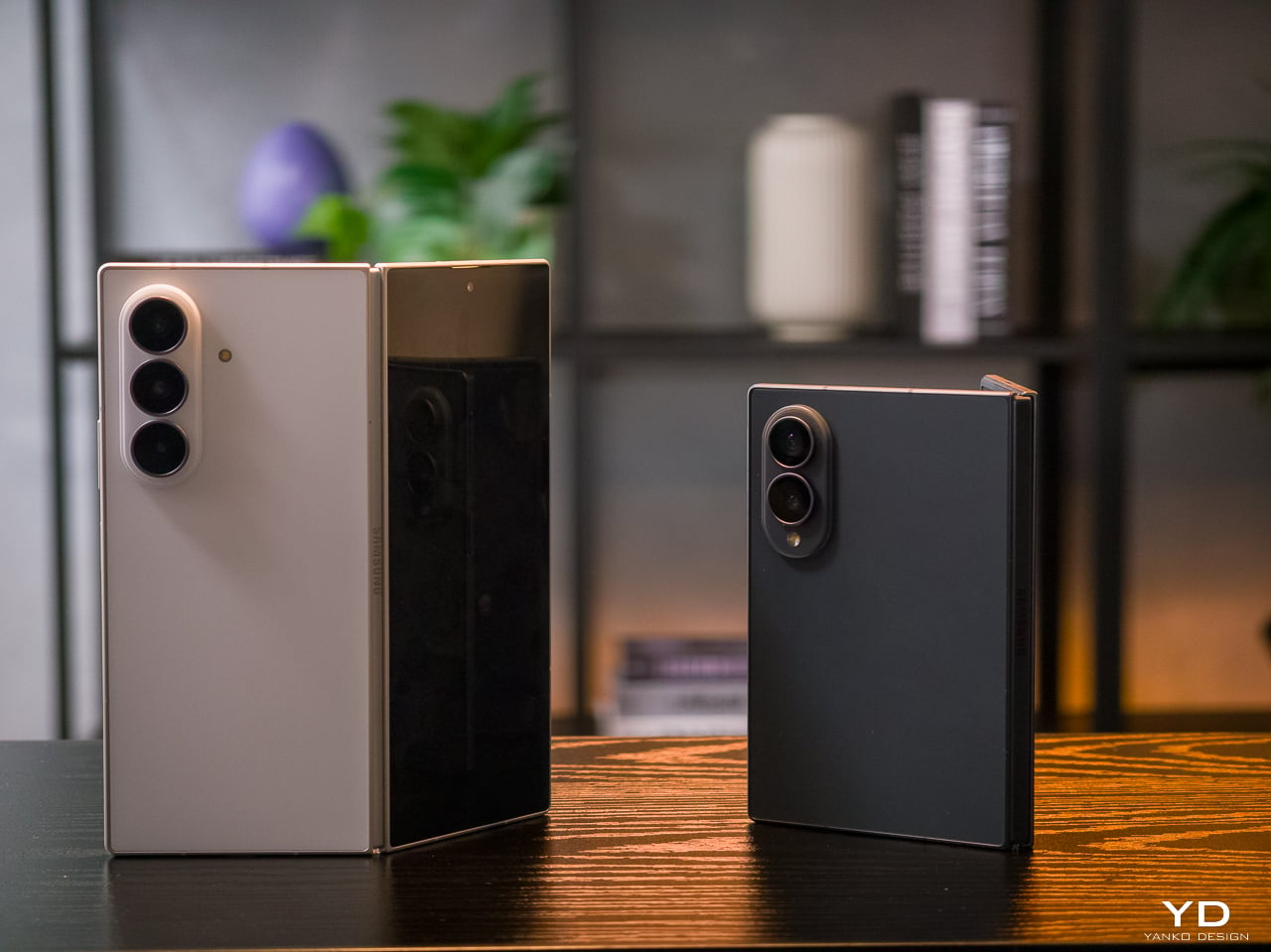
Foldable phones have gone from novelties to genuine daily drivers, but the category still wrestles with two persistent complaints: battery anxiety and cameras that don’t quite match their non-folding counterparts. The big names have made progress on both fronts, though rarely at the same time, and rarely without some trade-off in thickness, weight, or price. That tension has defined the foldable experience for years.

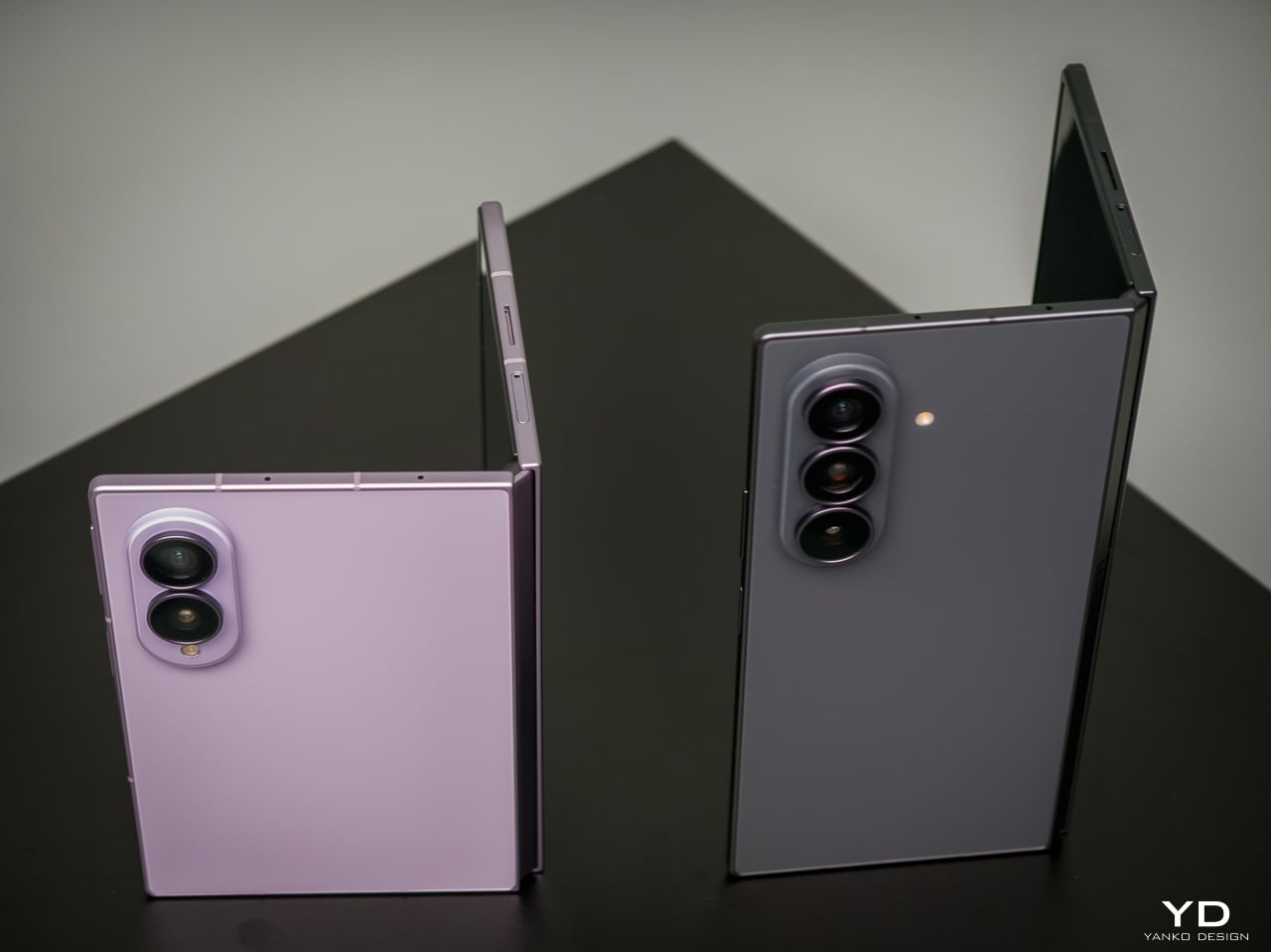
The Vivo X Fold 6 takes aim at both problems at once, arriving with a 7,000mAh silicon-carbon battery and a 200MP ZEISS-tuned main camera on a form factor that still manages to fold flat into your pocket. It’s a foldable that doesn’t ask you to pick between photography and endurance, and the spec sheet makes a strong case that Vivo isn’t bluffing on either front.

Designer: Vivo

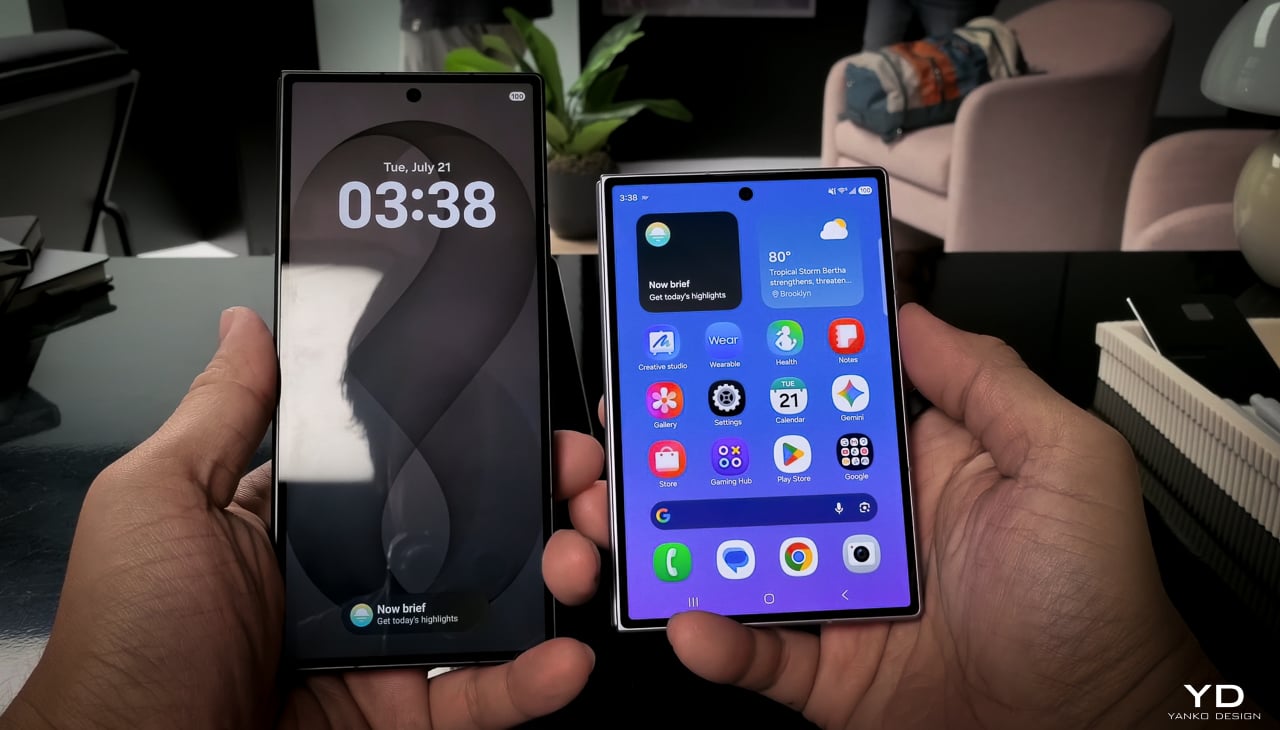
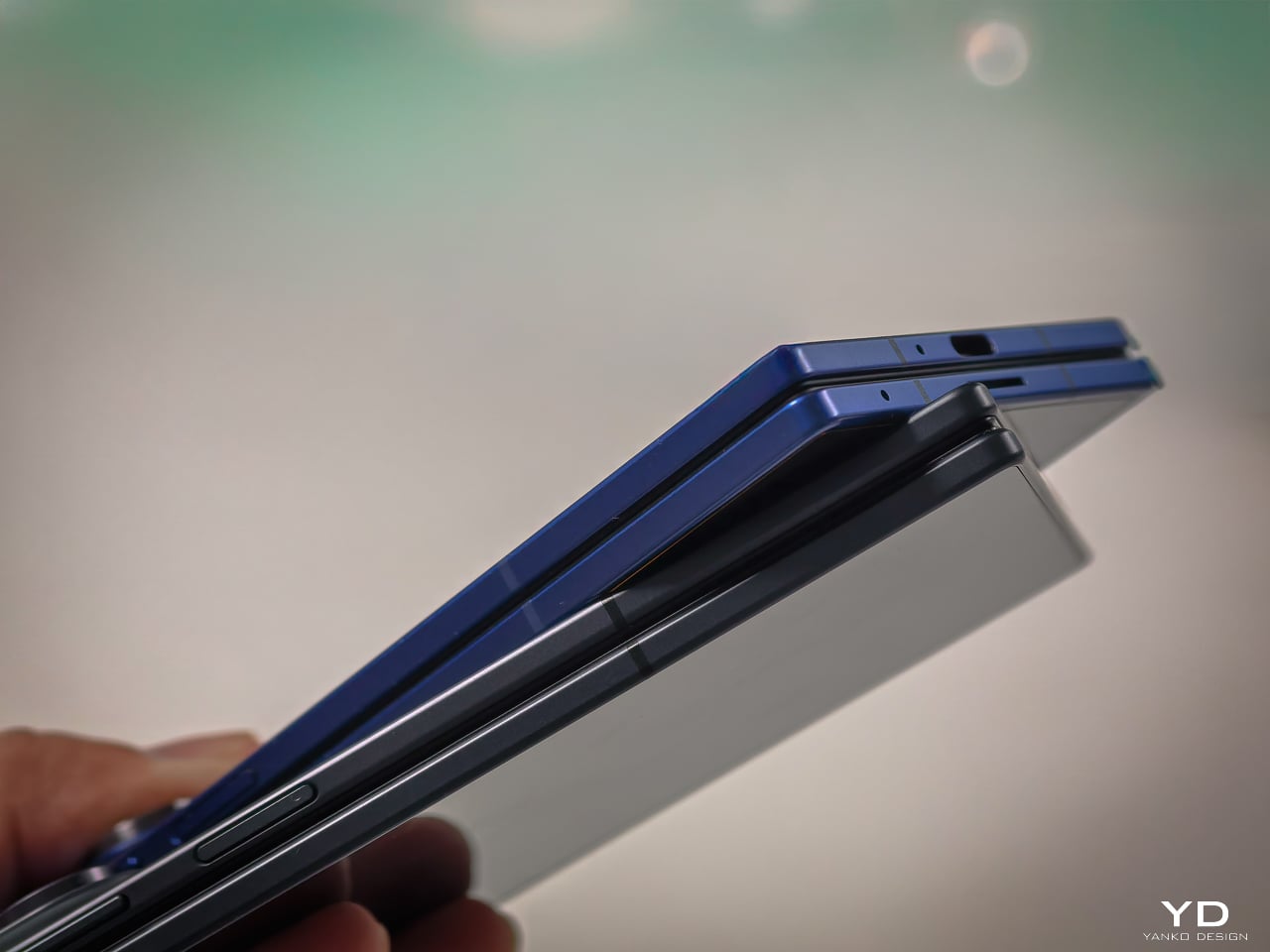
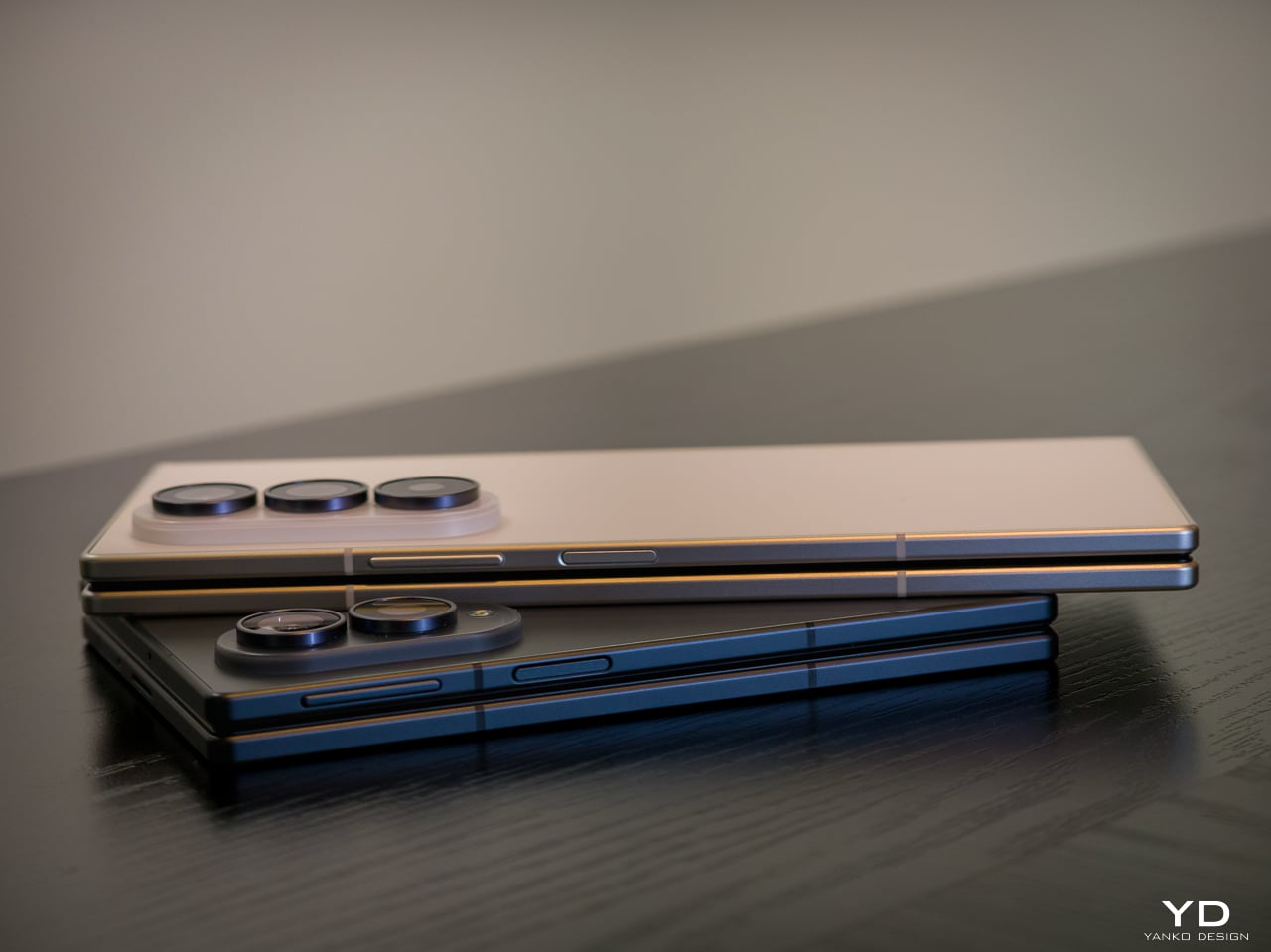
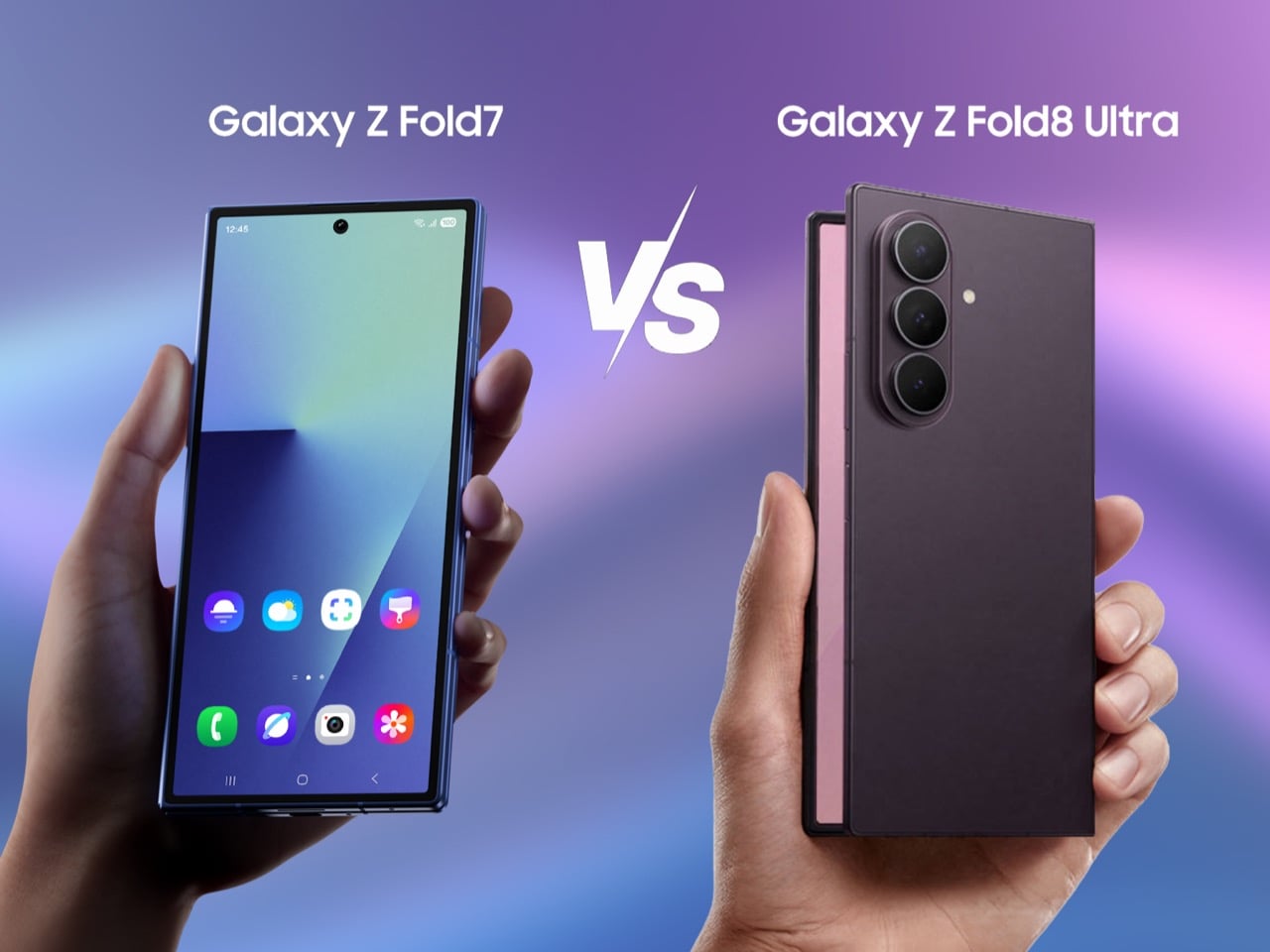
That 7,000mAh figure deserves some context. Samsung’s Galaxy Z Fold 7 packs a 4,400mAh battery, a 2,600mAh gap that isn’t a rounding error. The X Fold 6’s cell is a silicon-carbon design, which keeps the phone from becoming unreasonably thick despite the capacity. It charges at 80W over wire and 40W wirelessly, so topping up on a desk or a hotel nightstand doesn’t take long.

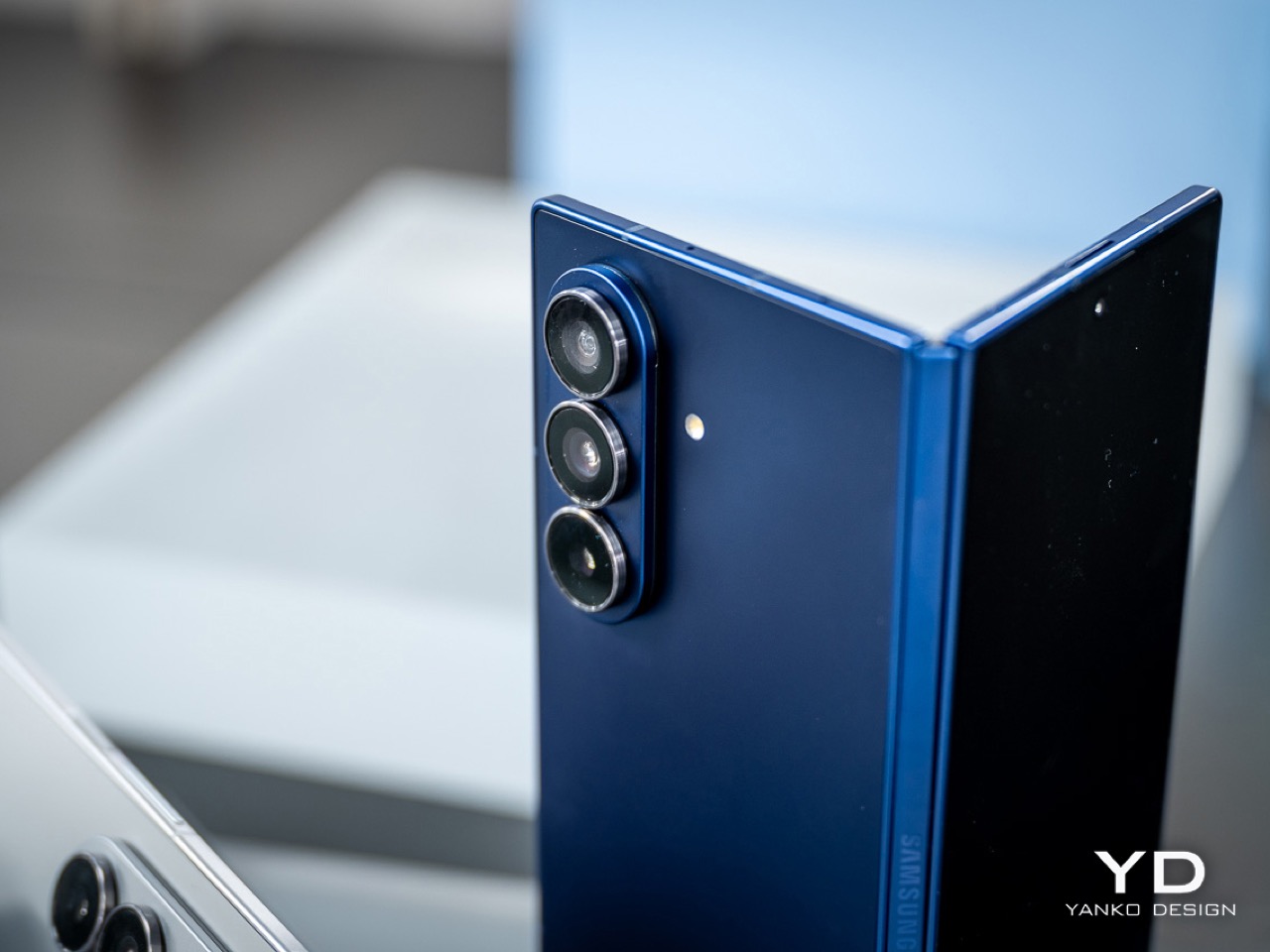
The camera system is where things get genuinely interesting. The 200MP main sensor, which measures 1/1.4 inches and opens at f/1.68, is ZEISS-tuned and sits alongside a 50MP ultrawide and a 50MP 3x periscope telephoto. That telephoto sensor, a Sony LYT-602, is larger than the one found in competing foldables from Samsung, OPPO, and Honor. Vivo’s Blueprint V3+ imaging chip handles processing duties across the setup.

There’s also a first for the X Fold series: support for an external camera lens. The second-generation 200mm telephoto extender, which clips onto the 3x camera, enables native 8.3x shots and lossless 17x captures. For video, the phone records at up to 8K and supports 4K/60fps Dolby Vision, along with film styles borrowed from Vivo’s higher-end lineup. Two 20MP front cameras, one per display, handle video calls.

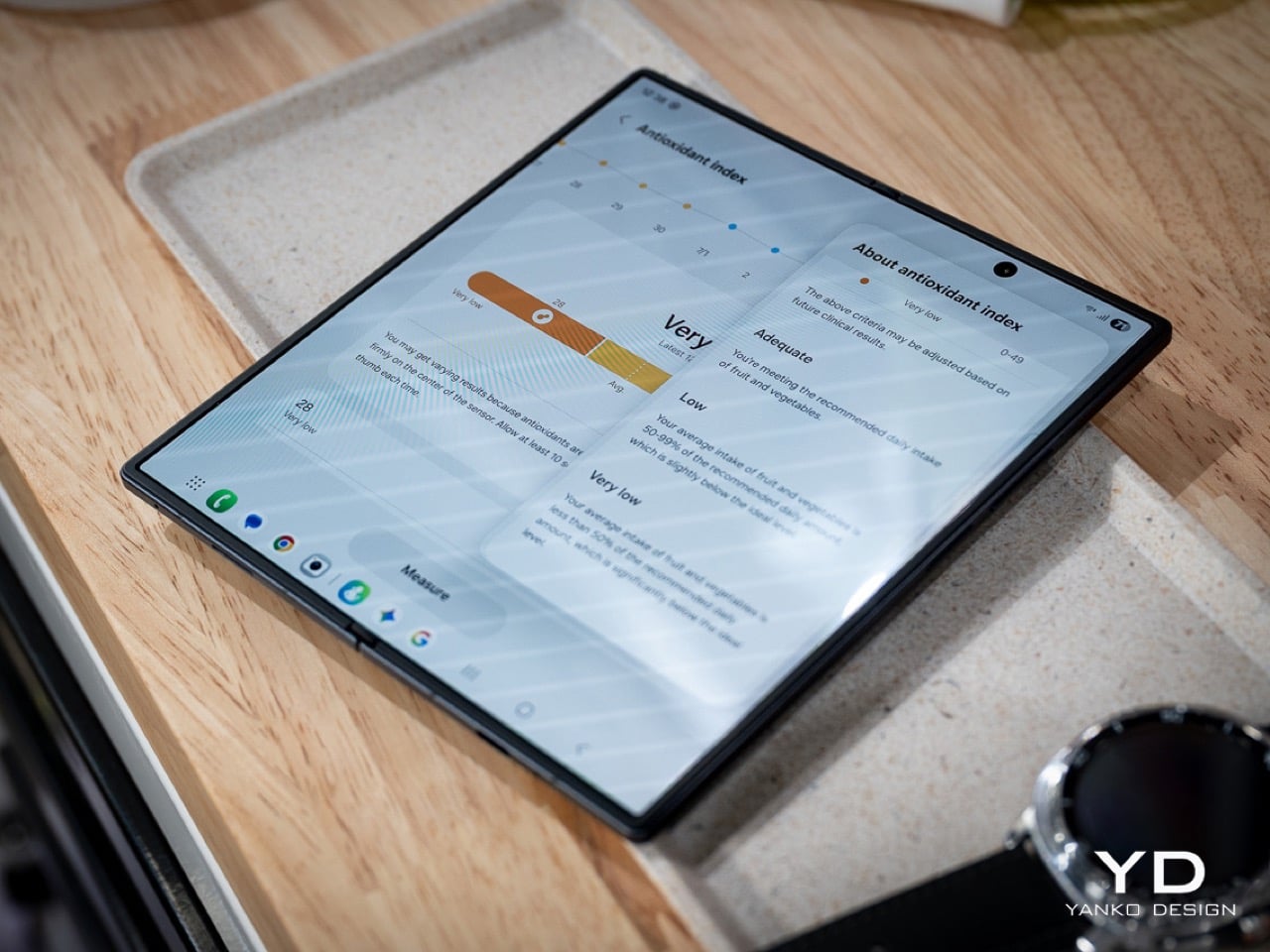
Unfold the device, and you’re greeted by an 8.02-inch AMOLED inner display, powered by a Samsung M14 panel, with a peak brightness of 5,000 nits and a variable refresh rate between 1Hz and 120Hz. The cover screen is 6.51 inches. Both carry IP58 and IP59 ratings for dust and water resistance, which actually puts the X Fold 6 ahead of Samsung’s current flagship on that particular front.

OriginOS 6 Fold is built specifically for the foldable experience rather than simply scaled up from a phone UI. The upgraded Atomic Workbench makes keeping multiple apps side by side less of a chore, with AI tools for transcription, file suggestions, and document summaries. The Dimensity 9500 Super Edition, the first MediaTek chip in an X Fold flagship, does the heavy lifting across all of it.

The X Fold 6 launched in China starting at CNY 7,999 (around $1,180) for the 12GB/256GB variant, with the top-tier 16GB/1TB Black Gold Edition at CNY 11,299 (roughly $1,660). A global release date hasn’t been announced yet. It comes in Blue Hole, Salt Lake, Polar Night, and Black Gold, and its hinge is rated for 600,000 folds, which should cover years of daily use.

The post Samsung’s Best Foldable Has 4,400mAh, Vivo’s Has 7,000 first appeared on Yanko Design.
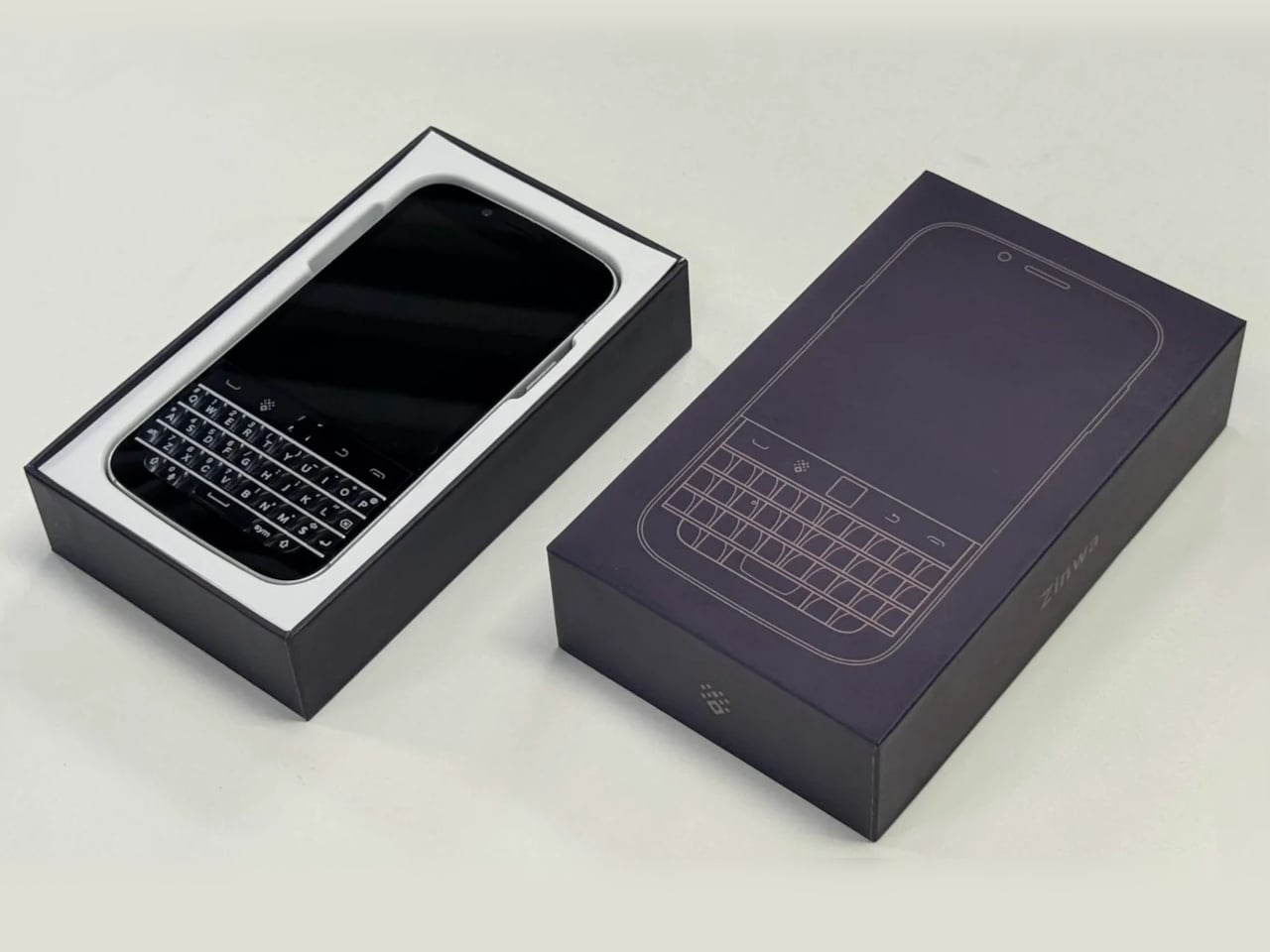
The iPhone Ultra Feels Like the Opposite of What People Want From Apple Right Now

Something interesting happened when Apple released its most affordable Mac in years. The shelves emptied. Without the circus of a world-changing keynote or the pressure of a decade-long category bet, the MacBook Neo sold out. The sheer stillness around its success might be the loudest signal Apple’s product calendar has sent in a long time.

It would be easy to read that moment as a simple story about pricing. Cheaper product sells more. That is commerce 101. But the broader economic and design conversation is more interesting than that. The MacBook Neo did not succeed because it is cheap. It succeeded because it makes the value of owning a well-designed Apple laptop feel instantly, almost effortlessly, accessible. There is no fine print. No compromised chassis, no confusing lineup position, no asterisk that makes you feel like you settled. It is a real Mac at a price that does not require justification.

Designer: Apple

Contrast that with what Apple is likely building toward with the iPhone Fold. Foldables have been circling the conversation for years now, and every major Android manufacturer has taken a swing. Samsung’s Galaxy Z series, Google’s Pixel Fold, Motorola’s Razr revival; the form factor has matured enough to feel like a real category rather than a prototype. But it still has not broken into genuine mass-market territory. The numbers tell one story. The design tells another.

Fold a phone in half and you are immediately negotiating with physics. The crease is probably still there. The inner display, no matter how refined, still communicates “work in progress” to anyone running a finger across it. The hinge, while increasingly sophisticated, adds thickness and fragility that a flat slab simply does not carry. App ecosystems are still catching up. Battery life is still a compromise. These are not dealbreakers for a certain kind of buyer, but that buyer is the enthusiast, and enthusiasts alone do not make a product category.

Apple has historically entered categories late precisely because it waits until it can remove these friction points. The original iPhone did not invent the smartphone; it redesigned the experience of using one until the tradeoffs felt invisible. The AirPods did not invent wireless earbuds; they made pairing feel so frictionless that every alternative started feeling clunky by comparison. When Apple gets it right, the design makes the decision feel obvious. That is the standard the iPhone Fold will be held to, and right now, no foldable on the market has cleared that bar convincingly.

The Vision Pro is worth bringing into this conversation, carefully. Its commercial struggles were not purely a pricing problem, though the $3,499 entry point did not help. The deeper issue was behavioral. Wearing a spatial computer on your face asks something significant of the user; it separates you from the room, demands a specific posture, and narrows use cases in ways that feel limiting for most daily routines. Vision Pro is genuinely brilliant in ways that are hard to overstate, but brilliant and necessary are not the same thing. Expensive things can succeed when they feel necessary. When they feel like a solution searching for a problem, even the most sophisticated engineering loses the argument.

The iPhone Fold risks landing closer to Vision Pro than to MacBook Neo on that spectrum. Not because it will be a bad product, but because the “why” is still fuzzy for most consumers. A larger screen that folds into your pocket is appealing in theory. In practice, it means paying significantly more for a phone that is heavier, thicker when closed, and still slightly compromised in display continuity. The design wins have to be overwhelming to justify that list of concessions.

There is also the iPhone E to consider. Apple’s lower-cost iPhone has not exactly set records, which is where the argument gets complicated. It would be tempting to say consumers want value across the board, but the E’s underwhelming reception is not evidence against affordability; it is evidence that value without design conviction falls flat. A product can be inexpensive and still feel like a consolation prize, and no one wants to buy the version of Apple that does not quite believe in itself.

What the MacBook Neo proved is that conviction and accessibility are not opposites. When Apple makes something genuinely well-designed and prices it without apology, the market responds with conviction of its own. The lesson for the iPhone Fold is not to be cheap. It is to be undeniable. The crease needs to go, or come as close to invisible as current materials science allows. The hinge needs to feel architectural rather than mechanical. The software experience on the unfolded display needs to justify the real estate in ways that go well beyond “bigger screen.” The weight needs to stop reading as a penalty for wanting something different.

Until the iPhone Fold can walk into a room and make every other smartphone feel like it is leaving something on the table, the MacBook Neo’s sellout status is less a green light and more a mirror. Consumers are not rejecting premium products. They are rejecting expensive compromises. That is a distinction Apple knows better than anyone, and it is the only standard that will matter when the Fold finally arrives.

The post The iPhone Ultra Feels Like the Opposite of What People Want From Apple Right Now first appeared on Yanko Design.
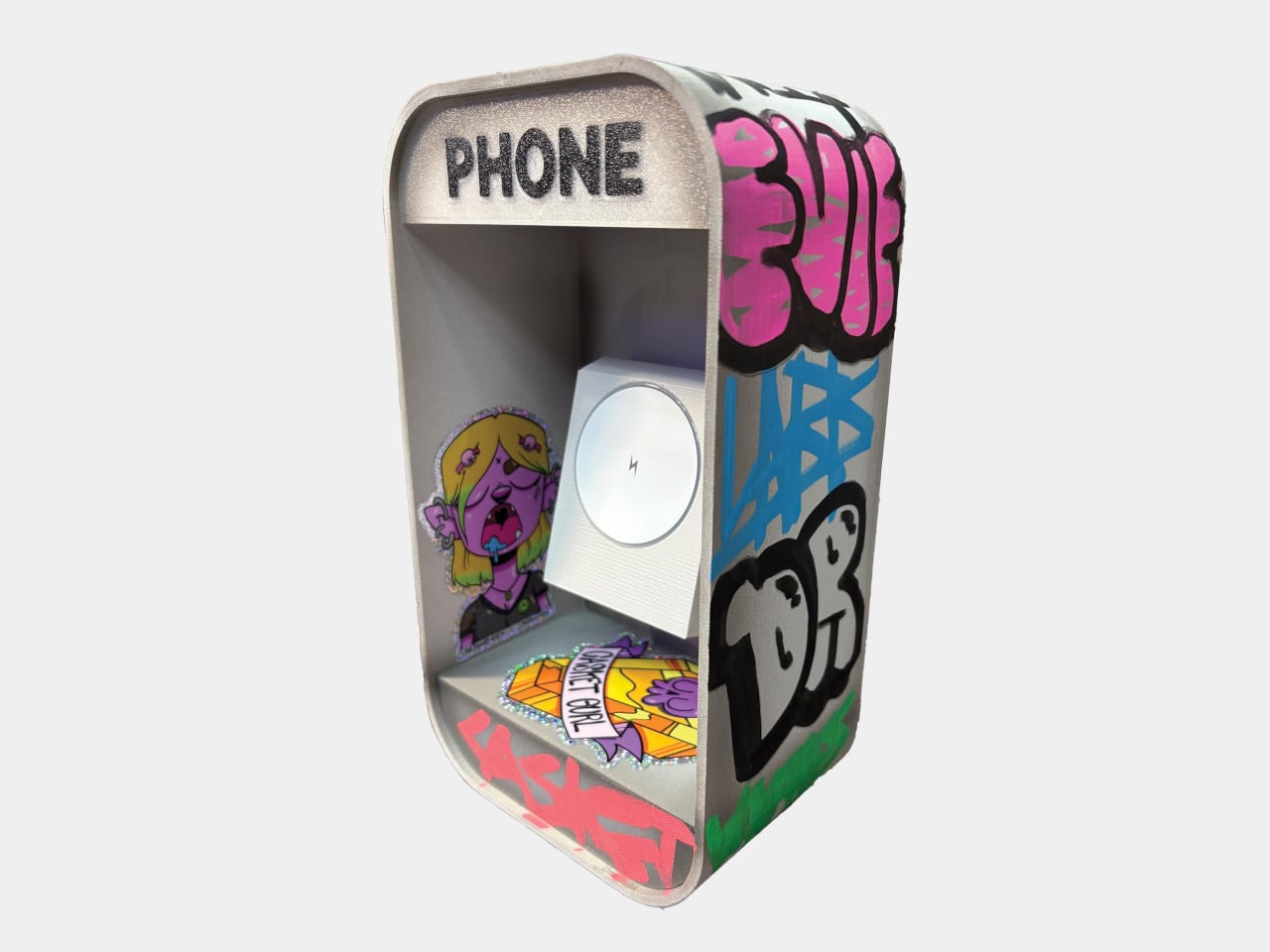
Nothing’s Dream Phone concept fixes everything fans dislike about modern smartphones

Let’s be honest, phones virtually look the same with no major design innovation, or for that matter, even hardware progression that would turn eyeballs. The improvements have plateaued and mostly arrive in small increments wrapped in loud marketing jargon to drive sales. So, do we actually own a phone with features that we genuinely desire? Not quite.

For that very reason, Nothing set out on a design experiment to craft a smartphone that reflects what fans actually want in their daily driver. This isn’t the first time the company has explored such an idea. Last year, it collaborated with MKBHD and JerryRigEverything on community-inspired Dream Phone concepts. This time, however, Nothing turned to its broader user base, gathering suggestions from enthusiasts and longtime smartphone fans to create what it calls the ultimate “Dream Phone.”

Designer: Nothing

Community feedback also brought back features that have largely disappeared from flagship devices. The concept includes a 3.5mm headphone jack and a dedicated microSD card slot, two additions frequently requested by users who value flexibility and long-term usability. While manufacturers have largely abandoned expandable storage and wired audio, Nothing’s exercise highlights that demand for these features still exists among enthusiasts.

One of the most interesting design choices is the elimination of both the display punch-hole and the protruding camera bump. To achieve an uninterrupted screen experience, the Dream Phone uses a pop-up selfie camera system that houses dual front-facing cameras. The rear camera arrangement sits flush with the body, creating a completely flat back that avoids the wobble commonly associated with modern smartphones. Beyond aesthetics, the design also touches on privacy, as the pop-up mechanism provides a visible indication when the front camera is active.

The project also explores the engineering compromises required to build such a device. According to Nothing, shrinking the phone while retaining fan-requested features significantly limits internal space. The company explained that maintaining a slim profile would force sacrifices in areas such as processing power, display quality, and biometric hardware. Instead, the concept adopts a slightly thicker chassis, allowing room for a 3,800mAh silicon-carbon battery and the additional hardware requested by the community.

Another unusual idea discussed during the concept’s development was reducing software restrictions. The Dream Phone imagines a device with minimal pre-installed software and maximum user control, reflecting ongoing conversations around bloatware and device customization.

As appealing as the concept may be, Nothing has made it clear that the Dream Phone is not headed for production. It remains a design exercise intended to visualize what a community-driven smartphone could look like when user wishes take priority over mainstream market trends. Still, the overwhelmingly positive reaction demonstrates that many consumers are eager for devices that prioritize practicality, individuality, and thoughtful design over spec-sheet competition. Whether or not this exact phone ever becomes reality, the Dream Phone serves as a reminder that some of the most desired smartphone features are not necessarily the newest ones; they are the ones people genuinely miss!

The post Nothing’s Dream Phone concept fixes everything fans dislike about modern smartphones first appeared on Yanko Design.
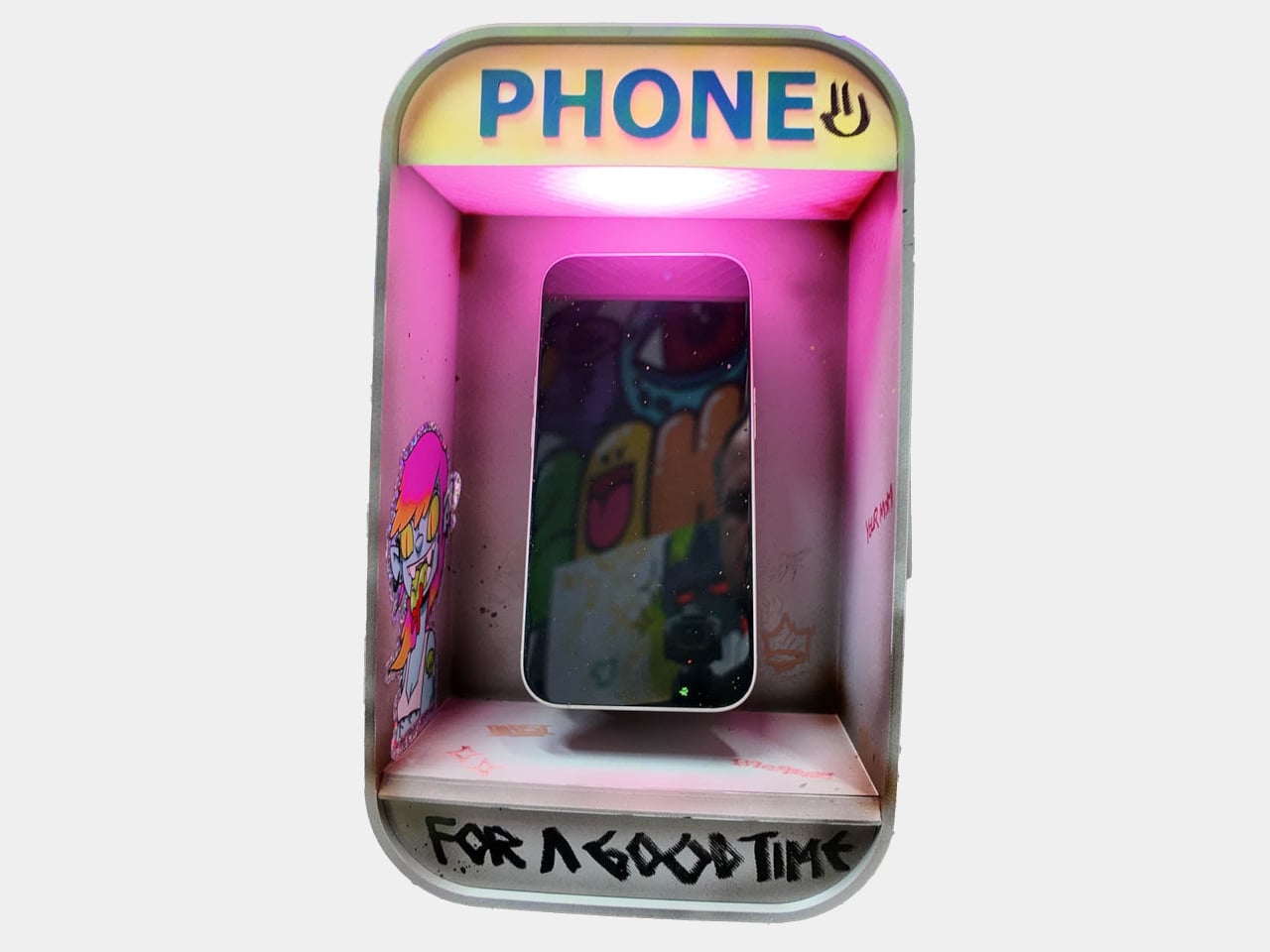
Nothing Is Making the “Mini” Phone That Apple Abandoned in 2021, and It Costs Less Than $320

Apple killed the iPhone Mini in 2021 and never apologized for it. The 13 Mini was the last of its kind, a genuinely pocketable smartphone with flagship intent, and when it quietly disappeared from the lineup, it took an entire product philosophy with it. Samsung followed by quietly retiring anything under 6.2 inches. Asus eventually walked away from the Zenfone altogether. The message from every corner of the industry was identical: small phones are a niche, niches don’t scale, and scale is the only thing that matters.

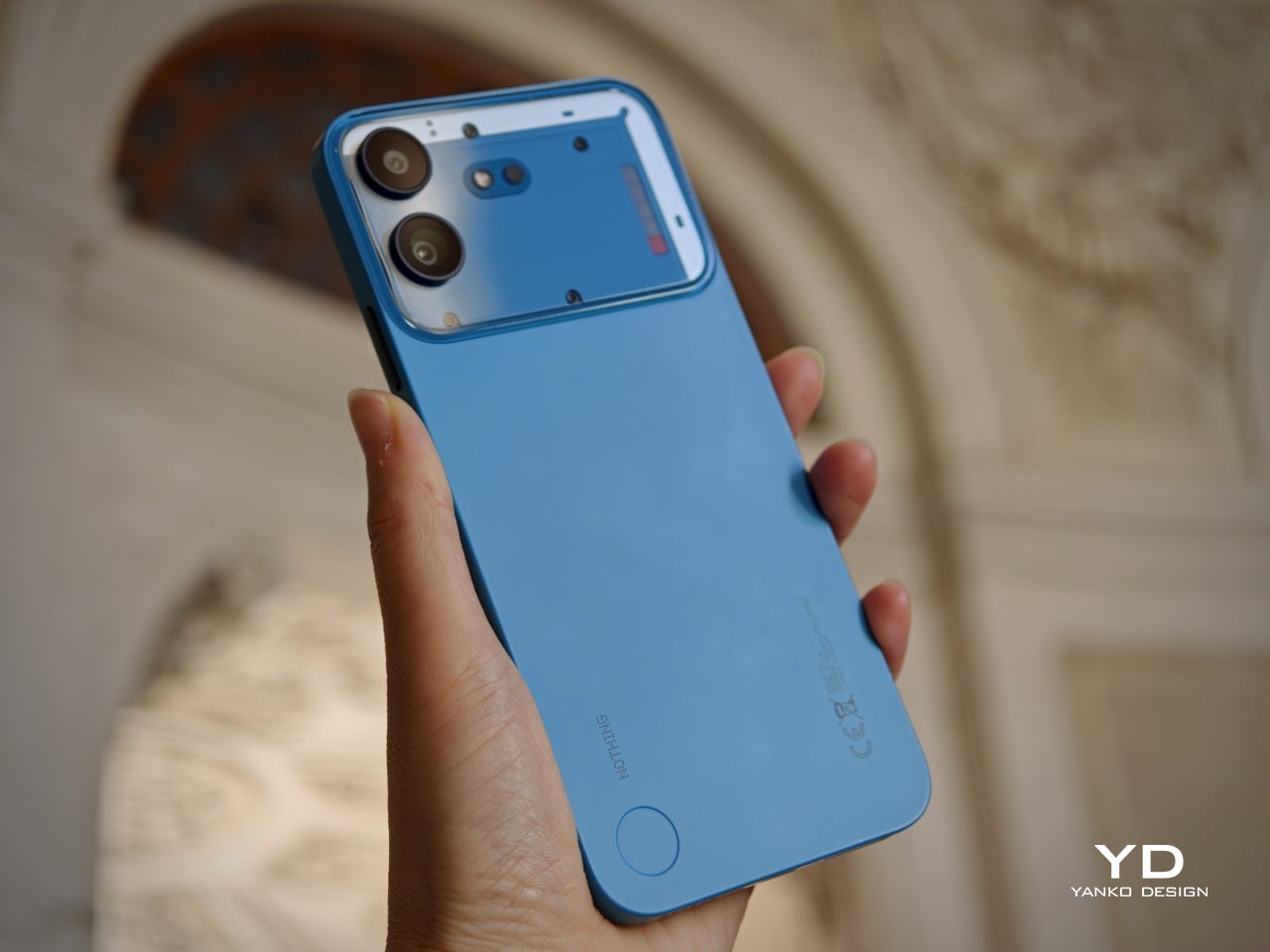
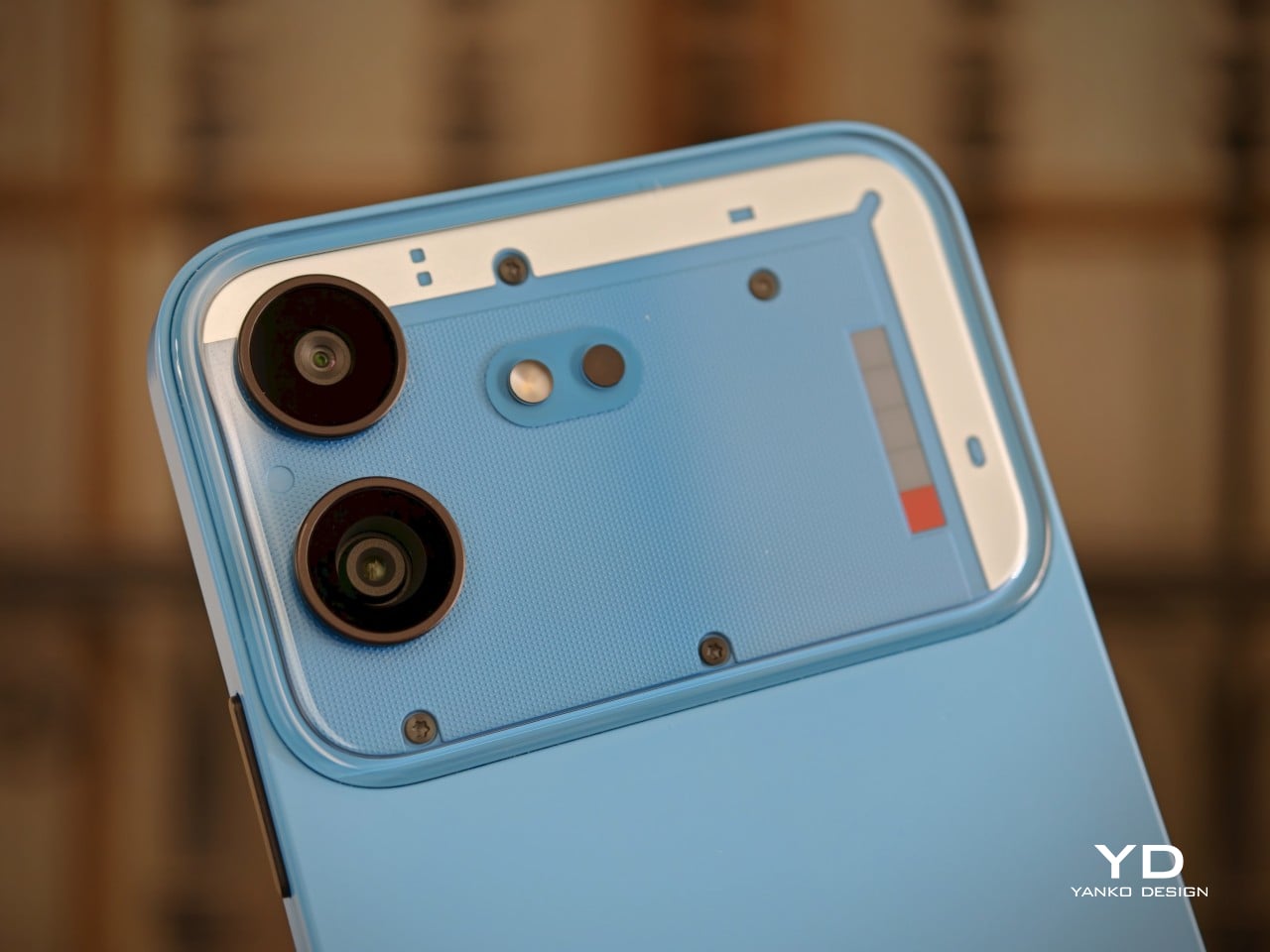
Five years later, a five-year-old British startup is doing what Apple, Samsung, Google, and every other major player refused to do. The Nothing’s Phone 4b (rumored for a July 7th launch) is allegedly 6.3 inches of transparent-backed, single-camera, software-supported compact smartphone, arriving in a market that had completely stopped believing one was coming.

Designer: Nothing

Image Credits: Techstream

I feel genuine frustration watching this industry gaslight itself. The compact phone didn’t die because people stopped wanting it. It died because building one well is genuinely hard, battery physics are brutal at small volumes, thermals get complicated, and every millimeter you shave off the chassis is a millimeter you’re fighting for. Apple tried, found the margin math uncomfortable, and left. Everyone else looked at Apple’s decision and treated it as consumer research. I think about this the same way I think about the restaurant that stops serving a dish because it’s difficult to prep, then tells you nobody was ordering it anyway.

The Phone 4b aims to sidestep this trap with a camera philosophy that evokes the abbreviation KISS – Keep It Simple, Stupid. Rather than padding the spec sheet with the obligatory 2MP depth sensor and the equally useless 8MP ultrawide that most phones in this price range treat as a box-ticking exercise, Nothing will put a single Sony LYT-710 sensor with optical image stabilization behind that transparent back panel. One camera. A real one. In a world where phone makers routinely ship three cameras to advertise three cameras, with only one of them actually worth using, that restraint reads almost like a provocation. The 50MP sensor landing here is the same family of Sony silicon that shows up in phones costing significantly more, and OIS at this price point is the kind of decision that makes photographers quietly nod.

Image Credits: Techstream

The 6.3-inch 1.5K AMOLED panel running at 120Hz sits inside a form factor that, five years after the Mini’s death, still feels quietly radical. Pair that with LPDDR5X RAM, a rumored 5,000mAh battery with 50W charging, and Nothing’s 4-plus-6 software support commitment, four years of OS updates and six years of security patches, and the 4b starts looking less like a budget phone and more like a considered one. Those are flagship-tier update terms. OnePlus took years to get there. Samsung only started matching that recently. Nothing is offering it on its most affordable device yet.

I keep coming back to what the original iPhone Mini crowd actually wanted. They weren’t asking for a compromised phone in a small box. They were asking for the full experience in a form factor that fit their life, their pocket, their one-handed commute. The 4b, launching July 7 at somewhere below Rs. 30,000 (roughly $316), is the closest answer the market has produced since Cupertino walked away from the question entirely. Nothing built the phone Apple left behind, and somehow, five years later, it arrived right on time.

The post Nothing Is Making the “Mini” Phone That Apple Abandoned in 2021, and It Costs Less Than $320 first appeared on Yanko Design.
Unihertz Titan 2 Elite Review: Finally a QWERTY Phone Done Right

PROS:


  • Excellent QWERTY keyboard

  • Thoughtful software features

  • Sharp 4.03-inch AMOLED display

CONS:


  • 33W charging feels a little slow

  • Cameras are unremarkable

  • Mono speaker lacks depth

RATINGS:

AESTHETICS
ERGONOMICS
PERFORMANCE
SUSTAINABILITY / REPAIRABILITY
VALUE FOR MONEY

EDITOR'S QUOTE:

The Titan 2 Elite is not a keyboard phone for the sake of nostalgia. It is a thoughtfully modern take on a niche form factor that still offers something genuinely different.

Retro tech is back in fashion, and few categories capture that shift quite like the return of the QWERTY keyboard phone. With the market dominated by edge-to-edge glass slabs that all seem to blur into one another, the appeal of something tactile, distinctive, and a little nostalgic feels stronger than ever. But Unihertz is not simply chasing that renewed interest. The company has spent years building unusual smartphones around overlooked form factors, and the Titan 2 Elite feels more like a continuation of that mission than a sudden throwback play.

Since launching in 2017, Unihertz has focused on unusual and highly niche smartphones, often revisiting ideas that larger brands left behind long ago. The first Titan arrived in 2019, establishing the company’s QWERTY keyboard line and laying the groundwork for a series of devices aimed at enthusiasts who wanted something outside the touchscreen mainstream. The Titan 2 Elite feels like the clearest expression of that identity so far, combining Unihertz’s keyboard phone formula with more modern features like a 4.03-inch 120Hz AMOLED display, 5G, NFC, eSIM support, and dual 50MP cameras.

Designer: Unihertz

Aesthetics

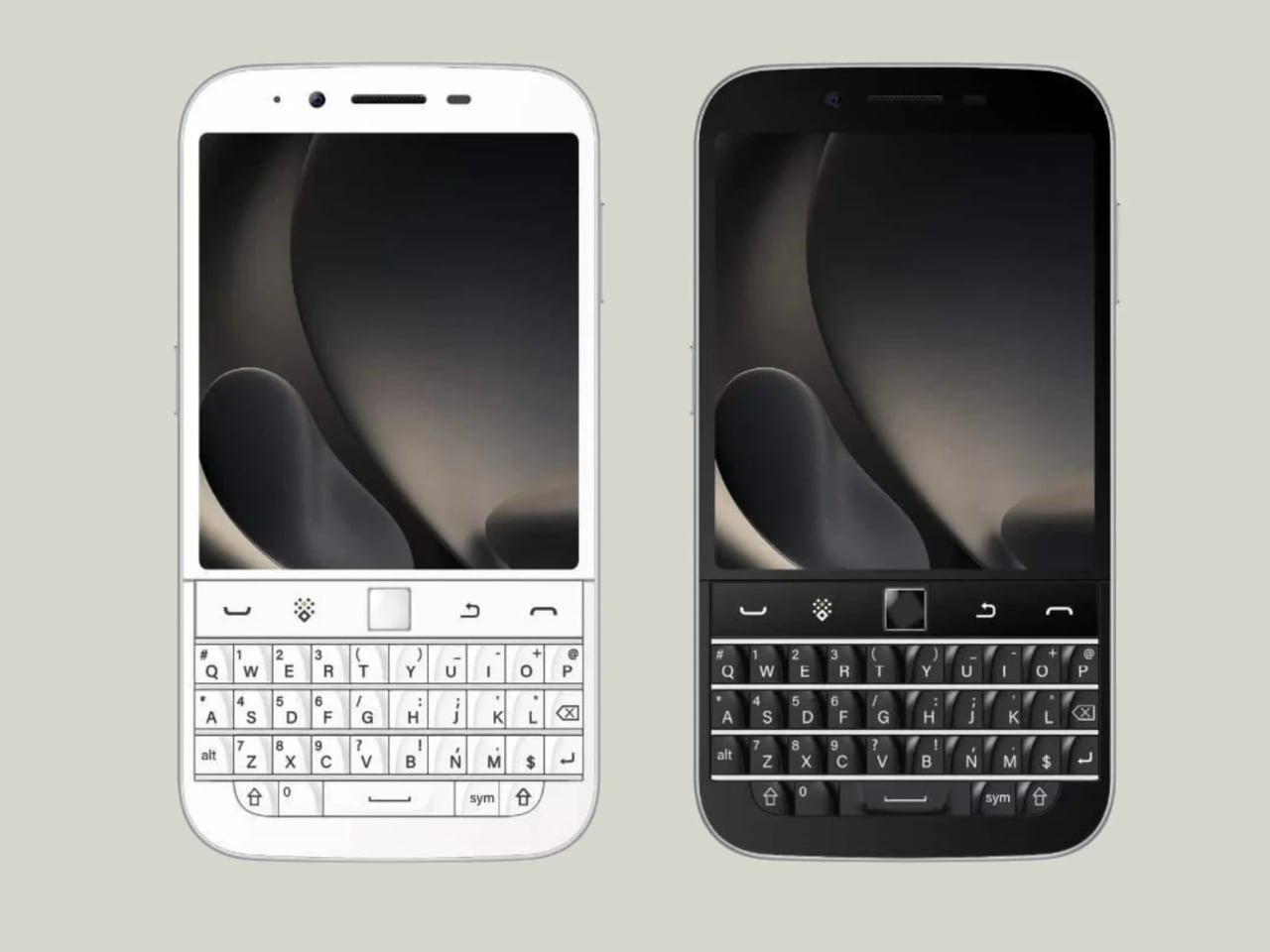
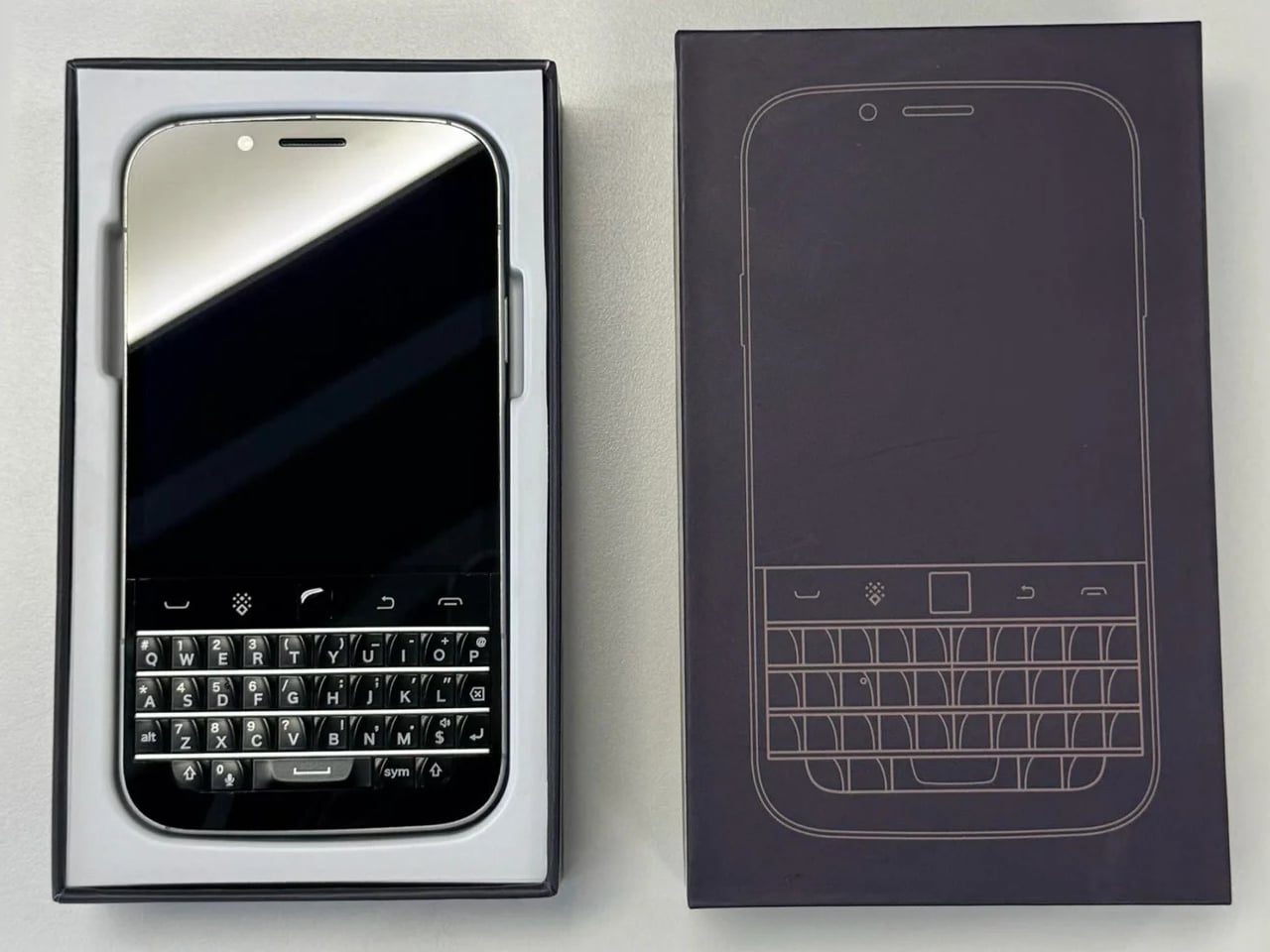
The Titan 2 Elite makes a much stronger first impression in photos than you might expect from a niche keyboard phone. In black, it looks clean, understated, and surprisingly modern, with the glossy display flowing neatly into the keyboard below. The shape still carries that familiar BlackBerry-inspired DNA, but it feels less boxy and less utilitarian than its predecessors. The front has a nice sense of balance, with the display and keyboard split in a way that looks intentional rather than cramped.

It also feels like every brand is suddenly on the orange phone wave, and Unihertz is clearly not sitting that one out. Still, I cannot really complain when the result looks this good. The orange finish gives the Titan 2 Elite a more playful, more attention-grabbing personality, and it suits the phone’s retro-leaning concept surprisingly well. Paired with the sculpted keyboard and rounded corners, it gives the device a bolder, more expressive look that stands out immediately. Where the black version feels sleek and safe, the orange one feels much more full of character.

From the front, the Titan 2 Elite feels cohesive in a way some keyboard phones do not. The keyboard looks properly built into the design rather than tacked on as an afterthought, which helps the whole phone feel more intentional and visually balanced. Flip it over, though, and some of that charm fades. The large rectangular camera bump sticks out quite a lot, especially on the orange model, and the back just does not feel as refined as the front. I do like how subtle the Unihertz logo is, but overall, the rear design feels more ordinary and less resolved.

Ergonomics

The whole experience of using the Titan 2 Elite comes down to the keyboard. If you have been away from physical keys for years, there is definitely a short adjustment period, but once your fingers settle in, the appeal becomes easy to understand. Typing feels more deliberate, more tactile, and more engaging than tapping away on glass, even if, for me, an on-screen keyboard is still the faster option. That is worth saying because speed is not really the point here. The appeal is the feel of it, and the way it changes your interaction with the phone.

The keys have a faceted, slightly angled shape that makes them surprisingly comfortable to type on. In fact, this is one of the most comfortable QWERTY keyboards I have tested on a phone. The layout feels well judged, and while it still takes some adjustment, it does not come across as cramped or awkward in the way some smaller keyboard phones can.

At 117.8 × 75 × 10.4 mm and 163g, the Titan 2 Elite is compact in height and width, but it is definitely a thick phone by modern standards. You feel that extra depth the moment you pick it up, especially compared with today’s thin slab phones. Still, the weight is fairly modest, so it does not come across as heavy or cumbersome. If anything, the thicker body makes sense for this kind of device, giving the keyboard and overall shape a bit more substance in the hand.

The rest of the button layout is pretty straightforward, but there are a few details worth noting. On the right side, you get the power button, which also doubles as a fingerprint scanner, along with Unihertz’s signature red programmable button. On the left, there is the volume rocker and the SIM tray, which supports either two SIM cards or one SIM card and one microSD card. It is a practical setup, and the red shortcut key in particular adds a bit of extra personality while giving power users one more tool to customize the phone around their habits.

Performance

The Titan 2 Elite is not the kind of phone you buy for raw speed, and I think that is important to establish early. If your priority is benchmark numbers, heavy gaming, or the kind of power you would expect from a mainstream flagship, this is probably not where your money should go. The appeal here is much more about the overall experience than outright performance, which feels perfectly in line with what this phone is trying to be.

It is powered by the Dimensity 7400, paired with 12GB of LPDDR5 RAM and 256GB of storage. In everyday use, that is more than enough for the kind of tasks this phone is clearly built around. Messaging, email, web browsing, note-taking, and general app navigation all feel smooth and reliable, and at no point did the phone feel like it was struggling to keep up.

That same sense of practicality carries over to the software. The review unit runs Titan 2 Elite_V02 based on Android 16, and thankfully, there is no bloatware to get in the way. A lot of the customization revolves around the keyboard and extra controls, which makes sense for a phone like this.

You can assign both short-press and long-press actions to keys, and there are also options to use the keyboard surface for scrolling, cursor control, or a combined touchpad and cursor mode. Better still, these can be set on an app-by-app basis, which gives the phone a level of flexibility that feels genuinely useful rather than gimmicky. The keyboard is also backlit, and the brightness can be adjusted, which is a small but genuinely helpful detail in lower light.

The 4.03-inch display also deserves some credit. On paper, it sounds small, and it is, but it is a surprisingly good panel with a 1080 x 1200 resolution, 120Hz refresh rate, 401 PPI, up to 1600 nits peak brightness, and 2160Hz PWM dimming. It looks sharp, bright, and much more modern than the phone’s form factor might suggest.

Where the screen becomes more complicated is in day-to-day use. The issue is not the quality of the panel itself, but the amount of space you have to work with. Some apps feel poorly formatted, and there are times when you simply want to see more vertical content at once. Unihertz tries to solve that with a Mini mode that switches the interface to a more traditional vertical aspect ratio, and it does help. I ended up setting a shortcut for it, and being able to switch quickly turned out to be genuinely useful.

Main, 1x

It also changed the way I used the phone. I spent less time mindlessly scrolling, and that is not because the phone is uncomfortable to hold or awkward to use. If anything, it is the opposite. The Titan 2 Elite just makes you a bit more intentional.

Telephoto, 2x

That more focused experience also shapes the rest of the phone. Audio, for example, is fine but unremarkable. The mono speaker gets loud enough for casual video watching or speakerphone use, but it lacks the fullness you would want for music or anything more immersive. It does the job, but not much more.

Main, 1x

Telephoto, 2x

The same goes for the camera setup. It is fairly limited, but that probably will not be a dealbreaker for the kind of person who would enjoy this phone in the first place. You get a 50MP main camera, a 50MP 2x telephoto camera, and a 32MP front camera. Image quality is good enough for quick shots and everyday moments, but it is not a camera system that stands out. Colors tend to look vivid and slightly overexposed, though still perfectly usable for casual snapshots.

Main, 1x

Telephoto, 2x

Battery life is better than the 4050mAh capacity might suggest. On paper, that number does not sound especially large, but because I spent less time idly using the phone, it still got me through a full day without much trouble. Charging is less impressive. At 33W, it feels a bit slow by today’s standards, especially when plenty of phones in this price range now refill much faster.

Sustainability

Sustainability is not a major part of the Titan 2 Elite’s pitch, but there are still a few positives worth mentioning. Unihertz says the phone uses an aerospace-grade aluminum mid-frame, offers IP54 protection, and promises five years of OS updates and security patches.

That is not the same as a full sustainability strategy, especially since there is no clear emphasis on recycled materials or repairability. Still, durability and longer software support do matter. If the Titan 2 Elite holds up well over time and stays secure for years, that gives owners more reason to keep it longer instead of replacing it early.

Value

At $489, the Titan 2 Elite is not cheap, but it also feels more thoughtfully made than a novelty device cashing in on nostalgia. Beyond the physical keyboard itself, you can tell Unihertz has put real thought into the overall experience, from the programmable keys and backlit keyboard to the display quality and software features built around this unusual form factor.

That is really where the value starts to make sense. You are not just paying for a keyboard stuck onto an Android phone. You are paying for a device that feels purpose-built for a certain kind of user, and one that tries to make that experience work in a modern way. It still will not be for everyone, but for people who genuinely want a keyboard phone and appreciate the care that has gone into making it usable day to day, the $489 price feels much easier to justify.

Verdict

The Unihertz Titan 2 Elite works because it does not try to compete like a normal smartphone. Instead, it fully embraces its niche, offering a physical keyboard experience that feels polished, distinctive, and genuinely enjoyable to use. Backed by a sharp display, thoughtful software features, and reliable everyday performance, it feels much more considered than a simple nostalgia play.

The trade-offs are still there. The cameras are only decent, the speaker is forgettable, and the small display can feel restrictive in some apps. Still, if you miss physical keys or just want a phone that feels more intentional and different from the crowd, the Titan 2 Elite makes a strong case for itself. It will not be for everyone, but for the right user, it is one of the most appealing niche phones you can buy.

The post Unihertz Titan 2 Elite Review: Finally a QWERTY Phone Done Right first appeared on Yanko Design.
Epilogue Just Turned the 1998 Game Boy Camera Into a Free Phone App

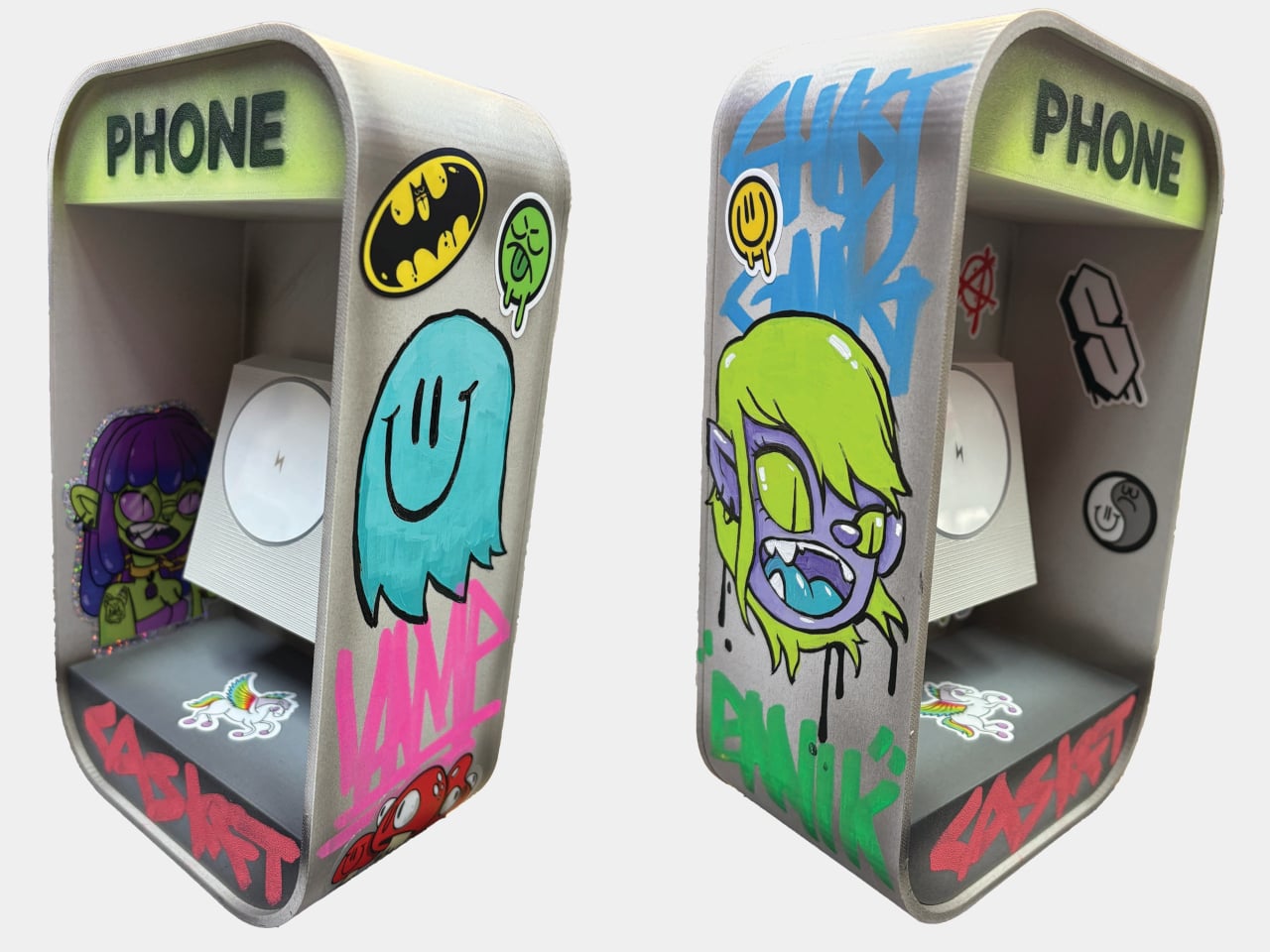
Lo-fi photography has quietly staged a comeback over the past several years. Grainy film shots and pixel-heavy images have become a sought-after look among photographers and casual snappers alike, partly as a reaction to the almost clinical sharpness of modern smartphone cameras. The Game Boy Camera, Nintendo’s cartridge-based accessory from 1998, sits at the center of this revival, beloved for its impossibly low resolution and four-shade grayscale.

Getting that Game Boy Camera experience has typically meant tracking down the original hardware through secondhand markets, often at a premium, with no guarantee the cartridge still works. Epilogue’s Flashback app changes that. It bridges the gap between a Nintendo accessory from the late ’90s and your current smartphone, letting you capture images in that pixelated, lo-fi style with or without the original cartridge, and it doesn’t cost a thing.

Designer: Epilogue

If you do have the original Game Boy Camera tucked away, Flashback has a Hardware Mode that pairs with Epilogue’s GB Operator, a $90 cartridge reader that connects to your phone via USB-C. Slot in the cartridge, plug it into your phone, and the app detects the camera automatically. No pairing is needed, and nothing is emulated: you’re shooting straight through the original Mitsubishi M64282FP sensor.

Not everyone held onto their Game Boy Camera from the ’90s, and Flashback accounts for that. Its Software Mode skips the hardware altogether, using your phone’s own camera and faithfully recreating the Game Boy Camera’s image processing pipeline. You get the same 128×112 pixel grid, the same dithering, and the same four-shade rendering, applied to whatever your lens captures. It’s a faithful recreation, not a generic retro filter.

You’re not limited to gray, either. Flashback comes loaded with 32 color palettes, ranging from the original grayscale to classic Game Boy green, plus creative options like Ice Cream, Tidewater, Spacehaze, and Velvet Cherry. In Software Mode, there’s also a Color Mode that dynamically builds a palette from whatever hues are actually in front of your lens, making the filter feel responsive rather than fixed.

For those who want to go further, Flashback opens up manual controls for shutter speed, gain, exposure, sharpness, dither, and grain. These aren’t decorative sliders. They map to the actual registers of the M64282FP sensor itself. Every shot you take gets stamped with its exact settings, so if you land on a combination you like, you’ve already saved the recipe for getting back to it.

Flashback isn’t limited to photos. It records video too, with audio captured through your phone’s microphone, giving the lo-fi aesthetic a moving dimension. Everything goes straight to your Camera Roll when you’re done. The app is free on the App Store and Google Play, available on iOS 17.2 and above, or Android 8.0 and above, and it also runs natively on Mac.

For anyone who grew up with a Game Boy, getting back to that same exact photographic experience today costs only a free app download and, if you still have the cartridge, a USB-C cable. It’s a combination that makes a sensor originally from 1998 feel unexpectedly relevant, and its lo-fi images strangely compelling for something that barely clocks 14 kilopixels.

The post Epilogue Just Turned the 1998 Game Boy Camera Into a Free Phone App first appeared on Yanko Design.
Motorola Edge (2026) Review: Beautiful, Brilliant, and an Acquired Taste

PROS:


  • Excellent compact form factor

  • Stylish and calm design

  • Sharp, vibrant 120Hz display

CONS:


  • 128Gb storage feels limiting

  • Software support is shorter than many rivals

RATINGS:

AESTHETICS
ERGONOMICS
PERFORMANCE
SUSTAINABILITY / REPAIRABILITY
VALUE FOR MONEY

EDITOR'S QUOTE:

The Motorola Edge 2026's compact size, clean software, and thoughtful design give it a charm that many rivals simply do not have, though it might not be the right fit for everyone.

Motorola’s comeback story is about more than nostalgia. The brand may still benefit from a familiar name and a long history in mobile, but its recent momentum has not come from recognition alone. Rather than simply trading on memory, Motorola has been building devices that feel stylish, approachable, and increasingly self-assured in a market that rarely makes room for second chances.

The Edge 2026 reflects that progress, even if it does not fully embody it. This is a phone with a clear sense of what it wants to prioritize, namely comfort, portability, and day-to-day ease, but it enters a crowded midrange field where those strengths have to work harder to justify the price. That makes the Edge 2026 easy to appreciate in some ways, but harder to justify in others. The real question is whether Motorola’s priorities here line up with what buyers at this price actually want.

Designer: Motorola

Aesthetics

There is something very Motorola about the way this device presents itself. The brand has become increasingly confident with phones that blend fashion-minded styling and mainstream usability, and the Edge 2026 continues that direction with ease. It looks premium without trying too hard, which is often one of the most difficult tricks to pull off in this category.

That confidence comes through clearly in the details. The back panel uses a twill-inspired finish in Pantone Martini Olive, and it gives the phone a softer, more composed visual character than the usual glossy midrange formula. Paired with the brushed gold camera bump, the centered Motorola logo, and the brushed finish frame, the whole design has a calm, almost zen-like quality. It feels restrained, but not plain, and that balance works in its favor.

It also looks strikingly close to Motorola’s flagship Signature, which is not currently available in the U.S. That resemblance gives the Edge 2026 a more elevated presence than its price might suggest, even if it also makes the phone feel a touch less distinctive on its own terms. Unlike the Signature, which comes in both Pantone Carbon and Pantone Martini Olive, the Edge 2026 is limited to just this one color option, though some buyers may wish Motorola had offered a bit more variety.

Ergonomics

This is one of the most defining parts of the Edge 2026 experience. Motorola shrank the Edge from 6.7 inches to 6.3 inches, and that change has a bigger impact than it might seem on paper. With its more compact body, the phone feels noticeably easier to manage than many of the larger devices around it in this price range. The difference may sound small in theory, but in daily use, it changes a lot.

The Edge 2026 is genuinely pleasant to hold. It is easier to grip, easier to reach across, and easier to use one-handed without constantly adjusting your hold. In fact, it is one of the most pleasant phones I have tested in a very long time. The finish also helps in everyday use, because it does a good job resisting fingerprint smudges and light scratches, which makes the phone easier to keep looking clean over time.

Personally, I do not mind a bulkier phone if that extra size delivers the best possible experience. I know not everyone feels the same way, though, and that is exactly why a phone like the Edge 2026 makes sense. What we want from smartphones is different, and for people who care more about getting the basics right in a device that feels super portable and genuinely comfortable in the hand, this one feels very well judged.

The one clear ergonomic drawback is the fingerprint scanner placement. It sits a little too close to the bottom edge, which can make it feel slightly awkward to reach at first. It is not a major flaw, and it becomes easier to adapt to over time, but it does stand out on a phone that otherwise feels so carefully shaped.

Performance

On paper, the Motorola Edge 2026 does not sound especially aggressive for the money. It runs on the MediaTek Dimensity 7450 chipset with 8GB of RAM and 128GB of storage in the U.S. model. While the chip is a modest upgrade over the previous generation, the drop from 256GB to 128GB feels less welcome.

In daily use, performance is solid without being especially impressive. Apps open quickly enough, scrolling feels smooth, and everyday tasks rarely cause much friction. For lighter users, 128GB should still be manageable, but anyone who takes lots of photos and videos, plays large games, or downloads media may run into storage limits sooner than expected.
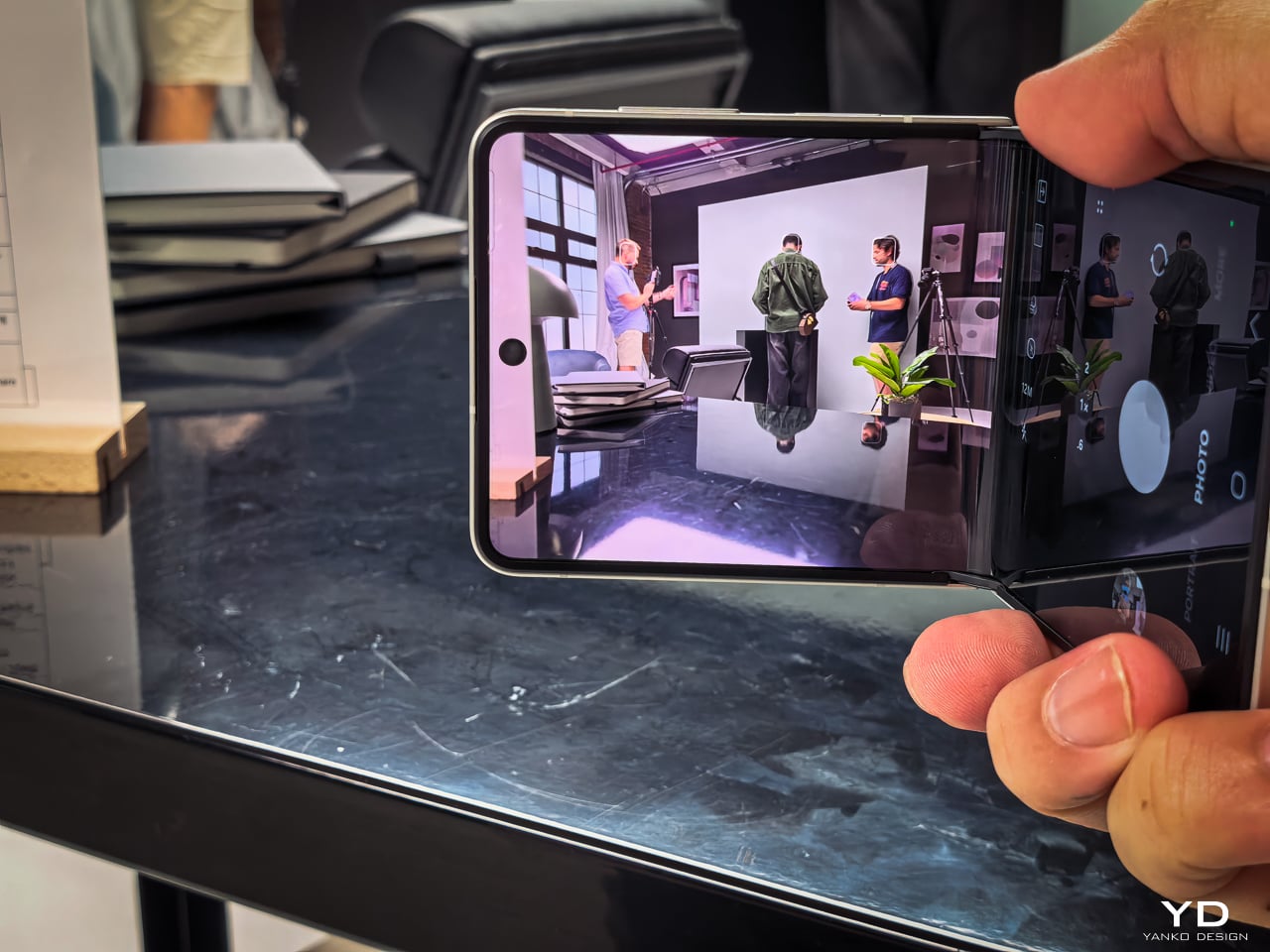
Motorola’s software remains one of the phone’s more appealing strengths. The interface feels clean, light, and relatively uncluttered, and it was refreshing to use a phone that does not come buried under bloatware. I also liked Motorola’s added gestures and shortcuts, especially the double chop to turn the torch on and off, the double twist to quickly open the camera, and the option to flip the phone over to enable Do Not Disturb.

The company’s added features feel more useful than intrusive, which makes the software easy to settle into from the start. That said, I do wish Motorola included its own gallery app with built-in editing tools instead of relying entirely on Google Photos. Google Photos works well enough, but it does not feel as tailored or as seamless as a dedicated first-party gallery experience.

The 6.3-inch display is a big part of what makes the Edge 2026 feel great to use. With a resolution of 1216 x 2640 and a 120Hz refresh rate, the panel looks sharp, vibrant, and smooth, while the smaller size helps the phone feel more manageable without making the screen feel cramped. It also supports 1 billion colors and HDR10+, which gives content a richer and more lively look.

Colors have plenty of punch, and the display is enjoyable for everything from reading to streaming video. Audio is surprisingly rich and loud for such a compact phone, which adds to the overall media experience. Together, the screen and speakers make the Edge 2026 feel more immersive than its size might suggest.

Main Camera, 1x

The camera setup seems largely unchanged from its predecessor. The main camera uses a 50MP 1/1.56 inch Sony LYT 710 sensor with an f/1.8 aperture and OIS, while the 10MP telephoto camera offers 3x optical zoom with an f/2.0 aperture and OIS. The LYT 710 should bring modest improvements in light sensitivity and noise reduction over the sensor used in the previous model.

Main Camera, 1x

Main Camera, 2x

Main Camera, 3x

There is also a 50MP ultra-wide camera with a 122-degree field of view and an f/2.0 aperture, and it doubles as the macro camera. On the front, Motorola includes a 50MP selfie camera with an f/1.95 aperture. All cameras can record video at up to 4K at 30fps.

Ultra-wide

It is a well-rounded setup overall, and I was pleasantly surprised by it. It is not on the same level as a true flagship camera system, of course, but I found the color tuning more pleasing in some situations. The main camera handles dynamic range well enough to feel reliable for everyday use.

Main Camera, Portrait Mode (24mm)

Main Camera, Portrait Mode (35mm)

Telephoto Camera, Portrait Mode

The telephoto camera adds some welcome flexibility, even if its limitations become more obvious once you push beyond 3x. The phone automatically switches between the main and telephoto lenses depending on the scene, and while the telephoto camera is not especially detailed, it tends to get exposure right even in difficult lighting. Low light performance is solid too, though the shutter speed can be frustratingly slow even outside of Night mode, which makes it easier to end up with blur if your subject moves or your hand is not perfectly steady.

Telephoto Camera, 3x

Telephoto Camera, 3x

Main Camera, 6x

The battery has been reduced from 5200mAh on the previous model to 5000mAh, which is not especially exciting on paper. Even so, the phone remains efficient enough to last a full day comfortably, and light users may even be able to stretch it into a second day. That fits well with the Edge 2026’s broader focus on comfort and everyday ease.

Charging is solid, too. The 68W wired charging is quick enough to feel genuinely convenient, and 15W wireless charging adds a welcome bit of flexibility. Neither feature is especially headline-grabbing, but together they make the phone easy to live with.

Sustainability

The Motorola Edge 2026 makes a solid case for itself on durability. It is rated IP68 and IP69, uses Corning Gorilla Glass 7i, and also meets MIL-STD-810H standards. Motorola says it is designed to survive drops from up to 1.22 meters and handle extreme temperatures and high humidity.

That toughness helps its long-term appeal. The software support, however, is less impressive. Motorola promises two major OS upgrades and three years of security updates, which falls short of what many rivals now offer at this price.

Value

At $599.99, the Motorola Edge 2026 sits in a competitive part of the market, but its value becomes easier to understand once you look beyond the spec sheet. This feels like a phone aimed more at lighter users, especially with 128GB of storage, and its compact form factor is a big part of the appeal. The size, comfort, and ease of use give it an everyday charm that many rivals simply do not have.

That said, value is also shaped by how long a phone is likely to feel current. Motorola only promises two major OS upgrades and three years of security updates, which is not especially generous at this price. If you tend to keep your phone for many years, that shorter support window may matter more, even if the hardware itself feels pleasant and durable enough to last.

Verdict

The Motorola Edge 2026 knows exactly what it wants to be. It prioritizes comfort, portability, and everyday ease, and that gives it a clearer identity than many midrange phones. Its compact form factor is easily one of its best qualities, and for people who want a phone that simply feels great in the hand, it is a strong contender.

That said, it is not without compromise. The 128GB storage feels limiting, the software support is shorter than some rivals, and the performance is solid rather than standout. Still, for the right user, especially someone who values portability and comfort above all else, the Edge 2026 remains an appealing option.

The post Motorola Edge (2026) Review: Beautiful, Brilliant, and an Acquired Taste first appeared on Yanko Design.