Pocket-sized 2TB SSD offers new age EDC-style data storage for creative professionals and vloggers

Current-day gadgets bring limitless possibilities for creatives and professionals, be a photographer, videographer or audio engineer. The only thing that can be a hurdle is the amount of storage you have at hand. Portable hard drives are a good solution but there’s always scope for better. The size of HHDs and SSDs has reduced significantly in the last few years and this cool EDC for your data storage requirements is a game changer.

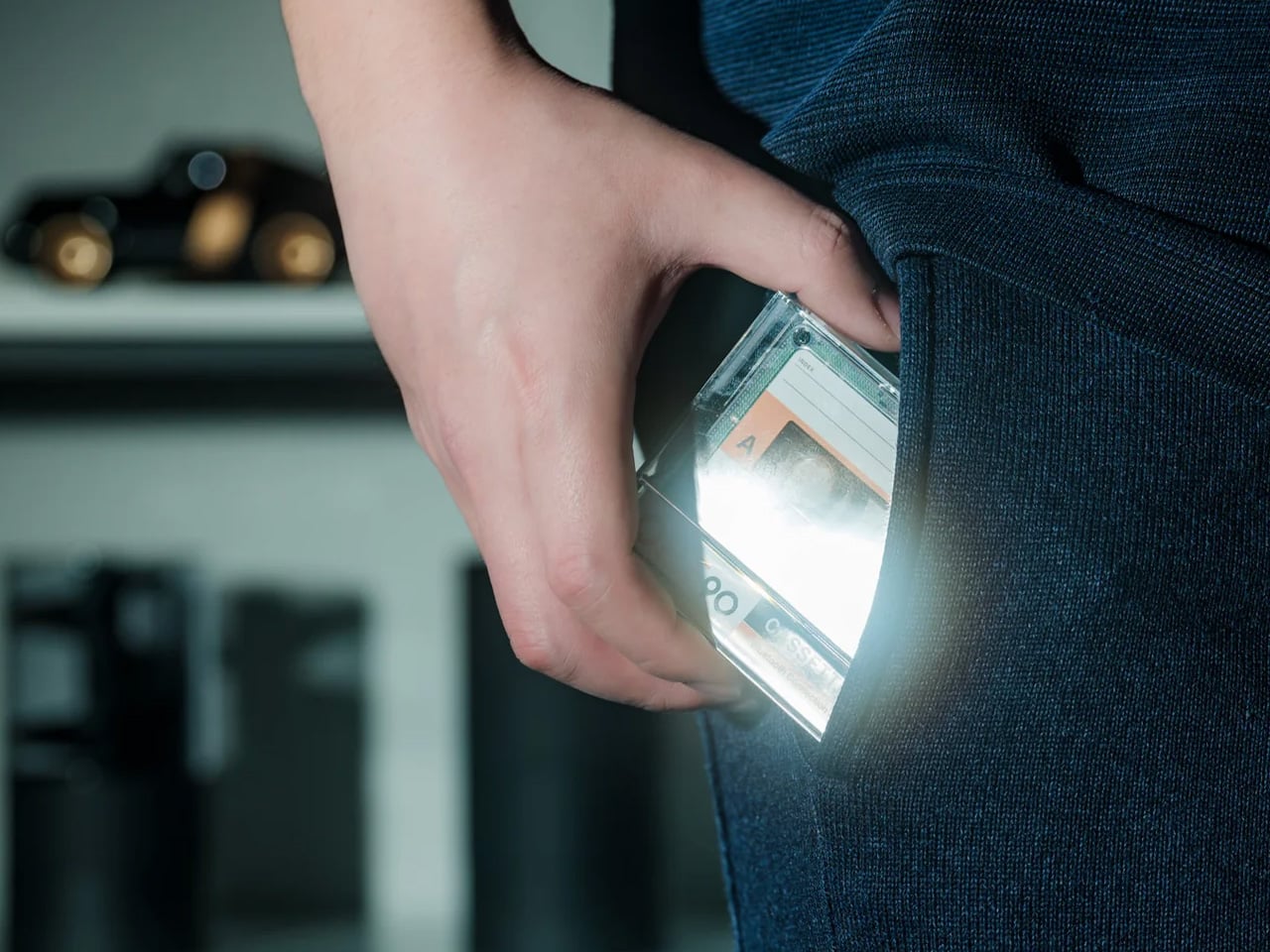
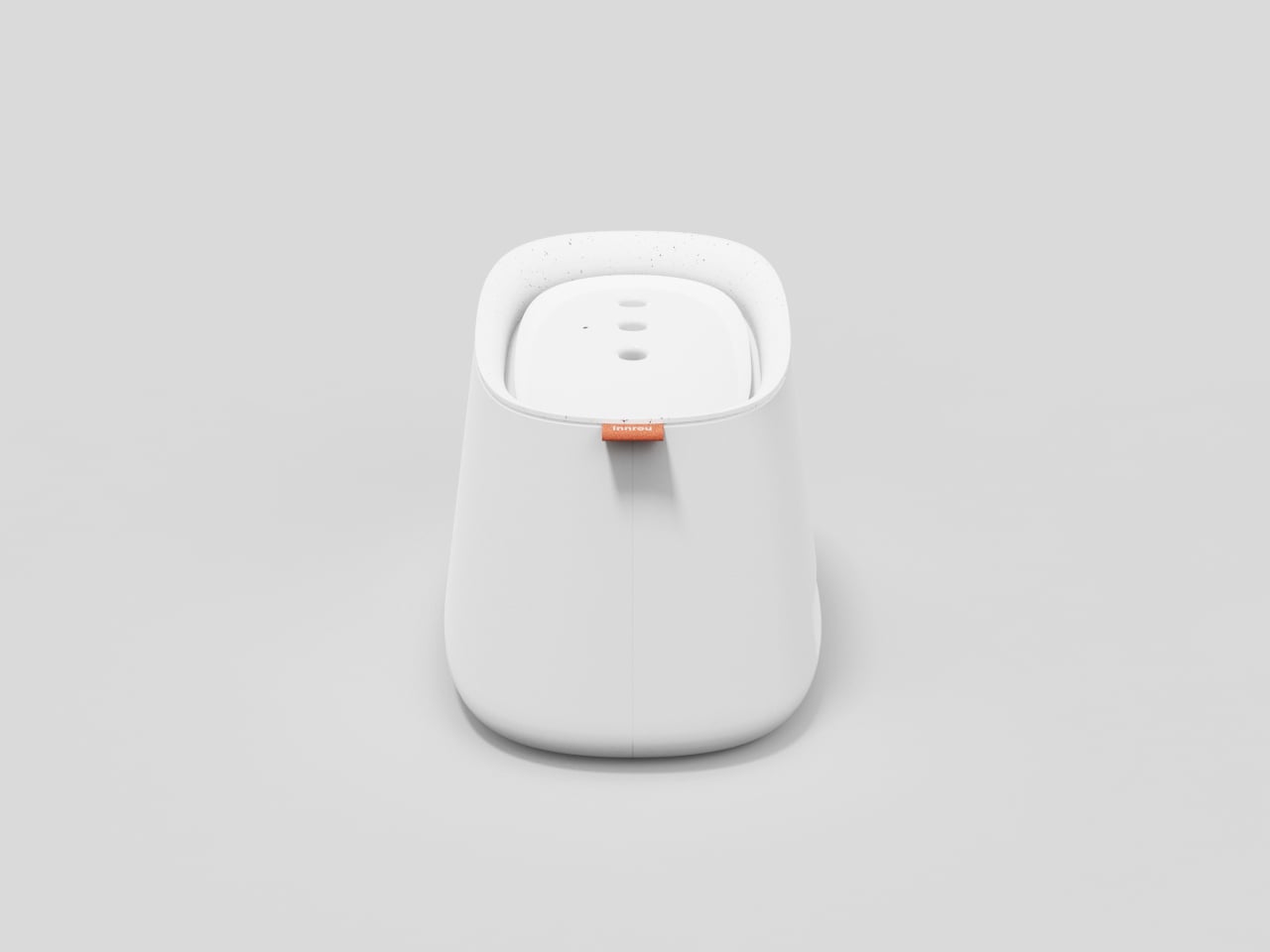
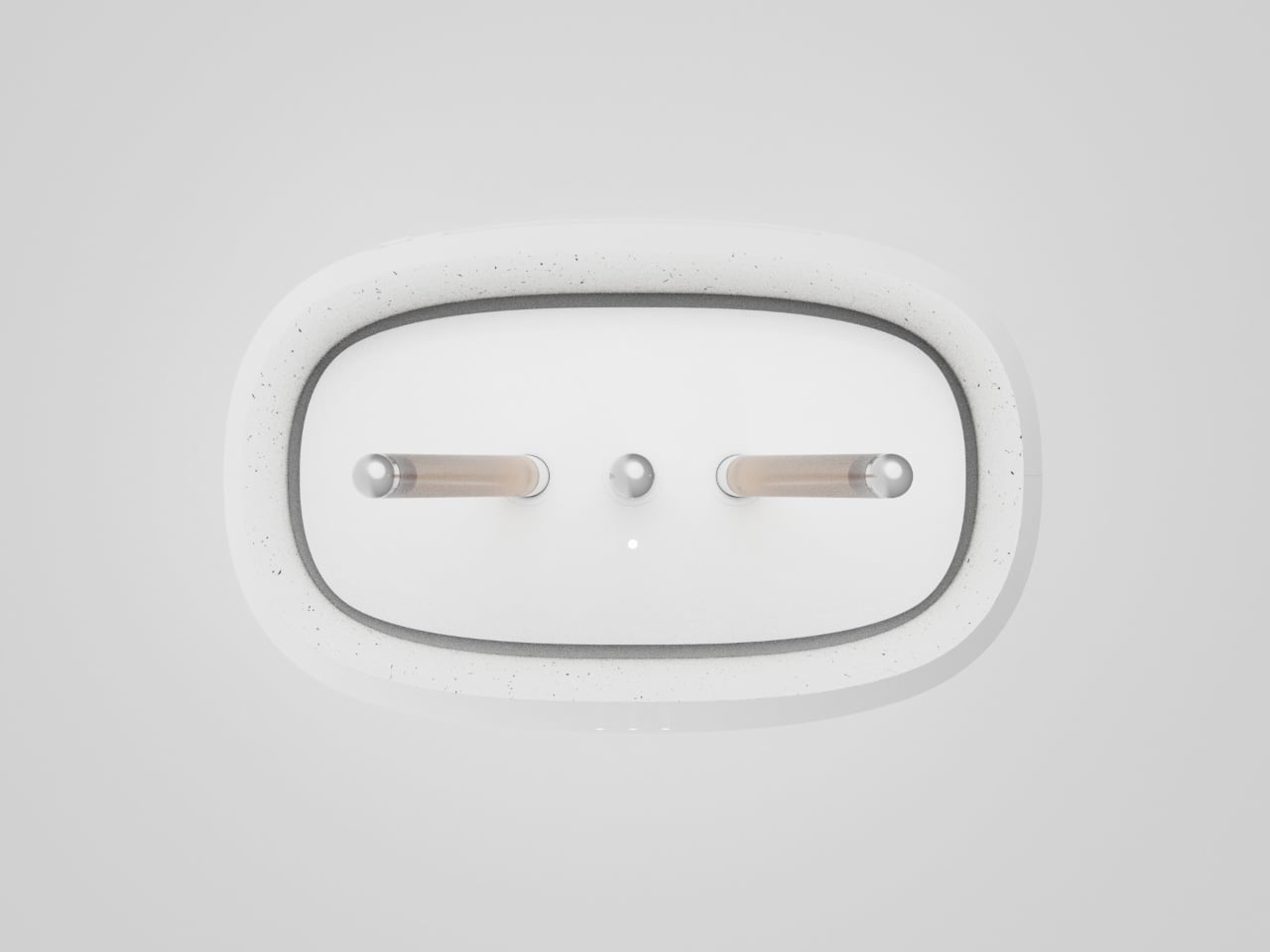
Meet Speekeys, a portable SSD enclosure that measures half that of a credit card and has a thickness comparable to a GoPro. The lightweight gadget weighing just 48 grams challenges the status quo of a standard EDC that can be carried in a pocket. Yes, this high-speed data hub keeps your data safe on the go and can be stuffed in your pocket or simply hooked to a backpack with a standard lanyard. The drop-proof hub has a water-resistance rating of IP54, making it ideal for content creators who travel a lot.

Designer: Webble

Click Here to Buy Now: $29 $58 (50% off). Hurry, only 76/600 left! Raised over $87,000.

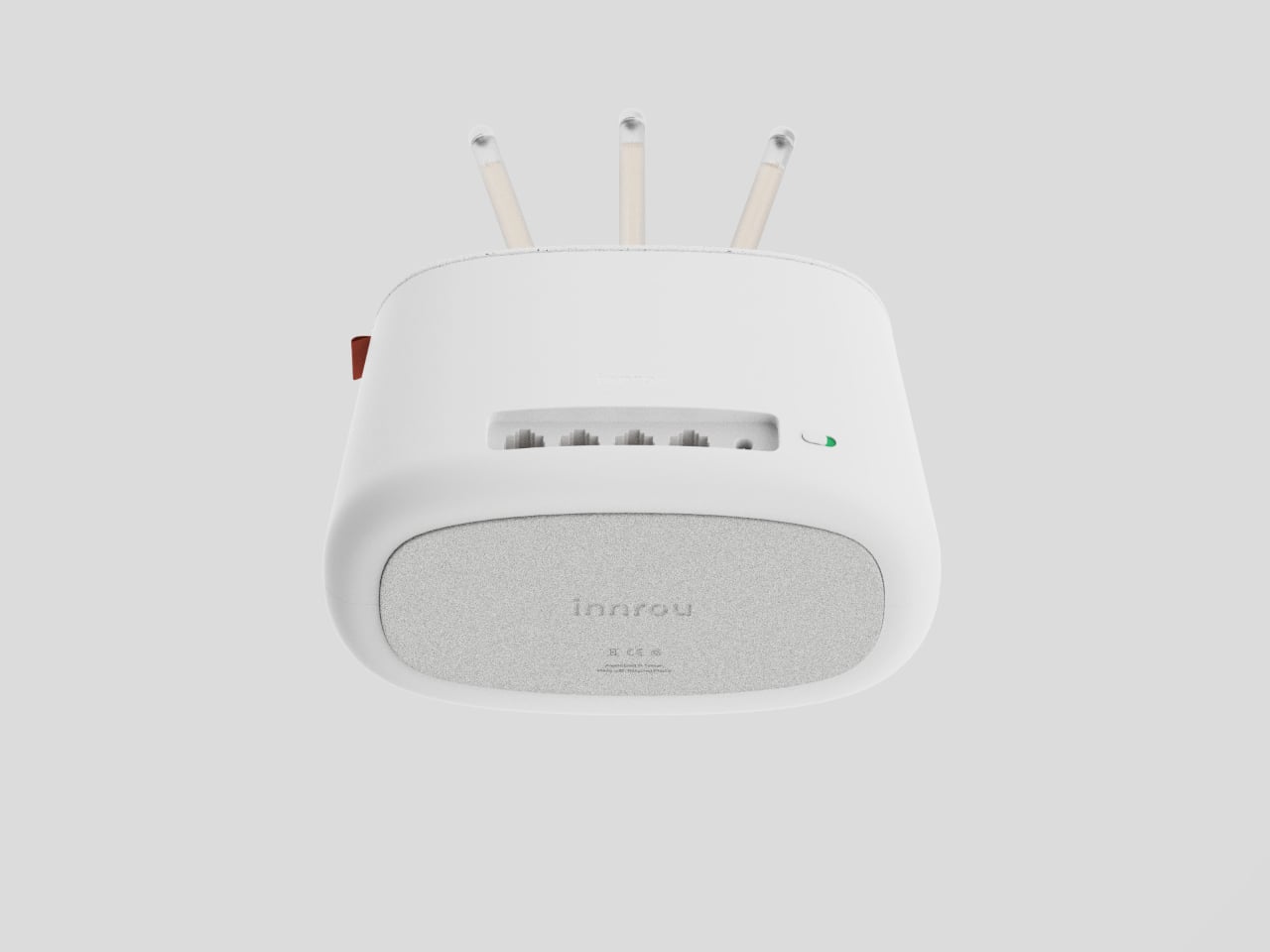
The M.2 NVMe SSD enclosure comes with USB 3.2 Gen 2 Type-C connectivity enabling high transfer speeds of up to 1000MB/s. So, you won’t have to wait for a long time to transfer big files back and forth. Speekeys has a maximum storage capacity of 2TB which should suffice all your storage needs. Just for comparison, 2TB is enough to store more than a 100 PC games, over 500 HD movies, 100 hours of 4K footage (at 60fps), or if you’re the corporate kind, 13 million documents. It is fitted with a built-in cooling solution to maintain optimal temperature for optimal performance. The maker provides the cute little accessory with a data cable lanyard for plug-and-play convenience across all your devices.

The entire device measures 58mm x 41mm (2.2 inches x 1.6 inches) and weighs a paltry 48 grams. Contrast this with what most 2TB storage solutions would weigh just a few years back and you realize how far we’ve come. The Speekey itself is just an enclosure, which means you have the choice of which SSD to mount inside. More than happy with just 500GB? Or maybe your budget permits just 1TB of storage – buy the M.2 SSD and insert it into the Speekey and you’ve now got yourself the most portable high-capacity hard drive ever.

The gadget EDC is made of an aluminum shell that comes with a silicone case for maximum protection. The USB-C connection means your SSD can be used with a whole range of devices, from phones and tablets to laptops, gaming consoles, drones, and even handheld cameras. Its compact design means carrying it is a breeze, and unlike with cloud storage (that you can access on multiple devices), you ACTUALLY own your data instead of having it on a cloud server somewhere. Oh, and a built-in magnetic design means your Speekey can attach to the back of your iPhone or any metallic object, making carrying it a breeze.

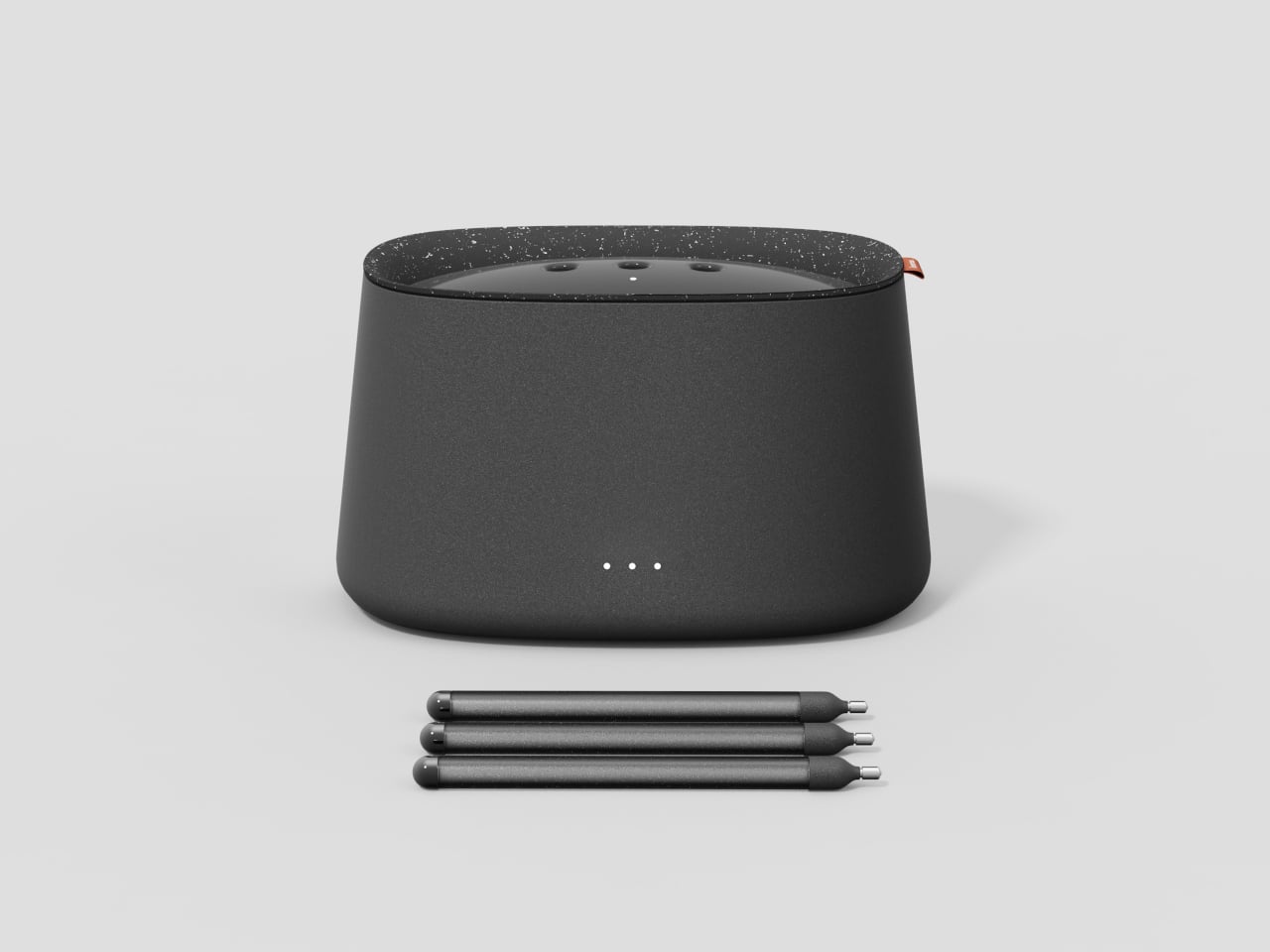
The SSD enclosure starts at a mere $29, which means you can then invest in a high-end SSD to mount on the inside. Each Speekey includes a data cable that transforms into a lanyard for easy carrying, and you’ve got as many as 5 colors to choose from including, obviously, an all-transparent version!

Click Here to Buy Now: $29 $58 (50% off). Hurry, only 76/600 left! Raised over $87,000.

The post Pocket-sized 2TB SSD offers new age EDC-style data storage for creative professionals and vloggers first appeared on Yanko Design.
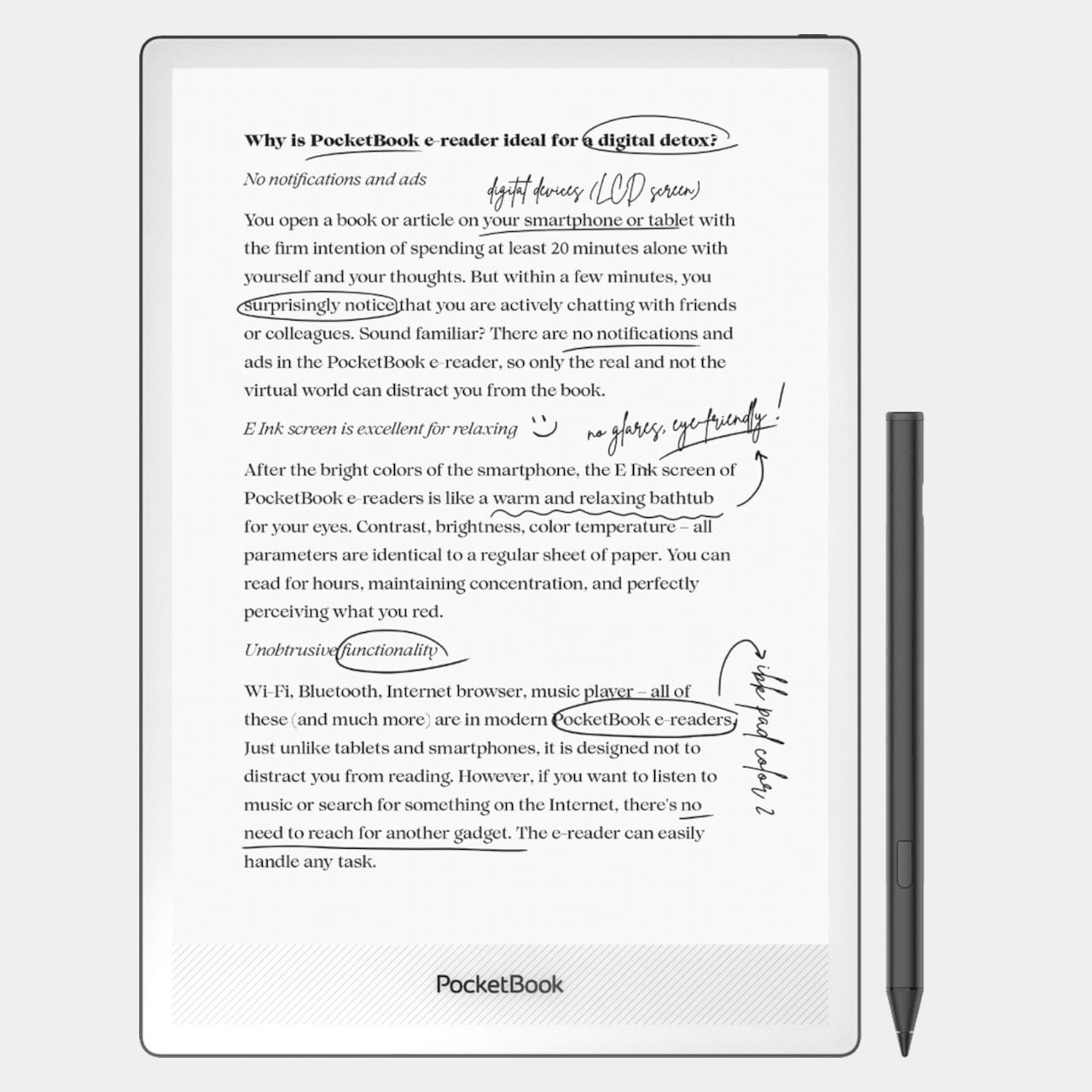
Beeper-inspired power bank concept mixes vintage design with modern tech

You can easily determine the historical setting of a TV show or piece of fiction by the technologies used in it. The presence of beepers, for example, puts the timeline in the 90s, though some modern hospitals still use this limited and straightforward communication gadget because of their simplicity. Of course, today’s messaging culture leaves very little room for a pager and some younger people might not even know what it is. To keep that nostalgic design alive and give it a more contemporary function, this concept design wraps a power bank in a beeper aesthetic while also giving it one fun feature reminiscent of its original purpose.

Designer: PTPC

The beeper or pager was a small black box that would show a message as a single line of scrolling text. The very first cell phones capable of SMS inherited this trait until they got screens capable of displaying multiple lines at once. It might seem archaic by today’s standards, but it also enforced a certain simplicity and terseness to the messages sent. You only sent important messages and got straight to the point without dropping vowels or letters.

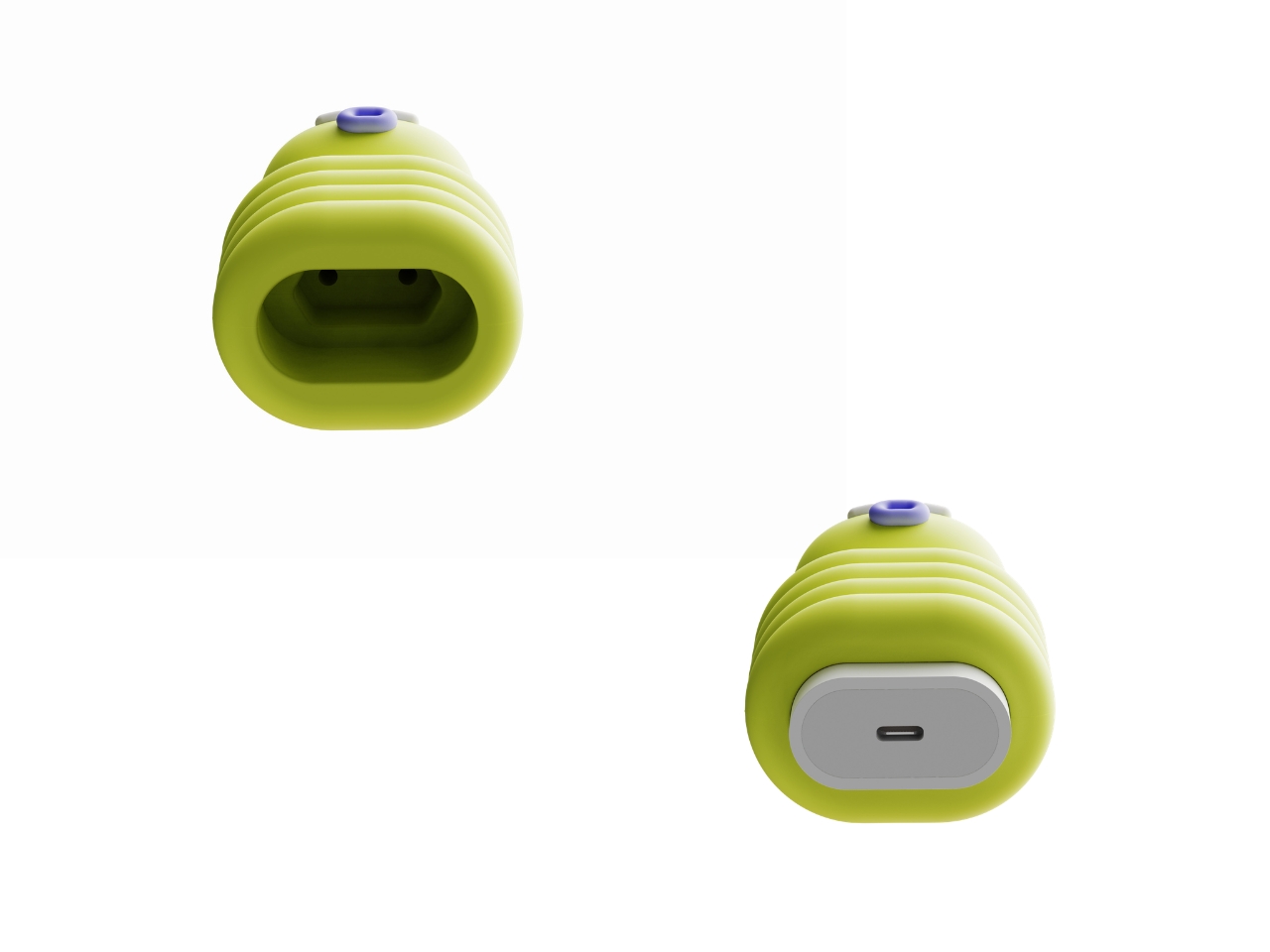
This portable battery concept embraces the retro aesthetic of a beeper but also puts a few modern twists, like using a translucent shell or adopting colors other than black and gray. It still inherits the simplistic interface of a pager, however, with very few buttons and ports. Despite the minimalism, the concept boasts of a 10,000 mAh battery that’s more than enough power to juice up phones or even tablets.

The beeper power bank does have a two-line monochrome display with a font similar to that of those old-school gadgets. While it does show battery information as you might expect, it does also have a secondary function. It can show messages sent from phones via Bluetooth, mimicking the duty of the original device. You still have a limited viewing space, but you can at least now use emojis and special characters more easily, allowing you to express your message more effectively with fewer letters.

That messaging feature is, of course, just a whimsical add-on that isn’t critical to the product’s charging function. It is, however, also a fun addition, one that would make such a design more memorable and appealing, especially to a younger generation who might not even know what a beeper is.

The post Beeper-inspired power bank concept mixes vintage design with modern tech first appeared on Yanko Design.
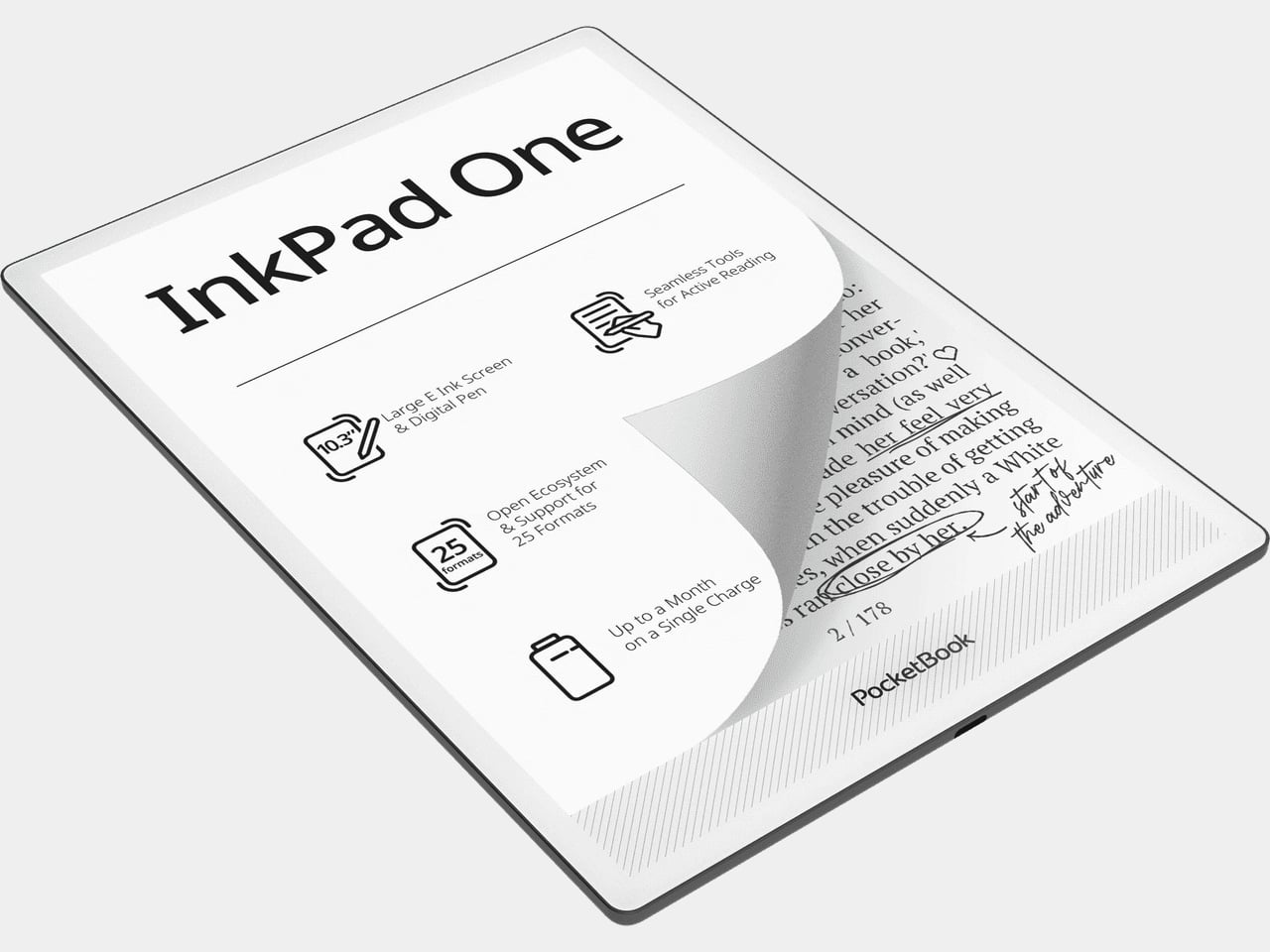
Distraction-free digital typewriter carries a playful and whimsical character

Smartphones and tablets today are extremely powerful devices, allowing us to do almost anything and everything, including writing a novel. Of course, that will require more than the on-screen keyboard, but an external keyboard, even a mechanical one, isn’t always enough for a good writing experience. These mobile computers, powerful as they are, also tend to bombard writers with notifications and temptations, distracting them from the sometimes fragile flow of thought and words. Digital and smart typewriters offer a better solution, but their dry and clinical designs aren’t exactly inspiring to look at. Enter the Micro Journal, a writing device designed not just to make writing convenient but also enjoyable.

Designer: Un Kyu Lee

Digital typewriters, sometimes called smart typewriters, are the evolution of electronic typewriters. They’re more portable than these, offering the benefits of modern technologies and design, but are also single-purpose appliances compared to tablet computers. You turn them on, type on them, and turn them off again when you need to go. Everything is saved on local storage or a memory card and they don’t have any other function like connecting to the Internet or running apps.

Many such devices sport minimalist designs to avoid unnecessary visual distractions, but these designs also tend to feel uninspiring, which can actually influence the mind subconsciously. Some writers will want their tools to reflect their own creativity, and the Micro Journal’s design tries to add some style and flourish to the product to the point that it almost looks more like a toy with its pastel blue body and yellow display bezel. That tiny display also sits above the keyboard at a slight angle, offering a slightly more comfortable typing experience even if you have it on top of your legs instead of on a table.

Of course, the Micro Journal isn’t all looks and actually delivers that fun typing experience through hot-swappable Cherry MX switches. Many writers and programmers swear by this type of mechanical keyboard, and you can customize it to the layout that you want. Using the writing device is as simple as turning it on, though it also offers some advanced connectivity features, unlike other distraction-free typewriters. In particular, it allows you to sync your work with Google Drive, but it’s purely an optional feature, not a necessity.

Another difference between this product and others in the market is that, while it’s available as a finished device, you can also buy the Micro Journal as a kit that you can assemble yourself. This offers a greater level of flexibility and customization, especially if you’re the type to tinker with your tools before you use them. Either way, you get a writing partner that doesn’t nag you with incessant notifications, tempt you away from your train of thought, or make you feel embarrassed to use it in public.

The post Distraction-free digital typewriter carries a playful and whimsical character first appeared on Yanko Design.
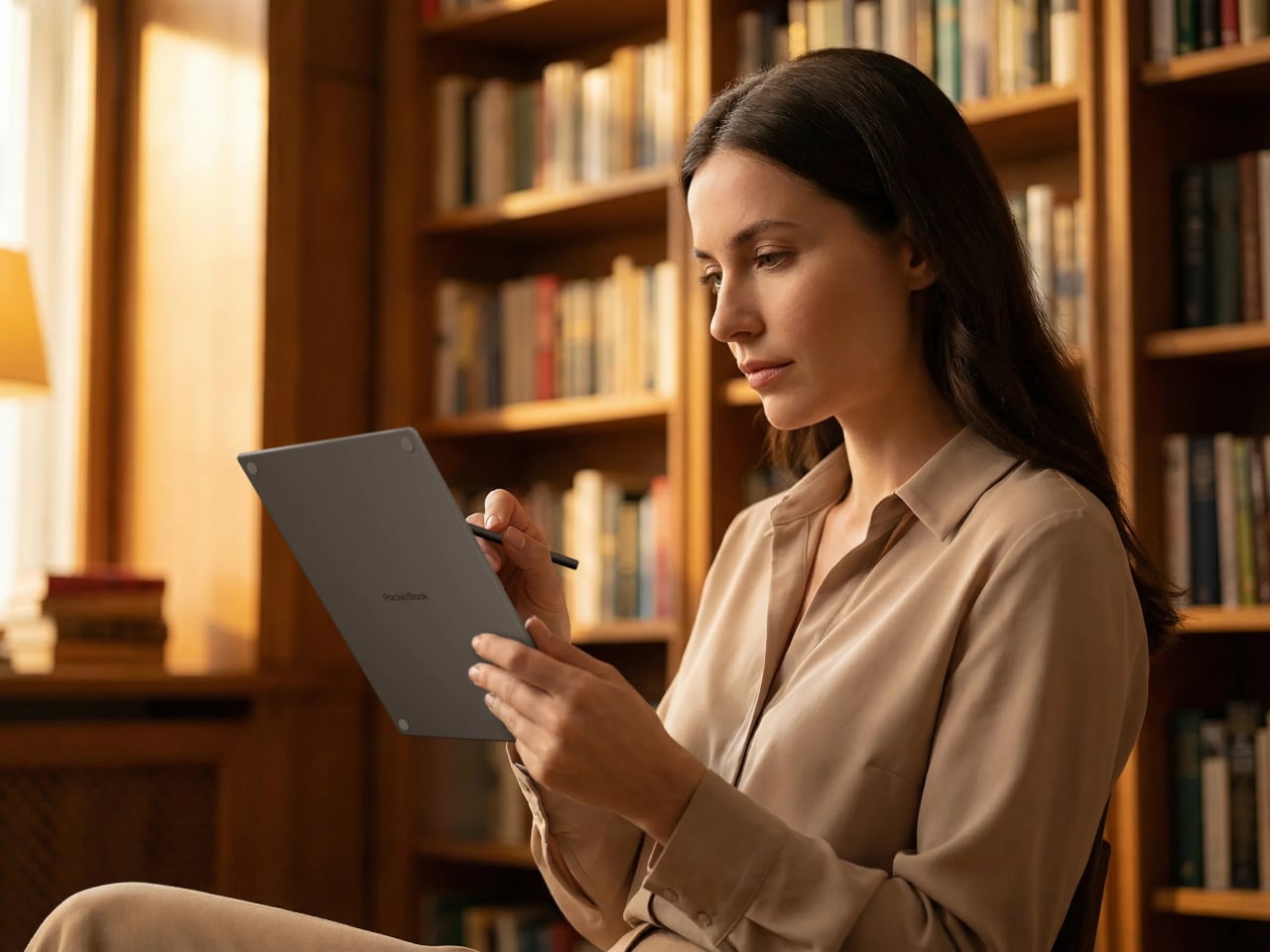
Zen-like music player concept is inspired by vinyl design and ancient Chinese poetry

Vinyl players are having a resurgence as the younger generation has discovered the joys of listening to analog music. There are also some music players and even gadgets that have adapted the vinyl player aesthetic even though they don’t actually play LPs. It’s all about the nostalgic vibes that come with it since it seems we’re all about reliving the “classic” days even for those who were not even alive at that time.

Designers: Ziqiang He, Hao Zhang, Yunan Lin, Sihong Chen, and Yue Gao

The Musipple music player is one such device but it adds another dimension to its design: ancient Chinese poetry. Its inspiration is from a poem written by Wei Yingwu during the Tang Dynasty. Basically the idea is that trees create ripples when they touch the water and the birds on these trees are singing. So adapting both the idea of the poem and the vinyl player aesthetic, we get a unique looking Bluetooth music player that brings together Chinese culture and modern technology.

The music player has ripples in the center with a pole on the side. To turn on the player, you need to place the pole into the center of the ripples just like you would a vinyl player. In this case however, it’s a Bluetooth music player rather than an actual vinyl. There are controls for volume and bass on the side which lets you turn a dial to adjust, adding to the analog aspect of this digital player.

It would have been nicer if it was an actual vinyl player though, rather than just a music player since as mentioned, this kind of nostalgic devices are making a comeback. If it becomes a commercial product, it would be interesting to see if there’s a market for such faux vinyl players.

The post Zen-like music player concept is inspired by vinyl design and ancient Chinese poetry first appeared on Yanko Design.

XREAL Beam Pro is an Android mobile device for creating and enjoying AR content

The launch of the Apple Vision Pro has made people interested in augmented reality and spatial computing technologies again, but the price tag on that product, not to mention its limited availability, means very few will be able to see what the fuss is all about, pardon the pun. On the other end of the spectrum, headsets like the Meta Quest, primarily designed for VR and the Metaverse, are indeed more accessible but also less comfortable to use, let alone bring along with you anywhere. Fortunately, these aren’t the only options, and AR glasses like the Xreal Air series have been trying to give everyone a taste of AR, regardless of what device they have. To make the experience even easier, XREAL is launching a curious new device that looks like a smartphone and acts almost like a smartphone, except that it’s dedicated to letting you not only consume but even create content in full 3D AR.

Designer: XREAL

AR glasses practically act like second or external monitors to computers and smartphones, relying on an external device for all the computing, content, and even power. The spectacles themselves provide the image projection hardware and sensors that can then be used by that external device to do things like pinning a screen to a specific location or even displaying a wall of windows that follow your head movement. This design simplifies the setup and saves you from having to spend too much on powerful hardware that will be quickly outdated, but it also means the experience isn’t exactly optimized for AR.

The new XREAL Beam Pro solves that problem by offering a device and a user experience tailored specifically for augmented reality, especially around the brand’s line of AR glasses. And it does so in a form that’s all too familiar to everyone these days: an Android phone. The device features a 6.5-inch LCD 2K (2400×1080) touchscreen running a customized version of Android 14 with Google Play support. It’s even powered by a Snapdragon processor with up to 8GB of RAM and 256GB of internal storage, just like a phone. The similarities with a phone, however, end there.

Running on top of Android is XREAL’s NebulaOS, a user interface designed for augmented reality, and it kicks in once you connect an Xreal Air or later models. This software allows you to enjoy “normal” 2D content as if they were made for AR, letting you place two windows side by side, have them stick to their position “in the air” no matter where you turn your head, or have the display follow your head smoothly. Thanks to built-in sensors in the glasses, users can enjoy 3DoF (Xreal Air, Air 2, Air 2 Pro) or 6DoF (Xreal Air 2 Ultra) smooth movement so you don’t have to manually adjust the screen each time.

What all this means is that you can enjoy all your favorite Android games, streaming content, and even Internet activities in an immersive AR environment, anytime anywhere. Even better, the dual 50MP cameras on its back are intentionally spaced far apart to let you create 3D content as well. XREAL has partnered with many cloud service providers to bring as much content to your hands and eyes as possible, including NVIDIA’s CloudXR platform, Amazan Luna and Xbox Cloud Gaming streaming services, and more.

That said, some people might be a bit confused by the XREAL Beam Pro’s phone-like design and Android interface. While it does have Wi-Fi and 5G, it doesn’t seem to support phone features like calls and SMS, especially if it doesn’t have a built-in mic. It’s still a perfectly usable data-only Android handheld, though, even without the XREAL Air glasses, but you’ll be missing out on what makes the device special in that case. Global pre-orders for the XREAL Beam Pro start today with a rather surprising price tag of $199 for the base 6GB RAM/128GB storage model.

The post XREAL Beam Pro is an Android mobile device for creating and enjoying AR content first appeared on Yanko Design.

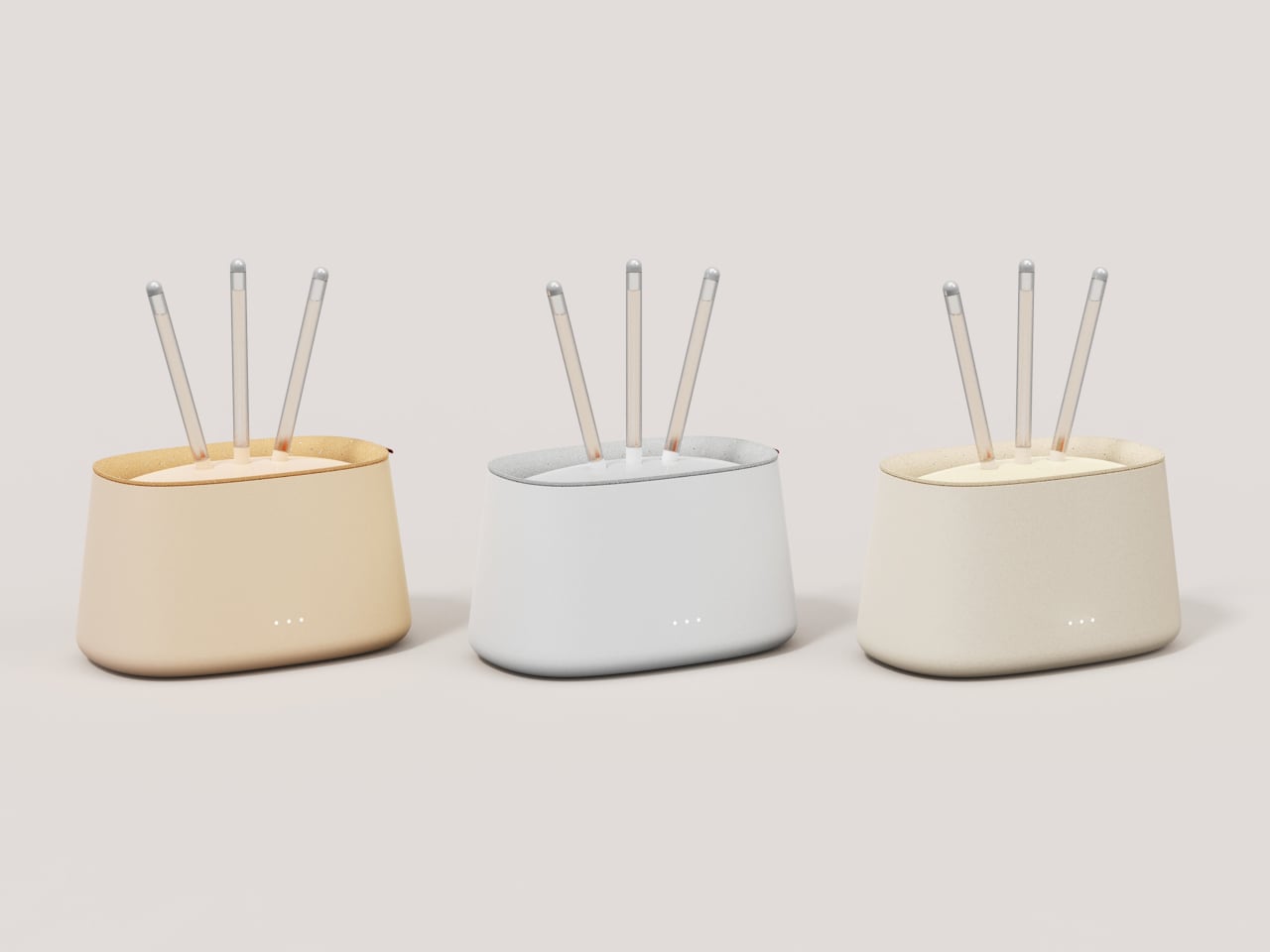
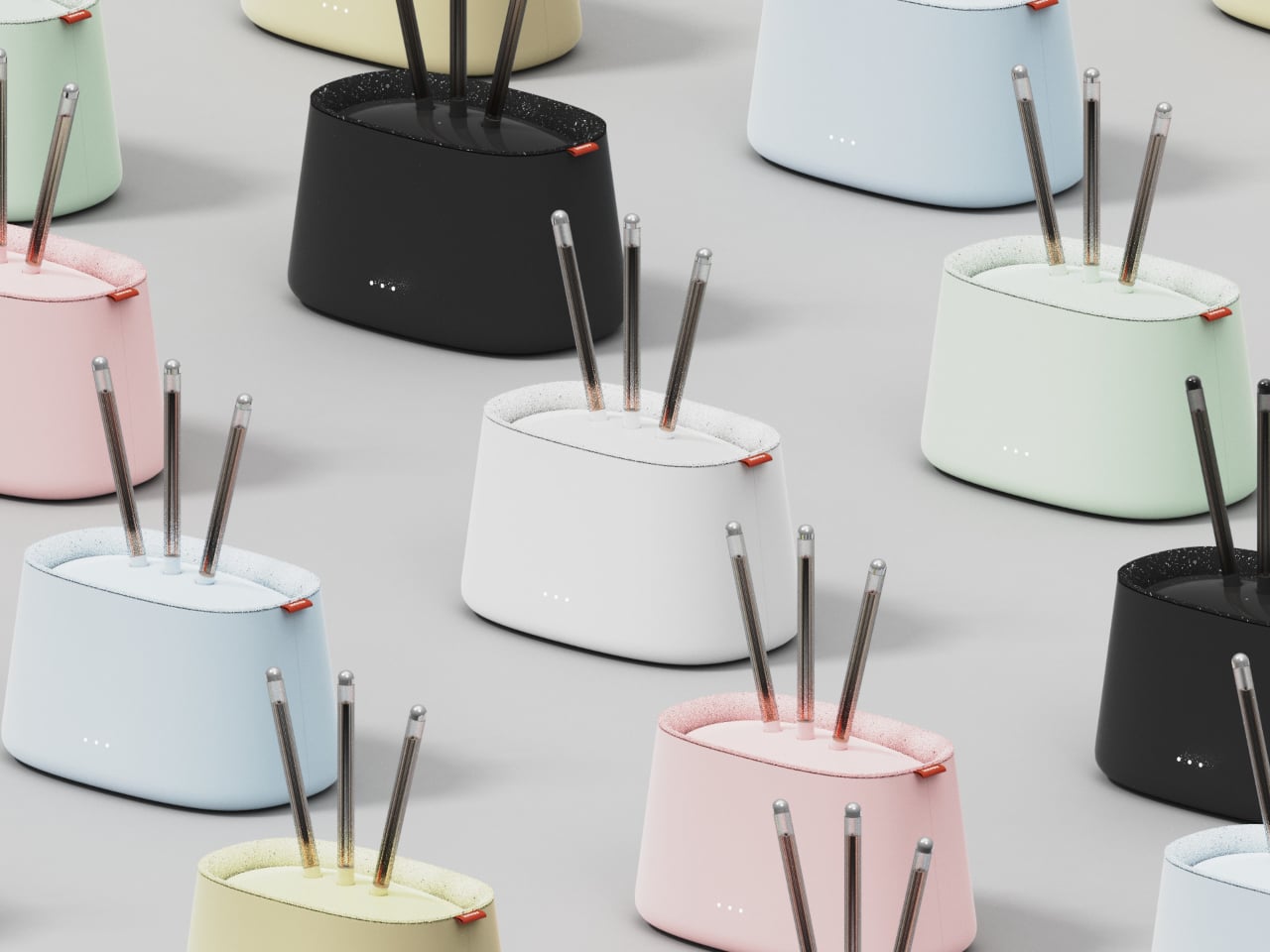
Biophilic smart humidifier concept also functions as a plant pot

It isn’t just outdoors that air quality can be a problem. The recent years have made us acutely aware that even indoors, the air we breathe isn’t always in its best state. Even disregarding pollutants, the air inside our houses or rooms can be bereft of moisture, leading not only to discomfort but also respiratory issues. That’s why not only air purifiers but also humidifiers have become so popular of late, though most of their designs leave a lot to be desired. Fortunately, there seems to be a wave of creativity washing over this market, producing designs that blend better into living spaces or push the boundaries of what an appliance can do, like this minimalist humidifier concept that also gives a home to nature’s own purifiers: plants.

Designer: NOI Creative Design Studio

There’s a reason why interior designers always recommend placing plants in living areas, and not just because they look good. They have the natural ability to clean the air around us, purifying and releasing just the right amount of moisture. Of course, just a few plants can no longer handle our poor air quality by themselves, and they’ll definitely need a little help to ensure the quality of life of the humans they’re living with. That’s the core concept of the ACQUAIR design, a smart humidifier and air purifier that tries to combine technology and nature in an aesthetic design.

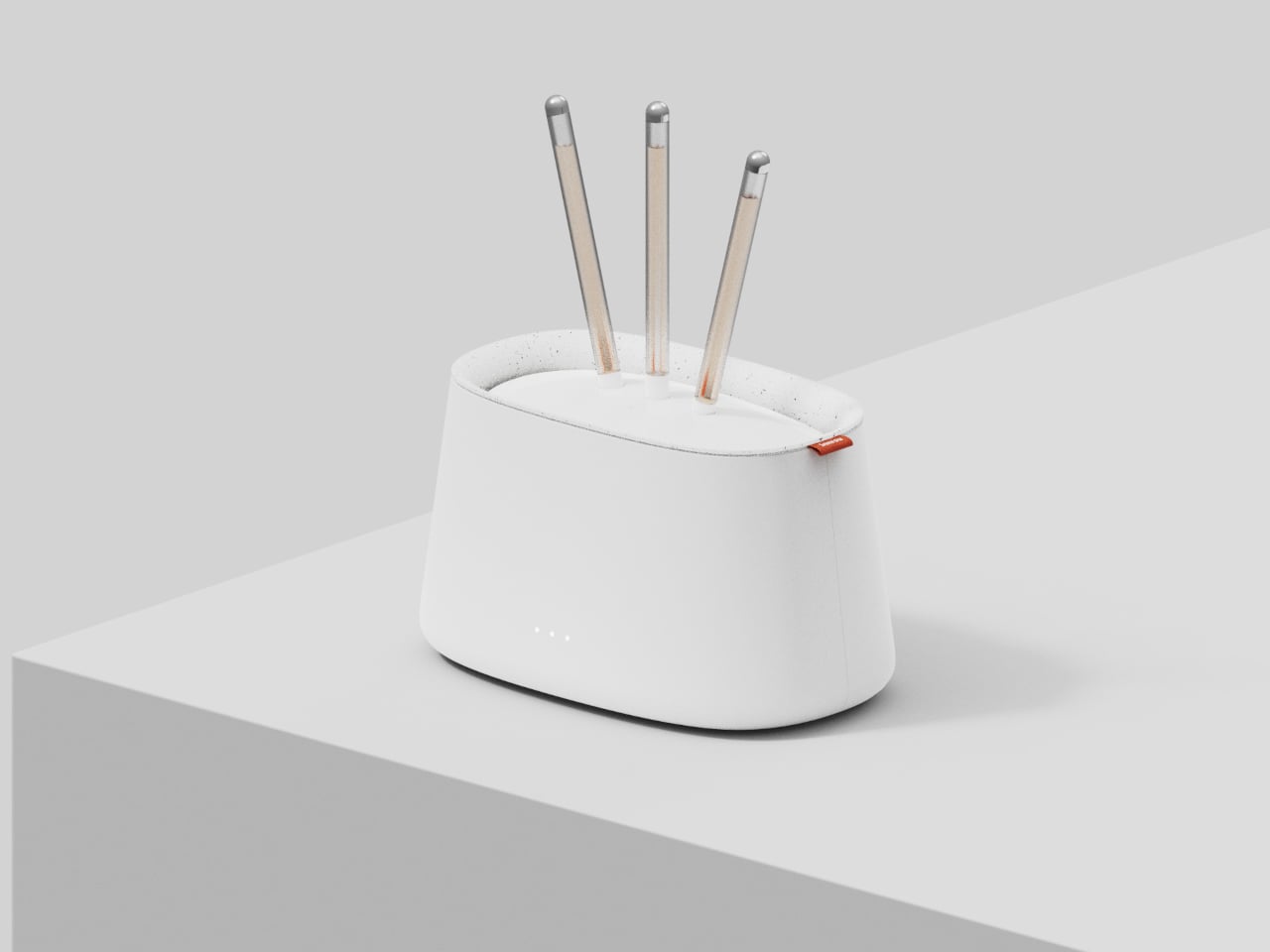
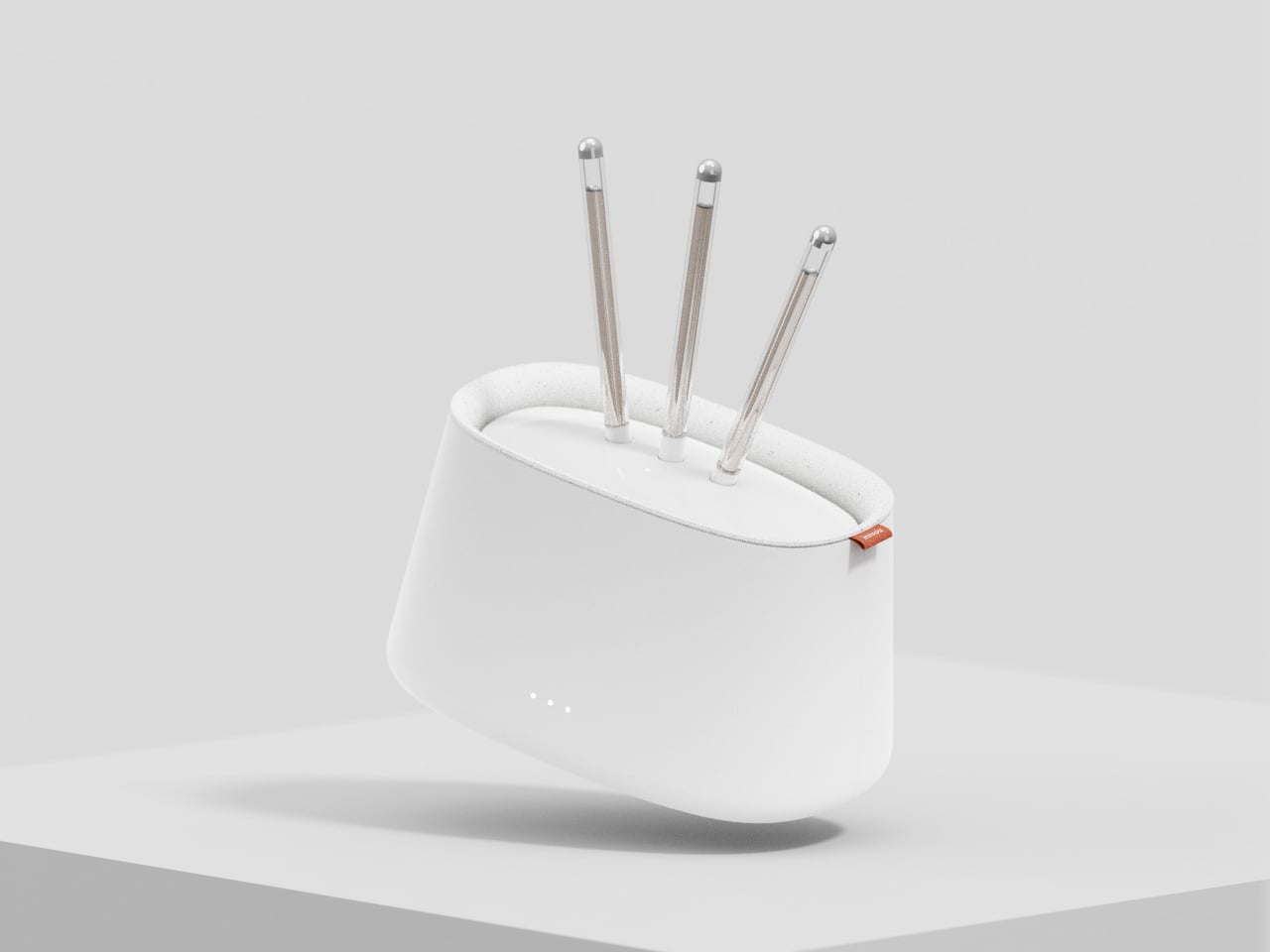
ACQUAIR is actually two products in one, a smart humidifier and a pot for a single-stem plant. These two parts share the same water tank that both nourishes the plant and sprays moisturized mist to meet the required humidity in the air. The latter is determined using sensors, intelligently adjusting the mist depending on the temperature and amount of humidity already present. There’s very little human intervention needed other than refilling the tank once in a while.

With this system, both the plant and the smart appliance can work together to ensure the comfort and health of the people living inside the space. The small plant can utilize its own natural abilities to purify the air while also living on the same water used to humidify the air. It also serves an aesthetic value, displaying a symbol of life and health in a simple yet elegant pot. Unfortunately, the concept doesn’t go deep enough to detail the device’s features for helping keep the plant alive beyond just water. It definitely has room for improvement, like utilizing sensors to also monitor the health of the plant itself.

The post Biophilic smart humidifier concept also functions as a plant pot first appeared on Yanko Design.
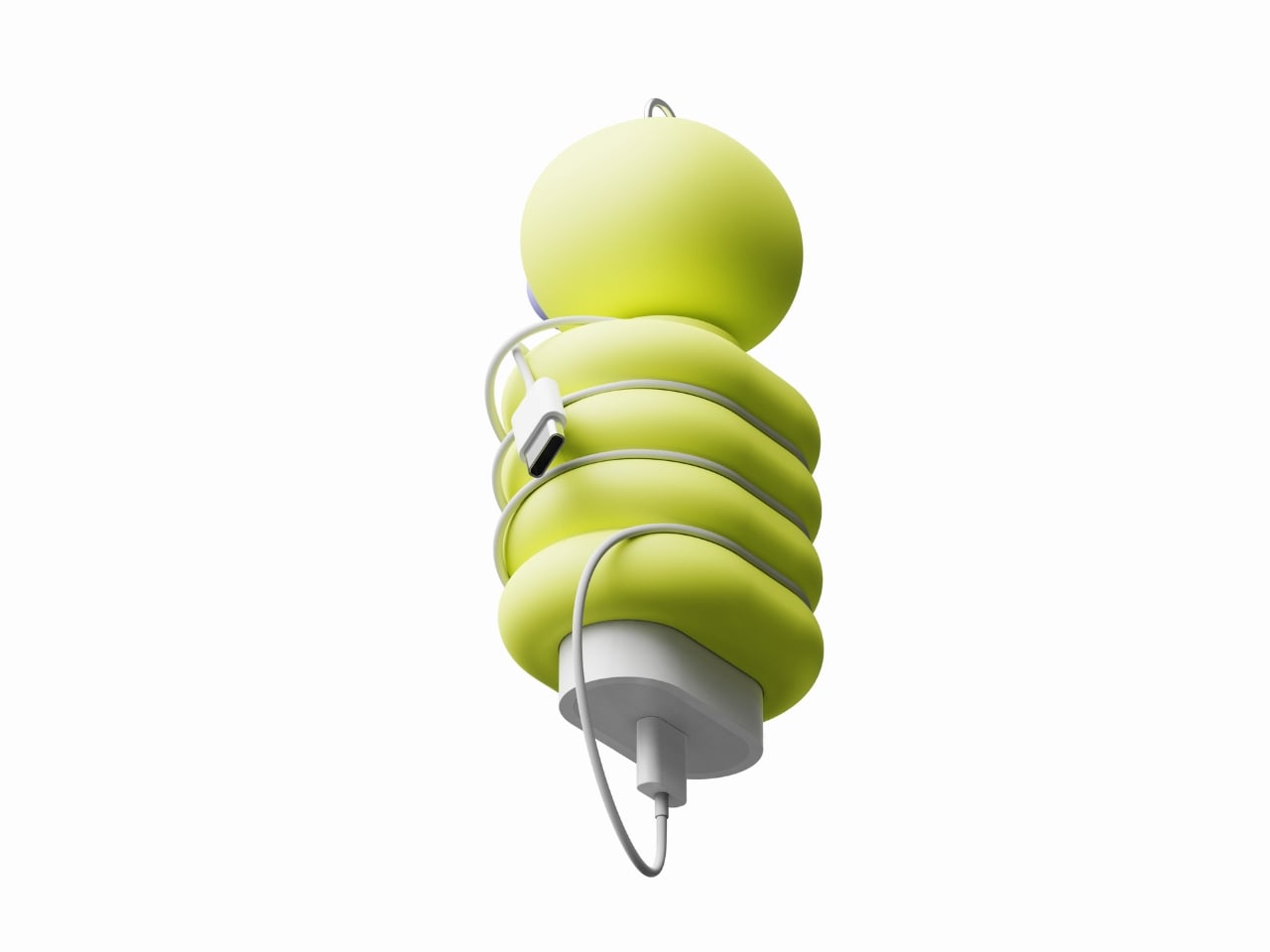
Logitech MX Ink stylus for Meta Quest gives creators a new tool for mixed reality

Mixed reality platforms, or spatial computing as Apple calls it, try to seamlessly blend digital objects into the real world, but that illusion quickly breaks down when it comes to manipulating those virtual pieces directly. Yes, tapping on buttons in thin air or pinching the corner of floating windows might feel a little natural, but creating content, especially 2D and 3D objects, is less believable when all you have are two “wands” in each hand. For decades, the stylus has been the tool of choice of digital artists and designers because of its precision and familiarity, almost like holding a pencil or paintbrush. It was really only a matter of time before the same device came to mixed reality, which is exactly what the Logitech MX Ink tries to bring to the virtual table.

Designer: Logitech

The Logitech MX Ink is practically a stylus designed to work in virtual 3D space, but while that description is simplistic, its implications are rather world-changing. It means that creators no longer need to feel awkward about waving around a thick wand, making them feel like they’re playing games more than painting or modeling. Artists, designers, and sculptors can now use a more convenient and intuitive tool when moving around in mixed reality, bolstering not only their productivity but also the quality of their work. Admittedly, the MX Ink is bulkier and heavier than most styluses, closer to a 3D printing pen than an Apple Pencil, and drawing on air is still going to feel unnatural at first, but it’s significantly better than even drawing with your finger.

What makes Logitech’s implementation a bit more special is that it works in both 3D and 2D spaces. The latter means that you can still draw on a flat surface and feel the same haptics and pressure sensitivity as a Wacom stylus, for example. This means you can easily trace over a sketch or blueprint on paper and bring that up to a 3D space for fleshing out. Or you can paint artistic masterpieces on a physical canvas without actually leaving any mark on the paper.

The MX Ink is a standalone product, but Logitech is also offering optional accessories to further reduce the friction of working in mixed reality. The MX Mat offers a low-friction surface for drawing with the stylus in 2D, though the MX Ink can actually work on most flat surfaces anyway. The MX Inkwell is a stand and wireless charging station for the device, letting you simply lift it from the dock to start drawing and then put it back without having to worry it won’t be charged and ready for your next work session. Without the MX Inkwell, the stylus will have to charge via a USB-C connection, and Logitech doesn’t even ship a cable with it.

As promising as this new creativity tool might sound, its use is limited to the Meta Quest 2 and Quest 3 headsets, ironically leaving the Quest Pro out of the party. This is boasted to be the first time the Quest headsets support more than two paired controllers at the same time, which means you can connect the MX Ink and simply switch between it and the regular Quest controllers without having to reconfigure anything every time. The Logitech MX Ink goes on sale in September with a starting price of $129.99.

The post Logitech MX Ink stylus for Meta Quest gives creators a new tool for mixed reality first appeared on Yanko Design.
Give your creativity and convenience an unconventional approach with the fresh perspective of Village projector

If you’re living by yourself in a studio apartment, studying or working by the day only to return home to spend time in solitude, – at max with your smartphone – Village projector is designed to give you company. The vibrant home entertainment system, is unlike any usual projector you come by for three reasons: it’s essentially made for single-person households; it’s immensely portable for user requirements; and it can be used in multiple orientations to project on the floor, wall, or ceiling, as and when required.

A catalyst for harmonious experience, productivity, and creativity; the Village gives a fresh perspective to your solitude at home. Built-in with sensors, cameras and a high-end projection lens, it can be your friend in everything you intend to do from creating murals to doing a craft project. It has the ability to become your artistic and information companion, fostering an environment where creativity knows no bounds.

Designer: Seunghyun Ko, Seohyun Park, Minji Kang and YE JIN LEE

If you’re brimming with creativity and want a contemporary way to bring it to life; employ the Village at home for a fresh perspective. Installed in the curtain rail the projector follows the curtain when you draw it open in the morning to sense the weather outside and project details for you on the floor or in the ceiling – depending on how you have positioned it – so you wake up with complete information of how to plan the day.

During the day, you can remove the portable Village projector from the curtain rail and use it where you like in your tiny apartment. Project inspiring text, news, captivating art, or use it to display guides to your DIY endeavors. After working or studying, when you feel tired and want to relax, the projector can let you play your favorite video game on a sizable display.

Sitting on the desk can help you create your private sanctuary, free from distractions while working, projecting your calendar for the day on the desk. By the evening, you can project the screen on the wall and share unforgettable moments with loved ones. Of course, you can do that on the phone, however, screen on the smartphone is too small. Using it for long durations can hurt your eyes. The portable projector can connect to the smartphone and project what you want to see or learn on a bigger screen, so it’s convenient and less straining.

Made in vibrant color options, in what seems – from images – a plasticky body, the Village features a projection lens in the center with an external recognition sensor and a LiDAR camera on either side. A pair of cameras sit to the right of the sensor and a microphone to the left of the LiDAR cam. On the top – when positioned upright – you get the sliding touch control for volume.  There’s no word on the availability of the conceptual Village projector, but we can say it has versatile use cases. You can transform your workout routine by using it to project fitness or exercise instructions in front of you or on the wall and create an engaging exercise session, or carry the projector into the kitchen to project the intricacies of a dish you’re preparing so it’s cooked well enough to tantalize your taste buds.

The post Give your creativity and convenience an unconventional approach with the fresh perspective of Village projector first appeared on Yanko Design.
Give your creativity and convenience an unconventional approach with the fresh perspective of Village projector

If you’re living by yourself in a studio apartment, studying or working by the day only to return home to spend time in solitude, – at max with your smartphone – Village projector is designed to give you company. The vibrant home entertainment system, is unlike any usual projector you come by for three reasons: it’s essentially made for single-person households; it’s immensely portable for user requirements; and it can be used in multiple orientations to project on the floor, wall, or ceiling, as and when required.

A catalyst for harmonious experience, productivity, and creativity; the Village gives a fresh perspective to your solitude at home. Built-in with sensors, cameras and a high-end projection lens, it can be your friend in everything you intend to do from creating murals to doing a craft project. It has the ability to become your artistic and information companion, fostering an environment where creativity knows no bounds.

Designer: Seunghyun Ko, Seohyun Park, Minji Kang and YE JIN LEE

If you’re brimming with creativity and want a contemporary way to bring it to life; employ the Village at home for a fresh perspective. Installed in the curtain rail the projector follows the curtain when you draw it open in the morning to sense the weather outside and project details for you on the floor or in the ceiling – depending on how you have positioned it – so you wake up with complete information of how to plan the day.

During the day, you can remove the portable Village projector from the curtain rail and use it where you like in your tiny apartment. Project inspiring text, news, captivating art, or use it to display guides to your DIY endeavors. After working or studying, when you feel tired and want to relax, the projector can let you play your favorite video game on a sizable display.

Sitting on the desk can help you create your private sanctuary, free from distractions while working, projecting your calendar for the day on the desk. By the evening, you can project the screen on the wall and share unforgettable moments with loved ones. Of course, you can do that on the phone, however, screen on the smartphone is too small. Using it for long durations can hurt your eyes. The portable projector can connect to the smartphone and project what you want to see or learn on a bigger screen, so it’s convenient and less straining.

Made in vibrant color options, in what seems – from images – a plasticky body, the Village features a projection lens in the center with an external recognition sensor and a LiDAR camera on either side. A pair of cameras sit to the right of the sensor and a microphone to the left of the LiDAR cam. On the top – when positioned upright – you get the sliding touch control for volume.  There’s no word on the availability of the conceptual Village projector, but we can say it has versatile use cases. You can transform your workout routine by using it to project fitness or exercise instructions in front of you or on the wall and create an engaging exercise session, or carry the projector into the kitchen to project the intricacies of a dish you’re preparing so it’s cooked well enough to tantalize your taste buds.

The post Give your creativity and convenience an unconventional approach with the fresh perspective of Village projector first appeared on Yanko Design.
Samsung Color E-Paper display could open the doors to new product designs

Samsung is a tech giant with its hands in many industries, but one of its biggest businesses is in making displays. These cover anything from TVs to laptops to smartphones to signage, supporting a variety of display technologies like LCD, LED, and everything in between. One kind of technology it has barely touched, however, is Electronic Paper Displays or EPDs, the same kind of eye-friendly, battery-efficient screens found on eBook readers. That is changing now, however, with Samsung dipping its toes into this market with a new Color E-Paper display that’s currently aimed at indoor signage and posters but could also be extended to new types of devices in the very new future.
Designer: Samsung

E Ink signage is becoming more common these days, especially as these electronic paper displays start to show improvements in color rendering. It’s not hard to see the benefits of the technology for this particular use case, since EPDs don’t use power to retain their image and use very little power when changing what’s on display. Although it is hardly the first of its kind, even for the tech giant, Samsung’s presence in this growing market is pretty much a stamp of approval from a brand that sells large TVs and screens for the same purpose of advertising in indoor signage.

Image courtesy of invidis

The new Samsung Color E-Paper display seems to be really pushing the boundaries of the technology. The 32-inch has a QHD resolution of 2560×1440, though its real boasting feature is the 60,000-color gamut (six per pixel) which is quite high for a color electronic paper. This is thanks to the new E Ink Spectra 6 panel, the very same that flaunted artistic designs and images on the ASUS ROG Project DALI at Computex 2024 last week. This laptop concept utilizes a smaller panel that acts as a canvas for owners to customize the design of the laptop cover as they desire.

ASUS ROG Project DALI laptop concept @ Computex 2024

While the gigantic size of the Samsung Color E-Paper limits it to applications like signs and posters, it does make one wonder if Samsung will stop there. Its collaboration with E Ink could, in fact, lead to more devices with smaller screens, particularly in the eReader market that Samsung has never ventured into before. And with its close ties with Wacom, it could even add stylus support for these devices, potentially putting the likes of the Amazon Kindle and Kobo on notice.

Image courtesy of SamMobile

The post Samsung Color E-Paper display could open the doors to new product designs first appeared on Yanko Design.