EZCast Just Turned Every Phone Into a Professional Camera Monitor

Monitoring a camera feed used to require either hovering behind the viewfinder or investing in a dedicated wireless video system with separate transmitters, receivers, and field monitors. For solo content creators, small production teams, and anyone shooting interviews or tutorials with limited gear, that kind of setup has always felt disproportionate to the task. The gap between “professional monitoring” and “just squinting at the back of the camera” remained stubbornly wide.

EZCast’s CamCast CT-1 is a compact wireless transmitter designed to sit on top of any HDMI-equipped camera, from mirrorless bodies and DSLRs to action cams and camcorders. Once connected, it broadcasts a live 1080p 60fps feed over 5GHz Wi-Fi to up to four iOS or Android devices simultaneously. EZCast has spent over a decade building wireless display and screen-mirroring technology for offices and classrooms, and the CamCast is their first product built specifically for cameras, applying that signal distribution expertise to a production context.

Designer: EZCast

Click Here to Buy Now: $129 $239 ($110 off). Hurry, only a few units left!

The device itself is small enough to mount on a camera hot shoe or gimbal arm, with included adapters for both horizontal and vertical orientation. A built-in OLED screen displays connection details, and pairing happens through a QR code scan that takes roughly three seconds. Power comes from either a standard NP-F battery, the same type used across countless cinema accessories, or a USB-C connection at 5V/3A. That dual-power flexibility means a battery for mobility on location or a simple cable for longer, stationary shoots where runtime matters more.

1

Beyond passive monitoring, the companion CamCast app lets users save takes directly to their phone, review footage instantly, and share clips without ever pulling a memory card from the camera. For a two-person crew shooting a wedding, for instance, the second operator can watch the main camera’s composition from across the venue on a phone while managing their own setup. A makeup artist can confirm framing before the talent walks on set. Four people watching the same live feed, all from devices they already carry, collapses a communication problem that traditionally required dedicated hardware to solve.

What separates the CamCast CT-1 from a basic wireless HDMI sender, though, is the built-in PTP camera control. From the app on a phone or tablet, users can adjust shutter speed, ISO, color temperature, and aperture, and even navigate through camera menus remotely. Consider a camera mounted on an overhead rig for a cooking tutorial, or locked onto a gimbal for a tracking shot. Physically reaching the camera to change a setting interrupts the flow of a shoot. Being able to tweak exposure or white balance from a phone across the room changes how a solo creator or small team interacts with their gear.

1

The CamCast CT-1 also has a UVC output, which means it can connect directly to a laptop or desktop and function as a capture card. For livestreamers, educators, or anyone running a webinar, this removes an entire piece of hardware from the signal chain. One device handles wireless monitoring to phones and wired streaming output to a computer at the same time, which is a lot of functions packed into something that weighs less than most on-camera microphones.

1

Picture a YouTuber who films with a mirrorless camera on a tripod across the room. Right now, checking framing or adjusting settings means walking over, making a change, walking back, and repeating until it looks right. With the CamCast mounted on that camera, the phone becomes both the monitor and the remote control. An instructor recording a craft tutorial gets the same benefit, turning their tablet into a live preview without needing cables snaking across the workspace or an expensive field monitor clamped to a light stand.

Rather than building another monitor or another receiver, EZCast built a bridge between cameras and the screens people already own. That redistribution of function, turning four phones into four production monitors through a single transmitter, might be the more interesting design move in a category still dominated by expensive, single-purpose hardware.

Click Here to Buy Now: $129 $239 ($110 off). Hurry, only a few units left!

The post EZCast Just Turned Every Phone Into a Professional Camera Monitor first appeared on Yanko Design.

5 Best Android Accessories For Samsung S26 Users That Are Actually Worth the Money

The Samsung S26 has arrived with cutting-edge features that demand equally impressive accessories. Your device deserves more than generic add-ons that clutter your space and drain your wallet. The right accessories transform how you create, work, and move through your day. They protect your investment while unlocking capabilities you didn’t know your phone possessed. Smart accessory choices mean the difference between a phone that survives and one that thrives.

Finding gear that actually earns its place in your everyday carry takes research, testing, and honest evaluation. The accessories market overflows with products that promise everything but deliver mediocrity. We’ve cut through the noise to identify Android accessories that justify their price tags through superior engineering, thoughtful design, and real-world performance. These picks will enhance your S26 experience without compromise, bringing professional-grade functionality to your fingertips wherever life takes you.

1. TORRAS Ostand Q3 Air – The Case That Redefines Protection and Creativity

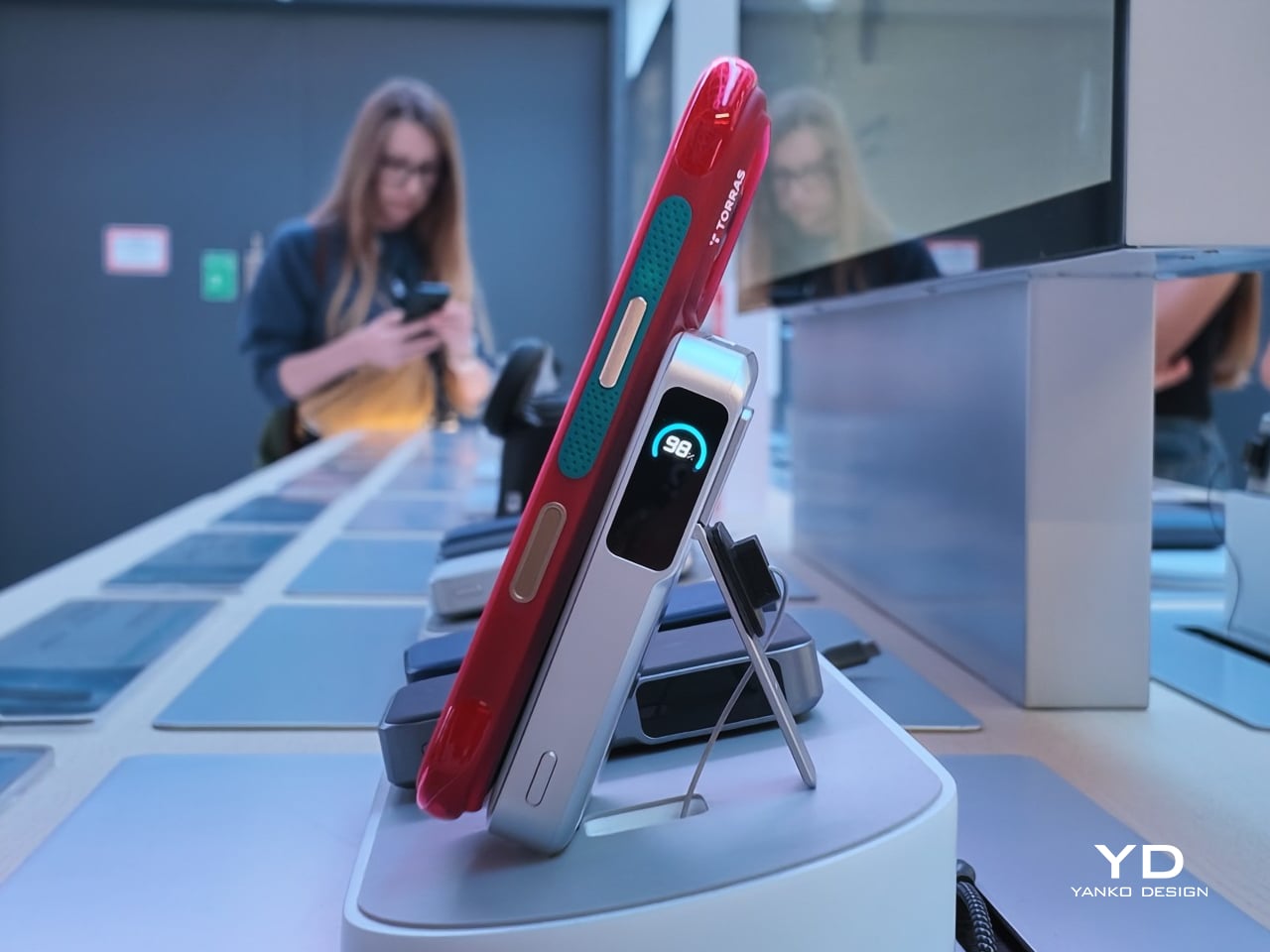
TORRAS, the world’s number one brand of magnetic stand cases, brings its exclusive AIR PRO-TECH™ to the S26 Ultra with design refinements specifically engineered for Samsung’s latest flagship. The Q3 Air wraps your device in precision-engineered air cushions that absorb up to 98% of impact energy with certified 12-foot drop protection. We love how TORRAS has achieved serious protection without adding bulk. The edge-to-edge airbag system cushions all four corners while keeping the profile slim enough for comfortable everyday carry.

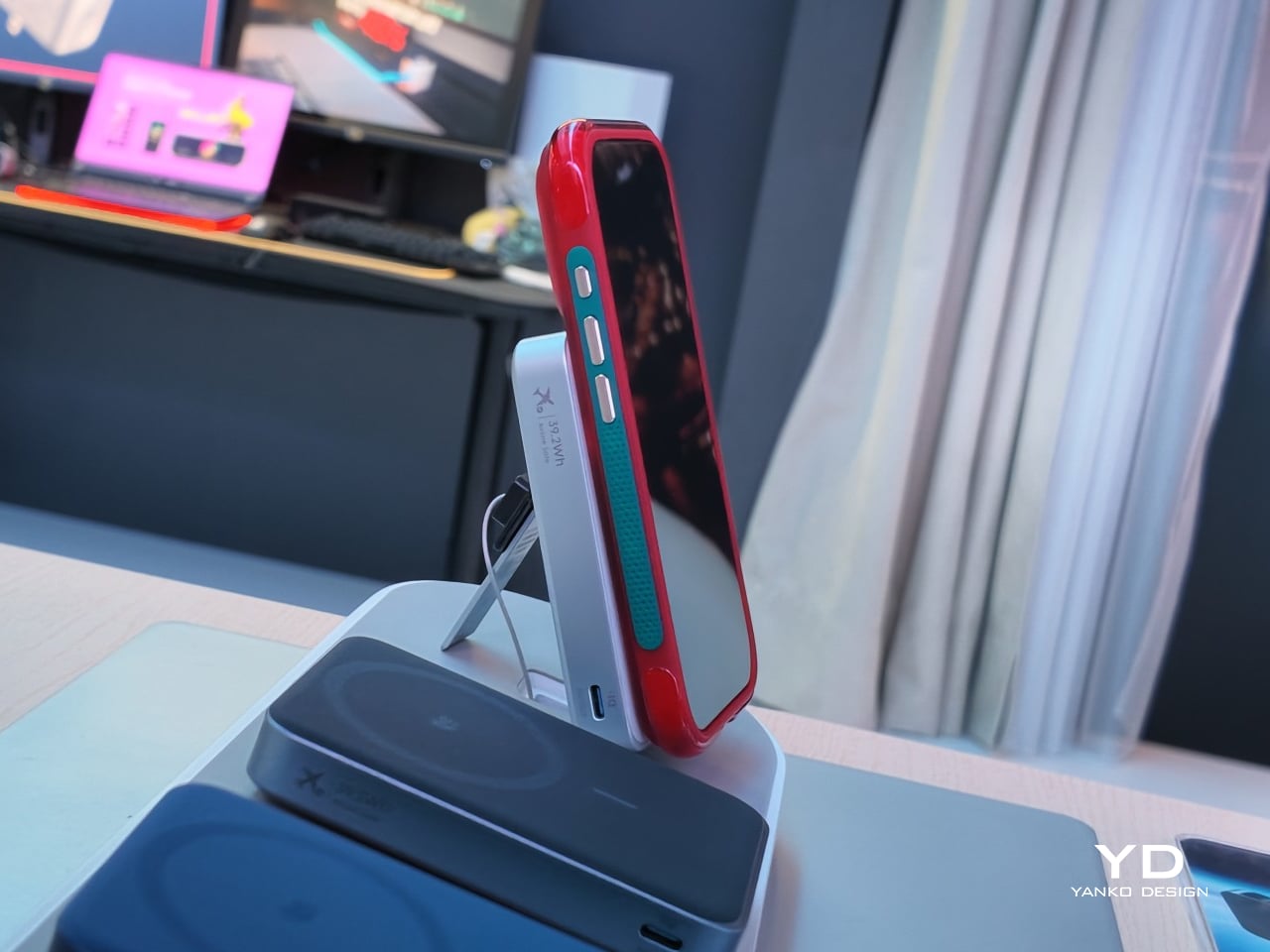
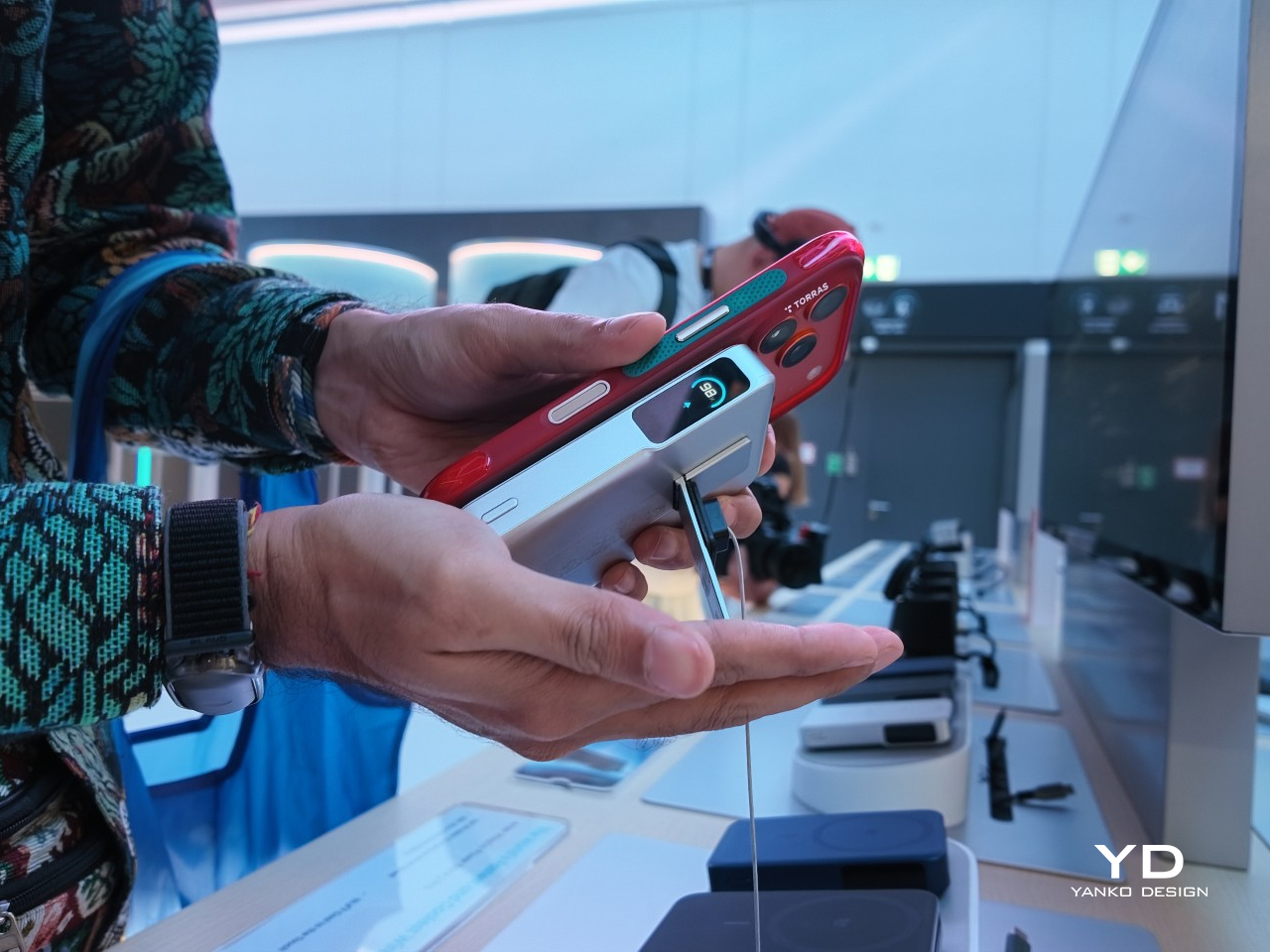
The 360° magnetic stand is where this case really shines. That ultra-slim 2.7mm kickstand integrates seamlessly into the backplate through eight layers of precision components that enable silent, buttery-smooth rotation. TORRAS’s Tora-Hold™ technology delivers a hidden hinge with damped suspension and aerospace-grade aluminum texture that feels genuinely luxurious. The stand locks at any angle you want, with four quick-stop positions at 90°, 180°, 270°, and 360° for instant setup. The brand-new Tora-Flip™ feature lets the ring flip straight to 180° in one motion for immediate shooting angles. No fumbling, no readjusting. One flip gets you ready to capture whatever’s happening right now.

The details separate this from every other case on the market. TORRAS designed the Q3 Air specifically for the S26’s unique camera layout, with a precision raised frame that protects your lenses while keeping flash, sensors, and cameras fully operational. The dot-matrix anti-slip side stripe provides serious grip with gradient patterns that look genuinely cool. The Tora-Smooth™ coating on the back panel feels silky and resists fingerprints like magic. Strong 16N magnets hold firm to car mounts and magnetic surfaces while supporting flawless wireless charging. Two sets of interchangeable buttons let you personalize your case to match your mood or style. Swap in the bold, energetic orange buttons when you want that sporty, adventurous vibe, or switch to sleek, premium metal buttons for a more refined, professional look. The ability to change button colors means your case adapts to different occasions without needing multiple cases cluttering your space. Available in Shadow Black, Violet Surge, and Glacier Sprint, each colorway brings its own personality. The hinge survived over 30,000 rotations in testing, built to last your phone’s entire lifecycle. At $65.99, the Q3 Air transforms your S26 into a content creation studio that survives whatever your adventures throw at it.
Click Here to Buy Now: $59.40 $65.99 (10% off, use coupon code “YANKO111”). Hurry, deal ends in 48-hours! Amazon Link Here.

Why Your Samsung S26 Needs This

The Q3 Air turns your S26 into a content creation powerhouse that moves at the speed of your ideas. That instant 180° flip means capturing the perfect angle before the moment vanishes, while airbag protection ensures your creative tool survives the adventures that inspire your best work. The magnetic stand transforms any surface into a stable shooting platform, ditching bulky tripods and awkward propping. For $65.99, you’re getting protection that actually protects and functionality that enhances rather than hinders, wrapped in a design that looks as good as it performs.

That full 360° flexibility while shooting videos means nailing low-angle shots, eye-level frames, or overhead perspectives without fighting the stand. The airbag protection eliminates that gut-dropping panic when someone casually grabs your phone like it didn’t cost a month’s rent. You get total peace of mind that your phone is well-protected and preserved as you create top-notch content.

Click Here to Buy Now: $59.40 $65.99 (10% off, use coupon code “YANKO111”). Hurry, deal ends in 48-hours! Amazon Link Here.

2. Peak Design Creator Kit – Professional Mounting Without the Professional Camera

Peak Design built its reputation solving real problems for working photographers and filmmakers. The Creator Kit brings that same no-nonsense engineering to your S26, transforming it into a tool that adapts to tripods, GoPro mounts, 1/4″-20 mounts, and the Peak Design Capture Camera Clip. The SlimLink magnetic and mechanical mounting system grabs and locks your phone so smoothly that the first attachment genuinely feels like magic. Mount in portrait or landscape, then pop it off instantly with a button press. The connection stays rigid and secure through any activity, from mountain biking POV footage to time-lapse sequences that demand rock-solid stability.

The system eliminates frustration when you’re racing against changing light or fleeting action. Pop your phone onto any GoPro-style mount for helmet or chest-mounted POV video that rivals dedicated action cameras. The Arca-type tripod compatibility means your S26 integrates seamlessly with professional tripod heads for time-lapses and long exposures that showcase your phone’s computational photography capabilities. The 1/4-20″ adapter opens up vlogging rigs and video setups that used to require dedicated cameras. The Creator Kit stays invisible until you need it, then performs flawlessly when opportunity knocks.

Why Your Samsung S26 Needs This

Your S26’s camera system will rival dedicated cameras costing thousands more, but only if you can stabilize it properly and mount it where creativity demands. The Creator Kit eliminates the gap between professional mounting systems and smartphone photography, giving you access to angles and stability that handheld shooting simply can’t achieve. Whether documenting outdoor adventures, creating content for social platforms, or exploring long-exposure photography, this system ensures your phone captures the vision in your head rather than a shaky approximation. The investment pays for itself the first time you nail a shot that would have been impossible otherwise.

3. Lexon City Energy Pro – Power and Sound Without the Cable Clutter

The Lexon City Energy Pro delivers 10W Qi wireless charging with Qi certification alongside a 3W Bluetooth speaker in a compact package that clears cable clutter from your desk or nightstand. Compatible with all Qi-enabled smartphones, the charging station eliminates the daily cable hunt while keeping your S26 powered and ready. The integrated Bluetooth 4.2 speaker with 10-meter range transforms the charging station into a communication hub for hands-free conference calls, supported by environment noise-cancelling microphones that ensure your voice cuts through background distractions. Wireless charging and Bluetooth LED lights provide clear status indicators you can read at a glance.

The design balances form and function through premium materials, including PU leather, ABS, and aluminum, in dimensions that make efficient use of surface space. At 303 grams and measuring 3.11 x 1.45 x 5.51 inches, the City Energy Pro occupies minimal real estate while delivering maximum utility. The USB Type-C connection simplifies setup (cable included), though Lexon recommends pairing with a Quick Charge 3.0 Power Adapter or DC 9V/2A power adapter for optimal performance. The system streamlines your charging routine while adding audio functionality that proves surprisingly useful for music playback, podcast listening, or taking calls without reaching for your phone.

Why Your Samsung S26 Needs This

The City Energy Pro solves the modern dilemma of devices that need constant power but deserve better than a tangle of cables competing for outlet space. Your S26 stays charged and accessible, ready to grab for notifications or unlocking without unplugging. The integrated speaker means your charging station becomes a communication hub that handles calls while your phone powers up, maximizing productivity without sacrificing desk aesthetics. The wireless charging simplicity combined with conference call capability creates a seamless workflow that keeps you connected and powered throughout your day, all from a single elegantly designed device.

4. INVZI MagHub Go – Secure Storage Meets Portable Power

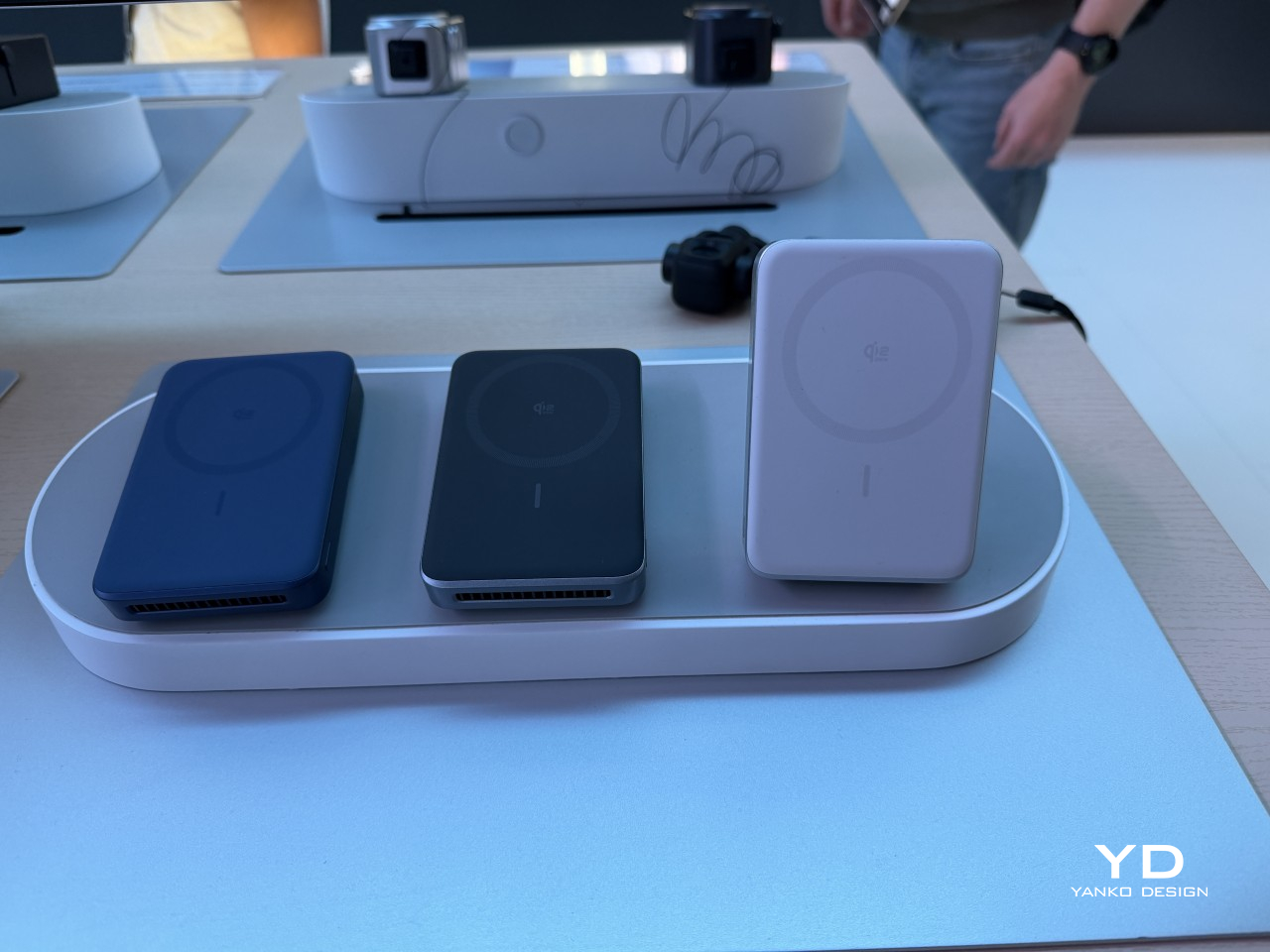
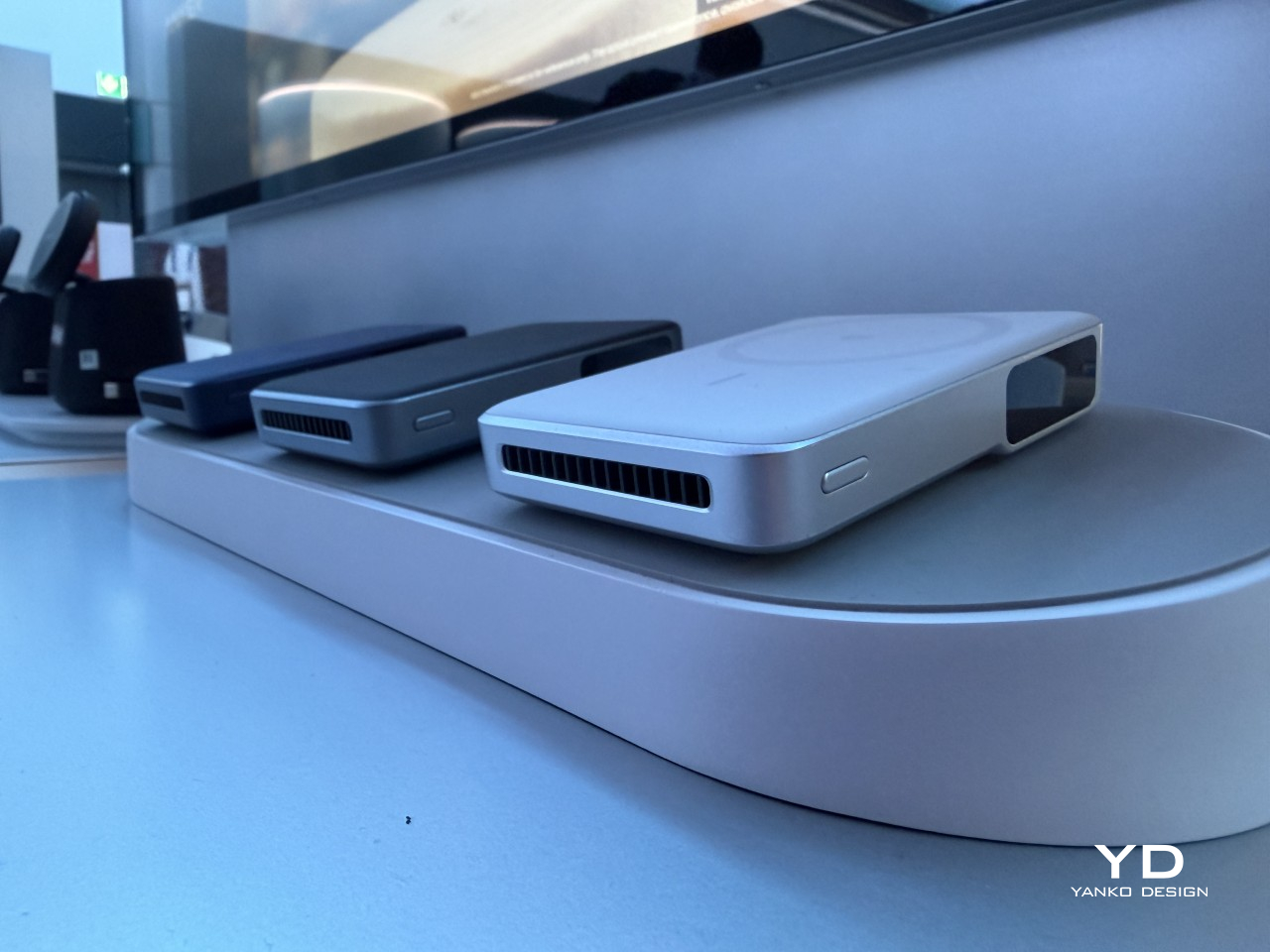
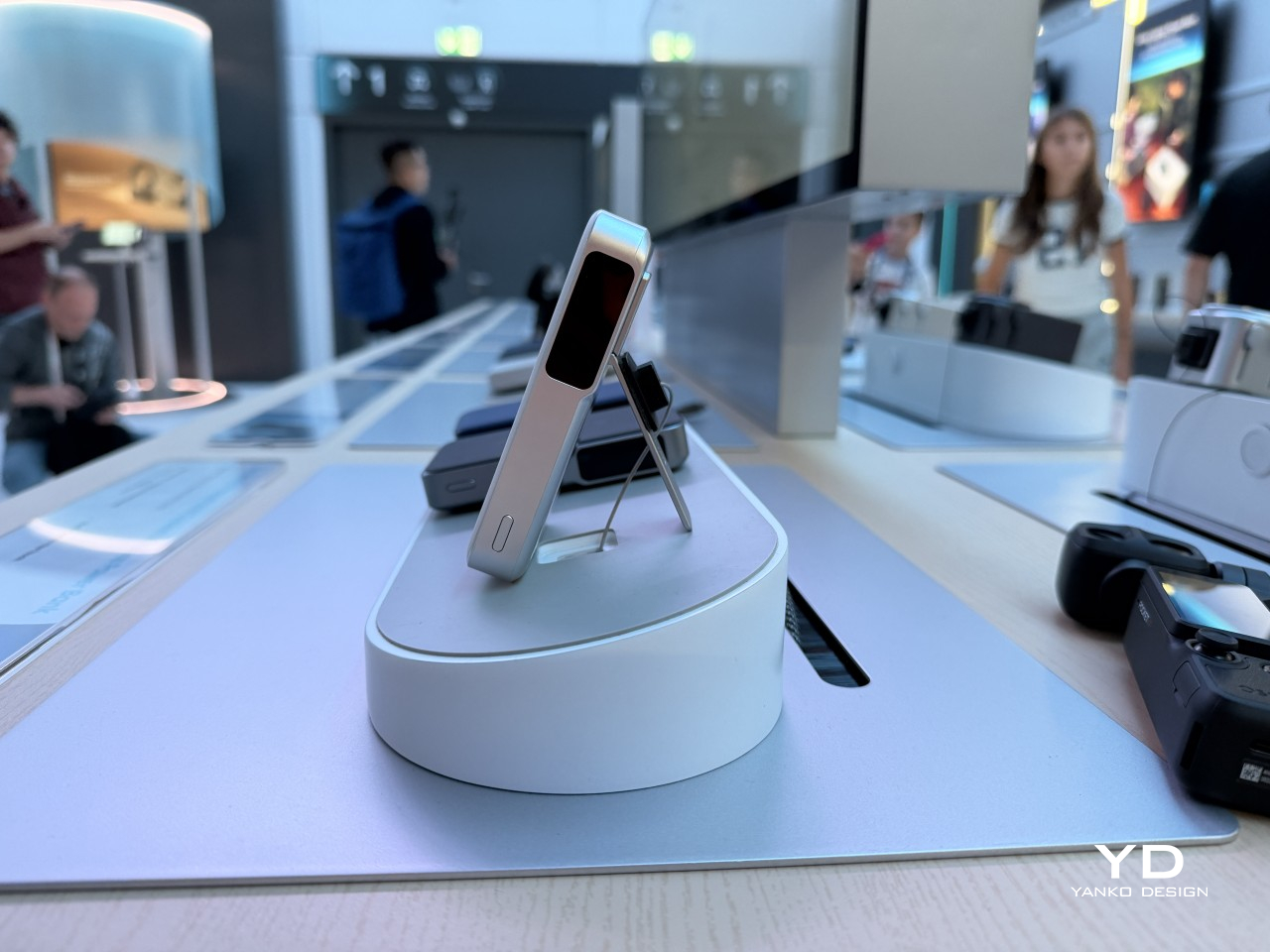
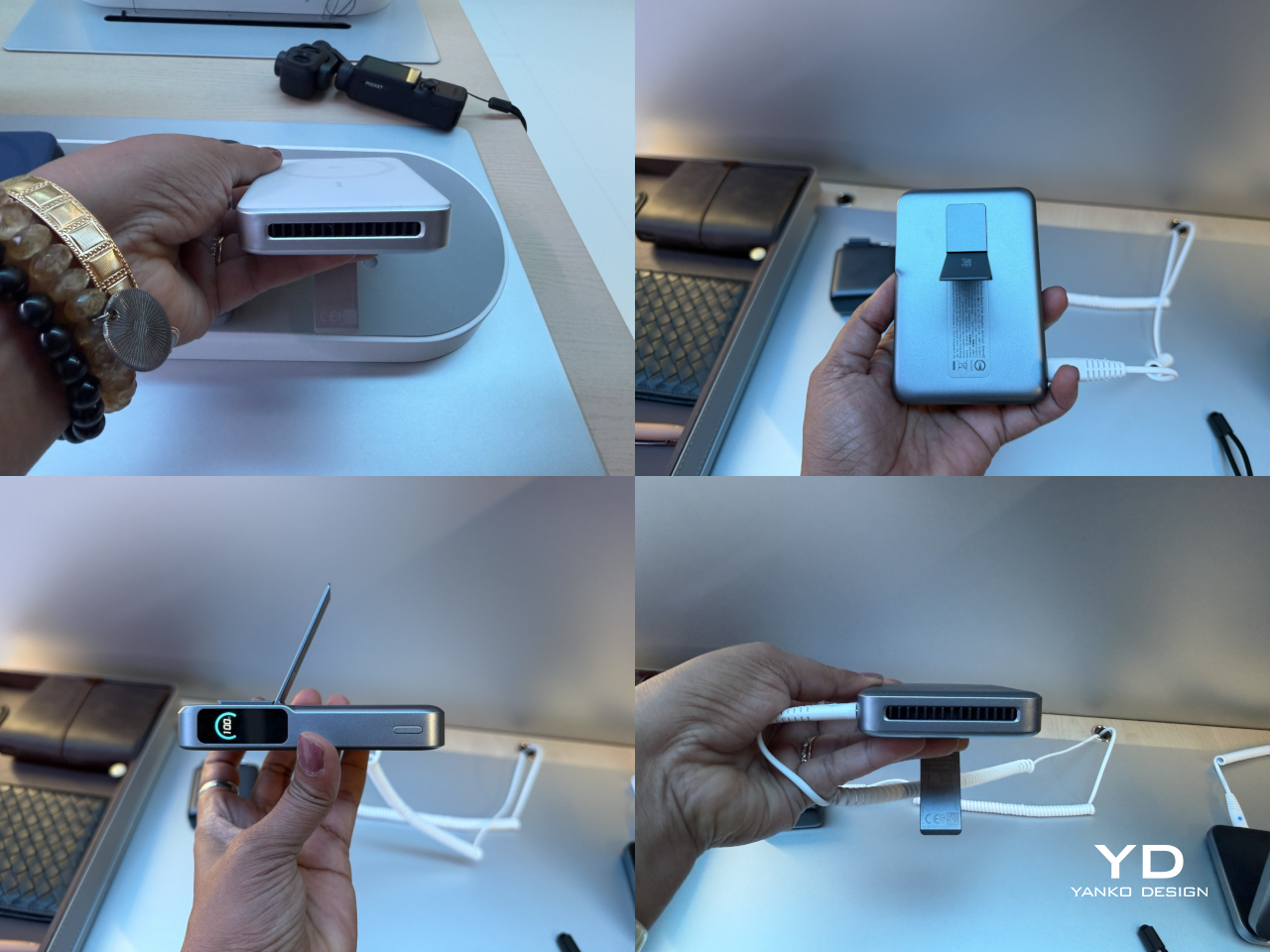
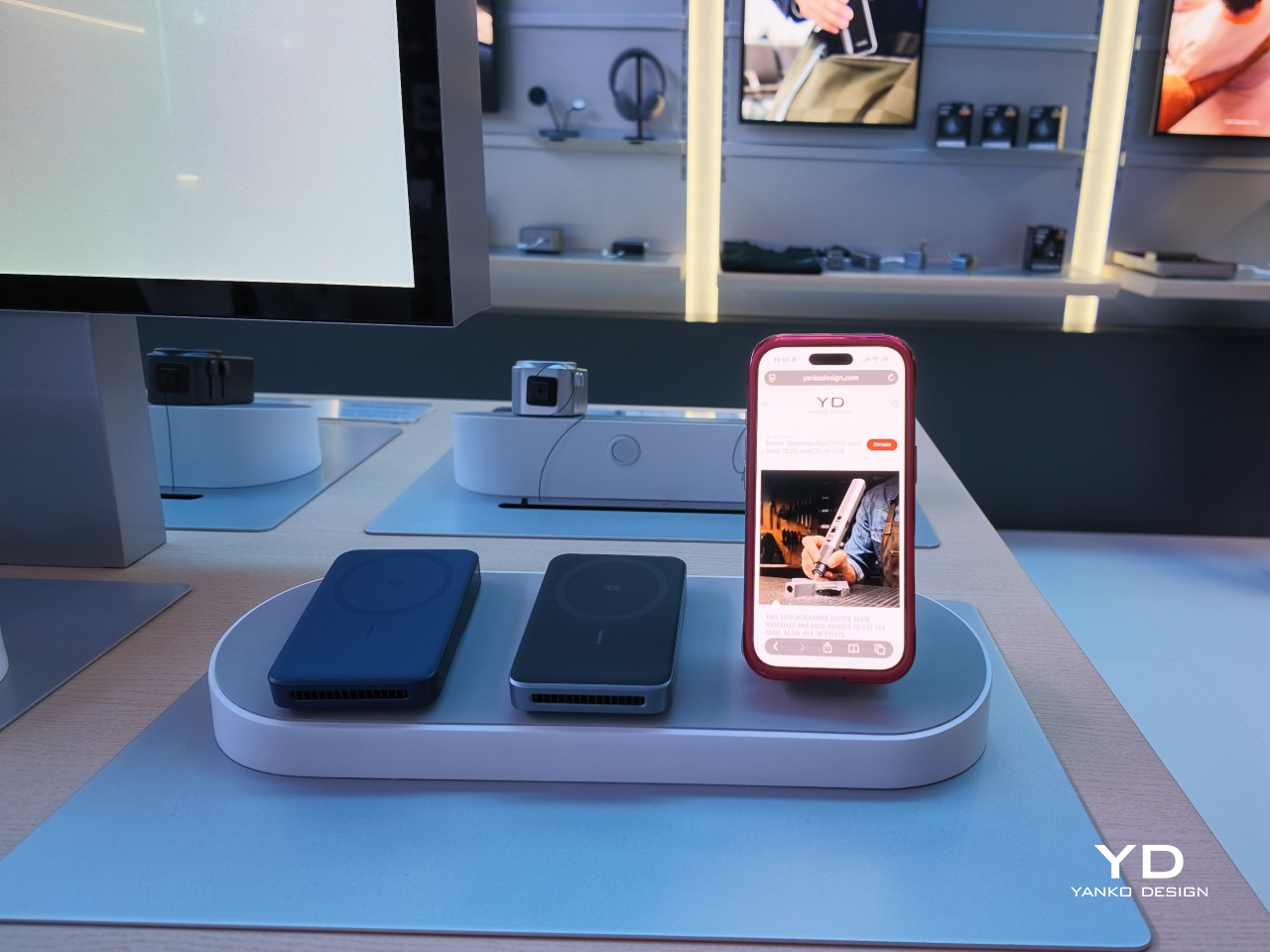
The INVZI MagHub Go represents a new class of everyday carry that starts with what matters most: security. The breakthrough fingerprint encryption system lets you instantly lock and unlock your storage with a single touch, protecting sensitive files, photos, and work documents from unauthorized access. This security foundation supports powerful performance through compatibility with M.2 NVMe SSD in 2230 size, transforming your SSD into a high-speed portable drive that works seamlessly across MacBook, iPhone (with MagSafe attach), iPad, Windows laptops, and Android devices, including your S26. USB-C 3.2 Gen 2 delivers 10Gbps transfer speeds while 100W PD fast charging keeps your connected devices powered.

The compact enclosure combines up to 4TB of ultra-fast NVMe storage, a versatile 10Gbps USB-C hub, and 100W of power delivery in one impossibly small device that fits in any pocket or bag. The fingerprint sensor eliminates password fatigue while providing security that feels effortless rather than obstructive. Your S26 connects directly for blazing-fast file transfers that move video projects, photo libraries, and large datasets in seconds rather than minutes. The hub functionality means adding peripherals without carrying separate adapters, while the power delivery ensures your phone charges while transferring data, maintaining productivity without compromise.

Why Your Samsung S26 Needs This

Content creators, photographers, and professionals who treat their S26 as a serious work tool need storage that matches their ambitions and security that protects their intellectual property. The MagHub Go delivers both through fingerprint encryption that secures your files without slowing your workflow and transfer speeds that move 4K video or RAW photo files faster than most cloud services can upload them. The portable form factor means your entire digital workspace travels with you, backed by security that ensures only your fingerprint unlocks your content. For professionals who create on the go, this combination of speed, capacity, and security becomes indispensable.

5. OSO AI-Enabled Earbuds – Your Meeting Intelligence Lives Here

The OSO AI Earbuds represent the world’s first true AI meeting assistant that lives in your ear, transforming every conversation into a competitive advantage. These intelligent earbuds seamlessly record, transcribe, and analyze every meeting, call, and conversation in real-time across 40+ languages while delivering crystal-clear audio through 13mm dynamic drivers with boosted bass and smart noise cancellation. The dual beamforming microphone ensures your voice cuts through background noise with clarity. Long-press and say “Hey OSO!” to instantly access personalized AI insights powered by ChatGPT-5 and Anthropic that dive deep into your recorded conversations, turning hours of meetings into actionable summaries and strategic insights in seconds.

The practical specs back up the ambitious promises. Up to 21 hours of total battery life keeps you connected through marathon meeting days, with the smart charging pod featuring built-in screen controls for quick adjustments. Bluetooth 5.2 connectivity ensures stable pairing with your S26, while secure cloud storage protects your conversations and transcriptions. The earbuds deliver 16 hours of stereo music playback or up to 4 hours of continuous recording, with the case extending recording time to 13 hours maximum. USB Type-C charging gets you back to full power in just 1.5 hours. OSO doesn’t just help you hear better – it helps you think smarter, decide faster, and stay ahead of the competition.

Why Your Samsung S26 Needs This

The S26 will pack incredible processing power, but OSO adds the intelligence layer that turns conversations into competitive advantages. Recording and transcribing meetings across 40+ languages means never missing critical details or action items buried in hours of discussion. The AI analysis powered by ChatGPT-5 and Anthropic extracts insights you’d miss manually reviewing transcripts, identifying patterns and opportunities faster than humanly possible. For professionals who live in meetings, sales calls, or client conversations, OSO transforms passive listening into active intelligence gathering that drives better decisions and stronger outcomes.

Wrapping It Up

The right accessories elevate your Samsung S26 from impressive hardware to a complete system that adapts to your creative, professional, and personal needs. These five picks justify their price tags through superior engineering, thoughtful design, and performance that holds up under real-world demands. They protect your investment, expand your capabilities, and streamline your daily routines without the compromise that defines budget alternatives.

Quality accessories pay dividends through reliability when you need them most, whether that’s capturing a fleeting moment, taking an important call, securing sensitive files, or extracting intelligence from marathon meeting sessions. The TORRAS Ostand Q3 Air, Peak Design Creator Kit, Lexon City Energy Pro, INVZI MagHub Go, and OSO AI-Enabled Earbuds represent the best Android accessories for S26 users who understand that the right tools make everything easier, better, and more enjoyable. Your phone deserves accessories that match its sophistication.

The post 5 Best Android Accessories For Samsung S26 Users That Are Actually Worth the Money first appeared on Yanko Design.

This 7-Device Charging Station Glows Like a Lamp and Replaces One

If your bedside table looks anything like most people’s, it’s basically a charging graveyard. There’s a phone, a smartwatch, a pair of earbuds, maybe a tablet, and enough cables to qualify as a fire hazard. The whole setup is functional, sure, but it’s also the kind of thing you instinctively hide behind a lamp so guests don’t judge you. Nova, a concept by designer Parth Amlani, thinks there’s a much better way to handle all of this.

The idea behind Nova is simple but surprisingly rare: instead of designing yet another flat, forgettable charging puck, Amlani went for something you’d actually want to display. The result is a wide, trapezoidal charging station with a sculptural, almost pyramidal silhouette, two open horizontal bays running through its body, and a warm copper accent strip along one side. Put it on a nightstand, and it looks more like a decorative object than a piece of tech hardware.

Designer: Parth Amlani

What makes Nova genuinely clever, though, is that its translucent body doubles as a soft ambient light source, glowing warmly from within when the room goes dark. That means it can replace your bedside lamp entirely, or at the very least make a strong case for doing so. It stops being something you plug in and forget about, and starts being something that actually contributes to how a room feels at night.

The charging hardware underneath all that thoughtful design is no slouch, either. Nova can power up to seven devices at once, with four 15W wireless pads for phones, a 5W pad for earbuds, a 3W watch puck, and two retractable USB-C cables rated at 15W each for anything else that needs a wire. Those retractable outputs are a genuinely useful touch, handling the odd peripheral without leaving a permanent cable draped across your table.

It’s also worth noting that Nova is much further along than the average design concept that looks great in renderings and never gets built. Amlani took it through full manufacturing refinement, including injection-moulding-ready geometry, a snap-fit structure, and a removable back panel for servicing.

The biggest open question is whether its ambient glow is bright enough to stand in for an actual bedside lamp or whether it just adds a nice atmospheric accent. That distinction will matter a lot to anyone hoping to clear some clutter from their nightstand. For now, though, it’s one of the more original answers to a problem that most charging products are content to completely ignore.

The post This 7-Device Charging Station Glows Like a Lamp and Replaces One first appeared on Yanko Design.

TORRAS’ Galaxy S26 Ultra Case Has a 360° Rotating Magnetic Stand, Leather-Like Skin, and a Design Award

Galaxy S26 Ultra users tend to fall into a specific category. They’re the people who picked the Ultra not because they needed the absolute maximum specs, but because they actually use those specs. The 200MP camera system gets put to work, the S Pen stays in regular rotation, and the phone handles everything from spreadsheet edits to client presentations. Cases for these users need to solve real problems, which makes the TORRAS Ostand Q3 Vegskin feel purpose-built rather than mass-marketed.

Vegskin covers the back panel with organic silicone fabric that mimics the texture of quality calfskin leather, complete with Italian-inspired embossing that delivers a matte, slightly velvety surface. The material resists oil and water stains while offering antibacterial and anti-mold protection, staying clean through daily handling without constant maintenance. Inside, a beige microfiber lining guards the S26’s glass back from scratches and scuffs. The combination of materials creates a case that works in business settings without looking sterile, pairs well with casual use without feeling too relaxed, and handles outdoor situations without compromise.

Designer: TORRAS

Click Here to Buy Now: $51.30 $56.99 (10% off, use coupon code “YANKO111”). Hurry, deal ends in 48-hours! Amazon Link Here.

The Ostand has been arguably TORRAS’ most clever invention, providing an ultra-slim yet robust O-shaped ring/stand that rotates on a 360° pivot point for flexible gripping as well as docking (while sitting flush against the case when shut). The Tora-Hold™ perfects on that technology by packing components that are slimmer, stronger, and somehow smoother in their motion and use too. Eight layers of intricate components (down to micrometers in thickness) deliver the 360-degree rotation with stable angle-locking at any position you choose. The stand measures 2.7mm thick, integrating seamlessly into the backplate when closed, which matters because most kickstand cases add noticeable bulk that ruins the phone’s profile. Flip it open and the hinge operates silently, tuned for smooth reliable motion through over 30,000 rotations according to durability testing. The aerospace-grade aluminum construction went through more than 400 trials refining texture, tone, and color, which explains why the champagne gold finish feels considered rather than flashy.

Four quick-stop positions at 90°, 180°, 270°, and 360° let you snap the stand into place for fast setup, but the mechanism also locks smoothly at any angle between those points – a feature I’ve come to absolutely fall in love with on TORRAS’ Ostand cases. The magnetic ring doubles as a stand and a mounting solution, delivering 15N of magnetic force that holds firmly to car mounts, refrigerators, whiteboards, or any magnetic surface you encounter. That force rating means the phone stays put during workouts or bumpy commutes, which makes the stand viable for actual use rather than occasional convenience. The one-click locking and hidden hinge design keeps the mechanism from feeling like an afterthought bolted onto the case. And, your S26 Ultra will be wireless charging capable with this case on.

The lens guard deserves its own mention because TORRAS designed it specifically for the S26’s camera layout. A precision raised frame wraps around the camera module, following Samsung’s left-high, right-low runway-and-pillar design that keeps the lenses elevated above flat surfaces. The protection works without blocking the flash, the 10MP telephoto cameras, or the radar sensors Samsung packed into that corner, so every shooting function stays fully operational. Camera bump designs change with every phone generation, and cases that ignore those specifics end up causing problems with focus or flash washout. TORRAS clearly mapped the S26’s exact sensor placement, which matters when you’re spending flagship money on computational photography.
The sides use concave TPU that curves to fit your hand naturally, creating a secure hold without adding aggressive texture or rubber grips that collect lint. Soft-touch TPU increases friction just enough to prevent slips while keeping the case comfortable during extended handling, which matters when you’re scrolling through long documents or editing photos. The metal buttons deliver precise tactile feedback with every press, maintaining the satisfying click of the S26’s physical controls instead of mushing them into spongy approximations. Samsung brought back the S Pen slot for the Ultra, and TORRAS built an ergonomic cutout that makes removal effortless with one press for smooth extraction. Little details like that separate cases designed around a specific phone from universal designs adapted to fit whatever Samsung releases.

TORRAS prices the Ostand Q3 Vegskin at $54.99, positioning it in premium territory alongside first-party Samsung cases and established accessory brands. Three colors cover different aesthetic preferences: Amber Brown for warmth and character, Obsidian Black for understated professionalism, and Amethyst Purple for users who want their tech to show some personality. The case works exclusively with the S26 Ultra, designed around that specific body and camera configuration. If you’re investing in the Vegskin, might as well grab one of TORRAS’s 9H hardness screen protectors too, since a premium phone with a scratched display isn’t particularly pleasing to the eye or the pocket.

Click Here to Buy Now: $51.30 $56.99 (10% off, use coupon code “YANKO111”). Hurry, deal ends in 48-hours! Amazon Link Here.

The post TORRAS’ Galaxy S26 Ultra Case Has a 360° Rotating Magnetic Stand, Leather-Like Skin, and a Design Award first appeared on Yanko Design.

Colorful Inhaler Case Laser-Engraves Names So Kids Aren’t Embarrassed

Inhalers are one of those everyday objects that millions of people carry around without ever thinking about how they look or feel. They roll around in bags, get shoved into pockets, and come out in public with all the elegance of a used tissue. Nobody designed them to be personal, and it shows. The hale Flow, a colored SLS nylon case made in the UK, wants to change that by treating an inhaler less like a clinical tool and more like something you’d actually want to pull out of your bag.

The person behind it is Matthew Conlon, who built hale from his own experience living with asthma. That starting point matters because the material choice isn’t just cosmetic. The case is made from PA12 nylon through selective laser sintering, a polymer grade found in aerospace and medical implant applications. At just 1mm of wall thickness, it wraps tightly around the Ventolin Evohaler without adding bulk, and the slightly grainy, matte surface gives it a tactile quality that immediately separates it from the cheap silicone sleeves floating around online.

Designer: Matthew Conlon

Two halves snap together through concealed magnets, each only 0.85mm thick, so there are no visible clips or latches breaking up the surface. The mouthpiece cap bonds with a small dot of adhesive, the one permanent step in an otherwise reversible setup. Subtle contours across the grip area help with one-handed use, which is the kind of detail you appreciate when you’re having a mid-asthma episode and fumbling isn’t really an option. Three colorways are available (Lemon, Pink, and Black) at £29, sitting comfortably between throwaway accessories and hale’s own aluminum Classic at £59.

What genuinely sets the Flow apart, though, is laser engraving. You can add a name or even upload a custom image, like a pet illustration, etched permanently into the nylon. For a parent buying one for a child with asthma, that turns a medical necessity into something personal, something a kid might actually feel proud pulling out of a backpack. No other inhaler accessory on the market currently offers that level of personalization at this price, which is surprising given how large the potential audience is.

The honest caveat here is compatibility. The hale Flow works exclusively with the Ventolin Evohaler, and while salbutamol remains one of the most dispensed bronchodilators in the UK, with over 22 million units in 2020 alone, millions of asthma patients rely on entirely different devices. Hale says it is exploring additional models, but for now, the design promise stops at one inhaler.

At £29, manufactured in the UK by a single founder who actually lives with the condition he’s designing for, the hale Flow sits in a category that barely existed before it showed up. Whether it can grow beyond that single compatible inhaler will determine if it remains a thoughtful niche product or turns into something with a much wider reach.

The post Colorful Inhaler Case Laser-Engraves Names So Kids Aren’t Embarrassed first appeared on Yanko Design.

What Happens When a Bag’s Inside Becomes Its Outside

The first thing you notice about MAQL is how deliberately sculptural it looks. The handbag sits with an almost architectural presence, its curved body and rolled edges creating a form that feels more like a ceramic vessel than a typical leather accessory. That impression isn’t accidental. This is a bag designed to be looked at as much as it’s meant to be used.
Created through a collaboration between Tokyo-based design studio Nendo and leather artisans Bag Makers Tokyo, MAQL is constructed from a single laminated piece of leather with grain leather on one side and suede on the other. The entire structure emerges from a process of strategic folding and peeling, where the rim is turned back on itself to gradually reveal what becomes the exterior surface and handles. It’s a bit like watching origami in reverse, where the final form contains evidence of every fold that brought it into being.

Designers: Nendo and Bag Makers Tokyo

The name comes from makuru, meaning “to peel, to reveal” in Japanese, and that action is visible in every part of the bag’s construction. Where the leather rolls back, you see both textures at once: the smooth, structured grain leather meeting the softer suede underneath. The handles aren’t attached separately. They’re continuous with the body, formed by the same peeling motion that creates the bag’s opening. There are no hidden seams trying to disguise how this was made. The stitching is exposed where it needs to be, marking the transitions between surfaces.

What makes the design compelling is how it plays with the idea of inside versus outside. Traditionally, a bag’s interior is something you only see when you open it, a hidden space with different materials and construction than what’s visible to the world. MAQL eliminates that boundary. The suede that would typically be tucked away as lining becomes part of the exterior surface. The grain leather that forms the outer body curves inward to create the interior walls. You’re constantly seeing both sides at once, which changes how you relate to the object.

This isn’t just conceptual posturing. There’s a practical elegance to the construction. Because the bag is formed from a continuous piece of material rather than multiple panels stitched together, it has a structural integrity that feels substantial in your hands. The rounded bottom gives it stability when set down. The rolled edges create a soft, almost cushioned grip. And because both leather surfaces are visible, you’re touching different textures depending on how you hold it, smooth grain on one side, soft suede on the other.

Nendo, the studio founded by Oki Sato in 2002, has built its reputation on creating these kinds of quiet surprises, designs that reveal themselves through use rather than immediate visual impact. MAQL fits that approach perfectly. It’s minimalist without being stark, sculptural without being impractical.
The design also taps into something deeper in Japanese aesthetics, this long-standing appreciation for craftsmanship that doesn’t need to announce itself. Think of the way a kimono’s lining might be more elaborate than its exterior, seen only in glimpses, valued by those who know to look. MAQL takes that same philosophy but inverts it, bringing hidden construction to the surface where it becomes part of the design language.
The bag comes in a muted palette, mostly earth tones and soft neutrals that let the form and texture do the talking. There’s a larger version that works as a proper handbag and smaller iterations that function almost like pouches. Each size maintains the same folded construction, the same interplay between grain and suede, the same sense of a form that emerged organically from the material itself rather than being imposed upon it.

In a market saturated with bags that compete on logos and brand recognition, MAQL stands out by offering something different: visible craftsmanship, thoughtful construction, and a form that asks you to pay attention to how things are made. It’s not trying to signal anything beyond its own careful execution. For people who care about design, that’s more than enough.

The post What Happens When a Bag’s Inside Becomes Its Outside first appeared on Yanko Design.

Forget Smart Pens. This Titanium Fidget Pen Writes, Clicks, Spins, and Delights.

Your hands are restless by design. Even when you’re sitting still and supposedly focused, they want to press something, rotate something, click something into place. This tendency has been pathologized and productized in equal measure, first by disapproving teachers, then by the fidget spinner industry. But before any of that, there was just the pen. The clicking ballpoint. The cap you’d snap and unsnap. The barrel you’d roll between your knuckles during a long phone call. Pens have always had a secondary life as objects of physical preoccupation, and most people who’ve ever worked at a desk know exactly what that feels like.

SPINNX takes that secondary life and makes it the whole point. Built by WEIWIN out of aerospace-grade titanium and held together by magnets, the pen separates into three modules that each deliver a distinct tactile sensation. Snap them together and there’s a crisp magnetic click. Press the spring-loaded ball in the middle and it gives you another one. Spin the dice top and it rotates through a series of rhythmic mechanical detents. The pen tip deploys with a twist rather than a click, because even the functional part of the experience has been thought through. Three years of development, ten design revisions, and one very specific goal: a pen that writes and delights.

Designer: WEIWIN

Click Here to Buy Now: $59 $102 (42% off). Hurry, only 168/200! Raised over $46,000.

The three-part system allows you to reconfigure the pen’s entire sensory output. You can flip the middle module to put the spring-loaded ball on top for a different kind of thumb-actuated click. Each combination changes the weight distribution and the way the pen feels in motion, which creates a surprisingly deep rabbit hole of tactile experiences. The team claims over fifty different ways to spin and fidget with the thing, and that number feels plausible once you start playing with it. The design provides a whole palette of physical feedback, letting you find the specific sensation your brain needs at that moment to stay locked in.

The snap of two modules connecting sounds like a well-tuned mechanical keyboard switch, something the designers obsessed over to ensure the end-product has a strong audio-visual-tactile experience. WEIWIN engineered the acoustic and tactile response of each magnetic separation and reconnection as an intentional product feature, treating the sound with the same design attention as the geometry… sort of like how luxury car designers obsess over how the doors sound when they close. Most clicking pens produce their click as a mechanical consequence, with nobody sitting in a room deciding whether it needs to be crisper or more controlled. With SPINNX, somebody clearly did sit in that room, and the result is a snap that feels sound-designed for sheer satisfaction.

The dice module functions like a high-quality EDC spinner, rotating with a series of crisp, audible clicks that feel like running your thumb over the crown of a well-made watch. Its ceramic bearing ensures the rotation is smooth and completely unaffected by the precision-engineered magnets holding the pen together. Choosing a non-metallic bearing is the kind of small, deliberate decision that separates a durable tool from a simple toy. Beyond the satisfying spin, it serves as a simple decision-making device. When you’re stuck between two choices, a quick roll gives you an answer, which is a surprisingly effective way to get past minor mental roadblocks.

Choosing aerospace-grade titanium for the body does more than just add a premium feel. The material provides a specific heft and durability that aluminum or steel can’t quite match, giving the pen a reassuring presence in the hand without being overly heavy. This balance is critical for an object designed for constant manipulation. The pen tip itself deploys with a smooth twist mechanism, which feels more deliberate and controlled than a standard clicker. WEIWIN also engineered its own proprietary “Super Refill,” which they claim has up to six times the writing life of a standard refill. Sure, it won’t work with standard refills, but standard refills only last 1/6th as long as the one that comes with the SPINNX.

There’s an optional Maglev Pen Stand that completes the package for anyone who spends most of their day at a desk. The stand uses magnetic levitation to balance the pen perfectly upright, letting it float and glide with a gentle touch. It turns the pen into a kinetic sculpture when you’re not using it, a piece of interactive art that settles back to its center with precision. This stand isn’t just for storage; it’s an extension of the pen’s core philosophy. It’s another way to engage your hands and mind with a simple, satisfying physical interaction, turning a moment of pause into something quietly delightful.

The standard SPINNX comes in four finishes. The base model is a silver-colored aluminum for $59, while the premium versions are offered in natural titanium, matte black titanium, and a striking brass-colored titanium for $69. For those who want the complete experience, a $99 Professional Kit bundles the pen with a leather pouch and other accessories. There are also several add-ons available separately, including extra refills, a calfskin leather pouch for protection, a spiral module to swap with the dice cap for a different visual flow, and the magnetic fidget sticks for more desk-based play. The Maglev Pen Stand is also available as a standalone $35 purchase. All SPINNX variants ship worldwide starting April 2026.

Click Here to Buy Now: $59 $102 (42% off). Hurry, only 168/200! Raised over $46,000.

The post Forget Smart Pens. This Titanium Fidget Pen Writes, Clicks, Spins, and Delights. first appeared on Yanko Design.

This Portable Power Strip Clamps to Table Edges and Charges 3 Devices

Working from wherever you can find a seat means accepting certain frustrations, and outlet hunting is near the top of the list. Extension boards solve that at home, but they’re designed for rooms rather than bags, and dragging one to a café or shared studio means arriving with a coil of cable that becomes someone else’s problem. Power infrastructure hasn’t caught up with how people actually work.

Xtend is a personal charging extension concept built around one challenge: making power access portable without making it awkward. The guiding claim is “Power access shouldn’t be bulky,” which is fair when most extension boards still feel designed for a fixed office and are never reconsidered. The concept answers with a compact, desk-edge device you carry rather than leave behind.

Designer: Parth Amlani

Rather than a strip on the floor where cables become trip hazards, Xtend clamps to the table edge and creates an elevated power zone right where you’re working. That’s the main behavioral shift, and it matters. It keeps cables off the ground, reduces accidental unplugging when someone shifts their chair, and gives the whole setup a predictable home, whether you’re there for twenty minutes or a few hours.

A manual retractable wire manages the cable when you pack up, addressing tangles at the source rather than relying on cable ties or zip pouches. The table attachment uses a selfie-stick-inspired locking mechanism for adjusting and securing the device to different desk edge profiles. That’s not a small detail, because portability only works if setup and stow are both quick.

Of course, attaching to a desk edge only matters if it handles what you’re actually charging. Xtend is set up for three devices at once, a top-facing outlet for a laptop charger, and USB ports on the side for phones or smaller devices. That mix reflects how people actually charge at a shared desk, one large draw and a couple of smaller ones, rather than forcing everyone to compete for a single wall strip.

Xtend treats power the way people already treat other portable tools, as something that belongs in a bag and works anywhere. Extension boards have been a room infrastructure for decades, but how people work has changed. A small device that attaches to a desk edge, charges three things, and retracts its own cable before you leave suggests that the power strip category is ready for a rethink.

The post This Portable Power Strip Clamps to Table Edges and Charges 3 Devices first appeared on Yanko Design.

This Wireless Mouse Clips to Your Laptop Edge So You Never Lose It

Working on the move means accepting a certain amount of small friction. You can have a great laptop and still spend the first five minutes of a café session digging through a bag for a mouse, or realizing you left it on your desk at home. Accessories are the first things to get lost because they don’t have a natural home when you’re packing up in a hurry, and no amount of good habits fully solves that.

BondClip by BondArch is a wireless mouse engineered to clip onto the edge of a laptop or tablet, so it travels with the device instead of floating loose. The G-shaped architecture is the whole idea, a flowing aluminum loop that forms a natural clip and keeps the mouse attached to the device like a tool rather than stored like a separate accessory you have to keep track of.

Designers: Sangmin Yu and Rinchar Ren (HNDESIGN) for BondArch

The clip itself relies on geometry and friction rather than a clamp or spring mechanism. A silicone pad on the underside of the loop increases contact friction, helping BondClip grip the laptop’s edge firmly during travel without digging into the surface or requiring the kind of force that would mark a premium finish. The silicone also absorbs minor vibrations, so it doesn’t rattle around in a bag with the laptop.

The weight comes in at 72g and dimensions at 110.6mm x 60mm x 36.2 mm, which puts it in compact travel mouse territory. The more meaningful shift is behavioral. When you open the laptop, the mouse is already there, clipped to the edge and ready to go. That changes the rhythm of setting up in a meeting room or café, removing one physical search from the start of every work session.

Connectivity covers 2.4GHz wireless and Bluetooth 5.4, switchable via a mode button on the underside, so you can pair it to a laptop and tablet independently and switch between them without re-pairing. Adjustable DPI runs from 600 to 3600, covering slow, precise cursor work and faster general browsing without needing software to set it up.

The 25 mAh rechargeable battery is rated for 130 hours of use on a single charge, with USB-C for recharging. At that battery life, it’s the kind of peripheral you plug in occasionally rather than manage carefully, which matters when you’re already keeping an eye on a laptop, phone, and earbuds.

The body is precision-bent aluminum alloy, with polycarbonate and silicone components, in Silver and Midnight finishes. BondArch calls it “office luxury,” which isn’t an empty claim when the sandblasted matte finish is clearly aimed at the same visual register as a modern MacBook. It’s a mouse that gives itself a place to live on the device it works with, which turns out to be a more useful idea than another wireless range number.

The post This Wireless Mouse Clips to Your Laptop Edge So You Never Lose It first appeared on Yanko Design.

Japan Just Solved Spring Home Refresh With 8 Minimalist Accessories That Make Your Space Feel New

Spring cleaning has a way of exposing how tired a room can feel. Swapping out a duvet cover or rearranging furniture only goes so far. What actually shifts a space is the accumulation of small, considered objects, the kind that carry weight in both design and meaning. Japan has been refining that philosophy for centuries, and right now, its makers are producing pieces that feel less like accessories and more like answers.

The eight pieces below come from workshops and studios rooted deeply in Japanese craft traditions, from the granite quarries of Kagawa to the porcelain villages of Nagasaki. Each one brings something entirely distinct to a room: texture, scent, sound, light or a quiet kind of order. None of them demands visual attention. That restraint is precisely what makes them so effective at resetting a space, slowly and convincingly, for spring.

1. Miniature Bonfire Wood Diffuser Set

The first thing you notice about the Miniature Bonfire Wood Diffuser Set is that it shouldn’t work as well as it does. A stainless steel campfire, sized for a shelf, capturing the scent of mountain forests through bundled miniature firewood. Yet everything about it, the tying knot, the proportions, the way the essential oil disperses, feels entirely intentional. It pulls the atmosphere of Mt. Hakusan into whatever room you place it in, with the same gentleness as a forest breeze moving through cedar.

For spring, this diffuser does something conventional reed diffusers rarely manage: it gives the scent a visual story. The trivet feature makes it genuinely dual-purpose, transforming into a pocket stove for an indoor camping ritual that bridges the gap between winter’s coziness and spring’s restlessness. Built from rust-resistant stainless steel, it holds up to repeated use without losing its clean, sculptural presence. As a centerpiece on a coffee table or entryway shelf, it reframes the whole room around calm.

Click Here to Buy Now: $99.00

What We Like

  • Mt. Hakusan essential oil brings a real, named place into the room.
  • The trivet conversion makes it an experience, not just a decorative object.

What We Dislike

  • Scent radius may fall short in larger, open-plan spaces.
  • Mt. Hakusan oil refills are specialty items, difficult to source outside Japan.

2. Aji Stone Book End Large

Aji Stone is known in Japan as the diamond of granite, quarried exclusively from the northeastern region of Takamatsu City in Kagawa Prefecture, where its exceptional density and refined grain make it unlike any other decorative stone. The Aji Stone Book End Large is perfectly split from a single stone. It holds large books without shifting and carries a physical presence that mass-produced bookends simply cannot replicate.

What makes this bookend particularly suited for a spring refresh is its restraint. It doesn’t decorate; it anchors. A shelf of books held between two blocks of Aji stone immediately reads as curated rather than accumulated, which is a subtle but significant shift for any living space. Its low moisture absorption and resistance to weathering mean it can sit near a window or in an entryway without degrading over time. Spring cleaning often calls for removal. This is the rare piece worth adding.

What We Like

  • Each piece carries natural individuality that no factory process can reproduce.
  • Dense enough to hold the heaviest books without shifting.

What We Dislike

  • At $240, it asks for real confidence in its long-term design value.
  • Significant weight makes repositioning effortful once placed.

3. Nousaku Slim Wind Chime

Wind chimes occupy a strange, undervalued category in home design: they’re atmospheric tools more than decorative objects, and the Nousaku Slim Wind Chime understands that completely. This chime features a deliberately narrowed opening that concentrates sound into a sharp, transparent tone with a slightly lower pitch than a standard wind chime. It’s the sonic equivalent of a cool spring breeze arriving through an open window, producing a calm, focused resonance that a wider opening simply cannot achieve.

In spring, when windows stay open and air starts moving freely again, this chime becomes a functional part of a room’s ambiance rather than a decorative afterthought. Its slim, elongated form is considered as its sound, clean lines that integrate into the architecture of a space rather than competing for visual attention. Pair it with the Nousaku Wind Chime Onion model and the two produce a layered, resonant harmony that no single chime can generate on its own.

What We Like

  • The narrowed opening produces a precise, lower-pitched tone that feels intentional.
  • Pairs with the Nousaku Wind Chime Onion for a harmony no single chime achieves.

What We Dislike

  • Focused tonal range may feel too controlled for those who prefer a fuller sound.
  • Largely silent in poorly ventilated spaces or rooms with closed windows.

4. Hasami Porcelain Planter

The Hasami Porcelain Planter is the product of a village, not a factory. Made in Hasami, a porcelain-producing town in Nagasaki Prefecture with a craft tradition stretching back to the Edo period of 1603, each piece passes through the hands of artisans who specialize in specific stages of production before it reaches the market. That distributed labor creates a quality that is difficult to manufacture any other way. The result is a planter that feels entirely resolved in both form and finish.

Designer Takuhiro Shinomoto drew the collection’s proportions from the Jubako, Japan’s traditional stacking lacquerware box, and that heritage shows in every curve. The planter’s clean lines and stackable form mean it works as beautifully in a cluster as it does alone. The natural finish, neither matte black nor clear glaze but the raw, textured surface of the porcelain itself, makes it ideal for spring: honest materials, seasonal planting, and a connection to earth that feels earned rather than styled.

What We Like

  • Village craft passed down since the Edo dynasty lives in every piece.
  • The Jubako-proportioned stackable form unlocks genuine multifunctionality.

What We Dislike

  • Unfinished porcelain surface shows marks more readily than a glazed alternative.
  • Specialty retail distribution makes expanding or replacing pieces difficult.

5. Genji-Kō Inspired Incense Burner

Kōdō, the Japanese art of incense appreciation, is one of the country’s oldest sensory practices, and the Genji-Kō Inspired Incense Burner gives it a visual form genuinely worth owning. The design draws from the Genji-kō diagram, a pattern developed to map the chapters of The Tale of Genji through five vertical lines forming 52 distinct configurations. Each configuration represents a chapter of Japan’s most revered literary work, and the burner translates that literary architecture into an object that functions as beautifully as it references.

For spring in particular, incense shifts a room in a way that no visual rearrangement can replicate: it changes the air itself. This burner earns a place on any shelf through the quality of its conceptual design alone, but its relationship to The Tale of Genji, Japan’s eleventh-century literary masterpiece, gives it a cultural resonance that elevates the daily ritual of lighting incense into something more intentional. Place it on a low shelf near an open window and let the morning light and season do the rest.

What We Like

  • The Genji-kō diagram ties a daily ritual to one of Japan’s greatest literary traditions.
  • Incense changes the air itself, and this piece makes that shift feel entirely deliberate.

What We Dislike

  • The design’s depth lands best with some familiarity with Kōdō and The Tale of Genji.
  • Limited published specifications make it harder to assess physical fit before purchasing.

6. Rustic Ceramic Trivet with Antique Nail Design

The Rustic Ceramic Trivet with Antique Nail Design sits at the intersection of kitchen utility and tabletop art. A stunning ceramic piece whose surface carries a pattern that mimics the texture of aged iron nails, it is a tool for creating grounding earth energy and mindful dining rituals, which sounds like marketing until you place it on a table and recognize how meaningfully it shifts the mood of a meal. It earns its place through presence alone.

The antique nail pattern gives it a tactility that glazed ceramics rarely offer, and the warm earth tones pair naturally with the organic materials, linen, wood, and stone, that define spring table settings. A trivet is typically invisible in the design sense, a purely functional object that disappears the moment the pot is set down. This one refuses that role without tipping into decorative excess. It protects surfaces while adding a quiet, aged presence to the table that earns it a permanent position rather than seasonal rotation.

What We Like

  • The antique nail pattern reads as a considered tabletop object even when not in use.
  • Earns its space through function first, with aesthetics following naturally from the craft.

What We Dislike

  • Textured surfaces can collect residue and require more careful cleaning than smooth ceramics.
  • An earthy aesthetic may not suit very clean, contemporary kitchen settings.

7. Pop-Up Book Vase

The Pop-Up Book Vase is a banger in a soft and unassuming form: it takes one of the most familiar objects in a home and completely recontextualizes it. Open the cover and a 3D vase cutout rises from the pages, holding flowers the way a stage set holds a performance. Three different pop-up designs offer enough variety to keep the presentation fresh across weeks of seasonal blooms. Made entirely from 100% natural pulp with a water-resistant coating, it’s approachably practical and surprisingly robust for its form.

For a spring refresh, this vase works particularly well because it asks almost nothing of its context. Set it on a dining table, a windowsill, or a bookshelf, and the pop-up structure creates its own visual event regardless of the surrounding decor. Flip the book upside down,n and the arrangement transforms entirely, offering a new perspective on the same flowers. It rewards curiosity, which in a home setting is a rarer quality than most design objects manage to carry through to everyday use.

Click Here to Buy Now: $39.00

What We Like

  • Three built-in pop-up designs keep the display fresh without a new purchase.
  • Water-resistant pulp construction handles flowers without compromising form.

What We Dislike

  • Limited water capacity suits single stems better than full bouquets.
  • May not fully replace a conventional vase for everyday, high-volume use.

8. Riki Alarm Clock

Riki Watanabe was one of Japan’s most celebrated modernist designers, and the Riki Alarm Clock is proof of why his legacy endures. Produced by Lemnos, this analog clock earned the Good Design Award through choices that look deceptively simple: oversized, legible numerals designed to read clearly from across a room, a completely silent movement that eliminates any audible tick, and a single button that consolidates the alarm, snooze function, and built-in internal light into one seamless, unhurried control.

Spring is the season when the phone starts creeping back into the bedroom. The Riki Clock offers a direct, aesthetically grounded alternative. Its timeless analog face, silent enough not to disturb light sleep, replaces the notification-laden device on your nightstand with an object that is simply, reliably there. Morning waking becomes a softer experience, one shaped by the warm quality of the clock’s internal light rather than the cold glow of a screen. For the bedroom’s spring reset, this is exactly where to start.

What We Like

  • Silent movement removes the most common complaint about analog clocks entirely.
  • Good Design Award credentials and Riki Watanabe’s legacy make it genuinely worth owning.

What We Dislike

  • A single-button interface may need a brief adjustment period for new users.
  • Low-light time checks require activating the internal light, adding one extra step.

These 8 Japanese Pieces Don’t Refresh Your Space. They Reset It.

Spring doesn’t need a renovation. It needs intention. The eight pieces gathered here don’t make noise about what they are: they simply show up in a room and shift the register of everything around them. A stone bookend earns permanence. A ceramic trivet slows a meal. A wind chime marks the exact moment a new season arrives. Japanese design has long understood that the smallest objects carry the longest meaning.

The through line across all eight is craft, objects made by people who understand their materials and know when restraint is the right answer. That clarity translates directly into a home. You don’t need all eight. Adding even one to your spring refresh will do more than any repainting ever could. That is the quiet confidence of Japanese design: it doesn’t ask for your attention, but it almost always earns it.

The post Japan Just Solved Spring Home Refresh With 8 Minimalist Accessories That Make Your Space Feel New first appeared on Yanko Design.