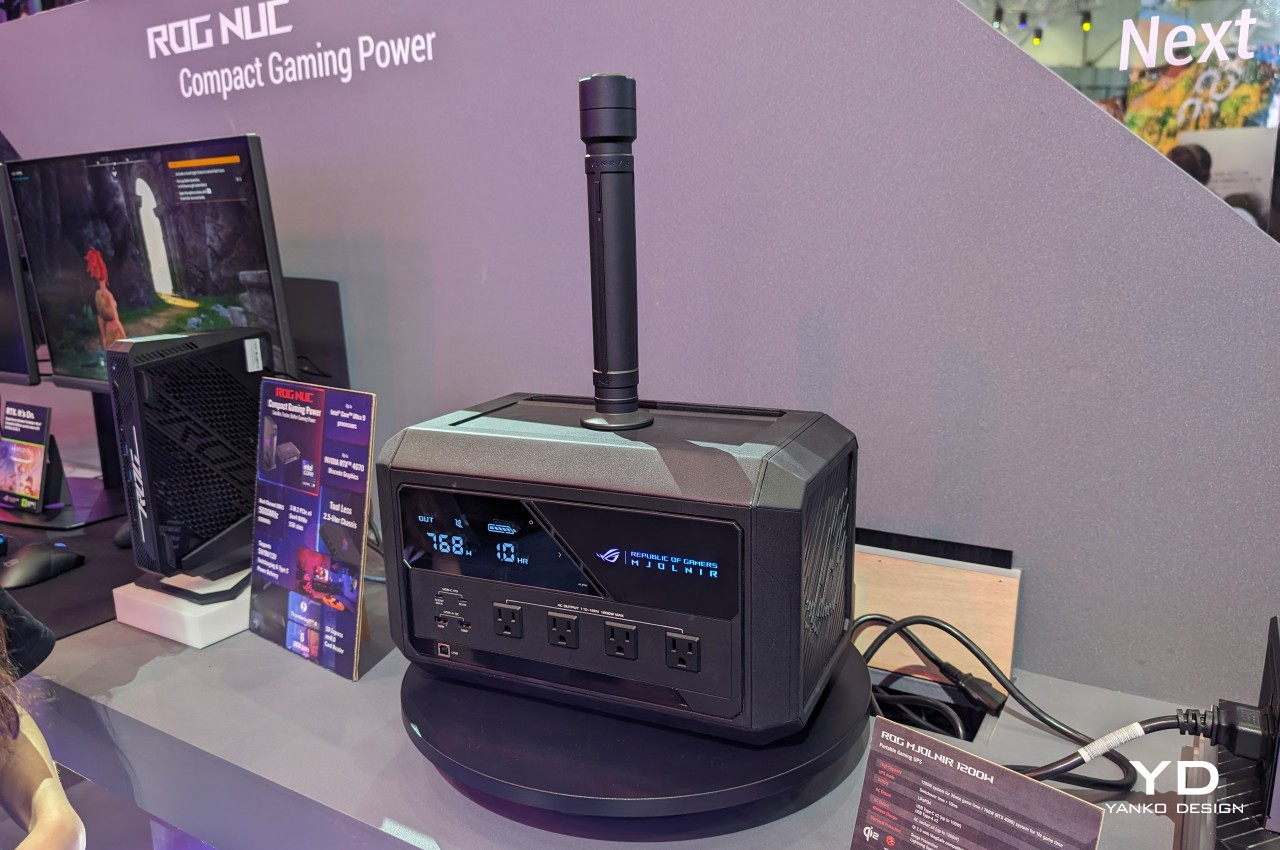
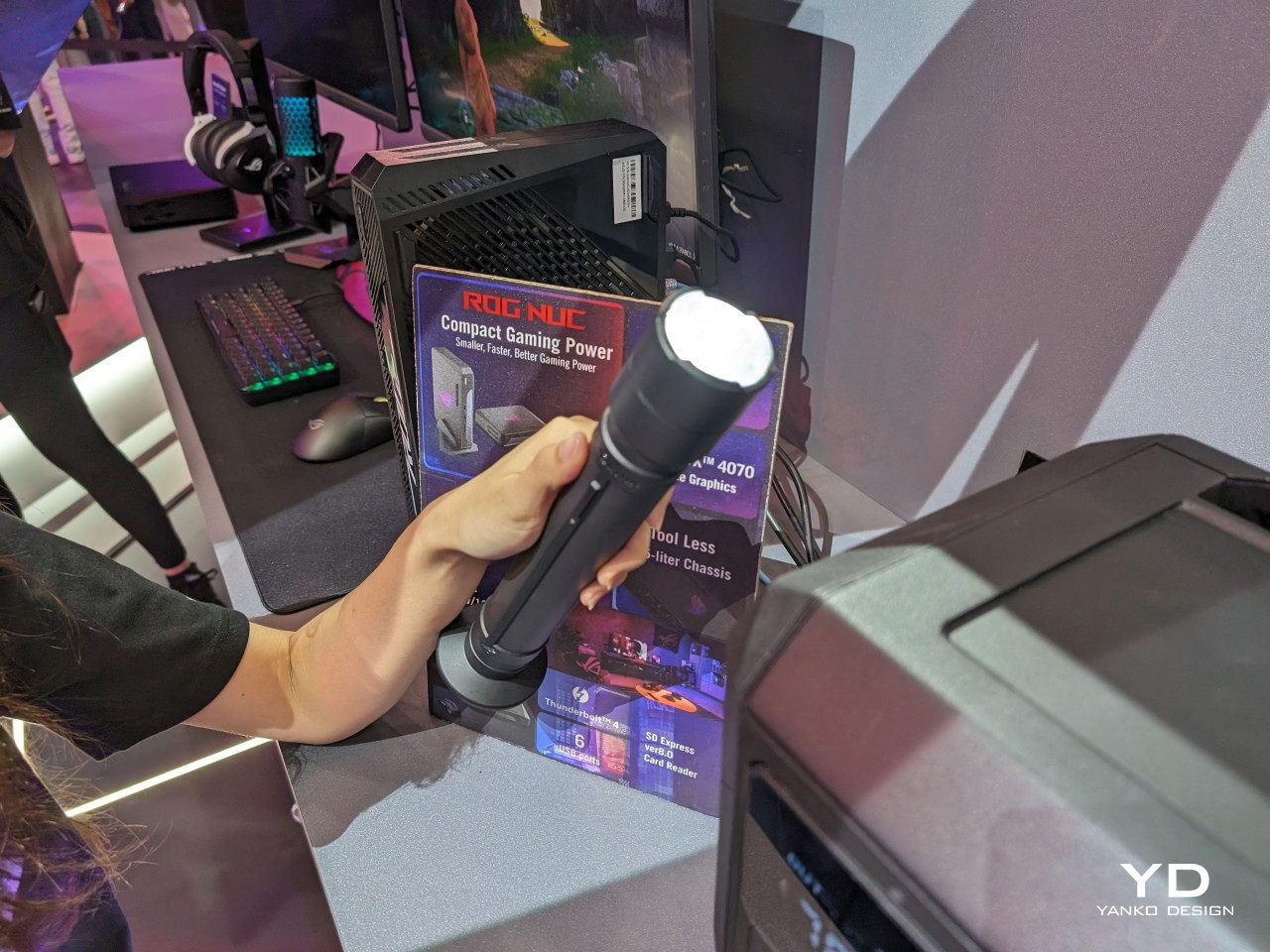
It seems that the gods of Asgard are truly smiling on brave digital warriors. After two months of debate and speculation on whether they’re just pulling a long hoax, ROG has proven that there is, indeed, a real Mjolnir power station, or at least one working unit shown off to the public at Computex 2024. And it is as massive as you might have expected, but also had a few surprises we didn’t see coming. It probably won’t satisfy outdoor adventurers, but for the avid collector, comics fan, and loyal ROG gamer, the ROG Mjolnir will definitely be one to keep an eye on, at least when ASUS finally spills all the beans.
Designer: ASUS Republic of Gamers
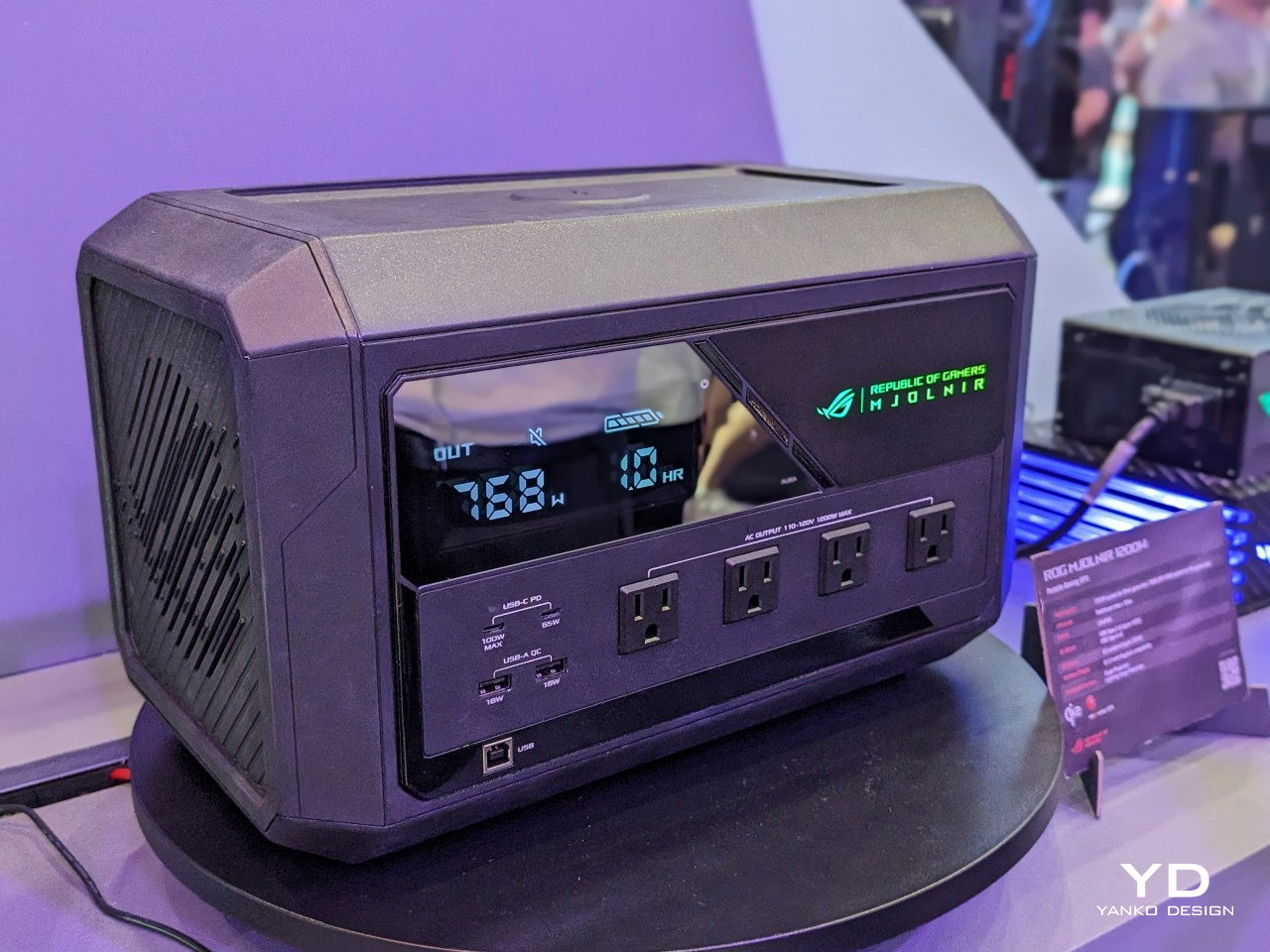
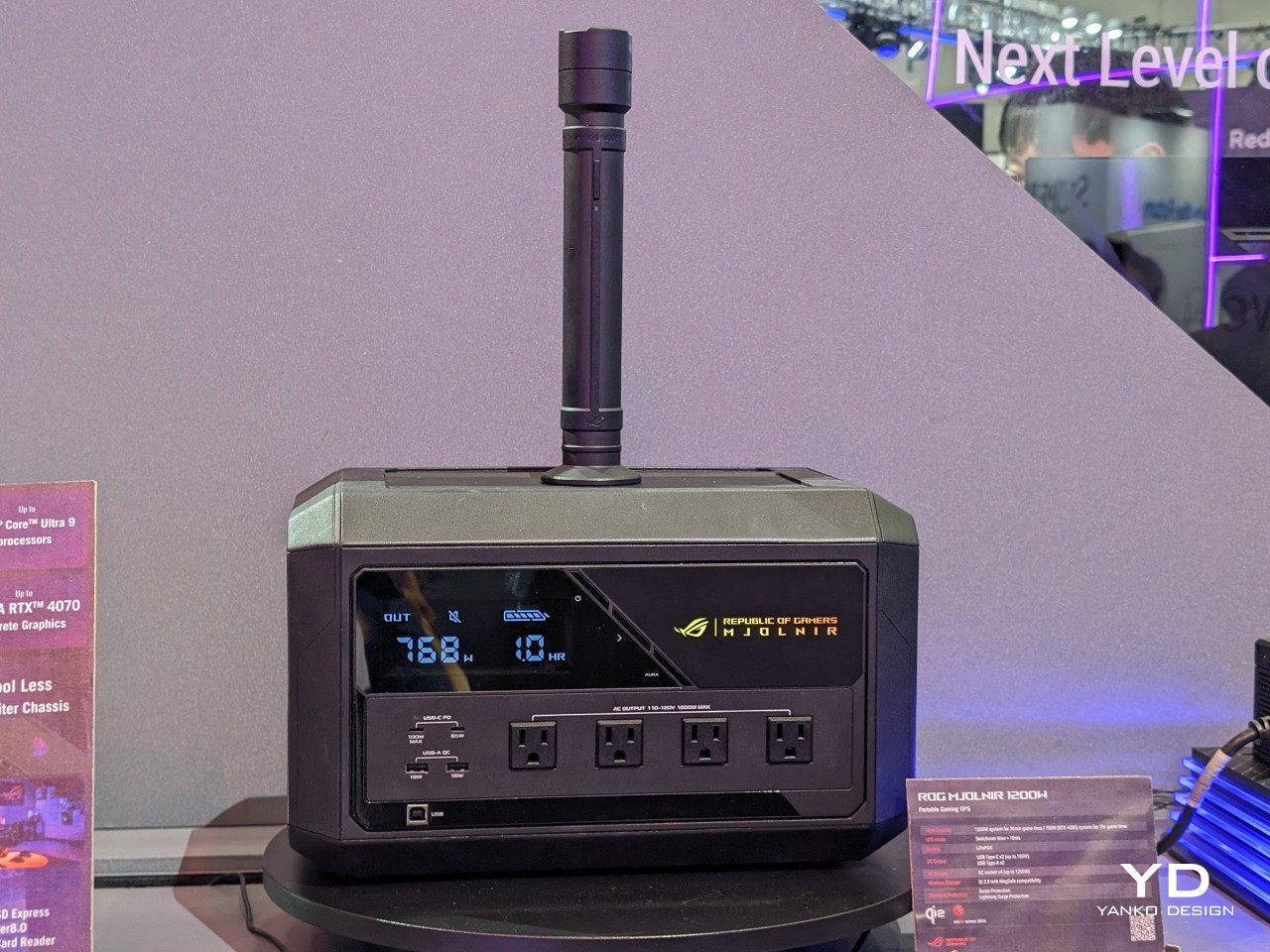
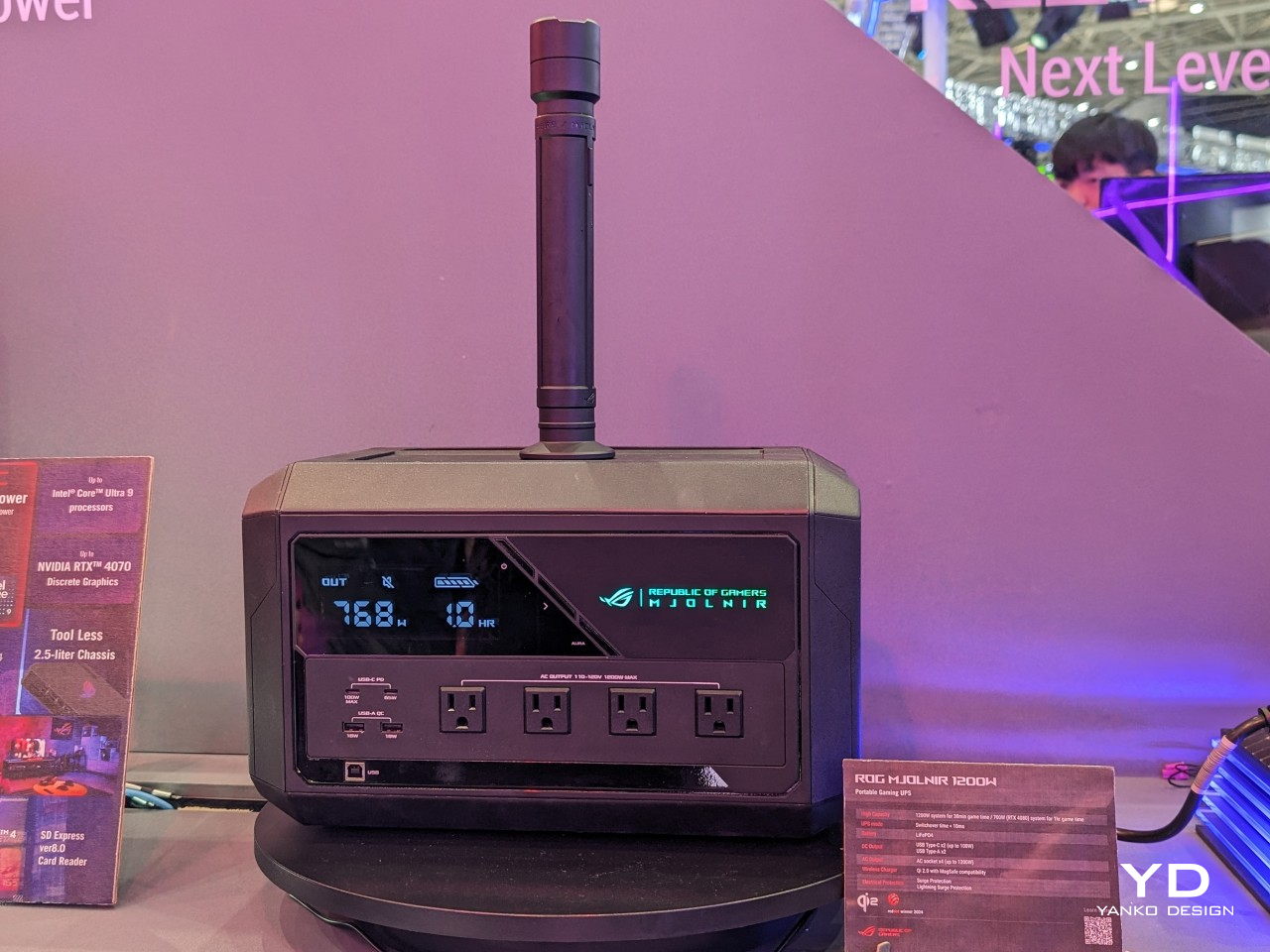
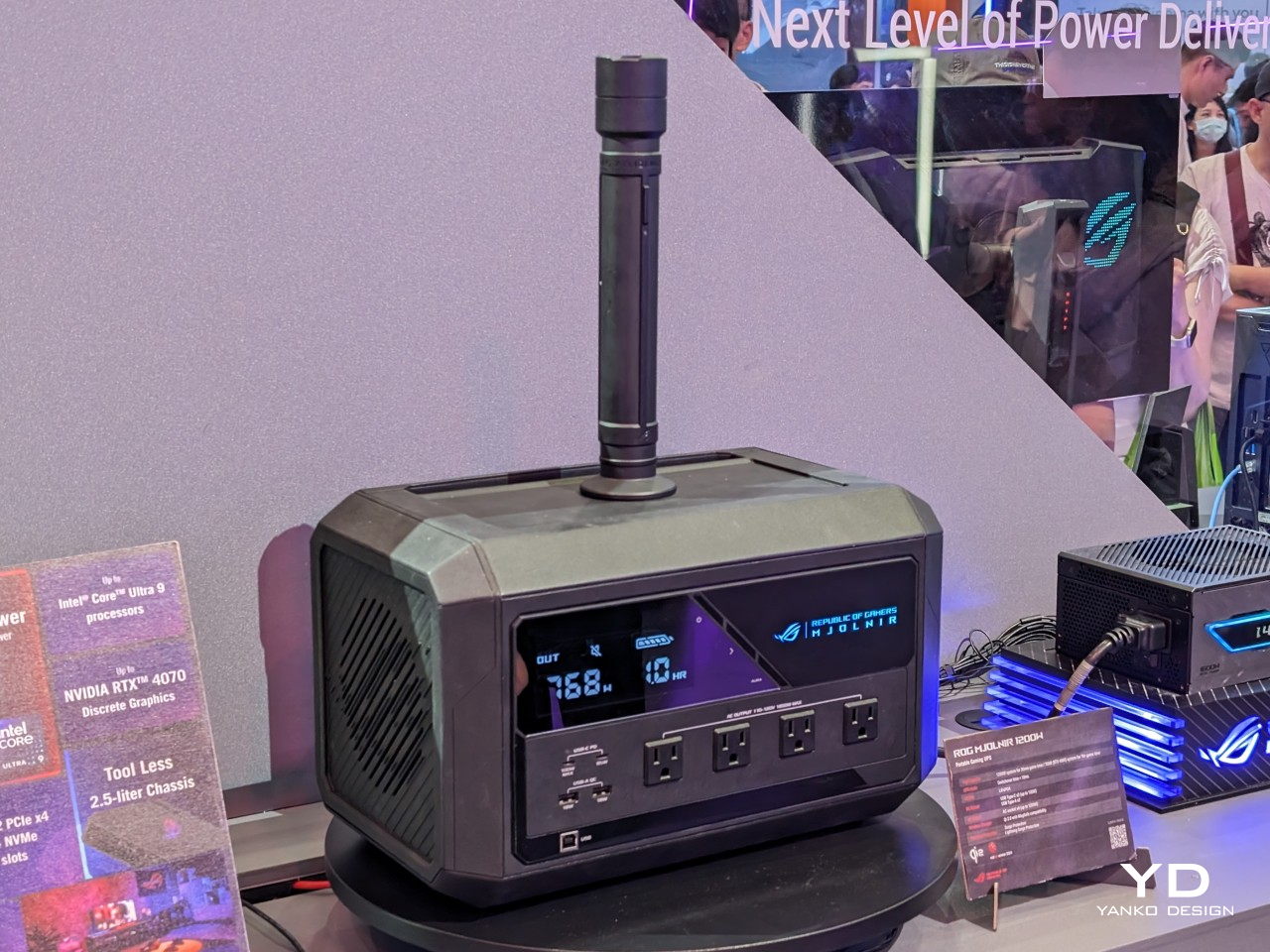
The ROG Mjolnir is a huge box, perhaps too big for the 768Wh battery it packs inside. Exact dimensions and weight aren’t available yet, but it’s definitely not something you’ll be carrying around a lot despite the “portable” in its name. And you’ll definitely not want to lift it by that handle sticking out from the top because you won’t be able to. And it’s not because you’ve been deemed unworthy.
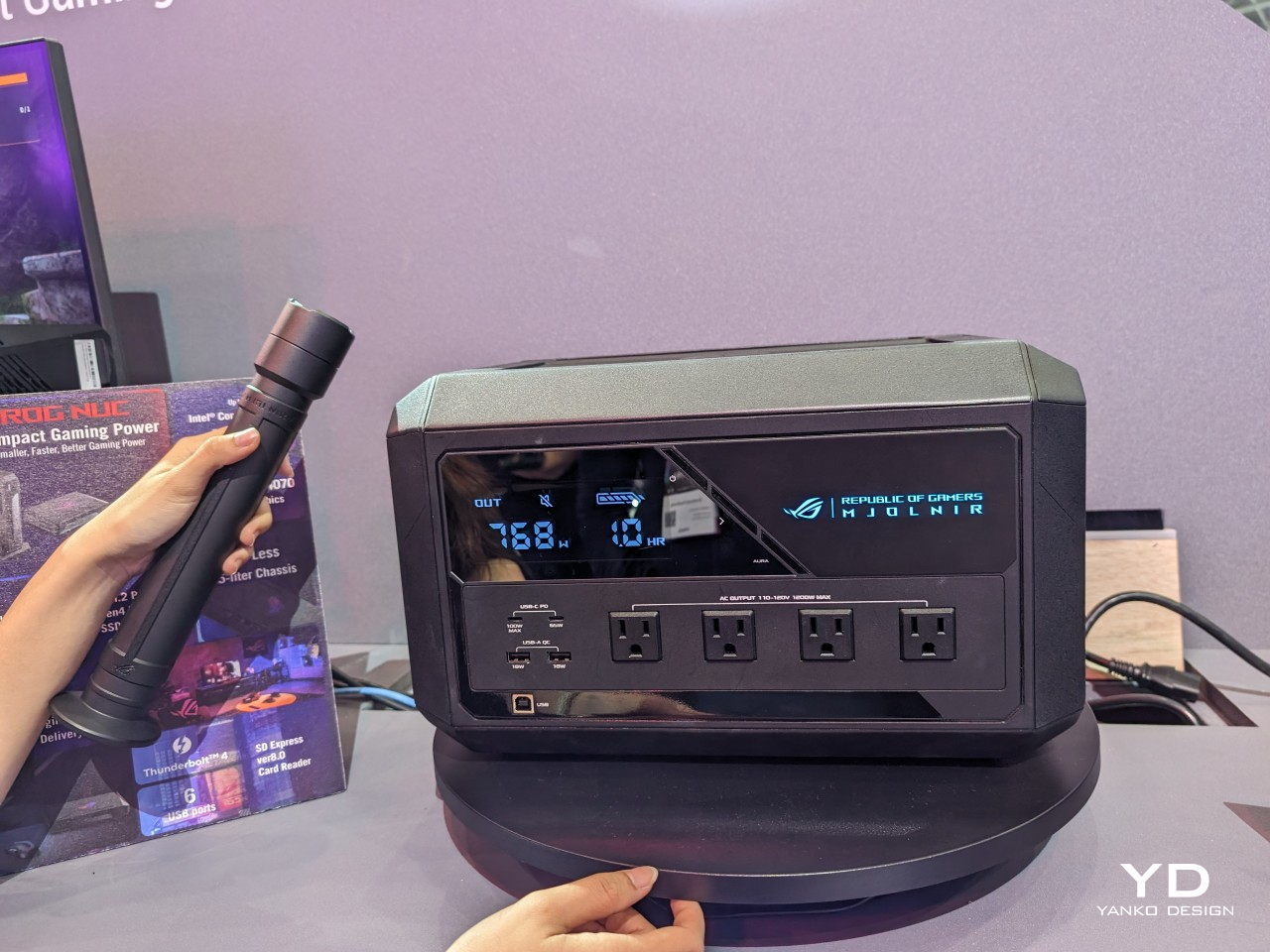
As speculated, that stick is actually the torch that ASUS teased in April, but it doesn’t work the way you might expect it to. The light is actually on the top end of the stick, so you have to lift it rather than pull it up like you would when trying to pick up a hammer. The opposite end that has a flat disc is actually a magnetic connector that attaches to the magnetic wireless charger on the top of the box.
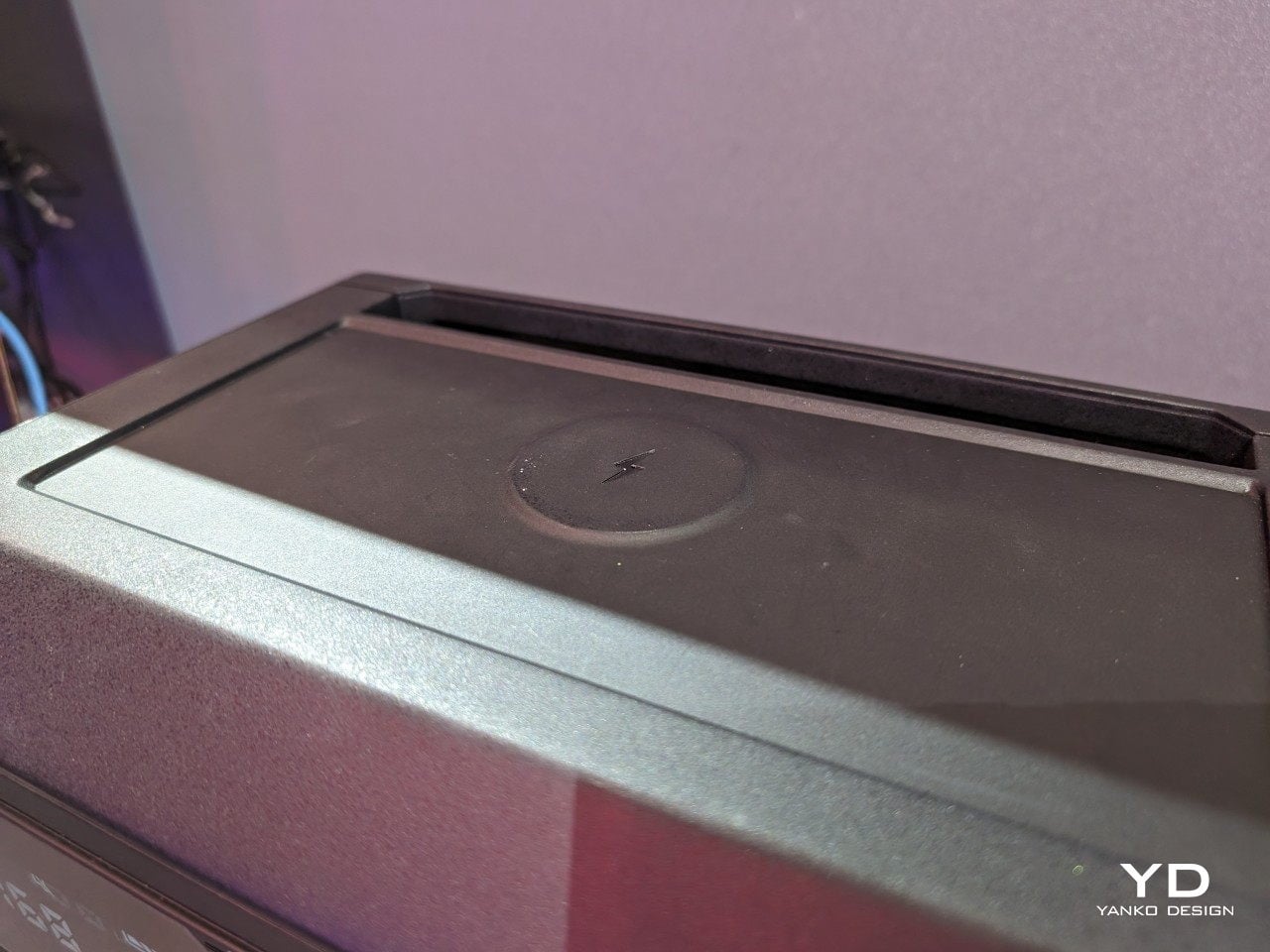
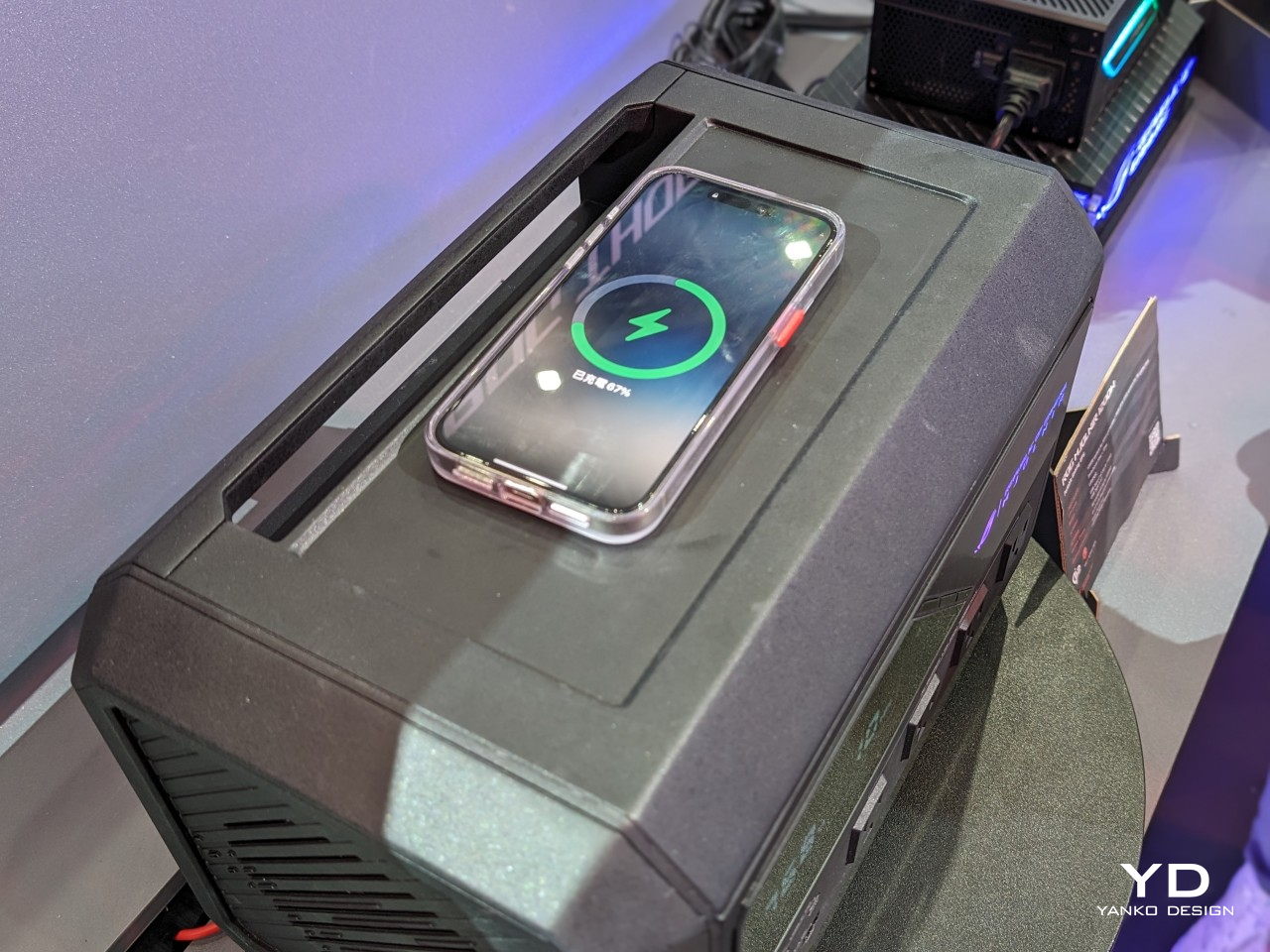
Yes, there is a 16W wireless charger and it’s compatible with both MagSafe and Qi 2.0. There’s a telltale sign of a charging coil smack in the middle of the Mjolnir’s top, and it’s a bit raised so you can feel the spot with your hand if it’s too dark to see. Of course, you could just use the torch handle to light up the space since you’ll be removing it from its spot anyway. One design oversight, however, is that there doesn’t seem to be any other way to attach the handle so you’ll have to make sure it doesn’t roll off or get lost while you’re charging your smartphone.
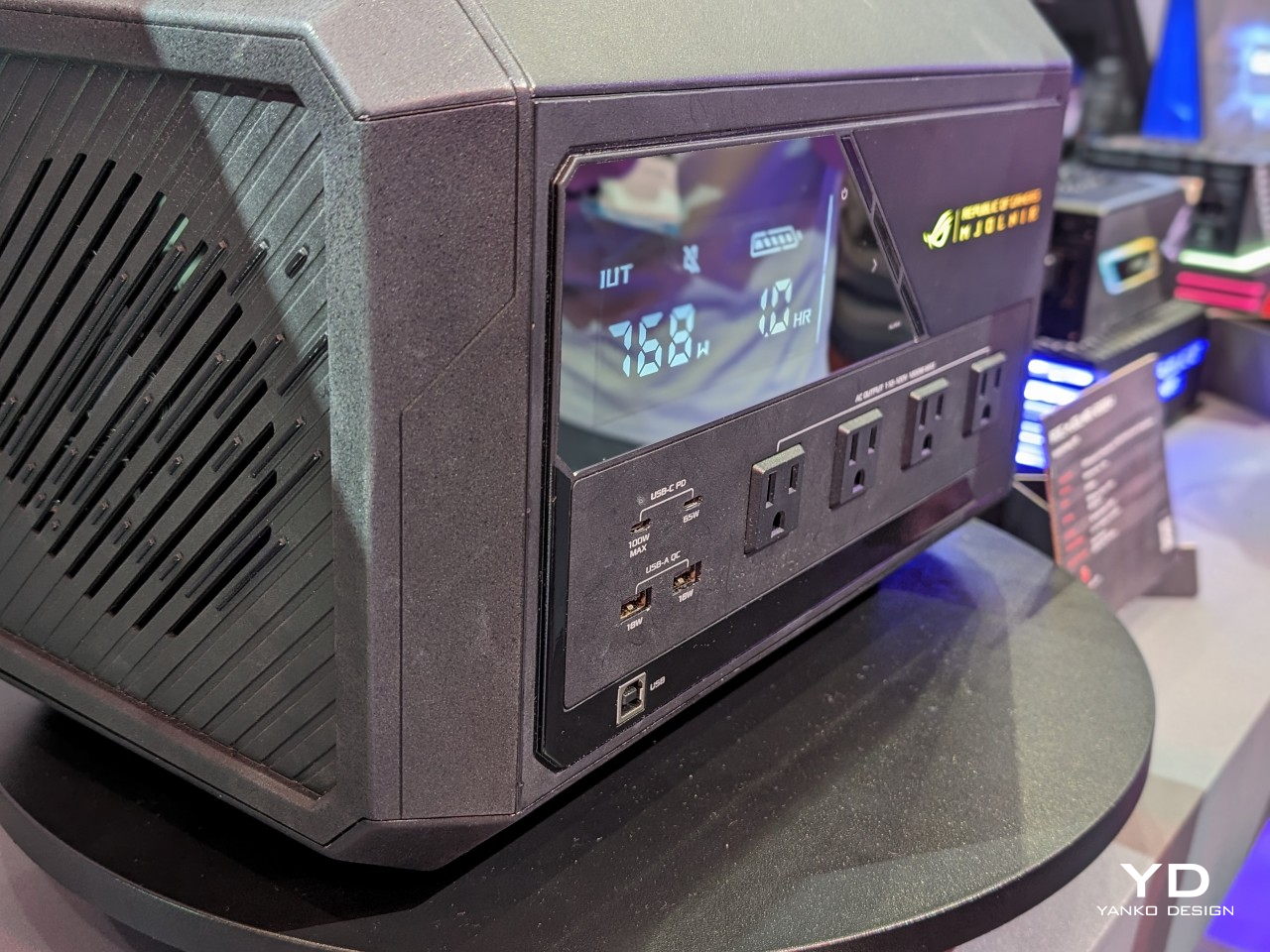
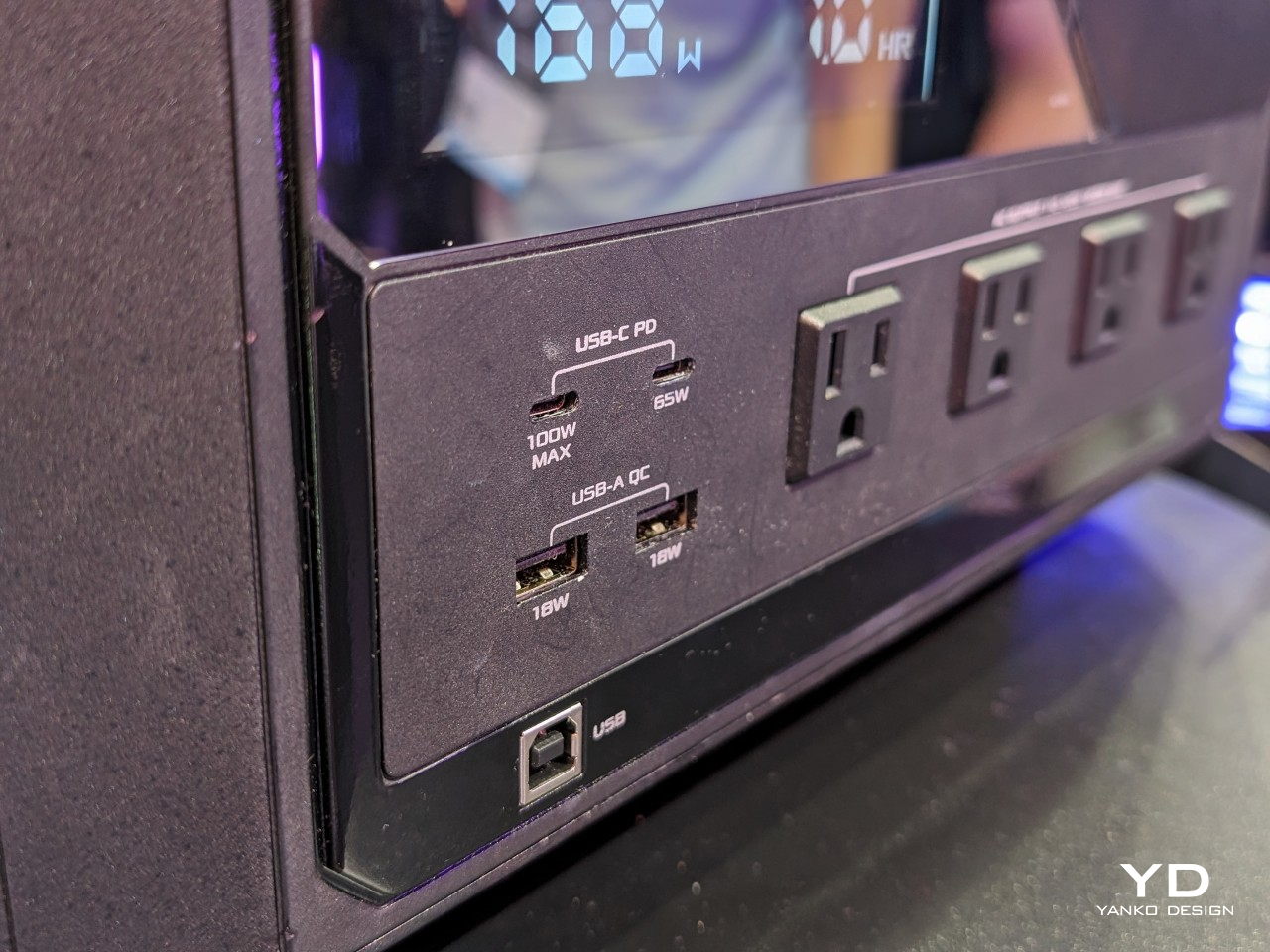
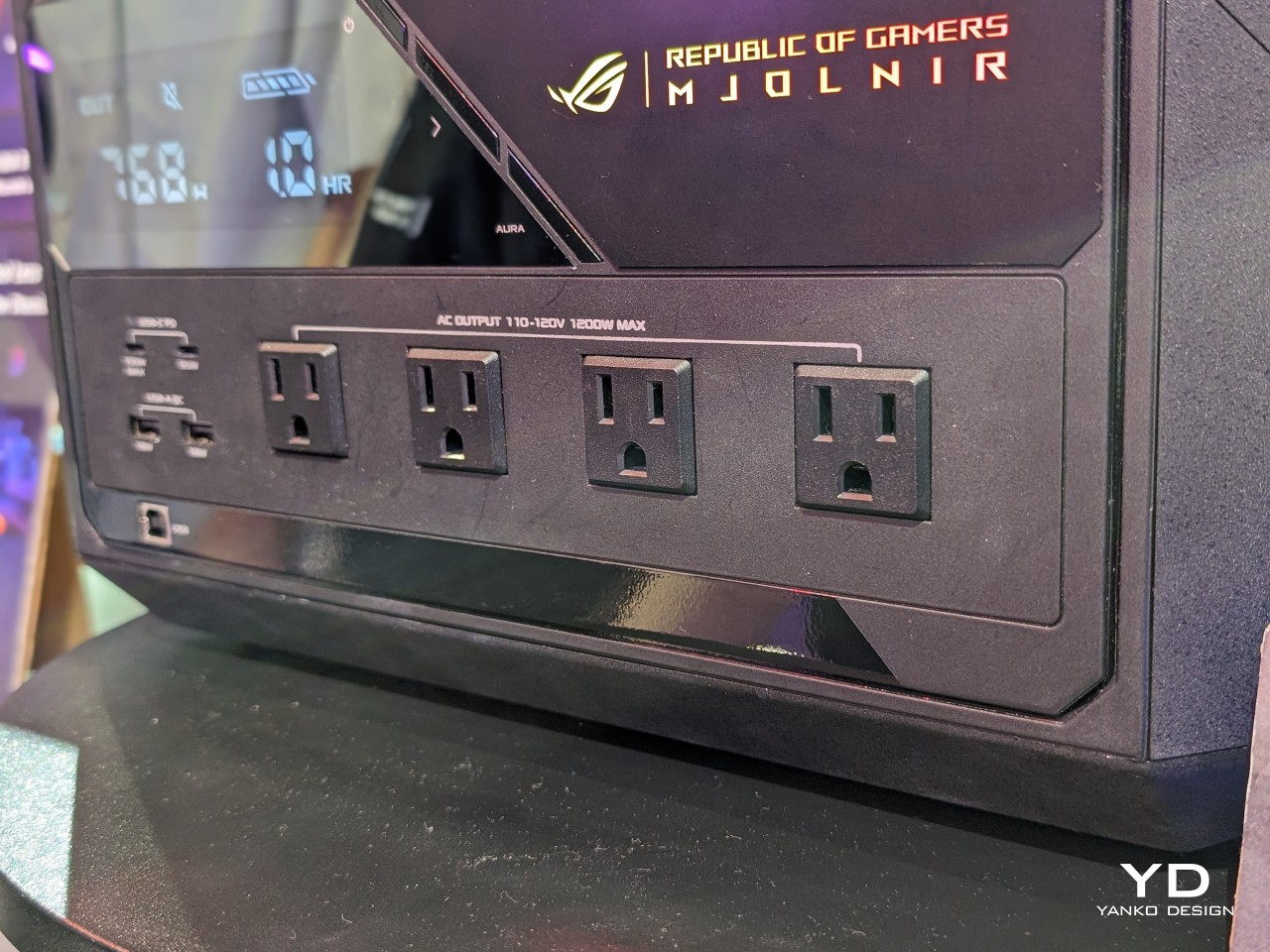
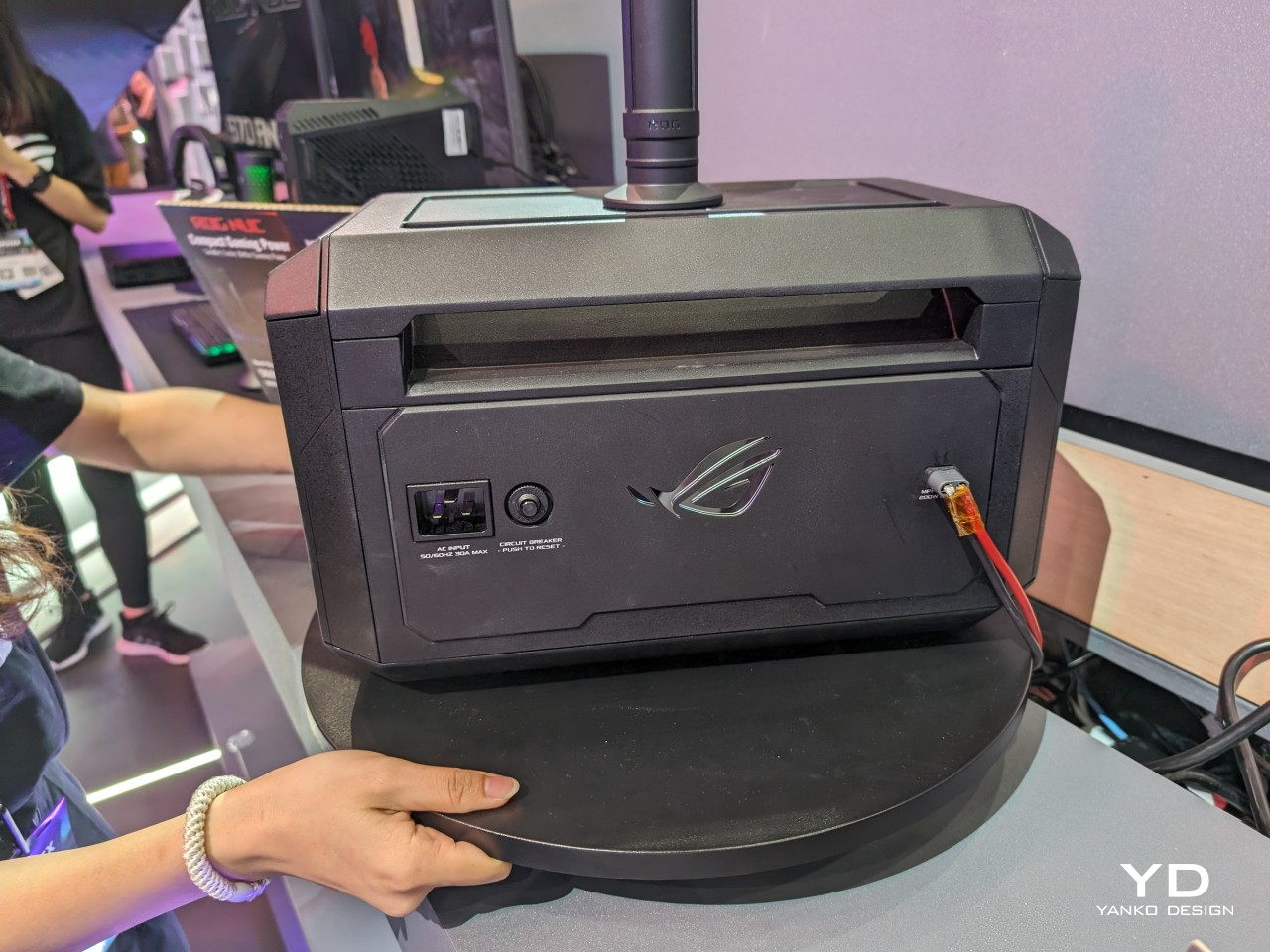
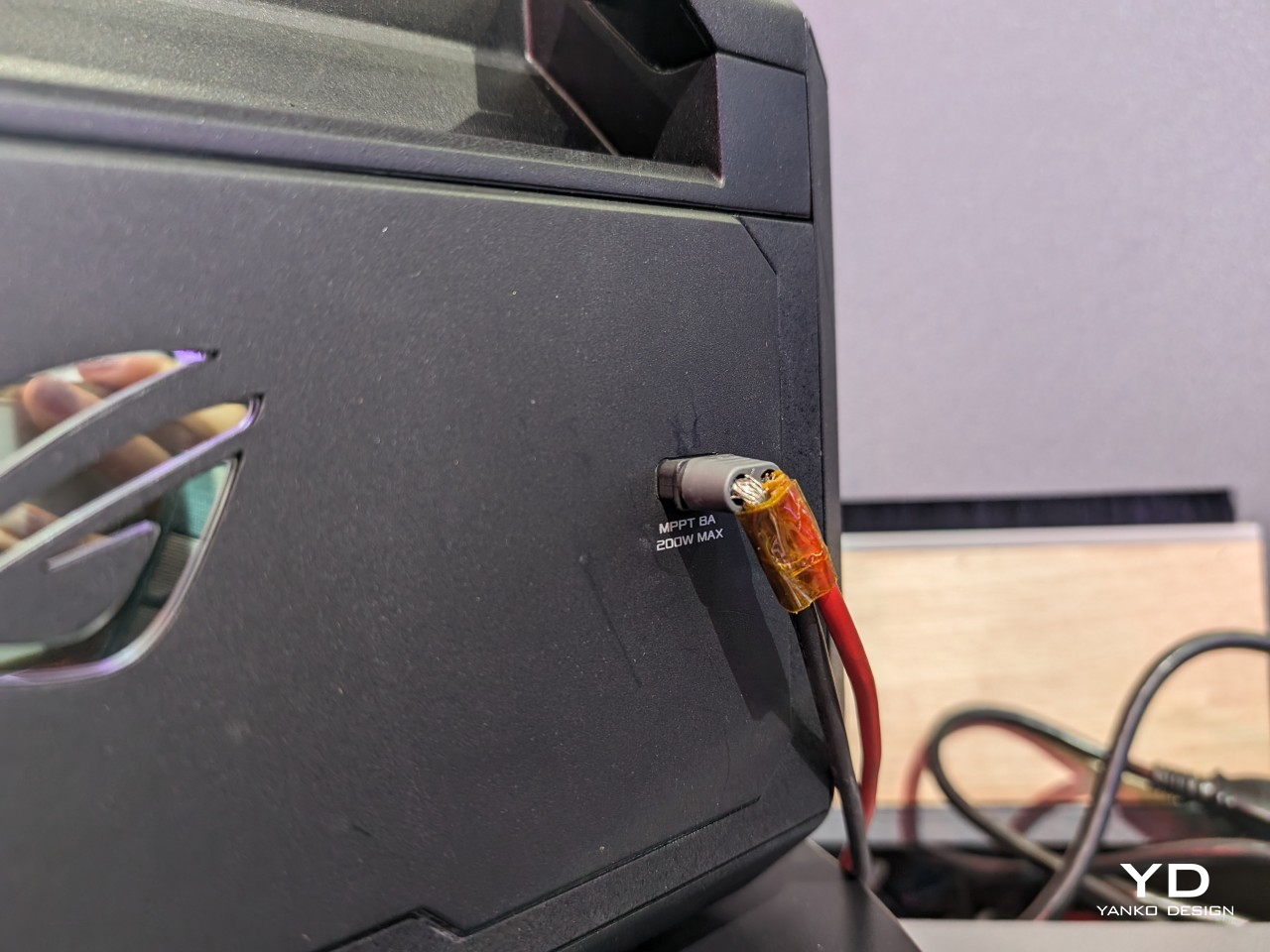
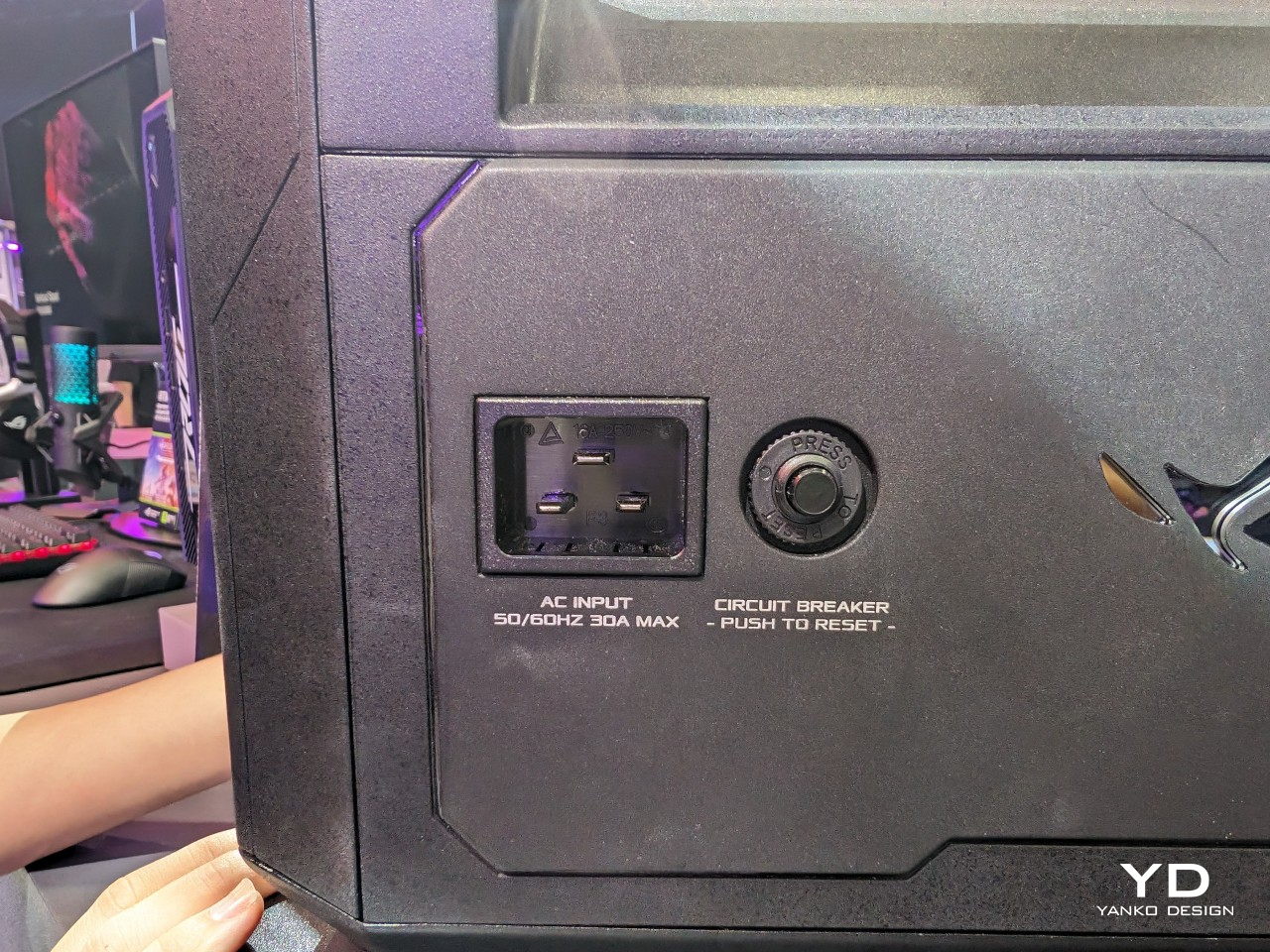
Apart from its majestic design, the ROG Mjolnir is pretty average as a power station and is clearly aimed at computer users more than travelers. There are two USB-C ports capable of 65W and 100W of output, two USB-A ports, and four AC outlets with a total maximum load of 1200W. There are no DC barrels or car chargers, it can be charged via solar panels if a direct power source is unavailable.
That’s pretty much a standard for portable power stations but its main purpose is really to provide an uninterruptible power supply in a sudden power outage that should last one hour at 700W or 30 minutes with the max 1200W load. With a fast switchover of 10ms, you’ll have enough time to safely shut down your PC or, better yet, finish your battle before finally going down with the power. There is no word yet on when the ASUS ROG Mjolnir will descend on stores, but expect it to have a price tag worthy of a god when it does.
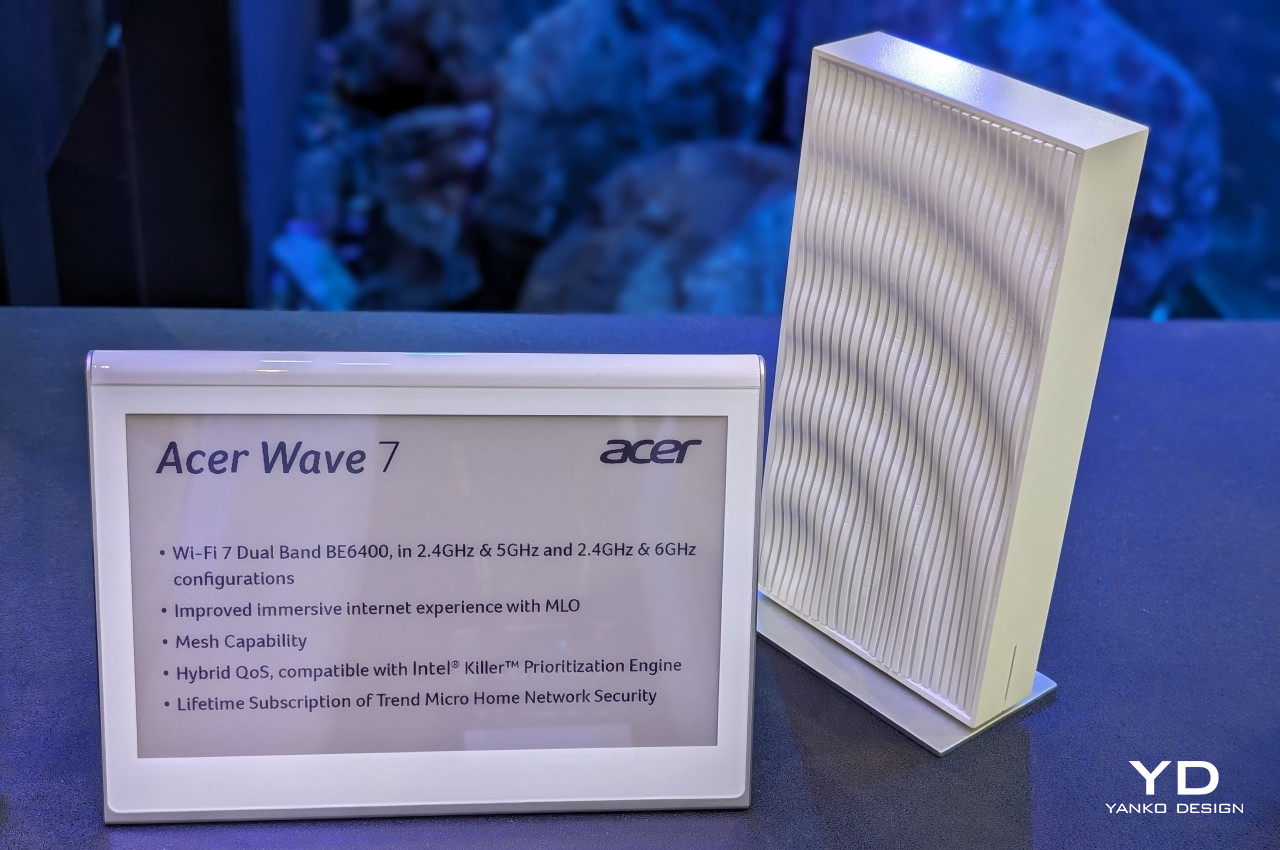
As our Internet needs grow, so do the power and complexity of the networking devices we have at home. Strangely, however, the more powerful routers become, the more intimidating they seem to be. Many seem to have fully embraced the tech and gamer culture that would put futuristic-looking designs on a pedestal, whether they look like spaceships or alien mechanical monstrosities. That, unfortunately, forces many homeowners to choose between these powerful yet menacing designs and minimalist yet outdated hardware. Fortunately, manufacturers are also beginning to take note of the gap between these two extremes and are producing designs like the Acer Wave 7 that blends the latest technologies with an almost Zen-like aesthetic.
Designer: Acer
The spec sheet of the Acer Wave 7 definitely looks formidable, employing the latest Wi-Fi 7 standard to support the demands of modern Internet-connected devices, be they Smart TVs for streaming, laptops for work, or smartphones for gaming. Those capabilities include support for super-fast and super-wide 6GHz bandwidth with support for older 2.4GHz and 5GHz bands for older devices. It also utilizes 320 MHz lanes for double the transmission rates, which, along with Multi-Link Operation (MLO), ensures all connected devices get the Internet data they need quickly and reliably.
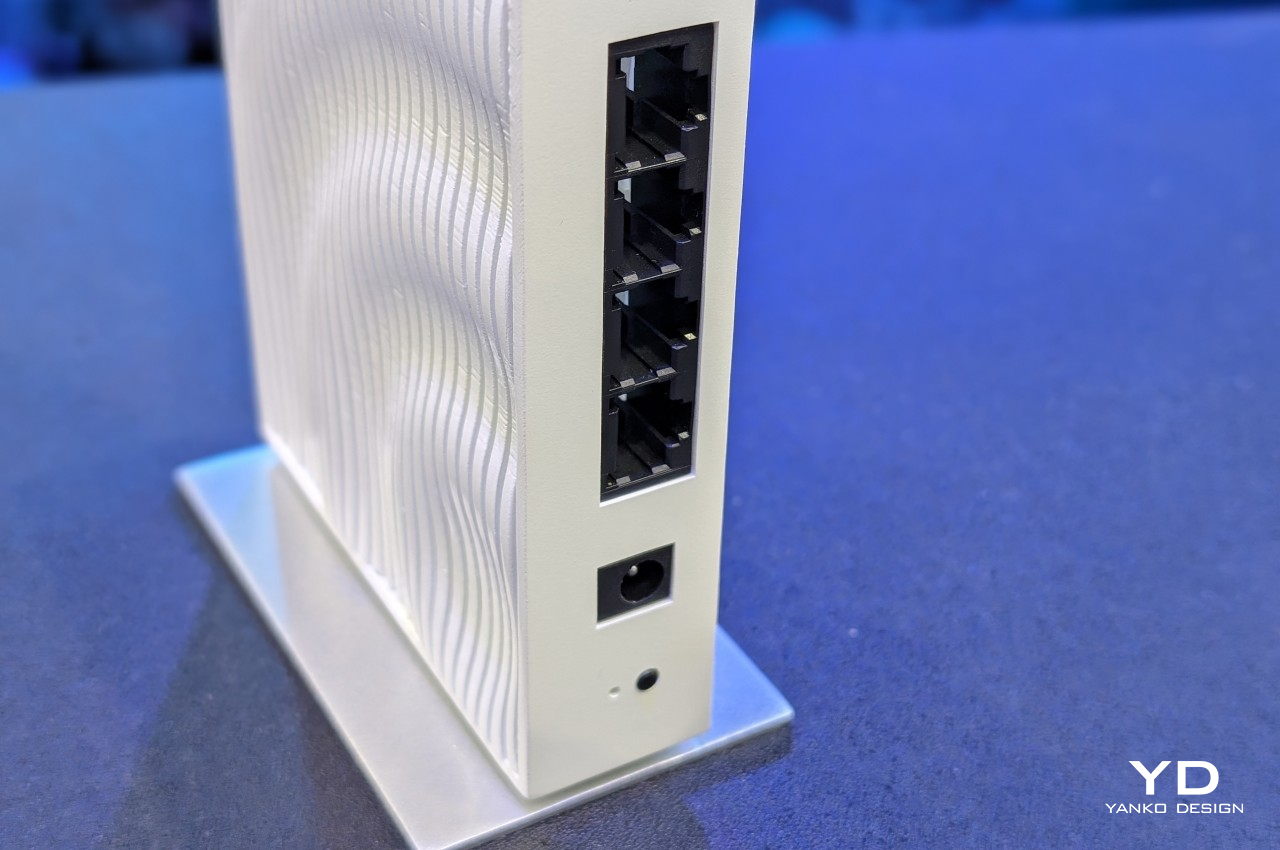
It also has not just one or two Ethernet ports but four, giving the ability to support multiple high-speed wired connections to computers, TVs, and smart home appliances. Of course, not all devices are created equal and need the same amount of data at a rapid speed, so the Wave 7’s smart Hybrid QoS bandwidth management makes sure that data-hungry services like games and video conferencing are prioritized over social media scrolling.
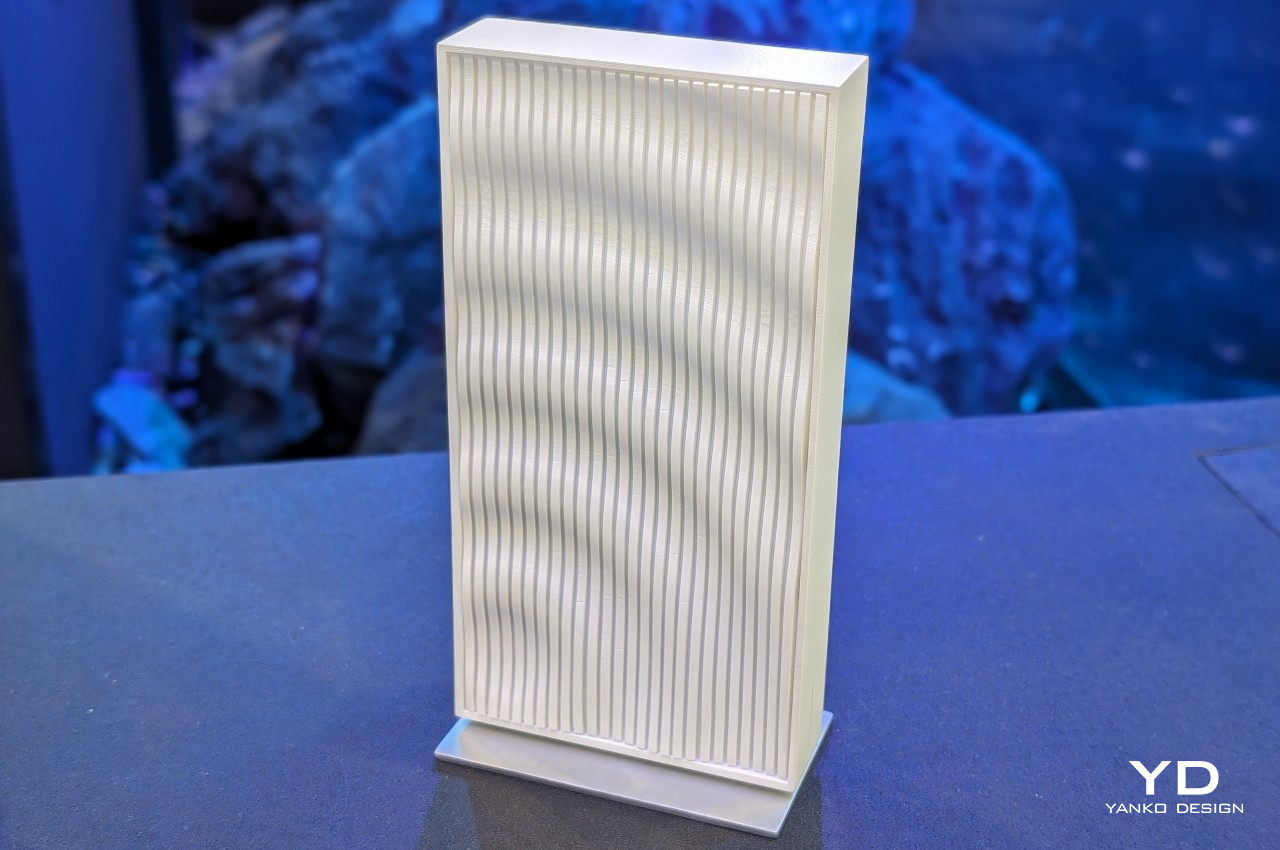
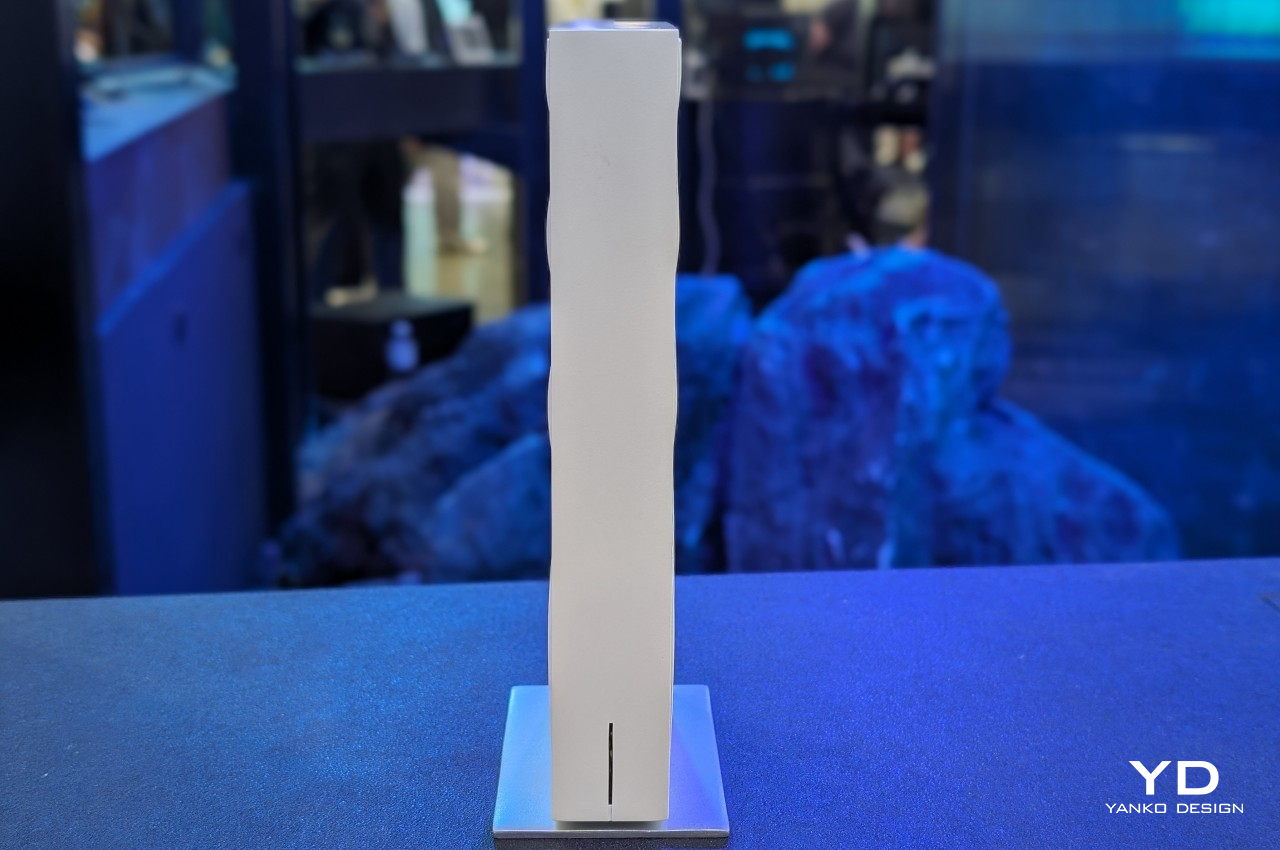
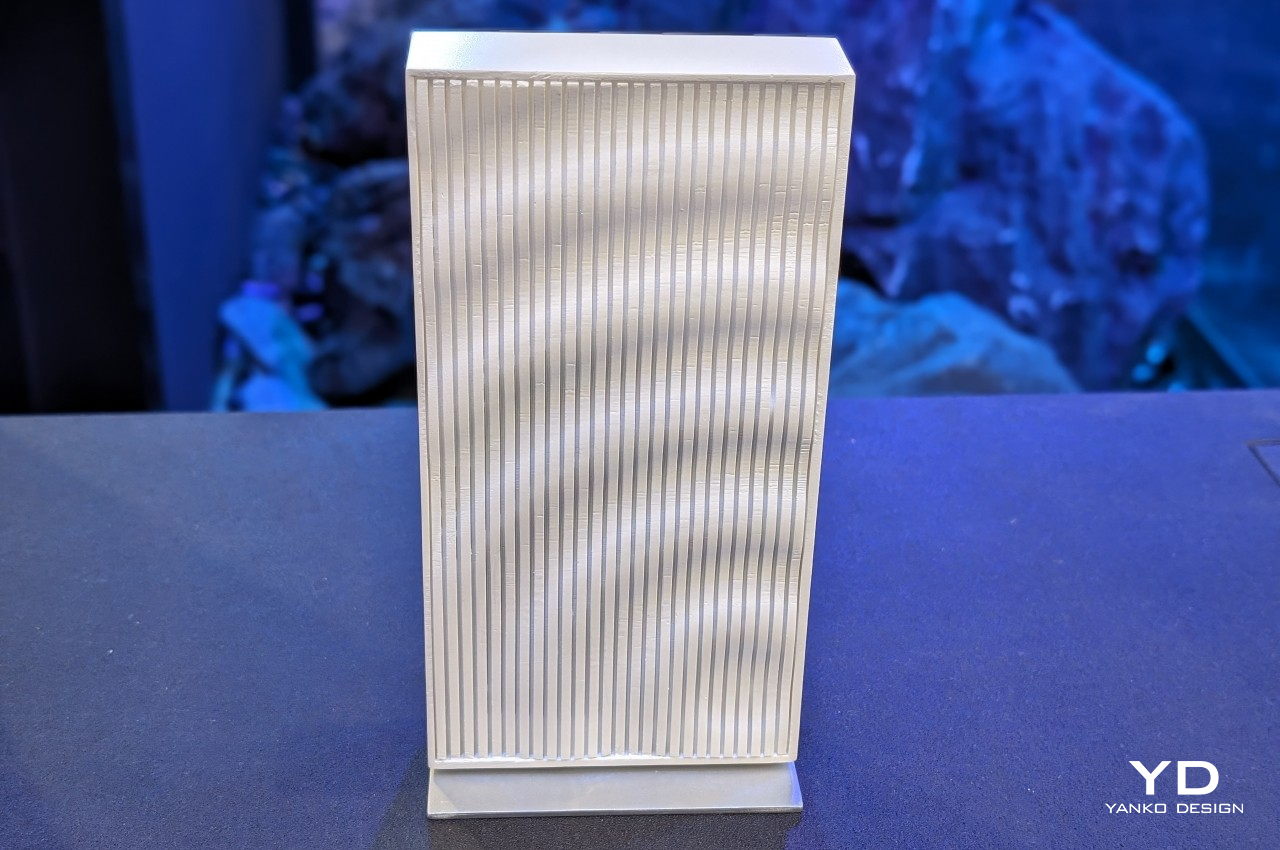
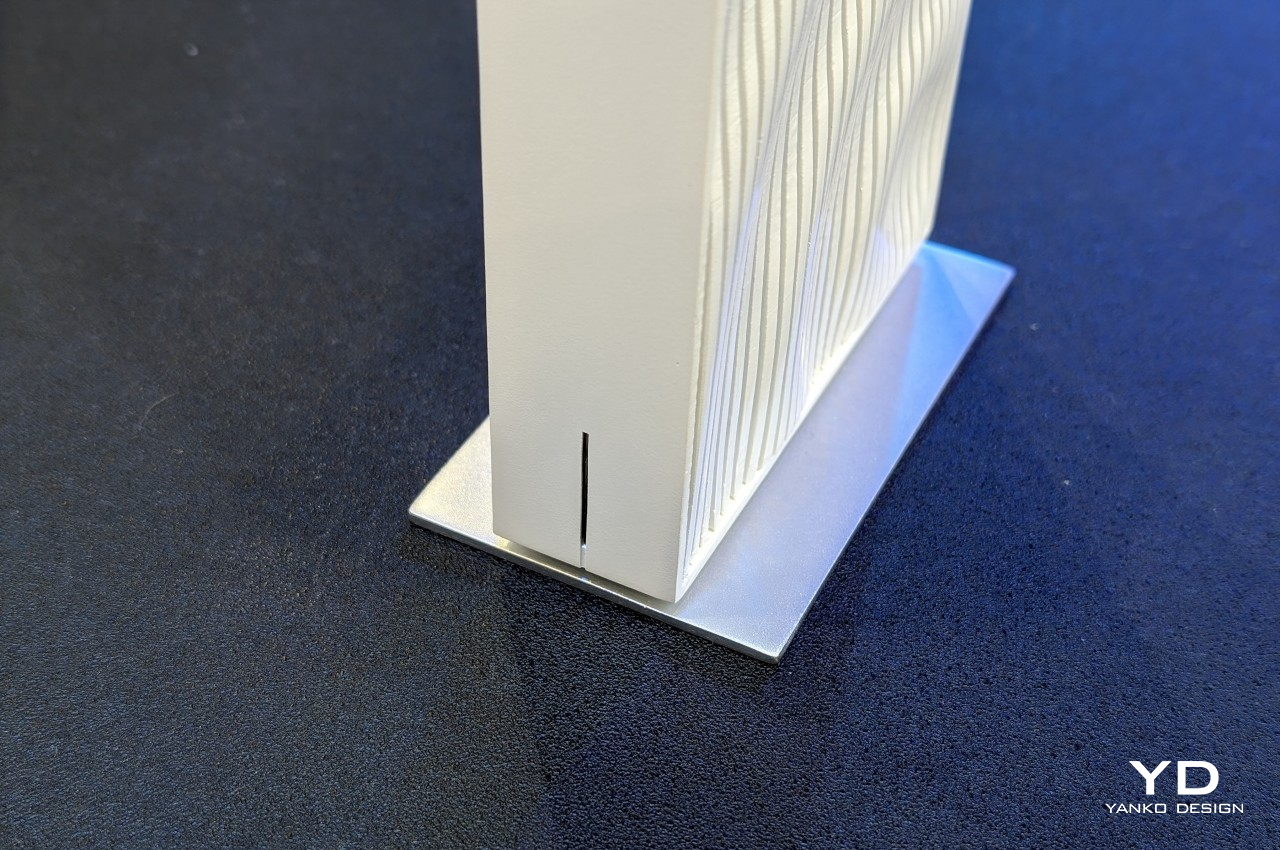
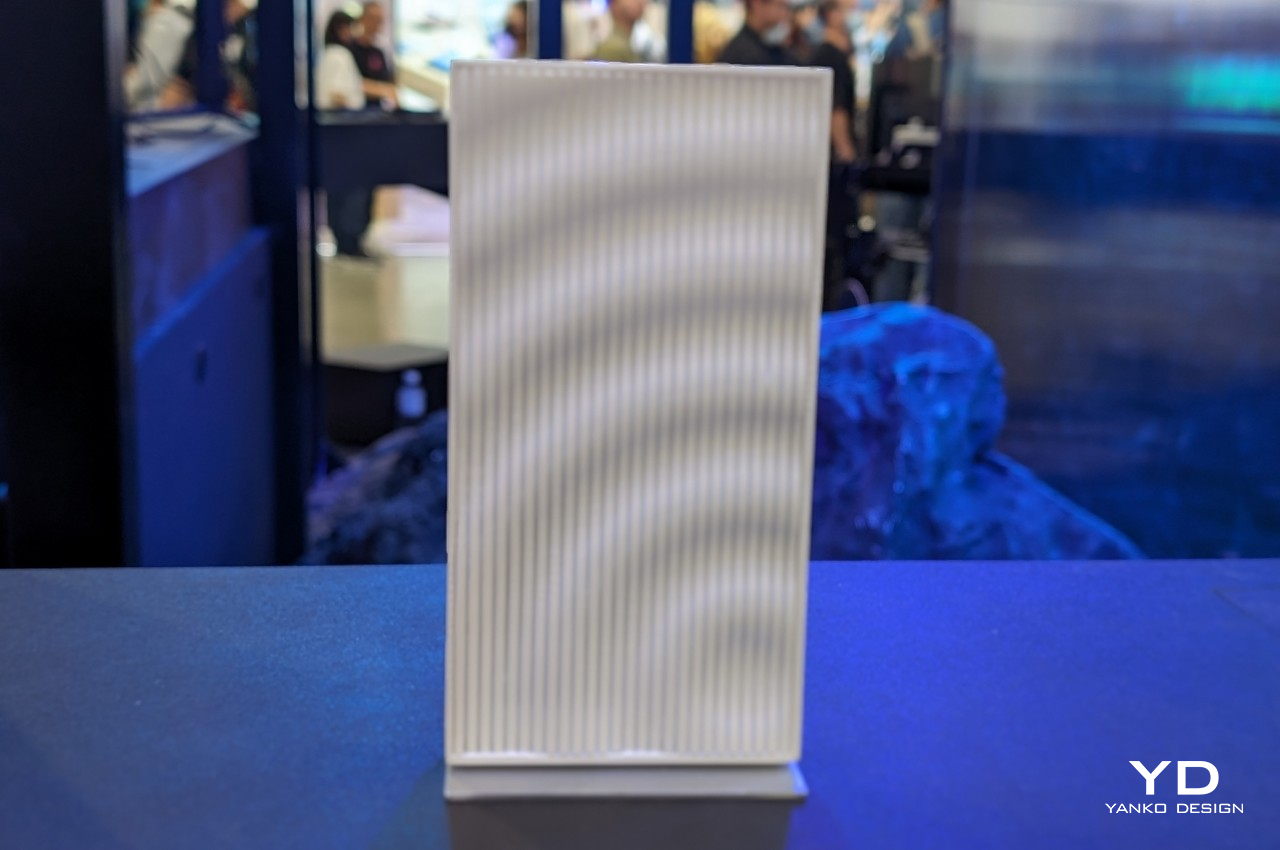
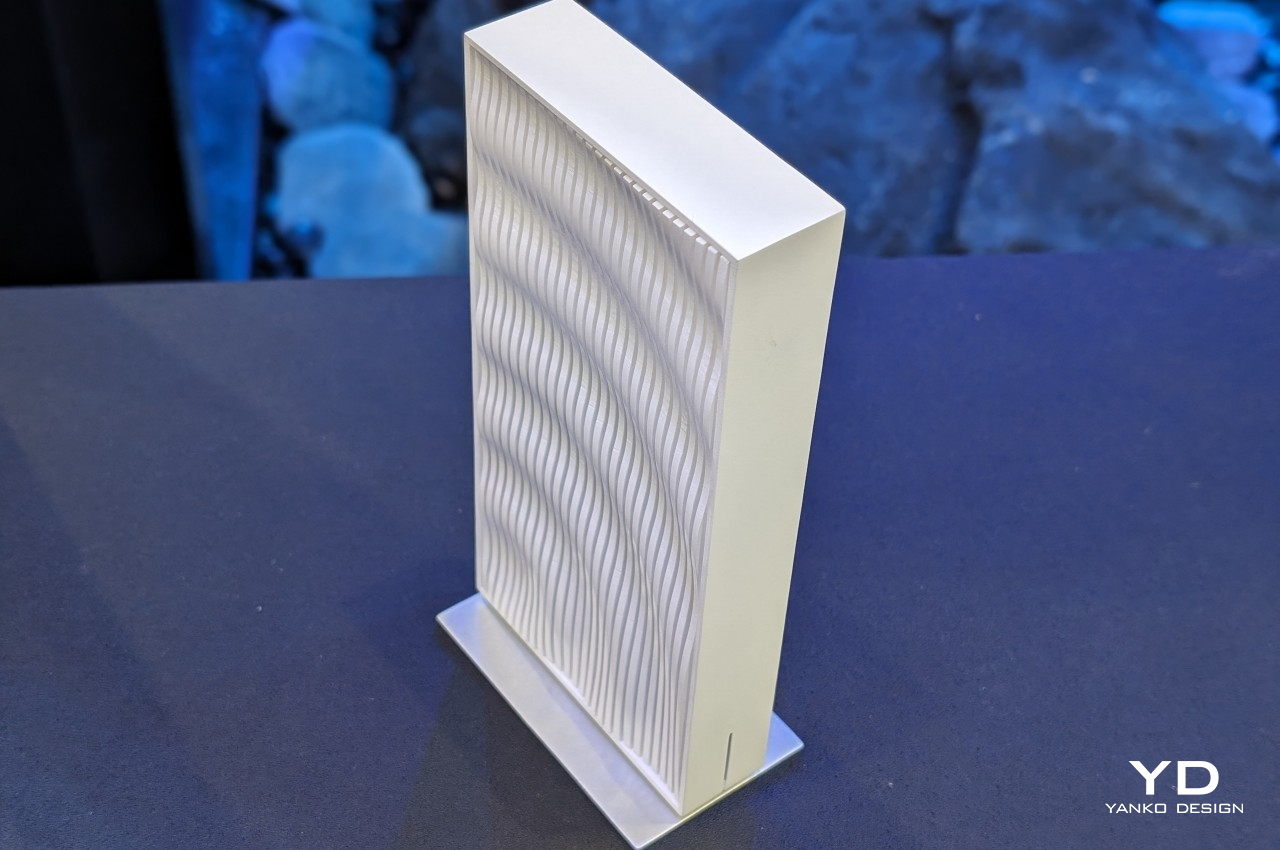
These are features that many routers these days support, but what makes the Acer Wave 7 distinctive is its design. Instead of a black horizontal box with many sharp-looking antennas sticking up from it, this router is tall, slim, and white. And it isn’t a boring minimalist design either. The grilles on its side stay true to its name with their undulating lines, creating what looks like a rippling water not unlike what you’d see in Zen gardens.
It’s admittedly a simple and subtle design cue, but one that immediately changes the atmosphere in a given space. The imagery it triggers has a psychological calming effect, giving your eyes and brain a visual respite from all the cold and impersonal designs you might have in your home or office.
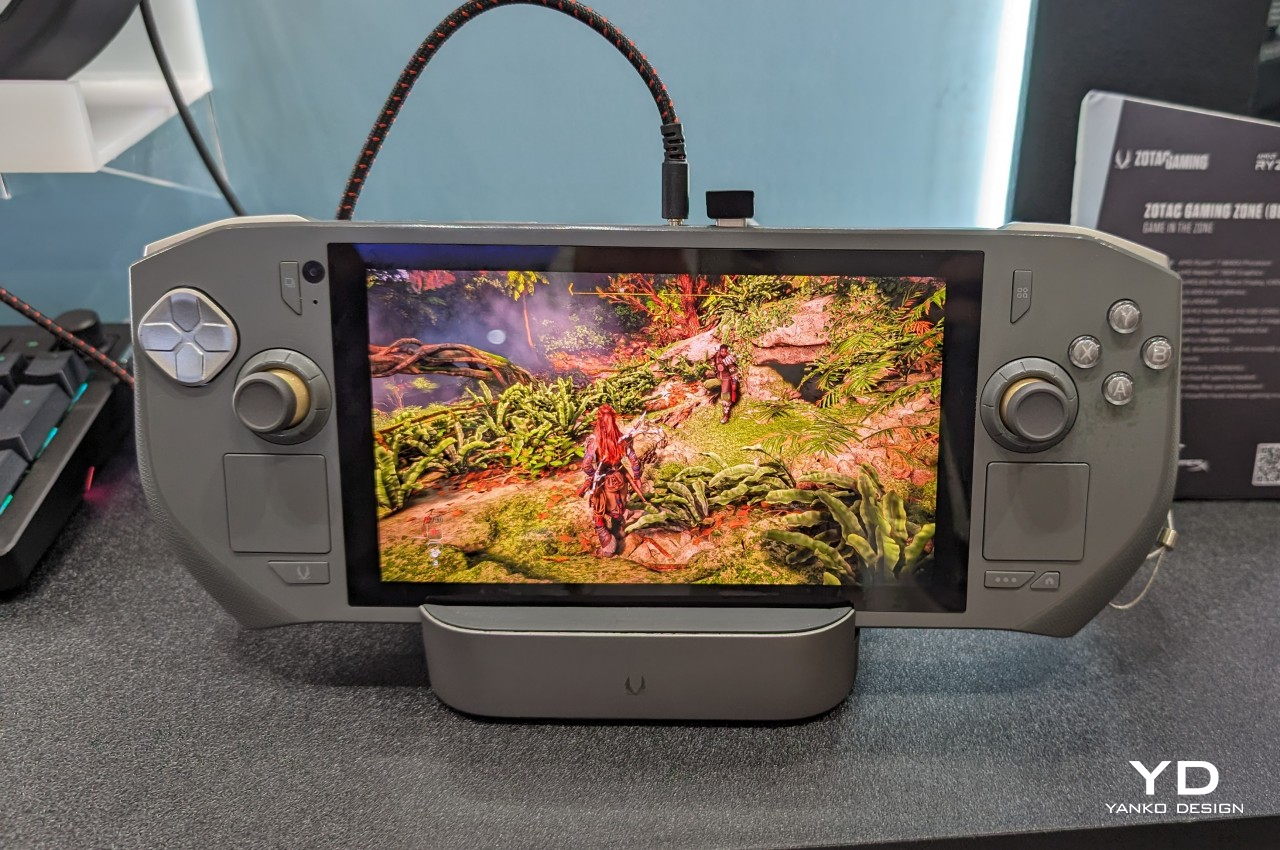
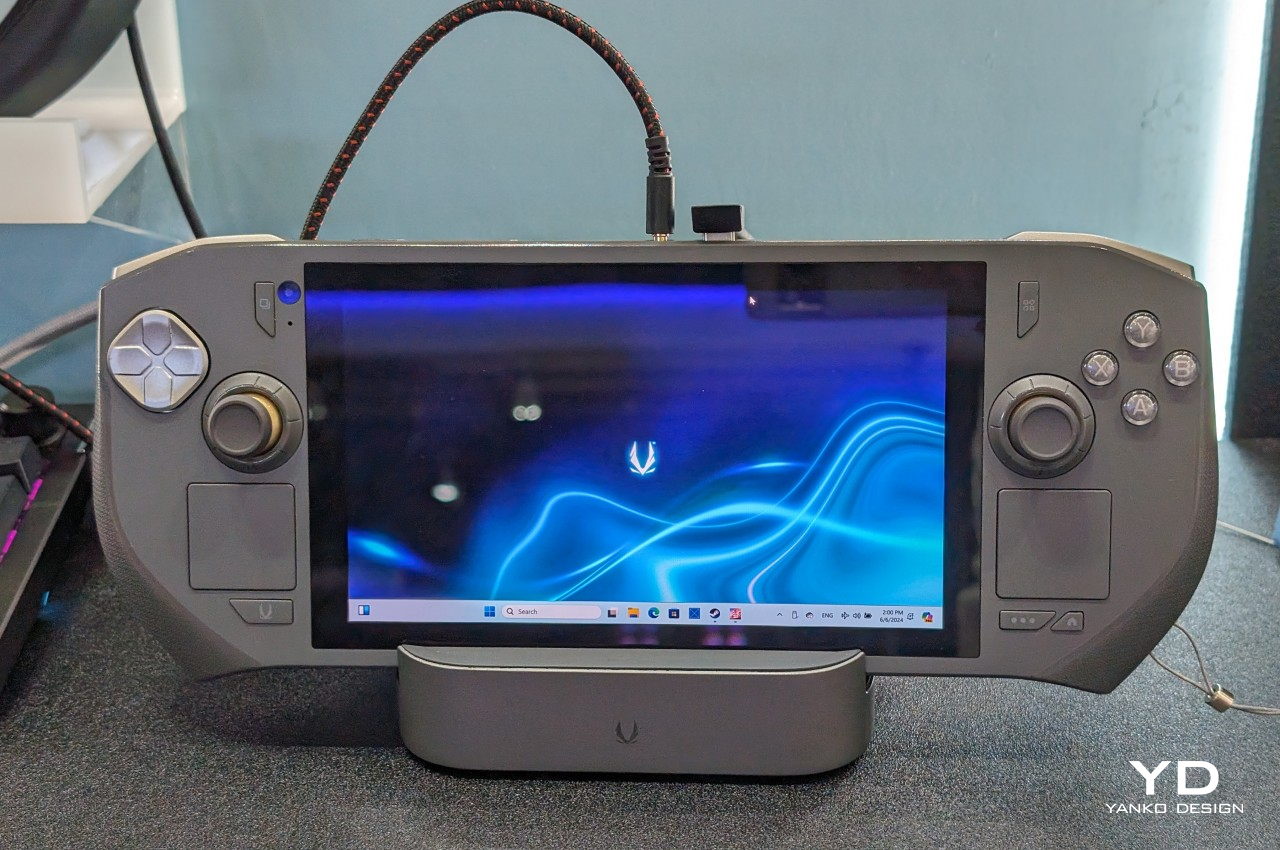
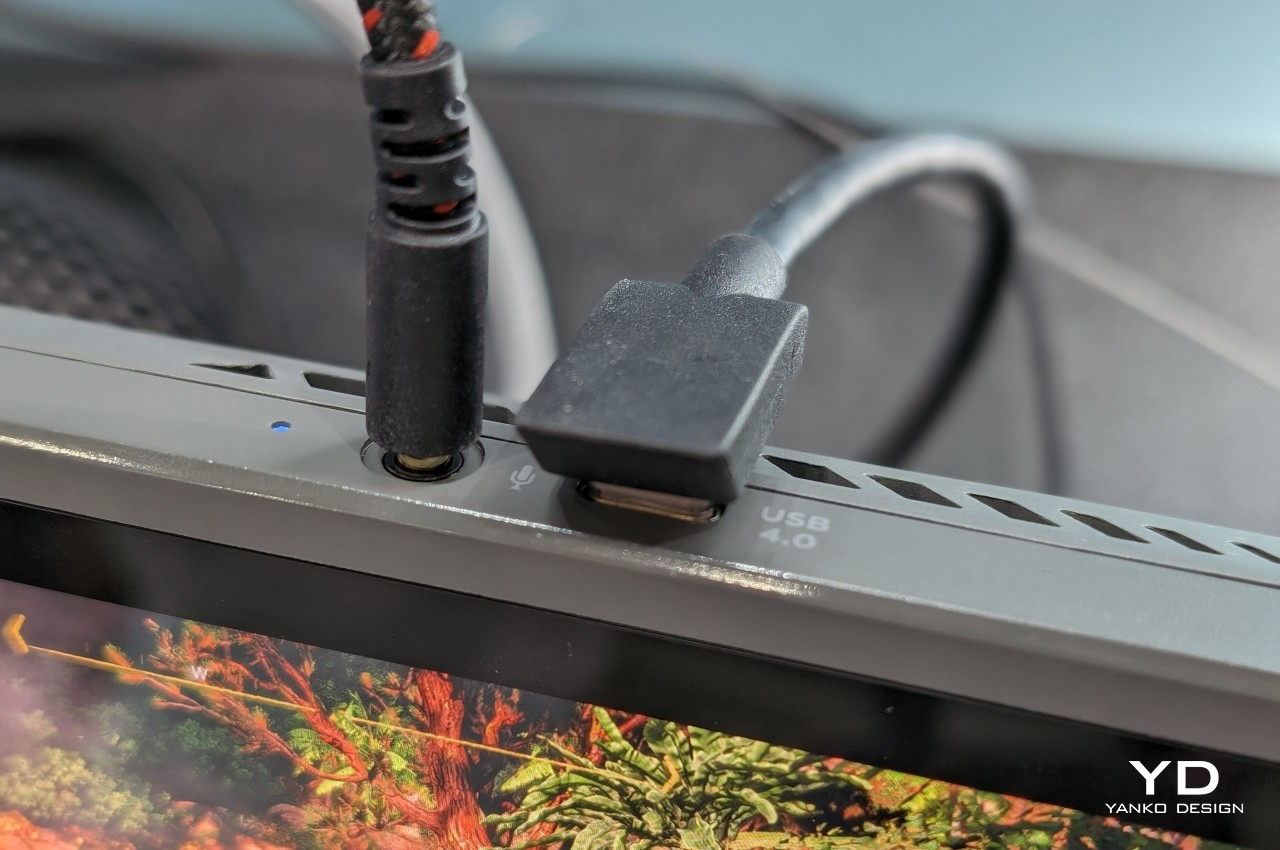
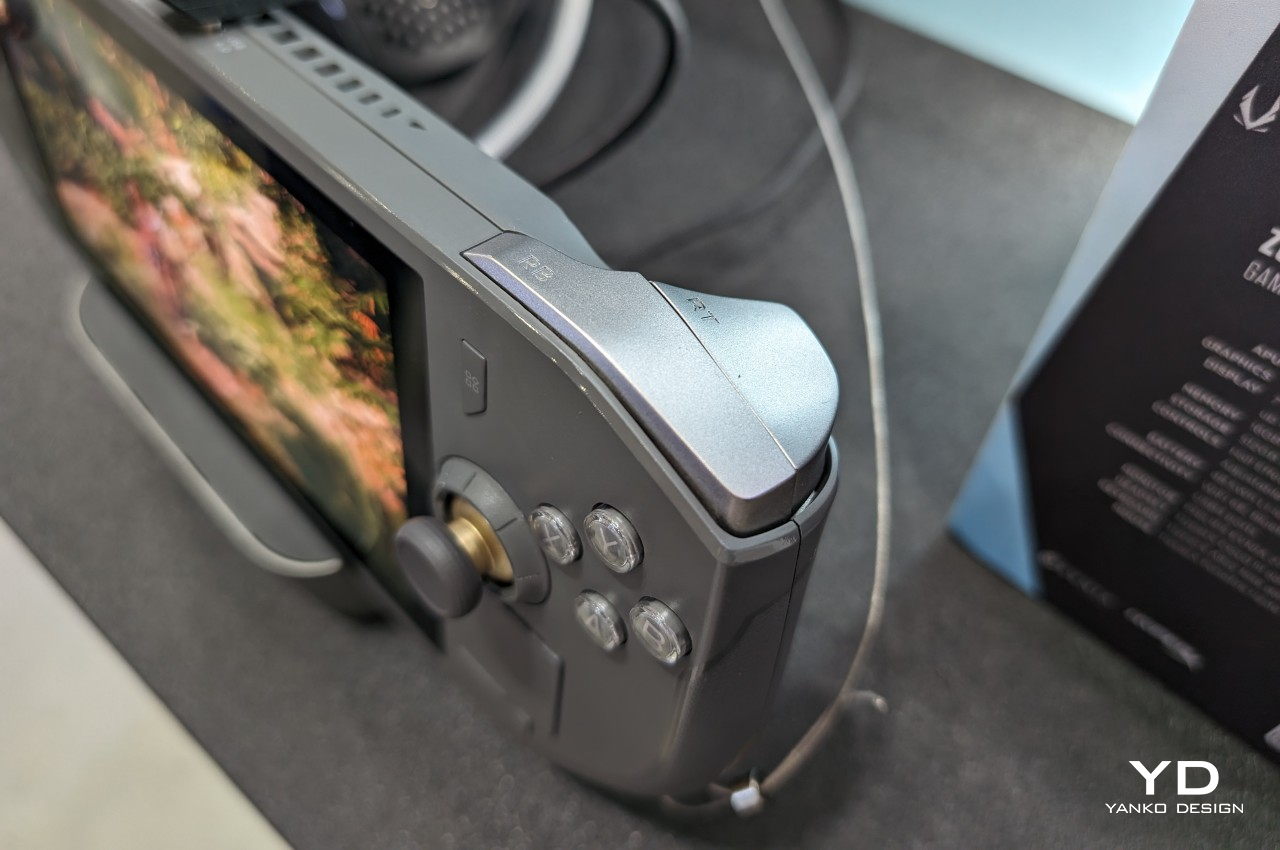
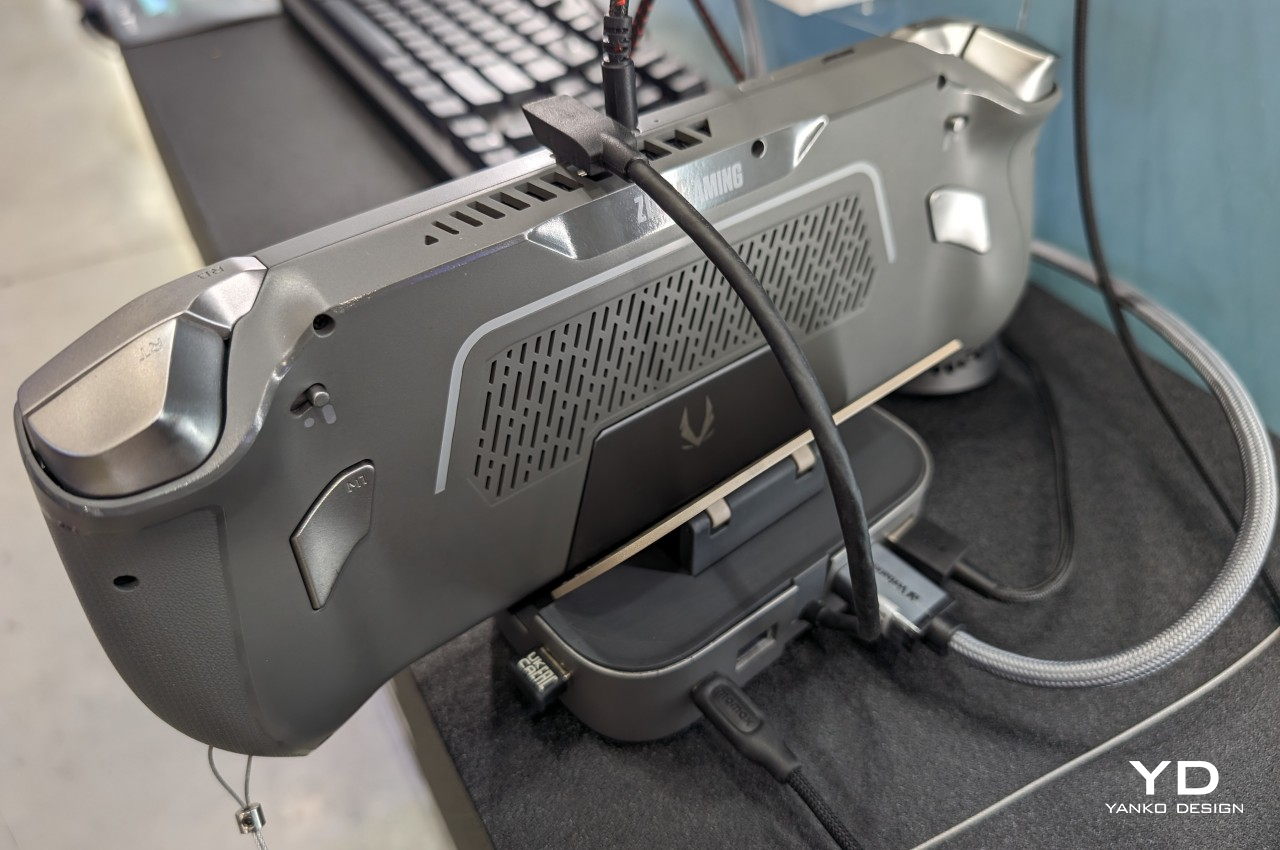
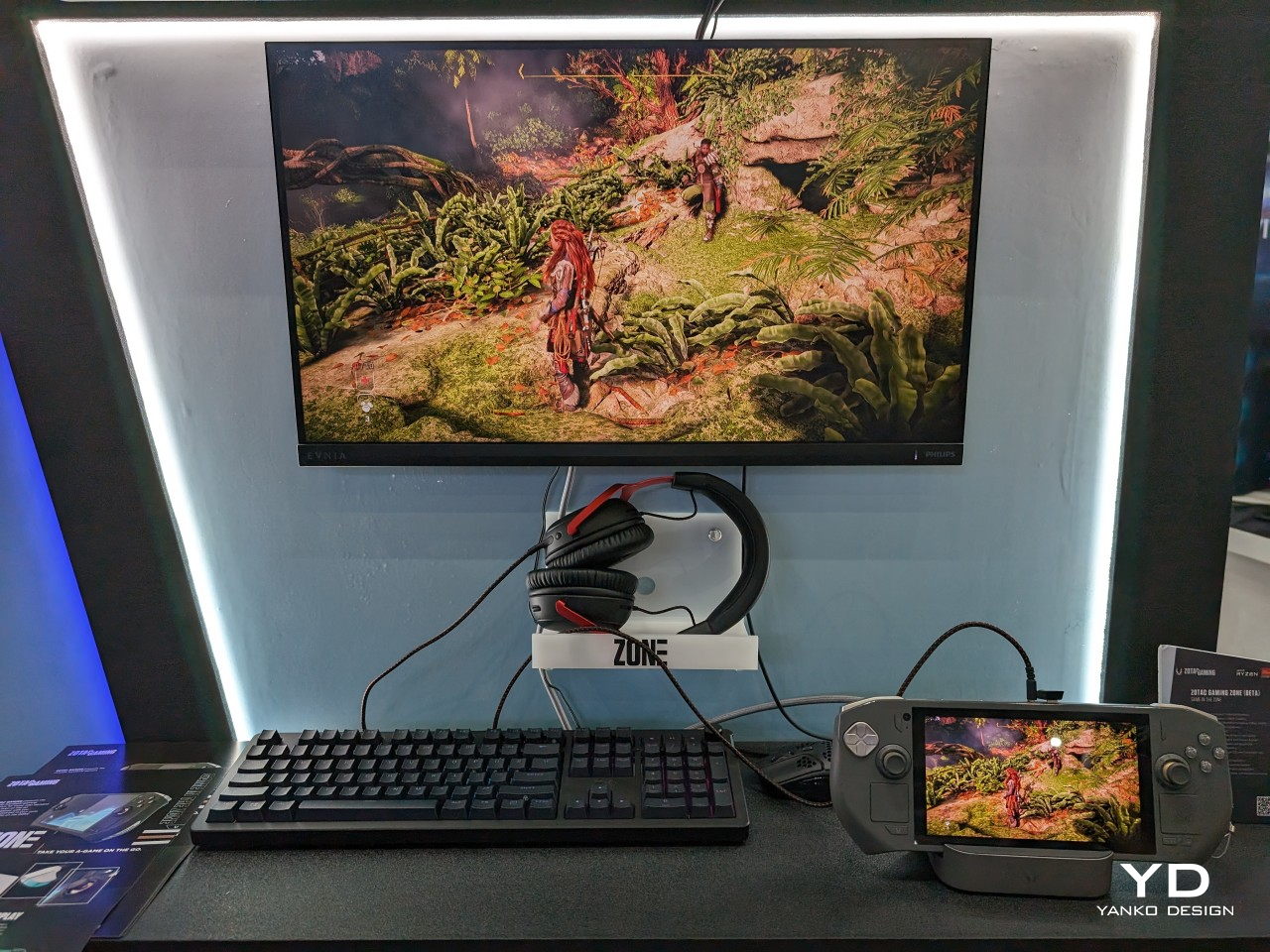
Although it’s unsurprising that plenty of the announcements at Computex 2024 revolved around AI, the event is still pretty much a showcase of actual physical products. Among the new AI-toting laptops are, also unsurprisingly, a new batch of handheld computers that try to recreate the magic of the Steam Deck and the Nintendo Switch for themselves. Although there are finally some variations in designs that are showing up, the original Steam Deck still has nooks and crannies that can be explored and improved. That seems to be what PC maker ZOTAC is trying to do by putting out what is trying to be a better Steam Deck than the Steam Deck.
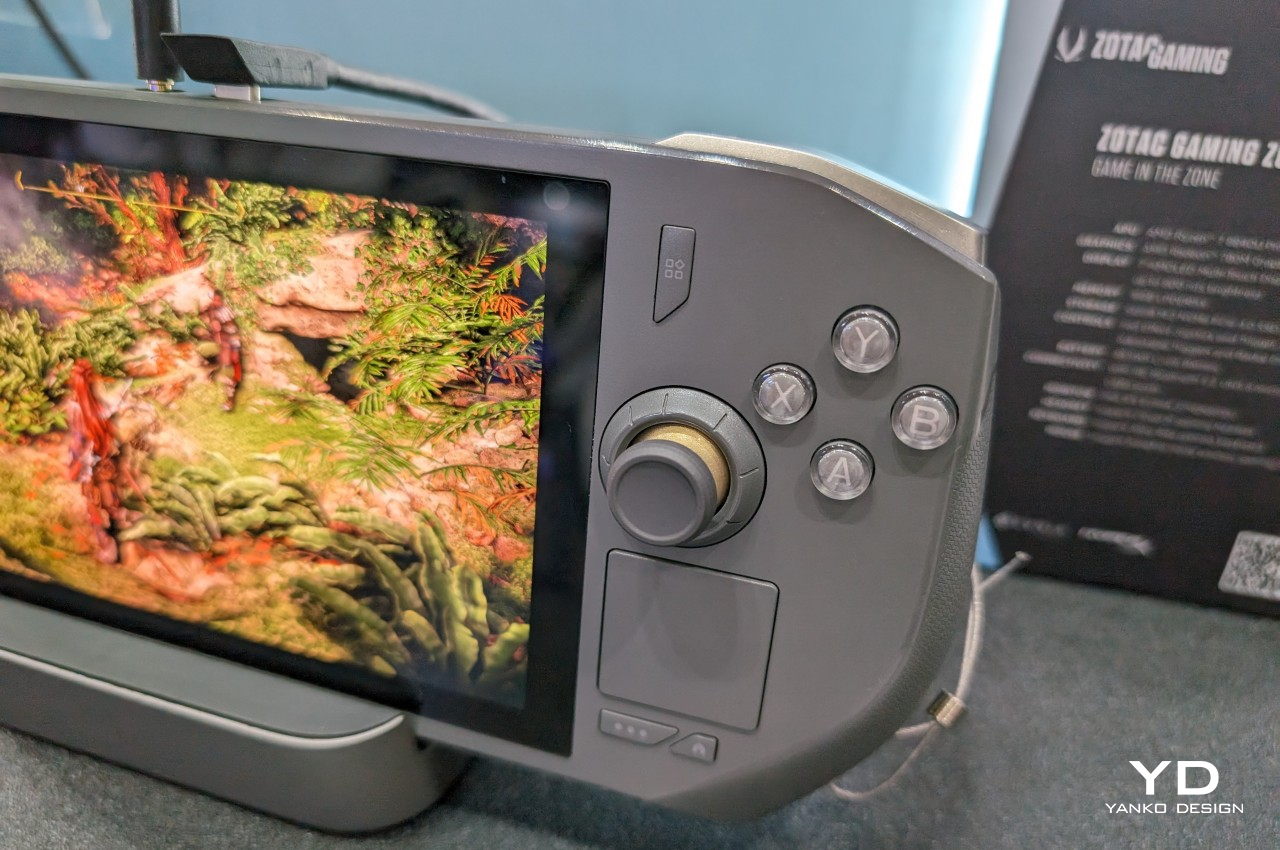
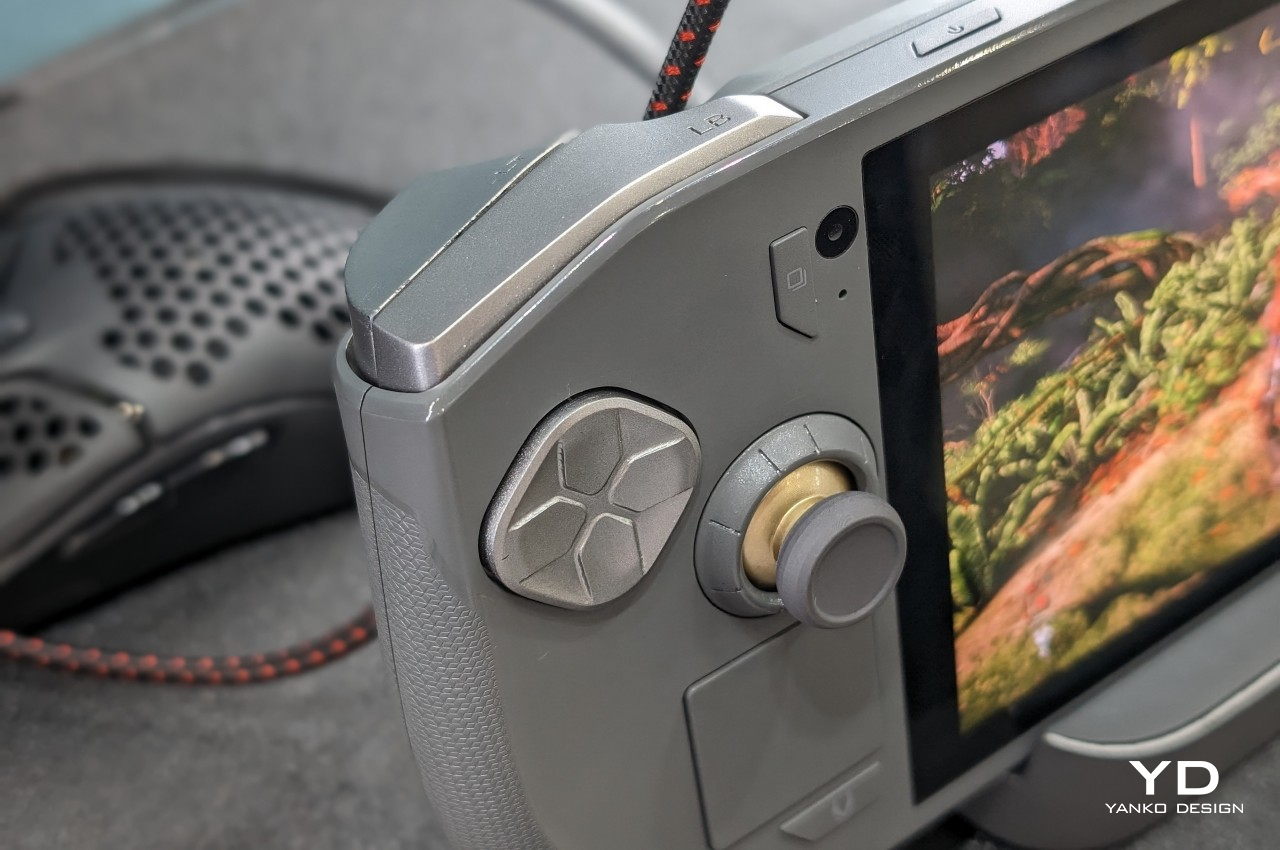
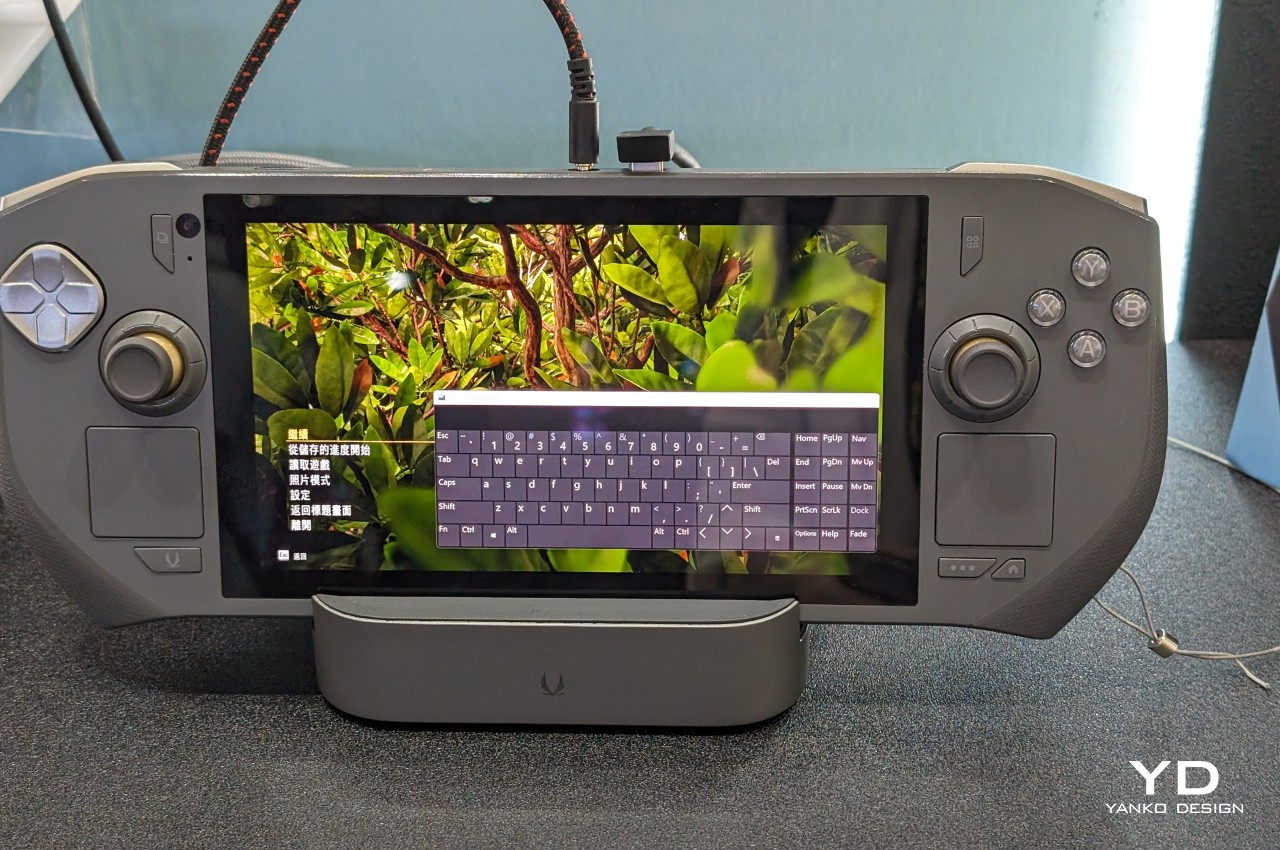
Although there have been some handheld gaming PCs before it, the Steam Deck was the first to come from a well-established name in the industry. But rather than simply be a Nintendo Switch clone, the Steam Deck differed significantly in its design, not to mention its internals and software. In a nutshell, it was an extra large handheld that, unlike any other gaming handheld even today, added not one but two trackpads on each side of the screen. It was a rather unique design detail that has so far been exclusive to the Steam Deck, at least until now.
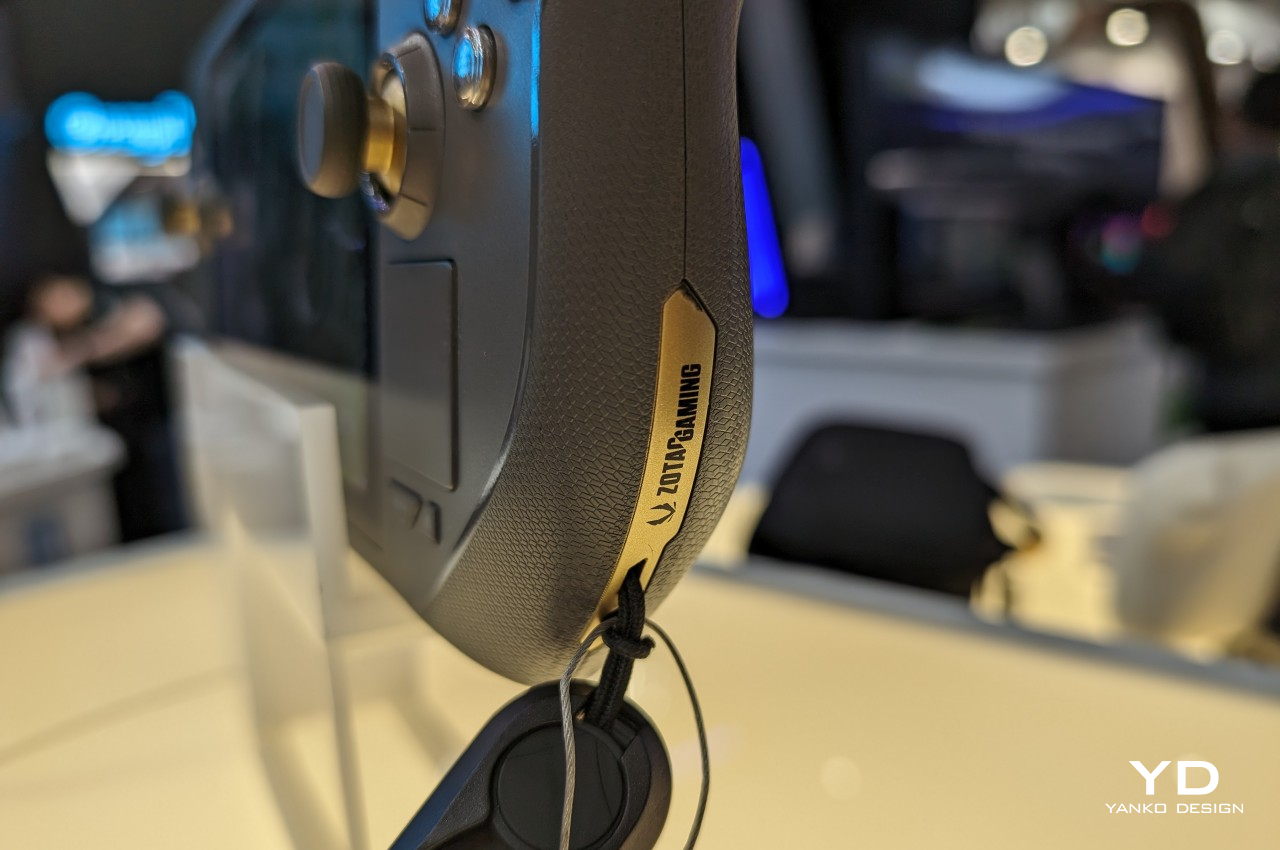
To be rather blunt, it’s not hard to see the ZOTAC ZONE as a Steam Deck clone precisely because of this feature. In fact, there are two other things that make it almost too similar to Valve’s gaming handheld. It has an OLED screen, something that almost no other handheld PC has at the moment, and its button layout follows the PlayStation controller more than the Xbox which everyone except the Steam Deck uses.
At the same time, however, the ZOTAC ZONE is, to some extent, also a step above the Steam Deck in so many ways. For one, it will be running more recent hardware while the Steam Deck is still stuck in 2022. For another, it has a built-in kickstand, a feature that’s oddly absent from many handheld PCs that are clearly inspired by the Nintendo Switch. Last but not least, ZOTAC goes all out on configurable controls, from two-stage adjustable triggers to programmable dials around each of the two joysticks. It’s a gamer’s dream, definitely, but one that also carries quite a steep price.
According to the latest information, the ZOTAC ZONE will launch in September with a $800 price tag, which puts it on the more expensive end of the spectrum. That’s not surprising, though, given how much power the device will be carrying. But as ZOTAC’s first foray into this niche market, it remains to be seen whether the handheld PC will experience growing pains, especially when it comes to the durability of its components.
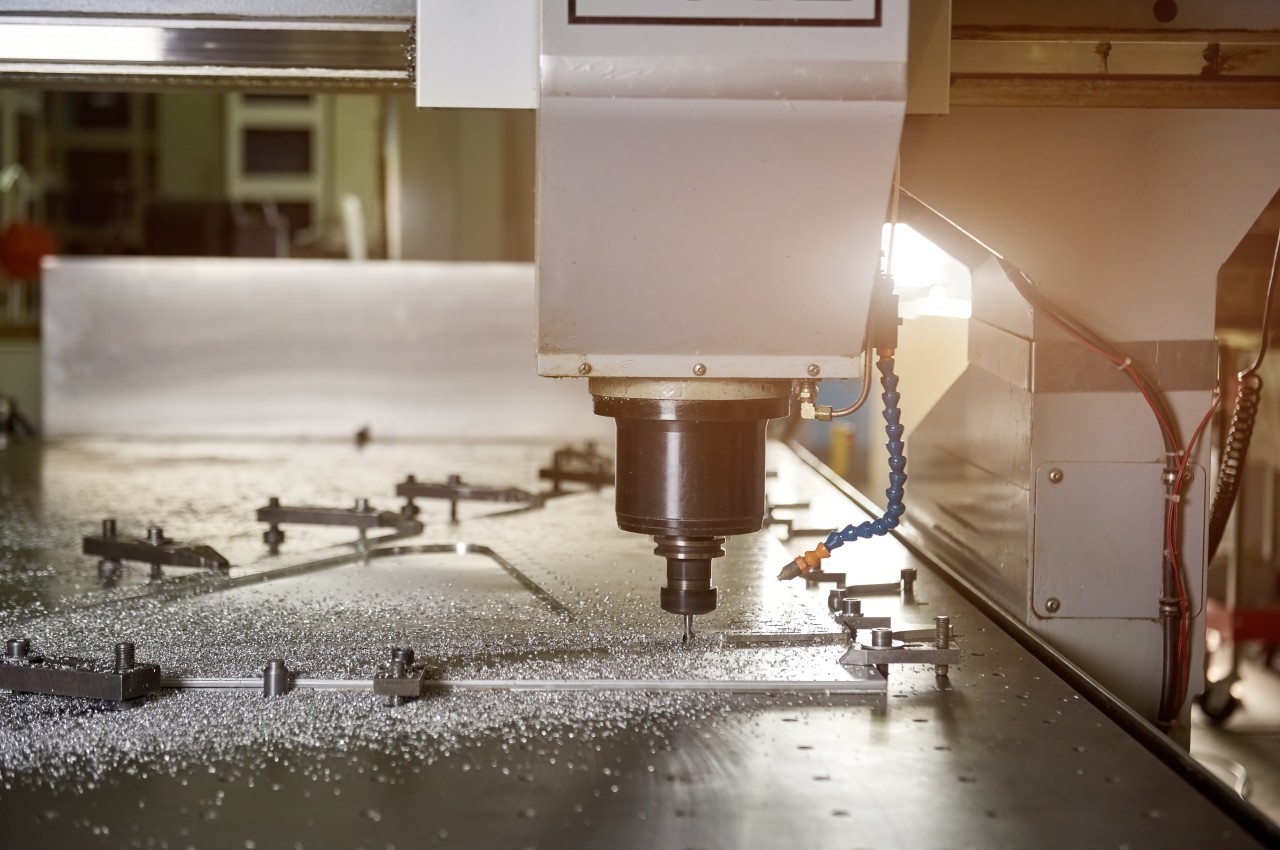
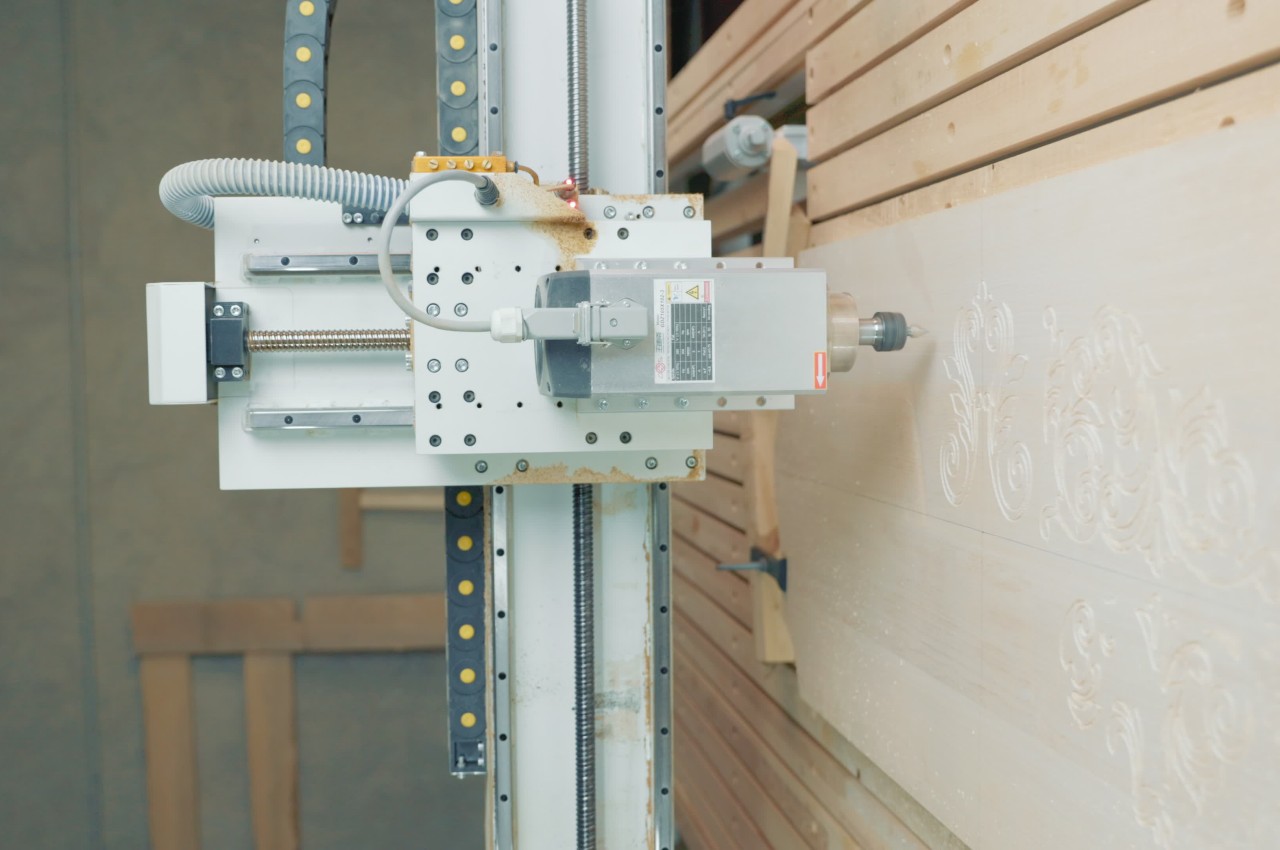
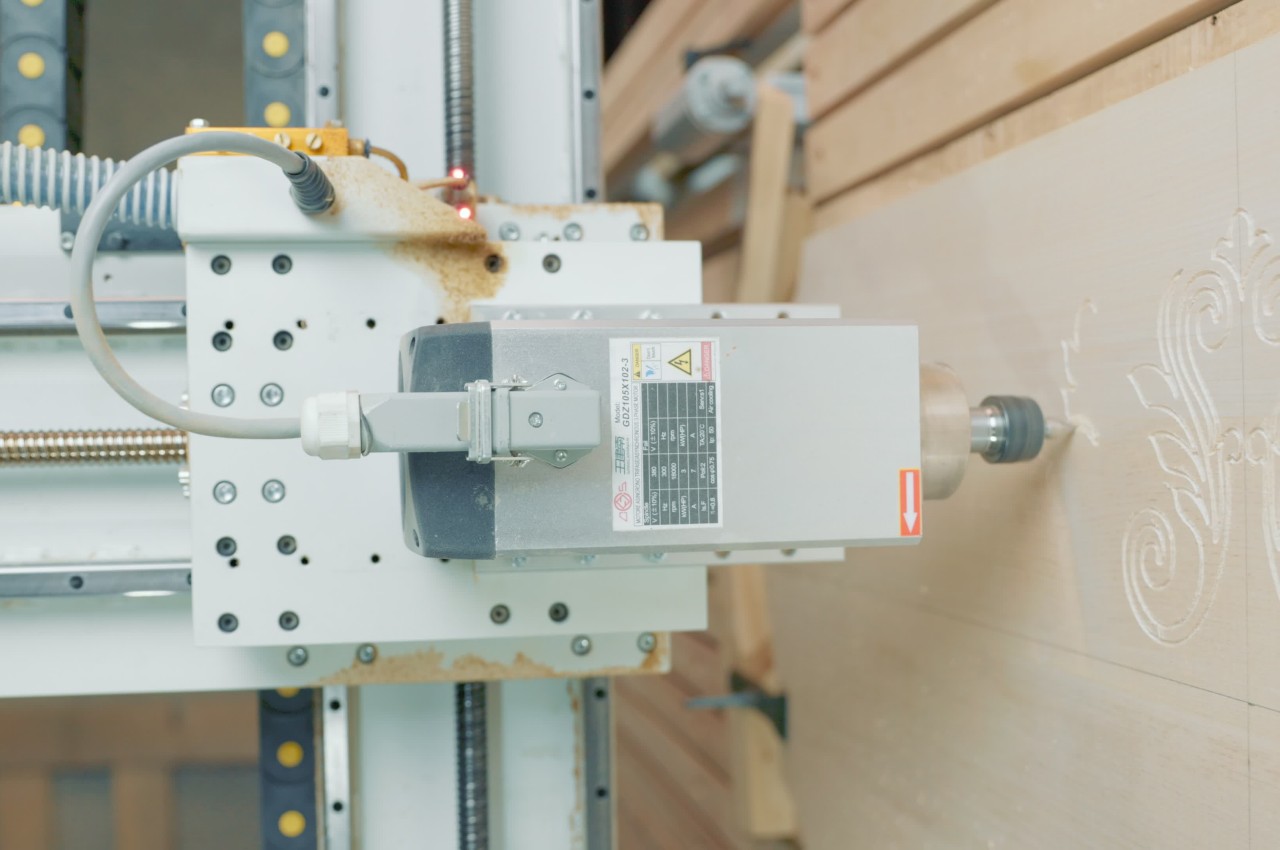
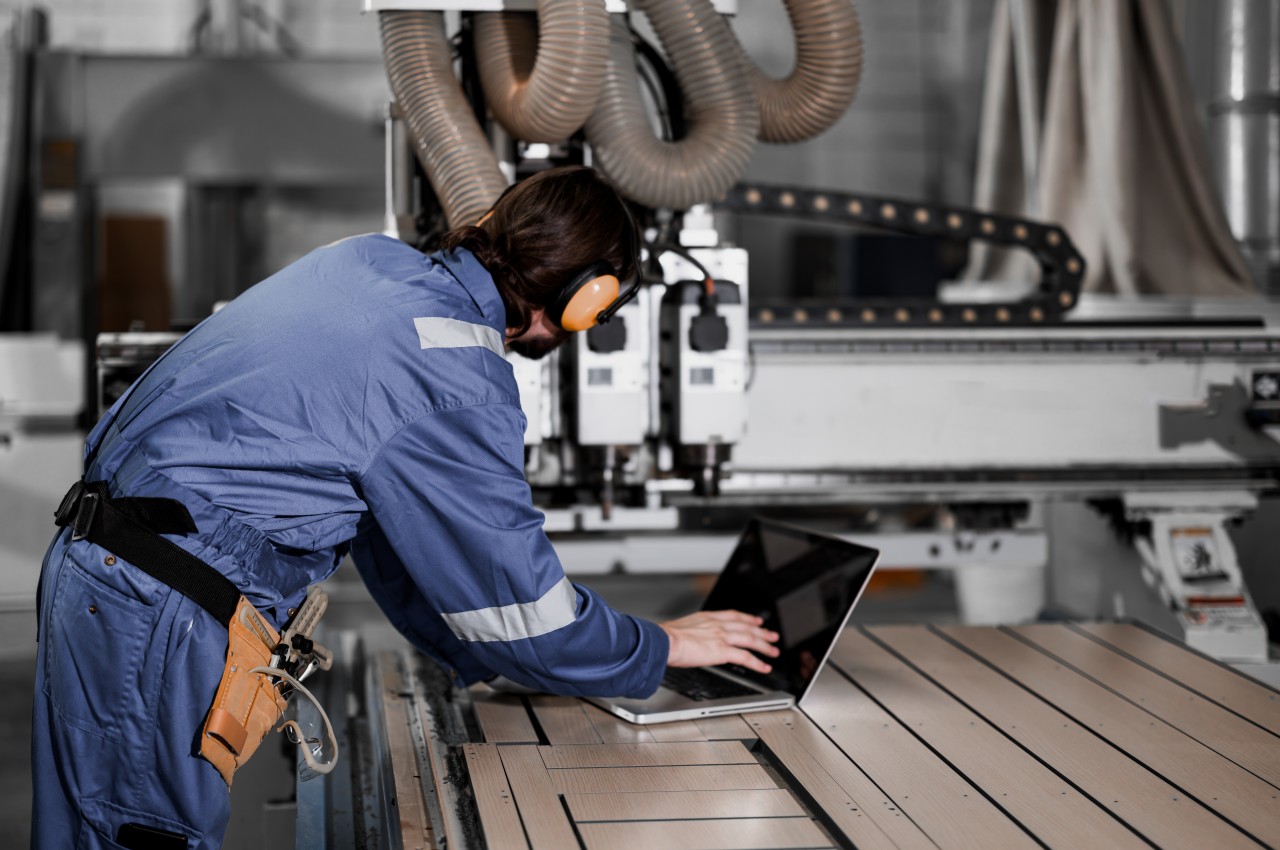
CNC machining plays a transformative role in modern manufacturing and revolutionizes product design and production by automating machine tool control through computers. Therefore, CNC machining is a high-precision solution for modern manufacturers, utilizing advanced electro-mechanical devices to move tools across various axes based on computer-programmed instructions. A typical CNC machine includes a controller, machine tool, and workpiece. The controller executes instructions from a computer program, directing the machine tool to cut or shape the workpiece.
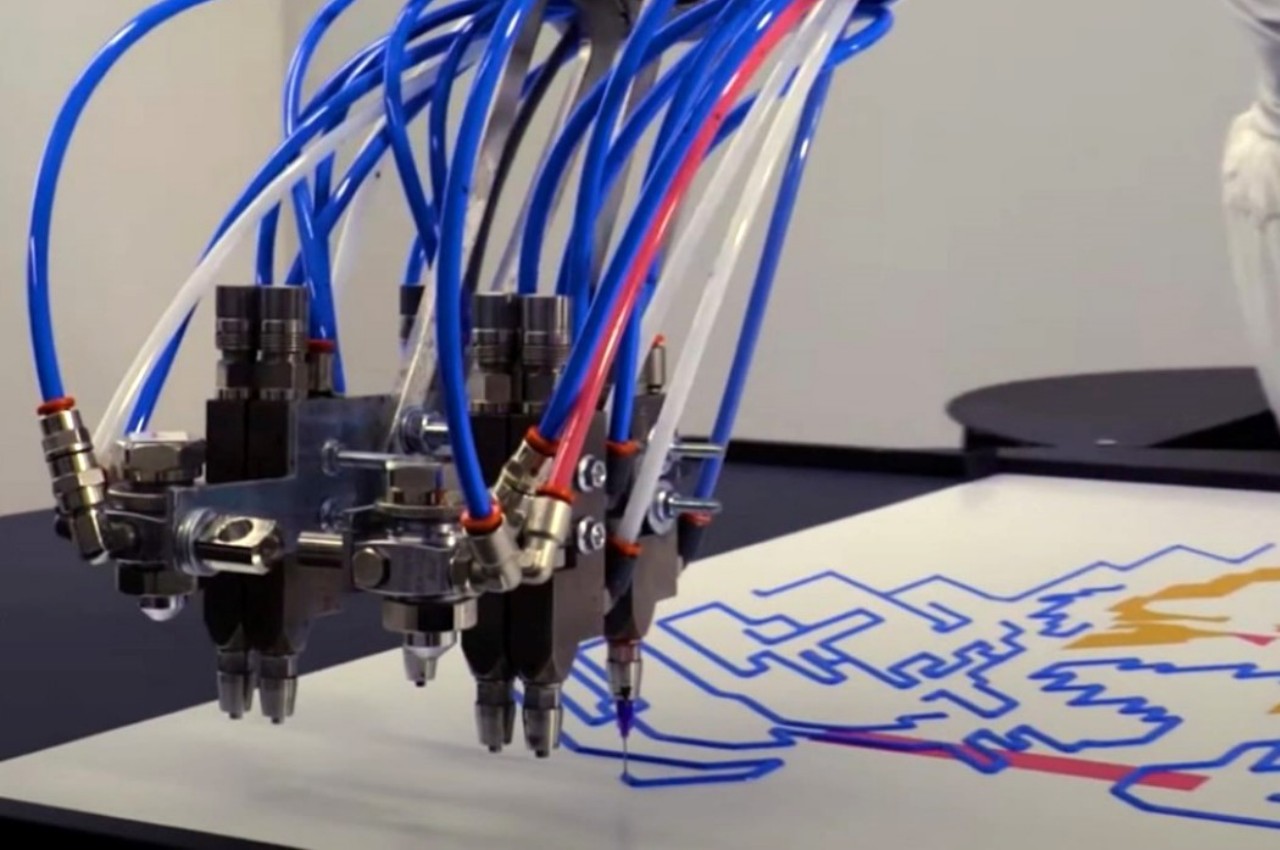
While robots are typically associated with repetitive tasks, Primus challenges this notion by partnering with human creators to execute artistic visions. This robotic arm translates digital art into commands, creating geometric pieces reminiscent of Andy Warhol. With Primus, users can mount a canvas, calibrate, and begin painting, combining human creativity with robotic precision for a truly unique artistic experience.
What are the advantages of using CNC Machining?
1. Accuracy
Precision turning machines operate autonomously, ensuring defect-free products with consistent accuracy. Governed by codes and software, they maintain settings throughout production cycles for product consistency. Additionally, they operate continuously without compromising quality.
The Running milling machines can run at their fastest speed to meet high demands, they can work nonstop, 24/7, staying accurate and saving material. This makes production fast, efficient, and scalable without extra costs.
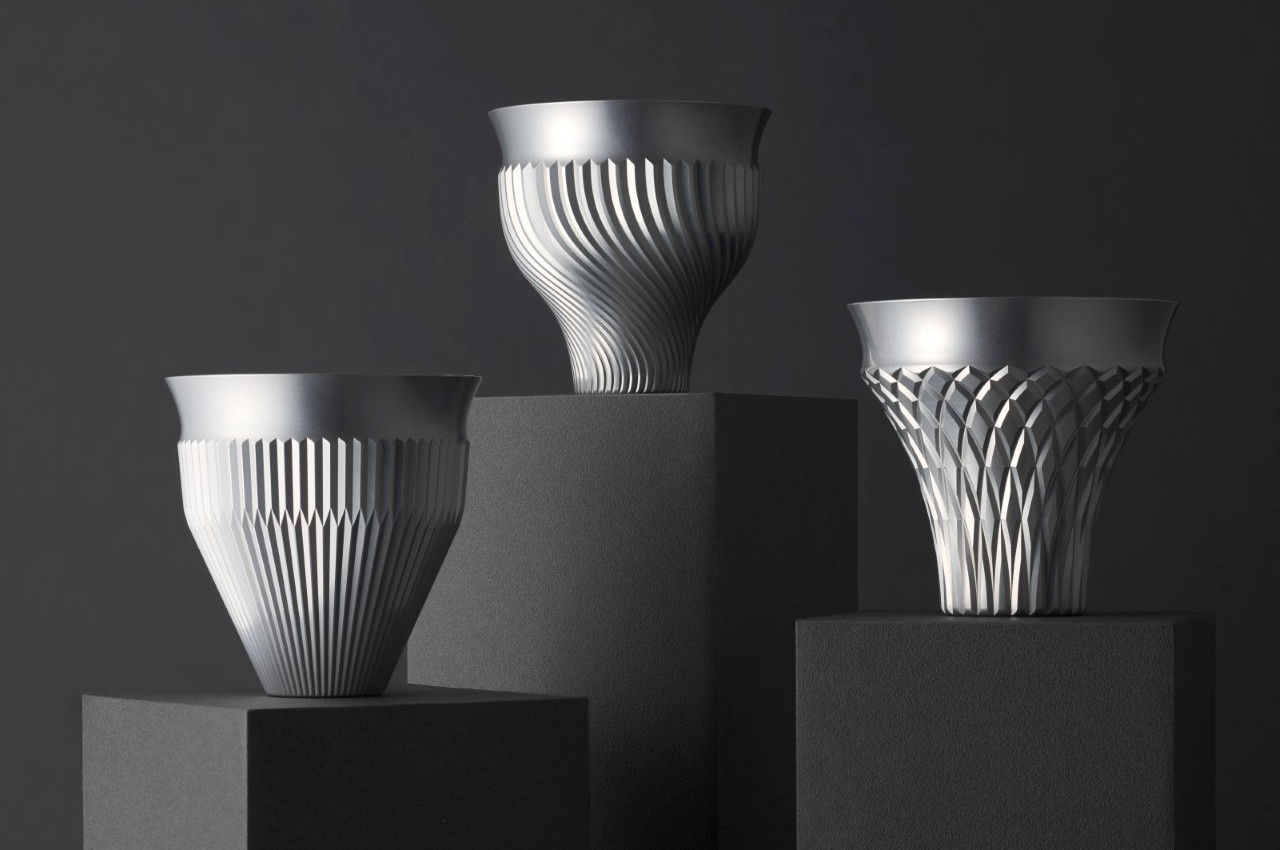
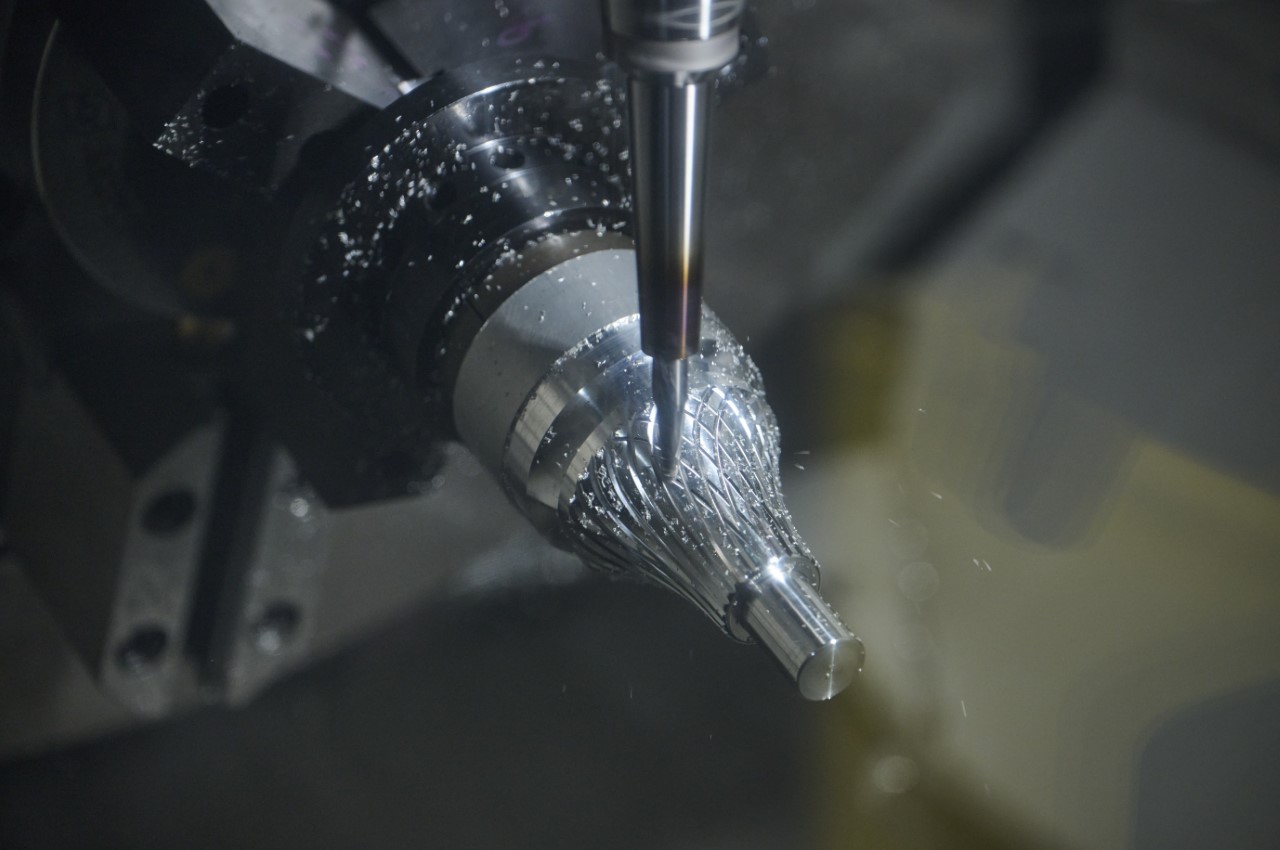
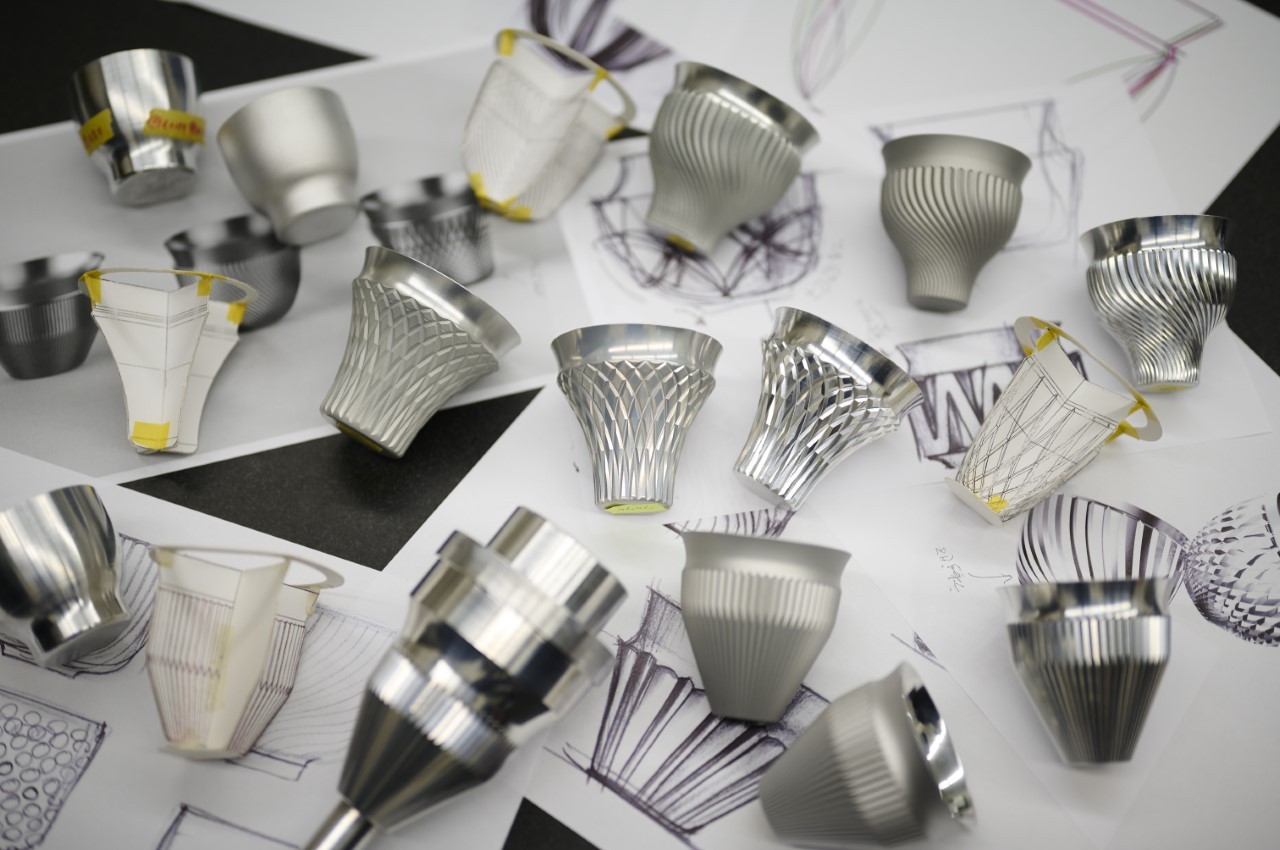
Kenji Abe’s Hakusaku series features exquisite machined aluminum saké glasses designed to elevate its visual appeal. Crafted from duralumin, these cups boast thin rims, as slim as 0.6mm, offering a unique drinking experience. Precision-machined and adorned with geometric textures, they prevent temperature transfer while enhancing aesthetics.
3. Lower Production Costs
Using CNC machines drastically cuts down production costs, enhances efficiency, and scales production without waste. It also reduces energy usage, trimming operational expenses, making it a cost-effective method without sacrificing quality. Additionally, the low overhead cost due to minimal human intervention substantially reduces expenses.
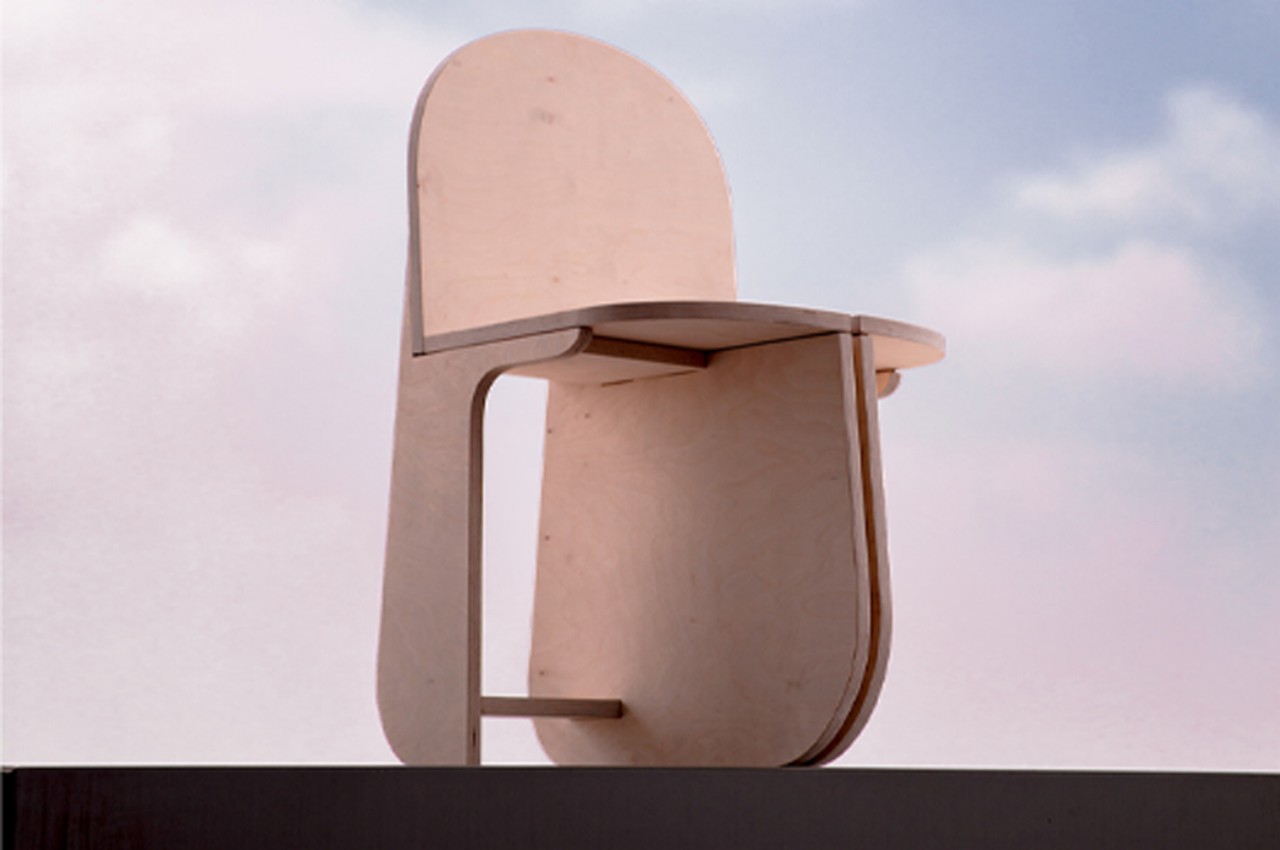
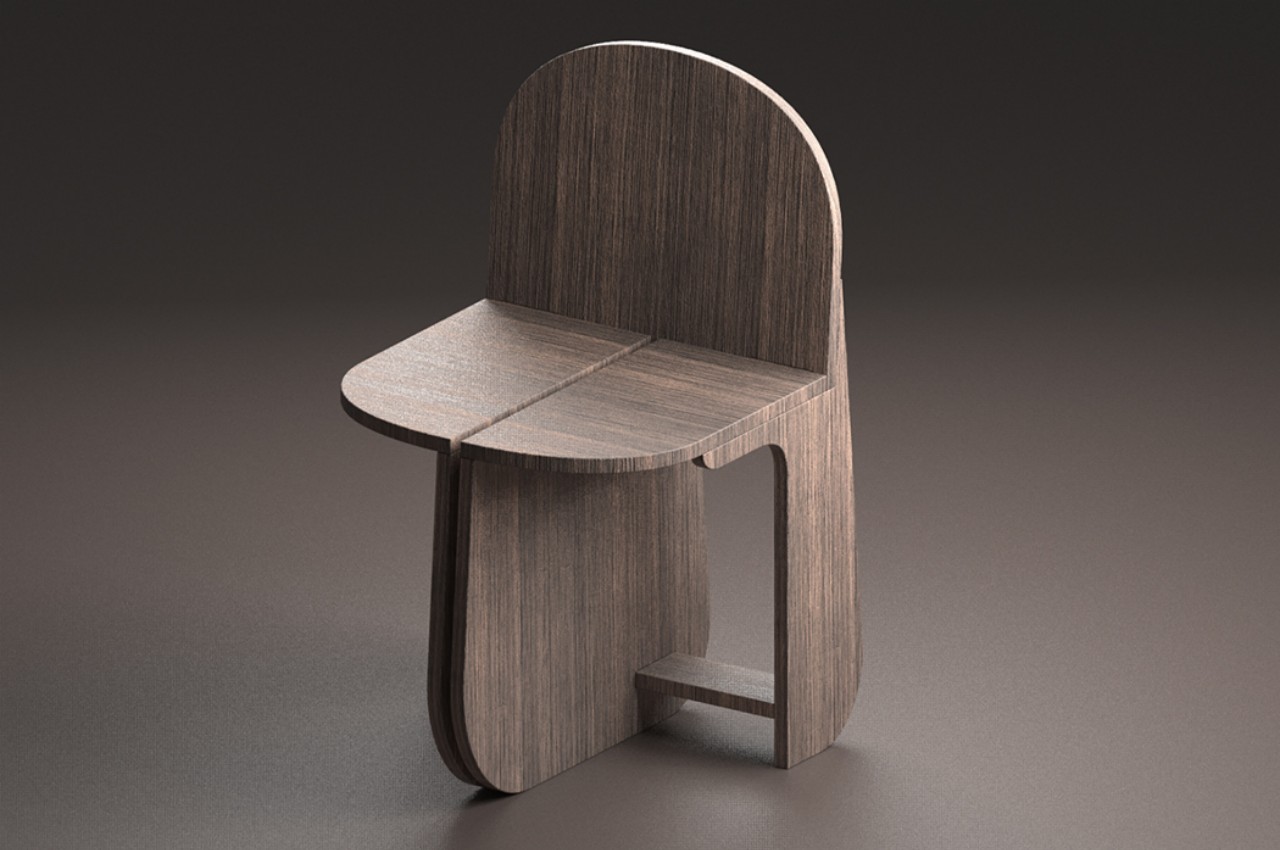
Designing unique chairs can be tough due to their long history, yet they inspire endless creativity. Seoul-based designer Yunjae Lee innovates with birch plywood and CNC milling, crafting a chair with three rounded legs, requiring no additional hardware for assembly. The Tri-Round Chair, reminiscent of IKEA projects, breaks down into eleven pieces before assembly, creating a stable structure with its interlocking design. Built from 18mm birch plywood, the chair offers stability without extra hardware, reimagining traditional chair design with a modern twist.
4. Reduced Wastage
CNC machines use iterative optimization to minimize waste and produce components efficiently. This approach, coupled with fixed tooling and routes, maximizes raw material usage and significantly reduces waste for manufacturers.
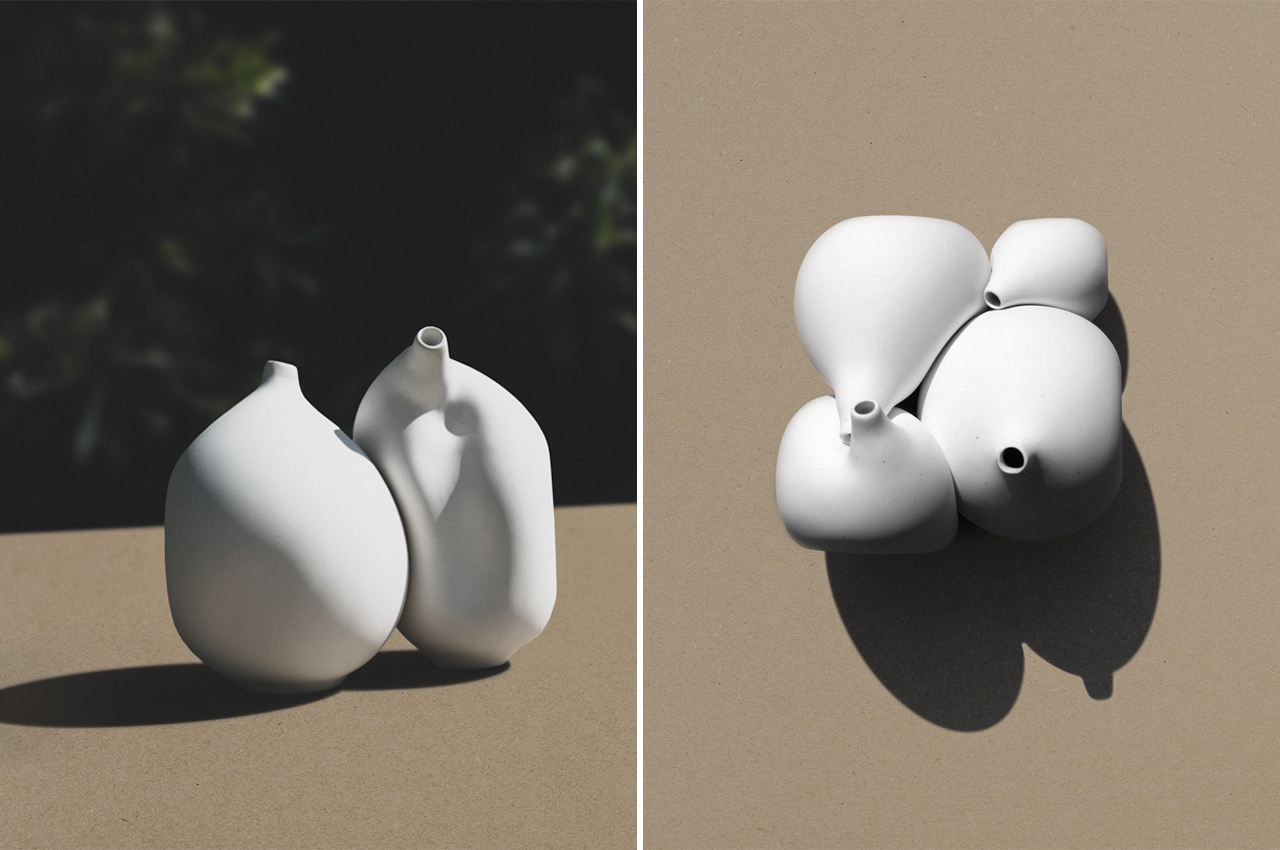
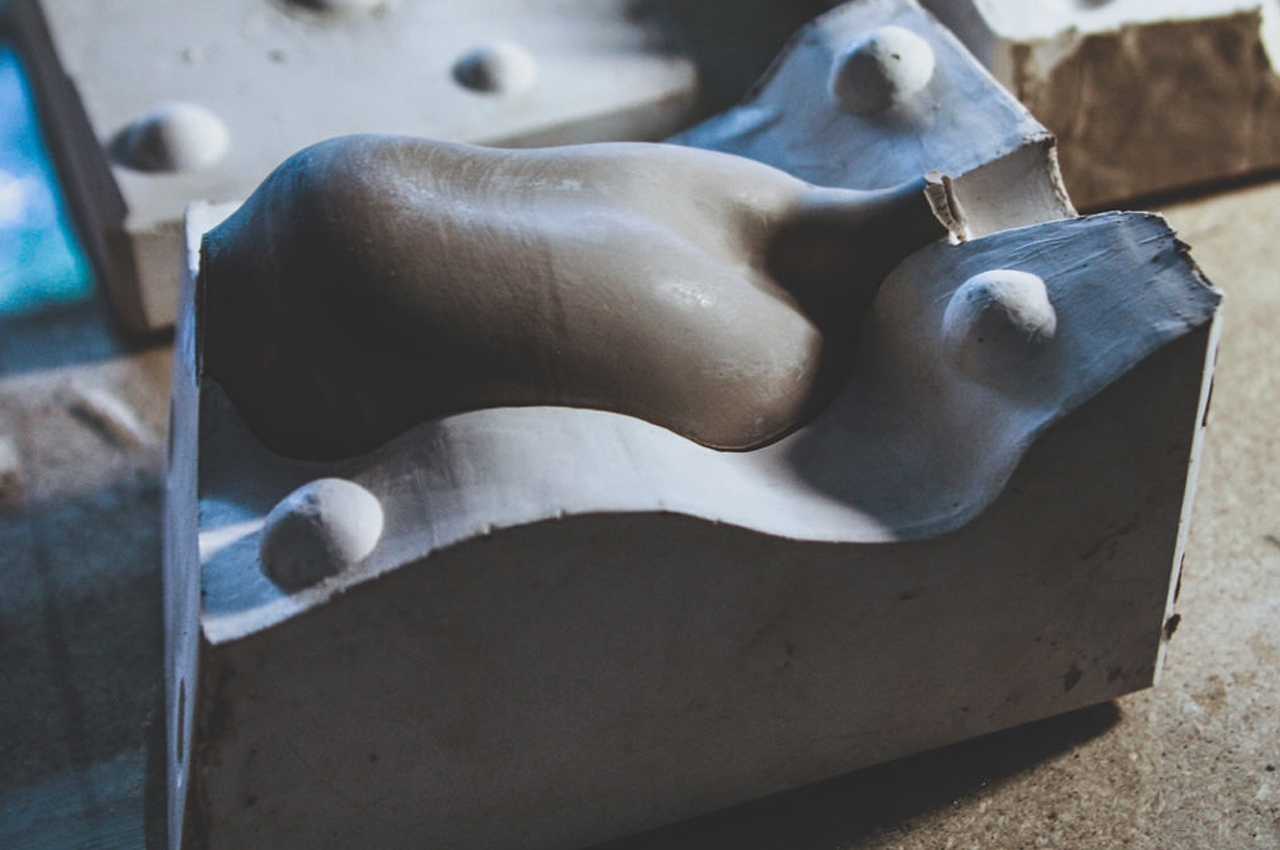
Ceramic Bodies is a collection of four porcelain vases designed by Jörg Hugo to fit together like a three-dimensional puzzle. Utilizing a blend of digital and analog design methods, Hugo creates timeless pieces that explore the relationship between materiality, form, and space. Each vase undergoes geometric optimization to minimize structural mass and energy, resulting in a visually captivating ensemble. CNC-milled plaster molds ensure precision in sizing, while 3D-scanning and modification techniques enable efficient production and customization. This innovative approach combines the craftsmanship of handcrafted ceramics with the efficiency of digital design, offering a unique and visually striking addition to any space.
5. Ensures Safety
One primary benefit for CNC machine operators is safety. CNC machines operate behind guards or enclosed, transparent safety doors, making them much safer than manually operated machines.
CNC machines work with a variety of materials, including composites, metals, foam, phenolics, and plastics. When choosing materials for CNC milling, some factors like hardness and heat tolerance need to be taken into consideration.
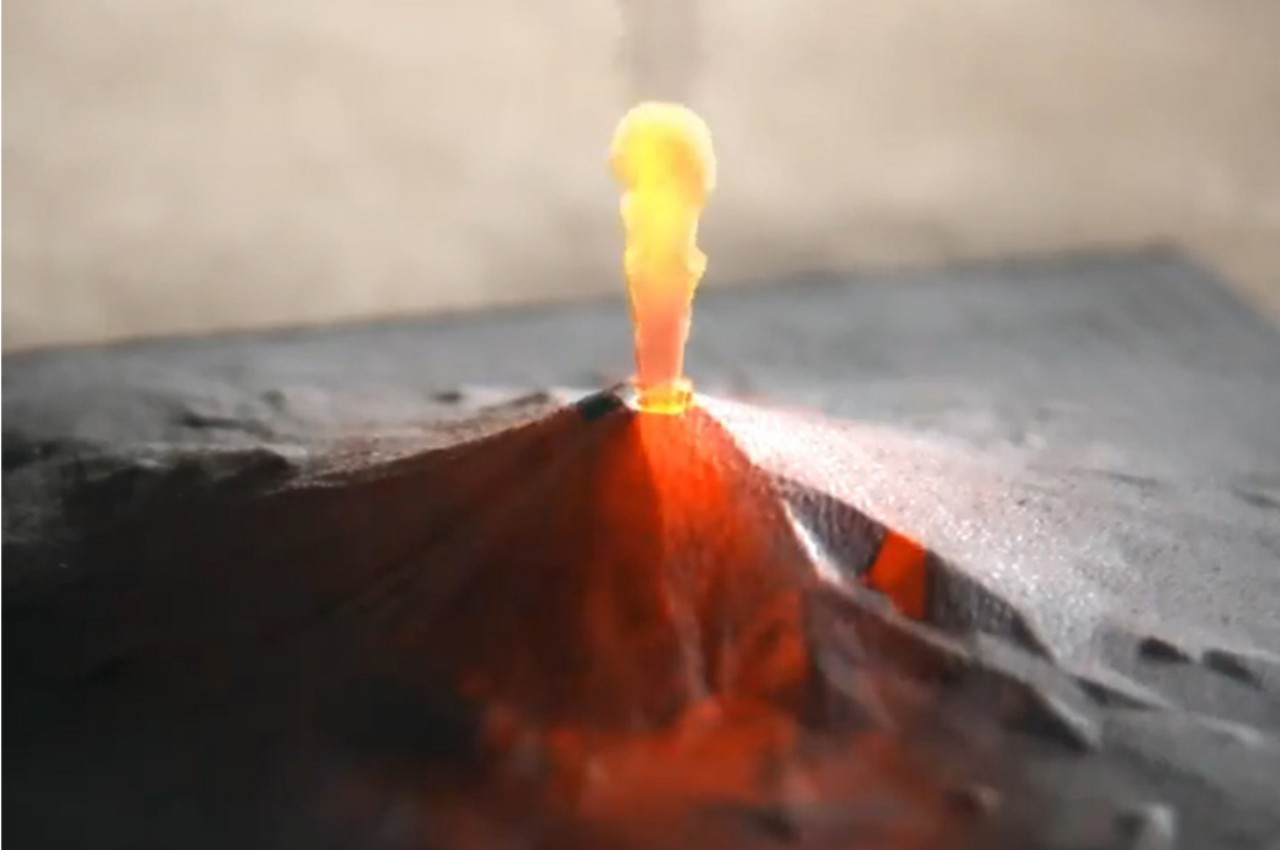
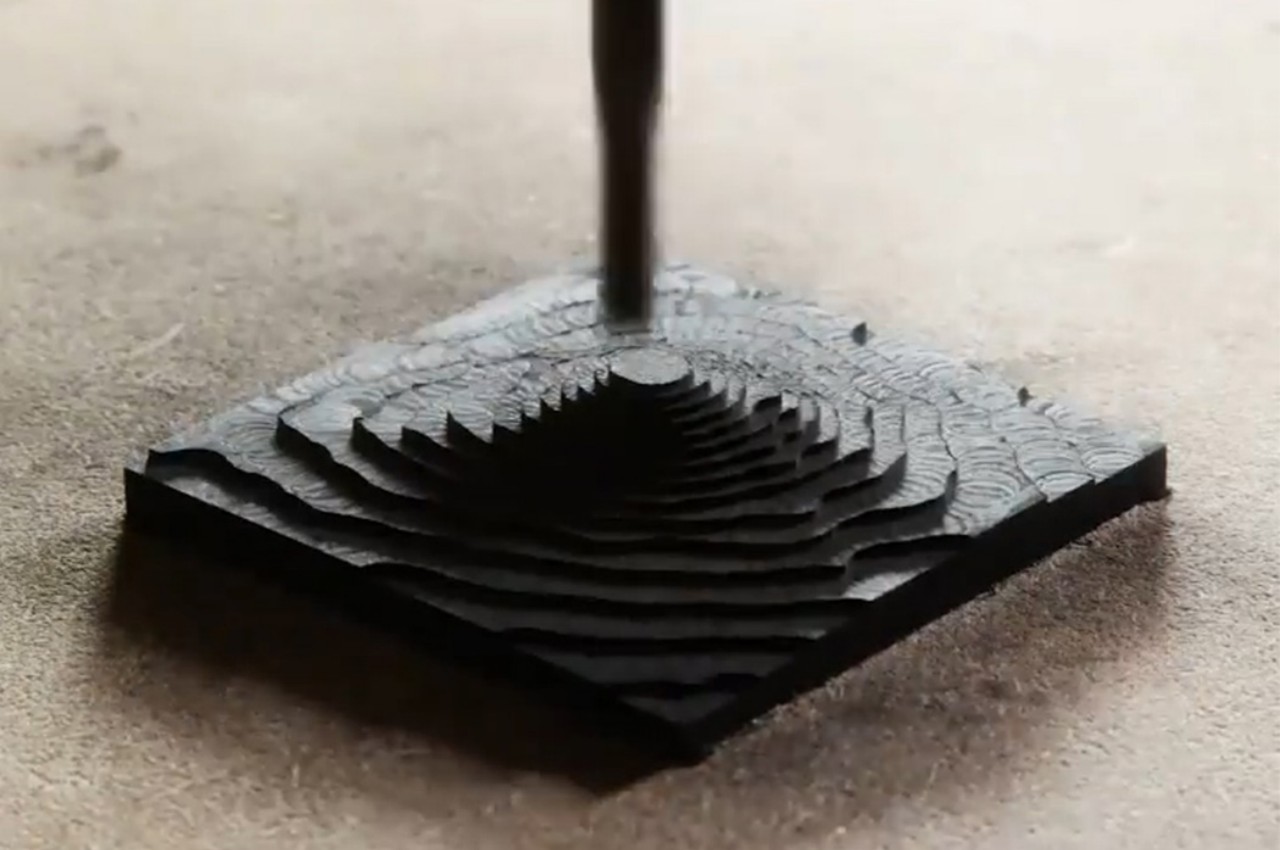
Dom Riccobene’s CNC-machined Mt. Fuji sculpture showcases the intricate beauty of Richlite, a durable and sustainable material. Blending data, art, and design, Riccobene creates detailed sculptures crafted by algorithms, earning him the title of “data sculptor.” With applications in various industries, Richlite’s versatility and tactile properties make it a preferred choice for residential, commercial, and industrial uses.
7. Low Maintenance Required
CNC milling machines are low-maintenance, usually requiring only periodic tool changes and light cleaning. This in-house serviceability saves money as professional maintenance engineers are not needed.
8. Consistent Output
The CNC process ensures uniformity by being computer-controlled, resulting in identical parts with no variations in quality.
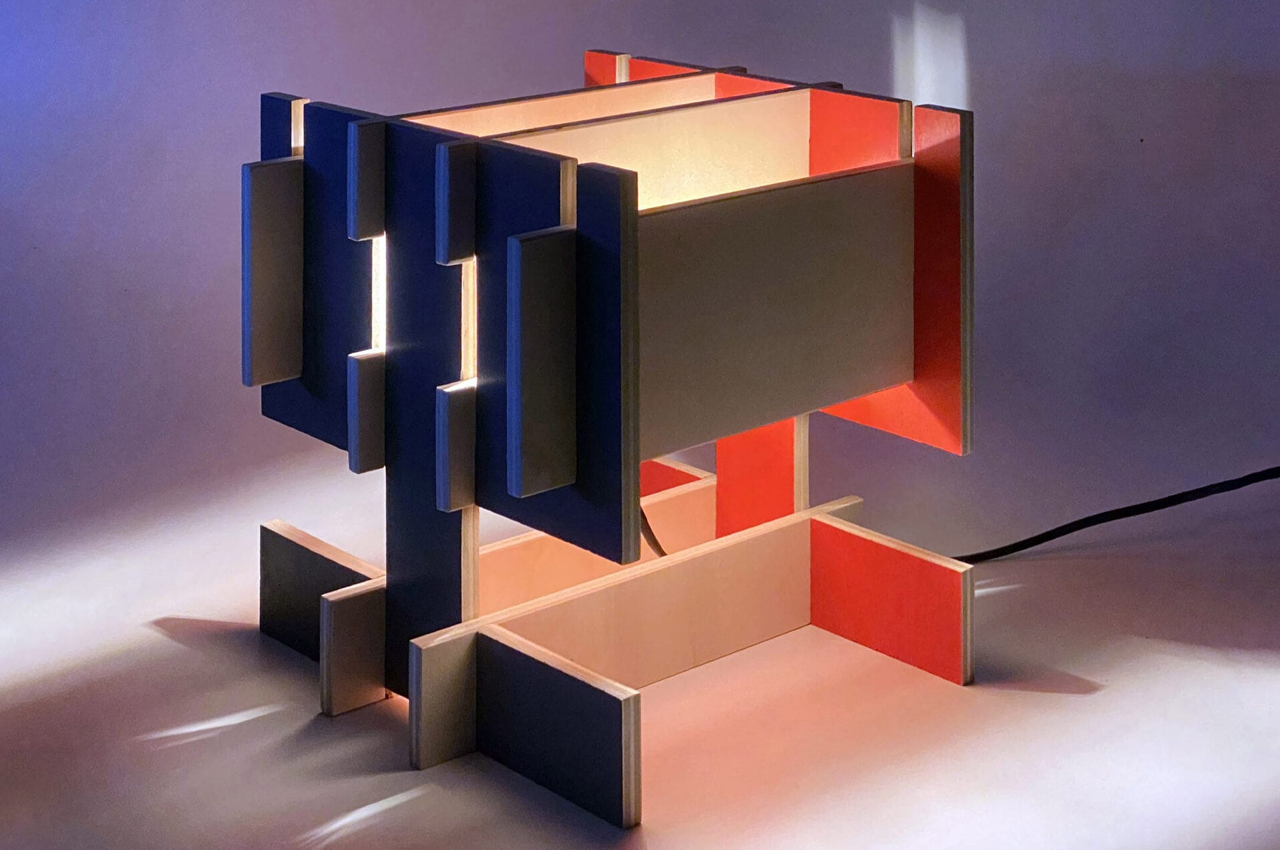
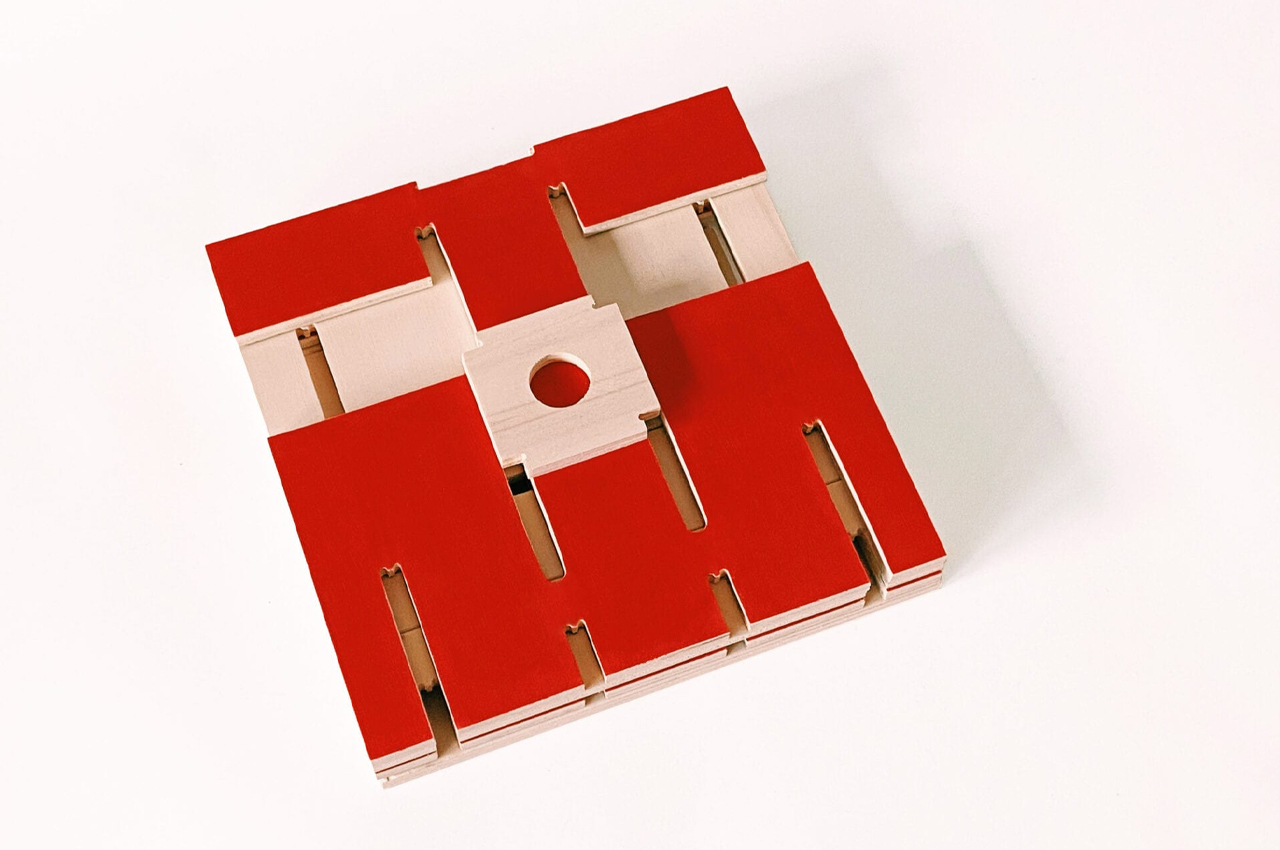
The BN! lamp, a modular table lamp crafted with CNC milling techniques, ensures precise and interchangeable assembly. Inspired by timber toys, its design guarantees symmetry and seamless operation. Delivered in a flatpack, it requires no extra hardware for assembly. Each component is meticulously crafted for easy replacement, and users can choose a bespoke brown color scheme.
CNC machines initially require a higher investment than manual machines, but as usage grows, costs decrease. Skilled technicians are still essential for programming and supervising, but finding them can be challenging, potentially impacting the quality of machined parts in some shops.
The first step involves creating a CAD (Computer-Aided Design) model using 2D or 3D design software. Note that complex designs may require skilled designers, and the CAD model serves as the blueprint for the machining process, guiding the CNC machine in executing precise instructions for material cutting or shaping.
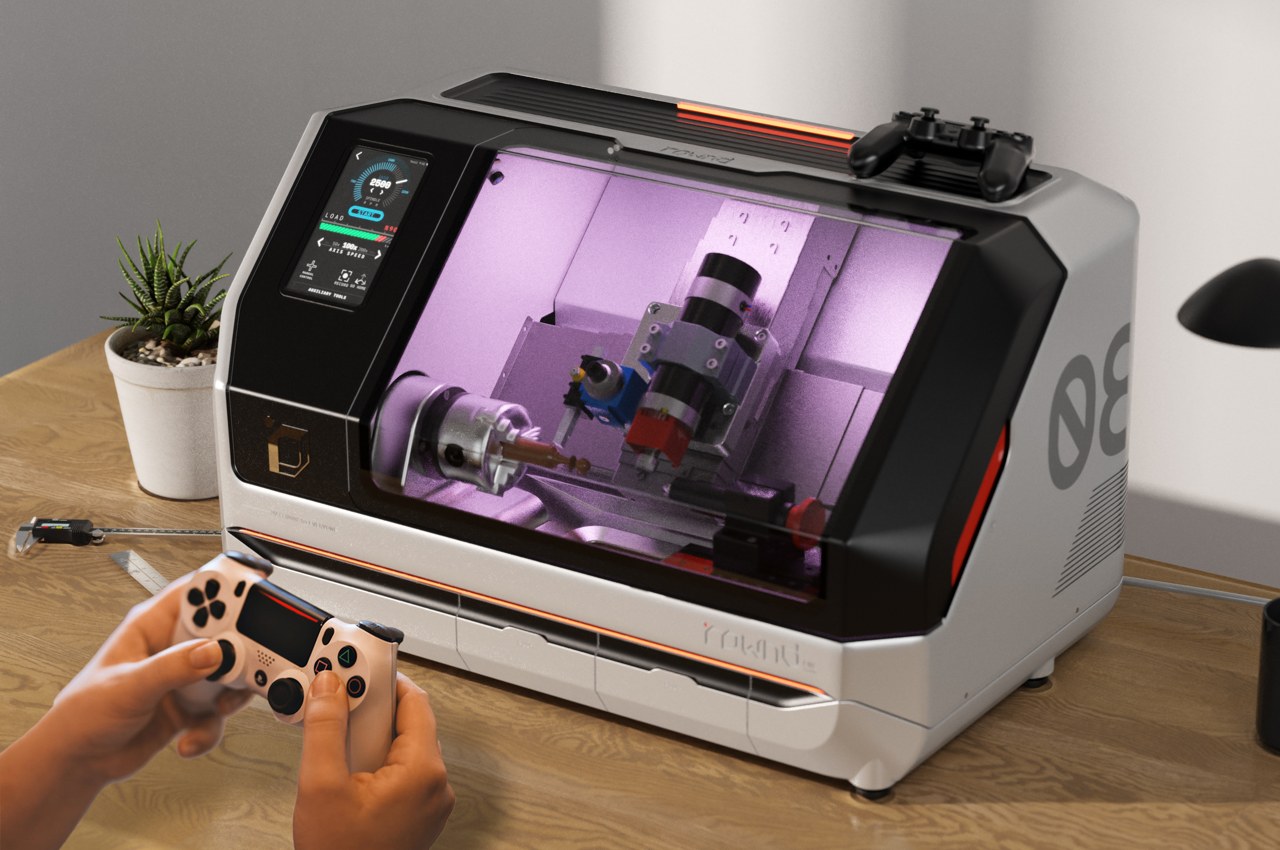
The ROWND unveils a user-friendly CNC lathe, compact and precise, suitable for new users and professionals alike. Its intuitive touchscreen interface and compatibility with various materials make it accessible and efficient for diverse projects.
Step 2: Convert CAD to CNC File
To convert CAD to CNC, use Computer-Aided Manufacturing (CAM) software or basic tools. CAM translates CAD designs into G code, which CNC machines understand. Note that basic tools offer simplicity but lack the advanced capabilities of CAM software.
Step 3: Configure the CNC Machine
Before manufacturing, the CNC machine needs proper setup, akin to configuring a printer. This involves positioning the workpiece accurately and configuring the die and other settings.
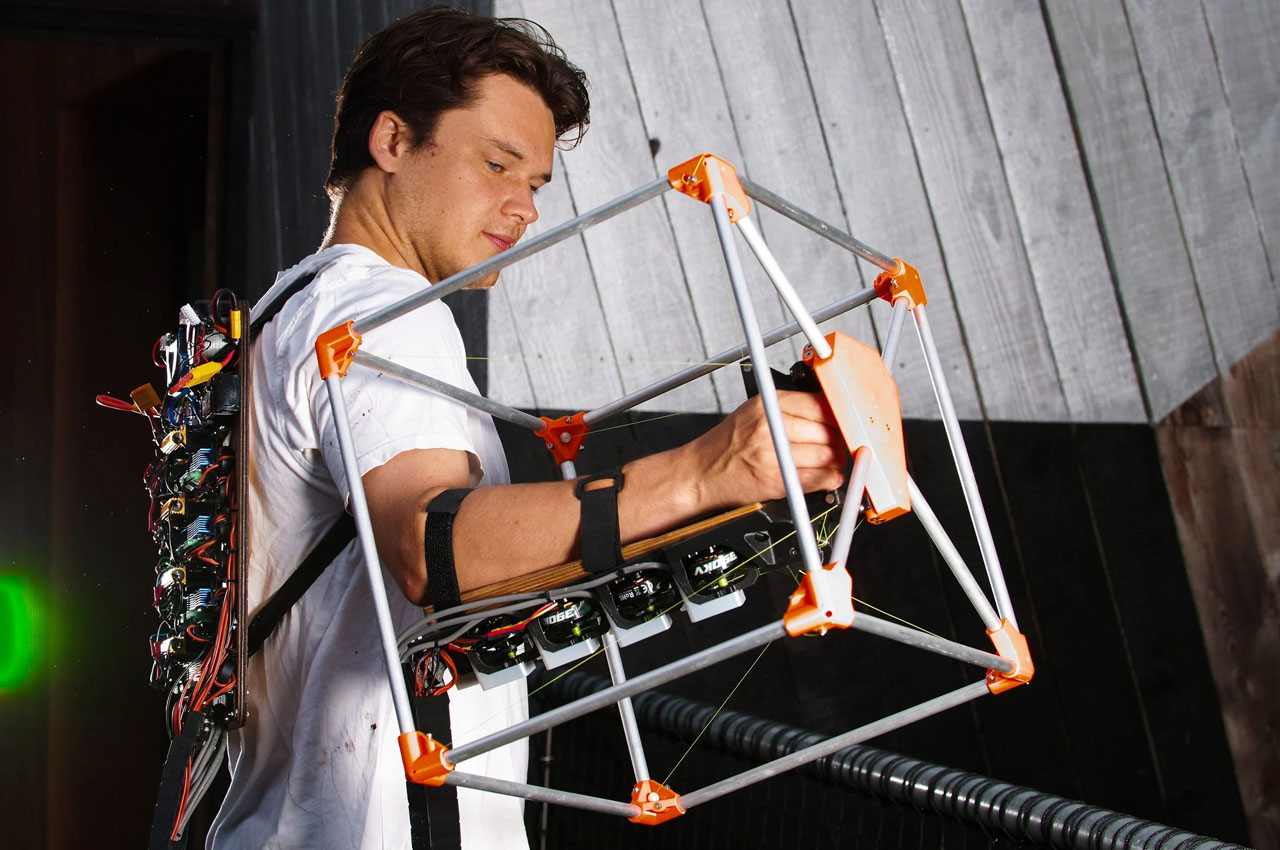
Jasper Mallinson’s Mecha-Morphis Wearable CNC Machine revolutionizes design manufacturing with its portable exoskeleton design. Small enough to fit on the arm, it provides remarkable mobility for intricate tasks, empowering creativity on the move. Versatile and sustainable, Mecha-Morphis reflects a fusion of innovation and environmental consciousness, offering a glimpse into the future of creative freedom.
Step 4: Execution
Once the configuration is complete, machine operation can proceed by executing the program on the CNC machine’s display panel. One may need to navigate program prompts for different settings. The machine runs continuously until manually stopped or due to errors or any form of power disruptions.
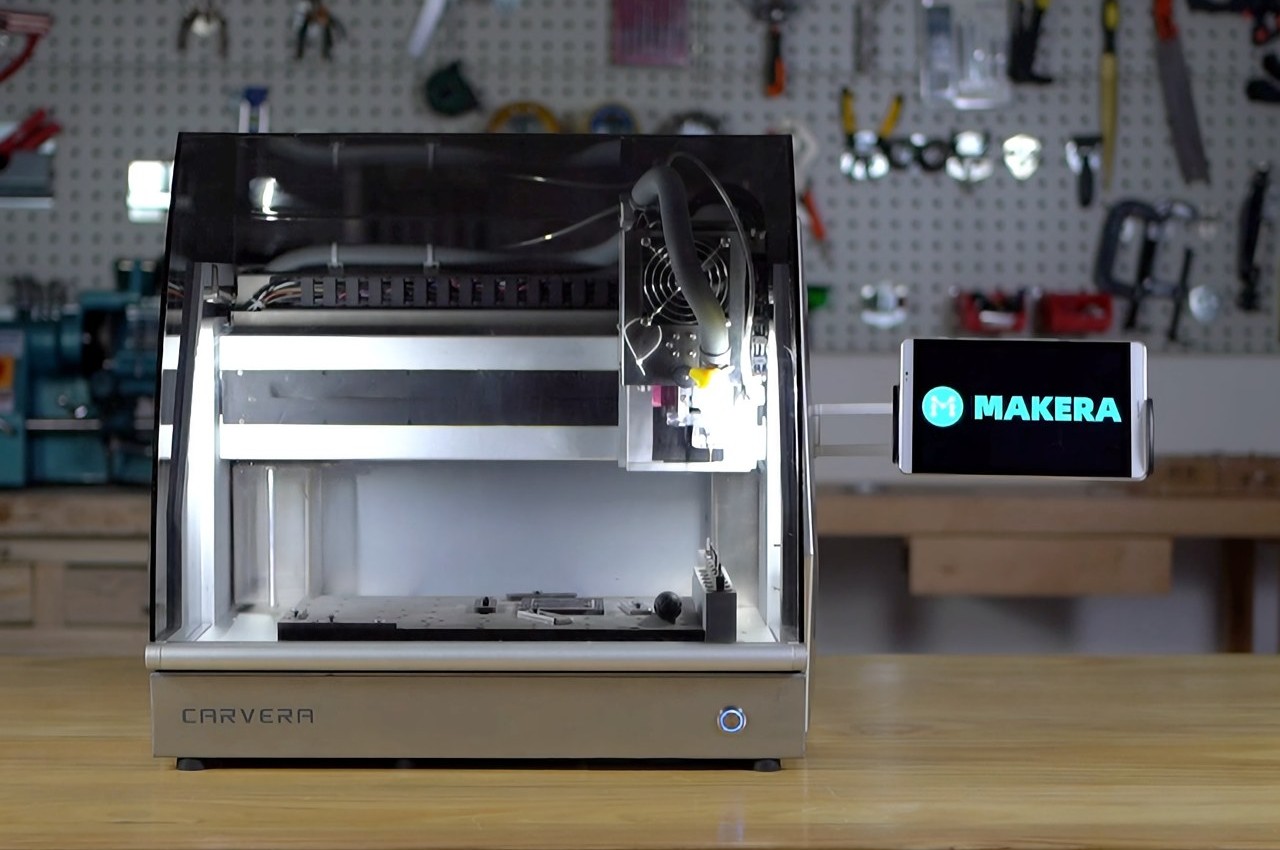
The Carvera enables one to create prototypes, designs, PCBs, and molds on your tabletop. Compact and equipped with powerful modules, it offers 3-axis CNC machining capabilities with optional laser-cutting and a 4-axis upgrade. Self-leveling and intuitive, it includes drill bits, a probe tool, and a laser module. With a robust build and versatile compatibility, it’s perfect for home or workspace use.
In conclusion, CNC-produced machines play a key role in product design as their components offer superior quality, and zero defects, alongside environmental benefits. Opting for CNC over manual machining brings advantages like precision, speed, safety, efficiency, and cost savings.
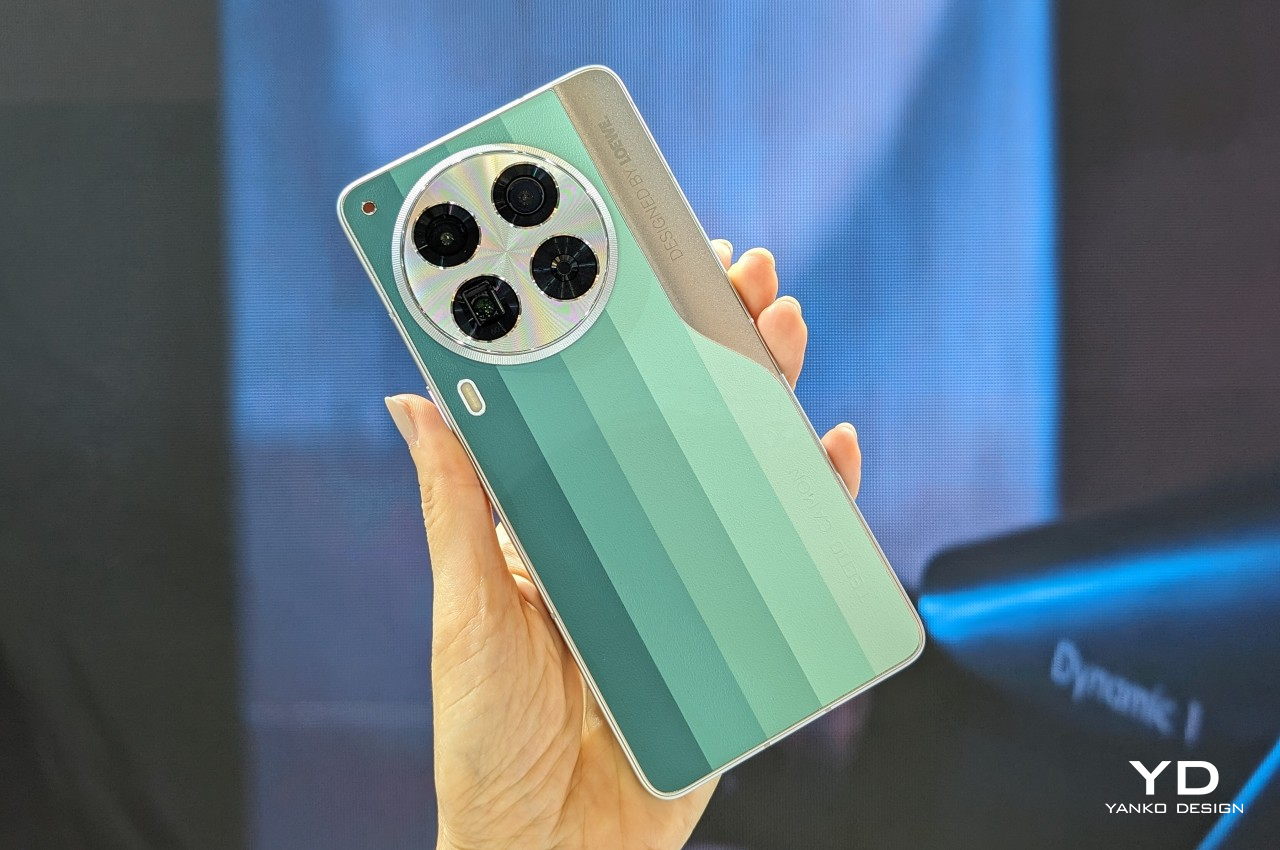
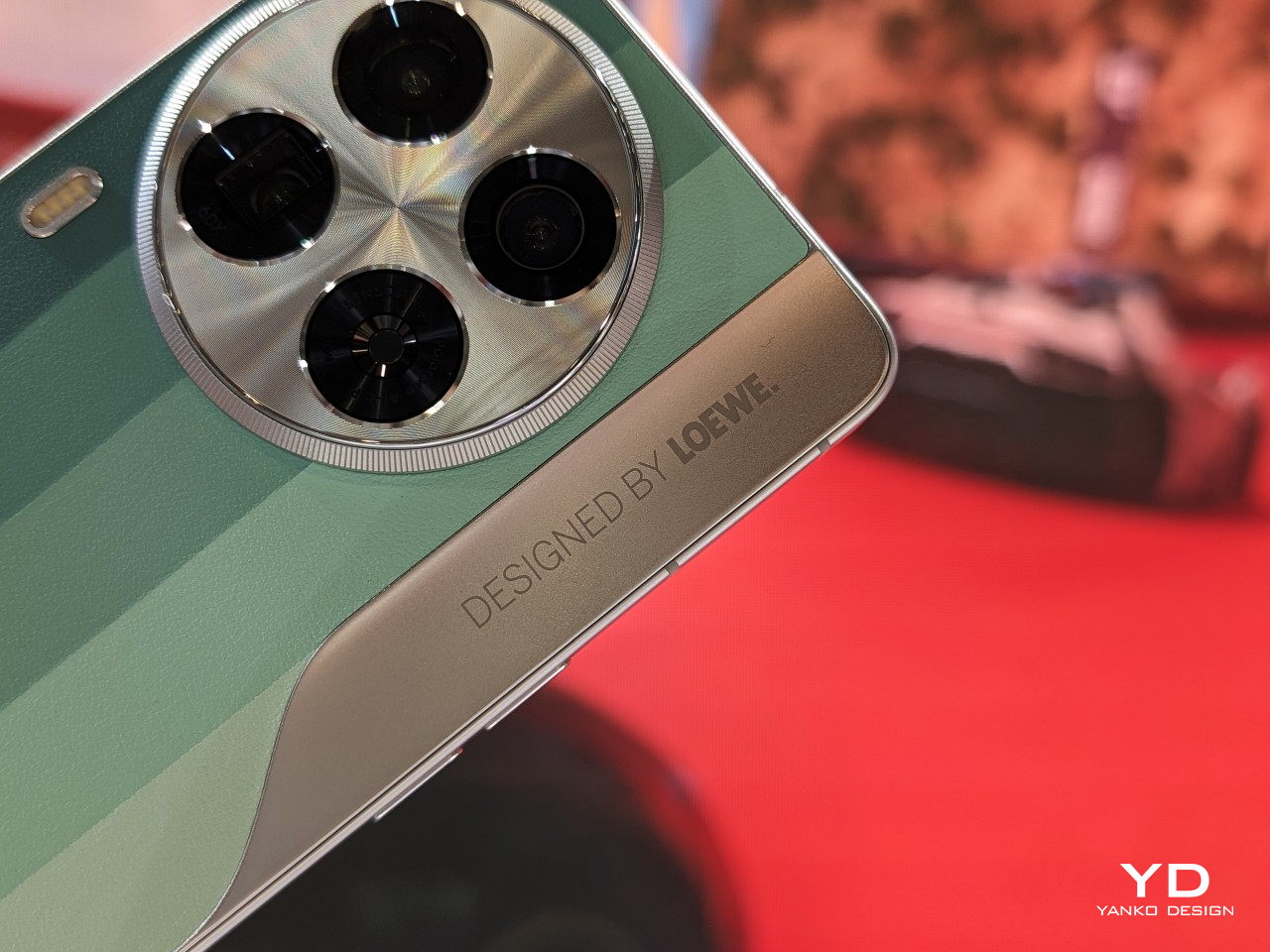
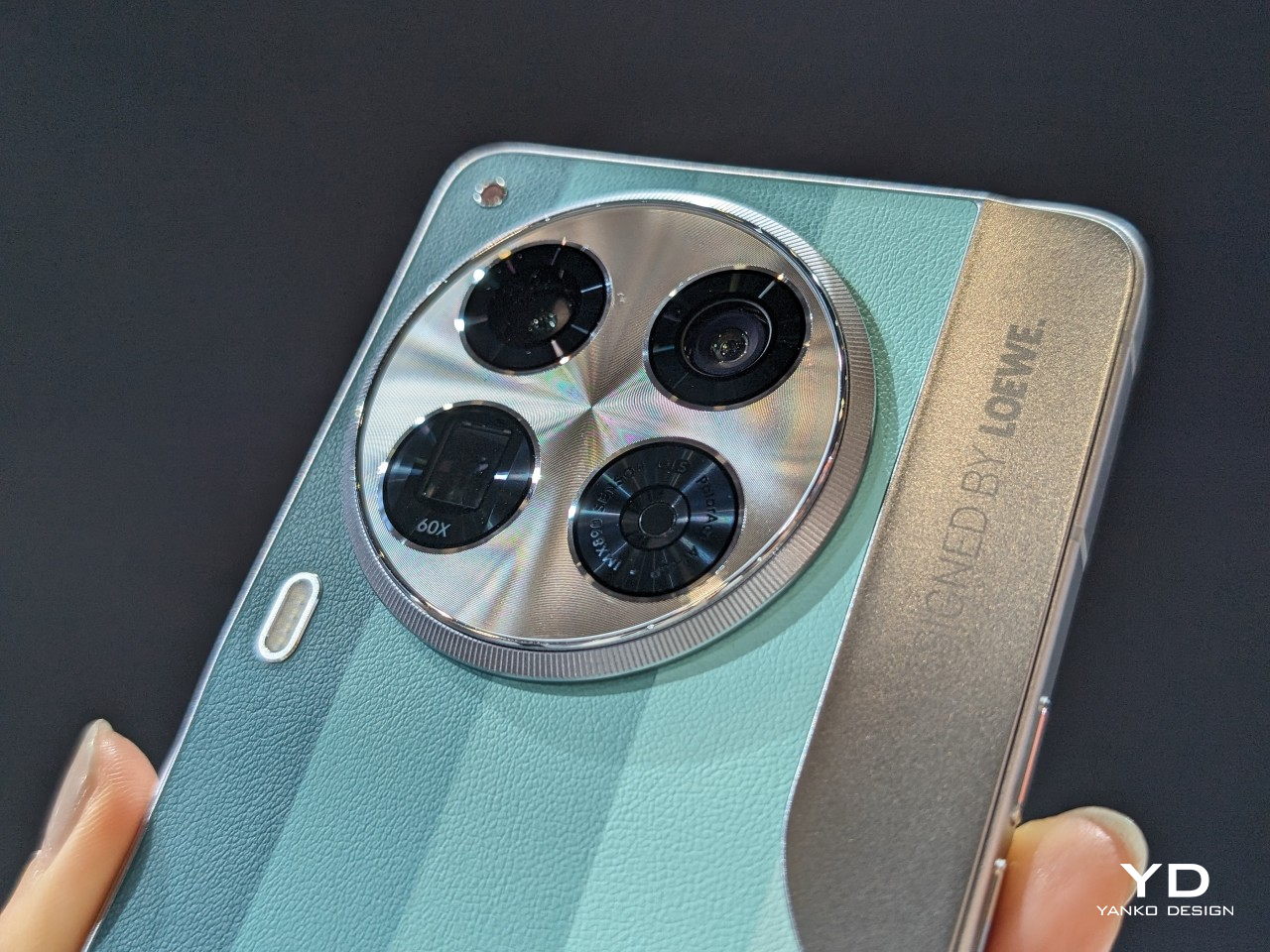
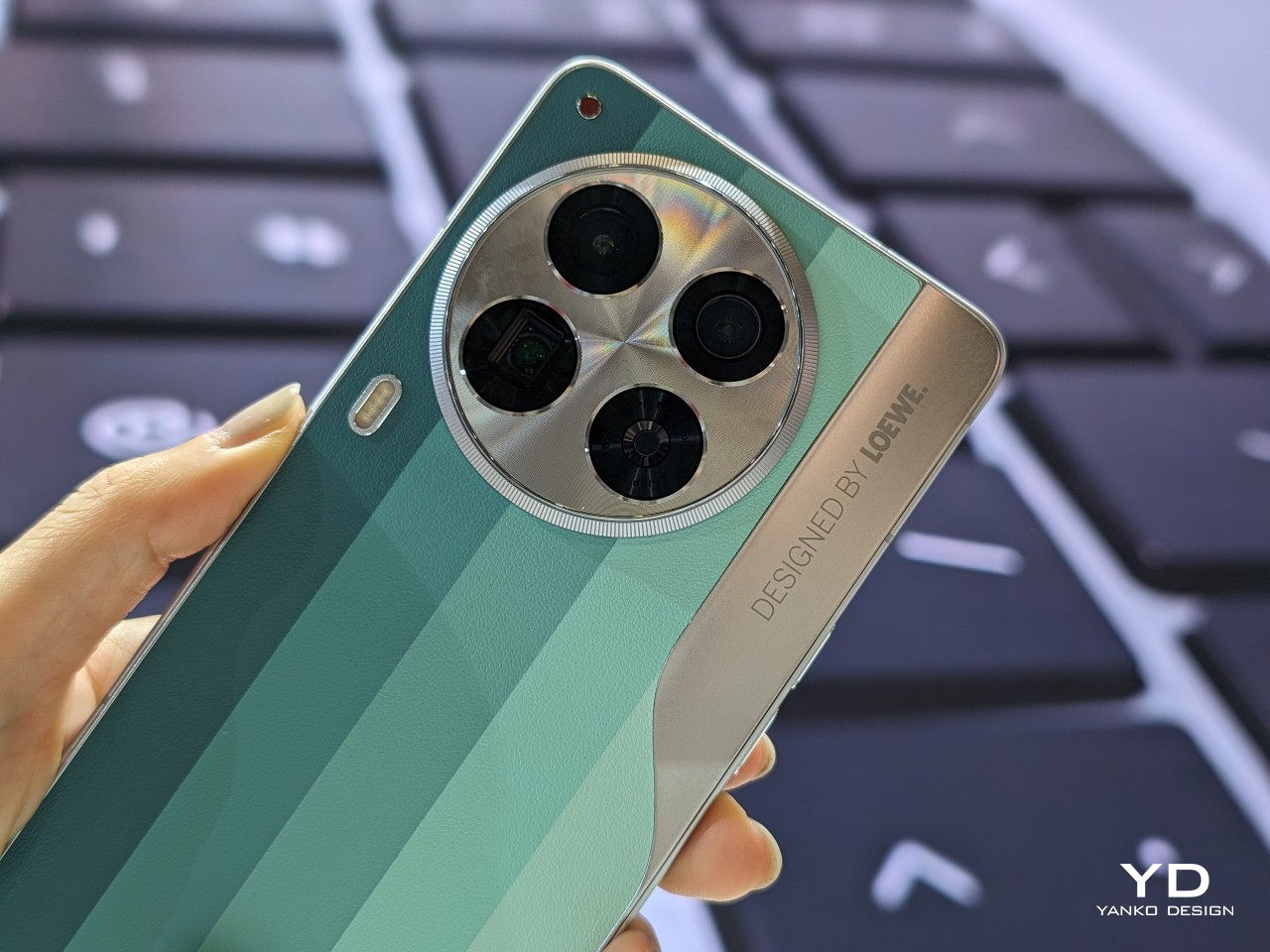
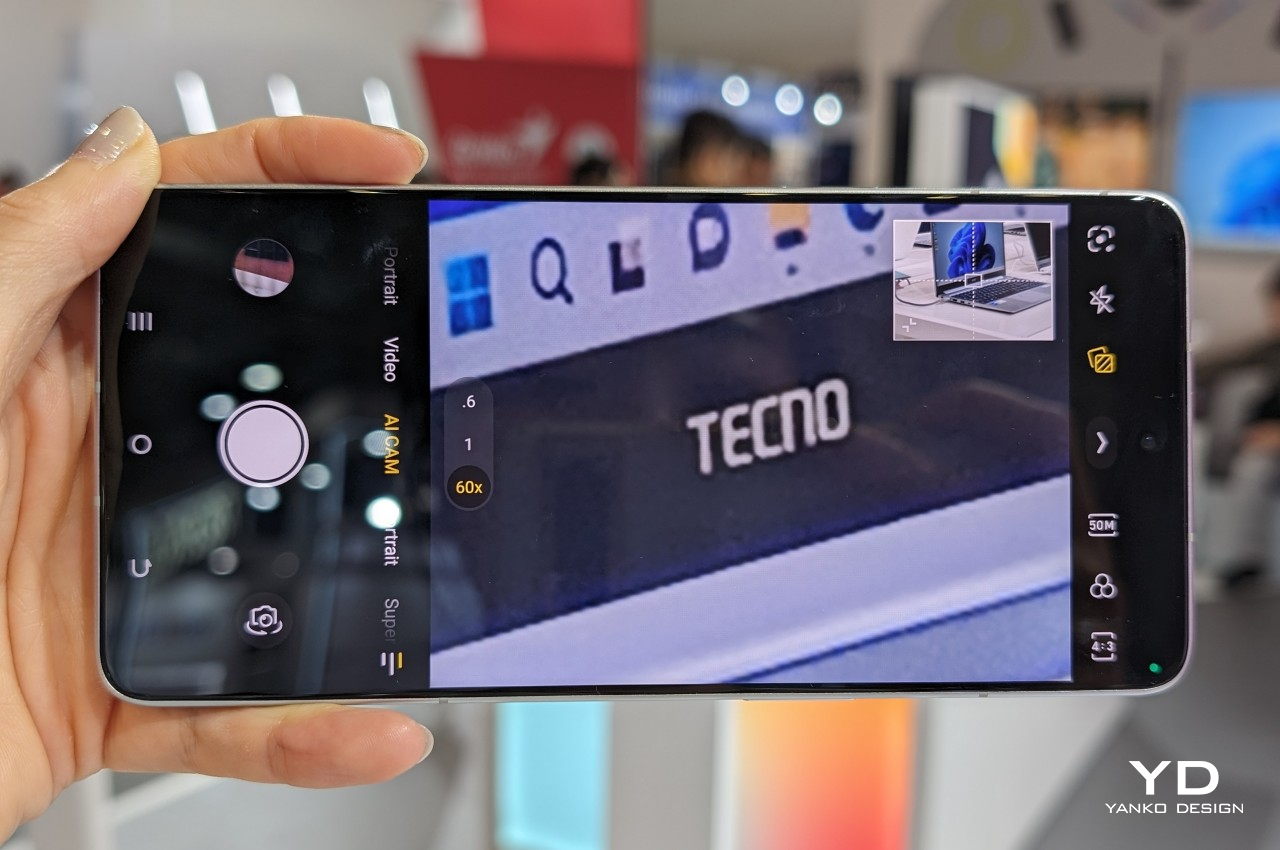
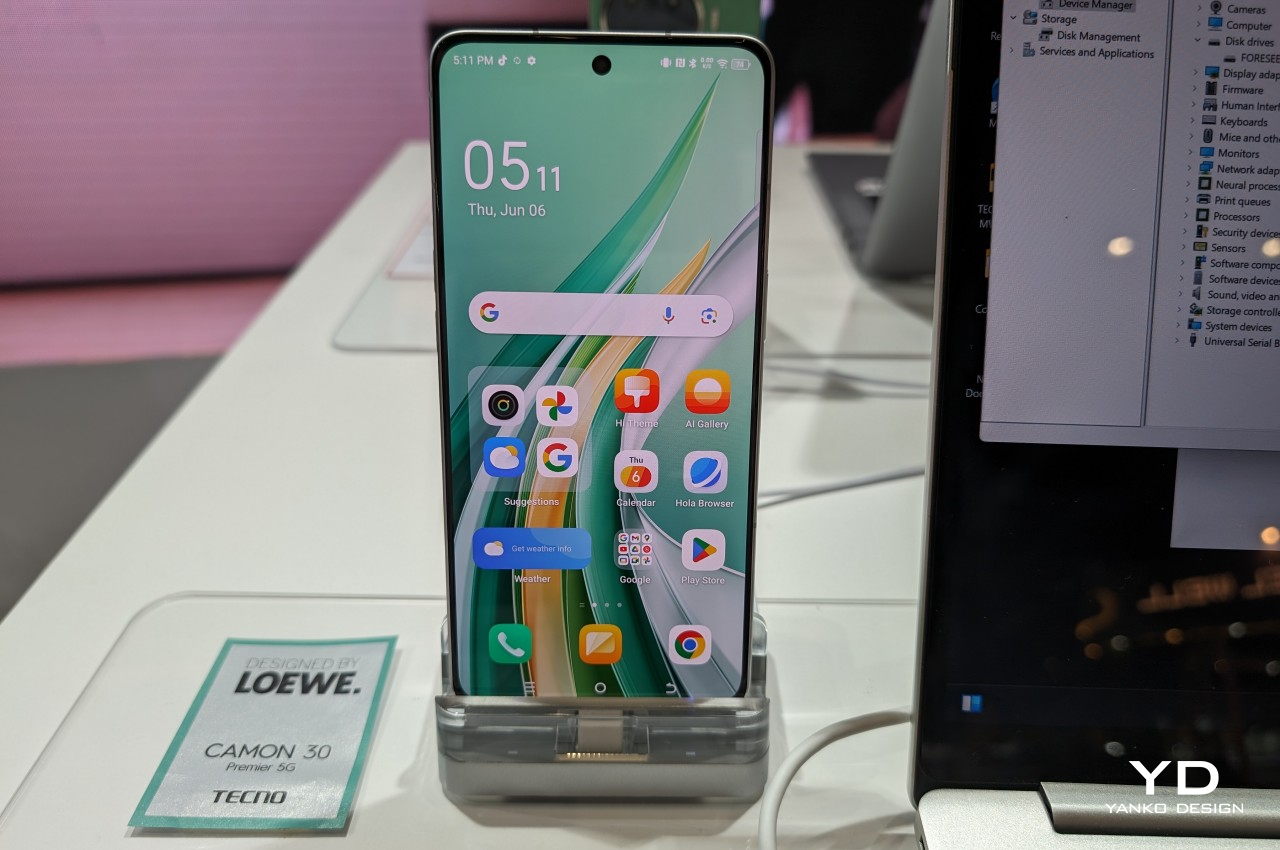
It’s arguable that coffee makes the world go round, but to some extent, it also does a bit of harm in the process. Our rapid and massive consumption of this beverage has resulted in no small amount of waste, from the plastic cups and straws that we throw away daily to even the grounds that often go into the bin. The latter is, of course, biodegradable, but even that takes time to decompose, during which time they pile up and pollute the environment. Waste coffee grounds can actually have other uses, from aromatic candles to even skin care, so you simply need a creative mind to figure out ways to reuse these traces of caffeinated drinks. Working together with famed luxury design marque LOEWE, TECNO has thought of transforming this waste product into a beautiful and sustainable material to grace the back of its latest flagship smartphone.
With a reported average consumption of 2 billion cups every day around the world, it’s no surprise that waste coffee grounds can actually be an environmental problem. Even when they do decompose in landfills, their improper disposal releases harmful greenhouse gasses that slowly but surely kill the very planet that coffee trees grow on. Recycling these coffee grounds is, of course, a solution, but traditional recycling processes also use up plenty of water and energy.
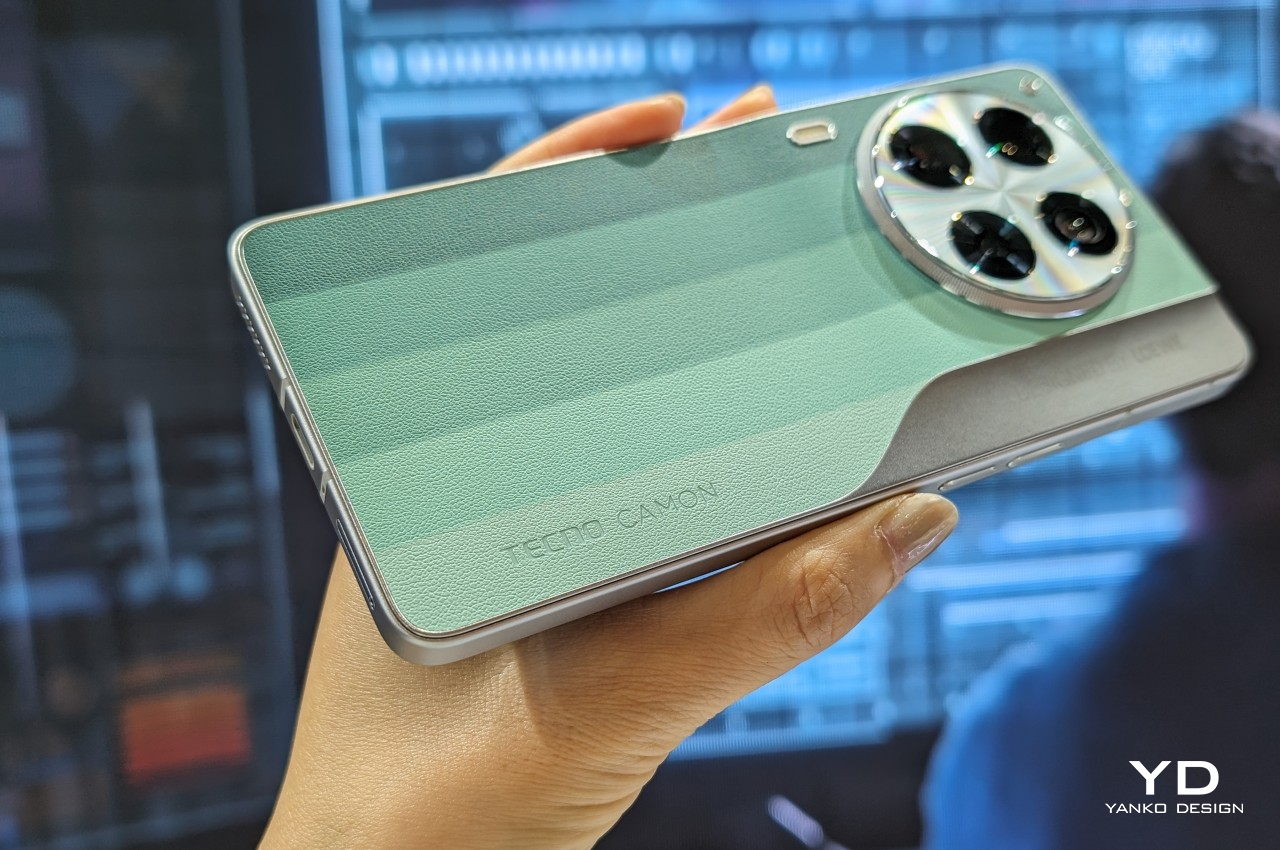
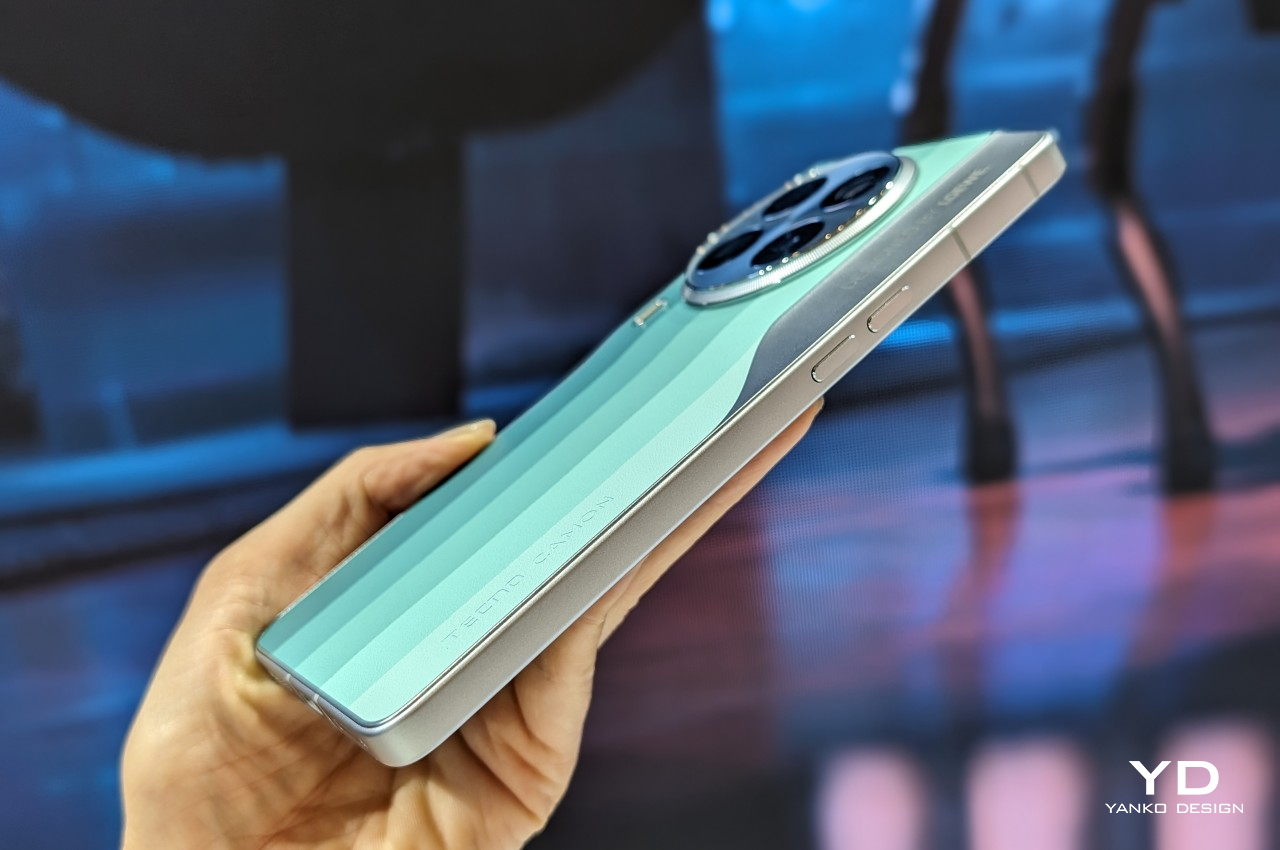
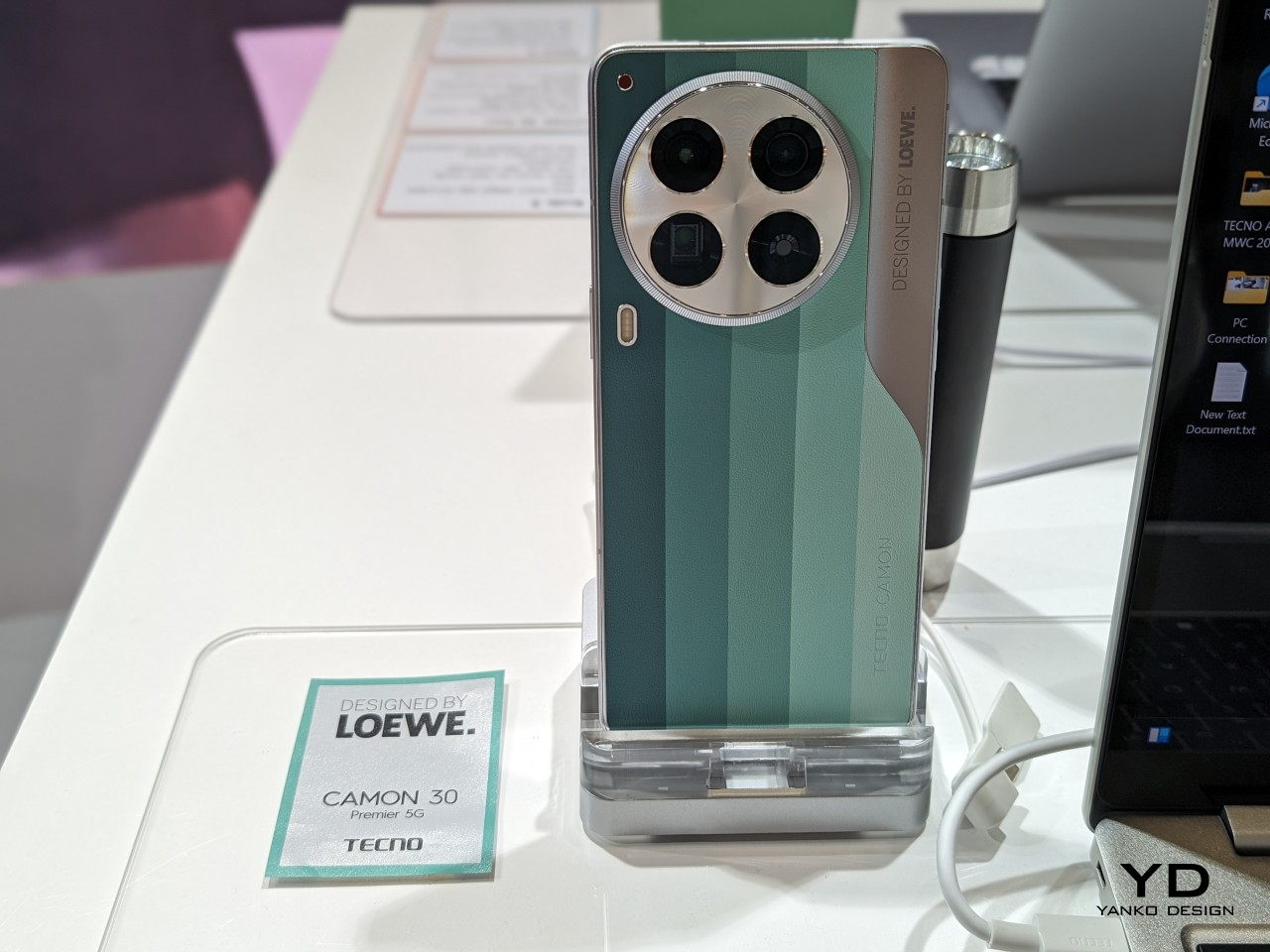
In contrast, the back cover of the new TECNO CAMON 30 Series LOEWE Edition uses not only sustainable materials but also a sustainable process. The coffee grounds are processed without using organic solvents, don’t consume more water, and also use solar power. The result is a back cover that is composed of more than 20% bio-based material that gives the surface a unique texture that will delight your hand the moment it touches it.
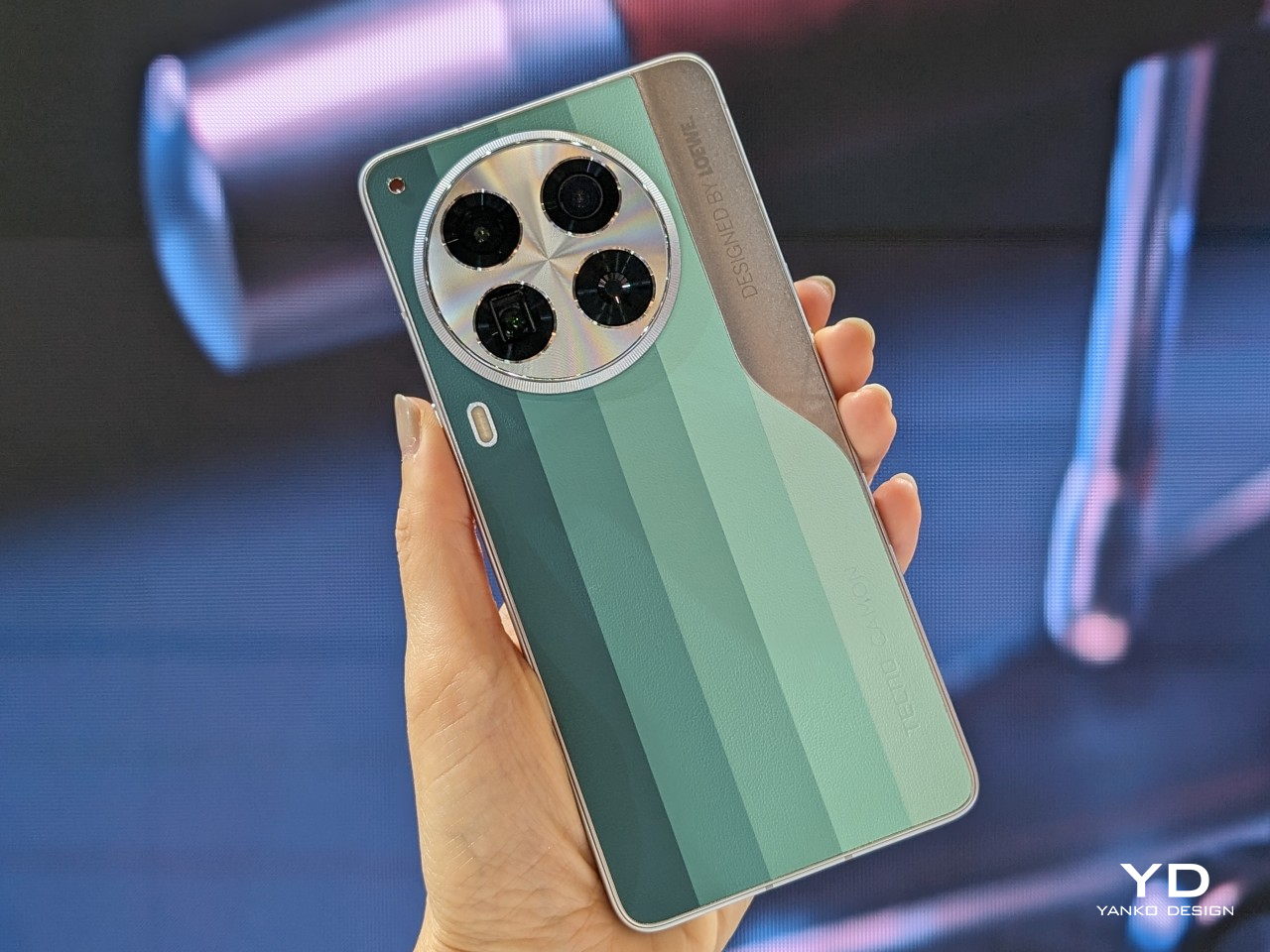
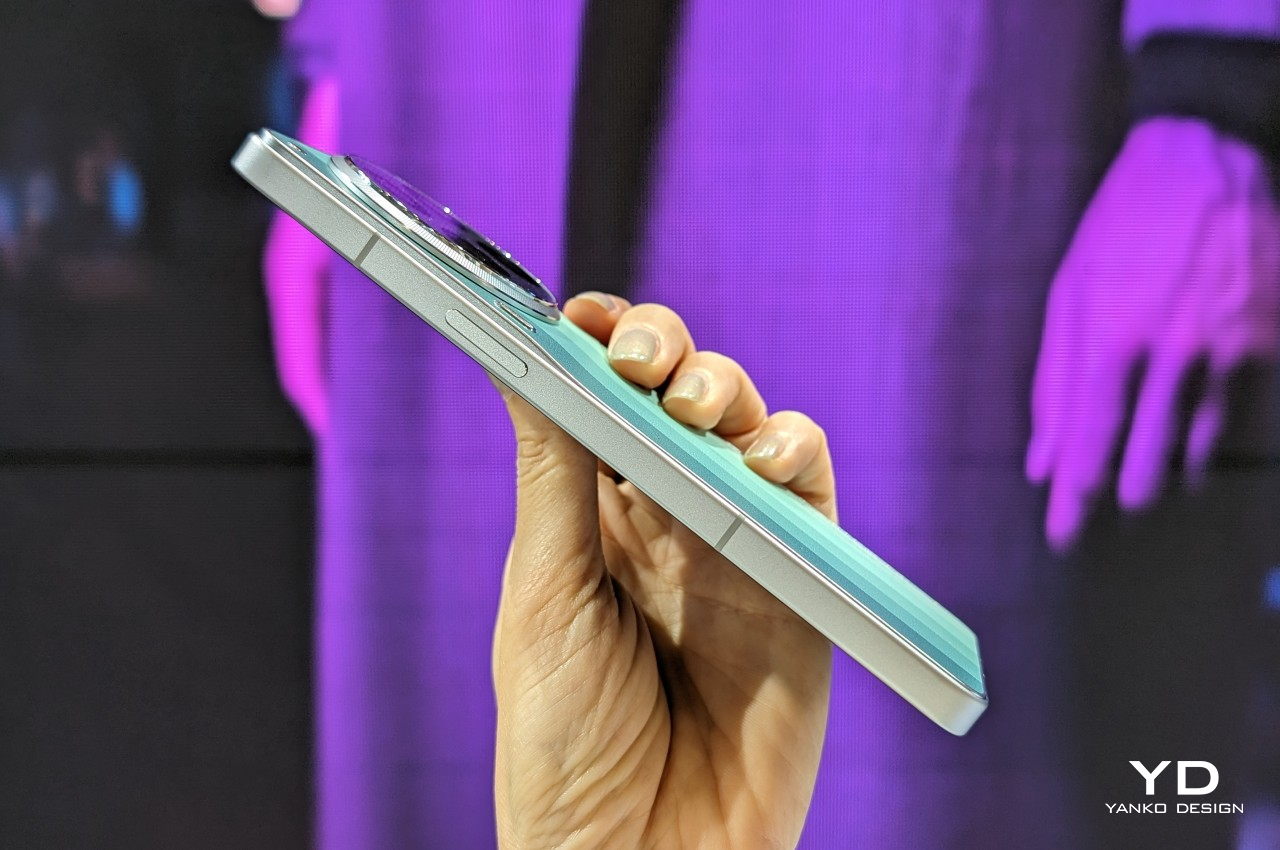
You might not be able to tell that the TECNO CAMON 30 LOEWE Edition has a back made from recycled coffee grounds because of its distinctive green color instead of the brown that’s associated with coffee. This gradated color was chosen to be symbolic of nature, representing the natural life cycle of leaves. More interestingly, TECNO also opted to adopt a color-blocking style that not only makes the phone look modern but also gives it a bit of character.
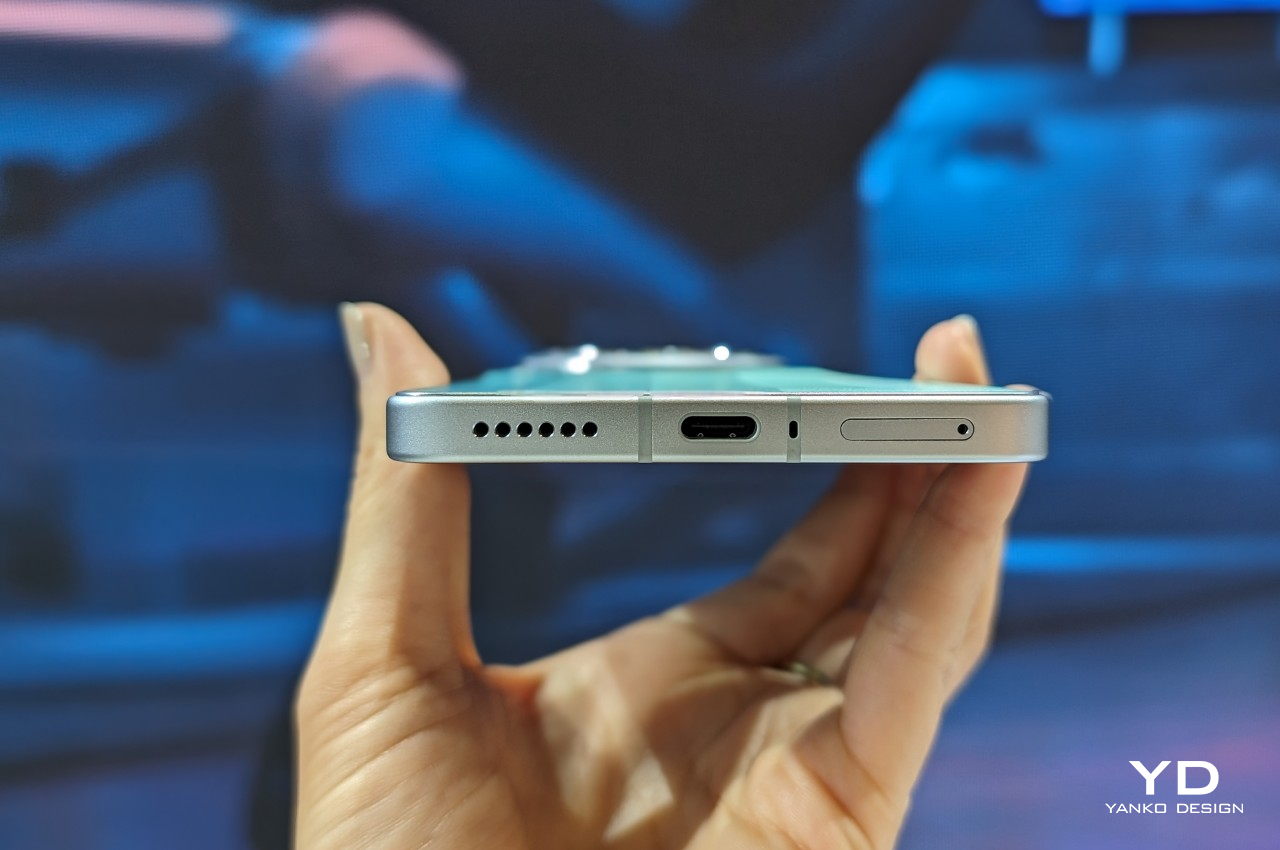
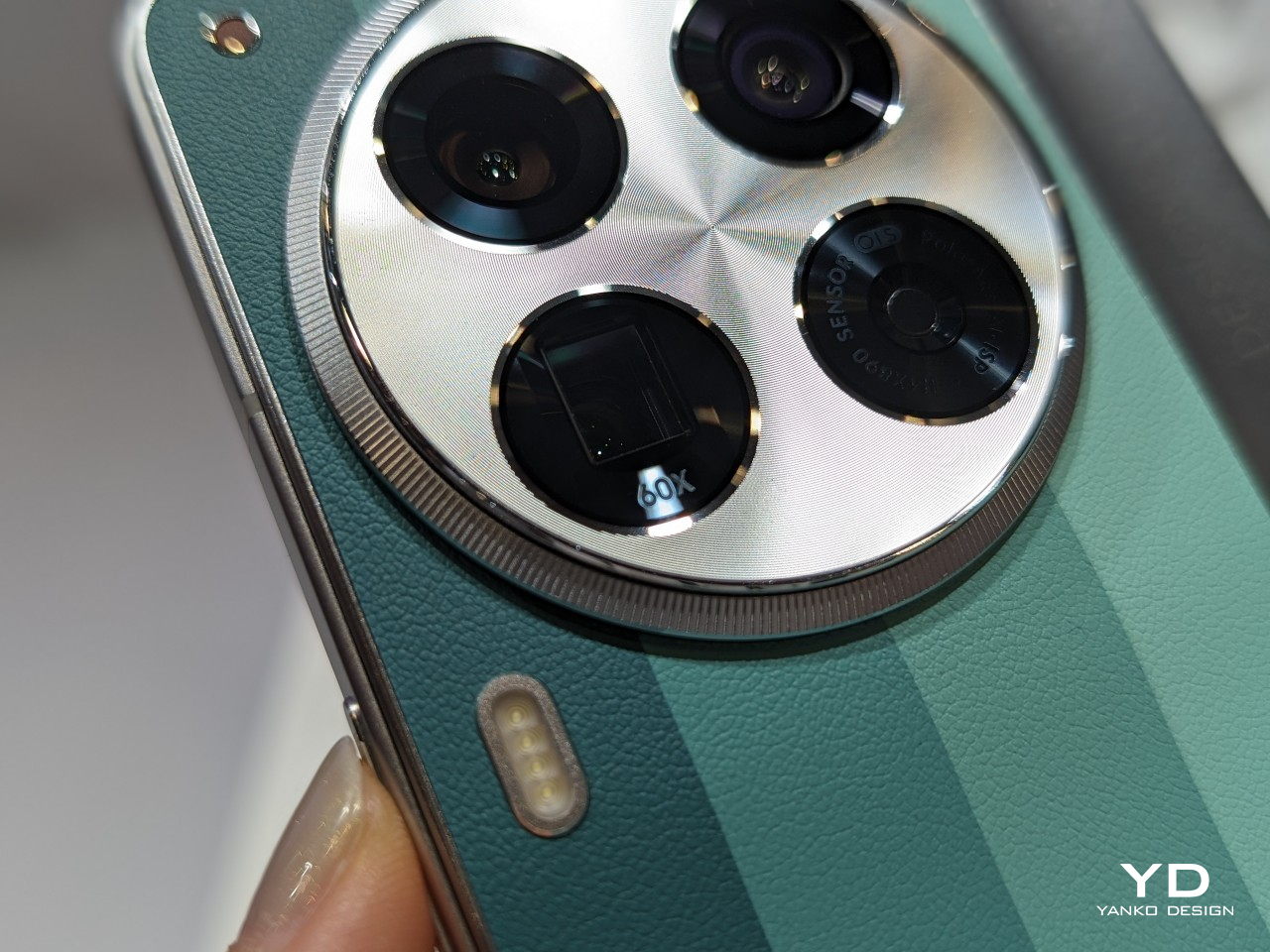
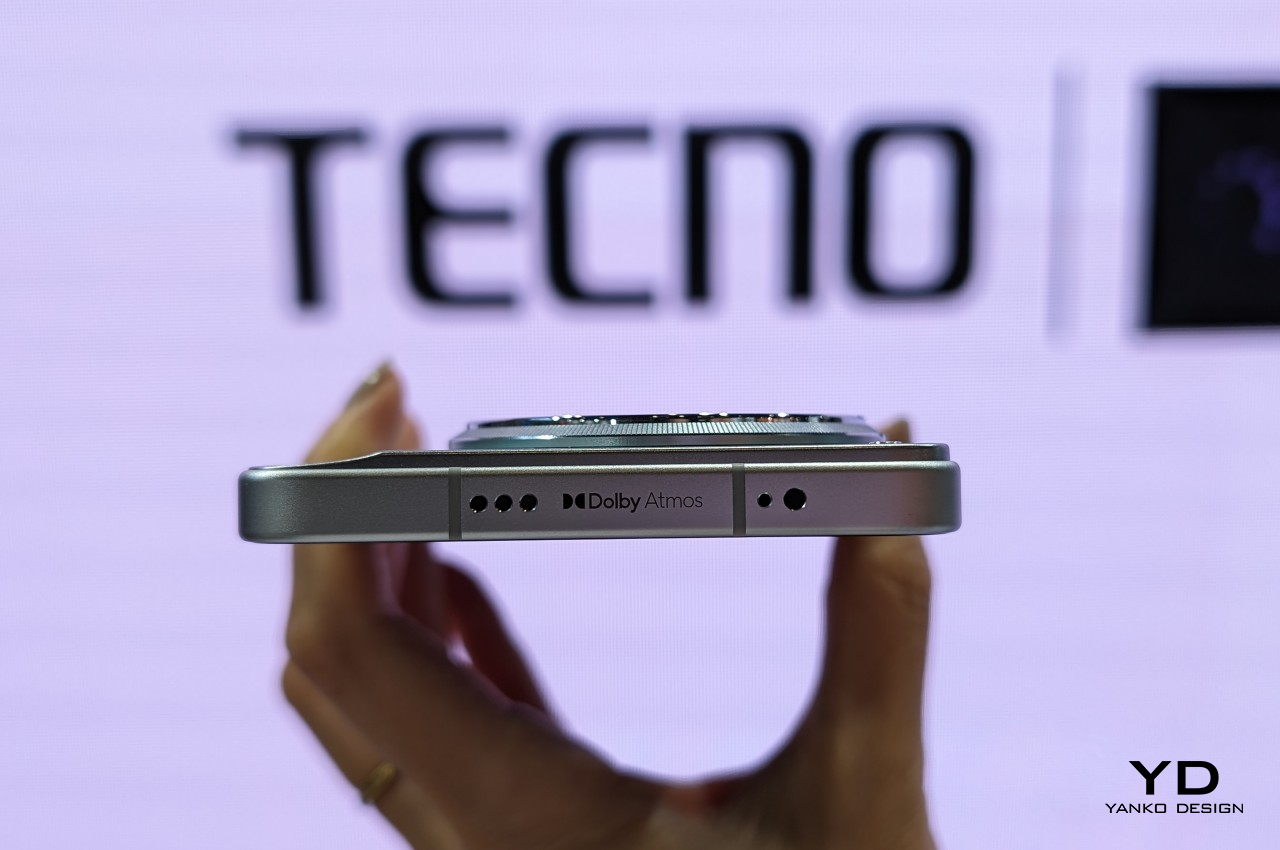
This industry-first coffee grounds back design is available on all TECNO CAMON 30 Series models with no changes to their internal specs. For the Premier 5G variant, that means having no less than four 50MP cameras sitting on top of this unique and sustainable material. Availability details of the TECNO CAMON 30 Series LOEWE Design Edition are unavailable at the moment.
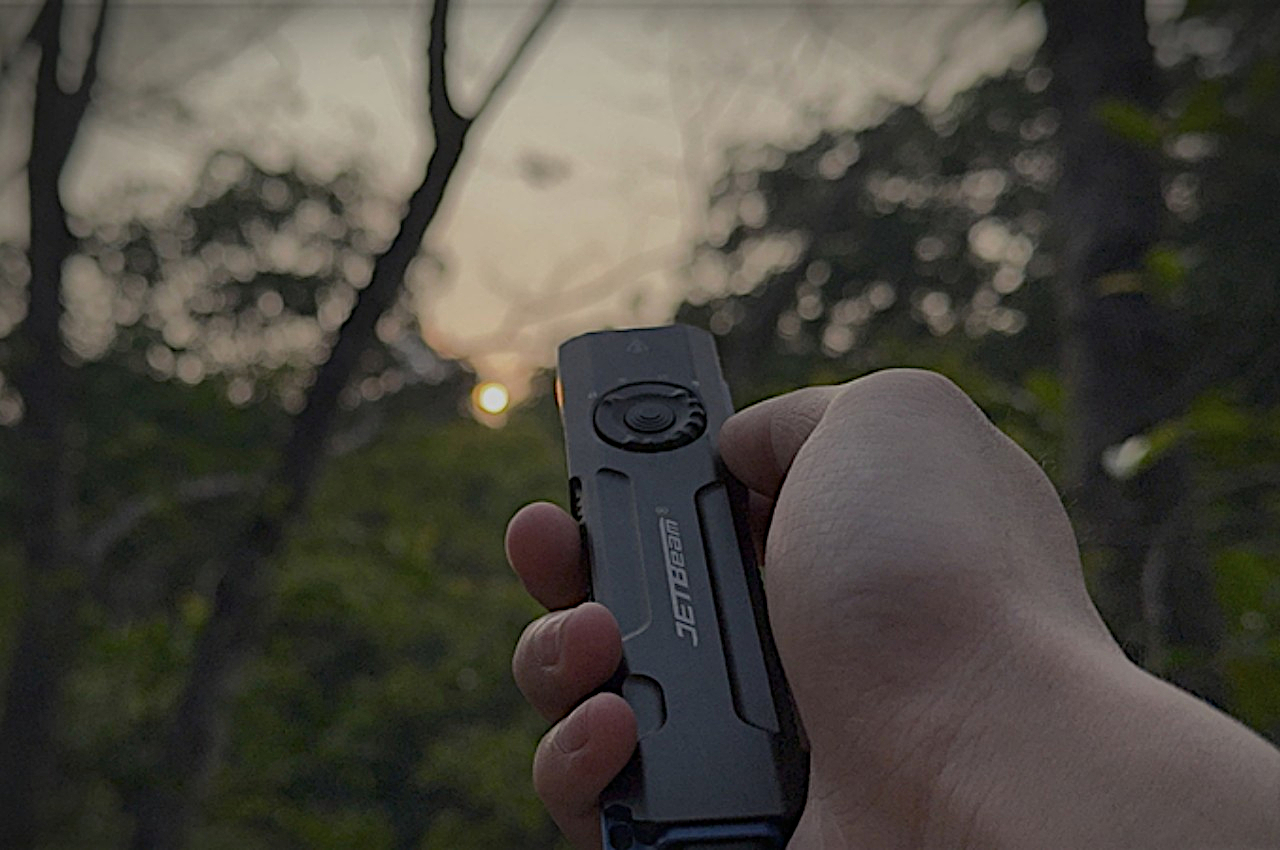
People are rediscovering the joys of being outdoors, but worries begin to sink in as the sun starts to set. The night has always been an unfamiliar and sometimes unsettling territory for most people, but it also holds countless wonders for those who dare brave the darkness. Of course, in our modern world, you no longer have to fear stumbling in the dark, especially when you have plenty of advanced and portable lighting solutions available today. This small EDC accessory, for example, might look like a tactical knife at first glance, but it’s actually a very handy, compact, and multi-functional flashlight that sheds light on your path, lets you verify bank notes, or even gives your cat something to play with.
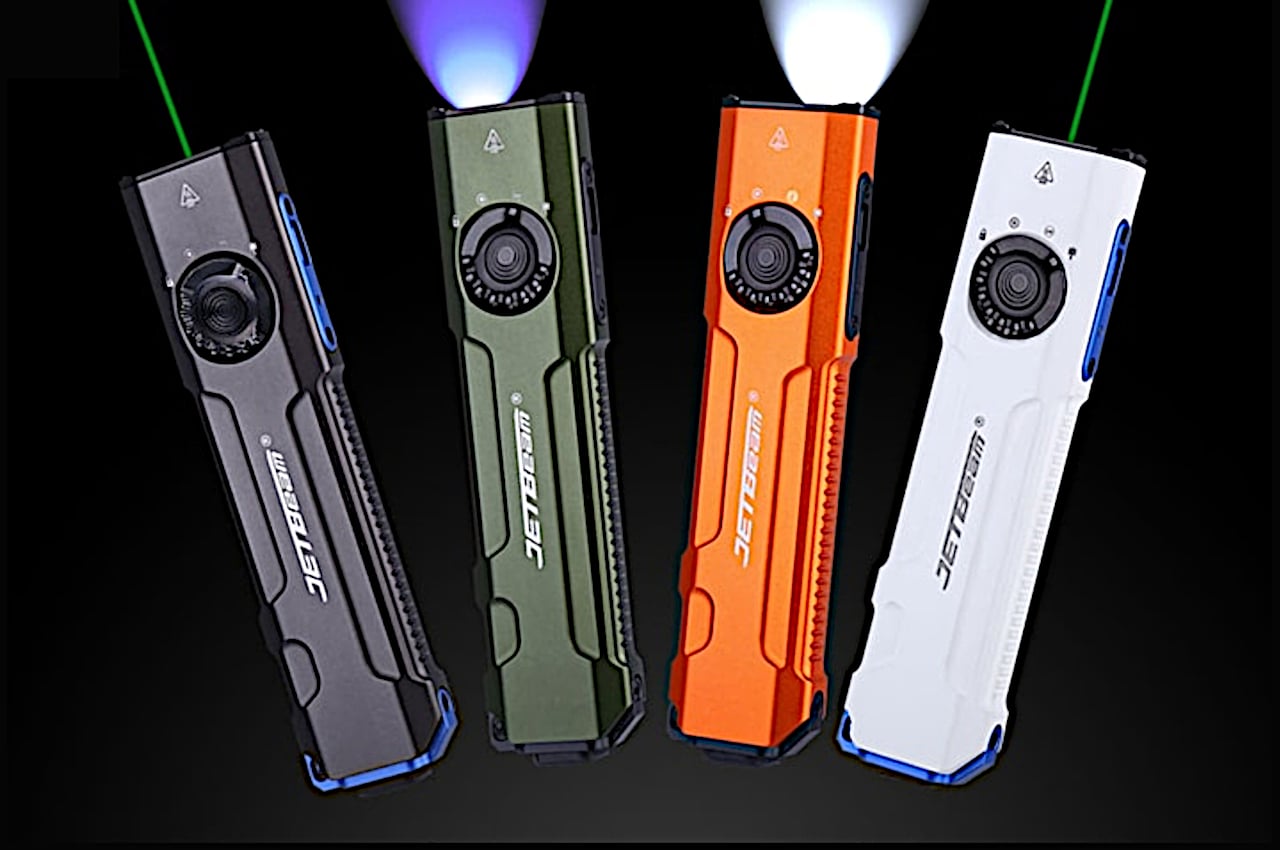
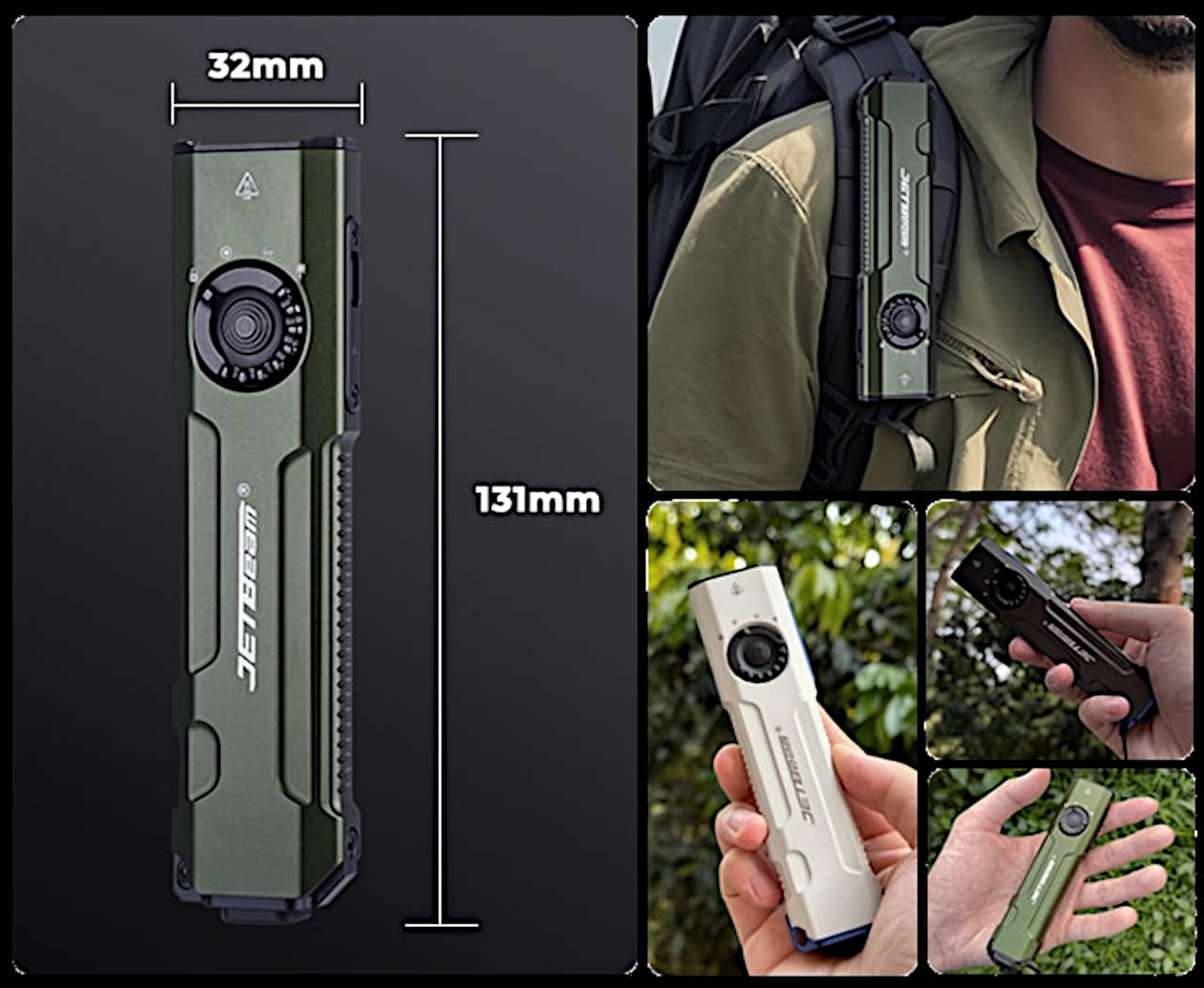
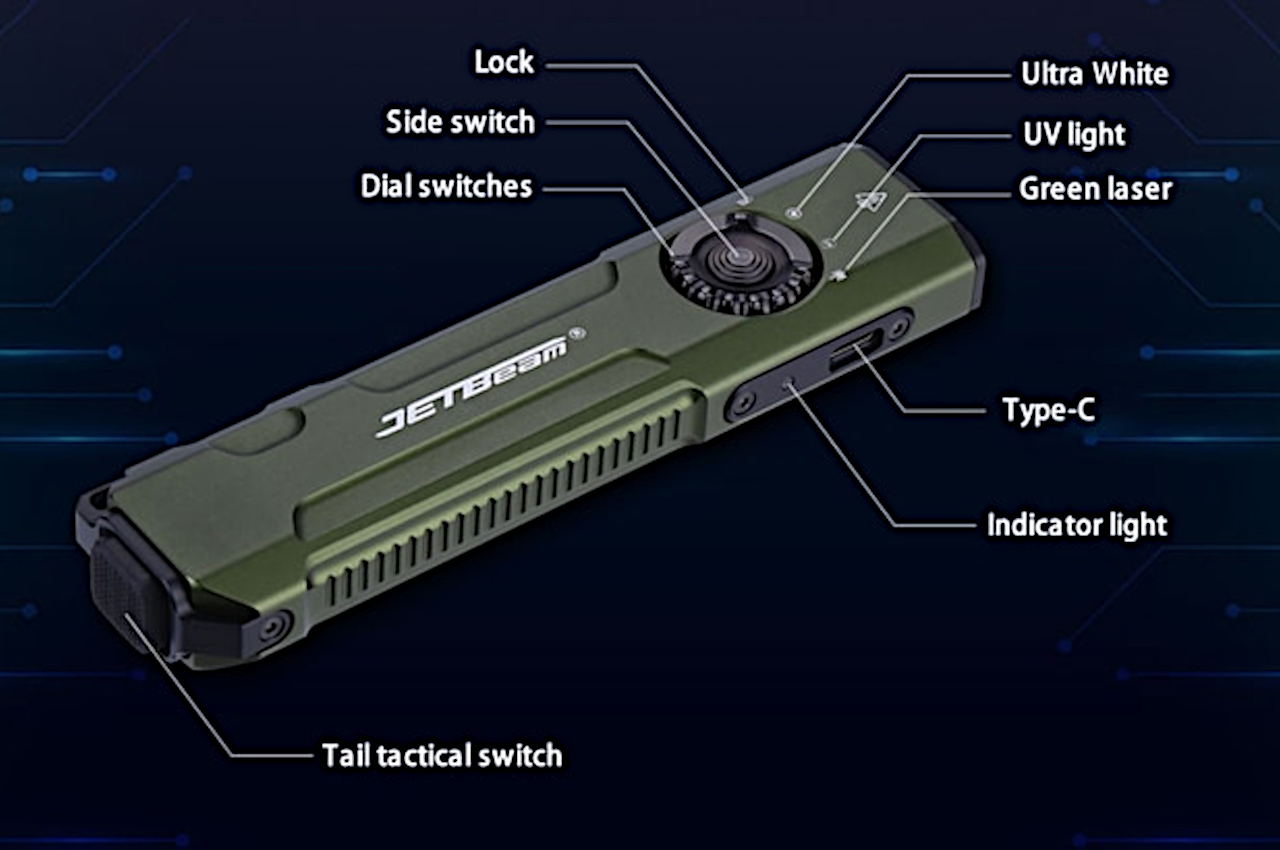
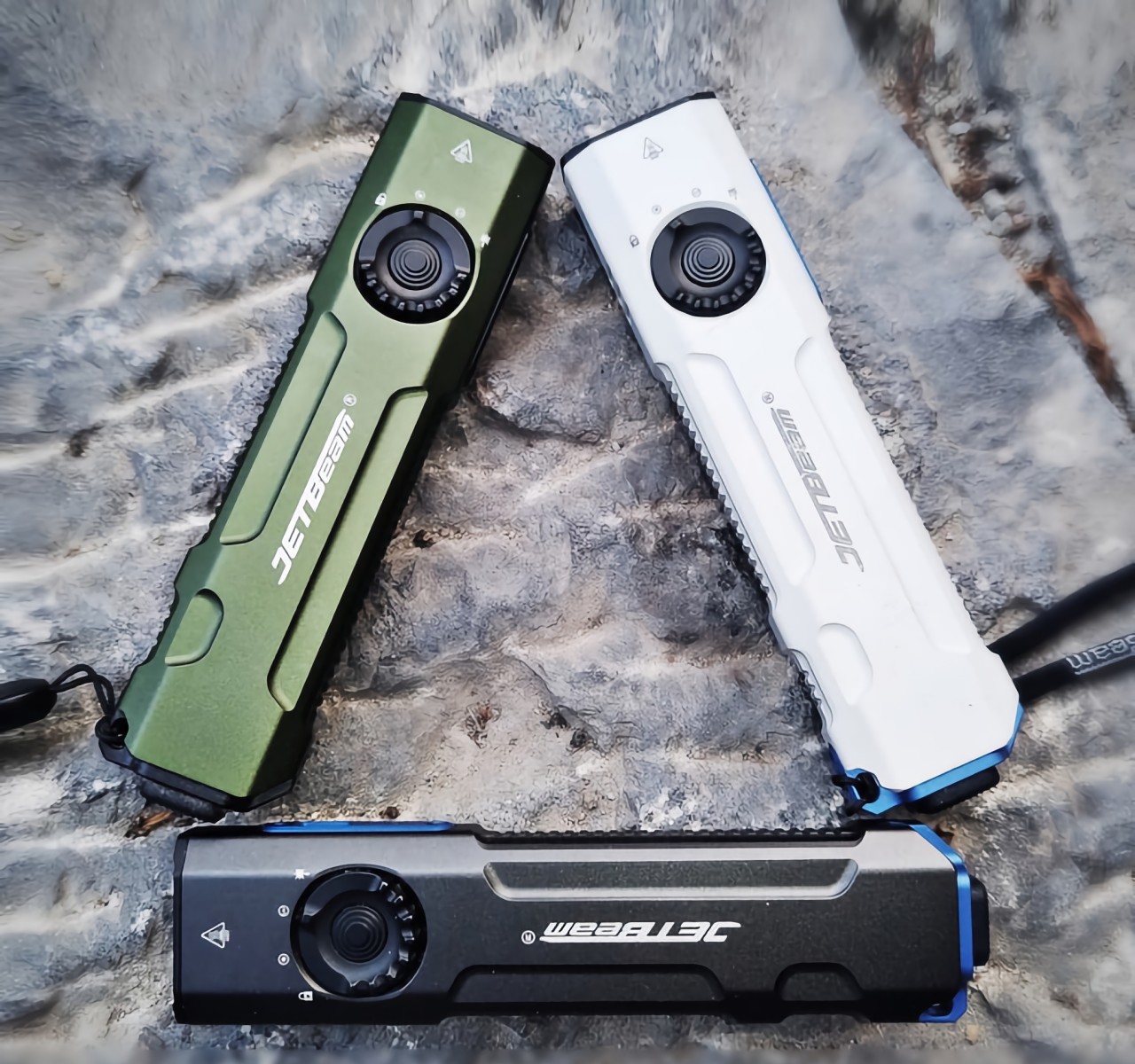
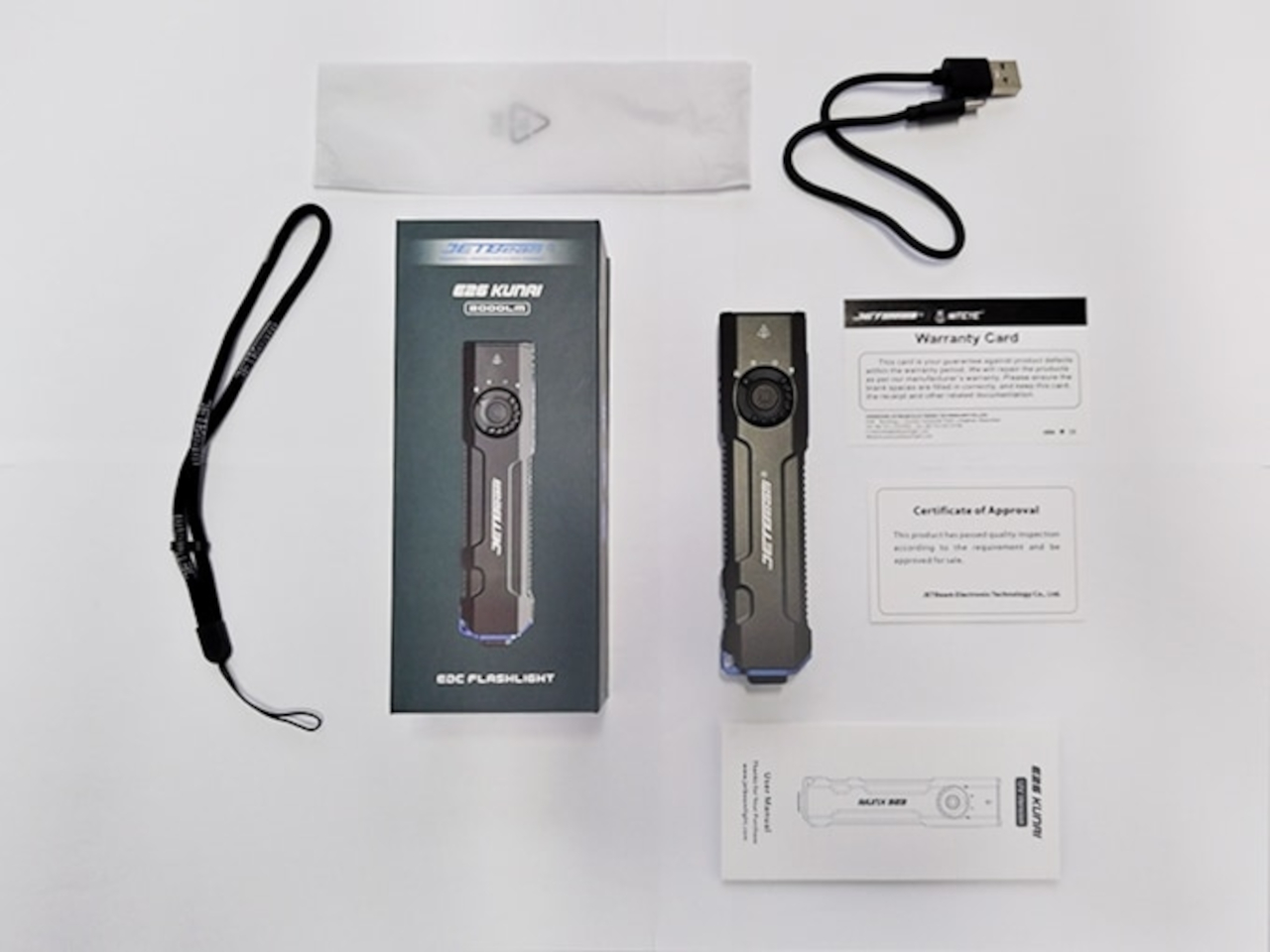
You might think of a flashlight as a very simple device. After all, there’s not much to it other than turning it on or off and adjusting its intensity. Of course, there are considerations regarding brightness and longevity, but those don’t sound very exciting. Despite its small size, the JETBeam E26 EDC flashlight shatters those misconceptions with an innovative design that combines three different light sources in a single compact body, delivering all the lighting you’ll need when braving the night, whether outdoors or even indoors.
The main star of the show is undoubtedly the Luminus SFT-40 LED which delivers bright white light that can reach 2,000 lumens of brightness at a distance of 165 meters. Of course, you can make the light as soft or as bright as you want with four levels of brightness for every need. And when you need something more tactical or more dynamic, the strobe button at the opposite end of the handle flashes the light for better visibility in an emergency. Best of all the JETBeam E26 remembers the brightness level you last used so you don’t have to go through the whole process of changing the brightness every time you turn the flashlight on.
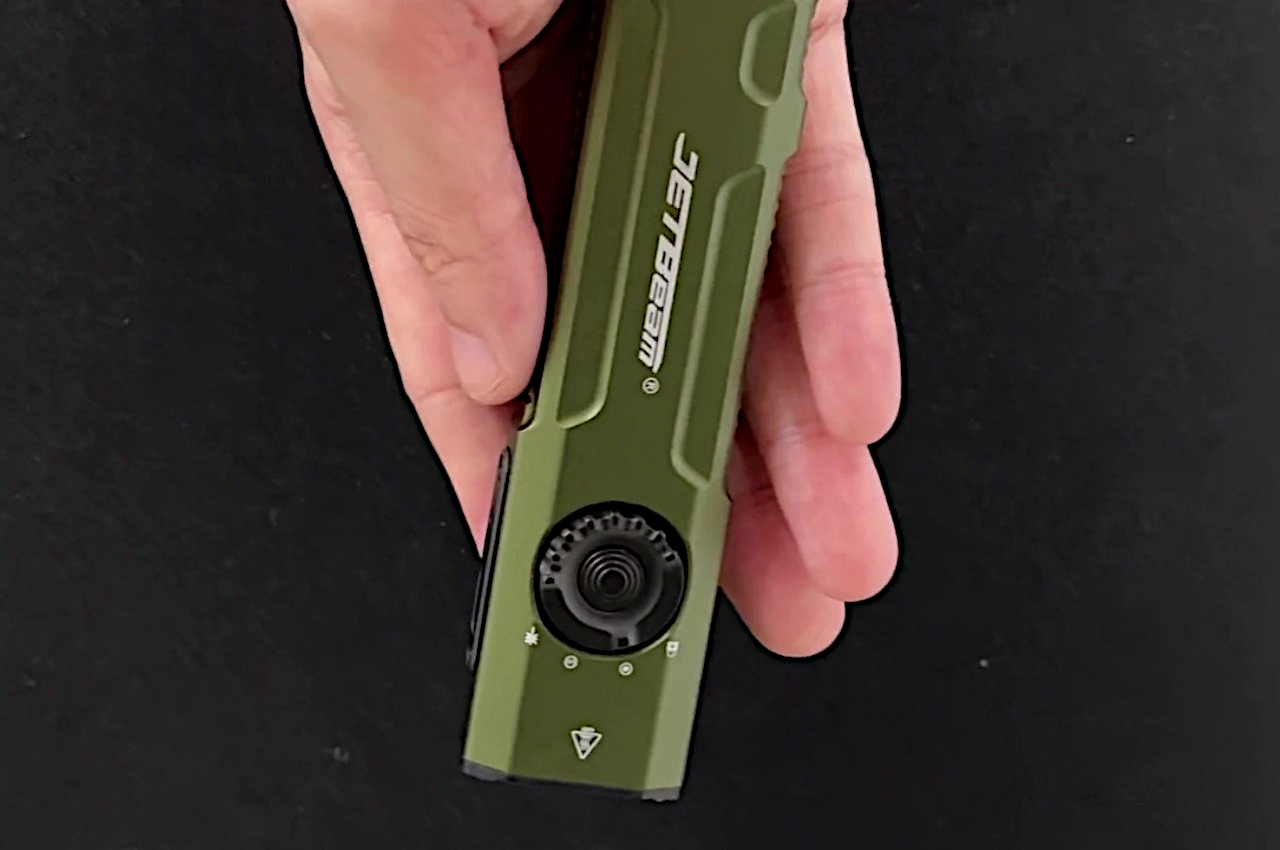
The JETBeam E26 flashlight’s list of impressive features doesn’t end there, of course. Along with the bright white light, the flashlight can also shine UV light which is great for seeing in the dark, activating glow-in-the-dark material, and checking the authenticity of bank notes. Last but not least, the flashlight also has a 5mW green laser that can be used for stargazing, construction surveys, making presentations, or playing with your cat. Switching between these three light sources is as easy as turning a dial, and with a 1700mAh rechargeable battery, this flashlight is ready for action any time with a 65-hour battery life, even with all that light.
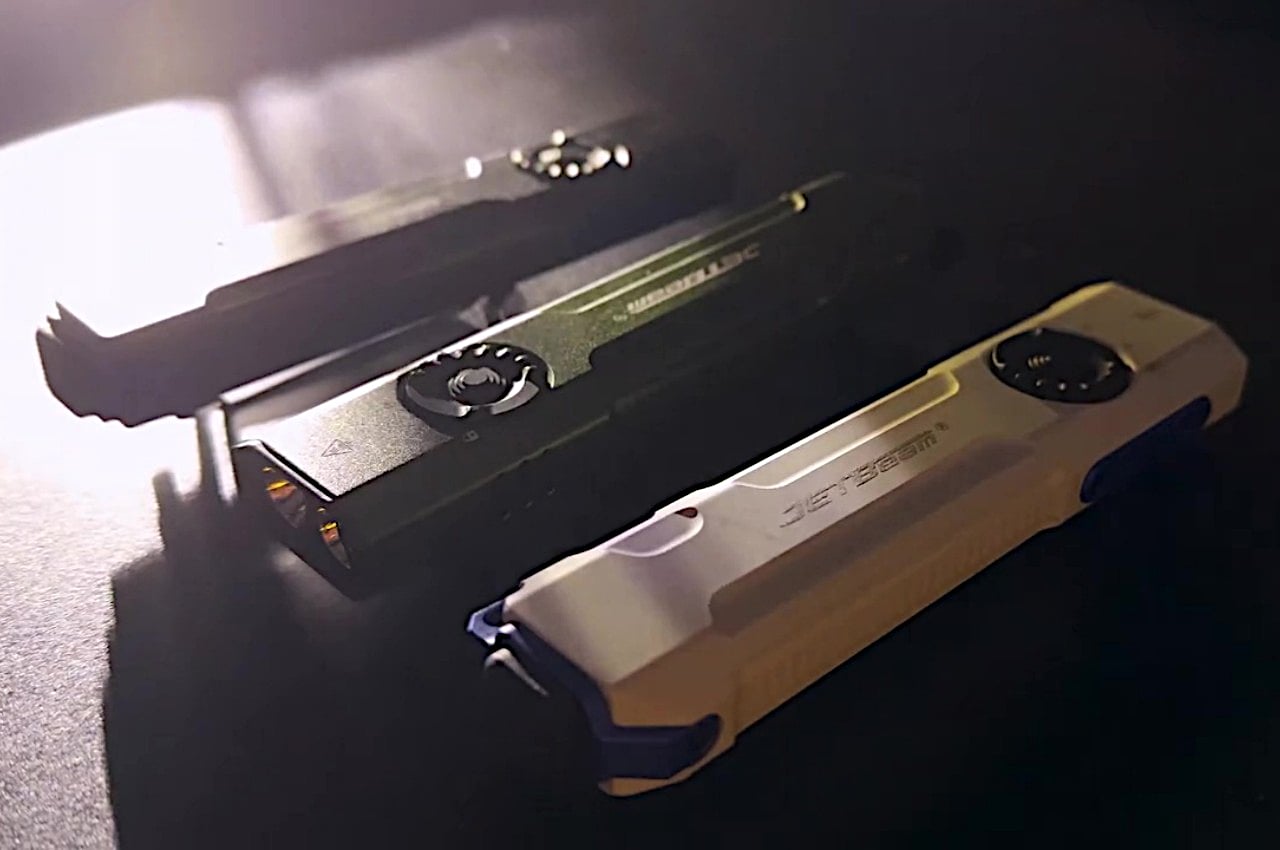
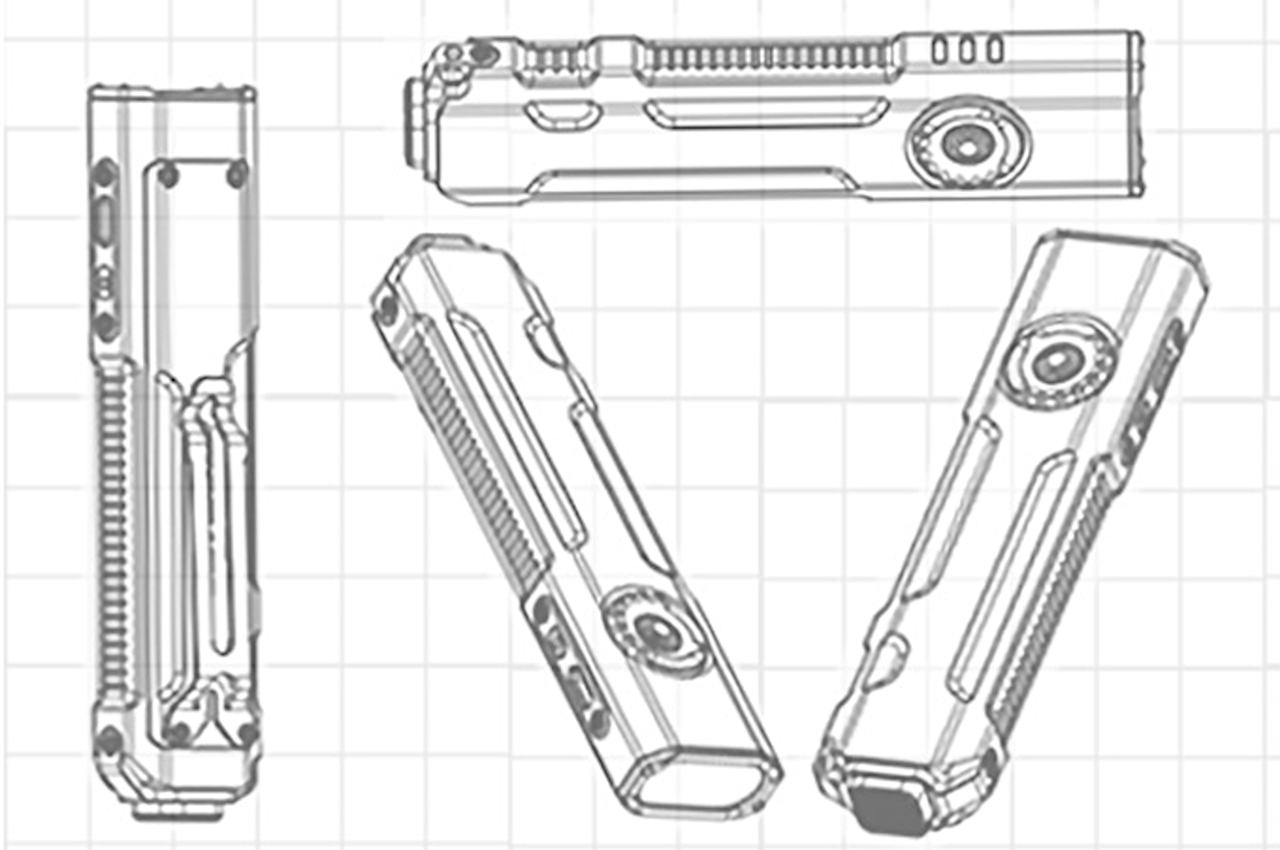
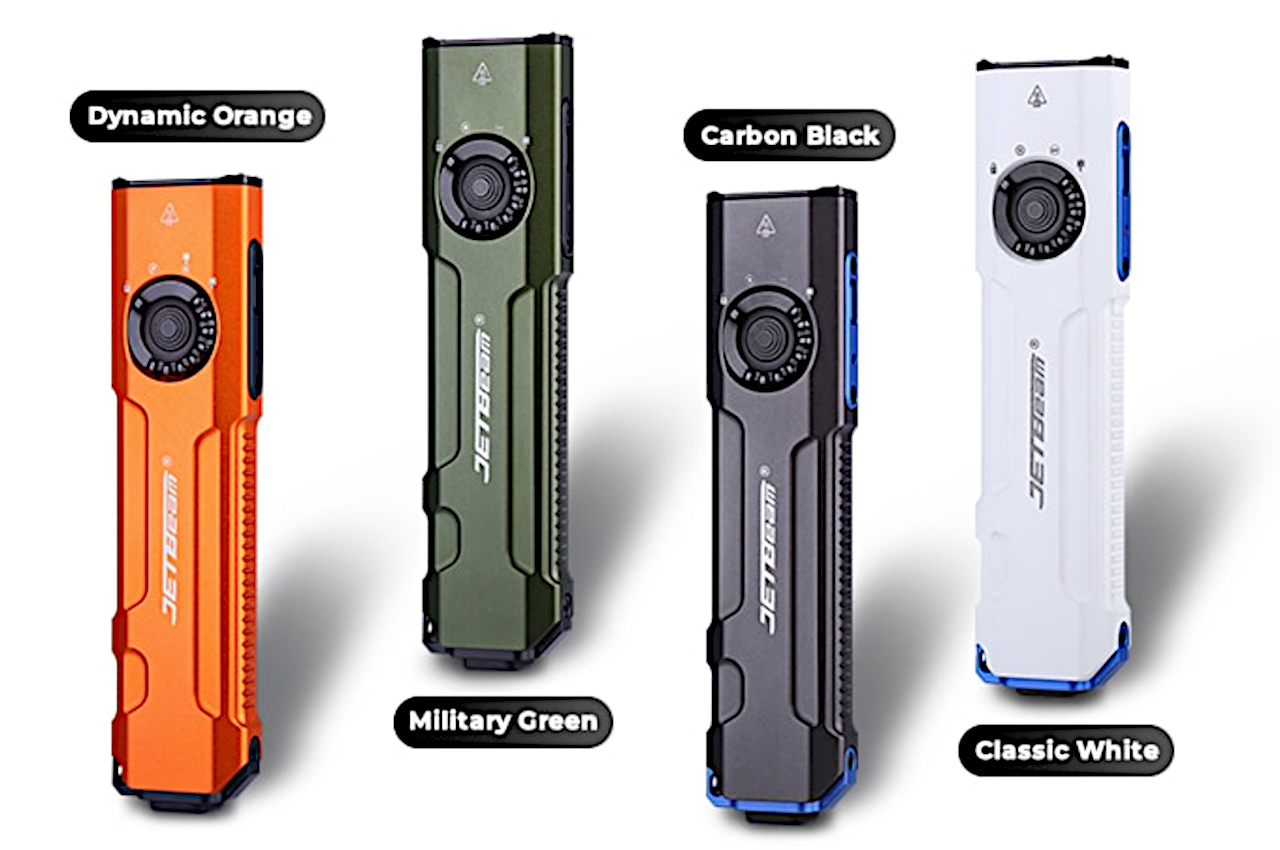
With such a variety of features, it’s only fitting that the JETBeam E26 carries a design suited for greatness as well. Made with aircraft-grade aluminum and boasting an IPX8 waterproof rating, the flashlight is ready to weather rain or shine and will even survive an accidental drop in a puddle. A variety of safety features, from Intelligent Temperature Control to a Low Voltage Warning System ensure the longevity of the flashlight from within as well. Whether you’re out exploring the world at night, giving a presentation, or simply looking for something in the dark, the JETBeam E26 EDC flashlight will bring the brightness you need in a compact design that doesn’t get in your way when you’re done.
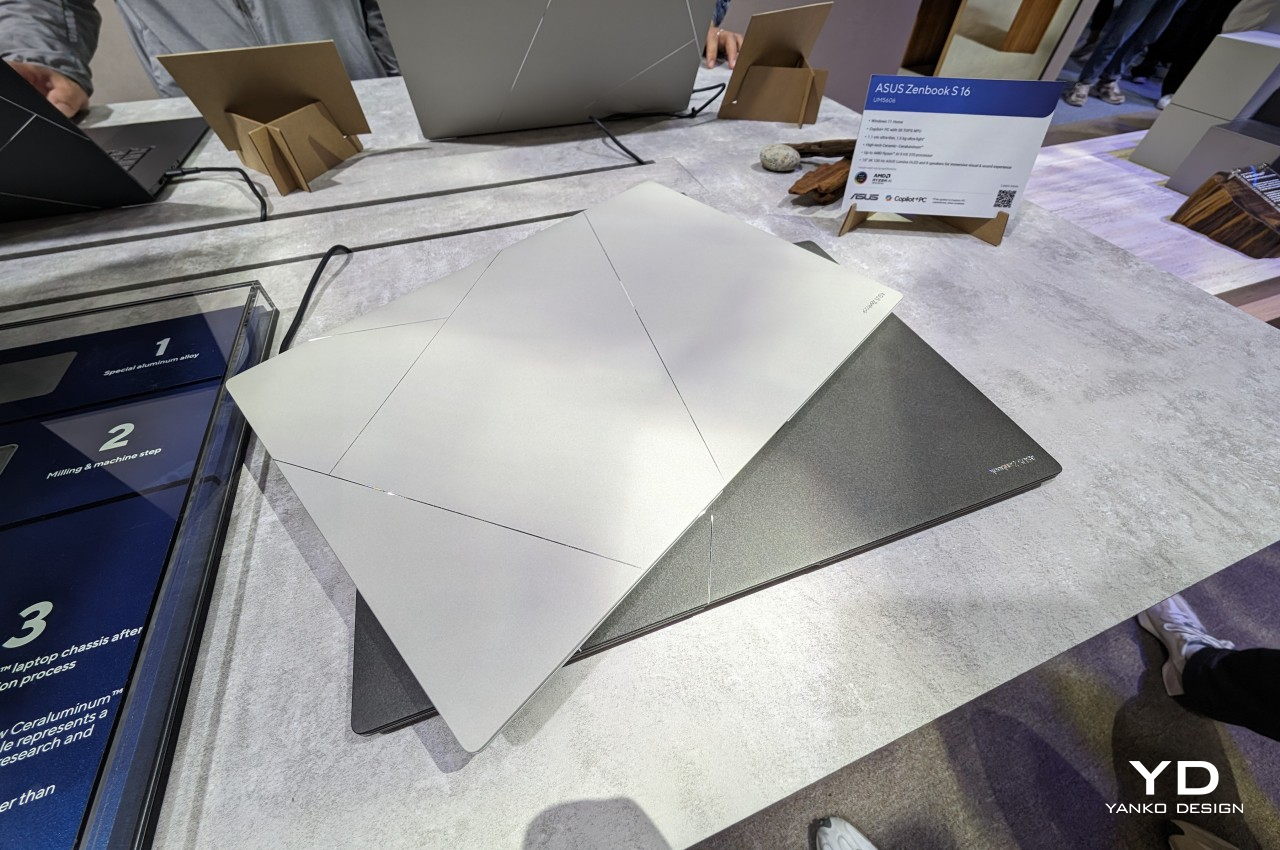
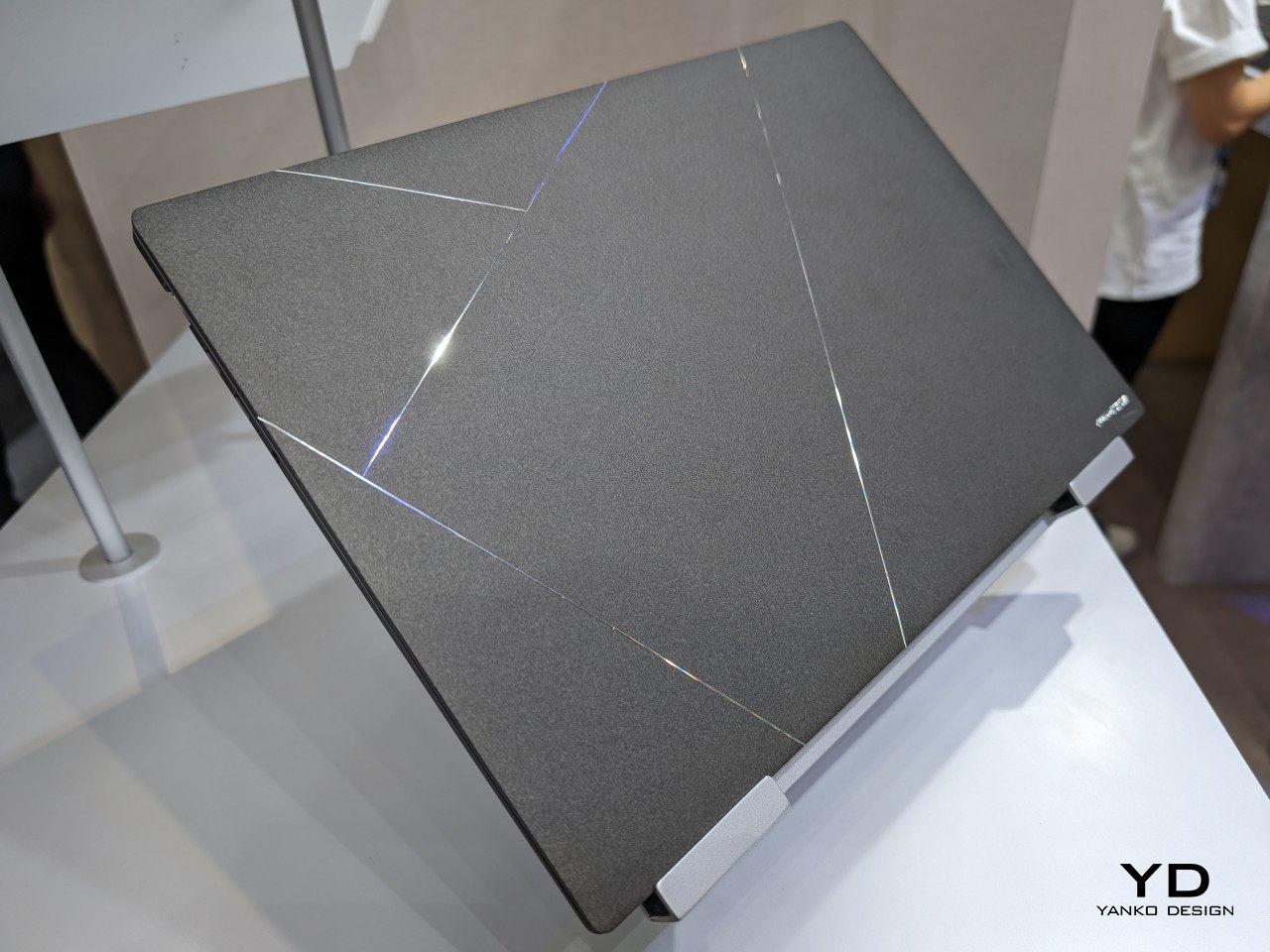
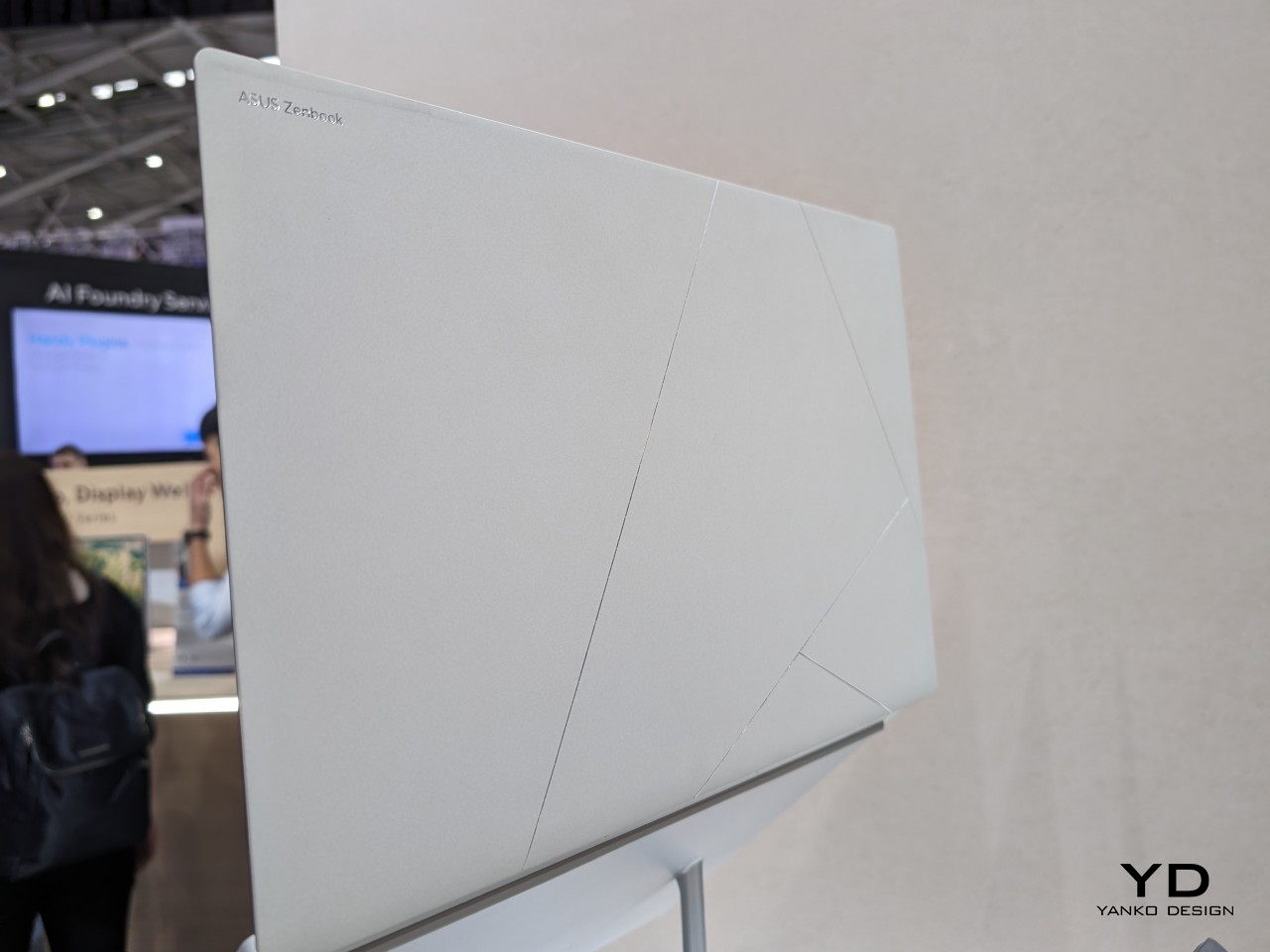
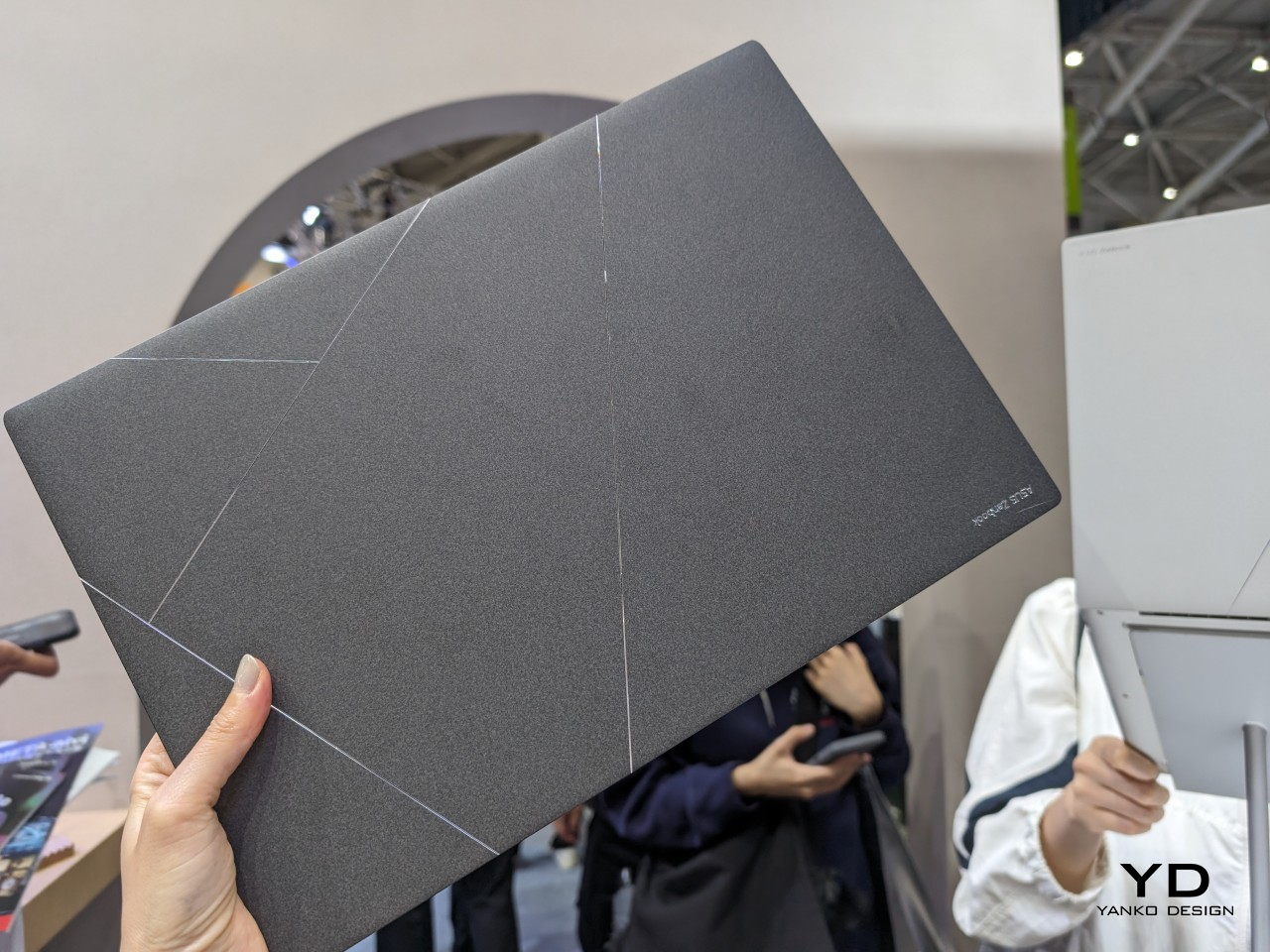
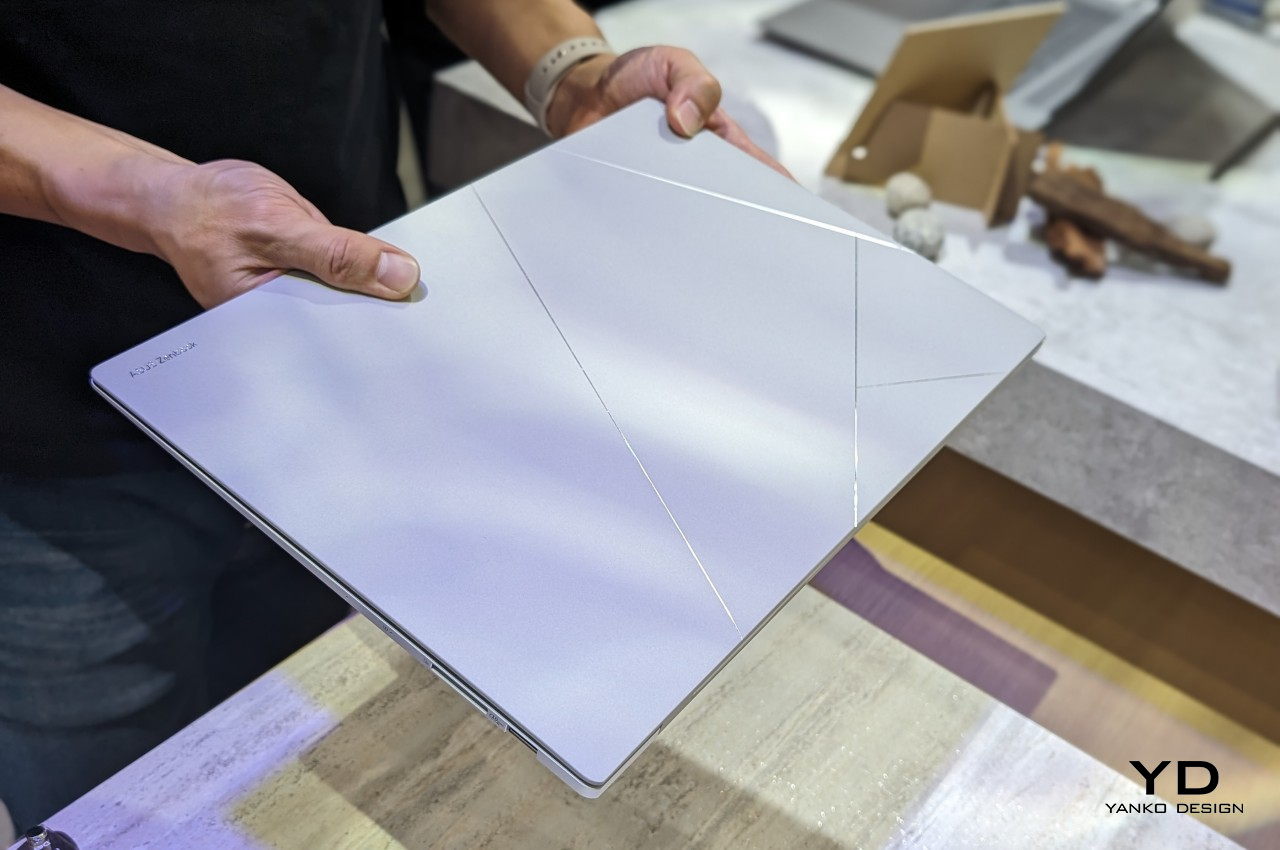
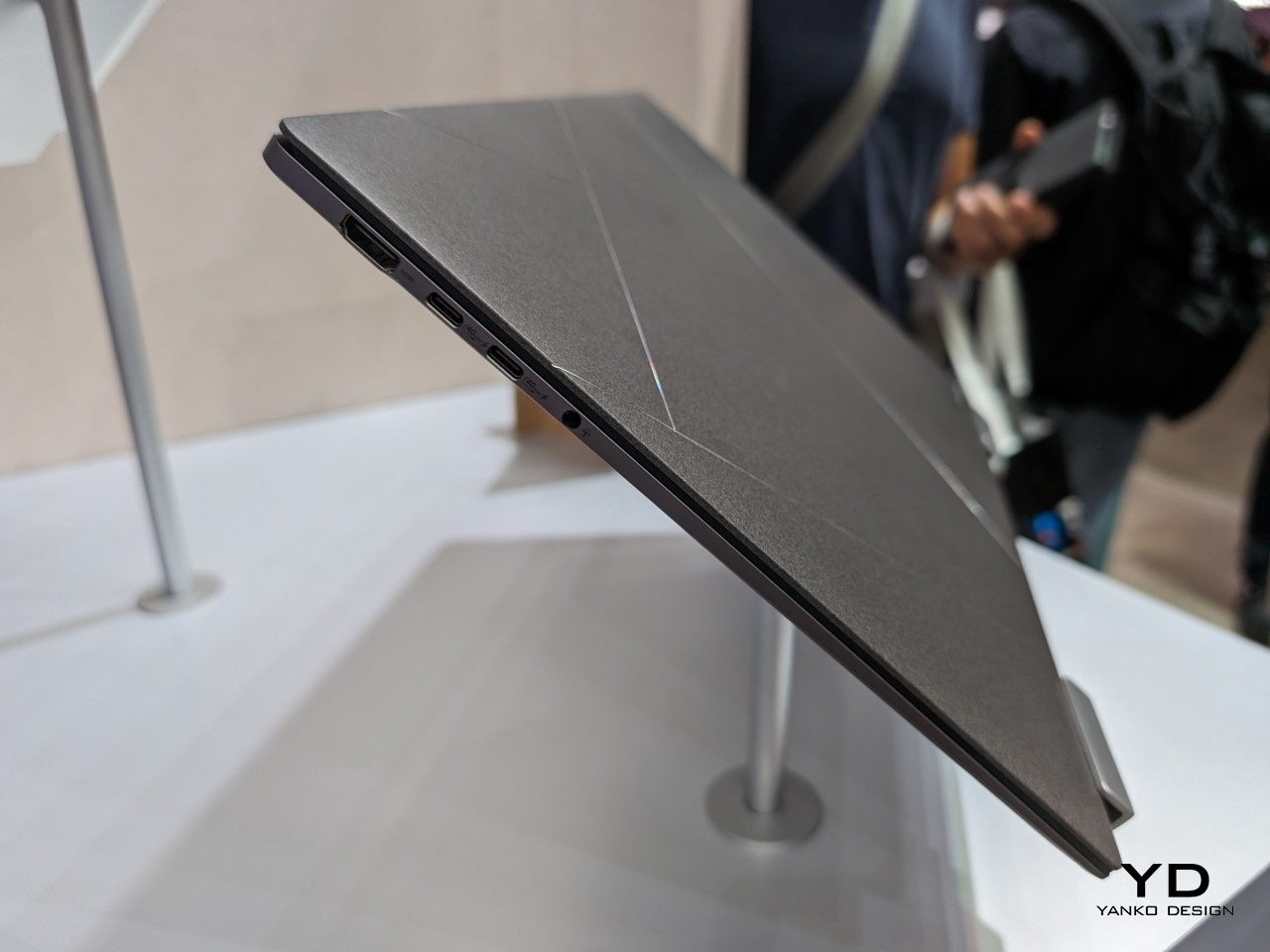
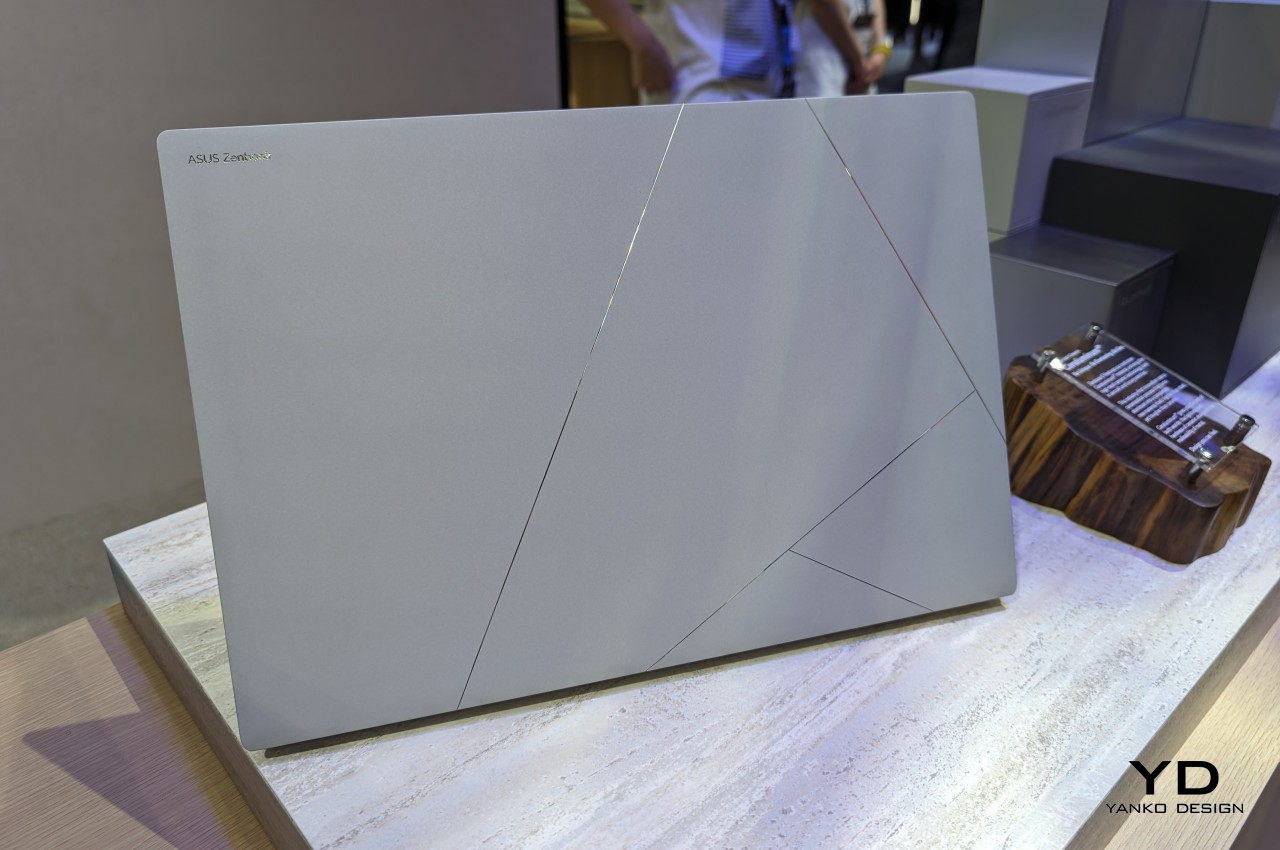
Gone are the days when laptops were seen just as technical equipment needed to get work done. Just like with smartphones, they have also become part of our modern lifestyles and a reflection of our own selves. What all these mean is that people are now more conscious of the design of the laptops they purchase, not just the specs or the brand. Yes, there are still many that look like tanks with rainbow lighting accents, but even some more powerful notebooks now have sleeker and more refined aesthetics as well. To keep up with more discerning consumers, ASUS has engineered a new kind of material for the outer lid of their newest and most premium laptop that combines the lightness of ceramic with the durability of aluminum into an elegant surface that just screams “luxury.”
Designer: ASUS
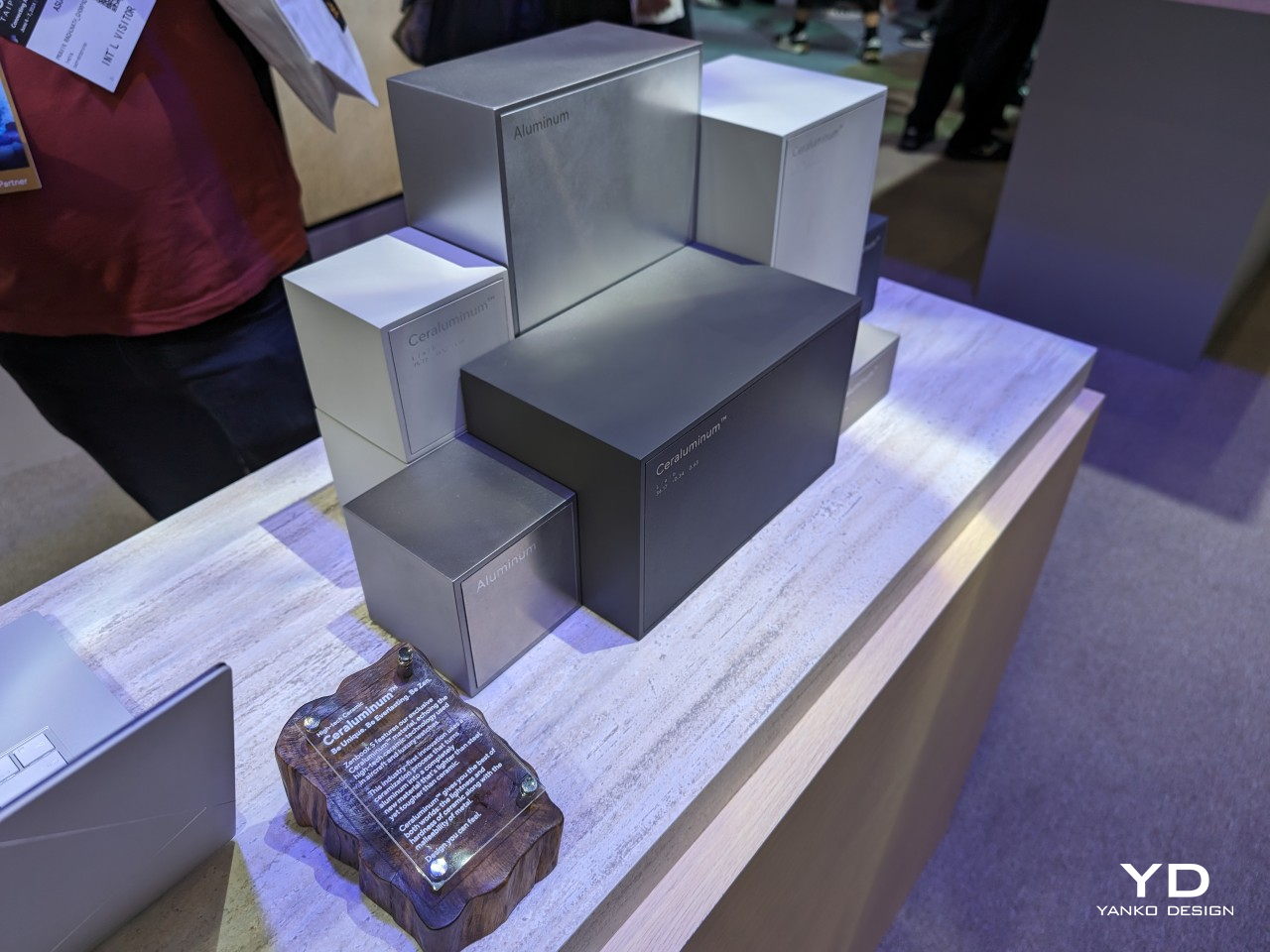
Laptop lids are often made of either plastic or metal because of their resilience and durability. Of the two, metal, which usually means aluminum, is considered more premium but also tends to be heavier and sometimes uncomfortable due to how cold it is to the touch. In contrast, ceramic is equally premium yet almost the opposite of metal: lightweight, warm to the touch, and sadly also fragile.
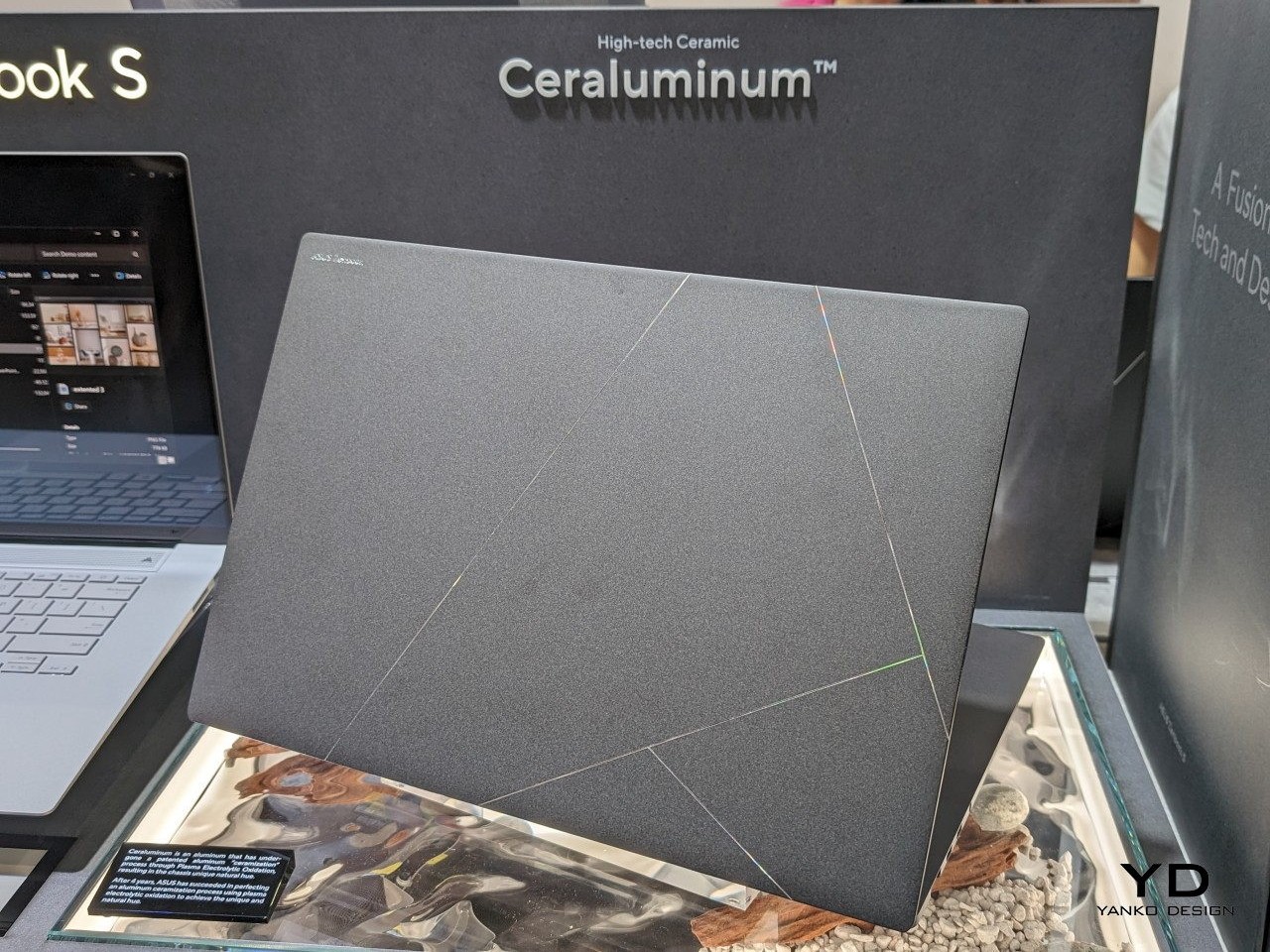
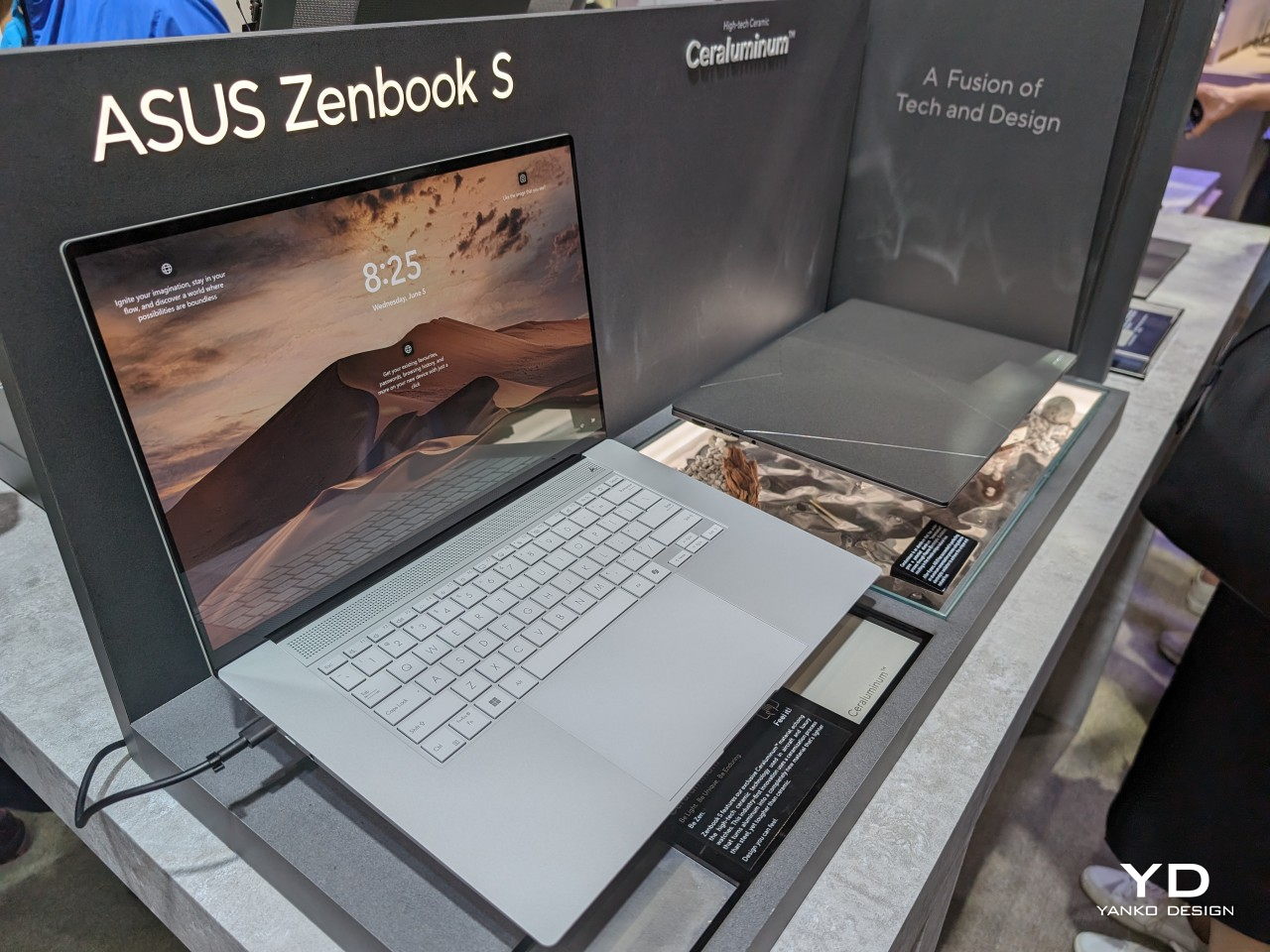
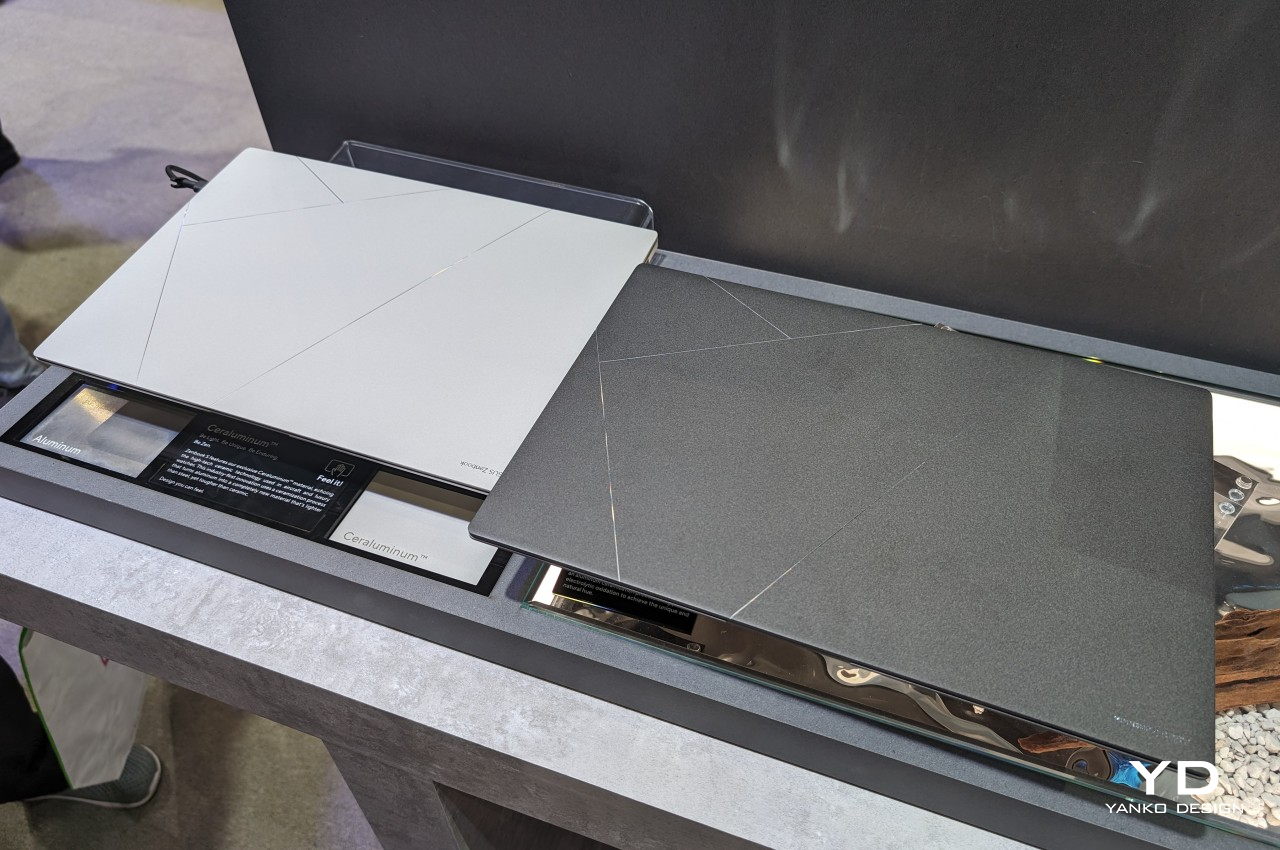
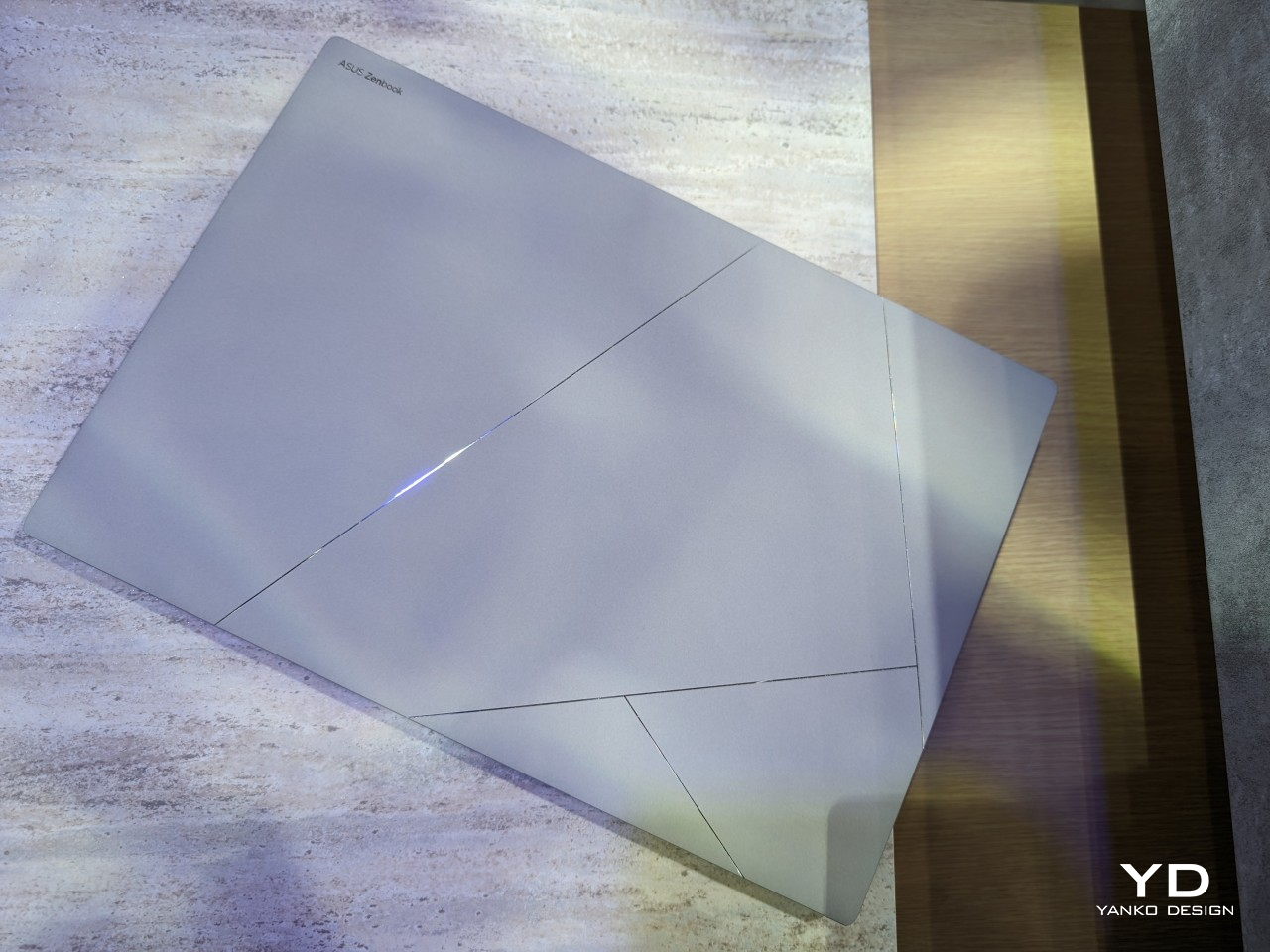
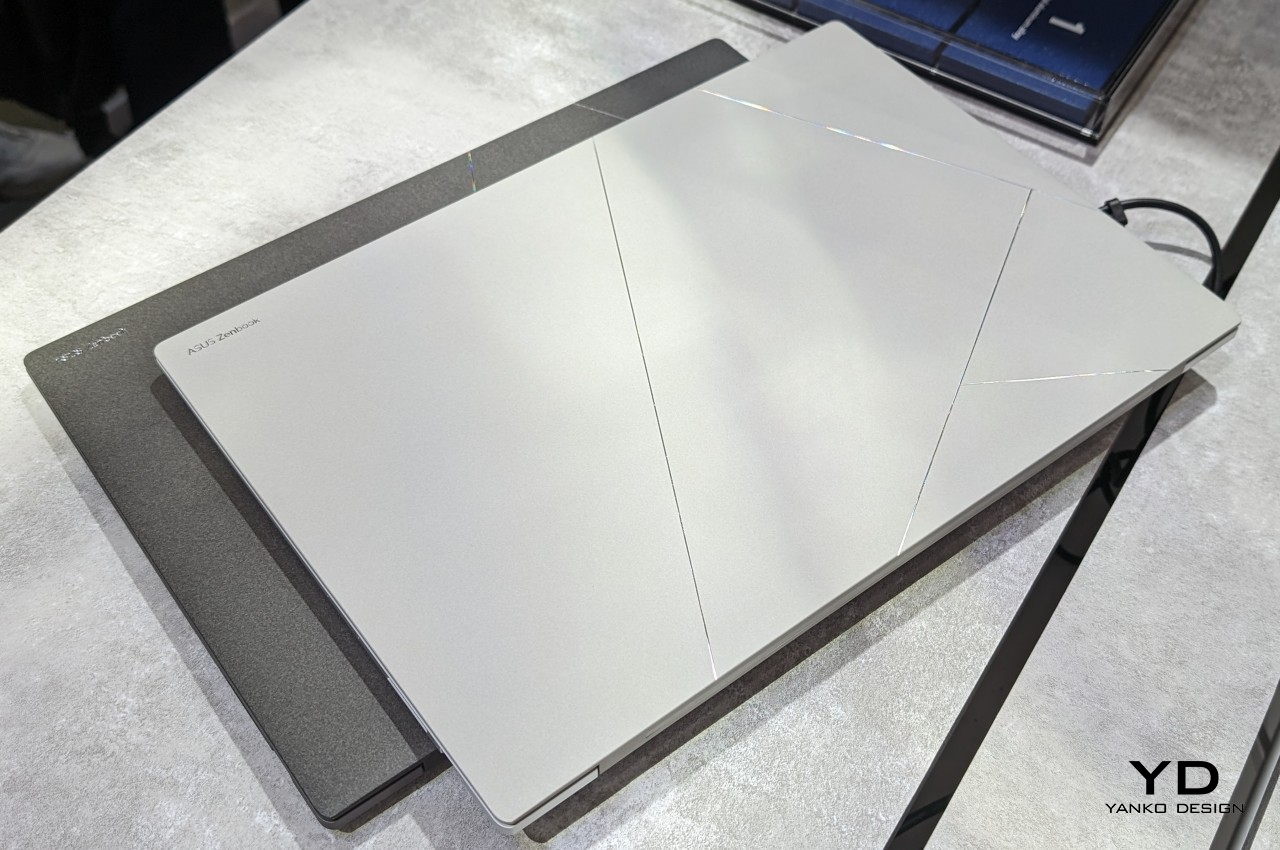
ASUS has aimed to bring the best of these worlds together and has created the portmanteau “Ceraluminum” to mark the success of their years of research and experimentation. In reality, it is actually aluminum but treated in a special process, which it unsurprisingly calls “ceramization,” which gives it the properties of ceramic. This “hi-tech” new material boasts being lighter than steel yet also more durable than actual ceramic. More importantly, the material focuses as much on the tactile experience as on the aesthetics. Like ceramic, Ceraluminum is not only cool to the touch but also gives the fingers a better grip on the laptop’s lid.
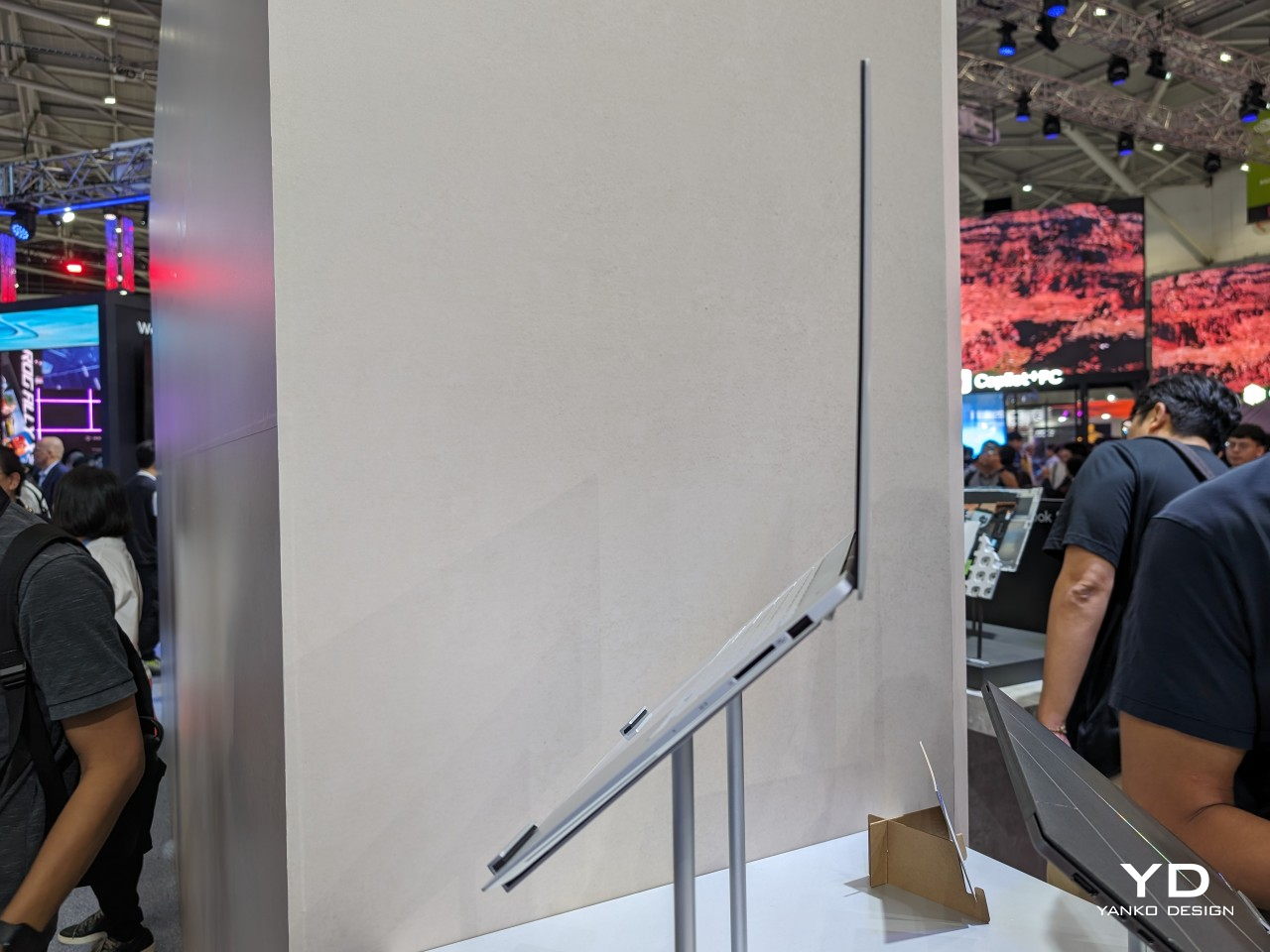
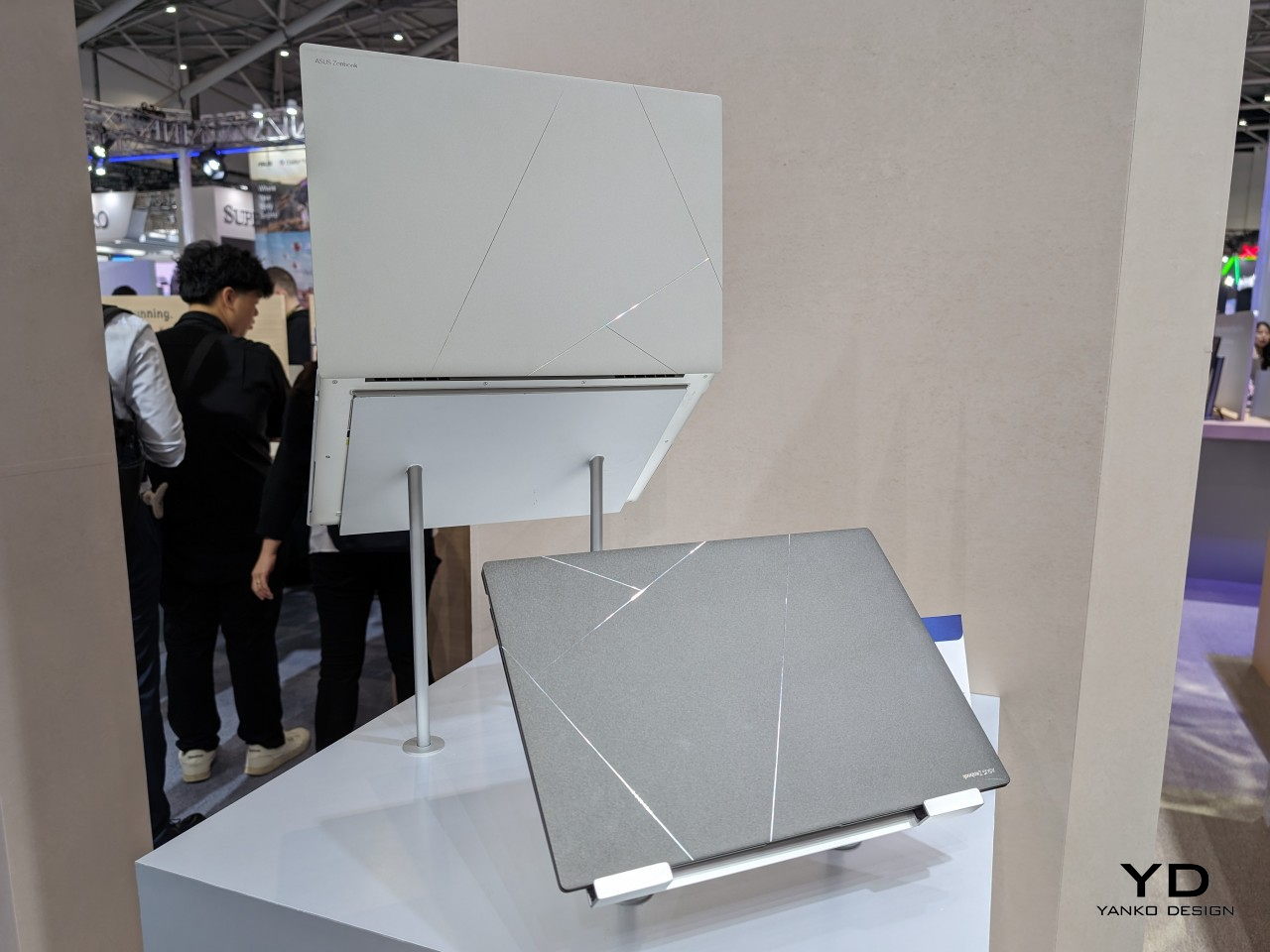
Ceraluminum is still a novel material and it might not be ready for truly mass production just yet. For its maiden voyage, ASUS has chosen its new Zenbook S 16 to be the first to benefit from this amalgamation of two of the most premium materials known in the industry. It’s a perfect match as well, given how incredibly thin and lightweight the laptop is. It looks premium and definitely feels premium, a fitting exhibit for Ceraluminum’s equally premium properties.
In addition to its elegant material, the ASUS Zenbook S 16 also brings nature-inspired colors to match. Zumaia Gray takes inspiration from flysch cliffs in Spain, while Scandinavian White mimics the warm light of the sun on snowy mountains. Even this color is a product of sophisticated materials research, modifying the molecular structure of copper and oxygen atoms to give off a different color while using the same aluminum oxide material as other colors. The ASUS Zenbook S 16 is, in the final analysis, an exhibit of the brand’s innovation in creating new materials meant to delight not just the eyes but also your fingers and elevate your laptop experience.
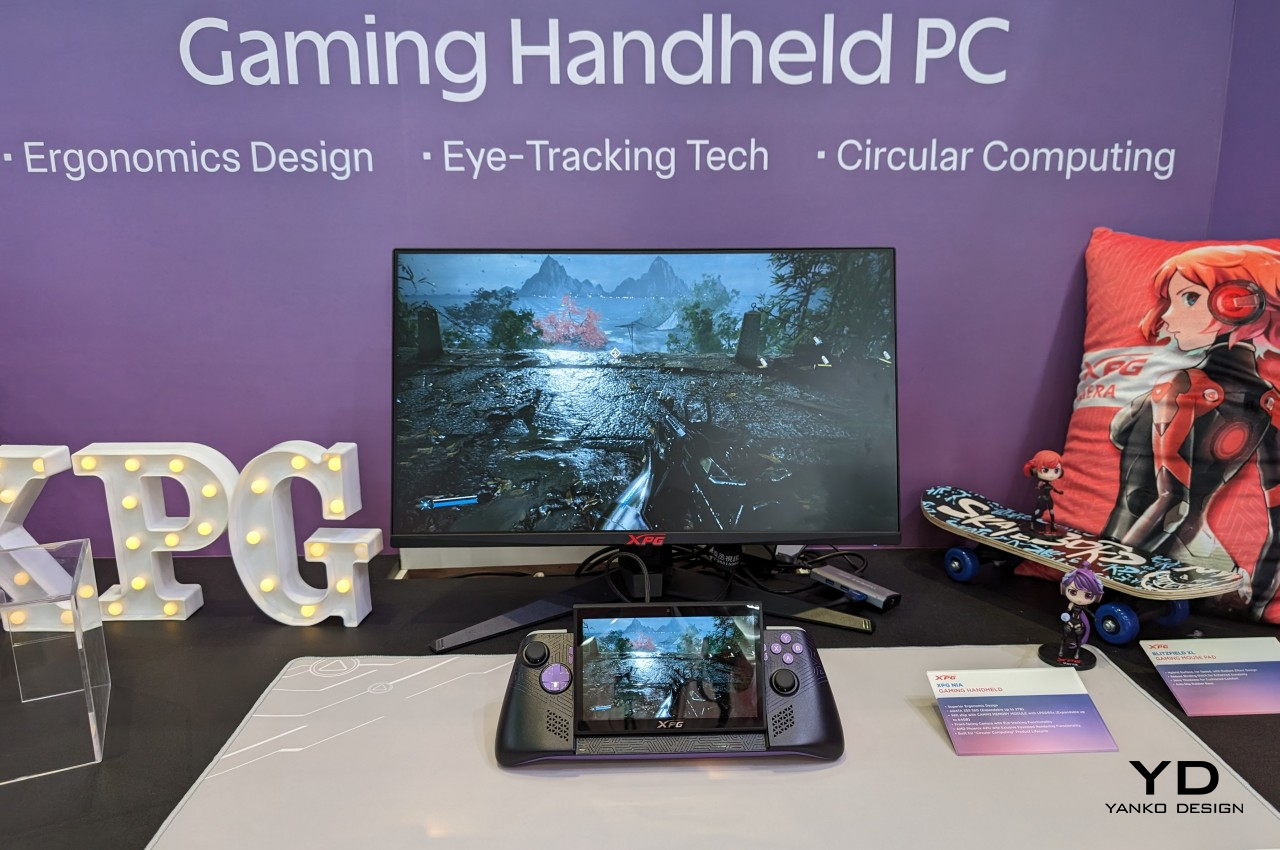
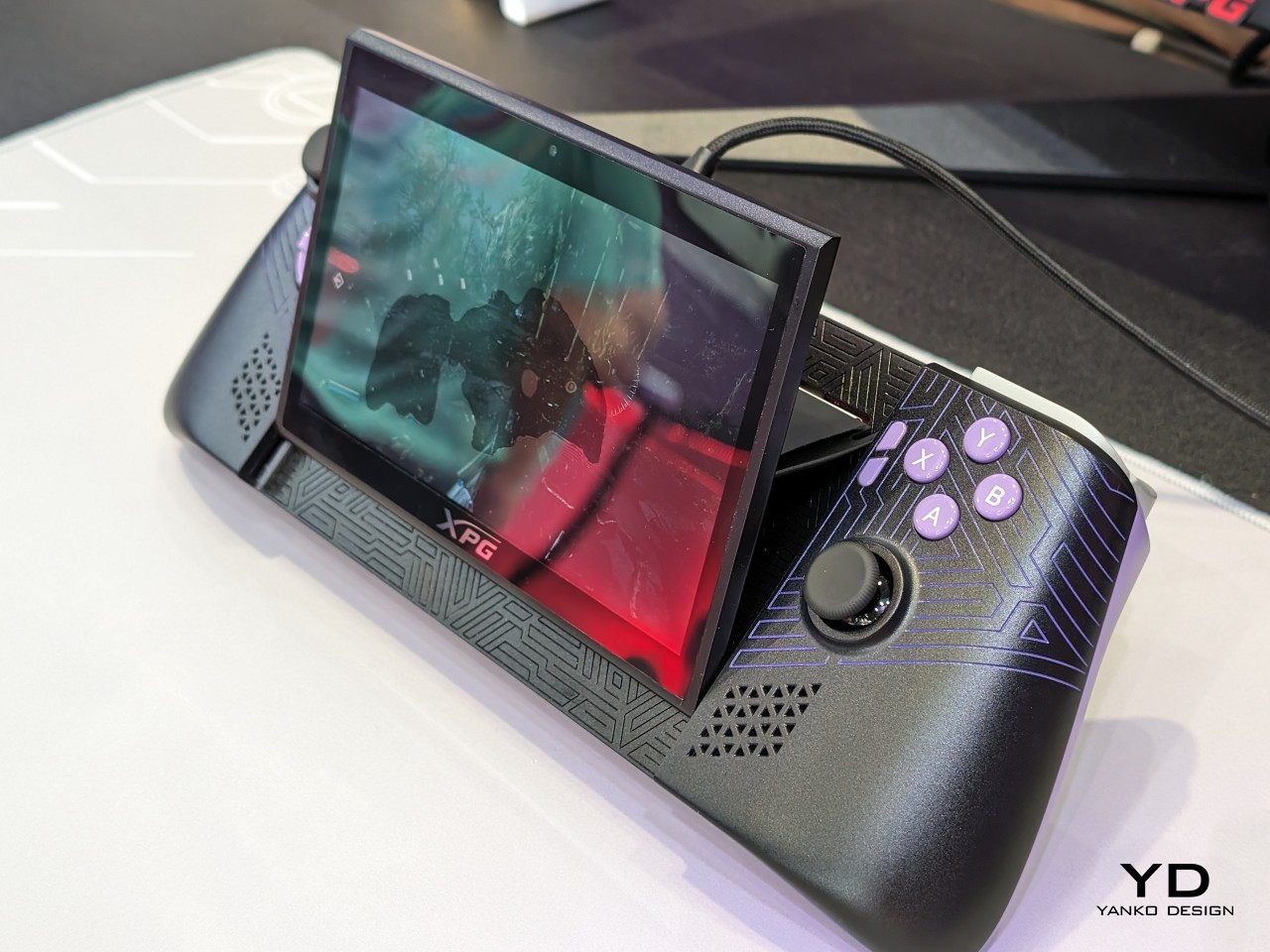
Although they have existed for a long time now, it seems that handheld PCs are finally taking root in the market. These mobile gaming devices are becoming more numerous, including a few from well-known manufacturers as well as a bit more obscure brands. That, unfortunately, also means that some designs are getting all too common, even if there’s still plenty of room for experimentation and innovation. At Computex 2024, we’re seeing some of these bold designs that are trying to challenge the status quo and one of them comes from an unlikely name yet could also be bringing some much-needed improvements to handheld gaming computers.
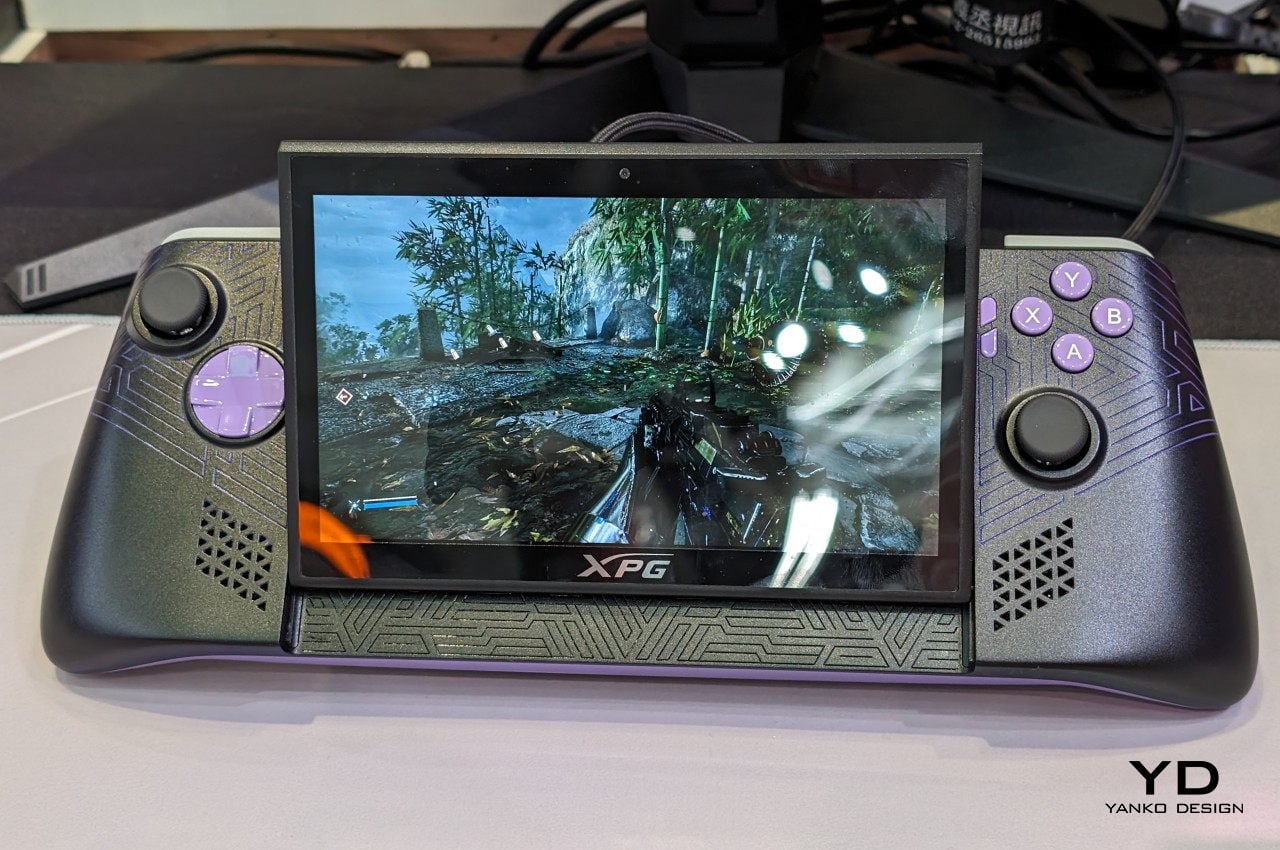
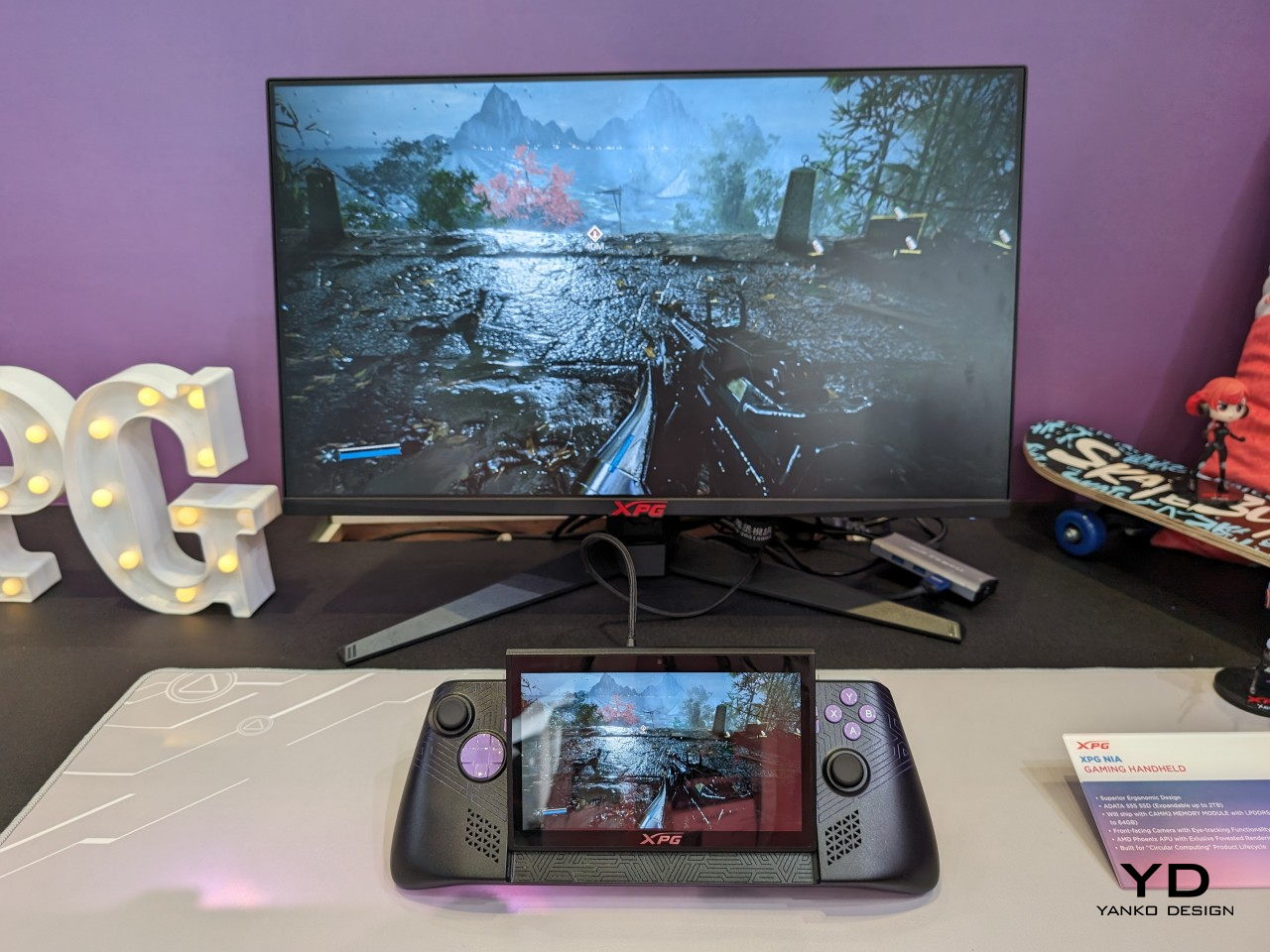
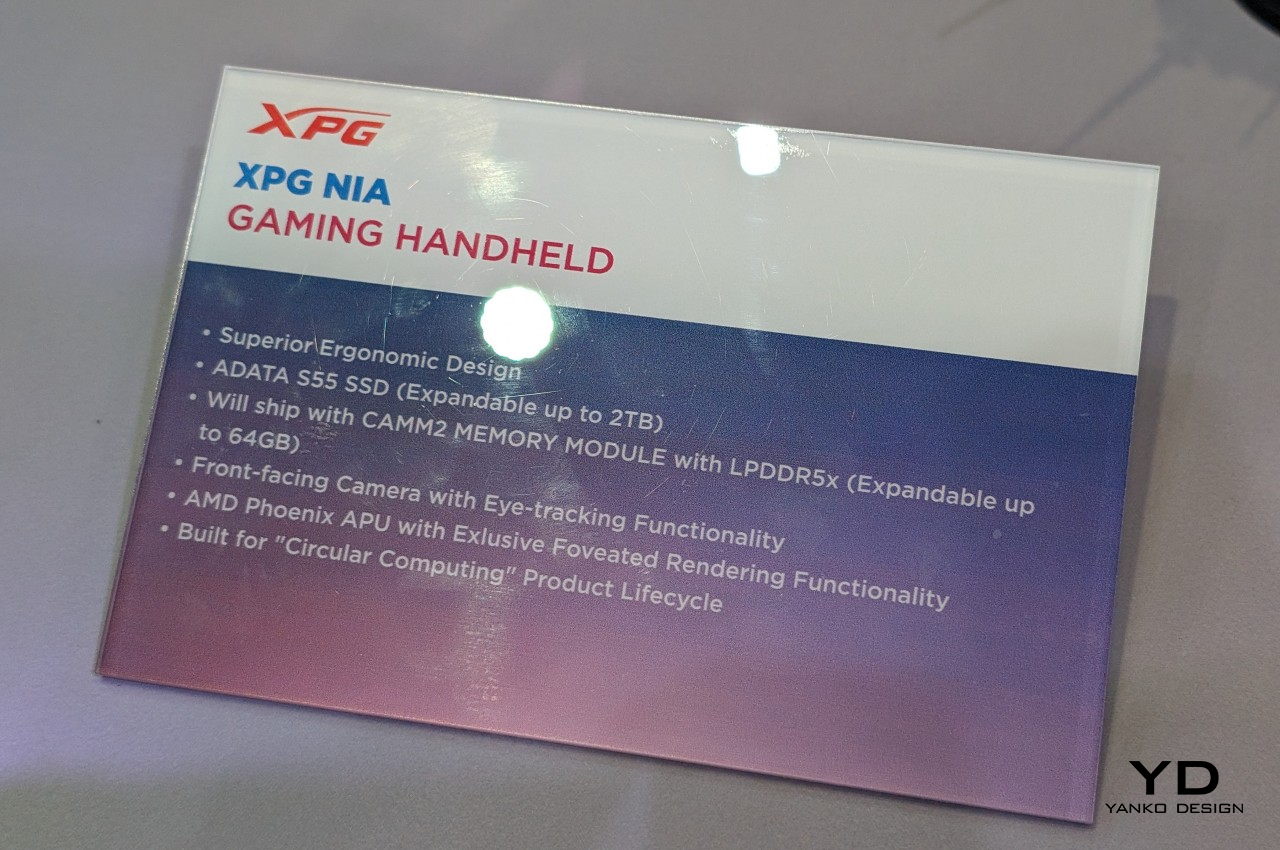
Handheld PCs are pretty much miniature laptops and they even use some of the same hardware but with weaker cooling solutions. That practically means you’re stuck with the specs you got when you bought the device, though there might be options to upgrade the storage and only that. Many laptops these days, however, also have upgradable RAM, and ADATA, a brand better known for its data storage solutions, is bringing that to the handheld PC market with the XPG Nia.
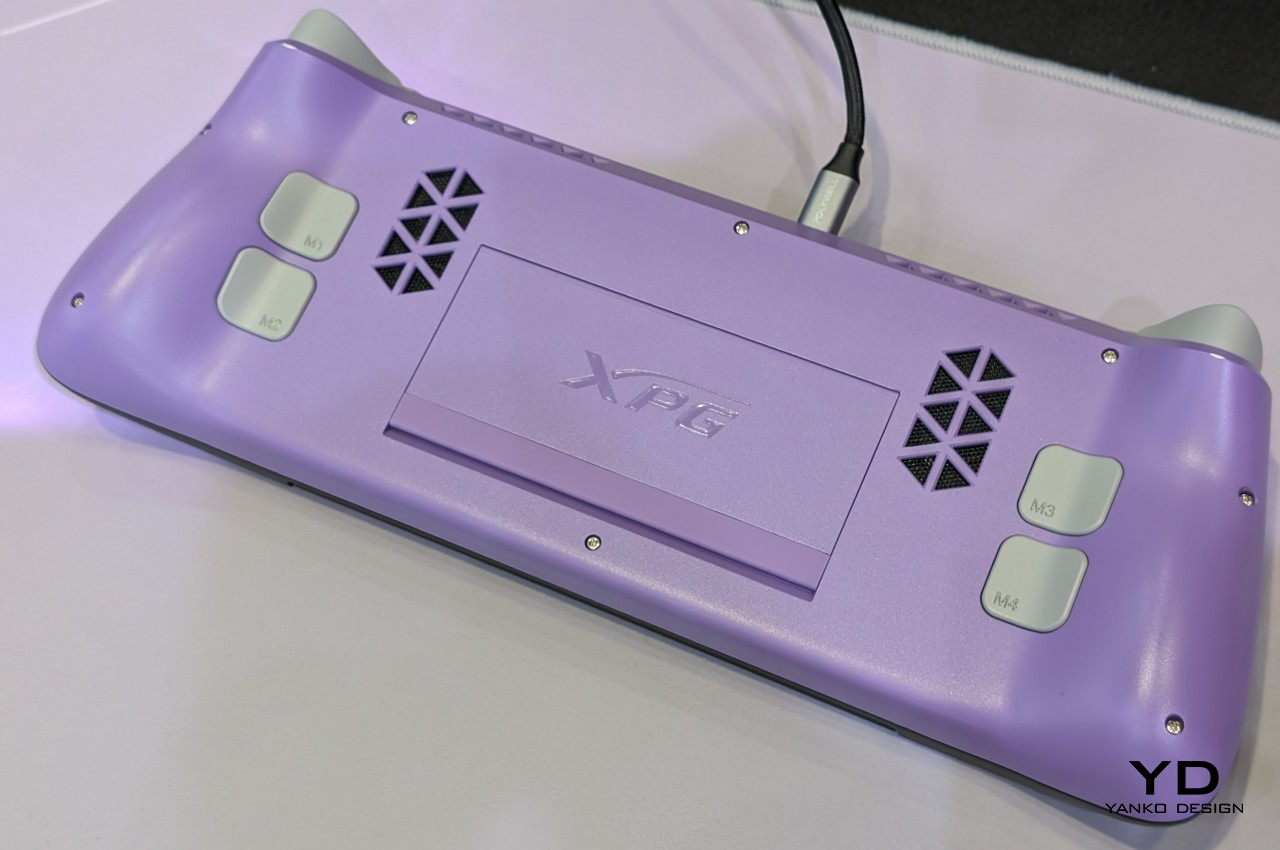
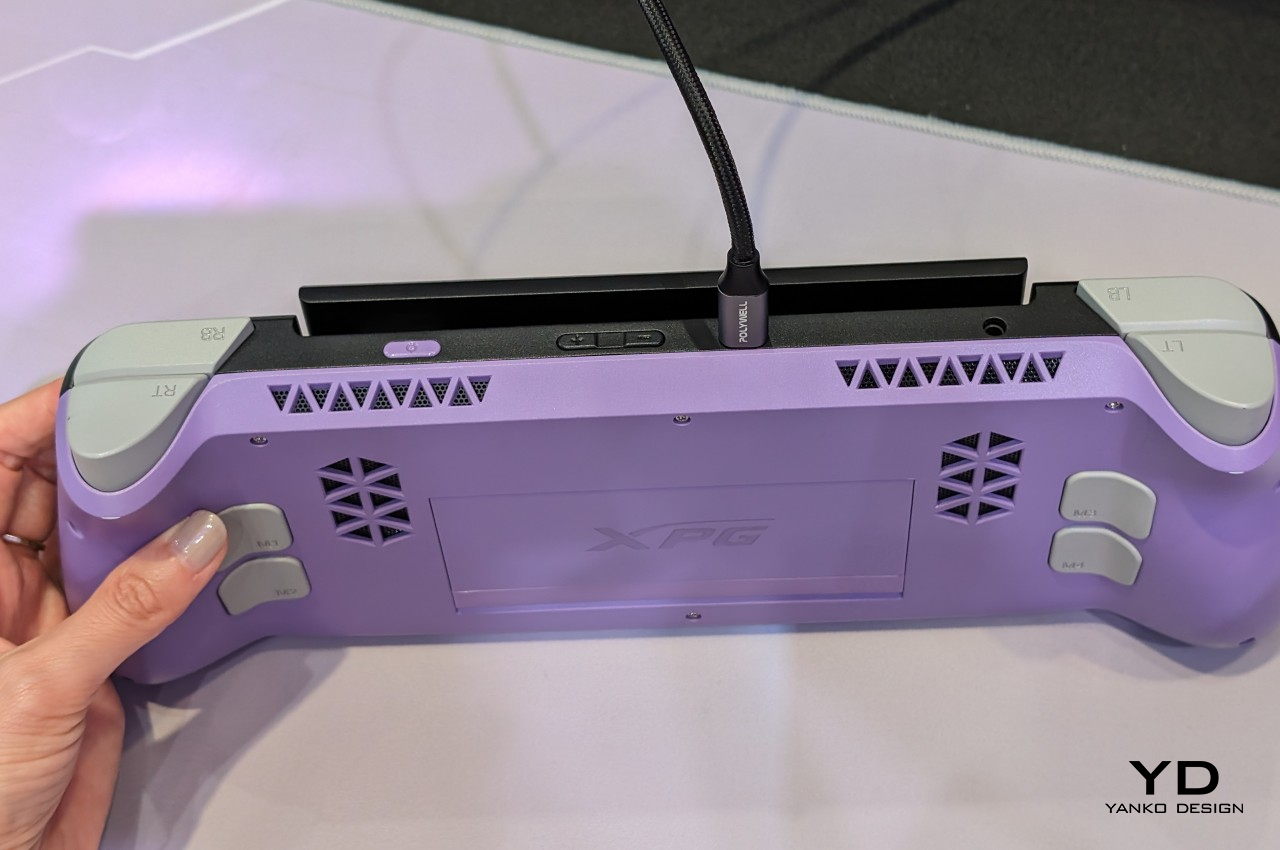
This feat is being attributed to the equally new LPCAMM2 memory module which, unlike most RAM on handhelds and some laptops, isn’t soldered to the motherboard. This makes memory upgradable in theory, though how easy it will be still remains to be seen. The XPG Nia also features upgradable storage courtesy of a more standard M.2 2230 SSD slot. This might sound like minor improvements since the capability has been around in laptops for many years, but it goes a long way in making handhelds last longer and be more sustainable in their own small way.
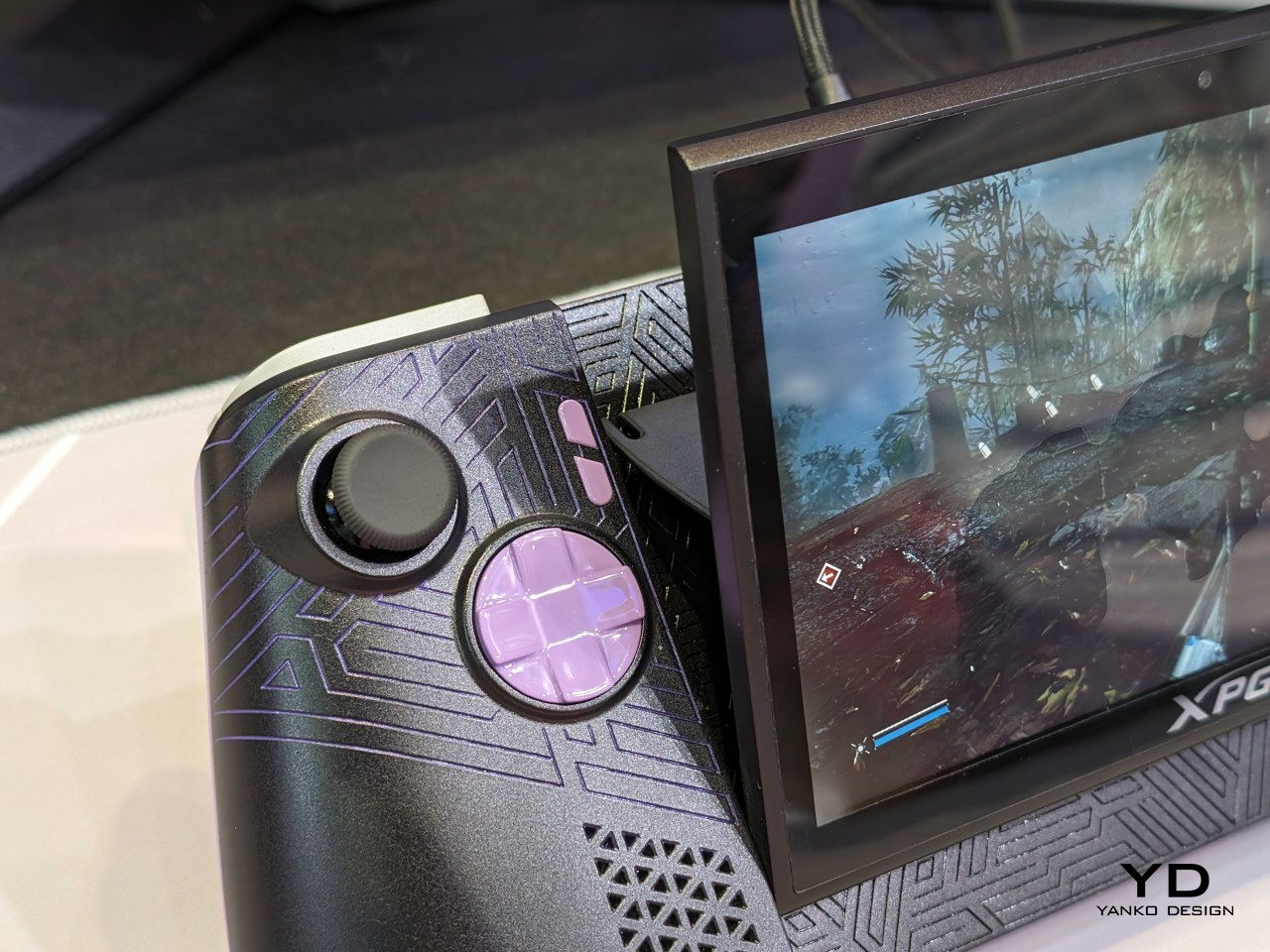
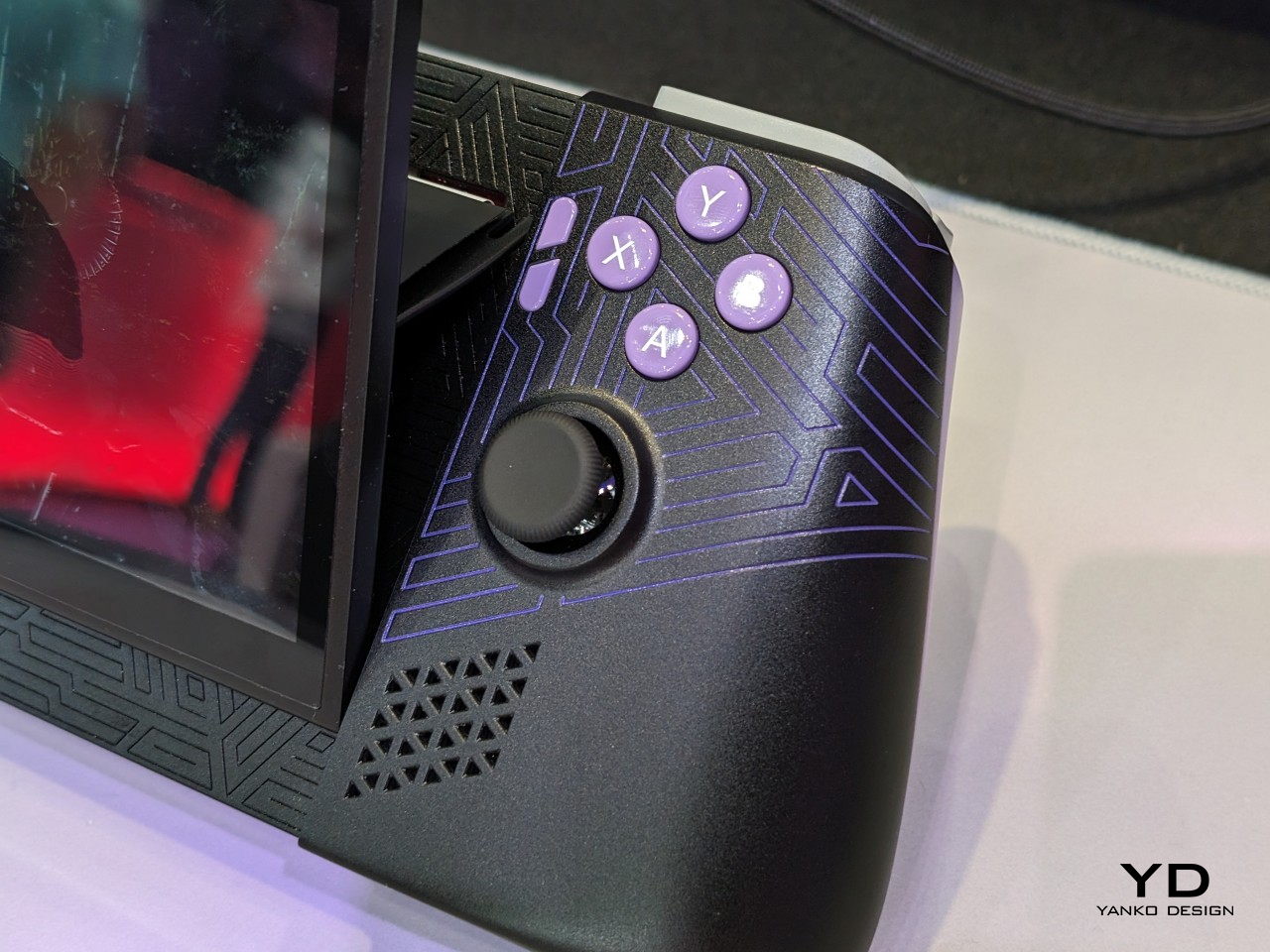
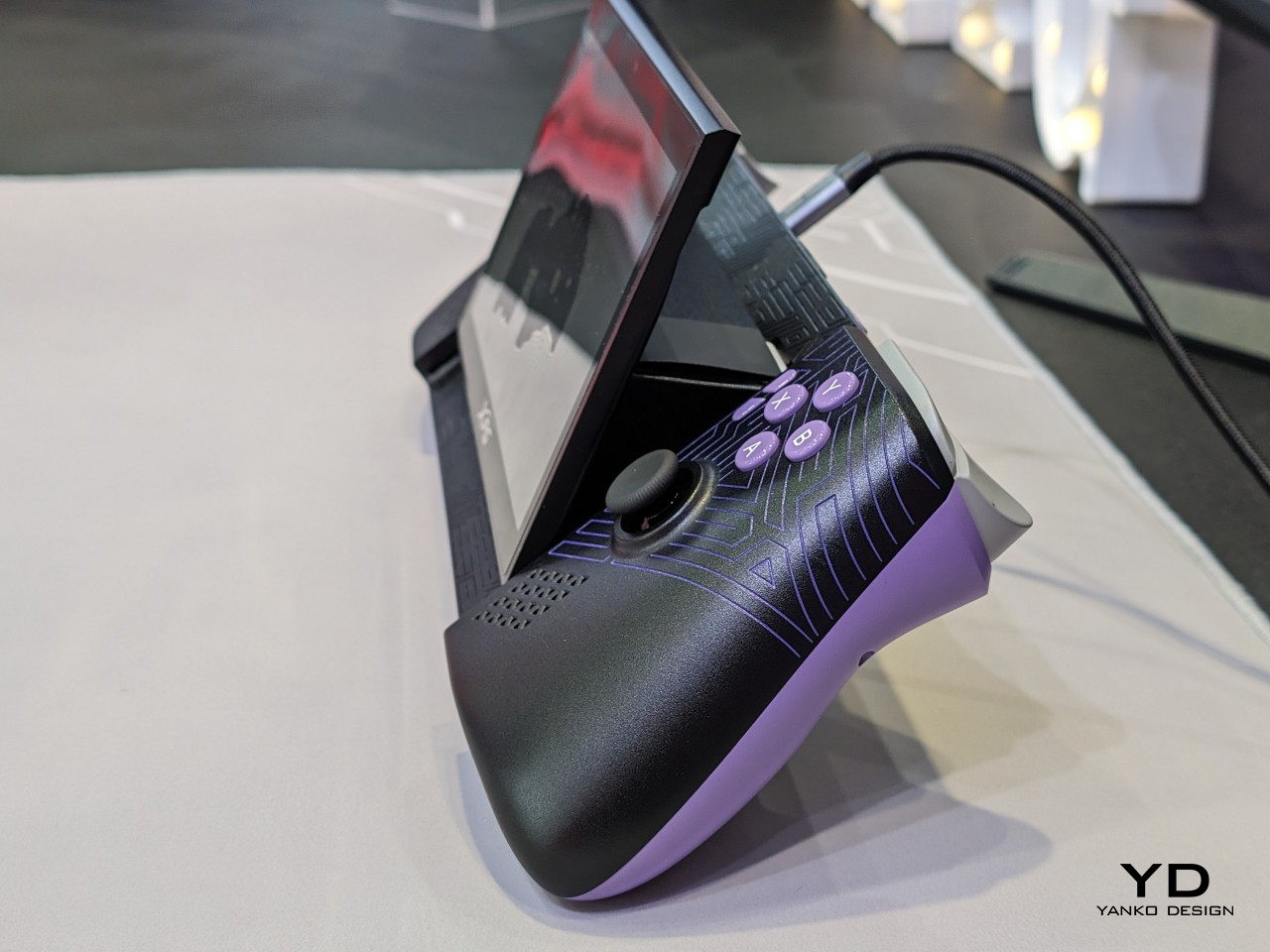
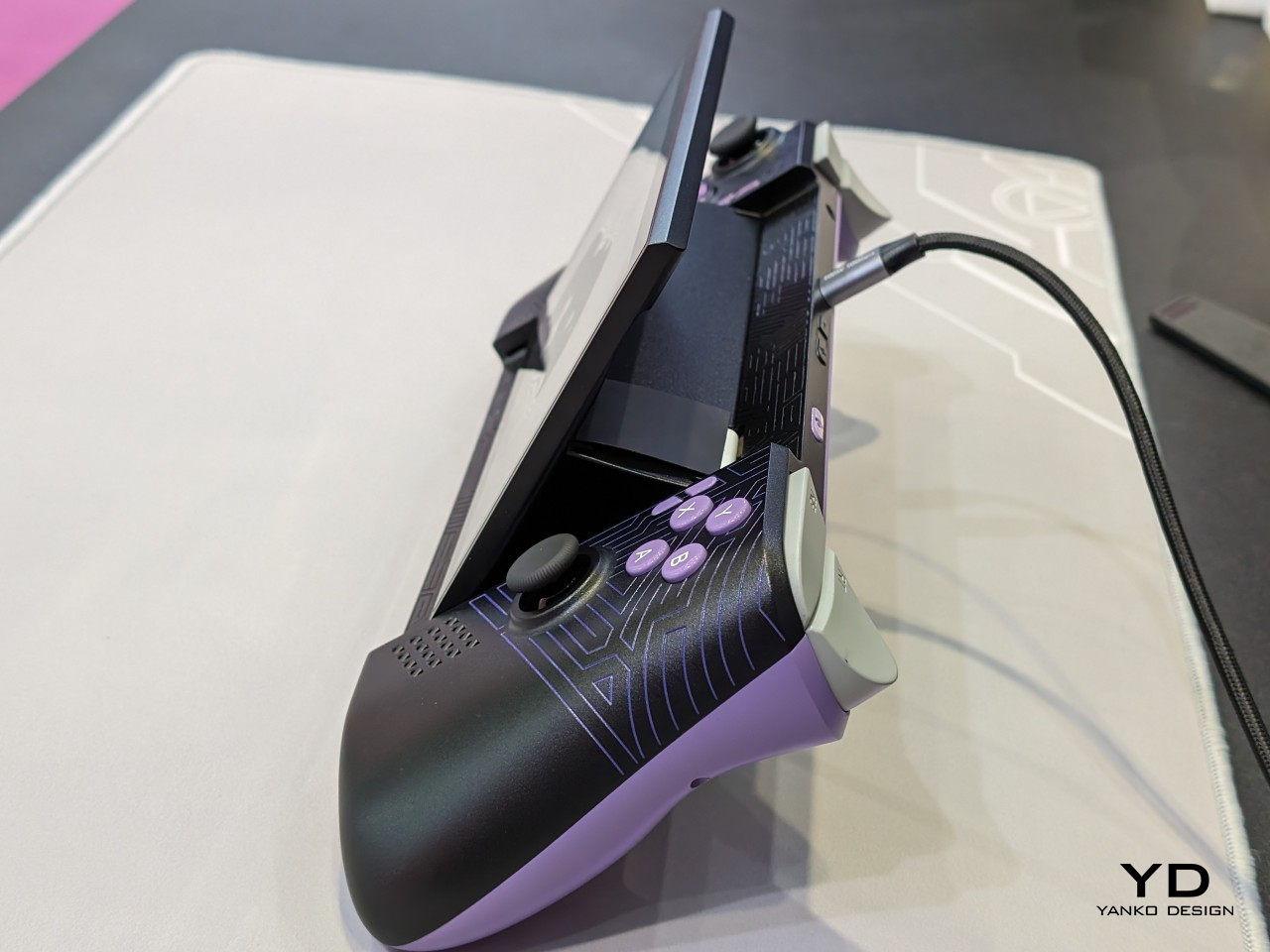
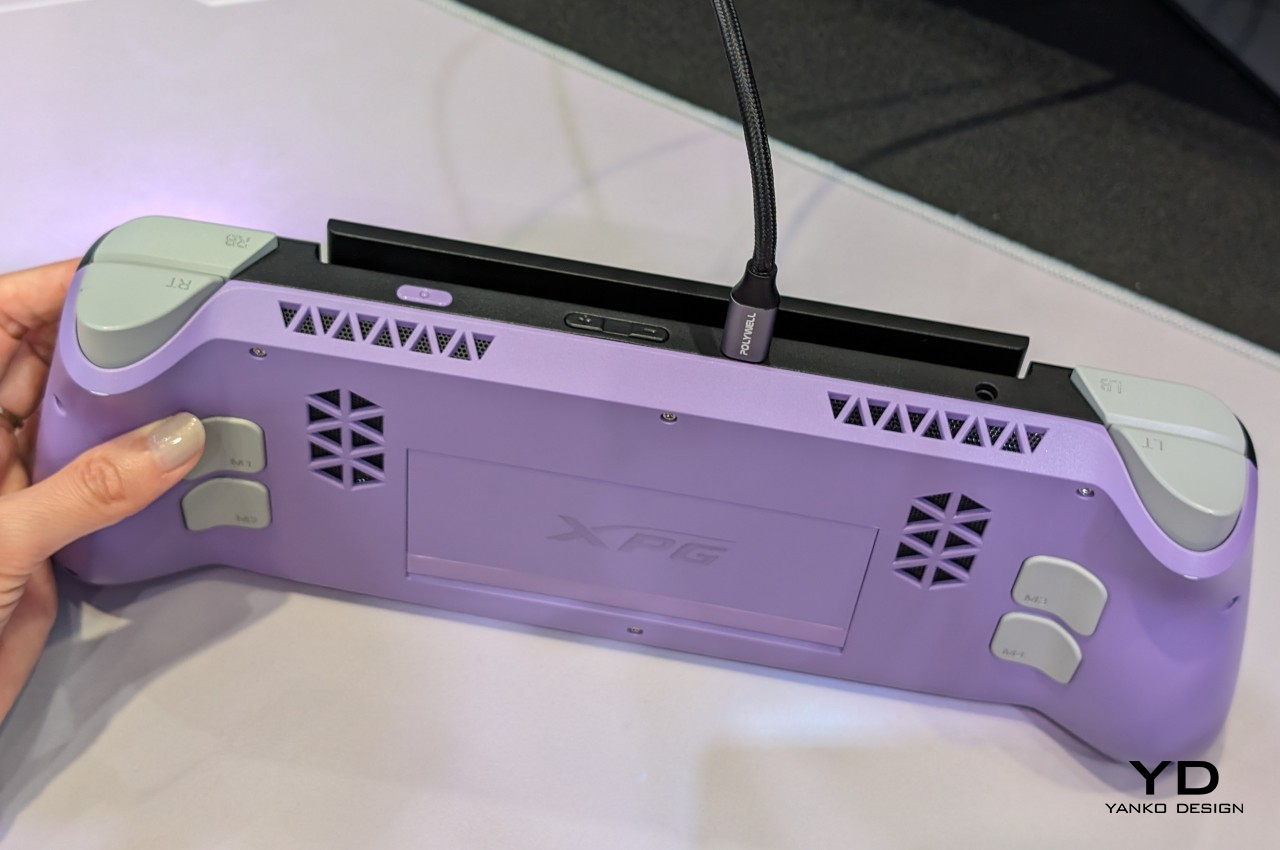
That isn’t the only novelty that the ADATA XPG Nia is bringing to the table, however. The handheld has a tilting screen that you can adjust to your comfort, and it has a built-in kickstand that lets you put the device down on a table without requiring a separate stand or dock. And unlike the majority of handheld gaming PCs, it has a front-facing camera that can be used for eye-tracking and, possibly, video chat among gamers. Again small details, but ones that significantly improve the usability and ergonomics of a device that still hasn’t cemented its place in the market.
As admirable as these improvements might be, the big drawback to the ADATA XPG Nia is that it’s not a product you can buy, at least not any time soon. What was shown at Computex was just a prototype, and the earliest ETA for the handheld PC is 2025. That leaves not only a lot of room for the brand to change or even backtrack on these features, it also gives its competitors the opportunity to steal the limelight even before the XPG Nia has a chance to get out the door.
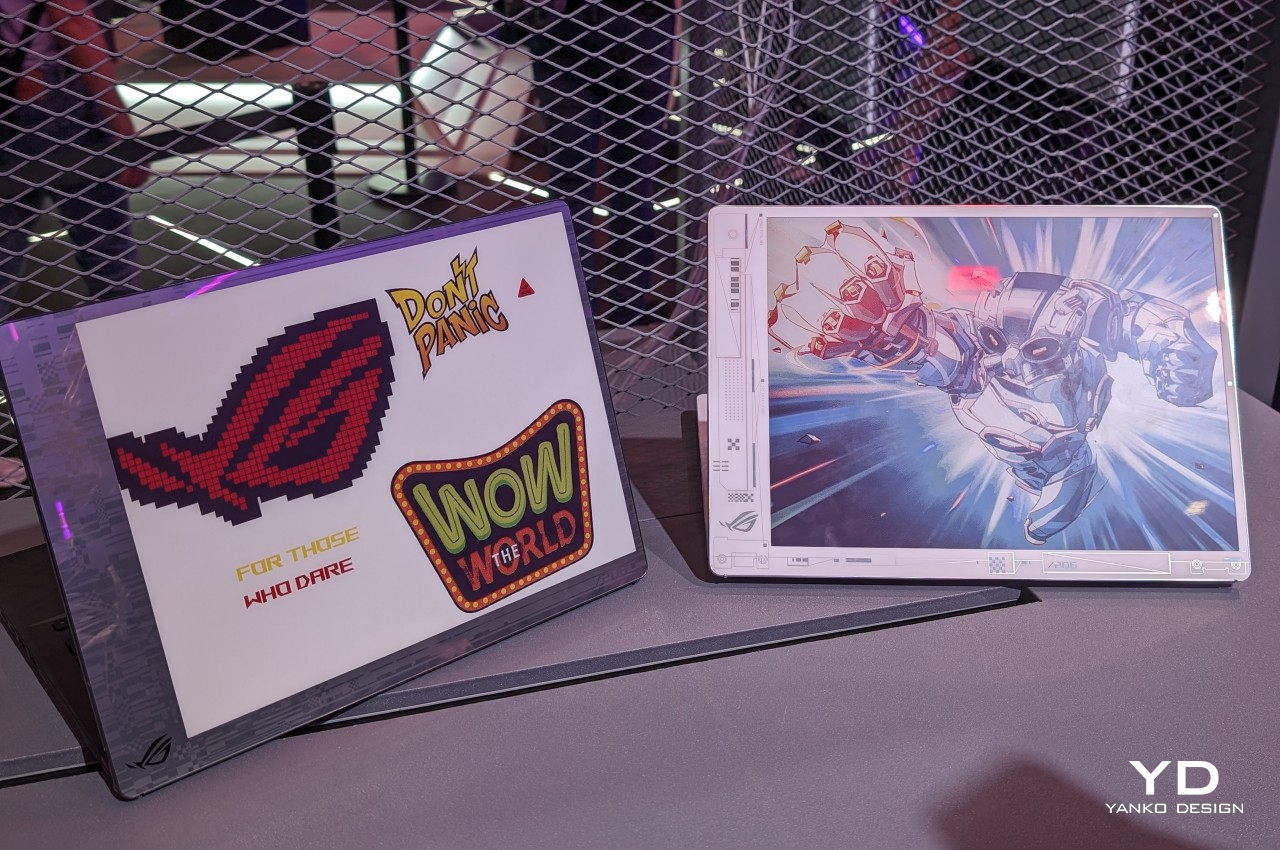
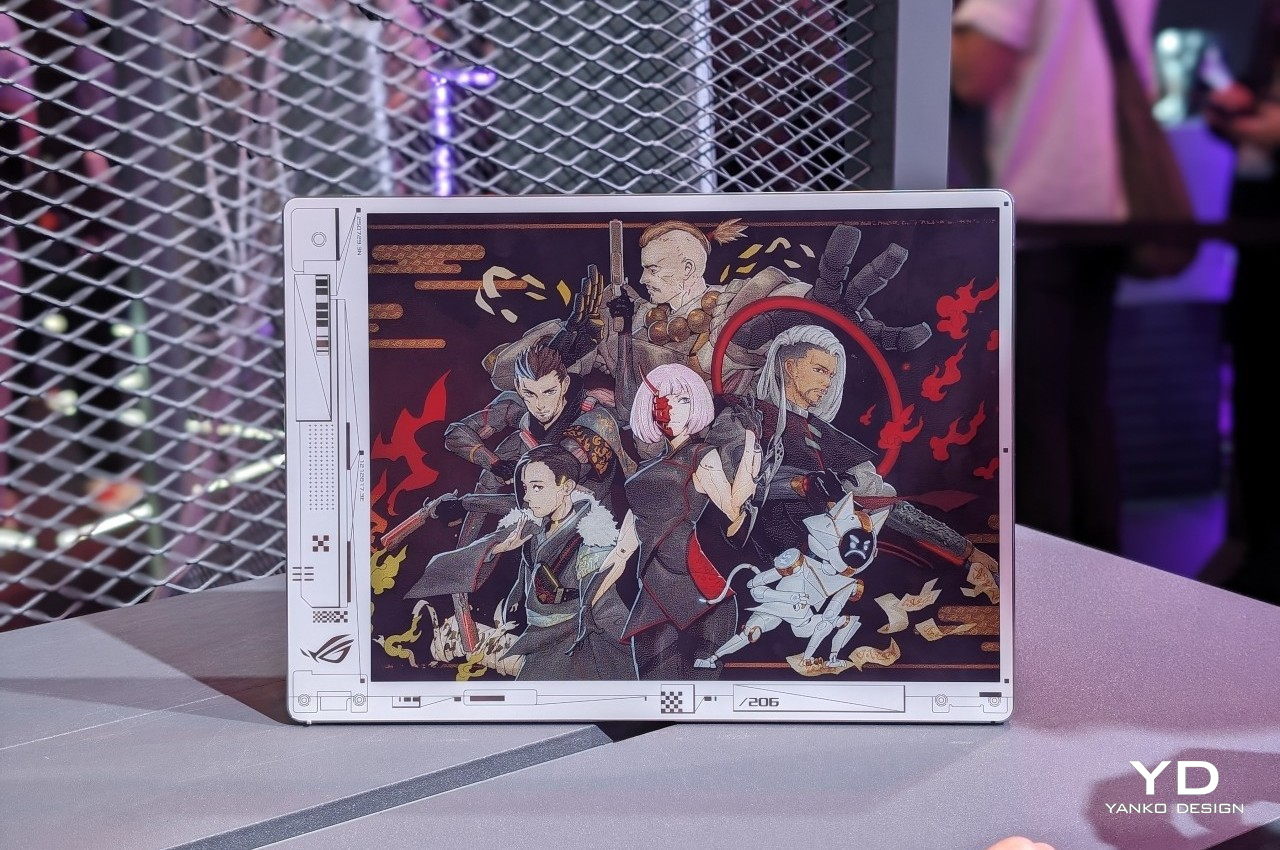
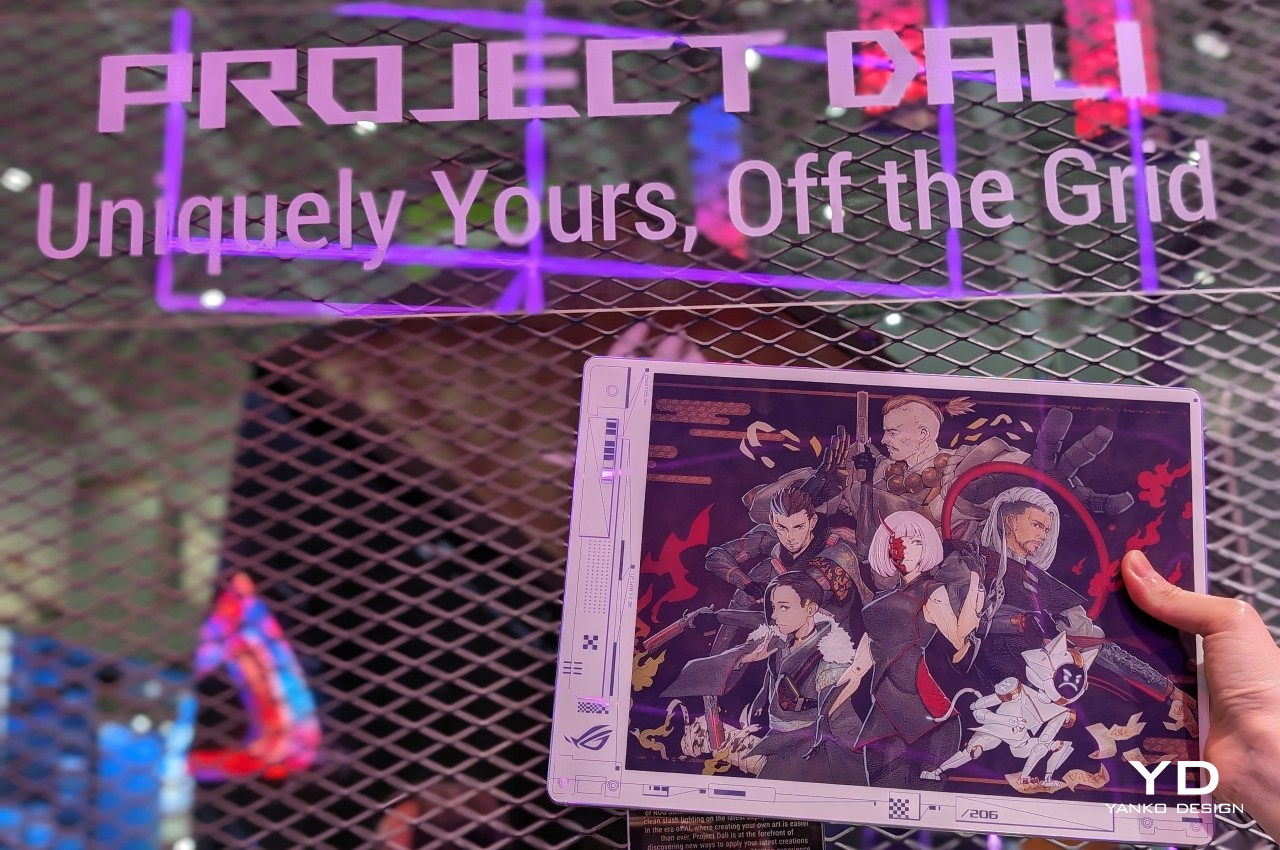
As much as laptop makers wax philosophical about the power of their hardware and the beauty of their screens, what most people will probably admire the most about their products will be the laptop covers. Like with smartphones, this is the most visible part of a laptop and, therefore, also the most expressive. You can almost tell a lot about the laptop owner from the design and stickers they have on their laptops or, conversely, from the lack of any embellishment. Unfortunately, there hasn’t been any easy way to cater to the varied tastes of laptop owners, at least until now. At Computex 2024, ASUS is showing off one of its latest concept designs that lets owners change the design of their laptop covers with a press of a key, and it won’t cost either power or money to keep changing it on a whim.
Designer: ASUS
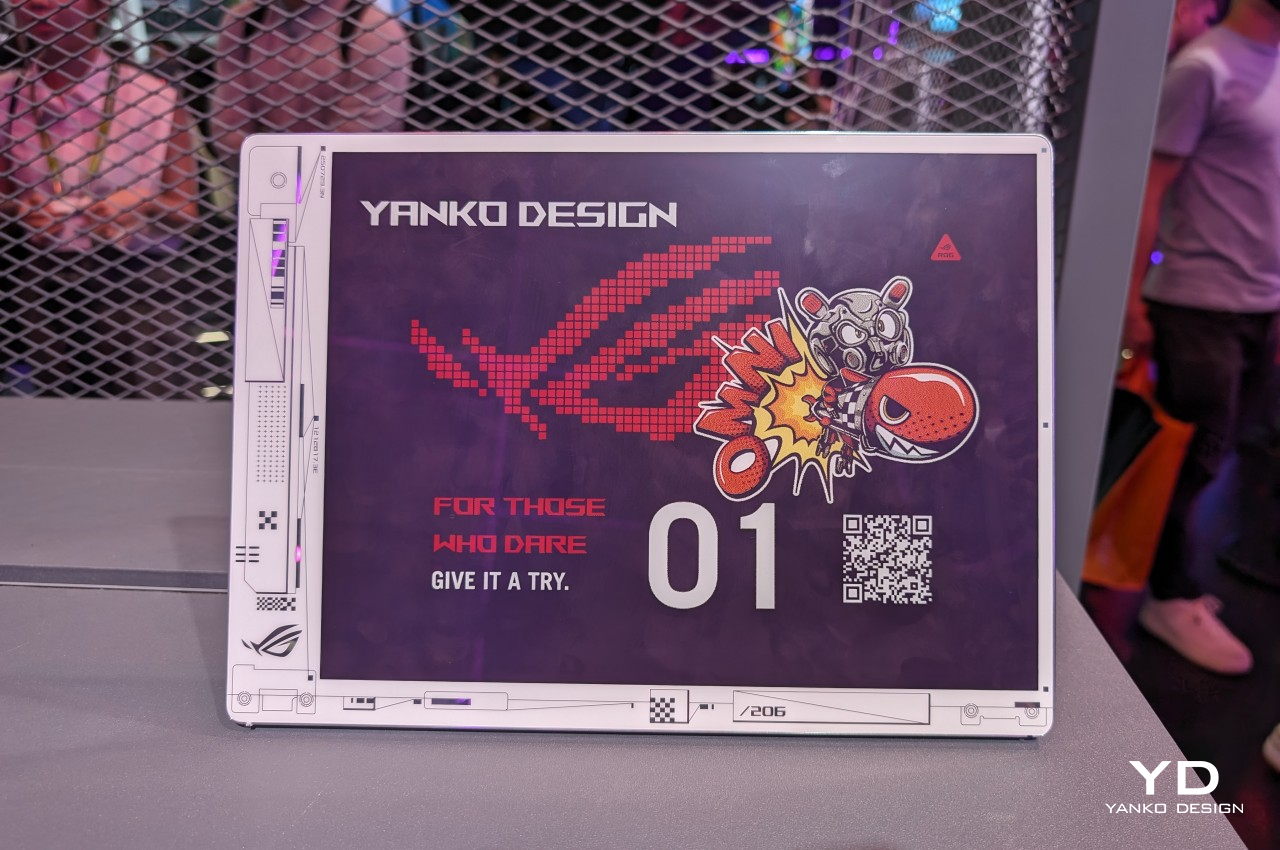
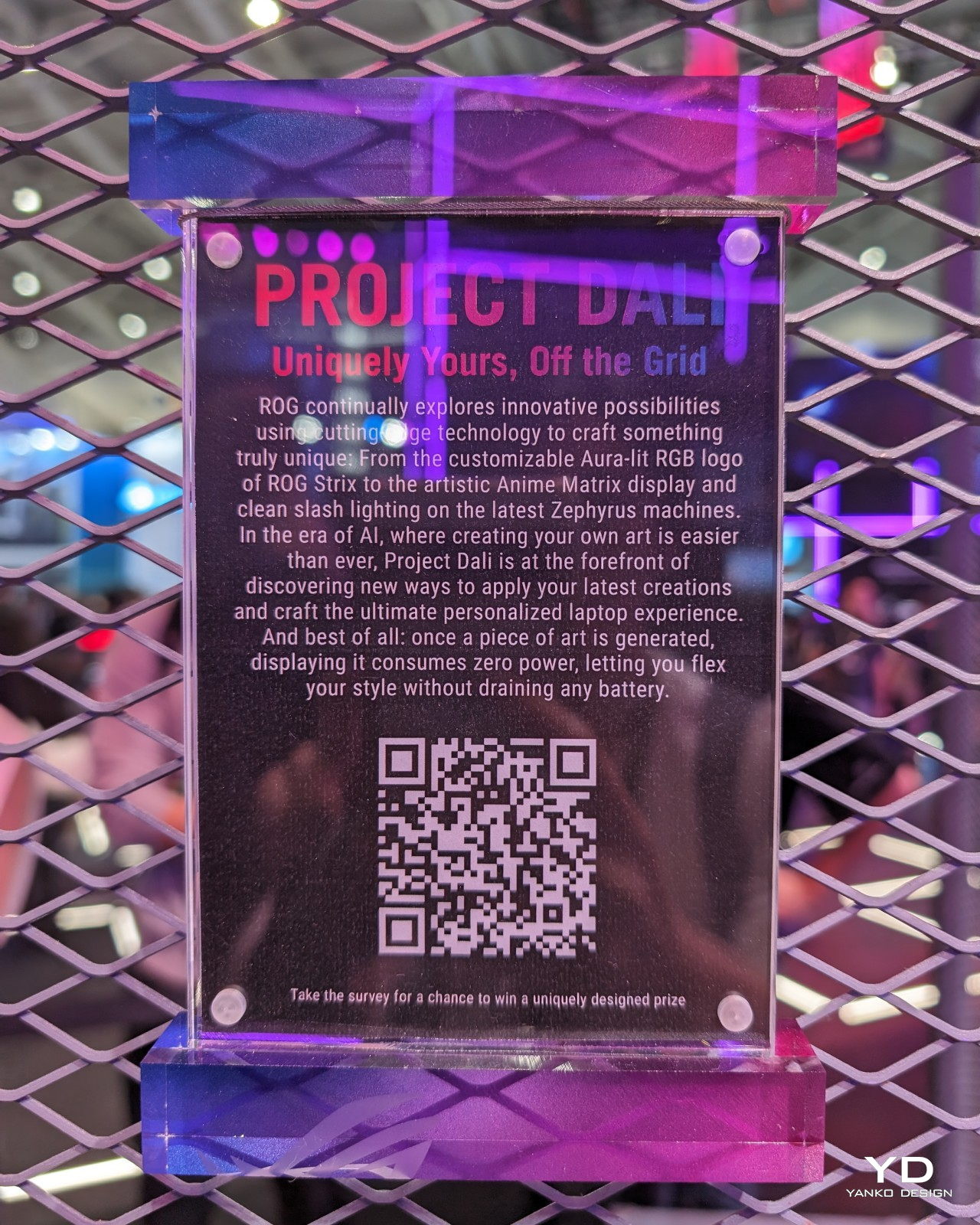
You could, in theory, put a second LCD screen on the back of your laptop for a dazzling display of images or even captivating videos, but that would put a drain on your laptop’s battery, especially if you need to keep that cover display visible even when the laptop is closed and shut down. As with any problem involving power-hungry LCDs and OLEDs, the solution is using ePaper Display or EPD, like E Ink’s popular panels for eBook Readers. And wouldn’t you know it, E Ink has the perfect technology for that, and ASUS is slapping it on its Project DALI laptop concept to make laptops more personal without having to stick anything to it.
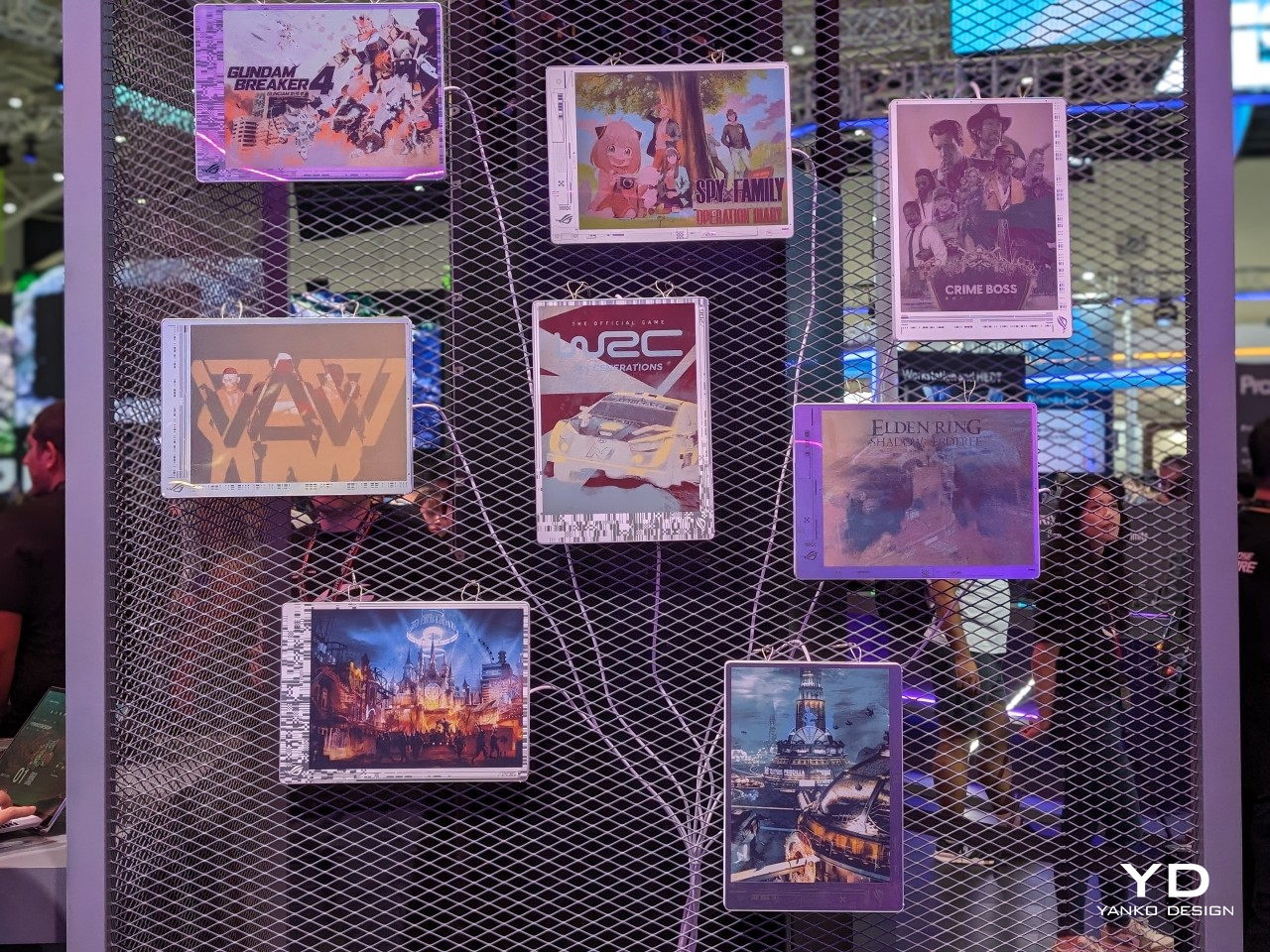
Although it’s primarily being used for signage installations, the E Ink Spectra 6 brings a touch of color to the eye-friendly and battery-conservative E Ink screen. It’s not going to match the vibrant colors of even the crudest LCD, but it has one very important advantage. Once you change the image displayed on it, it will no longer consume any power and can display that image for a long, long time. In other words, it’s perfect for a semi-permanent display that doesn’t change much, something like what the back of your laptop could have.
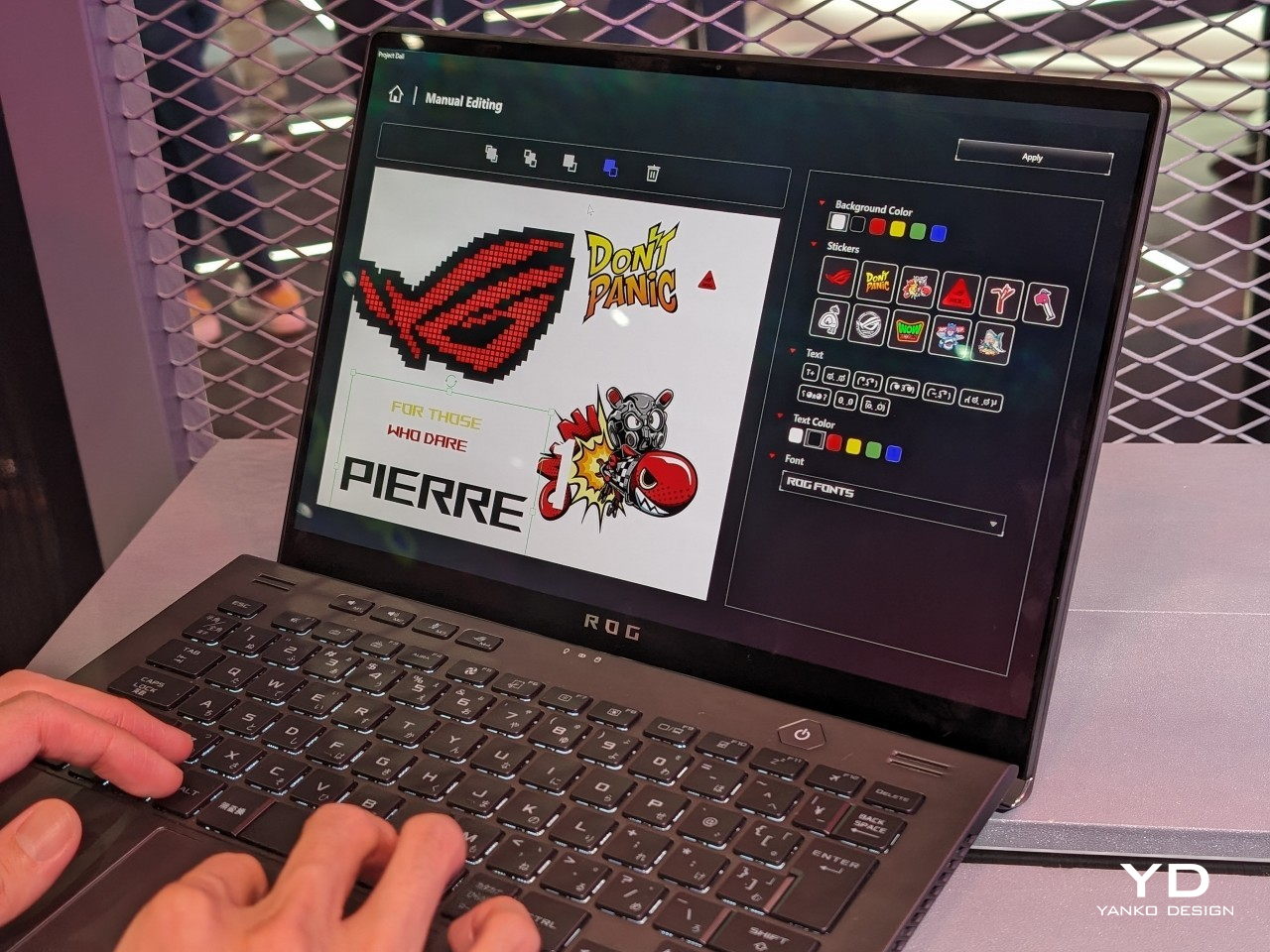
Project DALI puts this technology to offer an unprecedented level of personalization to laptop owners, something you can’t even imagine doing with stickers or skins. With ASUS’s special software, you can either select from a few preset designs or make your own, allowing you to express your tastes, interests, and personality the way you want it. Best of all, you can change it any time you want, and it will only cost you a bit of time and effort, not money from buying new stickers or energy from cleaning off those pesky adhesive residues.
ASUS Project DALI is hardly the first to put an E Ink display on the back of a laptop, as Lenovo also demonstrated a similar idea back in January at CES 2024. DALI, however, uses a newer Spectra 6 technology with higher color DPI, though the number of supported hues is, of course, still limited. Unfortunately, there is still no word on whether Project DALI will become an official ASUS product, but it’s bound to win plenty of fans once it does.
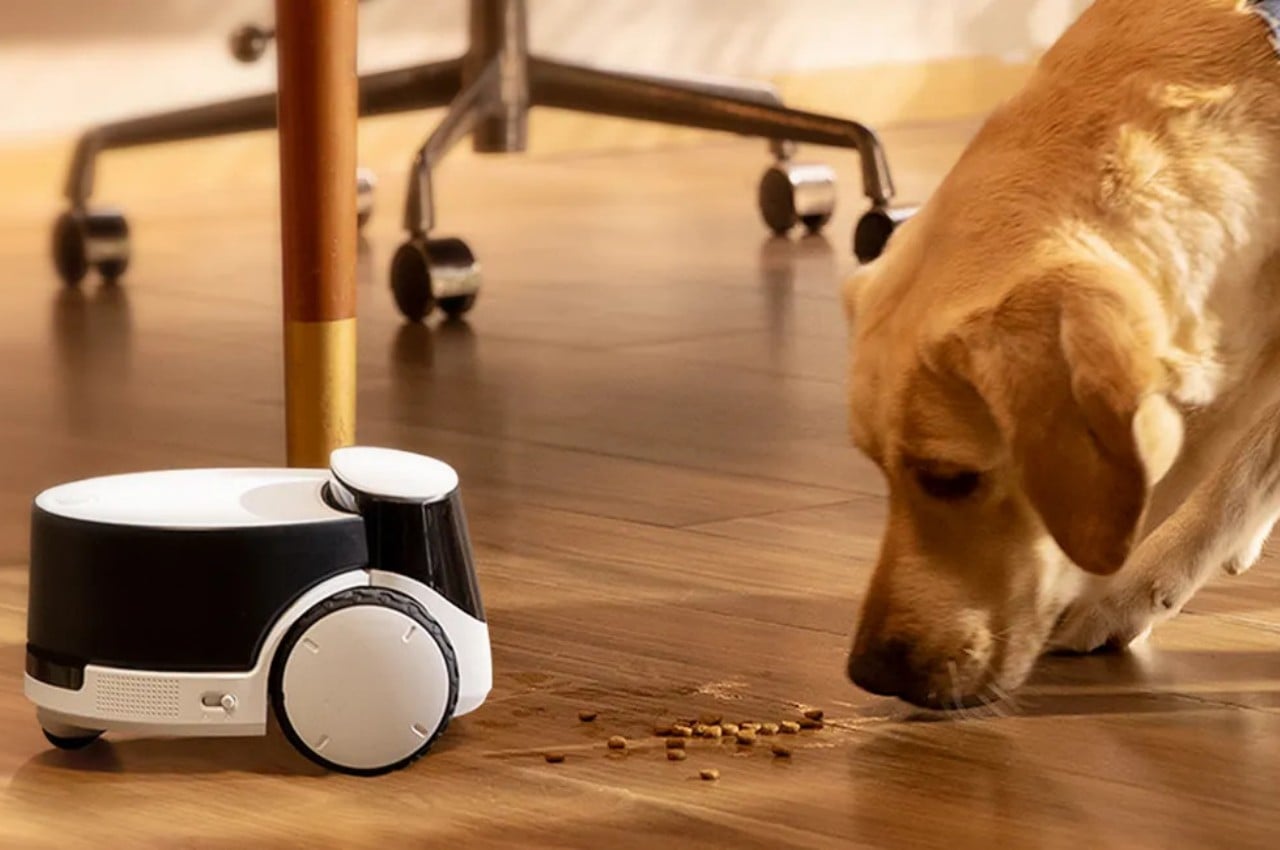
Robots are slowly but surely invading our homes, but most of them come in the form of cleaners or toys for our amusement. We might not be the only intelligent lifeforms in the house, however, and the small members of our family also deserve their due, especially when we have to leave them alone for the day. Smart home security cameras are fine if you just want to watch or talk to your pets while you’re away, but that still leaves your furry friends to their own devices. And you still have to figure out ways to get them fed on time and with the right amount without having to call in favors. Unlike others of its kind, this rolling robot is made specifically for your cats or dogs (or both) to keep them entertained, healthy, fed, and even comforted when you’re not at home.
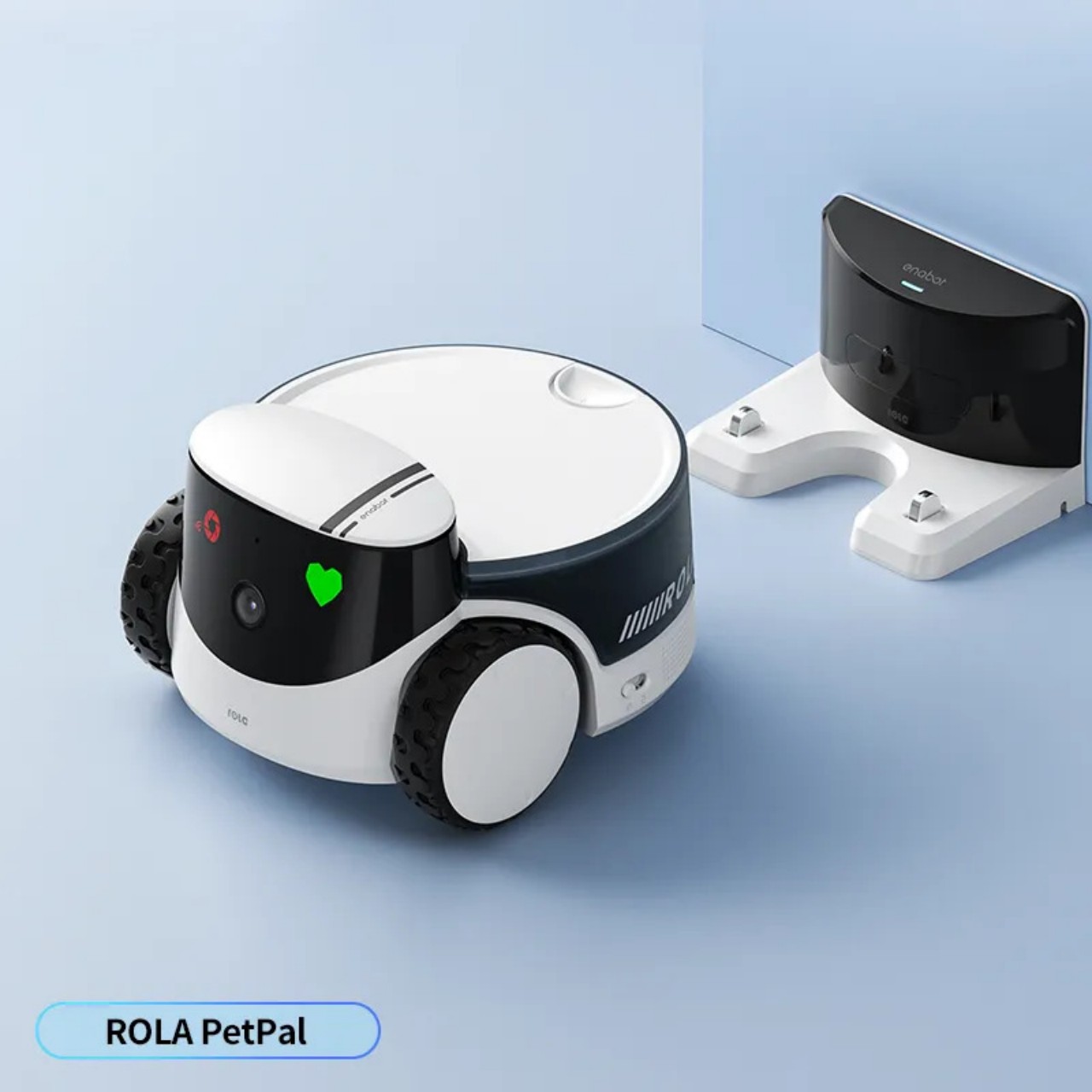
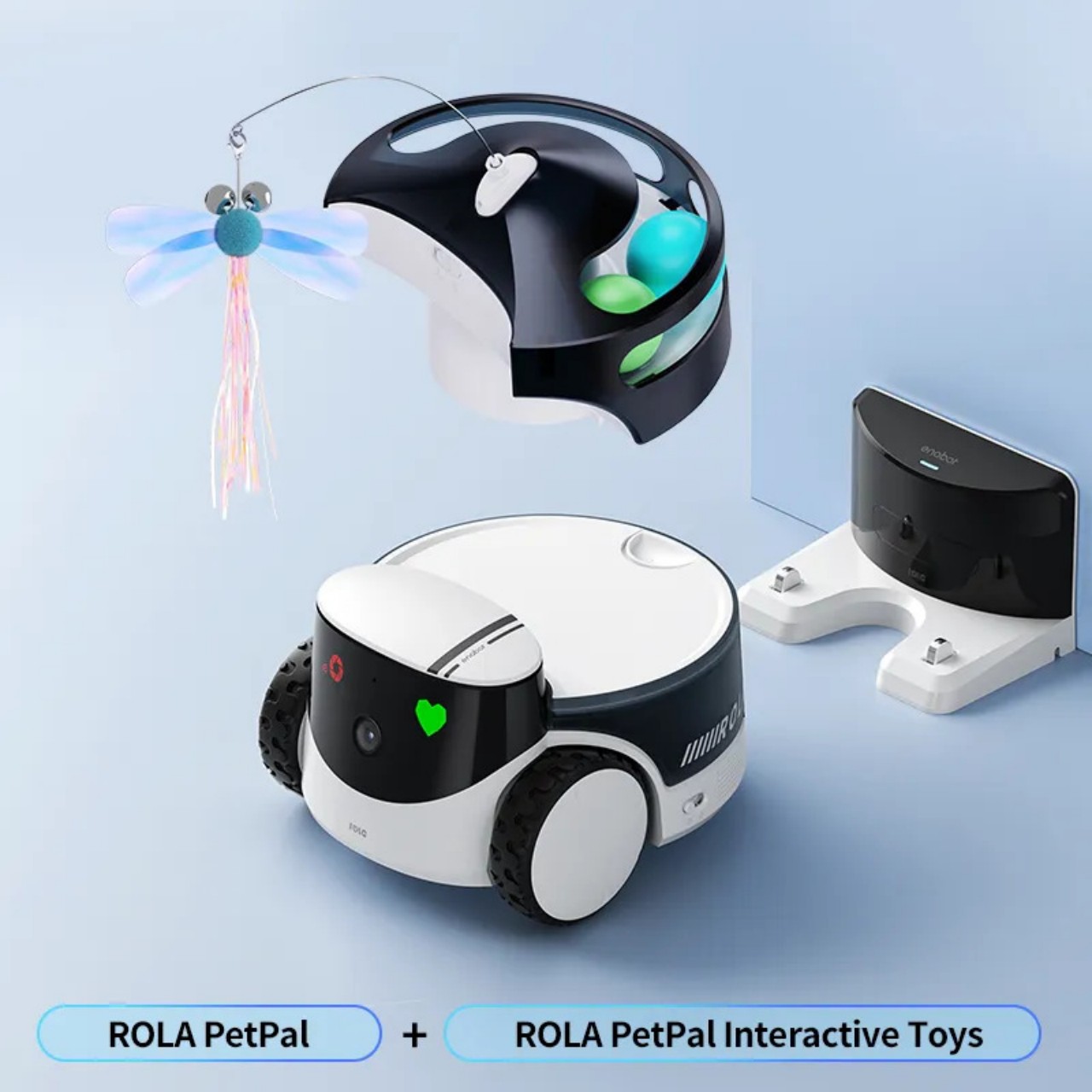
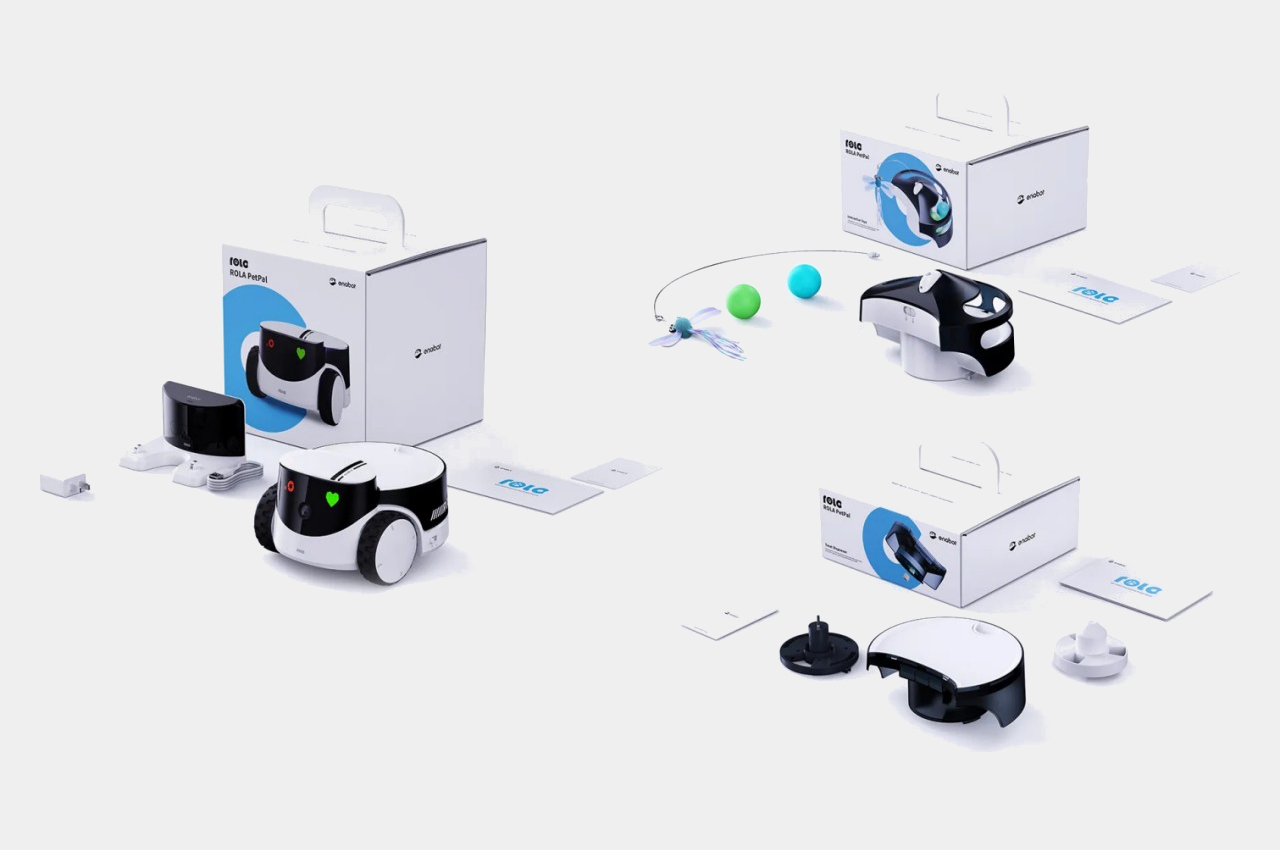
Parents warn their kids that raising pets isn’t an easy job, but even grownups have a difficult time considering their own busy schedules. It isn’t enough to just keep them well-fed either, as pets need to be interacted with, talked to, and entertained for both their physical as well as mental health. The Enabot ROLA PetPal robot tries to take a load off your shoulders, especially when you’re not around to give what your pets need, and you can change what it does simply by switching out the load it carries on its back.
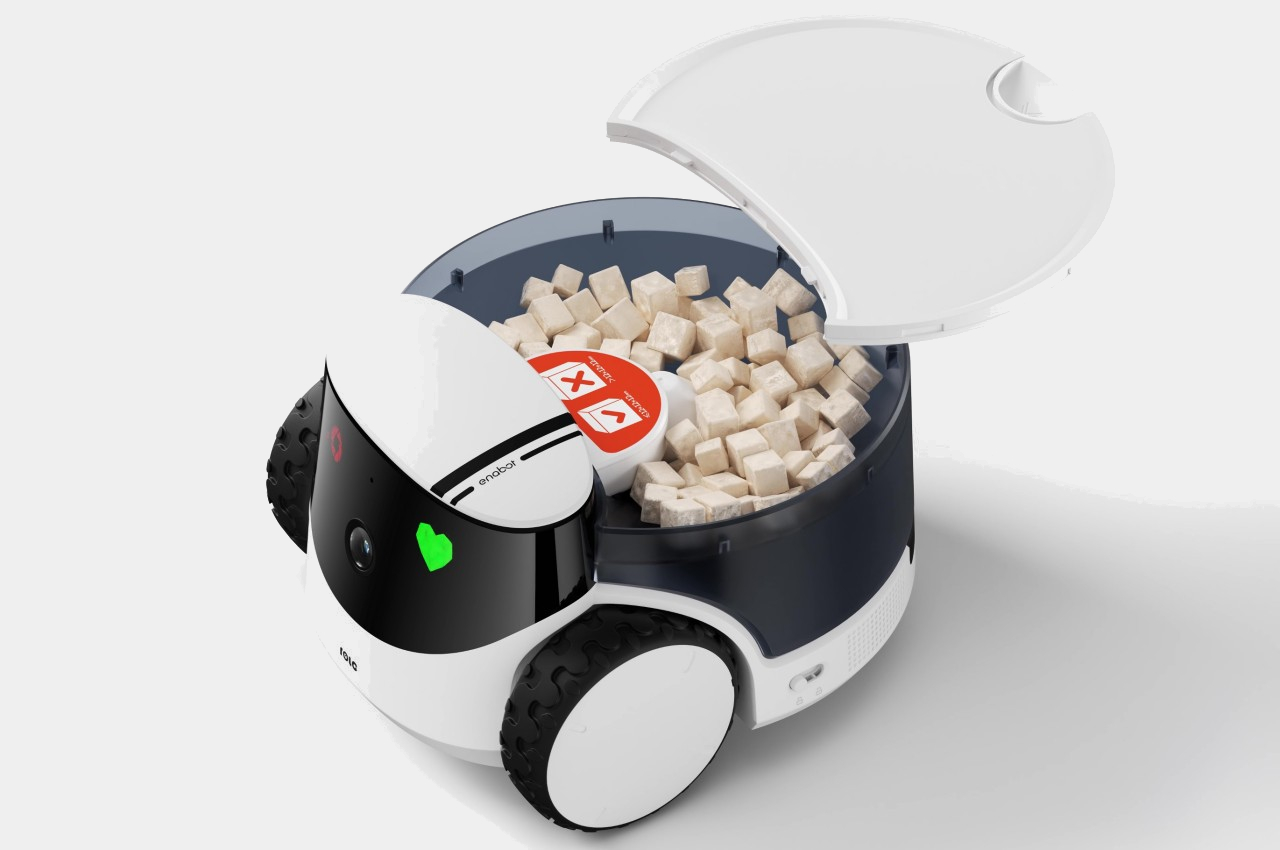
Unlike Enabot’s ball-like smart home robots for humans, the ROLA PetPal looks a bit more like the popular disc-shaped robot vacuum cleaners in the market, except it has two large wheels on its side and a discernible “face” on its front. The rolling robot alone can already be a source of curiosity for pets, but its real value comes from its modular design. It can switch from providing entertainment and even exercise to providing nourishment just by switching between the Interactive Toys module or the Treat Dispenser module.
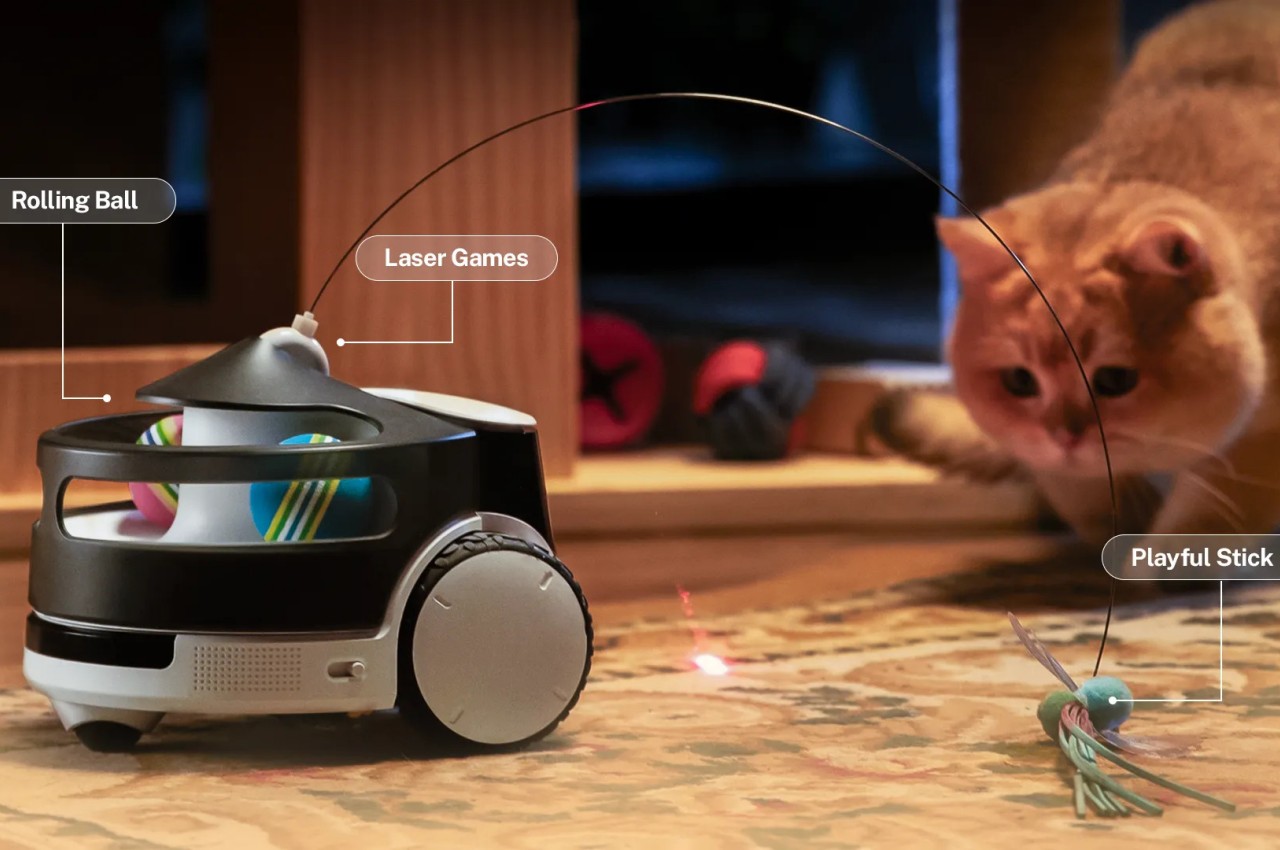
As the name suggests, Interactive Toys keep your furry friends preoccupied with a playful stick, laser games, or rolling balls. The more interesting module, however, is the Treat Dispenser which uses AI to identify your pet’s face and drop the small treats in its wake when it’s time for food. It can also capture all these moments while your pets play or eat and send you photos or video clips for posterity’s sake.
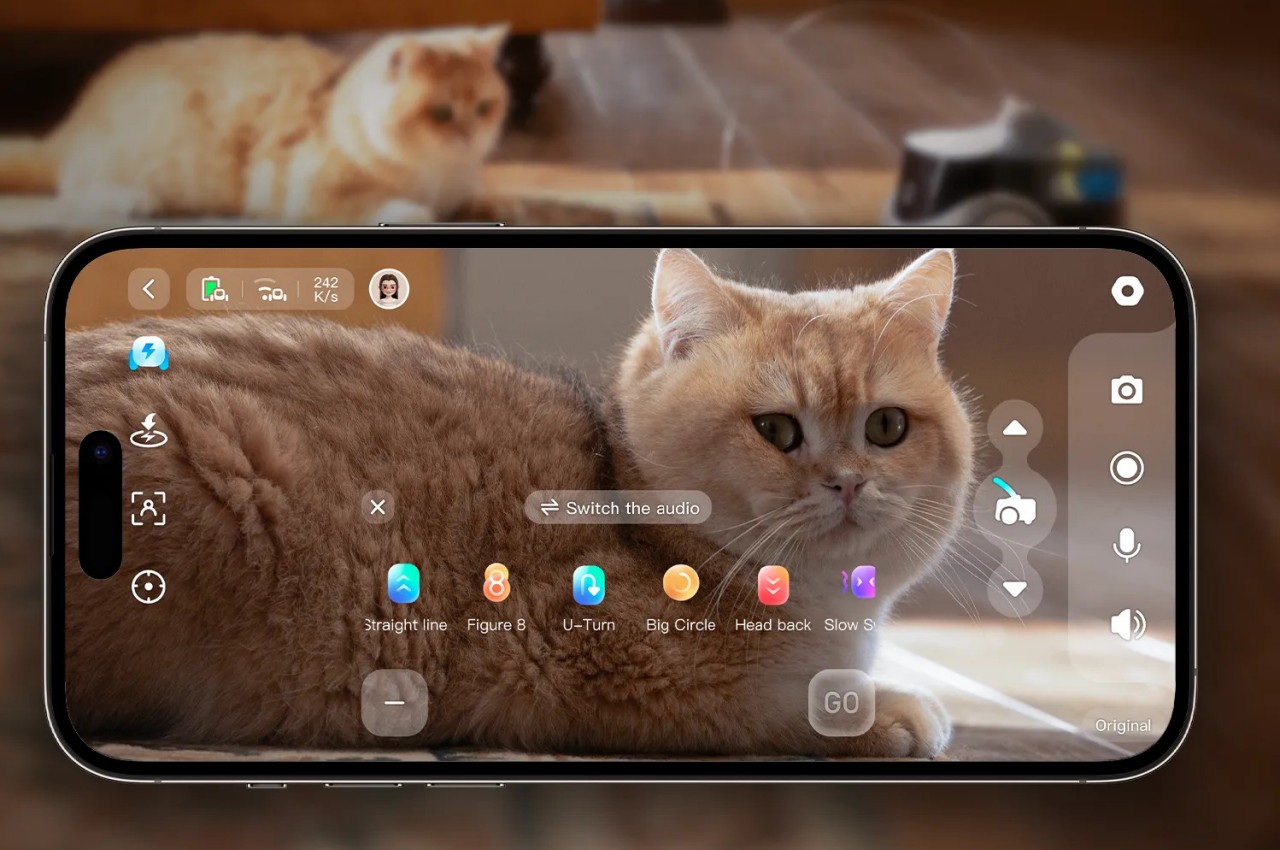
More than just standing in for you when you’re away, the Enabot ROLA PetPal also tries to deepen your relationship with your pets in absentia. Not only can you talk to your pets remotely, you can also train them to put their paw on a specific part of the robot to send a “Hello” message to your phone. And, of course, the robot’s 5MP 2.5K camera “eye” not only keeps an eye on your pet but also makes sure you’ll never miss a precious moment when you’re not around. It’s not easy being a furry parent, but the cute robot helps lighten up the load and care for your pets in a unique and advanced way.