This $99 USB-C Hub Also Runs GPT-5, Gemini, and Claude at the Same Time to AI Transcribe Your Meetings

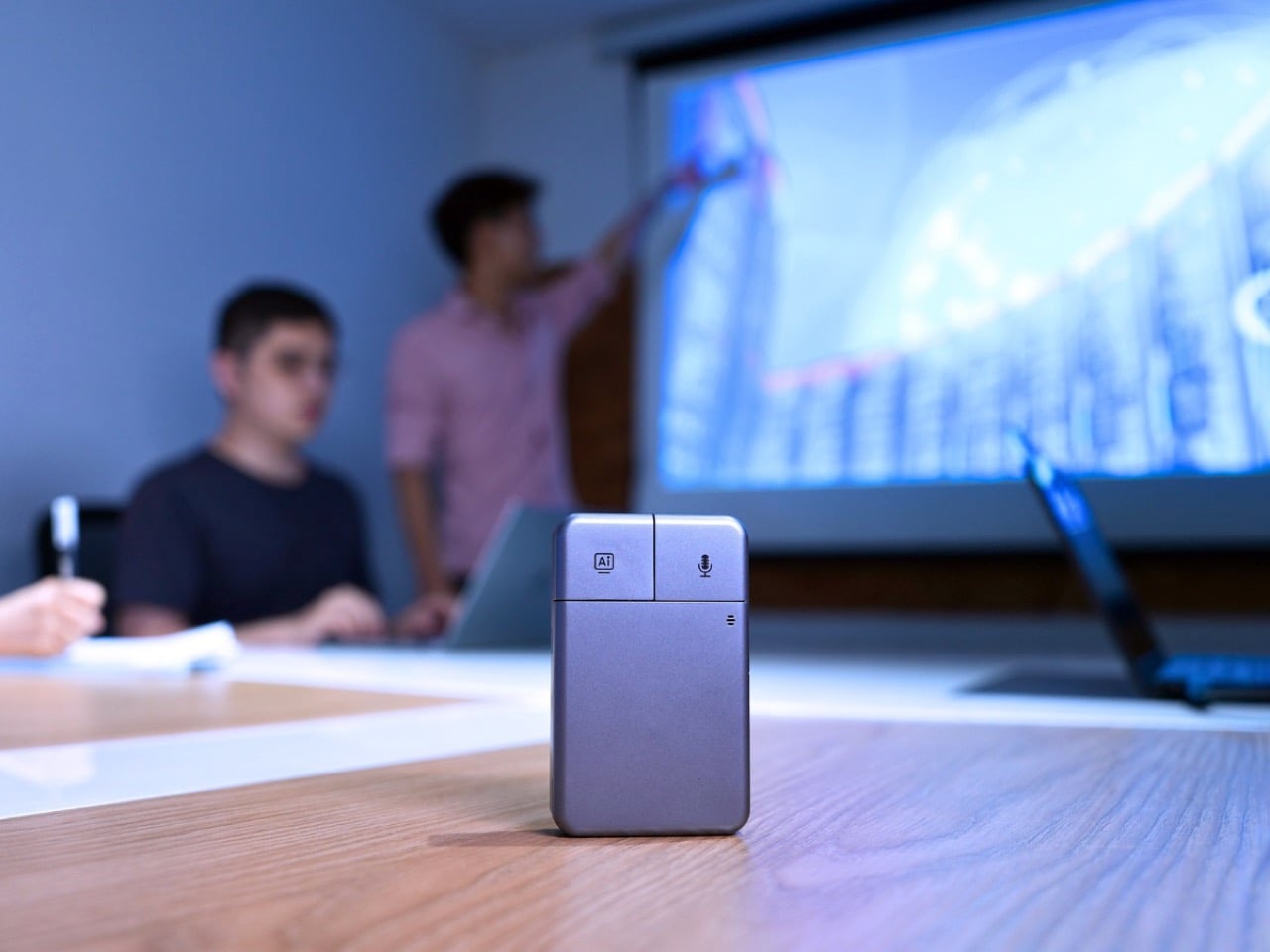
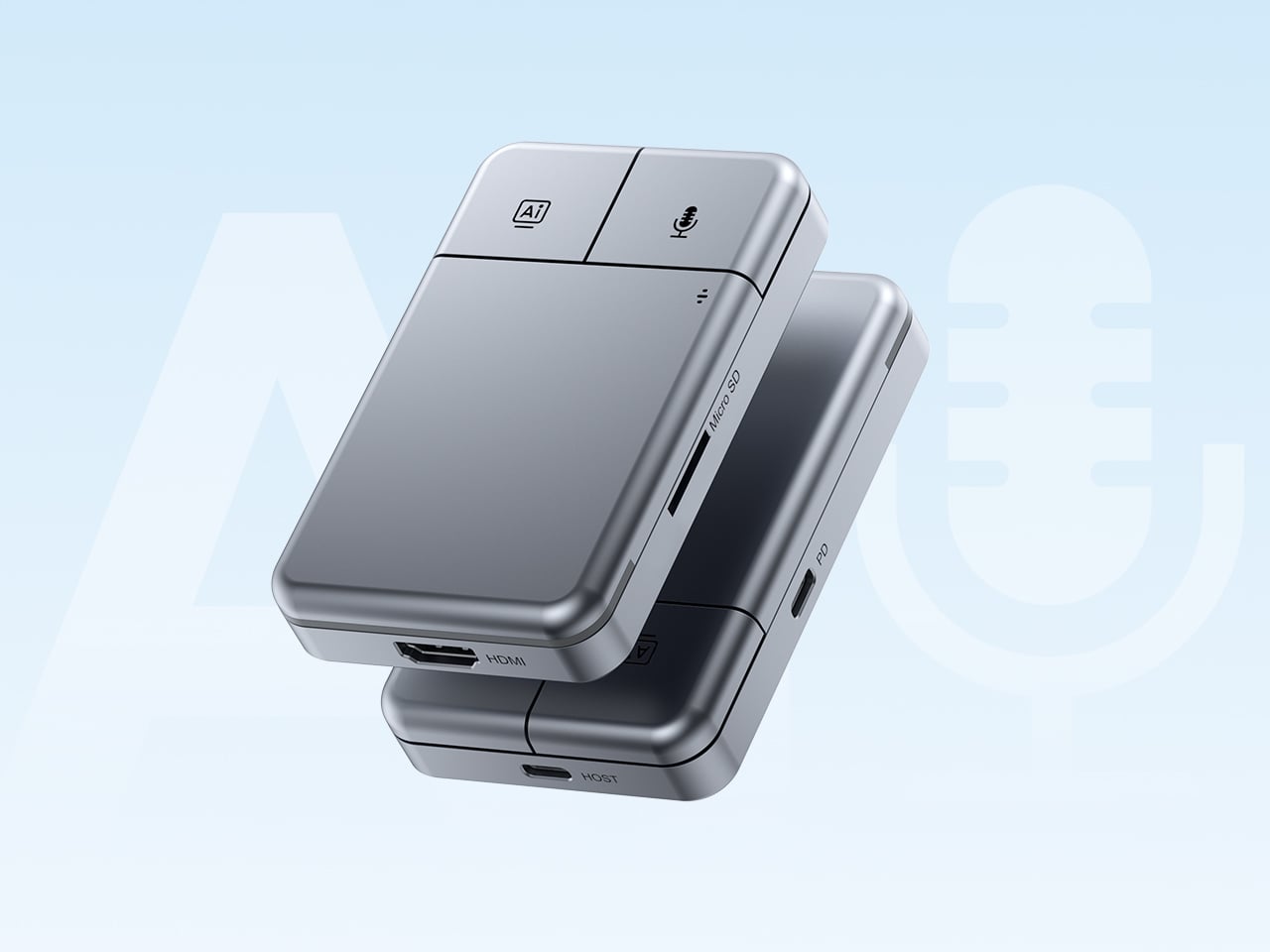
Put the DockOrb A1 on a conference table without context and someone will reach for it expecting a scroll wheel. The gray brushed-aluminum slab, the gently rounded corners, and two physical buttons in familiar left-right symmetry on the top face read entirely as peripheral hardware. What the device actually does is listen, think, and report. Powered by OpenAI GPT-5, Google Gemini 2.5 Pro, and Anthropic Claude Sonnet 4, DockOrb A1 is a professional AI meeting and desktop assistant. The label on the box says meeting assistant; the object in the hand says otherwise.

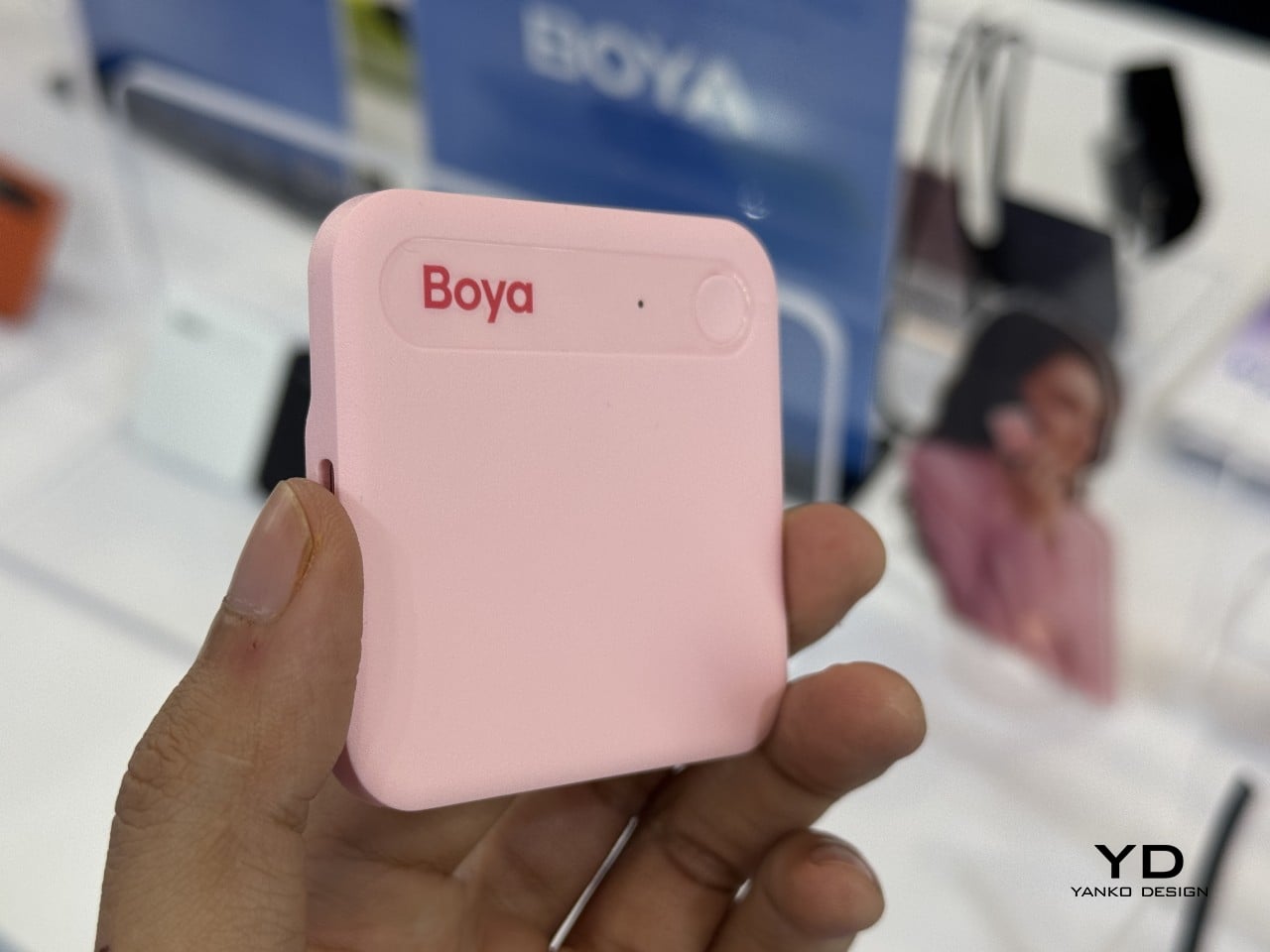
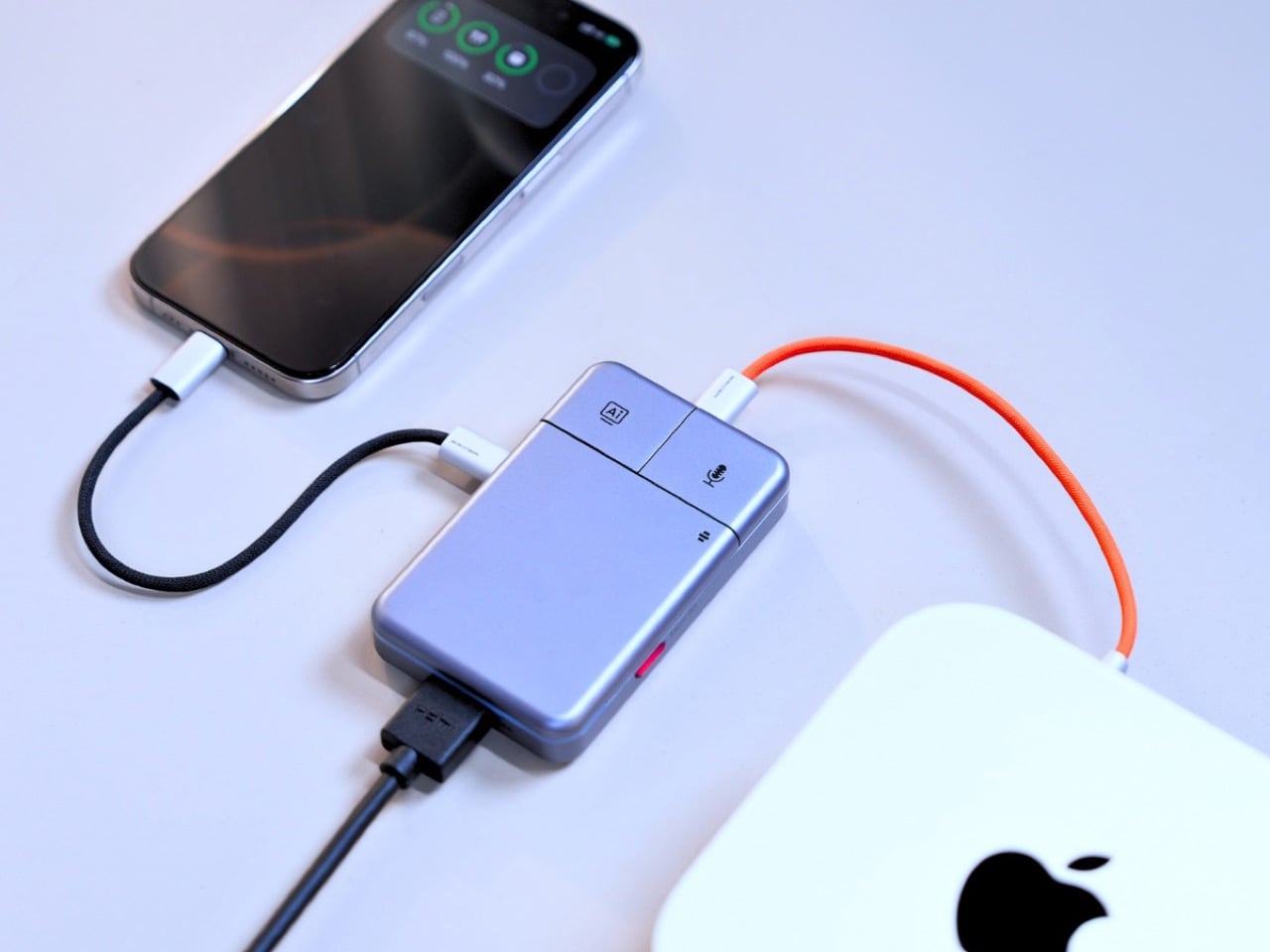
The category it operates in has been filling up quickly. Plaud built a card-thin wearable that magnetically clips to your phone. HiDock shaped a USB-C hub into a ChatGPT-powered meeting stenographer, and we covered that launch here at YD. DockOrb’s A1 lands somewhere between those two worlds, combining a fully functional multiport dock with a multi-model AI engine, 100W PD, and 4K@60Hz HDMI output. Unlike either of those predecessors, it handles display output and power delivery in the same housing, making the desk real estate argument for a single device considerably more loaded.

Designer: DockOrb

Click Here to Buy Now: $99 $149 ($50 off) Hurry! Hurry, only a few left!

The mouse silhouette is instantly familiar, and anyone who’s ever used a computer will be able to navigate the DockOrb intuitively. Two buttons arranged horizontally on a flat top surface is the correct solution for a device that needs to be operated with a single press in a meeting context, no fumbling, no menus, no distraction. With a dedicated AI button and real-time processing, DockOrb A1 analyzes ongoing discussions and provides actionable suggestions and insights, helping teams improve collaboration and make decisions more efficiently without interrupting the meeting flow. LED status is handled by a single indicator, white for idle and blue for active capture, readable from across a conference table without breaking eye contact with whoever is speaking. The problem is that all of this correct ergonomic logic is housed inside a form that the product world has spent two decades teaching people to recognize as a pointing device.

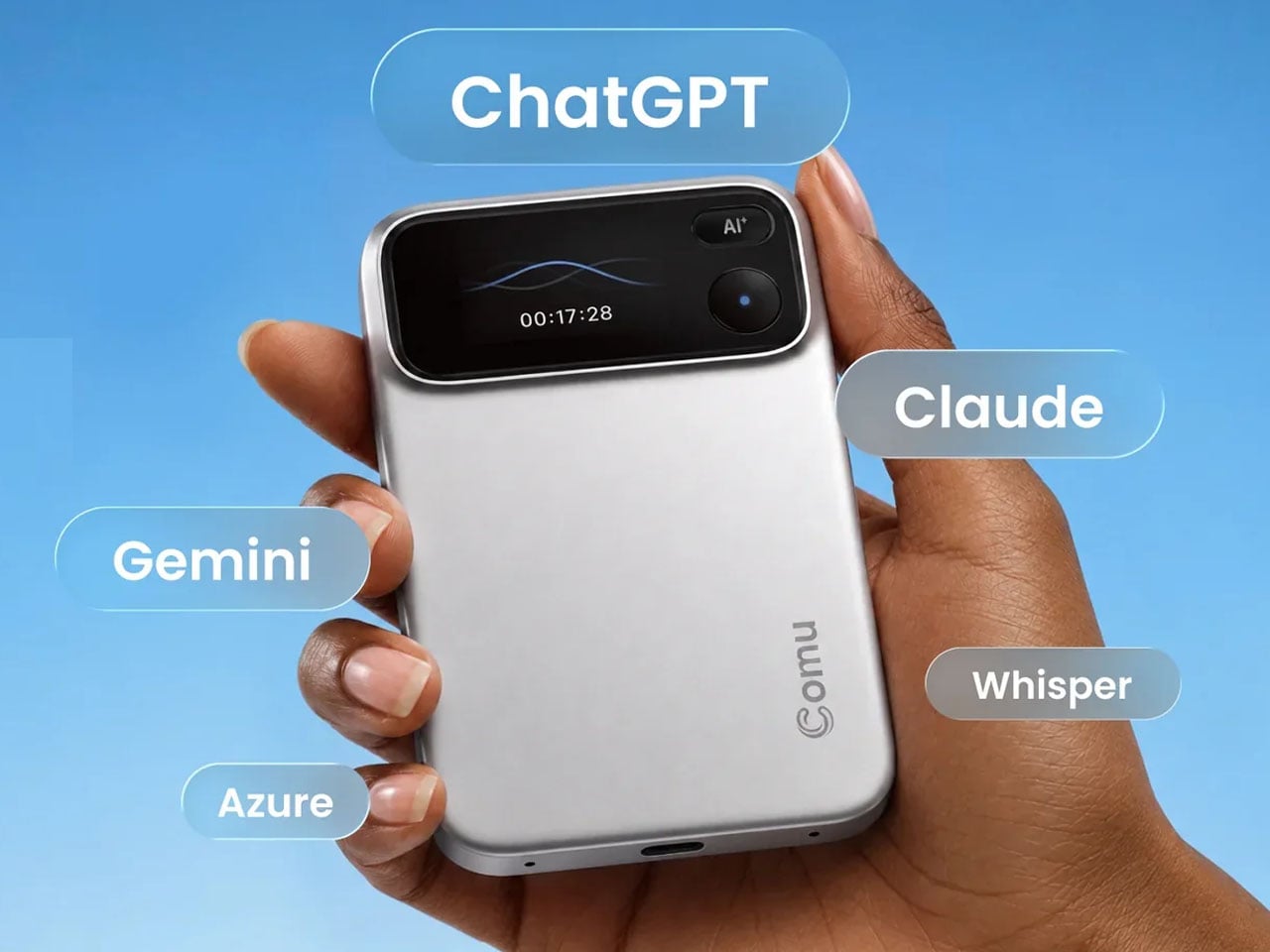
Rather than anchoring to a single AI model, the A1 integrates with Esteno, an advanced AI fusion-processing software platform. Esteno integrates multiple advanced AI models, including OpenAI GPT-5, Google Gemini 2.5 Pro, and Anthropic Claude Sonnet 4. Each model is optimized for tasks such as speech-to-text, summarization, contextual reasoning, and insight generation. By intelligently routing tasks to the most suitable model, the system delivers efficient, flexible, and high-quality meeting intelligence across different use cases. That architectural approach is genuinely unusual in this category, where most competitors commit to a single backbone and build their entire brand identity around it.

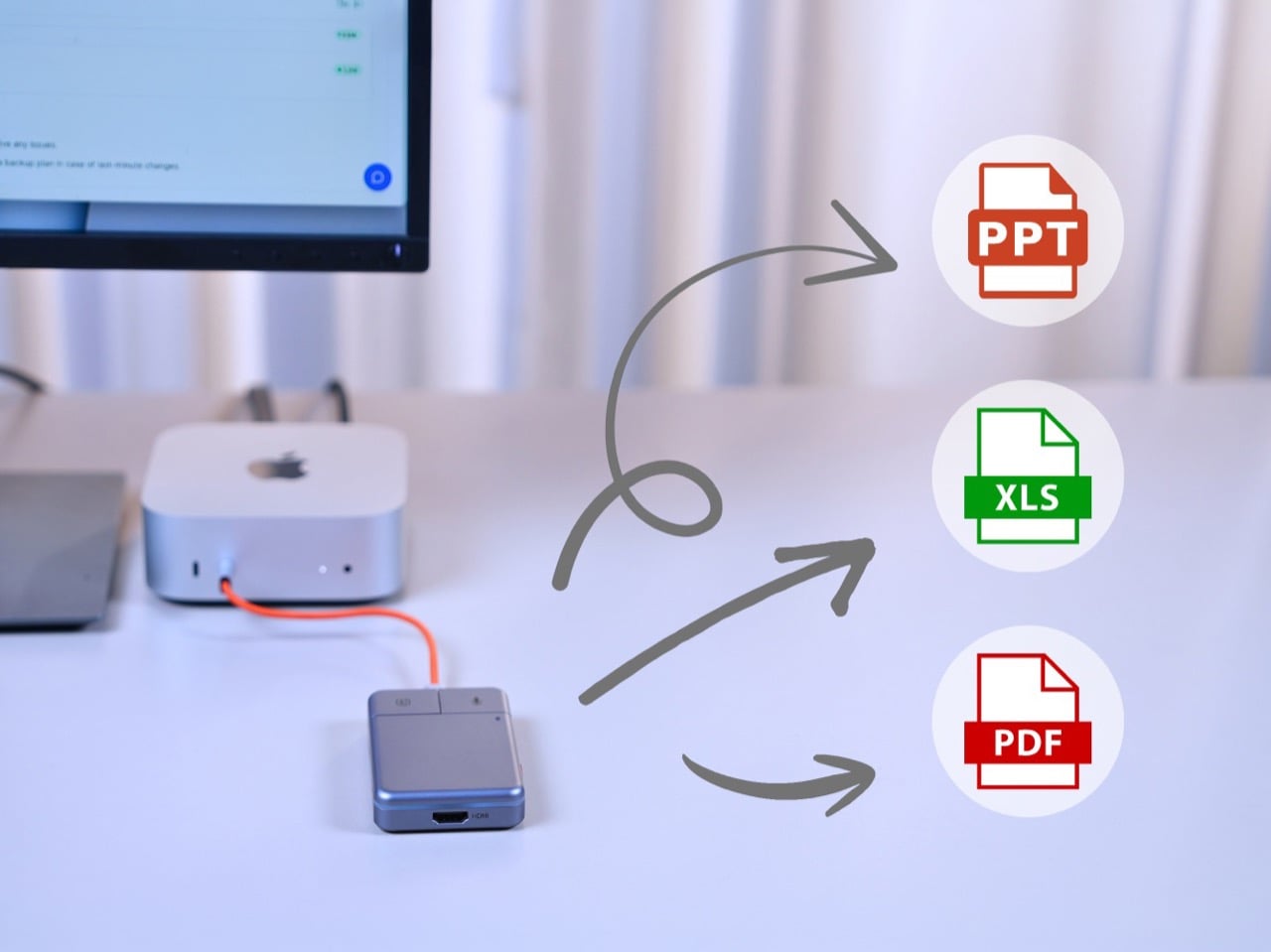
Plaud’s card-thin approach to meeting intelligence, at 2.9mm thick and MagSafe-compatible, is built on the premise that the recorder travels everywhere with you, riding on the back of your phone. The A1 has no such intention, operating through USB power without a built-in battery, with a compact design, dedicated recording button, and AI activation key for stable and simple meeting operation. In exchange for that fixed-desk commitment, it handles 4K video output at 60Hz over HDMI and 100W power delivery over USB-C, turning the dock into the single device your entire workstation routes through. After transcription and analysis, DockOrb A1 automatically generates structured meeting reports highlighting key decisions, action items, and follow-up tasks, which can be exported directly in PDF, Excel, or PowerPoint formats. Getting a properly formatted, structured report out of a recorded conversation without manual reformatting is a genuine subtraction from the post-meeting to-do list, and it’s the kind of output that separates a real workflow tool from a novelty recorder.

Following ISO and SOC data protection standards, DockOrb A1 secures recorded audio and AI-generated content through encrypted storage and processing, allowing users to export, archive, or delete files at any time while ensuring full control over their data. That’s pointed positioning in a market where corporate IT departments are increasingly skeptical about meeting audio being routed through third-party AI servers without accountability. Recordings, transcripts, summaries, and reports from multiple meetings can be stored and organized within a centralized memory archive, with AI-powered indexing and searchable meeting names, content, or dates, so teams can quickly retrieve past discussions, track long-term decisions, and build a continuously growing knowledge base. Built on a platform-independent architecture, DockOrb A1 processes audio from Zoom, Teams, Google Meet, mobile devices, and more, delivering consistent transcription, analysis, and structured outputs. Retrieving a specific discussion from three months prior becomes a search query rather than a manual scroll through unlabeled audio files.

The Kickstarter campaign prices the A1 at $89 for the Super Early Bird tier against an MSRP of $149. Shipping is targeted for August 2026, with production beginning the month prior. Plaud’s Note Pro retails at $169 on the market and handles no dock hardware whatsoever, making the A1’s value calculation sharper for anyone already planning to put a USB-C hub on their desk. The Esteno software platform tiers at $8 per month for Basic, covering 600 minutes of monthly transcription, and $15 per month for Pro, which adds 2,400 minutes, unlimited AI features, and priority processing. That’s a fully loaded meeting intelligence setup, dock and display output included, for a first-year cost that lands well under what most enterprise-grade transcription tools charge for software alone.

Click Here to Buy Now: $99 $149 ($50 off) Hurry! Hurry, only a few left!

The post This $99 USB-C Hub Also Runs GPT-5, Gemini, and Claude at the Same Time to AI Transcribe Your Meetings first appeared on Yanko Design.
AI-powered modular mouse has some nifty tricks to level up your presentations

The nature and location of work today have changed considerably, especially after the introduction of work-from-home arrangements, but there is one thing that still remains the same. People still hold in-person meetings, which often involve making presentations, be it in front of colleagues or before clients. Despite how common this activity is, the tools used especially by presenters haven’t evolved that much except for teleconferencing equipment. Many of the devices needed for an effective presentation often come as separate products, so this concept tries to integrate not just two but four tools into a single design that, at first glance, looks like a normal mouse.

Designers: TianRun Chen, ZiLong Peng, Yanran Zhao, YueHao Liu

Many computer users use a mouse, even if they actually prefer using laptops. It’s almost an indispensable tool for on-the-go knowledge workers, including those who often find themselves speaking in front of other people in a room. Unfortunately, these people would also find themselves grabbing a presenter and a laser pointer during those presentations, making their work lives needlessly complex. There are some thin, portable mice that try to integrate a laser pointer, but these are still rare, not to mention not ergonomic in their designs.

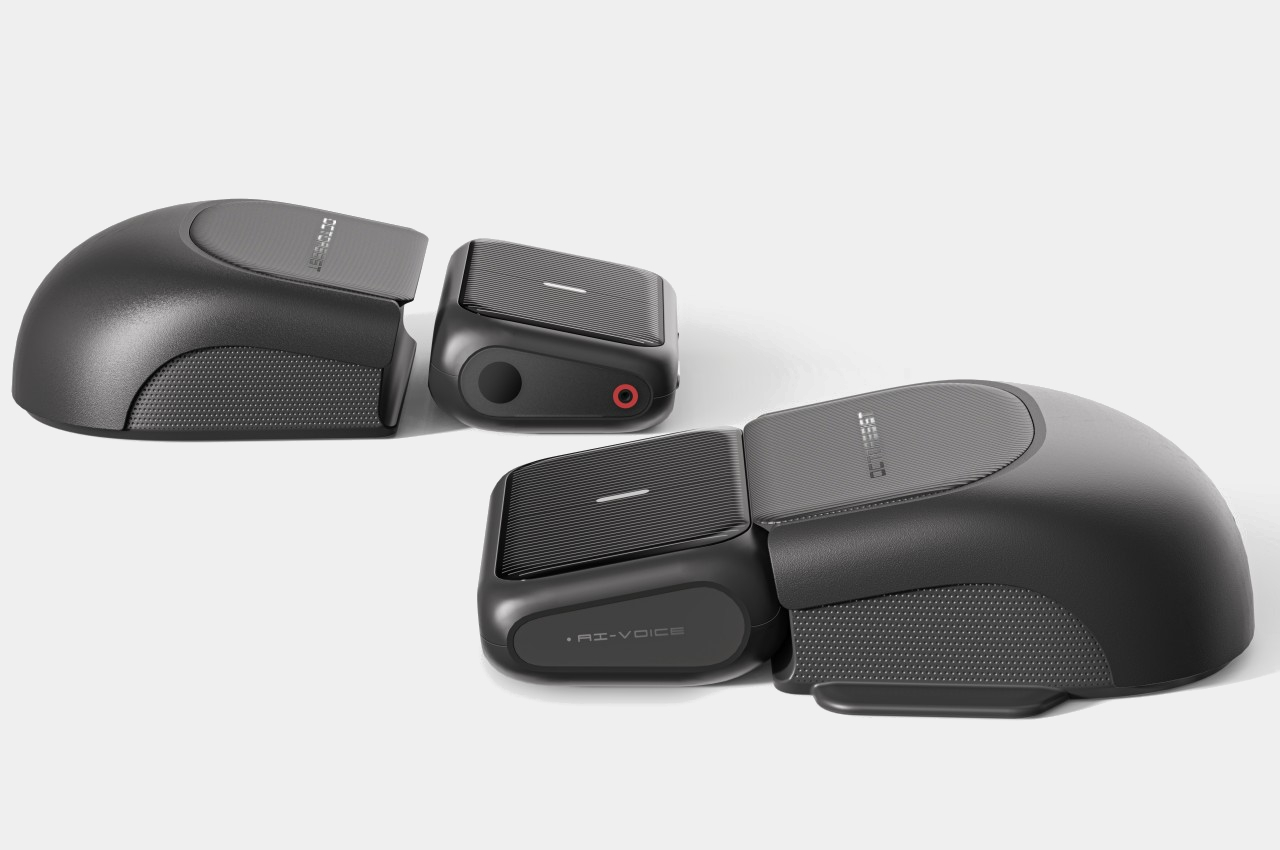
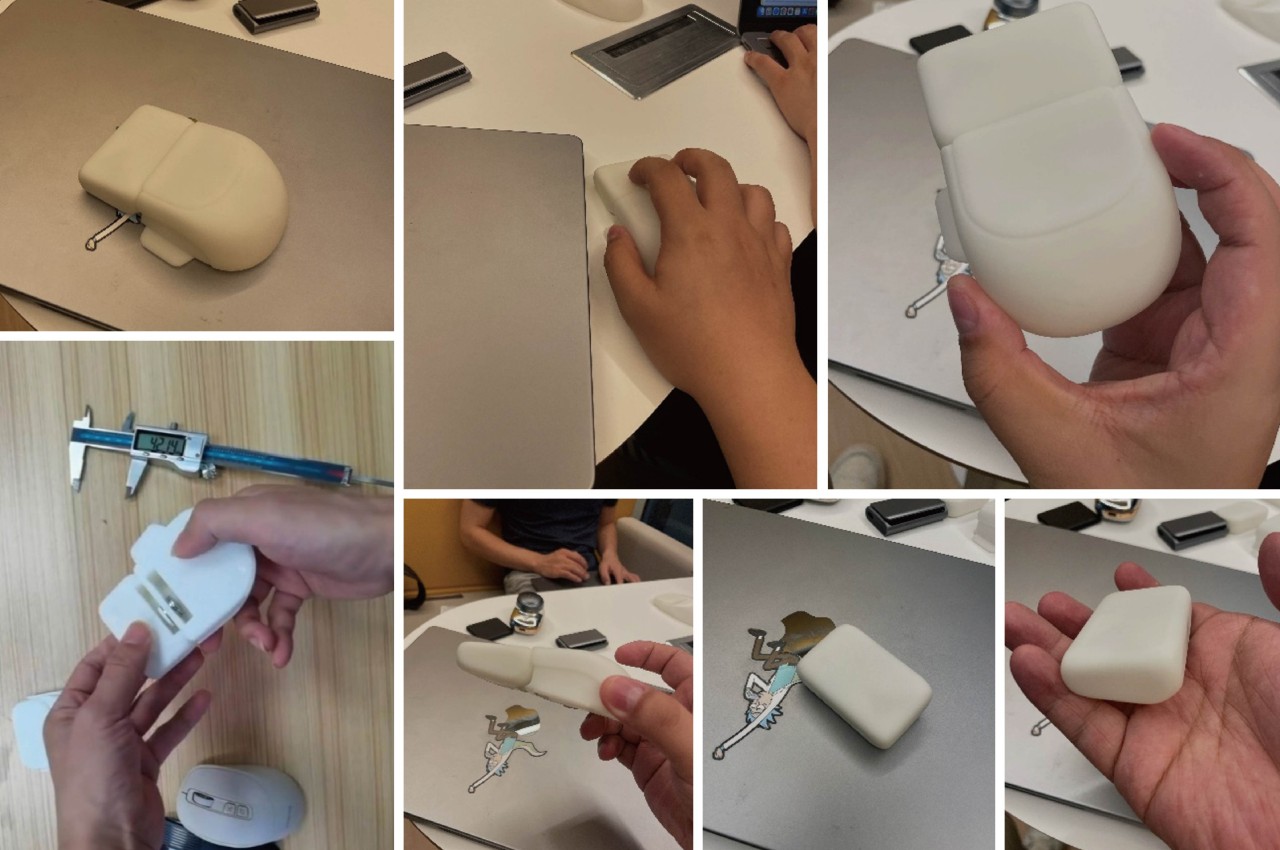
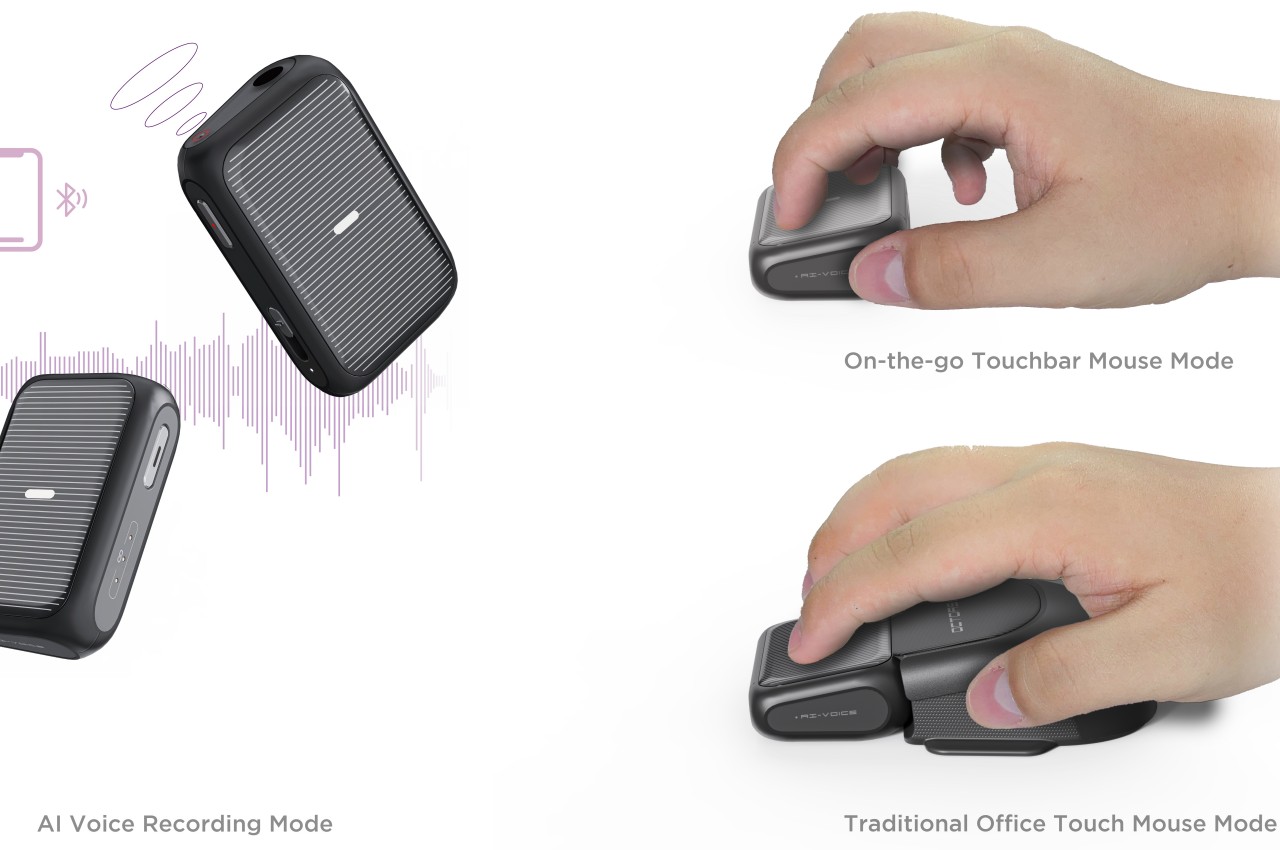
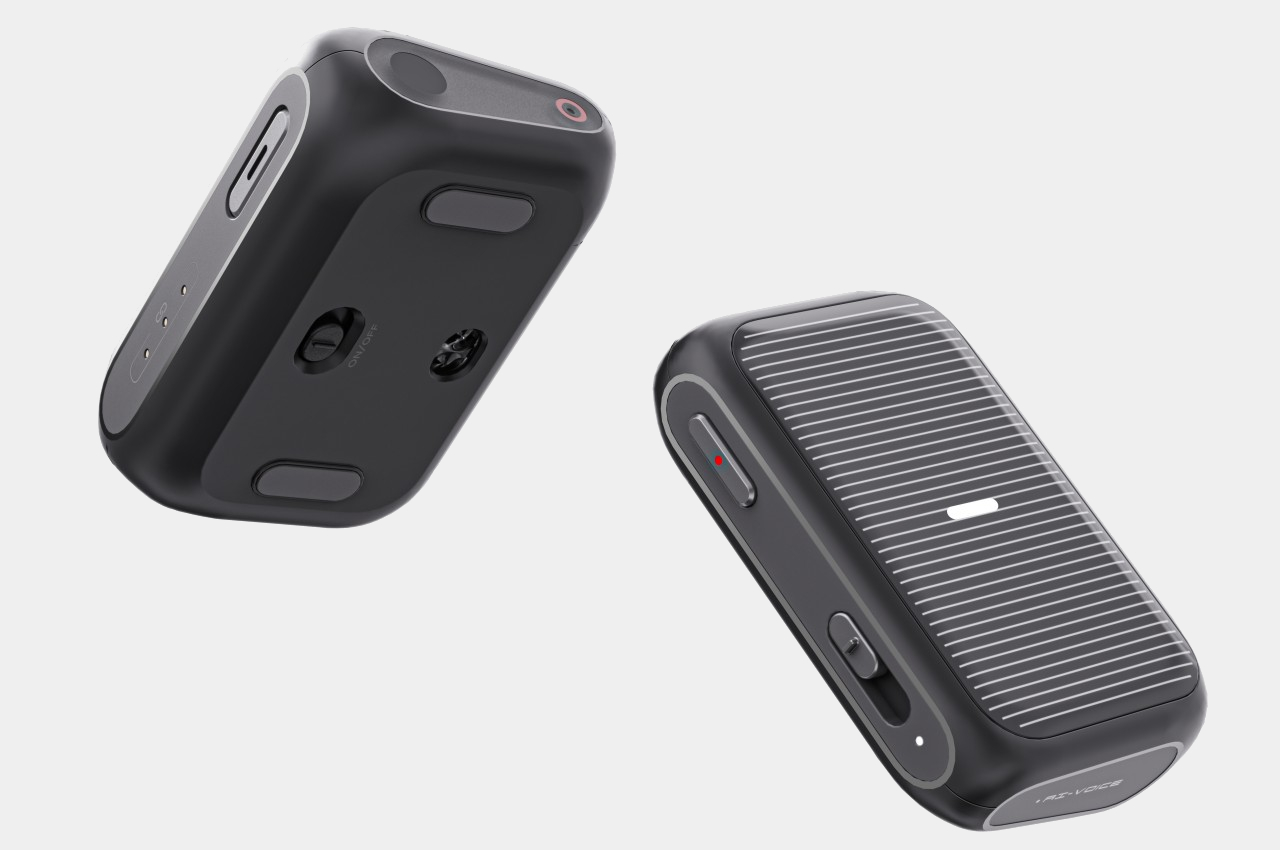
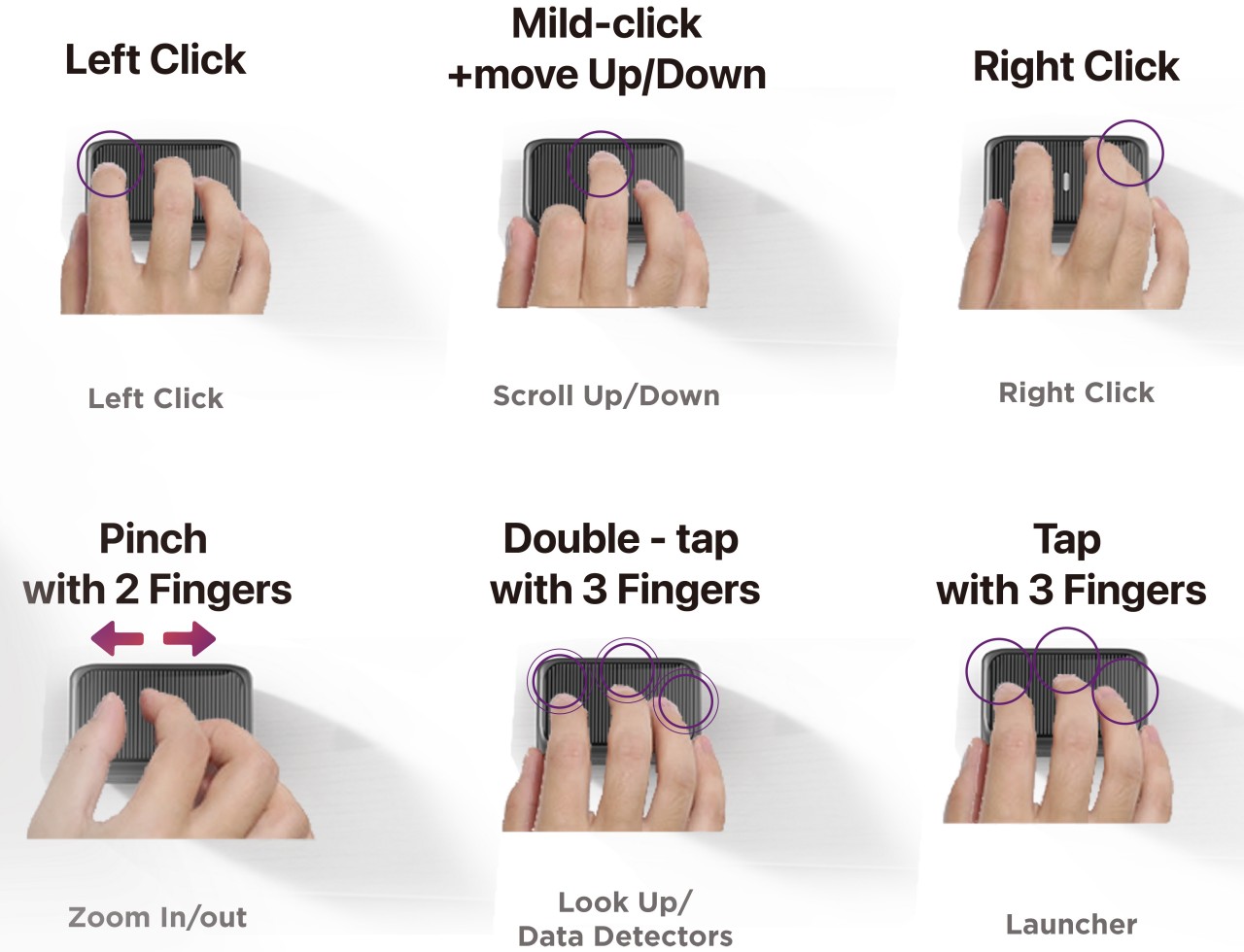
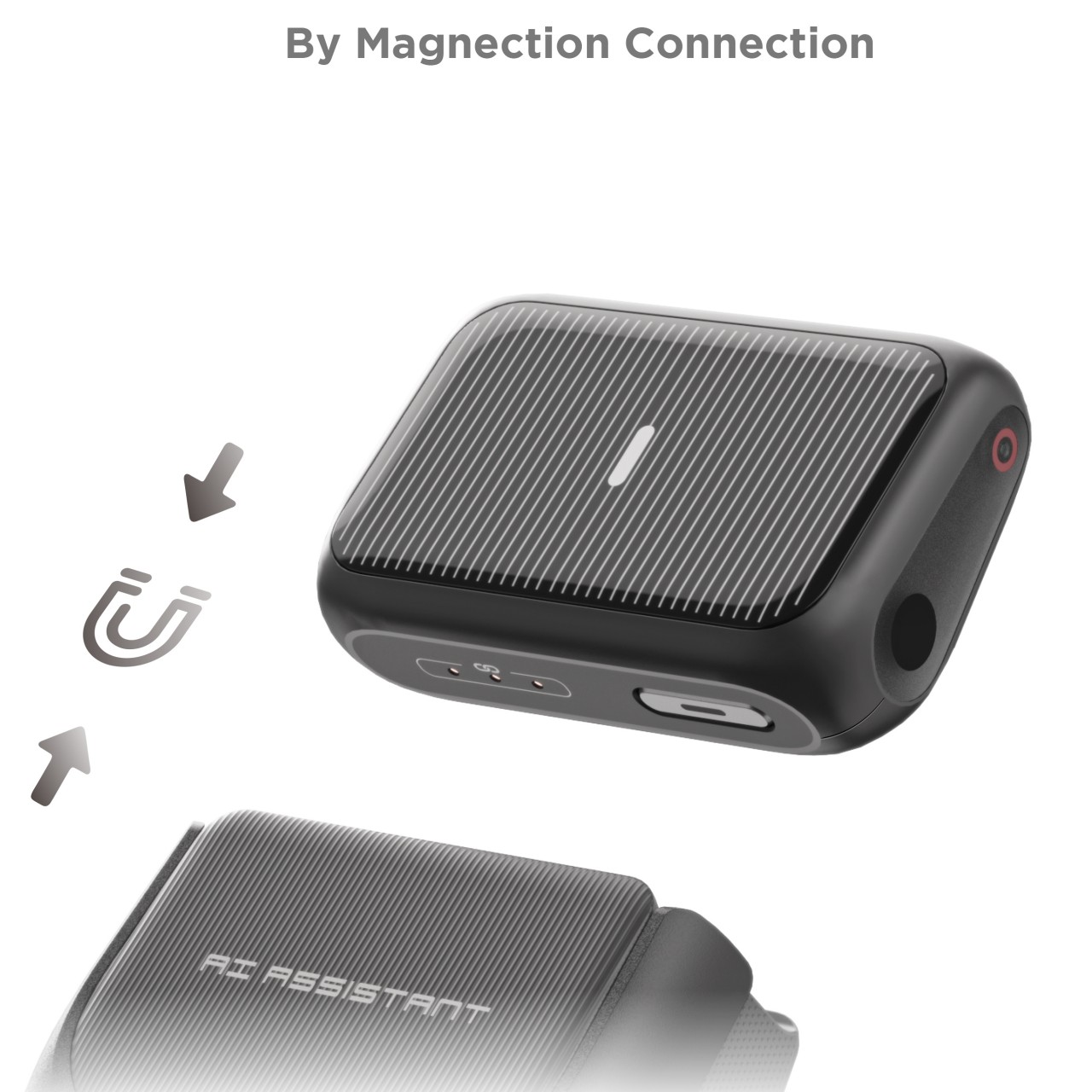
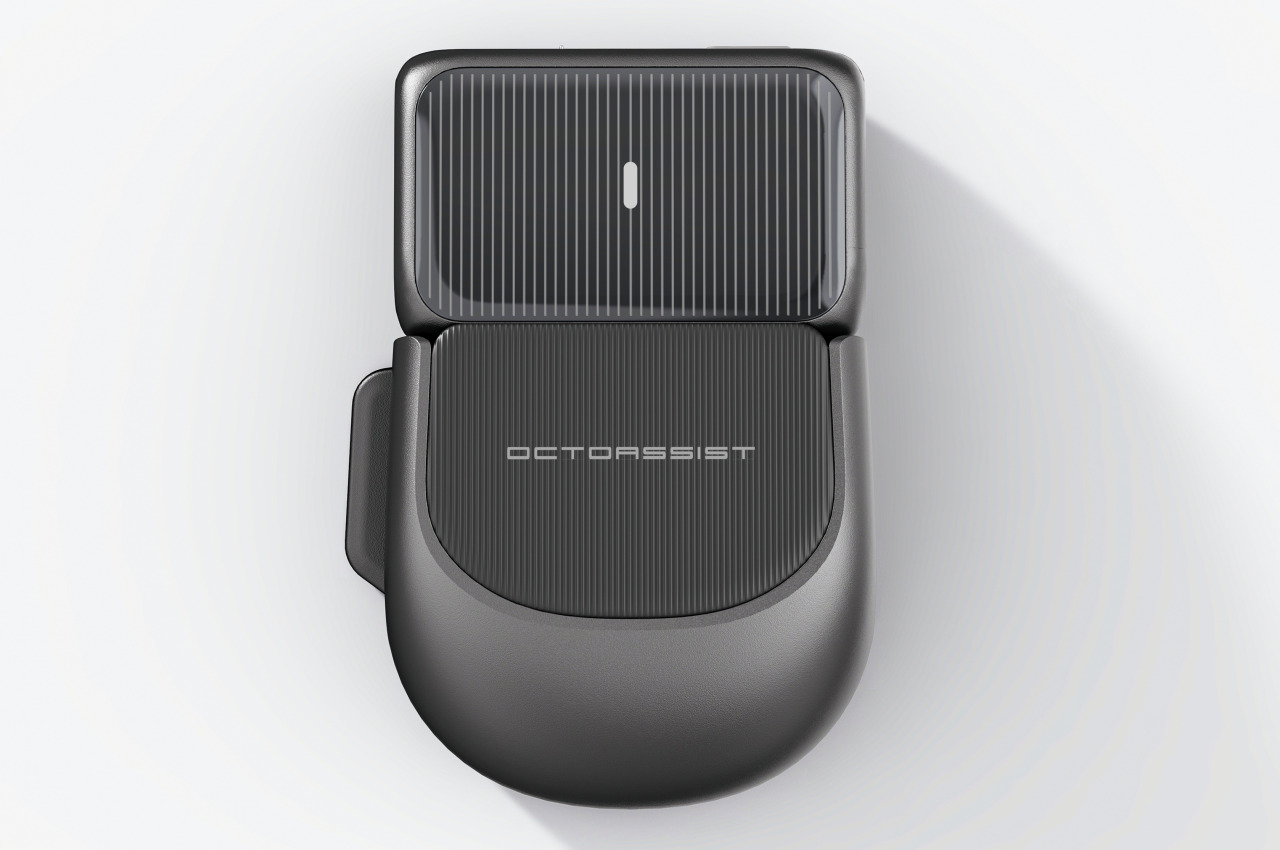
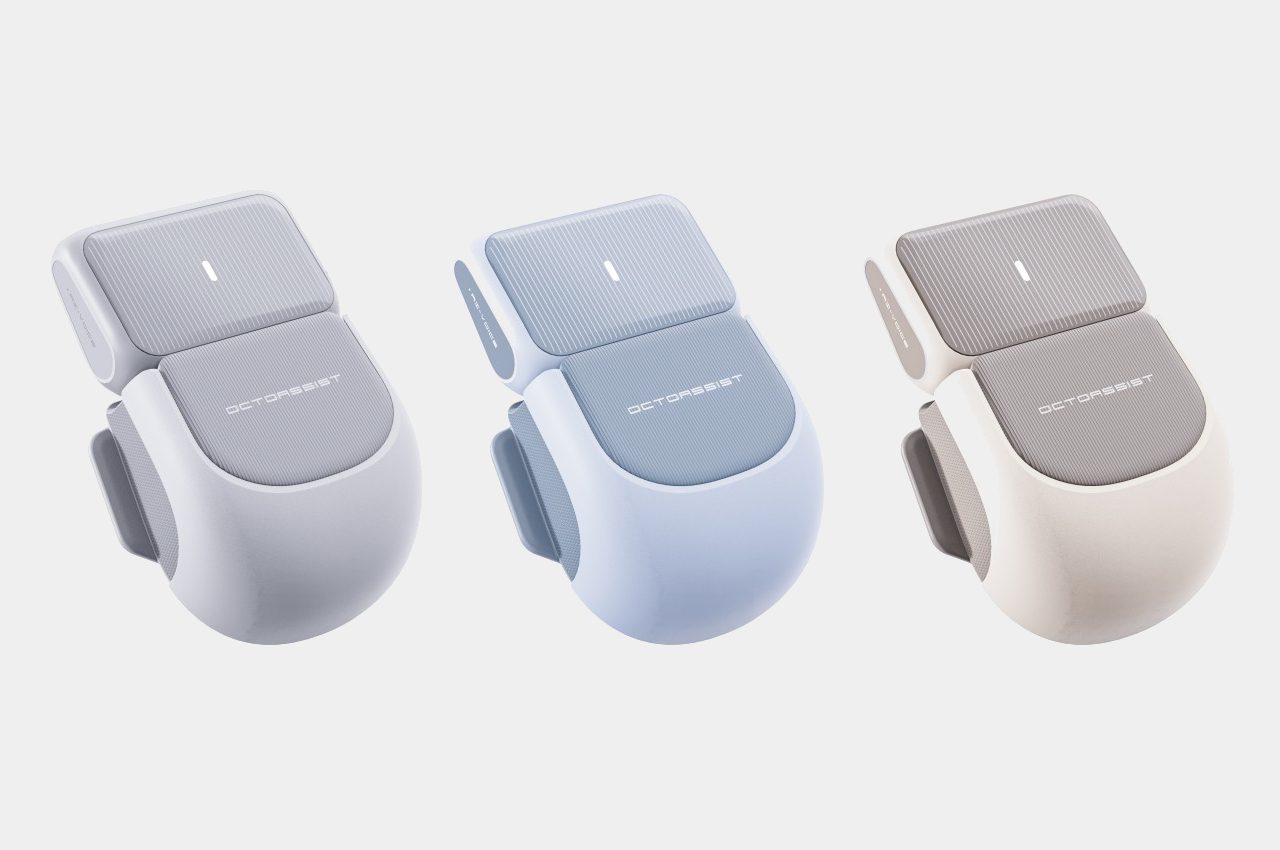
The OctoAssist concept design has a rather intriguing solution that deconstructs the design of the computer mouse in order to provide more functionality. At its core, it sports a modular design where the main “module” is actually the front third of a conventional mouse, where the buttons would normally be located. This module is actually a touch-sensitive device that you can use on its own as a mini touchpad that supports gestures like pinching and three-finger taps. It can magnetically connect to a “base” that provides the ergonomic shape of a mouse, while potentially also offering additional battery power in its rather large body.

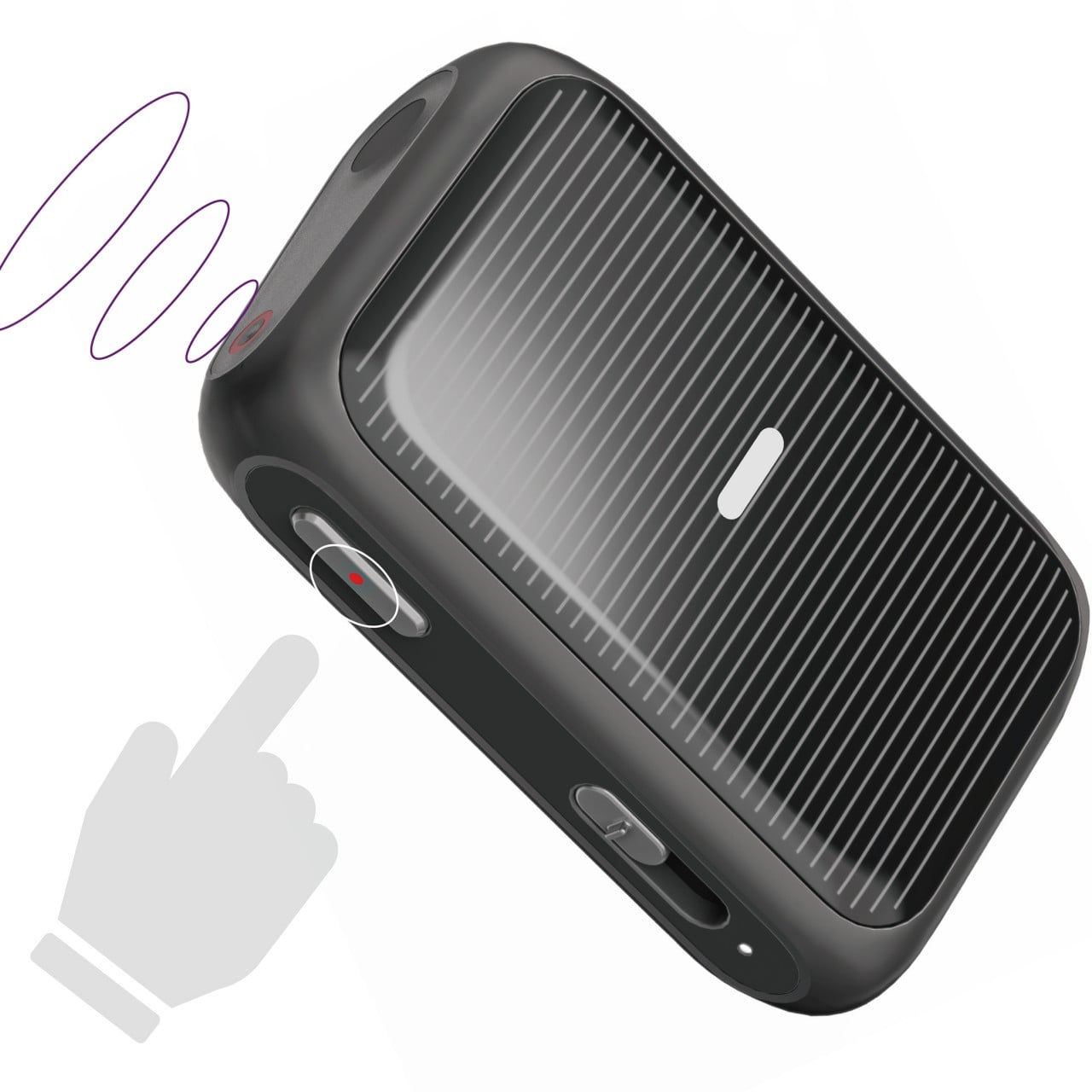
The core module also has a built-in laser pointer and, thanks to its touch-sensitive surface, can be used to easily control presentations with the same hand. It also has a voice recorder so you can have the entire presentation or meeting preserved for documentation purposes. But why stop there when you have today’s ubiquitous AI available to almost everyone? That AI, built into the device, can also summarize the meeting and generate notes in a flash, impressing everyone in the room with your technological wizardry and efficiency.

From a regular office mouse to a miniature touchpad to a presenter to an AI secretary, the OctoAssist offers plenty of features, though perhaps a bit too much as well. The AI-powered summary and notes are definitely convenient, but they could weigh the core module down not just with complexity but also with hardware and battery consumption. It does offload the AI processing to a connected smartphone, but that can sometimes cause lags and even data loss. Regardless, it’s definitely an interesting concept that might even be plausible, presuming a manufacturer sees profitable value in an all-in-one design instead of selling multiple devices that do those tasks separately.

The post AI-powered modular mouse has some nifty tricks to level up your presentations first appeared on Yanko Design.