Homing Compass Lets a Single Red Arrow Always Point the Way Back Home

There is a tension in families where someone loves to walk but sometimes forgets the way back, especially in the context of early dementia. Smartphones, maps, and tracking apps can feel overwhelming or unfamiliar, and that often leads to staying indoors instead of going out. A simpler, more tangible way to get home could unlock a lot of small, everyday adventures again, turning a daily walk from a risk into something safe and normal.

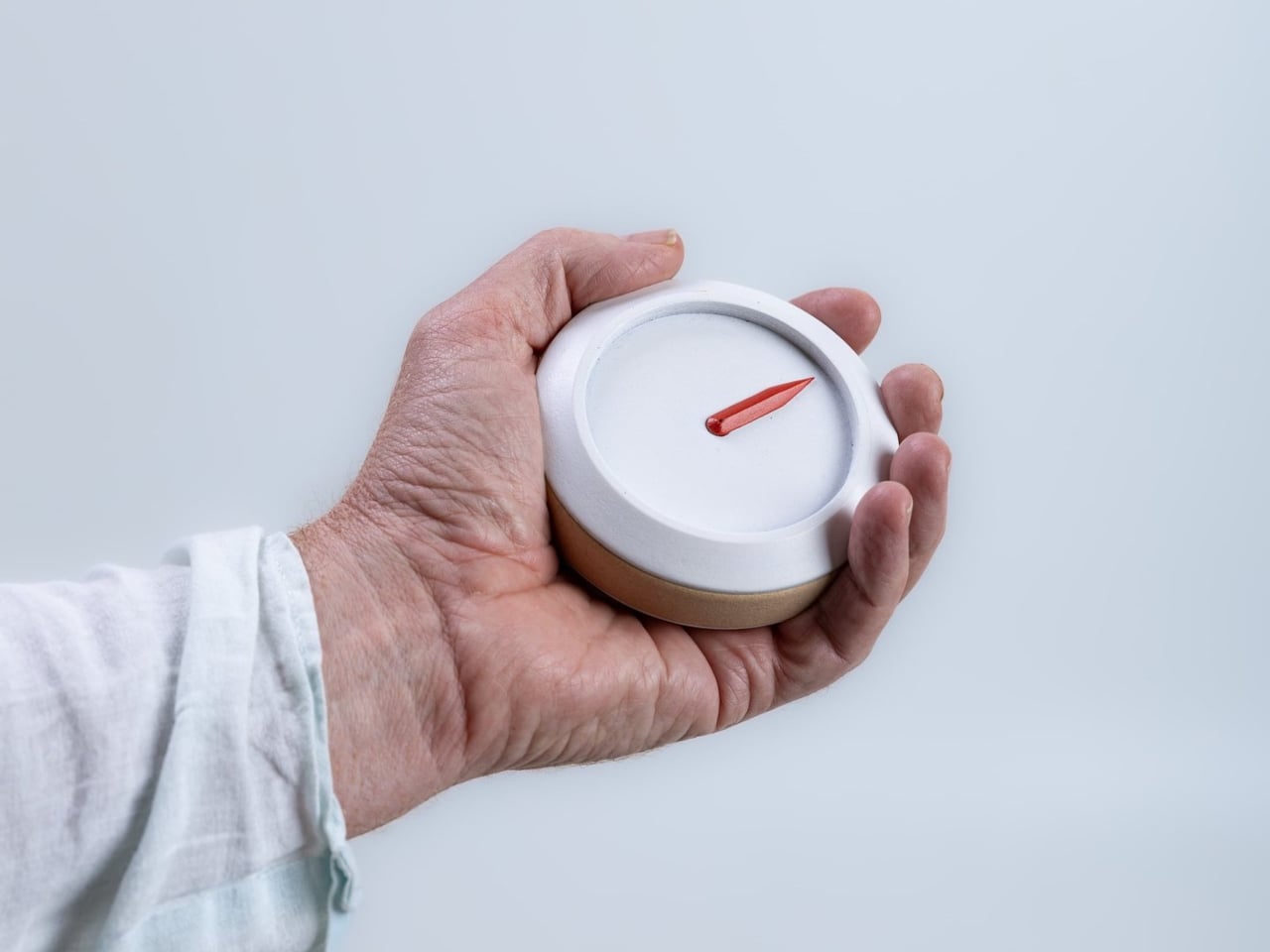
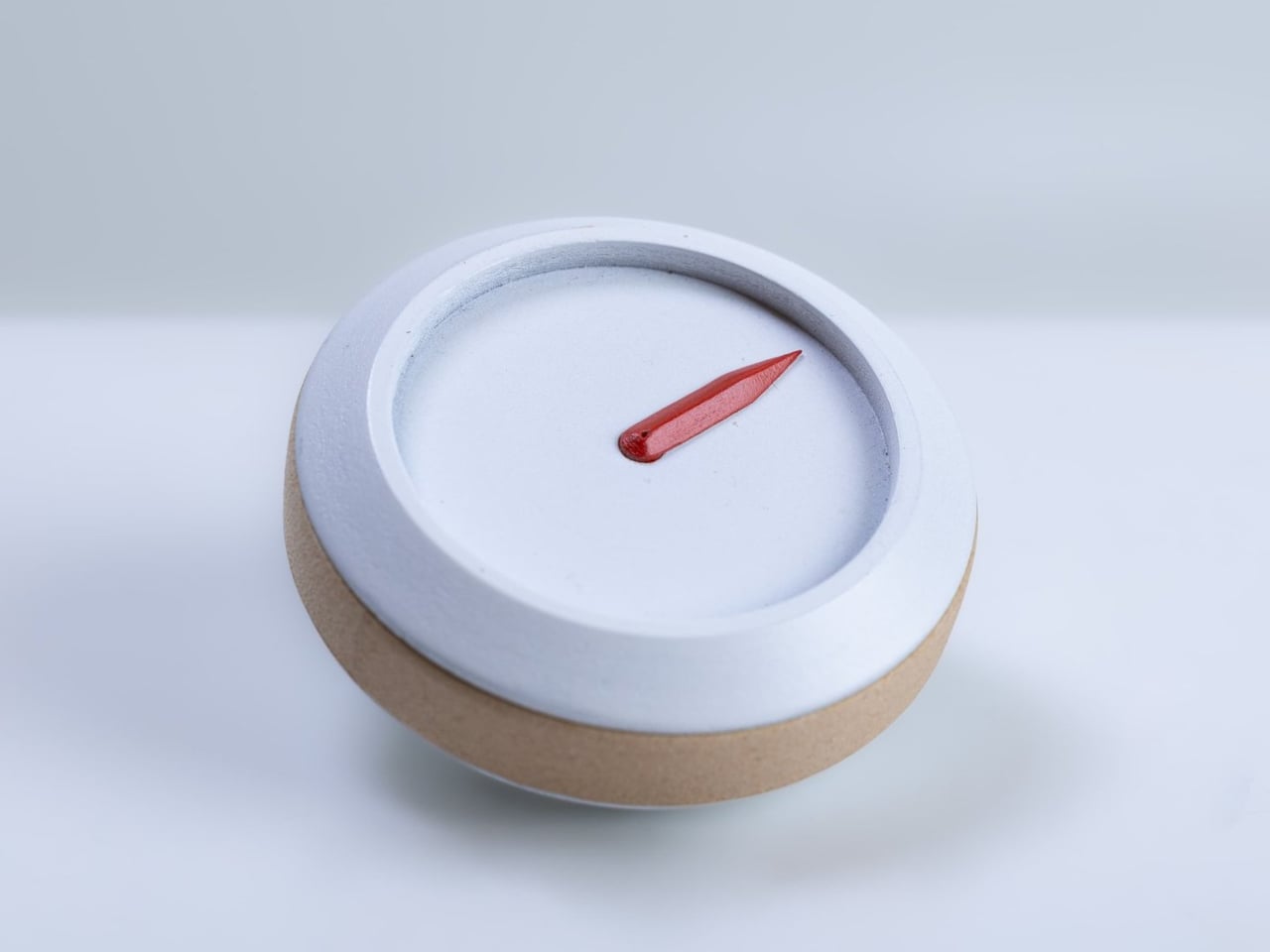
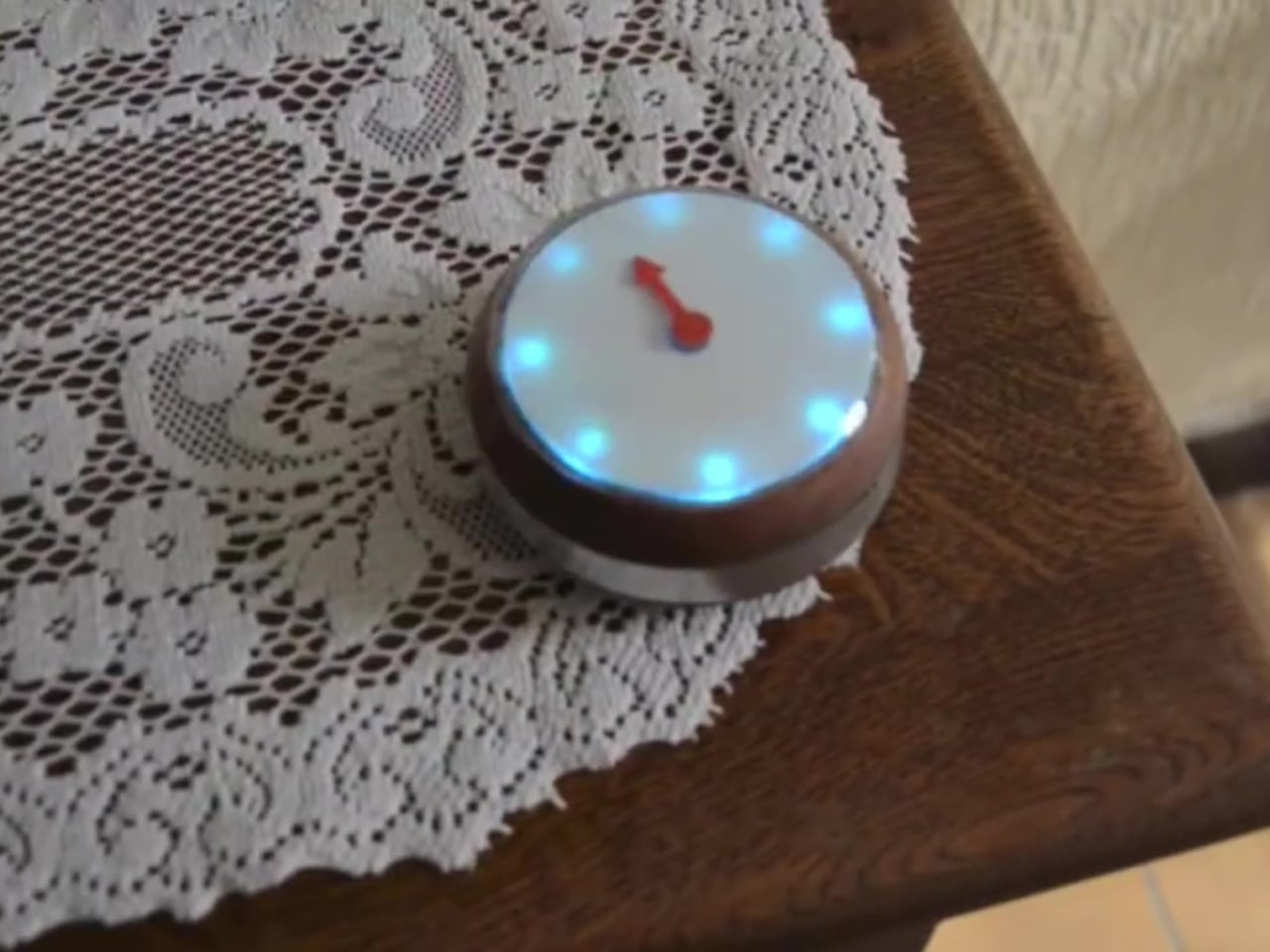
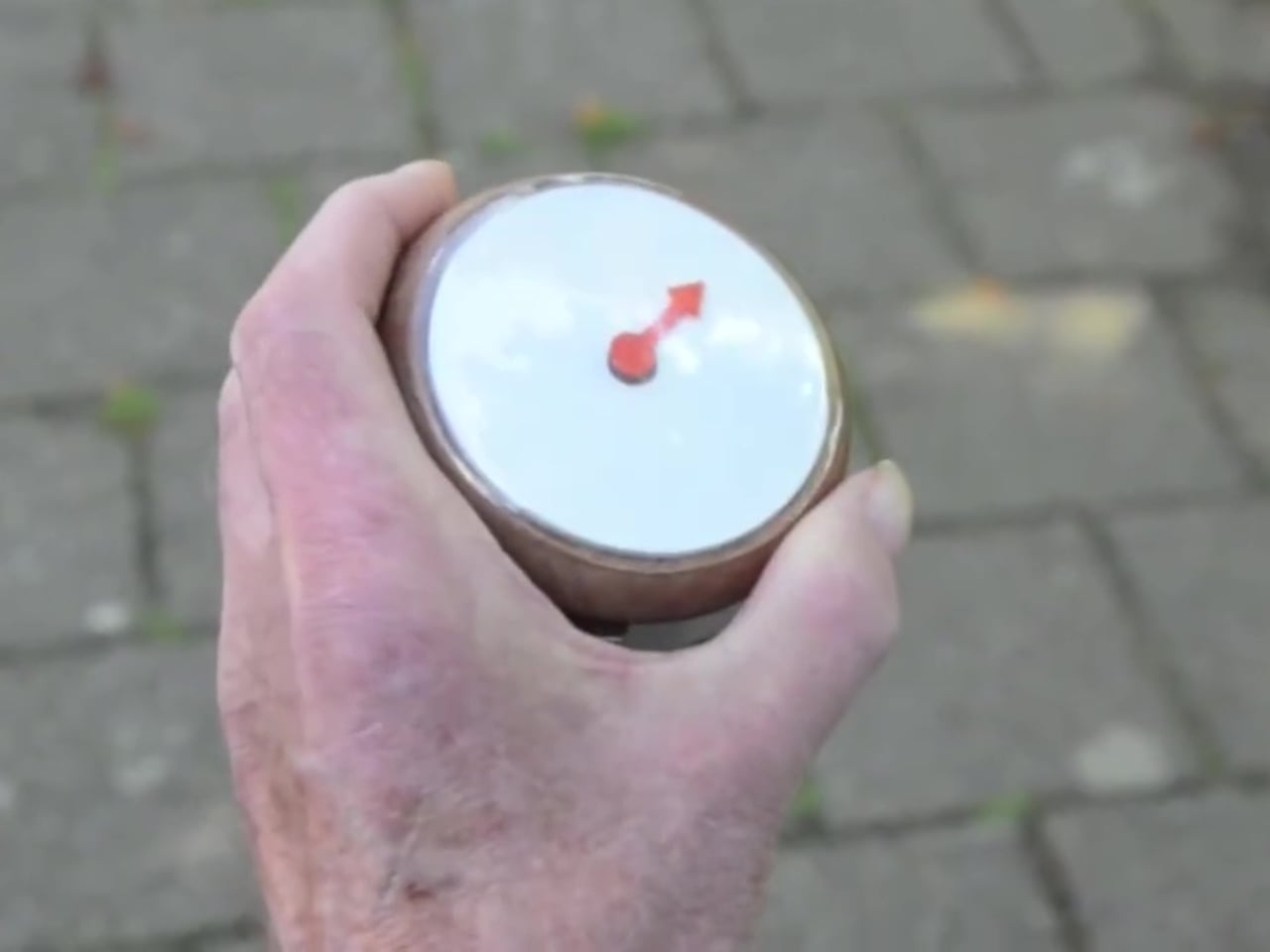
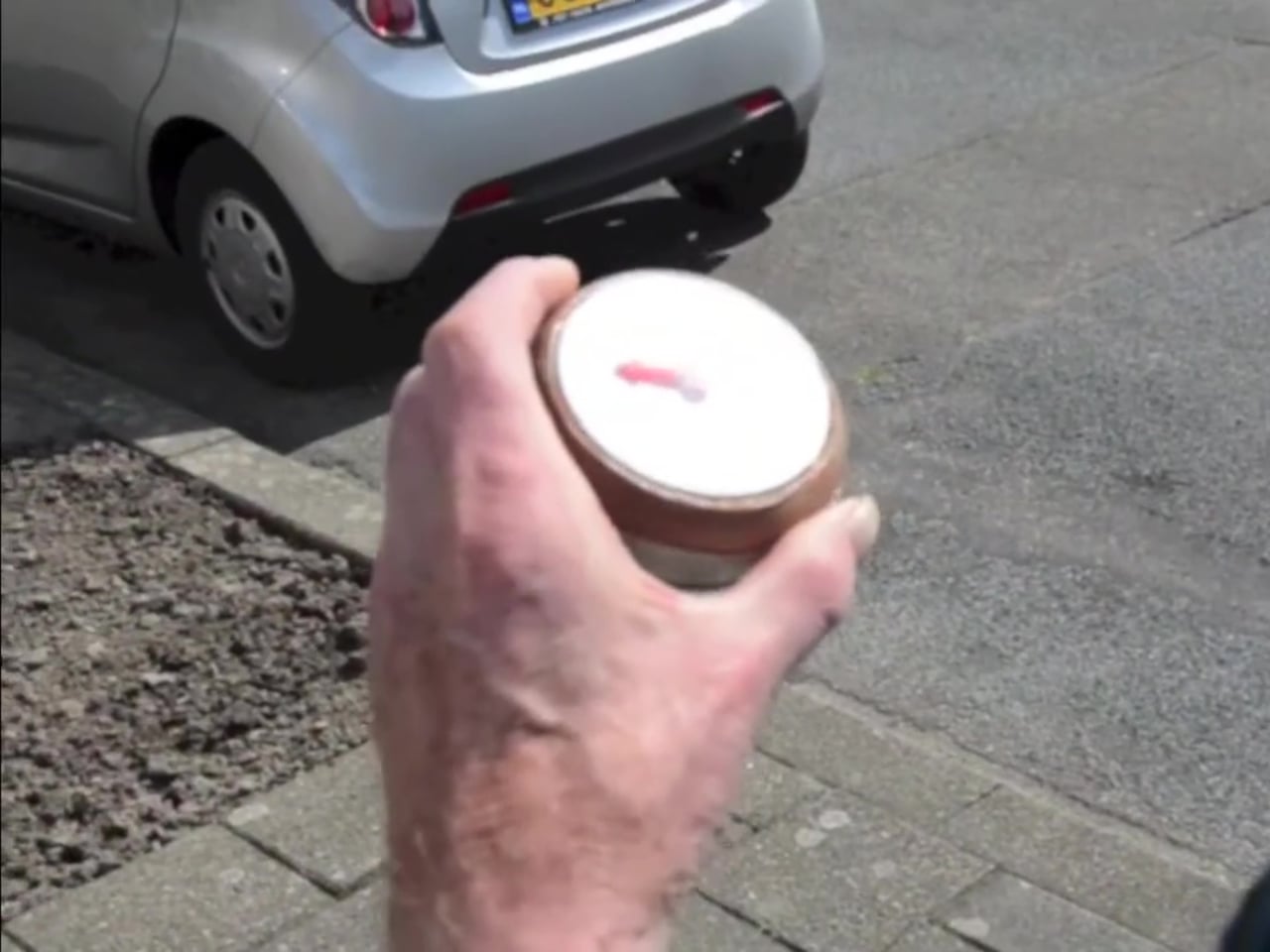
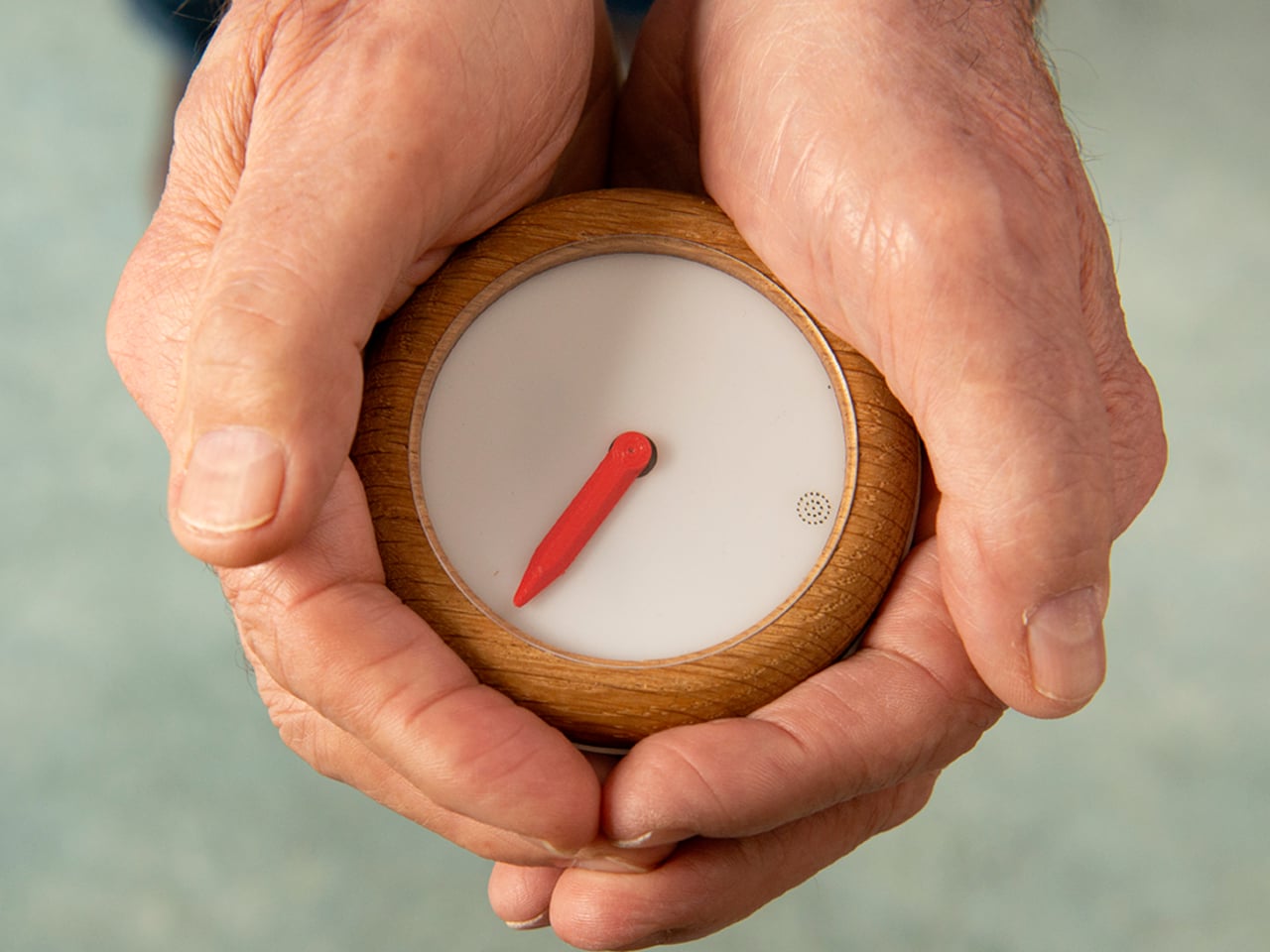
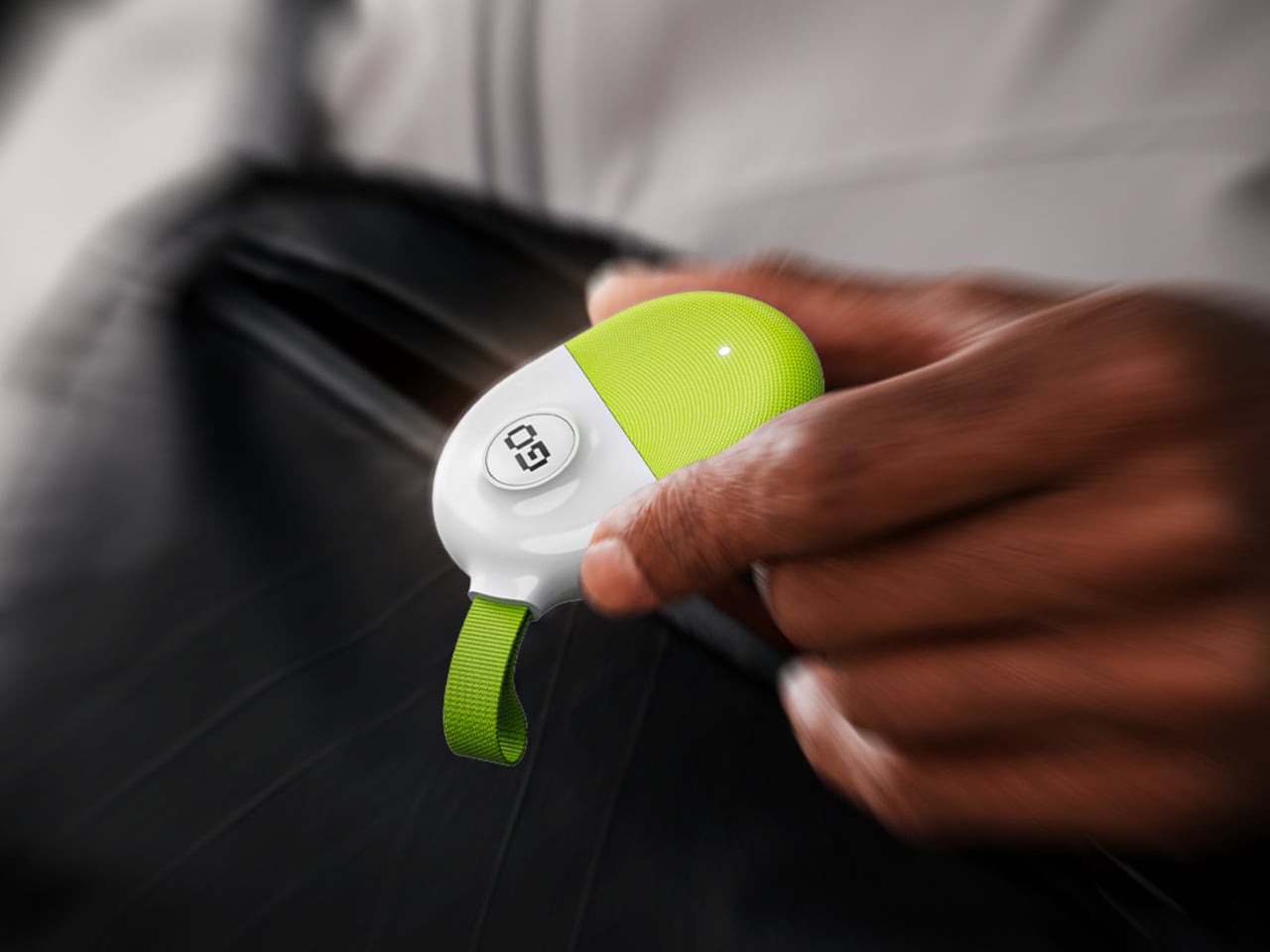
The Homing Compass by Aumens is a small wooden device with a single red arrow that always points toward a predefined home location. It looks and behaves like a stripped-down compass, no maps, no text, no menus, just one arrow with one meaning. The promise is straightforward, follow the arrow and you will get back to the place you set as home. It trades complexity for clarity, betting that radical simplicity matters more than features.

Designer: Rens Brankaert (Aumens)

Setup happens once. You press a recessed button near your front door, the compass remembers that location as home, and from then on the arrow always points back there. There is no need to pair it with a phone every time or scroll through options. For the person carrying it, the interaction is reduced to glancing at the arrow and choosing a direction, turning a potentially frightening moment of disorientation into a quick compass check.

Behind that simple arrow is a full stack of GPS, internet, cloud, and an app, constantly updating the compass’s position. For caregivers, the app shows where the compass is on a map, offering reassurance without demanding constant check-ins. The complexity lives in the background, so the person walking only ever deals with the most basic navigation cue, a red line pointing home like magnetic north.

The compass can optionally vibrate or make a sound to remind someone it is there, reducing the chance it gets forgotten in a coat pocket. Accessories help keep it in view at home, so picking it up becomes part of the leaving-the-house routine. The goal is to make carrying it feel as natural as taking keys, not like strapping on a medical device or announcing a limitation to the neighborhood every time you walk outside.

The choice of a wooden housing and analog-style arrow instead of a glossy gadget with icons makes it feel familiar and non-threatening, more like a small object you might already own than a piece of assistive technology. It sidesteps some of the stigma that can come with devices labeled for dementia, framing it instead as faithful equipment for everyday adventures, which is the language Aumens uses to describe both the device and the people who carry it.

The Homing Compass aims for an emotional shift, the person who can go for a walk in the forest or around the neighborhood without carrying a mental map, and the partner at home who can relax instead of worrying. A single arrow that always points home sounds almost too simple, but that is the point. It turns getting lost from a constant fear into a manageable, designed-for scenario, letting people reclaim the small joy of just being outside.

The post Homing Compass Lets a Single Red Arrow Always Point the Way Back Home first appeared on Yanko Design.
Remember Need For Speed? Someone built a real-life Mini Map from the game to use in your car

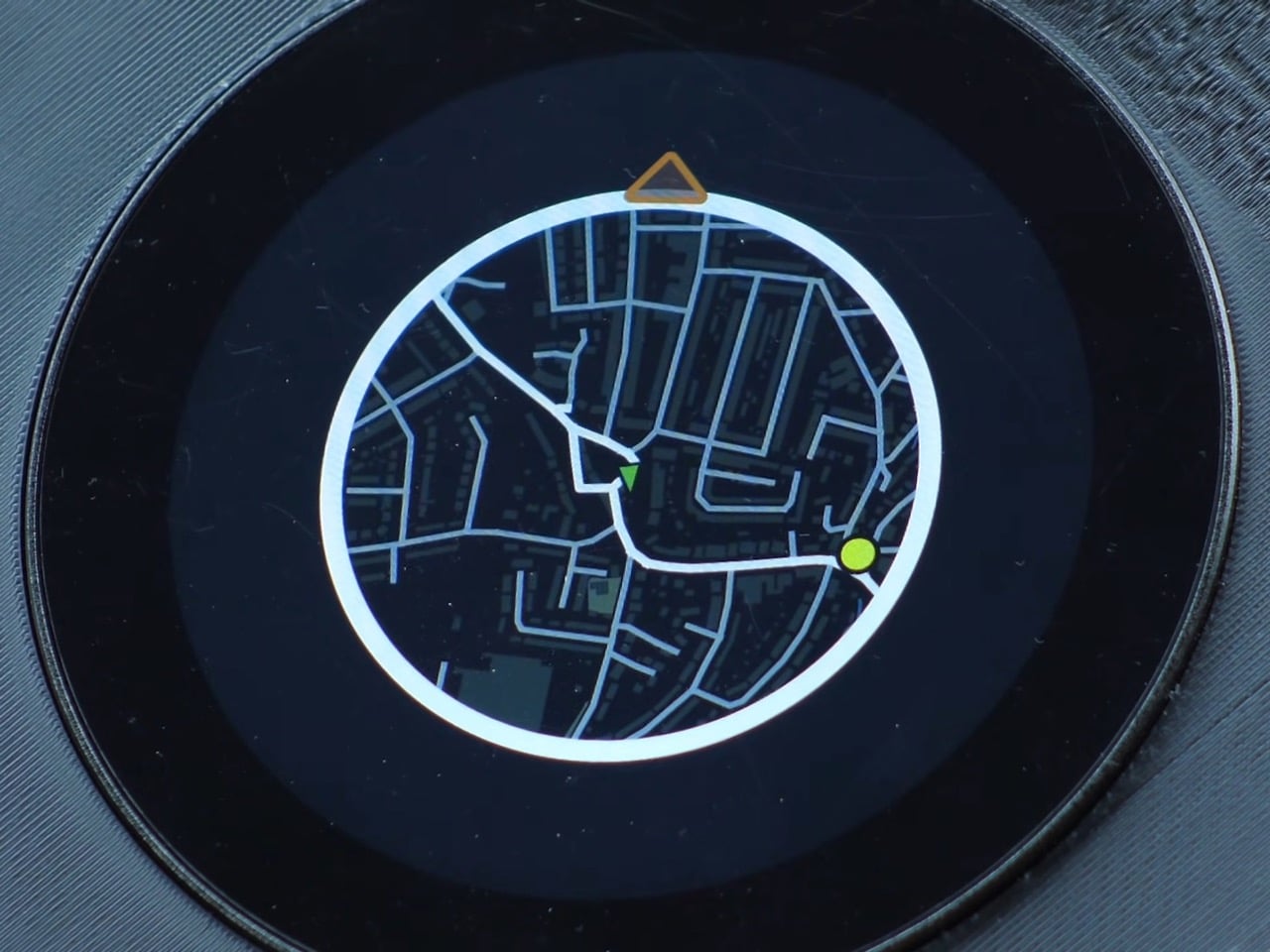
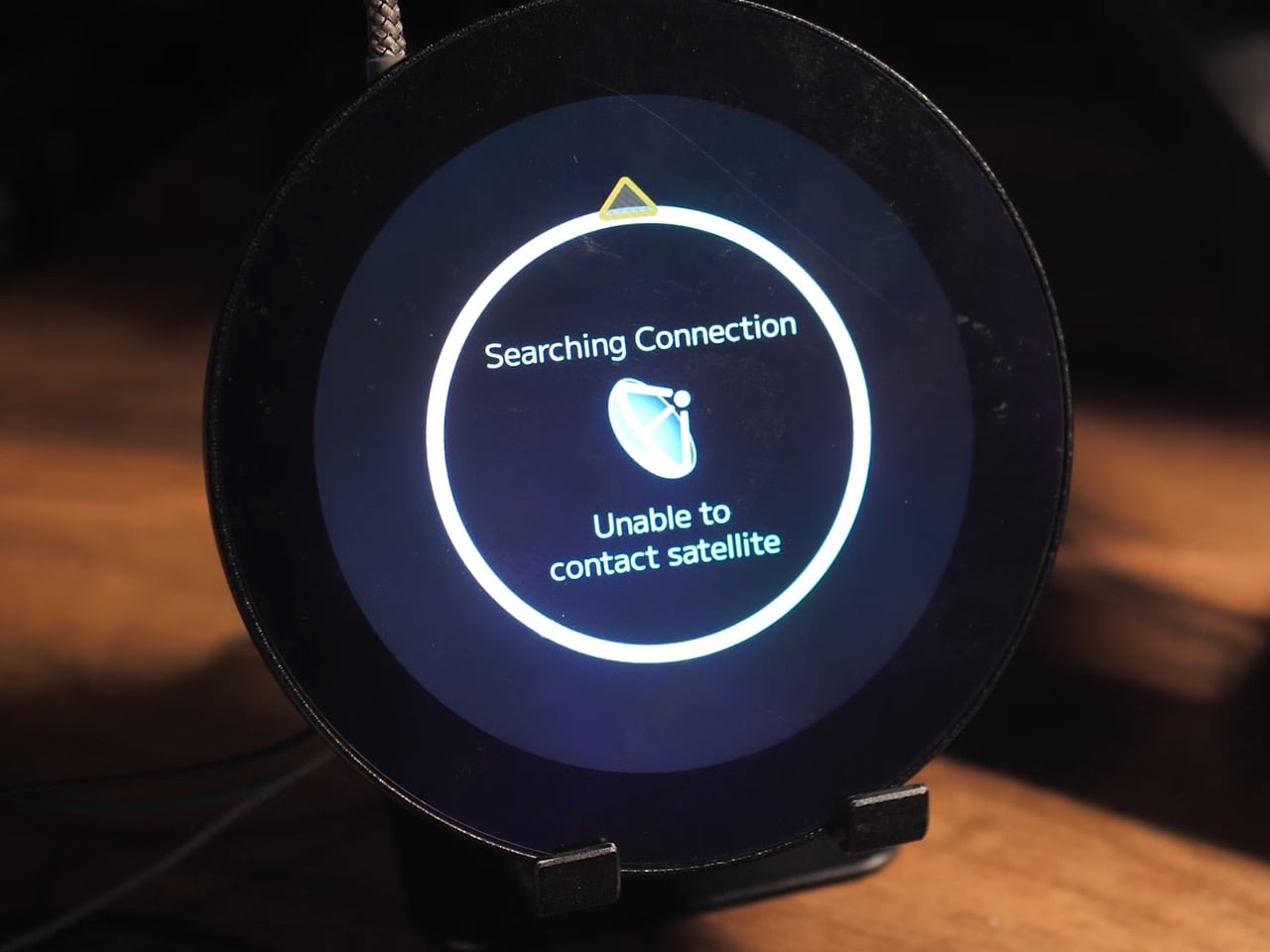
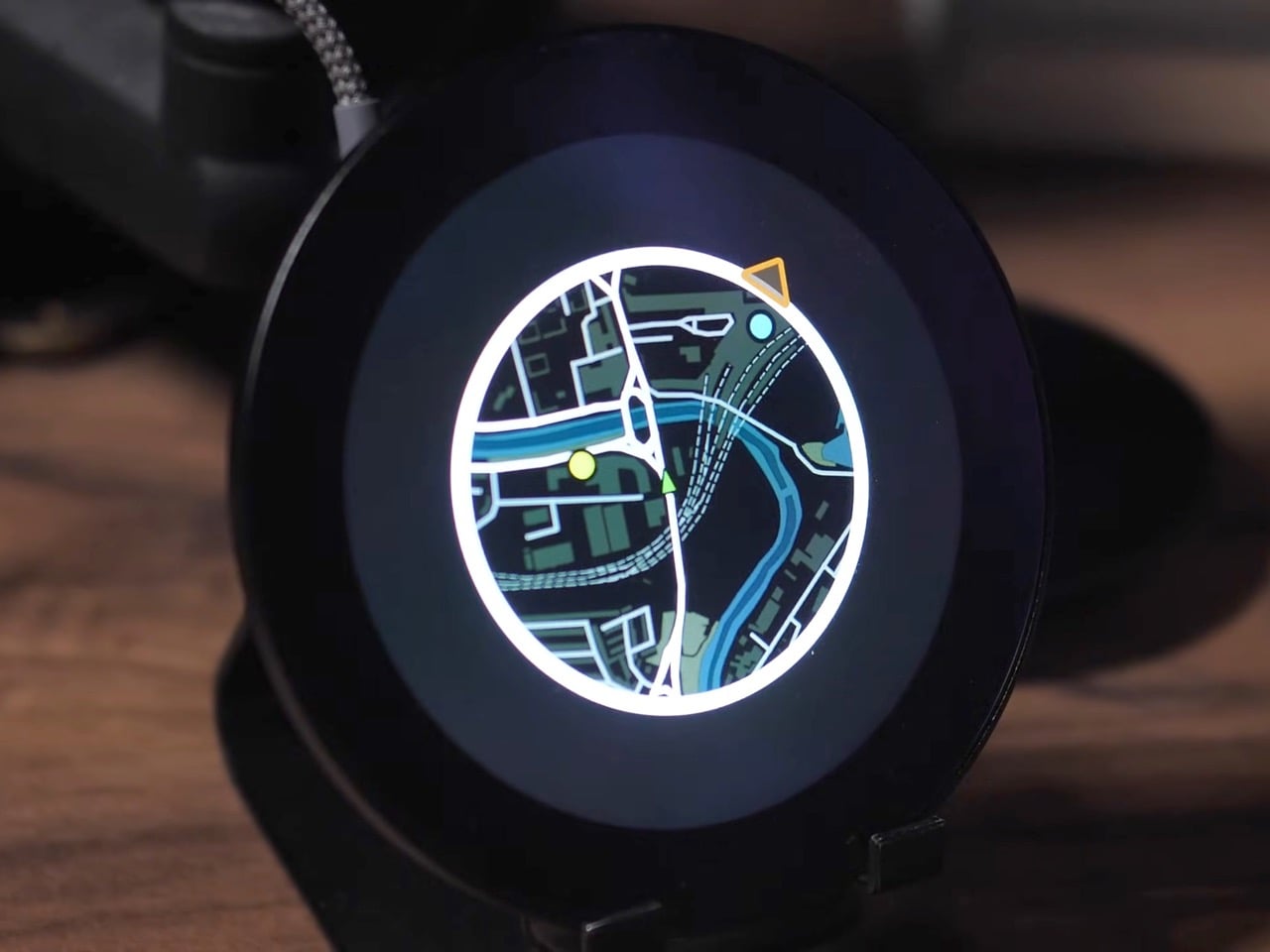
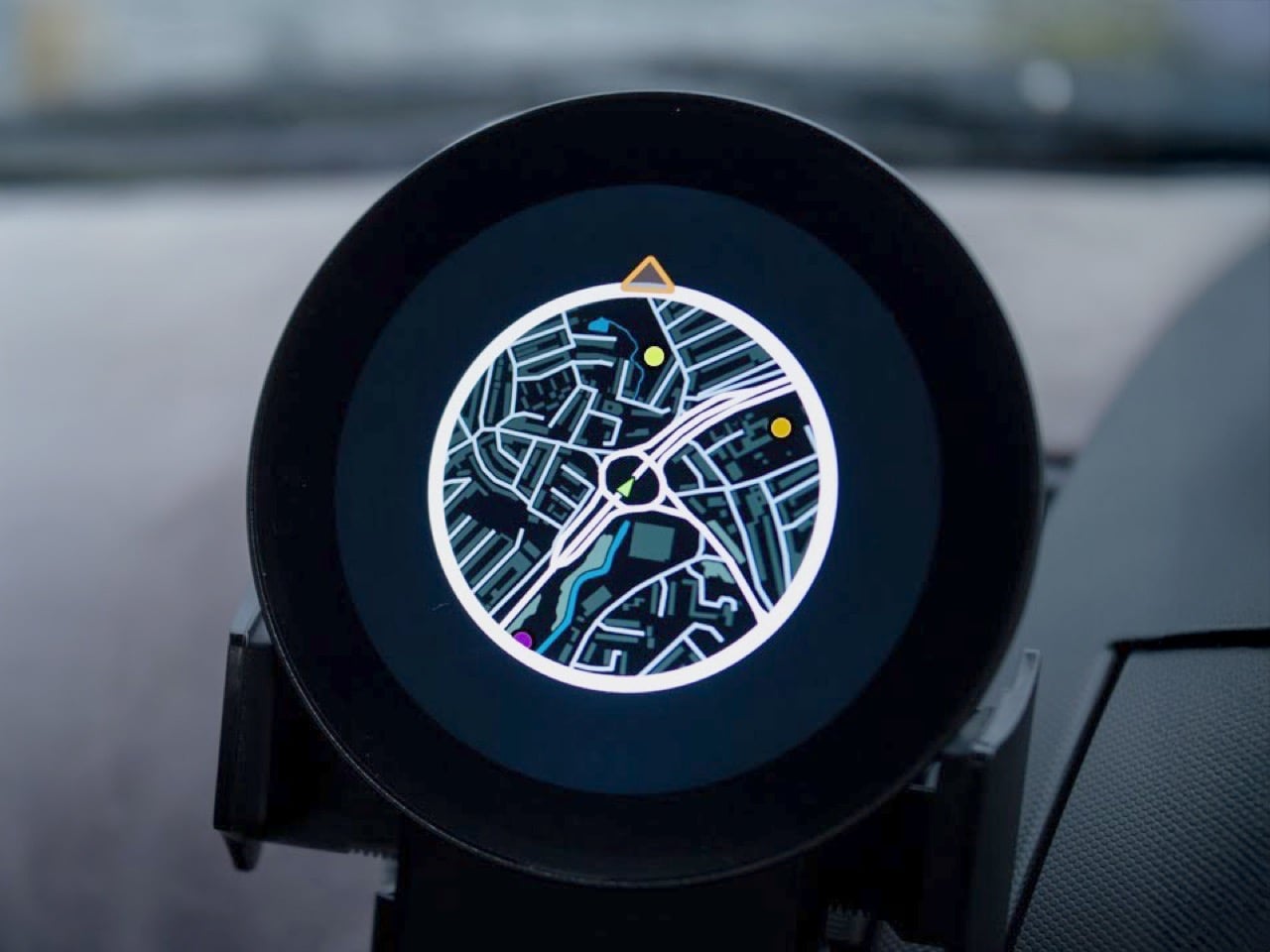
The mini map has been a staple of racing and open-world games for decades, teaching us to navigate virtual cities with quick glances at a corner of the screen. A developer has now made that experience tangible, building a GPS-based mini map system for actual driving that recreates the look and feel of Need for Speed Underground 2. What everyone said was impossible on an ESP32 microcontroller is now working smoothly in a real car, tracking position, displaying waypoints, and making everyday drives feel unexpectedly game-like.

Getting this to work on a $20 microcontroller meant processing the entire UK into 2.5 million map tiles, totaling 236GB of data stored on an SD card. The ESP32 loads them dynamically based on your heading, only pulling in new tiles from the direction you’re traveling because each one takes a tenth of a second to load. We’re talking weeks of optimization just to get map tiles loading fast enough, clever tricks to avoid tanking the frame rate, and some creative compromises that make the whole thing feel polished despite running on hardware that costs less than takeaway for two. What’s particularly cool is that all the code is open-source, meaning you could theoretically generate tiles for your own city styled after whatever game you’re nostalgic for.

Designer: Garage Tinkering

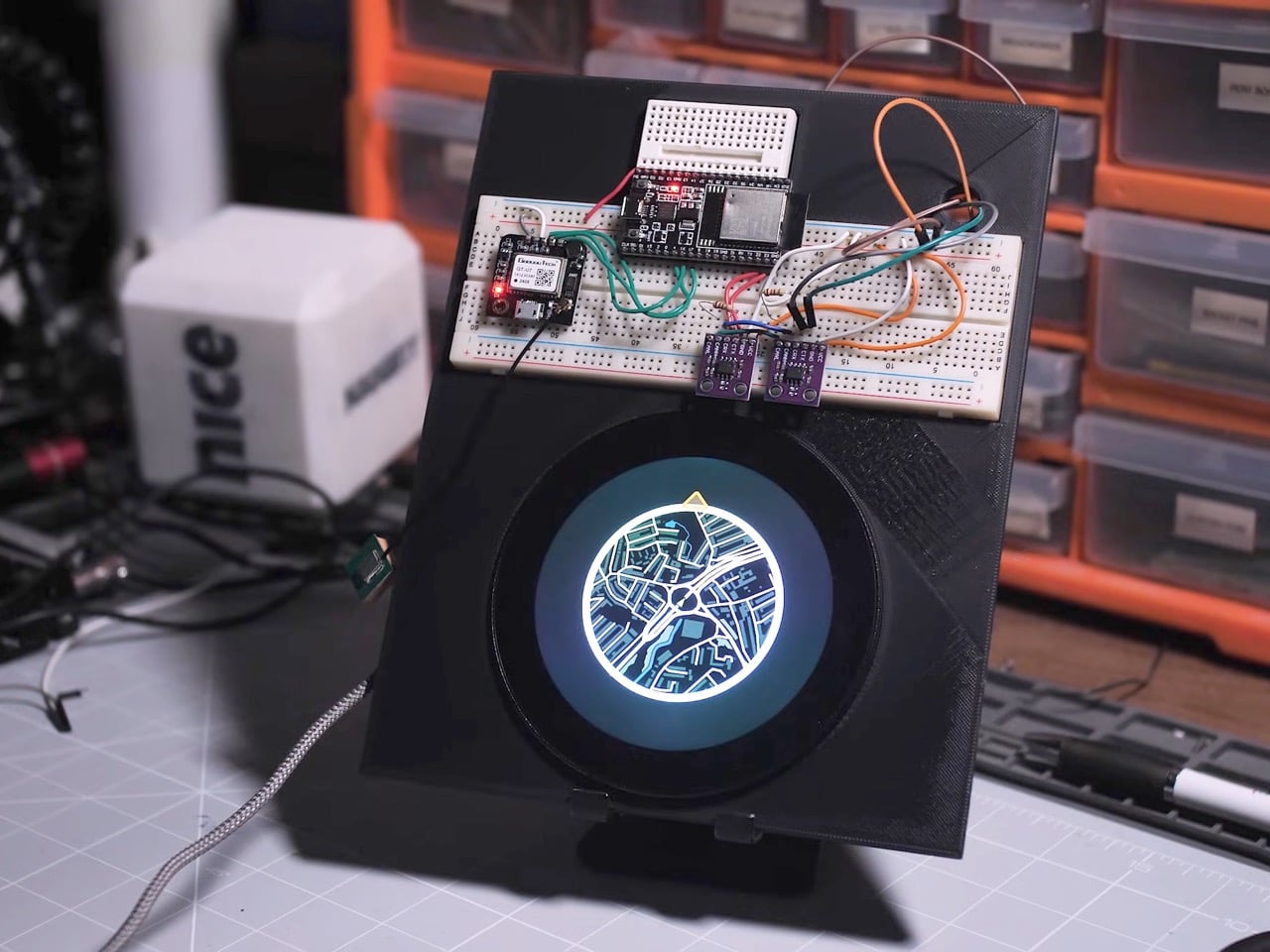
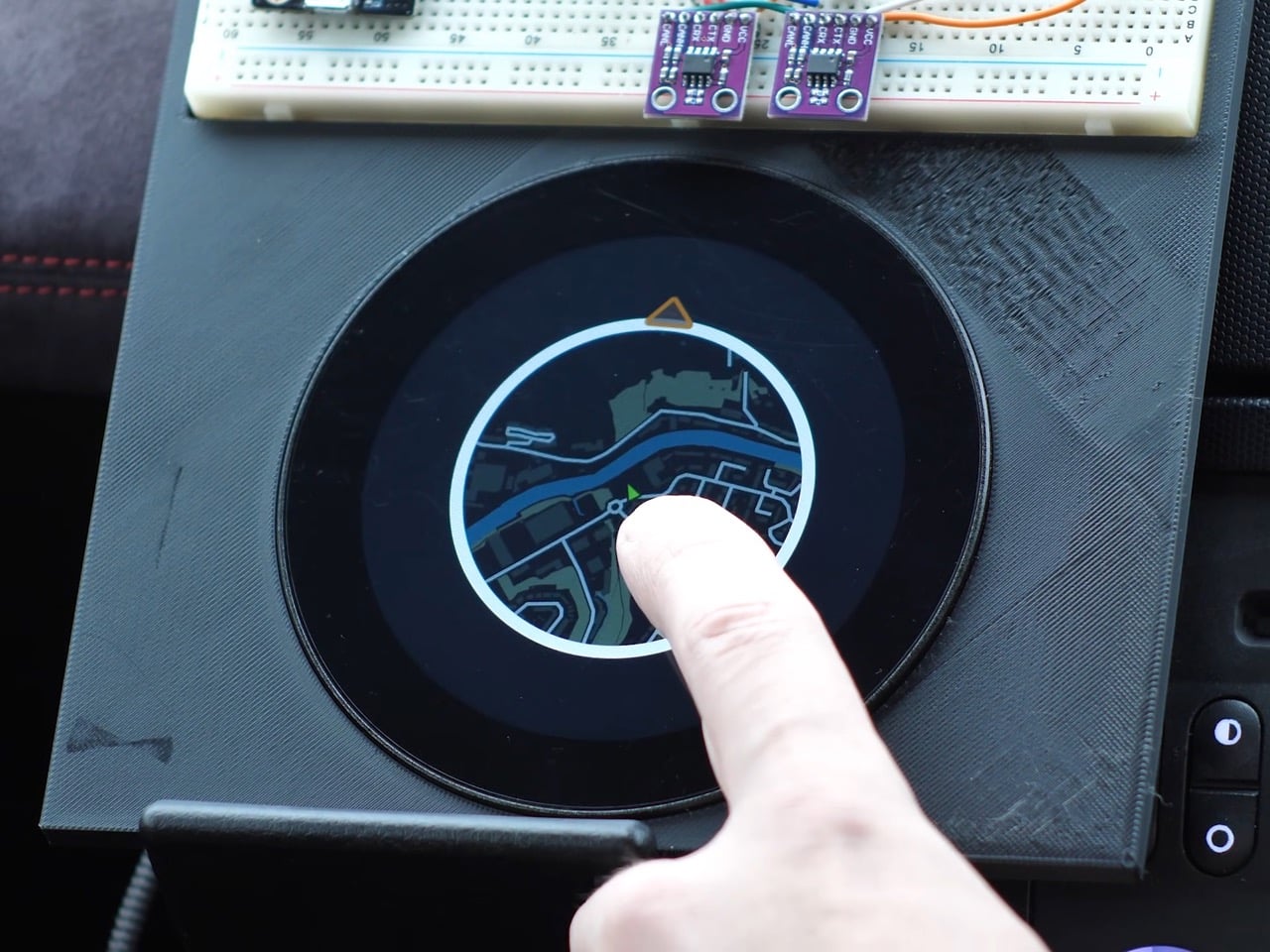
The project runs on an ESP32-P4, the flagship chip in the ESP32 family, paired with a 3.4-inch 800×800 pixel WaveShare display. If it couldn’t work on this combination, it wasn’t going to work on any ESP32, which is exactly why the developer chose it. The alternative would have been admitting defeat before even starting, and where’s the fun in that?

The map generation process alone is wonderfully excessive. Using QGIS, a geospatial mapping tool, the developer pulled road data from Ordnance Survey, transportation waypoints from the UK Department of Transportation, and petrol stations from Open Street Maps via a custom Python script that parsed through a 2GB dataset looking for anything tagged with “amenity=fuel.” The result was 2.5 million map tiles covering the entire UK at zoom level 16, totaling 236GB of data. Processing took 35 hours. Converting those tiles to a format the ESP32 could read took another 18 hours. Transferring everything to an SD card took 22 more hours. This is the kind of project where you start things running before bed and hope they’re done by morning.

Getting smooth performance meant rethinking how traditional GPS navigation works. Each tile takes roughly 0.1 seconds to load from the SD card, which sounds fast until you realize how many tiles you’d need if you loaded everything around you constantly. The solution was directional loading. If you’re heading north, only load new tiles coming in from the top. The tiles on the sides and bottom don’t need refreshing because you’re moving away from them. Just shuffle the existing data around in memory and you’ve saved yourself a bunch of unnecessary SD card reads.

The other big performance win came from abandoning authenticity. The original plan was to rotate the entire map grid so it moved like it does in Need for Speed, with the car always pointing up. Turns out rotating large image grids on an ESP32 makes everything stuttery and unpleasant. The fix was keeping the map oriented north and rotating just the car icon to show your heading. It’s less true to the game but infinitely smoother in practice, which matters more when you’re actually using the thing.

The current prototype isn’t exactly plug-and-play elegant though. The GPS module sits on a breadboard outside the main device, creating a larger footprint than the sleek circular display suggests. It’s functional but definitely looks like a dev setup rather than a finished product. Still, the developer plans to integrate everything into a full Need for Speed inspired dashboard for their Nissan 350Z, which should clean up the form factor considerably. And since all the code is open-source and free to use, anyone with the patience for multi-day processing times can adapt it for their own area and preferred game aesthetic.

The post Remember Need For Speed? Someone built a real-life Mini Map from the game to use in your car first appeared on Yanko Design.
The Beeline Velo 2 is a gorgeously minimal bicycle GPS with a carbon-negative design and Strava support

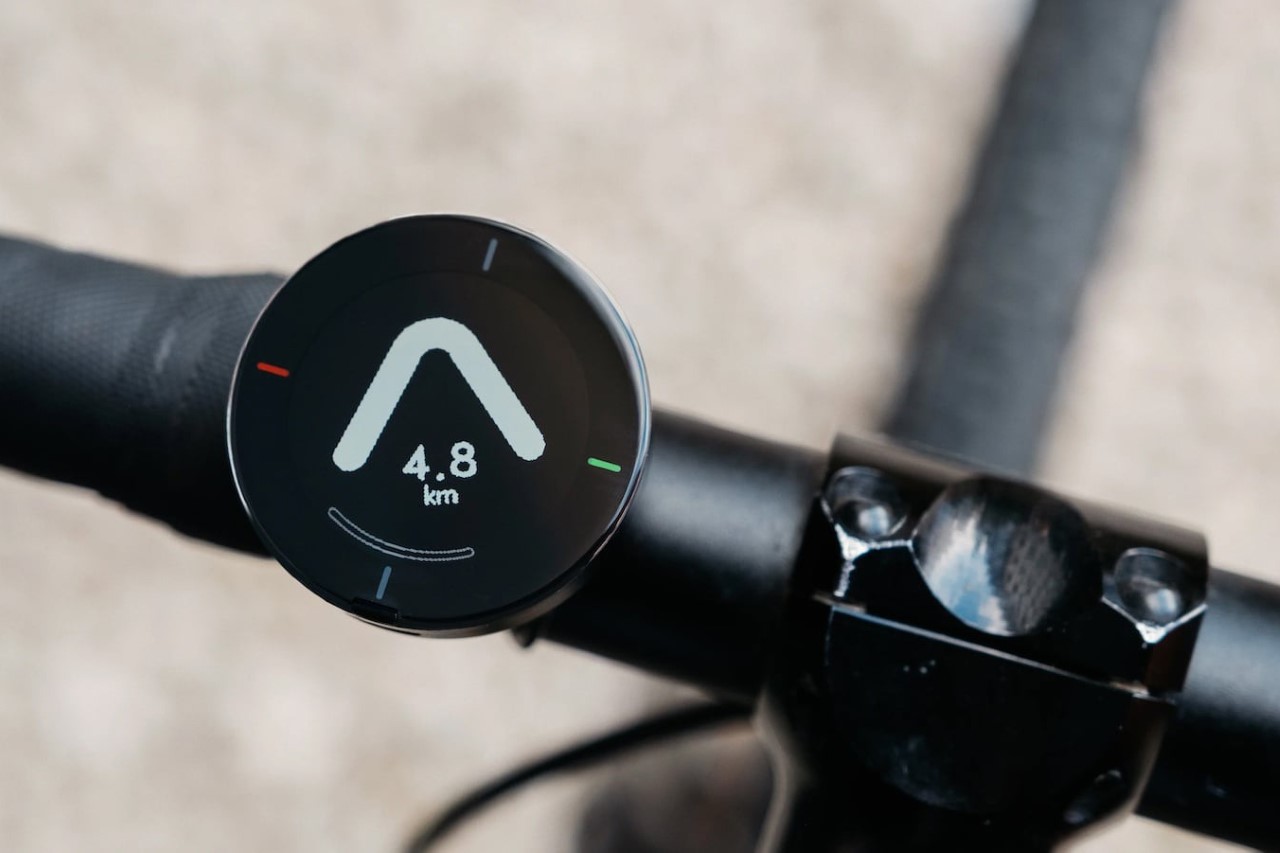
It’s difficult to believe that it’s been 7 years since the Beeline first launched back in 2017! A perfect accessory for any biker or two-wheeler rider, the Beeline instantly stood out as an incredibly simple, iconic accessory that helped you get from point A to B. Working in tandem with the navigation app on your phone, the Beeline was a simple, sophisticated, and sleek-looking accessory that basically pointed you in the direction that you needed to go. No fancy maps, no bloatware, no extra data. Just an arrow you could follow till you reached your destination. The Beeline’s simple design made it easy to keep your eyes on the road too, by offsetting the need to stare at your phone for directions and potentially get sidetracked by apps, notifications, and other distractions.

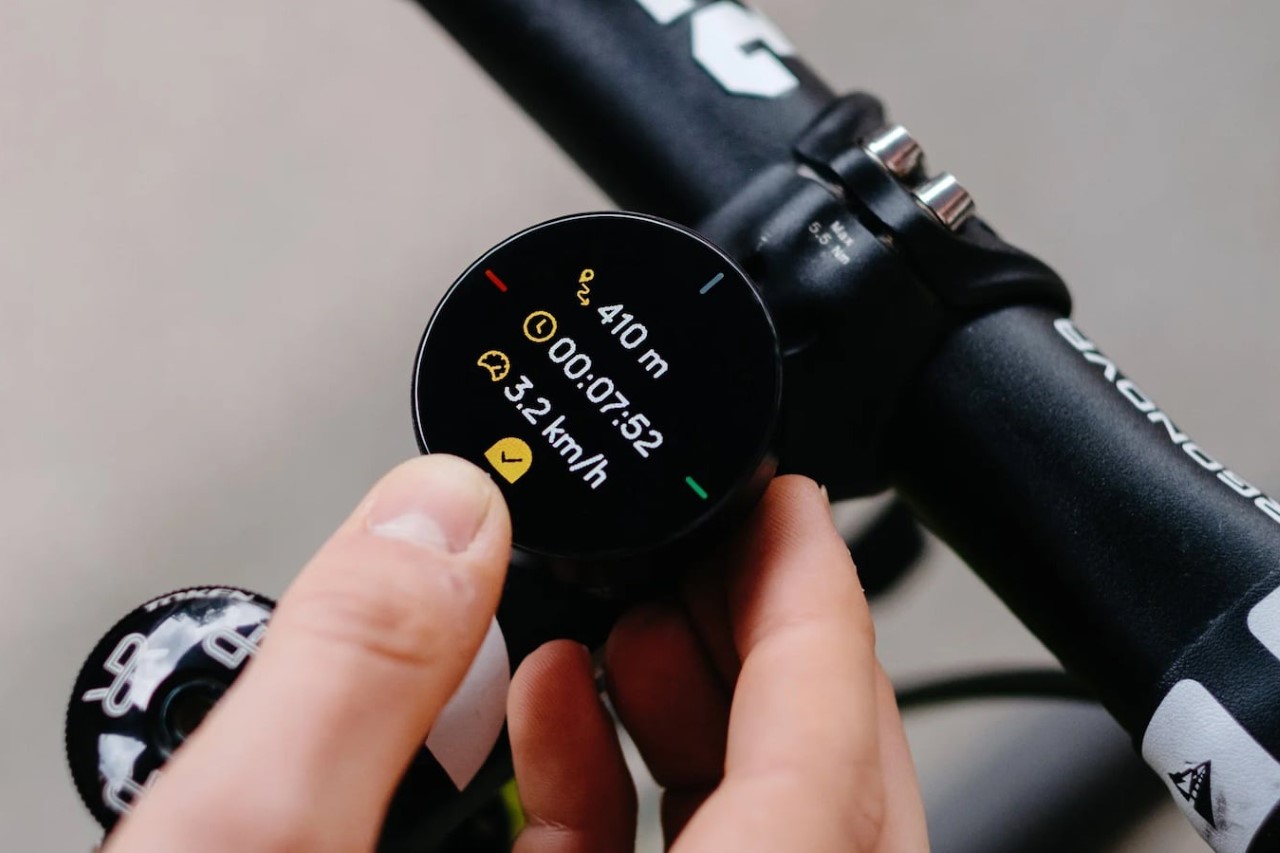
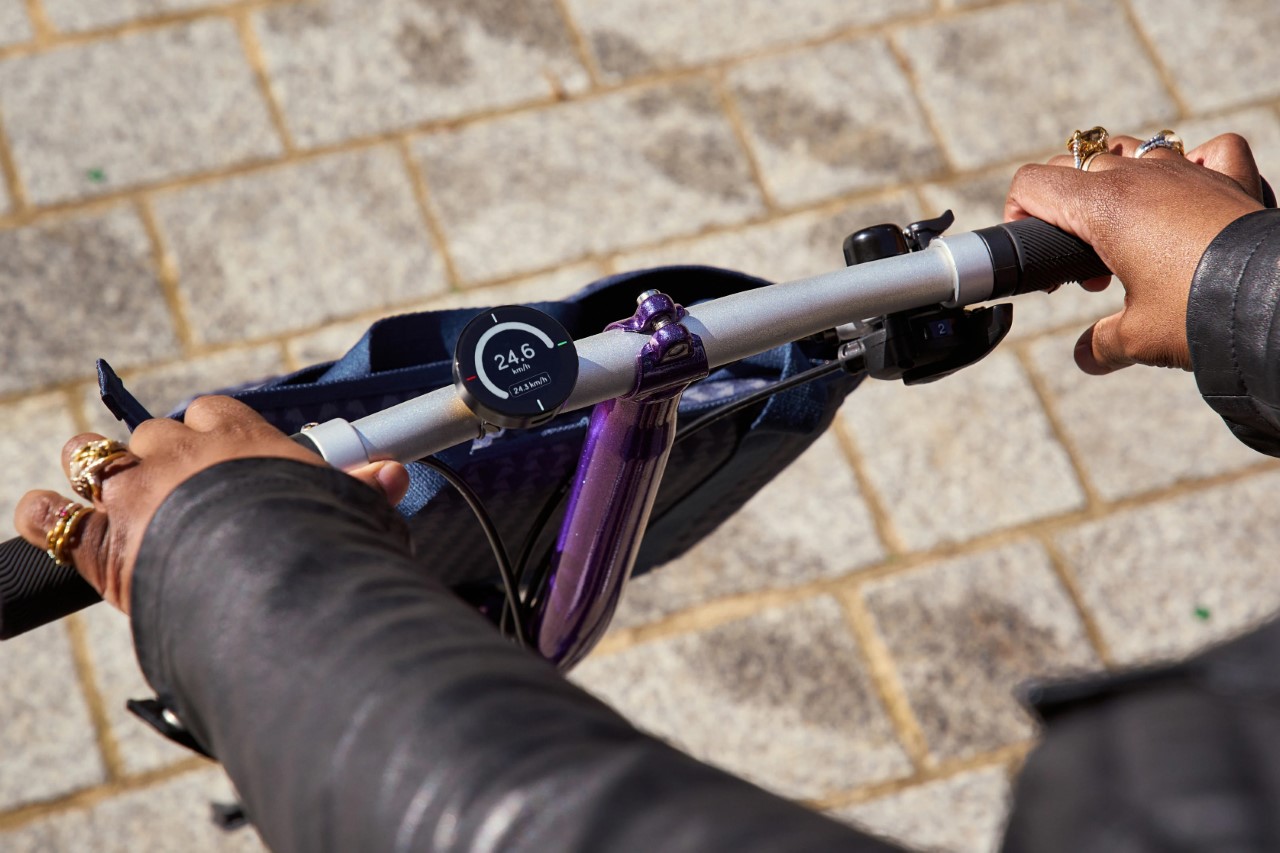
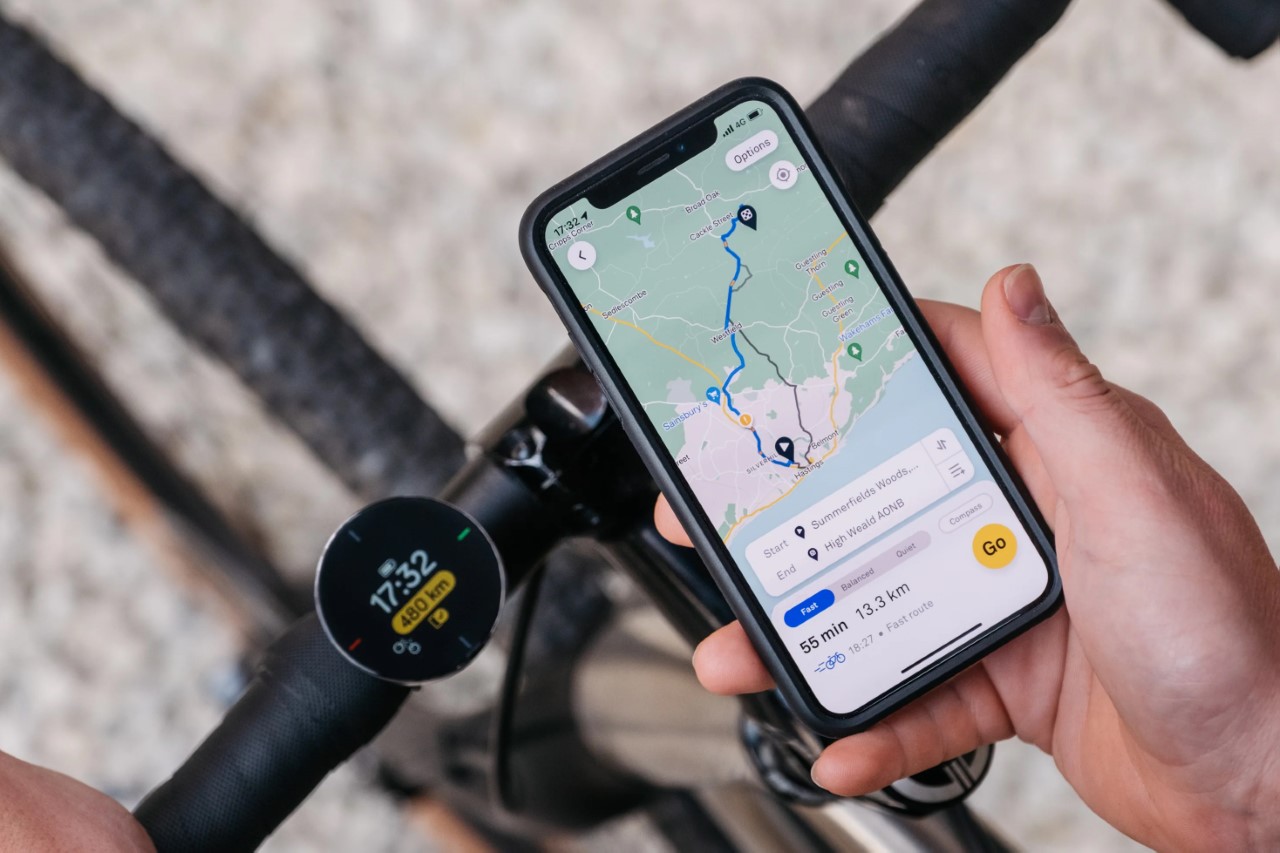
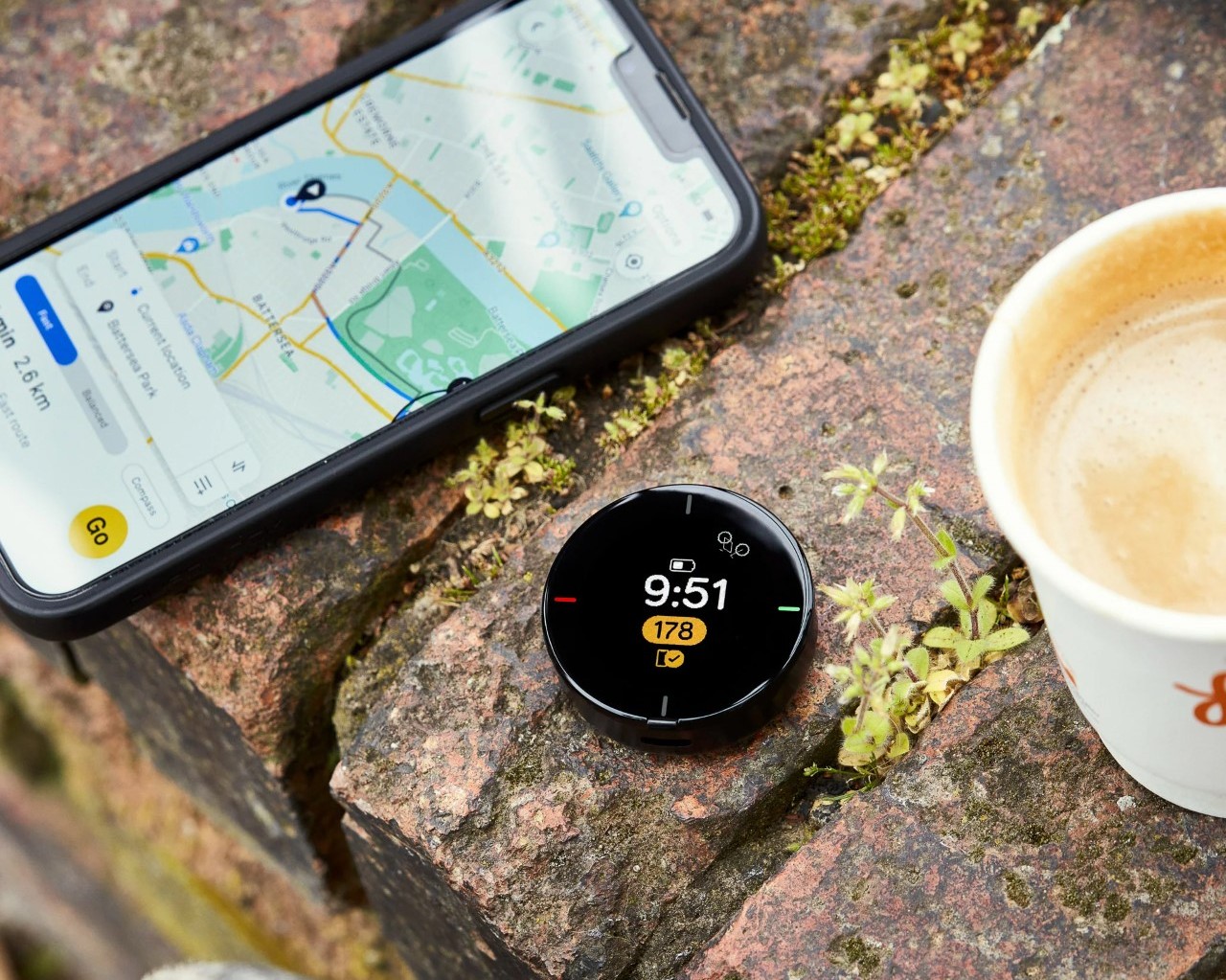
Seven years and multiple products later, Beeline just announced the Velo 2, a compact navigator for bike rides. Upgraded with an IPS LCD screen (as opposed to the original’s e-paper display), the Velo 2 retains the Beeline’s intuitive approach to wayfinding, while also giving riders access to basic metrics like distance covered, ride time, speed, ETA, and a compass, alongside the ability to plan routes, share them on apps like Strava, and even rate them in retrospect. Everything sits inside the Velo 2’s compact puck-shaped design that easily snaps on and off your bicycle, making every single step of your journey intuitive and comfortable.

Designer: Beeline

Click Here to Buy Now

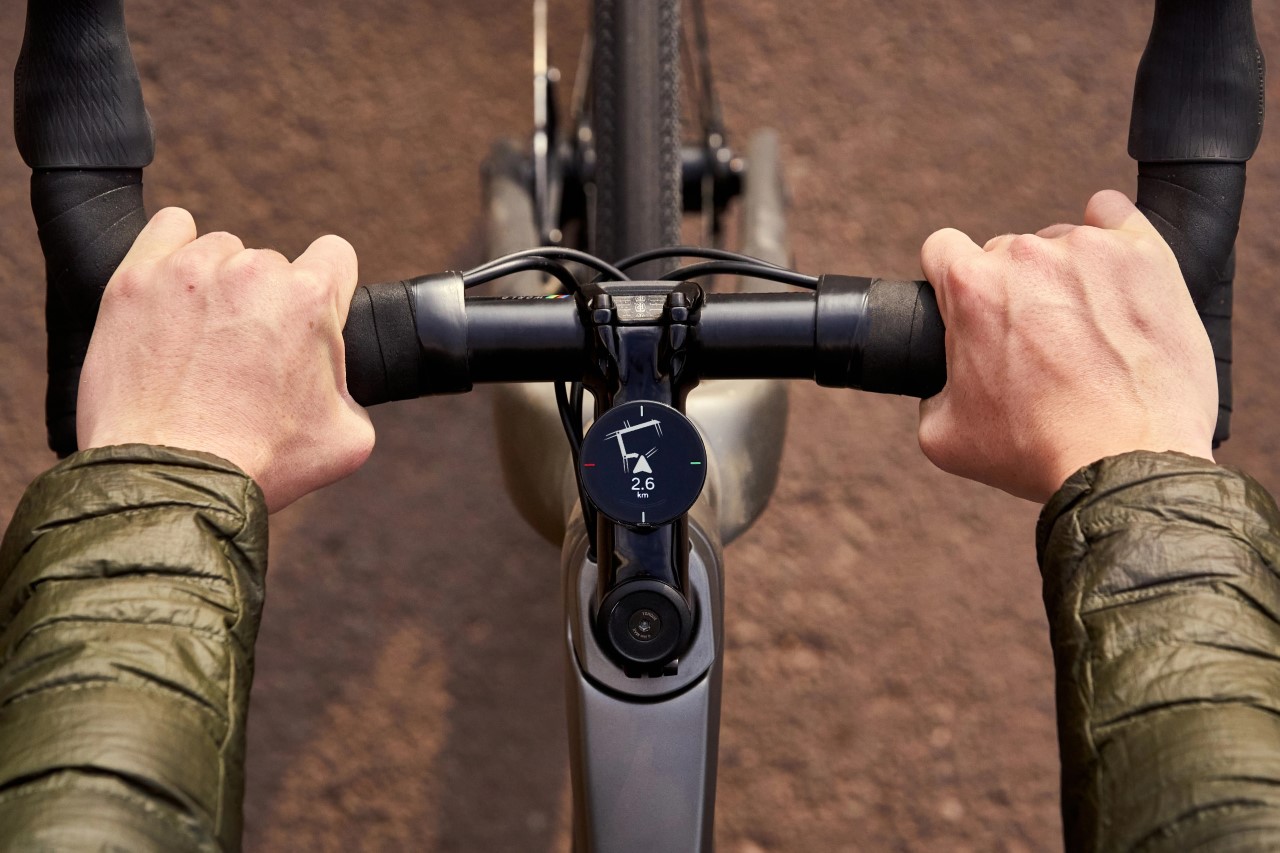
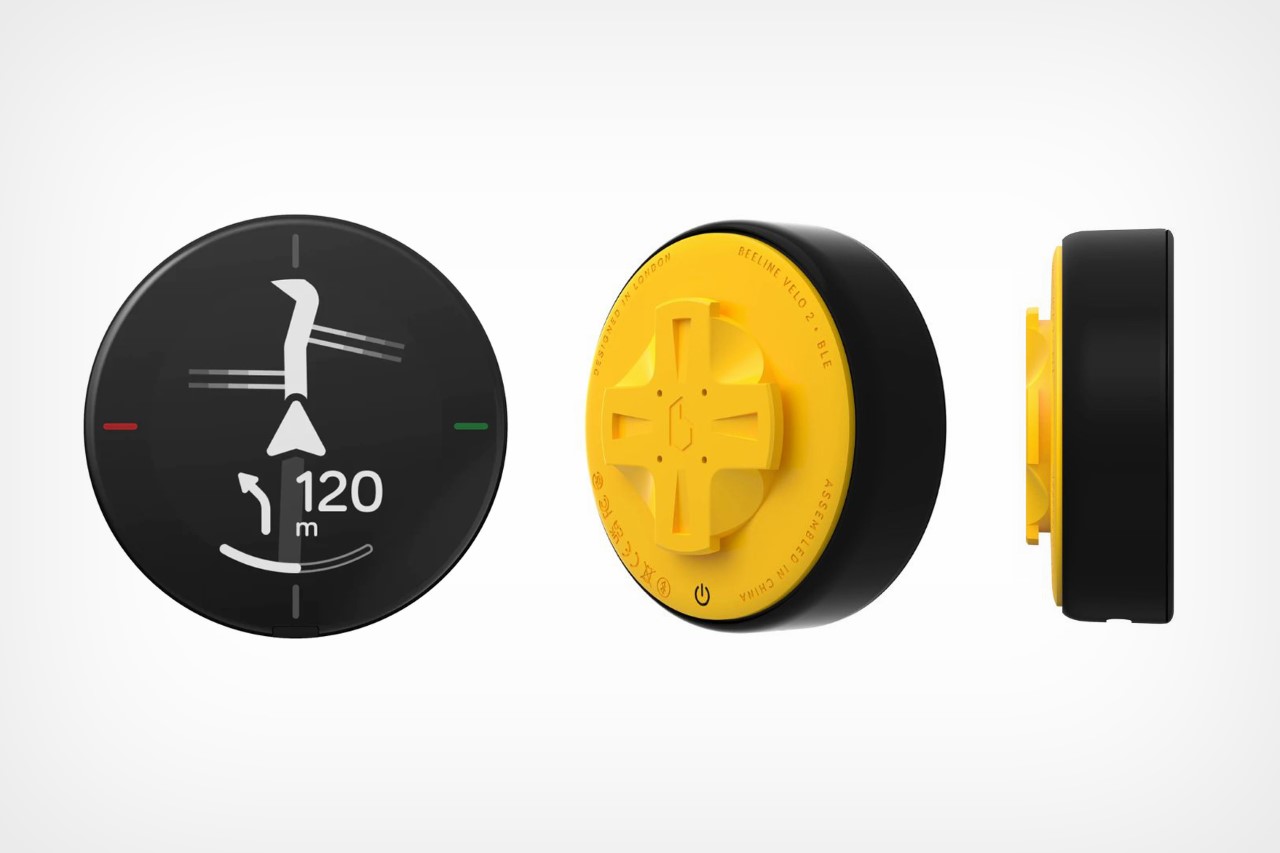
The Velo 2 retains the beloved features of its predecessor, popularized on Kickstarter while introducing an updated user interface and additional navigation options. It’s housed in a compact, smartwatch-like round design with a 1.28-inch circular LCD IPS display, distinguishing itself visually from traditional GPS computers. The unique RockerTop interface replaces conventional buttons or touch screens, offering a distinct tactile feedback which is a notable advantage over touchscreen designs.

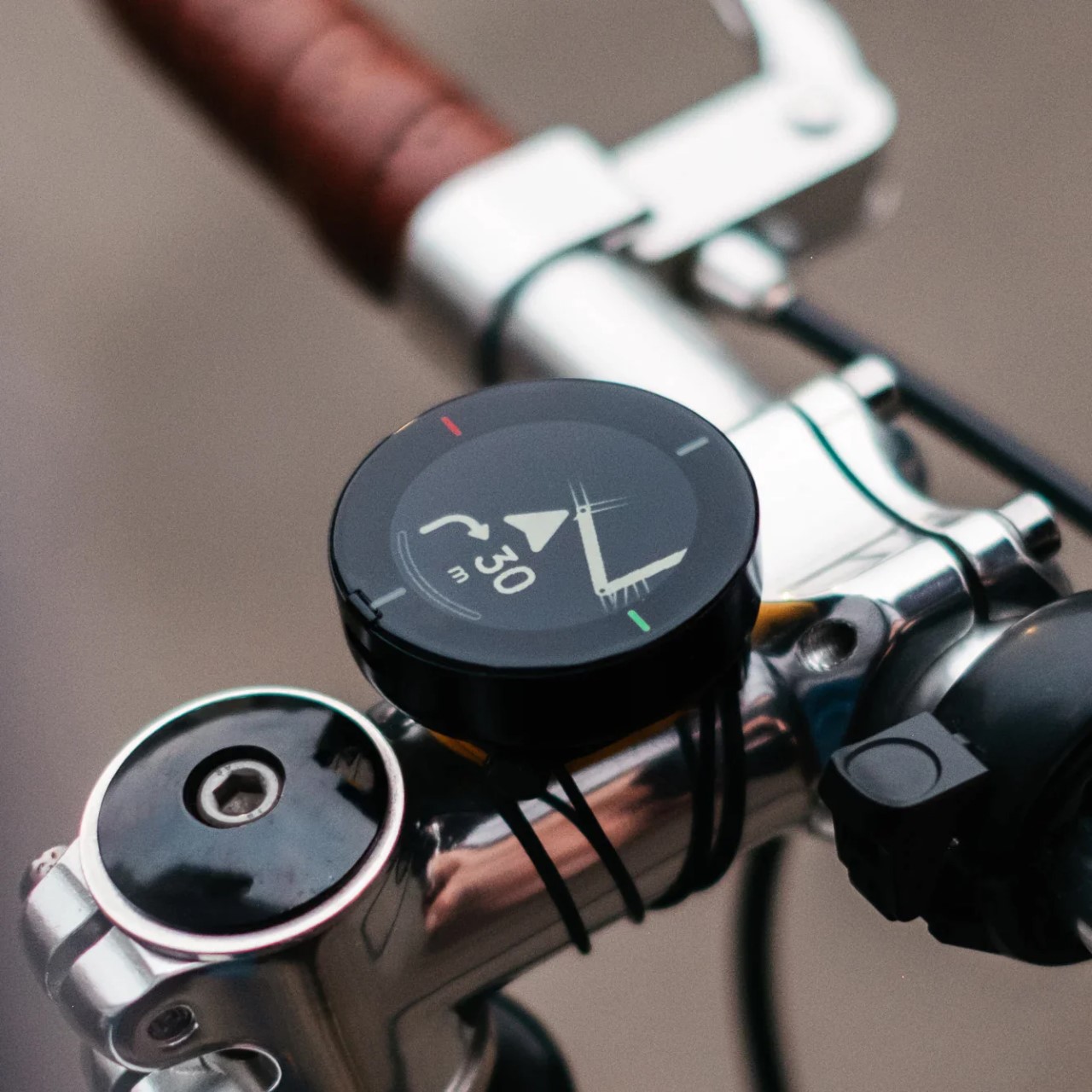
Unboxing reveals an eco-friendly package containing the GPS unit, a handlebar mount with two sets of O-rings, an instruction manual, and a USB-C charging cable. The Velo 2, Beeline mentions, is designed to be both carbon and plastic-negative, lining up well with the eco-friendly mode of travel that is bicycling. The device, aside from being healthy for the environment, is also designed to be entirely repairable via Beeline’s refurbishment scheme. The mounting system, though proprietary, is effective and secure, using o-rings to attach to various handlebar diameters.

The user interface emphasizes ease of use. It’s simple and intuitive, devoid of the multi-level menus and customization found in other GPS units. This simplicity extends to its functionality: the Velo 2 focuses on GPS navigation and basic ride data, foregoing connections to secondary sensors or display customizations. The main display shows an odometer, the time, battery status, and a playful bicycle graphic that moves with the computer’s orientation.

A key upgrade in the Velo 2 is its innovative approach to navigation. It leverages user feedback to refine routing, allowing cyclists to rate roads during their ride. This crowdsourced data helps Beeline incrementally improve cycling routes, avoiding poorly rated roads. The Velo 2 offers two navigation modes: a basic compass-style display pointing towards the destination and a more detailed turn-by-turn option. It also pairs directly with Strava, letting you upload rides easily, or even share them with friends and families via GPX.

While the Beeline Velo 2 might not cater to data-driven cyclists seeking extensive metrics and sensor integration, its minimalist design, intuitive interface, and innovative routing approach make it a compelling choice for those seeking a straightforward, enjoyable cycling experience.

Click Here to Buy Now

The post The Beeline Velo 2 is a gorgeously minimal bicycle GPS with a carbon-negative design and Strava support first appeared on Yanko Design.